Avast Secure Browser sets the benchmark for security and privacy

Avast Secure Browser

How many of us can remember a world where we couldn’t turn to Google for easy answers, where Wikipedia didn’t serve as a one-stop shop for research, or where connecting and networking with people was something you could only do with business cards and landline telephones? The world wide web has woven itself into our daily lives, and its use in American homes has increased by 400% in the past 20 years. The number of hours we spend on the internet each week has shot up from 9.4 hours to 23.6 in the past 19 years, and overall internet penetration has increased from 67% to 92%. That’s all time you spend using your web browser (i.e. email, shopping, banking, social media, news & entertainment, etc.). By now you should be using one that’s safe, fast and private.

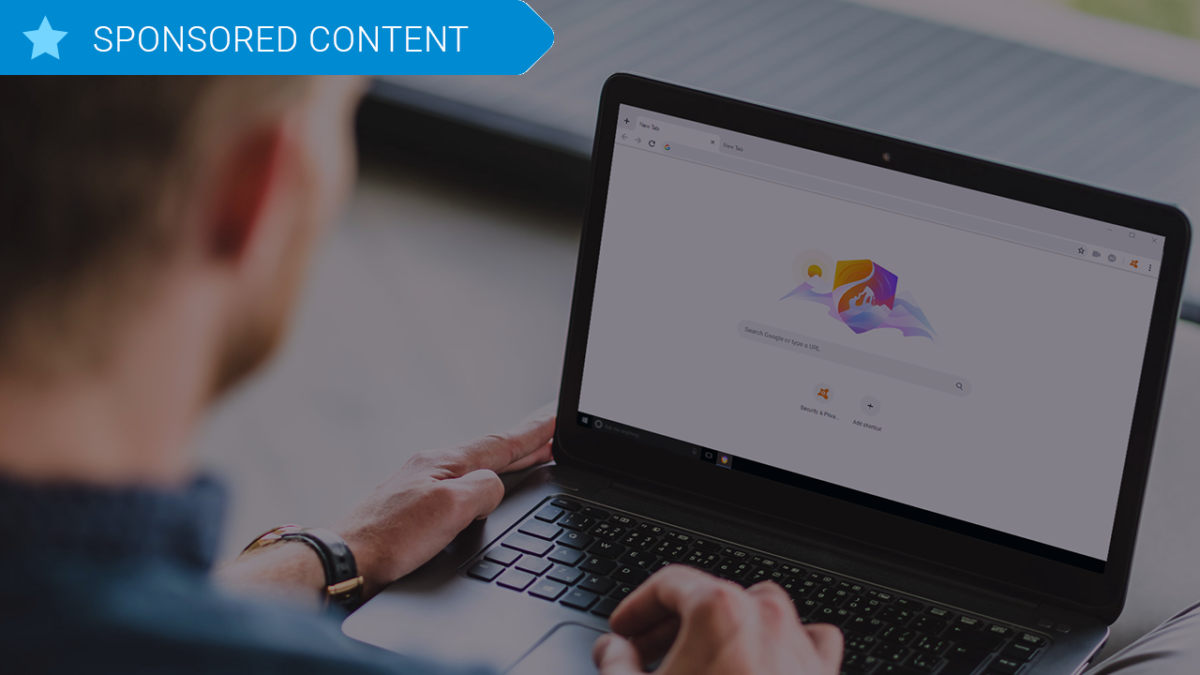
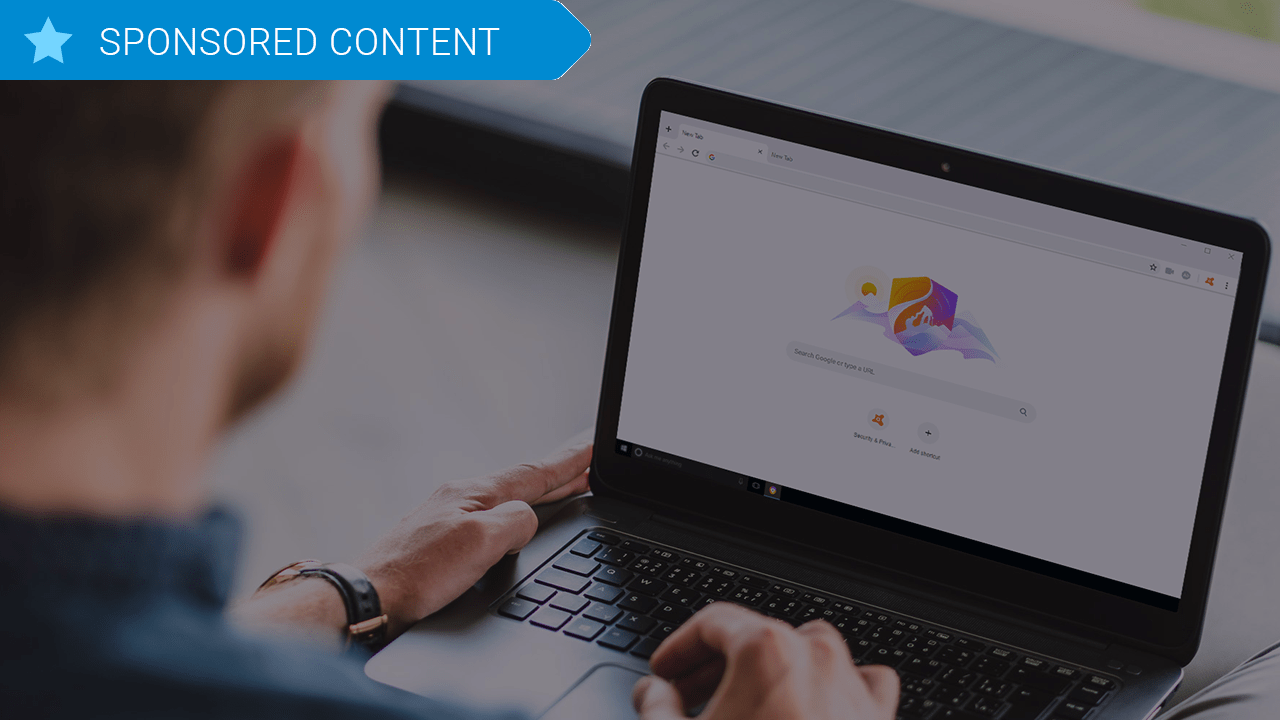
Avast Secure Browser was designed around those exact priorities, and a new, updated version was released back in April 2019. Avast was built by security experts, their prime focus being to grant users control, anonymity, safety, and smart intuitive browsing. Avast Secure Browser doesn’t follow your searches, clicks, or purchases, and seamlessly brings all your privacy and security tools together, and as of the new update also includes features like an Email Hack Check, a Webcam Guard, and better Anti-Fingerprinting tools than ever before.

Avast Secure Browser Free Download
8
Secure, fast and private web browser with a new customized Security & Privacy Center

Extensions are dangerous

We all love our browser extensions, and while many are useful and safe, it just takes one wrong download to put your computer at risk. A compromised extension can actually grant attackers access to all data on both your computer and the websites that you’ve visited.

Avast polled over 10,000 consumers globally and discovered that even the most popular browser extension frameworks had serious security vulnerabilities despite widespread use. 64% of respondents said they used third-party browser extensions, yet a meager 21% of them said they trusted them. 96% of the same people polled said they wished their browser did a better job of being up front about identifying ads or malware hidden extensions instead of merely apologizing and cleaning up the mess later. When you move to get a new extension, Avast Secure Browser scans for any unsafe add-ons, links and content that could be potential malware.

What is Avast Secure Browser?

Avast Secure Browser is a new approach to internet browsing based on the powerful Chromium open source platform. Other well-known browsers that use the Chromium source code are Google Chrome, Opera, and Brave, with Microsoft Edge next in the queue. Avast Secure Browser is fast and comes with a litany of privacy-enhancing features and customizable settings to bolster your privacy. Officially, Avast Secure Browser is the successor of Avast SafeZone Browser which has since been discontinued in order to pave the way for the new kid on the block. The most obvious example of this level of customization is the new Security and Privacy Center.

Avast Secure Browser Free Download
8
Secure, fast and private web browser with a new customized Security & Privacy Center

Security and Privacy Center

The Security & Privacy Center is a curated collection of tools, features, and settings for managing your online activity. Each feature or setting in the Security & Privacy Center is also a knowledge center helping users understand what the feature is, the benefits, and when it should be used. Avast implemented this feature so users could “easily customize their browser to their own needs. Plus, you’ll get the same familiar look you’re used to so you won’t need to change your browsing habits!”

In the Security and Privacy Center you can view and set various filters to not only craft a more secure and private browser but a more secure PC and personal identity. You can access it by simply clicking the Avast symbol in the top-right corner of the Avast Secure Browser screen.

This way you control browsing aspects such as ad-blocking, privacy, HTTPS encryption, password manager extensions, and other tools such as:

  • Webcam Guard (enabled) to give consumers complete control over who can access their computer cameras.
  • Email Hack Check to let people know if their email addresses have been compromised.
  • Extension Guard (enabled) to block the installation of untrusted browser extensions.
  • Adblock (enabled) to improve browsing speed and block potentially malicious ads.
  • Anti-Phishing (enabled) to protect against phishing attempts.
  • Anti-Fingerprinting (disabled) to prevent websites from tracking people as they browse.
  • Flash Blocker (enabled) to block all Flash content.

You may also launch a new private browsing window (called Stealth Mode) and a Privacy Cleaner (which cleans your browsing data) from the Security & Privacy Center as well – and this time they’ll actually do their job. Enabling Stealth Mode with Avast Secure Browser ensures both anti-tracking and anti-phishing, and automatically upgrades all http to https encryption.

“Consumers using tools like Private Browsing and Incognito Mode are being lulled into a false sense of security as these only offer limited privacy options and no real protection at all against many security or privacy threats,” said Matt Adkisson, Director, Platform Products, Avast.

“Consumers have never been offered a browser that provides both industry leading web protection and online privacy delivered by cybersecurity experts. We are first and foremost a security company and we redesigned Avast Secure Browser specifically to deliver a secure and private online experience. Not only is it a simple and safe choice for the privacy-conscious individual, it’s also substantially faster than other browsers available today.”

How’s the privacy?

While Avast Secure Browser definitely has speed going for it, speed still comes secondary to its stance on privacy and security. The browser has top-of-the-line built-in privacy features that serve to hide your identity, cover your digital footprint, and keep your business strictly your own. “We believe that what you do online is your business,” says the team. “Your posts, your emails, your searches, your browsing history — they’re yours. With our browser, it stays that way.”

Avast Secure Browser Free Download
8
Secure, fast and private web browser with a new customized Security & Privacy Center

Avast Secure Browser is available on Windows 10, 8, and 7 to any new users of Avast Antivirus products and can be downloaded right here. You can also elect to tack on additional paid subscription features like Avast SecureLine VPN for a small annual fee. The full feature list and the link to download the new Avast Secure Browser is available on their website. Stay tuned with us for more information as it becomes available!
5 tips for using Avast Free Antivirus

Download Avast Free Antivirus and get the most out of it with these 5 tips. Download Avast professional-grade security bundle that offers superior levels of protection against all modern threats.

So you’ve downloaded Avast. You already know that you’re now in possession of a professional-grade security bundle that offers superior levels of protection against all modern threats. Avast will do the heavy lifting for you from now on, but there are still some measures you can take on your own end to get the most out of your product.

Here are five tips to maximize your experience with Avast:

Avast Free Antivirus Download Avast
8

1. Lighten your overloaded computer

You’d think that having antivirus software on your PC would make it run slower – constantly checking for threats, scanning your computer’s health, and monitoring your online activity. Luckily Avast Cleanup is here to help. Chock full of tools to fix crashes, bloating, and freezing, Avast Cleanup alerts you to programs running in the background, programs you haven’t used in ages, and programs that you never asked for in the first place. Avast Cleanup will identify this unwanted bloatware and breathe some energy back into your PC.

2. Manage and protect your passwords

Your account is only as good as your password – all it takes is a low-quality code and suddenly your data is in the hands of a hacker. Rather than writing down dozens of passwords, or coming up with new ones on the spot that you’ll have to later remember, just let Avast deal with it. Avast Passwords  manages your passwords and credit card numbers so you don’t have to. It’ll easily auto-fill your login information and protect your accounts with one Master Password. Not only that, it syncs between your devices, be they PC, Mac, Android, or iPhone.

3. Put a shield around your home

Hackers don’t need your computer to enter your home. With IoT devices on the rise, your home has more vulnerabilities than ever before. You can outfit your home network with Avast’s Smart Life Platform to maintain security and privacy in the IoT age. Whether it’s deployed on the router or directly on the gateway, Smart Life processes and analyzes any data in real-time through Avast’s cloud intelligence platform. It won’t even affect your router performance or Internet connection.

4. Keep an eye on your kids

Avast’s Smart Home Security can offer you some peace of mind by sharing your child’s online behavior. You can install and use it to control the content they view, and even keep tabs on their location. The Internet is a huge place, and Smart Home Security can cut off offensive content and put a cap on how much time your kids are spending on the Internet. Avast Smart Home Security is easily integrated into your existing home network and fully controlled via our companion app. Complete protection, no hassle.

Avast Free Antivirus Download Avast
8

5. Put an alarm on your account

Avast has detected over 19 billion stolen passwords. Enter your email in this link and you can see if yours is one of them. You don’t even need an Avast account to do it, it’s just a great tip for checking whether you’ve been compromised. You can also opt in to receive 24-hour automatic email alerts anytime your password leaks.

Hopefully our tips have helped you get the most out of your new Avast service. Keep diligent with your protection and updates, and check out our other tips for keeping your network secure and your data private.

5 reasons why you need an antivirus

Avast has some of the best antivirus software on the market. Avast 2019 updates have only made it stronger still, offering enhanced webcam guards, improved anti-fingerprinting, and an email hack check. Download Avast Free Antivirus now.

It’s 2020 and we now spend a good deal of our lives online, personally and professionally. Unless you’re tech-savvy, that’s a lot of time spent in an environment where your data and security can be easily compromised. If you walk into battle without your armor, you’re going to get hurt. There are innumerable reasons why you should install powerful antivirus software, but we’ll keep this short and give you five big ones:

1. You buy things online

Have you ever been to Amazon.com before? What about Ebay, Fandango, or Steam? Punching in your credit card number should already raise a few red flags, and for good reason: While the sites themselves are pretty safe, if you get hit with malicious spyware, it will follow you anywhere you go – even a trusted site. Spyware collects information about your surfing habits or personal information (such as credit card numbers), and can pass it to third parties without you knowing. A foreign keylogger can even monitor your keystrokes. It’s not too hard to find a key pattern that matches a credit card number.

2. Hook, line, and sinker

Have you heard of phishing? A shrewd hacker can easily exploit the gullible, sending messages from what look like legitimate organizations – even PayPal or your personal bank. Start clicking with abandon and you’ll be redirected to a fake site, tricked into entering account information, and suddenly you’re a victim of identity theft.

3. Your password isn’t good enough

Passwords are the first line of defense when you’re making payments or opening your email or Facebook. Avast has detected over 29 billion stolen passwords taken from security breaches or other types of illicit online activity. A strong password manager can be safer, more reliable, and more convenient. Some antivirus software even comes with one automatically.

4. It’s not just your computer

Just because your front door is locked and barred doesn’t mean a determined hacker can’t find another way in. IoT devices are on the up and up, and each one presents a new entrance into your home network. Your PC is safe, but is your toaster? Your baby monitor? Unfortunately, we’re not joking. At over 8 billion, the number of IoT devices today has officially surpassed the world’s population; and it’s only expected to grow, reaching over 20 billion this year. Antivirus doesn’t solely apply to your computer, but to any device connected to your home network. Widen the shield.

5. It’s not just you

You can protect your PC. You can protect your phone. You can even protect every IoT device under your roof. That doesn’t mean everyone else in your family is safe, or that everyone else in your family is diligent. Just because you hesitate before hitting that big download button doesn’t mean your spouse will, and just because you can cruise through the darknet unscathed doesn’t mean your kids should. Just like when you’re driving a car, it’s not just your own safety that matters – it’s everyone else in the car with you.

Avast has your back

Avast has some of the best antivirus software on the market, and the 2019 updates have only made it stronger still, offering enhanced webcam guards, improved anti-fingerprinting, and an email hack check to alert you if your email address has been compromised. With top of the line anti-phishing software, Avast Internet Security has a huge threat-detection network, machine-learning virus protection, easy password management and a fully fledged home network security to the people and devices under your roof protected – and it won’t even slow down your PC. Stay tuned with Softonic to check out more tips to keep your data private and download Avast now to receive the latest in essential threat-detection and real-time protection – with a touch so light you’ll forget it’s even there!