Google doesn’t forget: now Google Bard will be able to remember

Soon, Google Bard will be able to adapt to you thanks to its (future) newly acquired memory.

The pace at which AI-powered chatbots are updated continues to be rapid. The race in artificial intelligence is only just beginning, and Google aims to make a strong commitment to it. Soon, Google Bard will be able to adapt to you thanks to its (future) newly acquired memory.
Google Bard DOWNLOAD

Currently, all conversations we initiate with Google Bard start from scratch. However, constantly reminding details for Google Bard to consider can be very tedious. For instance, if we wanted to ask Google Bard for recipe suggestions but also have food allergies, we would have to mention it in every chat.

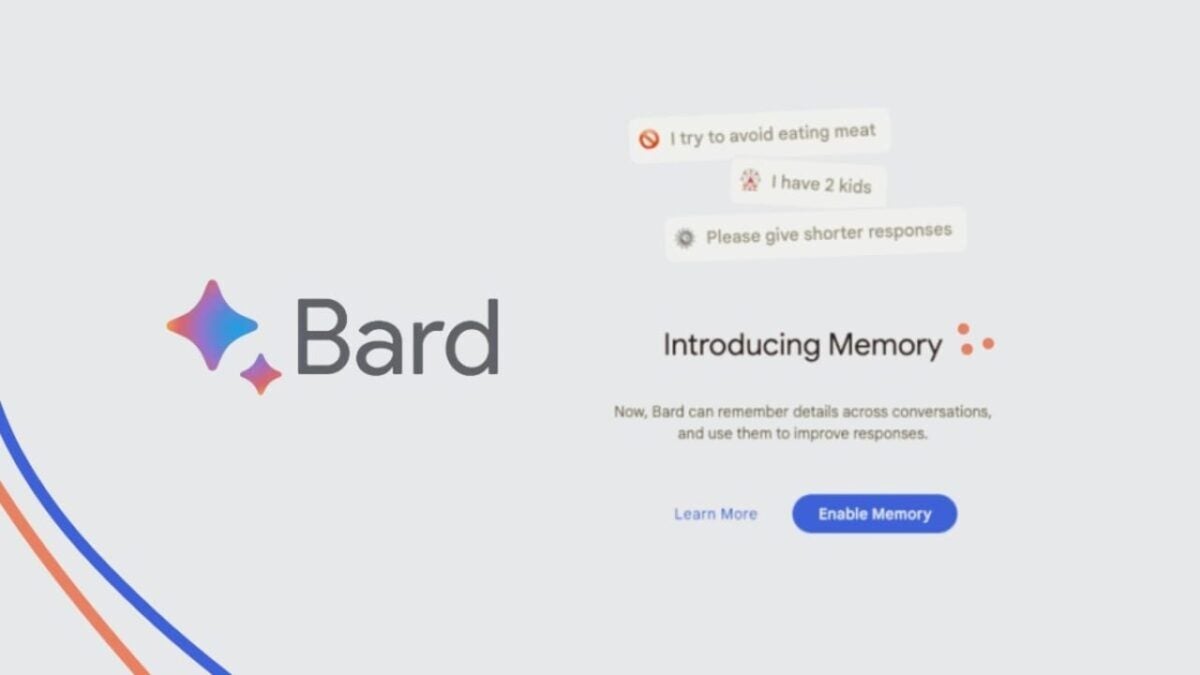
To address this, Google has decided to give Bard ‘memories.’ According to Dylan Roussel, the feature called “Memory” will allow Bard to take specific details from our conversations into account. In an initial screenshot revealed by Google, there are some examples of what Bard can do.
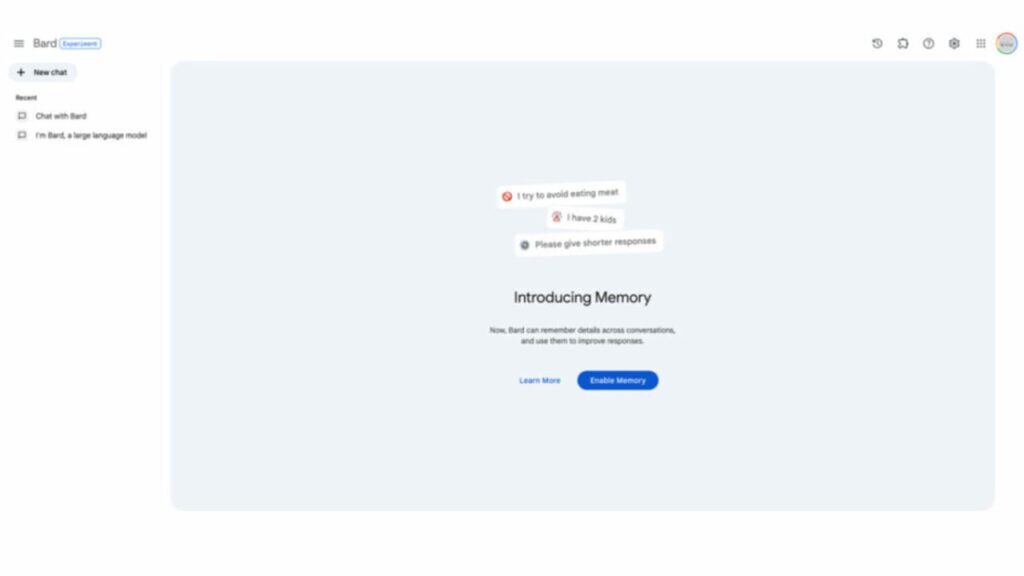
From the Memory page, accessible through the menu on the left, you can add your preferences. Thanks to this, there’s no need to repeat data to Google Bard over and over again. And in case you don’t want to use “Memory,” Google will allow you to deactivate it at any time. Currently, the feature is still in development, so we don’t know yet when it will be publicly released.

OpenAI leading the way: ChatGPT also gains “memory”

It seems like the folks at OpenAI are ahead of the game here. ChatGPT was already updated with a similar feature called “custom prompts“. The announcement was made during the summer months, and it’s now available for all users. Just like with Bard, ChatGPT’s custom prompts allow us to input specific parameters that the bot will consider when responding.

Google Bard DOWNLOAD

The next leap in AI: Bard can now find answers in your Gmail, Docs, Drive, and more

This change in artificial intelligence affects our security and privacy. Now the Google assistant will be able to review all our information…

We’ve talked a lot about Bard, Google’s artificial intelligence that gained fame after ChatGPT. Google’s response to OpenAI came out in very poor condition, but after 9 months of improvements, its next big leap is both frightening and promising.

Bard ACCESS

As announced by Google in its blog, Google’s chatbot Bard AI is no longer limited to obtaining answers solely from the web: it can now scan your Gmail, Docs, and Drive to assist you in finding the information you’re looking for.

With this new integration, you can ask Bard to do things like finding and summarizing the content of an email or even highlighting the most important points in a document you have stored in Drive.

There’s a whole range of use cases for these integrations, which Google calls extensions, but they should save you from having to dig through a mountain of emails or documents to find specific information.

Furthermore, Bard can use that information in other ways, such as including it in a chart or creating a bullet-point summary. For now, this feature is only available in English. And yes, these are improvements that will make our lives easier.

Are we giving Google permission to spy on us?

While granting Bard access to your personal email and documents may raise concerns about privacy and data usage, Google states that it will not use this information to train the public Bard model, nor will it be viewed by human reviewers.

You are not required to activate the integrations with Gmail, Docs, and Drive. Google will ask for your permission first, and you can deactivate it at any time.

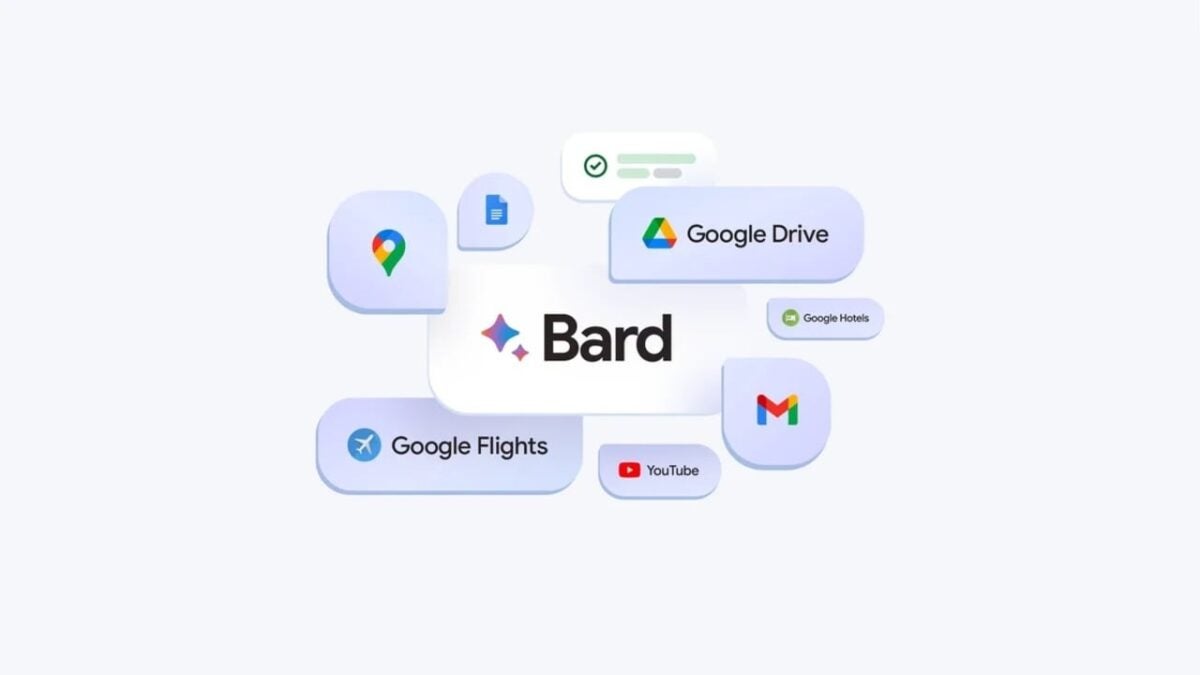
Bard’s extensions are not limited to Gmail, Docs, and Drive. Google has also announced that the chatbot will connect with Maps, YouTube, and Google Flights.

This means you can now ask Bard for real-time flight information, have it search for nearby attractions, show you YouTube videos on a specific topic, and much more. Google will enable these three extensions by default.

Who watches the watchers?

Google is also introducing other notable improvements in Bard. Among them, a new way to check Bard’s responses through the chatbot’s “Search in Google” button.

Previously, the button allowed you to search for topics related to Bard’s response on Google, but now it will show whether Bard’s responses contain information that Google Search corroborates or contradicts.

When you click the “Google it” button on corroborated responses, Google will highlight in green the information verified by the Search, while uncorroborated responses will be highlighted in orange.

You can hover over the highlighted phrases to get more information about what Bard may have understood correctly or incorrectly. Google is also adding a way to continue a conversation with Bard based on a shared link, allowing you to expand on a question that someone has already asked.

Since Bard’s introduction in February, Google has been gradually adding more features, including the ability to generate and debug code, as well as create functions for Google Sheets.

Bard ACCESS