Want to create your own GIFs? Try these tools to do it easily.
GIFs are a whole lot of fun. They add humor and emotion to text conversations, social media posts, and the comments section of your favorite blog. And while you can easily pull up a GIF for every occasion, you might not have realized just how easy it is to create your own.
Below, we’ll look at some of our favorite apps out there for creating GIFs from your smartphone or computer.
Best apps for creating GIFs
1. Giphy’s GIF Maker
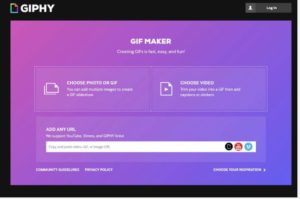
Giphy is something of the default source of GIFs — they have an endless library of choices that allow you to apply a premade GIF perfect for any situation.
Giphy also offers a platform so you can create and share your own GIF creations, the aptly named, GIF Maker. Start by sourcing clips from Giphy Links, YouTube, or Vimeo — then select the portion you’d like to transform into a GIF. Add captions, and you’re ready to go. From there, your GIFs are uploaded into the Giphy database, and you can share or download your little works of art. Available for Android, iOS, web.
2. GIF Me
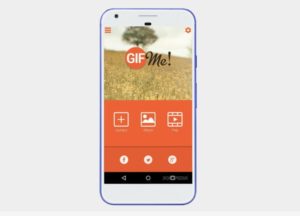
If you’re looking for something simple, GIF Me is a straightforward tool that lets you record a short video and share it with your network. GIF Me allows you to import photos and videos from your camera roll, add filters, frames, and text, and customize your content. Additional features include stop motion, time-lapse, and wiggle GIFs. Available for Android and iOS.
3. GIFBrewery

GIFBrewery is a GIF-making app for Mac users. It’s $4.99 for a one-time download, and you can use it from your computer. Its main functionality is turning your videos into GIFs, then editing with texts and images. The tool makes it easy to edit GIFs — and it comes in handy for creating previews for longer videos you can promote on social media. Available for macOS.
4. Giphy Cam
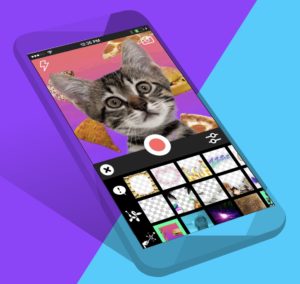
Another app from the Giphy search engine, Giphy Cam is the perfect outlet for making quirky, stylized GIFs. The free app allows users to record videos and add special effects.
The app comes with a range of filters, stickers, and you can share your handiwork via text or social media. We should also mention, this is definitely the best place to create custom GIFs complete with your favorite bits of internet culture — from cats to pizza and really weird uses of photos. Available for Android and iOS.
5. Gifnote

Gifnote’s whole angle is providing the musical recommendations that take your GIFs to the next level.
It’s not necessarily a GIF maker, but it’s a nice add-on to existing GIFs or your homemade clips. How it works is, the app uses proprietary technology that allows people to pair short music clips with videos, GIFs, and photos. In all, it’s a cool extra touch for spicing up your social channels. Web app only.
6. Pixel Animator
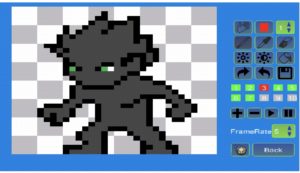
Pixel Animator differs from the options we’ve included above, in that, most GIF making tools center around the idea of creating GIFs from existing video content.
This free Android app is a much more hands-on experience. You’ll have the option to design sprites from scratch — or make things easier on yourself by starting with an existing photo or drawing. Once you’re happy with your creation, you can export as a GIF and share away.
It takes some time to learn the ins and outs of the tool — and admittedly, if you’re not great at drawing, your animations might look a bit clunky.
That said, Play store comments seem to be on the same page — most reviewers felt that the app was easy to use and fun. Available for Android.
7. WhatFix
WhatFix is a free tool that is a bit more practical than something like Pixel Animator. This web-based app stands out as an easy way for content creators to make step-by-step instructions and quick flows that reinforce what you’re trying to say.
Visit WhatFix’s website, and you’ll quickly see that the product aims to “accelerate product adoption.”
You’ll type in each step in the process you’d like to explain, and the app records everything, turning into a neat widget that will really give your website a professional look.
Additionally, the app creates YouTube video flows — so you can create your own tutorial videos in a short amount of time. Web app only.
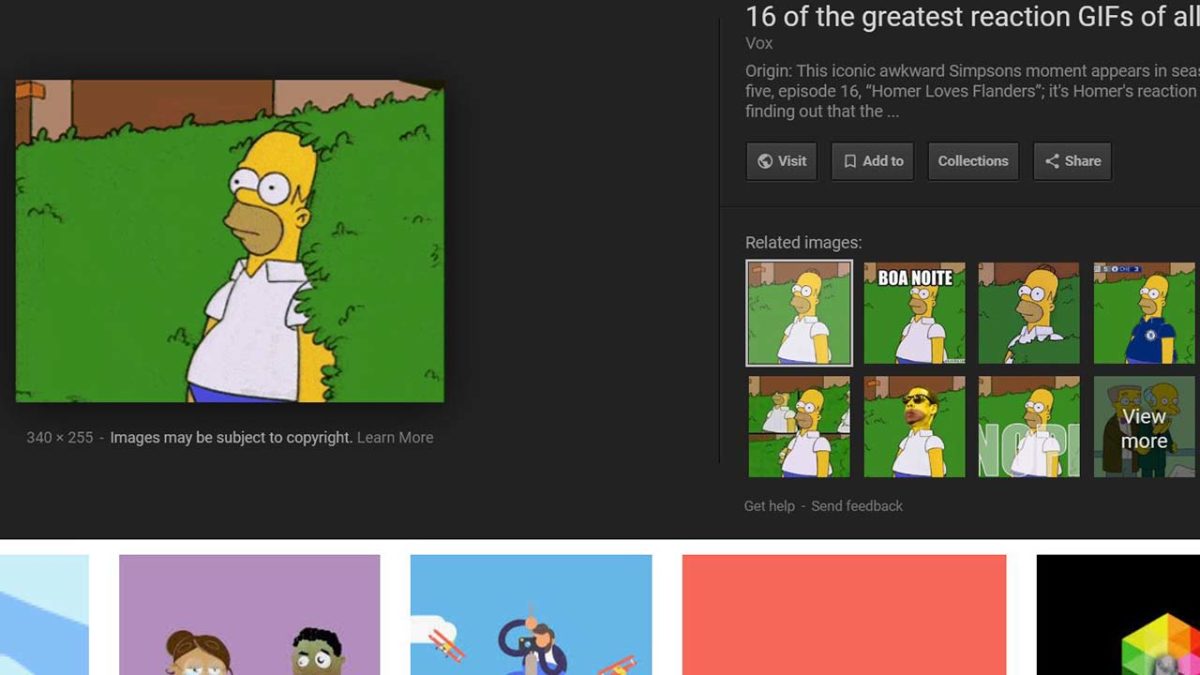
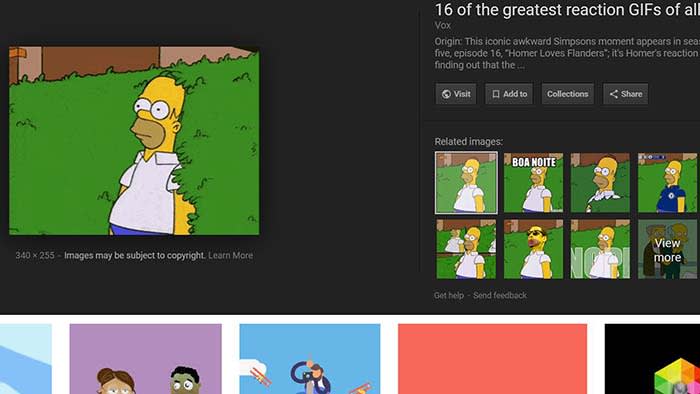 Google has made it easier to share GIFs from Google Images with our friends and family. This feature is available on the Google app on iOS and Android as well as on the Chrome app on Android.