
Choosing a savings account might not be as fun as spending money on your next trip, a new computer, or a bunch of new clothes. However, picking the right one can net you some extra money in the bank — literally.
Not only that, but the right savings account also provides some protections that a basic checking account can’t give you.
Not all savings accounts are the same, and online versions often offer better features than their brick-and-mortar counterparts.
Things to look for in an online savings account
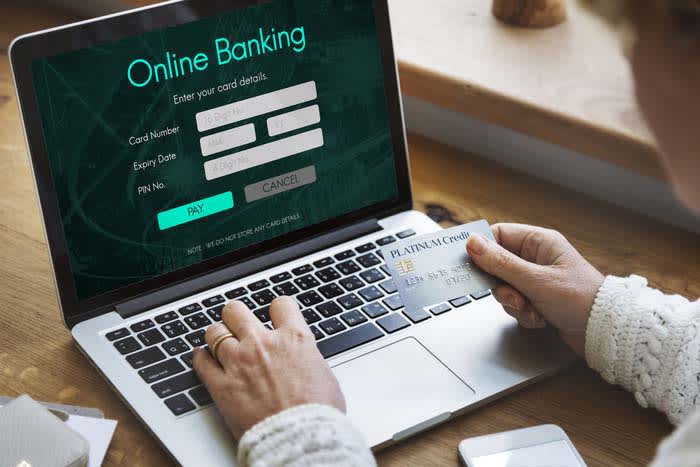
The best savings accounts offer easy access to funds, reliable customer service, and seamless online experience.
Beyond that, and perhaps more importantly, they should offer low monthly fees and higher-than-average interest rates. These help you grow your nest egg into something bigger.
Interest rates
Most of the options we’ll list below come with interest rates higher than 2%.
By contrast, Bank of America accounts only offer savers a 0.3% interest rate, meaning you likely won’t notice your savings growing beyond what you put into your account.
Easy withdrawals
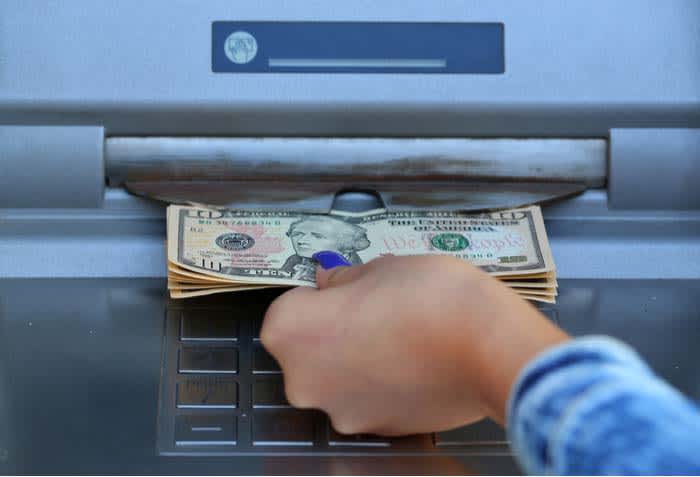
What happens if you need quick access to funds? While the purpose of savings accounts is saving not spending, you’ll want to make sure that you can access your money in case of an emergency.
That said, don’t treat your savings account like a checking account. Federal regulations dictate that you can’t make more than six withdrawals in a month. If you do, your bank will charge you a fee.
Opening deposit
Some banks require an initial deposit. This amount varies considerably, but often it’s a smaller amount like $25 or $50. This isn’t a huge deal, as the whole point of opening a savings account is to, well, save some money.
In other cases, you’ll see higher minimum deposits, which may be a barrier to entry if you’re just starting to save money. Obviously, not all of us can front multiple thousands of dollars.
That said, many online banks offer access to low- or no-minimum accounts. Just make sure that you review any associated fees before you sign up.
5 best online savings accounts
1. HSBC
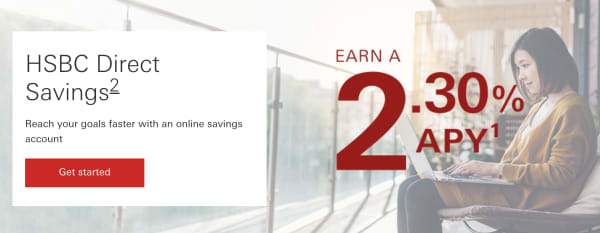
The global banking giant offers an online savings account that blows its traditional savings accounts out of the water.
The minimum opening deposit is $1, and from there; you’ll get started earning interest at a 2.30% APY. There’s no monthly fee, but the bank will charge you a $25 cancellation fee if you close the account within six months of opening.
What’s neat about HSBC is that it offers a budgeting tool to help you set goals and visualize your financial progress. You can also deposit checks electronically through the mobile app. Howeverm some users have reported that mobile functionality is a bit clunky and could use some work.
.webp)
2. Ally
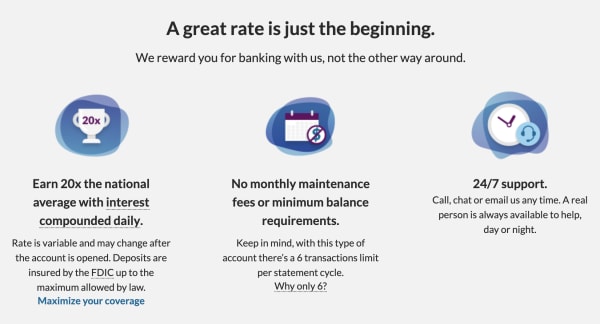
Ally is a bank that doesn’t have any branches, and consistently pays high-interest rates for savers; we’re talking 2.20%.
There’s no minimum balance requirement, and you can open a free checking account, too. The benefit of opening a checking account with Ally is, you’ll get 1% cash back on purchases and can connect your accounts. This makes it easy to transfer money into your savings account.
3. Citizens Access
Citizens Access is an online-only extension of East Coast brick-and-mortar Citizens Bank. Their online savings account provides one of the highest interest rates we’ve seen at a whopping 2.35% APY. You also won’t pay any account fees.
The catch is that there’s a $5,000 minimum deposit, which may be a bit steep for some consumers. It’s also important to note that if your balance drops below the $5,000 mark, the APY drops along with it.
Still, Citizens Access is one of the best options around. The website is easy to use and supports electronic deposits, and all deposits are FDIC-insured.
4. American Express (Amex)
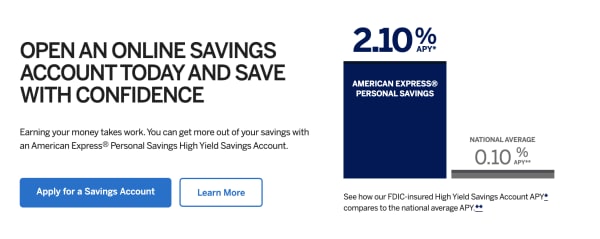
American Express does more than just credit cards. They also offer a high-yield savings account with a 2.10% interest rate.
Heck, they’re even endorsed by the 1989 Cleveland Indians:
What’s more, this option is accessible to anyone. Unlike Citizen’s $5,000 entry deposit, Amex has no minimum deposit, no monthly fee, and FDIC-insured deposits up to $250,000.
That said, they do require that all account holders fund their account within 60 days of applying.
Overall, American Express offers a flexible savings account that gives you the ability to earn interest while still allowing you to access funds if needed.
Unfortunately, the account is not set up to support daily transactions. That means no mobile apps (AE only offers an app for credit card accounts), no checks, and deposits needed to be mailed, physically.

5. Barclays
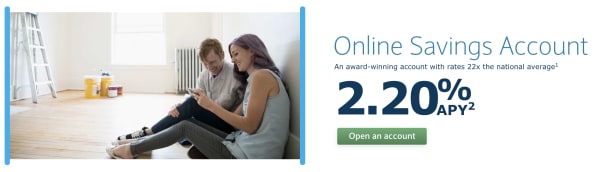
Barclays has a 300+ year history in the UK, though it has yet to make it big stateside. However, the bank’s online savings accounts come with competitive interest rates (2.20%APY), no monthly maintenance fees, and doesn’t require any minimum balance to open an account. Your deposits are FDIC insured up to the legal limit.
What’s more, you can quickly transfer money back and forth between your Barclays account and your checking account or other savings accounts with other banks. Barclays also supports electronic deposits through its mobile app.

Wrapping up
Selecting the right savings account is a significant first step toward getting your finances on track, and a high-yield account is a long term investment. However, it can add up to thousands of extra bucks in interest down the road.