12 ways Firefox can defend your data against internet threats

Discover how these Firefox tools can keep your data safe.

firefox security

There are a ton of different things we can do to secure our privacy online, but if you’re like us, you probably want the simplest, safest solution. Thankfully, Firefox has many different add-ons to choose from to customize your browser and create your own unique type of safety.

A closer look at Firefox’s enhanced security options

Multi-Account Containers

If your browsing habits are different at work and home, you should look into Multi-Account Containers. Create a tab and group your favorite websites together (for example, travel websites or vegan recipe blogs) for convenient access. No more having to open 10 tabs one at a time. Each tab is a different color, and cookies aren’t shared between tabs so you can answer your work emails in one tab and visit a few dating profiles in the other. This way, if a friend or family member wants to use your computer, they can visit a webpage that you might also have an account for and it won’t automatically sign you in. This is the ultimate extension for multitaskers.

Mozilla Firefox Free Download
7
Mozilla Firefox is a free, open-source web browser. Now with new features, faster and more secure.

Facebook Container

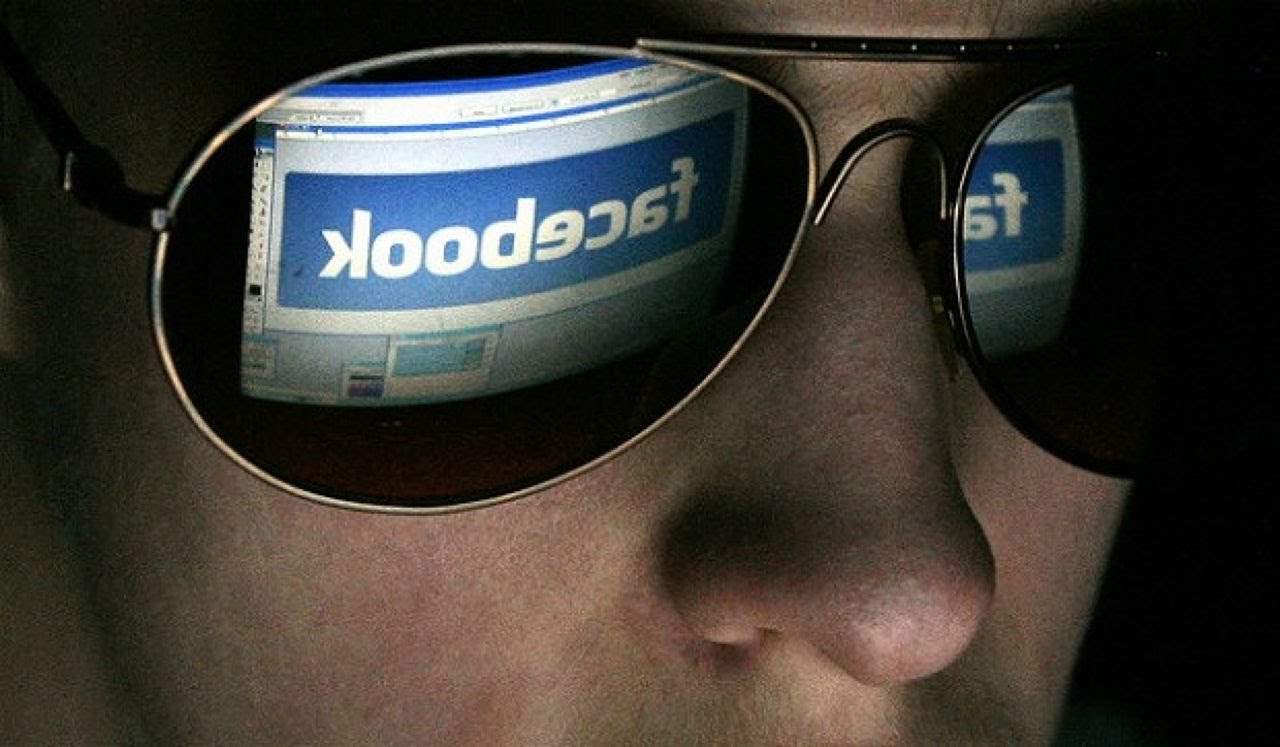
Do you ever get on Facebook and see an ad for something that you Googled yesterday? Everyone has a Facebook page, but for the last few years, it seems like the social network has been playing fast and loose with our data. Downloading Firefox’s Facebook Container extension will make it difficult for Facebook to track your online activity by isolating your identity into an entirely separate container.

Bloody Vikings!

No matter what we sign up for, usually it will require giving our email address even if we don’t need to receive emails to use the service. With the Bloody Vikings! extension, you don’t have to worry about sharing your private data because you won’t have to. Right click on the box when you’re prompted to enter your email and Bloody Vikings! will give a temporary email address and open that email in a separate tab in case you have to verify it to use a service.

Cookie AutoDelete

This is as simple as it gets, but it’s incredibly useful. When you close a tab, Cookie AutoDelete will delete any cookies from the web pages that aren’t being used anymore. You’ll reduce the amount of data being held by web pages, and you can also whitelist sites that you trust.

Decentraleyes
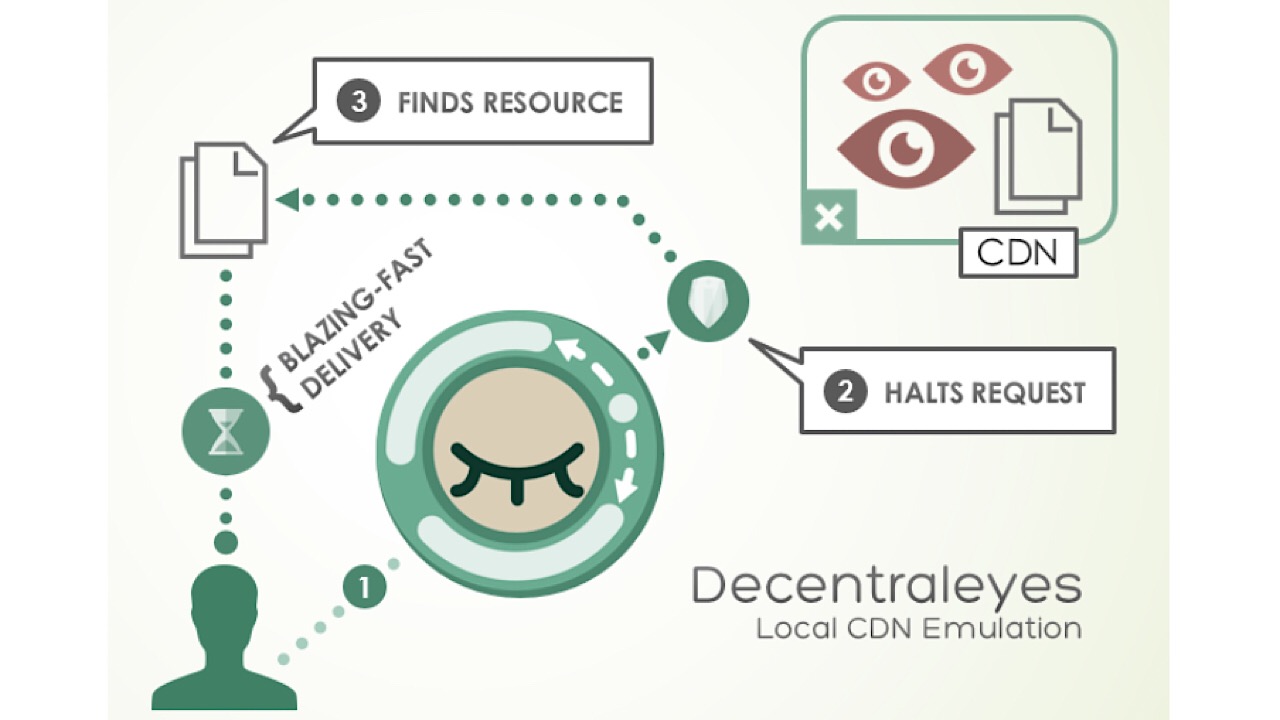
Decentraleyes logo

Surf the web privately and don’t leave a single footprint. Decentraleyes protects you against tracking by third-party web pages by canceling the requests from those pages for trackers and ads. When you receive content from a website, this extension bundles them and delivers them quickly to keep your downloads private.

Disconnect

Disconnect was named one of the best privacy tools by the New York Times, and for a good reason. Get an alert when a website is attempting to track your movement and browsing history, then block them. Some of the websites that you trust the most could be retaining some of your information.

Disconnect for Facebook

All of the protection from the original Disconnect extension, but this time specifically for Facebook. This version of the extension is a firewall that blocks third-party websites from accessing your information and Facebook activity. Even though Disconnect for Facebook will be running while you’re using the website, it won’t affect any of the functions.

DuckDuckGo Privacy Essentials

DuckDuckGo logo

Block tracking, ensuring smarter encryption, and using a special private search are just a few of the things that are included in DuckDuckGo’s Privacy Essentials.  This collection contains tools  to help you take control of your private information, no matter what you’re doing on the internet. A toolbar included will give you a privacy rating for each website that you visit, and you can simplify the tons of paragraphs that make up a service’s privacy policies before you take the plunge and sign up for that service. There are a ton of things you can do with DuckDuckGo, and everything is made simple so you aren’t stuck at your computer, reading the fine print.

Mozilla Firefox Free Download
7
Mozilla Firefox is a free, open-source web browser. Now with new features, faster and more secure.

History Cleaner

With History Cleaner, you can choose how long your computer keeps your browser history before it is deleted. If you want to turn off or pause the extension, just set the number of days to zero.

Link Cleaner

Long URLs in a tweet or Facebook post can make them an eyesore. Use Link Cleaner and your URLs are transformed into a link that is short, sweet, and without tracking parameters.

Privacy Badger

Privacy Badger logo

No more keeping track of what to block. Privacy Badger watches closely as you browse and automatically learns which domains are tracking you and deletes them. If you have Do Not Track enabled already, some sites might ignore your request not to be tracked, but Privacy Badger is built to catch and block those domains as well.

Privacy Possum

Similar to Privacy Badger, but a bit more mischievous. When a third party attempts to collect your data, Privacy Possum makes short work of the activity by reducing the data being taken and falsifying it. Take that!

Smart HTTPS
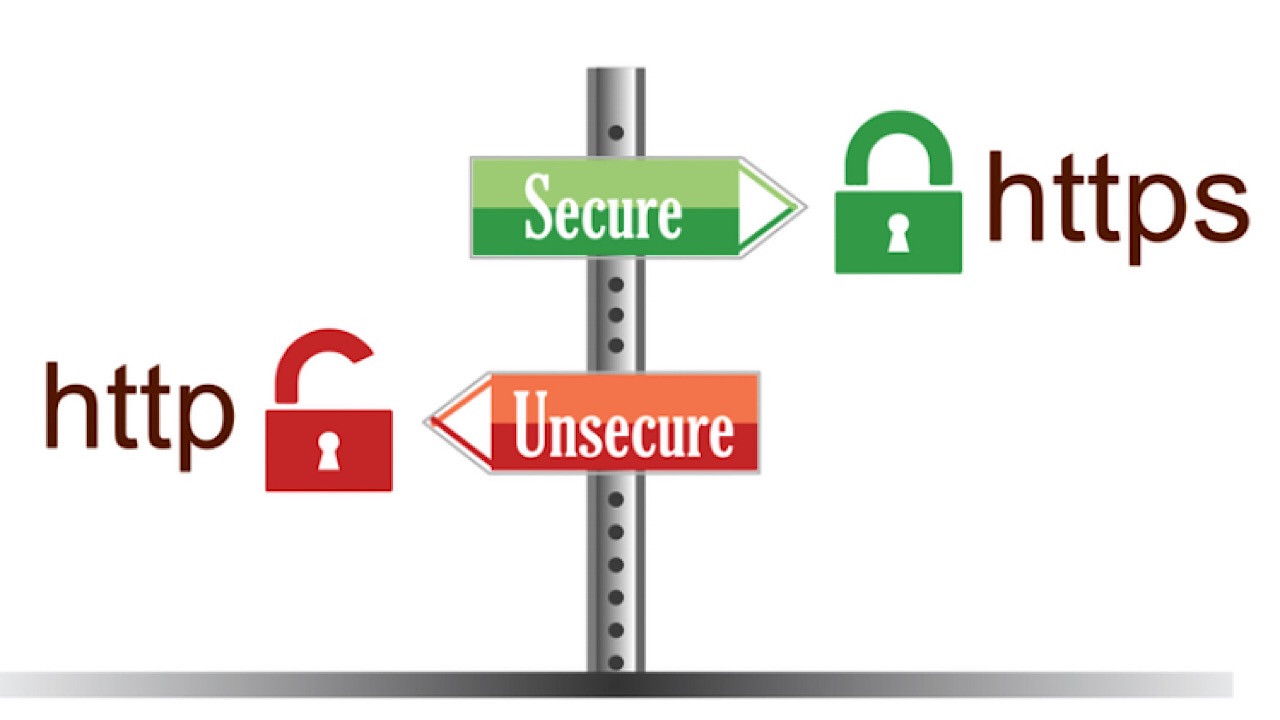
Smart https photo

Servers and browsers communicate and send information back and forth by way of HTTP, which stands for Hypertext Transfer Protocol. Enabling Smart HTTPS will automatically change HTTP addresses to HTTPS, which is the more secure way of sending information.

Whether you’re using the internet extensively or just to browse social media from time to time, you’ll be able to pick which of the large variety of extensions that Firefox has to choose from in order to customize your privacy.
Mozilla Firefox Free Download
7
Mozilla Firefox is a free, open-source web browser. Now with new features, faster and more secure.

Facebook privacy scandals get even worse

Facebook is even tracking Android users who don’t have an account.

Crisis after escalating crisis leads us to conclude that Mark Zuckerberg’s company wants to know absolutely everything there is to know about us. We now know that if we share something on Facebook, the social network will record it. The problem is though, it is even worse than that.

Facebook is even tracking Android users who don’t have an account

We told you last year about a VPN app called Onavo Protect that Facebook was using to try and track users who hadn’t signed up to Facebook. VPNs route your internet traffic through specific servers for a number of reasons that include accessing geo-restricted content and, as Onavo so coyly put it, “… to keep your data safe when you go online.”

The problem with Onavo, however, was that the specific servers it routed user traffic through belonged to Facebook and all traffic was stored and later analyzed by Facebook staff. This method allowed Facebook to gather data on a whopping 24 million users, including many who were never members of Facebook.

Fast-forward to the beginning of 2019. A UK-based charity called Privacy International discovered that Facebook is still trying to track the data of people who never signed up to Facebook. A study commissioned by the charity found the problem goes way beyond just one app. After looking at 34 Android apps, each with between 10 and 500 million downloads, the study found that “at least 61 percent of the tested apps automatically transfer data to Facebook the moment a user opens the app. This happens whether people have a Facebook account or not, or whether they are logged into Facebook or not.” Nearly two-thirds of the apps tested were sharing user information with Facebook.

The data is shared via the Facebook Software Development Kit (SDK). Facebook shares the SDK with developers to help them make apps for specific operating systems. It then opens up a back door so that Facebook can access the user data of people using the apps.

The problem with all of this is that it can make you feel helpless. It really is like you’re fighting a losing battle against a giant corporation that is attacking you from many different fronts. If you do feel like that, let us help you get started in your fight back against Facebook by helping you find out exactly what the social network knows about you. We’ve laid out a simple tutorial below to help you download all of your Facebook data. Once you’ve seen all that, you’ll know just how big the task really is.

Delete this app now, it is selling your data

The Weather Channel app is being taken to court in Los Angeles for inappropriate data use.

APPS

The Weather Channel app is one of the most popular apps for smartphones. It has been around forever and has racked up over 100 million downloads over the years on both iOS and Android. The app registers tens of millions of active users every month. If you’re one of the people who have The Weather Channel app on your phone, unfortunately, we’ve got some bad news for you.

The Weather Channel app is being taken to court in Los Angeles for inappropriate data use

The lawsuit is based on what the State of California calls incomplete permissions requests. Basically, The Weather Channel app requests access to your location data but doesn’t give you the full details about why it wants them. The app says it needs the details to provide you with accurate weather reports but doesn’t say that the data will also be used to help advertisers target you better or even sold to a third party.

Speaking to the New York Times about the lawsuit, Los Angeles City Attorney Michael N. Feur said, “If the price of getting a weather report is going to be the sacrifice of your most personal information about where you spend your time day and night… you sure as heck ought to be told clearly in advance.” It is the deceptive practice that the State of California is taking issue with, particularly with the sensitive nature of location data.

Interestingly, Feur is arguing in the case that small print alone isn’t enough. The details about how The Weather Channel app will use user data are included in the privacy policy of the app but aren’t mentioned in the standard permission request at the time of download. Feur is taking aim at the underhand ways in which tech companies like Facebook and Google use our personal data.

Through the lawsuit, Feur is seeking penalties of up to $2,500 for each violation, but the liability will only apply in the state of California. There is a still a good chance, however, that this could still cost IBM, which bought The Weather Channel app for $2 billion in 2015, a lot of money should the ruling go against it. Feur is also hoping that his lawsuit will inspire other lawsuits around the country that will aim to give users more control over their private data

Which weather app should replace The Weather Channel app?

If you have The Weather Channel app installed on your phone now, you’re probably going to want to delete it. We can recommend a couple of good weather apps for your consideration. You could use these as direct replacements for The Weather Channel app or at least use them while you look into a replacement yourself.

AccuWeather Download now
7
WeatherBug Download now
8