
You just have to describe to ChatGPT what you want to edit or how you aim to do it, and the applications Photoshop, Acrobat, and Express will do it for you. Or they will show you the tool you need to do it. It’s that simple. Upload a photo to ChatGPT, ask for the changes you want, and wait for the AI to do it for you.
Adobe has launched today Adobe Photoshop, Adobe Express, and Adobe Acrobat for ChatGPT, bringing its creative and productivity applications to the 800 million users of the OpenAI platform.
Adobe’s applications for ChatGPT are based on the company’s innovation in agency artificial intelligence, allowing everyone to easily enhance their vacation photos, design event invitations, and create polished and professional documents. Simply by describing what they want to achieve in their words. The idea is that everyone can edit, even without knowledge.
By combining the potential of Adobe tools with the conversational interface of ChatGPT, Adobe applications for ChatGPT bring creativity within everyone’s reach.
“We are excited to incorporate Photoshop, Adobe Express, and Acrobat directly into ChatGPT, combining our creative innovations with the ease of ChatGPT to make creativity accessible to everyone,” says David Wadhwani, president of digital media at Adobe. “Now, hundreds of millions of people can edit with Photoshop simply by using their words directly on a platform that is already part of their daily lives.”
What does Adobe’s arrival at ChatGPT mean for users?
Adobe offers new features for ChatGPT users to design and edit their work without having to switch applications starting today. To achieve this, they are launching their Photoshop, Acrobat, and Adobe Express applications directly in ChatGPT, allowing users to create designs or adjust photos and PDF files by describing what they want to achieve.
Adobe applications are free to use and can be activated by typing the name of the application along with an uploaded file in the chatbot and a conversational instruction, such as “Adobe Photoshop, help me blur the background of this image.”
To make things easier, ChatGPT users will not have to specify the name of the application again during the same conversation to make additional changes. Depending on the instructions, Adobe applications may offer a selection of results to choose from or provide a user interface element that the user can manually control, such as Photoshop sliders to adjust contrast and brightness.
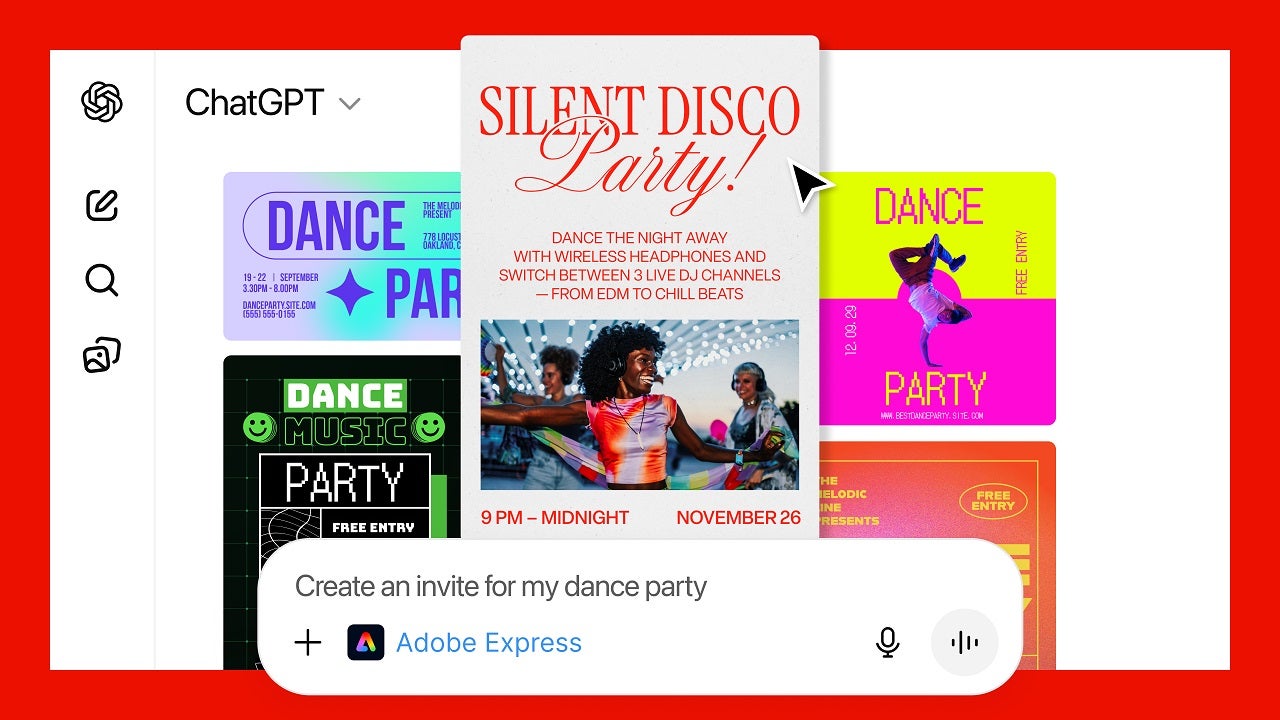
What can we do in Adobe through ChatGPT?
That said, the ChatGPT applications do not offer all the features of Adobe’s desktop software.
- In Adobe’s words, the Photoshop application can edit specific sections of images, apply creative effects, and adjust image settings such as brightness, contrast, and exposure.
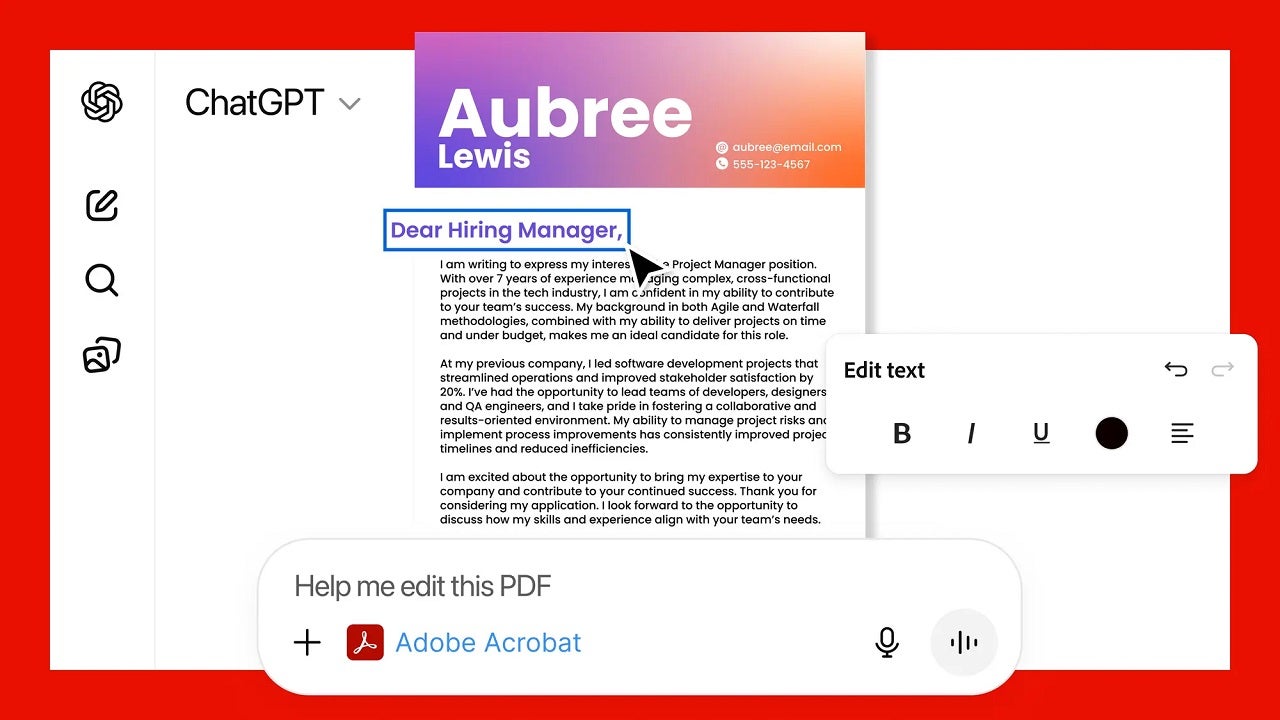
- Acrobat in ChatGPT can edit existing PDF files, compress and convert other documents to PDF format, extract text or tables, and merge multiple files.
- The Adobe Express application, for its part, allows ChatGPT users to generate and edit designs, such as posters, invitations, and graphics for social media.
Everything in the design can be edited without leaving ChatGPT, from replacing text or images to modifying colors and animating specific sections. And if ChatGPT users want more detailed control over a project they have started in the chatbot, they can open those photos, PDF files, and designs directly in Adobe’s native applications to continue where they left off.
Full compatibility with PC, macOS, Android, and iOS
Adobe’s ChatGPT applications are available worldwide for desktop, web, and iOS. The Adobe Express ChatGPT app can also be used on Android devices, and according to Adobe, support for Android for Photoshop and Acrobat will be available soon.
This follows OpenAI’s launch of application integrations for ChatGPT in October.
This is also the last step in Adobe’s plan to implement agent-based AI solutions that allow the use of its creative applications in a more conversational way, removing some skill barriers needed for photo editing and design.
