{
"de-DE": "Architekt | Gründer von hanaringo.com | Trainer für Apple-Technologien | Autor bei Softonic und iDoo_tech, zuvor bei Applesfera",
"en-US": "Architect | Founder of hanaringo.com | Apple Technologies Trainer | Writer at Softonic and iDoo_tech, formerly at Applesfera",
"es-ES": "Arquitecto | Creador de hanaringo.com | Formador en tecnologías Apple | Redactor en Softonic y iDoo_tech y anteriormente en Applesfera",
"fr-FR": "Architecte | Créateur de hanaringo.com | Formateur en technologies Apple | Rédacteur chez Softonic et iDoo_tech, précédemment chez Applesfera",
"it-IT": "Architetto | Fondatore di hanaringo.com | Formatore in tecnologie Apple | Scrittore per Softonic e iDoo_tech, precedentemente su Applesfera",
"ja-JP": "建築家 | hanaringo.comの創設者 | アップル技術のトレーナー | SoftonicおよびiDoo_techのライター、以前はApplesferaで",
"nl-NL": "Architect | Oprichter van hanaringo.com | Trainer in Apple-technologieën | Schrijver bij Softonic en iDoo_tech, voorheen bij Applesfera",
"pl-PL": "Architekt | Założyciel hanaringo.com | Trener technologii Apple | Pisarz w Softonic i iDoo_tech, wcześniej w Applesfera",
"pt-BR": "Arquiteto | Fundador do hanaringo.com | Instrutor em tecnologias Apple | Escritor na Softonic e iDoo_tech, anteriormente na Applesfera",
"social": {
"email": "races_provost0x@icloud.com",
"facebook": "",
"twitter": "https://twitter.com/david_br8",
"linkedin": "https://www.linkedin.com/in/davidbernalraspall/"
}
}
Thanks to a virtual machine we can install macOS on Windows 10 quite easily. A way to have two systems in one to use the one that suits us best at all times.
Virtual machines are a technology that has revolutionized the way we use computers. In essence, they allow us to create a completely isolated operating system within another operating system, allowing us to use programs and applications that we would not normally be able to run on our main operating system.
Changes are coming to the iPhone. USB-C, charging speed and certified chargers are taking shape as rumors.
The switch to USB-C on the iPhone has been a rumor that has been circulating for several years, and it seems that it will finally become a reality in the iPhone 15. As with the redesign of its buttons, according to reports and leaks, this new iPhone model will abandon the Lightning connector in favor of USB-C, which will allow us to charge our devices faster and more efficiently.
New button layout details appear on the iPhone 15 Pro and 15 Pro Max. Major changes to a key element.
The iPhone 15 is scheduled to launch, based on the calendar of previous years, in September this year, and as usual, details and designs about the company’s next flagship device are leaking out.
betaprofiles.com is a go-to place for downloading beta versions of iOS 16.
The beta season is coming. WWDC 2023 is just around the corner and this means that in a few weeks we will have among us the new beta versions of all Apple operating systems. Operating systems that, most likely, we will want to test before anyone else. And this is where what happened with betaprofiles.com comes into play.
WWDC 2023, this year’s global developer conference, is just around the corner. iOS 17, macOS 14 or the new augmented reality headset are just some of the surprises we are waiting for.
WWDC 2023 is just around the corner. June, the month in which every year we have enjoyed the event, is fast approaching and invitations to developers and press have to start being sent out sooner rather than later. Let’s summarize everything we need to know about what is the most important event of the year for Apple.
FaceTime video calls go beyond the Apple ecosystem. We can use them on Android, Windows, Linux and much more.
From company meetings to conversations with our friends or family, video calls are becoming more and more common. Even for shopping at an Apple Store. In this sense, FaceTime is presented as a simple and secure option to carry them out. And if we add to that the fact that we can make video calls regardless of the operating system used by the receiver, even better.
Faced with a trial subscription, we may not want to renew. If so, let’s see how and when to cancel it.
In these times when many services and applications offer trial periods or free subscriptions for some time, it is essential to remember that, once these promotions end, the service will start charging its usual fee. If we enjoy the service, we will want to keep subscribing to it, but if not, we should cancel the subscription before the trial period ends.
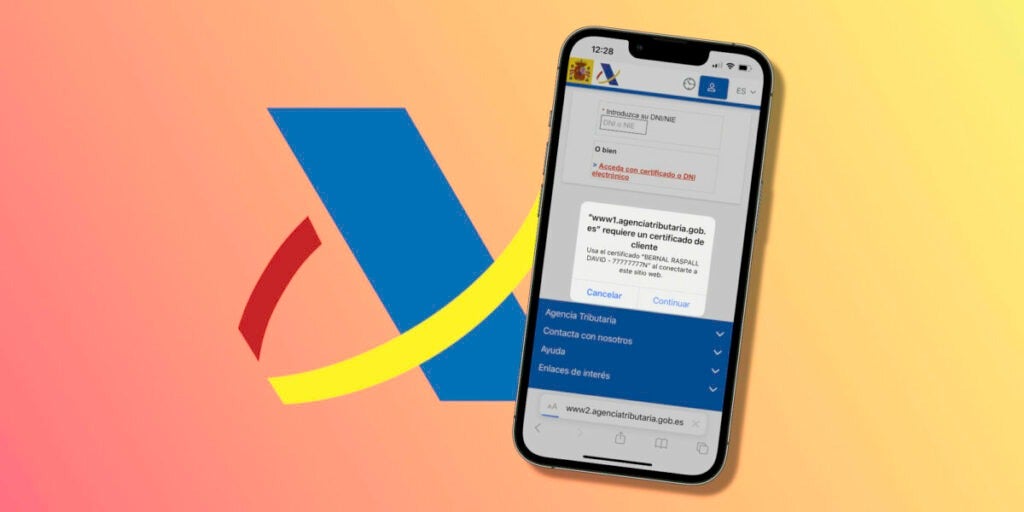
Thanks to the identity certificate from the tax agency we will be able to do online procedures in the easiest way on our iPhone, iPad or Mac.
A digital certificate of identity allows us to carry out procedures with the public administration online. A resource that we can use to check the work life, to file the tax return or even to carry our driver’s license on the iPhone thanks to the app miDGT. Installing this digital certificate of the Tax Agency on an iPhone, iPad or Mac with Safari is very simple. Let’s see it.
It is always good to have space on our iPhone or iPad. Let’s talk about seven ways to quickly and easily free up space.
Keeping the iPhone and iPad clean and organized is essential for us to be able to store everything we need. Sometimes the available storage drops drastically, bringing the device closer to having to display the “Storage almost full” warning. Something, fortunately, that we can avoid very easily.
Backups can take up a lot of space in iCloud. Therefore, it is a good idea that we check if there are some that we can eliminate.
Our iPhone and iPad are able to make backups automatically through iCloud. A very useful feature, since, at any given time, it would allow us to restore our device to its previous state. A resource with which to fix any errors or with which to transfer all our information to a new iPhone (maybe yellow) or iPad in a matter of minutes.
How to delete old copies that no longer need to be saved
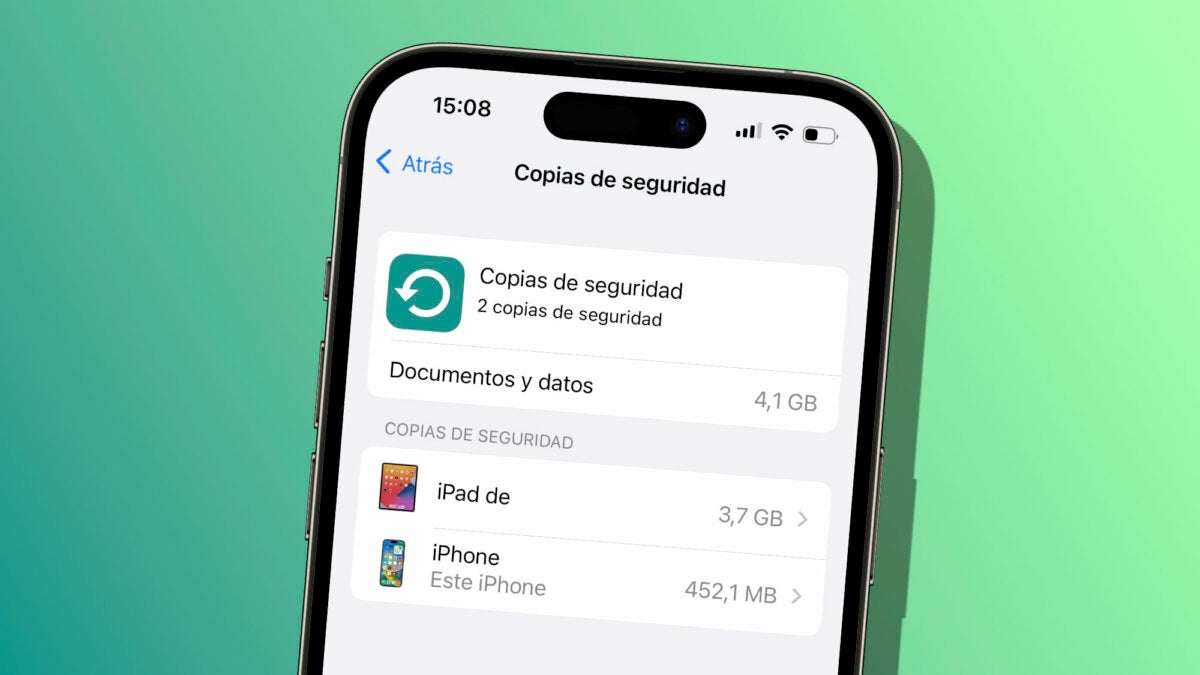
Over time, however, too many backups may accumulate in iCloud, taking up considerable space. We are not talking about several copies of the same iPhone, we speak, above all, copies of devices that we are no longer using. In this case, it is best to do a little cleaning, the steps to follow are as follows:
We open the Settings app on our iPhone or iPad.
Tap on our name at the top.
Go to iCloud.
Tap on Manage account space.
In the list at the bottom, tap on Backups.
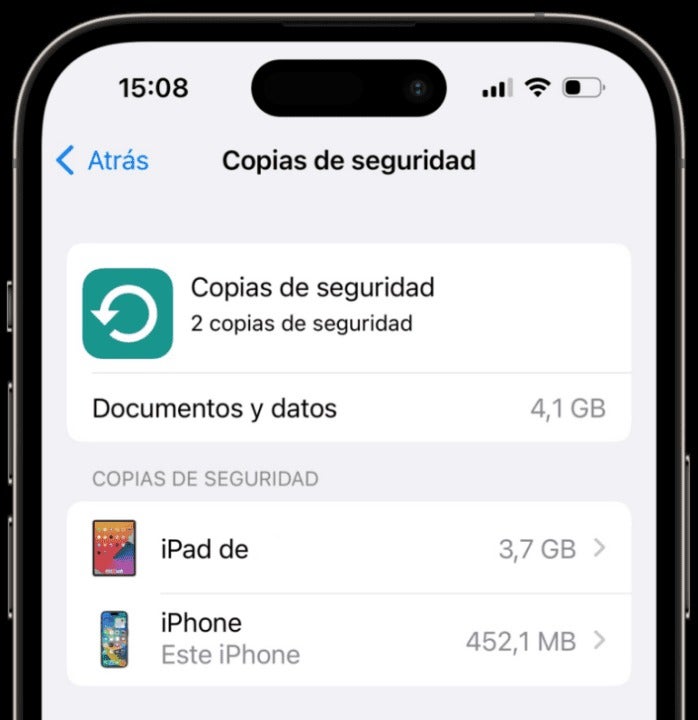
List of backups on an iPhone.
Here we will see a list of all the backups stored in iCloud. If there are several copies of the same device, we must make sure to keep the one with the subtitle “This iPad” or “This iPhone”, which indicates that it belongs to the current device. For the other copies, all we have to do is delete them.
How? Very easy, by touching them and then choosing Delete copy at the bottom. Note also that the date on which the copy was last made is shown here. This information can also help us to confirm that this copy is indeed no longer in use.
Alternatively, when in doubt about which copies to delete, another option is to simply delete them all. Then we go to Settings > Our name > iCloud and in iCloud Backup we make sure that it is activated with Back up this iPhone/iPad. A process we will follow on all our devices to re-enable the copy after wiping.
Along with 10 other amazing features of iOS 16, thanks to this, we will ensure that we are not taking up extra space in iCloud with copies that we will not use. A simple resource to recover space in which to save photos, videos, documents and information that we do need to be available in the Apple cloud.