![Overview of 10 Best VPN Browser Extensions [2023]](https://articles-img.sftcdn.net/auto-mapping-folder/sites/3/2023/07/VPN-Browser-Extension.jpg)
As online privacy concerns continue to grow, many internet users have turned to VPN services to protect their data and browsing activity.
VPN browser extensions are becoming increasingly popular as they offer an easy and convenient way to enjoy privacy and security while surfing the web.
This article reviews ten of the best VPN browser extensions, such as Surfshark, TunnelBear, Tempest, etc., so you can rely on them for secure browsing in 2023. From intuitive user interfaces to advanced encryption technologies, these extensions cover all essential features to ensure your online privacy and security.

Browser #1: Tempest
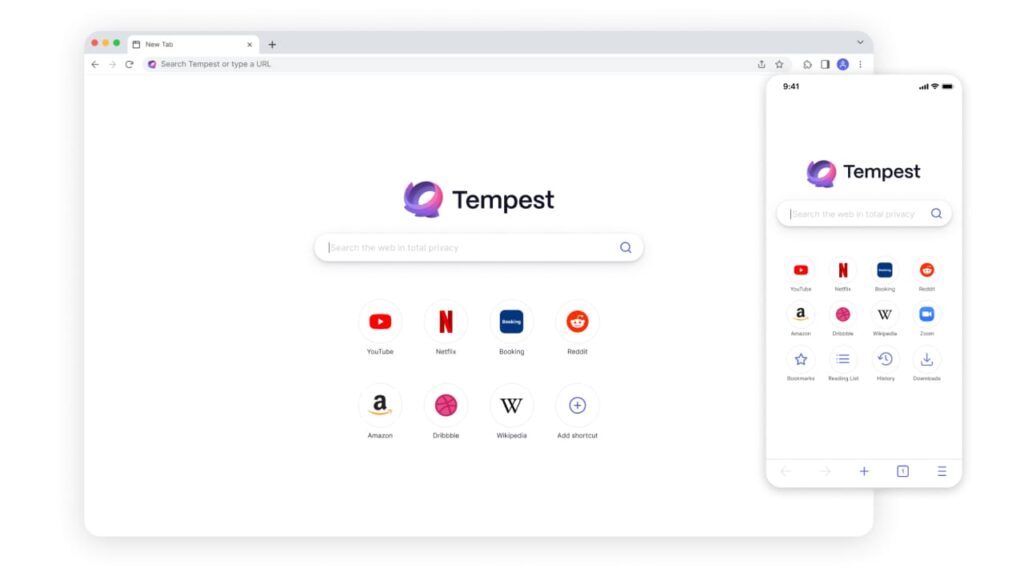
Tempest offers a secure,and powerful VPN browser extension that allows users to browse the web securely and anonymously. The browser extension is built with enhanced security features to protect users’ data from cyber threats. Tempest’s encryption technology ensures all your browsing activities are kept private.
Key Features
- Uses an advanced encryption standard (AES), which encrypts all your online traffic, ensuring full privacy and anonymity online.
- The extension can be used across multiple devices, including Windows, MacOS, and iOS.
- Offers unrestricted access to streaming content from all over the world with no buffering or geo-blocking.
- Does not store search histories.
Pricing
- The Tempest browser extension is free to use.
Pros
- User-friendly interface that is easy to navigate and use.
- Multiple server locations.
- Ad and tracker blocking.
- Advanced encryption technology.
- Cross-platform compatibility.
Cons
- Browser extension is presently only available for the Chrome browser.
- Not as well-known or widely used as some other extensions.
Apps Available
Tempest is available for Windows, MacOS, and iOS.
Overall, Tempest is an excellent VPN browser extension that provides a secure service to users while also offering great value for money. The intuitive user interface makes it easy to use even for novice users, and the advanced encryption technology ensures all your online activities remain private and secure. With unrestricted access to streaming content from all over the world, Tempest is one of the best VPN browser extensions available.
Browser #2: ExpressVPN

ExpressVPN is a popular and well-known VPN browser extension that provides users with a secure and private browsing experience. It uses strong encryption to protect your data while also offering unrestricted access to streaming content from all over the world. With its intuitive user interface, ExpressVPN is easy to use, even for novice users.
Key Features
- Uses military-grade encryption (AES-256) to protect all your online activities from cyber threats.
- Offers unlimited bandwidth and unrestricted access to streaming content without geo-blocking or buffering.
- Has servers in 94 countries across the world, giving you a wide variety of options when choosing where to connect from.
- Browser extension available for Chrome, Firefox, and Safari.
Pricing
- ExpressVPN offers three pricing options, which are $12.95 a month, $59.95 for six months, or $99.95 for a year.
Pros
- Intuitive user interface that is easy to use.
- Advanced encryption technology ensures your data is kept safe and secure.
- Ability to unblock geo-restricted content from all over the world.
- Has servers worldwide, giving users more options when choosing where to connect from.
- Compatible with popular operating systems including Windows, MacOS, iOS, and Android.
Cons
- Expensive compared to other VPNs on the market.
- Not as widely adopted compared to other popular VPNs.
Apps Available
ExpressVPN is available for Windows, MacOS, iOS, and Android.
Overall, ExpressVPN is one of the best VPN browser extensions available because of its advanced encryption technology and ability to unblock geo-restricted content from all over the world. With a user-friendly interface that is easy to use and availability on multiple platforms, ExpressVPN is a great option for those looking for a reliable solution.
Browser #3: NordVPN
NordVPN is a well-known and popular VPN browser extension that offers users an enhanced level of security and privacy while browsing the web.
Key Features
- Uses military-grade encryption (AES-256) to protect your online activity from cyber threats.
- Offers servers in 59 countries, giving you more options when choosing where to connect from.
- Unblocks geo-restricted content from all over the world.
- Has browser extensions for Chrome, Firefox, and Opera.
- Compatible with popular operating systems including Windows, MacOS, iOS and Android.
Pricing
- NordVPN offers different pricing options for monthly plan, 1-year plan, and 2-year plan starting from $15.69 per month down to $3.29 per month depending on the plan you choose.
Pros
- NordVPN offers strong encryption to protect your data from cyber threats.
- Has multiple servers, giving users more options when choosing where to connect from.
- Unblocks geo-restricted content from all over the world without buffering or latency issues.
- User-friendly apps available on Windows, MacOS, iOS, and Android.
- Affordable price compared to other VPNs on the market.
Cons
- Can be slow at times depending on your location and connection speed.
Apps Available
NordVPN is available for Windows, MacOS, iOS, and Android.
Overall, NordVPN is one of the best VPN browser extensions available because of its strong encryption technology and ability to unblock geo-restricted content from all over the world. With a user-friendly interface that is easy to use, NordVPN also offers an affordable price compared to other VPNs on the market.
Browser #4: CyberGhost VPN

CyberGhost is a VPN browser extension that offers users a secure and private browsing experience. It provides enhanced security features, such as military-grade encryption, to ensure your data is kept safe and secure. CyberGhost also has servers in most countries, giving you more options when choosing where to connect from.
Key Features
- Military-grade encryption (AES-256) to protect your online activity from cyber threats.
- Access servers in over 90 countries worldwide for more connection options.
- Unblock geo-restricted content from all over the world with fast speeds and no buffering or latency issues.
- Browser extensions available for Chrome, Firefox, and Opera.
- Compatible with Windows, MacOS, iOS, Linux, and Android.
Pricing
- CyberGhost offers subscriptions ranging from$2.29 per month to $12.99 per month depending on the plan you choose.
Pros
- Affordable pricing.
- Strong encryption to keep your data secure.
- Unblocks geo-restricted content without buffering or latency issues.
- User-friendly browser extensions available for the major browsers, such as Chrome and Firefox.
- Compatible with popular operating systems including Windows, MacOS, iOS, Linux, and Android.
Cons
- Can be overwhelming for beginners.
- Connection to servers can be slow and some of the top-level country options have a hard time connecting.
Apps Available
CyberGhost is available for Windows, MacOS, iOS, Linux, and Android.
Overall, CyberGhost is one of the best VPN browser extensions due to its encryption technology that ensures your data remains secure while you browse the web. With access to servers in over 90 countries worldwide, it also provides users with more connection options when choosing where to connect from. It has a user-friendly interface and an affordable price compared to other VPNs on the market.
Browser #5: Private Internet Access VPN
Private Internet Access (PIA) is a privacy-focused VPN provider that offers users a secure and encrypted browsing experience. It has servers located across different countries, ensuring fast connection speeds, no matter where you are.
Key Features
- Military-grade encryption (AES-256) to ensure your data remains secure.
- Access servers located in over 70 countries for fast connection speeds no matter where you are.
- Unblock geo-restricted content from all over the world with no buffering or latency issues.
- Browser extensions available for Chrome, Firefox, and Opera.
- Compatible with Windows, MacOS, iOS, Linux, and Android operating systems.
Pricing
- Private Internet Access offers subscriptions ranging from $2.03 per month for 36 months, $3.33 per month for 12 months, and $11.95 for one month.
Pros
- Military-grade encryption to keep your data safe and secure.
- Unblocks geo-restricted content without buffering or latency issues.
- User-friendly browser extensions for Chrome, Firefox, and Opera browsers.
- Compatible with popular operating systems including Windows, MacOS, iOS, Linux, and Android devices.
Cons
- Fewer servers spread out across countries than some of the other top VPN services.
- Speeds of some servers can be slow, making it difficult to stream video and play online games.
- Limited customer support options are available if you need assistance or have any other questions or concerns about the product.
Apps Available
Private Internet Access has browser extensions available for Chrome, Firefox, and Opera browsers, as well as apps for Windows, MacOS, iOS, Linux, and Android operating systems.
Overall, Private Internet Access is one of the best VPN browser extensions because of its strong encryption technology that ensures your data remains secure while you browse the web. With access to servers in over 70 countries worldwide and a user-friendly interface, it is a great choice if you need a reliable and affordable VPN service.
Browser #6: ZenMate
ZenMate is a VPN provider offering users military-grade encryption, reliable connection speeds, and access to servers in over 30 countries. Unlike many other VPN services, it is designed specifically for browser extensions and offers users one-click privacy protection with no extra downloads or sign ups. It also has a user-friendly interface that makes it easy to pick the right server for your needs.
Key Features
- Military-grade encryption (AES-256) to ensure your data remains secure.
- Access servers located in over 30 countries worldwide for fast connection speeds, no matter where you are.
- Unblock geo-restricted content from all over the world without buffering or latency issues.
- Browser extensions available for Chrome, Firefox, and Opera.
- User-friendly interface that makes it easy to pick the right server for your needs.
Pricing
- ZenMate prices start at $1.99 per month. ZenMate has 2 different plans: Pro at $1.99 per month and Ultimate at $4.49 per month.
Pros
- Easy-to-use and reliable service that is perfect for those who want to browse the web securely without sacrificing speed or performance.
- One-click privacy protection with no extra downloads or sign ups.
- An interface that is designed for ease of use.
- Affordable pricing plans.
Cons
- Fewer servers spread out across countries than some of the other top VPN services.
- Speeds of some servers can be slow, making it difficult to stream video and play online games.
- Limited options for customer support if you require assistance with setting up the service or have any inquiries or issues regarding the product.
Apps Available
ZenMate offers apps for Windows, MacOS, iOS, Linux, and Android.
Overall, ZenMate is one of the best VPN browser extensions that provide military-grade encryption and access to many countries around the world. With its strong security features, user-friendly apps and browser extensions, and affordable pricing plans, it is perfect for those who want to browse the web securely without sacrificing speed or performance.
Browser #7: Surfshark
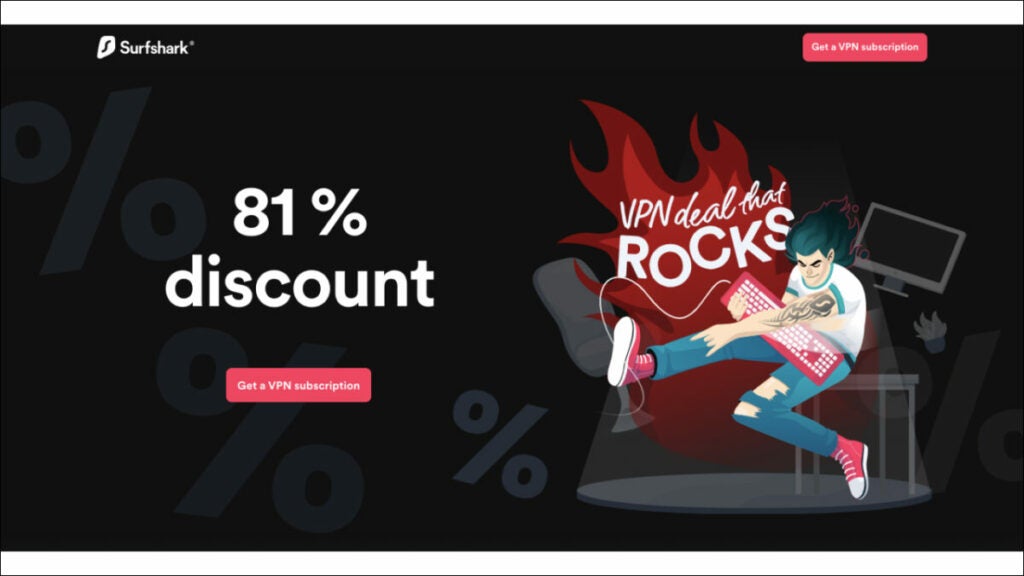
Surfshark is a trusted VPN provider renowned for its fast connection speeds, military-grade encryption, and access to servers in over 80 countries. It offers users unlimited simultaneous connections, making it perfect for those who need to protect multiple devices at the same time. It also has an easy-to-use browser extension that makes it simple to connect to the right server quickly.
Key Features
- Uses military-grade encryption (AES-256) to guarantee the security of your data.
- Unlimited simultaneous connections so you can protect all your devices at once.
- Access to servers in over 80 countries to ensure fast connection speeds regardless of your location.
- Access geo-restricted content worldwide without experiencing buffering delays.
- Browser extensions can be downloaded for Chrome, Firefox, and Microsoft Edge.
- Interface is designed to help users easily select the appropriate server for their requirements.
Pricing
- Surfshark prices start at $12.95 per month, $3.99 per month for 12 months, or $2.39 per month for 24 months.
Pros
- Fast connection speeds making it perfect for streaming video and playing online games without any lag or buffering issues.
- Unlimited simultaneous connections so you can protect all your devices at once without having to switch VPNs each time you change devices.
- Military-grade encryption to ensure your data remains secure and private.
- User-friendly interface that makes it simple to pick the right server for your needs.
- Affordable pricing plans that are perfect for those on a budget.
Cons
- It’s servers are limited and P2P which reduces performance and speed. The split tunnel feature is only available on desktop.
- Sometimes, there are connection issues and can take several tries to connect.
- Some software or websites don’t run smoothly or efficiently when the VPN is connected.
Apps Available
Surfshark provides applications for various operating systems and devices, including Windows, MacOS, iOS, Linux, Chrome OS, Fire TV Stick, and Android.
Overall, Surfshark is one of the best VPN browser extensions that provide users with military-grade encryption, fast connection speeds, and access to servers in over 80 countries around the world. It also has an easy-to-use browser extension and user friendly apps that make it simple to pick the right server for your needs. It’s perfect for those who want to browse the web securely without sacrificing speed or performance.
Browser #8: Hotspot Shield
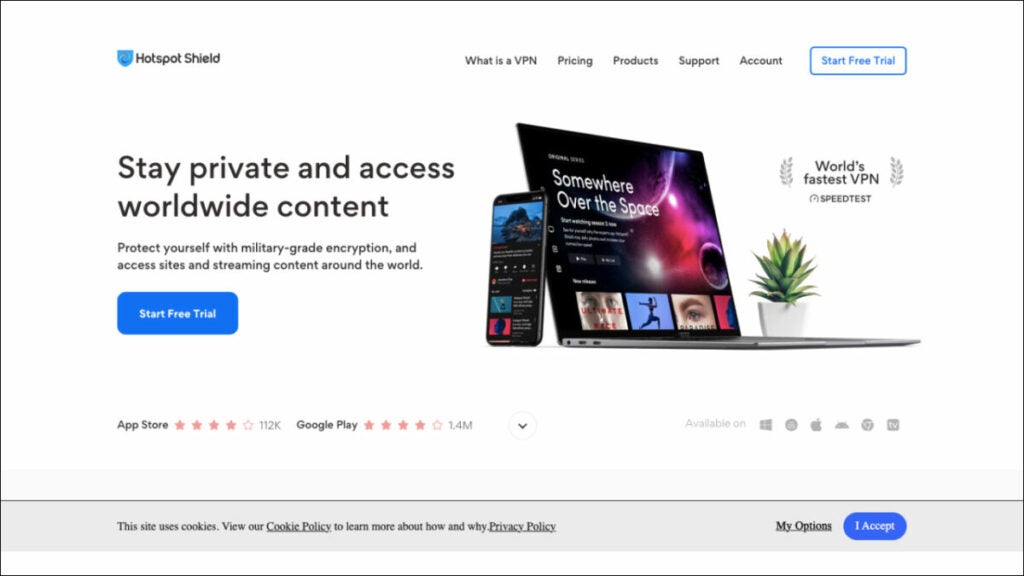
Hotspot Shield is a popular VPN provider that offers reliable connection speeds, military-grade encryption, and access to servers in over 80 countries. It also features an easy-to-use browser extension, allowing users to quickly connect to the right server and start browsing securely.
Key Features
- AES 256-bit encryption for maximum security of your data.
- Unlimited simultaneous connections across all devices.
- Access geo-restricted content from anywhere in the world without buffering delays.
- Browser extensions are accessible on Chrome, Firefox, and Microsoft Edge.
- User-friendly interface design helps users easily switch between servers as needed.
Pricing
- Hotspot Shield offers a free basic plan and paid subscriptions ranging from $7.99 per month for their Premium plan and $11,99 per month for their Premium Family plan.
Pros
- Fast connection speeds allow for seamless streaming of video and online gaming without interruptions or delays.
- The browser extension allows for easy switching between servers as required.
- The use of military-grade encryption enhances the security and privacy of your data.
- Gain access to servers in more than 80 countries to ensure fast connection speeds regardless of location.
Cons
- Limited server locations can reduce performance and speed for some users.
- Some features are only available on the desktop version of the browser extension.
- Includes ads in the mobile application.
- More expensive compared to other VPNS.
Apps Available
Hotspot Shield provides applications for Windows, MacOS, iOS, and Android operating systems.
Overall, Hotspot Shield is an excellent choice for those looking for a fast and secure VPN browser extension with military-grade encryption and access to servers in over 80 countries. Its user-friendly interface design makes it easy to switch between servers as needed and its pricing plans make it perfect for those who require connections to multiple devices at the same time.
Browser #9: TunnelBear
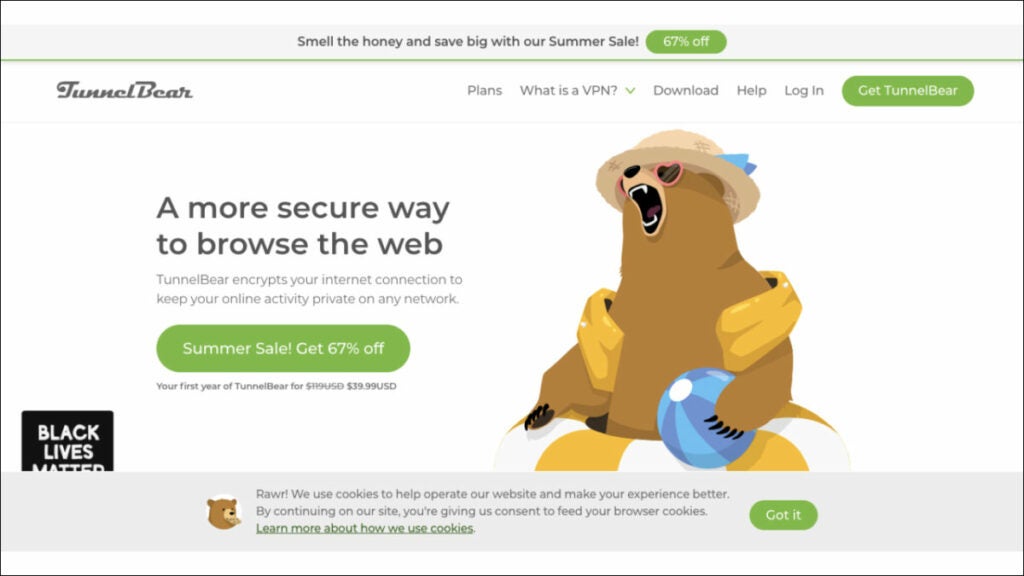
TunnelBear is another popular VPN browser extension with a user-friendly design and military-grade encryption to keep your data secure. It has servers in many countries, allowing you to access geo-restricted content without buffering delays.
Key Features
- Uses AES 256-bit encryption to ensure maximum security for your data.
- Allows for an unlimited number of connections on all devices at the same time.
- Easily access content restricted by geographic location from any part of the world without experiencing buffering delays.
- Browser extensions are available for Chrome, Firefox, and Safari web browsers.
- User-friendly interface design enables users to switch between servers effortlessly when required.
Pricing
- Tunnelbear offers a free plan with limited usage and paid subscriptions starting at $3.33 per month for personal use and $5.75 per user per month for teams.
Pros
- Fast internet speeds enable uninterrupted streaming of videos and seamless online gaming experience.
- The browser extension enables seamless switching between servers based on need.
- Utilizes military-grade encryption, which improves data security and privacy.
- Access servers in over 20 countries for optimal connection speeds, regardless of your location.
Cons
- The limited number of server locations may cause a decrease in performance and speed for certain users.
- The free plan only allows 500 MB of data per month.
- Offers few server locations for the USA on the free plan.
- Certain features are exclusive to the desktop edition of the browser extension.
- Can lose connection at times, even with a stable WiFi.
Apps Available
TunnelBear provides applications for Windows, MacOS, iOS, and Android devices.
Overall, TunnelBear is an excellent choice for those looking for a reliable VPN browser extension with military-grade encryption and access to servers in over 20 countries. Its user-friendly interface design makes it easy to switch between servers as needed. Its pricing plans make it perfect for those who require connections to multiple devices at the same time.
Browser #10: Windscribe
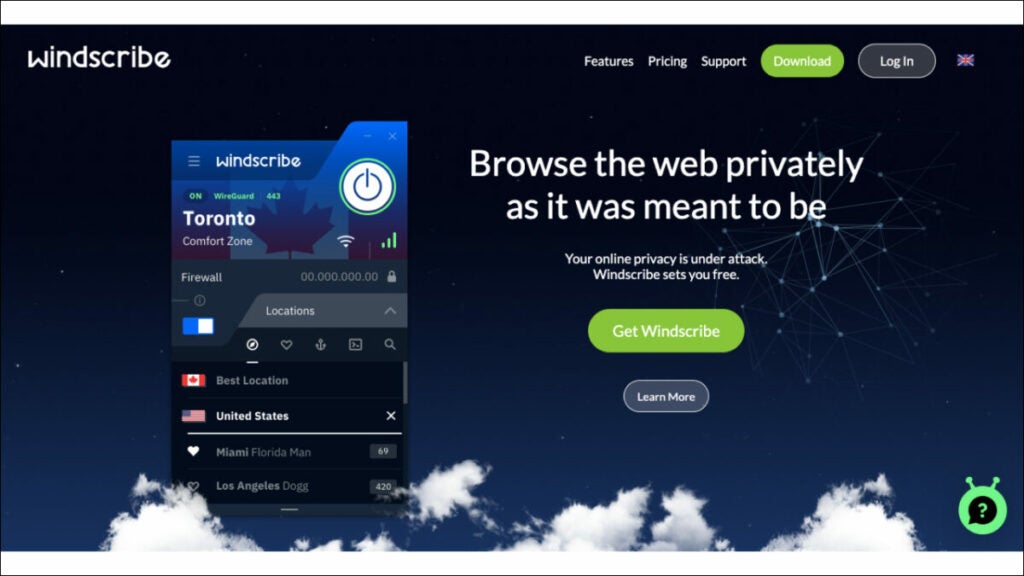
Windscribe is a powerful VPN browser extension dedicated to providing users with the highest levels of security and privacy online. It utilizes AES 256-bit encryption to ensure all data transmitted is kept secure, even when using public WiFi networks. It offers users access to geo-restricted content without experiencing buffering delays or slow connection speeds.
Key Features
- Uses AES 256-bit encryption for maximum security of your data.
- Offers unlimited bandwidth and no logging of user activity.
- Provides connections to servers in over 60 countries for optimal performance regardless of your location.
- Can be used on multiple devices simultaneously at no extra cost.
Pricing
- Windscribe offers a free plan with data capped to 10GB per month. It offers a “Build Your Own Plan” with a $3.00 minimum purchase for each location costing $1.00 per month. The Pro starts at $9.00 per month on a monthly basis or $69.00 per year ($5.75 per month) on a yearly plan.
Pros
- No logs are kept of user activity, ensuring complete privacy online.
- Connections to servers in over 60 countries allow users to access geo-restricted content without buffering delays or slow connection speeds.
- Bypass government censorship easily due to Windscribe’s strong AES 256-bit encryption.
- Offers multiple payment options, such as Bitcoin, PayPal, and credit cards, so you can remain anonymous while making payments.
Cons
- The free plan only provides access to 10 server locations.
- The desktop version of the browser extension does not support HTTPS Everywhere.
- Connection speeds can sometimes be slower.
- Some servers are easily detected as VPN on many sites, which impedes functionality.
Apps Available
Windscribe can be used on Windows, MacOS, iOS, Android, and Linux devices.
Overall, Windscribe is an ideal choice for those who want to remain anonymous online. With its advanced encryption, users can connect to servers in other countries without worry of their data being compromised. Windscribe is easily one of the best VPN browser extensions available today, providing users with the highest levels of privacy and security at an affordable price.
Wrap Up
Using a VPN browser extension is an excellent way to enhance your online security, protect your privacy, and access restricted content. There are many great VPN browser extensions available today, but the ten on this list stand out among the crowd.
However, it’s always essential to stick with trusted VPN services like Tempest Browser to ensure that your online security is not compromised. Whether you’re looking for speed, security, or affordability, this list has something for every preference and budget.
Overview of 8 Best Browsers with Built-In VPN [2023]
Learn more about the best 8 best browsers with built-in VPN in 2023: overview, use cases, key features, and pricing. Click here to read more.
In today’s digital age, online privacy and security are major concerns. Hackers, cybercriminals, and even governments can easily track your online activity, leaving you vulnerable to identity theft, surveillance, and other potential threats.
One way to stay protected while browsing the internet is by using a browser with built-in VPN. By encrypting your online traffic and masking your IP address, these browsers provide an added layer of security and privacy that traditional browsers can’t match.
This article explores eight of the top browsers with built-in VPN, such as Tempest, Opera, Firefox, etc., and highlights the features that make them stand out.
Web Browsers with Built-in VPN
When it comes to web browsers with built-in VPN, there are several options available.
Browser #1: Tempest Browser
Tempest Browser is an excellent web browser that comes with built-in VPN protection, making it one of the most secure and reliable browsers on the market today. Here is what you need to know about Tempest Browser.
Key Features
- Built-in VPN protection for maximum privacy and security.
- Uses advanced encryption to secure your online activity and mask your IP address from potential threats.
- Anonymous internet browsing for maximum privacy.
- Cross-platform support, available for numerous operating systems.
- User-friendly interface.
- Available for various operating systems, including Windows, Linux, Mac, Android, and iOS.
Pricing
- Completely free to download and use.
- No hidden costs or subscription fees, making it a great choice for anyone looking for a free, secure browser.
Pros
- Offers excellent security and privacy features.
- Available for various operating systems.
- Provides advanced security and search results are completely private
- Does not store search history.
Cons
- It may lack some features that other popular browsers have.
- Not as popular as mainstream browsers.
Versions Available
Tempest Browser is available for Windows, Mac, and iOS.
In summary, Tempest Browser is one of the best browsers with built-in VPN on the market today. Its advanced security features and cross-platform support make it an excellent choice for anyone looking for a secure and reliable browser to protect their sensitive online activity. Whether you are using it on your PC or mobile device, Tempest Browser is a top choice for anyone looking for a private, anonymous internet browser.
Browser #2: Opera Browser
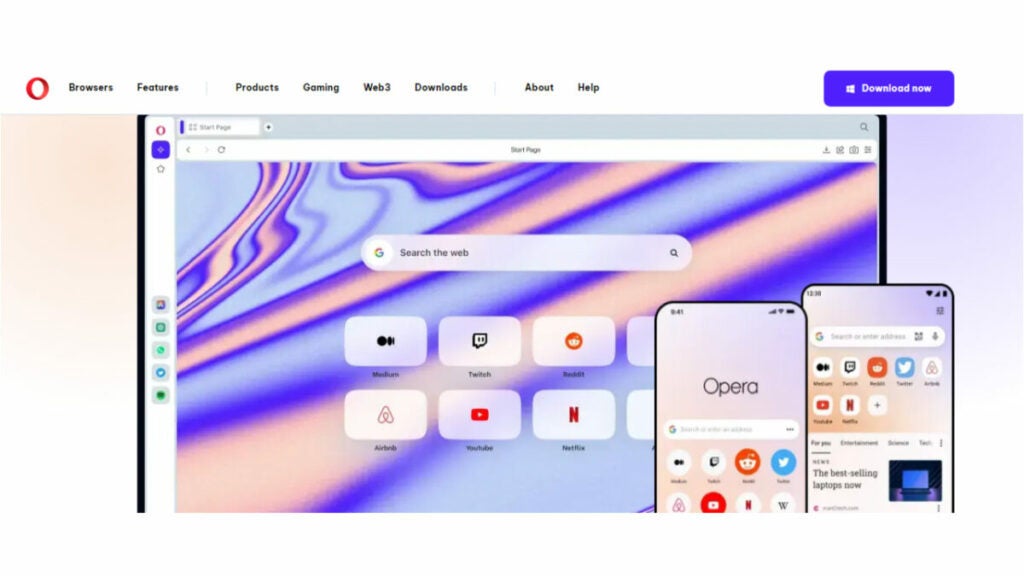
Opera Browser is another great option for those in search of a secure and reliable web browser with built-in VPN protection. Here’s what you need to know about Opera Browser.
Key Features
- Offers a built-in VPN that allows you to browse the internet securely, anonymously and without any limitations.
- Comes with ad-blocker, which helps you to browse the internet without annoying ads.
- Has a battery saver feature that extends the life of your laptop or mobile device battery.
- Offers a unique tab-cycling feature that allows you to cycle through all of your open tabs.
Pricing
- Completely free with no hidden costs or subscription fees.
Pros
- Superior VPN protection.
- User-friendly interface.
- Integrated messenger feature, which allows you to chat on popular messenger apps, such as WhatsApp, directly from your browser.
Cons
- Lacks some of the advanced features found in other popular browsers.
- Some users may find it a bit slower than other browsers.
Versions Available
Opera Browser is available for Linux, Windows, Mac, Android and iOS, making it accessible to users across multiple platforms.
In summary, Opera Browser is an excellent choice for those seeking a secure browser with a built-in VPN. Its advanced VPN encryption, ad-blocker feature, unique tab-cycling feature, battery saver feature and integrated messengers feature make it stand out from the competition. The fact that it’s free to use also makes it an appealing choice for anyone looking for a reliable, secure, and free browser.
Browser #3: Mozilla Firefox
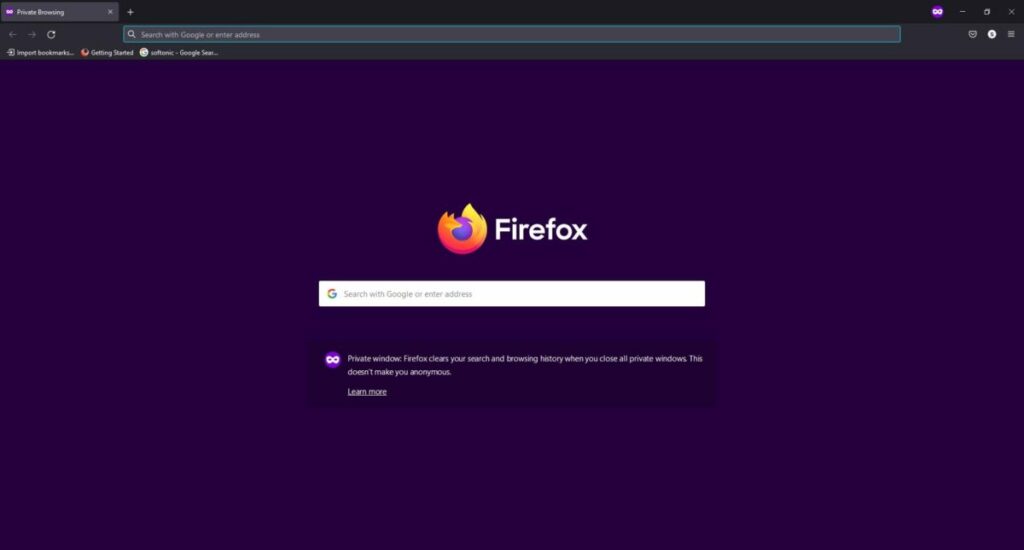
Mozilla Firefox is a widely used web browser that also offers built-in VPN protection for its users. Here’s what you need to know about Firefox.
Key Features
- An open source browser that offers a range of privacy and security features.
- Built-in VPN protection powered by Cloudflare.
- Ad and tracker blocker to keep users’ online activity private.
- Built-in password manager for added security.
- Customizable user interface that allows users to personalize their browsing experience.
- Various add-ons and plugins available to enhance user experience.
Pricing
- Completely free to download and use.
Pros
- Personalized browsing experience with optional add-ons and tools.
- Utilizes Cloudflare’s powerful VPN protection for maximum security.
- Beneficial ad and tracker blocker for added privacy.
- Convenient built-in password manager for extra authentication.
- Comprehensive range of plugins and add-ons to customize user experience.
Cons
- Some users may find the browser to be slower than others.
- May require additional plugins or add-ons for maximum security and privacy.
Versions Available
Mozilla Firefox is available for Windows, Mac, Linux, and Android.
In summary, Mozilla Firefox is a fantastic browser with built-in VPN protection. It has a range of privacy and security features, including ad and tracker blocking, password management, and customizable settings. Its compatibility with different operating systems makes it the perfect choice for users who demand a secure browsing experience. While it may not be the fastest, it is still an excellent option for anyone needing a reliable, secure, and free browser.
Browser #4: Brave Browser
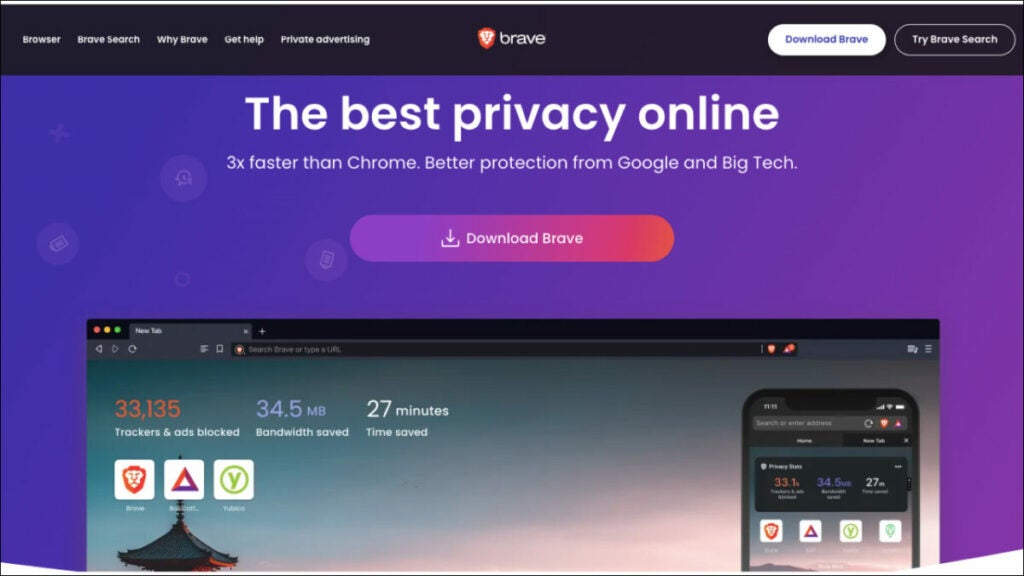
Brave Browser is one of the best browsers with a built-in VPN. It offers an unparalleled combination of speed, privacy and security features, making it ideal for those who want to maintain their anonymity while browsing the web. Here’s what you need to know about Brave Browser.
Key Features
- Built-in VPN protection that allows users to browse the internet securely and anonymously with no limitations.
- Battery saver feature that help extend the life of laptops and mobile devices.
- Ad-blocker that prevents annoying ads from popping up on websites.
- Tab cycling feature which allows users to cycle through all open tabs.
Pricing
- Completely free with no hidden costs or subscription fees.
Pros
- Extremely user-friendly and easy to navigate. It also offers a unique messenger feature that allows users to chat on popular messaging apps, such as WhatsApp directly from the browser.
- Superior VPN protection, which comes completely free and unlimited.
- Offers advanced security features such as password management, tab cycling, and customizable settings.
- User rewards system that offers cryptocurrency for using the browser.
Cons
- Some users may find it to be slower than other browsers, and may require additional plugins or add-ons for maximum security and privacy.
- The VPN service only offers server selection for certain countries.
- Some users may find the browser to be less compatible with certain websites and applications.
Versions Available
Brave Browser is available for Linux, Windows, Mac, Android, and iOS so users can access it across multiple platforms.
In summary, Brave Browser is an excellent choice for anyone who wants to stay secure and anonymous while browsing the web. It offers a wealth of features that make it one of the best browsers with built-in VPN. From its free VPN protection to its battery saver feature to its tab cycling feature, Brave Browser provides everything you need for a safe and private online experience. Furthermore, it is available for multiple platforms and comes at no cost, making it an ideal choice for those seeking a secure browser.
Browser #5: UR Browser
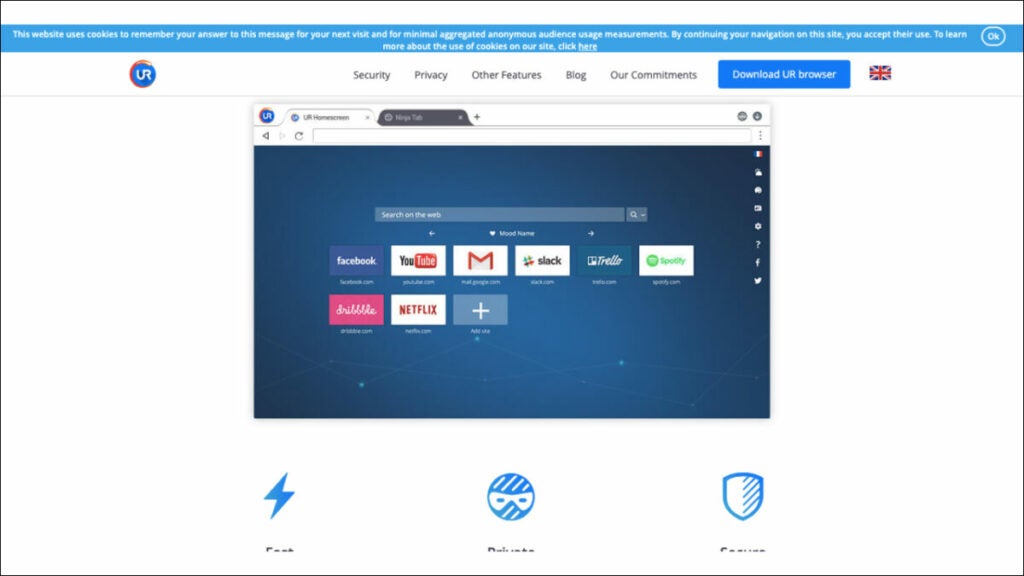
UR Browser is a reliable and secure browser with a built-in VPN. It provides a safe and private browsing experience for users, ensuring their data and identity remain securely protected from hackers and cyber criminals. Here’s what you need to know about UR Browser.
Key Features
- Built-in VPN protection that encrypts all web traffic, keeping users’ identities anonymous.
- Ad blocker that prevents intrusive pop-ups and advertisements while browsing websites.
- Secure password management that stores all passwords in an encrypted vault.
- Customizable settings allow users to tailor the browser to their needs.
- Tab cycling feature which allows users to quickly switch between open tabs.
Pricing
- Completely free with no hidden costs or subscription fees.
Pros
- User-friendly interface that is easy to navigate and customize.
- Superior VPN protection which encrypts all web traffic and keeps users anonymous.
- Blocks intrusive advertisements, ensuring a pleasant browsing experience.
- Secure password management ensures all passwords are kept safe and secure.
- Tab cycling feature makes it easy to switch between open tabs quickly and effortlessly.
- Customizable browsing preferences with a range of extensions, add-ons and themes for personalization.
Cons
- The browser may experience slower speeds due to its enhanced security measures, which could be a concern for certain users.
- Limited server selection when using the built-in VPN service.
Versions Available
UR Browser is available for Windows, Mac, Android, and iOS so users can access it across multiple platforms.
In summary, UR Browser is an excellent choice for anyone who wants to stay secure and anonymous while browsing the web. Its built-in VPN protection ensures all data remains encrypted and hidden from cyber criminals and government surveillance. Its user-friendly interface and customizable settings makes it one of the best browsers with built-in VPN.
Browser #6: Vivaldi Browser
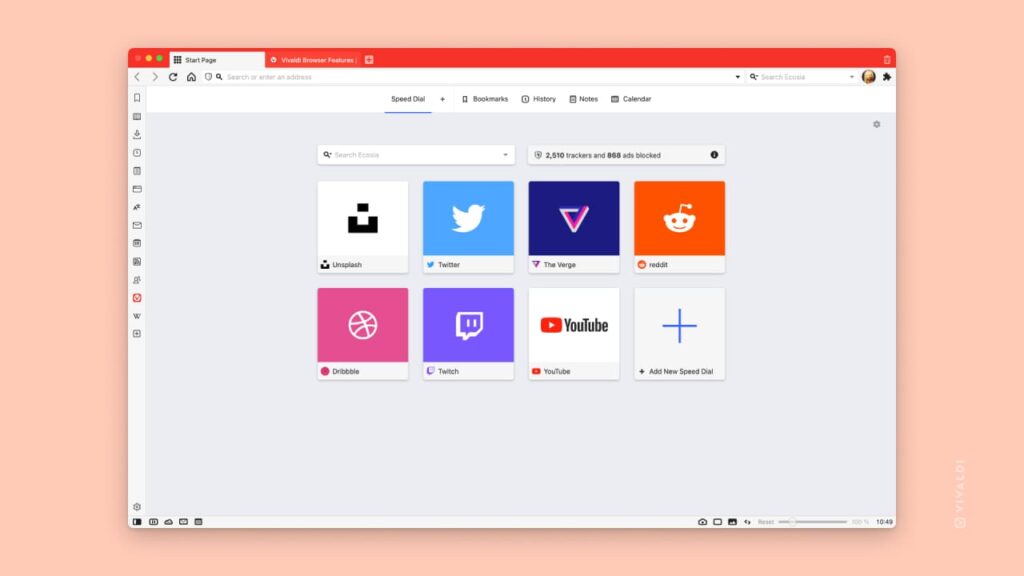
Vivaldi Browser is an incredibly secure and private browser with a built-in VPN. It offers a range of features that make it one of the best browsers with built-in VPN. From its free VPN protection to its tab cycling feature, it provides everything you need for a safe and private online experience. It’s available for multiple platforms and comes at no cost, making it an ideal choice for those seeking a secure browser.
Key Features
- Built-in VPN protection that encrypts all web traffic, keeping users’ identities anonymous.
- Ad blocker that prevents intrusive pop-ups and advertisements while browsing websites.
- Secure password management that stores all passwords in an encrypted vault.
- Provides a range of customization options, from extension and add-on support to themes and wallpapers that make it easy to personalize the experience and create a unique browsing environment tailored specifically to their preferences.
- Offers a tab cycling feature that makes it easy to switch between open tabs quickly and effortlessly.
- Has a secure password manager that ensures all passwords are kept safe and secure, eliminating the need for users to remember multiple passwords.
Pricing
- Completely free with no hidden costs or subscription fees.
Pros
- Free unlimited VPN protection that encrypts all web traffic and keeps users anonymous.
- Secure password management ensures all passwords are kept safe and secure.
- Customizable settings with a range of extensions, add-ons, themes, and wallpapers for personalization.
- Tab cycling feature makes it easy to switch between open tabs quickly and effortlessly.
- Blocks intrusive advertisements, ensuring a pleasant browsing experience.
Cons
- Steep learning curve for new users.
- Some features may be overwhelming for casual users.
- Some users may find the browser slower than other browsers because of its advanced security features.
Versions Available
Vivaldi Browser is available for Windows, Mac, Android, and iOS so users can access it from any device.
In summary, Vivaldi Browser is an incredibly secure and private browser with a built-in VPN. Its secure password manager, customizable settings, tab cycling feature, and ad blocker make it one of the best browsers with built-in VPN. The fact that it’s available for multiple platforms and comes at no cost makes Vivaldi Browser an ideal choice for those seeking a secure and private browsing experience.
Browser #7: Microsoft Edge
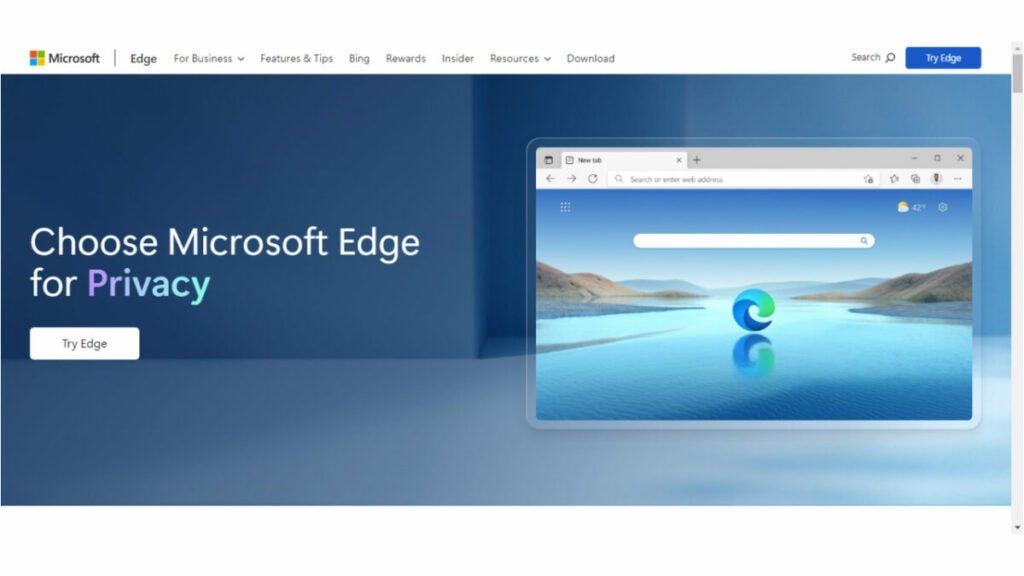
Microsoft Edge is a web browser developed by Microsoft that features built-in VPN protection. Here are some key details about the browser.
Key Features
- Built-in VPN protection that encrypts all web traffic, keeping users’ identities anonymous.
- Ad blocker that prevents intrusive pop-ups and advertisements while browsing websites.
- Secure password management that stores all passwords in an encrypted vault.
- Has a range of customization options, from extension and add-on support to themes and wallpapers that make it easy to personalize the experience and create a unique browsing environment tailored specifically to their preferences.
- Tab cycling feature makes it easy to switch between open tabs quickly and effortlessly.
Pricing
- Completely free with no hidden costs or subscription fees.
Pros
- Offers unlimited protection by encrypting all web traffic and ensuring user anonymity.
- Secure password management ensures the security and protection of all passwords.
- Offers customizable settings and a variety of options, such as extensions, add-ons, themes, and wallpapers for personalizing the experience.
- Has a tab cycling feature that allows for efficient switching between open tabs.
- Prevents unwanted advertisements, resulting in a more favorable browsing experience.
Cons
- New users may experience a significant learning curve.
- Certain features may present a challenge for users who are not accustomed to them.
- Its advanced security features may result in slower performance for some users compared to other browsers.
- Available only on Windows and Mac operating systems.
Versions Available
Microsoft Edge is available for Mac, Windows, Android, and iOS so users can access it from any device.
In summary, Microsoft Edge is an incredibly secure and private browser with built-in VPN protection. Its free unlimited VPN, secure password manager, customizable settings, tab cycling feature, and ad blocker make it one of the best browsers with built-in VPNs. The fact that it’s available for multiple platforms and comes at no cost makes Microsoft Edge an ideal choice for those seeking a secure and private browsing experience.
Browser #8: Tor Browser
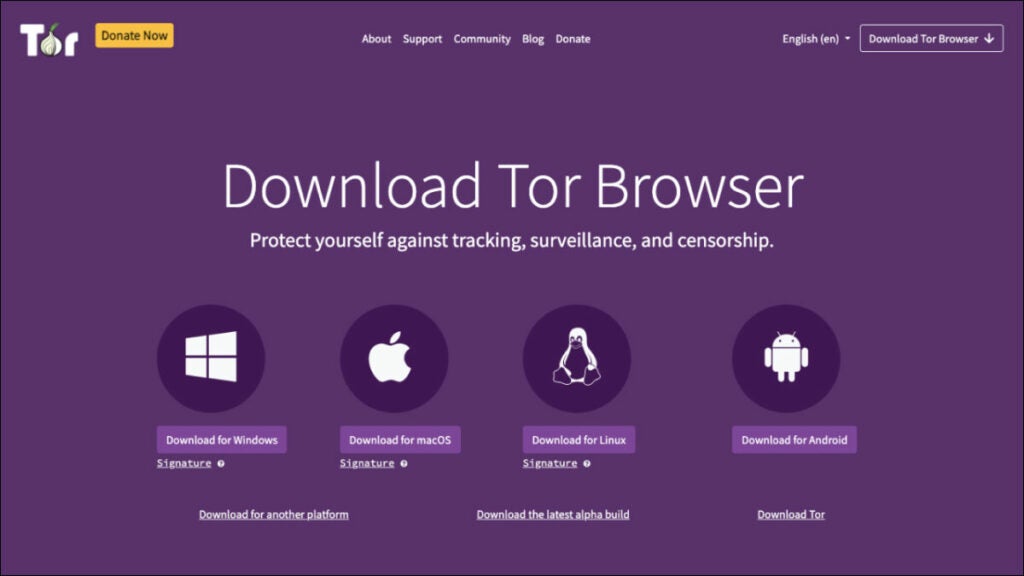
Tor Browser is an open source browser that features a built-in VPN and other features designed to protect users’ privacy and security. It uses a network of volunteer-run servers to route users’ traffic through multiple layers of encryption, making it difficult to track their online activity. Here are key details about the browser.
Key Features
- Anonymous browsing that hides users’ IP address and other identifying information as they browse the internet.
- Multi-layer encryption that safeguards all web traffic from third-party surveillance or tracking.
- Secure password manager that encrypts all passwords and stores them in a secure vault.
- NoScript feature blocks certain scripts from running when accessing websites, providing additional layers of protection against malicious attacks and hacking attempts.
- Can be configured to block ads, pop ups, cookies, and other tracking methods used to identify users.
Pricing
- Completely free with no hidden costs or subscription fees.
Pros
- Provides an added layer of security and privacy with its built-in VPN protection, encryption, and NoScript feature.
- Allows for anonymous browsing by concealing users’ IP addresses and other identifying information.
- Has a secure password manager that ensures the safety and protection of all passwords by storing them in a secure vault.
- Can be configured to block ads, popups, cookies, and other tracking methods used to identify users.
Cons
- Not compatible with certain websites and may experience compatibility issues when attempting to access certain sites.
- May be slower than other browsers due to its added security features.
- Advanced settings can seem overwhelming for new users who are not familiar with them.
Versions Available
Tor Browser is available for PC, on Windows, Mac, Linux, Android, and for iOS devices, making it accessible to a wide range of users.
In summary, Tor Browser is an excellent choice for those seeking an added layer of security and privacy while browsing the internet. Its built-in VPN protection, multi-layer encryption, secure password manager, and NoScript feature provide robust protection from third-party surveillance or tracking attempts.
Mobile Browsers with Built-in VPN
Mobile devices are also vulnerable to online threats, making it important to have a secure browser with built-in VPN protection. Here are the top eight mobile browsers with this feature.
Browser #1: Tempest Browser
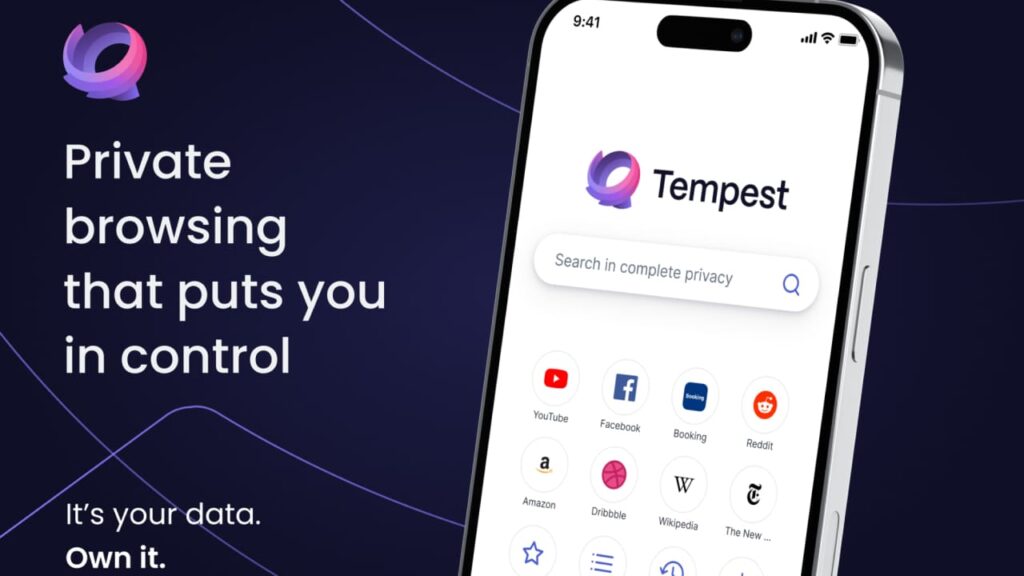
It offers users a secure and private browsing experience by encrypting all web traffic and masking their IP address. Tempest Browser also provides advanced privacy settings allowing users to customize their browsing experience, as well as features like ad blocking, Cookie blocking, and pop-up blockers for an added layer of security. Its cross-platform compatibility makes it an ideal choice for those seeking anonymity while browsing the internet. In short, Tempest Browser is one of the best mobile browsers with built-in VPN that provides maximum protection from third-party surveillance or tracking attempts.
Browser #2: DuckDuckGo Privacy Browser
DuckDuckGo is a browser with built-in VPN protection for iOS devices and Android browsers and devices. It blocks third-party trackers and forces websites to use encryption, ensuring that users’ online activity remains private and secure. DuckDuckGo privacy browser also includes a feature that displays a privacy grade for every website, making it easy for users to understand how secure their browsing experience is.
Browser #3: Aloha Browser
Aloha Browser is a private and secure browser with built-in VPN protection for iOS and Android devices. It has a user-friendly interface and allows users to browse the internet anonymously. Aloha Browser also supports ad-blocking, which enhances user privacy and reduces data usage. In addition to VPN protection, Aloha Browser offers a VR player for immersive browsing experiences. It is available for free with in-app purchases.
Browser #4: Brave Browser

Brave Browser is an open source browser that provides VPN protection for Android and iOS devices. It blocks third-party cookies, preventing advertisers from tracking users’ online activity. Brave Browser also offers a private browsing mode that doesn’t save users’ browsing history. It includes a built-in ad-blocker, reducing data usage and improving browsing speeds. Brave Browser is available for free on both the Google Play Store and Apple App Store.
Browser #5: Opera Browser
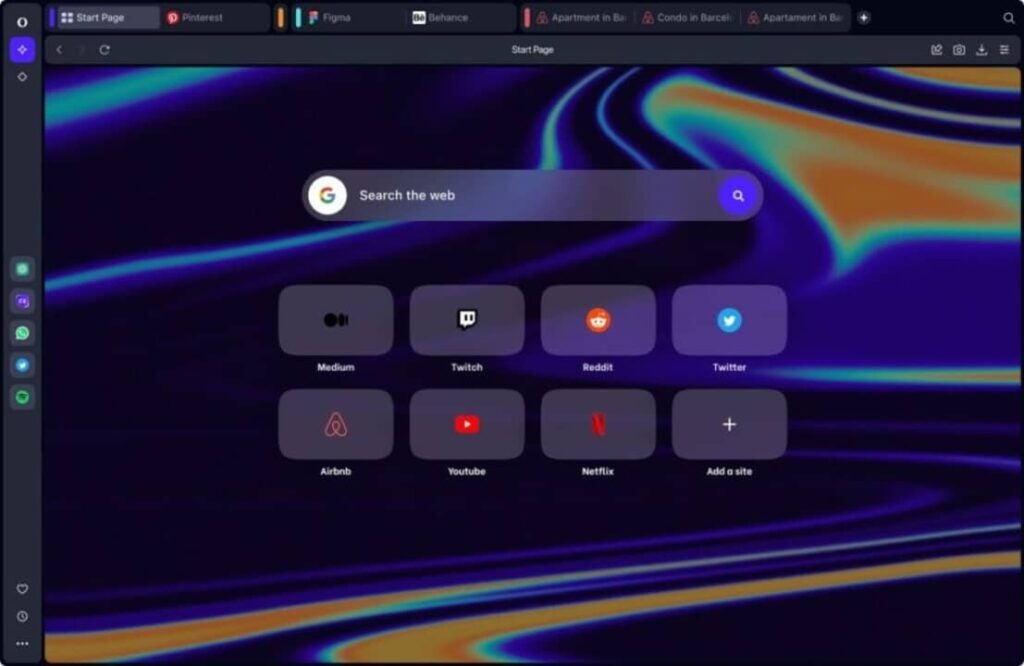
Opera Browser is a popular mobile browser with built-in VPN protection for Android and iOS devices. It offers fast browsing speeds and blocks intrusive ads, ensuring a smoother browsing experience. Opera Browser also includes a free, unlimited VPN that protects users’ online activity. The app is available for free download on the Google Play Store and Apple App Store.
Browser #6: Microsoft Edge

Microsoft Edge is a mobile browser that offers a built-in VPN for Android and iOS devices. It offers fast browsing speeds and includes a private browsing mode that doesn’t save users’ browsing history. Microsoft Edge also allows users to add VPN extensions to their browser for added protection. It is available for free on both the Google Play Store and Apple App Store.
Browser #7: Mozilla Firefox

Mozilla Firefox is a popular mobile browser with built-in VPN protection for Android devices. It offers fast browsing speeds and includes a private browsing mode that doesn’t save users’ browsing history. Mozilla Firefox also allows users to add VPN extensions to their browser for added protection. It is available for free on the Google Play Store.
Wrap Up
There are several browsers with built-in VPN protection available, providing users with a more secure and private browsing experience. Whether you’re considering security reviews and looking for a browser with a strong focus on privacy, an open source browser, or a browser that’s available for a specific operating system, there’s an option out there for you.
It’s important to consider your specific needs and preferences when choosing a browser to ensure the browser you choose is truly secure. With a browser with built-in VPN, you can enjoy a more secure and private internet browsing experience.
7 of the Best Private Search Engines for Secure Browsing
Find out which is the best private search engines in our detailed comparison.
Are you concerned about search engines tracking your every move and selling your personal data to advertisers? If so, you need to search for the best private search engines.
These search engines prioritize your privacy over everything else, keeping your search history and personal information secure.
Not all private search engines are the same and it can be difficult to determine which one is the best for your needs.
In this article, we’ll take a closer look at the top contenders, such as Tempest, Starpage, Qwant, ect, in the search for the top private search engine, so you can browse the web without worry.
Alternative #1: Tempest Search
Tempest Search is a relatively new, free-to-use private browser search engine that offers excellent security and privacy features.
Key Features
- Advanced search: Its advanced search feature allows users to refine their search results using various parameters, such as language, file type, date, and source. This feature is helpful when searching for specific information.
- No ads or trackers: It is ad-free, and it does not track users’ search history. This ensures that users’ search data remains private and not used for advertising purposes.
- Secure incognito search engine: It is one of the best incognito search engines that offers a high level of privacy and protection from online threats.
- Encrypted connections: It uses HTTPS encryption to secure users’ search queries and results. This means that no one can intercept or tamper with the user’s data during transmission.
- Customizable settings: Users can customize their search settings, such as the number of search results per page and the default search language. This feature is convenient for users who prefer a specific browsing experience.
- VPN online search engine: With this feature, Tempest Search offers an extra layer of protection for users who are concerned about their online privacy and security.
Pros
- High privacy standards: Tempest Search adheres to strict privacy standards, making it a reliable option for users who want a completely private search engine.
- Comprehensive results: It offers users with comprehensive and accurate search results, thanks to its powerful algorithms and indexing capabilities. This ensures that users are presented with the most relevant and up-to-date information possible.
- No tracking or data collection: It takes user privacy very seriously and does not collect or share any user data with third parties. This means that users can search the web without fear of being tracked or having their data harvested for advertising purposes.
- Fast and responsive: With its streamlined interface and fast search capabilities, it delivers search results quickly and efficiently. This makes it a great option for users who value speed and convenience.
- Customizable preferences: It allows users to customize their search preferences, including language, location, and more. This ensures users can get the most relevant and useful search results based on their individual needs and preferences.
- Ad-free experience: Unlike many other search engines, Tempest Search does not display any advertisements in its search results. This means that users can search the web without being bombarded by ads or having their search results influenced by advertising.
- Encrypted search: It uses encrypted search technology to ensure that user searches are kept private and secure. This provides an additional layer of protection for users who are concerned about online privacy and security.
Cons
- Limited search results: It may return limited search results compared to other search engines.
- No image search: The absence of an image search feature may be a disadvantage for some users.
- Limited language support: It does not support as many languages as other search engines.
- Still new and unknown: As a new private search engine, it is still relatively unknown, which may limit the range of search results.
- Lack of advanced features: Tempest Search has fewer advanced features than some other free private search engines.
Overall, Tempest Search is one of the top private search engines on the market, offering strong privacy protections and user-friendly features. With its anonymous search engine and private browsing options, Tempest Search is a great choice for anyone in search of a secure, private internet search engine. If you are looking for the best anonymous search engine for both privacy and security, Tempest Search is an excellent choice.
Alternative #2: DuckDuckGo
DuckDuckGo is a well-known private search engine that offers users a reliable and secure way to browse the internet.
Key Features
- Anonymous and private browsing: This helps you prevent advertisers and other third-party trackers from monitoring your browsing behavior or personal data. It also ensures your searching history is not recorded anywhere.
- Zero-click results: Unlike other search engines, DuckDuckGo provides instant and relevant answers to your queries at the top of the page, meaning you don’t need to scroll down to see the search results or click through to different websites to find related information.
- Instant answers: Its instant answers feature provides answers to common questions such as time, date, and even calculations without having to click through to a separate page.
- Bangs: This feature lets you quickly search other websites directly from the search bar. For example, instead of going to the Wikipedia page, you can simply type “!wiki DuckDuckGo” to search for “DuckDuckGo” on Wikipedia.
Pros
- Privacy: As one of the best-known private search engines, it offers strong privacy protections that keep users’ searches and personal information secure.
- Customizable settings: It provides users with customizable privacy settings that enable them to choose which types of data they want to share and which they want to keep private.
- Great browser extensions: The browser extensions for DuckDuckGo are highly regarded for their ability to block trackers and maintain user privacy while browsing the web.
- Community-driven: It is community-driven and open source, which means that users can contribute to its development and improvement.
- No filter bubble: It does not use personal data to create filter bubbles or targeted advertising, ensuring that users see a wider range of search results.
Cons
- The search engine doesn’t have the same amount of resources as larger search engines, which can limit the scope of its search results.
- DuckDuckGo does not provide personalized search results based on your search history, which can be a pro for privacy, but a con if you’re looking for customized search results.
- Some users may find that its search results are not as relevant as other DuckDuckGo alternatives, particularly for more niche searches.
Overall, DuckDuckGo is one of the most secure private search engines that is an excellent choice for those who want to browse the internet securely. While it may not offer the same level of customization or the same search results as larger search engines, it has all the essential features that private browsing necessitates. If you’re looking for the best search engine for privacy and security, DuckDuckGo is worth considering.
Alternative #3: StartPage

StartPage is a private search engine that offers users a secure and privacy-focused browsing experience. It’s best for those who prioritize privacy and want to search the web without being tracked.
Key Features
- Anonymous browsing: As one of the most anonymous search engines, it lets you browse the web without collecting any personal information, and all searches are encrypted for extra security.
- No data collection: Your search data is not collected or stored, which means nothing about your search history can be utilized or shared with third parties.
- Results from Google: StartPage offers Google search results that are made private, making it more convenient for users, while providing a privacy-friendly service.
- Privacy toolbar: For added protection, it offers a browser extension that blocks third-party trackers and removes your digital footprints.
Pros
- Relevant search results: StartPage’s search results are as good as that of most private anonymous search engines, thanks to its partnership with Google, but achieves this without having to compromise on privacy.
- Secure browsing: It offers secure browsing experience and encrypts your search queries with an SSL connection.
- High privacy: Its privacy toolbar provides powerful protection against tracking cookies and scripts, thereby authenticating a secure consumer journey with the private internet search engine.
Cons
- Its search algorithm is not as advanced as other search engines, potentially leading to less relevant search results when doing more niche searches.
- No customization options are allowed, which can limit the perspective needed for more diverse searches, unlike what other StartPage alternatives can offer.
- Its search index may not cover all geographical locations.
Overall, StartPage is a private search engine that provides users with fast and secure online searches without sacrificing privacy. Its innovative features, including anonymous browsing and results from Google, make it one of the best search engines for privacy and security currently available. The privacy toolbar and no data collection policies ensure complete privacy and secure browsing sessions. If you’re looking for the best search engine for privacy and security, StartPage is a reliable choice.
Alternative #4: Searx
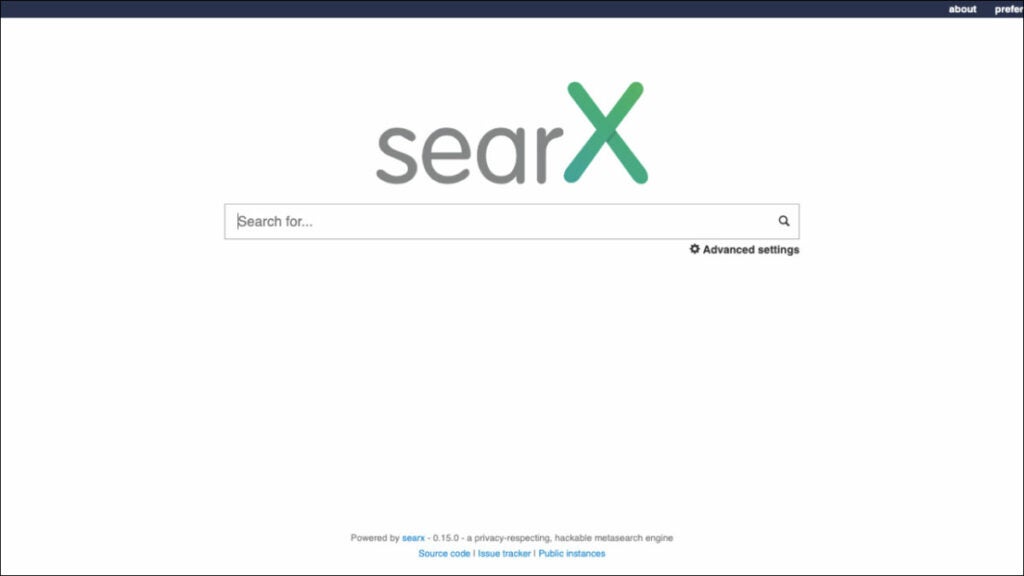
Searx is a free and open-source metasearch engine that aggregates search results from various sources to provide users with more comprehensive and private search results.
Key Features
- Open-source: It is entirely open-source, meaning users can examine its source code and ensure that their privacy is not being compromised.
- Privacy features: It allows users to browse without having their search queries recorded, filters out sensitive content and blocks third-party cookies and trackers.
- Customizable: It lets users customize their search results by choosing the search engines to include, their preferences, and much more.
- Collaborative environment: Searx follows a collaborative approach, enabling users to contribute to the ongoing development and improvement of the search engine.
Pros
- Search results: Searx allows users to choose the search engines that provide results, providing a more diverse range of websites for searches.
- High transparency: With its open-source nature, Searx offers a high degree of transparency, which ensures that no manipulation of search results occurs, providing unbiased results.
- Prioritizes privacy and anonymity: The search engine prioritizes privacy and anonymity, with no tracking or data storage, making it one of the best anonymous search engines.
- Multiple sources: Searx uses multiple search engine sources to collate results, making the searches more comprehensive and allowing more diversity.
Cons
- Its interface needs improvement in its design, which can make finding information a little more frustrating for some users.
- It isn’t as fast as some of the best encrypted search engines out there, owing to its decentralized architecture.
- Its sorting algorithms may not always provide the most accurate or relevant results compared to other Searx alternatives.
Overall, Searx is an innovative and trustworthy private search engine, with excellent customization options and a collaborative community. Its open-source nature and the ability to choose between different sources (including the likes of Google and Bing) mean that users have more control over their search experience than they would when compared to the list of private search engines in the market today.
Alternative #5: Qwant
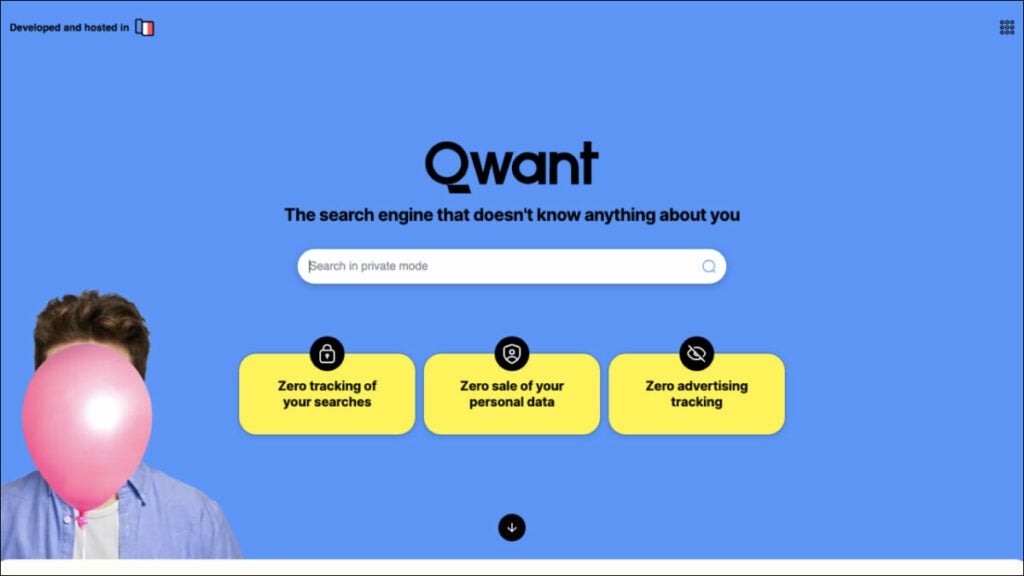
Qwant is a French private search engine that doesn’t track users’ data or search history. It’s best for those who prioritize privacy and want to be able to search the web without being tracked.
Key Features
- Privacy features: It features privacy options like an “ad-free” mode, which blocks ads and trackers, and makes the search queries completely anonymous.
- No user tracking: It does not collect or store any data, making sure that user criteria don’t become vulnerable to data breaches.
- Machine learning: It uses artificial intelligence techniques to improve search accuracy and relevance. With machine learning, Qwant learns from user behavior and adjusts search algorithms accordingly.
- Social search: It integrates with social media platforms, making it a platform to obtain social media search results
Pros
- Safer browsing: Qwant’s privacy features guarantee users the utmost protection from intrusive ads, as well as safe browsing with no third-party data tracking.
- Easy-to-use interface: Its interface is user-friendly and doesn’t require any logins or account creation to start using the search engine, making the browsing experience more effortless.
- Multimedia search capabilities: Unlike other private proxy search engines, Qwant allows users to search for different multimedia formats, including videos, images, and news stories, all in one place.
- Local search results: It provides highly localized search results and shows regional or country-specific results on top of the list.
- Search in multiple languages: It provides accurate and fast search results for searches in multiple languages, making it great for international users.
Cons
- Its search results may not be as specialized as other Qwant alternatives, which can limit the effectiveness of the engine as a research tool for some users.
- It has not implemented some advanced features available in other search engines, including voice search or other advanced tools that some users may find essential.
- While Qwant is gaining recognition across Europe and other regions, it is not as well-known as other private search engines in some parts of the world, which could impact the diversity of its search results.
Overall, Qwant is a highly efficient privacy-focused search engine that emphasizes user convenience and robust data protection. Whether you are looking for multimedia searches or highly localized search results, Qwant provides everything within a fast, safe and private environment. Its ad-free mode, combined with its no-tracking policies, makes it one of the best untraceable search engines, and its user-friendly interface makes it very easy to use for all ages.
Alternative #6: Swisscows
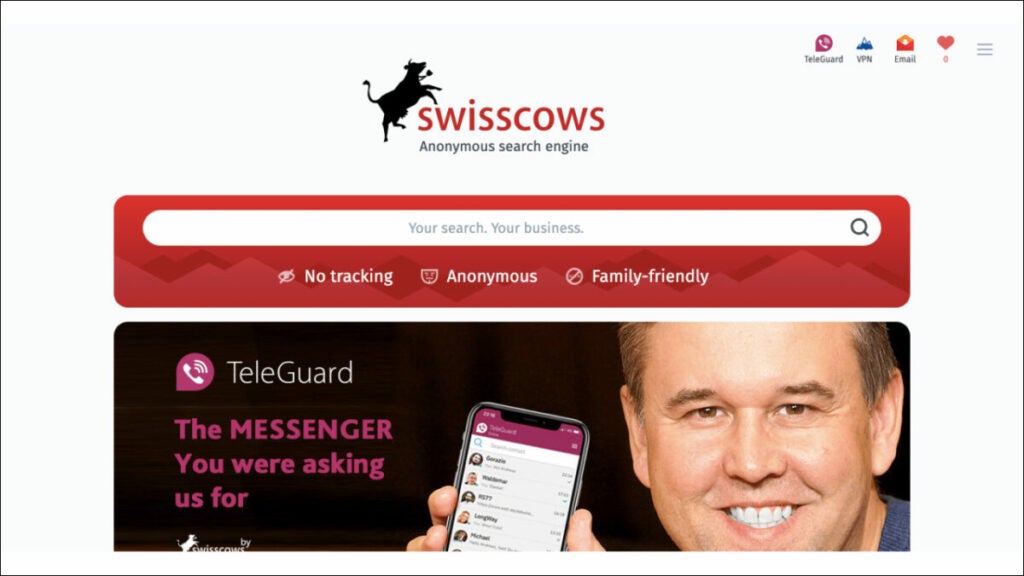
Swisscows is a private search engine that offers an ad-free and fully encrypted search experience. It uses semantic technology to provide relevant search results to users.
Key Features
- Semantic search: It utilizes semantic search technology, which provides search results based on meaning rather than just matching keywords. This provides more relevant and accurate results.
- No tracking: It does not track users, store search queries, or save any identifiable user data. Users can be sure that their search history is private and secure.
- Family-friendly: It filters out any explicit content, making it a safe search engine for families and children.
- Secure server: It uses its own servers to ensure that all search queries are secure and encrypted. This prevents any third-party access to user data.
Pros
- Ad-free experience: It does not use any ads to generate revenue, providing users with a completely ad-free search experience. This means users can search without any distractions or interruptions, and also ensures their search history is not shared with third-party advertisers.
- Fast and efficient: It delivers search results quickly, providing users with an efficient search experience. The search engine uses advanced algorithms and indexing techniques to provide accurate results in a matter of seconds, which saves users time and enhances their overall search experience.
- Multilingual support: It supports multiple languages, making it easier for non-English speakers to use the search engine. Users can search in their native language, and the search engine will return results in the same language, providing a seamless and convenient search experience.
- Private and secure: It is a private and secure search engine, providing users with peace of mind that their data is safe. It does not collect any personally identifiable information and encrypts all search queries to protect user privacy.
Cons
- It does not provide as many search results as other Swisscows alternatives, which may be a drawback for some users.
- It does not have as many features as some of its competitors, which may be a downside for power users.
- The user interface may take some getting used to, especially for users accustomed to other search engines.
Overall, Swisscows is one of the best private search engines available, thanks to its emphasis on privacy and its use of semantic search technology. It is a great option for users who prioritize their privacy and want a secure search engine that provides fast and relevant results.
Alternative #7: Mojeek
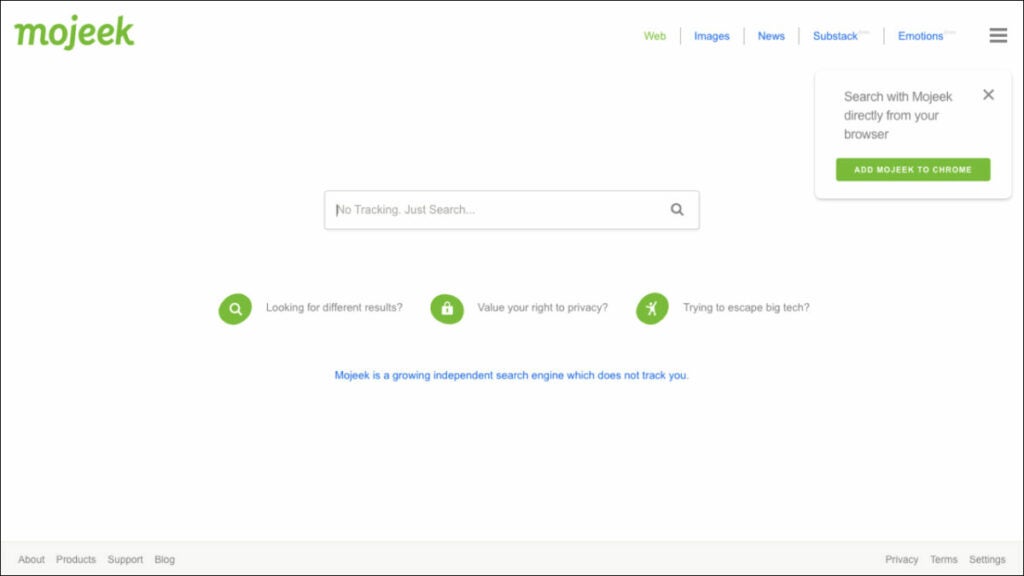
Mojeek is a privacy-focused search engine based in the United Kingdom. It is one of the few private search engines that operates its own crawler and index, allowing it to provide search results that are entirely independent of the major search engine players. Mojeek prides itself on being transparent about how it operates, and it doesn’t collect any user data or track searches.
Key Features
- Independent index: It crawls and indexes the web independently, which means its search results aren’t influenced by other search engines.
- No tracking: It does not collect or store any personal information, so users can search the web without being tracked or profiled.
- Family-friendly: It has a strict family-friendly policy, which filters out adult content and other inappropriate material.
- Privacy pledge: Mojeek is committed to maintaining user privacy and has a privacy pledge on its website that outlines its commitment to privacy and security.
- Deep web search: Mojeek is able to index and search the deep web, which includes content that is not normally indexed by other search engines.
Pros
- Comprehensive search results: Its crawler indexes billions of pages, providing users with extensive and relevant search results.
- User privacy: As a private search engine, Mojeek prioritizes user privacy by not tracking or logging any user data, providing a truly anonymous search experience.
- Family-friendly filtering: It implements a filtering system to ensure search results are appropriate for all ages, making it a great choice for families.
- No ads: Unlike many other search engines, Mojeek does not show ads in its search results, providing users with a cleaner and less cluttered experience.
- Independent: It is an independent search engine that is not affiliated with any large corporation, ensuring unbiased search results.
Cons
- Since it is an independent search engine, it may not have as many results as the major search engines or other Mojeek alternatives.
- It currently only supports searches in English, which may limit its usefulness to non-English speakers.
- It doesn’t offer as many features as other search engines on this list, which may make it less appealing to power users.
Overall, Mojeek is a solid choice for those looking for a privacy-focused search engine that offers independent results, deep web search capabilities, and family-friendly filtering. While it may not have as many features as some of the other top private search engines, its commitment to privacy and security make it a good alternative to the major players.
Summary
Private search engines offer a great way to protect your online privacy while searching the web. The best private search engine for you will depend on your specific needs, but Tempest Search is certainly one to consider.
With its unique features, such as customization and no tracking, Tempest Search provides a private and secure browsing experience. Also, its user-friendly interface and fast search results make it a great option for anyone looking for an alternative to more well-known search engines.
While there are many other options out there, Tempest Search stands out as one of the best private search engines available today. Try it out and experience the benefits of a search engine committed to privacy and transparency.
DuckDuckGo Alternatives: Search Engines and Private Browsers
Learn about 5 best alternatives to DuckDuckGo: search engines and browsers in 2023.
In a world where privacy concerns are becoming more prevalent, many people have turned to DuckDuckGo as their go-to search engine and browser. But what if you’re looking for a DuckDuckGo alternative?
Maybe you’re not satisfied with its search results, or you want more features. Whatever your reason, we’ve compiled a list of five browsers and search engines that you can consider as an alternative to DuckDuckGo. In this article, we’ve collected the 5 best alternatives, such as Tempest, Tor, Qwant, etc., so you can choose the perfect one.
What is DuckDuckGo?
DuckDuckGo is a search engine that focuses on user privacy. It doesn’t track your online activity or store your personal information. It’s also a web browser that blocks third-party trackers and provides encryption protection. DuckDuckGo has gained popularity in recent years due to increasing privacy concerns, but it’s not the only option out there.
Why Consider DuckDuckGo Alternatives?
While DuckDuckGo is a great option for privacy-conscious users, it may not be the best choice for everyone. Some people may find the search results to be less relevant than alternative search engines, or they may want more features in their browser. That’s why it’s always good to know what other options are available.
3 Alternative Browsers to DuckDuckGo
Alternative #1: Tempest Browser
Tempest Browser is a great alternative to traditional search engines like DuckDuckGo. Here are some key features that make it stand out:
- Privacy protection: It offers enhanced privacy features to keep your online activities safe and secure.
- Personalization: The browser allows users to personalize their browsing experience by offering customized themes and layouts.
- Ad Blocker: It comes pre-installed with an ad blocker and script blocking features to prevent annoying pop-ups and optimize web page loading speeds.
- Tracker blocker: The software prevents the tracking of browsing habits and collection of personal data by malicious trackers.
- Cross platform compatibility: The browser supports multiple platforms like Windows, Mac, Linux, Android, and iOS.
Pros
- Enhanced security: It uses advanced security encryption to safeguard your online activities from prying eyes, malware, and malicious hackers.
- Minimalist design: The browser’s clean and minimalist interface allows for distraction-free browsing, making it ideal for users who prefer a simple and intuitive browsing experience.
- Advanced customization: It offers users the option to customize their browsing experience to suit their preferences, from choosing a unique theme to customizing tab positions and more.
- High-speed browsing: The browser’s fast rendering speeds enable it to load web pages quickly and efficiently, making it an excellent alternative to traditional browsers that consume too much memory and slow down your device.
- Low resource consumption: It is designed to consume minimal system resources, even when multiple tabs are open at the same time, resulting in less battery drain and longer battery life for mobile devices.
- Open-source code: The browser’s open-source code allows users to access and modify the software as needed, making it a platform for innovative add-ons custom-made by developers.
Cons
- Limited extensions catalog: The total number of extensions available is limited compared to other DuckDuckGo alternatives.
- Less popular: It has a long way to go in terms of popularity, which may make users hesitant to switch from the more popular browsers.
Overall, Tempest Browser is one of the best DuckDuckGo alternatives for people looking for a more secure and private browsing experience. It offers many features like ad-blocking, cross-platform compatibility, and personalization without compromising on privacy.
If you are looking for a viable alternative to traditional search engines, Tempest Browser is worth exploring.
Alternative #2: Brave Browser
Brave Browser has gained popularity as a fast and privacy-focused web browser similar to DuckDuckGo. Here are some of its key features:
- Ad and tracker blocker: It automatically blocks ads and trackers that monitor your online activity, protecting your privacy and improving your overall browsing experience.
- Data saver: This feature allows you to compress data and optimize page loading times, which is especially useful when using mobile data plans.
- Built-in VPN: It offers a built-in VPN for added security and privacy when browsing, which is not available on many browsers like DuckDuckGo.
- Rewards program: It has a rewards program that pays users in the cryptocurrency BAT for watching ads, which can later be used to pay content creators or donated to charity.
- Cross-platform compatibility: It is available on multiple platforms, including Windows, MacOS, iOS, and Android.
Pros
- User-centric: It focuses on the user experience, offering faster load times, fewer distractions, and an overall smoother browsing experience.
- Supports creators: It supports content creators by offering a rewards program that pays users in cryptocurrency for opting to see ads that these content creators put up.
- Enhanced security: It has enhanced security features, including HTTPS Everywhere, which secures your connection to the websites you visit.
- Simplified user interface: The browser has a simplified user interface that’s easy to navigate and does not distract from what’s important.
- Efficient: It is designed to be more efficient than traditional browsers by blocking ads and trackers that use up system resources in the background.
Cons
- Limited plugin support: It doesn’t support as many plugins as traditional browsers do, which may limit the capability of some users.
- Smaller user base: Although Brave has been gaining popularity, it still has a smaller user base than other websites like DuckDuckGo.
Overall, the Brave vs DuckDuckGo comparison reveals they have common features like ad and tracker blocking, but Brave Browser offers a more versatile, secure and efficient browsing experience through its built-in VPN, data saver, and cryptocurrency rewards program, among others.
Although it still has a smaller user base, it is gaining popularity as a trustworthy and privacy-friendly DuckDuckGo browser alternative.
Alternative #3: Tor Browser
Tor Browser is a privacy-focused web browser that takes your online security and anonymity seriously. Here are some of its key features:
- Onion routing: It encrypts and randomly routes your internet traffic through several servers, making it difficult for anyone to trace your online activity back to you.
- Anonymous browsing: It hides your IP address, making it difficult for anyone to track your online activity or location.
- No cookies or tracking: The browser blocks cookies and other tracking technologies that websites use to monitor your online behavior.
- Multi-layered encryption: It uses multiple encryption methods to secure your internet connection and protect your privacy.
- Cross-platform compatibility: It is supported on multiple platforms, including Windows, Mac, and Linux.
Pros
- Strong security: It is designed specifically to keep your online activity private and secure. It employs cutting-edge encryption technologies and uses the Tor network, making it hard for anyone to track your online activity.
- Open source: It is an open-source project, which enables the community to contribute to its development, update, and support.
- Non-profit organization: The Tor Project, the organization behind Tor Browser, is a non-profit organization that is dedicated to privacy and digital rights.
- Separated identity: The browser allows users to create a new, unique identity for each session, providing another layer of anonymity and making tracking you even more difficult.
- Access without restrictions: Tor Browser allows people from countries with internet restrictions, censorship, or monitoring to bypass these restrictions and access the internet without any issues.
Cons
- Slow speed: It can be slow at times due to the number of encryption layers it uses.
- Websites may block access: Some websites may block access from IP addresses associated with the Tor network, which means you may not be able to access certain websites.
Overall, the Tor vs DuckDuckGo comparison suggests they both offer increased privacy and anonymity, but they work in different ways. Tor Browser relies on onion routing to keep your online activity anonymous and secure, while DuckDuckGo uses a combination of advanced encryption, privacy policies, and a no-logs policy.
If you’re committed to protecting your identity and online privacy, Tor Browser is one of the best alternatives to DuckDuckGo. While it may be slower than traditional browsers and some websites may block its access, it is one of the most powerful privacy-focused web browsers available today.
3 Alternative Search Engines to DuckDuckGo
Alternative #1: Tempest Search
Tempest Search is a privacy-focused and user-centric search engine that utilizes advanced technology to provide fast and accurate search results while keeping users’ information safe and private. Here are some of its main features:
- Privacy protection: It prioritizes privacy and does not track or store user data, ensuring that users’ privacy is protected at all times.
- Ad-free: It delivers search results without any ads, keeping the search interface clean and user-friendly.
- Encrypted connection: It uses advanced encryption technology to secure your search queries and results when you are online.
- User-friendly interface: It offers an easy-to-use interface, making it easy for users to find the information they need quickly.
- Image and video search: It offers advanced image and video search features that make it easy to find and filter visual content on the internet.
Pros
- Transparent: It is transparent about its privacy policy and data collection practices, ensuring that users can trust the search engine with their information.
- Privacy enhancers: It provides privacy-enhancers like a VPN and secure proxy that adds to users’ privacy level.
- Environmentally friendly: Unlike other search engines, Tempest Search is designed to reduce carbon footprint by being more energy-efficient.
- Unique algorithm: It uses a unique algorithm that delivers highly relevant search results that other search engines may miss.
Cons
- Limited search results: Since Tempest Search is a relatively new search engine, it may not have as many search results as other more established search engines.
- Limited filters: Tempest Search currently has limited search filters compared to other search engines.
Overall, Tempest Search is a great alternative to traditional search engines similar to DuckDuckGo. Its privacy-focused features, advanced technology, and intuitive user interface make it a great choice for users who are looking for a more secure, ad-free, and user-friendly search experience. While it may have some limitations compared to other search engines, it has great potential to become a leading privacy-focused search engine.
Alternative #2: StartPage
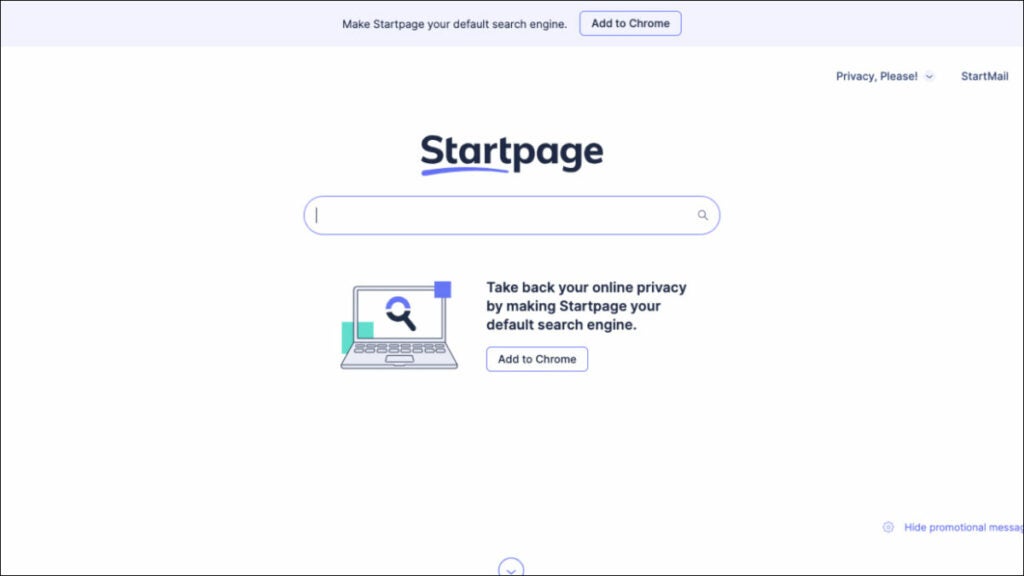
StartPage is a private search engine that offers privacy and anonymity to its users. The search engine is based in the Netherlands and uses Google’s search algorithms while not tracking any user data. Here are some of its key features:
- Anonymous web browsing: It provides an anonymous web browsing experience to its users. StartPage encrypts your search queries and does not store any of your personal information, ensuring that your online activities remain private.
- No personalized results: It does not use any personal information or search history to personalize the search results. It treats every user as an anonymous user, providing the same search results for everyone.
- Proxy browsing: It offers a “proxy browsing” option that allows you to browse the web anonymously without being tracked by websites or advertisers. This feature can help to protect your privacy and identity online.
- Advanced search features: It offers advanced search features that allow you to filter your search results by language, date, and location. This makes it easier to find the exact information you are looking for.
- Easy-to-use interface: It has a user-friendly interface that is easy to navigate. You can use the search engine like any alternative search engine and get the same results while enjoying the added privacy benefits.
Pros
- High privacy standards: StartPage is committed to protecting the privacy of its users. It does not collect any personal information, and all searches are encrypted for added security.
- Fast search results: It uses Google’s search algorithms, providing fast and accurate search results to its users.
- No ads: It does not display any ads on its search results pages, ensuring you can browse the web without any distractions.
- Compatible with most browsers: It is compatible with all major web browsers, including Chrome, Firefox, and Safari.
Cons
- Limited search results: It only displays search results from Google, which may limit the range of results you get.
- No unique features: Unlike DuckDuckGo, StartPage does not offer any unique features, such as a password manager or an email protection service.
- Limited customization: It does not allow you to customize the search results page or change the interface.
Overall, the StartPage vs DuckDuckGo comparison reveals many similarities, however, there are some differences between them.
DuckDuckGo offers unique features such as a password manager and email protection service, while StartPage does not. However, StartPage provides a proxy browsing option and advanced search features that DuckDuckGo does not offer. Also, StartPage uses Google’s search algorithms, providing fast and accurate search results to its users, making it one of the best DuckDuckGo alternatives.
Alternative #3: Qwant
Qwant is a European search engine that prioritizes privacy and user data protection. Here are some of its key features:
- Privacy protection: It does not track its users or collect personal information, and it uses end-to-end encryption to protect search queries.
- Contextual search: Its “Cards” feature provides users with relevant information about their search queries, such as definitions, images, and related articles.
- Social media integration: Qwant integrates with social media platforms like Twitter, allowing users to search for tweets and profiles without leaving the search engine.
- News aggregator: Its “Qwant News” feature provides users with a curated list of news articles from a variety of sources.
Pros
- Advanced search filters: It offers a variety of advanced filters that allow users to refine their search results based on various criteria, such as date, location, and file type.
- User-friendly interface: It has a clean and simple interface that is easy to use, making it an ideal alternative for those who find DuckDuckGo’s interface too cluttered.
- Localized results: It offers localized search results for various countries and languages, making it a useful alternative for those who need to search for content in a specific region or language.
- Tailored results: It offers personalized search results based on the user’s search history, preferences, and interests. This allows for a more tailored and relevant search experience.
Cons
- Limited results: Its search results may be limited compared to other search engines, particularly for more niche or specific searches.
- Limited language support: Qwant supports fewer languages than some other search engines, which could be a drawback for users who speak languages that are not widely spoken.
Overall, the Qwant vs DuckDuckGo comparison shows they both prioritize privacy, but Qwant’s contextual search feature and social media integration set it apart. Some users, however, may find Qwant’s search results are more limited than those of DuckDuckGo.
Qwant is a great alternative to DuckDuckGo for users who are concerned about privacy and want a search engine that integrates with social media platforms. Its “Cards” feature makes it easy to find relevant information about search queries, while its strong privacy protections make it a secure option for users.
Which One Should You Try First and Why?
To choose the best DuckDuckGo alternative will depend on your personal preferences and priorities.
However, if you’re looking for a browser and search engine combo that offers strong privacy protection, advanced security features, and a clean user interface, Tempest is an excellent option to consider.
Tempest offers both a search engine and private browser, offering a range of advanced privacy features, including anti-fingerprinting and built-in tracker blocking, to keep your online activity private and secure. It also offers fast page loading speeds and a streamlined user interface that is easy to navigate.
Its search feature offers a private and secure search experience with advanced search filters and personalized results. It offers strong privacy protection by not tracking or storing user data, and its localized search results are tailored to your location.
Overall, Tempest Browser and Tempest Search make for a great combination for those seeking a comprehensive and private browsing experience. By using Tempest Browser, you can ensure that your online activity remains secure, while Tempest Search ensures your searches are private and tailored to your needs.
Google Chrome Alternatives: 7 Browsers You Should Consider
Learn about 7 best alternatives to Google Chrome for 2023 in our in-depth comparison of the top market players, including Tempest, Firefox, Opera and more!
Google Chrome has been the most popular web browser for years, but for some users, it may not be the best option. If you’re looking for something different, there are many Google Chrome alternatives you can consider.
In this article, we’ll explore some of the best options currently available and highlight their unique features, pros and cons. Whether you’re looking for the best private browser or a faster browsing experience, find out which one is the perfect fit for you. We collected only the best browsers, such as Tempest, Opera, Firefox, ect. So you can choose the best fit for your requarements.
Why Consider Google Chrome Alternatives
While Google Chrome is a popular browser, it has its downsides. One of the biggest drawbacks is its high memory usage, which can slow down your device. Also, Google Chrome’s privacy policies have come under scrutiny, making it important to consider alternative browsers that prioritize user privacy and security.
Alternative #1: Tempest Browser
Tempest Browser is a relatively new browser that’s quickly gaining popularity. It’s designed to be fast, secure, and privacy-focused. It emphasizes user data protection and internet freedom. It is an open-source, lightweight, and fast browser that prioritizes user privacy and security. Tempest Browser is developed for advanced users who seek complete control of their browsing experience.
Key Features
- Anti-fingerprinting: It provides complete protection against digital fingerprinting. It blocks trackers, cookies, and scripts that are used to track users across the web.
- User agent masking: It can disguise the user agent to mimic other browsers or operating systems, adding an extra layer of privacy protection.
- Customizable DNS: It allows users to customize their DNS settings, allowing for more secure and faster browsing experiences.
- Tor support: It supports the Tor network, which enables a more private browsing experience by routing internet traffic through multiple servers.
- Ad blocker: It features a built-in ad-blocker that eliminates annoying ads, improving the browsing experience.
- Tracker blocker: It blocks malicious trackers that are used to monitor your browsing habits and collect your personal data.
Pros
- Privacy-focused: It is an excellent choice for those who prioritize privacy and security.
- Customizable: It is customizable, allowing users to choose their preferred DNS settings and browse faster.
- Ad-free: With the built-in ad-blocker, users can enjoy ad-free browsing.
- Lightweight: It is a lightweight, fast browser that can be a valuable addition to your device.
Cons
- Advanced user: It is designed for advanced users who want complete control of their browsing experience, and may not be suitable for casual or inexperienced users.
- Limited extensions: It has a limited number of extensions when compared to other alternatives to Google Chrome, which may be a drawback for some users.
- User interface: The user interface (UI) may not be as intuitive to navigate as other popular browsers.
Overall, Tempest Browser is a privacy-focused web browser that is considered one of the best Google Chrome alternatives. Its anti-fingerprinting, user-agent masking, customizable DNS, and Tor support features add to its robust privacy and security features, making it a great choice for advanced users who prioritize online privacy. The built-in ad-blocker and tracker blocker eliminate annoying ads and malicious trackers, improving the browsing experience.
Tempest Browser’s customizable nature, privacy and security features, and fast browsing experience make it an excellent Chrome alternative.
Alternative #2: Brave Browser
Brave Browser is a fast, secure, and privacy-focused web browser that is considered a top alternative to Google Chrome. It is built on Chromium, making it easy for users to migrate from Google Chrome to Brave. Brave Browser provides a wide range of features that prioritize user security and privacy, ensuring users have complete control over their browsing experience.
Key Features
- Privacy protection: It blocks trackers, fingerprinting, and other malicious scripts to protect user privacy.
- Customizable shields: Its built-in Shields give users complete control over third-party cookies, scripts, and more.
- Built-in ad blocker: It blocks annoying ads that slow down browsing speeds and compromise user privacy.
- Faster browsing: Its unique architecture blocks ads and other trackers before they can load, resulting in faster browsing speeds.
- Brave rewards: It offers a cryptocurrency-based rewards system that allows users to earn tokens by viewing non-intrusive ads.
Pros
- High-level of privacy: It offers a high level of privacy protection, making it suitable for users who prioritize their online security.
- Cross-platform and user-friendly: It is available on multiple devices, including desktop and mobile, and is user-friendly, making it easy even for new users to navigate.
- Reduced data usage: With its ad-blocker feature and focus on reducing data usage, Brave Browser helps in reducing internet costs and speeding up browsing time.
- Better security: Its Chromium-based architecture emphasizes security, making it superior to other Brave alternativesin terms of protection against threats.
- Free of external influences: By default, it does not have any external programming that could manipulate or affect performance, providing users with an independent browsing experience.
Cons
- Limited extensions: It has a limited number of extensions compared to Google Chrome, which may be a drawback for some users.
- Token system: While some users may like the Brave Rewards system, others may be uncomfortable with the use of cryptocurrencies.
- UI configuration: The UI configuration may not be as intuitive as other web browsers, leading to a less user-friendly experience.
Overall, Brave Browser is one of the best alternatives to Chrome because of its unique features and high level of privacy protection. Although it has a limited number of extensions and may not have as intuitive of a UI configuration compared to other browsers, Brave Browser remains a favorite as a Google Chrome alternative among users who are privacy-conscious and value speed.
Alternative #3: Microsoft Edge
Microsoft Edge is a web browser developed by Microsoft that claims to be faster and more efficient than its predecessor, Explorer. It is a viable alternative to Google Chrome for users who are looking for something new and different. Edge features Microsoft’s new Chromium-based architecture, which provides a range of features to improve user experience and security.
Key Features
- Privacy controls: It provides users with granular privacy controls, allowing them to decide which information they’d like to share with websites.
- Immersive reader: Edge’s immersive reader experience can remove ads and animations from an article, making it easier to read and understand.
- Picture-in-picture mode: This feature enables users to stream videos in a separate window while continuing other tasks.
- Web capture: Its web capture feature provides a simple way to capture screenshots of web pages, which are automatically saved in the user’s OneDrive.
- Collections: Edge’s Collections feature allows users to easily group and categorize content found on the web.
Pros
- Improved performance: It boasts faster browsing speeds and lower memory usage compared to Google Chrome, which gives a better overall user experience.
- Multiple device access: As it is compatible across multiple devices, users can access Microsoft Edge on any Windows, macOS, Android, or iOS device.
- Integration with Microsoft services: Microsoft Edge is tightly integrated with Microsoft services like Bing, Outlook, and OneDrive, making it more seamless to browse content and switch between applications.
Cons
- Limited extensions: Even though Edge is able to run most of Chrome’s extensions, it still lacks the robust ecosystem of Google’s Chrome Web Store.
- Minimal customization: It lacks the ability for users to heavily customize their browser interface or features, as other Edge alternatives may provide, leaving it with a more simplistic UI that some users may not appreciate.
- Compatibility issues: Some users might face issues when trying to use certain features on some websites, as not all websites are optimized for the Edge browser.
Overall, Microsoft Edge is a solid Google Chrome alternative option with a range of unique features, such as its immersive reader and picture-in-picture mode. With its compatibility across multiple devices, and integration with Microsoft services, it offers users improved performance and web-based productivity. Some users may find the limited customization and extension options a drawback, yet Microsoft Edge’s other standout features make it a versatile and easy-to-use browser for both personal and professional use, making it a top contender for the best alternatives to Google Chrome.
Alternative #4: Mozilla Firefox
Mozilla Firefox has been around for a long time and remains a popular choice for users who prioritize privacy and customization. It is an open-source web browser developed by Mozilla Foundation that offers a range of features to enhance the user experience.
Key Features
- Enhanced privacy: It provides multiple levels of privacy protection, including built-in tracker blocking and a network of encrypted proxy servers.
- Tab management: Its tab management feature enables users to organize their browsing experience through pinned tabs, groups, and more.
- Integrated VPN: Its integrated VPN lets users browse the web with added security by hiding their IP addresses and encrypting internet traffic.
- Add-ons and themes: Its extensive library of add-ons and themes allows users to customize their browsing experience.
- Automatic updates: It automatically updates itself to the latest version, providing users with the newest features and enhanced security.
Pros
- Strong privacy: Firefox has a reputation for being one of the most secure web browsers available. With its built-in tracker blocking and encrypted proxy servers, it is an excellent choice for users who want robust privacy when browsing the web.
- Security: It has a blacklist and a phishing detector, in addition to its tracking protection, which all work together to make browsing more secure for users.
- Syncing capabilities: It allows syncing of bookmarks, history, add-ons, and other data across multiple devices, making it easy for users to switch between devices without losing their browsing history.
- High customizability: It is highly customizable, with a large library of add-ons and themes, that cater to the needs and preferences of different users. It can be customized to suit individual tastes using user-created extensions, which is one of its differentiators compared to other Firefox alternatives.
- Open-source: It is an open-source browser, meaning that users can be confident that its source code can be openly audited, making it more transparent and trustworthy.
Cons
- Only partial support for Chrome extensions: While Firefox has its own add-on library, it may not provide full support for certain Chrome extensions.
- Slower than other browsers: Although Firefox has improved on its speed over the years, it may still be a bit slower compared to other browsers.
- Vendor lock-in: Since the Firefox Sync feature requires a Firefox Account, it may tie users into Firefox’s ecosystem.
Overall, Mozilla Firefox’s strong focus on privacy and customization, its syncing capabilities, open-source nature, and security features make it a widely popular alternative to Google Chrome among users. Although it may lack some compatibility with certain Chrome extensions, its continued focus on improving its features and functionalities makes it highly competitive for users looking for a feature-rich and secure web browser.
Alternative #5: Opera Browser
Opera Browser is a fast, efficient, and privacy-focused web browser that has risen in popularity as an alternative to Google Chrome. It is designed to provide users with a smooth and streamlined browsing experience that prioritizes simplicity and built-in tools.
Key Features
- Built-in VPN: It provides a built-in VPN, which encrypts user data and allows them to browse the web anonymously.
- Battery saver feature: Its battery saver feature ensures the browser consumes the least amount of electricity possible on laptops, enabling users to browse for longer when they’re not connected to a power source.
- Free ad blocker: The in-built ad blocker in Opera is free and efficient, blocking intrusive ads and pop-ups that can be a distraction while browsing.
- Personalized news feed: Users can access a personalized news feed through the browser itself, making it easier to keep up-to-date with news and events.
- Easy customization: Its interface is highly customizable, with a simple settings panel that allows users to control everything from bookmarks to browsing history.
Pros
- Easy navigation: Its redesigned UI prioritizes streamlined browsing, making it easy to navigate, especially for new users.
- Built-in tools: Its built-in tools and features, such as the ad-blocker, battery saver, and news feed, ensure users have access to essential tools without having to install extensions.
- High customization: It lets users customize their interface with ease, allowing them to make the browser look and feel like it’s their own with just a few clicks.
Cons
- Limited extension support: Opera supports fewer extensions than Google Chrome, although this has improved with recent updates.
- No syncing feature: Unlike other Opera alternatives, it does not support syncing of user data or browser history across multiple devices.
- Some websites are not optimized: Some websites don’t work optimally with Opera Browser because of the browser’s smaller market share compared to Chrome, which can be a deal-breaker for some users.
Overall, Opera Browser is an excellent alternative to Google Chrome for users looking for a fast, secure and privacy-oriented web browser. It prioritizes simplicity and efficiency, and its built-in tools make it a great choice for those who want a more streamlined browsing experience. Despite some limitations in extension support and website optimization, Opera Browser is still an excellent option, especially if you prioritize privacy.
Alternative #6: Vivaldi Browser
Vivaldi Browser is a highly customizable browser that is gaining popularity as a strong alternative to Google Chrome. It is the perfect choice for users who prioritize customization and flexibility. It features an array of tools and features that allow users to tailor their browsing experience to their individual needs.
Key Features
- Tab stacking: It allows users to stack tabs on top of each other, making it easy to organize and manage multiple tabs at once.
- Built-in note-taking: It provides a built-in note-taking tool, making it easy to take and save notes while browsing the web, which many Vivaldi alternatives do not have.
- Quick commands: It includes a quick commands feature that allows users to perform actions quickly and easily using keyboard shortcuts.
- Mouse gestures: It offers a range of mouse gestures, allowing users to navigate the web and perform actions with simple mouse movements.
- Built-in ad-blocker: It includes a built-in ad-blocker, providing users with an ad-free browsing experience.
Pros
- Highly customizable: It offers an unparalleled level of customization, allowing users to tailor the browser to their specific needs, such as their browser’s color scheme and the placement of tabs.
- Built-in features: It includes a range of built-in features, such as tab stacking, note-taking, and an ad-blocker, making it a convenient all-in-one solution for many users.
- Fast page loading times: Vivaldi is known for its fast page loading times, providing users with a smooth and efficient browsing experience.
- User-friendly interface: Despite its highly customizable nature, Vivaldi is still user-friendly and easy to navigate.
Cons
- May be overwhelming for some users: Its extensive customization options and range of features may be overwhelming for some users, particularly those who prefer a simpler browsing experience.
- Limited mobile support: It has limited support for mobile devices, making it less convenient for users who frequently browse on their phones or tablets.
Overall, Vivaldi Browser is a highly customizable and feature-rich alternative to Google Chrome. Its extensive customization options and built-in features make it a great choice for power users, while its fast page loading times and user-friendly interface make it accessible to a wide range of users. While it may not be the best option for those who prefer a simpler browsing experience or require extensive mobile support, it is a strong contender as a Google Chrome alternative.
Alternative #7: Tor Browser
Tor Browser is a free, open-source browser that is designed to provide users with a high level of anonymity and privacy while browsing the internet. It is based on Mozilla Firefox and uses the Tor network to route internet traffic through a series of servers, making it difficult for anyone to track the user’s online activity.
Key Features
- Anonymity: It is designed to provide users with a high level of anonymity and privacy when browsing the internet. It uses the Tor network to route internet traffic through a series of servers, making it difficult for anyone to track the user’s online activity.
- Security: It is designed to be secure, with built-in features like HTTPS Everywhere and NoScript to protect users from malware and other online threats.
- Privacy: It is designed to protect user privacy by blocking third-party trackers and cookies, and by using a built-in VPN to encrypt internet traffic.
- Multi-platform support: Tor Browser is available for Windows, Mac, and Linux, making it a great option for users on any platform.
Pros
- Access to the dark web: It is the browser of choice for accessing the dark web. Most Tor alternatives do not have the option to access the dark web.
- Enhanced privacy and security: It is designed to protect your privacy and keep your online activity anonymous by bouncing your internet traffic through a network of relays.
- No need for additional software: Unlike some other privacy-focused browsers, Tor Browser comes with everything you need built-in. This means you don’t need to install additional software or plugins to get started.
- Community-driven development: It is developed by a community of volunteers who are committed to open-source principles and user privacy.
Cons
- Can be slower because of the use of the Tor network: Since it uses the Tor network to route internet traffic through a series of servers, it can be slower than other browsers. This is because the traffic has to go through several layers of encryption and routing before it reaches its destination.
- Some websites may not work properly due to the blocking of third-party trackers and cookies: While blocking third-party trackers and cookies can help protect user privacy, it can also cause some websites to not work properly.
- Some users may find the interface less user-friendly: Its interface is designed to prioritize privacy and security over user-friendliness, which can make it more difficult to use for some users.
Overall, Tor Browser is an excellent alternative to Google Chrome for users who prioritize privacy and anonymity when browsing the internet. It provides a high level of security and privacy features, and its use of the Tor network makes it difficult for anyone to track the user’s online activity. While it may be slower than other browsers, its focus on privacy and security makes it a great choice for those who want to keep their online activity private.
Summary
So, what is the best alternative to Google Chrome?
There are several alternatives for those looking for a different browsing experience.
Tempest Browser is a strong alternative, offering a unique and efficient browsing experience for those looking for something different. Opera and Brave Browsers both offer built-in ad-blockers and a focus on user privacy, while Mozilla Firefox is a favorite among users because of its extensive customization options and range of add-ons.
Microsoft Edge, meanwhile, is a solid choice for Windows users and those who prefer a more minimalist interface. Vivaldi Browser stands out for its unparalleled level of customization and built-in features, making it a strong choice for power users. The Tor Browser is an excellent option for those looking for the highest level of privacy and security when browsing the web.
Overall, while Google Chrome is a popular browser, it’s worth considering these Google Chrome alternatives if you’re looking for something different. Each alternative offers its own unique features and benefits, allowing users to tailor their browsing experience to their specific needs and preferences.
Qwant vs DuckDuckGo – Which Search Engine is Better?
Find out which search engine is better for you in our in-depth comparison of DuckDuckGo vs Qwant.
Search engines have become an integral part of our daily online experience, helping us find the information we need with ease.
With search engines that respect user privacy, Qwant and DuckDuckGo are among the top contenders. Both search engines have gained popularity among internet users who value privacy and want to keep their online activities private.
But when it comes to Qwant vs DuckDuckGo, which one is better? This article compares both search engines and their features to help you decide which one is right for you.
But maybe the right decision for you is to choose a completely different browser. Then you can consider the third option – Tempest.
Qwant vs DuckDuckGo: A Quick Summary
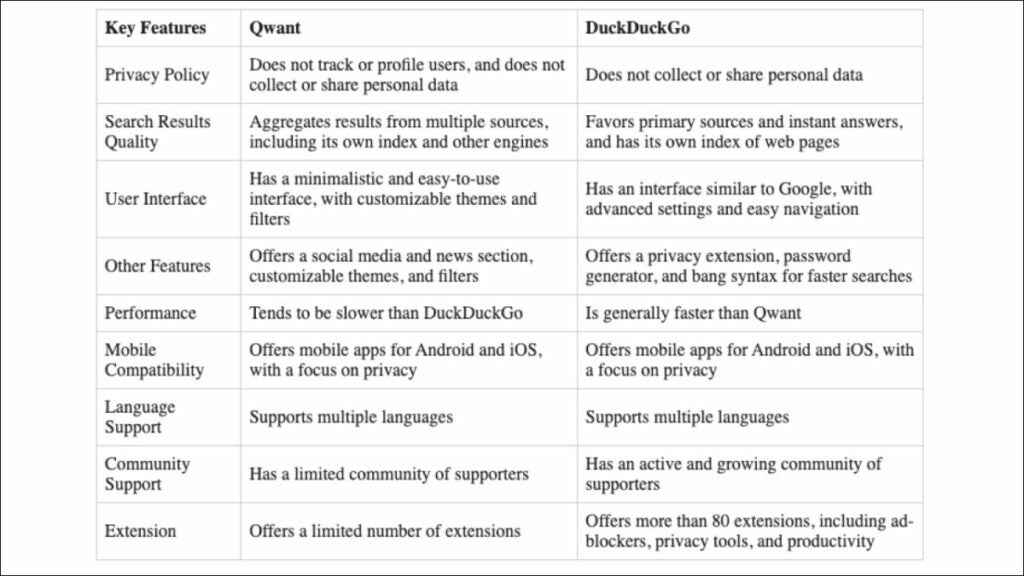
Overall, both the Qwant search engine and DuckDuckGo are privacy-focused search engines that offer similar features and benefits, which means you need to compare their key features in more detail.
Overview of Qwant
Qwant is a privacy-focused search engine that prioritizes user privacy and security. Launched in France in 2013, Qwant has become increasingly popular among European users. The search engine promises to deliver unbiased results by prioritizing the relevance of the keyword over the popularity of the website.
Overall, Qwant is an attractive option for users who value privacy and security. Its focus on user experience and unbiased search results also makes it an excellent choice for anyone who wants a search engine that’s easy to use and reliable.
Best Use Case
The best use case for Qwant search engine is for those who highly value their online privacy and wish to keep their searches confidential. Qwant provides a unique and effective alternative for users who are wary of search engines that collect personal data to display targeted ads, making it a great choice for privacy-conscious individuals.
Also, those who prefer relevance over popularity in their search results and who prioritize user experience and fast search results would also find Qwant suitable for their needs.
Qwant’s added features, such as secure email and cloud storage, make it an ideal option for users who desire a privacy-first approach across multiple online activities.
Pros of Qwant
- Strong emphasis on user privacy: It does not keep track of users’ IP addresses, their search queries or their location data, which means users are free to search without being monitored or tracked. This makes Qwant a secure and private option for users who value their online privacy.
- Unbiased search results: It delivers search results based on the relevance of the search query, rather than the popularity of a particular website or advertisement. This objective approach delivers reliable, accurate, and varied results to users, ensuring that they receive the results that are most directly connected to their search.
- Well organized and user-friendly: With a well-organized and easy-to-use search results page, it offers fast and user-friendly service to its users to navigate through their search results. The search filters are highly effective, helping users quickly refine their search results to find exactly what they’re looking for.
- Additional services: It offers additional services such as email and cloud storage services that are secure and private, which is an added advantage for users who require a privacy-first approach across multiple online activities.
- Available in multiple languages: It is available in multiple languages, making it suitable for international users who can use it to search for relevant content in their preferred language.
- High-quality content: Its search engine curates high-quality content from various sources, including independent blogs and news outlets, making it a reliable source for delivering accurate and informative search results to its users.
- Simple and attractive user interface: It has a simple and attractive user interface, making it easy to navigate, even for inexperienced users. The search engine’s design is aesthetically pleasing, with a sleek and enjoyable appearance, making Qwant stand out as a user-friendly search engine.
Cons of Qwant
- Limited content: Unlike other popular search engines, it has a limited index of web pages and may not provide as many search results for some specific queries, making it hard for users to find relevant information.
- Language limitations: While it supports multiple languages, its language support outside of France is limited, which may make it difficult for users from non-French speaking countries to find relevant search results.
- Limited geographical support: It is not available in many countries worldwide, which may be a disadvantage for people living outside its geographical support area.
- Limited features: It lacks some of the advanced search features that are available on other popular search engines, which may make it harder for users who used to such features to work and interact with the search engine.
- Limited advertising: Its advertising model is different from other search engines; it displays generic ads related to the search query instead of targeted ads based on data collection. However, this may limit the revenue the search engine generates to keep innovating.
- Image search issues: The search engine’s image search quality can be subpar at times, not providing sharp or specific enough results as compared to other image search engines such as Google Images.
- Slow updates: Qwant does not update its search results as frequently as other popular search engines, which may lead to outdated information or news being displayed.
In summary, while Qwant’s privacy-first approach is valuable, the search engine falls short when it comes to advanced search features and timely updates, which may hinder its usefulness for certain types of searches in certain regions.
Overview of DuckDuckGo
DuckDuckGo is a privacy-first search engine that emphasizes individual privacy and anonymous browsing without user data tracking. Since its establishment in 2008 by Gabriel Weinberg, DuckDuckGo ranking has risen to become a popular search engine, processing tens of millions of searches daily.
DuckDuckGo offers several privacy-focused add-ons and features, making it a secure and private search engine. The tracker blocker feature blocks known trackers and surveillance from specific websites, while the privacy grade feature rates website security and privacy. The search engine also offers users the option to access websites through a proxy service, increasing user anonymity and privacy.
Overall, DuckDuckGo is a top-rated search engine choice for privacy-focused users looking for fast and accurate search results, alongside additional privacy features that protect their browsing activities. DuckDuckGo ranking is highly recognized because it offers users the ability to search with confidence and without sacrificing privacy.
Best Use Case
Due to its emphasis on privacy and user anonymity, the DuckDuckGo search engine is best suited for privacy-conscious individuals concerned about data privacy breaches, including online trackers and government surveillance. This search engine can be invaluable for users who would rather keep their information and details private and not be targeted by advertising agencies, data brokers, or other online entities.
DuckDuckGo is also suited for people who may have security concerns, whether they use public networks or have sensitive data to protect. It offers a range of security features, including a privacy grade indicator, which shows how secure and private a website is, and a tracker blocker, that can block known web trackers and thus increase the user’s online privacy.
Pros of DuckDuckGo
- Guaranteed privacy: It strictly upholds users’ privacy by not collecting, storing, or sharing any user data.
- Fast and accurate search results: It delivers fast and accurate search results by indexing multiple sources, which ensures a variety of search results.
- Instant answers: Its instant answer feature is useful, as it provides quick answers to common queries, such as quick facts, definitions and more, without having to visit other web pages.
- Privacy-focused browsing: It is a great browsing option for users that want to browse the internet without being followed by advertisers or have their search history tracked by government surveillance.
- Encrypted and Private searches: It encrypts and hides users’ search queries, making it harder for search engines, ISPs, and other third-parties to monitor users’ online activities.
- Enhanced security: It offers additional security features such as tracker blockers, which keep a user’s online habits and activity private, preventing several tracking and data-sharing entities from tracking the user’s activity.
- Instant off-site answers: It provides instant answers from its database and also provides immediate off-site answers from some of the most trusted online encyclopedias.
- User-friendly interface: The user interface is easy to navigate, with useful search filters that allow users to refine their searches easily.
- Environmentally friendly interface: The search engine uses as little energy as possible and reduces carbon emissions, making it eco-friendly.
- Constant innovation: It continues to innovate and offer new features that allow users to enjoy their browsing experience without sacrificing their online privacy.
Cons of DuckDuckGo
- Limited search results: Its search results can sometimes be limited compared to other search engines. This may make it challenging to find what one is looking for, especially when it comes to less popular topics.
- Limited language support: Unlike other search engines that support many languages, it supports only a few languages, which may limit the search engine’s usefulness to non-English speakers.
- Limited geographical support: While it is available in most regions worldwide, its availability in some countries is limited, which may make it challenging for people living in such areas to access the search engine’s services.
- Limited advanced search features: Its advanced search features are limited compared to other search engines, and this may make it hard to find specific and detailed search results.
- Limited Advertising: Unlike some other search engines, it doesn’t collect data to provide specific targeted advertisements, which may limit its ability to generate revenue required to continue innovating and growing.
- Limited Browser Support: While the search engine is available through many browsers and most mobile phones, users of certain browsers are not privy to its services.
- Limited data: As it doesn’t collect user data, this means that some of its services may not be available to users, such as personalized search results, which may be limiting for some.
Overall, while some of DuckDuckGo’s features may be less robust than other search engines, it is still a reliable search engine for individuals seeking better online privacy, fast and accurate search results, and a user-friendly interface.
Key Features Comparison: Qwant vs DuckDuckGo
When making a comparison of DuckDuckGo vs Qwant, it is helpful to examine the key features, starting with privacy, to gain a more informative understanding.
1. Privacy
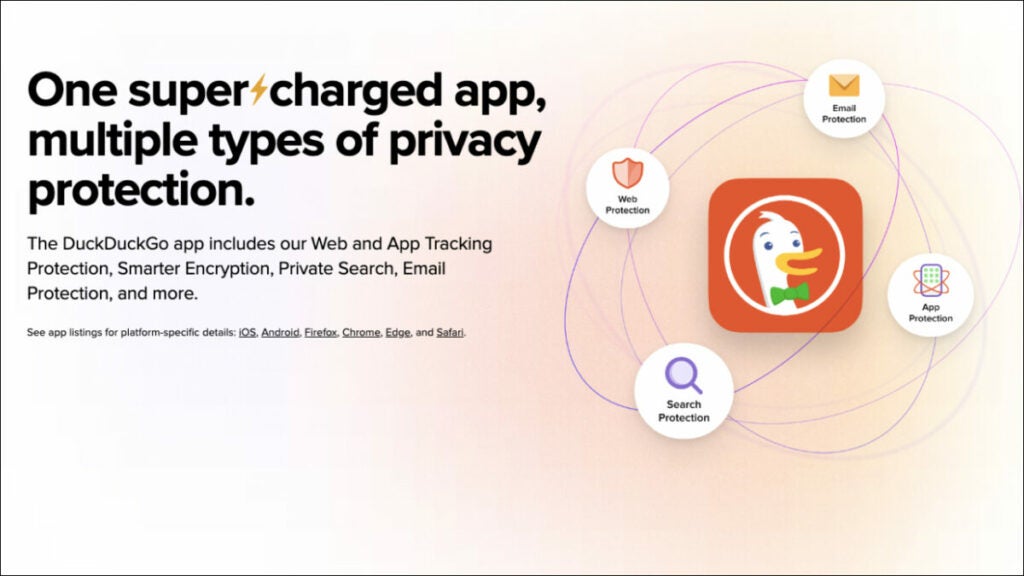
A comparison of the privacy features of Qwant and DuckDuckGo will determine which browser offers the strongest privacy protection.
Data Collection
- Qwant only keeps personal data for internal use rather than sharing it with third-party advertisers.
- DuckDuckGo does not save any personal data, including IP addresses.
Search History
- Qwant and DuckDuckGo do not monitor users’ search history since they do not track any data.
- Unlike DuckDuckGo, Qwant’s privacy policy states that they keep data for internal processing, but they offer an automatic erasure option for any user wishing to erase their search history, which can be a more transparent way of dealing with data collection.
Advertising
- Both search engines provide ad-free search results pages that do not track users’ internet habits or display targeted ads.
- Qwant offers generic ads related to search queries, while DuckDuckGo offers no ads at all to its users.
Encryption
- Both Qwant and DuckDuckGo encrypt their web traffic, protecting users from HTTPS downgrades or other online threats.
- DuckDuckGo has additional protection of users’ searches, as it uses the latest encryption technology to hide users’ search activity from third-party entities.
Privacy Features
- Qwant and DuckDuckGo offer unique privacy-centric features, such as additional services for emails and cloud storage, and both have tracker-blockers, which prevent third-party entities from tracking user browsing activities.
- DuckDuckGo offers additional security features, such as the privacy grade indicator and immediate answers from trustworthy sources.
Jurisdiction
- Qwant is based in France and complies with GDPR and EU data protection laws, which ensures that user data is only shared with others if legally required to do so.
- DuckDuckGo is based in the United States, where data protection laws are a mixed bag, with various intelligence services having broad legal powers, and surveillance through data collection is rampant. However, DuckDuckGo is still bound by US data privacy and protection laws.
Winner: Both Qwant and DuckDuckGo offer strong privacy-focused features. DuckDuckGo’s privacy features appear to be more robust and advanced than Qwant’s. DuckDuckGo has been around longer, and this has allowed the company to develop a range of privacy-enhancing features such as tracker blockers, privacy grades, and encrypted search queries. This puts DuckDuckGo ahead of Qwant in terms of advanced privacy features.
2. Search Results Quality
Here’s a comparison of the search results quality between Qwant and DuckDuckGo.
Unbiased Search Results
- Qwant prioritizes the relevance of the keyword over the popularity of the website.
- DuckDuckGo delivers fast and accurate search results by indexing multiple sources.
- Both search engines deliver unbiased search results.
Relevance and accuracy of results
- Both search engines deliver accurate and relevant results to users.
- Qwant prioritizes the relevance of the keyword over the popularity of the website.
- DuckDuckGo pulls information from multiple sources.
Scope of results
- Qwant has a smaller index of web pages, which can lead to a more limited set of results.
- DuckDuckGo, while not as comprehensive as Google, has a broader scope, provides more diverse search results and appeal to a wider range of users.
Search Results Volume
- Qwant has a limited index of web pages and may not provide as many search results for some specific queries, making it hard for users to find relevant information.
- DuckDuckGo has excellent search volume and will offer a wide variety of search results.
Community-based moderation
- DuckDuckGo has community-based moderation, which safeguards the search results from spam and low-quality content.
- Qwant curates high-quality content through dedicated editors.
Geographical relevance
- Both search engines are limited to certain countries, although Qwant is more targeted towards European countries.
Advanced search features
- Qwant lacks some of the advanced search features available on other popular search engines.
- DuckDuckGo offers an array of features, such as searching for specific file types and filtering by date.
Image search
- While both search engines provide image search, DuckDuckGo’s image search is more refined and offers relevant and targeted results for specific queries.
Winner: DuckDuckGo offers a more diverse and comprehensive search result with better advanced search features, while Qwant offers a more privacy-conscious search with curated high-quality content.
3. User Interface
Here is a comparison of the user interface between Qwant and DuckDuckGo.
Layout and Design
- DuckDuckGo has a simpler layout and interface design, with a minimalistic feel with a visible search bar and a DuckDuckGo brand logo in the center.
- Qwant has a more visually appealing interface with a colorful background, more elements such as news, images, and social feeds, and an easily reachable dashboard.
Ease of Navigation
- Both search engines have straightforward navigation, making it easy for users to browse search results and filter their search parameters.
- Qwant has more extensive filter options, enabling users to refine results by content type, date, and source, in addition to refining results by language and region.
Functionality
- Qwant’s search results are well-organized, with a side panel including suggested filters. Its filter system is customizable, with plenty of categories to choose from.
- DuckDuckGo’s interface is uncomplicated, with all its main features easily accessible from the homepage. Its main results page includes additional helpful features, such as icons, to indicate the web page’s trustworthiness.
Settings
- The settings on Qwant allow for results to be translated, personalised to match user preferences, and filters can be set for specific categories, such as news and sport, and can be permanently saved.
- DuckDuckGo’s settings have more emphasis on security features, such as enabling ad or tracker blocking. It features a themed background that changes daily, with an option to switch it off or run your own background.
Additional Services
- Qwant has features such as email and cloud storage services that are not available on DuckDuckGo, which focuses exclusively on search services.
Winner: It’s a tie as both Qwant and DuckDuckGo have functional interfaces that work differently. Qwant provides a customizable filter system that can be personalized according to users’ preferences, while DuckDuckGo has a clean and uncomplicated layout geared towards easy access to smart features. Qwant’s focus is more towards refined filters, while DuckDuckGo’s emphasis remains on privacy and security features.
4. Performance
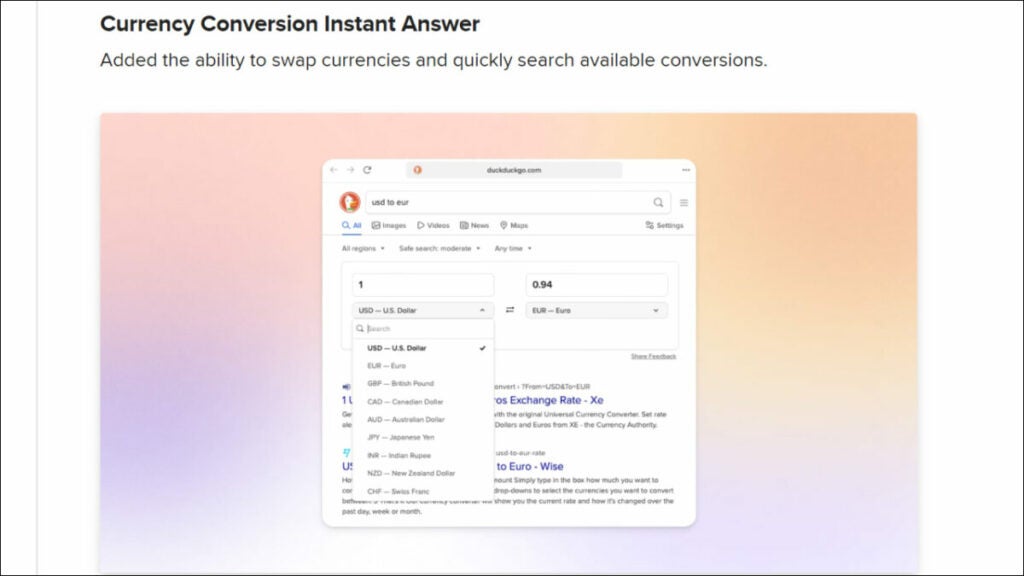
Here is a comparison of the performance between Qwant and DuckDuckGo.
Search Speed
- Qwant search speed is relatively fast, but not as fast as other search engines like Google.
- DuckDuckGo’s search speed is similar to Qwant, but may be affected by the user’s geographic location and internet connection.
Instant Answers
- Both Qwant and DuckDuckGo offer instant results, providing swift responses to queries.
- DuckDuckGo has more advanced features, such as special search commands, and instant weather forecasts and definitions because they come from more sources besides DuckDuckGo’s database.
Special Features
- Qwant’s additional services include secure cloud storage, which prioritizes user privacy and security.
- DuckDuckGo offers additional security features, including tracker blocking, identity protection, and a password generator for added convenience.
Winner: While both Qwant and DuckDuckGo offer privacy-first search engine experiences and similar features, DuckDuckGo edges Qwant out with its fast and reliable search results, more comprehensive index of web pages, and a wider range of privacy-focused features.
5. Mobile Compatibility
Here’s a detailed comparison of the mobile compatibility between Qwant and DuckDuckGo.
Interface
- Qwant’s mobile interface is easy to use and well-organized, making it easier for mobile users to navigate even on small screens.
- DuckDuckGo’s mobile interface is also user-friendly and easy to use, with the same clean and minimalistic design approach to its desktop interface.
Functionality
- Both Qwant and DuckDuckGo work well on mobile devices, offering users fast and accurate search results.
- Both search engines offer features like autocomplete, search suggestions, and advanced filtering options on mobile.
Apps
- Qwant has a mobile app available for both iOS and Android, offering users an exclusive interface designed for improved mobile use and compatibility.
- DuckDuckGo also has a mobile app available for both iOS and Android, with features like voice search and visual search.
Additional features
- Qwant and DuckDuckGo both offer additional privacy features like private browsing modes and privacy-oriented search results, making them both ideal picks for privacy-conscious mobile users.
- Qwant offers additional services like email and cloud storage through its mobile app, creating an all-in-one package for mobile users.
- DuckDuckGo’s apps offer additional features such as extensive privacy settings, including ad and tracker blocking options.
Winner: Both Qwant and DuckDuckGo are highly compatible with mobile devices, suitable for users seeking privacy and providing additional features that enhance the search experience. Though Qwant offers additional services such as email and cloud storage, DuckDuckGo’s extensive privacy settings and voice and visual search feature make it a winner for mobile compatibility.
6. Language Support
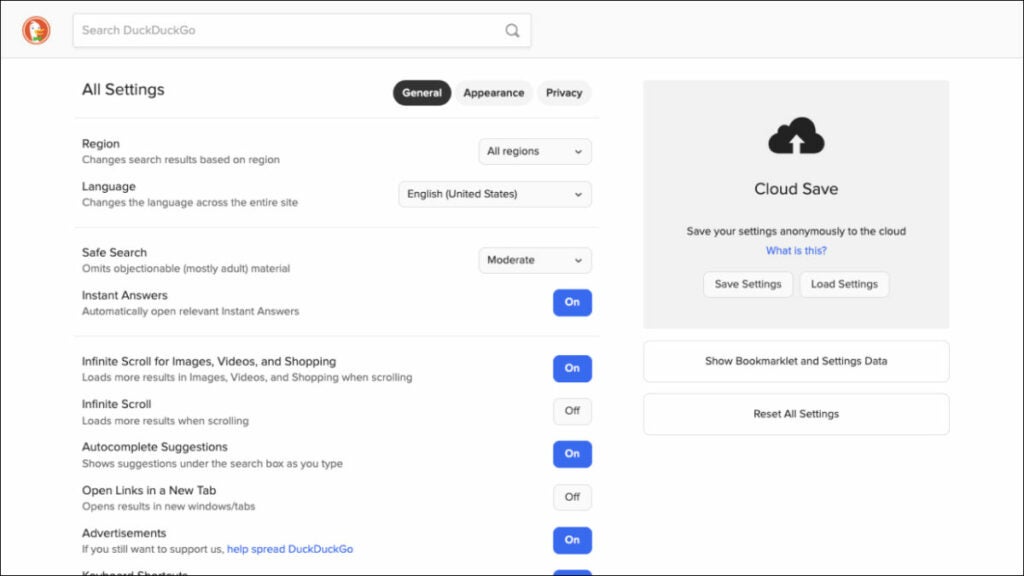
Here’s a detailed comparison of the language support aspect between Qwant and DuckDuckGo.
Qwant Language Support
- Good language support, particularly for European languages including French, German, Italian, Spanish, Polish and Dutch.
- Relatively weak support for Asian languages, such as Japanese, Chinese, and Korean.
DuckDuckGo Language Support
- Good language support, with over 60 languages supported, including Asian languages, such as Japanese, Chinese; Middle-Eastern languages like Arabic, Hebrew; and European languages, such as French, German, Spanish and Italian.
- DuckDuckGo is available in more languages compared to Qwant.
Winner: Based on the above comparison, DuckDuckGo offers better language support compared to Qwant. With over 60 languages supported and availability in more countries compared to Qwant, DuckDuckGo is suitable for users from all around the world.
7. Community Support
Here’s a detailed comparison of community support between Qwant and DuckDuckGo.
Community Trust
- Qwant has limited global recognition, and therefore, it has a small base of users.
- DuckDuckGo has a considerably more significant user base and is highly trusted by privacy enthusiasts globally.
User Feedback
- Qwant receives feedback from users through a limited number of channels, such as its Twitter account or email feedback.
- DuckDuckGo offers a vast feedback mechanism through multiple channels, including official forums, email feedback, and online community groups.
Resource Expansion
- Qwant wants to expand its user base and has partnered with other companies to achieve that goal.
- DuckDuckGo has efficiently managed to grow its user base through word-of-mouth and through partnerships with leading online privacy platforms.
Community Involvement
- Qwant engages its users with news and updates through its blog and Twitter account.
- DuckDuckGo provides several ways for users to get involved beyond simply using the search engine, such as contributing documentation, programming, or translation services.
Winner: Based on this comparison, DuckDuckGo has a more significant community support system than Qwant. DuckDuckGo also has a larger user base, community involvement, and better feedback mechanisms.
8. Extensions
Both search engines offer browser extensions for Chrome, Firefox, and other major browsers. These extensions allow users to add Qwant or DuckDuckGo to the browser’s list of search options, making their searches private and secure.
Winner: It is a tie because both search engines offer similar extensions.
Which One Should You Use: Qwant or DuckDuckGo?
Deciding whether to use Qwant or DuckDuckGo comes down to personal preferences and needs. Here is a brief comparison to help you decide.
Reasons to use Qwant
- Does not track user data or store it in any way.
- Delivers unbiased search results with relevance prioritized.
- Offers an email and cloud storage service, both of which are secure and private. This gives users the added advantage of convenience as well as online privacy.
- Offers an interface that is more visually appealing and easier to navigate and use as compared to DuckDuckGo.
- Its high-quality curation of its search results makes it ideal for those who prefer reliable sources. The search engine has a team of editors who curate its sources, ensuring that users receive reliable results.
- Offers support for various languages besides French, making it more useful for international users.
It’s worth noting that Qwant comes with some drawbacks, including limited geographical support and updates, language limitations, and image search quality that can be subpar.
Reasons to use DuckDuckGo
- Places a higher emphasis on privacy features with their privacy-first approach, which makes it better suited to users who place a premium on privacy and want to keep their browsing activity strictly private.
- Delivers fast, accurate, and diversified search results by leveraging machine learning algorithms, ensuring that users find the most relevant and up-to-date search results.
- Offers instant answers from its own database and from some of the most trusted online sources.
- Includes a variety of security features such as tracker and ad-blocker, making it a more secure alternative to Qwant.
- Offers a privacy grade feature, which shows you how secure a website is.
- Its source code is partially open-source, contributing to transparency and ensuring its trustworthiness.
- Is eco-friendly and uses minimal energy.
It’s also worth noting that DuckDuckGo has some limitations, including some advanced search features being missing and a slightly limited index of web pages.
In conclusion, both Qwant and DuckDuckGo provide excellent search engine alternatives for users looking for a private and secure search experience. Qwant’s user interface and additional services make it an excellent option if you’re looking for convenience, whereas DuckDuckGo offers better privacy and security features, better search results and instant answers, making it an attractive option for users who prioritize privacy, speed, and security.
Still Unsure Which One to Choose? Consider This Alternative: Tempest Browser
The Tempest Browser is a privacy-focused web browser that is gaining popularity among users who are wondering what’s better than DuckDuckGo and Qwant. Tempest is designed to protect users’ privacy by blocking ads, trackers, and cookies, and by encrypting all traffic using the HTTPS protocol. It also includes a few built-in features, such as a password manager, making it a comprehensive solution for privacy-conscious users.
One feature that makes Tempest Browser stand out is its focus on security. It uses a secure architecture that prevents third-party access to user data and protects against various types of attacks, such as cross-site scripting and phishing. It also allows users to configure their security settings and block unwanted content, making it a customizable solution for users who want to tailor their browsing experience. Another advantage of Tempest Browser is allowing users to browse the web anonymously and access geo-restricted content. This feature is particularly useful for users who want to bypass censorship and access content that is not available in their country.
Overall, Tempest Browser offers a comprehensive set of features that makes it a good alternative to Qwant and DuckDuckGo for users who prioritize privacy and security.
DuckDuckGo vs Firefox: Which is the Best Private Browser?
Find out which search engine is better for you in our in-depth comparison of DuckDuckGo vs Firefox.
In the world of web browsers, Firefox has always been a popular choice among users for many years. However, in recent times, DuckDuckGo, a privacy-focused search engine, has been steadily gaining popularity.
DuckDuckGo vs Firefox is a debate that has been gaining traction, with users questioning which one provides a better private browsing experience.
This article compares the key features of each browser and analyzes their pros and cons. Whether you’re a Firefox fan or a newcomer to DuckDuckGo, you will gain an informed understanding of these two browsers and help you decide if DuckDuckGo is better than Firefox?
But if you still want something different, read about the Tempest Browser at the end of the article.
DuckDuckGo vs Firefox: A Quick Summary

Overall, when comparing Firefox vs DuckDuckGo, factors to consider include privacy, search capabilities, extensions, user interface, performance, and compatibility. Which one is best for you depends on your individual preferences and priorities.
Overview of DuckDuckGo

The DuckDuckGo privacy browser is an alternative to popular search engines like Google, Bing, and Yahoo. Unlike these search engines, DuckDuckGo does not track, collect, or share users’ personal information or search history. Their approach to privacy has been a key factor in their growing popularity, which has led to increasing numbers of users switching to the platform.
Best Use Case
DuckDuckGo is best for users who prioritize their online privacy and security. This includes those who are concerned about their personal information being tracked or collected by search engines and third-party advertisers. DuckDuckGo’s unique approach to privacy makes it a perfect option for those who want to stay anonymous while browsing the web.
DuckDuckGo is best suited for people who are privacy-conscious and want to maintain anonymity while browsing the web. It is an excellent choice for those who want to avoid targeted ads and maintain control over their personal information.
Pros of DuckDuckGo
- Keeps browsing history, search queries and personal information private.
- Does not collect user data, so it does not show targeted ads based on a users’ search history while browsing.
- Uses HTTPS encryption to ensure that every search query is protected and secure. This means that nobody can intercept or snoop on your search data, which is especially useful when using public Wi-Fi networks.
- Offers lightweight pages which helps with page loading speeds.
- Has a minimalistic design, which makes it easy and fast to search for any query without the extra options.
- Works in partnership with other sources like Bing, Yahoo and Wikipedia to provide the most comprehensive and accurate search results to users.
- Offers a feature called Bangs, which are shortcuts to other websites that allow users to search for a specific query on a particular site. It saves time and improves efficiency, allowing users to quickly access information from various sources without navigating away from DuckDuckGo.
In summary, DuckDuckGo offers enhanced privacy, faster speeds, better search results, and a unique bangs system for users who are looking for a more efficient and secure browsing experience.
Cons of DuckDuckGo
- Users may get fewer search results on DuckDuckGo than on other search engines, especially if the search is in a language other than English. This is because of DuckDuckGo’s algorithm, which is not as sophisticated as some of the other search engines out there.
- Lacks some features, such as image and video search, which can be a deal-breaker for some users who depend on these search types.
- While DuckDuckGo provides accurate search results, there are still a few cases when it is not as comprehensive as other search engines, especially in niche industries or searches that are not common.
- Does not offer any personalized features based on a user’s search history or interests.
- Even though DuckDuckGo has gained more popularity over recent years, it is still not as well known as other search engines, which can be a disadvantage when recommending it to others.
- Although DuckDuckGo partners with Bing, its parent company is owned by Microsoft, which might be a deal-breaker to some users who want to stay away from Microsoft products.
Overall, while DuckDuckGo offers excellent user privacy, it still has some limitations in features and search results compared to Google or other search engines.
Overview of Firefox

Firefox is a popular open-source web browser that has been around since 2004. Developed by the Mozilla Corporation, it has become a preferred browser for many users due to its extensive range of features and customization options. It is available for multiple platforms, including Windows, macOS, and Linux, as well as mobile operating systems like Android and iOS.
Overall, Firefox web browser has a variety of features that make it a great choice for browsing. Its emphasis on privacy, security, customization, and performance makes it a popular option among many users, especially those who want more control over their online experience.
Best Use Case
The best use case for Firefox is for users who want a high level of customization and versatility in their web browsing experience. Firefox offers extensive customization options, including themes, add-ons, and privacy settings, allowing users to tailor their browsing experience to their individual preferences. This level of customization is especially valuable for power users who spend a lot of time browsing the web and want to optimize the browser for their specific needs.
Firefox is also a great browser for users who prioritize privacy and security. Firefox has built-in tracking protection features that block ads from tracking users across the web, as well as phishing and malware protection to keep users safe from malicious websites.
Pros of Firefox
- Offers users extensive customization options with its library of themes and add-ons, allowing them to tailor the browser to their specific needs and preferences.
- Equipped with advanced privacy features that block ads from tracking users across the web, in addition to blocking malware and phishing attacks.
- Keeps on top of security updates and protection for users to stay safe while online.
- Offers Firefox Relay, a privacy-focused email forwarding service by Mozilla. It lets users create and manage email aliases to help protect their privacy online.
- Known for its fast browsing speeds, thanks to its efficient Gecko engine, which is optimized for web standards.
- Offers a range of developer tools for web developers, including a robust set of Web Developer tools.
- Allows users to sync their browser settings across multiple devices via Firefox Sync, which helps in maintaining the consistency of the bookmarks, history, and open tabs across all devices.
- An open-source browser, which means that anyone can view and modify its code, making it a reliable and customizable option for web browsing.
In summary, Firefox offers a customizable, secure browsing experience and is equipped with advanced features necessary for user protection. It has a fast browsing speed, various development tools, and synchronization features. Firefox’s open-source platform also allows for transparency and customization.
Cons of Firefox
- Memory usage can sometimes be high, which can cause performance issues or even crashes, especially if the user is running many add-ons.
- Some websites or applications are not optimized for Firefox and may not run correctly on the browser, causing compatibility issues.
- Its default settings may be less convenient or less user-friendly than other browsers, especially for non-tech-savvy clients who may find it confusing.
- Although it has a wide range of add-ons and extensions, some users may prefer to have advanced features, like a built-in PDF editor, and will have to install an add-on to use this feature.
- Even though Firefox is available on mobile devices, its mobile version is less efficient than the desktop version.
- While constantly updating can be a pro for Firefox’s security, it can also cause inconvenience, especially if updates require frequent restarts.
In summary, while Firefox has many advantages, it also has some cons, including occasional performance issues with memory usage and device battery drain, compatibility issues with some websites, browser setup confusion due to default settings, and a less efficient mobile version.
Key Features Comparison: DuckDuckGo vs Firefox
To have a more informative comparison between the DuckDuckGo browser and Firefox, it’s useful to look at the most important key features, beginning with privacy.
1. Privacy

Firefox and DuckDuckGo are known for their strong privacy features, so here’s a comparison of the specific aspects of privacy to see which browser emerges as the winner.
Search Data Collection and Sharing
- DuckDuckGo’s business model is focused on privacy and security, so they do not collect or share any user data, including IP address or any personal information.
- Firefox collects some data, but it has a privacy-centric approach to data collection, and users can choose to opt-out of sharing their data.
- Firefox offers “Enhanced Tracking Protection,” which blocks known trackers by default.
Search History
- DuckDuckGo does not log any search history or personal information of users.
- Firefox allows users to clear their browsing history manually or automatically whenever they exit the browser.
- Firefox offers a private browsing mode, which does not save browsing history, and users have the option to delete any browsing history manually.
Tracking
- DuckDuckGo and Firefox both have tracking protection features that block online advertising trackers from collecting user data.
- DuckDuckGo’s approach to tracking protection is unique, as they block all trackers by default.
- Firefox blocks known trackers, but may allow some known trackers to pass if they are not seen as harmful.
Encryption
- Both DuckDuckGo and Firefox use encrypted connections to protect user data from snooping.
- DuckDuckGo uses HTTPS encryption on all its connections.
- Firefox offers encrypted connections for secure browsing and confidentiality. It also uses HTTPS encryption while navigating through websites to ensure that user data is secure from any snooping
Ad Blockers
- Firefox has a built-in tracker blocking feature that disables social media buttons and other trackers.
- DuckDuckGo uses ad blockers to block ads without any tracking or user data collection.
Third-Party Cookies
- Firefox allows users to customize cookie settings, including third-party cookies, which can be set to block.
- DuckDuckGo blocks all third-party cookies by default.
Geolocation
- Firefox allows users to share their location with websites, which provide personalized content and services based on their location.
- DuckDuckGo does not collect any information about the user’s location.
Sync
- Firefox offers a sync feature that allows users to sync their browser history, bookmarks, and preferences between different devices.
- DuckDuckGo doesn’t offer sync options as they focus on anonymity and privacy.
Winner: Overall, both DuckDuckGo and Firefox offer exceptional privacy features to users. However, DuckDuckGo has an edge, as the search engine is entirely focused on user privacy and anonymity. Comparatively, Firefox focuses mainly on security, with some user data collection. Therefore, it can be concluded that DuckDuckGo is the winner for the best privacy-oriented alternative for users who prioritize online privacy over other features.
2. Search Engine

Here’s a comparison of their search engine features.
Search Results
- DuckDuckGo relies on third-party search engines, such as Bing and Yahoo, to provide search results. While it is not as comprehensive as larger search engines, its results are relevant and unfiltered. It also offers unique features like “bangs” that allow users to search other websites from within DuckDuckGo.
- Firefox uses its search engine, along with Bing and Google, to gather results. It provides results tailored to user search history and habits.
- Firefox delivers high-quality search results, but it’s primarily a browser, and the search engines it uses are not as sophisticated as DuckDuckGo.
Customization and Add-ons
- Both DuckDuckGo and Firefox have extensive libraries of add-ons and extensions.
- Firefox offers many customization options, such as add-ons, user-generated themes, and extensive settings to customize features, vertical tabs, and more.
- DuckDuckGo does not have the same range of customization options and add-ons as Firefox.
Language Support
- DuckDuckGo supports multiple languages, but the quality and results of searches may vary.
- Firefox allows users to select different languages for the browser’s interface and offers multilingual search options.
Winner: Overall, both DuckDuckGo and Firefox offer a unique and valuable set of features. However, Firefox is the winner for this comparison as it offers a comprehensive and customizable platform for browsing. With its wide range of features, add-ons, tools, and search results from various search engines, Firefox stands out as the better option compared to DuckDuckGo, despite its strong privacy stance. However, users who value privacy over customization, and require a minimalist search interface, may prefer DuckDuckGo.
3. Extensions
Here’s a comparison of their extension features as they both offer a variety for users to enhance their experience online.
- DuckDuckGo has a good selection of privacy-focused extensions that work well with their browser. One of the notable extensions offered by DuckDuckGo is the DuckDuckGo Privacy Essentials. This is a suite of tools that includes tracker-blocking, encryption, and other privacy-focused features. It also offers simple and useful extensions like a URL shortener or a password generator.
- Firefox has a massive library of more than 23,000 extensions and add-ons to choose from. Firefox’s add-ons gallery includes extensions like Adblock Plus, Greasemonkey, and uBlock Origin, which have become some of the most popular extensions online. These extensions offer users advanced features like ad-blockers, browser management tools, as well as different add-ons that can enhance the web development experience.
Winner: Firefox has the upper hand because of the sheer number of add-ons available for download. Firefox’s extensive library provides users with the added flexibility to customize their browsing experience with a variety of tools that cater to their specific needs.
4. User interface
When it comes to the user interface, both DuckDuckGo and Firefox offer an optimized and easy-to-use interface.
Search Bar
- DuckDuckGo has a simple and minimalistic search bar with a dropdown option for selecting the search engine.
- Firefox also has a standard search bar but with a built-in address bar, enabling users to navigate websites and search with speed and accuracy.
Tabs
- DuckDuckGo offers basic tab functionality with a simple and flat design.
- Firefox provides users with more advanced control over tabs, including the option to open new tabs in a new window, duplicate tabs, and move them between windows. The browser also offers the option to protect important tabs from accidental closure.
Themes
- DuckDuckGo offers a light and dark mode, with limited customization options.
- Firefox offers a wide range of themes that users can choose from to customize their browsing experience, including built-in themes and user-created themes. Users can also create and manage their themes.
Add Ons
- DuckDuckGo does not offer add-ons, making it a limited choice for users who depend on extensions for browsing.
- Firefox offers a marketplace of thousands of add-ons and extensions, which can be easily downloaded and installed through the browser’s add-ons gallery.
Winner: Firefox offers advanced features with excellent customization options for the user interface. The availability of add-ons and themes make Firefox a versatile browser, allowing users to control how their browsing experience is shaped, and making it the winner over DuckDuckGo in terms of user interface features.
5. Performance

Here’s a comparison of the performance features of DuckDuckGo and Firefox.
Page Loading Speed
- DuckDuckGo has a lightweight design, which ensures faster page loading times than most search engines.
- Firefox’s load speed is also relatively fast due to its efficient Gecko engine. However, Firefox can be slower and more resource-heavy when running multiple tabs compared to DuckDuckGo.
Memory Usage
- DuckDuckGo has low memory usage, which enables it to run smoothly even when multiple tabs are open.
- Firefox can consume higher memory usage when multiple tabs are open.
Add-ons Support
- DuckDuckGo has limited add-ons support as it does not have its own add-ons ecosystem but only runs compatible extensions from Firefox Add-ons.
- Firefox has thousands of add-ons and extensions available, giving it a superior level of customization compared to DuckDuckGo.
Search Speed
- DuckDuckGo’s response time is fast, with results typically appearing within seconds after a search query.
- Firefox’s search speed is also normally fast and improved by its cache system.
Platform Performance
- DuckDuckGo’s platform performance is consistent and stable, available across platforms, including mobile.
- Firefox is an open-source browser available across platforms, including mobile, that is known for its stability and reliability. It offers Firefox Focus for Android devices for users who want a private and secure browser that does not compromise on speed.
Winner: Both DuckDuckGo and Firefox offer excellent performance in different areas. However, for the overall browsing experience, Firefox takes the win with its stability, reliability and customization possibilities.
6. Additional Features
Here is a comparison of the additional features of DuckDuckGo and Firefox.
Additional features of DuckDuckGo
- Bangs: This is a unique feature of DuckDuckGo that allows users to quickly search other websites directly from the DuckDuckGo search bar by typing in a “!” followed by a predefined shortcut. It’s a speedy way of accessing information on different websites.
- Instant Answers: DuckDuckGo offers instant answers to many search queries without the need to navigate away from the search results page. It eliminates the need to visit different sites for search queries by providing direct access to commonly desired information.
- Privacy Grade: DuckDuckGo has a feature that rates websites based on their privacy policy, which helps users to understand how websites are handling their personal information.
Additional features of Firefox
- Tab Management: Firefox provides users with the ability to manage tabs more efficiently. They can group tabs together and save them for later, which helps in efficient utilization of time-rich browser experience.
- Screenshots: in-built screenshot feature in Firefox which allows users to take full page/screen, visible area, or single element screenshots, which can then be saved or shared with ease.
- Pocket Integration: Firefox has a built-in integration with Pocket, allowing users to save articles to read later or share with others.
- Multimedia: Firefox has a comprehensive multimedia feature set, including support for HTML5 video and audio, and built-in media tools. It also supports advanced image editing and manipulation through a range of extensions.
Winner: Based on these additional features, in terms of productivity and efficiency, Firefox provides more features like Tab Management and Screenshots, which can be useful for multitasking and saving time.
7. Language Support

Here’s a comparison of the language support features of DuckDuckGo and Firefox.
DuckDuckGo Language Support
- Offers language support for over 50 languages. However, it is worth noting that its search results in languages other than English may be less comprehensive compared to other search engines.
Firefox Language Support
- Supports over 80 languages, making it a more linguistically versatile browser. Firefox has users in different regions and corners of the world that depend on this multilingual feature. This boundaryless view of Firefox makes it appeal to users globally.
- Has excellent localization features, which allow it to be translated into different languages, making it more accessible to users worldwide. It also supports right-to-left languages, like Arabic, Hebrew, and Persian, which DuckDuckGo doesn’t currently support. This feature can be especially useful for users who use those languages.
Winner: Firefox wins over DuckDuckGo. Firefox supports a more extensive range of languages, including right-to-left languages that DuckDuckGo does not support yet, and its localized translations are invaluable for non-English users.
8. Community Support
Here’s a comparison of the community support features of DuckDuckGo and Firefox.
Community Support of DuckDuckGo
- Offers email support and a help center on its website. The help center includes frequently asked questions, privacy tips, and contact information for support. Any user can submit feedback or ask questions to the community through the support channel.
Community Support of Firefox
- Has a broader range of support options available, including a support forum and user-submitted articles on its knowledge base. The community is active and diverse, with Mozilla actively involving community feedback in their latest developments.
- Also offers email support, a social media handle, and a bug report tool for any issues related to the browser. Users can access the Firefox Help menu, which links to articles on various topics related to the use of Firefox.
Winner: Firefox provides more robust assistance and solutions. With its support forum, knowledge base, user-submitted articles, social media handle, bug report tool, and active involvement in the latest developments, Firefox’s community support system is more extensive and accessible.
9. Availability

Here’s a comparison of the availability of DuckDuckGo and Firefox.
DuckDuckGo Availability
- Available on multiple platforms, including Windows, macOS, iOS, and Android, making it accessible to a wide range of users around the world.
- The search engine can be accessed by typing in the URL or by using its browser extension or mobile app, providing users with multiple options for accessing the search engine.
- Offers international support in multiple languages for users globally, although the search results may be limited or less accurate when searching for languages other than English.
Firefox Availability
- Available on multiple platforms, including Windows, macOS, and Linux, as well as mobile platforms like Android and iOS.
- Can be downloaded and installed directly from the Mozilla website, or from app stores, which means it can be used on devices as a mobile browser.
- Available in multiple languages making it a reliable option for users who speak non-English languages.
Winner: Firefox’s extensive library of add-ons and themes, as well as its extensive development tools catering to various development needs, makes it more versatile compared to DuckDuckGo when it comes to usage flexibility. Therefore, Firefox takes the winning position as it is best suited for those who require a broad range of versatile and customizable features, while DuckDuckGo provides a focused functionality.
Which One Should You Use: Firefox or DuckDuckGo?
Deciding between Firefox and DuckDuckGo ultimately depends on your specific needs and preferences, as both platforms offer different features and prioritize different aspects of the browsing experience.
Reasons to use Firefox
- Customization: It offers extensive customization options and add-ons that cater to your specific browsing preferences.
- Development tools: It provides a variety of tools for developers, including a debugger and CSS grid inspector, which makes it an ideal choice for web designers and developers.
- Sync feature: It allows users to sync data across multiple devices, including bookmarks, history, and open tabs.
- Strong Privacy: It is a reliable browser for privacy-conscious users and offers advanced features like tracking protection and phishing/malware blocking.
Reasons to use DuckDuckGo
- Enhanced Privacy: It is all about privacy, ensuring that your browsing activity is completely anonymous and doesn’t get tracked.
- No ads tracking: As a privacy-focused browser, it does not track user data, which means you can surf the web without worrying about ads tracking.
- Secure: With HTTPS encryption, it ensures that your connection is always secure and that users are better protected from cyberattacks.
- Convenient features: Its “Bangs” system allows users to search for queries on other sites, saving time and providing a more efficient browsing experience.
In conclusion, both are popular options for web browsing and provide unique features for their users. DuckDuckGo is ideal for users seeking enhanced privacy and anonymity, while Firefox offers an extensive range of customization options, powerful security features, and developer tools for a wide range of users. The debate of DuckDuckGo vs Firefox ultimately comes down to personal preferences because you should consider your priorities in web browsing to determine which browser best suits your needs.
Still Want Another Alternative? Consider Tempest Browser
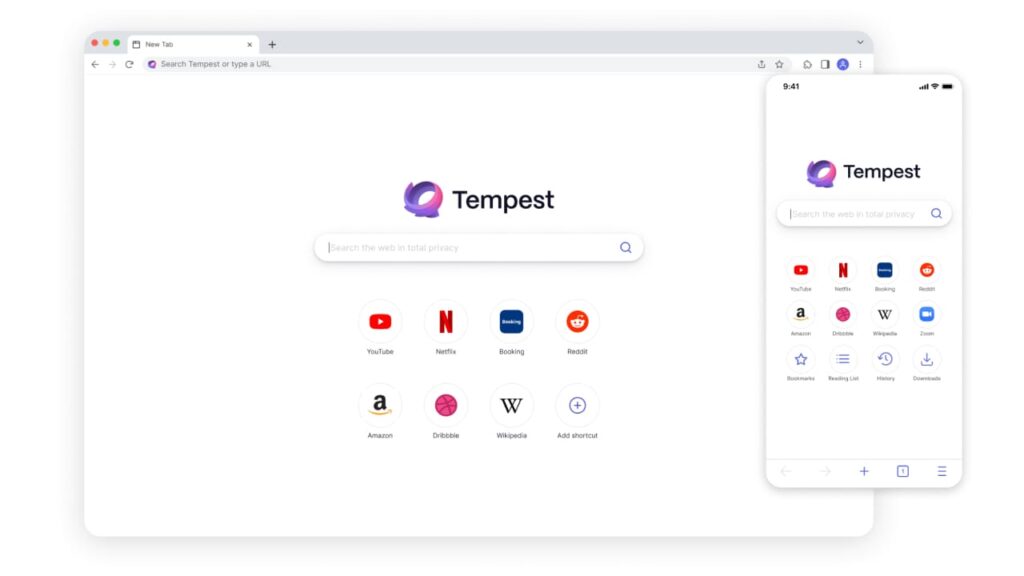
The Tempest Browser is a privacy-focused web browser that prioritizes user security and anonymity. It is designed to provide a safer and more secure browsing experience by blocking trackers, cookies, and other privacy-invasive features that can compromise user data. Also, its focus on minimalism and simplicity ensures that users can access the internet without ads or distractions.
Anyone who values privacy and anonymity should consider using the Tempest Browser as an alternative to other popular browsers like Firefox and DuckDuckGo. Its Chromium engine make it a reliable and secure option for those who want to protect their online activity from prying eyes. The Tempest Browser’s minimalist design also makes it easy and efficient to use for both simple and complex web searches.
Startpage vs DuckDuckGo – Which One Should You Choose?
Find out which browser is better in our in-depth comparison of Startpage vs DuckDuckGo: speed, performance, CPU and RAM usage, and battery life on different devices.
Internet privacy has become a critical factor when browsing the web, therefore many people are now turning to privacy-focused search engines like Startpage or DuckDuckGo to keep their searches private.
Startpage and DuckDuckGo are two of the most popular private search engines in the market today. They both offer similar features, such as search anonymity, ad-blocking, and no tracking, but they differ in certain aspects.
This article compares differences between DuckDuckGo vs Startpage to help you decide which search engine is best suited for your needs.
Although we have found another excellent alternative for you – Tempest Browser; that you can read about at the end of the article.
Startpage vs DuckDuckGo: A Quick Summary
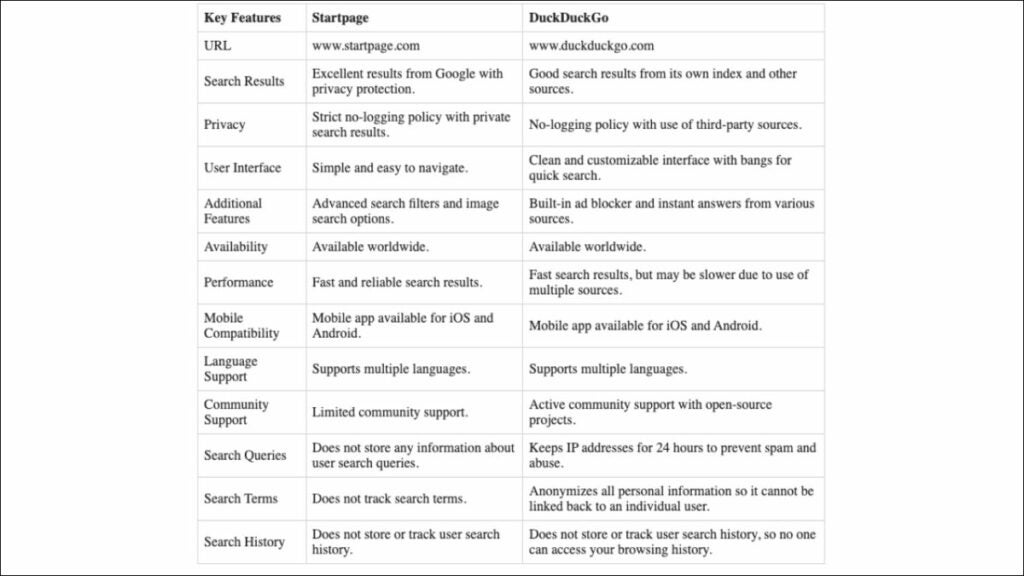
DuckDuckGo and Startpage offer a variety of features to enhance users’ online privacy and both are great options if you’re looking for a more secure and private online experience.
Overview of Startpage
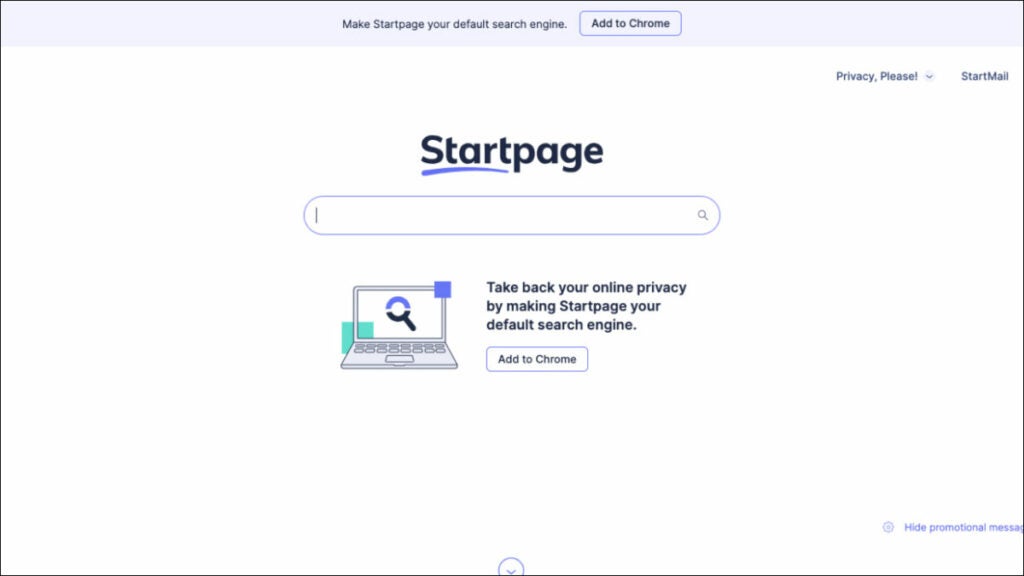
Startpage is a privacy-focused search engine that prioritizes user data safety and privacy over everything else. The search engine is designed to help people search the internet without collecting any personal data or browsing history. Startpage is committed to ensuring that each user’s search history is kept private and confidential, and this is achieved through an effective combination of security protocols, encryption, and anonymous search features.
If you’re wondering, is Startpage a good search engine, it’s helpful to know it presents search results from Google, but without tracking or logging users’ online activities. The search engine operates its private servers located in the Netherlands, thereby denying Google a chance to collect users’ data. Therefore, users get the best of both worlds; they have access to the powerful search results of Google, while maintaining a high level of online privacy.
Best Use Case
The best use case of Startpage is for individuals who want to search the web without being tracked or having their personal information collected by search engines or third-party organizations. This includes journalists, activists, and human rights advocates who need to do extensive web research while minimizing the risk of having their searches tracked or monitored.
Startpage is an excellent choice for businesses that handle sensitive client data and want to ensure the utmost client privacy. Such organizations include law firms, healthcare providers, financial institutions, among others who have a legal obligation to keep their clients’ data confidential.
Startpage is also an ideal search engine for people who travel frequently and use public Wi-Fi hotspots. Such individuals are at a higher risk of having their online activity monitored by third parties, especially when using search engines or sites that collect user data. The anonymity and privacy features offered by Startpage reduce the risks of unauthorized access while enabling them to browse safely.
Pros of Startpage
- Provides users with a high level of online privacy and anonymity, which is the primary goal of the search engine. It does not collect or store users’ personal data, browsing history or IP address, which makes it an ideal option for anyone who wants to protect their online privacy.
- Displays search results obtained from Google, which allows users to access powerful results without exposing their search history to Google. Users can search the web without having to worry about being tracked by Google or having their search data collected and analyzed.
- Does not use any targeted ads or track user data, which means that users can search for topics without seeing intrusive ads that follow them around. Instead, Startpage displays generic ads that do not track users, helping to keep their browsing habits anonymous.
- Provides users with an easy-to-use interface that is similar to Google search, making it easy for users to navigate and search for information. The search engine’s layout, interface, and features are familiar to Google users, which means that users do not have to learn how to use a new search engine.
- Uses HTTPS encryption to ensure that all user searches are encrypted, and the data cannot be intercepted or read by third parties. This feature makes it more difficult for hackers, governments, or any other third party to access users’ search data or browsing activity.
- Allows users to define their filter preferences, such as language, country, and date. Users can set their preferences according to their needs, resulting in more relevant search results that cater to their needs.
- Does not share user data with any third-party organization, which reinforces its commitment to user privacy. Users do not have to worry about their data being sold to companies or organizations interested in users’ searches or browsing habits.
In summary, Startpage is an excellent search engine option for anyone who wants to enjoy the benefits of using Google search, while maintaining a high level of privacy and anonymity.
Cons of Startpage
- Limits the number of search results displayed per page, which can be frustrating for users that require scrolling through multiple pages to find information. Users that need to quickly browse through numerous pages of search results may find Startpage’s limit to be an inconvenience.
- Search results and interface are less customizable than Google, which may not appeal to users who prefer a personalized experience. Users cannot easily customize their search results view, and the search engine does not have features like Google’s “My Account” that allow personalization of the search history, preferences or even custom themes.
- Search options are limited compared to Google, which may not appeal to advanced users who want to refine their search criteria further. Users who need specific advanced search functions like combining search terms, specific file formats or language filters, may find Startpage’s search options restrictive.
- May be a slower search engine compared to Google, which can be frustrating for users that prioritize web page loading speeds. The search engine’s commitment to privacy and anonymity comes at the cost of reduced search speed.
- Does not provide instant answers like Google, which can be frustrating for users who want answers to simple questions without having to click through numerous search results. This lack of instant answers also affects the search engine’s functionality when using voice search.
- Provides limited options for filtering and refining image and video searches compared to Google. Users who heavily rely on image or video searches may find Startpage’s search options insufficient.
In summary, Startpage may not appeal to users who prioritize quick search results, advanced search functions, or personalized search experiences. However, for individuals who prioritize online privacy and anonymity, these limitations are worth the trade-off for increased privacy and data security.
Overview of DuckDuckGo
DuckDuckGo is a privacy-focused search engine that prioritizes user security and data privacy over targeted advertising and personalized experiences. The search engine prides itself on providing users with an anonymous browsing experience that does not track or collect personal data or browsing history.
DuckDuckGo uses a variety of sources to deliver search results, including Bing, Yahoo, and its web crawler, known as the DuckDuckBot. The search engine has features like Instant Answers that provide users with quick results from sources, such as Wikipedia, without having to open a separate page.
The search engine is also known for its strict no-tracking policy that ensures that user data remains secure and private while using the search engine. This policy extends to its mobile apps, browser extensions, and other products that are designed to help users maintain their privacy online.
Best Use Case
DuckDuckGo is for individuals who prioritize their online privacy and want to avoid targeted advertising and data collection. The search engine is extremely useful for users who want to browse the web without having their online activity tracked or monitored by search engines or third-party organizations.
The best use case of DuckDuckGo is for individuals who want a secure and private search experience without compromising on search results. This can include individuals who work with confidential information, intellectual property, or who are legally required to maintain absolute client or patient confidentiality. Lawyers, healthcare providers, journalists, and business executives are among the users looking to minimize the risk of data exposure or breaches and who find DuckDuckGo an appealing option.
DuckDuckGo is also perfect for individuals who feel restricted by the personalized and targeted advertisement features of other search engines. If you’re wondering what’s better than DuckDuckGo, just know it is an ideal search engine option for users that want to browse and search for information without having their data shared or their web activities monitored by third-party sites.
Users who enjoy browsing anonymously, particularly those concerned about harmful online biases, can enjoy unbiased search results without fear of having their data profiled or shared.
Pros of DuckDuckGo
- Known for its strict no-tracking policy, which ensures user privacy and anonymity. It does not collect personal data, browsing history, or IP addresses. The search engine also blocks advertising trackers and other third-party tracking systems, which help to protect user data even further.
- User interface is straightforward and clean, making it easy for users to navigate the search engine. The search results are well-organized and easy to read, allowing users to find what they are looking for quickly and efficiently.
- DuckDuckGo’s Instant Answers feature provides users with quick and useful information without having to visit another website. Users can get information on a variety of topics, such as calculators, weather forecasts, and even stock prices.
- Uses a variety of sources to provide search results, including Bing, Yahoo, and its web crawler, known as the DuckDuckBot. This means that users can search for information across a broad range of sources, providing comprehensive search results.
- Has several built-in security features, including HTTPS Everywhere, a feature that encrypts searches and web traffic to ensure a more secure connection. The search engine also blocks malicious websites, providing an added layer of security for users.
- Does not personalize search results based on the user’s search history or previous searches. This ensures that users receive unbiased search results that are not influenced by their past browsing habits.
- DuckDuckGo’s Bang commands allow users to search specific websites or categories quickly. Users can type a Bang command (with a “!” sign) and the name of the website they want to search to go directly to that website’s search results.
In summary, DuckDuckGo’s focus on user privacy and anonymous browsing, along with its clean interface, Instant Answers feature, and a wide range of sources, make it an excellent search engine option for those who want a secure, comprehensive, and unbiased search experience.
Cons of DuckDuckGo
- Search results may be limited compared to other search engines, which may be frustrating for users who want more comprehensive search results. The search engine may miss some information that is available on other search engines, which may be a disadvantage for users looking for specific information.
- Does not offer as many customization options as other search engines, which may not appeal to users who prefer a more personalized experience. Users cannot customize their search results view or the search engine’s language and region settings, making it less user-friendly for non-English speakers.
- Lacks some advanced features found in other search engines, such as combining search terms or the ability to search for specific file types. This may be a disadvantage for users who rely on advanced search options to find the information they need.
- May be slower than other search engines, which can be frustrating for users who prioritize web page loading speeds. The search engine’s focus on privacy and anonymity may come at the cost of reduced search speed, which might not be appealing for some users.
- DuckDuckGo’s search algorithms may not be as advanced as other search engines, which can result in less comprehensive search results. This may particularly affect users who seek specific or rare information.
- Although DuckDuckGo’s Instant Answers feature is generally useful and convenient, sometimes it cannot provide instant answers for specific queries. For more complex searches, users may have to click through multiple search results pages to find the information they need.
In summary, while DuckDuckGo’s focus on privacy, security, and unbiased search results is admirable, the limitations of fewer search results and customization options may make it less appealing to advanced users. However, for individuals looking to maximize their online privacy and security, DuckDuckGo remains a powerful and reliable search engine option.
Key Features Comparison: Startpage vs DuckDuckGo
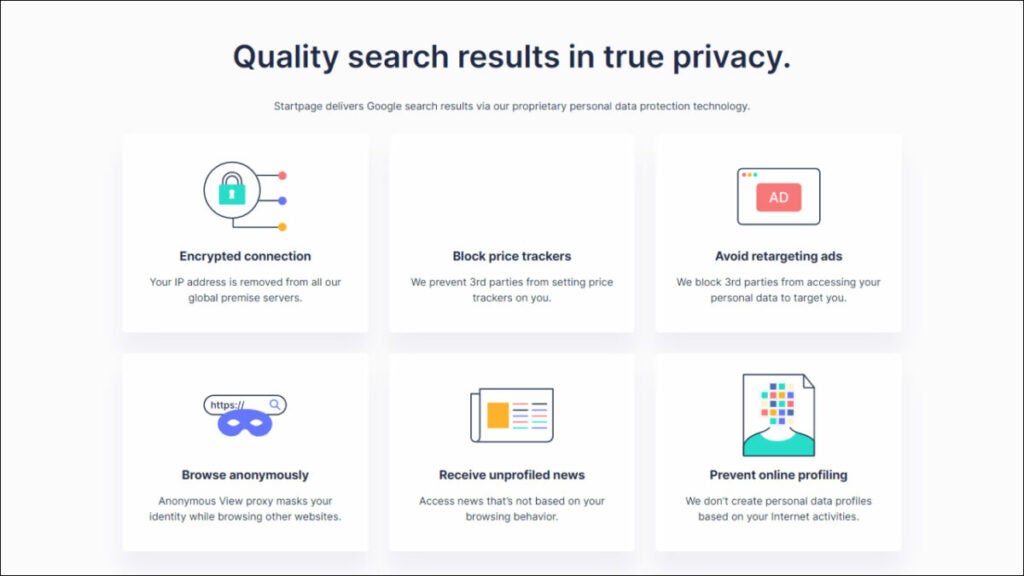
When comparing Startpage app vs DuckDuckGo, it’s important to consider their key features. Both prioritize user privacy and offer similar features, however, there are a few key differences to note.
1. Privacy
Here’s a comparison between Startpage and DuckDuckGo based on their key privacy features to determine which one is better.
Search Data Privacy
- Both prioritize user privacy and anonymity as they do not store users’ personal data or browsing history, and they employ encryption technologies to protect users’ searches.
- Both use the HTTPS protocol to encrypt users’ searches and ensure that search data is not intercepted by third parties.
- Startpage goes further to encrypt all website connections to ensure that users’ online activities are entirely secure.
Data Sharing
- Both do not share users’ data with any third-party organizations. This reinforces their commitment to user privacy and assures users that their data is entirely safe.
- Startpage is headquartered in the Netherlands, a privacy-friendly country that has strict data protection laws.
- DuckDuckGo is an established company certified at industry standards.
Search Results and Reliability
- Startpage uses Google as its search partner, which provides users with reliable results.
- DuckDuckGo uses a combination of sources, including Bing, Yahoo, and its web crawler, which can result in somewhat less predictable results.
- In most cases, both Startpage and DuckDuckGo provide search results that are reliable and relevant.
Winner: Startpage takes things further by encrypting all website connections, which ensures a better, more complete online privacy environment. Therefore, Startpage has better privacy features when compared to DuckDuckGo.
2. User Interface
Here’s a comparison of the user interface of Startpage and DuckDuckGo to determine which has a better layout and design.
User Interface Design
- Both have simple and clean user interfaces that are easy to use.
- They have a similar design and layout to traditional search engines, which makes them intuitive and easy to navigate for users.
Customization
- Startpage allows users to set their filter preferences and provides users with options to customize the font size and theme of the search engine.
- DuckDuckGo offers users the option to customize their search preferences and choose from different themes, including dark mode.
Search Suggestions
- Both offer similar search suggestion features, providing users with real-time suggestions for their search queries as they type them.
- This helps users to refine and clarify their search terms and provides quicker access to commonly searched terms.
Advanced Search
- Both provide users with more advanced search options to refine their search results, including date range filters and language preferences.
- Startpage’s advanced search options are more extensive, providing users with more control over their search results.
Winner: Startpage provides users with the most extensive range of customization options, even though DuckDuckGo is the simpler and easier to use of the two.
3. Performance
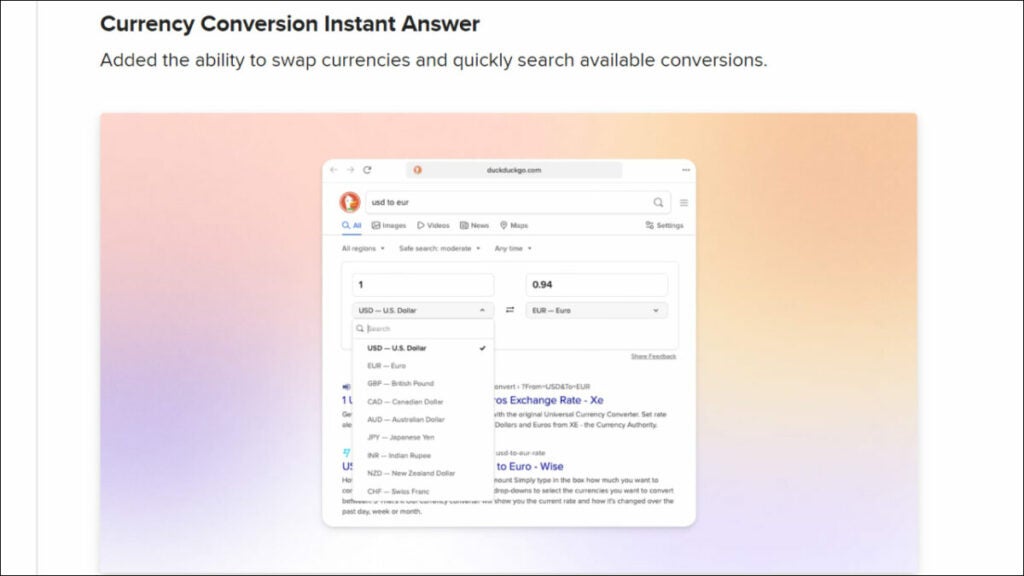
Here’s a comparison of the performance of Startpage and DuckDuckGo.
Search Speed
- DuckDuckGo has a reputation for being a slower search engine than most others because of its focus on privacy, security, and no tracking policy.
- Startpage has a reputation for being a faster search engine, mostly because it uses Google for search results.
- Therefore, in terms of search speed, Startpage may have an edge over DuckDuckGo.
Search Results
- Startpage delivers its search results through Google, which provides it with the most extensive index of websites and the most comprehensive search results in the industry.
- DuckDuckGo sources its search results from multiple partners, including Bing, Yahoo, and its web crawler.
- While it may provide unbiased search results, Startpage’s use of Google may give it an edge on search result accuracy.
Instant Answers
- DuckDuckGo’s instant answers feature provides a fast and convenient way to search for information by displaying the information within the search results.
- Startpage does not have an instant answers feature.
- Therefore, in terms of providing instant answers to queries, DuckDuckGo may have an edge over Startpage.
Winner: Both search engines provide reliable and accurate search results, but in terms of performance, Startpage has an edge because of its use of Google for search results.
4. Mobile Compatibility
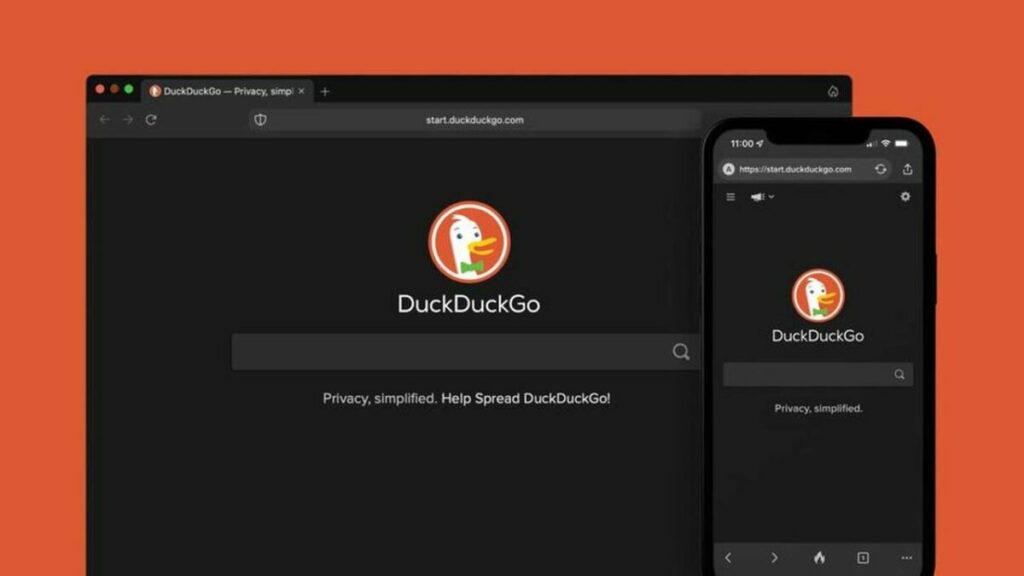
Here’s a comparison of the mobile compatibility of the Startpage app vs DuckDuckGo to determine which one is more compatible with mobile devices.
Mobile App Availability
- Both offer mobile apps for Android and iOS devices, allowing users to perform searches on their mobile devices.
- The mobile apps for both search engines are available for free download from the Google Play Store and the Apple App Store.
Browser Compatibility
- Both are compatible with most mobile browsers, including Chrome, Safari, Firefox, and Brave.
- Users can use these browsers to access the search engines’ mobile sites or use the search engine’s mobile app.
User Experience
- Both provide a similar user experience on mobile devices, with easy-to-use interfaces that are optimized for smaller screens.
- Both offer fast and smooth search results, and they are optimized for touch input.
Mobile Features
- Both offer similar features on their mobile apps, including the ability to perform voice searches, easily switch between different languages and regions, and use filters to refine search results.
Winner: Both Startpage and DuckDuckGo are highly compatible with mobile devices, with comparable features and user experiences. Therefore, it’s a tie as both search engines have strong mobile compatibility.
5. Additional Features
Here’s a comparison of the additional features of Startpage and DuckDuckGo.
Ad-Blocking
- Startpage’s ad-blocking is more robust than DuckDuckGo’s, as it is designed to block more ads and trackers across websites.
Instant Answers
- DuckDuckGo offers an Instant Answers feature that provides users with quick answers to various search queries. The feature provides relevant information without having to click through multiple search results pages.
- Startpage does not offer this feature.
Customizable Settings
- DuckDuckGo offers more options for customization compared to Startpage.
- With DuckDuckGo, users can customize the interface’s appearance to suit their preferences, choose a default search region, and set up custom search filters.
Winner: DuckDuckGo edges out Startpage in additional features. DuckDuckGo provides an Instant Answers feature and many customization options that Startpage lacks. However, it’s worth noting that Startpage’s ad-blocking feature is more robust than DuckDuckGo’s.
6. Language Support
Startpage Language Support
- Supports a wide range of languages, including English, Spanish, French, German, Italian, Dutch, and Portuguese.
- Users can set their preferred language in the search engine settings to ensure that all search results are displayed in their language of choice.
DuckDuckGo Language Support
- Supports a wide range of languages, including English, Spanish, Portuguese, German, French, and Italian.
- Has an option to automatically detect the user’s language, which helps to provide relevant search results.
Winner: Startpage offers support for more languages than DuckDuckGo, which could provide an advantage for users who prefer less commonly spoken languages. Therefore, Startpage is the winner in terms of language support between the two.
7. Community Support
Here’s a comparison of Startpage and DuckDuckGo based on their community support features.
Support Documentation and Resources
- Both offer detailed support documentation and resources to help users learn how to use the search engine effectively.
- Both provide FAQs, tutorials, and user forums to help users navigate the platform.
User Forums
- Both offer user forums where users can ask questions, discuss search engine topics, and get help from other users.
- DuckDuckGo’s forums are more active and have a larger user base, which can be an advantage for users who seek active and interactive community support.
Social Media Presence
- DuckDuckGo has an active social media presence on platforms such as Twitter and Facebook, where users can engage with the team and other users, learn about updates, and other topics related to the search engine.
- Startpage has a more limited social media presence, which can be a downside for users who prefer communication via social media.
Winner: While both search engines offer similar community support features, DuckDuckGo edges out Startpage with a more active and engaged user forum community and an overall stronger social media presence. Therefore, DuckDuckGo wins in terms of community support.
8. Availability
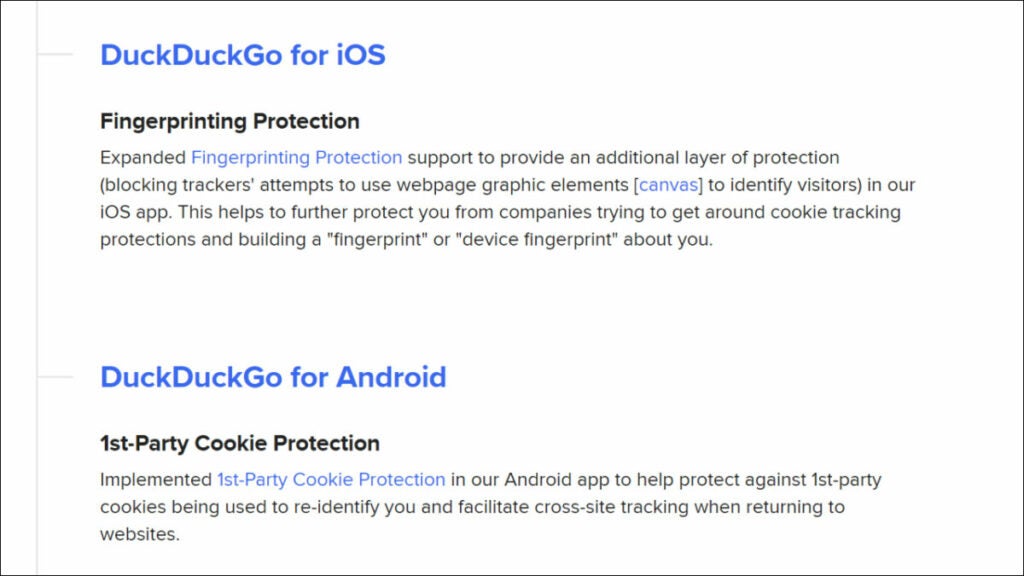
Here’s a comparison of Startpage and DuckDuckGo based on their availability to determine which one offers better accessibility.
Availability in Countries
- Startpage is available in over 60 countries worldwide, with servers located in the Netherlands, Germany, and the United States.
- Startpage also supports multiple languages spoken in different parts of the world, so it has a broad global reach, making it accessible for users worldwide.
- DuckDuckGo is also available in over 60 countries worldwide, with support for multiple languages.
- DuckDuckGo has servers located in several countries, including the United States, Germany, and the Netherlands. Like Startpage, it has global reach, making it accessible for users worldwide.
Search availability and Speed
- While both search engines provide reliable results, Startpage is often faster than DuckDuckGo. Startpage’s speed is due, in part, to its use of Google’s search algorithm, which has advanced features that help to deliver search results more quickly.
- DuckDuckGo’s algorithm prioritizes user privacy over search speed, which can sometimes result in slower search results. However, DuckDuckGo’s speed can vary depending on the location and connectivity. In most cases, DuckDuckGo’s speed is good enough for web browsing.
Winner: Startpage is the winner in terms of availability and speed, as it often delivers faster search results than DuckDuckGo.
Which One Should You Use: Startpage or DuckDuckGo?
Choosing between Startpage and DuckDuckGo depends on several factors, such as individual needs and preferences. Both search engines prioritize their users’ privacy and anonymity by avoiding tracking and not collecting personal data, but they do have their differences.
Startpage
- A great search engine for users who prioritize their online privacy and security.
- It offers robust security features like HTTPS encryption and ad-blocking that help maintain a completely anonymous search environment.
- Its user-defined filter preference feature makes filtering through search results according to one’s specifications a breeze.
- It’s ideal for users who need advanced search options, access to reliable search results, and who heavily deal with confidential information.
However, Startpage limits users to 10 search results per page and does not provide as many customization options as DuckDuckGo. It also lacks instant answers feature in some cases, resulting in the need for clicking through many search pages for specific queries.
DuckDuckGo
- Though not as secure as Startpage, it is also an excellent search engine option for users who prioritize their online privacy and security.
- It offers its users an easy-to-use interface and multiple capabilities like Instant Answers that provide quick search results, providing a hassle-free search experience.
- It allows customization of the user interface, including dark mode preference and search filter settings, which cater to the varying preferences of different users.
- DuckDuckGo’s Open Source policy means that users can audit the source code, making the search engine transparent and trustworthy.
- Its strict no-tracking policy, which incorporates tracker blocking and ad blocking, ensures user data privacy and protects them from malicious sites and malicious advertisements.
- DuckDuckGo’s Bang commands are especially useful for users that need to quickly access specific search results for popular websites like Amazon or Wikipedia.
In conclusion, to determine which is better: Startpage vs DuckDuckGo, the choice between the two may come down to your personal preference and needs. Both Startpage and DuckDuckGo offer excellent privacy features and are easy to use, so it comes down to which features you need most.
Still Can’t Choose? Here’s Another Alternative: Tempest Browser
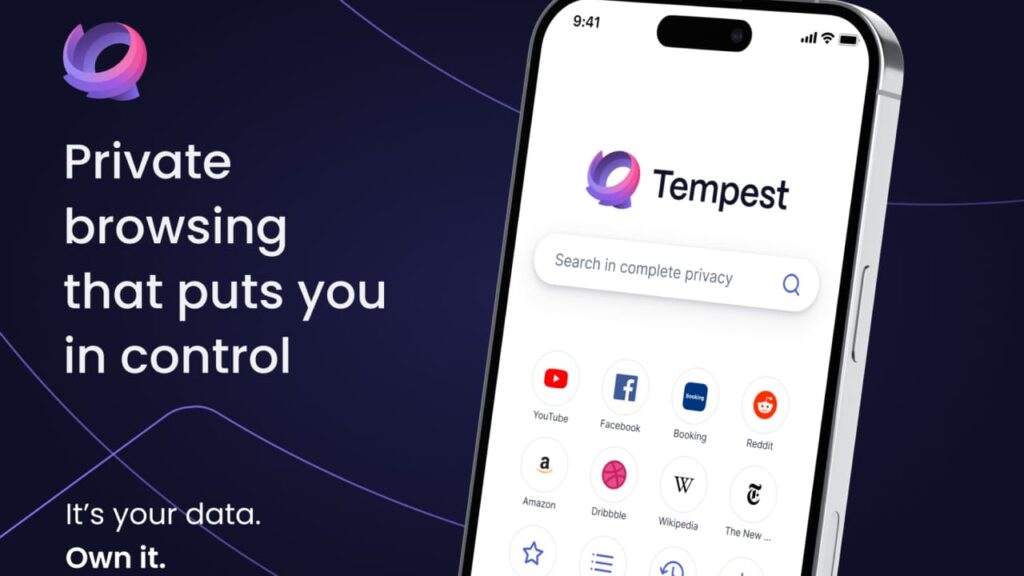
The Tempest Browser is a chromium-based browser that includes privacy features like ad-blocker, tracker blocker, making it a good choice for those who prioritize private browsing. Unlike many web browsers, Tempest loads all websites without saving any cookies or browsing history to the device. This makes it difficult for third parties to track a user’s online activities.
The browser easily routes all web activities through remote servers, which means that the user’s IP address is never revealed to websites they visit. Tempest also functions like a virtual machine, which isolates browsing data and system information from the device. It also uses HTTPS encryption and malware/virus detection, making it a powerful private browser for those who prioritize online security and privacy.
10 Best Alternative Browsers Like Brave You Should Try
Find out what is the best browsers like Brave in 2023 in our in-depth comparison of the top market players: Waterfox, Tempest, Epic, and more.
Internet privacy and security have become increasingly important. With data breaches and online tracking on the rise, more and more people are looking for alternative browsers that prioritize privacy and security.
If you are someone who’s concerned about your online privacy, then you’re probably already familiar with the Brave browser. However, there are many other private browsers like Brave that are worth considering.
If you’re looking for alternatives to Brave browser, keep reading to discover the best ones that are available today. We collect only the best one: DuckDuckGo, Tempest, Opera, ect.
An Overview of Brave Browser
Brave browser is a popular browser that is based on the Chromium open-source browser and is known for its privacy and security features, including ad-blocking and tracker protection.
While it has gained popularity over the years, there are still some users who may want to consider alternatives similar to Brave browser. It’s important to remember that no browser can offer perfect privacy or security, and it’s always a good idea to have multiple layers of protection.
Overall, there are reasons why users may want to consider browsers similar to Brave, including the desire for more privacy and security features and different functionalities.
Best Private Browsers Like Brave: A Quick Summary
If you’re looking for the best private browsers like Brave, there are plenty of options to choose from. This section provides a quick summary of 10 browsers worth considering that prioritize privacy and security over mainstream browsers.
1. Tempest Browser
Tempest Browser is a relatively new privacy-focused browser that uses advanced encryption techniques to keep your browsing data secure. It has a no-logs policy and blocks trackers by default, making it a great choice for privacy-conscious users.
2. Microsoft Edge
Microsoft Edge is a browser developed by Microsoft that includes several privacy and security features. It has tracking prevention, password manager, and InPrivate browsing mode that helps users browse the web privately.
3. Opera Browser
Opera Browser is a well-known browser with a built-in VPN and ad-blocker. It also includes support for crypto wallets, making it a popular choice for users who want to combine browsing and cryptocurrency management.
4. Vivaldi Browser
Vivaldi Browser is a highly customizable browser designed for power users who want more control over their browsing experience. It includes several privacy features, like a built-in ad-blocker and tracker blocker.
5. DuckDuckGo
DuckDuckGo is a mobile browser that prioritizes privacy by blocking third-party trackers and using encryption to secure your browsing data. It also includes a private search engine that doesn’t track your searches.
6. Epic Browser
Epic Browser is a privacy-focused browser that blocks tracking scripts and ads and encrypts all your data. It also includes a built-in VPN and a proxy service that allows users to browse the web anonymously.
7. Tor Browser
Tor Browser is a free and open-source browser that uses the Tor network to encrypt your internet traffic and hide your IP address. It’s designed to protect your privacy and anonymity online, making it a popular choice for users who want to keep their online activity private.
8. Waterfox Browser
Waterfox Browser is an open-source browser based on Firefox, designed to provide faster and more private browsing experience. It includes a suite of privacy-focused features and doesn’t collect telemetry data.
9. Iridium Browser
Iridium Browser is a privacy-focused browser based on Chromium, with additional security and privacy enhancements. It includes features like DNS-over-HTTPS and an advanced ad-blocker that can block malicious ads.
10. Torus Browser
Torus Browser is a browser built on the Tor network, designed to provide a private and secure browsing experience. It includes features like ad-blocking and tracking protection and is a good choice for users who want to stay anonymous online.
Now that you’ve read a summary about some of the best private browsers like Brave, the next section takes an in-depth look at each one and explores what they offer privacy and security-conscious users.
Browser 1: Tempest
Tempest is a privacy-focused browser designed to protect your online privacy and security. It is built on the Chromium engine and offers several privacy features like ad-blocking, tracker blocking, and encrypted DNS. The browser is also equipped with advanced encryption techniques to ensure that your browsing data is secure.
Best Use Case
Tempest is a great choice for users who are looking for a privacy-focused browser that is easy to use and comes with advanced security features. It’s a good option for users who are concerned about online tracking, data breaches, and other online threats.
Pros
- Offers private browsing and data protection, with a strict no-logs policy that ensures that no information about user activity is recorded or stored.
- Comes with a built-in ad-blocker and tracker blocker to keep users safe from online tracking and unwanted ads.
- Provides DNS over HTTPS, which encrypts DNS requests for added security.
- Automatic HTTPS upgrades, which ensures that websites are accessed over a secure HTTPS connection, whenever possible.
- Allows users to personalize their privacy preferences according to their needs, with options to control cookie behavior, permissions, and more.
- Easy to use interface with customizable settings and an intuitive design.
Cons
- Limited customization options.
- Some websites may not load properly because of the browser’s privacy features.
Device Performance
Tempest is built on the Chromium engine and is designed to be fast and lightweight. It does not use a lot of system resources and is unlikely to slow down your device. However, the browser’s privacy features may slow down some websites and affect performance.
Other Factors to Consider
Tempest Browser is a relatively new browser and may not have the same level of community support as more established browsers. However, the browser is regularly updated and offers several security and privacy features that make it a great choice for privacy-conscious users.
Overall, Tempest is a great choice for users who want a fast and secure browsing experience. It offers several privacy features that are designed to protect your online privacy and security. While it may not be the most customizable browser on the market, it is easy to use. It comes with advanced encryption techniques that ensure your browsing data is secure and gives you a Brave browser similar type of experience.
Brave browser similar apps, like Tempest, are worth considering if you’re looking for a private and secure browsing experience.
Browser 2: Microsoft Edge
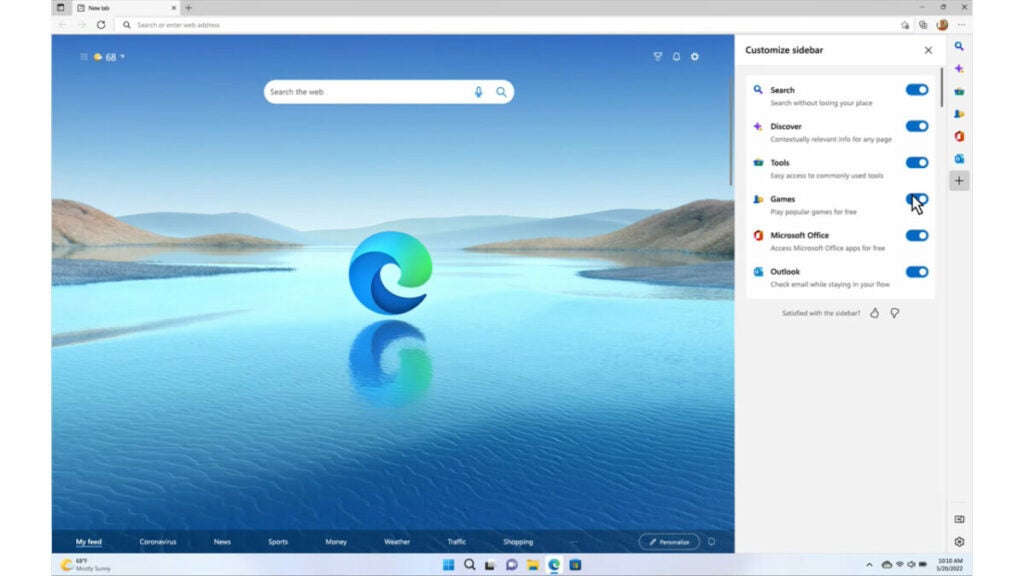
Microsoft Edge is the default web browser for Windows 10 and is built on the Chromium engine. It offers users a safe and secure browsing experience with advanced features, such as tracking prevention, password protection, and private browsing mode.
Best Use Case
Microsoft Edge is best for users who want a secure and fast web browser like Brave, but don’t require advanced privacy features. It can also be used by people who want to access websites that are not compatible with other browsers.
Pros
- Fast and secure browsing experience.
- Built-in tracking prevention, password protection, and private browsing mode.
- Sync data across multiple devices using a Microsoft account.
- High level of security, including anti-phishing protection, anti-malware protection, and tracking prevention.
Cons
- Limited extension support compared to other similar browsers like Brave, such as Google Chrome or Mozilla Firefox.
- Not compatible with some older websites.
- Limited customization options compared to other browsers.
- Some advanced features, such as Collections, are only available on Windows devices.
Device Performance
Since Edge is built on Chromium, it can load pages quickly and efficiently. It also takes full advantage of modern hardware by utilizing the best features available from your device, such as GPU acceleration and hardware-accelerated video playback. This means you can enjoy a smooth and fast browsing experience on any device. Microsoft Edge has been designed to use fewer system resources than other browsers, making it more efficient for users who have older or slower devices.
Other Factors to Consider
Since Microsoft Edge is the default browser for Windows 10, it can be used without any additional setup. It also offers a high level of security and privacy compared to other browsers. However, some users may find the lack of customization options and extension support limiting.
Overall, Microsoft Edge is a good choice for users who want a secure and fast browsing experience similar to Brave browser without sacrificing privacy or security. It can also be used by people who want to access websites that are not compatible with other browsers. However, limited extension support and customization may make it less attractive for power users.
Browser 3: Opera Browser
Opera browser is a free, fast and privacy-focused web browser built on the Blink engine, the same as Google Chrome. It has a range of features that set it apart from its competitors, including customizable keyboard shortcuts, visual bookmarks, integrated ad blocker, VPN and crypto wallet.
Best Use Case
Opera browser is best for users who need a Brave like browser with integrated features like VPN, crypto wallet, ad-blocking and data compression. It is also ideal for users who want greater speed and privacy while browsing.
Pros
- Built-in ad blocker allows users to browse the web without ads.
- Integrated VPN protects user’s browsing privacy and allows users to access websites that are not available in their country.
- Fast performance even on lower spec devices.
- Crypto wallet allows users to manage their cryptocurrency directly from the browser.
- Customizable interface with different themes.
Cons
- Does not have as many extensions as other popular browsers.
- Some users may find the user interface overwhelming.
Device Performance
Opera is a fast and lightweight browser, thanks to its Blink engine. It can be used on older or slower devices with no performance issues. Opera also offers users the ability to compress data for faster page loading times and reduce their data usage. It has a battery saver feature that can extend the battery life of your laptop.
Other Factors to Consider
The integrated features of Opera make it stand out from other browsers. Its VPN and ad-blocking features are useful for those who value their privacy online, but it may also affect the browsing speed. The crypto wallet feature makes it easier to manage cryptocurrency directly from the browser, while the visual bookmarks make it easy to quickly access favorite websites. However, its extension library is not as extensive as other browsers like Brave.
Overall, Opera’s built-in VPN, ad blocker, cryptocurrency wallet, and data compression capabilities make it suitable for privacy-focused users. Its reasonable performance and customizability are attractive to many users. Although it may not have as many extensions as other similar browsers like Brave, it remains a feature-rich browser for many use cases.
Browser 4: Vivaldi Browser
Vivaldi browser is a free, customizable and privacy-focused web browser based on open-source Chromium code, making it compatible with Google Chrome extensions and web ecosystem. It offers a wide range of customization options, themes, and settings to enhance users’ browsing experience and privacy.
Best Use Case
The best use case for Vivaldi browser is for advanced users who want a highly customizable browser with plenty of features and privacy-focused settings.
Pros
- Highly customizable, with a wide range of themes and settings.
- Compatible with Google Chrome extensions.
- Easy tab management, which allows users to organize tabs into workspaces, search tabs, and more.
- Built-in notes, screenshots and bookmarking tools.
- Integrated privacy options include a tracker blocker, cookie blocker, and Do Not Track feature.
Cons
- The interface may be overwhelming to some users due to the number of customization options available.
- Complex customization options can make it challenging for beginners or non-technical users.
- Requires some computer resources to run and may not be optimal for lower-specification devices.
- Its smaller user base might lead to slower update rollouts and less community support.
Device Performance
Vivaldi browser offers decent performance, although it does require some system resources. It is optimized for slower or older devices and can be used on both desktop and mobile apps like Brave browser, although power users who use many extensions and tabs might experience slower speed.
Other Factors to Consider
Vivaldi is built with privacy and customization options in mind, so users may face some compatibility issues with some web applications that rely on telemetry data. It features a built-in email client, which is useful, but some users may prefer to separate their email and web browsing experience.
Overall, Vivaldi is an ideal choice for advanced users who want a highly customizable, privacy-focused web browser. Its compatibility with Chrome extensions and its tab management tools make it attractive to many users. Its performance may not be optimal for all users, so it’s best suited for those who need a highly customizable and feature-rich alternative to Brave browser.
Browser 5: DuckDuckGo Browser
DuckDuckGo browser is a free privacy-focused mobile browser which values anonymity and delivers search results without tracking users. It is available for iOS and Android and seeks to offer users enhanced privacy and data security.
Best Use Case
The best use case for the DuckDuckGo browser is for users who prioritize their privacy while browsing the internet. It is suited for those who are looking for a more privacy-oriented alternative to mainstream browsers like Chrome and Safari.
Pros
- Does not track or collect user data, including search history, and browsing history.
- Increases anonymity by displaying a privacy grade for each website visited.
- Blocks all invasive ads and includes a built-in tracker blocker.
- Includes a “Fire Button” that clears all browsing data with a simple gesture.
- Offers strong encryption and ad-blocking by default.
Cons
- Lacks some of the features that Brave browser or similar mainstream browsers offer.
- May not always deliver the search results users expect.
- Mobile-only platform, so it might not be compatible with desktops or laptops.
Device Performance
DuckDuckGo browser offers decent performance, although it does require some system resources. It is optimized for slower or older devices and can be used on both mobile and desktop apps like Brave browser, although power users who use many extensions and tabs might experience slower speed. It offers good performance on both iOS and Android devices. It is optimized to run quickly and smoothly on mobile platforms. It works efficiently and with minimal lagging on most devices.
Other Factors to Consider
DuckDuckGo only works on mobile devices, so users will need to find another option if they want to use it on a desktop computer. Also, DuckDuckGo does not offer the same level of customizability as other browsers like Brave or Vivaldi, so users may need to switch back and forth between different browsers for more advanced features. It does not sync data with other devices as it stores no user data.
Overall, DuckDuckGo browser is a great option for those who are looking for a privacy-focused alternative to mainstream browsers like Chrome and Safari. Its sleek mobile design, ad-blocking, and minimal data collection make it the perfect browsing experience for those concerned about online privacy. Its focus on anonymity and data security makes it an ideal choice for anyone looking for a more private experience.
Browser 6: Epic Browser
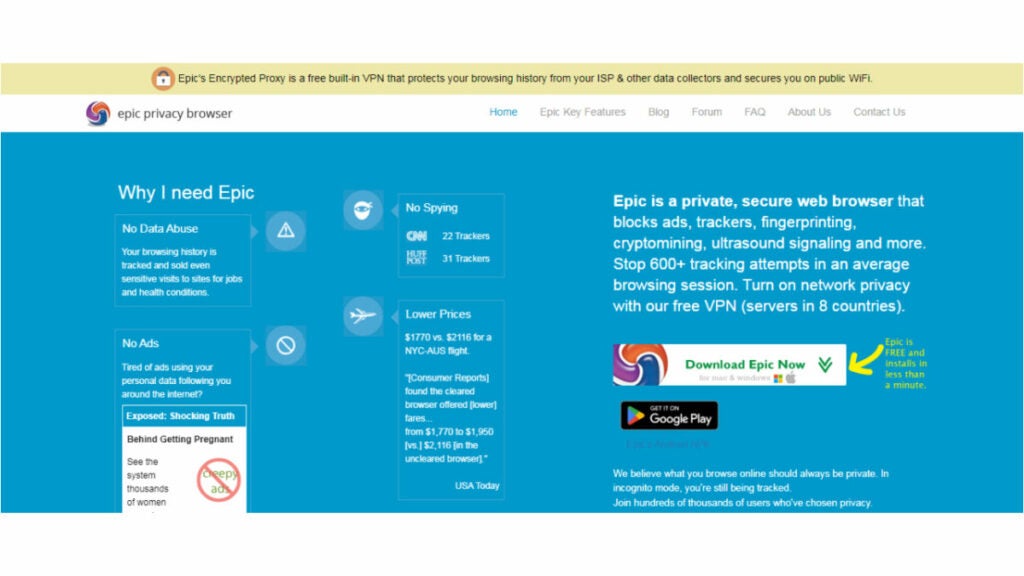
Epic browser is a privacy-focused browser that aims to protect users’ online privacy and security. It is based on Chromium code, making it compatible with Google Chrome extensions and works on Windows and MacOS. Epic focuses on blocking all tracking scripts and data leakage from websites and protecting users’ browsing data.
Best Use Case
Epic browser is best suited for users who highly value their privacy and don’t want to give any details to third-party organizations. It’s ideal for those who don’t wish to be tracked or profiled, and are concerned about their online privacy.
Pros
- Blocks almost all tracking tools and scripts to protect user privacy.
- Does not store any browsing history, cookies, or cache data to ensure user anonymity.
- Provides encrypted proxy protection to secure online activity.
- Free of charge and supports all major platforms, including Windows, Mac, and mobile devices.
- Offers the option to add a VPN from a trusted provider to enhance privacy and security.
Cons
- Limited compatibility with some websites’ web-based applications.
- Does not support some popular extensions.
- The user interface is not as modern as some other browsers.
Device Performance
Epic browser offers a stable browsing experience on desktops and laptops. It is fast and responsive, with no lagging or stuttering. The browser has been optimized for a better experience and to improve the performance of web pages.
Other Factors to Consider
Epic browser is not as feature-rich as other browsers like Brave or Vivaldi. Also, since it is based on Chromium code, it may not be compatible with some websites’ web-based applications. Epic browser does not offer a synchronization feature like other browsers do, so users will need to manually sign in each time they use the browser on a different device.
Overall, Epic browser offers excellent privacy features with its ad-blocker, encrypted proxy protection, and do-not-track policies. Its focus on user privacy and security makes it an excellent option for all privacy-conscious users. However, its limited compatibility with some websites and extensions may deter power users from adopting it.
Browser 7: Tor Browser
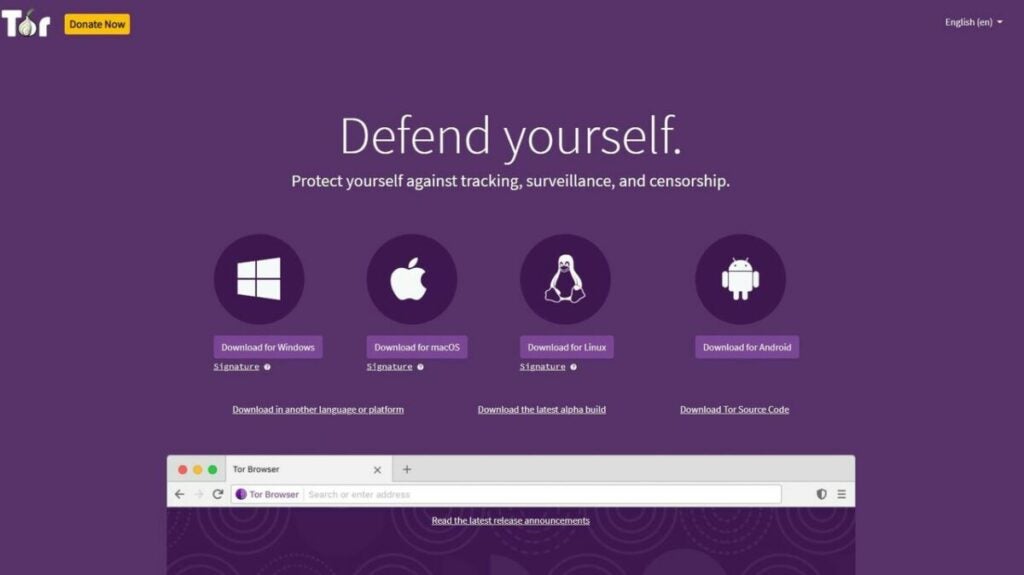
The Tor Browser is a free open-source software that enables anonymous communication. It uses the Tor network to offer users a high level of privacy and security. The Tor network is a global network of servers and relays that route internet traffic in a way that obscures its origin.
Best Use Case
The Tor Browser is best used for activities that require anonymity, such as whistleblowing or accessing censored content. It is also useful for people concerned about their online privacy or anyone who wants to minimize the data collected about them online.
Pros
- Provides a high level of privacy and security by routing user traffic through a network of servers, making it difficult for anyone to track or monitor online activities.
- Prevents online tracking and data collection by blocking cookies, scripts, and other trackers, which helps to protect user anonymity.
- Can bypass censorship and access restricted content by enabling users to access the internet through servers in different countries.
- Is free and open-source software, which means that anyone can access the code and contribute to its development, ensuring that it is constantly being improved by the community.
- Easy to use, with a simple interface and built-in features like NoScript and HTTPS Everywhere, which make it easy to customize privacy and security settings to suit individual needs.
- Provides protection against various forms of surveillance, including traffic analysis, which helps to prevent targeted advertising and other unwanted activities.
- Includes a secure messaging feature called Tor Messenger, which encrypts messages and ensures that they cannot be intercepted by third parties.
- Supports various operating systems, including Windows, Mac, Linux, and Android, making it accessible to a wide range of users.
- Is compatible with various other software and applications, including VPNs and virtual machines, which can be used to enhance privacy and security even further.
Cons
- Slower browsing speeds due to traffic being routed through multiple servers.
- Some websites may not function correctly because of the anonymity features and privacy settings.
Device Performance
The Tor Browser can run on most devices, including desktops, laptops, and smartphones. However, due to the nature of its routing, it can slow down performance, particularly on older or slower devices.
Other Factors to Consider
Despite the high level of anonymity, users should still take additional precautions, such as using a VPN or disabling JavaScript, to maximize their privacy. Some countries restrict or even forbid the use of Tor, which may not make it the ideal alternative to Brave browser. Also, not all websites are compatible with the Tor Browser.
Overall, the Tor Browser provides a high level of anonymity and privacy for users concerned about their online activity being tracked or monitored. Its best use cases include whistleblowing, accessing censored content, and minimizing online data collection. However, it can be slower and may not work with all websites. Users should take additional precautions to maximize their privacy and security.
Browser 8: Waterfox Browser
Waterfox is a free, open-source web browser based on Mozilla Firefox. It is designed to provide users with a fast, secure, and customizable browsing experience. Waterfox aims to be a privacy-focused web browser like Brave and it is available for Windows, macOS, and Linux operating systems.
Best Use Case
Waterfox is best for users who want a Brave like browser that is both fast and privacy-focused. It is useful for those who are privacy-conscious and want more control over their online data.
Pros
- Offers users a speedy and customizable browsing experience, which can be tailored to their specific preferences.
- Highly privacy-focused, providing users with options to block ads and trackers, and disable telemetry, which ensures that their online activities are kept confidential.
- Supports legacy extensions and add-ons not available in the latest version of Firefox, which enables users to add more functionality and customize their browsing experience even further.
- Offers a wide range of customization options, including themes and UI customization, allowing users to make it look and feel the way they want.
- Open-source software, which means that its code is available to anyone who wants to see it, enhancing transparency and security.
Cons
- Has limited support for newer web technologies, which may cause compatibility issues with some websites.
- Some add-ons and extensions designed for Firefox may not be fully compatible with Waterfox.
- User base of Waterfox is relatively small, which means less community support.
Device Performance
Waterfox is a fast and lightweight browser because it is built on the same engine as Firefox. It is designed to use fewer system resources than other browsers and can be used on older or slower devices. However, older or slower devices may experience some performance issues.
Other Factors to Consider
The privacy-focused approach of Waterfox may cause some compatibility issues with web applications that require telemetry data. It requires manual updates, which could be an issue for some users who prefer automatic updates. It supports legacy extensions and add-ons not available in the latest version of Firefox, which makes it more attractive to power users. However, since its user base is relatively small, there may be less community support compared to other browsers similar to Brave.
Overall, Waterfox is a good browser for those who value privacy and customization options. It has a growing user base and has developers who contribute to its development. However, users should be aware of its limitations and potential compatibility issues with some websites and applications.
Browser 9: Iridium Browser
Iridium browser is a free open-source browser designed to maximize user privacy, security and anonymity. It is based on the Chromium browser, uses the same underlying code as Google Chrome, but has all features that could target the user’s anonymity removed or disabled.
Best Use Case
Iridium browser is best for users looking for a privacy-centric browser. It is best suited for users who want to maximize their privacy, security and anonymity while browsing the web.
Pros
- Blocks all third-party cookies by default, which helps prevent tracking and fingerprinting.
- Removes or disables any features that could be used by third parties to track users, such as Google APIs, automatic updates, and error reporting.
- Based on the popular Chromium software and is easy to understand and use.
- Supports extensions from the Chrome Web Store.
- Highly customizable and configurable, allowing users to adjust privacy and security settings to their preferences.
- Blocks referrer headers to prevent cross-site snooping and protect user privacy. It also supports HTTP referer spoofing, which can further enhance privacy.
- Offers built-in ad-blocking and tracker-blocking features to help protect against online tracking and data collection.
Cons
- Users may find it lacks necessary features that could improve their browsing experience, such as a password manager.
- Compared to other similar browsers like Brave, it has a relatively small developer and user communities that limit updates and extension availability.
Device Performance
Iridium browser is fast and responsive, and offers a good browsing experience on desktops and laptops. It works well on older machines as well, with no lagging or stuttering. It does not require much system resource usage, making it suitable for use on all available devices, including low-end or older systems.
Other Factors to Consider
Iridium browser is one of the most secure browsers available today. Its privacy-centric approach makes it an ideal choice for those who are looking to maximize their online security and anonymity. However, some users may find its lack of features limiting, since it does not have any built-in password manager or other features that could improve the user’s experience.
Overall, Iridium browser offers excellent privacy protection and anonymity, making it suitable for all privacy-conscious users. Its focus on user security makes it a great choice for anyone looking for a secure and private browsing experience. However, it may not have as many features as some popular web browsers like Brave and may be slower in comparison.
Browser 10: Torus Browser
Torus Browser is a privacy-focused browser that provides users with an anonymous browsing experience. It is built on the Chromium engine and offers several privacy features like ad-blocking, tracker blocking, and encrypted DNS. The browser also offers a decentralized authentication system, making it a great option for users who prioritize online security and anonymity.
Best Use Case
Torus Browser is a great choice for users who want to browse the web anonymously and securely. It is also a good option for users who are concerned about online tracking and data breaches, as the browser’s privacy features can help protect against these threats.
Pros
- Offers a highly secure browsing experience with the use of the Tor network and strong encryption protocols.
- Prevents online tracking and surveillance by blocking intrusive ads, web trackers, and browser fingerprinting.
- Provides users with anonymity by routing internet traffic through a decentralized network of volunteer-run servers.
- Shields against various web-based attacks, including malware, phishing, and identity theft.
- Supports multi-platform use, allowing users to enjoy a consistent browsing experience across devices.
- Open-source software, meaning it’s constantly being improved and audited by the community for security and privacy.
- Offers a user-friendly interface, making it easy to use for both novice and advanced users.
Cons
- Browsing speed can be slower compared to mainstream browsers.
- Not all websites are compatible with the Tor network.
- The interface of the browser can be confusing for some users.
Device Performance
Torus Browser is built on the Chromium engine and is designed to be fast and lightweight. It does not use a lot of system resources and is unlikely to slow down your device. However, the browser’s privacy features may slow down some websites and affect performance.
Other Factors to Consider
Torus Browser is not as popular as browsers similar to Brave and may not have the same level of community support as more established browsers. However, the browser offers several privacy features that make it a great choice for privacy-conscious users. It also offers a decentralized authentication system, which can be useful for users who prioritize online security and anonymity.
Overall, Torus Browser is a solid option for users who want to browse the web anonymously and securely. It offers several privacy features, including a decentralized authentication system, that help protect against online tracking and data breaches. While it may not be the most customizable browser on the market, it is easy to use and offers a fast and lightweight browsing experience.
A Summary of the Browsers Like Brave
Below is an overview of the browsers discussed, including their key features, to assist you in selecting the most suitable one for your needs.
1. Tempest Browser
- Offers a built-in Virtual Private Network (VPN) that encrypts your internet traffic and protects your online privacy.
- Uses anti-fingerprinting technology that makes it difficult for websites to track your online activities and collect data about you.
- Has a private browsing mode that allows you to browse the web without saving any history, cookies, or form data.
- Comes with built-in ad-blocking and tracker-blocking features that block ads and prevent websites from tracking your online behavior.
- Has a minimalist user interface that is easy to use and navigate.
- Automatically upgrades HTTP connections to HTTPS, which adds an extra layer of security to your browsing sessions.
2. Microsoft Edge
- Provides robust privacy and security features that protect users from tracking, phishing, and malware attacks.
- Includes a tracking prevention feature that blocks third-party trackers and provides users with more control over their data.
- Features a “InPrivate” browsing mode that prevents your browsing history, cookies, and form data from being saved.
- Integrates with Microsoft Defender SmartScreen, which blocks known malicious websites and downloads.
- Comes with built-in ad-blocking capabilities that can be customized to the user’s preference.
- Includes a password manager and supports biometric authentication for secure and convenient login.
- User-friendly interface and is optimized for faster browsing speeds.
- Offers seamless integration with Microsoft services, such as OneDrive and Office, making it a great choice for users who heavily rely on Microsoft products.
- Available on multiple platforms, including Windows, macOS, iOS, and Android.
3. Opera Browser
- Chromium-based browser that prioritizes user privacy and security.
- Includes built-in ad-blocker, anti-tracking, and VPN features that provide strong privacy protection.
- Offers fast browsing speeds, with a turbo mode that compresses data and reduces page load times.
- Includes a customizable sidebar that provides quick access to frequently used features and services, such as bookmarks and messenger apps.
- Offers a range of customization options, including the ability to modify themes, install extensions, and customize keyboard shortcuts.
- Includes a battery saver mode that reduces power consumption and extends battery life.
- Supports multi-tab browsing and includes features such as tab grouping and tab cycling for improved organization.
- Offers compatibility with Chrome extensions and provides users with the ability to import their Chrome settings and bookmarks.
- Includes a built-in news feed that aggregates news stories from a variety of sources.
4. Vivaldi Browser
- Highly customizable browser that provides advanced customization options, such as customizable keyboard shortcuts and mouse gestures.
- Includes a built-in ad-blocker, anti-tracking, and anti-fingerprinting features that provide robust privacy protection.
- Offers a range of productivity features, such as tab stacking and tiling, which help users to better organize their workspace and multitask efficiently.
- Includes a notes feature that enables users to take notes while browsing, and saves them in a dedicated panel for future reference.
- Provides integration with popular social media and messaging apps, allowing users to access them from a sidebar panel.
- Offers a range of themes and customizable appearance options, including the ability to create custom themes using images.
- Includes a built-in email client that allows users to manage multiple email accounts from within the browser.
- Supports Chrome extensions, providing access to a vast array of third-party tools and services.
5. DuckDuckGo
- Protects users from various online tracking techniques used by advertisers and data collectors.
- Blocks third-party trackers by default and provides protection against fingerprinting, which makes it difficult for advertisers to track you online.
- Has a built-in search engine that uses DuckDuckGo’s advanced privacy technology to deliver private search results, without storing or sharing any personal data.
- Includes an ad-blocker that removes unwanted ads and pop-ups.
- Provides HTTPS Everywhere feature, which ensures secure connections between the browser and websites.
- Provides a privacy grade rating for each website you visit, helping you understand how well they protect your privacy.
- Has a “Fire” button that clears all tabs and data with just one click, keeping your browsing history and personal data private.
- Open-source, ensuring complete transparency and community-driven development, and it’s free to use.
6. Epic Browser
- Has a built-in ad-blocker, tracker-blocker, and anti-fingerprinting technology to protect privacy.
- Provides automatic HTTPS upgrade, and an encrypted proxy to secure internet connections.
- Uses one-click encrypted proxy server to hide IP address and encrypt browsing activity.
- Has a built-in video downloader and proxy to download videos from popular sites securely.
- Offers a customizable browser with several themes and wallpapers.
- Provides the option to turn on/off third-party cookie blocking for individual sites.
- Has a built-in encrypted file vault for storing sensitive files and passwords.
- Does not store browsing history, cookies, or cache saved.
- Open-source and based on the Chromium-based browser.
7. Tor Browser
- Provides anonymity and privacy by routing your internet traffic through a network of volunteer-run servers.
- Encrypts your internet traffic and hides your IP address, making it difficult for anyone to track your online activities.
- Features a private browsing mode that does not save your history, cookies, or other site data.
- Comes with built-in ad-blocking and tracker-blocking features that block ads and prevent websites from tracking your online behavior.
- Allows you to access websites that are blocked or censored in your region.
- Free and open-source, which means anyone can use and modify the source code.
- User-friendly interface and is easy to use.
- Offers additional security features, such as a built-in password manager and the ability to disable JavaScript to further protect your privacy.
8. Waterfox Browser
- Based on Mozilla Firefox, which means it emphasizes speed and customization.
- Includes built-in privacy protections that prevent online tracking, and blocks third-party cookies by default.
- Supports extensions and add-ons that provide additional privacy and security features, such as ad-blockers and anti-tracking tools.
- User-friendly interface that is highly customizable, including the ability to modify themes and fonts.
- Supports multi-tab browsing and includes features such as tab grouping and pinned tabs for easier organization.
- Provides fast browsing speeds and low memory usage, making it a great choice for users who value performance.
- Supports a variety of platforms, including Windows, macOS, and Linux.
- Offers compatibility with Firefox extensions and provides users with the ability to import their Firefox settings and bookmarks.
- Includes a password manager and supports synchronization across devices.
9. Iridium Browser
- Based on the Chromium browser source code, providing a familiar interface to users who use Chrome or other Chromium-based browsers.
- Comes with enhanced privacy features that block tracking scripts, third-party cookies, and other types of online tracking technologies.
- Supports integration with Tor, allowing users to browse the web anonymously and access hidden services on the dark web.
- Features a built-in ad blocker and phishing protection, preventing users from falling victim to malicious websites or advertising networks.
- Provides granular control over privacy settings, allowing users to customize their browsing experience to suit their needs.
- Offers a user-friendly interface that is easy to navigate, making it a great option for users who are new to privacy-focused browsers.
10. Torus Browser
- Provides a decentralized authentication platform for web3 applications, ensuring secure logins and transactions.
- Available as a browser extension for Chrome, Firefox, and Microsoft Edge, and can also be integrated into mobile apps and websites.
- Offers a seamless user experience with easy onboarding, simple login flow, and an intuitive interface for managing multiple identities.
- Uses a combination of cryptographic techniques and security protocols like OAuth2 and SSL/TLS to ensure end-to-end security of user data and transactions.
- Open Source project, which means the code is transparent and can be audited by security experts and contributors to ensure maximum security and privacy.
- Free to use.
Private browsers like Brave are increasing in popularity as users demand greater control over their online privacy and security, so you now have several other browsers to choose from.
10 Alternative Browsers Like DuckDuckGo You Need to Consider
Find out what are the best browsers like DuckDuckGo in 2023 in this in-depth comparison of the top market players: Tempest, Brave, Vivaldi, Opera, and more.
Are you looking for the best private browsers like DuckDuckGo? With growing concerns over internet privacy, many users are turning to alternative browsers that prioritize security and anonymity over data collection.
This article provides an in-depth comparison of some of the best private browsers that are similar to DuckDuckGo in terms of privacy features.
Discover the top alternative browsers to DuckDuckGo in 2023 through an in-depth comparison of market leaders such as Tempest, Brave, Vivaldi, and more. Uncover the best options for your browsing needs.
An Overview of DuckDuckGo

The importance of internet privacy has become increasingly apparent, leading to the rise of DuckDuckGo like browsers and search engines that are privacy focused. While the search engine does not track or store user data, its extension does not provide a full browser experience, sparking a need for alternative options.
By not tracking or storing user data, DuckDuckGo allows users assurance of privacy when conducting web searches. However, DuckDuckGo’s extension only focuses on privacy and security, lacking additional features and functionalities that other browsers may offer.
To achieve complete privacy, it may be necessary to consider alternative browsers that can provide added benefits such as ad-blockers, tracker-blockers, and encrypted connections. Due to these additional features, alternative privacy-focused browsers or mobile apps may better suit the needs of privacy-conscious users than DuckDuckGo’s extension.
Best Private Browsers Like DuckDuckGo: A Quick Summary
With online privacy concerns on the rise, many users are looking for alternative browsers to use that provide greater privacy and security compared to mainstream browsers like Firefox or Chrome.
Here’s a quick summary of the 10 alternative browsers that offer similar privacy features to DuckDuckGo.
1. Tempest Browser
Tempest Browser is a privacy-first browser that ensures that their users’ searches and browsing activity remain private and cannot be tracked. Tempest Browser blocks ads, and has other in-built privacy features like encryption, which makes it one of the most secure web browsers available. Overall, Tempest Browser prioritizes user privacy while providing a fast and reliable browsing experience.
2. Firefox Focus
Firefox Focus is a privacy-focused browser designed for minimalist browsing. It automatically blocks ads, trackers, and erases browsing history and cookies to enhance user privacy. The browser is easy to use, thanks to its simple interface and customizable settings. Firefox Focus is also available as a mobile app, making it a good option for users who want to protect their personal data and search history while using their mobile devices.
3. Brave Browser
Brave Browser is a secure privacy-focused browser that puts user privacy at the forefront. With built-in ad blocking, tracker blocking, and HTTPS Everywhere, users can enjoy a seamless browsing experience without being tracked by third-party advertisers. One unique feature of Brave Browser is its “Brave Rewards” program, which rewards users with cryptocurrency for viewing privacy-respecting ads. This innovative approach to advertising allows users to earn rewards while still maintaining their privacy. Brave Browser also offers a user-friendly interface and customizable settings, making it a top choice for users seeking a private and personalized browsing experience.
4. Vivaldi Browser
Vivaldi Browser is a highly customizable web browser that offers some privacy-focused features. It has an intuitive interface and allows users to customize everything from the layout of the browser to the individual icons on the interface. Vivaldi Browser puts a strong emphasis on user privacy, providing features like tracker blocking, ad-blocking, and a built-in screenshot tool. It also includes a unique “Notes” feature that allows users to take and save notes directly in the browser. Vivaldi Browser is a great option for users who want a fast, customizable browser with robust privacy features.
5. Onion Browser
The Onion Browser is built on the Tor network, providing anonymous browsing and privacy for users. The Tor network is a decentralized network that routes internet traffic through several servers located around the world to make it difficult for anyone to track a user’s online activity. Onion Browser blocks ads, trackers, and browser fingerprinting by default, ensuring that a user’s online activity is kept private. This makes Onion Browser a good option for mobile users who want to protect their personal data and search history while using their devices.
6. Epic Browser
Epic Browser is a privacy-focused web browser that blocks ads, trackers, and third-party cookies to protect user privacy. It features a built-in proxy, allowing users to browse the web anonymously and encrypt their data. The browser is customizable, with options to remove browsing history, cache, and cookies. Epic Browser is available for both desktop and mobile platforms, making it a good choice for those who prioritize privacy and security while browsing the web.
7. Ghostery Browser
Ghostery Browser is a privacy-first browser that puts transparency at the forefront. Ghostery blocks trackers by default and provides users with detailed information about each tracker it blocks. The browser also has a feature called “Enhanced Anti-tracking,” which utilizes artificial intelligence to improve tracking prevention. Ghostery’s UI is sleek and easy to use, providing a seamless browsing experience while protecting user privacy.
8. Bromite Browser
Bromite Browser is an open-source browser based on Chromium, which is known for its robust privacy features out-of-the-box. Bromite blocks ads, trackers, and malicious scripts by default, making it one of the most secure browsing options available. It’s designed to prioritize user privacy and security, with features like encrypted DNS and prevention of unnecessary contact with Google servers.
9. Waterfox Browser
Waterfox is an open-source browser based on Firefox, with extra privacy features baked-in. It’s especially speedy and lightweight, with a minimalist design. Waterfox blocks ads, trackers, and other common privacy invaders by default, making it a secure browsing option for privacy-conscious users. It’s also customizable and has a range of add-ons and extensions to help users tailor their browsing experience to their needs.
10. StartPage Browser
StartPage is a private search engine that allows users to search the web anonymously without leaving a digital trail. It doesn’t track user data or store personal information, and it also allows users to use HTTPS encryption to hide their searches from ISPs and governmental spying. StartPage uses Google search results, but strips out all identifying user data before returning the results. It’s a good option for anyone concerned with online tracking and privacy violations.
Here is an analysis of each browser mentioned, highlighting why it serves as a good substitute for those seeking a browser similar to DuckDuckGo.
Browser 1: Tempest
The Tempest Browser is a web browser that provides users with private browsing and data protection. Instead of relying on centralized servers, Tempest technologies ensure that user’s searches and other data remain private. Tempest also provides users with a range of security features, including ad and tracker blocking, DNS over HTTPS, and automatic HTTPS upgrades.
Best Use Case
The Tempest Browser is a great choice for anyone who is looking for a browser like DuckDuckGo that emphasizes privacy and online security. It’s also an excellent choice for users who are concerned about their data being tracked and monetized by advertising companies. It’s well-suited for those who want a fast and reliable browsing experience that is free of ads and trackers.
Pros
- Offers comprehensive private browsing and data protection, ensuring that users’ personal data and online activities remain secure and anonymous.
- Comes with built-in ad and tracker blocking that eliminates ads and third-party trackers, preventing them from collecting and sharing user data.
- Supports DNS over HTTPS, which encrypts users’ DNS requests and enhances their privacy by preventing third-party snooping and manipulation of their browsing data.
- Automatically upgrades websites to HTTPS, providing users with a more secure and private browsing experience.
- Provides users with extensive customization options to personalize their privacy preferences, including the ability to block or allow specific cookies, scripts, and site permissions.
- Boasts a user-friendly and intuitive interface that makes it easy for users to navigate and access various features and settings.
Cons
- Configuration settings may be limiting for advanced users who want to customize their browsing experience beyond the available options.
Device Performance
The Tempest Browser is designed to be lightweight, so it won’t consume a lot of memory or processing power. It works well on multiple devices, including Macs and PCs. However, its performance may not be as good on older or less powerful devices.
Other Factors to Consider
Tempest Browser is based on the Chromium engine, which is optimized for speed and efficiency. It allows users to customize their browsing experience by disabling JavaScript, blocking third-party cookies, or using incognito mode regularly. Its fast and reliable performance makes it ideal for anyone looking for a great browsing experience without any ads or trackers.
Overall, the Tempest Browser is a great alternative for those looking for private browsing similar to DuckDuckGo. Its architecture ensures that user data remains secure and private, while its range of security features make it an ideal choice for users who are concerned about their online privacy.
Browser 2: Firefox Focus
Firefox Focus is a privacy-focused browser designed for minimalist browsing that automatically blocks ads, trackers, and erases browsing history to enhance user privacy. The browser is optimized for speed and minimalism, providing a simple yet effective browsing experience that prioritizes user privacy.
Best Use Case
Firefox Focus is best suited for privacy-conscious users who want a simple and efficient browsing experience. Its automatic blocking of ads, trackers, and browser history makes it ideal for users who prioritize their privacy and security. It’s also a good option for users who want to save battery life and reduce data usage while browsing the web.
Pros
- Has an intuitive and streamlined user interface that is easy to navigate.
- Automatically blocks ads, trackers, and browsing history, ensuring a high level of privacy and security.
- Has a fast page loading speed, making it a convenient and efficient browsing experience.
- Saves battery life, allowing for longer browsing sessions without the need for constant charging.
- Offers customizable ad-blocking, tracking protection, and cookie control options, allowing you to tailor your privacy preferences to your needs.
Cons
- Limited features compared to other browsers.
- No support for add-ons or extensions.
- Limits your ability to enable cookies.
Device Performance
Firefox Focus is optimized for speed and minimalism, making it a lightweight and fast browser. Its simple user interface and automatic blocking of ads and trackers reduce the browser’s workload, making it less taxing on your device’s memory and processor.
Other Factors to Consider
Firefox Focus is a great privacy-focused browser, but it’s limited in terms of features and customization options. It doesn’t have any add-ons or extensions, and its ability to enable cookies is limited. However, these drawbacks are outweighed by the browser’s focus on privacy, which makes it an ideal option for users who prioritize their security while browsing the web.
Overall, Firefox Focus is a good choice for users who want a simple and efficient browsing experience that prioritizes user privacy. Its automatic ad-blocking and tracking protection make it a great alternative to DuckDuckGo.
Browser 3: Brave Browser
Brave Browser is a privacy-focused web browser that offers an extensive range of privacy and security features. Brave is unique in that it offers users the ability to earn cryptocurrency for viewing ads. It’s available on all major operating systems like desktop and mobile, and is based on Chromium, which allows users to enjoy all the benefits of the familiar browser interface while enjoying enhanced privacy and security features. Brave’s mission is to give users control over their internet browsing experience while protecting their online privacy.
Best Use Case
Brave Browser is a great option for anyone who is looking for an alternative to mainstream web browsers and prioritizes privacy and security. It’s a fantastic choice for people who are focused on speed, as Brave has built-in ad-blocking and other features that make it one of the fastest browsers available. Brave is effective for users who are concerned about online tracking and want a browsing experience that protects their privacy.
Pros
- Has a built-in ad and tracker blockers which help enhance user privacy and security.
- Offers more privacy and security features compared to other browsers like DuckDuckGo or similar alternatives.
- Offers Brave Rewards, a feature that allows users to earn cryptocurrency for viewing privacy-respecting ads, providing an incentive for users to support their favorite websites without sacrificing privacy.
- Users have access to a wide range of privacy controls, including fingerprinting protection and the ability to clear browsing data on exit.
- Supports extensions and other add-ons, which enables users to customize their browsing experience.
- User-friendly interface is intuitive and straightforward to navigate, making it easy for users to switch to Brave without a steep learning curve.
Cons
- Rewards system is still being developed.
- Privacy settings can be confusing for some users.
- Not popular as mainstream browsers.
Device Performance
Brave Browser features a modern engine that makes it fast and reliable. It also has an integrated ad-blocker and tracker blocker, which makes loading webpages faster as they don’t have to load any ads or trackers. It’s optimized for battery life on mobile devices, so users can expect long browsing sessions without worrying about their device’s battery dying.
Other Factors to Consider
Brave offers users an array of privacy and security features that many other browsers like DuckDuckGo do not offer. It also has add-ons and extensions that allow users to customize their browsing experience. The option to earn cryptocurrency for viewing privacy-respecting ads gives Brave some unique advantages.
Overall, Brave Browser is a great choice for anyone who prioritizes privacy and security while browsing the web. It’s fast, reliable, and has a number of features that make it an ideal alternative to DuckDuckGo or other private browsers.
Browser 4: Vivaldi Browser

Vivaldi is designed for power users who want a browser that is fast, customizable, and secure. It was created with the goal of providing users with a browser that is “intuitive, fast, and lets you do things your way.” Vivaldi can be seen as an alternative to other browsers like DuckDuckGo, with a focus on privacy and security.
Best Use Case
Vivaldi is ideal for users who want a customizable browsing experience. Whether it’s through its user interface, tab management, or built-in features, Vivaldi allows users to fine-tune their browsing experience to their liking. The browser is best suited for users who are looking for more control and flexibility over their browsing habits, and want a browser that is privacy-focused.
Pros
- Highly customizable user interface with various options to adjust the browser’s appearance, including themes, tab position, and more.
- Good tab management features, such as tab stacking, tab tiling, and the ability to group tabs into separate sessions.
- Built-in features for privacy and security, including ad and tracker blocking, a built-in VPN, and a privacy-focused search engine.
- Reader view mode and screenshot tool for better reading and sharing of web content.
- Good performance on both desktop and mobile devices, with syncing available between them.
- Supports a wide range of extensions from the Chrome Web Store.
- Keyboard shortcuts for most functions, allowing for faster navigation and control.
Cons
- May have a steeper learning curve compared to other browsers.
- Lack of third-party extensions.
- Interface can be overwhelming for new users.
Device Performance
Vivaldi runs smoothly on most devices, requiring only a minimal amount of resources. The browser is available on Windows, Mac, and Linux operating systems, as well as iOS and Android mobile devices. Performance is generally good on all platforms, although it may take longer to load pages on some older or slower devices.
Other Factors to Consider
Vivaldi has many features that are designed with privacy and security in mind. It includes a built-in ad blocker and tracker blocker, secure HTTPS connections by default, and an option to disable third-party cookies. However, these features are not enabled by default and must be configured manually by the user.
Overall, Vivaldi is an excellent alternative to DuckDuckGo for users who want a highly customizable browser that offers enhanced privacy and security features. Although it may have a steeper learning curve than other browsers, it offers a wide range of features that make it an attractive alternative for power users.
Browser 5: Onion Browser

Onion Browser, which is based on the Tor network, offers anonymous browsing and enhanced privacy protection to users. The Tor network encrypts and redirects internet traffic through a series of servers to mask a user’s IP address and prevent online tracking.
Best Use Case
Onion Browser is best used when a user needs to access the internet privately and anonymously. It can be used to visit websites that may otherwise be blocked by a user’s ISP or government, or to search the web without leaving a digital trail.
Pros
- Offers top-level anonymity and privacy protection to its users, thanks to its ability to route traffic through the Tor network.
- Users can browse the internet securely with encrypted connections, making it harder for others to intercept their communications or steal their personal data.
- Blocks ads, trackers, and browser fingerprinting, which are techniques used by third parties to monitor user behavior and collect data.
- Easy to use and does not require any configuration. Users can simply download and start using it right away without having to worry about complicated settings.
Cons
- Not available for desktop operating systems, only for iOS devices.
- Can slow down browsing speeds due to the routing of internet traffic through several servers.
- Some websites may not work correctly when using Onion Browser due to the level of privacy protection.
Device Performance
Onion Browser has been designed specifically for iOS devices, and overall performance is quite good. The Onion Browser app doesn’t require a lot of system resources, and it’s not known to cause lag or slow down other app performance. Speeds can be somewhat slower than average due to the routing of internet traffic through several servers.
Other Factors to Consider
Onion Browser is a great way to gain the privacy and anonymity benefits of the Tor network without having to configure anything. However, its limited availability on iOS devices and the potential for slower speeds are important factors to consider.
Overall, Onion Browser is a reliable option for users who want to browse privately and securely while using an iOS device. It offers enhanced privacy protection thanks to its encryption and routing of internet traffic through multiple servers, but speeds may be somewhat slower than average.
Browser 6: Epic Browser
Epic Browser is a privacy-focused web browser that offers a secure and anonymous browsing experience. The browser is based on the open-source Chromium project and offers a range of features aimed at protecting user privacy.
Best Use Case
Epic Browser is ideal for users who are concerned about their online privacy and want a browser that offers robust privacy features. It is especially suitable for those who are looking for a browser similar to DuckDuckGo and other private browsers.
Pros
- Blocks ads, trackers, and other online tracking tools to protect user privacy.
- Offers a built-in VPN to encrypt internet traffic and hide user IP addresses.
- Includes a feature called “Epic Search” that protects user search queries from being tracked.
- Provides a “one-click” data deletion feature that allows users to easily clear browsing history and other data.
- Allows users to create encrypted proxies for extra privacy and security, which makes it difficult for anyone to intercept or steal sensitive information.
Cons
- Some users may find that the browser’s security features slow down browsing speed.
- Doesn’t have as many customization options and lacks some of the advanced functionality of other web browsers.
- Some websites may not work properly with the browser, and users may need to switch to another browser to access certain sites or applications.
- Does not support cross-device syncing, which means that users cannot sync their bookmarks and browsing history across different devices.
Device Performance
Epic Browser runs smoothly on most devices, including desktop and mobile platforms. However, users may experience slower performance when using the browser’s privacy features, such as the built-in VPN.
Other Factors to Consider
Epic Browser’s privacy features are designed to provide users with a high level of security and anonymity while browsing the web. However, some users may find the browser’s user interface to be less intuitive than browsers like DuckDuckGo or other popular web browsers.
Overall, Epic Browser is a solid option for users who prioritize online privacy and security. Its robust privacy features, including ad and tracker blocking, built-in VPN, and data deletion options make it a strong contender among other browsers like DuckDuckGo. However, its slower browsing speeds and occasional bugs may be a drawback for some users.
Browser 7: Ghostery Browser

Ghostery is a privacy-oriented mobile browser that is designed to block ads and trackers. It also prioritizes transparency with in-depth updates on the trackers it blocks. The browser, which is free to download and use, is based on a stripped-down version of Firefox, ensuring a fast and streamlined browsing experience.
Best Use Case
Ghostery is perfect for anyone who is privacy-conscious and wants control over the browsing experience. It’s especially well-suited for mobile users who are looking for an alternative to mainstream browsers like Chrome or Safari, both of which can be prone to collecting and sharing user data.
Pros
- Blocks ads and trackers by default, ensuring a safer and more private browsing experience.
- Offers detailed information about the trackers and ad services the browser has blocked, providing transparency into what’s happening behind the scenes.
- Can be synced with the desktop Ghostery extension, allowing users to have a consistent experience across devices.
- Customizable settings allow users to adjust their experience based on their preferences.
Cons
- Limited options for customization, with only a few themes and font options available.
- Not all websites are optimized for the browser, leading to some compatibility issues.
Device Performance
Ghostery’s performance is smooth and speedy. Users can expect fast page load times, even on mobile devices. It’s compatible with most Android and iOS devices, as well as Windows and Mac computers. It’s also known for its low memory consumption, which makes it ideal for those who have older or less powerful devices.
Other Factors to Consider
Ghostery offers a secure browsing experience without sacrificing performance or customization options. It provides users with detailed information about the trackers it blocks, ensuring transparency over what’s happening behind the scenes. Its ability to sync with the desktop extension makes it an even more attractive proposition for those who want seamless privacy protection across all their devices.
Overall, Ghostery is a great alternative browser to consider if you’re looking for a DuckDuckGo-like experience on mobile devices. Its combination of privacy features and performance make it an excellent choice for anyone in search of a secure and anonymous browsing experience.
Browser 8: Bromite Browser
Bromite Browser is an open-source web browser based on Chromium, offering a high level of privacy and security features. It is known for blocking ads, trackers, and malicious scripts by default, making it an excellent option for users who are privacy-conscious. This browser is similar to DuckDuckGo and other privacy-focused alternatives.
Best Use Case
Bromite is best used by individuals who are deeply concerned about protecting their online privacy from a wide array of advertising, tracking, and malicious sources of scripts. It is a great alternative for those who appreciate Chromium-based browsers’ speed and overall functionality, but require additional privacy features that Chrome doesn’t provide.
Pros
- Blocks ads, trackers, and scripts by default, making it an excellent option for privacy-conscious users.
- Has a robust ad-blocking capability that stops both traditional ads and new types of ads that have emerged.
- Offers an easy-to-read privacy overview report on which websites are tracking or containing ads, making it easy for users to understand their privacy level.
- Has an intuitive and user-friendly interface that is easy to navigate.
- Upgrades are done frequently, which means that it is always up-to-date.
Cons
- Browser speed may be slower than other popular browsers, such as Google Chrome.
- Users who want to customize their browsing experience with a wide array of extensions will find fewer options than Chrome.
Device Performance
Bromite is designed for performance and efficiency, so it runs well on both desktop and mobile devices. It requires less memory and processing power compared to other browsers, making it an excellent choice for users who have older or less powerful devices.
Other Factors to Consider
Bromite Browser offers several features that make web browsing more secure, including a built-in ad blocker, script blocker, tracker blocker, cookie blocker, and HTTPS upgrades. In addition to its privacy and security features, Bromite supports HTML5 websites and has an intuitive interface that makes navigating the web easy.
Overall, Bromite Browser is a great choice for users who are looking for a secure and private browser similar to DuckDuckGo. Its combination of robust security features, performance improvements, and intuitive UI make it an ideal alternative browser.
Browser 9: Waterfox Browser
Waterfox is an open-source browser that’s based on Firefox, which focuses on providing extra privacy features baked-in. While Firefox collects user data, Waterfox has been designed with a focus on user privacy by default. The browser blocks ads, trackers, and other common privacy invaders automatically, making it a secure browsing option for those who prioritize their online privacy. It’s customizable and has many add-ons and extensions to help users obtain the best privacy-focused browsing experience.
Best Use Case
Waterfox is an excellent browser for those who are looking for a secure and private browsing experience. It is suitable for those who prioritize their online privacy and are looking for a browser with a minimalist design. It’s ideal for those who want to use browser add-ons and extensions to make sure their browsing experience is tailored to their needs.
Pros
- Blocks ads, trackers, and unwanted data collection by default.
- Fast speeds and highly customizable, with a wide range of add-ons and extensions available.
- Based on Firefox, so it’s user-friendly and easy to use.
- Not affiliated with any data collection firms, which is a plus for those who are privacy-conscious.
- An open-source project, meaning anyone can contribute to its development and check the code for security concerns.
Cons
- Not all extensions available for Firefox are compatible with Waterfox.
- Compatibility issues with some websites, as it is not as widely used as other browsers.
Device Performance
Waterfox offers an impressive performance and is a fast browser with unique features that make it stand out from the rest. Its architecture takes up fewer resources compared to other browsers, which means it runs more efficiently and faster. With Waterfox, users can expect webpages to load quickly and with minimal lag time. It requires a relatively small amount of processing power and memory to run smoothly, making it an ideal option for users who have older or less powerful devices.
Other Factors to Consider
Waterfox also offers an array of other features that make it a great alternative browser. It supports HTML5 websites, so users can enjoy modern web experiences without having to worry about compatibility issues. It also has an intuitive interface that makes navigating the web easy and enjoyable. It also provides an array of customization options that allow users to tailor their browsing experience to their needs.
Overall,Waterfox is an excellent choice for users who want a secure and private browsing experience without sacrificing performance or usability. Its focus on privacy makes it an ideal alternative browser to DuckDuckGo, and its combination of robust security features, performance improvements, and intuitive UI make it a great choice for anyone looking to switch from their current browser.
Browser 10: StartPage Browser
StartPage is a privacy-focused web browser that was created by the same company that runs the StartPage search engine. The browser is similar to other private browsers like DuckDuckGo, offering features like ad-blocking, tracker-blocking, and encrypted connections. It puts a premium on user privacy, ensuring that user data is not shared with third-party entities.
Best Use Case
StartPage is best for users who want to browse the web with the highest level of privacy and security in mind. It’s a great option for people who are concerned about their data being collected and shared with third parties, as StartPage doesn’t track or store user data. Anyone looking for privacy-conscious or DuckDuckGo-like browser options would find StartPage a solid choice.
Pros
- Has a simple and easy-to-use interface, making it ideal for users who want a no-nonsense browsing experience.
- Offers ad and tracker blocking features by default, which means that users can browse the web without being interrupted by annoying ads or having their data tracked.
- Is lightweight and fast, making it an excellent choice for users who are looking for a browsing experience that won’t slow them down.
- Offers robust privacy features , such as encrypted connections and the ability to delete browsing history.
Cons
- Does not support third-party extensions, which means users will not be able to add extra features or customize the browser to their liking.
- No mobile version, so users will need to use a different browser when browsing on mobile devices.
Device Performance
StartPage runs smoothly on most devices, including desktops and laptops running Windows, MacOS, and Linux operating systems. Pages generally load quickly, although some older systems may experience slower performance.
Other Factors to Consider
StartPage offers a number of features designed to protect user privacy, such as encrypted connections and the ability to delete browsing history. However, these features must be enabled manually by the user.
Overall, StartPage is an excellent choice for users who want a private, secure browsing experience without sacrificing performance or usability. It’s both lightweight and fast, and provides strong privacy protection. Even though it does not have some of the advanced customization options available in other browsers like DuckDuckGo, it’s still a solid alternative for users who value their privacy.
A Summary of the Browsers Like DuckDuckGo
Here is a summary of the browsers discussed, along with their key features, to help you choose the best browser for your requirements.
1. Tempest Browser
- Its proprietary architecture ensures privacy and security for users.
- Data is protected by encryption and multi-factor authentication.
- Compatible with popular web standards.
- Provides a fast and stable browsing experience.
- Blocks ads, trackers, and scripts.
- Provides a customizable interface with support for extensions.
- Available for multiple operating systems, including Windows and macOS.
2. Firefox Focus
- Blocks ads and trackers.
- Automatically erases browsing history.
- Allows users to erase the cache and cookies with ease.
- Provides a streamlined and minimalist interface.
- Enables users to open links in other apps without closing the browser.
- Offers a search suggestion feature.
- Enables users to enable/disable the tracker blocking feature.
3. Brave Browser
- Blocks ads and trackers by default.
- Offers an option to earn cryptocurrency through Brave Rewards.
- Has built-in HTTPS Everywhere to ensure all websites are loaded over a secure connection.
- Includes a built-in Tor implementation to ensure extra privacy.
- Allows for automatic conversion of websites into Tor Onion services.
- Provides a private browsing mode called “Private Window with Tor.”
- Offers a wide range of extensions and add-ons to customize browsing experience.
- Provides a “Shields” feature that protects against fingerprinting and malware.
- Implements strict no-logging policies to protect user data and browsing history.
- Has a built-in privacy-focused search engine called “Brave Search.”
4. Vivaldi Browser
- Customizable interface with multiple themes and color schemes.
- Built-in ad and tracker blocker to protect user privacy.
- Advanced tab management with the ability to stack, group, and tile tabs.
- Notes feature allowing users to take notes on any web page.
- Advanced keyboard shortcuts and mouse gestures for efficient browsing.
- Speed Dial with customizable icons and folders for quick access to favorite websites.
- Built-in screen capture tool for capturing full web pages or selected areas.
- Customizable search options, including the ability to search multiple search engines at once.
- Side panels for quick access to bookmarks, downloads, and browsing history.
- Optional web panels allowing users to view websites in the sidebar while browsing.
5. Onion Browser
- Built on the Tor network, providing anonymous browsing and privacy for users.
- Blocks ads and trackers, ensuring privacy while browsing.
- Provides options to disable scripts, images, and other content on web pages.
- Blocks browser fingerprinting by default, further enhancing user anonymity.
- Indicators show when a website is using an insecure HTTP connection.
- Ability to bypass censorship and access websites that are blocked in certain countries or regions.
- Password protection for added security and privacy.
- Open source, allowing users to view the source code and ensure there are no hidden vulnerabilities or back doors.
6. Epic Browser
- Blocks ads and trackers, making it difficult for advertisers to track your online activity.
- Uses HTTPS by default to ensure that your connection is encrypted and your data is secure.
- Includes a built-in VPN that encrypts your traffic and hides your IP address, providing an extra level of privacy and security.
- Offers an encrypted proxy that enables users to access websites and content that may have been blocked in their country or region.
- Includes encrypted instant messaging capabilities, allowing users to send messages securely and privately.
- Offers built-in malware protection to help protect your computer from security threats.
- Provides a built-in antivirus protection that scans downloads and warns users of potentially harmful content
- Offers a private browsing mode that doesn’t save your browsing history or cookies, as well as a one-click proxy that allows users to browse anonymously with a single click.
- Allows users to create multiple profiles, which can be useful for those who share a computer or need to manage different accounts or personas.
7. Ghostery Browser
- Blocks trackers by default to prevent online tracking.
- Includes detailed information on each tracker it blocks for transparency and user education.
- Provides user control over which trackers to block and which to allow.
- Includes a built-in ad blocker to ensure faster browsing speeds and increased privacy.
- Provides multiple privacy settings that allow users to decide how much information to share with websites.
- Allows users to whitelist websites to allow tracking if desired.
- Provides auto-updates to ensure users have the latest security features for privacy protection.
8. Bromite Browser
- Open-source browser based on Chromium.
- Blocks ads, trackers, and malicious scripts by default.
- Includes the Chromium engine and its speed and performance benefits.
- Blocks WebRTC leaks, fingerprinting, and referrers.
- Blocks AMP and Sponsored Search results.
- Provides an optional DNS-over-HTTPS feature.
9. Waterfox Browser
- Open-source browser based on Firefox.
- Blocks ads, trackers, and other common privacy invaders by default.
- Extra privacy features baked-in compared to Firefox.
- Speedy and lightweight with a minimalist design.
- Supports a range of add-ons and extensions.
- Has customization options, including a choice of interface themes and color schemes.
- Deploys several security features by default, such as anti-phishing and anti-malware protection.
- Doesn’t collect or share any personally identifiable information with third parties.
- Can import bookmarks, preferences, and other settings from other mainstream browsers.
10. StartPage Browser
- Does not collect user data or retain any personal information.
- Uses encrypted connections to protect users while searching the web.
- Offers auto-complete features that speed up searches and reduce typing time.
- Offers an anonymous view of web pages, making it possible to access content that may not be available in a user’s region or may be blocked due to censorship.
- Does not store user data, which helps to protect privacy and prevent tracking.
- Offers a privacy rating system for each website within the search results, allowing users to quickly see which sites are secure and which aren’t.
- Offers an infinite scroll feature, which allows users to keep scrolling down through search results without needing to click through to the next page.
- Features a clean and intuitive design that makes it easy to use, even for people who are not tech-savvy.
- Uses a technique called tab isolation to prevent a user’s search history from being tracked by third-party cookies.
- Does not show ads, ensuring that users are not exposed to targeted advertising.
Overall, the best private browsers like DuckDuckGo, like the ones reviewed here, prioritize user privacy and security by blocking ads, trackers, and malicious scripts to provide a safer and more secure browsing experience.
Tempest offers a secure,and powerful VPN browser extension that allows users to browse the web securely and anonymously. The browser extension is built with enhanced security features to protect users’ data from cyber threats. Tempest’s encryption technology ensures all your browsing activities are kept private.
Key Features
- Uses an advanced encryption standard (AES), which encrypts all your online traffic, ensuring full privacy and anonymity online.
- The extension can be used across multiple devices, including Windows, MacOS, and iOS.
- Offers unrestricted access to streaming content from all over the world with no buffering or geo-blocking.
- Does not store search histories.
Pricing
- The Tempest browser extension is free to use.
Pros
- User-friendly interface that is easy to navigate and use.
- Multiple server locations.
- Ad and tracker blocking.
- Advanced encryption technology.
- Cross-platform compatibility.
Cons
- Browser extension is presently only available for the Chrome browser.
- Not as well-known or widely used as some other extensions.
Apps Available
Tempest is available for Windows, MacOS, and iOS.
Overall, Tempest is an excellent VPN browser extension that provides a secure service to users while also offering great value for money. The intuitive user interface makes it easy to use even for novice users, and the advanced encryption technology ensures all your online activities remain private and secure. With unrestricted access to streaming content from all over the world, Tempest is one of the best VPN browser extensions available.
Browser #2: ExpressVPN
ExpressVPN is a popular and well-known VPN browser extension that provides users with a secure and private browsing experience. It uses strong encryption to protect your data while also offering unrestricted access to streaming content from all over the world. With its intuitive user interface, ExpressVPN is easy to use, even for novice users.
Key Features
- Uses military-grade encryption (AES-256) to protect all your online activities from cyber threats.
- Offers unlimited bandwidth and unrestricted access to streaming content without geo-blocking or buffering.
- Has servers in 94 countries across the world, giving you a wide variety of options when choosing where to connect from.
- Browser extension available for Chrome, Firefox, and Safari.
Pricing
- ExpressVPN offers three pricing options, which are $12.95 a month, $59.95 for six months, or $99.95 for a year.
Pros
- Intuitive user interface that is easy to use.
- Advanced encryption technology ensures your data is kept safe and secure.
- Ability to unblock geo-restricted content from all over the world.
- Has servers worldwide, giving users more options when choosing where to connect from.
- Compatible with popular operating systems including Windows, MacOS, iOS, and Android.
Cons
- Expensive compared to other VPNs on the market.
- Not as widely adopted compared to other popular VPNs.
Apps Available
ExpressVPN is available for Windows, MacOS, iOS, and Android.
Overall, ExpressVPN is one of the best VPN browser extensions available because of its advanced encryption technology and ability to unblock geo-restricted content from all over the world. With a user-friendly interface that is easy to use and availability on multiple platforms, ExpressVPN is a great option for those looking for a reliable solution.
Browser #3: NordVPN
NordVPN is a well-known and popular VPN browser extension that offers users an enhanced level of security and privacy while browsing the web.
Key Features
- Uses military-grade encryption (AES-256) to protect your online activity from cyber threats.
- Offers servers in 59 countries, giving you more options when choosing where to connect from.
- Unblocks geo-restricted content from all over the world.
- Has browser extensions for Chrome, Firefox, and Opera.
- Compatible with popular operating systems including Windows, MacOS, iOS and Android.
Pricing
- NordVPN offers different pricing options for monthly plan, 1-year plan, and 2-year plan starting from $15.69 per month down to $3.29 per month depending on the plan you choose.
Pros
- NordVPN offers strong encryption to protect your data from cyber threats.
- Has multiple servers, giving users more options when choosing where to connect from.
- Unblocks geo-restricted content from all over the world without buffering or latency issues.
- User-friendly apps available on Windows, MacOS, iOS, and Android.
- Affordable price compared to other VPNs on the market.
Cons
- Can be slow at times depending on your location and connection speed.
Apps Available
NordVPN is available for Windows, MacOS, iOS, and Android.
Overall, NordVPN is one of the best VPN browser extensions available because of its strong encryption technology and ability to unblock geo-restricted content from all over the world. With a user-friendly interface that is easy to use, NordVPN also offers an affordable price compared to other VPNs on the market.
Browser #4: CyberGhost VPN
CyberGhost is a VPN browser extension that offers users a secure and private browsing experience. It provides enhanced security features, such as military-grade encryption, to ensure your data is kept safe and secure. CyberGhost also has servers in most countries, giving you more options when choosing where to connect from.
Key Features
- Military-grade encryption (AES-256) to protect your online activity from cyber threats.
- Access servers in over 90 countries worldwide for more connection options.
- Unblock geo-restricted content from all over the world with fast speeds and no buffering or latency issues.
- Browser extensions available for Chrome, Firefox, and Opera.
- Compatible with Windows, MacOS, iOS, Linux, and Android.
Pricing
- CyberGhost offers subscriptions ranging from$2.29 per month to $12.99 per month depending on the plan you choose.
Pros
- Affordable pricing.
- Strong encryption to keep your data secure.
- Unblocks geo-restricted content without buffering or latency issues.
- User-friendly browser extensions available for the major browsers, such as Chrome and Firefox.
- Compatible with popular operating systems including Windows, MacOS, iOS, Linux, and Android.
Cons
- Can be overwhelming for beginners.
- Connection to servers can be slow and some of the top-level country options have a hard time connecting.
Apps Available
CyberGhost is available for Windows, MacOS, iOS, Linux, and Android.
Overall, CyberGhost is one of the best VPN browser extensions due to its encryption technology that ensures your data remains secure while you browse the web. With access to servers in over 90 countries worldwide, it also provides users with more connection options when choosing where to connect from. It has a user-friendly interface and an affordable price compared to other VPNs on the market.
Browser #5: Private Internet Access VPN
Private Internet Access (PIA) is a privacy-focused VPN provider that offers users a secure and encrypted browsing experience. It has servers located across different countries, ensuring fast connection speeds, no matter where you are.
Key Features
- Military-grade encryption (AES-256) to ensure your data remains secure.
- Access servers located in over 70 countries for fast connection speeds no matter where you are.
- Unblock geo-restricted content from all over the world with no buffering or latency issues.
- Browser extensions available for Chrome, Firefox, and Opera.
- Compatible with Windows, MacOS, iOS, Linux, and Android operating systems.
Pricing
- Private Internet Access offers subscriptions ranging from $2.03 per month for 36 months, $3.33 per month for 12 months, and $11.95 for one month.
Pros
- Military-grade encryption to keep your data safe and secure.
- Unblocks geo-restricted content without buffering or latency issues.
- User-friendly browser extensions for Chrome, Firefox, and Opera browsers.
- Compatible with popular operating systems including Windows, MacOS, iOS, Linux, and Android devices.
Cons
- Fewer servers spread out across countries than some of the other top VPN services.
- Speeds of some servers can be slow, making it difficult to stream video and play online games.
- Limited customer support options are available if you need assistance or have any other questions or concerns about the product.
Apps Available
Private Internet Access has browser extensions available for Chrome, Firefox, and Opera browsers, as well as apps for Windows, MacOS, iOS, Linux, and Android operating systems.
Overall, Private Internet Access is one of the best VPN browser extensions because of its strong encryption technology that ensures your data remains secure while you browse the web. With access to servers in over 70 countries worldwide and a user-friendly interface, it is a great choice if you need a reliable and affordable VPN service.
Browser #6: ZenMate
ZenMate is a VPN provider offering users military-grade encryption, reliable connection speeds, and access to servers in over 30 countries. Unlike many other VPN services, it is designed specifically for browser extensions and offers users one-click privacy protection with no extra downloads or sign ups. It also has a user-friendly interface that makes it easy to pick the right server for your needs.
Key Features
- Military-grade encryption (AES-256) to ensure your data remains secure.
- Access servers located in over 30 countries worldwide for fast connection speeds, no matter where you are.
- Unblock geo-restricted content from all over the world without buffering or latency issues.
- Browser extensions available for Chrome, Firefox, and Opera.
- User-friendly interface that makes it easy to pick the right server for your needs.
Pricing
- ZenMate prices start at $1.99 per month. ZenMate has 2 different plans: Pro at $1.99 per month and Ultimate at $4.49 per month.
Pros
- Easy-to-use and reliable service that is perfect for those who want to browse the web securely without sacrificing speed or performance.
- One-click privacy protection with no extra downloads or sign ups.
- An interface that is designed for ease of use.
- Affordable pricing plans.
Cons
- Fewer servers spread out across countries than some of the other top VPN services.
- Speeds of some servers can be slow, making it difficult to stream video and play online games.
- Limited options for customer support if you require assistance with setting up the service or have any inquiries or issues regarding the product.
Apps Available
ZenMate offers apps for Windows, MacOS, iOS, Linux, and Android.
Overall, ZenMate is one of the best VPN browser extensions that provide military-grade encryption and access to many countries around the world. With its strong security features, user-friendly apps and browser extensions, and affordable pricing plans, it is perfect for those who want to browse the web securely without sacrificing speed or performance.
Browser #7: Surfshark
Surfshark is a trusted VPN provider renowned for its fast connection speeds, military-grade encryption, and access to servers in over 80 countries. It offers users unlimited simultaneous connections, making it perfect for those who need to protect multiple devices at the same time. It also has an easy-to-use browser extension that makes it simple to connect to the right server quickly.
Key Features
- Uses military-grade encryption (AES-256) to guarantee the security of your data.
- Unlimited simultaneous connections so you can protect all your devices at once.
- Access to servers in over 80 countries to ensure fast connection speeds regardless of your location.
- Access geo-restricted content worldwide without experiencing buffering delays.
- Browser extensions can be downloaded for Chrome, Firefox, and Microsoft Edge.
- Interface is designed to help users easily select the appropriate server for their requirements.
Pricing
- Surfshark prices start at $12.95 per month, $3.99 per month for 12 months, or $2.39 per month for 24 months.
Pros
- Fast connection speeds making it perfect for streaming video and playing online games without any lag or buffering issues.
- Unlimited simultaneous connections so you can protect all your devices at once without having to switch VPNs each time you change devices.
- Military-grade encryption to ensure your data remains secure and private.
- User-friendly interface that makes it simple to pick the right server for your needs.
- Affordable pricing plans that are perfect for those on a budget.
Cons
- It’s servers are limited and P2P which reduces performance and speed. The split tunnel feature is only available on desktop.
- Sometimes, there are connection issues and can take several tries to connect.
- Some software or websites don’t run smoothly or efficiently when the VPN is connected.
Apps Available
Surfshark provides applications for various operating systems and devices, including Windows, MacOS, iOS, Linux, Chrome OS, Fire TV Stick, and Android.
Overall, Surfshark is one of the best VPN browser extensions that provide users with military-grade encryption, fast connection speeds, and access to servers in over 80 countries around the world. It also has an easy-to-use browser extension and user friendly apps that make it simple to pick the right server for your needs. It’s perfect for those who want to browse the web securely without sacrificing speed or performance.
Browser #8: Hotspot Shield
Hotspot Shield is a popular VPN provider that offers reliable connection speeds, military-grade encryption, and access to servers in over 80 countries. It also features an easy-to-use browser extension, allowing users to quickly connect to the right server and start browsing securely.
Key Features
- AES 256-bit encryption for maximum security of your data.
- Unlimited simultaneous connections across all devices.
- Access geo-restricted content from anywhere in the world without buffering delays.
- Browser extensions are accessible on Chrome, Firefox, and Microsoft Edge.
- User-friendly interface design helps users easily switch between servers as needed.
Pricing
- Hotspot Shield offers a free basic plan and paid subscriptions ranging from $7.99 per month for their Premium plan and $11,99 per month for their Premium Family plan.
Pros
- Fast connection speeds allow for seamless streaming of video and online gaming without interruptions or delays.
- The browser extension allows for easy switching between servers as required.
- The use of military-grade encryption enhances the security and privacy of your data.
- Gain access to servers in more than 80 countries to ensure fast connection speeds regardless of location.
Cons
- Limited server locations can reduce performance and speed for some users.
- Some features are only available on the desktop version of the browser extension.
- Includes ads in the mobile application.
- More expensive compared to other VPNS.
Apps Available
Hotspot Shield provides applications for Windows, MacOS, iOS, and Android operating systems.
Overall, Hotspot Shield is an excellent choice for those looking for a fast and secure VPN browser extension with military-grade encryption and access to servers in over 80 countries. Its user-friendly interface design makes it easy to switch between servers as needed and its pricing plans make it perfect for those who require connections to multiple devices at the same time.
Browser #9: TunnelBear
TunnelBear is another popular VPN browser extension with a user-friendly design and military-grade encryption to keep your data secure. It has servers in many countries, allowing you to access geo-restricted content without buffering delays.
Key Features
- Uses AES 256-bit encryption to ensure maximum security for your data.
- Allows for an unlimited number of connections on all devices at the same time.
- Easily access content restricted by geographic location from any part of the world without experiencing buffering delays.
- Browser extensions are available for Chrome, Firefox, and Safari web browsers.
- User-friendly interface design enables users to switch between servers effortlessly when required.
Pricing
- Tunnelbear offers a free plan with limited usage and paid subscriptions starting at $3.33 per month for personal use and $5.75 per user per month for teams.
Pros
- Fast internet speeds enable uninterrupted streaming of videos and seamless online gaming experience.
- The browser extension enables seamless switching between servers based on need.
- Utilizes military-grade encryption, which improves data security and privacy.
- Access servers in over 20 countries for optimal connection speeds, regardless of your location.
Cons
- The limited number of server locations may cause a decrease in performance and speed for certain users.
- The free plan only allows 500 MB of data per month.
- Offers few server locations for the USA on the free plan.
- Certain features are exclusive to the desktop edition of the browser extension.
- Can lose connection at times, even with a stable WiFi.
Apps Available
TunnelBear provides applications for Windows, MacOS, iOS, and Android devices.
Overall, TunnelBear is an excellent choice for those looking for a reliable VPN browser extension with military-grade encryption and access to servers in over 20 countries. Its user-friendly interface design makes it easy to switch between servers as needed. Its pricing plans make it perfect for those who require connections to multiple devices at the same time.
Browser #10: Windscribe
Windscribe is a powerful VPN browser extension dedicated to providing users with the highest levels of security and privacy online. It utilizes AES 256-bit encryption to ensure all data transmitted is kept secure, even when using public WiFi networks. It offers users access to geo-restricted content without experiencing buffering delays or slow connection speeds.
Key Features
- Uses AES 256-bit encryption for maximum security of your data.
- Offers unlimited bandwidth and no logging of user activity.
- Provides connections to servers in over 60 countries for optimal performance regardless of your location.
- Can be used on multiple devices simultaneously at no extra cost.
Pricing
- Windscribe offers a free plan with data capped to 10GB per month. It offers a “Build Your Own Plan” with a $3.00 minimum purchase for each location costing $1.00 per month. The Pro starts at $9.00 per month on a monthly basis or $69.00 per year ($5.75 per month) on a yearly plan.
Pros
- No logs are kept of user activity, ensuring complete privacy online.
- Connections to servers in over 60 countries allow users to access geo-restricted content without buffering delays or slow connection speeds.
- Bypass government censorship easily due to Windscribe’s strong AES 256-bit encryption.
- Offers multiple payment options, such as Bitcoin, PayPal, and credit cards, so you can remain anonymous while making payments.
Cons
- The free plan only provides access to 10 server locations.
- The desktop version of the browser extension does not support HTTPS Everywhere.
- Connection speeds can sometimes be slower.
- Some servers are easily detected as VPN on many sites, which impedes functionality.
Apps Available
Windscribe can be used on Windows, MacOS, iOS, Android, and Linux devices.
Overall, Windscribe is an ideal choice for those who want to remain anonymous online. With its advanced encryption, users can connect to servers in other countries without worry of their data being compromised. Windscribe is easily one of the best VPN browser extensions available today, providing users with the highest levels of privacy and security at an affordable price.
Wrap Up
Using a VPN browser extension is an excellent way to enhance your online security, protect your privacy, and access restricted content. There are many great VPN browser extensions available today, but the ten on this list stand out among the crowd.
However, it’s always essential to stick with trusted VPN services like Tempest Browser to ensure that your online security is not compromised. Whether you’re looking for speed, security, or affordability, this list has something for every preference and budget.
Overview of 8 Best Browsers with Built-In VPN [2023]
Learn more about the best 8 best browsers with built-in VPN in 2023: overview, use cases, key features, and pricing. Click here to read more.
![Overview of 8 Best Browsers with Built-In VPN [2023]](https://articles-img.sftcdn.net/auto-mapping-folder/sites/3/2023/07/Browsers-with-built-in-VPN.jpg)
In today’s digital age, online privacy and security are major concerns. Hackers, cybercriminals, and even governments can easily track your online activity, leaving you vulnerable to identity theft, surveillance, and other potential threats.
One way to stay protected while browsing the internet is by using a browser with built-in VPN. By encrypting your online traffic and masking your IP address, these browsers provide an added layer of security and privacy that traditional browsers can’t match.
This article explores eight of the top browsers with built-in VPN, such as Tempest, Opera, Firefox, etc., and highlights the features that make them stand out.
Web Browsers with Built-in VPN
When it comes to web browsers with built-in VPN, there are several options available.
Browser #1: Tempest Browser
Tempest Browser is an excellent web browser that comes with built-in VPN protection, making it one of the most secure and reliable browsers on the market today. Here is what you need to know about Tempest Browser.
Key Features
- Built-in VPN protection for maximum privacy and security.
- Uses advanced encryption to secure your online activity and mask your IP address from potential threats.
- Anonymous internet browsing for maximum privacy.
- Cross-platform support, available for numerous operating systems.
- User-friendly interface.
- Available for various operating systems, including Windows, Linux, Mac, Android, and iOS.
Pricing
- Completely free to download and use.
- No hidden costs or subscription fees, making it a great choice for anyone looking for a free, secure browser.
Pros
- Offers excellent security and privacy features.
- Available for various operating systems.
- Provides advanced security and search results are completely private
- Does not store search history.
Cons
- It may lack some features that other popular browsers have.
- Not as popular as mainstream browsers.
Versions Available
Tempest Browser is available for Windows, Mac, and iOS.
In summary, Tempest Browser is one of the best browsers with built-in VPN on the market today. Its advanced security features and cross-platform support make it an excellent choice for anyone looking for a secure and reliable browser to protect their sensitive online activity. Whether you are using it on your PC or mobile device, Tempest Browser is a top choice for anyone looking for a private, anonymous internet browser.
Browser #2: Opera Browser
Opera Browser is another great option for those in search of a secure and reliable web browser with built-in VPN protection. Here’s what you need to know about Opera Browser.
Key Features
- Offers a built-in VPN that allows you to browse the internet securely, anonymously and without any limitations.
- Comes with ad-blocker, which helps you to browse the internet without annoying ads.
- Has a battery saver feature that extends the life of your laptop or mobile device battery.
- Offers a unique tab-cycling feature that allows you to cycle through all of your open tabs.
Pricing
- Completely free with no hidden costs or subscription fees.
Pros
- Superior VPN protection.
- User-friendly interface.
- Integrated messenger feature, which allows you to chat on popular messenger apps, such as WhatsApp, directly from your browser.
Cons
- Lacks some of the advanced features found in other popular browsers.
- Some users may find it a bit slower than other browsers.
Versions Available
Opera Browser is available for Linux, Windows, Mac, Android and iOS, making it accessible to users across multiple platforms.
In summary, Opera Browser is an excellent choice for those seeking a secure browser with a built-in VPN. Its advanced VPN encryption, ad-blocker feature, unique tab-cycling feature, battery saver feature and integrated messengers feature make it stand out from the competition. The fact that it’s free to use also makes it an appealing choice for anyone looking for a reliable, secure, and free browser.
Browser #3: Mozilla Firefox
Mozilla Firefox is a widely used web browser that also offers built-in VPN protection for its users. Here’s what you need to know about Firefox.
Key Features
- An open source browser that offers a range of privacy and security features.
- Built-in VPN protection powered by Cloudflare.
- Ad and tracker blocker to keep users’ online activity private.
- Built-in password manager for added security.
- Customizable user interface that allows users to personalize their browsing experience.
- Various add-ons and plugins available to enhance user experience.
Pricing
- Completely free to download and use.
Pros
- Personalized browsing experience with optional add-ons and tools.
- Utilizes Cloudflare’s powerful VPN protection for maximum security.
- Beneficial ad and tracker blocker for added privacy.
- Convenient built-in password manager for extra authentication.
- Comprehensive range of plugins and add-ons to customize user experience.
Cons
- Some users may find the browser to be slower than others.
- May require additional plugins or add-ons for maximum security and privacy.
Versions Available
Mozilla Firefox is available for Windows, Mac, Linux, and Android.
In summary, Mozilla Firefox is a fantastic browser with built-in VPN protection. It has a range of privacy and security features, including ad and tracker blocking, password management, and customizable settings. Its compatibility with different operating systems makes it the perfect choice for users who demand a secure browsing experience. While it may not be the fastest, it is still an excellent option for anyone needing a reliable, secure, and free browser.
Browser #4: Brave Browser
Brave Browser is one of the best browsers with a built-in VPN. It offers an unparalleled combination of speed, privacy and security features, making it ideal for those who want to maintain their anonymity while browsing the web. Here’s what you need to know about Brave Browser.
Key Features
- Built-in VPN protection that allows users to browse the internet securely and anonymously with no limitations.
- Battery saver feature that help extend the life of laptops and mobile devices.
- Ad-blocker that prevents annoying ads from popping up on websites.
- Tab cycling feature which allows users to cycle through all open tabs.
Pricing
- Completely free with no hidden costs or subscription fees.
Pros
- Extremely user-friendly and easy to navigate. It also offers a unique messenger feature that allows users to chat on popular messaging apps, such as WhatsApp directly from the browser.
- Superior VPN protection, which comes completely free and unlimited.
- Offers advanced security features such as password management, tab cycling, and customizable settings.
- User rewards system that offers cryptocurrency for using the browser.
Cons
- Some users may find it to be slower than other browsers, and may require additional plugins or add-ons for maximum security and privacy.
- The VPN service only offers server selection for certain countries.
- Some users may find the browser to be less compatible with certain websites and applications.
Versions Available
Brave Browser is available for Linux, Windows, Mac, Android, and iOS so users can access it across multiple platforms.
In summary, Brave Browser is an excellent choice for anyone who wants to stay secure and anonymous while browsing the web. It offers a wealth of features that make it one of the best browsers with built-in VPN. From its free VPN protection to its battery saver feature to its tab cycling feature, Brave Browser provides everything you need for a safe and private online experience. Furthermore, it is available for multiple platforms and comes at no cost, making it an ideal choice for those seeking a secure browser.
Browser #5: UR Browser
UR Browser is a reliable and secure browser with a built-in VPN. It provides a safe and private browsing experience for users, ensuring their data and identity remain securely protected from hackers and cyber criminals. Here’s what you need to know about UR Browser.
Key Features
- Built-in VPN protection that encrypts all web traffic, keeping users’ identities anonymous.
- Ad blocker that prevents intrusive pop-ups and advertisements while browsing websites.
- Secure password management that stores all passwords in an encrypted vault.
- Customizable settings allow users to tailor the browser to their needs.
- Tab cycling feature which allows users to quickly switch between open tabs.
Pricing
- Completely free with no hidden costs or subscription fees.
Pros
- User-friendly interface that is easy to navigate and customize.
- Superior VPN protection which encrypts all web traffic and keeps users anonymous.
- Blocks intrusive advertisements, ensuring a pleasant browsing experience.
- Secure password management ensures all passwords are kept safe and secure.
- Tab cycling feature makes it easy to switch between open tabs quickly and effortlessly.
- Customizable browsing preferences with a range of extensions, add-ons and themes for personalization.
Cons
- The browser may experience slower speeds due to its enhanced security measures, which could be a concern for certain users.
- Limited server selection when using the built-in VPN service.
Versions Available
UR Browser is available for Windows, Mac, Android, and iOS so users can access it across multiple platforms.
In summary, UR Browser is an excellent choice for anyone who wants to stay secure and anonymous while browsing the web. Its built-in VPN protection ensures all data remains encrypted and hidden from cyber criminals and government surveillance. Its user-friendly interface and customizable settings makes it one of the best browsers with built-in VPN.
Browser #6: Vivaldi Browser
Vivaldi Browser is an incredibly secure and private browser with a built-in VPN. It offers a range of features that make it one of the best browsers with built-in VPN. From its free VPN protection to its tab cycling feature, it provides everything you need for a safe and private online experience. It’s available for multiple platforms and comes at no cost, making it an ideal choice for those seeking a secure browser.
Key Features
- Built-in VPN protection that encrypts all web traffic, keeping users’ identities anonymous.
- Ad blocker that prevents intrusive pop-ups and advertisements while browsing websites.
- Secure password management that stores all passwords in an encrypted vault.
- Provides a range of customization options, from extension and add-on support to themes and wallpapers that make it easy to personalize the experience and create a unique browsing environment tailored specifically to their preferences.
- Offers a tab cycling feature that makes it easy to switch between open tabs quickly and effortlessly.
- Has a secure password manager that ensures all passwords are kept safe and secure, eliminating the need for users to remember multiple passwords.
Pricing
- Completely free with no hidden costs or subscription fees.
Pros
- Free unlimited VPN protection that encrypts all web traffic and keeps users anonymous.
- Secure password management ensures all passwords are kept safe and secure.
- Customizable settings with a range of extensions, add-ons, themes, and wallpapers for personalization.
- Tab cycling feature makes it easy to switch between open tabs quickly and effortlessly.
- Blocks intrusive advertisements, ensuring a pleasant browsing experience.
Cons
- Steep learning curve for new users.
- Some features may be overwhelming for casual users.
- Some users may find the browser slower than other browsers because of its advanced security features.
Versions Available
Vivaldi Browser is available for Windows, Mac, Android, and iOS so users can access it from any device.
In summary, Vivaldi Browser is an incredibly secure and private browser with a built-in VPN. Its secure password manager, customizable settings, tab cycling feature, and ad blocker make it one of the best browsers with built-in VPN. The fact that it’s available for multiple platforms and comes at no cost makes Vivaldi Browser an ideal choice for those seeking a secure and private browsing experience.
Browser #7: Microsoft Edge
Microsoft Edge is a web browser developed by Microsoft that features built-in VPN protection. Here are some key details about the browser.
Key Features
- Built-in VPN protection that encrypts all web traffic, keeping users’ identities anonymous.
- Ad blocker that prevents intrusive pop-ups and advertisements while browsing websites.
- Secure password management that stores all passwords in an encrypted vault.
- Has a range of customization options, from extension and add-on support to themes and wallpapers that make it easy to personalize the experience and create a unique browsing environment tailored specifically to their preferences.
- Tab cycling feature makes it easy to switch between open tabs quickly and effortlessly.
Pricing
- Completely free with no hidden costs or subscription fees.
Pros
- Offers unlimited protection by encrypting all web traffic and ensuring user anonymity.
- Secure password management ensures the security and protection of all passwords.
- Offers customizable settings and a variety of options, such as extensions, add-ons, themes, and wallpapers for personalizing the experience.
- Has a tab cycling feature that allows for efficient switching between open tabs.
- Prevents unwanted advertisements, resulting in a more favorable browsing experience.
Cons
- New users may experience a significant learning curve.
- Certain features may present a challenge for users who are not accustomed to them.
- Its advanced security features may result in slower performance for some users compared to other browsers.
- Available only on Windows and Mac operating systems.
Versions Available
Microsoft Edge is available for Mac, Windows, Android, and iOS so users can access it from any device.
In summary, Microsoft Edge is an incredibly secure and private browser with built-in VPN protection. Its free unlimited VPN, secure password manager, customizable settings, tab cycling feature, and ad blocker make it one of the best browsers with built-in VPNs. The fact that it’s available for multiple platforms and comes at no cost makes Microsoft Edge an ideal choice for those seeking a secure and private browsing experience.
Browser #8: Tor Browser
Tor Browser is an open source browser that features a built-in VPN and other features designed to protect users’ privacy and security. It uses a network of volunteer-run servers to route users’ traffic through multiple layers of encryption, making it difficult to track their online activity. Here are key details about the browser.
Key Features
- Anonymous browsing that hides users’ IP address and other identifying information as they browse the internet.
- Multi-layer encryption that safeguards all web traffic from third-party surveillance or tracking.
- Secure password manager that encrypts all passwords and stores them in a secure vault.
- NoScript feature blocks certain scripts from running when accessing websites, providing additional layers of protection against malicious attacks and hacking attempts.
- Can be configured to block ads, pop ups, cookies, and other tracking methods used to identify users.
Pricing
- Completely free with no hidden costs or subscription fees.
Pros
- Provides an added layer of security and privacy with its built-in VPN protection, encryption, and NoScript feature.
- Allows for anonymous browsing by concealing users’ IP addresses and other identifying information.
- Has a secure password manager that ensures the safety and protection of all passwords by storing them in a secure vault.
- Can be configured to block ads, popups, cookies, and other tracking methods used to identify users.
Cons
- Not compatible with certain websites and may experience compatibility issues when attempting to access certain sites.
- May be slower than other browsers due to its added security features.
- Advanced settings can seem overwhelming for new users who are not familiar with them.
Versions Available
Tor Browser is available for PC, on Windows, Mac, Linux, Android, and for iOS devices, making it accessible to a wide range of users.
In summary, Tor Browser is an excellent choice for those seeking an added layer of security and privacy while browsing the internet. Its built-in VPN protection, multi-layer encryption, secure password manager, and NoScript feature provide robust protection from third-party surveillance or tracking attempts.
Mobile Browsers with Built-in VPN
Mobile devices are also vulnerable to online threats, making it important to have a secure browser with built-in VPN protection. Here are the top eight mobile browsers with this feature.
Browser #1: Tempest Browser
It offers users a secure and private browsing experience by encrypting all web traffic and masking their IP address. Tempest Browser also provides advanced privacy settings allowing users to customize their browsing experience, as well as features like ad blocking, Cookie blocking, and pop-up blockers for an added layer of security. Its cross-platform compatibility makes it an ideal choice for those seeking anonymity while browsing the internet. In short, Tempest Browser is one of the best mobile browsers with built-in VPN that provides maximum protection from third-party surveillance or tracking attempts.
Browser #2: DuckDuckGo Privacy Browser
DuckDuckGo is a browser with built-in VPN protection for iOS devices and Android browsers and devices. It blocks third-party trackers and forces websites to use encryption, ensuring that users’ online activity remains private and secure. DuckDuckGo privacy browser also includes a feature that displays a privacy grade for every website, making it easy for users to understand how secure their browsing experience is.
Browser #3: Aloha Browser
Aloha Browser is a private and secure browser with built-in VPN protection for iOS and Android devices. It has a user-friendly interface and allows users to browse the internet anonymously. Aloha Browser also supports ad-blocking, which enhances user privacy and reduces data usage. In addition to VPN protection, Aloha Browser offers a VR player for immersive browsing experiences. It is available for free with in-app purchases.
Browser #4: Brave Browser
Brave Browser is an open source browser that provides VPN protection for Android and iOS devices. It blocks third-party cookies, preventing advertisers from tracking users’ online activity. Brave Browser also offers a private browsing mode that doesn’t save users’ browsing history. It includes a built-in ad-blocker, reducing data usage and improving browsing speeds. Brave Browser is available for free on both the Google Play Store and Apple App Store.
Browser #5: Opera Browser
Opera Browser is a popular mobile browser with built-in VPN protection for Android and iOS devices. It offers fast browsing speeds and blocks intrusive ads, ensuring a smoother browsing experience. Opera Browser also includes a free, unlimited VPN that protects users’ online activity. The app is available for free download on the Google Play Store and Apple App Store.
Browser #6: Microsoft Edge
Microsoft Edge is a mobile browser that offers a built-in VPN for Android and iOS devices. It offers fast browsing speeds and includes a private browsing mode that doesn’t save users’ browsing history. Microsoft Edge also allows users to add VPN extensions to their browser for added protection. It is available for free on both the Google Play Store and Apple App Store.
Browser #7: Mozilla Firefox
Mozilla Firefox is a popular mobile browser with built-in VPN protection for Android devices. It offers fast browsing speeds and includes a private browsing mode that doesn’t save users’ browsing history. Mozilla Firefox also allows users to add VPN extensions to their browser for added protection. It is available for free on the Google Play Store.
Wrap Up
There are several browsers with built-in VPN protection available, providing users with a more secure and private browsing experience. Whether you’re considering security reviews and looking for a browser with a strong focus on privacy, an open source browser, or a browser that’s available for a specific operating system, there’s an option out there for you.
It’s important to consider your specific needs and preferences when choosing a browser to ensure the browser you choose is truly secure. With a browser with built-in VPN, you can enjoy a more secure and private internet browsing experience.
7 of the Best Private Search Engines for Secure Browsing
Find out which is the best private search engines in our detailed comparison.
Are you concerned about search engines tracking your every move and selling your personal data to advertisers? If so, you need to search for the best private search engines.
These search engines prioritize your privacy over everything else, keeping your search history and personal information secure.
Not all private search engines are the same and it can be difficult to determine which one is the best for your needs.
In this article, we’ll take a closer look at the top contenders, such as Tempest, Starpage, Qwant, ect, in the search for the top private search engine, so you can browse the web without worry.
Alternative #1: Tempest Search
Tempest Search is a relatively new, free-to-use private browser search engine that offers excellent security and privacy features.
Key Features
- Advanced search: Its advanced search feature allows users to refine their search results using various parameters, such as language, file type, date, and source. This feature is helpful when searching for specific information.
- No ads or trackers: It is ad-free, and it does not track users’ search history. This ensures that users’ search data remains private and not used for advertising purposes.
- Secure incognito search engine: It is one of the best incognito search engines that offers a high level of privacy and protection from online threats.
- Encrypted connections: It uses HTTPS encryption to secure users’ search queries and results. This means that no one can intercept or tamper with the user’s data during transmission.
- Customizable settings: Users can customize their search settings, such as the number of search results per page and the default search language. This feature is convenient for users who prefer a specific browsing experience.
- VPN online search engine: With this feature, Tempest Search offers an extra layer of protection for users who are concerned about their online privacy and security.
Pros
- High privacy standards: Tempest Search adheres to strict privacy standards, making it a reliable option for users who want a completely private search engine.
- Comprehensive results: It offers users with comprehensive and accurate search results, thanks to its powerful algorithms and indexing capabilities. This ensures that users are presented with the most relevant and up-to-date information possible.
- No tracking or data collection: It takes user privacy very seriously and does not collect or share any user data with third parties. This means that users can search the web without fear of being tracked or having their data harvested for advertising purposes.
- Fast and responsive: With its streamlined interface and fast search capabilities, it delivers search results quickly and efficiently. This makes it a great option for users who value speed and convenience.
- Customizable preferences: It allows users to customize their search preferences, including language, location, and more. This ensures users can get the most relevant and useful search results based on their individual needs and preferences.
- Ad-free experience: Unlike many other search engines, Tempest Search does not display any advertisements in its search results. This means that users can search the web without being bombarded by ads or having their search results influenced by advertising.
- Encrypted search: It uses encrypted search technology to ensure that user searches are kept private and secure. This provides an additional layer of protection for users who are concerned about online privacy and security.
Cons
- Limited search results: It may return limited search results compared to other search engines.
- No image search: The absence of an image search feature may be a disadvantage for some users.
- Limited language support: It does not support as many languages as other search engines.
- Still new and unknown: As a new private search engine, it is still relatively unknown, which may limit the range of search results.
- Lack of advanced features: Tempest Search has fewer advanced features than some other free private search engines.
Overall, Tempest Search is one of the top private search engines on the market, offering strong privacy protections and user-friendly features. With its anonymous search engine and private browsing options, Tempest Search is a great choice for anyone in search of a secure, private internet search engine. If you are looking for the best anonymous search engine for both privacy and security, Tempest Search is an excellent choice.
Alternative #2: DuckDuckGo
DuckDuckGo is a well-known private search engine that offers users a reliable and secure way to browse the internet.
Key Features
- Anonymous and private browsing: This helps you prevent advertisers and other third-party trackers from monitoring your browsing behavior or personal data. It also ensures your searching history is not recorded anywhere.
- Zero-click results: Unlike other search engines, DuckDuckGo provides instant and relevant answers to your queries at the top of the page, meaning you don’t need to scroll down to see the search results or click through to different websites to find related information.
- Instant answers: Its instant answers feature provides answers to common questions such as time, date, and even calculations without having to click through to a separate page.
- Bangs: This feature lets you quickly search other websites directly from the search bar. For example, instead of going to the Wikipedia page, you can simply type “!wiki DuckDuckGo” to search for “DuckDuckGo” on Wikipedia.
Pros
- Privacy: As one of the best-known private search engines, it offers strong privacy protections that keep users’ searches and personal information secure.
- Customizable settings: It provides users with customizable privacy settings that enable them to choose which types of data they want to share and which they want to keep private.
- Great browser extensions: The browser extensions for DuckDuckGo are highly regarded for their ability to block trackers and maintain user privacy while browsing the web.
- Community-driven: It is community-driven and open source, which means that users can contribute to its development and improvement.
- No filter bubble: It does not use personal data to create filter bubbles or targeted advertising, ensuring that users see a wider range of search results.
Cons
- The search engine doesn’t have the same amount of resources as larger search engines, which can limit the scope of its search results.
- DuckDuckGo does not provide personalized search results based on your search history, which can be a pro for privacy, but a con if you’re looking for customized search results.
- Some users may find that its search results are not as relevant as other DuckDuckGo alternatives, particularly for more niche searches.
Overall, DuckDuckGo is one of the most secure private search engines that is an excellent choice for those who want to browse the internet securely. While it may not offer the same level of customization or the same search results as larger search engines, it has all the essential features that private browsing necessitates. If you’re looking for the best search engine for privacy and security, DuckDuckGo is worth considering.
Alternative #3: StartPage
StartPage is a private search engine that offers users a secure and privacy-focused browsing experience. It’s best for those who prioritize privacy and want to search the web without being tracked.
Key Features
- Anonymous browsing: As one of the most anonymous search engines, it lets you browse the web without collecting any personal information, and all searches are encrypted for extra security.
- No data collection: Your search data is not collected or stored, which means nothing about your search history can be utilized or shared with third parties.
- Results from Google: StartPage offers Google search results that are made private, making it more convenient for users, while providing a privacy-friendly service.
- Privacy toolbar: For added protection, it offers a browser extension that blocks third-party trackers and removes your digital footprints.
Pros
- Relevant search results: StartPage’s search results are as good as that of most private anonymous search engines, thanks to its partnership with Google, but achieves this without having to compromise on privacy.
- Secure browsing: It offers secure browsing experience and encrypts your search queries with an SSL connection.
- High privacy: Its privacy toolbar provides powerful protection against tracking cookies and scripts, thereby authenticating a secure consumer journey with the private internet search engine.
Cons
- Its search algorithm is not as advanced as other search engines, potentially leading to less relevant search results when doing more niche searches.
- No customization options are allowed, which can limit the perspective needed for more diverse searches, unlike what other StartPage alternatives can offer.
- Its search index may not cover all geographical locations.
Overall, StartPage is a private search engine that provides users with fast and secure online searches without sacrificing privacy. Its innovative features, including anonymous browsing and results from Google, make it one of the best search engines for privacy and security currently available. The privacy toolbar and no data collection policies ensure complete privacy and secure browsing sessions. If you’re looking for the best search engine for privacy and security, StartPage is a reliable choice.
Alternative #4: Searx
Searx is a free and open-source metasearch engine that aggregates search results from various sources to provide users with more comprehensive and private search results.
Key Features
- Open-source: It is entirely open-source, meaning users can examine its source code and ensure that their privacy is not being compromised.
- Privacy features: It allows users to browse without having their search queries recorded, filters out sensitive content and blocks third-party cookies and trackers.
- Customizable: It lets users customize their search results by choosing the search engines to include, their preferences, and much more.
- Collaborative environment: Searx follows a collaborative approach, enabling users to contribute to the ongoing development and improvement of the search engine.
Pros
- Search results: Searx allows users to choose the search engines that provide results, providing a more diverse range of websites for searches.
- High transparency: With its open-source nature, Searx offers a high degree of transparency, which ensures that no manipulation of search results occurs, providing unbiased results.
- Prioritizes privacy and anonymity: The search engine prioritizes privacy and anonymity, with no tracking or data storage, making it one of the best anonymous search engines.
- Multiple sources: Searx uses multiple search engine sources to collate results, making the searches more comprehensive and allowing more diversity.
Cons
- Its interface needs improvement in its design, which can make finding information a little more frustrating for some users.
- It isn’t as fast as some of the best encrypted search engines out there, owing to its decentralized architecture.
- Its sorting algorithms may not always provide the most accurate or relevant results compared to other Searx alternatives.
Overall, Searx is an innovative and trustworthy private search engine, with excellent customization options and a collaborative community. Its open-source nature and the ability to choose between different sources (including the likes of Google and Bing) mean that users have more control over their search experience than they would when compared to the list of private search engines in the market today.
Alternative #5: Qwant
Qwant is a French private search engine that doesn’t track users’ data or search history. It’s best for those who prioritize privacy and want to be able to search the web without being tracked.
Key Features
- Privacy features: It features privacy options like an “ad-free” mode, which blocks ads and trackers, and makes the search queries completely anonymous.
- No user tracking: It does not collect or store any data, making sure that user criteria don’t become vulnerable to data breaches.
- Machine learning: It uses artificial intelligence techniques to improve search accuracy and relevance. With machine learning, Qwant learns from user behavior and adjusts search algorithms accordingly.
- Social search: It integrates with social media platforms, making it a platform to obtain social media search results
Pros
- Safer browsing: Qwant’s privacy features guarantee users the utmost protection from intrusive ads, as well as safe browsing with no third-party data tracking.
- Easy-to-use interface: Its interface is user-friendly and doesn’t require any logins or account creation to start using the search engine, making the browsing experience more effortless.
- Multimedia search capabilities: Unlike other private proxy search engines, Qwant allows users to search for different multimedia formats, including videos, images, and news stories, all in one place.
- Local search results: It provides highly localized search results and shows regional or country-specific results on top of the list.
- Search in multiple languages: It provides accurate and fast search results for searches in multiple languages, making it great for international users.
Cons
- Its search results may not be as specialized as other Qwant alternatives, which can limit the effectiveness of the engine as a research tool for some users.
- It has not implemented some advanced features available in other search engines, including voice search or other advanced tools that some users may find essential.
- While Qwant is gaining recognition across Europe and other regions, it is not as well-known as other private search engines in some parts of the world, which could impact the diversity of its search results.
Overall, Qwant is a highly efficient privacy-focused search engine that emphasizes user convenience and robust data protection. Whether you are looking for multimedia searches or highly localized search results, Qwant provides everything within a fast, safe and private environment. Its ad-free mode, combined with its no-tracking policies, makes it one of the best untraceable search engines, and its user-friendly interface makes it very easy to use for all ages.
Alternative #6: Swisscows
Swisscows is a private search engine that offers an ad-free and fully encrypted search experience. It uses semantic technology to provide relevant search results to users.
Key Features
- Semantic search: It utilizes semantic search technology, which provides search results based on meaning rather than just matching keywords. This provides more relevant and accurate results.
- No tracking: It does not track users, store search queries, or save any identifiable user data. Users can be sure that their search history is private and secure.
- Family-friendly: It filters out any explicit content, making it a safe search engine for families and children.
- Secure server: It uses its own servers to ensure that all search queries are secure and encrypted. This prevents any third-party access to user data.
Pros
- Ad-free experience: It does not use any ads to generate revenue, providing users with a completely ad-free search experience. This means users can search without any distractions or interruptions, and also ensures their search history is not shared with third-party advertisers.
- Fast and efficient: It delivers search results quickly, providing users with an efficient search experience. The search engine uses advanced algorithms and indexing techniques to provide accurate results in a matter of seconds, which saves users time and enhances their overall search experience.
- Multilingual support: It supports multiple languages, making it easier for non-English speakers to use the search engine. Users can search in their native language, and the search engine will return results in the same language, providing a seamless and convenient search experience.
- Private and secure: It is a private and secure search engine, providing users with peace of mind that their data is safe. It does not collect any personally identifiable information and encrypts all search queries to protect user privacy.
Cons
- It does not provide as many search results as other Swisscows alternatives, which may be a drawback for some users.
- It does not have as many features as some of its competitors, which may be a downside for power users.
- The user interface may take some getting used to, especially for users accustomed to other search engines.
Overall, Swisscows is one of the best private search engines available, thanks to its emphasis on privacy and its use of semantic search technology. It is a great option for users who prioritize their privacy and want a secure search engine that provides fast and relevant results.
Alternative #7: Mojeek
Mojeek is a privacy-focused search engine based in the United Kingdom. It is one of the few private search engines that operates its own crawler and index, allowing it to provide search results that are entirely independent of the major search engine players. Mojeek prides itself on being transparent about how it operates, and it doesn’t collect any user data or track searches.
Key Features
- Independent index: It crawls and indexes the web independently, which means its search results aren’t influenced by other search engines.
- No tracking: It does not collect or store any personal information, so users can search the web without being tracked or profiled.
- Family-friendly: It has a strict family-friendly policy, which filters out adult content and other inappropriate material.
- Privacy pledge: Mojeek is committed to maintaining user privacy and has a privacy pledge on its website that outlines its commitment to privacy and security.
- Deep web search: Mojeek is able to index and search the deep web, which includes content that is not normally indexed by other search engines.
Pros
- Comprehensive search results: Its crawler indexes billions of pages, providing users with extensive and relevant search results.
- User privacy: As a private search engine, Mojeek prioritizes user privacy by not tracking or logging any user data, providing a truly anonymous search experience.
- Family-friendly filtering: It implements a filtering system to ensure search results are appropriate for all ages, making it a great choice for families.
- No ads: Unlike many other search engines, Mojeek does not show ads in its search results, providing users with a cleaner and less cluttered experience.
- Independent: It is an independent search engine that is not affiliated with any large corporation, ensuring unbiased search results.
Cons
- Since it is an independent search engine, it may not have as many results as the major search engines or other Mojeek alternatives.
- It currently only supports searches in English, which may limit its usefulness to non-English speakers.
- It doesn’t offer as many features as other search engines on this list, which may make it less appealing to power users.
Overall, Mojeek is a solid choice for those looking for a privacy-focused search engine that offers independent results, deep web search capabilities, and family-friendly filtering. While it may not have as many features as some of the other top private search engines, its commitment to privacy and security make it a good alternative to the major players.
Summary
Private search engines offer a great way to protect your online privacy while searching the web. The best private search engine for you will depend on your specific needs, but Tempest Search is certainly one to consider.
With its unique features, such as customization and no tracking, Tempest Search provides a private and secure browsing experience. Also, its user-friendly interface and fast search results make it a great option for anyone looking for an alternative to more well-known search engines.
While there are many other options out there, Tempest Search stands out as one of the best private search engines available today. Try it out and experience the benefits of a search engine committed to privacy and transparency.
DuckDuckGo Alternatives: Search Engines and Private Browsers
Learn about 5 best alternatives to DuckDuckGo: search engines and browsers in 2023.
In a world where privacy concerns are becoming more prevalent, many people have turned to DuckDuckGo as their go-to search engine and browser. But what if you’re looking for a DuckDuckGo alternative?
Maybe you’re not satisfied with its search results, or you want more features. Whatever your reason, we’ve compiled a list of five browsers and search engines that you can consider as an alternative to DuckDuckGo. In this article, we’ve collected the 5 best alternatives, such as Tempest, Tor, Qwant, etc., so you can choose the perfect one.
What is DuckDuckGo?
DuckDuckGo is a search engine that focuses on user privacy. It doesn’t track your online activity or store your personal information. It’s also a web browser that blocks third-party trackers and provides encryption protection. DuckDuckGo has gained popularity in recent years due to increasing privacy concerns, but it’s not the only option out there.
Why Consider DuckDuckGo Alternatives?
While DuckDuckGo is a great option for privacy-conscious users, it may not be the best choice for everyone. Some people may find the search results to be less relevant than alternative search engines, or they may want more features in their browser. That’s why it’s always good to know what other options are available.
3 Alternative Browsers to DuckDuckGo
Alternative #1: Tempest Browser
Tempest Browser is a great alternative to traditional search engines like DuckDuckGo. Here are some key features that make it stand out:
- Privacy protection: It offers enhanced privacy features to keep your online activities safe and secure.
- Personalization: The browser allows users to personalize their browsing experience by offering customized themes and layouts.
- Ad Blocker: It comes pre-installed with an ad blocker and script blocking features to prevent annoying pop-ups and optimize web page loading speeds.
- Tracker blocker: The software prevents the tracking of browsing habits and collection of personal data by malicious trackers.
- Cross platform compatibility: The browser supports multiple platforms like Windows, Mac, Linux, Android, and iOS.
Pros
- Enhanced security: It uses advanced security encryption to safeguard your online activities from prying eyes, malware, and malicious hackers.
- Minimalist design: The browser’s clean and minimalist interface allows for distraction-free browsing, making it ideal for users who prefer a simple and intuitive browsing experience.
- Advanced customization: It offers users the option to customize their browsing experience to suit their preferences, from choosing a unique theme to customizing tab positions and more.
- High-speed browsing: The browser’s fast rendering speeds enable it to load web pages quickly and efficiently, making it an excellent alternative to traditional browsers that consume too much memory and slow down your device.
- Low resource consumption: It is designed to consume minimal system resources, even when multiple tabs are open at the same time, resulting in less battery drain and longer battery life for mobile devices.
- Open-source code: The browser’s open-source code allows users to access and modify the software as needed, making it a platform for innovative add-ons custom-made by developers.
Cons
- Limited extensions catalog: The total number of extensions available is limited compared to other DuckDuckGo alternatives.
- Less popular: It has a long way to go in terms of popularity, which may make users hesitant to switch from the more popular browsers.
Overall, Tempest Browser is one of the best DuckDuckGo alternatives for people looking for a more secure and private browsing experience. It offers many features like ad-blocking, cross-platform compatibility, and personalization without compromising on privacy.
If you are looking for a viable alternative to traditional search engines, Tempest Browser is worth exploring.
Alternative #2: Brave Browser
Brave Browser has gained popularity as a fast and privacy-focused web browser similar to DuckDuckGo. Here are some of its key features:
- Ad and tracker blocker: It automatically blocks ads and trackers that monitor your online activity, protecting your privacy and improving your overall browsing experience.
- Data saver: This feature allows you to compress data and optimize page loading times, which is especially useful when using mobile data plans.
- Built-in VPN: It offers a built-in VPN for added security and privacy when browsing, which is not available on many browsers like DuckDuckGo.
- Rewards program: It has a rewards program that pays users in the cryptocurrency BAT for watching ads, which can later be used to pay content creators or donated to charity.
- Cross-platform compatibility: It is available on multiple platforms, including Windows, MacOS, iOS, and Android.
Pros
- User-centric: It focuses on the user experience, offering faster load times, fewer distractions, and an overall smoother browsing experience.
- Supports creators: It supports content creators by offering a rewards program that pays users in cryptocurrency for opting to see ads that these content creators put up.
- Enhanced security: It has enhanced security features, including HTTPS Everywhere, which secures your connection to the websites you visit.
- Simplified user interface: The browser has a simplified user interface that’s easy to navigate and does not distract from what’s important.
- Efficient: It is designed to be more efficient than traditional browsers by blocking ads and trackers that use up system resources in the background.
Cons
- Limited plugin support: It doesn’t support as many plugins as traditional browsers do, which may limit the capability of some users.
- Smaller user base: Although Brave has been gaining popularity, it still has a smaller user base than other websites like DuckDuckGo.
Overall, the Brave vs DuckDuckGo comparison reveals they have common features like ad and tracker blocking, but Brave Browser offers a more versatile, secure and efficient browsing experience through its built-in VPN, data saver, and cryptocurrency rewards program, among others.
Although it still has a smaller user base, it is gaining popularity as a trustworthy and privacy-friendly DuckDuckGo browser alternative.
Alternative #3: Tor Browser
Tor Browser is a privacy-focused web browser that takes your online security and anonymity seriously. Here are some of its key features:
- Onion routing: It encrypts and randomly routes your internet traffic through several servers, making it difficult for anyone to trace your online activity back to you.
- Anonymous browsing: It hides your IP address, making it difficult for anyone to track your online activity or location.
- No cookies or tracking: The browser blocks cookies and other tracking technologies that websites use to monitor your online behavior.
- Multi-layered encryption: It uses multiple encryption methods to secure your internet connection and protect your privacy.
- Cross-platform compatibility: It is supported on multiple platforms, including Windows, Mac, and Linux.
Pros
- Strong security: It is designed specifically to keep your online activity private and secure. It employs cutting-edge encryption technologies and uses the Tor network, making it hard for anyone to track your online activity.
- Open source: It is an open-source project, which enables the community to contribute to its development, update, and support.
- Non-profit organization: The Tor Project, the organization behind Tor Browser, is a non-profit organization that is dedicated to privacy and digital rights.
- Separated identity: The browser allows users to create a new, unique identity for each session, providing another layer of anonymity and making tracking you even more difficult.
- Access without restrictions: Tor Browser allows people from countries with internet restrictions, censorship, or monitoring to bypass these restrictions and access the internet without any issues.
Cons
- Slow speed: It can be slow at times due to the number of encryption layers it uses.
- Websites may block access: Some websites may block access from IP addresses associated with the Tor network, which means you may not be able to access certain websites.
Overall, the Tor vs DuckDuckGo comparison suggests they both offer increased privacy and anonymity, but they work in different ways. Tor Browser relies on onion routing to keep your online activity anonymous and secure, while DuckDuckGo uses a combination of advanced encryption, privacy policies, and a no-logs policy.
If you’re committed to protecting your identity and online privacy, Tor Browser is one of the best alternatives to DuckDuckGo. While it may be slower than traditional browsers and some websites may block its access, it is one of the most powerful privacy-focused web browsers available today.
3 Alternative Search Engines to DuckDuckGo
Alternative #1: Tempest Search
Tempest Search is a privacy-focused and user-centric search engine that utilizes advanced technology to provide fast and accurate search results while keeping users’ information safe and private. Here are some of its main features:
- Privacy protection: It prioritizes privacy and does not track or store user data, ensuring that users’ privacy is protected at all times.
- Ad-free: It delivers search results without any ads, keeping the search interface clean and user-friendly.
- Encrypted connection: It uses advanced encryption technology to secure your search queries and results when you are online.
- User-friendly interface: It offers an easy-to-use interface, making it easy for users to find the information they need quickly.
- Image and video search: It offers advanced image and video search features that make it easy to find and filter visual content on the internet.
Pros
- Transparent: It is transparent about its privacy policy and data collection practices, ensuring that users can trust the search engine with their information.
- Privacy enhancers: It provides privacy-enhancers like a VPN and secure proxy that adds to users’ privacy level.
- Environmentally friendly: Unlike other search engines, Tempest Search is designed to reduce carbon footprint by being more energy-efficient.
- Unique algorithm: It uses a unique algorithm that delivers highly relevant search results that other search engines may miss.
Cons
- Limited search results: Since Tempest Search is a relatively new search engine, it may not have as many search results as other more established search engines.
- Limited filters: Tempest Search currently has limited search filters compared to other search engines.
Overall, Tempest Search is a great alternative to traditional search engines similar to DuckDuckGo. Its privacy-focused features, advanced technology, and intuitive user interface make it a great choice for users who are looking for a more secure, ad-free, and user-friendly search experience. While it may have some limitations compared to other search engines, it has great potential to become a leading privacy-focused search engine.
Alternative #2: StartPage
StartPage is a private search engine that offers privacy and anonymity to its users. The search engine is based in the Netherlands and uses Google’s search algorithms while not tracking any user data. Here are some of its key features:
- Anonymous web browsing: It provides an anonymous web browsing experience to its users. StartPage encrypts your search queries and does not store any of your personal information, ensuring that your online activities remain private.
- No personalized results: It does not use any personal information or search history to personalize the search results. It treats every user as an anonymous user, providing the same search results for everyone.
- Proxy browsing: It offers a “proxy browsing” option that allows you to browse the web anonymously without being tracked by websites or advertisers. This feature can help to protect your privacy and identity online.
- Advanced search features: It offers advanced search features that allow you to filter your search results by language, date, and location. This makes it easier to find the exact information you are looking for.
- Easy-to-use interface: It has a user-friendly interface that is easy to navigate. You can use the search engine like any alternative search engine and get the same results while enjoying the added privacy benefits.
Pros
- High privacy standards: StartPage is committed to protecting the privacy of its users. It does not collect any personal information, and all searches are encrypted for added security.
- Fast search results: It uses Google’s search algorithms, providing fast and accurate search results to its users.
- No ads: It does not display any ads on its search results pages, ensuring you can browse the web without any distractions.
- Compatible with most browsers: It is compatible with all major web browsers, including Chrome, Firefox, and Safari.
Cons
- Limited search results: It only displays search results from Google, which may limit the range of results you get.
- No unique features: Unlike DuckDuckGo, StartPage does not offer any unique features, such as a password manager or an email protection service.
- Limited customization: It does not allow you to customize the search results page or change the interface.
Overall, the StartPage vs DuckDuckGo comparison reveals many similarities, however, there are some differences between them.
DuckDuckGo offers unique features such as a password manager and email protection service, while StartPage does not. However, StartPage provides a proxy browsing option and advanced search features that DuckDuckGo does not offer. Also, StartPage uses Google’s search algorithms, providing fast and accurate search results to its users, making it one of the best DuckDuckGo alternatives.
Alternative #3: Qwant
Qwant is a European search engine that prioritizes privacy and user data protection. Here are some of its key features:
- Privacy protection: It does not track its users or collect personal information, and it uses end-to-end encryption to protect search queries.
- Contextual search: Its “Cards” feature provides users with relevant information about their search queries, such as definitions, images, and related articles.
- Social media integration: Qwant integrates with social media platforms like Twitter, allowing users to search for tweets and profiles without leaving the search engine.
- News aggregator: Its “Qwant News” feature provides users with a curated list of news articles from a variety of sources.
Pros
- Advanced search filters: It offers a variety of advanced filters that allow users to refine their search results based on various criteria, such as date, location, and file type.
- User-friendly interface: It has a clean and simple interface that is easy to use, making it an ideal alternative for those who find DuckDuckGo’s interface too cluttered.
- Localized results: It offers localized search results for various countries and languages, making it a useful alternative for those who need to search for content in a specific region or language.
- Tailored results: It offers personalized search results based on the user’s search history, preferences, and interests. This allows for a more tailored and relevant search experience.
Cons
- Limited results: Its search results may be limited compared to other search engines, particularly for more niche or specific searches.
- Limited language support: Qwant supports fewer languages than some other search engines, which could be a drawback for users who speak languages that are not widely spoken.
Overall, the Qwant vs DuckDuckGo comparison shows they both prioritize privacy, but Qwant’s contextual search feature and social media integration set it apart. Some users, however, may find Qwant’s search results are more limited than those of DuckDuckGo.
Qwant is a great alternative to DuckDuckGo for users who are concerned about privacy and want a search engine that integrates with social media platforms. Its “Cards” feature makes it easy to find relevant information about search queries, while its strong privacy protections make it a secure option for users.
Which One Should You Try First and Why?
To choose the best DuckDuckGo alternative will depend on your personal preferences and priorities.
However, if you’re looking for a browser and search engine combo that offers strong privacy protection, advanced security features, and a clean user interface, Tempest is an excellent option to consider.
Tempest offers both a search engine and private browser, offering a range of advanced privacy features, including anti-fingerprinting and built-in tracker blocking, to keep your online activity private and secure. It also offers fast page loading speeds and a streamlined user interface that is easy to navigate.
Its search feature offers a private and secure search experience with advanced search filters and personalized results. It offers strong privacy protection by not tracking or storing user data, and its localized search results are tailored to your location.
Overall, Tempest Browser and Tempest Search make for a great combination for those seeking a comprehensive and private browsing experience. By using Tempest Browser, you can ensure that your online activity remains secure, while Tempest Search ensures your searches are private and tailored to your needs.
Google Chrome Alternatives: 7 Browsers You Should Consider
Learn about 7 best alternatives to Google Chrome for 2023 in our in-depth comparison of the top market players, including Tempest, Firefox, Opera and more!
Google Chrome has been the most popular web browser for years, but for some users, it may not be the best option. If you’re looking for something different, there are many Google Chrome alternatives you can consider.
In this article, we’ll explore some of the best options currently available and highlight their unique features, pros and cons. Whether you’re looking for the best private browser or a faster browsing experience, find out which one is the perfect fit for you. We collected only the best browsers, such as Tempest, Opera, Firefox, ect. So you can choose the best fit for your requarements.
Why Consider Google Chrome Alternatives
While Google Chrome is a popular browser, it has its downsides. One of the biggest drawbacks is its high memory usage, which can slow down your device. Also, Google Chrome’s privacy policies have come under scrutiny, making it important to consider alternative browsers that prioritize user privacy and security.
Alternative #1: Tempest Browser
Tempest Browser is a relatively new browser that’s quickly gaining popularity. It’s designed to be fast, secure, and privacy-focused. It emphasizes user data protection and internet freedom. It is an open-source, lightweight, and fast browser that prioritizes user privacy and security. Tempest Browser is developed for advanced users who seek complete control of their browsing experience.
Key Features
- Anti-fingerprinting: It provides complete protection against digital fingerprinting. It blocks trackers, cookies, and scripts that are used to track users across the web.
- User agent masking: It can disguise the user agent to mimic other browsers or operating systems, adding an extra layer of privacy protection.
- Customizable DNS: It allows users to customize their DNS settings, allowing for more secure and faster browsing experiences.
- Tor support: It supports the Tor network, which enables a more private browsing experience by routing internet traffic through multiple servers.
- Ad blocker: It features a built-in ad-blocker that eliminates annoying ads, improving the browsing experience.
- Tracker blocker: It blocks malicious trackers that are used to monitor your browsing habits and collect your personal data.
Pros
- Privacy-focused: It is an excellent choice for those who prioritize privacy and security.
- Customizable: It is customizable, allowing users to choose their preferred DNS settings and browse faster.
- Ad-free: With the built-in ad-blocker, users can enjoy ad-free browsing.
- Lightweight: It is a lightweight, fast browser that can be a valuable addition to your device.
Cons
- Advanced user: It is designed for advanced users who want complete control of their browsing experience, and may not be suitable for casual or inexperienced users.
- Limited extensions: It has a limited number of extensions when compared to other alternatives to Google Chrome, which may be a drawback for some users.
- User interface: The user interface (UI) may not be as intuitive to navigate as other popular browsers.
Overall, Tempest Browser is a privacy-focused web browser that is considered one of the best Google Chrome alternatives. Its anti-fingerprinting, user-agent masking, customizable DNS, and Tor support features add to its robust privacy and security features, making it a great choice for advanced users who prioritize online privacy. The built-in ad-blocker and tracker blocker eliminate annoying ads and malicious trackers, improving the browsing experience.
Tempest Browser’s customizable nature, privacy and security features, and fast browsing experience make it an excellent Chrome alternative.
Alternative #2: Brave Browser
Brave Browser is a fast, secure, and privacy-focused web browser that is considered a top alternative to Google Chrome. It is built on Chromium, making it easy for users to migrate from Google Chrome to Brave. Brave Browser provides a wide range of features that prioritize user security and privacy, ensuring users have complete control over their browsing experience.
Key Features
- Privacy protection: It blocks trackers, fingerprinting, and other malicious scripts to protect user privacy.
- Customizable shields: Its built-in Shields give users complete control over third-party cookies, scripts, and more.
- Built-in ad blocker: It blocks annoying ads that slow down browsing speeds and compromise user privacy.
- Faster browsing: Its unique architecture blocks ads and other trackers before they can load, resulting in faster browsing speeds.
- Brave rewards: It offers a cryptocurrency-based rewards system that allows users to earn tokens by viewing non-intrusive ads.
Pros
- High-level of privacy: It offers a high level of privacy protection, making it suitable for users who prioritize their online security.
- Cross-platform and user-friendly: It is available on multiple devices, including desktop and mobile, and is user-friendly, making it easy even for new users to navigate.
- Reduced data usage: With its ad-blocker feature and focus on reducing data usage, Brave Browser helps in reducing internet costs and speeding up browsing time.
- Better security: Its Chromium-based architecture emphasizes security, making it superior to other Brave alternativesin terms of protection against threats.
- Free of external influences: By default, it does not have any external programming that could manipulate or affect performance, providing users with an independent browsing experience.
Cons
- Limited extensions: It has a limited number of extensions compared to Google Chrome, which may be a drawback for some users.
- Token system: While some users may like the Brave Rewards system, others may be uncomfortable with the use of cryptocurrencies.
- UI configuration: The UI configuration may not be as intuitive as other web browsers, leading to a less user-friendly experience.
Overall, Brave Browser is one of the best alternatives to Chrome because of its unique features and high level of privacy protection. Although it has a limited number of extensions and may not have as intuitive of a UI configuration compared to other browsers, Brave Browser remains a favorite as a Google Chrome alternative among users who are privacy-conscious and value speed.
Alternative #3: Microsoft Edge
Microsoft Edge is a web browser developed by Microsoft that claims to be faster and more efficient than its predecessor, Explorer. It is a viable alternative to Google Chrome for users who are looking for something new and different. Edge features Microsoft’s new Chromium-based architecture, which provides a range of features to improve user experience and security.
Key Features
- Privacy controls: It provides users with granular privacy controls, allowing them to decide which information they’d like to share with websites.
- Immersive reader: Edge’s immersive reader experience can remove ads and animations from an article, making it easier to read and understand.
- Picture-in-picture mode: This feature enables users to stream videos in a separate window while continuing other tasks.
- Web capture: Its web capture feature provides a simple way to capture screenshots of web pages, which are automatically saved in the user’s OneDrive.
- Collections: Edge’s Collections feature allows users to easily group and categorize content found on the web.
Pros
- Improved performance: It boasts faster browsing speeds and lower memory usage compared to Google Chrome, which gives a better overall user experience.
- Multiple device access: As it is compatible across multiple devices, users can access Microsoft Edge on any Windows, macOS, Android, or iOS device.
- Integration with Microsoft services: Microsoft Edge is tightly integrated with Microsoft services like Bing, Outlook, and OneDrive, making it more seamless to browse content and switch between applications.
Cons
- Limited extensions: Even though Edge is able to run most of Chrome’s extensions, it still lacks the robust ecosystem of Google’s Chrome Web Store.
- Minimal customization: It lacks the ability for users to heavily customize their browser interface or features, as other Edge alternatives may provide, leaving it with a more simplistic UI that some users may not appreciate.
- Compatibility issues: Some users might face issues when trying to use certain features on some websites, as not all websites are optimized for the Edge browser.
Overall, Microsoft Edge is a solid Google Chrome alternative option with a range of unique features, such as its immersive reader and picture-in-picture mode. With its compatibility across multiple devices, and integration with Microsoft services, it offers users improved performance and web-based productivity. Some users may find the limited customization and extension options a drawback, yet Microsoft Edge’s other standout features make it a versatile and easy-to-use browser for both personal and professional use, making it a top contender for the best alternatives to Google Chrome.
Alternative #4: Mozilla Firefox
Mozilla Firefox has been around for a long time and remains a popular choice for users who prioritize privacy and customization. It is an open-source web browser developed by Mozilla Foundation that offers a range of features to enhance the user experience.
Key Features
- Enhanced privacy: It provides multiple levels of privacy protection, including built-in tracker blocking and a network of encrypted proxy servers.
- Tab management: Its tab management feature enables users to organize their browsing experience through pinned tabs, groups, and more.
- Integrated VPN: Its integrated VPN lets users browse the web with added security by hiding their IP addresses and encrypting internet traffic.
- Add-ons and themes: Its extensive library of add-ons and themes allows users to customize their browsing experience.
- Automatic updates: It automatically updates itself to the latest version, providing users with the newest features and enhanced security.
Pros
- Strong privacy: Firefox has a reputation for being one of the most secure web browsers available. With its built-in tracker blocking and encrypted proxy servers, it is an excellent choice for users who want robust privacy when browsing the web.
- Security: It has a blacklist and a phishing detector, in addition to its tracking protection, which all work together to make browsing more secure for users.
- Syncing capabilities: It allows syncing of bookmarks, history, add-ons, and other data across multiple devices, making it easy for users to switch between devices without losing their browsing history.
- High customizability: It is highly customizable, with a large library of add-ons and themes, that cater to the needs and preferences of different users. It can be customized to suit individual tastes using user-created extensions, which is one of its differentiators compared to other Firefox alternatives.
- Open-source: It is an open-source browser, meaning that users can be confident that its source code can be openly audited, making it more transparent and trustworthy.
Cons
- Only partial support for Chrome extensions: While Firefox has its own add-on library, it may not provide full support for certain Chrome extensions.
- Slower than other browsers: Although Firefox has improved on its speed over the years, it may still be a bit slower compared to other browsers.
- Vendor lock-in: Since the Firefox Sync feature requires a Firefox Account, it may tie users into Firefox’s ecosystem.
Overall, Mozilla Firefox’s strong focus on privacy and customization, its syncing capabilities, open-source nature, and security features make it a widely popular alternative to Google Chrome among users. Although it may lack some compatibility with certain Chrome extensions, its continued focus on improving its features and functionalities makes it highly competitive for users looking for a feature-rich and secure web browser.
Alternative #5: Opera Browser
Opera Browser is a fast, efficient, and privacy-focused web browser that has risen in popularity as an alternative to Google Chrome. It is designed to provide users with a smooth and streamlined browsing experience that prioritizes simplicity and built-in tools.
Key Features
- Built-in VPN: It provides a built-in VPN, which encrypts user data and allows them to browse the web anonymously.
- Battery saver feature: Its battery saver feature ensures the browser consumes the least amount of electricity possible on laptops, enabling users to browse for longer when they’re not connected to a power source.
- Free ad blocker: The in-built ad blocker in Opera is free and efficient, blocking intrusive ads and pop-ups that can be a distraction while browsing.
- Personalized news feed: Users can access a personalized news feed through the browser itself, making it easier to keep up-to-date with news and events.
- Easy customization: Its interface is highly customizable, with a simple settings panel that allows users to control everything from bookmarks to browsing history.
Pros
- Easy navigation: Its redesigned UI prioritizes streamlined browsing, making it easy to navigate, especially for new users.
- Built-in tools: Its built-in tools and features, such as the ad-blocker, battery saver, and news feed, ensure users have access to essential tools without having to install extensions.
- High customization: It lets users customize their interface with ease, allowing them to make the browser look and feel like it’s their own with just a few clicks.
Cons
- Limited extension support: Opera supports fewer extensions than Google Chrome, although this has improved with recent updates.
- No syncing feature: Unlike other Opera alternatives, it does not support syncing of user data or browser history across multiple devices.
- Some websites are not optimized: Some websites don’t work optimally with Opera Browser because of the browser’s smaller market share compared to Chrome, which can be a deal-breaker for some users.
Overall, Opera Browser is an excellent alternative to Google Chrome for users looking for a fast, secure and privacy-oriented web browser. It prioritizes simplicity and efficiency, and its built-in tools make it a great choice for those who want a more streamlined browsing experience. Despite some limitations in extension support and website optimization, Opera Browser is still an excellent option, especially if you prioritize privacy.
Alternative #6: Vivaldi Browser
Vivaldi Browser is a highly customizable browser that is gaining popularity as a strong alternative to Google Chrome. It is the perfect choice for users who prioritize customization and flexibility. It features an array of tools and features that allow users to tailor their browsing experience to their individual needs.
Key Features
- Tab stacking: It allows users to stack tabs on top of each other, making it easy to organize and manage multiple tabs at once.
- Built-in note-taking: It provides a built-in note-taking tool, making it easy to take and save notes while browsing the web, which many Vivaldi alternatives do not have.
- Quick commands: It includes a quick commands feature that allows users to perform actions quickly and easily using keyboard shortcuts.
- Mouse gestures: It offers a range of mouse gestures, allowing users to navigate the web and perform actions with simple mouse movements.
- Built-in ad-blocker: It includes a built-in ad-blocker, providing users with an ad-free browsing experience.
Pros
- Highly customizable: It offers an unparalleled level of customization, allowing users to tailor the browser to their specific needs, such as their browser’s color scheme and the placement of tabs.
- Built-in features: It includes a range of built-in features, such as tab stacking, note-taking, and an ad-blocker, making it a convenient all-in-one solution for many users.
- Fast page loading times: Vivaldi is known for its fast page loading times, providing users with a smooth and efficient browsing experience.
- User-friendly interface: Despite its highly customizable nature, Vivaldi is still user-friendly and easy to navigate.
Cons
- May be overwhelming for some users: Its extensive customization options and range of features may be overwhelming for some users, particularly those who prefer a simpler browsing experience.
- Limited mobile support: It has limited support for mobile devices, making it less convenient for users who frequently browse on their phones or tablets.
Overall, Vivaldi Browser is a highly customizable and feature-rich alternative to Google Chrome. Its extensive customization options and built-in features make it a great choice for power users, while its fast page loading times and user-friendly interface make it accessible to a wide range of users. While it may not be the best option for those who prefer a simpler browsing experience or require extensive mobile support, it is a strong contender as a Google Chrome alternative.
Alternative #7: Tor Browser
Tor Browser is a free, open-source browser that is designed to provide users with a high level of anonymity and privacy while browsing the internet. It is based on Mozilla Firefox and uses the Tor network to route internet traffic through a series of servers, making it difficult for anyone to track the user’s online activity.
Key Features
- Anonymity: It is designed to provide users with a high level of anonymity and privacy when browsing the internet. It uses the Tor network to route internet traffic through a series of servers, making it difficult for anyone to track the user’s online activity.
- Security: It is designed to be secure, with built-in features like HTTPS Everywhere and NoScript to protect users from malware and other online threats.
- Privacy: It is designed to protect user privacy by blocking third-party trackers and cookies, and by using a built-in VPN to encrypt internet traffic.
- Multi-platform support: Tor Browser is available for Windows, Mac, and Linux, making it a great option for users on any platform.
Pros
- Access to the dark web: It is the browser of choice for accessing the dark web. Most Tor alternatives do not have the option to access the dark web.
- Enhanced privacy and security: It is designed to protect your privacy and keep your online activity anonymous by bouncing your internet traffic through a network of relays.
- No need for additional software: Unlike some other privacy-focused browsers, Tor Browser comes with everything you need built-in. This means you don’t need to install additional software or plugins to get started.
- Community-driven development: It is developed by a community of volunteers who are committed to open-source principles and user privacy.
Cons
- Can be slower because of the use of the Tor network: Since it uses the Tor network to route internet traffic through a series of servers, it can be slower than other browsers. This is because the traffic has to go through several layers of encryption and routing before it reaches its destination.
- Some websites may not work properly due to the blocking of third-party trackers and cookies: While blocking third-party trackers and cookies can help protect user privacy, it can also cause some websites to not work properly.
- Some users may find the interface less user-friendly: Its interface is designed to prioritize privacy and security over user-friendliness, which can make it more difficult to use for some users.
Overall, Tor Browser is an excellent alternative to Google Chrome for users who prioritize privacy and anonymity when browsing the internet. It provides a high level of security and privacy features, and its use of the Tor network makes it difficult for anyone to track the user’s online activity. While it may be slower than other browsers, its focus on privacy and security makes it a great choice for those who want to keep their online activity private.
Summary
So, what is the best alternative to Google Chrome?
There are several alternatives for those looking for a different browsing experience.
Tempest Browser is a strong alternative, offering a unique and efficient browsing experience for those looking for something different. Opera and Brave Browsers both offer built-in ad-blockers and a focus on user privacy, while Mozilla Firefox is a favorite among users because of its extensive customization options and range of add-ons.
Microsoft Edge, meanwhile, is a solid choice for Windows users and those who prefer a more minimalist interface. Vivaldi Browser stands out for its unparalleled level of customization and built-in features, making it a strong choice for power users. The Tor Browser is an excellent option for those looking for the highest level of privacy and security when browsing the web.
Overall, while Google Chrome is a popular browser, it’s worth considering these Google Chrome alternatives if you’re looking for something different. Each alternative offers its own unique features and benefits, allowing users to tailor their browsing experience to their specific needs and preferences.
Qwant vs DuckDuckGo – Which Search Engine is Better?
Find out which search engine is better for you in our in-depth comparison of DuckDuckGo vs Qwant.
Search engines have become an integral part of our daily online experience, helping us find the information we need with ease.
With search engines that respect user privacy, Qwant and DuckDuckGo are among the top contenders. Both search engines have gained popularity among internet users who value privacy and want to keep their online activities private.
But when it comes to Qwant vs DuckDuckGo, which one is better? This article compares both search engines and their features to help you decide which one is right for you.
But maybe the right decision for you is to choose a completely different browser. Then you can consider the third option – Tempest.
Qwant vs DuckDuckGo: A Quick Summary
Overall, both the Qwant search engine and DuckDuckGo are privacy-focused search engines that offer similar features and benefits, which means you need to compare their key features in more detail.
Overview of Qwant
Qwant is a privacy-focused search engine that prioritizes user privacy and security. Launched in France in 2013, Qwant has become increasingly popular among European users. The search engine promises to deliver unbiased results by prioritizing the relevance of the keyword over the popularity of the website.
Overall, Qwant is an attractive option for users who value privacy and security. Its focus on user experience and unbiased search results also makes it an excellent choice for anyone who wants a search engine that’s easy to use and reliable.
Best Use Case
The best use case for Qwant search engine is for those who highly value their online privacy and wish to keep their searches confidential. Qwant provides a unique and effective alternative for users who are wary of search engines that collect personal data to display targeted ads, making it a great choice for privacy-conscious individuals.
Also, those who prefer relevance over popularity in their search results and who prioritize user experience and fast search results would also find Qwant suitable for their needs.
Qwant’s added features, such as secure email and cloud storage, make it an ideal option for users who desire a privacy-first approach across multiple online activities.
Pros of Qwant
- Strong emphasis on user privacy: It does not keep track of users’ IP addresses, their search queries or their location data, which means users are free to search without being monitored or tracked. This makes Qwant a secure and private option for users who value their online privacy.
- Unbiased search results: It delivers search results based on the relevance of the search query, rather than the popularity of a particular website or advertisement. This objective approach delivers reliable, accurate, and varied results to users, ensuring that they receive the results that are most directly connected to their search.
- Well organized and user-friendly: With a well-organized and easy-to-use search results page, it offers fast and user-friendly service to its users to navigate through their search results. The search filters are highly effective, helping users quickly refine their search results to find exactly what they’re looking for.
- Additional services: It offers additional services such as email and cloud storage services that are secure and private, which is an added advantage for users who require a privacy-first approach across multiple online activities.
- Available in multiple languages: It is available in multiple languages, making it suitable for international users who can use it to search for relevant content in their preferred language.
- High-quality content: Its search engine curates high-quality content from various sources, including independent blogs and news outlets, making it a reliable source for delivering accurate and informative search results to its users.
- Simple and attractive user interface: It has a simple and attractive user interface, making it easy to navigate, even for inexperienced users. The search engine’s design is aesthetically pleasing, with a sleek and enjoyable appearance, making Qwant stand out as a user-friendly search engine.
Cons of Qwant
- Limited content: Unlike other popular search engines, it has a limited index of web pages and may not provide as many search results for some specific queries, making it hard for users to find relevant information.
- Language limitations: While it supports multiple languages, its language support outside of France is limited, which may make it difficult for users from non-French speaking countries to find relevant search results.
- Limited geographical support: It is not available in many countries worldwide, which may be a disadvantage for people living outside its geographical support area.
- Limited features: It lacks some of the advanced search features that are available on other popular search engines, which may make it harder for users who used to such features to work and interact with the search engine.
- Limited advertising: Its advertising model is different from other search engines; it displays generic ads related to the search query instead of targeted ads based on data collection. However, this may limit the revenue the search engine generates to keep innovating.
- Image search issues: The search engine’s image search quality can be subpar at times, not providing sharp or specific enough results as compared to other image search engines such as Google Images.
- Slow updates: Qwant does not update its search results as frequently as other popular search engines, which may lead to outdated information or news being displayed.
In summary, while Qwant’s privacy-first approach is valuable, the search engine falls short when it comes to advanced search features and timely updates, which may hinder its usefulness for certain types of searches in certain regions.
Overview of DuckDuckGo
DuckDuckGo is a privacy-first search engine that emphasizes individual privacy and anonymous browsing without user data tracking. Since its establishment in 2008 by Gabriel Weinberg, DuckDuckGo ranking has risen to become a popular search engine, processing tens of millions of searches daily.
DuckDuckGo offers several privacy-focused add-ons and features, making it a secure and private search engine. The tracker blocker feature blocks known trackers and surveillance from specific websites, while the privacy grade feature rates website security and privacy. The search engine also offers users the option to access websites through a proxy service, increasing user anonymity and privacy.
Overall, DuckDuckGo is a top-rated search engine choice for privacy-focused users looking for fast and accurate search results, alongside additional privacy features that protect their browsing activities. DuckDuckGo ranking is highly recognized because it offers users the ability to search with confidence and without sacrificing privacy.
Best Use Case
Due to its emphasis on privacy and user anonymity, the DuckDuckGo search engine is best suited for privacy-conscious individuals concerned about data privacy breaches, including online trackers and government surveillance. This search engine can be invaluable for users who would rather keep their information and details private and not be targeted by advertising agencies, data brokers, or other online entities.
DuckDuckGo is also suited for people who may have security concerns, whether they use public networks or have sensitive data to protect. It offers a range of security features, including a privacy grade indicator, which shows how secure and private a website is, and a tracker blocker, that can block known web trackers and thus increase the user’s online privacy.
Pros of DuckDuckGo
- Guaranteed privacy: It strictly upholds users’ privacy by not collecting, storing, or sharing any user data.
- Fast and accurate search results: It delivers fast and accurate search results by indexing multiple sources, which ensures a variety of search results.
- Instant answers: Its instant answer feature is useful, as it provides quick answers to common queries, such as quick facts, definitions and more, without having to visit other web pages.
- Privacy-focused browsing: It is a great browsing option for users that want to browse the internet without being followed by advertisers or have their search history tracked by government surveillance.
- Encrypted and Private searches: It encrypts and hides users’ search queries, making it harder for search engines, ISPs, and other third-parties to monitor users’ online activities.
- Enhanced security: It offers additional security features such as tracker blockers, which keep a user’s online habits and activity private, preventing several tracking and data-sharing entities from tracking the user’s activity.
- Instant off-site answers: It provides instant answers from its database and also provides immediate off-site answers from some of the most trusted online encyclopedias.
- User-friendly interface: The user interface is easy to navigate, with useful search filters that allow users to refine their searches easily.
- Environmentally friendly interface: The search engine uses as little energy as possible and reduces carbon emissions, making it eco-friendly.
- Constant innovation: It continues to innovate and offer new features that allow users to enjoy their browsing experience without sacrificing their online privacy.
Cons of DuckDuckGo
- Limited search results: Its search results can sometimes be limited compared to other search engines. This may make it challenging to find what one is looking for, especially when it comes to less popular topics.
- Limited language support: Unlike other search engines that support many languages, it supports only a few languages, which may limit the search engine’s usefulness to non-English speakers.
- Limited geographical support: While it is available in most regions worldwide, its availability in some countries is limited, which may make it challenging for people living in such areas to access the search engine’s services.
- Limited advanced search features: Its advanced search features are limited compared to other search engines, and this may make it hard to find specific and detailed search results.
- Limited Advertising: Unlike some other search engines, it doesn’t collect data to provide specific targeted advertisements, which may limit its ability to generate revenue required to continue innovating and growing.
- Limited Browser Support: While the search engine is available through many browsers and most mobile phones, users of certain browsers are not privy to its services.
- Limited data: As it doesn’t collect user data, this means that some of its services may not be available to users, such as personalized search results, which may be limiting for some.
Overall, while some of DuckDuckGo’s features may be less robust than other search engines, it is still a reliable search engine for individuals seeking better online privacy, fast and accurate search results, and a user-friendly interface.
Key Features Comparison: Qwant vs DuckDuckGo
When making a comparison of DuckDuckGo vs Qwant, it is helpful to examine the key features, starting with privacy, to gain a more informative understanding.
1. Privacy
A comparison of the privacy features of Qwant and DuckDuckGo will determine which browser offers the strongest privacy protection.
Data Collection
- Qwant only keeps personal data for internal use rather than sharing it with third-party advertisers.
- DuckDuckGo does not save any personal data, including IP addresses.
Search History
- Qwant and DuckDuckGo do not monitor users’ search history since they do not track any data.
- Unlike DuckDuckGo, Qwant’s privacy policy states that they keep data for internal processing, but they offer an automatic erasure option for any user wishing to erase their search history, which can be a more transparent way of dealing with data collection.
Advertising
- Both search engines provide ad-free search results pages that do not track users’ internet habits or display targeted ads.
- Qwant offers generic ads related to search queries, while DuckDuckGo offers no ads at all to its users.
Encryption
- Both Qwant and DuckDuckGo encrypt their web traffic, protecting users from HTTPS downgrades or other online threats.
- DuckDuckGo has additional protection of users’ searches, as it uses the latest encryption technology to hide users’ search activity from third-party entities.
Privacy Features
- Qwant and DuckDuckGo offer unique privacy-centric features, such as additional services for emails and cloud storage, and both have tracker-blockers, which prevent third-party entities from tracking user browsing activities.
- DuckDuckGo offers additional security features, such as the privacy grade indicator and immediate answers from trustworthy sources.
Jurisdiction
- Qwant is based in France and complies with GDPR and EU data protection laws, which ensures that user data is only shared with others if legally required to do so.
- DuckDuckGo is based in the United States, where data protection laws are a mixed bag, with various intelligence services having broad legal powers, and surveillance through data collection is rampant. However, DuckDuckGo is still bound by US data privacy and protection laws.
Winner: Both Qwant and DuckDuckGo offer strong privacy-focused features. DuckDuckGo’s privacy features appear to be more robust and advanced than Qwant’s. DuckDuckGo has been around longer, and this has allowed the company to develop a range of privacy-enhancing features such as tracker blockers, privacy grades, and encrypted search queries. This puts DuckDuckGo ahead of Qwant in terms of advanced privacy features.
2. Search Results Quality
Here’s a comparison of the search results quality between Qwant and DuckDuckGo.
Unbiased Search Results
- Qwant prioritizes the relevance of the keyword over the popularity of the website.
- DuckDuckGo delivers fast and accurate search results by indexing multiple sources.
- Both search engines deliver unbiased search results.
Relevance and accuracy of results
- Both search engines deliver accurate and relevant results to users.
- Qwant prioritizes the relevance of the keyword over the popularity of the website.
- DuckDuckGo pulls information from multiple sources.
Scope of results
- Qwant has a smaller index of web pages, which can lead to a more limited set of results.
- DuckDuckGo, while not as comprehensive as Google, has a broader scope, provides more diverse search results and appeal to a wider range of users.
Search Results Volume
- Qwant has a limited index of web pages and may not provide as many search results for some specific queries, making it hard for users to find relevant information.
- DuckDuckGo has excellent search volume and will offer a wide variety of search results.
Community-based moderation
- DuckDuckGo has community-based moderation, which safeguards the search results from spam and low-quality content.
- Qwant curates high-quality content through dedicated editors.
Geographical relevance
- Both search engines are limited to certain countries, although Qwant is more targeted towards European countries.
Advanced search features
- Qwant lacks some of the advanced search features available on other popular search engines.
- DuckDuckGo offers an array of features, such as searching for specific file types and filtering by date.
Image search
- While both search engines provide image search, DuckDuckGo’s image search is more refined and offers relevant and targeted results for specific queries.
Winner: DuckDuckGo offers a more diverse and comprehensive search result with better advanced search features, while Qwant offers a more privacy-conscious search with curated high-quality content.
3. User Interface
Here is a comparison of the user interface between Qwant and DuckDuckGo.
Layout and Design
- DuckDuckGo has a simpler layout and interface design, with a minimalistic feel with a visible search bar and a DuckDuckGo brand logo in the center.
- Qwant has a more visually appealing interface with a colorful background, more elements such as news, images, and social feeds, and an easily reachable dashboard.
Ease of Navigation
- Both search engines have straightforward navigation, making it easy for users to browse search results and filter their search parameters.
- Qwant has more extensive filter options, enabling users to refine results by content type, date, and source, in addition to refining results by language and region.
Functionality
- Qwant’s search results are well-organized, with a side panel including suggested filters. Its filter system is customizable, with plenty of categories to choose from.
- DuckDuckGo’s interface is uncomplicated, with all its main features easily accessible from the homepage. Its main results page includes additional helpful features, such as icons, to indicate the web page’s trustworthiness.
Settings
- The settings on Qwant allow for results to be translated, personalised to match user preferences, and filters can be set for specific categories, such as news and sport, and can be permanently saved.
- DuckDuckGo’s settings have more emphasis on security features, such as enabling ad or tracker blocking. It features a themed background that changes daily, with an option to switch it off or run your own background.
Additional Services
- Qwant has features such as email and cloud storage services that are not available on DuckDuckGo, which focuses exclusively on search services.
Winner: It’s a tie as both Qwant and DuckDuckGo have functional interfaces that work differently. Qwant provides a customizable filter system that can be personalized according to users’ preferences, while DuckDuckGo has a clean and uncomplicated layout geared towards easy access to smart features. Qwant’s focus is more towards refined filters, while DuckDuckGo’s emphasis remains on privacy and security features.
4. Performance
Here is a comparison of the performance between Qwant and DuckDuckGo.
Search Speed
- Qwant search speed is relatively fast, but not as fast as other search engines like Google.
- DuckDuckGo’s search speed is similar to Qwant, but may be affected by the user’s geographic location and internet connection.
Instant Answers
- Both Qwant and DuckDuckGo offer instant results, providing swift responses to queries.
- DuckDuckGo has more advanced features, such as special search commands, and instant weather forecasts and definitions because they come from more sources besides DuckDuckGo’s database.
Special Features
- Qwant’s additional services include secure cloud storage, which prioritizes user privacy and security.
- DuckDuckGo offers additional security features, including tracker blocking, identity protection, and a password generator for added convenience.
Winner: While both Qwant and DuckDuckGo offer privacy-first search engine experiences and similar features, DuckDuckGo edges Qwant out with its fast and reliable search results, more comprehensive index of web pages, and a wider range of privacy-focused features.
5. Mobile Compatibility
Here’s a detailed comparison of the mobile compatibility between Qwant and DuckDuckGo.
Interface
- Qwant’s mobile interface is easy to use and well-organized, making it easier for mobile users to navigate even on small screens.
- DuckDuckGo’s mobile interface is also user-friendly and easy to use, with the same clean and minimalistic design approach to its desktop interface.
Functionality
- Both Qwant and DuckDuckGo work well on mobile devices, offering users fast and accurate search results.
- Both search engines offer features like autocomplete, search suggestions, and advanced filtering options on mobile.
Apps
- Qwant has a mobile app available for both iOS and Android, offering users an exclusive interface designed for improved mobile use and compatibility.
- DuckDuckGo also has a mobile app available for both iOS and Android, with features like voice search and visual search.
Additional features
- Qwant and DuckDuckGo both offer additional privacy features like private browsing modes and privacy-oriented search results, making them both ideal picks for privacy-conscious mobile users.
- Qwant offers additional services like email and cloud storage through its mobile app, creating an all-in-one package for mobile users.
- DuckDuckGo’s apps offer additional features such as extensive privacy settings, including ad and tracker blocking options.
Winner: Both Qwant and DuckDuckGo are highly compatible with mobile devices, suitable for users seeking privacy and providing additional features that enhance the search experience. Though Qwant offers additional services such as email and cloud storage, DuckDuckGo’s extensive privacy settings and voice and visual search feature make it a winner for mobile compatibility.
6. Language Support
Here’s a detailed comparison of the language support aspect between Qwant and DuckDuckGo.
Qwant Language Support
- Good language support, particularly for European languages including French, German, Italian, Spanish, Polish and Dutch.
- Relatively weak support for Asian languages, such as Japanese, Chinese, and Korean.
DuckDuckGo Language Support
- Good language support, with over 60 languages supported, including Asian languages, such as Japanese, Chinese; Middle-Eastern languages like Arabic, Hebrew; and European languages, such as French, German, Spanish and Italian.
- DuckDuckGo is available in more languages compared to Qwant.
Winner: Based on the above comparison, DuckDuckGo offers better language support compared to Qwant. With over 60 languages supported and availability in more countries compared to Qwant, DuckDuckGo is suitable for users from all around the world.
7. Community Support
Here’s a detailed comparison of community support between Qwant and DuckDuckGo.
Community Trust
- Qwant has limited global recognition, and therefore, it has a small base of users.
- DuckDuckGo has a considerably more significant user base and is highly trusted by privacy enthusiasts globally.
User Feedback
- Qwant receives feedback from users through a limited number of channels, such as its Twitter account or email feedback.
- DuckDuckGo offers a vast feedback mechanism through multiple channels, including official forums, email feedback, and online community groups.
Resource Expansion
- Qwant wants to expand its user base and has partnered with other companies to achieve that goal.
- DuckDuckGo has efficiently managed to grow its user base through word-of-mouth and through partnerships with leading online privacy platforms.
Community Involvement
- Qwant engages its users with news and updates through its blog and Twitter account.
- DuckDuckGo provides several ways for users to get involved beyond simply using the search engine, such as contributing documentation, programming, or translation services.
Winner: Based on this comparison, DuckDuckGo has a more significant community support system than Qwant. DuckDuckGo also has a larger user base, community involvement, and better feedback mechanisms.
8. Extensions
Both search engines offer browser extensions for Chrome, Firefox, and other major browsers. These extensions allow users to add Qwant or DuckDuckGo to the browser’s list of search options, making their searches private and secure.
Winner: It is a tie because both search engines offer similar extensions.
Which One Should You Use: Qwant or DuckDuckGo?
Deciding whether to use Qwant or DuckDuckGo comes down to personal preferences and needs. Here is a brief comparison to help you decide.
Reasons to use Qwant
- Does not track user data or store it in any way.
- Delivers unbiased search results with relevance prioritized.
- Offers an email and cloud storage service, both of which are secure and private. This gives users the added advantage of convenience as well as online privacy.
- Offers an interface that is more visually appealing and easier to navigate and use as compared to DuckDuckGo.
- Its high-quality curation of its search results makes it ideal for those who prefer reliable sources. The search engine has a team of editors who curate its sources, ensuring that users receive reliable results.
- Offers support for various languages besides French, making it more useful for international users.
It’s worth noting that Qwant comes with some drawbacks, including limited geographical support and updates, language limitations, and image search quality that can be subpar.
Reasons to use DuckDuckGo
- Places a higher emphasis on privacy features with their privacy-first approach, which makes it better suited to users who place a premium on privacy and want to keep their browsing activity strictly private.
- Delivers fast, accurate, and diversified search results by leveraging machine learning algorithms, ensuring that users find the most relevant and up-to-date search results.
- Offers instant answers from its own database and from some of the most trusted online sources.
- Includes a variety of security features such as tracker and ad-blocker, making it a more secure alternative to Qwant.
- Offers a privacy grade feature, which shows you how secure a website is.
- Its source code is partially open-source, contributing to transparency and ensuring its trustworthiness.
- Is eco-friendly and uses minimal energy.
It’s also worth noting that DuckDuckGo has some limitations, including some advanced search features being missing and a slightly limited index of web pages.
In conclusion, both Qwant and DuckDuckGo provide excellent search engine alternatives for users looking for a private and secure search experience. Qwant’s user interface and additional services make it an excellent option if you’re looking for convenience, whereas DuckDuckGo offers better privacy and security features, better search results and instant answers, making it an attractive option for users who prioritize privacy, speed, and security.
Still Unsure Which One to Choose? Consider This Alternative: Tempest Browser
The Tempest Browser is a privacy-focused web browser that is gaining popularity among users who are wondering what’s better than DuckDuckGo and Qwant. Tempest is designed to protect users’ privacy by blocking ads, trackers, and cookies, and by encrypting all traffic using the HTTPS protocol. It also includes a few built-in features, such as a password manager, making it a comprehensive solution for privacy-conscious users.
One feature that makes Tempest Browser stand out is its focus on security. It uses a secure architecture that prevents third-party access to user data and protects against various types of attacks, such as cross-site scripting and phishing. It also allows users to configure their security settings and block unwanted content, making it a customizable solution for users who want to tailor their browsing experience. Another advantage of Tempest Browser is allowing users to browse the web anonymously and access geo-restricted content. This feature is particularly useful for users who want to bypass censorship and access content that is not available in their country.
Overall, Tempest Browser offers a comprehensive set of features that makes it a good alternative to Qwant and DuckDuckGo for users who prioritize privacy and security.
DuckDuckGo vs Firefox: Which is the Best Private Browser?
Find out which search engine is better for you in our in-depth comparison of DuckDuckGo vs Firefox.
In the world of web browsers, Firefox has always been a popular choice among users for many years. However, in recent times, DuckDuckGo, a privacy-focused search engine, has been steadily gaining popularity.
DuckDuckGo vs Firefox is a debate that has been gaining traction, with users questioning which one provides a better private browsing experience.
This article compares the key features of each browser and analyzes their pros and cons. Whether you’re a Firefox fan or a newcomer to DuckDuckGo, you will gain an informed understanding of these two browsers and help you decide if DuckDuckGo is better than Firefox?
But if you still want something different, read about the Tempest Browser at the end of the article.
DuckDuckGo vs Firefox: A Quick Summary
Overall, when comparing Firefox vs DuckDuckGo, factors to consider include privacy, search capabilities, extensions, user interface, performance, and compatibility. Which one is best for you depends on your individual preferences and priorities.
Overview of DuckDuckGo
The DuckDuckGo privacy browser is an alternative to popular search engines like Google, Bing, and Yahoo. Unlike these search engines, DuckDuckGo does not track, collect, or share users’ personal information or search history. Their approach to privacy has been a key factor in their growing popularity, which has led to increasing numbers of users switching to the platform.
Best Use Case
DuckDuckGo is best for users who prioritize their online privacy and security. This includes those who are concerned about their personal information being tracked or collected by search engines and third-party advertisers. DuckDuckGo’s unique approach to privacy makes it a perfect option for those who want to stay anonymous while browsing the web.
DuckDuckGo is best suited for people who are privacy-conscious and want to maintain anonymity while browsing the web. It is an excellent choice for those who want to avoid targeted ads and maintain control over their personal information.
Pros of DuckDuckGo
- Keeps browsing history, search queries and personal information private.
- Does not collect user data, so it does not show targeted ads based on a users’ search history while browsing.
- Uses HTTPS encryption to ensure that every search query is protected and secure. This means that nobody can intercept or snoop on your search data, which is especially useful when using public Wi-Fi networks.
- Offers lightweight pages which helps with page loading speeds.
- Has a minimalistic design, which makes it easy and fast to search for any query without the extra options.
- Works in partnership with other sources like Bing, Yahoo and Wikipedia to provide the most comprehensive and accurate search results to users.
- Offers a feature called Bangs, which are shortcuts to other websites that allow users to search for a specific query on a particular site. It saves time and improves efficiency, allowing users to quickly access information from various sources without navigating away from DuckDuckGo.
In summary, DuckDuckGo offers enhanced privacy, faster speeds, better search results, and a unique bangs system for users who are looking for a more efficient and secure browsing experience.
Cons of DuckDuckGo
- Users may get fewer search results on DuckDuckGo than on other search engines, especially if the search is in a language other than English. This is because of DuckDuckGo’s algorithm, which is not as sophisticated as some of the other search engines out there.
- Lacks some features, such as image and video search, which can be a deal-breaker for some users who depend on these search types.
- While DuckDuckGo provides accurate search results, there are still a few cases when it is not as comprehensive as other search engines, especially in niche industries or searches that are not common.
- Does not offer any personalized features based on a user’s search history or interests.
- Even though DuckDuckGo has gained more popularity over recent years, it is still not as well known as other search engines, which can be a disadvantage when recommending it to others.
- Although DuckDuckGo partners with Bing, its parent company is owned by Microsoft, which might be a deal-breaker to some users who want to stay away from Microsoft products.
Overall, while DuckDuckGo offers excellent user privacy, it still has some limitations in features and search results compared to Google or other search engines.
Overview of Firefox
Firefox is a popular open-source web browser that has been around since 2004. Developed by the Mozilla Corporation, it has become a preferred browser for many users due to its extensive range of features and customization options. It is available for multiple platforms, including Windows, macOS, and Linux, as well as mobile operating systems like Android and iOS.
Overall, Firefox web browser has a variety of features that make it a great choice for browsing. Its emphasis on privacy, security, customization, and performance makes it a popular option among many users, especially those who want more control over their online experience.
Best Use Case
The best use case for Firefox is for users who want a high level of customization and versatility in their web browsing experience. Firefox offers extensive customization options, including themes, add-ons, and privacy settings, allowing users to tailor their browsing experience to their individual preferences. This level of customization is especially valuable for power users who spend a lot of time browsing the web and want to optimize the browser for their specific needs.
Firefox is also a great browser for users who prioritize privacy and security. Firefox has built-in tracking protection features that block ads from tracking users across the web, as well as phishing and malware protection to keep users safe from malicious websites.
Pros of Firefox
- Offers users extensive customization options with its library of themes and add-ons, allowing them to tailor the browser to their specific needs and preferences.
- Equipped with advanced privacy features that block ads from tracking users across the web, in addition to blocking malware and phishing attacks.
- Keeps on top of security updates and protection for users to stay safe while online.
- Offers Firefox Relay, a privacy-focused email forwarding service by Mozilla. It lets users create and manage email aliases to help protect their privacy online.
- Known for its fast browsing speeds, thanks to its efficient Gecko engine, which is optimized for web standards.
- Offers a range of developer tools for web developers, including a robust set of Web Developer tools.
- Allows users to sync their browser settings across multiple devices via Firefox Sync, which helps in maintaining the consistency of the bookmarks, history, and open tabs across all devices.
- An open-source browser, which means that anyone can view and modify its code, making it a reliable and customizable option for web browsing.
In summary, Firefox offers a customizable, secure browsing experience and is equipped with advanced features necessary for user protection. It has a fast browsing speed, various development tools, and synchronization features. Firefox’s open-source platform also allows for transparency and customization.
Cons of Firefox
- Memory usage can sometimes be high, which can cause performance issues or even crashes, especially if the user is running many add-ons.
- Some websites or applications are not optimized for Firefox and may not run correctly on the browser, causing compatibility issues.
- Its default settings may be less convenient or less user-friendly than other browsers, especially for non-tech-savvy clients who may find it confusing.
- Although it has a wide range of add-ons and extensions, some users may prefer to have advanced features, like a built-in PDF editor, and will have to install an add-on to use this feature.
- Even though Firefox is available on mobile devices, its mobile version is less efficient than the desktop version.
- While constantly updating can be a pro for Firefox’s security, it can also cause inconvenience, especially if updates require frequent restarts.
In summary, while Firefox has many advantages, it also has some cons, including occasional performance issues with memory usage and device battery drain, compatibility issues with some websites, browser setup confusion due to default settings, and a less efficient mobile version.
Key Features Comparison: DuckDuckGo vs Firefox
To have a more informative comparison between the DuckDuckGo browser and Firefox, it’s useful to look at the most important key features, beginning with privacy.
1. Privacy
Firefox and DuckDuckGo are known for their strong privacy features, so here’s a comparison of the specific aspects of privacy to see which browser emerges as the winner.
Search Data Collection and Sharing
- DuckDuckGo’s business model is focused on privacy and security, so they do not collect or share any user data, including IP address or any personal information.
- Firefox collects some data, but it has a privacy-centric approach to data collection, and users can choose to opt-out of sharing their data.
- Firefox offers “Enhanced Tracking Protection,” which blocks known trackers by default.
Search History
- DuckDuckGo does not log any search history or personal information of users.
- Firefox allows users to clear their browsing history manually or automatically whenever they exit the browser.
- Firefox offers a private browsing mode, which does not save browsing history, and users have the option to delete any browsing history manually.
Tracking
- DuckDuckGo and Firefox both have tracking protection features that block online advertising trackers from collecting user data.
- DuckDuckGo’s approach to tracking protection is unique, as they block all trackers by default.
- Firefox blocks known trackers, but may allow some known trackers to pass if they are not seen as harmful.
Encryption
- Both DuckDuckGo and Firefox use encrypted connections to protect user data from snooping.
- DuckDuckGo uses HTTPS encryption on all its connections.
- Firefox offers encrypted connections for secure browsing and confidentiality. It also uses HTTPS encryption while navigating through websites to ensure that user data is secure from any snooping
Ad Blockers
- Firefox has a built-in tracker blocking feature that disables social media buttons and other trackers.
- DuckDuckGo uses ad blockers to block ads without any tracking or user data collection.
Third-Party Cookies
- Firefox allows users to customize cookie settings, including third-party cookies, which can be set to block.
- DuckDuckGo blocks all third-party cookies by default.
Geolocation
- Firefox allows users to share their location with websites, which provide personalized content and services based on their location.
- DuckDuckGo does not collect any information about the user’s location.
Sync
- Firefox offers a sync feature that allows users to sync their browser history, bookmarks, and preferences between different devices.
- DuckDuckGo doesn’t offer sync options as they focus on anonymity and privacy.
Winner: Overall, both DuckDuckGo and Firefox offer exceptional privacy features to users. However, DuckDuckGo has an edge, as the search engine is entirely focused on user privacy and anonymity. Comparatively, Firefox focuses mainly on security, with some user data collection. Therefore, it can be concluded that DuckDuckGo is the winner for the best privacy-oriented alternative for users who prioritize online privacy over other features.
2. Search Engine
Here’s a comparison of their search engine features.
Search Results
- DuckDuckGo relies on third-party search engines, such as Bing and Yahoo, to provide search results. While it is not as comprehensive as larger search engines, its results are relevant and unfiltered. It also offers unique features like “bangs” that allow users to search other websites from within DuckDuckGo.
- Firefox uses its search engine, along with Bing and Google, to gather results. It provides results tailored to user search history and habits.
- Firefox delivers high-quality search results, but it’s primarily a browser, and the search engines it uses are not as sophisticated as DuckDuckGo.
Customization and Add-ons
- Both DuckDuckGo and Firefox have extensive libraries of add-ons and extensions.
- Firefox offers many customization options, such as add-ons, user-generated themes, and extensive settings to customize features, vertical tabs, and more.
- DuckDuckGo does not have the same range of customization options and add-ons as Firefox.
Language Support
- DuckDuckGo supports multiple languages, but the quality and results of searches may vary.
- Firefox allows users to select different languages for the browser’s interface and offers multilingual search options.
Winner: Overall, both DuckDuckGo and Firefox offer a unique and valuable set of features. However, Firefox is the winner for this comparison as it offers a comprehensive and customizable platform for browsing. With its wide range of features, add-ons, tools, and search results from various search engines, Firefox stands out as the better option compared to DuckDuckGo, despite its strong privacy stance. However, users who value privacy over customization, and require a minimalist search interface, may prefer DuckDuckGo.
3. Extensions
Here’s a comparison of their extension features as they both offer a variety for users to enhance their experience online.
- DuckDuckGo has a good selection of privacy-focused extensions that work well with their browser. One of the notable extensions offered by DuckDuckGo is the DuckDuckGo Privacy Essentials. This is a suite of tools that includes tracker-blocking, encryption, and other privacy-focused features. It also offers simple and useful extensions like a URL shortener or a password generator.
- Firefox has a massive library of more than 23,000 extensions and add-ons to choose from. Firefox’s add-ons gallery includes extensions like Adblock Plus, Greasemonkey, and uBlock Origin, which have become some of the most popular extensions online. These extensions offer users advanced features like ad-blockers, browser management tools, as well as different add-ons that can enhance the web development experience.
Winner: Firefox has the upper hand because of the sheer number of add-ons available for download. Firefox’s extensive library provides users with the added flexibility to customize their browsing experience with a variety of tools that cater to their specific needs.
4. User interface
When it comes to the user interface, both DuckDuckGo and Firefox offer an optimized and easy-to-use interface.
Search Bar
- DuckDuckGo has a simple and minimalistic search bar with a dropdown option for selecting the search engine.
- Firefox also has a standard search bar but with a built-in address bar, enabling users to navigate websites and search with speed and accuracy.
Tabs
- DuckDuckGo offers basic tab functionality with a simple and flat design.
- Firefox provides users with more advanced control over tabs, including the option to open new tabs in a new window, duplicate tabs, and move them between windows. The browser also offers the option to protect important tabs from accidental closure.
Themes
- DuckDuckGo offers a light and dark mode, with limited customization options.
- Firefox offers a wide range of themes that users can choose from to customize their browsing experience, including built-in themes and user-created themes. Users can also create and manage their themes.
Add Ons
- DuckDuckGo does not offer add-ons, making it a limited choice for users who depend on extensions for browsing.
- Firefox offers a marketplace of thousands of add-ons and extensions, which can be easily downloaded and installed through the browser’s add-ons gallery.
Winner: Firefox offers advanced features with excellent customization options for the user interface. The availability of add-ons and themes make Firefox a versatile browser, allowing users to control how their browsing experience is shaped, and making it the winner over DuckDuckGo in terms of user interface features.
5. Performance
Here’s a comparison of the performance features of DuckDuckGo and Firefox.
Page Loading Speed
- DuckDuckGo has a lightweight design, which ensures faster page loading times than most search engines.
- Firefox’s load speed is also relatively fast due to its efficient Gecko engine. However, Firefox can be slower and more resource-heavy when running multiple tabs compared to DuckDuckGo.
Memory Usage
- DuckDuckGo has low memory usage, which enables it to run smoothly even when multiple tabs are open.
- Firefox can consume higher memory usage when multiple tabs are open.
Add-ons Support
- DuckDuckGo has limited add-ons support as it does not have its own add-ons ecosystem but only runs compatible extensions from Firefox Add-ons.
- Firefox has thousands of add-ons and extensions available, giving it a superior level of customization compared to DuckDuckGo.
Search Speed
- DuckDuckGo’s response time is fast, with results typically appearing within seconds after a search query.
- Firefox’s search speed is also normally fast and improved by its cache system.
Platform Performance
- DuckDuckGo’s platform performance is consistent and stable, available across platforms, including mobile.
- Firefox is an open-source browser available across platforms, including mobile, that is known for its stability and reliability. It offers Firefox Focus for Android devices for users who want a private and secure browser that does not compromise on speed.
Winner: Both DuckDuckGo and Firefox offer excellent performance in different areas. However, for the overall browsing experience, Firefox takes the win with its stability, reliability and customization possibilities.
6. Additional Features
Here is a comparison of the additional features of DuckDuckGo and Firefox.
Additional features of DuckDuckGo
- Bangs: This is a unique feature of DuckDuckGo that allows users to quickly search other websites directly from the DuckDuckGo search bar by typing in a “!” followed by a predefined shortcut. It’s a speedy way of accessing information on different websites.
- Instant Answers: DuckDuckGo offers instant answers to many search queries without the need to navigate away from the search results page. It eliminates the need to visit different sites for search queries by providing direct access to commonly desired information.
- Privacy Grade: DuckDuckGo has a feature that rates websites based on their privacy policy, which helps users to understand how websites are handling their personal information.
Additional features of Firefox
- Tab Management: Firefox provides users with the ability to manage tabs more efficiently. They can group tabs together and save them for later, which helps in efficient utilization of time-rich browser experience.
- Screenshots: in-built screenshot feature in Firefox which allows users to take full page/screen, visible area, or single element screenshots, which can then be saved or shared with ease.
- Pocket Integration: Firefox has a built-in integration with Pocket, allowing users to save articles to read later or share with others.
- Multimedia: Firefox has a comprehensive multimedia feature set, including support for HTML5 video and audio, and built-in media tools. It also supports advanced image editing and manipulation through a range of extensions.
Winner: Based on these additional features, in terms of productivity and efficiency, Firefox provides more features like Tab Management and Screenshots, which can be useful for multitasking and saving time.
7. Language Support
Here’s a comparison of the language support features of DuckDuckGo and Firefox.
DuckDuckGo Language Support
- Offers language support for over 50 languages. However, it is worth noting that its search results in languages other than English may be less comprehensive compared to other search engines.
Firefox Language Support
- Supports over 80 languages, making it a more linguistically versatile browser. Firefox has users in different regions and corners of the world that depend on this multilingual feature. This boundaryless view of Firefox makes it appeal to users globally.
- Has excellent localization features, which allow it to be translated into different languages, making it more accessible to users worldwide. It also supports right-to-left languages, like Arabic, Hebrew, and Persian, which DuckDuckGo doesn’t currently support. This feature can be especially useful for users who use those languages.
Winner: Firefox wins over DuckDuckGo. Firefox supports a more extensive range of languages, including right-to-left languages that DuckDuckGo does not support yet, and its localized translations are invaluable for non-English users.
8. Community Support
Here’s a comparison of the community support features of DuckDuckGo and Firefox.
Community Support of DuckDuckGo
- Offers email support and a help center on its website. The help center includes frequently asked questions, privacy tips, and contact information for support. Any user can submit feedback or ask questions to the community through the support channel.
Community Support of Firefox
- Has a broader range of support options available, including a support forum and user-submitted articles on its knowledge base. The community is active and diverse, with Mozilla actively involving community feedback in their latest developments.
- Also offers email support, a social media handle, and a bug report tool for any issues related to the browser. Users can access the Firefox Help menu, which links to articles on various topics related to the use of Firefox.
Winner: Firefox provides more robust assistance and solutions. With its support forum, knowledge base, user-submitted articles, social media handle, bug report tool, and active involvement in the latest developments, Firefox’s community support system is more extensive and accessible.
9. Availability
Here’s a comparison of the availability of DuckDuckGo and Firefox.
DuckDuckGo Availability
- Available on multiple platforms, including Windows, macOS, iOS, and Android, making it accessible to a wide range of users around the world.
- The search engine can be accessed by typing in the URL or by using its browser extension or mobile app, providing users with multiple options for accessing the search engine.
- Offers international support in multiple languages for users globally, although the search results may be limited or less accurate when searching for languages other than English.
Firefox Availability
- Available on multiple platforms, including Windows, macOS, and Linux, as well as mobile platforms like Android and iOS.
- Can be downloaded and installed directly from the Mozilla website, or from app stores, which means it can be used on devices as a mobile browser.
- Available in multiple languages making it a reliable option for users who speak non-English languages.
Winner: Firefox’s extensive library of add-ons and themes, as well as its extensive development tools catering to various development needs, makes it more versatile compared to DuckDuckGo when it comes to usage flexibility. Therefore, Firefox takes the winning position as it is best suited for those who require a broad range of versatile and customizable features, while DuckDuckGo provides a focused functionality.
Which One Should You Use: Firefox or DuckDuckGo?
Deciding between Firefox and DuckDuckGo ultimately depends on your specific needs and preferences, as both platforms offer different features and prioritize different aspects of the browsing experience.
Reasons to use Firefox
- Customization: It offers extensive customization options and add-ons that cater to your specific browsing preferences.
- Development tools: It provides a variety of tools for developers, including a debugger and CSS grid inspector, which makes it an ideal choice for web designers and developers.
- Sync feature: It allows users to sync data across multiple devices, including bookmarks, history, and open tabs.
- Strong Privacy: It is a reliable browser for privacy-conscious users and offers advanced features like tracking protection and phishing/malware blocking.
Reasons to use DuckDuckGo
- Enhanced Privacy: It is all about privacy, ensuring that your browsing activity is completely anonymous and doesn’t get tracked.
- No ads tracking: As a privacy-focused browser, it does not track user data, which means you can surf the web without worrying about ads tracking.
- Secure: With HTTPS encryption, it ensures that your connection is always secure and that users are better protected from cyberattacks.
- Convenient features: Its “Bangs” system allows users to search for queries on other sites, saving time and providing a more efficient browsing experience.
In conclusion, both are popular options for web browsing and provide unique features for their users. DuckDuckGo is ideal for users seeking enhanced privacy and anonymity, while Firefox offers an extensive range of customization options, powerful security features, and developer tools for a wide range of users. The debate of DuckDuckGo vs Firefox ultimately comes down to personal preferences because you should consider your priorities in web browsing to determine which browser best suits your needs.
Still Want Another Alternative? Consider Tempest Browser
The Tempest Browser is a privacy-focused web browser that prioritizes user security and anonymity. It is designed to provide a safer and more secure browsing experience by blocking trackers, cookies, and other privacy-invasive features that can compromise user data. Also, its focus on minimalism and simplicity ensures that users can access the internet without ads or distractions.
Anyone who values privacy and anonymity should consider using the Tempest Browser as an alternative to other popular browsers like Firefox and DuckDuckGo. Its Chromium engine make it a reliable and secure option for those who want to protect their online activity from prying eyes. The Tempest Browser’s minimalist design also makes it easy and efficient to use for both simple and complex web searches.
Startpage vs DuckDuckGo – Which One Should You Choose?
Find out which browser is better in our in-depth comparison of Startpage vs DuckDuckGo: speed, performance, CPU and RAM usage, and battery life on different devices.
Internet privacy has become a critical factor when browsing the web, therefore many people are now turning to privacy-focused search engines like Startpage or DuckDuckGo to keep their searches private.
Startpage and DuckDuckGo are two of the most popular private search engines in the market today. They both offer similar features, such as search anonymity, ad-blocking, and no tracking, but they differ in certain aspects.
This article compares differences between DuckDuckGo vs Startpage to help you decide which search engine is best suited for your needs.
Although we have found another excellent alternative for you – Tempest Browser; that you can read about at the end of the article.
Startpage vs DuckDuckGo: A Quick Summary
DuckDuckGo and Startpage offer a variety of features to enhance users’ online privacy and both are great options if you’re looking for a more secure and private online experience.
Overview of Startpage
Startpage is a privacy-focused search engine that prioritizes user data safety and privacy over everything else. The search engine is designed to help people search the internet without collecting any personal data or browsing history. Startpage is committed to ensuring that each user’s search history is kept private and confidential, and this is achieved through an effective combination of security protocols, encryption, and anonymous search features.
If you’re wondering, is Startpage a good search engine, it’s helpful to know it presents search results from Google, but without tracking or logging users’ online activities. The search engine operates its private servers located in the Netherlands, thereby denying Google a chance to collect users’ data. Therefore, users get the best of both worlds; they have access to the powerful search results of Google, while maintaining a high level of online privacy.
Best Use Case
The best use case of Startpage is for individuals who want to search the web without being tracked or having their personal information collected by search engines or third-party organizations. This includes journalists, activists, and human rights advocates who need to do extensive web research while minimizing the risk of having their searches tracked or monitored.
Startpage is an excellent choice for businesses that handle sensitive client data and want to ensure the utmost client privacy. Such organizations include law firms, healthcare providers, financial institutions, among others who have a legal obligation to keep their clients’ data confidential.
Startpage is also an ideal search engine for people who travel frequently and use public Wi-Fi hotspots. Such individuals are at a higher risk of having their online activity monitored by third parties, especially when using search engines or sites that collect user data. The anonymity and privacy features offered by Startpage reduce the risks of unauthorized access while enabling them to browse safely.
Pros of Startpage
- Provides users with a high level of online privacy and anonymity, which is the primary goal of the search engine. It does not collect or store users’ personal data, browsing history or IP address, which makes it an ideal option for anyone who wants to protect their online privacy.
- Displays search results obtained from Google, which allows users to access powerful results without exposing their search history to Google. Users can search the web without having to worry about being tracked by Google or having their search data collected and analyzed.
- Does not use any targeted ads or track user data, which means that users can search for topics without seeing intrusive ads that follow them around. Instead, Startpage displays generic ads that do not track users, helping to keep their browsing habits anonymous.
- Provides users with an easy-to-use interface that is similar to Google search, making it easy for users to navigate and search for information. The search engine’s layout, interface, and features are familiar to Google users, which means that users do not have to learn how to use a new search engine.
- Uses HTTPS encryption to ensure that all user searches are encrypted, and the data cannot be intercepted or read by third parties. This feature makes it more difficult for hackers, governments, or any other third party to access users’ search data or browsing activity.
- Allows users to define their filter preferences, such as language, country, and date. Users can set their preferences according to their needs, resulting in more relevant search results that cater to their needs.
- Does not share user data with any third-party organization, which reinforces its commitment to user privacy. Users do not have to worry about their data being sold to companies or organizations interested in users’ searches or browsing habits.
In summary, Startpage is an excellent search engine option for anyone who wants to enjoy the benefits of using Google search, while maintaining a high level of privacy and anonymity.
Cons of Startpage
- Limits the number of search results displayed per page, which can be frustrating for users that require scrolling through multiple pages to find information. Users that need to quickly browse through numerous pages of search results may find Startpage’s limit to be an inconvenience.
- Search results and interface are less customizable than Google, which may not appeal to users who prefer a personalized experience. Users cannot easily customize their search results view, and the search engine does not have features like Google’s “My Account” that allow personalization of the search history, preferences or even custom themes.
- Search options are limited compared to Google, which may not appeal to advanced users who want to refine their search criteria further. Users who need specific advanced search functions like combining search terms, specific file formats or language filters, may find Startpage’s search options restrictive.
- May be a slower search engine compared to Google, which can be frustrating for users that prioritize web page loading speeds. The search engine’s commitment to privacy and anonymity comes at the cost of reduced search speed.
- Does not provide instant answers like Google, which can be frustrating for users who want answers to simple questions without having to click through numerous search results. This lack of instant answers also affects the search engine’s functionality when using voice search.
- Provides limited options for filtering and refining image and video searches compared to Google. Users who heavily rely on image or video searches may find Startpage’s search options insufficient.
In summary, Startpage may not appeal to users who prioritize quick search results, advanced search functions, or personalized search experiences. However, for individuals who prioritize online privacy and anonymity, these limitations are worth the trade-off for increased privacy and data security.
Overview of DuckDuckGo
DuckDuckGo is a privacy-focused search engine that prioritizes user security and data privacy over targeted advertising and personalized experiences. The search engine prides itself on providing users with an anonymous browsing experience that does not track or collect personal data or browsing history.
DuckDuckGo uses a variety of sources to deliver search results, including Bing, Yahoo, and its web crawler, known as the DuckDuckBot. The search engine has features like Instant Answers that provide users with quick results from sources, such as Wikipedia, without having to open a separate page.
The search engine is also known for its strict no-tracking policy that ensures that user data remains secure and private while using the search engine. This policy extends to its mobile apps, browser extensions, and other products that are designed to help users maintain their privacy online.
Best Use Case
DuckDuckGo is for individuals who prioritize their online privacy and want to avoid targeted advertising and data collection. The search engine is extremely useful for users who want to browse the web without having their online activity tracked or monitored by search engines or third-party organizations.
The best use case of DuckDuckGo is for individuals who want a secure and private search experience without compromising on search results. This can include individuals who work with confidential information, intellectual property, or who are legally required to maintain absolute client or patient confidentiality. Lawyers, healthcare providers, journalists, and business executives are among the users looking to minimize the risk of data exposure or breaches and who find DuckDuckGo an appealing option.
DuckDuckGo is also perfect for individuals who feel restricted by the personalized and targeted advertisement features of other search engines. If you’re wondering what’s better than DuckDuckGo, just know it is an ideal search engine option for users that want to browse and search for information without having their data shared or their web activities monitored by third-party sites.
Users who enjoy browsing anonymously, particularly those concerned about harmful online biases, can enjoy unbiased search results without fear of having their data profiled or shared.
Pros of DuckDuckGo
- Known for its strict no-tracking policy, which ensures user privacy and anonymity. It does not collect personal data, browsing history, or IP addresses. The search engine also blocks advertising trackers and other third-party tracking systems, which help to protect user data even further.
- User interface is straightforward and clean, making it easy for users to navigate the search engine. The search results are well-organized and easy to read, allowing users to find what they are looking for quickly and efficiently.
- DuckDuckGo’s Instant Answers feature provides users with quick and useful information without having to visit another website. Users can get information on a variety of topics, such as calculators, weather forecasts, and even stock prices.
- Uses a variety of sources to provide search results, including Bing, Yahoo, and its web crawler, known as the DuckDuckBot. This means that users can search for information across a broad range of sources, providing comprehensive search results.
- Has several built-in security features, including HTTPS Everywhere, a feature that encrypts searches and web traffic to ensure a more secure connection. The search engine also blocks malicious websites, providing an added layer of security for users.
- Does not personalize search results based on the user’s search history or previous searches. This ensures that users receive unbiased search results that are not influenced by their past browsing habits.
- DuckDuckGo’s Bang commands allow users to search specific websites or categories quickly. Users can type a Bang command (with a “!” sign) and the name of the website they want to search to go directly to that website’s search results.
In summary, DuckDuckGo’s focus on user privacy and anonymous browsing, along with its clean interface, Instant Answers feature, and a wide range of sources, make it an excellent search engine option for those who want a secure, comprehensive, and unbiased search experience.
Cons of DuckDuckGo
- Search results may be limited compared to other search engines, which may be frustrating for users who want more comprehensive search results. The search engine may miss some information that is available on other search engines, which may be a disadvantage for users looking for specific information.
- Does not offer as many customization options as other search engines, which may not appeal to users who prefer a more personalized experience. Users cannot customize their search results view or the search engine’s language and region settings, making it less user-friendly for non-English speakers.
- Lacks some advanced features found in other search engines, such as combining search terms or the ability to search for specific file types. This may be a disadvantage for users who rely on advanced search options to find the information they need.
- May be slower than other search engines, which can be frustrating for users who prioritize web page loading speeds. The search engine’s focus on privacy and anonymity may come at the cost of reduced search speed, which might not be appealing for some users.
- DuckDuckGo’s search algorithms may not be as advanced as other search engines, which can result in less comprehensive search results. This may particularly affect users who seek specific or rare information.
- Although DuckDuckGo’s Instant Answers feature is generally useful and convenient, sometimes it cannot provide instant answers for specific queries. For more complex searches, users may have to click through multiple search results pages to find the information they need.
In summary, while DuckDuckGo’s focus on privacy, security, and unbiased search results is admirable, the limitations of fewer search results and customization options may make it less appealing to advanced users. However, for individuals looking to maximize their online privacy and security, DuckDuckGo remains a powerful and reliable search engine option.
Key Features Comparison: Startpage vs DuckDuckGo
When comparing Startpage app vs DuckDuckGo, it’s important to consider their key features. Both prioritize user privacy and offer similar features, however, there are a few key differences to note.
1. Privacy
Here’s a comparison between Startpage and DuckDuckGo based on their key privacy features to determine which one is better.
Search Data Privacy
- Both prioritize user privacy and anonymity as they do not store users’ personal data or browsing history, and they employ encryption technologies to protect users’ searches.
- Both use the HTTPS protocol to encrypt users’ searches and ensure that search data is not intercepted by third parties.
- Startpage goes further to encrypt all website connections to ensure that users’ online activities are entirely secure.
Data Sharing
- Both do not share users’ data with any third-party organizations. This reinforces their commitment to user privacy and assures users that their data is entirely safe.
- Startpage is headquartered in the Netherlands, a privacy-friendly country that has strict data protection laws.
- DuckDuckGo is an established company certified at industry standards.
Search Results and Reliability
- Startpage uses Google as its search partner, which provides users with reliable results.
- DuckDuckGo uses a combination of sources, including Bing, Yahoo, and its web crawler, which can result in somewhat less predictable results.
- In most cases, both Startpage and DuckDuckGo provide search results that are reliable and relevant.
Winner: Startpage takes things further by encrypting all website connections, which ensures a better, more complete online privacy environment. Therefore, Startpage has better privacy features when compared to DuckDuckGo.
2. User Interface
Here’s a comparison of the user interface of Startpage and DuckDuckGo to determine which has a better layout and design.
User Interface Design
- Both have simple and clean user interfaces that are easy to use.
- They have a similar design and layout to traditional search engines, which makes them intuitive and easy to navigate for users.
Customization
- Startpage allows users to set their filter preferences and provides users with options to customize the font size and theme of the search engine.
- DuckDuckGo offers users the option to customize their search preferences and choose from different themes, including dark mode.
Search Suggestions
- Both offer similar search suggestion features, providing users with real-time suggestions for their search queries as they type them.
- This helps users to refine and clarify their search terms and provides quicker access to commonly searched terms.
Advanced Search
- Both provide users with more advanced search options to refine their search results, including date range filters and language preferences.
- Startpage’s advanced search options are more extensive, providing users with more control over their search results.
Winner: Startpage provides users with the most extensive range of customization options, even though DuckDuckGo is the simpler and easier to use of the two.
3. Performance
Here’s a comparison of the performance of Startpage and DuckDuckGo.
Search Speed
- DuckDuckGo has a reputation for being a slower search engine than most others because of its focus on privacy, security, and no tracking policy.
- Startpage has a reputation for being a faster search engine, mostly because it uses Google for search results.
- Therefore, in terms of search speed, Startpage may have an edge over DuckDuckGo.
Search Results
- Startpage delivers its search results through Google, which provides it with the most extensive index of websites and the most comprehensive search results in the industry.
- DuckDuckGo sources its search results from multiple partners, including Bing, Yahoo, and its web crawler.
- While it may provide unbiased search results, Startpage’s use of Google may give it an edge on search result accuracy.
Instant Answers
- DuckDuckGo’s instant answers feature provides a fast and convenient way to search for information by displaying the information within the search results.
- Startpage does not have an instant answers feature.
- Therefore, in terms of providing instant answers to queries, DuckDuckGo may have an edge over Startpage.
Winner: Both search engines provide reliable and accurate search results, but in terms of performance, Startpage has an edge because of its use of Google for search results.
4. Mobile Compatibility
Here’s a comparison of the mobile compatibility of the Startpage app vs DuckDuckGo to determine which one is more compatible with mobile devices.
Mobile App Availability
- Both offer mobile apps for Android and iOS devices, allowing users to perform searches on their mobile devices.
- The mobile apps for both search engines are available for free download from the Google Play Store and the Apple App Store.
Browser Compatibility
- Both are compatible with most mobile browsers, including Chrome, Safari, Firefox, and Brave.
- Users can use these browsers to access the search engines’ mobile sites or use the search engine’s mobile app.
User Experience
- Both provide a similar user experience on mobile devices, with easy-to-use interfaces that are optimized for smaller screens.
- Both offer fast and smooth search results, and they are optimized for touch input.
Mobile Features
- Both offer similar features on their mobile apps, including the ability to perform voice searches, easily switch between different languages and regions, and use filters to refine search results.
Winner: Both Startpage and DuckDuckGo are highly compatible with mobile devices, with comparable features and user experiences. Therefore, it’s a tie as both search engines have strong mobile compatibility.
5. Additional Features
Here’s a comparison of the additional features of Startpage and DuckDuckGo.
Ad-Blocking
- Startpage’s ad-blocking is more robust than DuckDuckGo’s, as it is designed to block more ads and trackers across websites.
Instant Answers
- DuckDuckGo offers an Instant Answers feature that provides users with quick answers to various search queries. The feature provides relevant information without having to click through multiple search results pages.
- Startpage does not offer this feature.
Customizable Settings
- DuckDuckGo offers more options for customization compared to Startpage.
- With DuckDuckGo, users can customize the interface’s appearance to suit their preferences, choose a default search region, and set up custom search filters.
Winner: DuckDuckGo edges out Startpage in additional features. DuckDuckGo provides an Instant Answers feature and many customization options that Startpage lacks. However, it’s worth noting that Startpage’s ad-blocking feature is more robust than DuckDuckGo’s.
6. Language Support
Startpage Language Support
- Supports a wide range of languages, including English, Spanish, French, German, Italian, Dutch, and Portuguese.
- Users can set their preferred language in the search engine settings to ensure that all search results are displayed in their language of choice.
DuckDuckGo Language Support
- Supports a wide range of languages, including English, Spanish, Portuguese, German, French, and Italian.
- Has an option to automatically detect the user’s language, which helps to provide relevant search results.
Winner: Startpage offers support for more languages than DuckDuckGo, which could provide an advantage for users who prefer less commonly spoken languages. Therefore, Startpage is the winner in terms of language support between the two.
7. Community Support
Here’s a comparison of Startpage and DuckDuckGo based on their community support features.
Support Documentation and Resources
- Both offer detailed support documentation and resources to help users learn how to use the search engine effectively.
- Both provide FAQs, tutorials, and user forums to help users navigate the platform.
User Forums
- Both offer user forums where users can ask questions, discuss search engine topics, and get help from other users.
- DuckDuckGo’s forums are more active and have a larger user base, which can be an advantage for users who seek active and interactive community support.
Social Media Presence
- DuckDuckGo has an active social media presence on platforms such as Twitter and Facebook, where users can engage with the team and other users, learn about updates, and other topics related to the search engine.
- Startpage has a more limited social media presence, which can be a downside for users who prefer communication via social media.
Winner: While both search engines offer similar community support features, DuckDuckGo edges out Startpage with a more active and engaged user forum community and an overall stronger social media presence. Therefore, DuckDuckGo wins in terms of community support.
8. Availability
Here’s a comparison of Startpage and DuckDuckGo based on their availability to determine which one offers better accessibility.
Availability in Countries
- Startpage is available in over 60 countries worldwide, with servers located in the Netherlands, Germany, and the United States.
- Startpage also supports multiple languages spoken in different parts of the world, so it has a broad global reach, making it accessible for users worldwide.
- DuckDuckGo is also available in over 60 countries worldwide, with support for multiple languages.
- DuckDuckGo has servers located in several countries, including the United States, Germany, and the Netherlands. Like Startpage, it has global reach, making it accessible for users worldwide.
Search availability and Speed
- While both search engines provide reliable results, Startpage is often faster than DuckDuckGo. Startpage’s speed is due, in part, to its use of Google’s search algorithm, which has advanced features that help to deliver search results more quickly.
- DuckDuckGo’s algorithm prioritizes user privacy over search speed, which can sometimes result in slower search results. However, DuckDuckGo’s speed can vary depending on the location and connectivity. In most cases, DuckDuckGo’s speed is good enough for web browsing.
Winner: Startpage is the winner in terms of availability and speed, as it often delivers faster search results than DuckDuckGo.
Which One Should You Use: Startpage or DuckDuckGo?
Choosing between Startpage and DuckDuckGo depends on several factors, such as individual needs and preferences. Both search engines prioritize their users’ privacy and anonymity by avoiding tracking and not collecting personal data, but they do have their differences.
Startpage
- A great search engine for users who prioritize their online privacy and security.
- It offers robust security features like HTTPS encryption and ad-blocking that help maintain a completely anonymous search environment.
- Its user-defined filter preference feature makes filtering through search results according to one’s specifications a breeze.
- It’s ideal for users who need advanced search options, access to reliable search results, and who heavily deal with confidential information.
However, Startpage limits users to 10 search results per page and does not provide as many customization options as DuckDuckGo. It also lacks instant answers feature in some cases, resulting in the need for clicking through many search pages for specific queries.
DuckDuckGo
- Though not as secure as Startpage, it is also an excellent search engine option for users who prioritize their online privacy and security.
- It offers its users an easy-to-use interface and multiple capabilities like Instant Answers that provide quick search results, providing a hassle-free search experience.
- It allows customization of the user interface, including dark mode preference and search filter settings, which cater to the varying preferences of different users.
- DuckDuckGo’s Open Source policy means that users can audit the source code, making the search engine transparent and trustworthy.
- Its strict no-tracking policy, which incorporates tracker blocking and ad blocking, ensures user data privacy and protects them from malicious sites and malicious advertisements.
- DuckDuckGo’s Bang commands are especially useful for users that need to quickly access specific search results for popular websites like Amazon or Wikipedia.
In conclusion, to determine which is better: Startpage vs DuckDuckGo, the choice between the two may come down to your personal preference and needs. Both Startpage and DuckDuckGo offer excellent privacy features and are easy to use, so it comes down to which features you need most.
Still Can’t Choose? Here’s Another Alternative: Tempest Browser
The Tempest Browser is a chromium-based browser that includes privacy features like ad-blocker, tracker blocker, making it a good choice for those who prioritize private browsing. Unlike many web browsers, Tempest loads all websites without saving any cookies or browsing history to the device. This makes it difficult for third parties to track a user’s online activities.
The browser easily routes all web activities through remote servers, which means that the user’s IP address is never revealed to websites they visit. Tempest also functions like a virtual machine, which isolates browsing data and system information from the device. It also uses HTTPS encryption and malware/virus detection, making it a powerful private browser for those who prioritize online security and privacy.
10 Best Alternative Browsers Like Brave You Should Try
Find out what is the best browsers like Brave in 2023 in our in-depth comparison of the top market players: Waterfox, Tempest, Epic, and more.
Internet privacy and security have become increasingly important. With data breaches and online tracking on the rise, more and more people are looking for alternative browsers that prioritize privacy and security.
If you are someone who’s concerned about your online privacy, then you’re probably already familiar with the Brave browser. However, there are many other private browsers like Brave that are worth considering.
If you’re looking for alternatives to Brave browser, keep reading to discover the best ones that are available today. We collect only the best one: DuckDuckGo, Tempest, Opera, ect.
An Overview of Brave Browser
Brave browser is a popular browser that is based on the Chromium open-source browser and is known for its privacy and security features, including ad-blocking and tracker protection.
While it has gained popularity over the years, there are still some users who may want to consider alternatives similar to Brave browser. It’s important to remember that no browser can offer perfect privacy or security, and it’s always a good idea to have multiple layers of protection.
Overall, there are reasons why users may want to consider browsers similar to Brave, including the desire for more privacy and security features and different functionalities.
Best Private Browsers Like Brave: A Quick Summary
If you’re looking for the best private browsers like Brave, there are plenty of options to choose from. This section provides a quick summary of 10 browsers worth considering that prioritize privacy and security over mainstream browsers.
1. Tempest Browser
Tempest Browser is a relatively new privacy-focused browser that uses advanced encryption techniques to keep your browsing data secure. It has a no-logs policy and blocks trackers by default, making it a great choice for privacy-conscious users.
2. Microsoft Edge
Microsoft Edge is a browser developed by Microsoft that includes several privacy and security features. It has tracking prevention, password manager, and InPrivate browsing mode that helps users browse the web privately.
3. Opera Browser
Opera Browser is a well-known browser with a built-in VPN and ad-blocker. It also includes support for crypto wallets, making it a popular choice for users who want to combine browsing and cryptocurrency management.
4. Vivaldi Browser
Vivaldi Browser is a highly customizable browser designed for power users who want more control over their browsing experience. It includes several privacy features, like a built-in ad-blocker and tracker blocker.
5. DuckDuckGo
DuckDuckGo is a mobile browser that prioritizes privacy by blocking third-party trackers and using encryption to secure your browsing data. It also includes a private search engine that doesn’t track your searches.
6. Epic Browser
Epic Browser is a privacy-focused browser that blocks tracking scripts and ads and encrypts all your data. It also includes a built-in VPN and a proxy service that allows users to browse the web anonymously.
7. Tor Browser
Tor Browser is a free and open-source browser that uses the Tor network to encrypt your internet traffic and hide your IP address. It’s designed to protect your privacy and anonymity online, making it a popular choice for users who want to keep their online activity private.
8. Waterfox Browser
Waterfox Browser is an open-source browser based on Firefox, designed to provide faster and more private browsing experience. It includes a suite of privacy-focused features and doesn’t collect telemetry data.
9. Iridium Browser
Iridium Browser is a privacy-focused browser based on Chromium, with additional security and privacy enhancements. It includes features like DNS-over-HTTPS and an advanced ad-blocker that can block malicious ads.
10. Torus Browser
Torus Browser is a browser built on the Tor network, designed to provide a private and secure browsing experience. It includes features like ad-blocking and tracking protection and is a good choice for users who want to stay anonymous online.
Now that you’ve read a summary about some of the best private browsers like Brave, the next section takes an in-depth look at each one and explores what they offer privacy and security-conscious users.
Browser 1: Tempest
Tempest is a privacy-focused browser designed to protect your online privacy and security. It is built on the Chromium engine and offers several privacy features like ad-blocking, tracker blocking, and encrypted DNS. The browser is also equipped with advanced encryption techniques to ensure that your browsing data is secure.
Best Use Case
Tempest is a great choice for users who are looking for a privacy-focused browser that is easy to use and comes with advanced security features. It’s a good option for users who are concerned about online tracking, data breaches, and other online threats.
Pros
- Offers private browsing and data protection, with a strict no-logs policy that ensures that no information about user activity is recorded or stored.
- Comes with a built-in ad-blocker and tracker blocker to keep users safe from online tracking and unwanted ads.
- Provides DNS over HTTPS, which encrypts DNS requests for added security.
- Automatic HTTPS upgrades, which ensures that websites are accessed over a secure HTTPS connection, whenever possible.
- Allows users to personalize their privacy preferences according to their needs, with options to control cookie behavior, permissions, and more.
- Easy to use interface with customizable settings and an intuitive design.
Cons
- Limited customization options.
- Some websites may not load properly because of the browser’s privacy features.
Device Performance
Tempest is built on the Chromium engine and is designed to be fast and lightweight. It does not use a lot of system resources and is unlikely to slow down your device. However, the browser’s privacy features may slow down some websites and affect performance.
Other Factors to Consider
Tempest Browser is a relatively new browser and may not have the same level of community support as more established browsers. However, the browser is regularly updated and offers several security and privacy features that make it a great choice for privacy-conscious users.
Overall, Tempest is a great choice for users who want a fast and secure browsing experience. It offers several privacy features that are designed to protect your online privacy and security. While it may not be the most customizable browser on the market, it is easy to use. It comes with advanced encryption techniques that ensure your browsing data is secure and gives you a Brave browser similar type of experience.
Brave browser similar apps, like Tempest, are worth considering if you’re looking for a private and secure browsing experience.
Browser 2: Microsoft Edge
Microsoft Edge is the default web browser for Windows 10 and is built on the Chromium engine. It offers users a safe and secure browsing experience with advanced features, such as tracking prevention, password protection, and private browsing mode.
Best Use Case
Microsoft Edge is best for users who want a secure and fast web browser like Brave, but don’t require advanced privacy features. It can also be used by people who want to access websites that are not compatible with other browsers.
Pros
- Fast and secure browsing experience.
- Built-in tracking prevention, password protection, and private browsing mode.
- Sync data across multiple devices using a Microsoft account.
- High level of security, including anti-phishing protection, anti-malware protection, and tracking prevention.
Cons
- Limited extension support compared to other similar browsers like Brave, such as Google Chrome or Mozilla Firefox.
- Not compatible with some older websites.
- Limited customization options compared to other browsers.
- Some advanced features, such as Collections, are only available on Windows devices.
Device Performance
Since Edge is built on Chromium, it can load pages quickly and efficiently. It also takes full advantage of modern hardware by utilizing the best features available from your device, such as GPU acceleration and hardware-accelerated video playback. This means you can enjoy a smooth and fast browsing experience on any device. Microsoft Edge has been designed to use fewer system resources than other browsers, making it more efficient for users who have older or slower devices.
Other Factors to Consider
Since Microsoft Edge is the default browser for Windows 10, it can be used without any additional setup. It also offers a high level of security and privacy compared to other browsers. However, some users may find the lack of customization options and extension support limiting.
Overall, Microsoft Edge is a good choice for users who want a secure and fast browsing experience similar to Brave browser without sacrificing privacy or security. It can also be used by people who want to access websites that are not compatible with other browsers. However, limited extension support and customization may make it less attractive for power users.
Browser 3: Opera Browser
Opera browser is a free, fast and privacy-focused web browser built on the Blink engine, the same as Google Chrome. It has a range of features that set it apart from its competitors, including customizable keyboard shortcuts, visual bookmarks, integrated ad blocker, VPN and crypto wallet.
Best Use Case
Opera browser is best for users who need a Brave like browser with integrated features like VPN, crypto wallet, ad-blocking and data compression. It is also ideal for users who want greater speed and privacy while browsing.
Pros
- Built-in ad blocker allows users to browse the web without ads.
- Integrated VPN protects user’s browsing privacy and allows users to access websites that are not available in their country.
- Fast performance even on lower spec devices.
- Crypto wallet allows users to manage their cryptocurrency directly from the browser.
- Customizable interface with different themes.
Cons
- Does not have as many extensions as other popular browsers.
- Some users may find the user interface overwhelming.
Device Performance
Opera is a fast and lightweight browser, thanks to its Blink engine. It can be used on older or slower devices with no performance issues. Opera also offers users the ability to compress data for faster page loading times and reduce their data usage. It has a battery saver feature that can extend the battery life of your laptop.
Other Factors to Consider
The integrated features of Opera make it stand out from other browsers. Its VPN and ad-blocking features are useful for those who value their privacy online, but it may also affect the browsing speed. The crypto wallet feature makes it easier to manage cryptocurrency directly from the browser, while the visual bookmarks make it easy to quickly access favorite websites. However, its extension library is not as extensive as other browsers like Brave.
Overall, Opera’s built-in VPN, ad blocker, cryptocurrency wallet, and data compression capabilities make it suitable for privacy-focused users. Its reasonable performance and customizability are attractive to many users. Although it may not have as many extensions as other similar browsers like Brave, it remains a feature-rich browser for many use cases.
Browser 4: Vivaldi Browser
Vivaldi browser is a free, customizable and privacy-focused web browser based on open-source Chromium code, making it compatible with Google Chrome extensions and web ecosystem. It offers a wide range of customization options, themes, and settings to enhance users’ browsing experience and privacy.
Best Use Case
The best use case for Vivaldi browser is for advanced users who want a highly customizable browser with plenty of features and privacy-focused settings.
Pros
- Highly customizable, with a wide range of themes and settings.
- Compatible with Google Chrome extensions.
- Easy tab management, which allows users to organize tabs into workspaces, search tabs, and more.
- Built-in notes, screenshots and bookmarking tools.
- Integrated privacy options include a tracker blocker, cookie blocker, and Do Not Track feature.
Cons
- The interface may be overwhelming to some users due to the number of customization options available.
- Complex customization options can make it challenging for beginners or non-technical users.
- Requires some computer resources to run and may not be optimal for lower-specification devices.
- Its smaller user base might lead to slower update rollouts and less community support.
Device Performance
Vivaldi browser offers decent performance, although it does require some system resources. It is optimized for slower or older devices and can be used on both desktop and mobile apps like Brave browser, although power users who use many extensions and tabs might experience slower speed.
Other Factors to Consider
Vivaldi is built with privacy and customization options in mind, so users may face some compatibility issues with some web applications that rely on telemetry data. It features a built-in email client, which is useful, but some users may prefer to separate their email and web browsing experience.
Overall, Vivaldi is an ideal choice for advanced users who want a highly customizable, privacy-focused web browser. Its compatibility with Chrome extensions and its tab management tools make it attractive to many users. Its performance may not be optimal for all users, so it’s best suited for those who need a highly customizable and feature-rich alternative to Brave browser.
Browser 5: DuckDuckGo Browser
DuckDuckGo browser is a free privacy-focused mobile browser which values anonymity and delivers search results without tracking users. It is available for iOS and Android and seeks to offer users enhanced privacy and data security.
Best Use Case
The best use case for the DuckDuckGo browser is for users who prioritize their privacy while browsing the internet. It is suited for those who are looking for a more privacy-oriented alternative to mainstream browsers like Chrome and Safari.
Pros
- Does not track or collect user data, including search history, and browsing history.
- Increases anonymity by displaying a privacy grade for each website visited.
- Blocks all invasive ads and includes a built-in tracker blocker.
- Includes a “Fire Button” that clears all browsing data with a simple gesture.
- Offers strong encryption and ad-blocking by default.
Cons
- Lacks some of the features that Brave browser or similar mainstream browsers offer.
- May not always deliver the search results users expect.
- Mobile-only platform, so it might not be compatible with desktops or laptops.
Device Performance
DuckDuckGo browser offers decent performance, although it does require some system resources. It is optimized for slower or older devices and can be used on both mobile and desktop apps like Brave browser, although power users who use many extensions and tabs might experience slower speed. It offers good performance on both iOS and Android devices. It is optimized to run quickly and smoothly on mobile platforms. It works efficiently and with minimal lagging on most devices.
Other Factors to Consider
DuckDuckGo only works on mobile devices, so users will need to find another option if they want to use it on a desktop computer. Also, DuckDuckGo does not offer the same level of customizability as other browsers like Brave or Vivaldi, so users may need to switch back and forth between different browsers for more advanced features. It does not sync data with other devices as it stores no user data.
Overall, DuckDuckGo browser is a great option for those who are looking for a privacy-focused alternative to mainstream browsers like Chrome and Safari. Its sleek mobile design, ad-blocking, and minimal data collection make it the perfect browsing experience for those concerned about online privacy. Its focus on anonymity and data security makes it an ideal choice for anyone looking for a more private experience.
Browser 6: Epic Browser
Epic browser is a privacy-focused browser that aims to protect users’ online privacy and security. It is based on Chromium code, making it compatible with Google Chrome extensions and works on Windows and MacOS. Epic focuses on blocking all tracking scripts and data leakage from websites and protecting users’ browsing data.
Best Use Case
Epic browser is best suited for users who highly value their privacy and don’t want to give any details to third-party organizations. It’s ideal for those who don’t wish to be tracked or profiled, and are concerned about their online privacy.
Pros
- Blocks almost all tracking tools and scripts to protect user privacy.
- Does not store any browsing history, cookies, or cache data to ensure user anonymity.
- Provides encrypted proxy protection to secure online activity.
- Free of charge and supports all major platforms, including Windows, Mac, and mobile devices.
- Offers the option to add a VPN from a trusted provider to enhance privacy and security.
Cons
- Limited compatibility with some websites’ web-based applications.
- Does not support some popular extensions.
- The user interface is not as modern as some other browsers.
Device Performance
Epic browser offers a stable browsing experience on desktops and laptops. It is fast and responsive, with no lagging or stuttering. The browser has been optimized for a better experience and to improve the performance of web pages.
Other Factors to Consider
Epic browser is not as feature-rich as other browsers like Brave or Vivaldi. Also, since it is based on Chromium code, it may not be compatible with some websites’ web-based applications. Epic browser does not offer a synchronization feature like other browsers do, so users will need to manually sign in each time they use the browser on a different device.
Overall, Epic browser offers excellent privacy features with its ad-blocker, encrypted proxy protection, and do-not-track policies. Its focus on user privacy and security makes it an excellent option for all privacy-conscious users. However, its limited compatibility with some websites and extensions may deter power users from adopting it.
Browser 7: Tor Browser
The Tor Browser is a free open-source software that enables anonymous communication. It uses the Tor network to offer users a high level of privacy and security. The Tor network is a global network of servers and relays that route internet traffic in a way that obscures its origin.
Best Use Case
The Tor Browser is best used for activities that require anonymity, such as whistleblowing or accessing censored content. It is also useful for people concerned about their online privacy or anyone who wants to minimize the data collected about them online.
Pros
- Provides a high level of privacy and security by routing user traffic through a network of servers, making it difficult for anyone to track or monitor online activities.
- Prevents online tracking and data collection by blocking cookies, scripts, and other trackers, which helps to protect user anonymity.
- Can bypass censorship and access restricted content by enabling users to access the internet through servers in different countries.
- Is free and open-source software, which means that anyone can access the code and contribute to its development, ensuring that it is constantly being improved by the community.
- Easy to use, with a simple interface and built-in features like NoScript and HTTPS Everywhere, which make it easy to customize privacy and security settings to suit individual needs.
- Provides protection against various forms of surveillance, including traffic analysis, which helps to prevent targeted advertising and other unwanted activities.
- Includes a secure messaging feature called Tor Messenger, which encrypts messages and ensures that they cannot be intercepted by third parties.
- Supports various operating systems, including Windows, Mac, Linux, and Android, making it accessible to a wide range of users.
- Is compatible with various other software and applications, including VPNs and virtual machines, which can be used to enhance privacy and security even further.
Cons
- Slower browsing speeds due to traffic being routed through multiple servers.
- Some websites may not function correctly because of the anonymity features and privacy settings.
Device Performance
The Tor Browser can run on most devices, including desktops, laptops, and smartphones. However, due to the nature of its routing, it can slow down performance, particularly on older or slower devices.
Other Factors to Consider
Despite the high level of anonymity, users should still take additional precautions, such as using a VPN or disabling JavaScript, to maximize their privacy. Some countries restrict or even forbid the use of Tor, which may not make it the ideal alternative to Brave browser. Also, not all websites are compatible with the Tor Browser.
Overall, the Tor Browser provides a high level of anonymity and privacy for users concerned about their online activity being tracked or monitored. Its best use cases include whistleblowing, accessing censored content, and minimizing online data collection. However, it can be slower and may not work with all websites. Users should take additional precautions to maximize their privacy and security.
Browser 8: Waterfox Browser
Waterfox is a free, open-source web browser based on Mozilla Firefox. It is designed to provide users with a fast, secure, and customizable browsing experience. Waterfox aims to be a privacy-focused web browser like Brave and it is available for Windows, macOS, and Linux operating systems.
Best Use Case
Waterfox is best for users who want a Brave like browser that is both fast and privacy-focused. It is useful for those who are privacy-conscious and want more control over their online data.
Pros
- Offers users a speedy and customizable browsing experience, which can be tailored to their specific preferences.
- Highly privacy-focused, providing users with options to block ads and trackers, and disable telemetry, which ensures that their online activities are kept confidential.
- Supports legacy extensions and add-ons not available in the latest version of Firefox, which enables users to add more functionality and customize their browsing experience even further.
- Offers a wide range of customization options, including themes and UI customization, allowing users to make it look and feel the way they want.
- Open-source software, which means that its code is available to anyone who wants to see it, enhancing transparency and security.
Cons
- Has limited support for newer web technologies, which may cause compatibility issues with some websites.
- Some add-ons and extensions designed for Firefox may not be fully compatible with Waterfox.
- User base of Waterfox is relatively small, which means less community support.
Device Performance
Waterfox is a fast and lightweight browser because it is built on the same engine as Firefox. It is designed to use fewer system resources than other browsers and can be used on older or slower devices. However, older or slower devices may experience some performance issues.
Other Factors to Consider
The privacy-focused approach of Waterfox may cause some compatibility issues with web applications that require telemetry data. It requires manual updates, which could be an issue for some users who prefer automatic updates. It supports legacy extensions and add-ons not available in the latest version of Firefox, which makes it more attractive to power users. However, since its user base is relatively small, there may be less community support compared to other browsers similar to Brave.
Overall, Waterfox is a good browser for those who value privacy and customization options. It has a growing user base and has developers who contribute to its development. However, users should be aware of its limitations and potential compatibility issues with some websites and applications.
Browser 9: Iridium Browser
Iridium browser is a free open-source browser designed to maximize user privacy, security and anonymity. It is based on the Chromium browser, uses the same underlying code as Google Chrome, but has all features that could target the user’s anonymity removed or disabled.
Best Use Case
Iridium browser is best for users looking for a privacy-centric browser. It is best suited for users who want to maximize their privacy, security and anonymity while browsing the web.
Pros
- Blocks all third-party cookies by default, which helps prevent tracking and fingerprinting.
- Removes or disables any features that could be used by third parties to track users, such as Google APIs, automatic updates, and error reporting.
- Based on the popular Chromium software and is easy to understand and use.
- Supports extensions from the Chrome Web Store.
- Highly customizable and configurable, allowing users to adjust privacy and security settings to their preferences.
- Blocks referrer headers to prevent cross-site snooping and protect user privacy. It also supports HTTP referer spoofing, which can further enhance privacy.
- Offers built-in ad-blocking and tracker-blocking features to help protect against online tracking and data collection.
Cons
- Users may find it lacks necessary features that could improve their browsing experience, such as a password manager.
- Compared to other similar browsers like Brave, it has a relatively small developer and user communities that limit updates and extension availability.
Device Performance
Iridium browser is fast and responsive, and offers a good browsing experience on desktops and laptops. It works well on older machines as well, with no lagging or stuttering. It does not require much system resource usage, making it suitable for use on all available devices, including low-end or older systems.
Other Factors to Consider
Iridium browser is one of the most secure browsers available today. Its privacy-centric approach makes it an ideal choice for those who are looking to maximize their online security and anonymity. However, some users may find its lack of features limiting, since it does not have any built-in password manager or other features that could improve the user’s experience.
Overall, Iridium browser offers excellent privacy protection and anonymity, making it suitable for all privacy-conscious users. Its focus on user security makes it a great choice for anyone looking for a secure and private browsing experience. However, it may not have as many features as some popular web browsers like Brave and may be slower in comparison.
Browser 10: Torus Browser
Torus Browser is a privacy-focused browser that provides users with an anonymous browsing experience. It is built on the Chromium engine and offers several privacy features like ad-blocking, tracker blocking, and encrypted DNS. The browser also offers a decentralized authentication system, making it a great option for users who prioritize online security and anonymity.
Best Use Case
Torus Browser is a great choice for users who want to browse the web anonymously and securely. It is also a good option for users who are concerned about online tracking and data breaches, as the browser’s privacy features can help protect against these threats.
Pros
- Offers a highly secure browsing experience with the use of the Tor network and strong encryption protocols.
- Prevents online tracking and surveillance by blocking intrusive ads, web trackers, and browser fingerprinting.
- Provides users with anonymity by routing internet traffic through a decentralized network of volunteer-run servers.
- Shields against various web-based attacks, including malware, phishing, and identity theft.
- Supports multi-platform use, allowing users to enjoy a consistent browsing experience across devices.
- Open-source software, meaning it’s constantly being improved and audited by the community for security and privacy.
- Offers a user-friendly interface, making it easy to use for both novice and advanced users.
Cons
- Browsing speed can be slower compared to mainstream browsers.
- Not all websites are compatible with the Tor network.
- The interface of the browser can be confusing for some users.
Device Performance
Torus Browser is built on the Chromium engine and is designed to be fast and lightweight. It does not use a lot of system resources and is unlikely to slow down your device. However, the browser’s privacy features may slow down some websites and affect performance.
Other Factors to Consider
Torus Browser is not as popular as browsers similar to Brave and may not have the same level of community support as more established browsers. However, the browser offers several privacy features that make it a great choice for privacy-conscious users. It also offers a decentralized authentication system, which can be useful for users who prioritize online security and anonymity.
Overall, Torus Browser is a solid option for users who want to browse the web anonymously and securely. It offers several privacy features, including a decentralized authentication system, that help protect against online tracking and data breaches. While it may not be the most customizable browser on the market, it is easy to use and offers a fast and lightweight browsing experience.
A Summary of the Browsers Like Brave
Below is an overview of the browsers discussed, including their key features, to assist you in selecting the most suitable one for your needs.
1. Tempest Browser
- Offers a built-in Virtual Private Network (VPN) that encrypts your internet traffic and protects your online privacy.
- Uses anti-fingerprinting technology that makes it difficult for websites to track your online activities and collect data about you.
- Has a private browsing mode that allows you to browse the web without saving any history, cookies, or form data.
- Comes with built-in ad-blocking and tracker-blocking features that block ads and prevent websites from tracking your online behavior.
- Has a minimalist user interface that is easy to use and navigate.
- Automatically upgrades HTTP connections to HTTPS, which adds an extra layer of security to your browsing sessions.
2. Microsoft Edge
- Provides robust privacy and security features that protect users from tracking, phishing, and malware attacks.
- Includes a tracking prevention feature that blocks third-party trackers and provides users with more control over their data.
- Features a “InPrivate” browsing mode that prevents your browsing history, cookies, and form data from being saved.
- Integrates with Microsoft Defender SmartScreen, which blocks known malicious websites and downloads.
- Comes with built-in ad-blocking capabilities that can be customized to the user’s preference.
- Includes a password manager and supports biometric authentication for secure and convenient login.
- User-friendly interface and is optimized for faster browsing speeds.
- Offers seamless integration with Microsoft services, such as OneDrive and Office, making it a great choice for users who heavily rely on Microsoft products.
- Available on multiple platforms, including Windows, macOS, iOS, and Android.
3. Opera Browser
- Chromium-based browser that prioritizes user privacy and security.
- Includes built-in ad-blocker, anti-tracking, and VPN features that provide strong privacy protection.
- Offers fast browsing speeds, with a turbo mode that compresses data and reduces page load times.
- Includes a customizable sidebar that provides quick access to frequently used features and services, such as bookmarks and messenger apps.
- Offers a range of customization options, including the ability to modify themes, install extensions, and customize keyboard shortcuts.
- Includes a battery saver mode that reduces power consumption and extends battery life.
- Supports multi-tab browsing and includes features such as tab grouping and tab cycling for improved organization.
- Offers compatibility with Chrome extensions and provides users with the ability to import their Chrome settings and bookmarks.
- Includes a built-in news feed that aggregates news stories from a variety of sources.
4. Vivaldi Browser
- Highly customizable browser that provides advanced customization options, such as customizable keyboard shortcuts and mouse gestures.
- Includes a built-in ad-blocker, anti-tracking, and anti-fingerprinting features that provide robust privacy protection.
- Offers a range of productivity features, such as tab stacking and tiling, which help users to better organize their workspace and multitask efficiently.
- Includes a notes feature that enables users to take notes while browsing, and saves them in a dedicated panel for future reference.
- Provides integration with popular social media and messaging apps, allowing users to access them from a sidebar panel.
- Offers a range of themes and customizable appearance options, including the ability to create custom themes using images.
- Includes a built-in email client that allows users to manage multiple email accounts from within the browser.
- Supports Chrome extensions, providing access to a vast array of third-party tools and services.
5. DuckDuckGo
- Protects users from various online tracking techniques used by advertisers and data collectors.
- Blocks third-party trackers by default and provides protection against fingerprinting, which makes it difficult for advertisers to track you online.
- Has a built-in search engine that uses DuckDuckGo’s advanced privacy technology to deliver private search results, without storing or sharing any personal data.
- Includes an ad-blocker that removes unwanted ads and pop-ups.
- Provides HTTPS Everywhere feature, which ensures secure connections between the browser and websites.
- Provides a privacy grade rating for each website you visit, helping you understand how well they protect your privacy.
- Has a “Fire” button that clears all tabs and data with just one click, keeping your browsing history and personal data private.
- Open-source, ensuring complete transparency and community-driven development, and it’s free to use.
6. Epic Browser
- Has a built-in ad-blocker, tracker-blocker, and anti-fingerprinting technology to protect privacy.
- Provides automatic HTTPS upgrade, and an encrypted proxy to secure internet connections.
- Uses one-click encrypted proxy server to hide IP address and encrypt browsing activity.
- Has a built-in video downloader and proxy to download videos from popular sites securely.
- Offers a customizable browser with several themes and wallpapers.
- Provides the option to turn on/off third-party cookie blocking for individual sites.
- Has a built-in encrypted file vault for storing sensitive files and passwords.
- Does not store browsing history, cookies, or cache saved.
- Open-source and based on the Chromium-based browser.
7. Tor Browser
- Provides anonymity and privacy by routing your internet traffic through a network of volunteer-run servers.
- Encrypts your internet traffic and hides your IP address, making it difficult for anyone to track your online activities.
- Features a private browsing mode that does not save your history, cookies, or other site data.
- Comes with built-in ad-blocking and tracker-blocking features that block ads and prevent websites from tracking your online behavior.
- Allows you to access websites that are blocked or censored in your region.
- Free and open-source, which means anyone can use and modify the source code.
- User-friendly interface and is easy to use.
- Offers additional security features, such as a built-in password manager and the ability to disable JavaScript to further protect your privacy.
8. Waterfox Browser
- Based on Mozilla Firefox, which means it emphasizes speed and customization.
- Includes built-in privacy protections that prevent online tracking, and blocks third-party cookies by default.
- Supports extensions and add-ons that provide additional privacy and security features, such as ad-blockers and anti-tracking tools.
- User-friendly interface that is highly customizable, including the ability to modify themes and fonts.
- Supports multi-tab browsing and includes features such as tab grouping and pinned tabs for easier organization.
- Provides fast browsing speeds and low memory usage, making it a great choice for users who value performance.
- Supports a variety of platforms, including Windows, macOS, and Linux.
- Offers compatibility with Firefox extensions and provides users with the ability to import their Firefox settings and bookmarks.
- Includes a password manager and supports synchronization across devices.
9. Iridium Browser
- Based on the Chromium browser source code, providing a familiar interface to users who use Chrome or other Chromium-based browsers.
- Comes with enhanced privacy features that block tracking scripts, third-party cookies, and other types of online tracking technologies.
- Supports integration with Tor, allowing users to browse the web anonymously and access hidden services on the dark web.
- Features a built-in ad blocker and phishing protection, preventing users from falling victim to malicious websites or advertising networks.
- Provides granular control over privacy settings, allowing users to customize their browsing experience to suit their needs.
- Offers a user-friendly interface that is easy to navigate, making it a great option for users who are new to privacy-focused browsers.
10. Torus Browser
- Provides a decentralized authentication platform for web3 applications, ensuring secure logins and transactions.
- Available as a browser extension for Chrome, Firefox, and Microsoft Edge, and can also be integrated into mobile apps and websites.
- Offers a seamless user experience with easy onboarding, simple login flow, and an intuitive interface for managing multiple identities.
- Uses a combination of cryptographic techniques and security protocols like OAuth2 and SSL/TLS to ensure end-to-end security of user data and transactions.
- Open Source project, which means the code is transparent and can be audited by security experts and contributors to ensure maximum security and privacy.
- Free to use.
Private browsers like Brave are increasing in popularity as users demand greater control over their online privacy and security, so you now have several other browsers to choose from.
10 Alternative Browsers Like DuckDuckGo You Need to Consider
Find out what are the best browsers like DuckDuckGo in 2023 in this in-depth comparison of the top market players: Tempest, Brave, Vivaldi, Opera, and more.
Are you looking for the best private browsers like DuckDuckGo? With growing concerns over internet privacy, many users are turning to alternative browsers that prioritize security and anonymity over data collection.
This article provides an in-depth comparison of some of the best private browsers that are similar to DuckDuckGo in terms of privacy features.
Discover the top alternative browsers to DuckDuckGo in 2023 through an in-depth comparison of market leaders such as Tempest, Brave, Vivaldi, and more. Uncover the best options for your browsing needs.
An Overview of DuckDuckGo
The importance of internet privacy has become increasingly apparent, leading to the rise of DuckDuckGo like browsers and search engines that are privacy focused. While the search engine does not track or store user data, its extension does not provide a full browser experience, sparking a need for alternative options.
By not tracking or storing user data, DuckDuckGo allows users assurance of privacy when conducting web searches. However, DuckDuckGo’s extension only focuses on privacy and security, lacking additional features and functionalities that other browsers may offer.
To achieve complete privacy, it may be necessary to consider alternative browsers that can provide added benefits such as ad-blockers, tracker-blockers, and encrypted connections. Due to these additional features, alternative privacy-focused browsers or mobile apps may better suit the needs of privacy-conscious users than DuckDuckGo’s extension.
Best Private Browsers Like DuckDuckGo: A Quick Summary
With online privacy concerns on the rise, many users are looking for alternative browsers to use that provide greater privacy and security compared to mainstream browsers like Firefox or Chrome.
Here’s a quick summary of the 10 alternative browsers that offer similar privacy features to DuckDuckGo.
1. Tempest Browser
Tempest Browser is a privacy-first browser that ensures that their users’ searches and browsing activity remain private and cannot be tracked. Tempest Browser blocks ads, and has other in-built privacy features like encryption, which makes it one of the most secure web browsers available. Overall, Tempest Browser prioritizes user privacy while providing a fast and reliable browsing experience.
2. Firefox Focus
Firefox Focus is a privacy-focused browser designed for minimalist browsing. It automatically blocks ads, trackers, and erases browsing history and cookies to enhance user privacy. The browser is easy to use, thanks to its simple interface and customizable settings. Firefox Focus is also available as a mobile app, making it a good option for users who want to protect their personal data and search history while using their mobile devices.
3. Brave Browser
Brave Browser is a secure privacy-focused browser that puts user privacy at the forefront. With built-in ad blocking, tracker blocking, and HTTPS Everywhere, users can enjoy a seamless browsing experience without being tracked by third-party advertisers. One unique feature of Brave Browser is its “Brave Rewards” program, which rewards users with cryptocurrency for viewing privacy-respecting ads. This innovative approach to advertising allows users to earn rewards while still maintaining their privacy. Brave Browser also offers a user-friendly interface and customizable settings, making it a top choice for users seeking a private and personalized browsing experience.
4. Vivaldi Browser
Vivaldi Browser is a highly customizable web browser that offers some privacy-focused features. It has an intuitive interface and allows users to customize everything from the layout of the browser to the individual icons on the interface. Vivaldi Browser puts a strong emphasis on user privacy, providing features like tracker blocking, ad-blocking, and a built-in screenshot tool. It also includes a unique “Notes” feature that allows users to take and save notes directly in the browser. Vivaldi Browser is a great option for users who want a fast, customizable browser with robust privacy features.
5. Onion Browser
The Onion Browser is built on the Tor network, providing anonymous browsing and privacy for users. The Tor network is a decentralized network that routes internet traffic through several servers located around the world to make it difficult for anyone to track a user’s online activity. Onion Browser blocks ads, trackers, and browser fingerprinting by default, ensuring that a user’s online activity is kept private. This makes Onion Browser a good option for mobile users who want to protect their personal data and search history while using their devices.
6. Epic Browser
Epic Browser is a privacy-focused web browser that blocks ads, trackers, and third-party cookies to protect user privacy. It features a built-in proxy, allowing users to browse the web anonymously and encrypt their data. The browser is customizable, with options to remove browsing history, cache, and cookies. Epic Browser is available for both desktop and mobile platforms, making it a good choice for those who prioritize privacy and security while browsing the web.
7. Ghostery Browser
Ghostery Browser is a privacy-first browser that puts transparency at the forefront. Ghostery blocks trackers by default and provides users with detailed information about each tracker it blocks. The browser also has a feature called “Enhanced Anti-tracking,” which utilizes artificial intelligence to improve tracking prevention. Ghostery’s UI is sleek and easy to use, providing a seamless browsing experience while protecting user privacy.
8. Bromite Browser
Bromite Browser is an open-source browser based on Chromium, which is known for its robust privacy features out-of-the-box. Bromite blocks ads, trackers, and malicious scripts by default, making it one of the most secure browsing options available. It’s designed to prioritize user privacy and security, with features like encrypted DNS and prevention of unnecessary contact with Google servers.
9. Waterfox Browser
Waterfox is an open-source browser based on Firefox, with extra privacy features baked-in. It’s especially speedy and lightweight, with a minimalist design. Waterfox blocks ads, trackers, and other common privacy invaders by default, making it a secure browsing option for privacy-conscious users. It’s also customizable and has a range of add-ons and extensions to help users tailor their browsing experience to their needs.
10. StartPage Browser
StartPage is a private search engine that allows users to search the web anonymously without leaving a digital trail. It doesn’t track user data or store personal information, and it also allows users to use HTTPS encryption to hide their searches from ISPs and governmental spying. StartPage uses Google search results, but strips out all identifying user data before returning the results. It’s a good option for anyone concerned with online tracking and privacy violations.
Here is an analysis of each browser mentioned, highlighting why it serves as a good substitute for those seeking a browser similar to DuckDuckGo.
Browser 1: Tempest
The Tempest Browser is a web browser that provides users with private browsing and data protection. Instead of relying on centralized servers, Tempest technologies ensure that user’s searches and other data remain private. Tempest also provides users with a range of security features, including ad and tracker blocking, DNS over HTTPS, and automatic HTTPS upgrades.
Best Use Case
The Tempest Browser is a great choice for anyone who is looking for a browser like DuckDuckGo that emphasizes privacy and online security. It’s also an excellent choice for users who are concerned about their data being tracked and monetized by advertising companies. It’s well-suited for those who want a fast and reliable browsing experience that is free of ads and trackers.
Pros
- Offers comprehensive private browsing and data protection, ensuring that users’ personal data and online activities remain secure and anonymous.
- Comes with built-in ad and tracker blocking that eliminates ads and third-party trackers, preventing them from collecting and sharing user data.
- Supports DNS over HTTPS, which encrypts users’ DNS requests and enhances their privacy by preventing third-party snooping and manipulation of their browsing data.
- Automatically upgrades websites to HTTPS, providing users with a more secure and private browsing experience.
- Provides users with extensive customization options to personalize their privacy preferences, including the ability to block or allow specific cookies, scripts, and site permissions.
- Boasts a user-friendly and intuitive interface that makes it easy for users to navigate and access various features and settings.
Cons
- Configuration settings may be limiting for advanced users who want to customize their browsing experience beyond the available options.
Device Performance
The Tempest Browser is designed to be lightweight, so it won’t consume a lot of memory or processing power. It works well on multiple devices, including Macs and PCs. However, its performance may not be as good on older or less powerful devices.
Other Factors to Consider
Tempest Browser is based on the Chromium engine, which is optimized for speed and efficiency. It allows users to customize their browsing experience by disabling JavaScript, blocking third-party cookies, or using incognito mode regularly. Its fast and reliable performance makes it ideal for anyone looking for a great browsing experience without any ads or trackers.
Overall, the Tempest Browser is a great alternative for those looking for private browsing similar to DuckDuckGo. Its architecture ensures that user data remains secure and private, while its range of security features make it an ideal choice for users who are concerned about their online privacy.
Browser 2: Firefox Focus
Firefox Focus is a privacy-focused browser designed for minimalist browsing that automatically blocks ads, trackers, and erases browsing history to enhance user privacy. The browser is optimized for speed and minimalism, providing a simple yet effective browsing experience that prioritizes user privacy.
Best Use Case
Firefox Focus is best suited for privacy-conscious users who want a simple and efficient browsing experience. Its automatic blocking of ads, trackers, and browser history makes it ideal for users who prioritize their privacy and security. It’s also a good option for users who want to save battery life and reduce data usage while browsing the web.
Pros
- Has an intuitive and streamlined user interface that is easy to navigate.
- Automatically blocks ads, trackers, and browsing history, ensuring a high level of privacy and security.
- Has a fast page loading speed, making it a convenient and efficient browsing experience.
- Saves battery life, allowing for longer browsing sessions without the need for constant charging.
- Offers customizable ad-blocking, tracking protection, and cookie control options, allowing you to tailor your privacy preferences to your needs.
Cons
- Limited features compared to other browsers.
- No support for add-ons or extensions.
- Limits your ability to enable cookies.
Device Performance
Firefox Focus is optimized for speed and minimalism, making it a lightweight and fast browser. Its simple user interface and automatic blocking of ads and trackers reduce the browser’s workload, making it less taxing on your device’s memory and processor.
Other Factors to Consider
Firefox Focus is a great privacy-focused browser, but it’s limited in terms of features and customization options. It doesn’t have any add-ons or extensions, and its ability to enable cookies is limited. However, these drawbacks are outweighed by the browser’s focus on privacy, which makes it an ideal option for users who prioritize their security while browsing the web.
Overall, Firefox Focus is a good choice for users who want a simple and efficient browsing experience that prioritizes user privacy. Its automatic ad-blocking and tracking protection make it a great alternative to DuckDuckGo.
Browser 3: Brave Browser
Brave Browser is a privacy-focused web browser that offers an extensive range of privacy and security features. Brave is unique in that it offers users the ability to earn cryptocurrency for viewing ads. It’s available on all major operating systems like desktop and mobile, and is based on Chromium, which allows users to enjoy all the benefits of the familiar browser interface while enjoying enhanced privacy and security features. Brave’s mission is to give users control over their internet browsing experience while protecting their online privacy.
Best Use Case
Brave Browser is a great option for anyone who is looking for an alternative to mainstream web browsers and prioritizes privacy and security. It’s a fantastic choice for people who are focused on speed, as Brave has built-in ad-blocking and other features that make it one of the fastest browsers available. Brave is effective for users who are concerned about online tracking and want a browsing experience that protects their privacy.
Pros
- Has a built-in ad and tracker blockers which help enhance user privacy and security.
- Offers more privacy and security features compared to other browsers like DuckDuckGo or similar alternatives.
- Offers Brave Rewards, a feature that allows users to earn cryptocurrency for viewing privacy-respecting ads, providing an incentive for users to support their favorite websites without sacrificing privacy.
- Users have access to a wide range of privacy controls, including fingerprinting protection and the ability to clear browsing data on exit.
- Supports extensions and other add-ons, which enables users to customize their browsing experience.
- User-friendly interface is intuitive and straightforward to navigate, making it easy for users to switch to Brave without a steep learning curve.
Cons
- Rewards system is still being developed.
- Privacy settings can be confusing for some users.
- Not popular as mainstream browsers.
Device Performance
Brave Browser features a modern engine that makes it fast and reliable. It also has an integrated ad-blocker and tracker blocker, which makes loading webpages faster as they don’t have to load any ads or trackers. It’s optimized for battery life on mobile devices, so users can expect long browsing sessions without worrying about their device’s battery dying.
Other Factors to Consider
Brave offers users an array of privacy and security features that many other browsers like DuckDuckGo do not offer. It also has add-ons and extensions that allow users to customize their browsing experience. The option to earn cryptocurrency for viewing privacy-respecting ads gives Brave some unique advantages.
Overall, Brave Browser is a great choice for anyone who prioritizes privacy and security while browsing the web. It’s fast, reliable, and has a number of features that make it an ideal alternative to DuckDuckGo or other private browsers.
Browser 4: Vivaldi Browser
Vivaldi is designed for power users who want a browser that is fast, customizable, and secure. It was created with the goal of providing users with a browser that is “intuitive, fast, and lets you do things your way.” Vivaldi can be seen as an alternative to other browsers like DuckDuckGo, with a focus on privacy and security.
Best Use Case
Vivaldi is ideal for users who want a customizable browsing experience. Whether it’s through its user interface, tab management, or built-in features, Vivaldi allows users to fine-tune their browsing experience to their liking. The browser is best suited for users who are looking for more control and flexibility over their browsing habits, and want a browser that is privacy-focused.
Pros
- Highly customizable user interface with various options to adjust the browser’s appearance, including themes, tab position, and more.
- Good tab management features, such as tab stacking, tab tiling, and the ability to group tabs into separate sessions.
- Built-in features for privacy and security, including ad and tracker blocking, a built-in VPN, and a privacy-focused search engine.
- Reader view mode and screenshot tool for better reading and sharing of web content.
- Good performance on both desktop and mobile devices, with syncing available between them.
- Supports a wide range of extensions from the Chrome Web Store.
- Keyboard shortcuts for most functions, allowing for faster navigation and control.
Cons
- May have a steeper learning curve compared to other browsers.
- Lack of third-party extensions.
- Interface can be overwhelming for new users.
Device Performance
Vivaldi runs smoothly on most devices, requiring only a minimal amount of resources. The browser is available on Windows, Mac, and Linux operating systems, as well as iOS and Android mobile devices. Performance is generally good on all platforms, although it may take longer to load pages on some older or slower devices.
Other Factors to Consider
Vivaldi has many features that are designed with privacy and security in mind. It includes a built-in ad blocker and tracker blocker, secure HTTPS connections by default, and an option to disable third-party cookies. However, these features are not enabled by default and must be configured manually by the user.
Overall, Vivaldi is an excellent alternative to DuckDuckGo for users who want a highly customizable browser that offers enhanced privacy and security features. Although it may have a steeper learning curve than other browsers, it offers a wide range of features that make it an attractive alternative for power users.
Browser 5: Onion Browser
Onion Browser, which is based on the Tor network, offers anonymous browsing and enhanced privacy protection to users. The Tor network encrypts and redirects internet traffic through a series of servers to mask a user’s IP address and prevent online tracking.
Best Use Case
Onion Browser is best used when a user needs to access the internet privately and anonymously. It can be used to visit websites that may otherwise be blocked by a user’s ISP or government, or to search the web without leaving a digital trail.
Pros
- Offers top-level anonymity and privacy protection to its users, thanks to its ability to route traffic through the Tor network.
- Users can browse the internet securely with encrypted connections, making it harder for others to intercept their communications or steal their personal data.
- Blocks ads, trackers, and browser fingerprinting, which are techniques used by third parties to monitor user behavior and collect data.
- Easy to use and does not require any configuration. Users can simply download and start using it right away without having to worry about complicated settings.
Cons
- Not available for desktop operating systems, only for iOS devices.
- Can slow down browsing speeds due to the routing of internet traffic through several servers.
- Some websites may not work correctly when using Onion Browser due to the level of privacy protection.
Device Performance
Onion Browser has been designed specifically for iOS devices, and overall performance is quite good. The Onion Browser app doesn’t require a lot of system resources, and it’s not known to cause lag or slow down other app performance. Speeds can be somewhat slower than average due to the routing of internet traffic through several servers.
Other Factors to Consider
Onion Browser is a great way to gain the privacy and anonymity benefits of the Tor network without having to configure anything. However, its limited availability on iOS devices and the potential for slower speeds are important factors to consider.
Overall, Onion Browser is a reliable option for users who want to browse privately and securely while using an iOS device. It offers enhanced privacy protection thanks to its encryption and routing of internet traffic through multiple servers, but speeds may be somewhat slower than average.
Browser 6: Epic Browser
Epic Browser is a privacy-focused web browser that offers a secure and anonymous browsing experience. The browser is based on the open-source Chromium project and offers a range of features aimed at protecting user privacy.
Best Use Case
Epic Browser is ideal for users who are concerned about their online privacy and want a browser that offers robust privacy features. It is especially suitable for those who are looking for a browser similar to DuckDuckGo and other private browsers.
Pros
- Blocks ads, trackers, and other online tracking tools to protect user privacy.
- Offers a built-in VPN to encrypt internet traffic and hide user IP addresses.
- Includes a feature called “Epic Search” that protects user search queries from being tracked.
- Provides a “one-click” data deletion feature that allows users to easily clear browsing history and other data.
- Allows users to create encrypted proxies for extra privacy and security, which makes it difficult for anyone to intercept or steal sensitive information.
Cons
- Some users may find that the browser’s security features slow down browsing speed.
- Doesn’t have as many customization options and lacks some of the advanced functionality of other web browsers.
- Some websites may not work properly with the browser, and users may need to switch to another browser to access certain sites or applications.
- Does not support cross-device syncing, which means that users cannot sync their bookmarks and browsing history across different devices.
Device Performance
Epic Browser runs smoothly on most devices, including desktop and mobile platforms. However, users may experience slower performance when using the browser’s privacy features, such as the built-in VPN.
Other Factors to Consider
Epic Browser’s privacy features are designed to provide users with a high level of security and anonymity while browsing the web. However, some users may find the browser’s user interface to be less intuitive than browsers like DuckDuckGo or other popular web browsers.
Overall, Epic Browser is a solid option for users who prioritize online privacy and security. Its robust privacy features, including ad and tracker blocking, built-in VPN, and data deletion options make it a strong contender among other browsers like DuckDuckGo. However, its slower browsing speeds and occasional bugs may be a drawback for some users.
Browser 7: Ghostery Browser
Ghostery is a privacy-oriented mobile browser that is designed to block ads and trackers. It also prioritizes transparency with in-depth updates on the trackers it blocks. The browser, which is free to download and use, is based on a stripped-down version of Firefox, ensuring a fast and streamlined browsing experience.
Best Use Case
Ghostery is perfect for anyone who is privacy-conscious and wants control over the browsing experience. It’s especially well-suited for mobile users who are looking for an alternative to mainstream browsers like Chrome or Safari, both of which can be prone to collecting and sharing user data.
Pros
- Blocks ads and trackers by default, ensuring a safer and more private browsing experience.
- Offers detailed information about the trackers and ad services the browser has blocked, providing transparency into what’s happening behind the scenes.
- Can be synced with the desktop Ghostery extension, allowing users to have a consistent experience across devices.
- Customizable settings allow users to adjust their experience based on their preferences.
Cons
- Limited options for customization, with only a few themes and font options available.
- Not all websites are optimized for the browser, leading to some compatibility issues.
Device Performance
Ghostery’s performance is smooth and speedy. Users can expect fast page load times, even on mobile devices. It’s compatible with most Android and iOS devices, as well as Windows and Mac computers. It’s also known for its low memory consumption, which makes it ideal for those who have older or less powerful devices.
Other Factors to Consider
Ghostery offers a secure browsing experience without sacrificing performance or customization options. It provides users with detailed information about the trackers it blocks, ensuring transparency over what’s happening behind the scenes. Its ability to sync with the desktop extension makes it an even more attractive proposition for those who want seamless privacy protection across all their devices.
Overall, Ghostery is a great alternative browser to consider if you’re looking for a DuckDuckGo-like experience on mobile devices. Its combination of privacy features and performance make it an excellent choice for anyone in search of a secure and anonymous browsing experience.
Browser 8: Bromite Browser
Bromite Browser is an open-source web browser based on Chromium, offering a high level of privacy and security features. It is known for blocking ads, trackers, and malicious scripts by default, making it an excellent option for users who are privacy-conscious. This browser is similar to DuckDuckGo and other privacy-focused alternatives.
Best Use Case
Bromite is best used by individuals who are deeply concerned about protecting their online privacy from a wide array of advertising, tracking, and malicious sources of scripts. It is a great alternative for those who appreciate Chromium-based browsers’ speed and overall functionality, but require additional privacy features that Chrome doesn’t provide.
Pros
- Blocks ads, trackers, and scripts by default, making it an excellent option for privacy-conscious users.
- Has a robust ad-blocking capability that stops both traditional ads and new types of ads that have emerged.
- Offers an easy-to-read privacy overview report on which websites are tracking or containing ads, making it easy for users to understand their privacy level.
- Has an intuitive and user-friendly interface that is easy to navigate.
- Upgrades are done frequently, which means that it is always up-to-date.
Cons
- Browser speed may be slower than other popular browsers, such as Google Chrome.
- Users who want to customize their browsing experience with a wide array of extensions will find fewer options than Chrome.
Device Performance
Bromite is designed for performance and efficiency, so it runs well on both desktop and mobile devices. It requires less memory and processing power compared to other browsers, making it an excellent choice for users who have older or less powerful devices.
Other Factors to Consider
Bromite Browser offers several features that make web browsing more secure, including a built-in ad blocker, script blocker, tracker blocker, cookie blocker, and HTTPS upgrades. In addition to its privacy and security features, Bromite supports HTML5 websites and has an intuitive interface that makes navigating the web easy.
Overall, Bromite Browser is a great choice for users who are looking for a secure and private browser similar to DuckDuckGo. Its combination of robust security features, performance improvements, and intuitive UI make it an ideal alternative browser.
Browser 9: Waterfox Browser
Waterfox is an open-source browser that’s based on Firefox, which focuses on providing extra privacy features baked-in. While Firefox collects user data, Waterfox has been designed with a focus on user privacy by default. The browser blocks ads, trackers, and other common privacy invaders automatically, making it a secure browsing option for those who prioritize their online privacy. It’s customizable and has many add-ons and extensions to help users obtain the best privacy-focused browsing experience.
Best Use Case
Waterfox is an excellent browser for those who are looking for a secure and private browsing experience. It is suitable for those who prioritize their online privacy and are looking for a browser with a minimalist design. It’s ideal for those who want to use browser add-ons and extensions to make sure their browsing experience is tailored to their needs.
Pros
- Blocks ads, trackers, and unwanted data collection by default.
- Fast speeds and highly customizable, with a wide range of add-ons and extensions available.
- Based on Firefox, so it’s user-friendly and easy to use.
- Not affiliated with any data collection firms, which is a plus for those who are privacy-conscious.
- An open-source project, meaning anyone can contribute to its development and check the code for security concerns.
Cons
- Not all extensions available for Firefox are compatible with Waterfox.
- Compatibility issues with some websites, as it is not as widely used as other browsers.
Device Performance
Waterfox offers an impressive performance and is a fast browser with unique features that make it stand out from the rest. Its architecture takes up fewer resources compared to other browsers, which means it runs more efficiently and faster. With Waterfox, users can expect webpages to load quickly and with minimal lag time. It requires a relatively small amount of processing power and memory to run smoothly, making it an ideal option for users who have older or less powerful devices.
Other Factors to Consider
Waterfox also offers an array of other features that make it a great alternative browser. It supports HTML5 websites, so users can enjoy modern web experiences without having to worry about compatibility issues. It also has an intuitive interface that makes navigating the web easy and enjoyable. It also provides an array of customization options that allow users to tailor their browsing experience to their needs.
Overall,Waterfox is an excellent choice for users who want a secure and private browsing experience without sacrificing performance or usability. Its focus on privacy makes it an ideal alternative browser to DuckDuckGo, and its combination of robust security features, performance improvements, and intuitive UI make it a great choice for anyone looking to switch from their current browser.
Browser 10: StartPage Browser
StartPage is a privacy-focused web browser that was created by the same company that runs the StartPage search engine. The browser is similar to other private browsers like DuckDuckGo, offering features like ad-blocking, tracker-blocking, and encrypted connections. It puts a premium on user privacy, ensuring that user data is not shared with third-party entities.
Best Use Case
StartPage is best for users who want to browse the web with the highest level of privacy and security in mind. It’s a great option for people who are concerned about their data being collected and shared with third parties, as StartPage doesn’t track or store user data. Anyone looking for privacy-conscious or DuckDuckGo-like browser options would find StartPage a solid choice.
Pros
- Has a simple and easy-to-use interface, making it ideal for users who want a no-nonsense browsing experience.
- Offers ad and tracker blocking features by default, which means that users can browse the web without being interrupted by annoying ads or having their data tracked.
- Is lightweight and fast, making it an excellent choice for users who are looking for a browsing experience that won’t slow them down.
- Offers robust privacy features , such as encrypted connections and the ability to delete browsing history.
Cons
- Does not support third-party extensions, which means users will not be able to add extra features or customize the browser to their liking.
- No mobile version, so users will need to use a different browser when browsing on mobile devices.
Device Performance
StartPage runs smoothly on most devices, including desktops and laptops running Windows, MacOS, and Linux operating systems. Pages generally load quickly, although some older systems may experience slower performance.
Other Factors to Consider
StartPage offers a number of features designed to protect user privacy, such as encrypted connections and the ability to delete browsing history. However, these features must be enabled manually by the user.
Overall, StartPage is an excellent choice for users who want a private, secure browsing experience without sacrificing performance or usability. It’s both lightweight and fast, and provides strong privacy protection. Even though it does not have some of the advanced customization options available in other browsers like DuckDuckGo, it’s still a solid alternative for users who value their privacy.
A Summary of the Browsers Like DuckDuckGo
Here is a summary of the browsers discussed, along with their key features, to help you choose the best browser for your requirements.
1. Tempest Browser
- Its proprietary architecture ensures privacy and security for users.
- Data is protected by encryption and multi-factor authentication.
- Compatible with popular web standards.
- Provides a fast and stable browsing experience.
- Blocks ads, trackers, and scripts.
- Provides a customizable interface with support for extensions.
- Available for multiple operating systems, including Windows and macOS.
2. Firefox Focus
- Blocks ads and trackers.
- Automatically erases browsing history.
- Allows users to erase the cache and cookies with ease.
- Provides a streamlined and minimalist interface.
- Enables users to open links in other apps without closing the browser.
- Offers a search suggestion feature.
- Enables users to enable/disable the tracker blocking feature.
3. Brave Browser
- Blocks ads and trackers by default.
- Offers an option to earn cryptocurrency through Brave Rewards.
- Has built-in HTTPS Everywhere to ensure all websites are loaded over a secure connection.
- Includes a built-in Tor implementation to ensure extra privacy.
- Allows for automatic conversion of websites into Tor Onion services.
- Provides a private browsing mode called “Private Window with Tor.”
- Offers a wide range of extensions and add-ons to customize browsing experience.
- Provides a “Shields” feature that protects against fingerprinting and malware.
- Implements strict no-logging policies to protect user data and browsing history.
- Has a built-in privacy-focused search engine called “Brave Search.”
4. Vivaldi Browser
- Customizable interface with multiple themes and color schemes.
- Built-in ad and tracker blocker to protect user privacy.
- Advanced tab management with the ability to stack, group, and tile tabs.
- Notes feature allowing users to take notes on any web page.
- Advanced keyboard shortcuts and mouse gestures for efficient browsing.
- Speed Dial with customizable icons and folders for quick access to favorite websites.
- Built-in screen capture tool for capturing full web pages or selected areas.
- Customizable search options, including the ability to search multiple search engines at once.
- Side panels for quick access to bookmarks, downloads, and browsing history.
- Optional web panels allowing users to view websites in the sidebar while browsing.
5. Onion Browser
- Built on the Tor network, providing anonymous browsing and privacy for users.
- Blocks ads and trackers, ensuring privacy while browsing.
- Provides options to disable scripts, images, and other content on web pages.
- Blocks browser fingerprinting by default, further enhancing user anonymity.
- Indicators show when a website is using an insecure HTTP connection.
- Ability to bypass censorship and access websites that are blocked in certain countries or regions.
- Password protection for added security and privacy.
- Open source, allowing users to view the source code and ensure there are no hidden vulnerabilities or back doors.
6. Epic Browser
- Blocks ads and trackers, making it difficult for advertisers to track your online activity.
- Uses HTTPS by default to ensure that your connection is encrypted and your data is secure.
- Includes a built-in VPN that encrypts your traffic and hides your IP address, providing an extra level of privacy and security.
- Offers an encrypted proxy that enables users to access websites and content that may have been blocked in their country or region.
- Includes encrypted instant messaging capabilities, allowing users to send messages securely and privately.
- Offers built-in malware protection to help protect your computer from security threats.
- Provides a built-in antivirus protection that scans downloads and warns users of potentially harmful content
- Offers a private browsing mode that doesn’t save your browsing history or cookies, as well as a one-click proxy that allows users to browse anonymously with a single click.
- Allows users to create multiple profiles, which can be useful for those who share a computer or need to manage different accounts or personas.
7. Ghostery Browser
- Blocks trackers by default to prevent online tracking.
- Includes detailed information on each tracker it blocks for transparency and user education.
- Provides user control over which trackers to block and which to allow.
- Includes a built-in ad blocker to ensure faster browsing speeds and increased privacy.
- Provides multiple privacy settings that allow users to decide how much information to share with websites.
- Allows users to whitelist websites to allow tracking if desired.
- Provides auto-updates to ensure users have the latest security features for privacy protection.
8. Bromite Browser
- Open-source browser based on Chromium.
- Blocks ads, trackers, and malicious scripts by default.
- Includes the Chromium engine and its speed and performance benefits.
- Blocks WebRTC leaks, fingerprinting, and referrers.
- Blocks AMP and Sponsored Search results.
- Provides an optional DNS-over-HTTPS feature.
9. Waterfox Browser
- Open-source browser based on Firefox.
- Blocks ads, trackers, and other common privacy invaders by default.
- Extra privacy features baked-in compared to Firefox.
- Speedy and lightweight with a minimalist design.
- Supports a range of add-ons and extensions.
- Has customization options, including a choice of interface themes and color schemes.
- Deploys several security features by default, such as anti-phishing and anti-malware protection.
- Doesn’t collect or share any personally identifiable information with third parties.
- Can import bookmarks, preferences, and other settings from other mainstream browsers.
10. StartPage Browser
- Does not collect user data or retain any personal information.
- Uses encrypted connections to protect users while searching the web.
- Offers auto-complete features that speed up searches and reduce typing time.
- Offers an anonymous view of web pages, making it possible to access content that may not be available in a user’s region or may be blocked due to censorship.
- Does not store user data, which helps to protect privacy and prevent tracking.
- Offers a privacy rating system for each website within the search results, allowing users to quickly see which sites are secure and which aren’t.
- Offers an infinite scroll feature, which allows users to keep scrolling down through search results without needing to click through to the next page.
- Features a clean and intuitive design that makes it easy to use, even for people who are not tech-savvy.
- Uses a technique called tab isolation to prevent a user’s search history from being tracked by third-party cookies.
- Does not show ads, ensuring that users are not exposed to targeted advertising.
Overall, the best private browsers like DuckDuckGo, like the ones reviewed here, prioritize user privacy and security by blocking ads, trackers, and malicious scripts to provide a safer and more secure browsing experience.
Tempest Browser is an excellent web browser that comes with built-in VPN protection, making it one of the most secure and reliable browsers on the market today. Here is what you need to know about Tempest Browser.
Key Features
- Built-in VPN protection for maximum privacy and security.
- Uses advanced encryption to secure your online activity and mask your IP address from potential threats.
- Anonymous internet browsing for maximum privacy.
- Cross-platform support, available for numerous operating systems.
- User-friendly interface.
- Available for various operating systems, including Windows, Linux, Mac, Android, and iOS.
Pricing
- Completely free to download and use.
- No hidden costs or subscription fees, making it a great choice for anyone looking for a free, secure browser.
Pros
- Offers excellent security and privacy features.
- Available for various operating systems.
- Provides advanced security and search results are completely private
- Does not store search history.
Cons
- It may lack some features that other popular browsers have.
- Not as popular as mainstream browsers.
Versions Available
Tempest Browser is available for Windows, Mac, and iOS.
In summary, Tempest Browser is one of the best browsers with built-in VPN on the market today. Its advanced security features and cross-platform support make it an excellent choice for anyone looking for a secure and reliable browser to protect their sensitive online activity. Whether you are using it on your PC or mobile device, Tempest Browser is a top choice for anyone looking for a private, anonymous internet browser.
Browser #2: Opera Browser
Opera Browser is another great option for those in search of a secure and reliable web browser with built-in VPN protection. Here’s what you need to know about Opera Browser.
Key Features
- Offers a built-in VPN that allows you to browse the internet securely, anonymously and without any limitations.
- Comes with ad-blocker, which helps you to browse the internet without annoying ads.
- Has a battery saver feature that extends the life of your laptop or mobile device battery.
- Offers a unique tab-cycling feature that allows you to cycle through all of your open tabs.
Pricing
- Completely free with no hidden costs or subscription fees.
Pros
- Superior VPN protection.
- User-friendly interface.
- Integrated messenger feature, which allows you to chat on popular messenger apps, such as WhatsApp, directly from your browser.
Cons
- Lacks some of the advanced features found in other popular browsers.
- Some users may find it a bit slower than other browsers.
Versions Available
Opera Browser is available for Linux, Windows, Mac, Android and iOS, making it accessible to users across multiple platforms.
In summary, Opera Browser is an excellent choice for those seeking a secure browser with a built-in VPN. Its advanced VPN encryption, ad-blocker feature, unique tab-cycling feature, battery saver feature and integrated messengers feature make it stand out from the competition. The fact that it’s free to use also makes it an appealing choice for anyone looking for a reliable, secure, and free browser.
Browser #3: Mozilla Firefox
Mozilla Firefox is a widely used web browser that also offers built-in VPN protection for its users. Here’s what you need to know about Firefox.
Key Features
- An open source browser that offers a range of privacy and security features.
- Built-in VPN protection powered by Cloudflare.
- Ad and tracker blocker to keep users’ online activity private.
- Built-in password manager for added security.
- Customizable user interface that allows users to personalize their browsing experience.
- Various add-ons and plugins available to enhance user experience.
Pricing
- Completely free to download and use.
Pros
- Personalized browsing experience with optional add-ons and tools.
- Utilizes Cloudflare’s powerful VPN protection for maximum security.
- Beneficial ad and tracker blocker for added privacy.
- Convenient built-in password manager for extra authentication.
- Comprehensive range of plugins and add-ons to customize user experience.
Cons
- Some users may find the browser to be slower than others.
- May require additional plugins or add-ons for maximum security and privacy.
Versions Available
Mozilla Firefox is available for Windows, Mac, Linux, and Android.
In summary, Mozilla Firefox is a fantastic browser with built-in VPN protection. It has a range of privacy and security features, including ad and tracker blocking, password management, and customizable settings. Its compatibility with different operating systems makes it the perfect choice for users who demand a secure browsing experience. While it may not be the fastest, it is still an excellent option for anyone needing a reliable, secure, and free browser.
Browser #4: Brave Browser
Brave Browser is one of the best browsers with a built-in VPN. It offers an unparalleled combination of speed, privacy and security features, making it ideal for those who want to maintain their anonymity while browsing the web. Here’s what you need to know about Brave Browser.
Key Features
- Built-in VPN protection that allows users to browse the internet securely and anonymously with no limitations.
- Battery saver feature that help extend the life of laptops and mobile devices.
- Ad-blocker that prevents annoying ads from popping up on websites.
- Tab cycling feature which allows users to cycle through all open tabs.
Pricing
- Completely free with no hidden costs or subscription fees.
Pros
- Extremely user-friendly and easy to navigate. It also offers a unique messenger feature that allows users to chat on popular messaging apps, such as WhatsApp directly from the browser.
- Superior VPN protection, which comes completely free and unlimited.
- Offers advanced security features such as password management, tab cycling, and customizable settings.
- User rewards system that offers cryptocurrency for using the browser.
Cons
- Some users may find it to be slower than other browsers, and may require additional plugins or add-ons for maximum security and privacy.
- The VPN service only offers server selection for certain countries.
- Some users may find the browser to be less compatible with certain websites and applications.
Versions Available
Brave Browser is available for Linux, Windows, Mac, Android, and iOS so users can access it across multiple platforms.
In summary, Brave Browser is an excellent choice for anyone who wants to stay secure and anonymous while browsing the web. It offers a wealth of features that make it one of the best browsers with built-in VPN. From its free VPN protection to its battery saver feature to its tab cycling feature, Brave Browser provides everything you need for a safe and private online experience. Furthermore, it is available for multiple platforms and comes at no cost, making it an ideal choice for those seeking a secure browser.
Browser #5: UR Browser
UR Browser is a reliable and secure browser with a built-in VPN. It provides a safe and private browsing experience for users, ensuring their data and identity remain securely protected from hackers and cyber criminals. Here’s what you need to know about UR Browser.
Key Features
- Built-in VPN protection that encrypts all web traffic, keeping users’ identities anonymous.
- Ad blocker that prevents intrusive pop-ups and advertisements while browsing websites.
- Secure password management that stores all passwords in an encrypted vault.
- Customizable settings allow users to tailor the browser to their needs.
- Tab cycling feature which allows users to quickly switch between open tabs.
Pricing
- Completely free with no hidden costs or subscription fees.
Pros
- User-friendly interface that is easy to navigate and customize.
- Superior VPN protection which encrypts all web traffic and keeps users anonymous.
- Blocks intrusive advertisements, ensuring a pleasant browsing experience.
- Secure password management ensures all passwords are kept safe and secure.
- Tab cycling feature makes it easy to switch between open tabs quickly and effortlessly.
- Customizable browsing preferences with a range of extensions, add-ons and themes for personalization.
Cons
- The browser may experience slower speeds due to its enhanced security measures, which could be a concern for certain users.
- Limited server selection when using the built-in VPN service.
Versions Available
UR Browser is available for Windows, Mac, Android, and iOS so users can access it across multiple platforms.
In summary, UR Browser is an excellent choice for anyone who wants to stay secure and anonymous while browsing the web. Its built-in VPN protection ensures all data remains encrypted and hidden from cyber criminals and government surveillance. Its user-friendly interface and customizable settings makes it one of the best browsers with built-in VPN.
Browser #6: Vivaldi Browser
Vivaldi Browser is an incredibly secure and private browser with a built-in VPN. It offers a range of features that make it one of the best browsers with built-in VPN. From its free VPN protection to its tab cycling feature, it provides everything you need for a safe and private online experience. It’s available for multiple platforms and comes at no cost, making it an ideal choice for those seeking a secure browser.
Key Features
- Built-in VPN protection that encrypts all web traffic, keeping users’ identities anonymous.
- Ad blocker that prevents intrusive pop-ups and advertisements while browsing websites.
- Secure password management that stores all passwords in an encrypted vault.
- Provides a range of customization options, from extension and add-on support to themes and wallpapers that make it easy to personalize the experience and create a unique browsing environment tailored specifically to their preferences.
- Offers a tab cycling feature that makes it easy to switch between open tabs quickly and effortlessly.
- Has a secure password manager that ensures all passwords are kept safe and secure, eliminating the need for users to remember multiple passwords.
Pricing
- Completely free with no hidden costs or subscription fees.
Pros
- Free unlimited VPN protection that encrypts all web traffic and keeps users anonymous.
- Secure password management ensures all passwords are kept safe and secure.
- Customizable settings with a range of extensions, add-ons, themes, and wallpapers for personalization.
- Tab cycling feature makes it easy to switch between open tabs quickly and effortlessly.
- Blocks intrusive advertisements, ensuring a pleasant browsing experience.
Cons
- Steep learning curve for new users.
- Some features may be overwhelming for casual users.
- Some users may find the browser slower than other browsers because of its advanced security features.
Versions Available
Vivaldi Browser is available for Windows, Mac, Android, and iOS so users can access it from any device.
In summary, Vivaldi Browser is an incredibly secure and private browser with a built-in VPN. Its secure password manager, customizable settings, tab cycling feature, and ad blocker make it one of the best browsers with built-in VPN. The fact that it’s available for multiple platforms and comes at no cost makes Vivaldi Browser an ideal choice for those seeking a secure and private browsing experience.
Browser #7: Microsoft Edge
Microsoft Edge is a web browser developed by Microsoft that features built-in VPN protection. Here are some key details about the browser.
Key Features
- Built-in VPN protection that encrypts all web traffic, keeping users’ identities anonymous.
- Ad blocker that prevents intrusive pop-ups and advertisements while browsing websites.
- Secure password management that stores all passwords in an encrypted vault.
- Has a range of customization options, from extension and add-on support to themes and wallpapers that make it easy to personalize the experience and create a unique browsing environment tailored specifically to their preferences.
- Tab cycling feature makes it easy to switch between open tabs quickly and effortlessly.
Pricing
- Completely free with no hidden costs or subscription fees.
Pros
- Offers unlimited protection by encrypting all web traffic and ensuring user anonymity.
- Secure password management ensures the security and protection of all passwords.
- Offers customizable settings and a variety of options, such as extensions, add-ons, themes, and wallpapers for personalizing the experience.
- Has a tab cycling feature that allows for efficient switching between open tabs.
- Prevents unwanted advertisements, resulting in a more favorable browsing experience.
Cons
- New users may experience a significant learning curve.
- Certain features may present a challenge for users who are not accustomed to them.
- Its advanced security features may result in slower performance for some users compared to other browsers.
- Available only on Windows and Mac operating systems.
Versions Available
Microsoft Edge is available for Mac, Windows, Android, and iOS so users can access it from any device.
In summary, Microsoft Edge is an incredibly secure and private browser with built-in VPN protection. Its free unlimited VPN, secure password manager, customizable settings, tab cycling feature, and ad blocker make it one of the best browsers with built-in VPNs. The fact that it’s available for multiple platforms and comes at no cost makes Microsoft Edge an ideal choice for those seeking a secure and private browsing experience.
Browser #8: Tor Browser
Tor Browser is an open source browser that features a built-in VPN and other features designed to protect users’ privacy and security. It uses a network of volunteer-run servers to route users’ traffic through multiple layers of encryption, making it difficult to track their online activity. Here are key details about the browser.
Key Features
- Anonymous browsing that hides users’ IP address and other identifying information as they browse the internet.
- Multi-layer encryption that safeguards all web traffic from third-party surveillance or tracking.
- Secure password manager that encrypts all passwords and stores them in a secure vault.
- NoScript feature blocks certain scripts from running when accessing websites, providing additional layers of protection against malicious attacks and hacking attempts.
- Can be configured to block ads, pop ups, cookies, and other tracking methods used to identify users.
Pricing
- Completely free with no hidden costs or subscription fees.
Pros
- Provides an added layer of security and privacy with its built-in VPN protection, encryption, and NoScript feature.
- Allows for anonymous browsing by concealing users’ IP addresses and other identifying information.
- Has a secure password manager that ensures the safety and protection of all passwords by storing them in a secure vault.
- Can be configured to block ads, popups, cookies, and other tracking methods used to identify users.
Cons
- Not compatible with certain websites and may experience compatibility issues when attempting to access certain sites.
- May be slower than other browsers due to its added security features.
- Advanced settings can seem overwhelming for new users who are not familiar with them.
Versions Available
Tor Browser is available for PC, on Windows, Mac, Linux, Android, and for iOS devices, making it accessible to a wide range of users.
In summary, Tor Browser is an excellent choice for those seeking an added layer of security and privacy while browsing the internet. Its built-in VPN protection, multi-layer encryption, secure password manager, and NoScript feature provide robust protection from third-party surveillance or tracking attempts.
Mobile Browsers with Built-in VPN
Mobile devices are also vulnerable to online threats, making it important to have a secure browser with built-in VPN protection. Here are the top eight mobile browsers with this feature.
Browser #1: Tempest Browser
It offers users a secure and private browsing experience by encrypting all web traffic and masking their IP address. Tempest Browser also provides advanced privacy settings allowing users to customize their browsing experience, as well as features like ad blocking, Cookie blocking, and pop-up blockers for an added layer of security. Its cross-platform compatibility makes it an ideal choice for those seeking anonymity while browsing the internet. In short, Tempest Browser is one of the best mobile browsers with built-in VPN that provides maximum protection from third-party surveillance or tracking attempts.
Browser #2: DuckDuckGo Privacy Browser
DuckDuckGo is a browser with built-in VPN protection for iOS devices and Android browsers and devices. It blocks third-party trackers and forces websites to use encryption, ensuring that users’ online activity remains private and secure. DuckDuckGo privacy browser also includes a feature that displays a privacy grade for every website, making it easy for users to understand how secure their browsing experience is.
Browser #3: Aloha Browser
Aloha Browser is a private and secure browser with built-in VPN protection for iOS and Android devices. It has a user-friendly interface and allows users to browse the internet anonymously. Aloha Browser also supports ad-blocking, which enhances user privacy and reduces data usage. In addition to VPN protection, Aloha Browser offers a VR player for immersive browsing experiences. It is available for free with in-app purchases.
Browser #4: Brave Browser
Brave Browser is an open source browser that provides VPN protection for Android and iOS devices. It blocks third-party cookies, preventing advertisers from tracking users’ online activity. Brave Browser also offers a private browsing mode that doesn’t save users’ browsing history. It includes a built-in ad-blocker, reducing data usage and improving browsing speeds. Brave Browser is available for free on both the Google Play Store and Apple App Store.
Browser #5: Opera Browser
Opera Browser is a popular mobile browser with built-in VPN protection for Android and iOS devices. It offers fast browsing speeds and blocks intrusive ads, ensuring a smoother browsing experience. Opera Browser also includes a free, unlimited VPN that protects users’ online activity. The app is available for free download on the Google Play Store and Apple App Store.
Browser #6: Microsoft Edge
Microsoft Edge is a mobile browser that offers a built-in VPN for Android and iOS devices. It offers fast browsing speeds and includes a private browsing mode that doesn’t save users’ browsing history. Microsoft Edge also allows users to add VPN extensions to their browser for added protection. It is available for free on both the Google Play Store and Apple App Store.
Browser #7: Mozilla Firefox
Mozilla Firefox is a popular mobile browser with built-in VPN protection for Android devices. It offers fast browsing speeds and includes a private browsing mode that doesn’t save users’ browsing history. Mozilla Firefox also allows users to add VPN extensions to their browser for added protection. It is available for free on the Google Play Store.
Wrap Up
There are several browsers with built-in VPN protection available, providing users with a more secure and private browsing experience. Whether you’re considering security reviews and looking for a browser with a strong focus on privacy, an open source browser, or a browser that’s available for a specific operating system, there’s an option out there for you.
It’s important to consider your specific needs and preferences when choosing a browser to ensure the browser you choose is truly secure. With a browser with built-in VPN, you can enjoy a more secure and private internet browsing experience.
7 of the Best Private Search Engines for Secure Browsing
Find out which is the best private search engines in our detailed comparison.

Are you concerned about search engines tracking your every move and selling your personal data to advertisers? If so, you need to search for the best private search engines.
These search engines prioritize your privacy over everything else, keeping your search history and personal information secure.
Not all private search engines are the same and it can be difficult to determine which one is the best for your needs.
In this article, we’ll take a closer look at the top contenders, such as Tempest, Starpage, Qwant, ect, in the search for the top private search engine, so you can browse the web without worry.
Alternative #1: Tempest Search
Tempest Search is a relatively new, free-to-use private browser search engine that offers excellent security and privacy features.
Key Features
- Advanced search: Its advanced search feature allows users to refine their search results using various parameters, such as language, file type, date, and source. This feature is helpful when searching for specific information.
- No ads or trackers: It is ad-free, and it does not track users’ search history. This ensures that users’ search data remains private and not used for advertising purposes.
- Secure incognito search engine: It is one of the best incognito search engines that offers a high level of privacy and protection from online threats.
- Encrypted connections: It uses HTTPS encryption to secure users’ search queries and results. This means that no one can intercept or tamper with the user’s data during transmission.
- Customizable settings: Users can customize their search settings, such as the number of search results per page and the default search language. This feature is convenient for users who prefer a specific browsing experience.
- VPN online search engine: With this feature, Tempest Search offers an extra layer of protection for users who are concerned about their online privacy and security.
Pros
- High privacy standards: Tempest Search adheres to strict privacy standards, making it a reliable option for users who want a completely private search engine.
- Comprehensive results: It offers users with comprehensive and accurate search results, thanks to its powerful algorithms and indexing capabilities. This ensures that users are presented with the most relevant and up-to-date information possible.
- No tracking or data collection: It takes user privacy very seriously and does not collect or share any user data with third parties. This means that users can search the web without fear of being tracked or having their data harvested for advertising purposes.
- Fast and responsive: With its streamlined interface and fast search capabilities, it delivers search results quickly and efficiently. This makes it a great option for users who value speed and convenience.
- Customizable preferences: It allows users to customize their search preferences, including language, location, and more. This ensures users can get the most relevant and useful search results based on their individual needs and preferences.
- Ad-free experience: Unlike many other search engines, Tempest Search does not display any advertisements in its search results. This means that users can search the web without being bombarded by ads or having their search results influenced by advertising.
- Encrypted search: It uses encrypted search technology to ensure that user searches are kept private and secure. This provides an additional layer of protection for users who are concerned about online privacy and security.
Cons
- Limited search results: It may return limited search results compared to other search engines.
- No image search: The absence of an image search feature may be a disadvantage for some users.
- Limited language support: It does not support as many languages as other search engines.
- Still new and unknown: As a new private search engine, it is still relatively unknown, which may limit the range of search results.
- Lack of advanced features: Tempest Search has fewer advanced features than some other free private search engines.
Overall, Tempest Search is one of the top private search engines on the market, offering strong privacy protections and user-friendly features. With its anonymous search engine and private browsing options, Tempest Search is a great choice for anyone in search of a secure, private internet search engine. If you are looking for the best anonymous search engine for both privacy and security, Tempest Search is an excellent choice.
Alternative #2: DuckDuckGo
DuckDuckGo is a well-known private search engine that offers users a reliable and secure way to browse the internet.
Key Features
- Anonymous and private browsing: This helps you prevent advertisers and other third-party trackers from monitoring your browsing behavior or personal data. It also ensures your searching history is not recorded anywhere.
- Zero-click results: Unlike other search engines, DuckDuckGo provides instant and relevant answers to your queries at the top of the page, meaning you don’t need to scroll down to see the search results or click through to different websites to find related information.
- Instant answers: Its instant answers feature provides answers to common questions such as time, date, and even calculations without having to click through to a separate page.
- Bangs: This feature lets you quickly search other websites directly from the search bar. For example, instead of going to the Wikipedia page, you can simply type “!wiki DuckDuckGo” to search for “DuckDuckGo” on Wikipedia.
Pros
- Privacy: As one of the best-known private search engines, it offers strong privacy protections that keep users’ searches and personal information secure.
- Customizable settings: It provides users with customizable privacy settings that enable them to choose which types of data they want to share and which they want to keep private.
- Great browser extensions: The browser extensions for DuckDuckGo are highly regarded for their ability to block trackers and maintain user privacy while browsing the web.
- Community-driven: It is community-driven and open source, which means that users can contribute to its development and improvement.
- No filter bubble: It does not use personal data to create filter bubbles or targeted advertising, ensuring that users see a wider range of search results.
Cons
- The search engine doesn’t have the same amount of resources as larger search engines, which can limit the scope of its search results.
- DuckDuckGo does not provide personalized search results based on your search history, which can be a pro for privacy, but a con if you’re looking for customized search results.
- Some users may find that its search results are not as relevant as other DuckDuckGo alternatives, particularly for more niche searches.
Overall, DuckDuckGo is one of the most secure private search engines that is an excellent choice for those who want to browse the internet securely. While it may not offer the same level of customization or the same search results as larger search engines, it has all the essential features that private browsing necessitates. If you’re looking for the best search engine for privacy and security, DuckDuckGo is worth considering.
Alternative #3: StartPage
StartPage is a private search engine that offers users a secure and privacy-focused browsing experience. It’s best for those who prioritize privacy and want to search the web without being tracked.
Key Features
- Anonymous browsing: As one of the most anonymous search engines, it lets you browse the web without collecting any personal information, and all searches are encrypted for extra security.
- No data collection: Your search data is not collected or stored, which means nothing about your search history can be utilized or shared with third parties.
- Results from Google: StartPage offers Google search results that are made private, making it more convenient for users, while providing a privacy-friendly service.
- Privacy toolbar: For added protection, it offers a browser extension that blocks third-party trackers and removes your digital footprints.
Pros
- Relevant search results: StartPage’s search results are as good as that of most private anonymous search engines, thanks to its partnership with Google, but achieves this without having to compromise on privacy.
- Secure browsing: It offers secure browsing experience and encrypts your search queries with an SSL connection.
- High privacy: Its privacy toolbar provides powerful protection against tracking cookies and scripts, thereby authenticating a secure consumer journey with the private internet search engine.
Cons
- Its search algorithm is not as advanced as other search engines, potentially leading to less relevant search results when doing more niche searches.
- No customization options are allowed, which can limit the perspective needed for more diverse searches, unlike what other StartPage alternatives can offer.
- Its search index may not cover all geographical locations.
Overall, StartPage is a private search engine that provides users with fast and secure online searches without sacrificing privacy. Its innovative features, including anonymous browsing and results from Google, make it one of the best search engines for privacy and security currently available. The privacy toolbar and no data collection policies ensure complete privacy and secure browsing sessions. If you’re looking for the best search engine for privacy and security, StartPage is a reliable choice.
Alternative #4: Searx
Searx is a free and open-source metasearch engine that aggregates search results from various sources to provide users with more comprehensive and private search results.
Key Features
- Open-source: It is entirely open-source, meaning users can examine its source code and ensure that their privacy is not being compromised.
- Privacy features: It allows users to browse without having their search queries recorded, filters out sensitive content and blocks third-party cookies and trackers.
- Customizable: It lets users customize their search results by choosing the search engines to include, their preferences, and much more.
- Collaborative environment: Searx follows a collaborative approach, enabling users to contribute to the ongoing development and improvement of the search engine.
Pros
- Search results: Searx allows users to choose the search engines that provide results, providing a more diverse range of websites for searches.
- High transparency: With its open-source nature, Searx offers a high degree of transparency, which ensures that no manipulation of search results occurs, providing unbiased results.
- Prioritizes privacy and anonymity: The search engine prioritizes privacy and anonymity, with no tracking or data storage, making it one of the best anonymous search engines.
- Multiple sources: Searx uses multiple search engine sources to collate results, making the searches more comprehensive and allowing more diversity.
Cons
- Its interface needs improvement in its design, which can make finding information a little more frustrating for some users.
- It isn’t as fast as some of the best encrypted search engines out there, owing to its decentralized architecture.
- Its sorting algorithms may not always provide the most accurate or relevant results compared to other Searx alternatives.
Overall, Searx is an innovative and trustworthy private search engine, with excellent customization options and a collaborative community. Its open-source nature and the ability to choose between different sources (including the likes of Google and Bing) mean that users have more control over their search experience than they would when compared to the list of private search engines in the market today.
Alternative #5: Qwant
Qwant is a French private search engine that doesn’t track users’ data or search history. It’s best for those who prioritize privacy and want to be able to search the web without being tracked.
Key Features
- Privacy features: It features privacy options like an “ad-free” mode, which blocks ads and trackers, and makes the search queries completely anonymous.
- No user tracking: It does not collect or store any data, making sure that user criteria don’t become vulnerable to data breaches.
- Machine learning: It uses artificial intelligence techniques to improve search accuracy and relevance. With machine learning, Qwant learns from user behavior and adjusts search algorithms accordingly.
- Social search: It integrates with social media platforms, making it a platform to obtain social media search results
Pros
- Safer browsing: Qwant’s privacy features guarantee users the utmost protection from intrusive ads, as well as safe browsing with no third-party data tracking.
- Easy-to-use interface: Its interface is user-friendly and doesn’t require any logins or account creation to start using the search engine, making the browsing experience more effortless.
- Multimedia search capabilities: Unlike other private proxy search engines, Qwant allows users to search for different multimedia formats, including videos, images, and news stories, all in one place.
- Local search results: It provides highly localized search results and shows regional or country-specific results on top of the list.
- Search in multiple languages: It provides accurate and fast search results for searches in multiple languages, making it great for international users.
Cons
- Its search results may not be as specialized as other Qwant alternatives, which can limit the effectiveness of the engine as a research tool for some users.
- It has not implemented some advanced features available in other search engines, including voice search or other advanced tools that some users may find essential.
- While Qwant is gaining recognition across Europe and other regions, it is not as well-known as other private search engines in some parts of the world, which could impact the diversity of its search results.
Overall, Qwant is a highly efficient privacy-focused search engine that emphasizes user convenience and robust data protection. Whether you are looking for multimedia searches or highly localized search results, Qwant provides everything within a fast, safe and private environment. Its ad-free mode, combined with its no-tracking policies, makes it one of the best untraceable search engines, and its user-friendly interface makes it very easy to use for all ages.
Alternative #6: Swisscows
Swisscows is a private search engine that offers an ad-free and fully encrypted search experience. It uses semantic technology to provide relevant search results to users.
Key Features
- Semantic search: It utilizes semantic search technology, which provides search results based on meaning rather than just matching keywords. This provides more relevant and accurate results.
- No tracking: It does not track users, store search queries, or save any identifiable user data. Users can be sure that their search history is private and secure.
- Family-friendly: It filters out any explicit content, making it a safe search engine for families and children.
- Secure server: It uses its own servers to ensure that all search queries are secure and encrypted. This prevents any third-party access to user data.
Pros
- Ad-free experience: It does not use any ads to generate revenue, providing users with a completely ad-free search experience. This means users can search without any distractions or interruptions, and also ensures their search history is not shared with third-party advertisers.
- Fast and efficient: It delivers search results quickly, providing users with an efficient search experience. The search engine uses advanced algorithms and indexing techniques to provide accurate results in a matter of seconds, which saves users time and enhances their overall search experience.
- Multilingual support: It supports multiple languages, making it easier for non-English speakers to use the search engine. Users can search in their native language, and the search engine will return results in the same language, providing a seamless and convenient search experience.
- Private and secure: It is a private and secure search engine, providing users with peace of mind that their data is safe. It does not collect any personally identifiable information and encrypts all search queries to protect user privacy.
Cons
- It does not provide as many search results as other Swisscows alternatives, which may be a drawback for some users.
- It does not have as many features as some of its competitors, which may be a downside for power users.
- The user interface may take some getting used to, especially for users accustomed to other search engines.
Overall, Swisscows is one of the best private search engines available, thanks to its emphasis on privacy and its use of semantic search technology. It is a great option for users who prioritize their privacy and want a secure search engine that provides fast and relevant results.
Alternative #7: Mojeek
Mojeek is a privacy-focused search engine based in the United Kingdom. It is one of the few private search engines that operates its own crawler and index, allowing it to provide search results that are entirely independent of the major search engine players. Mojeek prides itself on being transparent about how it operates, and it doesn’t collect any user data or track searches.
Key Features
- Independent index: It crawls and indexes the web independently, which means its search results aren’t influenced by other search engines.
- No tracking: It does not collect or store any personal information, so users can search the web without being tracked or profiled.
- Family-friendly: It has a strict family-friendly policy, which filters out adult content and other inappropriate material.
- Privacy pledge: Mojeek is committed to maintaining user privacy and has a privacy pledge on its website that outlines its commitment to privacy and security.
- Deep web search: Mojeek is able to index and search the deep web, which includes content that is not normally indexed by other search engines.
Pros
- Comprehensive search results: Its crawler indexes billions of pages, providing users with extensive and relevant search results.
- User privacy: As a private search engine, Mojeek prioritizes user privacy by not tracking or logging any user data, providing a truly anonymous search experience.
- Family-friendly filtering: It implements a filtering system to ensure search results are appropriate for all ages, making it a great choice for families.
- No ads: Unlike many other search engines, Mojeek does not show ads in its search results, providing users with a cleaner and less cluttered experience.
- Independent: It is an independent search engine that is not affiliated with any large corporation, ensuring unbiased search results.
Cons
- Since it is an independent search engine, it may not have as many results as the major search engines or other Mojeek alternatives.
- It currently only supports searches in English, which may limit its usefulness to non-English speakers.
- It doesn’t offer as many features as other search engines on this list, which may make it less appealing to power users.
Overall, Mojeek is a solid choice for those looking for a privacy-focused search engine that offers independent results, deep web search capabilities, and family-friendly filtering. While it may not have as many features as some of the other top private search engines, its commitment to privacy and security make it a good alternative to the major players.
Summary
Private search engines offer a great way to protect your online privacy while searching the web. The best private search engine for you will depend on your specific needs, but Tempest Search is certainly one to consider.
With its unique features, such as customization and no tracking, Tempest Search provides a private and secure browsing experience. Also, its user-friendly interface and fast search results make it a great option for anyone looking for an alternative to more well-known search engines.
While there are many other options out there, Tempest Search stands out as one of the best private search engines available today. Try it out and experience the benefits of a search engine committed to privacy and transparency.
DuckDuckGo Alternatives: Search Engines and Private Browsers
Learn about 5 best alternatives to DuckDuckGo: search engines and browsers in 2023.
In a world where privacy concerns are becoming more prevalent, many people have turned to DuckDuckGo as their go-to search engine and browser. But what if you’re looking for a DuckDuckGo alternative?
Maybe you’re not satisfied with its search results, or you want more features. Whatever your reason, we’ve compiled a list of five browsers and search engines that you can consider as an alternative to DuckDuckGo. In this article, we’ve collected the 5 best alternatives, such as Tempest, Tor, Qwant, etc., so you can choose the perfect one.
What is DuckDuckGo?
DuckDuckGo is a search engine that focuses on user privacy. It doesn’t track your online activity or store your personal information. It’s also a web browser that blocks third-party trackers and provides encryption protection. DuckDuckGo has gained popularity in recent years due to increasing privacy concerns, but it’s not the only option out there.
Why Consider DuckDuckGo Alternatives?
While DuckDuckGo is a great option for privacy-conscious users, it may not be the best choice for everyone. Some people may find the search results to be less relevant than alternative search engines, or they may want more features in their browser. That’s why it’s always good to know what other options are available.
3 Alternative Browsers to DuckDuckGo
Alternative #1: Tempest Browser
Tempest Browser is a great alternative to traditional search engines like DuckDuckGo. Here are some key features that make it stand out:
- Privacy protection: It offers enhanced privacy features to keep your online activities safe and secure.
- Personalization: The browser allows users to personalize their browsing experience by offering customized themes and layouts.
- Ad Blocker: It comes pre-installed with an ad blocker and script blocking features to prevent annoying pop-ups and optimize web page loading speeds.
- Tracker blocker: The software prevents the tracking of browsing habits and collection of personal data by malicious trackers.
- Cross platform compatibility: The browser supports multiple platforms like Windows, Mac, Linux, Android, and iOS.
Pros
- Enhanced security: It uses advanced security encryption to safeguard your online activities from prying eyes, malware, and malicious hackers.
- Minimalist design: The browser’s clean and minimalist interface allows for distraction-free browsing, making it ideal for users who prefer a simple and intuitive browsing experience.
- Advanced customization: It offers users the option to customize their browsing experience to suit their preferences, from choosing a unique theme to customizing tab positions and more.
- High-speed browsing: The browser’s fast rendering speeds enable it to load web pages quickly and efficiently, making it an excellent alternative to traditional browsers that consume too much memory and slow down your device.
- Low resource consumption: It is designed to consume minimal system resources, even when multiple tabs are open at the same time, resulting in less battery drain and longer battery life for mobile devices.
- Open-source code: The browser’s open-source code allows users to access and modify the software as needed, making it a platform for innovative add-ons custom-made by developers.
Cons
- Limited extensions catalog: The total number of extensions available is limited compared to other DuckDuckGo alternatives.
- Less popular: It has a long way to go in terms of popularity, which may make users hesitant to switch from the more popular browsers.
Overall, Tempest Browser is one of the best DuckDuckGo alternatives for people looking for a more secure and private browsing experience. It offers many features like ad-blocking, cross-platform compatibility, and personalization without compromising on privacy.
If you are looking for a viable alternative to traditional search engines, Tempest Browser is worth exploring.
Alternative #2: Brave Browser
Brave Browser has gained popularity as a fast and privacy-focused web browser similar to DuckDuckGo. Here are some of its key features:
- Ad and tracker blocker: It automatically blocks ads and trackers that monitor your online activity, protecting your privacy and improving your overall browsing experience.
- Data saver: This feature allows you to compress data and optimize page loading times, which is especially useful when using mobile data plans.
- Built-in VPN: It offers a built-in VPN for added security and privacy when browsing, which is not available on many browsers like DuckDuckGo.
- Rewards program: It has a rewards program that pays users in the cryptocurrency BAT for watching ads, which can later be used to pay content creators or donated to charity.
- Cross-platform compatibility: It is available on multiple platforms, including Windows, MacOS, iOS, and Android.
Pros
- User-centric: It focuses on the user experience, offering faster load times, fewer distractions, and an overall smoother browsing experience.
- Supports creators: It supports content creators by offering a rewards program that pays users in cryptocurrency for opting to see ads that these content creators put up.
- Enhanced security: It has enhanced security features, including HTTPS Everywhere, which secures your connection to the websites you visit.
- Simplified user interface: The browser has a simplified user interface that’s easy to navigate and does not distract from what’s important.
- Efficient: It is designed to be more efficient than traditional browsers by blocking ads and trackers that use up system resources in the background.
Cons
- Limited plugin support: It doesn’t support as many plugins as traditional browsers do, which may limit the capability of some users.
- Smaller user base: Although Brave has been gaining popularity, it still has a smaller user base than other websites like DuckDuckGo.
Overall, the Brave vs DuckDuckGo comparison reveals they have common features like ad and tracker blocking, but Brave Browser offers a more versatile, secure and efficient browsing experience through its built-in VPN, data saver, and cryptocurrency rewards program, among others.
Although it still has a smaller user base, it is gaining popularity as a trustworthy and privacy-friendly DuckDuckGo browser alternative.
Alternative #3: Tor Browser
Tor Browser is a privacy-focused web browser that takes your online security and anonymity seriously. Here are some of its key features:
- Onion routing: It encrypts and randomly routes your internet traffic through several servers, making it difficult for anyone to trace your online activity back to you.
- Anonymous browsing: It hides your IP address, making it difficult for anyone to track your online activity or location.
- No cookies or tracking: The browser blocks cookies and other tracking technologies that websites use to monitor your online behavior.
- Multi-layered encryption: It uses multiple encryption methods to secure your internet connection and protect your privacy.
- Cross-platform compatibility: It is supported on multiple platforms, including Windows, Mac, and Linux.
Pros
- Strong security: It is designed specifically to keep your online activity private and secure. It employs cutting-edge encryption technologies and uses the Tor network, making it hard for anyone to track your online activity.
- Open source: It is an open-source project, which enables the community to contribute to its development, update, and support.
- Non-profit organization: The Tor Project, the organization behind Tor Browser, is a non-profit organization that is dedicated to privacy and digital rights.
- Separated identity: The browser allows users to create a new, unique identity for each session, providing another layer of anonymity and making tracking you even more difficult.
- Access without restrictions: Tor Browser allows people from countries with internet restrictions, censorship, or monitoring to bypass these restrictions and access the internet without any issues.
Cons
- Slow speed: It can be slow at times due to the number of encryption layers it uses.
- Websites may block access: Some websites may block access from IP addresses associated with the Tor network, which means you may not be able to access certain websites.
Overall, the Tor vs DuckDuckGo comparison suggests they both offer increased privacy and anonymity, but they work in different ways. Tor Browser relies on onion routing to keep your online activity anonymous and secure, while DuckDuckGo uses a combination of advanced encryption, privacy policies, and a no-logs policy.
If you’re committed to protecting your identity and online privacy, Tor Browser is one of the best alternatives to DuckDuckGo. While it may be slower than traditional browsers and some websites may block its access, it is one of the most powerful privacy-focused web browsers available today.
3 Alternative Search Engines to DuckDuckGo
Alternative #1: Tempest Search
Tempest Search is a privacy-focused and user-centric search engine that utilizes advanced technology to provide fast and accurate search results while keeping users’ information safe and private. Here are some of its main features:
- Privacy protection: It prioritizes privacy and does not track or store user data, ensuring that users’ privacy is protected at all times.
- Ad-free: It delivers search results without any ads, keeping the search interface clean and user-friendly.
- Encrypted connection: It uses advanced encryption technology to secure your search queries and results when you are online.
- User-friendly interface: It offers an easy-to-use interface, making it easy for users to find the information they need quickly.
- Image and video search: It offers advanced image and video search features that make it easy to find and filter visual content on the internet.
Pros
- Transparent: It is transparent about its privacy policy and data collection practices, ensuring that users can trust the search engine with their information.
- Privacy enhancers: It provides privacy-enhancers like a VPN and secure proxy that adds to users’ privacy level.
- Environmentally friendly: Unlike other search engines, Tempest Search is designed to reduce carbon footprint by being more energy-efficient.
- Unique algorithm: It uses a unique algorithm that delivers highly relevant search results that other search engines may miss.
Cons
- Limited search results: Since Tempest Search is a relatively new search engine, it may not have as many search results as other more established search engines.
- Limited filters: Tempest Search currently has limited search filters compared to other search engines.
Overall, Tempest Search is a great alternative to traditional search engines similar to DuckDuckGo. Its privacy-focused features, advanced technology, and intuitive user interface make it a great choice for users who are looking for a more secure, ad-free, and user-friendly search experience. While it may have some limitations compared to other search engines, it has great potential to become a leading privacy-focused search engine.
Alternative #2: StartPage
StartPage is a private search engine that offers privacy and anonymity to its users. The search engine is based in the Netherlands and uses Google’s search algorithms while not tracking any user data. Here are some of its key features:
- Anonymous web browsing: It provides an anonymous web browsing experience to its users. StartPage encrypts your search queries and does not store any of your personal information, ensuring that your online activities remain private.
- No personalized results: It does not use any personal information or search history to personalize the search results. It treats every user as an anonymous user, providing the same search results for everyone.
- Proxy browsing: It offers a “proxy browsing” option that allows you to browse the web anonymously without being tracked by websites or advertisers. This feature can help to protect your privacy and identity online.
- Advanced search features: It offers advanced search features that allow you to filter your search results by language, date, and location. This makes it easier to find the exact information you are looking for.
- Easy-to-use interface: It has a user-friendly interface that is easy to navigate. You can use the search engine like any alternative search engine and get the same results while enjoying the added privacy benefits.
Pros
- High privacy standards: StartPage is committed to protecting the privacy of its users. It does not collect any personal information, and all searches are encrypted for added security.
- Fast search results: It uses Google’s search algorithms, providing fast and accurate search results to its users.
- No ads: It does not display any ads on its search results pages, ensuring you can browse the web without any distractions.
- Compatible with most browsers: It is compatible with all major web browsers, including Chrome, Firefox, and Safari.
Cons
- Limited search results: It only displays search results from Google, which may limit the range of results you get.
- No unique features: Unlike DuckDuckGo, StartPage does not offer any unique features, such as a password manager or an email protection service.
- Limited customization: It does not allow you to customize the search results page or change the interface.
Overall, the StartPage vs DuckDuckGo comparison reveals many similarities, however, there are some differences between them.
DuckDuckGo offers unique features such as a password manager and email protection service, while StartPage does not. However, StartPage provides a proxy browsing option and advanced search features that DuckDuckGo does not offer. Also, StartPage uses Google’s search algorithms, providing fast and accurate search results to its users, making it one of the best DuckDuckGo alternatives.
Alternative #3: Qwant
Qwant is a European search engine that prioritizes privacy and user data protection. Here are some of its key features:
- Privacy protection: It does not track its users or collect personal information, and it uses end-to-end encryption to protect search queries.
- Contextual search: Its “Cards” feature provides users with relevant information about their search queries, such as definitions, images, and related articles.
- Social media integration: Qwant integrates with social media platforms like Twitter, allowing users to search for tweets and profiles without leaving the search engine.
- News aggregator: Its “Qwant News” feature provides users with a curated list of news articles from a variety of sources.
Pros
- Advanced search filters: It offers a variety of advanced filters that allow users to refine their search results based on various criteria, such as date, location, and file type.
- User-friendly interface: It has a clean and simple interface that is easy to use, making it an ideal alternative for those who find DuckDuckGo’s interface too cluttered.
- Localized results: It offers localized search results for various countries and languages, making it a useful alternative for those who need to search for content in a specific region or language.
- Tailored results: It offers personalized search results based on the user’s search history, preferences, and interests. This allows for a more tailored and relevant search experience.
Cons
- Limited results: Its search results may be limited compared to other search engines, particularly for more niche or specific searches.
- Limited language support: Qwant supports fewer languages than some other search engines, which could be a drawback for users who speak languages that are not widely spoken.
Overall, the Qwant vs DuckDuckGo comparison shows they both prioritize privacy, but Qwant’s contextual search feature and social media integration set it apart. Some users, however, may find Qwant’s search results are more limited than those of DuckDuckGo.
Qwant is a great alternative to DuckDuckGo for users who are concerned about privacy and want a search engine that integrates with social media platforms. Its “Cards” feature makes it easy to find relevant information about search queries, while its strong privacy protections make it a secure option for users.
Which One Should You Try First and Why?
To choose the best DuckDuckGo alternative will depend on your personal preferences and priorities.
However, if you’re looking for a browser and search engine combo that offers strong privacy protection, advanced security features, and a clean user interface, Tempest is an excellent option to consider.
Tempest offers both a search engine and private browser, offering a range of advanced privacy features, including anti-fingerprinting and built-in tracker blocking, to keep your online activity private and secure. It also offers fast page loading speeds and a streamlined user interface that is easy to navigate.
Its search feature offers a private and secure search experience with advanced search filters and personalized results. It offers strong privacy protection by not tracking or storing user data, and its localized search results are tailored to your location.
Overall, Tempest Browser and Tempest Search make for a great combination for those seeking a comprehensive and private browsing experience. By using Tempest Browser, you can ensure that your online activity remains secure, while Tempest Search ensures your searches are private and tailored to your needs.
Google Chrome Alternatives: 7 Browsers You Should Consider
Learn about 7 best alternatives to Google Chrome for 2023 in our in-depth comparison of the top market players, including Tempest, Firefox, Opera and more!
Google Chrome has been the most popular web browser for years, but for some users, it may not be the best option. If you’re looking for something different, there are many Google Chrome alternatives you can consider.
In this article, we’ll explore some of the best options currently available and highlight their unique features, pros and cons. Whether you’re looking for the best private browser or a faster browsing experience, find out which one is the perfect fit for you. We collected only the best browsers, such as Tempest, Opera, Firefox, ect. So you can choose the best fit for your requarements.
Why Consider Google Chrome Alternatives
While Google Chrome is a popular browser, it has its downsides. One of the biggest drawbacks is its high memory usage, which can slow down your device. Also, Google Chrome’s privacy policies have come under scrutiny, making it important to consider alternative browsers that prioritize user privacy and security.
Alternative #1: Tempest Browser
Tempest Browser is a relatively new browser that’s quickly gaining popularity. It’s designed to be fast, secure, and privacy-focused. It emphasizes user data protection and internet freedom. It is an open-source, lightweight, and fast browser that prioritizes user privacy and security. Tempest Browser is developed for advanced users who seek complete control of their browsing experience.
Key Features
- Anti-fingerprinting: It provides complete protection against digital fingerprinting. It blocks trackers, cookies, and scripts that are used to track users across the web.
- User agent masking: It can disguise the user agent to mimic other browsers or operating systems, adding an extra layer of privacy protection.
- Customizable DNS: It allows users to customize their DNS settings, allowing for more secure and faster browsing experiences.
- Tor support: It supports the Tor network, which enables a more private browsing experience by routing internet traffic through multiple servers.
- Ad blocker: It features a built-in ad-blocker that eliminates annoying ads, improving the browsing experience.
- Tracker blocker: It blocks malicious trackers that are used to monitor your browsing habits and collect your personal data.
Pros
- Privacy-focused: It is an excellent choice for those who prioritize privacy and security.
- Customizable: It is customizable, allowing users to choose their preferred DNS settings and browse faster.
- Ad-free: With the built-in ad-blocker, users can enjoy ad-free browsing.
- Lightweight: It is a lightweight, fast browser that can be a valuable addition to your device.
Cons
- Advanced user: It is designed for advanced users who want complete control of their browsing experience, and may not be suitable for casual or inexperienced users.
- Limited extensions: It has a limited number of extensions when compared to other alternatives to Google Chrome, which may be a drawback for some users.
- User interface: The user interface (UI) may not be as intuitive to navigate as other popular browsers.
Overall, Tempest Browser is a privacy-focused web browser that is considered one of the best Google Chrome alternatives. Its anti-fingerprinting, user-agent masking, customizable DNS, and Tor support features add to its robust privacy and security features, making it a great choice for advanced users who prioritize online privacy. The built-in ad-blocker and tracker blocker eliminate annoying ads and malicious trackers, improving the browsing experience.
Tempest Browser’s customizable nature, privacy and security features, and fast browsing experience make it an excellent Chrome alternative.
Alternative #2: Brave Browser
Brave Browser is a fast, secure, and privacy-focused web browser that is considered a top alternative to Google Chrome. It is built on Chromium, making it easy for users to migrate from Google Chrome to Brave. Brave Browser provides a wide range of features that prioritize user security and privacy, ensuring users have complete control over their browsing experience.
Key Features
- Privacy protection: It blocks trackers, fingerprinting, and other malicious scripts to protect user privacy.
- Customizable shields: Its built-in Shields give users complete control over third-party cookies, scripts, and more.
- Built-in ad blocker: It blocks annoying ads that slow down browsing speeds and compromise user privacy.
- Faster browsing: Its unique architecture blocks ads and other trackers before they can load, resulting in faster browsing speeds.
- Brave rewards: It offers a cryptocurrency-based rewards system that allows users to earn tokens by viewing non-intrusive ads.
Pros
- High-level of privacy: It offers a high level of privacy protection, making it suitable for users who prioritize their online security.
- Cross-platform and user-friendly: It is available on multiple devices, including desktop and mobile, and is user-friendly, making it easy even for new users to navigate.
- Reduced data usage: With its ad-blocker feature and focus on reducing data usage, Brave Browser helps in reducing internet costs and speeding up browsing time.
- Better security: Its Chromium-based architecture emphasizes security, making it superior to other Brave alternativesin terms of protection against threats.
- Free of external influences: By default, it does not have any external programming that could manipulate or affect performance, providing users with an independent browsing experience.
Cons
- Limited extensions: It has a limited number of extensions compared to Google Chrome, which may be a drawback for some users.
- Token system: While some users may like the Brave Rewards system, others may be uncomfortable with the use of cryptocurrencies.
- UI configuration: The UI configuration may not be as intuitive as other web browsers, leading to a less user-friendly experience.
Overall, Brave Browser is one of the best alternatives to Chrome because of its unique features and high level of privacy protection. Although it has a limited number of extensions and may not have as intuitive of a UI configuration compared to other browsers, Brave Browser remains a favorite as a Google Chrome alternative among users who are privacy-conscious and value speed.
Alternative #3: Microsoft Edge
Microsoft Edge is a web browser developed by Microsoft that claims to be faster and more efficient than its predecessor, Explorer. It is a viable alternative to Google Chrome for users who are looking for something new and different. Edge features Microsoft’s new Chromium-based architecture, which provides a range of features to improve user experience and security.
Key Features
- Privacy controls: It provides users with granular privacy controls, allowing them to decide which information they’d like to share with websites.
- Immersive reader: Edge’s immersive reader experience can remove ads and animations from an article, making it easier to read and understand.
- Picture-in-picture mode: This feature enables users to stream videos in a separate window while continuing other tasks.
- Web capture: Its web capture feature provides a simple way to capture screenshots of web pages, which are automatically saved in the user’s OneDrive.
- Collections: Edge’s Collections feature allows users to easily group and categorize content found on the web.
Pros
- Improved performance: It boasts faster browsing speeds and lower memory usage compared to Google Chrome, which gives a better overall user experience.
- Multiple device access: As it is compatible across multiple devices, users can access Microsoft Edge on any Windows, macOS, Android, or iOS device.
- Integration with Microsoft services: Microsoft Edge is tightly integrated with Microsoft services like Bing, Outlook, and OneDrive, making it more seamless to browse content and switch between applications.
Cons
- Limited extensions: Even though Edge is able to run most of Chrome’s extensions, it still lacks the robust ecosystem of Google’s Chrome Web Store.
- Minimal customization: It lacks the ability for users to heavily customize their browser interface or features, as other Edge alternatives may provide, leaving it with a more simplistic UI that some users may not appreciate.
- Compatibility issues: Some users might face issues when trying to use certain features on some websites, as not all websites are optimized for the Edge browser.
Overall, Microsoft Edge is a solid Google Chrome alternative option with a range of unique features, such as its immersive reader and picture-in-picture mode. With its compatibility across multiple devices, and integration with Microsoft services, it offers users improved performance and web-based productivity. Some users may find the limited customization and extension options a drawback, yet Microsoft Edge’s other standout features make it a versatile and easy-to-use browser for both personal and professional use, making it a top contender for the best alternatives to Google Chrome.
Alternative #4: Mozilla Firefox
Mozilla Firefox has been around for a long time and remains a popular choice for users who prioritize privacy and customization. It is an open-source web browser developed by Mozilla Foundation that offers a range of features to enhance the user experience.
Key Features
- Enhanced privacy: It provides multiple levels of privacy protection, including built-in tracker blocking and a network of encrypted proxy servers.
- Tab management: Its tab management feature enables users to organize their browsing experience through pinned tabs, groups, and more.
- Integrated VPN: Its integrated VPN lets users browse the web with added security by hiding their IP addresses and encrypting internet traffic.
- Add-ons and themes: Its extensive library of add-ons and themes allows users to customize their browsing experience.
- Automatic updates: It automatically updates itself to the latest version, providing users with the newest features and enhanced security.
Pros
- Strong privacy: Firefox has a reputation for being one of the most secure web browsers available. With its built-in tracker blocking and encrypted proxy servers, it is an excellent choice for users who want robust privacy when browsing the web.
- Security: It has a blacklist and a phishing detector, in addition to its tracking protection, which all work together to make browsing more secure for users.
- Syncing capabilities: It allows syncing of bookmarks, history, add-ons, and other data across multiple devices, making it easy for users to switch between devices without losing their browsing history.
- High customizability: It is highly customizable, with a large library of add-ons and themes, that cater to the needs and preferences of different users. It can be customized to suit individual tastes using user-created extensions, which is one of its differentiators compared to other Firefox alternatives.
- Open-source: It is an open-source browser, meaning that users can be confident that its source code can be openly audited, making it more transparent and trustworthy.
Cons
- Only partial support for Chrome extensions: While Firefox has its own add-on library, it may not provide full support for certain Chrome extensions.
- Slower than other browsers: Although Firefox has improved on its speed over the years, it may still be a bit slower compared to other browsers.
- Vendor lock-in: Since the Firefox Sync feature requires a Firefox Account, it may tie users into Firefox’s ecosystem.
Overall, Mozilla Firefox’s strong focus on privacy and customization, its syncing capabilities, open-source nature, and security features make it a widely popular alternative to Google Chrome among users. Although it may lack some compatibility with certain Chrome extensions, its continued focus on improving its features and functionalities makes it highly competitive for users looking for a feature-rich and secure web browser.
Alternative #5: Opera Browser
Opera Browser is a fast, efficient, and privacy-focused web browser that has risen in popularity as an alternative to Google Chrome. It is designed to provide users with a smooth and streamlined browsing experience that prioritizes simplicity and built-in tools.
Key Features
- Built-in VPN: It provides a built-in VPN, which encrypts user data and allows them to browse the web anonymously.
- Battery saver feature: Its battery saver feature ensures the browser consumes the least amount of electricity possible on laptops, enabling users to browse for longer when they’re not connected to a power source.
- Free ad blocker: The in-built ad blocker in Opera is free and efficient, blocking intrusive ads and pop-ups that can be a distraction while browsing.
- Personalized news feed: Users can access a personalized news feed through the browser itself, making it easier to keep up-to-date with news and events.
- Easy customization: Its interface is highly customizable, with a simple settings panel that allows users to control everything from bookmarks to browsing history.
Pros
- Easy navigation: Its redesigned UI prioritizes streamlined browsing, making it easy to navigate, especially for new users.
- Built-in tools: Its built-in tools and features, such as the ad-blocker, battery saver, and news feed, ensure users have access to essential tools without having to install extensions.
- High customization: It lets users customize their interface with ease, allowing them to make the browser look and feel like it’s their own with just a few clicks.
Cons
- Limited extension support: Opera supports fewer extensions than Google Chrome, although this has improved with recent updates.
- No syncing feature: Unlike other Opera alternatives, it does not support syncing of user data or browser history across multiple devices.
- Some websites are not optimized: Some websites don’t work optimally with Opera Browser because of the browser’s smaller market share compared to Chrome, which can be a deal-breaker for some users.
Overall, Opera Browser is an excellent alternative to Google Chrome for users looking for a fast, secure and privacy-oriented web browser. It prioritizes simplicity and efficiency, and its built-in tools make it a great choice for those who want a more streamlined browsing experience. Despite some limitations in extension support and website optimization, Opera Browser is still an excellent option, especially if you prioritize privacy.
Alternative #6: Vivaldi Browser
Vivaldi Browser is a highly customizable browser that is gaining popularity as a strong alternative to Google Chrome. It is the perfect choice for users who prioritize customization and flexibility. It features an array of tools and features that allow users to tailor their browsing experience to their individual needs.
Key Features
- Tab stacking: It allows users to stack tabs on top of each other, making it easy to organize and manage multiple tabs at once.
- Built-in note-taking: It provides a built-in note-taking tool, making it easy to take and save notes while browsing the web, which many Vivaldi alternatives do not have.
- Quick commands: It includes a quick commands feature that allows users to perform actions quickly and easily using keyboard shortcuts.
- Mouse gestures: It offers a range of mouse gestures, allowing users to navigate the web and perform actions with simple mouse movements.
- Built-in ad-blocker: It includes a built-in ad-blocker, providing users with an ad-free browsing experience.
Pros
- Highly customizable: It offers an unparalleled level of customization, allowing users to tailor the browser to their specific needs, such as their browser’s color scheme and the placement of tabs.
- Built-in features: It includes a range of built-in features, such as tab stacking, note-taking, and an ad-blocker, making it a convenient all-in-one solution for many users.
- Fast page loading times: Vivaldi is known for its fast page loading times, providing users with a smooth and efficient browsing experience.
- User-friendly interface: Despite its highly customizable nature, Vivaldi is still user-friendly and easy to navigate.
Cons
- May be overwhelming for some users: Its extensive customization options and range of features may be overwhelming for some users, particularly those who prefer a simpler browsing experience.
- Limited mobile support: It has limited support for mobile devices, making it less convenient for users who frequently browse on their phones or tablets.
Overall, Vivaldi Browser is a highly customizable and feature-rich alternative to Google Chrome. Its extensive customization options and built-in features make it a great choice for power users, while its fast page loading times and user-friendly interface make it accessible to a wide range of users. While it may not be the best option for those who prefer a simpler browsing experience or require extensive mobile support, it is a strong contender as a Google Chrome alternative.
Alternative #7: Tor Browser
Tor Browser is a free, open-source browser that is designed to provide users with a high level of anonymity and privacy while browsing the internet. It is based on Mozilla Firefox and uses the Tor network to route internet traffic through a series of servers, making it difficult for anyone to track the user’s online activity.
Key Features
- Anonymity: It is designed to provide users with a high level of anonymity and privacy when browsing the internet. It uses the Tor network to route internet traffic through a series of servers, making it difficult for anyone to track the user’s online activity.
- Security: It is designed to be secure, with built-in features like HTTPS Everywhere and NoScript to protect users from malware and other online threats.
- Privacy: It is designed to protect user privacy by blocking third-party trackers and cookies, and by using a built-in VPN to encrypt internet traffic.
- Multi-platform support: Tor Browser is available for Windows, Mac, and Linux, making it a great option for users on any platform.
Pros
- Access to the dark web: It is the browser of choice for accessing the dark web. Most Tor alternatives do not have the option to access the dark web.
- Enhanced privacy and security: It is designed to protect your privacy and keep your online activity anonymous by bouncing your internet traffic through a network of relays.
- No need for additional software: Unlike some other privacy-focused browsers, Tor Browser comes with everything you need built-in. This means you don’t need to install additional software or plugins to get started.
- Community-driven development: It is developed by a community of volunteers who are committed to open-source principles and user privacy.
Cons
- Can be slower because of the use of the Tor network: Since it uses the Tor network to route internet traffic through a series of servers, it can be slower than other browsers. This is because the traffic has to go through several layers of encryption and routing before it reaches its destination.
- Some websites may not work properly due to the blocking of third-party trackers and cookies: While blocking third-party trackers and cookies can help protect user privacy, it can also cause some websites to not work properly.
- Some users may find the interface less user-friendly: Its interface is designed to prioritize privacy and security over user-friendliness, which can make it more difficult to use for some users.
Overall, Tor Browser is an excellent alternative to Google Chrome for users who prioritize privacy and anonymity when browsing the internet. It provides a high level of security and privacy features, and its use of the Tor network makes it difficult for anyone to track the user’s online activity. While it may be slower than other browsers, its focus on privacy and security makes it a great choice for those who want to keep their online activity private.
Summary
So, what is the best alternative to Google Chrome?
There are several alternatives for those looking for a different browsing experience.
Tempest Browser is a strong alternative, offering a unique and efficient browsing experience for those looking for something different. Opera and Brave Browsers both offer built-in ad-blockers and a focus on user privacy, while Mozilla Firefox is a favorite among users because of its extensive customization options and range of add-ons.
Microsoft Edge, meanwhile, is a solid choice for Windows users and those who prefer a more minimalist interface. Vivaldi Browser stands out for its unparalleled level of customization and built-in features, making it a strong choice for power users. The Tor Browser is an excellent option for those looking for the highest level of privacy and security when browsing the web.
Overall, while Google Chrome is a popular browser, it’s worth considering these Google Chrome alternatives if you’re looking for something different. Each alternative offers its own unique features and benefits, allowing users to tailor their browsing experience to their specific needs and preferences.
Qwant vs DuckDuckGo – Which Search Engine is Better?
Find out which search engine is better for you in our in-depth comparison of DuckDuckGo vs Qwant.
Search engines have become an integral part of our daily online experience, helping us find the information we need with ease.
With search engines that respect user privacy, Qwant and DuckDuckGo are among the top contenders. Both search engines have gained popularity among internet users who value privacy and want to keep their online activities private.
But when it comes to Qwant vs DuckDuckGo, which one is better? This article compares both search engines and their features to help you decide which one is right for you.
But maybe the right decision for you is to choose a completely different browser. Then you can consider the third option – Tempest.
Qwant vs DuckDuckGo: A Quick Summary
Overall, both the Qwant search engine and DuckDuckGo are privacy-focused search engines that offer similar features and benefits, which means you need to compare their key features in more detail.
Overview of Qwant
Qwant is a privacy-focused search engine that prioritizes user privacy and security. Launched in France in 2013, Qwant has become increasingly popular among European users. The search engine promises to deliver unbiased results by prioritizing the relevance of the keyword over the popularity of the website.
Overall, Qwant is an attractive option for users who value privacy and security. Its focus on user experience and unbiased search results also makes it an excellent choice for anyone who wants a search engine that’s easy to use and reliable.
Best Use Case
The best use case for Qwant search engine is for those who highly value their online privacy and wish to keep their searches confidential. Qwant provides a unique and effective alternative for users who are wary of search engines that collect personal data to display targeted ads, making it a great choice for privacy-conscious individuals.
Also, those who prefer relevance over popularity in their search results and who prioritize user experience and fast search results would also find Qwant suitable for their needs.
Qwant’s added features, such as secure email and cloud storage, make it an ideal option for users who desire a privacy-first approach across multiple online activities.
Pros of Qwant
- Strong emphasis on user privacy: It does not keep track of users’ IP addresses, their search queries or their location data, which means users are free to search without being monitored or tracked. This makes Qwant a secure and private option for users who value their online privacy.
- Unbiased search results: It delivers search results based on the relevance of the search query, rather than the popularity of a particular website or advertisement. This objective approach delivers reliable, accurate, and varied results to users, ensuring that they receive the results that are most directly connected to their search.
- Well organized and user-friendly: With a well-organized and easy-to-use search results page, it offers fast and user-friendly service to its users to navigate through their search results. The search filters are highly effective, helping users quickly refine their search results to find exactly what they’re looking for.
- Additional services: It offers additional services such as email and cloud storage services that are secure and private, which is an added advantage for users who require a privacy-first approach across multiple online activities.
- Available in multiple languages: It is available in multiple languages, making it suitable for international users who can use it to search for relevant content in their preferred language.
- High-quality content: Its search engine curates high-quality content from various sources, including independent blogs and news outlets, making it a reliable source for delivering accurate and informative search results to its users.
- Simple and attractive user interface: It has a simple and attractive user interface, making it easy to navigate, even for inexperienced users. The search engine’s design is aesthetically pleasing, with a sleek and enjoyable appearance, making Qwant stand out as a user-friendly search engine.
Cons of Qwant
- Limited content: Unlike other popular search engines, it has a limited index of web pages and may not provide as many search results for some specific queries, making it hard for users to find relevant information.
- Language limitations: While it supports multiple languages, its language support outside of France is limited, which may make it difficult for users from non-French speaking countries to find relevant search results.
- Limited geographical support: It is not available in many countries worldwide, which may be a disadvantage for people living outside its geographical support area.
- Limited features: It lacks some of the advanced search features that are available on other popular search engines, which may make it harder for users who used to such features to work and interact with the search engine.
- Limited advertising: Its advertising model is different from other search engines; it displays generic ads related to the search query instead of targeted ads based on data collection. However, this may limit the revenue the search engine generates to keep innovating.
- Image search issues: The search engine’s image search quality can be subpar at times, not providing sharp or specific enough results as compared to other image search engines such as Google Images.
- Slow updates: Qwant does not update its search results as frequently as other popular search engines, which may lead to outdated information or news being displayed.
In summary, while Qwant’s privacy-first approach is valuable, the search engine falls short when it comes to advanced search features and timely updates, which may hinder its usefulness for certain types of searches in certain regions.
Overview of DuckDuckGo
DuckDuckGo is a privacy-first search engine that emphasizes individual privacy and anonymous browsing without user data tracking. Since its establishment in 2008 by Gabriel Weinberg, DuckDuckGo ranking has risen to become a popular search engine, processing tens of millions of searches daily.
DuckDuckGo offers several privacy-focused add-ons and features, making it a secure and private search engine. The tracker blocker feature blocks known trackers and surveillance from specific websites, while the privacy grade feature rates website security and privacy. The search engine also offers users the option to access websites through a proxy service, increasing user anonymity and privacy.
Overall, DuckDuckGo is a top-rated search engine choice for privacy-focused users looking for fast and accurate search results, alongside additional privacy features that protect their browsing activities. DuckDuckGo ranking is highly recognized because it offers users the ability to search with confidence and without sacrificing privacy.
Best Use Case
Due to its emphasis on privacy and user anonymity, the DuckDuckGo search engine is best suited for privacy-conscious individuals concerned about data privacy breaches, including online trackers and government surveillance. This search engine can be invaluable for users who would rather keep their information and details private and not be targeted by advertising agencies, data brokers, or other online entities.
DuckDuckGo is also suited for people who may have security concerns, whether they use public networks or have sensitive data to protect. It offers a range of security features, including a privacy grade indicator, which shows how secure and private a website is, and a tracker blocker, that can block known web trackers and thus increase the user’s online privacy.
Pros of DuckDuckGo
- Guaranteed privacy: It strictly upholds users’ privacy by not collecting, storing, or sharing any user data.
- Fast and accurate search results: It delivers fast and accurate search results by indexing multiple sources, which ensures a variety of search results.
- Instant answers: Its instant answer feature is useful, as it provides quick answers to common queries, such as quick facts, definitions and more, without having to visit other web pages.
- Privacy-focused browsing: It is a great browsing option for users that want to browse the internet without being followed by advertisers or have their search history tracked by government surveillance.
- Encrypted and Private searches: It encrypts and hides users’ search queries, making it harder for search engines, ISPs, and other third-parties to monitor users’ online activities.
- Enhanced security: It offers additional security features such as tracker blockers, which keep a user’s online habits and activity private, preventing several tracking and data-sharing entities from tracking the user’s activity.
- Instant off-site answers: It provides instant answers from its database and also provides immediate off-site answers from some of the most trusted online encyclopedias.
- User-friendly interface: The user interface is easy to navigate, with useful search filters that allow users to refine their searches easily.
- Environmentally friendly interface: The search engine uses as little energy as possible and reduces carbon emissions, making it eco-friendly.
- Constant innovation: It continues to innovate and offer new features that allow users to enjoy their browsing experience without sacrificing their online privacy.
Cons of DuckDuckGo
- Limited search results: Its search results can sometimes be limited compared to other search engines. This may make it challenging to find what one is looking for, especially when it comes to less popular topics.
- Limited language support: Unlike other search engines that support many languages, it supports only a few languages, which may limit the search engine’s usefulness to non-English speakers.
- Limited geographical support: While it is available in most regions worldwide, its availability in some countries is limited, which may make it challenging for people living in such areas to access the search engine’s services.
- Limited advanced search features: Its advanced search features are limited compared to other search engines, and this may make it hard to find specific and detailed search results.
- Limited Advertising: Unlike some other search engines, it doesn’t collect data to provide specific targeted advertisements, which may limit its ability to generate revenue required to continue innovating and growing.
- Limited Browser Support: While the search engine is available through many browsers and most mobile phones, users of certain browsers are not privy to its services.
- Limited data: As it doesn’t collect user data, this means that some of its services may not be available to users, such as personalized search results, which may be limiting for some.
Overall, while some of DuckDuckGo’s features may be less robust than other search engines, it is still a reliable search engine for individuals seeking better online privacy, fast and accurate search results, and a user-friendly interface.
Key Features Comparison: Qwant vs DuckDuckGo
When making a comparison of DuckDuckGo vs Qwant, it is helpful to examine the key features, starting with privacy, to gain a more informative understanding.
1. Privacy
A comparison of the privacy features of Qwant and DuckDuckGo will determine which browser offers the strongest privacy protection.
Data Collection
- Qwant only keeps personal data for internal use rather than sharing it with third-party advertisers.
- DuckDuckGo does not save any personal data, including IP addresses.
Search History
- Qwant and DuckDuckGo do not monitor users’ search history since they do not track any data.
- Unlike DuckDuckGo, Qwant’s privacy policy states that they keep data for internal processing, but they offer an automatic erasure option for any user wishing to erase their search history, which can be a more transparent way of dealing with data collection.
Advertising
- Both search engines provide ad-free search results pages that do not track users’ internet habits or display targeted ads.
- Qwant offers generic ads related to search queries, while DuckDuckGo offers no ads at all to its users.
Encryption
- Both Qwant and DuckDuckGo encrypt their web traffic, protecting users from HTTPS downgrades or other online threats.
- DuckDuckGo has additional protection of users’ searches, as it uses the latest encryption technology to hide users’ search activity from third-party entities.
Privacy Features
- Qwant and DuckDuckGo offer unique privacy-centric features, such as additional services for emails and cloud storage, and both have tracker-blockers, which prevent third-party entities from tracking user browsing activities.
- DuckDuckGo offers additional security features, such as the privacy grade indicator and immediate answers from trustworthy sources.
Jurisdiction
- Qwant is based in France and complies with GDPR and EU data protection laws, which ensures that user data is only shared with others if legally required to do so.
- DuckDuckGo is based in the United States, where data protection laws are a mixed bag, with various intelligence services having broad legal powers, and surveillance through data collection is rampant. However, DuckDuckGo is still bound by US data privacy and protection laws.
Winner: Both Qwant and DuckDuckGo offer strong privacy-focused features. DuckDuckGo’s privacy features appear to be more robust and advanced than Qwant’s. DuckDuckGo has been around longer, and this has allowed the company to develop a range of privacy-enhancing features such as tracker blockers, privacy grades, and encrypted search queries. This puts DuckDuckGo ahead of Qwant in terms of advanced privacy features.
2. Search Results Quality
Here’s a comparison of the search results quality between Qwant and DuckDuckGo.
Unbiased Search Results
- Qwant prioritizes the relevance of the keyword over the popularity of the website.
- DuckDuckGo delivers fast and accurate search results by indexing multiple sources.
- Both search engines deliver unbiased search results.
Relevance and accuracy of results
- Both search engines deliver accurate and relevant results to users.
- Qwant prioritizes the relevance of the keyword over the popularity of the website.
- DuckDuckGo pulls information from multiple sources.
Scope of results
- Qwant has a smaller index of web pages, which can lead to a more limited set of results.
- DuckDuckGo, while not as comprehensive as Google, has a broader scope, provides more diverse search results and appeal to a wider range of users.
Search Results Volume
- Qwant has a limited index of web pages and may not provide as many search results for some specific queries, making it hard for users to find relevant information.
- DuckDuckGo has excellent search volume and will offer a wide variety of search results.
Community-based moderation
- DuckDuckGo has community-based moderation, which safeguards the search results from spam and low-quality content.
- Qwant curates high-quality content through dedicated editors.
Geographical relevance
- Both search engines are limited to certain countries, although Qwant is more targeted towards European countries.
Advanced search features
- Qwant lacks some of the advanced search features available on other popular search engines.
- DuckDuckGo offers an array of features, such as searching for specific file types and filtering by date.
Image search
- While both search engines provide image search, DuckDuckGo’s image search is more refined and offers relevant and targeted results for specific queries.
Winner: DuckDuckGo offers a more diverse and comprehensive search result with better advanced search features, while Qwant offers a more privacy-conscious search with curated high-quality content.
3. User Interface
Here is a comparison of the user interface between Qwant and DuckDuckGo.
Layout and Design
- DuckDuckGo has a simpler layout and interface design, with a minimalistic feel with a visible search bar and a DuckDuckGo brand logo in the center.
- Qwant has a more visually appealing interface with a colorful background, more elements such as news, images, and social feeds, and an easily reachable dashboard.
Ease of Navigation
- Both search engines have straightforward navigation, making it easy for users to browse search results and filter their search parameters.
- Qwant has more extensive filter options, enabling users to refine results by content type, date, and source, in addition to refining results by language and region.
Functionality
- Qwant’s search results are well-organized, with a side panel including suggested filters. Its filter system is customizable, with plenty of categories to choose from.
- DuckDuckGo’s interface is uncomplicated, with all its main features easily accessible from the homepage. Its main results page includes additional helpful features, such as icons, to indicate the web page’s trustworthiness.
Settings
- The settings on Qwant allow for results to be translated, personalised to match user preferences, and filters can be set for specific categories, such as news and sport, and can be permanently saved.
- DuckDuckGo’s settings have more emphasis on security features, such as enabling ad or tracker blocking. It features a themed background that changes daily, with an option to switch it off or run your own background.
Additional Services
- Qwant has features such as email and cloud storage services that are not available on DuckDuckGo, which focuses exclusively on search services.
Winner: It’s a tie as both Qwant and DuckDuckGo have functional interfaces that work differently. Qwant provides a customizable filter system that can be personalized according to users’ preferences, while DuckDuckGo has a clean and uncomplicated layout geared towards easy access to smart features. Qwant’s focus is more towards refined filters, while DuckDuckGo’s emphasis remains on privacy and security features.
4. Performance
Here is a comparison of the performance between Qwant and DuckDuckGo.
Search Speed
- Qwant search speed is relatively fast, but not as fast as other search engines like Google.
- DuckDuckGo’s search speed is similar to Qwant, but may be affected by the user’s geographic location and internet connection.
Instant Answers
- Both Qwant and DuckDuckGo offer instant results, providing swift responses to queries.
- DuckDuckGo has more advanced features, such as special search commands, and instant weather forecasts and definitions because they come from more sources besides DuckDuckGo’s database.
Special Features
- Qwant’s additional services include secure cloud storage, which prioritizes user privacy and security.
- DuckDuckGo offers additional security features, including tracker blocking, identity protection, and a password generator for added convenience.
Winner: While both Qwant and DuckDuckGo offer privacy-first search engine experiences and similar features, DuckDuckGo edges Qwant out with its fast and reliable search results, more comprehensive index of web pages, and a wider range of privacy-focused features.
5. Mobile Compatibility
Here’s a detailed comparison of the mobile compatibility between Qwant and DuckDuckGo.
Interface
- Qwant’s mobile interface is easy to use and well-organized, making it easier for mobile users to navigate even on small screens.
- DuckDuckGo’s mobile interface is also user-friendly and easy to use, with the same clean and minimalistic design approach to its desktop interface.
Functionality
- Both Qwant and DuckDuckGo work well on mobile devices, offering users fast and accurate search results.
- Both search engines offer features like autocomplete, search suggestions, and advanced filtering options on mobile.
Apps
- Qwant has a mobile app available for both iOS and Android, offering users an exclusive interface designed for improved mobile use and compatibility.
- DuckDuckGo also has a mobile app available for both iOS and Android, with features like voice search and visual search.
Additional features
- Qwant and DuckDuckGo both offer additional privacy features like private browsing modes and privacy-oriented search results, making them both ideal picks for privacy-conscious mobile users.
- Qwant offers additional services like email and cloud storage through its mobile app, creating an all-in-one package for mobile users.
- DuckDuckGo’s apps offer additional features such as extensive privacy settings, including ad and tracker blocking options.
Winner: Both Qwant and DuckDuckGo are highly compatible with mobile devices, suitable for users seeking privacy and providing additional features that enhance the search experience. Though Qwant offers additional services such as email and cloud storage, DuckDuckGo’s extensive privacy settings and voice and visual search feature make it a winner for mobile compatibility.
6. Language Support
Here’s a detailed comparison of the language support aspect between Qwant and DuckDuckGo.
Qwant Language Support
- Good language support, particularly for European languages including French, German, Italian, Spanish, Polish and Dutch.
- Relatively weak support for Asian languages, such as Japanese, Chinese, and Korean.
DuckDuckGo Language Support
- Good language support, with over 60 languages supported, including Asian languages, such as Japanese, Chinese; Middle-Eastern languages like Arabic, Hebrew; and European languages, such as French, German, Spanish and Italian.
- DuckDuckGo is available in more languages compared to Qwant.
Winner: Based on the above comparison, DuckDuckGo offers better language support compared to Qwant. With over 60 languages supported and availability in more countries compared to Qwant, DuckDuckGo is suitable for users from all around the world.
7. Community Support
Here’s a detailed comparison of community support between Qwant and DuckDuckGo.
Community Trust
- Qwant has limited global recognition, and therefore, it has a small base of users.
- DuckDuckGo has a considerably more significant user base and is highly trusted by privacy enthusiasts globally.
User Feedback
- Qwant receives feedback from users through a limited number of channels, such as its Twitter account or email feedback.
- DuckDuckGo offers a vast feedback mechanism through multiple channels, including official forums, email feedback, and online community groups.
Resource Expansion
- Qwant wants to expand its user base and has partnered with other companies to achieve that goal.
- DuckDuckGo has efficiently managed to grow its user base through word-of-mouth and through partnerships with leading online privacy platforms.
Community Involvement
- Qwant engages its users with news and updates through its blog and Twitter account.
- DuckDuckGo provides several ways for users to get involved beyond simply using the search engine, such as contributing documentation, programming, or translation services.
Winner: Based on this comparison, DuckDuckGo has a more significant community support system than Qwant. DuckDuckGo also has a larger user base, community involvement, and better feedback mechanisms.
8. Extensions
Both search engines offer browser extensions for Chrome, Firefox, and other major browsers. These extensions allow users to add Qwant or DuckDuckGo to the browser’s list of search options, making their searches private and secure.
Winner: It is a tie because both search engines offer similar extensions.
Which One Should You Use: Qwant or DuckDuckGo?
Deciding whether to use Qwant or DuckDuckGo comes down to personal preferences and needs. Here is a brief comparison to help you decide.
Reasons to use Qwant
- Does not track user data or store it in any way.
- Delivers unbiased search results with relevance prioritized.
- Offers an email and cloud storage service, both of which are secure and private. This gives users the added advantage of convenience as well as online privacy.
- Offers an interface that is more visually appealing and easier to navigate and use as compared to DuckDuckGo.
- Its high-quality curation of its search results makes it ideal for those who prefer reliable sources. The search engine has a team of editors who curate its sources, ensuring that users receive reliable results.
- Offers support for various languages besides French, making it more useful for international users.
It’s worth noting that Qwant comes with some drawbacks, including limited geographical support and updates, language limitations, and image search quality that can be subpar.
Reasons to use DuckDuckGo
- Places a higher emphasis on privacy features with their privacy-first approach, which makes it better suited to users who place a premium on privacy and want to keep their browsing activity strictly private.
- Delivers fast, accurate, and diversified search results by leveraging machine learning algorithms, ensuring that users find the most relevant and up-to-date search results.
- Offers instant answers from its own database and from some of the most trusted online sources.
- Includes a variety of security features such as tracker and ad-blocker, making it a more secure alternative to Qwant.
- Offers a privacy grade feature, which shows you how secure a website is.
- Its source code is partially open-source, contributing to transparency and ensuring its trustworthiness.
- Is eco-friendly and uses minimal energy.
It’s also worth noting that DuckDuckGo has some limitations, including some advanced search features being missing and a slightly limited index of web pages.
In conclusion, both Qwant and DuckDuckGo provide excellent search engine alternatives for users looking for a private and secure search experience. Qwant’s user interface and additional services make it an excellent option if you’re looking for convenience, whereas DuckDuckGo offers better privacy and security features, better search results and instant answers, making it an attractive option for users who prioritize privacy, speed, and security.
Still Unsure Which One to Choose? Consider This Alternative: Tempest Browser
The Tempest Browser is a privacy-focused web browser that is gaining popularity among users who are wondering what’s better than DuckDuckGo and Qwant. Tempest is designed to protect users’ privacy by blocking ads, trackers, and cookies, and by encrypting all traffic using the HTTPS protocol. It also includes a few built-in features, such as a password manager, making it a comprehensive solution for privacy-conscious users.
One feature that makes Tempest Browser stand out is its focus on security. It uses a secure architecture that prevents third-party access to user data and protects against various types of attacks, such as cross-site scripting and phishing. It also allows users to configure their security settings and block unwanted content, making it a customizable solution for users who want to tailor their browsing experience. Another advantage of Tempest Browser is allowing users to browse the web anonymously and access geo-restricted content. This feature is particularly useful for users who want to bypass censorship and access content that is not available in their country.
Overall, Tempest Browser offers a comprehensive set of features that makes it a good alternative to Qwant and DuckDuckGo for users who prioritize privacy and security.
DuckDuckGo vs Firefox: Which is the Best Private Browser?
Find out which search engine is better for you in our in-depth comparison of DuckDuckGo vs Firefox.
In the world of web browsers, Firefox has always been a popular choice among users for many years. However, in recent times, DuckDuckGo, a privacy-focused search engine, has been steadily gaining popularity.
DuckDuckGo vs Firefox is a debate that has been gaining traction, with users questioning which one provides a better private browsing experience.
This article compares the key features of each browser and analyzes their pros and cons. Whether you’re a Firefox fan or a newcomer to DuckDuckGo, you will gain an informed understanding of these two browsers and help you decide if DuckDuckGo is better than Firefox?
But if you still want something different, read about the Tempest Browser at the end of the article.
DuckDuckGo vs Firefox: A Quick Summary
Overall, when comparing Firefox vs DuckDuckGo, factors to consider include privacy, search capabilities, extensions, user interface, performance, and compatibility. Which one is best for you depends on your individual preferences and priorities.
Overview of DuckDuckGo
The DuckDuckGo privacy browser is an alternative to popular search engines like Google, Bing, and Yahoo. Unlike these search engines, DuckDuckGo does not track, collect, or share users’ personal information or search history. Their approach to privacy has been a key factor in their growing popularity, which has led to increasing numbers of users switching to the platform.
Best Use Case
DuckDuckGo is best for users who prioritize their online privacy and security. This includes those who are concerned about their personal information being tracked or collected by search engines and third-party advertisers. DuckDuckGo’s unique approach to privacy makes it a perfect option for those who want to stay anonymous while browsing the web.
DuckDuckGo is best suited for people who are privacy-conscious and want to maintain anonymity while browsing the web. It is an excellent choice for those who want to avoid targeted ads and maintain control over their personal information.
Pros of DuckDuckGo
- Keeps browsing history, search queries and personal information private.
- Does not collect user data, so it does not show targeted ads based on a users’ search history while browsing.
- Uses HTTPS encryption to ensure that every search query is protected and secure. This means that nobody can intercept or snoop on your search data, which is especially useful when using public Wi-Fi networks.
- Offers lightweight pages which helps with page loading speeds.
- Has a minimalistic design, which makes it easy and fast to search for any query without the extra options.
- Works in partnership with other sources like Bing, Yahoo and Wikipedia to provide the most comprehensive and accurate search results to users.
- Offers a feature called Bangs, which are shortcuts to other websites that allow users to search for a specific query on a particular site. It saves time and improves efficiency, allowing users to quickly access information from various sources without navigating away from DuckDuckGo.
In summary, DuckDuckGo offers enhanced privacy, faster speeds, better search results, and a unique bangs system for users who are looking for a more efficient and secure browsing experience.
Cons of DuckDuckGo
- Users may get fewer search results on DuckDuckGo than on other search engines, especially if the search is in a language other than English. This is because of DuckDuckGo’s algorithm, which is not as sophisticated as some of the other search engines out there.
- Lacks some features, such as image and video search, which can be a deal-breaker for some users who depend on these search types.
- While DuckDuckGo provides accurate search results, there are still a few cases when it is not as comprehensive as other search engines, especially in niche industries or searches that are not common.
- Does not offer any personalized features based on a user’s search history or interests.
- Even though DuckDuckGo has gained more popularity over recent years, it is still not as well known as other search engines, which can be a disadvantage when recommending it to others.
- Although DuckDuckGo partners with Bing, its parent company is owned by Microsoft, which might be a deal-breaker to some users who want to stay away from Microsoft products.
Overall, while DuckDuckGo offers excellent user privacy, it still has some limitations in features and search results compared to Google or other search engines.
Overview of Firefox
Firefox is a popular open-source web browser that has been around since 2004. Developed by the Mozilla Corporation, it has become a preferred browser for many users due to its extensive range of features and customization options. It is available for multiple platforms, including Windows, macOS, and Linux, as well as mobile operating systems like Android and iOS.
Overall, Firefox web browser has a variety of features that make it a great choice for browsing. Its emphasis on privacy, security, customization, and performance makes it a popular option among many users, especially those who want more control over their online experience.
Best Use Case
The best use case for Firefox is for users who want a high level of customization and versatility in their web browsing experience. Firefox offers extensive customization options, including themes, add-ons, and privacy settings, allowing users to tailor their browsing experience to their individual preferences. This level of customization is especially valuable for power users who spend a lot of time browsing the web and want to optimize the browser for their specific needs.
Firefox is also a great browser for users who prioritize privacy and security. Firefox has built-in tracking protection features that block ads from tracking users across the web, as well as phishing and malware protection to keep users safe from malicious websites.
Pros of Firefox
- Offers users extensive customization options with its library of themes and add-ons, allowing them to tailor the browser to their specific needs and preferences.
- Equipped with advanced privacy features that block ads from tracking users across the web, in addition to blocking malware and phishing attacks.
- Keeps on top of security updates and protection for users to stay safe while online.
- Offers Firefox Relay, a privacy-focused email forwarding service by Mozilla. It lets users create and manage email aliases to help protect their privacy online.
- Known for its fast browsing speeds, thanks to its efficient Gecko engine, which is optimized for web standards.
- Offers a range of developer tools for web developers, including a robust set of Web Developer tools.
- Allows users to sync their browser settings across multiple devices via Firefox Sync, which helps in maintaining the consistency of the bookmarks, history, and open tabs across all devices.
- An open-source browser, which means that anyone can view and modify its code, making it a reliable and customizable option for web browsing.
In summary, Firefox offers a customizable, secure browsing experience and is equipped with advanced features necessary for user protection. It has a fast browsing speed, various development tools, and synchronization features. Firefox’s open-source platform also allows for transparency and customization.
Cons of Firefox
- Memory usage can sometimes be high, which can cause performance issues or even crashes, especially if the user is running many add-ons.
- Some websites or applications are not optimized for Firefox and may not run correctly on the browser, causing compatibility issues.
- Its default settings may be less convenient or less user-friendly than other browsers, especially for non-tech-savvy clients who may find it confusing.
- Although it has a wide range of add-ons and extensions, some users may prefer to have advanced features, like a built-in PDF editor, and will have to install an add-on to use this feature.
- Even though Firefox is available on mobile devices, its mobile version is less efficient than the desktop version.
- While constantly updating can be a pro for Firefox’s security, it can also cause inconvenience, especially if updates require frequent restarts.
In summary, while Firefox has many advantages, it also has some cons, including occasional performance issues with memory usage and device battery drain, compatibility issues with some websites, browser setup confusion due to default settings, and a less efficient mobile version.
Key Features Comparison: DuckDuckGo vs Firefox
To have a more informative comparison between the DuckDuckGo browser and Firefox, it’s useful to look at the most important key features, beginning with privacy.
1. Privacy
Firefox and DuckDuckGo are known for their strong privacy features, so here’s a comparison of the specific aspects of privacy to see which browser emerges as the winner.
Search Data Collection and Sharing
- DuckDuckGo’s business model is focused on privacy and security, so they do not collect or share any user data, including IP address or any personal information.
- Firefox collects some data, but it has a privacy-centric approach to data collection, and users can choose to opt-out of sharing their data.
- Firefox offers “Enhanced Tracking Protection,” which blocks known trackers by default.
Search History
- DuckDuckGo does not log any search history or personal information of users.
- Firefox allows users to clear their browsing history manually or automatically whenever they exit the browser.
- Firefox offers a private browsing mode, which does not save browsing history, and users have the option to delete any browsing history manually.
Tracking
- DuckDuckGo and Firefox both have tracking protection features that block online advertising trackers from collecting user data.
- DuckDuckGo’s approach to tracking protection is unique, as they block all trackers by default.
- Firefox blocks known trackers, but may allow some known trackers to pass if they are not seen as harmful.
Encryption
- Both DuckDuckGo and Firefox use encrypted connections to protect user data from snooping.
- DuckDuckGo uses HTTPS encryption on all its connections.
- Firefox offers encrypted connections for secure browsing and confidentiality. It also uses HTTPS encryption while navigating through websites to ensure that user data is secure from any snooping
Ad Blockers
- Firefox has a built-in tracker blocking feature that disables social media buttons and other trackers.
- DuckDuckGo uses ad blockers to block ads without any tracking or user data collection.
Third-Party Cookies
- Firefox allows users to customize cookie settings, including third-party cookies, which can be set to block.
- DuckDuckGo blocks all third-party cookies by default.
Geolocation
- Firefox allows users to share their location with websites, which provide personalized content and services based on their location.
- DuckDuckGo does not collect any information about the user’s location.
Sync
- Firefox offers a sync feature that allows users to sync their browser history, bookmarks, and preferences between different devices.
- DuckDuckGo doesn’t offer sync options as they focus on anonymity and privacy.
Winner: Overall, both DuckDuckGo and Firefox offer exceptional privacy features to users. However, DuckDuckGo has an edge, as the search engine is entirely focused on user privacy and anonymity. Comparatively, Firefox focuses mainly on security, with some user data collection. Therefore, it can be concluded that DuckDuckGo is the winner for the best privacy-oriented alternative for users who prioritize online privacy over other features.
2. Search Engine
Here’s a comparison of their search engine features.
Search Results
- DuckDuckGo relies on third-party search engines, such as Bing and Yahoo, to provide search results. While it is not as comprehensive as larger search engines, its results are relevant and unfiltered. It also offers unique features like “bangs” that allow users to search other websites from within DuckDuckGo.
- Firefox uses its search engine, along with Bing and Google, to gather results. It provides results tailored to user search history and habits.
- Firefox delivers high-quality search results, but it’s primarily a browser, and the search engines it uses are not as sophisticated as DuckDuckGo.
Customization and Add-ons
- Both DuckDuckGo and Firefox have extensive libraries of add-ons and extensions.
- Firefox offers many customization options, such as add-ons, user-generated themes, and extensive settings to customize features, vertical tabs, and more.
- DuckDuckGo does not have the same range of customization options and add-ons as Firefox.
Language Support
- DuckDuckGo supports multiple languages, but the quality and results of searches may vary.
- Firefox allows users to select different languages for the browser’s interface and offers multilingual search options.
Winner: Overall, both DuckDuckGo and Firefox offer a unique and valuable set of features. However, Firefox is the winner for this comparison as it offers a comprehensive and customizable platform for browsing. With its wide range of features, add-ons, tools, and search results from various search engines, Firefox stands out as the better option compared to DuckDuckGo, despite its strong privacy stance. However, users who value privacy over customization, and require a minimalist search interface, may prefer DuckDuckGo.
3. Extensions
Here’s a comparison of their extension features as they both offer a variety for users to enhance their experience online.
- DuckDuckGo has a good selection of privacy-focused extensions that work well with their browser. One of the notable extensions offered by DuckDuckGo is the DuckDuckGo Privacy Essentials. This is a suite of tools that includes tracker-blocking, encryption, and other privacy-focused features. It also offers simple and useful extensions like a URL shortener or a password generator.
- Firefox has a massive library of more than 23,000 extensions and add-ons to choose from. Firefox’s add-ons gallery includes extensions like Adblock Plus, Greasemonkey, and uBlock Origin, which have become some of the most popular extensions online. These extensions offer users advanced features like ad-blockers, browser management tools, as well as different add-ons that can enhance the web development experience.
Winner: Firefox has the upper hand because of the sheer number of add-ons available for download. Firefox’s extensive library provides users with the added flexibility to customize their browsing experience with a variety of tools that cater to their specific needs.
4. User interface
When it comes to the user interface, both DuckDuckGo and Firefox offer an optimized and easy-to-use interface.
Search Bar
- DuckDuckGo has a simple and minimalistic search bar with a dropdown option for selecting the search engine.
- Firefox also has a standard search bar but with a built-in address bar, enabling users to navigate websites and search with speed and accuracy.
Tabs
- DuckDuckGo offers basic tab functionality with a simple and flat design.
- Firefox provides users with more advanced control over tabs, including the option to open new tabs in a new window, duplicate tabs, and move them between windows. The browser also offers the option to protect important tabs from accidental closure.
Themes
- DuckDuckGo offers a light and dark mode, with limited customization options.
- Firefox offers a wide range of themes that users can choose from to customize their browsing experience, including built-in themes and user-created themes. Users can also create and manage their themes.
Add Ons
- DuckDuckGo does not offer add-ons, making it a limited choice for users who depend on extensions for browsing.
- Firefox offers a marketplace of thousands of add-ons and extensions, which can be easily downloaded and installed through the browser’s add-ons gallery.
Winner: Firefox offers advanced features with excellent customization options for the user interface. The availability of add-ons and themes make Firefox a versatile browser, allowing users to control how their browsing experience is shaped, and making it the winner over DuckDuckGo in terms of user interface features.
5. Performance
Here’s a comparison of the performance features of DuckDuckGo and Firefox.
Page Loading Speed
- DuckDuckGo has a lightweight design, which ensures faster page loading times than most search engines.
- Firefox’s load speed is also relatively fast due to its efficient Gecko engine. However, Firefox can be slower and more resource-heavy when running multiple tabs compared to DuckDuckGo.
Memory Usage
- DuckDuckGo has low memory usage, which enables it to run smoothly even when multiple tabs are open.
- Firefox can consume higher memory usage when multiple tabs are open.
Add-ons Support
- DuckDuckGo has limited add-ons support as it does not have its own add-ons ecosystem but only runs compatible extensions from Firefox Add-ons.
- Firefox has thousands of add-ons and extensions available, giving it a superior level of customization compared to DuckDuckGo.
Search Speed
- DuckDuckGo’s response time is fast, with results typically appearing within seconds after a search query.
- Firefox’s search speed is also normally fast and improved by its cache system.
Platform Performance
- DuckDuckGo’s platform performance is consistent and stable, available across platforms, including mobile.
- Firefox is an open-source browser available across platforms, including mobile, that is known for its stability and reliability. It offers Firefox Focus for Android devices for users who want a private and secure browser that does not compromise on speed.
Winner: Both DuckDuckGo and Firefox offer excellent performance in different areas. However, for the overall browsing experience, Firefox takes the win with its stability, reliability and customization possibilities.
6. Additional Features
Here is a comparison of the additional features of DuckDuckGo and Firefox.
Additional features of DuckDuckGo
- Bangs: This is a unique feature of DuckDuckGo that allows users to quickly search other websites directly from the DuckDuckGo search bar by typing in a “!” followed by a predefined shortcut. It’s a speedy way of accessing information on different websites.
- Instant Answers: DuckDuckGo offers instant answers to many search queries without the need to navigate away from the search results page. It eliminates the need to visit different sites for search queries by providing direct access to commonly desired information.
- Privacy Grade: DuckDuckGo has a feature that rates websites based on their privacy policy, which helps users to understand how websites are handling their personal information.
Additional features of Firefox
- Tab Management: Firefox provides users with the ability to manage tabs more efficiently. They can group tabs together and save them for later, which helps in efficient utilization of time-rich browser experience.
- Screenshots: in-built screenshot feature in Firefox which allows users to take full page/screen, visible area, or single element screenshots, which can then be saved or shared with ease.
- Pocket Integration: Firefox has a built-in integration with Pocket, allowing users to save articles to read later or share with others.
- Multimedia: Firefox has a comprehensive multimedia feature set, including support for HTML5 video and audio, and built-in media tools. It also supports advanced image editing and manipulation through a range of extensions.
Winner: Based on these additional features, in terms of productivity and efficiency, Firefox provides more features like Tab Management and Screenshots, which can be useful for multitasking and saving time.
7. Language Support
Here’s a comparison of the language support features of DuckDuckGo and Firefox.
DuckDuckGo Language Support
- Offers language support for over 50 languages. However, it is worth noting that its search results in languages other than English may be less comprehensive compared to other search engines.
Firefox Language Support
- Supports over 80 languages, making it a more linguistically versatile browser. Firefox has users in different regions and corners of the world that depend on this multilingual feature. This boundaryless view of Firefox makes it appeal to users globally.
- Has excellent localization features, which allow it to be translated into different languages, making it more accessible to users worldwide. It also supports right-to-left languages, like Arabic, Hebrew, and Persian, which DuckDuckGo doesn’t currently support. This feature can be especially useful for users who use those languages.
Winner: Firefox wins over DuckDuckGo. Firefox supports a more extensive range of languages, including right-to-left languages that DuckDuckGo does not support yet, and its localized translations are invaluable for non-English users.
8. Community Support
Here’s a comparison of the community support features of DuckDuckGo and Firefox.
Community Support of DuckDuckGo
- Offers email support and a help center on its website. The help center includes frequently asked questions, privacy tips, and contact information for support. Any user can submit feedback or ask questions to the community through the support channel.
Community Support of Firefox
- Has a broader range of support options available, including a support forum and user-submitted articles on its knowledge base. The community is active and diverse, with Mozilla actively involving community feedback in their latest developments.
- Also offers email support, a social media handle, and a bug report tool for any issues related to the browser. Users can access the Firefox Help menu, which links to articles on various topics related to the use of Firefox.
Winner: Firefox provides more robust assistance and solutions. With its support forum, knowledge base, user-submitted articles, social media handle, bug report tool, and active involvement in the latest developments, Firefox’s community support system is more extensive and accessible.
9. Availability
Here’s a comparison of the availability of DuckDuckGo and Firefox.
DuckDuckGo Availability
- Available on multiple platforms, including Windows, macOS, iOS, and Android, making it accessible to a wide range of users around the world.
- The search engine can be accessed by typing in the URL or by using its browser extension or mobile app, providing users with multiple options for accessing the search engine.
- Offers international support in multiple languages for users globally, although the search results may be limited or less accurate when searching for languages other than English.
Firefox Availability
- Available on multiple platforms, including Windows, macOS, and Linux, as well as mobile platforms like Android and iOS.
- Can be downloaded and installed directly from the Mozilla website, or from app stores, which means it can be used on devices as a mobile browser.
- Available in multiple languages making it a reliable option for users who speak non-English languages.
Winner: Firefox’s extensive library of add-ons and themes, as well as its extensive development tools catering to various development needs, makes it more versatile compared to DuckDuckGo when it comes to usage flexibility. Therefore, Firefox takes the winning position as it is best suited for those who require a broad range of versatile and customizable features, while DuckDuckGo provides a focused functionality.
Which One Should You Use: Firefox or DuckDuckGo?
Deciding between Firefox and DuckDuckGo ultimately depends on your specific needs and preferences, as both platforms offer different features and prioritize different aspects of the browsing experience.
Reasons to use Firefox
- Customization: It offers extensive customization options and add-ons that cater to your specific browsing preferences.
- Development tools: It provides a variety of tools for developers, including a debugger and CSS grid inspector, which makes it an ideal choice for web designers and developers.
- Sync feature: It allows users to sync data across multiple devices, including bookmarks, history, and open tabs.
- Strong Privacy: It is a reliable browser for privacy-conscious users and offers advanced features like tracking protection and phishing/malware blocking.
Reasons to use DuckDuckGo
- Enhanced Privacy: It is all about privacy, ensuring that your browsing activity is completely anonymous and doesn’t get tracked.
- No ads tracking: As a privacy-focused browser, it does not track user data, which means you can surf the web without worrying about ads tracking.
- Secure: With HTTPS encryption, it ensures that your connection is always secure and that users are better protected from cyberattacks.
- Convenient features: Its “Bangs” system allows users to search for queries on other sites, saving time and providing a more efficient browsing experience.
In conclusion, both are popular options for web browsing and provide unique features for their users. DuckDuckGo is ideal for users seeking enhanced privacy and anonymity, while Firefox offers an extensive range of customization options, powerful security features, and developer tools for a wide range of users. The debate of DuckDuckGo vs Firefox ultimately comes down to personal preferences because you should consider your priorities in web browsing to determine which browser best suits your needs.
Still Want Another Alternative? Consider Tempest Browser
The Tempest Browser is a privacy-focused web browser that prioritizes user security and anonymity. It is designed to provide a safer and more secure browsing experience by blocking trackers, cookies, and other privacy-invasive features that can compromise user data. Also, its focus on minimalism and simplicity ensures that users can access the internet without ads or distractions.
Anyone who values privacy and anonymity should consider using the Tempest Browser as an alternative to other popular browsers like Firefox and DuckDuckGo. Its Chromium engine make it a reliable and secure option for those who want to protect their online activity from prying eyes. The Tempest Browser’s minimalist design also makes it easy and efficient to use for both simple and complex web searches.
Startpage vs DuckDuckGo – Which One Should You Choose?
Find out which browser is better in our in-depth comparison of Startpage vs DuckDuckGo: speed, performance, CPU and RAM usage, and battery life on different devices.
Internet privacy has become a critical factor when browsing the web, therefore many people are now turning to privacy-focused search engines like Startpage or DuckDuckGo to keep their searches private.
Startpage and DuckDuckGo are two of the most popular private search engines in the market today. They both offer similar features, such as search anonymity, ad-blocking, and no tracking, but they differ in certain aspects.
This article compares differences between DuckDuckGo vs Startpage to help you decide which search engine is best suited for your needs.
Although we have found another excellent alternative for you – Tempest Browser; that you can read about at the end of the article.
Startpage vs DuckDuckGo: A Quick Summary
DuckDuckGo and Startpage offer a variety of features to enhance users’ online privacy and both are great options if you’re looking for a more secure and private online experience.
Overview of Startpage
Startpage is a privacy-focused search engine that prioritizes user data safety and privacy over everything else. The search engine is designed to help people search the internet without collecting any personal data or browsing history. Startpage is committed to ensuring that each user’s search history is kept private and confidential, and this is achieved through an effective combination of security protocols, encryption, and anonymous search features.
If you’re wondering, is Startpage a good search engine, it’s helpful to know it presents search results from Google, but without tracking or logging users’ online activities. The search engine operates its private servers located in the Netherlands, thereby denying Google a chance to collect users’ data. Therefore, users get the best of both worlds; they have access to the powerful search results of Google, while maintaining a high level of online privacy.
Best Use Case
The best use case of Startpage is for individuals who want to search the web without being tracked or having their personal information collected by search engines or third-party organizations. This includes journalists, activists, and human rights advocates who need to do extensive web research while minimizing the risk of having their searches tracked or monitored.
Startpage is an excellent choice for businesses that handle sensitive client data and want to ensure the utmost client privacy. Such organizations include law firms, healthcare providers, financial institutions, among others who have a legal obligation to keep their clients’ data confidential.
Startpage is also an ideal search engine for people who travel frequently and use public Wi-Fi hotspots. Such individuals are at a higher risk of having their online activity monitored by third parties, especially when using search engines or sites that collect user data. The anonymity and privacy features offered by Startpage reduce the risks of unauthorized access while enabling them to browse safely.
Pros of Startpage
- Provides users with a high level of online privacy and anonymity, which is the primary goal of the search engine. It does not collect or store users’ personal data, browsing history or IP address, which makes it an ideal option for anyone who wants to protect their online privacy.
- Displays search results obtained from Google, which allows users to access powerful results without exposing their search history to Google. Users can search the web without having to worry about being tracked by Google or having their search data collected and analyzed.
- Does not use any targeted ads or track user data, which means that users can search for topics without seeing intrusive ads that follow them around. Instead, Startpage displays generic ads that do not track users, helping to keep their browsing habits anonymous.
- Provides users with an easy-to-use interface that is similar to Google search, making it easy for users to navigate and search for information. The search engine’s layout, interface, and features are familiar to Google users, which means that users do not have to learn how to use a new search engine.
- Uses HTTPS encryption to ensure that all user searches are encrypted, and the data cannot be intercepted or read by third parties. This feature makes it more difficult for hackers, governments, or any other third party to access users’ search data or browsing activity.
- Allows users to define their filter preferences, such as language, country, and date. Users can set their preferences according to their needs, resulting in more relevant search results that cater to their needs.
- Does not share user data with any third-party organization, which reinforces its commitment to user privacy. Users do not have to worry about their data being sold to companies or organizations interested in users’ searches or browsing habits.
In summary, Startpage is an excellent search engine option for anyone who wants to enjoy the benefits of using Google search, while maintaining a high level of privacy and anonymity.
Cons of Startpage
- Limits the number of search results displayed per page, which can be frustrating for users that require scrolling through multiple pages to find information. Users that need to quickly browse through numerous pages of search results may find Startpage’s limit to be an inconvenience.
- Search results and interface are less customizable than Google, which may not appeal to users who prefer a personalized experience. Users cannot easily customize their search results view, and the search engine does not have features like Google’s “My Account” that allow personalization of the search history, preferences or even custom themes.
- Search options are limited compared to Google, which may not appeal to advanced users who want to refine their search criteria further. Users who need specific advanced search functions like combining search terms, specific file formats or language filters, may find Startpage’s search options restrictive.
- May be a slower search engine compared to Google, which can be frustrating for users that prioritize web page loading speeds. The search engine’s commitment to privacy and anonymity comes at the cost of reduced search speed.
- Does not provide instant answers like Google, which can be frustrating for users who want answers to simple questions without having to click through numerous search results. This lack of instant answers also affects the search engine’s functionality when using voice search.
- Provides limited options for filtering and refining image and video searches compared to Google. Users who heavily rely on image or video searches may find Startpage’s search options insufficient.
In summary, Startpage may not appeal to users who prioritize quick search results, advanced search functions, or personalized search experiences. However, for individuals who prioritize online privacy and anonymity, these limitations are worth the trade-off for increased privacy and data security.
Overview of DuckDuckGo
DuckDuckGo is a privacy-focused search engine that prioritizes user security and data privacy over targeted advertising and personalized experiences. The search engine prides itself on providing users with an anonymous browsing experience that does not track or collect personal data or browsing history.
DuckDuckGo uses a variety of sources to deliver search results, including Bing, Yahoo, and its web crawler, known as the DuckDuckBot. The search engine has features like Instant Answers that provide users with quick results from sources, such as Wikipedia, without having to open a separate page.
The search engine is also known for its strict no-tracking policy that ensures that user data remains secure and private while using the search engine. This policy extends to its mobile apps, browser extensions, and other products that are designed to help users maintain their privacy online.
Best Use Case
DuckDuckGo is for individuals who prioritize their online privacy and want to avoid targeted advertising and data collection. The search engine is extremely useful for users who want to browse the web without having their online activity tracked or monitored by search engines or third-party organizations.
The best use case of DuckDuckGo is for individuals who want a secure and private search experience without compromising on search results. This can include individuals who work with confidential information, intellectual property, or who are legally required to maintain absolute client or patient confidentiality. Lawyers, healthcare providers, journalists, and business executives are among the users looking to minimize the risk of data exposure or breaches and who find DuckDuckGo an appealing option.
DuckDuckGo is also perfect for individuals who feel restricted by the personalized and targeted advertisement features of other search engines. If you’re wondering what’s better than DuckDuckGo, just know it is an ideal search engine option for users that want to browse and search for information without having their data shared or their web activities monitored by third-party sites.
Users who enjoy browsing anonymously, particularly those concerned about harmful online biases, can enjoy unbiased search results without fear of having their data profiled or shared.
Pros of DuckDuckGo
- Known for its strict no-tracking policy, which ensures user privacy and anonymity. It does not collect personal data, browsing history, or IP addresses. The search engine also blocks advertising trackers and other third-party tracking systems, which help to protect user data even further.
- User interface is straightforward and clean, making it easy for users to navigate the search engine. The search results are well-organized and easy to read, allowing users to find what they are looking for quickly and efficiently.
- DuckDuckGo’s Instant Answers feature provides users with quick and useful information without having to visit another website. Users can get information on a variety of topics, such as calculators, weather forecasts, and even stock prices.
- Uses a variety of sources to provide search results, including Bing, Yahoo, and its web crawler, known as the DuckDuckBot. This means that users can search for information across a broad range of sources, providing comprehensive search results.
- Has several built-in security features, including HTTPS Everywhere, a feature that encrypts searches and web traffic to ensure a more secure connection. The search engine also blocks malicious websites, providing an added layer of security for users.
- Does not personalize search results based on the user’s search history or previous searches. This ensures that users receive unbiased search results that are not influenced by their past browsing habits.
- DuckDuckGo’s Bang commands allow users to search specific websites or categories quickly. Users can type a Bang command (with a “!” sign) and the name of the website they want to search to go directly to that website’s search results.
In summary, DuckDuckGo’s focus on user privacy and anonymous browsing, along with its clean interface, Instant Answers feature, and a wide range of sources, make it an excellent search engine option for those who want a secure, comprehensive, and unbiased search experience.
Cons of DuckDuckGo
- Search results may be limited compared to other search engines, which may be frustrating for users who want more comprehensive search results. The search engine may miss some information that is available on other search engines, which may be a disadvantage for users looking for specific information.
- Does not offer as many customization options as other search engines, which may not appeal to users who prefer a more personalized experience. Users cannot customize their search results view or the search engine’s language and region settings, making it less user-friendly for non-English speakers.
- Lacks some advanced features found in other search engines, such as combining search terms or the ability to search for specific file types. This may be a disadvantage for users who rely on advanced search options to find the information they need.
- May be slower than other search engines, which can be frustrating for users who prioritize web page loading speeds. The search engine’s focus on privacy and anonymity may come at the cost of reduced search speed, which might not be appealing for some users.
- DuckDuckGo’s search algorithms may not be as advanced as other search engines, which can result in less comprehensive search results. This may particularly affect users who seek specific or rare information.
- Although DuckDuckGo’s Instant Answers feature is generally useful and convenient, sometimes it cannot provide instant answers for specific queries. For more complex searches, users may have to click through multiple search results pages to find the information they need.
In summary, while DuckDuckGo’s focus on privacy, security, and unbiased search results is admirable, the limitations of fewer search results and customization options may make it less appealing to advanced users. However, for individuals looking to maximize their online privacy and security, DuckDuckGo remains a powerful and reliable search engine option.
Key Features Comparison: Startpage vs DuckDuckGo
When comparing Startpage app vs DuckDuckGo, it’s important to consider their key features. Both prioritize user privacy and offer similar features, however, there are a few key differences to note.
1. Privacy
Here’s a comparison between Startpage and DuckDuckGo based on their key privacy features to determine which one is better.
Search Data Privacy
- Both prioritize user privacy and anonymity as they do not store users’ personal data or browsing history, and they employ encryption technologies to protect users’ searches.
- Both use the HTTPS protocol to encrypt users’ searches and ensure that search data is not intercepted by third parties.
- Startpage goes further to encrypt all website connections to ensure that users’ online activities are entirely secure.
Data Sharing
- Both do not share users’ data with any third-party organizations. This reinforces their commitment to user privacy and assures users that their data is entirely safe.
- Startpage is headquartered in the Netherlands, a privacy-friendly country that has strict data protection laws.
- DuckDuckGo is an established company certified at industry standards.
Search Results and Reliability
- Startpage uses Google as its search partner, which provides users with reliable results.
- DuckDuckGo uses a combination of sources, including Bing, Yahoo, and its web crawler, which can result in somewhat less predictable results.
- In most cases, both Startpage and DuckDuckGo provide search results that are reliable and relevant.
Winner: Startpage takes things further by encrypting all website connections, which ensures a better, more complete online privacy environment. Therefore, Startpage has better privacy features when compared to DuckDuckGo.
2. User Interface
Here’s a comparison of the user interface of Startpage and DuckDuckGo to determine which has a better layout and design.
User Interface Design
- Both have simple and clean user interfaces that are easy to use.
- They have a similar design and layout to traditional search engines, which makes them intuitive and easy to navigate for users.
Customization
- Startpage allows users to set their filter preferences and provides users with options to customize the font size and theme of the search engine.
- DuckDuckGo offers users the option to customize their search preferences and choose from different themes, including dark mode.
Search Suggestions
- Both offer similar search suggestion features, providing users with real-time suggestions for their search queries as they type them.
- This helps users to refine and clarify their search terms and provides quicker access to commonly searched terms.
Advanced Search
- Both provide users with more advanced search options to refine their search results, including date range filters and language preferences.
- Startpage’s advanced search options are more extensive, providing users with more control over their search results.
Winner: Startpage provides users with the most extensive range of customization options, even though DuckDuckGo is the simpler and easier to use of the two.
3. Performance
Here’s a comparison of the performance of Startpage and DuckDuckGo.
Search Speed
- DuckDuckGo has a reputation for being a slower search engine than most others because of its focus on privacy, security, and no tracking policy.
- Startpage has a reputation for being a faster search engine, mostly because it uses Google for search results.
- Therefore, in terms of search speed, Startpage may have an edge over DuckDuckGo.
Search Results
- Startpage delivers its search results through Google, which provides it with the most extensive index of websites and the most comprehensive search results in the industry.
- DuckDuckGo sources its search results from multiple partners, including Bing, Yahoo, and its web crawler.
- While it may provide unbiased search results, Startpage’s use of Google may give it an edge on search result accuracy.
Instant Answers
- DuckDuckGo’s instant answers feature provides a fast and convenient way to search for information by displaying the information within the search results.
- Startpage does not have an instant answers feature.
- Therefore, in terms of providing instant answers to queries, DuckDuckGo may have an edge over Startpage.
Winner: Both search engines provide reliable and accurate search results, but in terms of performance, Startpage has an edge because of its use of Google for search results.
4. Mobile Compatibility
Here’s a comparison of the mobile compatibility of the Startpage app vs DuckDuckGo to determine which one is more compatible with mobile devices.
Mobile App Availability
- Both offer mobile apps for Android and iOS devices, allowing users to perform searches on their mobile devices.
- The mobile apps for both search engines are available for free download from the Google Play Store and the Apple App Store.
Browser Compatibility
- Both are compatible with most mobile browsers, including Chrome, Safari, Firefox, and Brave.
- Users can use these browsers to access the search engines’ mobile sites or use the search engine’s mobile app.
User Experience
- Both provide a similar user experience on mobile devices, with easy-to-use interfaces that are optimized for smaller screens.
- Both offer fast and smooth search results, and they are optimized for touch input.
Mobile Features
- Both offer similar features on their mobile apps, including the ability to perform voice searches, easily switch between different languages and regions, and use filters to refine search results.
Winner: Both Startpage and DuckDuckGo are highly compatible with mobile devices, with comparable features and user experiences. Therefore, it’s a tie as both search engines have strong mobile compatibility.
5. Additional Features
Here’s a comparison of the additional features of Startpage and DuckDuckGo.
Ad-Blocking
- Startpage’s ad-blocking is more robust than DuckDuckGo’s, as it is designed to block more ads and trackers across websites.
Instant Answers
- DuckDuckGo offers an Instant Answers feature that provides users with quick answers to various search queries. The feature provides relevant information without having to click through multiple search results pages.
- Startpage does not offer this feature.
Customizable Settings
- DuckDuckGo offers more options for customization compared to Startpage.
- With DuckDuckGo, users can customize the interface’s appearance to suit their preferences, choose a default search region, and set up custom search filters.
Winner: DuckDuckGo edges out Startpage in additional features. DuckDuckGo provides an Instant Answers feature and many customization options that Startpage lacks. However, it’s worth noting that Startpage’s ad-blocking feature is more robust than DuckDuckGo’s.
6. Language Support
Startpage Language Support
- Supports a wide range of languages, including English, Spanish, French, German, Italian, Dutch, and Portuguese.
- Users can set their preferred language in the search engine settings to ensure that all search results are displayed in their language of choice.
DuckDuckGo Language Support
- Supports a wide range of languages, including English, Spanish, Portuguese, German, French, and Italian.
- Has an option to automatically detect the user’s language, which helps to provide relevant search results.
Winner: Startpage offers support for more languages than DuckDuckGo, which could provide an advantage for users who prefer less commonly spoken languages. Therefore, Startpage is the winner in terms of language support between the two.
7. Community Support
Here’s a comparison of Startpage and DuckDuckGo based on their community support features.
Support Documentation and Resources
- Both offer detailed support documentation and resources to help users learn how to use the search engine effectively.
- Both provide FAQs, tutorials, and user forums to help users navigate the platform.
User Forums
- Both offer user forums where users can ask questions, discuss search engine topics, and get help from other users.
- DuckDuckGo’s forums are more active and have a larger user base, which can be an advantage for users who seek active and interactive community support.
Social Media Presence
- DuckDuckGo has an active social media presence on platforms such as Twitter and Facebook, where users can engage with the team and other users, learn about updates, and other topics related to the search engine.
- Startpage has a more limited social media presence, which can be a downside for users who prefer communication via social media.
Winner: While both search engines offer similar community support features, DuckDuckGo edges out Startpage with a more active and engaged user forum community and an overall stronger social media presence. Therefore, DuckDuckGo wins in terms of community support.
8. Availability
Here’s a comparison of Startpage and DuckDuckGo based on their availability to determine which one offers better accessibility.
Availability in Countries
- Startpage is available in over 60 countries worldwide, with servers located in the Netherlands, Germany, and the United States.
- Startpage also supports multiple languages spoken in different parts of the world, so it has a broad global reach, making it accessible for users worldwide.
- DuckDuckGo is also available in over 60 countries worldwide, with support for multiple languages.
- DuckDuckGo has servers located in several countries, including the United States, Germany, and the Netherlands. Like Startpage, it has global reach, making it accessible for users worldwide.
Search availability and Speed
- While both search engines provide reliable results, Startpage is often faster than DuckDuckGo. Startpage’s speed is due, in part, to its use of Google’s search algorithm, which has advanced features that help to deliver search results more quickly.
- DuckDuckGo’s algorithm prioritizes user privacy over search speed, which can sometimes result in slower search results. However, DuckDuckGo’s speed can vary depending on the location and connectivity. In most cases, DuckDuckGo’s speed is good enough for web browsing.
Winner: Startpage is the winner in terms of availability and speed, as it often delivers faster search results than DuckDuckGo.
Which One Should You Use: Startpage or DuckDuckGo?
Choosing between Startpage and DuckDuckGo depends on several factors, such as individual needs and preferences. Both search engines prioritize their users’ privacy and anonymity by avoiding tracking and not collecting personal data, but they do have their differences.
Startpage
- A great search engine for users who prioritize their online privacy and security.
- It offers robust security features like HTTPS encryption and ad-blocking that help maintain a completely anonymous search environment.
- Its user-defined filter preference feature makes filtering through search results according to one’s specifications a breeze.
- It’s ideal for users who need advanced search options, access to reliable search results, and who heavily deal with confidential information.
However, Startpage limits users to 10 search results per page and does not provide as many customization options as DuckDuckGo. It also lacks instant answers feature in some cases, resulting in the need for clicking through many search pages for specific queries.
DuckDuckGo
- Though not as secure as Startpage, it is also an excellent search engine option for users who prioritize their online privacy and security.
- It offers its users an easy-to-use interface and multiple capabilities like Instant Answers that provide quick search results, providing a hassle-free search experience.
- It allows customization of the user interface, including dark mode preference and search filter settings, which cater to the varying preferences of different users.
- DuckDuckGo’s Open Source policy means that users can audit the source code, making the search engine transparent and trustworthy.
- Its strict no-tracking policy, which incorporates tracker blocking and ad blocking, ensures user data privacy and protects them from malicious sites and malicious advertisements.
- DuckDuckGo’s Bang commands are especially useful for users that need to quickly access specific search results for popular websites like Amazon or Wikipedia.
In conclusion, to determine which is better: Startpage vs DuckDuckGo, the choice between the two may come down to your personal preference and needs. Both Startpage and DuckDuckGo offer excellent privacy features and are easy to use, so it comes down to which features you need most.
Still Can’t Choose? Here’s Another Alternative: Tempest Browser
The Tempest Browser is a chromium-based browser that includes privacy features like ad-blocker, tracker blocker, making it a good choice for those who prioritize private browsing. Unlike many web browsers, Tempest loads all websites without saving any cookies or browsing history to the device. This makes it difficult for third parties to track a user’s online activities.
The browser easily routes all web activities through remote servers, which means that the user’s IP address is never revealed to websites they visit. Tempest also functions like a virtual machine, which isolates browsing data and system information from the device. It also uses HTTPS encryption and malware/virus detection, making it a powerful private browser for those who prioritize online security and privacy.
10 Best Alternative Browsers Like Brave You Should Try
Find out what is the best browsers like Brave in 2023 in our in-depth comparison of the top market players: Waterfox, Tempest, Epic, and more.
Internet privacy and security have become increasingly important. With data breaches and online tracking on the rise, more and more people are looking for alternative browsers that prioritize privacy and security.
If you are someone who’s concerned about your online privacy, then you’re probably already familiar with the Brave browser. However, there are many other private browsers like Brave that are worth considering.
If you’re looking for alternatives to Brave browser, keep reading to discover the best ones that are available today. We collect only the best one: DuckDuckGo, Tempest, Opera, ect.
An Overview of Brave Browser
Brave browser is a popular browser that is based on the Chromium open-source browser and is known for its privacy and security features, including ad-blocking and tracker protection.
While it has gained popularity over the years, there are still some users who may want to consider alternatives similar to Brave browser. It’s important to remember that no browser can offer perfect privacy or security, and it’s always a good idea to have multiple layers of protection.
Overall, there are reasons why users may want to consider browsers similar to Brave, including the desire for more privacy and security features and different functionalities.
Best Private Browsers Like Brave: A Quick Summary
If you’re looking for the best private browsers like Brave, there are plenty of options to choose from. This section provides a quick summary of 10 browsers worth considering that prioritize privacy and security over mainstream browsers.
1. Tempest Browser
Tempest Browser is a relatively new privacy-focused browser that uses advanced encryption techniques to keep your browsing data secure. It has a no-logs policy and blocks trackers by default, making it a great choice for privacy-conscious users.
2. Microsoft Edge
Microsoft Edge is a browser developed by Microsoft that includes several privacy and security features. It has tracking prevention, password manager, and InPrivate browsing mode that helps users browse the web privately.
3. Opera Browser
Opera Browser is a well-known browser with a built-in VPN and ad-blocker. It also includes support for crypto wallets, making it a popular choice for users who want to combine browsing and cryptocurrency management.
4. Vivaldi Browser
Vivaldi Browser is a highly customizable browser designed for power users who want more control over their browsing experience. It includes several privacy features, like a built-in ad-blocker and tracker blocker.
5. DuckDuckGo
DuckDuckGo is a mobile browser that prioritizes privacy by blocking third-party trackers and using encryption to secure your browsing data. It also includes a private search engine that doesn’t track your searches.
6. Epic Browser
Epic Browser is a privacy-focused browser that blocks tracking scripts and ads and encrypts all your data. It also includes a built-in VPN and a proxy service that allows users to browse the web anonymously.
7. Tor Browser
Tor Browser is a free and open-source browser that uses the Tor network to encrypt your internet traffic and hide your IP address. It’s designed to protect your privacy and anonymity online, making it a popular choice for users who want to keep their online activity private.
8. Waterfox Browser
Waterfox Browser is an open-source browser based on Firefox, designed to provide faster and more private browsing experience. It includes a suite of privacy-focused features and doesn’t collect telemetry data.
9. Iridium Browser
Iridium Browser is a privacy-focused browser based on Chromium, with additional security and privacy enhancements. It includes features like DNS-over-HTTPS and an advanced ad-blocker that can block malicious ads.
10. Torus Browser
Torus Browser is a browser built on the Tor network, designed to provide a private and secure browsing experience. It includes features like ad-blocking and tracking protection and is a good choice for users who want to stay anonymous online.
Now that you’ve read a summary about some of the best private browsers like Brave, the next section takes an in-depth look at each one and explores what they offer privacy and security-conscious users.
Browser 1: Tempest
Tempest is a privacy-focused browser designed to protect your online privacy and security. It is built on the Chromium engine and offers several privacy features like ad-blocking, tracker blocking, and encrypted DNS. The browser is also equipped with advanced encryption techniques to ensure that your browsing data is secure.
Best Use Case
Tempest is a great choice for users who are looking for a privacy-focused browser that is easy to use and comes with advanced security features. It’s a good option for users who are concerned about online tracking, data breaches, and other online threats.
Pros
- Offers private browsing and data protection, with a strict no-logs policy that ensures that no information about user activity is recorded or stored.
- Comes with a built-in ad-blocker and tracker blocker to keep users safe from online tracking and unwanted ads.
- Provides DNS over HTTPS, which encrypts DNS requests for added security.
- Automatic HTTPS upgrades, which ensures that websites are accessed over a secure HTTPS connection, whenever possible.
- Allows users to personalize their privacy preferences according to their needs, with options to control cookie behavior, permissions, and more.
- Easy to use interface with customizable settings and an intuitive design.
Cons
- Limited customization options.
- Some websites may not load properly because of the browser’s privacy features.
Device Performance
Tempest is built on the Chromium engine and is designed to be fast and lightweight. It does not use a lot of system resources and is unlikely to slow down your device. However, the browser’s privacy features may slow down some websites and affect performance.
Other Factors to Consider
Tempest Browser is a relatively new browser and may not have the same level of community support as more established browsers. However, the browser is regularly updated and offers several security and privacy features that make it a great choice for privacy-conscious users.
Overall, Tempest is a great choice for users who want a fast and secure browsing experience. It offers several privacy features that are designed to protect your online privacy and security. While it may not be the most customizable browser on the market, it is easy to use. It comes with advanced encryption techniques that ensure your browsing data is secure and gives you a Brave browser similar type of experience.
Brave browser similar apps, like Tempest, are worth considering if you’re looking for a private and secure browsing experience.
Browser 2: Microsoft Edge
Microsoft Edge is the default web browser for Windows 10 and is built on the Chromium engine. It offers users a safe and secure browsing experience with advanced features, such as tracking prevention, password protection, and private browsing mode.
Best Use Case
Microsoft Edge is best for users who want a secure and fast web browser like Brave, but don’t require advanced privacy features. It can also be used by people who want to access websites that are not compatible with other browsers.
Pros
- Fast and secure browsing experience.
- Built-in tracking prevention, password protection, and private browsing mode.
- Sync data across multiple devices using a Microsoft account.
- High level of security, including anti-phishing protection, anti-malware protection, and tracking prevention.
Cons
- Limited extension support compared to other similar browsers like Brave, such as Google Chrome or Mozilla Firefox.
- Not compatible with some older websites.
- Limited customization options compared to other browsers.
- Some advanced features, such as Collections, are only available on Windows devices.
Device Performance
Since Edge is built on Chromium, it can load pages quickly and efficiently. It also takes full advantage of modern hardware by utilizing the best features available from your device, such as GPU acceleration and hardware-accelerated video playback. This means you can enjoy a smooth and fast browsing experience on any device. Microsoft Edge has been designed to use fewer system resources than other browsers, making it more efficient for users who have older or slower devices.
Other Factors to Consider
Since Microsoft Edge is the default browser for Windows 10, it can be used without any additional setup. It also offers a high level of security and privacy compared to other browsers. However, some users may find the lack of customization options and extension support limiting.
Overall, Microsoft Edge is a good choice for users who want a secure and fast browsing experience similar to Brave browser without sacrificing privacy or security. It can also be used by people who want to access websites that are not compatible with other browsers. However, limited extension support and customization may make it less attractive for power users.
Browser 3: Opera Browser
Opera browser is a free, fast and privacy-focused web browser built on the Blink engine, the same as Google Chrome. It has a range of features that set it apart from its competitors, including customizable keyboard shortcuts, visual bookmarks, integrated ad blocker, VPN and crypto wallet.
Best Use Case
Opera browser is best for users who need a Brave like browser with integrated features like VPN, crypto wallet, ad-blocking and data compression. It is also ideal for users who want greater speed and privacy while browsing.
Pros
- Built-in ad blocker allows users to browse the web without ads.
- Integrated VPN protects user’s browsing privacy and allows users to access websites that are not available in their country.
- Fast performance even on lower spec devices.
- Crypto wallet allows users to manage their cryptocurrency directly from the browser.
- Customizable interface with different themes.
Cons
- Does not have as many extensions as other popular browsers.
- Some users may find the user interface overwhelming.
Device Performance
Opera is a fast and lightweight browser, thanks to its Blink engine. It can be used on older or slower devices with no performance issues. Opera also offers users the ability to compress data for faster page loading times and reduce their data usage. It has a battery saver feature that can extend the battery life of your laptop.
Other Factors to Consider
The integrated features of Opera make it stand out from other browsers. Its VPN and ad-blocking features are useful for those who value their privacy online, but it may also affect the browsing speed. The crypto wallet feature makes it easier to manage cryptocurrency directly from the browser, while the visual bookmarks make it easy to quickly access favorite websites. However, its extension library is not as extensive as other browsers like Brave.
Overall, Opera’s built-in VPN, ad blocker, cryptocurrency wallet, and data compression capabilities make it suitable for privacy-focused users. Its reasonable performance and customizability are attractive to many users. Although it may not have as many extensions as other similar browsers like Brave, it remains a feature-rich browser for many use cases.
Browser 4: Vivaldi Browser
Vivaldi browser is a free, customizable and privacy-focused web browser based on open-source Chromium code, making it compatible with Google Chrome extensions and web ecosystem. It offers a wide range of customization options, themes, and settings to enhance users’ browsing experience and privacy.
Best Use Case
The best use case for Vivaldi browser is for advanced users who want a highly customizable browser with plenty of features and privacy-focused settings.
Pros
- Highly customizable, with a wide range of themes and settings.
- Compatible with Google Chrome extensions.
- Easy tab management, which allows users to organize tabs into workspaces, search tabs, and more.
- Built-in notes, screenshots and bookmarking tools.
- Integrated privacy options include a tracker blocker, cookie blocker, and Do Not Track feature.
Cons
- The interface may be overwhelming to some users due to the number of customization options available.
- Complex customization options can make it challenging for beginners or non-technical users.
- Requires some computer resources to run and may not be optimal for lower-specification devices.
- Its smaller user base might lead to slower update rollouts and less community support.
Device Performance
Vivaldi browser offers decent performance, although it does require some system resources. It is optimized for slower or older devices and can be used on both desktop and mobile apps like Brave browser, although power users who use many extensions and tabs might experience slower speed.
Other Factors to Consider
Vivaldi is built with privacy and customization options in mind, so users may face some compatibility issues with some web applications that rely on telemetry data. It features a built-in email client, which is useful, but some users may prefer to separate their email and web browsing experience.
Overall, Vivaldi is an ideal choice for advanced users who want a highly customizable, privacy-focused web browser. Its compatibility with Chrome extensions and its tab management tools make it attractive to many users. Its performance may not be optimal for all users, so it’s best suited for those who need a highly customizable and feature-rich alternative to Brave browser.
Browser 5: DuckDuckGo Browser
DuckDuckGo browser is a free privacy-focused mobile browser which values anonymity and delivers search results without tracking users. It is available for iOS and Android and seeks to offer users enhanced privacy and data security.
Best Use Case
The best use case for the DuckDuckGo browser is for users who prioritize their privacy while browsing the internet. It is suited for those who are looking for a more privacy-oriented alternative to mainstream browsers like Chrome and Safari.
Pros
- Does not track or collect user data, including search history, and browsing history.
- Increases anonymity by displaying a privacy grade for each website visited.
- Blocks all invasive ads and includes a built-in tracker blocker.
- Includes a “Fire Button” that clears all browsing data with a simple gesture.
- Offers strong encryption and ad-blocking by default.
Cons
- Lacks some of the features that Brave browser or similar mainstream browsers offer.
- May not always deliver the search results users expect.
- Mobile-only platform, so it might not be compatible with desktops or laptops.
Device Performance
DuckDuckGo browser offers decent performance, although it does require some system resources. It is optimized for slower or older devices and can be used on both mobile and desktop apps like Brave browser, although power users who use many extensions and tabs might experience slower speed. It offers good performance on both iOS and Android devices. It is optimized to run quickly and smoothly on mobile platforms. It works efficiently and with minimal lagging on most devices.
Other Factors to Consider
DuckDuckGo only works on mobile devices, so users will need to find another option if they want to use it on a desktop computer. Also, DuckDuckGo does not offer the same level of customizability as other browsers like Brave or Vivaldi, so users may need to switch back and forth between different browsers for more advanced features. It does not sync data with other devices as it stores no user data.
Overall, DuckDuckGo browser is a great option for those who are looking for a privacy-focused alternative to mainstream browsers like Chrome and Safari. Its sleek mobile design, ad-blocking, and minimal data collection make it the perfect browsing experience for those concerned about online privacy. Its focus on anonymity and data security makes it an ideal choice for anyone looking for a more private experience.
Browser 6: Epic Browser
Epic browser is a privacy-focused browser that aims to protect users’ online privacy and security. It is based on Chromium code, making it compatible with Google Chrome extensions and works on Windows and MacOS. Epic focuses on blocking all tracking scripts and data leakage from websites and protecting users’ browsing data.
Best Use Case
Epic browser is best suited for users who highly value their privacy and don’t want to give any details to third-party organizations. It’s ideal for those who don’t wish to be tracked or profiled, and are concerned about their online privacy.
Pros
- Blocks almost all tracking tools and scripts to protect user privacy.
- Does not store any browsing history, cookies, or cache data to ensure user anonymity.
- Provides encrypted proxy protection to secure online activity.
- Free of charge and supports all major platforms, including Windows, Mac, and mobile devices.
- Offers the option to add a VPN from a trusted provider to enhance privacy and security.
Cons
- Limited compatibility with some websites’ web-based applications.
- Does not support some popular extensions.
- The user interface is not as modern as some other browsers.
Device Performance
Epic browser offers a stable browsing experience on desktops and laptops. It is fast and responsive, with no lagging or stuttering. The browser has been optimized for a better experience and to improve the performance of web pages.
Other Factors to Consider
Epic browser is not as feature-rich as other browsers like Brave or Vivaldi. Also, since it is based on Chromium code, it may not be compatible with some websites’ web-based applications. Epic browser does not offer a synchronization feature like other browsers do, so users will need to manually sign in each time they use the browser on a different device.
Overall, Epic browser offers excellent privacy features with its ad-blocker, encrypted proxy protection, and do-not-track policies. Its focus on user privacy and security makes it an excellent option for all privacy-conscious users. However, its limited compatibility with some websites and extensions may deter power users from adopting it.
Browser 7: Tor Browser
The Tor Browser is a free open-source software that enables anonymous communication. It uses the Tor network to offer users a high level of privacy and security. The Tor network is a global network of servers and relays that route internet traffic in a way that obscures its origin.
Best Use Case
The Tor Browser is best used for activities that require anonymity, such as whistleblowing or accessing censored content. It is also useful for people concerned about their online privacy or anyone who wants to minimize the data collected about them online.
Pros
- Provides a high level of privacy and security by routing user traffic through a network of servers, making it difficult for anyone to track or monitor online activities.
- Prevents online tracking and data collection by blocking cookies, scripts, and other trackers, which helps to protect user anonymity.
- Can bypass censorship and access restricted content by enabling users to access the internet through servers in different countries.
- Is free and open-source software, which means that anyone can access the code and contribute to its development, ensuring that it is constantly being improved by the community.
- Easy to use, with a simple interface and built-in features like NoScript and HTTPS Everywhere, which make it easy to customize privacy and security settings to suit individual needs.
- Provides protection against various forms of surveillance, including traffic analysis, which helps to prevent targeted advertising and other unwanted activities.
- Includes a secure messaging feature called Tor Messenger, which encrypts messages and ensures that they cannot be intercepted by third parties.
- Supports various operating systems, including Windows, Mac, Linux, and Android, making it accessible to a wide range of users.
- Is compatible with various other software and applications, including VPNs and virtual machines, which can be used to enhance privacy and security even further.
Cons
- Slower browsing speeds due to traffic being routed through multiple servers.
- Some websites may not function correctly because of the anonymity features and privacy settings.
Device Performance
The Tor Browser can run on most devices, including desktops, laptops, and smartphones. However, due to the nature of its routing, it can slow down performance, particularly on older or slower devices.
Other Factors to Consider
Despite the high level of anonymity, users should still take additional precautions, such as using a VPN or disabling JavaScript, to maximize their privacy. Some countries restrict or even forbid the use of Tor, which may not make it the ideal alternative to Brave browser. Also, not all websites are compatible with the Tor Browser.
Overall, the Tor Browser provides a high level of anonymity and privacy for users concerned about their online activity being tracked or monitored. Its best use cases include whistleblowing, accessing censored content, and minimizing online data collection. However, it can be slower and may not work with all websites. Users should take additional precautions to maximize their privacy and security.
Browser 8: Waterfox Browser
Waterfox is a free, open-source web browser based on Mozilla Firefox. It is designed to provide users with a fast, secure, and customizable browsing experience. Waterfox aims to be a privacy-focused web browser like Brave and it is available for Windows, macOS, and Linux operating systems.
Best Use Case
Waterfox is best for users who want a Brave like browser that is both fast and privacy-focused. It is useful for those who are privacy-conscious and want more control over their online data.
Pros
- Offers users a speedy and customizable browsing experience, which can be tailored to their specific preferences.
- Highly privacy-focused, providing users with options to block ads and trackers, and disable telemetry, which ensures that their online activities are kept confidential.
- Supports legacy extensions and add-ons not available in the latest version of Firefox, which enables users to add more functionality and customize their browsing experience even further.
- Offers a wide range of customization options, including themes and UI customization, allowing users to make it look and feel the way they want.
- Open-source software, which means that its code is available to anyone who wants to see it, enhancing transparency and security.
Cons
- Has limited support for newer web technologies, which may cause compatibility issues with some websites.
- Some add-ons and extensions designed for Firefox may not be fully compatible with Waterfox.
- User base of Waterfox is relatively small, which means less community support.
Device Performance
Waterfox is a fast and lightweight browser because it is built on the same engine as Firefox. It is designed to use fewer system resources than other browsers and can be used on older or slower devices. However, older or slower devices may experience some performance issues.
Other Factors to Consider
The privacy-focused approach of Waterfox may cause some compatibility issues with web applications that require telemetry data. It requires manual updates, which could be an issue for some users who prefer automatic updates. It supports legacy extensions and add-ons not available in the latest version of Firefox, which makes it more attractive to power users. However, since its user base is relatively small, there may be less community support compared to other browsers similar to Brave.
Overall, Waterfox is a good browser for those who value privacy and customization options. It has a growing user base and has developers who contribute to its development. However, users should be aware of its limitations and potential compatibility issues with some websites and applications.
Browser 9: Iridium Browser
Iridium browser is a free open-source browser designed to maximize user privacy, security and anonymity. It is based on the Chromium browser, uses the same underlying code as Google Chrome, but has all features that could target the user’s anonymity removed or disabled.
Best Use Case
Iridium browser is best for users looking for a privacy-centric browser. It is best suited for users who want to maximize their privacy, security and anonymity while browsing the web.
Pros
- Blocks all third-party cookies by default, which helps prevent tracking and fingerprinting.
- Removes or disables any features that could be used by third parties to track users, such as Google APIs, automatic updates, and error reporting.
- Based on the popular Chromium software and is easy to understand and use.
- Supports extensions from the Chrome Web Store.
- Highly customizable and configurable, allowing users to adjust privacy and security settings to their preferences.
- Blocks referrer headers to prevent cross-site snooping and protect user privacy. It also supports HTTP referer spoofing, which can further enhance privacy.
- Offers built-in ad-blocking and tracker-blocking features to help protect against online tracking and data collection.
Cons
- Users may find it lacks necessary features that could improve their browsing experience, such as a password manager.
- Compared to other similar browsers like Brave, it has a relatively small developer and user communities that limit updates and extension availability.
Device Performance
Iridium browser is fast and responsive, and offers a good browsing experience on desktops and laptops. It works well on older machines as well, with no lagging or stuttering. It does not require much system resource usage, making it suitable for use on all available devices, including low-end or older systems.
Other Factors to Consider
Iridium browser is one of the most secure browsers available today. Its privacy-centric approach makes it an ideal choice for those who are looking to maximize their online security and anonymity. However, some users may find its lack of features limiting, since it does not have any built-in password manager or other features that could improve the user’s experience.
Overall, Iridium browser offers excellent privacy protection and anonymity, making it suitable for all privacy-conscious users. Its focus on user security makes it a great choice for anyone looking for a secure and private browsing experience. However, it may not have as many features as some popular web browsers like Brave and may be slower in comparison.
Browser 10: Torus Browser
Torus Browser is a privacy-focused browser that provides users with an anonymous browsing experience. It is built on the Chromium engine and offers several privacy features like ad-blocking, tracker blocking, and encrypted DNS. The browser also offers a decentralized authentication system, making it a great option for users who prioritize online security and anonymity.
Best Use Case
Torus Browser is a great choice for users who want to browse the web anonymously and securely. It is also a good option for users who are concerned about online tracking and data breaches, as the browser’s privacy features can help protect against these threats.
Pros
- Offers a highly secure browsing experience with the use of the Tor network and strong encryption protocols.
- Prevents online tracking and surveillance by blocking intrusive ads, web trackers, and browser fingerprinting.
- Provides users with anonymity by routing internet traffic through a decentralized network of volunteer-run servers.
- Shields against various web-based attacks, including malware, phishing, and identity theft.
- Supports multi-platform use, allowing users to enjoy a consistent browsing experience across devices.
- Open-source software, meaning it’s constantly being improved and audited by the community for security and privacy.
- Offers a user-friendly interface, making it easy to use for both novice and advanced users.
Cons
- Browsing speed can be slower compared to mainstream browsers.
- Not all websites are compatible with the Tor network.
- The interface of the browser can be confusing for some users.
Device Performance
Torus Browser is built on the Chromium engine and is designed to be fast and lightweight. It does not use a lot of system resources and is unlikely to slow down your device. However, the browser’s privacy features may slow down some websites and affect performance.
Other Factors to Consider
Torus Browser is not as popular as browsers similar to Brave and may not have the same level of community support as more established browsers. However, the browser offers several privacy features that make it a great choice for privacy-conscious users. It also offers a decentralized authentication system, which can be useful for users who prioritize online security and anonymity.
Overall, Torus Browser is a solid option for users who want to browse the web anonymously and securely. It offers several privacy features, including a decentralized authentication system, that help protect against online tracking and data breaches. While it may not be the most customizable browser on the market, it is easy to use and offers a fast and lightweight browsing experience.
A Summary of the Browsers Like Brave
Below is an overview of the browsers discussed, including their key features, to assist you in selecting the most suitable one for your needs.
1. Tempest Browser
- Offers a built-in Virtual Private Network (VPN) that encrypts your internet traffic and protects your online privacy.
- Uses anti-fingerprinting technology that makes it difficult for websites to track your online activities and collect data about you.
- Has a private browsing mode that allows you to browse the web without saving any history, cookies, or form data.
- Comes with built-in ad-blocking and tracker-blocking features that block ads and prevent websites from tracking your online behavior.
- Has a minimalist user interface that is easy to use and navigate.
- Automatically upgrades HTTP connections to HTTPS, which adds an extra layer of security to your browsing sessions.
2. Microsoft Edge
- Provides robust privacy and security features that protect users from tracking, phishing, and malware attacks.
- Includes a tracking prevention feature that blocks third-party trackers and provides users with more control over their data.
- Features a “InPrivate” browsing mode that prevents your browsing history, cookies, and form data from being saved.
- Integrates with Microsoft Defender SmartScreen, which blocks known malicious websites and downloads.
- Comes with built-in ad-blocking capabilities that can be customized to the user’s preference.
- Includes a password manager and supports biometric authentication for secure and convenient login.
- User-friendly interface and is optimized for faster browsing speeds.
- Offers seamless integration with Microsoft services, such as OneDrive and Office, making it a great choice for users who heavily rely on Microsoft products.
- Available on multiple platforms, including Windows, macOS, iOS, and Android.
3. Opera Browser
- Chromium-based browser that prioritizes user privacy and security.
- Includes built-in ad-blocker, anti-tracking, and VPN features that provide strong privacy protection.
- Offers fast browsing speeds, with a turbo mode that compresses data and reduces page load times.
- Includes a customizable sidebar that provides quick access to frequently used features and services, such as bookmarks and messenger apps.
- Offers a range of customization options, including the ability to modify themes, install extensions, and customize keyboard shortcuts.
- Includes a battery saver mode that reduces power consumption and extends battery life.
- Supports multi-tab browsing and includes features such as tab grouping and tab cycling for improved organization.
- Offers compatibility with Chrome extensions and provides users with the ability to import their Chrome settings and bookmarks.
- Includes a built-in news feed that aggregates news stories from a variety of sources.
4. Vivaldi Browser
- Highly customizable browser that provides advanced customization options, such as customizable keyboard shortcuts and mouse gestures.
- Includes a built-in ad-blocker, anti-tracking, and anti-fingerprinting features that provide robust privacy protection.
- Offers a range of productivity features, such as tab stacking and tiling, which help users to better organize their workspace and multitask efficiently.
- Includes a notes feature that enables users to take notes while browsing, and saves them in a dedicated panel for future reference.
- Provides integration with popular social media and messaging apps, allowing users to access them from a sidebar panel.
- Offers a range of themes and customizable appearance options, including the ability to create custom themes using images.
- Includes a built-in email client that allows users to manage multiple email accounts from within the browser.
- Supports Chrome extensions, providing access to a vast array of third-party tools and services.
5. DuckDuckGo
- Protects users from various online tracking techniques used by advertisers and data collectors.
- Blocks third-party trackers by default and provides protection against fingerprinting, which makes it difficult for advertisers to track you online.
- Has a built-in search engine that uses DuckDuckGo’s advanced privacy technology to deliver private search results, without storing or sharing any personal data.
- Includes an ad-blocker that removes unwanted ads and pop-ups.
- Provides HTTPS Everywhere feature, which ensures secure connections between the browser and websites.
- Provides a privacy grade rating for each website you visit, helping you understand how well they protect your privacy.
- Has a “Fire” button that clears all tabs and data with just one click, keeping your browsing history and personal data private.
- Open-source, ensuring complete transparency and community-driven development, and it’s free to use.
6. Epic Browser
- Has a built-in ad-blocker, tracker-blocker, and anti-fingerprinting technology to protect privacy.
- Provides automatic HTTPS upgrade, and an encrypted proxy to secure internet connections.
- Uses one-click encrypted proxy server to hide IP address and encrypt browsing activity.
- Has a built-in video downloader and proxy to download videos from popular sites securely.
- Offers a customizable browser with several themes and wallpapers.
- Provides the option to turn on/off third-party cookie blocking for individual sites.
- Has a built-in encrypted file vault for storing sensitive files and passwords.
- Does not store browsing history, cookies, or cache saved.
- Open-source and based on the Chromium-based browser.
7. Tor Browser
- Provides anonymity and privacy by routing your internet traffic through a network of volunteer-run servers.
- Encrypts your internet traffic and hides your IP address, making it difficult for anyone to track your online activities.
- Features a private browsing mode that does not save your history, cookies, or other site data.
- Comes with built-in ad-blocking and tracker-blocking features that block ads and prevent websites from tracking your online behavior.
- Allows you to access websites that are blocked or censored in your region.
- Free and open-source, which means anyone can use and modify the source code.
- User-friendly interface and is easy to use.
- Offers additional security features, such as a built-in password manager and the ability to disable JavaScript to further protect your privacy.
8. Waterfox Browser
- Based on Mozilla Firefox, which means it emphasizes speed and customization.
- Includes built-in privacy protections that prevent online tracking, and blocks third-party cookies by default.
- Supports extensions and add-ons that provide additional privacy and security features, such as ad-blockers and anti-tracking tools.
- User-friendly interface that is highly customizable, including the ability to modify themes and fonts.
- Supports multi-tab browsing and includes features such as tab grouping and pinned tabs for easier organization.
- Provides fast browsing speeds and low memory usage, making it a great choice for users who value performance.
- Supports a variety of platforms, including Windows, macOS, and Linux.
- Offers compatibility with Firefox extensions and provides users with the ability to import their Firefox settings and bookmarks.
- Includes a password manager and supports synchronization across devices.
9. Iridium Browser
- Based on the Chromium browser source code, providing a familiar interface to users who use Chrome or other Chromium-based browsers.
- Comes with enhanced privacy features that block tracking scripts, third-party cookies, and other types of online tracking technologies.
- Supports integration with Tor, allowing users to browse the web anonymously and access hidden services on the dark web.
- Features a built-in ad blocker and phishing protection, preventing users from falling victim to malicious websites or advertising networks.
- Provides granular control over privacy settings, allowing users to customize their browsing experience to suit their needs.
- Offers a user-friendly interface that is easy to navigate, making it a great option for users who are new to privacy-focused browsers.
10. Torus Browser
- Provides a decentralized authentication platform for web3 applications, ensuring secure logins and transactions.
- Available as a browser extension for Chrome, Firefox, and Microsoft Edge, and can also be integrated into mobile apps and websites.
- Offers a seamless user experience with easy onboarding, simple login flow, and an intuitive interface for managing multiple identities.
- Uses a combination of cryptographic techniques and security protocols like OAuth2 and SSL/TLS to ensure end-to-end security of user data and transactions.
- Open Source project, which means the code is transparent and can be audited by security experts and contributors to ensure maximum security and privacy.
- Free to use.
Private browsers like Brave are increasing in popularity as users demand greater control over their online privacy and security, so you now have several other browsers to choose from.
10 Alternative Browsers Like DuckDuckGo You Need to Consider
Find out what are the best browsers like DuckDuckGo in 2023 in this in-depth comparison of the top market players: Tempest, Brave, Vivaldi, Opera, and more.
Are you looking for the best private browsers like DuckDuckGo? With growing concerns over internet privacy, many users are turning to alternative browsers that prioritize security and anonymity over data collection.
This article provides an in-depth comparison of some of the best private browsers that are similar to DuckDuckGo in terms of privacy features.
Discover the top alternative browsers to DuckDuckGo in 2023 through an in-depth comparison of market leaders such as Tempest, Brave, Vivaldi, and more. Uncover the best options for your browsing needs.
An Overview of DuckDuckGo
The importance of internet privacy has become increasingly apparent, leading to the rise of DuckDuckGo like browsers and search engines that are privacy focused. While the search engine does not track or store user data, its extension does not provide a full browser experience, sparking a need for alternative options.
By not tracking or storing user data, DuckDuckGo allows users assurance of privacy when conducting web searches. However, DuckDuckGo’s extension only focuses on privacy and security, lacking additional features and functionalities that other browsers may offer.
To achieve complete privacy, it may be necessary to consider alternative browsers that can provide added benefits such as ad-blockers, tracker-blockers, and encrypted connections. Due to these additional features, alternative privacy-focused browsers or mobile apps may better suit the needs of privacy-conscious users than DuckDuckGo’s extension.
Best Private Browsers Like DuckDuckGo: A Quick Summary
With online privacy concerns on the rise, many users are looking for alternative browsers to use that provide greater privacy and security compared to mainstream browsers like Firefox or Chrome.
Here’s a quick summary of the 10 alternative browsers that offer similar privacy features to DuckDuckGo.
1. Tempest Browser
Tempest Browser is a privacy-first browser that ensures that their users’ searches and browsing activity remain private and cannot be tracked. Tempest Browser blocks ads, and has other in-built privacy features like encryption, which makes it one of the most secure web browsers available. Overall, Tempest Browser prioritizes user privacy while providing a fast and reliable browsing experience.
2. Firefox Focus
Firefox Focus is a privacy-focused browser designed for minimalist browsing. It automatically blocks ads, trackers, and erases browsing history and cookies to enhance user privacy. The browser is easy to use, thanks to its simple interface and customizable settings. Firefox Focus is also available as a mobile app, making it a good option for users who want to protect their personal data and search history while using their mobile devices.
3. Brave Browser
Brave Browser is a secure privacy-focused browser that puts user privacy at the forefront. With built-in ad blocking, tracker blocking, and HTTPS Everywhere, users can enjoy a seamless browsing experience without being tracked by third-party advertisers. One unique feature of Brave Browser is its “Brave Rewards” program, which rewards users with cryptocurrency for viewing privacy-respecting ads. This innovative approach to advertising allows users to earn rewards while still maintaining their privacy. Brave Browser also offers a user-friendly interface and customizable settings, making it a top choice for users seeking a private and personalized browsing experience.
4. Vivaldi Browser
Vivaldi Browser is a highly customizable web browser that offers some privacy-focused features. It has an intuitive interface and allows users to customize everything from the layout of the browser to the individual icons on the interface. Vivaldi Browser puts a strong emphasis on user privacy, providing features like tracker blocking, ad-blocking, and a built-in screenshot tool. It also includes a unique “Notes” feature that allows users to take and save notes directly in the browser. Vivaldi Browser is a great option for users who want a fast, customizable browser with robust privacy features.
5. Onion Browser
The Onion Browser is built on the Tor network, providing anonymous browsing and privacy for users. The Tor network is a decentralized network that routes internet traffic through several servers located around the world to make it difficult for anyone to track a user’s online activity. Onion Browser blocks ads, trackers, and browser fingerprinting by default, ensuring that a user’s online activity is kept private. This makes Onion Browser a good option for mobile users who want to protect their personal data and search history while using their devices.
6. Epic Browser
Epic Browser is a privacy-focused web browser that blocks ads, trackers, and third-party cookies to protect user privacy. It features a built-in proxy, allowing users to browse the web anonymously and encrypt their data. The browser is customizable, with options to remove browsing history, cache, and cookies. Epic Browser is available for both desktop and mobile platforms, making it a good choice for those who prioritize privacy and security while browsing the web.
7. Ghostery Browser
Ghostery Browser is a privacy-first browser that puts transparency at the forefront. Ghostery blocks trackers by default and provides users with detailed information about each tracker it blocks. The browser also has a feature called “Enhanced Anti-tracking,” which utilizes artificial intelligence to improve tracking prevention. Ghostery’s UI is sleek and easy to use, providing a seamless browsing experience while protecting user privacy.
8. Bromite Browser
Bromite Browser is an open-source browser based on Chromium, which is known for its robust privacy features out-of-the-box. Bromite blocks ads, trackers, and malicious scripts by default, making it one of the most secure browsing options available. It’s designed to prioritize user privacy and security, with features like encrypted DNS and prevention of unnecessary contact with Google servers.
9. Waterfox Browser
Waterfox is an open-source browser based on Firefox, with extra privacy features baked-in. It’s especially speedy and lightweight, with a minimalist design. Waterfox blocks ads, trackers, and other common privacy invaders by default, making it a secure browsing option for privacy-conscious users. It’s also customizable and has a range of add-ons and extensions to help users tailor their browsing experience to their needs.
10. StartPage Browser
StartPage is a private search engine that allows users to search the web anonymously without leaving a digital trail. It doesn’t track user data or store personal information, and it also allows users to use HTTPS encryption to hide their searches from ISPs and governmental spying. StartPage uses Google search results, but strips out all identifying user data before returning the results. It’s a good option for anyone concerned with online tracking and privacy violations.
Here is an analysis of each browser mentioned, highlighting why it serves as a good substitute for those seeking a browser similar to DuckDuckGo.
Browser 1: Tempest
The Tempest Browser is a web browser that provides users with private browsing and data protection. Instead of relying on centralized servers, Tempest technologies ensure that user’s searches and other data remain private. Tempest also provides users with a range of security features, including ad and tracker blocking, DNS over HTTPS, and automatic HTTPS upgrades.
Best Use Case
The Tempest Browser is a great choice for anyone who is looking for a browser like DuckDuckGo that emphasizes privacy and online security. It’s also an excellent choice for users who are concerned about their data being tracked and monetized by advertising companies. It’s well-suited for those who want a fast and reliable browsing experience that is free of ads and trackers.
Pros
- Offers comprehensive private browsing and data protection, ensuring that users’ personal data and online activities remain secure and anonymous.
- Comes with built-in ad and tracker blocking that eliminates ads and third-party trackers, preventing them from collecting and sharing user data.
- Supports DNS over HTTPS, which encrypts users’ DNS requests and enhances their privacy by preventing third-party snooping and manipulation of their browsing data.
- Automatically upgrades websites to HTTPS, providing users with a more secure and private browsing experience.
- Provides users with extensive customization options to personalize their privacy preferences, including the ability to block or allow specific cookies, scripts, and site permissions.
- Boasts a user-friendly and intuitive interface that makes it easy for users to navigate and access various features and settings.
Cons
- Configuration settings may be limiting for advanced users who want to customize their browsing experience beyond the available options.
Device Performance
The Tempest Browser is designed to be lightweight, so it won’t consume a lot of memory or processing power. It works well on multiple devices, including Macs and PCs. However, its performance may not be as good on older or less powerful devices.
Other Factors to Consider
Tempest Browser is based on the Chromium engine, which is optimized for speed and efficiency. It allows users to customize their browsing experience by disabling JavaScript, blocking third-party cookies, or using incognito mode regularly. Its fast and reliable performance makes it ideal for anyone looking for a great browsing experience without any ads or trackers.
Overall, the Tempest Browser is a great alternative for those looking for private browsing similar to DuckDuckGo. Its architecture ensures that user data remains secure and private, while its range of security features make it an ideal choice for users who are concerned about their online privacy.
Browser 2: Firefox Focus
Firefox Focus is a privacy-focused browser designed for minimalist browsing that automatically blocks ads, trackers, and erases browsing history to enhance user privacy. The browser is optimized for speed and minimalism, providing a simple yet effective browsing experience that prioritizes user privacy.
Best Use Case
Firefox Focus is best suited for privacy-conscious users who want a simple and efficient browsing experience. Its automatic blocking of ads, trackers, and browser history makes it ideal for users who prioritize their privacy and security. It’s also a good option for users who want to save battery life and reduce data usage while browsing the web.
Pros
- Has an intuitive and streamlined user interface that is easy to navigate.
- Automatically blocks ads, trackers, and browsing history, ensuring a high level of privacy and security.
- Has a fast page loading speed, making it a convenient and efficient browsing experience.
- Saves battery life, allowing for longer browsing sessions without the need for constant charging.
- Offers customizable ad-blocking, tracking protection, and cookie control options, allowing you to tailor your privacy preferences to your needs.
Cons
- Limited features compared to other browsers.
- No support for add-ons or extensions.
- Limits your ability to enable cookies.
Device Performance
Firefox Focus is optimized for speed and minimalism, making it a lightweight and fast browser. Its simple user interface and automatic blocking of ads and trackers reduce the browser’s workload, making it less taxing on your device’s memory and processor.
Other Factors to Consider
Firefox Focus is a great privacy-focused browser, but it’s limited in terms of features and customization options. It doesn’t have any add-ons or extensions, and its ability to enable cookies is limited. However, these drawbacks are outweighed by the browser’s focus on privacy, which makes it an ideal option for users who prioritize their security while browsing the web.
Overall, Firefox Focus is a good choice for users who want a simple and efficient browsing experience that prioritizes user privacy. Its automatic ad-blocking and tracking protection make it a great alternative to DuckDuckGo.
Browser 3: Brave Browser
Brave Browser is a privacy-focused web browser that offers an extensive range of privacy and security features. Brave is unique in that it offers users the ability to earn cryptocurrency for viewing ads. It’s available on all major operating systems like desktop and mobile, and is based on Chromium, which allows users to enjoy all the benefits of the familiar browser interface while enjoying enhanced privacy and security features. Brave’s mission is to give users control over their internet browsing experience while protecting their online privacy.
Best Use Case
Brave Browser is a great option for anyone who is looking for an alternative to mainstream web browsers and prioritizes privacy and security. It’s a fantastic choice for people who are focused on speed, as Brave has built-in ad-blocking and other features that make it one of the fastest browsers available. Brave is effective for users who are concerned about online tracking and want a browsing experience that protects their privacy.
Pros
- Has a built-in ad and tracker blockers which help enhance user privacy and security.
- Offers more privacy and security features compared to other browsers like DuckDuckGo or similar alternatives.
- Offers Brave Rewards, a feature that allows users to earn cryptocurrency for viewing privacy-respecting ads, providing an incentive for users to support their favorite websites without sacrificing privacy.
- Users have access to a wide range of privacy controls, including fingerprinting protection and the ability to clear browsing data on exit.
- Supports extensions and other add-ons, which enables users to customize their browsing experience.
- User-friendly interface is intuitive and straightforward to navigate, making it easy for users to switch to Brave without a steep learning curve.
Cons
- Rewards system is still being developed.
- Privacy settings can be confusing for some users.
- Not popular as mainstream browsers.
Device Performance
Brave Browser features a modern engine that makes it fast and reliable. It also has an integrated ad-blocker and tracker blocker, which makes loading webpages faster as they don’t have to load any ads or trackers. It’s optimized for battery life on mobile devices, so users can expect long browsing sessions without worrying about their device’s battery dying.
Other Factors to Consider
Brave offers users an array of privacy and security features that many other browsers like DuckDuckGo do not offer. It also has add-ons and extensions that allow users to customize their browsing experience. The option to earn cryptocurrency for viewing privacy-respecting ads gives Brave some unique advantages.
Overall, Brave Browser is a great choice for anyone who prioritizes privacy and security while browsing the web. It’s fast, reliable, and has a number of features that make it an ideal alternative to DuckDuckGo or other private browsers.
Browser 4: Vivaldi Browser
Vivaldi is designed for power users who want a browser that is fast, customizable, and secure. It was created with the goal of providing users with a browser that is “intuitive, fast, and lets you do things your way.” Vivaldi can be seen as an alternative to other browsers like DuckDuckGo, with a focus on privacy and security.
Best Use Case
Vivaldi is ideal for users who want a customizable browsing experience. Whether it’s through its user interface, tab management, or built-in features, Vivaldi allows users to fine-tune their browsing experience to their liking. The browser is best suited for users who are looking for more control and flexibility over their browsing habits, and want a browser that is privacy-focused.
Pros
- Highly customizable user interface with various options to adjust the browser’s appearance, including themes, tab position, and more.
- Good tab management features, such as tab stacking, tab tiling, and the ability to group tabs into separate sessions.
- Built-in features for privacy and security, including ad and tracker blocking, a built-in VPN, and a privacy-focused search engine.
- Reader view mode and screenshot tool for better reading and sharing of web content.
- Good performance on both desktop and mobile devices, with syncing available between them.
- Supports a wide range of extensions from the Chrome Web Store.
- Keyboard shortcuts for most functions, allowing for faster navigation and control.
Cons
- May have a steeper learning curve compared to other browsers.
- Lack of third-party extensions.
- Interface can be overwhelming for new users.
Device Performance
Vivaldi runs smoothly on most devices, requiring only a minimal amount of resources. The browser is available on Windows, Mac, and Linux operating systems, as well as iOS and Android mobile devices. Performance is generally good on all platforms, although it may take longer to load pages on some older or slower devices.
Other Factors to Consider
Vivaldi has many features that are designed with privacy and security in mind. It includes a built-in ad blocker and tracker blocker, secure HTTPS connections by default, and an option to disable third-party cookies. However, these features are not enabled by default and must be configured manually by the user.
Overall, Vivaldi is an excellent alternative to DuckDuckGo for users who want a highly customizable browser that offers enhanced privacy and security features. Although it may have a steeper learning curve than other browsers, it offers a wide range of features that make it an attractive alternative for power users.
Browser 5: Onion Browser
Onion Browser, which is based on the Tor network, offers anonymous browsing and enhanced privacy protection to users. The Tor network encrypts and redirects internet traffic through a series of servers to mask a user’s IP address and prevent online tracking.
Best Use Case
Onion Browser is best used when a user needs to access the internet privately and anonymously. It can be used to visit websites that may otherwise be blocked by a user’s ISP or government, or to search the web without leaving a digital trail.
Pros
- Offers top-level anonymity and privacy protection to its users, thanks to its ability to route traffic through the Tor network.
- Users can browse the internet securely with encrypted connections, making it harder for others to intercept their communications or steal their personal data.
- Blocks ads, trackers, and browser fingerprinting, which are techniques used by third parties to monitor user behavior and collect data.
- Easy to use and does not require any configuration. Users can simply download and start using it right away without having to worry about complicated settings.
Cons
- Not available for desktop operating systems, only for iOS devices.
- Can slow down browsing speeds due to the routing of internet traffic through several servers.
- Some websites may not work correctly when using Onion Browser due to the level of privacy protection.
Device Performance
Onion Browser has been designed specifically for iOS devices, and overall performance is quite good. The Onion Browser app doesn’t require a lot of system resources, and it’s not known to cause lag or slow down other app performance. Speeds can be somewhat slower than average due to the routing of internet traffic through several servers.
Other Factors to Consider
Onion Browser is a great way to gain the privacy and anonymity benefits of the Tor network without having to configure anything. However, its limited availability on iOS devices and the potential for slower speeds are important factors to consider.
Overall, Onion Browser is a reliable option for users who want to browse privately and securely while using an iOS device. It offers enhanced privacy protection thanks to its encryption and routing of internet traffic through multiple servers, but speeds may be somewhat slower than average.
Browser 6: Epic Browser
Epic Browser is a privacy-focused web browser that offers a secure and anonymous browsing experience. The browser is based on the open-source Chromium project and offers a range of features aimed at protecting user privacy.
Best Use Case
Epic Browser is ideal for users who are concerned about their online privacy and want a browser that offers robust privacy features. It is especially suitable for those who are looking for a browser similar to DuckDuckGo and other private browsers.
Pros
- Blocks ads, trackers, and other online tracking tools to protect user privacy.
- Offers a built-in VPN to encrypt internet traffic and hide user IP addresses.
- Includes a feature called “Epic Search” that protects user search queries from being tracked.
- Provides a “one-click” data deletion feature that allows users to easily clear browsing history and other data.
- Allows users to create encrypted proxies for extra privacy and security, which makes it difficult for anyone to intercept or steal sensitive information.
Cons
- Some users may find that the browser’s security features slow down browsing speed.
- Doesn’t have as many customization options and lacks some of the advanced functionality of other web browsers.
- Some websites may not work properly with the browser, and users may need to switch to another browser to access certain sites or applications.
- Does not support cross-device syncing, which means that users cannot sync their bookmarks and browsing history across different devices.
Device Performance
Epic Browser runs smoothly on most devices, including desktop and mobile platforms. However, users may experience slower performance when using the browser’s privacy features, such as the built-in VPN.
Other Factors to Consider
Epic Browser’s privacy features are designed to provide users with a high level of security and anonymity while browsing the web. However, some users may find the browser’s user interface to be less intuitive than browsers like DuckDuckGo or other popular web browsers.
Overall, Epic Browser is a solid option for users who prioritize online privacy and security. Its robust privacy features, including ad and tracker blocking, built-in VPN, and data deletion options make it a strong contender among other browsers like DuckDuckGo. However, its slower browsing speeds and occasional bugs may be a drawback for some users.
Browser 7: Ghostery Browser
Ghostery is a privacy-oriented mobile browser that is designed to block ads and trackers. It also prioritizes transparency with in-depth updates on the trackers it blocks. The browser, which is free to download and use, is based on a stripped-down version of Firefox, ensuring a fast and streamlined browsing experience.
Best Use Case
Ghostery is perfect for anyone who is privacy-conscious and wants control over the browsing experience. It’s especially well-suited for mobile users who are looking for an alternative to mainstream browsers like Chrome or Safari, both of which can be prone to collecting and sharing user data.
Pros
- Blocks ads and trackers by default, ensuring a safer and more private browsing experience.
- Offers detailed information about the trackers and ad services the browser has blocked, providing transparency into what’s happening behind the scenes.
- Can be synced with the desktop Ghostery extension, allowing users to have a consistent experience across devices.
- Customizable settings allow users to adjust their experience based on their preferences.
Cons
- Limited options for customization, with only a few themes and font options available.
- Not all websites are optimized for the browser, leading to some compatibility issues.
Device Performance
Ghostery’s performance is smooth and speedy. Users can expect fast page load times, even on mobile devices. It’s compatible with most Android and iOS devices, as well as Windows and Mac computers. It’s also known for its low memory consumption, which makes it ideal for those who have older or less powerful devices.
Other Factors to Consider
Ghostery offers a secure browsing experience without sacrificing performance or customization options. It provides users with detailed information about the trackers it blocks, ensuring transparency over what’s happening behind the scenes. Its ability to sync with the desktop extension makes it an even more attractive proposition for those who want seamless privacy protection across all their devices.
Overall, Ghostery is a great alternative browser to consider if you’re looking for a DuckDuckGo-like experience on mobile devices. Its combination of privacy features and performance make it an excellent choice for anyone in search of a secure and anonymous browsing experience.
Browser 8: Bromite Browser
Bromite Browser is an open-source web browser based on Chromium, offering a high level of privacy and security features. It is known for blocking ads, trackers, and malicious scripts by default, making it an excellent option for users who are privacy-conscious. This browser is similar to DuckDuckGo and other privacy-focused alternatives.
Best Use Case
Bromite is best used by individuals who are deeply concerned about protecting their online privacy from a wide array of advertising, tracking, and malicious sources of scripts. It is a great alternative for those who appreciate Chromium-based browsers’ speed and overall functionality, but require additional privacy features that Chrome doesn’t provide.
Pros
- Blocks ads, trackers, and scripts by default, making it an excellent option for privacy-conscious users.
- Has a robust ad-blocking capability that stops both traditional ads and new types of ads that have emerged.
- Offers an easy-to-read privacy overview report on which websites are tracking or containing ads, making it easy for users to understand their privacy level.
- Has an intuitive and user-friendly interface that is easy to navigate.
- Upgrades are done frequently, which means that it is always up-to-date.
Cons
- Browser speed may be slower than other popular browsers, such as Google Chrome.
- Users who want to customize their browsing experience with a wide array of extensions will find fewer options than Chrome.
Device Performance
Bromite is designed for performance and efficiency, so it runs well on both desktop and mobile devices. It requires less memory and processing power compared to other browsers, making it an excellent choice for users who have older or less powerful devices.
Other Factors to Consider
Bromite Browser offers several features that make web browsing more secure, including a built-in ad blocker, script blocker, tracker blocker, cookie blocker, and HTTPS upgrades. In addition to its privacy and security features, Bromite supports HTML5 websites and has an intuitive interface that makes navigating the web easy.
Overall, Bromite Browser is a great choice for users who are looking for a secure and private browser similar to DuckDuckGo. Its combination of robust security features, performance improvements, and intuitive UI make it an ideal alternative browser.
Browser 9: Waterfox Browser
Waterfox is an open-source browser that’s based on Firefox, which focuses on providing extra privacy features baked-in. While Firefox collects user data, Waterfox has been designed with a focus on user privacy by default. The browser blocks ads, trackers, and other common privacy invaders automatically, making it a secure browsing option for those who prioritize their online privacy. It’s customizable and has many add-ons and extensions to help users obtain the best privacy-focused browsing experience.
Best Use Case
Waterfox is an excellent browser for those who are looking for a secure and private browsing experience. It is suitable for those who prioritize their online privacy and are looking for a browser with a minimalist design. It’s ideal for those who want to use browser add-ons and extensions to make sure their browsing experience is tailored to their needs.
Pros
- Blocks ads, trackers, and unwanted data collection by default.
- Fast speeds and highly customizable, with a wide range of add-ons and extensions available.
- Based on Firefox, so it’s user-friendly and easy to use.
- Not affiliated with any data collection firms, which is a plus for those who are privacy-conscious.
- An open-source project, meaning anyone can contribute to its development and check the code for security concerns.
Cons
- Not all extensions available for Firefox are compatible with Waterfox.
- Compatibility issues with some websites, as it is not as widely used as other browsers.
Device Performance
Waterfox offers an impressive performance and is a fast browser with unique features that make it stand out from the rest. Its architecture takes up fewer resources compared to other browsers, which means it runs more efficiently and faster. With Waterfox, users can expect webpages to load quickly and with minimal lag time. It requires a relatively small amount of processing power and memory to run smoothly, making it an ideal option for users who have older or less powerful devices.
Other Factors to Consider
Waterfox also offers an array of other features that make it a great alternative browser. It supports HTML5 websites, so users can enjoy modern web experiences without having to worry about compatibility issues. It also has an intuitive interface that makes navigating the web easy and enjoyable. It also provides an array of customization options that allow users to tailor their browsing experience to their needs.
Overall,Waterfox is an excellent choice for users who want a secure and private browsing experience without sacrificing performance or usability. Its focus on privacy makes it an ideal alternative browser to DuckDuckGo, and its combination of robust security features, performance improvements, and intuitive UI make it a great choice for anyone looking to switch from their current browser.
Browser 10: StartPage Browser
StartPage is a privacy-focused web browser that was created by the same company that runs the StartPage search engine. The browser is similar to other private browsers like DuckDuckGo, offering features like ad-blocking, tracker-blocking, and encrypted connections. It puts a premium on user privacy, ensuring that user data is not shared with third-party entities.
Best Use Case
StartPage is best for users who want to browse the web with the highest level of privacy and security in mind. It’s a great option for people who are concerned about their data being collected and shared with third parties, as StartPage doesn’t track or store user data. Anyone looking for privacy-conscious or DuckDuckGo-like browser options would find StartPage a solid choice.
Pros
- Has a simple and easy-to-use interface, making it ideal for users who want a no-nonsense browsing experience.
- Offers ad and tracker blocking features by default, which means that users can browse the web without being interrupted by annoying ads or having their data tracked.
- Is lightweight and fast, making it an excellent choice for users who are looking for a browsing experience that won’t slow them down.
- Offers robust privacy features , such as encrypted connections and the ability to delete browsing history.
Cons
- Does not support third-party extensions, which means users will not be able to add extra features or customize the browser to their liking.
- No mobile version, so users will need to use a different browser when browsing on mobile devices.
Device Performance
StartPage runs smoothly on most devices, including desktops and laptops running Windows, MacOS, and Linux operating systems. Pages generally load quickly, although some older systems may experience slower performance.
Other Factors to Consider
StartPage offers a number of features designed to protect user privacy, such as encrypted connections and the ability to delete browsing history. However, these features must be enabled manually by the user.
Overall, StartPage is an excellent choice for users who want a private, secure browsing experience without sacrificing performance or usability. It’s both lightweight and fast, and provides strong privacy protection. Even though it does not have some of the advanced customization options available in other browsers like DuckDuckGo, it’s still a solid alternative for users who value their privacy.
A Summary of the Browsers Like DuckDuckGo
Here is a summary of the browsers discussed, along with their key features, to help you choose the best browser for your requirements.
1. Tempest Browser
- Its proprietary architecture ensures privacy and security for users.
- Data is protected by encryption and multi-factor authentication.
- Compatible with popular web standards.
- Provides a fast and stable browsing experience.
- Blocks ads, trackers, and scripts.
- Provides a customizable interface with support for extensions.
- Available for multiple operating systems, including Windows and macOS.
2. Firefox Focus
- Blocks ads and trackers.
- Automatically erases browsing history.
- Allows users to erase the cache and cookies with ease.
- Provides a streamlined and minimalist interface.
- Enables users to open links in other apps without closing the browser.
- Offers a search suggestion feature.
- Enables users to enable/disable the tracker blocking feature.
3. Brave Browser
- Blocks ads and trackers by default.
- Offers an option to earn cryptocurrency through Brave Rewards.
- Has built-in HTTPS Everywhere to ensure all websites are loaded over a secure connection.
- Includes a built-in Tor implementation to ensure extra privacy.
- Allows for automatic conversion of websites into Tor Onion services.
- Provides a private browsing mode called “Private Window with Tor.”
- Offers a wide range of extensions and add-ons to customize browsing experience.
- Provides a “Shields” feature that protects against fingerprinting and malware.
- Implements strict no-logging policies to protect user data and browsing history.
- Has a built-in privacy-focused search engine called “Brave Search.”
4. Vivaldi Browser
- Customizable interface with multiple themes and color schemes.
- Built-in ad and tracker blocker to protect user privacy.
- Advanced tab management with the ability to stack, group, and tile tabs.
- Notes feature allowing users to take notes on any web page.
- Advanced keyboard shortcuts and mouse gestures for efficient browsing.
- Speed Dial with customizable icons and folders for quick access to favorite websites.
- Built-in screen capture tool for capturing full web pages or selected areas.
- Customizable search options, including the ability to search multiple search engines at once.
- Side panels for quick access to bookmarks, downloads, and browsing history.
- Optional web panels allowing users to view websites in the sidebar while browsing.
5. Onion Browser
- Built on the Tor network, providing anonymous browsing and privacy for users.
- Blocks ads and trackers, ensuring privacy while browsing.
- Provides options to disable scripts, images, and other content on web pages.
- Blocks browser fingerprinting by default, further enhancing user anonymity.
- Indicators show when a website is using an insecure HTTP connection.
- Ability to bypass censorship and access websites that are blocked in certain countries or regions.
- Password protection for added security and privacy.
- Open source, allowing users to view the source code and ensure there are no hidden vulnerabilities or back doors.
6. Epic Browser
- Blocks ads and trackers, making it difficult for advertisers to track your online activity.
- Uses HTTPS by default to ensure that your connection is encrypted and your data is secure.
- Includes a built-in VPN that encrypts your traffic and hides your IP address, providing an extra level of privacy and security.
- Offers an encrypted proxy that enables users to access websites and content that may have been blocked in their country or region.
- Includes encrypted instant messaging capabilities, allowing users to send messages securely and privately.
- Offers built-in malware protection to help protect your computer from security threats.
- Provides a built-in antivirus protection that scans downloads and warns users of potentially harmful content
- Offers a private browsing mode that doesn’t save your browsing history or cookies, as well as a one-click proxy that allows users to browse anonymously with a single click.
- Allows users to create multiple profiles, which can be useful for those who share a computer or need to manage different accounts or personas.
7. Ghostery Browser
- Blocks trackers by default to prevent online tracking.
- Includes detailed information on each tracker it blocks for transparency and user education.
- Provides user control over which trackers to block and which to allow.
- Includes a built-in ad blocker to ensure faster browsing speeds and increased privacy.
- Provides multiple privacy settings that allow users to decide how much information to share with websites.
- Allows users to whitelist websites to allow tracking if desired.
- Provides auto-updates to ensure users have the latest security features for privacy protection.
8. Bromite Browser
- Open-source browser based on Chromium.
- Blocks ads, trackers, and malicious scripts by default.
- Includes the Chromium engine and its speed and performance benefits.
- Blocks WebRTC leaks, fingerprinting, and referrers.
- Blocks AMP and Sponsored Search results.
- Provides an optional DNS-over-HTTPS feature.
9. Waterfox Browser
- Open-source browser based on Firefox.
- Blocks ads, trackers, and other common privacy invaders by default.
- Extra privacy features baked-in compared to Firefox.
- Speedy and lightweight with a minimalist design.
- Supports a range of add-ons and extensions.
- Has customization options, including a choice of interface themes and color schemes.
- Deploys several security features by default, such as anti-phishing and anti-malware protection.
- Doesn’t collect or share any personally identifiable information with third parties.
- Can import bookmarks, preferences, and other settings from other mainstream browsers.
10. StartPage Browser
- Does not collect user data or retain any personal information.
- Uses encrypted connections to protect users while searching the web.
- Offers auto-complete features that speed up searches and reduce typing time.
- Offers an anonymous view of web pages, making it possible to access content that may not be available in a user’s region or may be blocked due to censorship.
- Does not store user data, which helps to protect privacy and prevent tracking.
- Offers a privacy rating system for each website within the search results, allowing users to quickly see which sites are secure and which aren’t.
- Offers an infinite scroll feature, which allows users to keep scrolling down through search results without needing to click through to the next page.
- Features a clean and intuitive design that makes it easy to use, even for people who are not tech-savvy.
- Uses a technique called tab isolation to prevent a user’s search history from being tracked by third-party cookies.
- Does not show ads, ensuring that users are not exposed to targeted advertising.
Overall, the best private browsers like DuckDuckGo, like the ones reviewed here, prioritize user privacy and security by blocking ads, trackers, and malicious scripts to provide a safer and more secure browsing experience.
Tempest Search is a relatively new, free-to-use private browser search engine that offers excellent security and privacy features.
Key Features
- Advanced search: Its advanced search feature allows users to refine their search results using various parameters, such as language, file type, date, and source. This feature is helpful when searching for specific information.
- No ads or trackers: It is ad-free, and it does not track users’ search history. This ensures that users’ search data remains private and not used for advertising purposes.
- Secure incognito search engine: It is one of the best incognito search engines that offers a high level of privacy and protection from online threats.
- Encrypted connections: It uses HTTPS encryption to secure users’ search queries and results. This means that no one can intercept or tamper with the user’s data during transmission.
- Customizable settings: Users can customize their search settings, such as the number of search results per page and the default search language. This feature is convenient for users who prefer a specific browsing experience.
- VPN online search engine: With this feature, Tempest Search offers an extra layer of protection for users who are concerned about their online privacy and security.
Pros
- High privacy standards: Tempest Search adheres to strict privacy standards, making it a reliable option for users who want a completely private search engine.
- Comprehensive results: It offers users with comprehensive and accurate search results, thanks to its powerful algorithms and indexing capabilities. This ensures that users are presented with the most relevant and up-to-date information possible.
- No tracking or data collection: It takes user privacy very seriously and does not collect or share any user data with third parties. This means that users can search the web without fear of being tracked or having their data harvested for advertising purposes.
- Fast and responsive: With its streamlined interface and fast search capabilities, it delivers search results quickly and efficiently. This makes it a great option for users who value speed and convenience.
- Customizable preferences: It allows users to customize their search preferences, including language, location, and more. This ensures users can get the most relevant and useful search results based on their individual needs and preferences.
- Ad-free experience: Unlike many other search engines, Tempest Search does not display any advertisements in its search results. This means that users can search the web without being bombarded by ads or having their search results influenced by advertising.
- Encrypted search: It uses encrypted search technology to ensure that user searches are kept private and secure. This provides an additional layer of protection for users who are concerned about online privacy and security.
Cons
- Limited search results: It may return limited search results compared to other search engines.
- No image search: The absence of an image search feature may be a disadvantage for some users.
- Limited language support: It does not support as many languages as other search engines.
- Still new and unknown: As a new private search engine, it is still relatively unknown, which may limit the range of search results.
- Lack of advanced features: Tempest Search has fewer advanced features than some other free private search engines.
Overall, Tempest Search is one of the top private search engines on the market, offering strong privacy protections and user-friendly features. With its anonymous search engine and private browsing options, Tempest Search is a great choice for anyone in search of a secure, private internet search engine. If you are looking for the best anonymous search engine for both privacy and security, Tempest Search is an excellent choice.
Alternative #2: DuckDuckGo
DuckDuckGo is a well-known private search engine that offers users a reliable and secure way to browse the internet.
Key Features
- Anonymous and private browsing: This helps you prevent advertisers and other third-party trackers from monitoring your browsing behavior or personal data. It also ensures your searching history is not recorded anywhere.
- Zero-click results: Unlike other search engines, DuckDuckGo provides instant and relevant answers to your queries at the top of the page, meaning you don’t need to scroll down to see the search results or click through to different websites to find related information.
- Instant answers: Its instant answers feature provides answers to common questions such as time, date, and even calculations without having to click through to a separate page.
- Bangs: This feature lets you quickly search other websites directly from the search bar. For example, instead of going to the Wikipedia page, you can simply type “!wiki DuckDuckGo” to search for “DuckDuckGo” on Wikipedia.
Pros
- Privacy: As one of the best-known private search engines, it offers strong privacy protections that keep users’ searches and personal information secure.
- Customizable settings: It provides users with customizable privacy settings that enable them to choose which types of data they want to share and which they want to keep private.
- Great browser extensions: The browser extensions for DuckDuckGo are highly regarded for their ability to block trackers and maintain user privacy while browsing the web.
- Community-driven: It is community-driven and open source, which means that users can contribute to its development and improvement.
- No filter bubble: It does not use personal data to create filter bubbles or targeted advertising, ensuring that users see a wider range of search results.
Cons
- The search engine doesn’t have the same amount of resources as larger search engines, which can limit the scope of its search results.
- DuckDuckGo does not provide personalized search results based on your search history, which can be a pro for privacy, but a con if you’re looking for customized search results.
- Some users may find that its search results are not as relevant as other DuckDuckGo alternatives, particularly for more niche searches.
Overall, DuckDuckGo is one of the most secure private search engines that is an excellent choice for those who want to browse the internet securely. While it may not offer the same level of customization or the same search results as larger search engines, it has all the essential features that private browsing necessitates. If you’re looking for the best search engine for privacy and security, DuckDuckGo is worth considering.
Alternative #3: StartPage
StartPage is a private search engine that offers users a secure and privacy-focused browsing experience. It’s best for those who prioritize privacy and want to search the web without being tracked.
Key Features
- Anonymous browsing: As one of the most anonymous search engines, it lets you browse the web without collecting any personal information, and all searches are encrypted for extra security.
- No data collection: Your search data is not collected or stored, which means nothing about your search history can be utilized or shared with third parties.
- Results from Google: StartPage offers Google search results that are made private, making it more convenient for users, while providing a privacy-friendly service.
- Privacy toolbar: For added protection, it offers a browser extension that blocks third-party trackers and removes your digital footprints.
Pros
- Relevant search results: StartPage’s search results are as good as that of most private anonymous search engines, thanks to its partnership with Google, but achieves this without having to compromise on privacy.
- Secure browsing: It offers secure browsing experience and encrypts your search queries with an SSL connection.
- High privacy: Its privacy toolbar provides powerful protection against tracking cookies and scripts, thereby authenticating a secure consumer journey with the private internet search engine.
Cons
- Its search algorithm is not as advanced as other search engines, potentially leading to less relevant search results when doing more niche searches.
- No customization options are allowed, which can limit the perspective needed for more diverse searches, unlike what other StartPage alternatives can offer.
- Its search index may not cover all geographical locations.
Overall, StartPage is a private search engine that provides users with fast and secure online searches without sacrificing privacy. Its innovative features, including anonymous browsing and results from Google, make it one of the best search engines for privacy and security currently available. The privacy toolbar and no data collection policies ensure complete privacy and secure browsing sessions. If you’re looking for the best search engine for privacy and security, StartPage is a reliable choice.
Alternative #4: Searx
Searx is a free and open-source metasearch engine that aggregates search results from various sources to provide users with more comprehensive and private search results.
Key Features
- Open-source: It is entirely open-source, meaning users can examine its source code and ensure that their privacy is not being compromised.
- Privacy features: It allows users to browse without having their search queries recorded, filters out sensitive content and blocks third-party cookies and trackers.
- Customizable: It lets users customize their search results by choosing the search engines to include, their preferences, and much more.
- Collaborative environment: Searx follows a collaborative approach, enabling users to contribute to the ongoing development and improvement of the search engine.
Pros
- Search results: Searx allows users to choose the search engines that provide results, providing a more diverse range of websites for searches.
- High transparency: With its open-source nature, Searx offers a high degree of transparency, which ensures that no manipulation of search results occurs, providing unbiased results.
- Prioritizes privacy and anonymity: The search engine prioritizes privacy and anonymity, with no tracking or data storage, making it one of the best anonymous search engines.
- Multiple sources: Searx uses multiple search engine sources to collate results, making the searches more comprehensive and allowing more diversity.
Cons
- Its interface needs improvement in its design, which can make finding information a little more frustrating for some users.
- It isn’t as fast as some of the best encrypted search engines out there, owing to its decentralized architecture.
- Its sorting algorithms may not always provide the most accurate or relevant results compared to other Searx alternatives.
Overall, Searx is an innovative and trustworthy private search engine, with excellent customization options and a collaborative community. Its open-source nature and the ability to choose between different sources (including the likes of Google and Bing) mean that users have more control over their search experience than they would when compared to the list of private search engines in the market today.
Alternative #5: Qwant
Qwant is a French private search engine that doesn’t track users’ data or search history. It’s best for those who prioritize privacy and want to be able to search the web without being tracked.
Key Features
- Privacy features: It features privacy options like an “ad-free” mode, which blocks ads and trackers, and makes the search queries completely anonymous.
- No user tracking: It does not collect or store any data, making sure that user criteria don’t become vulnerable to data breaches.
- Machine learning: It uses artificial intelligence techniques to improve search accuracy and relevance. With machine learning, Qwant learns from user behavior and adjusts search algorithms accordingly.
- Social search: It integrates with social media platforms, making it a platform to obtain social media search results
Pros
- Safer browsing: Qwant’s privacy features guarantee users the utmost protection from intrusive ads, as well as safe browsing with no third-party data tracking.
- Easy-to-use interface: Its interface is user-friendly and doesn’t require any logins or account creation to start using the search engine, making the browsing experience more effortless.
- Multimedia search capabilities: Unlike other private proxy search engines, Qwant allows users to search for different multimedia formats, including videos, images, and news stories, all in one place.
- Local search results: It provides highly localized search results and shows regional or country-specific results on top of the list.
- Search in multiple languages: It provides accurate and fast search results for searches in multiple languages, making it great for international users.
Cons
- Its search results may not be as specialized as other Qwant alternatives, which can limit the effectiveness of the engine as a research tool for some users.
- It has not implemented some advanced features available in other search engines, including voice search or other advanced tools that some users may find essential.
- While Qwant is gaining recognition across Europe and other regions, it is not as well-known as other private search engines in some parts of the world, which could impact the diversity of its search results.
Overall, Qwant is a highly efficient privacy-focused search engine that emphasizes user convenience and robust data protection. Whether you are looking for multimedia searches or highly localized search results, Qwant provides everything within a fast, safe and private environment. Its ad-free mode, combined with its no-tracking policies, makes it one of the best untraceable search engines, and its user-friendly interface makes it very easy to use for all ages.
Alternative #6: Swisscows
Swisscows is a private search engine that offers an ad-free and fully encrypted search experience. It uses semantic technology to provide relevant search results to users.
Key Features
- Semantic search: It utilizes semantic search technology, which provides search results based on meaning rather than just matching keywords. This provides more relevant and accurate results.
- No tracking: It does not track users, store search queries, or save any identifiable user data. Users can be sure that their search history is private and secure.
- Family-friendly: It filters out any explicit content, making it a safe search engine for families and children.
- Secure server: It uses its own servers to ensure that all search queries are secure and encrypted. This prevents any third-party access to user data.
Pros
- Ad-free experience: It does not use any ads to generate revenue, providing users with a completely ad-free search experience. This means users can search without any distractions or interruptions, and also ensures their search history is not shared with third-party advertisers.
- Fast and efficient: It delivers search results quickly, providing users with an efficient search experience. The search engine uses advanced algorithms and indexing techniques to provide accurate results in a matter of seconds, which saves users time and enhances their overall search experience.
- Multilingual support: It supports multiple languages, making it easier for non-English speakers to use the search engine. Users can search in their native language, and the search engine will return results in the same language, providing a seamless and convenient search experience.
- Private and secure: It is a private and secure search engine, providing users with peace of mind that their data is safe. It does not collect any personally identifiable information and encrypts all search queries to protect user privacy.
Cons
- It does not provide as many search results as other Swisscows alternatives, which may be a drawback for some users.
- It does not have as many features as some of its competitors, which may be a downside for power users.
- The user interface may take some getting used to, especially for users accustomed to other search engines.
Overall, Swisscows is one of the best private search engines available, thanks to its emphasis on privacy and its use of semantic search technology. It is a great option for users who prioritize their privacy and want a secure search engine that provides fast and relevant results.
Alternative #7: Mojeek
Mojeek is a privacy-focused search engine based in the United Kingdom. It is one of the few private search engines that operates its own crawler and index, allowing it to provide search results that are entirely independent of the major search engine players. Mojeek prides itself on being transparent about how it operates, and it doesn’t collect any user data or track searches.
Key Features
- Independent index: It crawls and indexes the web independently, which means its search results aren’t influenced by other search engines.
- No tracking: It does not collect or store any personal information, so users can search the web without being tracked or profiled.
- Family-friendly: It has a strict family-friendly policy, which filters out adult content and other inappropriate material.
- Privacy pledge: Mojeek is committed to maintaining user privacy and has a privacy pledge on its website that outlines its commitment to privacy and security.
- Deep web search: Mojeek is able to index and search the deep web, which includes content that is not normally indexed by other search engines.
Pros
- Comprehensive search results: Its crawler indexes billions of pages, providing users with extensive and relevant search results.
- User privacy: As a private search engine, Mojeek prioritizes user privacy by not tracking or logging any user data, providing a truly anonymous search experience.
- Family-friendly filtering: It implements a filtering system to ensure search results are appropriate for all ages, making it a great choice for families.
- No ads: Unlike many other search engines, Mojeek does not show ads in its search results, providing users with a cleaner and less cluttered experience.
- Independent: It is an independent search engine that is not affiliated with any large corporation, ensuring unbiased search results.
Cons
- Since it is an independent search engine, it may not have as many results as the major search engines or other Mojeek alternatives.
- It currently only supports searches in English, which may limit its usefulness to non-English speakers.
- It doesn’t offer as many features as other search engines on this list, which may make it less appealing to power users.
Overall, Mojeek is a solid choice for those looking for a privacy-focused search engine that offers independent results, deep web search capabilities, and family-friendly filtering. While it may not have as many features as some of the other top private search engines, its commitment to privacy and security make it a good alternative to the major players.
Summary
Private search engines offer a great way to protect your online privacy while searching the web. The best private search engine for you will depend on your specific needs, but Tempest Search is certainly one to consider.
With its unique features, such as customization and no tracking, Tempest Search provides a private and secure browsing experience. Also, its user-friendly interface and fast search results make it a great option for anyone looking for an alternative to more well-known search engines.
While there are many other options out there, Tempest Search stands out as one of the best private search engines available today. Try it out and experience the benefits of a search engine committed to privacy and transparency.
DuckDuckGo Alternatives: Search Engines and Private Browsers
Learn about 5 best alternatives to DuckDuckGo: search engines and browsers in 2023.

In a world where privacy concerns are becoming more prevalent, many people have turned to DuckDuckGo as their go-to search engine and browser. But what if you’re looking for a DuckDuckGo alternative?
Maybe you’re not satisfied with its search results, or you want more features. Whatever your reason, we’ve compiled a list of five browsers and search engines that you can consider as an alternative to DuckDuckGo. In this article, we’ve collected the 5 best alternatives, such as Tempest, Tor, Qwant, etc., so you can choose the perfect one.
What is DuckDuckGo?
DuckDuckGo is a search engine that focuses on user privacy. It doesn’t track your online activity or store your personal information. It’s also a web browser that blocks third-party trackers and provides encryption protection. DuckDuckGo has gained popularity in recent years due to increasing privacy concerns, but it’s not the only option out there.
Why Consider DuckDuckGo Alternatives?
While DuckDuckGo is a great option for privacy-conscious users, it may not be the best choice for everyone. Some people may find the search results to be less relevant than alternative search engines, or they may want more features in their browser. That’s why it’s always good to know what other options are available.
3 Alternative Browsers to DuckDuckGo
Alternative #1: Tempest Browser
Tempest Browser is a great alternative to traditional search engines like DuckDuckGo. Here are some key features that make it stand out:
- Privacy protection: It offers enhanced privacy features to keep your online activities safe and secure.
- Personalization: The browser allows users to personalize their browsing experience by offering customized themes and layouts.
- Ad Blocker: It comes pre-installed with an ad blocker and script blocking features to prevent annoying pop-ups and optimize web page loading speeds.
- Tracker blocker: The software prevents the tracking of browsing habits and collection of personal data by malicious trackers.
- Cross platform compatibility: The browser supports multiple platforms like Windows, Mac, Linux, Android, and iOS.
Pros
- Enhanced security: It uses advanced security encryption to safeguard your online activities from prying eyes, malware, and malicious hackers.
- Minimalist design: The browser’s clean and minimalist interface allows for distraction-free browsing, making it ideal for users who prefer a simple and intuitive browsing experience.
- Advanced customization: It offers users the option to customize their browsing experience to suit their preferences, from choosing a unique theme to customizing tab positions and more.
- High-speed browsing: The browser’s fast rendering speeds enable it to load web pages quickly and efficiently, making it an excellent alternative to traditional browsers that consume too much memory and slow down your device.
- Low resource consumption: It is designed to consume minimal system resources, even when multiple tabs are open at the same time, resulting in less battery drain and longer battery life for mobile devices.
- Open-source code: The browser’s open-source code allows users to access and modify the software as needed, making it a platform for innovative add-ons custom-made by developers.
Cons
- Limited extensions catalog: The total number of extensions available is limited compared to other DuckDuckGo alternatives.
- Less popular: It has a long way to go in terms of popularity, which may make users hesitant to switch from the more popular browsers.
Overall, Tempest Browser is one of the best DuckDuckGo alternatives for people looking for a more secure and private browsing experience. It offers many features like ad-blocking, cross-platform compatibility, and personalization without compromising on privacy.
If you are looking for a viable alternative to traditional search engines, Tempest Browser is worth exploring.
Alternative #2: Brave Browser
Brave Browser has gained popularity as a fast and privacy-focused web browser similar to DuckDuckGo. Here are some of its key features:
- Ad and tracker blocker: It automatically blocks ads and trackers that monitor your online activity, protecting your privacy and improving your overall browsing experience.
- Data saver: This feature allows you to compress data and optimize page loading times, which is especially useful when using mobile data plans.
- Built-in VPN: It offers a built-in VPN for added security and privacy when browsing, which is not available on many browsers like DuckDuckGo.
- Rewards program: It has a rewards program that pays users in the cryptocurrency BAT for watching ads, which can later be used to pay content creators or donated to charity.
- Cross-platform compatibility: It is available on multiple platforms, including Windows, MacOS, iOS, and Android.
Pros
- User-centric: It focuses on the user experience, offering faster load times, fewer distractions, and an overall smoother browsing experience.
- Supports creators: It supports content creators by offering a rewards program that pays users in cryptocurrency for opting to see ads that these content creators put up.
- Enhanced security: It has enhanced security features, including HTTPS Everywhere, which secures your connection to the websites you visit.
- Simplified user interface: The browser has a simplified user interface that’s easy to navigate and does not distract from what’s important.
- Efficient: It is designed to be more efficient than traditional browsers by blocking ads and trackers that use up system resources in the background.
Cons
- Limited plugin support: It doesn’t support as many plugins as traditional browsers do, which may limit the capability of some users.
- Smaller user base: Although Brave has been gaining popularity, it still has a smaller user base than other websites like DuckDuckGo.
Overall, the Brave vs DuckDuckGo comparison reveals they have common features like ad and tracker blocking, but Brave Browser offers a more versatile, secure and efficient browsing experience through its built-in VPN, data saver, and cryptocurrency rewards program, among others.
Although it still has a smaller user base, it is gaining popularity as a trustworthy and privacy-friendly DuckDuckGo browser alternative.
Alternative #3: Tor Browser
Tor Browser is a privacy-focused web browser that takes your online security and anonymity seriously. Here are some of its key features:
- Onion routing: It encrypts and randomly routes your internet traffic through several servers, making it difficult for anyone to trace your online activity back to you.
- Anonymous browsing: It hides your IP address, making it difficult for anyone to track your online activity or location.
- No cookies or tracking: The browser blocks cookies and other tracking technologies that websites use to monitor your online behavior.
- Multi-layered encryption: It uses multiple encryption methods to secure your internet connection and protect your privacy.
- Cross-platform compatibility: It is supported on multiple platforms, including Windows, Mac, and Linux.
Pros
- Strong security: It is designed specifically to keep your online activity private and secure. It employs cutting-edge encryption technologies and uses the Tor network, making it hard for anyone to track your online activity.
- Open source: It is an open-source project, which enables the community to contribute to its development, update, and support.
- Non-profit organization: The Tor Project, the organization behind Tor Browser, is a non-profit organization that is dedicated to privacy and digital rights.
- Separated identity: The browser allows users to create a new, unique identity for each session, providing another layer of anonymity and making tracking you even more difficult.
- Access without restrictions: Tor Browser allows people from countries with internet restrictions, censorship, or monitoring to bypass these restrictions and access the internet without any issues.
Cons
- Slow speed: It can be slow at times due to the number of encryption layers it uses.
- Websites may block access: Some websites may block access from IP addresses associated with the Tor network, which means you may not be able to access certain websites.
Overall, the Tor vs DuckDuckGo comparison suggests they both offer increased privacy and anonymity, but they work in different ways. Tor Browser relies on onion routing to keep your online activity anonymous and secure, while DuckDuckGo uses a combination of advanced encryption, privacy policies, and a no-logs policy.
If you’re committed to protecting your identity and online privacy, Tor Browser is one of the best alternatives to DuckDuckGo. While it may be slower than traditional browsers and some websites may block its access, it is one of the most powerful privacy-focused web browsers available today.
3 Alternative Search Engines to DuckDuckGo
Alternative #1: Tempest Search
Tempest Search is a privacy-focused and user-centric search engine that utilizes advanced technology to provide fast and accurate search results while keeping users’ information safe and private. Here are some of its main features:
- Privacy protection: It prioritizes privacy and does not track or store user data, ensuring that users’ privacy is protected at all times.
- Ad-free: It delivers search results without any ads, keeping the search interface clean and user-friendly.
- Encrypted connection: It uses advanced encryption technology to secure your search queries and results when you are online.
- User-friendly interface: It offers an easy-to-use interface, making it easy for users to find the information they need quickly.
- Image and video search: It offers advanced image and video search features that make it easy to find and filter visual content on the internet.
Pros
- Transparent: It is transparent about its privacy policy and data collection practices, ensuring that users can trust the search engine with their information.
- Privacy enhancers: It provides privacy-enhancers like a VPN and secure proxy that adds to users’ privacy level.
- Environmentally friendly: Unlike other search engines, Tempest Search is designed to reduce carbon footprint by being more energy-efficient.
- Unique algorithm: It uses a unique algorithm that delivers highly relevant search results that other search engines may miss.
Cons
- Limited search results: Since Tempest Search is a relatively new search engine, it may not have as many search results as other more established search engines.
- Limited filters: Tempest Search currently has limited search filters compared to other search engines.
Overall, Tempest Search is a great alternative to traditional search engines similar to DuckDuckGo. Its privacy-focused features, advanced technology, and intuitive user interface make it a great choice for users who are looking for a more secure, ad-free, and user-friendly search experience. While it may have some limitations compared to other search engines, it has great potential to become a leading privacy-focused search engine.
Alternative #2: StartPage
StartPage is a private search engine that offers privacy and anonymity to its users. The search engine is based in the Netherlands and uses Google’s search algorithms while not tracking any user data. Here are some of its key features:
- Anonymous web browsing: It provides an anonymous web browsing experience to its users. StartPage encrypts your search queries and does not store any of your personal information, ensuring that your online activities remain private.
- No personalized results: It does not use any personal information or search history to personalize the search results. It treats every user as an anonymous user, providing the same search results for everyone.
- Proxy browsing: It offers a “proxy browsing” option that allows you to browse the web anonymously without being tracked by websites or advertisers. This feature can help to protect your privacy and identity online.
- Advanced search features: It offers advanced search features that allow you to filter your search results by language, date, and location. This makes it easier to find the exact information you are looking for.
- Easy-to-use interface: It has a user-friendly interface that is easy to navigate. You can use the search engine like any alternative search engine and get the same results while enjoying the added privacy benefits.
Pros
- High privacy standards: StartPage is committed to protecting the privacy of its users. It does not collect any personal information, and all searches are encrypted for added security.
- Fast search results: It uses Google’s search algorithms, providing fast and accurate search results to its users.
- No ads: It does not display any ads on its search results pages, ensuring you can browse the web without any distractions.
- Compatible with most browsers: It is compatible with all major web browsers, including Chrome, Firefox, and Safari.
Cons
- Limited search results: It only displays search results from Google, which may limit the range of results you get.
- No unique features: Unlike DuckDuckGo, StartPage does not offer any unique features, such as a password manager or an email protection service.
- Limited customization: It does not allow you to customize the search results page or change the interface.
Overall, the StartPage vs DuckDuckGo comparison reveals many similarities, however, there are some differences between them.
DuckDuckGo offers unique features such as a password manager and email protection service, while StartPage does not. However, StartPage provides a proxy browsing option and advanced search features that DuckDuckGo does not offer. Also, StartPage uses Google’s search algorithms, providing fast and accurate search results to its users, making it one of the best DuckDuckGo alternatives.
Alternative #3: Qwant
Qwant is a European search engine that prioritizes privacy and user data protection. Here are some of its key features:
- Privacy protection: It does not track its users or collect personal information, and it uses end-to-end encryption to protect search queries.
- Contextual search: Its “Cards” feature provides users with relevant information about their search queries, such as definitions, images, and related articles.
- Social media integration: Qwant integrates with social media platforms like Twitter, allowing users to search for tweets and profiles without leaving the search engine.
- News aggregator: Its “Qwant News” feature provides users with a curated list of news articles from a variety of sources.
Pros
- Advanced search filters: It offers a variety of advanced filters that allow users to refine their search results based on various criteria, such as date, location, and file type.
- User-friendly interface: It has a clean and simple interface that is easy to use, making it an ideal alternative for those who find DuckDuckGo’s interface too cluttered.
- Localized results: It offers localized search results for various countries and languages, making it a useful alternative for those who need to search for content in a specific region or language.
- Tailored results: It offers personalized search results based on the user’s search history, preferences, and interests. This allows for a more tailored and relevant search experience.
Cons
- Limited results: Its search results may be limited compared to other search engines, particularly for more niche or specific searches.
- Limited language support: Qwant supports fewer languages than some other search engines, which could be a drawback for users who speak languages that are not widely spoken.
Overall, the Qwant vs DuckDuckGo comparison shows they both prioritize privacy, but Qwant’s contextual search feature and social media integration set it apart. Some users, however, may find Qwant’s search results are more limited than those of DuckDuckGo.
Qwant is a great alternative to DuckDuckGo for users who are concerned about privacy and want a search engine that integrates with social media platforms. Its “Cards” feature makes it easy to find relevant information about search queries, while its strong privacy protections make it a secure option for users.
Which One Should You Try First and Why?
To choose the best DuckDuckGo alternative will depend on your personal preferences and priorities.
However, if you’re looking for a browser and search engine combo that offers strong privacy protection, advanced security features, and a clean user interface, Tempest is an excellent option to consider.
Tempest offers both a search engine and private browser, offering a range of advanced privacy features, including anti-fingerprinting and built-in tracker blocking, to keep your online activity private and secure. It also offers fast page loading speeds and a streamlined user interface that is easy to navigate.
Its search feature offers a private and secure search experience with advanced search filters and personalized results. It offers strong privacy protection by not tracking or storing user data, and its localized search results are tailored to your location.
Overall, Tempest Browser and Tempest Search make for a great combination for those seeking a comprehensive and private browsing experience. By using Tempest Browser, you can ensure that your online activity remains secure, while Tempest Search ensures your searches are private and tailored to your needs.
Google Chrome Alternatives: 7 Browsers You Should Consider
Learn about 7 best alternatives to Google Chrome for 2023 in our in-depth comparison of the top market players, including Tempest, Firefox, Opera and more!
Google Chrome has been the most popular web browser for years, but for some users, it may not be the best option. If you’re looking for something different, there are many Google Chrome alternatives you can consider.
In this article, we’ll explore some of the best options currently available and highlight their unique features, pros and cons. Whether you’re looking for the best private browser or a faster browsing experience, find out which one is the perfect fit for you. We collected only the best browsers, such as Tempest, Opera, Firefox, ect. So you can choose the best fit for your requarements.
Why Consider Google Chrome Alternatives
While Google Chrome is a popular browser, it has its downsides. One of the biggest drawbacks is its high memory usage, which can slow down your device. Also, Google Chrome’s privacy policies have come under scrutiny, making it important to consider alternative browsers that prioritize user privacy and security.
Alternative #1: Tempest Browser
Tempest Browser is a relatively new browser that’s quickly gaining popularity. It’s designed to be fast, secure, and privacy-focused. It emphasizes user data protection and internet freedom. It is an open-source, lightweight, and fast browser that prioritizes user privacy and security. Tempest Browser is developed for advanced users who seek complete control of their browsing experience.
Key Features
- Anti-fingerprinting: It provides complete protection against digital fingerprinting. It blocks trackers, cookies, and scripts that are used to track users across the web.
- User agent masking: It can disguise the user agent to mimic other browsers or operating systems, adding an extra layer of privacy protection.
- Customizable DNS: It allows users to customize their DNS settings, allowing for more secure and faster browsing experiences.
- Tor support: It supports the Tor network, which enables a more private browsing experience by routing internet traffic through multiple servers.
- Ad blocker: It features a built-in ad-blocker that eliminates annoying ads, improving the browsing experience.
- Tracker blocker: It blocks malicious trackers that are used to monitor your browsing habits and collect your personal data.
Pros
- Privacy-focused: It is an excellent choice for those who prioritize privacy and security.
- Customizable: It is customizable, allowing users to choose their preferred DNS settings and browse faster.
- Ad-free: With the built-in ad-blocker, users can enjoy ad-free browsing.
- Lightweight: It is a lightweight, fast browser that can be a valuable addition to your device.
Cons
- Advanced user: It is designed for advanced users who want complete control of their browsing experience, and may not be suitable for casual or inexperienced users.
- Limited extensions: It has a limited number of extensions when compared to other alternatives to Google Chrome, which may be a drawback for some users.
- User interface: The user interface (UI) may not be as intuitive to navigate as other popular browsers.
Overall, Tempest Browser is a privacy-focused web browser that is considered one of the best Google Chrome alternatives. Its anti-fingerprinting, user-agent masking, customizable DNS, and Tor support features add to its robust privacy and security features, making it a great choice for advanced users who prioritize online privacy. The built-in ad-blocker and tracker blocker eliminate annoying ads and malicious trackers, improving the browsing experience.
Tempest Browser’s customizable nature, privacy and security features, and fast browsing experience make it an excellent Chrome alternative.
Alternative #2: Brave Browser
Brave Browser is a fast, secure, and privacy-focused web browser that is considered a top alternative to Google Chrome. It is built on Chromium, making it easy for users to migrate from Google Chrome to Brave. Brave Browser provides a wide range of features that prioritize user security and privacy, ensuring users have complete control over their browsing experience.
Key Features
- Privacy protection: It blocks trackers, fingerprinting, and other malicious scripts to protect user privacy.
- Customizable shields: Its built-in Shields give users complete control over third-party cookies, scripts, and more.
- Built-in ad blocker: It blocks annoying ads that slow down browsing speeds and compromise user privacy.
- Faster browsing: Its unique architecture blocks ads and other trackers before they can load, resulting in faster browsing speeds.
- Brave rewards: It offers a cryptocurrency-based rewards system that allows users to earn tokens by viewing non-intrusive ads.
Pros
- High-level of privacy: It offers a high level of privacy protection, making it suitable for users who prioritize their online security.
- Cross-platform and user-friendly: It is available on multiple devices, including desktop and mobile, and is user-friendly, making it easy even for new users to navigate.
- Reduced data usage: With its ad-blocker feature and focus on reducing data usage, Brave Browser helps in reducing internet costs and speeding up browsing time.
- Better security: Its Chromium-based architecture emphasizes security, making it superior to other Brave alternativesin terms of protection against threats.
- Free of external influences: By default, it does not have any external programming that could manipulate or affect performance, providing users with an independent browsing experience.
Cons
- Limited extensions: It has a limited number of extensions compared to Google Chrome, which may be a drawback for some users.
- Token system: While some users may like the Brave Rewards system, others may be uncomfortable with the use of cryptocurrencies.
- UI configuration: The UI configuration may not be as intuitive as other web browsers, leading to a less user-friendly experience.
Overall, Brave Browser is one of the best alternatives to Chrome because of its unique features and high level of privacy protection. Although it has a limited number of extensions and may not have as intuitive of a UI configuration compared to other browsers, Brave Browser remains a favorite as a Google Chrome alternative among users who are privacy-conscious and value speed.
Alternative #3: Microsoft Edge
Microsoft Edge is a web browser developed by Microsoft that claims to be faster and more efficient than its predecessor, Explorer. It is a viable alternative to Google Chrome for users who are looking for something new and different. Edge features Microsoft’s new Chromium-based architecture, which provides a range of features to improve user experience and security.
Key Features
- Privacy controls: It provides users with granular privacy controls, allowing them to decide which information they’d like to share with websites.
- Immersive reader: Edge’s immersive reader experience can remove ads and animations from an article, making it easier to read and understand.
- Picture-in-picture mode: This feature enables users to stream videos in a separate window while continuing other tasks.
- Web capture: Its web capture feature provides a simple way to capture screenshots of web pages, which are automatically saved in the user’s OneDrive.
- Collections: Edge’s Collections feature allows users to easily group and categorize content found on the web.
Pros
- Improved performance: It boasts faster browsing speeds and lower memory usage compared to Google Chrome, which gives a better overall user experience.
- Multiple device access: As it is compatible across multiple devices, users can access Microsoft Edge on any Windows, macOS, Android, or iOS device.
- Integration with Microsoft services: Microsoft Edge is tightly integrated with Microsoft services like Bing, Outlook, and OneDrive, making it more seamless to browse content and switch between applications.
Cons
- Limited extensions: Even though Edge is able to run most of Chrome’s extensions, it still lacks the robust ecosystem of Google’s Chrome Web Store.
- Minimal customization: It lacks the ability for users to heavily customize their browser interface or features, as other Edge alternatives may provide, leaving it with a more simplistic UI that some users may not appreciate.
- Compatibility issues: Some users might face issues when trying to use certain features on some websites, as not all websites are optimized for the Edge browser.
Overall, Microsoft Edge is a solid Google Chrome alternative option with a range of unique features, such as its immersive reader and picture-in-picture mode. With its compatibility across multiple devices, and integration with Microsoft services, it offers users improved performance and web-based productivity. Some users may find the limited customization and extension options a drawback, yet Microsoft Edge’s other standout features make it a versatile and easy-to-use browser for both personal and professional use, making it a top contender for the best alternatives to Google Chrome.
Alternative #4: Mozilla Firefox
Mozilla Firefox has been around for a long time and remains a popular choice for users who prioritize privacy and customization. It is an open-source web browser developed by Mozilla Foundation that offers a range of features to enhance the user experience.
Key Features
- Enhanced privacy: It provides multiple levels of privacy protection, including built-in tracker blocking and a network of encrypted proxy servers.
- Tab management: Its tab management feature enables users to organize their browsing experience through pinned tabs, groups, and more.
- Integrated VPN: Its integrated VPN lets users browse the web with added security by hiding their IP addresses and encrypting internet traffic.
- Add-ons and themes: Its extensive library of add-ons and themes allows users to customize their browsing experience.
- Automatic updates: It automatically updates itself to the latest version, providing users with the newest features and enhanced security.
Pros
- Strong privacy: Firefox has a reputation for being one of the most secure web browsers available. With its built-in tracker blocking and encrypted proxy servers, it is an excellent choice for users who want robust privacy when browsing the web.
- Security: It has a blacklist and a phishing detector, in addition to its tracking protection, which all work together to make browsing more secure for users.
- Syncing capabilities: It allows syncing of bookmarks, history, add-ons, and other data across multiple devices, making it easy for users to switch between devices without losing their browsing history.
- High customizability: It is highly customizable, with a large library of add-ons and themes, that cater to the needs and preferences of different users. It can be customized to suit individual tastes using user-created extensions, which is one of its differentiators compared to other Firefox alternatives.
- Open-source: It is an open-source browser, meaning that users can be confident that its source code can be openly audited, making it more transparent and trustworthy.
Cons
- Only partial support for Chrome extensions: While Firefox has its own add-on library, it may not provide full support for certain Chrome extensions.
- Slower than other browsers: Although Firefox has improved on its speed over the years, it may still be a bit slower compared to other browsers.
- Vendor lock-in: Since the Firefox Sync feature requires a Firefox Account, it may tie users into Firefox’s ecosystem.
Overall, Mozilla Firefox’s strong focus on privacy and customization, its syncing capabilities, open-source nature, and security features make it a widely popular alternative to Google Chrome among users. Although it may lack some compatibility with certain Chrome extensions, its continued focus on improving its features and functionalities makes it highly competitive for users looking for a feature-rich and secure web browser.
Alternative #5: Opera Browser
Opera Browser is a fast, efficient, and privacy-focused web browser that has risen in popularity as an alternative to Google Chrome. It is designed to provide users with a smooth and streamlined browsing experience that prioritizes simplicity and built-in tools.
Key Features
- Built-in VPN: It provides a built-in VPN, which encrypts user data and allows them to browse the web anonymously.
- Battery saver feature: Its battery saver feature ensures the browser consumes the least amount of electricity possible on laptops, enabling users to browse for longer when they’re not connected to a power source.
- Free ad blocker: The in-built ad blocker in Opera is free and efficient, blocking intrusive ads and pop-ups that can be a distraction while browsing.
- Personalized news feed: Users can access a personalized news feed through the browser itself, making it easier to keep up-to-date with news and events.
- Easy customization: Its interface is highly customizable, with a simple settings panel that allows users to control everything from bookmarks to browsing history.
Pros
- Easy navigation: Its redesigned UI prioritizes streamlined browsing, making it easy to navigate, especially for new users.
- Built-in tools: Its built-in tools and features, such as the ad-blocker, battery saver, and news feed, ensure users have access to essential tools without having to install extensions.
- High customization: It lets users customize their interface with ease, allowing them to make the browser look and feel like it’s their own with just a few clicks.
Cons
- Limited extension support: Opera supports fewer extensions than Google Chrome, although this has improved with recent updates.
- No syncing feature: Unlike other Opera alternatives, it does not support syncing of user data or browser history across multiple devices.
- Some websites are not optimized: Some websites don’t work optimally with Opera Browser because of the browser’s smaller market share compared to Chrome, which can be a deal-breaker for some users.
Overall, Opera Browser is an excellent alternative to Google Chrome for users looking for a fast, secure and privacy-oriented web browser. It prioritizes simplicity and efficiency, and its built-in tools make it a great choice for those who want a more streamlined browsing experience. Despite some limitations in extension support and website optimization, Opera Browser is still an excellent option, especially if you prioritize privacy.
Alternative #6: Vivaldi Browser
Vivaldi Browser is a highly customizable browser that is gaining popularity as a strong alternative to Google Chrome. It is the perfect choice for users who prioritize customization and flexibility. It features an array of tools and features that allow users to tailor their browsing experience to their individual needs.
Key Features
- Tab stacking: It allows users to stack tabs on top of each other, making it easy to organize and manage multiple tabs at once.
- Built-in note-taking: It provides a built-in note-taking tool, making it easy to take and save notes while browsing the web, which many Vivaldi alternatives do not have.
- Quick commands: It includes a quick commands feature that allows users to perform actions quickly and easily using keyboard shortcuts.
- Mouse gestures: It offers a range of mouse gestures, allowing users to navigate the web and perform actions with simple mouse movements.
- Built-in ad-blocker: It includes a built-in ad-blocker, providing users with an ad-free browsing experience.
Pros
- Highly customizable: It offers an unparalleled level of customization, allowing users to tailor the browser to their specific needs, such as their browser’s color scheme and the placement of tabs.
- Built-in features: It includes a range of built-in features, such as tab stacking, note-taking, and an ad-blocker, making it a convenient all-in-one solution for many users.
- Fast page loading times: Vivaldi is known for its fast page loading times, providing users with a smooth and efficient browsing experience.
- User-friendly interface: Despite its highly customizable nature, Vivaldi is still user-friendly and easy to navigate.
Cons
- May be overwhelming for some users: Its extensive customization options and range of features may be overwhelming for some users, particularly those who prefer a simpler browsing experience.
- Limited mobile support: It has limited support for mobile devices, making it less convenient for users who frequently browse on their phones or tablets.
Overall, Vivaldi Browser is a highly customizable and feature-rich alternative to Google Chrome. Its extensive customization options and built-in features make it a great choice for power users, while its fast page loading times and user-friendly interface make it accessible to a wide range of users. While it may not be the best option for those who prefer a simpler browsing experience or require extensive mobile support, it is a strong contender as a Google Chrome alternative.
Alternative #7: Tor Browser
Tor Browser is a free, open-source browser that is designed to provide users with a high level of anonymity and privacy while browsing the internet. It is based on Mozilla Firefox and uses the Tor network to route internet traffic through a series of servers, making it difficult for anyone to track the user’s online activity.
Key Features
- Anonymity: It is designed to provide users with a high level of anonymity and privacy when browsing the internet. It uses the Tor network to route internet traffic through a series of servers, making it difficult for anyone to track the user’s online activity.
- Security: It is designed to be secure, with built-in features like HTTPS Everywhere and NoScript to protect users from malware and other online threats.
- Privacy: It is designed to protect user privacy by blocking third-party trackers and cookies, and by using a built-in VPN to encrypt internet traffic.
- Multi-platform support: Tor Browser is available for Windows, Mac, and Linux, making it a great option for users on any platform.
Pros
- Access to the dark web: It is the browser of choice for accessing the dark web. Most Tor alternatives do not have the option to access the dark web.
- Enhanced privacy and security: It is designed to protect your privacy and keep your online activity anonymous by bouncing your internet traffic through a network of relays.
- No need for additional software: Unlike some other privacy-focused browsers, Tor Browser comes with everything you need built-in. This means you don’t need to install additional software or plugins to get started.
- Community-driven development: It is developed by a community of volunteers who are committed to open-source principles and user privacy.
Cons
- Can be slower because of the use of the Tor network: Since it uses the Tor network to route internet traffic through a series of servers, it can be slower than other browsers. This is because the traffic has to go through several layers of encryption and routing before it reaches its destination.
- Some websites may not work properly due to the blocking of third-party trackers and cookies: While blocking third-party trackers and cookies can help protect user privacy, it can also cause some websites to not work properly.
- Some users may find the interface less user-friendly: Its interface is designed to prioritize privacy and security over user-friendliness, which can make it more difficult to use for some users.
Overall, Tor Browser is an excellent alternative to Google Chrome for users who prioritize privacy and anonymity when browsing the internet. It provides a high level of security and privacy features, and its use of the Tor network makes it difficult for anyone to track the user’s online activity. While it may be slower than other browsers, its focus on privacy and security makes it a great choice for those who want to keep their online activity private.
Summary
So, what is the best alternative to Google Chrome?
There are several alternatives for those looking for a different browsing experience.
Tempest Browser is a strong alternative, offering a unique and efficient browsing experience for those looking for something different. Opera and Brave Browsers both offer built-in ad-blockers and a focus on user privacy, while Mozilla Firefox is a favorite among users because of its extensive customization options and range of add-ons.
Microsoft Edge, meanwhile, is a solid choice for Windows users and those who prefer a more minimalist interface. Vivaldi Browser stands out for its unparalleled level of customization and built-in features, making it a strong choice for power users. The Tor Browser is an excellent option for those looking for the highest level of privacy and security when browsing the web.
Overall, while Google Chrome is a popular browser, it’s worth considering these Google Chrome alternatives if you’re looking for something different. Each alternative offers its own unique features and benefits, allowing users to tailor their browsing experience to their specific needs and preferences.
Qwant vs DuckDuckGo – Which Search Engine is Better?
Find out which search engine is better for you in our in-depth comparison of DuckDuckGo vs Qwant.
Search engines have become an integral part of our daily online experience, helping us find the information we need with ease.
With search engines that respect user privacy, Qwant and DuckDuckGo are among the top contenders. Both search engines have gained popularity among internet users who value privacy and want to keep their online activities private.
But when it comes to Qwant vs DuckDuckGo, which one is better? This article compares both search engines and their features to help you decide which one is right for you.
But maybe the right decision for you is to choose a completely different browser. Then you can consider the third option – Tempest.
Qwant vs DuckDuckGo: A Quick Summary
Overall, both the Qwant search engine and DuckDuckGo are privacy-focused search engines that offer similar features and benefits, which means you need to compare their key features in more detail.
Overview of Qwant
Qwant is a privacy-focused search engine that prioritizes user privacy and security. Launched in France in 2013, Qwant has become increasingly popular among European users. The search engine promises to deliver unbiased results by prioritizing the relevance of the keyword over the popularity of the website.
Overall, Qwant is an attractive option for users who value privacy and security. Its focus on user experience and unbiased search results also makes it an excellent choice for anyone who wants a search engine that’s easy to use and reliable.
Best Use Case
The best use case for Qwant search engine is for those who highly value their online privacy and wish to keep their searches confidential. Qwant provides a unique and effective alternative for users who are wary of search engines that collect personal data to display targeted ads, making it a great choice for privacy-conscious individuals.
Also, those who prefer relevance over popularity in their search results and who prioritize user experience and fast search results would also find Qwant suitable for their needs.
Qwant’s added features, such as secure email and cloud storage, make it an ideal option for users who desire a privacy-first approach across multiple online activities.
Pros of Qwant
- Strong emphasis on user privacy: It does not keep track of users’ IP addresses, their search queries or their location data, which means users are free to search without being monitored or tracked. This makes Qwant a secure and private option for users who value their online privacy.
- Unbiased search results: It delivers search results based on the relevance of the search query, rather than the popularity of a particular website or advertisement. This objective approach delivers reliable, accurate, and varied results to users, ensuring that they receive the results that are most directly connected to their search.
- Well organized and user-friendly: With a well-organized and easy-to-use search results page, it offers fast and user-friendly service to its users to navigate through their search results. The search filters are highly effective, helping users quickly refine their search results to find exactly what they’re looking for.
- Additional services: It offers additional services such as email and cloud storage services that are secure and private, which is an added advantage for users who require a privacy-first approach across multiple online activities.
- Available in multiple languages: It is available in multiple languages, making it suitable for international users who can use it to search for relevant content in their preferred language.
- High-quality content: Its search engine curates high-quality content from various sources, including independent blogs and news outlets, making it a reliable source for delivering accurate and informative search results to its users.
- Simple and attractive user interface: It has a simple and attractive user interface, making it easy to navigate, even for inexperienced users. The search engine’s design is aesthetically pleasing, with a sleek and enjoyable appearance, making Qwant stand out as a user-friendly search engine.
Cons of Qwant
- Limited content: Unlike other popular search engines, it has a limited index of web pages and may not provide as many search results for some specific queries, making it hard for users to find relevant information.
- Language limitations: While it supports multiple languages, its language support outside of France is limited, which may make it difficult for users from non-French speaking countries to find relevant search results.
- Limited geographical support: It is not available in many countries worldwide, which may be a disadvantage for people living outside its geographical support area.
- Limited features: It lacks some of the advanced search features that are available on other popular search engines, which may make it harder for users who used to such features to work and interact with the search engine.
- Limited advertising: Its advertising model is different from other search engines; it displays generic ads related to the search query instead of targeted ads based on data collection. However, this may limit the revenue the search engine generates to keep innovating.
- Image search issues: The search engine’s image search quality can be subpar at times, not providing sharp or specific enough results as compared to other image search engines such as Google Images.
- Slow updates: Qwant does not update its search results as frequently as other popular search engines, which may lead to outdated information or news being displayed.
In summary, while Qwant’s privacy-first approach is valuable, the search engine falls short when it comes to advanced search features and timely updates, which may hinder its usefulness for certain types of searches in certain regions.
Overview of DuckDuckGo
DuckDuckGo is a privacy-first search engine that emphasizes individual privacy and anonymous browsing without user data tracking. Since its establishment in 2008 by Gabriel Weinberg, DuckDuckGo ranking has risen to become a popular search engine, processing tens of millions of searches daily.
DuckDuckGo offers several privacy-focused add-ons and features, making it a secure and private search engine. The tracker blocker feature blocks known trackers and surveillance from specific websites, while the privacy grade feature rates website security and privacy. The search engine also offers users the option to access websites through a proxy service, increasing user anonymity and privacy.
Overall, DuckDuckGo is a top-rated search engine choice for privacy-focused users looking for fast and accurate search results, alongside additional privacy features that protect their browsing activities. DuckDuckGo ranking is highly recognized because it offers users the ability to search with confidence and without sacrificing privacy.
Best Use Case
Due to its emphasis on privacy and user anonymity, the DuckDuckGo search engine is best suited for privacy-conscious individuals concerned about data privacy breaches, including online trackers and government surveillance. This search engine can be invaluable for users who would rather keep their information and details private and not be targeted by advertising agencies, data brokers, or other online entities.
DuckDuckGo is also suited for people who may have security concerns, whether they use public networks or have sensitive data to protect. It offers a range of security features, including a privacy grade indicator, which shows how secure and private a website is, and a tracker blocker, that can block known web trackers and thus increase the user’s online privacy.
Pros of DuckDuckGo
- Guaranteed privacy: It strictly upholds users’ privacy by not collecting, storing, or sharing any user data.
- Fast and accurate search results: It delivers fast and accurate search results by indexing multiple sources, which ensures a variety of search results.
- Instant answers: Its instant answer feature is useful, as it provides quick answers to common queries, such as quick facts, definitions and more, without having to visit other web pages.
- Privacy-focused browsing: It is a great browsing option for users that want to browse the internet without being followed by advertisers or have their search history tracked by government surveillance.
- Encrypted and Private searches: It encrypts and hides users’ search queries, making it harder for search engines, ISPs, and other third-parties to monitor users’ online activities.
- Enhanced security: It offers additional security features such as tracker blockers, which keep a user’s online habits and activity private, preventing several tracking and data-sharing entities from tracking the user’s activity.
- Instant off-site answers: It provides instant answers from its database and also provides immediate off-site answers from some of the most trusted online encyclopedias.
- User-friendly interface: The user interface is easy to navigate, with useful search filters that allow users to refine their searches easily.
- Environmentally friendly interface: The search engine uses as little energy as possible and reduces carbon emissions, making it eco-friendly.
- Constant innovation: It continues to innovate and offer new features that allow users to enjoy their browsing experience without sacrificing their online privacy.
Cons of DuckDuckGo
- Limited search results: Its search results can sometimes be limited compared to other search engines. This may make it challenging to find what one is looking for, especially when it comes to less popular topics.
- Limited language support: Unlike other search engines that support many languages, it supports only a few languages, which may limit the search engine’s usefulness to non-English speakers.
- Limited geographical support: While it is available in most regions worldwide, its availability in some countries is limited, which may make it challenging for people living in such areas to access the search engine’s services.
- Limited advanced search features: Its advanced search features are limited compared to other search engines, and this may make it hard to find specific and detailed search results.
- Limited Advertising: Unlike some other search engines, it doesn’t collect data to provide specific targeted advertisements, which may limit its ability to generate revenue required to continue innovating and growing.
- Limited Browser Support: While the search engine is available through many browsers and most mobile phones, users of certain browsers are not privy to its services.
- Limited data: As it doesn’t collect user data, this means that some of its services may not be available to users, such as personalized search results, which may be limiting for some.
Overall, while some of DuckDuckGo’s features may be less robust than other search engines, it is still a reliable search engine for individuals seeking better online privacy, fast and accurate search results, and a user-friendly interface.
Key Features Comparison: Qwant vs DuckDuckGo
When making a comparison of DuckDuckGo vs Qwant, it is helpful to examine the key features, starting with privacy, to gain a more informative understanding.
1. Privacy
A comparison of the privacy features of Qwant and DuckDuckGo will determine which browser offers the strongest privacy protection.
Data Collection
- Qwant only keeps personal data for internal use rather than sharing it with third-party advertisers.
- DuckDuckGo does not save any personal data, including IP addresses.
Search History
- Qwant and DuckDuckGo do not monitor users’ search history since they do not track any data.
- Unlike DuckDuckGo, Qwant’s privacy policy states that they keep data for internal processing, but they offer an automatic erasure option for any user wishing to erase their search history, which can be a more transparent way of dealing with data collection.
Advertising
- Both search engines provide ad-free search results pages that do not track users’ internet habits or display targeted ads.
- Qwant offers generic ads related to search queries, while DuckDuckGo offers no ads at all to its users.
Encryption
- Both Qwant and DuckDuckGo encrypt their web traffic, protecting users from HTTPS downgrades or other online threats.
- DuckDuckGo has additional protection of users’ searches, as it uses the latest encryption technology to hide users’ search activity from third-party entities.
Privacy Features
- Qwant and DuckDuckGo offer unique privacy-centric features, such as additional services for emails and cloud storage, and both have tracker-blockers, which prevent third-party entities from tracking user browsing activities.
- DuckDuckGo offers additional security features, such as the privacy grade indicator and immediate answers from trustworthy sources.
Jurisdiction
- Qwant is based in France and complies with GDPR and EU data protection laws, which ensures that user data is only shared with others if legally required to do so.
- DuckDuckGo is based in the United States, where data protection laws are a mixed bag, with various intelligence services having broad legal powers, and surveillance through data collection is rampant. However, DuckDuckGo is still bound by US data privacy and protection laws.
Winner: Both Qwant and DuckDuckGo offer strong privacy-focused features. DuckDuckGo’s privacy features appear to be more robust and advanced than Qwant’s. DuckDuckGo has been around longer, and this has allowed the company to develop a range of privacy-enhancing features such as tracker blockers, privacy grades, and encrypted search queries. This puts DuckDuckGo ahead of Qwant in terms of advanced privacy features.
2. Search Results Quality
Here’s a comparison of the search results quality between Qwant and DuckDuckGo.
Unbiased Search Results
- Qwant prioritizes the relevance of the keyword over the popularity of the website.
- DuckDuckGo delivers fast and accurate search results by indexing multiple sources.
- Both search engines deliver unbiased search results.
Relevance and accuracy of results
- Both search engines deliver accurate and relevant results to users.
- Qwant prioritizes the relevance of the keyword over the popularity of the website.
- DuckDuckGo pulls information from multiple sources.
Scope of results
- Qwant has a smaller index of web pages, which can lead to a more limited set of results.
- DuckDuckGo, while not as comprehensive as Google, has a broader scope, provides more diverse search results and appeal to a wider range of users.
Search Results Volume
- Qwant has a limited index of web pages and may not provide as many search results for some specific queries, making it hard for users to find relevant information.
- DuckDuckGo has excellent search volume and will offer a wide variety of search results.
Community-based moderation
- DuckDuckGo has community-based moderation, which safeguards the search results from spam and low-quality content.
- Qwant curates high-quality content through dedicated editors.
Geographical relevance
- Both search engines are limited to certain countries, although Qwant is more targeted towards European countries.
Advanced search features
- Qwant lacks some of the advanced search features available on other popular search engines.
- DuckDuckGo offers an array of features, such as searching for specific file types and filtering by date.
Image search
- While both search engines provide image search, DuckDuckGo’s image search is more refined and offers relevant and targeted results for specific queries.
Winner: DuckDuckGo offers a more diverse and comprehensive search result with better advanced search features, while Qwant offers a more privacy-conscious search with curated high-quality content.
3. User Interface
Here is a comparison of the user interface between Qwant and DuckDuckGo.
Layout and Design
- DuckDuckGo has a simpler layout and interface design, with a minimalistic feel with a visible search bar and a DuckDuckGo brand logo in the center.
- Qwant has a more visually appealing interface with a colorful background, more elements such as news, images, and social feeds, and an easily reachable dashboard.
Ease of Navigation
- Both search engines have straightforward navigation, making it easy for users to browse search results and filter their search parameters.
- Qwant has more extensive filter options, enabling users to refine results by content type, date, and source, in addition to refining results by language and region.
Functionality
- Qwant’s search results are well-organized, with a side panel including suggested filters. Its filter system is customizable, with plenty of categories to choose from.
- DuckDuckGo’s interface is uncomplicated, with all its main features easily accessible from the homepage. Its main results page includes additional helpful features, such as icons, to indicate the web page’s trustworthiness.
Settings
- The settings on Qwant allow for results to be translated, personalised to match user preferences, and filters can be set for specific categories, such as news and sport, and can be permanently saved.
- DuckDuckGo’s settings have more emphasis on security features, such as enabling ad or tracker blocking. It features a themed background that changes daily, with an option to switch it off or run your own background.
Additional Services
- Qwant has features such as email and cloud storage services that are not available on DuckDuckGo, which focuses exclusively on search services.
Winner: It’s a tie as both Qwant and DuckDuckGo have functional interfaces that work differently. Qwant provides a customizable filter system that can be personalized according to users’ preferences, while DuckDuckGo has a clean and uncomplicated layout geared towards easy access to smart features. Qwant’s focus is more towards refined filters, while DuckDuckGo’s emphasis remains on privacy and security features.
4. Performance
Here is a comparison of the performance between Qwant and DuckDuckGo.
Search Speed
- Qwant search speed is relatively fast, but not as fast as other search engines like Google.
- DuckDuckGo’s search speed is similar to Qwant, but may be affected by the user’s geographic location and internet connection.
Instant Answers
- Both Qwant and DuckDuckGo offer instant results, providing swift responses to queries.
- DuckDuckGo has more advanced features, such as special search commands, and instant weather forecasts and definitions because they come from more sources besides DuckDuckGo’s database.
Special Features
- Qwant’s additional services include secure cloud storage, which prioritizes user privacy and security.
- DuckDuckGo offers additional security features, including tracker blocking, identity protection, and a password generator for added convenience.
Winner: While both Qwant and DuckDuckGo offer privacy-first search engine experiences and similar features, DuckDuckGo edges Qwant out with its fast and reliable search results, more comprehensive index of web pages, and a wider range of privacy-focused features.
5. Mobile Compatibility
Here’s a detailed comparison of the mobile compatibility between Qwant and DuckDuckGo.
Interface
- Qwant’s mobile interface is easy to use and well-organized, making it easier for mobile users to navigate even on small screens.
- DuckDuckGo’s mobile interface is also user-friendly and easy to use, with the same clean and minimalistic design approach to its desktop interface.
Functionality
- Both Qwant and DuckDuckGo work well on mobile devices, offering users fast and accurate search results.
- Both search engines offer features like autocomplete, search suggestions, and advanced filtering options on mobile.
Apps
- Qwant has a mobile app available for both iOS and Android, offering users an exclusive interface designed for improved mobile use and compatibility.
- DuckDuckGo also has a mobile app available for both iOS and Android, with features like voice search and visual search.
Additional features
- Qwant and DuckDuckGo both offer additional privacy features like private browsing modes and privacy-oriented search results, making them both ideal picks for privacy-conscious mobile users.
- Qwant offers additional services like email and cloud storage through its mobile app, creating an all-in-one package for mobile users.
- DuckDuckGo’s apps offer additional features such as extensive privacy settings, including ad and tracker blocking options.
Winner: Both Qwant and DuckDuckGo are highly compatible with mobile devices, suitable for users seeking privacy and providing additional features that enhance the search experience. Though Qwant offers additional services such as email and cloud storage, DuckDuckGo’s extensive privacy settings and voice and visual search feature make it a winner for mobile compatibility.
6. Language Support
Here’s a detailed comparison of the language support aspect between Qwant and DuckDuckGo.
Qwant Language Support
- Good language support, particularly for European languages including French, German, Italian, Spanish, Polish and Dutch.
- Relatively weak support for Asian languages, such as Japanese, Chinese, and Korean.
DuckDuckGo Language Support
- Good language support, with over 60 languages supported, including Asian languages, such as Japanese, Chinese; Middle-Eastern languages like Arabic, Hebrew; and European languages, such as French, German, Spanish and Italian.
- DuckDuckGo is available in more languages compared to Qwant.
Winner: Based on the above comparison, DuckDuckGo offers better language support compared to Qwant. With over 60 languages supported and availability in more countries compared to Qwant, DuckDuckGo is suitable for users from all around the world.
7. Community Support
Here’s a detailed comparison of community support between Qwant and DuckDuckGo.
Community Trust
- Qwant has limited global recognition, and therefore, it has a small base of users.
- DuckDuckGo has a considerably more significant user base and is highly trusted by privacy enthusiasts globally.
User Feedback
- Qwant receives feedback from users through a limited number of channels, such as its Twitter account or email feedback.
- DuckDuckGo offers a vast feedback mechanism through multiple channels, including official forums, email feedback, and online community groups.
Resource Expansion
- Qwant wants to expand its user base and has partnered with other companies to achieve that goal.
- DuckDuckGo has efficiently managed to grow its user base through word-of-mouth and through partnerships with leading online privacy platforms.
Community Involvement
- Qwant engages its users with news and updates through its blog and Twitter account.
- DuckDuckGo provides several ways for users to get involved beyond simply using the search engine, such as contributing documentation, programming, or translation services.
Winner: Based on this comparison, DuckDuckGo has a more significant community support system than Qwant. DuckDuckGo also has a larger user base, community involvement, and better feedback mechanisms.
8. Extensions
Both search engines offer browser extensions for Chrome, Firefox, and other major browsers. These extensions allow users to add Qwant or DuckDuckGo to the browser’s list of search options, making their searches private and secure.
Winner: It is a tie because both search engines offer similar extensions.
Which One Should You Use: Qwant or DuckDuckGo?
Deciding whether to use Qwant or DuckDuckGo comes down to personal preferences and needs. Here is a brief comparison to help you decide.
Reasons to use Qwant
- Does not track user data or store it in any way.
- Delivers unbiased search results with relevance prioritized.
- Offers an email and cloud storage service, both of which are secure and private. This gives users the added advantage of convenience as well as online privacy.
- Offers an interface that is more visually appealing and easier to navigate and use as compared to DuckDuckGo.
- Its high-quality curation of its search results makes it ideal for those who prefer reliable sources. The search engine has a team of editors who curate its sources, ensuring that users receive reliable results.
- Offers support for various languages besides French, making it more useful for international users.
It’s worth noting that Qwant comes with some drawbacks, including limited geographical support and updates, language limitations, and image search quality that can be subpar.
Reasons to use DuckDuckGo
- Places a higher emphasis on privacy features with their privacy-first approach, which makes it better suited to users who place a premium on privacy and want to keep their browsing activity strictly private.
- Delivers fast, accurate, and diversified search results by leveraging machine learning algorithms, ensuring that users find the most relevant and up-to-date search results.
- Offers instant answers from its own database and from some of the most trusted online sources.
- Includes a variety of security features such as tracker and ad-blocker, making it a more secure alternative to Qwant.
- Offers a privacy grade feature, which shows you how secure a website is.
- Its source code is partially open-source, contributing to transparency and ensuring its trustworthiness.
- Is eco-friendly and uses minimal energy.
It’s also worth noting that DuckDuckGo has some limitations, including some advanced search features being missing and a slightly limited index of web pages.
In conclusion, both Qwant and DuckDuckGo provide excellent search engine alternatives for users looking for a private and secure search experience. Qwant’s user interface and additional services make it an excellent option if you’re looking for convenience, whereas DuckDuckGo offers better privacy and security features, better search results and instant answers, making it an attractive option for users who prioritize privacy, speed, and security.
Still Unsure Which One to Choose? Consider This Alternative: Tempest Browser
The Tempest Browser is a privacy-focused web browser that is gaining popularity among users who are wondering what’s better than DuckDuckGo and Qwant. Tempest is designed to protect users’ privacy by blocking ads, trackers, and cookies, and by encrypting all traffic using the HTTPS protocol. It also includes a few built-in features, such as a password manager, making it a comprehensive solution for privacy-conscious users.
One feature that makes Tempest Browser stand out is its focus on security. It uses a secure architecture that prevents third-party access to user data and protects against various types of attacks, such as cross-site scripting and phishing. It also allows users to configure their security settings and block unwanted content, making it a customizable solution for users who want to tailor their browsing experience. Another advantage of Tempest Browser is allowing users to browse the web anonymously and access geo-restricted content. This feature is particularly useful for users who want to bypass censorship and access content that is not available in their country.
Overall, Tempest Browser offers a comprehensive set of features that makes it a good alternative to Qwant and DuckDuckGo for users who prioritize privacy and security.
DuckDuckGo vs Firefox: Which is the Best Private Browser?
Find out which search engine is better for you in our in-depth comparison of DuckDuckGo vs Firefox.
In the world of web browsers, Firefox has always been a popular choice among users for many years. However, in recent times, DuckDuckGo, a privacy-focused search engine, has been steadily gaining popularity.
DuckDuckGo vs Firefox is a debate that has been gaining traction, with users questioning which one provides a better private browsing experience.
This article compares the key features of each browser and analyzes their pros and cons. Whether you’re a Firefox fan or a newcomer to DuckDuckGo, you will gain an informed understanding of these two browsers and help you decide if DuckDuckGo is better than Firefox?
But if you still want something different, read about the Tempest Browser at the end of the article.
DuckDuckGo vs Firefox: A Quick Summary
Overall, when comparing Firefox vs DuckDuckGo, factors to consider include privacy, search capabilities, extensions, user interface, performance, and compatibility. Which one is best for you depends on your individual preferences and priorities.
Overview of DuckDuckGo
The DuckDuckGo privacy browser is an alternative to popular search engines like Google, Bing, and Yahoo. Unlike these search engines, DuckDuckGo does not track, collect, or share users’ personal information or search history. Their approach to privacy has been a key factor in their growing popularity, which has led to increasing numbers of users switching to the platform.
Best Use Case
DuckDuckGo is best for users who prioritize their online privacy and security. This includes those who are concerned about their personal information being tracked or collected by search engines and third-party advertisers. DuckDuckGo’s unique approach to privacy makes it a perfect option for those who want to stay anonymous while browsing the web.
DuckDuckGo is best suited for people who are privacy-conscious and want to maintain anonymity while browsing the web. It is an excellent choice for those who want to avoid targeted ads and maintain control over their personal information.
Pros of DuckDuckGo
- Keeps browsing history, search queries and personal information private.
- Does not collect user data, so it does not show targeted ads based on a users’ search history while browsing.
- Uses HTTPS encryption to ensure that every search query is protected and secure. This means that nobody can intercept or snoop on your search data, which is especially useful when using public Wi-Fi networks.
- Offers lightweight pages which helps with page loading speeds.
- Has a minimalistic design, which makes it easy and fast to search for any query without the extra options.
- Works in partnership with other sources like Bing, Yahoo and Wikipedia to provide the most comprehensive and accurate search results to users.
- Offers a feature called Bangs, which are shortcuts to other websites that allow users to search for a specific query on a particular site. It saves time and improves efficiency, allowing users to quickly access information from various sources without navigating away from DuckDuckGo.
In summary, DuckDuckGo offers enhanced privacy, faster speeds, better search results, and a unique bangs system for users who are looking for a more efficient and secure browsing experience.
Cons of DuckDuckGo
- Users may get fewer search results on DuckDuckGo than on other search engines, especially if the search is in a language other than English. This is because of DuckDuckGo’s algorithm, which is not as sophisticated as some of the other search engines out there.
- Lacks some features, such as image and video search, which can be a deal-breaker for some users who depend on these search types.
- While DuckDuckGo provides accurate search results, there are still a few cases when it is not as comprehensive as other search engines, especially in niche industries or searches that are not common.
- Does not offer any personalized features based on a user’s search history or interests.
- Even though DuckDuckGo has gained more popularity over recent years, it is still not as well known as other search engines, which can be a disadvantage when recommending it to others.
- Although DuckDuckGo partners with Bing, its parent company is owned by Microsoft, which might be a deal-breaker to some users who want to stay away from Microsoft products.
Overall, while DuckDuckGo offers excellent user privacy, it still has some limitations in features and search results compared to Google or other search engines.
Overview of Firefox
Firefox is a popular open-source web browser that has been around since 2004. Developed by the Mozilla Corporation, it has become a preferred browser for many users due to its extensive range of features and customization options. It is available for multiple platforms, including Windows, macOS, and Linux, as well as mobile operating systems like Android and iOS.
Overall, Firefox web browser has a variety of features that make it a great choice for browsing. Its emphasis on privacy, security, customization, and performance makes it a popular option among many users, especially those who want more control over their online experience.
Best Use Case
The best use case for Firefox is for users who want a high level of customization and versatility in their web browsing experience. Firefox offers extensive customization options, including themes, add-ons, and privacy settings, allowing users to tailor their browsing experience to their individual preferences. This level of customization is especially valuable for power users who spend a lot of time browsing the web and want to optimize the browser for their specific needs.
Firefox is also a great browser for users who prioritize privacy and security. Firefox has built-in tracking protection features that block ads from tracking users across the web, as well as phishing and malware protection to keep users safe from malicious websites.
Pros of Firefox
- Offers users extensive customization options with its library of themes and add-ons, allowing them to tailor the browser to their specific needs and preferences.
- Equipped with advanced privacy features that block ads from tracking users across the web, in addition to blocking malware and phishing attacks.
- Keeps on top of security updates and protection for users to stay safe while online.
- Offers Firefox Relay, a privacy-focused email forwarding service by Mozilla. It lets users create and manage email aliases to help protect their privacy online.
- Known for its fast browsing speeds, thanks to its efficient Gecko engine, which is optimized for web standards.
- Offers a range of developer tools for web developers, including a robust set of Web Developer tools.
- Allows users to sync their browser settings across multiple devices via Firefox Sync, which helps in maintaining the consistency of the bookmarks, history, and open tabs across all devices.
- An open-source browser, which means that anyone can view and modify its code, making it a reliable and customizable option for web browsing.
In summary, Firefox offers a customizable, secure browsing experience and is equipped with advanced features necessary for user protection. It has a fast browsing speed, various development tools, and synchronization features. Firefox’s open-source platform also allows for transparency and customization.
Cons of Firefox
- Memory usage can sometimes be high, which can cause performance issues or even crashes, especially if the user is running many add-ons.
- Some websites or applications are not optimized for Firefox and may not run correctly on the browser, causing compatibility issues.
- Its default settings may be less convenient or less user-friendly than other browsers, especially for non-tech-savvy clients who may find it confusing.
- Although it has a wide range of add-ons and extensions, some users may prefer to have advanced features, like a built-in PDF editor, and will have to install an add-on to use this feature.
- Even though Firefox is available on mobile devices, its mobile version is less efficient than the desktop version.
- While constantly updating can be a pro for Firefox’s security, it can also cause inconvenience, especially if updates require frequent restarts.
In summary, while Firefox has many advantages, it also has some cons, including occasional performance issues with memory usage and device battery drain, compatibility issues with some websites, browser setup confusion due to default settings, and a less efficient mobile version.
Key Features Comparison: DuckDuckGo vs Firefox
To have a more informative comparison between the DuckDuckGo browser and Firefox, it’s useful to look at the most important key features, beginning with privacy.
1. Privacy
Firefox and DuckDuckGo are known for their strong privacy features, so here’s a comparison of the specific aspects of privacy to see which browser emerges as the winner.
Search Data Collection and Sharing
- DuckDuckGo’s business model is focused on privacy and security, so they do not collect or share any user data, including IP address or any personal information.
- Firefox collects some data, but it has a privacy-centric approach to data collection, and users can choose to opt-out of sharing their data.
- Firefox offers “Enhanced Tracking Protection,” which blocks known trackers by default.
Search History
- DuckDuckGo does not log any search history or personal information of users.
- Firefox allows users to clear their browsing history manually or automatically whenever they exit the browser.
- Firefox offers a private browsing mode, which does not save browsing history, and users have the option to delete any browsing history manually.
Tracking
- DuckDuckGo and Firefox both have tracking protection features that block online advertising trackers from collecting user data.
- DuckDuckGo’s approach to tracking protection is unique, as they block all trackers by default.
- Firefox blocks known trackers, but may allow some known trackers to pass if they are not seen as harmful.
Encryption
- Both DuckDuckGo and Firefox use encrypted connections to protect user data from snooping.
- DuckDuckGo uses HTTPS encryption on all its connections.
- Firefox offers encrypted connections for secure browsing and confidentiality. It also uses HTTPS encryption while navigating through websites to ensure that user data is secure from any snooping
Ad Blockers
- Firefox has a built-in tracker blocking feature that disables social media buttons and other trackers.
- DuckDuckGo uses ad blockers to block ads without any tracking or user data collection.
Third-Party Cookies
- Firefox allows users to customize cookie settings, including third-party cookies, which can be set to block.
- DuckDuckGo blocks all third-party cookies by default.
Geolocation
- Firefox allows users to share their location with websites, which provide personalized content and services based on their location.
- DuckDuckGo does not collect any information about the user’s location.
Sync
- Firefox offers a sync feature that allows users to sync their browser history, bookmarks, and preferences between different devices.
- DuckDuckGo doesn’t offer sync options as they focus on anonymity and privacy.
Winner: Overall, both DuckDuckGo and Firefox offer exceptional privacy features to users. However, DuckDuckGo has an edge, as the search engine is entirely focused on user privacy and anonymity. Comparatively, Firefox focuses mainly on security, with some user data collection. Therefore, it can be concluded that DuckDuckGo is the winner for the best privacy-oriented alternative for users who prioritize online privacy over other features.
2. Search Engine
Here’s a comparison of their search engine features.
Search Results
- DuckDuckGo relies on third-party search engines, such as Bing and Yahoo, to provide search results. While it is not as comprehensive as larger search engines, its results are relevant and unfiltered. It also offers unique features like “bangs” that allow users to search other websites from within DuckDuckGo.
- Firefox uses its search engine, along with Bing and Google, to gather results. It provides results tailored to user search history and habits.
- Firefox delivers high-quality search results, but it’s primarily a browser, and the search engines it uses are not as sophisticated as DuckDuckGo.
Customization and Add-ons
- Both DuckDuckGo and Firefox have extensive libraries of add-ons and extensions.
- Firefox offers many customization options, such as add-ons, user-generated themes, and extensive settings to customize features, vertical tabs, and more.
- DuckDuckGo does not have the same range of customization options and add-ons as Firefox.
Language Support
- DuckDuckGo supports multiple languages, but the quality and results of searches may vary.
- Firefox allows users to select different languages for the browser’s interface and offers multilingual search options.
Winner: Overall, both DuckDuckGo and Firefox offer a unique and valuable set of features. However, Firefox is the winner for this comparison as it offers a comprehensive and customizable platform for browsing. With its wide range of features, add-ons, tools, and search results from various search engines, Firefox stands out as the better option compared to DuckDuckGo, despite its strong privacy stance. However, users who value privacy over customization, and require a minimalist search interface, may prefer DuckDuckGo.
3. Extensions
Here’s a comparison of their extension features as they both offer a variety for users to enhance their experience online.
- DuckDuckGo has a good selection of privacy-focused extensions that work well with their browser. One of the notable extensions offered by DuckDuckGo is the DuckDuckGo Privacy Essentials. This is a suite of tools that includes tracker-blocking, encryption, and other privacy-focused features. It also offers simple and useful extensions like a URL shortener or a password generator.
- Firefox has a massive library of more than 23,000 extensions and add-ons to choose from. Firefox’s add-ons gallery includes extensions like Adblock Plus, Greasemonkey, and uBlock Origin, which have become some of the most popular extensions online. These extensions offer users advanced features like ad-blockers, browser management tools, as well as different add-ons that can enhance the web development experience.
Winner: Firefox has the upper hand because of the sheer number of add-ons available for download. Firefox’s extensive library provides users with the added flexibility to customize their browsing experience with a variety of tools that cater to their specific needs.
4. User interface
When it comes to the user interface, both DuckDuckGo and Firefox offer an optimized and easy-to-use interface.
Search Bar
- DuckDuckGo has a simple and minimalistic search bar with a dropdown option for selecting the search engine.
- Firefox also has a standard search bar but with a built-in address bar, enabling users to navigate websites and search with speed and accuracy.
Tabs
- DuckDuckGo offers basic tab functionality with a simple and flat design.
- Firefox provides users with more advanced control over tabs, including the option to open new tabs in a new window, duplicate tabs, and move them between windows. The browser also offers the option to protect important tabs from accidental closure.
Themes
- DuckDuckGo offers a light and dark mode, with limited customization options.
- Firefox offers a wide range of themes that users can choose from to customize their browsing experience, including built-in themes and user-created themes. Users can also create and manage their themes.
Add Ons
- DuckDuckGo does not offer add-ons, making it a limited choice for users who depend on extensions for browsing.
- Firefox offers a marketplace of thousands of add-ons and extensions, which can be easily downloaded and installed through the browser’s add-ons gallery.
Winner: Firefox offers advanced features with excellent customization options for the user interface. The availability of add-ons and themes make Firefox a versatile browser, allowing users to control how their browsing experience is shaped, and making it the winner over DuckDuckGo in terms of user interface features.
5. Performance
Here’s a comparison of the performance features of DuckDuckGo and Firefox.
Page Loading Speed
- DuckDuckGo has a lightweight design, which ensures faster page loading times than most search engines.
- Firefox’s load speed is also relatively fast due to its efficient Gecko engine. However, Firefox can be slower and more resource-heavy when running multiple tabs compared to DuckDuckGo.
Memory Usage
- DuckDuckGo has low memory usage, which enables it to run smoothly even when multiple tabs are open.
- Firefox can consume higher memory usage when multiple tabs are open.
Add-ons Support
- DuckDuckGo has limited add-ons support as it does not have its own add-ons ecosystem but only runs compatible extensions from Firefox Add-ons.
- Firefox has thousands of add-ons and extensions available, giving it a superior level of customization compared to DuckDuckGo.
Search Speed
- DuckDuckGo’s response time is fast, with results typically appearing within seconds after a search query.
- Firefox’s search speed is also normally fast and improved by its cache system.
Platform Performance
- DuckDuckGo’s platform performance is consistent and stable, available across platforms, including mobile.
- Firefox is an open-source browser available across platforms, including mobile, that is known for its stability and reliability. It offers Firefox Focus for Android devices for users who want a private and secure browser that does not compromise on speed.
Winner: Both DuckDuckGo and Firefox offer excellent performance in different areas. However, for the overall browsing experience, Firefox takes the win with its stability, reliability and customization possibilities.
6. Additional Features
Here is a comparison of the additional features of DuckDuckGo and Firefox.
Additional features of DuckDuckGo
- Bangs: This is a unique feature of DuckDuckGo that allows users to quickly search other websites directly from the DuckDuckGo search bar by typing in a “!” followed by a predefined shortcut. It’s a speedy way of accessing information on different websites.
- Instant Answers: DuckDuckGo offers instant answers to many search queries without the need to navigate away from the search results page. It eliminates the need to visit different sites for search queries by providing direct access to commonly desired information.
- Privacy Grade: DuckDuckGo has a feature that rates websites based on their privacy policy, which helps users to understand how websites are handling their personal information.
Additional features of Firefox
- Tab Management: Firefox provides users with the ability to manage tabs more efficiently. They can group tabs together and save them for later, which helps in efficient utilization of time-rich browser experience.
- Screenshots: in-built screenshot feature in Firefox which allows users to take full page/screen, visible area, or single element screenshots, which can then be saved or shared with ease.
- Pocket Integration: Firefox has a built-in integration with Pocket, allowing users to save articles to read later or share with others.
- Multimedia: Firefox has a comprehensive multimedia feature set, including support for HTML5 video and audio, and built-in media tools. It also supports advanced image editing and manipulation through a range of extensions.
Winner: Based on these additional features, in terms of productivity and efficiency, Firefox provides more features like Tab Management and Screenshots, which can be useful for multitasking and saving time.
7. Language Support
Here’s a comparison of the language support features of DuckDuckGo and Firefox.
DuckDuckGo Language Support
- Offers language support for over 50 languages. However, it is worth noting that its search results in languages other than English may be less comprehensive compared to other search engines.
Firefox Language Support
- Supports over 80 languages, making it a more linguistically versatile browser. Firefox has users in different regions and corners of the world that depend on this multilingual feature. This boundaryless view of Firefox makes it appeal to users globally.
- Has excellent localization features, which allow it to be translated into different languages, making it more accessible to users worldwide. It also supports right-to-left languages, like Arabic, Hebrew, and Persian, which DuckDuckGo doesn’t currently support. This feature can be especially useful for users who use those languages.
Winner: Firefox wins over DuckDuckGo. Firefox supports a more extensive range of languages, including right-to-left languages that DuckDuckGo does not support yet, and its localized translations are invaluable for non-English users.
8. Community Support
Here’s a comparison of the community support features of DuckDuckGo and Firefox.
Community Support of DuckDuckGo
- Offers email support and a help center on its website. The help center includes frequently asked questions, privacy tips, and contact information for support. Any user can submit feedback or ask questions to the community through the support channel.
Community Support of Firefox
- Has a broader range of support options available, including a support forum and user-submitted articles on its knowledge base. The community is active and diverse, with Mozilla actively involving community feedback in their latest developments.
- Also offers email support, a social media handle, and a bug report tool for any issues related to the browser. Users can access the Firefox Help menu, which links to articles on various topics related to the use of Firefox.
Winner: Firefox provides more robust assistance and solutions. With its support forum, knowledge base, user-submitted articles, social media handle, bug report tool, and active involvement in the latest developments, Firefox’s community support system is more extensive and accessible.
9. Availability
Here’s a comparison of the availability of DuckDuckGo and Firefox.
DuckDuckGo Availability
- Available on multiple platforms, including Windows, macOS, iOS, and Android, making it accessible to a wide range of users around the world.
- The search engine can be accessed by typing in the URL or by using its browser extension or mobile app, providing users with multiple options for accessing the search engine.
- Offers international support in multiple languages for users globally, although the search results may be limited or less accurate when searching for languages other than English.
Firefox Availability
- Available on multiple platforms, including Windows, macOS, and Linux, as well as mobile platforms like Android and iOS.
- Can be downloaded and installed directly from the Mozilla website, or from app stores, which means it can be used on devices as a mobile browser.
- Available in multiple languages making it a reliable option for users who speak non-English languages.
Winner: Firefox’s extensive library of add-ons and themes, as well as its extensive development tools catering to various development needs, makes it more versatile compared to DuckDuckGo when it comes to usage flexibility. Therefore, Firefox takes the winning position as it is best suited for those who require a broad range of versatile and customizable features, while DuckDuckGo provides a focused functionality.
Which One Should You Use: Firefox or DuckDuckGo?
Deciding between Firefox and DuckDuckGo ultimately depends on your specific needs and preferences, as both platforms offer different features and prioritize different aspects of the browsing experience.
Reasons to use Firefox
- Customization: It offers extensive customization options and add-ons that cater to your specific browsing preferences.
- Development tools: It provides a variety of tools for developers, including a debugger and CSS grid inspector, which makes it an ideal choice for web designers and developers.
- Sync feature: It allows users to sync data across multiple devices, including bookmarks, history, and open tabs.
- Strong Privacy: It is a reliable browser for privacy-conscious users and offers advanced features like tracking protection and phishing/malware blocking.
Reasons to use DuckDuckGo
- Enhanced Privacy: It is all about privacy, ensuring that your browsing activity is completely anonymous and doesn’t get tracked.
- No ads tracking: As a privacy-focused browser, it does not track user data, which means you can surf the web without worrying about ads tracking.
- Secure: With HTTPS encryption, it ensures that your connection is always secure and that users are better protected from cyberattacks.
- Convenient features: Its “Bangs” system allows users to search for queries on other sites, saving time and providing a more efficient browsing experience.
In conclusion, both are popular options for web browsing and provide unique features for their users. DuckDuckGo is ideal for users seeking enhanced privacy and anonymity, while Firefox offers an extensive range of customization options, powerful security features, and developer tools for a wide range of users. The debate of DuckDuckGo vs Firefox ultimately comes down to personal preferences because you should consider your priorities in web browsing to determine which browser best suits your needs.
Still Want Another Alternative? Consider Tempest Browser
The Tempest Browser is a privacy-focused web browser that prioritizes user security and anonymity. It is designed to provide a safer and more secure browsing experience by blocking trackers, cookies, and other privacy-invasive features that can compromise user data. Also, its focus on minimalism and simplicity ensures that users can access the internet without ads or distractions.
Anyone who values privacy and anonymity should consider using the Tempest Browser as an alternative to other popular browsers like Firefox and DuckDuckGo. Its Chromium engine make it a reliable and secure option for those who want to protect their online activity from prying eyes. The Tempest Browser’s minimalist design also makes it easy and efficient to use for both simple and complex web searches.
Startpage vs DuckDuckGo – Which One Should You Choose?
Find out which browser is better in our in-depth comparison of Startpage vs DuckDuckGo: speed, performance, CPU and RAM usage, and battery life on different devices.
Internet privacy has become a critical factor when browsing the web, therefore many people are now turning to privacy-focused search engines like Startpage or DuckDuckGo to keep their searches private.
Startpage and DuckDuckGo are two of the most popular private search engines in the market today. They both offer similar features, such as search anonymity, ad-blocking, and no tracking, but they differ in certain aspects.
This article compares differences between DuckDuckGo vs Startpage to help you decide which search engine is best suited for your needs.
Although we have found another excellent alternative for you – Tempest Browser; that you can read about at the end of the article.
Startpage vs DuckDuckGo: A Quick Summary
DuckDuckGo and Startpage offer a variety of features to enhance users’ online privacy and both are great options if you’re looking for a more secure and private online experience.
Overview of Startpage
Startpage is a privacy-focused search engine that prioritizes user data safety and privacy over everything else. The search engine is designed to help people search the internet without collecting any personal data or browsing history. Startpage is committed to ensuring that each user’s search history is kept private and confidential, and this is achieved through an effective combination of security protocols, encryption, and anonymous search features.
If you’re wondering, is Startpage a good search engine, it’s helpful to know it presents search results from Google, but without tracking or logging users’ online activities. The search engine operates its private servers located in the Netherlands, thereby denying Google a chance to collect users’ data. Therefore, users get the best of both worlds; they have access to the powerful search results of Google, while maintaining a high level of online privacy.
Best Use Case
The best use case of Startpage is for individuals who want to search the web without being tracked or having their personal information collected by search engines or third-party organizations. This includes journalists, activists, and human rights advocates who need to do extensive web research while minimizing the risk of having their searches tracked or monitored.
Startpage is an excellent choice for businesses that handle sensitive client data and want to ensure the utmost client privacy. Such organizations include law firms, healthcare providers, financial institutions, among others who have a legal obligation to keep their clients’ data confidential.
Startpage is also an ideal search engine for people who travel frequently and use public Wi-Fi hotspots. Such individuals are at a higher risk of having their online activity monitored by third parties, especially when using search engines or sites that collect user data. The anonymity and privacy features offered by Startpage reduce the risks of unauthorized access while enabling them to browse safely.
Pros of Startpage
- Provides users with a high level of online privacy and anonymity, which is the primary goal of the search engine. It does not collect or store users’ personal data, browsing history or IP address, which makes it an ideal option for anyone who wants to protect their online privacy.
- Displays search results obtained from Google, which allows users to access powerful results without exposing their search history to Google. Users can search the web without having to worry about being tracked by Google or having their search data collected and analyzed.
- Does not use any targeted ads or track user data, which means that users can search for topics without seeing intrusive ads that follow them around. Instead, Startpage displays generic ads that do not track users, helping to keep their browsing habits anonymous.
- Provides users with an easy-to-use interface that is similar to Google search, making it easy for users to navigate and search for information. The search engine’s layout, interface, and features are familiar to Google users, which means that users do not have to learn how to use a new search engine.
- Uses HTTPS encryption to ensure that all user searches are encrypted, and the data cannot be intercepted or read by third parties. This feature makes it more difficult for hackers, governments, or any other third party to access users’ search data or browsing activity.
- Allows users to define their filter preferences, such as language, country, and date. Users can set their preferences according to their needs, resulting in more relevant search results that cater to their needs.
- Does not share user data with any third-party organization, which reinforces its commitment to user privacy. Users do not have to worry about their data being sold to companies or organizations interested in users’ searches or browsing habits.
In summary, Startpage is an excellent search engine option for anyone who wants to enjoy the benefits of using Google search, while maintaining a high level of privacy and anonymity.
Cons of Startpage
- Limits the number of search results displayed per page, which can be frustrating for users that require scrolling through multiple pages to find information. Users that need to quickly browse through numerous pages of search results may find Startpage’s limit to be an inconvenience.
- Search results and interface are less customizable than Google, which may not appeal to users who prefer a personalized experience. Users cannot easily customize their search results view, and the search engine does not have features like Google’s “My Account” that allow personalization of the search history, preferences or even custom themes.
- Search options are limited compared to Google, which may not appeal to advanced users who want to refine their search criteria further. Users who need specific advanced search functions like combining search terms, specific file formats or language filters, may find Startpage’s search options restrictive.
- May be a slower search engine compared to Google, which can be frustrating for users that prioritize web page loading speeds. The search engine’s commitment to privacy and anonymity comes at the cost of reduced search speed.
- Does not provide instant answers like Google, which can be frustrating for users who want answers to simple questions without having to click through numerous search results. This lack of instant answers also affects the search engine’s functionality when using voice search.
- Provides limited options for filtering and refining image and video searches compared to Google. Users who heavily rely on image or video searches may find Startpage’s search options insufficient.
In summary, Startpage may not appeal to users who prioritize quick search results, advanced search functions, or personalized search experiences. However, for individuals who prioritize online privacy and anonymity, these limitations are worth the trade-off for increased privacy and data security.
Overview of DuckDuckGo
DuckDuckGo is a privacy-focused search engine that prioritizes user security and data privacy over targeted advertising and personalized experiences. The search engine prides itself on providing users with an anonymous browsing experience that does not track or collect personal data or browsing history.
DuckDuckGo uses a variety of sources to deliver search results, including Bing, Yahoo, and its web crawler, known as the DuckDuckBot. The search engine has features like Instant Answers that provide users with quick results from sources, such as Wikipedia, without having to open a separate page.
The search engine is also known for its strict no-tracking policy that ensures that user data remains secure and private while using the search engine. This policy extends to its mobile apps, browser extensions, and other products that are designed to help users maintain their privacy online.
Best Use Case
DuckDuckGo is for individuals who prioritize their online privacy and want to avoid targeted advertising and data collection. The search engine is extremely useful for users who want to browse the web without having their online activity tracked or monitored by search engines or third-party organizations.
The best use case of DuckDuckGo is for individuals who want a secure and private search experience without compromising on search results. This can include individuals who work with confidential information, intellectual property, or who are legally required to maintain absolute client or patient confidentiality. Lawyers, healthcare providers, journalists, and business executives are among the users looking to minimize the risk of data exposure or breaches and who find DuckDuckGo an appealing option.
DuckDuckGo is also perfect for individuals who feel restricted by the personalized and targeted advertisement features of other search engines. If you’re wondering what’s better than DuckDuckGo, just know it is an ideal search engine option for users that want to browse and search for information without having their data shared or their web activities monitored by third-party sites.
Users who enjoy browsing anonymously, particularly those concerned about harmful online biases, can enjoy unbiased search results without fear of having their data profiled or shared.
Pros of DuckDuckGo
- Known for its strict no-tracking policy, which ensures user privacy and anonymity. It does not collect personal data, browsing history, or IP addresses. The search engine also blocks advertising trackers and other third-party tracking systems, which help to protect user data even further.
- User interface is straightforward and clean, making it easy for users to navigate the search engine. The search results are well-organized and easy to read, allowing users to find what they are looking for quickly and efficiently.
- DuckDuckGo’s Instant Answers feature provides users with quick and useful information without having to visit another website. Users can get information on a variety of topics, such as calculators, weather forecasts, and even stock prices.
- Uses a variety of sources to provide search results, including Bing, Yahoo, and its web crawler, known as the DuckDuckBot. This means that users can search for information across a broad range of sources, providing comprehensive search results.
- Has several built-in security features, including HTTPS Everywhere, a feature that encrypts searches and web traffic to ensure a more secure connection. The search engine also blocks malicious websites, providing an added layer of security for users.
- Does not personalize search results based on the user’s search history or previous searches. This ensures that users receive unbiased search results that are not influenced by their past browsing habits.
- DuckDuckGo’s Bang commands allow users to search specific websites or categories quickly. Users can type a Bang command (with a “!” sign) and the name of the website they want to search to go directly to that website’s search results.
In summary, DuckDuckGo’s focus on user privacy and anonymous browsing, along with its clean interface, Instant Answers feature, and a wide range of sources, make it an excellent search engine option for those who want a secure, comprehensive, and unbiased search experience.
Cons of DuckDuckGo
- Search results may be limited compared to other search engines, which may be frustrating for users who want more comprehensive search results. The search engine may miss some information that is available on other search engines, which may be a disadvantage for users looking for specific information.
- Does not offer as many customization options as other search engines, which may not appeal to users who prefer a more personalized experience. Users cannot customize their search results view or the search engine’s language and region settings, making it less user-friendly for non-English speakers.
- Lacks some advanced features found in other search engines, such as combining search terms or the ability to search for specific file types. This may be a disadvantage for users who rely on advanced search options to find the information they need.
- May be slower than other search engines, which can be frustrating for users who prioritize web page loading speeds. The search engine’s focus on privacy and anonymity may come at the cost of reduced search speed, which might not be appealing for some users.
- DuckDuckGo’s search algorithms may not be as advanced as other search engines, which can result in less comprehensive search results. This may particularly affect users who seek specific or rare information.
- Although DuckDuckGo’s Instant Answers feature is generally useful and convenient, sometimes it cannot provide instant answers for specific queries. For more complex searches, users may have to click through multiple search results pages to find the information they need.
In summary, while DuckDuckGo’s focus on privacy, security, and unbiased search results is admirable, the limitations of fewer search results and customization options may make it less appealing to advanced users. However, for individuals looking to maximize their online privacy and security, DuckDuckGo remains a powerful and reliable search engine option.
Key Features Comparison: Startpage vs DuckDuckGo
When comparing Startpage app vs DuckDuckGo, it’s important to consider their key features. Both prioritize user privacy and offer similar features, however, there are a few key differences to note.
1. Privacy
Here’s a comparison between Startpage and DuckDuckGo based on their key privacy features to determine which one is better.
Search Data Privacy
- Both prioritize user privacy and anonymity as they do not store users’ personal data or browsing history, and they employ encryption technologies to protect users’ searches.
- Both use the HTTPS protocol to encrypt users’ searches and ensure that search data is not intercepted by third parties.
- Startpage goes further to encrypt all website connections to ensure that users’ online activities are entirely secure.
Data Sharing
- Both do not share users’ data with any third-party organizations. This reinforces their commitment to user privacy and assures users that their data is entirely safe.
- Startpage is headquartered in the Netherlands, a privacy-friendly country that has strict data protection laws.
- DuckDuckGo is an established company certified at industry standards.
Search Results and Reliability
- Startpage uses Google as its search partner, which provides users with reliable results.
- DuckDuckGo uses a combination of sources, including Bing, Yahoo, and its web crawler, which can result in somewhat less predictable results.
- In most cases, both Startpage and DuckDuckGo provide search results that are reliable and relevant.
Winner: Startpage takes things further by encrypting all website connections, which ensures a better, more complete online privacy environment. Therefore, Startpage has better privacy features when compared to DuckDuckGo.
2. User Interface
Here’s a comparison of the user interface of Startpage and DuckDuckGo to determine which has a better layout and design.
User Interface Design
- Both have simple and clean user interfaces that are easy to use.
- They have a similar design and layout to traditional search engines, which makes them intuitive and easy to navigate for users.
Customization
- Startpage allows users to set their filter preferences and provides users with options to customize the font size and theme of the search engine.
- DuckDuckGo offers users the option to customize their search preferences and choose from different themes, including dark mode.
Search Suggestions
- Both offer similar search suggestion features, providing users with real-time suggestions for their search queries as they type them.
- This helps users to refine and clarify their search terms and provides quicker access to commonly searched terms.
Advanced Search
- Both provide users with more advanced search options to refine their search results, including date range filters and language preferences.
- Startpage’s advanced search options are more extensive, providing users with more control over their search results.
Winner: Startpage provides users with the most extensive range of customization options, even though DuckDuckGo is the simpler and easier to use of the two.
3. Performance
Here’s a comparison of the performance of Startpage and DuckDuckGo.
Search Speed
- DuckDuckGo has a reputation for being a slower search engine than most others because of its focus on privacy, security, and no tracking policy.
- Startpage has a reputation for being a faster search engine, mostly because it uses Google for search results.
- Therefore, in terms of search speed, Startpage may have an edge over DuckDuckGo.
Search Results
- Startpage delivers its search results through Google, which provides it with the most extensive index of websites and the most comprehensive search results in the industry.
- DuckDuckGo sources its search results from multiple partners, including Bing, Yahoo, and its web crawler.
- While it may provide unbiased search results, Startpage’s use of Google may give it an edge on search result accuracy.
Instant Answers
- DuckDuckGo’s instant answers feature provides a fast and convenient way to search for information by displaying the information within the search results.
- Startpage does not have an instant answers feature.
- Therefore, in terms of providing instant answers to queries, DuckDuckGo may have an edge over Startpage.
Winner: Both search engines provide reliable and accurate search results, but in terms of performance, Startpage has an edge because of its use of Google for search results.
4. Mobile Compatibility
Here’s a comparison of the mobile compatibility of the Startpage app vs DuckDuckGo to determine which one is more compatible with mobile devices.
Mobile App Availability
- Both offer mobile apps for Android and iOS devices, allowing users to perform searches on their mobile devices.
- The mobile apps for both search engines are available for free download from the Google Play Store and the Apple App Store.
Browser Compatibility
- Both are compatible with most mobile browsers, including Chrome, Safari, Firefox, and Brave.
- Users can use these browsers to access the search engines’ mobile sites or use the search engine’s mobile app.
User Experience
- Both provide a similar user experience on mobile devices, with easy-to-use interfaces that are optimized for smaller screens.
- Both offer fast and smooth search results, and they are optimized for touch input.
Mobile Features
- Both offer similar features on their mobile apps, including the ability to perform voice searches, easily switch between different languages and regions, and use filters to refine search results.
Winner: Both Startpage and DuckDuckGo are highly compatible with mobile devices, with comparable features and user experiences. Therefore, it’s a tie as both search engines have strong mobile compatibility.
5. Additional Features
Here’s a comparison of the additional features of Startpage and DuckDuckGo.
Ad-Blocking
- Startpage’s ad-blocking is more robust than DuckDuckGo’s, as it is designed to block more ads and trackers across websites.
Instant Answers
- DuckDuckGo offers an Instant Answers feature that provides users with quick answers to various search queries. The feature provides relevant information without having to click through multiple search results pages.
- Startpage does not offer this feature.
Customizable Settings
- DuckDuckGo offers more options for customization compared to Startpage.
- With DuckDuckGo, users can customize the interface’s appearance to suit their preferences, choose a default search region, and set up custom search filters.
Winner: DuckDuckGo edges out Startpage in additional features. DuckDuckGo provides an Instant Answers feature and many customization options that Startpage lacks. However, it’s worth noting that Startpage’s ad-blocking feature is more robust than DuckDuckGo’s.
6. Language Support
Startpage Language Support
- Supports a wide range of languages, including English, Spanish, French, German, Italian, Dutch, and Portuguese.
- Users can set their preferred language in the search engine settings to ensure that all search results are displayed in their language of choice.
DuckDuckGo Language Support
- Supports a wide range of languages, including English, Spanish, Portuguese, German, French, and Italian.
- Has an option to automatically detect the user’s language, which helps to provide relevant search results.
Winner: Startpage offers support for more languages than DuckDuckGo, which could provide an advantage for users who prefer less commonly spoken languages. Therefore, Startpage is the winner in terms of language support between the two.
7. Community Support
Here’s a comparison of Startpage and DuckDuckGo based on their community support features.
Support Documentation and Resources
- Both offer detailed support documentation and resources to help users learn how to use the search engine effectively.
- Both provide FAQs, tutorials, and user forums to help users navigate the platform.
User Forums
- Both offer user forums where users can ask questions, discuss search engine topics, and get help from other users.
- DuckDuckGo’s forums are more active and have a larger user base, which can be an advantage for users who seek active and interactive community support.
Social Media Presence
- DuckDuckGo has an active social media presence on platforms such as Twitter and Facebook, where users can engage with the team and other users, learn about updates, and other topics related to the search engine.
- Startpage has a more limited social media presence, which can be a downside for users who prefer communication via social media.
Winner: While both search engines offer similar community support features, DuckDuckGo edges out Startpage with a more active and engaged user forum community and an overall stronger social media presence. Therefore, DuckDuckGo wins in terms of community support.
8. Availability
Here’s a comparison of Startpage and DuckDuckGo based on their availability to determine which one offers better accessibility.
Availability in Countries
- Startpage is available in over 60 countries worldwide, with servers located in the Netherlands, Germany, and the United States.
- Startpage also supports multiple languages spoken in different parts of the world, so it has a broad global reach, making it accessible for users worldwide.
- DuckDuckGo is also available in over 60 countries worldwide, with support for multiple languages.
- DuckDuckGo has servers located in several countries, including the United States, Germany, and the Netherlands. Like Startpage, it has global reach, making it accessible for users worldwide.
Search availability and Speed
- While both search engines provide reliable results, Startpage is often faster than DuckDuckGo. Startpage’s speed is due, in part, to its use of Google’s search algorithm, which has advanced features that help to deliver search results more quickly.
- DuckDuckGo’s algorithm prioritizes user privacy over search speed, which can sometimes result in slower search results. However, DuckDuckGo’s speed can vary depending on the location and connectivity. In most cases, DuckDuckGo’s speed is good enough for web browsing.
Winner: Startpage is the winner in terms of availability and speed, as it often delivers faster search results than DuckDuckGo.
Which One Should You Use: Startpage or DuckDuckGo?
Choosing between Startpage and DuckDuckGo depends on several factors, such as individual needs and preferences. Both search engines prioritize their users’ privacy and anonymity by avoiding tracking and not collecting personal data, but they do have their differences.
Startpage
- A great search engine for users who prioritize their online privacy and security.
- It offers robust security features like HTTPS encryption and ad-blocking that help maintain a completely anonymous search environment.
- Its user-defined filter preference feature makes filtering through search results according to one’s specifications a breeze.
- It’s ideal for users who need advanced search options, access to reliable search results, and who heavily deal with confidential information.
However, Startpage limits users to 10 search results per page and does not provide as many customization options as DuckDuckGo. It also lacks instant answers feature in some cases, resulting in the need for clicking through many search pages for specific queries.
DuckDuckGo
- Though not as secure as Startpage, it is also an excellent search engine option for users who prioritize their online privacy and security.
- It offers its users an easy-to-use interface and multiple capabilities like Instant Answers that provide quick search results, providing a hassle-free search experience.
- It allows customization of the user interface, including dark mode preference and search filter settings, which cater to the varying preferences of different users.
- DuckDuckGo’s Open Source policy means that users can audit the source code, making the search engine transparent and trustworthy.
- Its strict no-tracking policy, which incorporates tracker blocking and ad blocking, ensures user data privacy and protects them from malicious sites and malicious advertisements.
- DuckDuckGo’s Bang commands are especially useful for users that need to quickly access specific search results for popular websites like Amazon or Wikipedia.
In conclusion, to determine which is better: Startpage vs DuckDuckGo, the choice between the two may come down to your personal preference and needs. Both Startpage and DuckDuckGo offer excellent privacy features and are easy to use, so it comes down to which features you need most.
Still Can’t Choose? Here’s Another Alternative: Tempest Browser
The Tempest Browser is a chromium-based browser that includes privacy features like ad-blocker, tracker blocker, making it a good choice for those who prioritize private browsing. Unlike many web browsers, Tempest loads all websites without saving any cookies or browsing history to the device. This makes it difficult for third parties to track a user’s online activities.
The browser easily routes all web activities through remote servers, which means that the user’s IP address is never revealed to websites they visit. Tempest also functions like a virtual machine, which isolates browsing data and system information from the device. It also uses HTTPS encryption and malware/virus detection, making it a powerful private browser for those who prioritize online security and privacy.
10 Best Alternative Browsers Like Brave You Should Try
Find out what is the best browsers like Brave in 2023 in our in-depth comparison of the top market players: Waterfox, Tempest, Epic, and more.
Internet privacy and security have become increasingly important. With data breaches and online tracking on the rise, more and more people are looking for alternative browsers that prioritize privacy and security.
If you are someone who’s concerned about your online privacy, then you’re probably already familiar with the Brave browser. However, there are many other private browsers like Brave that are worth considering.
If you’re looking for alternatives to Brave browser, keep reading to discover the best ones that are available today. We collect only the best one: DuckDuckGo, Tempest, Opera, ect.
An Overview of Brave Browser
Brave browser is a popular browser that is based on the Chromium open-source browser and is known for its privacy and security features, including ad-blocking and tracker protection.
While it has gained popularity over the years, there are still some users who may want to consider alternatives similar to Brave browser. It’s important to remember that no browser can offer perfect privacy or security, and it’s always a good idea to have multiple layers of protection.
Overall, there are reasons why users may want to consider browsers similar to Brave, including the desire for more privacy and security features and different functionalities.
Best Private Browsers Like Brave: A Quick Summary
If you’re looking for the best private browsers like Brave, there are plenty of options to choose from. This section provides a quick summary of 10 browsers worth considering that prioritize privacy and security over mainstream browsers.
1. Tempest Browser
Tempest Browser is a relatively new privacy-focused browser that uses advanced encryption techniques to keep your browsing data secure. It has a no-logs policy and blocks trackers by default, making it a great choice for privacy-conscious users.
2. Microsoft Edge
Microsoft Edge is a browser developed by Microsoft that includes several privacy and security features. It has tracking prevention, password manager, and InPrivate browsing mode that helps users browse the web privately.
3. Opera Browser
Opera Browser is a well-known browser with a built-in VPN and ad-blocker. It also includes support for crypto wallets, making it a popular choice for users who want to combine browsing and cryptocurrency management.
4. Vivaldi Browser
Vivaldi Browser is a highly customizable browser designed for power users who want more control over their browsing experience. It includes several privacy features, like a built-in ad-blocker and tracker blocker.
5. DuckDuckGo
DuckDuckGo is a mobile browser that prioritizes privacy by blocking third-party trackers and using encryption to secure your browsing data. It also includes a private search engine that doesn’t track your searches.
6. Epic Browser
Epic Browser is a privacy-focused browser that blocks tracking scripts and ads and encrypts all your data. It also includes a built-in VPN and a proxy service that allows users to browse the web anonymously.
7. Tor Browser
Tor Browser is a free and open-source browser that uses the Tor network to encrypt your internet traffic and hide your IP address. It’s designed to protect your privacy and anonymity online, making it a popular choice for users who want to keep their online activity private.
8. Waterfox Browser
Waterfox Browser is an open-source browser based on Firefox, designed to provide faster and more private browsing experience. It includes a suite of privacy-focused features and doesn’t collect telemetry data.
9. Iridium Browser
Iridium Browser is a privacy-focused browser based on Chromium, with additional security and privacy enhancements. It includes features like DNS-over-HTTPS and an advanced ad-blocker that can block malicious ads.
10. Torus Browser
Torus Browser is a browser built on the Tor network, designed to provide a private and secure browsing experience. It includes features like ad-blocking and tracking protection and is a good choice for users who want to stay anonymous online.
Now that you’ve read a summary about some of the best private browsers like Brave, the next section takes an in-depth look at each one and explores what they offer privacy and security-conscious users.
Browser 1: Tempest
Tempest is a privacy-focused browser designed to protect your online privacy and security. It is built on the Chromium engine and offers several privacy features like ad-blocking, tracker blocking, and encrypted DNS. The browser is also equipped with advanced encryption techniques to ensure that your browsing data is secure.
Best Use Case
Tempest is a great choice for users who are looking for a privacy-focused browser that is easy to use and comes with advanced security features. It’s a good option for users who are concerned about online tracking, data breaches, and other online threats.
Pros
- Offers private browsing and data protection, with a strict no-logs policy that ensures that no information about user activity is recorded or stored.
- Comes with a built-in ad-blocker and tracker blocker to keep users safe from online tracking and unwanted ads.
- Provides DNS over HTTPS, which encrypts DNS requests for added security.
- Automatic HTTPS upgrades, which ensures that websites are accessed over a secure HTTPS connection, whenever possible.
- Allows users to personalize their privacy preferences according to their needs, with options to control cookie behavior, permissions, and more.
- Easy to use interface with customizable settings and an intuitive design.
Cons
- Limited customization options.
- Some websites may not load properly because of the browser’s privacy features.
Device Performance
Tempest is built on the Chromium engine and is designed to be fast and lightweight. It does not use a lot of system resources and is unlikely to slow down your device. However, the browser’s privacy features may slow down some websites and affect performance.
Other Factors to Consider
Tempest Browser is a relatively new browser and may not have the same level of community support as more established browsers. However, the browser is regularly updated and offers several security and privacy features that make it a great choice for privacy-conscious users.
Overall, Tempest is a great choice for users who want a fast and secure browsing experience. It offers several privacy features that are designed to protect your online privacy and security. While it may not be the most customizable browser on the market, it is easy to use. It comes with advanced encryption techniques that ensure your browsing data is secure and gives you a Brave browser similar type of experience.
Brave browser similar apps, like Tempest, are worth considering if you’re looking for a private and secure browsing experience.
Browser 2: Microsoft Edge
Microsoft Edge is the default web browser for Windows 10 and is built on the Chromium engine. It offers users a safe and secure browsing experience with advanced features, such as tracking prevention, password protection, and private browsing mode.
Best Use Case
Microsoft Edge is best for users who want a secure and fast web browser like Brave, but don’t require advanced privacy features. It can also be used by people who want to access websites that are not compatible with other browsers.
Pros
- Fast and secure browsing experience.
- Built-in tracking prevention, password protection, and private browsing mode.
- Sync data across multiple devices using a Microsoft account.
- High level of security, including anti-phishing protection, anti-malware protection, and tracking prevention.
Cons
- Limited extension support compared to other similar browsers like Brave, such as Google Chrome or Mozilla Firefox.
- Not compatible with some older websites.
- Limited customization options compared to other browsers.
- Some advanced features, such as Collections, are only available on Windows devices.
Device Performance
Since Edge is built on Chromium, it can load pages quickly and efficiently. It also takes full advantage of modern hardware by utilizing the best features available from your device, such as GPU acceleration and hardware-accelerated video playback. This means you can enjoy a smooth and fast browsing experience on any device. Microsoft Edge has been designed to use fewer system resources than other browsers, making it more efficient for users who have older or slower devices.
Other Factors to Consider
Since Microsoft Edge is the default browser for Windows 10, it can be used without any additional setup. It also offers a high level of security and privacy compared to other browsers. However, some users may find the lack of customization options and extension support limiting.
Overall, Microsoft Edge is a good choice for users who want a secure and fast browsing experience similar to Brave browser without sacrificing privacy or security. It can also be used by people who want to access websites that are not compatible with other browsers. However, limited extension support and customization may make it less attractive for power users.
Browser 3: Opera Browser
Opera browser is a free, fast and privacy-focused web browser built on the Blink engine, the same as Google Chrome. It has a range of features that set it apart from its competitors, including customizable keyboard shortcuts, visual bookmarks, integrated ad blocker, VPN and crypto wallet.
Best Use Case
Opera browser is best for users who need a Brave like browser with integrated features like VPN, crypto wallet, ad-blocking and data compression. It is also ideal for users who want greater speed and privacy while browsing.
Pros
- Built-in ad blocker allows users to browse the web without ads.
- Integrated VPN protects user’s browsing privacy and allows users to access websites that are not available in their country.
- Fast performance even on lower spec devices.
- Crypto wallet allows users to manage their cryptocurrency directly from the browser.
- Customizable interface with different themes.
Cons
- Does not have as many extensions as other popular browsers.
- Some users may find the user interface overwhelming.
Device Performance
Opera is a fast and lightweight browser, thanks to its Blink engine. It can be used on older or slower devices with no performance issues. Opera also offers users the ability to compress data for faster page loading times and reduce their data usage. It has a battery saver feature that can extend the battery life of your laptop.
Other Factors to Consider
The integrated features of Opera make it stand out from other browsers. Its VPN and ad-blocking features are useful for those who value their privacy online, but it may also affect the browsing speed. The crypto wallet feature makes it easier to manage cryptocurrency directly from the browser, while the visual bookmarks make it easy to quickly access favorite websites. However, its extension library is not as extensive as other browsers like Brave.
Overall, Opera’s built-in VPN, ad blocker, cryptocurrency wallet, and data compression capabilities make it suitable for privacy-focused users. Its reasonable performance and customizability are attractive to many users. Although it may not have as many extensions as other similar browsers like Brave, it remains a feature-rich browser for many use cases.
Browser 4: Vivaldi Browser
Vivaldi browser is a free, customizable and privacy-focused web browser based on open-source Chromium code, making it compatible with Google Chrome extensions and web ecosystem. It offers a wide range of customization options, themes, and settings to enhance users’ browsing experience and privacy.
Best Use Case
The best use case for Vivaldi browser is for advanced users who want a highly customizable browser with plenty of features and privacy-focused settings.
Pros
- Highly customizable, with a wide range of themes and settings.
- Compatible with Google Chrome extensions.
- Easy tab management, which allows users to organize tabs into workspaces, search tabs, and more.
- Built-in notes, screenshots and bookmarking tools.
- Integrated privacy options include a tracker blocker, cookie blocker, and Do Not Track feature.
Cons
- The interface may be overwhelming to some users due to the number of customization options available.
- Complex customization options can make it challenging for beginners or non-technical users.
- Requires some computer resources to run and may not be optimal for lower-specification devices.
- Its smaller user base might lead to slower update rollouts and less community support.
Device Performance
Vivaldi browser offers decent performance, although it does require some system resources. It is optimized for slower or older devices and can be used on both desktop and mobile apps like Brave browser, although power users who use many extensions and tabs might experience slower speed.
Other Factors to Consider
Vivaldi is built with privacy and customization options in mind, so users may face some compatibility issues with some web applications that rely on telemetry data. It features a built-in email client, which is useful, but some users may prefer to separate their email and web browsing experience.
Overall, Vivaldi is an ideal choice for advanced users who want a highly customizable, privacy-focused web browser. Its compatibility with Chrome extensions and its tab management tools make it attractive to many users. Its performance may not be optimal for all users, so it’s best suited for those who need a highly customizable and feature-rich alternative to Brave browser.
Browser 5: DuckDuckGo Browser
DuckDuckGo browser is a free privacy-focused mobile browser which values anonymity and delivers search results without tracking users. It is available for iOS and Android and seeks to offer users enhanced privacy and data security.
Best Use Case
The best use case for the DuckDuckGo browser is for users who prioritize their privacy while browsing the internet. It is suited for those who are looking for a more privacy-oriented alternative to mainstream browsers like Chrome and Safari.
Pros
- Does not track or collect user data, including search history, and browsing history.
- Increases anonymity by displaying a privacy grade for each website visited.
- Blocks all invasive ads and includes a built-in tracker blocker.
- Includes a “Fire Button” that clears all browsing data with a simple gesture.
- Offers strong encryption and ad-blocking by default.
Cons
- Lacks some of the features that Brave browser or similar mainstream browsers offer.
- May not always deliver the search results users expect.
- Mobile-only platform, so it might not be compatible with desktops or laptops.
Device Performance
DuckDuckGo browser offers decent performance, although it does require some system resources. It is optimized for slower or older devices and can be used on both mobile and desktop apps like Brave browser, although power users who use many extensions and tabs might experience slower speed. It offers good performance on both iOS and Android devices. It is optimized to run quickly and smoothly on mobile platforms. It works efficiently and with minimal lagging on most devices.
Other Factors to Consider
DuckDuckGo only works on mobile devices, so users will need to find another option if they want to use it on a desktop computer. Also, DuckDuckGo does not offer the same level of customizability as other browsers like Brave or Vivaldi, so users may need to switch back and forth between different browsers for more advanced features. It does not sync data with other devices as it stores no user data.
Overall, DuckDuckGo browser is a great option for those who are looking for a privacy-focused alternative to mainstream browsers like Chrome and Safari. Its sleek mobile design, ad-blocking, and minimal data collection make it the perfect browsing experience for those concerned about online privacy. Its focus on anonymity and data security makes it an ideal choice for anyone looking for a more private experience.
Browser 6: Epic Browser
Epic browser is a privacy-focused browser that aims to protect users’ online privacy and security. It is based on Chromium code, making it compatible with Google Chrome extensions and works on Windows and MacOS. Epic focuses on blocking all tracking scripts and data leakage from websites and protecting users’ browsing data.
Best Use Case
Epic browser is best suited for users who highly value their privacy and don’t want to give any details to third-party organizations. It’s ideal for those who don’t wish to be tracked or profiled, and are concerned about their online privacy.
Pros
- Blocks almost all tracking tools and scripts to protect user privacy.
- Does not store any browsing history, cookies, or cache data to ensure user anonymity.
- Provides encrypted proxy protection to secure online activity.
- Free of charge and supports all major platforms, including Windows, Mac, and mobile devices.
- Offers the option to add a VPN from a trusted provider to enhance privacy and security.
Cons
- Limited compatibility with some websites’ web-based applications.
- Does not support some popular extensions.
- The user interface is not as modern as some other browsers.
Device Performance
Epic browser offers a stable browsing experience on desktops and laptops. It is fast and responsive, with no lagging or stuttering. The browser has been optimized for a better experience and to improve the performance of web pages.
Other Factors to Consider
Epic browser is not as feature-rich as other browsers like Brave or Vivaldi. Also, since it is based on Chromium code, it may not be compatible with some websites’ web-based applications. Epic browser does not offer a synchronization feature like other browsers do, so users will need to manually sign in each time they use the browser on a different device.
Overall, Epic browser offers excellent privacy features with its ad-blocker, encrypted proxy protection, and do-not-track policies. Its focus on user privacy and security makes it an excellent option for all privacy-conscious users. However, its limited compatibility with some websites and extensions may deter power users from adopting it.
Browser 7: Tor Browser
The Tor Browser is a free open-source software that enables anonymous communication. It uses the Tor network to offer users a high level of privacy and security. The Tor network is a global network of servers and relays that route internet traffic in a way that obscures its origin.
Best Use Case
The Tor Browser is best used for activities that require anonymity, such as whistleblowing or accessing censored content. It is also useful for people concerned about their online privacy or anyone who wants to minimize the data collected about them online.
Pros
- Provides a high level of privacy and security by routing user traffic through a network of servers, making it difficult for anyone to track or monitor online activities.
- Prevents online tracking and data collection by blocking cookies, scripts, and other trackers, which helps to protect user anonymity.
- Can bypass censorship and access restricted content by enabling users to access the internet through servers in different countries.
- Is free and open-source software, which means that anyone can access the code and contribute to its development, ensuring that it is constantly being improved by the community.
- Easy to use, with a simple interface and built-in features like NoScript and HTTPS Everywhere, which make it easy to customize privacy and security settings to suit individual needs.
- Provides protection against various forms of surveillance, including traffic analysis, which helps to prevent targeted advertising and other unwanted activities.
- Includes a secure messaging feature called Tor Messenger, which encrypts messages and ensures that they cannot be intercepted by third parties.
- Supports various operating systems, including Windows, Mac, Linux, and Android, making it accessible to a wide range of users.
- Is compatible with various other software and applications, including VPNs and virtual machines, which can be used to enhance privacy and security even further.
Cons
- Slower browsing speeds due to traffic being routed through multiple servers.
- Some websites may not function correctly because of the anonymity features and privacy settings.
Device Performance
The Tor Browser can run on most devices, including desktops, laptops, and smartphones. However, due to the nature of its routing, it can slow down performance, particularly on older or slower devices.
Other Factors to Consider
Despite the high level of anonymity, users should still take additional precautions, such as using a VPN or disabling JavaScript, to maximize their privacy. Some countries restrict or even forbid the use of Tor, which may not make it the ideal alternative to Brave browser. Also, not all websites are compatible with the Tor Browser.
Overall, the Tor Browser provides a high level of anonymity and privacy for users concerned about their online activity being tracked or monitored. Its best use cases include whistleblowing, accessing censored content, and minimizing online data collection. However, it can be slower and may not work with all websites. Users should take additional precautions to maximize their privacy and security.
Browser 8: Waterfox Browser
Waterfox is a free, open-source web browser based on Mozilla Firefox. It is designed to provide users with a fast, secure, and customizable browsing experience. Waterfox aims to be a privacy-focused web browser like Brave and it is available for Windows, macOS, and Linux operating systems.
Best Use Case
Waterfox is best for users who want a Brave like browser that is both fast and privacy-focused. It is useful for those who are privacy-conscious and want more control over their online data.
Pros
- Offers users a speedy and customizable browsing experience, which can be tailored to their specific preferences.
- Highly privacy-focused, providing users with options to block ads and trackers, and disable telemetry, which ensures that their online activities are kept confidential.
- Supports legacy extensions and add-ons not available in the latest version of Firefox, which enables users to add more functionality and customize their browsing experience even further.
- Offers a wide range of customization options, including themes and UI customization, allowing users to make it look and feel the way they want.
- Open-source software, which means that its code is available to anyone who wants to see it, enhancing transparency and security.
Cons
- Has limited support for newer web technologies, which may cause compatibility issues with some websites.
- Some add-ons and extensions designed for Firefox may not be fully compatible with Waterfox.
- User base of Waterfox is relatively small, which means less community support.
Device Performance
Waterfox is a fast and lightweight browser because it is built on the same engine as Firefox. It is designed to use fewer system resources than other browsers and can be used on older or slower devices. However, older or slower devices may experience some performance issues.
Other Factors to Consider
The privacy-focused approach of Waterfox may cause some compatibility issues with web applications that require telemetry data. It requires manual updates, which could be an issue for some users who prefer automatic updates. It supports legacy extensions and add-ons not available in the latest version of Firefox, which makes it more attractive to power users. However, since its user base is relatively small, there may be less community support compared to other browsers similar to Brave.
Overall, Waterfox is a good browser for those who value privacy and customization options. It has a growing user base and has developers who contribute to its development. However, users should be aware of its limitations and potential compatibility issues with some websites and applications.
Browser 9: Iridium Browser
Iridium browser is a free open-source browser designed to maximize user privacy, security and anonymity. It is based on the Chromium browser, uses the same underlying code as Google Chrome, but has all features that could target the user’s anonymity removed or disabled.
Best Use Case
Iridium browser is best for users looking for a privacy-centric browser. It is best suited for users who want to maximize their privacy, security and anonymity while browsing the web.
Pros
- Blocks all third-party cookies by default, which helps prevent tracking and fingerprinting.
- Removes or disables any features that could be used by third parties to track users, such as Google APIs, automatic updates, and error reporting.
- Based on the popular Chromium software and is easy to understand and use.
- Supports extensions from the Chrome Web Store.
- Highly customizable and configurable, allowing users to adjust privacy and security settings to their preferences.
- Blocks referrer headers to prevent cross-site snooping and protect user privacy. It also supports HTTP referer spoofing, which can further enhance privacy.
- Offers built-in ad-blocking and tracker-blocking features to help protect against online tracking and data collection.
Cons
- Users may find it lacks necessary features that could improve their browsing experience, such as a password manager.
- Compared to other similar browsers like Brave, it has a relatively small developer and user communities that limit updates and extension availability.
Device Performance
Iridium browser is fast and responsive, and offers a good browsing experience on desktops and laptops. It works well on older machines as well, with no lagging or stuttering. It does not require much system resource usage, making it suitable for use on all available devices, including low-end or older systems.
Other Factors to Consider
Iridium browser is one of the most secure browsers available today. Its privacy-centric approach makes it an ideal choice for those who are looking to maximize their online security and anonymity. However, some users may find its lack of features limiting, since it does not have any built-in password manager or other features that could improve the user’s experience.
Overall, Iridium browser offers excellent privacy protection and anonymity, making it suitable for all privacy-conscious users. Its focus on user security makes it a great choice for anyone looking for a secure and private browsing experience. However, it may not have as many features as some popular web browsers like Brave and may be slower in comparison.
Browser 10: Torus Browser
Torus Browser is a privacy-focused browser that provides users with an anonymous browsing experience. It is built on the Chromium engine and offers several privacy features like ad-blocking, tracker blocking, and encrypted DNS. The browser also offers a decentralized authentication system, making it a great option for users who prioritize online security and anonymity.
Best Use Case
Torus Browser is a great choice for users who want to browse the web anonymously and securely. It is also a good option for users who are concerned about online tracking and data breaches, as the browser’s privacy features can help protect against these threats.
Pros
- Offers a highly secure browsing experience with the use of the Tor network and strong encryption protocols.
- Prevents online tracking and surveillance by blocking intrusive ads, web trackers, and browser fingerprinting.
- Provides users with anonymity by routing internet traffic through a decentralized network of volunteer-run servers.
- Shields against various web-based attacks, including malware, phishing, and identity theft.
- Supports multi-platform use, allowing users to enjoy a consistent browsing experience across devices.
- Open-source software, meaning it’s constantly being improved and audited by the community for security and privacy.
- Offers a user-friendly interface, making it easy to use for both novice and advanced users.
Cons
- Browsing speed can be slower compared to mainstream browsers.
- Not all websites are compatible with the Tor network.
- The interface of the browser can be confusing for some users.
Device Performance
Torus Browser is built on the Chromium engine and is designed to be fast and lightweight. It does not use a lot of system resources and is unlikely to slow down your device. However, the browser’s privacy features may slow down some websites and affect performance.
Other Factors to Consider
Torus Browser is not as popular as browsers similar to Brave and may not have the same level of community support as more established browsers. However, the browser offers several privacy features that make it a great choice for privacy-conscious users. It also offers a decentralized authentication system, which can be useful for users who prioritize online security and anonymity.
Overall, Torus Browser is a solid option for users who want to browse the web anonymously and securely. It offers several privacy features, including a decentralized authentication system, that help protect against online tracking and data breaches. While it may not be the most customizable browser on the market, it is easy to use and offers a fast and lightweight browsing experience.
A Summary of the Browsers Like Brave
Below is an overview of the browsers discussed, including their key features, to assist you in selecting the most suitable one for your needs.
1. Tempest Browser
- Offers a built-in Virtual Private Network (VPN) that encrypts your internet traffic and protects your online privacy.
- Uses anti-fingerprinting technology that makes it difficult for websites to track your online activities and collect data about you.
- Has a private browsing mode that allows you to browse the web without saving any history, cookies, or form data.
- Comes with built-in ad-blocking and tracker-blocking features that block ads and prevent websites from tracking your online behavior.
- Has a minimalist user interface that is easy to use and navigate.
- Automatically upgrades HTTP connections to HTTPS, which adds an extra layer of security to your browsing sessions.
2. Microsoft Edge
- Provides robust privacy and security features that protect users from tracking, phishing, and malware attacks.
- Includes a tracking prevention feature that blocks third-party trackers and provides users with more control over their data.
- Features a “InPrivate” browsing mode that prevents your browsing history, cookies, and form data from being saved.
- Integrates with Microsoft Defender SmartScreen, which blocks known malicious websites and downloads.
- Comes with built-in ad-blocking capabilities that can be customized to the user’s preference.
- Includes a password manager and supports biometric authentication for secure and convenient login.
- User-friendly interface and is optimized for faster browsing speeds.
- Offers seamless integration with Microsoft services, such as OneDrive and Office, making it a great choice for users who heavily rely on Microsoft products.
- Available on multiple platforms, including Windows, macOS, iOS, and Android.
3. Opera Browser
- Chromium-based browser that prioritizes user privacy and security.
- Includes built-in ad-blocker, anti-tracking, and VPN features that provide strong privacy protection.
- Offers fast browsing speeds, with a turbo mode that compresses data and reduces page load times.
- Includes a customizable sidebar that provides quick access to frequently used features and services, such as bookmarks and messenger apps.
- Offers a range of customization options, including the ability to modify themes, install extensions, and customize keyboard shortcuts.
- Includes a battery saver mode that reduces power consumption and extends battery life.
- Supports multi-tab browsing and includes features such as tab grouping and tab cycling for improved organization.
- Offers compatibility with Chrome extensions and provides users with the ability to import their Chrome settings and bookmarks.
- Includes a built-in news feed that aggregates news stories from a variety of sources.
4. Vivaldi Browser
- Highly customizable browser that provides advanced customization options, such as customizable keyboard shortcuts and mouse gestures.
- Includes a built-in ad-blocker, anti-tracking, and anti-fingerprinting features that provide robust privacy protection.
- Offers a range of productivity features, such as tab stacking and tiling, which help users to better organize their workspace and multitask efficiently.
- Includes a notes feature that enables users to take notes while browsing, and saves them in a dedicated panel for future reference.
- Provides integration with popular social media and messaging apps, allowing users to access them from a sidebar panel.
- Offers a range of themes and customizable appearance options, including the ability to create custom themes using images.
- Includes a built-in email client that allows users to manage multiple email accounts from within the browser.
- Supports Chrome extensions, providing access to a vast array of third-party tools and services.
5. DuckDuckGo
- Protects users from various online tracking techniques used by advertisers and data collectors.
- Blocks third-party trackers by default and provides protection against fingerprinting, which makes it difficult for advertisers to track you online.
- Has a built-in search engine that uses DuckDuckGo’s advanced privacy technology to deliver private search results, without storing or sharing any personal data.
- Includes an ad-blocker that removes unwanted ads and pop-ups.
- Provides HTTPS Everywhere feature, which ensures secure connections between the browser and websites.
- Provides a privacy grade rating for each website you visit, helping you understand how well they protect your privacy.
- Has a “Fire” button that clears all tabs and data with just one click, keeping your browsing history and personal data private.
- Open-source, ensuring complete transparency and community-driven development, and it’s free to use.
6. Epic Browser
- Has a built-in ad-blocker, tracker-blocker, and anti-fingerprinting technology to protect privacy.
- Provides automatic HTTPS upgrade, and an encrypted proxy to secure internet connections.
- Uses one-click encrypted proxy server to hide IP address and encrypt browsing activity.
- Has a built-in video downloader and proxy to download videos from popular sites securely.
- Offers a customizable browser with several themes and wallpapers.
- Provides the option to turn on/off third-party cookie blocking for individual sites.
- Has a built-in encrypted file vault for storing sensitive files and passwords.
- Does not store browsing history, cookies, or cache saved.
- Open-source and based on the Chromium-based browser.
7. Tor Browser
- Provides anonymity and privacy by routing your internet traffic through a network of volunteer-run servers.
- Encrypts your internet traffic and hides your IP address, making it difficult for anyone to track your online activities.
- Features a private browsing mode that does not save your history, cookies, or other site data.
- Comes with built-in ad-blocking and tracker-blocking features that block ads and prevent websites from tracking your online behavior.
- Allows you to access websites that are blocked or censored in your region.
- Free and open-source, which means anyone can use and modify the source code.
- User-friendly interface and is easy to use.
- Offers additional security features, such as a built-in password manager and the ability to disable JavaScript to further protect your privacy.
8. Waterfox Browser
- Based on Mozilla Firefox, which means it emphasizes speed and customization.
- Includes built-in privacy protections that prevent online tracking, and blocks third-party cookies by default.
- Supports extensions and add-ons that provide additional privacy and security features, such as ad-blockers and anti-tracking tools.
- User-friendly interface that is highly customizable, including the ability to modify themes and fonts.
- Supports multi-tab browsing and includes features such as tab grouping and pinned tabs for easier organization.
- Provides fast browsing speeds and low memory usage, making it a great choice for users who value performance.
- Supports a variety of platforms, including Windows, macOS, and Linux.
- Offers compatibility with Firefox extensions and provides users with the ability to import their Firefox settings and bookmarks.
- Includes a password manager and supports synchronization across devices.
9. Iridium Browser
- Based on the Chromium browser source code, providing a familiar interface to users who use Chrome or other Chromium-based browsers.
- Comes with enhanced privacy features that block tracking scripts, third-party cookies, and other types of online tracking technologies.
- Supports integration with Tor, allowing users to browse the web anonymously and access hidden services on the dark web.
- Features a built-in ad blocker and phishing protection, preventing users from falling victim to malicious websites or advertising networks.
- Provides granular control over privacy settings, allowing users to customize their browsing experience to suit their needs.
- Offers a user-friendly interface that is easy to navigate, making it a great option for users who are new to privacy-focused browsers.
10. Torus Browser
- Provides a decentralized authentication platform for web3 applications, ensuring secure logins and transactions.
- Available as a browser extension for Chrome, Firefox, and Microsoft Edge, and can also be integrated into mobile apps and websites.
- Offers a seamless user experience with easy onboarding, simple login flow, and an intuitive interface for managing multiple identities.
- Uses a combination of cryptographic techniques and security protocols like OAuth2 and SSL/TLS to ensure end-to-end security of user data and transactions.
- Open Source project, which means the code is transparent and can be audited by security experts and contributors to ensure maximum security and privacy.
- Free to use.
Private browsers like Brave are increasing in popularity as users demand greater control over their online privacy and security, so you now have several other browsers to choose from.
10 Alternative Browsers Like DuckDuckGo You Need to Consider
Find out what are the best browsers like DuckDuckGo in 2023 in this in-depth comparison of the top market players: Tempest, Brave, Vivaldi, Opera, and more.
Are you looking for the best private browsers like DuckDuckGo? With growing concerns over internet privacy, many users are turning to alternative browsers that prioritize security and anonymity over data collection.
This article provides an in-depth comparison of some of the best private browsers that are similar to DuckDuckGo in terms of privacy features.
Discover the top alternative browsers to DuckDuckGo in 2023 through an in-depth comparison of market leaders such as Tempest, Brave, Vivaldi, and more. Uncover the best options for your browsing needs.
An Overview of DuckDuckGo
The importance of internet privacy has become increasingly apparent, leading to the rise of DuckDuckGo like browsers and search engines that are privacy focused. While the search engine does not track or store user data, its extension does not provide a full browser experience, sparking a need for alternative options.
By not tracking or storing user data, DuckDuckGo allows users assurance of privacy when conducting web searches. However, DuckDuckGo’s extension only focuses on privacy and security, lacking additional features and functionalities that other browsers may offer.
To achieve complete privacy, it may be necessary to consider alternative browsers that can provide added benefits such as ad-blockers, tracker-blockers, and encrypted connections. Due to these additional features, alternative privacy-focused browsers or mobile apps may better suit the needs of privacy-conscious users than DuckDuckGo’s extension.
Best Private Browsers Like DuckDuckGo: A Quick Summary
With online privacy concerns on the rise, many users are looking for alternative browsers to use that provide greater privacy and security compared to mainstream browsers like Firefox or Chrome.
Here’s a quick summary of the 10 alternative browsers that offer similar privacy features to DuckDuckGo.
1. Tempest Browser
Tempest Browser is a privacy-first browser that ensures that their users’ searches and browsing activity remain private and cannot be tracked. Tempest Browser blocks ads, and has other in-built privacy features like encryption, which makes it one of the most secure web browsers available. Overall, Tempest Browser prioritizes user privacy while providing a fast and reliable browsing experience.
2. Firefox Focus
Firefox Focus is a privacy-focused browser designed for minimalist browsing. It automatically blocks ads, trackers, and erases browsing history and cookies to enhance user privacy. The browser is easy to use, thanks to its simple interface and customizable settings. Firefox Focus is also available as a mobile app, making it a good option for users who want to protect their personal data and search history while using their mobile devices.
3. Brave Browser
Brave Browser is a secure privacy-focused browser that puts user privacy at the forefront. With built-in ad blocking, tracker blocking, and HTTPS Everywhere, users can enjoy a seamless browsing experience without being tracked by third-party advertisers. One unique feature of Brave Browser is its “Brave Rewards” program, which rewards users with cryptocurrency for viewing privacy-respecting ads. This innovative approach to advertising allows users to earn rewards while still maintaining their privacy. Brave Browser also offers a user-friendly interface and customizable settings, making it a top choice for users seeking a private and personalized browsing experience.
4. Vivaldi Browser
Vivaldi Browser is a highly customizable web browser that offers some privacy-focused features. It has an intuitive interface and allows users to customize everything from the layout of the browser to the individual icons on the interface. Vivaldi Browser puts a strong emphasis on user privacy, providing features like tracker blocking, ad-blocking, and a built-in screenshot tool. It also includes a unique “Notes” feature that allows users to take and save notes directly in the browser. Vivaldi Browser is a great option for users who want a fast, customizable browser with robust privacy features.
5. Onion Browser
The Onion Browser is built on the Tor network, providing anonymous browsing and privacy for users. The Tor network is a decentralized network that routes internet traffic through several servers located around the world to make it difficult for anyone to track a user’s online activity. Onion Browser blocks ads, trackers, and browser fingerprinting by default, ensuring that a user’s online activity is kept private. This makes Onion Browser a good option for mobile users who want to protect their personal data and search history while using their devices.
6. Epic Browser
Epic Browser is a privacy-focused web browser that blocks ads, trackers, and third-party cookies to protect user privacy. It features a built-in proxy, allowing users to browse the web anonymously and encrypt their data. The browser is customizable, with options to remove browsing history, cache, and cookies. Epic Browser is available for both desktop and mobile platforms, making it a good choice for those who prioritize privacy and security while browsing the web.
7. Ghostery Browser
Ghostery Browser is a privacy-first browser that puts transparency at the forefront. Ghostery blocks trackers by default and provides users with detailed information about each tracker it blocks. The browser also has a feature called “Enhanced Anti-tracking,” which utilizes artificial intelligence to improve tracking prevention. Ghostery’s UI is sleek and easy to use, providing a seamless browsing experience while protecting user privacy.
8. Bromite Browser
Bromite Browser is an open-source browser based on Chromium, which is known for its robust privacy features out-of-the-box. Bromite blocks ads, trackers, and malicious scripts by default, making it one of the most secure browsing options available. It’s designed to prioritize user privacy and security, with features like encrypted DNS and prevention of unnecessary contact with Google servers.
9. Waterfox Browser
Waterfox is an open-source browser based on Firefox, with extra privacy features baked-in. It’s especially speedy and lightweight, with a minimalist design. Waterfox blocks ads, trackers, and other common privacy invaders by default, making it a secure browsing option for privacy-conscious users. It’s also customizable and has a range of add-ons and extensions to help users tailor their browsing experience to their needs.
10. StartPage Browser
StartPage is a private search engine that allows users to search the web anonymously without leaving a digital trail. It doesn’t track user data or store personal information, and it also allows users to use HTTPS encryption to hide their searches from ISPs and governmental spying. StartPage uses Google search results, but strips out all identifying user data before returning the results. It’s a good option for anyone concerned with online tracking and privacy violations.
Here is an analysis of each browser mentioned, highlighting why it serves as a good substitute for those seeking a browser similar to DuckDuckGo.
Browser 1: Tempest
The Tempest Browser is a web browser that provides users with private browsing and data protection. Instead of relying on centralized servers, Tempest technologies ensure that user’s searches and other data remain private. Tempest also provides users with a range of security features, including ad and tracker blocking, DNS over HTTPS, and automatic HTTPS upgrades.
Best Use Case
The Tempest Browser is a great choice for anyone who is looking for a browser like DuckDuckGo that emphasizes privacy and online security. It’s also an excellent choice for users who are concerned about their data being tracked and monetized by advertising companies. It’s well-suited for those who want a fast and reliable browsing experience that is free of ads and trackers.
Pros
- Offers comprehensive private browsing and data protection, ensuring that users’ personal data and online activities remain secure and anonymous.
- Comes with built-in ad and tracker blocking that eliminates ads and third-party trackers, preventing them from collecting and sharing user data.
- Supports DNS over HTTPS, which encrypts users’ DNS requests and enhances their privacy by preventing third-party snooping and manipulation of their browsing data.
- Automatically upgrades websites to HTTPS, providing users with a more secure and private browsing experience.
- Provides users with extensive customization options to personalize their privacy preferences, including the ability to block or allow specific cookies, scripts, and site permissions.
- Boasts a user-friendly and intuitive interface that makes it easy for users to navigate and access various features and settings.
Cons
- Configuration settings may be limiting for advanced users who want to customize their browsing experience beyond the available options.
Device Performance
The Tempest Browser is designed to be lightweight, so it won’t consume a lot of memory or processing power. It works well on multiple devices, including Macs and PCs. However, its performance may not be as good on older or less powerful devices.
Other Factors to Consider
Tempest Browser is based on the Chromium engine, which is optimized for speed and efficiency. It allows users to customize their browsing experience by disabling JavaScript, blocking third-party cookies, or using incognito mode regularly. Its fast and reliable performance makes it ideal for anyone looking for a great browsing experience without any ads or trackers.
Overall, the Tempest Browser is a great alternative for those looking for private browsing similar to DuckDuckGo. Its architecture ensures that user data remains secure and private, while its range of security features make it an ideal choice for users who are concerned about their online privacy.
Browser 2: Firefox Focus
Firefox Focus is a privacy-focused browser designed for minimalist browsing that automatically blocks ads, trackers, and erases browsing history to enhance user privacy. The browser is optimized for speed and minimalism, providing a simple yet effective browsing experience that prioritizes user privacy.
Best Use Case
Firefox Focus is best suited for privacy-conscious users who want a simple and efficient browsing experience. Its automatic blocking of ads, trackers, and browser history makes it ideal for users who prioritize their privacy and security. It’s also a good option for users who want to save battery life and reduce data usage while browsing the web.
Pros
- Has an intuitive and streamlined user interface that is easy to navigate.
- Automatically blocks ads, trackers, and browsing history, ensuring a high level of privacy and security.
- Has a fast page loading speed, making it a convenient and efficient browsing experience.
- Saves battery life, allowing for longer browsing sessions without the need for constant charging.
- Offers customizable ad-blocking, tracking protection, and cookie control options, allowing you to tailor your privacy preferences to your needs.
Cons
- Limited features compared to other browsers.
- No support for add-ons or extensions.
- Limits your ability to enable cookies.
Device Performance
Firefox Focus is optimized for speed and minimalism, making it a lightweight and fast browser. Its simple user interface and automatic blocking of ads and trackers reduce the browser’s workload, making it less taxing on your device’s memory and processor.
Other Factors to Consider
Firefox Focus is a great privacy-focused browser, but it’s limited in terms of features and customization options. It doesn’t have any add-ons or extensions, and its ability to enable cookies is limited. However, these drawbacks are outweighed by the browser’s focus on privacy, which makes it an ideal option for users who prioritize their security while browsing the web.
Overall, Firefox Focus is a good choice for users who want a simple and efficient browsing experience that prioritizes user privacy. Its automatic ad-blocking and tracking protection make it a great alternative to DuckDuckGo.
Browser 3: Brave Browser
Brave Browser is a privacy-focused web browser that offers an extensive range of privacy and security features. Brave is unique in that it offers users the ability to earn cryptocurrency for viewing ads. It’s available on all major operating systems like desktop and mobile, and is based on Chromium, which allows users to enjoy all the benefits of the familiar browser interface while enjoying enhanced privacy and security features. Brave’s mission is to give users control over their internet browsing experience while protecting their online privacy.
Best Use Case
Brave Browser is a great option for anyone who is looking for an alternative to mainstream web browsers and prioritizes privacy and security. It’s a fantastic choice for people who are focused on speed, as Brave has built-in ad-blocking and other features that make it one of the fastest browsers available. Brave is effective for users who are concerned about online tracking and want a browsing experience that protects their privacy.
Pros
- Has a built-in ad and tracker blockers which help enhance user privacy and security.
- Offers more privacy and security features compared to other browsers like DuckDuckGo or similar alternatives.
- Offers Brave Rewards, a feature that allows users to earn cryptocurrency for viewing privacy-respecting ads, providing an incentive for users to support their favorite websites without sacrificing privacy.
- Users have access to a wide range of privacy controls, including fingerprinting protection and the ability to clear browsing data on exit.
- Supports extensions and other add-ons, which enables users to customize their browsing experience.
- User-friendly interface is intuitive and straightforward to navigate, making it easy for users to switch to Brave without a steep learning curve.
Cons
- Rewards system is still being developed.
- Privacy settings can be confusing for some users.
- Not popular as mainstream browsers.
Device Performance
Brave Browser features a modern engine that makes it fast and reliable. It also has an integrated ad-blocker and tracker blocker, which makes loading webpages faster as they don’t have to load any ads or trackers. It’s optimized for battery life on mobile devices, so users can expect long browsing sessions without worrying about their device’s battery dying.
Other Factors to Consider
Brave offers users an array of privacy and security features that many other browsers like DuckDuckGo do not offer. It also has add-ons and extensions that allow users to customize their browsing experience. The option to earn cryptocurrency for viewing privacy-respecting ads gives Brave some unique advantages.
Overall, Brave Browser is a great choice for anyone who prioritizes privacy and security while browsing the web. It’s fast, reliable, and has a number of features that make it an ideal alternative to DuckDuckGo or other private browsers.
Browser 4: Vivaldi Browser
Vivaldi is designed for power users who want a browser that is fast, customizable, and secure. It was created with the goal of providing users with a browser that is “intuitive, fast, and lets you do things your way.” Vivaldi can be seen as an alternative to other browsers like DuckDuckGo, with a focus on privacy and security.
Best Use Case
Vivaldi is ideal for users who want a customizable browsing experience. Whether it’s through its user interface, tab management, or built-in features, Vivaldi allows users to fine-tune their browsing experience to their liking. The browser is best suited for users who are looking for more control and flexibility over their browsing habits, and want a browser that is privacy-focused.
Pros
- Highly customizable user interface with various options to adjust the browser’s appearance, including themes, tab position, and more.
- Good tab management features, such as tab stacking, tab tiling, and the ability to group tabs into separate sessions.
- Built-in features for privacy and security, including ad and tracker blocking, a built-in VPN, and a privacy-focused search engine.
- Reader view mode and screenshot tool for better reading and sharing of web content.
- Good performance on both desktop and mobile devices, with syncing available between them.
- Supports a wide range of extensions from the Chrome Web Store.
- Keyboard shortcuts for most functions, allowing for faster navigation and control.
Cons
- May have a steeper learning curve compared to other browsers.
- Lack of third-party extensions.
- Interface can be overwhelming for new users.
Device Performance
Vivaldi runs smoothly on most devices, requiring only a minimal amount of resources. The browser is available on Windows, Mac, and Linux operating systems, as well as iOS and Android mobile devices. Performance is generally good on all platforms, although it may take longer to load pages on some older or slower devices.
Other Factors to Consider
Vivaldi has many features that are designed with privacy and security in mind. It includes a built-in ad blocker and tracker blocker, secure HTTPS connections by default, and an option to disable third-party cookies. However, these features are not enabled by default and must be configured manually by the user.
Overall, Vivaldi is an excellent alternative to DuckDuckGo for users who want a highly customizable browser that offers enhanced privacy and security features. Although it may have a steeper learning curve than other browsers, it offers a wide range of features that make it an attractive alternative for power users.
Browser 5: Onion Browser
Onion Browser, which is based on the Tor network, offers anonymous browsing and enhanced privacy protection to users. The Tor network encrypts and redirects internet traffic through a series of servers to mask a user’s IP address and prevent online tracking.
Best Use Case
Onion Browser is best used when a user needs to access the internet privately and anonymously. It can be used to visit websites that may otherwise be blocked by a user’s ISP or government, or to search the web without leaving a digital trail.
Pros
- Offers top-level anonymity and privacy protection to its users, thanks to its ability to route traffic through the Tor network.
- Users can browse the internet securely with encrypted connections, making it harder for others to intercept their communications or steal their personal data.
- Blocks ads, trackers, and browser fingerprinting, which are techniques used by third parties to monitor user behavior and collect data.
- Easy to use and does not require any configuration. Users can simply download and start using it right away without having to worry about complicated settings.
Cons
- Not available for desktop operating systems, only for iOS devices.
- Can slow down browsing speeds due to the routing of internet traffic through several servers.
- Some websites may not work correctly when using Onion Browser due to the level of privacy protection.
Device Performance
Onion Browser has been designed specifically for iOS devices, and overall performance is quite good. The Onion Browser app doesn’t require a lot of system resources, and it’s not known to cause lag or slow down other app performance. Speeds can be somewhat slower than average due to the routing of internet traffic through several servers.
Other Factors to Consider
Onion Browser is a great way to gain the privacy and anonymity benefits of the Tor network without having to configure anything. However, its limited availability on iOS devices and the potential for slower speeds are important factors to consider.
Overall, Onion Browser is a reliable option for users who want to browse privately and securely while using an iOS device. It offers enhanced privacy protection thanks to its encryption and routing of internet traffic through multiple servers, but speeds may be somewhat slower than average.
Browser 6: Epic Browser
Epic Browser is a privacy-focused web browser that offers a secure and anonymous browsing experience. The browser is based on the open-source Chromium project and offers a range of features aimed at protecting user privacy.
Best Use Case
Epic Browser is ideal for users who are concerned about their online privacy and want a browser that offers robust privacy features. It is especially suitable for those who are looking for a browser similar to DuckDuckGo and other private browsers.
Pros
- Blocks ads, trackers, and other online tracking tools to protect user privacy.
- Offers a built-in VPN to encrypt internet traffic and hide user IP addresses.
- Includes a feature called “Epic Search” that protects user search queries from being tracked.
- Provides a “one-click” data deletion feature that allows users to easily clear browsing history and other data.
- Allows users to create encrypted proxies for extra privacy and security, which makes it difficult for anyone to intercept or steal sensitive information.
Cons
- Some users may find that the browser’s security features slow down browsing speed.
- Doesn’t have as many customization options and lacks some of the advanced functionality of other web browsers.
- Some websites may not work properly with the browser, and users may need to switch to another browser to access certain sites or applications.
- Does not support cross-device syncing, which means that users cannot sync their bookmarks and browsing history across different devices.
Device Performance
Epic Browser runs smoothly on most devices, including desktop and mobile platforms. However, users may experience slower performance when using the browser’s privacy features, such as the built-in VPN.
Other Factors to Consider
Epic Browser’s privacy features are designed to provide users with a high level of security and anonymity while browsing the web. However, some users may find the browser’s user interface to be less intuitive than browsers like DuckDuckGo or other popular web browsers.
Overall, Epic Browser is a solid option for users who prioritize online privacy and security. Its robust privacy features, including ad and tracker blocking, built-in VPN, and data deletion options make it a strong contender among other browsers like DuckDuckGo. However, its slower browsing speeds and occasional bugs may be a drawback for some users.
Browser 7: Ghostery Browser
Ghostery is a privacy-oriented mobile browser that is designed to block ads and trackers. It also prioritizes transparency with in-depth updates on the trackers it blocks. The browser, which is free to download and use, is based on a stripped-down version of Firefox, ensuring a fast and streamlined browsing experience.
Best Use Case
Ghostery is perfect for anyone who is privacy-conscious and wants control over the browsing experience. It’s especially well-suited for mobile users who are looking for an alternative to mainstream browsers like Chrome or Safari, both of which can be prone to collecting and sharing user data.
Pros
- Blocks ads and trackers by default, ensuring a safer and more private browsing experience.
- Offers detailed information about the trackers and ad services the browser has blocked, providing transparency into what’s happening behind the scenes.
- Can be synced with the desktop Ghostery extension, allowing users to have a consistent experience across devices.
- Customizable settings allow users to adjust their experience based on their preferences.
Cons
- Limited options for customization, with only a few themes and font options available.
- Not all websites are optimized for the browser, leading to some compatibility issues.
Device Performance
Ghostery’s performance is smooth and speedy. Users can expect fast page load times, even on mobile devices. It’s compatible with most Android and iOS devices, as well as Windows and Mac computers. It’s also known for its low memory consumption, which makes it ideal for those who have older or less powerful devices.
Other Factors to Consider
Ghostery offers a secure browsing experience without sacrificing performance or customization options. It provides users with detailed information about the trackers it blocks, ensuring transparency over what’s happening behind the scenes. Its ability to sync with the desktop extension makes it an even more attractive proposition for those who want seamless privacy protection across all their devices.
Overall, Ghostery is a great alternative browser to consider if you’re looking for a DuckDuckGo-like experience on mobile devices. Its combination of privacy features and performance make it an excellent choice for anyone in search of a secure and anonymous browsing experience.
Browser 8: Bromite Browser
Bromite Browser is an open-source web browser based on Chromium, offering a high level of privacy and security features. It is known for blocking ads, trackers, and malicious scripts by default, making it an excellent option for users who are privacy-conscious. This browser is similar to DuckDuckGo and other privacy-focused alternatives.
Best Use Case
Bromite is best used by individuals who are deeply concerned about protecting their online privacy from a wide array of advertising, tracking, and malicious sources of scripts. It is a great alternative for those who appreciate Chromium-based browsers’ speed and overall functionality, but require additional privacy features that Chrome doesn’t provide.
Pros
- Blocks ads, trackers, and scripts by default, making it an excellent option for privacy-conscious users.
- Has a robust ad-blocking capability that stops both traditional ads and new types of ads that have emerged.
- Offers an easy-to-read privacy overview report on which websites are tracking or containing ads, making it easy for users to understand their privacy level.
- Has an intuitive and user-friendly interface that is easy to navigate.
- Upgrades are done frequently, which means that it is always up-to-date.
Cons
- Browser speed may be slower than other popular browsers, such as Google Chrome.
- Users who want to customize their browsing experience with a wide array of extensions will find fewer options than Chrome.
Device Performance
Bromite is designed for performance and efficiency, so it runs well on both desktop and mobile devices. It requires less memory and processing power compared to other browsers, making it an excellent choice for users who have older or less powerful devices.
Other Factors to Consider
Bromite Browser offers several features that make web browsing more secure, including a built-in ad blocker, script blocker, tracker blocker, cookie blocker, and HTTPS upgrades. In addition to its privacy and security features, Bromite supports HTML5 websites and has an intuitive interface that makes navigating the web easy.
Overall, Bromite Browser is a great choice for users who are looking for a secure and private browser similar to DuckDuckGo. Its combination of robust security features, performance improvements, and intuitive UI make it an ideal alternative browser.
Browser 9: Waterfox Browser
Waterfox is an open-source browser that’s based on Firefox, which focuses on providing extra privacy features baked-in. While Firefox collects user data, Waterfox has been designed with a focus on user privacy by default. The browser blocks ads, trackers, and other common privacy invaders automatically, making it a secure browsing option for those who prioritize their online privacy. It’s customizable and has many add-ons and extensions to help users obtain the best privacy-focused browsing experience.
Best Use Case
Waterfox is an excellent browser for those who are looking for a secure and private browsing experience. It is suitable for those who prioritize their online privacy and are looking for a browser with a minimalist design. It’s ideal for those who want to use browser add-ons and extensions to make sure their browsing experience is tailored to their needs.
Pros
- Blocks ads, trackers, and unwanted data collection by default.
- Fast speeds and highly customizable, with a wide range of add-ons and extensions available.
- Based on Firefox, so it’s user-friendly and easy to use.
- Not affiliated with any data collection firms, which is a plus for those who are privacy-conscious.
- An open-source project, meaning anyone can contribute to its development and check the code for security concerns.
Cons
- Not all extensions available for Firefox are compatible with Waterfox.
- Compatibility issues with some websites, as it is not as widely used as other browsers.
Device Performance
Waterfox offers an impressive performance and is a fast browser with unique features that make it stand out from the rest. Its architecture takes up fewer resources compared to other browsers, which means it runs more efficiently and faster. With Waterfox, users can expect webpages to load quickly and with minimal lag time. It requires a relatively small amount of processing power and memory to run smoothly, making it an ideal option for users who have older or less powerful devices.
Other Factors to Consider
Waterfox also offers an array of other features that make it a great alternative browser. It supports HTML5 websites, so users can enjoy modern web experiences without having to worry about compatibility issues. It also has an intuitive interface that makes navigating the web easy and enjoyable. It also provides an array of customization options that allow users to tailor their browsing experience to their needs.
Overall,Waterfox is an excellent choice for users who want a secure and private browsing experience without sacrificing performance or usability. Its focus on privacy makes it an ideal alternative browser to DuckDuckGo, and its combination of robust security features, performance improvements, and intuitive UI make it a great choice for anyone looking to switch from their current browser.
Browser 10: StartPage Browser
StartPage is a privacy-focused web browser that was created by the same company that runs the StartPage search engine. The browser is similar to other private browsers like DuckDuckGo, offering features like ad-blocking, tracker-blocking, and encrypted connections. It puts a premium on user privacy, ensuring that user data is not shared with third-party entities.
Best Use Case
StartPage is best for users who want to browse the web with the highest level of privacy and security in mind. It’s a great option for people who are concerned about their data being collected and shared with third parties, as StartPage doesn’t track or store user data. Anyone looking for privacy-conscious or DuckDuckGo-like browser options would find StartPage a solid choice.
Pros
- Has a simple and easy-to-use interface, making it ideal for users who want a no-nonsense browsing experience.
- Offers ad and tracker blocking features by default, which means that users can browse the web without being interrupted by annoying ads or having their data tracked.
- Is lightweight and fast, making it an excellent choice for users who are looking for a browsing experience that won’t slow them down.
- Offers robust privacy features , such as encrypted connections and the ability to delete browsing history.
Cons
- Does not support third-party extensions, which means users will not be able to add extra features or customize the browser to their liking.
- No mobile version, so users will need to use a different browser when browsing on mobile devices.
Device Performance
StartPage runs smoothly on most devices, including desktops and laptops running Windows, MacOS, and Linux operating systems. Pages generally load quickly, although some older systems may experience slower performance.
Other Factors to Consider
StartPage offers a number of features designed to protect user privacy, such as encrypted connections and the ability to delete browsing history. However, these features must be enabled manually by the user.
Overall, StartPage is an excellent choice for users who want a private, secure browsing experience without sacrificing performance or usability. It’s both lightweight and fast, and provides strong privacy protection. Even though it does not have some of the advanced customization options available in other browsers like DuckDuckGo, it’s still a solid alternative for users who value their privacy.
A Summary of the Browsers Like DuckDuckGo
Here is a summary of the browsers discussed, along with their key features, to help you choose the best browser for your requirements.
1. Tempest Browser
- Its proprietary architecture ensures privacy and security for users.
- Data is protected by encryption and multi-factor authentication.
- Compatible with popular web standards.
- Provides a fast and stable browsing experience.
- Blocks ads, trackers, and scripts.
- Provides a customizable interface with support for extensions.
- Available for multiple operating systems, including Windows and macOS.
2. Firefox Focus
- Blocks ads and trackers.
- Automatically erases browsing history.
- Allows users to erase the cache and cookies with ease.
- Provides a streamlined and minimalist interface.
- Enables users to open links in other apps without closing the browser.
- Offers a search suggestion feature.
- Enables users to enable/disable the tracker blocking feature.
3. Brave Browser
- Blocks ads and trackers by default.
- Offers an option to earn cryptocurrency through Brave Rewards.
- Has built-in HTTPS Everywhere to ensure all websites are loaded over a secure connection.
- Includes a built-in Tor implementation to ensure extra privacy.
- Allows for automatic conversion of websites into Tor Onion services.
- Provides a private browsing mode called “Private Window with Tor.”
- Offers a wide range of extensions and add-ons to customize browsing experience.
- Provides a “Shields” feature that protects against fingerprinting and malware.
- Implements strict no-logging policies to protect user data and browsing history.
- Has a built-in privacy-focused search engine called “Brave Search.”
4. Vivaldi Browser
- Customizable interface with multiple themes and color schemes.
- Built-in ad and tracker blocker to protect user privacy.
- Advanced tab management with the ability to stack, group, and tile tabs.
- Notes feature allowing users to take notes on any web page.
- Advanced keyboard shortcuts and mouse gestures for efficient browsing.
- Speed Dial with customizable icons and folders for quick access to favorite websites.
- Built-in screen capture tool for capturing full web pages or selected areas.
- Customizable search options, including the ability to search multiple search engines at once.
- Side panels for quick access to bookmarks, downloads, and browsing history.
- Optional web panels allowing users to view websites in the sidebar while browsing.
5. Onion Browser
- Built on the Tor network, providing anonymous browsing and privacy for users.
- Blocks ads and trackers, ensuring privacy while browsing.
- Provides options to disable scripts, images, and other content on web pages.
- Blocks browser fingerprinting by default, further enhancing user anonymity.
- Indicators show when a website is using an insecure HTTP connection.
- Ability to bypass censorship and access websites that are blocked in certain countries or regions.
- Password protection for added security and privacy.
- Open source, allowing users to view the source code and ensure there are no hidden vulnerabilities or back doors.
6. Epic Browser
- Blocks ads and trackers, making it difficult for advertisers to track your online activity.
- Uses HTTPS by default to ensure that your connection is encrypted and your data is secure.
- Includes a built-in VPN that encrypts your traffic and hides your IP address, providing an extra level of privacy and security.
- Offers an encrypted proxy that enables users to access websites and content that may have been blocked in their country or region.
- Includes encrypted instant messaging capabilities, allowing users to send messages securely and privately.
- Offers built-in malware protection to help protect your computer from security threats.
- Provides a built-in antivirus protection that scans downloads and warns users of potentially harmful content
- Offers a private browsing mode that doesn’t save your browsing history or cookies, as well as a one-click proxy that allows users to browse anonymously with a single click.
- Allows users to create multiple profiles, which can be useful for those who share a computer or need to manage different accounts or personas.
7. Ghostery Browser
- Blocks trackers by default to prevent online tracking.
- Includes detailed information on each tracker it blocks for transparency and user education.
- Provides user control over which trackers to block and which to allow.
- Includes a built-in ad blocker to ensure faster browsing speeds and increased privacy.
- Provides multiple privacy settings that allow users to decide how much information to share with websites.
- Allows users to whitelist websites to allow tracking if desired.
- Provides auto-updates to ensure users have the latest security features for privacy protection.
8. Bromite Browser
- Open-source browser based on Chromium.
- Blocks ads, trackers, and malicious scripts by default.
- Includes the Chromium engine and its speed and performance benefits.
- Blocks WebRTC leaks, fingerprinting, and referrers.
- Blocks AMP and Sponsored Search results.
- Provides an optional DNS-over-HTTPS feature.
9. Waterfox Browser
- Open-source browser based on Firefox.
- Blocks ads, trackers, and other common privacy invaders by default.
- Extra privacy features baked-in compared to Firefox.
- Speedy and lightweight with a minimalist design.
- Supports a range of add-ons and extensions.
- Has customization options, including a choice of interface themes and color schemes.
- Deploys several security features by default, such as anti-phishing and anti-malware protection.
- Doesn’t collect or share any personally identifiable information with third parties.
- Can import bookmarks, preferences, and other settings from other mainstream browsers.
10. StartPage Browser
- Does not collect user data or retain any personal information.
- Uses encrypted connections to protect users while searching the web.
- Offers auto-complete features that speed up searches and reduce typing time.
- Offers an anonymous view of web pages, making it possible to access content that may not be available in a user’s region or may be blocked due to censorship.
- Does not store user data, which helps to protect privacy and prevent tracking.
- Offers a privacy rating system for each website within the search results, allowing users to quickly see which sites are secure and which aren’t.
- Offers an infinite scroll feature, which allows users to keep scrolling down through search results without needing to click through to the next page.
- Features a clean and intuitive design that makes it easy to use, even for people who are not tech-savvy.
- Uses a technique called tab isolation to prevent a user’s search history from being tracked by third-party cookies.
- Does not show ads, ensuring that users are not exposed to targeted advertising.
Overall, the best private browsers like DuckDuckGo, like the ones reviewed here, prioritize user privacy and security by blocking ads, trackers, and malicious scripts to provide a safer and more secure browsing experience.
Tempest Browser is a great alternative to traditional search engines like DuckDuckGo. Here are some key features that make it stand out:
- Privacy protection: It offers enhanced privacy features to keep your online activities safe and secure.
- Personalization: The browser allows users to personalize their browsing experience by offering customized themes and layouts.
- Ad Blocker: It comes pre-installed with an ad blocker and script blocking features to prevent annoying pop-ups and optimize web page loading speeds.
- Tracker blocker: The software prevents the tracking of browsing habits and collection of personal data by malicious trackers.
- Cross platform compatibility: The browser supports multiple platforms like Windows, Mac, Linux, Android, and iOS.
Pros
- Enhanced security: It uses advanced security encryption to safeguard your online activities from prying eyes, malware, and malicious hackers.
- Minimalist design: The browser’s clean and minimalist interface allows for distraction-free browsing, making it ideal for users who prefer a simple and intuitive browsing experience.
- Advanced customization: It offers users the option to customize their browsing experience to suit their preferences, from choosing a unique theme to customizing tab positions and more.
- High-speed browsing: The browser’s fast rendering speeds enable it to load web pages quickly and efficiently, making it an excellent alternative to traditional browsers that consume too much memory and slow down your device.
- Low resource consumption: It is designed to consume minimal system resources, even when multiple tabs are open at the same time, resulting in less battery drain and longer battery life for mobile devices.
- Open-source code: The browser’s open-source code allows users to access and modify the software as needed, making it a platform for innovative add-ons custom-made by developers.
Cons
- Limited extensions catalog: The total number of extensions available is limited compared to other DuckDuckGo alternatives.
- Less popular: It has a long way to go in terms of popularity, which may make users hesitant to switch from the more popular browsers.
Overall, Tempest Browser is one of the best DuckDuckGo alternatives for people looking for a more secure and private browsing experience. It offers many features like ad-blocking, cross-platform compatibility, and personalization without compromising on privacy.
If you are looking for a viable alternative to traditional search engines, Tempest Browser is worth exploring.
Alternative #2: Brave Browser
Brave Browser has gained popularity as a fast and privacy-focused web browser similar to DuckDuckGo. Here are some of its key features:
- Ad and tracker blocker: It automatically blocks ads and trackers that monitor your online activity, protecting your privacy and improving your overall browsing experience.
- Data saver: This feature allows you to compress data and optimize page loading times, which is especially useful when using mobile data plans.
- Built-in VPN: It offers a built-in VPN for added security and privacy when browsing, which is not available on many browsers like DuckDuckGo.
- Rewards program: It has a rewards program that pays users in the cryptocurrency BAT for watching ads, which can later be used to pay content creators or donated to charity.
- Cross-platform compatibility: It is available on multiple platforms, including Windows, MacOS, iOS, and Android.
Pros
- User-centric: It focuses on the user experience, offering faster load times, fewer distractions, and an overall smoother browsing experience.
- Supports creators: It supports content creators by offering a rewards program that pays users in cryptocurrency for opting to see ads that these content creators put up.
- Enhanced security: It has enhanced security features, including HTTPS Everywhere, which secures your connection to the websites you visit.
- Simplified user interface: The browser has a simplified user interface that’s easy to navigate and does not distract from what’s important.
- Efficient: It is designed to be more efficient than traditional browsers by blocking ads and trackers that use up system resources in the background.
Cons
- Limited plugin support: It doesn’t support as many plugins as traditional browsers do, which may limit the capability of some users.
- Smaller user base: Although Brave has been gaining popularity, it still has a smaller user base than other websites like DuckDuckGo.
Overall, the Brave vs DuckDuckGo comparison reveals they have common features like ad and tracker blocking, but Brave Browser offers a more versatile, secure and efficient browsing experience through its built-in VPN, data saver, and cryptocurrency rewards program, among others.
Although it still has a smaller user base, it is gaining popularity as a trustworthy and privacy-friendly DuckDuckGo browser alternative.
Alternative #3: Tor Browser
Tor Browser is a privacy-focused web browser that takes your online security and anonymity seriously. Here are some of its key features:
- Onion routing: It encrypts and randomly routes your internet traffic through several servers, making it difficult for anyone to trace your online activity back to you.
- Anonymous browsing: It hides your IP address, making it difficult for anyone to track your online activity or location.
- No cookies or tracking: The browser blocks cookies and other tracking technologies that websites use to monitor your online behavior.
- Multi-layered encryption: It uses multiple encryption methods to secure your internet connection and protect your privacy.
- Cross-platform compatibility: It is supported on multiple platforms, including Windows, Mac, and Linux.
Pros
- Strong security: It is designed specifically to keep your online activity private and secure. It employs cutting-edge encryption technologies and uses the Tor network, making it hard for anyone to track your online activity.
- Open source: It is an open-source project, which enables the community to contribute to its development, update, and support.
- Non-profit organization: The Tor Project, the organization behind Tor Browser, is a non-profit organization that is dedicated to privacy and digital rights.
- Separated identity: The browser allows users to create a new, unique identity for each session, providing another layer of anonymity and making tracking you even more difficult.
- Access without restrictions: Tor Browser allows people from countries with internet restrictions, censorship, or monitoring to bypass these restrictions and access the internet without any issues.
Cons
- Slow speed: It can be slow at times due to the number of encryption layers it uses.
- Websites may block access: Some websites may block access from IP addresses associated with the Tor network, which means you may not be able to access certain websites.
Overall, the Tor vs DuckDuckGo comparison suggests they both offer increased privacy and anonymity, but they work in different ways. Tor Browser relies on onion routing to keep your online activity anonymous and secure, while DuckDuckGo uses a combination of advanced encryption, privacy policies, and a no-logs policy.
If you’re committed to protecting your identity and online privacy, Tor Browser is one of the best alternatives to DuckDuckGo. While it may be slower than traditional browsers and some websites may block its access, it is one of the most powerful privacy-focused web browsers available today.
3 Alternative Search Engines to DuckDuckGo
Alternative #1: Tempest Search
Tempest Search is a privacy-focused and user-centric search engine that utilizes advanced technology to provide fast and accurate search results while keeping users’ information safe and private. Here are some of its main features:
- Privacy protection: It prioritizes privacy and does not track or store user data, ensuring that users’ privacy is protected at all times.
- Ad-free: It delivers search results without any ads, keeping the search interface clean and user-friendly.
- Encrypted connection: It uses advanced encryption technology to secure your search queries and results when you are online.
- User-friendly interface: It offers an easy-to-use interface, making it easy for users to find the information they need quickly.
- Image and video search: It offers advanced image and video search features that make it easy to find and filter visual content on the internet.
Pros
- Transparent: It is transparent about its privacy policy and data collection practices, ensuring that users can trust the search engine with their information.
- Privacy enhancers: It provides privacy-enhancers like a VPN and secure proxy that adds to users’ privacy level.
- Environmentally friendly: Unlike other search engines, Tempest Search is designed to reduce carbon footprint by being more energy-efficient.
- Unique algorithm: It uses a unique algorithm that delivers highly relevant search results that other search engines may miss.
Cons
- Limited search results: Since Tempest Search is a relatively new search engine, it may not have as many search results as other more established search engines.
- Limited filters: Tempest Search currently has limited search filters compared to other search engines.
Overall, Tempest Search is a great alternative to traditional search engines similar to DuckDuckGo. Its privacy-focused features, advanced technology, and intuitive user interface make it a great choice for users who are looking for a more secure, ad-free, and user-friendly search experience. While it may have some limitations compared to other search engines, it has great potential to become a leading privacy-focused search engine.
Alternative #2: StartPage
StartPage is a private search engine that offers privacy and anonymity to its users. The search engine is based in the Netherlands and uses Google’s search algorithms while not tracking any user data. Here are some of its key features:
- Anonymous web browsing: It provides an anonymous web browsing experience to its users. StartPage encrypts your search queries and does not store any of your personal information, ensuring that your online activities remain private.
- No personalized results: It does not use any personal information or search history to personalize the search results. It treats every user as an anonymous user, providing the same search results for everyone.
- Proxy browsing: It offers a “proxy browsing” option that allows you to browse the web anonymously without being tracked by websites or advertisers. This feature can help to protect your privacy and identity online.
- Advanced search features: It offers advanced search features that allow you to filter your search results by language, date, and location. This makes it easier to find the exact information you are looking for.
- Easy-to-use interface: It has a user-friendly interface that is easy to navigate. You can use the search engine like any alternative search engine and get the same results while enjoying the added privacy benefits.
Pros
- High privacy standards: StartPage is committed to protecting the privacy of its users. It does not collect any personal information, and all searches are encrypted for added security.
- Fast search results: It uses Google’s search algorithms, providing fast and accurate search results to its users.
- No ads: It does not display any ads on its search results pages, ensuring you can browse the web without any distractions.
- Compatible with most browsers: It is compatible with all major web browsers, including Chrome, Firefox, and Safari.
Cons
- Limited search results: It only displays search results from Google, which may limit the range of results you get.
- No unique features: Unlike DuckDuckGo, StartPage does not offer any unique features, such as a password manager or an email protection service.
- Limited customization: It does not allow you to customize the search results page or change the interface.
Overall, the StartPage vs DuckDuckGo comparison reveals many similarities, however, there are some differences between them.
DuckDuckGo offers unique features such as a password manager and email protection service, while StartPage does not. However, StartPage provides a proxy browsing option and advanced search features that DuckDuckGo does not offer. Also, StartPage uses Google’s search algorithms, providing fast and accurate search results to its users, making it one of the best DuckDuckGo alternatives.
Alternative #3: Qwant
Qwant is a European search engine that prioritizes privacy and user data protection. Here are some of its key features:
- Privacy protection: It does not track its users or collect personal information, and it uses end-to-end encryption to protect search queries.
- Contextual search: Its “Cards” feature provides users with relevant information about their search queries, such as definitions, images, and related articles.
- Social media integration: Qwant integrates with social media platforms like Twitter, allowing users to search for tweets and profiles without leaving the search engine.
- News aggregator: Its “Qwant News” feature provides users with a curated list of news articles from a variety of sources.
Pros
- Advanced search filters: It offers a variety of advanced filters that allow users to refine their search results based on various criteria, such as date, location, and file type.
- User-friendly interface: It has a clean and simple interface that is easy to use, making it an ideal alternative for those who find DuckDuckGo’s interface too cluttered.
- Localized results: It offers localized search results for various countries and languages, making it a useful alternative for those who need to search for content in a specific region or language.
- Tailored results: It offers personalized search results based on the user’s search history, preferences, and interests. This allows for a more tailored and relevant search experience.
Cons
- Limited results: Its search results may be limited compared to other search engines, particularly for more niche or specific searches.
- Limited language support: Qwant supports fewer languages than some other search engines, which could be a drawback for users who speak languages that are not widely spoken.
Overall, the Qwant vs DuckDuckGo comparison shows they both prioritize privacy, but Qwant’s contextual search feature and social media integration set it apart. Some users, however, may find Qwant’s search results are more limited than those of DuckDuckGo.
Qwant is a great alternative to DuckDuckGo for users who are concerned about privacy and want a search engine that integrates with social media platforms. Its “Cards” feature makes it easy to find relevant information about search queries, while its strong privacy protections make it a secure option for users.
Which One Should You Try First and Why?
To choose the best DuckDuckGo alternative will depend on your personal preferences and priorities.
However, if you’re looking for a browser and search engine combo that offers strong privacy protection, advanced security features, and a clean user interface, Tempest is an excellent option to consider.
Tempest offers both a search engine and private browser, offering a range of advanced privacy features, including anti-fingerprinting and built-in tracker blocking, to keep your online activity private and secure. It also offers fast page loading speeds and a streamlined user interface that is easy to navigate.
Its search feature offers a private and secure search experience with advanced search filters and personalized results. It offers strong privacy protection by not tracking or storing user data, and its localized search results are tailored to your location.
Overall, Tempest Browser and Tempest Search make for a great combination for those seeking a comprehensive and private browsing experience. By using Tempest Browser, you can ensure that your online activity remains secure, while Tempest Search ensures your searches are private and tailored to your needs.
Google Chrome Alternatives: 7 Browsers You Should Consider
Learn about 7 best alternatives to Google Chrome for 2023 in our in-depth comparison of the top market players, including Tempest, Firefox, Opera and more!

Google Chrome has been the most popular web browser for years, but for some users, it may not be the best option. If you’re looking for something different, there are many Google Chrome alternatives you can consider.
In this article, we’ll explore some of the best options currently available and highlight their unique features, pros and cons. Whether you’re looking for the best private browser or a faster browsing experience, find out which one is the perfect fit for you. We collected only the best browsers, such as Tempest, Opera, Firefox, ect. So you can choose the best fit for your requarements.
Why Consider Google Chrome Alternatives
While Google Chrome is a popular browser, it has its downsides. One of the biggest drawbacks is its high memory usage, which can slow down your device. Also, Google Chrome’s privacy policies have come under scrutiny, making it important to consider alternative browsers that prioritize user privacy and security.
Alternative #1: Tempest Browser
Tempest Browser is a relatively new browser that’s quickly gaining popularity. It’s designed to be fast, secure, and privacy-focused. It emphasizes user data protection and internet freedom. It is an open-source, lightweight, and fast browser that prioritizes user privacy and security. Tempest Browser is developed for advanced users who seek complete control of their browsing experience.
Key Features
- Anti-fingerprinting: It provides complete protection against digital fingerprinting. It blocks trackers, cookies, and scripts that are used to track users across the web.
- User agent masking: It can disguise the user agent to mimic other browsers or operating systems, adding an extra layer of privacy protection.
- Customizable DNS: It allows users to customize their DNS settings, allowing for more secure and faster browsing experiences.
- Tor support: It supports the Tor network, which enables a more private browsing experience by routing internet traffic through multiple servers.
- Ad blocker: It features a built-in ad-blocker that eliminates annoying ads, improving the browsing experience.
- Tracker blocker: It blocks malicious trackers that are used to monitor your browsing habits and collect your personal data.
Pros
- Privacy-focused: It is an excellent choice for those who prioritize privacy and security.
- Customizable: It is customizable, allowing users to choose their preferred DNS settings and browse faster.
- Ad-free: With the built-in ad-blocker, users can enjoy ad-free browsing.
- Lightweight: It is a lightweight, fast browser that can be a valuable addition to your device.
Cons
- Advanced user: It is designed for advanced users who want complete control of their browsing experience, and may not be suitable for casual or inexperienced users.
- Limited extensions: It has a limited number of extensions when compared to other alternatives to Google Chrome, which may be a drawback for some users.
- User interface: The user interface (UI) may not be as intuitive to navigate as other popular browsers.
Overall, Tempest Browser is a privacy-focused web browser that is considered one of the best Google Chrome alternatives. Its anti-fingerprinting, user-agent masking, customizable DNS, and Tor support features add to its robust privacy and security features, making it a great choice for advanced users who prioritize online privacy. The built-in ad-blocker and tracker blocker eliminate annoying ads and malicious trackers, improving the browsing experience.
Tempest Browser’s customizable nature, privacy and security features, and fast browsing experience make it an excellent Chrome alternative.
Alternative #2: Brave Browser
Brave Browser is a fast, secure, and privacy-focused web browser that is considered a top alternative to Google Chrome. It is built on Chromium, making it easy for users to migrate from Google Chrome to Brave. Brave Browser provides a wide range of features that prioritize user security and privacy, ensuring users have complete control over their browsing experience.
Key Features
- Privacy protection: It blocks trackers, fingerprinting, and other malicious scripts to protect user privacy.
- Customizable shields: Its built-in Shields give users complete control over third-party cookies, scripts, and more.
- Built-in ad blocker: It blocks annoying ads that slow down browsing speeds and compromise user privacy.
- Faster browsing: Its unique architecture blocks ads and other trackers before they can load, resulting in faster browsing speeds.
- Brave rewards: It offers a cryptocurrency-based rewards system that allows users to earn tokens by viewing non-intrusive ads.
Pros
- High-level of privacy: It offers a high level of privacy protection, making it suitable for users who prioritize their online security.
- Cross-platform and user-friendly: It is available on multiple devices, including desktop and mobile, and is user-friendly, making it easy even for new users to navigate.
- Reduced data usage: With its ad-blocker feature and focus on reducing data usage, Brave Browser helps in reducing internet costs and speeding up browsing time.
- Better security: Its Chromium-based architecture emphasizes security, making it superior to other Brave alternativesin terms of protection against threats.
- Free of external influences: By default, it does not have any external programming that could manipulate or affect performance, providing users with an independent browsing experience.
Cons
- Limited extensions: It has a limited number of extensions compared to Google Chrome, which may be a drawback for some users.
- Token system: While some users may like the Brave Rewards system, others may be uncomfortable with the use of cryptocurrencies.
- UI configuration: The UI configuration may not be as intuitive as other web browsers, leading to a less user-friendly experience.
Overall, Brave Browser is one of the best alternatives to Chrome because of its unique features and high level of privacy protection. Although it has a limited number of extensions and may not have as intuitive of a UI configuration compared to other browsers, Brave Browser remains a favorite as a Google Chrome alternative among users who are privacy-conscious and value speed.
Alternative #3: Microsoft Edge
Microsoft Edge is a web browser developed by Microsoft that claims to be faster and more efficient than its predecessor, Explorer. It is a viable alternative to Google Chrome for users who are looking for something new and different. Edge features Microsoft’s new Chromium-based architecture, which provides a range of features to improve user experience and security.
Key Features
- Privacy controls: It provides users with granular privacy controls, allowing them to decide which information they’d like to share with websites.
- Immersive reader: Edge’s immersive reader experience can remove ads and animations from an article, making it easier to read and understand.
- Picture-in-picture mode: This feature enables users to stream videos in a separate window while continuing other tasks.
- Web capture: Its web capture feature provides a simple way to capture screenshots of web pages, which are automatically saved in the user’s OneDrive.
- Collections: Edge’s Collections feature allows users to easily group and categorize content found on the web.
Pros
- Improved performance: It boasts faster browsing speeds and lower memory usage compared to Google Chrome, which gives a better overall user experience.
- Multiple device access: As it is compatible across multiple devices, users can access Microsoft Edge on any Windows, macOS, Android, or iOS device.
- Integration with Microsoft services: Microsoft Edge is tightly integrated with Microsoft services like Bing, Outlook, and OneDrive, making it more seamless to browse content and switch between applications.
Cons
- Limited extensions: Even though Edge is able to run most of Chrome’s extensions, it still lacks the robust ecosystem of Google’s Chrome Web Store.
- Minimal customization: It lacks the ability for users to heavily customize their browser interface or features, as other Edge alternatives may provide, leaving it with a more simplistic UI that some users may not appreciate.
- Compatibility issues: Some users might face issues when trying to use certain features on some websites, as not all websites are optimized for the Edge browser.
Overall, Microsoft Edge is a solid Google Chrome alternative option with a range of unique features, such as its immersive reader and picture-in-picture mode. With its compatibility across multiple devices, and integration with Microsoft services, it offers users improved performance and web-based productivity. Some users may find the limited customization and extension options a drawback, yet Microsoft Edge’s other standout features make it a versatile and easy-to-use browser for both personal and professional use, making it a top contender for the best alternatives to Google Chrome.
Alternative #4: Mozilla Firefox
Mozilla Firefox has been around for a long time and remains a popular choice for users who prioritize privacy and customization. It is an open-source web browser developed by Mozilla Foundation that offers a range of features to enhance the user experience.
Key Features
- Enhanced privacy: It provides multiple levels of privacy protection, including built-in tracker blocking and a network of encrypted proxy servers.
- Tab management: Its tab management feature enables users to organize their browsing experience through pinned tabs, groups, and more.
- Integrated VPN: Its integrated VPN lets users browse the web with added security by hiding their IP addresses and encrypting internet traffic.
- Add-ons and themes: Its extensive library of add-ons and themes allows users to customize their browsing experience.
- Automatic updates: It automatically updates itself to the latest version, providing users with the newest features and enhanced security.
Pros
- Strong privacy: Firefox has a reputation for being one of the most secure web browsers available. With its built-in tracker blocking and encrypted proxy servers, it is an excellent choice for users who want robust privacy when browsing the web.
- Security: It has a blacklist and a phishing detector, in addition to its tracking protection, which all work together to make browsing more secure for users.
- Syncing capabilities: It allows syncing of bookmarks, history, add-ons, and other data across multiple devices, making it easy for users to switch between devices without losing their browsing history.
- High customizability: It is highly customizable, with a large library of add-ons and themes, that cater to the needs and preferences of different users. It can be customized to suit individual tastes using user-created extensions, which is one of its differentiators compared to other Firefox alternatives.
- Open-source: It is an open-source browser, meaning that users can be confident that its source code can be openly audited, making it more transparent and trustworthy.
Cons
- Only partial support for Chrome extensions: While Firefox has its own add-on library, it may not provide full support for certain Chrome extensions.
- Slower than other browsers: Although Firefox has improved on its speed over the years, it may still be a bit slower compared to other browsers.
- Vendor lock-in: Since the Firefox Sync feature requires a Firefox Account, it may tie users into Firefox’s ecosystem.
Overall, Mozilla Firefox’s strong focus on privacy and customization, its syncing capabilities, open-source nature, and security features make it a widely popular alternative to Google Chrome among users. Although it may lack some compatibility with certain Chrome extensions, its continued focus on improving its features and functionalities makes it highly competitive for users looking for a feature-rich and secure web browser.
Alternative #5: Opera Browser
Opera Browser is a fast, efficient, and privacy-focused web browser that has risen in popularity as an alternative to Google Chrome. It is designed to provide users with a smooth and streamlined browsing experience that prioritizes simplicity and built-in tools.
Key Features
- Built-in VPN: It provides a built-in VPN, which encrypts user data and allows them to browse the web anonymously.
- Battery saver feature: Its battery saver feature ensures the browser consumes the least amount of electricity possible on laptops, enabling users to browse for longer when they’re not connected to a power source.
- Free ad blocker: The in-built ad blocker in Opera is free and efficient, blocking intrusive ads and pop-ups that can be a distraction while browsing.
- Personalized news feed: Users can access a personalized news feed through the browser itself, making it easier to keep up-to-date with news and events.
- Easy customization: Its interface is highly customizable, with a simple settings panel that allows users to control everything from bookmarks to browsing history.
Pros
- Easy navigation: Its redesigned UI prioritizes streamlined browsing, making it easy to navigate, especially for new users.
- Built-in tools: Its built-in tools and features, such as the ad-blocker, battery saver, and news feed, ensure users have access to essential tools without having to install extensions.
- High customization: It lets users customize their interface with ease, allowing them to make the browser look and feel like it’s their own with just a few clicks.
Cons
- Limited extension support: Opera supports fewer extensions than Google Chrome, although this has improved with recent updates.
- No syncing feature: Unlike other Opera alternatives, it does not support syncing of user data or browser history across multiple devices.
- Some websites are not optimized: Some websites don’t work optimally with Opera Browser because of the browser’s smaller market share compared to Chrome, which can be a deal-breaker for some users.
Overall, Opera Browser is an excellent alternative to Google Chrome for users looking for a fast, secure and privacy-oriented web browser. It prioritizes simplicity and efficiency, and its built-in tools make it a great choice for those who want a more streamlined browsing experience. Despite some limitations in extension support and website optimization, Opera Browser is still an excellent option, especially if you prioritize privacy.
Alternative #6: Vivaldi Browser
Vivaldi Browser is a highly customizable browser that is gaining popularity as a strong alternative to Google Chrome. It is the perfect choice for users who prioritize customization and flexibility. It features an array of tools and features that allow users to tailor their browsing experience to their individual needs.
Key Features
- Tab stacking: It allows users to stack tabs on top of each other, making it easy to organize and manage multiple tabs at once.
- Built-in note-taking: It provides a built-in note-taking tool, making it easy to take and save notes while browsing the web, which many Vivaldi alternatives do not have.
- Quick commands: It includes a quick commands feature that allows users to perform actions quickly and easily using keyboard shortcuts.
- Mouse gestures: It offers a range of mouse gestures, allowing users to navigate the web and perform actions with simple mouse movements.
- Built-in ad-blocker: It includes a built-in ad-blocker, providing users with an ad-free browsing experience.
Pros
- Highly customizable: It offers an unparalleled level of customization, allowing users to tailor the browser to their specific needs, such as their browser’s color scheme and the placement of tabs.
- Built-in features: It includes a range of built-in features, such as tab stacking, note-taking, and an ad-blocker, making it a convenient all-in-one solution for many users.
- Fast page loading times: Vivaldi is known for its fast page loading times, providing users with a smooth and efficient browsing experience.
- User-friendly interface: Despite its highly customizable nature, Vivaldi is still user-friendly and easy to navigate.
Cons
- May be overwhelming for some users: Its extensive customization options and range of features may be overwhelming for some users, particularly those who prefer a simpler browsing experience.
- Limited mobile support: It has limited support for mobile devices, making it less convenient for users who frequently browse on their phones or tablets.
Overall, Vivaldi Browser is a highly customizable and feature-rich alternative to Google Chrome. Its extensive customization options and built-in features make it a great choice for power users, while its fast page loading times and user-friendly interface make it accessible to a wide range of users. While it may not be the best option for those who prefer a simpler browsing experience or require extensive mobile support, it is a strong contender as a Google Chrome alternative.
Alternative #7: Tor Browser
Tor Browser is a free, open-source browser that is designed to provide users with a high level of anonymity and privacy while browsing the internet. It is based on Mozilla Firefox and uses the Tor network to route internet traffic through a series of servers, making it difficult for anyone to track the user’s online activity.
Key Features
- Anonymity: It is designed to provide users with a high level of anonymity and privacy when browsing the internet. It uses the Tor network to route internet traffic through a series of servers, making it difficult for anyone to track the user’s online activity.
- Security: It is designed to be secure, with built-in features like HTTPS Everywhere and NoScript to protect users from malware and other online threats.
- Privacy: It is designed to protect user privacy by blocking third-party trackers and cookies, and by using a built-in VPN to encrypt internet traffic.
- Multi-platform support: Tor Browser is available for Windows, Mac, and Linux, making it a great option for users on any platform.
Pros
- Access to the dark web: It is the browser of choice for accessing the dark web. Most Tor alternatives do not have the option to access the dark web.
- Enhanced privacy and security: It is designed to protect your privacy and keep your online activity anonymous by bouncing your internet traffic through a network of relays.
- No need for additional software: Unlike some other privacy-focused browsers, Tor Browser comes with everything you need built-in. This means you don’t need to install additional software or plugins to get started.
- Community-driven development: It is developed by a community of volunteers who are committed to open-source principles and user privacy.
Cons
- Can be slower because of the use of the Tor network: Since it uses the Tor network to route internet traffic through a series of servers, it can be slower than other browsers. This is because the traffic has to go through several layers of encryption and routing before it reaches its destination.
- Some websites may not work properly due to the blocking of third-party trackers and cookies: While blocking third-party trackers and cookies can help protect user privacy, it can also cause some websites to not work properly.
- Some users may find the interface less user-friendly: Its interface is designed to prioritize privacy and security over user-friendliness, which can make it more difficult to use for some users.
Overall, Tor Browser is an excellent alternative to Google Chrome for users who prioritize privacy and anonymity when browsing the internet. It provides a high level of security and privacy features, and its use of the Tor network makes it difficult for anyone to track the user’s online activity. While it may be slower than other browsers, its focus on privacy and security makes it a great choice for those who want to keep their online activity private.
Summary
So, what is the best alternative to Google Chrome?
There are several alternatives for those looking for a different browsing experience.
Tempest Browser is a strong alternative, offering a unique and efficient browsing experience for those looking for something different. Opera and Brave Browsers both offer built-in ad-blockers and a focus on user privacy, while Mozilla Firefox is a favorite among users because of its extensive customization options and range of add-ons.
Microsoft Edge, meanwhile, is a solid choice for Windows users and those who prefer a more minimalist interface. Vivaldi Browser stands out for its unparalleled level of customization and built-in features, making it a strong choice for power users. The Tor Browser is an excellent option for those looking for the highest level of privacy and security when browsing the web.
Overall, while Google Chrome is a popular browser, it’s worth considering these Google Chrome alternatives if you’re looking for something different. Each alternative offers its own unique features and benefits, allowing users to tailor their browsing experience to their specific needs and preferences.
Qwant vs DuckDuckGo – Which Search Engine is Better?
Find out which search engine is better for you in our in-depth comparison of DuckDuckGo vs Qwant.
Search engines have become an integral part of our daily online experience, helping us find the information we need with ease.
With search engines that respect user privacy, Qwant and DuckDuckGo are among the top contenders. Both search engines have gained popularity among internet users who value privacy and want to keep their online activities private.
But when it comes to Qwant vs DuckDuckGo, which one is better? This article compares both search engines and their features to help you decide which one is right for you.
But maybe the right decision for you is to choose a completely different browser. Then you can consider the third option – Tempest.
Qwant vs DuckDuckGo: A Quick Summary
Overall, both the Qwant search engine and DuckDuckGo are privacy-focused search engines that offer similar features and benefits, which means you need to compare their key features in more detail.
Overview of Qwant
Qwant is a privacy-focused search engine that prioritizes user privacy and security. Launched in France in 2013, Qwant has become increasingly popular among European users. The search engine promises to deliver unbiased results by prioritizing the relevance of the keyword over the popularity of the website.
Overall, Qwant is an attractive option for users who value privacy and security. Its focus on user experience and unbiased search results also makes it an excellent choice for anyone who wants a search engine that’s easy to use and reliable.
Best Use Case
The best use case for Qwant search engine is for those who highly value their online privacy and wish to keep their searches confidential. Qwant provides a unique and effective alternative for users who are wary of search engines that collect personal data to display targeted ads, making it a great choice for privacy-conscious individuals.
Also, those who prefer relevance over popularity in their search results and who prioritize user experience and fast search results would also find Qwant suitable for their needs.
Qwant’s added features, such as secure email and cloud storage, make it an ideal option for users who desire a privacy-first approach across multiple online activities.
Pros of Qwant
- Strong emphasis on user privacy: It does not keep track of users’ IP addresses, their search queries or their location data, which means users are free to search without being monitored or tracked. This makes Qwant a secure and private option for users who value their online privacy.
- Unbiased search results: It delivers search results based on the relevance of the search query, rather than the popularity of a particular website or advertisement. This objective approach delivers reliable, accurate, and varied results to users, ensuring that they receive the results that are most directly connected to their search.
- Well organized and user-friendly: With a well-organized and easy-to-use search results page, it offers fast and user-friendly service to its users to navigate through their search results. The search filters are highly effective, helping users quickly refine their search results to find exactly what they’re looking for.
- Additional services: It offers additional services such as email and cloud storage services that are secure and private, which is an added advantage for users who require a privacy-first approach across multiple online activities.
- Available in multiple languages: It is available in multiple languages, making it suitable for international users who can use it to search for relevant content in their preferred language.
- High-quality content: Its search engine curates high-quality content from various sources, including independent blogs and news outlets, making it a reliable source for delivering accurate and informative search results to its users.
- Simple and attractive user interface: It has a simple and attractive user interface, making it easy to navigate, even for inexperienced users. The search engine’s design is aesthetically pleasing, with a sleek and enjoyable appearance, making Qwant stand out as a user-friendly search engine.
Cons of Qwant
- Limited content: Unlike other popular search engines, it has a limited index of web pages and may not provide as many search results for some specific queries, making it hard for users to find relevant information.
- Language limitations: While it supports multiple languages, its language support outside of France is limited, which may make it difficult for users from non-French speaking countries to find relevant search results.
- Limited geographical support: It is not available in many countries worldwide, which may be a disadvantage for people living outside its geographical support area.
- Limited features: It lacks some of the advanced search features that are available on other popular search engines, which may make it harder for users who used to such features to work and interact with the search engine.
- Limited advertising: Its advertising model is different from other search engines; it displays generic ads related to the search query instead of targeted ads based on data collection. However, this may limit the revenue the search engine generates to keep innovating.
- Image search issues: The search engine’s image search quality can be subpar at times, not providing sharp or specific enough results as compared to other image search engines such as Google Images.
- Slow updates: Qwant does not update its search results as frequently as other popular search engines, which may lead to outdated information or news being displayed.
In summary, while Qwant’s privacy-first approach is valuable, the search engine falls short when it comes to advanced search features and timely updates, which may hinder its usefulness for certain types of searches in certain regions.
Overview of DuckDuckGo
DuckDuckGo is a privacy-first search engine that emphasizes individual privacy and anonymous browsing without user data tracking. Since its establishment in 2008 by Gabriel Weinberg, DuckDuckGo ranking has risen to become a popular search engine, processing tens of millions of searches daily.
DuckDuckGo offers several privacy-focused add-ons and features, making it a secure and private search engine. The tracker blocker feature blocks known trackers and surveillance from specific websites, while the privacy grade feature rates website security and privacy. The search engine also offers users the option to access websites through a proxy service, increasing user anonymity and privacy.
Overall, DuckDuckGo is a top-rated search engine choice for privacy-focused users looking for fast and accurate search results, alongside additional privacy features that protect their browsing activities. DuckDuckGo ranking is highly recognized because it offers users the ability to search with confidence and without sacrificing privacy.
Best Use Case
Due to its emphasis on privacy and user anonymity, the DuckDuckGo search engine is best suited for privacy-conscious individuals concerned about data privacy breaches, including online trackers and government surveillance. This search engine can be invaluable for users who would rather keep their information and details private and not be targeted by advertising agencies, data brokers, or other online entities.
DuckDuckGo is also suited for people who may have security concerns, whether they use public networks or have sensitive data to protect. It offers a range of security features, including a privacy grade indicator, which shows how secure and private a website is, and a tracker blocker, that can block known web trackers and thus increase the user’s online privacy.
Pros of DuckDuckGo
- Guaranteed privacy: It strictly upholds users’ privacy by not collecting, storing, or sharing any user data.
- Fast and accurate search results: It delivers fast and accurate search results by indexing multiple sources, which ensures a variety of search results.
- Instant answers: Its instant answer feature is useful, as it provides quick answers to common queries, such as quick facts, definitions and more, without having to visit other web pages.
- Privacy-focused browsing: It is a great browsing option for users that want to browse the internet without being followed by advertisers or have their search history tracked by government surveillance.
- Encrypted and Private searches: It encrypts and hides users’ search queries, making it harder for search engines, ISPs, and other third-parties to monitor users’ online activities.
- Enhanced security: It offers additional security features such as tracker blockers, which keep a user’s online habits and activity private, preventing several tracking and data-sharing entities from tracking the user’s activity.
- Instant off-site answers: It provides instant answers from its database and also provides immediate off-site answers from some of the most trusted online encyclopedias.
- User-friendly interface: The user interface is easy to navigate, with useful search filters that allow users to refine their searches easily.
- Environmentally friendly interface: The search engine uses as little energy as possible and reduces carbon emissions, making it eco-friendly.
- Constant innovation: It continues to innovate and offer new features that allow users to enjoy their browsing experience without sacrificing their online privacy.
Cons of DuckDuckGo
- Limited search results: Its search results can sometimes be limited compared to other search engines. This may make it challenging to find what one is looking for, especially when it comes to less popular topics.
- Limited language support: Unlike other search engines that support many languages, it supports only a few languages, which may limit the search engine’s usefulness to non-English speakers.
- Limited geographical support: While it is available in most regions worldwide, its availability in some countries is limited, which may make it challenging for people living in such areas to access the search engine’s services.
- Limited advanced search features: Its advanced search features are limited compared to other search engines, and this may make it hard to find specific and detailed search results.
- Limited Advertising: Unlike some other search engines, it doesn’t collect data to provide specific targeted advertisements, which may limit its ability to generate revenue required to continue innovating and growing.
- Limited Browser Support: While the search engine is available through many browsers and most mobile phones, users of certain browsers are not privy to its services.
- Limited data: As it doesn’t collect user data, this means that some of its services may not be available to users, such as personalized search results, which may be limiting for some.
Overall, while some of DuckDuckGo’s features may be less robust than other search engines, it is still a reliable search engine for individuals seeking better online privacy, fast and accurate search results, and a user-friendly interface.
Key Features Comparison: Qwant vs DuckDuckGo
When making a comparison of DuckDuckGo vs Qwant, it is helpful to examine the key features, starting with privacy, to gain a more informative understanding.
1. Privacy
A comparison of the privacy features of Qwant and DuckDuckGo will determine which browser offers the strongest privacy protection.
Data Collection
- Qwant only keeps personal data for internal use rather than sharing it with third-party advertisers.
- DuckDuckGo does not save any personal data, including IP addresses.
Search History
- Qwant and DuckDuckGo do not monitor users’ search history since they do not track any data.
- Unlike DuckDuckGo, Qwant’s privacy policy states that they keep data for internal processing, but they offer an automatic erasure option for any user wishing to erase their search history, which can be a more transparent way of dealing with data collection.
Advertising
- Both search engines provide ad-free search results pages that do not track users’ internet habits or display targeted ads.
- Qwant offers generic ads related to search queries, while DuckDuckGo offers no ads at all to its users.
Encryption
- Both Qwant and DuckDuckGo encrypt their web traffic, protecting users from HTTPS downgrades or other online threats.
- DuckDuckGo has additional protection of users’ searches, as it uses the latest encryption technology to hide users’ search activity from third-party entities.
Privacy Features
- Qwant and DuckDuckGo offer unique privacy-centric features, such as additional services for emails and cloud storage, and both have tracker-blockers, which prevent third-party entities from tracking user browsing activities.
- DuckDuckGo offers additional security features, such as the privacy grade indicator and immediate answers from trustworthy sources.
Jurisdiction
- Qwant is based in France and complies with GDPR and EU data protection laws, which ensures that user data is only shared with others if legally required to do so.
- DuckDuckGo is based in the United States, where data protection laws are a mixed bag, with various intelligence services having broad legal powers, and surveillance through data collection is rampant. However, DuckDuckGo is still bound by US data privacy and protection laws.
Winner: Both Qwant and DuckDuckGo offer strong privacy-focused features. DuckDuckGo’s privacy features appear to be more robust and advanced than Qwant’s. DuckDuckGo has been around longer, and this has allowed the company to develop a range of privacy-enhancing features such as tracker blockers, privacy grades, and encrypted search queries. This puts DuckDuckGo ahead of Qwant in terms of advanced privacy features.
2. Search Results Quality
Here’s a comparison of the search results quality between Qwant and DuckDuckGo.
Unbiased Search Results
- Qwant prioritizes the relevance of the keyword over the popularity of the website.
- DuckDuckGo delivers fast and accurate search results by indexing multiple sources.
- Both search engines deliver unbiased search results.
Relevance and accuracy of results
- Both search engines deliver accurate and relevant results to users.
- Qwant prioritizes the relevance of the keyword over the popularity of the website.
- DuckDuckGo pulls information from multiple sources.
Scope of results
- Qwant has a smaller index of web pages, which can lead to a more limited set of results.
- DuckDuckGo, while not as comprehensive as Google, has a broader scope, provides more diverse search results and appeal to a wider range of users.
Search Results Volume
- Qwant has a limited index of web pages and may not provide as many search results for some specific queries, making it hard for users to find relevant information.
- DuckDuckGo has excellent search volume and will offer a wide variety of search results.
Community-based moderation
- DuckDuckGo has community-based moderation, which safeguards the search results from spam and low-quality content.
- Qwant curates high-quality content through dedicated editors.
Geographical relevance
- Both search engines are limited to certain countries, although Qwant is more targeted towards European countries.
Advanced search features
- Qwant lacks some of the advanced search features available on other popular search engines.
- DuckDuckGo offers an array of features, such as searching for specific file types and filtering by date.
Image search
- While both search engines provide image search, DuckDuckGo’s image search is more refined and offers relevant and targeted results for specific queries.
Winner: DuckDuckGo offers a more diverse and comprehensive search result with better advanced search features, while Qwant offers a more privacy-conscious search with curated high-quality content.
3. User Interface
Here is a comparison of the user interface between Qwant and DuckDuckGo.
Layout and Design
- DuckDuckGo has a simpler layout and interface design, with a minimalistic feel with a visible search bar and a DuckDuckGo brand logo in the center.
- Qwant has a more visually appealing interface with a colorful background, more elements such as news, images, and social feeds, and an easily reachable dashboard.
Ease of Navigation
- Both search engines have straightforward navigation, making it easy for users to browse search results and filter their search parameters.
- Qwant has more extensive filter options, enabling users to refine results by content type, date, and source, in addition to refining results by language and region.
Functionality
- Qwant’s search results are well-organized, with a side panel including suggested filters. Its filter system is customizable, with plenty of categories to choose from.
- DuckDuckGo’s interface is uncomplicated, with all its main features easily accessible from the homepage. Its main results page includes additional helpful features, such as icons, to indicate the web page’s trustworthiness.
Settings
- The settings on Qwant allow for results to be translated, personalised to match user preferences, and filters can be set for specific categories, such as news and sport, and can be permanently saved.
- DuckDuckGo’s settings have more emphasis on security features, such as enabling ad or tracker blocking. It features a themed background that changes daily, with an option to switch it off or run your own background.
Additional Services
- Qwant has features such as email and cloud storage services that are not available on DuckDuckGo, which focuses exclusively on search services.
Winner: It’s a tie as both Qwant and DuckDuckGo have functional interfaces that work differently. Qwant provides a customizable filter system that can be personalized according to users’ preferences, while DuckDuckGo has a clean and uncomplicated layout geared towards easy access to smart features. Qwant’s focus is more towards refined filters, while DuckDuckGo’s emphasis remains on privacy and security features.
4. Performance
Here is a comparison of the performance between Qwant and DuckDuckGo.
Search Speed
- Qwant search speed is relatively fast, but not as fast as other search engines like Google.
- DuckDuckGo’s search speed is similar to Qwant, but may be affected by the user’s geographic location and internet connection.
Instant Answers
- Both Qwant and DuckDuckGo offer instant results, providing swift responses to queries.
- DuckDuckGo has more advanced features, such as special search commands, and instant weather forecasts and definitions because they come from more sources besides DuckDuckGo’s database.
Special Features
- Qwant’s additional services include secure cloud storage, which prioritizes user privacy and security.
- DuckDuckGo offers additional security features, including tracker blocking, identity protection, and a password generator for added convenience.
Winner: While both Qwant and DuckDuckGo offer privacy-first search engine experiences and similar features, DuckDuckGo edges Qwant out with its fast and reliable search results, more comprehensive index of web pages, and a wider range of privacy-focused features.
5. Mobile Compatibility
Here’s a detailed comparison of the mobile compatibility between Qwant and DuckDuckGo.
Interface
- Qwant’s mobile interface is easy to use and well-organized, making it easier for mobile users to navigate even on small screens.
- DuckDuckGo’s mobile interface is also user-friendly and easy to use, with the same clean and minimalistic design approach to its desktop interface.
Functionality
- Both Qwant and DuckDuckGo work well on mobile devices, offering users fast and accurate search results.
- Both search engines offer features like autocomplete, search suggestions, and advanced filtering options on mobile.
Apps
- Qwant has a mobile app available for both iOS and Android, offering users an exclusive interface designed for improved mobile use and compatibility.
- DuckDuckGo also has a mobile app available for both iOS and Android, with features like voice search and visual search.
Additional features
- Qwant and DuckDuckGo both offer additional privacy features like private browsing modes and privacy-oriented search results, making them both ideal picks for privacy-conscious mobile users.
- Qwant offers additional services like email and cloud storage through its mobile app, creating an all-in-one package for mobile users.
- DuckDuckGo’s apps offer additional features such as extensive privacy settings, including ad and tracker blocking options.
Winner: Both Qwant and DuckDuckGo are highly compatible with mobile devices, suitable for users seeking privacy and providing additional features that enhance the search experience. Though Qwant offers additional services such as email and cloud storage, DuckDuckGo’s extensive privacy settings and voice and visual search feature make it a winner for mobile compatibility.
6. Language Support
Here’s a detailed comparison of the language support aspect between Qwant and DuckDuckGo.
Qwant Language Support
- Good language support, particularly for European languages including French, German, Italian, Spanish, Polish and Dutch.
- Relatively weak support for Asian languages, such as Japanese, Chinese, and Korean.
DuckDuckGo Language Support
- Good language support, with over 60 languages supported, including Asian languages, such as Japanese, Chinese; Middle-Eastern languages like Arabic, Hebrew; and European languages, such as French, German, Spanish and Italian.
- DuckDuckGo is available in more languages compared to Qwant.
Winner: Based on the above comparison, DuckDuckGo offers better language support compared to Qwant. With over 60 languages supported and availability in more countries compared to Qwant, DuckDuckGo is suitable for users from all around the world.
7. Community Support
Here’s a detailed comparison of community support between Qwant and DuckDuckGo.
Community Trust
- Qwant has limited global recognition, and therefore, it has a small base of users.
- DuckDuckGo has a considerably more significant user base and is highly trusted by privacy enthusiasts globally.
User Feedback
- Qwant receives feedback from users through a limited number of channels, such as its Twitter account or email feedback.
- DuckDuckGo offers a vast feedback mechanism through multiple channels, including official forums, email feedback, and online community groups.
Resource Expansion
- Qwant wants to expand its user base and has partnered with other companies to achieve that goal.
- DuckDuckGo has efficiently managed to grow its user base through word-of-mouth and through partnerships with leading online privacy platforms.
Community Involvement
- Qwant engages its users with news and updates through its blog and Twitter account.
- DuckDuckGo provides several ways for users to get involved beyond simply using the search engine, such as contributing documentation, programming, or translation services.
Winner: Based on this comparison, DuckDuckGo has a more significant community support system than Qwant. DuckDuckGo also has a larger user base, community involvement, and better feedback mechanisms.
8. Extensions
Both search engines offer browser extensions for Chrome, Firefox, and other major browsers. These extensions allow users to add Qwant or DuckDuckGo to the browser’s list of search options, making their searches private and secure.
Winner: It is a tie because both search engines offer similar extensions.
Which One Should You Use: Qwant or DuckDuckGo?
Deciding whether to use Qwant or DuckDuckGo comes down to personal preferences and needs. Here is a brief comparison to help you decide.
Reasons to use Qwant
- Does not track user data or store it in any way.
- Delivers unbiased search results with relevance prioritized.
- Offers an email and cloud storage service, both of which are secure and private. This gives users the added advantage of convenience as well as online privacy.
- Offers an interface that is more visually appealing and easier to navigate and use as compared to DuckDuckGo.
- Its high-quality curation of its search results makes it ideal for those who prefer reliable sources. The search engine has a team of editors who curate its sources, ensuring that users receive reliable results.
- Offers support for various languages besides French, making it more useful for international users.
It’s worth noting that Qwant comes with some drawbacks, including limited geographical support and updates, language limitations, and image search quality that can be subpar.
Reasons to use DuckDuckGo
- Places a higher emphasis on privacy features with their privacy-first approach, which makes it better suited to users who place a premium on privacy and want to keep their browsing activity strictly private.
- Delivers fast, accurate, and diversified search results by leveraging machine learning algorithms, ensuring that users find the most relevant and up-to-date search results.
- Offers instant answers from its own database and from some of the most trusted online sources.
- Includes a variety of security features such as tracker and ad-blocker, making it a more secure alternative to Qwant.
- Offers a privacy grade feature, which shows you how secure a website is.
- Its source code is partially open-source, contributing to transparency and ensuring its trustworthiness.
- Is eco-friendly and uses minimal energy.
It’s also worth noting that DuckDuckGo has some limitations, including some advanced search features being missing and a slightly limited index of web pages.
In conclusion, both Qwant and DuckDuckGo provide excellent search engine alternatives for users looking for a private and secure search experience. Qwant’s user interface and additional services make it an excellent option if you’re looking for convenience, whereas DuckDuckGo offers better privacy and security features, better search results and instant answers, making it an attractive option for users who prioritize privacy, speed, and security.
Still Unsure Which One to Choose? Consider This Alternative: Tempest Browser
The Tempest Browser is a privacy-focused web browser that is gaining popularity among users who are wondering what’s better than DuckDuckGo and Qwant. Tempest is designed to protect users’ privacy by blocking ads, trackers, and cookies, and by encrypting all traffic using the HTTPS protocol. It also includes a few built-in features, such as a password manager, making it a comprehensive solution for privacy-conscious users.
One feature that makes Tempest Browser stand out is its focus on security. It uses a secure architecture that prevents third-party access to user data and protects against various types of attacks, such as cross-site scripting and phishing. It also allows users to configure their security settings and block unwanted content, making it a customizable solution for users who want to tailor their browsing experience. Another advantage of Tempest Browser is allowing users to browse the web anonymously and access geo-restricted content. This feature is particularly useful for users who want to bypass censorship and access content that is not available in their country.
Overall, Tempest Browser offers a comprehensive set of features that makes it a good alternative to Qwant and DuckDuckGo for users who prioritize privacy and security.
DuckDuckGo vs Firefox: Which is the Best Private Browser?
Find out which search engine is better for you in our in-depth comparison of DuckDuckGo vs Firefox.
In the world of web browsers, Firefox has always been a popular choice among users for many years. However, in recent times, DuckDuckGo, a privacy-focused search engine, has been steadily gaining popularity.
DuckDuckGo vs Firefox is a debate that has been gaining traction, with users questioning which one provides a better private browsing experience.
This article compares the key features of each browser and analyzes their pros and cons. Whether you’re a Firefox fan or a newcomer to DuckDuckGo, you will gain an informed understanding of these two browsers and help you decide if DuckDuckGo is better than Firefox?
But if you still want something different, read about the Tempest Browser at the end of the article.
DuckDuckGo vs Firefox: A Quick Summary
Overall, when comparing Firefox vs DuckDuckGo, factors to consider include privacy, search capabilities, extensions, user interface, performance, and compatibility. Which one is best for you depends on your individual preferences and priorities.
Overview of DuckDuckGo
The DuckDuckGo privacy browser is an alternative to popular search engines like Google, Bing, and Yahoo. Unlike these search engines, DuckDuckGo does not track, collect, or share users’ personal information or search history. Their approach to privacy has been a key factor in their growing popularity, which has led to increasing numbers of users switching to the platform.
Best Use Case
DuckDuckGo is best for users who prioritize their online privacy and security. This includes those who are concerned about their personal information being tracked or collected by search engines and third-party advertisers. DuckDuckGo’s unique approach to privacy makes it a perfect option for those who want to stay anonymous while browsing the web.
DuckDuckGo is best suited for people who are privacy-conscious and want to maintain anonymity while browsing the web. It is an excellent choice for those who want to avoid targeted ads and maintain control over their personal information.
Pros of DuckDuckGo
- Keeps browsing history, search queries and personal information private.
- Does not collect user data, so it does not show targeted ads based on a users’ search history while browsing.
- Uses HTTPS encryption to ensure that every search query is protected and secure. This means that nobody can intercept or snoop on your search data, which is especially useful when using public Wi-Fi networks.
- Offers lightweight pages which helps with page loading speeds.
- Has a minimalistic design, which makes it easy and fast to search for any query without the extra options.
- Works in partnership with other sources like Bing, Yahoo and Wikipedia to provide the most comprehensive and accurate search results to users.
- Offers a feature called Bangs, which are shortcuts to other websites that allow users to search for a specific query on a particular site. It saves time and improves efficiency, allowing users to quickly access information from various sources without navigating away from DuckDuckGo.
In summary, DuckDuckGo offers enhanced privacy, faster speeds, better search results, and a unique bangs system for users who are looking for a more efficient and secure browsing experience.
Cons of DuckDuckGo
- Users may get fewer search results on DuckDuckGo than on other search engines, especially if the search is in a language other than English. This is because of DuckDuckGo’s algorithm, which is not as sophisticated as some of the other search engines out there.
- Lacks some features, such as image and video search, which can be a deal-breaker for some users who depend on these search types.
- While DuckDuckGo provides accurate search results, there are still a few cases when it is not as comprehensive as other search engines, especially in niche industries or searches that are not common.
- Does not offer any personalized features based on a user’s search history or interests.
- Even though DuckDuckGo has gained more popularity over recent years, it is still not as well known as other search engines, which can be a disadvantage when recommending it to others.
- Although DuckDuckGo partners with Bing, its parent company is owned by Microsoft, which might be a deal-breaker to some users who want to stay away from Microsoft products.
Overall, while DuckDuckGo offers excellent user privacy, it still has some limitations in features and search results compared to Google or other search engines.
Overview of Firefox
Firefox is a popular open-source web browser that has been around since 2004. Developed by the Mozilla Corporation, it has become a preferred browser for many users due to its extensive range of features and customization options. It is available for multiple platforms, including Windows, macOS, and Linux, as well as mobile operating systems like Android and iOS.
Overall, Firefox web browser has a variety of features that make it a great choice for browsing. Its emphasis on privacy, security, customization, and performance makes it a popular option among many users, especially those who want more control over their online experience.
Best Use Case
The best use case for Firefox is for users who want a high level of customization and versatility in their web browsing experience. Firefox offers extensive customization options, including themes, add-ons, and privacy settings, allowing users to tailor their browsing experience to their individual preferences. This level of customization is especially valuable for power users who spend a lot of time browsing the web and want to optimize the browser for their specific needs.
Firefox is also a great browser for users who prioritize privacy and security. Firefox has built-in tracking protection features that block ads from tracking users across the web, as well as phishing and malware protection to keep users safe from malicious websites.
Pros of Firefox
- Offers users extensive customization options with its library of themes and add-ons, allowing them to tailor the browser to their specific needs and preferences.
- Equipped with advanced privacy features that block ads from tracking users across the web, in addition to blocking malware and phishing attacks.
- Keeps on top of security updates and protection for users to stay safe while online.
- Offers Firefox Relay, a privacy-focused email forwarding service by Mozilla. It lets users create and manage email aliases to help protect their privacy online.
- Known for its fast browsing speeds, thanks to its efficient Gecko engine, which is optimized for web standards.
- Offers a range of developer tools for web developers, including a robust set of Web Developer tools.
- Allows users to sync their browser settings across multiple devices via Firefox Sync, which helps in maintaining the consistency of the bookmarks, history, and open tabs across all devices.
- An open-source browser, which means that anyone can view and modify its code, making it a reliable and customizable option for web browsing.
In summary, Firefox offers a customizable, secure browsing experience and is equipped with advanced features necessary for user protection. It has a fast browsing speed, various development tools, and synchronization features. Firefox’s open-source platform also allows for transparency and customization.
Cons of Firefox
- Memory usage can sometimes be high, which can cause performance issues or even crashes, especially if the user is running many add-ons.
- Some websites or applications are not optimized for Firefox and may not run correctly on the browser, causing compatibility issues.
- Its default settings may be less convenient or less user-friendly than other browsers, especially for non-tech-savvy clients who may find it confusing.
- Although it has a wide range of add-ons and extensions, some users may prefer to have advanced features, like a built-in PDF editor, and will have to install an add-on to use this feature.
- Even though Firefox is available on mobile devices, its mobile version is less efficient than the desktop version.
- While constantly updating can be a pro for Firefox’s security, it can also cause inconvenience, especially if updates require frequent restarts.
In summary, while Firefox has many advantages, it also has some cons, including occasional performance issues with memory usage and device battery drain, compatibility issues with some websites, browser setup confusion due to default settings, and a less efficient mobile version.
Key Features Comparison: DuckDuckGo vs Firefox
To have a more informative comparison between the DuckDuckGo browser and Firefox, it’s useful to look at the most important key features, beginning with privacy.
1. Privacy
Firefox and DuckDuckGo are known for their strong privacy features, so here’s a comparison of the specific aspects of privacy to see which browser emerges as the winner.
Search Data Collection and Sharing
- DuckDuckGo’s business model is focused on privacy and security, so they do not collect or share any user data, including IP address or any personal information.
- Firefox collects some data, but it has a privacy-centric approach to data collection, and users can choose to opt-out of sharing their data.
- Firefox offers “Enhanced Tracking Protection,” which blocks known trackers by default.
Search History
- DuckDuckGo does not log any search history or personal information of users.
- Firefox allows users to clear their browsing history manually or automatically whenever they exit the browser.
- Firefox offers a private browsing mode, which does not save browsing history, and users have the option to delete any browsing history manually.
Tracking
- DuckDuckGo and Firefox both have tracking protection features that block online advertising trackers from collecting user data.
- DuckDuckGo’s approach to tracking protection is unique, as they block all trackers by default.
- Firefox blocks known trackers, but may allow some known trackers to pass if they are not seen as harmful.
Encryption
- Both DuckDuckGo and Firefox use encrypted connections to protect user data from snooping.
- DuckDuckGo uses HTTPS encryption on all its connections.
- Firefox offers encrypted connections for secure browsing and confidentiality. It also uses HTTPS encryption while navigating through websites to ensure that user data is secure from any snooping
Ad Blockers
- Firefox has a built-in tracker blocking feature that disables social media buttons and other trackers.
- DuckDuckGo uses ad blockers to block ads without any tracking or user data collection.
Third-Party Cookies
- Firefox allows users to customize cookie settings, including third-party cookies, which can be set to block.
- DuckDuckGo blocks all third-party cookies by default.
Geolocation
- Firefox allows users to share their location with websites, which provide personalized content and services based on their location.
- DuckDuckGo does not collect any information about the user’s location.
Sync
- Firefox offers a sync feature that allows users to sync their browser history, bookmarks, and preferences between different devices.
- DuckDuckGo doesn’t offer sync options as they focus on anonymity and privacy.
Winner: Overall, both DuckDuckGo and Firefox offer exceptional privacy features to users. However, DuckDuckGo has an edge, as the search engine is entirely focused on user privacy and anonymity. Comparatively, Firefox focuses mainly on security, with some user data collection. Therefore, it can be concluded that DuckDuckGo is the winner for the best privacy-oriented alternative for users who prioritize online privacy over other features.
2. Search Engine
Here’s a comparison of their search engine features.
Search Results
- DuckDuckGo relies on third-party search engines, such as Bing and Yahoo, to provide search results. While it is not as comprehensive as larger search engines, its results are relevant and unfiltered. It also offers unique features like “bangs” that allow users to search other websites from within DuckDuckGo.
- Firefox uses its search engine, along with Bing and Google, to gather results. It provides results tailored to user search history and habits.
- Firefox delivers high-quality search results, but it’s primarily a browser, and the search engines it uses are not as sophisticated as DuckDuckGo.
Customization and Add-ons
- Both DuckDuckGo and Firefox have extensive libraries of add-ons and extensions.
- Firefox offers many customization options, such as add-ons, user-generated themes, and extensive settings to customize features, vertical tabs, and more.
- DuckDuckGo does not have the same range of customization options and add-ons as Firefox.
Language Support
- DuckDuckGo supports multiple languages, but the quality and results of searches may vary.
- Firefox allows users to select different languages for the browser’s interface and offers multilingual search options.
Winner: Overall, both DuckDuckGo and Firefox offer a unique and valuable set of features. However, Firefox is the winner for this comparison as it offers a comprehensive and customizable platform for browsing. With its wide range of features, add-ons, tools, and search results from various search engines, Firefox stands out as the better option compared to DuckDuckGo, despite its strong privacy stance. However, users who value privacy over customization, and require a minimalist search interface, may prefer DuckDuckGo.
3. Extensions
Here’s a comparison of their extension features as they both offer a variety for users to enhance their experience online.
- DuckDuckGo has a good selection of privacy-focused extensions that work well with their browser. One of the notable extensions offered by DuckDuckGo is the DuckDuckGo Privacy Essentials. This is a suite of tools that includes tracker-blocking, encryption, and other privacy-focused features. It also offers simple and useful extensions like a URL shortener or a password generator.
- Firefox has a massive library of more than 23,000 extensions and add-ons to choose from. Firefox’s add-ons gallery includes extensions like Adblock Plus, Greasemonkey, and uBlock Origin, which have become some of the most popular extensions online. These extensions offer users advanced features like ad-blockers, browser management tools, as well as different add-ons that can enhance the web development experience.
Winner: Firefox has the upper hand because of the sheer number of add-ons available for download. Firefox’s extensive library provides users with the added flexibility to customize their browsing experience with a variety of tools that cater to their specific needs.
4. User interface
When it comes to the user interface, both DuckDuckGo and Firefox offer an optimized and easy-to-use interface.
Search Bar
- DuckDuckGo has a simple and minimalistic search bar with a dropdown option for selecting the search engine.
- Firefox also has a standard search bar but with a built-in address bar, enabling users to navigate websites and search with speed and accuracy.
Tabs
- DuckDuckGo offers basic tab functionality with a simple and flat design.
- Firefox provides users with more advanced control over tabs, including the option to open new tabs in a new window, duplicate tabs, and move them between windows. The browser also offers the option to protect important tabs from accidental closure.
Themes
- DuckDuckGo offers a light and dark mode, with limited customization options.
- Firefox offers a wide range of themes that users can choose from to customize their browsing experience, including built-in themes and user-created themes. Users can also create and manage their themes.
Add Ons
- DuckDuckGo does not offer add-ons, making it a limited choice for users who depend on extensions for browsing.
- Firefox offers a marketplace of thousands of add-ons and extensions, which can be easily downloaded and installed through the browser’s add-ons gallery.
Winner: Firefox offers advanced features with excellent customization options for the user interface. The availability of add-ons and themes make Firefox a versatile browser, allowing users to control how their browsing experience is shaped, and making it the winner over DuckDuckGo in terms of user interface features.
5. Performance
Here’s a comparison of the performance features of DuckDuckGo and Firefox.
Page Loading Speed
- DuckDuckGo has a lightweight design, which ensures faster page loading times than most search engines.
- Firefox’s load speed is also relatively fast due to its efficient Gecko engine. However, Firefox can be slower and more resource-heavy when running multiple tabs compared to DuckDuckGo.
Memory Usage
- DuckDuckGo has low memory usage, which enables it to run smoothly even when multiple tabs are open.
- Firefox can consume higher memory usage when multiple tabs are open.
Add-ons Support
- DuckDuckGo has limited add-ons support as it does not have its own add-ons ecosystem but only runs compatible extensions from Firefox Add-ons.
- Firefox has thousands of add-ons and extensions available, giving it a superior level of customization compared to DuckDuckGo.
Search Speed
- DuckDuckGo’s response time is fast, with results typically appearing within seconds after a search query.
- Firefox’s search speed is also normally fast and improved by its cache system.
Platform Performance
- DuckDuckGo’s platform performance is consistent and stable, available across platforms, including mobile.
- Firefox is an open-source browser available across platforms, including mobile, that is known for its stability and reliability. It offers Firefox Focus for Android devices for users who want a private and secure browser that does not compromise on speed.
Winner: Both DuckDuckGo and Firefox offer excellent performance in different areas. However, for the overall browsing experience, Firefox takes the win with its stability, reliability and customization possibilities.
6. Additional Features
Here is a comparison of the additional features of DuckDuckGo and Firefox.
Additional features of DuckDuckGo
- Bangs: This is a unique feature of DuckDuckGo that allows users to quickly search other websites directly from the DuckDuckGo search bar by typing in a “!” followed by a predefined shortcut. It’s a speedy way of accessing information on different websites.
- Instant Answers: DuckDuckGo offers instant answers to many search queries without the need to navigate away from the search results page. It eliminates the need to visit different sites for search queries by providing direct access to commonly desired information.
- Privacy Grade: DuckDuckGo has a feature that rates websites based on their privacy policy, which helps users to understand how websites are handling their personal information.
Additional features of Firefox
- Tab Management: Firefox provides users with the ability to manage tabs more efficiently. They can group tabs together and save them for later, which helps in efficient utilization of time-rich browser experience.
- Screenshots: in-built screenshot feature in Firefox which allows users to take full page/screen, visible area, or single element screenshots, which can then be saved or shared with ease.
- Pocket Integration: Firefox has a built-in integration with Pocket, allowing users to save articles to read later or share with others.
- Multimedia: Firefox has a comprehensive multimedia feature set, including support for HTML5 video and audio, and built-in media tools. It also supports advanced image editing and manipulation through a range of extensions.
Winner: Based on these additional features, in terms of productivity and efficiency, Firefox provides more features like Tab Management and Screenshots, which can be useful for multitasking and saving time.
7. Language Support
Here’s a comparison of the language support features of DuckDuckGo and Firefox.
DuckDuckGo Language Support
- Offers language support for over 50 languages. However, it is worth noting that its search results in languages other than English may be less comprehensive compared to other search engines.
Firefox Language Support
- Supports over 80 languages, making it a more linguistically versatile browser. Firefox has users in different regions and corners of the world that depend on this multilingual feature. This boundaryless view of Firefox makes it appeal to users globally.
- Has excellent localization features, which allow it to be translated into different languages, making it more accessible to users worldwide. It also supports right-to-left languages, like Arabic, Hebrew, and Persian, which DuckDuckGo doesn’t currently support. This feature can be especially useful for users who use those languages.
Winner: Firefox wins over DuckDuckGo. Firefox supports a more extensive range of languages, including right-to-left languages that DuckDuckGo does not support yet, and its localized translations are invaluable for non-English users.
8. Community Support
Here’s a comparison of the community support features of DuckDuckGo and Firefox.
Community Support of DuckDuckGo
- Offers email support and a help center on its website. The help center includes frequently asked questions, privacy tips, and contact information for support. Any user can submit feedback or ask questions to the community through the support channel.
Community Support of Firefox
- Has a broader range of support options available, including a support forum and user-submitted articles on its knowledge base. The community is active and diverse, with Mozilla actively involving community feedback in their latest developments.
- Also offers email support, a social media handle, and a bug report tool for any issues related to the browser. Users can access the Firefox Help menu, which links to articles on various topics related to the use of Firefox.
Winner: Firefox provides more robust assistance and solutions. With its support forum, knowledge base, user-submitted articles, social media handle, bug report tool, and active involvement in the latest developments, Firefox’s community support system is more extensive and accessible.
9. Availability
Here’s a comparison of the availability of DuckDuckGo and Firefox.
DuckDuckGo Availability
- Available on multiple platforms, including Windows, macOS, iOS, and Android, making it accessible to a wide range of users around the world.
- The search engine can be accessed by typing in the URL or by using its browser extension or mobile app, providing users with multiple options for accessing the search engine.
- Offers international support in multiple languages for users globally, although the search results may be limited or less accurate when searching for languages other than English.
Firefox Availability
- Available on multiple platforms, including Windows, macOS, and Linux, as well as mobile platforms like Android and iOS.
- Can be downloaded and installed directly from the Mozilla website, or from app stores, which means it can be used on devices as a mobile browser.
- Available in multiple languages making it a reliable option for users who speak non-English languages.
Winner: Firefox’s extensive library of add-ons and themes, as well as its extensive development tools catering to various development needs, makes it more versatile compared to DuckDuckGo when it comes to usage flexibility. Therefore, Firefox takes the winning position as it is best suited for those who require a broad range of versatile and customizable features, while DuckDuckGo provides a focused functionality.
Which One Should You Use: Firefox or DuckDuckGo?
Deciding between Firefox and DuckDuckGo ultimately depends on your specific needs and preferences, as both platforms offer different features and prioritize different aspects of the browsing experience.
Reasons to use Firefox
- Customization: It offers extensive customization options and add-ons that cater to your specific browsing preferences.
- Development tools: It provides a variety of tools for developers, including a debugger and CSS grid inspector, which makes it an ideal choice for web designers and developers.
- Sync feature: It allows users to sync data across multiple devices, including bookmarks, history, and open tabs.
- Strong Privacy: It is a reliable browser for privacy-conscious users and offers advanced features like tracking protection and phishing/malware blocking.
Reasons to use DuckDuckGo
- Enhanced Privacy: It is all about privacy, ensuring that your browsing activity is completely anonymous and doesn’t get tracked.
- No ads tracking: As a privacy-focused browser, it does not track user data, which means you can surf the web without worrying about ads tracking.
- Secure: With HTTPS encryption, it ensures that your connection is always secure and that users are better protected from cyberattacks.
- Convenient features: Its “Bangs” system allows users to search for queries on other sites, saving time and providing a more efficient browsing experience.
In conclusion, both are popular options for web browsing and provide unique features for their users. DuckDuckGo is ideal for users seeking enhanced privacy and anonymity, while Firefox offers an extensive range of customization options, powerful security features, and developer tools for a wide range of users. The debate of DuckDuckGo vs Firefox ultimately comes down to personal preferences because you should consider your priorities in web browsing to determine which browser best suits your needs.
Still Want Another Alternative? Consider Tempest Browser
The Tempest Browser is a privacy-focused web browser that prioritizes user security and anonymity. It is designed to provide a safer and more secure browsing experience by blocking trackers, cookies, and other privacy-invasive features that can compromise user data. Also, its focus on minimalism and simplicity ensures that users can access the internet without ads or distractions.
Anyone who values privacy and anonymity should consider using the Tempest Browser as an alternative to other popular browsers like Firefox and DuckDuckGo. Its Chromium engine make it a reliable and secure option for those who want to protect their online activity from prying eyes. The Tempest Browser’s minimalist design also makes it easy and efficient to use for both simple and complex web searches.
Startpage vs DuckDuckGo – Which One Should You Choose?
Find out which browser is better in our in-depth comparison of Startpage vs DuckDuckGo: speed, performance, CPU and RAM usage, and battery life on different devices.
Internet privacy has become a critical factor when browsing the web, therefore many people are now turning to privacy-focused search engines like Startpage or DuckDuckGo to keep their searches private.
Startpage and DuckDuckGo are two of the most popular private search engines in the market today. They both offer similar features, such as search anonymity, ad-blocking, and no tracking, but they differ in certain aspects.
This article compares differences between DuckDuckGo vs Startpage to help you decide which search engine is best suited for your needs.
Although we have found another excellent alternative for you – Tempest Browser; that you can read about at the end of the article.
Startpage vs DuckDuckGo: A Quick Summary
DuckDuckGo and Startpage offer a variety of features to enhance users’ online privacy and both are great options if you’re looking for a more secure and private online experience.
Overview of Startpage
Startpage is a privacy-focused search engine that prioritizes user data safety and privacy over everything else. The search engine is designed to help people search the internet without collecting any personal data or browsing history. Startpage is committed to ensuring that each user’s search history is kept private and confidential, and this is achieved through an effective combination of security protocols, encryption, and anonymous search features.
If you’re wondering, is Startpage a good search engine, it’s helpful to know it presents search results from Google, but without tracking or logging users’ online activities. The search engine operates its private servers located in the Netherlands, thereby denying Google a chance to collect users’ data. Therefore, users get the best of both worlds; they have access to the powerful search results of Google, while maintaining a high level of online privacy.
Best Use Case
The best use case of Startpage is for individuals who want to search the web without being tracked or having their personal information collected by search engines or third-party organizations. This includes journalists, activists, and human rights advocates who need to do extensive web research while minimizing the risk of having their searches tracked or monitored.
Startpage is an excellent choice for businesses that handle sensitive client data and want to ensure the utmost client privacy. Such organizations include law firms, healthcare providers, financial institutions, among others who have a legal obligation to keep their clients’ data confidential.
Startpage is also an ideal search engine for people who travel frequently and use public Wi-Fi hotspots. Such individuals are at a higher risk of having their online activity monitored by third parties, especially when using search engines or sites that collect user data. The anonymity and privacy features offered by Startpage reduce the risks of unauthorized access while enabling them to browse safely.
Pros of Startpage
- Provides users with a high level of online privacy and anonymity, which is the primary goal of the search engine. It does not collect or store users’ personal data, browsing history or IP address, which makes it an ideal option for anyone who wants to protect their online privacy.
- Displays search results obtained from Google, which allows users to access powerful results without exposing their search history to Google. Users can search the web without having to worry about being tracked by Google or having their search data collected and analyzed.
- Does not use any targeted ads or track user data, which means that users can search for topics without seeing intrusive ads that follow them around. Instead, Startpage displays generic ads that do not track users, helping to keep their browsing habits anonymous.
- Provides users with an easy-to-use interface that is similar to Google search, making it easy for users to navigate and search for information. The search engine’s layout, interface, and features are familiar to Google users, which means that users do not have to learn how to use a new search engine.
- Uses HTTPS encryption to ensure that all user searches are encrypted, and the data cannot be intercepted or read by third parties. This feature makes it more difficult for hackers, governments, or any other third party to access users’ search data or browsing activity.
- Allows users to define their filter preferences, such as language, country, and date. Users can set their preferences according to their needs, resulting in more relevant search results that cater to their needs.
- Does not share user data with any third-party organization, which reinforces its commitment to user privacy. Users do not have to worry about their data being sold to companies or organizations interested in users’ searches or browsing habits.
In summary, Startpage is an excellent search engine option for anyone who wants to enjoy the benefits of using Google search, while maintaining a high level of privacy and anonymity.
Cons of Startpage
- Limits the number of search results displayed per page, which can be frustrating for users that require scrolling through multiple pages to find information. Users that need to quickly browse through numerous pages of search results may find Startpage’s limit to be an inconvenience.
- Search results and interface are less customizable than Google, which may not appeal to users who prefer a personalized experience. Users cannot easily customize their search results view, and the search engine does not have features like Google’s “My Account” that allow personalization of the search history, preferences or even custom themes.
- Search options are limited compared to Google, which may not appeal to advanced users who want to refine their search criteria further. Users who need specific advanced search functions like combining search terms, specific file formats or language filters, may find Startpage’s search options restrictive.
- May be a slower search engine compared to Google, which can be frustrating for users that prioritize web page loading speeds. The search engine’s commitment to privacy and anonymity comes at the cost of reduced search speed.
- Does not provide instant answers like Google, which can be frustrating for users who want answers to simple questions without having to click through numerous search results. This lack of instant answers also affects the search engine’s functionality when using voice search.
- Provides limited options for filtering and refining image and video searches compared to Google. Users who heavily rely on image or video searches may find Startpage’s search options insufficient.
In summary, Startpage may not appeal to users who prioritize quick search results, advanced search functions, or personalized search experiences. However, for individuals who prioritize online privacy and anonymity, these limitations are worth the trade-off for increased privacy and data security.
Overview of DuckDuckGo
DuckDuckGo is a privacy-focused search engine that prioritizes user security and data privacy over targeted advertising and personalized experiences. The search engine prides itself on providing users with an anonymous browsing experience that does not track or collect personal data or browsing history.
DuckDuckGo uses a variety of sources to deliver search results, including Bing, Yahoo, and its web crawler, known as the DuckDuckBot. The search engine has features like Instant Answers that provide users with quick results from sources, such as Wikipedia, without having to open a separate page.
The search engine is also known for its strict no-tracking policy that ensures that user data remains secure and private while using the search engine. This policy extends to its mobile apps, browser extensions, and other products that are designed to help users maintain their privacy online.
Best Use Case
DuckDuckGo is for individuals who prioritize their online privacy and want to avoid targeted advertising and data collection. The search engine is extremely useful for users who want to browse the web without having their online activity tracked or monitored by search engines or third-party organizations.
The best use case of DuckDuckGo is for individuals who want a secure and private search experience without compromising on search results. This can include individuals who work with confidential information, intellectual property, or who are legally required to maintain absolute client or patient confidentiality. Lawyers, healthcare providers, journalists, and business executives are among the users looking to minimize the risk of data exposure or breaches and who find DuckDuckGo an appealing option.
DuckDuckGo is also perfect for individuals who feel restricted by the personalized and targeted advertisement features of other search engines. If you’re wondering what’s better than DuckDuckGo, just know it is an ideal search engine option for users that want to browse and search for information without having their data shared or their web activities monitored by third-party sites.
Users who enjoy browsing anonymously, particularly those concerned about harmful online biases, can enjoy unbiased search results without fear of having their data profiled or shared.
Pros of DuckDuckGo
- Known for its strict no-tracking policy, which ensures user privacy and anonymity. It does not collect personal data, browsing history, or IP addresses. The search engine also blocks advertising trackers and other third-party tracking systems, which help to protect user data even further.
- User interface is straightforward and clean, making it easy for users to navigate the search engine. The search results are well-organized and easy to read, allowing users to find what they are looking for quickly and efficiently.
- DuckDuckGo’s Instant Answers feature provides users with quick and useful information without having to visit another website. Users can get information on a variety of topics, such as calculators, weather forecasts, and even stock prices.
- Uses a variety of sources to provide search results, including Bing, Yahoo, and its web crawler, known as the DuckDuckBot. This means that users can search for information across a broad range of sources, providing comprehensive search results.
- Has several built-in security features, including HTTPS Everywhere, a feature that encrypts searches and web traffic to ensure a more secure connection. The search engine also blocks malicious websites, providing an added layer of security for users.
- Does not personalize search results based on the user’s search history or previous searches. This ensures that users receive unbiased search results that are not influenced by their past browsing habits.
- DuckDuckGo’s Bang commands allow users to search specific websites or categories quickly. Users can type a Bang command (with a “!” sign) and the name of the website they want to search to go directly to that website’s search results.
In summary, DuckDuckGo’s focus on user privacy and anonymous browsing, along with its clean interface, Instant Answers feature, and a wide range of sources, make it an excellent search engine option for those who want a secure, comprehensive, and unbiased search experience.
Cons of DuckDuckGo
- Search results may be limited compared to other search engines, which may be frustrating for users who want more comprehensive search results. The search engine may miss some information that is available on other search engines, which may be a disadvantage for users looking for specific information.
- Does not offer as many customization options as other search engines, which may not appeal to users who prefer a more personalized experience. Users cannot customize their search results view or the search engine’s language and region settings, making it less user-friendly for non-English speakers.
- Lacks some advanced features found in other search engines, such as combining search terms or the ability to search for specific file types. This may be a disadvantage for users who rely on advanced search options to find the information they need.
- May be slower than other search engines, which can be frustrating for users who prioritize web page loading speeds. The search engine’s focus on privacy and anonymity may come at the cost of reduced search speed, which might not be appealing for some users.
- DuckDuckGo’s search algorithms may not be as advanced as other search engines, which can result in less comprehensive search results. This may particularly affect users who seek specific or rare information.
- Although DuckDuckGo’s Instant Answers feature is generally useful and convenient, sometimes it cannot provide instant answers for specific queries. For more complex searches, users may have to click through multiple search results pages to find the information they need.
In summary, while DuckDuckGo’s focus on privacy, security, and unbiased search results is admirable, the limitations of fewer search results and customization options may make it less appealing to advanced users. However, for individuals looking to maximize their online privacy and security, DuckDuckGo remains a powerful and reliable search engine option.
Key Features Comparison: Startpage vs DuckDuckGo
When comparing Startpage app vs DuckDuckGo, it’s important to consider their key features. Both prioritize user privacy and offer similar features, however, there are a few key differences to note.
1. Privacy
Here’s a comparison between Startpage and DuckDuckGo based on their key privacy features to determine which one is better.
Search Data Privacy
- Both prioritize user privacy and anonymity as they do not store users’ personal data or browsing history, and they employ encryption technologies to protect users’ searches.
- Both use the HTTPS protocol to encrypt users’ searches and ensure that search data is not intercepted by third parties.
- Startpage goes further to encrypt all website connections to ensure that users’ online activities are entirely secure.
Data Sharing
- Both do not share users’ data with any third-party organizations. This reinforces their commitment to user privacy and assures users that their data is entirely safe.
- Startpage is headquartered in the Netherlands, a privacy-friendly country that has strict data protection laws.
- DuckDuckGo is an established company certified at industry standards.
Search Results and Reliability
- Startpage uses Google as its search partner, which provides users with reliable results.
- DuckDuckGo uses a combination of sources, including Bing, Yahoo, and its web crawler, which can result in somewhat less predictable results.
- In most cases, both Startpage and DuckDuckGo provide search results that are reliable and relevant.
Winner: Startpage takes things further by encrypting all website connections, which ensures a better, more complete online privacy environment. Therefore, Startpage has better privacy features when compared to DuckDuckGo.
2. User Interface
Here’s a comparison of the user interface of Startpage and DuckDuckGo to determine which has a better layout and design.
User Interface Design
- Both have simple and clean user interfaces that are easy to use.
- They have a similar design and layout to traditional search engines, which makes them intuitive and easy to navigate for users.
Customization
- Startpage allows users to set their filter preferences and provides users with options to customize the font size and theme of the search engine.
- DuckDuckGo offers users the option to customize their search preferences and choose from different themes, including dark mode.
Search Suggestions
- Both offer similar search suggestion features, providing users with real-time suggestions for their search queries as they type them.
- This helps users to refine and clarify their search terms and provides quicker access to commonly searched terms.
Advanced Search
- Both provide users with more advanced search options to refine their search results, including date range filters and language preferences.
- Startpage’s advanced search options are more extensive, providing users with more control over their search results.
Winner: Startpage provides users with the most extensive range of customization options, even though DuckDuckGo is the simpler and easier to use of the two.
3. Performance
Here’s a comparison of the performance of Startpage and DuckDuckGo.
Search Speed
- DuckDuckGo has a reputation for being a slower search engine than most others because of its focus on privacy, security, and no tracking policy.
- Startpage has a reputation for being a faster search engine, mostly because it uses Google for search results.
- Therefore, in terms of search speed, Startpage may have an edge over DuckDuckGo.
Search Results
- Startpage delivers its search results through Google, which provides it with the most extensive index of websites and the most comprehensive search results in the industry.
- DuckDuckGo sources its search results from multiple partners, including Bing, Yahoo, and its web crawler.
- While it may provide unbiased search results, Startpage’s use of Google may give it an edge on search result accuracy.
Instant Answers
- DuckDuckGo’s instant answers feature provides a fast and convenient way to search for information by displaying the information within the search results.
- Startpage does not have an instant answers feature.
- Therefore, in terms of providing instant answers to queries, DuckDuckGo may have an edge over Startpage.
Winner: Both search engines provide reliable and accurate search results, but in terms of performance, Startpage has an edge because of its use of Google for search results.
4. Mobile Compatibility
Here’s a comparison of the mobile compatibility of the Startpage app vs DuckDuckGo to determine which one is more compatible with mobile devices.
Mobile App Availability
- Both offer mobile apps for Android and iOS devices, allowing users to perform searches on their mobile devices.
- The mobile apps for both search engines are available for free download from the Google Play Store and the Apple App Store.
Browser Compatibility
- Both are compatible with most mobile browsers, including Chrome, Safari, Firefox, and Brave.
- Users can use these browsers to access the search engines’ mobile sites or use the search engine’s mobile app.
User Experience
- Both provide a similar user experience on mobile devices, with easy-to-use interfaces that are optimized for smaller screens.
- Both offer fast and smooth search results, and they are optimized for touch input.
Mobile Features
- Both offer similar features on their mobile apps, including the ability to perform voice searches, easily switch between different languages and regions, and use filters to refine search results.
Winner: Both Startpage and DuckDuckGo are highly compatible with mobile devices, with comparable features and user experiences. Therefore, it’s a tie as both search engines have strong mobile compatibility.
5. Additional Features
Here’s a comparison of the additional features of Startpage and DuckDuckGo.
Ad-Blocking
- Startpage’s ad-blocking is more robust than DuckDuckGo’s, as it is designed to block more ads and trackers across websites.
Instant Answers
- DuckDuckGo offers an Instant Answers feature that provides users with quick answers to various search queries. The feature provides relevant information without having to click through multiple search results pages.
- Startpage does not offer this feature.
Customizable Settings
- DuckDuckGo offers more options for customization compared to Startpage.
- With DuckDuckGo, users can customize the interface’s appearance to suit their preferences, choose a default search region, and set up custom search filters.
Winner: DuckDuckGo edges out Startpage in additional features. DuckDuckGo provides an Instant Answers feature and many customization options that Startpage lacks. However, it’s worth noting that Startpage’s ad-blocking feature is more robust than DuckDuckGo’s.
6. Language Support
Startpage Language Support
- Supports a wide range of languages, including English, Spanish, French, German, Italian, Dutch, and Portuguese.
- Users can set their preferred language in the search engine settings to ensure that all search results are displayed in their language of choice.
DuckDuckGo Language Support
- Supports a wide range of languages, including English, Spanish, Portuguese, German, French, and Italian.
- Has an option to automatically detect the user’s language, which helps to provide relevant search results.
Winner: Startpage offers support for more languages than DuckDuckGo, which could provide an advantage for users who prefer less commonly spoken languages. Therefore, Startpage is the winner in terms of language support between the two.
7. Community Support
Here’s a comparison of Startpage and DuckDuckGo based on their community support features.
Support Documentation and Resources
- Both offer detailed support documentation and resources to help users learn how to use the search engine effectively.
- Both provide FAQs, tutorials, and user forums to help users navigate the platform.
User Forums
- Both offer user forums where users can ask questions, discuss search engine topics, and get help from other users.
- DuckDuckGo’s forums are more active and have a larger user base, which can be an advantage for users who seek active and interactive community support.
Social Media Presence
- DuckDuckGo has an active social media presence on platforms such as Twitter and Facebook, where users can engage with the team and other users, learn about updates, and other topics related to the search engine.
- Startpage has a more limited social media presence, which can be a downside for users who prefer communication via social media.
Winner: While both search engines offer similar community support features, DuckDuckGo edges out Startpage with a more active and engaged user forum community and an overall stronger social media presence. Therefore, DuckDuckGo wins in terms of community support.
8. Availability
Here’s a comparison of Startpage and DuckDuckGo based on their availability to determine which one offers better accessibility.
Availability in Countries
- Startpage is available in over 60 countries worldwide, with servers located in the Netherlands, Germany, and the United States.
- Startpage also supports multiple languages spoken in different parts of the world, so it has a broad global reach, making it accessible for users worldwide.
- DuckDuckGo is also available in over 60 countries worldwide, with support for multiple languages.
- DuckDuckGo has servers located in several countries, including the United States, Germany, and the Netherlands. Like Startpage, it has global reach, making it accessible for users worldwide.
Search availability and Speed
- While both search engines provide reliable results, Startpage is often faster than DuckDuckGo. Startpage’s speed is due, in part, to its use of Google’s search algorithm, which has advanced features that help to deliver search results more quickly.
- DuckDuckGo’s algorithm prioritizes user privacy over search speed, which can sometimes result in slower search results. However, DuckDuckGo’s speed can vary depending on the location and connectivity. In most cases, DuckDuckGo’s speed is good enough for web browsing.
Winner: Startpage is the winner in terms of availability and speed, as it often delivers faster search results than DuckDuckGo.
Which One Should You Use: Startpage or DuckDuckGo?
Choosing between Startpage and DuckDuckGo depends on several factors, such as individual needs and preferences. Both search engines prioritize their users’ privacy and anonymity by avoiding tracking and not collecting personal data, but they do have their differences.
Startpage
- A great search engine for users who prioritize their online privacy and security.
- It offers robust security features like HTTPS encryption and ad-blocking that help maintain a completely anonymous search environment.
- Its user-defined filter preference feature makes filtering through search results according to one’s specifications a breeze.
- It’s ideal for users who need advanced search options, access to reliable search results, and who heavily deal with confidential information.
However, Startpage limits users to 10 search results per page and does not provide as many customization options as DuckDuckGo. It also lacks instant answers feature in some cases, resulting in the need for clicking through many search pages for specific queries.
DuckDuckGo
- Though not as secure as Startpage, it is also an excellent search engine option for users who prioritize their online privacy and security.
- It offers its users an easy-to-use interface and multiple capabilities like Instant Answers that provide quick search results, providing a hassle-free search experience.
- It allows customization of the user interface, including dark mode preference and search filter settings, which cater to the varying preferences of different users.
- DuckDuckGo’s Open Source policy means that users can audit the source code, making the search engine transparent and trustworthy.
- Its strict no-tracking policy, which incorporates tracker blocking and ad blocking, ensures user data privacy and protects them from malicious sites and malicious advertisements.
- DuckDuckGo’s Bang commands are especially useful for users that need to quickly access specific search results for popular websites like Amazon or Wikipedia.
In conclusion, to determine which is better: Startpage vs DuckDuckGo, the choice between the two may come down to your personal preference and needs. Both Startpage and DuckDuckGo offer excellent privacy features and are easy to use, so it comes down to which features you need most.
Still Can’t Choose? Here’s Another Alternative: Tempest Browser
The Tempest Browser is a chromium-based browser that includes privacy features like ad-blocker, tracker blocker, making it a good choice for those who prioritize private browsing. Unlike many web browsers, Tempest loads all websites without saving any cookies or browsing history to the device. This makes it difficult for third parties to track a user’s online activities.
The browser easily routes all web activities through remote servers, which means that the user’s IP address is never revealed to websites they visit. Tempest also functions like a virtual machine, which isolates browsing data and system information from the device. It also uses HTTPS encryption and malware/virus detection, making it a powerful private browser for those who prioritize online security and privacy.
10 Best Alternative Browsers Like Brave You Should Try
Find out what is the best browsers like Brave in 2023 in our in-depth comparison of the top market players: Waterfox, Tempest, Epic, and more.
Internet privacy and security have become increasingly important. With data breaches and online tracking on the rise, more and more people are looking for alternative browsers that prioritize privacy and security.
If you are someone who’s concerned about your online privacy, then you’re probably already familiar with the Brave browser. However, there are many other private browsers like Brave that are worth considering.
If you’re looking for alternatives to Brave browser, keep reading to discover the best ones that are available today. We collect only the best one: DuckDuckGo, Tempest, Opera, ect.
An Overview of Brave Browser
Brave browser is a popular browser that is based on the Chromium open-source browser and is known for its privacy and security features, including ad-blocking and tracker protection.
While it has gained popularity over the years, there are still some users who may want to consider alternatives similar to Brave browser. It’s important to remember that no browser can offer perfect privacy or security, and it’s always a good idea to have multiple layers of protection.
Overall, there are reasons why users may want to consider browsers similar to Brave, including the desire for more privacy and security features and different functionalities.
Best Private Browsers Like Brave: A Quick Summary
If you’re looking for the best private browsers like Brave, there are plenty of options to choose from. This section provides a quick summary of 10 browsers worth considering that prioritize privacy and security over mainstream browsers.
1. Tempest Browser
Tempest Browser is a relatively new privacy-focused browser that uses advanced encryption techniques to keep your browsing data secure. It has a no-logs policy and blocks trackers by default, making it a great choice for privacy-conscious users.
2. Microsoft Edge
Microsoft Edge is a browser developed by Microsoft that includes several privacy and security features. It has tracking prevention, password manager, and InPrivate browsing mode that helps users browse the web privately.
3. Opera Browser
Opera Browser is a well-known browser with a built-in VPN and ad-blocker. It also includes support for crypto wallets, making it a popular choice for users who want to combine browsing and cryptocurrency management.
4. Vivaldi Browser
Vivaldi Browser is a highly customizable browser designed for power users who want more control over their browsing experience. It includes several privacy features, like a built-in ad-blocker and tracker blocker.
5. DuckDuckGo
DuckDuckGo is a mobile browser that prioritizes privacy by blocking third-party trackers and using encryption to secure your browsing data. It also includes a private search engine that doesn’t track your searches.
6. Epic Browser
Epic Browser is a privacy-focused browser that blocks tracking scripts and ads and encrypts all your data. It also includes a built-in VPN and a proxy service that allows users to browse the web anonymously.
7. Tor Browser
Tor Browser is a free and open-source browser that uses the Tor network to encrypt your internet traffic and hide your IP address. It’s designed to protect your privacy and anonymity online, making it a popular choice for users who want to keep their online activity private.
8. Waterfox Browser
Waterfox Browser is an open-source browser based on Firefox, designed to provide faster and more private browsing experience. It includes a suite of privacy-focused features and doesn’t collect telemetry data.
9. Iridium Browser
Iridium Browser is a privacy-focused browser based on Chromium, with additional security and privacy enhancements. It includes features like DNS-over-HTTPS and an advanced ad-blocker that can block malicious ads.
10. Torus Browser
Torus Browser is a browser built on the Tor network, designed to provide a private and secure browsing experience. It includes features like ad-blocking and tracking protection and is a good choice for users who want to stay anonymous online.
Now that you’ve read a summary about some of the best private browsers like Brave, the next section takes an in-depth look at each one and explores what they offer privacy and security-conscious users.
Browser 1: Tempest
Tempest is a privacy-focused browser designed to protect your online privacy and security. It is built on the Chromium engine and offers several privacy features like ad-blocking, tracker blocking, and encrypted DNS. The browser is also equipped with advanced encryption techniques to ensure that your browsing data is secure.
Best Use Case
Tempest is a great choice for users who are looking for a privacy-focused browser that is easy to use and comes with advanced security features. It’s a good option for users who are concerned about online tracking, data breaches, and other online threats.
Pros
- Offers private browsing and data protection, with a strict no-logs policy that ensures that no information about user activity is recorded or stored.
- Comes with a built-in ad-blocker and tracker blocker to keep users safe from online tracking and unwanted ads.
- Provides DNS over HTTPS, which encrypts DNS requests for added security.
- Automatic HTTPS upgrades, which ensures that websites are accessed over a secure HTTPS connection, whenever possible.
- Allows users to personalize their privacy preferences according to their needs, with options to control cookie behavior, permissions, and more.
- Easy to use interface with customizable settings and an intuitive design.
Cons
- Limited customization options.
- Some websites may not load properly because of the browser’s privacy features.
Device Performance
Tempest is built on the Chromium engine and is designed to be fast and lightweight. It does not use a lot of system resources and is unlikely to slow down your device. However, the browser’s privacy features may slow down some websites and affect performance.
Other Factors to Consider
Tempest Browser is a relatively new browser and may not have the same level of community support as more established browsers. However, the browser is regularly updated and offers several security and privacy features that make it a great choice for privacy-conscious users.
Overall, Tempest is a great choice for users who want a fast and secure browsing experience. It offers several privacy features that are designed to protect your online privacy and security. While it may not be the most customizable browser on the market, it is easy to use. It comes with advanced encryption techniques that ensure your browsing data is secure and gives you a Brave browser similar type of experience.
Brave browser similar apps, like Tempest, are worth considering if you’re looking for a private and secure browsing experience.
Browser 2: Microsoft Edge
Microsoft Edge is the default web browser for Windows 10 and is built on the Chromium engine. It offers users a safe and secure browsing experience with advanced features, such as tracking prevention, password protection, and private browsing mode.
Best Use Case
Microsoft Edge is best for users who want a secure and fast web browser like Brave, but don’t require advanced privacy features. It can also be used by people who want to access websites that are not compatible with other browsers.
Pros
- Fast and secure browsing experience.
- Built-in tracking prevention, password protection, and private browsing mode.
- Sync data across multiple devices using a Microsoft account.
- High level of security, including anti-phishing protection, anti-malware protection, and tracking prevention.
Cons
- Limited extension support compared to other similar browsers like Brave, such as Google Chrome or Mozilla Firefox.
- Not compatible with some older websites.
- Limited customization options compared to other browsers.
- Some advanced features, such as Collections, are only available on Windows devices.
Device Performance
Since Edge is built on Chromium, it can load pages quickly and efficiently. It also takes full advantage of modern hardware by utilizing the best features available from your device, such as GPU acceleration and hardware-accelerated video playback. This means you can enjoy a smooth and fast browsing experience on any device. Microsoft Edge has been designed to use fewer system resources than other browsers, making it more efficient for users who have older or slower devices.
Other Factors to Consider
Since Microsoft Edge is the default browser for Windows 10, it can be used without any additional setup. It also offers a high level of security and privacy compared to other browsers. However, some users may find the lack of customization options and extension support limiting.
Overall, Microsoft Edge is a good choice for users who want a secure and fast browsing experience similar to Brave browser without sacrificing privacy or security. It can also be used by people who want to access websites that are not compatible with other browsers. However, limited extension support and customization may make it less attractive for power users.
Browser 3: Opera Browser
Opera browser is a free, fast and privacy-focused web browser built on the Blink engine, the same as Google Chrome. It has a range of features that set it apart from its competitors, including customizable keyboard shortcuts, visual bookmarks, integrated ad blocker, VPN and crypto wallet.
Best Use Case
Opera browser is best for users who need a Brave like browser with integrated features like VPN, crypto wallet, ad-blocking and data compression. It is also ideal for users who want greater speed and privacy while browsing.
Pros
- Built-in ad blocker allows users to browse the web without ads.
- Integrated VPN protects user’s browsing privacy and allows users to access websites that are not available in their country.
- Fast performance even on lower spec devices.
- Crypto wallet allows users to manage their cryptocurrency directly from the browser.
- Customizable interface with different themes.
Cons
- Does not have as many extensions as other popular browsers.
- Some users may find the user interface overwhelming.
Device Performance
Opera is a fast and lightweight browser, thanks to its Blink engine. It can be used on older or slower devices with no performance issues. Opera also offers users the ability to compress data for faster page loading times and reduce their data usage. It has a battery saver feature that can extend the battery life of your laptop.
Other Factors to Consider
The integrated features of Opera make it stand out from other browsers. Its VPN and ad-blocking features are useful for those who value their privacy online, but it may also affect the browsing speed. The crypto wallet feature makes it easier to manage cryptocurrency directly from the browser, while the visual bookmarks make it easy to quickly access favorite websites. However, its extension library is not as extensive as other browsers like Brave.
Overall, Opera’s built-in VPN, ad blocker, cryptocurrency wallet, and data compression capabilities make it suitable for privacy-focused users. Its reasonable performance and customizability are attractive to many users. Although it may not have as many extensions as other similar browsers like Brave, it remains a feature-rich browser for many use cases.
Browser 4: Vivaldi Browser
Vivaldi browser is a free, customizable and privacy-focused web browser based on open-source Chromium code, making it compatible with Google Chrome extensions and web ecosystem. It offers a wide range of customization options, themes, and settings to enhance users’ browsing experience and privacy.
Best Use Case
The best use case for Vivaldi browser is for advanced users who want a highly customizable browser with plenty of features and privacy-focused settings.
Pros
- Highly customizable, with a wide range of themes and settings.
- Compatible with Google Chrome extensions.
- Easy tab management, which allows users to organize tabs into workspaces, search tabs, and more.
- Built-in notes, screenshots and bookmarking tools.
- Integrated privacy options include a tracker blocker, cookie blocker, and Do Not Track feature.
Cons
- The interface may be overwhelming to some users due to the number of customization options available.
- Complex customization options can make it challenging for beginners or non-technical users.
- Requires some computer resources to run and may not be optimal for lower-specification devices.
- Its smaller user base might lead to slower update rollouts and less community support.
Device Performance
Vivaldi browser offers decent performance, although it does require some system resources. It is optimized for slower or older devices and can be used on both desktop and mobile apps like Brave browser, although power users who use many extensions and tabs might experience slower speed.
Other Factors to Consider
Vivaldi is built with privacy and customization options in mind, so users may face some compatibility issues with some web applications that rely on telemetry data. It features a built-in email client, which is useful, but some users may prefer to separate their email and web browsing experience.
Overall, Vivaldi is an ideal choice for advanced users who want a highly customizable, privacy-focused web browser. Its compatibility with Chrome extensions and its tab management tools make it attractive to many users. Its performance may not be optimal for all users, so it’s best suited for those who need a highly customizable and feature-rich alternative to Brave browser.
Browser 5: DuckDuckGo Browser
DuckDuckGo browser is a free privacy-focused mobile browser which values anonymity and delivers search results without tracking users. It is available for iOS and Android and seeks to offer users enhanced privacy and data security.
Best Use Case
The best use case for the DuckDuckGo browser is for users who prioritize their privacy while browsing the internet. It is suited for those who are looking for a more privacy-oriented alternative to mainstream browsers like Chrome and Safari.
Pros
- Does not track or collect user data, including search history, and browsing history.
- Increases anonymity by displaying a privacy grade for each website visited.
- Blocks all invasive ads and includes a built-in tracker blocker.
- Includes a “Fire Button” that clears all browsing data with a simple gesture.
- Offers strong encryption and ad-blocking by default.
Cons
- Lacks some of the features that Brave browser or similar mainstream browsers offer.
- May not always deliver the search results users expect.
- Mobile-only platform, so it might not be compatible with desktops or laptops.
Device Performance
DuckDuckGo browser offers decent performance, although it does require some system resources. It is optimized for slower or older devices and can be used on both mobile and desktop apps like Brave browser, although power users who use many extensions and tabs might experience slower speed. It offers good performance on both iOS and Android devices. It is optimized to run quickly and smoothly on mobile platforms. It works efficiently and with minimal lagging on most devices.
Other Factors to Consider
DuckDuckGo only works on mobile devices, so users will need to find another option if they want to use it on a desktop computer. Also, DuckDuckGo does not offer the same level of customizability as other browsers like Brave or Vivaldi, so users may need to switch back and forth between different browsers for more advanced features. It does not sync data with other devices as it stores no user data.
Overall, DuckDuckGo browser is a great option for those who are looking for a privacy-focused alternative to mainstream browsers like Chrome and Safari. Its sleek mobile design, ad-blocking, and minimal data collection make it the perfect browsing experience for those concerned about online privacy. Its focus on anonymity and data security makes it an ideal choice for anyone looking for a more private experience.
Browser 6: Epic Browser
Epic browser is a privacy-focused browser that aims to protect users’ online privacy and security. It is based on Chromium code, making it compatible with Google Chrome extensions and works on Windows and MacOS. Epic focuses on blocking all tracking scripts and data leakage from websites and protecting users’ browsing data.
Best Use Case
Epic browser is best suited for users who highly value their privacy and don’t want to give any details to third-party organizations. It’s ideal for those who don’t wish to be tracked or profiled, and are concerned about their online privacy.
Pros
- Blocks almost all tracking tools and scripts to protect user privacy.
- Does not store any browsing history, cookies, or cache data to ensure user anonymity.
- Provides encrypted proxy protection to secure online activity.
- Free of charge and supports all major platforms, including Windows, Mac, and mobile devices.
- Offers the option to add a VPN from a trusted provider to enhance privacy and security.
Cons
- Limited compatibility with some websites’ web-based applications.
- Does not support some popular extensions.
- The user interface is not as modern as some other browsers.
Device Performance
Epic browser offers a stable browsing experience on desktops and laptops. It is fast and responsive, with no lagging or stuttering. The browser has been optimized for a better experience and to improve the performance of web pages.
Other Factors to Consider
Epic browser is not as feature-rich as other browsers like Brave or Vivaldi. Also, since it is based on Chromium code, it may not be compatible with some websites’ web-based applications. Epic browser does not offer a synchronization feature like other browsers do, so users will need to manually sign in each time they use the browser on a different device.
Overall, Epic browser offers excellent privacy features with its ad-blocker, encrypted proxy protection, and do-not-track policies. Its focus on user privacy and security makes it an excellent option for all privacy-conscious users. However, its limited compatibility with some websites and extensions may deter power users from adopting it.
Browser 7: Tor Browser
The Tor Browser is a free open-source software that enables anonymous communication. It uses the Tor network to offer users a high level of privacy and security. The Tor network is a global network of servers and relays that route internet traffic in a way that obscures its origin.
Best Use Case
The Tor Browser is best used for activities that require anonymity, such as whistleblowing or accessing censored content. It is also useful for people concerned about their online privacy or anyone who wants to minimize the data collected about them online.
Pros
- Provides a high level of privacy and security by routing user traffic through a network of servers, making it difficult for anyone to track or monitor online activities.
- Prevents online tracking and data collection by blocking cookies, scripts, and other trackers, which helps to protect user anonymity.
- Can bypass censorship and access restricted content by enabling users to access the internet through servers in different countries.
- Is free and open-source software, which means that anyone can access the code and contribute to its development, ensuring that it is constantly being improved by the community.
- Easy to use, with a simple interface and built-in features like NoScript and HTTPS Everywhere, which make it easy to customize privacy and security settings to suit individual needs.
- Provides protection against various forms of surveillance, including traffic analysis, which helps to prevent targeted advertising and other unwanted activities.
- Includes a secure messaging feature called Tor Messenger, which encrypts messages and ensures that they cannot be intercepted by third parties.
- Supports various operating systems, including Windows, Mac, Linux, and Android, making it accessible to a wide range of users.
- Is compatible with various other software and applications, including VPNs and virtual machines, which can be used to enhance privacy and security even further.
Cons
- Slower browsing speeds due to traffic being routed through multiple servers.
- Some websites may not function correctly because of the anonymity features and privacy settings.
Device Performance
The Tor Browser can run on most devices, including desktops, laptops, and smartphones. However, due to the nature of its routing, it can slow down performance, particularly on older or slower devices.
Other Factors to Consider
Despite the high level of anonymity, users should still take additional precautions, such as using a VPN or disabling JavaScript, to maximize their privacy. Some countries restrict or even forbid the use of Tor, which may not make it the ideal alternative to Brave browser. Also, not all websites are compatible with the Tor Browser.
Overall, the Tor Browser provides a high level of anonymity and privacy for users concerned about their online activity being tracked or monitored. Its best use cases include whistleblowing, accessing censored content, and minimizing online data collection. However, it can be slower and may not work with all websites. Users should take additional precautions to maximize their privacy and security.
Browser 8: Waterfox Browser
Waterfox is a free, open-source web browser based on Mozilla Firefox. It is designed to provide users with a fast, secure, and customizable browsing experience. Waterfox aims to be a privacy-focused web browser like Brave and it is available for Windows, macOS, and Linux operating systems.
Best Use Case
Waterfox is best for users who want a Brave like browser that is both fast and privacy-focused. It is useful for those who are privacy-conscious and want more control over their online data.
Pros
- Offers users a speedy and customizable browsing experience, which can be tailored to their specific preferences.
- Highly privacy-focused, providing users with options to block ads and trackers, and disable telemetry, which ensures that their online activities are kept confidential.
- Supports legacy extensions and add-ons not available in the latest version of Firefox, which enables users to add more functionality and customize their browsing experience even further.
- Offers a wide range of customization options, including themes and UI customization, allowing users to make it look and feel the way they want.
- Open-source software, which means that its code is available to anyone who wants to see it, enhancing transparency and security.
Cons
- Has limited support for newer web technologies, which may cause compatibility issues with some websites.
- Some add-ons and extensions designed for Firefox may not be fully compatible with Waterfox.
- User base of Waterfox is relatively small, which means less community support.
Device Performance
Waterfox is a fast and lightweight browser because it is built on the same engine as Firefox. It is designed to use fewer system resources than other browsers and can be used on older or slower devices. However, older or slower devices may experience some performance issues.
Other Factors to Consider
The privacy-focused approach of Waterfox may cause some compatibility issues with web applications that require telemetry data. It requires manual updates, which could be an issue for some users who prefer automatic updates. It supports legacy extensions and add-ons not available in the latest version of Firefox, which makes it more attractive to power users. However, since its user base is relatively small, there may be less community support compared to other browsers similar to Brave.
Overall, Waterfox is a good browser for those who value privacy and customization options. It has a growing user base and has developers who contribute to its development. However, users should be aware of its limitations and potential compatibility issues with some websites and applications.
Browser 9: Iridium Browser
Iridium browser is a free open-source browser designed to maximize user privacy, security and anonymity. It is based on the Chromium browser, uses the same underlying code as Google Chrome, but has all features that could target the user’s anonymity removed or disabled.
Best Use Case
Iridium browser is best for users looking for a privacy-centric browser. It is best suited for users who want to maximize their privacy, security and anonymity while browsing the web.
Pros
- Blocks all third-party cookies by default, which helps prevent tracking and fingerprinting.
- Removes or disables any features that could be used by third parties to track users, such as Google APIs, automatic updates, and error reporting.
- Based on the popular Chromium software and is easy to understand and use.
- Supports extensions from the Chrome Web Store.
- Highly customizable and configurable, allowing users to adjust privacy and security settings to their preferences.
- Blocks referrer headers to prevent cross-site snooping and protect user privacy. It also supports HTTP referer spoofing, which can further enhance privacy.
- Offers built-in ad-blocking and tracker-blocking features to help protect against online tracking and data collection.
Cons
- Users may find it lacks necessary features that could improve their browsing experience, such as a password manager.
- Compared to other similar browsers like Brave, it has a relatively small developer and user communities that limit updates and extension availability.
Device Performance
Iridium browser is fast and responsive, and offers a good browsing experience on desktops and laptops. It works well on older machines as well, with no lagging or stuttering. It does not require much system resource usage, making it suitable for use on all available devices, including low-end or older systems.
Other Factors to Consider
Iridium browser is one of the most secure browsers available today. Its privacy-centric approach makes it an ideal choice for those who are looking to maximize their online security and anonymity. However, some users may find its lack of features limiting, since it does not have any built-in password manager or other features that could improve the user’s experience.
Overall, Iridium browser offers excellent privacy protection and anonymity, making it suitable for all privacy-conscious users. Its focus on user security makes it a great choice for anyone looking for a secure and private browsing experience. However, it may not have as many features as some popular web browsers like Brave and may be slower in comparison.
Browser 10: Torus Browser
Torus Browser is a privacy-focused browser that provides users with an anonymous browsing experience. It is built on the Chromium engine and offers several privacy features like ad-blocking, tracker blocking, and encrypted DNS. The browser also offers a decentralized authentication system, making it a great option for users who prioritize online security and anonymity.
Best Use Case
Torus Browser is a great choice for users who want to browse the web anonymously and securely. It is also a good option for users who are concerned about online tracking and data breaches, as the browser’s privacy features can help protect against these threats.
Pros
- Offers a highly secure browsing experience with the use of the Tor network and strong encryption protocols.
- Prevents online tracking and surveillance by blocking intrusive ads, web trackers, and browser fingerprinting.
- Provides users with anonymity by routing internet traffic through a decentralized network of volunteer-run servers.
- Shields against various web-based attacks, including malware, phishing, and identity theft.
- Supports multi-platform use, allowing users to enjoy a consistent browsing experience across devices.
- Open-source software, meaning it’s constantly being improved and audited by the community for security and privacy.
- Offers a user-friendly interface, making it easy to use for both novice and advanced users.
Cons
- Browsing speed can be slower compared to mainstream browsers.
- Not all websites are compatible with the Tor network.
- The interface of the browser can be confusing for some users.
Device Performance
Torus Browser is built on the Chromium engine and is designed to be fast and lightweight. It does not use a lot of system resources and is unlikely to slow down your device. However, the browser’s privacy features may slow down some websites and affect performance.
Other Factors to Consider
Torus Browser is not as popular as browsers similar to Brave and may not have the same level of community support as more established browsers. However, the browser offers several privacy features that make it a great choice for privacy-conscious users. It also offers a decentralized authentication system, which can be useful for users who prioritize online security and anonymity.
Overall, Torus Browser is a solid option for users who want to browse the web anonymously and securely. It offers several privacy features, including a decentralized authentication system, that help protect against online tracking and data breaches. While it may not be the most customizable browser on the market, it is easy to use and offers a fast and lightweight browsing experience.
A Summary of the Browsers Like Brave
Below is an overview of the browsers discussed, including their key features, to assist you in selecting the most suitable one for your needs.
1. Tempest Browser
- Offers a built-in Virtual Private Network (VPN) that encrypts your internet traffic and protects your online privacy.
- Uses anti-fingerprinting technology that makes it difficult for websites to track your online activities and collect data about you.
- Has a private browsing mode that allows you to browse the web without saving any history, cookies, or form data.
- Comes with built-in ad-blocking and tracker-blocking features that block ads and prevent websites from tracking your online behavior.
- Has a minimalist user interface that is easy to use and navigate.
- Automatically upgrades HTTP connections to HTTPS, which adds an extra layer of security to your browsing sessions.
2. Microsoft Edge
- Provides robust privacy and security features that protect users from tracking, phishing, and malware attacks.
- Includes a tracking prevention feature that blocks third-party trackers and provides users with more control over their data.
- Features a “InPrivate” browsing mode that prevents your browsing history, cookies, and form data from being saved.
- Integrates with Microsoft Defender SmartScreen, which blocks known malicious websites and downloads.
- Comes with built-in ad-blocking capabilities that can be customized to the user’s preference.
- Includes a password manager and supports biometric authentication for secure and convenient login.
- User-friendly interface and is optimized for faster browsing speeds.
- Offers seamless integration with Microsoft services, such as OneDrive and Office, making it a great choice for users who heavily rely on Microsoft products.
- Available on multiple platforms, including Windows, macOS, iOS, and Android.
3. Opera Browser
- Chromium-based browser that prioritizes user privacy and security.
- Includes built-in ad-blocker, anti-tracking, and VPN features that provide strong privacy protection.
- Offers fast browsing speeds, with a turbo mode that compresses data and reduces page load times.
- Includes a customizable sidebar that provides quick access to frequently used features and services, such as bookmarks and messenger apps.
- Offers a range of customization options, including the ability to modify themes, install extensions, and customize keyboard shortcuts.
- Includes a battery saver mode that reduces power consumption and extends battery life.
- Supports multi-tab browsing and includes features such as tab grouping and tab cycling for improved organization.
- Offers compatibility with Chrome extensions and provides users with the ability to import their Chrome settings and bookmarks.
- Includes a built-in news feed that aggregates news stories from a variety of sources.
4. Vivaldi Browser
- Highly customizable browser that provides advanced customization options, such as customizable keyboard shortcuts and mouse gestures.
- Includes a built-in ad-blocker, anti-tracking, and anti-fingerprinting features that provide robust privacy protection.
- Offers a range of productivity features, such as tab stacking and tiling, which help users to better organize their workspace and multitask efficiently.
- Includes a notes feature that enables users to take notes while browsing, and saves them in a dedicated panel for future reference.
- Provides integration with popular social media and messaging apps, allowing users to access them from a sidebar panel.
- Offers a range of themes and customizable appearance options, including the ability to create custom themes using images.
- Includes a built-in email client that allows users to manage multiple email accounts from within the browser.
- Supports Chrome extensions, providing access to a vast array of third-party tools and services.
5. DuckDuckGo
- Protects users from various online tracking techniques used by advertisers and data collectors.
- Blocks third-party trackers by default and provides protection against fingerprinting, which makes it difficult for advertisers to track you online.
- Has a built-in search engine that uses DuckDuckGo’s advanced privacy technology to deliver private search results, without storing or sharing any personal data.
- Includes an ad-blocker that removes unwanted ads and pop-ups.
- Provides HTTPS Everywhere feature, which ensures secure connections between the browser and websites.
- Provides a privacy grade rating for each website you visit, helping you understand how well they protect your privacy.
- Has a “Fire” button that clears all tabs and data with just one click, keeping your browsing history and personal data private.
- Open-source, ensuring complete transparency and community-driven development, and it’s free to use.
6. Epic Browser
- Has a built-in ad-blocker, tracker-blocker, and anti-fingerprinting technology to protect privacy.
- Provides automatic HTTPS upgrade, and an encrypted proxy to secure internet connections.
- Uses one-click encrypted proxy server to hide IP address and encrypt browsing activity.
- Has a built-in video downloader and proxy to download videos from popular sites securely.
- Offers a customizable browser with several themes and wallpapers.
- Provides the option to turn on/off third-party cookie blocking for individual sites.
- Has a built-in encrypted file vault for storing sensitive files and passwords.
- Does not store browsing history, cookies, or cache saved.
- Open-source and based on the Chromium-based browser.
7. Tor Browser
- Provides anonymity and privacy by routing your internet traffic through a network of volunteer-run servers.
- Encrypts your internet traffic and hides your IP address, making it difficult for anyone to track your online activities.
- Features a private browsing mode that does not save your history, cookies, or other site data.
- Comes with built-in ad-blocking and tracker-blocking features that block ads and prevent websites from tracking your online behavior.
- Allows you to access websites that are blocked or censored in your region.
- Free and open-source, which means anyone can use and modify the source code.
- User-friendly interface and is easy to use.
- Offers additional security features, such as a built-in password manager and the ability to disable JavaScript to further protect your privacy.
8. Waterfox Browser
- Based on Mozilla Firefox, which means it emphasizes speed and customization.
- Includes built-in privacy protections that prevent online tracking, and blocks third-party cookies by default.
- Supports extensions and add-ons that provide additional privacy and security features, such as ad-blockers and anti-tracking tools.
- User-friendly interface that is highly customizable, including the ability to modify themes and fonts.
- Supports multi-tab browsing and includes features such as tab grouping and pinned tabs for easier organization.
- Provides fast browsing speeds and low memory usage, making it a great choice for users who value performance.
- Supports a variety of platforms, including Windows, macOS, and Linux.
- Offers compatibility with Firefox extensions and provides users with the ability to import their Firefox settings and bookmarks.
- Includes a password manager and supports synchronization across devices.
9. Iridium Browser
- Based on the Chromium browser source code, providing a familiar interface to users who use Chrome or other Chromium-based browsers.
- Comes with enhanced privacy features that block tracking scripts, third-party cookies, and other types of online tracking technologies.
- Supports integration with Tor, allowing users to browse the web anonymously and access hidden services on the dark web.
- Features a built-in ad blocker and phishing protection, preventing users from falling victim to malicious websites or advertising networks.
- Provides granular control over privacy settings, allowing users to customize their browsing experience to suit their needs.
- Offers a user-friendly interface that is easy to navigate, making it a great option for users who are new to privacy-focused browsers.
10. Torus Browser
- Provides a decentralized authentication platform for web3 applications, ensuring secure logins and transactions.
- Available as a browser extension for Chrome, Firefox, and Microsoft Edge, and can also be integrated into mobile apps and websites.
- Offers a seamless user experience with easy onboarding, simple login flow, and an intuitive interface for managing multiple identities.
- Uses a combination of cryptographic techniques and security protocols like OAuth2 and SSL/TLS to ensure end-to-end security of user data and transactions.
- Open Source project, which means the code is transparent and can be audited by security experts and contributors to ensure maximum security and privacy.
- Free to use.
Private browsers like Brave are increasing in popularity as users demand greater control over their online privacy and security, so you now have several other browsers to choose from.
10 Alternative Browsers Like DuckDuckGo You Need to Consider
Find out what are the best browsers like DuckDuckGo in 2023 in this in-depth comparison of the top market players: Tempest, Brave, Vivaldi, Opera, and more.
Are you looking for the best private browsers like DuckDuckGo? With growing concerns over internet privacy, many users are turning to alternative browsers that prioritize security and anonymity over data collection.
This article provides an in-depth comparison of some of the best private browsers that are similar to DuckDuckGo in terms of privacy features.
Discover the top alternative browsers to DuckDuckGo in 2023 through an in-depth comparison of market leaders such as Tempest, Brave, Vivaldi, and more. Uncover the best options for your browsing needs.
An Overview of DuckDuckGo
The importance of internet privacy has become increasingly apparent, leading to the rise of DuckDuckGo like browsers and search engines that are privacy focused. While the search engine does not track or store user data, its extension does not provide a full browser experience, sparking a need for alternative options.
By not tracking or storing user data, DuckDuckGo allows users assurance of privacy when conducting web searches. However, DuckDuckGo’s extension only focuses on privacy and security, lacking additional features and functionalities that other browsers may offer.
To achieve complete privacy, it may be necessary to consider alternative browsers that can provide added benefits such as ad-blockers, tracker-blockers, and encrypted connections. Due to these additional features, alternative privacy-focused browsers or mobile apps may better suit the needs of privacy-conscious users than DuckDuckGo’s extension.
Best Private Browsers Like DuckDuckGo: A Quick Summary
With online privacy concerns on the rise, many users are looking for alternative browsers to use that provide greater privacy and security compared to mainstream browsers like Firefox or Chrome.
Here’s a quick summary of the 10 alternative browsers that offer similar privacy features to DuckDuckGo.
1. Tempest Browser
Tempest Browser is a privacy-first browser that ensures that their users’ searches and browsing activity remain private and cannot be tracked. Tempest Browser blocks ads, and has other in-built privacy features like encryption, which makes it one of the most secure web browsers available. Overall, Tempest Browser prioritizes user privacy while providing a fast and reliable browsing experience.
2. Firefox Focus
Firefox Focus is a privacy-focused browser designed for minimalist browsing. It automatically blocks ads, trackers, and erases browsing history and cookies to enhance user privacy. The browser is easy to use, thanks to its simple interface and customizable settings. Firefox Focus is also available as a mobile app, making it a good option for users who want to protect their personal data and search history while using their mobile devices.
3. Brave Browser
Brave Browser is a secure privacy-focused browser that puts user privacy at the forefront. With built-in ad blocking, tracker blocking, and HTTPS Everywhere, users can enjoy a seamless browsing experience without being tracked by third-party advertisers. One unique feature of Brave Browser is its “Brave Rewards” program, which rewards users with cryptocurrency for viewing privacy-respecting ads. This innovative approach to advertising allows users to earn rewards while still maintaining their privacy. Brave Browser also offers a user-friendly interface and customizable settings, making it a top choice for users seeking a private and personalized browsing experience.
4. Vivaldi Browser
Vivaldi Browser is a highly customizable web browser that offers some privacy-focused features. It has an intuitive interface and allows users to customize everything from the layout of the browser to the individual icons on the interface. Vivaldi Browser puts a strong emphasis on user privacy, providing features like tracker blocking, ad-blocking, and a built-in screenshot tool. It also includes a unique “Notes” feature that allows users to take and save notes directly in the browser. Vivaldi Browser is a great option for users who want a fast, customizable browser with robust privacy features.
5. Onion Browser
The Onion Browser is built on the Tor network, providing anonymous browsing and privacy for users. The Tor network is a decentralized network that routes internet traffic through several servers located around the world to make it difficult for anyone to track a user’s online activity. Onion Browser blocks ads, trackers, and browser fingerprinting by default, ensuring that a user’s online activity is kept private. This makes Onion Browser a good option for mobile users who want to protect their personal data and search history while using their devices.
6. Epic Browser
Epic Browser is a privacy-focused web browser that blocks ads, trackers, and third-party cookies to protect user privacy. It features a built-in proxy, allowing users to browse the web anonymously and encrypt their data. The browser is customizable, with options to remove browsing history, cache, and cookies. Epic Browser is available for both desktop and mobile platforms, making it a good choice for those who prioritize privacy and security while browsing the web.
7. Ghostery Browser
Ghostery Browser is a privacy-first browser that puts transparency at the forefront. Ghostery blocks trackers by default and provides users with detailed information about each tracker it blocks. The browser also has a feature called “Enhanced Anti-tracking,” which utilizes artificial intelligence to improve tracking prevention. Ghostery’s UI is sleek and easy to use, providing a seamless browsing experience while protecting user privacy.
8. Bromite Browser
Bromite Browser is an open-source browser based on Chromium, which is known for its robust privacy features out-of-the-box. Bromite blocks ads, trackers, and malicious scripts by default, making it one of the most secure browsing options available. It’s designed to prioritize user privacy and security, with features like encrypted DNS and prevention of unnecessary contact with Google servers.
9. Waterfox Browser
Waterfox is an open-source browser based on Firefox, with extra privacy features baked-in. It’s especially speedy and lightweight, with a minimalist design. Waterfox blocks ads, trackers, and other common privacy invaders by default, making it a secure browsing option for privacy-conscious users. It’s also customizable and has a range of add-ons and extensions to help users tailor their browsing experience to their needs.
10. StartPage Browser
StartPage is a private search engine that allows users to search the web anonymously without leaving a digital trail. It doesn’t track user data or store personal information, and it also allows users to use HTTPS encryption to hide their searches from ISPs and governmental spying. StartPage uses Google search results, but strips out all identifying user data before returning the results. It’s a good option for anyone concerned with online tracking and privacy violations.
Here is an analysis of each browser mentioned, highlighting why it serves as a good substitute for those seeking a browser similar to DuckDuckGo.
Browser 1: Tempest
The Tempest Browser is a web browser that provides users with private browsing and data protection. Instead of relying on centralized servers, Tempest technologies ensure that user’s searches and other data remain private. Tempest also provides users with a range of security features, including ad and tracker blocking, DNS over HTTPS, and automatic HTTPS upgrades.
Best Use Case
The Tempest Browser is a great choice for anyone who is looking for a browser like DuckDuckGo that emphasizes privacy and online security. It’s also an excellent choice for users who are concerned about their data being tracked and monetized by advertising companies. It’s well-suited for those who want a fast and reliable browsing experience that is free of ads and trackers.
Pros
- Offers comprehensive private browsing and data protection, ensuring that users’ personal data and online activities remain secure and anonymous.
- Comes with built-in ad and tracker blocking that eliminates ads and third-party trackers, preventing them from collecting and sharing user data.
- Supports DNS over HTTPS, which encrypts users’ DNS requests and enhances their privacy by preventing third-party snooping and manipulation of their browsing data.
- Automatically upgrades websites to HTTPS, providing users with a more secure and private browsing experience.
- Provides users with extensive customization options to personalize their privacy preferences, including the ability to block or allow specific cookies, scripts, and site permissions.
- Boasts a user-friendly and intuitive interface that makes it easy for users to navigate and access various features and settings.
Cons
- Configuration settings may be limiting for advanced users who want to customize their browsing experience beyond the available options.
Device Performance
The Tempest Browser is designed to be lightweight, so it won’t consume a lot of memory or processing power. It works well on multiple devices, including Macs and PCs. However, its performance may not be as good on older or less powerful devices.
Other Factors to Consider
Tempest Browser is based on the Chromium engine, which is optimized for speed and efficiency. It allows users to customize their browsing experience by disabling JavaScript, blocking third-party cookies, or using incognito mode regularly. Its fast and reliable performance makes it ideal for anyone looking for a great browsing experience without any ads or trackers.
Overall, the Tempest Browser is a great alternative for those looking for private browsing similar to DuckDuckGo. Its architecture ensures that user data remains secure and private, while its range of security features make it an ideal choice for users who are concerned about their online privacy.
Browser 2: Firefox Focus
Firefox Focus is a privacy-focused browser designed for minimalist browsing that automatically blocks ads, trackers, and erases browsing history to enhance user privacy. The browser is optimized for speed and minimalism, providing a simple yet effective browsing experience that prioritizes user privacy.
Best Use Case
Firefox Focus is best suited for privacy-conscious users who want a simple and efficient browsing experience. Its automatic blocking of ads, trackers, and browser history makes it ideal for users who prioritize their privacy and security. It’s also a good option for users who want to save battery life and reduce data usage while browsing the web.
Pros
- Has an intuitive and streamlined user interface that is easy to navigate.
- Automatically blocks ads, trackers, and browsing history, ensuring a high level of privacy and security.
- Has a fast page loading speed, making it a convenient and efficient browsing experience.
- Saves battery life, allowing for longer browsing sessions without the need for constant charging.
- Offers customizable ad-blocking, tracking protection, and cookie control options, allowing you to tailor your privacy preferences to your needs.
Cons
- Limited features compared to other browsers.
- No support for add-ons or extensions.
- Limits your ability to enable cookies.
Device Performance
Firefox Focus is optimized for speed and minimalism, making it a lightweight and fast browser. Its simple user interface and automatic blocking of ads and trackers reduce the browser’s workload, making it less taxing on your device’s memory and processor.
Other Factors to Consider
Firefox Focus is a great privacy-focused browser, but it’s limited in terms of features and customization options. It doesn’t have any add-ons or extensions, and its ability to enable cookies is limited. However, these drawbacks are outweighed by the browser’s focus on privacy, which makes it an ideal option for users who prioritize their security while browsing the web.
Overall, Firefox Focus is a good choice for users who want a simple and efficient browsing experience that prioritizes user privacy. Its automatic ad-blocking and tracking protection make it a great alternative to DuckDuckGo.
Browser 3: Brave Browser
Brave Browser is a privacy-focused web browser that offers an extensive range of privacy and security features. Brave is unique in that it offers users the ability to earn cryptocurrency for viewing ads. It’s available on all major operating systems like desktop and mobile, and is based on Chromium, which allows users to enjoy all the benefits of the familiar browser interface while enjoying enhanced privacy and security features. Brave’s mission is to give users control over their internet browsing experience while protecting their online privacy.
Best Use Case
Brave Browser is a great option for anyone who is looking for an alternative to mainstream web browsers and prioritizes privacy and security. It’s a fantastic choice for people who are focused on speed, as Brave has built-in ad-blocking and other features that make it one of the fastest browsers available. Brave is effective for users who are concerned about online tracking and want a browsing experience that protects their privacy.
Pros
- Has a built-in ad and tracker blockers which help enhance user privacy and security.
- Offers more privacy and security features compared to other browsers like DuckDuckGo or similar alternatives.
- Offers Brave Rewards, a feature that allows users to earn cryptocurrency for viewing privacy-respecting ads, providing an incentive for users to support their favorite websites without sacrificing privacy.
- Users have access to a wide range of privacy controls, including fingerprinting protection and the ability to clear browsing data on exit.
- Supports extensions and other add-ons, which enables users to customize their browsing experience.
- User-friendly interface is intuitive and straightforward to navigate, making it easy for users to switch to Brave without a steep learning curve.
Cons
- Rewards system is still being developed.
- Privacy settings can be confusing for some users.
- Not popular as mainstream browsers.
Device Performance
Brave Browser features a modern engine that makes it fast and reliable. It also has an integrated ad-blocker and tracker blocker, which makes loading webpages faster as they don’t have to load any ads or trackers. It’s optimized for battery life on mobile devices, so users can expect long browsing sessions without worrying about their device’s battery dying.
Other Factors to Consider
Brave offers users an array of privacy and security features that many other browsers like DuckDuckGo do not offer. It also has add-ons and extensions that allow users to customize their browsing experience. The option to earn cryptocurrency for viewing privacy-respecting ads gives Brave some unique advantages.
Overall, Brave Browser is a great choice for anyone who prioritizes privacy and security while browsing the web. It’s fast, reliable, and has a number of features that make it an ideal alternative to DuckDuckGo or other private browsers.
Browser 4: Vivaldi Browser
Vivaldi is designed for power users who want a browser that is fast, customizable, and secure. It was created with the goal of providing users with a browser that is “intuitive, fast, and lets you do things your way.” Vivaldi can be seen as an alternative to other browsers like DuckDuckGo, with a focus on privacy and security.
Best Use Case
Vivaldi is ideal for users who want a customizable browsing experience. Whether it’s through its user interface, tab management, or built-in features, Vivaldi allows users to fine-tune their browsing experience to their liking. The browser is best suited for users who are looking for more control and flexibility over their browsing habits, and want a browser that is privacy-focused.
Pros
- Highly customizable user interface with various options to adjust the browser’s appearance, including themes, tab position, and more.
- Good tab management features, such as tab stacking, tab tiling, and the ability to group tabs into separate sessions.
- Built-in features for privacy and security, including ad and tracker blocking, a built-in VPN, and a privacy-focused search engine.
- Reader view mode and screenshot tool for better reading and sharing of web content.
- Good performance on both desktop and mobile devices, with syncing available between them.
- Supports a wide range of extensions from the Chrome Web Store.
- Keyboard shortcuts for most functions, allowing for faster navigation and control.
Cons
- May have a steeper learning curve compared to other browsers.
- Lack of third-party extensions.
- Interface can be overwhelming for new users.
Device Performance
Vivaldi runs smoothly on most devices, requiring only a minimal amount of resources. The browser is available on Windows, Mac, and Linux operating systems, as well as iOS and Android mobile devices. Performance is generally good on all platforms, although it may take longer to load pages on some older or slower devices.
Other Factors to Consider
Vivaldi has many features that are designed with privacy and security in mind. It includes a built-in ad blocker and tracker blocker, secure HTTPS connections by default, and an option to disable third-party cookies. However, these features are not enabled by default and must be configured manually by the user.
Overall, Vivaldi is an excellent alternative to DuckDuckGo for users who want a highly customizable browser that offers enhanced privacy and security features. Although it may have a steeper learning curve than other browsers, it offers a wide range of features that make it an attractive alternative for power users.
Browser 5: Onion Browser
Onion Browser, which is based on the Tor network, offers anonymous browsing and enhanced privacy protection to users. The Tor network encrypts and redirects internet traffic through a series of servers to mask a user’s IP address and prevent online tracking.
Best Use Case
Onion Browser is best used when a user needs to access the internet privately and anonymously. It can be used to visit websites that may otherwise be blocked by a user’s ISP or government, or to search the web without leaving a digital trail.
Pros
- Offers top-level anonymity and privacy protection to its users, thanks to its ability to route traffic through the Tor network.
- Users can browse the internet securely with encrypted connections, making it harder for others to intercept their communications or steal their personal data.
- Blocks ads, trackers, and browser fingerprinting, which are techniques used by third parties to monitor user behavior and collect data.
- Easy to use and does not require any configuration. Users can simply download and start using it right away without having to worry about complicated settings.
Cons
- Not available for desktop operating systems, only for iOS devices.
- Can slow down browsing speeds due to the routing of internet traffic through several servers.
- Some websites may not work correctly when using Onion Browser due to the level of privacy protection.
Device Performance
Onion Browser has been designed specifically for iOS devices, and overall performance is quite good. The Onion Browser app doesn’t require a lot of system resources, and it’s not known to cause lag or slow down other app performance. Speeds can be somewhat slower than average due to the routing of internet traffic through several servers.
Other Factors to Consider
Onion Browser is a great way to gain the privacy and anonymity benefits of the Tor network without having to configure anything. However, its limited availability on iOS devices and the potential for slower speeds are important factors to consider.
Overall, Onion Browser is a reliable option for users who want to browse privately and securely while using an iOS device. It offers enhanced privacy protection thanks to its encryption and routing of internet traffic through multiple servers, but speeds may be somewhat slower than average.
Browser 6: Epic Browser
Epic Browser is a privacy-focused web browser that offers a secure and anonymous browsing experience. The browser is based on the open-source Chromium project and offers a range of features aimed at protecting user privacy.
Best Use Case
Epic Browser is ideal for users who are concerned about their online privacy and want a browser that offers robust privacy features. It is especially suitable for those who are looking for a browser similar to DuckDuckGo and other private browsers.
Pros
- Blocks ads, trackers, and other online tracking tools to protect user privacy.
- Offers a built-in VPN to encrypt internet traffic and hide user IP addresses.
- Includes a feature called “Epic Search” that protects user search queries from being tracked.
- Provides a “one-click” data deletion feature that allows users to easily clear browsing history and other data.
- Allows users to create encrypted proxies for extra privacy and security, which makes it difficult for anyone to intercept or steal sensitive information.
Cons
- Some users may find that the browser’s security features slow down browsing speed.
- Doesn’t have as many customization options and lacks some of the advanced functionality of other web browsers.
- Some websites may not work properly with the browser, and users may need to switch to another browser to access certain sites or applications.
- Does not support cross-device syncing, which means that users cannot sync their bookmarks and browsing history across different devices.
Device Performance
Epic Browser runs smoothly on most devices, including desktop and mobile platforms. However, users may experience slower performance when using the browser’s privacy features, such as the built-in VPN.
Other Factors to Consider
Epic Browser’s privacy features are designed to provide users with a high level of security and anonymity while browsing the web. However, some users may find the browser’s user interface to be less intuitive than browsers like DuckDuckGo or other popular web browsers.
Overall, Epic Browser is a solid option for users who prioritize online privacy and security. Its robust privacy features, including ad and tracker blocking, built-in VPN, and data deletion options make it a strong contender among other browsers like DuckDuckGo. However, its slower browsing speeds and occasional bugs may be a drawback for some users.
Browser 7: Ghostery Browser
Ghostery is a privacy-oriented mobile browser that is designed to block ads and trackers. It also prioritizes transparency with in-depth updates on the trackers it blocks. The browser, which is free to download and use, is based on a stripped-down version of Firefox, ensuring a fast and streamlined browsing experience.
Best Use Case
Ghostery is perfect for anyone who is privacy-conscious and wants control over the browsing experience. It’s especially well-suited for mobile users who are looking for an alternative to mainstream browsers like Chrome or Safari, both of which can be prone to collecting and sharing user data.
Pros
- Blocks ads and trackers by default, ensuring a safer and more private browsing experience.
- Offers detailed information about the trackers and ad services the browser has blocked, providing transparency into what’s happening behind the scenes.
- Can be synced with the desktop Ghostery extension, allowing users to have a consistent experience across devices.
- Customizable settings allow users to adjust their experience based on their preferences.
Cons
- Limited options for customization, with only a few themes and font options available.
- Not all websites are optimized for the browser, leading to some compatibility issues.
Device Performance
Ghostery’s performance is smooth and speedy. Users can expect fast page load times, even on mobile devices. It’s compatible with most Android and iOS devices, as well as Windows and Mac computers. It’s also known for its low memory consumption, which makes it ideal for those who have older or less powerful devices.
Other Factors to Consider
Ghostery offers a secure browsing experience without sacrificing performance or customization options. It provides users with detailed information about the trackers it blocks, ensuring transparency over what’s happening behind the scenes. Its ability to sync with the desktop extension makes it an even more attractive proposition for those who want seamless privacy protection across all their devices.
Overall, Ghostery is a great alternative browser to consider if you’re looking for a DuckDuckGo-like experience on mobile devices. Its combination of privacy features and performance make it an excellent choice for anyone in search of a secure and anonymous browsing experience.
Browser 8: Bromite Browser
Bromite Browser is an open-source web browser based on Chromium, offering a high level of privacy and security features. It is known for blocking ads, trackers, and malicious scripts by default, making it an excellent option for users who are privacy-conscious. This browser is similar to DuckDuckGo and other privacy-focused alternatives.
Best Use Case
Bromite is best used by individuals who are deeply concerned about protecting their online privacy from a wide array of advertising, tracking, and malicious sources of scripts. It is a great alternative for those who appreciate Chromium-based browsers’ speed and overall functionality, but require additional privacy features that Chrome doesn’t provide.
Pros
- Blocks ads, trackers, and scripts by default, making it an excellent option for privacy-conscious users.
- Has a robust ad-blocking capability that stops both traditional ads and new types of ads that have emerged.
- Offers an easy-to-read privacy overview report on which websites are tracking or containing ads, making it easy for users to understand their privacy level.
- Has an intuitive and user-friendly interface that is easy to navigate.
- Upgrades are done frequently, which means that it is always up-to-date.
Cons
- Browser speed may be slower than other popular browsers, such as Google Chrome.
- Users who want to customize their browsing experience with a wide array of extensions will find fewer options than Chrome.
Device Performance
Bromite is designed for performance and efficiency, so it runs well on both desktop and mobile devices. It requires less memory and processing power compared to other browsers, making it an excellent choice for users who have older or less powerful devices.
Other Factors to Consider
Bromite Browser offers several features that make web browsing more secure, including a built-in ad blocker, script blocker, tracker blocker, cookie blocker, and HTTPS upgrades. In addition to its privacy and security features, Bromite supports HTML5 websites and has an intuitive interface that makes navigating the web easy.
Overall, Bromite Browser is a great choice for users who are looking for a secure and private browser similar to DuckDuckGo. Its combination of robust security features, performance improvements, and intuitive UI make it an ideal alternative browser.
Browser 9: Waterfox Browser
Waterfox is an open-source browser that’s based on Firefox, which focuses on providing extra privacy features baked-in. While Firefox collects user data, Waterfox has been designed with a focus on user privacy by default. The browser blocks ads, trackers, and other common privacy invaders automatically, making it a secure browsing option for those who prioritize their online privacy. It’s customizable and has many add-ons and extensions to help users obtain the best privacy-focused browsing experience.
Best Use Case
Waterfox is an excellent browser for those who are looking for a secure and private browsing experience. It is suitable for those who prioritize their online privacy and are looking for a browser with a minimalist design. It’s ideal for those who want to use browser add-ons and extensions to make sure their browsing experience is tailored to their needs.
Pros
- Blocks ads, trackers, and unwanted data collection by default.
- Fast speeds and highly customizable, with a wide range of add-ons and extensions available.
- Based on Firefox, so it’s user-friendly and easy to use.
- Not affiliated with any data collection firms, which is a plus for those who are privacy-conscious.
- An open-source project, meaning anyone can contribute to its development and check the code for security concerns.
Cons
- Not all extensions available for Firefox are compatible with Waterfox.
- Compatibility issues with some websites, as it is not as widely used as other browsers.
Device Performance
Waterfox offers an impressive performance and is a fast browser with unique features that make it stand out from the rest. Its architecture takes up fewer resources compared to other browsers, which means it runs more efficiently and faster. With Waterfox, users can expect webpages to load quickly and with minimal lag time. It requires a relatively small amount of processing power and memory to run smoothly, making it an ideal option for users who have older or less powerful devices.
Other Factors to Consider
Waterfox also offers an array of other features that make it a great alternative browser. It supports HTML5 websites, so users can enjoy modern web experiences without having to worry about compatibility issues. It also has an intuitive interface that makes navigating the web easy and enjoyable. It also provides an array of customization options that allow users to tailor their browsing experience to their needs.
Overall,Waterfox is an excellent choice for users who want a secure and private browsing experience without sacrificing performance or usability. Its focus on privacy makes it an ideal alternative browser to DuckDuckGo, and its combination of robust security features, performance improvements, and intuitive UI make it a great choice for anyone looking to switch from their current browser.
Browser 10: StartPage Browser
StartPage is a privacy-focused web browser that was created by the same company that runs the StartPage search engine. The browser is similar to other private browsers like DuckDuckGo, offering features like ad-blocking, tracker-blocking, and encrypted connections. It puts a premium on user privacy, ensuring that user data is not shared with third-party entities.
Best Use Case
StartPage is best for users who want to browse the web with the highest level of privacy and security in mind. It’s a great option for people who are concerned about their data being collected and shared with third parties, as StartPage doesn’t track or store user data. Anyone looking for privacy-conscious or DuckDuckGo-like browser options would find StartPage a solid choice.
Pros
- Has a simple and easy-to-use interface, making it ideal for users who want a no-nonsense browsing experience.
- Offers ad and tracker blocking features by default, which means that users can browse the web without being interrupted by annoying ads or having their data tracked.
- Is lightweight and fast, making it an excellent choice for users who are looking for a browsing experience that won’t slow them down.
- Offers robust privacy features , such as encrypted connections and the ability to delete browsing history.
Cons
- Does not support third-party extensions, which means users will not be able to add extra features or customize the browser to their liking.
- No mobile version, so users will need to use a different browser when browsing on mobile devices.
Device Performance
StartPage runs smoothly on most devices, including desktops and laptops running Windows, MacOS, and Linux operating systems. Pages generally load quickly, although some older systems may experience slower performance.
Other Factors to Consider
StartPage offers a number of features designed to protect user privacy, such as encrypted connections and the ability to delete browsing history. However, these features must be enabled manually by the user.
Overall, StartPage is an excellent choice for users who want a private, secure browsing experience without sacrificing performance or usability. It’s both lightweight and fast, and provides strong privacy protection. Even though it does not have some of the advanced customization options available in other browsers like DuckDuckGo, it’s still a solid alternative for users who value their privacy.
A Summary of the Browsers Like DuckDuckGo
Here is a summary of the browsers discussed, along with their key features, to help you choose the best browser for your requirements.
1. Tempest Browser
- Its proprietary architecture ensures privacy and security for users.
- Data is protected by encryption and multi-factor authentication.
- Compatible with popular web standards.
- Provides a fast and stable browsing experience.
- Blocks ads, trackers, and scripts.
- Provides a customizable interface with support for extensions.
- Available for multiple operating systems, including Windows and macOS.
2. Firefox Focus
- Blocks ads and trackers.
- Automatically erases browsing history.
- Allows users to erase the cache and cookies with ease.
- Provides a streamlined and minimalist interface.
- Enables users to open links in other apps without closing the browser.
- Offers a search suggestion feature.
- Enables users to enable/disable the tracker blocking feature.
3. Brave Browser
- Blocks ads and trackers by default.
- Offers an option to earn cryptocurrency through Brave Rewards.
- Has built-in HTTPS Everywhere to ensure all websites are loaded over a secure connection.
- Includes a built-in Tor implementation to ensure extra privacy.
- Allows for automatic conversion of websites into Tor Onion services.
- Provides a private browsing mode called “Private Window with Tor.”
- Offers a wide range of extensions and add-ons to customize browsing experience.
- Provides a “Shields” feature that protects against fingerprinting and malware.
- Implements strict no-logging policies to protect user data and browsing history.
- Has a built-in privacy-focused search engine called “Brave Search.”
4. Vivaldi Browser
- Customizable interface with multiple themes and color schemes.
- Built-in ad and tracker blocker to protect user privacy.
- Advanced tab management with the ability to stack, group, and tile tabs.
- Notes feature allowing users to take notes on any web page.
- Advanced keyboard shortcuts and mouse gestures for efficient browsing.
- Speed Dial with customizable icons and folders for quick access to favorite websites.
- Built-in screen capture tool for capturing full web pages or selected areas.
- Customizable search options, including the ability to search multiple search engines at once.
- Side panels for quick access to bookmarks, downloads, and browsing history.
- Optional web panels allowing users to view websites in the sidebar while browsing.
5. Onion Browser
- Built on the Tor network, providing anonymous browsing and privacy for users.
- Blocks ads and trackers, ensuring privacy while browsing.
- Provides options to disable scripts, images, and other content on web pages.
- Blocks browser fingerprinting by default, further enhancing user anonymity.
- Indicators show when a website is using an insecure HTTP connection.
- Ability to bypass censorship and access websites that are blocked in certain countries or regions.
- Password protection for added security and privacy.
- Open source, allowing users to view the source code and ensure there are no hidden vulnerabilities or back doors.
6. Epic Browser
- Blocks ads and trackers, making it difficult for advertisers to track your online activity.
- Uses HTTPS by default to ensure that your connection is encrypted and your data is secure.
- Includes a built-in VPN that encrypts your traffic and hides your IP address, providing an extra level of privacy and security.
- Offers an encrypted proxy that enables users to access websites and content that may have been blocked in their country or region.
- Includes encrypted instant messaging capabilities, allowing users to send messages securely and privately.
- Offers built-in malware protection to help protect your computer from security threats.
- Provides a built-in antivirus protection that scans downloads and warns users of potentially harmful content
- Offers a private browsing mode that doesn’t save your browsing history or cookies, as well as a one-click proxy that allows users to browse anonymously with a single click.
- Allows users to create multiple profiles, which can be useful for those who share a computer or need to manage different accounts or personas.
7. Ghostery Browser
- Blocks trackers by default to prevent online tracking.
- Includes detailed information on each tracker it blocks for transparency and user education.
- Provides user control over which trackers to block and which to allow.
- Includes a built-in ad blocker to ensure faster browsing speeds and increased privacy.
- Provides multiple privacy settings that allow users to decide how much information to share with websites.
- Allows users to whitelist websites to allow tracking if desired.
- Provides auto-updates to ensure users have the latest security features for privacy protection.
8. Bromite Browser
- Open-source browser based on Chromium.
- Blocks ads, trackers, and malicious scripts by default.
- Includes the Chromium engine and its speed and performance benefits.
- Blocks WebRTC leaks, fingerprinting, and referrers.
- Blocks AMP and Sponsored Search results.
- Provides an optional DNS-over-HTTPS feature.
9. Waterfox Browser
- Open-source browser based on Firefox.
- Blocks ads, trackers, and other common privacy invaders by default.
- Extra privacy features baked-in compared to Firefox.
- Speedy and lightweight with a minimalist design.
- Supports a range of add-ons and extensions.
- Has customization options, including a choice of interface themes and color schemes.
- Deploys several security features by default, such as anti-phishing and anti-malware protection.
- Doesn’t collect or share any personally identifiable information with third parties.
- Can import bookmarks, preferences, and other settings from other mainstream browsers.
10. StartPage Browser
- Does not collect user data or retain any personal information.
- Uses encrypted connections to protect users while searching the web.
- Offers auto-complete features that speed up searches and reduce typing time.
- Offers an anonymous view of web pages, making it possible to access content that may not be available in a user’s region or may be blocked due to censorship.
- Does not store user data, which helps to protect privacy and prevent tracking.
- Offers a privacy rating system for each website within the search results, allowing users to quickly see which sites are secure and which aren’t.
- Offers an infinite scroll feature, which allows users to keep scrolling down through search results without needing to click through to the next page.
- Features a clean and intuitive design that makes it easy to use, even for people who are not tech-savvy.
- Uses a technique called tab isolation to prevent a user’s search history from being tracked by third-party cookies.
- Does not show ads, ensuring that users are not exposed to targeted advertising.
Overall, the best private browsers like DuckDuckGo, like the ones reviewed here, prioritize user privacy and security by blocking ads, trackers, and malicious scripts to provide a safer and more secure browsing experience.
Tempest Browser is a relatively new browser that’s quickly gaining popularity. It’s designed to be fast, secure, and privacy-focused. It emphasizes user data protection and internet freedom. It is an open-source, lightweight, and fast browser that prioritizes user privacy and security. Tempest Browser is developed for advanced users who seek complete control of their browsing experience.
Key Features
- Anti-fingerprinting: It provides complete protection against digital fingerprinting. It blocks trackers, cookies, and scripts that are used to track users across the web.
- User agent masking: It can disguise the user agent to mimic other browsers or operating systems, adding an extra layer of privacy protection.
- Customizable DNS: It allows users to customize their DNS settings, allowing for more secure and faster browsing experiences.
- Tor support: It supports the Tor network, which enables a more private browsing experience by routing internet traffic through multiple servers.
- Ad blocker: It features a built-in ad-blocker that eliminates annoying ads, improving the browsing experience.
- Tracker blocker: It blocks malicious trackers that are used to monitor your browsing habits and collect your personal data.
Pros
- Privacy-focused: It is an excellent choice for those who prioritize privacy and security.
- Customizable: It is customizable, allowing users to choose their preferred DNS settings and browse faster.
- Ad-free: With the built-in ad-blocker, users can enjoy ad-free browsing.
- Lightweight: It is a lightweight, fast browser that can be a valuable addition to your device.
Cons
- Advanced user: It is designed for advanced users who want complete control of their browsing experience, and may not be suitable for casual or inexperienced users.
- Limited extensions: It has a limited number of extensions when compared to other alternatives to Google Chrome, which may be a drawback for some users.
- User interface: The user interface (UI) may not be as intuitive to navigate as other popular browsers.
Overall, Tempest Browser is a privacy-focused web browser that is considered one of the best Google Chrome alternatives. Its anti-fingerprinting, user-agent masking, customizable DNS, and Tor support features add to its robust privacy and security features, making it a great choice for advanced users who prioritize online privacy. The built-in ad-blocker and tracker blocker eliminate annoying ads and malicious trackers, improving the browsing experience.
Tempest Browser’s customizable nature, privacy and security features, and fast browsing experience make it an excellent Chrome alternative.
Alternative #2: Brave Browser
Brave Browser is a fast, secure, and privacy-focused web browser that is considered a top alternative to Google Chrome. It is built on Chromium, making it easy for users to migrate from Google Chrome to Brave. Brave Browser provides a wide range of features that prioritize user security and privacy, ensuring users have complete control over their browsing experience.
Key Features
- Privacy protection: It blocks trackers, fingerprinting, and other malicious scripts to protect user privacy.
- Customizable shields: Its built-in Shields give users complete control over third-party cookies, scripts, and more.
- Built-in ad blocker: It blocks annoying ads that slow down browsing speeds and compromise user privacy.
- Faster browsing: Its unique architecture blocks ads and other trackers before they can load, resulting in faster browsing speeds.
- Brave rewards: It offers a cryptocurrency-based rewards system that allows users to earn tokens by viewing non-intrusive ads.
Pros
- High-level of privacy: It offers a high level of privacy protection, making it suitable for users who prioritize their online security.
- Cross-platform and user-friendly: It is available on multiple devices, including desktop and mobile, and is user-friendly, making it easy even for new users to navigate.
- Reduced data usage: With its ad-blocker feature and focus on reducing data usage, Brave Browser helps in reducing internet costs and speeding up browsing time.
- Better security: Its Chromium-based architecture emphasizes security, making it superior to other Brave alternativesin terms of protection against threats.
- Free of external influences: By default, it does not have any external programming that could manipulate or affect performance, providing users with an independent browsing experience.
Cons
- Limited extensions: It has a limited number of extensions compared to Google Chrome, which may be a drawback for some users.
- Token system: While some users may like the Brave Rewards system, others may be uncomfortable with the use of cryptocurrencies.
- UI configuration: The UI configuration may not be as intuitive as other web browsers, leading to a less user-friendly experience.
Overall, Brave Browser is one of the best alternatives to Chrome because of its unique features and high level of privacy protection. Although it has a limited number of extensions and may not have as intuitive of a UI configuration compared to other browsers, Brave Browser remains a favorite as a Google Chrome alternative among users who are privacy-conscious and value speed.
Alternative #3: Microsoft Edge
Microsoft Edge is a web browser developed by Microsoft that claims to be faster and more efficient than its predecessor, Explorer. It is a viable alternative to Google Chrome for users who are looking for something new and different. Edge features Microsoft’s new Chromium-based architecture, which provides a range of features to improve user experience and security.
Key Features
- Privacy controls: It provides users with granular privacy controls, allowing them to decide which information they’d like to share with websites.
- Immersive reader: Edge’s immersive reader experience can remove ads and animations from an article, making it easier to read and understand.
- Picture-in-picture mode: This feature enables users to stream videos in a separate window while continuing other tasks.
- Web capture: Its web capture feature provides a simple way to capture screenshots of web pages, which are automatically saved in the user’s OneDrive.
- Collections: Edge’s Collections feature allows users to easily group and categorize content found on the web.
Pros
- Improved performance: It boasts faster browsing speeds and lower memory usage compared to Google Chrome, which gives a better overall user experience.
- Multiple device access: As it is compatible across multiple devices, users can access Microsoft Edge on any Windows, macOS, Android, or iOS device.
- Integration with Microsoft services: Microsoft Edge is tightly integrated with Microsoft services like Bing, Outlook, and OneDrive, making it more seamless to browse content and switch between applications.
Cons
- Limited extensions: Even though Edge is able to run most of Chrome’s extensions, it still lacks the robust ecosystem of Google’s Chrome Web Store.
- Minimal customization: It lacks the ability for users to heavily customize their browser interface or features, as other Edge alternatives may provide, leaving it with a more simplistic UI that some users may not appreciate.
- Compatibility issues: Some users might face issues when trying to use certain features on some websites, as not all websites are optimized for the Edge browser.
Overall, Microsoft Edge is a solid Google Chrome alternative option with a range of unique features, such as its immersive reader and picture-in-picture mode. With its compatibility across multiple devices, and integration with Microsoft services, it offers users improved performance and web-based productivity. Some users may find the limited customization and extension options a drawback, yet Microsoft Edge’s other standout features make it a versatile and easy-to-use browser for both personal and professional use, making it a top contender for the best alternatives to Google Chrome.
Alternative #4: Mozilla Firefox
Mozilla Firefox has been around for a long time and remains a popular choice for users who prioritize privacy and customization. It is an open-source web browser developed by Mozilla Foundation that offers a range of features to enhance the user experience.
Key Features
- Enhanced privacy: It provides multiple levels of privacy protection, including built-in tracker blocking and a network of encrypted proxy servers.
- Tab management: Its tab management feature enables users to organize their browsing experience through pinned tabs, groups, and more.
- Integrated VPN: Its integrated VPN lets users browse the web with added security by hiding their IP addresses and encrypting internet traffic.
- Add-ons and themes: Its extensive library of add-ons and themes allows users to customize their browsing experience.
- Automatic updates: It automatically updates itself to the latest version, providing users with the newest features and enhanced security.
Pros
- Strong privacy: Firefox has a reputation for being one of the most secure web browsers available. With its built-in tracker blocking and encrypted proxy servers, it is an excellent choice for users who want robust privacy when browsing the web.
- Security: It has a blacklist and a phishing detector, in addition to its tracking protection, which all work together to make browsing more secure for users.
- Syncing capabilities: It allows syncing of bookmarks, history, add-ons, and other data across multiple devices, making it easy for users to switch between devices without losing their browsing history.
- High customizability: It is highly customizable, with a large library of add-ons and themes, that cater to the needs and preferences of different users. It can be customized to suit individual tastes using user-created extensions, which is one of its differentiators compared to other Firefox alternatives.
- Open-source: It is an open-source browser, meaning that users can be confident that its source code can be openly audited, making it more transparent and trustworthy.
Cons
- Only partial support for Chrome extensions: While Firefox has its own add-on library, it may not provide full support for certain Chrome extensions.
- Slower than other browsers: Although Firefox has improved on its speed over the years, it may still be a bit slower compared to other browsers.
- Vendor lock-in: Since the Firefox Sync feature requires a Firefox Account, it may tie users into Firefox’s ecosystem.
Overall, Mozilla Firefox’s strong focus on privacy and customization, its syncing capabilities, open-source nature, and security features make it a widely popular alternative to Google Chrome among users. Although it may lack some compatibility with certain Chrome extensions, its continued focus on improving its features and functionalities makes it highly competitive for users looking for a feature-rich and secure web browser.
Alternative #5: Opera Browser
Opera Browser is a fast, efficient, and privacy-focused web browser that has risen in popularity as an alternative to Google Chrome. It is designed to provide users with a smooth and streamlined browsing experience that prioritizes simplicity and built-in tools.
Key Features
- Built-in VPN: It provides a built-in VPN, which encrypts user data and allows them to browse the web anonymously.
- Battery saver feature: Its battery saver feature ensures the browser consumes the least amount of electricity possible on laptops, enabling users to browse for longer when they’re not connected to a power source.
- Free ad blocker: The in-built ad blocker in Opera is free and efficient, blocking intrusive ads and pop-ups that can be a distraction while browsing.
- Personalized news feed: Users can access a personalized news feed through the browser itself, making it easier to keep up-to-date with news and events.
- Easy customization: Its interface is highly customizable, with a simple settings panel that allows users to control everything from bookmarks to browsing history.
Pros
- Easy navigation: Its redesigned UI prioritizes streamlined browsing, making it easy to navigate, especially for new users.
- Built-in tools: Its built-in tools and features, such as the ad-blocker, battery saver, and news feed, ensure users have access to essential tools without having to install extensions.
- High customization: It lets users customize their interface with ease, allowing them to make the browser look and feel like it’s their own with just a few clicks.
Cons
- Limited extension support: Opera supports fewer extensions than Google Chrome, although this has improved with recent updates.
- No syncing feature: Unlike other Opera alternatives, it does not support syncing of user data or browser history across multiple devices.
- Some websites are not optimized: Some websites don’t work optimally with Opera Browser because of the browser’s smaller market share compared to Chrome, which can be a deal-breaker for some users.
Overall, Opera Browser is an excellent alternative to Google Chrome for users looking for a fast, secure and privacy-oriented web browser. It prioritizes simplicity and efficiency, and its built-in tools make it a great choice for those who want a more streamlined browsing experience. Despite some limitations in extension support and website optimization, Opera Browser is still an excellent option, especially if you prioritize privacy.
Alternative #6: Vivaldi Browser
Vivaldi Browser is a highly customizable browser that is gaining popularity as a strong alternative to Google Chrome. It is the perfect choice for users who prioritize customization and flexibility. It features an array of tools and features that allow users to tailor their browsing experience to their individual needs.
Key Features
- Tab stacking: It allows users to stack tabs on top of each other, making it easy to organize and manage multiple tabs at once.
- Built-in note-taking: It provides a built-in note-taking tool, making it easy to take and save notes while browsing the web, which many Vivaldi alternatives do not have.
- Quick commands: It includes a quick commands feature that allows users to perform actions quickly and easily using keyboard shortcuts.
- Mouse gestures: It offers a range of mouse gestures, allowing users to navigate the web and perform actions with simple mouse movements.
- Built-in ad-blocker: It includes a built-in ad-blocker, providing users with an ad-free browsing experience.
Pros
- Highly customizable: It offers an unparalleled level of customization, allowing users to tailor the browser to their specific needs, such as their browser’s color scheme and the placement of tabs.
- Built-in features: It includes a range of built-in features, such as tab stacking, note-taking, and an ad-blocker, making it a convenient all-in-one solution for many users.
- Fast page loading times: Vivaldi is known for its fast page loading times, providing users with a smooth and efficient browsing experience.
- User-friendly interface: Despite its highly customizable nature, Vivaldi is still user-friendly and easy to navigate.
Cons
- May be overwhelming for some users: Its extensive customization options and range of features may be overwhelming for some users, particularly those who prefer a simpler browsing experience.
- Limited mobile support: It has limited support for mobile devices, making it less convenient for users who frequently browse on their phones or tablets.
Overall, Vivaldi Browser is a highly customizable and feature-rich alternative to Google Chrome. Its extensive customization options and built-in features make it a great choice for power users, while its fast page loading times and user-friendly interface make it accessible to a wide range of users. While it may not be the best option for those who prefer a simpler browsing experience or require extensive mobile support, it is a strong contender as a Google Chrome alternative.
Alternative #7: Tor Browser
Tor Browser is a free, open-source browser that is designed to provide users with a high level of anonymity and privacy while browsing the internet. It is based on Mozilla Firefox and uses the Tor network to route internet traffic through a series of servers, making it difficult for anyone to track the user’s online activity.
Key Features
- Anonymity: It is designed to provide users with a high level of anonymity and privacy when browsing the internet. It uses the Tor network to route internet traffic through a series of servers, making it difficult for anyone to track the user’s online activity.
- Security: It is designed to be secure, with built-in features like HTTPS Everywhere and NoScript to protect users from malware and other online threats.
- Privacy: It is designed to protect user privacy by blocking third-party trackers and cookies, and by using a built-in VPN to encrypt internet traffic.
- Multi-platform support: Tor Browser is available for Windows, Mac, and Linux, making it a great option for users on any platform.
Pros
- Access to the dark web: It is the browser of choice for accessing the dark web. Most Tor alternatives do not have the option to access the dark web.
- Enhanced privacy and security: It is designed to protect your privacy and keep your online activity anonymous by bouncing your internet traffic through a network of relays.
- No need for additional software: Unlike some other privacy-focused browsers, Tor Browser comes with everything you need built-in. This means you don’t need to install additional software or plugins to get started.
- Community-driven development: It is developed by a community of volunteers who are committed to open-source principles and user privacy.
Cons
- Can be slower because of the use of the Tor network: Since it uses the Tor network to route internet traffic through a series of servers, it can be slower than other browsers. This is because the traffic has to go through several layers of encryption and routing before it reaches its destination.
- Some websites may not work properly due to the blocking of third-party trackers and cookies: While blocking third-party trackers and cookies can help protect user privacy, it can also cause some websites to not work properly.
- Some users may find the interface less user-friendly: Its interface is designed to prioritize privacy and security over user-friendliness, which can make it more difficult to use for some users.
Overall, Tor Browser is an excellent alternative to Google Chrome for users who prioritize privacy and anonymity when browsing the internet. It provides a high level of security and privacy features, and its use of the Tor network makes it difficult for anyone to track the user’s online activity. While it may be slower than other browsers, its focus on privacy and security makes it a great choice for those who want to keep their online activity private.
Summary
So, what is the best alternative to Google Chrome?
There are several alternatives for those looking for a different browsing experience.
Tempest Browser is a strong alternative, offering a unique and efficient browsing experience for those looking for something different. Opera and Brave Browsers both offer built-in ad-blockers and a focus on user privacy, while Mozilla Firefox is a favorite among users because of its extensive customization options and range of add-ons.
Microsoft Edge, meanwhile, is a solid choice for Windows users and those who prefer a more minimalist interface. Vivaldi Browser stands out for its unparalleled level of customization and built-in features, making it a strong choice for power users. The Tor Browser is an excellent option for those looking for the highest level of privacy and security when browsing the web.
Overall, while Google Chrome is a popular browser, it’s worth considering these Google Chrome alternatives if you’re looking for something different. Each alternative offers its own unique features and benefits, allowing users to tailor their browsing experience to their specific needs and preferences.
Qwant vs DuckDuckGo – Which Search Engine is Better?
Find out which search engine is better for you in our in-depth comparison of DuckDuckGo vs Qwant.

Search engines have become an integral part of our daily online experience, helping us find the information we need with ease.
With search engines that respect user privacy, Qwant and DuckDuckGo are among the top contenders. Both search engines have gained popularity among internet users who value privacy and want to keep their online activities private.
But when it comes to Qwant vs DuckDuckGo, which one is better? This article compares both search engines and their features to help you decide which one is right for you.
But maybe the right decision for you is to choose a completely different browser. Then you can consider the third option – Tempest.
Qwant vs DuckDuckGo: A Quick Summary
Overall, both the Qwant search engine and DuckDuckGo are privacy-focused search engines that offer similar features and benefits, which means you need to compare their key features in more detail.
Overview of Qwant
Qwant is a privacy-focused search engine that prioritizes user privacy and security. Launched in France in 2013, Qwant has become increasingly popular among European users. The search engine promises to deliver unbiased results by prioritizing the relevance of the keyword over the popularity of the website.
Overall, Qwant is an attractive option for users who value privacy and security. Its focus on user experience and unbiased search results also makes it an excellent choice for anyone who wants a search engine that’s easy to use and reliable.
Best Use Case
The best use case for Qwant search engine is for those who highly value their online privacy and wish to keep their searches confidential. Qwant provides a unique and effective alternative for users who are wary of search engines that collect personal data to display targeted ads, making it a great choice for privacy-conscious individuals.
Also, those who prefer relevance over popularity in their search results and who prioritize user experience and fast search results would also find Qwant suitable for their needs.
Qwant’s added features, such as secure email and cloud storage, make it an ideal option for users who desire a privacy-first approach across multiple online activities.
Pros of Qwant
- Strong emphasis on user privacy: It does not keep track of users’ IP addresses, their search queries or their location data, which means users are free to search without being monitored or tracked. This makes Qwant a secure and private option for users who value their online privacy.
- Unbiased search results: It delivers search results based on the relevance of the search query, rather than the popularity of a particular website or advertisement. This objective approach delivers reliable, accurate, and varied results to users, ensuring that they receive the results that are most directly connected to their search.
- Well organized and user-friendly: With a well-organized and easy-to-use search results page, it offers fast and user-friendly service to its users to navigate through their search results. The search filters are highly effective, helping users quickly refine their search results to find exactly what they’re looking for.
- Additional services: It offers additional services such as email and cloud storage services that are secure and private, which is an added advantage for users who require a privacy-first approach across multiple online activities.
- Available in multiple languages: It is available in multiple languages, making it suitable for international users who can use it to search for relevant content in their preferred language.
- High-quality content: Its search engine curates high-quality content from various sources, including independent blogs and news outlets, making it a reliable source for delivering accurate and informative search results to its users.
- Simple and attractive user interface: It has a simple and attractive user interface, making it easy to navigate, even for inexperienced users. The search engine’s design is aesthetically pleasing, with a sleek and enjoyable appearance, making Qwant stand out as a user-friendly search engine.
Cons of Qwant
- Limited content: Unlike other popular search engines, it has a limited index of web pages and may not provide as many search results for some specific queries, making it hard for users to find relevant information.
- Language limitations: While it supports multiple languages, its language support outside of France is limited, which may make it difficult for users from non-French speaking countries to find relevant search results.
- Limited geographical support: It is not available in many countries worldwide, which may be a disadvantage for people living outside its geographical support area.
- Limited features: It lacks some of the advanced search features that are available on other popular search engines, which may make it harder for users who used to such features to work and interact with the search engine.
- Limited advertising: Its advertising model is different from other search engines; it displays generic ads related to the search query instead of targeted ads based on data collection. However, this may limit the revenue the search engine generates to keep innovating.
- Image search issues: The search engine’s image search quality can be subpar at times, not providing sharp or specific enough results as compared to other image search engines such as Google Images.
- Slow updates: Qwant does not update its search results as frequently as other popular search engines, which may lead to outdated information or news being displayed.
In summary, while Qwant’s privacy-first approach is valuable, the search engine falls short when it comes to advanced search features and timely updates, which may hinder its usefulness for certain types of searches in certain regions.
Overview of DuckDuckGo
DuckDuckGo is a privacy-first search engine that emphasizes individual privacy and anonymous browsing without user data tracking. Since its establishment in 2008 by Gabriel Weinberg, DuckDuckGo ranking has risen to become a popular search engine, processing tens of millions of searches daily.
DuckDuckGo offers several privacy-focused add-ons and features, making it a secure and private search engine. The tracker blocker feature blocks known trackers and surveillance from specific websites, while the privacy grade feature rates website security and privacy. The search engine also offers users the option to access websites through a proxy service, increasing user anonymity and privacy.
Overall, DuckDuckGo is a top-rated search engine choice for privacy-focused users looking for fast and accurate search results, alongside additional privacy features that protect their browsing activities. DuckDuckGo ranking is highly recognized because it offers users the ability to search with confidence and without sacrificing privacy.
Best Use Case
Due to its emphasis on privacy and user anonymity, the DuckDuckGo search engine is best suited for privacy-conscious individuals concerned about data privacy breaches, including online trackers and government surveillance. This search engine can be invaluable for users who would rather keep their information and details private and not be targeted by advertising agencies, data brokers, or other online entities.
DuckDuckGo is also suited for people who may have security concerns, whether they use public networks or have sensitive data to protect. It offers a range of security features, including a privacy grade indicator, which shows how secure and private a website is, and a tracker blocker, that can block known web trackers and thus increase the user’s online privacy.
Pros of DuckDuckGo
- Guaranteed privacy: It strictly upholds users’ privacy by not collecting, storing, or sharing any user data.
- Fast and accurate search results: It delivers fast and accurate search results by indexing multiple sources, which ensures a variety of search results.
- Instant answers: Its instant answer feature is useful, as it provides quick answers to common queries, such as quick facts, definitions and more, without having to visit other web pages.
- Privacy-focused browsing: It is a great browsing option for users that want to browse the internet without being followed by advertisers or have their search history tracked by government surveillance.
- Encrypted and Private searches: It encrypts and hides users’ search queries, making it harder for search engines, ISPs, and other third-parties to monitor users’ online activities.
- Enhanced security: It offers additional security features such as tracker blockers, which keep a user’s online habits and activity private, preventing several tracking and data-sharing entities from tracking the user’s activity.
- Instant off-site answers: It provides instant answers from its database and also provides immediate off-site answers from some of the most trusted online encyclopedias.
- User-friendly interface: The user interface is easy to navigate, with useful search filters that allow users to refine their searches easily.
- Environmentally friendly interface: The search engine uses as little energy as possible and reduces carbon emissions, making it eco-friendly.
- Constant innovation: It continues to innovate and offer new features that allow users to enjoy their browsing experience without sacrificing their online privacy.
Cons of DuckDuckGo
- Limited search results: Its search results can sometimes be limited compared to other search engines. This may make it challenging to find what one is looking for, especially when it comes to less popular topics.
- Limited language support: Unlike other search engines that support many languages, it supports only a few languages, which may limit the search engine’s usefulness to non-English speakers.
- Limited geographical support: While it is available in most regions worldwide, its availability in some countries is limited, which may make it challenging for people living in such areas to access the search engine’s services.
- Limited advanced search features: Its advanced search features are limited compared to other search engines, and this may make it hard to find specific and detailed search results.
- Limited Advertising: Unlike some other search engines, it doesn’t collect data to provide specific targeted advertisements, which may limit its ability to generate revenue required to continue innovating and growing.
- Limited Browser Support: While the search engine is available through many browsers and most mobile phones, users of certain browsers are not privy to its services.
- Limited data: As it doesn’t collect user data, this means that some of its services may not be available to users, such as personalized search results, which may be limiting for some.
Overall, while some of DuckDuckGo’s features may be less robust than other search engines, it is still a reliable search engine for individuals seeking better online privacy, fast and accurate search results, and a user-friendly interface.
Key Features Comparison: Qwant vs DuckDuckGo
When making a comparison of DuckDuckGo vs Qwant, it is helpful to examine the key features, starting with privacy, to gain a more informative understanding.
1. Privacy
A comparison of the privacy features of Qwant and DuckDuckGo will determine which browser offers the strongest privacy protection.
Data Collection
- Qwant only keeps personal data for internal use rather than sharing it with third-party advertisers.
- DuckDuckGo does not save any personal data, including IP addresses.
Search History
- Qwant and DuckDuckGo do not monitor users’ search history since they do not track any data.
- Unlike DuckDuckGo, Qwant’s privacy policy states that they keep data for internal processing, but they offer an automatic erasure option for any user wishing to erase their search history, which can be a more transparent way of dealing with data collection.
Advertising
- Both search engines provide ad-free search results pages that do not track users’ internet habits or display targeted ads.
- Qwant offers generic ads related to search queries, while DuckDuckGo offers no ads at all to its users.
Encryption
- Both Qwant and DuckDuckGo encrypt their web traffic, protecting users from HTTPS downgrades or other online threats.
- DuckDuckGo has additional protection of users’ searches, as it uses the latest encryption technology to hide users’ search activity from third-party entities.
Privacy Features
- Qwant and DuckDuckGo offer unique privacy-centric features, such as additional services for emails and cloud storage, and both have tracker-blockers, which prevent third-party entities from tracking user browsing activities.
- DuckDuckGo offers additional security features, such as the privacy grade indicator and immediate answers from trustworthy sources.
Jurisdiction
- Qwant is based in France and complies with GDPR and EU data protection laws, which ensures that user data is only shared with others if legally required to do so.
- DuckDuckGo is based in the United States, where data protection laws are a mixed bag, with various intelligence services having broad legal powers, and surveillance through data collection is rampant. However, DuckDuckGo is still bound by US data privacy and protection laws.
Winner: Both Qwant and DuckDuckGo offer strong privacy-focused features. DuckDuckGo’s privacy features appear to be more robust and advanced than Qwant’s. DuckDuckGo has been around longer, and this has allowed the company to develop a range of privacy-enhancing features such as tracker blockers, privacy grades, and encrypted search queries. This puts DuckDuckGo ahead of Qwant in terms of advanced privacy features.
2. Search Results Quality
Here’s a comparison of the search results quality between Qwant and DuckDuckGo.
Unbiased Search Results
- Qwant prioritizes the relevance of the keyword over the popularity of the website.
- DuckDuckGo delivers fast and accurate search results by indexing multiple sources.
- Both search engines deliver unbiased search results.
Relevance and accuracy of results
- Both search engines deliver accurate and relevant results to users.
- Qwant prioritizes the relevance of the keyword over the popularity of the website.
- DuckDuckGo pulls information from multiple sources.
Scope of results
- Qwant has a smaller index of web pages, which can lead to a more limited set of results.
- DuckDuckGo, while not as comprehensive as Google, has a broader scope, provides more diverse search results and appeal to a wider range of users.
Search Results Volume
- Qwant has a limited index of web pages and may not provide as many search results for some specific queries, making it hard for users to find relevant information.
- DuckDuckGo has excellent search volume and will offer a wide variety of search results.
Community-based moderation
- DuckDuckGo has community-based moderation, which safeguards the search results from spam and low-quality content.
- Qwant curates high-quality content through dedicated editors.
Geographical relevance
- Both search engines are limited to certain countries, although Qwant is more targeted towards European countries.
Advanced search features
- Qwant lacks some of the advanced search features available on other popular search engines.
- DuckDuckGo offers an array of features, such as searching for specific file types and filtering by date.
Image search
- While both search engines provide image search, DuckDuckGo’s image search is more refined and offers relevant and targeted results for specific queries.
Winner: DuckDuckGo offers a more diverse and comprehensive search result with better advanced search features, while Qwant offers a more privacy-conscious search with curated high-quality content.
3. User Interface
Here is a comparison of the user interface between Qwant and DuckDuckGo.
Layout and Design
- DuckDuckGo has a simpler layout and interface design, with a minimalistic feel with a visible search bar and a DuckDuckGo brand logo in the center.
- Qwant has a more visually appealing interface with a colorful background, more elements such as news, images, and social feeds, and an easily reachable dashboard.
Ease of Navigation
- Both search engines have straightforward navigation, making it easy for users to browse search results and filter their search parameters.
- Qwant has more extensive filter options, enabling users to refine results by content type, date, and source, in addition to refining results by language and region.
Functionality
- Qwant’s search results are well-organized, with a side panel including suggested filters. Its filter system is customizable, with plenty of categories to choose from.
- DuckDuckGo’s interface is uncomplicated, with all its main features easily accessible from the homepage. Its main results page includes additional helpful features, such as icons, to indicate the web page’s trustworthiness.
Settings
- The settings on Qwant allow for results to be translated, personalised to match user preferences, and filters can be set for specific categories, such as news and sport, and can be permanently saved.
- DuckDuckGo’s settings have more emphasis on security features, such as enabling ad or tracker blocking. It features a themed background that changes daily, with an option to switch it off or run your own background.
Additional Services
- Qwant has features such as email and cloud storage services that are not available on DuckDuckGo, which focuses exclusively on search services.
Winner: It’s a tie as both Qwant and DuckDuckGo have functional interfaces that work differently. Qwant provides a customizable filter system that can be personalized according to users’ preferences, while DuckDuckGo has a clean and uncomplicated layout geared towards easy access to smart features. Qwant’s focus is more towards refined filters, while DuckDuckGo’s emphasis remains on privacy and security features.
4. Performance
Here is a comparison of the performance between Qwant and DuckDuckGo.
Search Speed
- Qwant search speed is relatively fast, but not as fast as other search engines like Google.
- DuckDuckGo’s search speed is similar to Qwant, but may be affected by the user’s geographic location and internet connection.
Instant Answers
- Both Qwant and DuckDuckGo offer instant results, providing swift responses to queries.
- DuckDuckGo has more advanced features, such as special search commands, and instant weather forecasts and definitions because they come from more sources besides DuckDuckGo’s database.
Special Features
- Qwant’s additional services include secure cloud storage, which prioritizes user privacy and security.
- DuckDuckGo offers additional security features, including tracker blocking, identity protection, and a password generator for added convenience.
Winner: While both Qwant and DuckDuckGo offer privacy-first search engine experiences and similar features, DuckDuckGo edges Qwant out with its fast and reliable search results, more comprehensive index of web pages, and a wider range of privacy-focused features.
5. Mobile Compatibility
Here’s a detailed comparison of the mobile compatibility between Qwant and DuckDuckGo.
Interface
- Qwant’s mobile interface is easy to use and well-organized, making it easier for mobile users to navigate even on small screens.
- DuckDuckGo’s mobile interface is also user-friendly and easy to use, with the same clean and minimalistic design approach to its desktop interface.
Functionality
- Both Qwant and DuckDuckGo work well on mobile devices, offering users fast and accurate search results.
- Both search engines offer features like autocomplete, search suggestions, and advanced filtering options on mobile.
Apps
- Qwant has a mobile app available for both iOS and Android, offering users an exclusive interface designed for improved mobile use and compatibility.
- DuckDuckGo also has a mobile app available for both iOS and Android, with features like voice search and visual search.
Additional features
- Qwant and DuckDuckGo both offer additional privacy features like private browsing modes and privacy-oriented search results, making them both ideal picks for privacy-conscious mobile users.
- Qwant offers additional services like email and cloud storage through its mobile app, creating an all-in-one package for mobile users.
- DuckDuckGo’s apps offer additional features such as extensive privacy settings, including ad and tracker blocking options.
Winner: Both Qwant and DuckDuckGo are highly compatible with mobile devices, suitable for users seeking privacy and providing additional features that enhance the search experience. Though Qwant offers additional services such as email and cloud storage, DuckDuckGo’s extensive privacy settings and voice and visual search feature make it a winner for mobile compatibility.
6. Language Support
Here’s a detailed comparison of the language support aspect between Qwant and DuckDuckGo.
Qwant Language Support
- Good language support, particularly for European languages including French, German, Italian, Spanish, Polish and Dutch.
- Relatively weak support for Asian languages, such as Japanese, Chinese, and Korean.
DuckDuckGo Language Support
- Good language support, with over 60 languages supported, including Asian languages, such as Japanese, Chinese; Middle-Eastern languages like Arabic, Hebrew; and European languages, such as French, German, Spanish and Italian.
- DuckDuckGo is available in more languages compared to Qwant.
Winner: Based on the above comparison, DuckDuckGo offers better language support compared to Qwant. With over 60 languages supported and availability in more countries compared to Qwant, DuckDuckGo is suitable for users from all around the world.
7. Community Support
Here’s a detailed comparison of community support between Qwant and DuckDuckGo.
Community Trust
- Qwant has limited global recognition, and therefore, it has a small base of users.
- DuckDuckGo has a considerably more significant user base and is highly trusted by privacy enthusiasts globally.
User Feedback
- Qwant receives feedback from users through a limited number of channels, such as its Twitter account or email feedback.
- DuckDuckGo offers a vast feedback mechanism through multiple channels, including official forums, email feedback, and online community groups.
Resource Expansion
- Qwant wants to expand its user base and has partnered with other companies to achieve that goal.
- DuckDuckGo has efficiently managed to grow its user base through word-of-mouth and through partnerships with leading online privacy platforms.
Community Involvement
- Qwant engages its users with news and updates through its blog and Twitter account.
- DuckDuckGo provides several ways for users to get involved beyond simply using the search engine, such as contributing documentation, programming, or translation services.
Winner: Based on this comparison, DuckDuckGo has a more significant community support system than Qwant. DuckDuckGo also has a larger user base, community involvement, and better feedback mechanisms.
8. Extensions
Both search engines offer browser extensions for Chrome, Firefox, and other major browsers. These extensions allow users to add Qwant or DuckDuckGo to the browser’s list of search options, making their searches private and secure.
Winner: It is a tie because both search engines offer similar extensions.
Which One Should You Use: Qwant or DuckDuckGo?
Deciding whether to use Qwant or DuckDuckGo comes down to personal preferences and needs. Here is a brief comparison to help you decide.
Reasons to use Qwant
- Does not track user data or store it in any way.
- Delivers unbiased search results with relevance prioritized.
- Offers an email and cloud storage service, both of which are secure and private. This gives users the added advantage of convenience as well as online privacy.
- Offers an interface that is more visually appealing and easier to navigate and use as compared to DuckDuckGo.
- Its high-quality curation of its search results makes it ideal for those who prefer reliable sources. The search engine has a team of editors who curate its sources, ensuring that users receive reliable results.
- Offers support for various languages besides French, making it more useful for international users.
It’s worth noting that Qwant comes with some drawbacks, including limited geographical support and updates, language limitations, and image search quality that can be subpar.
Reasons to use DuckDuckGo
- Places a higher emphasis on privacy features with their privacy-first approach, which makes it better suited to users who place a premium on privacy and want to keep their browsing activity strictly private.
- Delivers fast, accurate, and diversified search results by leveraging machine learning algorithms, ensuring that users find the most relevant and up-to-date search results.
- Offers instant answers from its own database and from some of the most trusted online sources.
- Includes a variety of security features such as tracker and ad-blocker, making it a more secure alternative to Qwant.
- Offers a privacy grade feature, which shows you how secure a website is.
- Its source code is partially open-source, contributing to transparency and ensuring its trustworthiness.
- Is eco-friendly and uses minimal energy.
It’s also worth noting that DuckDuckGo has some limitations, including some advanced search features being missing and a slightly limited index of web pages.
In conclusion, both Qwant and DuckDuckGo provide excellent search engine alternatives for users looking for a private and secure search experience. Qwant’s user interface and additional services make it an excellent option if you’re looking for convenience, whereas DuckDuckGo offers better privacy and security features, better search results and instant answers, making it an attractive option for users who prioritize privacy, speed, and security.
Still Unsure Which One to Choose? Consider This Alternative: Tempest Browser
The Tempest Browser is a privacy-focused web browser that is gaining popularity among users who are wondering what’s better than DuckDuckGo and Qwant. Tempest is designed to protect users’ privacy by blocking ads, trackers, and cookies, and by encrypting all traffic using the HTTPS protocol. It also includes a few built-in features, such as a password manager, making it a comprehensive solution for privacy-conscious users.
One feature that makes Tempest Browser stand out is its focus on security. It uses a secure architecture that prevents third-party access to user data and protects against various types of attacks, such as cross-site scripting and phishing. It also allows users to configure their security settings and block unwanted content, making it a customizable solution for users who want to tailor their browsing experience. Another advantage of Tempest Browser is allowing users to browse the web anonymously and access geo-restricted content. This feature is particularly useful for users who want to bypass censorship and access content that is not available in their country.
Overall, Tempest Browser offers a comprehensive set of features that makes it a good alternative to Qwant and DuckDuckGo for users who prioritize privacy and security.
DuckDuckGo vs Firefox: Which is the Best Private Browser?
Find out which search engine is better for you in our in-depth comparison of DuckDuckGo vs Firefox.
In the world of web browsers, Firefox has always been a popular choice among users for many years. However, in recent times, DuckDuckGo, a privacy-focused search engine, has been steadily gaining popularity.
DuckDuckGo vs Firefox is a debate that has been gaining traction, with users questioning which one provides a better private browsing experience.
This article compares the key features of each browser and analyzes their pros and cons. Whether you’re a Firefox fan or a newcomer to DuckDuckGo, you will gain an informed understanding of these two browsers and help you decide if DuckDuckGo is better than Firefox?
But if you still want something different, read about the Tempest Browser at the end of the article.
DuckDuckGo vs Firefox: A Quick Summary
Overall, when comparing Firefox vs DuckDuckGo, factors to consider include privacy, search capabilities, extensions, user interface, performance, and compatibility. Which one is best for you depends on your individual preferences and priorities.
Overview of DuckDuckGo
The DuckDuckGo privacy browser is an alternative to popular search engines like Google, Bing, and Yahoo. Unlike these search engines, DuckDuckGo does not track, collect, or share users’ personal information or search history. Their approach to privacy has been a key factor in their growing popularity, which has led to increasing numbers of users switching to the platform.
Best Use Case
DuckDuckGo is best for users who prioritize their online privacy and security. This includes those who are concerned about their personal information being tracked or collected by search engines and third-party advertisers. DuckDuckGo’s unique approach to privacy makes it a perfect option for those who want to stay anonymous while browsing the web.
DuckDuckGo is best suited for people who are privacy-conscious and want to maintain anonymity while browsing the web. It is an excellent choice for those who want to avoid targeted ads and maintain control over their personal information.
Pros of DuckDuckGo
- Keeps browsing history, search queries and personal information private.
- Does not collect user data, so it does not show targeted ads based on a users’ search history while browsing.
- Uses HTTPS encryption to ensure that every search query is protected and secure. This means that nobody can intercept or snoop on your search data, which is especially useful when using public Wi-Fi networks.
- Offers lightweight pages which helps with page loading speeds.
- Has a minimalistic design, which makes it easy and fast to search for any query without the extra options.
- Works in partnership with other sources like Bing, Yahoo and Wikipedia to provide the most comprehensive and accurate search results to users.
- Offers a feature called Bangs, which are shortcuts to other websites that allow users to search for a specific query on a particular site. It saves time and improves efficiency, allowing users to quickly access information from various sources without navigating away from DuckDuckGo.
In summary, DuckDuckGo offers enhanced privacy, faster speeds, better search results, and a unique bangs system for users who are looking for a more efficient and secure browsing experience.
Cons of DuckDuckGo
- Users may get fewer search results on DuckDuckGo than on other search engines, especially if the search is in a language other than English. This is because of DuckDuckGo’s algorithm, which is not as sophisticated as some of the other search engines out there.
- Lacks some features, such as image and video search, which can be a deal-breaker for some users who depend on these search types.
- While DuckDuckGo provides accurate search results, there are still a few cases when it is not as comprehensive as other search engines, especially in niche industries or searches that are not common.
- Does not offer any personalized features based on a user’s search history or interests.
- Even though DuckDuckGo has gained more popularity over recent years, it is still not as well known as other search engines, which can be a disadvantage when recommending it to others.
- Although DuckDuckGo partners with Bing, its parent company is owned by Microsoft, which might be a deal-breaker to some users who want to stay away from Microsoft products.
Overall, while DuckDuckGo offers excellent user privacy, it still has some limitations in features and search results compared to Google or other search engines.
Overview of Firefox
Firefox is a popular open-source web browser that has been around since 2004. Developed by the Mozilla Corporation, it has become a preferred browser for many users due to its extensive range of features and customization options. It is available for multiple platforms, including Windows, macOS, and Linux, as well as mobile operating systems like Android and iOS.
Overall, Firefox web browser has a variety of features that make it a great choice for browsing. Its emphasis on privacy, security, customization, and performance makes it a popular option among many users, especially those who want more control over their online experience.
Best Use Case
The best use case for Firefox is for users who want a high level of customization and versatility in their web browsing experience. Firefox offers extensive customization options, including themes, add-ons, and privacy settings, allowing users to tailor their browsing experience to their individual preferences. This level of customization is especially valuable for power users who spend a lot of time browsing the web and want to optimize the browser for their specific needs.
Firefox is also a great browser for users who prioritize privacy and security. Firefox has built-in tracking protection features that block ads from tracking users across the web, as well as phishing and malware protection to keep users safe from malicious websites.
Pros of Firefox
- Offers users extensive customization options with its library of themes and add-ons, allowing them to tailor the browser to their specific needs and preferences.
- Equipped with advanced privacy features that block ads from tracking users across the web, in addition to blocking malware and phishing attacks.
- Keeps on top of security updates and protection for users to stay safe while online.
- Offers Firefox Relay, a privacy-focused email forwarding service by Mozilla. It lets users create and manage email aliases to help protect their privacy online.
- Known for its fast browsing speeds, thanks to its efficient Gecko engine, which is optimized for web standards.
- Offers a range of developer tools for web developers, including a robust set of Web Developer tools.
- Allows users to sync their browser settings across multiple devices via Firefox Sync, which helps in maintaining the consistency of the bookmarks, history, and open tabs across all devices.
- An open-source browser, which means that anyone can view and modify its code, making it a reliable and customizable option for web browsing.
In summary, Firefox offers a customizable, secure browsing experience and is equipped with advanced features necessary for user protection. It has a fast browsing speed, various development tools, and synchronization features. Firefox’s open-source platform also allows for transparency and customization.
Cons of Firefox
- Memory usage can sometimes be high, which can cause performance issues or even crashes, especially if the user is running many add-ons.
- Some websites or applications are not optimized for Firefox and may not run correctly on the browser, causing compatibility issues.
- Its default settings may be less convenient or less user-friendly than other browsers, especially for non-tech-savvy clients who may find it confusing.
- Although it has a wide range of add-ons and extensions, some users may prefer to have advanced features, like a built-in PDF editor, and will have to install an add-on to use this feature.
- Even though Firefox is available on mobile devices, its mobile version is less efficient than the desktop version.
- While constantly updating can be a pro for Firefox’s security, it can also cause inconvenience, especially if updates require frequent restarts.
In summary, while Firefox has many advantages, it also has some cons, including occasional performance issues with memory usage and device battery drain, compatibility issues with some websites, browser setup confusion due to default settings, and a less efficient mobile version.
Key Features Comparison: DuckDuckGo vs Firefox
To have a more informative comparison between the DuckDuckGo browser and Firefox, it’s useful to look at the most important key features, beginning with privacy.
1. Privacy
Firefox and DuckDuckGo are known for their strong privacy features, so here’s a comparison of the specific aspects of privacy to see which browser emerges as the winner.
Search Data Collection and Sharing
- DuckDuckGo’s business model is focused on privacy and security, so they do not collect or share any user data, including IP address or any personal information.
- Firefox collects some data, but it has a privacy-centric approach to data collection, and users can choose to opt-out of sharing their data.
- Firefox offers “Enhanced Tracking Protection,” which blocks known trackers by default.
Search History
- DuckDuckGo does not log any search history or personal information of users.
- Firefox allows users to clear their browsing history manually or automatically whenever they exit the browser.
- Firefox offers a private browsing mode, which does not save browsing history, and users have the option to delete any browsing history manually.
Tracking
- DuckDuckGo and Firefox both have tracking protection features that block online advertising trackers from collecting user data.
- DuckDuckGo’s approach to tracking protection is unique, as they block all trackers by default.
- Firefox blocks known trackers, but may allow some known trackers to pass if they are not seen as harmful.
Encryption
- Both DuckDuckGo and Firefox use encrypted connections to protect user data from snooping.
- DuckDuckGo uses HTTPS encryption on all its connections.
- Firefox offers encrypted connections for secure browsing and confidentiality. It also uses HTTPS encryption while navigating through websites to ensure that user data is secure from any snooping
Ad Blockers
- Firefox has a built-in tracker blocking feature that disables social media buttons and other trackers.
- DuckDuckGo uses ad blockers to block ads without any tracking or user data collection.
Third-Party Cookies
- Firefox allows users to customize cookie settings, including third-party cookies, which can be set to block.
- DuckDuckGo blocks all third-party cookies by default.
Geolocation
- Firefox allows users to share their location with websites, which provide personalized content and services based on their location.
- DuckDuckGo does not collect any information about the user’s location.
Sync
- Firefox offers a sync feature that allows users to sync their browser history, bookmarks, and preferences between different devices.
- DuckDuckGo doesn’t offer sync options as they focus on anonymity and privacy.
Winner: Overall, both DuckDuckGo and Firefox offer exceptional privacy features to users. However, DuckDuckGo has an edge, as the search engine is entirely focused on user privacy and anonymity. Comparatively, Firefox focuses mainly on security, with some user data collection. Therefore, it can be concluded that DuckDuckGo is the winner for the best privacy-oriented alternative for users who prioritize online privacy over other features.
2. Search Engine
Here’s a comparison of their search engine features.
Search Results
- DuckDuckGo relies on third-party search engines, such as Bing and Yahoo, to provide search results. While it is not as comprehensive as larger search engines, its results are relevant and unfiltered. It also offers unique features like “bangs” that allow users to search other websites from within DuckDuckGo.
- Firefox uses its search engine, along with Bing and Google, to gather results. It provides results tailored to user search history and habits.
- Firefox delivers high-quality search results, but it’s primarily a browser, and the search engines it uses are not as sophisticated as DuckDuckGo.
Customization and Add-ons
- Both DuckDuckGo and Firefox have extensive libraries of add-ons and extensions.
- Firefox offers many customization options, such as add-ons, user-generated themes, and extensive settings to customize features, vertical tabs, and more.
- DuckDuckGo does not have the same range of customization options and add-ons as Firefox.
Language Support
- DuckDuckGo supports multiple languages, but the quality and results of searches may vary.
- Firefox allows users to select different languages for the browser’s interface and offers multilingual search options.
Winner: Overall, both DuckDuckGo and Firefox offer a unique and valuable set of features. However, Firefox is the winner for this comparison as it offers a comprehensive and customizable platform for browsing. With its wide range of features, add-ons, tools, and search results from various search engines, Firefox stands out as the better option compared to DuckDuckGo, despite its strong privacy stance. However, users who value privacy over customization, and require a minimalist search interface, may prefer DuckDuckGo.
3. Extensions
Here’s a comparison of their extension features as they both offer a variety for users to enhance their experience online.
- DuckDuckGo has a good selection of privacy-focused extensions that work well with their browser. One of the notable extensions offered by DuckDuckGo is the DuckDuckGo Privacy Essentials. This is a suite of tools that includes tracker-blocking, encryption, and other privacy-focused features. It also offers simple and useful extensions like a URL shortener or a password generator.
- Firefox has a massive library of more than 23,000 extensions and add-ons to choose from. Firefox’s add-ons gallery includes extensions like Adblock Plus, Greasemonkey, and uBlock Origin, which have become some of the most popular extensions online. These extensions offer users advanced features like ad-blockers, browser management tools, as well as different add-ons that can enhance the web development experience.
Winner: Firefox has the upper hand because of the sheer number of add-ons available for download. Firefox’s extensive library provides users with the added flexibility to customize their browsing experience with a variety of tools that cater to their specific needs.
4. User interface
When it comes to the user interface, both DuckDuckGo and Firefox offer an optimized and easy-to-use interface.
Search Bar
- DuckDuckGo has a simple and minimalistic search bar with a dropdown option for selecting the search engine.
- Firefox also has a standard search bar but with a built-in address bar, enabling users to navigate websites and search with speed and accuracy.
Tabs
- DuckDuckGo offers basic tab functionality with a simple and flat design.
- Firefox provides users with more advanced control over tabs, including the option to open new tabs in a new window, duplicate tabs, and move them between windows. The browser also offers the option to protect important tabs from accidental closure.
Themes
- DuckDuckGo offers a light and dark mode, with limited customization options.
- Firefox offers a wide range of themes that users can choose from to customize their browsing experience, including built-in themes and user-created themes. Users can also create and manage their themes.
Add Ons
- DuckDuckGo does not offer add-ons, making it a limited choice for users who depend on extensions for browsing.
- Firefox offers a marketplace of thousands of add-ons and extensions, which can be easily downloaded and installed through the browser’s add-ons gallery.
Winner: Firefox offers advanced features with excellent customization options for the user interface. The availability of add-ons and themes make Firefox a versatile browser, allowing users to control how their browsing experience is shaped, and making it the winner over DuckDuckGo in terms of user interface features.
5. Performance
Here’s a comparison of the performance features of DuckDuckGo and Firefox.
Page Loading Speed
- DuckDuckGo has a lightweight design, which ensures faster page loading times than most search engines.
- Firefox’s load speed is also relatively fast due to its efficient Gecko engine. However, Firefox can be slower and more resource-heavy when running multiple tabs compared to DuckDuckGo.
Memory Usage
- DuckDuckGo has low memory usage, which enables it to run smoothly even when multiple tabs are open.
- Firefox can consume higher memory usage when multiple tabs are open.
Add-ons Support
- DuckDuckGo has limited add-ons support as it does not have its own add-ons ecosystem but only runs compatible extensions from Firefox Add-ons.
- Firefox has thousands of add-ons and extensions available, giving it a superior level of customization compared to DuckDuckGo.
Search Speed
- DuckDuckGo’s response time is fast, with results typically appearing within seconds after a search query.
- Firefox’s search speed is also normally fast and improved by its cache system.
Platform Performance
- DuckDuckGo’s platform performance is consistent and stable, available across platforms, including mobile.
- Firefox is an open-source browser available across platforms, including mobile, that is known for its stability and reliability. It offers Firefox Focus for Android devices for users who want a private and secure browser that does not compromise on speed.
Winner: Both DuckDuckGo and Firefox offer excellent performance in different areas. However, for the overall browsing experience, Firefox takes the win with its stability, reliability and customization possibilities.
6. Additional Features
Here is a comparison of the additional features of DuckDuckGo and Firefox.
Additional features of DuckDuckGo
- Bangs: This is a unique feature of DuckDuckGo that allows users to quickly search other websites directly from the DuckDuckGo search bar by typing in a “!” followed by a predefined shortcut. It’s a speedy way of accessing information on different websites.
- Instant Answers: DuckDuckGo offers instant answers to many search queries without the need to navigate away from the search results page. It eliminates the need to visit different sites for search queries by providing direct access to commonly desired information.
- Privacy Grade: DuckDuckGo has a feature that rates websites based on their privacy policy, which helps users to understand how websites are handling their personal information.
Additional features of Firefox
- Tab Management: Firefox provides users with the ability to manage tabs more efficiently. They can group tabs together and save them for later, which helps in efficient utilization of time-rich browser experience.
- Screenshots: in-built screenshot feature in Firefox which allows users to take full page/screen, visible area, or single element screenshots, which can then be saved or shared with ease.
- Pocket Integration: Firefox has a built-in integration with Pocket, allowing users to save articles to read later or share with others.
- Multimedia: Firefox has a comprehensive multimedia feature set, including support for HTML5 video and audio, and built-in media tools. It also supports advanced image editing and manipulation through a range of extensions.
Winner: Based on these additional features, in terms of productivity and efficiency, Firefox provides more features like Tab Management and Screenshots, which can be useful for multitasking and saving time.
7. Language Support
Here’s a comparison of the language support features of DuckDuckGo and Firefox.
DuckDuckGo Language Support
- Offers language support for over 50 languages. However, it is worth noting that its search results in languages other than English may be less comprehensive compared to other search engines.
Firefox Language Support
- Supports over 80 languages, making it a more linguistically versatile browser. Firefox has users in different regions and corners of the world that depend on this multilingual feature. This boundaryless view of Firefox makes it appeal to users globally.
- Has excellent localization features, which allow it to be translated into different languages, making it more accessible to users worldwide. It also supports right-to-left languages, like Arabic, Hebrew, and Persian, which DuckDuckGo doesn’t currently support. This feature can be especially useful for users who use those languages.
Winner: Firefox wins over DuckDuckGo. Firefox supports a more extensive range of languages, including right-to-left languages that DuckDuckGo does not support yet, and its localized translations are invaluable for non-English users.
8. Community Support
Here’s a comparison of the community support features of DuckDuckGo and Firefox.
Community Support of DuckDuckGo
- Offers email support and a help center on its website. The help center includes frequently asked questions, privacy tips, and contact information for support. Any user can submit feedback or ask questions to the community through the support channel.
Community Support of Firefox
- Has a broader range of support options available, including a support forum and user-submitted articles on its knowledge base. The community is active and diverse, with Mozilla actively involving community feedback in their latest developments.
- Also offers email support, a social media handle, and a bug report tool for any issues related to the browser. Users can access the Firefox Help menu, which links to articles on various topics related to the use of Firefox.
Winner: Firefox provides more robust assistance and solutions. With its support forum, knowledge base, user-submitted articles, social media handle, bug report tool, and active involvement in the latest developments, Firefox’s community support system is more extensive and accessible.
9. Availability
Here’s a comparison of the availability of DuckDuckGo and Firefox.
DuckDuckGo Availability
- Available on multiple platforms, including Windows, macOS, iOS, and Android, making it accessible to a wide range of users around the world.
- The search engine can be accessed by typing in the URL or by using its browser extension or mobile app, providing users with multiple options for accessing the search engine.
- Offers international support in multiple languages for users globally, although the search results may be limited or less accurate when searching for languages other than English.
Firefox Availability
- Available on multiple platforms, including Windows, macOS, and Linux, as well as mobile platforms like Android and iOS.
- Can be downloaded and installed directly from the Mozilla website, or from app stores, which means it can be used on devices as a mobile browser.
- Available in multiple languages making it a reliable option for users who speak non-English languages.
Winner: Firefox’s extensive library of add-ons and themes, as well as its extensive development tools catering to various development needs, makes it more versatile compared to DuckDuckGo when it comes to usage flexibility. Therefore, Firefox takes the winning position as it is best suited for those who require a broad range of versatile and customizable features, while DuckDuckGo provides a focused functionality.
Which One Should You Use: Firefox or DuckDuckGo?
Deciding between Firefox and DuckDuckGo ultimately depends on your specific needs and preferences, as both platforms offer different features and prioritize different aspects of the browsing experience.
Reasons to use Firefox
- Customization: It offers extensive customization options and add-ons that cater to your specific browsing preferences.
- Development tools: It provides a variety of tools for developers, including a debugger and CSS grid inspector, which makes it an ideal choice for web designers and developers.
- Sync feature: It allows users to sync data across multiple devices, including bookmarks, history, and open tabs.
- Strong Privacy: It is a reliable browser for privacy-conscious users and offers advanced features like tracking protection and phishing/malware blocking.
Reasons to use DuckDuckGo
- Enhanced Privacy: It is all about privacy, ensuring that your browsing activity is completely anonymous and doesn’t get tracked.
- No ads tracking: As a privacy-focused browser, it does not track user data, which means you can surf the web without worrying about ads tracking.
- Secure: With HTTPS encryption, it ensures that your connection is always secure and that users are better protected from cyberattacks.
- Convenient features: Its “Bangs” system allows users to search for queries on other sites, saving time and providing a more efficient browsing experience.
In conclusion, both are popular options for web browsing and provide unique features for their users. DuckDuckGo is ideal for users seeking enhanced privacy and anonymity, while Firefox offers an extensive range of customization options, powerful security features, and developer tools for a wide range of users. The debate of DuckDuckGo vs Firefox ultimately comes down to personal preferences because you should consider your priorities in web browsing to determine which browser best suits your needs.
Still Want Another Alternative? Consider Tempest Browser
The Tempest Browser is a privacy-focused web browser that prioritizes user security and anonymity. It is designed to provide a safer and more secure browsing experience by blocking trackers, cookies, and other privacy-invasive features that can compromise user data. Also, its focus on minimalism and simplicity ensures that users can access the internet without ads or distractions.
Anyone who values privacy and anonymity should consider using the Tempest Browser as an alternative to other popular browsers like Firefox and DuckDuckGo. Its Chromium engine make it a reliable and secure option for those who want to protect their online activity from prying eyes. The Tempest Browser’s minimalist design also makes it easy and efficient to use for both simple and complex web searches.
Startpage vs DuckDuckGo – Which One Should You Choose?
Find out which browser is better in our in-depth comparison of Startpage vs DuckDuckGo: speed, performance, CPU and RAM usage, and battery life on different devices.
Internet privacy has become a critical factor when browsing the web, therefore many people are now turning to privacy-focused search engines like Startpage or DuckDuckGo to keep their searches private.
Startpage and DuckDuckGo are two of the most popular private search engines in the market today. They both offer similar features, such as search anonymity, ad-blocking, and no tracking, but they differ in certain aspects.
This article compares differences between DuckDuckGo vs Startpage to help you decide which search engine is best suited for your needs.
Although we have found another excellent alternative for you – Tempest Browser; that you can read about at the end of the article.
Startpage vs DuckDuckGo: A Quick Summary
DuckDuckGo and Startpage offer a variety of features to enhance users’ online privacy and both are great options if you’re looking for a more secure and private online experience.
Overview of Startpage
Startpage is a privacy-focused search engine that prioritizes user data safety and privacy over everything else. The search engine is designed to help people search the internet without collecting any personal data or browsing history. Startpage is committed to ensuring that each user’s search history is kept private and confidential, and this is achieved through an effective combination of security protocols, encryption, and anonymous search features.
If you’re wondering, is Startpage a good search engine, it’s helpful to know it presents search results from Google, but without tracking or logging users’ online activities. The search engine operates its private servers located in the Netherlands, thereby denying Google a chance to collect users’ data. Therefore, users get the best of both worlds; they have access to the powerful search results of Google, while maintaining a high level of online privacy.
Best Use Case
The best use case of Startpage is for individuals who want to search the web without being tracked or having their personal information collected by search engines or third-party organizations. This includes journalists, activists, and human rights advocates who need to do extensive web research while minimizing the risk of having their searches tracked or monitored.
Startpage is an excellent choice for businesses that handle sensitive client data and want to ensure the utmost client privacy. Such organizations include law firms, healthcare providers, financial institutions, among others who have a legal obligation to keep their clients’ data confidential.
Startpage is also an ideal search engine for people who travel frequently and use public Wi-Fi hotspots. Such individuals are at a higher risk of having their online activity monitored by third parties, especially when using search engines or sites that collect user data. The anonymity and privacy features offered by Startpage reduce the risks of unauthorized access while enabling them to browse safely.
Pros of Startpage
- Provides users with a high level of online privacy and anonymity, which is the primary goal of the search engine. It does not collect or store users’ personal data, browsing history or IP address, which makes it an ideal option for anyone who wants to protect their online privacy.
- Displays search results obtained from Google, which allows users to access powerful results without exposing their search history to Google. Users can search the web without having to worry about being tracked by Google or having their search data collected and analyzed.
- Does not use any targeted ads or track user data, which means that users can search for topics without seeing intrusive ads that follow them around. Instead, Startpage displays generic ads that do not track users, helping to keep their browsing habits anonymous.
- Provides users with an easy-to-use interface that is similar to Google search, making it easy for users to navigate and search for information. The search engine’s layout, interface, and features are familiar to Google users, which means that users do not have to learn how to use a new search engine.
- Uses HTTPS encryption to ensure that all user searches are encrypted, and the data cannot be intercepted or read by third parties. This feature makes it more difficult for hackers, governments, or any other third party to access users’ search data or browsing activity.
- Allows users to define their filter preferences, such as language, country, and date. Users can set their preferences according to their needs, resulting in more relevant search results that cater to their needs.
- Does not share user data with any third-party organization, which reinforces its commitment to user privacy. Users do not have to worry about their data being sold to companies or organizations interested in users’ searches or browsing habits.
In summary, Startpage is an excellent search engine option for anyone who wants to enjoy the benefits of using Google search, while maintaining a high level of privacy and anonymity.
Cons of Startpage
- Limits the number of search results displayed per page, which can be frustrating for users that require scrolling through multiple pages to find information. Users that need to quickly browse through numerous pages of search results may find Startpage’s limit to be an inconvenience.
- Search results and interface are less customizable than Google, which may not appeal to users who prefer a personalized experience. Users cannot easily customize their search results view, and the search engine does not have features like Google’s “My Account” that allow personalization of the search history, preferences or even custom themes.
- Search options are limited compared to Google, which may not appeal to advanced users who want to refine their search criteria further. Users who need specific advanced search functions like combining search terms, specific file formats or language filters, may find Startpage’s search options restrictive.
- May be a slower search engine compared to Google, which can be frustrating for users that prioritize web page loading speeds. The search engine’s commitment to privacy and anonymity comes at the cost of reduced search speed.
- Does not provide instant answers like Google, which can be frustrating for users who want answers to simple questions without having to click through numerous search results. This lack of instant answers also affects the search engine’s functionality when using voice search.
- Provides limited options for filtering and refining image and video searches compared to Google. Users who heavily rely on image or video searches may find Startpage’s search options insufficient.
In summary, Startpage may not appeal to users who prioritize quick search results, advanced search functions, or personalized search experiences. However, for individuals who prioritize online privacy and anonymity, these limitations are worth the trade-off for increased privacy and data security.
Overview of DuckDuckGo
DuckDuckGo is a privacy-focused search engine that prioritizes user security and data privacy over targeted advertising and personalized experiences. The search engine prides itself on providing users with an anonymous browsing experience that does not track or collect personal data or browsing history.
DuckDuckGo uses a variety of sources to deliver search results, including Bing, Yahoo, and its web crawler, known as the DuckDuckBot. The search engine has features like Instant Answers that provide users with quick results from sources, such as Wikipedia, without having to open a separate page.
The search engine is also known for its strict no-tracking policy that ensures that user data remains secure and private while using the search engine. This policy extends to its mobile apps, browser extensions, and other products that are designed to help users maintain their privacy online.
Best Use Case
DuckDuckGo is for individuals who prioritize their online privacy and want to avoid targeted advertising and data collection. The search engine is extremely useful for users who want to browse the web without having their online activity tracked or monitored by search engines or third-party organizations.
The best use case of DuckDuckGo is for individuals who want a secure and private search experience without compromising on search results. This can include individuals who work with confidential information, intellectual property, or who are legally required to maintain absolute client or patient confidentiality. Lawyers, healthcare providers, journalists, and business executives are among the users looking to minimize the risk of data exposure or breaches and who find DuckDuckGo an appealing option.
DuckDuckGo is also perfect for individuals who feel restricted by the personalized and targeted advertisement features of other search engines. If you’re wondering what’s better than DuckDuckGo, just know it is an ideal search engine option for users that want to browse and search for information without having their data shared or their web activities monitored by third-party sites.
Users who enjoy browsing anonymously, particularly those concerned about harmful online biases, can enjoy unbiased search results without fear of having their data profiled or shared.
Pros of DuckDuckGo
- Known for its strict no-tracking policy, which ensures user privacy and anonymity. It does not collect personal data, browsing history, or IP addresses. The search engine also blocks advertising trackers and other third-party tracking systems, which help to protect user data even further.
- User interface is straightforward and clean, making it easy for users to navigate the search engine. The search results are well-organized and easy to read, allowing users to find what they are looking for quickly and efficiently.
- DuckDuckGo’s Instant Answers feature provides users with quick and useful information without having to visit another website. Users can get information on a variety of topics, such as calculators, weather forecasts, and even stock prices.
- Uses a variety of sources to provide search results, including Bing, Yahoo, and its web crawler, known as the DuckDuckBot. This means that users can search for information across a broad range of sources, providing comprehensive search results.
- Has several built-in security features, including HTTPS Everywhere, a feature that encrypts searches and web traffic to ensure a more secure connection. The search engine also blocks malicious websites, providing an added layer of security for users.
- Does not personalize search results based on the user’s search history or previous searches. This ensures that users receive unbiased search results that are not influenced by their past browsing habits.
- DuckDuckGo’s Bang commands allow users to search specific websites or categories quickly. Users can type a Bang command (with a “!” sign) and the name of the website they want to search to go directly to that website’s search results.
In summary, DuckDuckGo’s focus on user privacy and anonymous browsing, along with its clean interface, Instant Answers feature, and a wide range of sources, make it an excellent search engine option for those who want a secure, comprehensive, and unbiased search experience.
Cons of DuckDuckGo
- Search results may be limited compared to other search engines, which may be frustrating for users who want more comprehensive search results. The search engine may miss some information that is available on other search engines, which may be a disadvantage for users looking for specific information.
- Does not offer as many customization options as other search engines, which may not appeal to users who prefer a more personalized experience. Users cannot customize their search results view or the search engine’s language and region settings, making it less user-friendly for non-English speakers.
- Lacks some advanced features found in other search engines, such as combining search terms or the ability to search for specific file types. This may be a disadvantage for users who rely on advanced search options to find the information they need.
- May be slower than other search engines, which can be frustrating for users who prioritize web page loading speeds. The search engine’s focus on privacy and anonymity may come at the cost of reduced search speed, which might not be appealing for some users.
- DuckDuckGo’s search algorithms may not be as advanced as other search engines, which can result in less comprehensive search results. This may particularly affect users who seek specific or rare information.
- Although DuckDuckGo’s Instant Answers feature is generally useful and convenient, sometimes it cannot provide instant answers for specific queries. For more complex searches, users may have to click through multiple search results pages to find the information they need.
In summary, while DuckDuckGo’s focus on privacy, security, and unbiased search results is admirable, the limitations of fewer search results and customization options may make it less appealing to advanced users. However, for individuals looking to maximize their online privacy and security, DuckDuckGo remains a powerful and reliable search engine option.
Key Features Comparison: Startpage vs DuckDuckGo
When comparing Startpage app vs DuckDuckGo, it’s important to consider their key features. Both prioritize user privacy and offer similar features, however, there are a few key differences to note.
1. Privacy
Here’s a comparison between Startpage and DuckDuckGo based on their key privacy features to determine which one is better.
Search Data Privacy
- Both prioritize user privacy and anonymity as they do not store users’ personal data or browsing history, and they employ encryption technologies to protect users’ searches.
- Both use the HTTPS protocol to encrypt users’ searches and ensure that search data is not intercepted by third parties.
- Startpage goes further to encrypt all website connections to ensure that users’ online activities are entirely secure.
Data Sharing
- Both do not share users’ data with any third-party organizations. This reinforces their commitment to user privacy and assures users that their data is entirely safe.
- Startpage is headquartered in the Netherlands, a privacy-friendly country that has strict data protection laws.
- DuckDuckGo is an established company certified at industry standards.
Search Results and Reliability
- Startpage uses Google as its search partner, which provides users with reliable results.
- DuckDuckGo uses a combination of sources, including Bing, Yahoo, and its web crawler, which can result in somewhat less predictable results.
- In most cases, both Startpage and DuckDuckGo provide search results that are reliable and relevant.
Winner: Startpage takes things further by encrypting all website connections, which ensures a better, more complete online privacy environment. Therefore, Startpage has better privacy features when compared to DuckDuckGo.
2. User Interface
Here’s a comparison of the user interface of Startpage and DuckDuckGo to determine which has a better layout and design.
User Interface Design
- Both have simple and clean user interfaces that are easy to use.
- They have a similar design and layout to traditional search engines, which makes them intuitive and easy to navigate for users.
Customization
- Startpage allows users to set their filter preferences and provides users with options to customize the font size and theme of the search engine.
- DuckDuckGo offers users the option to customize their search preferences and choose from different themes, including dark mode.
Search Suggestions
- Both offer similar search suggestion features, providing users with real-time suggestions for their search queries as they type them.
- This helps users to refine and clarify their search terms and provides quicker access to commonly searched terms.
Advanced Search
- Both provide users with more advanced search options to refine their search results, including date range filters and language preferences.
- Startpage’s advanced search options are more extensive, providing users with more control over their search results.
Winner: Startpage provides users with the most extensive range of customization options, even though DuckDuckGo is the simpler and easier to use of the two.
3. Performance
Here’s a comparison of the performance of Startpage and DuckDuckGo.
Search Speed
- DuckDuckGo has a reputation for being a slower search engine than most others because of its focus on privacy, security, and no tracking policy.
- Startpage has a reputation for being a faster search engine, mostly because it uses Google for search results.
- Therefore, in terms of search speed, Startpage may have an edge over DuckDuckGo.
Search Results
- Startpage delivers its search results through Google, which provides it with the most extensive index of websites and the most comprehensive search results in the industry.
- DuckDuckGo sources its search results from multiple partners, including Bing, Yahoo, and its web crawler.
- While it may provide unbiased search results, Startpage’s use of Google may give it an edge on search result accuracy.
Instant Answers
- DuckDuckGo’s instant answers feature provides a fast and convenient way to search for information by displaying the information within the search results.
- Startpage does not have an instant answers feature.
- Therefore, in terms of providing instant answers to queries, DuckDuckGo may have an edge over Startpage.
Winner: Both search engines provide reliable and accurate search results, but in terms of performance, Startpage has an edge because of its use of Google for search results.
4. Mobile Compatibility
Here’s a comparison of the mobile compatibility of the Startpage app vs DuckDuckGo to determine which one is more compatible with mobile devices.
Mobile App Availability
- Both offer mobile apps for Android and iOS devices, allowing users to perform searches on their mobile devices.
- The mobile apps for both search engines are available for free download from the Google Play Store and the Apple App Store.
Browser Compatibility
- Both are compatible with most mobile browsers, including Chrome, Safari, Firefox, and Brave.
- Users can use these browsers to access the search engines’ mobile sites or use the search engine’s mobile app.
User Experience
- Both provide a similar user experience on mobile devices, with easy-to-use interfaces that are optimized for smaller screens.
- Both offer fast and smooth search results, and they are optimized for touch input.
Mobile Features
- Both offer similar features on their mobile apps, including the ability to perform voice searches, easily switch between different languages and regions, and use filters to refine search results.
Winner: Both Startpage and DuckDuckGo are highly compatible with mobile devices, with comparable features and user experiences. Therefore, it’s a tie as both search engines have strong mobile compatibility.
5. Additional Features
Here’s a comparison of the additional features of Startpage and DuckDuckGo.
Ad-Blocking
- Startpage’s ad-blocking is more robust than DuckDuckGo’s, as it is designed to block more ads and trackers across websites.
Instant Answers
- DuckDuckGo offers an Instant Answers feature that provides users with quick answers to various search queries. The feature provides relevant information without having to click through multiple search results pages.
- Startpage does not offer this feature.
Customizable Settings
- DuckDuckGo offers more options for customization compared to Startpage.
- With DuckDuckGo, users can customize the interface’s appearance to suit their preferences, choose a default search region, and set up custom search filters.
Winner: DuckDuckGo edges out Startpage in additional features. DuckDuckGo provides an Instant Answers feature and many customization options that Startpage lacks. However, it’s worth noting that Startpage’s ad-blocking feature is more robust than DuckDuckGo’s.
6. Language Support
Startpage Language Support
- Supports a wide range of languages, including English, Spanish, French, German, Italian, Dutch, and Portuguese.
- Users can set their preferred language in the search engine settings to ensure that all search results are displayed in their language of choice.
DuckDuckGo Language Support
- Supports a wide range of languages, including English, Spanish, Portuguese, German, French, and Italian.
- Has an option to automatically detect the user’s language, which helps to provide relevant search results.
Winner: Startpage offers support for more languages than DuckDuckGo, which could provide an advantage for users who prefer less commonly spoken languages. Therefore, Startpage is the winner in terms of language support between the two.
7. Community Support
Here’s a comparison of Startpage and DuckDuckGo based on their community support features.
Support Documentation and Resources
- Both offer detailed support documentation and resources to help users learn how to use the search engine effectively.
- Both provide FAQs, tutorials, and user forums to help users navigate the platform.
User Forums
- Both offer user forums where users can ask questions, discuss search engine topics, and get help from other users.
- DuckDuckGo’s forums are more active and have a larger user base, which can be an advantage for users who seek active and interactive community support.
Social Media Presence
- DuckDuckGo has an active social media presence on platforms such as Twitter and Facebook, where users can engage with the team and other users, learn about updates, and other topics related to the search engine.
- Startpage has a more limited social media presence, which can be a downside for users who prefer communication via social media.
Winner: While both search engines offer similar community support features, DuckDuckGo edges out Startpage with a more active and engaged user forum community and an overall stronger social media presence. Therefore, DuckDuckGo wins in terms of community support.
8. Availability
Here’s a comparison of Startpage and DuckDuckGo based on their availability to determine which one offers better accessibility.
Availability in Countries
- Startpage is available in over 60 countries worldwide, with servers located in the Netherlands, Germany, and the United States.
- Startpage also supports multiple languages spoken in different parts of the world, so it has a broad global reach, making it accessible for users worldwide.
- DuckDuckGo is also available in over 60 countries worldwide, with support for multiple languages.
- DuckDuckGo has servers located in several countries, including the United States, Germany, and the Netherlands. Like Startpage, it has global reach, making it accessible for users worldwide.
Search availability and Speed
- While both search engines provide reliable results, Startpage is often faster than DuckDuckGo. Startpage’s speed is due, in part, to its use of Google’s search algorithm, which has advanced features that help to deliver search results more quickly.
- DuckDuckGo’s algorithm prioritizes user privacy over search speed, which can sometimes result in slower search results. However, DuckDuckGo’s speed can vary depending on the location and connectivity. In most cases, DuckDuckGo’s speed is good enough for web browsing.
Winner: Startpage is the winner in terms of availability and speed, as it often delivers faster search results than DuckDuckGo.
Which One Should You Use: Startpage or DuckDuckGo?
Choosing between Startpage and DuckDuckGo depends on several factors, such as individual needs and preferences. Both search engines prioritize their users’ privacy and anonymity by avoiding tracking and not collecting personal data, but they do have their differences.
Startpage
- A great search engine for users who prioritize their online privacy and security.
- It offers robust security features like HTTPS encryption and ad-blocking that help maintain a completely anonymous search environment.
- Its user-defined filter preference feature makes filtering through search results according to one’s specifications a breeze.
- It’s ideal for users who need advanced search options, access to reliable search results, and who heavily deal with confidential information.
However, Startpage limits users to 10 search results per page and does not provide as many customization options as DuckDuckGo. It also lacks instant answers feature in some cases, resulting in the need for clicking through many search pages for specific queries.
DuckDuckGo
- Though not as secure as Startpage, it is also an excellent search engine option for users who prioritize their online privacy and security.
- It offers its users an easy-to-use interface and multiple capabilities like Instant Answers that provide quick search results, providing a hassle-free search experience.
- It allows customization of the user interface, including dark mode preference and search filter settings, which cater to the varying preferences of different users.
- DuckDuckGo’s Open Source policy means that users can audit the source code, making the search engine transparent and trustworthy.
- Its strict no-tracking policy, which incorporates tracker blocking and ad blocking, ensures user data privacy and protects them from malicious sites and malicious advertisements.
- DuckDuckGo’s Bang commands are especially useful for users that need to quickly access specific search results for popular websites like Amazon or Wikipedia.
In conclusion, to determine which is better: Startpage vs DuckDuckGo, the choice between the two may come down to your personal preference and needs. Both Startpage and DuckDuckGo offer excellent privacy features and are easy to use, so it comes down to which features you need most.
Still Can’t Choose? Here’s Another Alternative: Tempest Browser
The Tempest Browser is a chromium-based browser that includes privacy features like ad-blocker, tracker blocker, making it a good choice for those who prioritize private browsing. Unlike many web browsers, Tempest loads all websites without saving any cookies or browsing history to the device. This makes it difficult for third parties to track a user’s online activities.
The browser easily routes all web activities through remote servers, which means that the user’s IP address is never revealed to websites they visit. Tempest also functions like a virtual machine, which isolates browsing data and system information from the device. It also uses HTTPS encryption and malware/virus detection, making it a powerful private browser for those who prioritize online security and privacy.
10 Best Alternative Browsers Like Brave You Should Try
Find out what is the best browsers like Brave in 2023 in our in-depth comparison of the top market players: Waterfox, Tempest, Epic, and more.
Internet privacy and security have become increasingly important. With data breaches and online tracking on the rise, more and more people are looking for alternative browsers that prioritize privacy and security.
If you are someone who’s concerned about your online privacy, then you’re probably already familiar with the Brave browser. However, there are many other private browsers like Brave that are worth considering.
If you’re looking for alternatives to Brave browser, keep reading to discover the best ones that are available today. We collect only the best one: DuckDuckGo, Tempest, Opera, ect.
An Overview of Brave Browser
Brave browser is a popular browser that is based on the Chromium open-source browser and is known for its privacy and security features, including ad-blocking and tracker protection.
While it has gained popularity over the years, there are still some users who may want to consider alternatives similar to Brave browser. It’s important to remember that no browser can offer perfect privacy or security, and it’s always a good idea to have multiple layers of protection.
Overall, there are reasons why users may want to consider browsers similar to Brave, including the desire for more privacy and security features and different functionalities.
Best Private Browsers Like Brave: A Quick Summary
If you’re looking for the best private browsers like Brave, there are plenty of options to choose from. This section provides a quick summary of 10 browsers worth considering that prioritize privacy and security over mainstream browsers.
1. Tempest Browser
Tempest Browser is a relatively new privacy-focused browser that uses advanced encryption techniques to keep your browsing data secure. It has a no-logs policy and blocks trackers by default, making it a great choice for privacy-conscious users.
2. Microsoft Edge
Microsoft Edge is a browser developed by Microsoft that includes several privacy and security features. It has tracking prevention, password manager, and InPrivate browsing mode that helps users browse the web privately.
3. Opera Browser
Opera Browser is a well-known browser with a built-in VPN and ad-blocker. It also includes support for crypto wallets, making it a popular choice for users who want to combine browsing and cryptocurrency management.
4. Vivaldi Browser
Vivaldi Browser is a highly customizable browser designed for power users who want more control over their browsing experience. It includes several privacy features, like a built-in ad-blocker and tracker blocker.
5. DuckDuckGo
DuckDuckGo is a mobile browser that prioritizes privacy by blocking third-party trackers and using encryption to secure your browsing data. It also includes a private search engine that doesn’t track your searches.
6. Epic Browser
Epic Browser is a privacy-focused browser that blocks tracking scripts and ads and encrypts all your data. It also includes a built-in VPN and a proxy service that allows users to browse the web anonymously.
7. Tor Browser
Tor Browser is a free and open-source browser that uses the Tor network to encrypt your internet traffic and hide your IP address. It’s designed to protect your privacy and anonymity online, making it a popular choice for users who want to keep their online activity private.
8. Waterfox Browser
Waterfox Browser is an open-source browser based on Firefox, designed to provide faster and more private browsing experience. It includes a suite of privacy-focused features and doesn’t collect telemetry data.
9. Iridium Browser
Iridium Browser is a privacy-focused browser based on Chromium, with additional security and privacy enhancements. It includes features like DNS-over-HTTPS and an advanced ad-blocker that can block malicious ads.
10. Torus Browser
Torus Browser is a browser built on the Tor network, designed to provide a private and secure browsing experience. It includes features like ad-blocking and tracking protection and is a good choice for users who want to stay anonymous online.
Now that you’ve read a summary about some of the best private browsers like Brave, the next section takes an in-depth look at each one and explores what they offer privacy and security-conscious users.
Browser 1: Tempest
Tempest is a privacy-focused browser designed to protect your online privacy and security. It is built on the Chromium engine and offers several privacy features like ad-blocking, tracker blocking, and encrypted DNS. The browser is also equipped with advanced encryption techniques to ensure that your browsing data is secure.
Best Use Case
Tempest is a great choice for users who are looking for a privacy-focused browser that is easy to use and comes with advanced security features. It’s a good option for users who are concerned about online tracking, data breaches, and other online threats.
Pros
- Offers private browsing and data protection, with a strict no-logs policy that ensures that no information about user activity is recorded or stored.
- Comes with a built-in ad-blocker and tracker blocker to keep users safe from online tracking and unwanted ads.
- Provides DNS over HTTPS, which encrypts DNS requests for added security.
- Automatic HTTPS upgrades, which ensures that websites are accessed over a secure HTTPS connection, whenever possible.
- Allows users to personalize their privacy preferences according to their needs, with options to control cookie behavior, permissions, and more.
- Easy to use interface with customizable settings and an intuitive design.
Cons
- Limited customization options.
- Some websites may not load properly because of the browser’s privacy features.
Device Performance
Tempest is built on the Chromium engine and is designed to be fast and lightweight. It does not use a lot of system resources and is unlikely to slow down your device. However, the browser’s privacy features may slow down some websites and affect performance.
Other Factors to Consider
Tempest Browser is a relatively new browser and may not have the same level of community support as more established browsers. However, the browser is regularly updated and offers several security and privacy features that make it a great choice for privacy-conscious users.
Overall, Tempest is a great choice for users who want a fast and secure browsing experience. It offers several privacy features that are designed to protect your online privacy and security. While it may not be the most customizable browser on the market, it is easy to use. It comes with advanced encryption techniques that ensure your browsing data is secure and gives you a Brave browser similar type of experience.
Brave browser similar apps, like Tempest, are worth considering if you’re looking for a private and secure browsing experience.
Browser 2: Microsoft Edge
Microsoft Edge is the default web browser for Windows 10 and is built on the Chromium engine. It offers users a safe and secure browsing experience with advanced features, such as tracking prevention, password protection, and private browsing mode.
Best Use Case
Microsoft Edge is best for users who want a secure and fast web browser like Brave, but don’t require advanced privacy features. It can also be used by people who want to access websites that are not compatible with other browsers.
Pros
- Fast and secure browsing experience.
- Built-in tracking prevention, password protection, and private browsing mode.
- Sync data across multiple devices using a Microsoft account.
- High level of security, including anti-phishing protection, anti-malware protection, and tracking prevention.
Cons
- Limited extension support compared to other similar browsers like Brave, such as Google Chrome or Mozilla Firefox.
- Not compatible with some older websites.
- Limited customization options compared to other browsers.
- Some advanced features, such as Collections, are only available on Windows devices.
Device Performance
Since Edge is built on Chromium, it can load pages quickly and efficiently. It also takes full advantage of modern hardware by utilizing the best features available from your device, such as GPU acceleration and hardware-accelerated video playback. This means you can enjoy a smooth and fast browsing experience on any device. Microsoft Edge has been designed to use fewer system resources than other browsers, making it more efficient for users who have older or slower devices.
Other Factors to Consider
Since Microsoft Edge is the default browser for Windows 10, it can be used without any additional setup. It also offers a high level of security and privacy compared to other browsers. However, some users may find the lack of customization options and extension support limiting.
Overall, Microsoft Edge is a good choice for users who want a secure and fast browsing experience similar to Brave browser without sacrificing privacy or security. It can also be used by people who want to access websites that are not compatible with other browsers. However, limited extension support and customization may make it less attractive for power users.
Browser 3: Opera Browser
Opera browser is a free, fast and privacy-focused web browser built on the Blink engine, the same as Google Chrome. It has a range of features that set it apart from its competitors, including customizable keyboard shortcuts, visual bookmarks, integrated ad blocker, VPN and crypto wallet.
Best Use Case
Opera browser is best for users who need a Brave like browser with integrated features like VPN, crypto wallet, ad-blocking and data compression. It is also ideal for users who want greater speed and privacy while browsing.
Pros
- Built-in ad blocker allows users to browse the web without ads.
- Integrated VPN protects user’s browsing privacy and allows users to access websites that are not available in their country.
- Fast performance even on lower spec devices.
- Crypto wallet allows users to manage their cryptocurrency directly from the browser.
- Customizable interface with different themes.
Cons
- Does not have as many extensions as other popular browsers.
- Some users may find the user interface overwhelming.
Device Performance
Opera is a fast and lightweight browser, thanks to its Blink engine. It can be used on older or slower devices with no performance issues. Opera also offers users the ability to compress data for faster page loading times and reduce their data usage. It has a battery saver feature that can extend the battery life of your laptop.
Other Factors to Consider
The integrated features of Opera make it stand out from other browsers. Its VPN and ad-blocking features are useful for those who value their privacy online, but it may also affect the browsing speed. The crypto wallet feature makes it easier to manage cryptocurrency directly from the browser, while the visual bookmarks make it easy to quickly access favorite websites. However, its extension library is not as extensive as other browsers like Brave.
Overall, Opera’s built-in VPN, ad blocker, cryptocurrency wallet, and data compression capabilities make it suitable for privacy-focused users. Its reasonable performance and customizability are attractive to many users. Although it may not have as many extensions as other similar browsers like Brave, it remains a feature-rich browser for many use cases.
Browser 4: Vivaldi Browser
Vivaldi browser is a free, customizable and privacy-focused web browser based on open-source Chromium code, making it compatible with Google Chrome extensions and web ecosystem. It offers a wide range of customization options, themes, and settings to enhance users’ browsing experience and privacy.
Best Use Case
The best use case for Vivaldi browser is for advanced users who want a highly customizable browser with plenty of features and privacy-focused settings.
Pros
- Highly customizable, with a wide range of themes and settings.
- Compatible with Google Chrome extensions.
- Easy tab management, which allows users to organize tabs into workspaces, search tabs, and more.
- Built-in notes, screenshots and bookmarking tools.
- Integrated privacy options include a tracker blocker, cookie blocker, and Do Not Track feature.
Cons
- The interface may be overwhelming to some users due to the number of customization options available.
- Complex customization options can make it challenging for beginners or non-technical users.
- Requires some computer resources to run and may not be optimal for lower-specification devices.
- Its smaller user base might lead to slower update rollouts and less community support.
Device Performance
Vivaldi browser offers decent performance, although it does require some system resources. It is optimized for slower or older devices and can be used on both desktop and mobile apps like Brave browser, although power users who use many extensions and tabs might experience slower speed.
Other Factors to Consider
Vivaldi is built with privacy and customization options in mind, so users may face some compatibility issues with some web applications that rely on telemetry data. It features a built-in email client, which is useful, but some users may prefer to separate their email and web browsing experience.
Overall, Vivaldi is an ideal choice for advanced users who want a highly customizable, privacy-focused web browser. Its compatibility with Chrome extensions and its tab management tools make it attractive to many users. Its performance may not be optimal for all users, so it’s best suited for those who need a highly customizable and feature-rich alternative to Brave browser.
Browser 5: DuckDuckGo Browser
DuckDuckGo browser is a free privacy-focused mobile browser which values anonymity and delivers search results without tracking users. It is available for iOS and Android and seeks to offer users enhanced privacy and data security.
Best Use Case
The best use case for the DuckDuckGo browser is for users who prioritize their privacy while browsing the internet. It is suited for those who are looking for a more privacy-oriented alternative to mainstream browsers like Chrome and Safari.
Pros
- Does not track or collect user data, including search history, and browsing history.
- Increases anonymity by displaying a privacy grade for each website visited.
- Blocks all invasive ads and includes a built-in tracker blocker.
- Includes a “Fire Button” that clears all browsing data with a simple gesture.
- Offers strong encryption and ad-blocking by default.
Cons
- Lacks some of the features that Brave browser or similar mainstream browsers offer.
- May not always deliver the search results users expect.
- Mobile-only platform, so it might not be compatible with desktops or laptops.
Device Performance
DuckDuckGo browser offers decent performance, although it does require some system resources. It is optimized for slower or older devices and can be used on both mobile and desktop apps like Brave browser, although power users who use many extensions and tabs might experience slower speed. It offers good performance on both iOS and Android devices. It is optimized to run quickly and smoothly on mobile platforms. It works efficiently and with minimal lagging on most devices.
Other Factors to Consider
DuckDuckGo only works on mobile devices, so users will need to find another option if they want to use it on a desktop computer. Also, DuckDuckGo does not offer the same level of customizability as other browsers like Brave or Vivaldi, so users may need to switch back and forth between different browsers for more advanced features. It does not sync data with other devices as it stores no user data.
Overall, DuckDuckGo browser is a great option for those who are looking for a privacy-focused alternative to mainstream browsers like Chrome and Safari. Its sleek mobile design, ad-blocking, and minimal data collection make it the perfect browsing experience for those concerned about online privacy. Its focus on anonymity and data security makes it an ideal choice for anyone looking for a more private experience.
Browser 6: Epic Browser
Epic browser is a privacy-focused browser that aims to protect users’ online privacy and security. It is based on Chromium code, making it compatible with Google Chrome extensions and works on Windows and MacOS. Epic focuses on blocking all tracking scripts and data leakage from websites and protecting users’ browsing data.
Best Use Case
Epic browser is best suited for users who highly value their privacy and don’t want to give any details to third-party organizations. It’s ideal for those who don’t wish to be tracked or profiled, and are concerned about their online privacy.
Pros
- Blocks almost all tracking tools and scripts to protect user privacy.
- Does not store any browsing history, cookies, or cache data to ensure user anonymity.
- Provides encrypted proxy protection to secure online activity.
- Free of charge and supports all major platforms, including Windows, Mac, and mobile devices.
- Offers the option to add a VPN from a trusted provider to enhance privacy and security.
Cons
- Limited compatibility with some websites’ web-based applications.
- Does not support some popular extensions.
- The user interface is not as modern as some other browsers.
Device Performance
Epic browser offers a stable browsing experience on desktops and laptops. It is fast and responsive, with no lagging or stuttering. The browser has been optimized for a better experience and to improve the performance of web pages.
Other Factors to Consider
Epic browser is not as feature-rich as other browsers like Brave or Vivaldi. Also, since it is based on Chromium code, it may not be compatible with some websites’ web-based applications. Epic browser does not offer a synchronization feature like other browsers do, so users will need to manually sign in each time they use the browser on a different device.
Overall, Epic browser offers excellent privacy features with its ad-blocker, encrypted proxy protection, and do-not-track policies. Its focus on user privacy and security makes it an excellent option for all privacy-conscious users. However, its limited compatibility with some websites and extensions may deter power users from adopting it.
Browser 7: Tor Browser
The Tor Browser is a free open-source software that enables anonymous communication. It uses the Tor network to offer users a high level of privacy and security. The Tor network is a global network of servers and relays that route internet traffic in a way that obscures its origin.
Best Use Case
The Tor Browser is best used for activities that require anonymity, such as whistleblowing or accessing censored content. It is also useful for people concerned about their online privacy or anyone who wants to minimize the data collected about them online.
Pros
- Provides a high level of privacy and security by routing user traffic through a network of servers, making it difficult for anyone to track or monitor online activities.
- Prevents online tracking and data collection by blocking cookies, scripts, and other trackers, which helps to protect user anonymity.
- Can bypass censorship and access restricted content by enabling users to access the internet through servers in different countries.
- Is free and open-source software, which means that anyone can access the code and contribute to its development, ensuring that it is constantly being improved by the community.
- Easy to use, with a simple interface and built-in features like NoScript and HTTPS Everywhere, which make it easy to customize privacy and security settings to suit individual needs.
- Provides protection against various forms of surveillance, including traffic analysis, which helps to prevent targeted advertising and other unwanted activities.
- Includes a secure messaging feature called Tor Messenger, which encrypts messages and ensures that they cannot be intercepted by third parties.
- Supports various operating systems, including Windows, Mac, Linux, and Android, making it accessible to a wide range of users.
- Is compatible with various other software and applications, including VPNs and virtual machines, which can be used to enhance privacy and security even further.
Cons
- Slower browsing speeds due to traffic being routed through multiple servers.
- Some websites may not function correctly because of the anonymity features and privacy settings.
Device Performance
The Tor Browser can run on most devices, including desktops, laptops, and smartphones. However, due to the nature of its routing, it can slow down performance, particularly on older or slower devices.
Other Factors to Consider
Despite the high level of anonymity, users should still take additional precautions, such as using a VPN or disabling JavaScript, to maximize their privacy. Some countries restrict or even forbid the use of Tor, which may not make it the ideal alternative to Brave browser. Also, not all websites are compatible with the Tor Browser.
Overall, the Tor Browser provides a high level of anonymity and privacy for users concerned about their online activity being tracked or monitored. Its best use cases include whistleblowing, accessing censored content, and minimizing online data collection. However, it can be slower and may not work with all websites. Users should take additional precautions to maximize their privacy and security.
Browser 8: Waterfox Browser
Waterfox is a free, open-source web browser based on Mozilla Firefox. It is designed to provide users with a fast, secure, and customizable browsing experience. Waterfox aims to be a privacy-focused web browser like Brave and it is available for Windows, macOS, and Linux operating systems.
Best Use Case
Waterfox is best for users who want a Brave like browser that is both fast and privacy-focused. It is useful for those who are privacy-conscious and want more control over their online data.
Pros
- Offers users a speedy and customizable browsing experience, which can be tailored to their specific preferences.
- Highly privacy-focused, providing users with options to block ads and trackers, and disable telemetry, which ensures that their online activities are kept confidential.
- Supports legacy extensions and add-ons not available in the latest version of Firefox, which enables users to add more functionality and customize their browsing experience even further.
- Offers a wide range of customization options, including themes and UI customization, allowing users to make it look and feel the way they want.
- Open-source software, which means that its code is available to anyone who wants to see it, enhancing transparency and security.
Cons
- Has limited support for newer web technologies, which may cause compatibility issues with some websites.
- Some add-ons and extensions designed for Firefox may not be fully compatible with Waterfox.
- User base of Waterfox is relatively small, which means less community support.
Device Performance
Waterfox is a fast and lightweight browser because it is built on the same engine as Firefox. It is designed to use fewer system resources than other browsers and can be used on older or slower devices. However, older or slower devices may experience some performance issues.
Other Factors to Consider
The privacy-focused approach of Waterfox may cause some compatibility issues with web applications that require telemetry data. It requires manual updates, which could be an issue for some users who prefer automatic updates. It supports legacy extensions and add-ons not available in the latest version of Firefox, which makes it more attractive to power users. However, since its user base is relatively small, there may be less community support compared to other browsers similar to Brave.
Overall, Waterfox is a good browser for those who value privacy and customization options. It has a growing user base and has developers who contribute to its development. However, users should be aware of its limitations and potential compatibility issues with some websites and applications.
Browser 9: Iridium Browser
Iridium browser is a free open-source browser designed to maximize user privacy, security and anonymity. It is based on the Chromium browser, uses the same underlying code as Google Chrome, but has all features that could target the user’s anonymity removed or disabled.
Best Use Case
Iridium browser is best for users looking for a privacy-centric browser. It is best suited for users who want to maximize their privacy, security and anonymity while browsing the web.
Pros
- Blocks all third-party cookies by default, which helps prevent tracking and fingerprinting.
- Removes or disables any features that could be used by third parties to track users, such as Google APIs, automatic updates, and error reporting.
- Based on the popular Chromium software and is easy to understand and use.
- Supports extensions from the Chrome Web Store.
- Highly customizable and configurable, allowing users to adjust privacy and security settings to their preferences.
- Blocks referrer headers to prevent cross-site snooping and protect user privacy. It also supports HTTP referer spoofing, which can further enhance privacy.
- Offers built-in ad-blocking and tracker-blocking features to help protect against online tracking and data collection.
Cons
- Users may find it lacks necessary features that could improve their browsing experience, such as a password manager.
- Compared to other similar browsers like Brave, it has a relatively small developer and user communities that limit updates and extension availability.
Device Performance
Iridium browser is fast and responsive, and offers a good browsing experience on desktops and laptops. It works well on older machines as well, with no lagging or stuttering. It does not require much system resource usage, making it suitable for use on all available devices, including low-end or older systems.
Other Factors to Consider
Iridium browser is one of the most secure browsers available today. Its privacy-centric approach makes it an ideal choice for those who are looking to maximize their online security and anonymity. However, some users may find its lack of features limiting, since it does not have any built-in password manager or other features that could improve the user’s experience.
Overall, Iridium browser offers excellent privacy protection and anonymity, making it suitable for all privacy-conscious users. Its focus on user security makes it a great choice for anyone looking for a secure and private browsing experience. However, it may not have as many features as some popular web browsers like Brave and may be slower in comparison.
Browser 10: Torus Browser
Torus Browser is a privacy-focused browser that provides users with an anonymous browsing experience. It is built on the Chromium engine and offers several privacy features like ad-blocking, tracker blocking, and encrypted DNS. The browser also offers a decentralized authentication system, making it a great option for users who prioritize online security and anonymity.
Best Use Case
Torus Browser is a great choice for users who want to browse the web anonymously and securely. It is also a good option for users who are concerned about online tracking and data breaches, as the browser’s privacy features can help protect against these threats.
Pros
- Offers a highly secure browsing experience with the use of the Tor network and strong encryption protocols.
- Prevents online tracking and surveillance by blocking intrusive ads, web trackers, and browser fingerprinting.
- Provides users with anonymity by routing internet traffic through a decentralized network of volunteer-run servers.
- Shields against various web-based attacks, including malware, phishing, and identity theft.
- Supports multi-platform use, allowing users to enjoy a consistent browsing experience across devices.
- Open-source software, meaning it’s constantly being improved and audited by the community for security and privacy.
- Offers a user-friendly interface, making it easy to use for both novice and advanced users.
Cons
- Browsing speed can be slower compared to mainstream browsers.
- Not all websites are compatible with the Tor network.
- The interface of the browser can be confusing for some users.
Device Performance
Torus Browser is built on the Chromium engine and is designed to be fast and lightweight. It does not use a lot of system resources and is unlikely to slow down your device. However, the browser’s privacy features may slow down some websites and affect performance.
Other Factors to Consider
Torus Browser is not as popular as browsers similar to Brave and may not have the same level of community support as more established browsers. However, the browser offers several privacy features that make it a great choice for privacy-conscious users. It also offers a decentralized authentication system, which can be useful for users who prioritize online security and anonymity.
Overall, Torus Browser is a solid option for users who want to browse the web anonymously and securely. It offers several privacy features, including a decentralized authentication system, that help protect against online tracking and data breaches. While it may not be the most customizable browser on the market, it is easy to use and offers a fast and lightweight browsing experience.
A Summary of the Browsers Like Brave
Below is an overview of the browsers discussed, including their key features, to assist you in selecting the most suitable one for your needs.
1. Tempest Browser
- Offers a built-in Virtual Private Network (VPN) that encrypts your internet traffic and protects your online privacy.
- Uses anti-fingerprinting technology that makes it difficult for websites to track your online activities and collect data about you.
- Has a private browsing mode that allows you to browse the web without saving any history, cookies, or form data.
- Comes with built-in ad-blocking and tracker-blocking features that block ads and prevent websites from tracking your online behavior.
- Has a minimalist user interface that is easy to use and navigate.
- Automatically upgrades HTTP connections to HTTPS, which adds an extra layer of security to your browsing sessions.
2. Microsoft Edge
- Provides robust privacy and security features that protect users from tracking, phishing, and malware attacks.
- Includes a tracking prevention feature that blocks third-party trackers and provides users with more control over their data.
- Features a “InPrivate” browsing mode that prevents your browsing history, cookies, and form data from being saved.
- Integrates with Microsoft Defender SmartScreen, which blocks known malicious websites and downloads.
- Comes with built-in ad-blocking capabilities that can be customized to the user’s preference.
- Includes a password manager and supports biometric authentication for secure and convenient login.
- User-friendly interface and is optimized for faster browsing speeds.
- Offers seamless integration with Microsoft services, such as OneDrive and Office, making it a great choice for users who heavily rely on Microsoft products.
- Available on multiple platforms, including Windows, macOS, iOS, and Android.
3. Opera Browser
- Chromium-based browser that prioritizes user privacy and security.
- Includes built-in ad-blocker, anti-tracking, and VPN features that provide strong privacy protection.
- Offers fast browsing speeds, with a turbo mode that compresses data and reduces page load times.
- Includes a customizable sidebar that provides quick access to frequently used features and services, such as bookmarks and messenger apps.
- Offers a range of customization options, including the ability to modify themes, install extensions, and customize keyboard shortcuts.
- Includes a battery saver mode that reduces power consumption and extends battery life.
- Supports multi-tab browsing and includes features such as tab grouping and tab cycling for improved organization.
- Offers compatibility with Chrome extensions and provides users with the ability to import their Chrome settings and bookmarks.
- Includes a built-in news feed that aggregates news stories from a variety of sources.
4. Vivaldi Browser
- Highly customizable browser that provides advanced customization options, such as customizable keyboard shortcuts and mouse gestures.
- Includes a built-in ad-blocker, anti-tracking, and anti-fingerprinting features that provide robust privacy protection.
- Offers a range of productivity features, such as tab stacking and tiling, which help users to better organize their workspace and multitask efficiently.
- Includes a notes feature that enables users to take notes while browsing, and saves them in a dedicated panel for future reference.
- Provides integration with popular social media and messaging apps, allowing users to access them from a sidebar panel.
- Offers a range of themes and customizable appearance options, including the ability to create custom themes using images.
- Includes a built-in email client that allows users to manage multiple email accounts from within the browser.
- Supports Chrome extensions, providing access to a vast array of third-party tools and services.
5. DuckDuckGo
- Protects users from various online tracking techniques used by advertisers and data collectors.
- Blocks third-party trackers by default and provides protection against fingerprinting, which makes it difficult for advertisers to track you online.
- Has a built-in search engine that uses DuckDuckGo’s advanced privacy technology to deliver private search results, without storing or sharing any personal data.
- Includes an ad-blocker that removes unwanted ads and pop-ups.
- Provides HTTPS Everywhere feature, which ensures secure connections between the browser and websites.
- Provides a privacy grade rating for each website you visit, helping you understand how well they protect your privacy.
- Has a “Fire” button that clears all tabs and data with just one click, keeping your browsing history and personal data private.
- Open-source, ensuring complete transparency and community-driven development, and it’s free to use.
6. Epic Browser
- Has a built-in ad-blocker, tracker-blocker, and anti-fingerprinting technology to protect privacy.
- Provides automatic HTTPS upgrade, and an encrypted proxy to secure internet connections.
- Uses one-click encrypted proxy server to hide IP address and encrypt browsing activity.
- Has a built-in video downloader and proxy to download videos from popular sites securely.
- Offers a customizable browser with several themes and wallpapers.
- Provides the option to turn on/off third-party cookie blocking for individual sites.
- Has a built-in encrypted file vault for storing sensitive files and passwords.
- Does not store browsing history, cookies, or cache saved.
- Open-source and based on the Chromium-based browser.
7. Tor Browser
- Provides anonymity and privacy by routing your internet traffic through a network of volunteer-run servers.
- Encrypts your internet traffic and hides your IP address, making it difficult for anyone to track your online activities.
- Features a private browsing mode that does not save your history, cookies, or other site data.
- Comes with built-in ad-blocking and tracker-blocking features that block ads and prevent websites from tracking your online behavior.
- Allows you to access websites that are blocked or censored in your region.
- Free and open-source, which means anyone can use and modify the source code.
- User-friendly interface and is easy to use.
- Offers additional security features, such as a built-in password manager and the ability to disable JavaScript to further protect your privacy.
8. Waterfox Browser
- Based on Mozilla Firefox, which means it emphasizes speed and customization.
- Includes built-in privacy protections that prevent online tracking, and blocks third-party cookies by default.
- Supports extensions and add-ons that provide additional privacy and security features, such as ad-blockers and anti-tracking tools.
- User-friendly interface that is highly customizable, including the ability to modify themes and fonts.
- Supports multi-tab browsing and includes features such as tab grouping and pinned tabs for easier organization.
- Provides fast browsing speeds and low memory usage, making it a great choice for users who value performance.
- Supports a variety of platforms, including Windows, macOS, and Linux.
- Offers compatibility with Firefox extensions and provides users with the ability to import their Firefox settings and bookmarks.
- Includes a password manager and supports synchronization across devices.
9. Iridium Browser
- Based on the Chromium browser source code, providing a familiar interface to users who use Chrome or other Chromium-based browsers.
- Comes with enhanced privacy features that block tracking scripts, third-party cookies, and other types of online tracking technologies.
- Supports integration with Tor, allowing users to browse the web anonymously and access hidden services on the dark web.
- Features a built-in ad blocker and phishing protection, preventing users from falling victim to malicious websites or advertising networks.
- Provides granular control over privacy settings, allowing users to customize their browsing experience to suit their needs.
- Offers a user-friendly interface that is easy to navigate, making it a great option for users who are new to privacy-focused browsers.
10. Torus Browser
- Provides a decentralized authentication platform for web3 applications, ensuring secure logins and transactions.
- Available as a browser extension for Chrome, Firefox, and Microsoft Edge, and can also be integrated into mobile apps and websites.
- Offers a seamless user experience with easy onboarding, simple login flow, and an intuitive interface for managing multiple identities.
- Uses a combination of cryptographic techniques and security protocols like OAuth2 and SSL/TLS to ensure end-to-end security of user data and transactions.
- Open Source project, which means the code is transparent and can be audited by security experts and contributors to ensure maximum security and privacy.
- Free to use.
Private browsers like Brave are increasing in popularity as users demand greater control over their online privacy and security, so you now have several other browsers to choose from.
10 Alternative Browsers Like DuckDuckGo You Need to Consider
Find out what are the best browsers like DuckDuckGo in 2023 in this in-depth comparison of the top market players: Tempest, Brave, Vivaldi, Opera, and more.
Are you looking for the best private browsers like DuckDuckGo? With growing concerns over internet privacy, many users are turning to alternative browsers that prioritize security and anonymity over data collection.
This article provides an in-depth comparison of some of the best private browsers that are similar to DuckDuckGo in terms of privacy features.
Discover the top alternative browsers to DuckDuckGo in 2023 through an in-depth comparison of market leaders such as Tempest, Brave, Vivaldi, and more. Uncover the best options for your browsing needs.
An Overview of DuckDuckGo
The importance of internet privacy has become increasingly apparent, leading to the rise of DuckDuckGo like browsers and search engines that are privacy focused. While the search engine does not track or store user data, its extension does not provide a full browser experience, sparking a need for alternative options.
By not tracking or storing user data, DuckDuckGo allows users assurance of privacy when conducting web searches. However, DuckDuckGo’s extension only focuses on privacy and security, lacking additional features and functionalities that other browsers may offer.
To achieve complete privacy, it may be necessary to consider alternative browsers that can provide added benefits such as ad-blockers, tracker-blockers, and encrypted connections. Due to these additional features, alternative privacy-focused browsers or mobile apps may better suit the needs of privacy-conscious users than DuckDuckGo’s extension.
Best Private Browsers Like DuckDuckGo: A Quick Summary
With online privacy concerns on the rise, many users are looking for alternative browsers to use that provide greater privacy and security compared to mainstream browsers like Firefox or Chrome.
Here’s a quick summary of the 10 alternative browsers that offer similar privacy features to DuckDuckGo.
1. Tempest Browser
Tempest Browser is a privacy-first browser that ensures that their users’ searches and browsing activity remain private and cannot be tracked. Tempest Browser blocks ads, and has other in-built privacy features like encryption, which makes it one of the most secure web browsers available. Overall, Tempest Browser prioritizes user privacy while providing a fast and reliable browsing experience.
2. Firefox Focus
Firefox Focus is a privacy-focused browser designed for minimalist browsing. It automatically blocks ads, trackers, and erases browsing history and cookies to enhance user privacy. The browser is easy to use, thanks to its simple interface and customizable settings. Firefox Focus is also available as a mobile app, making it a good option for users who want to protect their personal data and search history while using their mobile devices.
3. Brave Browser
Brave Browser is a secure privacy-focused browser that puts user privacy at the forefront. With built-in ad blocking, tracker blocking, and HTTPS Everywhere, users can enjoy a seamless browsing experience without being tracked by third-party advertisers. One unique feature of Brave Browser is its “Brave Rewards” program, which rewards users with cryptocurrency for viewing privacy-respecting ads. This innovative approach to advertising allows users to earn rewards while still maintaining their privacy. Brave Browser also offers a user-friendly interface and customizable settings, making it a top choice for users seeking a private and personalized browsing experience.
4. Vivaldi Browser
Vivaldi Browser is a highly customizable web browser that offers some privacy-focused features. It has an intuitive interface and allows users to customize everything from the layout of the browser to the individual icons on the interface. Vivaldi Browser puts a strong emphasis on user privacy, providing features like tracker blocking, ad-blocking, and a built-in screenshot tool. It also includes a unique “Notes” feature that allows users to take and save notes directly in the browser. Vivaldi Browser is a great option for users who want a fast, customizable browser with robust privacy features.
5. Onion Browser
The Onion Browser is built on the Tor network, providing anonymous browsing and privacy for users. The Tor network is a decentralized network that routes internet traffic through several servers located around the world to make it difficult for anyone to track a user’s online activity. Onion Browser blocks ads, trackers, and browser fingerprinting by default, ensuring that a user’s online activity is kept private. This makes Onion Browser a good option for mobile users who want to protect their personal data and search history while using their devices.
6. Epic Browser
Epic Browser is a privacy-focused web browser that blocks ads, trackers, and third-party cookies to protect user privacy. It features a built-in proxy, allowing users to browse the web anonymously and encrypt their data. The browser is customizable, with options to remove browsing history, cache, and cookies. Epic Browser is available for both desktop and mobile platforms, making it a good choice for those who prioritize privacy and security while browsing the web.
7. Ghostery Browser
Ghostery Browser is a privacy-first browser that puts transparency at the forefront. Ghostery blocks trackers by default and provides users with detailed information about each tracker it blocks. The browser also has a feature called “Enhanced Anti-tracking,” which utilizes artificial intelligence to improve tracking prevention. Ghostery’s UI is sleek and easy to use, providing a seamless browsing experience while protecting user privacy.
8. Bromite Browser
Bromite Browser is an open-source browser based on Chromium, which is known for its robust privacy features out-of-the-box. Bromite blocks ads, trackers, and malicious scripts by default, making it one of the most secure browsing options available. It’s designed to prioritize user privacy and security, with features like encrypted DNS and prevention of unnecessary contact with Google servers.
9. Waterfox Browser
Waterfox is an open-source browser based on Firefox, with extra privacy features baked-in. It’s especially speedy and lightweight, with a minimalist design. Waterfox blocks ads, trackers, and other common privacy invaders by default, making it a secure browsing option for privacy-conscious users. It’s also customizable and has a range of add-ons and extensions to help users tailor their browsing experience to their needs.
10. StartPage Browser
StartPage is a private search engine that allows users to search the web anonymously without leaving a digital trail. It doesn’t track user data or store personal information, and it also allows users to use HTTPS encryption to hide their searches from ISPs and governmental spying. StartPage uses Google search results, but strips out all identifying user data before returning the results. It’s a good option for anyone concerned with online tracking and privacy violations.
Here is an analysis of each browser mentioned, highlighting why it serves as a good substitute for those seeking a browser similar to DuckDuckGo.
Browser 1: Tempest
The Tempest Browser is a web browser that provides users with private browsing and data protection. Instead of relying on centralized servers, Tempest technologies ensure that user’s searches and other data remain private. Tempest also provides users with a range of security features, including ad and tracker blocking, DNS over HTTPS, and automatic HTTPS upgrades.
Best Use Case
The Tempest Browser is a great choice for anyone who is looking for a browser like DuckDuckGo that emphasizes privacy and online security. It’s also an excellent choice for users who are concerned about their data being tracked and monetized by advertising companies. It’s well-suited for those who want a fast and reliable browsing experience that is free of ads and trackers.
Pros
- Offers comprehensive private browsing and data protection, ensuring that users’ personal data and online activities remain secure and anonymous.
- Comes with built-in ad and tracker blocking that eliminates ads and third-party trackers, preventing them from collecting and sharing user data.
- Supports DNS over HTTPS, which encrypts users’ DNS requests and enhances their privacy by preventing third-party snooping and manipulation of their browsing data.
- Automatically upgrades websites to HTTPS, providing users with a more secure and private browsing experience.
- Provides users with extensive customization options to personalize their privacy preferences, including the ability to block or allow specific cookies, scripts, and site permissions.
- Boasts a user-friendly and intuitive interface that makes it easy for users to navigate and access various features and settings.
Cons
- Configuration settings may be limiting for advanced users who want to customize their browsing experience beyond the available options.
Device Performance
The Tempest Browser is designed to be lightweight, so it won’t consume a lot of memory or processing power. It works well on multiple devices, including Macs and PCs. However, its performance may not be as good on older or less powerful devices.
Other Factors to Consider
Tempest Browser is based on the Chromium engine, which is optimized for speed and efficiency. It allows users to customize their browsing experience by disabling JavaScript, blocking third-party cookies, or using incognito mode regularly. Its fast and reliable performance makes it ideal for anyone looking for a great browsing experience without any ads or trackers.
Overall, the Tempest Browser is a great alternative for those looking for private browsing similar to DuckDuckGo. Its architecture ensures that user data remains secure and private, while its range of security features make it an ideal choice for users who are concerned about their online privacy.
Browser 2: Firefox Focus
Firefox Focus is a privacy-focused browser designed for minimalist browsing that automatically blocks ads, trackers, and erases browsing history to enhance user privacy. The browser is optimized for speed and minimalism, providing a simple yet effective browsing experience that prioritizes user privacy.
Best Use Case
Firefox Focus is best suited for privacy-conscious users who want a simple and efficient browsing experience. Its automatic blocking of ads, trackers, and browser history makes it ideal for users who prioritize their privacy and security. It’s also a good option for users who want to save battery life and reduce data usage while browsing the web.
Pros
- Has an intuitive and streamlined user interface that is easy to navigate.
- Automatically blocks ads, trackers, and browsing history, ensuring a high level of privacy and security.
- Has a fast page loading speed, making it a convenient and efficient browsing experience.
- Saves battery life, allowing for longer browsing sessions without the need for constant charging.
- Offers customizable ad-blocking, tracking protection, and cookie control options, allowing you to tailor your privacy preferences to your needs.
Cons
- Limited features compared to other browsers.
- No support for add-ons or extensions.
- Limits your ability to enable cookies.
Device Performance
Firefox Focus is optimized for speed and minimalism, making it a lightweight and fast browser. Its simple user interface and automatic blocking of ads and trackers reduce the browser’s workload, making it less taxing on your device’s memory and processor.
Other Factors to Consider
Firefox Focus is a great privacy-focused browser, but it’s limited in terms of features and customization options. It doesn’t have any add-ons or extensions, and its ability to enable cookies is limited. However, these drawbacks are outweighed by the browser’s focus on privacy, which makes it an ideal option for users who prioritize their security while browsing the web.
Overall, Firefox Focus is a good choice for users who want a simple and efficient browsing experience that prioritizes user privacy. Its automatic ad-blocking and tracking protection make it a great alternative to DuckDuckGo.
Browser 3: Brave Browser
Brave Browser is a privacy-focused web browser that offers an extensive range of privacy and security features. Brave is unique in that it offers users the ability to earn cryptocurrency for viewing ads. It’s available on all major operating systems like desktop and mobile, and is based on Chromium, which allows users to enjoy all the benefits of the familiar browser interface while enjoying enhanced privacy and security features. Brave’s mission is to give users control over their internet browsing experience while protecting their online privacy.
Best Use Case
Brave Browser is a great option for anyone who is looking for an alternative to mainstream web browsers and prioritizes privacy and security. It’s a fantastic choice for people who are focused on speed, as Brave has built-in ad-blocking and other features that make it one of the fastest browsers available. Brave is effective for users who are concerned about online tracking and want a browsing experience that protects their privacy.
Pros
- Has a built-in ad and tracker blockers which help enhance user privacy and security.
- Offers more privacy and security features compared to other browsers like DuckDuckGo or similar alternatives.
- Offers Brave Rewards, a feature that allows users to earn cryptocurrency for viewing privacy-respecting ads, providing an incentive for users to support their favorite websites without sacrificing privacy.
- Users have access to a wide range of privacy controls, including fingerprinting protection and the ability to clear browsing data on exit.
- Supports extensions and other add-ons, which enables users to customize their browsing experience.
- User-friendly interface is intuitive and straightforward to navigate, making it easy for users to switch to Brave without a steep learning curve.
Cons
- Rewards system is still being developed.
- Privacy settings can be confusing for some users.
- Not popular as mainstream browsers.
Device Performance
Brave Browser features a modern engine that makes it fast and reliable. It also has an integrated ad-blocker and tracker blocker, which makes loading webpages faster as they don’t have to load any ads or trackers. It’s optimized for battery life on mobile devices, so users can expect long browsing sessions without worrying about their device’s battery dying.
Other Factors to Consider
Brave offers users an array of privacy and security features that many other browsers like DuckDuckGo do not offer. It also has add-ons and extensions that allow users to customize their browsing experience. The option to earn cryptocurrency for viewing privacy-respecting ads gives Brave some unique advantages.
Overall, Brave Browser is a great choice for anyone who prioritizes privacy and security while browsing the web. It’s fast, reliable, and has a number of features that make it an ideal alternative to DuckDuckGo or other private browsers.
Browser 4: Vivaldi Browser
Vivaldi is designed for power users who want a browser that is fast, customizable, and secure. It was created with the goal of providing users with a browser that is “intuitive, fast, and lets you do things your way.” Vivaldi can be seen as an alternative to other browsers like DuckDuckGo, with a focus on privacy and security.
Best Use Case
Vivaldi is ideal for users who want a customizable browsing experience. Whether it’s through its user interface, tab management, or built-in features, Vivaldi allows users to fine-tune their browsing experience to their liking. The browser is best suited for users who are looking for more control and flexibility over their browsing habits, and want a browser that is privacy-focused.
Pros
- Highly customizable user interface with various options to adjust the browser’s appearance, including themes, tab position, and more.
- Good tab management features, such as tab stacking, tab tiling, and the ability to group tabs into separate sessions.
- Built-in features for privacy and security, including ad and tracker blocking, a built-in VPN, and a privacy-focused search engine.
- Reader view mode and screenshot tool for better reading and sharing of web content.
- Good performance on both desktop and mobile devices, with syncing available between them.
- Supports a wide range of extensions from the Chrome Web Store.
- Keyboard shortcuts for most functions, allowing for faster navigation and control.
Cons
- May have a steeper learning curve compared to other browsers.
- Lack of third-party extensions.
- Interface can be overwhelming for new users.
Device Performance
Vivaldi runs smoothly on most devices, requiring only a minimal amount of resources. The browser is available on Windows, Mac, and Linux operating systems, as well as iOS and Android mobile devices. Performance is generally good on all platforms, although it may take longer to load pages on some older or slower devices.
Other Factors to Consider
Vivaldi has many features that are designed with privacy and security in mind. It includes a built-in ad blocker and tracker blocker, secure HTTPS connections by default, and an option to disable third-party cookies. However, these features are not enabled by default and must be configured manually by the user.
Overall, Vivaldi is an excellent alternative to DuckDuckGo for users who want a highly customizable browser that offers enhanced privacy and security features. Although it may have a steeper learning curve than other browsers, it offers a wide range of features that make it an attractive alternative for power users.
Browser 5: Onion Browser
Onion Browser, which is based on the Tor network, offers anonymous browsing and enhanced privacy protection to users. The Tor network encrypts and redirects internet traffic through a series of servers to mask a user’s IP address and prevent online tracking.
Best Use Case
Onion Browser is best used when a user needs to access the internet privately and anonymously. It can be used to visit websites that may otherwise be blocked by a user’s ISP or government, or to search the web without leaving a digital trail.
Pros
- Offers top-level anonymity and privacy protection to its users, thanks to its ability to route traffic through the Tor network.
- Users can browse the internet securely with encrypted connections, making it harder for others to intercept their communications or steal their personal data.
- Blocks ads, trackers, and browser fingerprinting, which are techniques used by third parties to monitor user behavior and collect data.
- Easy to use and does not require any configuration. Users can simply download and start using it right away without having to worry about complicated settings.
Cons
- Not available for desktop operating systems, only for iOS devices.
- Can slow down browsing speeds due to the routing of internet traffic through several servers.
- Some websites may not work correctly when using Onion Browser due to the level of privacy protection.
Device Performance
Onion Browser has been designed specifically for iOS devices, and overall performance is quite good. The Onion Browser app doesn’t require a lot of system resources, and it’s not known to cause lag or slow down other app performance. Speeds can be somewhat slower than average due to the routing of internet traffic through several servers.
Other Factors to Consider
Onion Browser is a great way to gain the privacy and anonymity benefits of the Tor network without having to configure anything. However, its limited availability on iOS devices and the potential for slower speeds are important factors to consider.
Overall, Onion Browser is a reliable option for users who want to browse privately and securely while using an iOS device. It offers enhanced privacy protection thanks to its encryption and routing of internet traffic through multiple servers, but speeds may be somewhat slower than average.
Browser 6: Epic Browser
Epic Browser is a privacy-focused web browser that offers a secure and anonymous browsing experience. The browser is based on the open-source Chromium project and offers a range of features aimed at protecting user privacy.
Best Use Case
Epic Browser is ideal for users who are concerned about their online privacy and want a browser that offers robust privacy features. It is especially suitable for those who are looking for a browser similar to DuckDuckGo and other private browsers.
Pros
- Blocks ads, trackers, and other online tracking tools to protect user privacy.
- Offers a built-in VPN to encrypt internet traffic and hide user IP addresses.
- Includes a feature called “Epic Search” that protects user search queries from being tracked.
- Provides a “one-click” data deletion feature that allows users to easily clear browsing history and other data.
- Allows users to create encrypted proxies for extra privacy and security, which makes it difficult for anyone to intercept or steal sensitive information.
Cons
- Some users may find that the browser’s security features slow down browsing speed.
- Doesn’t have as many customization options and lacks some of the advanced functionality of other web browsers.
- Some websites may not work properly with the browser, and users may need to switch to another browser to access certain sites or applications.
- Does not support cross-device syncing, which means that users cannot sync their bookmarks and browsing history across different devices.
Device Performance
Epic Browser runs smoothly on most devices, including desktop and mobile platforms. However, users may experience slower performance when using the browser’s privacy features, such as the built-in VPN.
Other Factors to Consider
Epic Browser’s privacy features are designed to provide users with a high level of security and anonymity while browsing the web. However, some users may find the browser’s user interface to be less intuitive than browsers like DuckDuckGo or other popular web browsers.
Overall, Epic Browser is a solid option for users who prioritize online privacy and security. Its robust privacy features, including ad and tracker blocking, built-in VPN, and data deletion options make it a strong contender among other browsers like DuckDuckGo. However, its slower browsing speeds and occasional bugs may be a drawback for some users.
Browser 7: Ghostery Browser
Ghostery is a privacy-oriented mobile browser that is designed to block ads and trackers. It also prioritizes transparency with in-depth updates on the trackers it blocks. The browser, which is free to download and use, is based on a stripped-down version of Firefox, ensuring a fast and streamlined browsing experience.
Best Use Case
Ghostery is perfect for anyone who is privacy-conscious and wants control over the browsing experience. It’s especially well-suited for mobile users who are looking for an alternative to mainstream browsers like Chrome or Safari, both of which can be prone to collecting and sharing user data.
Pros
- Blocks ads and trackers by default, ensuring a safer and more private browsing experience.
- Offers detailed information about the trackers and ad services the browser has blocked, providing transparency into what’s happening behind the scenes.
- Can be synced with the desktop Ghostery extension, allowing users to have a consistent experience across devices.
- Customizable settings allow users to adjust their experience based on their preferences.
Cons
- Limited options for customization, with only a few themes and font options available.
- Not all websites are optimized for the browser, leading to some compatibility issues.
Device Performance
Ghostery’s performance is smooth and speedy. Users can expect fast page load times, even on mobile devices. It’s compatible with most Android and iOS devices, as well as Windows and Mac computers. It’s also known for its low memory consumption, which makes it ideal for those who have older or less powerful devices.
Other Factors to Consider
Ghostery offers a secure browsing experience without sacrificing performance or customization options. It provides users with detailed information about the trackers it blocks, ensuring transparency over what’s happening behind the scenes. Its ability to sync with the desktop extension makes it an even more attractive proposition for those who want seamless privacy protection across all their devices.
Overall, Ghostery is a great alternative browser to consider if you’re looking for a DuckDuckGo-like experience on mobile devices. Its combination of privacy features and performance make it an excellent choice for anyone in search of a secure and anonymous browsing experience.
Browser 8: Bromite Browser
Bromite Browser is an open-source web browser based on Chromium, offering a high level of privacy and security features. It is known for blocking ads, trackers, and malicious scripts by default, making it an excellent option for users who are privacy-conscious. This browser is similar to DuckDuckGo and other privacy-focused alternatives.
Best Use Case
Bromite is best used by individuals who are deeply concerned about protecting their online privacy from a wide array of advertising, tracking, and malicious sources of scripts. It is a great alternative for those who appreciate Chromium-based browsers’ speed and overall functionality, but require additional privacy features that Chrome doesn’t provide.
Pros
- Blocks ads, trackers, and scripts by default, making it an excellent option for privacy-conscious users.
- Has a robust ad-blocking capability that stops both traditional ads and new types of ads that have emerged.
- Offers an easy-to-read privacy overview report on which websites are tracking or containing ads, making it easy for users to understand their privacy level.
- Has an intuitive and user-friendly interface that is easy to navigate.
- Upgrades are done frequently, which means that it is always up-to-date.
Cons
- Browser speed may be slower than other popular browsers, such as Google Chrome.
- Users who want to customize their browsing experience with a wide array of extensions will find fewer options than Chrome.
Device Performance
Bromite is designed for performance and efficiency, so it runs well on both desktop and mobile devices. It requires less memory and processing power compared to other browsers, making it an excellent choice for users who have older or less powerful devices.
Other Factors to Consider
Bromite Browser offers several features that make web browsing more secure, including a built-in ad blocker, script blocker, tracker blocker, cookie blocker, and HTTPS upgrades. In addition to its privacy and security features, Bromite supports HTML5 websites and has an intuitive interface that makes navigating the web easy.
Overall, Bromite Browser is a great choice for users who are looking for a secure and private browser similar to DuckDuckGo. Its combination of robust security features, performance improvements, and intuitive UI make it an ideal alternative browser.
Browser 9: Waterfox Browser
Waterfox is an open-source browser that’s based on Firefox, which focuses on providing extra privacy features baked-in. While Firefox collects user data, Waterfox has been designed with a focus on user privacy by default. The browser blocks ads, trackers, and other common privacy invaders automatically, making it a secure browsing option for those who prioritize their online privacy. It’s customizable and has many add-ons and extensions to help users obtain the best privacy-focused browsing experience.
Best Use Case
Waterfox is an excellent browser for those who are looking for a secure and private browsing experience. It is suitable for those who prioritize their online privacy and are looking for a browser with a minimalist design. It’s ideal for those who want to use browser add-ons and extensions to make sure their browsing experience is tailored to their needs.
Pros
- Blocks ads, trackers, and unwanted data collection by default.
- Fast speeds and highly customizable, with a wide range of add-ons and extensions available.
- Based on Firefox, so it’s user-friendly and easy to use.
- Not affiliated with any data collection firms, which is a plus for those who are privacy-conscious.
- An open-source project, meaning anyone can contribute to its development and check the code for security concerns.
Cons
- Not all extensions available for Firefox are compatible with Waterfox.
- Compatibility issues with some websites, as it is not as widely used as other browsers.
Device Performance
Waterfox offers an impressive performance and is a fast browser with unique features that make it stand out from the rest. Its architecture takes up fewer resources compared to other browsers, which means it runs more efficiently and faster. With Waterfox, users can expect webpages to load quickly and with minimal lag time. It requires a relatively small amount of processing power and memory to run smoothly, making it an ideal option for users who have older or less powerful devices.
Other Factors to Consider
Waterfox also offers an array of other features that make it a great alternative browser. It supports HTML5 websites, so users can enjoy modern web experiences without having to worry about compatibility issues. It also has an intuitive interface that makes navigating the web easy and enjoyable. It also provides an array of customization options that allow users to tailor their browsing experience to their needs.
Overall,Waterfox is an excellent choice for users who want a secure and private browsing experience without sacrificing performance or usability. Its focus on privacy makes it an ideal alternative browser to DuckDuckGo, and its combination of robust security features, performance improvements, and intuitive UI make it a great choice for anyone looking to switch from their current browser.
Browser 10: StartPage Browser
StartPage is a privacy-focused web browser that was created by the same company that runs the StartPage search engine. The browser is similar to other private browsers like DuckDuckGo, offering features like ad-blocking, tracker-blocking, and encrypted connections. It puts a premium on user privacy, ensuring that user data is not shared with third-party entities.
Best Use Case
StartPage is best for users who want to browse the web with the highest level of privacy and security in mind. It’s a great option for people who are concerned about their data being collected and shared with third parties, as StartPage doesn’t track or store user data. Anyone looking for privacy-conscious or DuckDuckGo-like browser options would find StartPage a solid choice.
Pros
- Has a simple and easy-to-use interface, making it ideal for users who want a no-nonsense browsing experience.
- Offers ad and tracker blocking features by default, which means that users can browse the web without being interrupted by annoying ads or having their data tracked.
- Is lightweight and fast, making it an excellent choice for users who are looking for a browsing experience that won’t slow them down.
- Offers robust privacy features , such as encrypted connections and the ability to delete browsing history.
Cons
- Does not support third-party extensions, which means users will not be able to add extra features or customize the browser to their liking.
- No mobile version, so users will need to use a different browser when browsing on mobile devices.
Device Performance
StartPage runs smoothly on most devices, including desktops and laptops running Windows, MacOS, and Linux operating systems. Pages generally load quickly, although some older systems may experience slower performance.
Other Factors to Consider
StartPage offers a number of features designed to protect user privacy, such as encrypted connections and the ability to delete browsing history. However, these features must be enabled manually by the user.
Overall, StartPage is an excellent choice for users who want a private, secure browsing experience without sacrificing performance or usability. It’s both lightweight and fast, and provides strong privacy protection. Even though it does not have some of the advanced customization options available in other browsers like DuckDuckGo, it’s still a solid alternative for users who value their privacy.
A Summary of the Browsers Like DuckDuckGo
Here is a summary of the browsers discussed, along with their key features, to help you choose the best browser for your requirements.
1. Tempest Browser
- Its proprietary architecture ensures privacy and security for users.
- Data is protected by encryption and multi-factor authentication.
- Compatible with popular web standards.
- Provides a fast and stable browsing experience.
- Blocks ads, trackers, and scripts.
- Provides a customizable interface with support for extensions.
- Available for multiple operating systems, including Windows and macOS.
2. Firefox Focus
- Blocks ads and trackers.
- Automatically erases browsing history.
- Allows users to erase the cache and cookies with ease.
- Provides a streamlined and minimalist interface.
- Enables users to open links in other apps without closing the browser.
- Offers a search suggestion feature.
- Enables users to enable/disable the tracker blocking feature.
3. Brave Browser
- Blocks ads and trackers by default.
- Offers an option to earn cryptocurrency through Brave Rewards.
- Has built-in HTTPS Everywhere to ensure all websites are loaded over a secure connection.
- Includes a built-in Tor implementation to ensure extra privacy.
- Allows for automatic conversion of websites into Tor Onion services.
- Provides a private browsing mode called “Private Window with Tor.”
- Offers a wide range of extensions and add-ons to customize browsing experience.
- Provides a “Shields” feature that protects against fingerprinting and malware.
- Implements strict no-logging policies to protect user data and browsing history.
- Has a built-in privacy-focused search engine called “Brave Search.”
4. Vivaldi Browser
- Customizable interface with multiple themes and color schemes.
- Built-in ad and tracker blocker to protect user privacy.
- Advanced tab management with the ability to stack, group, and tile tabs.
- Notes feature allowing users to take notes on any web page.
- Advanced keyboard shortcuts and mouse gestures for efficient browsing.
- Speed Dial with customizable icons and folders for quick access to favorite websites.
- Built-in screen capture tool for capturing full web pages or selected areas.
- Customizable search options, including the ability to search multiple search engines at once.
- Side panels for quick access to bookmarks, downloads, and browsing history.
- Optional web panels allowing users to view websites in the sidebar while browsing.
5. Onion Browser
- Built on the Tor network, providing anonymous browsing and privacy for users.
- Blocks ads and trackers, ensuring privacy while browsing.
- Provides options to disable scripts, images, and other content on web pages.
- Blocks browser fingerprinting by default, further enhancing user anonymity.
- Indicators show when a website is using an insecure HTTP connection.
- Ability to bypass censorship and access websites that are blocked in certain countries or regions.
- Password protection for added security and privacy.
- Open source, allowing users to view the source code and ensure there are no hidden vulnerabilities or back doors.
6. Epic Browser
- Blocks ads and trackers, making it difficult for advertisers to track your online activity.
- Uses HTTPS by default to ensure that your connection is encrypted and your data is secure.
- Includes a built-in VPN that encrypts your traffic and hides your IP address, providing an extra level of privacy and security.
- Offers an encrypted proxy that enables users to access websites and content that may have been blocked in their country or region.
- Includes encrypted instant messaging capabilities, allowing users to send messages securely and privately.
- Offers built-in malware protection to help protect your computer from security threats.
- Provides a built-in antivirus protection that scans downloads and warns users of potentially harmful content
- Offers a private browsing mode that doesn’t save your browsing history or cookies, as well as a one-click proxy that allows users to browse anonymously with a single click.
- Allows users to create multiple profiles, which can be useful for those who share a computer or need to manage different accounts or personas.
7. Ghostery Browser
- Blocks trackers by default to prevent online tracking.
- Includes detailed information on each tracker it blocks for transparency and user education.
- Provides user control over which trackers to block and which to allow.
- Includes a built-in ad blocker to ensure faster browsing speeds and increased privacy.
- Provides multiple privacy settings that allow users to decide how much information to share with websites.
- Allows users to whitelist websites to allow tracking if desired.
- Provides auto-updates to ensure users have the latest security features for privacy protection.
8. Bromite Browser
- Open-source browser based on Chromium.
- Blocks ads, trackers, and malicious scripts by default.
- Includes the Chromium engine and its speed and performance benefits.
- Blocks WebRTC leaks, fingerprinting, and referrers.
- Blocks AMP and Sponsored Search results.
- Provides an optional DNS-over-HTTPS feature.
9. Waterfox Browser
- Open-source browser based on Firefox.
- Blocks ads, trackers, and other common privacy invaders by default.
- Extra privacy features baked-in compared to Firefox.
- Speedy and lightweight with a minimalist design.
- Supports a range of add-ons and extensions.
- Has customization options, including a choice of interface themes and color schemes.
- Deploys several security features by default, such as anti-phishing and anti-malware protection.
- Doesn’t collect or share any personally identifiable information with third parties.
- Can import bookmarks, preferences, and other settings from other mainstream browsers.
10. StartPage Browser
- Does not collect user data or retain any personal information.
- Uses encrypted connections to protect users while searching the web.
- Offers auto-complete features that speed up searches and reduce typing time.
- Offers an anonymous view of web pages, making it possible to access content that may not be available in a user’s region or may be blocked due to censorship.
- Does not store user data, which helps to protect privacy and prevent tracking.
- Offers a privacy rating system for each website within the search results, allowing users to quickly see which sites are secure and which aren’t.
- Offers an infinite scroll feature, which allows users to keep scrolling down through search results without needing to click through to the next page.
- Features a clean and intuitive design that makes it easy to use, even for people who are not tech-savvy.
- Uses a technique called tab isolation to prevent a user’s search history from being tracked by third-party cookies.
- Does not show ads, ensuring that users are not exposed to targeted advertising.
Overall, the best private browsers like DuckDuckGo, like the ones reviewed here, prioritize user privacy and security by blocking ads, trackers, and malicious scripts to provide a safer and more secure browsing experience.
The Tempest Browser is a privacy-focused web browser that is gaining popularity among users who are wondering what’s better than DuckDuckGo and Qwant. Tempest is designed to protect users’ privacy by blocking ads, trackers, and cookies, and by encrypting all traffic using the HTTPS protocol. It also includes a few built-in features, such as a password manager, making it a comprehensive solution for privacy-conscious users.
One feature that makes Tempest Browser stand out is its focus on security. It uses a secure architecture that prevents third-party access to user data and protects against various types of attacks, such as cross-site scripting and phishing. It also allows users to configure their security settings and block unwanted content, making it a customizable solution for users who want to tailor their browsing experience. Another advantage of Tempest Browser is allowing users to browse the web anonymously and access geo-restricted content. This feature is particularly useful for users who want to bypass censorship and access content that is not available in their country.
Overall, Tempest Browser offers a comprehensive set of features that makes it a good alternative to Qwant and DuckDuckGo for users who prioritize privacy and security.
DuckDuckGo vs Firefox: Which is the Best Private Browser?
Find out which search engine is better for you in our in-depth comparison of DuckDuckGo vs Firefox.

In the world of web browsers, Firefox has always been a popular choice among users for many years. However, in recent times, DuckDuckGo, a privacy-focused search engine, has been steadily gaining popularity.
DuckDuckGo vs Firefox is a debate that has been gaining traction, with users questioning which one provides a better private browsing experience.
This article compares the key features of each browser and analyzes their pros and cons. Whether you’re a Firefox fan or a newcomer to DuckDuckGo, you will gain an informed understanding of these two browsers and help you decide if DuckDuckGo is better than Firefox?
But if you still want something different, read about the Tempest Browser at the end of the article.

DuckDuckGo vs Firefox: A Quick Summary
Overall, when comparing Firefox vs DuckDuckGo, factors to consider include privacy, search capabilities, extensions, user interface, performance, and compatibility. Which one is best for you depends on your individual preferences and priorities.
Overview of DuckDuckGo
The DuckDuckGo privacy browser is an alternative to popular search engines like Google, Bing, and Yahoo. Unlike these search engines, DuckDuckGo does not track, collect, or share users’ personal information or search history. Their approach to privacy has been a key factor in their growing popularity, which has led to increasing numbers of users switching to the platform.
Best Use Case
DuckDuckGo is best for users who prioritize their online privacy and security. This includes those who are concerned about their personal information being tracked or collected by search engines and third-party advertisers. DuckDuckGo’s unique approach to privacy makes it a perfect option for those who want to stay anonymous while browsing the web.
DuckDuckGo is best suited for people who are privacy-conscious and want to maintain anonymity while browsing the web. It is an excellent choice for those who want to avoid targeted ads and maintain control over their personal information.
Pros of DuckDuckGo
- Keeps browsing history, search queries and personal information private.
- Does not collect user data, so it does not show targeted ads based on a users’ search history while browsing.
- Uses HTTPS encryption to ensure that every search query is protected and secure. This means that nobody can intercept or snoop on your search data, which is especially useful when using public Wi-Fi networks.
- Offers lightweight pages which helps with page loading speeds.
- Has a minimalistic design, which makes it easy and fast to search for any query without the extra options.
- Works in partnership with other sources like Bing, Yahoo and Wikipedia to provide the most comprehensive and accurate search results to users.
- Offers a feature called Bangs, which are shortcuts to other websites that allow users to search for a specific query on a particular site. It saves time and improves efficiency, allowing users to quickly access information from various sources without navigating away from DuckDuckGo.
In summary, DuckDuckGo offers enhanced privacy, faster speeds, better search results, and a unique bangs system for users who are looking for a more efficient and secure browsing experience.
Cons of DuckDuckGo
- Users may get fewer search results on DuckDuckGo than on other search engines, especially if the search is in a language other than English. This is because of DuckDuckGo’s algorithm, which is not as sophisticated as some of the other search engines out there.
- Lacks some features, such as image and video search, which can be a deal-breaker for some users who depend on these search types.
- While DuckDuckGo provides accurate search results, there are still a few cases when it is not as comprehensive as other search engines, especially in niche industries or searches that are not common.
- Does not offer any personalized features based on a user’s search history or interests.
- Even though DuckDuckGo has gained more popularity over recent years, it is still not as well known as other search engines, which can be a disadvantage when recommending it to others.
- Although DuckDuckGo partners with Bing, its parent company is owned by Microsoft, which might be a deal-breaker to some users who want to stay away from Microsoft products.
Overall, while DuckDuckGo offers excellent user privacy, it still has some limitations in features and search results compared to Google or other search engines.
Overview of Firefox
Firefox is a popular open-source web browser that has been around since 2004. Developed by the Mozilla Corporation, it has become a preferred browser for many users due to its extensive range of features and customization options. It is available for multiple platforms, including Windows, macOS, and Linux, as well as mobile operating systems like Android and iOS.
Overall, Firefox web browser has a variety of features that make it a great choice for browsing. Its emphasis on privacy, security, customization, and performance makes it a popular option among many users, especially those who want more control over their online experience.
Best Use Case
The best use case for Firefox is for users who want a high level of customization and versatility in their web browsing experience. Firefox offers extensive customization options, including themes, add-ons, and privacy settings, allowing users to tailor their browsing experience to their individual preferences. This level of customization is especially valuable for power users who spend a lot of time browsing the web and want to optimize the browser for their specific needs.
Firefox is also a great browser for users who prioritize privacy and security. Firefox has built-in tracking protection features that block ads from tracking users across the web, as well as phishing and malware protection to keep users safe from malicious websites.
Pros of Firefox
- Offers users extensive customization options with its library of themes and add-ons, allowing them to tailor the browser to their specific needs and preferences.
- Equipped with advanced privacy features that block ads from tracking users across the web, in addition to blocking malware and phishing attacks.
- Keeps on top of security updates and protection for users to stay safe while online.
- Offers Firefox Relay, a privacy-focused email forwarding service by Mozilla. It lets users create and manage email aliases to help protect their privacy online.
- Known for its fast browsing speeds, thanks to its efficient Gecko engine, which is optimized for web standards.
- Offers a range of developer tools for web developers, including a robust set of Web Developer tools.
- Allows users to sync their browser settings across multiple devices via Firefox Sync, which helps in maintaining the consistency of the bookmarks, history, and open tabs across all devices.
- An open-source browser, which means that anyone can view and modify its code, making it a reliable and customizable option for web browsing.
In summary, Firefox offers a customizable, secure browsing experience and is equipped with advanced features necessary for user protection. It has a fast browsing speed, various development tools, and synchronization features. Firefox’s open-source platform also allows for transparency and customization.
Cons of Firefox
- Memory usage can sometimes be high, which can cause performance issues or even crashes, especially if the user is running many add-ons.
- Some websites or applications are not optimized for Firefox and may not run correctly on the browser, causing compatibility issues.
- Its default settings may be less convenient or less user-friendly than other browsers, especially for non-tech-savvy clients who may find it confusing.
- Although it has a wide range of add-ons and extensions, some users may prefer to have advanced features, like a built-in PDF editor, and will have to install an add-on to use this feature.
- Even though Firefox is available on mobile devices, its mobile version is less efficient than the desktop version.
- While constantly updating can be a pro for Firefox’s security, it can also cause inconvenience, especially if updates require frequent restarts.
In summary, while Firefox has many advantages, it also has some cons, including occasional performance issues with memory usage and device battery drain, compatibility issues with some websites, browser setup confusion due to default settings, and a less efficient mobile version.
Key Features Comparison: DuckDuckGo vs Firefox
To have a more informative comparison between the DuckDuckGo browser and Firefox, it’s useful to look at the most important key features, beginning with privacy.
1. Privacy
Firefox and DuckDuckGo are known for their strong privacy features, so here’s a comparison of the specific aspects of privacy to see which browser emerges as the winner.
Search Data Collection and Sharing
- DuckDuckGo’s business model is focused on privacy and security, so they do not collect or share any user data, including IP address or any personal information.
- Firefox collects some data, but it has a privacy-centric approach to data collection, and users can choose to opt-out of sharing their data.
- Firefox offers “Enhanced Tracking Protection,” which blocks known trackers by default.
Search History
- DuckDuckGo does not log any search history or personal information of users.
- Firefox allows users to clear their browsing history manually or automatically whenever they exit the browser.
- Firefox offers a private browsing mode, which does not save browsing history, and users have the option to delete any browsing history manually.
Tracking
- DuckDuckGo and Firefox both have tracking protection features that block online advertising trackers from collecting user data.
- DuckDuckGo’s approach to tracking protection is unique, as they block all trackers by default.
- Firefox blocks known trackers, but may allow some known trackers to pass if they are not seen as harmful.
Encryption
- Both DuckDuckGo and Firefox use encrypted connections to protect user data from snooping.
- DuckDuckGo uses HTTPS encryption on all its connections.
- Firefox offers encrypted connections for secure browsing and confidentiality. It also uses HTTPS encryption while navigating through websites to ensure that user data is secure from any snooping
Ad Blockers
- Firefox has a built-in tracker blocking feature that disables social media buttons and other trackers.
- DuckDuckGo uses ad blockers to block ads without any tracking or user data collection.
Third-Party Cookies
- Firefox allows users to customize cookie settings, including third-party cookies, which can be set to block.
- DuckDuckGo blocks all third-party cookies by default.
Geolocation
- Firefox allows users to share their location with websites, which provide personalized content and services based on their location.
- DuckDuckGo does not collect any information about the user’s location.
Sync
- Firefox offers a sync feature that allows users to sync their browser history, bookmarks, and preferences between different devices.
- DuckDuckGo doesn’t offer sync options as they focus on anonymity and privacy.
Winner: Overall, both DuckDuckGo and Firefox offer exceptional privacy features to users. However, DuckDuckGo has an edge, as the search engine is entirely focused on user privacy and anonymity. Comparatively, Firefox focuses mainly on security, with some user data collection. Therefore, it can be concluded that DuckDuckGo is the winner for the best privacy-oriented alternative for users who prioritize online privacy over other features.
2. Search Engine
Here’s a comparison of their search engine features.
Search Results
- DuckDuckGo relies on third-party search engines, such as Bing and Yahoo, to provide search results. While it is not as comprehensive as larger search engines, its results are relevant and unfiltered. It also offers unique features like “bangs” that allow users to search other websites from within DuckDuckGo.
- Firefox uses its search engine, along with Bing and Google, to gather results. It provides results tailored to user search history and habits.
- Firefox delivers high-quality search results, but it’s primarily a browser, and the search engines it uses are not as sophisticated as DuckDuckGo.
Customization and Add-ons
- Both DuckDuckGo and Firefox have extensive libraries of add-ons and extensions.
- Firefox offers many customization options, such as add-ons, user-generated themes, and extensive settings to customize features, vertical tabs, and more.
- DuckDuckGo does not have the same range of customization options and add-ons as Firefox.
Language Support
- DuckDuckGo supports multiple languages, but the quality and results of searches may vary.
- Firefox allows users to select different languages for the browser’s interface and offers multilingual search options.
Winner: Overall, both DuckDuckGo and Firefox offer a unique and valuable set of features. However, Firefox is the winner for this comparison as it offers a comprehensive and customizable platform for browsing. With its wide range of features, add-ons, tools, and search results from various search engines, Firefox stands out as the better option compared to DuckDuckGo, despite its strong privacy stance. However, users who value privacy over customization, and require a minimalist search interface, may prefer DuckDuckGo.
3. Extensions
Here’s a comparison of their extension features as they both offer a variety for users to enhance their experience online.
- DuckDuckGo has a good selection of privacy-focused extensions that work well with their browser. One of the notable extensions offered by DuckDuckGo is the DuckDuckGo Privacy Essentials. This is a suite of tools that includes tracker-blocking, encryption, and other privacy-focused features. It also offers simple and useful extensions like a URL shortener or a password generator.
- Firefox has a massive library of more than 23,000 extensions and add-ons to choose from. Firefox’s add-ons gallery includes extensions like Adblock Plus, Greasemonkey, and uBlock Origin, which have become some of the most popular extensions online. These extensions offer users advanced features like ad-blockers, browser management tools, as well as different add-ons that can enhance the web development experience.
Winner: Firefox has the upper hand because of the sheer number of add-ons available for download. Firefox’s extensive library provides users with the added flexibility to customize their browsing experience with a variety of tools that cater to their specific needs.
4. User interface
When it comes to the user interface, both DuckDuckGo and Firefox offer an optimized and easy-to-use interface.
Search Bar
- DuckDuckGo has a simple and minimalistic search bar with a dropdown option for selecting the search engine.
- Firefox also has a standard search bar but with a built-in address bar, enabling users to navigate websites and search with speed and accuracy.
Tabs
- DuckDuckGo offers basic tab functionality with a simple and flat design.
- Firefox provides users with more advanced control over tabs, including the option to open new tabs in a new window, duplicate tabs, and move them between windows. The browser also offers the option to protect important tabs from accidental closure.
Themes
- DuckDuckGo offers a light and dark mode, with limited customization options.
- Firefox offers a wide range of themes that users can choose from to customize their browsing experience, including built-in themes and user-created themes. Users can also create and manage their themes.
Add Ons
- DuckDuckGo does not offer add-ons, making it a limited choice for users who depend on extensions for browsing.
- Firefox offers a marketplace of thousands of add-ons and extensions, which can be easily downloaded and installed through the browser’s add-ons gallery.
Winner: Firefox offers advanced features with excellent customization options for the user interface. The availability of add-ons and themes make Firefox a versatile browser, allowing users to control how their browsing experience is shaped, and making it the winner over DuckDuckGo in terms of user interface features.
5. Performance
Here’s a comparison of the performance features of DuckDuckGo and Firefox.
Page Loading Speed
- DuckDuckGo has a lightweight design, which ensures faster page loading times than most search engines.
- Firefox’s load speed is also relatively fast due to its efficient Gecko engine. However, Firefox can be slower and more resource-heavy when running multiple tabs compared to DuckDuckGo.
Memory Usage
- DuckDuckGo has low memory usage, which enables it to run smoothly even when multiple tabs are open.
- Firefox can consume higher memory usage when multiple tabs are open.
Add-ons Support
- DuckDuckGo has limited add-ons support as it does not have its own add-ons ecosystem but only runs compatible extensions from Firefox Add-ons.
- Firefox has thousands of add-ons and extensions available, giving it a superior level of customization compared to DuckDuckGo.
Search Speed
- DuckDuckGo’s response time is fast, with results typically appearing within seconds after a search query.
- Firefox’s search speed is also normally fast and improved by its cache system.
Platform Performance
- DuckDuckGo’s platform performance is consistent and stable, available across platforms, including mobile.
- Firefox is an open-source browser available across platforms, including mobile, that is known for its stability and reliability. It offers Firefox Focus for Android devices for users who want a private and secure browser that does not compromise on speed.
Winner: Both DuckDuckGo and Firefox offer excellent performance in different areas. However, for the overall browsing experience, Firefox takes the win with its stability, reliability and customization possibilities.
6. Additional Features
Here is a comparison of the additional features of DuckDuckGo and Firefox.
Additional features of DuckDuckGo
- Bangs: This is a unique feature of DuckDuckGo that allows users to quickly search other websites directly from the DuckDuckGo search bar by typing in a “!” followed by a predefined shortcut. It’s a speedy way of accessing information on different websites.
- Instant Answers: DuckDuckGo offers instant answers to many search queries without the need to navigate away from the search results page. It eliminates the need to visit different sites for search queries by providing direct access to commonly desired information.
- Privacy Grade: DuckDuckGo has a feature that rates websites based on their privacy policy, which helps users to understand how websites are handling their personal information.
Additional features of Firefox
- Tab Management: Firefox provides users with the ability to manage tabs more efficiently. They can group tabs together and save them for later, which helps in efficient utilization of time-rich browser experience.
- Screenshots: in-built screenshot feature in Firefox which allows users to take full page/screen, visible area, or single element screenshots, which can then be saved or shared with ease.
- Pocket Integration: Firefox has a built-in integration with Pocket, allowing users to save articles to read later or share with others.
- Multimedia: Firefox has a comprehensive multimedia feature set, including support for HTML5 video and audio, and built-in media tools. It also supports advanced image editing and manipulation through a range of extensions.
Winner: Based on these additional features, in terms of productivity and efficiency, Firefox provides more features like Tab Management and Screenshots, which can be useful for multitasking and saving time.
7. Language Support
Here’s a comparison of the language support features of DuckDuckGo and Firefox.
DuckDuckGo Language Support
- Offers language support for over 50 languages. However, it is worth noting that its search results in languages other than English may be less comprehensive compared to other search engines.
Firefox Language Support
- Supports over 80 languages, making it a more linguistically versatile browser. Firefox has users in different regions and corners of the world that depend on this multilingual feature. This boundaryless view of Firefox makes it appeal to users globally.
- Has excellent localization features, which allow it to be translated into different languages, making it more accessible to users worldwide. It also supports right-to-left languages, like Arabic, Hebrew, and Persian, which DuckDuckGo doesn’t currently support. This feature can be especially useful for users who use those languages.
Winner: Firefox wins over DuckDuckGo. Firefox supports a more extensive range of languages, including right-to-left languages that DuckDuckGo does not support yet, and its localized translations are invaluable for non-English users.
8. Community Support
Here’s a comparison of the community support features of DuckDuckGo and Firefox.
Community Support of DuckDuckGo
- Offers email support and a help center on its website. The help center includes frequently asked questions, privacy tips, and contact information for support. Any user can submit feedback or ask questions to the community through the support channel.
Community Support of Firefox
- Has a broader range of support options available, including a support forum and user-submitted articles on its knowledge base. The community is active and diverse, with Mozilla actively involving community feedback in their latest developments.
- Also offers email support, a social media handle, and a bug report tool for any issues related to the browser. Users can access the Firefox Help menu, which links to articles on various topics related to the use of Firefox.
Winner: Firefox provides more robust assistance and solutions. With its support forum, knowledge base, user-submitted articles, social media handle, bug report tool, and active involvement in the latest developments, Firefox’s community support system is more extensive and accessible.
9. Availability
Here’s a comparison of the availability of DuckDuckGo and Firefox.
DuckDuckGo Availability
- Available on multiple platforms, including Windows, macOS, iOS, and Android, making it accessible to a wide range of users around the world.
- The search engine can be accessed by typing in the URL or by using its browser extension or mobile app, providing users with multiple options for accessing the search engine.
- Offers international support in multiple languages for users globally, although the search results may be limited or less accurate when searching for languages other than English.
Firefox Availability
- Available on multiple platforms, including Windows, macOS, and Linux, as well as mobile platforms like Android and iOS.
- Can be downloaded and installed directly from the Mozilla website, or from app stores, which means it can be used on devices as a mobile browser.
- Available in multiple languages making it a reliable option for users who speak non-English languages.
Winner: Firefox’s extensive library of add-ons and themes, as well as its extensive development tools catering to various development needs, makes it more versatile compared to DuckDuckGo when it comes to usage flexibility. Therefore, Firefox takes the winning position as it is best suited for those who require a broad range of versatile and customizable features, while DuckDuckGo provides a focused functionality.
Which One Should You Use: Firefox or DuckDuckGo?
Deciding between Firefox and DuckDuckGo ultimately depends on your specific needs and preferences, as both platforms offer different features and prioritize different aspects of the browsing experience.
Reasons to use Firefox
- Customization: It offers extensive customization options and add-ons that cater to your specific browsing preferences.
- Development tools: It provides a variety of tools for developers, including a debugger and CSS grid inspector, which makes it an ideal choice for web designers and developers.
- Sync feature: It allows users to sync data across multiple devices, including bookmarks, history, and open tabs.
- Strong Privacy: It is a reliable browser for privacy-conscious users and offers advanced features like tracking protection and phishing/malware blocking.
Reasons to use DuckDuckGo
- Enhanced Privacy: It is all about privacy, ensuring that your browsing activity is completely anonymous and doesn’t get tracked.
- No ads tracking: As a privacy-focused browser, it does not track user data, which means you can surf the web without worrying about ads tracking.
- Secure: With HTTPS encryption, it ensures that your connection is always secure and that users are better protected from cyberattacks.
- Convenient features: Its “Bangs” system allows users to search for queries on other sites, saving time and providing a more efficient browsing experience.
In conclusion, both are popular options for web browsing and provide unique features for their users. DuckDuckGo is ideal for users seeking enhanced privacy and anonymity, while Firefox offers an extensive range of customization options, powerful security features, and developer tools for a wide range of users. The debate of DuckDuckGo vs Firefox ultimately comes down to personal preferences because you should consider your priorities in web browsing to determine which browser best suits your needs.
Still Want Another Alternative? Consider Tempest Browser
The Tempest Browser is a privacy-focused web browser that prioritizes user security and anonymity. It is designed to provide a safer and more secure browsing experience by blocking trackers, cookies, and other privacy-invasive features that can compromise user data. Also, its focus on minimalism and simplicity ensures that users can access the internet without ads or distractions.
Anyone who values privacy and anonymity should consider using the Tempest Browser as an alternative to other popular browsers like Firefox and DuckDuckGo. Its Chromium engine make it a reliable and secure option for those who want to protect their online activity from prying eyes. The Tempest Browser’s minimalist design also makes it easy and efficient to use for both simple and complex web searches.
Startpage vs DuckDuckGo – Which One Should You Choose?
Find out which browser is better in our in-depth comparison of Startpage vs DuckDuckGo: speed, performance, CPU and RAM usage, and battery life on different devices.
Internet privacy has become a critical factor when browsing the web, therefore many people are now turning to privacy-focused search engines like Startpage or DuckDuckGo to keep their searches private.
Startpage and DuckDuckGo are two of the most popular private search engines in the market today. They both offer similar features, such as search anonymity, ad-blocking, and no tracking, but they differ in certain aspects.
This article compares differences between DuckDuckGo vs Startpage to help you decide which search engine is best suited for your needs.
Although we have found another excellent alternative for you – Tempest Browser; that you can read about at the end of the article.
Startpage vs DuckDuckGo: A Quick Summary
DuckDuckGo and Startpage offer a variety of features to enhance users’ online privacy and both are great options if you’re looking for a more secure and private online experience.
Overview of Startpage
Startpage is a privacy-focused search engine that prioritizes user data safety and privacy over everything else. The search engine is designed to help people search the internet without collecting any personal data or browsing history. Startpage is committed to ensuring that each user’s search history is kept private and confidential, and this is achieved through an effective combination of security protocols, encryption, and anonymous search features.
If you’re wondering, is Startpage a good search engine, it’s helpful to know it presents search results from Google, but without tracking or logging users’ online activities. The search engine operates its private servers located in the Netherlands, thereby denying Google a chance to collect users’ data. Therefore, users get the best of both worlds; they have access to the powerful search results of Google, while maintaining a high level of online privacy.
Best Use Case
The best use case of Startpage is for individuals who want to search the web without being tracked or having their personal information collected by search engines or third-party organizations. This includes journalists, activists, and human rights advocates who need to do extensive web research while minimizing the risk of having their searches tracked or monitored.
Startpage is an excellent choice for businesses that handle sensitive client data and want to ensure the utmost client privacy. Such organizations include law firms, healthcare providers, financial institutions, among others who have a legal obligation to keep their clients’ data confidential.
Startpage is also an ideal search engine for people who travel frequently and use public Wi-Fi hotspots. Such individuals are at a higher risk of having their online activity monitored by third parties, especially when using search engines or sites that collect user data. The anonymity and privacy features offered by Startpage reduce the risks of unauthorized access while enabling them to browse safely.
Pros of Startpage
- Provides users with a high level of online privacy and anonymity, which is the primary goal of the search engine. It does not collect or store users’ personal data, browsing history or IP address, which makes it an ideal option for anyone who wants to protect their online privacy.
- Displays search results obtained from Google, which allows users to access powerful results without exposing their search history to Google. Users can search the web without having to worry about being tracked by Google or having their search data collected and analyzed.
- Does not use any targeted ads or track user data, which means that users can search for topics without seeing intrusive ads that follow them around. Instead, Startpage displays generic ads that do not track users, helping to keep their browsing habits anonymous.
- Provides users with an easy-to-use interface that is similar to Google search, making it easy for users to navigate and search for information. The search engine’s layout, interface, and features are familiar to Google users, which means that users do not have to learn how to use a new search engine.
- Uses HTTPS encryption to ensure that all user searches are encrypted, and the data cannot be intercepted or read by third parties. This feature makes it more difficult for hackers, governments, or any other third party to access users’ search data or browsing activity.
- Allows users to define their filter preferences, such as language, country, and date. Users can set their preferences according to their needs, resulting in more relevant search results that cater to their needs.
- Does not share user data with any third-party organization, which reinforces its commitment to user privacy. Users do not have to worry about their data being sold to companies or organizations interested in users’ searches or browsing habits.
In summary, Startpage is an excellent search engine option for anyone who wants to enjoy the benefits of using Google search, while maintaining a high level of privacy and anonymity.
Cons of Startpage
- Limits the number of search results displayed per page, which can be frustrating for users that require scrolling through multiple pages to find information. Users that need to quickly browse through numerous pages of search results may find Startpage’s limit to be an inconvenience.
- Search results and interface are less customizable than Google, which may not appeal to users who prefer a personalized experience. Users cannot easily customize their search results view, and the search engine does not have features like Google’s “My Account” that allow personalization of the search history, preferences or even custom themes.
- Search options are limited compared to Google, which may not appeal to advanced users who want to refine their search criteria further. Users who need specific advanced search functions like combining search terms, specific file formats or language filters, may find Startpage’s search options restrictive.
- May be a slower search engine compared to Google, which can be frustrating for users that prioritize web page loading speeds. The search engine’s commitment to privacy and anonymity comes at the cost of reduced search speed.
- Does not provide instant answers like Google, which can be frustrating for users who want answers to simple questions without having to click through numerous search results. This lack of instant answers also affects the search engine’s functionality when using voice search.
- Provides limited options for filtering and refining image and video searches compared to Google. Users who heavily rely on image or video searches may find Startpage’s search options insufficient.
In summary, Startpage may not appeal to users who prioritize quick search results, advanced search functions, or personalized search experiences. However, for individuals who prioritize online privacy and anonymity, these limitations are worth the trade-off for increased privacy and data security.
Overview of DuckDuckGo
DuckDuckGo is a privacy-focused search engine that prioritizes user security and data privacy over targeted advertising and personalized experiences. The search engine prides itself on providing users with an anonymous browsing experience that does not track or collect personal data or browsing history.
DuckDuckGo uses a variety of sources to deliver search results, including Bing, Yahoo, and its web crawler, known as the DuckDuckBot. The search engine has features like Instant Answers that provide users with quick results from sources, such as Wikipedia, without having to open a separate page.
The search engine is also known for its strict no-tracking policy that ensures that user data remains secure and private while using the search engine. This policy extends to its mobile apps, browser extensions, and other products that are designed to help users maintain their privacy online.
Best Use Case
DuckDuckGo is for individuals who prioritize their online privacy and want to avoid targeted advertising and data collection. The search engine is extremely useful for users who want to browse the web without having their online activity tracked or monitored by search engines or third-party organizations.
The best use case of DuckDuckGo is for individuals who want a secure and private search experience without compromising on search results. This can include individuals who work with confidential information, intellectual property, or who are legally required to maintain absolute client or patient confidentiality. Lawyers, healthcare providers, journalists, and business executives are among the users looking to minimize the risk of data exposure or breaches and who find DuckDuckGo an appealing option.
DuckDuckGo is also perfect for individuals who feel restricted by the personalized and targeted advertisement features of other search engines. If you’re wondering what’s better than DuckDuckGo, just know it is an ideal search engine option for users that want to browse and search for information without having their data shared or their web activities monitored by third-party sites.
Users who enjoy browsing anonymously, particularly those concerned about harmful online biases, can enjoy unbiased search results without fear of having their data profiled or shared.
Pros of DuckDuckGo
- Known for its strict no-tracking policy, which ensures user privacy and anonymity. It does not collect personal data, browsing history, or IP addresses. The search engine also blocks advertising trackers and other third-party tracking systems, which help to protect user data even further.
- User interface is straightforward and clean, making it easy for users to navigate the search engine. The search results are well-organized and easy to read, allowing users to find what they are looking for quickly and efficiently.
- DuckDuckGo’s Instant Answers feature provides users with quick and useful information without having to visit another website. Users can get information on a variety of topics, such as calculators, weather forecasts, and even stock prices.
- Uses a variety of sources to provide search results, including Bing, Yahoo, and its web crawler, known as the DuckDuckBot. This means that users can search for information across a broad range of sources, providing comprehensive search results.
- Has several built-in security features, including HTTPS Everywhere, a feature that encrypts searches and web traffic to ensure a more secure connection. The search engine also blocks malicious websites, providing an added layer of security for users.
- Does not personalize search results based on the user’s search history or previous searches. This ensures that users receive unbiased search results that are not influenced by their past browsing habits.
- DuckDuckGo’s Bang commands allow users to search specific websites or categories quickly. Users can type a Bang command (with a “!” sign) and the name of the website they want to search to go directly to that website’s search results.
In summary, DuckDuckGo’s focus on user privacy and anonymous browsing, along with its clean interface, Instant Answers feature, and a wide range of sources, make it an excellent search engine option for those who want a secure, comprehensive, and unbiased search experience.
Cons of DuckDuckGo
- Search results may be limited compared to other search engines, which may be frustrating for users who want more comprehensive search results. The search engine may miss some information that is available on other search engines, which may be a disadvantage for users looking for specific information.
- Does not offer as many customization options as other search engines, which may not appeal to users who prefer a more personalized experience. Users cannot customize their search results view or the search engine’s language and region settings, making it less user-friendly for non-English speakers.
- Lacks some advanced features found in other search engines, such as combining search terms or the ability to search for specific file types. This may be a disadvantage for users who rely on advanced search options to find the information they need.
- May be slower than other search engines, which can be frustrating for users who prioritize web page loading speeds. The search engine’s focus on privacy and anonymity may come at the cost of reduced search speed, which might not be appealing for some users.
- DuckDuckGo’s search algorithms may not be as advanced as other search engines, which can result in less comprehensive search results. This may particularly affect users who seek specific or rare information.
- Although DuckDuckGo’s Instant Answers feature is generally useful and convenient, sometimes it cannot provide instant answers for specific queries. For more complex searches, users may have to click through multiple search results pages to find the information they need.
In summary, while DuckDuckGo’s focus on privacy, security, and unbiased search results is admirable, the limitations of fewer search results and customization options may make it less appealing to advanced users. However, for individuals looking to maximize their online privacy and security, DuckDuckGo remains a powerful and reliable search engine option.
Key Features Comparison: Startpage vs DuckDuckGo
When comparing Startpage app vs DuckDuckGo, it’s important to consider their key features. Both prioritize user privacy and offer similar features, however, there are a few key differences to note.
1. Privacy
Here’s a comparison between Startpage and DuckDuckGo based on their key privacy features to determine which one is better.
Search Data Privacy
- Both prioritize user privacy and anonymity as they do not store users’ personal data or browsing history, and they employ encryption technologies to protect users’ searches.
- Both use the HTTPS protocol to encrypt users’ searches and ensure that search data is not intercepted by third parties.
- Startpage goes further to encrypt all website connections to ensure that users’ online activities are entirely secure.
Data Sharing
- Both do not share users’ data with any third-party organizations. This reinforces their commitment to user privacy and assures users that their data is entirely safe.
- Startpage is headquartered in the Netherlands, a privacy-friendly country that has strict data protection laws.
- DuckDuckGo is an established company certified at industry standards.
Search Results and Reliability
- Startpage uses Google as its search partner, which provides users with reliable results.
- DuckDuckGo uses a combination of sources, including Bing, Yahoo, and its web crawler, which can result in somewhat less predictable results.
- In most cases, both Startpage and DuckDuckGo provide search results that are reliable and relevant.
Winner: Startpage takes things further by encrypting all website connections, which ensures a better, more complete online privacy environment. Therefore, Startpage has better privacy features when compared to DuckDuckGo.
2. User Interface
Here’s a comparison of the user interface of Startpage and DuckDuckGo to determine which has a better layout and design.
User Interface Design
- Both have simple and clean user interfaces that are easy to use.
- They have a similar design and layout to traditional search engines, which makes them intuitive and easy to navigate for users.
Customization
- Startpage allows users to set their filter preferences and provides users with options to customize the font size and theme of the search engine.
- DuckDuckGo offers users the option to customize their search preferences and choose from different themes, including dark mode.
Search Suggestions
- Both offer similar search suggestion features, providing users with real-time suggestions for their search queries as they type them.
- This helps users to refine and clarify their search terms and provides quicker access to commonly searched terms.
Advanced Search
- Both provide users with more advanced search options to refine their search results, including date range filters and language preferences.
- Startpage’s advanced search options are more extensive, providing users with more control over their search results.
Winner: Startpage provides users with the most extensive range of customization options, even though DuckDuckGo is the simpler and easier to use of the two.
3. Performance
Here’s a comparison of the performance of Startpage and DuckDuckGo.
Search Speed
- DuckDuckGo has a reputation for being a slower search engine than most others because of its focus on privacy, security, and no tracking policy.
- Startpage has a reputation for being a faster search engine, mostly because it uses Google for search results.
- Therefore, in terms of search speed, Startpage may have an edge over DuckDuckGo.
Search Results
- Startpage delivers its search results through Google, which provides it with the most extensive index of websites and the most comprehensive search results in the industry.
- DuckDuckGo sources its search results from multiple partners, including Bing, Yahoo, and its web crawler.
- While it may provide unbiased search results, Startpage’s use of Google may give it an edge on search result accuracy.
Instant Answers
- DuckDuckGo’s instant answers feature provides a fast and convenient way to search for information by displaying the information within the search results.
- Startpage does not have an instant answers feature.
- Therefore, in terms of providing instant answers to queries, DuckDuckGo may have an edge over Startpage.
Winner: Both search engines provide reliable and accurate search results, but in terms of performance, Startpage has an edge because of its use of Google for search results.
4. Mobile Compatibility
Here’s a comparison of the mobile compatibility of the Startpage app vs DuckDuckGo to determine which one is more compatible with mobile devices.
Mobile App Availability
- Both offer mobile apps for Android and iOS devices, allowing users to perform searches on their mobile devices.
- The mobile apps for both search engines are available for free download from the Google Play Store and the Apple App Store.
Browser Compatibility
- Both are compatible with most mobile browsers, including Chrome, Safari, Firefox, and Brave.
- Users can use these browsers to access the search engines’ mobile sites or use the search engine’s mobile app.
User Experience
- Both provide a similar user experience on mobile devices, with easy-to-use interfaces that are optimized for smaller screens.
- Both offer fast and smooth search results, and they are optimized for touch input.
Mobile Features
- Both offer similar features on their mobile apps, including the ability to perform voice searches, easily switch between different languages and regions, and use filters to refine search results.
Winner: Both Startpage and DuckDuckGo are highly compatible with mobile devices, with comparable features and user experiences. Therefore, it’s a tie as both search engines have strong mobile compatibility.
5. Additional Features
Here’s a comparison of the additional features of Startpage and DuckDuckGo.
Ad-Blocking
- Startpage’s ad-blocking is more robust than DuckDuckGo’s, as it is designed to block more ads and trackers across websites.
Instant Answers
- DuckDuckGo offers an Instant Answers feature that provides users with quick answers to various search queries. The feature provides relevant information without having to click through multiple search results pages.
- Startpage does not offer this feature.
Customizable Settings
- DuckDuckGo offers more options for customization compared to Startpage.
- With DuckDuckGo, users can customize the interface’s appearance to suit their preferences, choose a default search region, and set up custom search filters.
Winner: DuckDuckGo edges out Startpage in additional features. DuckDuckGo provides an Instant Answers feature and many customization options that Startpage lacks. However, it’s worth noting that Startpage’s ad-blocking feature is more robust than DuckDuckGo’s.
6. Language Support
Startpage Language Support
- Supports a wide range of languages, including English, Spanish, French, German, Italian, Dutch, and Portuguese.
- Users can set their preferred language in the search engine settings to ensure that all search results are displayed in their language of choice.
DuckDuckGo Language Support
- Supports a wide range of languages, including English, Spanish, Portuguese, German, French, and Italian.
- Has an option to automatically detect the user’s language, which helps to provide relevant search results.
Winner: Startpage offers support for more languages than DuckDuckGo, which could provide an advantage for users who prefer less commonly spoken languages. Therefore, Startpage is the winner in terms of language support between the two.
7. Community Support
Here’s a comparison of Startpage and DuckDuckGo based on their community support features.
Support Documentation and Resources
- Both offer detailed support documentation and resources to help users learn how to use the search engine effectively.
- Both provide FAQs, tutorials, and user forums to help users navigate the platform.
User Forums
- Both offer user forums where users can ask questions, discuss search engine topics, and get help from other users.
- DuckDuckGo’s forums are more active and have a larger user base, which can be an advantage for users who seek active and interactive community support.
Social Media Presence
- DuckDuckGo has an active social media presence on platforms such as Twitter and Facebook, where users can engage with the team and other users, learn about updates, and other topics related to the search engine.
- Startpage has a more limited social media presence, which can be a downside for users who prefer communication via social media.
Winner: While both search engines offer similar community support features, DuckDuckGo edges out Startpage with a more active and engaged user forum community and an overall stronger social media presence. Therefore, DuckDuckGo wins in terms of community support.
8. Availability
Here’s a comparison of Startpage and DuckDuckGo based on their availability to determine which one offers better accessibility.
Availability in Countries
- Startpage is available in over 60 countries worldwide, with servers located in the Netherlands, Germany, and the United States.
- Startpage also supports multiple languages spoken in different parts of the world, so it has a broad global reach, making it accessible for users worldwide.
- DuckDuckGo is also available in over 60 countries worldwide, with support for multiple languages.
- DuckDuckGo has servers located in several countries, including the United States, Germany, and the Netherlands. Like Startpage, it has global reach, making it accessible for users worldwide.
Search availability and Speed
- While both search engines provide reliable results, Startpage is often faster than DuckDuckGo. Startpage’s speed is due, in part, to its use of Google’s search algorithm, which has advanced features that help to deliver search results more quickly.
- DuckDuckGo’s algorithm prioritizes user privacy over search speed, which can sometimes result in slower search results. However, DuckDuckGo’s speed can vary depending on the location and connectivity. In most cases, DuckDuckGo’s speed is good enough for web browsing.
Winner: Startpage is the winner in terms of availability and speed, as it often delivers faster search results than DuckDuckGo.
Which One Should You Use: Startpage or DuckDuckGo?
Choosing between Startpage and DuckDuckGo depends on several factors, such as individual needs and preferences. Both search engines prioritize their users’ privacy and anonymity by avoiding tracking and not collecting personal data, but they do have their differences.
Startpage
- A great search engine for users who prioritize their online privacy and security.
- It offers robust security features like HTTPS encryption and ad-blocking that help maintain a completely anonymous search environment.
- Its user-defined filter preference feature makes filtering through search results according to one’s specifications a breeze.
- It’s ideal for users who need advanced search options, access to reliable search results, and who heavily deal with confidential information.
However, Startpage limits users to 10 search results per page and does not provide as many customization options as DuckDuckGo. It also lacks instant answers feature in some cases, resulting in the need for clicking through many search pages for specific queries.
DuckDuckGo
- Though not as secure as Startpage, it is also an excellent search engine option for users who prioritize their online privacy and security.
- It offers its users an easy-to-use interface and multiple capabilities like Instant Answers that provide quick search results, providing a hassle-free search experience.
- It allows customization of the user interface, including dark mode preference and search filter settings, which cater to the varying preferences of different users.
- DuckDuckGo’s Open Source policy means that users can audit the source code, making the search engine transparent and trustworthy.
- Its strict no-tracking policy, which incorporates tracker blocking and ad blocking, ensures user data privacy and protects them from malicious sites and malicious advertisements.
- DuckDuckGo’s Bang commands are especially useful for users that need to quickly access specific search results for popular websites like Amazon or Wikipedia.
In conclusion, to determine which is better: Startpage vs DuckDuckGo, the choice between the two may come down to your personal preference and needs. Both Startpage and DuckDuckGo offer excellent privacy features and are easy to use, so it comes down to which features you need most.
Still Can’t Choose? Here’s Another Alternative: Tempest Browser
The Tempest Browser is a chromium-based browser that includes privacy features like ad-blocker, tracker blocker, making it a good choice for those who prioritize private browsing. Unlike many web browsers, Tempest loads all websites without saving any cookies or browsing history to the device. This makes it difficult for third parties to track a user’s online activities.
The browser easily routes all web activities through remote servers, which means that the user’s IP address is never revealed to websites they visit. Tempest also functions like a virtual machine, which isolates browsing data and system information from the device. It also uses HTTPS encryption and malware/virus detection, making it a powerful private browser for those who prioritize online security and privacy.
10 Best Alternative Browsers Like Brave You Should Try
Find out what is the best browsers like Brave in 2023 in our in-depth comparison of the top market players: Waterfox, Tempest, Epic, and more.
Internet privacy and security have become increasingly important. With data breaches and online tracking on the rise, more and more people are looking for alternative browsers that prioritize privacy and security.
If you are someone who’s concerned about your online privacy, then you’re probably already familiar with the Brave browser. However, there are many other private browsers like Brave that are worth considering.
If you’re looking for alternatives to Brave browser, keep reading to discover the best ones that are available today. We collect only the best one: DuckDuckGo, Tempest, Opera, ect.
An Overview of Brave Browser
Brave browser is a popular browser that is based on the Chromium open-source browser and is known for its privacy and security features, including ad-blocking and tracker protection.
While it has gained popularity over the years, there are still some users who may want to consider alternatives similar to Brave browser. It’s important to remember that no browser can offer perfect privacy or security, and it’s always a good idea to have multiple layers of protection.
Overall, there are reasons why users may want to consider browsers similar to Brave, including the desire for more privacy and security features and different functionalities.
Best Private Browsers Like Brave: A Quick Summary
If you’re looking for the best private browsers like Brave, there are plenty of options to choose from. This section provides a quick summary of 10 browsers worth considering that prioritize privacy and security over mainstream browsers.
1. Tempest Browser
Tempest Browser is a relatively new privacy-focused browser that uses advanced encryption techniques to keep your browsing data secure. It has a no-logs policy and blocks trackers by default, making it a great choice for privacy-conscious users.
2. Microsoft Edge
Microsoft Edge is a browser developed by Microsoft that includes several privacy and security features. It has tracking prevention, password manager, and InPrivate browsing mode that helps users browse the web privately.
3. Opera Browser
Opera Browser is a well-known browser with a built-in VPN and ad-blocker. It also includes support for crypto wallets, making it a popular choice for users who want to combine browsing and cryptocurrency management.
4. Vivaldi Browser
Vivaldi Browser is a highly customizable browser designed for power users who want more control over their browsing experience. It includes several privacy features, like a built-in ad-blocker and tracker blocker.
5. DuckDuckGo
DuckDuckGo is a mobile browser that prioritizes privacy by blocking third-party trackers and using encryption to secure your browsing data. It also includes a private search engine that doesn’t track your searches.
6. Epic Browser
Epic Browser is a privacy-focused browser that blocks tracking scripts and ads and encrypts all your data. It also includes a built-in VPN and a proxy service that allows users to browse the web anonymously.
7. Tor Browser
Tor Browser is a free and open-source browser that uses the Tor network to encrypt your internet traffic and hide your IP address. It’s designed to protect your privacy and anonymity online, making it a popular choice for users who want to keep their online activity private.
8. Waterfox Browser
Waterfox Browser is an open-source browser based on Firefox, designed to provide faster and more private browsing experience. It includes a suite of privacy-focused features and doesn’t collect telemetry data.
9. Iridium Browser
Iridium Browser is a privacy-focused browser based on Chromium, with additional security and privacy enhancements. It includes features like DNS-over-HTTPS and an advanced ad-blocker that can block malicious ads.
10. Torus Browser
Torus Browser is a browser built on the Tor network, designed to provide a private and secure browsing experience. It includes features like ad-blocking and tracking protection and is a good choice for users who want to stay anonymous online.
Now that you’ve read a summary about some of the best private browsers like Brave, the next section takes an in-depth look at each one and explores what they offer privacy and security-conscious users.
Browser 1: Tempest
Tempest is a privacy-focused browser designed to protect your online privacy and security. It is built on the Chromium engine and offers several privacy features like ad-blocking, tracker blocking, and encrypted DNS. The browser is also equipped with advanced encryption techniques to ensure that your browsing data is secure.
Best Use Case
Tempest is a great choice for users who are looking for a privacy-focused browser that is easy to use and comes with advanced security features. It’s a good option for users who are concerned about online tracking, data breaches, and other online threats.
Pros
- Offers private browsing and data protection, with a strict no-logs policy that ensures that no information about user activity is recorded or stored.
- Comes with a built-in ad-blocker and tracker blocker to keep users safe from online tracking and unwanted ads.
- Provides DNS over HTTPS, which encrypts DNS requests for added security.
- Automatic HTTPS upgrades, which ensures that websites are accessed over a secure HTTPS connection, whenever possible.
- Allows users to personalize their privacy preferences according to their needs, with options to control cookie behavior, permissions, and more.
- Easy to use interface with customizable settings and an intuitive design.
Cons
- Limited customization options.
- Some websites may not load properly because of the browser’s privacy features.
Device Performance
Tempest is built on the Chromium engine and is designed to be fast and lightweight. It does not use a lot of system resources and is unlikely to slow down your device. However, the browser’s privacy features may slow down some websites and affect performance.
Other Factors to Consider
Tempest Browser is a relatively new browser and may not have the same level of community support as more established browsers. However, the browser is regularly updated and offers several security and privacy features that make it a great choice for privacy-conscious users.
Overall, Tempest is a great choice for users who want a fast and secure browsing experience. It offers several privacy features that are designed to protect your online privacy and security. While it may not be the most customizable browser on the market, it is easy to use. It comes with advanced encryption techniques that ensure your browsing data is secure and gives you a Brave browser similar type of experience.
Brave browser similar apps, like Tempest, are worth considering if you’re looking for a private and secure browsing experience.
Browser 2: Microsoft Edge
Microsoft Edge is the default web browser for Windows 10 and is built on the Chromium engine. It offers users a safe and secure browsing experience with advanced features, such as tracking prevention, password protection, and private browsing mode.
Best Use Case
Microsoft Edge is best for users who want a secure and fast web browser like Brave, but don’t require advanced privacy features. It can also be used by people who want to access websites that are not compatible with other browsers.
Pros
- Fast and secure browsing experience.
- Built-in tracking prevention, password protection, and private browsing mode.
- Sync data across multiple devices using a Microsoft account.
- High level of security, including anti-phishing protection, anti-malware protection, and tracking prevention.
Cons
- Limited extension support compared to other similar browsers like Brave, such as Google Chrome or Mozilla Firefox.
- Not compatible with some older websites.
- Limited customization options compared to other browsers.
- Some advanced features, such as Collections, are only available on Windows devices.
Device Performance
Since Edge is built on Chromium, it can load pages quickly and efficiently. It also takes full advantage of modern hardware by utilizing the best features available from your device, such as GPU acceleration and hardware-accelerated video playback. This means you can enjoy a smooth and fast browsing experience on any device. Microsoft Edge has been designed to use fewer system resources than other browsers, making it more efficient for users who have older or slower devices.
Other Factors to Consider
Since Microsoft Edge is the default browser for Windows 10, it can be used without any additional setup. It also offers a high level of security and privacy compared to other browsers. However, some users may find the lack of customization options and extension support limiting.
Overall, Microsoft Edge is a good choice for users who want a secure and fast browsing experience similar to Brave browser without sacrificing privacy or security. It can also be used by people who want to access websites that are not compatible with other browsers. However, limited extension support and customization may make it less attractive for power users.
Browser 3: Opera Browser
Opera browser is a free, fast and privacy-focused web browser built on the Blink engine, the same as Google Chrome. It has a range of features that set it apart from its competitors, including customizable keyboard shortcuts, visual bookmarks, integrated ad blocker, VPN and crypto wallet.
Best Use Case
Opera browser is best for users who need a Brave like browser with integrated features like VPN, crypto wallet, ad-blocking and data compression. It is also ideal for users who want greater speed and privacy while browsing.
Pros
- Built-in ad blocker allows users to browse the web without ads.
- Integrated VPN protects user’s browsing privacy and allows users to access websites that are not available in their country.
- Fast performance even on lower spec devices.
- Crypto wallet allows users to manage their cryptocurrency directly from the browser.
- Customizable interface with different themes.
Cons
- Does not have as many extensions as other popular browsers.
- Some users may find the user interface overwhelming.
Device Performance
Opera is a fast and lightweight browser, thanks to its Blink engine. It can be used on older or slower devices with no performance issues. Opera also offers users the ability to compress data for faster page loading times and reduce their data usage. It has a battery saver feature that can extend the battery life of your laptop.
Other Factors to Consider
The integrated features of Opera make it stand out from other browsers. Its VPN and ad-blocking features are useful for those who value their privacy online, but it may also affect the browsing speed. The crypto wallet feature makes it easier to manage cryptocurrency directly from the browser, while the visual bookmarks make it easy to quickly access favorite websites. However, its extension library is not as extensive as other browsers like Brave.
Overall, Opera’s built-in VPN, ad blocker, cryptocurrency wallet, and data compression capabilities make it suitable for privacy-focused users. Its reasonable performance and customizability are attractive to many users. Although it may not have as many extensions as other similar browsers like Brave, it remains a feature-rich browser for many use cases.
Browser 4: Vivaldi Browser
Vivaldi browser is a free, customizable and privacy-focused web browser based on open-source Chromium code, making it compatible with Google Chrome extensions and web ecosystem. It offers a wide range of customization options, themes, and settings to enhance users’ browsing experience and privacy.
Best Use Case
The best use case for Vivaldi browser is for advanced users who want a highly customizable browser with plenty of features and privacy-focused settings.
Pros
- Highly customizable, with a wide range of themes and settings.
- Compatible with Google Chrome extensions.
- Easy tab management, which allows users to organize tabs into workspaces, search tabs, and more.
- Built-in notes, screenshots and bookmarking tools.
- Integrated privacy options include a tracker blocker, cookie blocker, and Do Not Track feature.
Cons
- The interface may be overwhelming to some users due to the number of customization options available.
- Complex customization options can make it challenging for beginners or non-technical users.
- Requires some computer resources to run and may not be optimal for lower-specification devices.
- Its smaller user base might lead to slower update rollouts and less community support.
Device Performance
Vivaldi browser offers decent performance, although it does require some system resources. It is optimized for slower or older devices and can be used on both desktop and mobile apps like Brave browser, although power users who use many extensions and tabs might experience slower speed.
Other Factors to Consider
Vivaldi is built with privacy and customization options in mind, so users may face some compatibility issues with some web applications that rely on telemetry data. It features a built-in email client, which is useful, but some users may prefer to separate their email and web browsing experience.
Overall, Vivaldi is an ideal choice for advanced users who want a highly customizable, privacy-focused web browser. Its compatibility with Chrome extensions and its tab management tools make it attractive to many users. Its performance may not be optimal for all users, so it’s best suited for those who need a highly customizable and feature-rich alternative to Brave browser.
Browser 5: DuckDuckGo Browser
DuckDuckGo browser is a free privacy-focused mobile browser which values anonymity and delivers search results without tracking users. It is available for iOS and Android and seeks to offer users enhanced privacy and data security.
Best Use Case
The best use case for the DuckDuckGo browser is for users who prioritize their privacy while browsing the internet. It is suited for those who are looking for a more privacy-oriented alternative to mainstream browsers like Chrome and Safari.
Pros
- Does not track or collect user data, including search history, and browsing history.
- Increases anonymity by displaying a privacy grade for each website visited.
- Blocks all invasive ads and includes a built-in tracker blocker.
- Includes a “Fire Button” that clears all browsing data with a simple gesture.
- Offers strong encryption and ad-blocking by default.
Cons
- Lacks some of the features that Brave browser or similar mainstream browsers offer.
- May not always deliver the search results users expect.
- Mobile-only platform, so it might not be compatible with desktops or laptops.
Device Performance
DuckDuckGo browser offers decent performance, although it does require some system resources. It is optimized for slower or older devices and can be used on both mobile and desktop apps like Brave browser, although power users who use many extensions and tabs might experience slower speed. It offers good performance on both iOS and Android devices. It is optimized to run quickly and smoothly on mobile platforms. It works efficiently and with minimal lagging on most devices.
Other Factors to Consider
DuckDuckGo only works on mobile devices, so users will need to find another option if they want to use it on a desktop computer. Also, DuckDuckGo does not offer the same level of customizability as other browsers like Brave or Vivaldi, so users may need to switch back and forth between different browsers for more advanced features. It does not sync data with other devices as it stores no user data.
Overall, DuckDuckGo browser is a great option for those who are looking for a privacy-focused alternative to mainstream browsers like Chrome and Safari. Its sleek mobile design, ad-blocking, and minimal data collection make it the perfect browsing experience for those concerned about online privacy. Its focus on anonymity and data security makes it an ideal choice for anyone looking for a more private experience.
Browser 6: Epic Browser
Epic browser is a privacy-focused browser that aims to protect users’ online privacy and security. It is based on Chromium code, making it compatible with Google Chrome extensions and works on Windows and MacOS. Epic focuses on blocking all tracking scripts and data leakage from websites and protecting users’ browsing data.
Best Use Case
Epic browser is best suited for users who highly value their privacy and don’t want to give any details to third-party organizations. It’s ideal for those who don’t wish to be tracked or profiled, and are concerned about their online privacy.
Pros
- Blocks almost all tracking tools and scripts to protect user privacy.
- Does not store any browsing history, cookies, or cache data to ensure user anonymity.
- Provides encrypted proxy protection to secure online activity.
- Free of charge and supports all major platforms, including Windows, Mac, and mobile devices.
- Offers the option to add a VPN from a trusted provider to enhance privacy and security.
Cons
- Limited compatibility with some websites’ web-based applications.
- Does not support some popular extensions.
- The user interface is not as modern as some other browsers.
Device Performance
Epic browser offers a stable browsing experience on desktops and laptops. It is fast and responsive, with no lagging or stuttering. The browser has been optimized for a better experience and to improve the performance of web pages.
Other Factors to Consider
Epic browser is not as feature-rich as other browsers like Brave or Vivaldi. Also, since it is based on Chromium code, it may not be compatible with some websites’ web-based applications. Epic browser does not offer a synchronization feature like other browsers do, so users will need to manually sign in each time they use the browser on a different device.
Overall, Epic browser offers excellent privacy features with its ad-blocker, encrypted proxy protection, and do-not-track policies. Its focus on user privacy and security makes it an excellent option for all privacy-conscious users. However, its limited compatibility with some websites and extensions may deter power users from adopting it.
Browser 7: Tor Browser
The Tor Browser is a free open-source software that enables anonymous communication. It uses the Tor network to offer users a high level of privacy and security. The Tor network is a global network of servers and relays that route internet traffic in a way that obscures its origin.
Best Use Case
The Tor Browser is best used for activities that require anonymity, such as whistleblowing or accessing censored content. It is also useful for people concerned about their online privacy or anyone who wants to minimize the data collected about them online.
Pros
- Provides a high level of privacy and security by routing user traffic through a network of servers, making it difficult for anyone to track or monitor online activities.
- Prevents online tracking and data collection by blocking cookies, scripts, and other trackers, which helps to protect user anonymity.
- Can bypass censorship and access restricted content by enabling users to access the internet through servers in different countries.
- Is free and open-source software, which means that anyone can access the code and contribute to its development, ensuring that it is constantly being improved by the community.
- Easy to use, with a simple interface and built-in features like NoScript and HTTPS Everywhere, which make it easy to customize privacy and security settings to suit individual needs.
- Provides protection against various forms of surveillance, including traffic analysis, which helps to prevent targeted advertising and other unwanted activities.
- Includes a secure messaging feature called Tor Messenger, which encrypts messages and ensures that they cannot be intercepted by third parties.
- Supports various operating systems, including Windows, Mac, Linux, and Android, making it accessible to a wide range of users.
- Is compatible with various other software and applications, including VPNs and virtual machines, which can be used to enhance privacy and security even further.
Cons
- Slower browsing speeds due to traffic being routed through multiple servers.
- Some websites may not function correctly because of the anonymity features and privacy settings.
Device Performance
The Tor Browser can run on most devices, including desktops, laptops, and smartphones. However, due to the nature of its routing, it can slow down performance, particularly on older or slower devices.
Other Factors to Consider
Despite the high level of anonymity, users should still take additional precautions, such as using a VPN or disabling JavaScript, to maximize their privacy. Some countries restrict or even forbid the use of Tor, which may not make it the ideal alternative to Brave browser. Also, not all websites are compatible with the Tor Browser.
Overall, the Tor Browser provides a high level of anonymity and privacy for users concerned about their online activity being tracked or monitored. Its best use cases include whistleblowing, accessing censored content, and minimizing online data collection. However, it can be slower and may not work with all websites. Users should take additional precautions to maximize their privacy and security.
Browser 8: Waterfox Browser
Waterfox is a free, open-source web browser based on Mozilla Firefox. It is designed to provide users with a fast, secure, and customizable browsing experience. Waterfox aims to be a privacy-focused web browser like Brave and it is available for Windows, macOS, and Linux operating systems.
Best Use Case
Waterfox is best for users who want a Brave like browser that is both fast and privacy-focused. It is useful for those who are privacy-conscious and want more control over their online data.
Pros
- Offers users a speedy and customizable browsing experience, which can be tailored to their specific preferences.
- Highly privacy-focused, providing users with options to block ads and trackers, and disable telemetry, which ensures that their online activities are kept confidential.
- Supports legacy extensions and add-ons not available in the latest version of Firefox, which enables users to add more functionality and customize their browsing experience even further.
- Offers a wide range of customization options, including themes and UI customization, allowing users to make it look and feel the way they want.
- Open-source software, which means that its code is available to anyone who wants to see it, enhancing transparency and security.
Cons
- Has limited support for newer web technologies, which may cause compatibility issues with some websites.
- Some add-ons and extensions designed for Firefox may not be fully compatible with Waterfox.
- User base of Waterfox is relatively small, which means less community support.
Device Performance
Waterfox is a fast and lightweight browser because it is built on the same engine as Firefox. It is designed to use fewer system resources than other browsers and can be used on older or slower devices. However, older or slower devices may experience some performance issues.
Other Factors to Consider
The privacy-focused approach of Waterfox may cause some compatibility issues with web applications that require telemetry data. It requires manual updates, which could be an issue for some users who prefer automatic updates. It supports legacy extensions and add-ons not available in the latest version of Firefox, which makes it more attractive to power users. However, since its user base is relatively small, there may be less community support compared to other browsers similar to Brave.
Overall, Waterfox is a good browser for those who value privacy and customization options. It has a growing user base and has developers who contribute to its development. However, users should be aware of its limitations and potential compatibility issues with some websites and applications.
Browser 9: Iridium Browser
Iridium browser is a free open-source browser designed to maximize user privacy, security and anonymity. It is based on the Chromium browser, uses the same underlying code as Google Chrome, but has all features that could target the user’s anonymity removed or disabled.
Best Use Case
Iridium browser is best for users looking for a privacy-centric browser. It is best suited for users who want to maximize their privacy, security and anonymity while browsing the web.
Pros
- Blocks all third-party cookies by default, which helps prevent tracking and fingerprinting.
- Removes or disables any features that could be used by third parties to track users, such as Google APIs, automatic updates, and error reporting.
- Based on the popular Chromium software and is easy to understand and use.
- Supports extensions from the Chrome Web Store.
- Highly customizable and configurable, allowing users to adjust privacy and security settings to their preferences.
- Blocks referrer headers to prevent cross-site snooping and protect user privacy. It also supports HTTP referer spoofing, which can further enhance privacy.
- Offers built-in ad-blocking and tracker-blocking features to help protect against online tracking and data collection.
Cons
- Users may find it lacks necessary features that could improve their browsing experience, such as a password manager.
- Compared to other similar browsers like Brave, it has a relatively small developer and user communities that limit updates and extension availability.
Device Performance
Iridium browser is fast and responsive, and offers a good browsing experience on desktops and laptops. It works well on older machines as well, with no lagging or stuttering. It does not require much system resource usage, making it suitable for use on all available devices, including low-end or older systems.
Other Factors to Consider
Iridium browser is one of the most secure browsers available today. Its privacy-centric approach makes it an ideal choice for those who are looking to maximize their online security and anonymity. However, some users may find its lack of features limiting, since it does not have any built-in password manager or other features that could improve the user’s experience.
Overall, Iridium browser offers excellent privacy protection and anonymity, making it suitable for all privacy-conscious users. Its focus on user security makes it a great choice for anyone looking for a secure and private browsing experience. However, it may not have as many features as some popular web browsers like Brave and may be slower in comparison.
Browser 10: Torus Browser
Torus Browser is a privacy-focused browser that provides users with an anonymous browsing experience. It is built on the Chromium engine and offers several privacy features like ad-blocking, tracker blocking, and encrypted DNS. The browser also offers a decentralized authentication system, making it a great option for users who prioritize online security and anonymity.
Best Use Case
Torus Browser is a great choice for users who want to browse the web anonymously and securely. It is also a good option for users who are concerned about online tracking and data breaches, as the browser’s privacy features can help protect against these threats.
Pros
- Offers a highly secure browsing experience with the use of the Tor network and strong encryption protocols.
- Prevents online tracking and surveillance by blocking intrusive ads, web trackers, and browser fingerprinting.
- Provides users with anonymity by routing internet traffic through a decentralized network of volunteer-run servers.
- Shields against various web-based attacks, including malware, phishing, and identity theft.
- Supports multi-platform use, allowing users to enjoy a consistent browsing experience across devices.
- Open-source software, meaning it’s constantly being improved and audited by the community for security and privacy.
- Offers a user-friendly interface, making it easy to use for both novice and advanced users.
Cons
- Browsing speed can be slower compared to mainstream browsers.
- Not all websites are compatible with the Tor network.
- The interface of the browser can be confusing for some users.
Device Performance
Torus Browser is built on the Chromium engine and is designed to be fast and lightweight. It does not use a lot of system resources and is unlikely to slow down your device. However, the browser’s privacy features may slow down some websites and affect performance.
Other Factors to Consider
Torus Browser is not as popular as browsers similar to Brave and may not have the same level of community support as more established browsers. However, the browser offers several privacy features that make it a great choice for privacy-conscious users. It also offers a decentralized authentication system, which can be useful for users who prioritize online security and anonymity.
Overall, Torus Browser is a solid option for users who want to browse the web anonymously and securely. It offers several privacy features, including a decentralized authentication system, that help protect against online tracking and data breaches. While it may not be the most customizable browser on the market, it is easy to use and offers a fast and lightweight browsing experience.
A Summary of the Browsers Like Brave
Below is an overview of the browsers discussed, including their key features, to assist you in selecting the most suitable one for your needs.
1. Tempest Browser
- Offers a built-in Virtual Private Network (VPN) that encrypts your internet traffic and protects your online privacy.
- Uses anti-fingerprinting technology that makes it difficult for websites to track your online activities and collect data about you.
- Has a private browsing mode that allows you to browse the web without saving any history, cookies, or form data.
- Comes with built-in ad-blocking and tracker-blocking features that block ads and prevent websites from tracking your online behavior.
- Has a minimalist user interface that is easy to use and navigate.
- Automatically upgrades HTTP connections to HTTPS, which adds an extra layer of security to your browsing sessions.
2. Microsoft Edge
- Provides robust privacy and security features that protect users from tracking, phishing, and malware attacks.
- Includes a tracking prevention feature that blocks third-party trackers and provides users with more control over their data.
- Features a “InPrivate” browsing mode that prevents your browsing history, cookies, and form data from being saved.
- Integrates with Microsoft Defender SmartScreen, which blocks known malicious websites and downloads.
- Comes with built-in ad-blocking capabilities that can be customized to the user’s preference.
- Includes a password manager and supports biometric authentication for secure and convenient login.
- User-friendly interface and is optimized for faster browsing speeds.
- Offers seamless integration with Microsoft services, such as OneDrive and Office, making it a great choice for users who heavily rely on Microsoft products.
- Available on multiple platforms, including Windows, macOS, iOS, and Android.
3. Opera Browser
- Chromium-based browser that prioritizes user privacy and security.
- Includes built-in ad-blocker, anti-tracking, and VPN features that provide strong privacy protection.
- Offers fast browsing speeds, with a turbo mode that compresses data and reduces page load times.
- Includes a customizable sidebar that provides quick access to frequently used features and services, such as bookmarks and messenger apps.
- Offers a range of customization options, including the ability to modify themes, install extensions, and customize keyboard shortcuts.
- Includes a battery saver mode that reduces power consumption and extends battery life.
- Supports multi-tab browsing and includes features such as tab grouping and tab cycling for improved organization.
- Offers compatibility with Chrome extensions and provides users with the ability to import their Chrome settings and bookmarks.
- Includes a built-in news feed that aggregates news stories from a variety of sources.
4. Vivaldi Browser
- Highly customizable browser that provides advanced customization options, such as customizable keyboard shortcuts and mouse gestures.
- Includes a built-in ad-blocker, anti-tracking, and anti-fingerprinting features that provide robust privacy protection.
- Offers a range of productivity features, such as tab stacking and tiling, which help users to better organize their workspace and multitask efficiently.
- Includes a notes feature that enables users to take notes while browsing, and saves them in a dedicated panel for future reference.
- Provides integration with popular social media and messaging apps, allowing users to access them from a sidebar panel.
- Offers a range of themes and customizable appearance options, including the ability to create custom themes using images.
- Includes a built-in email client that allows users to manage multiple email accounts from within the browser.
- Supports Chrome extensions, providing access to a vast array of third-party tools and services.
5. DuckDuckGo
- Protects users from various online tracking techniques used by advertisers and data collectors.
- Blocks third-party trackers by default and provides protection against fingerprinting, which makes it difficult for advertisers to track you online.
- Has a built-in search engine that uses DuckDuckGo’s advanced privacy technology to deliver private search results, without storing or sharing any personal data.
- Includes an ad-blocker that removes unwanted ads and pop-ups.
- Provides HTTPS Everywhere feature, which ensures secure connections between the browser and websites.
- Provides a privacy grade rating for each website you visit, helping you understand how well they protect your privacy.
- Has a “Fire” button that clears all tabs and data with just one click, keeping your browsing history and personal data private.
- Open-source, ensuring complete transparency and community-driven development, and it’s free to use.
6. Epic Browser
- Has a built-in ad-blocker, tracker-blocker, and anti-fingerprinting technology to protect privacy.
- Provides automatic HTTPS upgrade, and an encrypted proxy to secure internet connections.
- Uses one-click encrypted proxy server to hide IP address and encrypt browsing activity.
- Has a built-in video downloader and proxy to download videos from popular sites securely.
- Offers a customizable browser with several themes and wallpapers.
- Provides the option to turn on/off third-party cookie blocking for individual sites.
- Has a built-in encrypted file vault for storing sensitive files and passwords.
- Does not store browsing history, cookies, or cache saved.
- Open-source and based on the Chromium-based browser.
7. Tor Browser
- Provides anonymity and privacy by routing your internet traffic through a network of volunteer-run servers.
- Encrypts your internet traffic and hides your IP address, making it difficult for anyone to track your online activities.
- Features a private browsing mode that does not save your history, cookies, or other site data.
- Comes with built-in ad-blocking and tracker-blocking features that block ads and prevent websites from tracking your online behavior.
- Allows you to access websites that are blocked or censored in your region.
- Free and open-source, which means anyone can use and modify the source code.
- User-friendly interface and is easy to use.
- Offers additional security features, such as a built-in password manager and the ability to disable JavaScript to further protect your privacy.
8. Waterfox Browser
- Based on Mozilla Firefox, which means it emphasizes speed and customization.
- Includes built-in privacy protections that prevent online tracking, and blocks third-party cookies by default.
- Supports extensions and add-ons that provide additional privacy and security features, such as ad-blockers and anti-tracking tools.
- User-friendly interface that is highly customizable, including the ability to modify themes and fonts.
- Supports multi-tab browsing and includes features such as tab grouping and pinned tabs for easier organization.
- Provides fast browsing speeds and low memory usage, making it a great choice for users who value performance.
- Supports a variety of platforms, including Windows, macOS, and Linux.
- Offers compatibility with Firefox extensions and provides users with the ability to import their Firefox settings and bookmarks.
- Includes a password manager and supports synchronization across devices.
9. Iridium Browser
- Based on the Chromium browser source code, providing a familiar interface to users who use Chrome or other Chromium-based browsers.
- Comes with enhanced privacy features that block tracking scripts, third-party cookies, and other types of online tracking technologies.
- Supports integration with Tor, allowing users to browse the web anonymously and access hidden services on the dark web.
- Features a built-in ad blocker and phishing protection, preventing users from falling victim to malicious websites or advertising networks.
- Provides granular control over privacy settings, allowing users to customize their browsing experience to suit their needs.
- Offers a user-friendly interface that is easy to navigate, making it a great option for users who are new to privacy-focused browsers.
10. Torus Browser
- Provides a decentralized authentication platform for web3 applications, ensuring secure logins and transactions.
- Available as a browser extension for Chrome, Firefox, and Microsoft Edge, and can also be integrated into mobile apps and websites.
- Offers a seamless user experience with easy onboarding, simple login flow, and an intuitive interface for managing multiple identities.
- Uses a combination of cryptographic techniques and security protocols like OAuth2 and SSL/TLS to ensure end-to-end security of user data and transactions.
- Open Source project, which means the code is transparent and can be audited by security experts and contributors to ensure maximum security and privacy.
- Free to use.
Private browsers like Brave are increasing in popularity as users demand greater control over their online privacy and security, so you now have several other browsers to choose from.
10 Alternative Browsers Like DuckDuckGo You Need to Consider
Find out what are the best browsers like DuckDuckGo in 2023 in this in-depth comparison of the top market players: Tempest, Brave, Vivaldi, Opera, and more.
Are you looking for the best private browsers like DuckDuckGo? With growing concerns over internet privacy, many users are turning to alternative browsers that prioritize security and anonymity over data collection.
This article provides an in-depth comparison of some of the best private browsers that are similar to DuckDuckGo in terms of privacy features.
Discover the top alternative browsers to DuckDuckGo in 2023 through an in-depth comparison of market leaders such as Tempest, Brave, Vivaldi, and more. Uncover the best options for your browsing needs.
An Overview of DuckDuckGo
The importance of internet privacy has become increasingly apparent, leading to the rise of DuckDuckGo like browsers and search engines that are privacy focused. While the search engine does not track or store user data, its extension does not provide a full browser experience, sparking a need for alternative options.
By not tracking or storing user data, DuckDuckGo allows users assurance of privacy when conducting web searches. However, DuckDuckGo’s extension only focuses on privacy and security, lacking additional features and functionalities that other browsers may offer.
To achieve complete privacy, it may be necessary to consider alternative browsers that can provide added benefits such as ad-blockers, tracker-blockers, and encrypted connections. Due to these additional features, alternative privacy-focused browsers or mobile apps may better suit the needs of privacy-conscious users than DuckDuckGo’s extension.
Best Private Browsers Like DuckDuckGo: A Quick Summary
With online privacy concerns on the rise, many users are looking for alternative browsers to use that provide greater privacy and security compared to mainstream browsers like Firefox or Chrome.
Here’s a quick summary of the 10 alternative browsers that offer similar privacy features to DuckDuckGo.
1. Tempest Browser
Tempest Browser is a privacy-first browser that ensures that their users’ searches and browsing activity remain private and cannot be tracked. Tempest Browser blocks ads, and has other in-built privacy features like encryption, which makes it one of the most secure web browsers available. Overall, Tempest Browser prioritizes user privacy while providing a fast and reliable browsing experience.
2. Firefox Focus
Firefox Focus is a privacy-focused browser designed for minimalist browsing. It automatically blocks ads, trackers, and erases browsing history and cookies to enhance user privacy. The browser is easy to use, thanks to its simple interface and customizable settings. Firefox Focus is also available as a mobile app, making it a good option for users who want to protect their personal data and search history while using their mobile devices.
3. Brave Browser
Brave Browser is a secure privacy-focused browser that puts user privacy at the forefront. With built-in ad blocking, tracker blocking, and HTTPS Everywhere, users can enjoy a seamless browsing experience without being tracked by third-party advertisers. One unique feature of Brave Browser is its “Brave Rewards” program, which rewards users with cryptocurrency for viewing privacy-respecting ads. This innovative approach to advertising allows users to earn rewards while still maintaining their privacy. Brave Browser also offers a user-friendly interface and customizable settings, making it a top choice for users seeking a private and personalized browsing experience.
4. Vivaldi Browser
Vivaldi Browser is a highly customizable web browser that offers some privacy-focused features. It has an intuitive interface and allows users to customize everything from the layout of the browser to the individual icons on the interface. Vivaldi Browser puts a strong emphasis on user privacy, providing features like tracker blocking, ad-blocking, and a built-in screenshot tool. It also includes a unique “Notes” feature that allows users to take and save notes directly in the browser. Vivaldi Browser is a great option for users who want a fast, customizable browser with robust privacy features.
5. Onion Browser
The Onion Browser is built on the Tor network, providing anonymous browsing and privacy for users. The Tor network is a decentralized network that routes internet traffic through several servers located around the world to make it difficult for anyone to track a user’s online activity. Onion Browser blocks ads, trackers, and browser fingerprinting by default, ensuring that a user’s online activity is kept private. This makes Onion Browser a good option for mobile users who want to protect their personal data and search history while using their devices.
6. Epic Browser
Epic Browser is a privacy-focused web browser that blocks ads, trackers, and third-party cookies to protect user privacy. It features a built-in proxy, allowing users to browse the web anonymously and encrypt their data. The browser is customizable, with options to remove browsing history, cache, and cookies. Epic Browser is available for both desktop and mobile platforms, making it a good choice for those who prioritize privacy and security while browsing the web.
7. Ghostery Browser
Ghostery Browser is a privacy-first browser that puts transparency at the forefront. Ghostery blocks trackers by default and provides users with detailed information about each tracker it blocks. The browser also has a feature called “Enhanced Anti-tracking,” which utilizes artificial intelligence to improve tracking prevention. Ghostery’s UI is sleek and easy to use, providing a seamless browsing experience while protecting user privacy.
8. Bromite Browser
Bromite Browser is an open-source browser based on Chromium, which is known for its robust privacy features out-of-the-box. Bromite blocks ads, trackers, and malicious scripts by default, making it one of the most secure browsing options available. It’s designed to prioritize user privacy and security, with features like encrypted DNS and prevention of unnecessary contact with Google servers.
9. Waterfox Browser
Waterfox is an open-source browser based on Firefox, with extra privacy features baked-in. It’s especially speedy and lightweight, with a minimalist design. Waterfox blocks ads, trackers, and other common privacy invaders by default, making it a secure browsing option for privacy-conscious users. It’s also customizable and has a range of add-ons and extensions to help users tailor their browsing experience to their needs.
10. StartPage Browser
StartPage is a private search engine that allows users to search the web anonymously without leaving a digital trail. It doesn’t track user data or store personal information, and it also allows users to use HTTPS encryption to hide their searches from ISPs and governmental spying. StartPage uses Google search results, but strips out all identifying user data before returning the results. It’s a good option for anyone concerned with online tracking and privacy violations.
Here is an analysis of each browser mentioned, highlighting why it serves as a good substitute for those seeking a browser similar to DuckDuckGo.
Browser 1: Tempest
The Tempest Browser is a web browser that provides users with private browsing and data protection. Instead of relying on centralized servers, Tempest technologies ensure that user’s searches and other data remain private. Tempest also provides users with a range of security features, including ad and tracker blocking, DNS over HTTPS, and automatic HTTPS upgrades.
Best Use Case
The Tempest Browser is a great choice for anyone who is looking for a browser like DuckDuckGo that emphasizes privacy and online security. It’s also an excellent choice for users who are concerned about their data being tracked and monetized by advertising companies. It’s well-suited for those who want a fast and reliable browsing experience that is free of ads and trackers.
Pros
- Offers comprehensive private browsing and data protection, ensuring that users’ personal data and online activities remain secure and anonymous.
- Comes with built-in ad and tracker blocking that eliminates ads and third-party trackers, preventing them from collecting and sharing user data.
- Supports DNS over HTTPS, which encrypts users’ DNS requests and enhances their privacy by preventing third-party snooping and manipulation of their browsing data.
- Automatically upgrades websites to HTTPS, providing users with a more secure and private browsing experience.
- Provides users with extensive customization options to personalize their privacy preferences, including the ability to block or allow specific cookies, scripts, and site permissions.
- Boasts a user-friendly and intuitive interface that makes it easy for users to navigate and access various features and settings.
Cons
- Configuration settings may be limiting for advanced users who want to customize their browsing experience beyond the available options.
Device Performance
The Tempest Browser is designed to be lightweight, so it won’t consume a lot of memory or processing power. It works well on multiple devices, including Macs and PCs. However, its performance may not be as good on older or less powerful devices.
Other Factors to Consider
Tempest Browser is based on the Chromium engine, which is optimized for speed and efficiency. It allows users to customize their browsing experience by disabling JavaScript, blocking third-party cookies, or using incognito mode regularly. Its fast and reliable performance makes it ideal for anyone looking for a great browsing experience without any ads or trackers.
Overall, the Tempest Browser is a great alternative for those looking for private browsing similar to DuckDuckGo. Its architecture ensures that user data remains secure and private, while its range of security features make it an ideal choice for users who are concerned about their online privacy.
Browser 2: Firefox Focus
Firefox Focus is a privacy-focused browser designed for minimalist browsing that automatically blocks ads, trackers, and erases browsing history to enhance user privacy. The browser is optimized for speed and minimalism, providing a simple yet effective browsing experience that prioritizes user privacy.
Best Use Case
Firefox Focus is best suited for privacy-conscious users who want a simple and efficient browsing experience. Its automatic blocking of ads, trackers, and browser history makes it ideal for users who prioritize their privacy and security. It’s also a good option for users who want to save battery life and reduce data usage while browsing the web.
Pros
- Has an intuitive and streamlined user interface that is easy to navigate.
- Automatically blocks ads, trackers, and browsing history, ensuring a high level of privacy and security.
- Has a fast page loading speed, making it a convenient and efficient browsing experience.
- Saves battery life, allowing for longer browsing sessions without the need for constant charging.
- Offers customizable ad-blocking, tracking protection, and cookie control options, allowing you to tailor your privacy preferences to your needs.
Cons
- Limited features compared to other browsers.
- No support for add-ons or extensions.
- Limits your ability to enable cookies.
Device Performance
Firefox Focus is optimized for speed and minimalism, making it a lightweight and fast browser. Its simple user interface and automatic blocking of ads and trackers reduce the browser’s workload, making it less taxing on your device’s memory and processor.
Other Factors to Consider
Firefox Focus is a great privacy-focused browser, but it’s limited in terms of features and customization options. It doesn’t have any add-ons or extensions, and its ability to enable cookies is limited. However, these drawbacks are outweighed by the browser’s focus on privacy, which makes it an ideal option for users who prioritize their security while browsing the web.
Overall, Firefox Focus is a good choice for users who want a simple and efficient browsing experience that prioritizes user privacy. Its automatic ad-blocking and tracking protection make it a great alternative to DuckDuckGo.
Browser 3: Brave Browser
Brave Browser is a privacy-focused web browser that offers an extensive range of privacy and security features. Brave is unique in that it offers users the ability to earn cryptocurrency for viewing ads. It’s available on all major operating systems like desktop and mobile, and is based on Chromium, which allows users to enjoy all the benefits of the familiar browser interface while enjoying enhanced privacy and security features. Brave’s mission is to give users control over their internet browsing experience while protecting their online privacy.
Best Use Case
Brave Browser is a great option for anyone who is looking for an alternative to mainstream web browsers and prioritizes privacy and security. It’s a fantastic choice for people who are focused on speed, as Brave has built-in ad-blocking and other features that make it one of the fastest browsers available. Brave is effective for users who are concerned about online tracking and want a browsing experience that protects their privacy.
Pros
- Has a built-in ad and tracker blockers which help enhance user privacy and security.
- Offers more privacy and security features compared to other browsers like DuckDuckGo or similar alternatives.
- Offers Brave Rewards, a feature that allows users to earn cryptocurrency for viewing privacy-respecting ads, providing an incentive for users to support their favorite websites without sacrificing privacy.
- Users have access to a wide range of privacy controls, including fingerprinting protection and the ability to clear browsing data on exit.
- Supports extensions and other add-ons, which enables users to customize their browsing experience.
- User-friendly interface is intuitive and straightforward to navigate, making it easy for users to switch to Brave without a steep learning curve.
Cons
- Rewards system is still being developed.
- Privacy settings can be confusing for some users.
- Not popular as mainstream browsers.
Device Performance
Brave Browser features a modern engine that makes it fast and reliable. It also has an integrated ad-blocker and tracker blocker, which makes loading webpages faster as they don’t have to load any ads or trackers. It’s optimized for battery life on mobile devices, so users can expect long browsing sessions without worrying about their device’s battery dying.
Other Factors to Consider
Brave offers users an array of privacy and security features that many other browsers like DuckDuckGo do not offer. It also has add-ons and extensions that allow users to customize their browsing experience. The option to earn cryptocurrency for viewing privacy-respecting ads gives Brave some unique advantages.
Overall, Brave Browser is a great choice for anyone who prioritizes privacy and security while browsing the web. It’s fast, reliable, and has a number of features that make it an ideal alternative to DuckDuckGo or other private browsers.
Browser 4: Vivaldi Browser
Vivaldi is designed for power users who want a browser that is fast, customizable, and secure. It was created with the goal of providing users with a browser that is “intuitive, fast, and lets you do things your way.” Vivaldi can be seen as an alternative to other browsers like DuckDuckGo, with a focus on privacy and security.
Best Use Case
Vivaldi is ideal for users who want a customizable browsing experience. Whether it’s through its user interface, tab management, or built-in features, Vivaldi allows users to fine-tune their browsing experience to their liking. The browser is best suited for users who are looking for more control and flexibility over their browsing habits, and want a browser that is privacy-focused.
Pros
- Highly customizable user interface with various options to adjust the browser’s appearance, including themes, tab position, and more.
- Good tab management features, such as tab stacking, tab tiling, and the ability to group tabs into separate sessions.
- Built-in features for privacy and security, including ad and tracker blocking, a built-in VPN, and a privacy-focused search engine.
- Reader view mode and screenshot tool for better reading and sharing of web content.
- Good performance on both desktop and mobile devices, with syncing available between them.
- Supports a wide range of extensions from the Chrome Web Store.
- Keyboard shortcuts for most functions, allowing for faster navigation and control.
Cons
- May have a steeper learning curve compared to other browsers.
- Lack of third-party extensions.
- Interface can be overwhelming for new users.
Device Performance
Vivaldi runs smoothly on most devices, requiring only a minimal amount of resources. The browser is available on Windows, Mac, and Linux operating systems, as well as iOS and Android mobile devices. Performance is generally good on all platforms, although it may take longer to load pages on some older or slower devices.
Other Factors to Consider
Vivaldi has many features that are designed with privacy and security in mind. It includes a built-in ad blocker and tracker blocker, secure HTTPS connections by default, and an option to disable third-party cookies. However, these features are not enabled by default and must be configured manually by the user.
Overall, Vivaldi is an excellent alternative to DuckDuckGo for users who want a highly customizable browser that offers enhanced privacy and security features. Although it may have a steeper learning curve than other browsers, it offers a wide range of features that make it an attractive alternative for power users.
Browser 5: Onion Browser
Onion Browser, which is based on the Tor network, offers anonymous browsing and enhanced privacy protection to users. The Tor network encrypts and redirects internet traffic through a series of servers to mask a user’s IP address and prevent online tracking.
Best Use Case
Onion Browser is best used when a user needs to access the internet privately and anonymously. It can be used to visit websites that may otherwise be blocked by a user’s ISP or government, or to search the web without leaving a digital trail.
Pros
- Offers top-level anonymity and privacy protection to its users, thanks to its ability to route traffic through the Tor network.
- Users can browse the internet securely with encrypted connections, making it harder for others to intercept their communications or steal their personal data.
- Blocks ads, trackers, and browser fingerprinting, which are techniques used by third parties to monitor user behavior and collect data.
- Easy to use and does not require any configuration. Users can simply download and start using it right away without having to worry about complicated settings.
Cons
- Not available for desktop operating systems, only for iOS devices.
- Can slow down browsing speeds due to the routing of internet traffic through several servers.
- Some websites may not work correctly when using Onion Browser due to the level of privacy protection.
Device Performance
Onion Browser has been designed specifically for iOS devices, and overall performance is quite good. The Onion Browser app doesn’t require a lot of system resources, and it’s not known to cause lag or slow down other app performance. Speeds can be somewhat slower than average due to the routing of internet traffic through several servers.
Other Factors to Consider
Onion Browser is a great way to gain the privacy and anonymity benefits of the Tor network without having to configure anything. However, its limited availability on iOS devices and the potential for slower speeds are important factors to consider.
Overall, Onion Browser is a reliable option for users who want to browse privately and securely while using an iOS device. It offers enhanced privacy protection thanks to its encryption and routing of internet traffic through multiple servers, but speeds may be somewhat slower than average.
Browser 6: Epic Browser
Epic Browser is a privacy-focused web browser that offers a secure and anonymous browsing experience. The browser is based on the open-source Chromium project and offers a range of features aimed at protecting user privacy.
Best Use Case
Epic Browser is ideal for users who are concerned about their online privacy and want a browser that offers robust privacy features. It is especially suitable for those who are looking for a browser similar to DuckDuckGo and other private browsers.
Pros
- Blocks ads, trackers, and other online tracking tools to protect user privacy.
- Offers a built-in VPN to encrypt internet traffic and hide user IP addresses.
- Includes a feature called “Epic Search” that protects user search queries from being tracked.
- Provides a “one-click” data deletion feature that allows users to easily clear browsing history and other data.
- Allows users to create encrypted proxies for extra privacy and security, which makes it difficult for anyone to intercept or steal sensitive information.
Cons
- Some users may find that the browser’s security features slow down browsing speed.
- Doesn’t have as many customization options and lacks some of the advanced functionality of other web browsers.
- Some websites may not work properly with the browser, and users may need to switch to another browser to access certain sites or applications.
- Does not support cross-device syncing, which means that users cannot sync their bookmarks and browsing history across different devices.
Device Performance
Epic Browser runs smoothly on most devices, including desktop and mobile platforms. However, users may experience slower performance when using the browser’s privacy features, such as the built-in VPN.
Other Factors to Consider
Epic Browser’s privacy features are designed to provide users with a high level of security and anonymity while browsing the web. However, some users may find the browser’s user interface to be less intuitive than browsers like DuckDuckGo or other popular web browsers.
Overall, Epic Browser is a solid option for users who prioritize online privacy and security. Its robust privacy features, including ad and tracker blocking, built-in VPN, and data deletion options make it a strong contender among other browsers like DuckDuckGo. However, its slower browsing speeds and occasional bugs may be a drawback for some users.
Browser 7: Ghostery Browser
Ghostery is a privacy-oriented mobile browser that is designed to block ads and trackers. It also prioritizes transparency with in-depth updates on the trackers it blocks. The browser, which is free to download and use, is based on a stripped-down version of Firefox, ensuring a fast and streamlined browsing experience.
Best Use Case
Ghostery is perfect for anyone who is privacy-conscious and wants control over the browsing experience. It’s especially well-suited for mobile users who are looking for an alternative to mainstream browsers like Chrome or Safari, both of which can be prone to collecting and sharing user data.
Pros
- Blocks ads and trackers by default, ensuring a safer and more private browsing experience.
- Offers detailed information about the trackers and ad services the browser has blocked, providing transparency into what’s happening behind the scenes.
- Can be synced with the desktop Ghostery extension, allowing users to have a consistent experience across devices.
- Customizable settings allow users to adjust their experience based on their preferences.
Cons
- Limited options for customization, with only a few themes and font options available.
- Not all websites are optimized for the browser, leading to some compatibility issues.
Device Performance
Ghostery’s performance is smooth and speedy. Users can expect fast page load times, even on mobile devices. It’s compatible with most Android and iOS devices, as well as Windows and Mac computers. It’s also known for its low memory consumption, which makes it ideal for those who have older or less powerful devices.
Other Factors to Consider
Ghostery offers a secure browsing experience without sacrificing performance or customization options. It provides users with detailed information about the trackers it blocks, ensuring transparency over what’s happening behind the scenes. Its ability to sync with the desktop extension makes it an even more attractive proposition for those who want seamless privacy protection across all their devices.
Overall, Ghostery is a great alternative browser to consider if you’re looking for a DuckDuckGo-like experience on mobile devices. Its combination of privacy features and performance make it an excellent choice for anyone in search of a secure and anonymous browsing experience.
Browser 8: Bromite Browser
Bromite Browser is an open-source web browser based on Chromium, offering a high level of privacy and security features. It is known for blocking ads, trackers, and malicious scripts by default, making it an excellent option for users who are privacy-conscious. This browser is similar to DuckDuckGo and other privacy-focused alternatives.
Best Use Case
Bromite is best used by individuals who are deeply concerned about protecting their online privacy from a wide array of advertising, tracking, and malicious sources of scripts. It is a great alternative for those who appreciate Chromium-based browsers’ speed and overall functionality, but require additional privacy features that Chrome doesn’t provide.
Pros
- Blocks ads, trackers, and scripts by default, making it an excellent option for privacy-conscious users.
- Has a robust ad-blocking capability that stops both traditional ads and new types of ads that have emerged.
- Offers an easy-to-read privacy overview report on which websites are tracking or containing ads, making it easy for users to understand their privacy level.
- Has an intuitive and user-friendly interface that is easy to navigate.
- Upgrades are done frequently, which means that it is always up-to-date.
Cons
- Browser speed may be slower than other popular browsers, such as Google Chrome.
- Users who want to customize their browsing experience with a wide array of extensions will find fewer options than Chrome.
Device Performance
Bromite is designed for performance and efficiency, so it runs well on both desktop and mobile devices. It requires less memory and processing power compared to other browsers, making it an excellent choice for users who have older or less powerful devices.
Other Factors to Consider
Bromite Browser offers several features that make web browsing more secure, including a built-in ad blocker, script blocker, tracker blocker, cookie blocker, and HTTPS upgrades. In addition to its privacy and security features, Bromite supports HTML5 websites and has an intuitive interface that makes navigating the web easy.
Overall, Bromite Browser is a great choice for users who are looking for a secure and private browser similar to DuckDuckGo. Its combination of robust security features, performance improvements, and intuitive UI make it an ideal alternative browser.
Browser 9: Waterfox Browser
Waterfox is an open-source browser that’s based on Firefox, which focuses on providing extra privacy features baked-in. While Firefox collects user data, Waterfox has been designed with a focus on user privacy by default. The browser blocks ads, trackers, and other common privacy invaders automatically, making it a secure browsing option for those who prioritize their online privacy. It’s customizable and has many add-ons and extensions to help users obtain the best privacy-focused browsing experience.
Best Use Case
Waterfox is an excellent browser for those who are looking for a secure and private browsing experience. It is suitable for those who prioritize their online privacy and are looking for a browser with a minimalist design. It’s ideal for those who want to use browser add-ons and extensions to make sure their browsing experience is tailored to their needs.
Pros
- Blocks ads, trackers, and unwanted data collection by default.
- Fast speeds and highly customizable, with a wide range of add-ons and extensions available.
- Based on Firefox, so it’s user-friendly and easy to use.
- Not affiliated with any data collection firms, which is a plus for those who are privacy-conscious.
- An open-source project, meaning anyone can contribute to its development and check the code for security concerns.
Cons
- Not all extensions available for Firefox are compatible with Waterfox.
- Compatibility issues with some websites, as it is not as widely used as other browsers.
Device Performance
Waterfox offers an impressive performance and is a fast browser with unique features that make it stand out from the rest. Its architecture takes up fewer resources compared to other browsers, which means it runs more efficiently and faster. With Waterfox, users can expect webpages to load quickly and with minimal lag time. It requires a relatively small amount of processing power and memory to run smoothly, making it an ideal option for users who have older or less powerful devices.
Other Factors to Consider
Waterfox also offers an array of other features that make it a great alternative browser. It supports HTML5 websites, so users can enjoy modern web experiences without having to worry about compatibility issues. It also has an intuitive interface that makes navigating the web easy and enjoyable. It also provides an array of customization options that allow users to tailor their browsing experience to their needs.
Overall,Waterfox is an excellent choice for users who want a secure and private browsing experience without sacrificing performance or usability. Its focus on privacy makes it an ideal alternative browser to DuckDuckGo, and its combination of robust security features, performance improvements, and intuitive UI make it a great choice for anyone looking to switch from their current browser.
Browser 10: StartPage Browser
StartPage is a privacy-focused web browser that was created by the same company that runs the StartPage search engine. The browser is similar to other private browsers like DuckDuckGo, offering features like ad-blocking, tracker-blocking, and encrypted connections. It puts a premium on user privacy, ensuring that user data is not shared with third-party entities.
Best Use Case
StartPage is best for users who want to browse the web with the highest level of privacy and security in mind. It’s a great option for people who are concerned about their data being collected and shared with third parties, as StartPage doesn’t track or store user data. Anyone looking for privacy-conscious or DuckDuckGo-like browser options would find StartPage a solid choice.
Pros
- Has a simple and easy-to-use interface, making it ideal for users who want a no-nonsense browsing experience.
- Offers ad and tracker blocking features by default, which means that users can browse the web without being interrupted by annoying ads or having their data tracked.
- Is lightweight and fast, making it an excellent choice for users who are looking for a browsing experience that won’t slow them down.
- Offers robust privacy features , such as encrypted connections and the ability to delete browsing history.
Cons
- Does not support third-party extensions, which means users will not be able to add extra features or customize the browser to their liking.
- No mobile version, so users will need to use a different browser when browsing on mobile devices.
Device Performance
StartPage runs smoothly on most devices, including desktops and laptops running Windows, MacOS, and Linux operating systems. Pages generally load quickly, although some older systems may experience slower performance.
Other Factors to Consider
StartPage offers a number of features designed to protect user privacy, such as encrypted connections and the ability to delete browsing history. However, these features must be enabled manually by the user.
Overall, StartPage is an excellent choice for users who want a private, secure browsing experience without sacrificing performance or usability. It’s both lightweight and fast, and provides strong privacy protection. Even though it does not have some of the advanced customization options available in other browsers like DuckDuckGo, it’s still a solid alternative for users who value their privacy.
A Summary of the Browsers Like DuckDuckGo
Here is a summary of the browsers discussed, along with their key features, to help you choose the best browser for your requirements.
1. Tempest Browser
- Its proprietary architecture ensures privacy and security for users.
- Data is protected by encryption and multi-factor authentication.
- Compatible with popular web standards.
- Provides a fast and stable browsing experience.
- Blocks ads, trackers, and scripts.
- Provides a customizable interface with support for extensions.
- Available for multiple operating systems, including Windows and macOS.
2. Firefox Focus
- Blocks ads and trackers.
- Automatically erases browsing history.
- Allows users to erase the cache and cookies with ease.
- Provides a streamlined and minimalist interface.
- Enables users to open links in other apps without closing the browser.
- Offers a search suggestion feature.
- Enables users to enable/disable the tracker blocking feature.
3. Brave Browser
- Blocks ads and trackers by default.
- Offers an option to earn cryptocurrency through Brave Rewards.
- Has built-in HTTPS Everywhere to ensure all websites are loaded over a secure connection.
- Includes a built-in Tor implementation to ensure extra privacy.
- Allows for automatic conversion of websites into Tor Onion services.
- Provides a private browsing mode called “Private Window with Tor.”
- Offers a wide range of extensions and add-ons to customize browsing experience.
- Provides a “Shields” feature that protects against fingerprinting and malware.
- Implements strict no-logging policies to protect user data and browsing history.
- Has a built-in privacy-focused search engine called “Brave Search.”
4. Vivaldi Browser
- Customizable interface with multiple themes and color schemes.
- Built-in ad and tracker blocker to protect user privacy.
- Advanced tab management with the ability to stack, group, and tile tabs.
- Notes feature allowing users to take notes on any web page.
- Advanced keyboard shortcuts and mouse gestures for efficient browsing.
- Speed Dial with customizable icons and folders for quick access to favorite websites.
- Built-in screen capture tool for capturing full web pages or selected areas.
- Customizable search options, including the ability to search multiple search engines at once.
- Side panels for quick access to bookmarks, downloads, and browsing history.
- Optional web panels allowing users to view websites in the sidebar while browsing.
5. Onion Browser
- Built on the Tor network, providing anonymous browsing and privacy for users.
- Blocks ads and trackers, ensuring privacy while browsing.
- Provides options to disable scripts, images, and other content on web pages.
- Blocks browser fingerprinting by default, further enhancing user anonymity.
- Indicators show when a website is using an insecure HTTP connection.
- Ability to bypass censorship and access websites that are blocked in certain countries or regions.
- Password protection for added security and privacy.
- Open source, allowing users to view the source code and ensure there are no hidden vulnerabilities or back doors.
6. Epic Browser
- Blocks ads and trackers, making it difficult for advertisers to track your online activity.
- Uses HTTPS by default to ensure that your connection is encrypted and your data is secure.
- Includes a built-in VPN that encrypts your traffic and hides your IP address, providing an extra level of privacy and security.
- Offers an encrypted proxy that enables users to access websites and content that may have been blocked in their country or region.
- Includes encrypted instant messaging capabilities, allowing users to send messages securely and privately.
- Offers built-in malware protection to help protect your computer from security threats.
- Provides a built-in antivirus protection that scans downloads and warns users of potentially harmful content
- Offers a private browsing mode that doesn’t save your browsing history or cookies, as well as a one-click proxy that allows users to browse anonymously with a single click.
- Allows users to create multiple profiles, which can be useful for those who share a computer or need to manage different accounts or personas.
7. Ghostery Browser
- Blocks trackers by default to prevent online tracking.
- Includes detailed information on each tracker it blocks for transparency and user education.
- Provides user control over which trackers to block and which to allow.
- Includes a built-in ad blocker to ensure faster browsing speeds and increased privacy.
- Provides multiple privacy settings that allow users to decide how much information to share with websites.
- Allows users to whitelist websites to allow tracking if desired.
- Provides auto-updates to ensure users have the latest security features for privacy protection.
8. Bromite Browser
- Open-source browser based on Chromium.
- Blocks ads, trackers, and malicious scripts by default.
- Includes the Chromium engine and its speed and performance benefits.
- Blocks WebRTC leaks, fingerprinting, and referrers.
- Blocks AMP and Sponsored Search results.
- Provides an optional DNS-over-HTTPS feature.
9. Waterfox Browser
- Open-source browser based on Firefox.
- Blocks ads, trackers, and other common privacy invaders by default.
- Extra privacy features baked-in compared to Firefox.
- Speedy and lightweight with a minimalist design.
- Supports a range of add-ons and extensions.
- Has customization options, including a choice of interface themes and color schemes.
- Deploys several security features by default, such as anti-phishing and anti-malware protection.
- Doesn’t collect or share any personally identifiable information with third parties.
- Can import bookmarks, preferences, and other settings from other mainstream browsers.
10. StartPage Browser
- Does not collect user data or retain any personal information.
- Uses encrypted connections to protect users while searching the web.
- Offers auto-complete features that speed up searches and reduce typing time.
- Offers an anonymous view of web pages, making it possible to access content that may not be available in a user’s region or may be blocked due to censorship.
- Does not store user data, which helps to protect privacy and prevent tracking.
- Offers a privacy rating system for each website within the search results, allowing users to quickly see which sites are secure and which aren’t.
- Offers an infinite scroll feature, which allows users to keep scrolling down through search results without needing to click through to the next page.
- Features a clean and intuitive design that makes it easy to use, even for people who are not tech-savvy.
- Uses a technique called tab isolation to prevent a user’s search history from being tracked by third-party cookies.
- Does not show ads, ensuring that users are not exposed to targeted advertising.
Overall, the best private browsers like DuckDuckGo, like the ones reviewed here, prioritize user privacy and security by blocking ads, trackers, and malicious scripts to provide a safer and more secure browsing experience.
The Tempest Browser is a privacy-focused web browser that prioritizes user security and anonymity. It is designed to provide a safer and more secure browsing experience by blocking trackers, cookies, and other privacy-invasive features that can compromise user data. Also, its focus on minimalism and simplicity ensures that users can access the internet without ads or distractions.
Anyone who values privacy and anonymity should consider using the Tempest Browser as an alternative to other popular browsers like Firefox and DuckDuckGo. Its Chromium engine make it a reliable and secure option for those who want to protect their online activity from prying eyes. The Tempest Browser’s minimalist design also makes it easy and efficient to use for both simple and complex web searches.
Startpage vs DuckDuckGo – Which One Should You Choose?
Find out which browser is better in our in-depth comparison of Startpage vs DuckDuckGo: speed, performance, CPU and RAM usage, and battery life on different devices.

Internet privacy has become a critical factor when browsing the web, therefore many people are now turning to privacy-focused search engines like Startpage or DuckDuckGo to keep their searches private.
Startpage and DuckDuckGo are two of the most popular private search engines in the market today. They both offer similar features, such as search anonymity, ad-blocking, and no tracking, but they differ in certain aspects.
This article compares differences between DuckDuckGo vs Startpage to help you decide which search engine is best suited for your needs.
Although we have found another excellent alternative for you – Tempest Browser; that you can read about at the end of the article.
Startpage vs DuckDuckGo: A Quick Summary
DuckDuckGo and Startpage offer a variety of features to enhance users’ online privacy and both are great options if you’re looking for a more secure and private online experience.
Overview of Startpage
Startpage is a privacy-focused search engine that prioritizes user data safety and privacy over everything else. The search engine is designed to help people search the internet without collecting any personal data or browsing history. Startpage is committed to ensuring that each user’s search history is kept private and confidential, and this is achieved through an effective combination of security protocols, encryption, and anonymous search features.
If you’re wondering, is Startpage a good search engine, it’s helpful to know it presents search results from Google, but without tracking or logging users’ online activities. The search engine operates its private servers located in the Netherlands, thereby denying Google a chance to collect users’ data. Therefore, users get the best of both worlds; they have access to the powerful search results of Google, while maintaining a high level of online privacy.
Best Use Case
The best use case of Startpage is for individuals who want to search the web without being tracked or having their personal information collected by search engines or third-party organizations. This includes journalists, activists, and human rights advocates who need to do extensive web research while minimizing the risk of having their searches tracked or monitored.
Startpage is an excellent choice for businesses that handle sensitive client data and want to ensure the utmost client privacy. Such organizations include law firms, healthcare providers, financial institutions, among others who have a legal obligation to keep their clients’ data confidential.
Startpage is also an ideal search engine for people who travel frequently and use public Wi-Fi hotspots. Such individuals are at a higher risk of having their online activity monitored by third parties, especially when using search engines or sites that collect user data. The anonymity and privacy features offered by Startpage reduce the risks of unauthorized access while enabling them to browse safely.
Pros of Startpage
- Provides users with a high level of online privacy and anonymity, which is the primary goal of the search engine. It does not collect or store users’ personal data, browsing history or IP address, which makes it an ideal option for anyone who wants to protect their online privacy.
- Displays search results obtained from Google, which allows users to access powerful results without exposing their search history to Google. Users can search the web without having to worry about being tracked by Google or having their search data collected and analyzed.
- Does not use any targeted ads or track user data, which means that users can search for topics without seeing intrusive ads that follow them around. Instead, Startpage displays generic ads that do not track users, helping to keep their browsing habits anonymous.
- Provides users with an easy-to-use interface that is similar to Google search, making it easy for users to navigate and search for information. The search engine’s layout, interface, and features are familiar to Google users, which means that users do not have to learn how to use a new search engine.
- Uses HTTPS encryption to ensure that all user searches are encrypted, and the data cannot be intercepted or read by third parties. This feature makes it more difficult for hackers, governments, or any other third party to access users’ search data or browsing activity.
- Allows users to define their filter preferences, such as language, country, and date. Users can set their preferences according to their needs, resulting in more relevant search results that cater to their needs.
- Does not share user data with any third-party organization, which reinforces its commitment to user privacy. Users do not have to worry about their data being sold to companies or organizations interested in users’ searches or browsing habits.
In summary, Startpage is an excellent search engine option for anyone who wants to enjoy the benefits of using Google search, while maintaining a high level of privacy and anonymity.
Cons of Startpage
- Limits the number of search results displayed per page, which can be frustrating for users that require scrolling through multiple pages to find information. Users that need to quickly browse through numerous pages of search results may find Startpage’s limit to be an inconvenience.
- Search results and interface are less customizable than Google, which may not appeal to users who prefer a personalized experience. Users cannot easily customize their search results view, and the search engine does not have features like Google’s “My Account” that allow personalization of the search history, preferences or even custom themes.
- Search options are limited compared to Google, which may not appeal to advanced users who want to refine their search criteria further. Users who need specific advanced search functions like combining search terms, specific file formats or language filters, may find Startpage’s search options restrictive.
- May be a slower search engine compared to Google, which can be frustrating for users that prioritize web page loading speeds. The search engine’s commitment to privacy and anonymity comes at the cost of reduced search speed.
- Does not provide instant answers like Google, which can be frustrating for users who want answers to simple questions without having to click through numerous search results. This lack of instant answers also affects the search engine’s functionality when using voice search.
- Provides limited options for filtering and refining image and video searches compared to Google. Users who heavily rely on image or video searches may find Startpage’s search options insufficient.
In summary, Startpage may not appeal to users who prioritize quick search results, advanced search functions, or personalized search experiences. However, for individuals who prioritize online privacy and anonymity, these limitations are worth the trade-off for increased privacy and data security.
Overview of DuckDuckGo
DuckDuckGo is a privacy-focused search engine that prioritizes user security and data privacy over targeted advertising and personalized experiences. The search engine prides itself on providing users with an anonymous browsing experience that does not track or collect personal data or browsing history.
DuckDuckGo uses a variety of sources to deliver search results, including Bing, Yahoo, and its web crawler, known as the DuckDuckBot. The search engine has features like Instant Answers that provide users with quick results from sources, such as Wikipedia, without having to open a separate page.
The search engine is also known for its strict no-tracking policy that ensures that user data remains secure and private while using the search engine. This policy extends to its mobile apps, browser extensions, and other products that are designed to help users maintain their privacy online.
Best Use Case
DuckDuckGo is for individuals who prioritize their online privacy and want to avoid targeted advertising and data collection. The search engine is extremely useful for users who want to browse the web without having their online activity tracked or monitored by search engines or third-party organizations.
The best use case of DuckDuckGo is for individuals who want a secure and private search experience without compromising on search results. This can include individuals who work with confidential information, intellectual property, or who are legally required to maintain absolute client or patient confidentiality. Lawyers, healthcare providers, journalists, and business executives are among the users looking to minimize the risk of data exposure or breaches and who find DuckDuckGo an appealing option.
DuckDuckGo is also perfect for individuals who feel restricted by the personalized and targeted advertisement features of other search engines. If you’re wondering what’s better than DuckDuckGo, just know it is an ideal search engine option for users that want to browse and search for information without having their data shared or their web activities monitored by third-party sites.
Users who enjoy browsing anonymously, particularly those concerned about harmful online biases, can enjoy unbiased search results without fear of having their data profiled or shared.
Pros of DuckDuckGo
- Known for its strict no-tracking policy, which ensures user privacy and anonymity. It does not collect personal data, browsing history, or IP addresses. The search engine also blocks advertising trackers and other third-party tracking systems, which help to protect user data even further.
- User interface is straightforward and clean, making it easy for users to navigate the search engine. The search results are well-organized and easy to read, allowing users to find what they are looking for quickly and efficiently.
- DuckDuckGo’s Instant Answers feature provides users with quick and useful information without having to visit another website. Users can get information on a variety of topics, such as calculators, weather forecasts, and even stock prices.
- Uses a variety of sources to provide search results, including Bing, Yahoo, and its web crawler, known as the DuckDuckBot. This means that users can search for information across a broad range of sources, providing comprehensive search results.
- Has several built-in security features, including HTTPS Everywhere, a feature that encrypts searches and web traffic to ensure a more secure connection. The search engine also blocks malicious websites, providing an added layer of security for users.
- Does not personalize search results based on the user’s search history or previous searches. This ensures that users receive unbiased search results that are not influenced by their past browsing habits.
- DuckDuckGo’s Bang commands allow users to search specific websites or categories quickly. Users can type a Bang command (with a “!” sign) and the name of the website they want to search to go directly to that website’s search results.
In summary, DuckDuckGo’s focus on user privacy and anonymous browsing, along with its clean interface, Instant Answers feature, and a wide range of sources, make it an excellent search engine option for those who want a secure, comprehensive, and unbiased search experience.
Cons of DuckDuckGo
- Search results may be limited compared to other search engines, which may be frustrating for users who want more comprehensive search results. The search engine may miss some information that is available on other search engines, which may be a disadvantage for users looking for specific information.
- Does not offer as many customization options as other search engines, which may not appeal to users who prefer a more personalized experience. Users cannot customize their search results view or the search engine’s language and region settings, making it less user-friendly for non-English speakers.
- Lacks some advanced features found in other search engines, such as combining search terms or the ability to search for specific file types. This may be a disadvantage for users who rely on advanced search options to find the information they need.
- May be slower than other search engines, which can be frustrating for users who prioritize web page loading speeds. The search engine’s focus on privacy and anonymity may come at the cost of reduced search speed, which might not be appealing for some users.
- DuckDuckGo’s search algorithms may not be as advanced as other search engines, which can result in less comprehensive search results. This may particularly affect users who seek specific or rare information.
- Although DuckDuckGo’s Instant Answers feature is generally useful and convenient, sometimes it cannot provide instant answers for specific queries. For more complex searches, users may have to click through multiple search results pages to find the information they need.
In summary, while DuckDuckGo’s focus on privacy, security, and unbiased search results is admirable, the limitations of fewer search results and customization options may make it less appealing to advanced users. However, for individuals looking to maximize their online privacy and security, DuckDuckGo remains a powerful and reliable search engine option.
Key Features Comparison: Startpage vs DuckDuckGo
When comparing Startpage app vs DuckDuckGo, it’s important to consider their key features. Both prioritize user privacy and offer similar features, however, there are a few key differences to note.
1. Privacy
Here’s a comparison between Startpage and DuckDuckGo based on their key privacy features to determine which one is better.
Search Data Privacy
- Both prioritize user privacy and anonymity as they do not store users’ personal data or browsing history, and they employ encryption technologies to protect users’ searches.
- Both use the HTTPS protocol to encrypt users’ searches and ensure that search data is not intercepted by third parties.
- Startpage goes further to encrypt all website connections to ensure that users’ online activities are entirely secure.
Data Sharing
- Both do not share users’ data with any third-party organizations. This reinforces their commitment to user privacy and assures users that their data is entirely safe.
- Startpage is headquartered in the Netherlands, a privacy-friendly country that has strict data protection laws.
- DuckDuckGo is an established company certified at industry standards.
Search Results and Reliability
- Startpage uses Google as its search partner, which provides users with reliable results.
- DuckDuckGo uses a combination of sources, including Bing, Yahoo, and its web crawler, which can result in somewhat less predictable results.
- In most cases, both Startpage and DuckDuckGo provide search results that are reliable and relevant.
Winner: Startpage takes things further by encrypting all website connections, which ensures a better, more complete online privacy environment. Therefore, Startpage has better privacy features when compared to DuckDuckGo.
2. User Interface
Here’s a comparison of the user interface of Startpage and DuckDuckGo to determine which has a better layout and design.
User Interface Design
- Both have simple and clean user interfaces that are easy to use.
- They have a similar design and layout to traditional search engines, which makes them intuitive and easy to navigate for users.
Customization
- Startpage allows users to set their filter preferences and provides users with options to customize the font size and theme of the search engine.
- DuckDuckGo offers users the option to customize their search preferences and choose from different themes, including dark mode.
Search Suggestions
- Both offer similar search suggestion features, providing users with real-time suggestions for their search queries as they type them.
- This helps users to refine and clarify their search terms and provides quicker access to commonly searched terms.
Advanced Search
- Both provide users with more advanced search options to refine their search results, including date range filters and language preferences.
- Startpage’s advanced search options are more extensive, providing users with more control over their search results.
Winner: Startpage provides users with the most extensive range of customization options, even though DuckDuckGo is the simpler and easier to use of the two.
3. Performance
Here’s a comparison of the performance of Startpage and DuckDuckGo.
Search Speed
- DuckDuckGo has a reputation for being a slower search engine than most others because of its focus on privacy, security, and no tracking policy.
- Startpage has a reputation for being a faster search engine, mostly because it uses Google for search results.
- Therefore, in terms of search speed, Startpage may have an edge over DuckDuckGo.
Search Results
- Startpage delivers its search results through Google, which provides it with the most extensive index of websites and the most comprehensive search results in the industry.
- DuckDuckGo sources its search results from multiple partners, including Bing, Yahoo, and its web crawler.
- While it may provide unbiased search results, Startpage’s use of Google may give it an edge on search result accuracy.
Instant Answers
- DuckDuckGo’s instant answers feature provides a fast and convenient way to search for information by displaying the information within the search results.
- Startpage does not have an instant answers feature.
- Therefore, in terms of providing instant answers to queries, DuckDuckGo may have an edge over Startpage.
Winner: Both search engines provide reliable and accurate search results, but in terms of performance, Startpage has an edge because of its use of Google for search results.
4. Mobile Compatibility
Here’s a comparison of the mobile compatibility of the Startpage app vs DuckDuckGo to determine which one is more compatible with mobile devices.
Mobile App Availability
- Both offer mobile apps for Android and iOS devices, allowing users to perform searches on their mobile devices.
- The mobile apps for both search engines are available for free download from the Google Play Store and the Apple App Store.
Browser Compatibility
- Both are compatible with most mobile browsers, including Chrome, Safari, Firefox, and Brave.
- Users can use these browsers to access the search engines’ mobile sites or use the search engine’s mobile app.
User Experience
- Both provide a similar user experience on mobile devices, with easy-to-use interfaces that are optimized for smaller screens.
- Both offer fast and smooth search results, and they are optimized for touch input.
Mobile Features
- Both offer similar features on their mobile apps, including the ability to perform voice searches, easily switch between different languages and regions, and use filters to refine search results.
Winner: Both Startpage and DuckDuckGo are highly compatible with mobile devices, with comparable features and user experiences. Therefore, it’s a tie as both search engines have strong mobile compatibility.
5. Additional Features
Here’s a comparison of the additional features of Startpage and DuckDuckGo.
Ad-Blocking
- Startpage’s ad-blocking is more robust than DuckDuckGo’s, as it is designed to block more ads and trackers across websites.
Instant Answers
- DuckDuckGo offers an Instant Answers feature that provides users with quick answers to various search queries. The feature provides relevant information without having to click through multiple search results pages.
- Startpage does not offer this feature.
Customizable Settings
- DuckDuckGo offers more options for customization compared to Startpage.
- With DuckDuckGo, users can customize the interface’s appearance to suit their preferences, choose a default search region, and set up custom search filters.
Winner: DuckDuckGo edges out Startpage in additional features. DuckDuckGo provides an Instant Answers feature and many customization options that Startpage lacks. However, it’s worth noting that Startpage’s ad-blocking feature is more robust than DuckDuckGo’s.
6. Language Support
Startpage Language Support
- Supports a wide range of languages, including English, Spanish, French, German, Italian, Dutch, and Portuguese.
- Users can set their preferred language in the search engine settings to ensure that all search results are displayed in their language of choice.
DuckDuckGo Language Support
- Supports a wide range of languages, including English, Spanish, Portuguese, German, French, and Italian.
- Has an option to automatically detect the user’s language, which helps to provide relevant search results.
Winner: Startpage offers support for more languages than DuckDuckGo, which could provide an advantage for users who prefer less commonly spoken languages. Therefore, Startpage is the winner in terms of language support between the two.
7. Community Support
Here’s a comparison of Startpage and DuckDuckGo based on their community support features.
Support Documentation and Resources
- Both offer detailed support documentation and resources to help users learn how to use the search engine effectively.
- Both provide FAQs, tutorials, and user forums to help users navigate the platform.
User Forums
- Both offer user forums where users can ask questions, discuss search engine topics, and get help from other users.
- DuckDuckGo’s forums are more active and have a larger user base, which can be an advantage for users who seek active and interactive community support.
Social Media Presence
- DuckDuckGo has an active social media presence on platforms such as Twitter and Facebook, where users can engage with the team and other users, learn about updates, and other topics related to the search engine.
- Startpage has a more limited social media presence, which can be a downside for users who prefer communication via social media.
Winner: While both search engines offer similar community support features, DuckDuckGo edges out Startpage with a more active and engaged user forum community and an overall stronger social media presence. Therefore, DuckDuckGo wins in terms of community support.
8. Availability
Here’s a comparison of Startpage and DuckDuckGo based on their availability to determine which one offers better accessibility.
Availability in Countries
- Startpage is available in over 60 countries worldwide, with servers located in the Netherlands, Germany, and the United States.
- Startpage also supports multiple languages spoken in different parts of the world, so it has a broad global reach, making it accessible for users worldwide.
- DuckDuckGo is also available in over 60 countries worldwide, with support for multiple languages.
- DuckDuckGo has servers located in several countries, including the United States, Germany, and the Netherlands. Like Startpage, it has global reach, making it accessible for users worldwide.
Search availability and Speed
- While both search engines provide reliable results, Startpage is often faster than DuckDuckGo. Startpage’s speed is due, in part, to its use of Google’s search algorithm, which has advanced features that help to deliver search results more quickly.
- DuckDuckGo’s algorithm prioritizes user privacy over search speed, which can sometimes result in slower search results. However, DuckDuckGo’s speed can vary depending on the location and connectivity. In most cases, DuckDuckGo’s speed is good enough for web browsing.
Winner: Startpage is the winner in terms of availability and speed, as it often delivers faster search results than DuckDuckGo.
Which One Should You Use: Startpage or DuckDuckGo?
Choosing between Startpage and DuckDuckGo depends on several factors, such as individual needs and preferences. Both search engines prioritize their users’ privacy and anonymity by avoiding tracking and not collecting personal data, but they do have their differences.
Startpage
- A great search engine for users who prioritize their online privacy and security.
- It offers robust security features like HTTPS encryption and ad-blocking that help maintain a completely anonymous search environment.
- Its user-defined filter preference feature makes filtering through search results according to one’s specifications a breeze.
- It’s ideal for users who need advanced search options, access to reliable search results, and who heavily deal with confidential information.
However, Startpage limits users to 10 search results per page and does not provide as many customization options as DuckDuckGo. It also lacks instant answers feature in some cases, resulting in the need for clicking through many search pages for specific queries.
DuckDuckGo
- Though not as secure as Startpage, it is also an excellent search engine option for users who prioritize their online privacy and security.
- It offers its users an easy-to-use interface and multiple capabilities like Instant Answers that provide quick search results, providing a hassle-free search experience.
- It allows customization of the user interface, including dark mode preference and search filter settings, which cater to the varying preferences of different users.
- DuckDuckGo’s Open Source policy means that users can audit the source code, making the search engine transparent and trustworthy.
- Its strict no-tracking policy, which incorporates tracker blocking and ad blocking, ensures user data privacy and protects them from malicious sites and malicious advertisements.
- DuckDuckGo’s Bang commands are especially useful for users that need to quickly access specific search results for popular websites like Amazon or Wikipedia.
In conclusion, to determine which is better: Startpage vs DuckDuckGo, the choice between the two may come down to your personal preference and needs. Both Startpage and DuckDuckGo offer excellent privacy features and are easy to use, so it comes down to which features you need most.
Still Can’t Choose? Here’s Another Alternative: Tempest Browser
The Tempest Browser is a chromium-based browser that includes privacy features like ad-blocker, tracker blocker, making it a good choice for those who prioritize private browsing. Unlike many web browsers, Tempest loads all websites without saving any cookies or browsing history to the device. This makes it difficult for third parties to track a user’s online activities.
The browser easily routes all web activities through remote servers, which means that the user’s IP address is never revealed to websites they visit. Tempest also functions like a virtual machine, which isolates browsing data and system information from the device. It also uses HTTPS encryption and malware/virus detection, making it a powerful private browser for those who prioritize online security and privacy.
10 Best Alternative Browsers Like Brave You Should Try
Find out what is the best browsers like Brave in 2023 in our in-depth comparison of the top market players: Waterfox, Tempest, Epic, and more.
Internet privacy and security have become increasingly important. With data breaches and online tracking on the rise, more and more people are looking for alternative browsers that prioritize privacy and security.
If you are someone who’s concerned about your online privacy, then you’re probably already familiar with the Brave browser. However, there are many other private browsers like Brave that are worth considering.
If you’re looking for alternatives to Brave browser, keep reading to discover the best ones that are available today. We collect only the best one: DuckDuckGo, Tempest, Opera, ect.
An Overview of Brave Browser
Brave browser is a popular browser that is based on the Chromium open-source browser and is known for its privacy and security features, including ad-blocking and tracker protection.
While it has gained popularity over the years, there are still some users who may want to consider alternatives similar to Brave browser. It’s important to remember that no browser can offer perfect privacy or security, and it’s always a good idea to have multiple layers of protection.
Overall, there are reasons why users may want to consider browsers similar to Brave, including the desire for more privacy and security features and different functionalities.
Best Private Browsers Like Brave: A Quick Summary
If you’re looking for the best private browsers like Brave, there are plenty of options to choose from. This section provides a quick summary of 10 browsers worth considering that prioritize privacy and security over mainstream browsers.
1. Tempest Browser
Tempest Browser is a relatively new privacy-focused browser that uses advanced encryption techniques to keep your browsing data secure. It has a no-logs policy and blocks trackers by default, making it a great choice for privacy-conscious users.
2. Microsoft Edge
Microsoft Edge is a browser developed by Microsoft that includes several privacy and security features. It has tracking prevention, password manager, and InPrivate browsing mode that helps users browse the web privately.
3. Opera Browser
Opera Browser is a well-known browser with a built-in VPN and ad-blocker. It also includes support for crypto wallets, making it a popular choice for users who want to combine browsing and cryptocurrency management.
4. Vivaldi Browser
Vivaldi Browser is a highly customizable browser designed for power users who want more control over their browsing experience. It includes several privacy features, like a built-in ad-blocker and tracker blocker.
5. DuckDuckGo
DuckDuckGo is a mobile browser that prioritizes privacy by blocking third-party trackers and using encryption to secure your browsing data. It also includes a private search engine that doesn’t track your searches.
6. Epic Browser
Epic Browser is a privacy-focused browser that blocks tracking scripts and ads and encrypts all your data. It also includes a built-in VPN and a proxy service that allows users to browse the web anonymously.
7. Tor Browser
Tor Browser is a free and open-source browser that uses the Tor network to encrypt your internet traffic and hide your IP address. It’s designed to protect your privacy and anonymity online, making it a popular choice for users who want to keep their online activity private.
8. Waterfox Browser
Waterfox Browser is an open-source browser based on Firefox, designed to provide faster and more private browsing experience. It includes a suite of privacy-focused features and doesn’t collect telemetry data.
9. Iridium Browser
Iridium Browser is a privacy-focused browser based on Chromium, with additional security and privacy enhancements. It includes features like DNS-over-HTTPS and an advanced ad-blocker that can block malicious ads.
10. Torus Browser
Torus Browser is a browser built on the Tor network, designed to provide a private and secure browsing experience. It includes features like ad-blocking and tracking protection and is a good choice for users who want to stay anonymous online.
Now that you’ve read a summary about some of the best private browsers like Brave, the next section takes an in-depth look at each one and explores what they offer privacy and security-conscious users.
Browser 1: Tempest
Tempest is a privacy-focused browser designed to protect your online privacy and security. It is built on the Chromium engine and offers several privacy features like ad-blocking, tracker blocking, and encrypted DNS. The browser is also equipped with advanced encryption techniques to ensure that your browsing data is secure.
Best Use Case
Tempest is a great choice for users who are looking for a privacy-focused browser that is easy to use and comes with advanced security features. It’s a good option for users who are concerned about online tracking, data breaches, and other online threats.
Pros
- Offers private browsing and data protection, with a strict no-logs policy that ensures that no information about user activity is recorded or stored.
- Comes with a built-in ad-blocker and tracker blocker to keep users safe from online tracking and unwanted ads.
- Provides DNS over HTTPS, which encrypts DNS requests for added security.
- Automatic HTTPS upgrades, which ensures that websites are accessed over a secure HTTPS connection, whenever possible.
- Allows users to personalize their privacy preferences according to their needs, with options to control cookie behavior, permissions, and more.
- Easy to use interface with customizable settings and an intuitive design.
Cons
- Limited customization options.
- Some websites may not load properly because of the browser’s privacy features.
Device Performance
Tempest is built on the Chromium engine and is designed to be fast and lightweight. It does not use a lot of system resources and is unlikely to slow down your device. However, the browser’s privacy features may slow down some websites and affect performance.
Other Factors to Consider
Tempest Browser is a relatively new browser and may not have the same level of community support as more established browsers. However, the browser is regularly updated and offers several security and privacy features that make it a great choice for privacy-conscious users.
Overall, Tempest is a great choice for users who want a fast and secure browsing experience. It offers several privacy features that are designed to protect your online privacy and security. While it may not be the most customizable browser on the market, it is easy to use. It comes with advanced encryption techniques that ensure your browsing data is secure and gives you a Brave browser similar type of experience.
Brave browser similar apps, like Tempest, are worth considering if you’re looking for a private and secure browsing experience.
Browser 2: Microsoft Edge
Microsoft Edge is the default web browser for Windows 10 and is built on the Chromium engine. It offers users a safe and secure browsing experience with advanced features, such as tracking prevention, password protection, and private browsing mode.
Best Use Case
Microsoft Edge is best for users who want a secure and fast web browser like Brave, but don’t require advanced privacy features. It can also be used by people who want to access websites that are not compatible with other browsers.
Pros
- Fast and secure browsing experience.
- Built-in tracking prevention, password protection, and private browsing mode.
- Sync data across multiple devices using a Microsoft account.
- High level of security, including anti-phishing protection, anti-malware protection, and tracking prevention.
Cons
- Limited extension support compared to other similar browsers like Brave, such as Google Chrome or Mozilla Firefox.
- Not compatible with some older websites.
- Limited customization options compared to other browsers.
- Some advanced features, such as Collections, are only available on Windows devices.
Device Performance
Since Edge is built on Chromium, it can load pages quickly and efficiently. It also takes full advantage of modern hardware by utilizing the best features available from your device, such as GPU acceleration and hardware-accelerated video playback. This means you can enjoy a smooth and fast browsing experience on any device. Microsoft Edge has been designed to use fewer system resources than other browsers, making it more efficient for users who have older or slower devices.
Other Factors to Consider
Since Microsoft Edge is the default browser for Windows 10, it can be used without any additional setup. It also offers a high level of security and privacy compared to other browsers. However, some users may find the lack of customization options and extension support limiting.
Overall, Microsoft Edge is a good choice for users who want a secure and fast browsing experience similar to Brave browser without sacrificing privacy or security. It can also be used by people who want to access websites that are not compatible with other browsers. However, limited extension support and customization may make it less attractive for power users.
Browser 3: Opera Browser
Opera browser is a free, fast and privacy-focused web browser built on the Blink engine, the same as Google Chrome. It has a range of features that set it apart from its competitors, including customizable keyboard shortcuts, visual bookmarks, integrated ad blocker, VPN and crypto wallet.
Best Use Case
Opera browser is best for users who need a Brave like browser with integrated features like VPN, crypto wallet, ad-blocking and data compression. It is also ideal for users who want greater speed and privacy while browsing.
Pros
- Built-in ad blocker allows users to browse the web without ads.
- Integrated VPN protects user’s browsing privacy and allows users to access websites that are not available in their country.
- Fast performance even on lower spec devices.
- Crypto wallet allows users to manage their cryptocurrency directly from the browser.
- Customizable interface with different themes.
Cons
- Does not have as many extensions as other popular browsers.
- Some users may find the user interface overwhelming.
Device Performance
Opera is a fast and lightweight browser, thanks to its Blink engine. It can be used on older or slower devices with no performance issues. Opera also offers users the ability to compress data for faster page loading times and reduce their data usage. It has a battery saver feature that can extend the battery life of your laptop.
Other Factors to Consider
The integrated features of Opera make it stand out from other browsers. Its VPN and ad-blocking features are useful for those who value their privacy online, but it may also affect the browsing speed. The crypto wallet feature makes it easier to manage cryptocurrency directly from the browser, while the visual bookmarks make it easy to quickly access favorite websites. However, its extension library is not as extensive as other browsers like Brave.
Overall, Opera’s built-in VPN, ad blocker, cryptocurrency wallet, and data compression capabilities make it suitable for privacy-focused users. Its reasonable performance and customizability are attractive to many users. Although it may not have as many extensions as other similar browsers like Brave, it remains a feature-rich browser for many use cases.
Browser 4: Vivaldi Browser
Vivaldi browser is a free, customizable and privacy-focused web browser based on open-source Chromium code, making it compatible with Google Chrome extensions and web ecosystem. It offers a wide range of customization options, themes, and settings to enhance users’ browsing experience and privacy.
Best Use Case
The best use case for Vivaldi browser is for advanced users who want a highly customizable browser with plenty of features and privacy-focused settings.
Pros
- Highly customizable, with a wide range of themes and settings.
- Compatible with Google Chrome extensions.
- Easy tab management, which allows users to organize tabs into workspaces, search tabs, and more.
- Built-in notes, screenshots and bookmarking tools.
- Integrated privacy options include a tracker blocker, cookie blocker, and Do Not Track feature.
Cons
- The interface may be overwhelming to some users due to the number of customization options available.
- Complex customization options can make it challenging for beginners or non-technical users.
- Requires some computer resources to run and may not be optimal for lower-specification devices.
- Its smaller user base might lead to slower update rollouts and less community support.
Device Performance
Vivaldi browser offers decent performance, although it does require some system resources. It is optimized for slower or older devices and can be used on both desktop and mobile apps like Brave browser, although power users who use many extensions and tabs might experience slower speed.
Other Factors to Consider
Vivaldi is built with privacy and customization options in mind, so users may face some compatibility issues with some web applications that rely on telemetry data. It features a built-in email client, which is useful, but some users may prefer to separate their email and web browsing experience.
Overall, Vivaldi is an ideal choice for advanced users who want a highly customizable, privacy-focused web browser. Its compatibility with Chrome extensions and its tab management tools make it attractive to many users. Its performance may not be optimal for all users, so it’s best suited for those who need a highly customizable and feature-rich alternative to Brave browser.
Browser 5: DuckDuckGo Browser
DuckDuckGo browser is a free privacy-focused mobile browser which values anonymity and delivers search results without tracking users. It is available for iOS and Android and seeks to offer users enhanced privacy and data security.
Best Use Case
The best use case for the DuckDuckGo browser is for users who prioritize their privacy while browsing the internet. It is suited for those who are looking for a more privacy-oriented alternative to mainstream browsers like Chrome and Safari.
Pros
- Does not track or collect user data, including search history, and browsing history.
- Increases anonymity by displaying a privacy grade for each website visited.
- Blocks all invasive ads and includes a built-in tracker blocker.
- Includes a “Fire Button” that clears all browsing data with a simple gesture.
- Offers strong encryption and ad-blocking by default.
Cons
- Lacks some of the features that Brave browser or similar mainstream browsers offer.
- May not always deliver the search results users expect.
- Mobile-only platform, so it might not be compatible with desktops or laptops.
Device Performance
DuckDuckGo browser offers decent performance, although it does require some system resources. It is optimized for slower or older devices and can be used on both mobile and desktop apps like Brave browser, although power users who use many extensions and tabs might experience slower speed. It offers good performance on both iOS and Android devices. It is optimized to run quickly and smoothly on mobile platforms. It works efficiently and with minimal lagging on most devices.
Other Factors to Consider
DuckDuckGo only works on mobile devices, so users will need to find another option if they want to use it on a desktop computer. Also, DuckDuckGo does not offer the same level of customizability as other browsers like Brave or Vivaldi, so users may need to switch back and forth between different browsers for more advanced features. It does not sync data with other devices as it stores no user data.
Overall, DuckDuckGo browser is a great option for those who are looking for a privacy-focused alternative to mainstream browsers like Chrome and Safari. Its sleek mobile design, ad-blocking, and minimal data collection make it the perfect browsing experience for those concerned about online privacy. Its focus on anonymity and data security makes it an ideal choice for anyone looking for a more private experience.
Browser 6: Epic Browser
Epic browser is a privacy-focused browser that aims to protect users’ online privacy and security. It is based on Chromium code, making it compatible with Google Chrome extensions and works on Windows and MacOS. Epic focuses on blocking all tracking scripts and data leakage from websites and protecting users’ browsing data.
Best Use Case
Epic browser is best suited for users who highly value their privacy and don’t want to give any details to third-party organizations. It’s ideal for those who don’t wish to be tracked or profiled, and are concerned about their online privacy.
Pros
- Blocks almost all tracking tools and scripts to protect user privacy.
- Does not store any browsing history, cookies, or cache data to ensure user anonymity.
- Provides encrypted proxy protection to secure online activity.
- Free of charge and supports all major platforms, including Windows, Mac, and mobile devices.
- Offers the option to add a VPN from a trusted provider to enhance privacy and security.
Cons
- Limited compatibility with some websites’ web-based applications.
- Does not support some popular extensions.
- The user interface is not as modern as some other browsers.
Device Performance
Epic browser offers a stable browsing experience on desktops and laptops. It is fast and responsive, with no lagging or stuttering. The browser has been optimized for a better experience and to improve the performance of web pages.
Other Factors to Consider
Epic browser is not as feature-rich as other browsers like Brave or Vivaldi. Also, since it is based on Chromium code, it may not be compatible with some websites’ web-based applications. Epic browser does not offer a synchronization feature like other browsers do, so users will need to manually sign in each time they use the browser on a different device.
Overall, Epic browser offers excellent privacy features with its ad-blocker, encrypted proxy protection, and do-not-track policies. Its focus on user privacy and security makes it an excellent option for all privacy-conscious users. However, its limited compatibility with some websites and extensions may deter power users from adopting it.
Browser 7: Tor Browser
The Tor Browser is a free open-source software that enables anonymous communication. It uses the Tor network to offer users a high level of privacy and security. The Tor network is a global network of servers and relays that route internet traffic in a way that obscures its origin.
Best Use Case
The Tor Browser is best used for activities that require anonymity, such as whistleblowing or accessing censored content. It is also useful for people concerned about their online privacy or anyone who wants to minimize the data collected about them online.
Pros
- Provides a high level of privacy and security by routing user traffic through a network of servers, making it difficult for anyone to track or monitor online activities.
- Prevents online tracking and data collection by blocking cookies, scripts, and other trackers, which helps to protect user anonymity.
- Can bypass censorship and access restricted content by enabling users to access the internet through servers in different countries.
- Is free and open-source software, which means that anyone can access the code and contribute to its development, ensuring that it is constantly being improved by the community.
- Easy to use, with a simple interface and built-in features like NoScript and HTTPS Everywhere, which make it easy to customize privacy and security settings to suit individual needs.
- Provides protection against various forms of surveillance, including traffic analysis, which helps to prevent targeted advertising and other unwanted activities.
- Includes a secure messaging feature called Tor Messenger, which encrypts messages and ensures that they cannot be intercepted by third parties.
- Supports various operating systems, including Windows, Mac, Linux, and Android, making it accessible to a wide range of users.
- Is compatible with various other software and applications, including VPNs and virtual machines, which can be used to enhance privacy and security even further.
Cons
- Slower browsing speeds due to traffic being routed through multiple servers.
- Some websites may not function correctly because of the anonymity features and privacy settings.
Device Performance
The Tor Browser can run on most devices, including desktops, laptops, and smartphones. However, due to the nature of its routing, it can slow down performance, particularly on older or slower devices.
Other Factors to Consider
Despite the high level of anonymity, users should still take additional precautions, such as using a VPN or disabling JavaScript, to maximize their privacy. Some countries restrict or even forbid the use of Tor, which may not make it the ideal alternative to Brave browser. Also, not all websites are compatible with the Tor Browser.
Overall, the Tor Browser provides a high level of anonymity and privacy for users concerned about their online activity being tracked or monitored. Its best use cases include whistleblowing, accessing censored content, and minimizing online data collection. However, it can be slower and may not work with all websites. Users should take additional precautions to maximize their privacy and security.
Browser 8: Waterfox Browser
Waterfox is a free, open-source web browser based on Mozilla Firefox. It is designed to provide users with a fast, secure, and customizable browsing experience. Waterfox aims to be a privacy-focused web browser like Brave and it is available for Windows, macOS, and Linux operating systems.
Best Use Case
Waterfox is best for users who want a Brave like browser that is both fast and privacy-focused. It is useful for those who are privacy-conscious and want more control over their online data.
Pros
- Offers users a speedy and customizable browsing experience, which can be tailored to their specific preferences.
- Highly privacy-focused, providing users with options to block ads and trackers, and disable telemetry, which ensures that their online activities are kept confidential.
- Supports legacy extensions and add-ons not available in the latest version of Firefox, which enables users to add more functionality and customize their browsing experience even further.
- Offers a wide range of customization options, including themes and UI customization, allowing users to make it look and feel the way they want.
- Open-source software, which means that its code is available to anyone who wants to see it, enhancing transparency and security.
Cons
- Has limited support for newer web technologies, which may cause compatibility issues with some websites.
- Some add-ons and extensions designed for Firefox may not be fully compatible with Waterfox.
- User base of Waterfox is relatively small, which means less community support.
Device Performance
Waterfox is a fast and lightweight browser because it is built on the same engine as Firefox. It is designed to use fewer system resources than other browsers and can be used on older or slower devices. However, older or slower devices may experience some performance issues.
Other Factors to Consider
The privacy-focused approach of Waterfox may cause some compatibility issues with web applications that require telemetry data. It requires manual updates, which could be an issue for some users who prefer automatic updates. It supports legacy extensions and add-ons not available in the latest version of Firefox, which makes it more attractive to power users. However, since its user base is relatively small, there may be less community support compared to other browsers similar to Brave.
Overall, Waterfox is a good browser for those who value privacy and customization options. It has a growing user base and has developers who contribute to its development. However, users should be aware of its limitations and potential compatibility issues with some websites and applications.
Browser 9: Iridium Browser
Iridium browser is a free open-source browser designed to maximize user privacy, security and anonymity. It is based on the Chromium browser, uses the same underlying code as Google Chrome, but has all features that could target the user’s anonymity removed or disabled.
Best Use Case
Iridium browser is best for users looking for a privacy-centric browser. It is best suited for users who want to maximize their privacy, security and anonymity while browsing the web.
Pros
- Blocks all third-party cookies by default, which helps prevent tracking and fingerprinting.
- Removes or disables any features that could be used by third parties to track users, such as Google APIs, automatic updates, and error reporting.
- Based on the popular Chromium software and is easy to understand and use.
- Supports extensions from the Chrome Web Store.
- Highly customizable and configurable, allowing users to adjust privacy and security settings to their preferences.
- Blocks referrer headers to prevent cross-site snooping and protect user privacy. It also supports HTTP referer spoofing, which can further enhance privacy.
- Offers built-in ad-blocking and tracker-blocking features to help protect against online tracking and data collection.
Cons
- Users may find it lacks necessary features that could improve their browsing experience, such as a password manager.
- Compared to other similar browsers like Brave, it has a relatively small developer and user communities that limit updates and extension availability.
Device Performance
Iridium browser is fast and responsive, and offers a good browsing experience on desktops and laptops. It works well on older machines as well, with no lagging or stuttering. It does not require much system resource usage, making it suitable for use on all available devices, including low-end or older systems.
Other Factors to Consider
Iridium browser is one of the most secure browsers available today. Its privacy-centric approach makes it an ideal choice for those who are looking to maximize their online security and anonymity. However, some users may find its lack of features limiting, since it does not have any built-in password manager or other features that could improve the user’s experience.
Overall, Iridium browser offers excellent privacy protection and anonymity, making it suitable for all privacy-conscious users. Its focus on user security makes it a great choice for anyone looking for a secure and private browsing experience. However, it may not have as many features as some popular web browsers like Brave and may be slower in comparison.
Browser 10: Torus Browser
Torus Browser is a privacy-focused browser that provides users with an anonymous browsing experience. It is built on the Chromium engine and offers several privacy features like ad-blocking, tracker blocking, and encrypted DNS. The browser also offers a decentralized authentication system, making it a great option for users who prioritize online security and anonymity.
Best Use Case
Torus Browser is a great choice for users who want to browse the web anonymously and securely. It is also a good option for users who are concerned about online tracking and data breaches, as the browser’s privacy features can help protect against these threats.
Pros
- Offers a highly secure browsing experience with the use of the Tor network and strong encryption protocols.
- Prevents online tracking and surveillance by blocking intrusive ads, web trackers, and browser fingerprinting.
- Provides users with anonymity by routing internet traffic through a decentralized network of volunteer-run servers.
- Shields against various web-based attacks, including malware, phishing, and identity theft.
- Supports multi-platform use, allowing users to enjoy a consistent browsing experience across devices.
- Open-source software, meaning it’s constantly being improved and audited by the community for security and privacy.
- Offers a user-friendly interface, making it easy to use for both novice and advanced users.
Cons
- Browsing speed can be slower compared to mainstream browsers.
- Not all websites are compatible with the Tor network.
- The interface of the browser can be confusing for some users.
Device Performance
Torus Browser is built on the Chromium engine and is designed to be fast and lightweight. It does not use a lot of system resources and is unlikely to slow down your device. However, the browser’s privacy features may slow down some websites and affect performance.
Other Factors to Consider
Torus Browser is not as popular as browsers similar to Brave and may not have the same level of community support as more established browsers. However, the browser offers several privacy features that make it a great choice for privacy-conscious users. It also offers a decentralized authentication system, which can be useful for users who prioritize online security and anonymity.
Overall, Torus Browser is a solid option for users who want to browse the web anonymously and securely. It offers several privacy features, including a decentralized authentication system, that help protect against online tracking and data breaches. While it may not be the most customizable browser on the market, it is easy to use and offers a fast and lightweight browsing experience.
A Summary of the Browsers Like Brave
Below is an overview of the browsers discussed, including their key features, to assist you in selecting the most suitable one for your needs.
1. Tempest Browser
- Offers a built-in Virtual Private Network (VPN) that encrypts your internet traffic and protects your online privacy.
- Uses anti-fingerprinting technology that makes it difficult for websites to track your online activities and collect data about you.
- Has a private browsing mode that allows you to browse the web without saving any history, cookies, or form data.
- Comes with built-in ad-blocking and tracker-blocking features that block ads and prevent websites from tracking your online behavior.
- Has a minimalist user interface that is easy to use and navigate.
- Automatically upgrades HTTP connections to HTTPS, which adds an extra layer of security to your browsing sessions.
2. Microsoft Edge
- Provides robust privacy and security features that protect users from tracking, phishing, and malware attacks.
- Includes a tracking prevention feature that blocks third-party trackers and provides users with more control over their data.
- Features a “InPrivate” browsing mode that prevents your browsing history, cookies, and form data from being saved.
- Integrates with Microsoft Defender SmartScreen, which blocks known malicious websites and downloads.
- Comes with built-in ad-blocking capabilities that can be customized to the user’s preference.
- Includes a password manager and supports biometric authentication for secure and convenient login.
- User-friendly interface and is optimized for faster browsing speeds.
- Offers seamless integration with Microsoft services, such as OneDrive and Office, making it a great choice for users who heavily rely on Microsoft products.
- Available on multiple platforms, including Windows, macOS, iOS, and Android.
3. Opera Browser
- Chromium-based browser that prioritizes user privacy and security.
- Includes built-in ad-blocker, anti-tracking, and VPN features that provide strong privacy protection.
- Offers fast browsing speeds, with a turbo mode that compresses data and reduces page load times.
- Includes a customizable sidebar that provides quick access to frequently used features and services, such as bookmarks and messenger apps.
- Offers a range of customization options, including the ability to modify themes, install extensions, and customize keyboard shortcuts.
- Includes a battery saver mode that reduces power consumption and extends battery life.
- Supports multi-tab browsing and includes features such as tab grouping and tab cycling for improved organization.
- Offers compatibility with Chrome extensions and provides users with the ability to import their Chrome settings and bookmarks.
- Includes a built-in news feed that aggregates news stories from a variety of sources.
4. Vivaldi Browser
- Highly customizable browser that provides advanced customization options, such as customizable keyboard shortcuts and mouse gestures.
- Includes a built-in ad-blocker, anti-tracking, and anti-fingerprinting features that provide robust privacy protection.
- Offers a range of productivity features, such as tab stacking and tiling, which help users to better organize their workspace and multitask efficiently.
- Includes a notes feature that enables users to take notes while browsing, and saves them in a dedicated panel for future reference.
- Provides integration with popular social media and messaging apps, allowing users to access them from a sidebar panel.
- Offers a range of themes and customizable appearance options, including the ability to create custom themes using images.
- Includes a built-in email client that allows users to manage multiple email accounts from within the browser.
- Supports Chrome extensions, providing access to a vast array of third-party tools and services.
5. DuckDuckGo
- Protects users from various online tracking techniques used by advertisers and data collectors.
- Blocks third-party trackers by default and provides protection against fingerprinting, which makes it difficult for advertisers to track you online.
- Has a built-in search engine that uses DuckDuckGo’s advanced privacy technology to deliver private search results, without storing or sharing any personal data.
- Includes an ad-blocker that removes unwanted ads and pop-ups.
- Provides HTTPS Everywhere feature, which ensures secure connections between the browser and websites.
- Provides a privacy grade rating for each website you visit, helping you understand how well they protect your privacy.
- Has a “Fire” button that clears all tabs and data with just one click, keeping your browsing history and personal data private.
- Open-source, ensuring complete transparency and community-driven development, and it’s free to use.
6. Epic Browser
- Has a built-in ad-blocker, tracker-blocker, and anti-fingerprinting technology to protect privacy.
- Provides automatic HTTPS upgrade, and an encrypted proxy to secure internet connections.
- Uses one-click encrypted proxy server to hide IP address and encrypt browsing activity.
- Has a built-in video downloader and proxy to download videos from popular sites securely.
- Offers a customizable browser with several themes and wallpapers.
- Provides the option to turn on/off third-party cookie blocking for individual sites.
- Has a built-in encrypted file vault for storing sensitive files and passwords.
- Does not store browsing history, cookies, or cache saved.
- Open-source and based on the Chromium-based browser.
7. Tor Browser
- Provides anonymity and privacy by routing your internet traffic through a network of volunteer-run servers.
- Encrypts your internet traffic and hides your IP address, making it difficult for anyone to track your online activities.
- Features a private browsing mode that does not save your history, cookies, or other site data.
- Comes with built-in ad-blocking and tracker-blocking features that block ads and prevent websites from tracking your online behavior.
- Allows you to access websites that are blocked or censored in your region.
- Free and open-source, which means anyone can use and modify the source code.
- User-friendly interface and is easy to use.
- Offers additional security features, such as a built-in password manager and the ability to disable JavaScript to further protect your privacy.
8. Waterfox Browser
- Based on Mozilla Firefox, which means it emphasizes speed and customization.
- Includes built-in privacy protections that prevent online tracking, and blocks third-party cookies by default.
- Supports extensions and add-ons that provide additional privacy and security features, such as ad-blockers and anti-tracking tools.
- User-friendly interface that is highly customizable, including the ability to modify themes and fonts.
- Supports multi-tab browsing and includes features such as tab grouping and pinned tabs for easier organization.
- Provides fast browsing speeds and low memory usage, making it a great choice for users who value performance.
- Supports a variety of platforms, including Windows, macOS, and Linux.
- Offers compatibility with Firefox extensions and provides users with the ability to import their Firefox settings and bookmarks.
- Includes a password manager and supports synchronization across devices.
9. Iridium Browser
- Based on the Chromium browser source code, providing a familiar interface to users who use Chrome or other Chromium-based browsers.
- Comes with enhanced privacy features that block tracking scripts, third-party cookies, and other types of online tracking technologies.
- Supports integration with Tor, allowing users to browse the web anonymously and access hidden services on the dark web.
- Features a built-in ad blocker and phishing protection, preventing users from falling victim to malicious websites or advertising networks.
- Provides granular control over privacy settings, allowing users to customize their browsing experience to suit their needs.
- Offers a user-friendly interface that is easy to navigate, making it a great option for users who are new to privacy-focused browsers.
10. Torus Browser
- Provides a decentralized authentication platform for web3 applications, ensuring secure logins and transactions.
- Available as a browser extension for Chrome, Firefox, and Microsoft Edge, and can also be integrated into mobile apps and websites.
- Offers a seamless user experience with easy onboarding, simple login flow, and an intuitive interface for managing multiple identities.
- Uses a combination of cryptographic techniques and security protocols like OAuth2 and SSL/TLS to ensure end-to-end security of user data and transactions.
- Open Source project, which means the code is transparent and can be audited by security experts and contributors to ensure maximum security and privacy.
- Free to use.
Private browsers like Brave are increasing in popularity as users demand greater control over their online privacy and security, so you now have several other browsers to choose from.
10 Alternative Browsers Like DuckDuckGo You Need to Consider
Find out what are the best browsers like DuckDuckGo in 2023 in this in-depth comparison of the top market players: Tempest, Brave, Vivaldi, Opera, and more.
Are you looking for the best private browsers like DuckDuckGo? With growing concerns over internet privacy, many users are turning to alternative browsers that prioritize security and anonymity over data collection.
This article provides an in-depth comparison of some of the best private browsers that are similar to DuckDuckGo in terms of privacy features.
Discover the top alternative browsers to DuckDuckGo in 2023 through an in-depth comparison of market leaders such as Tempest, Brave, Vivaldi, and more. Uncover the best options for your browsing needs.
An Overview of DuckDuckGo
The importance of internet privacy has become increasingly apparent, leading to the rise of DuckDuckGo like browsers and search engines that are privacy focused. While the search engine does not track or store user data, its extension does not provide a full browser experience, sparking a need for alternative options.
By not tracking or storing user data, DuckDuckGo allows users assurance of privacy when conducting web searches. However, DuckDuckGo’s extension only focuses on privacy and security, lacking additional features and functionalities that other browsers may offer.
To achieve complete privacy, it may be necessary to consider alternative browsers that can provide added benefits such as ad-blockers, tracker-blockers, and encrypted connections. Due to these additional features, alternative privacy-focused browsers or mobile apps may better suit the needs of privacy-conscious users than DuckDuckGo’s extension.
Best Private Browsers Like DuckDuckGo: A Quick Summary
With online privacy concerns on the rise, many users are looking for alternative browsers to use that provide greater privacy and security compared to mainstream browsers like Firefox or Chrome.
Here’s a quick summary of the 10 alternative browsers that offer similar privacy features to DuckDuckGo.
1. Tempest Browser
Tempest Browser is a privacy-first browser that ensures that their users’ searches and browsing activity remain private and cannot be tracked. Tempest Browser blocks ads, and has other in-built privacy features like encryption, which makes it one of the most secure web browsers available. Overall, Tempest Browser prioritizes user privacy while providing a fast and reliable browsing experience.
2. Firefox Focus
Firefox Focus is a privacy-focused browser designed for minimalist browsing. It automatically blocks ads, trackers, and erases browsing history and cookies to enhance user privacy. The browser is easy to use, thanks to its simple interface and customizable settings. Firefox Focus is also available as a mobile app, making it a good option for users who want to protect their personal data and search history while using their mobile devices.
3. Brave Browser
Brave Browser is a secure privacy-focused browser that puts user privacy at the forefront. With built-in ad blocking, tracker blocking, and HTTPS Everywhere, users can enjoy a seamless browsing experience without being tracked by third-party advertisers. One unique feature of Brave Browser is its “Brave Rewards” program, which rewards users with cryptocurrency for viewing privacy-respecting ads. This innovative approach to advertising allows users to earn rewards while still maintaining their privacy. Brave Browser also offers a user-friendly interface and customizable settings, making it a top choice for users seeking a private and personalized browsing experience.
4. Vivaldi Browser
Vivaldi Browser is a highly customizable web browser that offers some privacy-focused features. It has an intuitive interface and allows users to customize everything from the layout of the browser to the individual icons on the interface. Vivaldi Browser puts a strong emphasis on user privacy, providing features like tracker blocking, ad-blocking, and a built-in screenshot tool. It also includes a unique “Notes” feature that allows users to take and save notes directly in the browser. Vivaldi Browser is a great option for users who want a fast, customizable browser with robust privacy features.
5. Onion Browser
The Onion Browser is built on the Tor network, providing anonymous browsing and privacy for users. The Tor network is a decentralized network that routes internet traffic through several servers located around the world to make it difficult for anyone to track a user’s online activity. Onion Browser blocks ads, trackers, and browser fingerprinting by default, ensuring that a user’s online activity is kept private. This makes Onion Browser a good option for mobile users who want to protect their personal data and search history while using their devices.
6. Epic Browser
Epic Browser is a privacy-focused web browser that blocks ads, trackers, and third-party cookies to protect user privacy. It features a built-in proxy, allowing users to browse the web anonymously and encrypt their data. The browser is customizable, with options to remove browsing history, cache, and cookies. Epic Browser is available for both desktop and mobile platforms, making it a good choice for those who prioritize privacy and security while browsing the web.
7. Ghostery Browser
Ghostery Browser is a privacy-first browser that puts transparency at the forefront. Ghostery blocks trackers by default and provides users with detailed information about each tracker it blocks. The browser also has a feature called “Enhanced Anti-tracking,” which utilizes artificial intelligence to improve tracking prevention. Ghostery’s UI is sleek and easy to use, providing a seamless browsing experience while protecting user privacy.
8. Bromite Browser
Bromite Browser is an open-source browser based on Chromium, which is known for its robust privacy features out-of-the-box. Bromite blocks ads, trackers, and malicious scripts by default, making it one of the most secure browsing options available. It’s designed to prioritize user privacy and security, with features like encrypted DNS and prevention of unnecessary contact with Google servers.
9. Waterfox Browser
Waterfox is an open-source browser based on Firefox, with extra privacy features baked-in. It’s especially speedy and lightweight, with a minimalist design. Waterfox blocks ads, trackers, and other common privacy invaders by default, making it a secure browsing option for privacy-conscious users. It’s also customizable and has a range of add-ons and extensions to help users tailor their browsing experience to their needs.
10. StartPage Browser
StartPage is a private search engine that allows users to search the web anonymously without leaving a digital trail. It doesn’t track user data or store personal information, and it also allows users to use HTTPS encryption to hide their searches from ISPs and governmental spying. StartPage uses Google search results, but strips out all identifying user data before returning the results. It’s a good option for anyone concerned with online tracking and privacy violations.
Here is an analysis of each browser mentioned, highlighting why it serves as a good substitute for those seeking a browser similar to DuckDuckGo.
Browser 1: Tempest
The Tempest Browser is a web browser that provides users with private browsing and data protection. Instead of relying on centralized servers, Tempest technologies ensure that user’s searches and other data remain private. Tempest also provides users with a range of security features, including ad and tracker blocking, DNS over HTTPS, and automatic HTTPS upgrades.
Best Use Case
The Tempest Browser is a great choice for anyone who is looking for a browser like DuckDuckGo that emphasizes privacy and online security. It’s also an excellent choice for users who are concerned about their data being tracked and monetized by advertising companies. It’s well-suited for those who want a fast and reliable browsing experience that is free of ads and trackers.
Pros
- Offers comprehensive private browsing and data protection, ensuring that users’ personal data and online activities remain secure and anonymous.
- Comes with built-in ad and tracker blocking that eliminates ads and third-party trackers, preventing them from collecting and sharing user data.
- Supports DNS over HTTPS, which encrypts users’ DNS requests and enhances their privacy by preventing third-party snooping and manipulation of their browsing data.
- Automatically upgrades websites to HTTPS, providing users with a more secure and private browsing experience.
- Provides users with extensive customization options to personalize their privacy preferences, including the ability to block or allow specific cookies, scripts, and site permissions.
- Boasts a user-friendly and intuitive interface that makes it easy for users to navigate and access various features and settings.
Cons
- Configuration settings may be limiting for advanced users who want to customize their browsing experience beyond the available options.
Device Performance
The Tempest Browser is designed to be lightweight, so it won’t consume a lot of memory or processing power. It works well on multiple devices, including Macs and PCs. However, its performance may not be as good on older or less powerful devices.
Other Factors to Consider
Tempest Browser is based on the Chromium engine, which is optimized for speed and efficiency. It allows users to customize their browsing experience by disabling JavaScript, blocking third-party cookies, or using incognito mode regularly. Its fast and reliable performance makes it ideal for anyone looking for a great browsing experience without any ads or trackers.
Overall, the Tempest Browser is a great alternative for those looking for private browsing similar to DuckDuckGo. Its architecture ensures that user data remains secure and private, while its range of security features make it an ideal choice for users who are concerned about their online privacy.
Browser 2: Firefox Focus
Firefox Focus is a privacy-focused browser designed for minimalist browsing that automatically blocks ads, trackers, and erases browsing history to enhance user privacy. The browser is optimized for speed and minimalism, providing a simple yet effective browsing experience that prioritizes user privacy.
Best Use Case
Firefox Focus is best suited for privacy-conscious users who want a simple and efficient browsing experience. Its automatic blocking of ads, trackers, and browser history makes it ideal for users who prioritize their privacy and security. It’s also a good option for users who want to save battery life and reduce data usage while browsing the web.
Pros
- Has an intuitive and streamlined user interface that is easy to navigate.
- Automatically blocks ads, trackers, and browsing history, ensuring a high level of privacy and security.
- Has a fast page loading speed, making it a convenient and efficient browsing experience.
- Saves battery life, allowing for longer browsing sessions without the need for constant charging.
- Offers customizable ad-blocking, tracking protection, and cookie control options, allowing you to tailor your privacy preferences to your needs.
Cons
- Limited features compared to other browsers.
- No support for add-ons or extensions.
- Limits your ability to enable cookies.
Device Performance
Firefox Focus is optimized for speed and minimalism, making it a lightweight and fast browser. Its simple user interface and automatic blocking of ads and trackers reduce the browser’s workload, making it less taxing on your device’s memory and processor.
Other Factors to Consider
Firefox Focus is a great privacy-focused browser, but it’s limited in terms of features and customization options. It doesn’t have any add-ons or extensions, and its ability to enable cookies is limited. However, these drawbacks are outweighed by the browser’s focus on privacy, which makes it an ideal option for users who prioritize their security while browsing the web.
Overall, Firefox Focus is a good choice for users who want a simple and efficient browsing experience that prioritizes user privacy. Its automatic ad-blocking and tracking protection make it a great alternative to DuckDuckGo.
Browser 3: Brave Browser
Brave Browser is a privacy-focused web browser that offers an extensive range of privacy and security features. Brave is unique in that it offers users the ability to earn cryptocurrency for viewing ads. It’s available on all major operating systems like desktop and mobile, and is based on Chromium, which allows users to enjoy all the benefits of the familiar browser interface while enjoying enhanced privacy and security features. Brave’s mission is to give users control over their internet browsing experience while protecting their online privacy.
Best Use Case
Brave Browser is a great option for anyone who is looking for an alternative to mainstream web browsers and prioritizes privacy and security. It’s a fantastic choice for people who are focused on speed, as Brave has built-in ad-blocking and other features that make it one of the fastest browsers available. Brave is effective for users who are concerned about online tracking and want a browsing experience that protects their privacy.
Pros
- Has a built-in ad and tracker blockers which help enhance user privacy and security.
- Offers more privacy and security features compared to other browsers like DuckDuckGo or similar alternatives.
- Offers Brave Rewards, a feature that allows users to earn cryptocurrency for viewing privacy-respecting ads, providing an incentive for users to support their favorite websites without sacrificing privacy.
- Users have access to a wide range of privacy controls, including fingerprinting protection and the ability to clear browsing data on exit.
- Supports extensions and other add-ons, which enables users to customize their browsing experience.
- User-friendly interface is intuitive and straightforward to navigate, making it easy for users to switch to Brave without a steep learning curve.
Cons
- Rewards system is still being developed.
- Privacy settings can be confusing for some users.
- Not popular as mainstream browsers.
Device Performance
Brave Browser features a modern engine that makes it fast and reliable. It also has an integrated ad-blocker and tracker blocker, which makes loading webpages faster as they don’t have to load any ads or trackers. It’s optimized for battery life on mobile devices, so users can expect long browsing sessions without worrying about their device’s battery dying.
Other Factors to Consider
Brave offers users an array of privacy and security features that many other browsers like DuckDuckGo do not offer. It also has add-ons and extensions that allow users to customize their browsing experience. The option to earn cryptocurrency for viewing privacy-respecting ads gives Brave some unique advantages.
Overall, Brave Browser is a great choice for anyone who prioritizes privacy and security while browsing the web. It’s fast, reliable, and has a number of features that make it an ideal alternative to DuckDuckGo or other private browsers.
Browser 4: Vivaldi Browser
Vivaldi is designed for power users who want a browser that is fast, customizable, and secure. It was created with the goal of providing users with a browser that is “intuitive, fast, and lets you do things your way.” Vivaldi can be seen as an alternative to other browsers like DuckDuckGo, with a focus on privacy and security.
Best Use Case
Vivaldi is ideal for users who want a customizable browsing experience. Whether it’s through its user interface, tab management, or built-in features, Vivaldi allows users to fine-tune their browsing experience to their liking. The browser is best suited for users who are looking for more control and flexibility over their browsing habits, and want a browser that is privacy-focused.
Pros
- Highly customizable user interface with various options to adjust the browser’s appearance, including themes, tab position, and more.
- Good tab management features, such as tab stacking, tab tiling, and the ability to group tabs into separate sessions.
- Built-in features for privacy and security, including ad and tracker blocking, a built-in VPN, and a privacy-focused search engine.
- Reader view mode and screenshot tool for better reading and sharing of web content.
- Good performance on both desktop and mobile devices, with syncing available between them.
- Supports a wide range of extensions from the Chrome Web Store.
- Keyboard shortcuts for most functions, allowing for faster navigation and control.
Cons
- May have a steeper learning curve compared to other browsers.
- Lack of third-party extensions.
- Interface can be overwhelming for new users.
Device Performance
Vivaldi runs smoothly on most devices, requiring only a minimal amount of resources. The browser is available on Windows, Mac, and Linux operating systems, as well as iOS and Android mobile devices. Performance is generally good on all platforms, although it may take longer to load pages on some older or slower devices.
Other Factors to Consider
Vivaldi has many features that are designed with privacy and security in mind. It includes a built-in ad blocker and tracker blocker, secure HTTPS connections by default, and an option to disable third-party cookies. However, these features are not enabled by default and must be configured manually by the user.
Overall, Vivaldi is an excellent alternative to DuckDuckGo for users who want a highly customizable browser that offers enhanced privacy and security features. Although it may have a steeper learning curve than other browsers, it offers a wide range of features that make it an attractive alternative for power users.
Browser 5: Onion Browser
Onion Browser, which is based on the Tor network, offers anonymous browsing and enhanced privacy protection to users. The Tor network encrypts and redirects internet traffic through a series of servers to mask a user’s IP address and prevent online tracking.
Best Use Case
Onion Browser is best used when a user needs to access the internet privately and anonymously. It can be used to visit websites that may otherwise be blocked by a user’s ISP or government, or to search the web without leaving a digital trail.
Pros
- Offers top-level anonymity and privacy protection to its users, thanks to its ability to route traffic through the Tor network.
- Users can browse the internet securely with encrypted connections, making it harder for others to intercept their communications or steal their personal data.
- Blocks ads, trackers, and browser fingerprinting, which are techniques used by third parties to monitor user behavior and collect data.
- Easy to use and does not require any configuration. Users can simply download and start using it right away without having to worry about complicated settings.
Cons
- Not available for desktop operating systems, only for iOS devices.
- Can slow down browsing speeds due to the routing of internet traffic through several servers.
- Some websites may not work correctly when using Onion Browser due to the level of privacy protection.
Device Performance
Onion Browser has been designed specifically for iOS devices, and overall performance is quite good. The Onion Browser app doesn’t require a lot of system resources, and it’s not known to cause lag or slow down other app performance. Speeds can be somewhat slower than average due to the routing of internet traffic through several servers.
Other Factors to Consider
Onion Browser is a great way to gain the privacy and anonymity benefits of the Tor network without having to configure anything. However, its limited availability on iOS devices and the potential for slower speeds are important factors to consider.
Overall, Onion Browser is a reliable option for users who want to browse privately and securely while using an iOS device. It offers enhanced privacy protection thanks to its encryption and routing of internet traffic through multiple servers, but speeds may be somewhat slower than average.
Browser 6: Epic Browser
Epic Browser is a privacy-focused web browser that offers a secure and anonymous browsing experience. The browser is based on the open-source Chromium project and offers a range of features aimed at protecting user privacy.
Best Use Case
Epic Browser is ideal for users who are concerned about their online privacy and want a browser that offers robust privacy features. It is especially suitable for those who are looking for a browser similar to DuckDuckGo and other private browsers.
Pros
- Blocks ads, trackers, and other online tracking tools to protect user privacy.
- Offers a built-in VPN to encrypt internet traffic and hide user IP addresses.
- Includes a feature called “Epic Search” that protects user search queries from being tracked.
- Provides a “one-click” data deletion feature that allows users to easily clear browsing history and other data.
- Allows users to create encrypted proxies for extra privacy and security, which makes it difficult for anyone to intercept or steal sensitive information.
Cons
- Some users may find that the browser’s security features slow down browsing speed.
- Doesn’t have as many customization options and lacks some of the advanced functionality of other web browsers.
- Some websites may not work properly with the browser, and users may need to switch to another browser to access certain sites or applications.
- Does not support cross-device syncing, which means that users cannot sync their bookmarks and browsing history across different devices.
Device Performance
Epic Browser runs smoothly on most devices, including desktop and mobile platforms. However, users may experience slower performance when using the browser’s privacy features, such as the built-in VPN.
Other Factors to Consider
Epic Browser’s privacy features are designed to provide users with a high level of security and anonymity while browsing the web. However, some users may find the browser’s user interface to be less intuitive than browsers like DuckDuckGo or other popular web browsers.
Overall, Epic Browser is a solid option for users who prioritize online privacy and security. Its robust privacy features, including ad and tracker blocking, built-in VPN, and data deletion options make it a strong contender among other browsers like DuckDuckGo. However, its slower browsing speeds and occasional bugs may be a drawback for some users.
Browser 7: Ghostery Browser
Ghostery is a privacy-oriented mobile browser that is designed to block ads and trackers. It also prioritizes transparency with in-depth updates on the trackers it blocks. The browser, which is free to download and use, is based on a stripped-down version of Firefox, ensuring a fast and streamlined browsing experience.
Best Use Case
Ghostery is perfect for anyone who is privacy-conscious and wants control over the browsing experience. It’s especially well-suited for mobile users who are looking for an alternative to mainstream browsers like Chrome or Safari, both of which can be prone to collecting and sharing user data.
Pros
- Blocks ads and trackers by default, ensuring a safer and more private browsing experience.
- Offers detailed information about the trackers and ad services the browser has blocked, providing transparency into what’s happening behind the scenes.
- Can be synced with the desktop Ghostery extension, allowing users to have a consistent experience across devices.
- Customizable settings allow users to adjust their experience based on their preferences.
Cons
- Limited options for customization, with only a few themes and font options available.
- Not all websites are optimized for the browser, leading to some compatibility issues.
Device Performance
Ghostery’s performance is smooth and speedy. Users can expect fast page load times, even on mobile devices. It’s compatible with most Android and iOS devices, as well as Windows and Mac computers. It’s also known for its low memory consumption, which makes it ideal for those who have older or less powerful devices.
Other Factors to Consider
Ghostery offers a secure browsing experience without sacrificing performance or customization options. It provides users with detailed information about the trackers it blocks, ensuring transparency over what’s happening behind the scenes. Its ability to sync with the desktop extension makes it an even more attractive proposition for those who want seamless privacy protection across all their devices.
Overall, Ghostery is a great alternative browser to consider if you’re looking for a DuckDuckGo-like experience on mobile devices. Its combination of privacy features and performance make it an excellent choice for anyone in search of a secure and anonymous browsing experience.
Browser 8: Bromite Browser
Bromite Browser is an open-source web browser based on Chromium, offering a high level of privacy and security features. It is known for blocking ads, trackers, and malicious scripts by default, making it an excellent option for users who are privacy-conscious. This browser is similar to DuckDuckGo and other privacy-focused alternatives.
Best Use Case
Bromite is best used by individuals who are deeply concerned about protecting their online privacy from a wide array of advertising, tracking, and malicious sources of scripts. It is a great alternative for those who appreciate Chromium-based browsers’ speed and overall functionality, but require additional privacy features that Chrome doesn’t provide.
Pros
- Blocks ads, trackers, and scripts by default, making it an excellent option for privacy-conscious users.
- Has a robust ad-blocking capability that stops both traditional ads and new types of ads that have emerged.
- Offers an easy-to-read privacy overview report on which websites are tracking or containing ads, making it easy for users to understand their privacy level.
- Has an intuitive and user-friendly interface that is easy to navigate.
- Upgrades are done frequently, which means that it is always up-to-date.
Cons
- Browser speed may be slower than other popular browsers, such as Google Chrome.
- Users who want to customize their browsing experience with a wide array of extensions will find fewer options than Chrome.
Device Performance
Bromite is designed for performance and efficiency, so it runs well on both desktop and mobile devices. It requires less memory and processing power compared to other browsers, making it an excellent choice for users who have older or less powerful devices.
Other Factors to Consider
Bromite Browser offers several features that make web browsing more secure, including a built-in ad blocker, script blocker, tracker blocker, cookie blocker, and HTTPS upgrades. In addition to its privacy and security features, Bromite supports HTML5 websites and has an intuitive interface that makes navigating the web easy.
Overall, Bromite Browser is a great choice for users who are looking for a secure and private browser similar to DuckDuckGo. Its combination of robust security features, performance improvements, and intuitive UI make it an ideal alternative browser.
Browser 9: Waterfox Browser
Waterfox is an open-source browser that’s based on Firefox, which focuses on providing extra privacy features baked-in. While Firefox collects user data, Waterfox has been designed with a focus on user privacy by default. The browser blocks ads, trackers, and other common privacy invaders automatically, making it a secure browsing option for those who prioritize their online privacy. It’s customizable and has many add-ons and extensions to help users obtain the best privacy-focused browsing experience.
Best Use Case
Waterfox is an excellent browser for those who are looking for a secure and private browsing experience. It is suitable for those who prioritize their online privacy and are looking for a browser with a minimalist design. It’s ideal for those who want to use browser add-ons and extensions to make sure their browsing experience is tailored to their needs.
Pros
- Blocks ads, trackers, and unwanted data collection by default.
- Fast speeds and highly customizable, with a wide range of add-ons and extensions available.
- Based on Firefox, so it’s user-friendly and easy to use.
- Not affiliated with any data collection firms, which is a plus for those who are privacy-conscious.
- An open-source project, meaning anyone can contribute to its development and check the code for security concerns.
Cons
- Not all extensions available for Firefox are compatible with Waterfox.
- Compatibility issues with some websites, as it is not as widely used as other browsers.
Device Performance
Waterfox offers an impressive performance and is a fast browser with unique features that make it stand out from the rest. Its architecture takes up fewer resources compared to other browsers, which means it runs more efficiently and faster. With Waterfox, users can expect webpages to load quickly and with minimal lag time. It requires a relatively small amount of processing power and memory to run smoothly, making it an ideal option for users who have older or less powerful devices.
Other Factors to Consider
Waterfox also offers an array of other features that make it a great alternative browser. It supports HTML5 websites, so users can enjoy modern web experiences without having to worry about compatibility issues. It also has an intuitive interface that makes navigating the web easy and enjoyable. It also provides an array of customization options that allow users to tailor their browsing experience to their needs.
Overall,Waterfox is an excellent choice for users who want a secure and private browsing experience without sacrificing performance or usability. Its focus on privacy makes it an ideal alternative browser to DuckDuckGo, and its combination of robust security features, performance improvements, and intuitive UI make it a great choice for anyone looking to switch from their current browser.
Browser 10: StartPage Browser
StartPage is a privacy-focused web browser that was created by the same company that runs the StartPage search engine. The browser is similar to other private browsers like DuckDuckGo, offering features like ad-blocking, tracker-blocking, and encrypted connections. It puts a premium on user privacy, ensuring that user data is not shared with third-party entities.
Best Use Case
StartPage is best for users who want to browse the web with the highest level of privacy and security in mind. It’s a great option for people who are concerned about their data being collected and shared with third parties, as StartPage doesn’t track or store user data. Anyone looking for privacy-conscious or DuckDuckGo-like browser options would find StartPage a solid choice.
Pros
- Has a simple and easy-to-use interface, making it ideal for users who want a no-nonsense browsing experience.
- Offers ad and tracker blocking features by default, which means that users can browse the web without being interrupted by annoying ads or having their data tracked.
- Is lightweight and fast, making it an excellent choice for users who are looking for a browsing experience that won’t slow them down.
- Offers robust privacy features , such as encrypted connections and the ability to delete browsing history.
Cons
- Does not support third-party extensions, which means users will not be able to add extra features or customize the browser to their liking.
- No mobile version, so users will need to use a different browser when browsing on mobile devices.
Device Performance
StartPage runs smoothly on most devices, including desktops and laptops running Windows, MacOS, and Linux operating systems. Pages generally load quickly, although some older systems may experience slower performance.
Other Factors to Consider
StartPage offers a number of features designed to protect user privacy, such as encrypted connections and the ability to delete browsing history. However, these features must be enabled manually by the user.
Overall, StartPage is an excellent choice for users who want a private, secure browsing experience without sacrificing performance or usability. It’s both lightweight and fast, and provides strong privacy protection. Even though it does not have some of the advanced customization options available in other browsers like DuckDuckGo, it’s still a solid alternative for users who value their privacy.
A Summary of the Browsers Like DuckDuckGo
Here is a summary of the browsers discussed, along with their key features, to help you choose the best browser for your requirements.
1. Tempest Browser
- Its proprietary architecture ensures privacy and security for users.
- Data is protected by encryption and multi-factor authentication.
- Compatible with popular web standards.
- Provides a fast and stable browsing experience.
- Blocks ads, trackers, and scripts.
- Provides a customizable interface with support for extensions.
- Available for multiple operating systems, including Windows and macOS.
2. Firefox Focus
- Blocks ads and trackers.
- Automatically erases browsing history.
- Allows users to erase the cache and cookies with ease.
- Provides a streamlined and minimalist interface.
- Enables users to open links in other apps without closing the browser.
- Offers a search suggestion feature.
- Enables users to enable/disable the tracker blocking feature.
3. Brave Browser
- Blocks ads and trackers by default.
- Offers an option to earn cryptocurrency through Brave Rewards.
- Has built-in HTTPS Everywhere to ensure all websites are loaded over a secure connection.
- Includes a built-in Tor implementation to ensure extra privacy.
- Allows for automatic conversion of websites into Tor Onion services.
- Provides a private browsing mode called “Private Window with Tor.”
- Offers a wide range of extensions and add-ons to customize browsing experience.
- Provides a “Shields” feature that protects against fingerprinting and malware.
- Implements strict no-logging policies to protect user data and browsing history.
- Has a built-in privacy-focused search engine called “Brave Search.”
4. Vivaldi Browser
- Customizable interface with multiple themes and color schemes.
- Built-in ad and tracker blocker to protect user privacy.
- Advanced tab management with the ability to stack, group, and tile tabs.
- Notes feature allowing users to take notes on any web page.
- Advanced keyboard shortcuts and mouse gestures for efficient browsing.
- Speed Dial with customizable icons and folders for quick access to favorite websites.
- Built-in screen capture tool for capturing full web pages or selected areas.
- Customizable search options, including the ability to search multiple search engines at once.
- Side panels for quick access to bookmarks, downloads, and browsing history.
- Optional web panels allowing users to view websites in the sidebar while browsing.
5. Onion Browser
- Built on the Tor network, providing anonymous browsing and privacy for users.
- Blocks ads and trackers, ensuring privacy while browsing.
- Provides options to disable scripts, images, and other content on web pages.
- Blocks browser fingerprinting by default, further enhancing user anonymity.
- Indicators show when a website is using an insecure HTTP connection.
- Ability to bypass censorship and access websites that are blocked in certain countries or regions.
- Password protection for added security and privacy.
- Open source, allowing users to view the source code and ensure there are no hidden vulnerabilities or back doors.
6. Epic Browser
- Blocks ads and trackers, making it difficult for advertisers to track your online activity.
- Uses HTTPS by default to ensure that your connection is encrypted and your data is secure.
- Includes a built-in VPN that encrypts your traffic and hides your IP address, providing an extra level of privacy and security.
- Offers an encrypted proxy that enables users to access websites and content that may have been blocked in their country or region.
- Includes encrypted instant messaging capabilities, allowing users to send messages securely and privately.
- Offers built-in malware protection to help protect your computer from security threats.
- Provides a built-in antivirus protection that scans downloads and warns users of potentially harmful content
- Offers a private browsing mode that doesn’t save your browsing history or cookies, as well as a one-click proxy that allows users to browse anonymously with a single click.
- Allows users to create multiple profiles, which can be useful for those who share a computer or need to manage different accounts or personas.
7. Ghostery Browser
- Blocks trackers by default to prevent online tracking.
- Includes detailed information on each tracker it blocks for transparency and user education.
- Provides user control over which trackers to block and which to allow.
- Includes a built-in ad blocker to ensure faster browsing speeds and increased privacy.
- Provides multiple privacy settings that allow users to decide how much information to share with websites.
- Allows users to whitelist websites to allow tracking if desired.
- Provides auto-updates to ensure users have the latest security features for privacy protection.
8. Bromite Browser
- Open-source browser based on Chromium.
- Blocks ads, trackers, and malicious scripts by default.
- Includes the Chromium engine and its speed and performance benefits.
- Blocks WebRTC leaks, fingerprinting, and referrers.
- Blocks AMP and Sponsored Search results.
- Provides an optional DNS-over-HTTPS feature.
9. Waterfox Browser
- Open-source browser based on Firefox.
- Blocks ads, trackers, and other common privacy invaders by default.
- Extra privacy features baked-in compared to Firefox.
- Speedy and lightweight with a minimalist design.
- Supports a range of add-ons and extensions.
- Has customization options, including a choice of interface themes and color schemes.
- Deploys several security features by default, such as anti-phishing and anti-malware protection.
- Doesn’t collect or share any personally identifiable information with third parties.
- Can import bookmarks, preferences, and other settings from other mainstream browsers.
10. StartPage Browser
- Does not collect user data or retain any personal information.
- Uses encrypted connections to protect users while searching the web.
- Offers auto-complete features that speed up searches and reduce typing time.
- Offers an anonymous view of web pages, making it possible to access content that may not be available in a user’s region or may be blocked due to censorship.
- Does not store user data, which helps to protect privacy and prevent tracking.
- Offers a privacy rating system for each website within the search results, allowing users to quickly see which sites are secure and which aren’t.
- Offers an infinite scroll feature, which allows users to keep scrolling down through search results without needing to click through to the next page.
- Features a clean and intuitive design that makes it easy to use, even for people who are not tech-savvy.
- Uses a technique called tab isolation to prevent a user’s search history from being tracked by third-party cookies.
- Does not show ads, ensuring that users are not exposed to targeted advertising.
Overall, the best private browsers like DuckDuckGo, like the ones reviewed here, prioritize user privacy and security by blocking ads, trackers, and malicious scripts to provide a safer and more secure browsing experience.
The Tempest Browser is a chromium-based browser that includes privacy features like ad-blocker, tracker blocker, making it a good choice for those who prioritize private browsing. Unlike many web browsers, Tempest loads all websites without saving any cookies or browsing history to the device. This makes it difficult for third parties to track a user’s online activities.
The browser easily routes all web activities through remote servers, which means that the user’s IP address is never revealed to websites they visit. Tempest also functions like a virtual machine, which isolates browsing data and system information from the device. It also uses HTTPS encryption and malware/virus detection, making it a powerful private browser for those who prioritize online security and privacy.
10 Best Alternative Browsers Like Brave You Should Try
Find out what is the best browsers like Brave in 2023 in our in-depth comparison of the top market players: Waterfox, Tempest, Epic, and more.
Internet privacy and security have become increasingly important. With data breaches and online tracking on the rise, more and more people are looking for alternative browsers that prioritize privacy and security.
If you are someone who’s concerned about your online privacy, then you’re probably already familiar with the Brave browser. However, there are many other private browsers like Brave that are worth considering.
If you’re looking for alternatives to Brave browser, keep reading to discover the best ones that are available today. We collect only the best one: DuckDuckGo, Tempest, Opera, ect.
An Overview of Brave Browser
Brave browser is a popular browser that is based on the Chromium open-source browser and is known for its privacy and security features, including ad-blocking and tracker protection.
While it has gained popularity over the years, there are still some users who may want to consider alternatives similar to Brave browser. It’s important to remember that no browser can offer perfect privacy or security, and it’s always a good idea to have multiple layers of protection.
Overall, there are reasons why users may want to consider browsers similar to Brave, including the desire for more privacy and security features and different functionalities.
Best Private Browsers Like Brave: A Quick Summary
If you’re looking for the best private browsers like Brave, there are plenty of options to choose from. This section provides a quick summary of 10 browsers worth considering that prioritize privacy and security over mainstream browsers.
1. Tempest Browser
Tempest Browser is a relatively new privacy-focused browser that uses advanced encryption techniques to keep your browsing data secure. It has a no-logs policy and blocks trackers by default, making it a great choice for privacy-conscious users.
2. Microsoft Edge
Microsoft Edge is a browser developed by Microsoft that includes several privacy and security features. It has tracking prevention, password manager, and InPrivate browsing mode that helps users browse the web privately.
3. Opera Browser
Opera Browser is a well-known browser with a built-in VPN and ad-blocker. It also includes support for crypto wallets, making it a popular choice for users who want to combine browsing and cryptocurrency management.
4. Vivaldi Browser
Vivaldi Browser is a highly customizable browser designed for power users who want more control over their browsing experience. It includes several privacy features, like a built-in ad-blocker and tracker blocker.
5. DuckDuckGo
DuckDuckGo is a mobile browser that prioritizes privacy by blocking third-party trackers and using encryption to secure your browsing data. It also includes a private search engine that doesn’t track your searches.
6. Epic Browser
Epic Browser is a privacy-focused browser that blocks tracking scripts and ads and encrypts all your data. It also includes a built-in VPN and a proxy service that allows users to browse the web anonymously.
7. Tor Browser
Tor Browser is a free and open-source browser that uses the Tor network to encrypt your internet traffic and hide your IP address. It’s designed to protect your privacy and anonymity online, making it a popular choice for users who want to keep their online activity private.
8. Waterfox Browser
Waterfox Browser is an open-source browser based on Firefox, designed to provide faster and more private browsing experience. It includes a suite of privacy-focused features and doesn’t collect telemetry data.
9. Iridium Browser
Iridium Browser is a privacy-focused browser based on Chromium, with additional security and privacy enhancements. It includes features like DNS-over-HTTPS and an advanced ad-blocker that can block malicious ads.
10. Torus Browser
Torus Browser is a browser built on the Tor network, designed to provide a private and secure browsing experience. It includes features like ad-blocking and tracking protection and is a good choice for users who want to stay anonymous online.
Now that you’ve read a summary about some of the best private browsers like Brave, the next section takes an in-depth look at each one and explores what they offer privacy and security-conscious users.
Browser 1: Tempest
Tempest is a privacy-focused browser designed to protect your online privacy and security. It is built on the Chromium engine and offers several privacy features like ad-blocking, tracker blocking, and encrypted DNS. The browser is also equipped with advanced encryption techniques to ensure that your browsing data is secure.
Best Use Case
Tempest is a great choice for users who are looking for a privacy-focused browser that is easy to use and comes with advanced security features. It’s a good option for users who are concerned about online tracking, data breaches, and other online threats.
Pros
- Offers private browsing and data protection, with a strict no-logs policy that ensures that no information about user activity is recorded or stored.
- Comes with a built-in ad-blocker and tracker blocker to keep users safe from online tracking and unwanted ads.
- Provides DNS over HTTPS, which encrypts DNS requests for added security.
- Automatic HTTPS upgrades, which ensures that websites are accessed over a secure HTTPS connection, whenever possible.
- Allows users to personalize their privacy preferences according to their needs, with options to control cookie behavior, permissions, and more.
- Easy to use interface with customizable settings and an intuitive design.
Cons
- Limited customization options.
- Some websites may not load properly because of the browser’s privacy features.
Device Performance
Tempest is built on the Chromium engine and is designed to be fast and lightweight. It does not use a lot of system resources and is unlikely to slow down your device. However, the browser’s privacy features may slow down some websites and affect performance.
Other Factors to Consider
Tempest Browser is a relatively new browser and may not have the same level of community support as more established browsers. However, the browser is regularly updated and offers several security and privacy features that make it a great choice for privacy-conscious users.
Overall, Tempest is a great choice for users who want a fast and secure browsing experience. It offers several privacy features that are designed to protect your online privacy and security. While it may not be the most customizable browser on the market, it is easy to use. It comes with advanced encryption techniques that ensure your browsing data is secure and gives you a Brave browser similar type of experience.
Brave browser similar apps, like Tempest, are worth considering if you’re looking for a private and secure browsing experience.
Browser 2: Microsoft Edge
Microsoft Edge is the default web browser for Windows 10 and is built on the Chromium engine. It offers users a safe and secure browsing experience with advanced features, such as tracking prevention, password protection, and private browsing mode.
Best Use Case
Microsoft Edge is best for users who want a secure and fast web browser like Brave, but don’t require advanced privacy features. It can also be used by people who want to access websites that are not compatible with other browsers.
Pros
- Fast and secure browsing experience.
- Built-in tracking prevention, password protection, and private browsing mode.
- Sync data across multiple devices using a Microsoft account.
- High level of security, including anti-phishing protection, anti-malware protection, and tracking prevention.
Cons
- Limited extension support compared to other similar browsers like Brave, such as Google Chrome or Mozilla Firefox.
- Not compatible with some older websites.
- Limited customization options compared to other browsers.
- Some advanced features, such as Collections, are only available on Windows devices.
Device Performance
Since Edge is built on Chromium, it can load pages quickly and efficiently. It also takes full advantage of modern hardware by utilizing the best features available from your device, such as GPU acceleration and hardware-accelerated video playback. This means you can enjoy a smooth and fast browsing experience on any device. Microsoft Edge has been designed to use fewer system resources than other browsers, making it more efficient for users who have older or slower devices.
Other Factors to Consider
Since Microsoft Edge is the default browser for Windows 10, it can be used without any additional setup. It also offers a high level of security and privacy compared to other browsers. However, some users may find the lack of customization options and extension support limiting.
Overall, Microsoft Edge is a good choice for users who want a secure and fast browsing experience similar to Brave browser without sacrificing privacy or security. It can also be used by people who want to access websites that are not compatible with other browsers. However, limited extension support and customization may make it less attractive for power users.
Browser 3: Opera Browser
Opera browser is a free, fast and privacy-focused web browser built on the Blink engine, the same as Google Chrome. It has a range of features that set it apart from its competitors, including customizable keyboard shortcuts, visual bookmarks, integrated ad blocker, VPN and crypto wallet.
Best Use Case
Opera browser is best for users who need a Brave like browser with integrated features like VPN, crypto wallet, ad-blocking and data compression. It is also ideal for users who want greater speed and privacy while browsing.
Pros
- Built-in ad blocker allows users to browse the web without ads.
- Integrated VPN protects user’s browsing privacy and allows users to access websites that are not available in their country.
- Fast performance even on lower spec devices.
- Crypto wallet allows users to manage their cryptocurrency directly from the browser.
- Customizable interface with different themes.
Cons
- Does not have as many extensions as other popular browsers.
- Some users may find the user interface overwhelming.
Device Performance
Opera is a fast and lightweight browser, thanks to its Blink engine. It can be used on older or slower devices with no performance issues. Opera also offers users the ability to compress data for faster page loading times and reduce their data usage. It has a battery saver feature that can extend the battery life of your laptop.
Other Factors to Consider
The integrated features of Opera make it stand out from other browsers. Its VPN and ad-blocking features are useful for those who value their privacy online, but it may also affect the browsing speed. The crypto wallet feature makes it easier to manage cryptocurrency directly from the browser, while the visual bookmarks make it easy to quickly access favorite websites. However, its extension library is not as extensive as other browsers like Brave.
Overall, Opera’s built-in VPN, ad blocker, cryptocurrency wallet, and data compression capabilities make it suitable for privacy-focused users. Its reasonable performance and customizability are attractive to many users. Although it may not have as many extensions as other similar browsers like Brave, it remains a feature-rich browser for many use cases.
Browser 4: Vivaldi Browser
Vivaldi browser is a free, customizable and privacy-focused web browser based on open-source Chromium code, making it compatible with Google Chrome extensions and web ecosystem. It offers a wide range of customization options, themes, and settings to enhance users’ browsing experience and privacy.
Best Use Case
The best use case for Vivaldi browser is for advanced users who want a highly customizable browser with plenty of features and privacy-focused settings.
Pros
- Highly customizable, with a wide range of themes and settings.
- Compatible with Google Chrome extensions.
- Easy tab management, which allows users to organize tabs into workspaces, search tabs, and more.
- Built-in notes, screenshots and bookmarking tools.
- Integrated privacy options include a tracker blocker, cookie blocker, and Do Not Track feature.
Cons
- The interface may be overwhelming to some users due to the number of customization options available.
- Complex customization options can make it challenging for beginners or non-technical users.
- Requires some computer resources to run and may not be optimal for lower-specification devices.
- Its smaller user base might lead to slower update rollouts and less community support.
Device Performance
Vivaldi browser offers decent performance, although it does require some system resources. It is optimized for slower or older devices and can be used on both desktop and mobile apps like Brave browser, although power users who use many extensions and tabs might experience slower speed.
Other Factors to Consider
Vivaldi is built with privacy and customization options in mind, so users may face some compatibility issues with some web applications that rely on telemetry data. It features a built-in email client, which is useful, but some users may prefer to separate their email and web browsing experience.
Overall, Vivaldi is an ideal choice for advanced users who want a highly customizable, privacy-focused web browser. Its compatibility with Chrome extensions and its tab management tools make it attractive to many users. Its performance may not be optimal for all users, so it’s best suited for those who need a highly customizable and feature-rich alternative to Brave browser.
Browser 5: DuckDuckGo Browser
DuckDuckGo browser is a free privacy-focused mobile browser which values anonymity and delivers search results without tracking users. It is available for iOS and Android and seeks to offer users enhanced privacy and data security.
Best Use Case
The best use case for the DuckDuckGo browser is for users who prioritize their privacy while browsing the internet. It is suited for those who are looking for a more privacy-oriented alternative to mainstream browsers like Chrome and Safari.
Pros
- Does not track or collect user data, including search history, and browsing history.
- Increases anonymity by displaying a privacy grade for each website visited.
- Blocks all invasive ads and includes a built-in tracker blocker.
- Includes a “Fire Button” that clears all browsing data with a simple gesture.
- Offers strong encryption and ad-blocking by default.
Cons
- Lacks some of the features that Brave browser or similar mainstream browsers offer.
- May not always deliver the search results users expect.
- Mobile-only platform, so it might not be compatible with desktops or laptops.
Device Performance
DuckDuckGo browser offers decent performance, although it does require some system resources. It is optimized for slower or older devices and can be used on both mobile and desktop apps like Brave browser, although power users who use many extensions and tabs might experience slower speed. It offers good performance on both iOS and Android devices. It is optimized to run quickly and smoothly on mobile platforms. It works efficiently and with minimal lagging on most devices.
Other Factors to Consider
DuckDuckGo only works on mobile devices, so users will need to find another option if they want to use it on a desktop computer. Also, DuckDuckGo does not offer the same level of customizability as other browsers like Brave or Vivaldi, so users may need to switch back and forth between different browsers for more advanced features. It does not sync data with other devices as it stores no user data.
Overall, DuckDuckGo browser is a great option for those who are looking for a privacy-focused alternative to mainstream browsers like Chrome and Safari. Its sleek mobile design, ad-blocking, and minimal data collection make it the perfect browsing experience for those concerned about online privacy. Its focus on anonymity and data security makes it an ideal choice for anyone looking for a more private experience.
Browser 6: Epic Browser
Epic browser is a privacy-focused browser that aims to protect users’ online privacy and security. It is based on Chromium code, making it compatible with Google Chrome extensions and works on Windows and MacOS. Epic focuses on blocking all tracking scripts and data leakage from websites and protecting users’ browsing data.
Best Use Case
Epic browser is best suited for users who highly value their privacy and don’t want to give any details to third-party organizations. It’s ideal for those who don’t wish to be tracked or profiled, and are concerned about their online privacy.
Pros
- Blocks almost all tracking tools and scripts to protect user privacy.
- Does not store any browsing history, cookies, or cache data to ensure user anonymity.
- Provides encrypted proxy protection to secure online activity.
- Free of charge and supports all major platforms, including Windows, Mac, and mobile devices.
- Offers the option to add a VPN from a trusted provider to enhance privacy and security.
Cons
- Limited compatibility with some websites’ web-based applications.
- Does not support some popular extensions.
- The user interface is not as modern as some other browsers.
Device Performance
Epic browser offers a stable browsing experience on desktops and laptops. It is fast and responsive, with no lagging or stuttering. The browser has been optimized for a better experience and to improve the performance of web pages.
Other Factors to Consider
Epic browser is not as feature-rich as other browsers like Brave or Vivaldi. Also, since it is based on Chromium code, it may not be compatible with some websites’ web-based applications. Epic browser does not offer a synchronization feature like other browsers do, so users will need to manually sign in each time they use the browser on a different device.
Overall, Epic browser offers excellent privacy features with its ad-blocker, encrypted proxy protection, and do-not-track policies. Its focus on user privacy and security makes it an excellent option for all privacy-conscious users. However, its limited compatibility with some websites and extensions may deter power users from adopting it.
Browser 7: Tor Browser
The Tor Browser is a free open-source software that enables anonymous communication. It uses the Tor network to offer users a high level of privacy and security. The Tor network is a global network of servers and relays that route internet traffic in a way that obscures its origin.
Best Use Case
The Tor Browser is best used for activities that require anonymity, such as whistleblowing or accessing censored content. It is also useful for people concerned about their online privacy or anyone who wants to minimize the data collected about them online.
Pros
- Provides a high level of privacy and security by routing user traffic through a network of servers, making it difficult for anyone to track or monitor online activities.
- Prevents online tracking and data collection by blocking cookies, scripts, and other trackers, which helps to protect user anonymity.
- Can bypass censorship and access restricted content by enabling users to access the internet through servers in different countries.
- Is free and open-source software, which means that anyone can access the code and contribute to its development, ensuring that it is constantly being improved by the community.
- Easy to use, with a simple interface and built-in features like NoScript and HTTPS Everywhere, which make it easy to customize privacy and security settings to suit individual needs.
- Provides protection against various forms of surveillance, including traffic analysis, which helps to prevent targeted advertising and other unwanted activities.
- Includes a secure messaging feature called Tor Messenger, which encrypts messages and ensures that they cannot be intercepted by third parties.
- Supports various operating systems, including Windows, Mac, Linux, and Android, making it accessible to a wide range of users.
- Is compatible with various other software and applications, including VPNs and virtual machines, which can be used to enhance privacy and security even further.
Cons
- Slower browsing speeds due to traffic being routed through multiple servers.
- Some websites may not function correctly because of the anonymity features and privacy settings.
Device Performance
The Tor Browser can run on most devices, including desktops, laptops, and smartphones. However, due to the nature of its routing, it can slow down performance, particularly on older or slower devices.
Other Factors to Consider
Despite the high level of anonymity, users should still take additional precautions, such as using a VPN or disabling JavaScript, to maximize their privacy. Some countries restrict or even forbid the use of Tor, which may not make it the ideal alternative to Brave browser. Also, not all websites are compatible with the Tor Browser.
Overall, the Tor Browser provides a high level of anonymity and privacy for users concerned about their online activity being tracked or monitored. Its best use cases include whistleblowing, accessing censored content, and minimizing online data collection. However, it can be slower and may not work with all websites. Users should take additional precautions to maximize their privacy and security.
Browser 8: Waterfox Browser
Waterfox is a free, open-source web browser based on Mozilla Firefox. It is designed to provide users with a fast, secure, and customizable browsing experience. Waterfox aims to be a privacy-focused web browser like Brave and it is available for Windows, macOS, and Linux operating systems.
Best Use Case
Waterfox is best for users who want a Brave like browser that is both fast and privacy-focused. It is useful for those who are privacy-conscious and want more control over their online data.
Pros
- Offers users a speedy and customizable browsing experience, which can be tailored to their specific preferences.
- Highly privacy-focused, providing users with options to block ads and trackers, and disable telemetry, which ensures that their online activities are kept confidential.
- Supports legacy extensions and add-ons not available in the latest version of Firefox, which enables users to add more functionality and customize their browsing experience even further.
- Offers a wide range of customization options, including themes and UI customization, allowing users to make it look and feel the way they want.
- Open-source software, which means that its code is available to anyone who wants to see it, enhancing transparency and security.
Cons
- Has limited support for newer web technologies, which may cause compatibility issues with some websites.
- Some add-ons and extensions designed for Firefox may not be fully compatible with Waterfox.
- User base of Waterfox is relatively small, which means less community support.
Device Performance
Waterfox is a fast and lightweight browser because it is built on the same engine as Firefox. It is designed to use fewer system resources than other browsers and can be used on older or slower devices. However, older or slower devices may experience some performance issues.
Other Factors to Consider
The privacy-focused approach of Waterfox may cause some compatibility issues with web applications that require telemetry data. It requires manual updates, which could be an issue for some users who prefer automatic updates. It supports legacy extensions and add-ons not available in the latest version of Firefox, which makes it more attractive to power users. However, since its user base is relatively small, there may be less community support compared to other browsers similar to Brave.
Overall, Waterfox is a good browser for those who value privacy and customization options. It has a growing user base and has developers who contribute to its development. However, users should be aware of its limitations and potential compatibility issues with some websites and applications.
Browser 9: Iridium Browser
Iridium browser is a free open-source browser designed to maximize user privacy, security and anonymity. It is based on the Chromium browser, uses the same underlying code as Google Chrome, but has all features that could target the user’s anonymity removed or disabled.
Best Use Case
Iridium browser is best for users looking for a privacy-centric browser. It is best suited for users who want to maximize their privacy, security and anonymity while browsing the web.
Pros
- Blocks all third-party cookies by default, which helps prevent tracking and fingerprinting.
- Removes or disables any features that could be used by third parties to track users, such as Google APIs, automatic updates, and error reporting.
- Based on the popular Chromium software and is easy to understand and use.
- Supports extensions from the Chrome Web Store.
- Highly customizable and configurable, allowing users to adjust privacy and security settings to their preferences.
- Blocks referrer headers to prevent cross-site snooping and protect user privacy. It also supports HTTP referer spoofing, which can further enhance privacy.
- Offers built-in ad-blocking and tracker-blocking features to help protect against online tracking and data collection.
Cons
- Users may find it lacks necessary features that could improve their browsing experience, such as a password manager.
- Compared to other similar browsers like Brave, it has a relatively small developer and user communities that limit updates and extension availability.
Device Performance
Iridium browser is fast and responsive, and offers a good browsing experience on desktops and laptops. It works well on older machines as well, with no lagging or stuttering. It does not require much system resource usage, making it suitable for use on all available devices, including low-end or older systems.
Other Factors to Consider
Iridium browser is one of the most secure browsers available today. Its privacy-centric approach makes it an ideal choice for those who are looking to maximize their online security and anonymity. However, some users may find its lack of features limiting, since it does not have any built-in password manager or other features that could improve the user’s experience.
Overall, Iridium browser offers excellent privacy protection and anonymity, making it suitable for all privacy-conscious users. Its focus on user security makes it a great choice for anyone looking for a secure and private browsing experience. However, it may not have as many features as some popular web browsers like Brave and may be slower in comparison.
Browser 10: Torus Browser
Torus Browser is a privacy-focused browser that provides users with an anonymous browsing experience. It is built on the Chromium engine and offers several privacy features like ad-blocking, tracker blocking, and encrypted DNS. The browser also offers a decentralized authentication system, making it a great option for users who prioritize online security and anonymity.
Best Use Case
Torus Browser is a great choice for users who want to browse the web anonymously and securely. It is also a good option for users who are concerned about online tracking and data breaches, as the browser’s privacy features can help protect against these threats.
Pros
- Offers a highly secure browsing experience with the use of the Tor network and strong encryption protocols.
- Prevents online tracking and surveillance by blocking intrusive ads, web trackers, and browser fingerprinting.
- Provides users with anonymity by routing internet traffic through a decentralized network of volunteer-run servers.
- Shields against various web-based attacks, including malware, phishing, and identity theft.
- Supports multi-platform use, allowing users to enjoy a consistent browsing experience across devices.
- Open-source software, meaning it’s constantly being improved and audited by the community for security and privacy.
- Offers a user-friendly interface, making it easy to use for both novice and advanced users.
Cons
- Browsing speed can be slower compared to mainstream browsers.
- Not all websites are compatible with the Tor network.
- The interface of the browser can be confusing for some users.
Device Performance
Torus Browser is built on the Chromium engine and is designed to be fast and lightweight. It does not use a lot of system resources and is unlikely to slow down your device. However, the browser’s privacy features may slow down some websites and affect performance.
Other Factors to Consider
Torus Browser is not as popular as browsers similar to Brave and may not have the same level of community support as more established browsers. However, the browser offers several privacy features that make it a great choice for privacy-conscious users. It also offers a decentralized authentication system, which can be useful for users who prioritize online security and anonymity.
Overall, Torus Browser is a solid option for users who want to browse the web anonymously and securely. It offers several privacy features, including a decentralized authentication system, that help protect against online tracking and data breaches. While it may not be the most customizable browser on the market, it is easy to use and offers a fast and lightweight browsing experience.
A Summary of the Browsers Like Brave
Below is an overview of the browsers discussed, including their key features, to assist you in selecting the most suitable one for your needs.
1. Tempest Browser
- Offers a built-in Virtual Private Network (VPN) that encrypts your internet traffic and protects your online privacy.
- Uses anti-fingerprinting technology that makes it difficult for websites to track your online activities and collect data about you.
- Has a private browsing mode that allows you to browse the web without saving any history, cookies, or form data.
- Comes with built-in ad-blocking and tracker-blocking features that block ads and prevent websites from tracking your online behavior.
- Has a minimalist user interface that is easy to use and navigate.
- Automatically upgrades HTTP connections to HTTPS, which adds an extra layer of security to your browsing sessions.
2. Microsoft Edge
- Provides robust privacy and security features that protect users from tracking, phishing, and malware attacks.
- Includes a tracking prevention feature that blocks third-party trackers and provides users with more control over their data.
- Features a “InPrivate” browsing mode that prevents your browsing history, cookies, and form data from being saved.
- Integrates with Microsoft Defender SmartScreen, which blocks known malicious websites and downloads.
- Comes with built-in ad-blocking capabilities that can be customized to the user’s preference.
- Includes a password manager and supports biometric authentication for secure and convenient login.
- User-friendly interface and is optimized for faster browsing speeds.
- Offers seamless integration with Microsoft services, such as OneDrive and Office, making it a great choice for users who heavily rely on Microsoft products.
- Available on multiple platforms, including Windows, macOS, iOS, and Android.
3. Opera Browser
- Chromium-based browser that prioritizes user privacy and security.
- Includes built-in ad-blocker, anti-tracking, and VPN features that provide strong privacy protection.
- Offers fast browsing speeds, with a turbo mode that compresses data and reduces page load times.
- Includes a customizable sidebar that provides quick access to frequently used features and services, such as bookmarks and messenger apps.
- Offers a range of customization options, including the ability to modify themes, install extensions, and customize keyboard shortcuts.
- Includes a battery saver mode that reduces power consumption and extends battery life.
- Supports multi-tab browsing and includes features such as tab grouping and tab cycling for improved organization.
- Offers compatibility with Chrome extensions and provides users with the ability to import their Chrome settings and bookmarks.
- Includes a built-in news feed that aggregates news stories from a variety of sources.
4. Vivaldi Browser
- Highly customizable browser that provides advanced customization options, such as customizable keyboard shortcuts and mouse gestures.
- Includes a built-in ad-blocker, anti-tracking, and anti-fingerprinting features that provide robust privacy protection.
- Offers a range of productivity features, such as tab stacking and tiling, which help users to better organize their workspace and multitask efficiently.
- Includes a notes feature that enables users to take notes while browsing, and saves them in a dedicated panel for future reference.
- Provides integration with popular social media and messaging apps, allowing users to access them from a sidebar panel.
- Offers a range of themes and customizable appearance options, including the ability to create custom themes using images.
- Includes a built-in email client that allows users to manage multiple email accounts from within the browser.
- Supports Chrome extensions, providing access to a vast array of third-party tools and services.
5. DuckDuckGo
- Protects users from various online tracking techniques used by advertisers and data collectors.
- Blocks third-party trackers by default and provides protection against fingerprinting, which makes it difficult for advertisers to track you online.
- Has a built-in search engine that uses DuckDuckGo’s advanced privacy technology to deliver private search results, without storing or sharing any personal data.
- Includes an ad-blocker that removes unwanted ads and pop-ups.
- Provides HTTPS Everywhere feature, which ensures secure connections between the browser and websites.
- Provides a privacy grade rating for each website you visit, helping you understand how well they protect your privacy.
- Has a “Fire” button that clears all tabs and data with just one click, keeping your browsing history and personal data private.
- Open-source, ensuring complete transparency and community-driven development, and it’s free to use.
6. Epic Browser
- Has a built-in ad-blocker, tracker-blocker, and anti-fingerprinting technology to protect privacy.
- Provides automatic HTTPS upgrade, and an encrypted proxy to secure internet connections.
- Uses one-click encrypted proxy server to hide IP address and encrypt browsing activity.
- Has a built-in video downloader and proxy to download videos from popular sites securely.
- Offers a customizable browser with several themes and wallpapers.
- Provides the option to turn on/off third-party cookie blocking for individual sites.
- Has a built-in encrypted file vault for storing sensitive files and passwords.
- Does not store browsing history, cookies, or cache saved.
- Open-source and based on the Chromium-based browser.
7. Tor Browser
- Provides anonymity and privacy by routing your internet traffic through a network of volunteer-run servers.
- Encrypts your internet traffic and hides your IP address, making it difficult for anyone to track your online activities.
- Features a private browsing mode that does not save your history, cookies, or other site data.
- Comes with built-in ad-blocking and tracker-blocking features that block ads and prevent websites from tracking your online behavior.
- Allows you to access websites that are blocked or censored in your region.
- Free and open-source, which means anyone can use and modify the source code.
- User-friendly interface and is easy to use.
- Offers additional security features, such as a built-in password manager and the ability to disable JavaScript to further protect your privacy.
8. Waterfox Browser
- Based on Mozilla Firefox, which means it emphasizes speed and customization.
- Includes built-in privacy protections that prevent online tracking, and blocks third-party cookies by default.
- Supports extensions and add-ons that provide additional privacy and security features, such as ad-blockers and anti-tracking tools.
- User-friendly interface that is highly customizable, including the ability to modify themes and fonts.
- Supports multi-tab browsing and includes features such as tab grouping and pinned tabs for easier organization.
- Provides fast browsing speeds and low memory usage, making it a great choice for users who value performance.
- Supports a variety of platforms, including Windows, macOS, and Linux.
- Offers compatibility with Firefox extensions and provides users with the ability to import their Firefox settings and bookmarks.
- Includes a password manager and supports synchronization across devices.
9. Iridium Browser
- Based on the Chromium browser source code, providing a familiar interface to users who use Chrome or other Chromium-based browsers.
- Comes with enhanced privacy features that block tracking scripts, third-party cookies, and other types of online tracking technologies.
- Supports integration with Tor, allowing users to browse the web anonymously and access hidden services on the dark web.
- Features a built-in ad blocker and phishing protection, preventing users from falling victim to malicious websites or advertising networks.
- Provides granular control over privacy settings, allowing users to customize their browsing experience to suit their needs.
- Offers a user-friendly interface that is easy to navigate, making it a great option for users who are new to privacy-focused browsers.
10. Torus Browser
- Provides a decentralized authentication platform for web3 applications, ensuring secure logins and transactions.
- Available as a browser extension for Chrome, Firefox, and Microsoft Edge, and can also be integrated into mobile apps and websites.
- Offers a seamless user experience with easy onboarding, simple login flow, and an intuitive interface for managing multiple identities.
- Uses a combination of cryptographic techniques and security protocols like OAuth2 and SSL/TLS to ensure end-to-end security of user data and transactions.
- Open Source project, which means the code is transparent and can be audited by security experts and contributors to ensure maximum security and privacy.
- Free to use.
Private browsers like Brave are increasing in popularity as users demand greater control over their online privacy and security, so you now have several other browsers to choose from.
10 Alternative Browsers Like DuckDuckGo You Need to Consider
Find out what are the best browsers like DuckDuckGo in 2023 in this in-depth comparison of the top market players: Tempest, Brave, Vivaldi, Opera, and more.
Are you looking for the best private browsers like DuckDuckGo? With growing concerns over internet privacy, many users are turning to alternative browsers that prioritize security and anonymity over data collection.
This article provides an in-depth comparison of some of the best private browsers that are similar to DuckDuckGo in terms of privacy features.
Discover the top alternative browsers to DuckDuckGo in 2023 through an in-depth comparison of market leaders such as Tempest, Brave, Vivaldi, and more. Uncover the best options for your browsing needs.
An Overview of DuckDuckGo
The importance of internet privacy has become increasingly apparent, leading to the rise of DuckDuckGo like browsers and search engines that are privacy focused. While the search engine does not track or store user data, its extension does not provide a full browser experience, sparking a need for alternative options.
By not tracking or storing user data, DuckDuckGo allows users assurance of privacy when conducting web searches. However, DuckDuckGo’s extension only focuses on privacy and security, lacking additional features and functionalities that other browsers may offer.
To achieve complete privacy, it may be necessary to consider alternative browsers that can provide added benefits such as ad-blockers, tracker-blockers, and encrypted connections. Due to these additional features, alternative privacy-focused browsers or mobile apps may better suit the needs of privacy-conscious users than DuckDuckGo’s extension.
Best Private Browsers Like DuckDuckGo: A Quick Summary
With online privacy concerns on the rise, many users are looking for alternative browsers to use that provide greater privacy and security compared to mainstream browsers like Firefox or Chrome.
Here’s a quick summary of the 10 alternative browsers that offer similar privacy features to DuckDuckGo.
1. Tempest Browser
Tempest Browser is a privacy-first browser that ensures that their users’ searches and browsing activity remain private and cannot be tracked. Tempest Browser blocks ads, and has other in-built privacy features like encryption, which makes it one of the most secure web browsers available. Overall, Tempest Browser prioritizes user privacy while providing a fast and reliable browsing experience.
2. Firefox Focus
Firefox Focus is a privacy-focused browser designed for minimalist browsing. It automatically blocks ads, trackers, and erases browsing history and cookies to enhance user privacy. The browser is easy to use, thanks to its simple interface and customizable settings. Firefox Focus is also available as a mobile app, making it a good option for users who want to protect their personal data and search history while using their mobile devices.
3. Brave Browser
Brave Browser is a secure privacy-focused browser that puts user privacy at the forefront. With built-in ad blocking, tracker blocking, and HTTPS Everywhere, users can enjoy a seamless browsing experience without being tracked by third-party advertisers. One unique feature of Brave Browser is its “Brave Rewards” program, which rewards users with cryptocurrency for viewing privacy-respecting ads. This innovative approach to advertising allows users to earn rewards while still maintaining their privacy. Brave Browser also offers a user-friendly interface and customizable settings, making it a top choice for users seeking a private and personalized browsing experience.
4. Vivaldi Browser
Vivaldi Browser is a highly customizable web browser that offers some privacy-focused features. It has an intuitive interface and allows users to customize everything from the layout of the browser to the individual icons on the interface. Vivaldi Browser puts a strong emphasis on user privacy, providing features like tracker blocking, ad-blocking, and a built-in screenshot tool. It also includes a unique “Notes” feature that allows users to take and save notes directly in the browser. Vivaldi Browser is a great option for users who want a fast, customizable browser with robust privacy features.
5. Onion Browser
The Onion Browser is built on the Tor network, providing anonymous browsing and privacy for users. The Tor network is a decentralized network that routes internet traffic through several servers located around the world to make it difficult for anyone to track a user’s online activity. Onion Browser blocks ads, trackers, and browser fingerprinting by default, ensuring that a user’s online activity is kept private. This makes Onion Browser a good option for mobile users who want to protect their personal data and search history while using their devices.
6. Epic Browser
Epic Browser is a privacy-focused web browser that blocks ads, trackers, and third-party cookies to protect user privacy. It features a built-in proxy, allowing users to browse the web anonymously and encrypt their data. The browser is customizable, with options to remove browsing history, cache, and cookies. Epic Browser is available for both desktop and mobile platforms, making it a good choice for those who prioritize privacy and security while browsing the web.
7. Ghostery Browser
Ghostery Browser is a privacy-first browser that puts transparency at the forefront. Ghostery blocks trackers by default and provides users with detailed information about each tracker it blocks. The browser also has a feature called “Enhanced Anti-tracking,” which utilizes artificial intelligence to improve tracking prevention. Ghostery’s UI is sleek and easy to use, providing a seamless browsing experience while protecting user privacy.
8. Bromite Browser
Bromite Browser is an open-source browser based on Chromium, which is known for its robust privacy features out-of-the-box. Bromite blocks ads, trackers, and malicious scripts by default, making it one of the most secure browsing options available. It’s designed to prioritize user privacy and security, with features like encrypted DNS and prevention of unnecessary contact with Google servers.
9. Waterfox Browser
Waterfox is an open-source browser based on Firefox, with extra privacy features baked-in. It’s especially speedy and lightweight, with a minimalist design. Waterfox blocks ads, trackers, and other common privacy invaders by default, making it a secure browsing option for privacy-conscious users. It’s also customizable and has a range of add-ons and extensions to help users tailor their browsing experience to their needs.
10. StartPage Browser
StartPage is a private search engine that allows users to search the web anonymously without leaving a digital trail. It doesn’t track user data or store personal information, and it also allows users to use HTTPS encryption to hide their searches from ISPs and governmental spying. StartPage uses Google search results, but strips out all identifying user data before returning the results. It’s a good option for anyone concerned with online tracking and privacy violations.
Here is an analysis of each browser mentioned, highlighting why it serves as a good substitute for those seeking a browser similar to DuckDuckGo.
Browser 1: Tempest
The Tempest Browser is a web browser that provides users with private browsing and data protection. Instead of relying on centralized servers, Tempest technologies ensure that user’s searches and other data remain private. Tempest also provides users with a range of security features, including ad and tracker blocking, DNS over HTTPS, and automatic HTTPS upgrades.
Best Use Case
The Tempest Browser is a great choice for anyone who is looking for a browser like DuckDuckGo that emphasizes privacy and online security. It’s also an excellent choice for users who are concerned about their data being tracked and monetized by advertising companies. It’s well-suited for those who want a fast and reliable browsing experience that is free of ads and trackers.
Pros
- Offers comprehensive private browsing and data protection, ensuring that users’ personal data and online activities remain secure and anonymous.
- Comes with built-in ad and tracker blocking that eliminates ads and third-party trackers, preventing them from collecting and sharing user data.
- Supports DNS over HTTPS, which encrypts users’ DNS requests and enhances their privacy by preventing third-party snooping and manipulation of their browsing data.
- Automatically upgrades websites to HTTPS, providing users with a more secure and private browsing experience.
- Provides users with extensive customization options to personalize their privacy preferences, including the ability to block or allow specific cookies, scripts, and site permissions.
- Boasts a user-friendly and intuitive interface that makes it easy for users to navigate and access various features and settings.
Cons
- Configuration settings may be limiting for advanced users who want to customize their browsing experience beyond the available options.
Device Performance
The Tempest Browser is designed to be lightweight, so it won’t consume a lot of memory or processing power. It works well on multiple devices, including Macs and PCs. However, its performance may not be as good on older or less powerful devices.
Other Factors to Consider
Tempest Browser is based on the Chromium engine, which is optimized for speed and efficiency. It allows users to customize their browsing experience by disabling JavaScript, blocking third-party cookies, or using incognito mode regularly. Its fast and reliable performance makes it ideal for anyone looking for a great browsing experience without any ads or trackers.
Overall, the Tempest Browser is a great alternative for those looking for private browsing similar to DuckDuckGo. Its architecture ensures that user data remains secure and private, while its range of security features make it an ideal choice for users who are concerned about their online privacy.
Browser 2: Firefox Focus
Firefox Focus is a privacy-focused browser designed for minimalist browsing that automatically blocks ads, trackers, and erases browsing history to enhance user privacy. The browser is optimized for speed and minimalism, providing a simple yet effective browsing experience that prioritizes user privacy.
Best Use Case
Firefox Focus is best suited for privacy-conscious users who want a simple and efficient browsing experience. Its automatic blocking of ads, trackers, and browser history makes it ideal for users who prioritize their privacy and security. It’s also a good option for users who want to save battery life and reduce data usage while browsing the web.
Pros
- Has an intuitive and streamlined user interface that is easy to navigate.
- Automatically blocks ads, trackers, and browsing history, ensuring a high level of privacy and security.
- Has a fast page loading speed, making it a convenient and efficient browsing experience.
- Saves battery life, allowing for longer browsing sessions without the need for constant charging.
- Offers customizable ad-blocking, tracking protection, and cookie control options, allowing you to tailor your privacy preferences to your needs.
Cons
- Limited features compared to other browsers.
- No support for add-ons or extensions.
- Limits your ability to enable cookies.
Device Performance
Firefox Focus is optimized for speed and minimalism, making it a lightweight and fast browser. Its simple user interface and automatic blocking of ads and trackers reduce the browser’s workload, making it less taxing on your device’s memory and processor.
Other Factors to Consider
Firefox Focus is a great privacy-focused browser, but it’s limited in terms of features and customization options. It doesn’t have any add-ons or extensions, and its ability to enable cookies is limited. However, these drawbacks are outweighed by the browser’s focus on privacy, which makes it an ideal option for users who prioritize their security while browsing the web.
Overall, Firefox Focus is a good choice for users who want a simple and efficient browsing experience that prioritizes user privacy. Its automatic ad-blocking and tracking protection make it a great alternative to DuckDuckGo.
Browser 3: Brave Browser
Brave Browser is a privacy-focused web browser that offers an extensive range of privacy and security features. Brave is unique in that it offers users the ability to earn cryptocurrency for viewing ads. It’s available on all major operating systems like desktop and mobile, and is based on Chromium, which allows users to enjoy all the benefits of the familiar browser interface while enjoying enhanced privacy and security features. Brave’s mission is to give users control over their internet browsing experience while protecting their online privacy.
Best Use Case
Brave Browser is a great option for anyone who is looking for an alternative to mainstream web browsers and prioritizes privacy and security. It’s a fantastic choice for people who are focused on speed, as Brave has built-in ad-blocking and other features that make it one of the fastest browsers available. Brave is effective for users who are concerned about online tracking and want a browsing experience that protects their privacy.
Pros
- Has a built-in ad and tracker blockers which help enhance user privacy and security.
- Offers more privacy and security features compared to other browsers like DuckDuckGo or similar alternatives.
- Offers Brave Rewards, a feature that allows users to earn cryptocurrency for viewing privacy-respecting ads, providing an incentive for users to support their favorite websites without sacrificing privacy.
- Users have access to a wide range of privacy controls, including fingerprinting protection and the ability to clear browsing data on exit.
- Supports extensions and other add-ons, which enables users to customize their browsing experience.
- User-friendly interface is intuitive and straightforward to navigate, making it easy for users to switch to Brave without a steep learning curve.
Cons
- Rewards system is still being developed.
- Privacy settings can be confusing for some users.
- Not popular as mainstream browsers.
Device Performance
Brave Browser features a modern engine that makes it fast and reliable. It also has an integrated ad-blocker and tracker blocker, which makes loading webpages faster as they don’t have to load any ads or trackers. It’s optimized for battery life on mobile devices, so users can expect long browsing sessions without worrying about their device’s battery dying.
Other Factors to Consider
Brave offers users an array of privacy and security features that many other browsers like DuckDuckGo do not offer. It also has add-ons and extensions that allow users to customize their browsing experience. The option to earn cryptocurrency for viewing privacy-respecting ads gives Brave some unique advantages.
Overall, Brave Browser is a great choice for anyone who prioritizes privacy and security while browsing the web. It’s fast, reliable, and has a number of features that make it an ideal alternative to DuckDuckGo or other private browsers.
Browser 4: Vivaldi Browser
Vivaldi is designed for power users who want a browser that is fast, customizable, and secure. It was created with the goal of providing users with a browser that is “intuitive, fast, and lets you do things your way.” Vivaldi can be seen as an alternative to other browsers like DuckDuckGo, with a focus on privacy and security.
Best Use Case
Vivaldi is ideal for users who want a customizable browsing experience. Whether it’s through its user interface, tab management, or built-in features, Vivaldi allows users to fine-tune their browsing experience to their liking. The browser is best suited for users who are looking for more control and flexibility over their browsing habits, and want a browser that is privacy-focused.
Pros
- Highly customizable user interface with various options to adjust the browser’s appearance, including themes, tab position, and more.
- Good tab management features, such as tab stacking, tab tiling, and the ability to group tabs into separate sessions.
- Built-in features for privacy and security, including ad and tracker blocking, a built-in VPN, and a privacy-focused search engine.
- Reader view mode and screenshot tool for better reading and sharing of web content.
- Good performance on both desktop and mobile devices, with syncing available between them.
- Supports a wide range of extensions from the Chrome Web Store.
- Keyboard shortcuts for most functions, allowing for faster navigation and control.
Cons
- May have a steeper learning curve compared to other browsers.
- Lack of third-party extensions.
- Interface can be overwhelming for new users.
Device Performance
Vivaldi runs smoothly on most devices, requiring only a minimal amount of resources. The browser is available on Windows, Mac, and Linux operating systems, as well as iOS and Android mobile devices. Performance is generally good on all platforms, although it may take longer to load pages on some older or slower devices.
Other Factors to Consider
Vivaldi has many features that are designed with privacy and security in mind. It includes a built-in ad blocker and tracker blocker, secure HTTPS connections by default, and an option to disable third-party cookies. However, these features are not enabled by default and must be configured manually by the user.
Overall, Vivaldi is an excellent alternative to DuckDuckGo for users who want a highly customizable browser that offers enhanced privacy and security features. Although it may have a steeper learning curve than other browsers, it offers a wide range of features that make it an attractive alternative for power users.
Browser 5: Onion Browser
Onion Browser, which is based on the Tor network, offers anonymous browsing and enhanced privacy protection to users. The Tor network encrypts and redirects internet traffic through a series of servers to mask a user’s IP address and prevent online tracking.
Best Use Case
Onion Browser is best used when a user needs to access the internet privately and anonymously. It can be used to visit websites that may otherwise be blocked by a user’s ISP or government, or to search the web without leaving a digital trail.
Pros
- Offers top-level anonymity and privacy protection to its users, thanks to its ability to route traffic through the Tor network.
- Users can browse the internet securely with encrypted connections, making it harder for others to intercept their communications or steal their personal data.
- Blocks ads, trackers, and browser fingerprinting, which are techniques used by third parties to monitor user behavior and collect data.
- Easy to use and does not require any configuration. Users can simply download and start using it right away without having to worry about complicated settings.
Cons
- Not available for desktop operating systems, only for iOS devices.
- Can slow down browsing speeds due to the routing of internet traffic through several servers.
- Some websites may not work correctly when using Onion Browser due to the level of privacy protection.
Device Performance
Onion Browser has been designed specifically for iOS devices, and overall performance is quite good. The Onion Browser app doesn’t require a lot of system resources, and it’s not known to cause lag or slow down other app performance. Speeds can be somewhat slower than average due to the routing of internet traffic through several servers.
Other Factors to Consider
Onion Browser is a great way to gain the privacy and anonymity benefits of the Tor network without having to configure anything. However, its limited availability on iOS devices and the potential for slower speeds are important factors to consider.
Overall, Onion Browser is a reliable option for users who want to browse privately and securely while using an iOS device. It offers enhanced privacy protection thanks to its encryption and routing of internet traffic through multiple servers, but speeds may be somewhat slower than average.
Browser 6: Epic Browser
Epic Browser is a privacy-focused web browser that offers a secure and anonymous browsing experience. The browser is based on the open-source Chromium project and offers a range of features aimed at protecting user privacy.
Best Use Case
Epic Browser is ideal for users who are concerned about their online privacy and want a browser that offers robust privacy features. It is especially suitable for those who are looking for a browser similar to DuckDuckGo and other private browsers.
Pros
- Blocks ads, trackers, and other online tracking tools to protect user privacy.
- Offers a built-in VPN to encrypt internet traffic and hide user IP addresses.
- Includes a feature called “Epic Search” that protects user search queries from being tracked.
- Provides a “one-click” data deletion feature that allows users to easily clear browsing history and other data.
- Allows users to create encrypted proxies for extra privacy and security, which makes it difficult for anyone to intercept or steal sensitive information.
Cons
- Some users may find that the browser’s security features slow down browsing speed.
- Doesn’t have as many customization options and lacks some of the advanced functionality of other web browsers.
- Some websites may not work properly with the browser, and users may need to switch to another browser to access certain sites or applications.
- Does not support cross-device syncing, which means that users cannot sync their bookmarks and browsing history across different devices.
Device Performance
Epic Browser runs smoothly on most devices, including desktop and mobile platforms. However, users may experience slower performance when using the browser’s privacy features, such as the built-in VPN.
Other Factors to Consider
Epic Browser’s privacy features are designed to provide users with a high level of security and anonymity while browsing the web. However, some users may find the browser’s user interface to be less intuitive than browsers like DuckDuckGo or other popular web browsers.
Overall, Epic Browser is a solid option for users who prioritize online privacy and security. Its robust privacy features, including ad and tracker blocking, built-in VPN, and data deletion options make it a strong contender among other browsers like DuckDuckGo. However, its slower browsing speeds and occasional bugs may be a drawback for some users.
Browser 7: Ghostery Browser
Ghostery is a privacy-oriented mobile browser that is designed to block ads and trackers. It also prioritizes transparency with in-depth updates on the trackers it blocks. The browser, which is free to download and use, is based on a stripped-down version of Firefox, ensuring a fast and streamlined browsing experience.
Best Use Case
Ghostery is perfect for anyone who is privacy-conscious and wants control over the browsing experience. It’s especially well-suited for mobile users who are looking for an alternative to mainstream browsers like Chrome or Safari, both of which can be prone to collecting and sharing user data.
Pros
- Blocks ads and trackers by default, ensuring a safer and more private browsing experience.
- Offers detailed information about the trackers and ad services the browser has blocked, providing transparency into what’s happening behind the scenes.
- Can be synced with the desktop Ghostery extension, allowing users to have a consistent experience across devices.
- Customizable settings allow users to adjust their experience based on their preferences.
Cons
- Limited options for customization, with only a few themes and font options available.
- Not all websites are optimized for the browser, leading to some compatibility issues.
Device Performance
Ghostery’s performance is smooth and speedy. Users can expect fast page load times, even on mobile devices. It’s compatible with most Android and iOS devices, as well as Windows and Mac computers. It’s also known for its low memory consumption, which makes it ideal for those who have older or less powerful devices.
Other Factors to Consider
Ghostery offers a secure browsing experience without sacrificing performance or customization options. It provides users with detailed information about the trackers it blocks, ensuring transparency over what’s happening behind the scenes. Its ability to sync with the desktop extension makes it an even more attractive proposition for those who want seamless privacy protection across all their devices.
Overall, Ghostery is a great alternative browser to consider if you’re looking for a DuckDuckGo-like experience on mobile devices. Its combination of privacy features and performance make it an excellent choice for anyone in search of a secure and anonymous browsing experience.
Browser 8: Bromite Browser
Bromite Browser is an open-source web browser based on Chromium, offering a high level of privacy and security features. It is known for blocking ads, trackers, and malicious scripts by default, making it an excellent option for users who are privacy-conscious. This browser is similar to DuckDuckGo and other privacy-focused alternatives.
Best Use Case
Bromite is best used by individuals who are deeply concerned about protecting their online privacy from a wide array of advertising, tracking, and malicious sources of scripts. It is a great alternative for those who appreciate Chromium-based browsers’ speed and overall functionality, but require additional privacy features that Chrome doesn’t provide.
Pros
- Blocks ads, trackers, and scripts by default, making it an excellent option for privacy-conscious users.
- Has a robust ad-blocking capability that stops both traditional ads and new types of ads that have emerged.
- Offers an easy-to-read privacy overview report on which websites are tracking or containing ads, making it easy for users to understand their privacy level.
- Has an intuitive and user-friendly interface that is easy to navigate.
- Upgrades are done frequently, which means that it is always up-to-date.
Cons
- Browser speed may be slower than other popular browsers, such as Google Chrome.
- Users who want to customize their browsing experience with a wide array of extensions will find fewer options than Chrome.
Device Performance
Bromite is designed for performance and efficiency, so it runs well on both desktop and mobile devices. It requires less memory and processing power compared to other browsers, making it an excellent choice for users who have older or less powerful devices.
Other Factors to Consider
Bromite Browser offers several features that make web browsing more secure, including a built-in ad blocker, script blocker, tracker blocker, cookie blocker, and HTTPS upgrades. In addition to its privacy and security features, Bromite supports HTML5 websites and has an intuitive interface that makes navigating the web easy.
Overall, Bromite Browser is a great choice for users who are looking for a secure and private browser similar to DuckDuckGo. Its combination of robust security features, performance improvements, and intuitive UI make it an ideal alternative browser.
Browser 9: Waterfox Browser
Waterfox is an open-source browser that’s based on Firefox, which focuses on providing extra privacy features baked-in. While Firefox collects user data, Waterfox has been designed with a focus on user privacy by default. The browser blocks ads, trackers, and other common privacy invaders automatically, making it a secure browsing option for those who prioritize their online privacy. It’s customizable and has many add-ons and extensions to help users obtain the best privacy-focused browsing experience.
Best Use Case
Waterfox is an excellent browser for those who are looking for a secure and private browsing experience. It is suitable for those who prioritize their online privacy and are looking for a browser with a minimalist design. It’s ideal for those who want to use browser add-ons and extensions to make sure their browsing experience is tailored to their needs.
Pros
- Blocks ads, trackers, and unwanted data collection by default.
- Fast speeds and highly customizable, with a wide range of add-ons and extensions available.
- Based on Firefox, so it’s user-friendly and easy to use.
- Not affiliated with any data collection firms, which is a plus for those who are privacy-conscious.
- An open-source project, meaning anyone can contribute to its development and check the code for security concerns.
Cons
- Not all extensions available for Firefox are compatible with Waterfox.
- Compatibility issues with some websites, as it is not as widely used as other browsers.
Device Performance
Waterfox offers an impressive performance and is a fast browser with unique features that make it stand out from the rest. Its architecture takes up fewer resources compared to other browsers, which means it runs more efficiently and faster. With Waterfox, users can expect webpages to load quickly and with minimal lag time. It requires a relatively small amount of processing power and memory to run smoothly, making it an ideal option for users who have older or less powerful devices.
Other Factors to Consider
Waterfox also offers an array of other features that make it a great alternative browser. It supports HTML5 websites, so users can enjoy modern web experiences without having to worry about compatibility issues. It also has an intuitive interface that makes navigating the web easy and enjoyable. It also provides an array of customization options that allow users to tailor their browsing experience to their needs.
Overall,Waterfox is an excellent choice for users who want a secure and private browsing experience without sacrificing performance or usability. Its focus on privacy makes it an ideal alternative browser to DuckDuckGo, and its combination of robust security features, performance improvements, and intuitive UI make it a great choice for anyone looking to switch from their current browser.
Browser 10: StartPage Browser
StartPage is a privacy-focused web browser that was created by the same company that runs the StartPage search engine. The browser is similar to other private browsers like DuckDuckGo, offering features like ad-blocking, tracker-blocking, and encrypted connections. It puts a premium on user privacy, ensuring that user data is not shared with third-party entities.
Best Use Case
StartPage is best for users who want to browse the web with the highest level of privacy and security in mind. It’s a great option for people who are concerned about their data being collected and shared with third parties, as StartPage doesn’t track or store user data. Anyone looking for privacy-conscious or DuckDuckGo-like browser options would find StartPage a solid choice.
Pros
- Has a simple and easy-to-use interface, making it ideal for users who want a no-nonsense browsing experience.
- Offers ad and tracker blocking features by default, which means that users can browse the web without being interrupted by annoying ads or having their data tracked.
- Is lightweight and fast, making it an excellent choice for users who are looking for a browsing experience that won’t slow them down.
- Offers robust privacy features , such as encrypted connections and the ability to delete browsing history.
Cons
- Does not support third-party extensions, which means users will not be able to add extra features or customize the browser to their liking.
- No mobile version, so users will need to use a different browser when browsing on mobile devices.
Device Performance
StartPage runs smoothly on most devices, including desktops and laptops running Windows, MacOS, and Linux operating systems. Pages generally load quickly, although some older systems may experience slower performance.
Other Factors to Consider
StartPage offers a number of features designed to protect user privacy, such as encrypted connections and the ability to delete browsing history. However, these features must be enabled manually by the user.
Overall, StartPage is an excellent choice for users who want a private, secure browsing experience without sacrificing performance or usability. It’s both lightweight and fast, and provides strong privacy protection. Even though it does not have some of the advanced customization options available in other browsers like DuckDuckGo, it’s still a solid alternative for users who value their privacy.
A Summary of the Browsers Like DuckDuckGo
Here is a summary of the browsers discussed, along with their key features, to help you choose the best browser for your requirements.
1. Tempest Browser
- Its proprietary architecture ensures privacy and security for users.
- Data is protected by encryption and multi-factor authentication.
- Compatible with popular web standards.
- Provides a fast and stable browsing experience.
- Blocks ads, trackers, and scripts.
- Provides a customizable interface with support for extensions.
- Available for multiple operating systems, including Windows and macOS.
2. Firefox Focus
- Blocks ads and trackers.
- Automatically erases browsing history.
- Allows users to erase the cache and cookies with ease.
- Provides a streamlined and minimalist interface.
- Enables users to open links in other apps without closing the browser.
- Offers a search suggestion feature.
- Enables users to enable/disable the tracker blocking feature.
3. Brave Browser
- Blocks ads and trackers by default.
- Offers an option to earn cryptocurrency through Brave Rewards.
- Has built-in HTTPS Everywhere to ensure all websites are loaded over a secure connection.
- Includes a built-in Tor implementation to ensure extra privacy.
- Allows for automatic conversion of websites into Tor Onion services.
- Provides a private browsing mode called “Private Window with Tor.”
- Offers a wide range of extensions and add-ons to customize browsing experience.
- Provides a “Shields” feature that protects against fingerprinting and malware.
- Implements strict no-logging policies to protect user data and browsing history.
- Has a built-in privacy-focused search engine called “Brave Search.”
4. Vivaldi Browser
- Customizable interface with multiple themes and color schemes.
- Built-in ad and tracker blocker to protect user privacy.
- Advanced tab management with the ability to stack, group, and tile tabs.
- Notes feature allowing users to take notes on any web page.
- Advanced keyboard shortcuts and mouse gestures for efficient browsing.
- Speed Dial with customizable icons and folders for quick access to favorite websites.
- Built-in screen capture tool for capturing full web pages or selected areas.
- Customizable search options, including the ability to search multiple search engines at once.
- Side panels for quick access to bookmarks, downloads, and browsing history.
- Optional web panels allowing users to view websites in the sidebar while browsing.
5. Onion Browser
- Built on the Tor network, providing anonymous browsing and privacy for users.
- Blocks ads and trackers, ensuring privacy while browsing.
- Provides options to disable scripts, images, and other content on web pages.
- Blocks browser fingerprinting by default, further enhancing user anonymity.
- Indicators show when a website is using an insecure HTTP connection.
- Ability to bypass censorship and access websites that are blocked in certain countries or regions.
- Password protection for added security and privacy.
- Open source, allowing users to view the source code and ensure there are no hidden vulnerabilities or back doors.
6. Epic Browser
- Blocks ads and trackers, making it difficult for advertisers to track your online activity.
- Uses HTTPS by default to ensure that your connection is encrypted and your data is secure.
- Includes a built-in VPN that encrypts your traffic and hides your IP address, providing an extra level of privacy and security.
- Offers an encrypted proxy that enables users to access websites and content that may have been blocked in their country or region.
- Includes encrypted instant messaging capabilities, allowing users to send messages securely and privately.
- Offers built-in malware protection to help protect your computer from security threats.
- Provides a built-in antivirus protection that scans downloads and warns users of potentially harmful content
- Offers a private browsing mode that doesn’t save your browsing history or cookies, as well as a one-click proxy that allows users to browse anonymously with a single click.
- Allows users to create multiple profiles, which can be useful for those who share a computer or need to manage different accounts or personas.
7. Ghostery Browser
- Blocks trackers by default to prevent online tracking.
- Includes detailed information on each tracker it blocks for transparency and user education.
- Provides user control over which trackers to block and which to allow.
- Includes a built-in ad blocker to ensure faster browsing speeds and increased privacy.
- Provides multiple privacy settings that allow users to decide how much information to share with websites.
- Allows users to whitelist websites to allow tracking if desired.
- Provides auto-updates to ensure users have the latest security features for privacy protection.
8. Bromite Browser
- Open-source browser based on Chromium.
- Blocks ads, trackers, and malicious scripts by default.
- Includes the Chromium engine and its speed and performance benefits.
- Blocks WebRTC leaks, fingerprinting, and referrers.
- Blocks AMP and Sponsored Search results.
- Provides an optional DNS-over-HTTPS feature.
9. Waterfox Browser
- Open-source browser based on Firefox.
- Blocks ads, trackers, and other common privacy invaders by default.
- Extra privacy features baked-in compared to Firefox.
- Speedy and lightweight with a minimalist design.
- Supports a range of add-ons and extensions.
- Has customization options, including a choice of interface themes and color schemes.
- Deploys several security features by default, such as anti-phishing and anti-malware protection.
- Doesn’t collect or share any personally identifiable information with third parties.
- Can import bookmarks, preferences, and other settings from other mainstream browsers.
10. StartPage Browser
- Does not collect user data or retain any personal information.
- Uses encrypted connections to protect users while searching the web.
- Offers auto-complete features that speed up searches and reduce typing time.
- Offers an anonymous view of web pages, making it possible to access content that may not be available in a user’s region or may be blocked due to censorship.
- Does not store user data, which helps to protect privacy and prevent tracking.
- Offers a privacy rating system for each website within the search results, allowing users to quickly see which sites are secure and which aren’t.
- Offers an infinite scroll feature, which allows users to keep scrolling down through search results without needing to click through to the next page.
- Features a clean and intuitive design that makes it easy to use, even for people who are not tech-savvy.
- Uses a technique called tab isolation to prevent a user’s search history from being tracked by third-party cookies.
- Does not show ads, ensuring that users are not exposed to targeted advertising.
Overall, the best private browsers like DuckDuckGo, like the ones reviewed here, prioritize user privacy and security by blocking ads, trackers, and malicious scripts to provide a safer and more secure browsing experience.