A massive brute force attack uses 2.8 million IP addresses to take down VPNs

Almost 2.8 million IP addresses are being used in a massive brute force attack targeting network devices, such as those offered by Palo Alto Networks, Ivanti, and SonicWall. This type of attack, which seeks to access accounts by repeatedly trying username and password combinations, has seen a notable increase since its emergence in early January. According to reports from the Shadowserver Foundation, the implicated IP addresses come from various parts of the world, with more than 1.1 million of them originating in Brazil, followed by Turkey, Russia, Argentina, Morocco, and Mexico. How they are carrying out […]

Nearly 2.8 million IP addresses are being used in a massive brute force attack targeting network devices, such as those offered by Palo Alto Networks, Ivanti, and SonicWall.

ExpressVPN DOWNLOAD

This type of attack, which seeks to access accounts by repeating combinations of username and password, has seen a notable increase since its emergence in early January.

According to reports from the Shadowserver Foundation, the implicated IP addresses come from various parts of the world, with more than 1.1 million of them originating in Brazil, followed by Turkey, Russia, Argentina, Morocco, and Mexico.

How attacks against VPNs are being carried out

The attackers appear to be using botnets and residential proxy networks to carry out these attacks, complicating their tracking by authorities. A botnet is a network of computers infected with malware, while residential proxies allow criminals to access the internet using IP addresses that appear legitimate. This helps them hide their identity and maintain their anonymity, which poses a considerable challenge for cybersecurity.

Despite the scale of the attack, to date, none of the major VPN services have been compromised. However, the importance of implementing strong passwords and enabling two-factor authentication (2FA) to protect devices and networks is emphasized, especially for small and medium-sized enterprises that are often more vulnerable to these attacks.

A strong business VPN not only encrypts internet traffic but also protects data and allows secure access to servers and networks.

ExpressVPN DOWNLOAD

All users, whether individuals or businesses, are advised to adopt good data privacy practices and consider using a VPN, which will provide an additional layer of security. Although there is a possibility that this type of attack will continue to increase, implementing appropriate measures helps mitigate the risk.

How to watch Eurovision 2024 for free and from home

We have gathered everything you need to know to watch Eurovision from anywhere in the world and for free. That way, you’ll enjoy more than ever with friends.

The Eurovision Song Contest returns in its 68th edition, and the 2024 competition will take viewers to Sweden. We have gathered everything you need to know to watch Eurovision from anywhere in the world and for free.

NordVPN DOWNLOAD

Created in 1956, Eurovision originally featured only seven countries that presented songs to compete against each other. Currently, more than 30 countries compete annually (this year 37 will participate). Fans and juries from participating countries vote to determine the final winner each year.

The Swedish Loreen won the 2023 contest with her song “Tattoo”, and Ukraine and Italy won in 2022 and 2021, respectively. Ireland and Sweden jointly hold the record for the most victories in Eurovision, with seven each.

The semifinals started on Tuesday and resumed on Thursday, before the grand final on Saturday. On Tuesday, 10 out of the 15 finalists advanced to the final, and on Thursday, several more countries will do the same. In total, 26 out of the 37 participating countries will reach the final, but only one will emerge victorious.

If you’re eager to watch the final, don’t worry. Below we offer you a breakdown of everything you need to know to watch Eurovision, including free live streaming options and the schedule for the week.

How to watch Eurovision in the United States

Peacock is the live streaming service for Eurovision in the United States. Plans start at $5.99 per month for the ad-supported version. You can switch to an ad-free version for $11.99 per month. Peacock is the streaming hub for many live competitions worldwide and will offer extensive coverage of the Olympics later this summer if you are interested in subscribing.

NordVPN DOWNLOAD

How to watch Eurovision in the United Kingdom

In the United Kingdom, Eurovision is broadcast openly and for free by the BBC. This means that viewers can watch it live for free through BBC iPlayer. You just need to create an account to start watching this option in English. If you can’t watch it due to your geographical location, use a VPN like the one we are providing here.

How to watch Eurovision in France

In France, Eurovision will be broadcasted on France TV. This free streaming option only requires you to register for an account, and then you will be able to enjoy the competition.

How to watch Eurovision in Spain

In Spain, Eurovision is broadcast live on RTVE Play. This is another free streaming option that only requires creating an account.

NordVPN DOWNLOAD

How to watch Eurovision from anywhere

In addition to the worldwide broadcasts, the contest will be livestreamed through the Eurovision channel on YouTube in certain regions (excluding the United States and many other countries where the option to watch it through traditional broadcasting methods is available).

If you are in an area where you cannot access any Eurovision broadcast or you hope to be able to use one of the methods mentioned above, you can try a VPN. Our advice is to download the VPN that we have provided here in the article several times.

Bad news for Google users: Google One’s VPN is closing

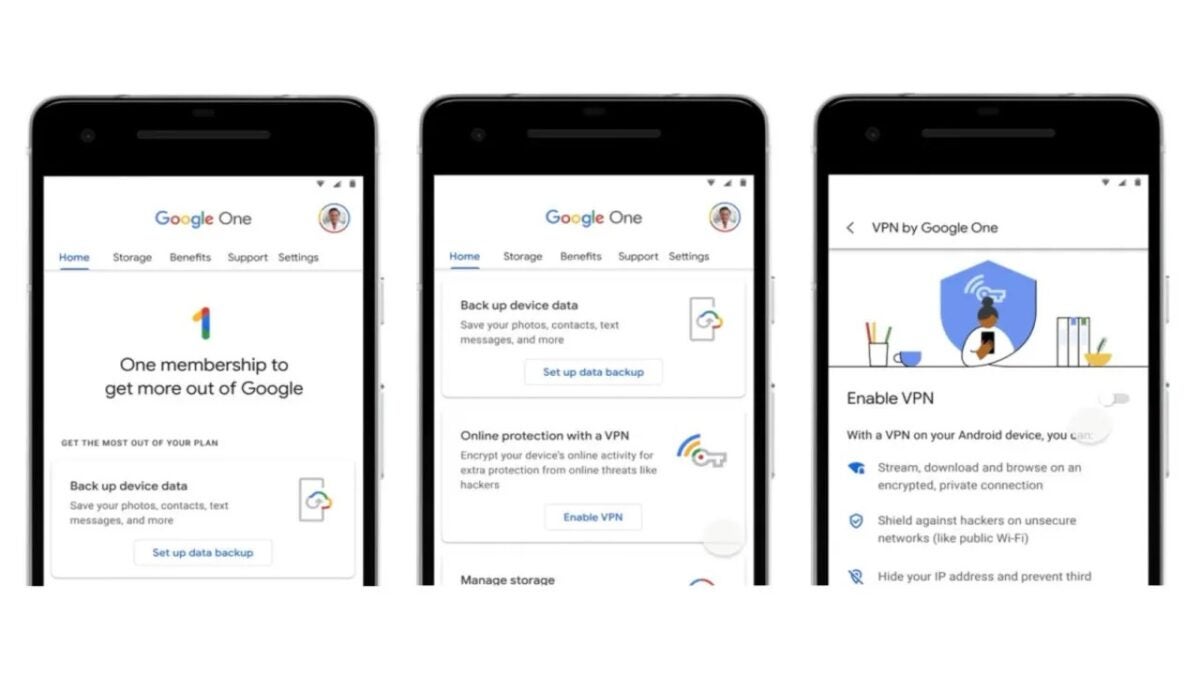
It was simply called VPN by Google One and was included to offer people an easy way to encrypt their internet data.

In October 2020, Google added a new feature as part of its Google One cloud storage service. Now, adding another corpse to Google’s cemetery, one of the largest in the industry.

NordVPN DOWNLOAD

It was simply called VPN by Google One and it was included to offer people an easy way to encrypt their Internet data. The service was available to subscribers who paid for plans that included 2 TB of cloud storage and more.

However, that service will soon no longer be available for those uses. 9to5Google reports that Google One subscribers have received an email this week informing them that VPN by Google One will stop working at some point “by the end of this year”.

“We closed it because we didn’t use it either”

The email sent to Google One users did not provide a specific reason for the closure of the VPN feature. However, according to a statement from a company spokesperson to 9to5Google, it is being closed because the team “found that people simply weren’t using it”.

The statement added that removing the feature will allow the team to “support more demanded features with Google One”. Which translates to: we are going to focus on something that has real use.

While the VPN feature of Google One will soon no longer be available, owners of Google Pixel 7 smartphones and above will still be able to use their built-in Google VPN service for free. Google will also continue to offer a VPN feature for subscribers of its Google Fi wireless service.

NordVPN DOWNLOAD

There have been recent reports that Google’s VPN services were disrupting DNS settings on Windows 10 and 11 with their own configuration, and Google has not stated whether this was one of the reasons behind the closure of Google One VPN.

How to watch Super Bowl 2024: when and where to watch the biggest match of the year

The championship game for the NFL this year, concluding the 2023 season, will be played on Sunday, February 11, 2024, at 6:30 p.m. ET.

The Super Bowl number 58 will be played at Allegiant Stadium in Las Vegas, Nevada, on Sunday, February 11, 2024, in US time (in Europe it will take place on Monday, February 12).

NordVPN DOWNLOAD

Super Bowl LVIII already has a date: the Kansas City Chiefs and the San Francisco 49ers will play the championship game. Both teams have started preparing for the NFL title game and are heading to Las Vegas, but when exactly will it be played? If you’ve been wondering, you’ve come to the right place.

When and where will the Super Bowl 2024 be played

The NFL championship game for this year, which concludes the 2023 season, will be played on Sunday, February 11, 2024 at 6:30 p.m. ET. The action will take place at the home of the Las Vegas Raiders, Allegiant Stadium, located on the Las Vegas Strip in Paradise, Nevada.

The game will be broadcasted by CBS and there will be an alternative broadcast on Nickelodeon. At least in the United States. Football fans will also be able to follow the game on Paramount+. The guest artist for this Super Bowl 2024 will be Usher, who will perform at this year’s halftime show.

How to watch Super Bowl LVIII

  • Date: Sunday, February 11th
  • Time: 6:30 p.m. ET
  • Location: Allegiant Stadium (Las Vegas)
  • TV: CBS, Nickelodeon
  • Streaming: Available on Paramount+ on all platforms, or by logging in with your TV provider on CBS.com or CBS Sports apps

Note: This is the first time in NFL history that the Super Bowl will be broadcast in two different formats: CBS will broadcast the traditional game and Nickelodeon will air an exclusive broadcast for children and families. The CBS broadcast can be streamed through Paramount+.

NordVPN DOWNLOAD

For those of you living in Europe, you can use a VPN to access American CBS and enjoy the game as if you were American fans. In the old continent, the game will take place on February 12th at 00:30 GMT+1 or 01:30 CEST.

Overview of 8 Best Browsers with Built-In VPN [2023]

Learn more about the best 8 best browsers with built-in VPN in 2023: overview, use cases, key features, and pricing. Click here to read more.

In today’s digital age, online privacy and security are major concerns. Hackers, cybercriminals, and even governments can easily track your online activity, leaving you vulnerable to identity theft, surveillance, and other potential threats.

One way to stay protected while browsing the internet is by using a browser with built-in VPN. By encrypting your online traffic and masking your IP address, these browsers provide an added layer of security and privacy that traditional browsers can’t match.

This article explores eight of the top browsers with built-in VPN, such as Tempest, Opera, Firefox, etc., and highlights the features that make them stand out.

Tempest Browser DOWNLOAD FREE
10

Web Browsers with Built-in VPN

When it comes to web browsers with built-in VPN, there are several options available.

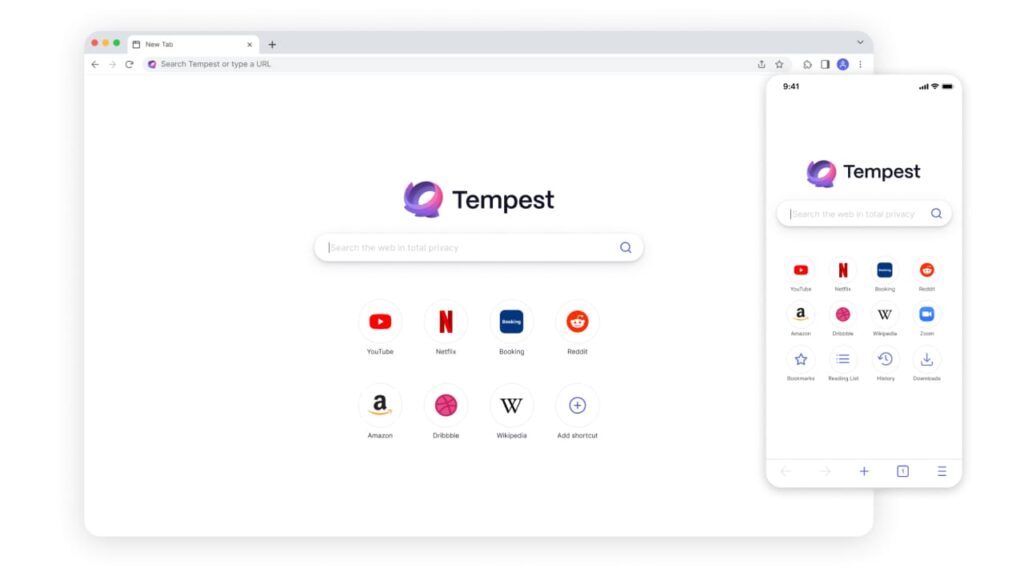
Browser #1: Tempest Browser

Tempest Browser is an excellent web browser that comes with built-in VPN protection, making it one of the most secure and reliable browsers on the market today. Here is what you need to know about Tempest Browser.

Key Features

  • Built-in VPN protection for maximum privacy and security.
  • Uses advanced encryption to secure your online activity and mask your IP address from potential threats.
  • Anonymous internet browsing for maximum privacy.
  • Cross-platform support, available for numerous operating systems.
  • User-friendly interface.
  • Available for various operating systems, including Windows, Linux, Mac, Android, and iOS.

Pricing

  • Completely free to download and use.
  • No hidden costs or subscription fees, making it a great choice for anyone looking for a free, secure browser.

Pros

  • Offers excellent security and privacy features.
  • Available for various operating systems.
  • Provides advanced security and search results are completely private
  • Does not store search history.

Cons

  • It may lack some features that other popular browsers have.
  • Not as popular as mainstream browsers.

Versions Available

Tempest Browser is available for Windows, Mac, and iOS.

In summary, Tempest Browser is one of the best browsers with built-in VPN on the market today. Its advanced security features and cross-platform support make it an excellent choice for anyone looking for a secure and reliable browser to protect their sensitive online activity. Whether you are using it on your PC or mobile device, Tempest Browser is a top choice for anyone looking for a private, anonymous internet browser.

Tempest Browser DOWNLOAD FREE
10

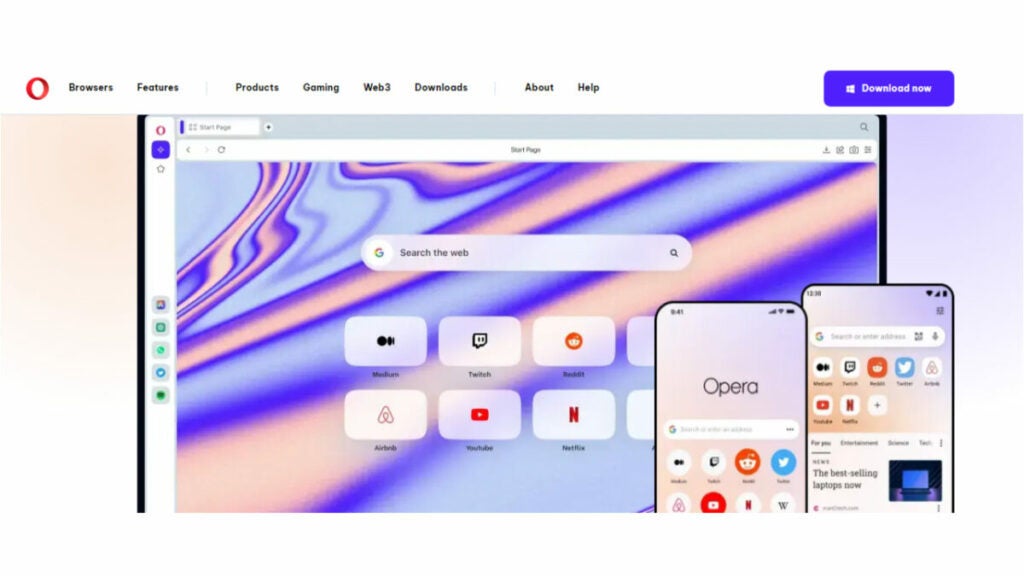
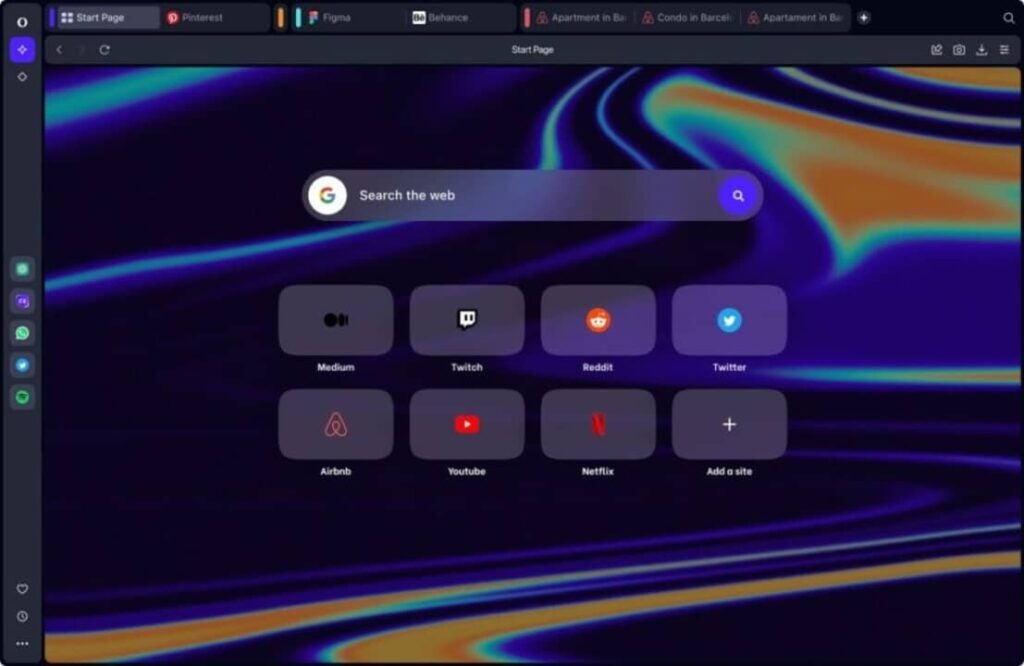
Browser #2: Opera Browser

Opera Browser is another great option for those in search of a secure and reliable web browser with built-in VPN protection. Here’s what you need to know about Opera Browser.

Key Features

  • Offers a built-in VPN that allows you to browse the internet securely, anonymously and without any limitations.
  • Comes with ad-blocker, which helps you to browse the internet without annoying ads.
  • Has a battery saver feature that extends the life of your laptop or mobile device battery.
  • Offers a unique tab-cycling feature that allows you to cycle through all of your open tabs.

Pricing

  • Completely free with no hidden costs or subscription fees.

Pros

  • Superior VPN protection.
  • User-friendly interface.
  • Integrated messenger feature, which allows you to chat on popular messenger apps, such as WhatsApp, directly from your browser.

Cons

  • Lacks some of the advanced features found in other popular browsers.
  • Some users may find it a bit slower than other browsers.

Versions Available

Opera Browser is available for Linux, Windows, Mac, Android and iOS, making it accessible to users across multiple platforms.

In summary, Opera Browser is an excellent choice for those seeking a secure browser with a built-in VPN. Its advanced VPN encryption, ad-blocker feature, unique tab-cycling feature, battery saver feature and integrated messengers feature make it stand out from the competition. The fact that it’s free to use also makes it an appealing choice for anyone looking for a reliable, secure, and free browser.

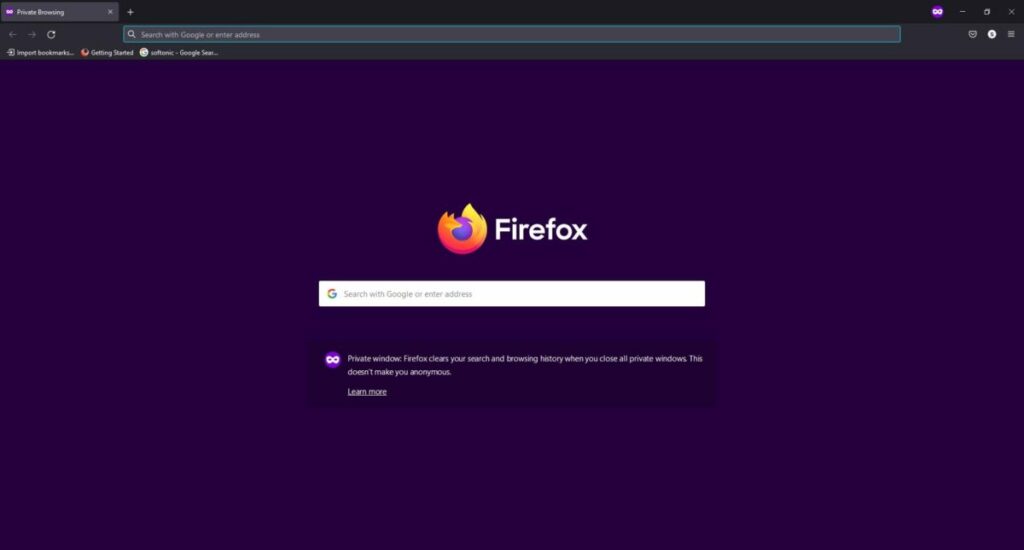
Browser #3: Mozilla Firefox

Mozilla Firefox is a widely used web browser that also offers built-in VPN protection for its users. Here’s what you need to know about Firefox.

Key Features

  • An open source browser that offers a range of privacy and security features.
  • Built-in VPN protection powered by Cloudflare.
  • Ad and tracker blocker to keep users’ online activity private.
  • Built-in password manager for added security.
  • Customizable user interface that allows users to personalize their browsing experience.
  • Various add-ons and plugins available to enhance user experience.

Pricing

  • Completely free to download and use.

Pros

  • Personalized browsing experience with optional add-ons and tools.
  • Utilizes Cloudflare’s powerful VPN protection for maximum security.
  • Beneficial ad and tracker blocker for added privacy.
  • Convenient built-in password manager for extra authentication.
  • Comprehensive range of plugins and add-ons to customize user experience.

Cons

  • Some users may find the browser to be slower than others.
  • May require additional plugins or add-ons for maximum security and privacy.

Versions Available

Mozilla Firefox is available for Windows, Mac, Linux, and Android.

In summary, Mozilla Firefox is a fantastic browser with built-in VPN protection. It has a range of privacy and security features, including ad and tracker blocking, password management, and customizable settings. Its compatibility with different operating systems makes it the perfect choice for users who demand a secure browsing experience. While it may not be the fastest, it is still an excellent option for anyone needing a reliable, secure, and free browser.

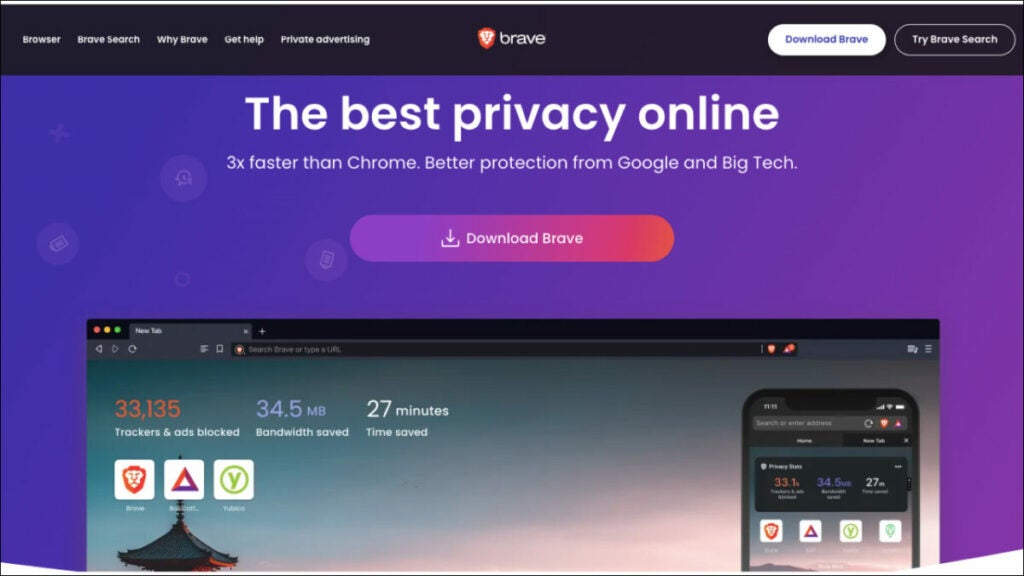
Browser #4: Brave Browser

Brave Browser is one of the best browsers with a built-in VPN. It offers an unparalleled combination of speed, privacy and security features, making it ideal for those who want to maintain their anonymity while browsing the web. Here’s what you need to know about Brave Browser.

Key Features

  • Built-in VPN protection that allows users to browse the internet securely and anonymously with no limitations.
  • Battery saver feature that help extend the life of laptops and mobile devices.
  • Ad-blocker that prevents annoying ads from popping up on websites.
  • Tab cycling feature which allows users to cycle through all open tabs.

Pricing

  • Completely free with no hidden costs or subscription fees.

Pros

  • Extremely user-friendly and easy to navigate. It also offers a unique messenger feature that allows users to chat on popular messaging apps, such as WhatsApp directly from the browser.
  • Superior VPN protection, which comes completely free and unlimited.
  • Offers advanced security features such as password management, tab cycling, and customizable settings.
  • User rewards system that offers cryptocurrency for using the browser.

Cons

  • Some users may find it to be slower than other browsers, and may require additional plugins or add-ons for maximum security and privacy.
  • The VPN service only offers server selection for certain countries.
  • Some users may find the browser to be less compatible with certain websites and applications.

Versions Available

Brave Browser is available for Linux, Windows, Mac, Android, and iOS so users can access it across multiple platforms.

In summary, Brave Browser is an excellent choice for anyone who wants to stay secure and anonymous while browsing the web. It offers a wealth of features that make it one of the best browsers with built-in VPN. From its free VPN protection to its battery saver feature to its tab cycling feature, Brave Browser provides everything you need for a safe and private online experience. Furthermore, it is available for multiple platforms and comes at no cost, making it an ideal choice for those seeking a secure browser.

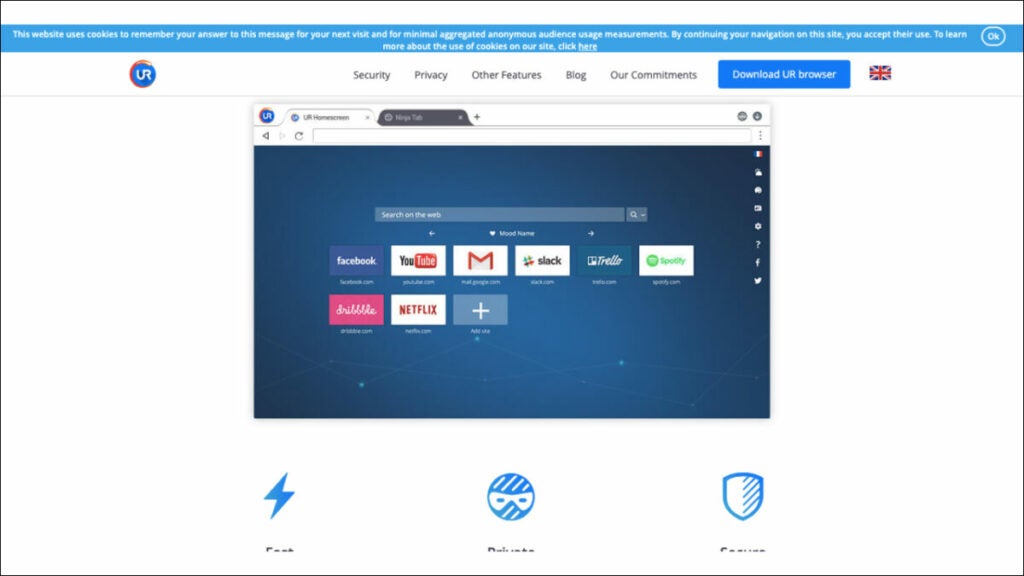
Browser #5: UR Browser

UR Browser is a reliable and secure browser with a built-in VPN. It provides a safe and private browsing experience for users, ensuring their data and identity remain securely protected from hackers and cyber criminals. Here’s what you need to know about UR Browser.

Key Features

  • Built-in VPN protection that encrypts all web traffic, keeping users’ identities anonymous.
  • Ad blocker that prevents intrusive pop-ups and advertisements while browsing websites.
  • Secure password management that stores all passwords in an encrypted vault.
  • Customizable settings allow users to tailor the browser to their needs.
  • Tab cycling feature which allows users to quickly switch between open tabs.

Pricing

  • Completely free with no hidden costs or subscription fees.

Pros

  • User-friendly interface that is easy to navigate and customize.
  • Superior VPN protection which encrypts all web traffic and keeps users anonymous.
  • Blocks intrusive advertisements, ensuring a pleasant browsing experience.
  • Secure password management ensures all passwords are kept safe and secure.
  • Tab cycling feature makes it easy to switch between open tabs quickly and effortlessly.
  • Customizable browsing preferences with a range of extensions, add-ons and themes for personalization.

Cons

  • The browser may experience slower speeds due to its enhanced security measures, which could be a concern for certain users.
  • Limited server selection when using the built-in VPN service.

Versions Available

UR Browser is available for Windows, Mac, Android, and iOS so users can access it across multiple platforms.

In summary, UR Browser is an excellent choice for anyone who wants to stay secure and anonymous while browsing the web. Its built-in VPN protection ensures all data remains encrypted and hidden from cyber criminals and government surveillance. Its user-friendly interface and customizable settings makes it one of the best browsers with built-in VPN.

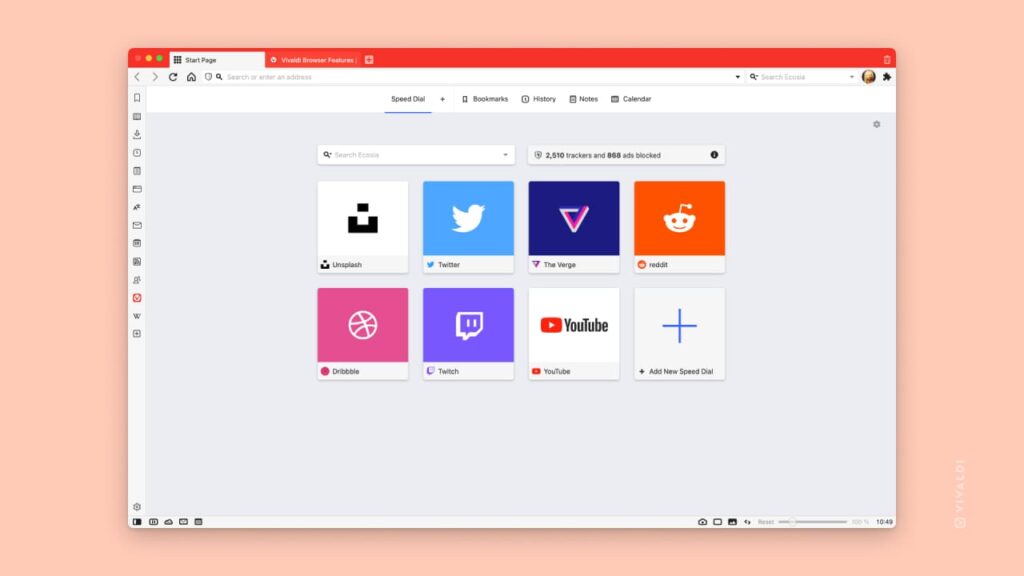
Browser #6: Vivaldi Browser

Vivaldi

Vivaldi Browser is an incredibly secure and private browser with a built-in VPN. It offers a range of features that make it one of the best browsers with built-in VPN. From its free VPN protection to its tab cycling feature, it provides everything you need for a safe and private online experience. It’s available for multiple platforms and comes at no cost, making it an ideal choice for those seeking a secure browser.

Key Features

  • Built-in VPN protection that encrypts all web traffic, keeping users’ identities anonymous.
  • Ad blocker that prevents intrusive pop-ups and advertisements while browsing websites.
  • Secure password management that stores all passwords in an encrypted vault.
  • Provides a range of customization options, from extension and add-on support to themes and wallpapers that make it easy to personalize the experience and create a unique browsing environment tailored specifically to their preferences.
  • Offers a tab cycling feature that makes it easy to switch between open tabs quickly and effortlessly.
  • Has a secure password manager that ensures all passwords are kept safe and secure, eliminating the need for users to remember multiple passwords.

Pricing

  • Completely free with no hidden costs or subscription fees.

Pros

  • Free unlimited VPN protection that encrypts all web traffic and keeps users anonymous.
  • Secure password management ensures all passwords are kept safe and secure.
  • Customizable settings with a range of extensions, add-ons, themes, and wallpapers for personalization.
  • Tab cycling feature makes it easy to switch between open tabs quickly and effortlessly.
  • Blocks intrusive advertisements, ensuring a pleasant browsing experience.

Cons

  • Steep learning curve for new users.
  • Some features may be overwhelming for casual users.
  • Some users may find the browser slower than other browsers because of its advanced security features.

Versions Available

Vivaldi Browser is available for Windows, Mac, Android, and iOS so users can access it from any device.

In summary, Vivaldi Browser is an incredibly secure and private browser with a built-in VPN. Its secure password manager, customizable settings, tab cycling feature, and ad blocker make it one of the best browsers with built-in VPN. The fact that it’s available for multiple platforms and comes at no cost makes Vivaldi Browser an ideal choice for those seeking a secure and private browsing experience.

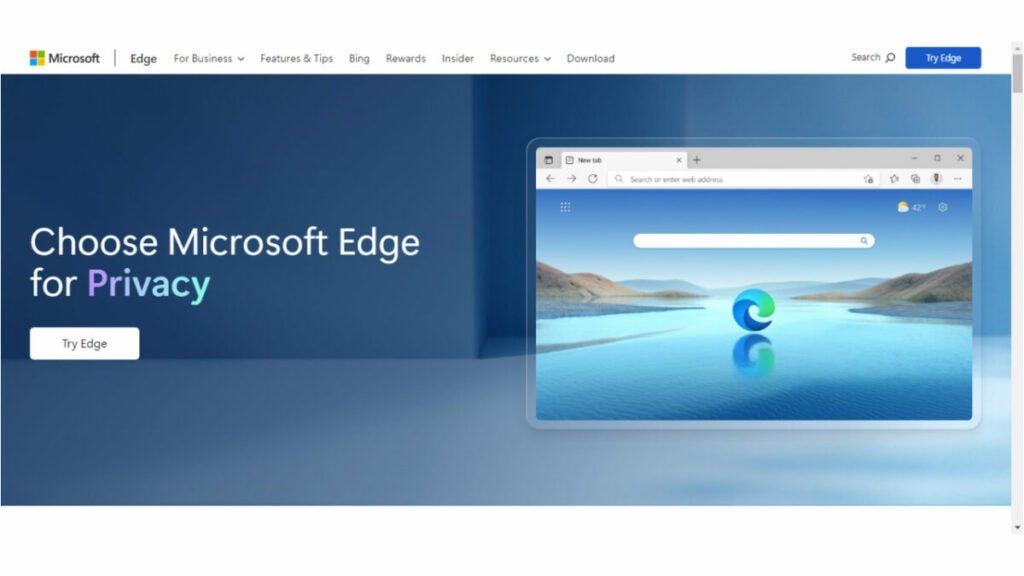
Browser #7: Microsoft Edge

Microsoft Edge is a web browser developed by Microsoft that features built-in VPN protection. Here are some key details about the browser.

Key Features

  • Built-in VPN protection that encrypts all web traffic, keeping users’ identities anonymous.
  • Ad blocker that prevents intrusive pop-ups and advertisements while browsing websites.
  • Secure password management that stores all passwords in an encrypted vault.
  • Has a range of customization options, from extension and add-on support to themes and wallpapers that make it easy to personalize the experience and create a unique browsing environment tailored specifically to their preferences.
  • Tab cycling feature makes it easy to switch between open tabs quickly and effortlessly.

Pricing

  • Completely free with no hidden costs or subscription fees.

Pros

  • Offers unlimited protection by encrypting all web traffic and ensuring user anonymity.
  • Secure password management ensures the security and protection of all passwords.
  • Offers customizable settings and a variety of options, such as extensions, add-ons, themes, and wallpapers for personalizing the experience.
  • Has a tab cycling feature that allows for efficient switching between open tabs.
  • Prevents unwanted advertisements, resulting in a more favorable browsing experience.

Cons

  • New users may experience a significant learning curve.
  • Certain features may present a challenge for users who are not accustomed to them.
  • Its advanced security features may result in slower performance for some users compared to other browsers.
  • Available only on Windows and Mac operating systems.

Versions Available

Microsoft Edge is available for Mac, Windows, Android, and iOS so users can access it from any device.

In summary, Microsoft Edge is an incredibly secure and private browser with built-in VPN protection. Its free unlimited VPN, secure password manager, customizable settings, tab cycling feature, and ad blocker make it one of the best browsers with built-in VPNs. The fact that it’s available for multiple platforms and comes at no cost makes Microsoft Edge an ideal choice for those seeking a secure and private browsing experience.

Browser #8: Tor Browser

Tor Browser is an open source browser that features a built-in VPN and other features designed to protect users’ privacy and security. It uses a network of volunteer-run servers to route users’ traffic through multiple layers of encryption, making it difficult to track their online activity. Here are key details about the browser.

Key Features

  • Anonymous browsing that hides users’ IP address and other identifying information as they browse the internet.
  • Multi-layer encryption that safeguards all web traffic from third-party surveillance or tracking.
  • Secure password manager that encrypts all passwords and stores them in a secure vault.
  • NoScript feature blocks certain scripts from running when accessing websites, providing additional layers of protection against malicious attacks and hacking attempts.
  • Can be configured to block ads, pop ups, cookies, and other tracking methods used to identify users.

Pricing

  • Completely free with no hidden costs or subscription fees.

Pros

  • Provides an added layer of security and privacy with its built-in VPN protection, encryption, and NoScript feature.
  • Allows for anonymous browsing by concealing users’ IP addresses and other identifying information.
  • Has a secure password manager that ensures the safety and protection of all passwords by storing them in a secure vault.
  • Can be configured to block ads, popups, cookies, and other tracking methods used to identify users.

Cons

  • Not compatible with certain websites and may experience compatibility issues when attempting to access certain sites.
  • May be slower than other browsers due to its added security features.
  • Advanced settings can seem overwhelming for new users who are not familiar with them.

Versions Available

Tor Browser is available for PC, on Windows, Mac, Linux, Android, and for iOS devices, making it accessible to a wide range of users.

In summary, Tor Browser is an excellent choice for those seeking an added layer of security and privacy while browsing the internet. Its built-in VPN protection, multi-layer encryption, secure password manager, and NoScript feature provide robust protection from third-party surveillance or tracking attempts.

Mobile Browsers with Built-in VPN

Mobile devices are also vulnerable to online threats, making it important to have a secure browser with built-in VPN protection. Here are the top eight mobile browsers with this feature.

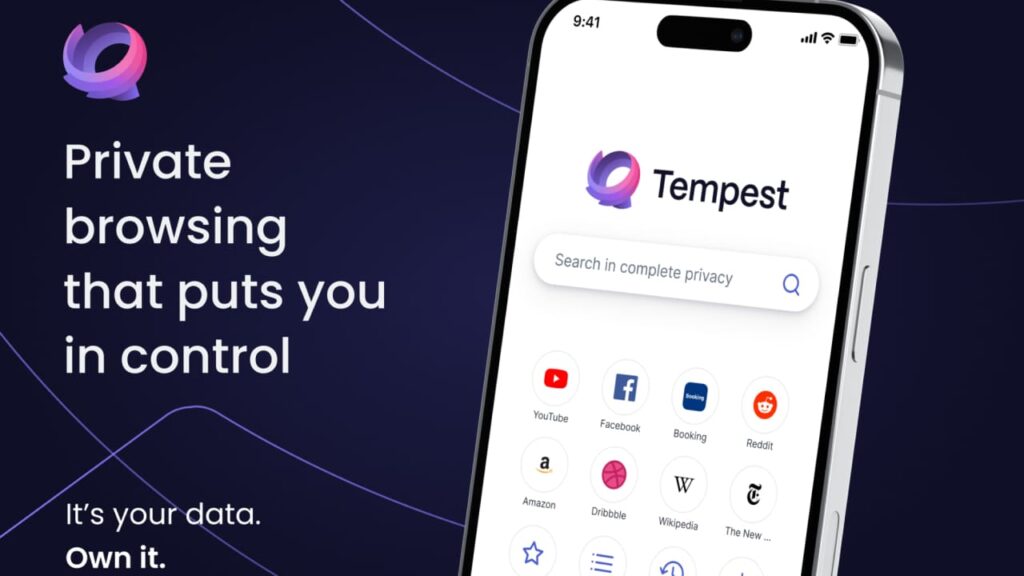
Browser #1: Tempest Browser

Tempest Browser

It offers users a secure and private browsing experience by encrypting all web traffic and masking their IP address. Tempest Browser also provides advanced privacy settings allowing users to customize their browsing experience, as well as features like ad blocking, Cookie blocking, and pop-up blockers for an added layer of security. Its cross-platform compatibility makes it an ideal choice for those seeking anonymity while browsing the internet. In short, Tempest Browser is one of the best mobile browsers with built-in VPN that provides maximum protection from third-party surveillance or tracking attempts.

Tempest Browser DOWNLOAD FREE
10

Browser #2: DuckDuckGo Privacy Browser

DuckDuckGo is a browser with built-in VPN protection for iOS devices and Android browsers and devices. It blocks third-party trackers and forces websites to use encryption, ensuring that users’ online activity remains private and secure. DuckDuckGo privacy browser also includes a feature that displays a privacy grade for every website, making it easy for users to understand how secure their browsing experience is.

Browser #3: Aloha Browser

aloha logo

Aloha Browser is a private and secure browser with built-in VPN protection for iOS and Android devices. It has a user-friendly interface and allows users to browse the internet anonymously. Aloha Browser also supports ad-blocking, which enhances user privacy and reduces data usage. In addition to VPN protection, Aloha Browser offers a VR player for immersive browsing experiences. It is available for free with in-app purchases.

Browser #4: Brave Browser

Brave Browser is an open source browser that provides VPN protection for Android and iOS devices. It blocks third-party cookies, preventing advertisers from tracking users’ online activity. Brave Browser also offers a private browsing mode that doesn’t save users’ browsing history. It includes a built-in ad-blocker, reducing data usage and improving browsing speeds. Brave Browser is available for free on both the Google Play Store and Apple App Store.

Browser #5: Opera Browser

Opera Browser is a popular mobile browser with built-in VPN protection for Android and iOS devices. It offers fast browsing speeds and blocks intrusive ads, ensuring a smoother browsing experience. Opera Browser also includes a free, unlimited VPN that protects users’ online activity. The app is available for free download on the Google Play Store and Apple App Store.

Browser #6: Microsoft Edge

Edge Header image

Microsoft Edge is a mobile browser that offers a built-in VPN for Android and iOS devices. It offers fast browsing speeds and includes a private browsing mode that doesn’t save users’ browsing history. Microsoft Edge also allows users to add VPN extensions to their browser for added protection. It is available for free on both the Google Play Store and Apple App Store.

Browser #7: Mozilla Firefox

Mozilla Firefox is a popular mobile browser with built-in VPN protection for Android devices. It offers fast browsing speeds and includes a private browsing mode that doesn’t save users’ browsing history. Mozilla Firefox also allows users to add VPN extensions to their browser for added protection. It is available for free on the Google Play Store.

Wrap Up

There are several browsers with built-in VPN protection available, providing users with a more secure and private browsing experience. Whether you’re considering security reviews and looking for a browser with a strong focus on privacy, an open source browser, or a browser that’s available for a specific operating system, there’s an option out there for you.

It’s important to consider your specific needs and preferences when choosing a browser to ensure the browser you choose is truly secure. With a browser with built-in VPN, you can enjoy a more secure and private internet browsing experience.

Safer Internet Day: The 5 Best VPN services for your messages

Gathering data from your online activities is a highly profitable venture for many businesses. Some corporations and tech companies will exploit your information as much as possible should you leave your devices unprotected from probing attempts. Luckily, you can use a virtual private network (VPN) to keep your online footprint to a minimum.

BEST VPNs of 2022 DOWNLOAD NOW!

In addition to hiding your online activities, a VPN will also allow you to securely message your contacts without fear of prying eyes. The best VPNs provide multiple layers of protection. You can hide your IP address, search anonymously, and encrypt sensitive messages before sending them. Once you encrypt a chat message, it’s nearly impossible for third parties to intercept it. The following virtual private networks will give you everything you need to shield yourself from data thieves.

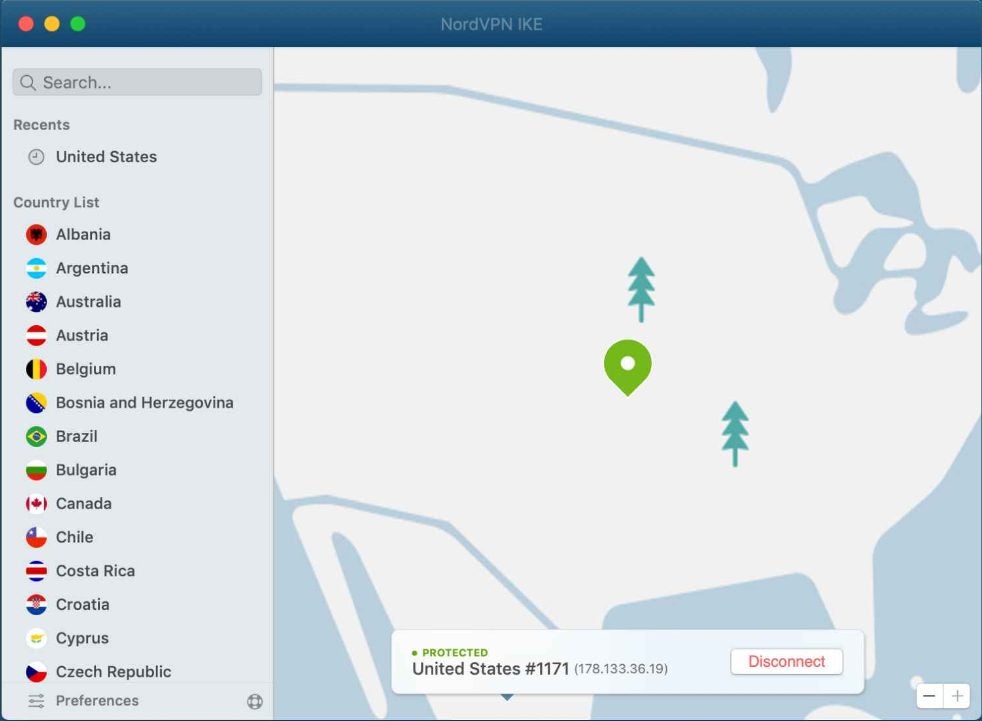
Nord VPN

Nord VPN may be the most effective application for securing your online presence. You’ll enjoy multiple levels of protection without sacrificing your internet speed. Nord can maintain fast speeds thanks to the vast array of servers it owns around the globe. Being a massive brand gives Nord VPN a serious advantage in the online security sector.

NordVPN DOWNLOAD

While browsing, you can anonymize all your activity by activating the VPN. If Nord’s connection ever falters, you can quickly close your internet session with a kill switch. This prevents your open tabs from taking your data during a temporary lapse in service. Fortunately, Nord’s connection status remains steadfast a vast majority of the time. The kill switch is just a nice insurance policy on top of the excellent performance. You can also specify the location of the fake IP address you generate to access Geo locked content on video streaming services such as Netflix. And of course, Nord’s message encryption ensures your confidential chats stay that way.

Nord VPN makes it easy to assign a new location to your IP address.

Express VPN

Express VPN has taken the world by storm with its extensive marketing campaigns and simple-to-use service. If you’re a beginner in this space, Express VPN is a suitable place to start. The app itself walks you through setup, and there are extensive tutorials on sites like YouTube to help you set up the advanced options that interest you.

Express VPN DOWNLOAD

Messaging with Express VPN is made especially secure with the help of Trusted Server technology. It’s effective because all of the company’s servers operate on RAM memory. Unlike traditional hard drives, RAM memory is deleted each time a device is rebooted. This means that any trace of your sensitive chats is automatically deleted every few hours. Combine that with the standard IP spoofing and anonymity features found in most VPNs, and Express offers a complete package.

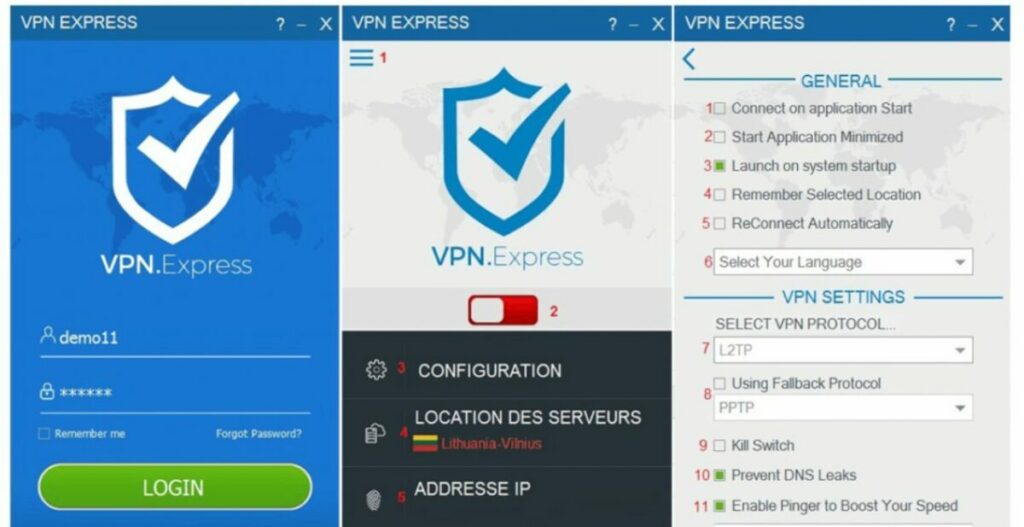
Set your Express VPN options on this screen.

Surfshark

If you’re looking for a value option, Surfshark is the VPN for you. The low monthly rate is among the best on the market, and you can even get your money back within 30 days. But don’t be fooled by the low price — Surfshark still brings a lot to the table. You can take advantage of multi-hop, which bounces your IP across multiple locations instead of just one. Anyone spying on you would have a lot of trouble tracking a multi-hop connection.

Surfshark VPN DOWNLOAD

Surfshark facilitates unlimited connections from a single account. This allows you to secure your privacy on each of your devices. Your chat messages will be fully encrypted yet easy to open on any device with Surfshark installed.

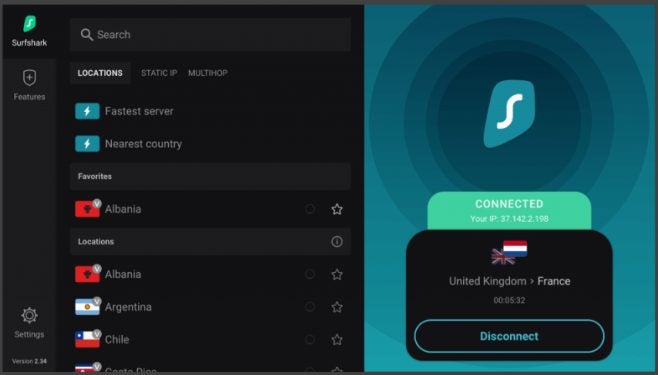
Save your favorite IP locations for quick access in Surfshark.

Proton VPN

The Proton suite of online applications is widely regarded as an optimal way to secure your data online. Proton VPN continues this trend by offering one of the most intuitive interfaces out there. It’s worth addressing the quality of Proton considering it is completely free. Although that may sound suspicious at first, Proton VPN does an excellent job of keeping your data and messages secure.

Proton VPN DOWNLOAD

Proton VPN is great for encrypting messages and reducing the number of trackers you collect while browsing. However, there are few advanced features to speak of. If you wish to have all the bells and whistles, you may prefer a premium VPN instead.

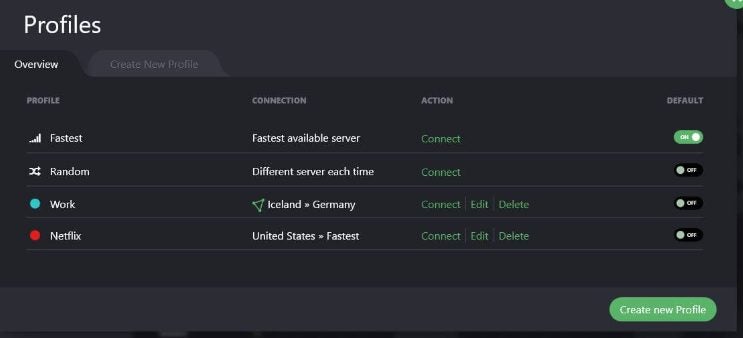
Create custom profiles in Proton VPN for frequently used online services.

VyprVPN

When your internet connection speed is just as important as your data security, try out VyprVPN. It works just like any of the other apps on this list, yet the primary focus of development is improving browser speeds and maintaining reliable connections. Your activity will be filtered through multiple servers around the world, though each one is equipped to hastily process your traffic.

VyprVPN DOWNLOAD

Encrypting your chats is just as easy and you have access to 24/7 customer support throughout your subscription period. The end result is a reliable service that runs in the background without much fuss.

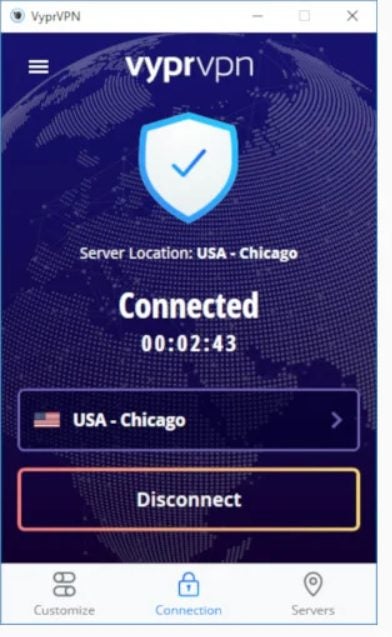
Vypr is simple and lightweight to improve browsing speeds.

Going the extra mile to hide your tracks

While a VPN is an excellent way to start taking back your online privacy, there is so much more you can do to secure your data. For instance, you can download the Tor Browser to achieve 100% anonymous internet activity. This specialized browser was designed from the bottom up with data security in mind. In addition to hiding your basic internet activity and chat logs, you can also use Tor to access the dark web. Dark web sites are so hidden that you can only access them with this specialized browsing software.

The Best VPNs for Torrenting

So, you’re thinking of exploring the fascinating world of torrenting VPNs, but you don’t know where to start, do you? At first glance, any newbie might be intimidated by what they see on their screen, but once you get past all the acronyms, names and digital frameworks, they’re actually quite easy to use. In this article, Softonic is going to explain everything you need to know, starting with what a VPN is, what torrenting is, and what the best VPNs for torrenting are. Get out your pen and paper, and keep reading!

What’s a VPN?

Let’s start by answering a key question: what’s a VPN? The acronym stands for Virtual Private Network, and you can enlist one to visit websites using different protocols. That may sound confusing, but don’t worry, we’ll explain how it happens step by step.

Imagine you want to watch your favorite show or movie on Netflix. Generally speaking, your internet connection does the following: after you enter the website address, your PC sends a request to your modem, which then connects to your internet service provider, locates the site, and sends the data back to you. Easy, isn’t it? Well, with a VPN, that process has an extra step.

When you use a Virtual Private Network, your ISP’s request goes through a private “tunnel,” that is, a virtual server. In the above example, when your internet service provider searches for Netflix (following your instructions), the request goes through a private server in other words, a virtual tunnel –  to locate Netflix. That tunnel is the VPN.

How To Detect If Someone Is Using a VPN | VPNPros

A VPN can serve many purposes, from switching your apparent location to a different part of the world (the “tunnel” can make it seem like you’re in the United States, for example, when you’re actually in Spain) to making it easier for you to work remotely (due to the standards your company may have). However, the number-one purpose of a VPN is to create a more secure connection by using advanced encryption, which adds an extra layer of security (that’s why lots of major companies use VPNs in their offices).

What’s torrenting?

The root of the word “torrenting” is a term many people will find familiar: “torrent.”  Torrenting refers to the act of file sharing with P2P (peer-to-peer) technology.

Here’s an example: When you download a file from the internet, you go through a server. As the user, you send a request to download the file, and the server fulfills it. In contrast, when you use P2P networks, you connect to another person instead of a server and share files with them (reciprocity). That way, rather than a server, you depend on other users to obtain the specific file parts you need to download (and there are millions of users around the world).

Is torrenting safe and legal?

The short answer is “yes”… but with a few caveats. Torrenting is safe and legal, but there are a few things to consider. In terms of safety, since torrenting takes place between users, it doesn’t connect to a server, so the possibility of getting a virus from downloading data or visiting a website is nonexistent. That said, if you’re downloading a file from another person, and that individual has infected it with malware, then you’ll be just as exposed as you would be visiting a website.

In these cases, it’s important to have good protection on your computer, such as antivirus software or a program that can shield you from malware. To avoid potential problems, always try to download torrent files that are safe, and make sure you know where they come from.

As for the next question, is torrenting legal? The answer is again “yes.” It’s completely legal for anyone to share files with another person, from documents to personal videos. That said, it’s the user’s responsibility to be mindful of what they share and to avoid breaching copyright laws. So in short, torrenting is legal.


The Best BitTorrent Clients for 2019 | PCMag

What features should I look for when choosing a torrenting VPN?

Security

First and foremost, consider security. If you’re thinking of torrenting, we recommend choosing a VPN that stands out for its security features. Believe us, securing your PC will spare you more than a few headaches down the road.

Privacy

Privacy is just as important as security. Navigating the internet anonymously is essential, and VPNs provide even more data encryption, adding an extra layer of protection. When you choose a VPN, privacy is a key factor. 

Download speed

Since torrenting involves peer-to-peer file sharing, it largely depends on your internet connection and that of the other person. However, when you enter this virtual “tunnel,” your own connection can be slightly impacted. Make sure to subscribe to a fast VPN, one that improves your internet speed instead of slowing it down.

Price

Last but not least, price is an important factor. You need a VPN that fits your budget. At the same time, aside from what we mentioned about security, privacy and download speed, there’s no point in paying for a cheap VPN if it offers poor service. Sometimes if you pay a bit more, you can get quality that far exceeds your expectations. 

The most popular VPNs 

Now that we have explained all of this, let’s get down to business: what are the most popular VPNs you can subscribe to? Below is a roundup of our seven best VPNs:

NordVPN

At the top of our VPN list is NordVPN, one of the most popular services in the market today. One of this company’s special characteristics is the fact that it’s located in Panama. As a VPN, it’s already powerful in terms of security and privacy, but being headquartered in Panama is a plus, because it doesn’t have to comply with U.S. or European laws on data transmission.

NordVPN has a whopping +5,400 servers in 62 countries around the world, meaning you can connect to almost any part of the planet. What’s more, it has specialized servers for torrenting, which you’ll appreciate if you want to engage in file-sharing.

SaferVPN

The slogan claims it is “the fastest and simplest VPN worldwide,” and it’s not wrong! With SaferVPN, that’s exactly what you get, a service that’s incredibly easy to use and speedy.

Offering a 30-day money-back guarantee, this service boasts more than 1,300 servers in 50 different locations, apps for nearly all devices, a high level of security (and privacy), and 24/7 customer support. Not bad!

Express VPN

Express VPN is probably one of the most familiar VPNs in the market today. This is because it’s so user friendly, secure, and above all, speedy (in other words, it ticks all our boxes). 

Express VPN’s networks are ultra-secure, and it provides a high level of encryption and rapid servers that take full advantage of your internet connection. Furthermore, it offers 24/7 customer support in case you have any issues, and you can get a full refund within 30 days if you’re not satisfied. By the way, it also unblocks the Netflix catalogs in other parts of the world, just in case you wanted to watch that Japanese anime series that’s only available in the Land of the Rising Sun.

Hotspot Shield

Want a VPN with reduced latency to improve your internet speed as much as possible? Check out Hotspot Shield! Boasting more than 3,200 servers across 80 countries, this VPN even has servers in China, a place known for secrecy when it comes to the internet.

One of the main characteristics of this VPN is that it’s easy to install and use, so you just have to choose a server and start working. In case you don’t like it, Hotspot Shield comes with a 45-day money-back guarantee.

CyberGhost

This VPN is designed for anyone who makes frequent use of streaming services. As you probably well know, each service has its own catalog of films, series and documentaries, and each country has its own library that can only be accessed inside its borders. But you can change your apparent location by using a VPN, and CyberGhost is definitely up to the task.

Also, this service has a 45-day money-back guarantee in case you aren’t satisfied with your experience.

Private Internet Access

Our final pick is Private Internet Access, a VPN that’s simple and lightning fast (the straightforward interface is much appreciated). As the name suggests, this service’s main feature is a high level of privacy, so it’s a perfect choice if you’re looking for more security.

By the way, if you’re planning to use this VPN to access streaming services in other countries, keep in mind that it only unblocks the United States, Germany and Japan (just so there are no unpleasant surprises).

Among all of these VPN services, which one is your favorite?
 

The Best VPNs for Unblocking Content on Netflix

Netflix is the world’s most popular service for streaming TV shows and movies. With its superb catalog and affordable prices, and the fact that it allows multiple users to share the same account, it’s one of the best services by far. What’s more, Netflix has award-winning original series that you can’t watch anywhere else. It’s no wonder that film buffs consider it the ultimate platform..

Although the Netflix catalog seems limitless, you may run into a situation where you can’t find that series or movie you wanted to watch. But when you search for the series online, you discover that it’s available in other Netflix regions. This “tragedy” is often due to problems with licensing rights or localization, or the fact that the bosses at Netflix don’t consider it relevant for your region. Does that mean you can’t watch it, even though you’re paying for a subscription?

No! Fortunately, there’s an easy, straightforward way to access the full Netflix catalog in a few clicks: use a VPN. But not all VPNs can be used for this purpose, so don’t just go with the first one you find. To make things easier for you, in today’s article, we’re going to recommend the best VPNs you can use to unblock all of the content on Netflix. Want to give this method a try?

Netflix DOWNLOAD
8

How can a VPN unblock the full Netflix catalog?

A VPN, or Virtual Private Network, is capable of encrypting all of your data and ensuring total anonymity when you go online through the service’s private servers. But how does this unblock the geo-restricted content on Netflix?

Cómo funciona una VPN

Netflix offers specific catalogs according to users’ geographic regions. The service checks your IP address, and depending on the country where you live, it offers one catalog or another. In other words, you can’t access the Netflix USA catalog from Spain because your IP address is Spanish.

However, if you use a VPN, you can choose a server in any country and obtain an IP address from that location. That way, even if you live in Spain, you can go online with a US IP address and access the full Netflix USA catalog. It’s that easy!

Is it legal to unblock the geo-limited content of another Netflix region?

Accessing content that’s restricted in your country, while possible, is not allowed by Netflix. In fact, the terms and conditions of service clearly state that users are prohibited from accessing Netflix catalogs for countries other than the one in which they reside. So it’s up to you whether you want to use a VPN for these purposes.

Do all VPNs unblock Netflix? 

The answer is a categorical no. In fact, it’s hard to find a good VPN that lets you watch Netflix content without annoying interruptions. Keep in mind that you have to connect to a server in a foreign country, which must then gather the requested data and send it to you. This isn’t a big problem if you’re just looking at websites, but it’s different when you’re going to be streaming videos. Any decrease in speed will result in pauses, lags, and frozen images, or even prevent the video from playing.

In addition, Netflix has made a big effort in recent years to detect users who use a VPN. It was once very easy to bypass the regional blocks, but today the platform detects a large number of VPNs and prevents them from accessing the catalog, displaying the error message M7111-5059. That’s why it’s very important to choose a VPN that’s not only fast and competent, but also reliable and high-quality.

The best VPNs for unblocking the Netflix catalog

ExpressVPN

ExpressVPN is definitely the fastest, most reliable VPN for anyone who wants to unblock restricted movies and series on Netflix. It works perfectly and can be used to watch Netflix on your PC as well as on Android, iOS, consoles like PS4 and Xbox One, and finally, on devices like Apple TV or Chromecast.

While some VPNs are unable to unblock Netflix on their first try, or even fail altogether, ExpressVPN always works perfectly. Also, the user-friendly interface will appeal to users who are new to the world of VPNs and just want easy access to their favorite series and movies.

Finally, keep in mind that ExpressVPN’s download speed is so fast that you can use Netflix to watch your TV shows and movies in standard definition as well as HD. If you’re interested, you can download ExpressVPN quickly and easily below.

ExpressVPN DOWNLOAD
9

NordVPN

Pantalla de NordVPN

NordVPN is another excellent option for unblocking Netflix. What makes NordVPN stand out from other services is its download speed. It’s so fast that you can watch Netflix not only in HD, but also in 4K without any interruptions or frozen images.

The quality of NordVPN servers is so high that regardless of the one you select, you can unblock Netflix in high resolution. And you can use this platform on your computer, Android or iOS phone or tablet, consoles (PS4 and Xbox One), and devices like Apple TV, Amazon Fire, and Chromecast.

If, aside from watching Netflix, you’re interested in safely browsing the internet, NordVPN has you covered. It boasts a 2048-bit encryption system, DNS protection, and a kill switch. You can download NordVPN below.

NordVPN DOWNLOAD
9

Surfshark

Interfaz de Surfshark VPN

Surfshark is a VPN that was developed for the sole purpose of unblocking Netflix. In fact, the company is so proud of this fact that it advertises its VPN as an ideal solution for unblocking Netflix in 14 different countries. And it works perfectly!

One thing to keep in mind about Surfshark is that it’s easy to use. Both its interface and its options are very clear, which will come as a relief to users who are not very experienced in this area. However, this also means that Surfshark is a VPN that lacks all of the extra features for advanced users that we do find in NordVPN and ExpressVPN.

As for devices, Surfshark makes it possible to unblock Netflix on your PC and on your phone or tablet (Android and iOS), consoles (PS4 and Xbox One), in addition to USB devices (Apple TV, Amazon Fire, Chromecast, etc.). So if you’re looking for a simple yet effective VPN that will make life easier, it’s the perfect choice. You can download Surfshark quickly and easily below.

Surfshark VPN DESCARGAR
7

CyberGhost

Interfaz de Cyberghost

CyberGhost is another great option for anyone seeking a user-friendly VPN that’s capable of unblocking Netflix. It has more than 6,500 servers in 90 countries, so you’ll be able to access the majority of the streaming platform’s content. Among the catalogs we’ve tried, CyberGhost works really well with Netflix USA, France, UK, and Germany.

So, what makes CyberGhost unique? First of all, it’s a VPN with an excellent selection of apps, so you can use its services on Windows, Mac, Android, and iOS. It’s also possible to run it on a PS4 or an Xbox One. However, the most promising thing about CyberGhost is that you don’t have to spend a long time researching which server is the best for you. CyberGhost does the dirty work for you, connecting you instantly to the fastest one.

In comparison to other VPNs, CyberGhost works perfectly and is very convenient to use. It might not be as fast as the other three, but without a doubt, it’s going to be very useful if you want to watch Netflix without restrictions. You can download CyberGhost quickly and safely below.

Cyberghost VPN DOWNLOAD
8

IPVanish

Interfaz de IP Vanish

Last but not least, we recommend IPVanish. Although it isn’t strictly designed to unblock Netflix, it works perfectly in this regard. What’s more, it provides extraordinary 24/7 customer support to help you solve any problems you run into with the settings.

Another really great thing about IPVanish is that, aside from unblocking Netflix, it’s an excellent VPN to navigate the internet smoothly and safely. In fact, it’s one of the best-rated VPNs in the world, and for good reason. It has more than 40,000 IPs, 1,400 servers in more than 70 countries, and unlimited P2P traffic.

IPVanish is therefore a good option for anyone seeking a comprehensive, secure VPN for a good price that’s also capable of unblocking Netflix. You can download IPVanish quickly and safely below.

IP Vanish DOWNLOAD
8

We hope our selection of VPNs for accessing the full Netflix catalog has been helpful to you. Do you use a VPN that isn’t on our list? Tell us about it in the comments section!

The ‘Free VPN’ Trap: Dangers, Realities and Safe Paid Alternatives

Using a free VPN may seem like an amazing idea at first. It promises the online anonymity you crave, lets you bypass geo-blocking, and makes you feel like your personal data and searches are always protected. Oh, and it doesn’t cost a dime!

But, as is often the case, there’s no such thing as a free lunch. Nobody offers a free service without getting something in return, and free VPNs are a perfect example of this.

hucha en forma de cerdito

You might be reading this article because you’ve researched the advantages of VPNs and decided to download a free one. But please think twice before trying your luck with a free VPN, because we’re not kidding when they say they’re a potential threat to your computer and data security. Do you find that hard to believe?

Today we’re going to talk about the free VPN scam, and how, after promising you anonymity and access to geo-blocked content, they truly put your privacy at risk. We hope you find it helpful!

Why it’s dangerous to use a free VPN

Free VPNs may seem harmless, and you may have even tried one in the past. You might remember it fondly and wonder why we’re saying they’re so dangerous. Below, we have listed the main pitfalls of free VPNs.

1. They expose your device to hackers and malware

Hacker utilizando un portátil

VPNs (Virtual Private Networks) are mainly used to create safe work environments where you can go online without worrying about your data being intercepted. Free VPNs promise you this, but they actually offer a completely different experience.

A recent security study that analyzed 283 free VPNs revealed that 38% of them were infected with malware. This malware is usually advertising-related, and it infects computers and handheld devices in order to monetize the VPN. Because although it promises to be free, it earns money by installing malware.

Anuncio de Hola

But malware isn’t the only danger lurking behind free VPNs. If you’ve been researching them for some time, you probably remember the Hola scandal. This seemingly innocuous VPN promised anonymous online browsing and unlimited access to geo-blocked services… and it didn’t cost a dime! However, what users didn’t know was that by using the service, they were sharing their bandwidth with third parties and even unwittingly participated in a botnet.

2. They track your online activity

Persona utilizando un ordenador potátil

This might come as a surprise, because most people use VPNs because they want to browse anonymously and prevent their activity from being traced. A recent study found that 72% of free VPNs track all of your online activity and collect your data to sell it to third parties. That way, the VPN can be free and earn money off your data.

If you have a hard time believing this, just read the fine print for most of these VPNs, where they admit to collecting and processing your data for their own and third-party use.

3. They don’t provide reliable access to geo-blocked content

If you were hoping to use a free VPN to access the complete catalogs of platforms like Netflix, we have bad news: you can’t. While this was possible years ago, there is no free VPN today that consistently offers this advantage.

Televisor y dispositivos con Netflix

Tunnelbear, for example, sometimes manages to unblock Netflix, but keep in mind that you can only use 500 MB free per month. Another one, ProtonVPN also lets you access Netflix, but the service is so slow that you can’t even enjoy the content.

4. They slow down your internet connection

A paid VPN’s servers not only match your regular internet connection speed, but sometimes even surpass it. However, the free ones have the opposite effect. Their data-transfer speed is so slow that you can barely browse the internet.

It’s true that some free VPNs are fast enough, but they are the kind that limit the amount of data you can use without paying. Once you exceed that limit, you have to purchase a subscription to keep using the service.

5. They bloat your device with ads

As we mentioned, a free VPN may not ask for money upfront, but it manages to amass a small fortune through the ads it displays on your device. They’ll normally appear as pesky pop-ups every time you go online, or be hidden in your interface to prey on distracted users who accidentally click on them.

Mujer aburrida mirando una pantalla

Besides being extremely annoying, the ads displayed by free VPNs slow down your connection and make browsing the internet a real ordeal. Keep in mind that if you use the VPN on your phone, the ads alone will chew through your data in the blink of an eye.

But that’s not even the worst they can do. Ads displayed by free VPNs are usually linked to malicious websites and end up installing malware on your device. This not only slows down your device, but also puts your privacy and personal data at risk.

6. They can sell your bandwidth and even involve you in criminal activities

This may come as a surprise, but some free VPNs are capable of selling your bandwidth to third parties. At the beginning of this article, we mentioned the Hola case, where the company stole bandwidth from free-version users and sold it to third-party companies through the brand Luminati. The scandal was all over the news, as Luminati was used to carry out a botnet attack on 8chan, and all Hola users and their computers unwittingly participated in it. For this reason, when you use a free VPN, you can never be sure that your device won’t be linked to some unlawful activity online.

Is it worth using a free VPN?

The answer is a categorical NO. The drawbacks and dangers of using a free VPN vastly outweigh the pros, if the latter even exist. In fact, you’re safer browsing online without a free VPN than with one. So if you want to use a VPN, don’t be a cheapskate! It’s worth spending a few bucks a month to reap all the advantages of a private network.

What are some paid alternatives to free VPNs?

Fortunately, there are some excellent, fast and secure VPNs with affordable subscriptions. Below are our favorites:

1. ExpressVPN

Anuncio de ExpressVPN

ExpressVPN is perfect for anyone seeking a balance between speed, security and, of course, good results. Boasting more than 3,000 servers in 160 locations around the globe, it lets you browse anonymously and access all kinds of geo-blocked content. With a single subscription to ExpressVPN, you can connect five devices (computers, phones, tablets, etc.) simultaneously. What’s more, it’s easy to use and versatile, making it the top choice of most experts in the sector.

ExpressVPN DOWNLOAD
9

2. NordVPN

Anuncio de NordVPN

NordVPN can boast of being one of the safest VPNs on the market. With more than 5,500 servers in over 55 locations around the world, it has excellent performance in terms of browsing, downloading and streaming. While most VPNs use 256-bit encryption, NordVPN goes a step further and uses 2048-bit encryption, guaranteeing your anonymity and data security. It’s perfect if you’re looking for a good VPN that fully protects your device.

NordVPN DOWNLOAD
9

3. HotSpot Shield

Anuncio de Hotspot Shield

One of the easiest, most intuitive VPNs on the market, HotSpot Shield is ideal for anyone who wants to surf the internet without complicated menus. You can start to browse rapidly and easily at the click of a button. Among HotSpot Shield’s strengths is the fact that this VPN can encrypt your internet connection if you have to use a public Wi-Fi network, protecting your device and data.

Hotspot Shield DOWNLOAD
8

Before you purchase a paid VPN, be sure to check out our deals at Softonic. Check out our picks for the Best VPNs of 2020 with discounts of up to 80% on subcriptions. 

We hope this article has helped you decide between downloading a free VPN and a paid one. What is your favorite VPN? Tell us about it!

Quick and easy guide to VPNs

In just a few years’ time, people have begun to use VPNs outside of work en masse. Whether it’s to protect user privacy, ensure user anonymity, or access geo-blocked content, VPNs are all the rage, and it’s no wonder!

With the rise of scams and dangers on the internet as well as the arrival of a plethora of attractive platforms that offer series and movie streaming, everyone’s itching to use a VPN. Do you know exactly what they are and what they are used for?

VPNs on a laptop

Forget about the long and complicated technical articles, because today we’re going to take a quick and easy look at what a VPN is and how you can use it.

What is a VPN?

This is the million-dollar question that everyone asks but that very few know how to answer without taking the reader on a merry-go-round. A VPN is, as its name suggests, a Virtual Private Network. Its purpose is to protect all the data coming into and going out of your computer. Don’t worry, we’ll explain this process to you in the easiest and most straightforward way possible.

How do VPNs work?

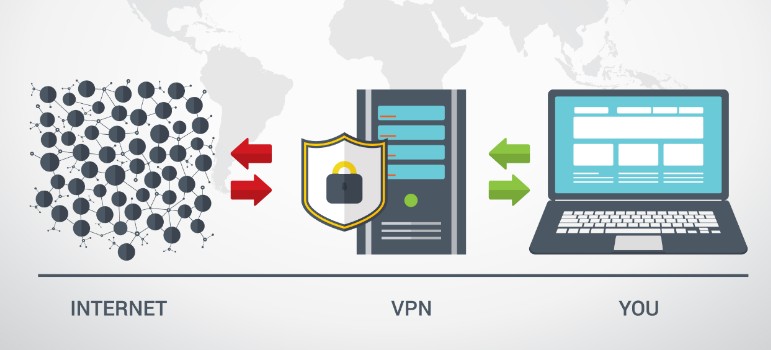
When you connect to browse the internet or, for example, right this instant, while you’re reading this article on Softonic, your computer sends and receives data to show you the requested information. The usual way is simply that your PC sends the data to your internet provider, and they return the requested information back to your computer. When you connect directly to your provider and then to the internet, the data you send is not encrypted, so you share things like your geographical location and your searches over the network. That’s why your searches always appear customized to the language of your region, or you magically see ads on topics you’ve been browsing online for over the past few days.

What happens when you use a VPN? Easy. After accessing your internet provider, the VPN will redirect you to a server located in the part of the world you have chosen, and you will use its IP to run searches and receive information. On top of that, the VPN will encrypt all your searches, so your provider won’t have a record of what you search for online.

If it’s still a little unclear, take this simple example. Imagine that you are going to connect to the internet from your apartment in Barcelona to run a search on picnic tables. To do so, you connect to the internet through your provider and Google will appear by default as Google Spain (because thanks to your IP, it will know where you are). Once you’ve done that, you look for information about a good picnic table and when you don’t like any of them, you do something else. The next day, you go online again and since your connection wasn’t encrypted, Google automatically shows you ads for picnic tables.

What would happen if you used a VPN? The first step would be exactly the same. Your PC would connect to the internet server, but from there it would go to the VPN server in the geographical location of your choice, the US, for instance. This time Google would appear as Google USA because it would see the VPN server’s IP. And all the data that you shared with your browser and the internet from that moment on would be encrypted. That way, when you reconnected to the internet, none of your searches would be recorded by your internet provider.

What’s a VPN good for?

In the beginning, VPNs were mostly used by big firms and always in a work environment. That’s because a VPN creates a secure local network that allows all workers to connect, whether they are at the same location or working from home without the danger of data spills or a hacker taking control of a company computer remotely.

Today, VPNs are still used by companies but also from the homes of internet users like you and me. There is much to be said in their favor, like the fact that:

You can browse safely and completely anonymously

woman using a laptop

One of the main reasons people use VPNs is that they allow you to surf the internet with an extra layer of security. This is because the server chosen encrypts the data, making it harder for third parties to intercept or store it. This is especially useful if you recall that we live in an era where online scams abound. A VPN offers you anonymity in your searches: they can’t be traced. Your privacy and that of your data is respected.

You can access geo-blocked content

Netflix catalog

Have you ever huffed and puffed because Netflix USA has that series you really wanted to see and it’s not in the Spanish catalog? VPN to the rescue. In just a few seconds, problem solved. Simply connect to an American server through the VPN, open Netflix, and you’ll be offered your pick of the US catalog. Since the VPN takes the IP of the server you choose, you can access any service that has been blocked due to your geographic location.

You can use an open Wi-Fi network securely

woman working on a laptop at a cafe

If you are one of those people who connects to the internet using Wi-Fi in places like cafés, libraries, or airports, you know that there’s always a measure of security risk. Any data you share over that Wi-Fi network can be intercepted by a hacker who is also on that network, and believe us when say that it’s not rocket science and more common than you might imagine. If you use a VPN the situation changes dramatically, because it can encrypt all the data you release onto that open network, making it safe from any malicious user.

Are free VPNs safe?

If you’ve started doing some research on VPNs, you’ve probably already noticed that there are free VPNs as well as subscription-based ones. Are both options equally safe? Unfortunately, the answer is no. While free VPNs have the attraction of costing nothing of course, they manage to pay for themselves by putting your data and security at risk.

A recent study found that up to 38% of free VPNs on the market install malware on devices to show you ads that they can monetize. Not only are they annoying, but most of the time they will redirect you to dicey pages where you could put your computer as well as your data in danger.

malware

Another disadvantage of free VPNs is that they sell the data they collect during your sessions online to third parties. That’s how they make the VPN available for free, and even if it works, you may run into the downsides of sharing your data.

Finally, one of the big problems with free VPNs is that they can even take away your bandwidth and sell it to third parties. You don’t have to go very far back to remember the case of the free VPN Hola. It sold the bandwidth of its users, who ended up unknowingly taking part in a botnet attack on 8chan. That’s why using a free VPN will not only eat into your connection speed and privacy, but your computer may end up being an accomplice to illegal activities.

For that reason and many more, it’s always advisable that if you want to use a VPN, you opt for a paid subscription. They only cost a few bucks a month and offer a fast, secure service with an array of advantages.

What are the best VPNs on the market?

After reading this article, you may want to use a VPN either to surf the internet more safely or to be able to access content blocked in your region. There are a number of VPNs on the market, but not all of them are equally fast or able to protect your computer with the same level of reliability. To make your search easier, we’re going to recommend some of our favorites.

1. ExpressVPN

ExpressVPN interface

ExpressVPN is a truly all-purpose VPN. It is not only extremely fast but also capable of protecting your data thanks to its 256-bit encryption system. With over 3,000 servers in more than 160 regions, ExpressVPN is the perfect choice for accessing geo-blocked content, playing games online, or downloading without slowing down your connection speed. On top of that, it works perfectly on both desktops and laptops as well as on mobile phones and tablets.

ExpressVPN DOWNLOAD
9

2. NordVPN

Hotspot Shield

NordVPN is the best choice for any user who wants to use a VPN but is concerned about their data security. It has a 2,048-bit encryption system and some of its servers even have DDoS protection. This ensures that your computer and data never fall into the wrong hands. In figures, NordVPN has over 5,500 servers in more than 55 locations around the globe. This is also another highly versatile VPN, because you can use it on your desktop or laptop as well as on your handheld devices.

NordVPN DOWNLOAD
9

3. Hotspot Shield

Hotspot Shield

Last but not least, we would like to recommend Hotspot Shield. Do you remember when we talked about how open networks can put your computer at risk? With this VPN you can use them in complete safety. Hotspot Shield uses a military-grade AES encryption system that keeps your data secure at all times. On top of that, Hotspot Shield has a really simple and incredibly intuitive interface. Just press a button and you’re connected to the Internet from the server of your choice – it’s that easy!

Hotspot Shield DOWNLOAD
8

If you’re interested in more options, feel free to take a look at our complete list of the best VPNs the market has to offer. This one is really comprehensive, and you can use it to access exclusive discounts of up to 80% off your subscriptions.

We hope that this article helped you learn a bit more about what VPNs are and how they work. Have you ever used one? Let us know how it went!