
Top 5 apps for pet owners

Keep your pets safe and happy with these great picks!

pets dog cat

With technology advancing at a rapid pace, pet ownership is completely different than it was just a few decades ago. New apps are being invented every day to help you maintain a relationship with your pets, and provide the best care you can possibly give them. Here are some of the best apps to use if you are a pet owner, looking to enrich your experience with your pet.

Top 5 apps for dog and cat owners

Dog Whistler

This app is exactly what it says it is. With just your phone, you can have a free dog whistle play at any frequency you choose. This can be incredibly helpful if your dog is whistle trained, and you frequently misplace yours.

Dog Whistler Free Download ►
7

DoggyDatez

DoggyDatez is a great app for anyone looking to meet fellow dog lovers. You can use this app to let other pet owners know where you are and where you like to walk your pets, in order to meet other pet owners and their pets, as well.


DoggyDatez Download Free ►
7

Rover

The app that helps you find pet sitters year round! If you’re going out of town or work away from home frequently, Rover can help you find pet/house sitters, and dog walkers from all over.

Rover - Dog Boarding & Walking Download free ►
7

Dog Buddy – My Dog File and First Aid

Dog Buddy is the perfect app for organizing your pet’s medical records and any to-do lists you need to make for them. It basically works like a journal for your dog, allowing you to record detailed medical information, as well as adding photos and other fun info about your pet. Pet Diary is an Android alternative that provides a similar function.

Dog Buddy for iOS Download Free ►
8
Pet Diary for Android Download Free ►
7

Pet First Aid

It can be tricky to decide when it’s best to go see a vet, or when your pet is just acting a little strange. It can also be scary when your pet has an accident and you’re not sure what to do in that moment. Red Cross’ Pet First Aid app is perfect for every pet owner, as it gives detailed advice for anyone facing either of these predicaments.

Pet First Aid (Red Cross) Download Free ►
8

Ready to check out more great pet apps? See what our Softonic Solutions community recommends!
How to access weird computer file formats

Someone sends you a file format you’ve never seen before. What next?

computer files

Most files you find on the internet or from work are pretty easy to open. Most text, audio, and image readers are able to open standard file formats like JPEGs and PDFs. However, there are times when you might run into a unique file format that your file readers are not familiar with. This can be really frustrating if you’re not prepared for it. Thankfully, there are some easy solutions to getting those files open and converted to something more reasonable. Here are a few ways to deal with unfamiliar file types.

What to do with weird file formats

Identify the file type

If your normal file reader is unable to read the file you’re trying to open, then the first thing you should do is try to identify the file type. Windows will always show the extensions of files that it is unable to identify, so you should be able to search the file extension that you’re working with. If you’re able to identify the file type, then you should be able to find out what program will successfully open it. For example, MSG file types require Outlook to open them, so finding the file type can find you the program needed.

Try opening in a text editor

If you’re unable to identify the file type through the extension, then you should try using a text editor. By using Notepad or Notepad++, you should be able to open any file. Unfortunately, you’ll actually be opening the code of these files rather than the content that they hold.

Thankfully, you don’t have to be a programmer to use this information to figure out what the file is. You can look for the file’s name at the beginning of the code, or search for the file’s magic number  which identifies every file’s extension. You can search this Wikipedia list to find the corresponding file extension. You should be able to find the magic number in the text editor by pressing CTRL+F and then typing hex (for hex signature) or magic number.

Open with a universal file opener

Having a universal file opener can help save you some time from searching unusual file types up. These programs aren’t actually “universal” but they are able to open a plethora of uncommon file types. Having one of these programs pre-installed to your desktop or browser will allow your computer to automatically identify and open file types that your default file readers are not able to open on their own.

Universal Viewer and Free Opener are both free options for universal file openers. You can also pay to get a universal opener Chrome extension, provided by AODocs.

Universal Viewer Free Download
5

Change the extension

This method doesn’t always work, but can be a good attempt at opening a file that is replaceable. You should avoid doing this with irreplaceable files, since changing the file extension doesn’t always work and can corrupt the file to an unopenable state.

By changing the file extension, you can try to force a file to convert to a different format that your computer is able to read. For example, changing an audio file into a .mp3 will allow programs that can open .mp3s to open it. However, this may not work properly, since the original file may not be formatted close enough to a .mp3 for that program to properly open it. This method usually works best when converting files into raw extensions such as .txt.

Free Opener Free Download
6

If you want a better understanding of common file formats, check out our beginner’s guide on them. This can help you with identifying which formats you may want to convert these unusual types to.  

Best games for Doki Doki Literature Club fans

Doki Doki Literature Club continues to gain fans. Here are some other great games to consider!

Doki Doki Literature Club

Doki Doki Literature Club (DDLC) combines the cute romantic aesthetic of dating sims, while hiding a dark and creepy psychological horror element. By seamlessly merging these two opposite styles, DDLC has become increasingly popular among anime fans. Unfortunately, it’s hard to find more games that fill the same role of dark and cute. Thankfully, we’ve found some of the best games that give the same feeling as DDLC, for the fans that are still looking for more.

Best games for Doki Doki Literature Club fans

Hatoful Boyfriend

Some consider this to be the original Doki Doki Literature Club as it combines the a similar dating sim aesthetics with a much deeper hidden darkness. While DDLC is more upfront about its dark side, Hatoful Boyfriend is more subtle about it. That is, unless you get the secret ending. Hatoful Boyfriend also adds a level of humor as you date different kinds of pigeons.

The Zero Escape series

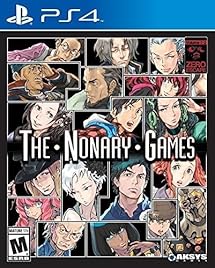
If you’ve ever seen a movie in the “Saw” series, then you have a good idea on how you’ll feel about Zero Escape. This series features a group of people trapped in various locations, who have to undergo horrific trials in order to escape.

Always Sometimes Monsters

While the rest of these take place in high school, Always Sometimes Monsters is a choice heavy RPG where every choice the player makes affects the outcome of the story. It is somewhat an inverted version of DDLC, as it has a dark aesthetic but hides a deep charm underneath. Fans of DDLC will like the same level of emotional investment available in this game.

Steins;Gate

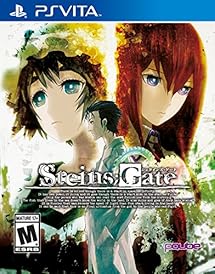
One of the first games to popularize visual novels in the west, Steins;Gate has a deep and captivating story that is sure to keep your attention. The game is similar to Always Sometimes Monsters, where it heavily focuses on the choices you make, and allows for you to travel through time to affect the present in various ways.

Yume Nikki

This game was actually part of what inspired DDLC, according to lead developer Dan Salvato on Twitter. An indie horror game centered around the nihilistic nightmare that a girl has to go through.

The Danganronpa series

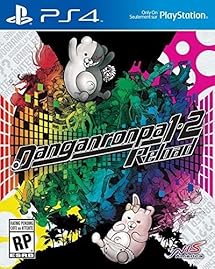
An anime-style high school horror with a dating sim element to it; Danganronpa is the ideal series to try for anyone who has played DDLC. The series follows a class of students who are trapped together by their teacher, and their only escape is to kill another classmate without getting caught.

Anime games like Doki Doki Literature Club can be really compelling with their use of visuals and aesthetic. Along with these games, you can also check out the best anime to look forward to this season, in order to get some closure from playing DDLC.

6 best indie tower defense games

Try these 6 great games!

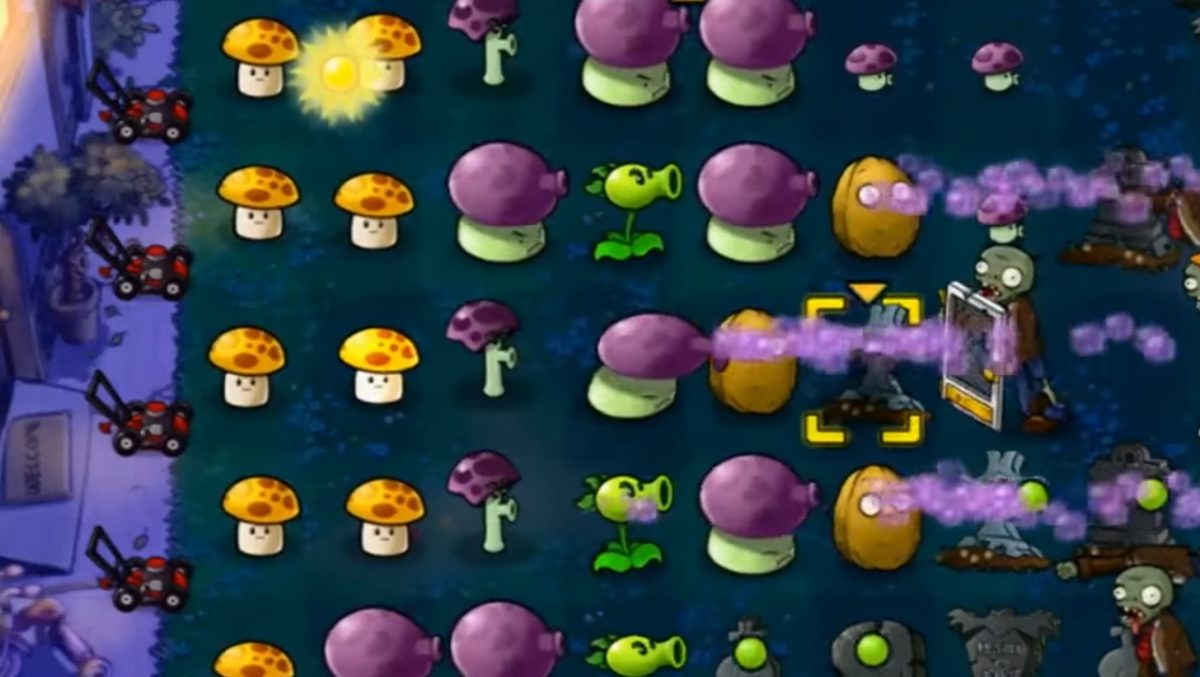
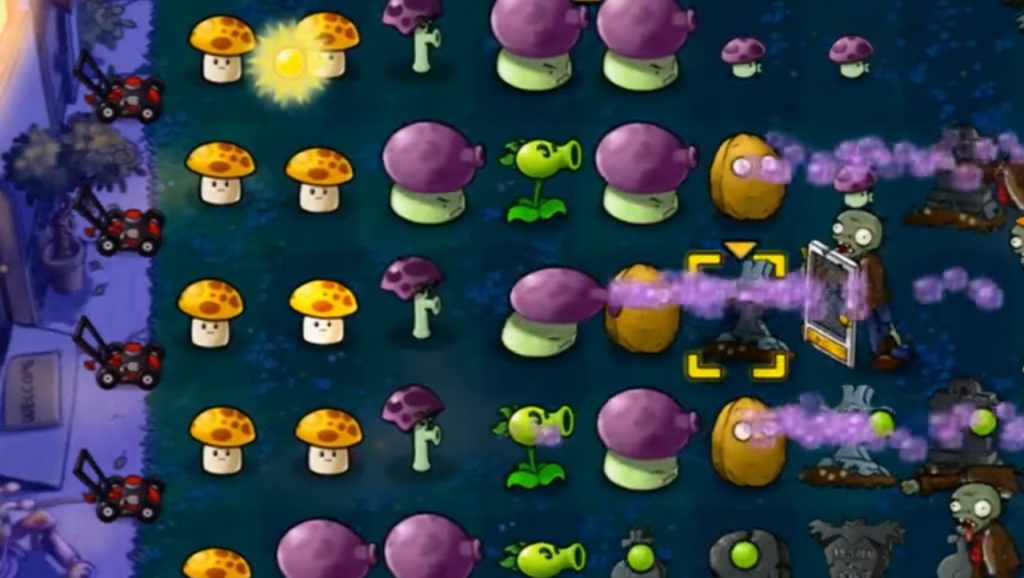
Plants vs Zombies

Tower defense games are a unique breed of games that are somewhat of a mismatch of genres. They follow the same pattern of setting up defenses to prevent waves of creatures from taking over your base. However, outside of that, they all have their own style of gameplay and how to go about doing that. This is most likely due to the fact that these games are dominated by indie companies, rather than higher performing ones. Here are some of the best ones out there:

6 best indie tower defense games

6. Dungeon Defenders II

One of the few tower defense MMOs, this game is more active than any other tower defense game out there. While most games are focused on creating turrets to defend your base, this game instead allows you to actively control a character as you try to defend your crystal. This is a great choice for those who prefer not to focus on the passive style that many tower defense games employ.

Dungeon Defenders II Free Download
8

5. Kingdom Rush

Probably the most standard tower defense game on this list. It is definitely a perfect game for those who like traditional flash tower defense games, as it is one of the best made, and is shockingly good for the indie budget it was given. Lovers of the genre may recognize it as it has reached high on mobile game charts.

Kingdom Rush Download
8

4. Plants vs. Zombies

You’ve probably heard of this iconic indie tower defense game. Using plants to defend a garden against an onslaught of zombies, this game is as addictive as it is charming. The gameplay is unique but with the same charm of many other tower defense games.

Plants vs. Zombies Download
8

3. Idle Tower Defense

Fans of idle games will love this take on tower defense, where the passive gameplay is the main focus, and the game essentially plays itself. The game ends up revolving more around strategy, rather than being able to react quickly to oncoming waves.

2. Dungeon Defenders

The original tower defense MMO. Despite its age, this game is incredibly fun and intricate. While the online play has diminished, it can still be enjoyed locally with a group of friends. Each class has unique mechanics, in a similar way to Dungeon Defenders II, but the leveling system is customizable, so your character’s stats are self-defined. Worth checking out for any fan of the genre.

Dungeon Defenders Download
8

1. Defender’s Quest: Valley of the Forgotten

This genre is not typically known for its strong compelling storylines, instead focusing more on its interactive gameplay. Defender’s Quest changes the tone completely, as it follows the story of a Medieval librarian trying to survive a supernatural plague. The story is thrilling, while the game offers unique and captivating gameplay as well.

Defender's Quest: Valley of the Forgotten Download
7

If you’re interested in finding even more great tower defense games, our Softonic Solutions community has a list of over 30 different games for you to try!

The best way to play Magic the Gathering online

Want to play Magic the Gathering without physical cards? Here’s how.

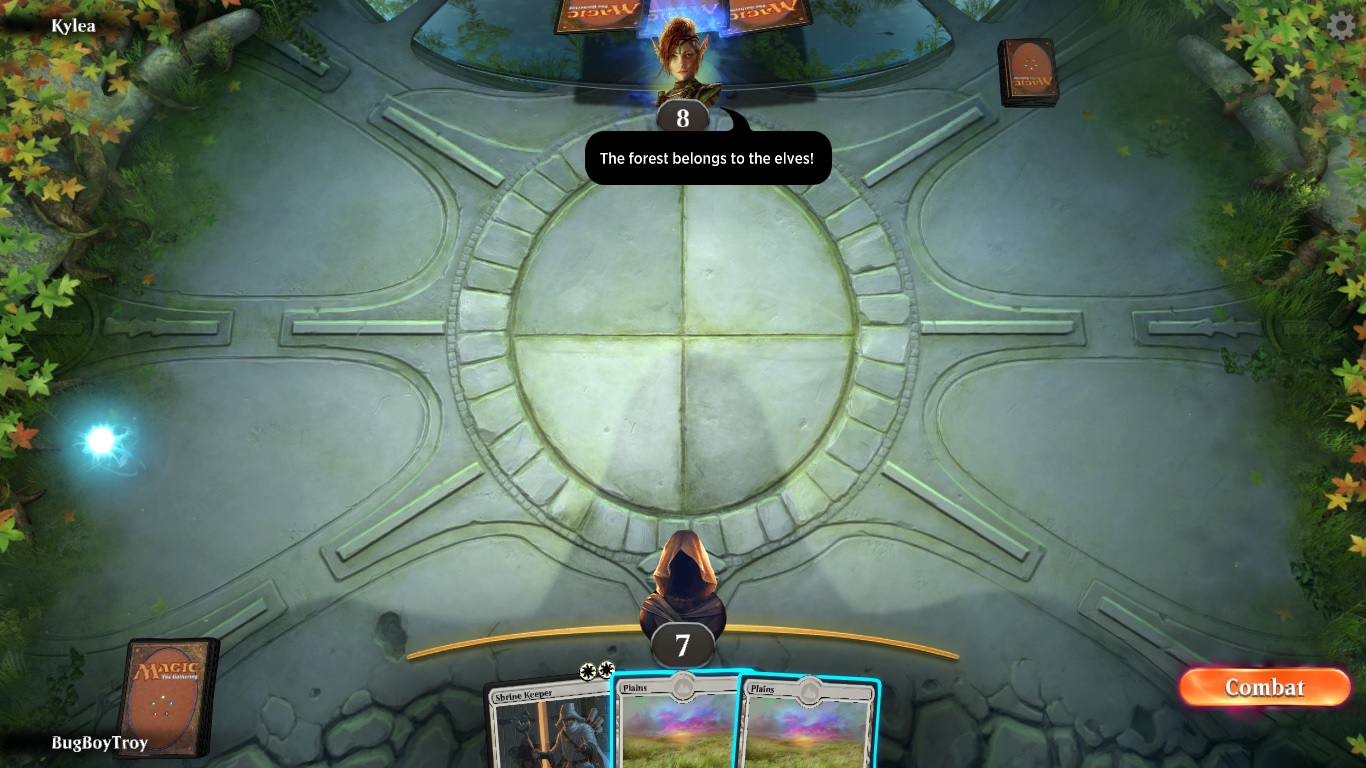
One of the oldest and most successful games that is still mainstream is Magic the Gathering. If you’re a fan of gaming in any capacity, you’ve definitely heard of this game. It can be a bit daunting to get involved in the community of this game since many people have been playing it for decades. Not only that, but managing physical copies of cards can be a bit overwhelming for some as well. Thankfully, there is a way to bring this game to a digital format, and make it an easier experience overall. Wizards of the Coast has two main ways to play this game online, each with their own benefits:

Magic the Gathering: Online

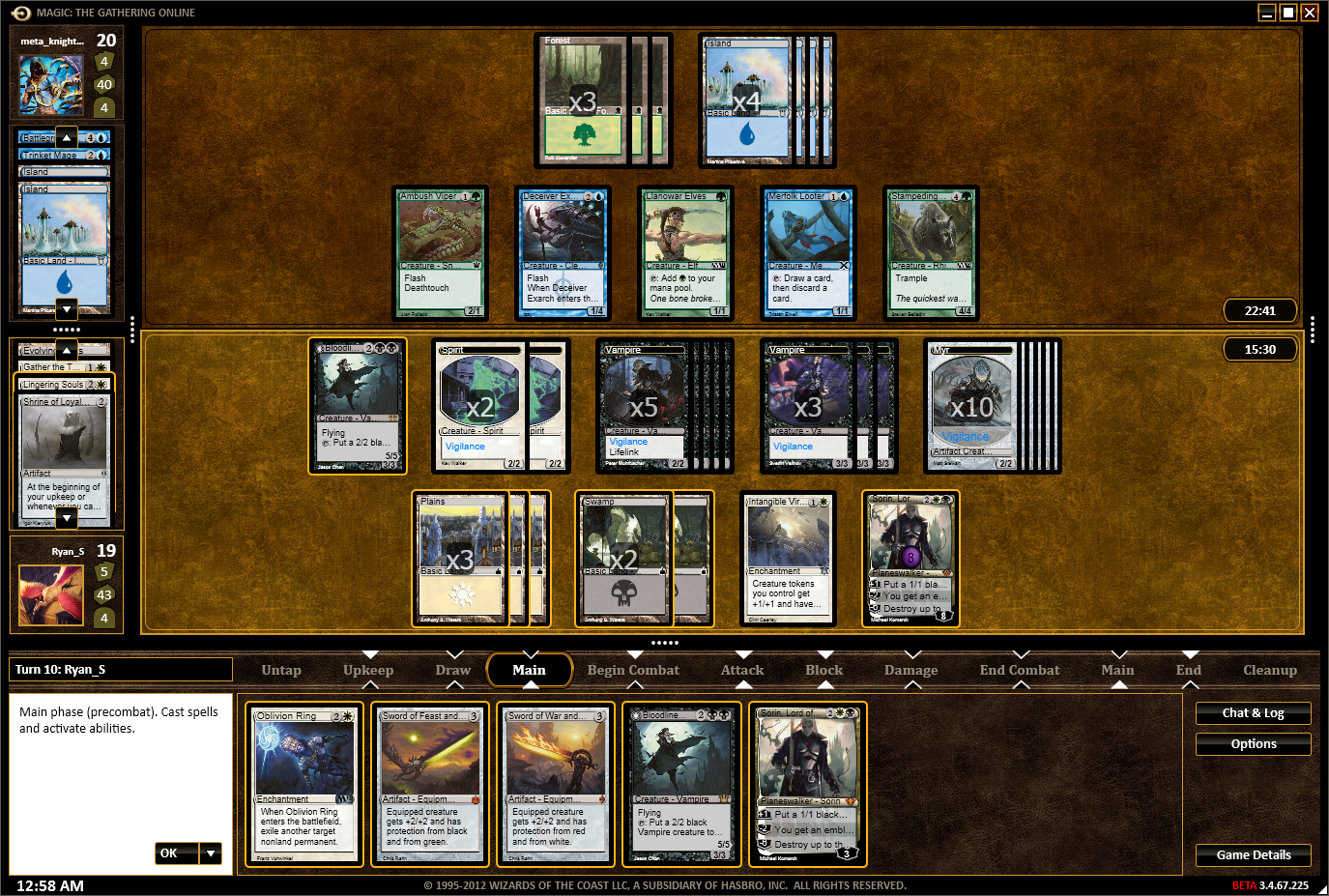
Magic Online

This game is more of a pure recreation of real-life Magic the Gathering. The gameplay is customizable in a way that is similar to paper Magic, and you play with “physical” cards with an aesthetically similar approach to the paper version of the game. There are a large variety of tournament and casual types of play, allowing for a dynamic feel to the game. This is definitely the best choice if you prefer to play non-Standard or draft games, as Standard and drafts is what Arena is primarily centered around.

Magic, the Gathering Online Download Now ►
7

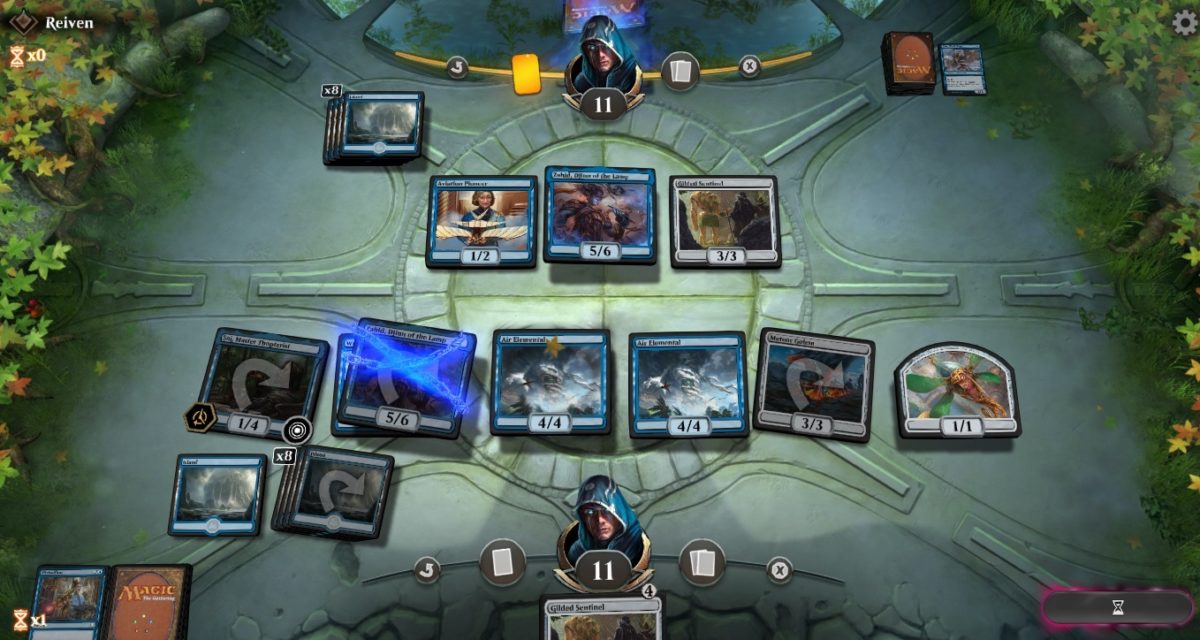
Magic the Gathering: Arena

Magic Arena

Fans of Hearthstone, Shadowverse, and other online CCGs will find Arena to be a much more appealing option. While Magic Online recreates the feel of Magic in its entirety, Arena focuses more on automation similar to games like Hearthstone.

The game feels more like a uniquely created digital card game, rather than a recreation of a paper card game. Cards that automatically happen will do so without you needing to remember them, unlike in Magic Online. Arena is also focused around Standard play and working as its own card format, rather than Magic Online. Online features cards from long before its release, as it’s intended to preserve Magic’s card history, while Arena will only have cards that are released since its creation.

Both games feature an in-game economy with a standard concept of playing more or paying more to unlock new and better cards. If you want to play Magic the Gathering on a digital format, then the official Wizards of the Coast games are definitely your best choices. Magic Online is better for older cards and non-Standard formats, while Arena is better if you’re looking for a game that plays similar to Hearthstone.

4 best food delivery apps

What’s the best way to get dinner delivered to your door? We’ve got 4 great options.

food delivery app

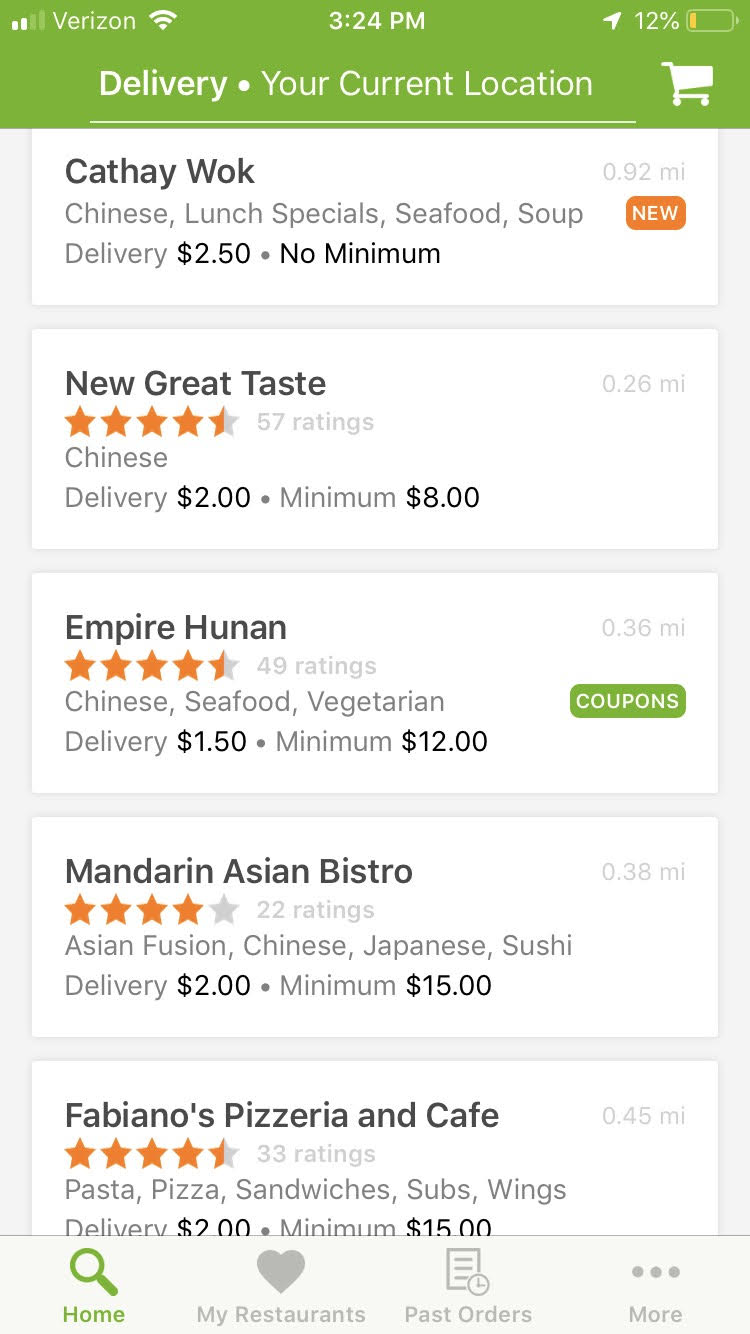
If you live in a major city such as New York or Los Angeles, then you’ve probably heard of Postmates or Grubhub. These apps, along with UberEats, are the perfect way to get delivery meals from any restaurant, not just the ones that offer their own delivery service. With a variety of options to choose from, it can be tough deciding which app is the best for you. Here is some info to help narrow down your choice.

4 best food delivery apps

Grubhub (and by extension, Seamless and Eat24)

GrubHub

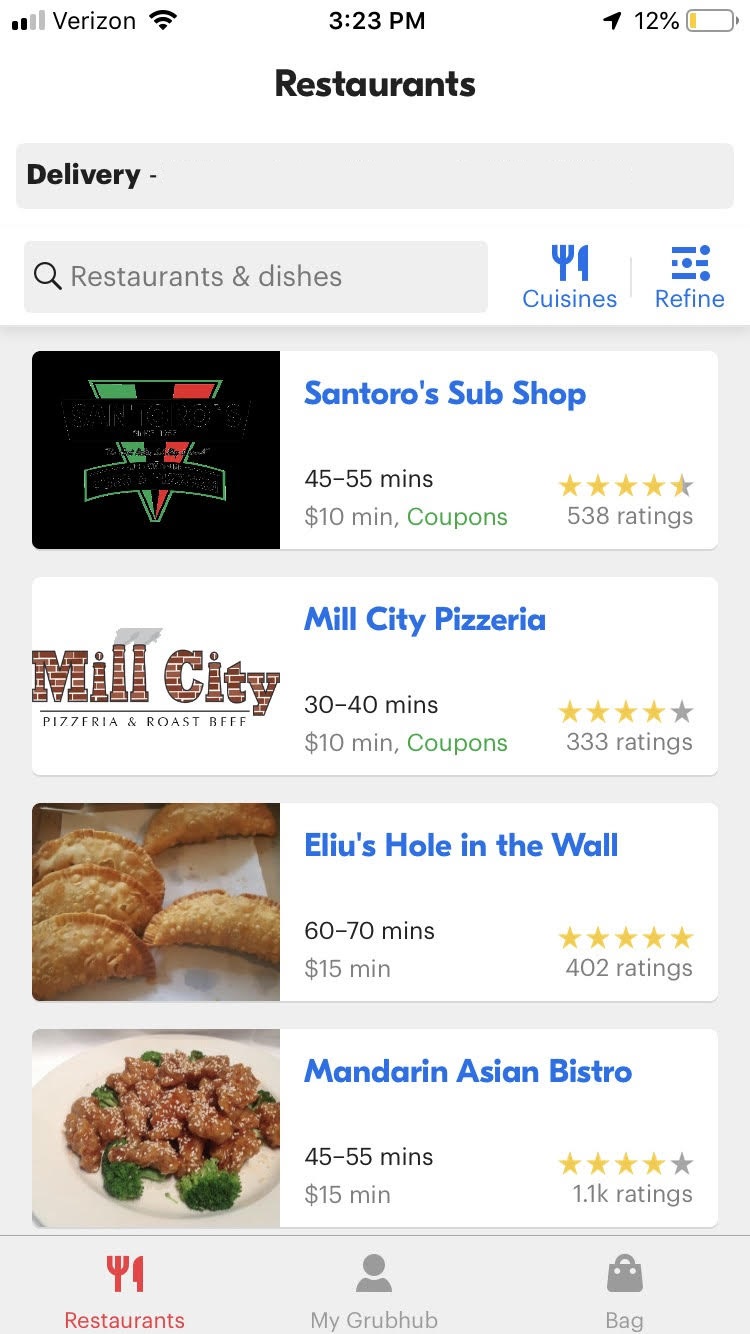
Grubhub is one of the largest companies in this industry, with restaurant deals across the country. It was one of the first companies to start the trend of food delivery, and it has grown substantially over the years. As a free service, Grubhub is pretty much the perfect choice for anyone looking to grab a bite without calling in your order. While not all locations have access to Grubhub, it has a larger range of choices than almost any other food delivery app. It’s also important to note that Seamless and Eat24 are both owned by Grubhub now, and are essentially the same app. They even have the same interface and menu options.

7

Postmates

Postmates

While Postmates is a bit limited in terms of location compared to the others on this list, it has a leg up in its limitless possibilities. While most food-delivery apps partner with local businesses and restaurants to provide a free service, Postmates charges its own fee in exchange for practically unlimited delivery options. They will pick up your food, groceries, and any other shopping you have to do, for a pretty reasonable price. The biggest drawback of this, however, is definitely the small number of locations available. While it still encompasses around 100 cities, if you don’t live somewhere with a high population then you most likely won’t be able to use this service.

Postmates Free Download ►
7

UberEats

UberEats

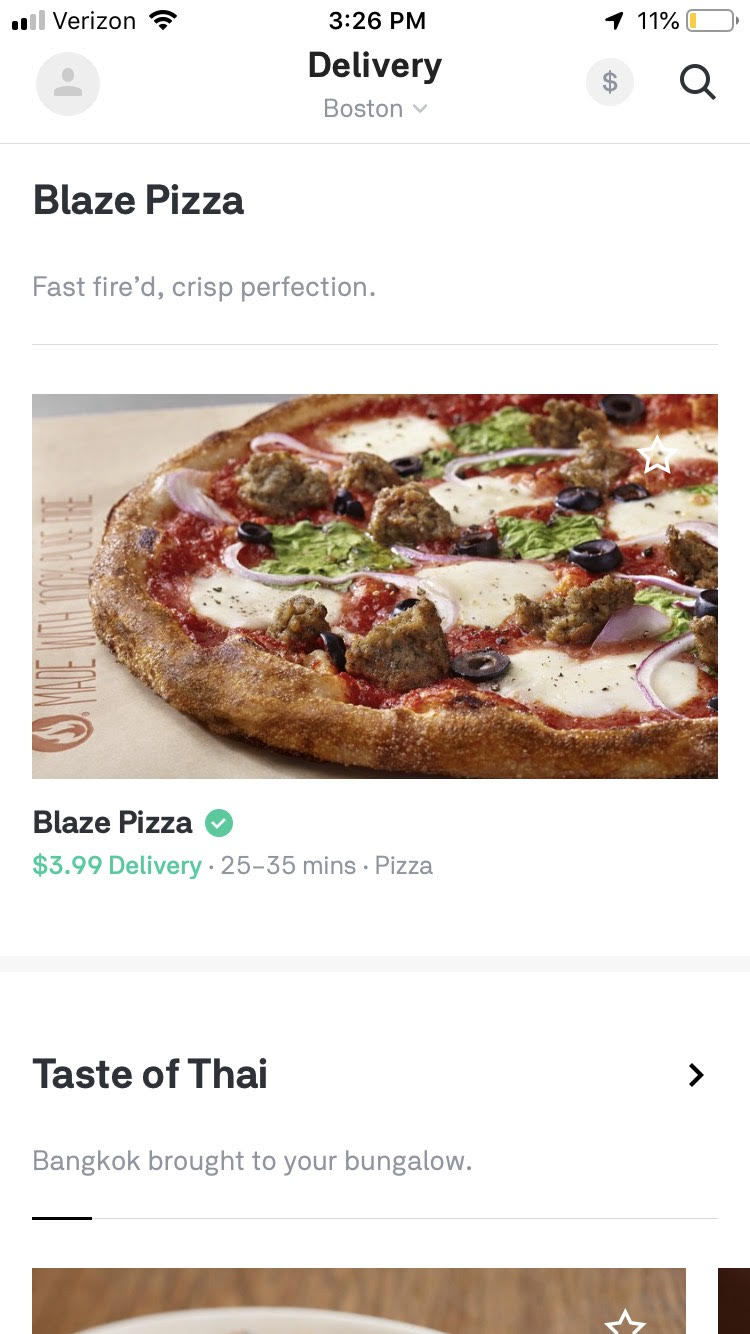
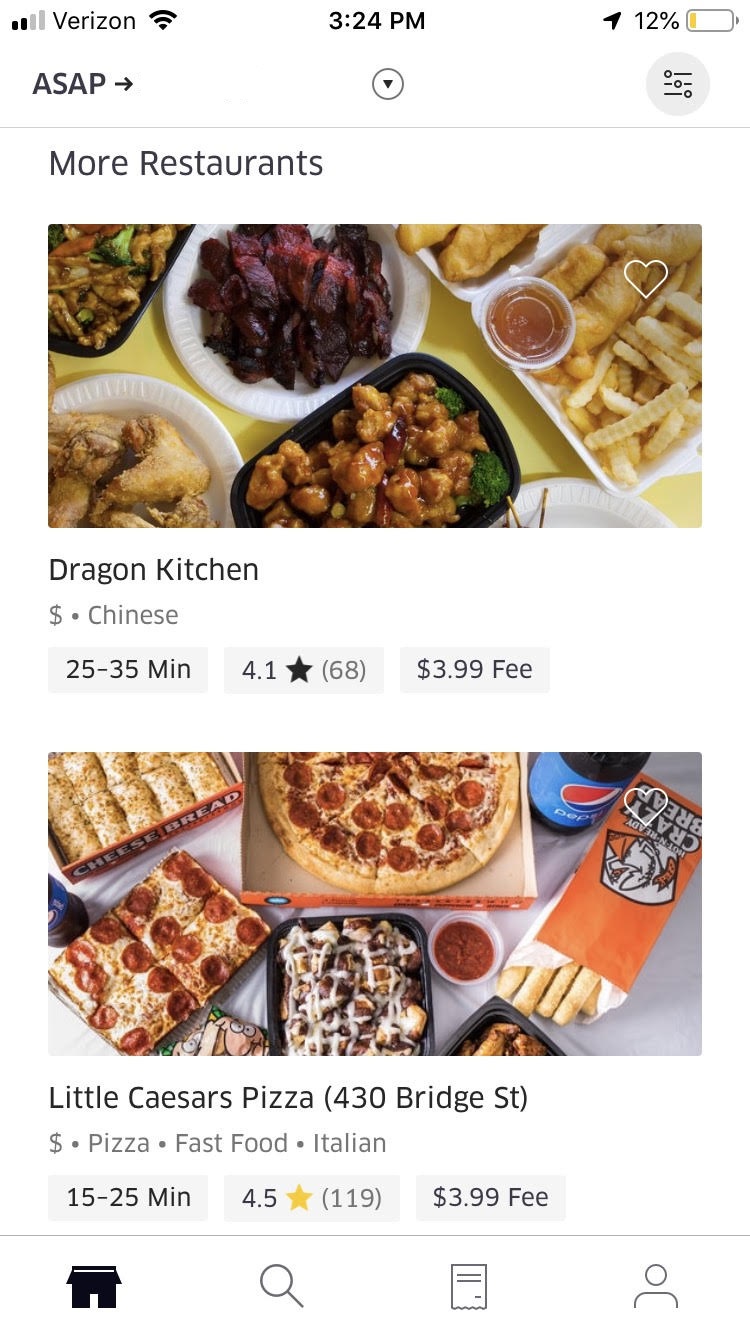
As the name implies, UberEats is owned by Uber. If you’re familiar with its parent app at all, then it should come as no surprise that UberEats uses a similar interface and tracking system that make it easy to know how far away your food is. It also features a great browsing system, and is definitely the best option if you’re not sure what’s in the area, or are unsure of what type of food you want at any given time. The delivery charge is $5, which can be reasonable, depending on how much food you plan on buying.

9

BeyondMenu

BeyondMenu

BeyondMenu is much smaller compared to the others on this list, but it has one of the smoothest and simplest interfaces of every food-delivery app out there. It has a decent array of options depending on where you live, and ordering on it is simple and easy. Definitely worth using if it has decent options in your area.

BeyondMenu Food Delivery Download Free ►
7

If you’re looking for more options, be sure to check out our Softonic Solutions page where our community has even more ideas to satisfy your hunger. Share your favorites there!

How to create your own geotags and geofilters on Snapchat, Facebook, and Instagram

Did you know you can make your own geotags and geofilters on social media? Here’s how.

geotag

Geotags can be a really useful tool that a variety of social media sites have begun to adopt. It started on Snapchat, but has since made its way to Instagram and Facebook as well. It can be perfect for promoting a business event, or even just helping to celebrate a friend’s birthday celebration. If you’re interested in understanding how you can use geotags and geofilters, here is an easy explanation of what they are and how to use them.

How to create your own geotags and geofilters on Snapchat, Facebook, and Instagram

What are geotags and geofilters?

Facebook “check ins” are the easiest example of a geotag. Essentially, a geotag links a particular location to a social media post. Similarly geofilters are photo-filters built into Snapchat and Facebook that are location-specific. This makes both of these great for sharing your location with friends and family on these social media sites.

Snapchat Free Download
7

How to create a geofilter on Snapchat


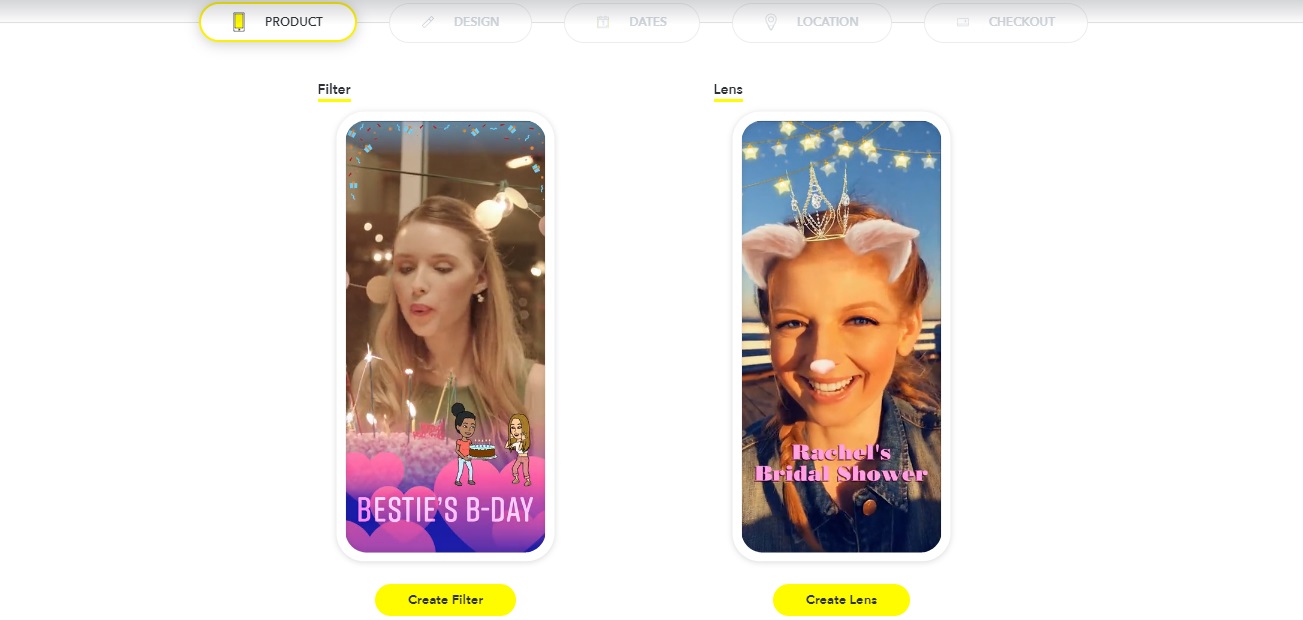
Snapchat makes it pretty easy to create geofilters, which makes sense since they were the ones to start the trend. The first thing you want to do is go to their create your own filter/lens site.

Snapchat filter

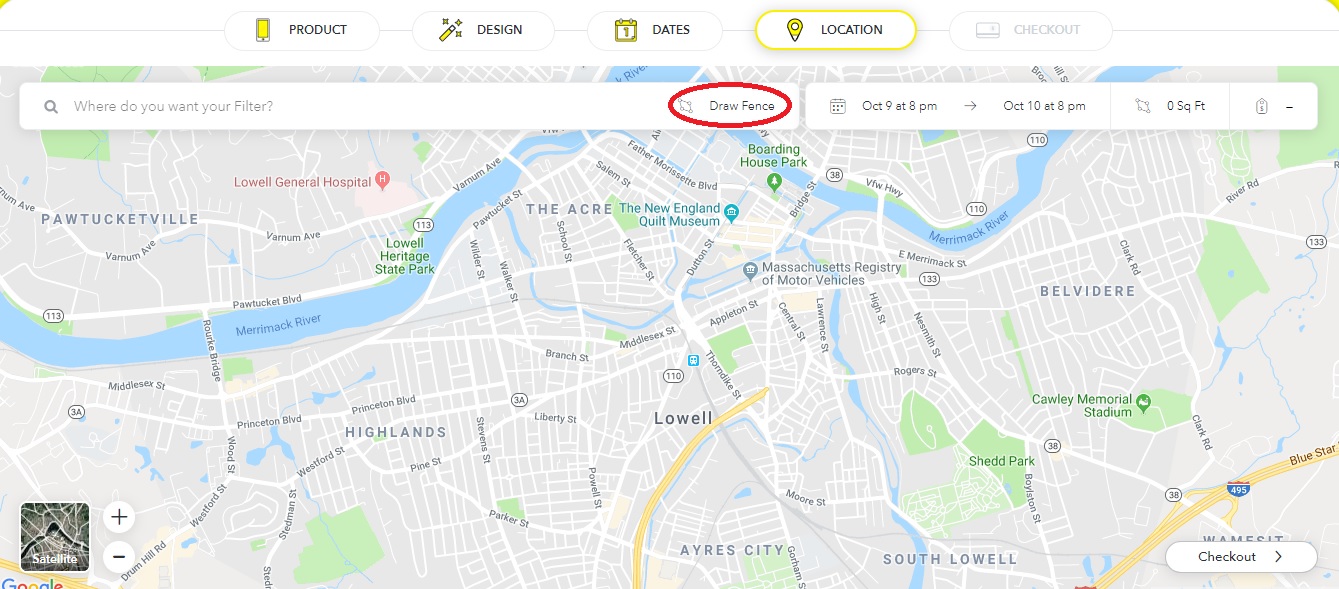
From here, you can choose to create your filter, and then customize it however you want. You can either upload your own art or use the filter creator that Snapchat has itself. Afterward, you can choose the dates and location of the event. Make sure to press “Draw Fence” and then click the points you want the location to be in.

Snapchat

You do (unfortunately) have to pay to create your own Snapchat filters. However, thankfully, it’s a relatively cheap cost, at roughly $5 per 20,000 square feet. So small events won’t end up paying a fortune, but larger ones may be a bit pricey if you don’t have a business paying for the expense.

Note that it may take a bit for Snapchat to process your request, since they have to make sure that the filter is appropriate.

How to create a geofilter on Facebook

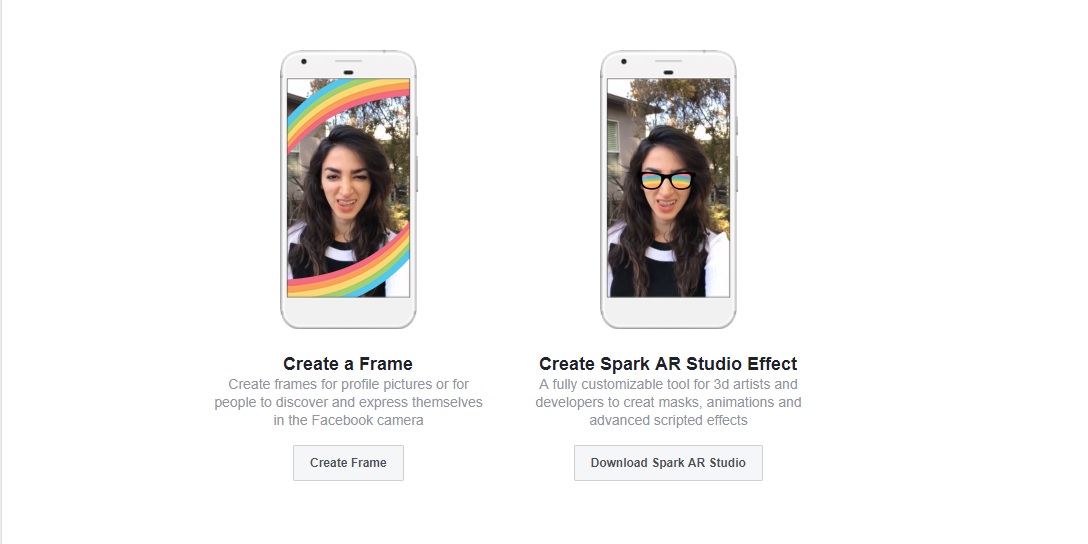
The process for creating frames on Facebook is similar to Snapchat. First, you’ll have to go to Facebook’s frame studio page, that gives you roughly the same options as Snapchat did. Choose “Create Frame” to get started. 

Facebook

Unlike Snapchat, you’ll have to create your filter outside of Facebook before being able to upload it. Afterward, you can name, give it a specific location (using Facebook’s “place” pages), and create keywords for people to search for it online. Once you’re done, you can publish the filter and make it available for anyone to use. Also, unlike Snapchat, these filters are completely free!

Instagram Free Download
7

How to create a geotag on Facebook and Instagram

Most people know how to geotag on both of these sites by simply using the “check in” or “add a location” features. However, creating your own geotag can be a bit confusing, especially on Instagram, since you can’t create one on the site itself.

Thankfully creating a geotag on Facebook actually creates one for Instagram as well. You can do this by pressing the “check in” button on the Facebook mobile app (it won’t work on the browser version of the site). From here, type in the name of the location you wish to add. Then press “add ‘Location name’” at the bottom of the “places” list. From here you can fill in details about your location, such as what type it is, and where it’s placed. Once this is done, you’ll be able to publish the location to both Facebook and Instagram for future use. Note that the location information becomes public after you publish, and you won’t be able to edit it in the future.

Pokémon Go update: Gen 4 and Meltan

Here’s what’s new in the world of Pokémon!

Halloween has become Pokémon Go’s standard time for releasing a new generation by having an early release of ghost-type Pokémon from that new generation. Generation 4 is following that same standard, though some non-ghost types have already been leaked into the game. This generation actually has a special connection to Halloween, by having a ghost type legendary, Giratina, to appear in raids from now until November 20.

Not only can you now get Sinnoh Pokémon, you may soon be able to get the newly revealed mythical Pokémon: Meltan. If you haven’t heard of this little guy, you can check out our coverage of his reveal to find out more about his initial release.

Pokémon GO Download Free ►
7

Since then Pokémon has released two new videos hinting at the future of Meltan. The first is episode two in a series called “Two Professors”, where Oak and Willow discuss the a new discovery involving how to obtain Meltan. It seems like they are hinting at a new field research being released soon, like the special research for Mew and Celebi.

The second video reveals another secret surrounding Meltan. It seems multiple Meltan can be put together to make a stronger one. Only time will tell the truth, and hopefully, these updates keep coming regularly until we have all of Meltan’s secrets uncovered.


6 must-have apps to take on vacation

Fill your phone with these 6 apps before your next vacation!

Vacation time is precious. Every minute spent stuck waiting for a cab is one less minute on the beach. Thankfully there are many apps that can save time by helping you navigate and find the hotels and restaurants that will make your vacation a 4-star affair. Here are the best apps for you to use while you’re traveling.

6 must-have apps to download before you travel

Waze is one of the greatest travel apps out there, as it uses other Waze users’ locations and information to determine nearby traffic alerts and even lurking police officers. The GPS accuracy is constantly updated, making it one of the most accurate apps out there.
Google Maps Free Download ►
7
Similar to Waze, Google Maps is one of the most accurate GPS apps out there. While Waze has a large number of features, Google Maps forgoes this in order to create a simple and accurate system. If you want a simple and easy to follow GPS app, then Google Maps can be a good alternative to Waze.
Citymapper Free Download
7
If you plan on using public transportation during your travels then Citymapper is the perfect app to have on hand. It maps out transit routes throughout various cities in order to make it easy for you to navigate subways and other metro-transit routes.
HotelTonight Free Download ►
7
Sometimes, plans go south. Maybe you have a long layover. Maybe your hotel overbooked. Maybe you need a place to crash mid-road trip. HotelTonight hooks you up with a great place to stay for the night when you need it in a hurry.
Yelp is a popular review app that’s perfect for anyone who’s traveling to a new place and looking for somewhere nice to eat. It is incredibly detailed with thousands of reviews for restaurants all over the world.
A little different than the other apps on this list, but still probably the best of its kind thanks to its near worldwide accessibility, Uber is a great app for when you’re in a pinch. If you find yourself in any situation that requires you to take a cab, then Uber can be a good alternative to trying to call a cab company.

Most of these apps are particularly useful for when you’re going on some kind of vacation or doing some personal travel. However, if you’re going on a business trip, out Softonic Solutions community has a few more apps for you to check out. Be sure to share your favorites!

How to stream music and video from your phone to your gaming console

You can play music and video from your phone through your TV. Here’s how to send the content through a gaming console.

Playstation

While many gaming consoles have their own apps that allow you to control them directly from your phone, most of them don’t have an innate way to allow your phone to stream content onto them. Despite this, practically all current gen gaming devices (such as PS3, PS4, and Xbox One) are able to connect to your phone through a variety of apps. This allows you to use your gaming console as a substitute for an Apple TV or similar televisions that let you stream directly to them. Here is the easiest way to go about this:  

How to stream from your phone to your gaming device

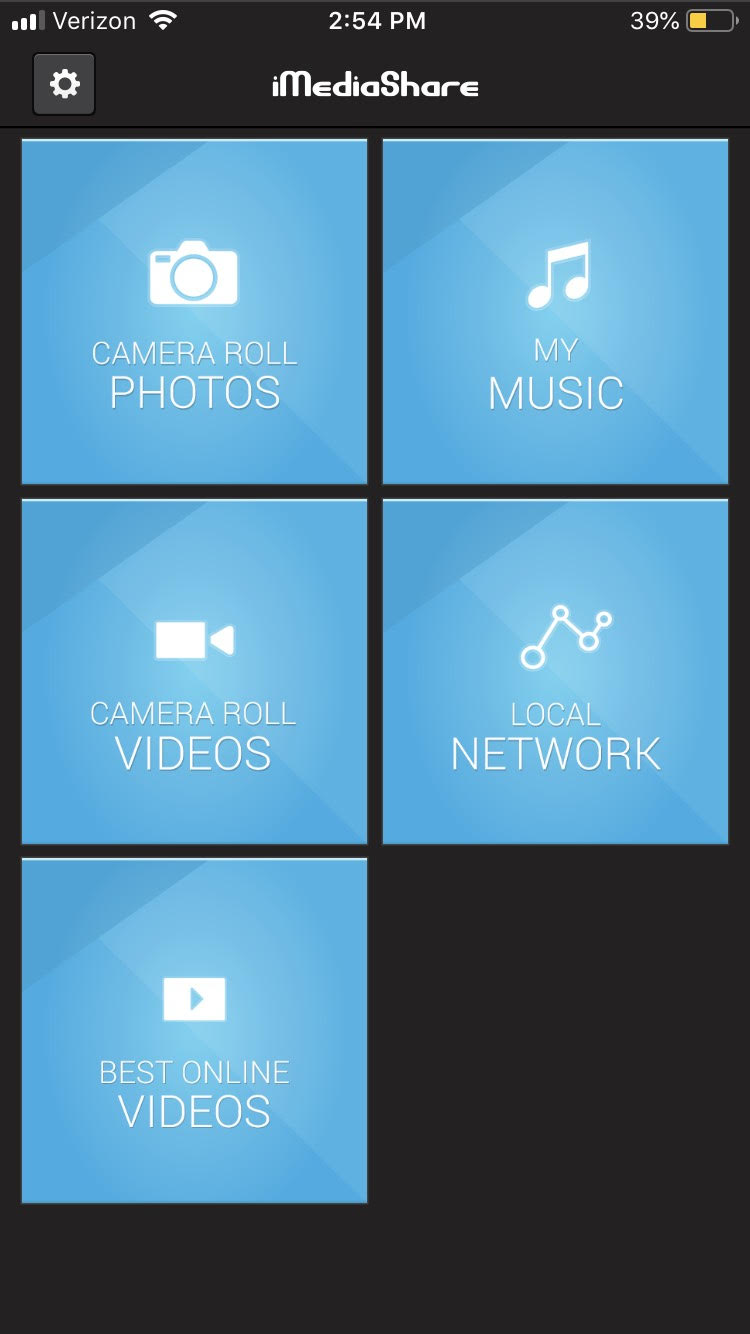
Step 1: Download iMediaShare

iMediaShare Free Download ►
7

This app is currently the best one for both Android and iPhone to use as a streaming tool for gaming consoles. It’s completely free and lets you stream basically any saved content from your phone onto your gaming device. This means you can play home videos or your saved music from your phone directly to your TV. You can also use it to stream Facebook and a few other online services (though most of these can be streamed directly through your gaming console already).

iMediaShare

Step 2: Choose the content you want to stream

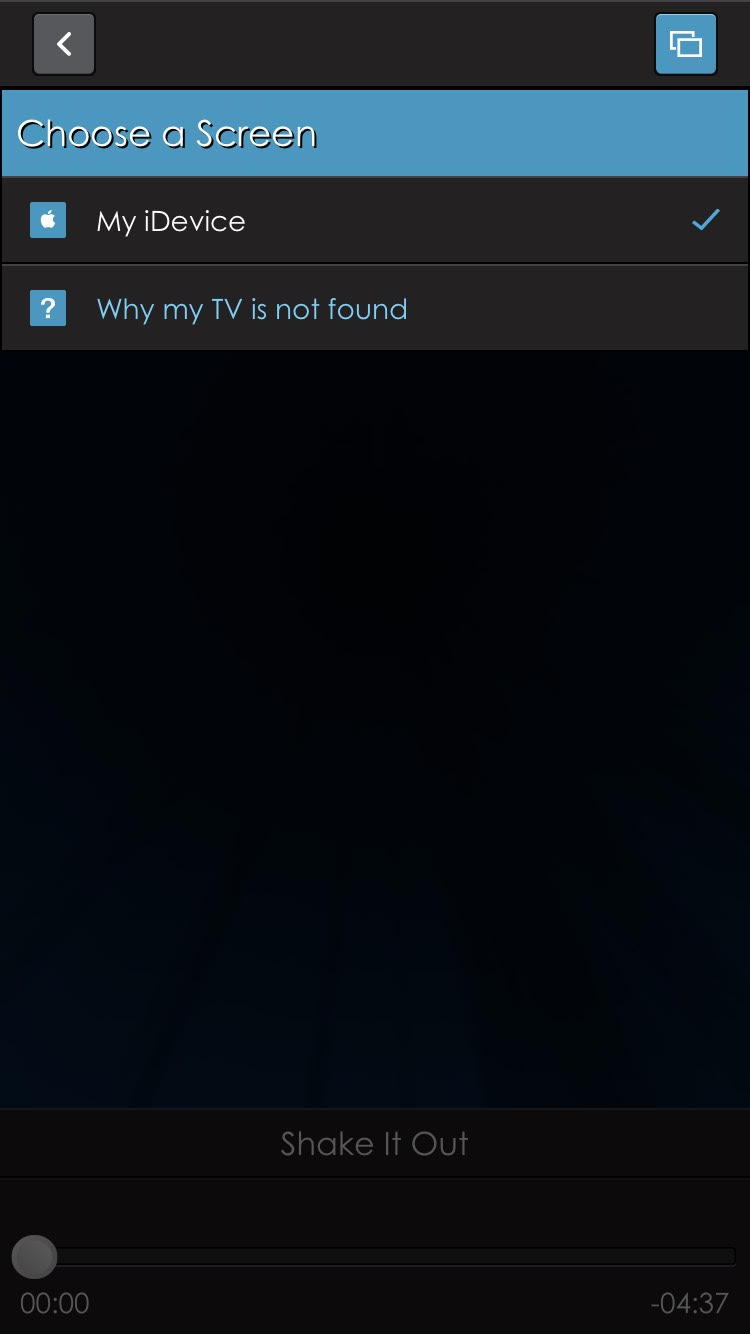
Once the app is installed, you can choose whatever content you want to appear on your gaming console. First, go into the category it would be under (such as camera roll photos), and then download the content you want to share onto the app. After selecting it, you will be promoted to “Choose a screen.” Assuming your phone and gaming device are connected to the same local network, then you will be able to choose the gaming device as an option.

iMediaShare

Step 3: Open content on your gaming device

Once everything is set up on your phone, you can open the content on your gaming device by finding the segment that says “iMediaShare.” It should be under the video streaming tab that your gaming console has.

If you don’t like the layout of iMediaShare, Plex is a similar application that you may find helpful. It effectively works the same way, though you’ll have to pay for some of its more advanced features.