
As a product manager, you know managing products is dynamic and complicated. There may not be one universal software for product managers that addresses all your individual requirements, but product management software serves as an indispensable compass to navigate this terrain. That being said, your toolbox must include much more than product management software alone, and familiarity with various product management frameworks is equally vital.
In this article, we have carefully compiled categories of essential top product management tools beyond standard ones that go above and beyond just product management tools. After carefully considering top business requirements and aligning them with product manager needs, these choices have been made.
So, read carefully, as these product manager tools can become game-changers for your career.
Project management software
FuseBase (formerly Nimbus)
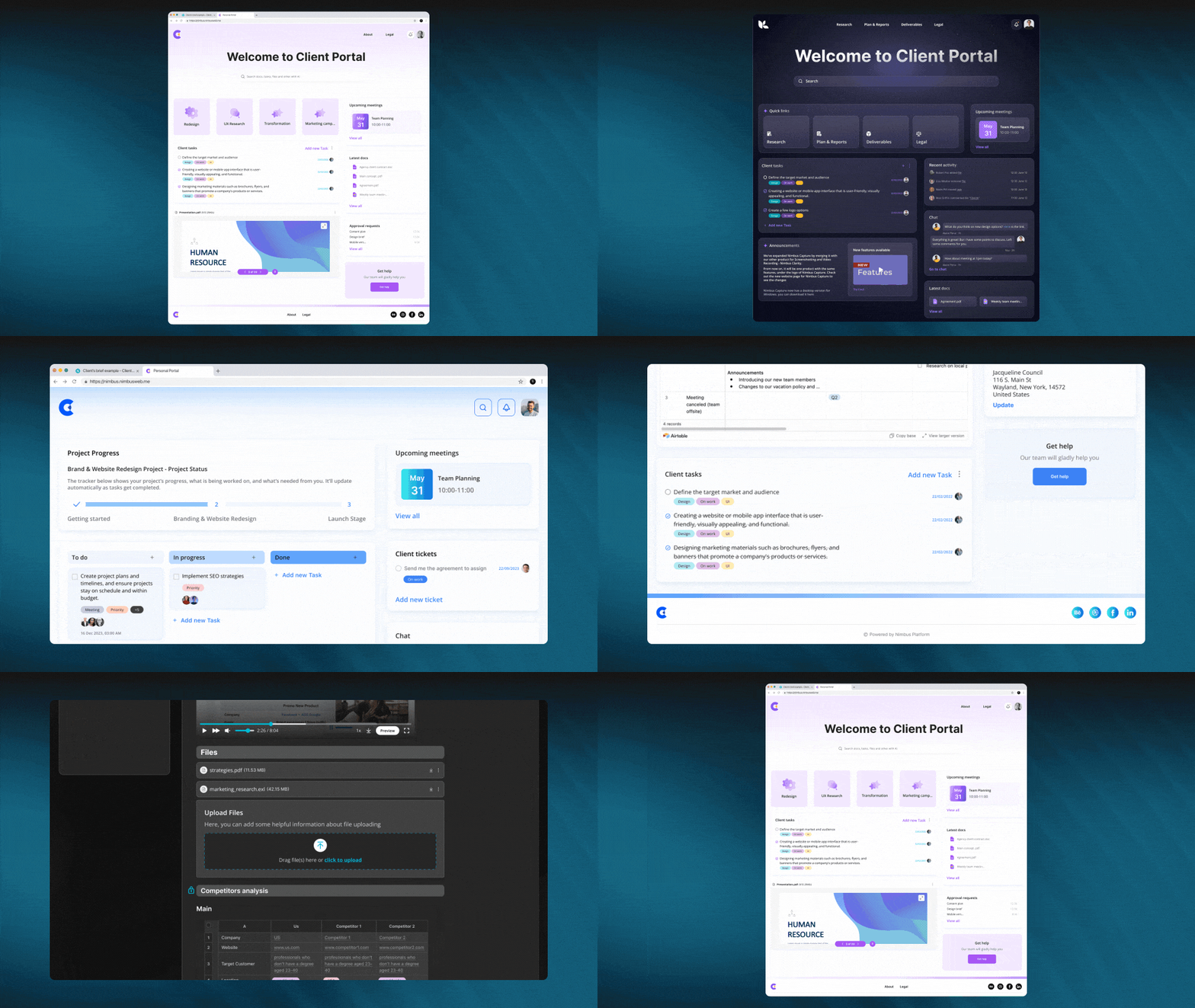
FuseBase (formerly Nimbus) is a client collaboration tool that embraces the key features of popular project management solutions. Tailored for product managers and client-oriented businesses in general, FuseBase (formerly Nimbus) serves as ‘’the right-hand man” for all product management professionals. Its innovative Super Documents, Client Portals, Kanban boards and seamless integrations with an array of other best tools – give users everything they need to efficiently organize projects, collaborate with clients, work on their product strategy and access vital data, all while gathering and incorporating customer feedback.
FuseBase (formerly Nimbus) meets traditional project management requirements and is designed as an extensible platform that facilitates communication and engagement with clients, knowledge management and collaboration. FuseBase’ (formerly Nimbus)s collaboration hub shows its dedication to meeting the specific demands of modern product management. Offering versatility and efficiency in abundance, this is unquestionably an ideal platform for any product manager striving to excel in their role.
Who uses FuseBase (formerly Nimbus)?
FuseBase (formerly Nimbus) is a leader among many free client collaboration solutions including product management tools (as it offers a free version) that is used by an expansive user community. Still, product managers, in particular, tend to rely heavily on its versatile features for efficient project management, data organization and cross-functional product management team collaboration throughout the product development lifecycle.
Best features:
- Client Portals. FuseBase (formerly Nimbus) Portals are no-code websites that product managers can use to promote services and improve customer experience. With portals, you can gather all client project information and update it constantly. Use portal chats and tasks to collaborate and streamline feedback and approvals. Also, you can give your clients one-link access to all project information, and you can share pages with them even if they don’t have Nimbus accounts. Use portal chats and tasks to collaborate and streamline feedback and approvals.
- Kanban boards to keep track of project workload. FuseBase (formerly Nimbus) Platform allows product management pros to control team resources and avoid task overloads for colleagues. See where your projects stand at a glance, pinpoint problem areas and tailor your workflows to fit any endeavor.
- FuseBase (formerly Nimbus) Tasks. With efficient task management, product managers may close the gap between conception and realization. For effective workload management, you may assign tasks, provide details, comments, files and due dates, track your progress using in-built progress bars and categorize your tasks in order of priority.
- FuseBase AI. FuseBase AI saves product managers time by automating tiresome processes. It aids in content creation and revision. When compared to alternatives like ChatGPT, Claude, etc., FuseBase AI’s ability to generate and save responses locally at your place of work is a significant selling point. With FuseBase AI, you can do things like brainstorm ideas, get personalized recommendations, create original content, edit and proofread text and more.
Pricing:
- Free plan is available
- Paid plans start from $9/user/month
Asana
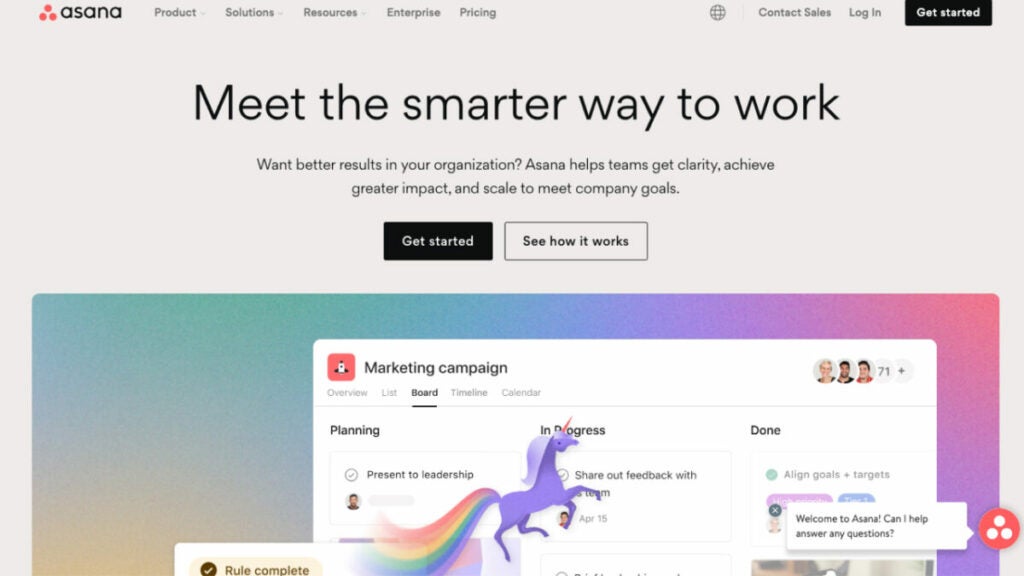
Asana, a project management tool, can assist your product team in organizing daily work and strategic initiatives more efficiently and confidently throughout the product management lifecycle, including the ability to create roadmaps. Focusing on reliability and scalability rather than features, Asana is one of the product management tools that connects your entire team into one central location; work can be organized any way you see it, from lists or boards to calendars and Gantt charts. Asana allows you to stay productive, confident and efficient regardless of location!
Who uses Asana?
Why have more than 11,000 customers of Asana product roadmap tools given it an overall score of 4.5/5? Asana is a top product management tool that offers resource management features that easily coordinate projects and efficiently manage tasks and processes across multiple teams.
Best features:
- Task management. Focus your work in manageable pieces with clear deadlines and responsible parties in mind, all while aligning with your product strategy.
- Project Hubs. These shared hubs enable teams of employees to take care of task management and collaborate on tasks together.
- Project views. If desired, organize your project as a Gantt chart or Kanban board. Otherwise, using calendar views as the foundation is also effective.
- Custom field labels. Labels allow you to sort, filter and report on your work automatically.
Pricing:
- Basic – Free
- Premium – $10.99/user/month billed annually, free trial is available
- Business – $24.99/user/month billed annually
Design management software
Figma
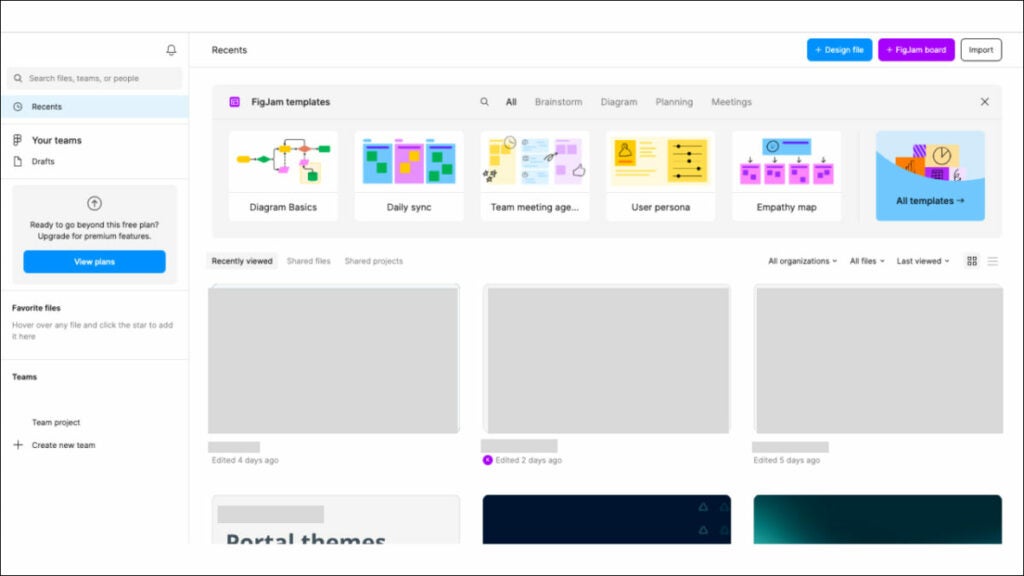
Figma is both an on-premise and cloud-based product management tool. It provides businesses with effortless means to design custom prototypes quickly, collaborate easily with designers and developers, share prototypes among team members and manage design processes within the product development process more efficiently. And finally, manage design processes within product development workflow more easily than ever, with a minimal learning curve! Originally born online, it enables product teams to come together and quickly develop, test and ship better designs.
Who uses Figma?
Most users interact with Figma and choose it among other product management tools because of its advantageous collaborative design capabilities. Figma users include designers, developers and cross-functional teams involved with product development.
Best features:
- Real-time collaboration. It allows product teams, design and development teams to work seamlessly, maintaining consistent communication at every point during decision-making and collecting feedback phases of design projects, enhancing collaboration within product lifecycle management tools.
- Design versioning. Effective version control helps keep an up-to-date history of design changes that align with project goals more easily when necessary and makes for quicker decisions when necessary.
- Interactive prototyping. Product managers have the power to use interactive prototyping in order to visualize and test user experiences before implementation, helping ensure their designs align with customer needs and project objectives.
- Design handoff and documentation. An efficient tool that facilitates handoff between designers and developers by creating design requirements, exporting assets and providing extensive documentation in order to ease collaboration while avoiding development misunderstandings.
Pricing:
- Starter – Free Forever
- Figma Professional – $12 per editor/month billed annually
- Figma Organization – $45 per editor/month, annual billing only
- Enterprise – $75 per editor/month, annual billing only
Sketch
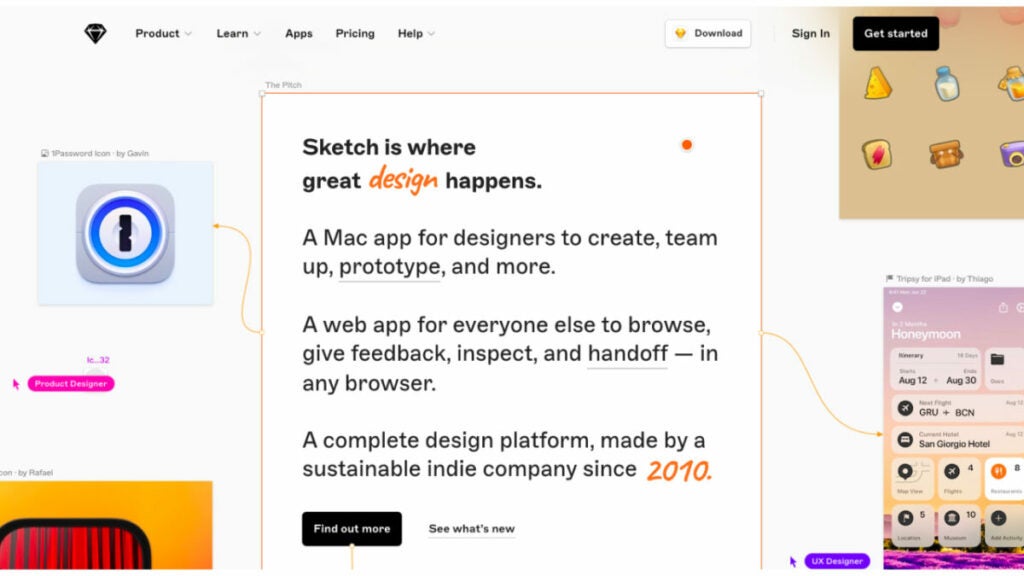
Sketch is the essential digital design platform and product management app, offering everything you need to develop, prototype and collaborate on product ideas. It’s a vector graphics editor tailored for user interface design on MacOS that integrates well with cloud product management tools. Sketch remains one of the premier choices among product managers looking for native Mac applications that create pixel-perfect designs quickly while remaining collaborative enough. Sketch is the best product management software that makes taking designs from conception through realization and throughout the product lifecycle management tools easier than ever!
Who uses Sketch?
Sketch serves primarily as a design product management tool and is utilized by numerous professionals involved in product development: product managers, designers and developers.
Best features:
- Vector graphics editing. Vector-based design capabilities provide product teams with the means to produce scalable graphics and user interfaces with precision efficiently.
- Artboard and page organization. They help efficiently organize, manage and oversee various design concepts, iteration cycles and screens.
- Integration with design libraries. Sketch supports creating and utilizing design libraries, making it easier for product managers to maintain an aesthetically consistent design language across product components.
- Third-party plugin ecosystem. Product managers can make use of third-party plugins to streamline their design workflow, from exporting assets and document generation all the way up to designing documentation for specific projects.
Pricing:
- Standard plan – $10 per editor/month, billed yearly
- Business plan – $20 per editor/month, billed yearly
- Mac-only license – $120/Per license
Human resources management software
BambooHR
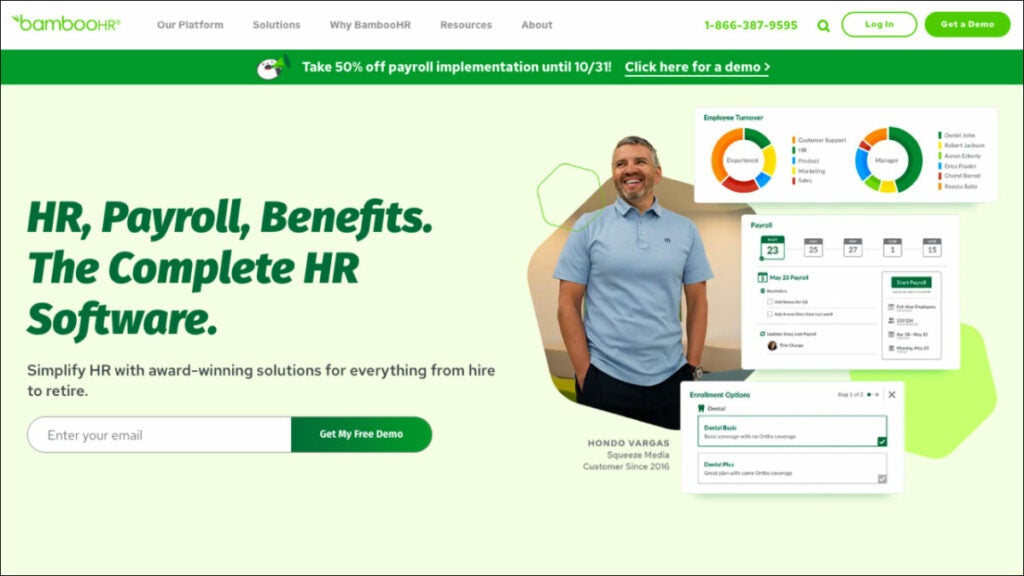
BambooHR has quickly become one of the go-to HRM best product management software solutions due to its user-friendly interface and comprehensive HR management features, making it suitable for product managers. Notably, they may benefit from all the features like tracking team members’ time off requests, managing performance reviews and maintaining employee records; this ensures HR-related tasks can be efficiently completed while product management pros focus on product development or project management tasks.
Who uses BambooHR?
BambooHR’s product management tool centralizes employee, payroll, time and benefit data for data quality, security, privacy and synchronization so you can sleep well.
Best features:
- HR data & reporting solutions. They enable HR personnel to manage data more easily while offering powerful reporting and analytics tools to make use of employee records for effective HR practices. Plus, your data becomes part of its work for you!
- Performance and employee experience. People are your greatest assets; any effective organization must support their growth. BambooHR helps with employee satisfaction surveys, feedback collection and meeting performance targets.
- Payroll, time, benefits. BambooHR makes payroll simple for both employers and employees by centrally overseeing time, benefits and hours worked from one central platform. No more manual approval of data duplication: just precise payroll services at your fingertips!
Pricing:
- Advantage – Starting at $8.75/month
- Essentials – Starting at $5.25/month
Zenefits

Zenefits is an all-in-one HR platform that simplifies various HR tasks such as benefits administration, payroll processing and compliance monitoring for small to midsized enterprises. Over 11,000 small and midsized enterprises rely on Zenefits SaaS cloud HR product management software to empower employees, manage change effectively and comply with regulations; their People Platform delivers an intuitive yet comprehensive HR experience for employees.
Zenefits is one of the best product management tools that provides industry professionals a way to ensure their team members can access essential HR services and benefits, helping attract and retain top talent more easily while aligning with the company’s product roadmap within the product development process.
Who uses Zenefits?
Zenefits is the best product management software that caters to small and medium-sized businesses (SMBs) of all sizes, from 1-5 employees to 1000+.
Best features:
- Benefits administration. This feature helps attract and retain top talent, which is critical for product development projects to succeed.
- Time off tracking. Time off monitoring technology assists you in efficiently managing and approving employee leave requests more quickly.
- Compliance management. Zenefits can serve as an invaluable asset when it comes to human resource and employment law compliance management.
- Employee records management. You can utilize this data to better comprehend your team composition and resource allocation abilities for projects.
Pricing:
- Essentials – $8/month per employee
- Growth – $16/month per employee
- Zen – $27/month per employee
Sales management software
Salesforce
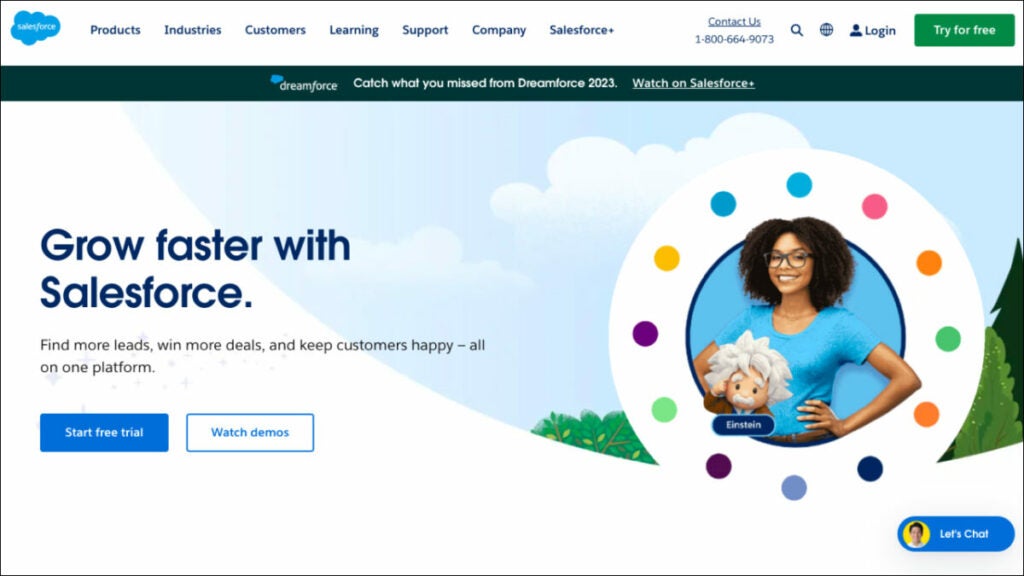
Salesforce provides product managers with an expansive set of product management tools for sales management, customer insights and data visualization through marketing automation, making it a crucial component of product planning. Through Salesforce, they can gain insight into user behavior while tracking team performance and staying laser-focused on their product strategy. The data-driven analysis also can inform product development decisions. With such flexibility and an expansive ecosystem of third-party integrations with other tools, Salesforce becomes an appealing option when aligning product strategies with sales efforts.
Who uses Salesforce?
Salesforce serves the needs of companies of any size or industry. Any product manager can use Salesforce’s best product management software features, aligning product development to market demands and customer needs.
Best features:
- Sales analytics. Sales analytics provide invaluable insight for improving product strategies, pinpointing opportunities for growth and optimizing resource allocation in product development projects.
- Integration capabilities. Salesforce offers extensive integration capabilities that enable users to connect their CRM data to other tools (like project management software or marketing automation tools) seamlessly.
- Lead and opportunity management. Product management professionals using Salesforce can stay abreast of potential sales opportunities and evaluate them before working closely with sales teams to convert leads into customers.
Pricing:
- Starter – $25/user/month
- Professional – $80/user/month
- Enterprise – $165/user/month
HubSpot Sales Hub
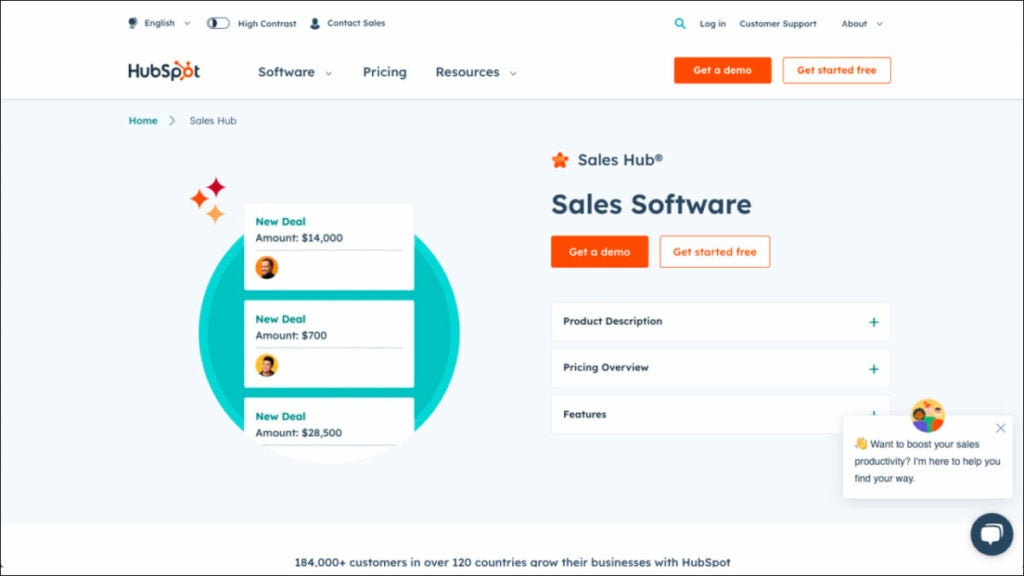
HubSpot Sales Hub is an easy and user-friendly CRM and sales automation platform created to streamline sales processes. Sales teams, product overseers and product marketing executives alike can use this product management platform for gathering customer feedback, tracking leads and opportunities and analyzing sales data, all with a minimal learning curve. Its integration with marketing tools ensures a smooth journey from lead generation through closing deals, keeping professionals apprised of user interaction and market trends while aligning with the company’s product roadmap.
Who uses HubSpot Sales Hub?
HubSpot Sales is the best product management software typically utilized by sales and marketing professionals, customer support teams, business leaders and product management professionals.
Best features:
- Lead management & prospecting software. Utilize one centralized prospecting workspace to turn more leads into deals.
- Call tracking software. It lets you prioritize each day’s sales calls directly from your browser while automatically tracking them within HubSpot.
- Sales analytics. Powerful analytics and reporting tools enable product managers to monitor sales performance, monitor customer engagement levels and assess sales strategies’ efficacy.
Pricing:
- Free plan and free trial available
- Starter – $45/month
- Professional – $450/month
- Enterprise – $1200/month
Marketing management software
HubSpot Marketing Hub
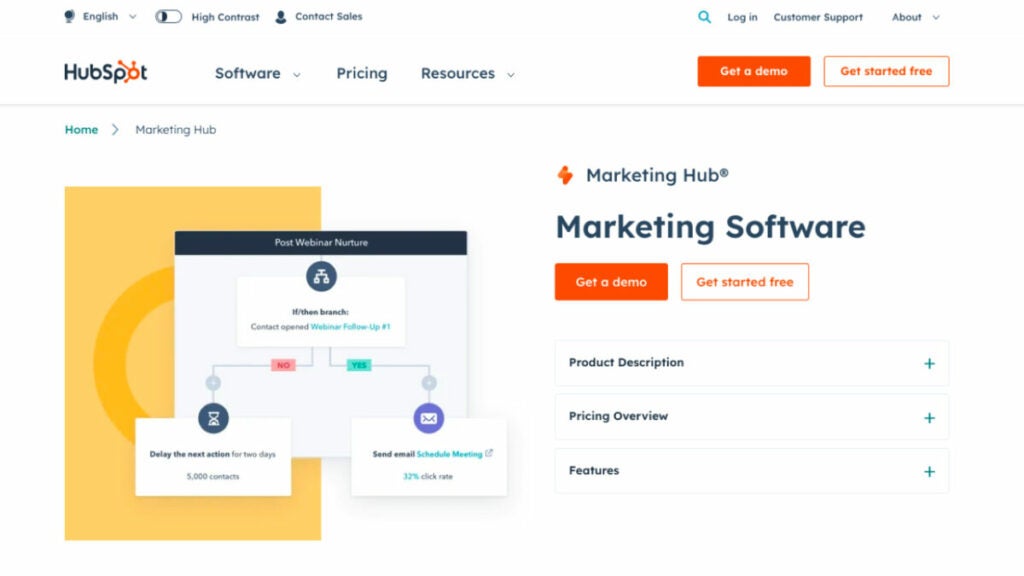
HubSpot Marketing is the best product management software and it offers an all-encompassing inbound marketing platform featuring an expansive set of the best product management tools. A product manager can leverage its features for developing and running marketing campaigns, automating lead nurturing processes, measuring campaign performance and seamlessly integrating marketing efforts with product releases and software development to align them with business objectives—plus, it helps understand user behavior to tailor product strategies accordingly!
Who uses HubSpot Marketing Hub?
HubSpot Marketing product management software provides marketing experts, sales teams and organizations of all sizes with the best tools for effective management of both their marketing initiatives and operations.
Best features:
- Campaign management. Product-related campaigns and marketing efforts are coordinated efficiently in accordance with product goals.
- Marketing automation allows businesses to automate communication between leads and customers to deliver relevant product details at every point in their customer journey.
- Lead tracking and scoring tools allow product managers to track engagement levels of leads and prospects over time to assess engagement rates accurately.
- Analytics and reporting. These features offer useful insight into the success of marketing campaigns.
Pricing:
- Free trial available
- Starter – starts at $18/month
- CRM Suite Starter – starts at $20/month
- Professional – Starts at $800/month
Marketo
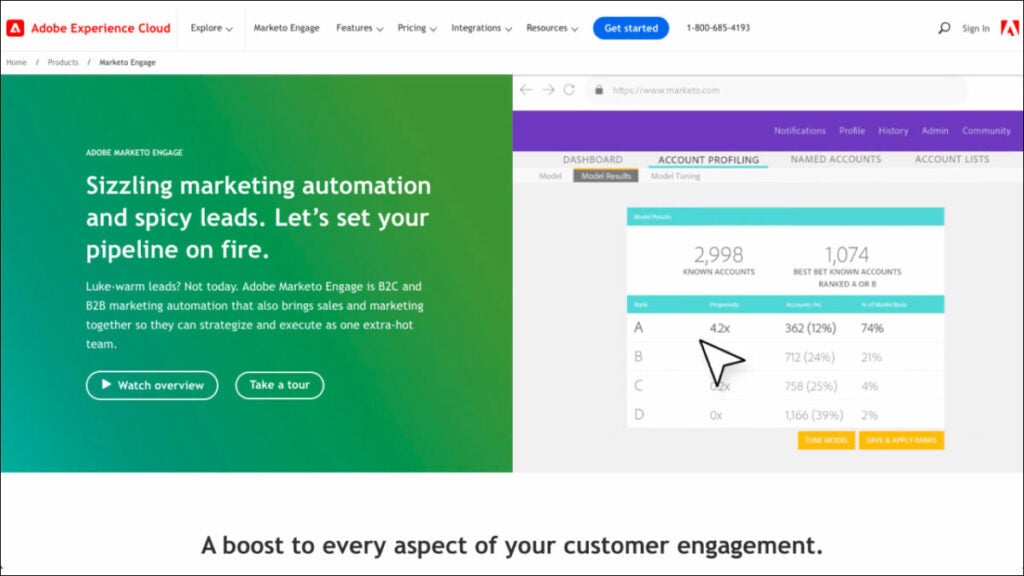
Marketo by Adobe is a marketing automation platform that drives engagement and revenue growth. As a product manager, you can prioritize features, collaborate with marketing teams on lead management, work on campaign optimization, collect user feedback, take care of reporting/analytics capabilities that allow you to refine product messaging based on customer responses, as well as campaign analytics capabilities that deliver insights into campaign successes.
Who uses Marketo?
Perfect for B2B or B2C companies that want to increase customer satisfaction, customized and scalable segmentation, personalization and a strong connection with customers.
Best Features:
- Cross-channel marketing. With Marketo product management software, you can keep track of your consumers at every turn of their journey, including the strategic planning of your product roadmap.
- Sales and marketing partnership. Connecting the dots between marketing and sales is essential for providing customers with consistent, individualized service.
- Content intelligence. Marketo Engage allows you to craft personalized experiences at scale by identifying and providing top performing content based on real-time behaviors, profiles augmented with online and offline data sources, AI algorithms, etc.
Pricing:
- Free trial available
- Contact Marketo to get info about pricing.
Bonus: Software powerpack for product managers
FuseBase (formerly Nimbus)
FuseBase (formerly Nimbus) is a client collaboration tool that encompasses the best features of product management software solutions. It’s a client-oriented platform specifically tailored to address any product manager’s unique requirements and navigate the complexities of the product life cycle, all while gathering and setting up customer feedback loops. If you’re a product manager, FuseBase (formerly Nimbus) provides you with innovative features like Super Documents for versatile information management, Client Portals, FuseBase AI and FuseBase Tasks enable you to efficiently organize, collaborate on and access critical project data efficiently and cost-effectively. Beyond traditional project management, this product management software supports knowledge management, customer satisfaction and collaboration tools, reflecting modern product management demands. FuseBase (formerly Nimbus) stands as the best product management software for industry professionals seeking excellence in their roles.
Sketch
Sketch is the best product management software for digital design, providing users with everything they need to produce innovative digital products quickly and collaboratively. The Mac-based vector graphics editor makes ideal tools for crafting user interfaces and user experiences, particularly valued by product managers who rely on native Mac applications for precise design work. Furthermore, there’s Sketch for Teams, which facilitates collaborative working sessions within one workspace. Sketch is one of those product manager tools that designers and developers widely utilize as a vector graphics editing application that excels at artboard/page organization, design library integration, plugin ecosystem support and plugin compatibility to ensure an effortless design process that aligns perfectly with project objectives and branding needs.
Salesforce
Salesforce stands as the market-leader product management software, boasting an expansive suite of tools for sales management, customer support and marketing automation, all essential components of the product management process, with a strong focus on customer feedback. Users find incredible value in the Salesforce product management platform for gathering insights into customer behavior, monitoring sales team performance and employing data-driven analysis for informed product development decisions. Salesforce stands out for its adaptability and extensive third-party integrations, which makes it an attractive solution for product managers looking to align product strategies seamlessly with sales efforts. Salesforce’s multi-tenant cloud computing model benefits companies of all sizes and industries alike, equipping any product manager to connect product development to customer demands through robust CRM features like sales analytics and integration and lead and opportunity management features.
Wrapping up
As discussed previously, product management requires an arsenal of software tools to efficiently navigate the maze of product creation, collaboration and strategic decision-making. This article presents the ten best software for product managers options explicitly designed to meet the unique requirements of the industry workers, from project management and design through sales and marketing. All 10 product management platforms can help any product manager meet these objectives effectively. By employing the appropriate combination of product manager tools, you can streamline your processes, better meet market needs and drive success for your products in today’s complex business world.
How to generate images with DALL-E 3 on ChatGPT?

OpenAI has unveiled a fresh integration, bringing its avant-garde image generator, DALL-E 3, into the fold with ChatGPT. Currently in its beta phase, this feature is exclusively available to the subscribers of ChatGPT Plus, priced at $20 monthly. With DALL-E 3 activated, users can seamlessly instruct the chatbot to conjure up a quartet of unique images using casual vernacular.
The democratization of advanced image generators to the masses isn’t without its challenges. The legal landscape is rife with debates as numerous artists point fingers at OpenAI, citing potential copyright overreach. Beyond the legal fray, there are also mounting concerns from security aficionados regarding the role of AI image generators in amplifying the dissemination of disinformation.
For enthusiasts keen to dip their toes into the world of DALL-E 3 without a price tag, Microsoft’s Bing Image Creator offers a complimentary version. It’s noteworthy that in the early days post-integration, the platform witnessed a surge in edgy image outputs. In response, Microsoft has since fortified its AI framework with additional protective measures.
If the idea of melding ChatGPT with DALL-E 3 to craft visuals piques your interest, read on for a primer and glean insights from my hands-on rendezvous with these cutting-edge chatbot utilities.

Using DALL-E 3 on ChatGPT
For the privileged ChatGPT Plus patrons, activating the DALL-E 3 functionalities is a breeze. Here’s a rundown:
- Head over to the OpenAI website or get into the ChatGPT mobile application, available both on Apple and Android devices.
- Once inside, make your way to the GPT-4 tab, prominently located at the screen’s apex.
- A dropdown menu will unfold. From the available options, earmark “DALL-E 3 (Beta”’ to unleash its capabilities.
However, do bear in mind the following constraints:
- The GPT-4 rendition of ChatGPT doesn’t grant unlimited access. Powering these prompts requires a considerable computational force. Hence, OpenAI has instituted an official limit, capping interactions at 50 prompts within a span of three hours. Exceed this, and you’ll be greeted by an error, also indicating your cooling period before your next access window.
- Once your request is in the system, display a smidgen of patience. The image generation process can take a ballpark figure of 30 seconds.
- OpenAI’s guiding principles are paramount. Should your image request tread into territories not aligned with their guidelines, expect either a curated selection of compliant imagery or, in certain instances, an outright denial of your request.
Tips and tricks
One remarkable shift with DALL-E 3 is how it integrates with ChatGPT. Now, rather than solely serving as a generator, ChatGPT morphs into a facilitator, concocting multiple nuanced prompts for DALL-E 3 to work upon. This added layer enhances the user experience, making the entire process more interactive and dynamic.
With DALL-E 3, prompts can be diverse. They span from succinct sentences to elaborate narratives. And while each prompt is unique, they collectively add depth to DALL-E 3’s capabilities, broadening the spectrum of image outputs.

If your visual narrative involves human subjects, you’ll observe that ChatGPT doesn’t shy away from detailing. It frequently delves into specifics, denoting attributes like gender and race. This precision ensures that the resulting images align closely with your envisioned output, catering to the granularities of your request.
- Before you dive in, get a solid grasp of DALL-E 3’s capabilities. Remember, it’s those rich, descriptive captions that truly bring out the magic in the outputs.
- The more you define, the more refined your image. Descriptiveness is the playground where DALL-E 3 shines brightest.
- Not thrilled with the first result? Pivot and iterate. Tweaking your prompt or adding layers of details can morph your output. Embrace the trial-and-error philosophy.
- Where DALL-E 3 truly stands out is in morphing descriptions into tangible objects and intertwining text within images. It’s like having a creative genie at your fingertips.
- DALL-E 3’s predecessors and sample prompts provide a treasure trove of insights. Study them, understand the logic behind each, and tailor your prompts accordingly.
@Highlight feature on Facebook gives users an impactful method to spotlight a specific post

Have you discovered the @Highlight feature yet? If you’re keen on amplifying your online visibility, this tool on social media is truly transformative.
Every post you share on Facebook tells a unique story, but with countless updates every day, how can you make sure your special moments and messages stand out? Enter the @Highlight feature. It’s that little touch that elevates your regular Facebook posts to something more captivating.
Join us as we explore the nuances of the @Highlight feature on Facebook. Whether you’re spotlighting your business, celebrating personal achievements, or just ensuring your voice resonates, the @Highlight feature is your gateway to heightened attention on Facebook. Delve into the magic of this under-the-radar tool and let’s maximize its benefits together.

What is the @Highlight feature on Facebook?
The @Highlight feature on Facebook offers users an impactful method to spotlight a specific post, ensuring enhanced visibility on both their profile and in their followers’ news feeds. Similar to the concept of “pinning” a post, it guarantees that this content is among the first items seen by those accessing your profile or scrolling their feeds.
Activating the @Highlight feature on a post amplifies its size, rendering it more striking. The post’s expanded dimensions naturally garner more eyeballs, distinguishing it amidst the sea of regular updates in a follower’s feed.

Imagine the @Highlight feature on Facebook as the equivalent of pinning your favorite tweet on Twitter. The emphasized post lingers at the pinnacle of your profile, guaranteeing immediate visibility for any profile visitor. It serves as an excellent platform to spotlight crucial updates or memorable instances you wish to underline.
Furthermore, @Highlight doesn’t just magnify a post’s visibility; it also prolongs its tenure near the top of users’ news feeds. While standard posts gradually descend in the feed due to newer content, a highlighted one remains prominent for longer, granting it a broader audience over its lifespan.
A highlighted post also secures a consistent place atop your profile, ensuring effortless access and interaction for anyone exploring your page.
The beauty of the @Highlight feature lies in its versatility. Be it a significant life event, a promotional campaign, an urgent message, or any content you deem worthy of attention; @Highlight ensures it commands the spotlight.

Nevertheless, while the @Highlight feature is undoubtedly powerful, it’s pivotal to wield it with discretion. Excessive highlighting may dilute its impact, causing followers to overlook your emphasized content if everything appears equally vital. It’s wise to save it for the truly noteworthy posts.
Using the @Highlight feature
Capitalizing on the @Highlight feature on Facebook is quite user-friendly. Here’s a concise guide to effectively employ this tool:
- Begin by crafting the post you wish to underscore. This could range from a status update, a photo, a video, to any piece of content you usually circulate on Facebook. Ensure it’s primed for your audience’s view.
- Once satisfied with your creation, hit the “Post” button. Whether it’s your timeline, a group, a page, or another locale, your content will become accessible based on your chosen privacy parameters.
- After posting, navigate to its location, be it on your timeline or wherever you’ve opted to share.
- Amplify your post’s visibility by typing “@Highlight” in the comments beneath it. This action is just like adding any conventional comment.
- Post your comment, and you’ll notice the immediate expansion of your content, enhancing its prominence. Besides, it nestles atop your profile, and it will linger nearer to the summit of your followers’ news feeds longer than usual.
- Should you wish to modify your highlighted content, tap on the trio of dots (indicative of more options) present on the post’s upper right. Here, you can either rescind the highlight or instate further edits.
- The potency of the @Highlight feature is undeniable, but its efficacy is maximized when used sparingly. Prioritize which posts to highlight, ensuring the emphasis is on truly notable content.
To recap, the @Highlight feature on Facebook, while not yet available to everyone, presents a convenient method to enhance your posts’ visibility. It ensures that key content remains a focal point on your profile and consistently pops up in your followers’ news feeds.
Pokemon GO: Spiritomb catching guide

Pokemon GO has always been a game that thrives on events, and the Halloween 2023 event is no different. With a plethora of spooky content for players to dive into, one of the most sought-after creatures this season is Spiritomb. In this guide, we’ll detail how you can capture Spiritomb in Pokemon GO and discuss its shiny variant.

The Halloween 2023 event in Pokemon GO
The Halloween 2023 event in Pokemon GO has been split into two parts, with the second part currently in progress.

This event will conclude on October 31, 2023. During this phase, players have the opportunity to:
- Catch the Shiny Zorua in the wild for the very first time.
- Encounter Pikachu and Gengar donning the Tricks & Treats costume.
- Engage in the Spiritomb Timed Research quest for a chance to encounter this Ghost/Dark-type Pokemon.
Steps to capture Spiritomb in Pokemon GO
Capturing Spiritomb isn’t straightforward. Players need to engage in a special timed research quest to have an encounter with this rare creature. Here’s how:
Engage in the spiritomb timed research quest. This is an event-exclusive quest available only during Pokemon GO’s Halloween celebrations. The quest will end on October 31, 2023, at 8 PM local time.
Complete the quest tasks. The tasks associated with this quest are:
- Make 108 Nice Throws.
- Execute Curveball Throws.
- Spin 10 PokeStops or Gyms.
It’s essential to note that if you miss out on this timed research quest, you’ll likely have to wait until the next Halloween event to have another shot at capturing Spiritomb.

Rewards
Quest Steps and Rewards:
- Earn 1,080 Stardust:
- Reward: Misdreavus encounter
- Earn 1,080 XP:
- Reward: Yamask encounter
- Make 108 Nice Throws:
- Reward: Pumpkaboo encounter
- Make 108 Curveball Throws:
- Reward: Phantump encounter
- Use 108 Berries to help catch Pokémon:
- Reward: Shuppet encounter
- Earn 10,080 XP:
- Reward: Litwick encounter
- Spin 8 PokéStops or Gyms:
- Reward: Gastly encounter
- Spin 10 PokéStops or Gyms:
- Reward: Driftloon encounter
Pokemon GO: Spiritbomb shiny variant
Spiritomb has a shiny variant in Pokemon GO. The shiny form of Spiritomb was introduced to the game in 2020. So, for those trainers who are avid shiny hunters, this is your chance to add a shiny Spiritomb to your collection.
Alan Wake 2: Password for Witchfinder Station walkthrough

Alan Wake 2 is a game that has captivated players with its intriguing storyline and challenging puzzles. One of the most sought-after pieces of information in the game is the password for the computer at Witchfinder’s Station.
Alan Wake 2 delivers groundbreaking features, building upon both the original title and its polished successor. In its approach to reinventing genre conventions, the game echoes shades of Lords of the Fallen, particularly in its diverse environments and player mobility options.
Harnessing innovative lighting techniques and enabling character toggling, the game presents dual realities and perspectives, creating a visually captivating and engulfing gameplay experience.
In this guide, we’ll walk you through the steps to find the station and the coveted password.
Finding Witchfinder’s Station in Alan Wake 2
Before you can access the computer, you first need to locate Witchfinder’s Station.
Progress in the story. Continue playing Alan Wake 2 until the flood event concludes. This significant moment in the game serves as a marker, indicating that you’re on the right track.
Locate the station. Once the flood is over, head to the northwest part of Cauldron Lake. Here, you’ll find a prominent building – that’s Witchfinder’s Station.

The password hunt
Now that you’re inside Witchfinder’s Station, it’s time to find the password:
Spot the computer. As you enter, you’ll notice a computer directly in front of you.
Inspect the screen. To find the password, closely examine the computer screen.
A pro tip for Alan Wake 2 players: Use your weapon’s aim (left trigger) to zoom in on the screen. However, be cautious and avoid shining your light directly onto the note.
On the computer screen, there’s a sticky note that holds the key – the password: 2547
When entering the password, don’t fret about adding extra spaces; just inputting the numbers will suffice.
What awaits inside the computer?
After unlocking the computer with the password, you might be wondering what secrets it holds. Well, while there aren’t any cool gear or items to collect, there’s valuable information to uncover.
Dive into the emails stored in the computer. These correspondences shed light on some of the game’s puzzles, providing players with insights and clues.

Puzzles in Alan Wake 2
Alan Wake 2 is not just about action; it’s also about solving riddles and puzzles. Here’s a brief overview:
- Throughout the game, players will encounter puzzles on the ground, known as “Riddles.”
- To solve these riddles, players need two essential components: clues and items. These items can be objects like dolls or statues, and they’re typically found near the riddles.
- Once you have the necessary items, place them on specific spots on the ground. For instance, if a clue mentions a bird flying, you’d place a bird figure on the corresponding spot. Another clue might discuss a hero and a wolf, guiding players to place the hero on a boat spot and the wolf on a tree spot.
With the information provided in this guide, players should be well-equipped to tackle every puzzle in Alan Wake 2 without requiring additional assistance.
The game is available on Epic Games Store:

Alan Wake 2 offers players a rich gaming experience, filled with mysteries, challenges, and puzzles. The password for the computer at Witchfinder’s Station is just one of the many secrets waiting to be uncovered.
Are your secrets safe? Check “Results About You” on Google

How often have you punched your name into Google and stumbled upon long-forgotten photos, ancient usernames, or even digital breadcrumbs from a past life? Worse still, ever found your old home address or phone number staring back at you?
The digital age has its perks, but unintentionally publicizing our personal data isn’t one of them. Enter Google’s solution: a proactive tool to have your back in the vast ocean of online information.
This past August, Google rolled out a fresh feature for its search engine, dubbed “Results About You”. This nifty tool gives users a heads-up when their personal details show up in a Google search. Not just a passive alert system, it grants users the power to see the exact places their data appears and, if they wish, to yank that page out of Google’s search list.

Furthermore, in a world where online harassment is sadly prevalent, “Results About You” becomes an essential ally against doxxing threats.

Bundled with Google’s growing suite of privacy tools and on-the-horizon offerings, individuals can feel a tad more secure about their online presence – or at least, about how Google portrays it.
Enabling Results About You
Ready to take charge of your digital presence? Here’s a step-by-step guide to setting up Google’s “Results About You” alerts:
- To begin, ensure you have a Google account. If not, create one. If you already do, simply log in.
- Head to the “Results About You” activity page.
- Click on the “Get Started” button and heed the instructions popping up on your screen.
- Google will prompt you to list down the contact details you want to be alerted about. This isn’t limited to just one entry – feel free to include multiple names, residential addresses, phone numbers, and email addresses.
- Decide how you’d like Google to give you the heads up. Your choices? Either an email to your registered Google account or push notifications to your Google-connected devices.
- Once set up, Google takes the wheel, combing through search results for any mention of your listed details. Do note, this maiden voyage through the vast seas of data can take a couple of hours.
- Changed your phone number or shifted houses? No worries. Revisit the “Results About You” page whenever you like to update or modify your contact details.
Deleting your personal data from Google Search
While Google might be the maestro of search, it doesn’t have the magical power to erase content from websites it doesn’t own. However, it does offer a helping hand in scrubbing certain personal details from its own search pages.
Wondering how to put in a plea to Google to delist personal data from its search outcomes? Here are the steps:
- Visit the “Results About You” activity page.
- Click on “Results to review.”
- Notice any results that shouldn’t be there? Simply tick the blue checkbox beside the result(s) you wish to flag for removal.
- Once selected, hit the “Submit request” button.
- Google won’t just blindly obey; they’ll evaluate your request based on their established policy parameters. Curious about your request’s progress? You can keep tabs on its status right on the “Results About You” page. Plus, if you have second thoughts, there’s an option there to reverse any removals.
Remember, while Google offers tools to better manage your online visibility, it’s always a good idea to be cautious about the personal details you share on the internet. After all, prevention is better than cure!

If you’d rather go through a more general channel, Google’s got you covered with its Help Center removal form. Here’s how to tread that path:
- Navigate to Google support’s personal content removal form.
- Be prepared to input specifics about the content you’re concerned about. This might mean sharing screenshots, pointing out URLs of problematic search result pages, or jotting down the exact search queries that led to the unwanted results.
- After ensuring everything is in order, hit “submit” on the form.
If you’re keen on diving deeper into how Google manages privacy or if you want to fine-tune your digital veil, the Google Safety Center is your treasure trove. Make it a pit stop to educate and empower yourself about the digital traces you leave behind.
How to redeem TikTok coins?

TikTok, akin to Instagram, has established itself as a formidable platform for advertising an array of content – be it products, music, videos, or other engaging materials. The app serves as an arena for individuals, known popularly as influencers, to champion products and be compensated by the affiliated brands for their promotional services.

Redeeming TikTok coins
Harnessing your creative prowess and garnering a significant follower base is the foundation for monetizing your content on TikTok. The extent of your audience determines your market value, with brands shelling out anywhere between $200 and $20,000 per branded video tailored by influencers.
Upon reaching a milestone where you’ve amassed a considerable follower count and produced several paid videos, withdrawing your earnings becomes an option. However, this is viable only once you’ve accumulated a balance exceeding $100, equating to approximately 10,000 coins. The intriguing mechanism sees coins being transmuted into diamonds, which subsequently convert to tangible cash upon withdrawal.

This guide illuminates every facet you need to grasp about the process of how to redeem TikTok coins and extracting your hard-earned money from TikTok.
Exclusive to PayPal, TikTok’s cash withdrawal system necessitates users to either possess an existing PayPal account or create one. It’s of paramount importance to ensure the accuracy of all entered details, spanning from credit card data to residential information. In the event of transactional discrepancies, the onus lies solely on the user, advocating the importance of diligent cross-checking.
- TikTok imposes a non-negotiable base limit of $100 for withdrawals. Your withdrawal plea finds acceptance solely if your TikTok monetary balance eclipses the US$100 mark. If your content revenue generation is on the lower side, patience is advised, allowing for the funds to aggregate prior to initiating the withdrawal.
- There exists a daily cap of $1,000 for transfers from TikTok to PayPal. For balances exceeding this, a phased withdrawal over multiple days becomes requisite. For instance, a balance of $3,400 mandates withdrawals across four days: $1,000 for the initial trio and the residual on the concluding day. While seemingly cumbersome, adherence is mandatory.
Prior to engaging in the withdrawal, users must familiarize and consent to TikTok’s Terms of Service.

Steps on how to redeem TikTok coins:
- Launch the TikTok application.
- Navigate to your “Profile”.
- Click on the three horizontal lines situated in the upper-right quadrant to access settings.
- Opt for “Settings and privacy”.
- Proceed to select “Balance”.
- Click on “Live Gifts”.
- Choose the “Withdraw” option.
- Authenticate your access by logging into your linked PayPal account.
- Validate the withdrawal.
Are there any associated transfer charges?
While TikTok does not impose any fees for transfers, PayPal might. The fees PayPal levies can vary based on the nature of your withdrawal (like non-personal transfers, donations, etc.) and the country of your account registration. Charges could be upwards of 2% along with certain fixed fees per transaction.

What’s the duration for transfer completion?
If you’re anticipating instant access to your TikTok funds, it’s advisable to temper expectations. TikTok can take as long as 15 days to process your withdrawal request, attributing the delay to security checks. Even post TikTok’s approval, PayPal might introduce additional wait times. Funds can be retained by PayPal for security verifications, which could span up to 21 days. Should you then desire to move the amount from PayPal to a bank, an extra day or even up to a week could be added to the waiting period. In essence, patience is paramount when accessing earnings from TikTok.
What’s the potential earning?
Achieving financial success on TikTok demands ingenuity and a significant follower count to ascend to influencer status. Even with initial earnings, maintaining quality and consistent content becomes akin to a full-time commitment. But the rewards can be lucrative for those who strike the right chord. Historical data suggests staggering earnings – for instance, in 2016, the top ten TikTok personalities raked in an average of $46,000 within a fortnight.
How to play the Watermelon Game, Suika on Switch and PC

Watermelon Game, colloquially known as Suika Game, has officially landed on the Nintendo Switch platform, catching the eyes of gamers globally after riding the wave of its viral success.
Emerging from its humble beginnings in December 2021, the Suika Game became a sensation, captivating many with its unique puzzle mechanics that require players to drop and merge fruits of identical types in their quest for high scores. The game’s objective seems simple, yet mastering it can be a tricky endeavor.

Initially, its fame erupted among VTubers in Japan, propelling it to the pinnacle of the eShop download charts in September 2023. But its charm didn’t remain confined to Japan. Recognizable Western streamers, including personalities like Ludwig and LilyPichu, played pivotal roles in popularizing the Watermelon Game across borders.
The game’s initial exclusivity to the Japan eShop meant that international enthusiasts keen on diving into its fruity realm had to set up a Japanese Nintendo account. But in a welcome move, as of October 20th, the gates have opened: Watermelon Game can now be procured from the eShop regardless of your geographical location. Those in the UK can snag it for £2.69, while US-based gamers will find it priced at $2.99.

A slight hiccup is the absence of multi-language settings; the game can only be navigated in Japanese. But considering its puzzle nature, this should hardly pose a problem—even if you’re not fluent in the language.
Many have lauded Watermelon Game for its dual allure: it’s delightful and engrossing. Gameplay revolves around the precise placement of fruits, bearing in mind their intrinsic physics and interactions. Merging identical fruits escalates their evolution: cherries metamorphose into strawberries, which further transform into grapes, culminating in the coveted watermelon. However, players must remain vigilant. The game concludes if any fruit overshadows the confines of the designated box.
It’s a noteworthy period for the Nintendo Switch. Alongside the release of Watermelon Game, Super Mario Bros. Wonder has graced the platform, receiving widespread acclaim for its revamped 2D platform escapades. Simultaneously, racing aficionados can revel in F-Zero 99’s latest update, introducing three fresh tracks and the exhilarating King League Grand Prix.
Playing the Watermelon Game on Nintendo Switch
To enjoy the genuine Suika Game on your Nintendo Switch, adhere to the following procedure:
- Register for a new Nintendo account.
- While setting up, choose Japan as your country of residence.
- Complete the sign-up process.
- On your Nintendo Switch, navigate to “Settings”, proceed to “Users”, and then select “Add User”.
- Establish a new user profile and associate it with the Japanese Nintendo account you’ve just created.
- Acquire a 500 yen voucher from a reputable store like Amazon.
- For easier navigation on the store’s site, utilize your browser’s translation feature.
- Once you’ve secured the voucher, look for the code in your email inbox.
- Access the eShop on your Switch, and select “Redeem Code”.
- Comply with the displayed guidelines to claim your 500 yen.
- Revisit the eShop and input “Suika” in the search bar.
- With your 500 yen, finalize the purchase of the authentic Suika Game.
It’s important to mention that the Suika Game’s price tag is actually less than 500 yen—it’s set at 240 yen. Regrettably, there isn’t an alternative to procure a precise 240 yen voucher; 500 yen is the minimum available denomination.

Playing the Watermelon Game on PC
For those keen on experiencing Suika Game without any charges, there’s a version accessible via your web browser on a PC. To delve into this complimentary edition, navigate to suikagame.com and dive right in!
However, it’s essential to note that this free rendition of Suika offers a slightly varied experience compared to its counterpart on the Nintendo Store. The key distinctions include:
- There’s a variation in the physics between the two versions.
- Fruits in the browser-based game maintain a consistently round shape.
- The forthcoming fruit drop remains hidden in the browser variant. To immerse yourself in the authentic Watermelon Game experience, akin to what you’ve observed streamers showcasing on Twitch, it’s recommended to procure and play the Suika Game directly from the Nintendo Switch.
In summation, for those eager to indulge in a refreshing puzzle challenge, Watermelon Game, or Suika Game as many fondly call it, awaits your touch on the Nintendo Switch. Dive in and enjoy!
10 Best Software For Marketing Agencies in 2023
Explore the Top 10 Marketing Agency Software in 2023: Overview, Uses, Features, and Pricing

Nobody disputes that marketing agencies must manage multiple clients, campaigns, and team members efficiently while remaining abreast of the ever-evolving marketing landscape.
Without adequate software tools and systems in place to support them, agencies often must operate under emergency conditions to meet business demands.
But there is good news: software for marketing agencies can help improve this situation and simplify your work.
Our team understands finding the perfect marketing software solution to expand your business may be challenging, but we have your back!
We have selected the ten top software options for marketing agencies across different categories that should be kept in mind when looking to take your company to the next stage in 2023.
Project management software
FuseBase (formerly Nimbus)
FuseBase (formerly Nimbus) is an intuitive digital workspace designed to facilitate collaboration among agencies and digital professionals with existing clients at new levels. This marketing software makes it simple for clients and marketing teams to collaborate across projects using a browser extension; FuseBase (formerly Nimbus) provides all-encompassing project management solutions in one convenient place. Our agency management software empowers teams and individuals alike to establish efficient automated workflows within their workspaces.
You can create multiple workspaces, one for each project, where all the chaos can be organized. Users can chat, comment, allocate tasks, and integrate other tools in a secure, easily accessible environment.
FuseBase (formerly Nimbus) project management software lets you collect performance evaluations from peers, managers, individual contributors, and departments.
FuseBase (formerly Nimbus) is a powerful marketing software tool that can help clients and facilitate internal project collaboration. Your marketing agency will also benefit from our FuseBase (formerly Nimbus) Portals feature. FuseBase (formerly Nimbus) Portals are no-code websites created using FuseBase (formerly Nimbus) Workspaces that let your team quickly add super pages from within FuseBase (formerly Nimbus) Workspaces to these portals, and then share them directly with clients through a single link.
Who uses FuseBase (formerly Nimbus)?
Marketing agencies, digital marketing specialists, content creators, and other individuals who wish to amplify their marketing initiatives often turn to our project management platform for assistance.
Best Features:
- Client portals. Client portals allow clients to access project information in just a few clicks while also collaborating with them via chats or tasks within the portal.
- Task management. By using the built-in progress bar, you can quickly prioritize and monitor tasks.
- Time tracking. By keeping track of time spent working processes, planning, monitoring, and optimizing them becomes possible.
- Team collaboration. With our software for agencies, teams can easily coordinate processes by accessing work items in one secure place.
- Bird’s-Eye view. It is easy to see the project progress by creating an overview. This will be obvious to everyone involved, including yourself, your team, and clients.
- Super docs. Unlike traditional documents, which allow only text to be combined together into one document, FuseBase (formerly Nimbus) Docs lets you text, images, audio/video, PDF, and any additional files all into a single document.
- Permission management. Each workspace has a separate system of users, content, and permissions for security and project focus. Tap here and see by yourself!
Pricing:
- A free plan is available
- Paid plans start from $9/user/month
ClickUp
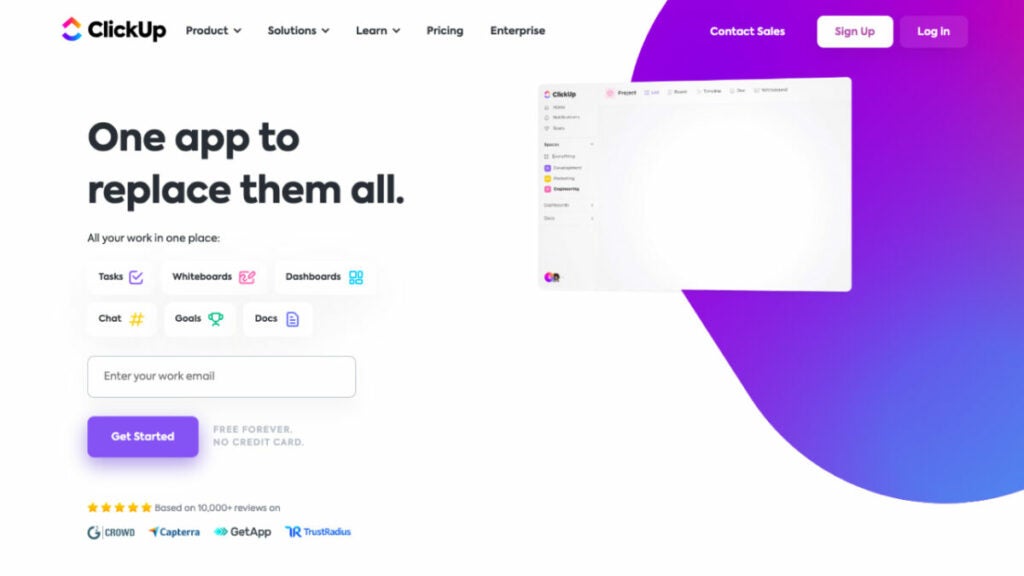
ClickUp is a revolutionary new project management tool with an easy-to-use dashboard and intuitive drag-and-drop capabilities that will improve your marketing efforts. ClickUp marketing software helps teams stay organized, prioritize activities, and complete projects through its customized task management, real-time communication, and scheduling software integration features.
Who uses ClickUp?
It is marketing software for project managers and agencies seeking a more streamlined, productive workflow automation management tool on a beautifully designed, intuitive interface.
Best features:
- Team collaboration. While integrating with Google Docs, ClickUp project management tool also offers its own version of Docs, dashboards, and whiteboards with an intuitive drag-and-drop interface to monitor the progress, brainstorm together, and manage content.
- Marketing timeline. A marketing timeline can help avoid bottlenecks.
- Native tracking time for managing processes. It allows you to manage your team’s resource planning and determine how much time is needed to complete a task.
Pricing:
- Free Forever: Feature-rich free plan
- Unlimited: $7/user/month
- Business: $12/user/month
- Enterprise: Contact for pricing
Teamwork
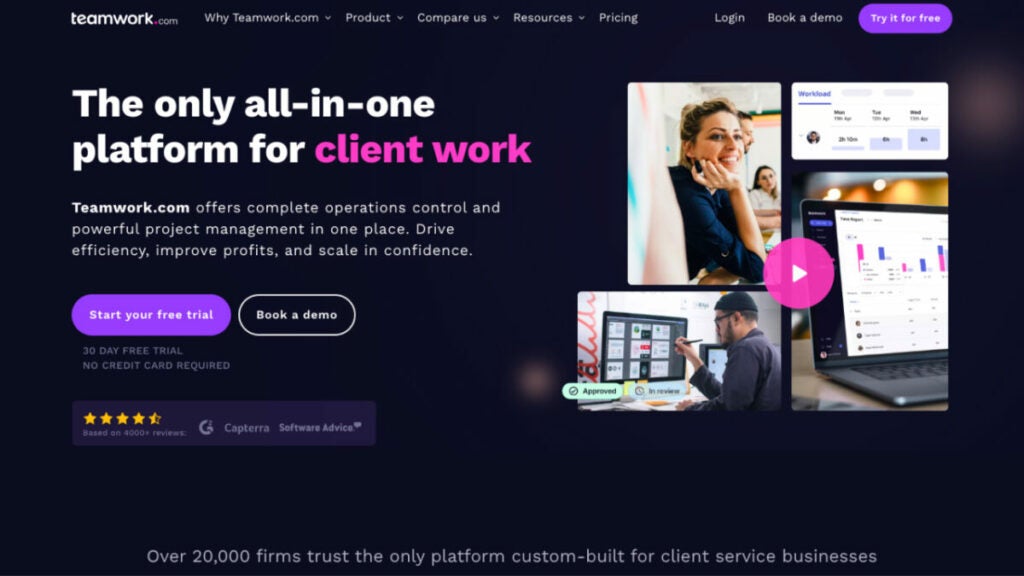
Teamwork is adaptable marketing software for managing projects that provides marketing firms with the resources they need to satisfy their clients’ demands for visual assets and more. Marketing firms can benefit from Teamwork project management tool since it facilitates the management of projects across many divisions. By making it easier to keep track of many chores, this program can boost efficiency. Also, keeping things organized can reduce the likelihood of missed deadlines and strained relationships with clients.
Who uses Teamwork?
Organizations that provide professional services to customers and strive to improve in areas such as workflow automation, profits, and employee satisfaction use this project management software.
Best features:
- View the teamwork board. Views include board view, Gantt Chart view, and Project Health views.
- Powerful collaboration. Teamwork marketing software offers the Chat and Spaces extensions that allow teams to communicate, share content, and stay informed without leaving the Teamwork platform.
- Management of workload and resources. Teamwork offers these features to plan and forecast future resources or manage your team’s daily capacity.
- Tracking time. It helps you maximize every moment billed and understand how your agency spends its time.
- Robust reporting features. Monitor profitability and usage.
Pricing:
- Free Forever: Free up to five users
- Starter: $5.99/user/month
- Deliver: $9.99/user/month
- Grow: $19.99/user/month
- Scale: Custom pricing
Marketing automation software
HubSpot Marketing Hub
Although HubSpot’s customer relationship management features are more well-known, the company also provides one of the best marketing software that encompasses inbound marketing, research keywords, social media posts, and search engine optimization.
HubSpot’s social media management platform is ideal for marketing agencies since it keeps all of your marketing efforts in sync and arranged according to customers. You can see who has been communicating with your team and when, from when a consumer fills out a form on your website to when they call customer service.
Its advanced features include a form builder, Google Ads integration, keyword research, an email campaign management tool, and web analytics tools for measuring your campaigns’ and clients’ efficacy.
Who uses HubSpot Marketing Hub?
Over 100,000 customers use HubSpot’s social media management tool in more than 120 countries to attract, engage, and delight customers.
Best features:
- Forms. Online form builders can help you with lead generation directly from your website.
- Live chat. Welcome site visitors to your website with automated chats and targeted welcome messages.
- Automation. This marketing software lets you automate operations across departments, personalize emails at scale, manage data in mass, perform data analysis, and more.
- Contact management. Add company and contact records with just one click. Log sales activities automatically and keep your records updated.
- Google Analytics. With Google Analytics, built-in dashboards, and marketing reports, you can make smarter decisions using actionable data for your simplified keyword research and influencer outreach efforts.
Pricing:
- Free foundational tools are available
- Marketing Hub
- Starter: Starts at $18/month
- Professional: Starts at $800/month
- Enterprise: Starts at $3,600/month
Wrike
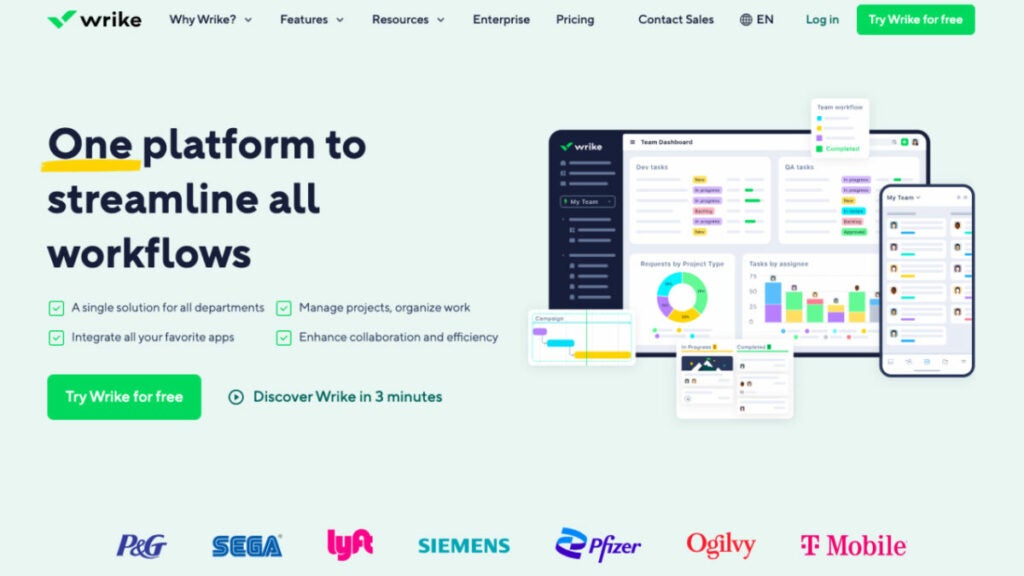
Wrike is one of the effective digital marketing tools for marketing automation in multidisciplinary groups, and it also allows you to conduct competitive analysis, schedule meetings, and integrate with multiple apps like Microsoft Teams and Google Analytics. This is the right software for agencies whose intelligent advanced features help marketers save time and better organize campaigns while increasing productivity by as much as 40 percent. Teams can use automation to complete repetitive tasks, establish logical connections among tasks, and maximize the use of available resources.
Who uses Wrike?
Ideal marketing agency software for large and medium marketing agencies that value collaboration and manage numerous projects and clients. Wrike can help you achieve success by customizing its workflow automation features, fields, and customizable reports to fit your unique business.
Best features:
- Automated requests for work. Their customizable request forms allow you to instantly create campaigns, assign tasks to team members quickly, and automate client reports using tools such as Google Analytics – all within seconds!
- Workload management. Using marketing resource management software allows you to quickly assess the capabilities of each member of your team at once and stay aligned in order to complete work efficiently and on time.
- Marketing calendars. Marketing calendars give all employees an easy-to-access overview of global events, campaigns, and content production.
- Marketing dashboards. Dashboards can provide data visualization, tracking, and performance monitoring of events or campaigns.
Pricing:
- Business for Marketers – $24.80/user/month
- Enterprise for Marketers – contact for information
- Pinnacle for Marketers – contact for information
Mailchimp
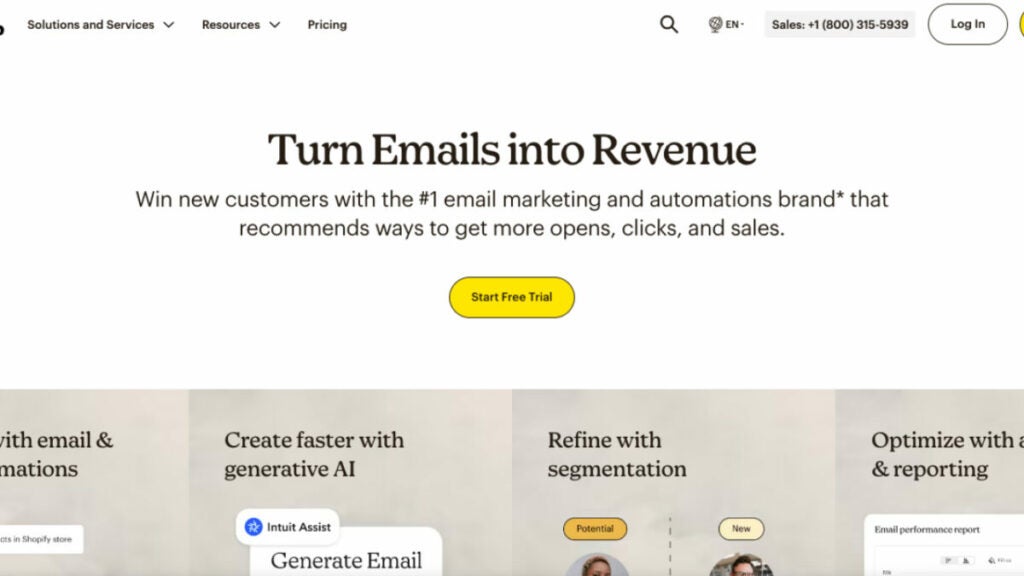
MailChimp stands alone as an unrivaled leader among marketing agency software options for email marketing and automation. Offering cutting-edge marketing tools, exemplary customer service, insightful articles, and data-driven suggestions to assist businesses worldwide in getting up and running successfully, Mailchimp’s marketing platform enables businesses to integrate social media platforms. This helps to develop multichannel campaigns spanning email, social media posts, landing pages advertisements and websites, allowing many agencies to expand their reach and increase sales.
Who uses Mailchimp?
Mailchimp has enabled over 12 million businesses of all sizes to successfully establish online stores, build customer bases and safely launch multichannel marketing campaigns.
Best features:
- Customer journey builder. It enables businesses to easily develop marketing automation to drive repeat business, customer retention and up to four times more orders with its platform.
- Retargeting Ads. Google Ad Network allows you to reach your target audience on Facebook, Instagram and other websites through targeted ad campaigns that use effective targeting techniques.
- Dynamic content creation features. Create personalized emails with little effort.
- Webhooks. Webhooks lets your application receive information on email events in real-time and react accordingly.
Pricing:
- Free $0 /month
- Essentials $6.50/month
- Standard $10/month
- Premium $175/month
CRM software
Close
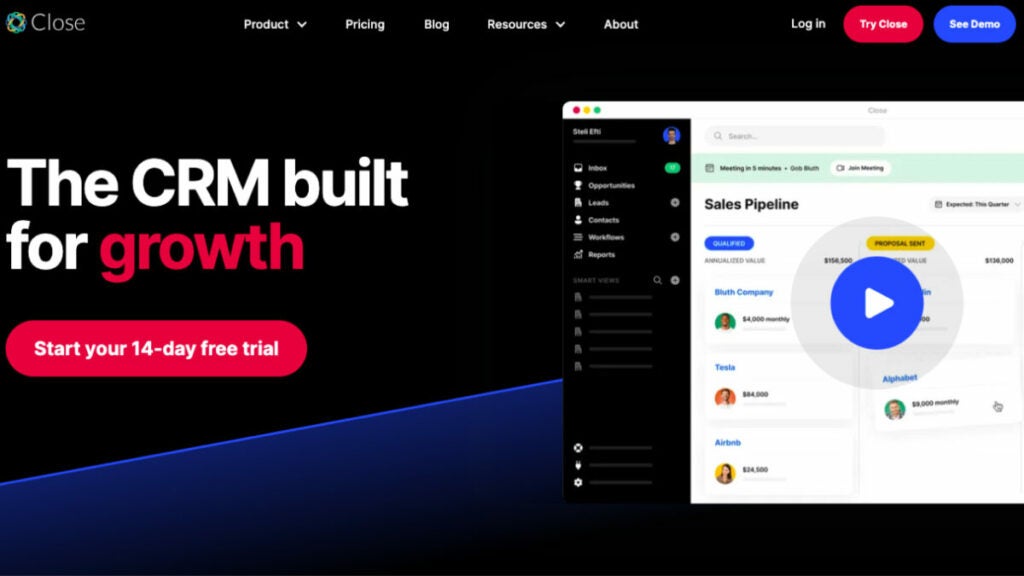
Close, a sales CRM (customer relationship management software), was built to assist small businesses and startups in analyzing performance metrics, closing more deals, and bringing in more revenue across multiple platforms. This marketing agency software is the ideal essential tool for sales if you are a tech-enabled company that needs to scale but can’t afford expensive enterprise software. You can text, call, and email your leads straight from Close’s inbox without installing any extra programs. With the help of the system’s custom workflow management tools, predictive dialer, cold email automation, and sales enablement tools, you can easily connect with more prospects, follow up with them more frequently, and get more revenue quickly.
Who uses Close?
It can become a personal CRM for startups and small and medium-sized businesses. Scaling sales teams engaging in massive outreach will benefit most from Close.
Best features:
- Your team + Tasks. Create Tasks within leads for you and your team in a marketing agency to track and improve conversion rates. Notify yourself of unique actions not part of your usual workflow or ask a member of your team for help to provide an update, support, etc.
- Search + Smart Views. Search and Smart Views can help you prioritize leads that are important to you now. Use Power Dialer or Predictive Dialer for automated and expedited calling outreach.
- Reporting on sales funnels. Sales Funnel Reports are available for all plans. They allow you to gauge the health of your pipeline and identify leaks.
- Customizable activities + fields. Flexible fields allow you to customize Close for your specific sales process. Organize the most critical prospect information and report it directly in your CRM.
- Integrations. Integrate Close with your existing tech stack using 100+ native integrations.
Pricing:
- Startup – $49/month includes one user
- Professional – $299/month includes three users
- Enterprise – $699/month Includes five users
Zendesk Suite
To put it simply, Zendesk Suite is a customer relationship management platform for salespeople in any marketing agency. This sales platform provides a centralized hub for monitoring all communications with clients. It can be set up in no time and is simple to operate: Seventy percent of businesses can get Zendesk up and running in a week or less. Your staff will have more time for sales and less for data input, allowing them to be more productive. Eighty percent of Zendesk’s users think the software has improved their businesses’ productivity.
Who uses Zendesk Suite?
Zendesk software is used by over 110,000 businesses to improve their clients’ customer experience. This software is highly adaptable and scalable, making it suitable for any size company.
Best features:
- Unified agent workspace omnichannel. You can consolidate all customer data and track interactions across multiple channels.
- Reporting and analytics. Customer tracking and reporting allow you to measure and analyze SEO metrics such as customer behavior, history, and service metrics.
- Automation and routing of conversations. Routing helps your team to streamline workflows. It does this by automatically sending support tickets to the best agent to handle a particular request.
- Help center. Customers can quickly access information through self-service options such as a FAQ section and a help center without having to schedule meetings with a representative or wait for one.
Pricing:
- Suite Team – $55/month per agent
- Suite Growth – $89/month per agent
- Suite Professional – $115/month per agent
- Suite Enterprise – contact us for a comprehensive solution that meets all your enterprise needs.
Accounting software
Quickbooks Online
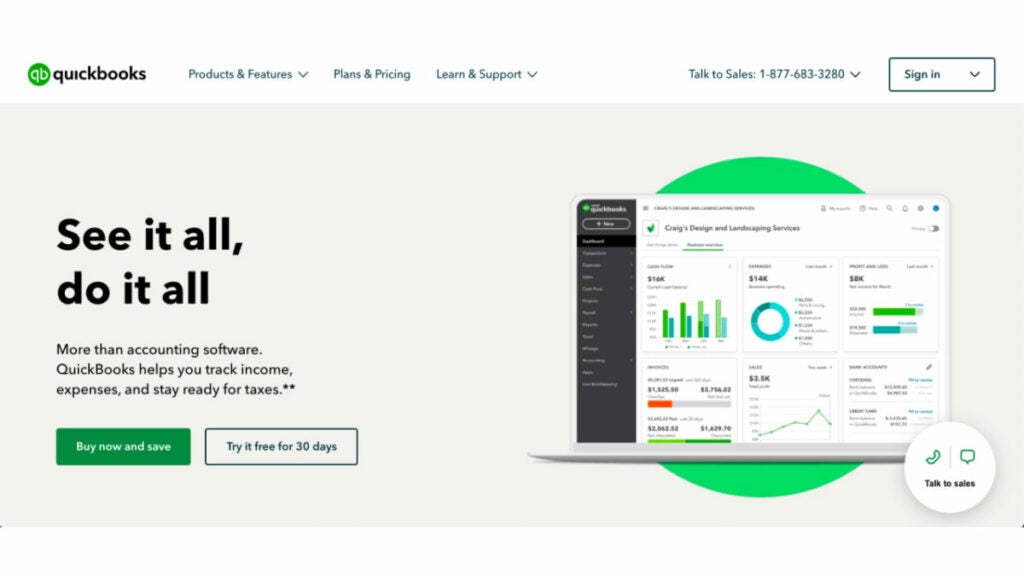
Whether you’re on the go or at your desk, you can take care of business with the help of QuickBooks Online marketing agency software.
QuickBooks, a business accounting management platform used by more than 4.5 million people, is both intuitive and powerful. You can maintain order in your financial records, as well as issue invoices, monitor stock levels, and process payroll. Using QuickBooks Online, you can streamline your processes, save time and expedite your payments. The best part is a full free 30 days of use is completely risk-free.
Who uses Quickbooks Online?
The best accounting and financial management program for small businesses.
Best features:
- Assign lead accountants. You can assign a team member to a client or invite a firm accountant directly.
- Automated bank feeds and transaction sorting. You can upload transactions, receipts, and statements to the appropriate client’s file nightly. This will give you access to client data whenever you need it.
- Month-End review. QuickBooks will scan all transactions for the month and list any missing data or issues. It also provides a detailed list of month-end tasks.
- Worksheets are built-in. There is no need for files to be transferred between tools in order to complete a compilation engagement. QuickBooks already contains your client’s data.
- Pro Tax has tax built-in. Directly file tax returns from QuickBooks Online Accountant. Pro Tax is built into QuickBooks Online. You can easily file T1 and/or T2 tax returns without having to export data.
Pricing:
- 30-day free trial
- Simple Start – $30/month
- Essentials – $60/month
- Plus- $90/month
- Advanced – $200/month
FreshBooks

FreshBooks is an online accounting and invoicing software that helps you save time, automate administrative tasks, keep your books in order and give your firm a more polished appearance. FreshBooks was founded on the premise that keeping accurate financial records should not be time-consuming or difficult.
Who uses FreshBooks?
FreshBooks is online bookkeeping software developed specifically for independent contractors. Don’t waste time filling out papers when you may be getting revenue.
Best features:
- Estimates and proposals in the app. Customized proposals and estimates simplify client onboarding, billing and setup. You can also turn your estimates into invoices that are ready to pay in seconds.
- Pre-populated chart of accounts. The Chart of Accounts provides a comprehensive and easy-to-understand overview of your business’s financial accounts.
- Projects. Projects help you and your clients stay organized by keeping their invoices, expenses and team members in order.
- Track time. This feature allows you to quickly transfer tracked time to your payroll, clients or projects.
Pricing:
- Lite – $8.50/month
- Plus – $15.00/month
- Premium – $27.50/month
- Select – Customize your plan to suit your business needs
Bonus: Software powerpack for small marketing agencies
FuseBase (formerly Nimbus)
Among other multiple tools, FuseBase (formerly Nimbus) is a unique marketing agency software that elevates client collaboration to a new level. By centralizing communication, tasks, and content, FuseBase (formerly Nimbus) helps you organize chaos. FuseBase (formerly Nimbus) provides robust features, such as task tracking with progress tracking, seamless team collaboration, and intuitive portals for client collaboration. FuseBase (formerly Nimbus) stands out among marketing agencies searching for collaborative yet efficient project management software with its versatile super documents that combine text, audio, video and images for added versatility, along with robust permission management for secure but focused project environments. Marketing agencies regularly turn to FuseBase (formerly Nimbus) as their go-to project management solution.
Mailchimp
Mailchimp is one of the world’s premier marketing automation solutions for marketing agencies worldwide. Featuring email and multichannel campaigning tools, its comprehensive suite aims to streamline the sales cycle while prioritizing customer satisfaction as its core goal. Mailchimp stands out due to its customer-first philosophy – featuring award-winning support and data-driven actionable insights that equip marketing agencies with everything needed for effortless business launch, build, expansion, and knowledge center management. Mailchimp stands as the go-to platform for optimizing marketing operations.
Quickbooks Online
QuickBooks Online makes an ideal marketing agency software solution, with its user-friendly interface and accessibility from anywhere in the world. Trusted by over 4.5 million users worldwide, its comprehensive toolset covers financial organization/expense management to invoice creation/delivery/payroll processing; automated payments save time and resources while streamlining teamwork between lead accountants as well as automating month-end processes with built-in filing capabilities save resources, ultimately leading to higher productivity while streamlining financial operations.
Summing up
Finding the ideal marketing software may seem impossible at times, but having access to comprehensive tools makes the task of launching, tracking, and analyzing campaigns much simpler.
This list of software for marketing agencies is diverse and offers various capabilities that could benefit your business, but may require some trial-and-error period until you find one or multiple tools that work efficiently together for you.
All these flexible platforms, project-management features, knowledge base, and collaboration tools will give your team everything they need to plan campaigns, organize projects, and collaborate effectively.
So, good luck and stay inspired!
Empowering Nonprofits: A Comprehensive Guide to Best Software Solutions
Explore the top 8 software options for non-profit organizations in 2023
To make the world a better place, you have to do many things. You must recruit sponsors and donors, run events and online campaigns, handle accounting and taxpaying and much more.
Good software can help nonprofits focus on their mission without being distracted by operational issues.
The software categories we chose for this article were not random. They were picked based on practicality and our commitment to optimizing your mission. We conducted an in-depth nonprofit software overview on top business requirements as well as landscape factors before categorizing our findings accordingly:
- Event Management Software
- Fundraising Software
- Accounting Software
- CRM Software
We hope this article on the best software for nonprofit organizations will help you make better decisions and streamline your operations.
Event management software
1. FuseBase (formerly Nimbus)
Imagine accessing a client collaboration platform that allows you to organize your event-related tasks and revolutionizes how you manage customer relationships, engage donors and tackle operational challenges specific to event management.
FuseBase (formerly Nimbus) is an industry-leading software for client-oriented businesses, which also makes it a perfect nonprofit event management tool that goes beyond traditional tools. Besides collaboration with clients, it was primarily designed to integrate seamlessly with an event management team’s daily workflow. It addresses every facet of event planning and execution, and its primary objective is seamless integration into daily workflow.
FuseBase (formerly Nimbus), created initially as a note-taking app, now serves the needs of nonprofit organizations by providing great features for collaboration within the event management landscape, as well as tracking grants and operations tasks.
Who uses FuseBase (formerly Nimbus)?
FuseBase (formerly Nimbus) is the go-to client collaboration software. It can also be used as event management software for professionals involved with planning and organizing successful events: event coordinators, project managers, marketing teams, volunteers and even external partners who depend on FuseBase (formerly Nimbus) to optimize event operations while encouraging collaboration and managing vital event-related information efficiently.
Best features:
- Client Portals. FuseBase’ (formerly Nimbus) Client Portals provide event managers with invaluable tools for engaging sponsors, attendees and partners. These client portals are built using FuseBase (formerly Nimbus) Pages and serve as dedicated spaces for event updates, custom reports and any other relevant information. This is an excellent way for nonprofit organizations to increase transparency, manage volunteers, build relationships and create personalized communications with donors/clients through branding elements.
- Unified Information Hub. FuseBase (formerly Nimbus) is a platform that lets you organize and store all your data related to upcoming events, donors, projects and documentation. Hierarchical organizational systems, such as workspaces, folders and subfolders, are used to simplify data management while also keeping organizations on top of vital details.
- Collaboration Hub. Event managers work with numerous teams (like volunteers and external stakeholders) in organizing special events. FuseBase’ (formerly Nimbus)content-rich pages with text files, images, and tables and its sharing abilities that allow non-FuseBase (formerly Nimbus) account holders to engage more seamlessly, allow nonprofits to work efficiently across these lines.
- Permission Management. Events often entail handling sensitive data such as attendee details and financial data. FuseBase (formerly Nimbus) permission management allows event managers to control who has access and can edit certain items. Granular permissions can be set up at different levels to ensure only authorized personnel are able to view or modify sensitive documents. This is an essential feature for nonprofits as it ensures the security of event data. Explore it by yourself.
Pricing:
- Free version available
- Paid plans start from $9/user/month
2. EventMobi
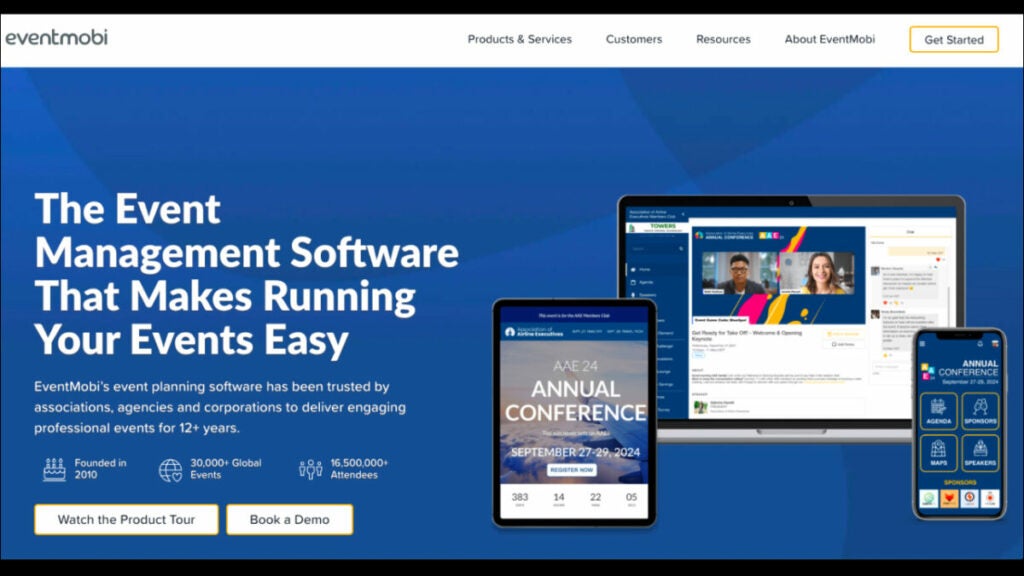
Everything you need for software solutions to organize, market, monetize and put on a successful online or hybrid conference is included in EventMobi’s cloud-based solution. Since April 2020, EventMobi’s dependable platform has been used to stream 175K+ hours of online events, including everything from event marketing websites with flexible registration to the completely configurable, feature-rich Virtual Space and a complete spectrum of live stream production & support services.
Who uses EventMobi?
This nonprofit software is ideal for businesses of all sizes, nonprofit organizations, government agencies, universities and event production agencies.
Key features:
- Online event registrations. Using a centralized platform, you can make a beautiful website, send out invitation emails, design conference badges, accept registrations and check people in.
- Customizable branding and design. By taking advantage of user-friendly tools offered by this cloud-based solution, you can provide your audience with fully branded, immersive event experiences in person, online and in hybrid modes.
- Flexible, hybrid-ready platform. Make event customization a snap by setting up an unlimited number of concurrent and asynchronous live/virtual sessions for attendees to experience your event.
- Advanced analytics. Efficiently reporting your event’s return on investment can be accomplished by tracking attendance, interest, engagement and action from attendees through real-time monitoring using a central dashboard.
Pricing:
Contact EventMobi to get info about pricing.
3. HeySummit
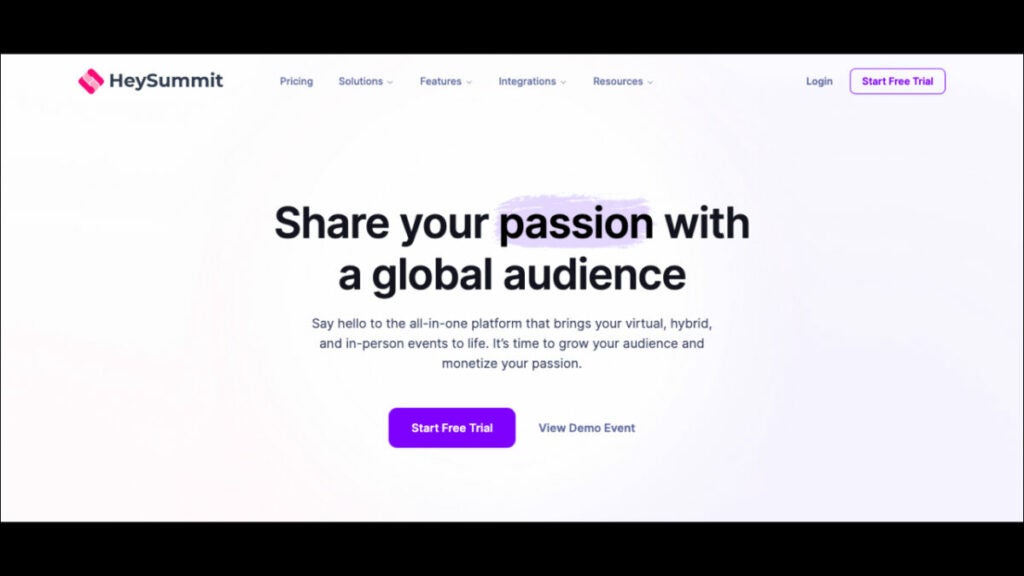
HeySummit is one of the most convenient ways to organize a gathering without effort. It’s a great tool that lets users help themselves. The resources for community building, fundraising, and participant involvement are all at your disposal. Also, you can measure real-world impact with the help of HeySummit.
Users have the option of hosting any size event, from intimate dinner parties to massive conventions. Users can coordinate a group of presenters, sponsors, and talks with a single interface.
In this Nonprofit Software Overview, no matter how specific or hard a use case may appear to be, HeySummit is capable of and dedicated to satisfying every one of its customers. Because of our platform’s technological simplicity and devoted customer support team, nonprofits select HeySummit as their event management software of choice.
Who uses HeySummit?
Over 10,000 people choose HeySummit nonprofit software as their dependable platform for extraordinary events, including creators, consultants, educators, and global brands.
Best features:
- Speaker management. Use this dashboard to manage several keynote presenters at once. Your speakers can keep their profiles and bios current and promote your event to their followers. Multiple event sponsors can be coordinated with ease.
- Landing page builder. Automatically generate a conversion-optimized website depending on the event information you provided during setup. A drag-and-drop website editor lets you add elements like countdown timers to your event website with ease.
- Marketing and viral tools. You can expand your reach and boost registrations by directing people to your event website through affiliate programs, individualized email sequences, swipe copy, and more.
- Event ticketing systems. Make a variety of tickets, each with its own set of constraints. Use any service you prefer for accepting payments directly.
Pricing:
- Starter: $49/month
- Growth: $119/month
- Success: $349/month
Fundraising software
4. Snap! Raise
When you partner with this software for nonprofits, your fundraising campaign woes will become a thing of the past. No more list maintenance, product sales, or community engagement will exist. Everyone, from your group to your supporters, gains from a strong and effective process. The nonprofit software was created to facilitate easy and fast fundraising for coaches, group leaders, district administrators, large nonprofit organizations, and sports directors. Snap! Raise features everything your organization needs to successfully fundraise, from campaign setup and online store design to team and fan gear, district-level data, and safe donor engagement.
Who uses the platform?
Fundraising nonprofit software that is cloud-based helps schools, teachers, volunteers, and other groups manage donations, keep track of contributions, and more. It can also be a good fit for larger organizations.
Best features:
- Administration. You can run reports on various metrics and data points that support your fundraising goals and infrastructure, while automating operations like email campaigns and receipt mailing. You can track donors’ interactions to keep a record of their giving history.
- Online fundraising. Secure funds by creating shareable, socially optimized fundraiser pages on various social media platforms, accepting online donations via websites or social media accounts, and accepting contributions using mobile devices on the go.
- Marketing. Tools designed to create, customize, and send mass email campaigns tailored specifically for particular groups of donors, as well as tools for designing paper flyers or mailings that can be sent using direct mail services.
Pricing:
Contact the platform to get information about pricing.
5. Qgiv
This platform offers simplified donation process, event registrations, peer-to-peer fundraising, SMS giving with outgoing messaging, online auctions, and other services. Qgiv’s cloud-based program suite of fundraising tools is designed to help nonprofits raise funds and excel in constituent management.
Its easy experimentation with new technologies and expansion of digital fundraising programs are facilitated by the availability of unlimited users with unlimited access to tools and support. The absence of long-term contracts (and their associated hidden fees!), and integrations with market-leading customer relationship management and email solutions is a great advantage.
In this nonprofit software overview, Qgiv’s cloud-based software can also be combined with many other nonprofit software tools. This way, your group can construct a thorough fundraising solution while maintaining efficiency, effectiveness, and order. Its intuitive design makes it a good fit for businesses of all sizes. You can easily enhance your fundraising, donor engagement, and campaign effectiveness.
Who uses Qgiv?
Qgiv works with nonprofits of all shapes and sizes – from start-up organizations with recently filed 1023s to national ones with multiple chapters.
Best features:
- Crowdfunding and peer-to-peer features can be easily set up and customized to fit the branding of any charitable organization, helping you raise more funds. To further aid your fundraising efforts, the platform also provides a number of social sharing and interaction options. Fundraising thermometers and badges are two examples of gamification tools that can be used to boost support even more.
- A robust text-to-donate service that can significantly facilitate the standardization of mobile donation collection. Make it easy for donors to contribute by texting a dollar amount. Qgiv’s giving kiosks are a novel way to collect donations in person. Staff fundraisers at live occasions should be provided with simple tablets that accept credit and debit card payments from donors on the spot.
- Integrations. Give your full attention to the purpose and not to tedious data input tasks. Qgiv allows you to connect your customer relationship management and email marketing platforms, as well as matching gifts services, QuickBooks, and more, so you can streamline your administrative processes and base your decisions on hard facts.
- Information, Statistics and Reports. When all your fundraising information is in one place, you can make rapid, educated choices. You will learn about emerging patterns in donor behavior, identify at-risk contributors, evaluate the relative success of various gift forms, and unearth crucial information about campaigns.
Pricing:
- Free version available
- Giving Essentials – $25 /month
- Text Fundraising – $159/month
- Peer-to-Peer – $259/month
- Auctions – $259/month
Accounting software
6. ACCOUNTS from Software4Nonprofits
ACCOUNTS is a reliable accounting program and one of the best nonprofit software for nonprofits of modest size, such as churches and community groups. It is cost-effective and has all the functionality you need to keep tabs on your finances, from recording transactions to generating reports.
It is a simple accounting software made for churches and other nonprofits that only requires the most fundamental accounting features, including data entry. You can keep tabs on your cash flow, record transactions, link accounts to tax form fields, and generate comprehensive reports with this software.
The software can be used for free if you are in charge of finances for more than one group, such as the school PTA and your child’s sports team.
Who uses ACCOUNTS?
Organizations in the United States and other English-speaking countries that are relatively small or medium in size.
Best features:
- True Fund Accounting. Prepare for any and all financial reporting needs by simply keeping tabs on money coming in from sources like grants and one-off programs.
- Integrate with DONATION. Track donations without hassle and quickly determine your deductible earnings.
- Generate Nonprofit Financial Statements. Make financial statements, such as a Fund or Composite Income Statement, a Balance Sheet, and a Transaction Detail report.
- Create and track budgets. Account-by-account budgeting and reporting is possible on a monthly or annual basis.
Pricing:
- ACCOUNTS Standard – $129/per year
- ACCOUNTS OnDemand – $199/per year
7. Sumac (by Silent Partner)
Many small and medium-sized not-for-profit organizations need assistance with software solutions for reducing data redundancy, donor management, donation tracking, and reporting despite the fact that they use top-notch accounting nonprofit software and have their finances in order. Sumac can be an accounting upgrade with affordable pricing that significantly improves efficiency if you are currently using many spreadsheets or out-of-date databases to manage your relationships with constituents. Using Sumac’s fundraising nonprofit software, your team will always have the most up-to-date information available, regardless of where you happen to be. Donor profiles can be tailored to the specific needs of your organization thanks to the program’s flexible design.
Who uses Sumac?
Sumac works with organizations of all sizes and in a wide variety of fields, including Human Services, the Arts & Culture, Health & Education, Environment & Animal Services, and more.
Best Features:
- Donor management. Donors’ involvement and giving may be tracked in one convenient location. Your organization can manage donor activity, send emails, and generate reports quickly by searching or segmenting your list.
- Donor activity tracking. Create custom alerts to be notified of events like recurring donations, first donations or large donations so you can follow up as needed.
- Customize To Fit Your Needs. With Sumac, you can easily modify your database to accommodate your nonprofit’s information and initiatives with just a few clicks. Fields, dropdowns, and checkboxes can have their names changed in seconds, and new ones can be made.
- Receipting and Reporting. Save time by automatically issuing tax receipts for donations and use the built-in report to get real-time data on the impact of your efforts.
Pricing:
Contact Sumac to get info about pricing. Sumac’s monthly fee can be anywhere from $35 to $250 or more, depending on the size of your business and the volume of its records.
CRM software
8. Bloomerang
To improve the donor experience and sustain nonprofit organizations, thousands of small and medium-sized nonprofits use Bloomerang, which is a comprehensive donor management software. Bloomerang software for nonprofits helps increase efficiency, strengthen donor relationships, and broaden supporter bases by combining robust, user-friendly technology with human-powered support and training. Bloomerang aids charitable growing nonprofits in providing donors with a more satisfying experience in order to increase donations, decrease administrative costs, and speed up the process of making a positive impact. With Bloomerang, nonprofit workers have another ally in their fight.
Who uses Bloomerang?
Perfect donor management solution for growing and smaller nonprofits primarily relying on individual donations.
Best features:
- Reporting & Analytics. Bloomerang’s reporting and analytics features give you insight into your donors’ giving habits, allowing you to focus your efforts on where they will have the greatest impact.
- Marketing & Engagement. Motivate people to give more to your cause. Keep in touch with your donors and your cause with the simple marketing tools provided by Bloomerang.
- Data management. With Bloomerang, it’s simpler than ever to keep track of donor information and their giving habits that really matter to your organization.
- Donor management system. Help your organization keep more of its supporters, improve its lines of communication with them, expand its pool of potential major donors, learn their perspectives on the work and report on the metrics that really matter.
Pricing:
- Free version available
- Bloomerang Grow – $79/month
- Standard – from $119 to $699/month
Bonus: Software powerpack for small nonprofit organizations
FuseBase (formerly Nimbus)
FuseBase (formerly Nimbus) is a client collaboration software that stands out among event management software systems because it takes a holistic and comprehensive approach to event coordination and operational challenges. FuseBase (formerly Nimbus) plays an essential part in streamlining event operations while strengthening collaboration, data security, client portals, and permission management.
FuseBase’ (formerly Nimbus) user-friendly features enable event organizers, coordinators, and teams to utilize it successfully for event planning, management, and engagement within the event management software landscape.
Qgiv
Qgiv stands out as an innovative fundraising solution, providing nonprofit organizations with tailored options suited specifically for them. It helps nonprofits of all kinds; from emerging startups to well-established national ones, raise more money quicker using customized donation forms, peer-to-peer fundraising events, text-giving events, and auction events.
Qgiv excels as an organization tool due to its text-to-give features, its capacity for crowdfunding campaigns, and its integration with customer relationship management systems. Also, reporting and data analytics features provide organizations with powerful ways to enhance fundraising campaigns backed-up with complex numbers.
ACCOUNTS from Software4Nonprofits
ACCOUNTS is a great solution for small nonprofit organizations such as churches and community centers, making it one of the best accounting software options for nonprofits. It is perfect for fulfilling basic bookkeeping and accounting needs due to its user-friendly interface and low pricing structure.
Particularly useful for small nonprofits handling grants or special initiatives, ACCOUNTS nonprofit software facilitates genuine fund accounting capabilities. When used in conjunction with donation monitoring software, ACCOUNTS streamlines the process of identifying deductible revenue. ACCOUNTS is a great option for small to medium-sized nonprofits in English-speaking nations since it makes it easier for them to create financial statements and track their budgets.
Summing up
In today’s nonprofit sector, donor management, fundraising, social campaigns and financial tracking and reporting would be impossible without access to additional resources like specialized software. Nonprofits can benefit significantly from using software for nonprofit organizations like FuseBase (formerly Nimbus), fundraising software like Qgiv to facilitate innovative fundraising, and accounting software like ACCOUNTS to maintain fiscal discipline.
Whether your organization’s goals are networking, fundraising, or fiscal management, the right nonprofit software can help you achieve them more efficiently and effectively.