 Since time immemorial, computer users have had problems sharing large files. Whether trying to fit Sim City on floppy disks, uploading binaries to newsgroups or sharing home movies via email, you may well have suffered the inconvenience of a file that’s just too big for what you’re trying to do.
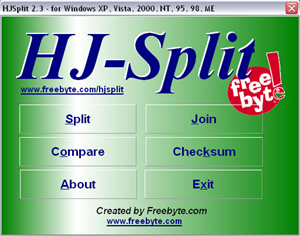
This is where HJSplit comes in. It’s a remarkably simple and easy-to-use little application which can split any file you like into parts of a predefined size, so that sharing them or storing them is made easier. It can also join split files back together and compare parts to see if they’re the same.
Based in just one small executable (there’s no installer for this old school app!), the utility weighs in at a piffling 300kb and doesn’t have the world’s best design. But it works surprisingly well and splits files into chunks of your chosen size, very quickly indeed. Its joining, comparing and MD5 tools all work just as efficiently.
A small but very effective little utility which will split and rejoin any file you like.
Softonic rating: 8/10
