WhatsApp Beta adds new emoji feature on Windows

Meta released a new WhatsApp Beta version for Windows systems. The team developed the Beta version as a Universal Windows Platform (UWP), making it more aligned with the upcoming Windows 11. Since the new WhatsApp Beta’s release, we’ve seen improvements to many features.

The latest development on WhatsApp Beta has been a new feature for emojis. Emoji’s have been available on WhatsApp Beta for Windows and iOS for a while; however, recently, the developers introduced shortcuts to make emojis on a desktop or laptop easier and more convenient.

WABetaInfo first reported this new feature available in the WhatsApp UWP beta version 2.2206.1.0. It allows users to type the emoji prefixed with a colon (:). Once you start typing after the colon, a bar will pop up with emoji recommendations for you to choose from. This means you don’t need to look for the emoji manually from Windows virtual keyboard or the emoji picker.

While this feature was available in the older version of WhatsApp on Windows, it was missing from the UWP version until now. This feature works similar to existing emoji shortcuts found on Slack, Discord, and other messaging apps.

In recent months, we have seen Meta do a lot of work on the WhatsApp Beta for Windows. Just this month, WhatsApp introduced a dark mode for the Windows app. We saw search engine filters in January, along with improvements to disappearing messages. WhatsApp Pay is also now available in India, while background voice notes playback is available to some users. We’re still looking forward to the release of the Android-to-iOS chat transfer, WhatsApp Community feature, and message reactions that are in the works.

With all the improvements to WhatsApp Beta, we look forward to seeing how well it functions on Windows 11 once it’s been officially released.
Dark Mode hits WhatsApp Beta for Windows as a new UX feature

WhatsApp Beta for Windows 10 and 11 was released to the Microsoft Store in November. This gave fans of the instant messaging app a chance to experience WhatsApp from their computer. The last update to WhatsApp Beta for Windows has been the addition of a long-awaited feature: dark mode.

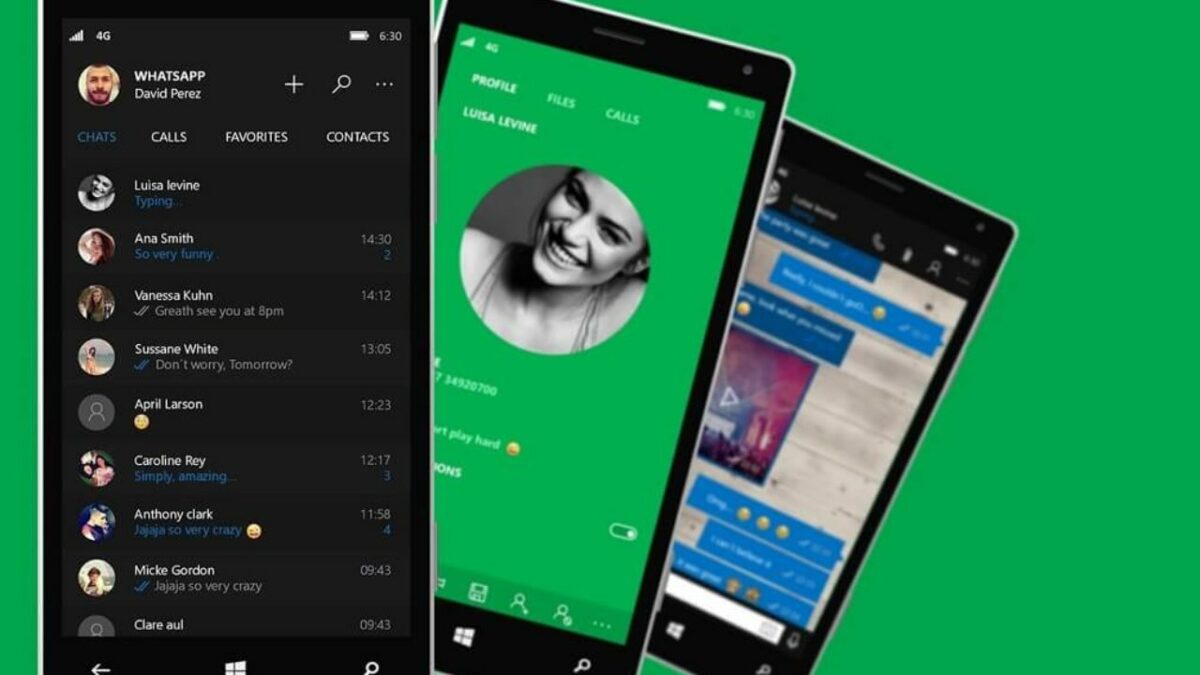
The latest update, version 2.2205.2.0, comes with a few minor changes to the UX, but most notably, this update introduces a dark mode. Users will now be able to change the app from the default light mode to a dark theme better suited to a certain screen and, of course, for use at night.

WhatsApp Beta will automatically follow the system theme set for your Windows 10 or 11 computer. You can also manually enable this new feature from the ‘Settings’ menu directly in WhatsApp Beta. Simply open the settings page, and then click on ‘General’, and here you can choose between the light or dark theme. 

Meta (aka Facebook) has been making several improvements to WhatsApp Beta for Windows 10 and 11. Among the most recent updates were changes to the setting UI to be more in-line with Windows 11 design standards rather than those of Windows 10. Other parts of the UI also received this overhaul and now appear with rounded corners synonymous with Windows 11. These include the search box, message list items, and message bubbles. Small animations have also been added to the settings button so that the UI feels more interactive.

These continual updates and the release of dark mode all contribute to making the beta version more impressive and easy to use. We look forward to the release of the stable version of WhatsApp for Windows 10 and 11.

WhatsApp beta for Android gets new image features

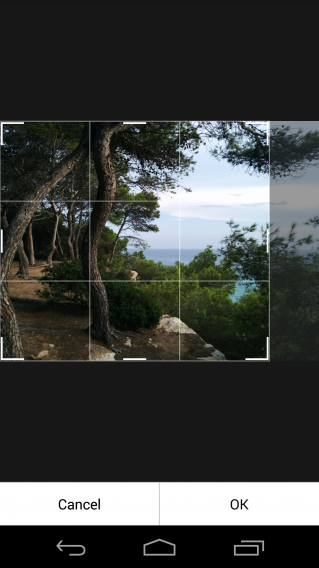
Basic image editing is coming to WhatsApp. The latest Android beta of the app has the feature, allowing you to do simple crop edits before sending photos to your friends.

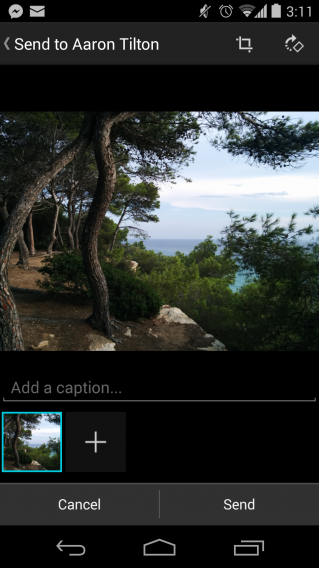
As you can see in the screenshots below, you can edit any photo on your phone with WhatsApp version 2.11.388, but not ones you take from within the app.

Curiously, you can also now add captions to photos to photos on your mobile or ones taken within WhatsApp. Hopefully, cropping will also be added to images you take from WhatsApp.

To try the beta, you have to visit this link from your Android browser, while browsing in ‘desktop mode’ (otherwise you’ll be redirected to the Google Play Store). This will allow you to download the beta APK file that you can install on your Android device.

Source WhatsApp

Related Stories

WhatsApp bug is resetting some users’ privacy settings

WhatsApp for iPhone gets slow-mo videos and fast camera access

Rumor: WhatsApp voice calling feature coming soon

Follow Jonathan on Twitter: @jonathanriggall