Ready to Share Your Voice? Everything You Need to Start Your Own Podcast (and the Passion to Do It!)

Surely you have asked yourself more than once… How do we set up our podcast? Don’t worry: we’ll tell you.

Every time you get together with your friends you talk about it: the old “we should start a band” has become the new “we should do a podcast“. Of course we should: if you are willing to face a crowd of professionals and amateurs working their throats out on a weekly basis with the most varied topics for a hundred or two hundred listeners, this is the thing for you. But, if you have made the decision, surely you have asked yourself more than once… How do we set up our podcast? Don’t worry: we’ll tell you.

Audacity DOWNLOAD

Choose the right topic

There is a podcast already created about literally everything. Cooking, travel, manga, international politics, Roman history, Tom Cruise movies. Think carefully about what you have to contribute to the world: Is it going to be informative or chatty? Comical or serious? Scripted or improvised? Do you know something that you absolutely have to share with the rest of the world? Find that topic you want to talk about and define the tone: then create a list of titles and choose the best one. Let’s say, for example, you decided to talk about gardening with a comedic tone and called yourselves ‘What a Planter’. This was the easy part.

From here, define a structure for the podcast: Is it going to be free-form and different for each show, or are you going to have sections? If you have sections, who is going to present them, are you going to set boundaries for the length of the episodes or will ‘Qué plantón’ last as long as it has to? Once you have everything defined and you are sure that what you are going to do is unique (either because of your natural wit, the subject you deal with or the way you do it), it is time to get down to the technical stuff.

Microphone, camera, action

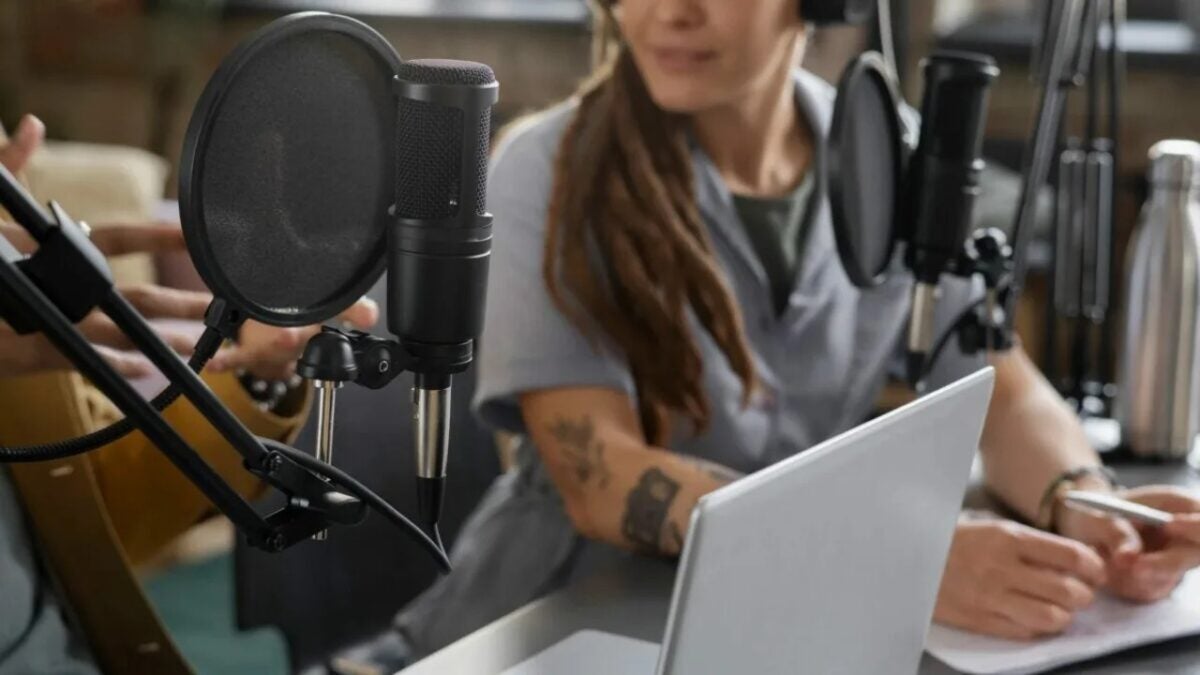
In the past, explaining the requirements for recording a podcast was much simpler, but the advent of Twitch, Youtube and TikTok and video podcasts has made everything a bit more complicated. At this point in the 21st century, you can’t record a podcast with a computer microphone and over Skype. Pamper it a bit, come on. If you are recording in person, get a mixing console with as many audio outputs as members of the podcast (plus at least one for computer music) and the same number of microphones (preferably all the same to avoid sound variation).

If, on the other hand, you have decided to do it online, each one from home, make sure that each one has a good microphone and records his track alone, so that the editing is cleaner. It’s more work, but it’s worth it: although Skype, Zoom and other alternatives have improved a lot since confinement, you will have more control over the audio if you have each track available separately.

You will also need at least one computer to record the audio, for which you can use a free program like Audacity, which you can then use to edit in a terribly simple way. And now comes the problem: if you also want to record the video, you will have to get at least two or three cameras and learn how to use a video editor to synchronize the audio (this is easier if you have already broadcast on Twitch) and make small clips for social networks. Don’t forget to look your best: ‘Qué plantón’ deserves nothing less.

We’ve already recorded an episode, now what?

Now comes the hardest part: you’ve already had fun recording, editing and preparing the podcast. You have to upload it to the different platforms: iVoox, Spotify, Apple Music, YouTube, prepare videos for Twitter, Instagram, TikTok and Facebook. Get ready to familiarize yourself with the concept of RSS, thumbnails, comments and regularity.

And now you just have to wait for success! And if it never comes, don’t worry: focus on having fun. After all, there are only a few people who make a living with podcasts. Come on, become a radio star!
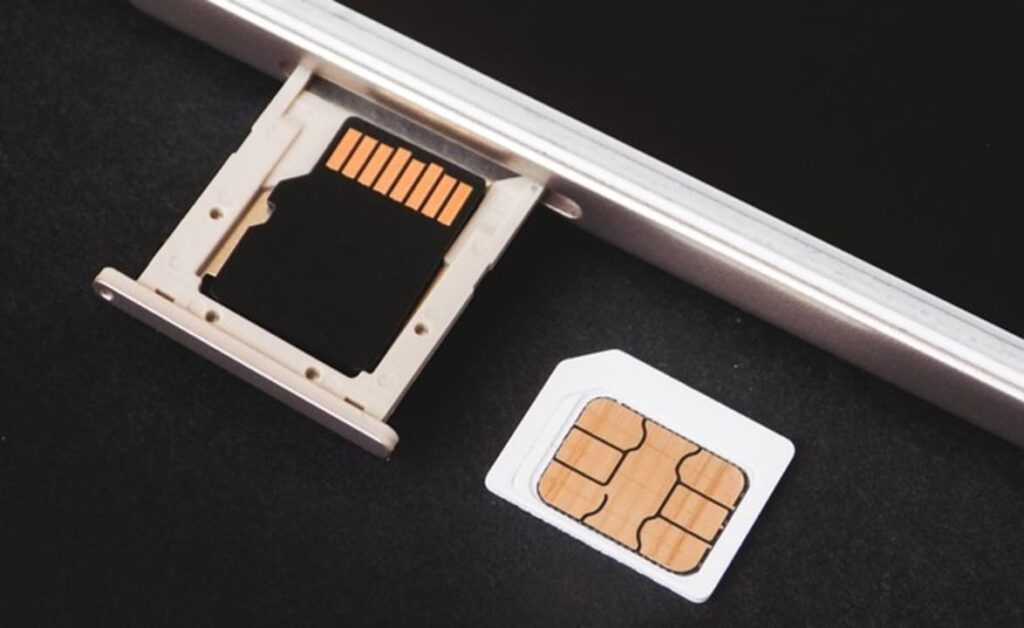
SIM Card Troubles? Try These 11 Tricks to Get It Working Again

Does your phone not recognize your SIM card? Try these 11 tricks and in a very short time you will be able to use all the services of your mobile operator again.

Today, the SIM card is the heart of your cell phone. Thanks to it, you can identify yourself on the telephone network, make calls and connect to the Internet using your data rate. Usually, it doesn’t cause many problems – except for forgetting the PUK code – but when it fails, it causes chaos for every smartphone user. And it is common not to know what to do when the fateful message appears that our SIM card is not inserted or simply does not work. But don’t worry, we are here to help you.

In today’s article we are going to offer you a selection of tips and tricks if your SIM card does not work or simply appears as not inserted in your smartphone. These are very simple, so in very few steps you will get your SIM back as fresh as a daisy. Here we go!

1. Re-insert your SIM card

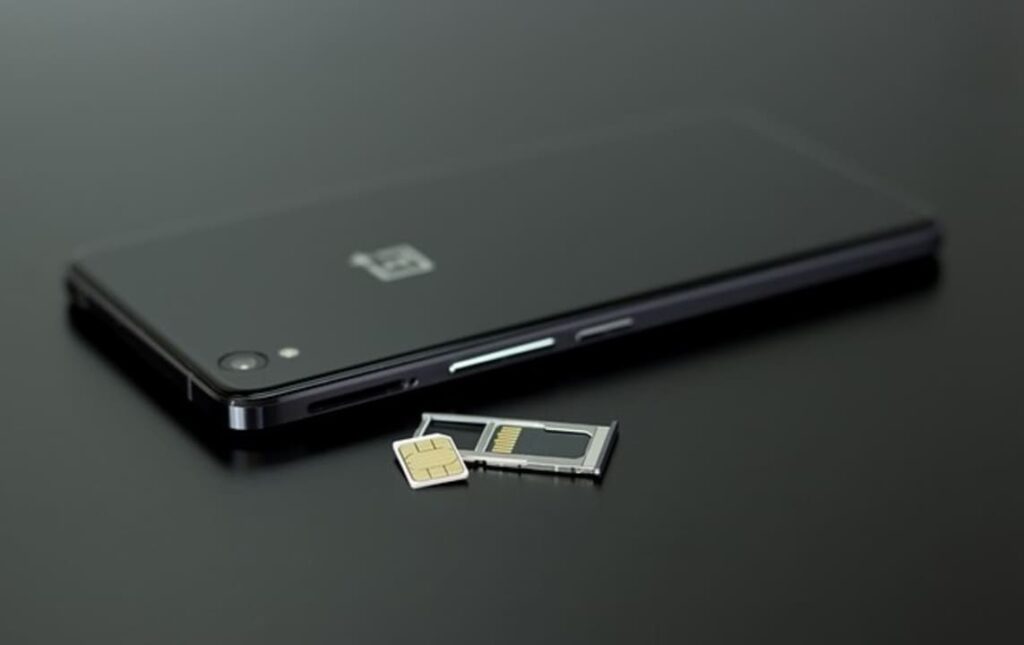
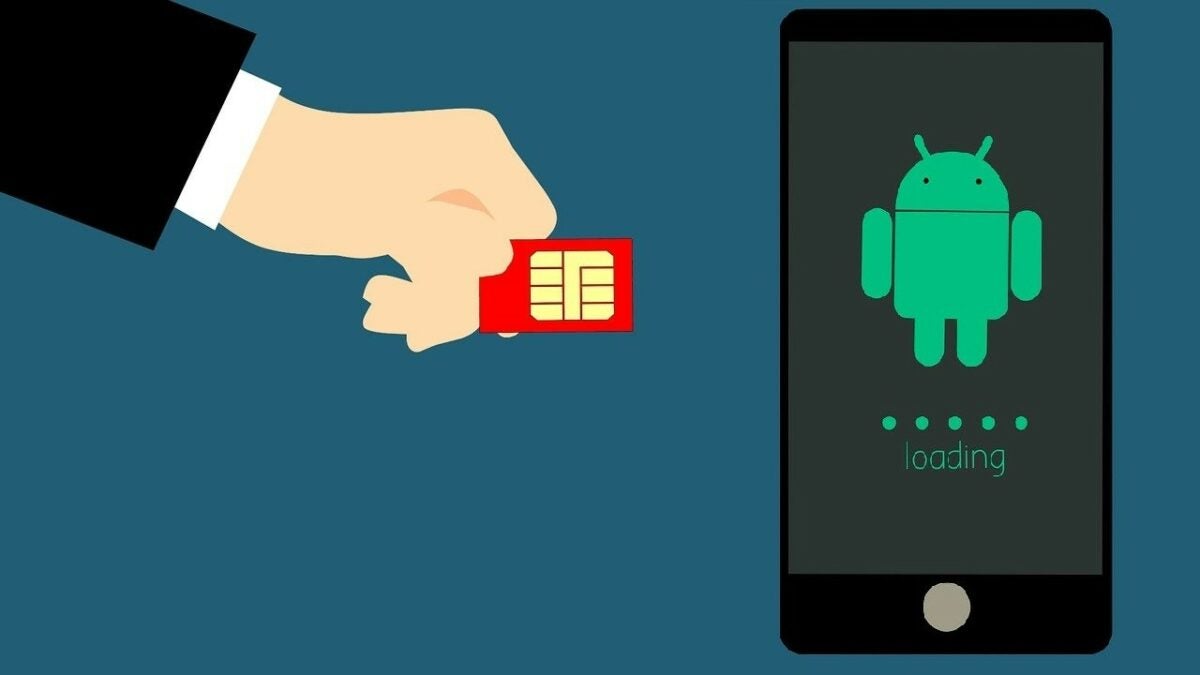
The first trick may seem obvious, but it works most of the time. In many cases, the SIM card fails because it does not connect correctly with the device’s internal reader. To solve it, turn off your phone, remove the SIM card from your phone and reinsert it. Now restart your smartphone and check if it works.

2. Clean your SIM card and SIM tray

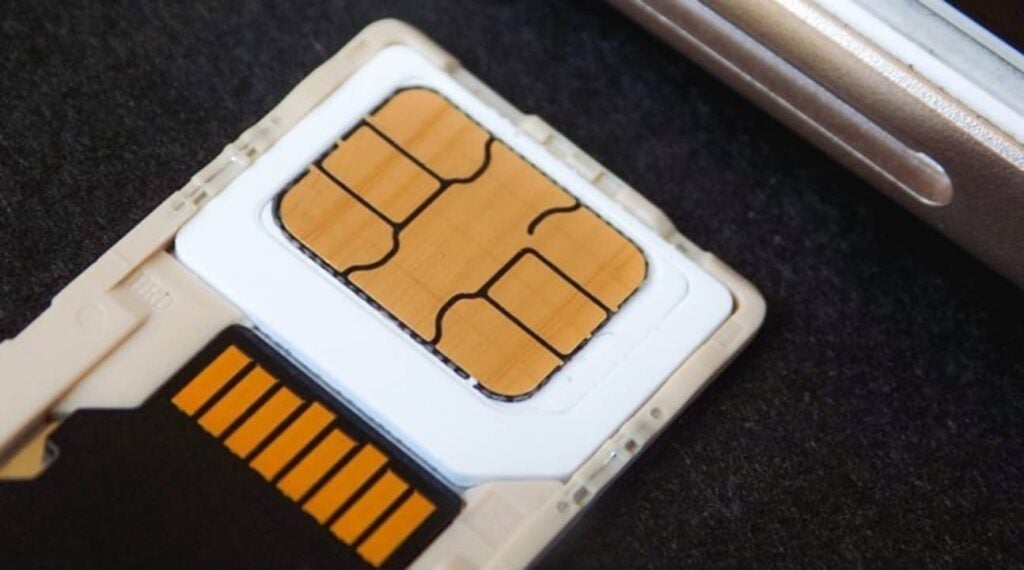
Your SIM card or SIM inbox may be dirty and as a result, it may not be able to connect properly to your phone. Look at the copper connections on your card and clean them carefully with a microfiber cloth. You can also clean the SIM slot with compressed air to ensure that there is no dust on the connections.

3. Restart your mobile

If your cell phone does not recognize the SIM card, try restarting it. Keep in mind that background processes on your device may eventually interfere with its proper functioning. That is why it is always advisable to reboot your cell phone often.

4. Update your smartphone

It doesn’t matter if you are Android or iOS. A cell phone with an outdated operating system can generate compatibility problems with the SIM card. Connect to a Wi-Fi network and make sure there is no update available for your device. Don’t know how to do it? Don’t worry. In this short guide we show you how to update your mobile step by step.

5. Turn on airplane mode

It is very common that when a SIM card fails, the problem lies in some incompatibility with some software of your mobile. A solution that works very often is to turn on the airplane mode of your smartphone. To do this, simply open the control center of your phone (usually by sliding down the screen) and activate the airplane mode. Wait a few seconds and turn it off. Once this is done check if the phone detects your SIM card.

6. Reset network settings

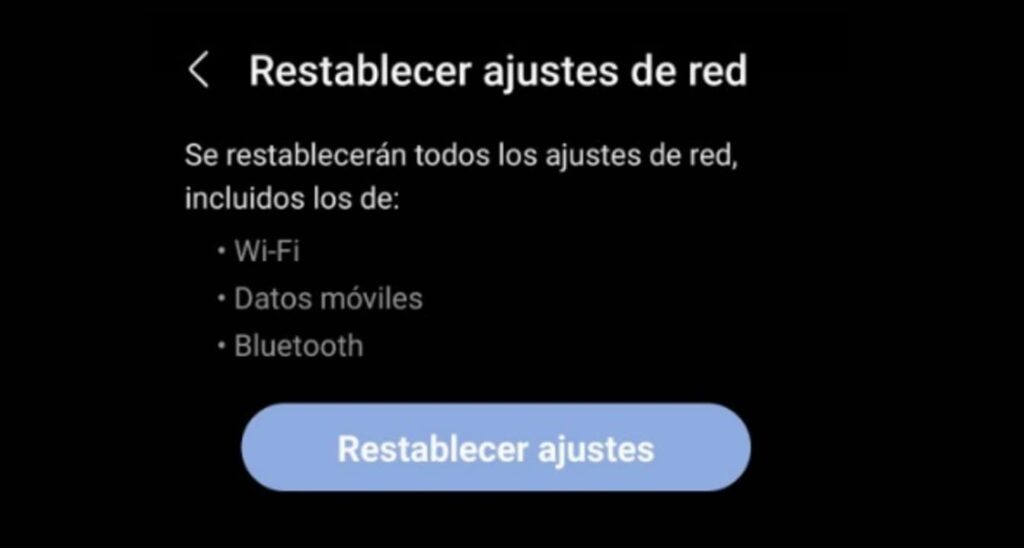
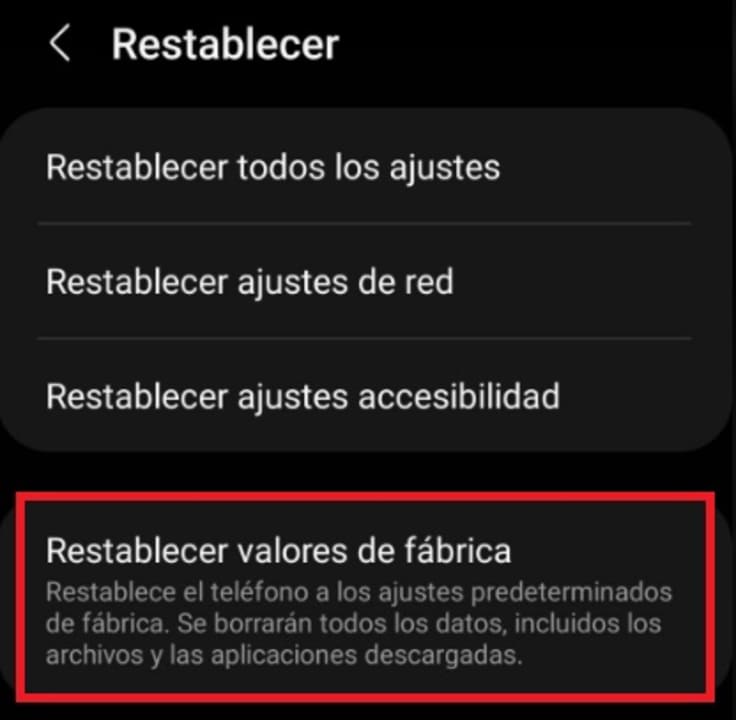
If the card is clean and well placed, let’s try at the software level. Both Android and iOS allow you to reset the cell phone to factory defaults. You may not want to do this because it would be putting the smartphone back to the way it was when you took it out of the box; but there is an intermediate step. You can reset the network settings, that is, erase the mobile settings, WiFi, etc. It’s usually under “Backup and reset”, but it all depends on the version of Android you have.

7. Update your carrier configuration

If your carrier has made any changes to its configuration, you will need to update them on your cell phone. Nowadays, cell phones do this automatically, but some bugs in the operating system may prevent this from being done normally. This is why sometimes you will need to update your settings manually.

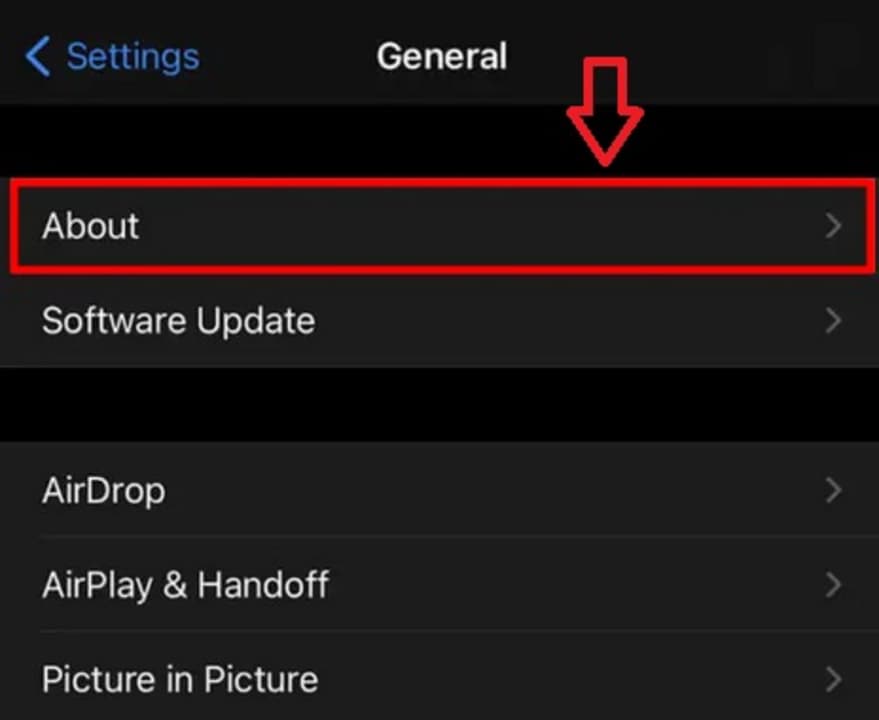
If you are an iPhone (iOS) user, go into your device’s settings and, within the “General” section, click on the “About” option. Once there, wait for your carrier’s settings to appear and click on the “Update” button.

If you are an Android user, the process is much more complicated and you will need to enter all the values manually. That is why in this case, we do not recommend you to perform this step unless you are very sure of the values you are going to enter. To do this, go into the settings of your cell phone and look for the “Carrier settings” option (not all Android phones have this option). After that, click on the “Update profile” button and enter the new values of your operator.

If this step did not work and you have tried all the previous ones, we strongly recommend you to reset your phone to factory settings.

8. Factory reset

If the above step did not work, try resetting your cell phone to factory settings. Before you do that, make sure you back up all the contents of your cell phone will be completely formatted. And when we say everything, we mean EVERYTHING. Once this is done, check if the phone detects your SIM card.

9. Try the SIM card in another mobile

Is your SIM card still not showing signs of life? It’s time to check if the problem is repeated from another device. To do this, remove the card from your mobile and insert it in another smartphone. Once activated, check if you can access the operator’s network. If this is the case, the problem is in your mobile and not in the SIM card.

10. Call the operator

You have already reset your mobile, the network settings… but your SIM card is still not working. It’s time to call the operator. SIM cards sometimes get blocked without a PIN failure. It can happen due to multiple circumstances, from a network failure to the carrier deciding to restrict connections for extrinsic reasons (a bill payment failure, a false theft alert, etc.). That is why it is advisable to make a quick call to the operator (from a landline, of course) and ask if your SIM card is active.

11. Get a new SIM card

If none of the tricks we have given you have worked, we are sorry to tell you that your SIM card is defective and has unfortunately died. To keep your phone number, go to your operator’s nearest store, explain the problem and ask for a copy of your SIM card. Don’t worry, carriers don’t usually charge a replacement fee for a broken or non-functioning SIM card. Once this is done, insert your new SIM card and enjoy being connected to the Internet again.

Reuse your SIM card

We hope our selection of tips and tricks to get your SIM card working has helped you. As you can see, just because your phone doesn’t detect your card the first time doesn’t mean you need to replace your card. And before taking drastic solutions, we recommend that you try the tricks we have given you in order.

Did you like what you read? Share this article with your friends on social networks!