
Time-Saving Tips: The Most Used Keyboard Shortcuts for iPad and How to Create Your Own

Once they get used to it, pressing a couple of keys to do something can be very comfortable and, above all, really fast.

One of the fastest and most efficient ways to interact with our devices is to use keyboard shortcuts. We may have to learn them at first instead of tapping or clicking on buttons, but as soon as we get used to them we will be much more agile.

Continue reading “Time-Saving Tips: The Most Used Keyboard Shortcuts for iPad and How to Create Your Own”

Effortless Typing: Unlocking the Power of Predictive Text on Your iPhone

Easy to use that can help us write faster and with fewer misspellings.

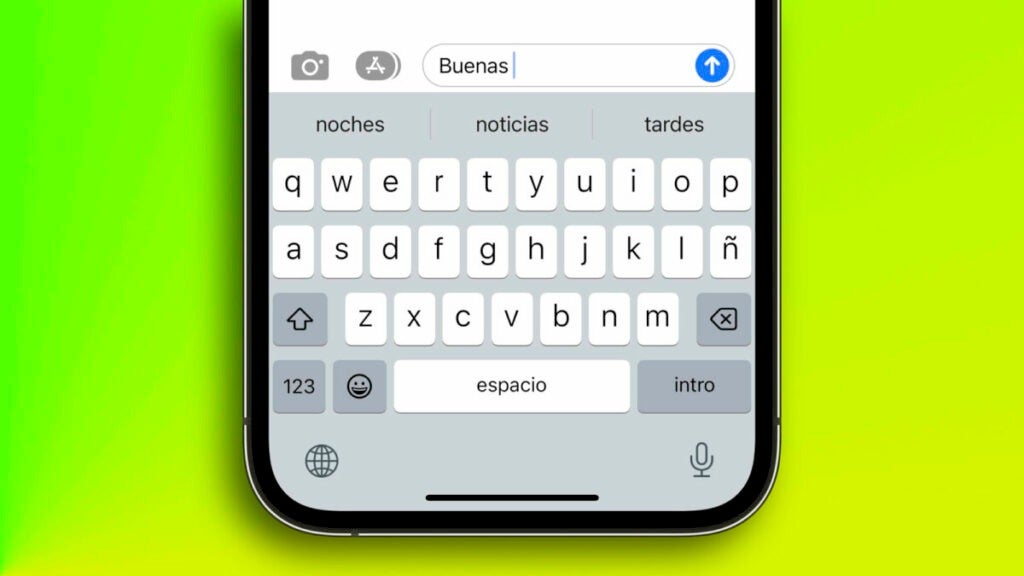
Typing is much easier if our keyboard already knows what we want to write before we do it. This is taken care of by the Predictive Text feature, which facilitates faster typing on our iPhones. A function that, although it is simple and intuitive to use -no more than AirDrop-, hides a couple of options that are interesting to know.

Continue reading “Effortless Typing: Unlocking the Power of Predictive Text on Your iPhone”

Mac and iPad Users Rejoice: New Trick Allows for Forward Text Deletion

We can delete text backwards, but also forwards. A resource that seems irrelevant, but that makes a big difference in our productivity.

When it comes to typing text on a device, especially if it is long, it is normal that we need to delete, edit, reorder and make changes to get the final product we want. We often know what a green or orange dot on the Mac menu bar means and also which key to tap to delete a word, but what if we want to delete forward?

Continue reading “Mac and iPad Users Rejoice: New Trick Allows for Forward Text Deletion”