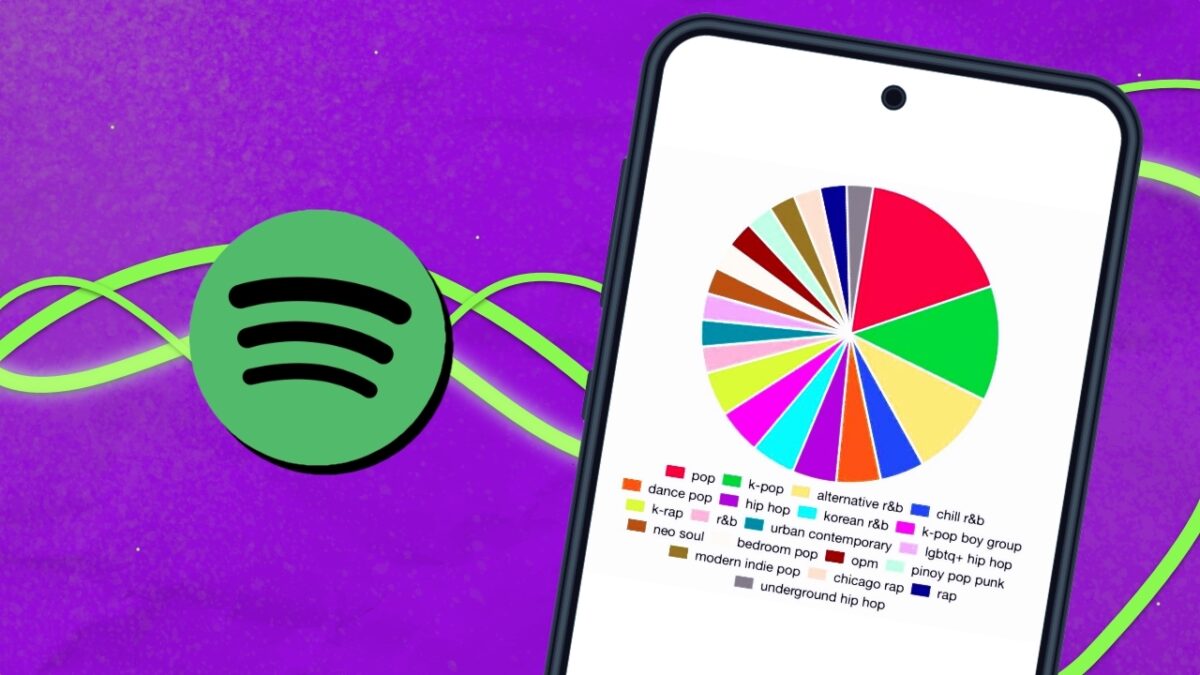
One of the most anticipated moments of the year for Spotify users is the Wrapped. An Instagram Stories-style summary that reviews everything we’ve listened to throughout the year, as well as artists and song genres. The problem? That we have to wait a whole year to get a graph of our most-listened-to songs.The solution? Spotify Pie.
Spotify Pie is a third-party web application (not related to Spotify) that allows us to create a colorful pie chart (or pie graph) that shows the artists and music genres we’ve been enjoying for the past month, without having to wait for the official December Wrapped to see them.
The tool is the work of Californian student Darren Huang, who is constantly updating it. The graphs generated allow us to see the artists we have listened to that month, as well as the musical genres to which they belong, distinguishing between a wide variety of styles.
How to create a Spotify pie chart
Creating your own pie chart is very easy. To do this, you just need to enter the Spotify Pie website and connect your Spotify account. Although, for the moment, no problems have been detected with the website, it is important to emphasize that we must always be careful with the apps and websites that we connect to our accounts, so use the tool at your own risk.
Once we have connected our Spotify account and logged in, our own pie chart will instantly appear, showing the artists we have listened to and the genres they belong to, distributed in different colors.
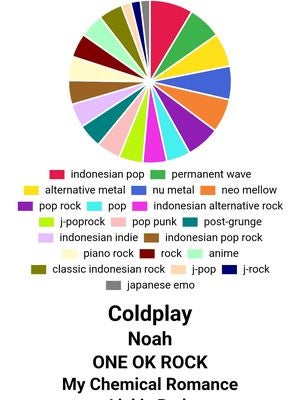
The web application is constantly evolving, so it may allow us to see more information about what we listen to on Spotify in the future. In addition, it can be used on both PC and mobile, adapting perfectly to the dimensions of our devices.
Some of the links added in the article are part of affiliate campaigns and may represent benefits for Softonic.
