There’s a lot to like about multi-format multimedia player Windows Media Player. With a sleek and stylish interface, and the ability to integrate your media for easy browsing, it’s not difficult to see why it’s a staple on most peoples’ PCs.
There are, however, other multimedia players out there that really give Windows Media Player a run for its money though. Whether WMP isn’t cutting it for you or you’re simply looking to explore other options, you’ve got a lot of great players to choose from. There are a variety of different players out there to suit your own personal interests and needs.
Here are five free alternatives to Windows Media Player that support multiple file formats.
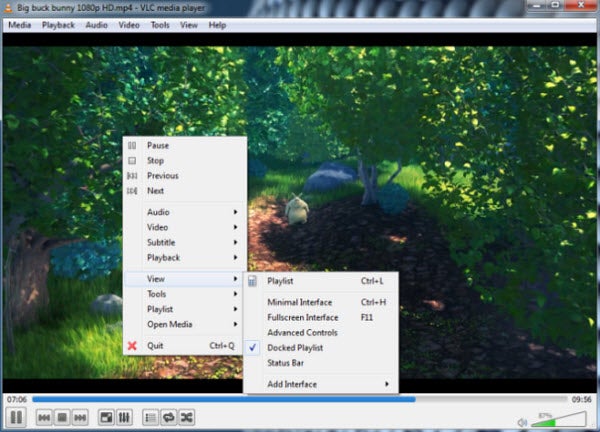
Hands-down one of the best multi-format media players out there, VLC supports a wide range of file formats. Beginner users will appreciate the simplicity of VLC’s interface. More advanced users can take advantage of the player’s hotkey support, as well as the ability to integrate VLC with web channel streaming services. Channels.com is a good example, which will give you access to a variety of different channels and programming such as ESPN and National Geographic. The player also plays BluRay and HD.
VLC Media Player is available for both PC and Mac.
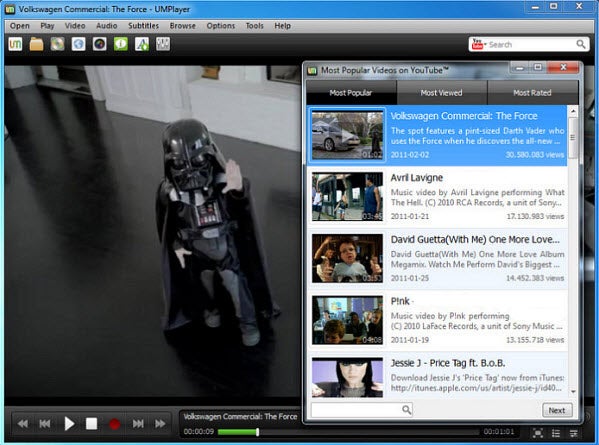
UMPlayer is based on another solid multimedia player, MPlayer. It’s a player with a minimalist interface that’s arguably more stylish than the player it was based on, which makes for a great user experience when listening to audio or watching videos. UMPlayer can play online TV and radio stations and offers a built-in search feature that lets you find videos in YouTube and stream music via Shoutcast. It’s unlikely you’ll have difficulties playing any media file, as this player includes more than 200 codecs. UMPlayer can also take screenshots of video files and supports subtitle downloads for foreign language movies.
UMPlayer is also available for both PC and Mac.
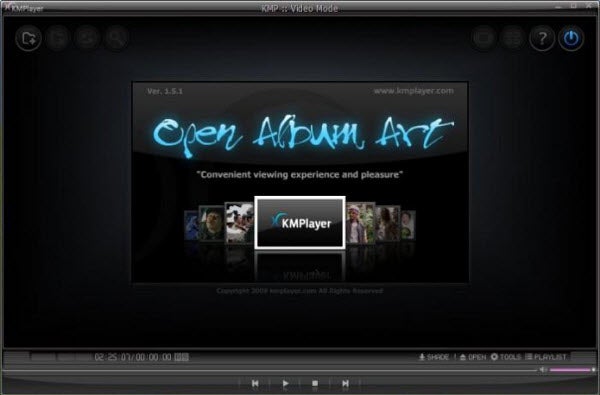
Another multimedia player that supports a large range of formats, KMPlayer is also incredibly light on resources. This makes it the perfect player for PC users with little space to spare. KMPlayer boasts a minimalist interface with subtle aesthetic touches. One of these involves the player’s color changing with every new track played. KMPlayer is highly customizable as well, with the ability to choose skins, add plug-ins and change playback options. You can even change picture properties, sharpen video images, apply filters and take video captures through the processing tools KMPlayer provides.
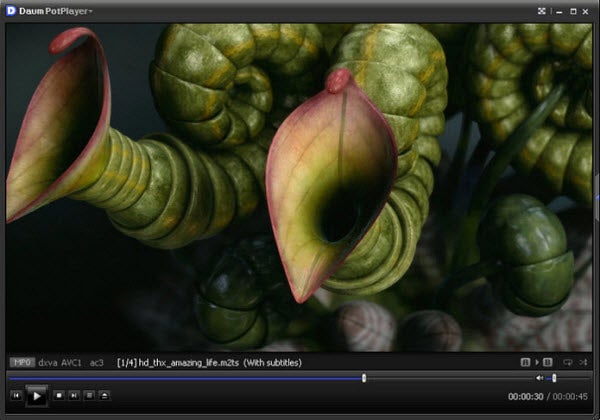
If you want a powerful player with loads of configuration settings, give PotPlayer a look. PotPlayer includes an impressive list of built-in audio and video codecs that will let you play almost any media format you can imagine. It also hast great quality playback and resumes playback wherever you left off watching your video files. In addition, audio filters and support for subtitles come included in PotPlayer. Just note that this player is a little heavy on system resources, so it requires a higher spec PC to get the most out of it.
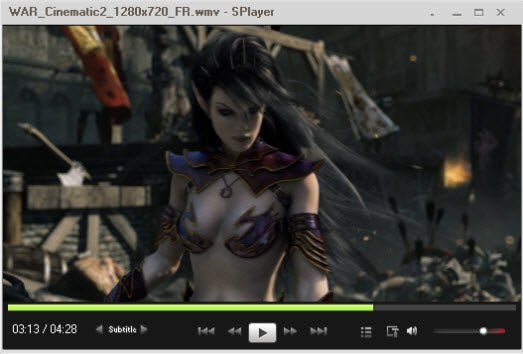
If lightweight and simple are your preferences, give SPlayer a look. Although its interface might seem a little dull to some, it’s perfect for minimalists. SPlayer is also easy to use. It supports an enormous list of file formats so you can watch virtually any movie you own and listen to song files from any online store. Since the interface is so basic, it doesn’t interfere with the media you’re trying to enjoy. In addition, SPlayer comes with a few extra perks, such as an audio and video equalizer, a screenshot feature and three interface options.
Are there any other free media players that you think deserve a mention? Tell us below!


 Tales from Space: Mutant Blobs Attack is one of the first downloadable PlayStation Vita titles. Drinkbox Studios is now in the process of porting their game to PC on