iObit’s free Game Assistant 2 beta launched today

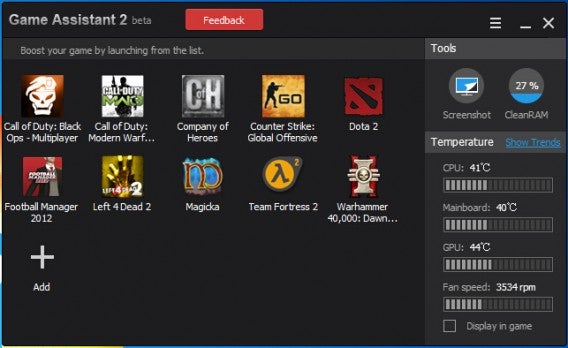
Today, iObit launches the beta for its Game Assistant 2, an app for Windows designed to optimize your desktop or laptop for the rigors of PC gaming, helping to keep it as cool as possible.

Game Assistant 2 beta monitors and displays the temperature of your computer’s CPU, GPU and Motherboard, and fan speed. Like most optimizers, this app attempts to optimize RAM usage and other settings so that your PC can run games more smoothly. It’s important to note that no app is a cure-all, although optimizing your PC settings can improve performance.

iObit says Game Assistant 2 can help prevent overheating damage that might occur when playing games that put a strain on your PC, and it will even warn you if this occurs. For less experienced PC users, apps like this are a convenient one stop shop for monitoring and optimizing your PC.

Download iObit’s Game Assistant 2 Beta from Softonic.

Steam beta client now allows simultaneous installations

Valve’s Steam beta client has been updated, and you can now download and install multiple games simultaneously. The Steam beta channel can be joined in your account settings, which you can access in the app itself.

The advantage of this feature is mainly so that you can now leave Steam to do multiple downloads and installs, which can save you lots of clicks. With larger games especially, this means that you can start the process and then leave your computer without having to monitor what’s going on.

With this latest beta, you select as many games as you like from your library, right click, and choose ‘install’. A multiple game install window will then open, where you can double check your selections and begin download/installation.

Steam is a popular app and service for PC, Mac and Linux gaming. It allows you to purchase, download and manage games on your computer, and also has strong social features so that you can share your gaming with friends.

Source: PC Gamer

Related Stories

Watch a 22 minute official Metal Gear Solid 5: Phantom Pain gameplay video

The Sims 4 will be released Sept 2nd, but watch the launch trailer now

Metro Redux available now

Pro Evolution Soccer 2015 demo September 17

Follow Jonathan on Twitter: @jonathanriggall

Bioshock for iOS out tonight for $15

Developer 2K China announced earlier this month that Bioshock would be coming to iOS. Well the game is ready is will be available to download tonight for $15 in the App Store.

While the port of Bioshock remains almost completely faithful to the original game, it has downgraded graphics to make the game run smoothly. 2K also designed the game for touch, but you’ll want to play the game with a Bluetooth controller.

The seven year old game is frequently on sale on Steam, and provides a much better experience, provided your computer can run the game. If not, playing the game on your iPhone or iPad won’t be too bad if you can put up with the clunky touch controls or buying a gamepad.

As you can expect, only newer iOS devices will be able to run this graphically intensive game. You will be able to run the game if you have an iPhone 5, iPhone 5c, iPhone 5s, iPad fourth gen, iPad mini 2 or an iPad Air.

The game is expected to land in the App Store at 11PM ET tonight.

Via: Mashable

Related Stories

New game announcement from Saints Row developer coming Friday

Watch a 22 minute official Metal Gear Solid 5: Phantom Pain gameplay video

Metro Redux available now

Age of Empires: Castle Siege coming to Windows 8 and Windows Phone

Diablo III patch 2.1.0 released today

Follow Lewis on Twitter: @lewisleong

Dropbox drops prices to compete with Google Drive and Microsoft OneDrive

Dropbox is finally getting competitive with its subscription pricing. Users can now get 1TB of storage for $9.99 per month or $99 if you pay for a year. Before today’s price drop, Dropbox users could only get 500GB for the same price. To make things easy, Dropbox is only offering Pro users one plan.

Google also offers 1TB of storage for $9.99 per month but doesn’t offer the option to pay for a full year of service. Google also offers many more options with the cheapest plan costing $1.99 per month for 100GB. You can get up to 30TB of storage for $299.99 per month.

Microsoft offers 15GB of OneDrive storage for free but also provides a subscription for 100GB for $1.99 per month. OneDrive doesn’t offer 1TB of storage for consumers, but does offer it for businesses for $2.50 per month per user.

In addition to pricing changes, Dropbox Pro offers new sharing controls. You can now create passwords for shared links to make sure only authorized people have access to your files. You can also set a timer for shared links to expire.

Dropbox remote wipe feature

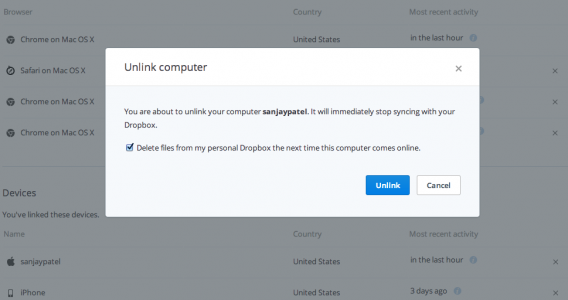
Last but not least, Dropbox offers a remote wipe feature in case you lose your laptop or phone. Dropbox will delete all your files on that device when triggered. This is a nice additional layer of security, even though Find my iPhone and Android Device Manager also feature remote wipe.

Download Dropbox: Android | iOS | Mac | Windows | Windows 8

Source: Dropbox

Related Stories

16 must-have apps for every teacher

Dropbox gets search for Word and Powerpoint docs on iOS

Chrome update brings 64-bit for Windows, offers security and speed

Google’s iOS productivity apps get native Office support, debuts Slides for iOS

Follow Lewis on Twitter: @lewisleong

New game announcement from Saints Row developer coming Friday

This Friday, Volition, the developer behind the Saints Row games, will present ‘gameplay, art, and details for an upcoming project.’ There are currently no details beyond that.

The announcement will be made at a PAX Prime panel in Seattle. The company has been focused on the Saints Row series in recent years, but has announced it is increasing its staff by 100 this year, which might suggest a new project.

It seems likely that there will be a fifth Saints Row at some point, after the success of 2013’s IV. Aside from a comment from a voice actor that claimed to be working on the next Saints Row in December last year, nothing has been announced or leaked. Volition made the early Red Faction sci-fi shooters, but as the rights to the game were taken on by Nordic Games, it seems very unlikely that we’ll see a new Red Faction game this Friday.

While a new title in the over the top Saints Row series would undoubtedly be welcome, it’s hard not to be more excited by the prospect of a something totally new from this venerable games studio.

Source: CVG

Related Stories

Watch a 22 minute official Metal Gear Solid 5: Phantom Pain gameplay video

The Sims 4 releasing Sept 2 but watch the launch trailer now

Metro Redux available now

Pro Evolution Soccer 2015 demo September 17

Follow Jonathan on Twitter: @jonathanriggall

16 must-have apps for every teacher

Teaching is not easy, especially when students are distracted by time killers like WhatsApp or Candy Crush. But from that iPhone in your pocket, to the Android tablet in your bag, the same devices that are distracting your students can actually be the perfect platform for more interactive and interesting lessons.

Below are 16 useful apps for the classroom to help you enrich your teaching methods and build a virtual classroom,  transforming you into a real 21st century teacher.

Nearpod, lessons on any device
Imagine creating a multimedia presentation, then sharing it with your students by having them load it up on their smartphones, regardless of make or model. You can do this with Nearpod, an app that’s designed to facilitate e-learning.

The service is free, as are the apps for Android and iPhone. Also, if you’re in a hurry, you can buy materials at the official store instead of creating them yourself.

You can sign up by clicking here.

Download Nearpod for: Android | iOS

Viper, the plagiarism detector for Windows

Who hasn’t discovered plagiarized Wikipedia articles in a student’s work? Sad to say, it’s a common problem these days. Fortunately, there are powerful plagiarism detectors like Viper (Windows), which searches local documents, as well as online sources.

To use Viper, you must first create a free account. Once you’re in the program, choose the documents you want to analyze, and Viper will compare the text. It’ll tell you what the probability is that the document has been copied without any modifications.

Download Viper for: Windows

Attendance, the attendance list for mobile
An attendance list on paper is very useful, but with the Attendance app (Android), you get an easy and visual way to keep track of your most absent students . There are various views that include students, groups, and classes, as well as a general calendar view.

The drawback of Attendance is that you need to do a fair bit of pre-configuration: you have to create names and courses, as well as upload photos. But once it’s ready, it’s well worth it.

Download Attendance for: Android

TooNoisy, background noise detector with alarm
TooNoisy is a fun noise detector for iPhone and Android that shows a graphic and sounds an alarm if the background noise exceeds a certain threshold. When the noise gets too high, the picture changes.

Obviously, the consequences depend on the teacher. If noise exceeding the threshold is associated with some sort of punishment (eg. detention), then students will be more inclined to keep the noise level down.

Download TooNoisy for: Android| iOS

ThingLink, pictures that say a thousand words

Images are an excellent educational resource, but they can be even better when you add interactive points. This can be done with Thinglink, an app that helps you create interactive images.

Thinglink works in all browsers, and the membership is free. Creating an image is as easy as uploading one from your hard drive, Flickr, or Facebook. You can then add interactive points.

Access ThingLink from your browser

PDF Document Scanner, the scanner for your mobile

PDF Document Scanner is very useful for those who don’t want to carry around stacks of paper. With just one touch, documents scanned with your phone’s camera can be saved as PDF files, ready to be sent to your PC.

Among other options, PDF Document Scanner allows you to choose the page size (A4, Letter) and edit the shot before saving it as a final document.

Download PDF Document Scanner for: Android
Evernote, the notepad of the new millenium
Take notes on your PC and access them on your phone. Edit your notes on the go. Organize, search and share with students and other teachers. You can do all this and more with Evernote, the multi-platform notepad.

The creators of Evernote have also made a few suggestions as to how teachers can use the app, whether it’s taking photos of the blackboard, or saving web pages that can be used for research papers. The possibilities are endless.

Download Evernote for: AndroidiOS | Mac |Windows

Box, the hard drive for groupwork

Instead of using USB sticks or sending emails, why not use a shared online space? With Box, you and your students can create folders where files can be downloaded at any time.

The ability to add comments or access files from any phone or tablet gives Box a versatility that makes it perfect for schoolwork.

Download Box for: Android | iOS

Trello, manage tasks, projects and much more
Trello is a virtual bulletin board where you can post ideas, tasks, images, or links. It’s so versatile and easy to use, that you can use it for just about any type of task that requires you to organize information.

What exactly can you use it for? You can distribute tasks when doing groupwork, gather ideas for essays, collect pictures for a collage, or simply organize and prioritize your class materials, among other things.

Download Trello for: Android | iOS

Paper.li, the online class newspaper
With Paper.li, the whole class can compile news and design the front page for an online newspaper. With the ability to add contributors, you can become the editor-in-chief, at least of your classroom.

Creating a virtual newspaper is simple: first, choose the sources, then customize the look, and share the end product on social networks. It also looks great on smartphones.

Access Paper.li from your browser

Socrative, exams on your web browser

Nothing will irritate a teacher more than marking dozens of exams. With Socrative, exam questions can be answered on your smartphone, tablet or PC. It integrates with Google Drive and even has educational games.

It’s an interesting alternative to pen and paper, and not only for exams, but for daily and weekly tests as well. With Socrative, checking that students have understood the lesson is quick and easy.

Download Socrative for: Android | iOS

Screenr, video tutorials without the need of a camera

With Screenr, you can record videos of what you see on your PC screen and add comments using the microphone. The videos are stored online and can be easily shared. To record, all you need is a browser with Java.

Screenr is ideal for explaining programs like Excel, or commenting on web pages. It’s also much easier to use than the other expensive, commercial screen recorders.

Access Screenr from your browser
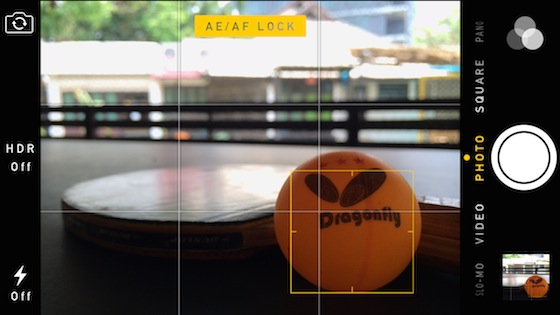
Calibre, the eBook manager that surpasses all others

Paper books are expensive and heavy, and handouts aren’t much better. If you compile eBooks with Calibre, you can send them to your students so that they can load them up on their smartphone, tablet or ebook reader.

Calibre is  a great tool to manage ebooks, convert them to other formats, or create them from other documents. It’s the virtual librarian you can’t (and shouldn’t) live without.

Download Calibre for: MacWindows

Animoto, create videos effortlessly from texts and pictures
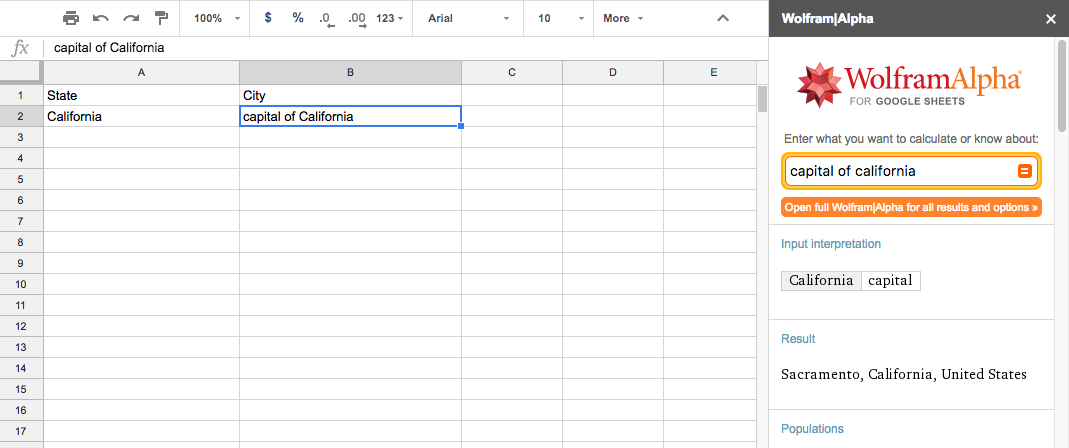
A video can be a powerful tool for teachers who know how to make them. With sound, music and visual effects, a video maintains students’ attention better than a book or a blackboard.

Animoto makes creating videos with text, pictures, and sound incredibly simple. If you decide to pay for the Pro version, you’ll have access to over 2,000 music tracks and lots of interactive features.

Access Animoto from your browser
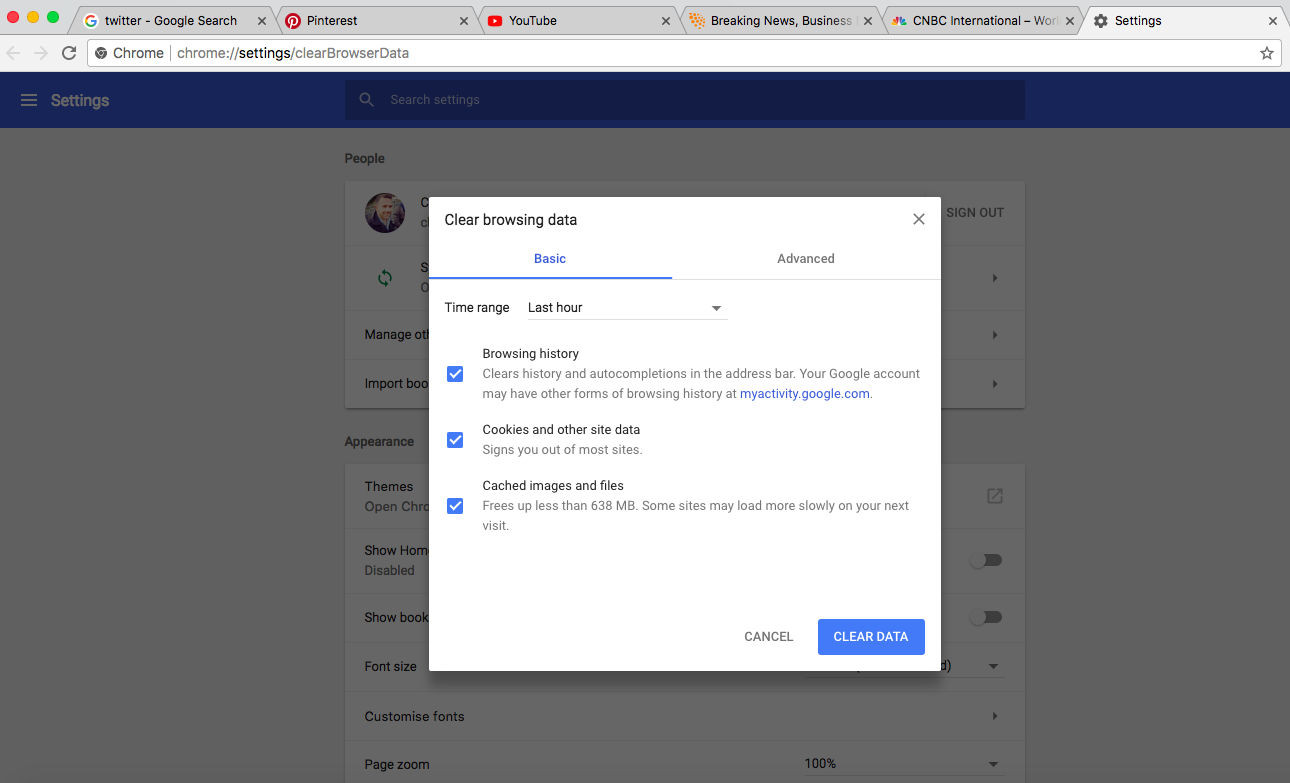
Google Forms, questionnaires with Google quality
Did you know that it’s possible to create any type of survey or form with Google Drive? These days, it’s perhaps the best tool for creating forms in terms of value for money.

You can just imagine all the possible uses, but for now, take a quick look at the templates for students and teachers to see some of the many possibilities Google Forms can bring to the classroom.

Access Google Drive from your browser
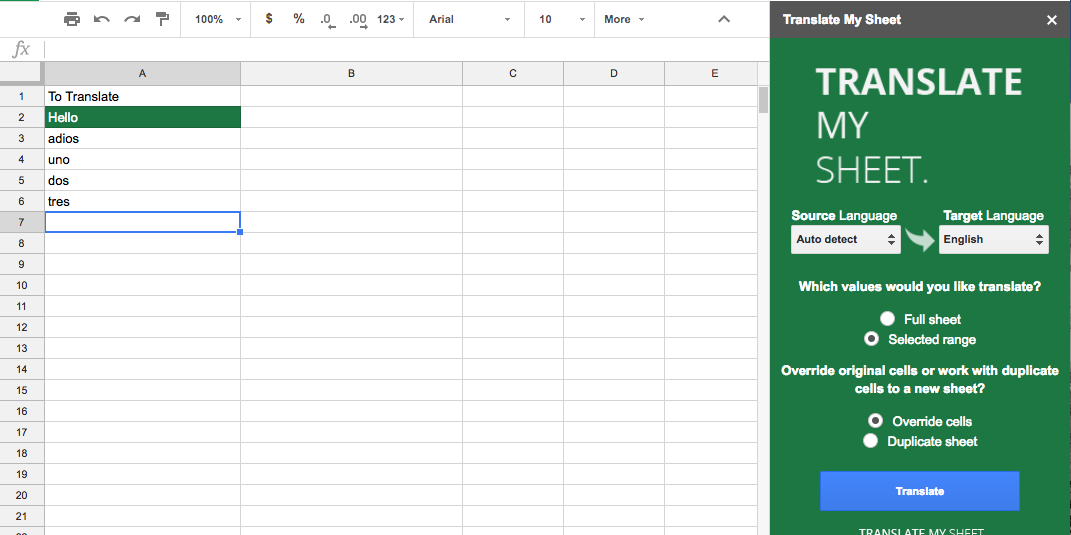
Remind, sure reminders for students
Now available worldwide, Remind is an app that meets a very specific need: being able to send

Remind is the perfect tool for parent-teacher interviews. You can also send reminders and homework, as well as messages, to parents, and all without exchanging phone numbers.messages to students while keeping parents informed.

Download Remind for: Android | iOS
Technology doesn’t replace work, it enriches it

With everything going digital, it makes sense to bring it into your classroom as well. Whether you use one, two, or all of these apps, take advantage of them, and remember that it might be just be the best way to get your students involved without having to put away the smartphone.

If you’re looking for more productivity solutions, check out how Google Docs can replace your word processor.

Follow me on Twitter: @remoquete

Image sources: Nearpod, Google Play, Paper.li, Calibre
Watch a 22 minute official Metal Gear Solid 5: Phantom Pain gameplay video

Metal Gear Solid 5: Phantom Pain will be coming to PC soon, as we heard at Gamescom earlier this month. Now, a video of the demo that Konami showed at that event has been officially released (it was unofficially published on YouTube earlier). Watch the 22 minute gameplay video below.

Default player


brightcove.createExperiences();

Metal Gear Solid 5: Phantom Pain is the second game released with the ‘5’ moniker. The first, ‘Ground Zeroes’, was released last year on consoles, and is expected on PC later this year. Phantom Pain should be out in 2015. The games are the latest in the long running Metal Gear series, which started life in 1987.

They are stealth action games, which generally see you sneaking around military complexes. The series came to life with 1998’s Metal Gear Solid, which was the first to be in 3D, and the majority of the games have been written and produced by Hideo Kojima, one of the most influential writers in the history of video games.

Related Stories

World of Warcraft: Warlords of Draenor expansion coming Nov 13

Assassin’s Creed Unity 11 minute gameplay includes interior of Notre Dame

Ubisoft’s The Crew ‘Playground’ trailer shows off the United States

Pro Evolution Soccer 2015 demo September 17

Follow Jonathan on Twitter: @jonathanriggall

Firefox 32 RC 1 released for desktop

If you use desktop version of Firefox Beta, you will receive version 32.0 RC1 (release candidate 1) today. This means the official release should only be a week away.

There are no huge changes in Firefox 32. The design stays the same, as do most of the functions. The most notable changes are that you can now see login metadata in the password manager – login times, for example – and the Add-on manager and Password Manager have general performance improvements. There are also security improvements.

Read the full list of technical changes below:

– New HTTP caching (v2) enabled by default

– Integration of generational garbage collection

– Public key pinning support enabled

– Login metadata viewable in password manager

– Display the number of found items in the find toolbar

– Code completion and inline documentation added to Scratchpad

– Connect to HTTP proxy over HTTPS

– Performance improvements to Password Manager and Add-on Manager

– Removed and turned off trust bit for some 1024-bit root certificates

– Vibration API updated to latest W3C spec

– CSS box-decoration-break replaces -moz-background-inline-policy

– ECMAScript 6 built-in method Array#copyWithin implemented (docs)

– CSS position:sticky enabled by default

– DrawFocusIfNeeded enabled by default

– Mix-blend-mode enabled by default

– New Array built-in: Array.from()

– navigator.languages property and language change event implemented

– HiDPI support in Developer Tools UI

– Inspector button moved to the top left

– New Web Audio Editor

– Hidden nodes displayed differently in the markup-view

– Mac OS X: cmd-L does not open a new window when no window is available

– Text Rendering Issues on Windows 7 with Platform Update KB2670838 (MSIE 10 Prerequisite) or on Windows 8.1

The Firefox Beta and Aurora channels are for people who want to test upcoming versions and get new features early. The trade-off is a possible loss of stability. Most users are advised to use the official release, which for Firefox 32, is expected on September 2nd 2014.

Download Firefox Beta for Windows and Mac.

Source: Mozilla

Related Stories

Chrome 64-bit for Windows offers security and speed

Softonic’s Browser Comparison: Head-to-head with Chrome, Firefox, IE and Opera

Firefox 31 brings new tab search bar, increased download security

5 reasons I left Chrome for Firefox

Follow Jonathan on Twitter: @jonathanriggall

The Sims 4 releasing Sept 2 but watch the launch trailer now

The Sims 4, a much anticipated game, is releasing for Windows on September 2, 2014 for the United States. Europe will get the game on September 4 with Australia and the United Kingdom receiving the game on September 5.

Electronic Arts and Maxis released the launch trailer for the game that will be available via Origin next week.

Default player


brightcove.createExperiences();

The Sims 4 looks to improve and expand on the addictive gameplay of its predecessors with better customization tools that were seen in the Create A Sim demo.

Related Stories

The Sims 4: Create A Sim demo

The Sims 4 PC requirements show it will run on low-spec machines

The Sims 4 will avoid controversial ‘real life tragedies’

Sim City 4 Deluxe edition on Origin is unpatchable and incompatible with popular mods

Follow me on Twitter: @chrislikesrobot

Chrome update brings 64-bit for Windows, offers security and speed

We knew a 64-bit version of Google Chrome for Windows was coming and now it’s finally here. This version promises fewer crashes, better performance and security. The 64-bit architecture allows Chrome to utilize modern hardware to its full potential.

According to Will Harris, a software engineer at Google, Chrome 64-bit offers a 15% improvement in video decoding performance. This means high definition YouTube videos will play smoother.

One of the biggest advantages of the 64-bit architecture is its stability, though I have managed to crash the browser already.

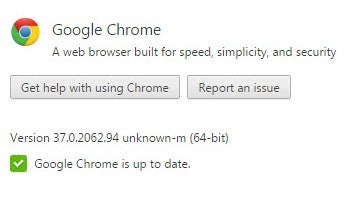
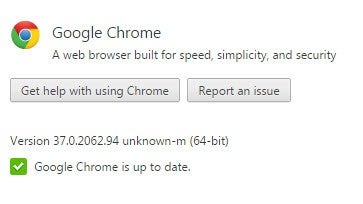
Chrome 64-bit about pageFor now, Chrome 64-bit is opt-in only, meaning you’ll have to manually download it. Google is not forcing Chrome users to upgrade to the new version yet. And don’t worry, Google will continue supporting the normal 32-bit version “for the foreseeable future.”

Before you upgrade, you should know that Chrome 64-bit doesn’t support 32-bit plugins. This shouldn’t be a problem as plugins like Adobe Flash and Microsoft Silverlight offer 64-bit versions. Sites like YouTube and Netflix worked fine for me after upgrading.

To try out Chrome 64-bit yourself, click on the download link here. Be sure to close Chrome before installing to avoid any conflicts.

Mac users still don’t have a 64-bit version of Chrome yet but Google is working on it.

Source: The Chromium Blog

Related Stories

Google is tracking your every move but you might want it to

Stop ignoring Android app permissions

Dropbox gets search for Word and Powerpoint docs on iOS

Google’s iOS productivity apps get native Office support, debuts Slides for iOS

Follow Lewis on Twitter: @lewisleong