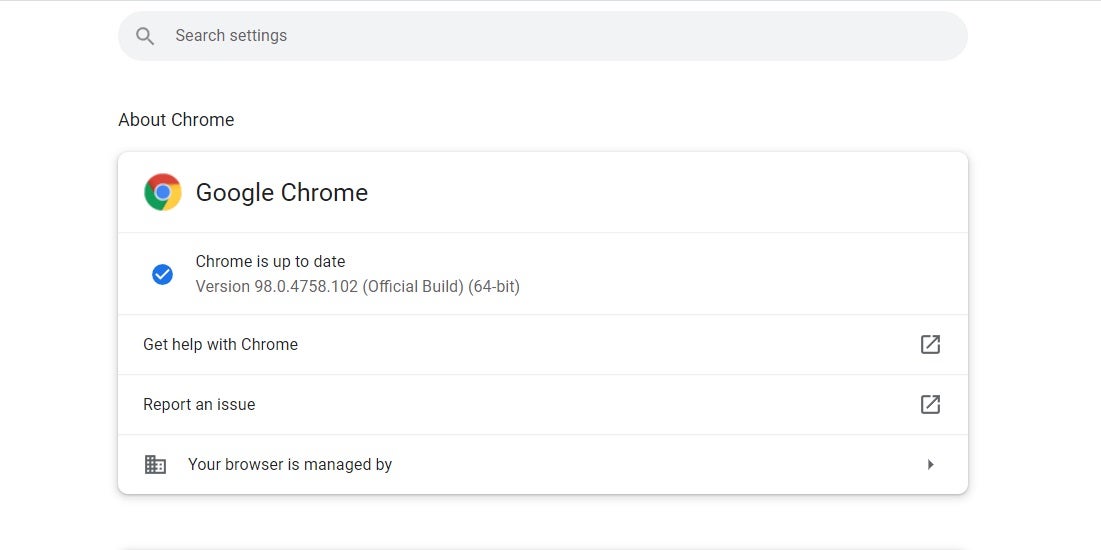
Users should update Chrome to fend off a dangerous zero-day bug

Google has just released an update for Chrome’s Stable and Extended channels, patching 11 security vulnerabilities. This update, Chrome 98.0.4758.102, fixes exploits for various high-severity use-after-free (UAF) bugs—most especially focusing on the CVE-2022-0609 bug since it’s actively exploited.

Google Chrome is one of the most popular browsers for both desktop and mobile platforms, with billions of users worldwide. Thus, it’s not surprising that it’s a frequent target for hackers and has to constantly be on guard for any security flaws. The 98.0.4758.102 update is the first patch to fix the first zero-day bug of 2022. 

Zero-day vulnerabilities are severe software threats and should be addressed as soon as possible because hackers can continuously exploit them to inflict damage on devices and users. This was the case with the reported CVE-2022-0609 bug, which is a UAF issue with Chrome’s Animation component. It could have caused problems like data corruption and program crashes.

There were other security issues patched alongside it, too. Chrome’s File Manager, Webstore API, ANGLE, and GPU had suffered from the same use-after-free bug. There were high-severity cases for a heap buffer overflow in Tab Groups and an integer overflow in Mojo. Lastly, a medium-severity inappropriate implementation issue with the Gamepad API was also fixed.

The Chrome 98.0.4758.102 patch will be rolling out for Windows, Mac, and Linux over the coming days and weeks. However, users are highly urged to manually update the browser themselves. They can do this by opening Chrome’s menu, going to Help, and choosing “About Google Chrome.” This is for the best since Google confirmed reports of a CVE-2022-0609 exploit still existing out there.
You can now enter Yat’s colorful emoji URLs in Opera

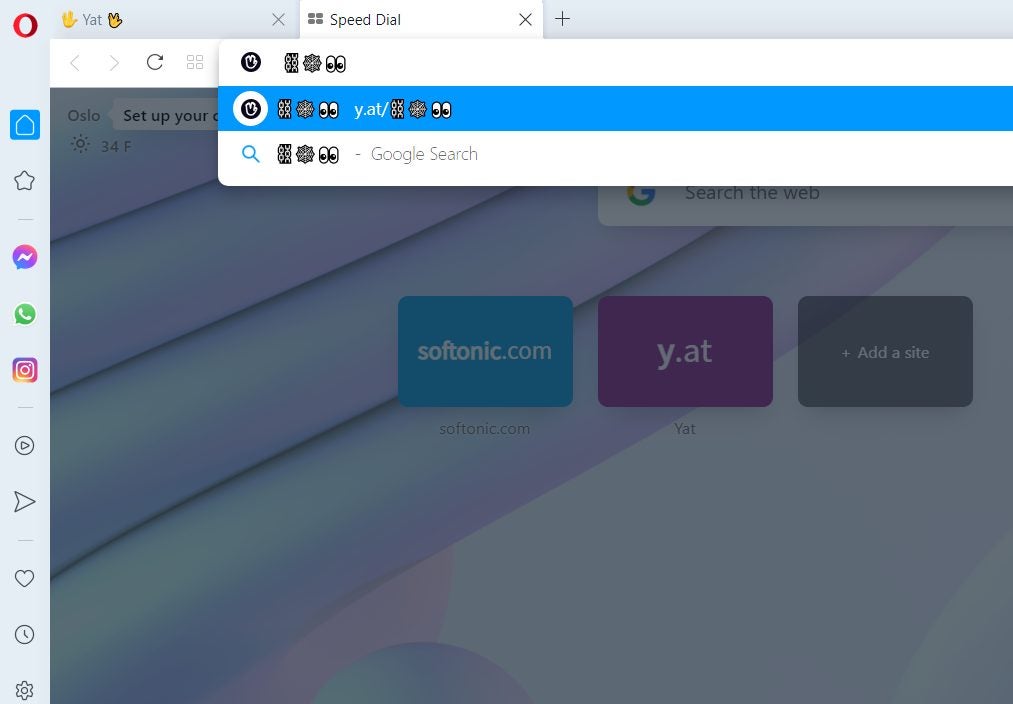
Opera, one of the most popular web browsers, has now integrated the emoji-based web addresses of Yat into its system. This new feature allows you to type in strings of emoji on the address bar and get redirected to a webpage, as well as register your own unique emoji combo as your personal domain on the internet.

A Yat is an all-in-one emoji username that acts as your universal online identity, website URL, payment address, and the like. It promotes both user-friendliness in typing in website links and self-expression, so this partnership with Opera opens up more ways for Yat users and creators to reach out to the world.

The way Yats work is that you can buy them like domain names and create a string of up to five commonly-used emojis to act as your personal URL, among other things. This makes it so that creators and celebrities like Lil’ Wayne can promote their websites while still retaining creativity on the links’ appearance. 

Typically, you need to type in “y.at/” before the emojis to make them work but Opera foregoes that entirely. Now, you can immediately insert the emoji combinations on Opera’s URL bar and it will open up the corresponding Yat page. Emojis embedded on web pages link to the Yat page automatically, too. There’s even a little pop-up on the URL bar you can use to easily select emoji characters.

Opera rolled out this feature on all of its browsers on Windows, Mac, Android, and iOS—including its Crypto Browser Project. This makes it the very first browser to support emoji-based web addresses. Not only does this add to the various cool features Opera has, but it’s also another good reason as to why you should consider switching to Opera.

Bluetooth devices can now directly control Microsoft Teams calls

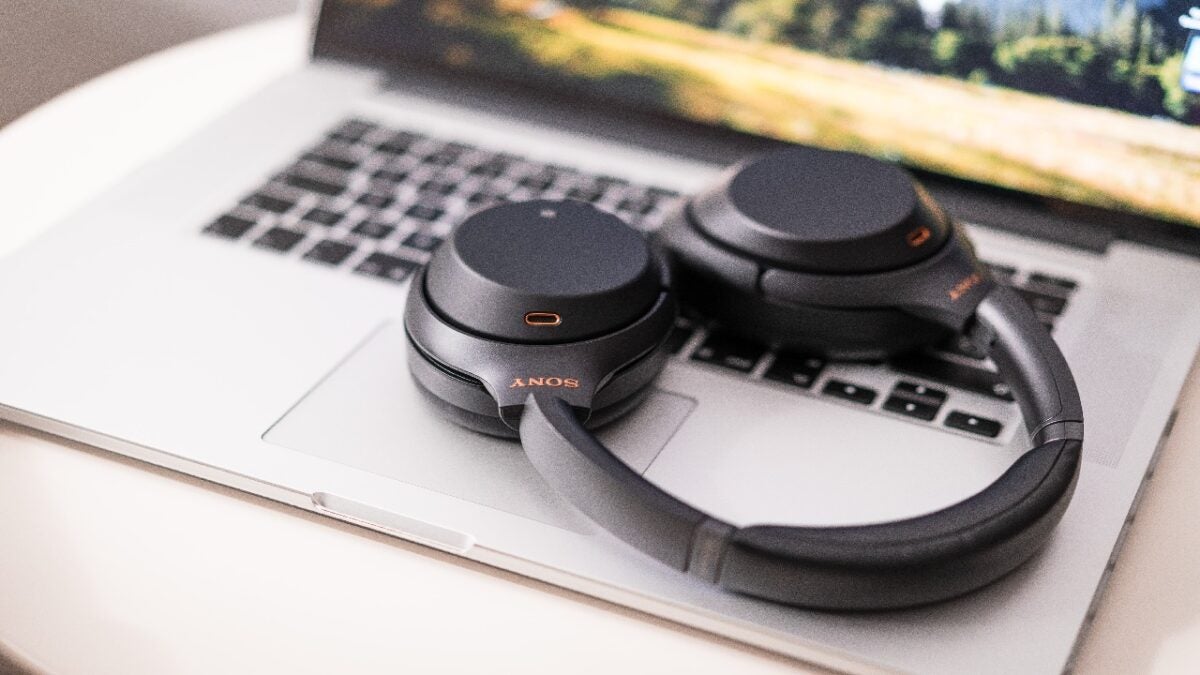
The popular communication software Microsoft Teams will now be allowing Bluetooth headsets and speakerphones to control its calls directly with their device buttons – completely bypassing the need for a USB dongle connected to your PC. This feature is scheduled to roll out by March 2022.

Well-known for being a top collaboration platform, Microsoft Teams offers a wide variety of functionality with its features and tools. The desktop client alone offers more versatility compared to the Microsoft Team browser version, and a new update regarding Bluetooth capabilities joins its generous offerings.

Unlike the usual process of requiring a USB dongle to control your Bluetooth device using the PC, Teams now lets you directly manage your calls with the device’s buttons alone. The controls are just for answering, ending, and putting a call on hold but they’ll be infinitely much easier to do with just your fingers on your headset. 

Simply pair your device with your computer to begin. However, while it will work for most hardware, not all Bluetooth devices without a USB dongle are actually compatible with this feature. You’ll have to check out all certified headsets on Microsoft’s website to be sure.

The new feature was added to Microsoft’s public roadmap for Microsoft 365 and Teams and will be available on the desktop client and government clouds. This is great considering that Microsoft Teams has now also improved its energy efficiency to go much easier on your PC. With the use of a dongle out of the way, handling Teams calls will be less energy-intensive, too.