Stolen NVIDIA certificates used to make malware appear trustworthy

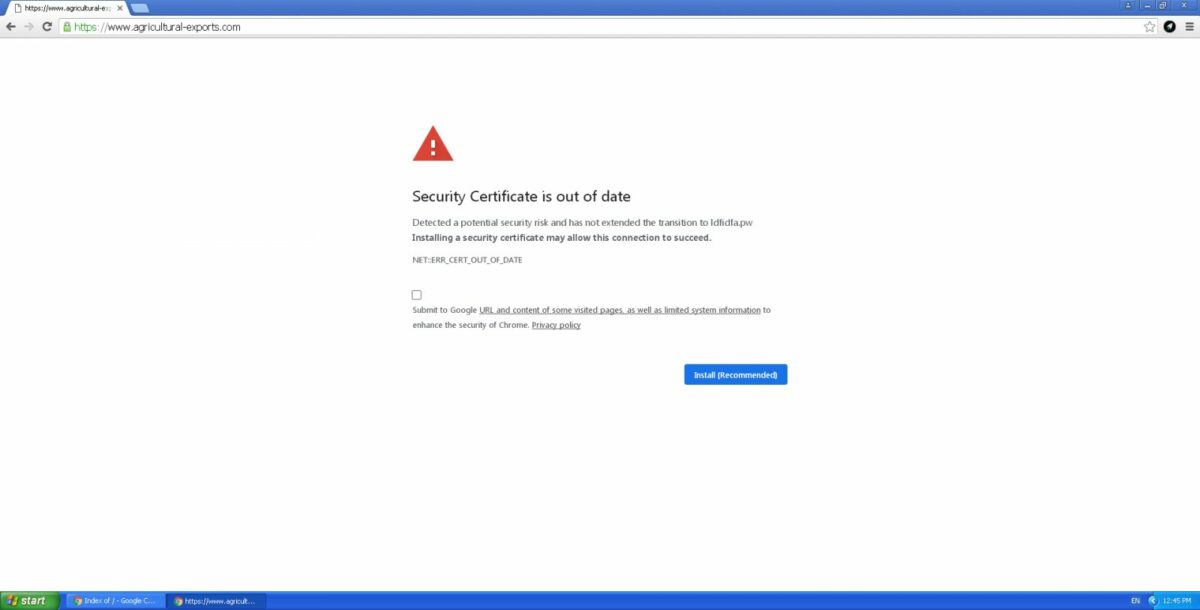
Digital certificates stolen from NVIDIA during a recent network security breach are currently used in suspicious software payloads or malware to try and trick users’ computers into treating them as trustworthy software. Multiple security researchers have reported that they’ve amassed collections of suspicious software samples that use at least two of NVIDIA’s now stolen digital certificates. 

The certificates appear to be part of a data payload that was recently released by a group of criminal hackers affiliated with the Lapsus$ ransomware crew. The group put forth that it had breached NVIDIA’s network security and stolen an extensive cache of sensitive internal data. Included in this data are the stolen digital certificates.

While one of the stolen security certificates has been found to date back to 2014, it remains a recognized, valid, and trusted certificate to Windows systems. What this means is that hackers can now develop and release malware payloads and use the stolen certificates to make them appear as if they come directly from NVIDIA. 

NVIDIA is yet to respond to requests for comment concerning the leak of the certificates. However, the GPU giant maintains that the network breach didn’t result in any significant disruption to its day-to-day operations, and it doesn’t foresee this to change. In a statement earlier this week, NVIDIA said the following: ‘Shortly after discovering the incident, we further hardened our network, engaged cybersecurity incident response experts, and notified law enforcement. 

Researchers have, in the meantime, posted Yara rules that can detect and block malicious downloads and suspected malware. However, many end-users could still inadvertently install malware that they believe to be NVIDIA graphics card firmware, driver, and software updates. 

The breach apparently comes as a way to force NVIDIA to remove the Lite Hash Rate restrictions that make it impossible for its GPUs to perform the necessary equations to mine cryptocurrency. 

While you wait for NVIDIA to rectify the certificate leak, why not check out our comprehensive review of your built-in Windows Defender security utility? Windows Defender is anti-malware software pre-installed on every Windows 10 and 11 devices to protect you in the sometimes dangerous online landscape. While you’re browsing, check out this next-gen feature that makes Windows Defender even stronger.
SEA’s Boom take the win at Dota 2’s 2022 Dubai Invitational Series

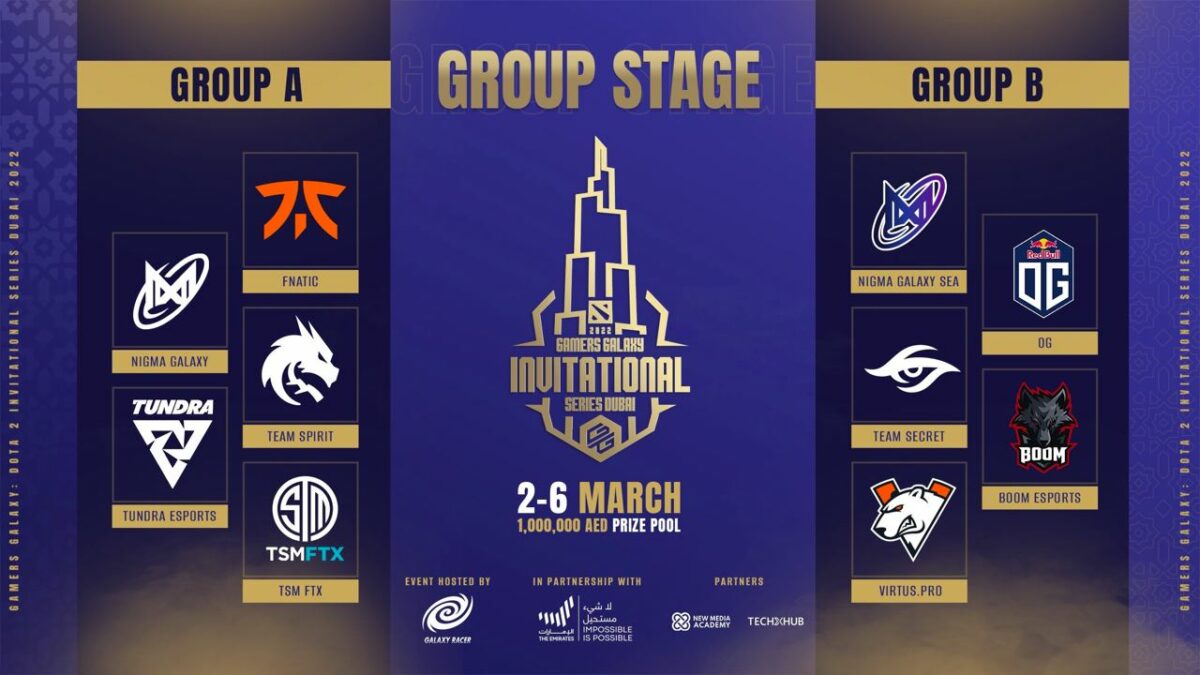
Southeast Asia’s Boom Esports Dota 2 squad have bagged at least P5 million in cash and prizes as they take the win at the Gamers Galaxy: Invitational Series Dubai 2022 Esports competition. Boom beat out fierce competition from Europe, Tundra Esports, 3-2 in the Grand Finals to take the victorious title. 

The tournament was a tumultuous journey of rises and falls for Southeast Asian victors @boomesportsid as they and Tundra swapped leads during the best-of-5 series. Entering Game 4, Boom was down 2-1 on the scoreboard, but they quickly rebounded thanks to Erin Jasper “Yopaj” Ferrer, the Filipino Dota 2 veteran, and his 11-1-16 performance using his Templar Assassin. In the process, the team locked in a 19.8k net worth. 

All the while, Souliya “JaCkky” Khoomphetsavong ran competitors down on his Bristleback, taking major damage for the benefit of the entire team. 

In the next game, Yopaj yet again enlisted his key hero, Templar Assassin, scoring 14 of Boom’s 29 total kills. It’s pertinent to mention that he also had no deaths during the pivotal match. Yopaj was joined by Rolen Andrei Gabriel “skem” Ong and Timothy “Tims” Randrup, two Pinoy co-stars who both played excellent support during the tournament. 

SEA’s Dota 2 victors annihilated Tundra’s Juggernaut while it cruised through the bottom lane at around the 45-minute mark, thus laying the groundwork for a brutal GG push no more than a minute later. 

Earlier, Boom had placed in the top of the group stages 3-0, thereby securing a coveted upper-bracket slot in the subsequent playoffs. However, they were defeated in their first playoff series 2-1 by notable adversaries Tundra. 

Boom had the following to say concerning their win on their official Twitter account: 

‘We came here with no expectations. Against the best teams, we wanted to learn. Smooth start with some obstacles. In the end, we were able to win it all. Thank you for making us proud!’

The tournament was an absolute thrasher, and we look forward to the next one. While we wait for next year’s jam-packed and star-studded invitational, why not check out our comprehensive guide on how to start playing Dota 2? Learn the ropes and unlock your future Dota 2 champion potential. If you’d like to try a game that shows lets you become a tournament master, you should check out this Esports Life Tycoon Steam Key.

Microsoft Edge Prepares for V100 with the Launch of Edge 99

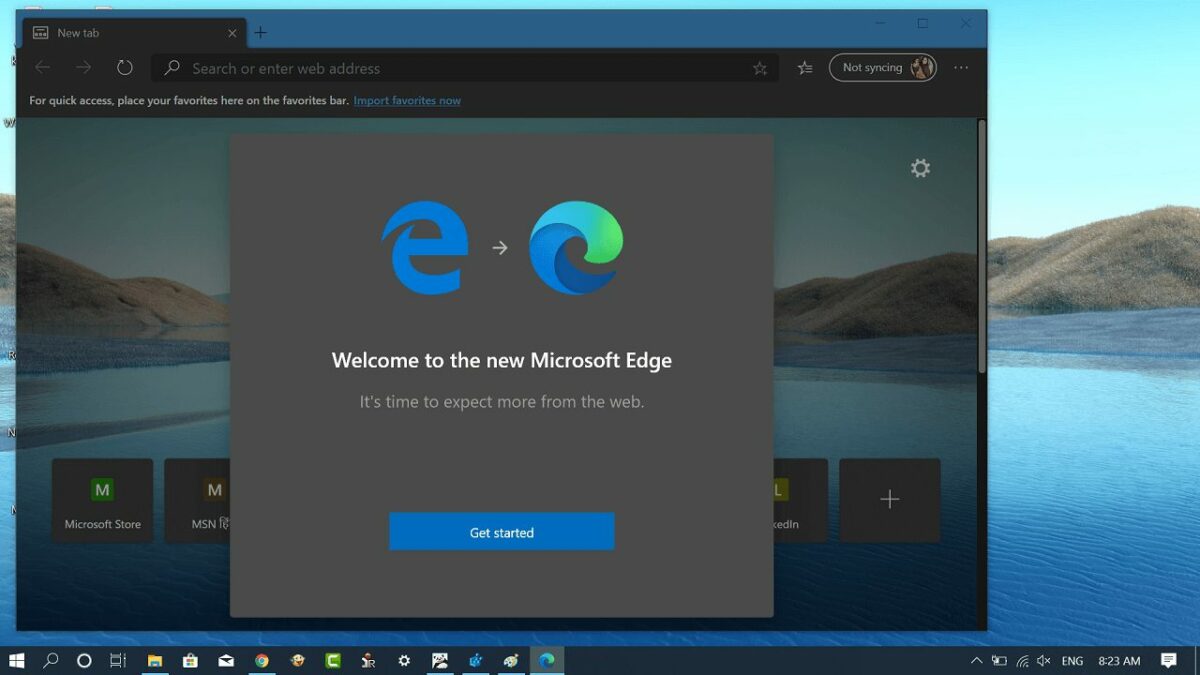
Microsoft is preparing for the near Y2K level release of Version 100 of its resident internet browser, Edge. Part of this release is preparing the global infrastructure with critical components contained in the newly released Edge 99 update. This is the final major update of Microsoft Edge before the introduction of the pivotal and controversial Edge Version 100. Following in Google’s chromium-based footsteps, Edge 99 comes with a slew of backend and frontend improvements and advancements. 

Key among the high-anticipated new features is that users with multiple Microsoft Edge profiles can now create a custom website list for each separate profile. This means that when you launch a website mentioned in one of your custom lists, Edge will automatically open the page up within your preferred profile. PDF documents are now easier to navigate too. Instead of the complex controls in previous versions, Edge 99 lets you use new page thumbnails on the left-hand side of the screen to jump between pages. 

Microsoft is actively preparing for Version 100 in this release, though. The company noted that: ‘Starting with version 100, Microsoft Edge will send a three-digit version number in the User-Agent header, for example “Edg/100”. Starting with Microsoft Edge 97, site owners can test this upcoming agent string by enabling the #force-major-version-to-100 experiment flag in edge://flags to ensure their User-Agent parsing logic is robust and works as expected.’

This comes after numerous concerns about Version 100 of Chrome, Edge, and even Mozilla’s Firefox breaking websites, resulting in a Y2K level panic amongst internet users. But as noted by Microsoft, Edge 99 gives developers and hosts time to prepare for the rollout of Version 100 by testing their websites beforehand in Edge 99. 

Edge 99 comes with a slew of other policy and security-related changes as well. The most up-to-date stable version of Edge 99 is 99.0.1150.30. Update to the latest version of Edge by clicking the kebab menu at the top right-hand side of Microsoft Edge. Navigate to Help and Feedback, and then click About Microsoft Edge to trigger the update. Check out our other Microsoft-related articles to see what’s new with the world’s favorite OS, and why not read about Google’s preparation for Chrome 100 while you’re there.

Babylon’s Fall Hits PlayStation and PC

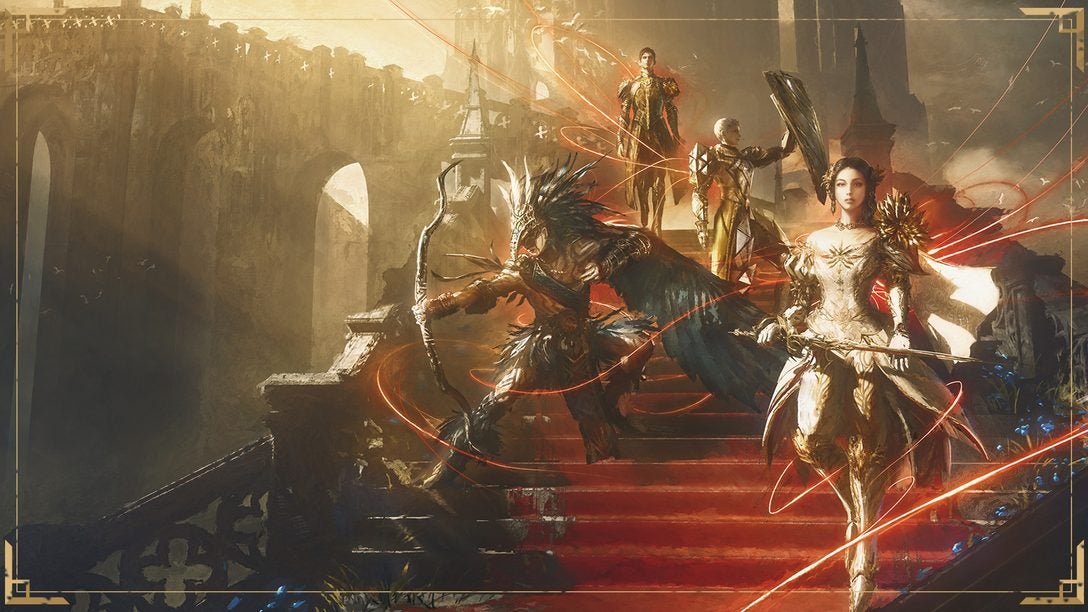
Babylon’s Fall is now available on PlayStation and PC through Steam. Expertly created through Square Enix’s partnership with action RPG specialists PlatinumGames Inc., Babylon’s Fall features a strikingly unique art style, fluid co-operative combat, and powerful weaponry. Babylon’s Fall can either be played as a solo adventure or in teams of up to four members. To further entice new players, Square Enix announced that all players of Babylon’s Fall would receive the Premium Battle Pass completely free of charge for Season 1. 

The highly-anticipated game is available on PlayStation 4 and 5 as well on PC with a Steam Account. Any players who purchased early access or took part in the free PlayStation demo game will retain any progress and achievements made upon entering the final version of the game. 

Babylon’s Fall sees players becoming part of a legendary group of warriors known as the sentinels. The sentinels are bonded with special equipment known as Gideon Coffins. Immersing themselves in the epic gameplay and intricate storytelling in Babylon’s Fall, the sentinels will throw themselves deep into an odyssey to bring the monumental titular tower of Babylon crashing down. In doing so, the sentinels may unleash a legacy of greatness thought to sleep within the very fabric of the tower itself. 

Players are able to wield weapons in both hands and can use the raw power contained in their Gideon Coffin to equip a further two weapons. This allows for incredibly powerful combinations of up to four weapons at a time, resulting in a near-endless variety of combinations, battle, and play styles. The game has a unique art style best described as a medieval oil painting aesthetic achieved with a newly developed ‘brushwork’ design and animation style.

Read all about Square Enix’s brand new title developed by PlatinumGames Inc., and while you’re in the neighborhood, why not check out our comprehensive expert review of Sifu, another action-packed beat ’em up available on PlayStation and PC.

CSR Racing 2 Enters Partnership with Fast & Furious 9: The Fast Saga

CSR Racing 2 is getting the Fast & Furious treatment in an action-packed event in collaboration with Fast & Furious 9: The Fast Saga. Zynga’s partnership with Universal Games and Digital Platforms lets players live out their Fast 9 fantasies with exciting new events, high-speed gameplay, and the incredible cars from Fast & Furious 9: The Fast Saga. 

In a recent statement concerning the partnership, Senior Vice President of Racing at NaturalMotion, Julian Widdows, had the following to say: ‘We are thrilled to continue our collaboration with Universal Games on content inspired by the Fast & Furious Saga. The film series has created a massive global fan following and we are excited that our players get to race the movies’ most popular cars on the mobile screen.’  

As would be the expectation with a mobile staple racing game and a cinematic franchise about racing, the cars take center stage. Two of the most highly anticipated high-end performance vehicles from Fast & Furious 9: The Fast Saga coming to CSR are the mid-engine Dodge Charger and the Dodge Charger SRT Hellcat Widebody. 

Zynga’s resident hit mobile racing game won’t just be loaded with the vehicles from the new F9 movie; players will also be able to experience famous scenes from the latest installment in the Fast & Furious franchise. According to Zynga’s official Twitter account, the collaboration comes to CSR Racing 2 in the form of four major in-game events available from March 3rd, 2022. The collaboration will run until May 30th, 2022. Some events will feature reruns for players who don’t get to participate in the first playthrough, so more racers will be able to earn their place in the final for the chance to win the iconic rocket-powered Pontiac Fiero prize car. 

This collaboration promises to be one of the most iconic in Zynga’s partnership history, and if you haven’t already, check out Zynga’s Twitter or Tumblr pages for how to enter this monumental and momentous event. For more information on CSR Racing 2, read our comprehensive review, or check out where else you can experience Fast & Furious from your Android device. 

Batman Returns to Rocket League with Caped Crusader Inspired Bundle

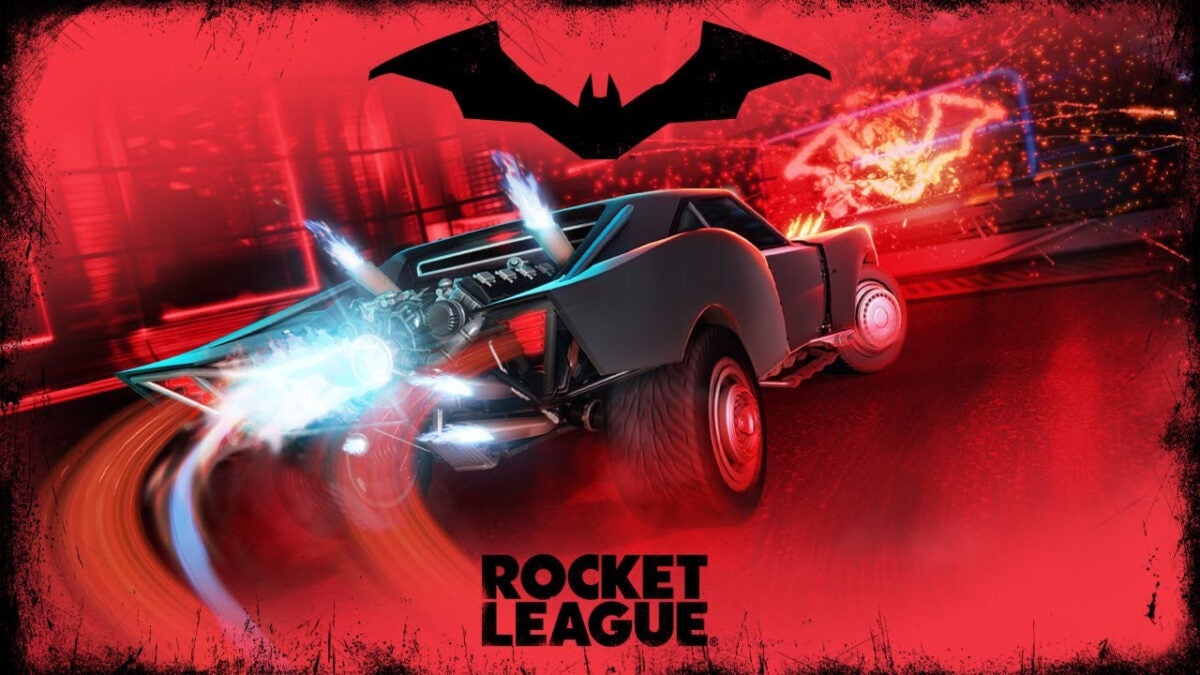
The Dark Knight is finally returning to Rocket League for the first time in around two years. This time, the beloved anti-hero returns to celebrate the theatrical launch of the new The Batman movie, which sees Robert Pattinson step into the defiantly glamorous life of Gotham City’s favorite crusader.

Returning alongside the titular character is his famous vehicle, the Batmobile, in its 2022 theatrical form. The new car joins other classics like the ‘89 Batmobile and the Dark Knight’s Tumbler. The new car, along with the rest of the updated Batman bundle, is only available as paid DLC and will no longer be available in the store from Tuesday, March 8th at 6 PM PCT. 

The new DLC pack will cost you 1100 credits. Here’s all the loot you’ll get:

  • Batmobile 2022 Body
  • Batmobile 2022 Engine Audio
  • Batmobile 2022 Wheels
  • Batmobile 2022 Boost
  • Batmobile 2022 Trail
  • Dark Knight Matte Paint Finish
  • Reel Life Decal
  • The Batman Goal Explosion

The items in the updated Batman bundle can only be coupled to the 2022 Batmobile body, which cannot be customized with any other items. The only item that is compatible with other vehicles is the Batman Goal Explosion. The bundle also introduces a new limited-time mode called Gotham City Rumble. Power-ups in this new mode are centered around Batman villains and include Poison Ivy’s vines and the Joker’s boxing glove. 

The 2022 Batmobile comes with a Dominus Hitbox, which it shares with other classic Rocket League cars like the Dominus, De Lorean, and ‘89 Batmobile. The Dominus hitbox is a feature of the longest car bodies in the game, and this means the 2022 Batmobile will probably be best suited to Rocket League Beginners. 

If the inclusion of Robert Pattinson’s Batmobile is the motivation you’ve been waiting for to get into the game, check out this Rocket League – Revenge of the Battle-Cars DLC Pack.

.

Windows 11 Isn’t Deleting Sensitive Files After Factory Reset

When you take your Windows 11 through the factory resetting process, you expect all the files on the device to be deleted and for the device to be clean and ready for a new user if you intend to sell it. Unfortunately, Microsoft is experiencing an OS-wide bug that prevents Windows 10 and 11 update and recovery utilities from deleting users’ information. As covered in a previous article, Microsoft acknowledged that Windows 10 isn’t wiping all data, and now they have done the same with Windows 11. 

Users first spotted the issue in late February, the presence of which Microsoft has since confirmed. The recently discovered bug prevents certain files from being erased from users’ systems. The files in question have been found to be those synced through Microsoft’s cloud-based utility OneDrive and OneDrive for Business. The bug is currently known to affect Windows 10 versions 21H2 and 20H2 as well as Windows 11 version 21H2. 

As Microsoft explains: ‘When attempting to reset a Windows device with apps which have folders with reparse data, such as OneDrive or OneDrive for Business, files which have been downloaded or synced locally from OneDrive might not be deleted when selecting the “Remove everything” option. This issue might be encountered when attempting a manual reset initiated within Windows or a remote reset.’

How to Ensure Windows 10 and 11 Delete Your Files

While Microsoft has confirmed that they are working on restoring the issue, we don’t know how long it might take. Luckily, Microsoft has given users a workaround while they work on a permanent solution for all versions affected:

If you have followed the factory reset steps in Windows 11 Update KB5012334, you can simply delete the Windows old folder in the Settings app using the onboard Storage Sense utility. 

A second option is to sign out of or unlink OneDrive before you start the reset process. You won’t lose any OneDrive files in the unlinking process, and you can always access your files by signing in again at OneDrive.com.

How to Unlink OneDrive

Select the OneDrive cloud icon from either the menu bar or taskbar. If you cannot find the icon, click the arrow next to the notification area to show hidden icons. Click on Help & Settings and then select Settings. Under the Account tab, hit Unlink this PC and then select Unlink Account.

Brand New Microsoft Store User Interface and Experience

When Windows 11 hit devices with its fresh look and streamlined functionality, Microsoft also released a newly redesigned Store interface to match the sleek new OS. The redesign also made it, in part, to the older and still superior Windows 10 OS in the form of a new storefront, streamlining the brand-wide Microsoft experience even more. Now, as spotted over at apps.microsoft.com, it seems like the giant is in the process of bringing the online Microsoft Store into the light with a Windows 11-themed redesign too. 

Heading to Microsoft.com takes you directly to the company’s online storefront, the Microsoft Store. While the official and publicly available storefront doesn’t look any different from its last update, a Twitter account by the name of @FirecubeStudios spotted a brand new redesign at apps.microsoft.com courtesy of @SapphirePublic. 

In agreement with the current naming conventions over at Microsoft, the new page bears the title ‘Windows Apps Preview.’ Even though it has a sleek new look, the new page offers the same wide array of content available on the utility currently in use. The online storefront is particularly useful if you want to explore Microsoft’s wide range of products, like the modern staple in mobile, PC, and console gaming, Xbox. 

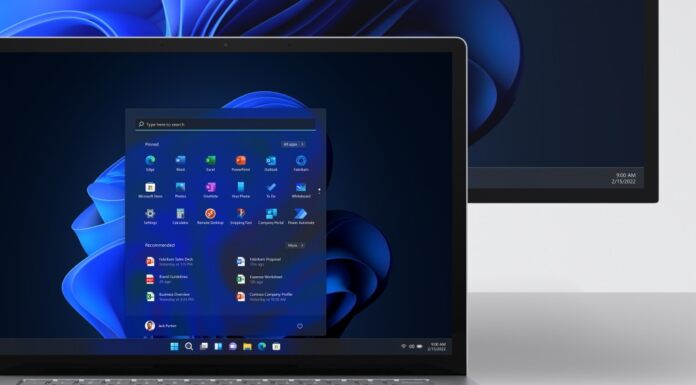
In terms of user interface and design language, Windows Apps Preview looks much more in line with Windows 11. Chief among the new design details are rounded corners to replace the rigidity of the Windows 10 UI and brand new minimalist icons. Windows Apps Preview is far more understated than the current storefront and carries the quiet dignity and air of progress that shipped with Windows 11. Reminiscent of the Windows 11 initial launch, some features are missing.

For starters, Windows Apps Preview doesn’t have a dark mode. Another thing missing from the preview is anything resembling a game. At the moment, the utility only hosts apps, but luckily the Xbox Companion app gives you access to all Microsoft’s gaming titles, so the situation is far from hopeless. Other aesthetic elements are missing at this stage too, but it’s pertinent to remember that this is a preview of what’s to come. We’re still waiting for an update on the Windows 11 start menu vanishing, though.

Alien Malware Steals Banking App Credentials

At the beginning of this month, ThreatFabric’s security researchers made a shocking discovery; A dangerous new Android trojan with direct ties to the Alien malware. Xenomorph, as the new trojan is called, shares similarities with the Alien code, but the primary concern with the new trojan is that it is far more powerful and capable than its predecessor.

At the time of writing, over 50,000 users of various Android devices have installed seemingly innocent applications that act as carriers of the Xenomorph malware. Reportedly, the malware is already targeting users of 56 different European banks. 

While Google has been fighting back against hackers using generic apps to infect devices with malicious software, the war is far from over. Google Play remains one of the leading ways users’ devices pick up harmful malware, and the worst part is that users don’t even realize their devices have been infected until it’s too late.

One of the most recent apps discovered to be used as a malware dropper is FastCleaner. The app claims to be able to speed Android devices up and make them run smoother by removing clutter and ‘junk’ files. In reality, FastCleaner was found to be a dropper for the Xenomorph malware.

According to ThreatFabric, Xenomorph is still in active development, but the trojan is already capable of more than the Alien malware of 2020. Xenomorph primarily uses an overlay attack to gain access to users’ banking app credentials. An overlay attack is particularly successful and dangerous because it’s triggered without the user’s knowledge.

The malware is able to mimic a legitimate banking interface exactly and intercept the information picked up by the touch screen. Xenomorph can also read notifications and messages, thereby gaining access to OTPs sent out by your bank and even reading password change confirmations. 

Thus far, Xenomorph has attacked users in Italy, Spain, Portugal, and Belgium. Experts say that Xenomorph has a wealth of untapped potential, even though the malware is still in its early stages of development. For this and other types of threats, we recommend you look at our easy ways to remain safe online.

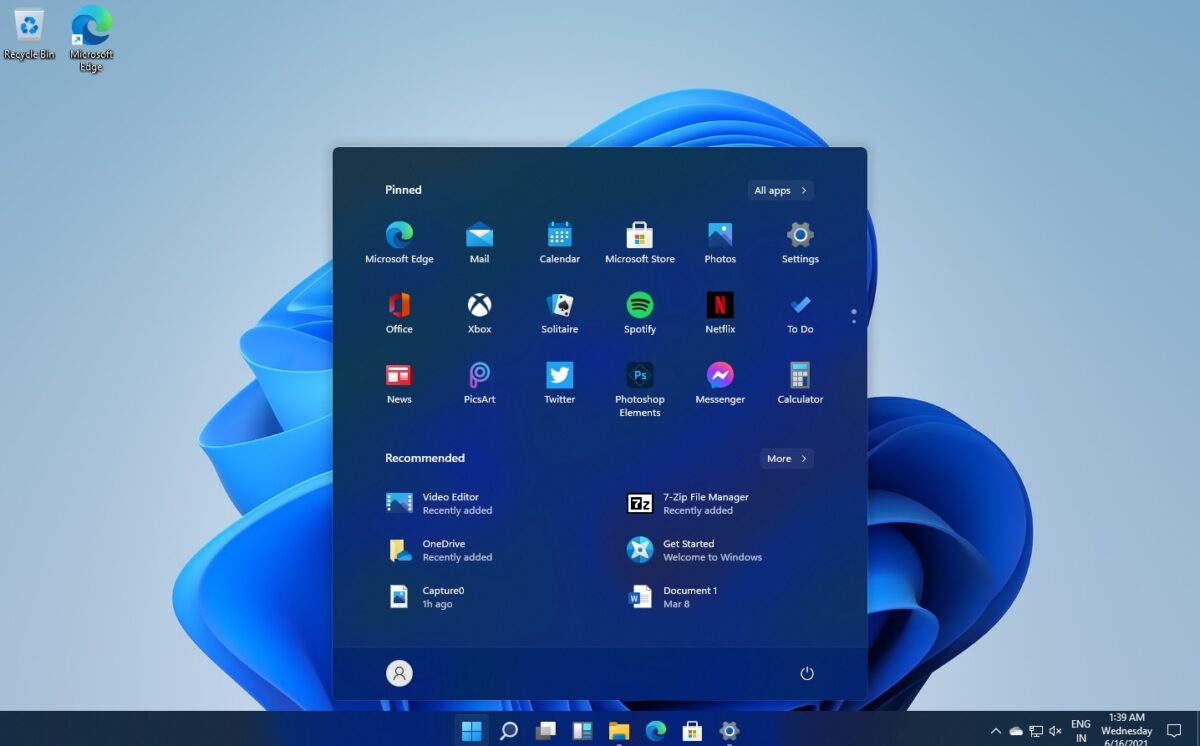
Windows 11 Start Menu Missing in New Update

Microsoft users held their breath when a new update to Windows 11 was announced. The update in question, KB5010414, would add a slew of exciting new features and a number of features that would give Windows 11 the well-liked and trusted functionality of its more established contemporary, Windows 10.

The crucial update has now arrived on Windows 11 devices the world over, and it has made good on its feature-loaded promise. As with any update, users expected a few bugs, but the performance issues and glitches that shipped with KB5010414 are far more serious and concentrated than users’ wildest OS-based nightmares.

After only a couple of weeks in action, the update is already infamous for breaking printing, causing critical systems to overheat considerably, and even pulling a disappearing act on the Start menu. Reports have come in from social media platforms like Reddit as well as Microsoft’s official Feedback Hub. Users on both platforms say that when they hover their mouse cursor over icons pinned to the taskbar, the Start menu disappears entirely. According to Microsoft, the issue is the Widgets icon that, in this update, has moved to its new home on the left-hand side of the taskbar. 

Here is the official statement from Microsoft regarding this particularly inconvenient bug: 

‘We’re working on this, but we believe passing over the widgets icon as you move your mouse might be what’s causing this. We’d recommend carefully avoiding it (the widgets icon) as you move your mouse into the Start menu as a workaround for now.’

While this feels like Microsoft’s classic claim that the problem is not a bug, merely a new feature, it’s always welcome to see that they are indeed working on a more permanent solution. The statement does, however, sound like a corporate giant shifting blame onto the users of its software. 

It isn’t yet clear how Microsoft will implement the fix or when we can expect to not have to carefully avoid the widgets icon, but rest assured a fix is inbound. While you wait for the fix,  check out our articles on the Windows 11 Taskbar update to see if there are any new features you’ve missed; just don’t accidentally hover over that Widgets icon as you do.