4th Generation Warfare review | Turn-based strategy game

4th Generation Warfare is a turn-based strategy game developed and published by Eversim, launched on July 28, 2022. You play as a head of state, performing various actions to increase your score towards ultimate victory. While you strive to be an influential leader, there are ways to sabotage your opponents.

4th Generation Warfare DOWNLOAD

Most of your actions are political. You’ll instruct your cabinet members with specific orders, based on the suggestions in the to-do panel. If you’re not familiar with this type of gameplay, you’re in for confusing gameplay working out what to do next. Let’s take a look at what to expect with this 4th Generation Warfare review.

Running a country in 4th Generation Warfare

Are you ready to take charge of a country? With your cabinet and political leaders in place, it’s time to issue strategic orders that places you as the number one superpower on the map. 4th Generation Warfare certainly doesn’t make the task easy for you.

Establishing the settings

When you start playing 4th Generation Warfare, it’s essential that you create the best setup before the actual game begins. You can choose between real-time or turn-based. For the former, the clock will keep ticking while you decide what action to perform next. The latter gives you a limited number of actions before you can end the turn.

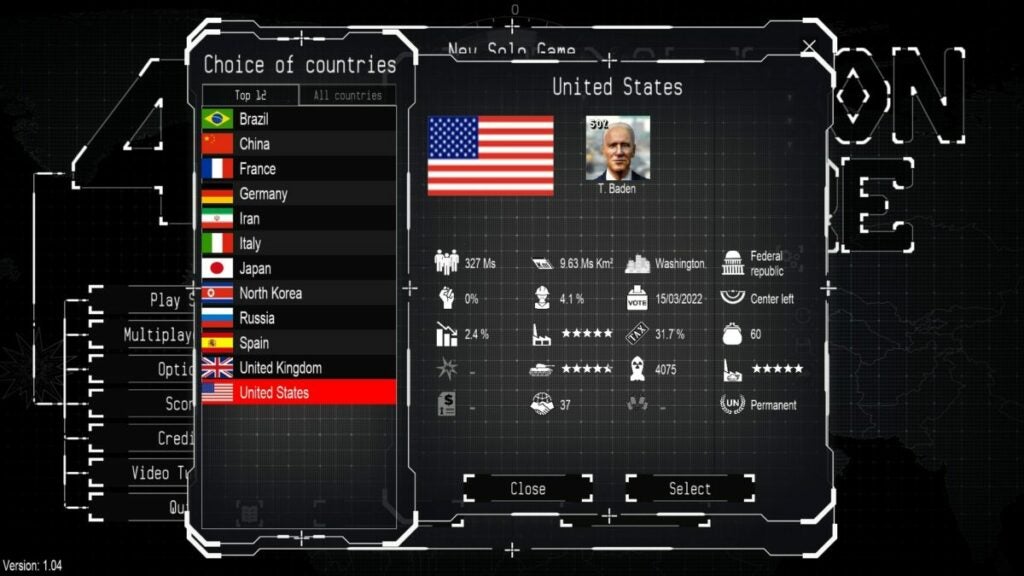
You’ll also need to decide if you only want the political figurehead at the start or the entire cabinet. I suggest you do the latter as a beginner, as working out how to choose your leaders becomes confusing in 4th Generation Warfare. 
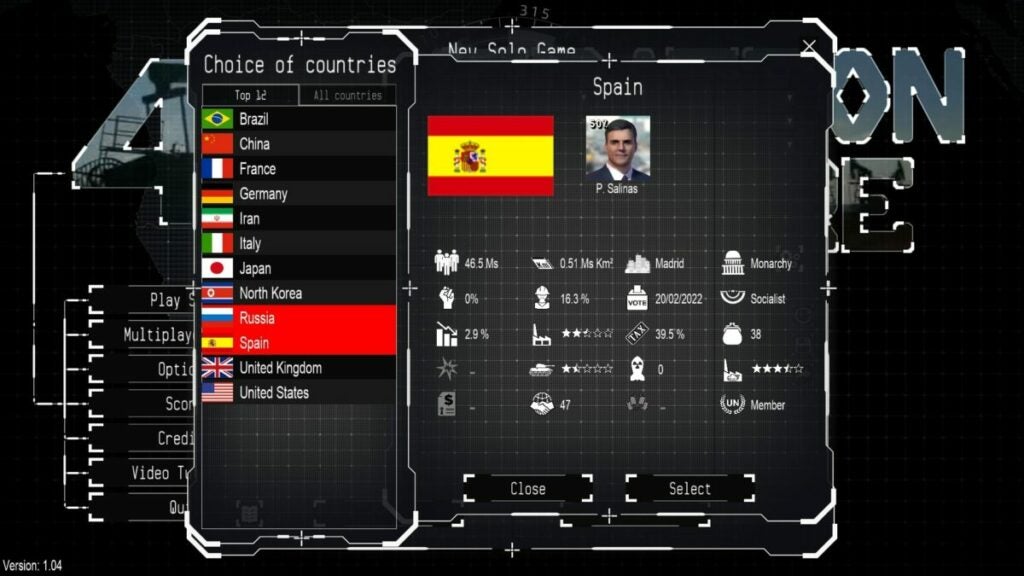
4th Generation Warfare review

Determining your cabinet members

If you opt to only start with the figurehead, you’ll need to select the cabinet members within the game. It involved finding people that are suitable for the positions. Some of them will approach you to ask if they can fill the role, and you’ll need to read through their experience.

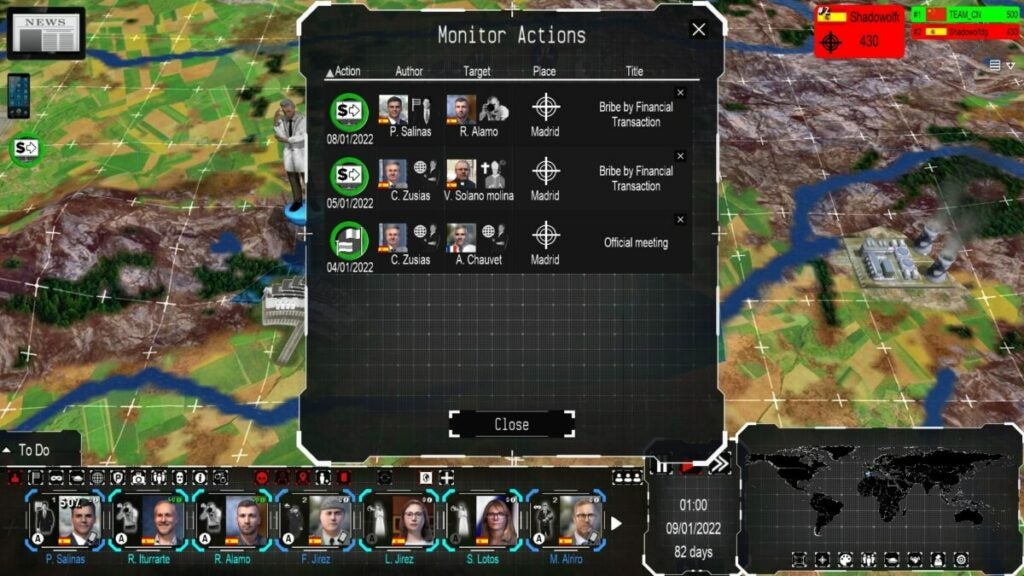
The members are essential to running your country properly. You’ll use them for various aspects, such as bribing organizations. They’re also useful for sending to other countries if you want to sabotage them. 
4th Generation Warfare review

Real-time turn-based missions

Even if you choose real-time gameplay in 4th Generation Warfare, there’s still a turn-based element in the background. Whenever the turn ends, you’ll notice news appear or someone giving you a call. The only difference is that you don’t have to end turns, and you can perform as many actions as you wish.

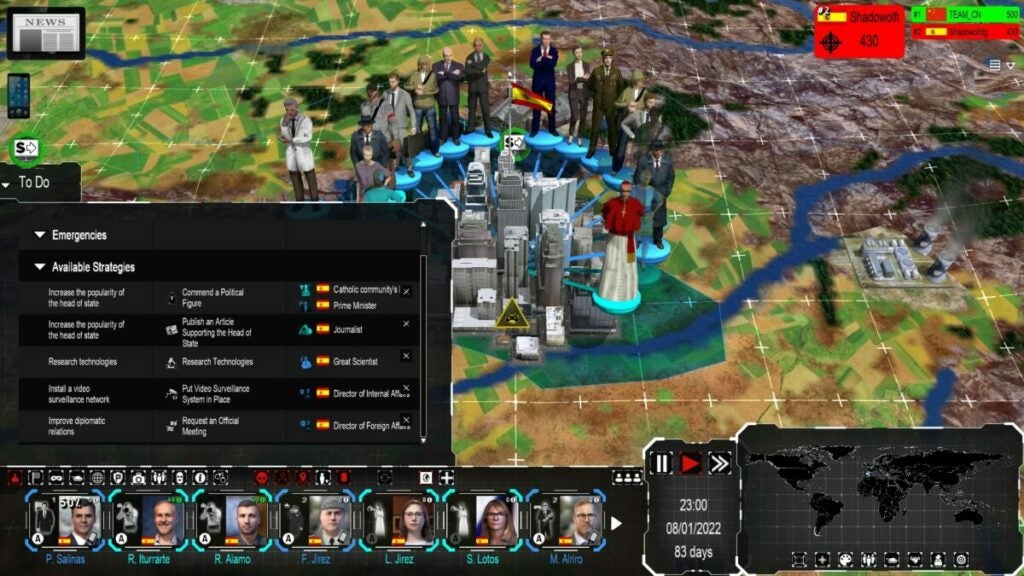
You’ll see a to-do list on the side. These are the proposed actions to increase your score. If you look carefully, you’ll see what you can do and which member can perform the action. 4th Generation Warfare does a poor job of letting you know you’ve completed the task.
4th Generation Warfare review

Reaching high scores

The main objective of 4th Generation Warfare is to obtain the highest score by the end of the game. You determine how long you want the game to last, be it based on time or the number of turns. When it reaches that endpoint, your final score determines whether or not you’re the victor. There’s also unlimited gameplay if you want to conquer your enemy.
4th Generation Warfare review

Using 4th Generation Warfare turns effectively

You now have a general idea of what 4th Generation Warfare is about. If you’re still interested in knowing more, I’ll cover some of the gameplay aspects here. Please bear through some of my frustration with some of the more promising elements.

Learn from the 4th Generation Warfare tutorials

I was hoping 4th Generation Warfare had some in-game tutorial elements to show me how to play. While there are tooltips that appear, I had no idea how to carry out orders and complete missions. I quit soon after starting and headed to the video tutorial section.

The developers didn’t even bother letting you watch the videos in the game. 4th Generation Warfare takes you to YouTube with a link, where you can see how the various components work. I hope you have a good memory, as you’ll have to take what you learn in the video back to the game.

Moving through the different views

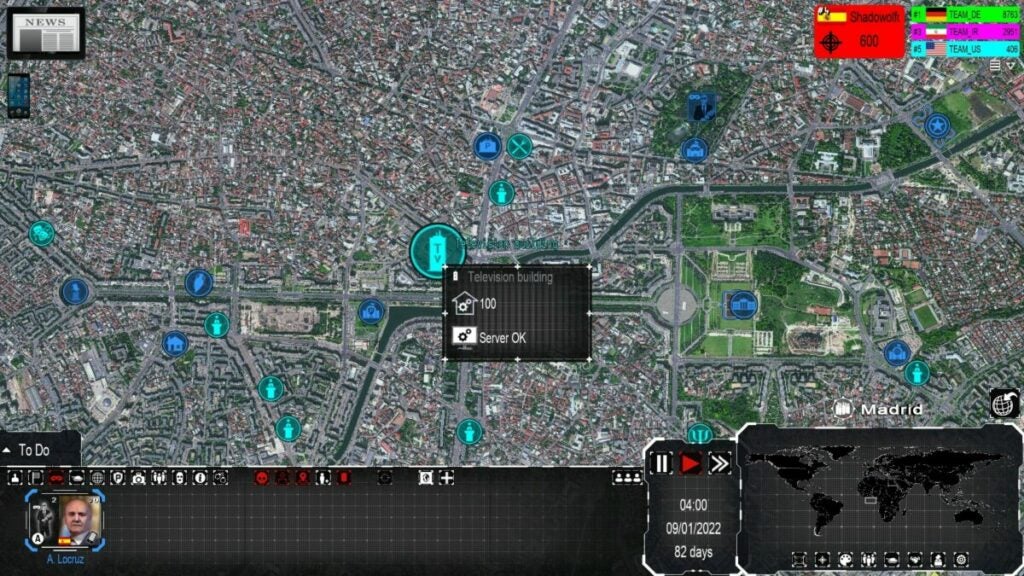
One tip I can give you for 4th Generation Warfare is to practice going through the various views. You have the general state map that shows you your country and the political leaders. If you zoom in, you’ll see the streets and buildings that are meant to replicate the country in real life. There’s also an icon to the right that gives you a global view.
4th Generation Warfare review

Using your turns wisely in 4th Generation Warfare

If you didn’t select unlimited turns in 4th Generation Warfare, you’ll have to use your turns wisely. Check the to-do list and decide which actions you’ll take on your turn. Some have more points than others, while some actions take longer to complete.

When you end your turn, your opponents have a chance to play. It may affect what you do next or any action you’ve already put into place. Also, note that any stealth or visible action discovered by the media will be reported.
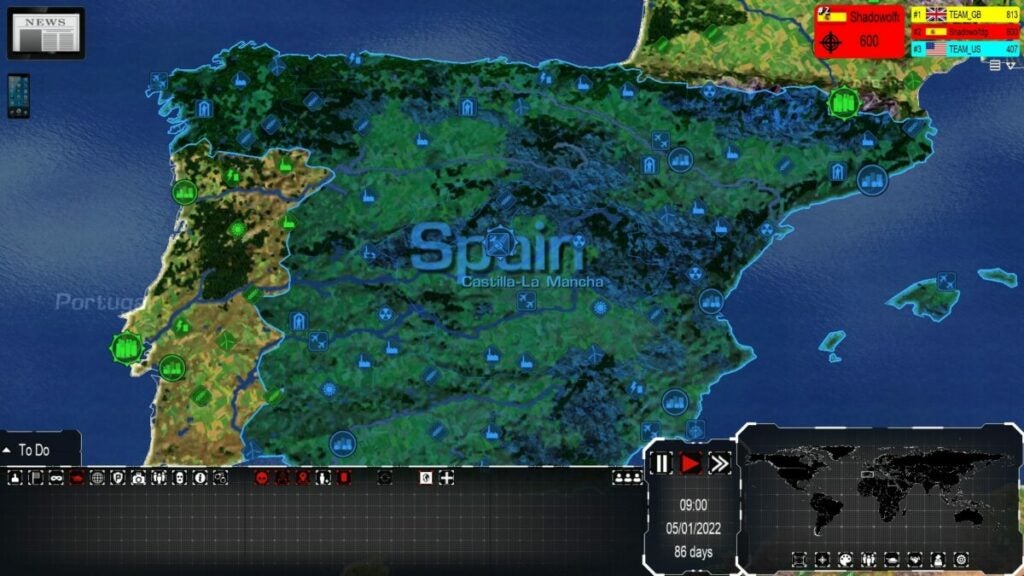
4th Generation Warfare review

Placing orders and following actions

The most important action you’ll take is giving orders in 4th Generation Warfare. You can perform some tasks, but you’ll need to issue the others to your cabinet members. The panel at the bottom shows you who is busy and what they’re doing at that time. If you’re inactive, it means you won’t score points on that turn.

Similar games to 4th Generation Warfare

There are plenty of other strategy games you’ll enjoy more than 4th Generation Warfare. Just off the top of my head, try Risk Factions, Dune: Spice Wars, or Civilization IV. If you’re not keen on the war or political aspects, Two Point Campus is an excellent and fun game with much more excitement.

What you’ll need on your PC

Fortunately, 4th Generation Warfare doesn’t require a heavy machine to play the game. Some of the 3D aspects may need a powerful video card, and it may get busy on your screen at a later stage. However, with how much space you need, I expected more exciting content.

  • OS: Windows 8 and up
  • Processor: 2 GHz
  • Memory: 8 GB RAM
  • Graphics: 3D video card with 1 GB RAM
  • Storage: 8 GB 

Terrible graphics and sound elements

It’s here that 4th Generation Warfare fails to impress. Somehow, the developer felt that placing 3D objects on 2D images would be a good idea. It comes across as moving pieces on a Cluedo board, while the movement to different areas is terrible.

Blurry maps and odd buildings

The first thing you’ll notice when you start a round on 4th Generation Warfare is that the town maps are blurry. The points of interest are 3D objects built onto the map, which don’t look great. I appreciate that there are small moving parts and effects, but that’s about it. Even the icons on the interface at the bottom are subpar.

3D characters on a 2D image

The most atrocious factor is with the 3D characters on the 2D images. 4th Generation Warfare tries to make the maps look 3D when you zoom in and out, but it fails. The political figures and people of interest do move when you click on them, but it doesn’t add any value. The whole perspective simply puts you off.
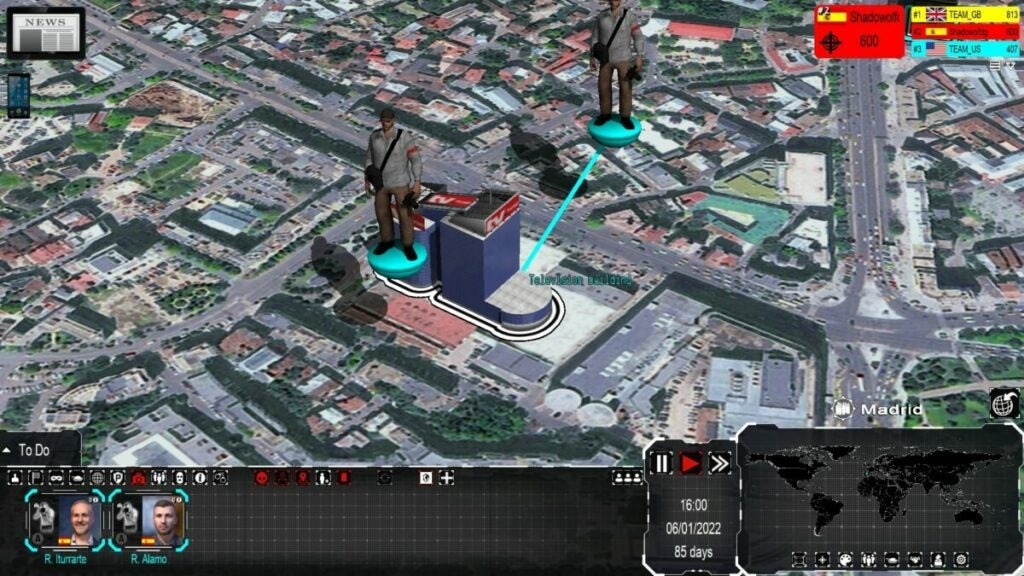
4th Generation Warfare review

Dull sounds and music

The music and sounds in 4th Generation Warfare are also on the dull side. While there’s some voice acting now and again, it doesn’t really stand out as an incredible feature. Your ears will be as bored as your eyes.
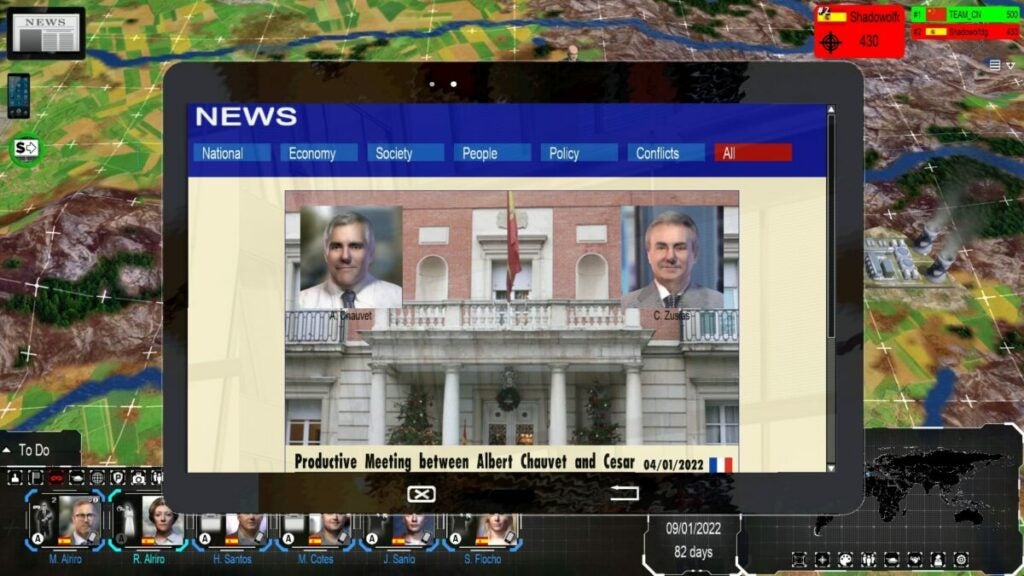
4th Generation Warfare review

Final Verdict of 4th Generation Warfare

If you can’t tell from my 4th Generation Warfare review, I’m not incredibly impressed with this game. Perhaps I’m biased, as I sighed when the game started and I saw what type it was. Don’t get me wrong; I love turn-based and real-time strategy games with all my heart. However, I’ve come across too many indie games like this that just do it wrong.

If you have the patience to play through every round to become a superpower, maybe you’ll enjoy 4th Generation Warfare. However, there are just too many factors that put me off. I’ll definitely be removing it from my Steam library now that I’ve tested it for the review. 

For game reviews I have enjoyed more check out Dune: Spice Wars preview and Mirror Forge preview.

Pros

  • Turn-based and real-time strategy elements
  • Uses real locations
  • Plenty of options in the main menu

Cons

  • Graphics aren’t visually appealing
  • Dull sounds and music
  • No proper tutorial
  • Gameplay isn’t exciting
  • Too many icons with little purpose

Developer: Eversim

Publisher: Eversim

Game Modes: Single-player, multiplayer

Platform reviewed: Windows 11 – Steam
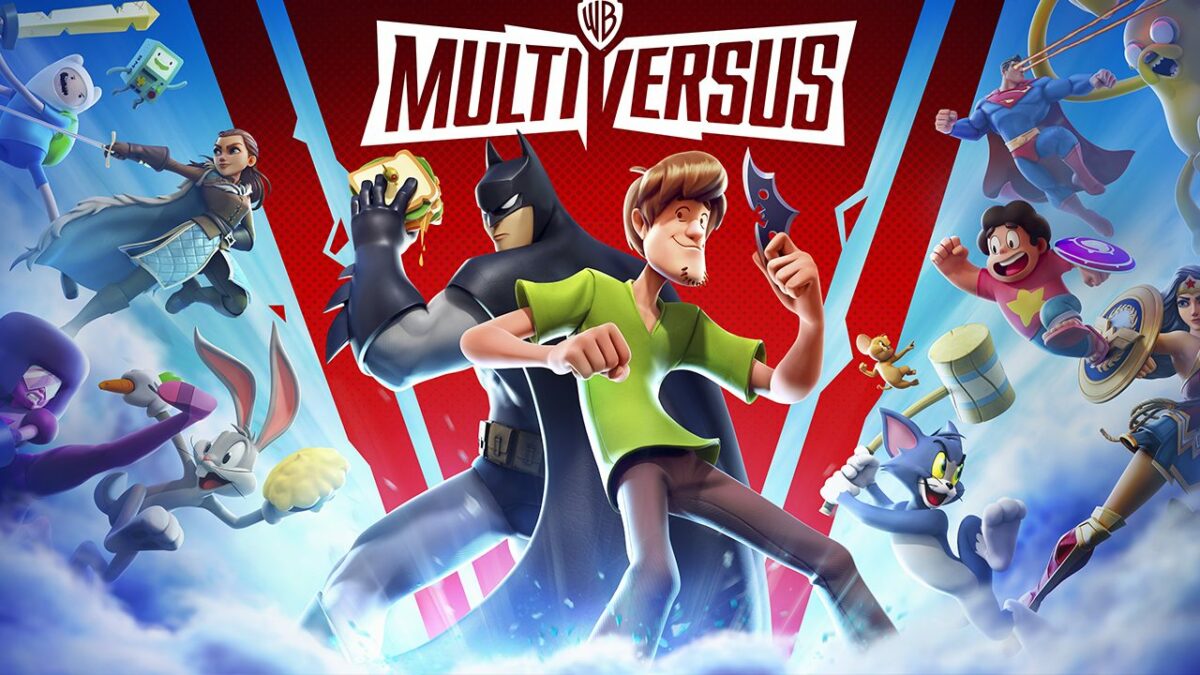
MultiVersus Review | Branded fighting fun

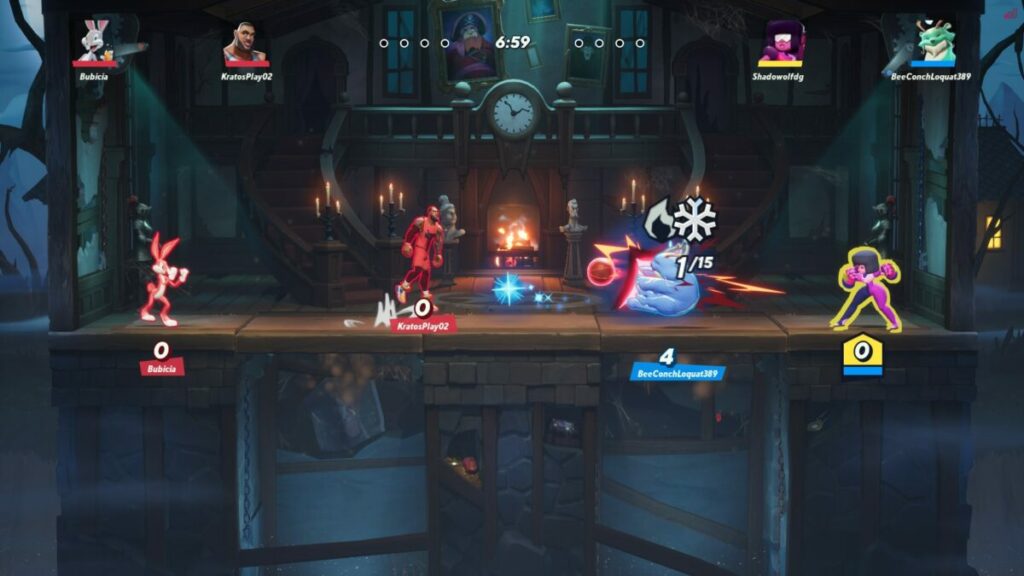
MultiVersus is a free-to-play fighting game by Warner Bros. Games that launched on July 19, 2022. Developed by Player First Games, it features many characters under the Warner Bros. license, including some popular D.C. superheroes and villains. It’s predominantly a multiplayer game, but there are options to play against bots instead of human players.

Multiversus DOWNLOAD

With cross-play functionality, I was able to play Multiversus on PC and PS4 to compare how it feels on both platforms. While it’s free to play, there are microtransactions and Battle Pass tiers teasing you to buy them. You can also purchase bundles for the game that will give you tons of rewards. Let’s take a look at all it has to offer.

Let the MultiVersus battles begin!

There’s almost nothing better than playing a new game with faces and characters you love in a new setting. MultiVersus paves the way for us to pit our favorite heroes and villains against each other while trying to swat each other off the screen. As a starter, let’s evaluate some background and story elements in the game.

Stolen from their universes

As the intro begins, you’ll have only a slight idea of how everyone ends up in the same place to battle each other. They’re snapped from their primary universes and then suddenly appear in–who knows where. If you want to enjoy MultiVersus to its fullest, don’t try to find any rhyme or reason for their presence in the game.

Also, there’s no actual motive for them to be fighting each other. As with most brawling games, it simply sets the scene for players to choose a character they love and bash online opponents. There’s no creativity in a storyline like Fortnite and Injustice 2 managed to pull off.

multiversus expert review

Battle Pass missions

The only semblance of a story is with the Battle Pass missions. As you complete them, you’ll earn experience to level up and move to the next tier. However, I wouldn’t really call them a campaign. MultiVersus merely treats you to quests like toasting your enemy five times or winning three matches. You won’t have anything interesting like Batman asking Harlequin out on a date just to upset the Joker.

multiversus expert review

Character collection

I love collections. It’s one of the reasons I enjoy Diablo III so much, especially for that bestiary. MultiVersus feeds my craving for collections with a character section where you can check everyone’s bio. I suspect the developer will add more to the roster when more characters become available in the future.

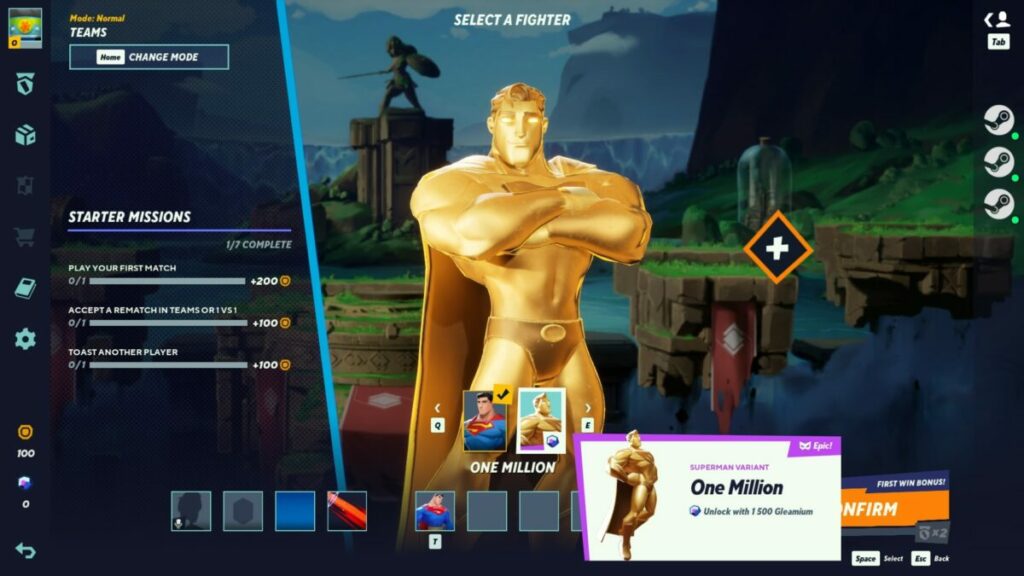
Of course, you need to unlock the characters to have them as part of the collection. As you play matches and win games, you’ll earn in-game coins that you can use to buy heroes or villains. There’s also an option to purchase them with Gleamium, which you need to spend real money on to obtain. You can start to see how MultiVersus favors those who don’t mind spending cash on game content.

multiversus expert review

Cross-platform mayhem

A few years ago, hearing that a game is cross-platform would have blown our minds. Today, it’s almost as commonplace as Batman in a Warner Bros game featuring D.C characters. Still, I love the idea that you can challenge players on any platform, as it had me on my PC facing my children on the PlayStation 4 in matches that had us laughing until our bellies hurt.

How long to play MultiVersus? 

As I mentioned, there’s no story campaign. All we have at the moment is the pre-season Battle Pass. There’s no indication as yet as to how long a Battle Pass season will last, and you can keep playing MultiVersus until your fingers go numb. The more you play, the more you wrack up the levels and coins.

Defeating your enemies in MultiVersus

Alright, let’s move to the more exciting part of my MultiVersus review: the combat and gameplay. Here’s the real meat of the game that has everyone excited and battling each other out. 

Creating your profile on MultiVersus

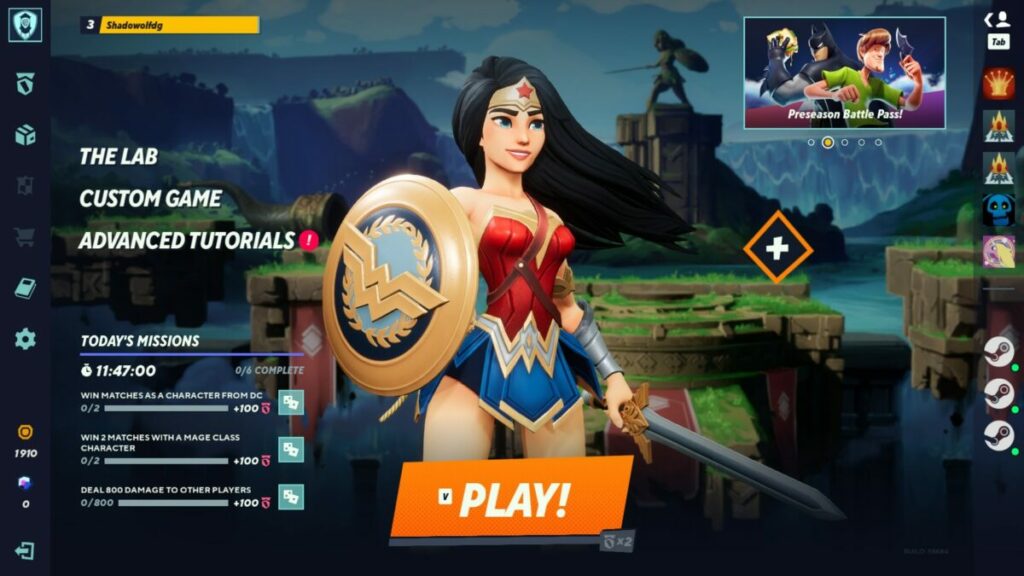
If it’s your first time on MultiVersus, you’ll be asked to either sign in to a Warner Bros. account or create a new one. The process is the same on PC and console, with one slight difference. On the Windows version, you need to indicate what your age is, while the console will detect it from your device settings when you created your Avatar and account.

multiversus expert review

Can you change your age on MultiVersus?

If you want to change your age on MultiVersus for some reason, you’ll need to reset your account on PC to make that possible or create a new one. On console, it means changing your age in the system settings.

Learning how to play MultiVersus

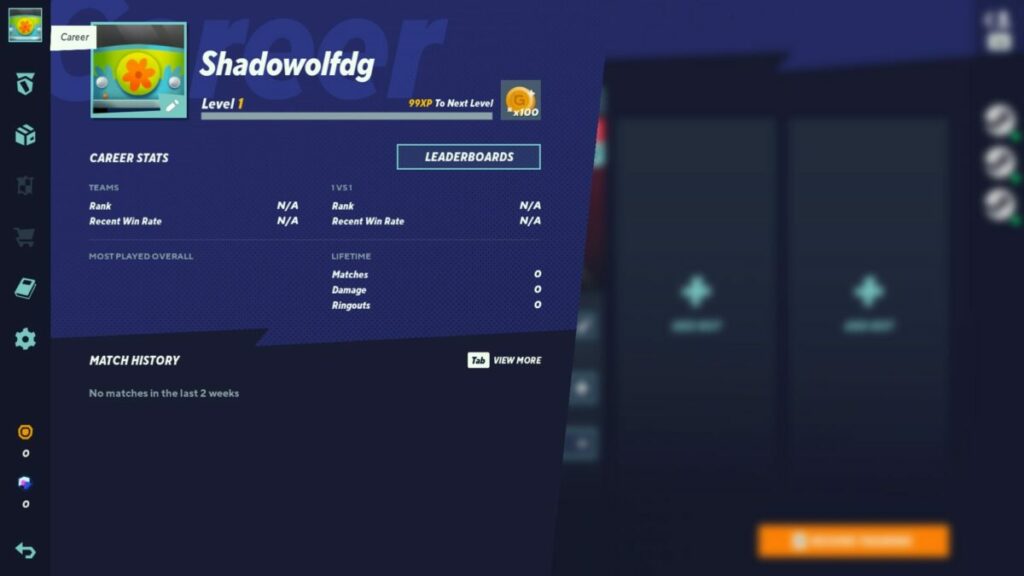
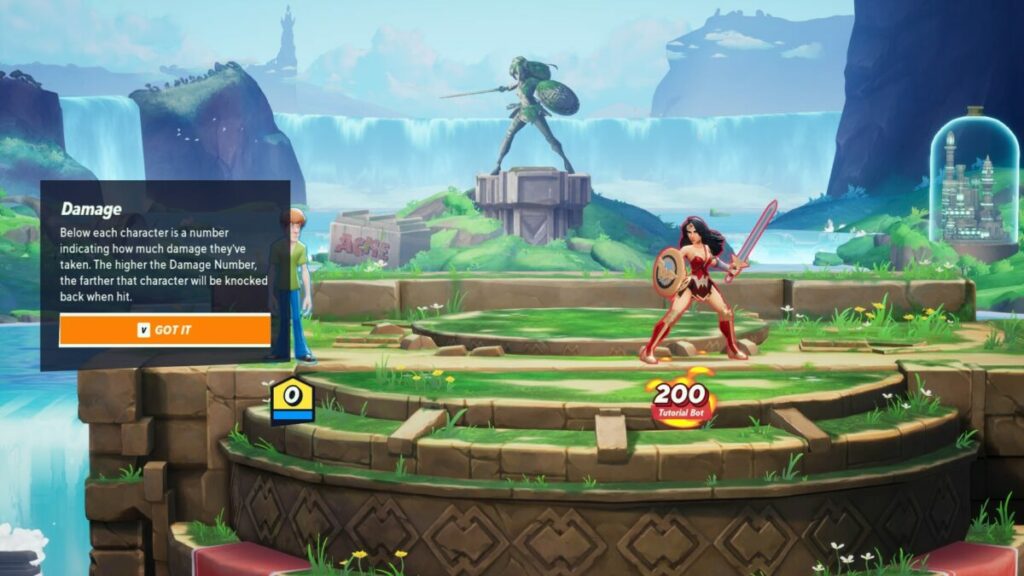
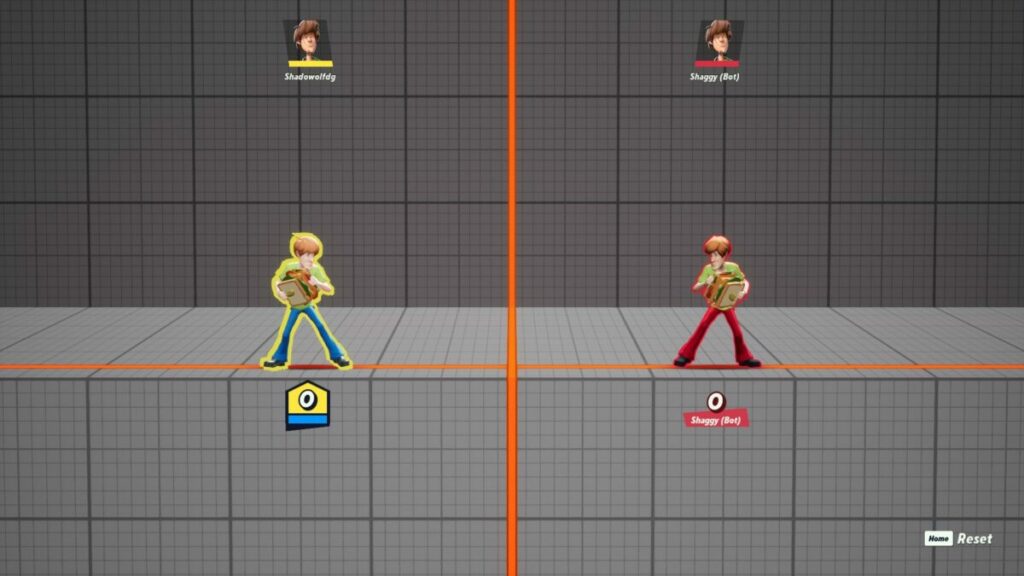
As soon as you’ve created your account and then a profile, you’ll head straight to the first tutorial. Here, you’ll face Wonder Woman while learning how to kick, hit, jump, and climb up the sides of the walls. Yes, even Shaggy is able to perform this move, even though he’s afraid of monsters most of the time in his universe.

When you’re done learning the ropes for MultiVersus, there are advanced tutorials for specialized moves that may just save your character’s life. I was so eager to jump into the action for this review that I skipped that entirely, and still won my first three matches. So I don’t deem them necessary.

multiversus expert review

Choosing your battle mode

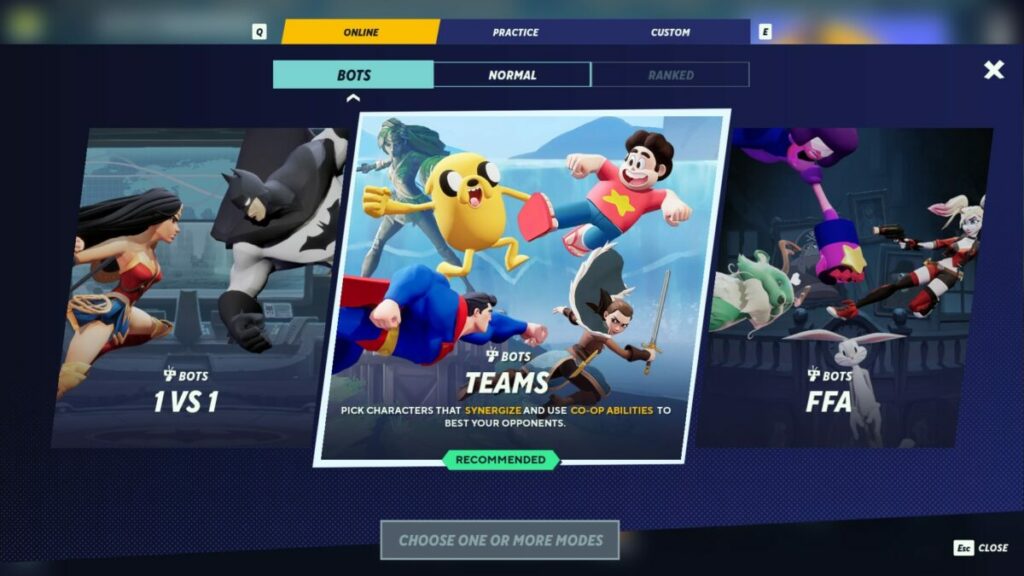
Now that you’re in the thick of things, it’s time to get into the actual fights. MultiVersus has three modes at the time of this review:

  • 1  versus 1
  • 2 versus 2
  • Free for all

There are also practice modes with bots and custom matches. The names of the modes are self-explanatory, but there’s one extra thing I should mention. If you don’t enter a Ranked match, the chances are that you’ll end up fighting players with much higher levels than you. This might be where the advanced tutorials will come in handy, but I beat a level 18 with my level 2 character, anyway. So, maybe not.

multiversus expert review

Battle perks

One of the benefits of fighting and leveling up is that you unlock new battle perks. Each character can attach up to three perks before a fight, which gives you unique abilities and buffs to enhance your attacks. The issue is, that everyone can attach perks, even your opponents, and you won’t know which ones they selected until the pre-selection screen ends. 

Your heroes and villains also level up as you use them, gaining experience with each fight. That means you’ll receive perks that are relevant to the specific character. For the most part, you won’t be able to use those abilities with anyone else, so playing with every character has its pros.

multiversus expert review

Setting the stage

You know how long it took you to get to this stage of the MultiVersus review to finally read about the fighting aspect of the game? That’s how it feels when you start it for the first time. Going through all the aforementioned elements had me thinking, “Am I going to get to fight at some stage?”

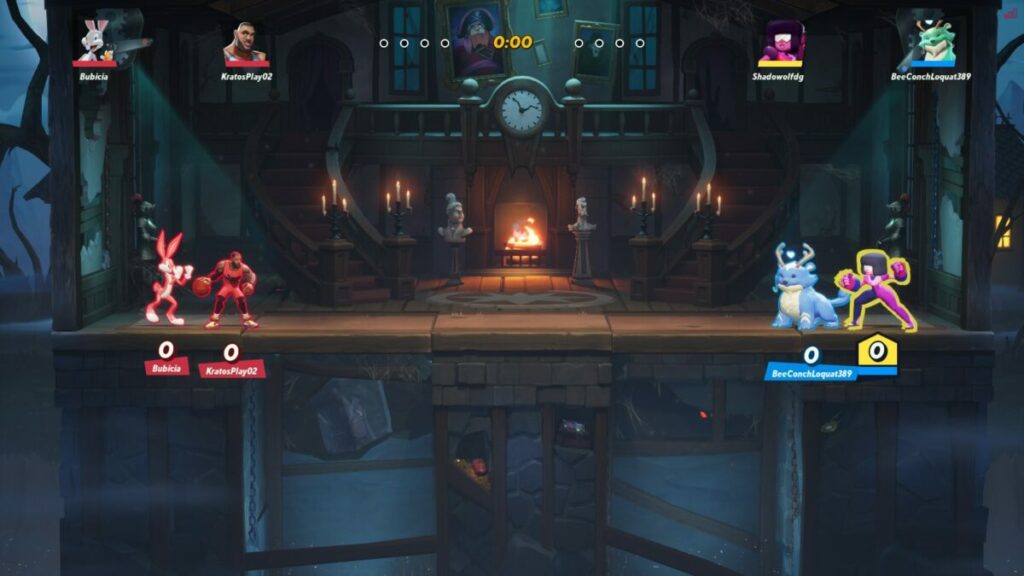
Personal thoughts aside, you’re finally in a match. What I love about the maps and arenas is that they take scenes from each character’s universe, which I’ll touch on more a bit later. The battle stage consists of platforms that you can jump on and off while fighting. The main aim is to keep damage to your character low, highly damage your opponents, and eventually hit them off the stage.

multiversus expert review

Combat mechanics

You’ll notice that each character has a number under them. In a reverse-health sort of way, the numbers go up every time the hero or villain is struck. The higher that number becomes, the less you’ll be able to dodge and the further you go flying when someone hits you. That means you’re more likely to go soaring through the sky and off the screen.

There are different ways to attack your enemy. There’s the basic hit, special hit, dodge, and jump. While you may think that a good strategy and combos will help you, they won’t. The screen becomes such chaos at times with players all over the place, you’ll spend a lot of your time hitting and hoping for the best. Powering up your strike is more of an invitation for your enemy to hit you at that time than actually delivering a powerful blow.

multiversus expert review

Making friends on MultiVersus

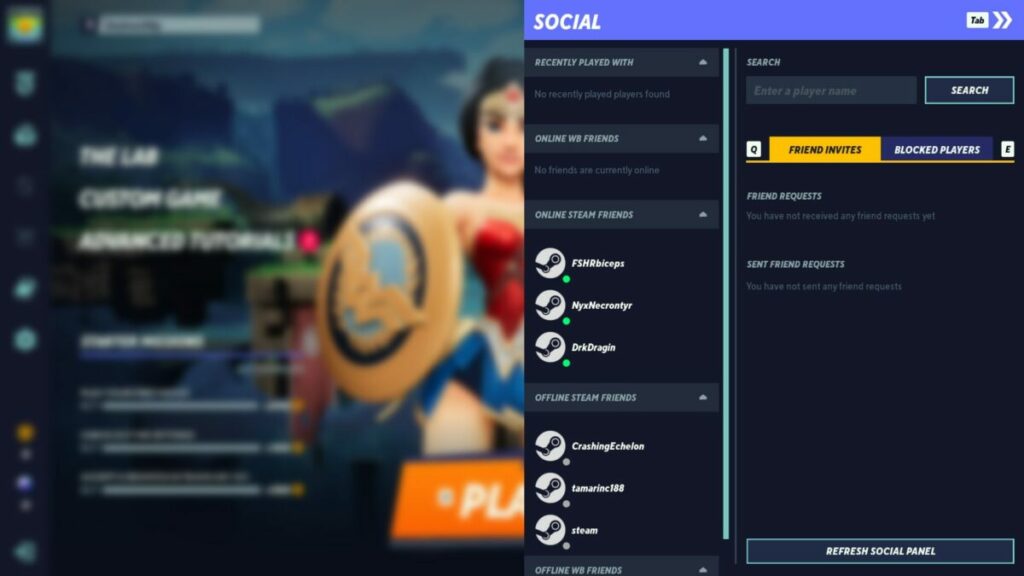
There’s one aspect of MultiVersus that I can’t deny: it’s good for making friends. Even if someone kicks your cartoon butt during every rematch, it’s still fun sending and receiving friend requests so you can team up next time. The social panel shows you which of your Steam or PlayStation friends are online, and you can also invite them to download and play the game.

multiversus expert review

Similar games to MultiVersus

Brawling games like MultiVersus aren’t a new concept. We’ve had quite a few of these appear over the years. All Warner Bros are really doing is cashing in on a popular game genre with brand names they own. At this point, I don’t get what all the fuss is about. It’s another brawling game, with WB faces and a Battle Pass system to take your money.

Now that I have that out of my system, other brawling games you can give a try if this is your thing includes Nickelodeon All-Star Brawl, Brawlhalla, and Gang Beasts.

What you’ll need on your PC

You won’t have to worry about heavy performance requirements for MultiVersus just yet. While we’re still in the infant phase, there aren’t too many characters or maps. However, you can expect these numbers to grow as the game upgrades.

  • OS: Windows 10 64-bit
  • Processor: Intel Core i5-2300 / AMD FX-8350
  • Graphics: GeForce GTX 550 Ti / Radeon HD 7770
  • Memory: 4 GB RAM
  • Storage: About 5 GB at the time of review

Familiar faces, places, and sounds

In this final part of my MultiVersus review, I’ll take a look at some of the more fun aspects, namely, the graphics and sounds. It should come as no surprise that seeing these familiar faces and sceneries is the main appeal behind the game.

Heroes and villains galore

What was it that got so many players excited about MultiVersus? The heroes and villains! Yes, sure, many gamers out there just love brawling games anyway, but I bet many are first-timers who’ve never experienced this genre of fighting game before. 

To be honest, I’m one of those who picked specific characters just to see what moves they can pull off and how they fight. I had a good chuckle at Shaggy picking up a sandwich and throwing it in Batman’s face. As for the character designs, the developers did a great job with the visuals and effects.

multiversus expert review

Stunning environments

I also loved the various maps and arenas, especially with how they’re tied to the character’s universe. You can even fight in the Bat Cave or the manor, while there’s also a map for Bugs Bunny. Each environment has beautiful visuals, but you may be too busy fighting to notice them.

multiversus expert review

Classic sounds with brilliant voice acting

With the familiar faces are also the classic sounds and voices that accompany them. Batman’s voice is more from the animated shows, so don’t expect a gruff Christian Bale tone. During the battle, the punches and powers take the show as far as sound effects go, but there’s also battle music playing in the background.

Final Verdict of MultiVersus

You may have seen there’s a mixed opinion from me on Multiversus in this review. While I may have played brawling games before, it’s just not my cup of tea. Sure, I enjoyed seeing D.C. and other WB characters on the screen, but that’s about the height of the excitement for me. There’s nothing pulling me back to play more, like Elder Scrolls Online or Car Mechanic Simulator 2021

That doesn’t mean it isn’t a good game, though. It has plenty of potentials, and I’m sure gamers that love this genre will go mad playing it all day long and leveling up. There’s definitely entertainment value in it, and I recommend you give it a go. When Harry Potter characters join the mix, I’ll be back to give it another try. I want to see Hermione whip out her wand and Wingardium Leviosa some players.

If you’d like to read articles on games I have enjoyed more, be sure to check out my Mirror Forge preview and Dune: Spice Wars preview.

Pros

  • Familiar heroes and villains
  • A collections library
  • Good at making friends
  • Cross-play
  • Several online modes
  • A tier reward system
  • Level up perks

Cons

  • No story mode
  • Microtransactions give an edge to buyers
  • Battles can become confusing

Developer: Player First Games

Publisher: Warner Bros. Games

Game Modes: Various multiplayer modes, such as 1v1, 2v2, Free for all, custom, practice

Platform reviewed: Windows 11 – Steam; PlayStation 4

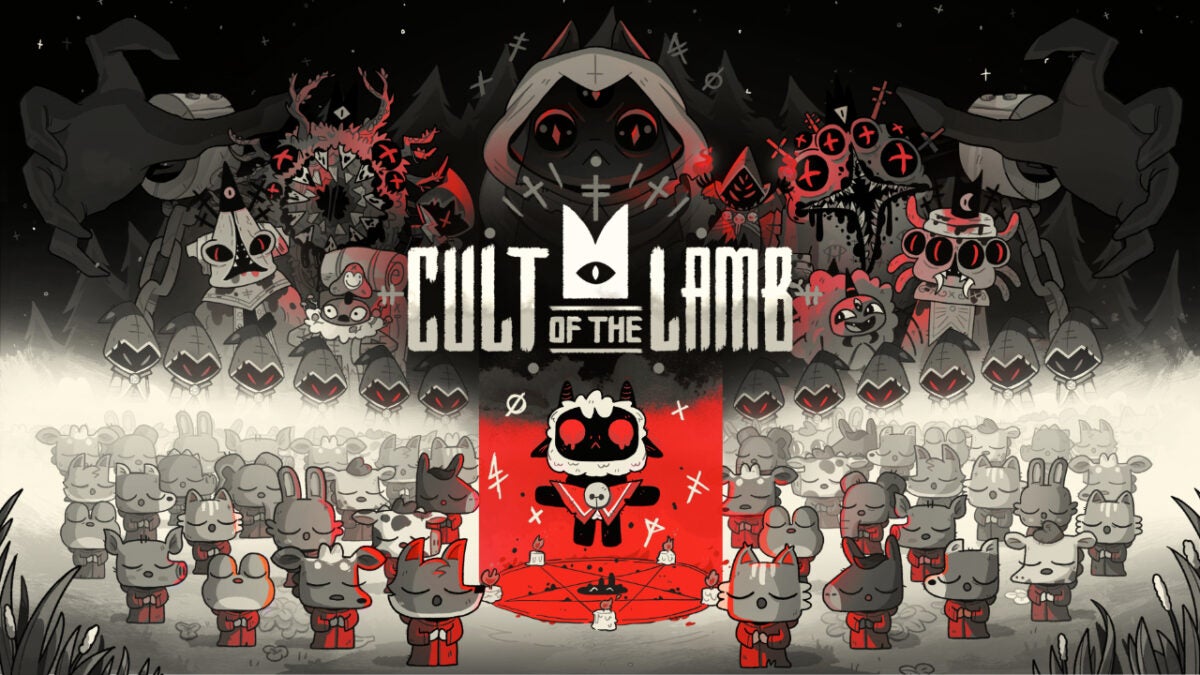
Cult of the Lamb review: cult violence but make it cozy core

That’s right – Cult of the Lamb takes all the difficulty of a rogue-like and pairs it with cutesy characters, base-building, and sim-like mechanics. The art style and soundtrack give the game unique appeal, but there’s more behind the would-be sacrificial main character than meets the eye.

Cult of the Lamb DOWNLOAD

Let’s dive into the game to see why Cult of the Lamb might appeal to more than just fans of games like Binding of Isaac.

Story, setting, & tone

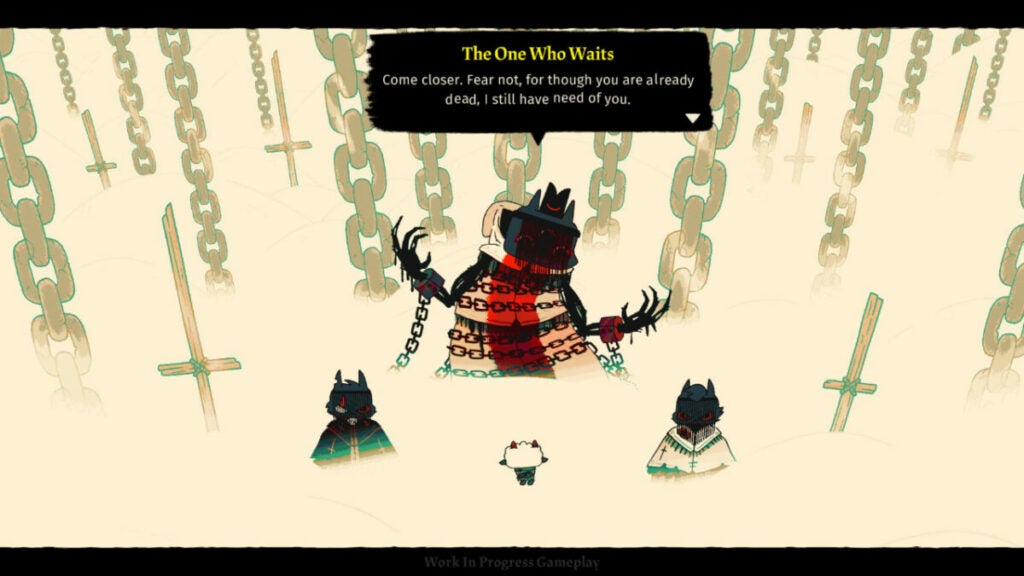
The setting of this game is very simple in that it’s established from the beginning moments of the game. You are a sacrifice to other-worldly gods for something called the “Old Faith.” Except, you aren’t quite sacrificed; instead, something calling itself “The One Who Waits” revives you at the cost of creating a cult in its name.

To that end, you roam around various areas controlled by Old Faith followers, recruiting people to your cult and slaying heretics. This may not have Warhammer levels of lore, but the game establishes its story much more by “showing” than “telling.”

Characters, though their existences seem bleak, have personality and a certain whimsy about them. The pairing of this levity with darkness keeps the narrative from feeling too overbearing or simplistic.

image of The One Who Waits in Cult of the Lamb

Cult of the Lamb performance

Massive Monster built this game on the Unity engine, so it runs very smoothly. The only hiccup I encountered was when I first loaded into the game. It did not natively detect my monitor’s aspect ratio and I had to set it manually. In the grand scheme of things, however, this is not a deal-breaker.

Most computers should be able to run it well along with the consoles on which it is available:

  • Nintendo Switch
  • Xbox One
  • Xbox Series X/S
  • PlayStation 4
  • PlayStation 5

Cult of the Lamb gameplay and functions

Since Cult of the Lamb is rogue-like, players do “runs” or attempt to beat the game until they run out of life. When that happens, they must start all over at the beginning of the game. However, as you progress through the game, you’ll get more powerful spells, weapons, and other perks. This can help you progress through the game.

But the other facet of Cult of the Lamb is the cult management simulator aspect. The player must take care of their “flock” so to speak, by feeding them and providing for them regularly. However, this works to your advantage as your followers can aid you in battle.

image of base building in Cult of the Lamb

UI and interface

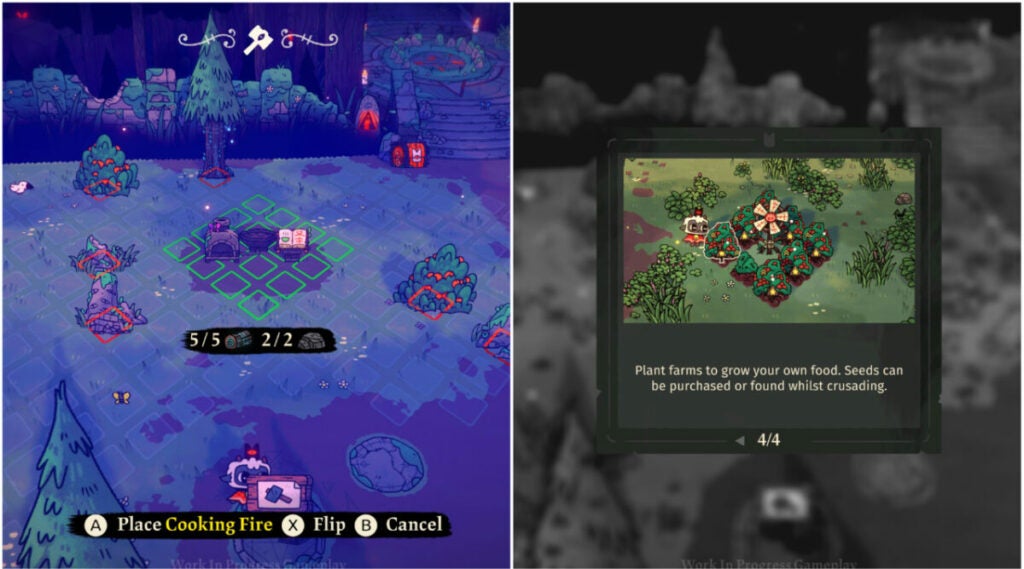
The UI for this title is uncluttered and straightforward. As with most rogue-likes, it’s best played with a controller. This might make the building aspects a bit cumbersome for players used to the freedom of a mouse and keyboard, but Cult of the Lamb smartly approaches this challenge.

As you can see above, players can place their structures in set places. The red squares indicate occupied spaces (by resources in this case) while the green spaces indicate buildable land.

When it comes to combat and inventory, there is a simple radial menu players can access that displays whatever items they are using at the time. You can upgrade or swap out your weapons and spells/curses throughout the game as you discover them.

Control schema

Cult of the Lamb offers multiple control schemas for different playstyles. The default is a fairly standard setup, but you can customize it if desired. Again, this game is experienced best with a controller.

image of combat and Tarot Cards in Cult of the Lamb

Key mechanics & combat

Players have three core mechanics for combat:

  • attack
  • dodge roll
  • unleash curse

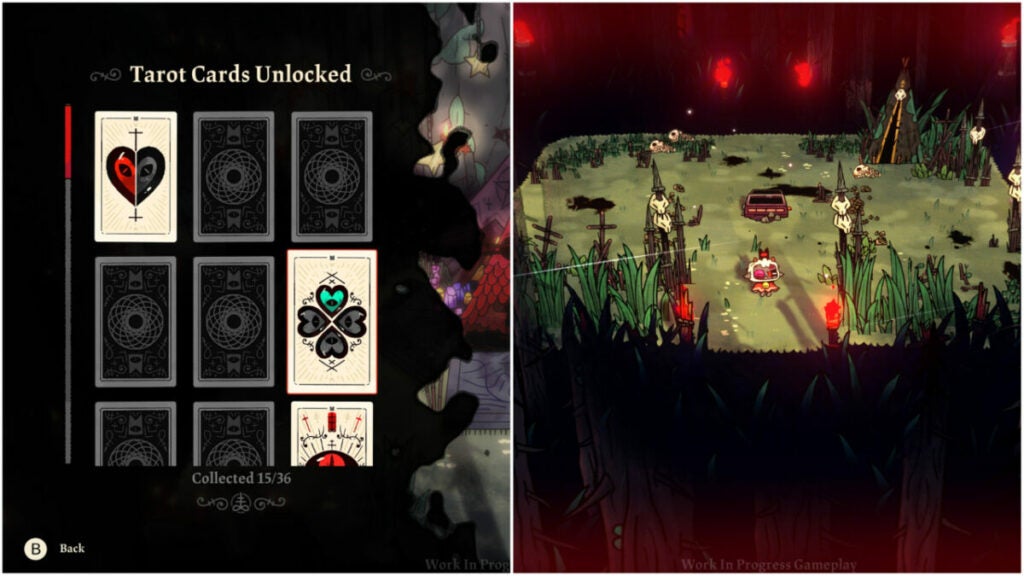
The enemies are very mobile from the very beginning of the game, so you’ll need to learn how to time your dodges. The penalty for missed attacks can also be pretty punishing if you don’t time things right. In that vein, the game rewards players who take the time to learn enemy movements and tactics.

Beyond that, there are the Tarot Cards players can unlock as seen above. These provide buffs such as additional hearts, damage modifiers, and more. If you played Hades, think of it as the buffs you get from the various gods in the game.

image of Old Faith gods in Cult of the Lamb

Cult of the Lamb world, sound, & character design

It isn’t often that you get a beautifully colorful world with such a dark mission in a game. After all, you are running around as an inter-dimensional god-powered prophet slaying non-believers and recruiting followers at any cost. But you’re such a darn cute little innocent lamb!

Therein lies the crux of the game’s core design intent.

Sound design: pivotal to the experience

Many early reviews have raved about the phenomenal soundtrack in Cult of the Lamb. It’s almost a requirement of any good rogue-like game at this point since players spend a great deal of time exploring the game world. Though the game is procedurally generated, it ultimately has players treading similar ground.

The soundtrack keeps things fresh and provides adrenaline boosts in key moments during big fights. It can also set the atmosphere while you are constructing your cult camp. See if you can identify musical motifs for different characters.

The characters speaking different languages is another detail that can’t be missed. It adds to the feeling that these are real people in a real-world dealing with…terrifying cult monsters.

image of characters in Cult of the Lamb

Character design: behind those cute smiles are sharp fangs

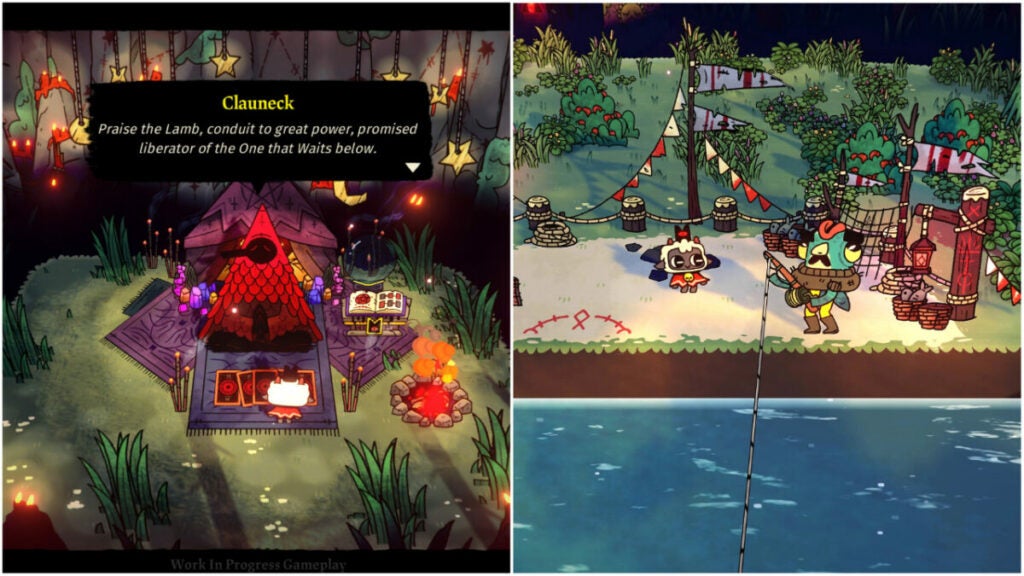
Despite being an adorable farm animal, the protagonist is a murder machine. Every character exudes this juxtaposition in Cult of the Lamb. There is always just something a bit off about many of the characters that the player meets. Clauneck, for example, seems welcoming and helpful. But why is this dude chillin’ in a forest infested with zealous cultists handing out buffs?

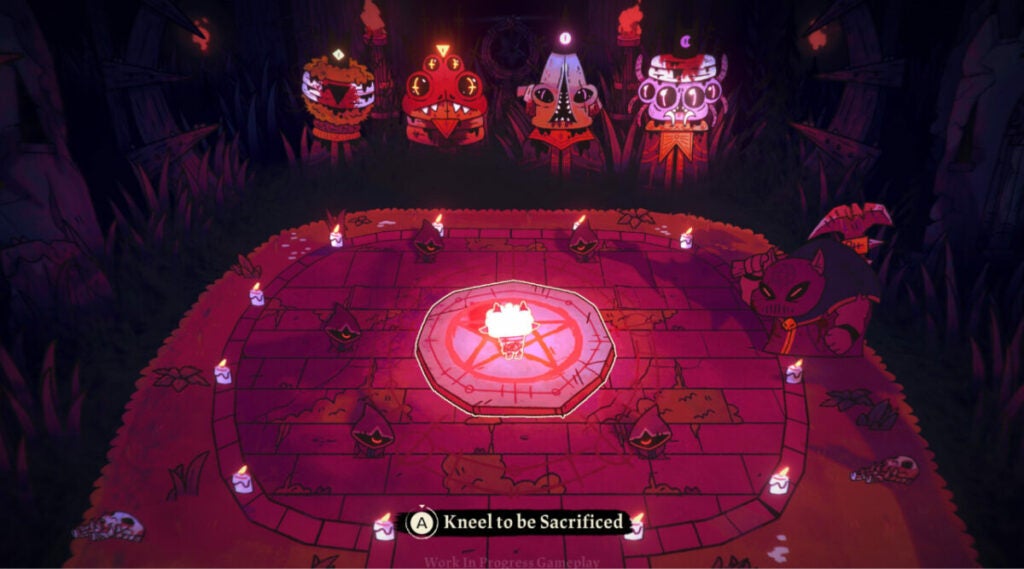
The Old Faith gods are also quite the sight. They invoke classic themes of horror like spiders, eldritch creatures, and more. Again, there is a juxtaposition to the player character (a lamb) who will one day defeat them. And that requires followers.

Part of the fun of the game is playing with how you build your base and care for those followers. You can also customize them, give them unique names, and deal with various positive and negative traits.

World design: a lived-in, beautiful disaster

Though there isn’t a dedicated overworld, Cult of the Lamb still has a lot to offer in terms of world design. The individual encounters, while simple in their setups, keep things interesting with different set dressings, enemies, and obstacles.

The cult camp you can create is also highly customizable. Though a bit flat, the character that your followers bring to the space does a ton of work to make things feel more chaotic (in a good way).

This, in tandem with the four different areas of the Old Faith realm, offers the player lots of variety to experience. Overall, the whimsy, color, and richness of the world design help the characters feel all the more real.

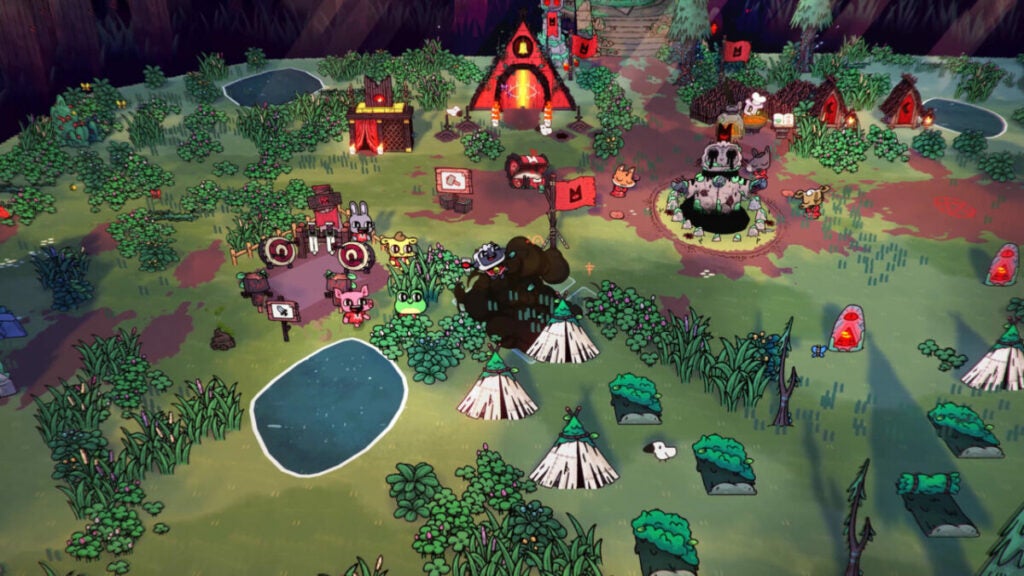
image of the overworld in Cult of the Lamb

Verdict: Cult of the Lamb is great for any gamer

Cult of the Lamb really does have something for everyone. Fans of games such as Valheim or even The Sims will appreciate the base-building and follower monitoring mechanics.

The combat may prove a bit frustrating at times, but this game is meant to be played over and over again. Ideally, you will get farther each time you play it. And with a game so easy to pick up and put down, it’s simple to do just that.

PROS

  • Fantastic art style
  • Incredible soundtrack
  • Straight-forward control schemas
  • In-depth tutorial system
  • Great replayability thanks to procedurally generated maps and customizable builds in each run

CONS

  • Useful, but limited accessibility features
  • Rogue-likes aren’t for everyone
  • Fans of keyboard and mouse sim games may find the controller more cumbersome

Developer: Massive Monster

Publisher: Devolver Digital

Game Modes: single-player

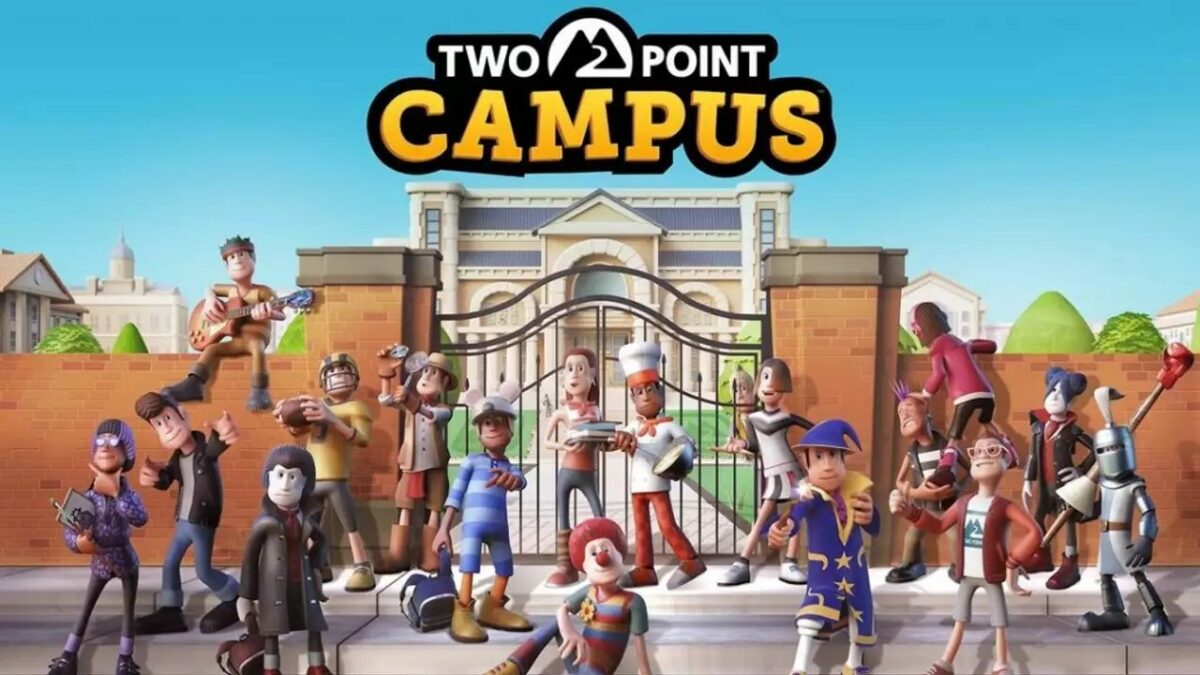
Engine: Unity

Two Point Campus Review | Building Management Fun

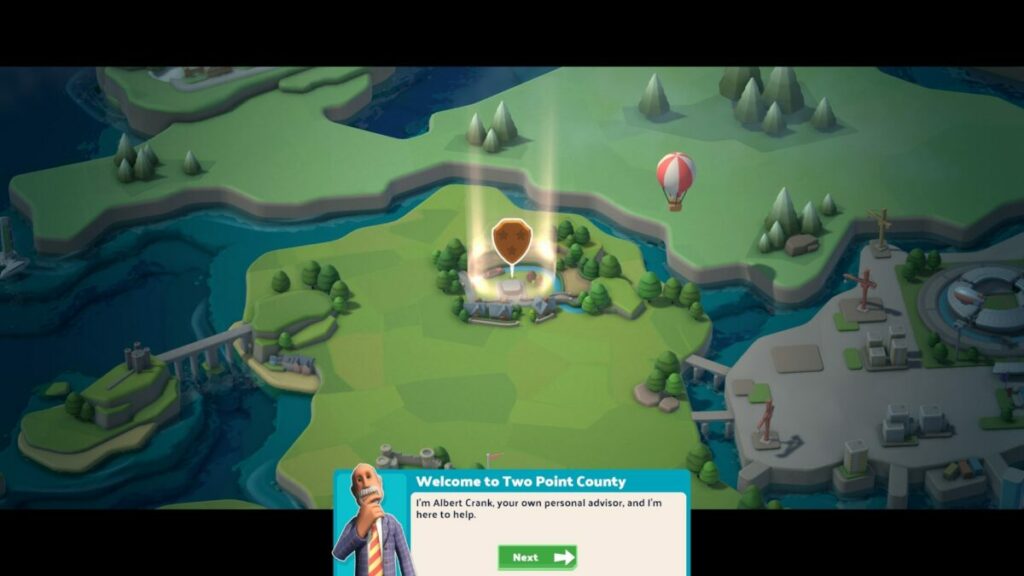
Two Point Campus is a building management game that follows as a sequel to the popular Two Point Hospital, brought to you by Two Point Studios and SEGA. It’s set for launch on August 9, 2022.

As with the first game, you need to manage facilities, people, and resources to earn money and points towards improving your levels. In this case, you’re managing academic buildings towards the final university.

Two Point Campus DOWNLOAD

That means you’ll need to care for staff and students as you provide the best rooms for comfort and education. While it may sound tedious, there are plenty of elements that make Two Point Campus fun to play. I especially loved the Hogwarts references later in the game. Here’s a complete review of my experience with TPC.

Do you have what it takes to run a university?

Let’s take an introductory run with this Two Point Campus review. In this section, I’ll discuss the main campaign points and what you’ll need to focus on from the start. Essentially, you’ll work your way towards managing the ultimate TPC university facility at the end.

Starting small

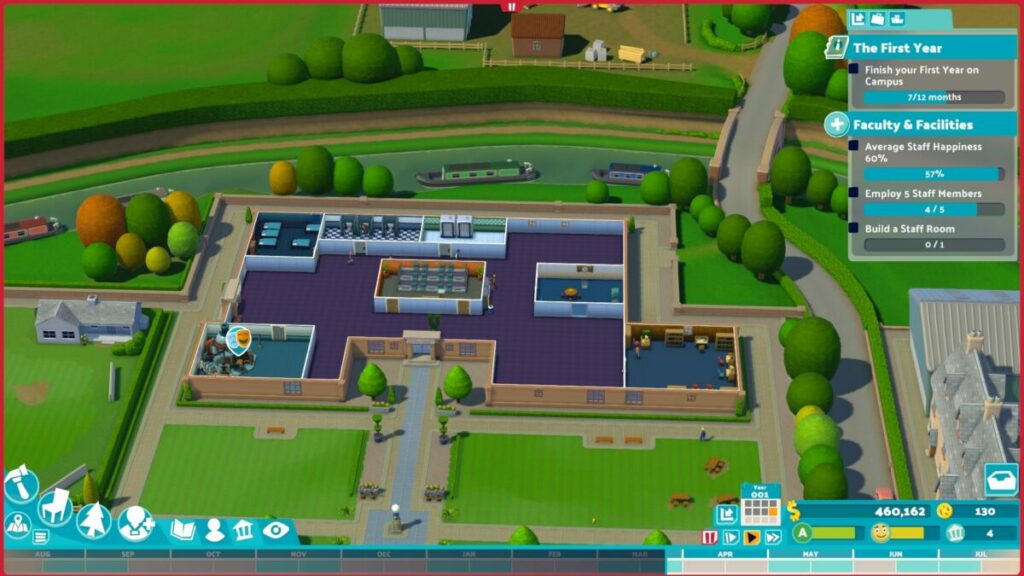
When you start your journey in Two Point Campus, you have a rectangular, relatively small facility. Thankfully, you have tons of funds to use, but don’t go splashing out just yet. You’ll need to manage your money over time, only buying what you need as the missions progress further.

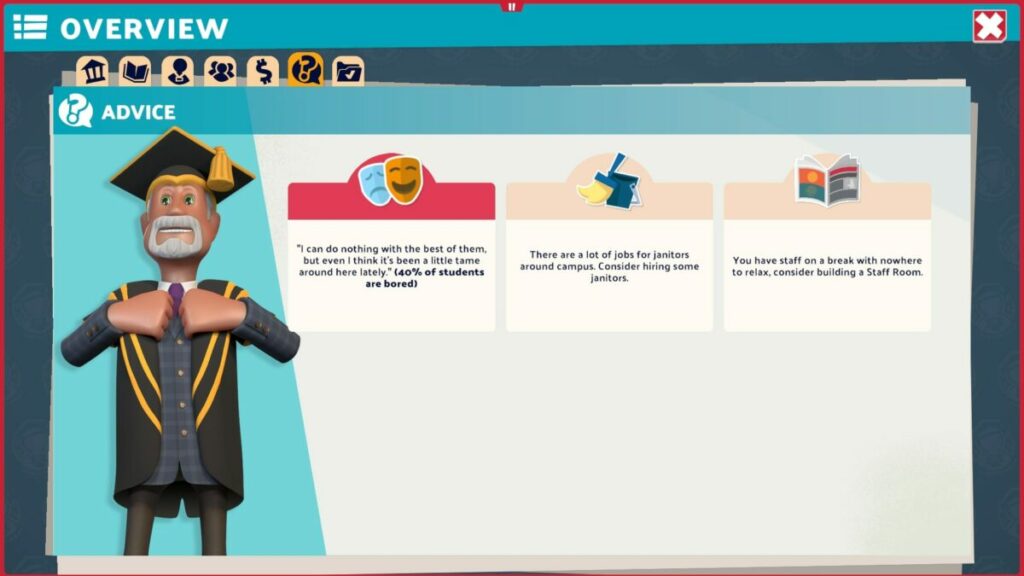
The game sets the scene with you as the facility manager of the campus. You’ll get the hang of meeting your students, teachers, assistants, and janitors. They’ll even develop relationships over time, which you can monitor. 

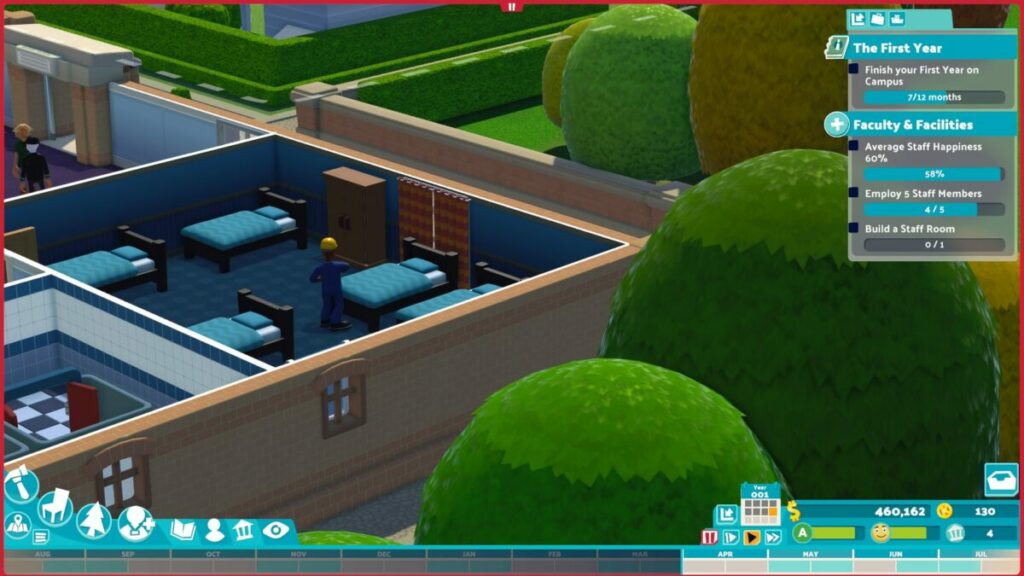
Two Point Campus review

Managing people and resources

As with its predecessor, Two Point Campus expects you to manage people and resources effectively so you don’t run out of funds. Every student and employee has a happiness level, and you’ll need to provide specific items to increase it. The happier they are, the more willing they are to learn or pay rent for the dorm rooms.

Two Point Campus review

Increasing levels

The whole point of kitting out your campus and making the people happy is to earn Course Points. Two Point Campus bases these rewards on the number of rooms, students, and staff. Whenever your campus levels up, you’ll earn 10 Course Points, which you can allocate at the end of the academic year.

Stages and courses

Another exciting aspect I enjoyed with Two Point Campus was the different stages and the courses you unlock with them. For example, the second level is called “Food for thought” where you teach culinary students how to cook food and serve clients at a diner. The two courses you unlock are Funny Business and Gastronomy.

There are a total of 12 levels and 17 courses. Each one makes you more excited for the next, making you wonder what you’ll encounter next. At the end of the road is Two Point University, where you need to show what you’re made of with all your skills put together.

As a Harry Potter fan, I need to make a nod to the Spinninmoore campus, with its Dark Arts and Wizardry courses. It should be easy for any HP lover to see the correlation with Griffindor there, as well as one of the top classes at Hogwarts (Defence Against the Dark Arts). Another fun name for a campus is Pebberly Ruins, which takes a look at archeology.

Two Point Campus review

How long to play Two Point Campus? 

The length of time you’ll play Two Point Campus depends on how quickly you can pass the levels. It may take you only 30 mins to an hour for the first level, but the other levels may far extend past 2 hours. If we take an average of 1 and a half hours per level, that’s still over 18 hours of gameplay, if you’re lucky. We’re sure there are more than 25 hours in TPC if you want every achievement.

Strategic gameplay in Two Point Campus

Now that you have some idea of what Two Point Campus entails, let me share the gameplay details. I truly love playing strategy games like this that add some entertainment and laughs along the way. It takes away any frustration you may feel if the level isn’t going your way.

Learning how to play Two Point Campus

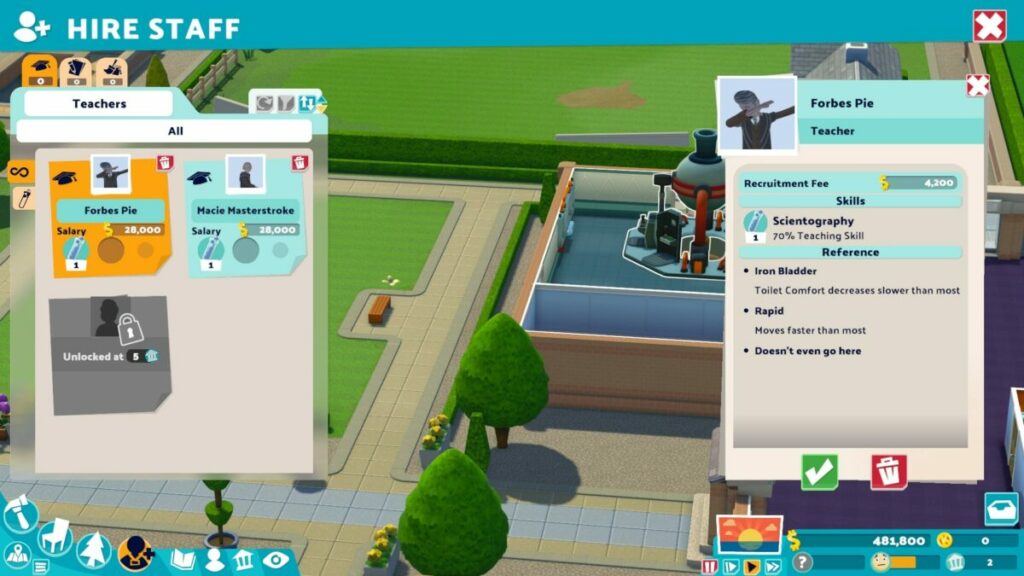
If you haven’t played Two Point Hospital or any game like Two Point Campus, you’re in luck. The first level shows you how to move your camera around, activate lessons, hire staff, and attract new students. The best part is that each level has some form of a tutorial when a new game mechanics appears, ensuring you aren’t left confused.

Two Point Campus review

Building rooms

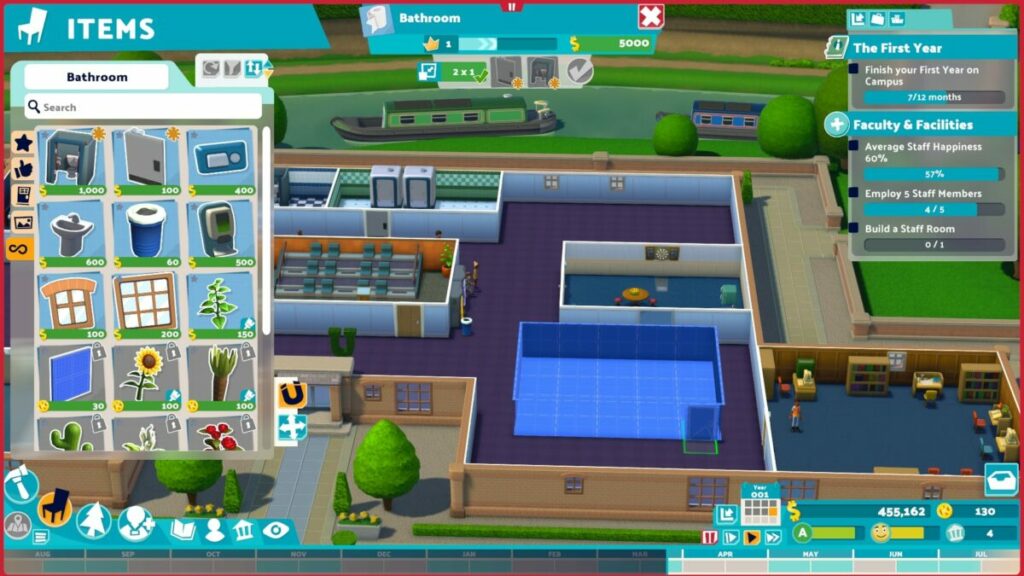
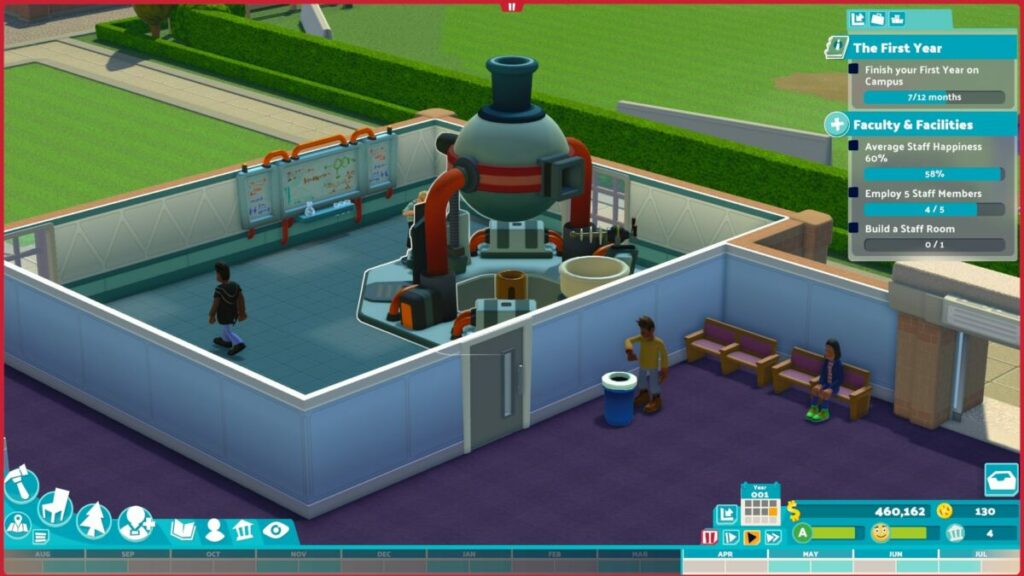
You can’t leave your students and staff walking around, wondering where the rooms are on the empty campus. One of your first assignments is to build rooms for them, such as lecture halls, experimental labs, and staff areas. The function is easy with a click-and-drag feature, after which you can place items.

Each room has a specific function, and you’ll need to look at the inventory at the top to see what they need. You can add more furniture and objects later, as long as you cover the basic requirements. Also, the rooms mustn’t clash with other items on the campus.

Two Point Campus review

Buying new items in Two Point Campus

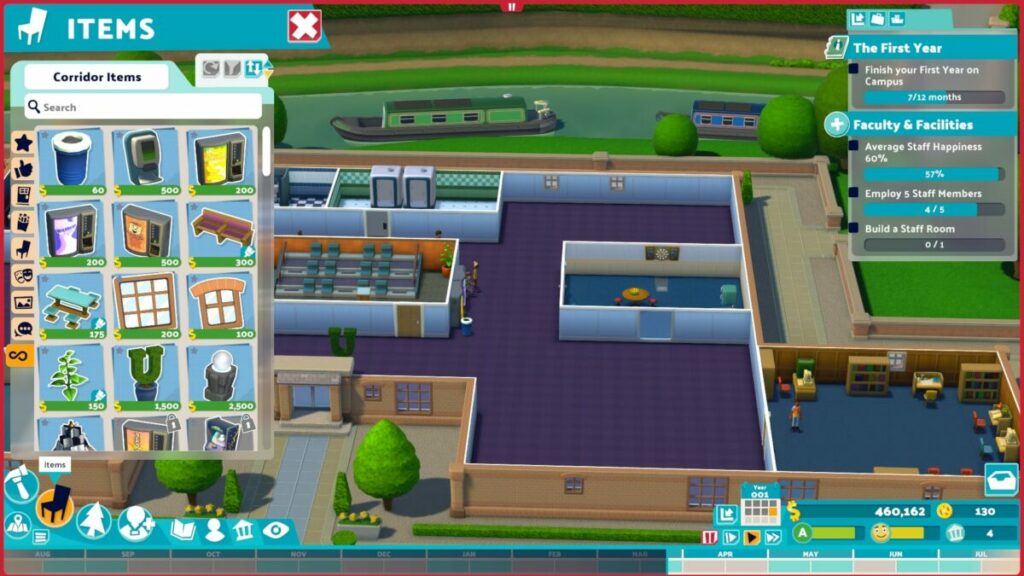
Not everything is available from the start of Two Point Campus. You’ll notice that there’s an in-game credit system called Kudosh. As you complete missions, you’ll earn these credits along with experience. This currency is essential if you want to spoil your staff with new outfits or unlock new decorations for your facility.

Two Point Campus review

Completing assignments

You can’t progress in Two Point Campus without completing assignments. It’s the heart and core of the game, but they’re also fun to achieve. At the start of each level, these missions usually consist of getting things up and running. Towards the end of the stage, it’s about meeting the requirements before you can move to the next level, such as getting a specific number of students to pass.

Two Point Campus review

Expanding your building

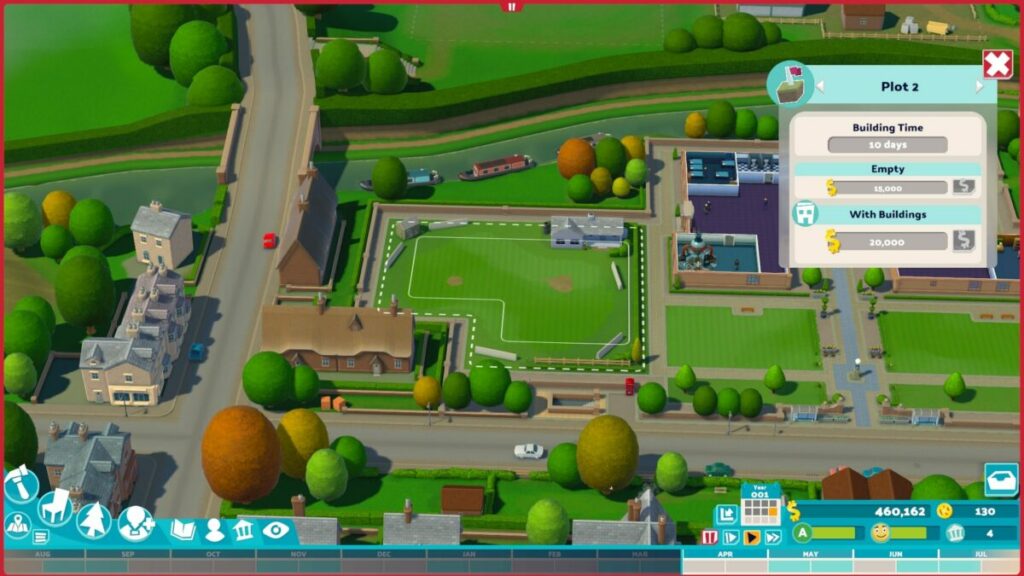
When you make enough money through your students and missions, you’ll be able to buy plots next to your land to expand your facilities. These become necessary when you unlock new courses and rooms and you don’t have sufficient space in your current building. 

That brings me to another point. While you may want to give your students and staff massive rooms, you’ll reach times where you just can’t afford the space. You can expect to cut back on room sizes to make more space for other areas, especially when it affects the happiness of the occupants.

Two Point Campus review

Managing expenses

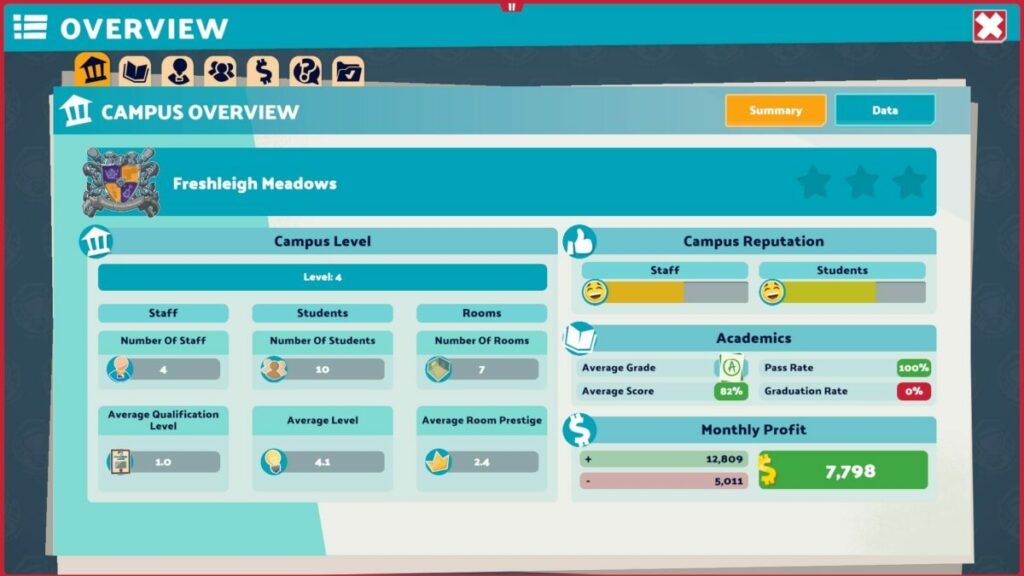
While the missions will progress you further into Two Point Campus, it’s the money that keeps you alive. Every so often, you’ll receive a report on income and expenses, and you’ll want the overall balance to remain in the green. Keep a tight watch on where you can increase revenue and cut back on costs so you don’t end up with a loss.

All I can say is that it becomes really challenging towards the end, and you’ll be scratching your head working out where you went wrong.

Two Point Campus review

Similar games to Two Point Campus

I love games like Two Point Campus with a passion. It all started with Theme Hospital on the PS1 in 1997, and then Two Point Hospital surprised us with the similarities that we loved so much. Another building management game to try is Megaqaurium, which I’m still hooked on after all this time. Roller Coaster Tycoon is also fun, but with more complicated elements.

What you’ll need on your PC for Two Point Campus

If we went back about a decade, 6 GB for a game may have seemed like a lot, or at least average. In today’s world, it’s small compared to some of the massive titles we’re seeing online such as Here’s looking at you, Call of Duty: Warzone, and Elder Scrolls Online.

In any event, here’s what you’ll need as minimum requirements to play Two Point Campus.

  • OS: Windows 7 64-bit
  • Processor: Intel Core i3 6100 / AMD FX-4350
  • Memory: 4 GB RAM
  • Graphics: NVIDIA Geforce GT 1030, 2GB;  AMD RX550, 2GB; Integrated: Intel HD Graphics 630
  • DirectX: Version 11
  • Storage: 6 GB

Hilarious and pleasant visuals and sound

If a building management game doesn’t have pleasant graphics and some fun effects, then I don’t feel it’s worth playing, in my opinion. Here are some of the visual and audio elements you can expect from Two Point Campus.

Detailed scenes and rooms

You have the same cartoonish graphics and animated effects as we saw in Two Point Hospital. Having said that, many of the visual elements are easier to work with, showing how well Two Point Studios listened to complaints about the first game. 

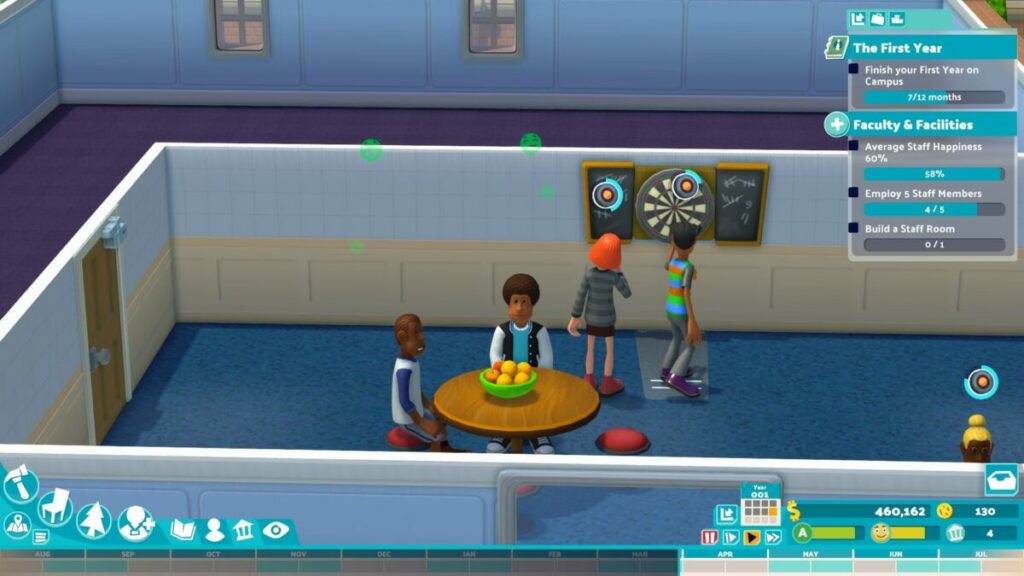
There are many moments where you simply want to watch the people walk around, waiting to see if any funny scenes appear. The students certainly have interesting designs, and some even make you wonder about their fashion choices. You’ll also see plenty of decorative items to make your campus look beautiful.

Two Point Campus review

Compact menus and interfaces

You’ll find most of the menus and interfaces along the edges of your screen, mostly at the top and bottom. They’re neatly organized in a way that’s easy to spot what you’re looking for. For instance, the build and buy items are in the bottom left corner, while your inbox and assignments are on the right. That’s not just my visual memory kicking in, but just how easy it is to become used to the interface.

Music and sim sounds

Fortunately, Two Point Campus plays gentle, entertaining music in the background while you’re busy managing various elements. Staff and students will send out audio alerts when something is wrong, which sounds like something you might hear in The Sims 4. It provides a pleasant backdrop while also keeping you on your toes. Even the classroom machines have fun sound effects!

Two Point Campus review

Final Verdict of Two Point Campus

We need more games from Two Point Studios. There’s so much the company can do with this series of games, and I’m looking forward to what they’ll do next. The potential is so huge, and my head is floating with all the possibilities.

As far as Two Point Campus is concerned, it exceeds expectations. It’s the perfect game to follow TPH, and it’s clear the developers kept the gamers in mind with feedback from its predecessor. The effects and courses are entertaining, and I love the rooms, furniture, and environments. I definitely want more!

If you like this review, please spare a moment to look at some other games I enjoyed. Head on over to some of my favorite reviews Mirror Forge preview, Dune: Spice Wars preview, and Teenage Mutant Ninja Turtles: Shredder’s Revenge.

Pros

  • Plenty of strategy elements
  • Fun visuals and sounds
  • Campus names that ring a bell
  • Stunning environments
  • Loads of levels and courses
  • New courses give a hint of excitement
  • Easy to learn and play

Cons

  • Can become intensely challenging

Developer: Two Point Studios

Publisher: SEGA

Game Modes: Single-player

Platform reviewed: Windows 11 – Steam

Teenage Mutant Ninja Turtles: Shredder’s Revenge | Retro Arcade Fighter

Teenage Mutant Ninja Turtles: Shredder’s Revenge is a retro action fighting game set in a 2D environment. The developer is Tribute Games Inc. while the publishers are Dotemu and Gamera Games. The title launched for gamers on June 16, 2022, as a tribute to the arcade games of the 80s and 90s.

Teenage Mutant Ninja Turtles: Shredder's Revenge DOWNLOAD

You can now play Teenage Mutant Ninja Turtles: Shredder’s Revenge on your Windows PC, taking on Shredder, Krang, and all their goonies as the mutated heroes. There are plenty of easter eggs to enjoy, and it has more features than the original arcade games. Stay tuned as I share my excitement in this review!

Excellent campaign in Teenage Mutant Ninja Turtles: Shredder’s Revenge

It’s such a joy for me to see Teenage Mutant Ninja Turtles: Shredder’s Revenge appear at my age. I grew up with the original Turtles game in our local arcade center. My brother Clayton and I would save our coins, eager to hit the machines and defeat Shredder’s cronies

Follow me on a nostalgic journey as I compare Teenage Mutant Ninja Turtles: Shredder’s Revenge to those memories.

Choose your hero

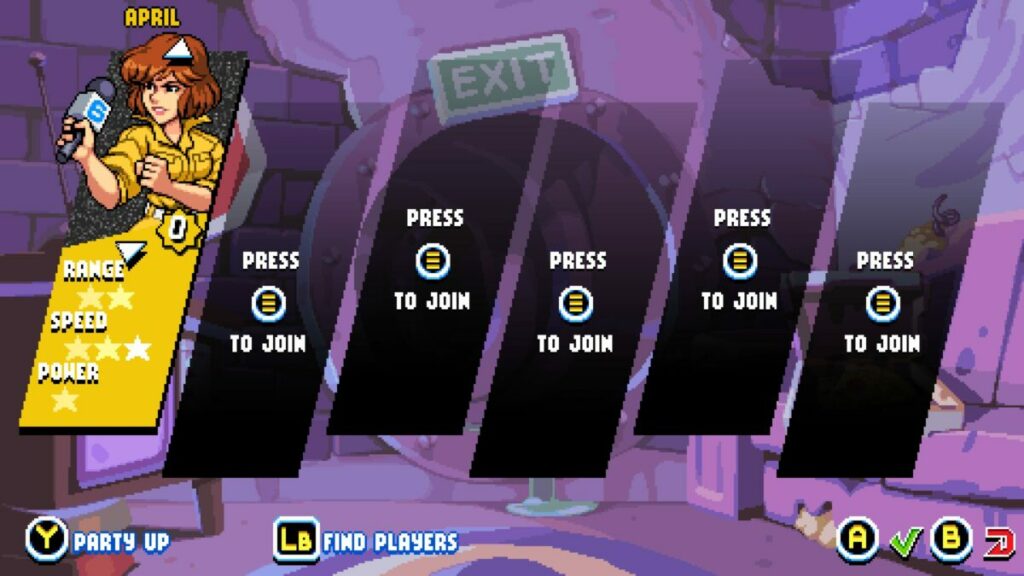
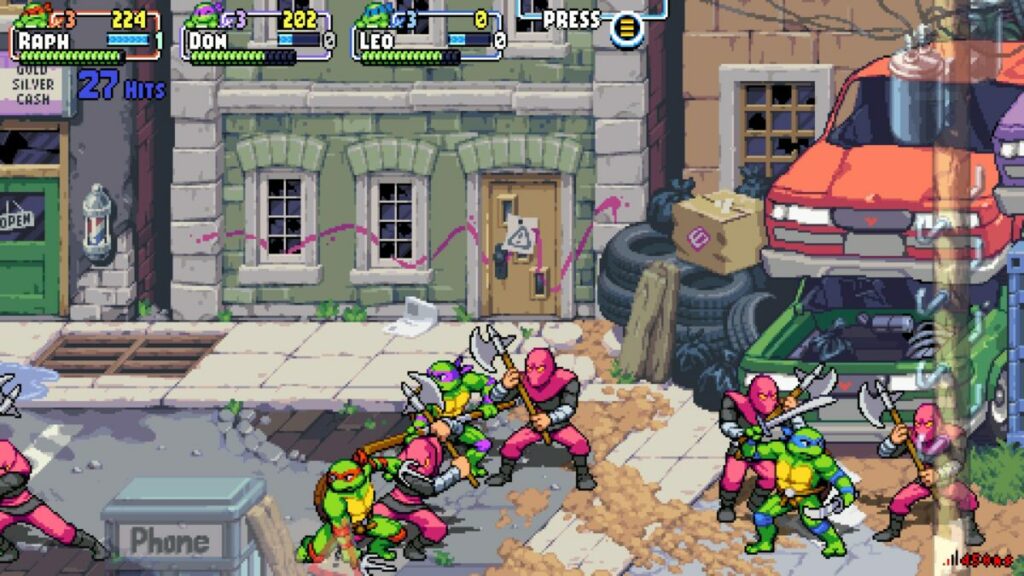
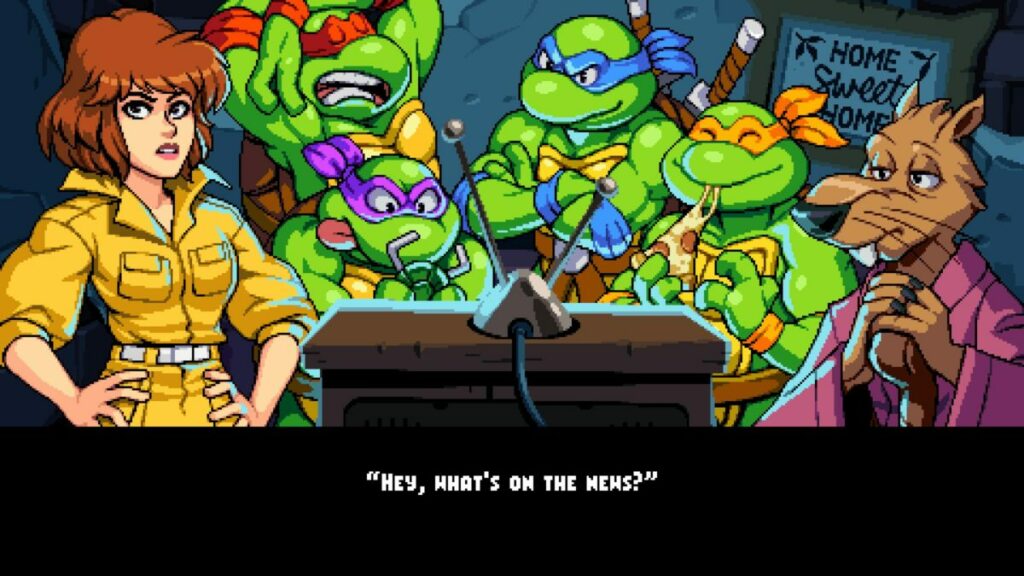
The first element that made me smile when I started the campaign mode was being able to choose which Turtle I wanted to fight with. I was pleased to see you can also choose April and Splinter. They have whole new combat arsenals, and April can help save the day as in the movies.

Teenage Mutant Ninja Turtles Shredder's Revenge

Saving the day, once again

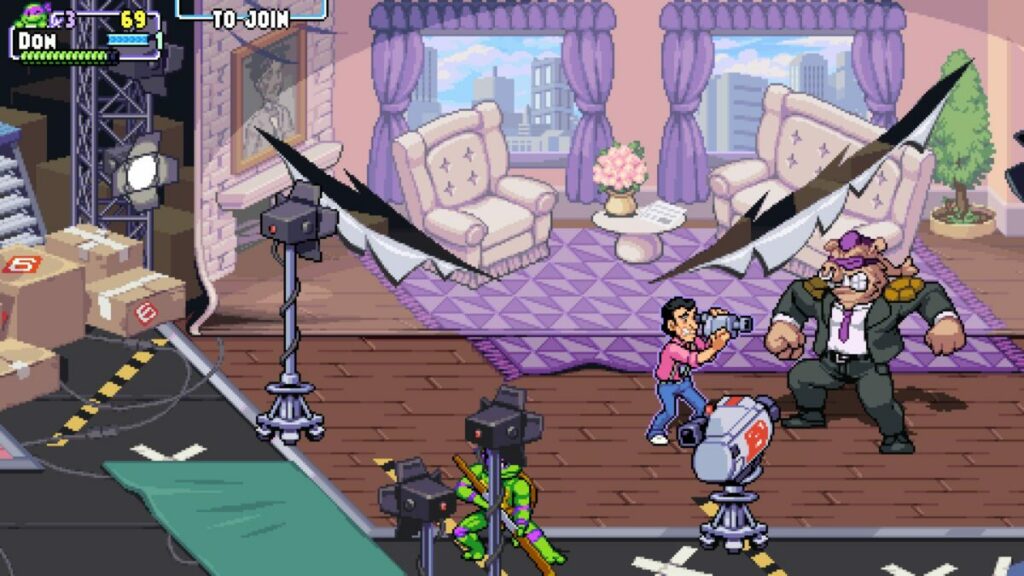
The story in Teenage Mutant Ninja Turtles: Shredder’s Revenge almost felt familiar, but it’s not the same. In the original arcade game, you faced Rocksteady in a burning building on the first level. This time around, you’ll try to save Vern the news guy from Bebop. So, while the developer makes me remember the good old times, it’s a new story to enjoy.

Of course, you’ll still have to travel the streets and buildings, kicking ninjas and robot butt along the way. Each level is a chapter in the campaign, giving it that storytelling element that this author thrives for in games. 

Teenage Mutant Ninja Turtles Shredder's Revenge

Arcade mode

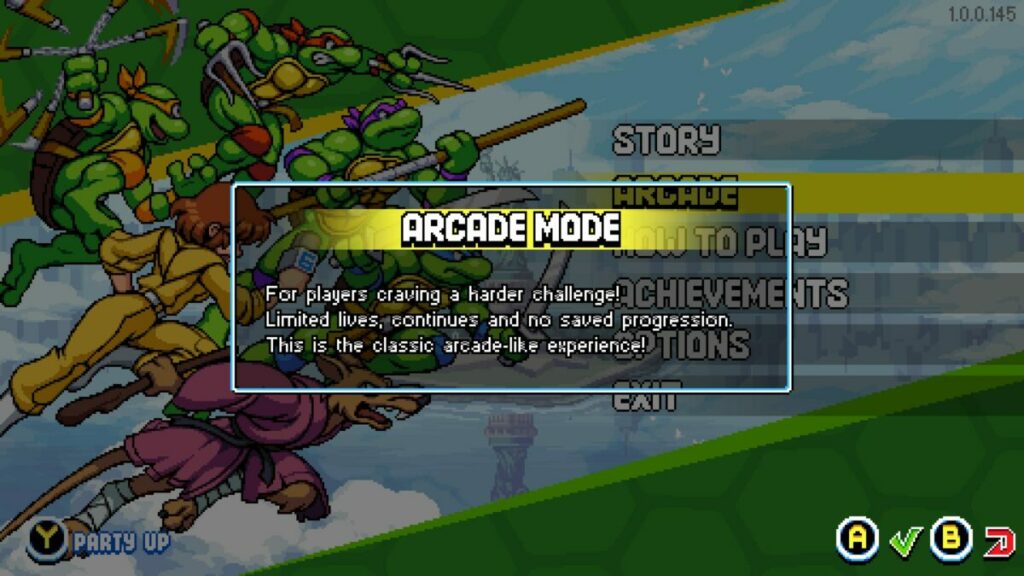
With the Teenage Mutant Ninja Turtles: Shredder’s Revenge campaign mode, you have infinite lives. The arcade mode lets you play the same chapters but with limited lives. It’s like keeping your coins at hand just in case you don’t make it to the end of the level.

Teenage Mutant Ninja Turtles Shredder's Revenge

How long to play Teenage Mutant Ninja Turtles: Shredder’s Revenge?

The length of time it will take to complete Teenage Mutant Ninja Turtles: Shredder’s Revenge depends on you. If you only want to destroy your enemies and finish the game in no time, it will take you about 2 to 3 hours. For completionists like me that want to collect every item and achievement, you’ll go well into 9 to 10 hours

Teenage Mutant Ninja Turtles: Shredder’s Revenge extended features

Have you enjoyed your taste of Teenage Mutant Ninja Turtles: Shredder’s Revenge yet, or are you dying for more? I’m only getting started, as I’d like to share some of the gameplay mechanics with you. Here’s what my experience was like with the controls and features.

Teenage Mutant Ninja Turtles: Shredder’s Revenge tutorial

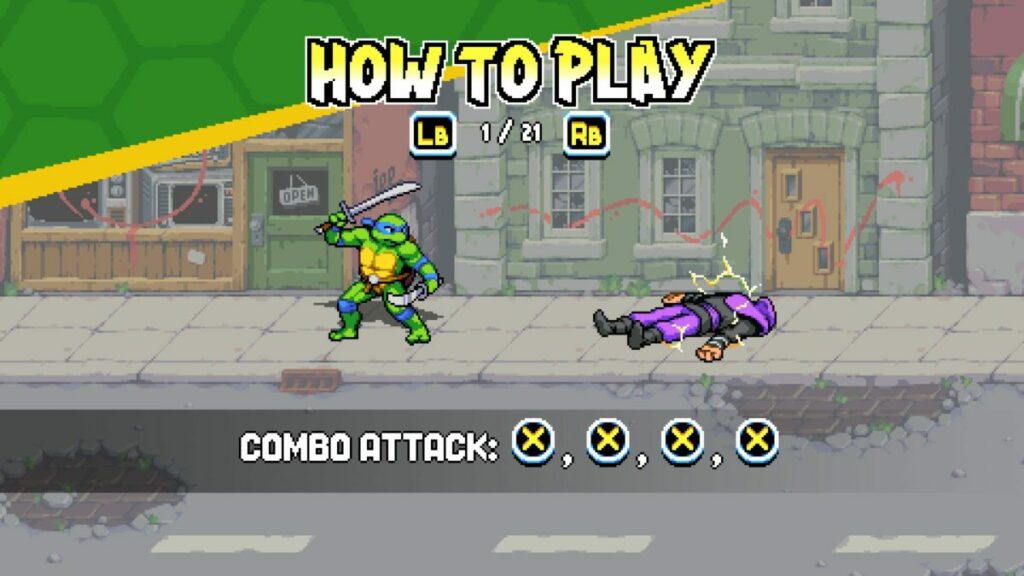
There are so many modern AAA titles today that don’t have a basic tutorial at the start. Somehow, this retro game managed to include one. There’s a video at the beginning that shows you about 21 moves you can do in Teenage Mutant Ninja Turtles: Shredder’s Revenge. Just a pity you can’t practice them on a bot before you head out, like in Mortal Kombat 11.

Teenage Mutant Ninja Turtles Shredder's Revenge

New combat moves for the Turtles

For those who aren’t as old as I am or are part of the new generation, the original arcade Turtles game only had a few moves. If I remember correctly, it was jumping and striking. There was also a combination of the two buttons for a powerful attack.

Teenage Mutant Ninja Turtles: Shredder’s Revenge uses the same abilities, but adds more to the combat moves. You can dodge and strike, while you can quickly jump up after the Foot Clan knocks you down. You also have a power bar, delivering an almighty blow that hits everyone around you. There are a few other skills, but I’ll leave them up to you to discover.

Teenage Mutant Ninja Turtles Shredder's Revenge

Enemies making prop appearances

One aspect that made me laugh is how the developer made the enemies appear as props in some scenarios. For example, some of the Foot Clan were sitting by the telephones and desks in the news building pretending to take calls. As soon as you approach, they jump up and attack you. It’s a brilliant moment that will stay with me for a long time.

Teenage Mutant Ninja Turtles Shredder's Revenge

Using the environment

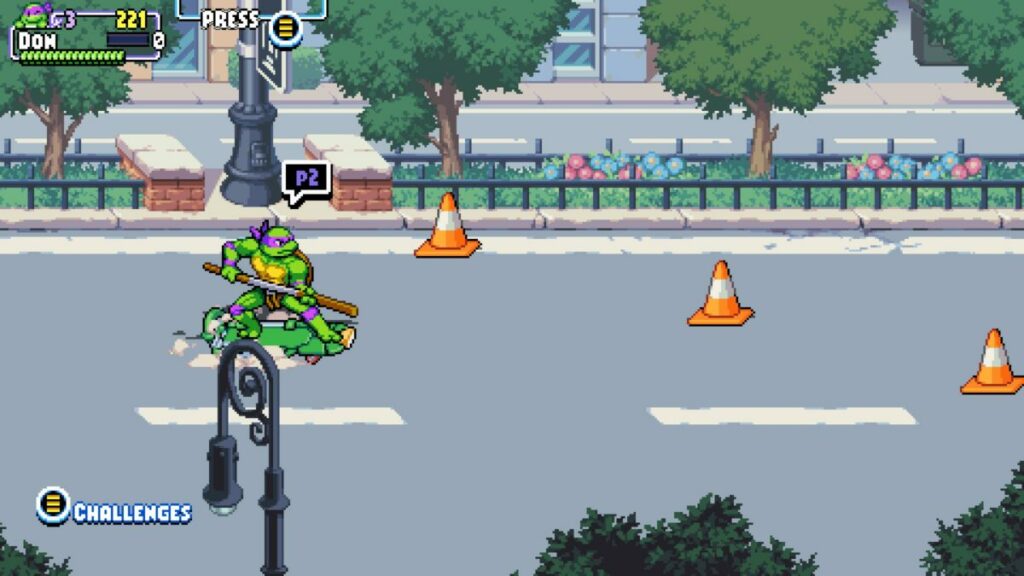
Here’s a nod to the original Turtles arcade game I enjoyed. You can once again use the environment to your advantage. Feel free to hit a hydrant for water to squirt in your enemy’s face or a parking meter to slam into their faces. I even tested what would happen if I fell down a manhole. Donatello actually said, “Who turned the lights out?”, which is exactly what I wanted to hear.

Completionist’s dream

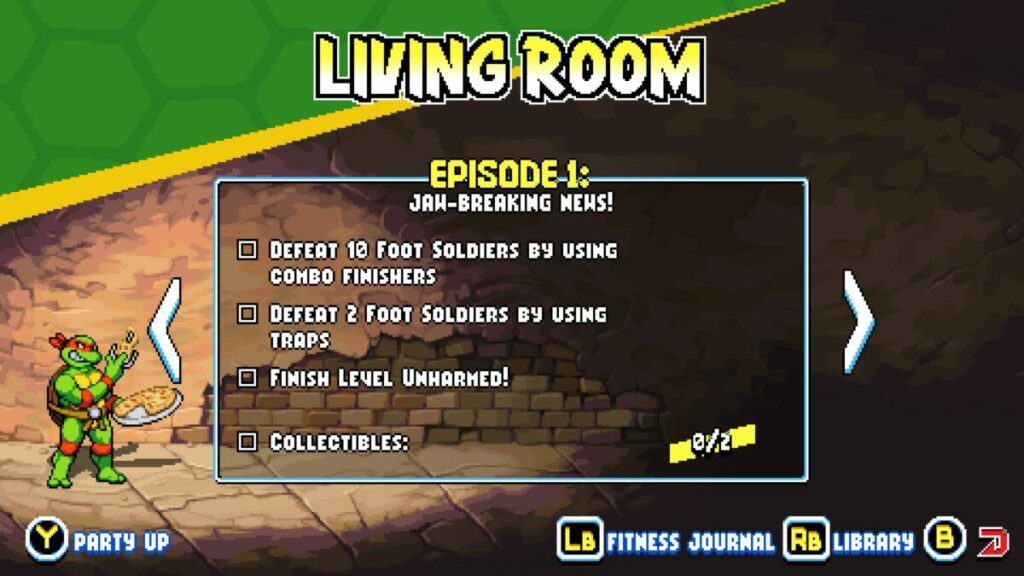
If you’re a fan of GTA V and The Elder Scrolls V: Skyrim, you’ll know exactly what I’m about to say. Teenage Mutant Ninja Turtles: Shredder’s Revenge lets you find collectables in each stage, and there are achievements to attain. You can go back to levels to tick the items you’ve missed off the list, which is why the game can take so long to complete.

Teenage Mutant Ninja Turtles Shredder's Revenge

Local and online multiplayer

To give you that feeling of standing at the arcade and playing with friends, the latest action title lets you play up to four players. You can use four PC or Xbox controllers on the same computer or join up with others online to combat Shredder and his minions. 

It’s fun watching others join you as you battle the Foot Clan. The only issue with the online mode is you sometimes wait a while for the other players to get done with whatever they’re doing.

Teenage Mutant Ninja Turtles Shredder's Revenge

Other games similar to Teenage Mutant Ninja Turtles: Shredder’s Revenge

It’s challenging to find modern retro games that hark back to the good old times like Teenage Mutant Ninja Turtles: Shredder’s Revenge does. Most of them are remade with modern visuals, losing that nostalgic feeling. If you’d like to go down memory lane with some arcade games, you can try Street Fighter 2, Sonic the Hedgehog, or Deluxe Pacman.

What you’ll need on your PC

There aren’t demanding requirements for Teenage Mutant Ninja Turtles: Shredder’s Revenge. The storage needed is low, and you won’t need an expensive graphics card. Here are the minimum requirements for this retro action game.

  • OS: Windows 7, 64-bit
  • Memory: 4 GB RAM
  • Processor: Intel Core i3-2100 or AMD FX-4300
  • Graphics: NVIDIA GeForce GT 320, 1 GB or Intel HD 4600 or AMD Radeon HD 5570, 1 GB 
  • Storage: 1 GB 

Teenage Mutant Ninja Turtles: Shredder’s Revenge goes back to retro effects

Let’s get to the part that really counts. In this section of my Teenage Mutant Ninja Turtles: Shredder’s Revenge review, I’m going to discuss how the graphics and sound effects live up to the original game.

Beautiful retro environments and characters

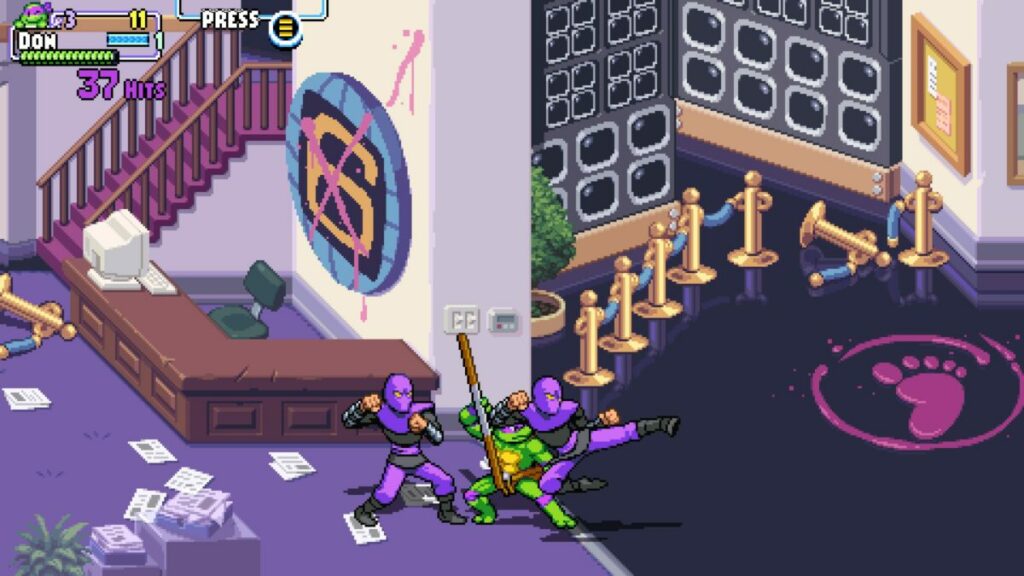
If anything, Teenage Mutant Ninja Turtles: Shredder’s Revenge improved on the original retro design. You have similar visuals with completely new environments. The colors pop on the screen, and you’ll want to take a moment to take some of the scenes in before you battle. I also loved the character designs of allies and enemies.

Teenage Mutant Ninja Turtles Shredder's RevengeTeenage Mutant Ninja Turtles Shredder's Revenge

Fast-paced effects and interactive maps

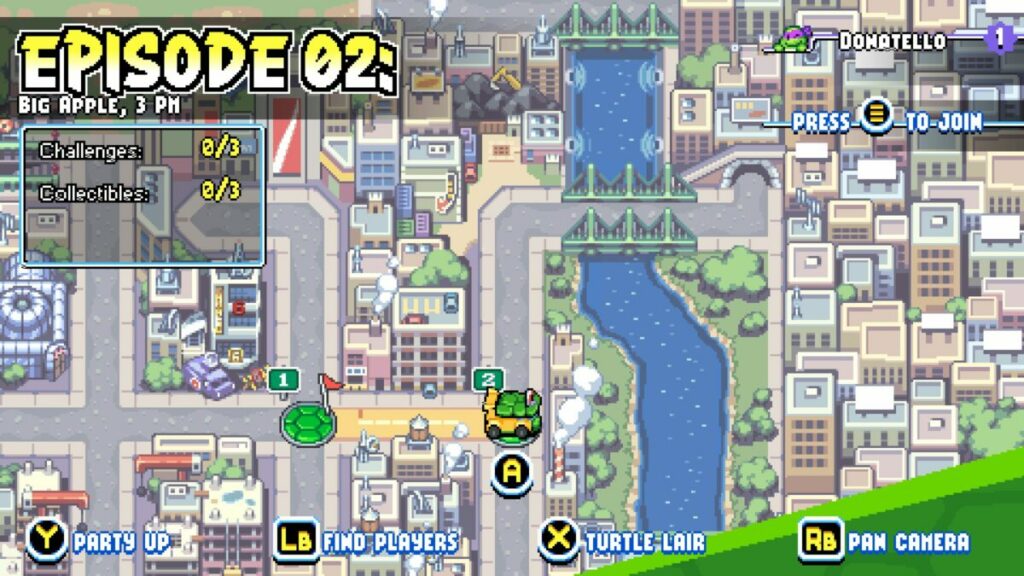
Even though it’s a retro arcade game, the action is fast, and you’ll need to be on your feet, so to speak. There are some stages that move incredibly quick, such as the one where you’re on a skateboard. I also love the map design where you can select your level.

Teenage Mutant Ninja Turtles Shredder's Revenge

Bringing back the glory of the Turtles’ arcade sound

There was joy in my heart when I heard each of the Turtles speaking. Michaelangelo’s “Cowabunga!” is back, and they’ll sometimes have some snarky comments when you do something wrong. The music is just as energetic as the battles, and you can actually hear them singing about Turtle themes if you listen closely.

Teenage Mutant Ninja Turtles Shredder's Revenge

Final Verdict of Teenage Mutant Ninja Turtles: Shredder’s Revenge

As you can tell from my Teenage Mutant Ninja Turtles: Shredder’s Revenge review, I utterly love this game. It’s exactly the fix I need when I’m heading down memory lane. Sure, it’s easier to play now, except when the Foot Clan are all over the screen and I’m waiting for my power bar to max out. It’s a thrill of a ride, and I can’t wait to head back in.

Before you leave, please go check out some of my more recent reviews, namely, Starship Troopers: Terran Command and Dune: Spice Wars, both of which also sent me back to my childhood.

Starship Troopers: Terran Command review READ MORE
Dune: Spice Wars Preview READ MORE

Pros

  • Stunning retro graphics and sound effects
  • Brilliant storyline with chapters
  • Plenty of easter eggs
  • Excellent items for completionists
  • Nostalgic combat and scenes
  • Fun to play online together
  • Includes arcade mode

Cons

  • Online multiplayer lobby makes you wait for other players

Developer: Tribute Games Inc.

Publisher: Dotemu, Gamera Games

Game Modes: Single-player, Multiplayer, Arcade

Platform reviewed: Windows 11 – Steam
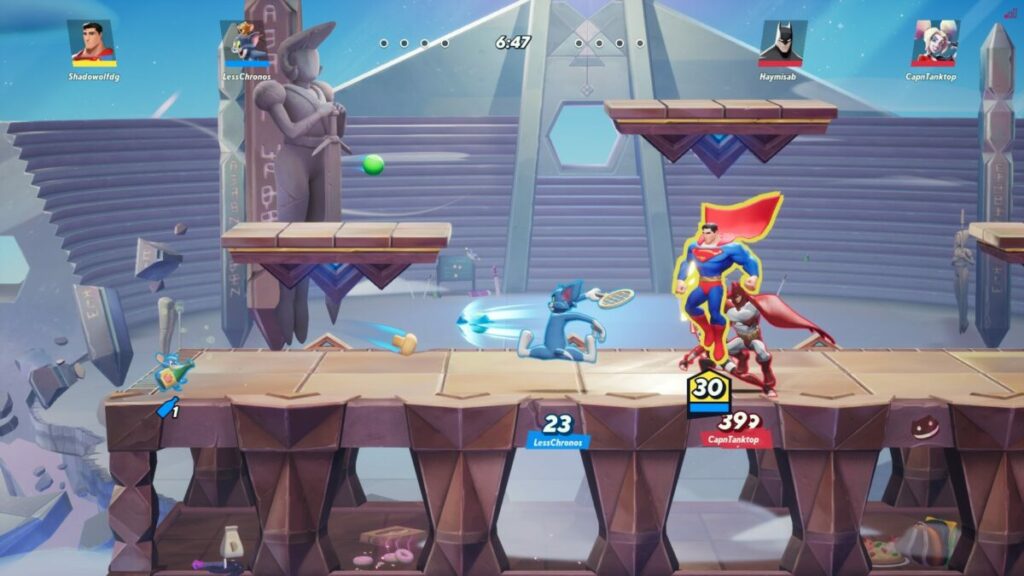
Starship Troopers: Terran Command | Alien RTS Mayhem

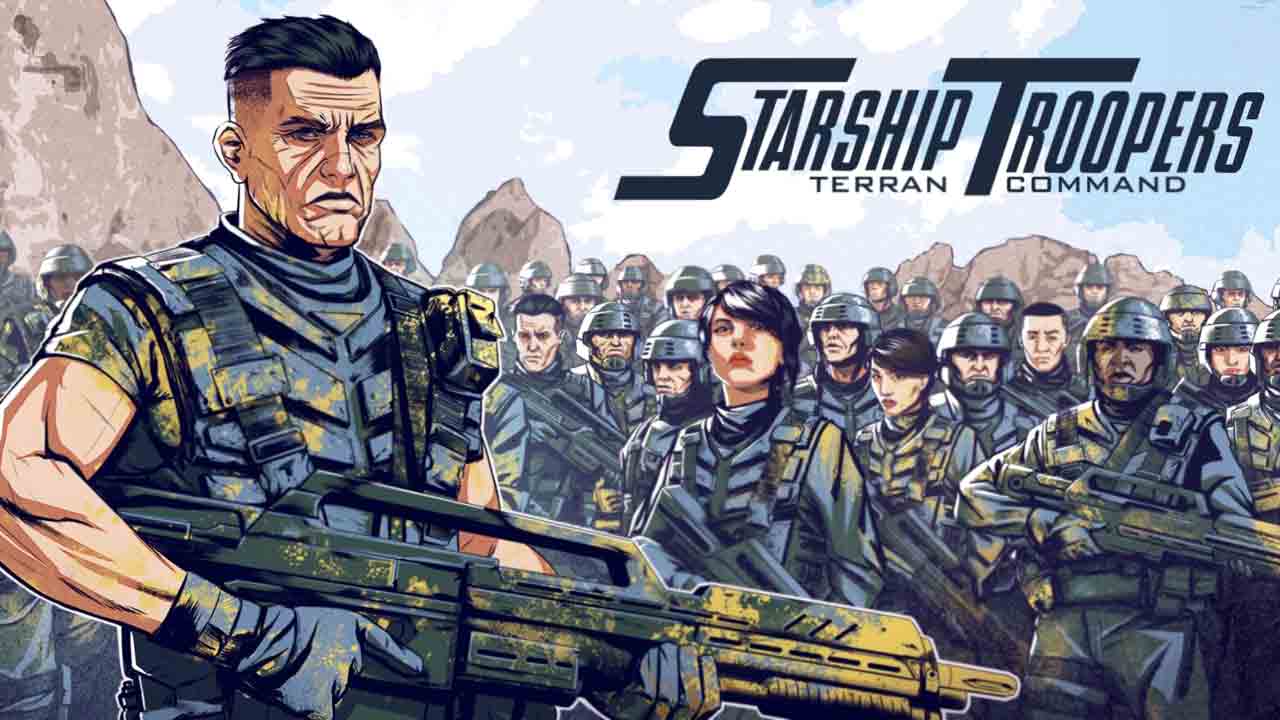
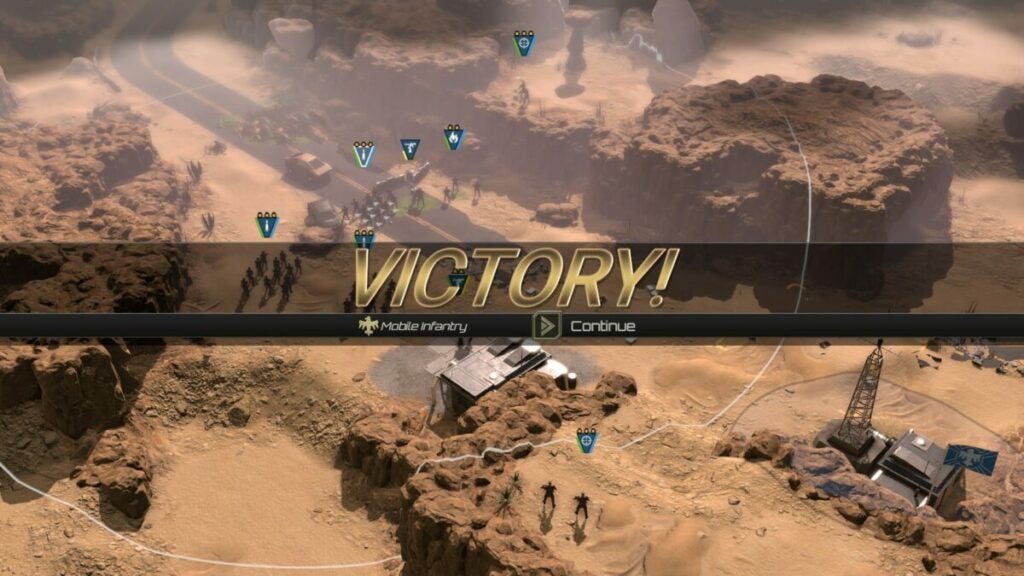
Starship Troopers: Terran Command is the latest real-time strategy game from Slitherine Ltd that launched on Jun 16, 2022. For the low cost, you receive an incredible amount of content across the Starship Troopers universe. While it’s only single-player at the moment, you have campaign and scenario modes to enjoy.

Starship Troopers - Terran Command DOWNLOAD

Despite Starship Troopers: Terran Command not having a multiplayer mode, there are plenty of levels and maps to play that will keep you busy. The main point of the game is to destroy the Arachnids on planet Kwalasha while you mine resources and establish new bases.

Destroying the Arachnid swarms in Starship Troopers: Terran Command

Starship Troopers: Terran Command takes us back to similar environments as we saw in the ST movies. Seeing the planet and creatures appear sends goosebumps up my spine every time. Here are some details of the stories without spoiling the RTS game experience for you.

Meet your new home

Welcome to planet Kwalasha. There are plenty of resources to mine on the planet, and there are a few established bases on the surface. The problem is that there’s an Arachnid population that isn’t happy with your presence there. After all, this is their home. 

Each level has the same basic premise: land on the planet, expand your operations and clear the creatures from their nests. However, there’s always a unique twist, and you may need to backtrack to get some supplies or new troops. The campaign certainly keeps you interested to see what’s coming next.

Starship Troopers Terran Command review

Establishing bases

Unlike other RTS games, such as Dune: Spice Wars, your ability to create massive bases is not available. Instead, you’ll find them along the way in campaign mode, fitting in nicely with the story. It’s a pity there’s no sandbox mode, as it would have been a nice touch to build bases and eradicate the Arachnid horde.

Dune: Spice Wars DOWNLOAD
Starship Troopers Terran Command review

Scenario mode

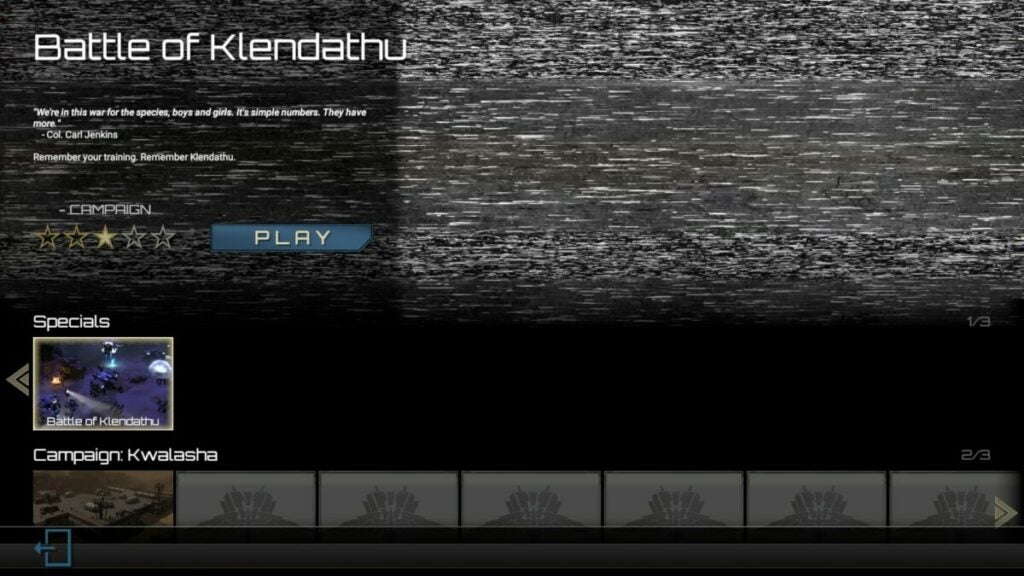
What Starship Troopers: Terran Command does have besides the campaign is scenario mode. It has a few extra missions that tie in with the story, set separately so you can play it when you wish. It’s possible that we may see more scenarios appear in the years ahead.

Starship Troopers Terran Command review

How long to play Starship Troopers: Terran Command?

There are about 21 campaign missions. Each one will take you about 15 to 30 mins at the start, but it may extend to 50 mins at a later stage. The time to complete Starship Troopers: Terran Command depends on how quickly you finish the levels. It can easily take up to 20 hours in total.

Starship Troopers: Terran Command is all about strategy

I’ve only given you a taste of what to expect in my Starship Troopers: Terran Command review so far. In this section, I’ll dig deeper into the gameplay mechanics and what it’s like to play the RTS game. 

Learning how to play Starship Troopers: Terran Command

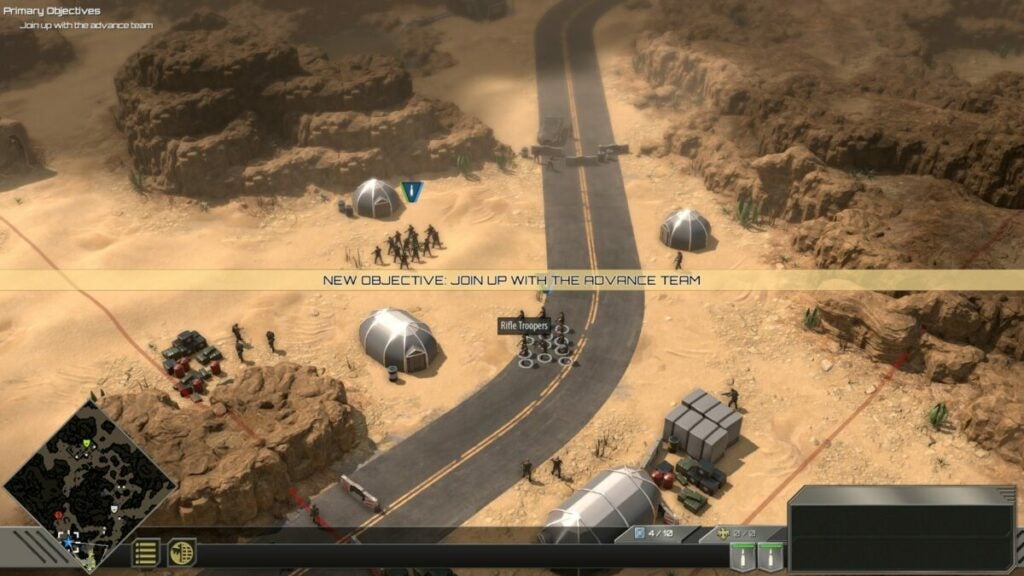
When I started playing Starship Troopers: Terran Command, I was surprised to see there wasn’t a tutorial mode like most RTS games have. However, it didn’t take long before I realized it was built into the campaign levels. As you play towards your objectives, it teaches you how to perform specific actions.

Study your troops and abilities

You’ll begin with the basic troops, unlocking more as you progress through Starship Troopers: Terran Command. Each one has specific abilities I recommend you study before continuing. They’ll help you later down the line.

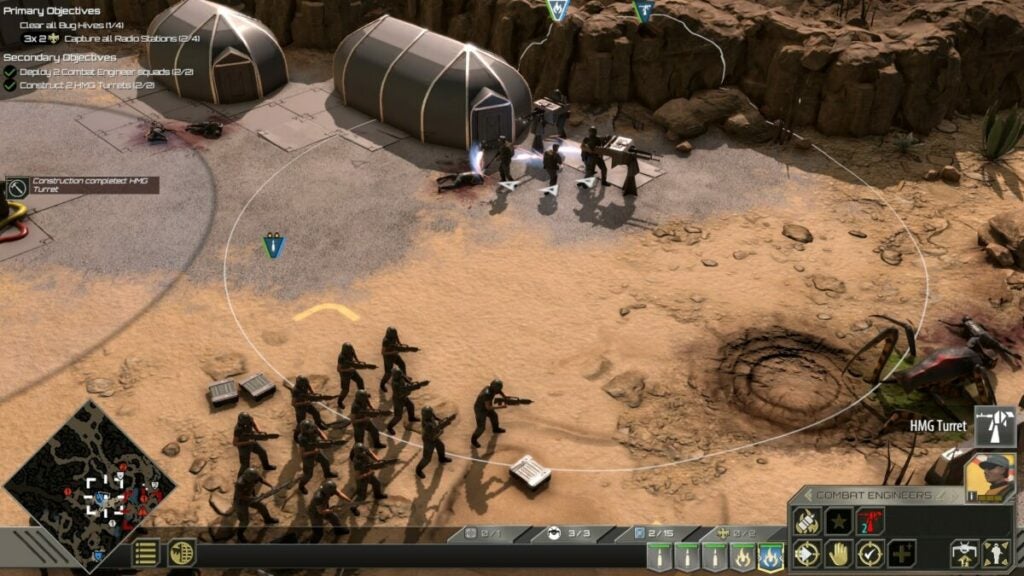
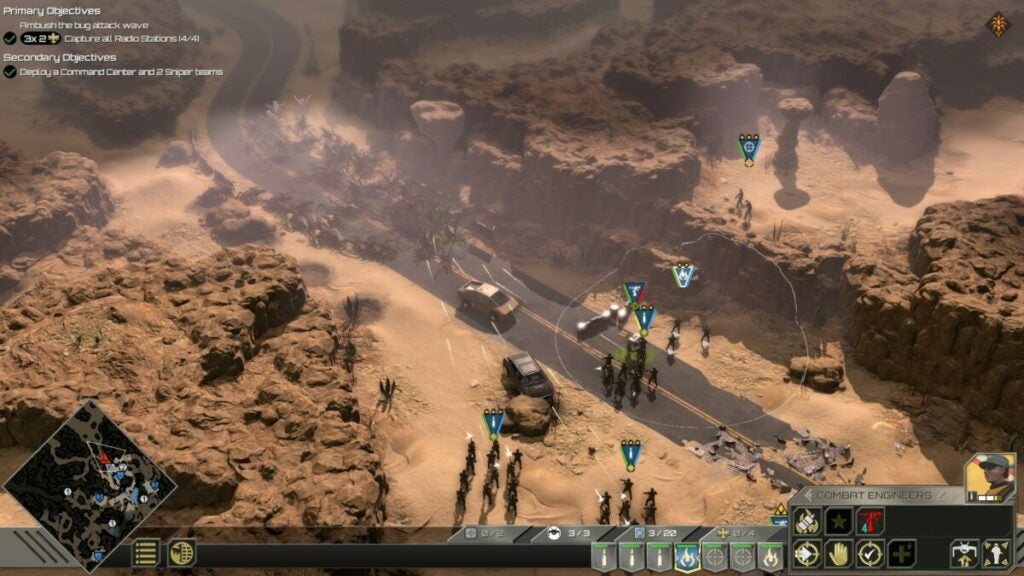
For example, the engineer can place a turret on concrete surfaces to help repel the Arachnids. The trooper can throw a grenade when the action gets a bit tight. You’ll also have snipers that can clear spitter bugs from afar.

Starship Troopers Terran Command review

Capturing and enhancing bases

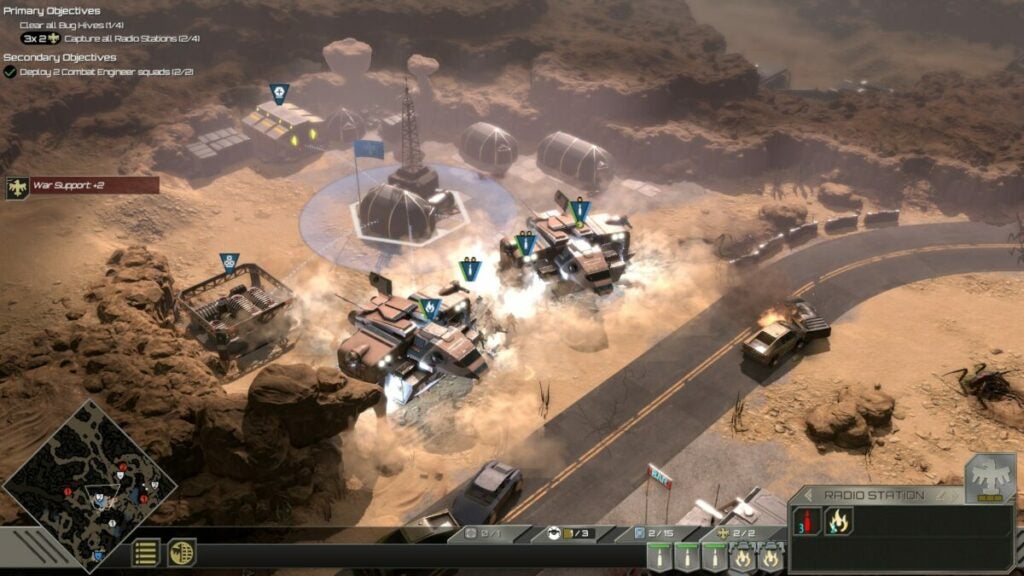
There was one moment when I saw a base and became excited at the thought of expanding it. However, you’re limited to the platforms they provide you with a few open slots. With the resources you receive from completing tasks, you can unlock new facilities to upgrade troops or weapons.

Starship Troopers Terran Command review

Unlocking troops and equipment

The buildings you find and unlock in Starship Troopers: Terran Command are what give you access to new troops. There’s no tech tree, unfortunately, so you’ll have to settle for the abilities each level gives you. Still, that means you can save your resources for summoning more troops or turrets when you need them the most.

Calling in reinforcements

When you fight the Arachnid horde, your troops will lose a few soldiers. There’s a health bar per group, revealing how much you’ve lost. Fortunately, you can call reinforcements at one of your bases to replenish them, delivering maximum strength again. You’ll need to use this to your advantage in the critical parts of each level.

Starship Troopers Terran Command review

Destroying hives and holes

You’ll notice quite quickly that you’ll spend plenty of time destroying Arachnid hives and smaller bug holes. It’s a game mechanic that enforces progression in the game. Basically, you’ll end up in a situation where you need to clear a hive before you can proceed to the next base.

If you don’t, they’ll just continue to multiply and attack your troops at the closest base. Alternatively, they’ll keep hunting you down. The best solution is to take them down the moment you find them.

Starship Troopers Terran Command review

Similar games to Starship Troopers: Terran Command

I’ve already mentioned Dune: Spice Wars as a viable alternative, and it has a vast story and base-building mechanics you’ll love. A 4K turn-based strategy game also by Slitherine you should try is Warhammer 40,000: Gladius, with brutal troops and stunning environments. Other RTS titles you to try include Northgard, Command & Conquer: Generals, and Company of Heroes 2.

What you’ll need on your PC

You’ll need quite a bit of space on your PC for Starship Troopers: Terran Command, as well as decent memory. It works well on Windows 11 without any performance issues. Here are the minimum requirements:

  • OS: Windows 7, 8, 10 (64 bit), 11
  • Memory: 8 GB RAM
  • Processor: Intel Core i5 or equivalent
  • DirectX: Version 9.0
  • Graphics: GeForce GTX 1050/ Radeon RX 560
  • Storage: 10 GB 

Enjoy the Starship Troopers: Terran Command visuals and effects

As I usually do with my reviews, I’m covering the visual and sound effects of Starship Troopers: Terran Command as the last portion. Let’s take a quick look at what you can expect.

Gorgeous planetary and creature details

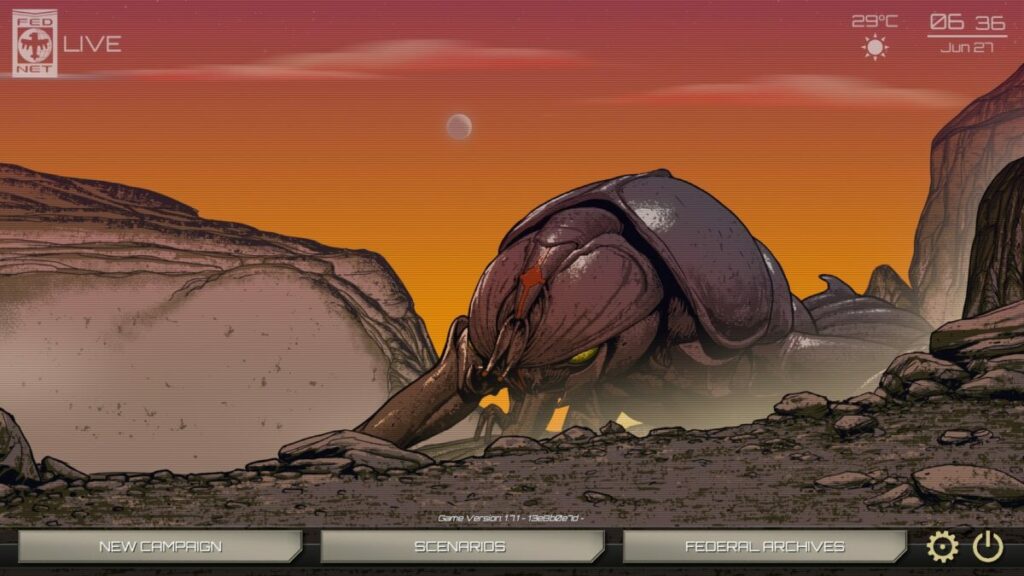
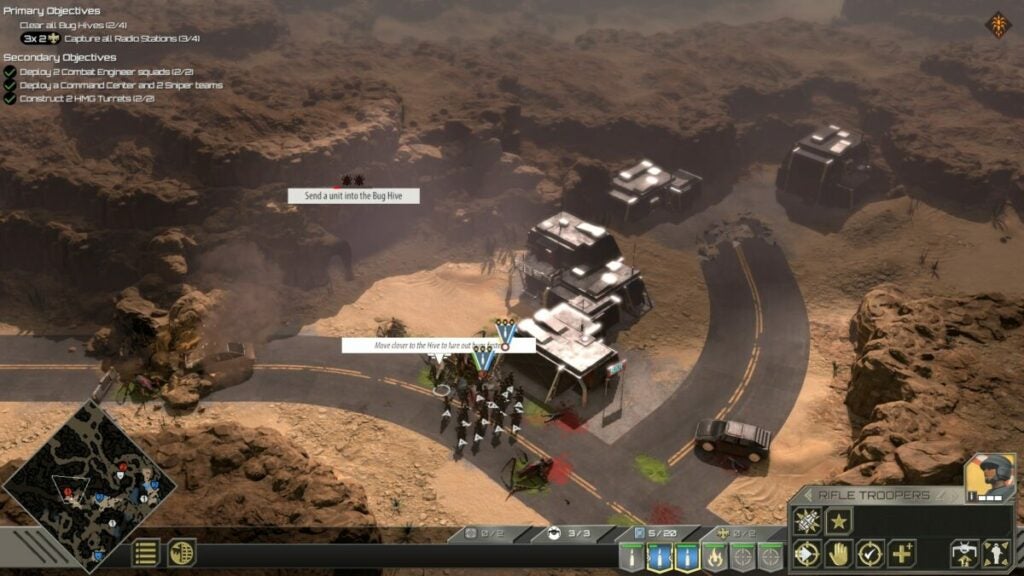
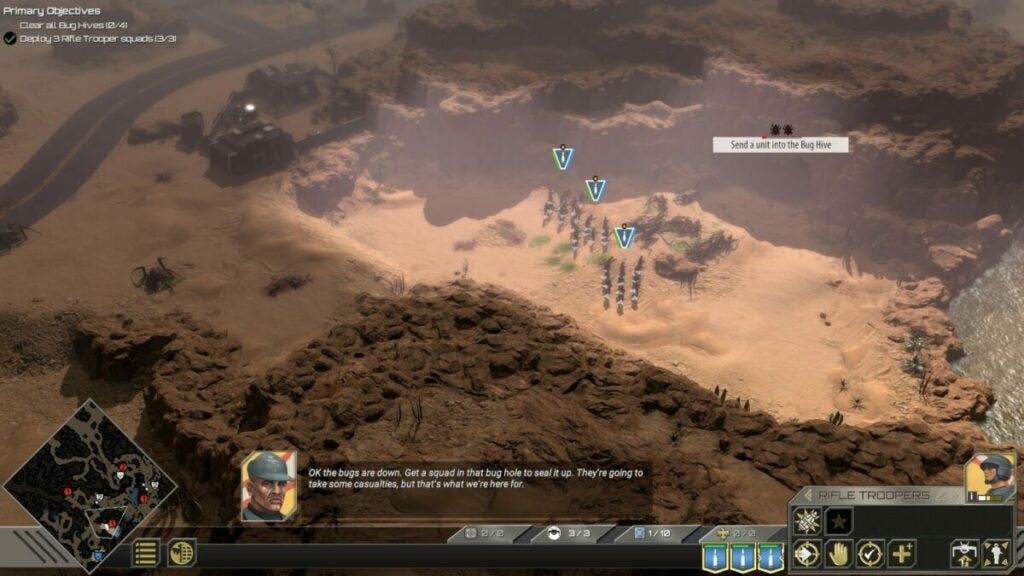
The one aspect you’ll notice from the start is how stunning the visuals are on the planet. Even the water details are impressive that you can zoom in close for a better view. The Arachnids are frightening and stunning at the same time. The bases and hives also have gorgeous graphical detail.

Starship Troopers Terran Command review

Incredible interface and menus

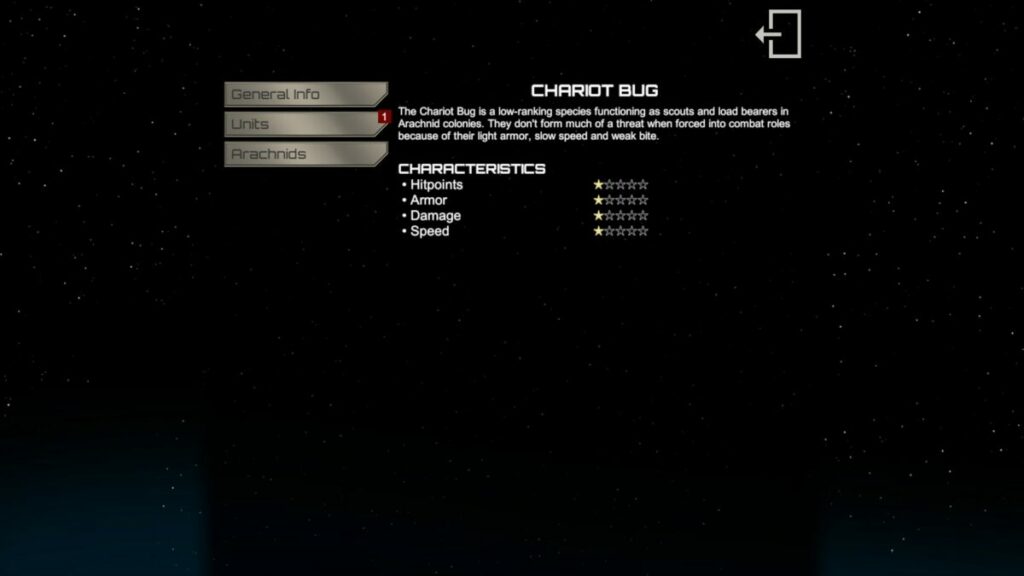
The interface and menus aren’t distracting, and you’ll find all the tools you need with ease. When you discover a new unit, Arachnid type, or equipment, a small icon appears with more information. If you click on it, it takes you to the archive room where you can read about strengths and weaknesses. There are also a few stats.

Starship Troopers Terran Command review

Sounds almost exactly like the Starship Troopers movie

If you’ve watched every Starship Trooper movie like I have, you’ll smile at some of the sounds and effects in Starship Troopers: Terran Command. Besides some familiar voices, I’m referring more to the Arachnid sounds that may send chills down your neck. I’m also glad there was voice-acting, as I’m a lazy reader in games.

Starship Troopers Terran Command review

Final Verdict of Starship Troopers: Terran Command

Starship Troopers: Terran Command is an excellent bow to the brand. The RTS game lets you clear the planet of the Arachnid hosts while you establish your base once again. The game mechanics are easy, with a click here and there. I hope to see sandbox and multiplayer modes appear in the near future, but it’s a fantastic game to keep you busy for days on end.

Be sure to check out my Dune: Spice Wars and Mirror Forge reviews if you liked this guide!

Dune: Spice Wars READ MORE
Mirror Forge READ MORE

Pros

  • Stunning graphics and sound
  • Large variety of troops and creatures
  • True to the Starship Troopers universe
  • Plenty of levels and game time
  • Impressive effects
  • Story compels you further into the game
  • Excellent information hub

Cons

  • No multiplayer mode
  • No sandbox mode

Developer: The Artistocrats

Publisher: Slitherine Ltd.

Game Modes: Single-player, Campaign, Scenarios

Platform reviewed: Windows 11 – Steam
Dune: Spice Wars Preview | RTS Planetary Adventure

Dune: Spice Wars is a real-time strategy (RTS) game developed by Shiro Games and published by Funcom and Shiro games. The Early Access hit stores on April 26, 2022, but it’s still very much under development with a detailed roadmap for the year ahead. It features the most prominent factions from the books and movies while also adding a few others.

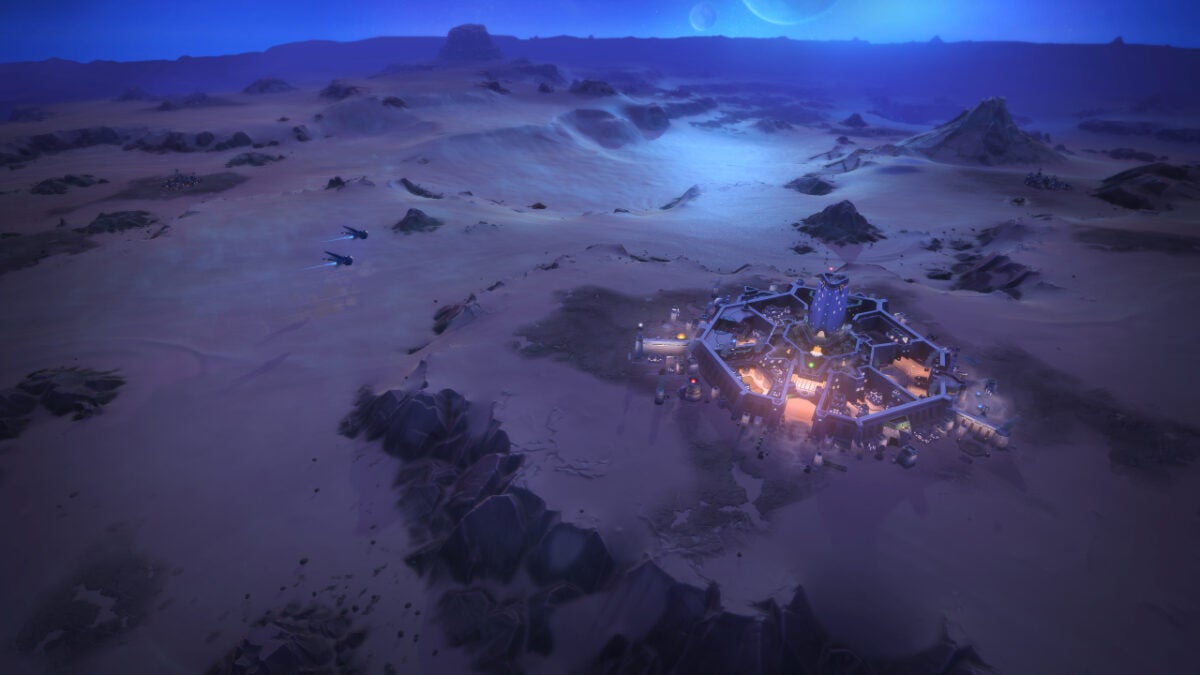
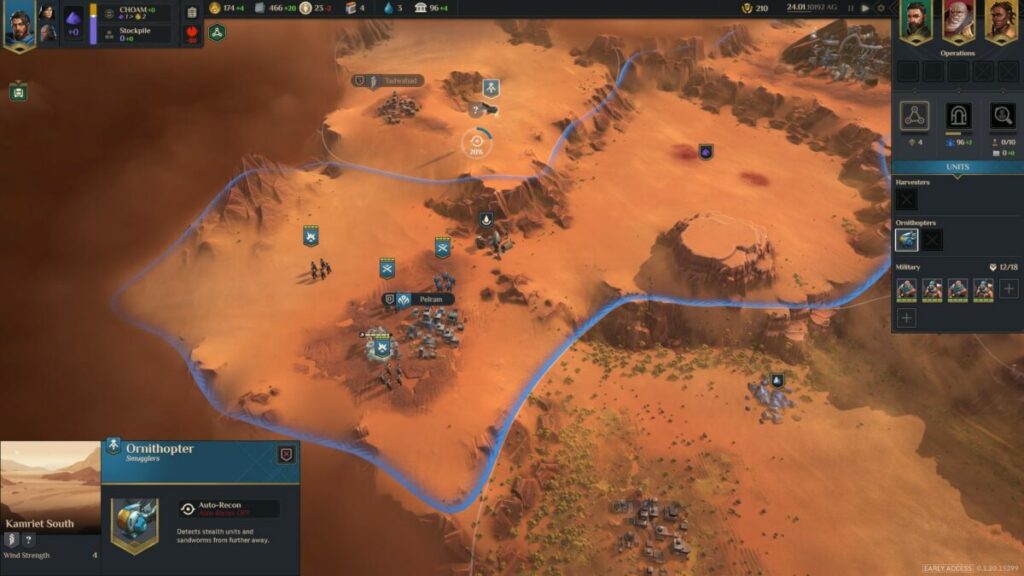
Although the complete game isn’t out yet, there’s plenty to enjoy in the Early Access of Dune: Spice Wars. I decided to head out in my Ornithopter to see what it’s like living on the desert planet of Arrakis

Dune: Spice Wars DOWNLOAD

Can you rule Arrakis in Dune: Spice Wars?

I’m very excited to have my hands on Dune: Spice Wars in the early stages. My love for Frank Herbert’s books stemmed from playing Dune 2000 on the PlayStation 1, an original copy I still hold in my possession. From there, I read the novels and watched the movies from that time, digging deeper into the lore. I couldn’t wait to play this RTS game to see how it lives up to the franchise.

Selecting a faction

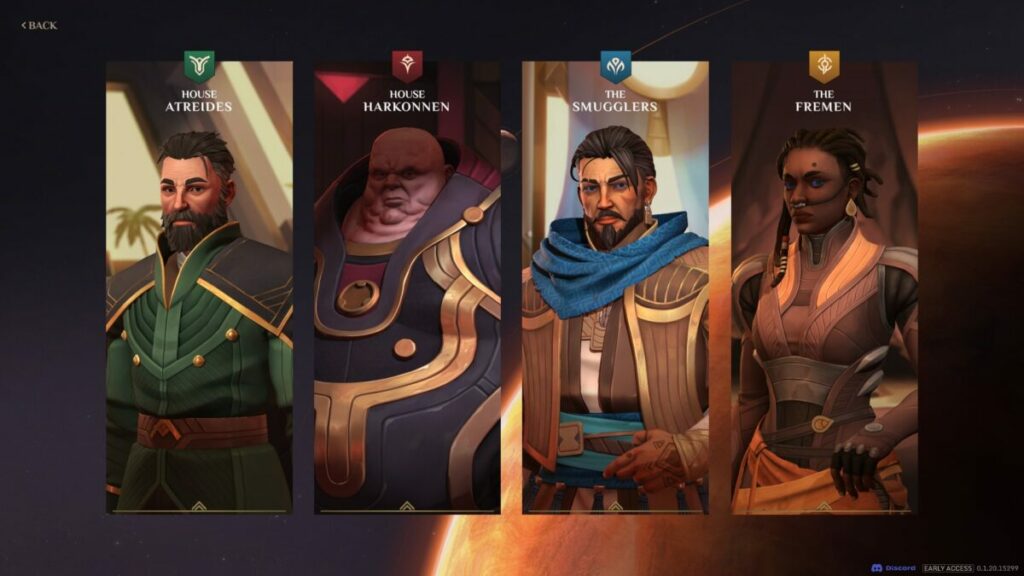
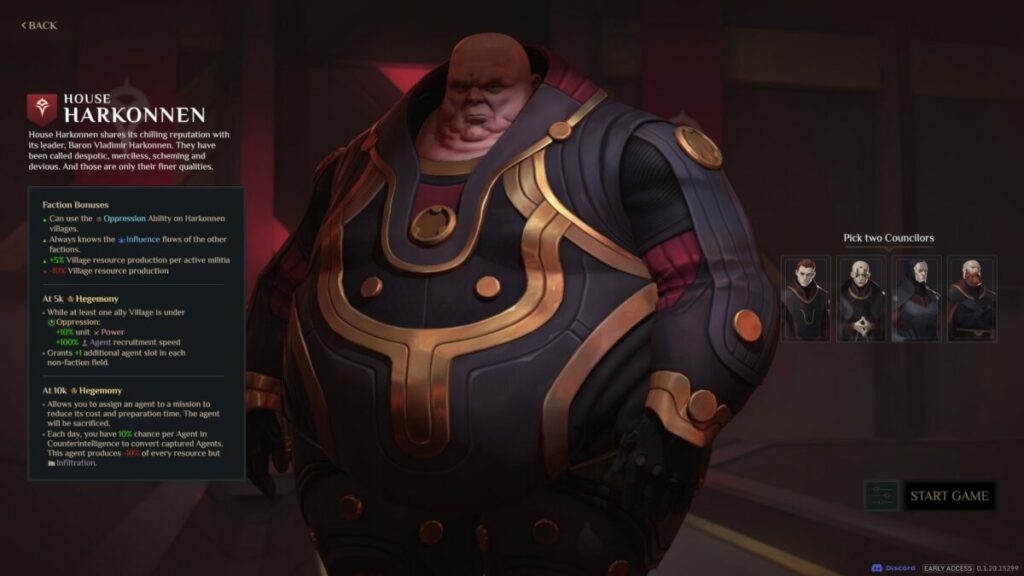
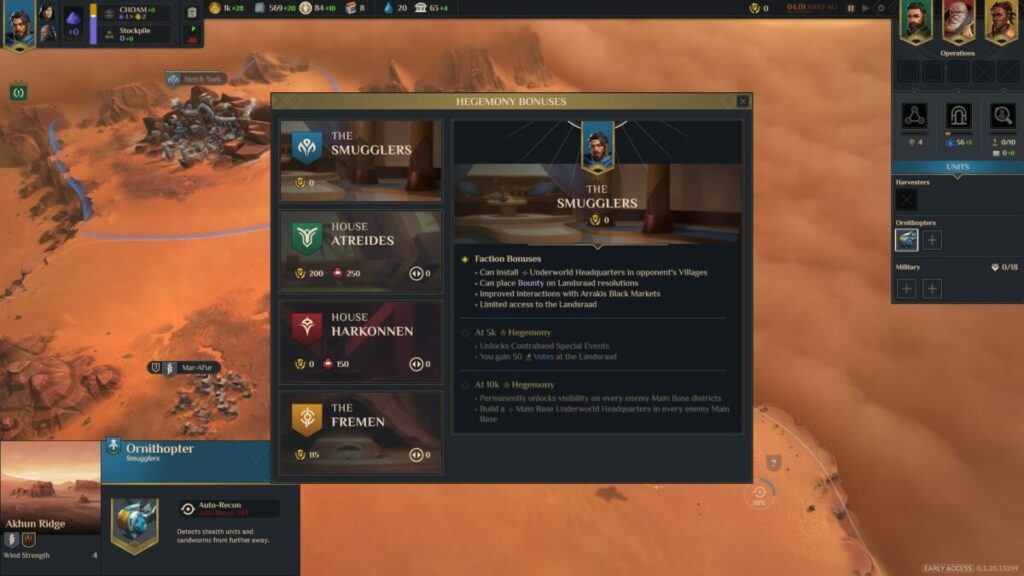
The adventure in Dune: Spice Wars begins with you choosing a faction. Two House names you may recognize from previous games are Atreides and Harkonnen. Other factions also include popular names from the novels, namely, the Fremen and Smugglers. 

Each faction has specific bonuses, so it will benefit you to read through them before you select one. If it’s your first time playing a Dune RTS game, I recommend you try Atreides first before attempting one of the others.

Dune Spice Wars Preview

Choosing your advisors

Before you can start the actual game, you’ll need to add some councillors to your faction. You’ll start with only two of the four on your screen. Each one adds another bonus to your gameplay, which won’t matter much if you’re a beginner. However, you might make smarter choices the next time around once you understand how important they are.

Dune Spice Wars Preview

Conquering the planet

At this point in Dune: Spice Wars’ development, there’s no campaign. Each faction has a back story, but the main aim of the RTS game, for now, is simply expanding your empire and ruling Arrakis. I look forward to seeing how the developer integrates a story into the gameplay later this year.

Dune Spice Wars Preview

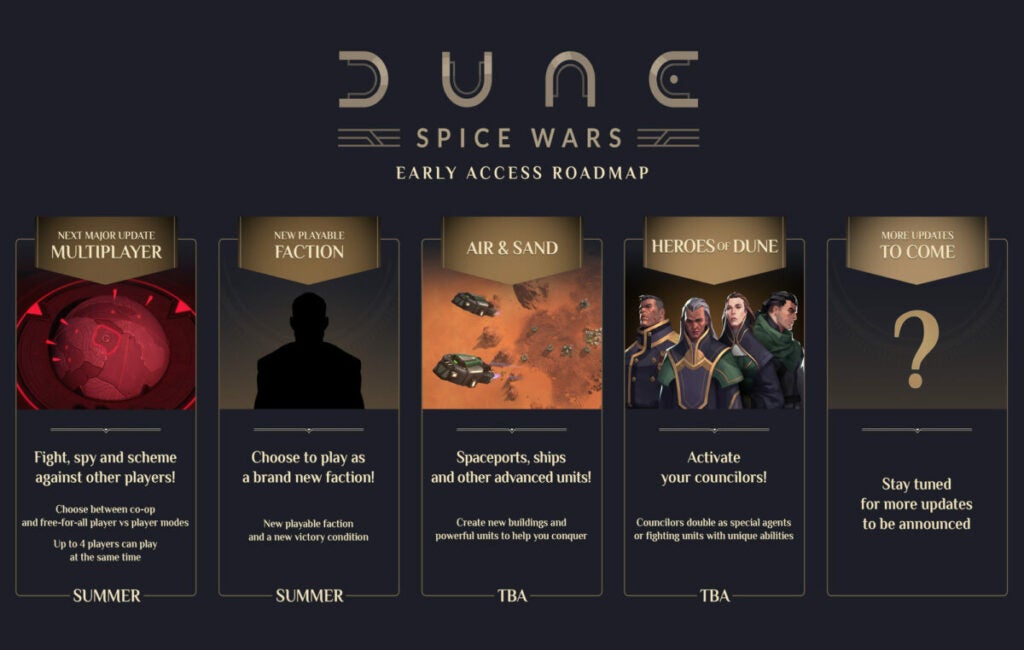
The Roadmap for Dune: Spice Wars

Shiro Games has provided a roadmap of the year ahead for the development of Dune: Spice Wars. We’ll be seeing the multiplayer mode appearing during summer, while there will be a new faction to choose from soon after that. New buildings and units are on the horizon, we’re expecting the full campaign near the end, and you’ll be able to activate those councillors you select.

How long to play Dune: Spice Wars Early Access? 

With such a massive map for Arrakis with several zones to conquer, it can take you up to 9 hours to complete a single match in Dune: Spice Wars, if not more. It depends on how quickly and successfully you take land from the enemies and make them your own. You’ll win and lose many battles along the way.

Strategic gameplay in Dune: Spice Wars

So far, I’ve provided some insight into the main elements within Dune: Spice Wars, but you’re probably wondering what it’s like to play the game. Here are the most essential aspects you’ll encounter and how they work.

Learning how to play Dune: Spice Wars

Anyone new to RTS or the Dune franchise won’t feel like they’re stranded in the game. A small icon will appear that provides some initial quests to show you what the main objectives are. Unlike some other RTS games I’ve played, it doesn’t yet show you the controls, like how to move around and send troops from one location to the other. The game just assumes everyone knows how to do that.

An excellent feature is having access to tooltips, which are small windows of information when you click on items. These serve to guide you on how the resources and objects work and how they benefit you on the planet. I’m slightly disappointed there’s no support for controllers, so you can only play with a keyboard and mouse at this point.

Dune Spice Wars Preview

Finding villages and resources

Your most significant objective throughout Dune: Spice Wars is finding new villages and harvesting the resources in the zones. Each area has a specific village connected to it, and you can only obtain spice and other precious metals if you own that village. Eventually, it becomes a grind of fighting militia, commanding villages, harvesting resources, building facilities, defending the base, and moving to the next zone.

Dune Spice Wars Preview

The development tree

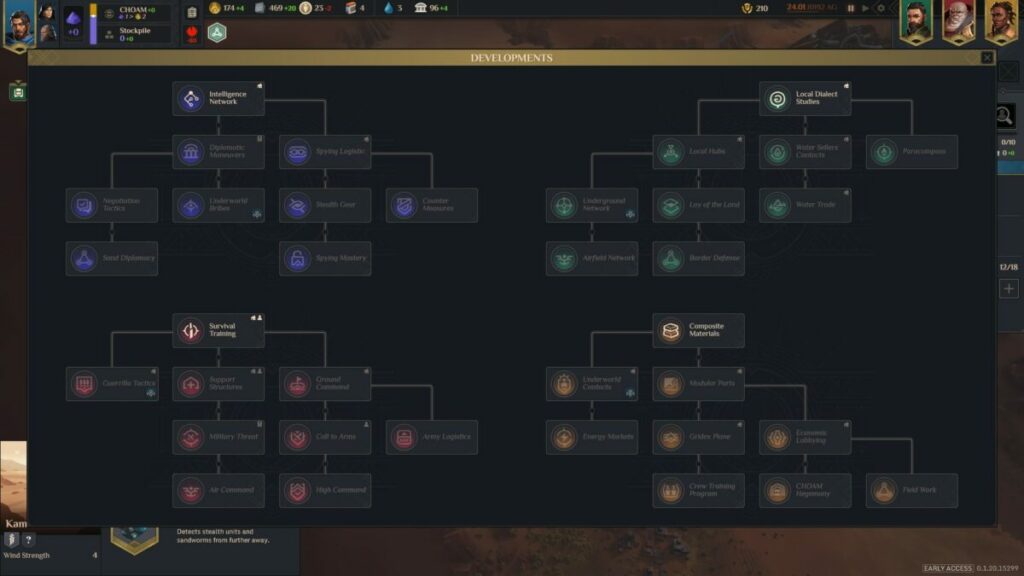
True to proper RTS nature, you’ll have a development tree to unlock new research and upgrade your facilities and units. There are four main panels, under which you’ll see a massive stack of research opportunities. As you advance in Dune: Spice Wars and conquer new lands, you’ll have enough chances to unlock all of them. Just increase your knowledge points if you want faster research.

Dune Spice Wars Preview

Spice bribes and voting

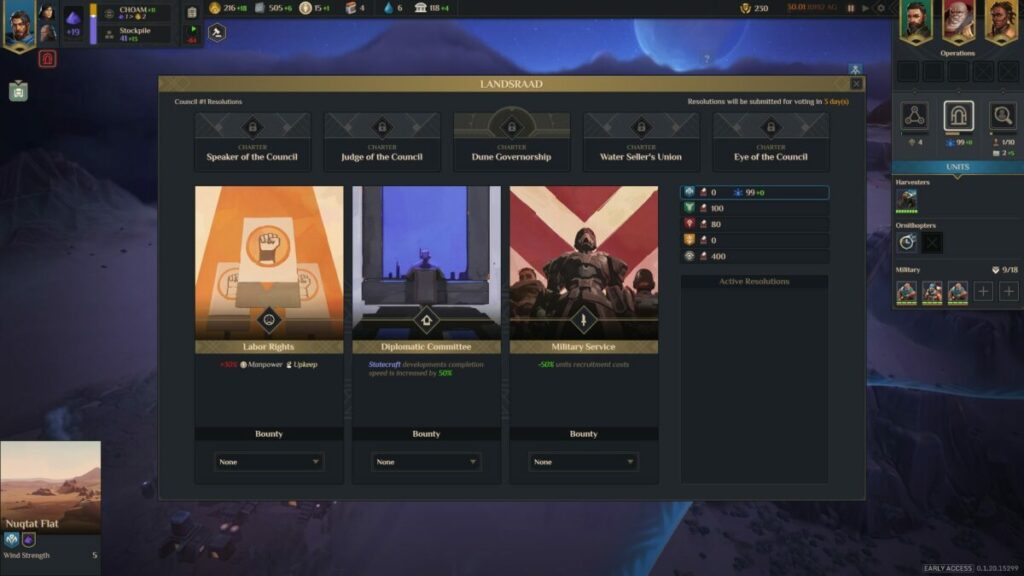
Two elements in Dune: Spice Wars you’ll need to learn about quickly are spice bribes and voting. The former is a payment you need to make every so often that’s almost like taxes for the land you own. If you don’t pay them in time, you may see some penalties for your faction. Also, you’ll need to vote on the council for a specific bonus, but some of them may have negative effects. 

Dune Spice Wars Preview

Managing your troops

You only have limited manpower when you begin, so you can only train a few troops or vehicles. As you conquer more zones, you’ll have a place for more of them. You can also develop buildings that increase your manpower, which you’ll need at a later stage. So, start early.

Choosing buildings wisely

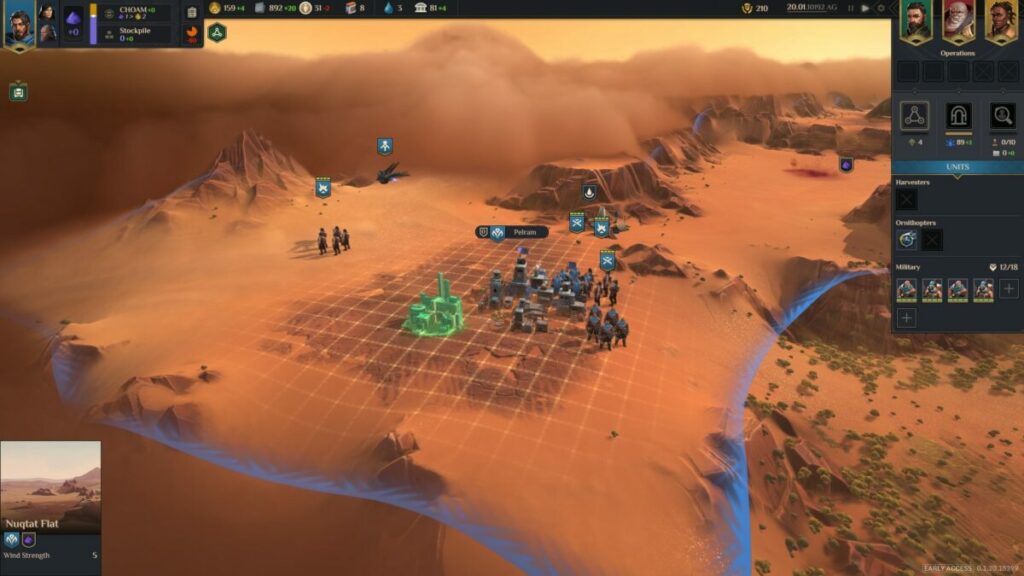
The desert sands of Arrakis are home to massive sandworms that will feast on your units and vehicles. For that reason, the villages are built on hardened foundations for their safety. You have limited space to build, and each facility consumes resources. It’s essential that you look at what metals or items there are you can harvest in the zone, as you can develop buildings with bonuses related to them.

Dune Spice Wars Preview

Similar games to Dune: Spice Wars

A good game you should play for a sense of nostalgia is Dune II. I also have a love for Command & Conquer games, such as Red Alert III. For more modern RTS games, I recommend you try Iron Harvest, Endzone: A World Apart, and Frostpunk

What you’ll need on your PC

For the full visual effects, you’ll need a decent gaming setup, especially for the graphics card. I suspect that the full game will change these specifications, but these are the minimum PC requirements for Dune: Spice Wars.

  • OS: Windows 10 and Windows 11
  • Processor: Intel Core i5 2.5 GHz or AMD equivalent
  • Graphics: NVidia GTX 1050 or AMD equivalent
  • Memory: 8 GB RAM
  • Storage: 4 GB available space

Feast your eyes on the stunning visuals in Dune: Spice Wars

I’m going to finish off my Dune: Spice Wars review with a quick look at the graphics and sounds. The initial visuals of the intro video made me worry it would be too blocky and cartoonlike. Fortunately, the actual game is impressive.

Massive map with gorgeous graphics

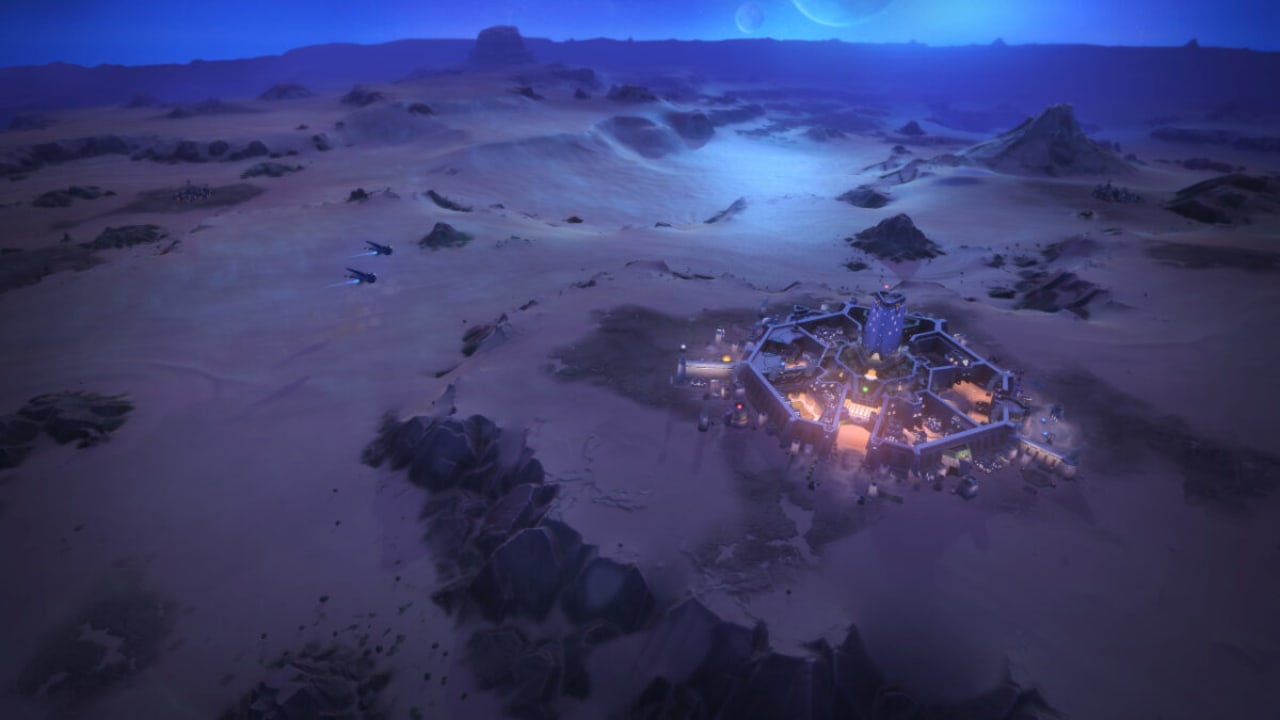
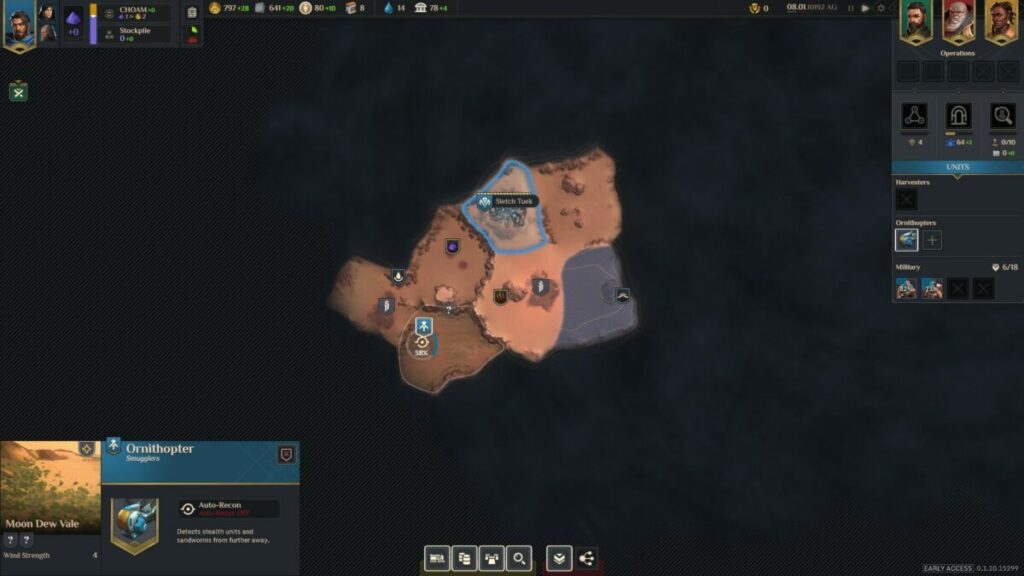
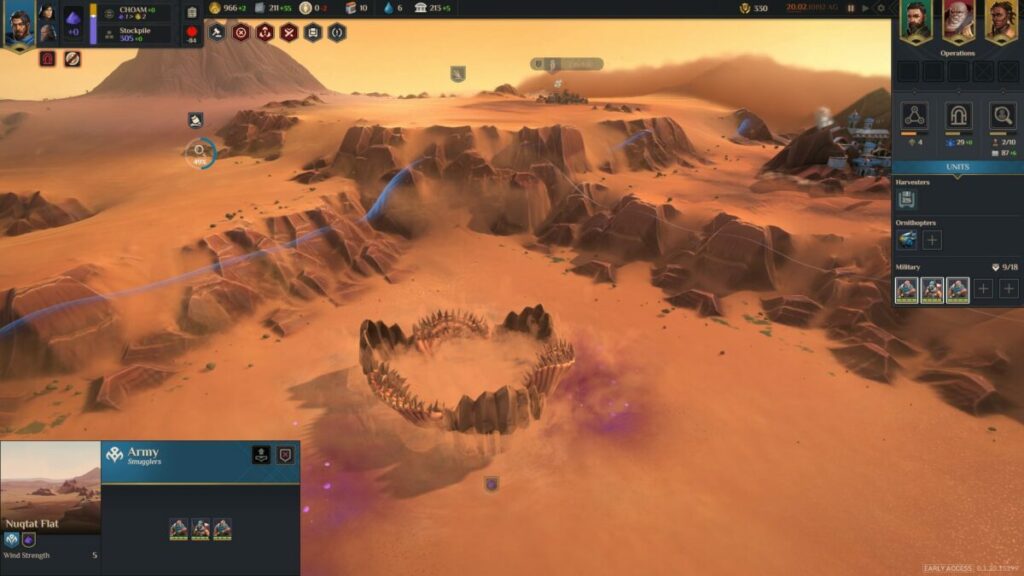
Firstly, I want to say how wonderful it is to have such a massive map to conquer. It looks small to start with, but you can zoom out to see how much land the fog of war hides. You can zoom quite close to units and buildings, and every element has a stunning design. Even the sandworm. I managed to pause the timeline to catch one for you.

Dune Spice Wars Preview

Excellent user interface, effects, and animations

Most of the effects take place when there’s a battle, which can become intense. I enjoyed most of the animations, but the user interface impressed me the most. You’ll have clear details on your resources and how much they increase or decrease per day. There’s also a side panel that feeds details on your faction and units.

Dune Spice Wars Preview

Sounds true to the Dune franchise

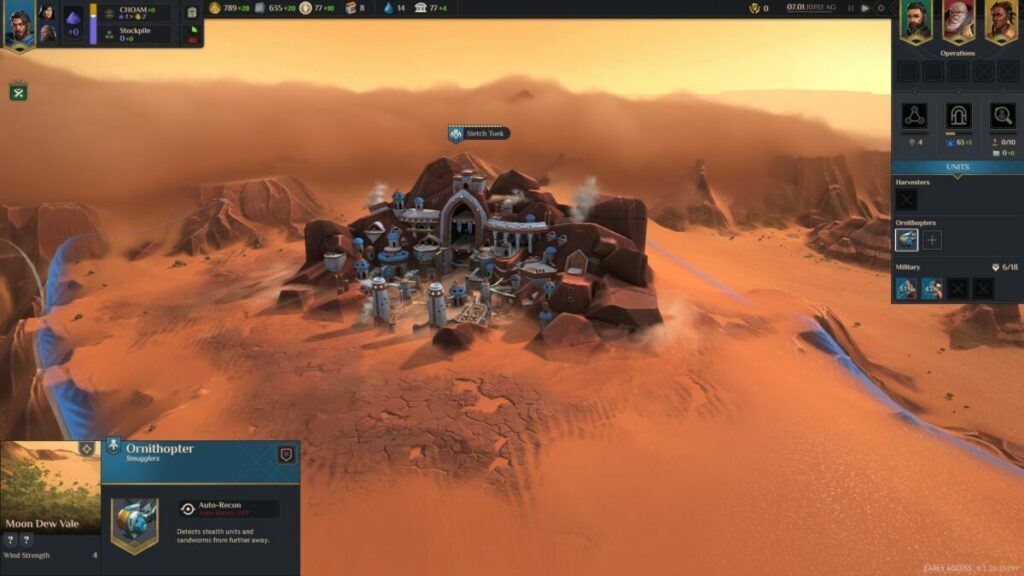
The sound of the Ornithopter starting up sent goosebumps down my arms. There are many sounds that remain true to the previous Dune movies and games, which is excellent. Also, there’s voice acting for the speech, so you won’t need to read lines of script. 

Final Verdict of Dune: Spice Wars

Dune: Spice Wars is an excellent representation of what the final version of the RTS game will look like. While there are still many more parts to come, you can still enjoy strategic battles while conquering the land. It’s worth downloading whether you’re a fan of these types of games or just the Dune franchise in general. I look forward to doing a proper detailed review once the complete game releases.

If you enjoyed this review, be sure to check my opinions on the Mirror Forge horror demo and Recursive Ruin. I also took a spin on MCreator to create mods for Minecraft for the first time in my gaming life.

PROS

  • Massive map to conquer
  • Intense strategic gameplay
  • Resources linked to buildings
  • Stunning visuals and effects
  • Sounds true to the franchise
  • Many nostalgic moments

CONS

  • No campaign as yet
  • No controller support

Developer: Shiro Games

Publisher: Funcom, Shiro Games

Game Modes: Single-player

Platform reviewed: Windows 11 – Steam
Tennis Manager 2022 review: create a winning tennis season

Tennis Manager 2022 is an exciting new sports management game. Like Virtua Tennis 4 and Tennis World Tour, TM2 helps you get ready for the 2022 tennis season. However, it stands out from other tennis games because Tennis Manager lets you get a behind-the-scenes look at how the industry is run.
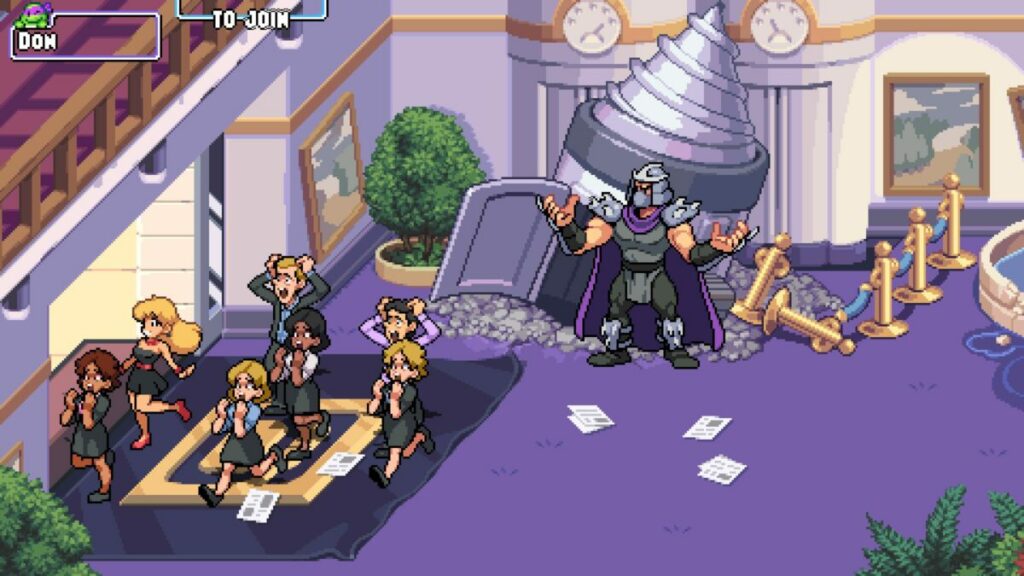
In this game, you’re the leader of an academy for tennis stars. In addition to selecting the right players for matches, you also handle the press, negotiate sponsorship deals, and even navigate your employees’ moods. The ultimate goal of the game is to run a successful tennis academy and gain prestige and profits.

Tennis Manager 2022 Download

Getting started with your first save

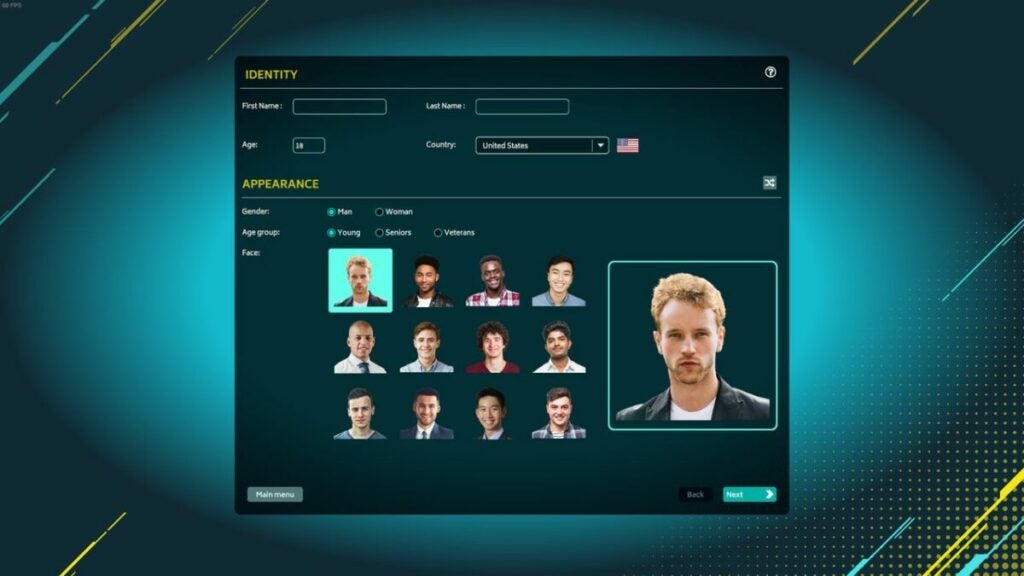
Character creation is fairly simple, but Tennis Manager 2022 does do a decent job of providing diversity. Characters get to choose from a variety of genders, ages, and races as they select their character. However, adult players will end up chuckling over the fact that most of the portrait options for “senior” managers look like people in their late 20s.

Tennis Manager 2022 also brings in more manager customization options than the previous version had. You are able to adjust your personality, management style, experience level, and abilities before starting the game. All of these have an impact on your later gameplay, so they’re fun to tinker with.

Customize your character

Choose from a variety of playing techniques

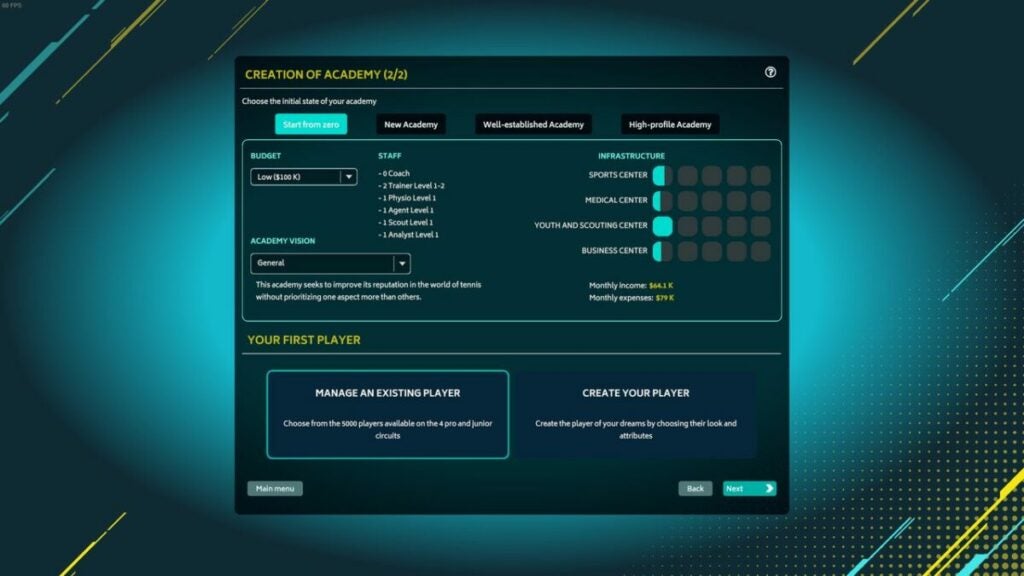
Tennis Manager 2022 is compatible with a lot of play styles. Those who just want to play around and have fun can choose to manage an existing academy. If you’re tired of the premade options, you can create your own academies and players. This gives you the opportunity to really micromanage your game and get involved in the details of tennis management.

The game easily adjusts to your desired difficulty. If you love the satisfaction of seeing an underdog win, you can choose to start with a few resources or talented players and gradually work your way to the top. Meanwhile, those who want a less frustrating experience can choose to start the game with top-tier players and a successful business.

Create your own unique academy

Tennis Manager 2022 gameplay

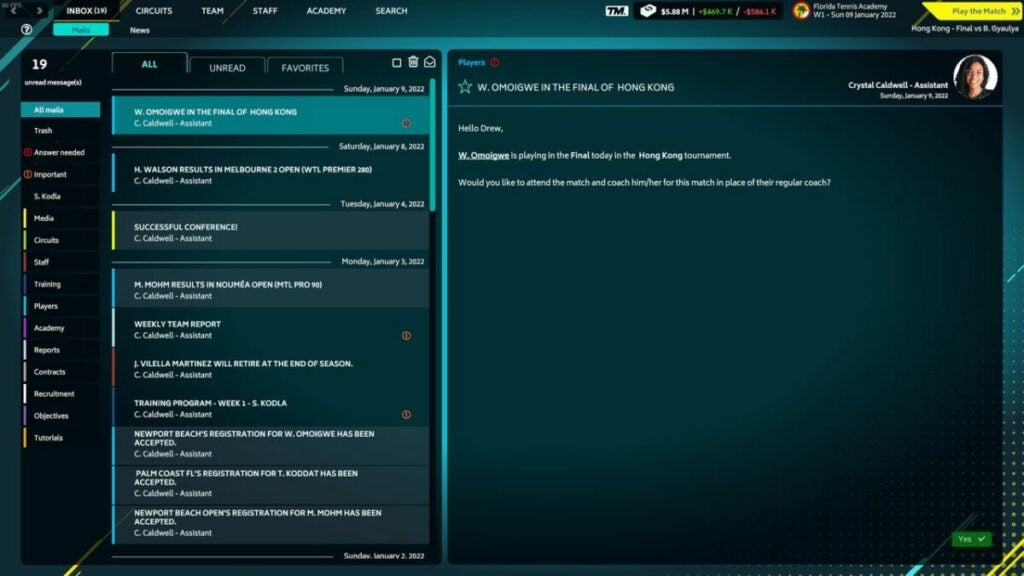
The bulk of Tennis Manager 2022 gameplay is making decisions for your academy. You start each day with a set of emails to open and a set of questions from your assistant. Depending on the day, you might be doing things like choosing a new player for your academy or designing a training regimen for your athletes.

Though much of Tennis Manager 2022 might involve looking at stats and numbers, you also get to enjoy plenty of personal interactions. Things like speaking at press conferences and talking to your players about their goals will give you the chance to test your charisma and charm. You’ll get to choose from multiple reply options that all have different outcomes.

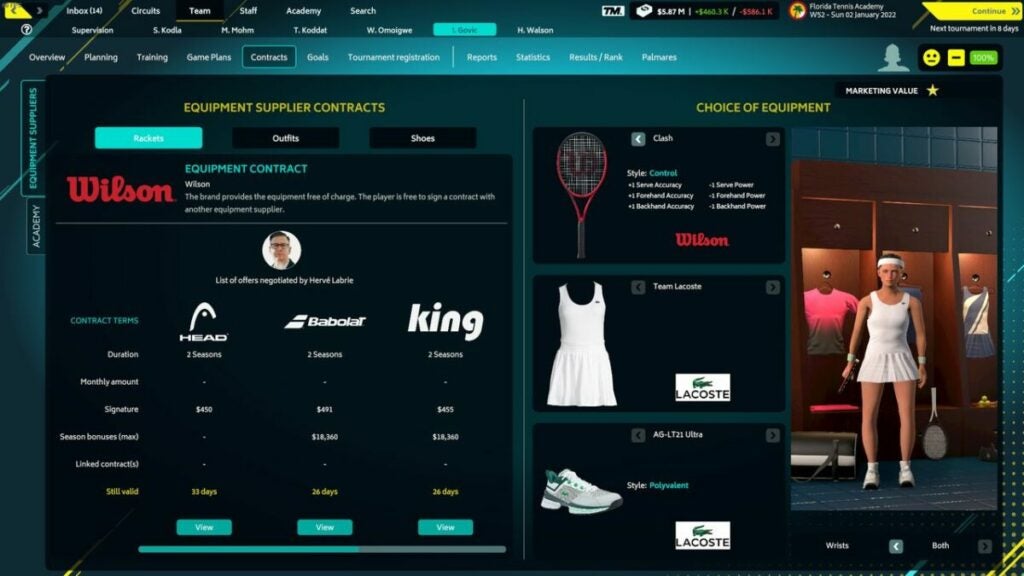
The opportunity to negotiate player contracts also gives you opportunities to explore your creativity. You can tinker with equipment to help your players perform better, or you can pick outfits that you think look neat. A lot of this equipment is based on real-world brands, so you can see actual items you like in the virtual world of Tennis Manager 2022.

Your homepage lets you perform many actions

The soundtrack and graphics are mediocre

The soundtrack is loud and busy enough to be noticeable, but unfortunately, it’s not really pleasant to listen to. It won’t necessarily distract you from the game, but you’ll probably find yourself turning the volume down after a few minutes.

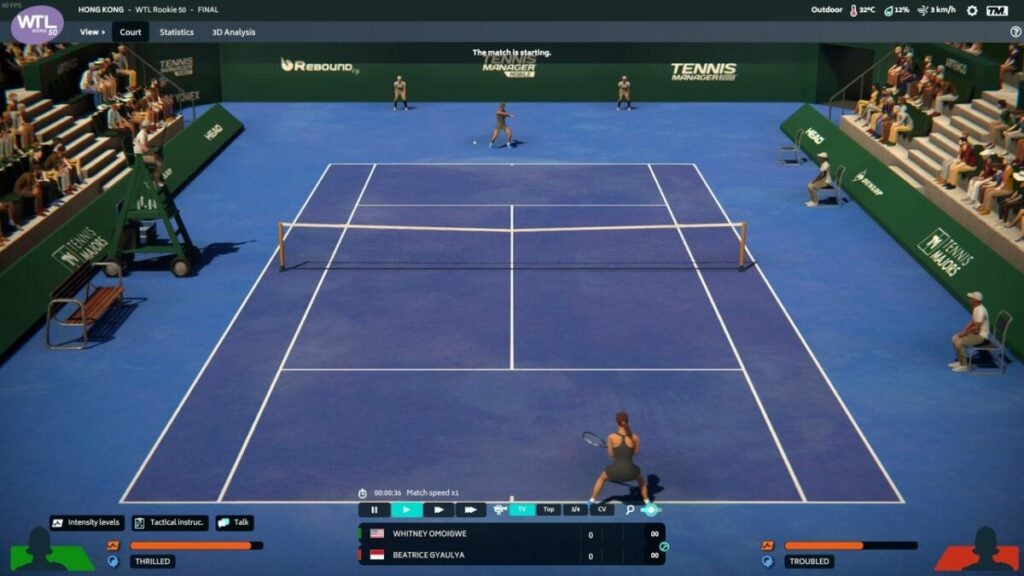
Graphics also tend to be fairly mid-range. The UI itself is clean, simple, and pleasant to look at, and it runs seamlessly on most computers. The game easily renders a variety of stats and equipment options. However, if you choose to watch your players play their games, you may notice that the computer-generated graphics look a little awkward.

Graphics during gameplay may look awkward

What you need to know about Tennis Manager 2022’s UI

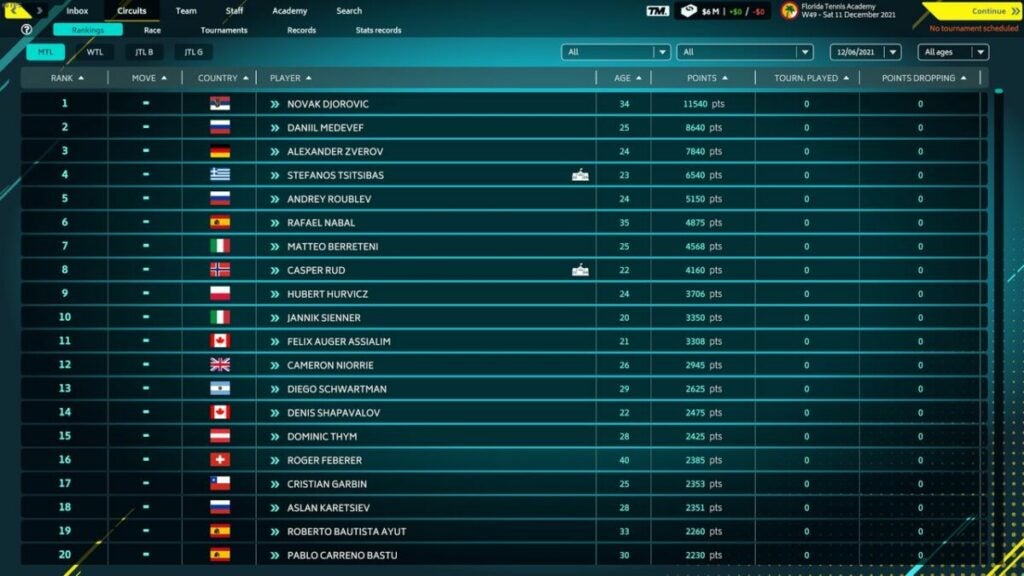
The user interface manages to provide a lot of information while still being very simple to navigate. Your homepage is divided into tabs that give you access to things like player stats, academy staff overviews, financial objectives, and emails. There’s also a search function that lets you filter players based on things like play style and age.

The UI is certainly complex, but it’s not too overwhelming. The game includes a lot of tutorials and tips. Even if you’re new to sports management games, Tennis Manager 2022 makes it easy to understand what’s going on. And if you’re an old pro who doesn’t need any help, the game lets you turn off the tutorials and make your own choices.

The UI is busy but easy to understand

How long does the game last?

Tennis Manager 2022 is a fairly open-ended game. If you’re enjoying it, you will find yourself quickly racking up hours of playtime. Keep in mind that gameplay remains essentially the same no matter how long you play. There are no end-game objectives and no changes to mechanics.

Essentially, you just keep doing the day-to-day aspects of management while you constantly try to improve your academy. For those who truly love grinding and constantly optimizing your performance, this is an excellent experience. However, the consistency of the game is also its downfall. There aren’t many special events or big shake-ups in the league to look forward to.

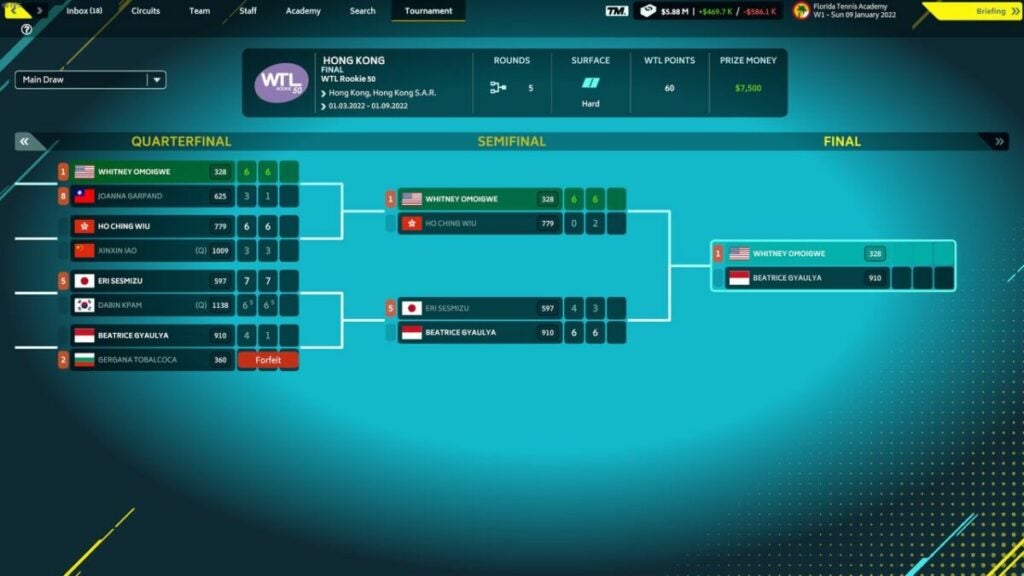
The main goal is to win matches

Tennis Manager 2022 vs. Tennis Manager 2021

Of course, with any game that has so many releases, it’s important to consider whether the new version actually adds any new content. Even if you already have the 2021 version, Tennis Manager 2022 is definitely worth a buy. Tennis Manager 2022 keeps all the same promising features mentioned in Tennis Manager 2021 reviews, but it really fleshes out the gameplay.

There are a lot more customization options, and you get more frequent tasks like responding to emails and managing press conferences. Ultimately, Tennis Manager 2021 ends up feeling like the beta version of the game while Tennis Manager 2022 is the finished product.

The new version includes extra features

Final thoughts

Ultimately, if you love analyzing graphs and rows of statistics, this is the game for you. Sports management games aren’t for everyone, so TM2 might feel a little slow and overly detailed to those who prefer platformers or first-person shooters. However, Tennis Manager 2022 is an excellent example of the sports management genre.

The game is endlessly customizable and includes a lot of opportunities for fine-tuning details. Ready to give it a try yourself? Download the game now to start your own tennis academy or find more tennis action with Tennis World Tour.

PROS

  • Clear and helpful UI
  • Extensive customization opportunities
  • Deep focus on statistics and numbers
  • Funny dialogue and cute outfits

CONS

  • Clunky animation during tennis matches
  • Repetitive and uninteresting soundtrack
  • Lack of any unique end-game content

Developer: Rebound CG


Publisher: Rebound CG


Game Modes: Single-player


Game Engine: Unity Technologies 3D

Card Shark review: card playing game with a historical twist

Have you ever wondered what it would be like to live as a card shark outsmarting other cheats during the Age of Enlightenment? That’s the immersive setting for Card Shark, a historical adventure game based on gambling and sleight-of-hand. Created by Devolver Digital, the release puts a unique spin on classic card playing. With its watercolor graphics inspired by 17th-century paintings, Card Shark boasts striking visuals similar to Passpartout: The Starving Artist.

To win at Card Shark, you must defeat and out-cheat other players at their card game while keeping the secrets of the elite to escape Death. Each twist and turn throughout the levels will appeal to gamers looking for a challenge. But is Card Shark worthy of the hype set by its unique graphics and interesting premise?

Card Shark Download

Take a trip through time with Card Shark

As a player, you will start Card Shark in 17th century France as a pauper and need to learn the tactics of cheating at cards in order to escape poverty and certain demise. Your enemies are nobles and aristocrats who have hidden secrets to uncover as you make your way through the game.

If you’ve played real-life card games, you may have an advantage with card counting and fake shuffles of the deck. The detailed brushwork design beautifies the game and really brings you into the game. Devolver Digital’s extra attention to the dramatic accuracy of the era really pays off.

Card Shark parlor game

Start out on beginner, intermediate, or expert levels with Card Shark

Card Shark begins with a series of warnings as you are in danger of losing your life and ending the game if you make too many mistakes. You start off the game as a mute pauper who meets a rich and mysterious stranger who asks you to work with him to win card games.

The interactive opening tutorial requires you to swipe with your mouse to learn how to signal suits for the aristocrat after pouring him a proper amount of wine. You’ll have a few chances at first to re-learn the rules of the game, such as using a clockwise motion to signal the heart suite in secret. The game teaches you regular tricks and is lenient as a learning tutorial in a special story mode throughout the game.

Gameplay swiping suites

Learn new tricks in record time to advance in Card Shark

As a quick-time event game, Card Shark requires you to establish your card tricks soon before the active gameplay. Some examples of card tricks include marking the deck with smudges or shuffling cards differently to give a glimpse to the card player and succeed within the ranks.

While the game starts easy, you quickly get to the point where you must memorize elaborate card tricks to out-cheat your opponents. That will involve remembering patterns and mastering mechanics such as holding fingers up or picking up cards from the left or the right. These tricks can be difficult to master, and you may want to take notes on the steps of a new trick. Also, we found that the mechanics are much easier if you’re using a controller.

The Card Shark game is saved regularly to track your gains or losses. Occasionally, you may get caught cheating and “die” where you will face the character of Death. You then either try your luck again or opt to erase your progress to start over the game.

Full casino scene

Advance in your ranks from a peasant to a noble

Card Shark is a teaching game where you start as a lowly mute peasant and can rise through the ranks to become part of the nobility. The choose your own adventure story mode scenes will usually lead to the same game but the options are entertaining for those who prefer the point-and-click method.

Generally mellow but leading up to intense scenes, Card Shark changes from start to finish with more than a dozen card tricks to learn as you travel along. Advanced players may find the repetitive levels dull while those looking for a passive game find the beauty in the art and dedication to the story.

Pauper in Card Shark

Explore history with Card Shark gameplay

Card Shark is based on the real-life card player and philosopher Comte de Saint Germain and his secret card games set in 18th century France. Your player is mute and prone to epileptic fits as he was raised poor and has to take on dangerous jobs to get ahead. While your gameplay choices don’t have much control over the plot, Card Shark’s story is engaging and adds another layer to the experience.

By spying on games, the main character overhears secrets from the aristocratic society and needs to maintain his wits to not get caught and killed, sending you back to start or replaying your failed rounds of cards. Card Shark is a game to be patient and strategic with your motions, so it may take a few times to get into the gameplay.

Game tutorial

Card Shark is a visionary game for fans of quick gameplay and a memorable storyline

The standout graphics and time-appropriate graphics of Card Shark make this game truly original for fans of historical content. However, this game may be more suitable for those with a functioning trackpad or controller as the movements during the story need to be precise.

There are also some struggles as the gameplay may be too repetitive for expert gamers and the ability to restart the level doesn’t prove as much of a challenge. However, learning new tricks and defeating opponents can be a genuine challenge. Overall, Card Shark is a fun and exciting game with anticipation from start to finish. Feel free to leave your own comments and share this article with your fellow gamers!

A warning to all card sharks

PROS

  • Amazing graphics and music
  • Quick gameplay
  • Teaches new skills at card play
  • Unique premise and historical context

CONS

  • Hard to manipulate without a controller
  • Learning elaborate tricks can get repetitive
  • Long tutorials and cut scenes

Developer: Devolver Digital


Publisher: Nerial


Game Modes: Simulation


Game Engine: Unity

V Rising review: what if vampires were the “good guys”?

Saying something is Diablo but better” is a tall, over-simplified order, but V Rising really does deliver on it. The vampire-centric game has elements of base building, combat, bounty hunting, survival games, and loads more. The camera movement, top-down orientation, and abilities even make the action RPG a bit MOBA-like. It has also been likened to recent indie darling Valheim -another indie game with base building.

As it has something for everyone, it may also not be successful in pleasing hardcore fans of one particular genre. So let’s break down V Rising for its story, mechanics, performance, and design to see how it stacks up to the excitement around the latest title from Stunlock Studios.

V Rising Download Now
V Rising

V Rising background

Stunlock Studios, the development company behind this game, doesn’t have too many games under its belt. Only founded in 2010, the Skövde based studio released their first game Bloodline Champions for Windows PC in 2011. Their subsequent titles, Battlerite and Battlerite Royale, were both MOBA-like in nature.

Chinese megacorporation Tencent took a controlling share in the company in 2021, but V Rising began to gain traction thanks, in part, to Early Access. To date, more than 1,000,000 players have logged into creating their castles and challenging daywalkers.

image of vampire and human fighting from V Rising

Setting & tone

“Awaken as a weakened Vampire after centuries of slumber in a world full of danger. Stripped from your unholy powers and starving for blood – you must hunt to regain your strength and fight for survival.” That’s what developer Stunlock Studios sets players up with for V Rising. But they also pose the question “will you become the next Dracula?”

That said, the open world-game takes place in a gothic era countryside. Animated skeletons stalk the night along with bandits, treants, vampires, and all kinds of creatures. Vardoran, the name of the in-game world, doesn’t seem a very hospitable place for anyone.

V Rising story

The basic setup of the story is a weakened vampire slowly regaining its power. However, Stunlock Studios gives players a decent amount of agency as they choose what path to follow. You can become a diplomat or a total, bloodthirsty count or countess. You can even simply convert humans to worship and serve you.

Beyond that, you’ll just have to play and see for yourself what unfolds based on your choices in the dangerous locales around Vardoran.

How long to beat V Rising

V Rising does not have a strictly linear story like in Sifu or Ghostwire: Tokyo. As such, the time it takes one player to “beat” V Rising may differ wildly from any other. Game producers said that the Early Access version of the game provided 40 – 60 hours of content.

In addition, some closed beta players said that they spent ~80 hours in the game. For now, expect to dump a decent chunk of time into this game — especially if you’re playing with friends.

image of  V Rising gameplay

V Rising performance

As with all new games from smaller studios, V Rising has had some hiccups in terms of performance. However, the relatively stable Unity engine keeps things moving fairly smoothly. The game also does not have platforming or jump mechanics outside of prompted “jumps” where your character flips down a small ledge.

With an impressively small footprint of just 6 GB, the game delivers much more than it costs in terms of monetary price and storage. That said, some players will encounter specific glitches. For instance, V Blood bounties will sometimes not spawn where they are meant to.

The “Unstuck” feature available to players in the “Esc” menu is one solution for this. Using this feature revives players at their coffin or a discovered waypoint with their equipment. Sadly, you do lose the rest of your inventory and will have to backtrack to fetch it if you use this feature.

V Rising gameplay & functions

Loot features heavily in the game but it serves more of a crafting purpose than anything else. For instance, players get their first unique set of armor very early in the game as part of the base tutorial. You have to upgrade your armor to unlock more features for your castle.

These integrated crafting tutorials may feel a bit unnecessary for seasoned players of RPGs, but it doesn’t hold your hand entirely. The freedom to travel wherever you want (sun damage pending) is very freeing. Pro-tip: spend any more than 3 – 5 seconds in the sun and you will rapidly begin to take tons of damage. You’ll likely be killed within mere moments, so keep to the shade of trees if you have to travel in the daytime hours.

By far, though, the biggest feature of the game is the V Blood system. Unique characters in the world are known as “V Blood” people from whom your vampire can attain new abilities. This can be as simple as learning to make leather to getting a fantastic new ability or animal form.

image of  V Rising UI

UI and interface

Fans of games like Diablo will find the overall UI setup familiar enough. Despite this, it can start to feel cluttered often. Let’s break down the basic elements of the UI:

  • Blood gauge – in the center of the lower bar and displays how much blood you have and what your current blood type is along with what bonus it offers.
  • Inventory hot bar – located in the same lower bar, this 9-item hot bar lets you switch between weapons or items by pressing numbers 1 – 9 on your keyboard.
  • Special abilities – your abilities are on the lower bar on the right-hand side. As you grow in power and take down V Blood bounties, you’ll gain new abilities.
  • Mini-map – located in the upper right-hand corner, the mini-map is okay, but players will often need to refer to the full-sized map for better context and waypoint management.
  • Objectives – these are displayed in the upper left-hand corner of the screen.
  • Right-hand side hotkey bar – the greyed-out buttons on the right side of the screen have things like a Journal, Inventory, etc.
  • Inventory screen – this screen with your character equipment, inventory, and crafting options pops up on the left side of your screen when you press “Tab”.
  • Crafting or item window – this screen pops up on the right side of your screen when you use “F” to interact with an item such as a Furnace, Blood Altar, etc.

Control schema

Gamers familiar with top-down camera titles like Divinity: Original Sin 2 or Grim Dawn will recall the top-down camera angle. While you use W, A, S, and D to move, the right mouse button moves your camera around in the default control schema. Of course, players can customize these to their preferred setups.

Key mechanics

The game features many different abilities, animal forms, and mechanics that can greatly impact how you experience the game world. For instance, when in your wolf form, other wildlife will not attack you.

In your humanoid form, many animals will instantly become aggressive toward you. Being in your wolf form also grants you increased movement speed. However, you will still take damage from the sun if you stay in it for too long.

That’s really the main mechanic outside of your general RPG combat and base building: staying out of the dang sun. As mentioned earlier, you will be burnt to a crisp within seconds if you don’t get into the shade of a tree during sunlight hours. Your castle can also utilize Mist Braziers to block out sunlight before you can build roofs.

Pro-tip: in-game night hours are from 7 PM to 9 AM while daylight hours are from 10 AM to 6 PM.

image of a castle under siege and a frog boss in V Rising

World, sound, & character design

World design: An open world where you can’t climb walls

Due to the simplicity of the map design, players cannot do things like slide down or climb rock faces. This isn’t a huge problem, but having to run around short rock facades that you could easily climb in real life does not feel rewarding.

Only after you gain new animal forms and abilities can you easily traverse the terrain. Of course, some players may enjoy this facet of the game as it presents just one more challenge in the journey toward becoming a full-fledged, powerful vampire again.

In terms of the foliage, stones, and water, the map feels organic. The forests flow from one area to the next with small streams or lakes dotted around. There are deserted cemeteries, small villages, bandit camps, mines, caves, and more.

Sound design: Solid and atmospheric

Like games such as Minecraft, music and sound effects can play an integral part in games with base building mechanics. Without any music, the crafting and resource gathering may become monotonous. Without sound effects, your character is liable to get ambushed often. Luckily, the V Rising developers considered both of these factors.

The soundtrack sets the tone well while also alerting players to specific scenarios with consistent musical motifs. Unique monsters such as Treants have their own attack noises and combat music will play and then fade as your player enters or exits combat.

image of character creation in V Rising

Character design: Limited but fun

The depth of variation in V Rising when it comes to creating your base character isn’t very deep. You can’t adjust eye width and head size or select body types. However, you can still create a sinister-looking monster or a rather normal-looking nightstalker. Armor selections as the game progress can further help you customize your look.

Other character design for skeletons, creatures like wolves and bears, as well as bandits is fairly straightforward. However, the art style that falls somewhere between stylized cartoon and 3D cel-shaded strikes a perfect balance of quirky and easy to enjoy.

image of player characters in castles in V Rising

Verdict: Get this game!

V Rising is the perfect game for people who need something to disappear into for a while. If you’re in a bit of a gaming slump, pick this up. If you need a break from competitive gaming like League of Legends or Overwatch, pick this up. Need to forget about the real world for some time? This game is perfect for that.

The crafting and resource gathering can become a bit tedious or repetitive at times, but that doesn’t detract too much from the main gameplay loop. Gathering powers and challenging yourself with new V Blood victims never gets old.

Download V Rising today to start reclaiming your vampiric prowess.

PROS

  • Fun gothic aesthetic with classic vampire designs
  • Challenging boss fights and unique abilities for everyone
  • Satisfying castle building and upgrading
  • Loads of replay potential
  • Custom private servers are available
  • Developers quick to apply fixes

CONS

  • Resource gathering and crafting can get tedious
  • Sun mechanic may turn off some players
  • Inventory management is a bit cumbersome
  • Enemies can glitch such as V Blood bounties not spawning where they should

Developer: Stunlock Studios

Publisher: Stunlock Studios

Game Modes: Singleplayer and multiplayer

Game Engine: Unity