The serious dangers that lurk behind Chrome and Edge extensions

Researchers from Koi Security have identified 18 extensions in the Chrome and Edge browsers that, under the guise of productivity and entertainment tools, are actually malicious. These extensions carefully disguise themselves to deceive users, raising significant concerns about online security. Suspect everything The researchers warn that users, when installing these extensions, could be exposing themselves to various security risks. These applications can collect sensitive data, steal personal information, or even inject unwanted ads into the user’s browsing. In a digital environment where privacy is a precious commodity, […]

Researchers from Koi Security have identified 18 extensions in the Chrome and Edge browsers that, under the guise of productivity and entertainment tools, are actually malicious. These extensions carefully disguise themselves to deceive users, raising significant concerns about online security.

Suspicion of everything

Researchers warn that users, when installing these extensions, could be exposing themselves to various security risks. These applications can collect sensitive data, steal personal information, or even inject unwanted ads into the user’s browsing experience. In a digital environment where privacy is a precious commodity, the emergence of such threats underscores the need for greater vigilance when downloading browser add-ons.

The identified extensions include tools that promise to facilitate everyday tasks, such as password management or enhancing the video viewing experience. However, upon further investigation, Koi Security experts discovered that these applications are designed to carry out malicious activities without the user’s knowledge. The presence of such extensions highlights the urgency of promoting a more robust education about online security among users.

This situation is not new; however, there are now more sophisticated patterns in the way cyber threats are camouflaged. It is essential for users to stay alert and verify the legitimacy of the extensions they wish to install. Additionally, it is recommended to use cybersecurity tools and stay informed about the latest research and recommendations in cybersecurity.

Experts emphasize the importance of reporting and uninstalling any suspicious extensions, as well as always keeping browsers updated to protect against potential vulnerabilities. In a constantly changing digital landscape, caution and knowledge are the best defenses against malicious software.

IObit Malware Fighter gets even more impenetrable with version 8 release

Leaving a computer unprotected against malware is like leaving the front door to your house wide open in a dangerous neighborhood. Arming your computer with basic malware protection is more like locking that door and maybe using a home alarm system. Malware protection from major cybersecurity companies, on the other hand, is like placing your home inside a bank vault. That’s exactly the kind of protection IObit delivers in its latest release of its famous Malware Fighter software.

Already a leading name in consumer-level online protection IObit has beefed up several protections in an already robust software package with Malware Fighter 8

Smarter and faster

Understanding that anti-malware software is really only as good as the last bug to hit the internet, IObit has super-charged its malware database by increasing it in size by 100% and making it faster and smarter as well. 

It can now scan your entire PC 50% faster than before. Plus, by using advanced heuristics (basically faster, computerized decision-making processes), the new software release can spot even more threats than before including such as viruses like BackDoor.Lokibot; Ransom.Robbin; Malware.Coronavirus and Ransom.WannaRen.

“IObit Malware Fighter 8 further optimizes threat detection and removal processes for a better user experience,” said Bing Wang, Product Director at IObit. “In the face of the growing number of cyberattacks and identity theft hacks – like the popular coronavirus-themed threats at present – IObit Malware Fighter 8 gives users more comprehensive protection to better deal with various PC security issues.”

Vault-like protection

Our earlier analogy of good anti-malware software acting like a bank vault around your data is particularly true of IObit Malware Fighter 8, thanks to the combination of something the company calls Sensitive Data Protect with its Safe Box feature. This creates even stronger, multi-layer privacy protection to the files you most want to keep safe. As a result, there’s virtually no chance of a hacker getting a hold of your files and holding them ransom for cash. 

Plus, the new release has also beefed up its web-based email protection features so that your inbox stays safe and clean from spam, phishing scams, and other email threats. 

All of this is on top of the software’s already impressive ability to keep your web-based activities away from prying eyes and potentially catastrophic invasions of your privacy by protecting you against spyware, adware, ransomware, Trojans, keyloggers, bots, worms, hijackers, viruses and more. 

An unbeatable deal

Right now, Softonic readers who act fast can sign up to get a copy of IObit Malware Fighter 8 at up to a 25% off discount. If you have a PC running Windows 10, 8/8.1, 7, XP or Vista, simply click the link below to visit the download site to start enjoying worry-free computing.

VPN Proxy Master: Safe, Powerful and Free

Download VPN Proxy Master for free for mobile and upgrade to premium to connect up to 5 devices. Surf the net, stream, and download files safely and anonymously.

You’ve likely heard about VPNs – virtual private networks that let you tunnel into remote locations to access the internet while protecting your real identity and location. You may even use a VPN on your computer already. But have you thought about protecting your mobile devices as well? If not, VPN Proxy Master can get the job done for you easily, effectively and at no cost.

 What it is

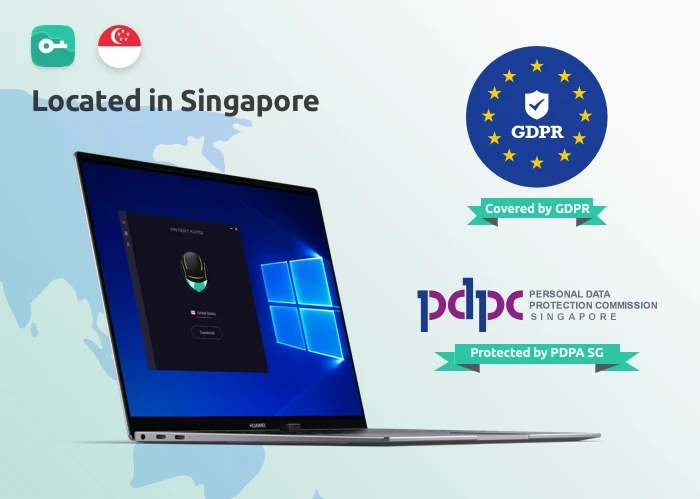
VPN Proxy Master is a VPN service provided by Lemon Clove Pte. Limited in Singapore. As such, all activity that routs through their servers are protected by the EU’s General Data Protection Regulation and Singapore’s own Personal Data Protection Act – both pieces of legislation meant to safeguard the privacy of individuals surfing the internet.
VPN Proxy MasterWhile that should give you some confidence about VPN Proxy Master, you might be more interested in how the software actually works. And we have one answer to that question: simply.

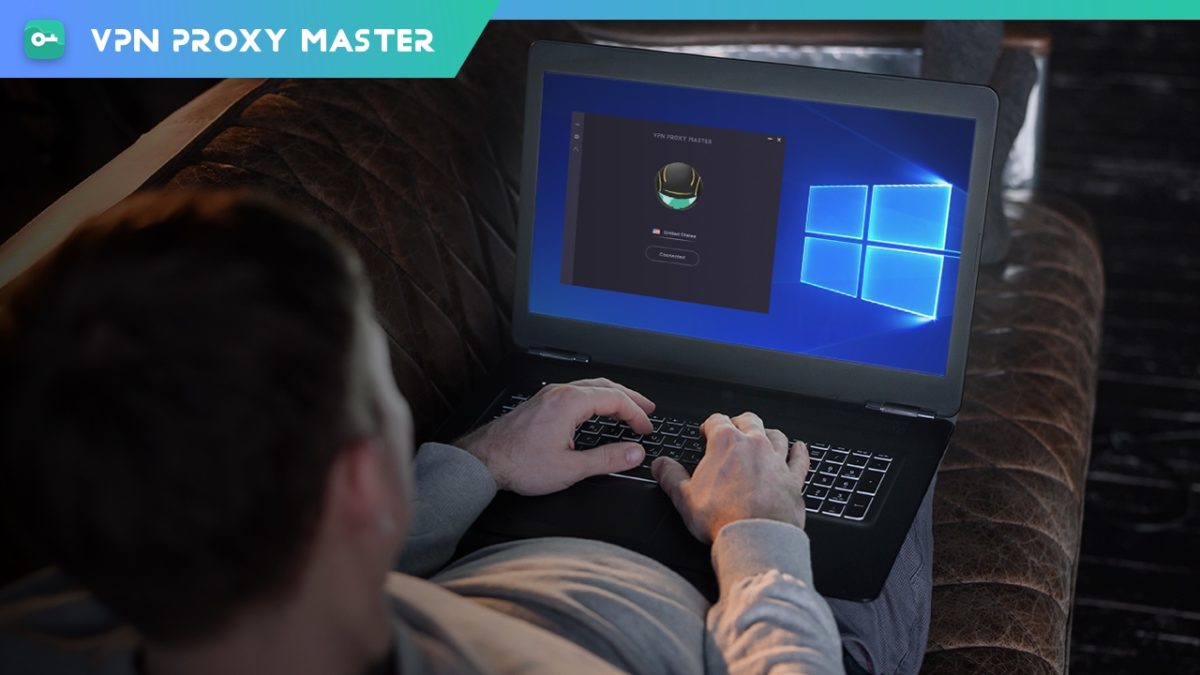
After opening the app on your Android or iOS device, you’re presented with an attractive screen showing a spinning globe. You simply press the “Connect” button and the software will automatically connect you to a VPN server somewhere in the world. To cancel the VPN link, pressing the “Disconnect” button does the trick. 

 Under the hood

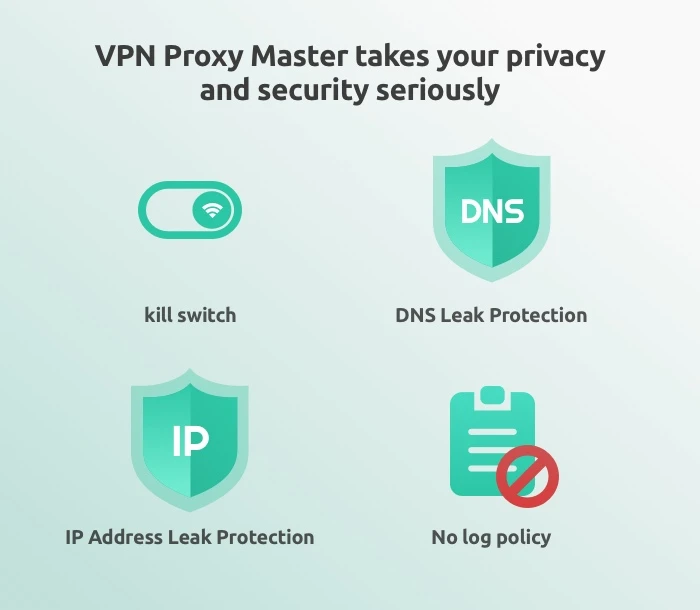
For a free piece of software, VPN Proxy Master delivers quite impressive features. You get: military-grade encryption on all your online activity; DNS leak protection; IP address leak protection; a no-log service; access to servers around the world; and industry best connection protocols that make both your connection to the service and your surfing speeds truly zoom

VPN Proxy MasterWhile most of these features are common in many VPN services, VPN Proxy Master also allows unlimited video streaming from online entertainment providers – including Netflix and Disney+. This is a feature not all VPN services provide, but you’ll have to upgrade to the Premium version to get it (see below). Fortunately, thanks to a Grand Launch Promotion Sale, VPN Proxy Master’s Premium service is now the cheapest of all the major VPN providers

Options

VPN Proxy Master

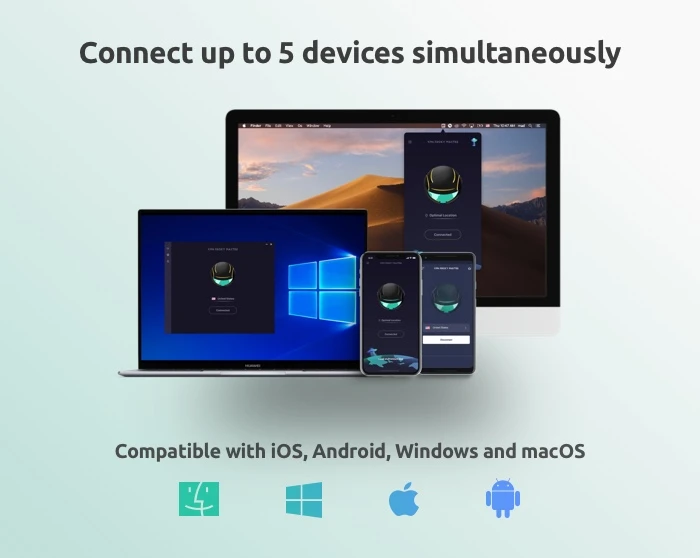
While VPN Proxy Master shines in covering both iOS and Android devices, the service can also be downloaded to both Mac and PC desktops

Additionally, we certainly recommend that you download one of the free versions of the software to give it a try. But be advised that the mobile apps will be chock full of advertisements that seem to appear after almost every tap you make. All the free versions of all the software also have caps on the amount of data you can protect each day (500 MB) and doesn’t allow you to choose your own servers. 

If you like the software, then you can upgrade to the Premium version, which provides unlimited VPN protection; access to 6000 servers in more than 40 locations, special servers for accessing Netflix and Disney+; an internet kill switch that terminates your online connections if the VPN drops for any reason; the ability to connect up to five devices at once; 24/7 online support; surfing speeds that are four times faster than the free version; and a WiFi auto-protect feature that protects you while using public WiFi.

Note: The ability to connect five devices at once is only available with: VPN Proxy Master iOS, VPN Proxy Master macOS, VPN Proxy Master Windows, and VPN Proxy Master Pro Android.

The Premium version of the software is currently available with a 7-day trial for just $0.99 with no contract required, neither commitment: you can cancel anytime.
VPN Proxy Master
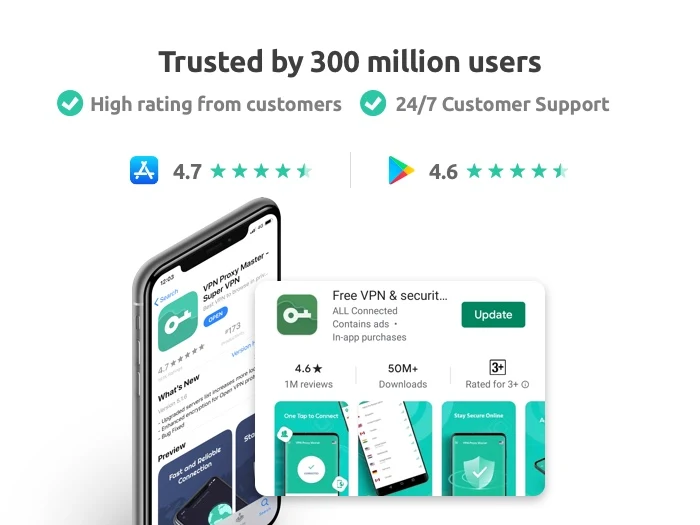
VPN Proxy Master is trusted by 300 million users and has a 4.7/5 Apple App Store rating and 4.6/5 Google Play Store rating, so we’re pretty sure you’ll be satisfied with your download no matter which version you choose.




TrendMicro’s Antivirus for Mac goes way beyond malware

Even though Macs have a reputation for security, the number of malware attacks on Macs surpassed those on Windows machines for the first time in 2020, according to an article in Vox. So there goes the idea that if you have a Mac, you don’t have to worry about installing software to protect it. The fact is, hackers have gotten more devious in sidestepping the inbuilt protections in all our computers, so having an extra level of security – for Macs and PCs – is just plain smart.

AntiVirus for Mac from trusted software developer TrendMicro delivers this protection and much, much more.

Don’t be held hostage 

As with all antivirus software products out there, TrendMicro’s product will alert you when it finds malware on your Mac or when you attempt to download a potentially troublesome file. But Antivirus for Mac takes things a step further with enhanced ransomware protection. Called Folder Shield, this component of the program allows you to mark folders you want monitored so that if a hacker were to try to encrypt them and charge you money to un-encrypt them, he would be blocked and you would be notified.

Cruise the web with confidence

Antivirus for Mac also automatically plugs into your browsers when it is installed so that it can keep an eye out for suspicious websites and other online threats, which it identifies with an icon in search results. You are able to set your Web Threat Protection Level to low, medium or high, and you can also activate a website filter to block sites based on their themes/functions such as those that feature nudity, hate or racism, gambling, shopping, offer online chats, or provide streaming media. There are 31 filters in all, along with the ability to whitelist any site you’d like – a feature that comes in very handy if you have children surfing the internet.

Social distance

One of the standout features of Antivirus for Mac is the ability to have it examine your social media settings on Facebook, Twitter and LinkedIn for potential privacy concerns (although we couldn’t get this feature to work on Facebook in our tests). The scan will tell you what information you’re sharing with the public and recommend settings to help lock down your private information – including the information that’s shared with advertisers outside the social networks. 


Eye spy

Still another noteworthy feature of Antivirus for Mac is that you are able to set it to alert you whenever an application is trying to access your webcam or microphone to prevent unwanted spying. The setting is simple to activate during the installation process.

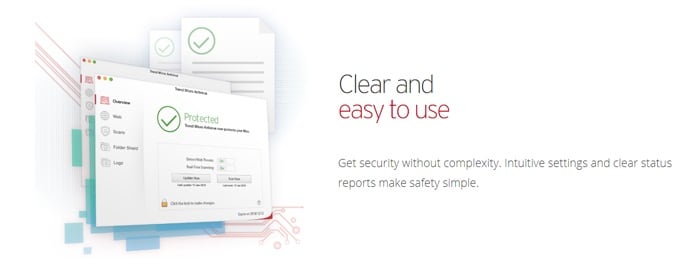
And speaking of simplicity, TrendMicro has made this program extremely easy to navigate. The main screen offers the various protection possibilities down the left and when you choose one, the window to the right is populated with the settings you can control. Things work with simple checkboxes and slidable switches, plus an icon in your Mac’s toolbar lets you quickly access key features including scans and updates.

Value time

TrendMicro’s antivirus, anti-malware, and anti-ransomware protections would be enough to make Antivirus for Mac a bargain on its own. Throw in all the features we’ve detailed, and it becomes clear that it’s hard to beat the value you get for your money. Right now the software is available for 25% off the normal rate of $39.95, so you’ll pay only $29.95 for a full year of protection. 

Sophos harnesses artificial intelligence to turbocharge its free antivirus software

Sophos Home is one of our top recommendations for antivirus software in 2020. Get it now!

Sophos

Since its development in the late 1940’s, artificial intelligence (AI) has been used for everything from game playing to helping to improve healthcare. Broadly speaking, AI involves writing algorithms – a set of rules used in mathematics and computer programming languages – to enable a computer to observe a situation and make decisions that lead to a certain goal. AI has been used, for example, by beer maker Carlsberg to analyze the flavor and aroma profiles created by yeast and other ingredients to then predict how certain recipes will taste – without the company ever having to actually brew the beer.

While AI has taken a while to develop, thanks to more powerful computers and the availability of more digital data than ever before, it is now advancing at astounding speeds. And while it continues to be used in every field from finance to video games, it has been largely absent from the world of cybersecurity. That is now starting to change, with cybersecurity company Sophos helping to lead the way.

While many antivirus programs focus on databases of known malware, Sophos focuses on a specific type of AI called “deep learning” to help its software identify malware that’s never been seen before. Even more remarkably, the company has built this groundbreaking technology into both the free and premium versions of its software.

How it works

Deep learning takes place across computers equipped with neural networks. These networks are basically layers in decision trees used by the computer to process information and then update itself as new patterns emerge. 

For example, a system might have one layer that decides that an image is present on a certain webpage. That page can then be passed to another layer that traces the outline of the image and decides what layer to forward it onto based on the basic shape. The layers get deeper and deeper, allowing the machine to hone its observations and provide remarkable accuracy.

Sophos feeds its neural network over 2.8 million malware samples each week for analysis, deconstruction, and comparison. Because neural networks thrive on enormous amounts of data, this provides the fuel for it to recognize not simply malware code – but malware behavior. This makes it one of the most robust antivirus software programs on the market today, enabling it to not only spot – and stop – widespread malware threats, but smaller anomalies that might just be starting to affect one or two computers on a network. Sophos embeds this technology in its antivirus programs, which is available in both free and paid versions of Sophos Home. 

It’s rare to find such cutting-edge tech in even high-priced antivirus software systems. The fact that Sophos is making it available for free truly shows the company’s dedication to remaining one step ahead of cybercriminals, who are constantly developing more and more complex malware. For this reason, Sophos Home is one of our top recommendations for antivirus software in 2020.