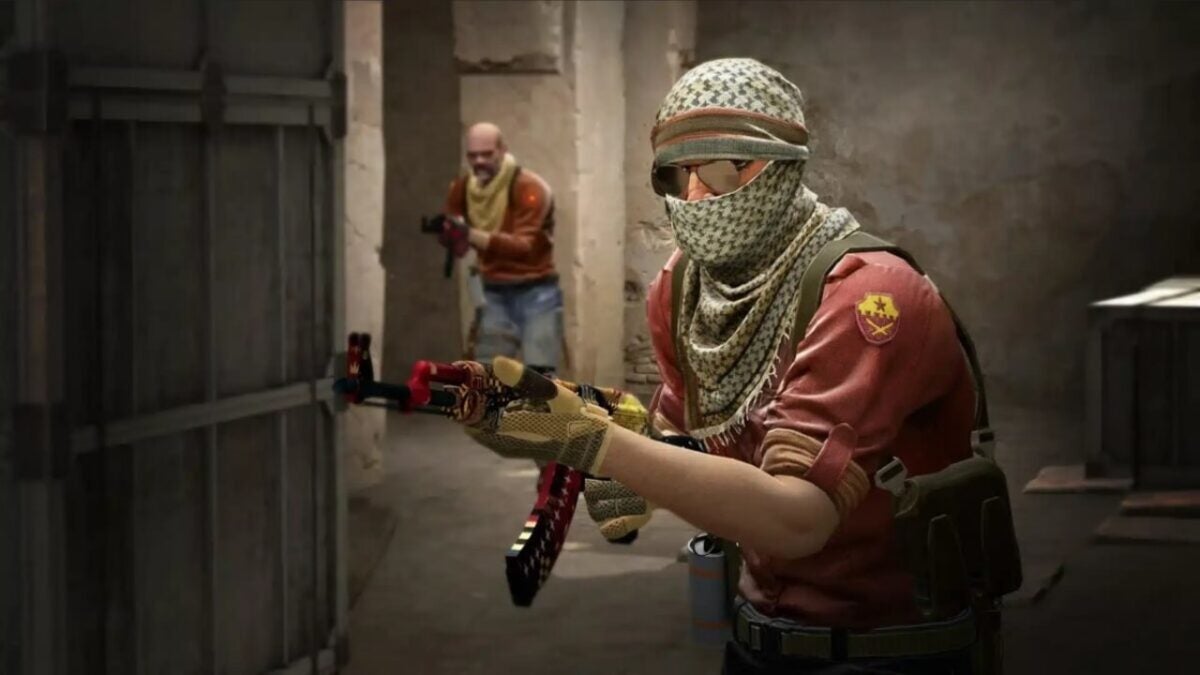
Counter-Strike 2 has been released completely by surprise, replacing Counter-Strike: Global Offensive in your Steam library. With improved graphics and sounds, new physics for smoke grenades, and completely revamped maps, among many other changes, it feels almost like a new game. Unfortunately, not everything is good news. Many players are complaining that the game is plagued with bugs. And one of them is so severe that it actually crashes the game to the desktop as soon as it’s launched.

This issue occurs on both Linux and Windows, and for now, the reason behind it is unknown. While Valve is likely working on a patch to fix it, you don’t have to wait for that to enjoy the game. That’s why we’re offering you a series of possible solutions that may help you, hopefully, resolve this issue.
Update your drivers
It’s common sense, but we all forget it from time to time. The main reason a game doesn’t work as it should is often outdated drivers on our computer, especially our graphics card drivers. Make sure to update them before trying anything else.
Try this series of small changes
The community has found a series of small changes that have generally helped with crashes in Counter-Strike 2. If you already have updated drivers, it’s worth trying these five things before resorting to more drastic measures:
- Remove any launch options from Steam’s Launch Options.
- Disable AMD FSR.
- Launch the game in compatibility mode and disable fullscreen optimization.
- Disable Faceit Anticheat.
- Disable computer overclocking.
Close the background applications you have running
If none of the above works, you may have a resource issue. Counter-Strike 2 can be a demanding game in terms of RAM and CPU usage, even if your system meets the requirements. You should try closing all background applications. Open Task Manager, close all these applications, and try launching the game again.
Scan and repair game files
This is the last resort for Windows users. To do this, you have to open Steam, go to the Library tab, and search for Counter-Strike 2. Right-click on it, go to Properties, and look for the Local Files tab. There you will find the Verify Integrity of Game Files button. If something is wrong with the game installation, Steam should be able to fix it.
You need to access the command console (only if you’re playing from Linux)
If your operating system is Linux, there’s still another possible solution. You have to open PowerShell as an administrator and enter the following two commands:
dir “$env:systemroot\system32\driverstore\filerepository\*NvCameraEnable.exe” -rec |% {& “$_” off}
dir “$env:programfiles\nvidia corporation\*NvCameraEnable.exe” -rec |% {& “$_” off}
According to reports from some players, this has helped them fix their issues with the game. But at the end of the day, everything we propose here are temporary solutions. Things you can do to try to enjoy the game while Valve finds a permanent fix. Because, until that happens, we’re afraid there is no surefire way to safely eliminate crashes in Counter-Strike 2.
