Can the NES run Linux? The answer, surprisingly, is yes

Can the NES run Linux? The answer is provided by a YouTuber who has worked hard to achieve it, and surprisingly, it is yes.

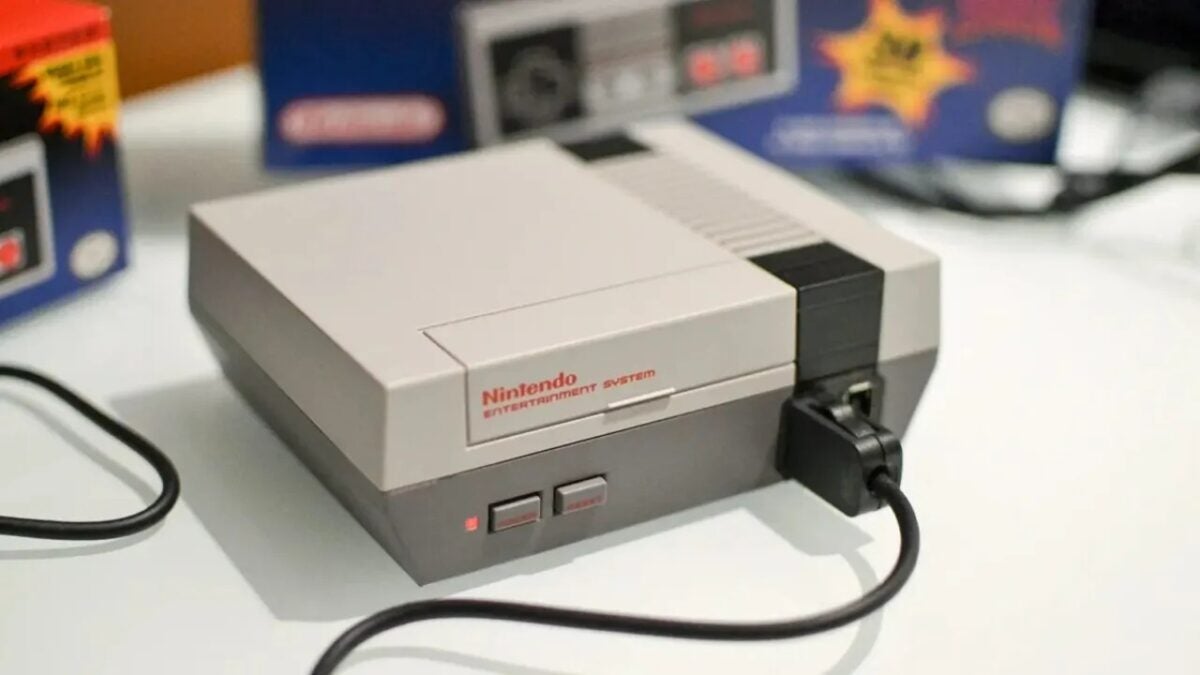
One of the oldest questions in computer science is whether any machine can run Doom. An even older one is whether it can run Linux. This shouldn’t surprise us, because both are two pieces of software that, surprisingly, can work in the most unexpected places. And in fact, someone has asked that question in the most unexpected way, can the NES run Linux?

The answer is yes. A YouTuber named DeCrAzYo has managed to run a Unix-based operating system on the classic Nintendo console from the 80s. Not without making some concessions. It is a Japanese Famicom, which is virtually identical to the Western version, and it uses an accessory known as the Famicon Disk System. This device adds 32KB of dedicated RAM and allows for up to 64KB of storage via floppy disk. But in any case, it is still an NES.

This means that the motherboard has not been modified in any way. All materials are original creations by Nintendo. And the chosen system is Little Unix, a portable operating system designed for the Commodore 64, created twenty years ago, which has been modified to run on the NES.

As it is logical, this is a work in progress. DeCrAzYo has released the source code of his version of Little Unix for NES, for anyone who wants to try it or make improvements, allowing the community to contribute to it. Thus demonstrating that, if there is one thing certain in this life, it is that Linux and Doom will eventually be able to run on anything that can behave like a computer.

Nintendo Switch Online DOWNLOAD

How to fix the crashing issue of CS2 that is affecting everyone

Counter-Strike 2 has been launched completely by surprise and with a bug that crashes the game, but we explain how to fix it

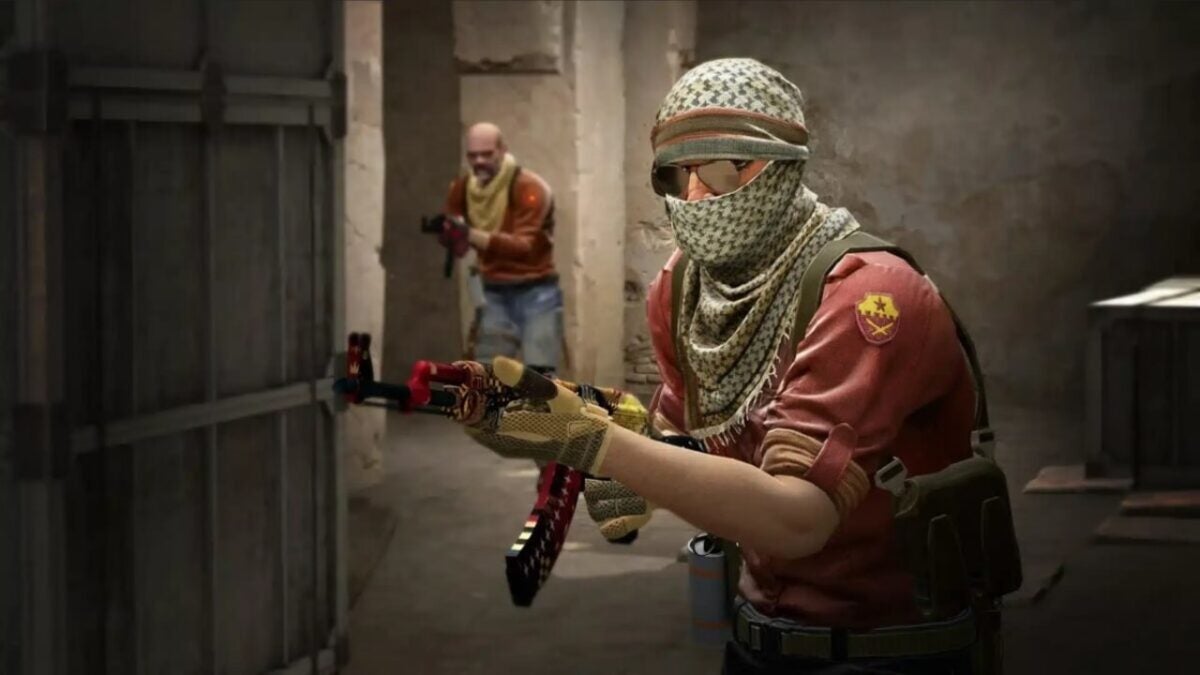
Counter-Strike 2 has been released completely by surprise, replacing Counter-Strike: Global Offensive in your Steam library. With improved graphics and sounds, new physics for smoke grenades, and completely revamped maps, among many other changes, it feels almost like a new game. Unfortunately, not everything is good news. Many players are complaining that the game is plagued with bugs. And one of them is so severe that it actually crashes the game to the desktop as soon as it’s launched.

Steam DOWNLOAD

This issue occurs on both Linux and Windows, and for now, the reason behind it is unknown. While Valve is likely working on a patch to fix it, you don’t have to wait for that to enjoy the game. That’s why we’re offering you a series of possible solutions that may help you, hopefully, resolve this issue.

Update your drivers

It’s common sense, but we all forget it from time to time. The main reason a game doesn’t work as it should is often outdated drivers on our computer, especially our graphics card drivers. Make sure to update them before trying anything else.

Try this series of small changes

The community has found a series of small changes that have generally helped with crashes in Counter-Strike 2. If you already have updated drivers, it’s worth trying these five things before resorting to more drastic measures:

  • Remove any launch options from Steam’s Launch Options.
  • Disable AMD FSR.
  • Launch the game in compatibility mode and disable fullscreen optimization.
  • Disable Faceit Anticheat.
  • Disable computer overclocking.

Close the background applications you have running

If none of the above works, you may have a resource issue. Counter-Strike 2 can be a demanding game in terms of RAM and CPU usage, even if your system meets the requirements. You should try closing all background applications. Open Task Manager, close all these applications, and try launching the game again.

Scan and repair game files

This is the last resort for Windows users. To do this, you have to open Steam, go to the Library tab, and search for Counter-Strike 2. Right-click on it, go to Properties, and look for the Local Files tab. There you will find the Verify Integrity of Game Files button. If something is wrong with the game installation, Steam should be able to fix it.

You need to access the command console (only if you’re playing from Linux)

If your operating system is Linux, there’s still another possible solution. You have to open PowerShell as an administrator and enter the following two commands:

dir “$env:systemroot\system32\driverstore\filerepository\*NvCameraEnable.exe” -rec |% {& “$_” off}

dir “$env:programfiles\nvidia corporation\*NvCameraEnable.exe” -rec |% {& “$_” off}

According to reports from some players, this has helped them fix their issues with the game. But at the end of the day, everything we propose here are temporary solutions. Things you can do to try to enjoy the game while Valve finds a permanent fix. Because, until that happens, we’re afraid there is no surefire way to safely eliminate crashes in Counter-Strike 2.

Steam DOWNLOAD