Microsoft has recently addressed a set of 80 vulnerabilities in its software, of which eight have been classified as critical and 72 as important. It is important to highlight that none of these vulnerabilities have been exploited so far as a zero-day flaw. This month, of the 80 reported vulnerabilities, 38 are related to privilege escalation, which represents almost 50% of all the flaws, surpassing for the third time this year the remote code execution vulnerabilities. Windows against cybercriminals One of the most concerning vulnerabilities is CVE-2025-55234, which has a CVSS […]
Microsofthas recently addressed a set of 80 vulnerabilities in its software, of which eight have been classified as critical and 72 as important. It is important to note that none of these vulnerabilities have been exploited so far as a zero-day flaw. This month, of the 80 reported vulnerabilities, 38 are related to privilege escalation, which represents almost 50% of all the flaws, surpassing remote code execution vulnerabilities for the third time this year.
Windows against cyber pirates
One of the most concerning vulnerabilities is CVE-2025-55234, which has a CVSS of 8.8 and allows relay attacks in SMB. Microsoft has warned that simply applying patches is not enough, as additional auditing options need to be implemented to ensure proper protection of the environment. “This vulnerability allows an attacker to capture and forward authentication material, which could lead to privilege escalation”, security experts explained.
Another critical vulnerability is CVE-2025-54914, with a CVSS of 10.0, which affects Azure Networking and does not require any action from the customer. Additionally, flaws have been discovered in BitLocker that could allow an attacker with physical access to bypass protection and access encrypted data, recommending the enabling of TPM+PIN to enhance security.
In addition, researcher Fabian Mosch has presented a new lateral movement technique called BitLockMove, which allows for the remote manipulation of BitLocker records, potentially leading to the execution of code with elevated privileges. This technique highlights the importance of enhancing security measures around the affected devices.
Microsoft, along with other providers, has released security updates to address several vulnerabilities and protect its users against potential attacks.
What is the highest speed you have ever felt while playing a video game? You might be thinking of F-Zero, a Mario Kart at 200 cc on Rainbow Road, the craziness of Forza or Need For Speed… But in 2003 there was a game whose speed cannot even be replicated now. The best part? It wasn’t even a rally, kart, or high-speed car game, but a truck game. Its title, Big Rigs: Over The Road Racing, considered one of the worst titles in history and full of bugs, but with a prize that only this disaster could achieve. […]
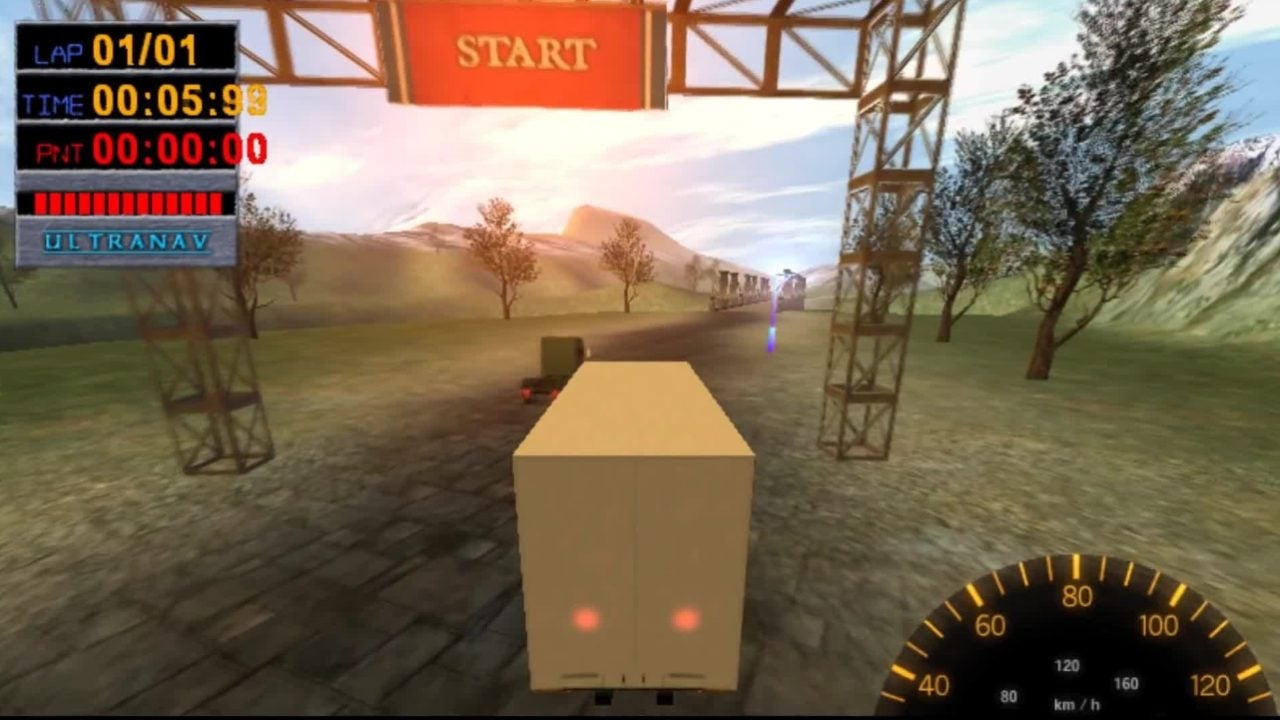
What is the highest speed you have ever felt while playing a video game? You might be thinking of F-Zero, a Mario Kart at 200 cc on Rainbow Road, the craziness of Forza or Need For Speed… But in 2003 there was a game whose speed cannot even be replicated now. The best part? It wasn’t even a rally, kart, or high-speed car game, but a truck game. Its title, Big Rigs: Over The Road Racing, considered one of the worst titles in history and filled with bugs, but with an award that only this disaster could achieve.
Kill me, truck!
To understand how a game like this ended up on all the lists of the most outrageous games ever made, one must look at its producer, Stellar Stone, apparently from Santa Monica, California, but which allowed all its games to be made in Eastern European countries such as, for example, Ukraine. You thought you were playing something proudly American, but in reality, it was made by a guy named Dimitri in Kiev. That was the case with Big Rigs, which, when it got into their hands, was already complete, and even when playing it and seeing that it was full of bugs, they couldn’t do anything.
Imagine the situation: you have an absolute nonsense on your hands but since it was programmed in Ukraine, you can’t make changes. What you have is what you get. For its director, the game was still in a pre-alpha version, which did not prevent it from being on store shelves on November 20, 2003. Sergey Titov, the owner of the distributor, was so embarrassed that he offered to exchange the game for any title from Activision Value. Twenty people did this who didn’t know what to do with Big Rigs.
And yet, despite having terrible ratings from the industry (it has a 6 out of 100 on Metacritic), having issues with the truck controls, bugs affecting enemy movement, game physics, and collisions, and being barely playable, Big Rigs has gone down in history for all those seeking a completely different experience (even if that isn’t a good thing). Indeed, as part of these errors, you could make your truck go at a speed that no human being will ever experience.
KITT, activate super-speed!
According to what has been verified, the developers completely forgot to set a limit on the speed that your truck could reach while going backward, to which another error must be added: the truck accelerated exponentially, reaching a maximum speed of 19.7 undecillion kilometers per hour. In other words, the ability to traverse all the known space by humanity in just a millisecond. It is so much that basically as soon as you accelerated, you could win the game immediately, because the game detected that the truck had become omnipresent and had passed through all the checkpoints at the same time.
In its favor, it must be said that in November 2003 they released a patch to solve one of the most serious problems of the game: the opponent did not move or run against you at any time, so winning was just a matter of time. With the patch, it did start running… but it stopped just before the finish line. No one cared too much, because it was just one error among many: hills were climbed and descended without losing or gaining speed, you could fall into the void when leaving the game map… In short, an absolute disaster that almost surprises that it was able to break a record, even if by accident. Hey, in what other game can you exceed the speed of sound without messing up your hair and reach the edges of the universe in just a millisecond? So much for saying that bugs are worthless.
The excitement among video game fans has reached a new level with the official announcement of the remaster of The Elder Scrolls IV: Oblivion, made by Bethesda and Virtuos. This long-awaited return, which had initially been seen as a rumor in the community, promises to combine significant graphical improvements with the endearing essence of the classic released in 2006. Even the exploits remain the same. The remaster uses the powerful Unreal Engine 5 to enhance the graphics, while its original coding is still anchored in the Gamebryo engine, representing an interesting duality. This fusion allows developers […]
The excitement among video game fans has reached a new level with the official announcement of the remaster of The Elder Scrolls IV: Oblivion, made by Bethesda and Virtuos. This highly anticipated return, which had initially been seen as a rumor in the community, promises to combine significant graphical improvements with the endearing essence of the classic released in 2006.
Exploits are still the same
The remaster uses the powerful Unreal Engine 5 to enhance the graphics, while its original coding remains anchored in the Gamebryo engine, which represents an interesting duality. This fusion allows developers to present a visually appealing experience while preserving the iconic glitches and bugs that have made players laugh for years. Many of these errors, which do not interfere with game progress, have been exploited by the community to perform speedruns using previously known exploits.
The response from fans has been overwhelmingly positive, with users on social media sharing anecdotes and funny situations encountered during the game. The essence of Oblivion remains intact, which has brought joy to players who appreciated the hilarious moments of the original; a user on Reddit commented: “It’s exactly the same!” while sharing a video of a flying crab.
However, some critics argue that the remaster represents a missed opportunity to create a remake that would have improved fundamental aspects of gameplay, such as the combat system or certain challenges. Nevertheless, many believe that Bethesda and Virtuos have made a wise choice by focusing on the nostalgia of the original game, validating the argument that the experience of Oblivion remains unique and worthy of celebration.
Los problemas no cesan para Rise of the Ronin después de su reciente lanzamiento en Steam. Apenas días después de su lanzamiento, numerosos jugadores han reportado la pérdida de sus datos de guardado, lo que ha generado una intensa frustración en la comunidad. Koei Tecmo ha reconocido la situación y está investigando a fondo el problema, asegurando que están trabajando en soluciones. Guarda tu juego de todas las maneras posibles. En un comunicado oficial, la compañía mencionó que están analizando los informes de eliminación de datos y sugirieron ciertos pasos a seguir para evitar más inconvenientes. Entre las recomendaciones están […]
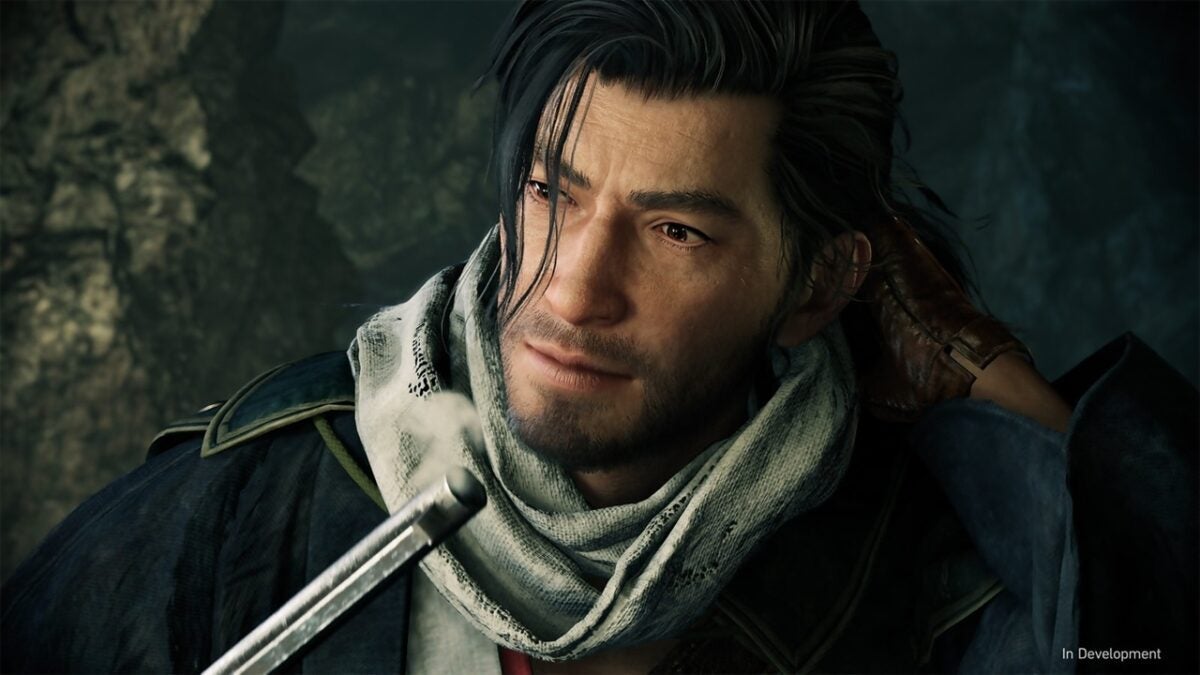
The problems continue for Rise of the Ronin following its recent release on Steam. Just days after its launch, numerous players have reported the loss of their save data, which has generated intense frustration within the community. Koei Tecmo has acknowledged the situation and is thoroughly investigating the issue, assuring that they are working on solutions.
Save your game in every possible way
In an official statement, the company mentioned that they are analyzing the reports of data deletion and suggested certain steps to follow to avoid further inconveniences. Among the recommendations are correcting possible conflicts with file sharing services, such as Dropbox, and restoring data from backups, as well as ensuring that the Steam Cloud feature is enabled. However, some players have pointed out that even their local saves have disappeared, making the failure a more significant issue.
The list of inconveniences is compounded by the performance issues faced by the PC version of the title. Players have expressed their dissatisfaction with the low frame rates and unsatisfactory graphics, compared to what Koei Tecmo had previously promised, which included 8K resolutions and 120 FPS. Currently, the recommendation to limit the FPS to 60 only increases the disappointment among those who were expecting a more solid performance. Despite the inconveniences, Rise of the Ronin is still considered an entertaining game by many.
Specialized critics have also expressed their opinion on the matter; Joe Donnelly, reviewer for PC Gamer, highlighted the inconsistency in performance, mentioning that the FPS rates fluctuate alarmingly. As Koei Tecmo works on a patch to improve performance, players should take additional precautions, ensuring they manually save and check the backup of their files to avoid losing hours of progress.
The latest release from Obsidian and Microsoft in the RPG genre, Avowed, has received a less enthusiastic reception than both fans and developers expected. Despite this, the team is determined to improve the gaming experience and attract more players to this new intellectual property. The most recent patch for Avowed aims to address its biggest issues. A recent update for the title, which is approximately 66GB in size, has been released with the goal of fixing various inconsistencies that have affected the game’s stability. This patch includes over 80 fixes, […]
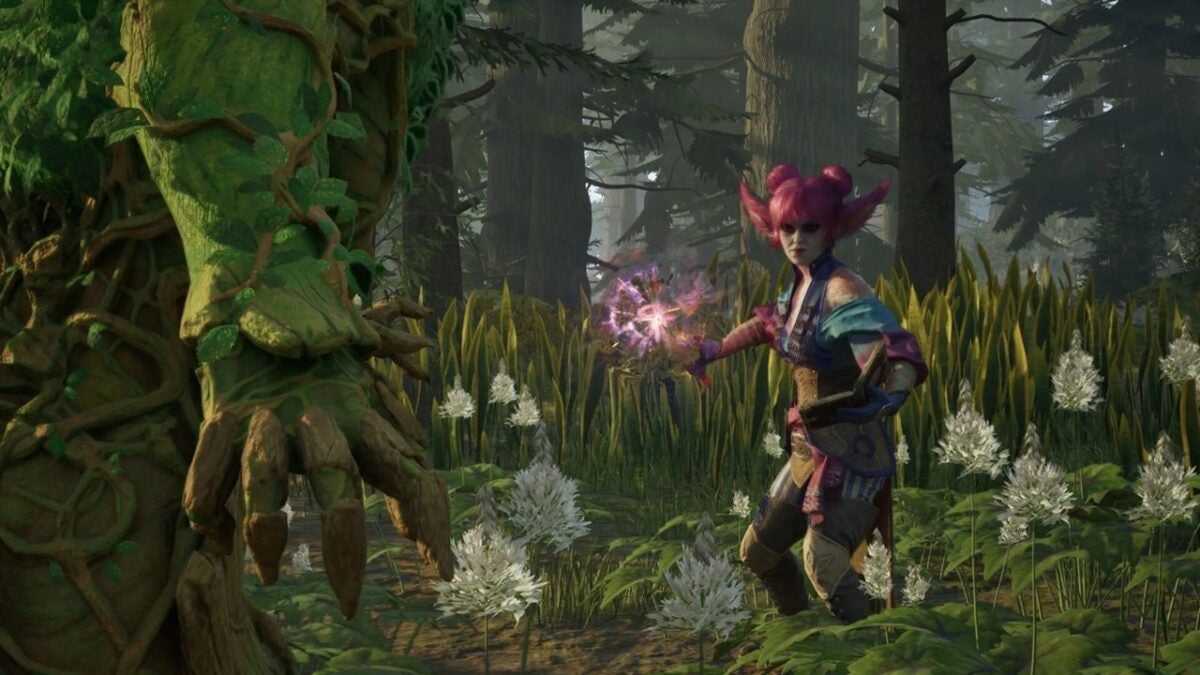
The latest release from Obsidian and Microsoft in the RPG genre, Avowed has received a less enthusiastic reception than both fans and developers expected. Despite this, the team is determined to improve the gaming experience and attract more players to this new intellectual property.
The latest patch for Avowed aims to fix its biggest issues
Aside from stability, the update has implemented slight rebalancing adjustments and modifications to some character abilities, which will allow for a smoother and more refined gaming experience. Visual improvements have also been made to enhance the presentation of the title; however, players must lament the absence of support for advanced technologies such as AMD FSR 3.0 or Intel XeSS, features that are still expected in future updates.
It is evident that Obsidian is committed to polishing Avowed, despite its initial flaws. The effectiveness of these updates will soon be reflected in the user experience. While there are no concrete rumors about new content or expansions, the developers’ intention to continue improving the game is clear. Fans remain hopeful that, over time, they will be able to enjoy a more robust and satisfying title.
In 1998 things were very different: if there was a bug in your game, you had to eat it until the end of days. And that’s what happened in ‘Half-Life’… until now
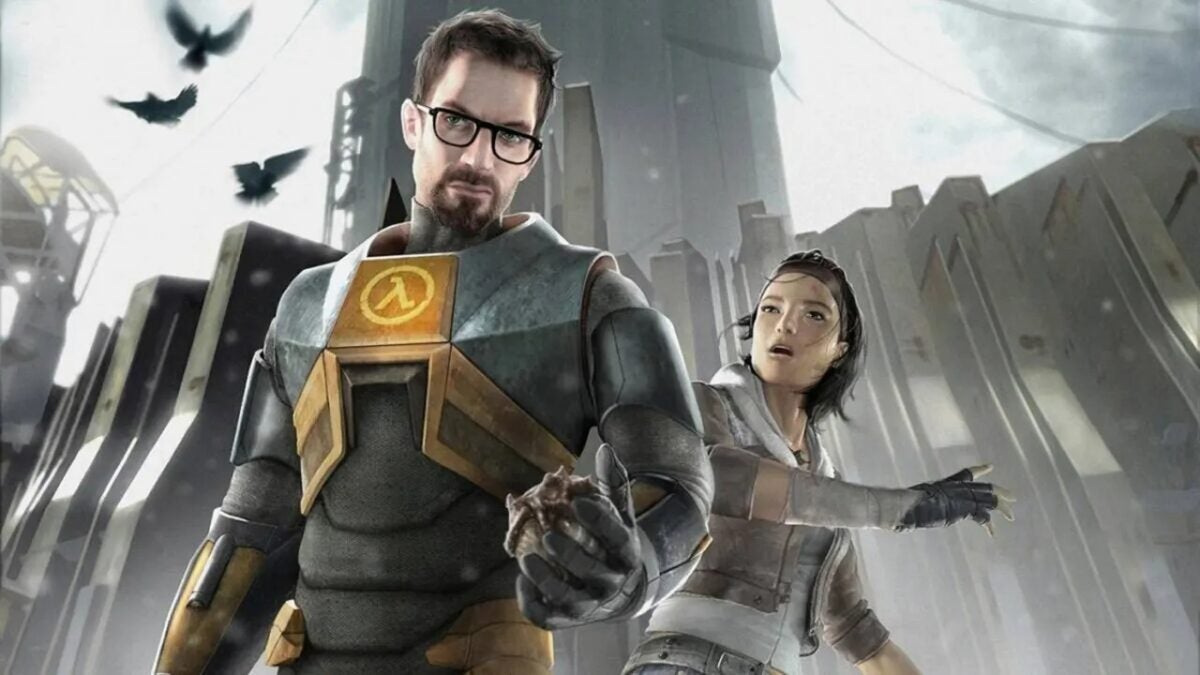
These days, when we install a new game, it’s likely packed with bugs: a person flying here, a talking horse there, a level ending that’s impossible to pass. Well, you know, those things. Eventually, we get used to it all. But back in 1998, it was very different: if there was a bug in your game, you had to live with it forever. And that’s what happened in ‘Half-Life‘… until now.
If you’ve played, you remember the moment because it’s spectacular: in chapter 6, an alien tentacle breaks a window, taking a scientist with it. It’s impressive, it raises the danger sky-high, and it further enhances such an incredible game as this one. Yes. But… the animation has a glitch that makes it look broken and unrealistic. In short, we could never fully enjoy it as Valve intended.
However, they had a second chance last week when Valve released a patch to celebrate the 25th anniversary of the video game. And it had all sorts of improvements: from new maps to content that was cut back then, or some fixes here and there. Okay, yes, all great, but in episode 6, the tentacle still looked broken. Fans thought it would stay that way forever, but sometimes dreams do come true.
Just yesterday, Valve released a new patch exclusively dedicated to one thing: ensuring the tentacle had animation up to standard. The game, 25 years later, is finally complete. It can be considered that, for the first time, anyone playing ‘Half-Life’ for the first time will practically be playing ‘Complete-Life’. It took many years to fix a small thing, but a small thing that has made a lot of people happy.
And ultimately, isn’t that what video games are for, right?
Counter-Strike 2 has been launched completely by surprise and with a bug that crashes the game, but we explain how to fix it
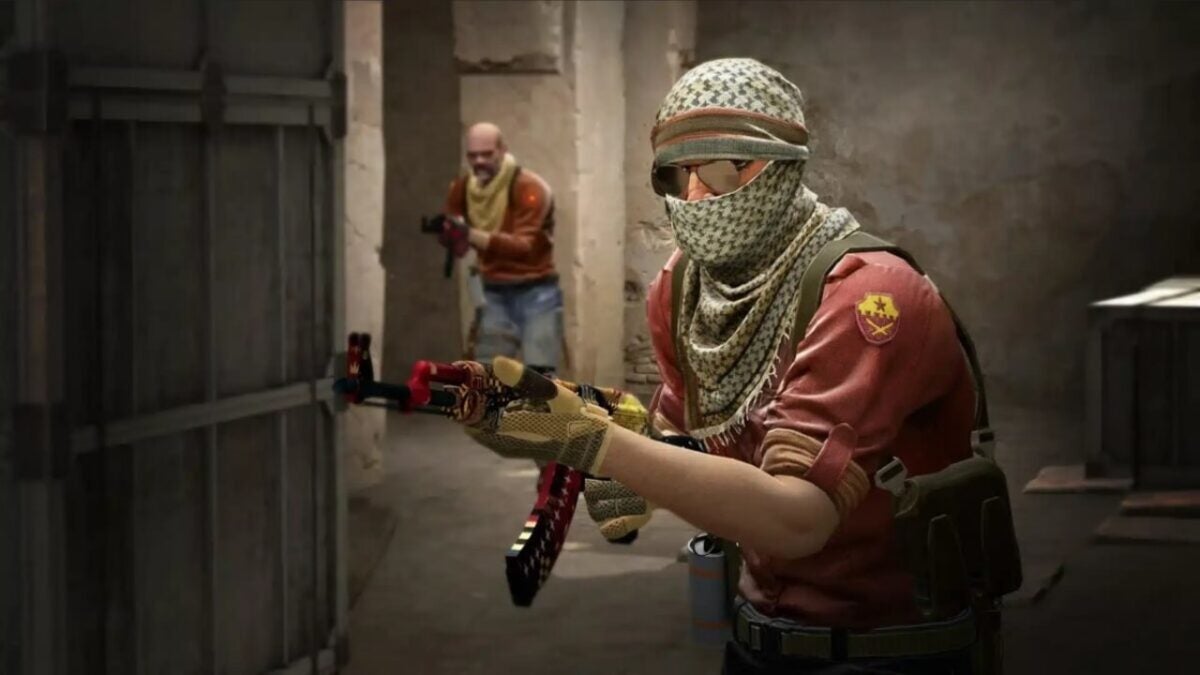
Counter-Strike 2 has been released completely by surprise, replacing Counter-Strike: Global Offensive in your Steam library. With improved graphics and sounds, new physics for smoke grenades, and completely revamped maps, among many other changes, it feels almost like a new game. Unfortunately, not everything is good news. Many players are complaining that the game is plagued with bugs. And one of them is so severe that it actually crashes the game to the desktop as soon as it’s launched.
This issue occurs on both Linux and Windows, and for now, the reason behind it is unknown. While Valve is likely working on a patch to fix it, you don’t have to wait for that to enjoy the game. That’s why we’re offering you a series of possible solutions that may help you, hopefully, resolve this issue.
Update your drivers
It’s common sense, but we all forget it from time to time. The main reason a game doesn’t work as it should is often outdated drivers on our computer, especially our graphics card drivers. Make sure to update them before trying anything else.
Try this series of small changes
The community has found a series of small changes that have generally helped with crashes in Counter-Strike 2. If you already have updated drivers, it’s worth trying these five things before resorting to more drastic measures:
Remove any launch options from Steam’s Launch Options.
Disable AMD FSR.
Launch the game in compatibility mode and disable fullscreen optimization.
Disable Faceit Anticheat.
Disable computer overclocking.
Close the background applications you have running
If none of the above works, you may have a resource issue. Counter-Strike 2 can be a demanding game in terms of RAM and CPU usage, even if your system meets the requirements. You should try closing all background applications. Open Task Manager, close all these applications, and try launching the game again.
Scan and repair game files
This is the last resort for Windows users. To do this, you have to open Steam, go to the Library tab, and search for Counter-Strike 2. Right-click on it, go to Properties, and look for the Local Files tab. There you will find the Verify Integrity of Game Files button. If something is wrong with the game installation, Steam should be able to fix it.
You need to access the command console (only if you’re playing from Linux)
If your operating system is Linux, there’s still another possible solution. You have to open PowerShell as an administrator and enter the following two commands:
dir “$env:systemroot\system32\driverstore\filerepository\*NvCameraEnable.exe” -rec |% {& “$_” off}
dir “$env:programfiles\nvidia corporation\*NvCameraEnable.exe” -rec |% {& “$_” off}
According to reports from some players, this has helped them fix their issues with the game. But at the end of the day, everything we propose here are temporary solutions. Things you can do to try to enjoy the game while Valve finds a permanent fix. Because, until that happens, we’re afraid there is no surefire way to safely eliminate crashes in Counter-Strike 2.