Opera GX is here to Enhance your Gaming Experience

While gaming on a browser can be enjoyable, many gamers struggle with lag or poor performance due to system resources being hogged by other apps. Some browsers also use loads of memory, contributing to slow online gaming. Opera GX has become the solution to this issue, offering players fast, reliable gaming with tons of features.

The main feature is that it pushes all system resources to the game you want to play, enhancing the experience. However, there are also other benefits you can enjoy with Opera GX.

Uses fewer system resources with Opera GX

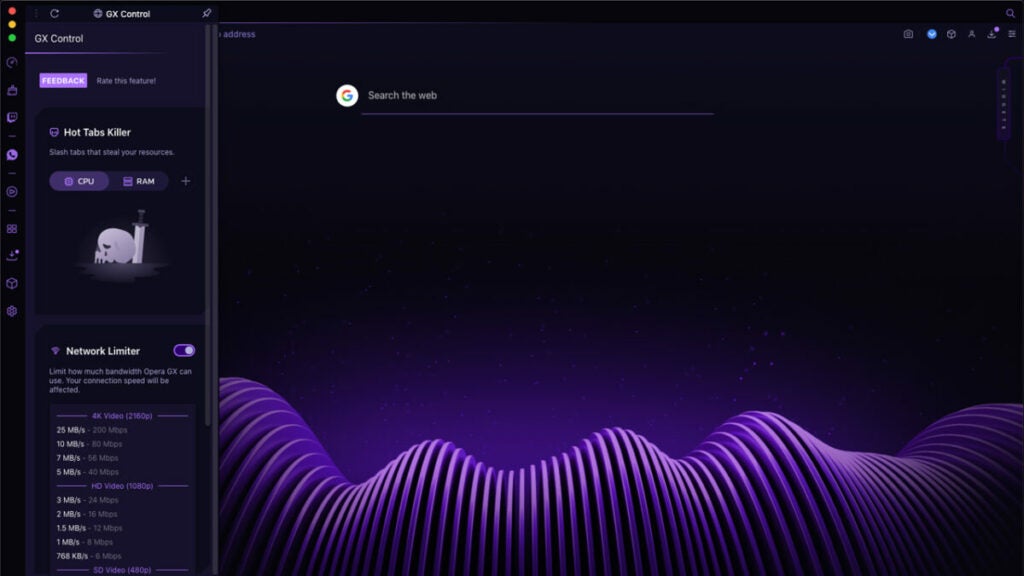
One aspect of gaming on browsers that can be frustrating is that you can’t control how many system resources they use. With Opera GX, you set the limits on RAM and CPU usage, making sure your PC doesn’t slow down. You can also increase the power to the game but letting the browser close background applications.

Opera GX 3

Customize the design

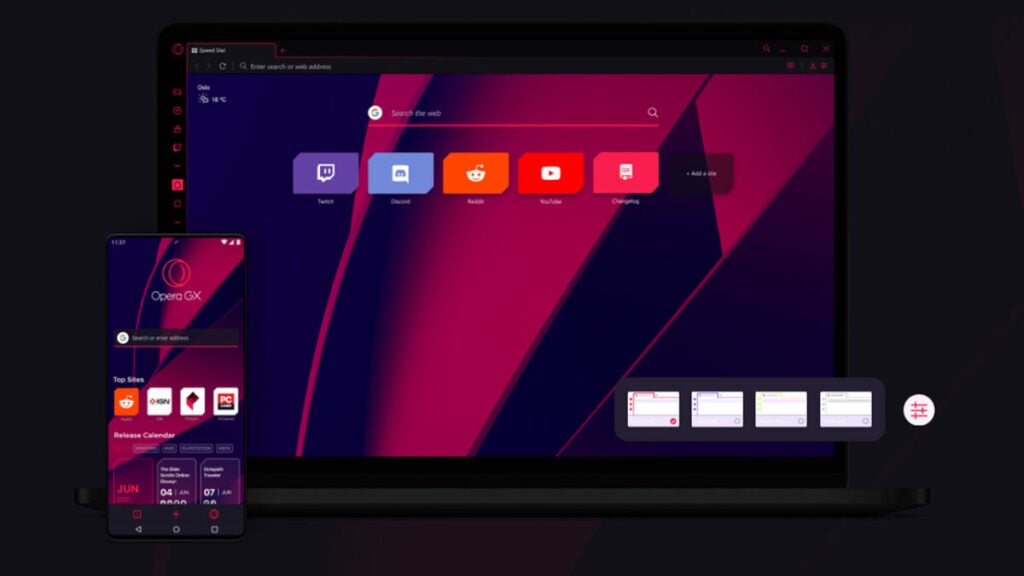
You don’t need to settle for a bland background in your browser. We know how important colors and themes are for gamers. With Opera GX, you can easily change the color scheme to match your top games. There are even exciting animated wallpapers to get you into the gaming mood.

Opera GX 3

Opera GX integrates with gaming platforms

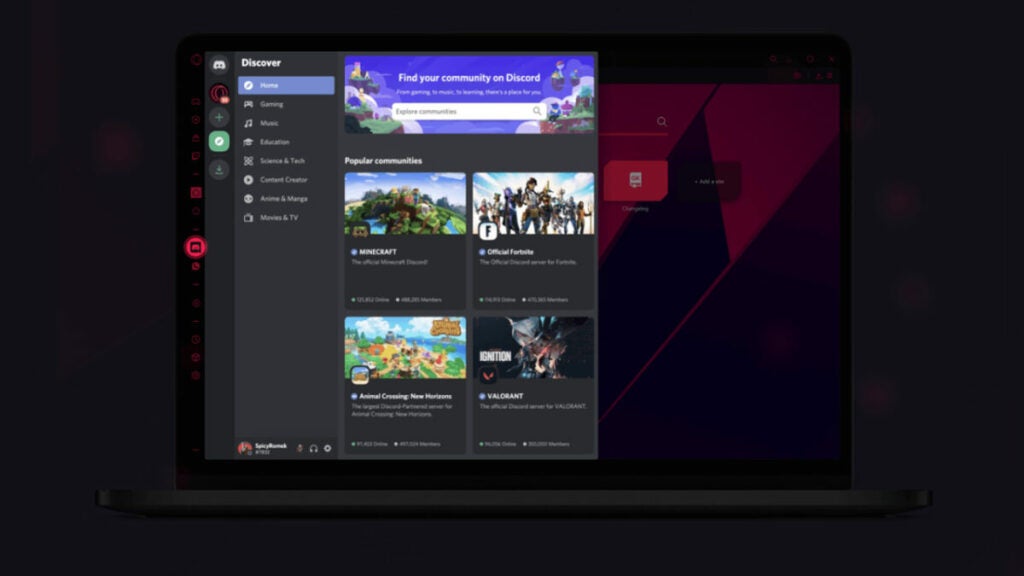
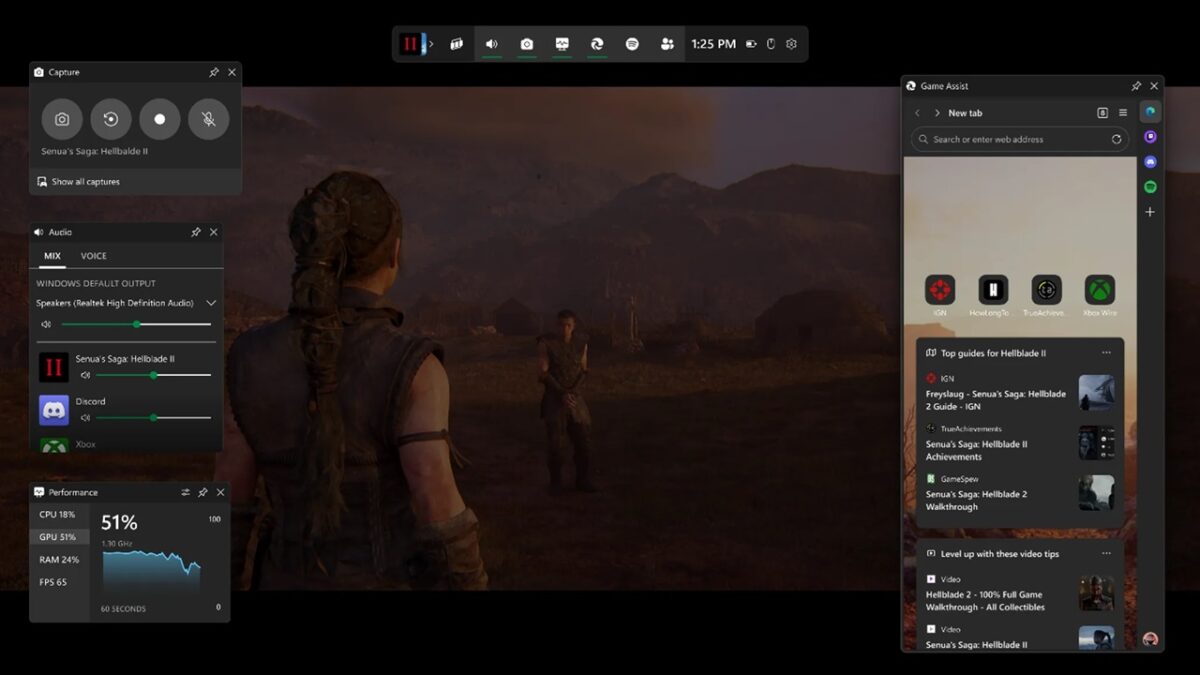
Twitch and Discord have become favorite gaming platforms for gamers to chat, share ideas, and watch streams. With other browsers and apps, you need to hold a combination of keys to get to the right application. Opera GX integrates with both of these portals, showing you notifications that you can click on while you’re gaming.

Opera GX 3

Provides game release schedules and review scores

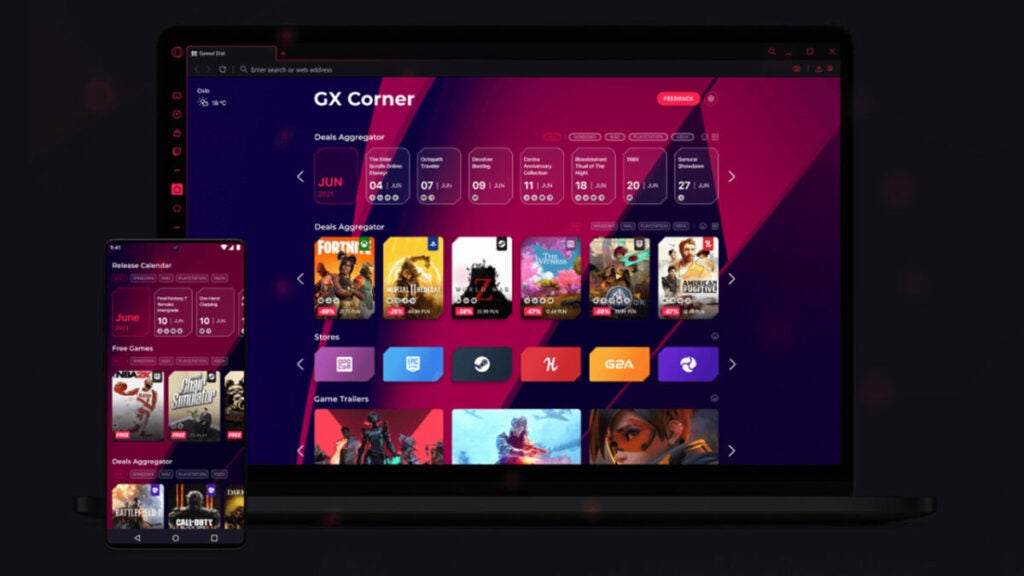
Want to know when the next games are launching? Perhaps you want to see game scores for titles you’re thinking of buying. Fortunately, you can see all of these in Opera GX. Made for gamers by gamers, you’ll have a dashboard of upcoming games so you’re always in the loop. Average review rates are also listed under published games so you know what others think about them.

Opera GX 3

Floating window for streams

Isn’t it annoying when there’s a game you really want to play, but a developer’s Twitch or YouTube steam is about to go live? Or, you want to watch an ESO stream to gain drops, but you also want to play games. One of Opera GX’s features is the floating window, letting you watch live streams while you’re gaming. How is that for gaming excellence?

Easily transport your browser data to Opera GX

You’re probably excited about downloading Opera GX for all these features, but you have one massive concern: what about your browser history and bookmarks? You surely don’t want to find and save all of them again. Opera GX saves you the hassle, letting you quickly import all the data from the current browser you’re using.

As you can see, Opera GX is ready to enhance your gaming experience for you. No more lagging, switching between tabs, or wondering which games are coming next. It’s all right there for you.

Win a Razer Blade laptop with Opera!

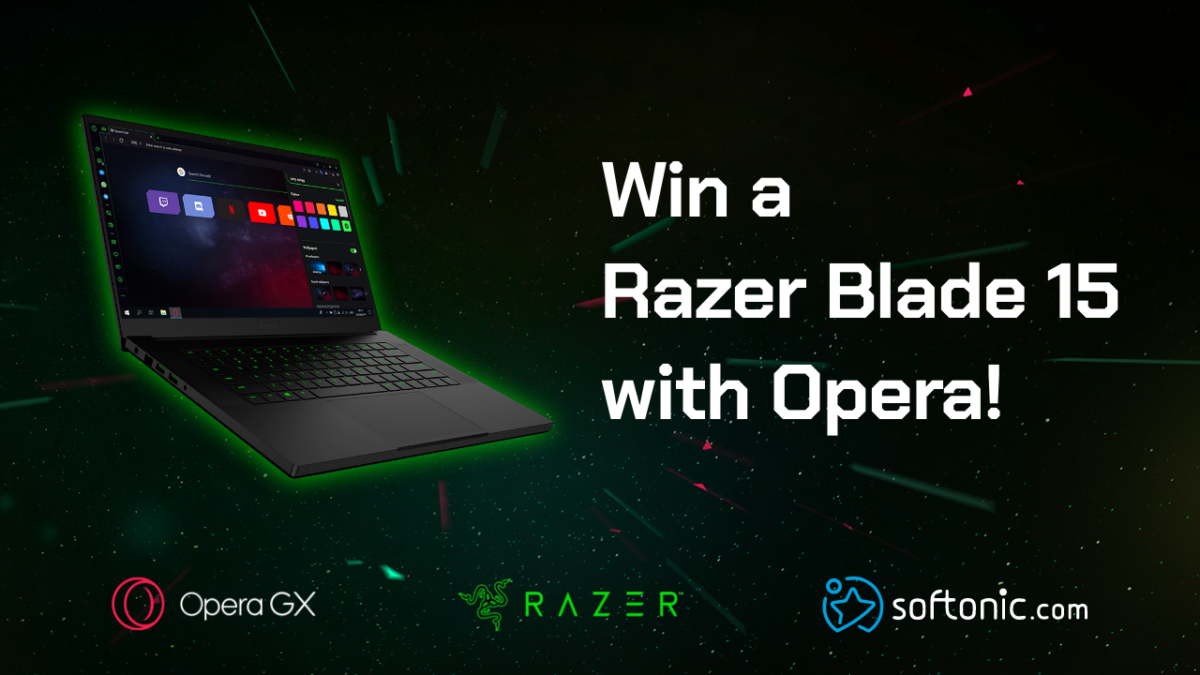
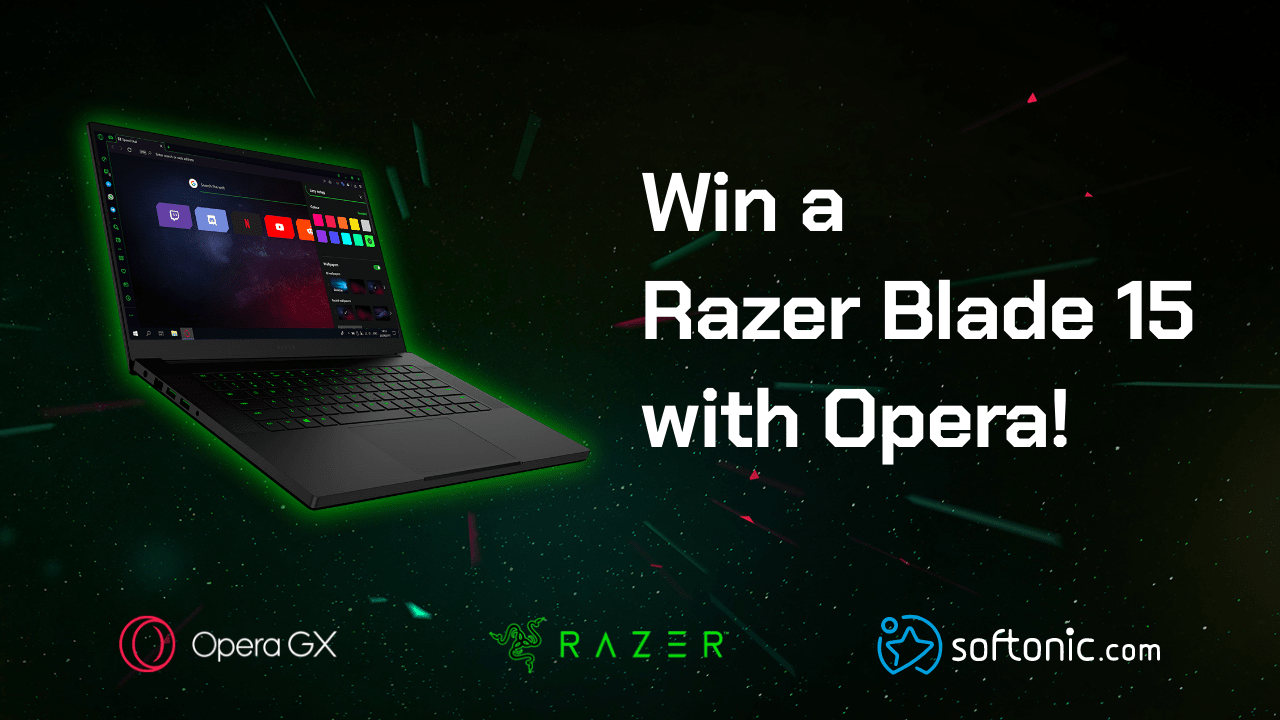
To celebrate the launch of Opera GX, the world’s first gaming browser, we have teamed up with Opera to give away the top-of-the-line Razer Blade 15 laptop. Join the contest!

To celebrate the launch of Opera GX, the world’s first gaming browser, we have teamed up with Opera to give away a top-of-the-line Razer Blade laptop.

Further down we’ll explain how you can get a chance to win, but first, here’s some essential intel on how Opera GX can transform your gaming experience.

Opera already provides its more than 350 million users with plenty of benefits such as secure browsing through its integrated VPN and rapid page loading thanks to its built-in ad blocker. But Opera GX takes things to another level with a suite of customizable options that will maximize your computer’s performance and enhance your gaming and browsing pleasure:

  • GX Control: Lets you limit your browser’s CPU and RAM usage
  • Twitch integration: You can follow your favorite streamers and get notified when they go live
  • Video pop out: Watch video on top of other tabs and applications
  • Gaming design: Advanced customization and gaming hardware support
  • GX Corner: Latest gaming news and deals
  • SFX: Gaming-inspired sound effects in your browser

Games eat up a lot of computing power, and running a browser in parallel to playing a game often leads to game stuttering and lag, especially if you’re streaming as well. So, GX Control solves this problem by enabling you to choose how much of your CPU and RAM is allocated to your browser. Read more about what the Opera GX browser has to offer.

Back to the competition!

To get a chance to win a Razer Blade laptop:

  1. Follow Opera and Softonic
  2. Like this post
  3. Comment under this post with a screenshot of Opera GX and mention your favorite #OperaGX feature. Be creative!

Download the Opera GX browser here in case you haven’t done it already. The contest ends on August 5th. Winners will be announced on August 7th.

For Terms and Conditions: Softonic terms and conditions

Good luck!