How to shut off your iPhone or iPad – Every method we know

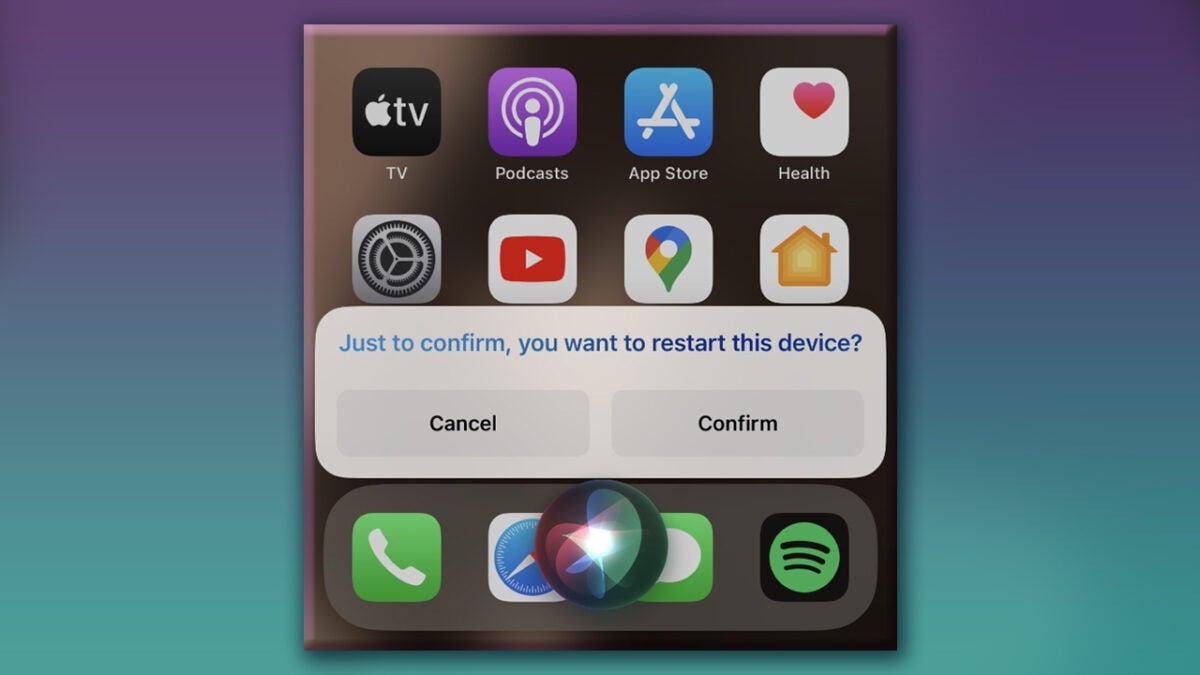
There’s an issue with iOS relating to powering your device off for a reboot. Doing this by conventional methods sometimes results in activating Siri and being unable to actually reboot your iPhone. Below, we’ll give you a short tutorial on how to reboot your phone without this happening. These steps, as far as we’ve tested, apply to app modern Apple iPhone and iPad models. 

Every method we know for turning your iPhone and iPad off

How to turn your iPhone off

  1. To turn off the iPhone Face ID on the following models: 

iPhone X, XR, XS, 11, 12, 13, 14

  • Press and hold the right side button and either side of the volume rocker (either volume up or volume down) at the same time, until you see the power off slider display on the screen.
  • Slide the power off button towards the right to turn off your iPhone.
  1. To turn off an iPhone with a home button 

iPhone SE 2nd, 3rd gen, iPhone 6, 6S, 7, 8

  • Press and hold the right side button until you see the power off slider display on the screen
  • Slide the power off button towards the right to turn off your iPhone.
  1. To turn off an iPhone with a top button 

iPhone 5C,, 5S, 5, 4, 4S, iPhone SE 1st generation, & earlier:

  • Press and hold the top button until you see the power off slider display on the screen.
  • Slide the power off button towards the right to turn off your iPhone.
  1. To turn off an iPad with Face ID

iPad Pro 11-inch and iPad Pro 12.9-inch 3rd generation and later:

  • Press and hold the top with one of the volume buttons (up or down) at the same time, until you see the power off slider display on the screen.
  • Slide the power off button towards the right to turn off your iPad.
  1. To turn off an iPad with a top Touch ID button

iPad Air (4th and 5th generation), iPad mini (6th generation), and iPad (10th generation):

  • Press and hold the top with one of the volume buttons (up or down) at the same time, until you see the power off slider display on the screen.
  • Slide the power off button towards the right to turn off your iPad.
  1. To turn off an iPad with a front Home button

iPads with a circular Home button in the lower chin of the device:

  • Press and hold the top button until you see the power off slider display on the screen.
  • Slide the power off button towards the right to turn off your iPad.

You can also use the Settings app. Here’s how:

  • Open the Settings app, and tap General.
  • Scroll down to the end and tap Shut Down.
  • Slide the power off button towards the right to turn off your iPhone, iPad, or iPod touch.

The last method is to simply drain your Apple device’s battery completely. To quickly drain your battery, you can do the following:

  • Turn off automatic brightness and set the display to full brightness when playing videos and intensive games.
  • Set the on-device speakers to full volume.
  • Keep your iPhone in direct sunlight, forcing the display to go to maximum brightness and drain the battery faster.
  • Please keep in mind that those actions might be harmful to the device and battery, it’s not recommended to drain the battery frequently.
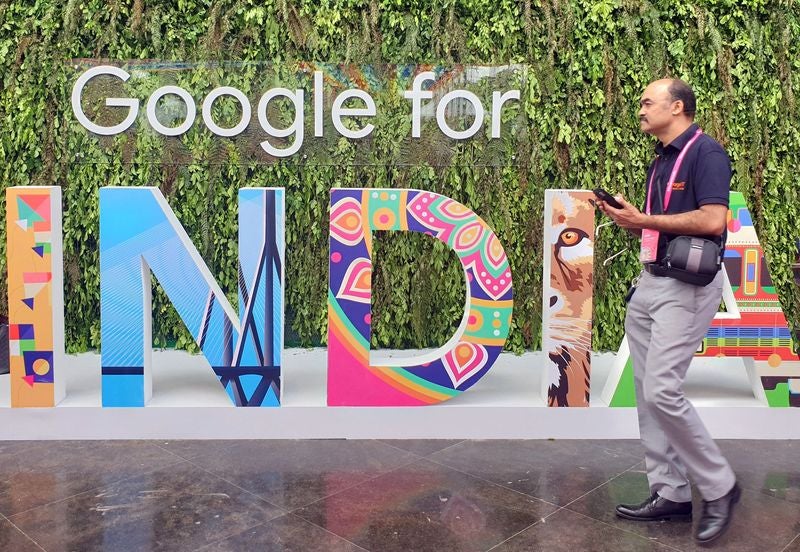

Google Has To Allow Third-Party Stores by Law in India

Startups and other small businesses are cheering the new ruling by the Supreme Court. On Thursday, the court upheld an antitrust order. As per this order, Google has to change how it runs its Android system. The ruling opens the markets for rivals to come in and boost competition.

In October, the CCI (Competition Commission of India) ruled that Google has to make many changes. One of them is refraining from entering agreements that ensure its search services are exclusive. Another change is to remove the mandatory pre-installation of various apps. The ruling also stated that Google has to allow third-party app stores within their Play Store.

Google Play Store DOWNLOAD

While Google moved to block the antitrust directives from October, the Supreme Court declined this request on Thursday. Alphabet Inc said that the new directive would hurt their customers and would also stall the growth of their Android ecosystem. Google now has seven days to comply with these demands.

Google

How Does this Google decision Benefit Customers?

The new ruling benefits customers in various ways. Since Google has to now allow third-party apps, customers can do something that wasn’t allowed by the Play Store in the past – pause an ongoing download. Customers only had the option to cancel an ongoing download. This would waste time, as large downloads would have to begin all over again. This also allows users to control the data that will be used when downloading outside Wi-Fi.

Who Does This Benefit?

This ruling benefits many small businesses. For example, Google Maps is pre-installed by default on all Android devices. This leaves very little scope for apps such as MapmyIndia to gain any market share. With the new ruling, Google cannot mandate the pre-installation of apps now. With over 97% of phones in India running on Android, this is a major relief for most startups to build their market share in the Android space.

Other companies that would benefit from this as those that run an app store similar to that of Google. Google does not allow any other play store to run on their OS. This will change now, and app stores from companies such as Indus OS can now hope that their store may find new customers.

Leaked Dead Space Footage shows a possible rumor confirmed

At the end of 2022, rumors started about a collaboration between Fortnite x Dead Space, but it has not been completely confirmed. However, it does appear that it may happen sooner than later.

Dead Space DOWNLOAD

SPOILER ALERT – The leaked info may contain details you don’t want to know yet

Leaked Dead Space Footage shows possible rumor confirmed

Even though this rumor does not come from an official source or Epic Games, it was leaked via Twitter by the reliable and popular @ShiinaBR. According to him, January 23 brings an Item Shop rotation, and the crossover will have an Isaac Clarke skin and other aspects. The possibility of more content may arrive with the crossover.

@ShiinaBR

CONFIRMED: Isaac Clarke will be available on January 23 at 7 PM ET!

– Plasma Cutter Pickaxe

– Back Bling 1: Has an HP bar that changes based on health

– Back Bling 2: Glows blue when you take no damage and glows red when you take damage

Perfect timing from Epic Games with the scheduled release for The Dead Space remake in a few days, and the franchise excitement is high. There is confusion, and fans are surprised that they have not confirmed the crossover officially with the expected release upon us. But perhaps the Item Shop rotation will hold all the answers.

It is essential to remember that these are rumors based on leaks; therefore, until there is official confirmation from Epic Games or until it arrives in-game, you should treat the information as just that – a rumor!

WhatsApp Plan To Allow You To Send Photos Uncompressed

If you’re the one friend or family member that sends out tons of images on various groups, you now have good news. You no longer have to worry about compressing images and sending out smaller files. As per the latest feature, WhatsApp will allow users to send top-quality images without the user having to suppress them. This new option allows users to send images of the best possible quality, without compromising on data.

WhatsApp DOWNLOAd

Currently, WhatsApp allows users to pick the picture quality. However, it does not permit users to send files in the original resolutions. Even if you select ‘best quality’ when sending out images, WhatsApp will still compress them so that data transfer will happen faster and storage space is saved.

WhatsApp

What Is Included in the New WhatsApp Update?

WhatsApp’s new version is currently being tested and is therefore not available for testing. New information from WABetaInfo has revealed that the new version will include a photo quality option within settings. This will be under the drawing tool header. 

This will be different from a previous update that automatically adjusted configurations. It is also not clear if the new feature will apply to uncompressed videos as well. Till the new feature is released, users can send out videos and images without WhatsApp auto-compressing them. All they need to do is change the file extension to .doc and send it as a document rather than a media file.

When Is the Update Being Released?

Although no timeline is provided, the new version could be close to release. Watch this space for more information as this new feature continues going through the testing phase.

WhatsApp: 5 new features that will come to the application

WhatsApp is updated: we will tell you about the five new features that users of the app will enjoy in the not so distant future.

We have little to say about WhatsApp that you don’t already know at this point. The most popular messaging application in the world has also become the most essential for many. Although in its beginnings it was guilty of being too basic, the guys from Meta have put their batteries into action and have begun to vitaminize it with very interesting news.

WhatsApp DOWNLOAD
8

The application has a beta program (on Android and iOS) where we can see in advance what is new that it will bring in future updates. Here below, we list the 5 new features that WhatsApp users will enjoy in the not so distant future.

Copy and transcribe text from an image

This will be one of the first features iPhone users will see before Android users. The reason? This is one of the features that iOS 16 has, the latest version of iOS. Thanks to this utility, the system is capable of recognizing letters, phrases and entire texts within a photo and copying them. Of course, it is something very useful if you know how to take advantage of it: scanning of documents, translation of posters, copying of data… the uses can be very varied.

Import chat history between two Android devices without Google Drive

As of today, Android users are condemned to use Google Drive in case they want to have a backup of WhatsApp. Google Drive is not one of the most secure options as it does not have end-to-end encryption.

Fortunately, in the future WhatsApp will give the option to use other different storage platforms to save backups. . It is still not entirely clear how they will do it, so we will have to wait to see it in person.

Add messages to forwarded photos or videos

WhatsApp has many limitations. One of them is to prevent us from attaching a text message to photos or videos that we forward between our contacts. As of today, we know that Meta is already working to fix this and in the near future, we will be able to forward both media and messages (without taking any additional steps).

Voice messages in the states

This is quite a curious and fun improvement. Although WhatsApp states are not precisely the most used functions, there are many users who love them. They will be the ones who will enjoy this new option: record voice notes to upload them to the states. The novelty has been discovered in the beta version of the application, so we will see it among ourselves soon.

Connect through a proxy

A proxy server serves as a link between a user and the Internet itself. When browsing the web, you connect directly to the site you are visiting. If you use a proxy, it will be the one that communicates with other websites on your behalf. This functionality will be very useful in case you want to preserve your privacy. If you are interested in how it works and want to use it yourself, just go to the official WhatsApp support.

The definitive guide to edit your photos with your mobile

In this article we will teach you a series of tricks so that you can edit like a real pro from your mobile.

We recently told you a trick to make your mobile photos look much better. Now, we want to go a little further and let you get the most out of the smartphone you have in your hands. To do this, we are going to use photo editing and everything it can offer us.

Google Camera DOWNLOAD
8

The reality is that the lenses and sensors mounted on today’s smartphones have a quality that years ago was practically unthinkable. The same goes for apps meant for photo editing. The number of settings and options they have can be somewhat overwhelming, especially if you come from new. In this article we will teach you a series of tricks so that you can edit like a real pro from your mobile.

Exposure

Although the editing controls vary between applications, there are some parameters that will always be present (unless we are dealing with a very basic and pared-down app). One of these parameters is the Exposure. Changing the exposure level of a photo will make the photo darker or brighter. If you know how to play well with the exposure, you can make your photos pop even more.

White Balance

Adjusting the white balance will serve to change the brightest part of the picture. Its counterpart is the black balance, which, as you may have guessed, is used to change the darkest part. On the other hand, in Highlights you can adjust the brightness level in the brightest areas. Finally, in Shadows you will do the same but in the darker areas. For your information, here we are taking as a reference the Google Photos editor, one of the most basic ones.

Contrast

Adjusting contrast is part of any self-respecting editing application. It changes the contrast to increase or decrease the tones between the lightest and darkest points of an image. The more contrast there is, the more differentiation there is between the brightest and darkest. Photographs with low contrast can look flat and dull.

Color Saturation

In addition to controlling the light, it is important not to lose sight of the colors. You can change the strength of these by adjusting the saturation. Then we have the warmth, which will serve to make the tone of the colors turn more towards warm colors such as oranges, yellows or reds. On the other hand, changing the hue will readjust the overall tint of the image.

Experiment with all the options

The ones listed above are just some of the basic settings to keep in mind. Thanks to them, you will go one step beyond the established filters and automatisms of your favorite photo editor. Still, not all applications work the same and each one may have its own tricks.

Some of the best ones you can find for your device are VSCO, Snapseed or Adobe Lightroom. Try them until you find the one that best suits your needs.

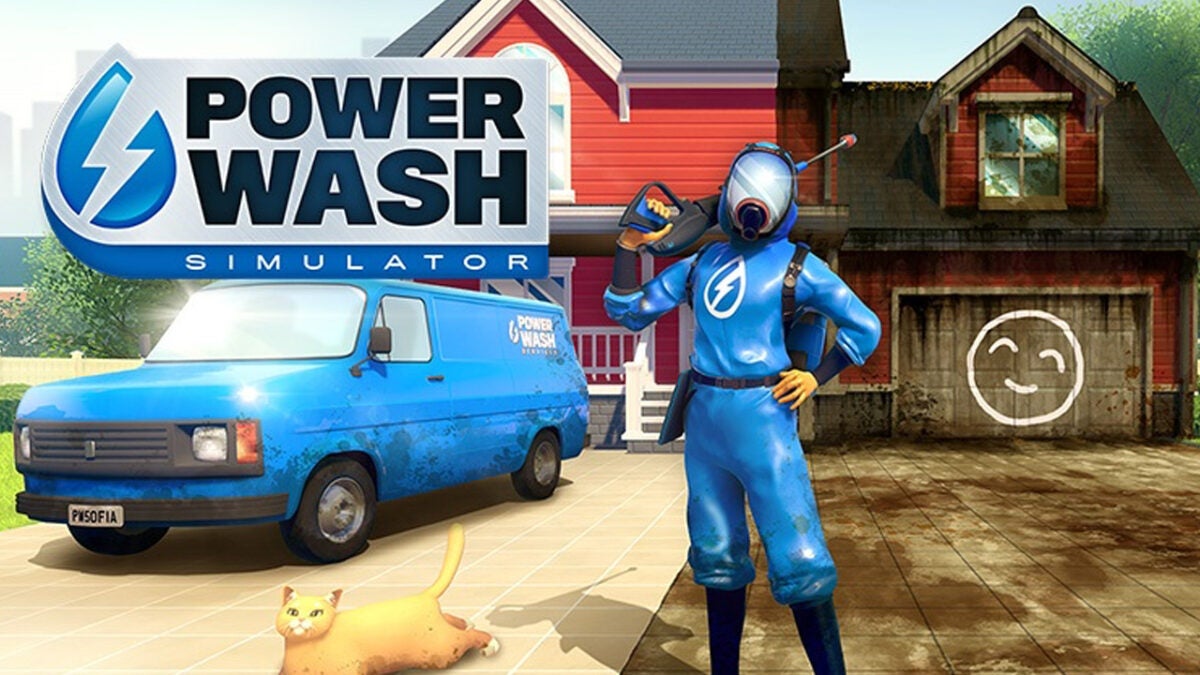
PowerWash Simulator: what it is and how to play

If you are one of those who loves to remove dirt and have your house like gold jets, we guarantee that Power Wash Simulator is your definitive video game. Behind this title there is a very addictive gameplay, which will make us clean everything that is dirty on a stage.

Power Wash Simulator DOWNLOAD
9

Developed by FuturLab and published by Square Enix Collective, it is basically a shooter where our weapon is a machine with pressurized water. The perspective of the game is in the first person and at the beginning, we take control of a small cleaning business. To advance, we will have to accept different jobs, which act as levels.

Your objective will be to thoroughly clean different objects and places, which can range from large residential houses to the most diverse places. Upon successfully clearing an item, the player will receive money as a reward. This money can be used to upgrade our cleaning tools or customize our water gun to be more efficient. The player can also use other additional tools, such as a ladder that can reach different areas of a level.

This same week, FuturLab has announced the release of a free DLC where we will have to clean Lara Croft’s house. Stay tuned, as this crossover between Power Wash Simulator and Tomb Raider will arrive on January 31.

How can I play Power Wash Simulator?

To play Power Wash Simulator, you will need to purchase the game through one of its official channels. As of today, Power Wash Simulator is available to play on virtually all current consoles: PC, PS4, PS5, Xbox Series X/S, Xbox One, and Nintendo Switch. Also, if you are one of those who is subscribed to Xbox Game Pass Ultimate, you can enjoy the game without having to checkout (again).

Finally, it is worth adding that Power Wash Simulator is a very relaxing game. If one day you find yourself more stressed than necessary, give it a try and calm down by cleaning (even if it is virtually).

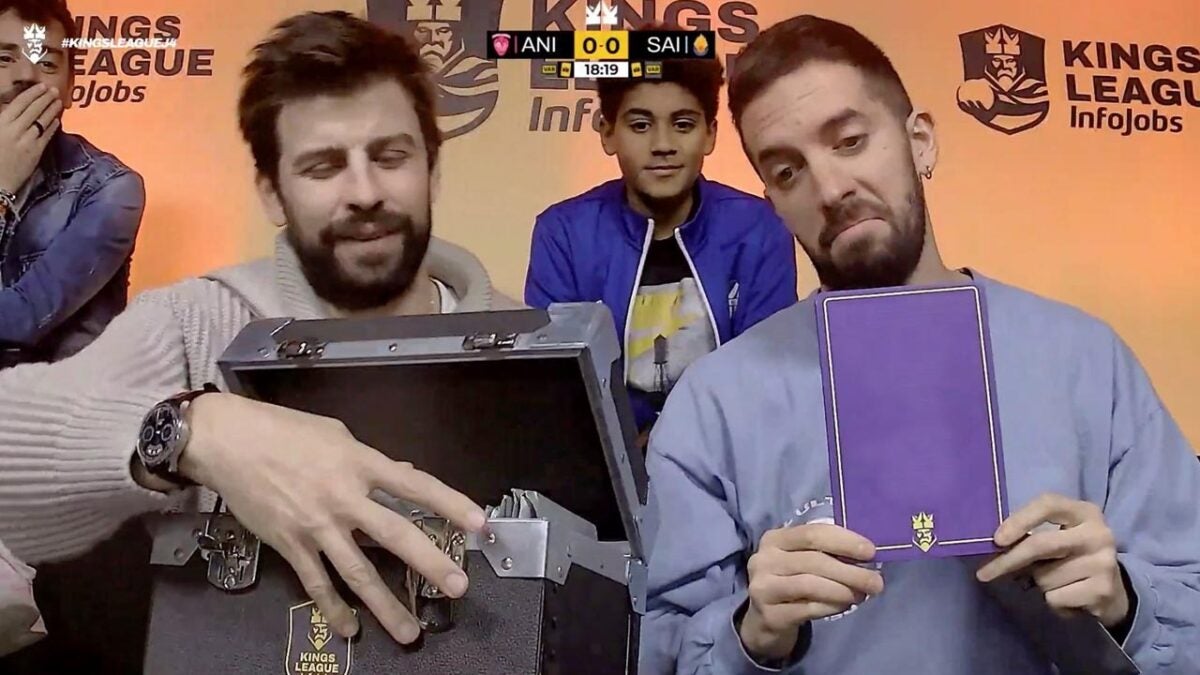
Kings League matchday 4: tie between five teams (and David Broncano, player?)

Five teams tied at the top and Broncano… as a footballer?

Matchday 4 of the Kings League has left us with a classification that could not be more equal at the moment: there are a total of five teams tied at three wins and one loss. And yes, this means that the teams unbeaten until the previous matchday are no longer unbeaten.

Iker Casillas’ 1K FC was defeated by El Barrio 2 – 5. Likewise, TheGrefg‘s Saiyans tied their match against Aniquiladores 1 – 1; however, as there are no draws in this competition, in the penalty shootout they ended up winning Aniquiladores 3 – 2. The results of this day 4 were as follows:

  • Xbuyer Team 3 – 2 Jijantes FC
  • PIO FC (1) 2 – 2 (2) Kunisports
  • 1K FC 2 – 5 El Barrio
  • Porcinos FC 5 – 1 Rayo de Barcelona
  • Aniquiladores FC (3) 1 – 1 (2) Saiyans FC
  • Ultimate Móstoles 5 – 1 Los Troncos FC

Leaderboard

The championship standings, as we have already said, have a five-fold tie in victories, with two teams that have yet to win a single match:

  1. Saiyans FC (3 V – 1 D)
  2. Ultimate Móstoles (3 V – 1 D)
  3. Porcinos FC (3 V – 1 D)
  4. 1K FC (3 V – 1 D)
  5. Kunisports (3 V – 1 D)
  6. El Barrio (2 V – 2 D)
  7. Aniquiladores FC (2 V – 2 D)
  8. Xbuyer Team (2 V – 2 D)
  9. Los Troncos FC (2 V – 2 D)
  10. Rayo de Barcelona (1 V – 3 D)
  11. Jijantes FC (0 V – 3 D)
  12. PIO FC (0 V – 3 D)

David Broncano, player?

As usual in the Kings League circus -thank you, Javier Tebas, for the best catchphrase in the world-, the day was not exempt of curious news. Perhaps the most important one had David Broncano as the main protagonist.

The presenter of La Resistencia -and formerly La Vida Moderna- was present on this day 4 in the box of authorities. Right there, they asked him if he would be willing to play a game with a team. And yes, the answer was affirmative (we know that Broncano is a good soccer player and was close to professional categories). Will you leave tennis parked for a day?

Why does James Cameron want to bring Titanic back to theaters for Valentine's Day?

Titanic is re-released in theaters for Valentine's Day and James Cameron explains the reasons behind this curious decision.

One of the most romantic movies by antonomasia returns again to theaters. We are, of course, referring to Titanic, James Cameron’s blockbuster drama. Although at the time the main attraction was the fateful sinking, what managed to captivate the viewer was its tragic love story. Now, Rose and Jack are back to make you cry your eyes out for Valentine’s Day.

The news came from James Cameron’s producer partner Jon Landau. During the Disney conference at CinemaEurope, Landau confirmed that starting February 10 we will enjoy Titanic in its 4K HDR remastered version. The film celebrated its 15th anniversary since its premiere last December and has the honor of being the third highest-grossing film in history (behind Avatar and Avengers: Endgame).

If we take into account the dates and the romantic nature of Titanic, you don’t have to be a genius to connect the dots. However, James Cameron explains that there are other reasons for this special revival.

In his speech on The Jess Cagle Podcast, the director took the opportunity to tell a curious anecdote: February 14 was the day that Titanic grossed the most during its original premiere, an unusual detail as well as beautiful.

James Cameron and the success of Avatar: The Sense of Water

Of course, it seems that James Cameron does not know the word “failure”. The premiere of Avatar: The sense of water did not have everything with it. The first part of the saga was released in 2009 and there were many doubts about the interest that this late second part could arouse. However, as Gandalf would say: “a magician is never late or early, he arrives exactly when he intends to“.

The sequel to Avatar has managed to exceed 2.000 million at the box office, a feat few films can achieve. Will the Titanic revival be another hit for the director?

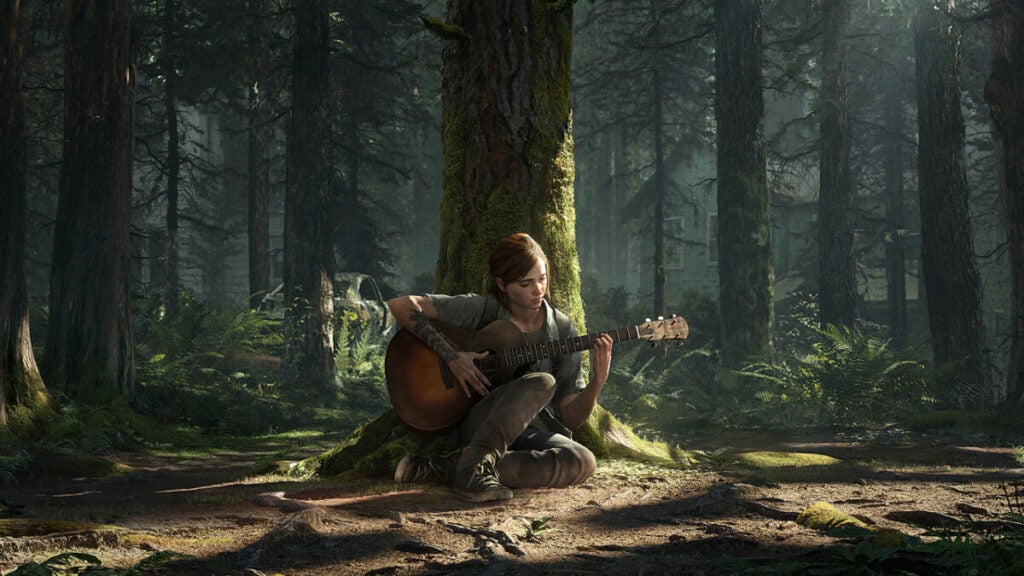
The Last of Us: will the first season cover the entire game?

How far into the game will The Last of Us cover? Craig Mazin and Neil Druckmann, creators of the series, answer this question in an interview with Gizmodo

Have you already embarked on Joel and Ellie’s journey? The Last of Us, the new HBO Max production based on the video game of the same name, premiered a few days ago and the response from both the public and critics has been spectacular. With a 99% rating from the media and 96% from the public, the series has obtained a score on Rotten Tomatoes that classifies it as one of the best audiovisual adaptations of a video game.

HBO Max DOWNLOAD
9

With this context, more than one fan of the original The Last of Us will be wondering how much the story of the series will cover, made up of a total of 9 episodes. Will it cover the whole game? Will you see any of your DLC, Left Behind? Will there be unpublished stories? We have answers to these questions.

First season=The Last of Us + DLC

In an interview with Gizmodo, the creators of the series, Craig Mazin and Neil Druckmann (also creator of the video game) wanted to be clear: “The first season covers the events of the first game, and if you’ve played the game, looking at the marketing materials you realize we covered the events of Left Behind as well“. With this confirmation, it is clear that we will be able to see several crucial characters and events in Ellie’s past.

But what about The Last of Us Part II? Although this first season will only cover the content of The Last of Us and its DLC, the creators have also wanted to clarify what plans there are for the future: “I think the amount of history we have left to cover would be more than one season of television. So, assuming we can move on, the idea would be to do more than one season“.

That is, in the event that the series went ahead (something very likely after its good results), the events of The Last of Us Part 2 would cover the second and third seasons of the series.

There is also the question of whether new stories will be created that go beyond the original material, something that other HBO series such as The Handmaid’s Tale or The House of the Dragon have already done, and which inevitably ends up being a topic of debate in social media.

“I’m not interested in going beyond existing source material. As a viewer, I have no problem watching shows that go on and on and on. No problem. But as a writer, I don’t want to see myself in the situation of having to turn a plate to do one season after another”, explains Mazin in the interview. “It’s important to me that things have a purpose, and if they have a purpose, that means they have an end“.