Meet Google Meet’s Companion Mode

There has long been a gap between people working on location and those working remotely. With most of the world’s corporations investing more in remote opportunities to keep workers safe and uphold the ‘new normal,’ corporate society is ready for a bridge in this gap. Enter Google Meet and its Companion Mode; Software designed to deliver a simplified second-screen experience to your meetings. 

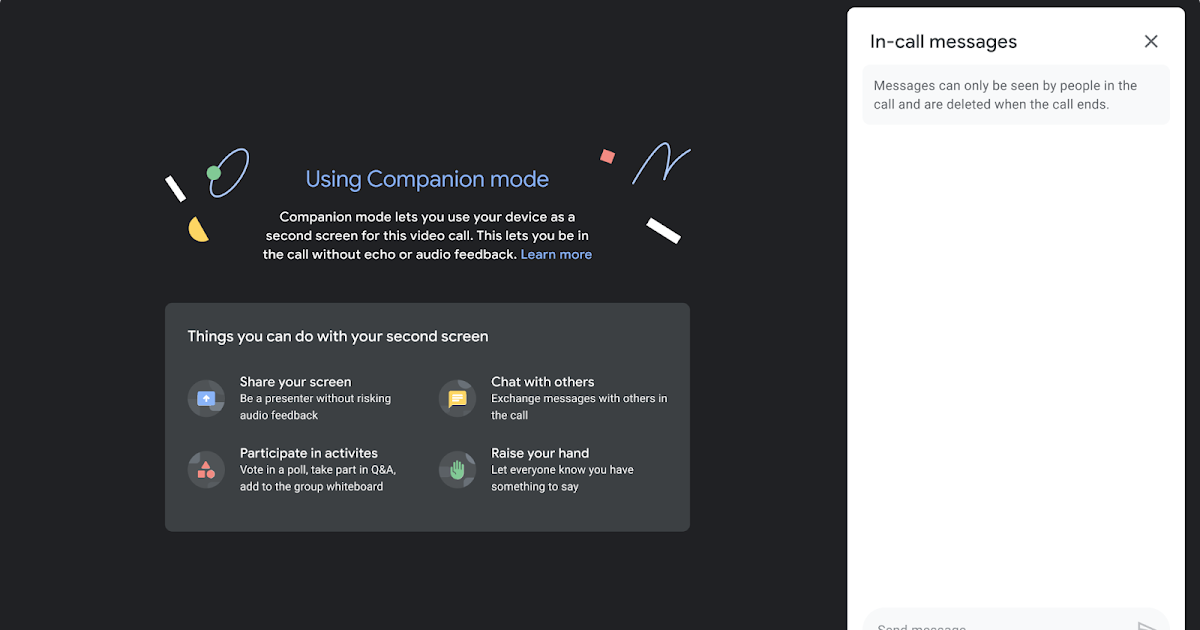
Companion Mode is designed to solve two problems. First off, Google Meet calls often become more of an annoyance than anything else when too many participants are involved. Too many faces and the chat menu having shared custody over your screen during a call is far from comfortable. Companion Mode lets you join the same meetings from a separate eligible device, letting you contribute, share and brainstorm without being in a cluttered digital workspace. 

When participants join a Google Meet call with users working remotely, the second problem comes into play. Individually, they can’t chat with participants in a Meet call, raise hands, or answer polls without the entire setup turning into anarchy. Google Meet Companion Mode delivers essential Google Meet features to all participants, resulting in flawless communication during video calls. 

All you need do to access Companion Mode is click on a Google Meet invite link, and your browser will automatically open up the ‘Ready to Join’ screen. Next, you’ll click on ‘Use Companion Mode,’ and you’re ready to participate in a more streamlined meeting experience. You can also simply visit this link, enter your meeting code or invite link into the dialogue box, and select ‘Start Companion’ to join a call. 

Google Meet Companion Mode’s noise cancellation automatically disables your mic and camera on any additional device to prevent feedback interference while you’re on your call. You can also now present either your entire screen, a selected window, or simply a tab to the rest of the participants in a Google Meet call as easily as selecting the ‘Present now’ icon at the bottom of the call. This is a square with an upward arrow. 

Google Meet Companion Mode is built to make meetings more efficient and convenient in the new cyber commerce landscape. Feel free to read more about what Google Meet is and how you can use it.
Windows 11 Taskbar to support drag & drop

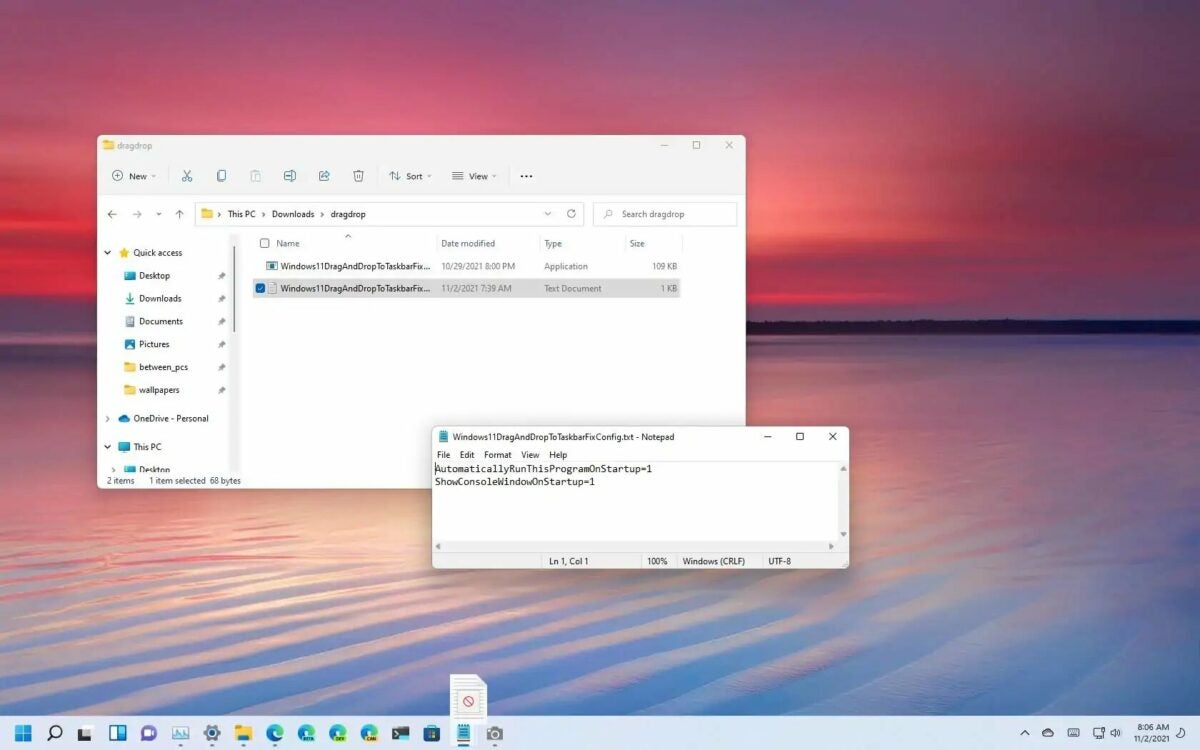
The Drag & Drop taskbar feature is one of the many that mysteriously disappeared from the Windows experience when Windows 11 rolled out. After a few months of usage, the Microsoft team has announced the much-loved Drag & Drop feature will return to Windows in a future update of Windows 11. In Microsoft’s own words: ‘Drag and drop is now supported on the Windows 11 taskbar. Quickly drag and drop files between app windows, by hovering over apps in the taskbar to bring their windows to the foreground.’

There’s no story behind how the Drag & Drop feature works. It works exactly as you’d expect it to; You simply drag files from anywhere on your Windows 11 device to the desired app icon on the taskbar. For instance, if you’d like to add an attachment to a new email, simply drag the file and drop it over the Outlook icon. Being able to drag and drop files as we could on Windows 10 will significantly improve the new operating system’s functionality and likely its popularity. 

As of yet, we don’t know when Drag & Drop will be released to all versions of Windows 11. For now, the feature is only available to users part of the Windows Insider program. The KB5010414 update issues a number of changes to the Windows 11 taskbar, so we can assume that Micorosft will release the Drag & Drop feature soon, given that they do currently seem to be focused on improving the taskbar’s functionality. 

While you’re patiently waiting for Microsoft to roll out the Drag & Drop feature to a broader audience, check out our other articles on Microsoft’s latest news, like all the new features in the KB5010414 update for Windows 11 and how to factory reset your Windows 11 device.

WhatsApp Beta adds new emoji feature on Windows

Meta released a new WhatsApp Beta version for Windows systems. The team developed the Beta version as a Universal Windows Platform (UWP), making it more aligned with the upcoming Windows 11. Since the new WhatsApp Beta’s release, we’ve seen improvements to many features.

The latest development on WhatsApp Beta has been a new feature for emojis. Emoji’s have been available on WhatsApp Beta for Windows and iOS for a while; however, recently, the developers introduced shortcuts to make emojis on a desktop or laptop easier and more convenient.

WABetaInfo first reported this new feature available in the WhatsApp UWP beta version 2.2206.1.0. It allows users to type the emoji prefixed with a colon (:). Once you start typing after the colon, a bar will pop up with emoji recommendations for you to choose from. This means you don’t need to look for the emoji manually from Windows virtual keyboard or the emoji picker.

While this feature was available in the older version of WhatsApp on Windows, it was missing from the UWP version until now. This feature works similar to existing emoji shortcuts found on Slack, Discord, and other messaging apps.

In recent months, we have seen Meta do a lot of work on the WhatsApp Beta for Windows. Just this month, WhatsApp introduced a dark mode for the Windows app. We saw search engine filters in January, along with improvements to disappearing messages. WhatsApp Pay is also now available in India, while background voice notes playback is available to some users. We’re still looking forward to the release of the Android-to-iOS chat transfer, WhatsApp Community feature, and message reactions that are in the works.

With all the improvements to WhatsApp Beta, we look forward to seeing how well it functions on Windows 11 once it’s been officially released.

Lost Ark Update: Patch Notes for February 17th Release

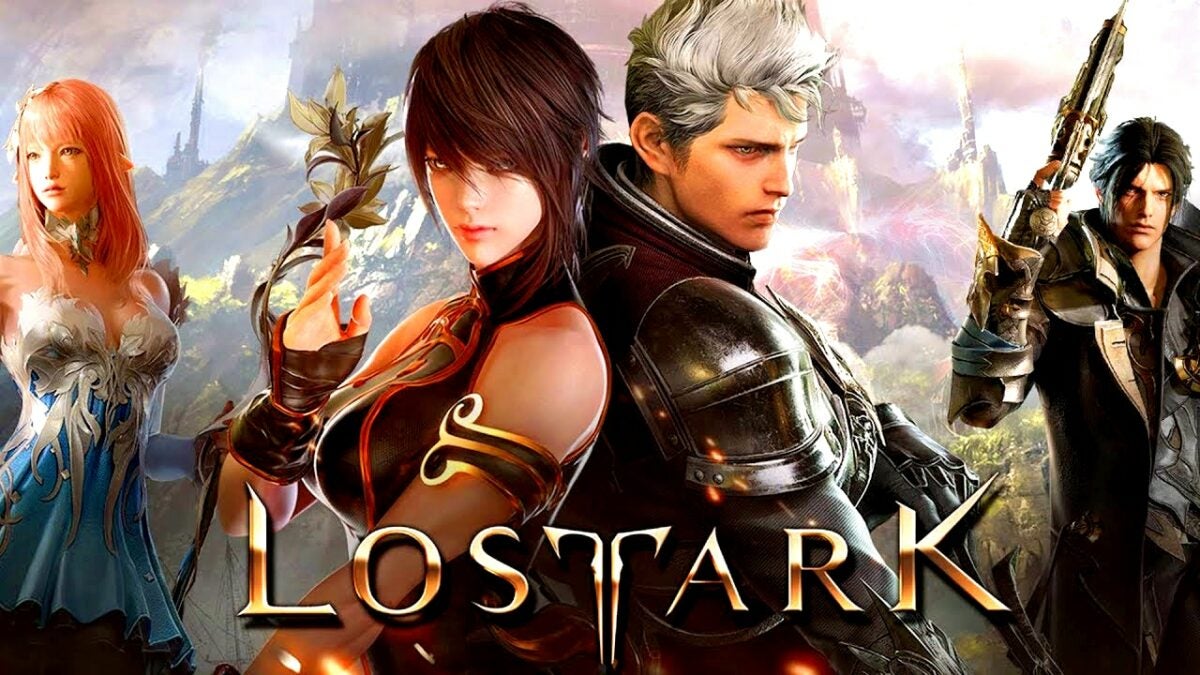
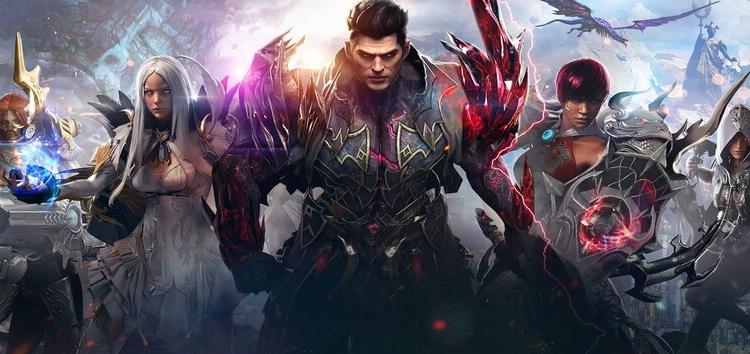
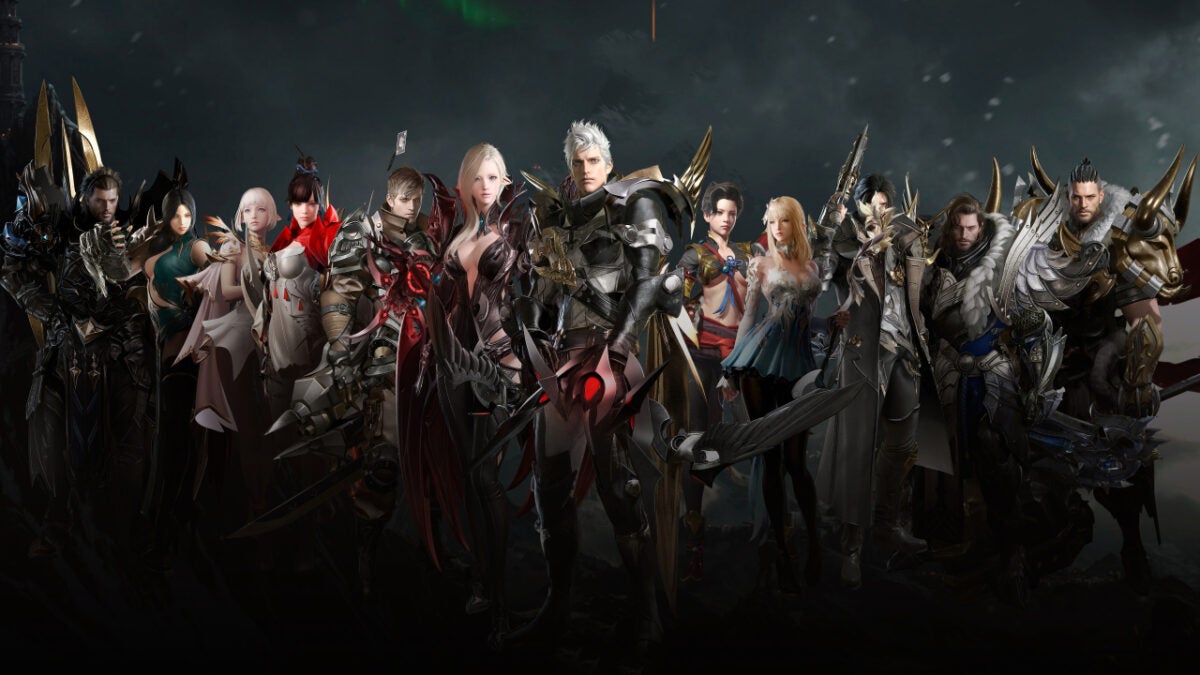
Lost Ark made its Western debut last week and hastily ascended to the most-played game on Steam. The launch was, however, not perfect. Server queues in some European regions and a host of other setbacks knocked a dent into Lost Ark’s launch success and made numerous hotfix updates to the game a necessity. 

Today, Lost Ark receives its first major update to address various issues not fixed in the hotfix updates, and we have the patch notes: 

  • Fixed the Royal Crystal refunds issue where currency can get stuck or remain ‘pending’ while using the exchange. 
  • Solved the issue causing Procyon’s compass schedule to show the incorrect time for Adventure Islands. 
  • Fixed the issue that prevents the Northern Lawmaker skin applied to any Warrior sub-class from displaying correctly when dyed. 
  • Solved the language-translation issue that resulted in emoticons exchanged between players of different languages being displayed as text. 
  • Fixed a DX11 issue that caused the UI scale to be offset after fiddling with native resolution settings while in Full-Screen mode. 
  • Solved the issue that resulted in the player being booted from the game while playing in the Central European region. 
  • Implemented the groundwork for new hosts for the European region called ‘Europe West.’ While the region selection tab for Europe West will be visible after the maintenance downtime, the servers will not be available immediately to players. 

The groundwork being laid for the new European servers will take a lot of pressure off the European game grid for Lost Ark and enable more players in these regions to play more comfortably. This means no more ‘Cannot connect due to heavy traffic’ and ‘Error 10027’ notifications. 

The server downtime will commence at 07:59 UTC and will last roughly three hours. Therefore, the brave Arkesian warriors will have to wait until 11:00 UTC to play again. Remember that this maintenance period may take longer than expected, and not all the servers are guaranteed to come back at once. While you wait for gameplay to resume, why not read about the Lost Ark Twitch Drops?

How to Download and Install Android Apps on Windows 11

Microsoft recently announced a new update to Windows 11 that will likely change the way users interact with the newborn OS. Among the most highly anticipated features of Windows 11 Update KB5010414 is the ability to download and install Android apps to your Windows 11 device. This opens up a new realm of possibilities for future updates and general functionality, but how easy is it to get right?

Despite the complex computations and technical jargon, we’re about to pay some attention to, using Android apps in Windows 11 is remarkably easy. Support for Android apps is something the Windows team teased at Windows 11’s launch, and it’s high time that the functionality is integrated into the young OS. We will show you exactly how to download and install Android apps to your Windows 11 devices in just a few simple steps.

How to Download and Install Android Apps

Now for the techy stuff: The Windows Subsystem for Android (WSA), developed by Microsoft, is how Windows 11 can run Android apps. This subsystem exists in a Hyper-V Virtual Machine and bridges the gap between the two OSs. The Windows Subsystem for Android has a comprehensive understanding of critical processes like mapping the runtime API of an Android app. It also understands myriad essential components like memory buffers, sensors, input modes, and physical and virtual devices. 

However, downloading and installing Android apps is made easy for you.

  1. Tweak a Few Settings

    How to Download and Install Android Apps on Windows 11

    Ensure that your computer’s region and language are set to the US and US English. To check change this, head to Time & Language in the settings menu.

  2. Head to the Store

    How to Download and Install Android Apps on Windows 11

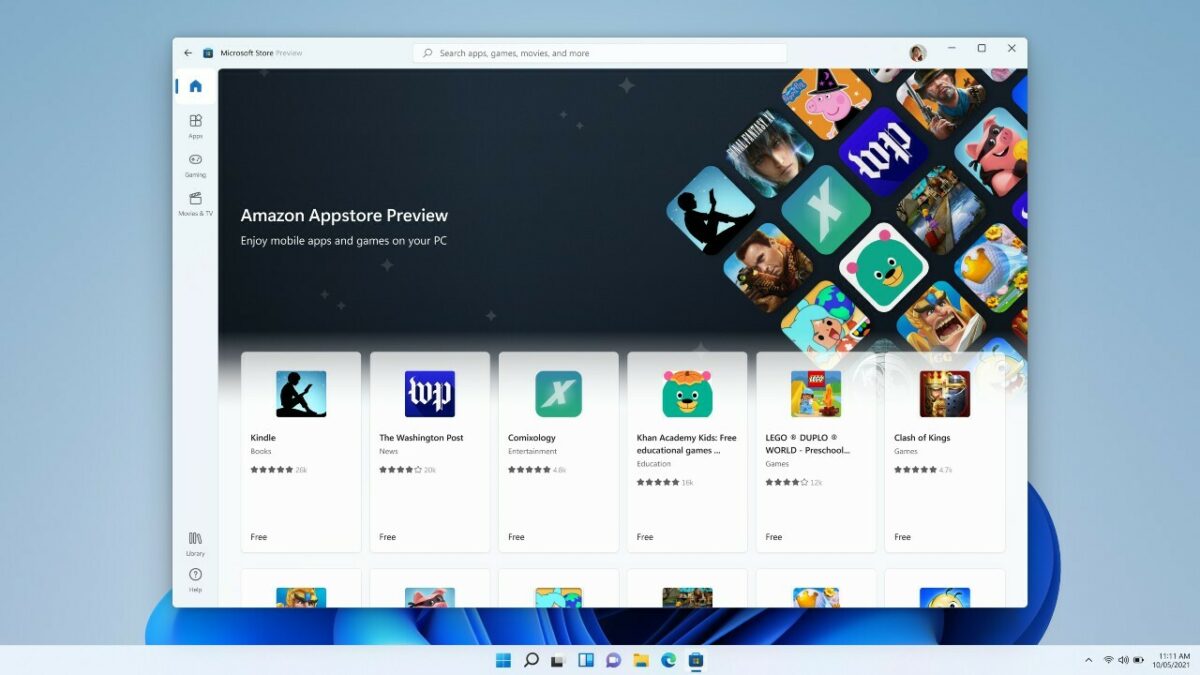
    Next, you’ll need to open the Microsoft Store and click on the preview banner for the Amazon Appstore.

  3. Off to Another Store

    How to Download and Install Android Apps on Windows 11

    Click on any of the listed apps, and then select ‘Get from Amazon Appstore.’ Now, you’ll want to follow the on-screen prompts to install Amazon’s Appstore client on your Windows 11 device.

  4. Sign In

    How to Download and Install Android Apps on Windows 11

    You’ll need to sign in to your Amazon account once the installation is complete, but from there, all you need to do is click on your favorite Android apps and install them as you would anything else.

Step Into a More Connected Future

As useful as this update will be when the final build comes out, the implications of the technological advancements required to make something like this work are far more significant. We are standing on the brink of a more connected future than ever.

Taking into account the news that a developer got Windows 11 to boot and run inside his Android device, the gap between Android and Windows is getting smaller. With more bridges and utilities being released as time goes on, we might be looking at a future where your device and operating system are much more fluid. 

Windows 11 update lets you install Android apps

Windows 11 launched in October 2021, and already the newborn OS is solidifying Microsoft’s dominance over the software market. The most recent update of Windows 11 adds even more functionality than the system’s predecessors. Windows 11 users can now install Android apps on their computers directly from the Amazon Appstore. 

This innovation in Windows 11 functionality is thanks to the Microsoft Windows Subsystem for Android (WSA). WSA powers the Amazon Appstore and its considerable catalog and is obtainable through the Microsoft Store as part of Amazon’s Appstore installation. Similar to the Linux Windows Subsystem, WSA runs in a Hyper-V Virtual Machine and demonstrates a comprehensive understanding of how to map an app’s runtime API, as well as other integral components such as memory buffers, physical and virtual devices, sensors, and input modes. 

Android app support was one of the critical future features that formed part of the Windows 11 launch. This is one of the features that excited users the most, along with Windows 11’s new fluid design language and integral security upgrades. 

Because Android app functionality relies on Amazon infrastructure, you’ll need to sign in with your Amazon account before you can download your favorite apps to Windows 11. The Amazon Appstore preview is currently only available in the US, so you’ll need to tweak your settings a little if you’re not in the US. 

Android app support isn’t the only notable feature of the new Windows 11 update. The February 22 Windows 11 update also includes an updated taskbar layout with the weather finally in the mix. It also features updated apps like the dedicated Notepad and Media Player shipping with fresh designs and a new feature that lets you mute and unmute Microsoft Teams calls directly from the taskbar. 

If you are eager to make the move from the old to the new OS, make sure you check our guide for how to transfer files from Windows 10 to Windows 11.

Developer shows Windows 11 can boot from Android 13

A developer known as kdrag0n has successfully booted Windows 11 from an Android 13 device. The new Android 13 operating system is still in its earliest stages, with a developer release launched just last week. Google predicts a stable beta should be ready around the time of the Google I/O developer conference, with a final build released in the fall of 2022. 

In the developer build, Google exposed a number of new features due to make it into the final release. One of these features is a far more stable virtual machine implementation. This is a protected sandbox where users can boot up other applications. It is within this new and improved virtual machine space that kdrag0n got Windows 11 running on a Google Pixel 6. This achievement on its own is impressive, but the implications of what kdrag0n has managed to do may be innumerable. 

However, how much kdrag0n’s achievement will mean to the average Android user depends on how easy it is to replicate. Google has created a new dedicated virtualization framework and protected kernel virtualization mechanism to ship with Android 13. Kdrag0n pointed out that he had to make a few tweaks to the developer release of OS to get Windows 11 working in the virtual machine.

If this requires developer knowledge and special access to developmental tools and features, it’s not likely to have an impact on Android in the broader sense. But, this achievement does at least hint at a future where your device and its operating system won’t be exclusively tied to one another. 

Microsoft has already instituted functionality that lets users boot up Linux apps from Windows devices, and soon that will be true for Android apps too. On the other side of the fence, Google has already allowed Windows to ‘run’ from Android devices through Windows 365. The word on the developer wire is that Google may actually bridge the gap completely and let Windows run natively within Android.

Lost Ark developers announce patch for commerce issues

Lost Ark launched in Europe and North America this week, topping the Stream charts and putting many other MMORPG’s to shame with its success. However, it hasn’t all been smooth sailing. The sharpened edge of Smilegate’s newest hack ‘n slash title has hooked on a few tough issues in its first few days. Lost Ark’s developers say they are aware of the issues and are working to resolve them this week. 

Numerous issues have been highlighted in the official forums, the most pressing of which involve premium content and the in-game store functionality. While these issues sound worlds apart, according to the development team behind Lost Ark, they stem from the same root problem.

Currently, Lost Ark is experiencing issues with its commerce server. This affects any premium purchases and timed account benefits like Crystalline Auras and causes them to disappear from players’ profiles intermittently. Because the store also functions with the commerce server, issues with said server connecting to the game server also impact the in-game store. This functionality disappears intermittently as well. 

The developers say that even though premium content doesn’t currently appear on players’ profiles, it is still entitled to them, and once the issue is resolved, all content will return to its place. 

A special client patch is in development at the moment, which will address the issues players have found. Smilegate hopes to include the patch in the next Lost Ark update and that once it is deployed, all the major commerce server-related issues will be a thing of the past. 

Smilegate is also addressing the queueing issue in the European market. Lost Ark’s developers say that the European region is currently overwhelmed because of increased player activity in the region, citing limitations with Lost Ark’s architecture as an additional cause. In the same breath, the dev team announced that a new European region would be opened soon, EU West. 

Lost Ark is by no means a perfect build, but the development team behind the breakout MMORPG are on the ball, and hopefully, the above issues will be sorted out soon. While you wait for the next patch, check out Lost Ark’s Twitch Drops and how to claim them. 

Microsoft urges users to update Windows 10 before its too late

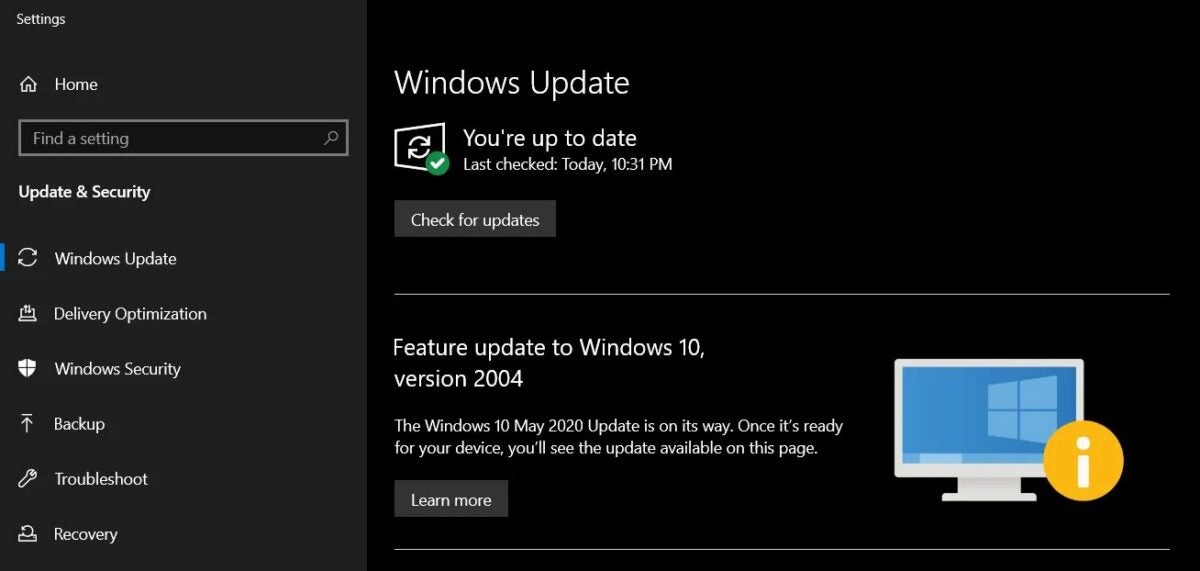
Microsoft has added another version of Windows 10 to its Windows Lifecycle Support page. Windows 10 version 20H2 will cease to receive critical security updates from May 2022. While this doesn’t seem like a massive issue at face value, systems still running the old OS when the time comes will likely feel the impact quite prominently. 

The most prominent issue is that systems running older versions of Windows 10 will be left unprotected even if major security concerns are discovered. This means it will be much more difficult to patch holes or obliterate bugs found after May 2022. This end of support for Windows 10 20H2 will likely affect users in other ways because other major software companies tend to cease support for Windows versions that Microsoft no longer supports. 

Here is a list of the versions of Windows 10 that Microsoft will no longer support from May 10, 2022.

  • Windows 10 Home, version 20H2
  • Windows 10 Pro, version 20H2
  • Windows 10 Pro Education, version 20H2
  • Windows 10 Pro for Workstations, version 20H2

There are a few versions of Windows 10 for which support has been extended. Microsoft will support these versions of Windows 10 20H2 for one more year, officially ending support in May 2023:

  • Windows 10 Enterprise, version 20H2
  • Windows 10 Education, version 20H2
  • Windows 10 IoT Enterprise, version 20H2

While upgrading to Windows 11 is the ultimate solution, the new OS’s system requirements make this impossible for many Windows 10 users. 

If you’ve upgraded to the newest version of Windows 10 and your computer isn’t running well, it might be time to reset your PC. While you’re in the Update & Security neighborhood, why not check if your system is eligible for an upgrade to Windows 11?

Lost Ark Tops Steam Charts

The long-awaited and anxiously-anticipated release of Lost Ark to the western markets seems to have been well worth it. Lost Ark is, at present, the most popular game on Steam. As of the time of writing, Lost Ark has a total of 508,560 current players and records a peak player count on Steam charts of 1.3 million players so far. This figure also makes it the second most popular game of all time behind PUBG, which hit 3.2 million peak players in 2018.            

This roaring success is partly due to the sheer number of players pre-loading the game. Lost Ark racked up 984,111 concurrent players almost instantaneously on its launch day. While this was an impressive feat by anyone’s standards, Lost Ark shattered its own record the following day when it reported 1.325,305 players active simultaneously. This means that on its second day, Lost Ark not only beat Dota 2 and Counter-Strike Global Offensive with concurrent players for the day, but it also beat both games’ all-time records for concurrent players and became the most played game on Steam. 

While it seems to be quite a distance from shattering PUBG’s peak player stats, Lost Ark is only on its third day, and it’s, therefore, way too early to tell how popular this game could get. Reporting metrics as it has so early into its career definitely bodes well for the free-to-play MMORPG. The thing that seems to be driving Lost Ark’s popularity, and will hopefully continue to do so, is the World of Warcraft-shaped hole left in gamers’ lives since many feel the aging MMO is close to the end of its existence. 

Time alone will tell how widely Lost Ark is adopted and how many WoW players will find solace in Arkesia and the battle against Kazeros. But, if its current stats are anything to go by, Lost Ark is poised to make massive waves in the gaming community. Check out Lost Ark’s Twitch drops.