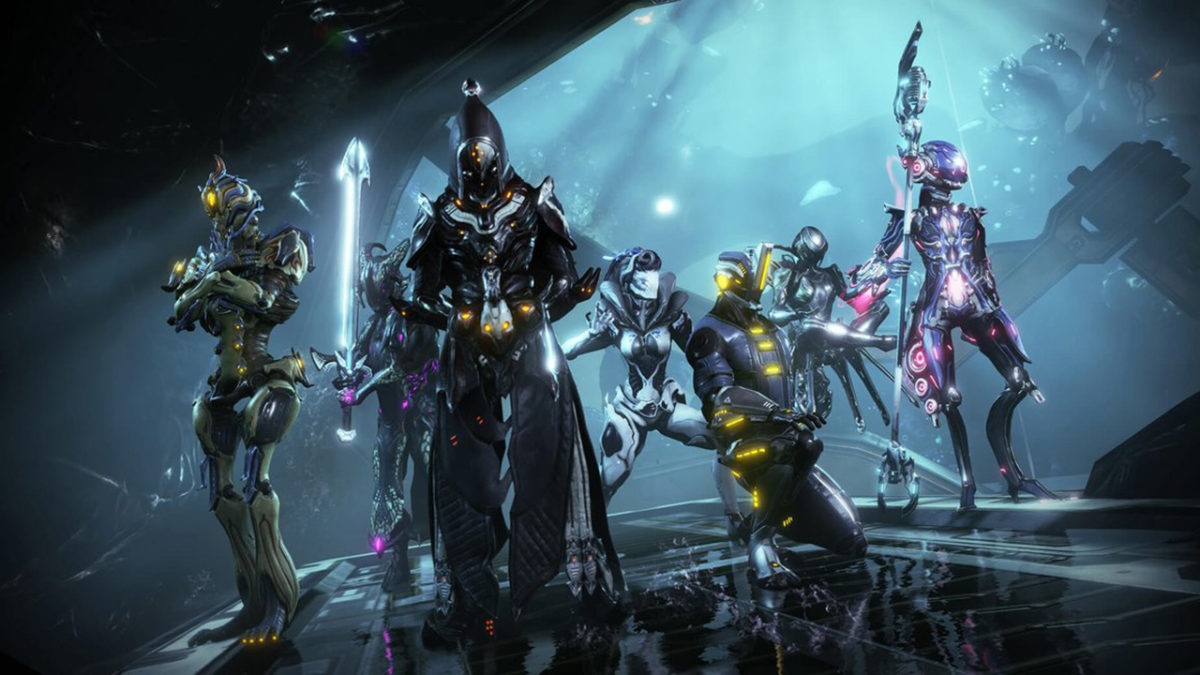
Complete beginner’s guide to Warframe

Warframe is something of a hybrid between an MMORPG and a co-op third person shooter. The game has stunning visuals, versatile gameplay, and so much content. Thankfully it does a great job directing you through most of the main quests, but you may find the gameplay a bit overwhelming at first, especially if you play with people online.

7

Choosing your first Warframe

The very first thing you’ll do when you open Warframe is to pick your starting frame. Your choices are Excalibur, Mag, and Volt. Each of them has their own unique benefits and downsides, so think carefully before making your decision. Here is how each of them work:

Excalibur
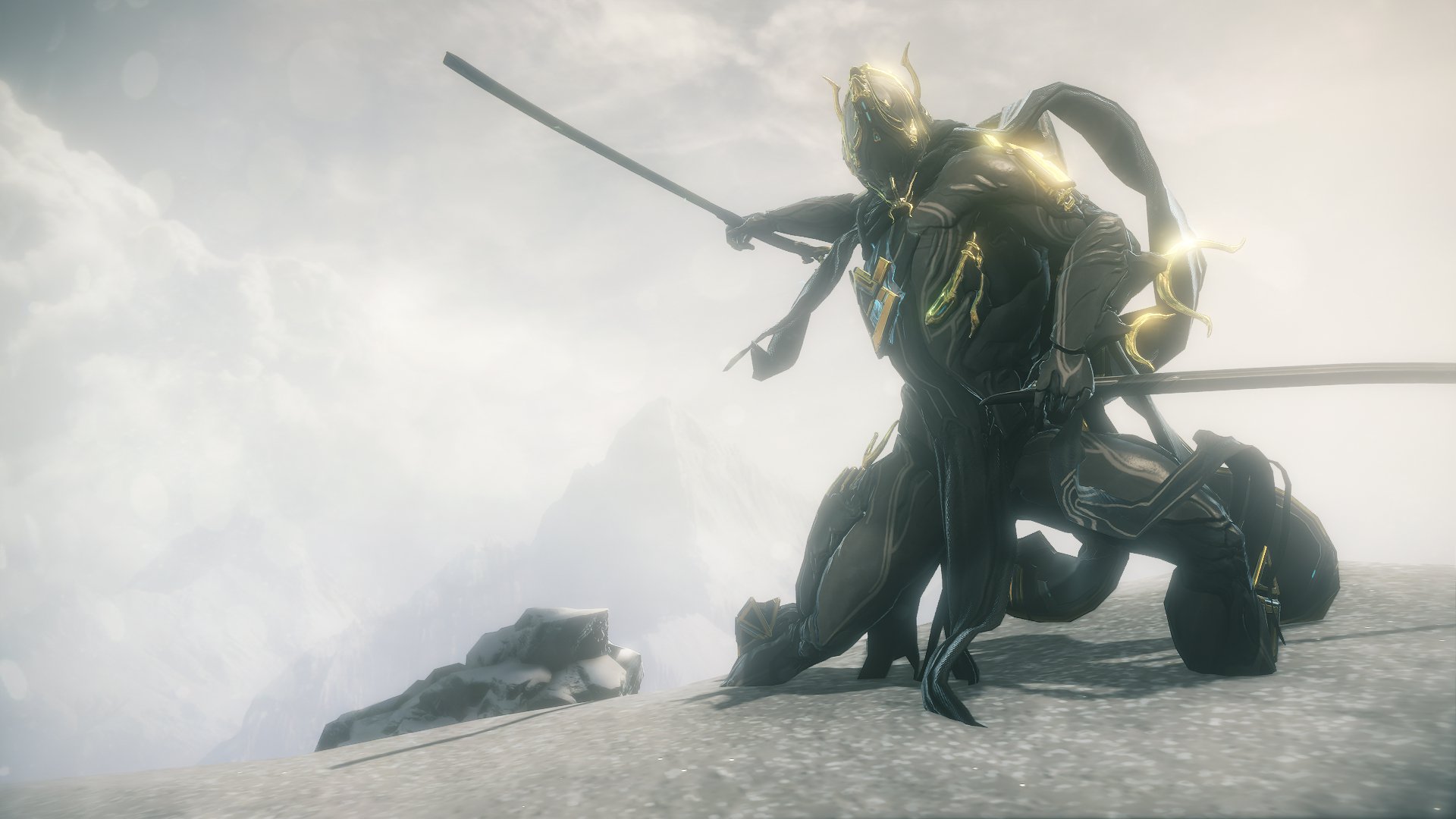
Excalibur is the most common choice, since the game itself recommends him to you. He is the more melee-focused choice, being a bit tankier than the other two and focusing on close range combat. He has good crowd control, and AOE damage, so he’s never a bad choice. Some people consider him to be a bit boring compared to the others, but if you like to play warrior-type characters then he is the perfect pick for you.

Mag
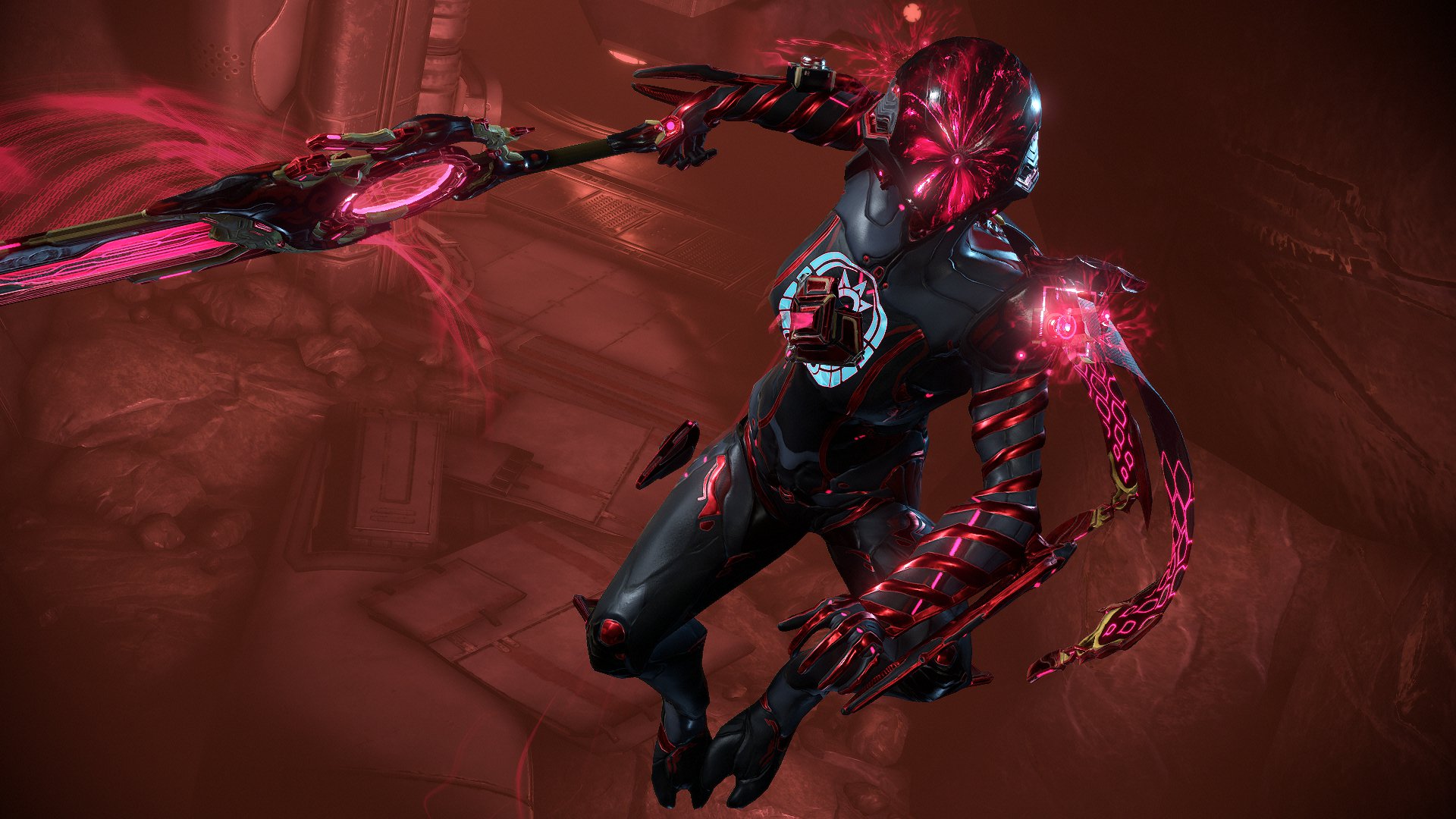
Mag is definitely the most complicated of the three, which is why she is typically less recommended for beginners. However, she can be just as good as the other two, and a great choice for those who like utility castors. She has amazing crowd control and debuffs, allowing her to take on large amounts of enemies by magnetizing them and making them easier for her to kill. Besides her Ultimate, her damage is a bit less than the other two choices, but she is still a great choice if you prefer offensive utility characters. She is especially good if you plan to play with your friends.

Volt
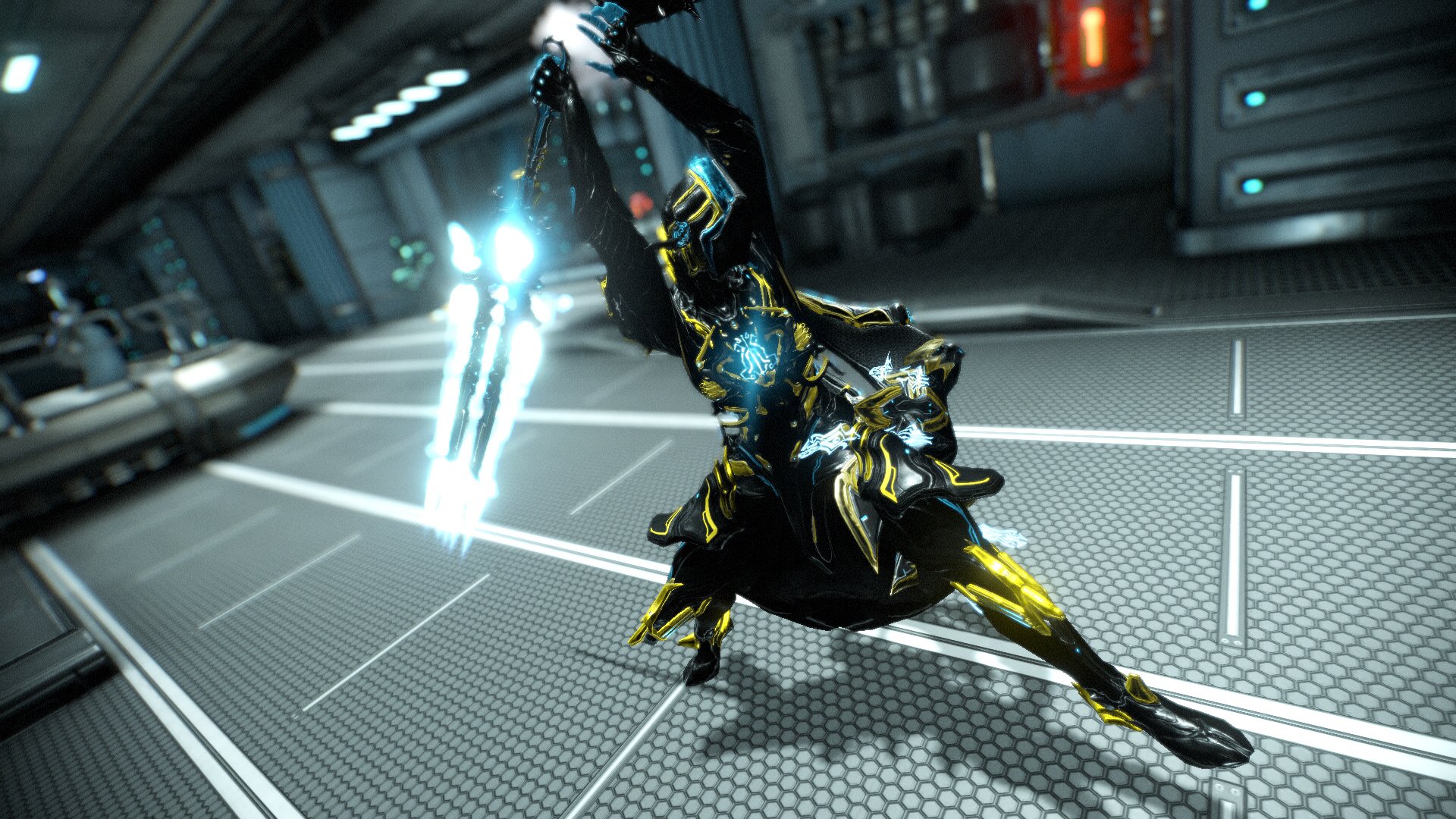
Volt is all about speed and damage. Like Mag, he is an offensive utility castor. Unlike Mag, who is focused mostly around debuffing and heavily crowd controlling her enemies, Volt is more focused on buffing and heavy AOE damage. His main benefit is his speed. Not only does he have a huge speed boost, but the longer he runs, the more damage his attacks do. He’s great if you prefer fast characters, or characters with high AOE damage. You will probably be doing more damage with his passive than with his abilities, however, since his starting energy total is pretty low. Definitely the best pick for those who want to go fast.

Note that all of these starting Warframes are pretty easy to get early in the game, with the possible exception of Volt. Excalibur can be obtained on Mars (he used to be on Pluto, which is why a lot of older guides claim he is hard to get, but this is no longer the case), with Mag being obtainable right after on Phobos. Volt is obtainable through clans, so if you plan to join a big clan early, then he’s the easiest to get. If you plan to join a small one or not join one at all, however, then he is going to be much harder. Either way, you will be playing with your starter frame for a good portion of the early game, so be sure to choose someone who seems like your playstyle.

Choosing your starting weapons

Most people think of the frames as main classes in Warframe, but the weapons are just as important as well! They each have their own stats and unique traits that set them apart from each other. You have three types of weapons: melee, secondary (ranged), and primary (ranged).

For melee weapons, you have the choice between the Skana and the MK1-Bo. This choice is basically fast medium damage attacks vs slow heavy AOE damage. Either is good; it is mostly based on which playstyle you prefer.

For secondary weapons, you have the Lato and the MK1-Kunai. The Lato is a standard pistol with high accuracy and decent damage. The Kunai features an arcing projectile, so you can kill enemies who are hiding from you. The Kunai is also a silent weapon, which means you can use it without worrying about the enemies sounding an alarm.

For primary weapons, you have the MK-1 Braton and the MK1-Paris. The MK-1 Braton is an assault rifle that has a decent rate of fire and is pretty accurate. It’s the standard gun option. The MK1-Paris is a bow, which has a low rate of fire, but is excellent for stealthier playstyles since it does high damage and is completely silent. If you don’t choose the Kunai as your secondary weapon, then you should probably take the bow as your primary, so you have a silent option for stealth-based missions.

Thankfully, this choice isn’t as daunting as choosing your Warframe. Not only are weapons easier to build, but you can immediately buy the weapons you didn’t choose once you have enough credits. So don’t worry too much about this choice.

Bullet jumping and parkour
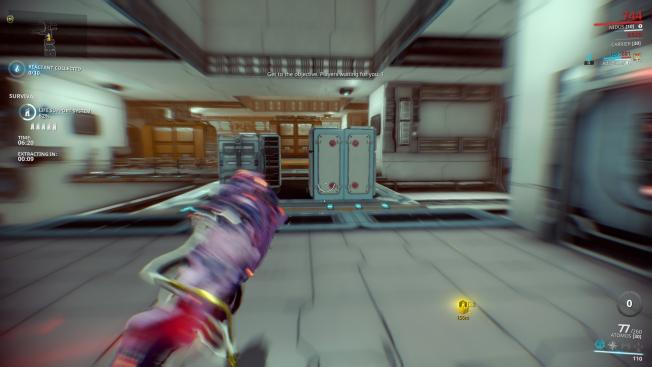
If you play on public with random players online (which you can shut off by pressing the globe next to your profile icon in the top left corner), you’ll probably notice how quickly they move. In fact, a common complaint from new characters is feeling like they aren’t able to play with everyone else because everyone travels so much faster than them, Warframe is one of the highest mobility shooters around, and this is usually surprising for new players since it doesn’t seem like a high mobility game at the start. However, you can continually slide, jump, roll, wall dash, and bullet jump (which you can do by pressing space while sliding), so you are rarely touching the ground. It will take you a bit to get used to this speed, but after a while, you will be moving just as fast as everyone else. Also note that you can glide in the air by holding right-click, and you can wall cling by doing this also. These can be very useful tools to have early in the game!

Gears and mods
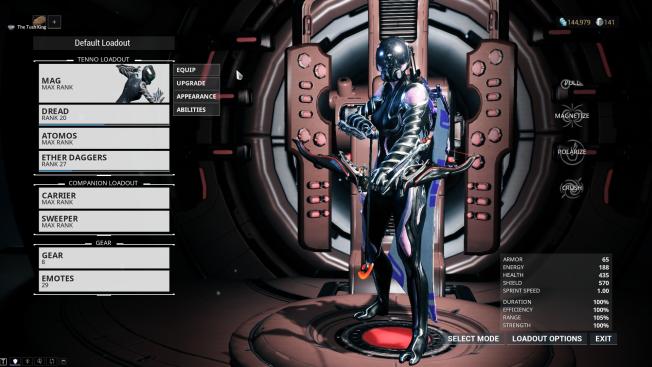
This is probably where the most confusion happens for new players, since the game does not explain mods or gears very well on its own. Basically, mods are upgrades to your Warframe and weapons that allow them to gain additional strength and abilities. You usually pick them up from enemies or by completing missions. You can equip them in the arsenal by pressing “Upgrade” next to a Warframe or weapon.

As you rank up your equipment, you’ll be able to equip more powerful mods. You can also upgrade the mods themselves by going to the mod station across from the foundry. Mods are incredibly powerful for customizing your character, so be sure to use them frequently. Some universally useful mods are Vitality, Redirection, and Flow, which increase your Health, Shields, and Energy respectively.

While gears are not always necessary, there are times where they are useful or even needed to progress through the game. The first time you encounter this will be on Mars, and it can be very frustrating to complete this early quest without understanding how the gear wheel works. You can make different tools and accessories and equip them to your gear wheel by going to the arsenal. You can access this gear wheel by holding Q while on missions.

Be sure to equip Codex Scanners as soon as you get them. They are necessary for progressing past Mars, a very early planet, and it can be frustrating for new players when they are trying to complete this quest, since the game doesn’t explain anything about gears. Ciphers are also useful tools to bring on your spy missions, just as a safety net for hacking quickly.

Don’t skip the story

Not only do you have to play through the main story quests to get to continue unlocking new planets, but they are completely worth paying attention to. Frequent MMO players may feel the urge to skip dialogue, but this game isn’t like other MMOs. Most MMOs have the best parts of the game and story as endgame content. Because of this, players typically go through the rest of the story quickly, and don’t get a real feel for what’s going on until late in the game. Warframe takes a completely different approach to its storytelling. The story progresses as you do and it feels much more natural than other MMOs. Also, it’s beautifully written, and definitely worth listening to.

Choose your own adventure

The best thing about Warframe is how many options you have available to you. If you see a Warframe or weapon in the market that looks good, look up how to get it and go hunting for it! If you want to have a more MMO-type experience, then go to Cetus and try out fishing. Or any central hub. The options are unlimited with Warframe, so once you have the basics down feel free to do what you want! Experience the game the way you like it.

Best ways to play Dungeons & Dragons online

Dungeons & Dragons has persisted for decades, so it’s no surprise to see it adapted to play over the internet. Maybe you have friends online that you want to play with, or you’re trying to get into Dungeons & Dragons for the first time. Regardless, there are a few ways to do this, and it can be a little confusing as to which is the best. Here is a list of the best ways to play:

Roll20

Roll20 is probably the cheapest and simplest option available. It’s free to use and really easy to adjust to. While it doesn’t have a player’s guide built into it, you can use D&D Beyond to create and organize your characters, and then transfer them to Roll20. The site also features support for Google Hangouts, but you can use any voice communication software such as Discord or Skype. You can pay to get pre-built campaigns, and better maps if you’re comfortable with Roll20.

Tabletop Simulator

If you’ve ever played with Tabletop Simulator, then you’re sure to understand what it would be like to play Dungeons and Dragons with it. Tabletop Simulator gives you an actual table, and lets you recreate how it feels to play Dungeons and Dragons. You have to find the write D&D mod you want to use, but most of them are well made, and even some have complete pre-built campaigns. Regardless, you will feel like you are at home playing Dungeons & Dragons traditionally, rather than online.

Tabletop Simulator Download ►
7

Fantasy Grounds

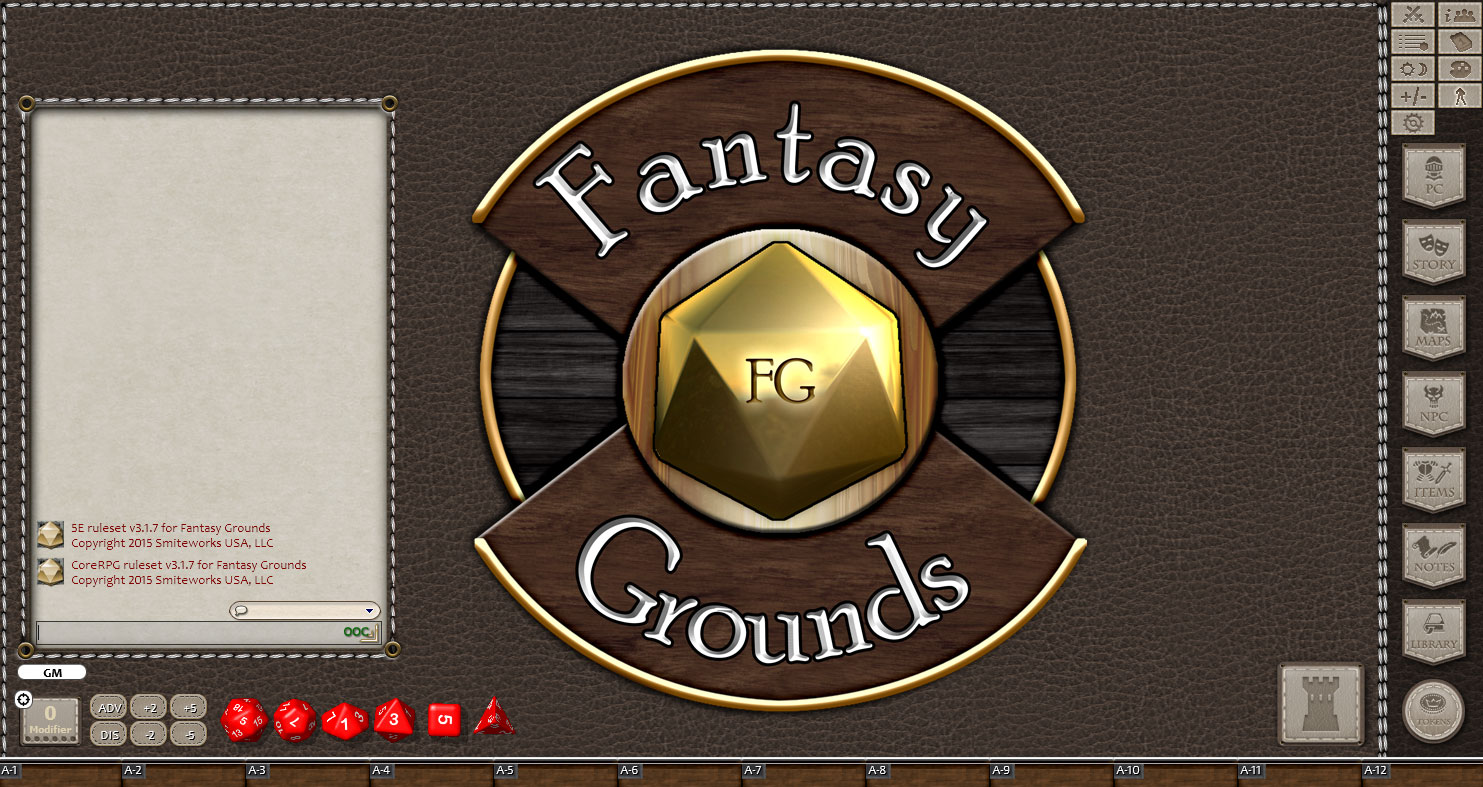
By far the most expensive choice on this list, Fantasy Grounds can be a versatile and immersive tool. It may take a bit of time to adjust to the program, but Fantasy Grounds has so many built-in features that you’re able to customize adventures however you want. It’s also worth checking out if you are into more tabletop games than just Dungeons and Dragons, as Fantasy Grounds has official support for a variety of tabletop games.

Some people have even made their own systems with the program, so you’re able to run practically any tabletop game out there. You can even create your own with it. Note that, like Tabletop Simulator, everyone involved has to own a variant of Fantasy Grounds. Thankfully there is a free demo, and different options for paying.
Fantasy Grounds Download ►
7

Overall, each of these is a great option, and it’s ultimately up to you to decide which one is the best for you. Roll20 is the easiest and fastest to get into, since it’s free and intuitive. Tabletop Simulator allows for a more classic Dungeons & Dragons experience, while Fantasy Grounds may be the most immersive option. Regardless of which choice you make, be sure to have a DM and/or player’s handbook available to you, and good luck with your adventures!


The 5 best Dungeons & Dragons apps

When you’re running a session of Dungeons & Dragons, you often have a lot to keep track of. In fact, even if you’re just playing a session, you can struggle with remembering some important facts. It may be surprising to find this out, but there are actually a good number of D&D apps that can help with this kind of organization. There are even some specifically designed for character creation and dice rolling. Here are some of the best ones available:

Battle Map 2

This is one of the best apps for creating and managing battlefields. This is a great app for the DM, since they can use this to create battlefields quickly and with a reliable map. It even has a dice roller built into it, which can be incredibly useful. A good Android alternative app for map building is Ye Olde Map Maker.

Battle Map 2 download now ►
8
Ye Olde Map Maker download free ►
7

Game Master

This is a series of apps created by Lion’s Den, with a different app for each edition of Dungeons & Dragons. Like Battle Map 2, this is a great app for managing creatures during an encounter, as well as being a resource tool for many monsters, items, and spells. You can even upload notes into the app, so you can keep track of the players’ stats and abilities with ease. This is one of the best organizational tools a DM can have. DM Tools is a similar app available for Android.

Game Master: 5th Edition download free ►
8
Fifth Edition DM Tools download free ►
7

Fight Club

This series of apps is basically the player version of Game Master. It’s made by the same company, which explains the similar design. Players can use this to keep track of their characters, spell slots, items, health, etc. They can also make notes to jot down any important information, or to journal their game. Like Game Master, this app also acts as a resource for information on spells, items, and creatures.

Fight Club Fifth Edition download free ►
7

Dice & Dragons

Dice rollers are probably the most plentiful of D&D supportive apps. However, none are more fun and engaging than Dice & Dragons. Not only does it have some nice visuals and aesthetic customization, but the app also lets you save your character rolls so that you don’t have to roll for everything individually. Instead you can roll everything you need to at once by creating Combo Die. For example, you can save your “fireball” spell rolls and their damage amplifiers to your rolls, so you can roll everything at once and have your modifiers already applied. It’s a very useful and versatile app.

D&DBeyond

Anyone who is familiar with D&DBeyond knows how useful it can be for looking up information quickly, and keeping your campaigns organized. It’s particularly useful if you plan on buying any pre-built campaigns for Dungeons and Dragons, since it will keep all that information organized for you. This app is recommended for both DMs and PCs, as it has organizational tools for both.

D&D Beyond download free ►
7

With each of these apps, a dungeon master and/or a player will have everything they need to fully play Dungeons and Dragons, without needing to worry about getting out paper and dice. You won’t have to worry about losing any valuable information or items either! Each of these apps benefits a player in unique and useful ways, and all except Battle Map 2 are completely free!

The 5 best MOBA games to play right now

While the MOBA genre has some pretty diverse games in it, none is more prevalent than the traditional Dota-based ones. Dota was a defining game for the genre, and many have tried to recreate its style with their own unique flair. While some have failed at this, a few have succeeded above and beyond the original Dota’s glory. Below is a list of some of the best traditional MOBAs still active today.

5. Vainglory

Despite being a mobile game, Vainglory is a very well developed MOBA with a very active player-base. If you want to play a mobile MOBA, then Vainglory is by far the best one out there. The role system is great, and the games are fast-paced but still just as fun as PC MOBAs.

Vainglory Download Free ►
9

4. Smite

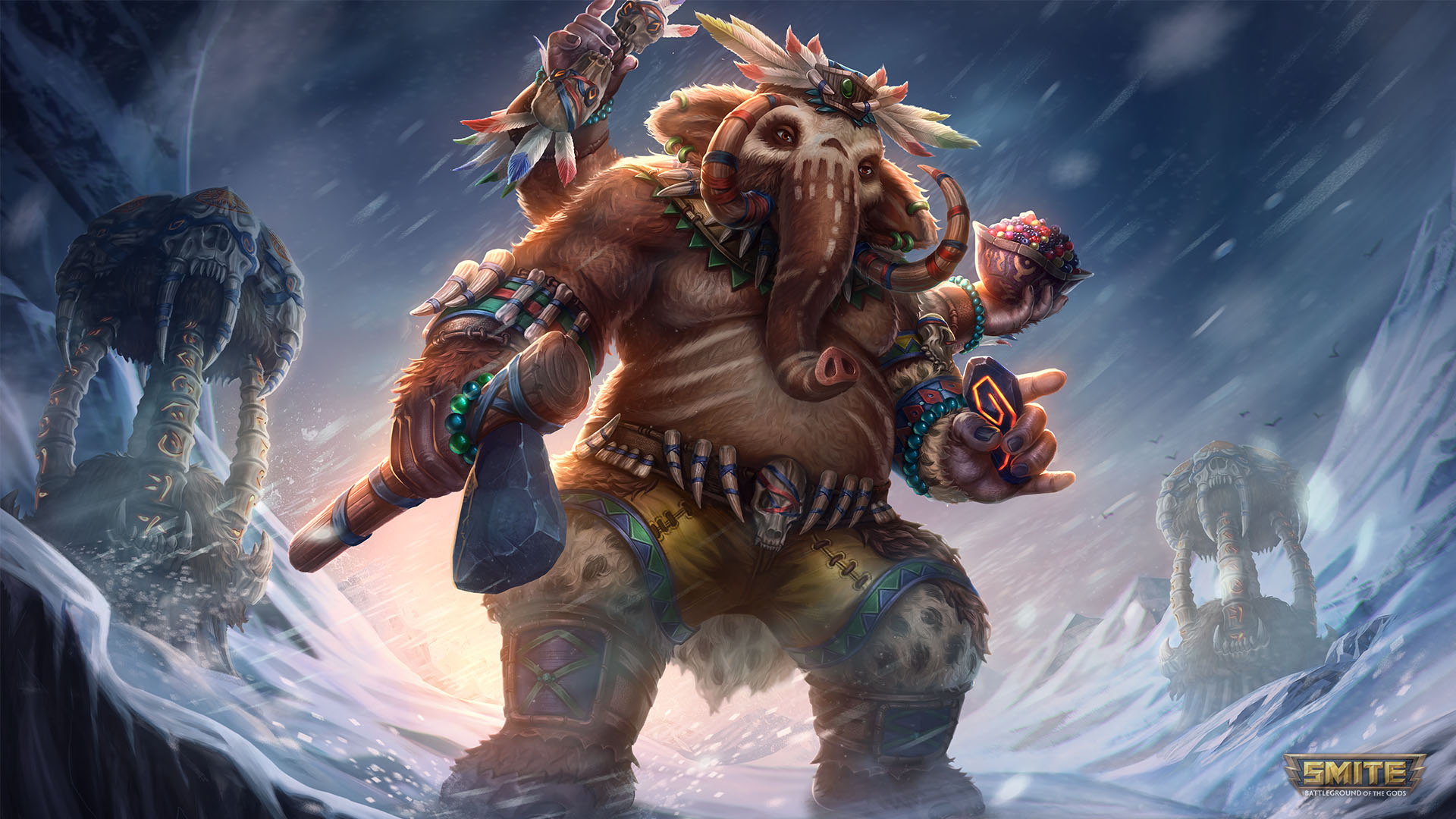
Even though Smite follows the traditional format of MOBAs (5v5 with three lanes and a jungle), it’s probably the most unique of them. The big difference between Smite and other MOBAs is that Smite’s point of view is third-person, and all basic attacks are skillshots instead of automatic. Also, Smite characters are all based on gods and goddesses instead of unique characters, which is a nice touch.

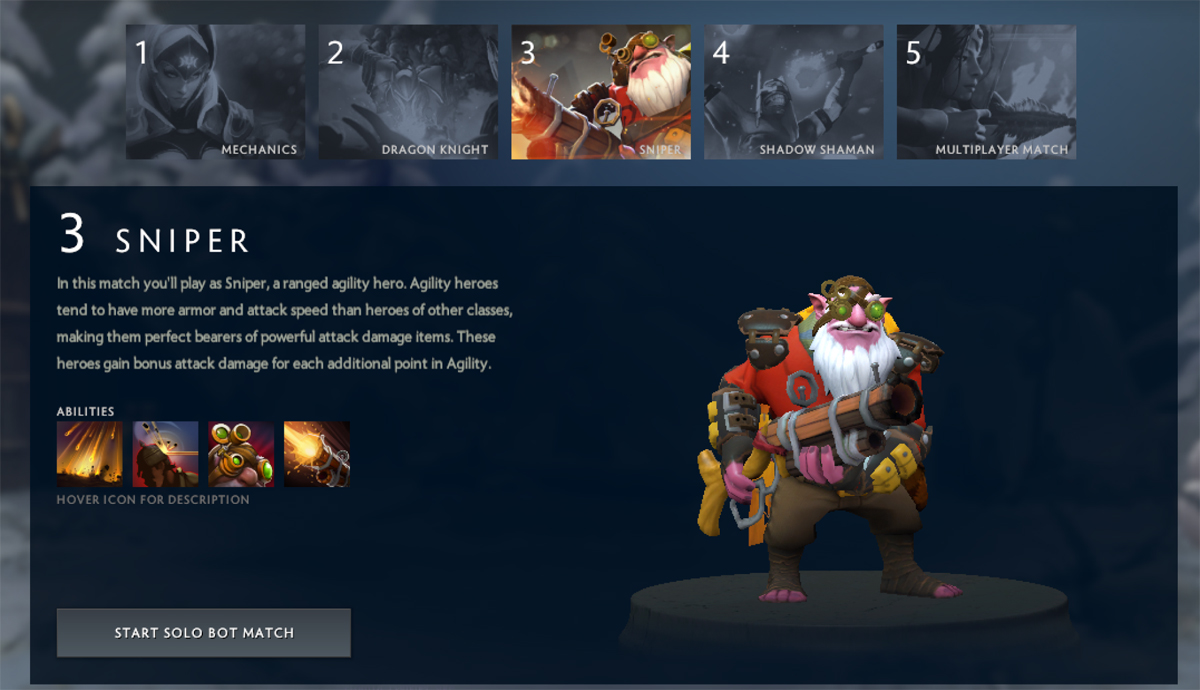
3. Dota 2

The successor to the game that defined the MOBA genre. While not as popular as it was a few years ago, Dota 2 still has a strong following. In fact, Dota 2 recently received a big client update, so now is the perfect time to get back into the game if you’re an old fan.

2. Heroes of the Storm

If you’ve ever played a Blizzard game, then you probably know what Heroes of the Storm is. Like Smite, HotS’ characters are not original to its game. But instead of gods and goddesses, HotS features Blizzard characters from their other popular games like World of Warcraft, Starcraft, Diablo, and Overwatch. Blizzard often has giveaways and does events for all of its games, so if you play any of their other games, then you may get some benefits from playing HotS.

Heroes of the Storm Download Free ►
6

1. League of Legends

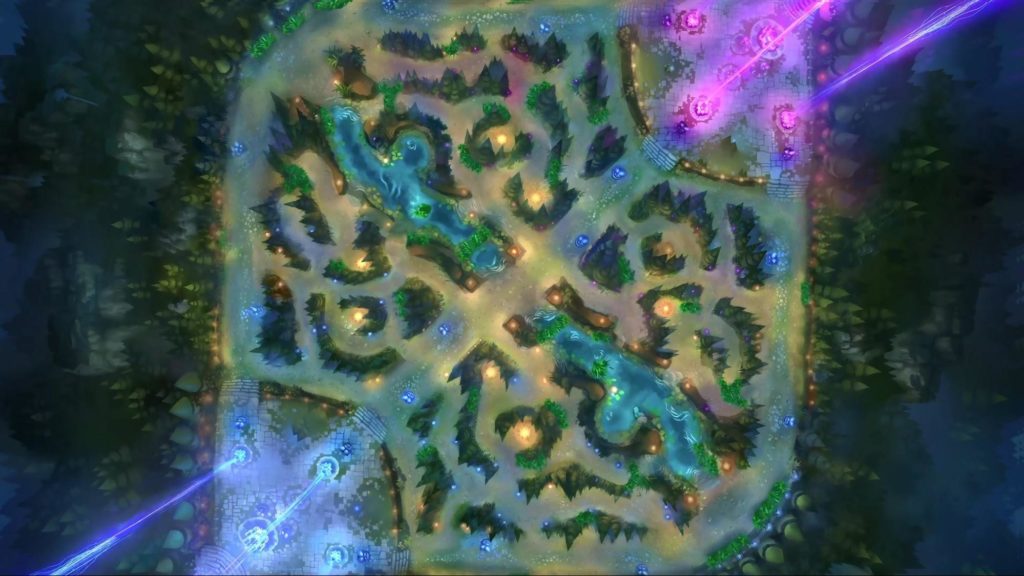
With over 100 characters to choose from, and a massive fanbase, League of Legends is still the largest MOBA around. While League itself was inspired by Dota, most new MOBAs are inspired by League of Legends instead. The game is constantly seeing updates, and the developers are very interactive with their audience. Definitely worth trying out if you haven’t.
League of Legends Download Free ►
7


Top 5 Virtual Reality games

Virtual Reality games have been coming out slowly over the last few years, as we perfect VR as a gaming platform. Despite their slow development, we already have some amazing games for this platform that everyone should be trying out. Here are our top 5 VR games out so far:
1. Job Simulator

This game is funny and adorable, and sure to give you a few laughs. Based in a future where robots have made desk work obsolete, you get to try out being an office worker in the present day. If you’ve ever worked in an office, you’ll enjoy the tongue-in-cheek quips this game has to share.

Job Simulator Download
9

2. The Elder Scrolls V: Skyrim VR

Even if you’ve played Skyrim 100 times (and let’s face it, you probably have), Skyrim in VR is a whole new experience. The best thing about Skyrim is being able to create your own mythical adventure. VR enhances this experience in ways you would never expect. The VR version of Skyrim is definitely worth playing for fans old and new.

The Elder Scrolls V: Skyrim VR Download
8

3. Sprint Vector

This game is the most physically challenging VR game out there. Sprint Vector gives you various challenges, mostly races, in which you compete to the best of your physical ability. While you would expect this to take a strain on your lower body, your hands and arms play the biggest part in how fast you go. It’s definitely a unique experience.

Sprint Vector Free Download
8

4. Superhot

If there is a game that rivals Sprint Vector in how immersive the VR experience is, then it’s Superhot. You’ve probably seen screenshots from this game, or maybe even gotten to test it out at a few VR testing sites. Not only is the gameplay incredible, and fluid, but the story is fantastic. Definitely worth checking out if you’re interested in VR

SUPERHOT Download
7

5. Beat Saber

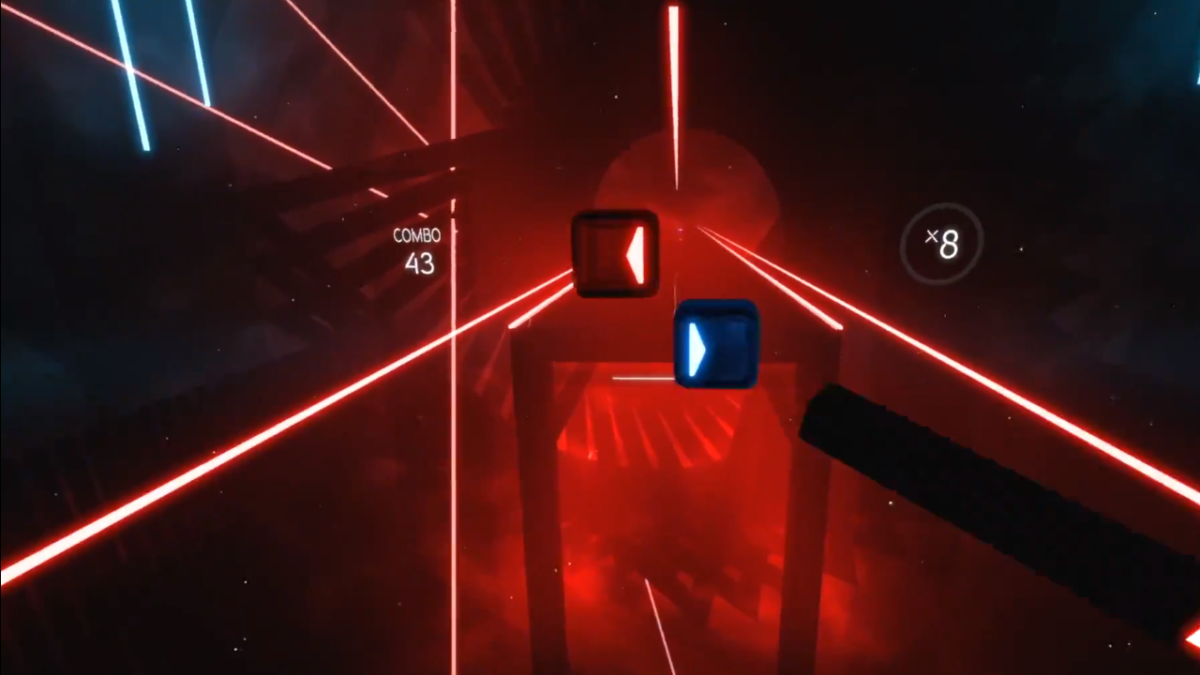
Have you ever wanted to be a Jedi? Well you finally can with Beat Saber. This game is the perfect mixture of Dance Dance Revolution and virtual reality. You truly feel like you are slicing through cubes as they come at you in rhythm with the music. It’s incredibly immersive and one of the best VR games out there, by far.

Beat Saber Download
8


The best strategies to get started with Octopath Traveler

Octopath Traveler may be the newest Square Enix game, but it plays more like a classic RPG with some modern twists.  The gameplay is a combination of classic JRPG turn-based mechanics, as well as a unique Boost Point mechanic. The story gets inspiration from the classic Canterbury Tales: there are a large number of archetypal heroes coming from all walks of life, each with their own tale; but with a more modern take on those story elements. Even the art is a modernization of an old style. It’s a unique take on 2D art that the creators refer to as “HD-2D”. This game has a lot to offer to both old and new fans of JRPGs, and below we have a few tips to help you on your journey:

Choosing your first protagonist

Octopath Traveler features a diverse cast of characters. Like classic Square Enix games, each character features their own abilities and benefits. You’re able to switch out your party at-will, with the exception of the protagonist you choose. This means you’re going to want to be careful in who you pick for your protagonist. Of course, you can choose based off their story, as each is unique and different. But you may want to consider their abilities if you are worried about being able to beat your first playthrough.

For example, Tressa, the merchant, has an easy time getting money and gains the ability “rest” fairly early. With those in mind, she’s one of the easier protagonists to start the game with. If you’re looking for something more challenge, you may want to choose Therion, the thief. It’s fun stealing from people, but it he can be a bit weaker than the other characters at the start of the game. Primrose, and H’aanit require a bit of extra attention to detail, since they use NPCs and summons to fight for them. Likewise, Cyrus and Ophelia are somewhat complex characters. Cyrus has some good early benefits, but both are fragile and may take some adjusting to their playstyles. Inversely, Olberic and Alfyn can make great starting characters, since they are more forgiving than most of the others.

Obtaining and choosing secondary jobs

Each character in Octopath Traveler has a primary job that determines their stats and abilities. These jobs are correspondent to their professions. For example, Ophelia is a Cleric, which lets her using healing abilities and light magic. As you progress through the game, you’re able to give your character’s secondary jobs, by visiting special shrines dedicated to each one. You’ll want to go to each to gain access to all of them, and decide which one fits best for your characters. While you are able to obtain the jobs of the eight main characters, you are also able to obtain four secret jobs as well. These aren’t obtainable until much later in the game, however.

Unlocking the secret final boss

You’re probably not thinking about the final boss of this game as you start playing it, but you may need to do some things along the way to unlock it. There are two side quests you’ll have to complete before the final dungeon can be entered (along with beating the game with all eight characters). Ravus’ Manor in Boulderfall has a guard who starts one of the quests. His name is Alphas, and you’ll meet him again in Saintsbridge. The other quest can be completed by helping out an injured boy named Kit. You’ll meet him at the beginning of the game, and have to help him a few times in Noblecourt and Moonstruck Coast. Once you’ve completed both quests and beaten every character’s story, you’ll be able to go to the final dungeon by talking to the Impresario in West S’warki Trail. Both quests you can do while completing the other character’s stories, so just keep them in mind while you play through the game.


15 best beginner champions in League of Legends

With over 140 champions, it can be a bit daunting to decide who to play in League of Legends. Whether you’re new to the game, or have been playing on and off for years, you may be struggling with this decision. Below are champions for each position in league that are not only easy, but will help you learn a lot about the game. If you’re looking to play in ranked, these champions are always good, so don’t be afraid to pick them up.

League of Legends Free Download
7

Top Lane

Garen: 450 BE

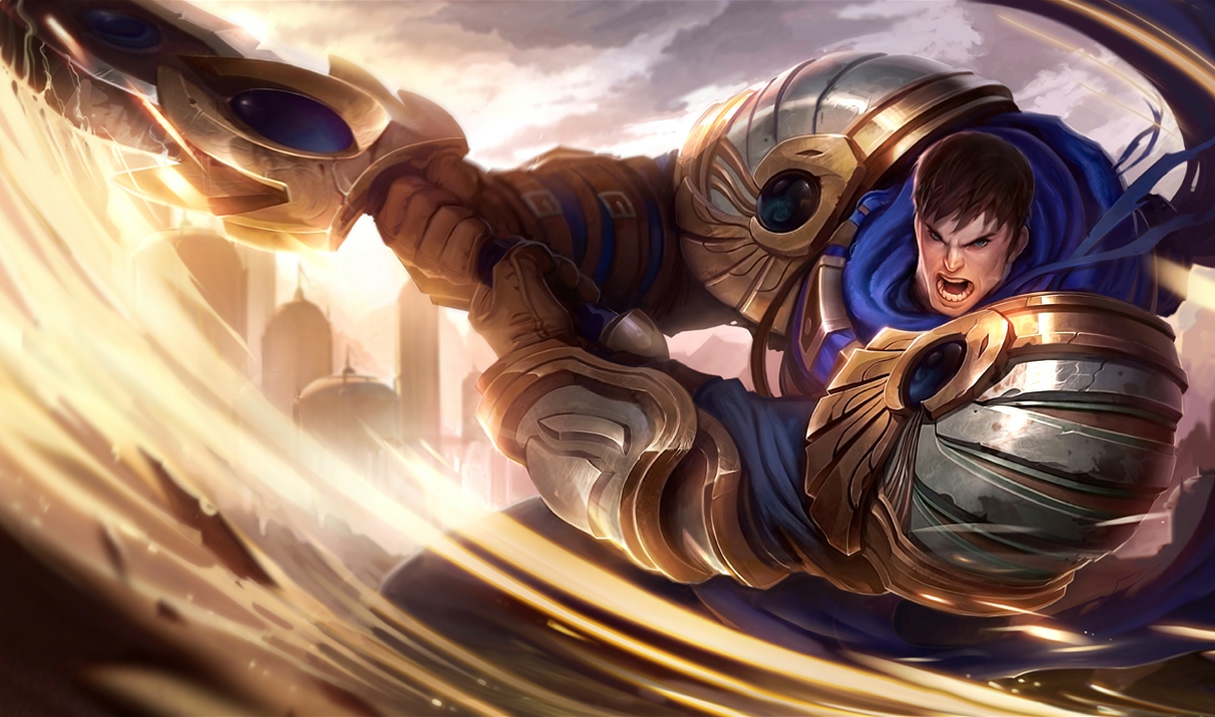
Garen is the perfect champion for new players who want to try out the top lane. He’s in a group of champions called “juggernauts”, who are able to deal large amounts of damage while being able to tank as well. The big drawback to these champions is that they struggle against ranged champions, since they don’t have much range themselves. Thankfully, the top lane is usually filled with melee champions, so juggernauts typically an easy class to start learning with. And Garen is one of the best there is. He has a large amount of AoE damage with his E, but can also stay safe thanks to his W and his passive. His passive is a large amount of health regen, while his W is a spike of damage reduction. His abilities are simple, but strong. This makes him a perfect champion for those who are looking for an easy and effective beginning top laner.

Dr. Mundo: 450 BE

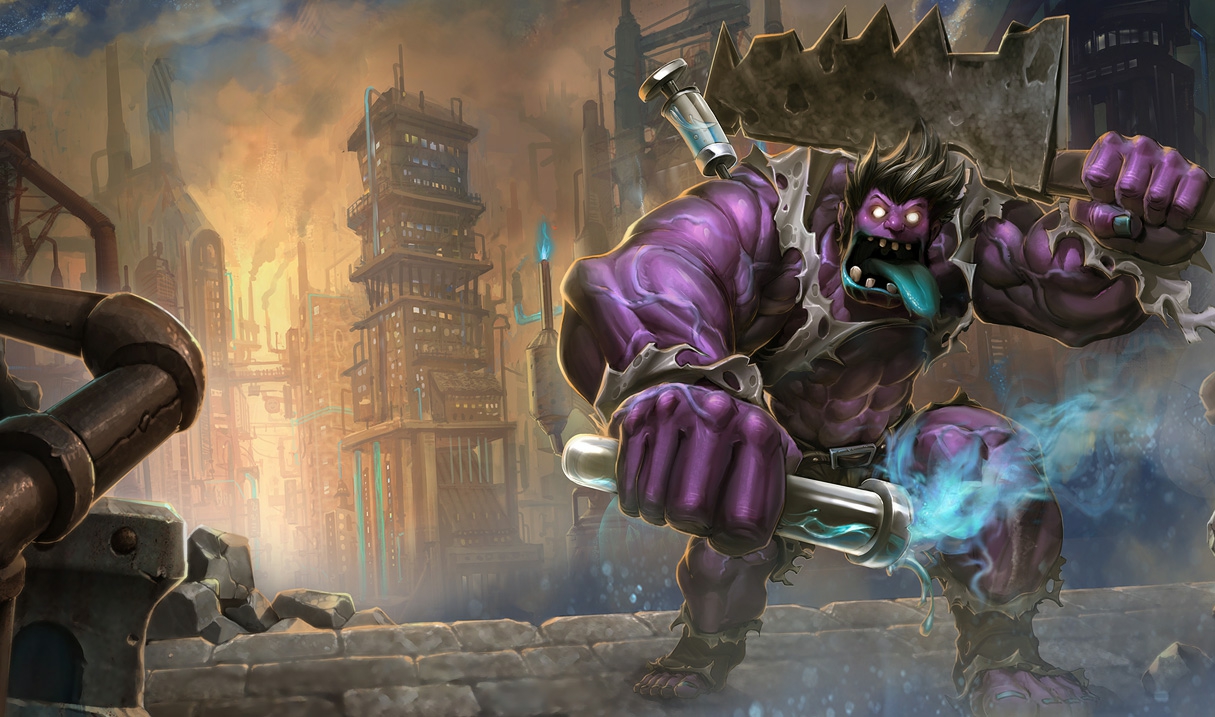
Some other options for top lane are Dr. Mundo and Nasus. Both are juggernauts as well, with their own unique benefits. Mundo is particularly similar to Garen. He has a similar passive (increased health regeneration), and an ability that causes a field of damage around him over time. He also doesn’t have mana, his abilities cost health instead. But don’t worry, his passive and ultimate (a burst of health regeneration) will keep you healthy.

Nasus: 450 BE

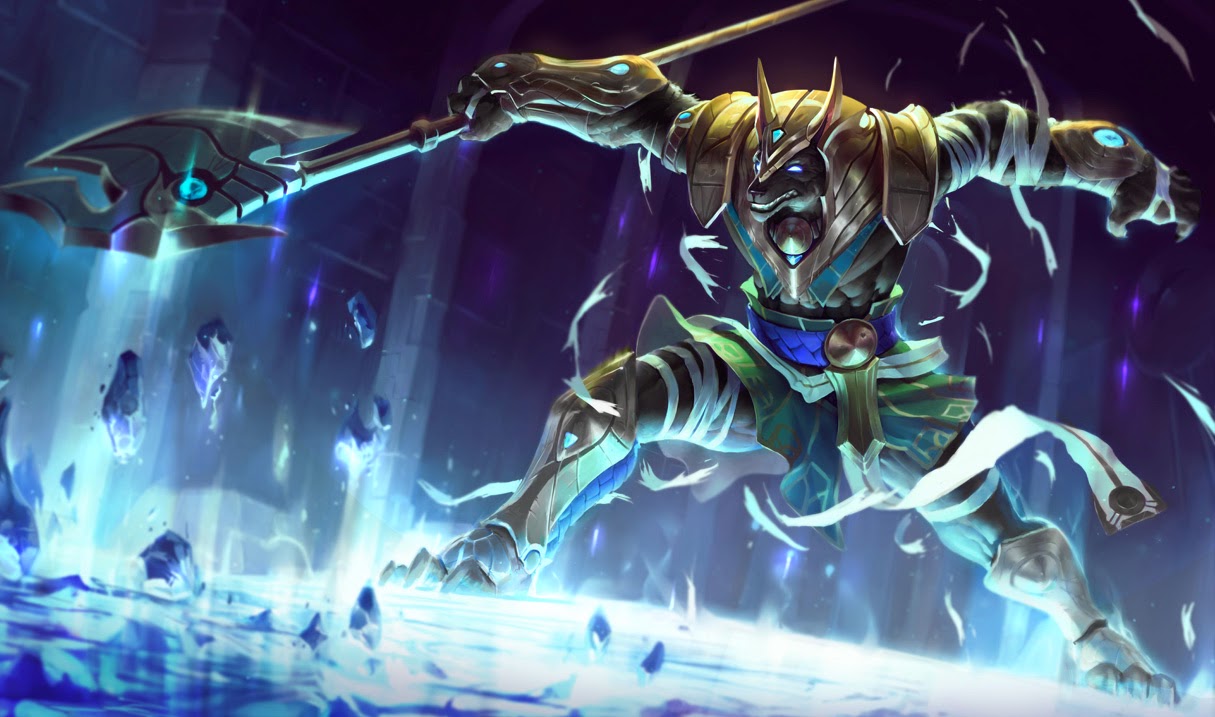
Nasus, on the other hand, is all about one ability. Every time you kill a minion with his Q, it gains additional permanent damage. These stacks of damage scale infinitely, so you can get a crazy amount of damage in the late game. It’ll take some practice to master killing minions, but that practice will help with learning to kill minions on other champions. By gaining damage this way, you can build yourself as a tank, and become unkillable while still being able to do a lot of damage.

Jungle

Nunu: 450 BE

If you are unfamiliar with the MOBA genre, then the jungle is probably the most confusing position to think about. The other positions are pretty straight-forward. Top, mid, and bot go down their lane to kill minions and take towers, while supports provide utility for the team. Junglers, on the other hand, are less straightforward. Thankfully, there are champions that make it easier to learn this role. And none are better at doing that than Nunu.

The three things that junglers need to do are: kill jungle monsters, take objectives like Dragon and Baron Nashor, and killing enemy laners (aka ganking). Nunu is particularly skilled at the first two. He is able to kill monsters faster than most champions with his Q (which also heals and buffs him). He also has buffs and slows to help him attack enemy junglers who are trying to take the objectives he wants. And despite being a tank, he has the highest damaging ultimate in the game. If you don’t understand how the jungle works, Nunu is the best champion to teach yourself.

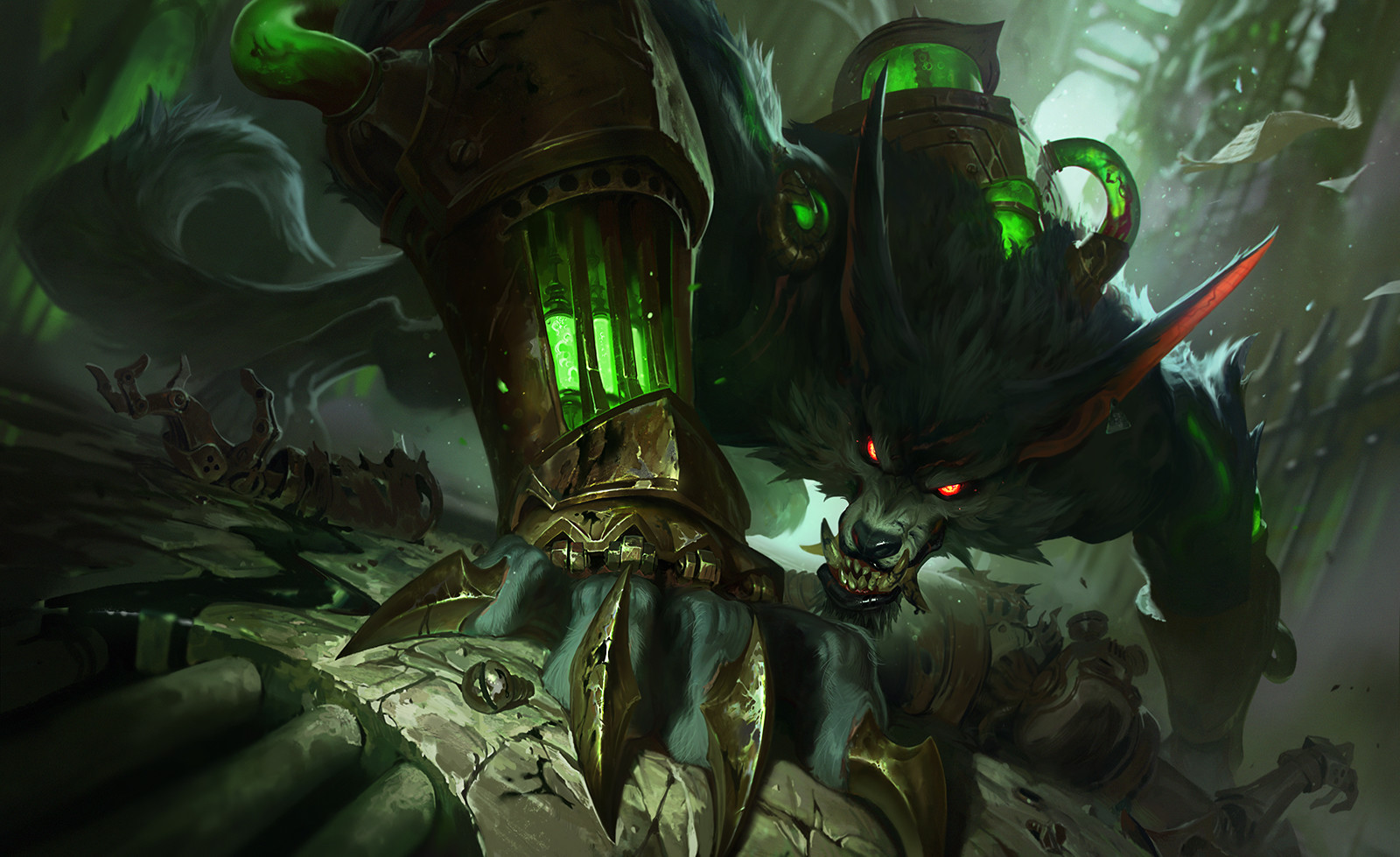
Warwick: 450 BE

While Nunu is more focused on fighting in the jungle itself, Warwick tends to focus on ganking the lanes. Once he’s killed a few jungle monsters, he’ll be strong enough to jump into a lane and try to kill the enemy laners. His W gives him increased movement speed towards low health enemies, while his Q lets him jump to them and do a large chunk of damage. He also has one of the best crowd control abilities in the game called a suppress. His ultimate lets him leap in a direction, and if he lands on a champion, he steals life from them for a short time, while they are unable to do anything. He’s also much tankier than other damage dealing junglers, so it’s not as harsh if you mess up a bit with him.

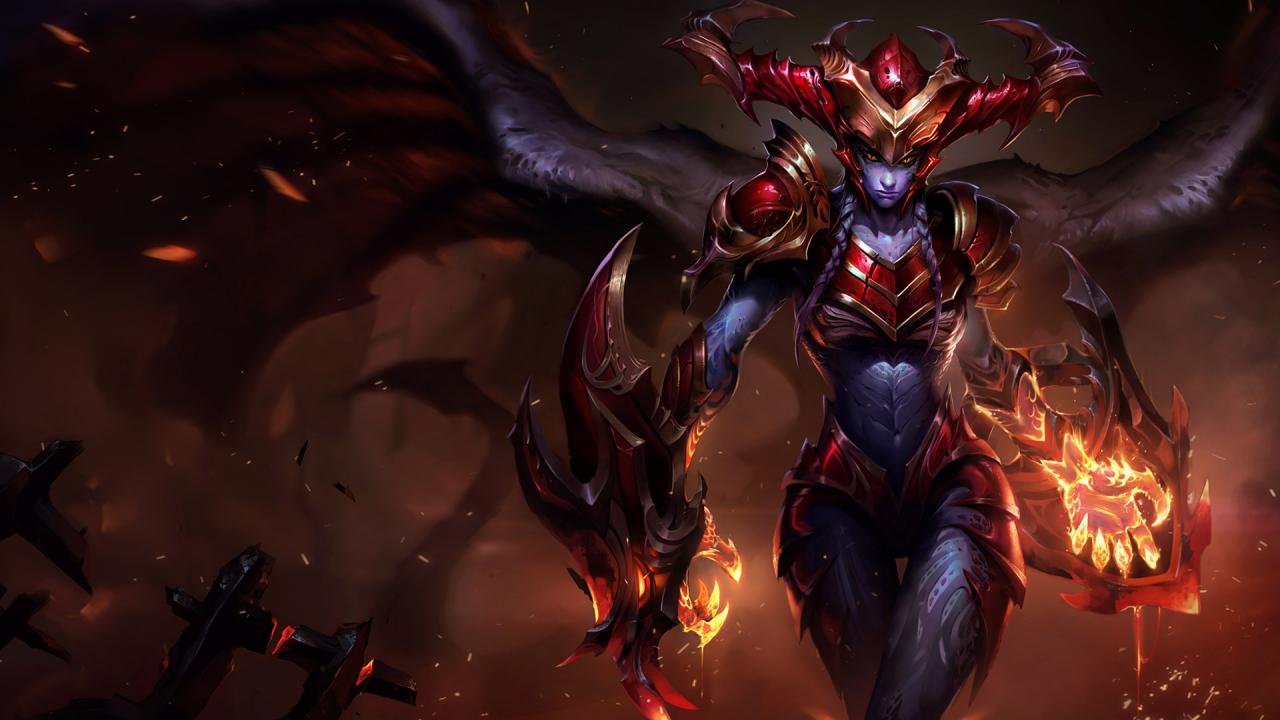
Shyvana: 3150 BE

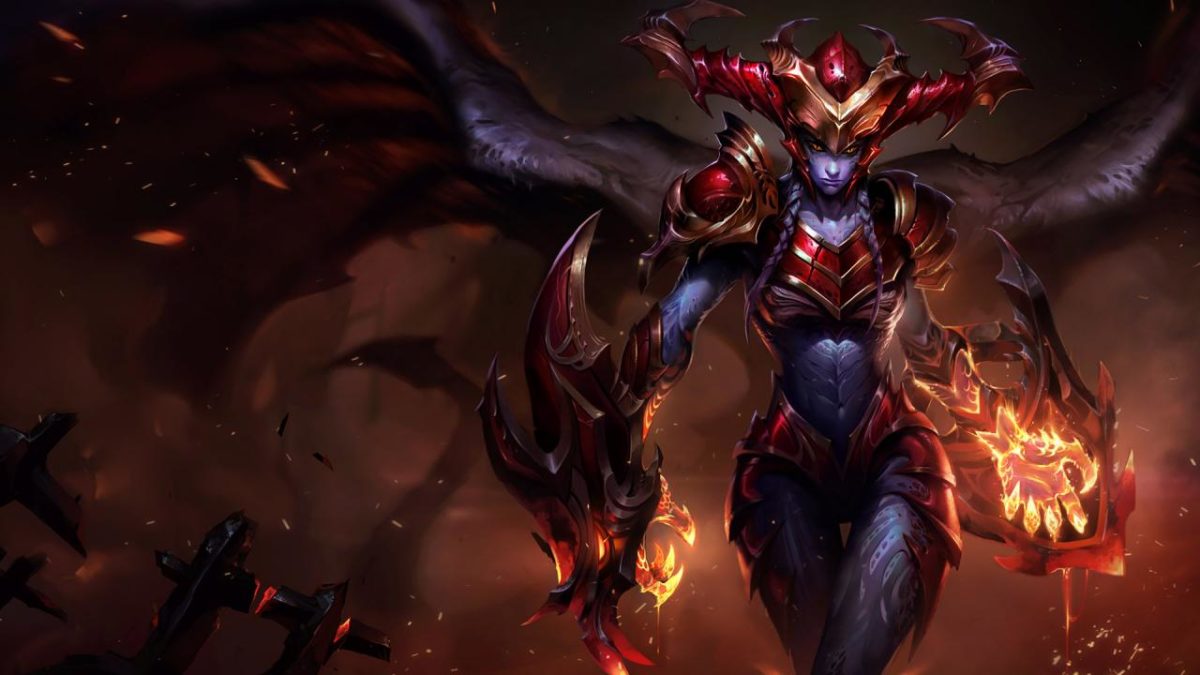
Shyvana is somewhere in between Nunu and Warwick when it comes to the jungler’s role. Like Nunu, she is able to take objectives quickly (specifically the dragon, which she does increased damage to), and like Warwick she is able to gank effectively. Her ultimate turns her into a dragon and increased the damage and utility of all of her other abilities. She’s incredibly strong in this form, and can easily take on enemy junglers like this. She can also use this form and her W to escape if things get a bit too tough for her.

Mid Lane

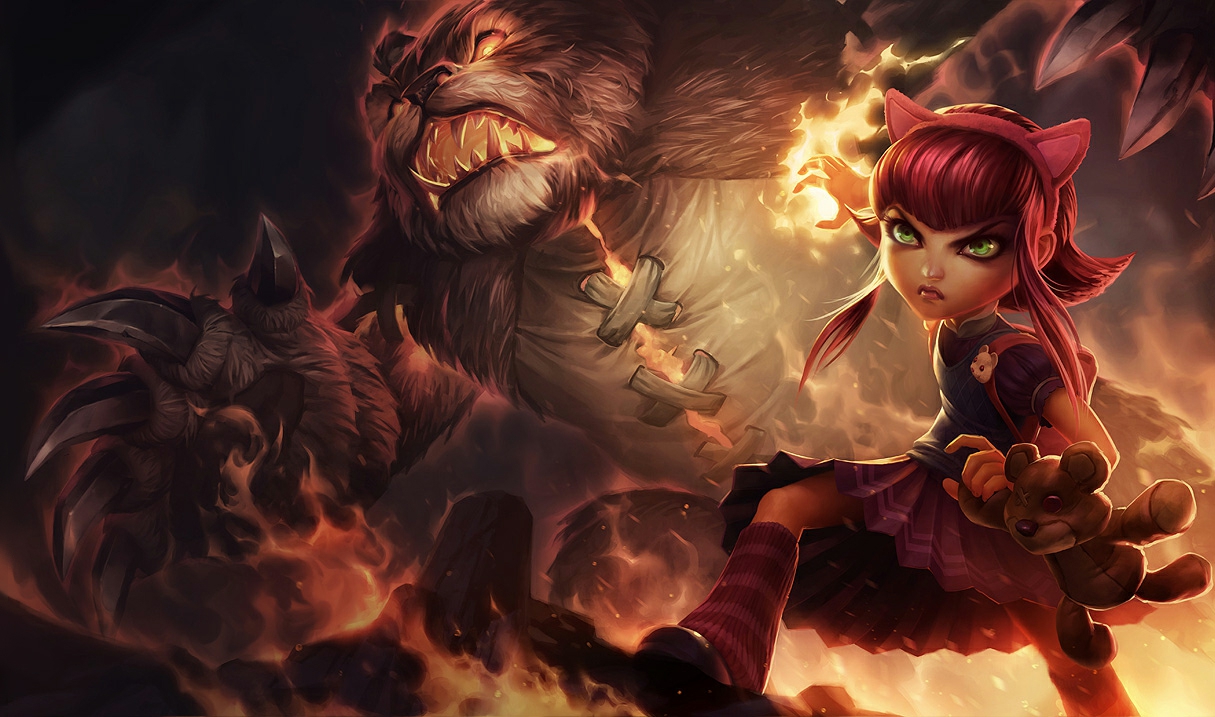
Annie: 450 BE

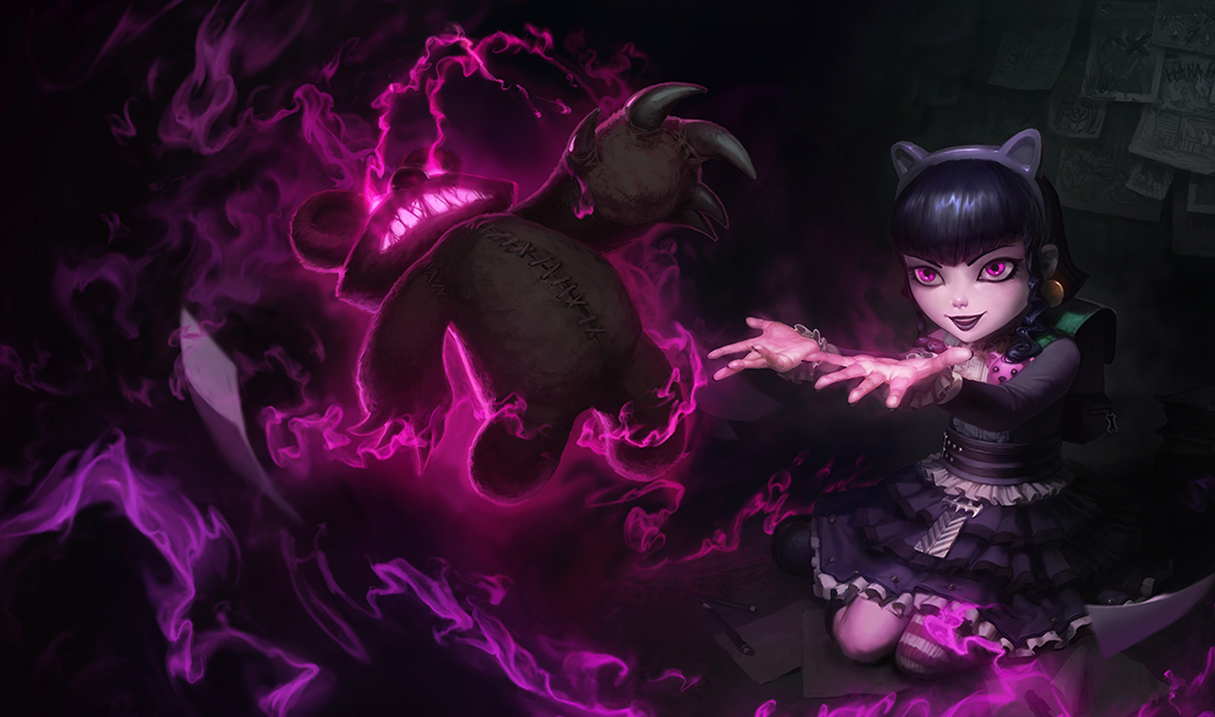
Annie is often considered best champion for beginners, regardless of lane. And there’s a good reason for that! She has a lot of damage, an easy combo to learn, point-and-click abilities, a very long stun, and a giant bear. She gets a charge of her passive every time she uses an ability. Once she has four charges, her next ability will stun whatever enemies it hits. Her Q is a fireball that deals a lot of damage. If you kill a minion with it, then it refunds the mana spent on it. This is part of what makes her so easy. Mages sometimes have a hard time killing minions early in the game. But with Annie’s Q, she’s able to do it as well as any other champion. It also stacks her passive, so it’ll end up giving you a free stun after you’ve killed four. If you’re looking for an easy champion to help you learn the game, Annie is by far the best choice.

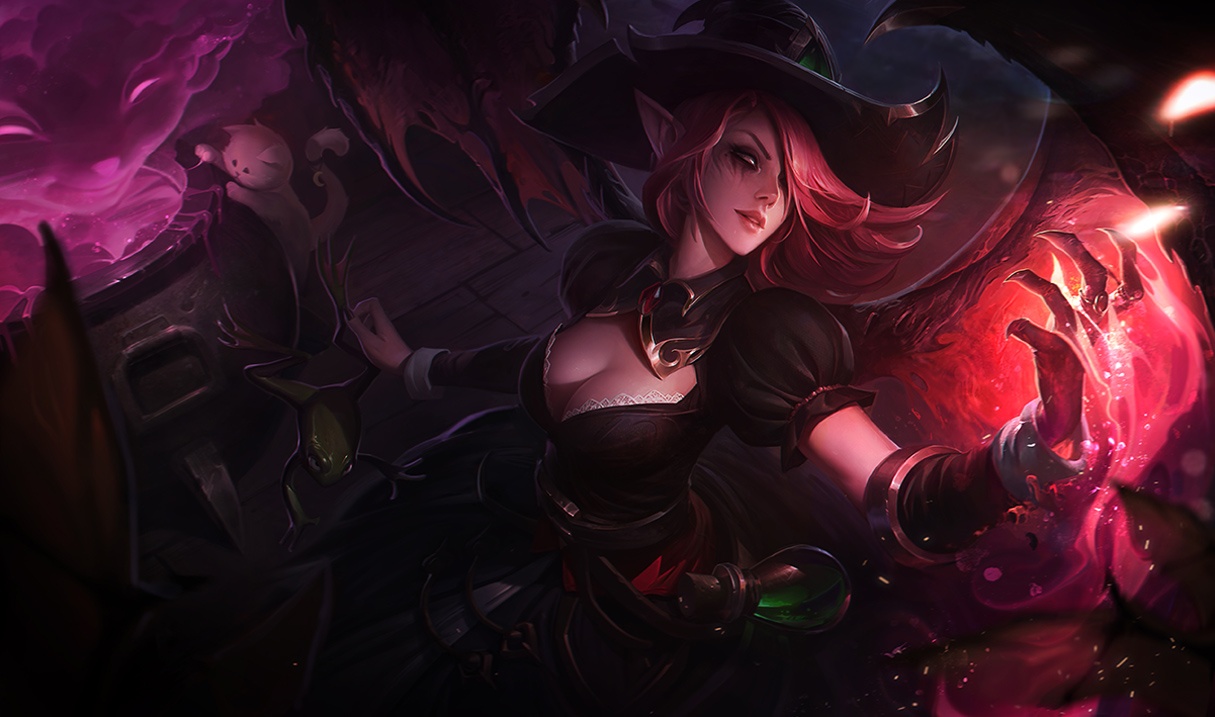
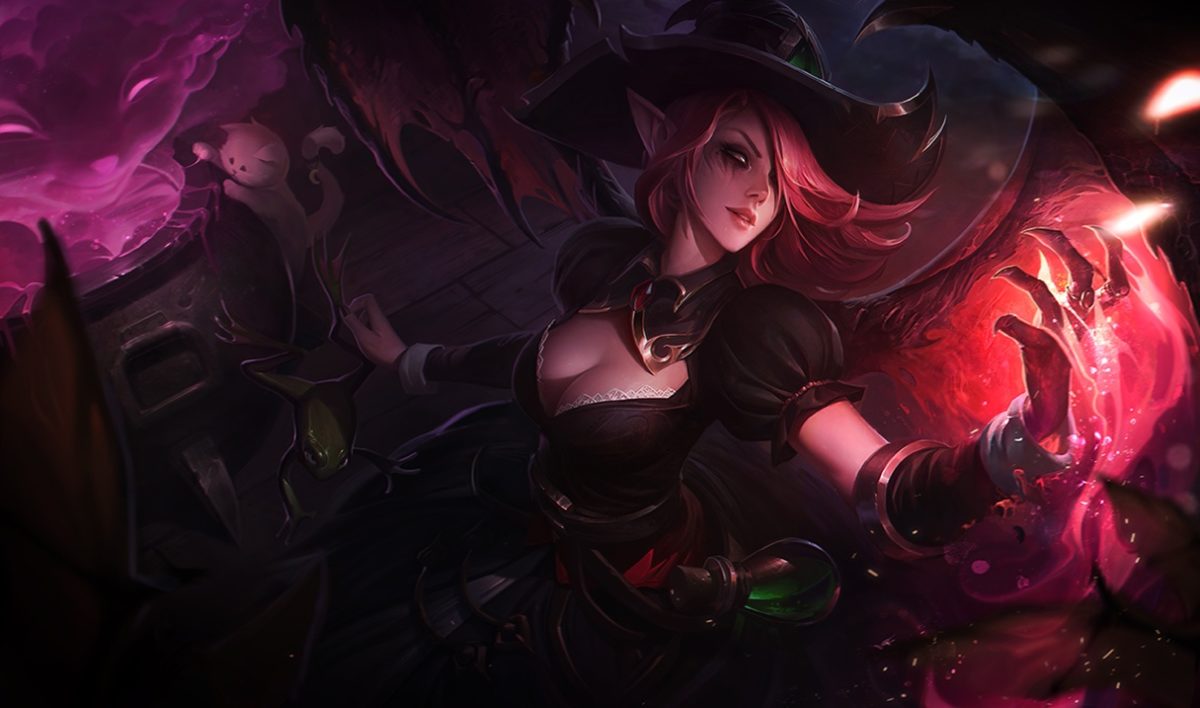
Morgana: 1350 BE

You may have noticed from the previous champions, but some of the things that make a champion good for beginners is being: ability to kill minions easily, ability to crowd control other champions (stun, snare, suppress, etc) and being safe/hard to kill. These are also what makes Morgana such a great champion. While some choose to play her as a support, because she has a long snare, and a shield from enemy crowd control, she is just as effective in the mid lane. Her shield keeps her safe, while she is able to quickly and easily kill minions with her W (an area of damage over time). If you want to learn to play safely, or just enjoy not dying, then Morgana is probably the best champion to play.

Zilean: 1350 BE

While Zilean is probably the most complicated champion on this list, he is also the most forgiving. He places bombs with his Q that detonate after a short time, or by placing a second bomb on the first one, that also causes enemies in the bomb radius to be stunned for a short time. He can place the second bomb by using his W, Rewind, that reduces the cooldown of his Q and E. His E is a movement speed boost which is great for escaping and chasing enemies down. The best part of his kit, however, is definitely his ultimate. It lets him place a buff on himself or an ally. If that champion dies while the buff is on them, they are revived after a few seconds. With this, Zilean is able to keep himself and his allies alive and safe while doing a good amount of damage. As stated, he’s a bit complicated, but if you mess up his abilities, you can always escape with your E and your ultimate.

Bot Lane

Ashe: 450 BE

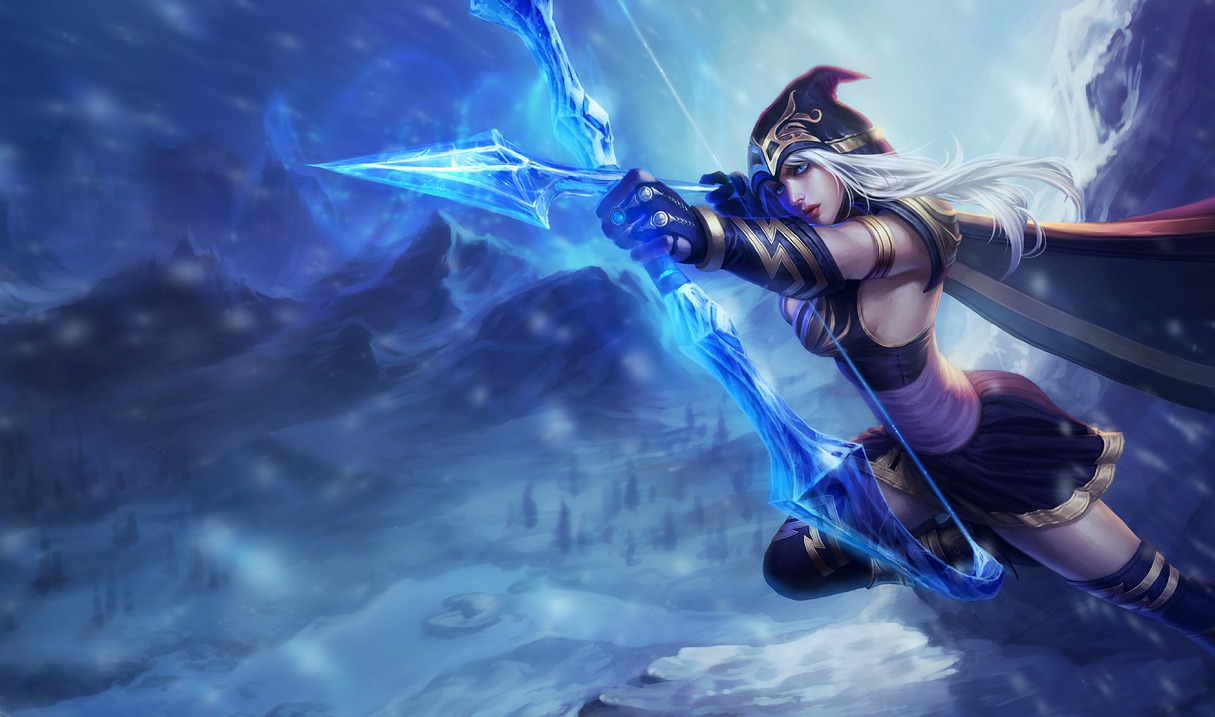
Whether you’re new to League or a veteran player, you probably played as Ashe when you first downloaded the game. She is the tutorial champion, and that probably explains why she is on this list. Similar to Garen in simplicity, Ashe is always easy and effective. Her abilities aren’t complicated, and that’s a big benefit to the people who play her. She is also one of the only bot laners who is useful even if you fall behind. Her ultimate is one of the best utility moves in the game. It’s a stunning arrow that can travel the entire map until it hits someone. She’s also able to slow enemies with her auto attacks and abilities, which is great for learning how to attack while running away from someone (kiting). She’s not always the best bot laner, but she is always a useful one, and definitely worth learning.

Sivir: 450 BE

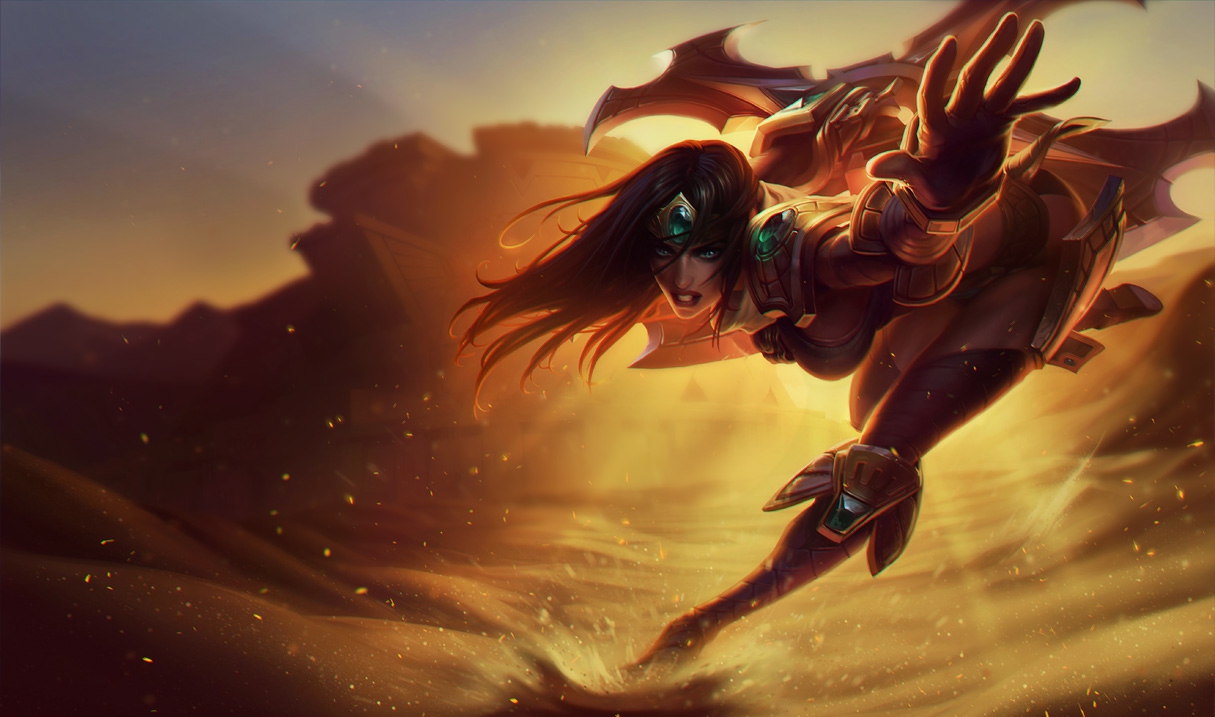
Sivir fall into a similar category as Ashe. They are referred to as “utility marksmen”. This is because most marksmen (also referred to as ADCs or bot laners), don’t have utility abilities. This means that if they die a lot in the early game, they are unable to do much of anything later in the game. While there are some other utility marksmen (such as Kalista and Varus), they are much harder to learn than Sivir and Ashe. Sivir is able to kill minions quickly and easily with her W and Q. She also has a spell shield to keep her safe, something no other bot laner has. Along with this, her ultimate is a burst of speed for your entire team, which can help you escape or engage your enemy. Like Ashe, she’s always useful, and really easy to learn.

Ezreal: 4800 BE

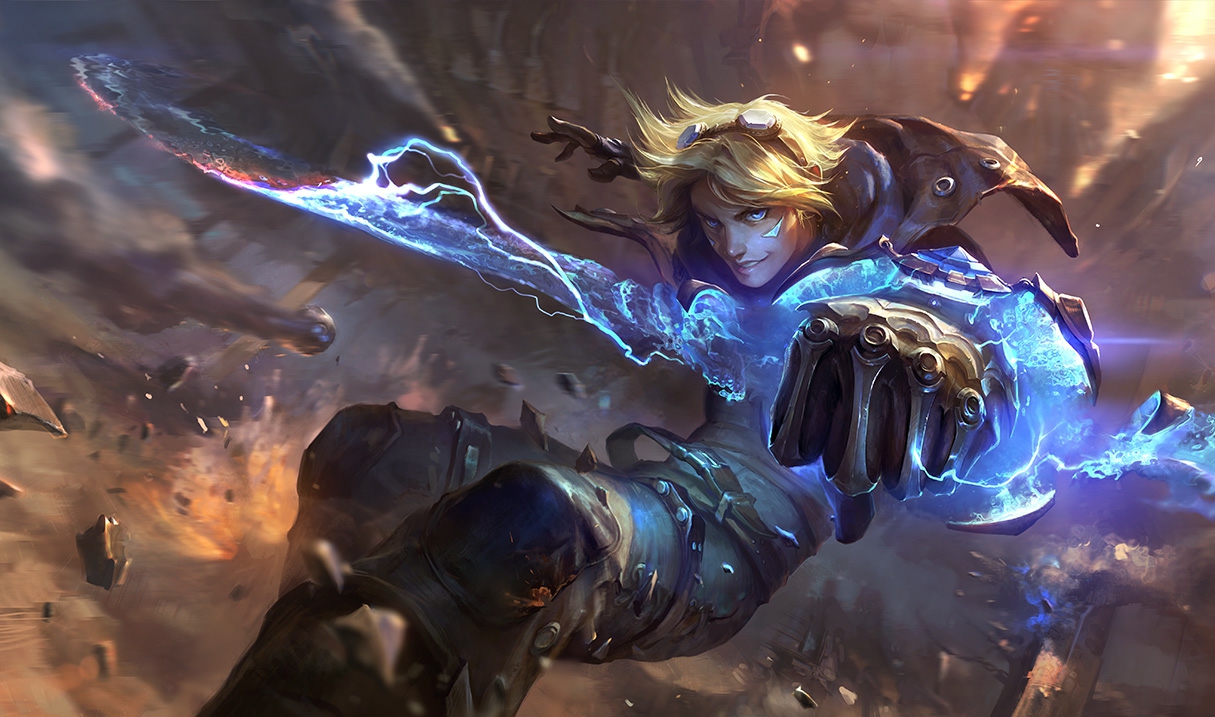
While most marksmen do their damage with their auto attacks, there are a few who do damage using their abilities. The easiest and safest of these champions is by far, Ezreal. Unlike the other champions on this list, his damage is mostly based on skillshots. But don’t let this scare you, his are fairly easy to land, and he’s a great champion to learn to use them on. This is because his E is a blink that lets him jump over walls and other terrain, while doing some damage to nearby enemies. He can use this to escape, so he can continue to use his skillshots from a safe distance. He’s a little bit expensive compared to the other marksmen on this list, but he’s definitely the safest one League has to offer.

Support

Soraka: 450 BE

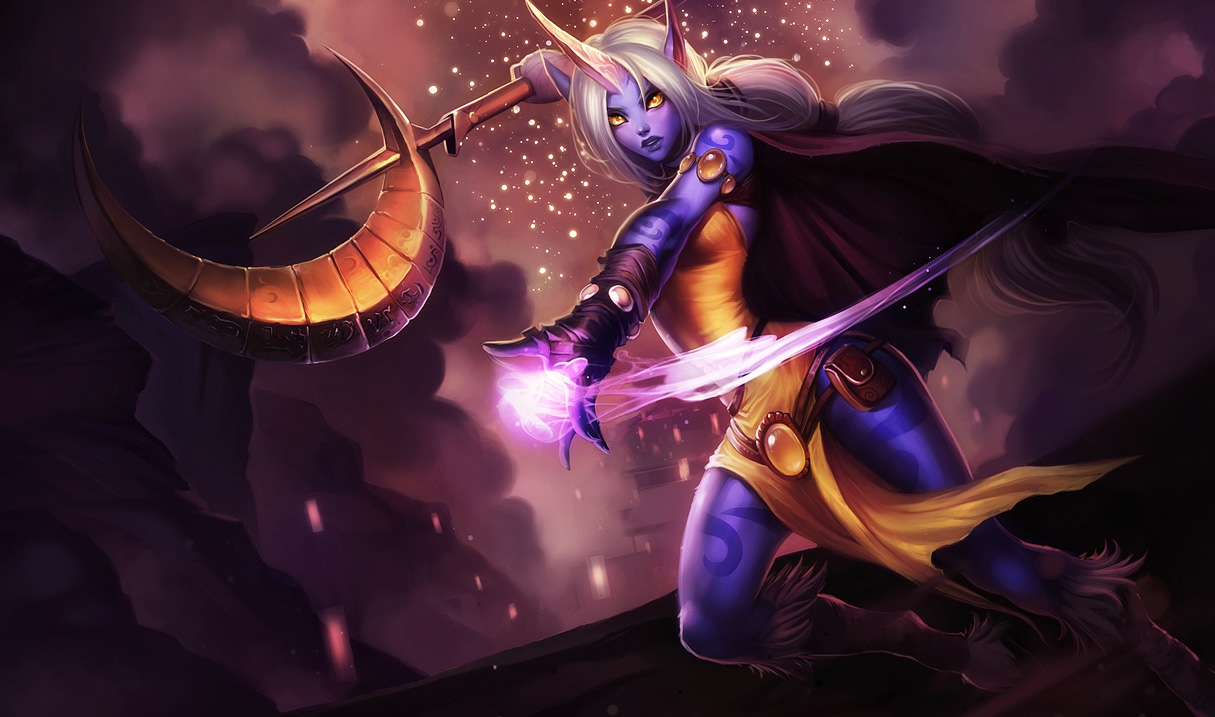
Support characters in video games are often associated with healers, and none are better healers in League than Soraka. She has the best healing abilities in the game, while also bringing a lot of unique utility. Her ultimate is particularly useful, as it heals every ally champion regardless of where they are. Unlike most supports, she’s able to use this to support from  anywhere on the map, making her really effective and easy as far as the healers go.

Sona: 3150 BE

While Soraka has some damaging abilities, she’s mostly valued for her healing. Sona is the opposite of this. She can heal and buff her allies, but her main strength is in her damage. If you’re looking for a support that deals damage, Sona is one of the easiest and most effective champions at doing this.

Braum: 6300 BE

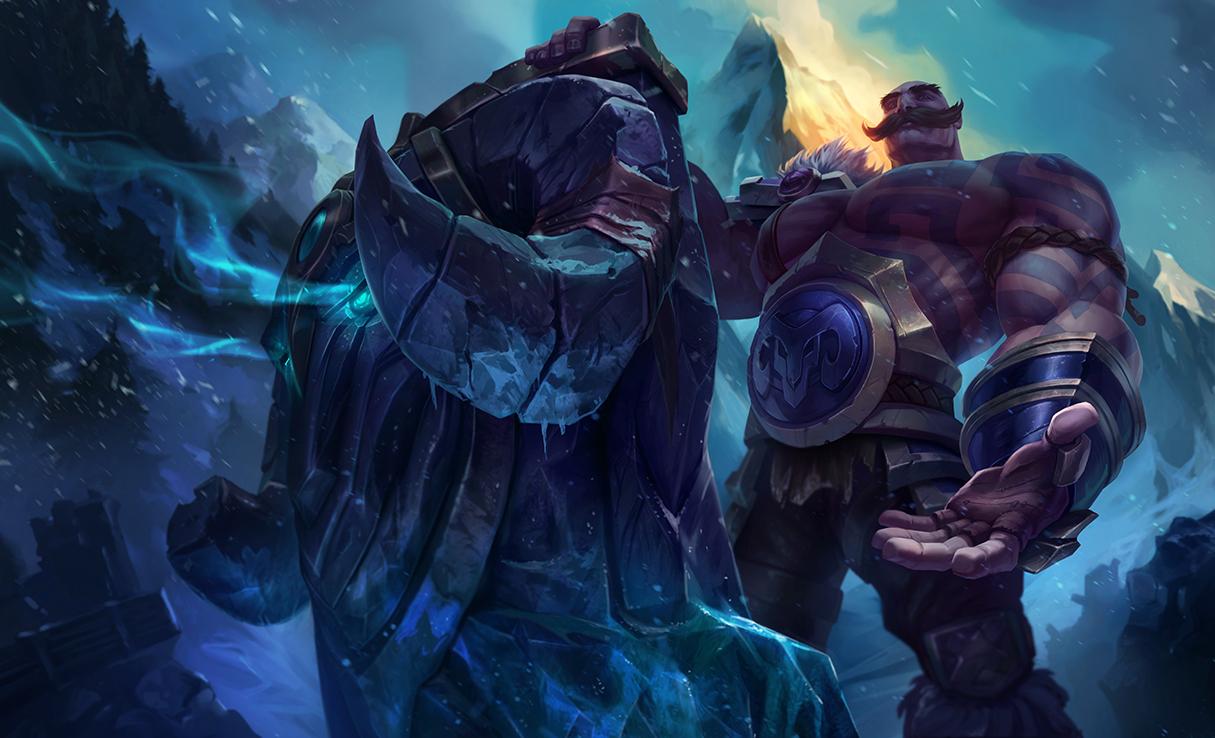
Not all supports are healers, and Braum is a great example of this. He is a defensive tank that can use his shields and crowd control to keep enemies away from his allies. His abilities are centered around saving his allies, and stunning the enemy to turn fights around. If you want to play support, but are not a fan of healers, Braum is an excellent choice. He is, however, the most expensive champion on this list; so it may take you some time to get him if you want to try him out.


5 best party games for PC

While there are still plenty of real-life party games to enjoy (e.g. Cards Against Humanity), video games have opened up a whole new realm of possibilities. If you’re ever with a group of friends looking for something to do, these games are an excellent choice. Some are cooperative, some are competitive, but all of them are goofy and fun.

1. Speedrunners

Imagine a platform version of Mario Kart, and you’ll begin to get an understanding of Speedrunners. The goal is to survive by outracing your opponents and knocking them off-screen. Use grappling hooks, mines, and other weapons to get rid of the competition. This game is perfect for competitive game nights, and is a refreshing spin on racing games.

Speedrunners Download NOW
6

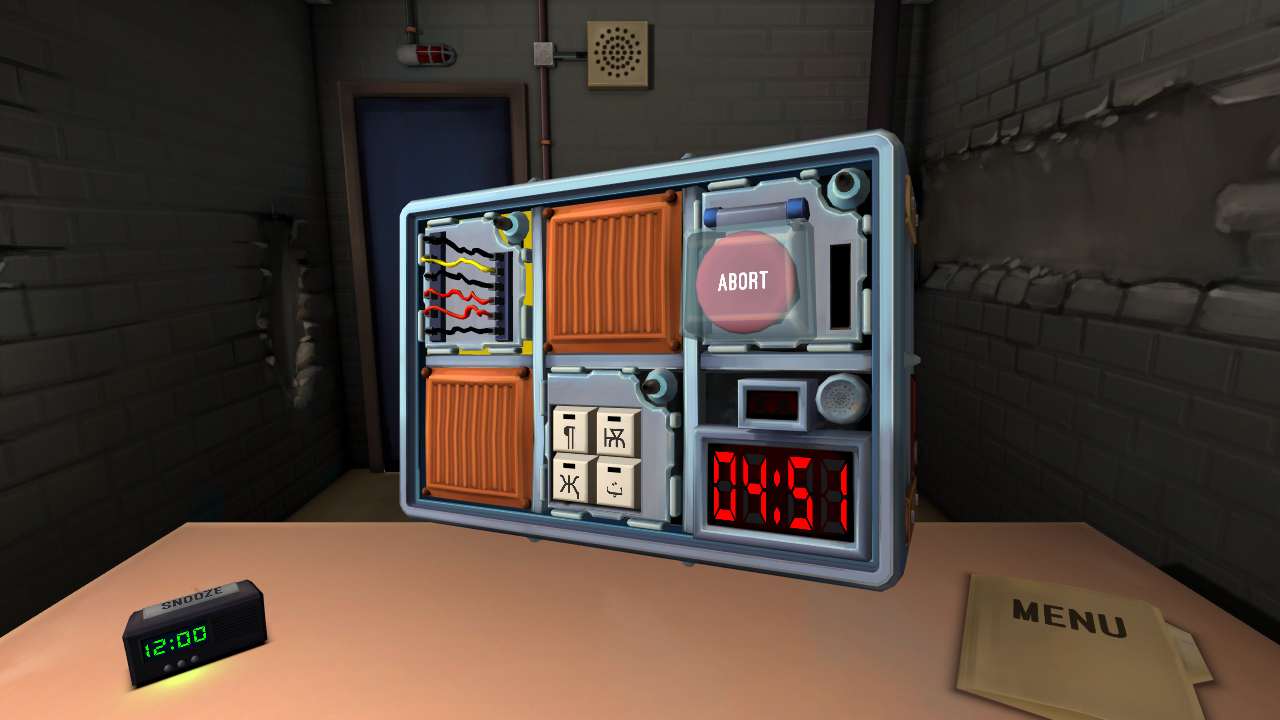
2. Keep Talking and Nobody Explodes

Despite only needing two players, Keep Talking and Nobody Explodes can liven up any game night with friends. One player has to defuse a bomb, while the other player(s) instruct tell them how to. It’s a cooperative game that still has the heightened excitement of competition, as you race against the clock. The game is also VR compatible, which creates a more immersive gameplay.

Keep Talking and Nobody Explodes Download NOW
6

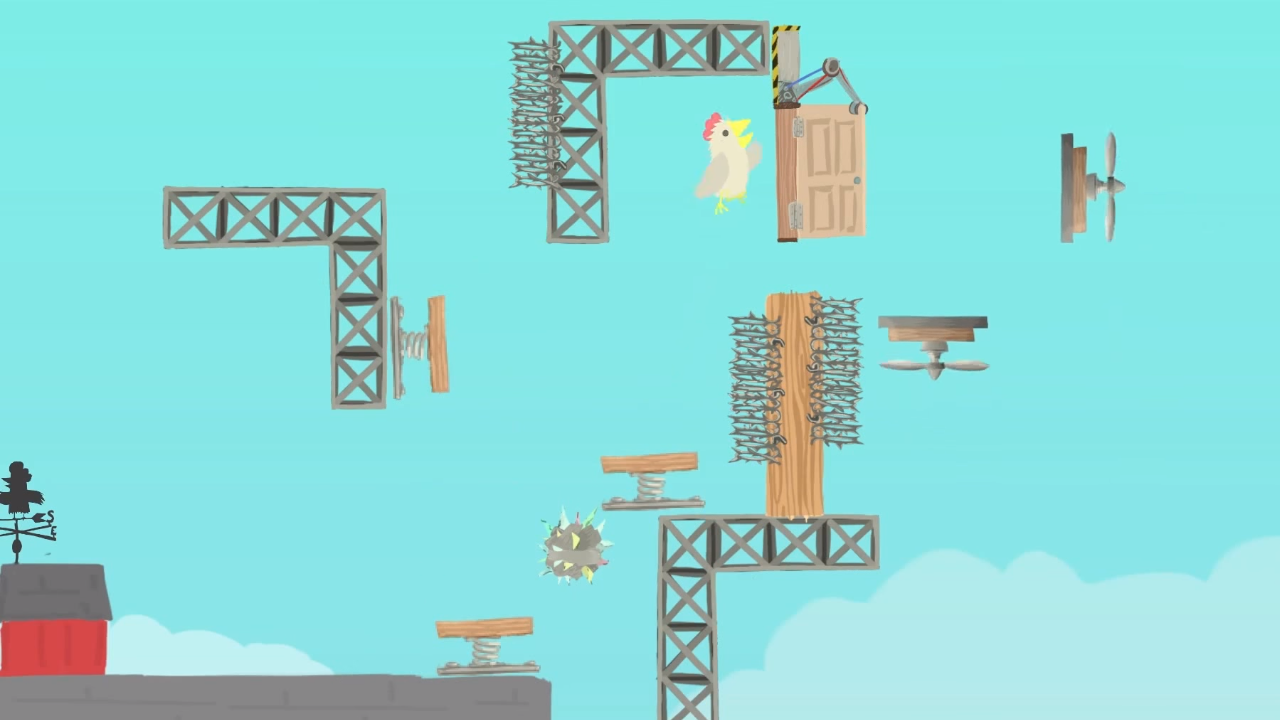
3. Ultimate Chicken Horse

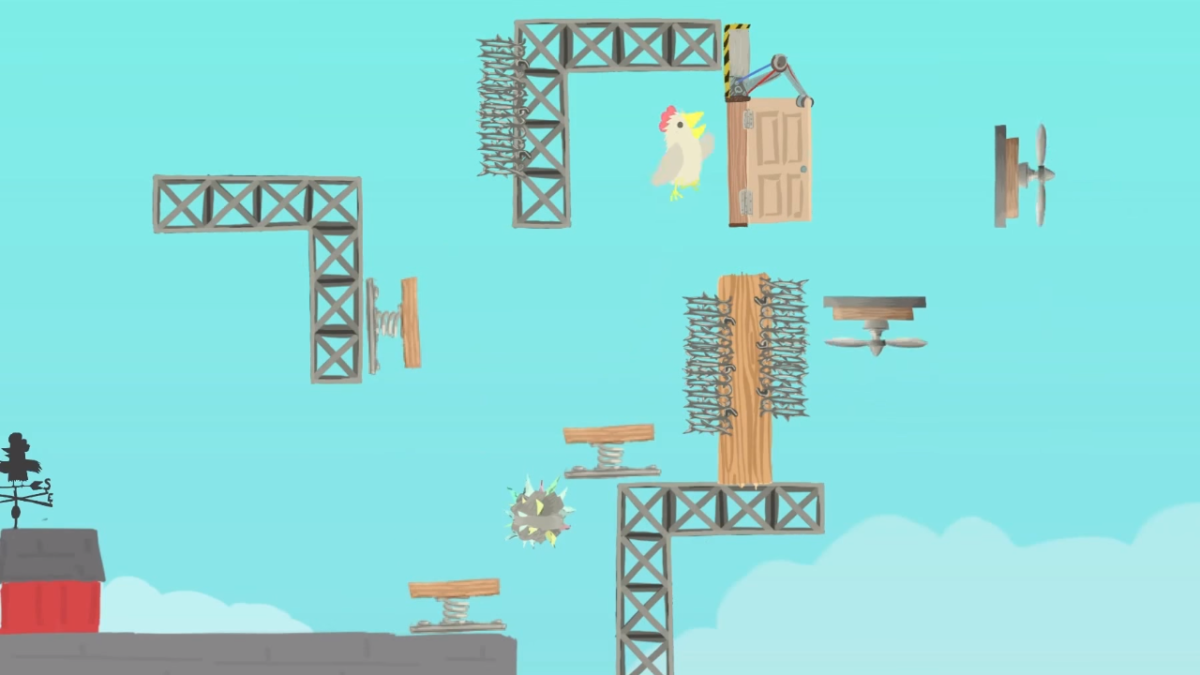
With a name like “Ultimate Chicken Horse,” you know this game is going to be a wild ride. The goal is to get to the flag before any other player does. This makes it seem like a simple obstacle/racing game. The real challenge, however, is in stopping your opponents without stopping yourself. Like a multiplayer Mario Maker, each player has the opportunity to create their own obstacles before the race starts, to try and stop the other players from reaching the goal. Then, the player has to figure out a way to traverse their own platform maze before the other players do.

Ultimate Chicken Horse Download NOW
8

4. Tabletop Simulator


While the previous games only feature one type of gameplay, Tabletop Simulator features a huge variety. With thousands of games to choose from, Tabletop Simulator has practically every board game imaginable. The base game only has a few basic modes, like chess and checkers. However, you can download any number of game mods, including games like Betrayal at House on the Hill, Exploding Kittens, and Boss Monster. You can even create your own games to simulate with your friends. 

Tabletop Simulator Download NOW
7

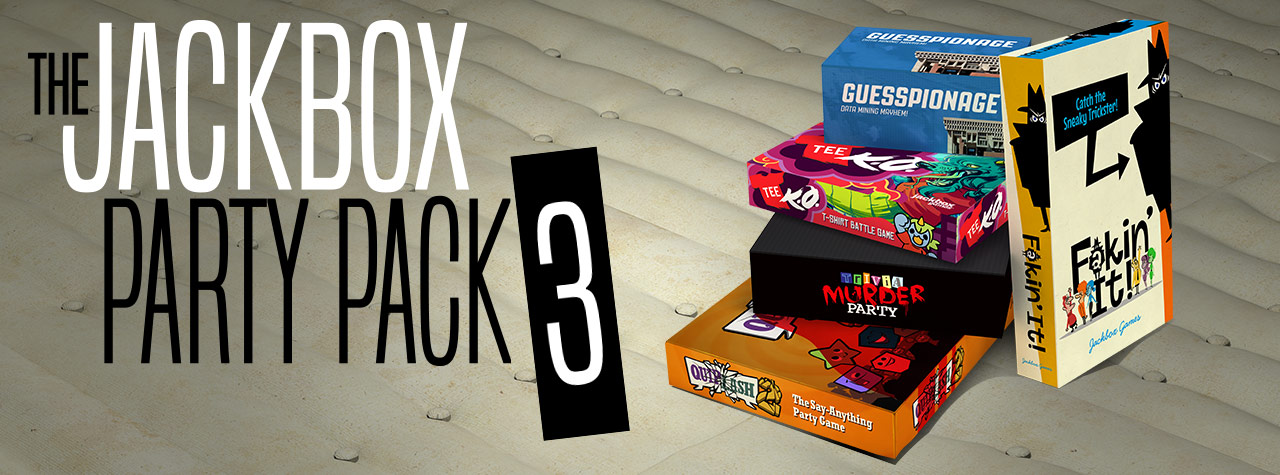
5. The Jackbox series

Like Tabletop Simulator, the Jackbox Party Packs are a variety of games to play with your friends. Each pack features around four or five different game modes, each with its own objectives. All of them are hilarious and allow for amazing amounts of replayability. One popular mode, Quiplash, features similar gameplay to Cards Against Humanity. The main difference is that players create their own answers to the prompts! Another mode, Monster Seeking Monster, lets you text other players to try and woo them. There are dozens of game modes between the series, so you’ll never get bored. If you ever need a game to bring to a party, or just want to do something fun with your friends, Jackbox is the best answer.

The Jackbox Party Pack Download NOW
10


How to change your name in Minecraft

Wish you could change your Minecraft name? It’s incredibly easy! Here’s how to do it.

Sometimes you make a username, and realize that it’s not the one you want. For most sites, this is an easy fix, and Minecraft is no exception. Unfortunately, you can’t do it in the Minecraft program. This can cause a bit of confusion for those who are trying to change it quickly. But no need to fret. Below we’ve detailed the steps you have to take to change your name with speed and ease.

Minecraft Download
7

Name change rules

Minecraft doesn’t allow you to change your name again within 30 days of you doing it. So keep that in mind when you are thinking of what you want your name to be. This 30-day rule also applies to new accounts, so you won’t be able to change a new account name for 30 days either.

Changing your name

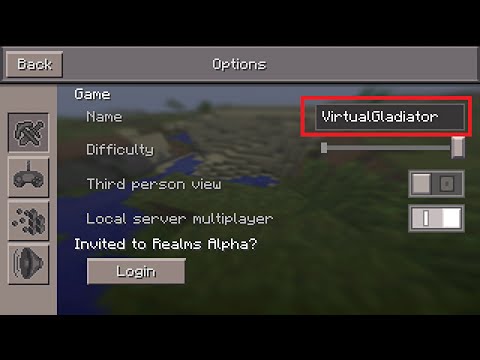
We just verified that this works: The first thing you’ll have to do is go to the Mojang website here. Click “Log in” in the top right corner, and log in using the email attached to your Minecraft account. Once you’ve logged in, you should see your Minecraft account, and your username. Next to your username is the word “Change” in parenthesis. Click this, pick whatever name you want, and then verify the prompt they give you. After that, you should be all set!


Beginner’s guide to Dead Island: Survivors

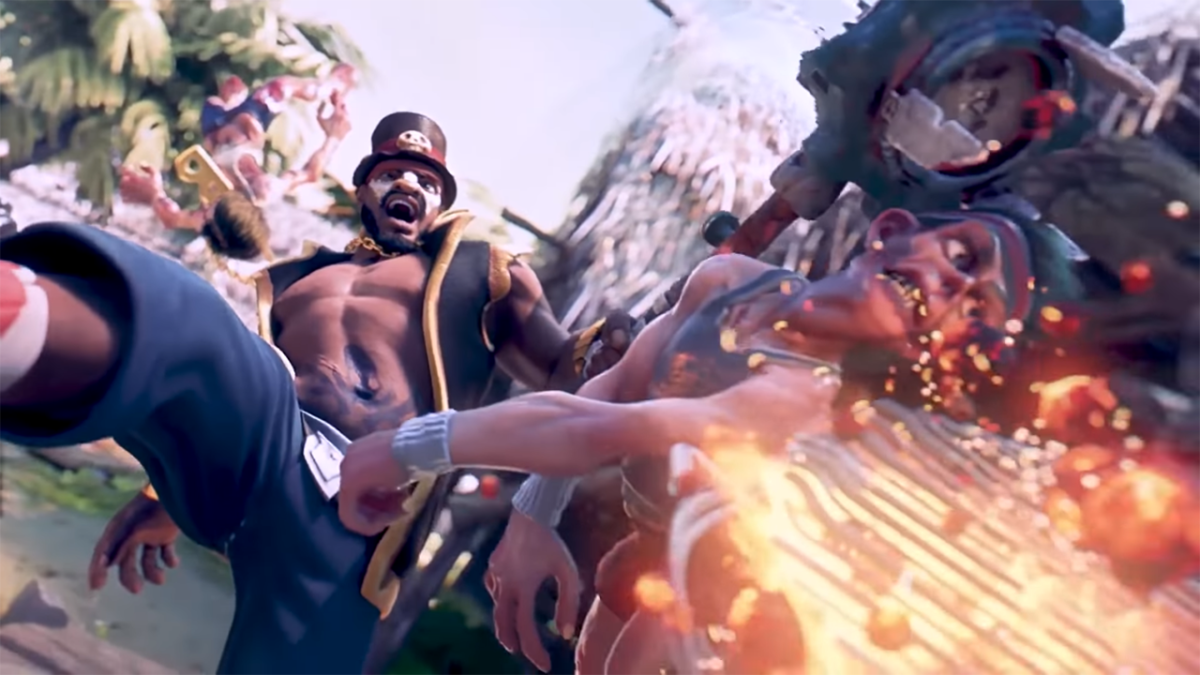
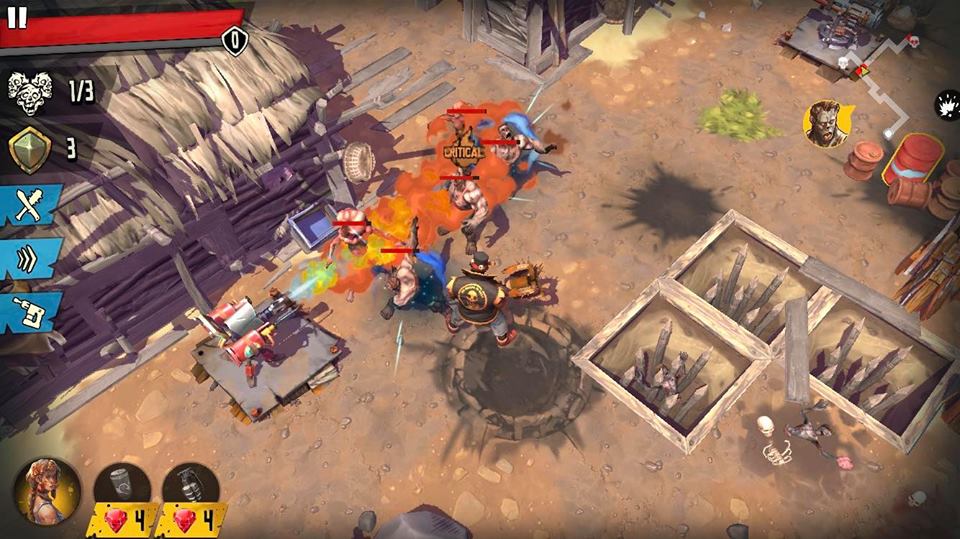
For those of you still waiting for Dead Island 2, Deep Silver is giving us another opportunity to crush some zombies. Dead Island: Survivors is a mobile tower defense RPG based in the Dead Island universe. Waves of zombies will rush towards your base, while you set up traps to prevent them from coming in. Some Dead Island fans were worried about this game being a mobile adaptation. However, the graphics and gameplay are surprisingly well done. This is more than just a little distraction from Dead Island 2’s Gamingdevelopment. Here are some tips and tricks to get you started in this new Dead Island game.

Dead Island: Survivors download free
9


Take advantage of the heroes

While there are tower defense games that feature playable characters, it’s pretty uncommon for mobile ones. Take advantage of this opportunity to fight directly in combat. Each character has their own unique skills, so it’s best to pick the one that fits your playstyle. Regardless of who you play, you should use your character to make up for some of your traps’ downfalls. For example, if you have a lot of traps near one zombie entrance, but very little near the other, you should be using your character to make up for your weaker area. You can also use the character to distract the zombies for a bit, while your traps recharge. Be careful of doing this too much though, since you’ll lose the round if your hero dies.

Plan out a route for the zombies

Barricades are a cheap and effective way to force the zombie hordes to take a certain path. You can use these to force all zombie entrances to go down the same route. Then, using your remaining metal, you can set up traps along this path. This way, zombies will always be hit by your traps, instead of being able to walk around them.

Get resource hordes before survivors

Rescuing all survivors is your main goal, so you may get the urge to go straight for survivor hordes when you see them. However, they may be too strong for you. It’s typically better to build up your metal and gem resources by taking on those hordes first, and then upgrading your traps and heroes before fighting the more important missions.

Buy and use consumables

It may be tempting to avoid using consumables, since they cost the same resources it takes to upgrade your inventory. However, these consumables are cheap and powerful. You can use the grenades to knock enemies down and give your traps time to reset, and you can use the health potions to save yourself in a pinch. You’ll find the resources well spent with these.

Upgrade your cards and take advantage of free items

There’s a daily suitcase available for free under the shop menu. You’ll also get free items from achievements and by killing large amounts of zombies. Make sure to keep upgrading your cards, especially the ones you use the most, as you get more of the resources from these.

Spending money

Most of the microtransactions in this game revolve around skipping time-consuming actions. So if you’re not willing to wait the time to open a second chest, or improve a turret (some of which can take very long waits), then feel free to spend your gems on this. However, you’re best off spending them on upgrades for your units and turrets. If you don’t spend them this way, it may take some grinding to get the resources you need to upgrade your stuff. Thankfully, unlike some free-to-play mobile games, Dead Island: Survivors is completely playable without using microtransactions (as long as you have a lot of patience). Gems are obtainable in game without spending any money. The only real benefit of spending money is saving time.