How to control Google Earth Flight Simulator

How to control the Google Earth Flight Simulator

Google Maps and Google Earth are edging closer and closer to becoming the same app. There is still a huge Google Earth feature missing from Google Maps though. One of the more lesser-known features of Google Earth Pro is the in-built hidden Flight Simulator. Accessible via the Tools Menu, the Flight Sim allows you to fly around the globe from a selected number of airports around the world.

This makes traveling the world using Google Earth a bit more interesting and fun than just panning it over with your mouse.

Google Earth Download
7

How to control Google Earth Flight Simulator

Step 1

To access the Google flight simulator mode, go to the Tools menu and look for Enter Flight Simulator…

Step 2

You can then choose between two types of planes. Also, you can choose whether to fly from your current position in Google Earth or take-off from a selection of different airports.

Flight Simulator

Step 3

The controls for Google Earth Flight Simulator aren’t very clear. It isn’t as simple as pressing a start flight button. There is joystick support so you can use a Joystick if you’ve got one but if not, you’ll need to refer to this list of flight simulator keyboard controls. These keyboard shortcuts include the arrow keys, page up, ctrl, alt+a, and all manner of complicated keystroke and mouse controls. Note that they are different for Windows/Linux and Mac.

Google Earth Flight Simulator keyboard shortcuts

Step 4

The Head-Up Display is a standard basic HUD that displays altitude, heading, throttle, etc.

Google Flight Simulator

Step 5

It takes a while to master the basics, especially controlling thrust and altitude to prevent crashing. Once you have, it’s fun flying around and clicking on points of interest as if you were browsing Google Earth normally. You can even land your plane by throttling down when you approach an airport and pressing G to extend the landing gear. It’s quite hard as you need to control your flaps as well as hitting both “.” and “,” to break the left and right wheels.

Best Roblox simulator games

You’ll love these epic Roblox simulator games. Check them out now

Disclosure: Softonic may receive a referral fee if you click or buy any of the products featured here.

Today we have a crazy amount of different types of simulator games we can play. There are the classic popular games like flight simulators, then the more niche train and truck simulator games, and we’ve even got full-on space program simulation games. So far so fun. What’s even better than playing these full-on experience simulators, however, is getting into some homemade simulator action via Roblox Studio. Yep, the ultimate video game platform has plenty of multiplayer simulator games for you to try that have been made by other Roblox players.

Now, it would be irresponsible of us to not mention titles like Roblox Cockroach Simulator or the particularly niche Glasgow City Bus Simulator but we’re going to look at some of the most popular Roblox Simulator games for you to try. These are the best simulator games on Roblox.

Best Roblox simulator games 2020

Treasure Hunt Simulator

Treasure Hunt Simulator

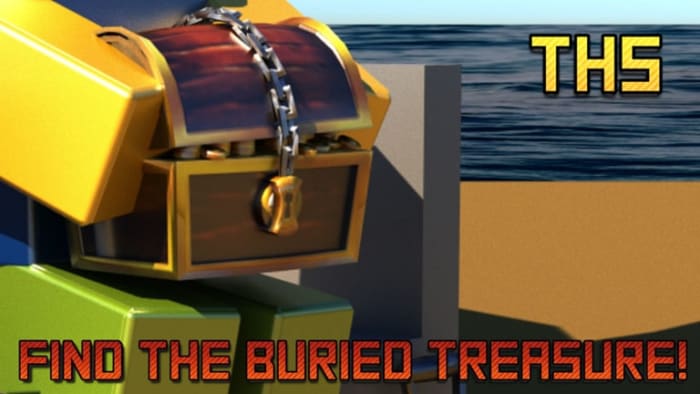
We’ll start off with an exciting one. How would you feel about searching for treasure on a desert island? That is exactly the type of gameplay this popular Roblox game offers. Played over 300 million times and favorited over 2 million times, Treasure Island Simulator sees you trekking out with your shovel, backpack, pets, and more as you look for buried treasure chests. If you’re looking for a new game, this one is lots of fun.

Airplane Simulator

Airplane simulator

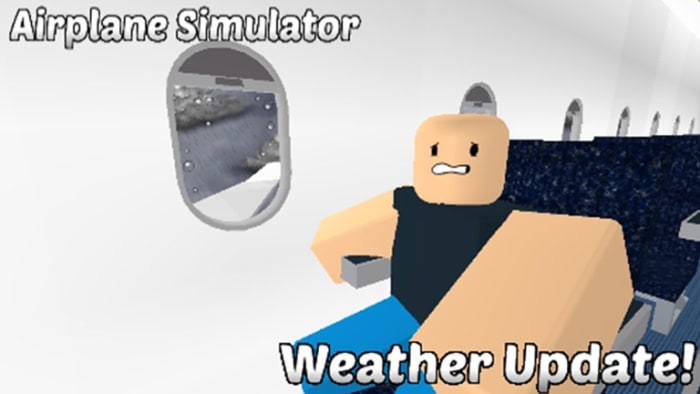
You need to pay attention to the name of this Roblox simulator. It isn’t Flight Simulator, it is Airplane Simulator. The difference between the two is key here. With a flight simulation game, you’ll get to experience flying an airplane as the pilot. That is not what is this. The Roblox Airplane Simulator game gives you the simulated experience of traveling on an airplane as a passenger. Yep, this game is about sitting in your seat as the plane you’re on flies through the air. It has recently received a weather update and includes clap, check your watch, and cough animations. Ominously enough, however, the tagline for the Roblox Airplane Simulator is “How long can you last?”

International Airport

International Airport

Once you’ve completed your simulated plane ride you’ll obviously need to head through a simulated international airport. The airport has a number of different airport vehicle-related simulator games and has been played over 32 million times. It has also been favorited by more than 160,000 people. Yep, this international airport is fun, fun, fun. Just make sure you don’t get overcharged for your drinks and food like in the real international airports.

Train Simulator

Train Simulator

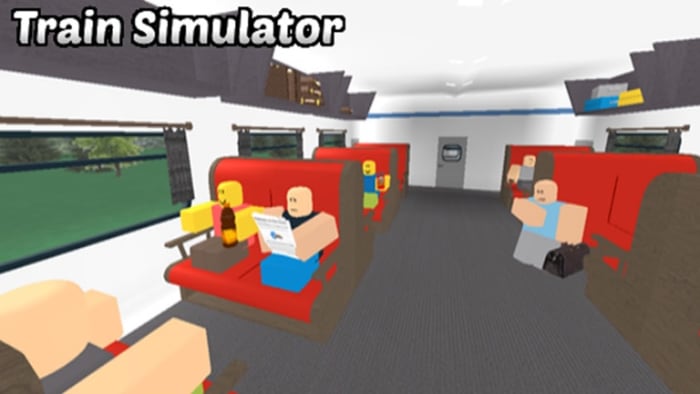
This game is exactly the same as Airplane Simulator except you’re on a speeding train instead of an airplane. If you’ve ever traveled by plane and train, you’ll know that the train is by far the more enjoyable mode of transport, which should make this game better than Airplane Simulator. Try both games and let us know which you prefer.

Saber Simulator

Saber simulator

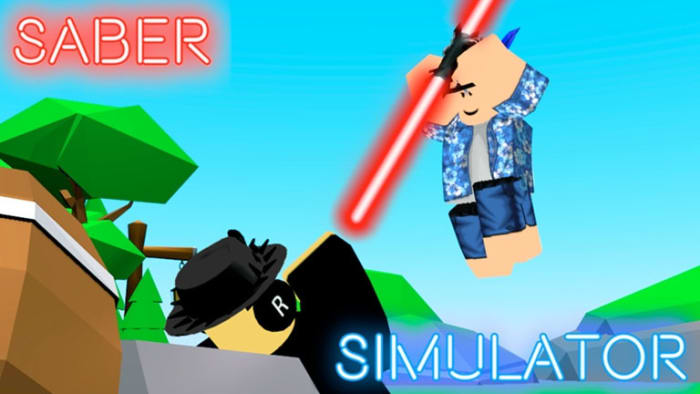
Now you’re talking. If the thought of simulating a train or plane ride doesn’t get your blood boiling, then what about a saber dueling simulator? This game offers an epic hand to hand fighting with bright colorful Star Wars-like sabers. Train your character, build your strength, and defeat your opponents. You can then trade your XP for coins and upgrades. OH YEAH!

Garbage Truck Simulator

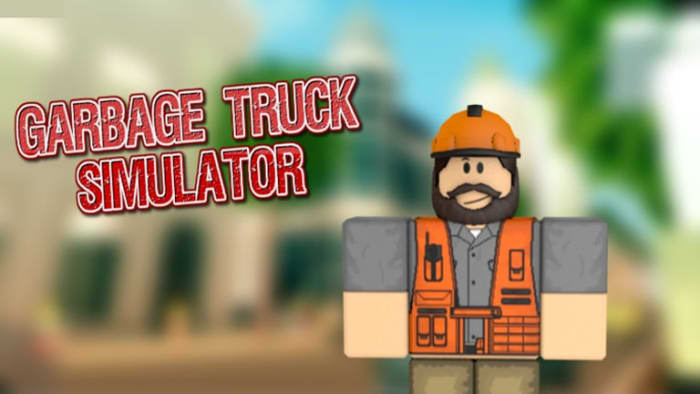
This game is one of the best simulator games out there. Why? Well, because it gives you a fun and engaging experience similar to that you’d get if you were a garbage man working on a garbage truck. One important factor is missing, however, the smell. Yep, this game doesn’t smell of garbage, which has to be a good thing, right?

Black Hole Simulator

Black Hole simulator

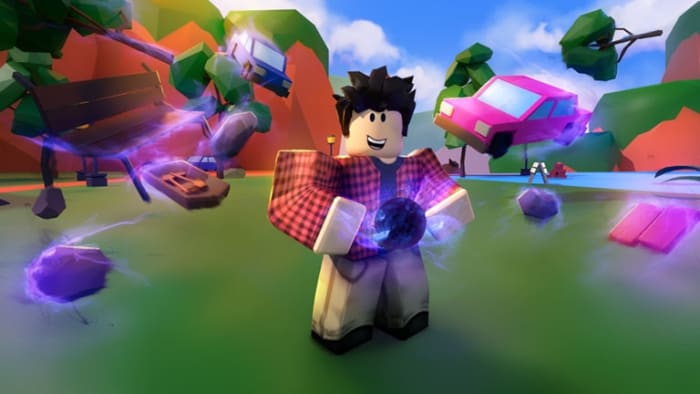
Black holes are holes in the universe that suck everything into them. They are so strong that not even light can escape.  If this sounds like a strange concept to simulate, don’t worry. Surprisingly, this is lots of fun. Eat up everything to gain bricks and grow your black hole. Keep growing and then upgrade your black hole and energy. You’ll even get the chance to eat up other player’s black holes and steal their bricks. Admit it. It sounds fun, doesn’t it?

Baby Simulator

Baby Simulator

Babies get to sleep when they want, play when they want, and whenever they’re hungry they just need to cry a little and then somebody comes and feeds them. I’m not going to get into the toilet situation but being a baby definitely has plenty of perks. That’s what this game is about. Let your inner baby out to play with lots of different toys and simply try to be as happy as possible.

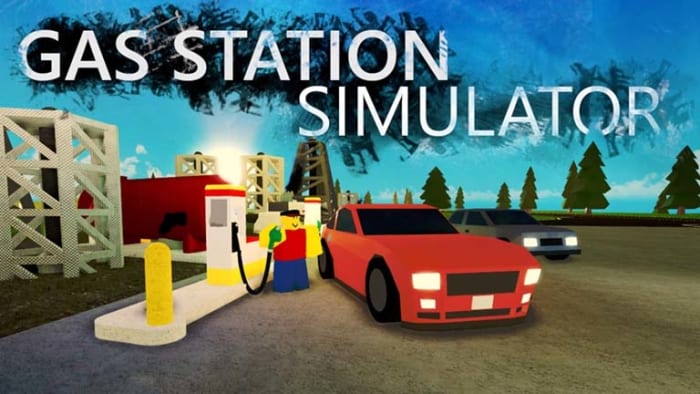
Gas Station Simulator

Gas station simulator

This is another one of those Roblox games that sounds weird but it is actually really fun. This is about the American dream. Run your small business and fight your way to the top. You can play with up to seven friends as you manage your gas station and take care of your customers. There is a group for this game, but it’ll cost you 500 Robux to join.

Battle Royale Simulator

Battle Royale simulator

With Fortnite: Battle Royale quickly establishing itself as one of the biggest, if not the biggest game of all time, there have been a million battle royale games released recently. This Battle Royale Simulator from Roblox could be seen as just another game in the crowd then, but it is actually lots of fun. Collect your resources, unlock new skins, and most importantly eliminate your enemies. This a great Roblox Simulator that is loved by a lot of players.

Fortnite: Battle Royale Download Fortnite: Battle Royale ►
10
Wrapping up

We’ve brought you a wide variety of different types of Roblox simulator game. From plane and train ride simulators to treasure hunt simulators there is plenty on offer on Roblox for all simulator fans. Even if you’re not normally somebody who would play simulator games, give these Roblox simulators a try. In many cases there plenty of fun on their own, even without the simulation aspect.

5 best party games for PC

While there are still plenty of real-life party games to enjoy (e.g. Cards Against Humanity), video games have opened up a whole new realm of possibilities. If you’re ever with a group of friends looking for something to do, these games are an excellent choice. Some are cooperative, some are competitive, but all of them are goofy and fun.

1. Speedrunners

Imagine a platform version of Mario Kart, and you’ll begin to get an understanding of Speedrunners. The goal is to survive by outracing your opponents and knocking them off-screen. Use grappling hooks, mines, and other weapons to get rid of the competition. This game is perfect for competitive game nights, and is a refreshing spin on racing games.

Speedrunners Download NOW
6

2. Keep Talking and Nobody Explodes

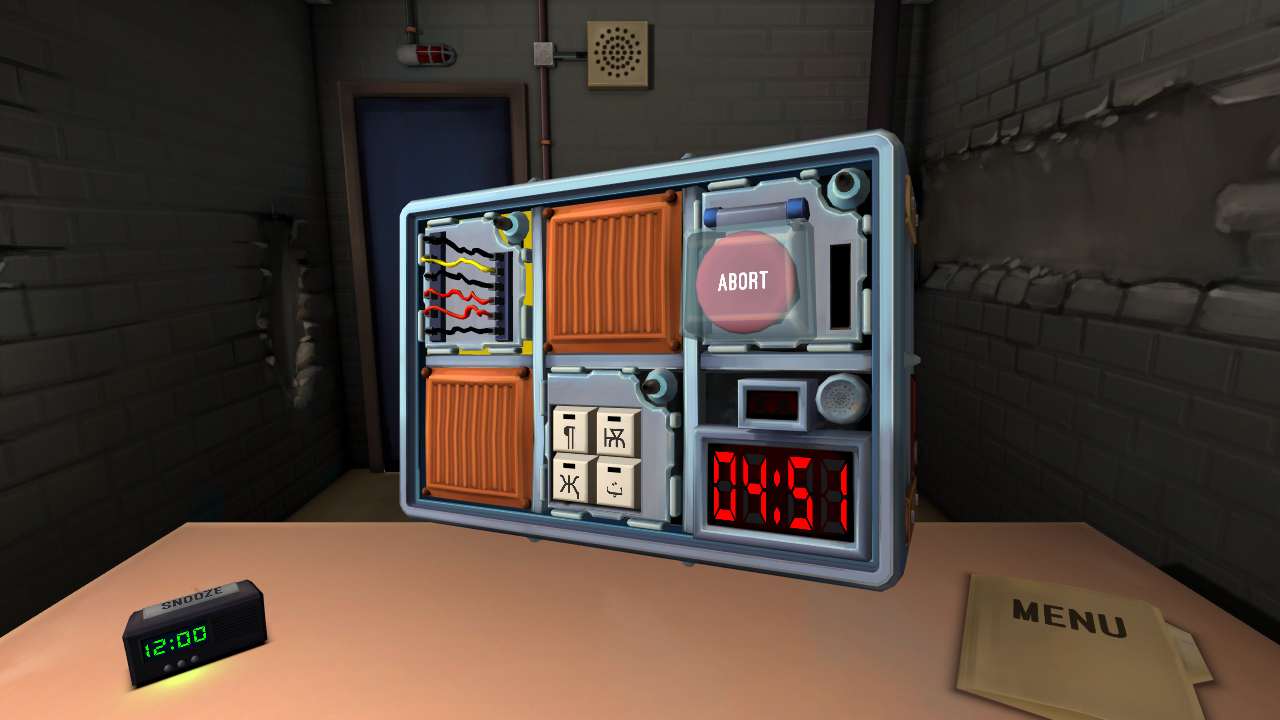
Despite only needing two players, Keep Talking and Nobody Explodes can liven up any game night with friends. One player has to defuse a bomb, while the other player(s) instruct tell them how to. It’s a cooperative game that still has the heightened excitement of competition, as you race against the clock. The game is also VR compatible, which creates a more immersive gameplay.

Keep Talking and Nobody Explodes Download NOW
6

3. Ultimate Chicken Horse

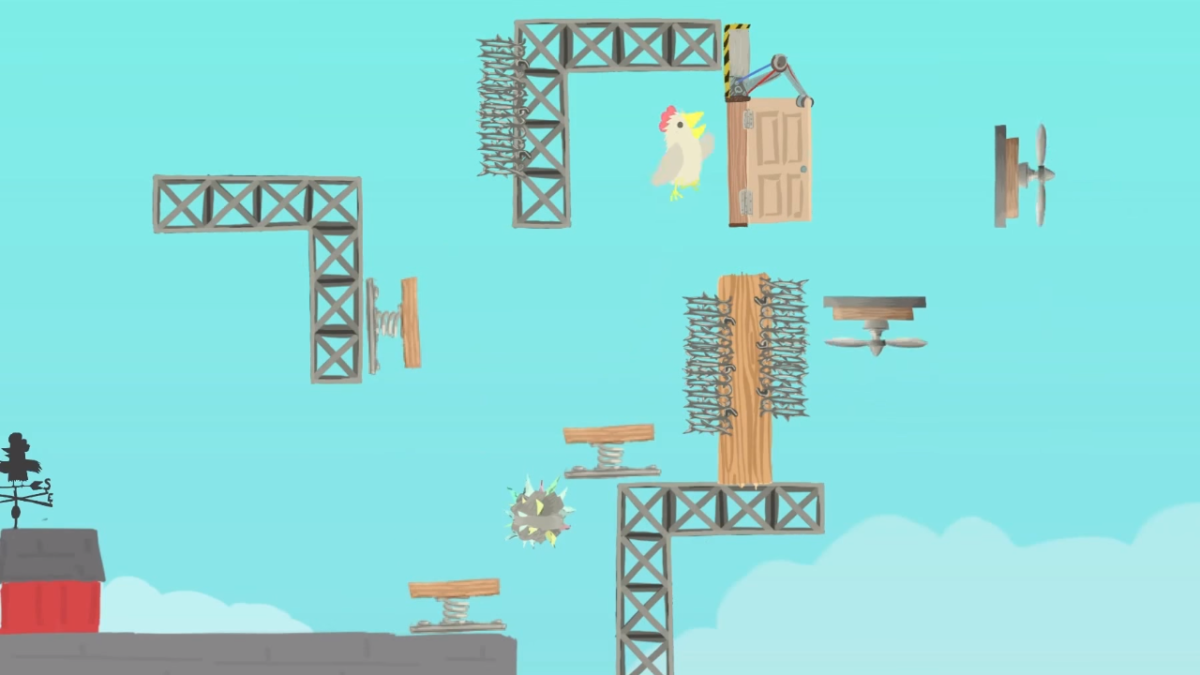
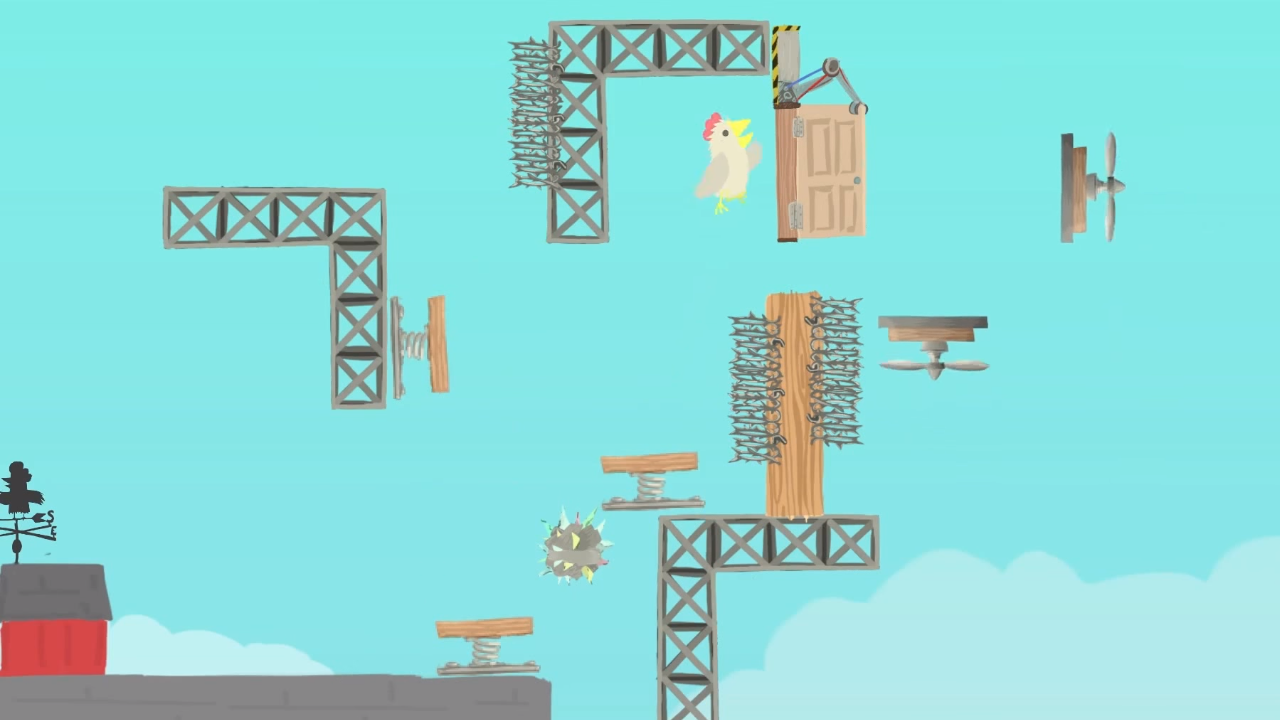
With a name like “Ultimate Chicken Horse,” you know this game is going to be a wild ride. The goal is to get to the flag before any other player does. This makes it seem like a simple obstacle/racing game. The real challenge, however, is in stopping your opponents without stopping yourself. Like a multiplayer Mario Maker, each player has the opportunity to create their own obstacles before the race starts, to try and stop the other players from reaching the goal. Then, the player has to figure out a way to traverse their own platform maze before the other players do.

Ultimate Chicken Horse Download NOW
8

4. Tabletop Simulator


While the previous games only feature one type of gameplay, Tabletop Simulator features a huge variety. With thousands of games to choose from, Tabletop Simulator has practically every board game imaginable. The base game only has a few basic modes, like chess and checkers. However, you can download any number of game mods, including games like Betrayal at House on the Hill, Exploding Kittens, and Boss Monster. You can even create your own games to simulate with your friends. 

Tabletop Simulator Download NOW
7

5. The Jackbox series

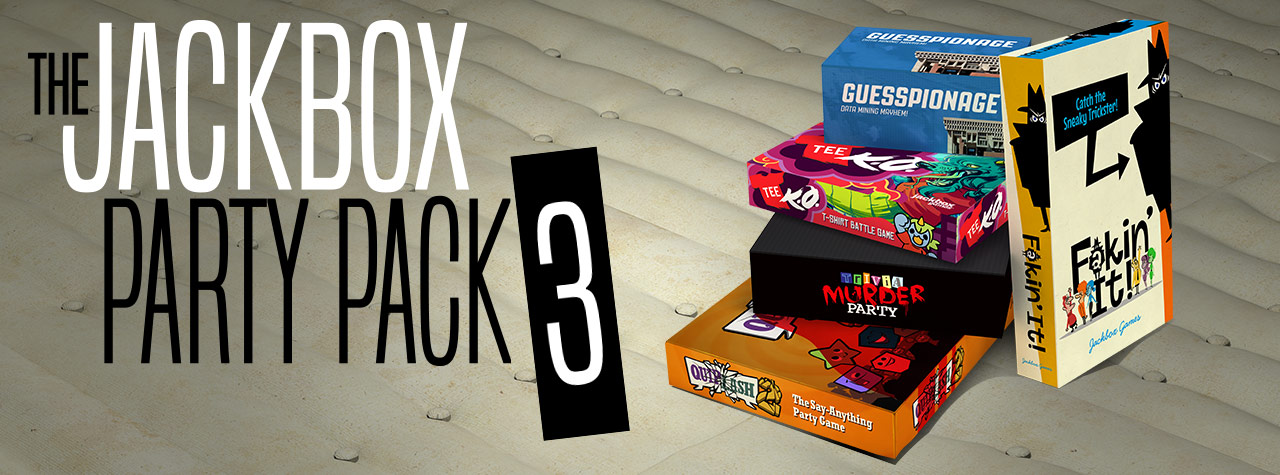
Like Tabletop Simulator, the Jackbox Party Packs are a variety of games to play with your friends. Each pack features around four or five different game modes, each with its own objectives. All of them are hilarious and allow for amazing amounts of replayability. One popular mode, Quiplash, features similar gameplay to Cards Against Humanity. The main difference is that players create their own answers to the prompts! Another mode, Monster Seeking Monster, lets you text other players to try and woo them. There are dozens of game modes between the series, so you’ll never get bored. If you ever need a game to bring to a party, or just want to do something fun with your friends, Jackbox is the best answer.

The Jackbox Party Pack Download NOW
10


Jurassic World Evolution: a successful consumer management game – our review

I have always dreamt of being John Hammond and going on a crazy spending spree. (“We spared no expense.”)

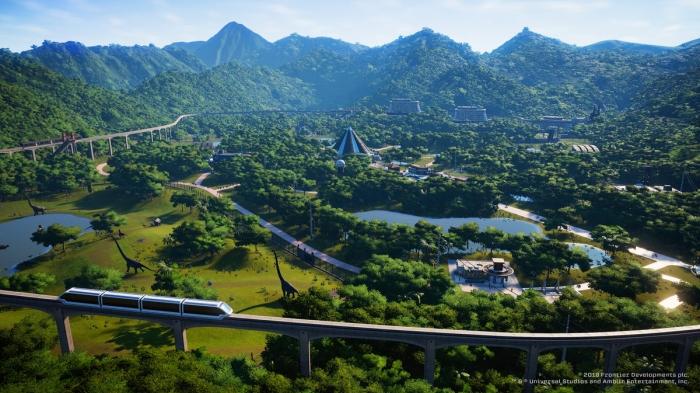
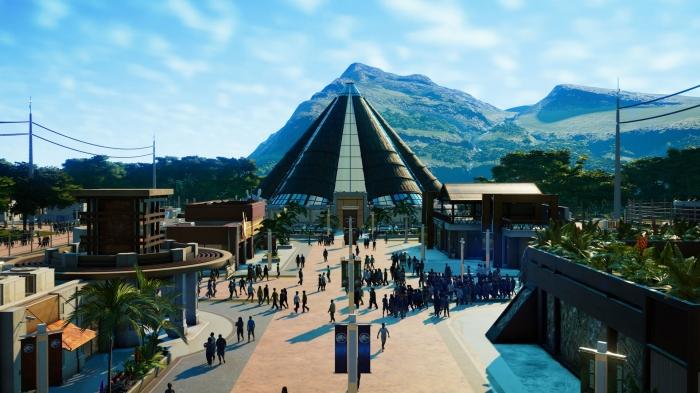
With Jurassic World Evolution, that dream can now come true! The game didn’t have the best of timing, as it had to be released in the middle of the E3 expo, so as to coincide with the premiere of “Jurassic World: Fallen Kingdom.” Nevertheless, with Frontier Developments at the helm, it was inevitable that the game would attract considerable attention, especially after the success of Planet Coaster. The combination of a theme park construction and management game and the “Jurassic Park” universe is the stuff dreams are made of! The only problem is that the latter has a tendency to suffer by comparison.

Jurassic World Evolution Download Now
8

Forget about Planet Coaster

Let’s begin by making one thing clear: don’t expect to find another Planet Coaster in Jurassic World Evolution. If Planet Coaster allowed users to build incredible creations from scratch, Jurassic World Evolution rivals that with the inventive objects available in the game, as well as being much more interactive, and much less orientated towards creation. The same is true on the management side, as the game´s crowd system has been simplified, although that isn’t really important, because by sacrificing these aspects which are so specific to Planet Coaster, JWE has gained something even more invaluable: the gameplay is really easy to grasp.

Simple gameplay, yet still full of interesting details

I have spent a lot of time playing Planet Coaster, and I have to admit that starting new games is difficult, as you have to waste lots of time with the learning curve. JWE has the advantage of being fun even in the first few minutes of play, and the game mechanics are really easy to get used to, whether that be for building the park or sending archaeologists abroad to collect and extract the DNA which will be used to create different types of dinosaurs. The more intricate details of the game are equally as easy to pick up, such as making sure our dinosaurs can’t escape by enclosing the arena with electric fencing or the different services on offer to visitors. The terraforming tools remain basic yet effective.

Too easy?

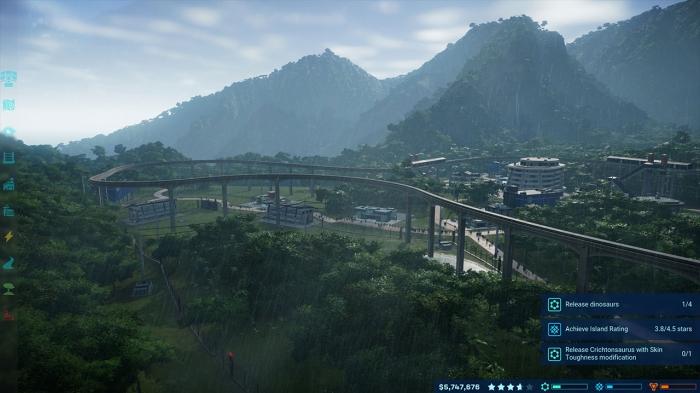
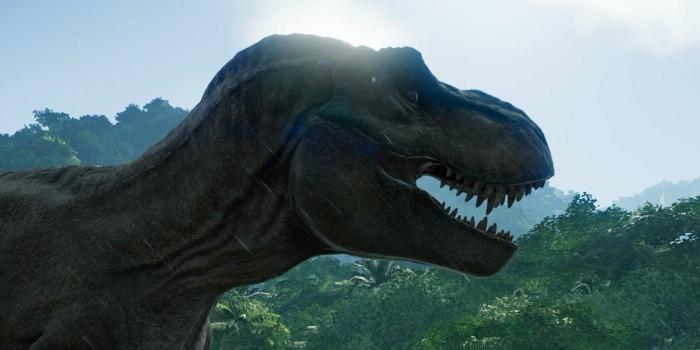
Simple gameplay and easy mechanics doesn´t necessarily mean the game is easy. With 5 different islands to manage, the game becomes increasingly difficult and taking care of the dinosaurs, looking out for storms, tornadoes, power-cuts, or sabotages in the three different game factions makes conquering the gameplay towards the end all the more interesting. Completing missions to gain the loyalty of the three factions offers a small bonus point. The only big criticism I have with JWE is that once you understand how it works, you end up playing each new island using the same strategy that helped you conquer the previous ones. Despite that, the pleasure of seeing your Triceratops, Raptors, T-Rex or Diplodocus leave their enclosure never gets old.

Clever game

It is clear that Jurassic World Evolution has been designed as a consumer management game. Smooth, free of overly complex gameplay elements, offering the possibility to control the Jeep or the staff helicopter by yourself, or undertake many other interactive activities. The game needed to please everyone, staying true to the Jurassic Park license, and the end result not only boasts amazing graphics but also leaves you wanting more, going back to play again and again, even after this first test review was written. It might sound stupid, but when you have to test several different games, you often end up abandoning the one you´re playing to start the other, but I know that this won’t happen with JWE.


How to download and play Sims 4 multiplayer

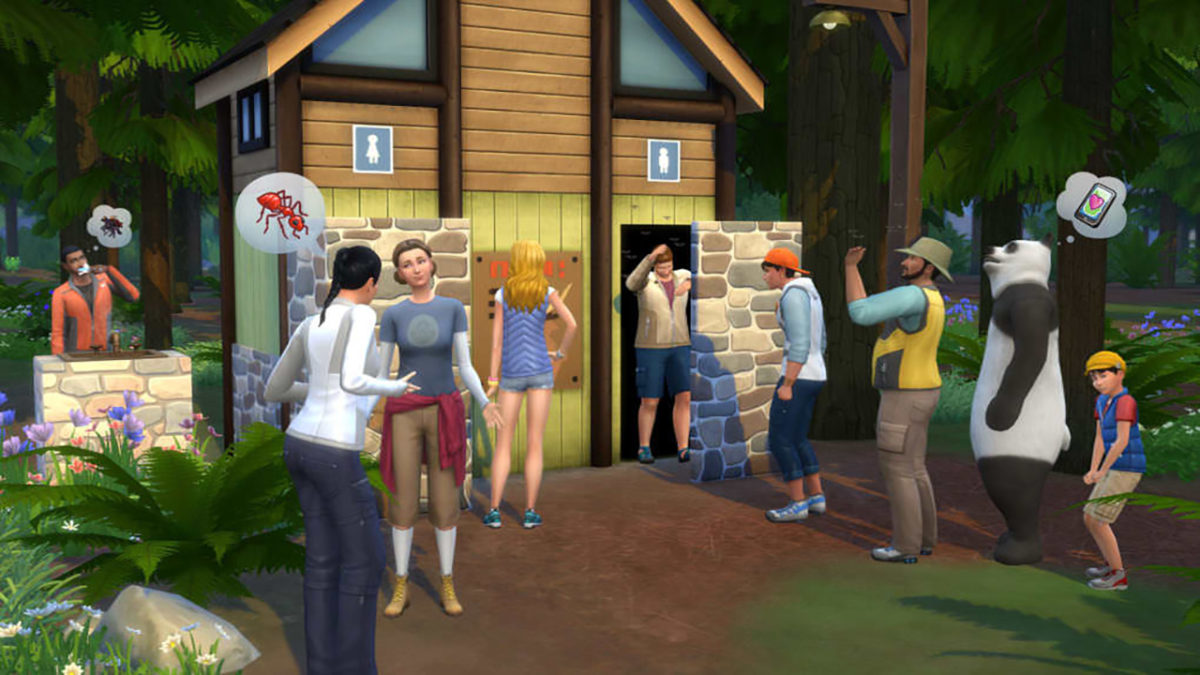
The Sims is one of the most fascinating video games out there. It’s almost two decades old and with each new release, it takes another step up. However, despite these updates, the big changes almost always come from user community, which creates excellent mods to get more out of the game. Today, we’re putting on our work boots and teaching you how to download and play Sims 4 multiplayer.

The Sims 4 Download Now
7

Step by step

The first step is simple: download the mod. Do it here, unzip it and drag the folder ts4multiplayer-alpha1 to the location where the mods are.

Once the previous step is done, download Hamachi, the program necessary for creating the virtual network that we’re going to use to play. Open the software and click on “Create a new network.” Add a name and password and write it all down, since you’ll have to send the details to your friend (and they’ll need to follow all the same processes you did).

Hamachi Download Free
7

Let’s go to the server now. Type in the following path: Documents\Electronic Arts\The Sims 4\Mods\ts4multiplayer-alpha1\Scripts\ts4mp\core. If you’re going to make the server, create a .txt file called “server.txt” (without quotation marks). Or, if you’re going to connect to your friend’s account, create a .txt file called “client.txt.” So far, so good, right? Now things get a little more complicated.

Go to Documents\Electronic Arts\The Sims 4\Mods\ts4multiplayer-alpha1\Scripts\ts4mp\configs and look for the file “server_config.py.” You need to open it. Most likely, it won’t let you, so click right and select “open with Notepad.” There, look for two clear sections. The first is called “Host,” where you have to enter a numeric code that appears next to the Hamachi power button (consisting of four series XX.XX.XX.XX). The second is called “Port” and it’s as easy as typing “9999.” Both you and your friend must follow this process, regardless of whether you’re the client or the server.

Don’t quit yet! We’re almost there. If you’re going to act as the server, go to Documents\Electronic Arts\The Sims 4\Mods\ts4multiplayer-alpha1\Scripts\ts4mp\core and look for a file called “multiplayer_server.py.” Open it with Notepad and go to the “self.host” section. There, type in the Hamachi address from the previous point (with the quotation marks this time) and for the “self.port” type in “9999.

Ta-da, now you’re good to g!. Now just create a game with two Sims (if you’re going to act as the server) and send the saved file to your friend (the games are saved in the folder “Saves” within “The Sims 4”). First, load the file acting as the server and then the client. Now each user will have a Sim within that game.

The client may have issues when selecting a character. If this occurs, whoever makes the server just has to enter the following command: add_client_sims.

The process may seem a little tedious, but with some patience, you’ll get it working.

The Sims 4 Download Now
7

The FIFA World Cup 2018 comes to your mobile for free

Image via: Cricket Rank

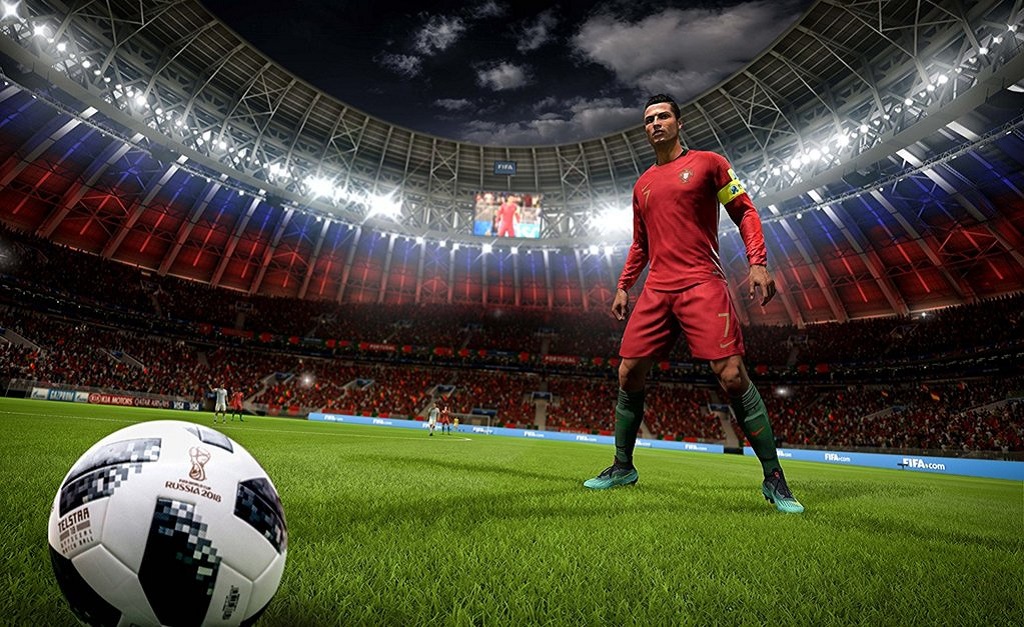
Next Thursday, June 14, is the big day when the FIFA World Cup 2018 kicks off in Russia. The hosts will take on Saudi Arabia, in what will be one of the few games of the tournament that you’ll want both teams to lose. If only it were possible. Then from Friday, June 15, we’ll be treated to at least three World Cup matches a day until the group stages conclude on June 28.

Why stop there? Why not take the action with you wherever you go? Why not be a part of the action? Go on your own search for glory! You can do both with the official FIFA Mobile Soccer game. The free-to-play mobile game for iOS and Android now has its very own World Cup mode complete with all 32 of the teams that’ll be taking part later this month.

There will also be separate story mode that includes 16 nations that failed to qualify for the tournament.

Other modes include a VS mode, which sees players facing off against each other in real match and fantasy match situations.

With so much on offer and for free, what is stopping you from giving FIFA Mobile World Cup a shot this summer? Do it. Play your way to immortality!

FIFA Mobile Soccer Play Now
9

6 old PC games that are still entertaining

At Softonic, we’re feeling a little nostalgic. Now that summer is here and the days are getting longer, we’ve got more leisure activities than ever, from going to the movies to playing video games. This got us thinking about old PC games that are still entertaining. Here’s a list of six titles you can’t miss.

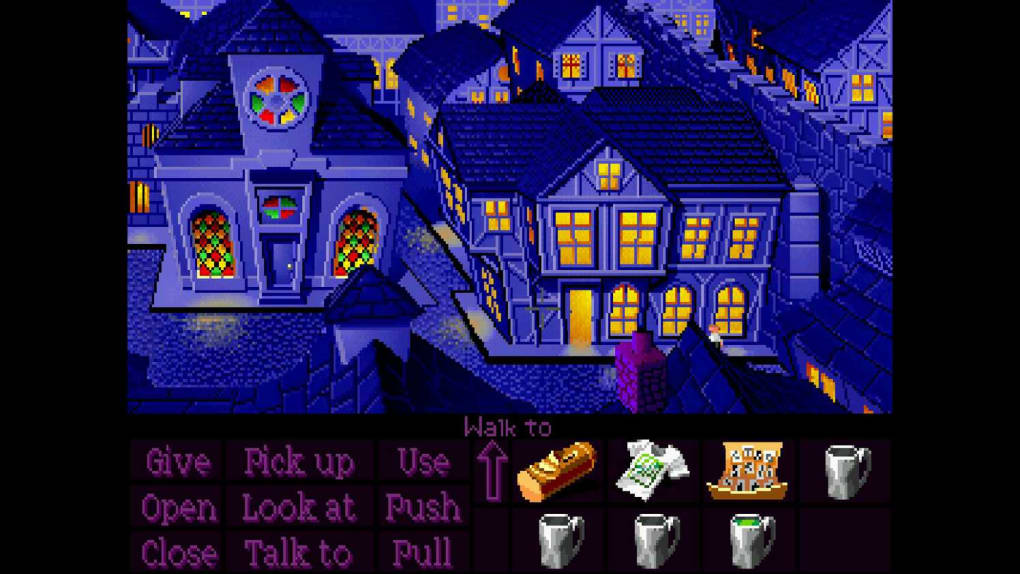
Monkey Island

What’s there to say about the famous pirate Guybrush Threepwood that hasn’t already been said? Monkey Island completely redefined the genre of graphic adventure to such an extent that it launched LucasArts to stardom. Names like Ron Gilbert, Tim Schafer, and Dave Grossman came into the media spotlight and become famous in a hurry.

The game was released to the market in 1990, so we’re nearly celebrating its 30th anniversary of sales!

The Secret Of Monkey Island Download Now
10

Lemmings

This game has really straightforward mechanics that still make an impression on players. In Lemmings, we have to lead a group of small rodents to an end point. The key is to do it without losing them, by creating some routes and avoiding others. Launched in 1991, it had more releases later due to its success.

Lemming Download Free
7

Sim City 2000

The year 2000 is so far away, right? For many of us, the year 2000 was a far-off date that would bring flying cars and mind-blowing technology. Now that we’re in 2018, we know we might have been overly optimistic. However, the idea of Sim City 2000, launched in 1994, was to build a state-of-the-art city. Although its graphic interface shows its age, Sim City 2000 is still entertaining.

Simcity 2000 on the Internet Archive access
8

Age of Empires

In 1996, Ensemble Studios launched Age of Empires, a strategy game that didn’t have much impact during its development, but once it hit the shelves, completely took over the real-time strategy game genre. The title was a huge success and still has thousands and thousands of active fans (of the original game, no joke). Its success has been so enduring, a 2018 remake of the original was launched with a new aesthetic look.

Age of Empires: Definitive Edition Download Free
8

Wolfenstein 3D

The saga is more alive than ever thanks to new versions of Machine Games, and this is largely because of how well it maintains the essence of the original 3D Wolfenstein. Created by id Software in 1992, the adventure puts us in the shoes of Lieutenant Blazkowicz. The goal: to put an end to the Nazis and the experiments they’re carrying out in a mysterious castle.

Wolfenstein 3D Download Now
8

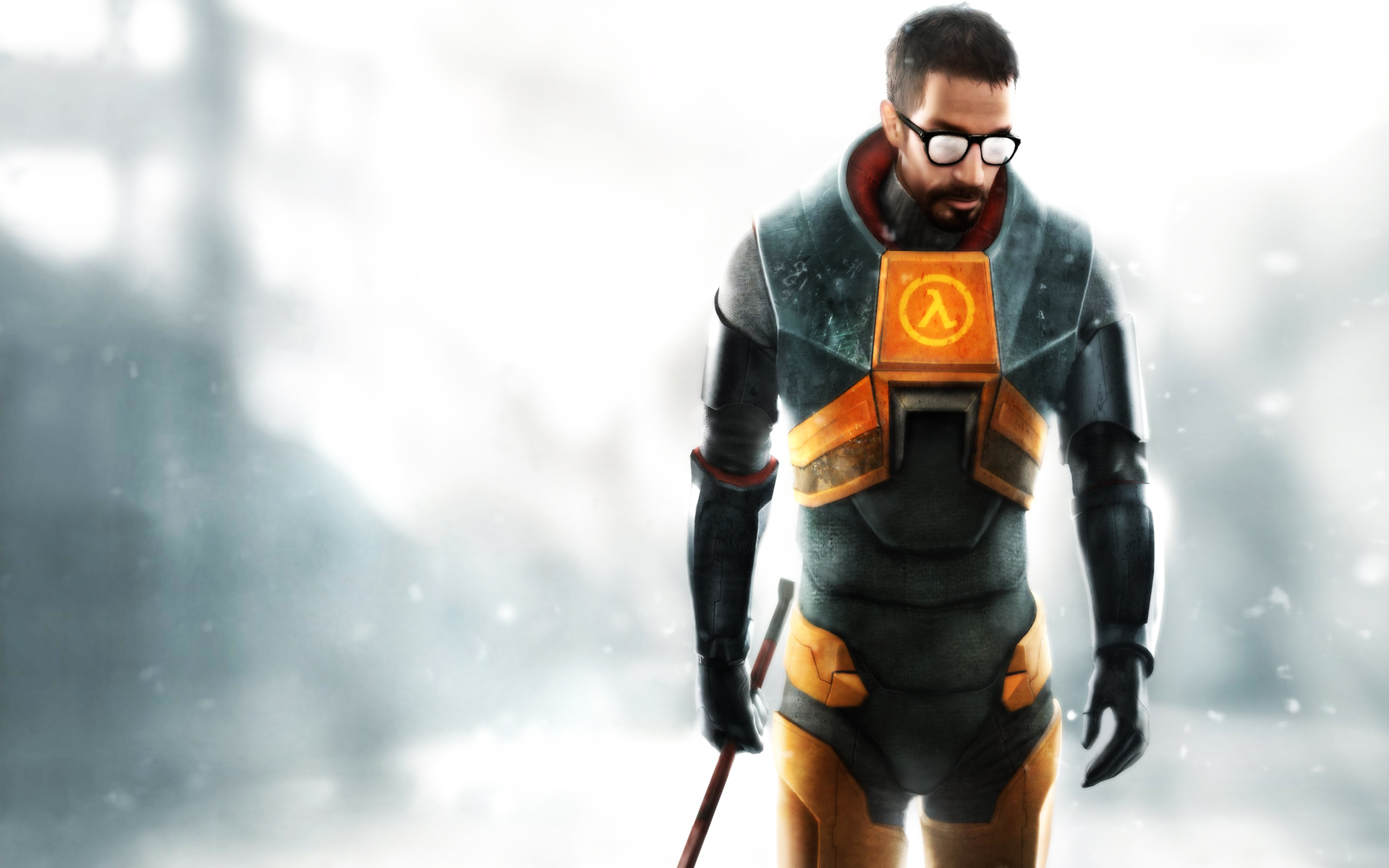
Half Life

It couldn’t be any other way: our list ends with Half Life. This year celebrates the 20th anniversary of the first release, a milestone in first-person video games. Today, the development of a third part is still being requested. What if they surprise us at E3 this year? One can always dream…

Half-Life 2 download demo
8

20 best free games for Windows 8

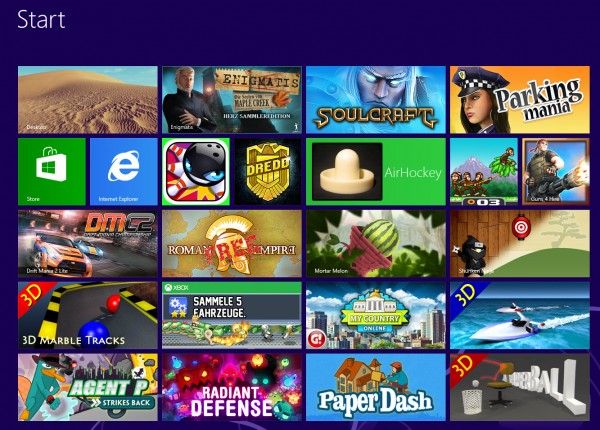
At first, there were only a few games for Windows 8, but half a year later, things are very different. Whether you’re looking for shooter, platformer, or realtime strategy game, there are lots on offer and among the (unfortunately) large number of bad games, you can find some real gems. Below is a list of games for Windows 8 that are just waiting to be played.

Windows 8 Games

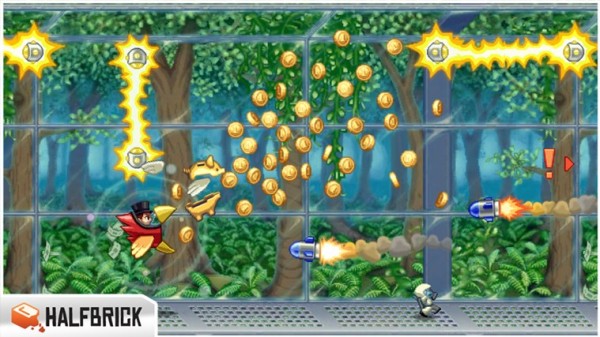
Jetpack Joyride

In Jetpack Joyride, you use your jetpack to run and fly nonstop through a never ending landscape. Just like other endless runner games, the only difference is in the obstacles and gold coins you find along the way. Great graphics and a catchy soundtrack make for a light-hearted game that’s not too difficult.

Jetpack Joyride on Windows 8

Judge Dredd vs. Zombies

In Judge Dredd vs. Zombies, you have to defend Mega-City One from a zombie attack. Using different weapons, you clean out zombies from different areas over the various levels of the game.

Judge Dredd vs Zombies on Windows 8

Roman Empire

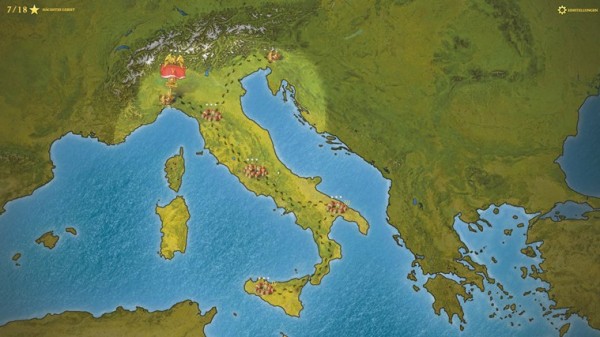
In Roman Empire, you take on the role of power-hungry Caesar. Your goal? To conquer Europe. You’ll have to vanquish neighboring villages, create alliances and make spur of the moment decisions.

Roman Empire on Windows 8

Monkey Flight

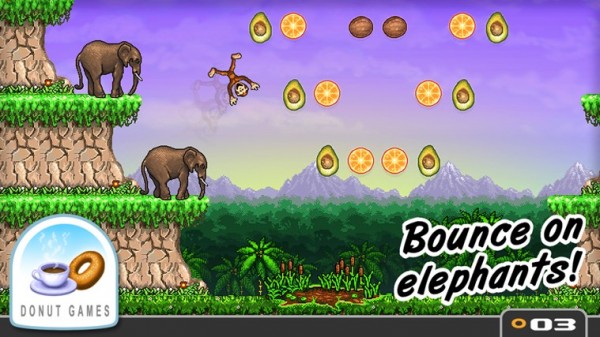
Fans of Angry Birds will enjoy Monkey Flight. Helped by special objects, the aim is to launch the monkeys so that they pick up the floating fruit.

Monkey Flight on Windows 8

Mortar Melon

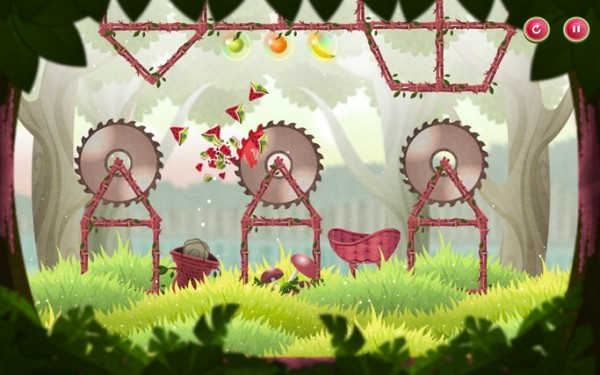
In Mortar Melon, the aim is to throw watermelons from the left edge of the screen into a randomly positioned basket. This becomes more difficult when obstacles like rotating blades are added to the mix and the difficulty increases with each level.

Mortar Melon in Windows 8

My Country

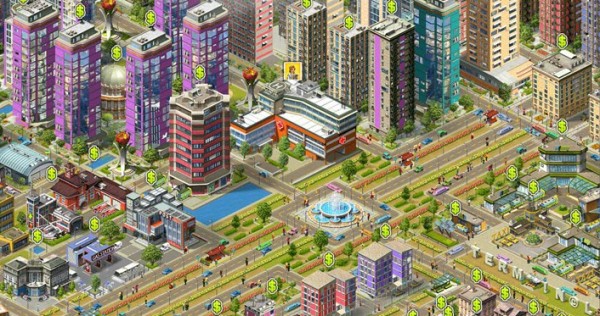
In this copy of SimCity, your mission is to build a bustling metropolis. You’ll have to build and place various buildings, roads, and other utilities to create the necessary infrastructure. If the people are happy, revenues will increase and your building plans will be safe, but if you don’t manage to organize the construction well, you’ll find that building flies out of control.

My Country on Windows 8

3D Boat Race

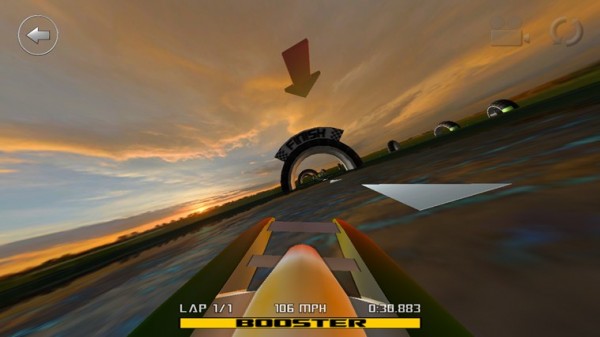
3D Boat Race lets you compete on the water in high speed boats. Arch-shaped goals show you the route to the finish.

3D Boat Race on Windows 8

Paper Dash

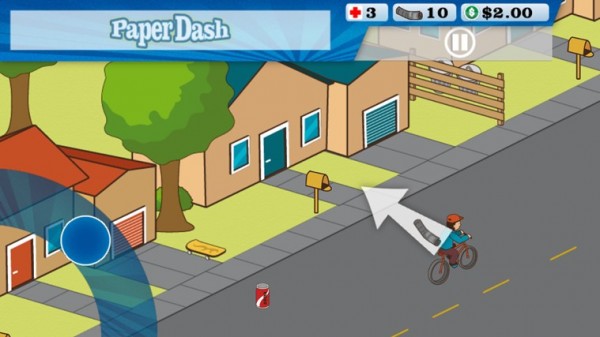
This game is a remake of the classic, Paperboy. The main character is a paperboy and you need to steer him around the obstacles that he’ll find on his route.

Paperdash on Windows 8

Parking Mania

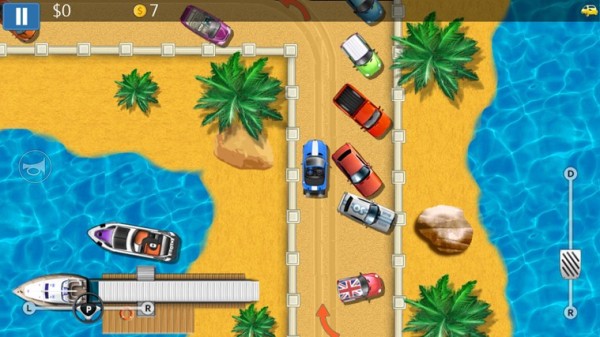
The noble art of parking is recreated in Parking Mania. The aim is to park your car in a particular space. Just as in real life, however, this isn’t always easy – there’s little room to maneuver and the best spots are already occupied by other cars. Along the way, you pick up coins and other bonuses.

Parking Mania on Windows 8

Radiant Defense

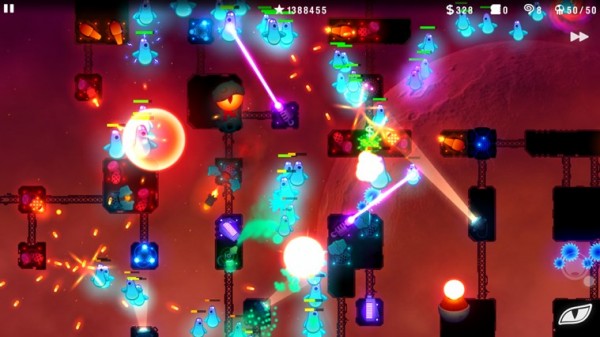
This is a colorful tower defense game. In your role as commander of a space station, you have to defend it against external attacks. Slow down your opponents by positioning defensive towers and walls.

Radiant Defense on Windows 8

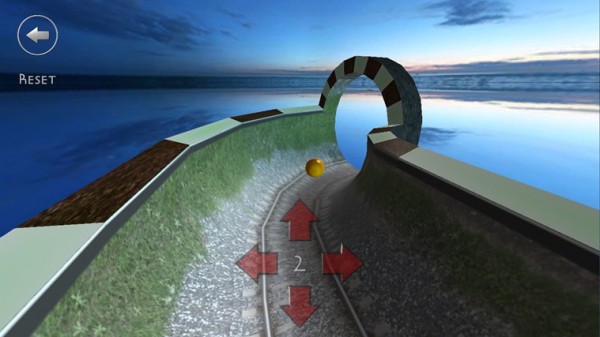
3D Marble Tracks

3D Marble Tracks is an interesting mix of mini golf, bobsled racing, and billiards. You’re going to need a lot of patience and a steady hand to get to the end!

3D Marble Tracks on Windows 8

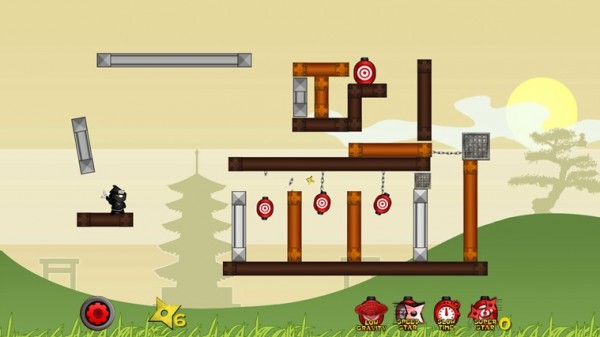
Shuriken Ninja

In this puzzle, you play the part of a ninja. Use your shuriken stars and throw them to create chain reactions so that they hit several targets at once.

Shuriken Ninja on Windows 8

SoulCraft

This time we have an action-packed role-playing game full of sinister characters. In Soulcraft, you fight your way through a colorful fantasy world as an angel, demon, or human being, building up your character by gaining experience in combat, weapons, and objects.

SoulCraft on Windows 8

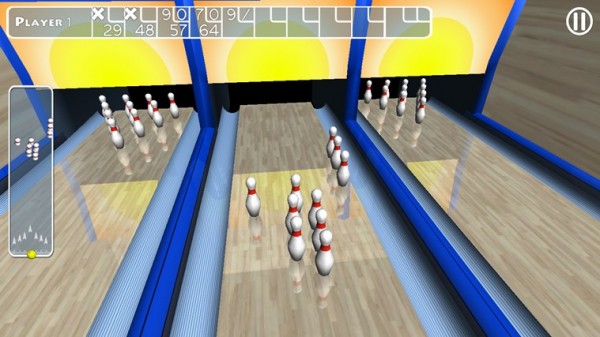
Trick Shot Bowling

Trick Shot Bowling is a classic bowling game where you can choose to play against the computer or real opponents. Decide for yourself where to aim and how hard to bowl the ball so that you can create a particular effect.

Trick Shot Bowling on Windows 8

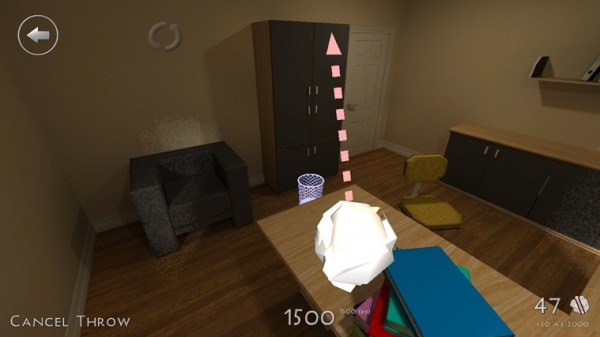
3D Paperball

Throwing a screwed up ball of paper helps to release tension. In 3D Paperball, these paper balls are virtual ones and you can show off your basketball skills by hitting the trash can in various different scenarios.

3D Paperball on Windows 8

Agent P Strikes Back

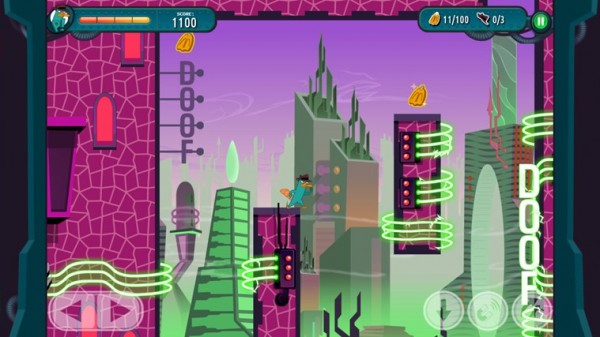
This fun adventure stars Perry the Platypus, a character from the animated series Phineas and Ferb. The idea of the game is simply to jump between platforms and defend yourself against a series of animals that Dr. Heinz Doofenshmirtz has released to wreak havoc.

Agent P Strikes Back on Windows 8

AirHockey

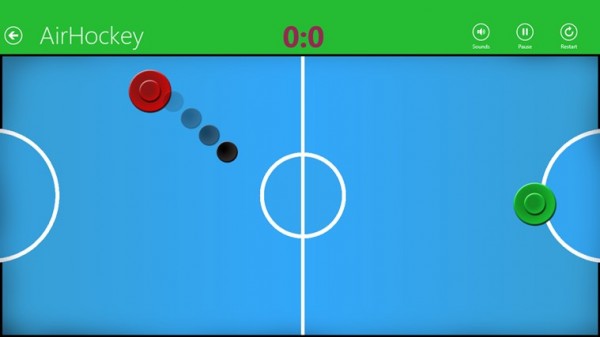
A good game for two people, AirHockey is classic game room entertainment. In Windows 8, the floating discs you play with become touch-sensitive controls.

Airhockey on Windows 8

Drift Mania Championship 2

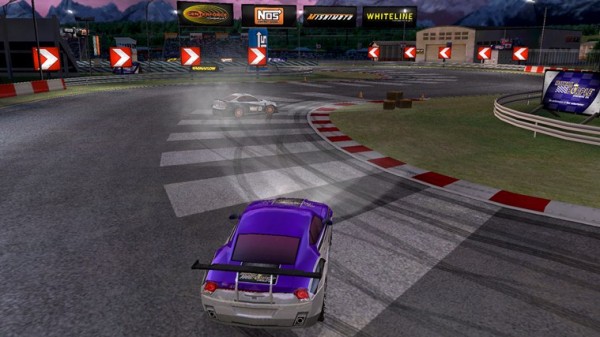
Drift Mania Championship 2 is a fun racing game with good graphics and a catchy soundtrack that makes full use of the motion sensors built into your tablet.

Drift Mania Championship 2 on Windows 8

Enigmatis: The Ghosts of Maple Creek

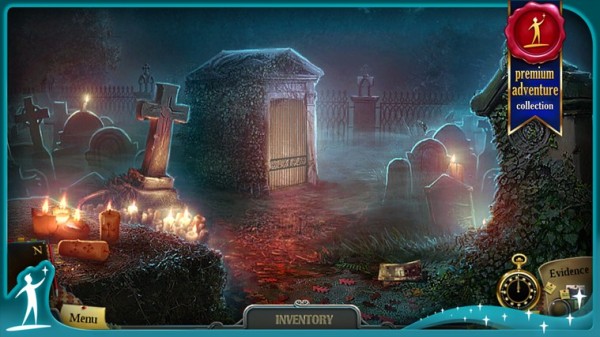
The idea behind this game is a mystery and your job is to find the hidden objects and clues in the scene. The graphics are very good and full of details. The soundtrack also helps create an eerie and unsettling atmosphere.

Enigmatis: The Ghosts of Maple Creek on Windows 8

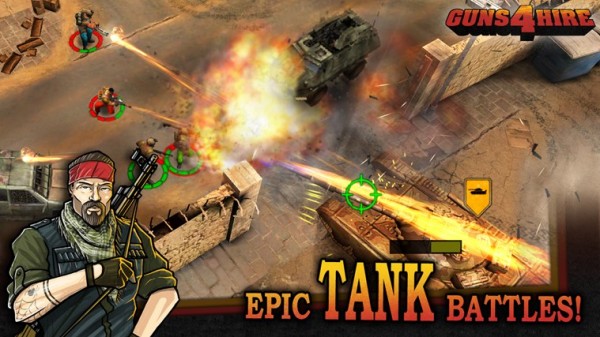
Guns 4 Hire

In this fast-paced action shooting game, characters are armed to the teeth. The control system is similar to that of Command & Conquer.

Guns for Hire on Windows 8

What do you think are the best games for Windows 8?

Original article by José María López on Softonic ES.
Simcity Guide and tutorial: Best 10 Buildit Tips

SimCity, the fifth installment of the city-building simulator from Maxis, appeared packed full of new features and options for managing your city. In fact, there are so many new features that you might feel a bit overwhelmed at the beginning.

In this simple SimCity tutorial, intended for those who aren’t familiar with the SimCity universe, I’ll give you ten basic tips and tricks to start effectively building your city so that you aren’t in danger of making the mistakes that so many first-time mayors make.

What is SimCity?

SimCity is a strategy video game that incorporates open-world settings. You’ll start with a piece of land, developing infrastructure to grow residential, commercial, and industrial entities. While the most popular version is on Windows, many people also enjoy the mobile version called SimCity BuildIt. As your city grows, you’ll need to handle natural disasters, crime, education, and many other factors.

What is the latest SimCity game?

The latest version of SimCity was released for Windows in 2013, and it was the last in the franchise due to critically negative reviews. In 2014, SimCity BuildIt hit mobile phones as a port, with most of the functionality changed and the necessity to collect resources from your buildings to upgrade them.

Best Simcity buildit tips

Let’s head straight into our SimCity tips and tricks to ensure your success as mayor of the town.

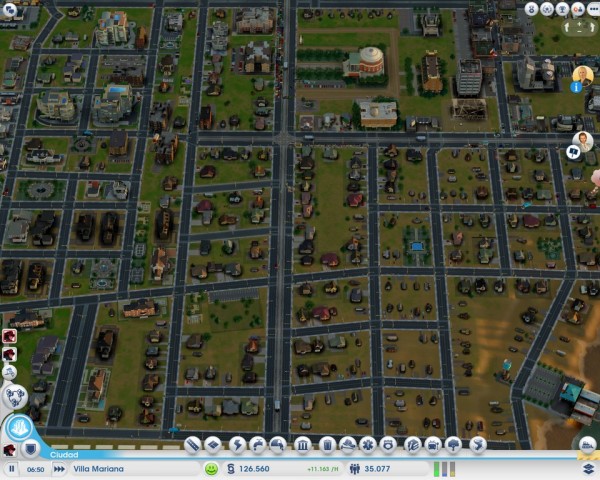
1. Good planning is important

When some people start a new SimCity game, they tend to construct highways and areas without pre-planning. Then, when it comes time to create intersections, they’re forced to demolish buildings, resulting in a decreased population or service. My advice: before you start building, do some minimal street and intersection planning. Then, you can start to reclassify areas.

It’s easier to start in the middle of an area or in a corner, which will make it easier to expand. Also, keep in mind that although city plans with strange shapes are fun, it’s always easiest to start with a grid structure. If you’re not sure what I’m talking about, take a look at some big-city map and their central areas: streets set out in blocks are key.

Another tip is to have a large main avenue with narrower roads feeding off of it (or wider ones if you have the money).

2. Keep density in mind

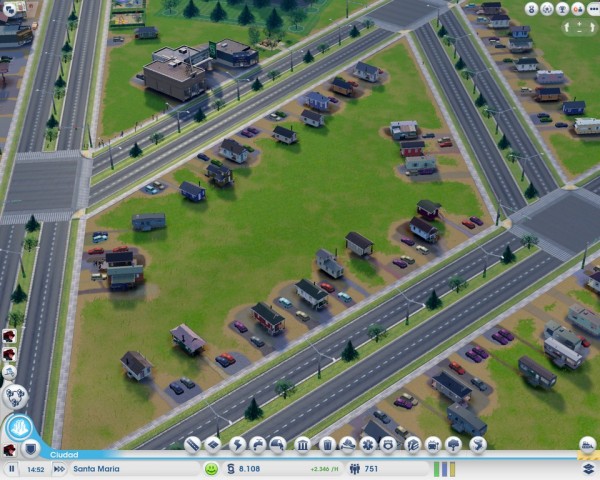
An important prerequisite for growing cities is room to expand. Although it may seem strange to place small buildings on a wide avenue or street, don’t get into debt putting more roads in the middle of these empty spaces!

It’s those empty spaces that’ll let your city’s inhabitants expand their homes, shops, or factories when things in the city improve. With a little patience and time, you’ll witness tremendous growth in your city without having to do too much.

3. Keep the city “clean”

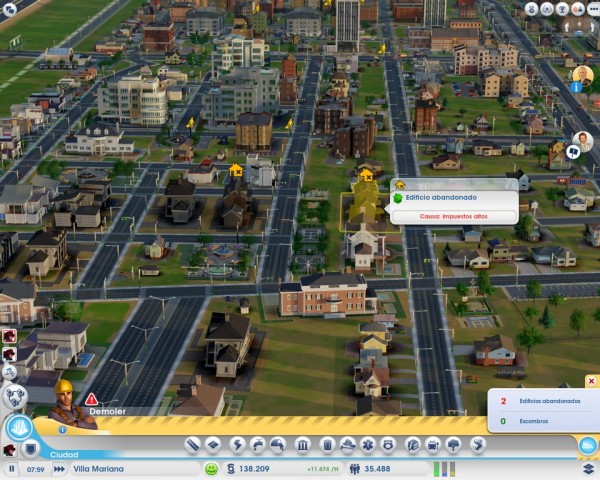
Keeping your city free of abandoned buildings or debris is as important as giving your city space to expand because these old buildings prevent new buildings from being constructed. To get rid of them, all you need to do is use the bulldozer on the land in question.

The game tells you when there are pieces of land like this, so you should check from time to time.

Another thing you should take into consideration: you can change the use of an area of ​​the city, maybe from residential to commercial, for example, but until you demolish the building that was there before, the change won’t apply.

4. Public transport is a good bet

Your citizens will need to get around your city, and typically they’ll use their cars, which will generate lots of traffic jams on the main avenues. To reduce traffic, as well as to avoid excess pollution, fill your city with public transport.

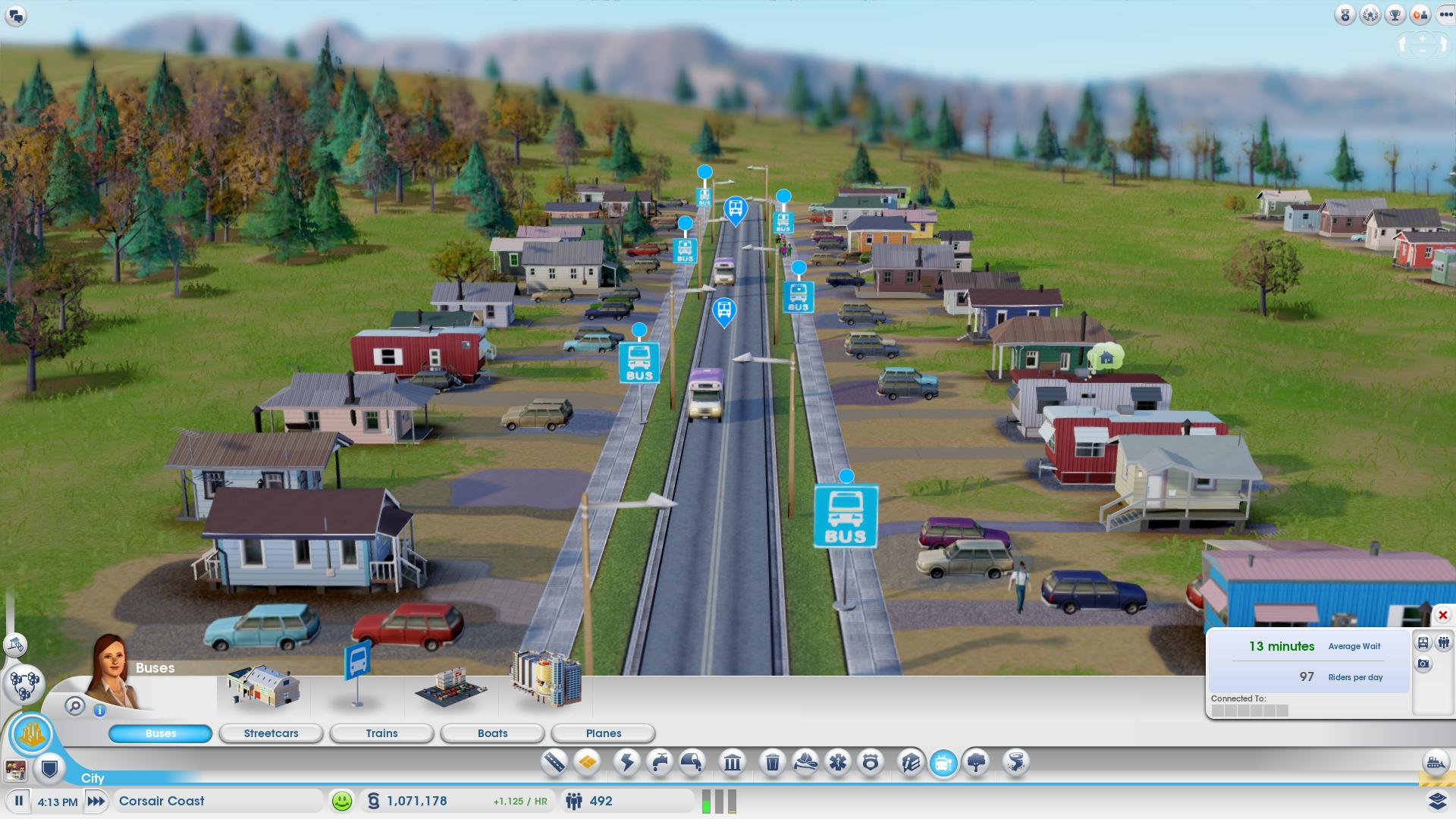
Start with bus stops: start with a main bus station, then place bus stops throughout the city. Bus stops are very inexpensive and will increase your population’s happiness, especially in lower and middle class areas. Also, when you expand your town, don’t forget to expand the bus station with more vehicles before people start complaining that they’re too full.

When things start to improve, you can choose to put in a train station, tram stops, a ferry, or even a local airport. But don’t run before you walk! Start with the bus: it’s good, it works and it’s cheap!

5. Industry: the further from homes, the better

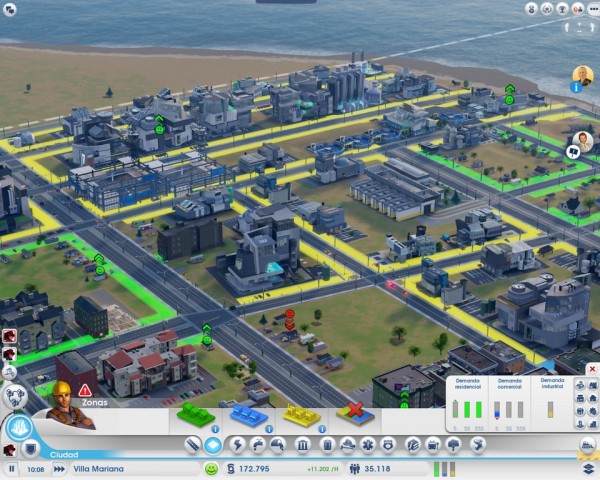
Nobody likes having a factory next to their house, especially if there’s a potential for contaminants. We recommend that you don’t distribute industrial areas around the city, but rather, designate a plot of your land as an industrial area, and try not to go over this area. Ideally, they should be situated as far away as possible from residential areas, like in a corner for example.

6. Have lots of green space

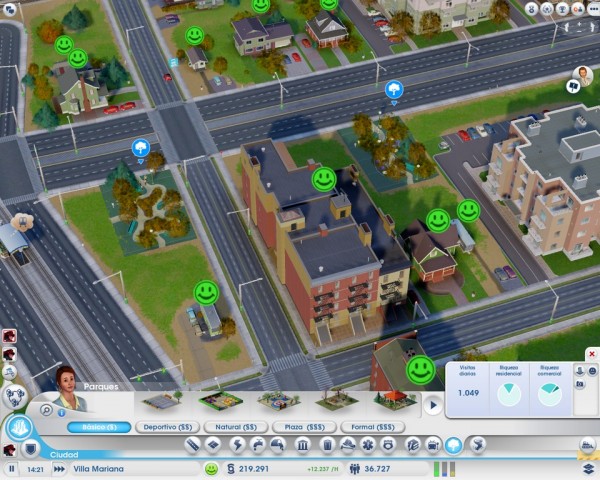
The cheapest way to please your residents is to build a nice environment to live and work in. People love to shop, but they love parks and green areas even more. Don’t be shy about filling your city with parks, areas for sports or other land for outdoor activities.

Parks are also a great antidote to factories. Even if you followed my advice in point 5, you may still have a residential area beside an industrial one. In this case, you might see some angry faces, but building a park next door will cheer them right up!

7. Maintain public facilities

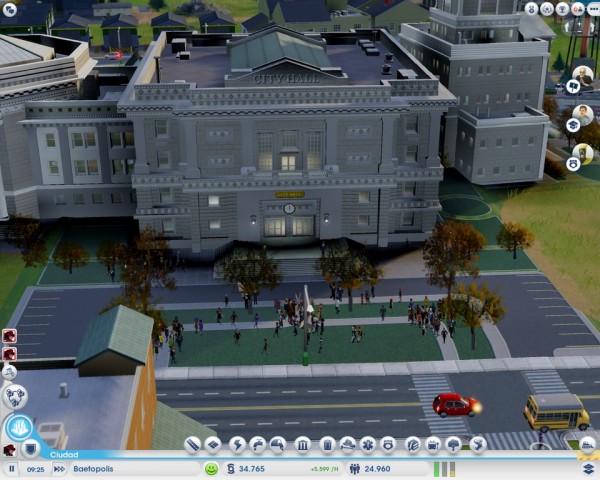
Don’t take too long to build main public facilities like police stations, fire stations, hospitals, or schools. Remember though, keeping them up to date is just as important as building them in the first place.

Take note of complaints from inhabitants (keep an eye out for alerts over houses) and expand facilities when it’s convenient. If they tell you there’s a lot of crime, add a couple of squad cars. Health problems? Expand your hospital.

This practice also applies to public transport: if you receive complaints of it being overcrowded, consider whether it might be worth expanding your fleet of buses.

8. A good mayor isn’t afraid to borrow

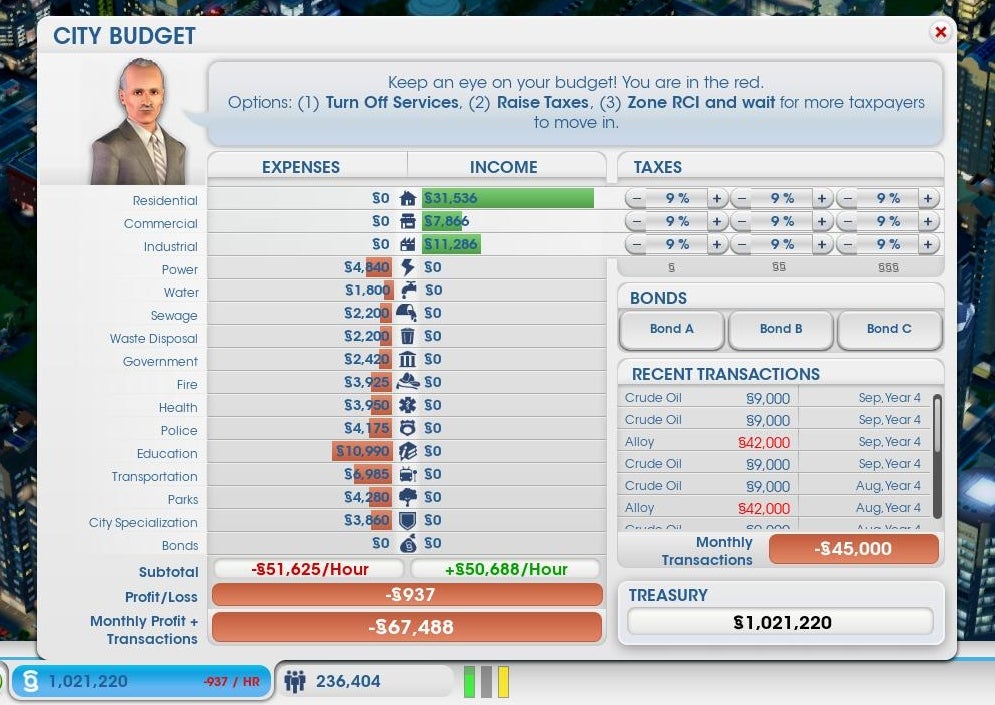
In real life, you want to avoid going into debt; in SimCity, things are a little different. When you start your game, you’ll want to build things, and the costs will soon pile up. If this is the case, don’t hesitate to get a bond.

A bond is a loan with interest that increases for each hour of play. Believe me, unless you’re a high roller, a small loan will be very easy to write off, because by starting to build, you’ll have more shopping areas, industry and residential taxes that will earn money to pay it back quickly.

Before drowning your citizens with stratospheric taxes, opt for a bond to start your expansion: people will be happy and won’t leave your city, which ultimately means greater prosperity and debts being paid off.

9. Collaborate with other cities

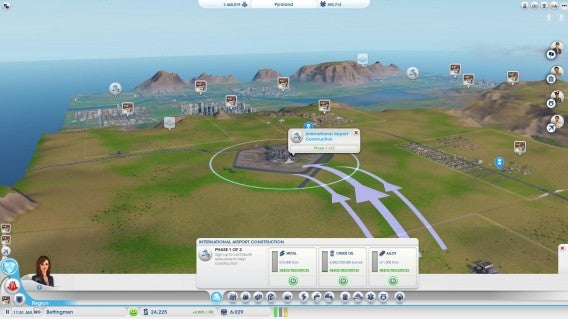
Whether you share with other users on your land or you own all the cities, don’t pass up the opportunity to collaborate. If you have a small town, it won’t hurt to buy resources in the neighboring city; it will provide extra income and you’ll avoid building plants that you might not need.

In addition, the game allows you to transfer funds between cities. To start your second city off, one option is to allow your biggest city to make regular cash donations.

10. Try to keep everyone happy…but use your head

Just like in reality, citizens in SimCity complain, and requests will appear in the game as small missions. Certainly, completing these gets you achievements and rewards, but remember, you can’t please everyone all the time.

Although you might have the money, at one point or another it won’t pay to expand a building or construct a facility. Before trying to be nice to everyone, use common sense – it’s the best way to create a thriving city.

Can you think of other tips for success in SimCity?

Now that you’ve read our SimCity tips and tricks, you can set off towards becoming the top mayor. We’re sure there are plenty more tasks you can attempt.

Originally written by Maria Baeta on Softonic ES.