New update will stop Google Assistant from interrupting your virtual meetings

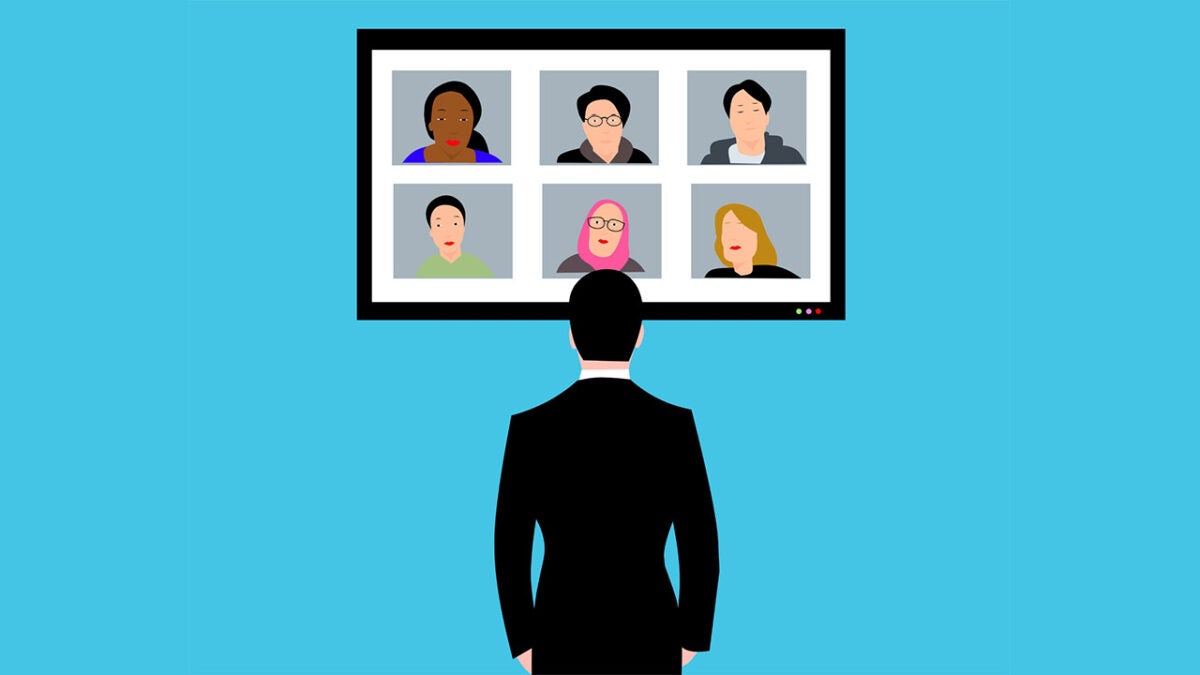
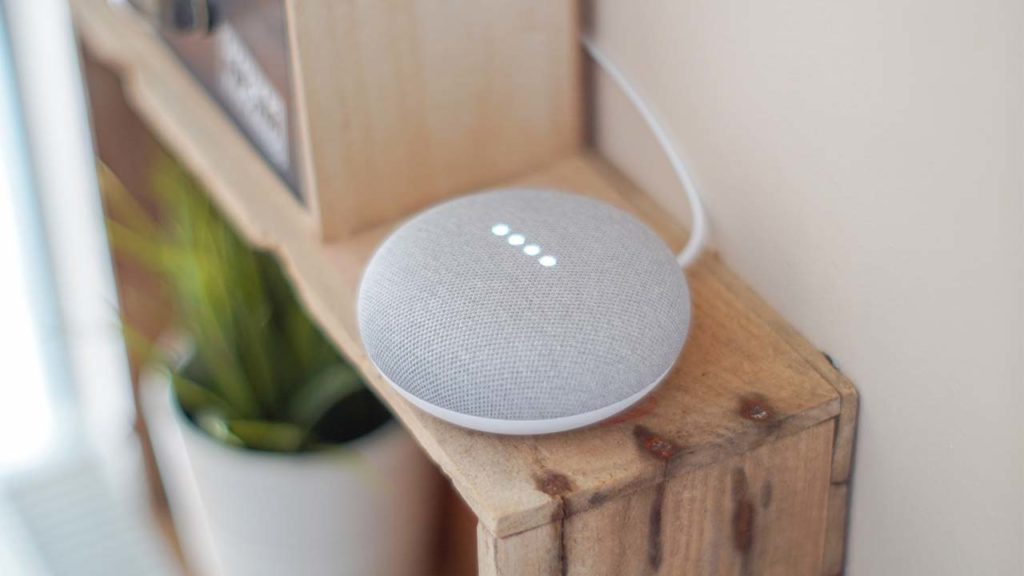
Virtual assistants are great little things in their own way. If you can get past the obvious privacy issues, you can take advantage of the added utility they can add to the home. The privacy issue is not a small one, however. It rears its head every time you, or even a character on the TV or in a movie, accidentally activates your virtual assistant by saying the activation phrase or something sounding similar to it. Unfortunately, on top of all that, sometimes those accidental activations can occur at inopportune moments, such as when you are in the middle of a virtual meeting. Well, Google is now updating Google Assistant to prevent it from interrupting meetings in this way. Let’s check it out.

Google Assistant Download Now

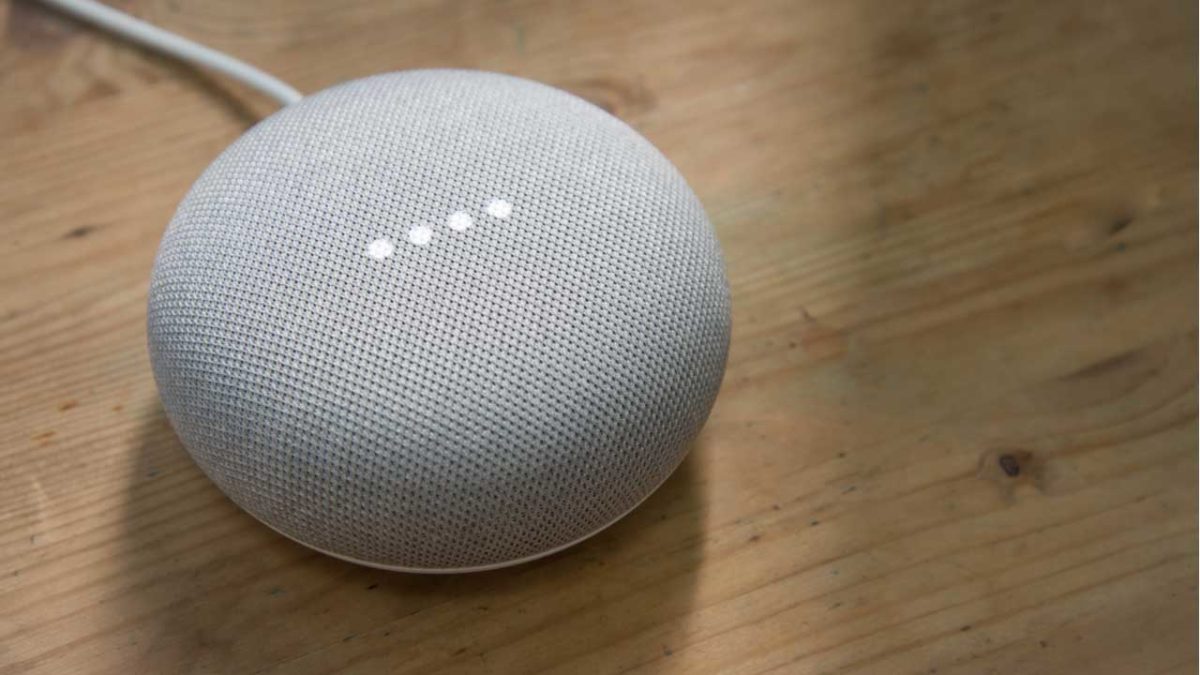
Google has announced details of an update that is more focused on enterprise users than personal users at home. The update will affect Google Meet hardware devices and will block the “Hey Google” activation phrase from kicking in during meetings and in the 10 minutes running up to new meetings. The reasoning behind the update is to prevent accidental activation during meetings.

Interestingly, Google has been working hard to incorporate the “Hey Google” activation phrase as a way an easy and convenient way to join meetings but it has been having unintended consequences. Users have been reporting to users that it has been unintentionally triggering Google Assistant during meetings and disturbing proceedings.

Unfortunately for users who enjoyed the added accessibility offered by asking Google to add you to meetings with your voice, there is no mention in the Google Workspace Updates blog post announcing the update, about any sort of alternative way of accessing your meetings. It seems that Google is purely concentrating on cutting out interruptions to meetings with this update.

In other recent Google Assistant News, the virtual assistant has been getting a natural language upgrade that should improve the conversations you have with it.

Google Assistant learns to talk more naturally

Continuing our roundup of Google I/O news stories from Mountain View, California we are now moving on to Google Assistant. The ever-faithful Google sidekick app is to receive an update that will make interacting with it feel much more natural than it has in the past.

Google Assistant Download Now

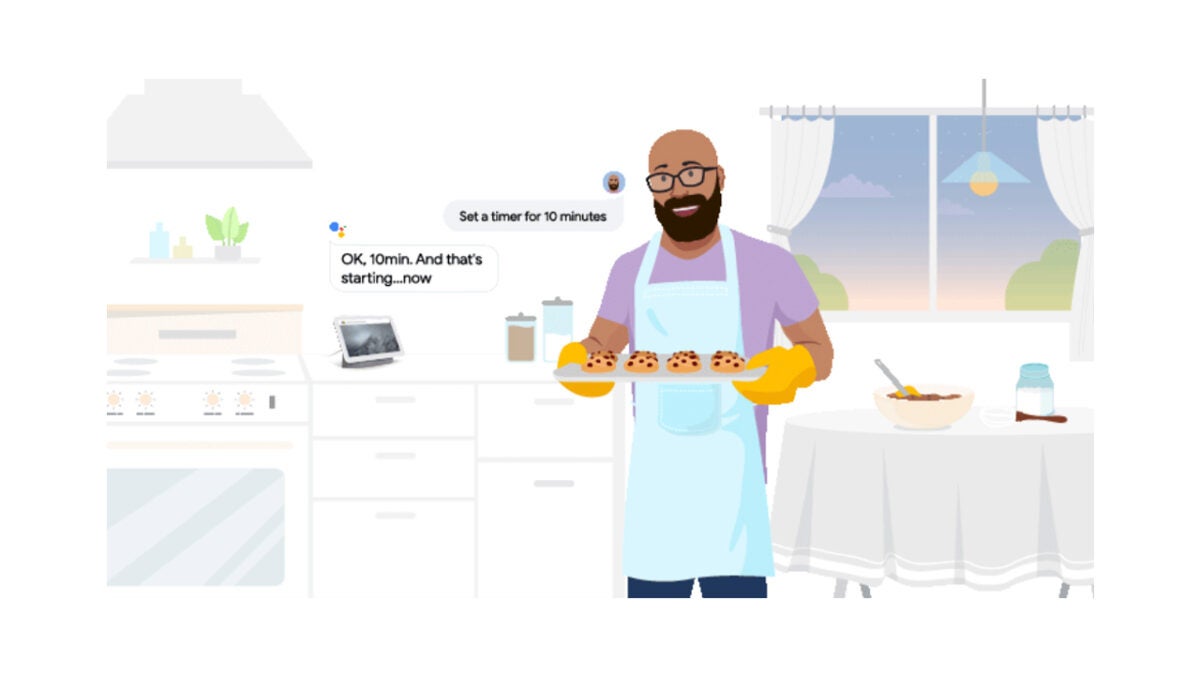
Google recognizes that starting every verbal interaction you have with your Google Assistant with the phrase Hey Google is not natural at all. In fact, it is one of the main reasons you would still call them verbal interactions and not conversations. To remedy this, and continue its mission to make Google Assistant better at talking back, Google is rolling out the Look and Talk feature to Nest Hub Max owners in the U.S. When enabled, the feature enables users to simply look at the screen to activate Google Assistant, meaning they can simply ask for whatever it is they need, whether that be to set a timer or for the details of a local bar or restaurant. All without the need to say Hay Google.

Google claims that to make the feature work takes six separate machine learning models to process over 100 audible and visual cues including proximity, head orientation, gaze, lip movement, and context awareness. The tech giant is also at pains to alleviate the privacy concerns that come with your little Google box constantly checking whether you are looking at it or not.

If you don’t have a Google Assistant device with a screen or camera, new natural conversation features will still come your way. Quick Phrases will let you skip the Hey Google moniker by personally enabling certain phrases that you say quite often. If you do a lot of cooking this could be as simple as setting a timer, but it could also activate more advanced features like turning smart devices on or off.

As always with these types of upgrades, they might not sound like much on their own. As they add up over time though, and you get used to using them and start taking them for granted their true value shines through. It is good that Google is developing Assistant to converse more naturally it allows us to see a future where we will be able to talk to our virtual assistants as naturally as if we were talking to a friend or relative. That future may shock or delight you, but then Google Assistant has been able to predict the future for a while now anyway. If that scares you, check out our guide to deleting everything Google knows about you.

Image via: Google

The BBC is working its own version of Alexa and Google Assistant

The BBC is launching its own AI voice assistant called Beeb that will specialize in understanding regional accents


Amazon’s Alexa and the Google Assistant are everywhere now. It is fair to say that AI assistants have caught on a big way, even if they’re still far from perfect products. One of the ways that AI assistants can improve is through better understanding the commands we throw at them. If you’re an American reader, you might not feel like this is an issue that needs too much attention. Across the pond, however, British users might understand a little more as often US-developed AI assistants can struggle with different regional accents from across the British Isles.

For such a small place, the UK has a lot of diverse accents and more often than not Alexa and the like can’t get to the bottom of them. This has led to the British Broadcasting Corporation, more famously known as the BBC, taking things into its own hands.

The BBC is launching its own AI voice assistant called Beeb that will specialize in understanding regional accents

An in-house team at the BBC is working on a new voice assistant called Beeb, with a hope to launch in 2020. According to a report by the Guardian, there are no plans to launch any standalone hardware product to go with Beeb. There are plans, however, to integrate Beeb into other BBC products like the iPlayer app on smart TVs, and the corporation’s website. There are also plans to make Beeb available to other manufacturers who might want to use the smart assistant in their products.

The Guardian reports that the Beeb team have been recording the voices of BBC staff up and down the British Isles in a bid to train the assistant on all the different accent and dialect variations the UK has to offer.

Although Beeb will have a wake word like the Google and Amazon offerings, the BBC smart assistant won’t be able to perform nearly as many skills as the US-developed alternatives. When it launches next year, users will be able to activate the BBC smart assistant by calling out “Beeb” but will then be limited to the types of skills you’d expect a media corporation to need their AI assistant to be able to understand. The main function, however, will be understanding regional accents.

There is no word in the report on whether BBC will allow the likes of Alexa and Google Assistant to take advantage of its regional accent understanding abilities. It doesn’t look likely, however, as a BBC spokesperson claimed another reason behind Beeb’s development is a lack of trust in the other assistants. The spokesperson said, “People know and trust the BBC, so it will use its role as public service innovator in technology to ensure everyone – not just the tech-elite – can benefit from accessing content and new experiences in this new way.”

Judge asks Alexa for help in murder trial

If you’re a British user of either Google Assistant of Amazon Alexa, then you probably shouldn’t be expecting Beeb to start helping your AI assistant to understand you any better some time soon. That doesn’t mean they won’t start working on your accent independently though. As is usually the case with big tech firms, if they see a good idea, they’ll likely try to copy it. With voice control being one of the main draws that AI assistants bring to our smart homes, and with the UK being such a big and lucrative market, working on understanding regional accents there is definitely a good idea. Or as they say in Liverpool, a boss idea. Definitely one that could spread.

Google Assistant: Humans are listening to your recordings

Who’s really listening to you?
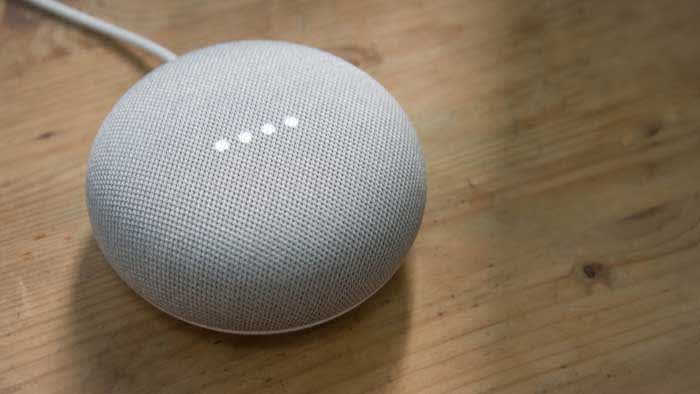
Google Assistant

Just when you thought owning a Google Assistant was less risky than owning Alexa, this happens.

A third-party language expert hired by Google leaked audio data recorded with the Google Assistant. 

How did this happen?

Google uses hundreds of human private contractors to review some recorded conversations from Google Assistant.

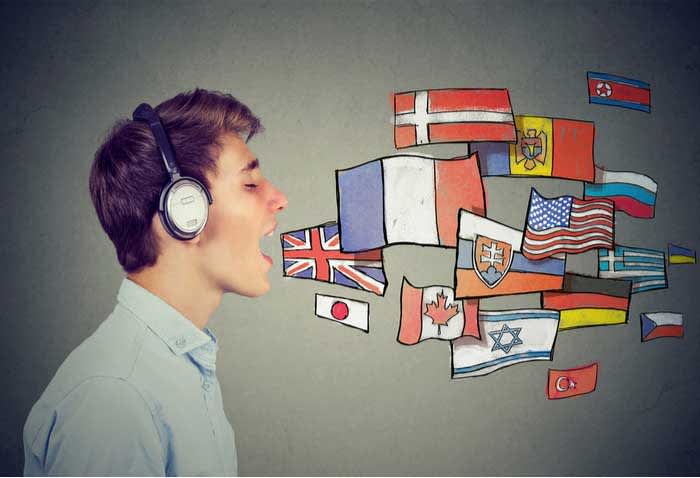
In this particular case, the issue is the Dutch language. Google may not care what you say, but they do care how you say it. To teach the Assistant to function better, Google may need to rely on humans to convey the nuances of a particular syntax. An algorithm for English may need to behave differently from a Dutch algorithm. Bring in a human to “translate” to the machine, and the results should become better over time.
languages

One of these contractors leaked more than a thousand Google Assistant audio recordings to a Dutch publication.

Why? It involves your privacy.

Your Google Assistant activates when you use the wake word (“OK, Google” and “Hey, Google.”) Conversations with your Google Assistant are supposed to be recorded only after you use the wake word.

However, Google Assistant has been known to mishear things and activate without its wake word being said. When this happens, the conversation is still recorded. Of more than a thousand recordings, the Dutch publication noted that 153 should not have been recorded – the wake words were never spoken. Do the math and that’s a 15% error rate. Not good.

Google Assistant Download now ►
8

This leak, of course, violates Google’s data and security policies. But the whistleblower was drawing attention to an important issue. The problem isn’t that the Assistant was recording the audio – that’s stated in the terms and conditions. The problem is that you cannot completely control when the Assistant records something… and you can’t control if a human will hear it.

VRT NWS says the recordings have included:

  • Bedroom conversations
  • Chats between parents and children
  • Professional phone calls with lots of private information
  • Medical questions
  • Pornographic searches
  • A woman facing physical violence

You can actually hear some of these recordings in the video at the bottom of their article. In some cases, the reporter finds the person who was speaking and plays their recording back to them.

The moral implications are enormous. And security experts say these recordings could be used anywhere. A recording of your own voice could possibly be used against you in court. And if Google or its contractors overhears domestic abuse, should they report it to the police or let the incident go?

This is a modern day “trolley problem.” If Google does nothing, they could be allowing crimes to continue unabated. If Google intervenes, owning an Assistant would be like inviting a police officer to be your roommate. And if Google intervenes selectively, what are its boundaries? And who decides them?

How is Google responding?

Today, Google posted: “Our Security and Privacy Response teams have been activated on this issue, are investigating, and we will take action. We are conducting a full review of our safeguards in this space to prevent misconduct like this from happening again.”

What protection do you have?

As Google points out, “You can turn off storing audio data to your Google account completely, or choose to auto-delete data after every 3 months or 18 months.”

If you’re worried about privacy, it might be best to hold off on buying an Assistant until this issue is solved. (Though it may never be truly safe.)

Not an isolated problem

If you have an Amazon Alexa, this issue is nothing new. Human employees have shared recordings from that device as well.

Remember that any device with a camera or microphone could be exploited to record you. And anything you type into a keyboard could be logged as well. It’s best to use a browser and a search engine that defends your privacy, use a VPN, and think twice before allowing permissions to any app you download.

Google and Facebook make their money by marketing your data, so you may want to consider alternatives whenever possible. But we get it, the convenience is a big draw. Stay safe out there, internet friends.

Google Assistant just got better at talking back

Google’s Continued Conversation update make sit easier to talk to on Smart Display devices.

Nobody is saying that AI assistants aren’t impressive. It is just that they can be a little annoying and frustrating to use. They’re rigid so to speak, particularly when you’re talking to them. Let’s just say they’re not kidding anybody. When you’re speaking to an AI Assistant, like Google’s Assistant or Amazon’s Alexa, you know you are talking to a machine. This in an issue that needs attention, and it is an issue that Google is trying to address.

Google’s Continued Conversation update makes it easier to talk to on Smart Display devices

Continued Conversation on Google Assistant Smart Display

The big issue with AI assistants is the “wake word” phrases. The constant need to say things like “Alexa…” or “Hey Google…” before every single request breaks up the flow of the conversation. What could be a chat ends up a series of commands. This is what Google is trying to address with the Continued Conversation on Smart Displays update.

The update is a simple one and works like this. Whenever you speak to Google Assistant, using the “Hey Google…” or “OK Google…” wake words, it will remain active long enough after the original command has been made so that you can continue with more requests. This means that you can ask Google to turn the lights on and then ask Google to tell you what the weather will be like in the morning, without having to say “Hey Google…” a second time. It is a simple change, but one that could make your exchanges with Google Assistant feel a little more natural or, dare we say it, human.

How to enable Continued Conversation on Smart Displays for Google Assistant

This new feature is an optional extra and so won’t be enabled by default. To enable Continued Conversation on Smart Displays you need to go to Settings, then Preferences, and then finally Continued Conversation. Once here, click the toggle button to on to enable the feature.

The new feature is now available on Smart Display devices including the Google Home Hub, Lenovo Smart Display, JBL Link View, and the LG XBOOM AI ThinQWK9.

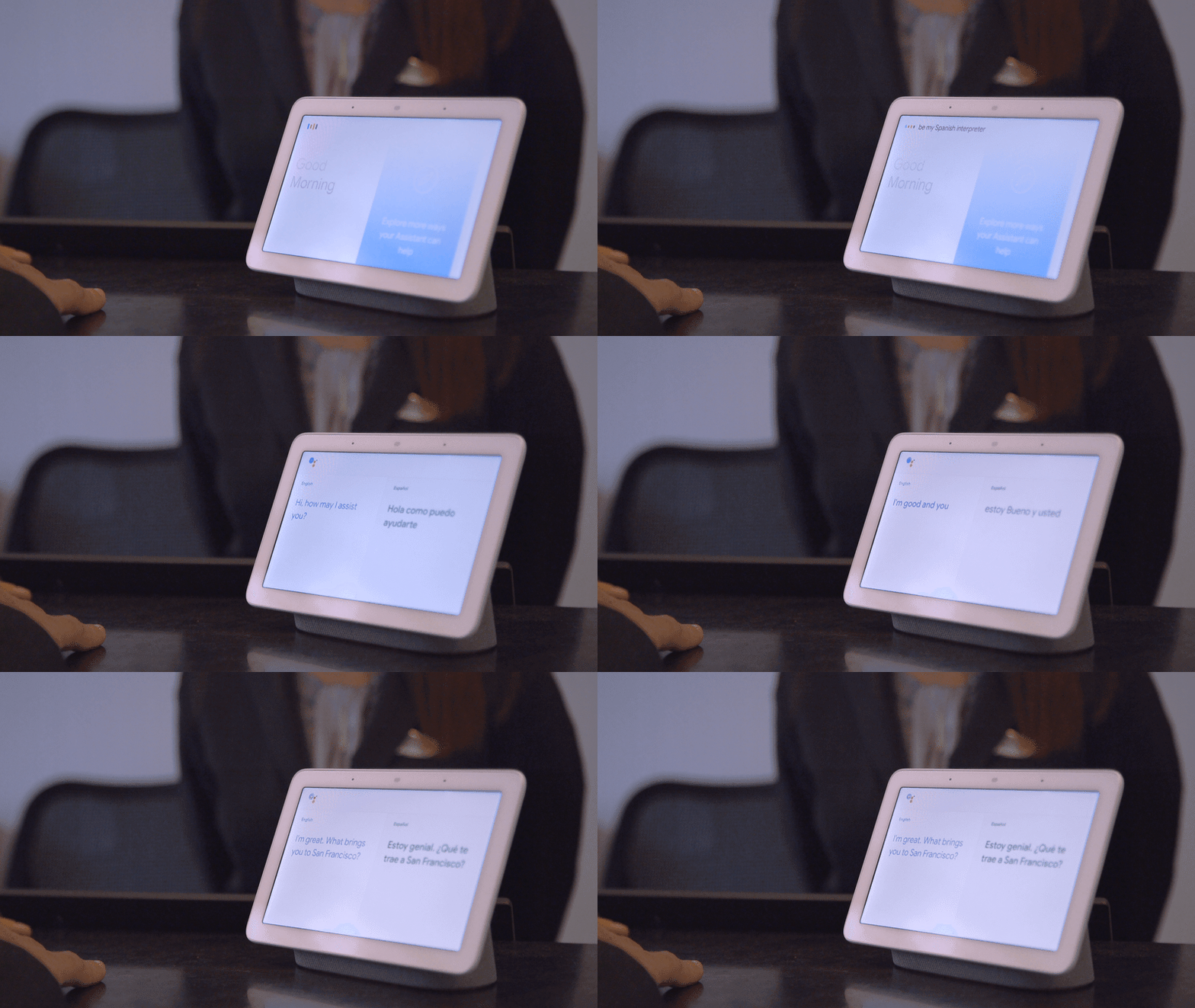
This is just the latest in a string of new features that Google has added to Smart Display devices. Other features include Interpreter mode, home appliance and smart device control, multi-room audio, and Live Photo albums that automatically update when photos of certain people or animals are taken on linked Google cameras.

The new interpreter mode will work well in the service industry

If you’re a Google Assistant user, however, who doesn’t have a Smart Display device you might want to check out one of our other Google Assistant articles like our essential guide to Google Assistant, Google Assistant’s uncanny ability to predict whether your flights will take off on time, and our look at the surprisingly complicated backstory that went into Google Assistant’s character development.

Google Assistant Download now
8

Google Assistant can now accurately predict the future

Google Assistant can let you know with 85% accuracy if your flight will be delayed.

google assistant flight delays

If you’ve ever used an AI assistant like Amazon’s Alexa or Google Assistant, you’ll know that they have many skills that can help you throughout your daily life. Often these skills are just novelties or bits of fun, like calling Santa Claus in his workshop, but they can also be useful and practical like making your coffee in the morning, cooking your lunch, or setting reminders for your schedule. Rather impressively, Google Assistant has developed a new skill that allows it to see into the future and give you useful information when you’re about to embark on a trip or vacation.

Google Assistant Download now
8

Google Assistant can let you know with 85% accuracy if your flight will be delayed

The major advantage that Google Assistant has over other AI assistants is that it can call on data from across all of Google’s products to help provide you with the information you need when you need it. Assistant can dip into your Gmail inbox and bring back the flight times from the booking you made a few months ago as if it always had the information on hand anyway.

In a recent blog post, Google announced that soon Assistant will be able to access data from another Google product that will broaden this skill. Google Flights has been publishing flight statuses for a while, and this historical flight data allows Google to make predictions about whether flights will be delayed with an astonishing 85% level of accuracy.

Soon, data from Google Flights will be available to Google Assistant, which means you’ll soon be able to holler, “Hey Google, is my flight on time?” or “Hey Google, what’s the status of the American Airlines flight from Philadelphia to Denver?” to get up-to-date information about your flight status.

As well as providing information on flight statuses when we ask for it, Google Assistant will also start proactively updating us. If the Google Flight data indicates that there is a high likelihood your flight will be delayed, Assistant will ping you a notification telling you so, before you even ask for it. This approach puts Google Assistant ahead of Apple and even the airlines themselves, which will only send you a notification once the flight delay has been confirmed.

As we push further into the new year, we move into the most popular time of the year for booking vacations. With trips supposed to be relaxing and stress relieving, it is good to know that our virtual assistants will be working away in the background to keep us up to date about potentially stressful occurrences. Google Assistants flight delay predictions will keep us one step ahead of the game when we’re trying to relax. The big question will be, however, if Google says it thinks your flight will be delayed, will you risk staying at home on an 85% certainty?

How to call Santa using Google Assistant

You can now call Santa Claus using Google Assistant

google assistant can talk to santa

Every year, Google helps kids around the world track Santa as he brings them their presents on Christmas Eve. This year will be no different and Google’s Santa tracker should come online again on December 24. This year, however, Google is going one better and if you’ve got a Google Assistant powered device, like the Google Home, you and your kids are in for a treat.

Google Assistant Download now ►
8

You can now call Santa Claus using Google Assistant

We know this one isn’t just for the kids. We all go through that brief period between the ages of around 11 to 21 when we stop believing in Santa. The jolly guy then comes back into our lives as we grow a little older and become a little more mature. We all realize Santa is real and then spend our adult lives regretting those few teenage years we spent doubting the big guy. Well now, thanks to the Google Assistant, we can call him up and speak to him ourselves and so can our kids. All we have to do is call out, “Hey Google, call Santa,” to open up a direct line to the North Pole.

Of course, in the run up to Christmas, Santa will be very busy so there is no telling what he’ll be up to when you call him. If you’re planning on telling Santa what you want for Christmas this year, you might not get the chance. This means it’ll probably be a good idea to still send him that letter, like you do every year. That way you can just enjoy your call to Santa rather than worrying about letting him know everything you hope to find under the tree on Christmas morning.

This new skill for Google Assistant is part of seven new holiday-themed features from Google. These new skills include creating gift lists, adding a little extra magic to Christmas story time, and even responding positively when you ask for things nicely, saying ‘please’ or ‘thank you.’ As well as bringing a little magic when you read a story to your children, Google Assistant is now able to read stories aloud if you don’t have any books with you. Assistant can now read over 50 stories. You can ask for specific stories or you can ask for stories based on a theme by saying something like, “Hey Google, tell me a story about Christmas.”

You’ll be able to use any of these new Christmas-themed skills and, most importantly, call Santa from any Google Assistant enabled device. These include the Google Home and Google Home mini, but also many Android smartphones now come packed with Google Assistant baked in. If you have a Google Assistant-enabled device that has a screen, then you’ll also be able to view fun holiday-themed visuals to go with all of the audio related to the new skills.

There is a lot more to Google Assistant than you think

A deeper look at Google Assistant’s backstory and personality

Google Assistant home device

We’ve all spoken to an AI assistant at some point. From Alexa to Bixby via Google Assistant, AI helpers have found their way into our lives in a number of guises. You can find Alexa in a microwave and many people have even made the creepy move of inviting AI assistants, equipped with video cameras and microphones into their bedroom. What is behind the AI algorithms though? How have we found ourselves in a dimension where people are building relationships with machines? Well, there is a lot more going on than you’d believe.

Google Assistant Download now ►
8

Who is Google Assistant? A deeper look at her backstory and personality

It isn’t easy making a robot sound human. In order to make its AI assistant sound as human as possible, Google went to great lengths coming up with a surprisingly detailed backstory for its “personality.” The job was given to James Giangola, who is a conversation and persona designer. It was Giangola’s job to come up with the person Google wanted to put into their little boxes. In a recent interview with The Atlantic, he let out a few secrets from her life.

Apparently, Google Assistant’s persona is supposed to be that of the youngest daughter of a research librarian and physics professor. She went to Northwestern where she gained a B.A. in art history. The details get even more finely tuned as Assistant won a massive $100,000 on the kid’s edition of “Jeopardy” when she was a child. Later, she worked as an assistant to a popular late TV comedian.

Does this all sound like the person behind the voice when you ask Google what the weather will be like? What you hear is an actor’s interpretation of the backstory created by Giangola. It was the actors’ job to take the story and bring it to life in their auditions for the Google Assistant role. Every detail of the story was important, with Giangola adding instances to the story specifically to add audible traits to the voice he wanted Assistant to have. In the Atlantic piece, he talks of one poor actor being turned down because her reading of the part didn’t contain the energy he’d associate with somebody who likes to kayak. Yep, Google Assistant is an avid kayaker too.

It wasn’t just Giangola who was busy fine-tuning Assistant’s personality either. Google also brought in Pixar’s Emma Coats who was a storyboard artist on “Brave,” “Monsters University,” and “Inside Out.” For Coats, the number one rule for Google Assistant was that it needs to sound like a human, but never pretend to be one. This is why if you ever ask Assistant questions about its own preferences or experiences the answers will always be evasive. A piece of software can’t have a favorite food, so it shouldn’t act like it does.

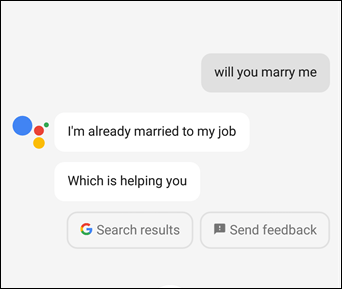
How to get Google Assistant to Cheer You Up marry me
You can’t marry a piece of software so Google Assistant needs to avoid the question in a way that sounds human

This last point from Coats makes you wonder whether she was consulted about Google Duplex. One of Assistant’s bold new skills announced at Google’s latest I/O conference was the ability to make appointments for you, even if they needed to be made over the phone. Onlookers in the hall and on the internet were aghast as hairdressers and restaurant staff were led to believe they were taking a booking from a human, when in fact they were talking to Google Assistant. Duplex is currently in line for a limited release but may receive a wider roll-out if it declares itself as an AI Assistant before getting back to sounding as human as possible.

All this adds up to the voice you hear back when you shout out, “Hey Google.” A lot of work has gone into making Assistant sound relatable, fun, energetic, and most of all human. As soon as she starts trying to make you think she’s human, however, you’ll know that something must be up.

Has your Google Assistant been creeping you out?

Since Google Assistant became bilingual last week many users have been reporting unsettling behavior from their AI powered smart speakers

Since Google Assistant became bilingual, many users have been reporting unsettling behavior from their AI powered smart speakers

AI Assistants are handy little things. Once you get past the privacy implications of having a device that is always listening in your home, the benefits are quite impressive. From the basics like playing music or the latest news, to the more complicated tasks like dimming your lights or turning the heating on before you get home from work, having an AI assistant can make you feel a little like Tony Stark or a “Star Trek” captain.

Strange behavior from Google Assistant
People have been reporting strange behavior from their Google Assistants

As the list of skills gets bigger and bigger, however, we may need to start thinking about the strain we’re placing on our digital friends. Google’s recent move to make its AI Assistant bilingual, and able to help users in English, Spanish, French, German, Italian, and Japanese may have pushed it a little too far. According to Tech Radar, since the bilingual feature was introduced, people have been reporting some rather strange behavior from their Google Assistants.

Google Assistant Download now
8

Google turned on bilingual on August 30. Since then, some users have reported that Assistant has been responding to their queries in strange voices and even with strange accents. One user said her Assistant was talking in a male voice with an American accent despite being set to British female. Others have reported random switching between accents and flat refusals to switch back.

Google acknowledged that there is a problem after a lot of users took to the official Google Assistant forum to complain. If hearing a strange voice talk back to you would freak you out, imagine the poor users who have been repeatedly ignored by their Google Assistant, even after they say the “OK, Google” wake word.

It wasn’t too long ago that people were bugging out because Amazon’s Alexa was creepily laughing and nobody could figure out why. Are the robots learning how to mock us and biding their time until they’ll strike us down and take over the planet or is it just a bit of mixed up code?

No matter how impressive our digital assistants may be, you simply can’t compare current artificial intelligence to human intelligence. They are not comparable entities. There isn’t really a brain powering the responses our AI assistants give us. All that is happening is all the possible responses are considered and the correct one is given. At least, that is how it is supposed to work. Sometimes things can get a little mixed up. You can breathe easy, the robots are not going to kill us. At least the AI Assistants aren’t, anyway.

Google Assistant can serve you only good news

Google is testing out a new feature for Google Assistant that will only give out good news

Google is testing out a new feature for Google Assistant that will only give out good news

Google Assistant

These days it easy to feel like the world is going to hell. We have Brexit in the U.K. and a President in the U.S. who makes ’round-the-clock headlines. Add to that global warming, a never-ending war in Syria, a financial crisis that just won’t seem to go away and it is nearly enough to make us want to give up on the news altogether. I mean, why bother? Well for all of us news weary heavy-hearted souls, Google thinks it has the answer.

“Hey Google, Tell me something good.”

Google Assistant is testing a brand-new feature for Assistant. The “experimental” new feature means if you have a Google Assistant-enabled device, that simple command will have your faithful AI assistant regale you with nothing but good news from around the world. In a blog post announcing the “glass half full” feature, Google described Tell me something good as offering:

“… a brief news summary about people who are solving problems for our communities and our world.”

Behind the positive news stories Google Assistant will be serving up is the not-for-profit Solutions Journalism Network. Solutions Journalism aims to report on stories that show how problems are solved. The news stories will be aggregated from numerous sources with examples including:

“good news like how Georgia State University coupled empathy with data to double its graduation rate and eliminate achievement gaps between white and black students, how backyard beekeepers in East Detroit are bringing back the dwindling bee population while boosting the local economy, and how Iceland curbed teen drinking with nightly curfews and coupons for kids to enroll in extracurricular activities.”

There is no doubt that hearing positive news stories will have a positive effect on our well-being. Hearing about humanity has overcome collective problems can act as a breath of mental fresh air. For its part, as well as testing this new feature, Google says it is working on incorporating more solutions-based journalism into all its news offerings.

It is also important to note, however, that Google (like all tech companies) contributes to more than its fair share of the bad news we’re served up daily. Tax avoidance and app-addicted users are just the tip of the tech iceberg that threatens to sink us all. This is definitely a step in the right direction from the search giant though, and the positive effort must be applauded. Keep up the good work, Google.