6 AR apps with more utility than Pokémon Go

From getting fit to honing your art skills, augmented reality is much more than catching Pokémon.

Augmented reality in actionAugmented reality, or AR, sounds like this crazy, futuristic technology. However, the reality is that AR apps are like little projectors that “augment” the real world.

We’ve seen how AR can help you catch Pokémon in Pokémon Go, but the technology goes so much further than catching Pidgey outside the train station.
Pokemon GO ARHere, we’re looking at some other ways that the technology can add a little utility to your life. Below, we’ve compiled our favorite AR apps that do more than help you catch ’em all.

Pokémon GO Download Free ►
7

6 augmented reality apps you should try

Fitness AR
Fitness AR

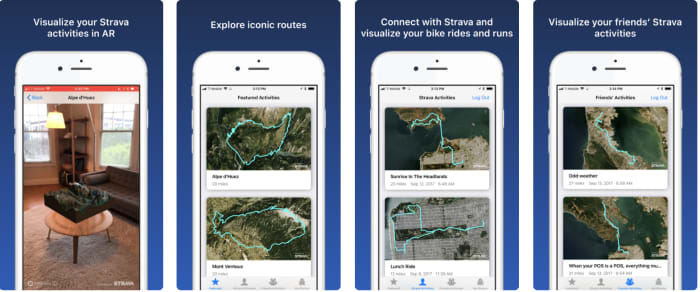
Fitness AR isn’t necessarily a utility you absolutely need, but it’s rad. The app is a solid motivational tool. It is a way to visualize your Strava runs in an AR environment — like a 3D model of your hikes, bike rides, and jogs.

While you definitely don’t need Fitness AR to map out your next run, there’s something satisfying in using a 3D model. It’s like you’re the captain of your very own 3D ship.

Fitness AR Download Now ►
7

Sketch AR

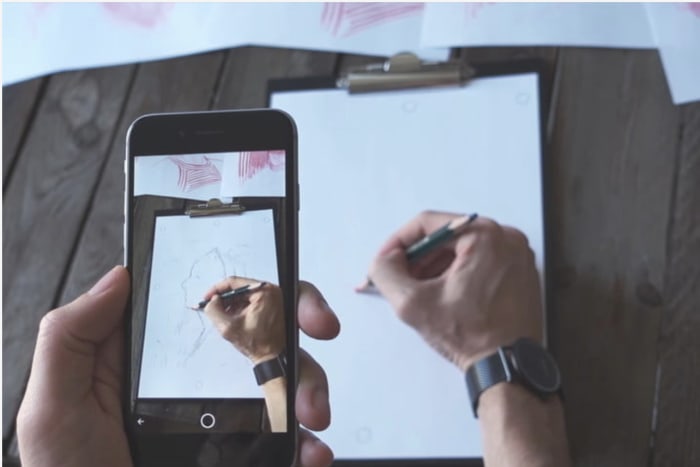
Sketch AR Drawing app

Call it cheating if you like, but a resourceful artist uses the tools they have available. They don’t “take the high road” by free-handing every little detail.

Sketch AR is essentially a tracing app. However, it’s cooler than the lightboxes you might have used in an art class. The app has two core functions. The first is, it’s a digital art lesson of sorts. According to the App Store description, aspiring artists work their way through a series of lessons. In the lessons, you’ll be tracing everything from hands to pandas.

It’s a cool concept, but learning how to draw is less about tracing and trying to remember the movements. It is more about learning how to see — and how to represent spatial relationships. Tracing won’t teach you how to do this.

Where it’s actually useful is in blowing something up so you can transfer it to another surface. For example: let’s say you’ve found an image you’d like to paint — quickly trace it onto the canvas using your phone as a projector. You can also do the same with a small sketch you’d like to turn into a large piece of work.

Sketch AR Download Now ►
7

Ink Hunter

Ink Hunter app

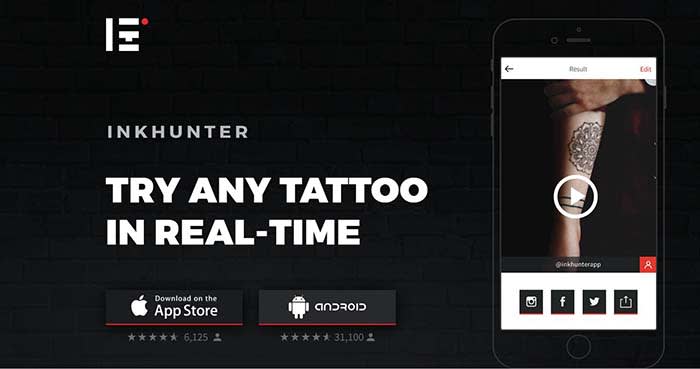
If you’re trying to work out the specifics of your next piece of body art, Ink Hunter is a handy app that will let you try out tattoos on any part of your body. Choose from the app’s library of premade designs or upload your own designs.

In the app, you’ll draw a small dot on your body with a pen, which serves as a target. Later, you can project the designs on your skin. Upload to your camera roll to crowdsource an opinion, or share them with your tattoo artist ahead of the big appointment.

INKHUNTER Download Now ►
8

Mondly

Mondly AR app

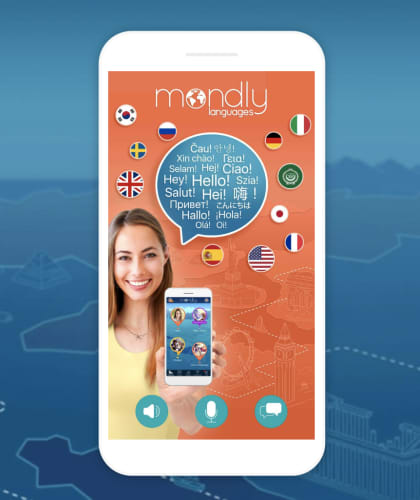
Mondly is a language learning app that teaches you new words and phrases on the go. There’s a VR version of the app compatible with the Oculus. The main app has AR technology built in, no headset needed.

Hit the AR button inside the app, and out pops an animated teacher —powered by chatbot technology. Mondly is available in 33 languages. It ranges from beginner to advanced, with settings for travelers and professionals as well. Language lessons involve dropping objects and animals into your own world. Lessons offer useful phrases for real-life situations.

The app is definitely a step-up from high school foreign language courses. You can learn actual helpful words and phrases rather than asking, “Wo ist der Bibliothek?”

8

Google Translate

Word Lens Google AR

Google Translate might not be the first thing that comes to mind when you think AR experience. However, it’s actually one of the most useful AR applications in the game. The app uses your camera for instant text translation. For example, you can scan a sign in another language and Google lets you know what it means immediately. This way, you can leave the hefty translation dictionaries behind and travel a little lighter. Just be sure to pack a charger.

Google Translate Download now ►
8

GIPHY World

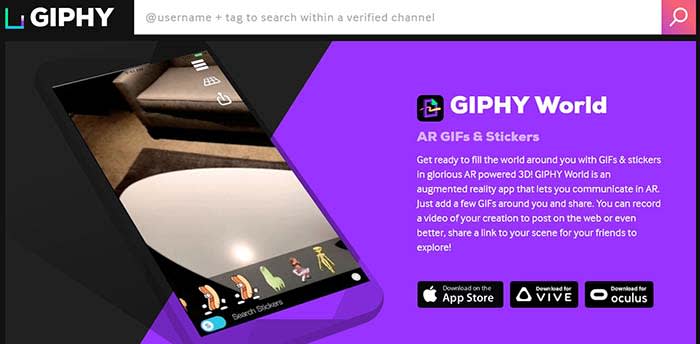
GIPHY WorldYou might be familiar with GIPHY, where you can create memes and GIFs of your own. GIPHY World is similar, except the creative process moves out of the confines of the screen and into the world around you. Choose animated objects from GIPHY’s library and arrange them within your viewfinder. You can then snap some AR pics, shoot a video, and share with your friends.

GIPHY World Download Now ►
7

Wrapping up

Admittedly some of these apps are marginally useful. Chances are we’ll all be okay whether or not we choose to download GIPHY World’s 3D GIF-maker or map-out a 3D diagram of our cycling routes. However, AR still hasn’t quite found its footing.

It goes to show that the technology is more than Pokémon GO and Snapchat filters. There are some cool apps from the experimental to the actually useful. Admittingly, we’re still waiting for the augmented reality app we just can’t live without. In the meantime, there are plenty of apps to capture our interest.
The Google Maps AR update: What’s the big deal?

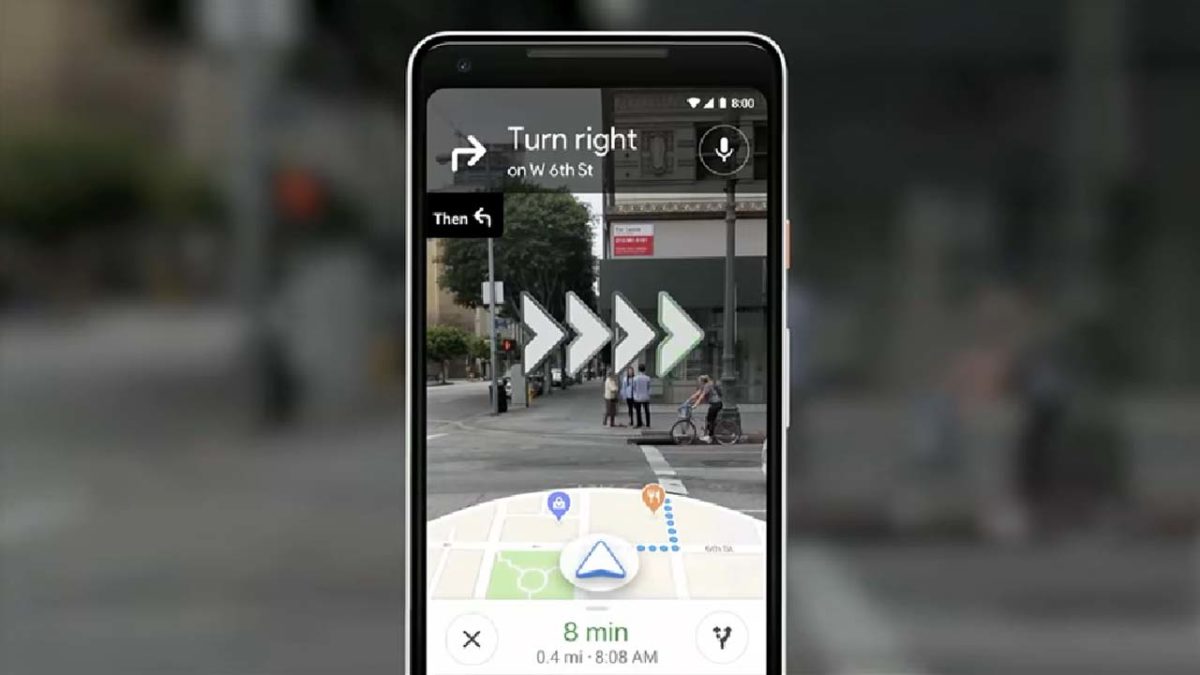
Google Maps will show you navigation instructions on top of live images of the real world.

New Augmented Reality Google Maps feature

The Wall Street Journal recently published a story claiming that Google was about to release a new AR feature for Google Maps Navigation. The release was only going to be a limited roll-out to a select group of users, but the promise of AR-assisted navigation instructions has been exciting people since The WSJ first ran the story. Let’s take a look at why.

Google Maps Download Google Maps
7

Google Maps will show you navigation instructions on top of live images of the real world

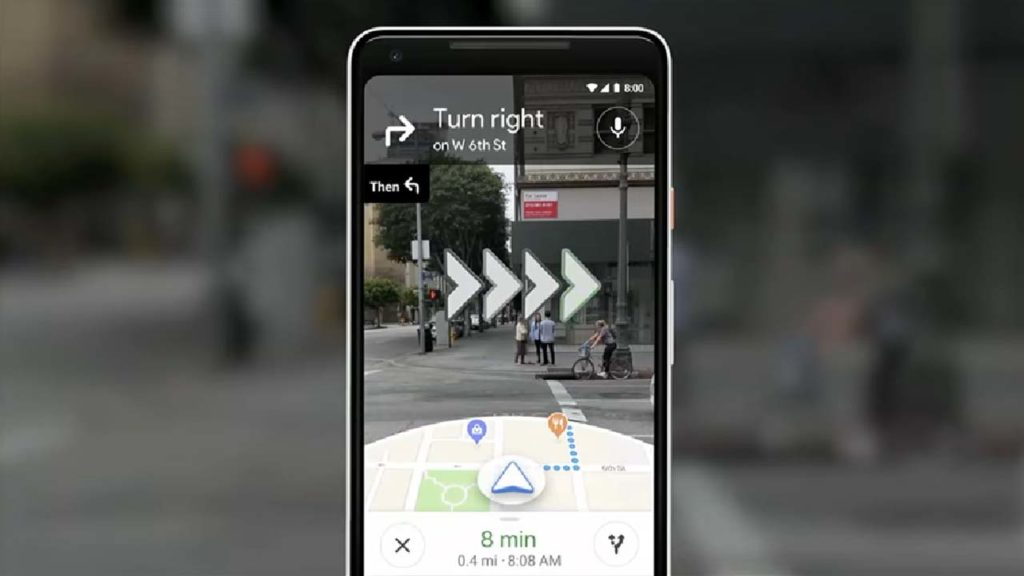
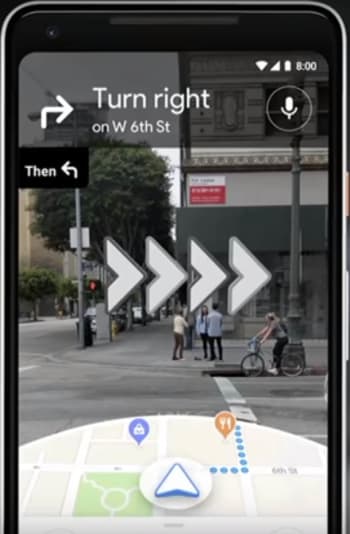
Google first announced the plan to bring AR to Maps navigation back at its big I/O conference in May. The way the new AR will work is by using your phone’s camera to capture live images of the environment around you and then displaying the navigation prompts on top of the images. This means that rather than looking at generic blue dots on a map, you’ll be looking at a live image of the street in front of you and will see arrows and signs pointing you in the direction you need to go.

Since the Wall Street Journal story, Google has demoed the new features to a select number of industry insiders. First impressions are that the feature works well and is very helpful when it comes to orientation. Rather than having to spin on your heels trying to figure out which way Google Maps thinks you are facing, you can simply raise your phone up to eye level and the map will automatically change to AR mode.

AR navigation for Google Maps
Image via: YouTube

When in AR mode, Maps will show a mini-map in the bottom third of your phone’s screen and the live images your camera is capturing in the top two-thirds. It is in the top two-thirds where the AR magic happens as on top of the images of the street will be animated prompts telling you which way you need to go. Combined with the mini-map at the bottom of the screen, the whole package removes confusion from a common situation facing people in strange parts of town or new cities altogether.

Google has highlighted that the AR feature should only be used when you’re approaching junctions and turns. When you’re walking straight you should hold your phone down, so that map mode is enabled, and if you hold your phone up in AR mode for too long an alert will show, telling you to lower your phone. This will stop users from walking around while staring at their phones and potentially knocking into people and objects in their path.

Impressively, despite being in an early Alpha state, the responses to the new feature have been very positive. There is still some smoothing out to be done, with graphics and animations, but generally, the feature seems to be working well. The bad news, however, is that there is still no news about when Google Maps’ new AR feature will be available to everybody or even if it will be available outside the U.S. when it is released.

3 augmented reality tools for decorating your home

Ready to give your home a makeover? Use these three apps to visualize your dream.

paint swatches

Thank you, cutting-edge technology! Augmented reality apps have made it much easier (and more fun!) to carry out a range of tasks and activities. For example, one of these tasks is decorating the interior of your home thanks to these innovations at our fingertips.

Below, we’ll take a look at some of the best ways to do just that. Check out three different apps that offer inspiration when you want to spruce up your space.

3 augmented reality tools for decorating your home

1. ColorSmart by Behr

Available on iOS and Android, Behr’s innovative app allows users to choose the perfect paint colors to suit their space. When you point your camera at a given wall, you can fill different sections with different paint colors to compare them and make the best decision. They also have a store locator feature to help you find the nearest Home Depot so you can get started on your project immediately.

ColorSmart by BEHR Mobile Download free
7

2. Wayfair

It can be tough to imagine pieces of furniture in a given space and envision how they’ll go with the overall vibe of a room. Thanks to the Wayfair app’s View in Room feature, you don’t have to just imagine it — you can preview it! Use the feature by selecting a piece of furniture you’re interested in, and then tap the View in Room button under the picture of the item. Then just move your phone to look around the room, and you’ll be able to get an idea of what the piece would look like in your home. Pretty cool, right?

Wayfair Download free
8

3. magicplan

Home improvement is made easy with magicplan! This app provides a virtual pin and grid that can mark corners of a given room and determine its dimensions. This makes it easy to get accurate and painless measurements of a space and allows for the simple design of a floor plan. This app also integrates well with Amazon, making it easy to get the necessary products to tackle a project.

MagicPlan Free Download ►
7

Augmented reality apps are increasing in popularity — and for good reason! They do a great job in helping with home improvement projects to make your house the best it can be.

How AR could change the way we see the world

The Augmented Reality revolution is here. Are you ready?

As immersive technologies become more advanced, the lines between virtual reality and real life become increasingly blurred. Immersive technology is a spectrum, with reality on one end and VR on the other. In the middle, you have augmented reality, which is technology that doesn’t try to replace the real world but to enhance it.

In a nutshell, AR places computer-generated into the real world in real time. You probably use AR technology on a daily basis without even knowing it. Popular examples of AR include Snapchat selfie filters, which alter facial features in real time, and Pokémon Go, which uses AR to place Pokémon into the real world using your phone’s camera.

While AR isn’t quite as flashy or sci-fi as its cousin VR, it has already become popular, having a wide variety of applications. So far, the three main uses for AR have been entertainment, shopping, and industry. Here we’ll take a look at how AR is already making an impact in these three areas.

How AR could change the way we see the world

Combining video games and the real world

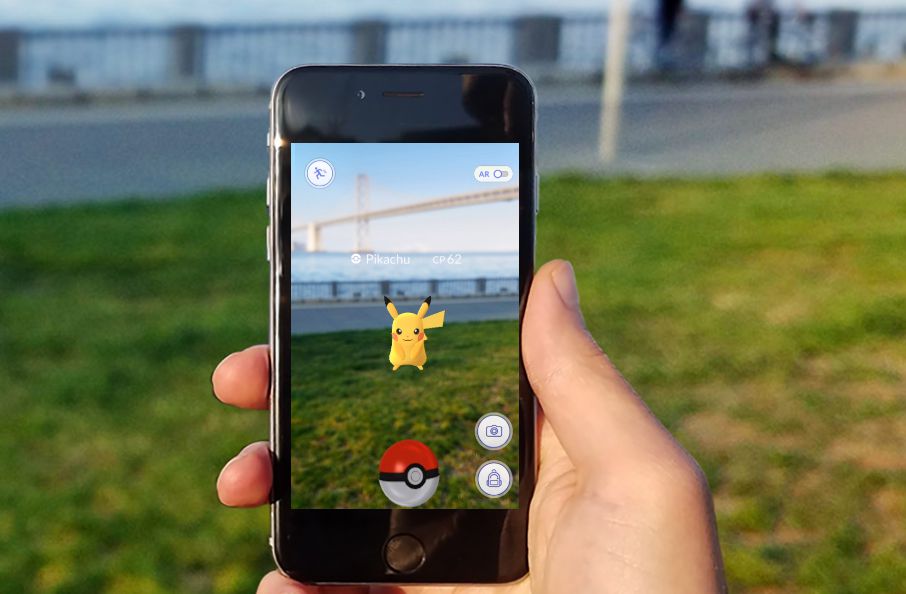
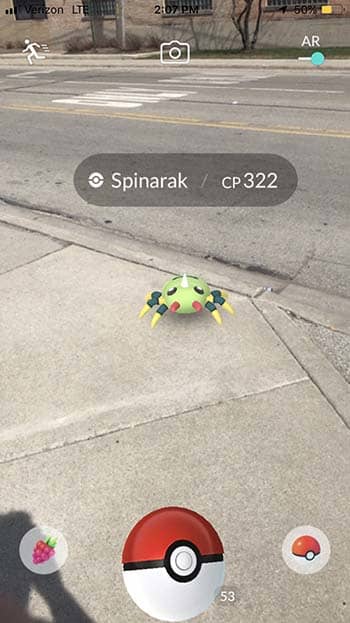
An immediate and obvious application of AR technology is in video games. During the summer of its release, Pokémon Go became arguably the most popular AR technology in the world. Using augmented reality, developer Niantic superimposed Pokémon into your phone’s camera, allowing them to run around and react to the real world.

Pokémon GO Download Free
7

AR is not just for kids games, either. The new World of Tanks app turns any tabletop into a battlefield. The demo is simply amazing, and it hints at more fun to come.

Beyond video games, augmented reality has been used to enhance toys and other forms of physical entertainment. For example, certain LEGO sets now have AR compatibility. When scanned through your phone, the sets will show new animated features through your screen, such as a train running along a track.

Parents worried about their kids spending too much time on their phones can use AR to make more traditional toys more appealing. AR’s ability to combine virtual objects with the physical world allows users to see their surroundings in all-new, exciting ways.

A high-tech way to shop

Augmented reality has the potential to completely change the way that we shop, and in small doses, it already has. AR’s ability to alter computer-generated images in real time makes it a perfect fit for virtually “trying” products before actually buying them. For example, Lacoste has released an augmented reality-based app that allows users to try on shoes without actually putting them on. A video demonstrating the app can be seen below:

As seen in the video, users simply select a shoe they’d like to try on, and the app superimposes the shoe onto the user’s feet using the camera. The user can then rotate the camera around their foot, allowing them to view the shoe at all angles.

Major fashion brands are already scrambling to come out with their own AR apps that allow users to try on their clothes from the comfort of their homes. Beyond just shoes, certain fashion retailers have installed “magic mirrors” that use augmented reality to allow users to try on entire outfits.

In addition to fashion, the interior decorating industry has also gained a huge tool in AR. Certain apps use AR to change the colors of walls and place virtual furniture, allowing people to see how their redecoration would look before going through all the trouble of actually doing it. IKEA has already implemented this technology, as seen below:

Companies are also using AR as a promotion to get you to buy their products. Facebook teamed up with Universal Pictures with a “Jurassic World” promo that let you take home an AR dinosaur along with your DVD or Blu-Ray purchase.

It isn’t exactly a bold claim to say that in the very near future, augmented reality will be everywhere when it comes to shopping.

Hands-on without being hands-on

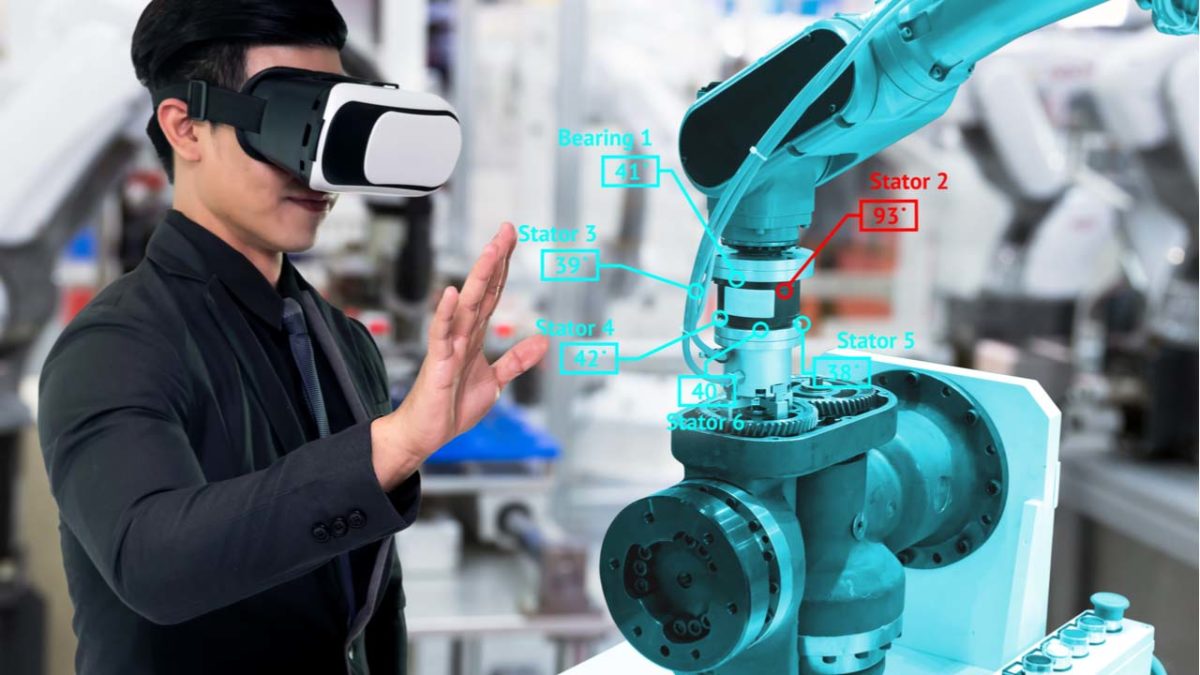
For many industries, AR is proving to be a valuable and resource-saving tool that allows workers to get hands-on experience without actually touching or building anything.

For medical professionals, augmented reality provides detailed and realistic recreations of the body, allowing them to practice complex procedures like surgery. Virtual organs can also be overlayed over real live patients, giving doctors a sort of “X-ray vision” and providing them with detailed maps of the body while displaying valuable information like heart rate and blood pressure off to the side. While these systems need to be absolutely perfect when lives are on the line, it is likely that augmented reality will eventually see widespread use in surgery and other medical services as the technology improves.

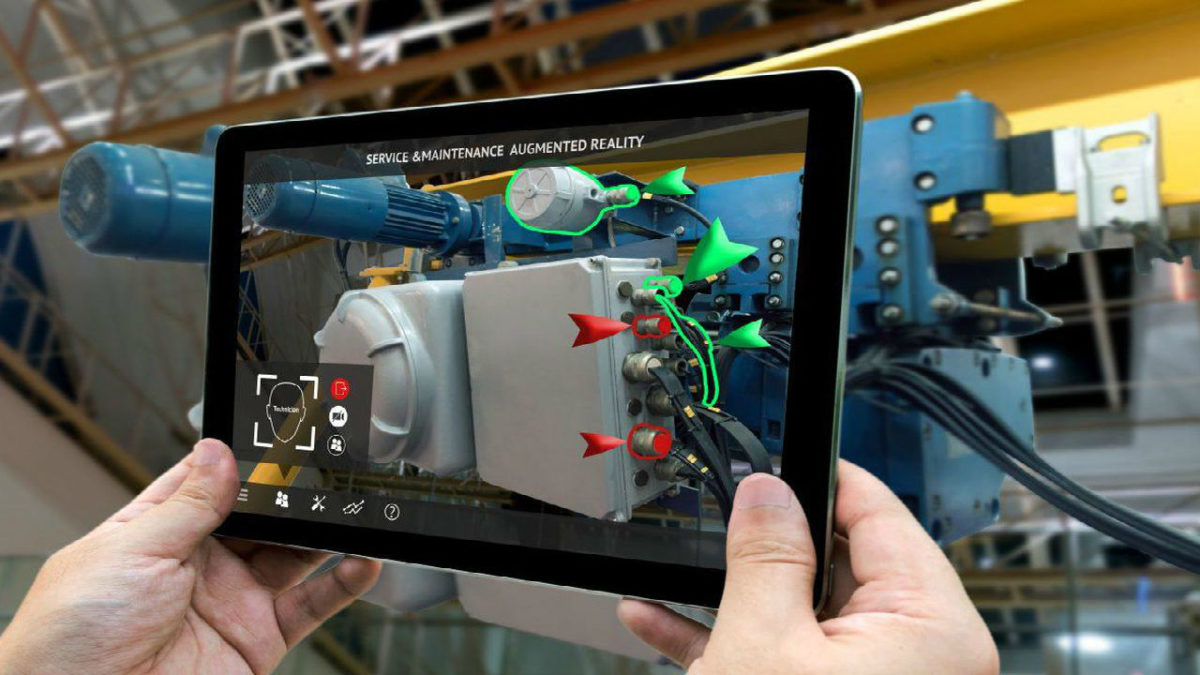
In addition to medicine, augmented reality can also be used in engineering to help quickly find solutions to complicated problems. For example, AR can be used to display a finished product when it doesn’t actually exist in the real world yet, which can aid in the assembly process. The object can then be taken apart and put back together in real time, and at multiple angles, with each individual part being interactive. The ability to create virtual objects without going through assembly processes will become an invaluable resource that allows engineers to better understand their designs and how to improve on them.

Do you use augmented reality in your daily life? Which part of AR excites you most? Let us know!

Snapchat uses augmented reality to team up with Amazon

Snapchat and Amazon team up for an impulse buyer’s dream.

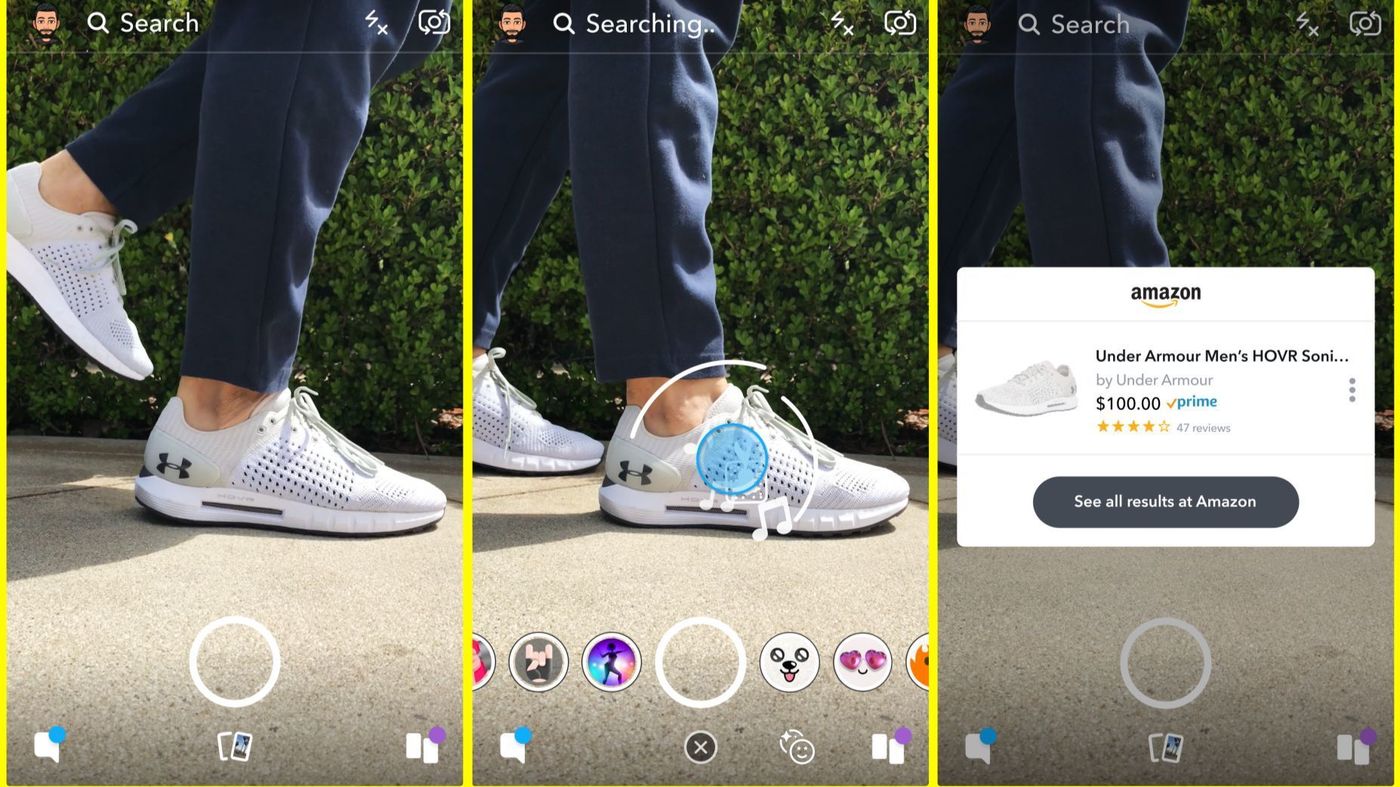
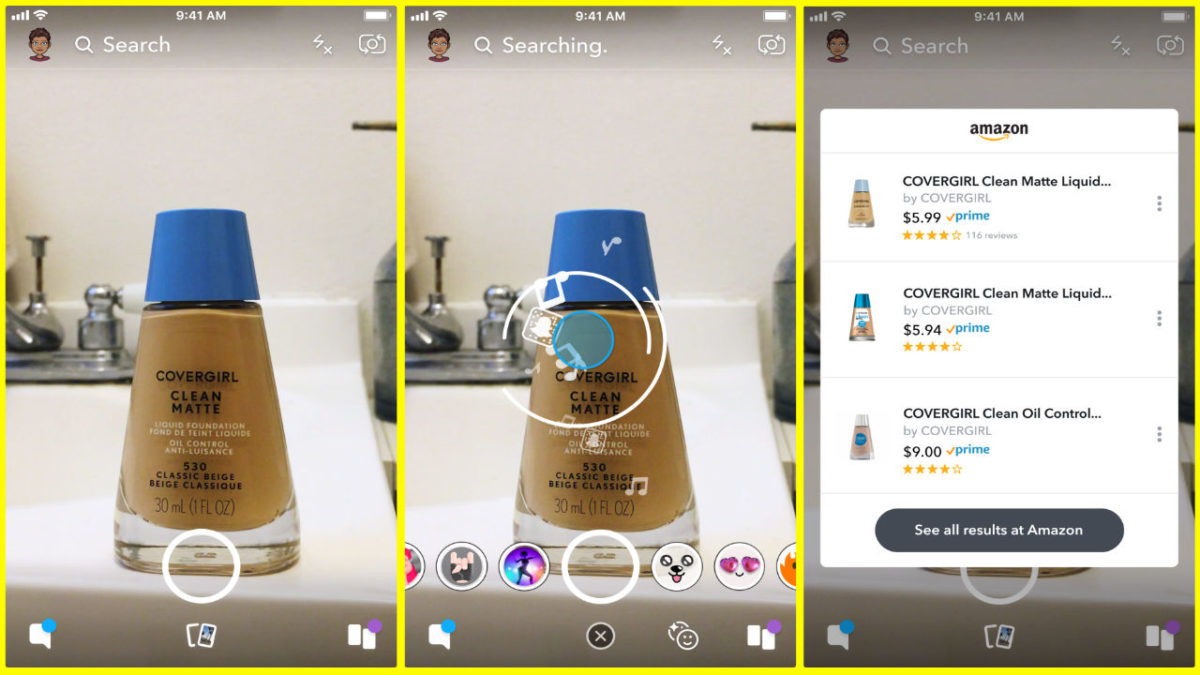
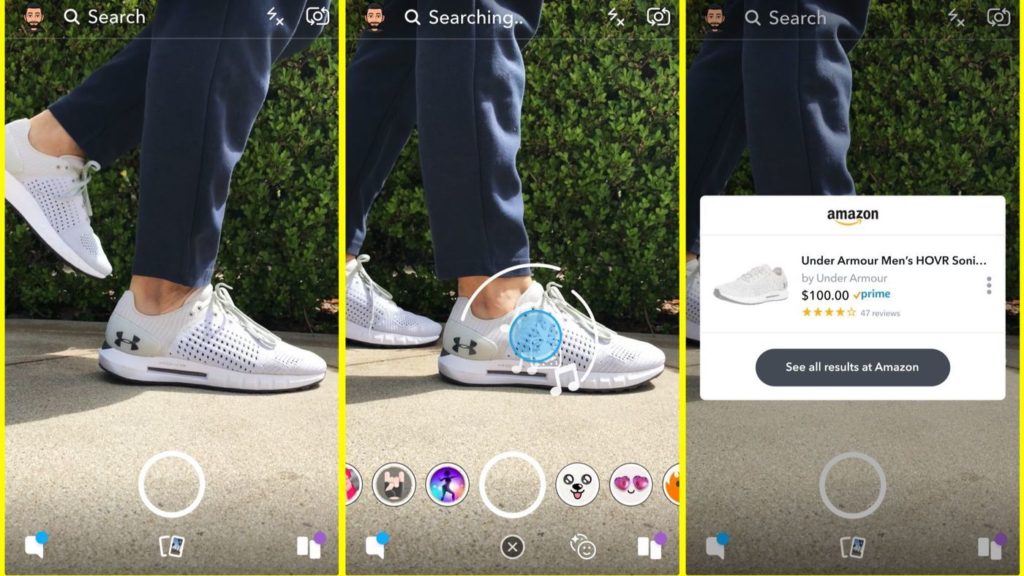
You ever wish you could just look at something cool and then buy it within a few seconds? There’s good news for you, my impulsive friend, as Snapchat has teamed up with Amazon, allowing Snap users to scan items using their phone cameras, taking them directly to their Amazon store page.

snapchat

As shown in the picture above, scanning an item in Snapchat will bring up a window for its Amazon store page, displaying its price and a few related items. The technology combines augmented reality with Amazon’s machine-based visual learning software, which analyzes shapes, colors, and logos in order to identify products. Given the gigantic variety of items available to purchase on Amazon, this kind of software is no small technological feat.

Snapchat Download Free
8

Shopping features have been slowly added to popular social media apps for a while now, but haven’t really gained much momentum because they took too many extra steps. Snapchat and Amazon’s partnership is ingenious in that it only takes a tap or two to get to the product page, encouraging impulse buying and increasing profits. Ensuring impulse buying is especially important for Snapchat’s userbase, as its users tend to be younger and more prone to buying things en masse.

It is currently unknown what the financial details are in this partnership. Some believe that Snapchat will get referral money from Amazon when its users buy products, while others think that this may simply be a new feature that Snapchat hopes will allow it to gain new users and engage and maintain current ones.

This feature is slowly being introduced throughout the United States, and it will hit international users soon.