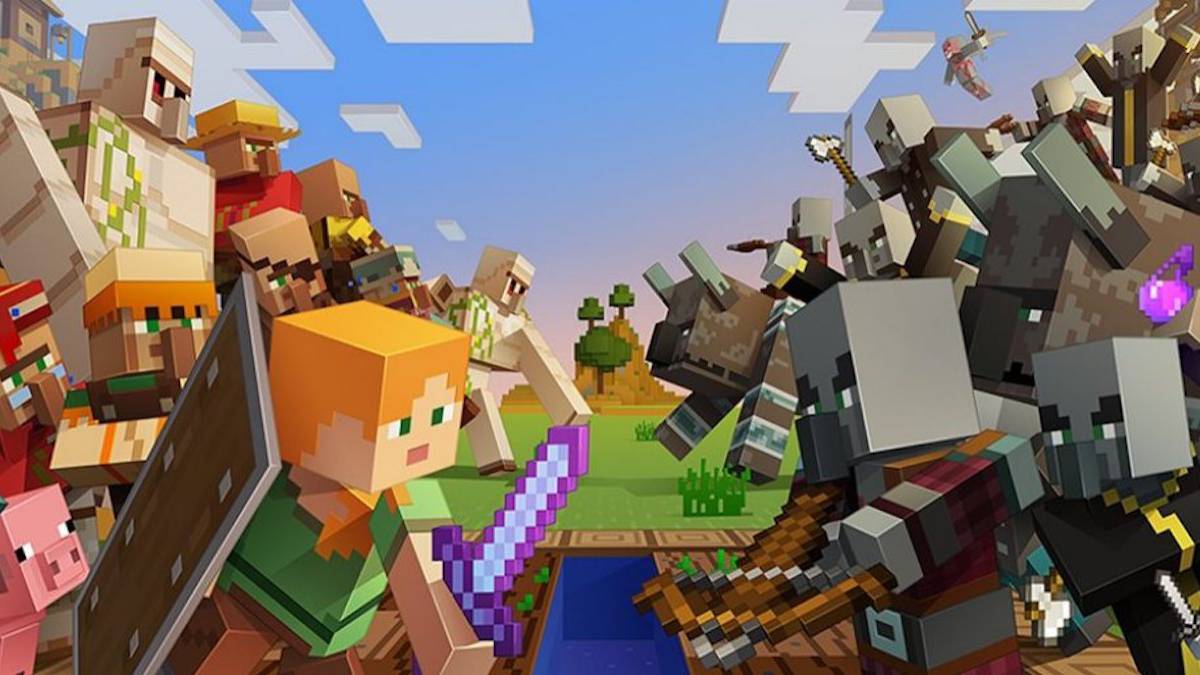
Minecraft and Sonic the Hedgehog cross paths again in a texture pack that makes a complete reconversion of the game.
Sonic the Hedgehog is one of the great video game mascots and Minecraft is one of the most played video games for many years now, basically everywhere.That they meet is natural, because in fact, there is already a DLC where both universes have collided in the past. That does not mean that this pack will make your head explode if you are a Sonic fan, as it will allow you to change all the textures of the game, both in Survival mode and in Creative mode for textures imitating those of Sonic games.
Iconic areas like Green Hills or the Labyrinth, enemies like the Badniks and weapons like the sword Excalibur are present as winks to the fans of the most famous hedgehog of the video game. All with their own animations, some small gameplay and interface changes, that will make you enter completely into the world of Sonic like never before. After all, when have you ever been able to live as Sonic the Hedgehog with no other worries than surviving in a hostile world without having to run towards the nearest goal?
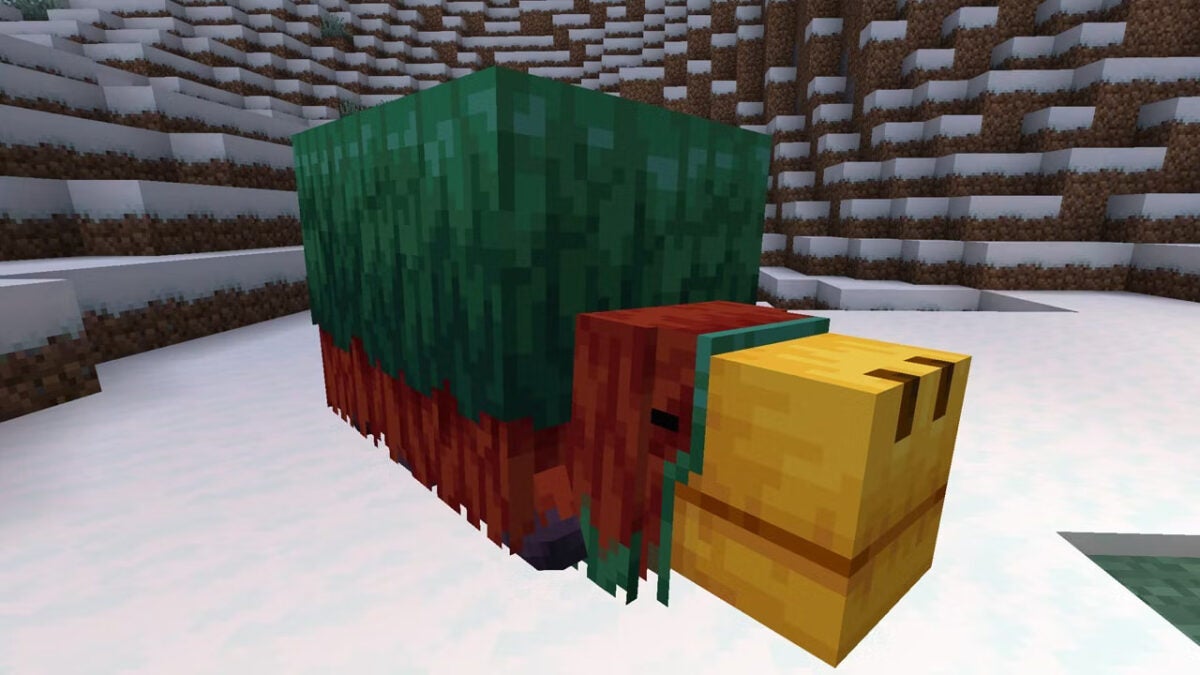
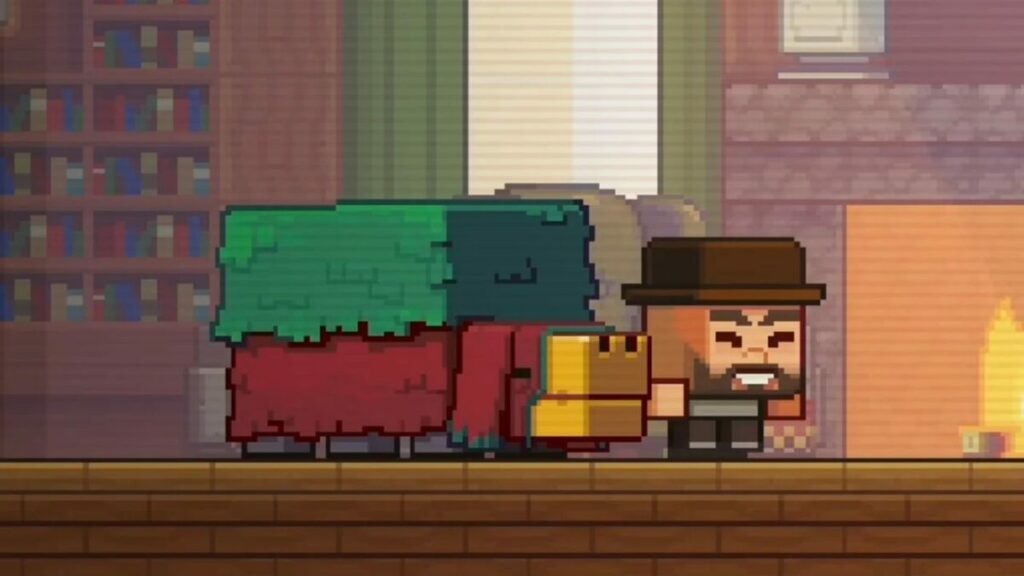
All of us Minecraft fans are getting excited about the upcoming 1.2 update rollout, which is set to have several pleasant new crafting features. One of them is the new archeology aspect, which ties into the latest mob to be voted as part of the package. It’s called the Sniffer, and it’s going to help you find ancient artifacts.
Recently, Mojang announced that it would be adding Archeology to Minecraft. The idea is that you can find suspicious sand in the desert, which is a new block that’s almost hidden. When located, you’ll dig up ancient pottery shards that you can put together and place in your home.
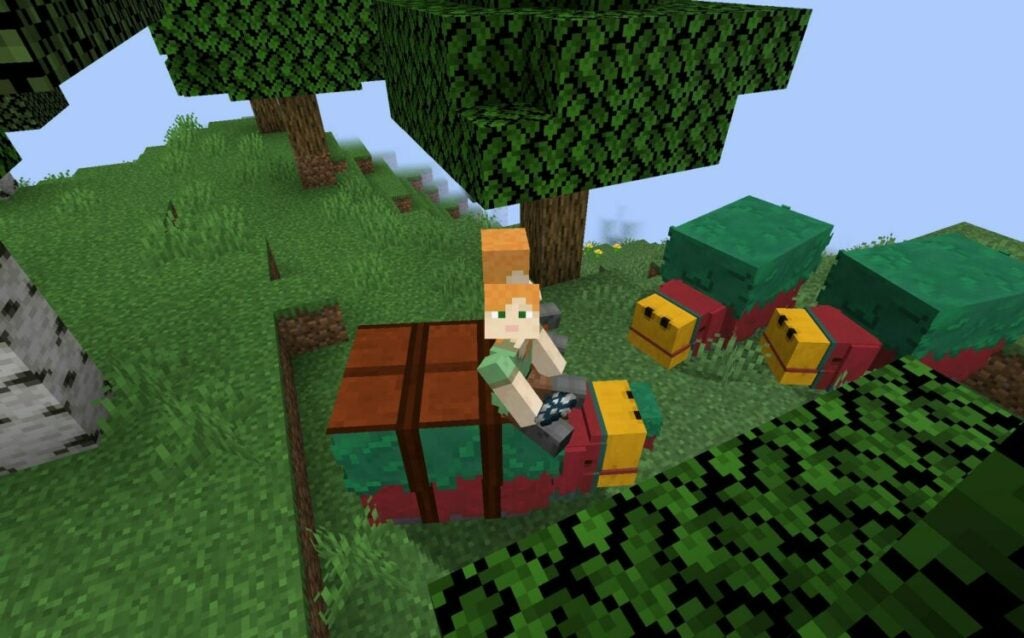
How does this relate to the new mob coming to Minecraft? Well, the community held a vote for which mob they wanted to see next, and the Sniffer won. According to the details so far, the mob will be able to detect suspicious sand that holds precious seeds of ancient flowers. You will then be able to plant them around your home or by your farm.
There’s even a fun way to tame the Sniffer, but you won’t find them naturally in the Overworld. You’ll need to find eggs and then spawn a Snifflet, which you can then raise until it’s old enough to sniff out those ancient seeds. For the moment, the new mob will only appear in Creative mode until Mojang sorts out any bugs that may appear.
What would be fun is if they one day include finding dinosaur fossils in the sand. We could then reconstruct them piece by piece to put on display in our Minecraft homes. Also, they could play with a Jurassic Park idea of reviving them somehow so we can mount and ride them.
Yes, I have a vivid imagination. I’m a fantasy writer, after all.
So Apparently this is the Final Feauture for the 1.20 update. And Honestly? I’m ok with that. What a ride! Camels, hanging signs, chiseled bookshelves, mob head sounds, bamboo wood, cherry blossom forests, armor trims, archeology, the sniffer and More!! #Minecraftpic.twitter.com/gOFgWcWEjF
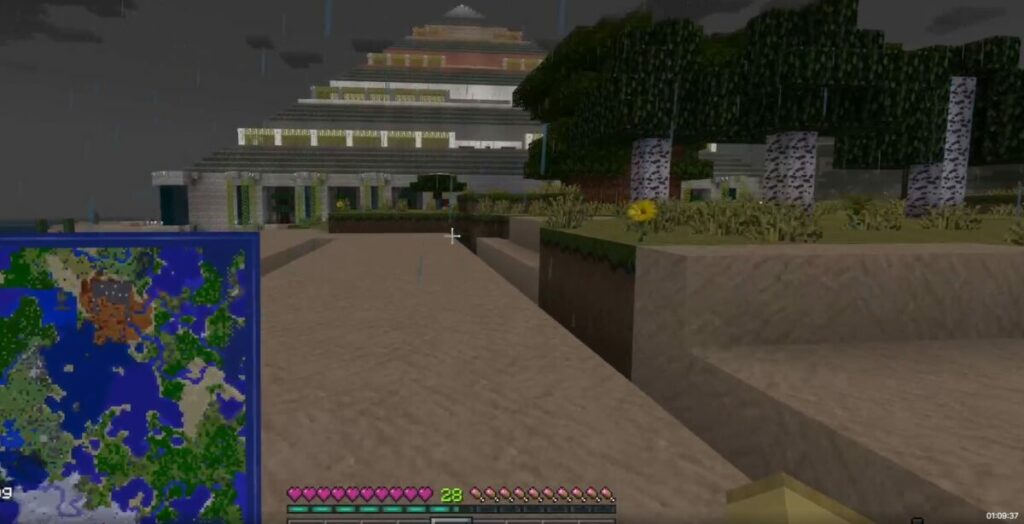
I showcased my 101 x 101 block pyramid, the treehouse building, the massive quarry my family and I have been working on for years, and the castle land I’m still building with a huge portcullis gate that used to work before the Caves and Cliffs update messed something up with the Redstone configuration.
I’m excited to see the Sniffer join this Minecraft world, along with the Archeological elements.
The latest version of Minecraft Java Edition (Snapshot 23SW04A) introduces a new feature called Armor Trims, which allows players to customize and enhance the appearance of their characters with unique designs. Due to the parity between Minecraft Java Edition and the former standalone Bedrock Edition, we expect the new feature to soon be available within the beta program as well.
Below, we’ll take a comprehensive look at the new Minecraft feature, as well as the types of armor trims you can obtain.
Minecraft Armor trims
The Armor Trims in Minecraft Java Edition are a new cosmetic feature that can be applied to armor by using a Smithing Template. The design of the trims is based on the biome or structure where the Smithing Template was found. The following is a list of the available Armor Trims and where they can be found:
Pillager Outpost – Sentry Armor Trim
Desert Pyramid – Dune Armor Trim
Shipwreck – Coast Armor Trim
Jungle Temple – Wild Armor Trim
Ocean Monument – Tide Armor Trim
Ancient City – Ward Armor Trim
Woodland Mansion – Vex Armor Trim
Nether Fortress – Rib Armor Trim
Bastion Remnant – Snout Armor Trim
Stronghold – Eye Armor Trim
End City – Spire Armor Trim
How to use the new armor trim feature
To use Armor Trims, you will need to have a Smithing Table. When interacting with the Smithing Table, you will notice that there is a new slot. To apply the trim, first place the Smithing Template in the new slot, then add the piece of armor you wish to modify. As stated above, the Smithing Templates are scattered around each dimension and reality, and you’ll need to explore all sorts of ancient structures to find them.
Finally, insert a material from the following list to determine the color of the trim:
Iron
Copper
Gold
Lapis
Emerald
Diamond
Netherite
Redstone
Amethyst
Quartz
Once you’re done, you’ll be able to remove your upgraded armor from the Smithing Table. All you need to do now is equip your shiny new armor or put it on an armor stand to brag about your riches.
Update on Minecraft 1.20
As we reported last year, Minecraft 1.20 is expected to arrive sometime during the first quarter of 2023. We initially expected it to release in January, but it seems there might be some progress to go before we get to see a finished update. However, what’s pleasant to see this time around is that Mojang is sticking to the idea of developing the update with the community’s input.
If you haven’t yet tested any of the Minecraft 1.20 snapshots or beta releases, try them out. The new features added so far bring a lot more variation and opportunity into the game. And, with the new armor trims, there’s a way to stand out and be recognizable on multiplayer servers, without having to remove your armor.
If you’re like us, you’re spending more time at home these days, and with that, playing a lot more games online. One of the most popular picks these days is Minecraft, which now has a free Windows 10 update.
The latest building blocks and adventures
The ever-popular Windows 10 sandbox game, Minecraft, is an action-adventure title that’s loaded with fun and creativity. Using the most basic gaming tech, you can create a lifelong project and keep building new worlds that grow with you. Through this multiplayer game, you get to explore your limitless imagination and survival skills.
To keep your pixelated world up and running smoothly, you’ll need to stay up to date with the latest version. Many updates have been released over the years, which includes the Java Edition. Fortunately, the base game has remained true to the original release. You can keep on mining and building whatever you need to stay safe from the dangers at night.
Why Minecraft Windows 10 won’t update
If you’re struggling to update your Minecraft Windows 10 Edition, it could be that your device needs an update before you can proceed with the latest version of the sandbox game. You can easily update your device by selecting Settings, Update & Security, and choosing Check Now.
This will direct you if you need the latest version. Follow the prompts, and once your device is up to date, you can continue with your sandbox game update.
How to update Minecraft Windows 10
You can check for a manual update of Minecraft Windows 10 by following these easy steps:
Search and select the Microsoft Store.
Once you’re in the Store, you can select the triple dotted icon, then choose ‘Downloads & Updates.’
Select the ‘Get Updates’ option.
The latest Minecraft Windows 10 features
The latest update delivers some exciting highlights, such as more bees, nests, hives, and honeycomb. It adds new loot tables, a dispenser function, and bug fixes. For the best experience, ensure that you update your Minecraft Windows 10 Edition soon. If you’re looking for a similar fun gaming experience, you can try MAGIX Music Maker or HIP HOP BEAT MAKER.
What’s your Minecraft mod and what’s the best experience you’ve had with it? Tell us about it in the comments section!
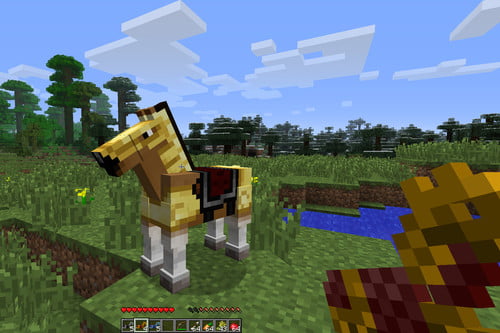
Mojang’s Minecraft found a home in gamers’ hearts worldwide when it officially launched in 2011. Since then, the fun, survival base-building title has become available on Windows, Mac, iPhone, Android, PlayStation, Xbox, Wii U, and Nintendo Switch. One of the most adorable mobs, or pets, is the horse.
If you’re playing the game for the first time, you might be wondering how to tame a horse in Minecraft. It was a gratifying experience for us the first time we attempted it, and we instantly fell in love with this mechanic. Here’s a quick guide on how you can own, ride, and equip one.
Finding the perfect Minecraft horse
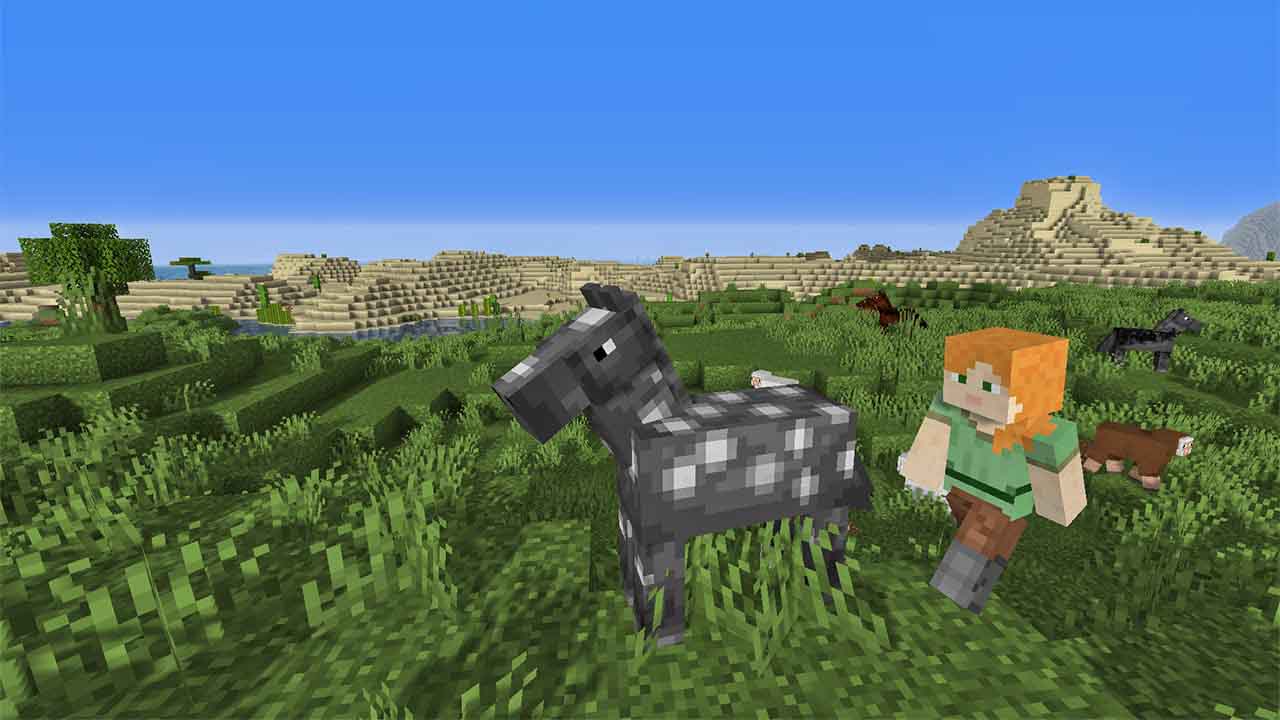
Minecraft has several biomes that procedurally generate when you start a new map. You’ll generally find in the open plains, vast expanses of land like prairies. While you’re running around collecting resources, you may find different types of standard horses grazing. You might even spot a mule or a donkey!
How to tame and ride a horse in Minecraft
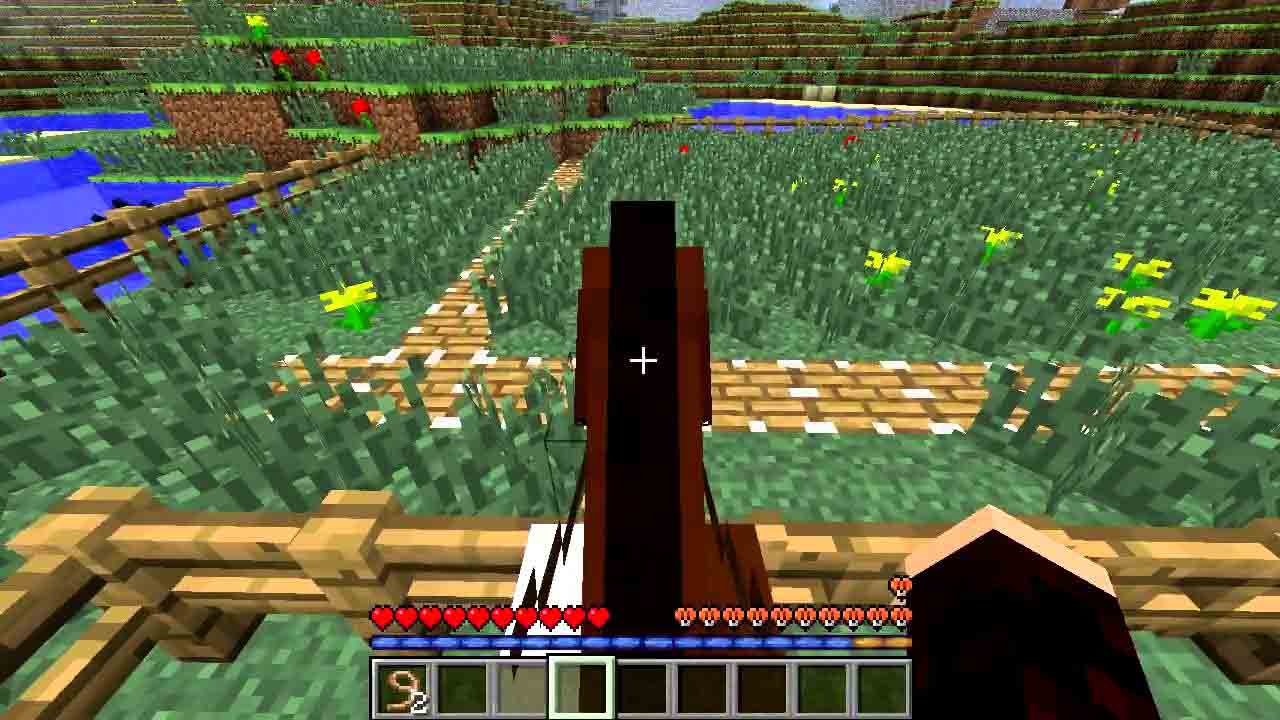
Before you begin the art of taming a Minecraft horse, you’ll need to empty a slot in the hotbar. You can only mount the animal with an empty hand. Each platform has a different button for climbing on the creature’s back, generally as the alternative action button such as right-clicking or tapping on the ‘Mount’ button.
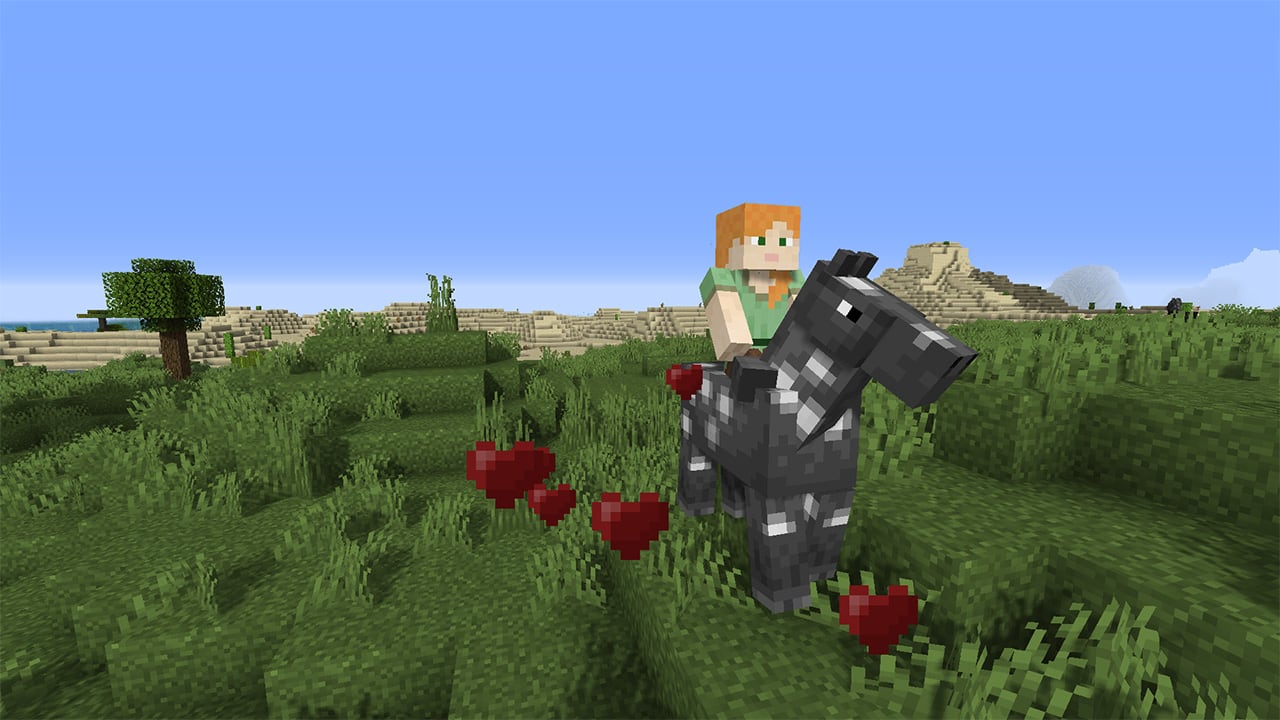
Of course, you should feed the wild animals some apples, carrots, or wheat to make them more endearing to your mounting quest. Once you’re on its back, it will walk around and attempt to buck you off. If you keep trying, a flurry of hearts will erupt to reveal your success.
How to equip your Minecraft horse
Although you’ve tamed the horse, you can’t steer it until you place a saddle on its back. By accessing its inventory, you can also insert horse armor to protect it from those zombie and skeleton hordes.
Riding into the pixel sunset
While it’s every child’s dream to own and ride a horse, we must admit that it was fun for us adults, too. Remember to look out for alternative versions of these animals in modded versions, such as the pegasus, unicorn, and Ender horse. If you’re a fan of pixel block fun, we recommend you look at Roblox for a vast array of games.
Even after all these years, Minecraft is still as fun and challenging as it was the day it was released. This entertaining game that mixes elements of construction, adventure and survival will never go out of style.
Minecraft’s success is due largely to the fact that this Mojang title is so versatile. Besides having a blast with the basic game, you can add fun new adventures using your own creativity and, of course, mods.
In addition to the classic style mods and ones that add new scenarios or functions to the game, there are adventure mods. They offer a new twist on Minecraft by contributing plot elements, stories and objectives to meet, turning the game into a whole new experience. Want to know our favorites? Keep reading to find out!
How to add mods to Minecraft
To add adventures to your basic Minecraft game, you need to download and install mod files or “mods.” These files don’t usually take up much space on your hard drive and are easy to incorporate into the basic game. Of course, you need to know how to do it. If you’ve never added a mod to Minecraft, we recommend reading the article below, which has a step-by-step explanation of how to use them.
Herobrine’s Mansion is one of the most popular Minecraft adventure mods. It was made by Hypixel, one of the most beloved content creators in the Minecraft community. In it, we’ll investigate a gloomy mansion and its mysterious crypt to unravel all its secrets. Due to its difficulty (and many bosses), this mod is designed to be played by up to four players. Want to find out why it’s one of the most popular Minecraft adventures?
Torn: Origins is a fun adventure mod that puts you in the shoes of the first agent of the X.I.A. Your mission: liberate the city of Evan from the First Sons, a criminal organization that is sowing discord in the streets. With an open world to explore, Torn: Origins is a huge adventure map that changes according to how you carry out your missions. Because depending on how you behave, you can be either an exemplary agent or a ruthless one who takes justice into his own hands.
In addition to the game file, you’ll need the mod’s resource pack. Download it by clicking here.
An Adventure, I Guess
An Adventure, I Guess is a hilarious adventure map where you’ll be transported to… the bean dimension? As you can imagine, this is a humorous, highly entertaining mod loaded with references to other games and even series like Rick and Morty. Find your way back to your world and locate the exit portal while avoiding rivers of beans. While it’s not the longest mod on the list, it’s downright entertaining.
Why did I become a harem anime protagonist? is a fun adventure mod where you’ll embody a young otaku who, for no apparent reason, becomes the most popular boy at his new high school. What our protagonist doesn’t know is that, according to a legend circulating at school, you have to be very careful around the girls in his class. Will you heed the warning or throw yourself into the arms of your new harem? This Minecraft mod is designed for anime fans or anyone looking for a fun story and a good time. Of course, it is not recommended for children under the age of 16, as it is full of compromising situations and slightly risque jokes.
Castle to None is a co-op adventure map based on the popular Bungie game, Destiny. It’s designed to be played in groups of three to six people who will invade a haunted castle full of monsters and hidden dangers. You can choose between three different character types depending on your style of play: Ranger to focus your actions on the attack, Defender for defense, and Support to heal your companions. If you’re looking for a well-rounded adventure on a beautiful and challenging map, you can’t go wrong with this title.
Lost in the Woods: The Hospital puts us in the shoes of Gregory Anderson, a man who wakes up in a deserted hospital room with no memory of how he got there. Anderson immediately suspects the worst and embarks on a desperate quest to escape from the doctors. Lost in the Woods: The Hospital combines a good story, the excitement of escape, and plenty of puzzles and riddles that make for an extraordinary time during its two hours. Want to try it?
The Mystery of Herobrine is, as the author describes it, a story planned out since 2016. Inspired by the classic creepypasta story of Herobrine (a Minecraft character capable of bending the game and its players to its whim), it creates a new universe and a new story that will keep you glued to Minecraft throughout its six chapters. The Mystery of Herobrine is intended to be played alone, although it can be enjoyed in multiplayer mode with two other people. Do you dare solve the mystery?
AFTERMATH is a map inspired by the classic game Crysis. In fact, its music has been reused for the mod, so if you’re a fan of the Crysis soundtrack you’re going to love AFTERMATH. In it you’ll put on your nanosuit and explore an open-world recreation of the Crysis universe. As for the plot, AFTERMATH assigns you the mission of capturing Brian, a criminal who has started a nuclear war and is hiding on the Island of Santa Cruz. Will you succeed in taking him down?
Revive the Planet is an entertaining mod reminiscent of classic games like Soul Blazer or Dark Cloud. In it you land on a deserted planet that’s completely dead except for five temples, each dedicated to an element. Inside each temple, you’ll be transported to a world full of missions, puzzles, enemies and adventures to revive parts of the planet. Exceptionally fun and challenging, Revive the Planet is a perfect adventure mod for anyone who finds satisfaction in seeing a dead environment gradually bounce back.
Small Worlds will take your Minecraft adventures straight into outer space. In it you’ll become an astronaut who has been stranded against his will on an inhospitable planet. Explore your new home, discover the reasons why you have been abandoned in space, and find a way to return home with all the resources you find. Small Worlds is ideal for anyone who’s looking for a space-inspired mod that does a good job of recreating the effects of gravity outside our planet
Dream is a map designed for fans of dream interpretation and dream worlds. It starts with our character going to sleep and waking up in one of his strange dreams. Travel to the depths of your mind as you solve puzzles and face the ghosts of your day-to-day life. The map is intended for a single player and is about an hour long, but it’s worth a try. In fact, it’s a classic among adventure mods for Minecraft. Don’t miss it!
Oceaneer is an adventure and survival mod in which your character has been abandoned on an island with only a work table and some diving equipment. Delve into the depths of the island and solve all its enigmas and mysteries, because that’s the only way you can escape. Oceaneer is an entertaining and visually appealing adventure mod, ideal for fans of exploration and puzzle-solving games.
Thirsty for more? Don’t worry! Below you’ll find an in-depth article on the best Minecraft mods and maps so you can continue playing this excellent title to your heart’s content.
Each of these games offers a fantastic alternative yet comparable experience to that you’ll get with Minecraft.
This week we’ve been focusing on video games that are perfect for playing when you’re stuck indoors. We’ve looked at the games with the best virtual recreations of real-world cities and also looked at the longest PC games that you can play for days. In that vein then, it makes perfect sense that we take a look at Minecraft. It makes sense because Minecraft is such a huge and open-ended game, that it can be called a world in itself. Minecraft’s endless possibilities make it the perfect game to help you keep yourself active while stuck indoors.
We had a look at Minecraft not too long ago, putting together various beginner’s guides on topics such as farming, mining, and crafting. You should check them out if you want to spend your time in the house playing Minecraft. What we’re going to look at today are some greet alternative games to Minecraft. Other infinite worlds for you to explore and inhabit while you’re stuck indoors. Let’s get started.
These games below all offer gaming experiences comparable to that you’ll find in Mojang’s Minecraft. If you’re tired of Minecraft or don’t like the graphics or simply want to play a different sandbox game that offers endless possibilities, try one of the games listed below. These are not just Minecraft clones though. These are the best games that build on the experience you’ll find in Minecraft.
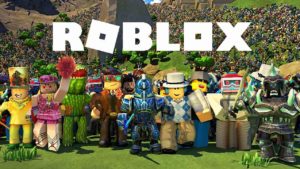
Where do you start with Roblox? Minecraft is about building, Roblox is about building games. Single-player and multiplayer games. It is like a Lego/Minecraft hybrid that only introduces players to building elements that allow them- to experiment with and build on the ideas they have, but also gives them access to a vast library of all the greatest creations that have ever been built on the platform.
Roblox’s huge catalog of user-created games includes many fan-made versions of some of the biggest gaming franchises. These include the likes of GTA, Call of Duty, and more Pokémon games than you can count. If, however, you want to build on Roblox like you can build on Minecraft, then there’s plenty here for you too. Basically, if you’re a Minecraft fan who’s not too familiar with Roblox, check it out now because you will not be disappointed.
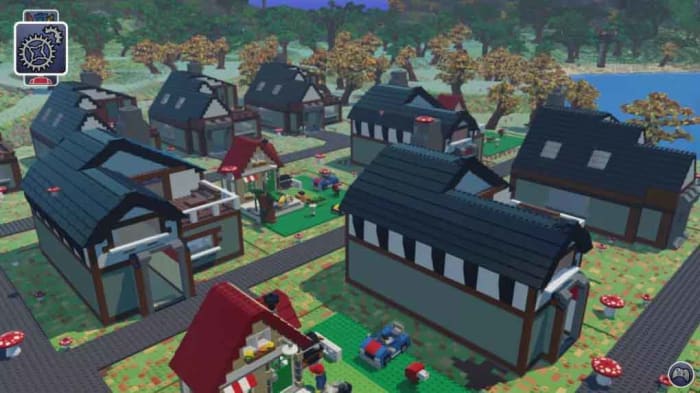
When you look at the block-based graphics of Minecraft and the building dynamics that have captured the imaginations of people all over the world, you can see how Minecraft’s success might have irked the people over at Lego HQ. Fortunately, though, Lego has a solid track record making excellent video games as well as brick-based kids playsets and it wasn’t long before Lego Worlds was born.
Lego Worlds is a great game too that in many ways offers a much more polished experience than you’ll get with Minecraft. As well as the building dynamics you find in Minecraft and the infinite possibilities that come with them, Lego Worlds also brings with it lots of the fun gaming engines that Lego has built into its long line of big-name Lego games from Star Wars to Batman. The gameplay in Lego Words is very well developed.
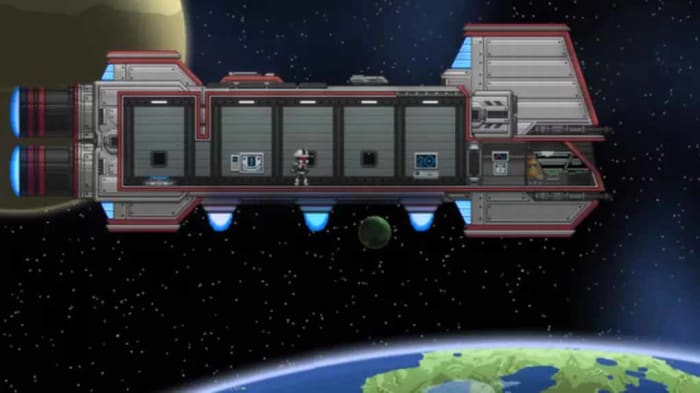
Minecraft is a vast procedurally generated 3D world. That doesn’t mean, however, that 2D side-scrolling games can’t offer enticing alternatives to Minecraft and Starbound is the first of two we’ll look at today. It’s also the first of two sci-fi games we’re going to tell you about.
Starbound is a pixelated gem that sees you leading a ship that’s traveling across a galaxy as it flees its home planet. Unfortunately, however, the ship doesn’t far and crash lands on a different planet. This is the premise that sees you start your Starbound adventure. You’ll get to explore and conquer beautiful 2D realms, mine for resources, and then use them to craft bases, tools, weapons, and more. You’ll also have to battle procedurally generated monsters, but don’t worry as you can do so cooperatively with friends online.
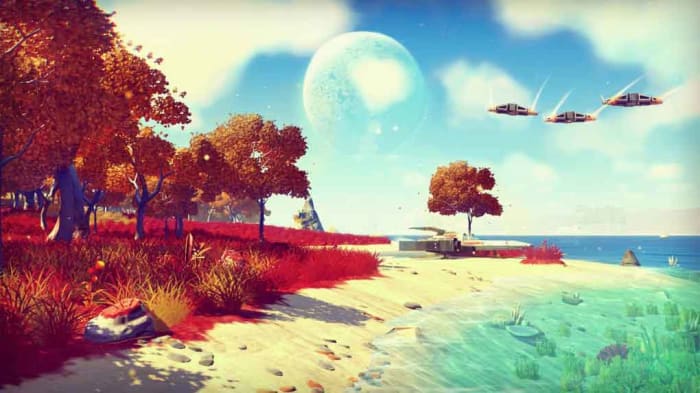
No Man’s Sky doesn’t look like an obvious Minecraft alternative, but it definitely is one. The game looks a lot slicker than Minecraft does and gives gamers an entire open-world universe to explore. Players can fly between planets and set up base on any of them, but there’s a lot going on beneath the surface bears similarities to Minecraft. Not least that the worlds are all procedurally generated, and you can build and craft everything you need to explore and colonize the galaxy.
This is a fantastic RPG-like alternative to Minecraft though because it offers you a fantastic opportunity to let your imagination run wild. There are no limits in No Man’s Sky, which is just like what you get with Minecraft. If you’re a Sci-Fi fan or if you’ve ever been obsessed with the infinite realm of space above us yet yearn to build and create just like you can on Minecraft, then No Man’s Sky is the game for you.
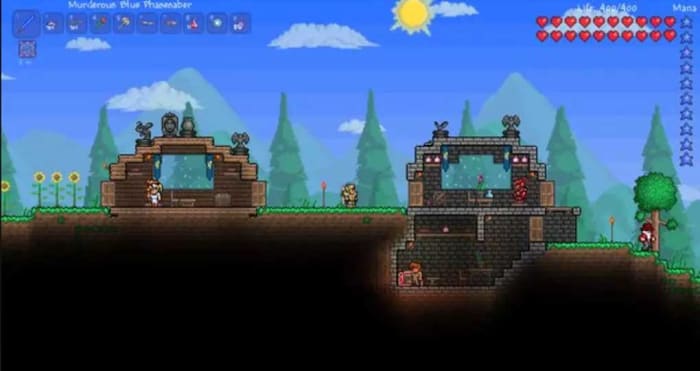
The final Minecraft alternative we’re featuring today is almost like a work of art. When you really get into Terraria, your creations take on a mind of their own and become real things of beauty. At its core, Terraria is a digging and crafting adventure game, just like Minecraft. It is another of our 2D Minecraft alternatives though and has traded Minecraft’s iconic block style for an enchanting pixelated aesthetic. That’s where all the beauty and art comes from.
Terraria is a huge game too. Armed with your trusty pickaxe, the game offers an incredibly large number of items for you to collect, refine, and then craft. There’s a lot more combat in Terraria than there is in Minecraft as well, so if you’re looking for more of an adventure, this is the game for you. It’s not simply about finding more resources to craft more out there items like lightsabers, which you can. The further you go in Terraria and the deeper you mine, the more outlandish things will start to happen. Honestly, if you’re stuck inside and looking for a Minecraft alternative that will take you places you never knew you wanted to go, Terraria is the game you’re looking for.
Farming can feed you in Minecraft, giving you something peaceful to concentrate on, and put money in your pocket. This is how to do it.
We’re bringing you another of our Minecraft guides. Today, we’re looking at farming. Why do you need to farm in Minecraft? Well, because farming in the Minecraft world is a great food source just like it is in the real world. Also, just like in the real world, you will get hungry in Minecraft and want something to eat.
Farming isn’t just about food for your belly, though. You can trade your food with other players and NPCs (non-player characters), or you can simply sell it to get your hands on money, which you can then use to buy whatever you need. Like most things Minecraft though, farming is a big subject, so buckle in as we go through the basics.
What can you farm in Minecraft?
Minecraft farming: sugar cane
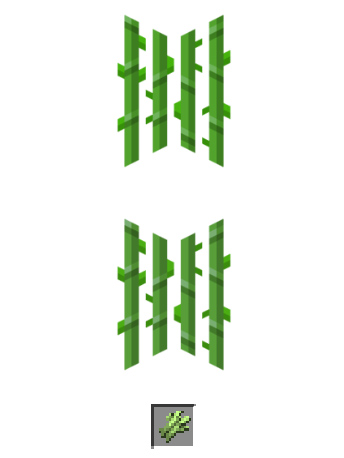
Sugar Cane grows naturally near water, and you can start a sugar cane farm with a single sugar cane block. It looks like green reeds and, when grown, can be used to make sugar, which can go into other food items, but also paper and other crafting items.
To grow sugar cane, you place the reeds next to a body of water you’ve either found or built. It will grow to be three blocks tall, and then you want to harvest the top two blocks and let the bottom block grow again.
Image via: Minecraft Wiki
Minecraft farming: chickens
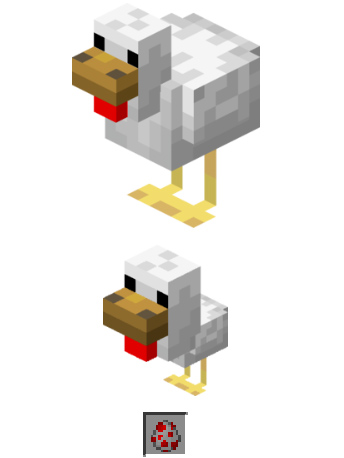
Chickens are a very useful resource in Minecraft. You can cook and eat them, they also produce eggs, and you can make arrows out of their feathers. You can hunt chickens if you have some seed in your hands as they will follow you wherever you go. You’ll need to walk slowly though. This means you can build a pen and then they’ll walk into it themselves.
Another way you can start a chicken farm is by using eggs. If you can collect eggs, one out of every eight you place in your pen will hatch into a chicken.
Minecraft farming: mushrooms
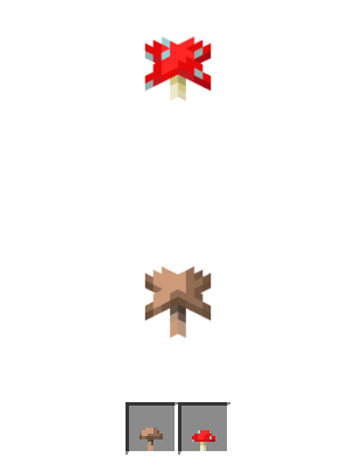
Mushrooms don’t need water and grow in the dark, or at least anywhere the light level is 12 or below, which means you’ll be best growing them indoors in a dimly lit room. You’ll probably be worrying about monsters now though, which spawn in the dark. You can use nearby torches, two blocks away, to prevent this or farm your mushrooms in corridors that are only one block high. This second method would work because mushrooms spread, as long as there aren’t more than five other mushrooms around, so you can direct this spread to an area where you can access them.
Minecraft farming: melons
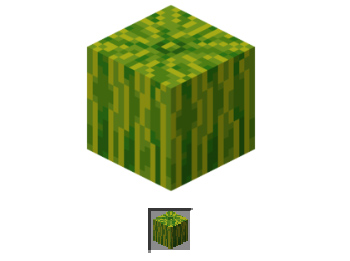
Melons are quite difficult crops to grow in Minecraft, but with a bit of effort and planning, you should be able to do it. Once grown, they’re an excellent source of food as melon slices and also produce further melon seeds.
To grow melons, you need to create strips of soil that are flanked either side by strips of water and grass. This is so the grass will support the heavy melon as it grows, which is helped by the water the melon can drink. You can use fertilizer to help them grow faster, but we’ll come to that later. When you harvest melons, chop the melon block and leave the stalk block to grow again.
Minecraft farming: wheat
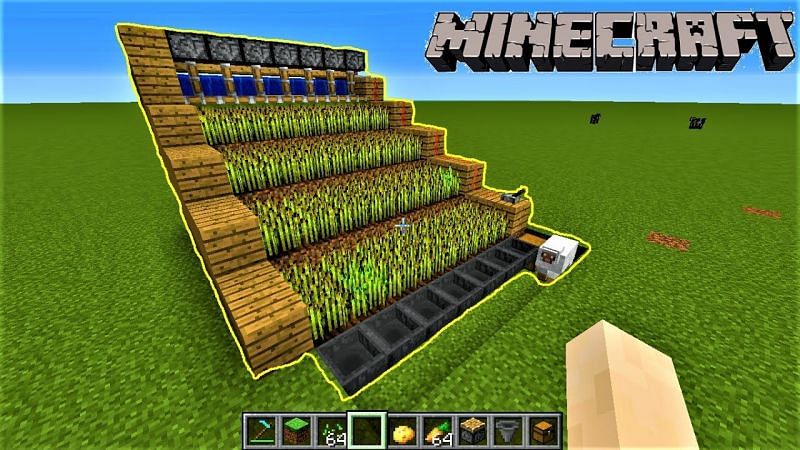
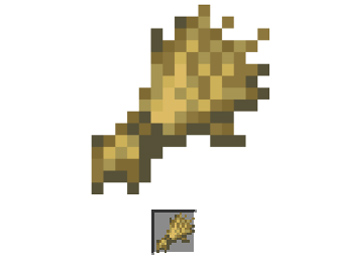
Wheat is a staple crop and is one of the easiest things you can grow in Minecraft. Wheat not only creates a crop for you to use, but it’ll also give you extra blocks that you can use to expand your farm.
To create a wheat farm, you’ll need to create strips of soil two blocks wide with one block wide strips of water either side. The wheat doesn’t need the water to grow, but it will grow much faster when it can access water. You need to plant your seeds in the soil and wait until the sprouts grow and turn a yellow or brown color. You then harvest the wheat and use some of the harvests to replant the wheat to grow again.
And more…
We’ve outlined some of the things you can grow on Minecraft. You can also grow things like carrots and potatoes, which grow like wheat. Another option for your melon farm would be pumpkins. You could also try your hand growing cocoa beans, cacti, or beetroot among other things.
The basics you’ll need for your Minecraft farmhouse beyond walls etc. are a bed, a chest, and a crafting table. With these in place you’ll always spawn nearby should you die, you’ll have somewhere to store your crops, and you’ll also be able to build new farming tools when you wear down the ones you have.
The right kind of soil
Speaking of farming tools, you’re going to need a hoe. You use a hoe to turn grass and dirt blocks into farmable soil. If you follow the guidelines laid out above, you’ll be able to create farmland in most areas and biomes. To make a hoe you need two planks and two sticks. Place one of the sticks in the center square of your crafting grid and the other directly below it. Then place one of the planks above the central stick and the other plank to the left in the top-left corner of the grid.
Water and light
Your crops are going to need access to water and light if they’re going to grow properly. The most efficient way to set up a farm is to build water channels next to your crops so that you don’t have to run around with buckets all the time. With light, outdoor farms will work best, except for mushrooms. You can grow indoors and even underground, but remember, if the light source isn’t as strong, the plants will take longer to grow.
Seeds and fertilizer
You can find seeds like pumpkin seeds, wheat seeds, plant seeds, and more in chests. You can also trade for them with villagers, and even get potato and carrot seeds by killing zombies. Another source of seeds is destroying grass blocks you find dotted around the world and searching out wild versions of the plants you want to grow.
To fertilize your crops you need to use bone meal and, in some cases, the crops will grow instantly when you fertilize them. You can create bone meal yourself by grinding up the bones of skeletons you’ve destroyed in a fight.
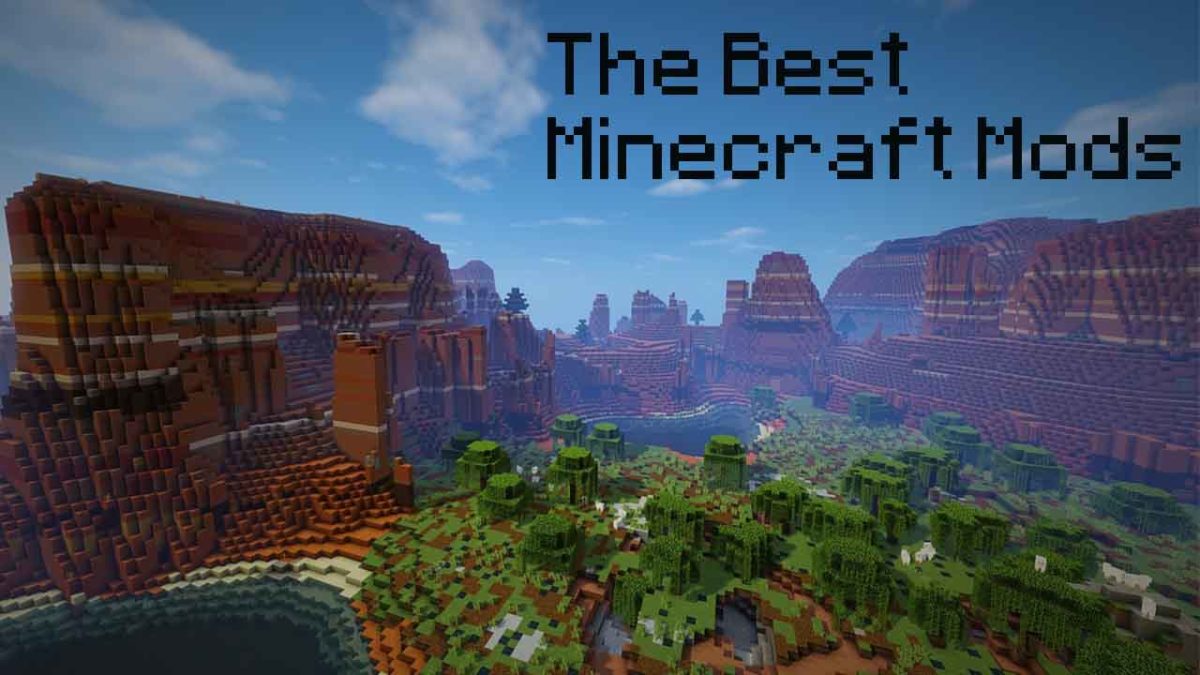
There are many different types of Minecraft mod. Believe us when we say there is a Minecraft mod for every type of gamer. You can change the way you control your gameplay by adding interface mods or you can get creative with mods that add new textures to the game. If you want to, you can add new worlds, new gameplay elements, HD textures, or even new biomes o’ plenty to your Minecraft world. This list could go on so we’re just going to get started. It is time to go beyond the world created by Mojang and become a part of the video game modding community. Here are the best Minecraft modpacks.
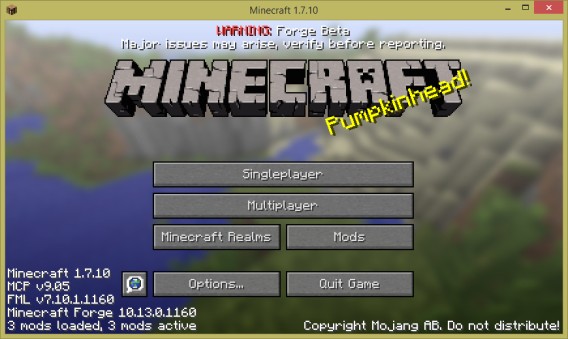
With endless modding possibilities, things can quickly get out of hand, if you don’t keep on top of them. Fortunately, Minecraft Forge is a great tool for all modders. Forge is the best way to organize all your best mods in one place while also keeping your modding experience as secure as possible. Not all mods come from trustworthy sources but if the mods work with Minecraft Forge, there’s a good chance they’re safe. You’ll find a clear guide on how to install Minecraft Forge here.
The JourneyMap mod is an interface mod that will make it much easier for you to find your way around the Minecraft world. The mod works by drawing up the map as you explore the world. The map it creates is incredibly detailed, can easily track waypoints, updates in real-time, and can be viewed as a mini-map, a full-screen map, and even in a separate web browser.
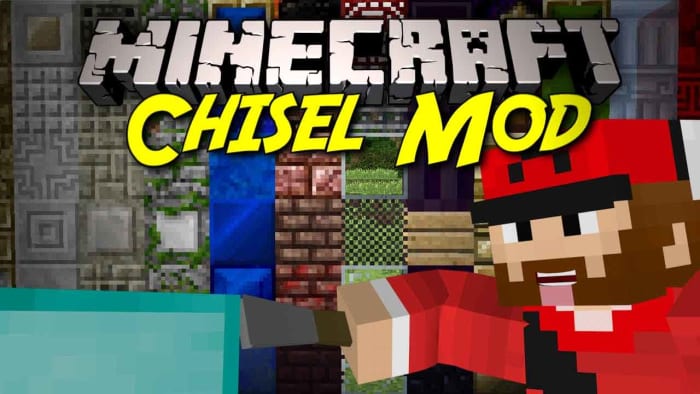
Minecraft is huge and offers many different types of blocks from the off. Minecraft is also addictive, however, which means if you haven’t already, you’ll probably end up sinking a lot of hours into it. There is a good chance that you’ll get to the point where you’re tired of using the same types of blocks again and again, and you’ll want to spice things up a bit and build something that feels new. This is where the Chisel mods come in. Chisel adds many new types of blocks for you to play around with giving you a lot of new customization options.
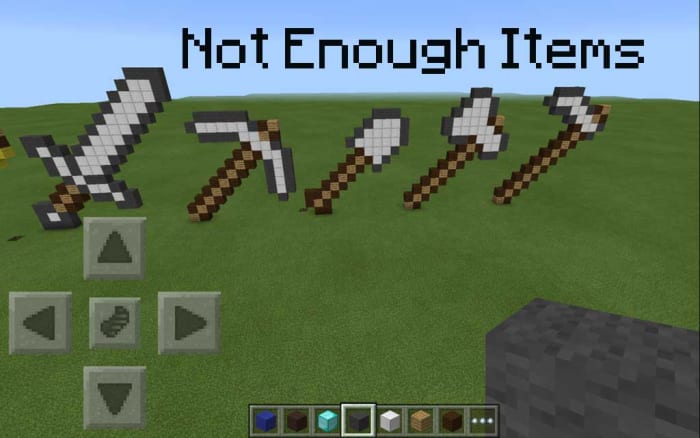
Minecraft! The clue is right there in the name. Minecraft is about mining elements and then crafting them into the items you need or want. What this means though, is there are a lot of different “recipes” in the game that you need, if you’re going to take those elements you’ve collected and turned them into something more. Normally this means skipping over to the Minecraft wiki, but Not Enough Items brings all those recipes in-game so they’re always there at your fingertips. Another good inventory boosting mod is Inventory Tweaks.
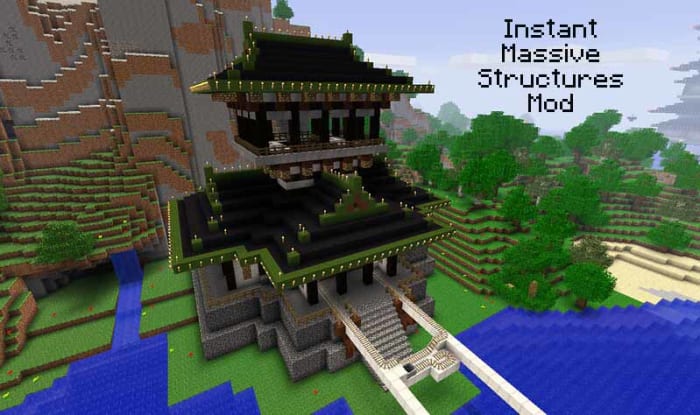
If crafting items and building isn’t really your Minecraft thing, you might be interested in the Instant Massive Structures mod. Considering the amount of hard work and effort that goes into building in Minecraft, this mod is a bit of a cheat. Basically, it gives you the chance to instantly add pre-built buildings to your Minecraft map. This will add a completely different element to Minecraft, however, as with over 800 different buildings to choose from you can go from building houses to building cities in an instant.
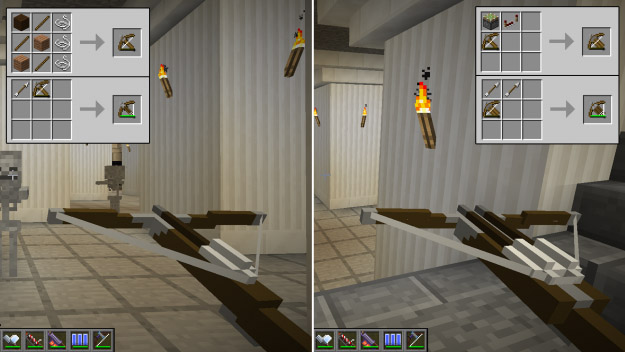
These two mods will expand the number of tools and weapons that are available to you in Minecraft. Tinker will give you a lot of options for building, repairing, and modifying your structures and even your tools. Quiverbow brings a lot of interesting new weapon types to the Minecraft game. From hand to hand “knuckle duster” type weapons to heavy-hitting rocket launchers.
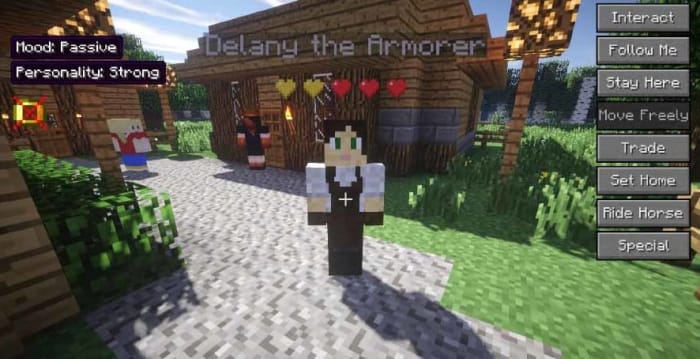
Minecraft Comes Alive (MCA) adds a lot of new elements into the game. As well as all the world-building and crafting you get with the vanilla version of Minecraft, MCA offers new RPG elements. NPCs come alive with new personalities, so much so that you can interact with them and even persuade them to marry you. You can also start a family by having children who’ll, in turn, grow into adults, but not before you can set them to work mining, farming, cutting trees, and hunting.
The mod also adds over 500 different skins, 13 new professions, and gives each villager a gender and unique name. If you’re sick of playing Minecraft alone but don’t want to bother with multiplayer servers, this is the mod for you.
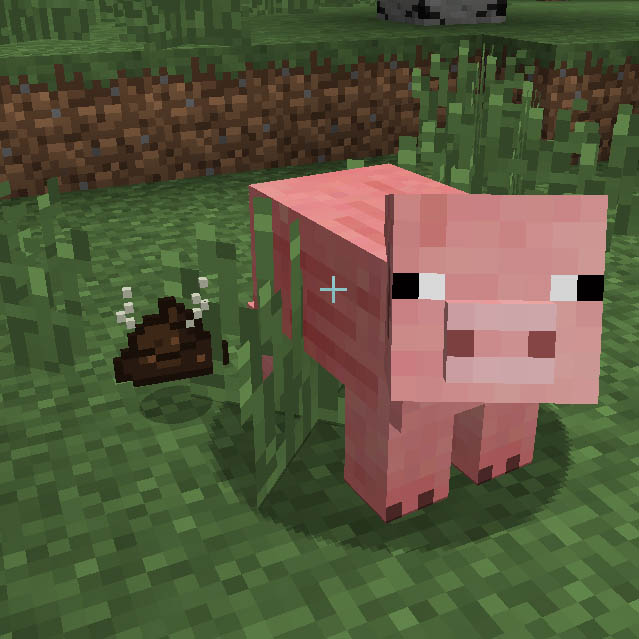
We thought we’d finish with a bit of a silly mod for you. The pig manure mod does exactly what you’d think it does. Once installed, pigs will leave you little presents that you definitely don’t want to step in. If you’re that way inclined, however, you can gather up these little “gifts” and put them to good use. As you’d expect, pig manure is an excellent fertilizer in Minecraft but, perhaps a little less intuitively, you can also use pig poo to make bricks out of to build your house with. Yep, this mod lets you build a house out of steaming piles of s***!
Wrapping up
Like we said at the beginning, there are a lot of different Minecraft mods available for you to check out. What we’ve tried to do is walk you through a series of mods that show you just what is possible, if you start modding Minecraft. These mods alone will completely alter your Minecraft experience, in essence giving you a brand-new game to explore.
If you think we’ve missed out a mod that should be included in the list, let us know in the comments below and if we get enough, we’ll draw up part two.
There are thousands of Minecraft servers for you to play around in. Each offers its own unique experience. This is a list of all the best Minecraft servers.
Minecraft servers are a little like alternative dimensions. Mojang hasn’t just created a world, Mojang has created a universe. Multiplayer worlds you can pass between that offer distinct experiences from one another. There are literally thousands of top Minecraft servers available each with their own design style, layout, gameplay dynamics, and online communities. Some servers have even spawned their own apps and games like Eggwars.
Joining Minecraft servers isn’t too complicated, which means all these different worlds are relatively easy to travel between. Had enough of the Minecraft version of Grand Theft Auto? No problem, you can just cross over into Minecraft Middle Earth, Westeros, or even a Minecraft version of The Walking Dead whenever you want. Sound good? Great, well let’s look at how to join a Minecraft server and then go through some of the best Minecraft servers for you to check out.
All you have to do to join a Minecraft server is open Minecraft and then go to Multiplayer. You then click Add a server. Now name the server whatever you want and add the IP address into the text box and hit Save. After that you click Play and you’re playing Minecraft in the server of your choice.
Mineplex is the biggest Minecraft server around. It is huge and contains many different types of minigames, areas, and zones, all filled with different types of games for you to play. Think of Mineplex as a giant Minecraft theme park with different rides and attractions all vying for your attention. Highlights include a pretty complete Minecraft version of Mario Kart, complete with chance cube power-ups. You can check out a list of Mineplex games here.
Another bonus is that Mineplex is well managed by a dedicated volunteer army of mods and and even paid staff. In terms of player numbers, at any one time there will likely be thousands of other Minecraft players on the Mineplex server.
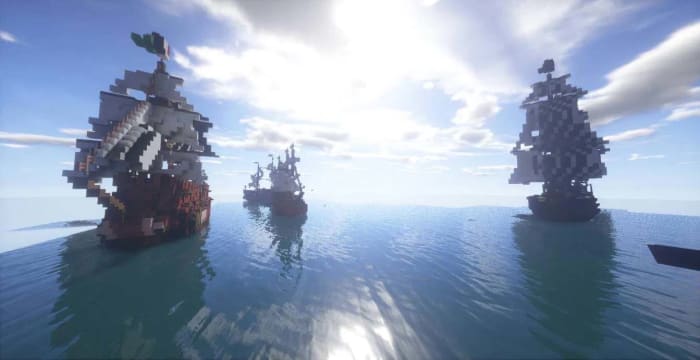
How about life on the open sea? PirateCraft is like an RPG that tries to offer Minecraft players a taste of the pirate life by incorporating many ambitious pvp features like the opportunity to go into battle against and even plunder from ships and island communities, before using their spoils to participate in a fully functioning economy.
Players can also build their own lairs for storing all their ill-gotten gains securely and planning future, daring raids. As you’d expect, however, the waters of PirateCraft aren’t safe and players need to know that their lairs can come under siege and their ships can even be stolen. If this doesn’t put you off, check out PirateCraft now.
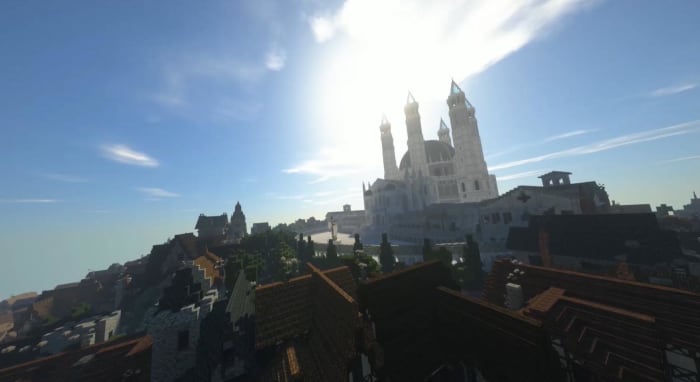
Many Minecraft servers don’t offer games or activities, many are simply beautiful worlds there to be explored. WesterosCraft is one such server giving players the chance to explore the world of fantasy epic, Game of Thrones. Although the world still isn’t finished, WesterosCraft offers plenty for fantasy fans to sink their teeth into.
The locations you can visit have mostly been based upon the HBO series but obviously, there is still plenty here for book fans too.
If you like your fantasy epics a little more classical, then you might be more interested in the Minecraft recreation of Tolkien’s Middle Earth. All Lord of the Rings and The Hobbit fans will have plenty to seek out on this server with many breath-taking block form recreations of the big screen versions of Middle-Earth. Like with WesterosCraft, however, Minecraft Middle Earth is still a work in progress so not all locations are complete.
The Mining Dead has a huge map that recreates some of the most memorable locations of the AMC hit show like the Prison and Alexandria. As well as looking the part, The Mining Dead packs a fairly exhilarating punch too, with an army of undead to fight off as you scramble around looking for weapons and ammo. This server is lots of fun but not for the faint hearted.
As we’re sure you’ve already guessed, Grand Theft Minecart is a huge Minecraft version of Grand Theft Auto. Just like in the Rockstar original, there is a lot to do in the world of Grand Theft Minecart. You can get your hands on some pretty heavy weaponry and blast your way around town as you build up a criminal empire complete with cars, planes, and properties. This is Minecraft though, and not GTA, so you won’t be able to go around killing people indiscriminately. You will, however, have to keep out of the way of the police who will take you down, if needs be.
After going through a number of speciality servers we thought we’d finish another multi-mode beast a la Mineplex, which we mentioned earlier. Extreme Craft is a very popular Minecraft server that has many different game modes for Minecraft players to try their hand at. Logging into Minecraft will find you survival games, a roleplaying mode,hunger games, and a mode for creatives among many other different games for you to get into.
Also, like Mineplex, Extreme Craft has a thriving online community and is an extremely well-organized server with a reliable set of well enforced rules.
Wrapping up
That last point about Extreme Craft’s well enforced rules shouldn’t be taken for granted. We’ve shown you some of the best Minecraft servers and some of our favorite servers too. We’ve tried to stick with servers, however, that aren’t overrun by cheats and unscrupulous players. There are plenty such servers about and you’ll no doubt stumble upon them, if you cast your net wider than the ones we’ve recommended today. Beware though, these unruly servers can prove more frustrating than fun.
With our recommendations today we’ve tried to stick to a doctrine of fun and awe. In each of the servers we’ve recommended today you’ll find either fun or awe, or a combination of both. Other fun servers that fit with this philosophy and are worth checking out are PixelmonCraft, which is our favorite Pokemon server, the pve server skyblock and the pvp version skywars, hypixel at mc.hypixel.net, and Manacube.