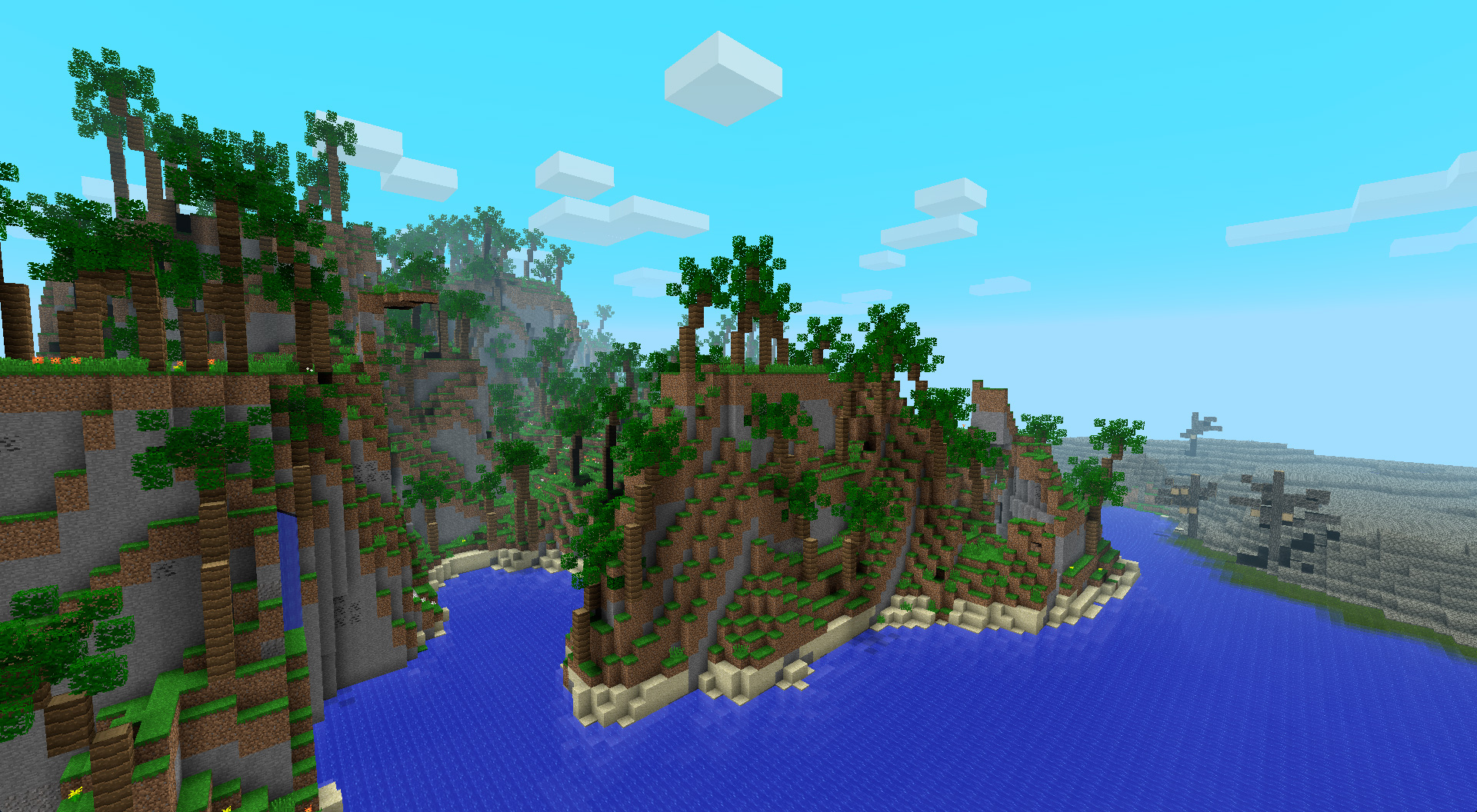
Minecraft’s high-quality graphics plan has been canceled.
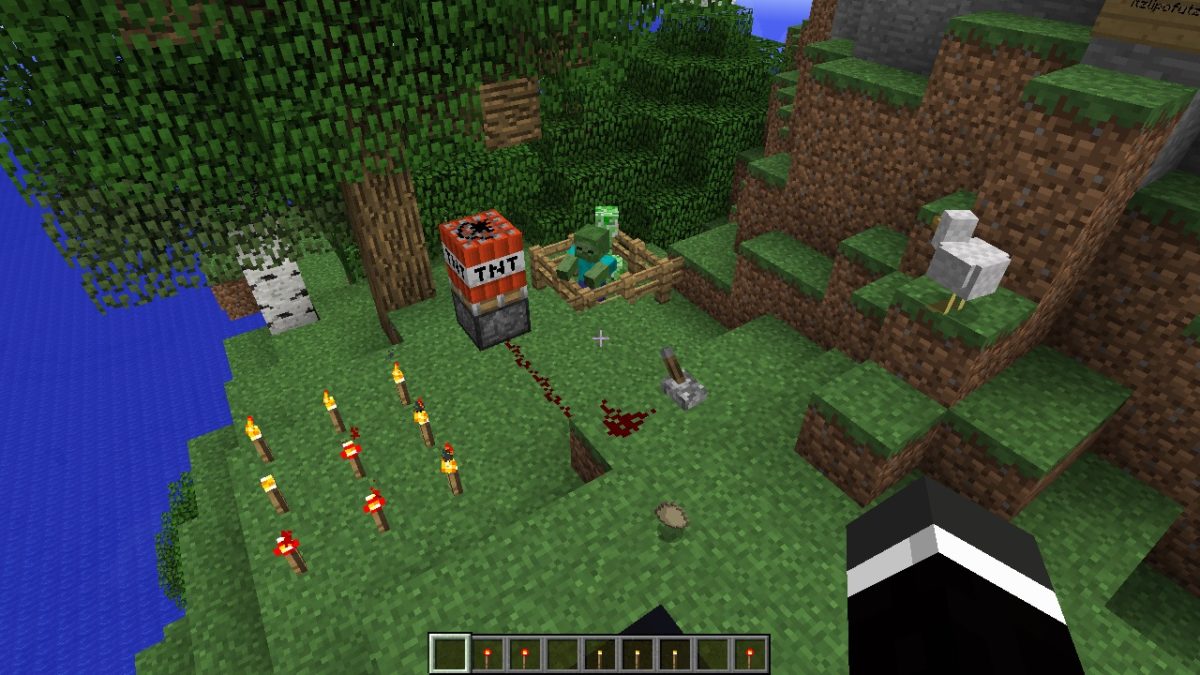
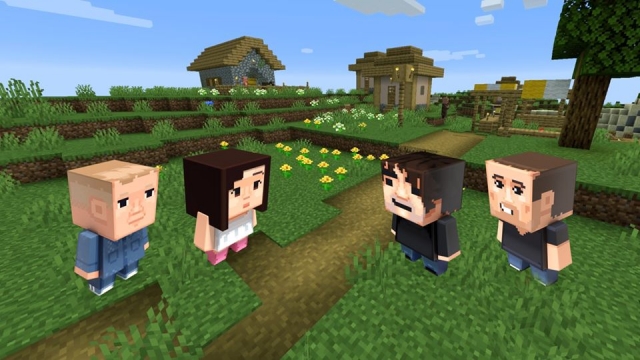
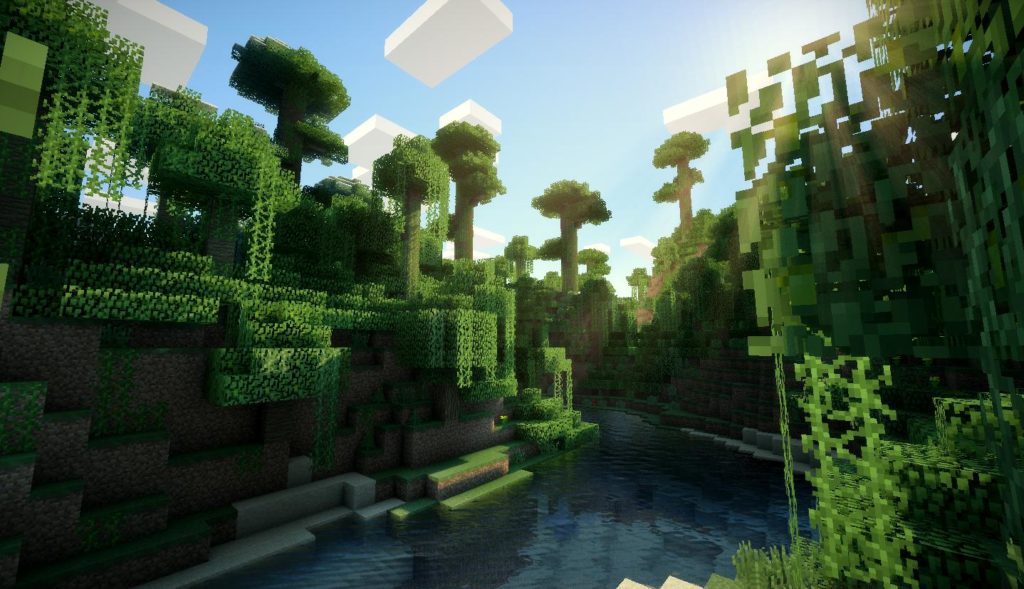
Back in 2017, Minecraft announced the Super Duper Graphics Pack. The pack promised to give a new, polished look to the blocky world. Unfortunately, the new pack proved to be a bit too ambitious for the development team as they announced today that the project has been canceled.
Sadly, it looks like we still won’t be able to play Minecraft with “super-duper” graphics. Until the day comes when the Minecraft Development Team brings Minecraft’s graphics to the next level, we will just have to watch videos like this and hope.
The creator of a beloved game stirs up controversy.
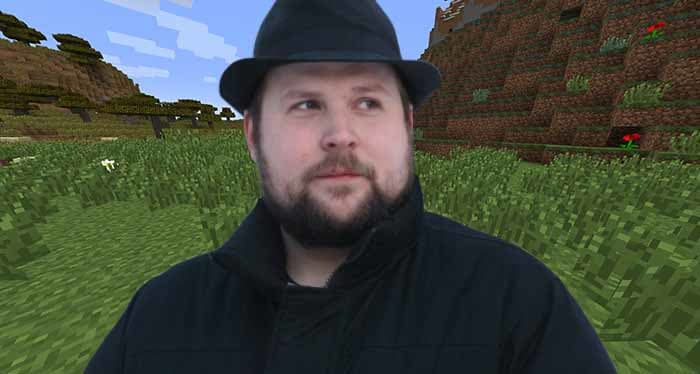
Normally, a fedora-wearing neckbeard making bigoted comments on Twitter wouldn’t be newsworthy. However, this neckbeard happens to be a billionaire and the creator of the second best-selling game of all time: Minecraft. Enter Markus “Notch” Persson.
Notch, a programmer from Sweden, first revealed Minecraft publicly in 2009 on small forums. Over the next few years, the game gained significant mainstream popularity, becoming a cultural phenomenon akin to Pokémon’s peak in the ’90s. Notch founded the company Mojang with the money earned from Minecraft, which handled the development of the game. In 2014, Notch sold Mojang and the Minecraft IP to Microsoft for a staggering $2.5 billion.
Since the Microsoft deal, Notch is no longer involved in Minecraft’s development. He is nonetheless closely associated with Minecraft, as Microsoft no doubt fears.
Having a few billion dollars and apparently nothing to do, Notch spends most of his time on Twitter posting hateful messages and supporting far-right conspiracy theories. A few gems of his include:
Criticizing the concept of racial privilege:
(protip: believing in race based privilege needing to be checked fits the literal definition of racism)
Despite Notch not having any current involvement in the development or promotion of Minecraft, Microsoft has recently stepped up in trying to distance themselves from the developer. As of a March 2019 update, Notch’s name no longer appears in any of Minecraft’s splash screens (though his name still appears in the credits).
Now, as Minecraft approaches its 10th anniversary, Microsoft is planning to celebrate the milestone with a press event at Mojang’s Stockholm headquarters. The event will feature developers and community members who were essential to Minecraft’s history, though Notch himself did not receive an invitation. Microsoft released a statement on the matter:
“His comments and opinions do not reflect those of Microsoft or Mojang and are not representative of Minecraft.”
Minecraft shows no signs of slowing down, but don’t expect to see Notch let anywhere near it anytime soon.
PC, Pocket, or console? Which Minecraft is best for you?
Minecraft is one of those games that is timelessly appreciated by all ages. It has stayed incredibly popular since its creation, and has evolved into a large and diverse community.
As the game has grown, it has branched into a few different versions. Players are primarily familiar with the PC edition, as it was the only one for a long time. However, the console and pocket editions are surprisingly different compared to the PC version of the game. Deciding between these three can be a difficult choice if you’re trying to consolidate which platform you’d prefer to play games on. Here are the main differences between each one.
The original edition of Minecraft, it often is the first to receive new content. The graphics are more advanced on the PC edition, and there are hundreds of third-party mods that can be used on your servers. Along with these mods, you can get third-party addons for UI changes to really customize your gameplay. The multiplayer is diverse, and you can play with any community members who share their servers and realms online. It also has the easiest controls of any edition.
On the downside, the PC edition is obviously not portable. It also isn’t very friendly to new players. The other editions feature some easily accessed tutorial information, and often allow the player to start with a map. There is also very little support in terms of parental control without using some type of third-party application.
Pocket edition
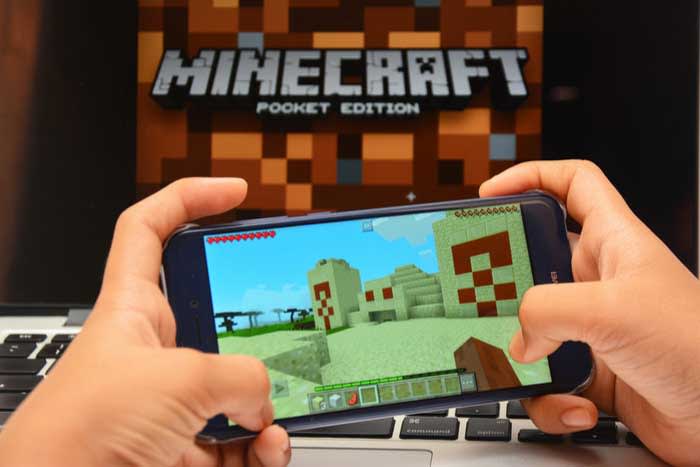
As the most popular versions of Minecraft, it’s clear that the Pocket edition has some appeal to it. Primarily, people play this version for the obvious convenience of having it on the go. Other than the Nintendo Switch, there are no other editions of Minecraft that are quite this portable. It does provide add-on and mod support, although not quite to the extent of the PC version. There are easy parental control settings, and the multiplayer is just as extensive as the PC edition.
There are, unfortunately, quite a few factors working against the Pocket edition. Third party mods are discouraged by the program, so you can only reasonably use the ones provided by Minecraft. The controls are probably the worst of any edition, and they can be incredibly difficult to adjust to.
Console edition
All of the major console retailers (Xbox, PlayStation, and Nintendo) have Minecraft adaptations for their main consoles. They also continue to put Minecraft on each console that has come out since its creation (such as the PS3, PS4, Xbox 360, Xbox One, Wii U, and Nintendo Switch). Unfortunately, the console edition is the most limited in terms of functionality. The main benefit of each console is the ability to have local co-op capabilities. While there are some local co-op options for PC and Pocket editions of the game, the console version is much easier to access. In fact, the console version is a pretty great option for new players, since every aspect of the game is easily explained, the controls are intuitive, and it’s easy to play with offline friends.
The local co-op features are really the only thing the console editions have over the other two. All worlds on console editions of the game are finite, unlike the other editions, and there is pretty much no mod support for any version. The Switch is the only portable console you can use, and the multiplayer on it is far more limited compared to the other editions (though thankfully the Xbox One and PlayStation 4 have some decent multiplayer options). There is just far less customizability and options when it comes to the console edition, and the only real major benefit is how easy it is to use.
Bottom line
Of course, the right edition to use all comes down to preference. We suggest using the PC version if you want to use third-party mods, and want the newest features right away.
The Pocket edition is great for young gamers, who parents wish to monitor their gameplay, and gamers who want to play on the go and don’t mind the touchscreen controls.
Finally, console versions are ideal for local co-op, and those who prefer using a controller. No matter which version you choose, Minecraft is an excellent game and we’re sure you’ll enjoy playing it on any platform.
Looking to set up your own Minecraft server? Here’s how to do it.
Considering how popular Minecraft is, one can expect it to have some of the best co-op features of any mainstream game. And while it does definitely hold up in this department, it can be a bit tricky getting your own private server up and running. Realms are Minecraft’s easy solution to co-op play, where you can pay to have Minecraft take care of hosting and creating your server for you. However, some players prefer to have a free local server that they host themselves. Here is how to make that server and how to have your friends connect to it once it’s up:
How to create and connect to a local Minecraft server
Step 2: Download the Mojang Minecraft server software (you’ll need to keep track of whatever folder you download this to, as there will be multiple programs from the software you’ll need to access. You should create your own folder to keep all of these in).
Step 3: Run the .jar file from the software you downloaded
From here the instructions branch off depending on whether you have a PC or a Mac.
For PC:
Step 4: There will be a text document created called “eula.txt”. Open this in a text editor like Notepad, and change “eula=false” to “eula=true”.
This is you accepting the terms and conditions of Minecraft.
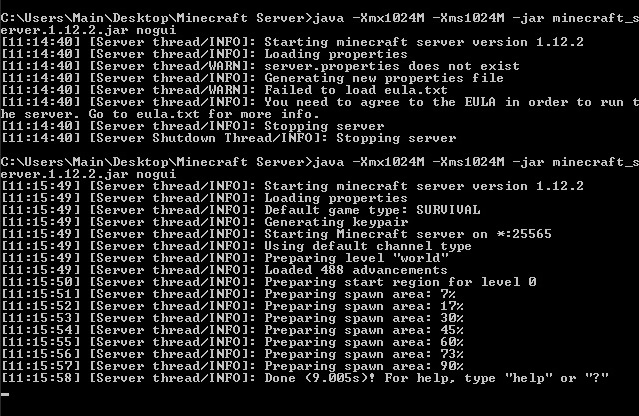
Step 5: Go to your computer’s command prompt and type the following
java -Xmx1024M -Xms1024M -jar {server file name}
Replace server file name, with the name of your server’s file (this can be found by copying the file location of the .jar program). If you want to disable the graphical user interface (GUI), you can add “nogui” to the end of this command line. Players have reported this lowers CPU and memory usage.
Step 6: While this is optional, you may want to create a .bat file with the same command used above, in order to quickly access the server, instead of needing to open the command prompt each time. For the .bat file you can use the command:
@Echo Off
java -Xmx1024M -Xms1024M -jar {server file name}
If you’ve completed step 5, then your server should be fully functional. Other players connected to your home network will be able to connect directly to the server.
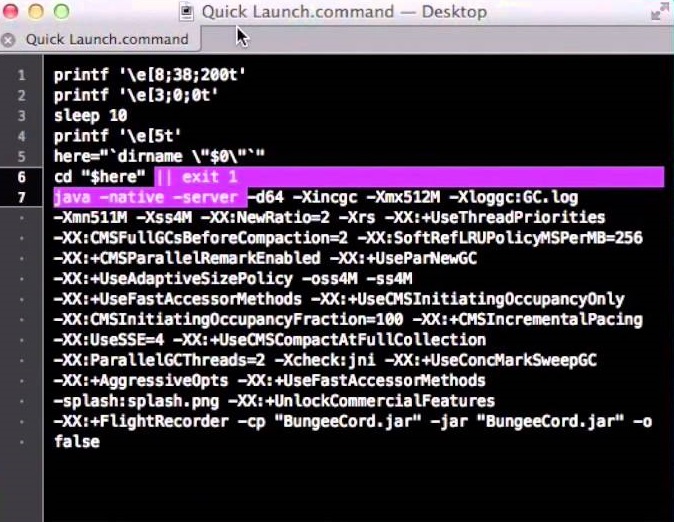
Server name should be replaced with the file location of the .jar file. You can choose to add nogui at the end if you’d like to remove the graphical user interface (GUI). Players have reported doing this used less memory and CPU.
Step 5: Save this document as “start.command” in the same folder as the .jar file.
Step 6: Open the Terminal program, and type:
chmod a+x
And make sure there is a space after the x. Then drag the start.command file into the Terminal window. This will give executive permissions to the start.command program. Once done, you can simply click start.command to open your Minecraft server.
Hosting a Minecraft server can take a bit of a toll on your computer. We recommend you avoid trying this on a laptop, unless it’s a high-end gaming laptop, and even then you may prefer hosting on a desktop instead.
These instructions work for hosting a Minecraft server on your local network with other devices connected to that network. If you wish to host a server online, you’ll have to PortForward your router. It will take a bit of programming knowledge and your router information to PortForward your Minecraft server.
Note: PortForwarding a server will also make your home network more vulnerable for strangers to access. If that’s something you’re worried about, you could pay a third-party hosting service to host your server instead, or you could create a Minecraft Realm. Realms are similar to local servers, but require a monthly payment and are hosted by Minecraft itself.
What separates a great open world game from a bad one?
Many see open world games as the be-all-end-all genre of gaming, and it’s easy to see why. It seems that gamers and game developers alike consider a massive, immersive open world as the pinnacle of game design. Being able to go anywhere and do anything was a driving promise of the early 3D era, and within the last ten years or so the technology to realize this promise finally became available. Open world games like Grand Theft Auto V, The Legend of Zelda: Breath of the Wild, Minecraft, and Red Dead Redemption 2 are among the best-reviewed games of all time, and the open world genre shows no signs of slowing down.
Where shooters were the prevailing genre of the early-2000’s, open world games are the hottest genre of the current decade. Not every open world game can be a masterpiece, however. For every Skyrim, there are dozens of boring copy-pasted open worlds that impress with their size but let down with their gameplay. To show where these games come short, we came up with some of the most important elements of making a fun and immersive open world.
What separates the best open world games from the competition?
Don’t gate off the world
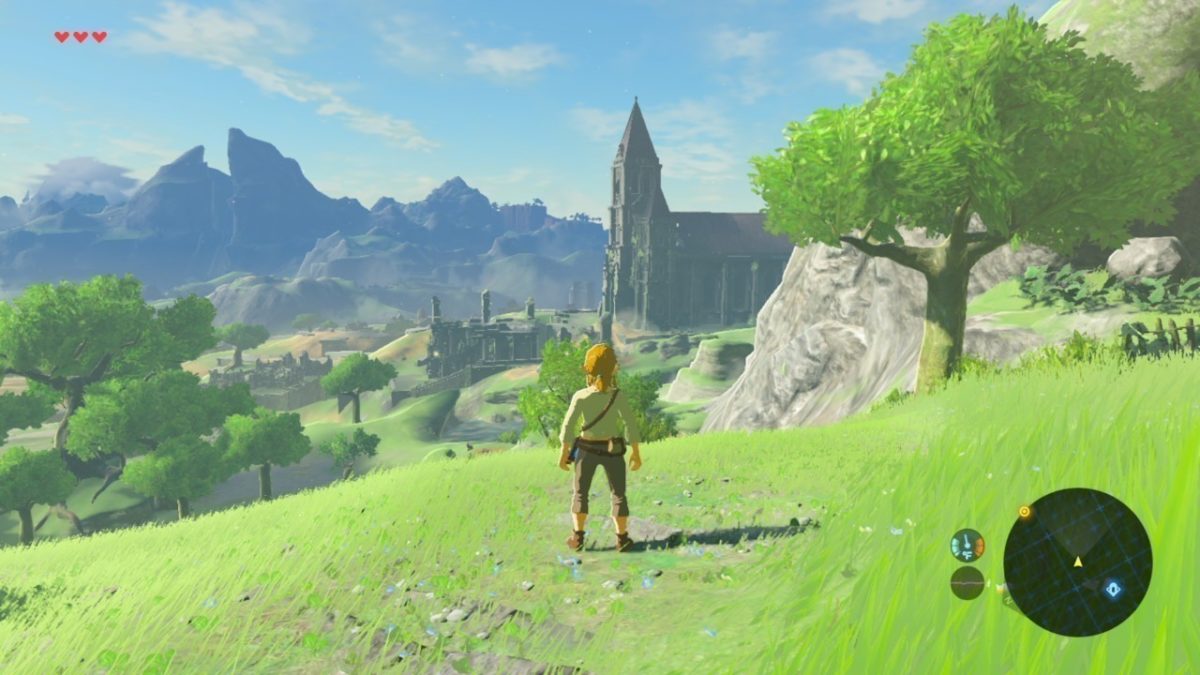
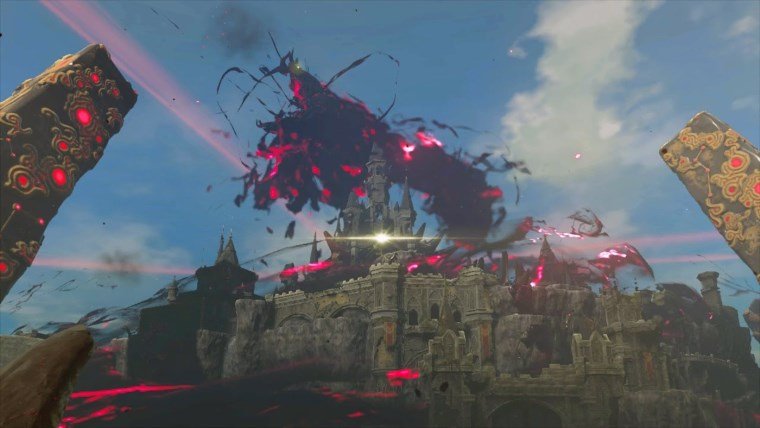
In Breath of the Wild, you can head off to fight the final boss Ganon right away. You’ll get your ass kicked, but the point is you can try.
Let’s start with the basics. The most appealing basic description of an open world game is the ability to go anywhere and do anything. With this in mind, why do so many developers gate off their massive worlds? By not allowing players to enter certain places, game developers are imposing linearity onto them. Linearity is the arch-enemy of open world game design. In well-designed open world games, the entire world should be explorable from the beginning. A perfect example of a freeform open world would be the one featured in The Legend of Zelda: Breath of the Wild.
In Breath of the Wild, the player gets every major tool they need in the very beginning. Armed with their hang glider and Sheikah Slate (which grants access to several world-altering abilities), the player can now freely access any point on the entire map. This is not to say that the map is easy to explore, however. The player must carefully prepare for the various areas of the map, such as wearing warm clothing and cooking hot food before exploring a snowy mountain.
In Breath of the Wild, exploration isn’t limited by having special items or filling out a skill tree, it’s limited by the player’s knowledge of the world and its mechanics. By giving players every major tool they’ll need at the beginning, the game encourages players to get creative within the game’s sandbox in order to explore every inch of the world. A balance must be struck where players are able to access every part of the world, but the difficulty of navigating new areas must depend on the player’s creativity.
The Legend of Zelda: Ocarina of Time turns 20. Here’s how it changed gaming forever
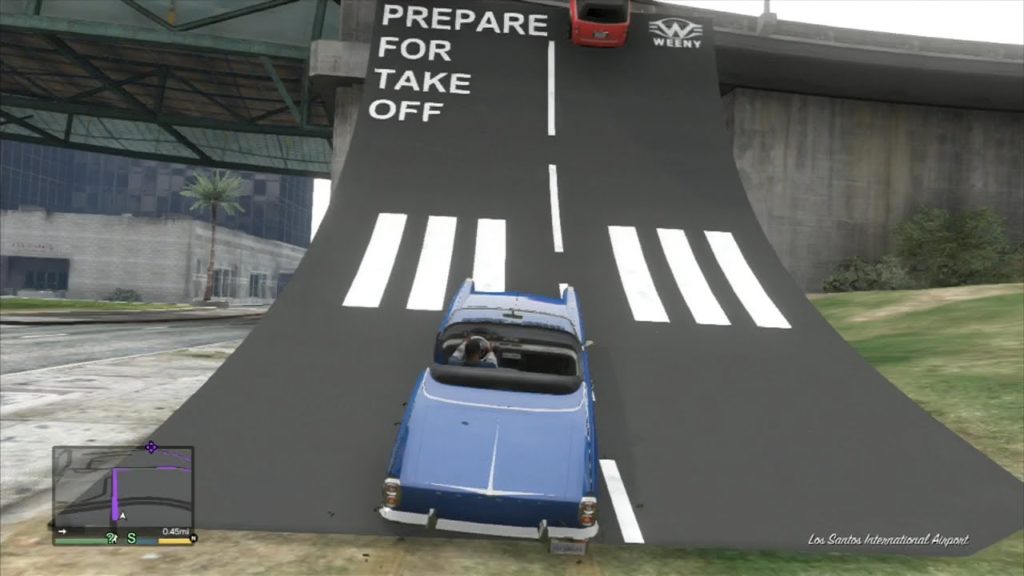
This ramp in GTA V is more fun than some full games
While some use the terms “open world” and “sandbox” interchangeably, they aren’t quite the same thing. Games with sandbox designs have the player creating some of their own fun by experimenting deeply with the world and the systems at play. For example, the chemistry engine of Breath of the Wild allows players to light grass on fire, causing an updraft and allowing players to fly and get to hard to reach areas. Not all successful open world games have sandbox elements (Skyrim notably doesn’t really feature any deep sandbox systems to play around with, and relies more on the strength of its writing and worldbuilding), but sandbox elements can add a much-needed sense of depth and replayability.
Perhaps the best example of sandbox open world design is the Grand Theft Auto series. The highly detailed physics system of modern GTA games makes simple objects like ramps a lot of fun to play around with. You can use ramps to try and get on top of tall buildings, fly as far as you can in a sports car, or do flips and tricks on a motorbike. While these actions don’t grant any sort of reward to the player, the ability to do all kinds of fun things with a simple ramp demonstrates that sandbox systems allow players to personalize their experience and create their own fun.
The best-designed sandbox systems allow the player to create an infinite amount of gameplay scenarios with simple, easy to understand game mechanics and interactions.
Leaked video shows new open world Harry Potter game
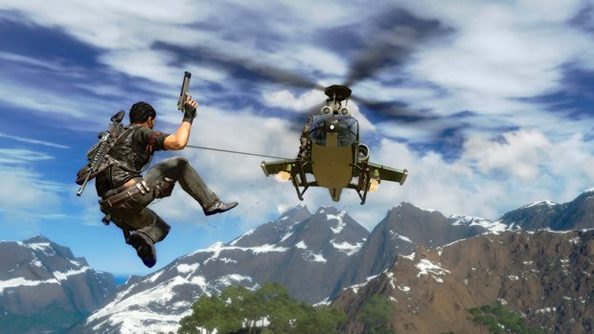
Just Cause’s gadgets make navigating the world one of the most fun parts of the game
As technology has improved, open worlds have gotten bigger and bigger. In poorly designed open world games, the world is not filled with enough things to do, making traveling from place to place tedious and uninteresting. To get around this, most open world games incorporate fast travel, allowing the player to instantly teleport to specific locations. The problem with fast travel is that players will miss content by skipping around the world, as a lot of the fun of open world games is encountering small events or quests as you travel from one major location to another.
The solution to both problems is to make traveling the world a fun experience in itself. Several games have engaging movement systems that make traveling fun, including Spider-Man’s web swinging and Breath of the Wild’s hang glider, but the shining example of open world movement is the Just Cause series.
In the Just Cause series, you have two major tools to get around the island: the grappling hook and the wingsuit. The grappling hook allows you to quickly attach to any object, quickly pulling you towards it. You can press the jump button at any time to let go of the hook and fly forward, conserving your momentum and allowing you to quickly and precisely fly through the air. Your wingsuit allows you to take this momentum and use it to fly, allowing the player to soar through the air and make quick evasive maneuvers like barrel rolls. By combining these two actions, players have a huge amount of freedom in how they want to fly through the air towards their next objective.
These movement systems are easy to pick up but difficult to master, allowing skilled players to chain together death-defying stunts. With a movement system like this, you’ll never want to use fast travel, and all open world games should strive towards making their world fun to travel.
Minecraft does a great job of creating a sense of discovery
In poorly designed open world games, your map is filled with an endless number of icons, missions, and objectives. Giving the player all of these objectives discourages exploration and can make the player feel like they’re playing the game wrong for avoiding them. Waypoints and guidance are fine, but they must be obtained naturally, such as by talking to an NPC or finding a clue. It is fine for the game to have objectives, but the player shouldn’t feel pigeonholed into only completing objectives. Exploration and discovery is the core of the open world genre, and the best open world games encourage players to explore the world how they want.
Minecraft is a unique game in that it does not have any defined objectives. Instead, the player is just dropped into a randomly generated world and it’s up to them to figure out where they want to go and what they want to do. Since the world is randomly generated, there will always be new places to explore no matter how many times you start a new save. As the player gathers tools and resources, they’re able to explore farther and farther from their base. This combination of exploration and progression is a hallmark of the open world genre, and similarly free-flowing games like Breath of the Wild have clearly taken inspiration. The appeal of Minecraft’s survival mode is the ability to tell your own story by adventuring through a world in your own unique way for your own unique reasons. You don’t need a million objectives and scripted moments to make an immersive open world, you need a world that creates a sense of discovery that makes it worth exploring.
What are your favorite open world games? Any other suggestions? Let us know!
The description for the event reads: “Xbox Live players are highly engaged and active on Xbox and PC, but now they can take their gaming achievement history, their friends list, their clubs, and more with them to almost every screen.” Microsoft clearly didn’t want people to know this yet, as the conference listing has been removed from the Game Developers Conference schedule.
Almost 20 years ago, Microsoft revolutionized online gaming with Xbox Live. The service introduced many features that are now standard, like friends lists, universal usernames, voice chat, parties, achievements, matchmaking, lobbies, and more. Basically, every online gaming service, from PlayStation Network to Steam, has been built off the foundation of Xbox Live. The obvious exception is, of course, Nintendo.
Nintendo has been infamous for their complete inability to make a decent online service. For a company that makes some of the most creative and innovative games ever, online seems to be the one concept Nintendo cannot get right. From 12-digit Friend Codes to a lack of matchmaking and voice chat, Nintendo disappointed online gamers consistently, but their incompetence was tolerable enough because their services were free. Nintendo Switch Online was Nintendo’s first attempt at a premium online service, and reception has been overwhelmingly negative due to the service’s lack of basic features like built-in voice chat.
Xbox Live coming to Switch could provide a much-needed boost to Nintendo’s online community. The ability to party up with friends and chat with them through supported games would provide Nintendo fans with the functional online service they’ve begged for. While we don’t exactly know how the service will work on the Switch, it certainly can’t hurt the console’s online reputation. Also, though it’s unclear if Xbox Live would cost money on the Switch, it should be noted that the Switch version of Minecraft uses Xbox Live for multiplayer at no additional cost.
Nintendo and Microsoft have shown that they’re willing to work with each other over the past few months, including teaming up to make a commercial that promotes crossplay between their consoles. Bringing Xbox Live to Switch is the next step in this relationship, so who knows what collaborations the two companies will make in the future?
It’s time to come back to Minecraft. Here’s a breakdown of all the recent changes that make the game more fun than ever.
There was a point in time where Minecraft was completely inescapable. The game’s iconic blocky graphics and freeform gameplay inspired millions of Let’s Plays, t-shirts, and countless blocky creations. Minecraft became the second best selling game of all time, only behind the Tetris. Nowadays, while the game is still very popular, its ubiquity and core demographic has seemingly been replaced by the massive success of Fortnite.
While you may have quit Minecraft long ago, it’s received constant updates throughout the years. These updates have provided new content that put a fresh spin on the core game without overwhelming new or returning players. Below is our guide for returning players and all of the new content to explore:
There are two main versions of the game: Bedrock Edition and Java Edition
While this may sound confusing, it isn’t. If you’re playing on PC and you’re repurchasing the game, we highly recommend buying the Java version, as it comes with the Bedrock version for free.
Anyway, the differences between the two versions are as follows. The Java version is the original version of Minecraft built for PC which has been continually updated. Most mods have been built for this version, so if you’re a PC player who loves modding the game, go for Java.
The Bedrock edition is the version of the game built for Windows 10, mobile devices, and all current gen consoles (minus the PS4). Crossplay is possible across the Bedrock edition, which means Windows 10, mobile, Xbox One, and Nintendo Switch players can all adventure together.
While the Bedrock and Java editions follow different update paths, the gameplay differences between the two versions are minuscule. If you value crossplay, play the Bedrock edition. If modding is the most important part of the game for you, play the Java edition.
Big content updates are here
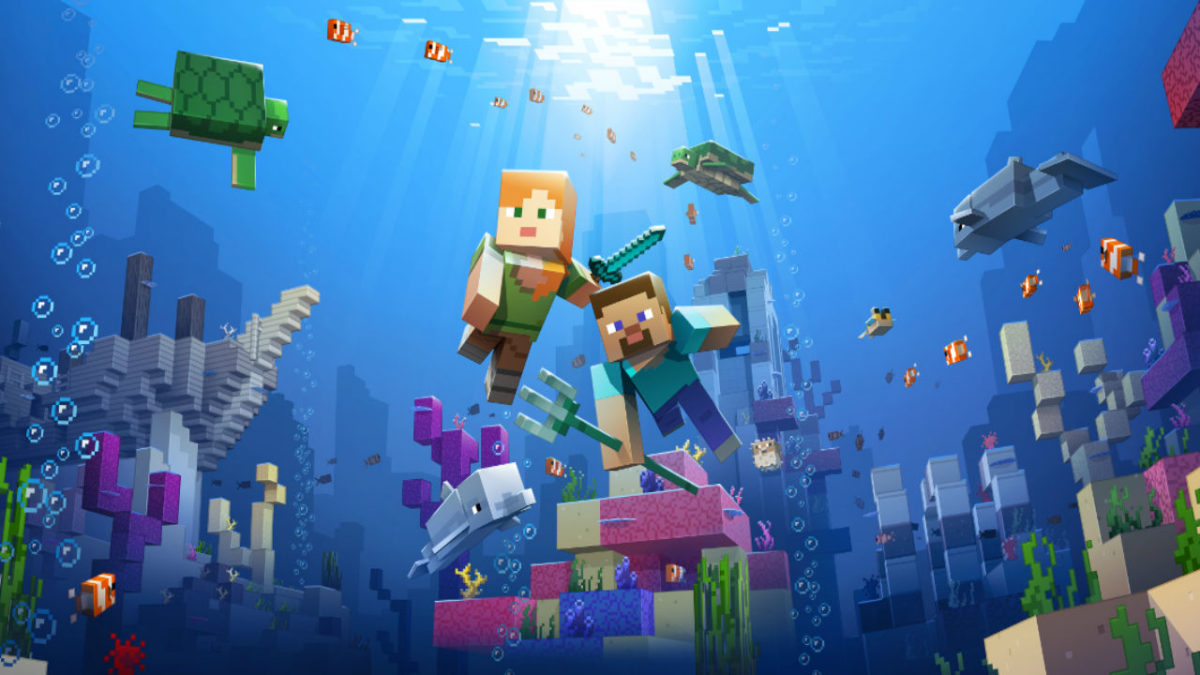
The most recent big content update is the Update Aquatic, which released this summer for both the Java and Bedrock editions. The Update Aquatic adds new ocean biomes, populated with plenty of sea life and sunken treasures. You can befriend dolphins and sea turtles, plunder shipwrecks, and fight aquatic zombies. The update is colorful and jam-packed with content, adding a whole new dimension to the already expansive game.
The Java edition also received the Combat Update. Released in 2016, the update heavily revamped the barebones combat featured in previous versions. Players can now dual-wield, equipping weapons, shields, or tools in their left hand (dominant hand can now be toggled for you left-handed folks).
The combat system has gained new attacks, such as a sweeping sword attack, as well as more depth, including an attribute and strength system. In this update, changes have also been made to the End. The Elder Dragon boss fight can now be restarted, and the End is now populated with outer islands with structures and ships to explore.
More things are coming
For those who want some more visual flair into their game, the Bedrock edition is getting an update called the Super Duper Graphics Pack. Though the pack has been delayed multiple times, Mojang has assured fans that the pack will come. The update will be optional, free, and playable on any device that can play the Bedrock version of the game. The enhancements of the pack can be viewed in the video below:
When Mojang first created Minecraft, there was no way they would be able to predict the success it had. This success eventually inspired other game creators to make their own take on sandbox builders. Some of these have even reached their own levels of fame, while some haven’t seen much of the spotlight. We’ve gathered five of the best Minecraft clones out there that any fan of Minecraft would love:
5. Cubic Castles
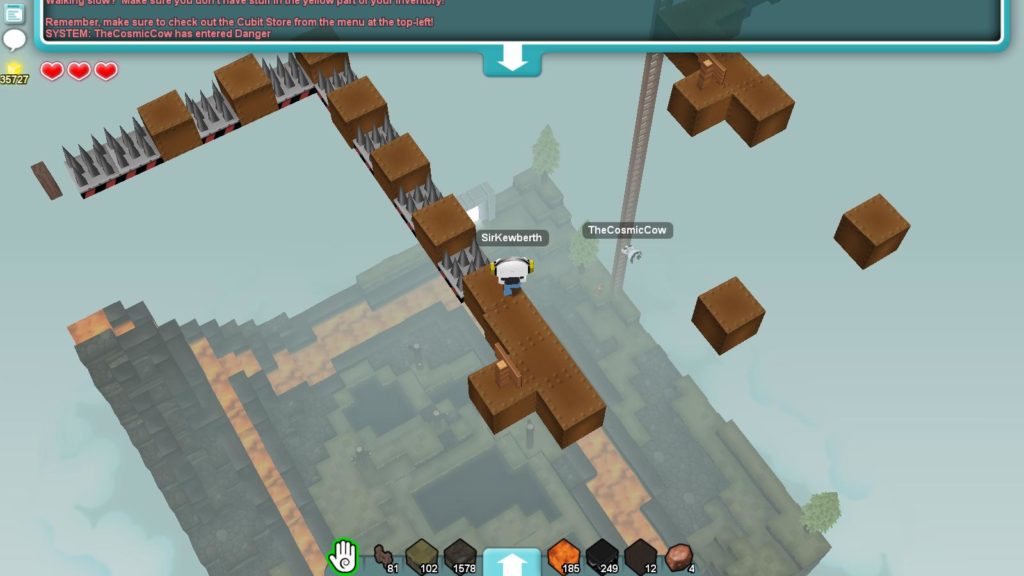
Cubic Castles features a more rounded block shape for its building, while retaining much of the building process that Minecraft has. The game is also a bit more action-oriented and features some traditional MMO mechanics. It’s a refreshing take on the Minecraft clone genre.
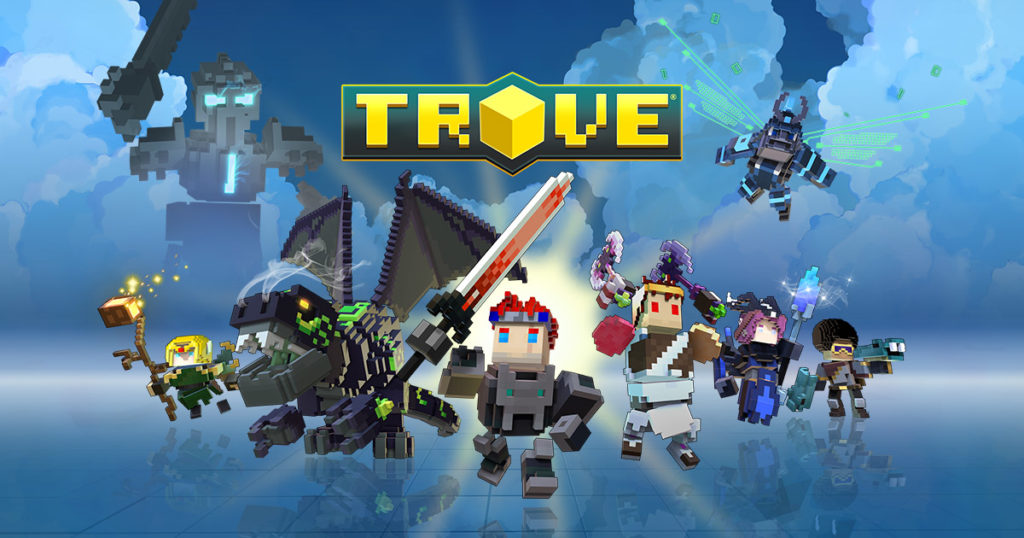
Trove is a more combat-oriented version of Minecraft than most of its clones. This game is an MMORPG with unique character classes, while retaining the sandbox building of its original inspiration (Minecraft). Fans of MMOs and Minecraft will love the combination that Trove has created.
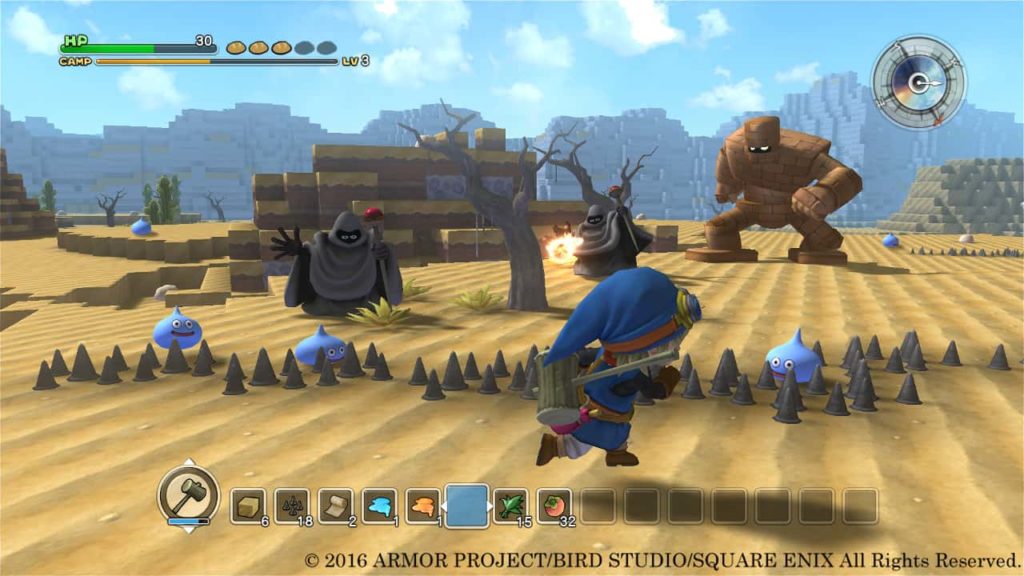
Longtime fans of the Dragon Quest franchise will love this spin-off. The art style is adorable and reminiscent of many modern Dragon Quest games. The game is somewhat of a cross between a city-builder, a tower defense game, and a Minecraft-eque sandbox builder. This combination creates a versatile and memorable game.
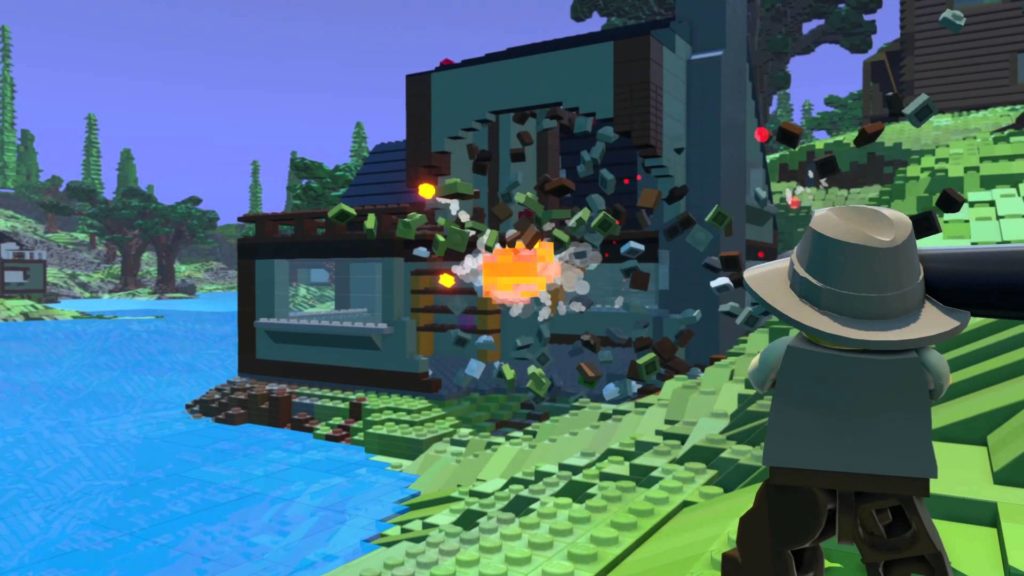
LEGO has created some of the funniest and most memorable game adaptations of movies. With such success, it is no wonder they’ve created a game that is based around their actual product: LEGOs. This combination of LEGOs and Minecraft is just as natural and well done as you would expect it to be.
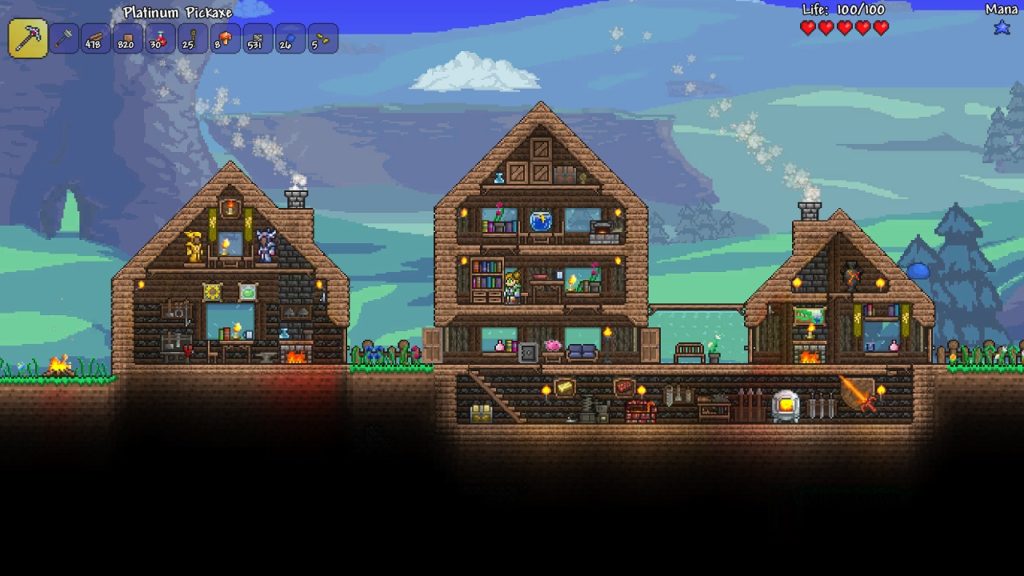
Often referred to as the “2D Minecraft”, Terraria has more to offer than what people give it credit for. It has the same sandbox building mechanics as Minecraft, but features a large variety of unique features, such as having different NPCs to help you out. There are also more biomes and enemies than in Minecraft, making the game a great and refreshing experience.
Want to find more Minecraft-like games? Head on over to Softonic Solutions, where our community created an entire list of 22 games similar to Minecraft! If we’re missing your favorite, share it with Solutions!
If you’re someone who plays games for the story, you’ve no doubt heard of Telltale Games. Telltale puts the story front and center and gives the player the power to shape that story in any way they see fit. Usually taking place over a season of multiple episodes, players are given the power to make significant choices that can affect how the rest of the game plays out. Each game becomes uniquely your own depending on how you play. Though the choices you make in their games can be difficult, deciding which games to play doesn’t have to be. Here’s a list of their five best titles.
5. Minecraft: Story Mode
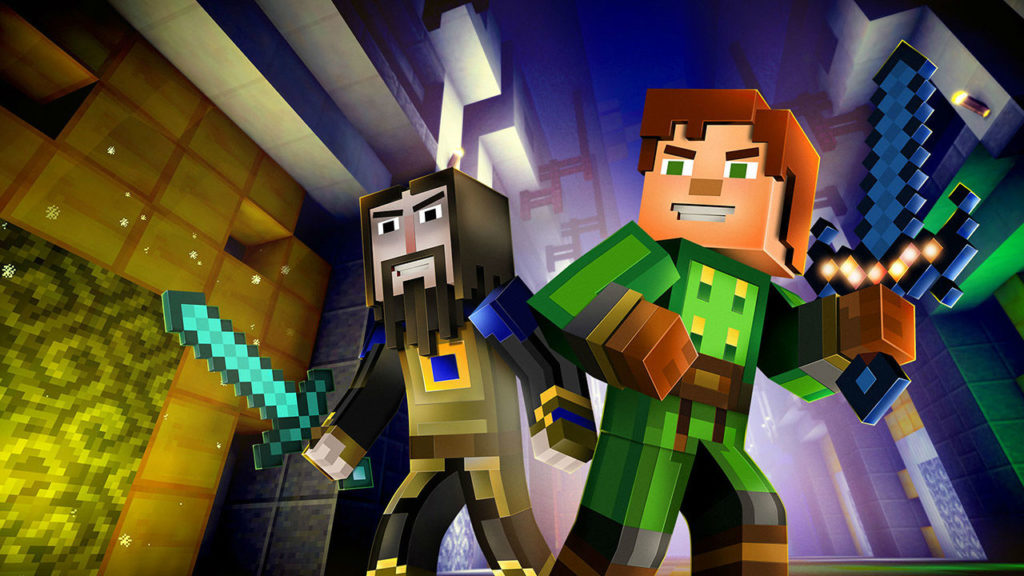
Ever found yourself wishing that Minecraft had a little bit more to offer? If so, Minecraft: Story Mode is the game for you. You take on the role of Jesse, a newbie Minecraft player. Jesse and a group of friends take on an epic quest to find a group of five adventurers who, once upon a time, saved the world. Their journey takes them to the far corners of the Minecraft world, from a mysterious mansion to floating sky cities to the Nether and more. Celebrity guest appearances, including a few by certain well-known Minecraft YouTubers, make this game into every Minecraft player’s dream.
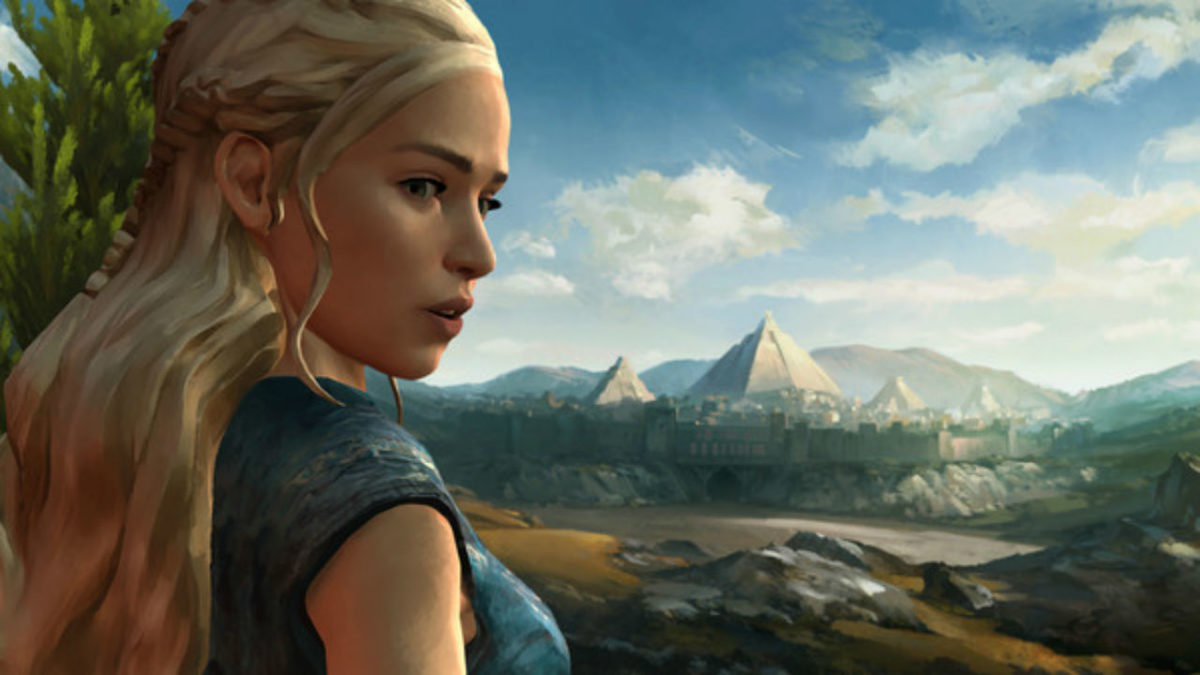
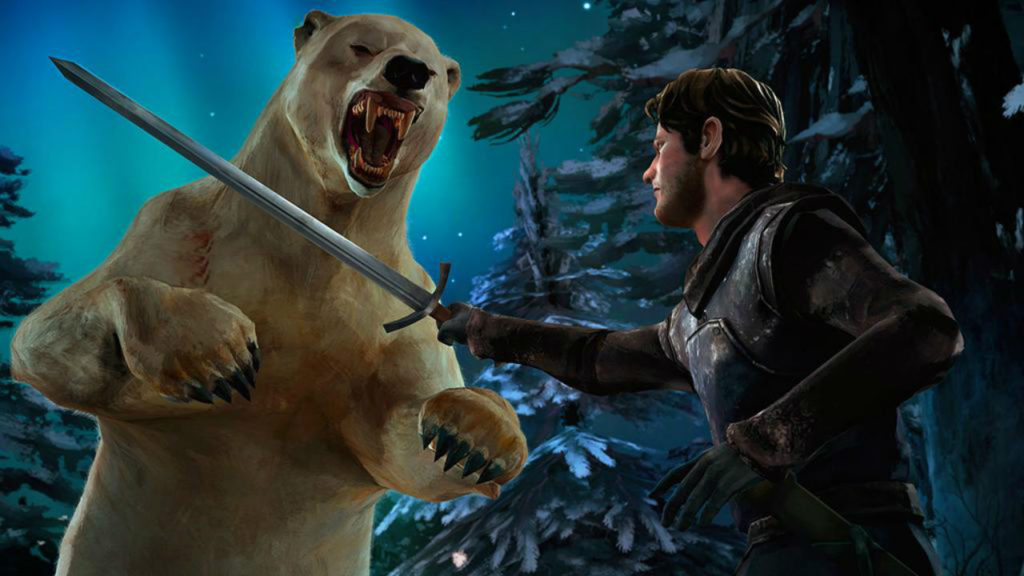
Come on, admit it: every “Game of Thrones” fan has wondered at some point or another whether they could survive the cutthroat world of Westeros. Telltale’s Game of Thrones lets you put yourself to the test. Whether it be fighting your way through legions of House Bolton bannermen or navigating the political intrigue of King’s Landing, this game makes players feel like they’re part of the show. Players take control of the Forresters, bannermen to House Stark who are caught up in the political treachery of Westeros and must fight to survive. Though these characters don’t appear in the show, fans need not worry. Plenty of other favorites, such as the Mother of Dragons herself, make appearances as well.
Game of Thrones - A Telltale Games SeriesDOWNLOAD NOW
3. Batman
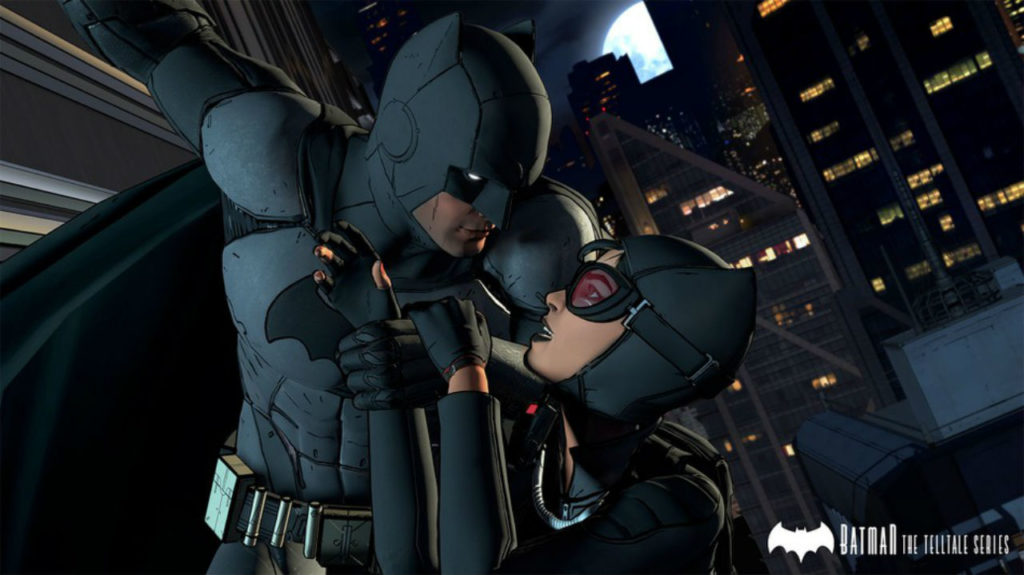
“I’m Batman.” These are two words that everybody’s wanted to utter at some point in their lives. Telltale’s Batman lets every armchair caped crusader live out their superhero fantasy. All the familiar Batman characters are back, but with unique interpretations that make this title stand out. Will you play Batman as a benevolent hero, or will you indulge his more ruthless streak? Also of note is the Crowd Play feature introduced in this game. This allows an audience to vote on the choices made in the game using their phone or computer, so grab some friends and get playing. The end result can lead to some interesting scenarios, both onscreen and off!
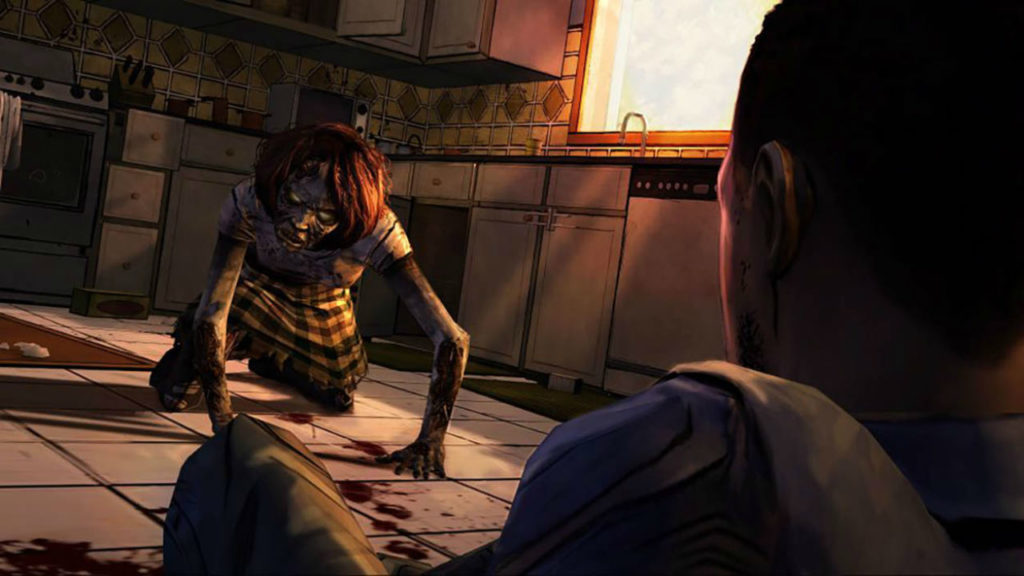
Telltale’s The Walking Dead is one of their most acclaimed titles, and for good reason. The story and characters in this entry are particularly strong. Players control Lee Everett, an ex-college professor and escaped convict, in the opening days of the zombie apocalypse. He soon finds himself having to care for Clementine, a young girl with a story of her own. The grim decisions that the TV series is known for return in this game full-force, except this time, you’re the one calling the shots. How far will you go to survive and protect the ones you care for?
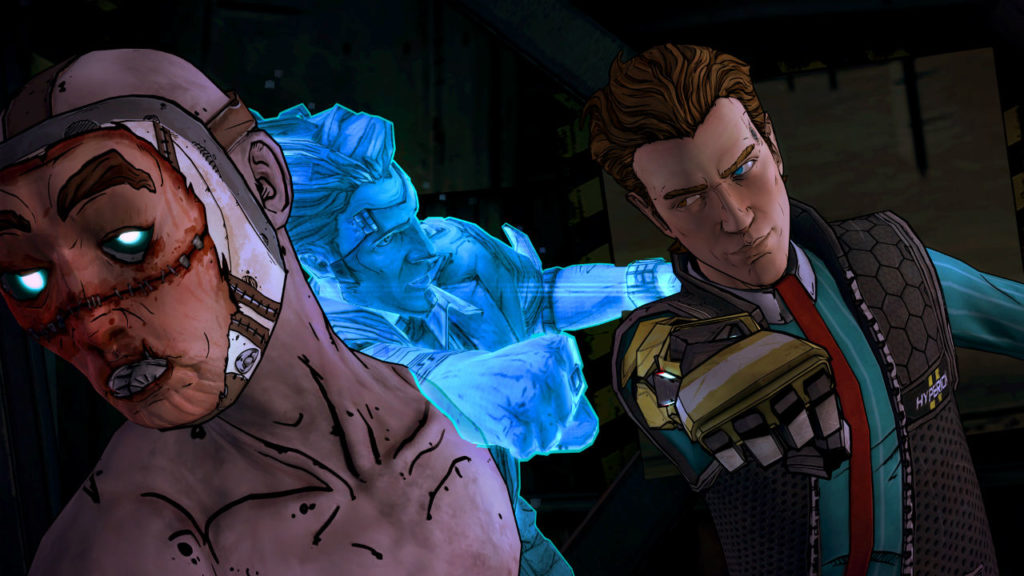
Tales from the Borderlands could easily be called Borderlands 3, and is a must-play for any fans of the series. Tales from the Borderlands takes place soon after the events of Borderlands 2. Players take control of Rhys, an ambitious employee of the Hyperion Corporation, and Fiona, a ragtag con artist from Pandora. The two soon find their paths intertwining in ways that they never expected as they pursue another one of the infamous Vaults and try to find the true purpose of the Atlas Corporation’s mysterious Gortys Project. The series brings back the humorous, sarcastic writing that Borderlands is known for while also bringing in some unexpectedly poignant, emotional moments and decisions that linger long after the game is finished. Beloved characters from the main series also return, including a fan-favorite handsome antagonist in a particularly show-stealing performance.
Whether it be fast-paced fights or nail-biting decisions, Telltale Games offer something for everyone to enjoy. Check out the games on this list and start making the story your own.
Minecraft has been on the market for some time now, but the community hasn’t thinned a bit. If anything, they’ve become more resourceful and even more creative. Nothing is off limits in Minecraft. Building cities to scale and replicas of fictional locations, Minecraft modders have been busy making your experience more immersive and pushing the limits of what you can actually do in Minecraft. If you are looking to delve into the belly of the beast, you can find an in-depth description here.
As a fan of the mini-map, this mod is crucial to gameplay. It renders a real-time map of your generated world either in a web browser or in-game. You can download the JourneyMap mod here.
The mod for the master builders of Minecraft. Chisel allows you to download extra texture packs for blocks. As you hit them with your chisel, the blocks will change their look to match your imagination. To create the Chisel, all you need is to diagonally arrange an Iron Ingot and a stick. Simple, right? Download Chisel to start crafting!
For most Minecraft players, aesthetic modifications are a great way to spice up your Minecraft experience. With Biomes O’Plenty, you are adding new geographical locations to your world with varying environments. Including a Tropical Island, Wastelands, and Pastures, your environments will never get stale. Download Biomes O’Plenty now!
Minecraft isn’t known as a graphical powerhouse, but it still has a bit of charm with its block-based landscapes and creatures. Soartex is texture pack for Minecraft that shoots right down the middle between photorealism and a cartoon art-style. This is a great download if you want to improve the lighting and immersion of Minecraft.
Of course, there’s a Battle Royale mod! Battle Royale is all the rage right now and Minecraft is no exception. You’re given a starting weapon and must survive while gathering as much powerful loot as possible to stay alive and become the victor.
This mod is straight and to the point. Once you reach end-game, there isn’t much to do with all your diamond weapons and illustrious housing. The Combat Pack gives you access to advanced weaponry and vehicles, including a helicopter! Travel faster across the landscape and eliminate your enemies with explosive enthusiasm.
By far the best lighting and texture mod on the digital marketplace for high-end PCs, adding HD textures to everything imaginable. There is a second texture overhaul called Fastcraft, which beefs up the graphics for lower-end PCs in need of some assistance.