How to change your name in Minecraft

Wish you could change your Minecraft name? It’s incredibly easy! Here’s how to do it.

Sometimes you make a username, and realize that it’s not the one you want. For most sites, this is an easy fix, and Minecraft is no exception. Unfortunately, you can’t do it in the Minecraft program. This can cause a bit of confusion for those who are trying to change it quickly. But no need to fret. Below we’ve detailed the steps you have to take to change your name with speed and ease.

Minecraft Download
7

Name change rules

Minecraft doesn’t allow you to change your name again within 30 days of you doing it. So keep that in mind when you are thinking of what you want your name to be. This 30-day rule also applies to new accounts, so you won’t be able to change a new account name for 30 days either.

Changing your name

We just verified that this works: The first thing you’ll have to do is go to the Mojang website here. Click “Log in” in the top right corner, and log in using the email attached to your Minecraft account. Once you’ve logged in, you should see your Minecraft account, and your username. Next to your username is the word “Change” in parenthesis. Click this, pick whatever name you want, and then verify the prompt they give you. After that, you should be all set!


Top 5 Battle Royale Games

In the past year or so, Battle Royale games have dominated the gaming industry. Fortnite has become a cultural phenomenon and AAA developers are taking note. Both EA and Activision are incorporating Battle Royale modes in the newest Battlefield and Call of Duty titles.

With Battle Royale, every match is different. Even if you are repeating similar steps when entering into mid-game and end-game. It’s a rinse and repeat process, with tactics being refined during and after every match. There’s nothing more exhilarating than being caught in a firefight and shouting at or with your friends.

All of the games on this list have the same core gameplay mechanics. You spawn at a random point on the map, plummet to the ground to scrounge for supplies, and survive 99 other people trying to kill you as a deadly circle shrinks your map. It’s this new frantic and time-sensitive gameplay that propelled Battle Royale into the public spotlight. Let’s get down to business and talk about the Top Five Battle Royale games available right now.

H1Z1

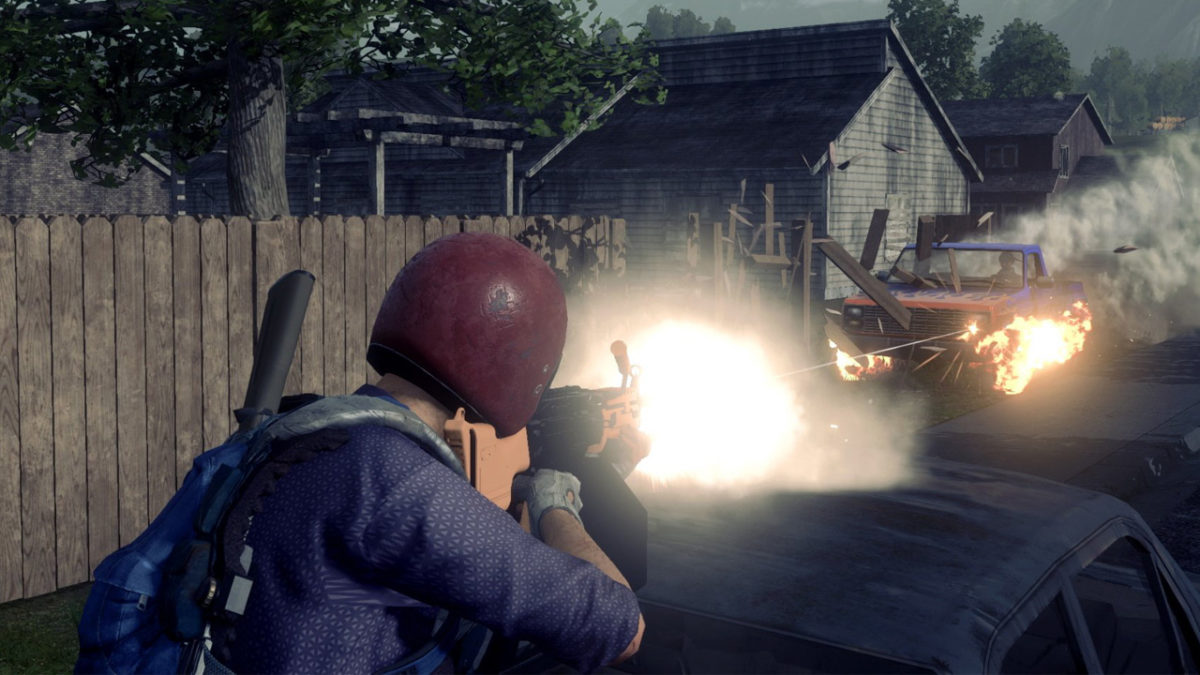
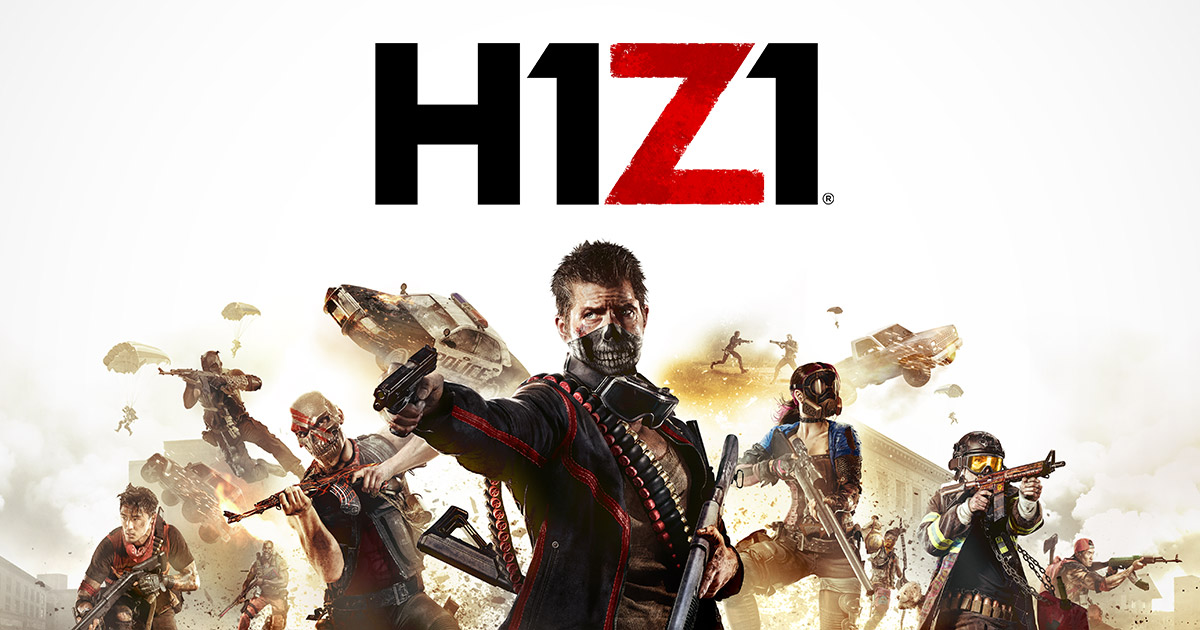
Riding the wave of Battle Royale modes, H1Z1 has taken the PlayStation 4 by storm. Created by PlayerUnknown and Sony Online Entertainment, H1Z1 was originally released before the massively successful PUBG (PlayerUnknown’s Battlegrounds). It hid in the shadows of Steam catalogs as an early access title. H1Z1 is much different than the current flurry of Battle Royale games. While most developers tend to use their art style as a gimmick, H1Z1 graphics are slightly above run-of-the-mill. The lighting can be great at points and the atmospheric effects, such as fog, make for very interesting and heart-racing endgame. But, you’re not coming to H1Z1 for the graphics. You’re joining the community and staying for a long time because of the streamlined gameplay mechanics.

7

PlayerUnknown’s Battlegrounds (PUBG)

The one that started it all. Well, technically Arma kicked off the Battle Royale movement, but PUBG brought it to fame. Launching early 2017, PUBG has reigned supreme over free-to-play titles on Steam, and most recently, mobile phones. In the hierarchy of realistic gameplay, PUBG sits near the top of the pyramid. There are no frills to this game. It plays much like H1Z1, but without the weapon upgrades, poisonous gas, and massive vehicle mayhem during end-game. If you’re looking for a bare-bones Battle Royale, look no further, PUBG delivers in all facets.

Playerunknown's Battlegrounds Download Now
9

ARMA 3

ARMA 3 is the grandfather of all Battle Royale games. The first iteration developed by PlayerUnknown in 2013, Arma 3 is a realistic military simulation set in a fictional warzone where players vie for territorial dominance. Its claim to fame came from community mods and an open-code platform, where players had free reign to alter gameplay as they saw fit. What came from the incessant modding is a game that, on the surface, looks like a standard military simulator. However, take a look under the hood and it is deeply complex, with a different control scheme for all types of vehicles and an adaptive, intelligent player-base. There is a steep learning curve to ARMA, but the reward is countless hours of fresh gameplay.

Arma 3 download now
8

Survival Games: Battle Royale

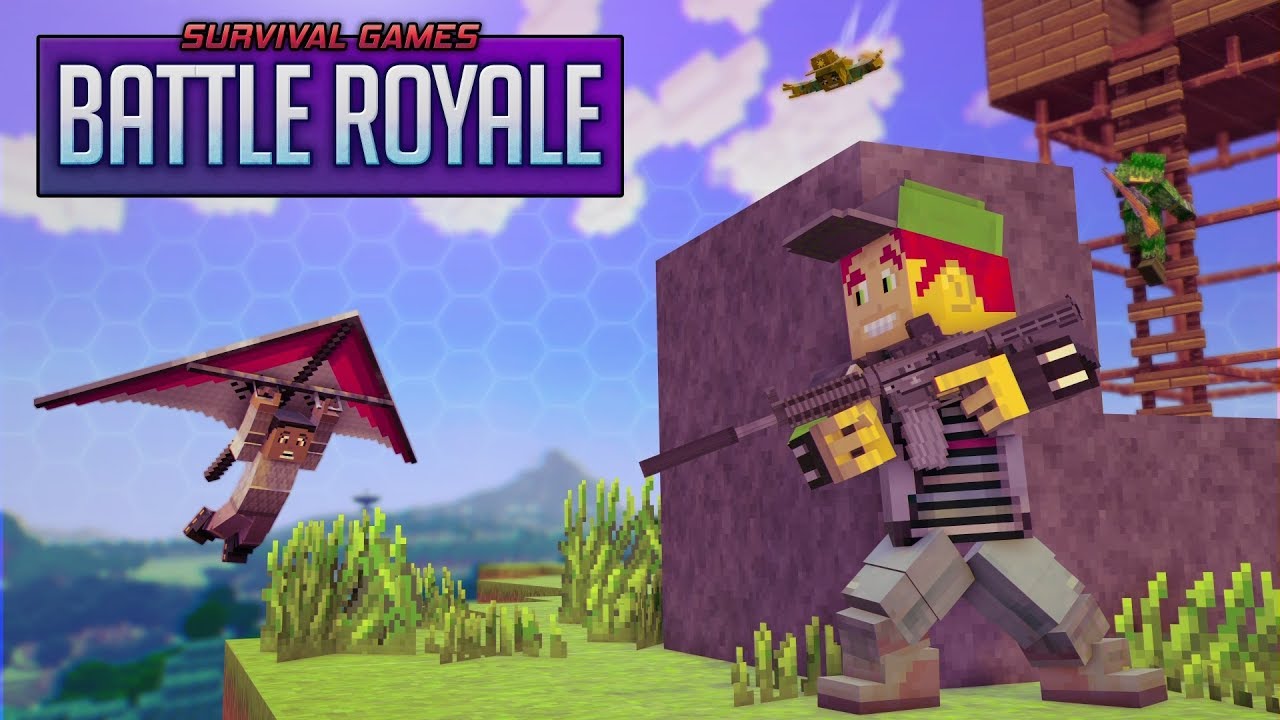
First things first; this is not Minecraft, as the graphic would have you believe. Survival Games takes a different approach to Battle Royale, which is refreshing, to say the least. Its standout feature is the procedurally generated map. Meaning, at the start of each match, the arena will be generated randomly, having few, if any, similarities. If you’re a fan of Minecraft and BR modes, do yourself a favor, and give this game a go. You might be surprised.

Fortnite

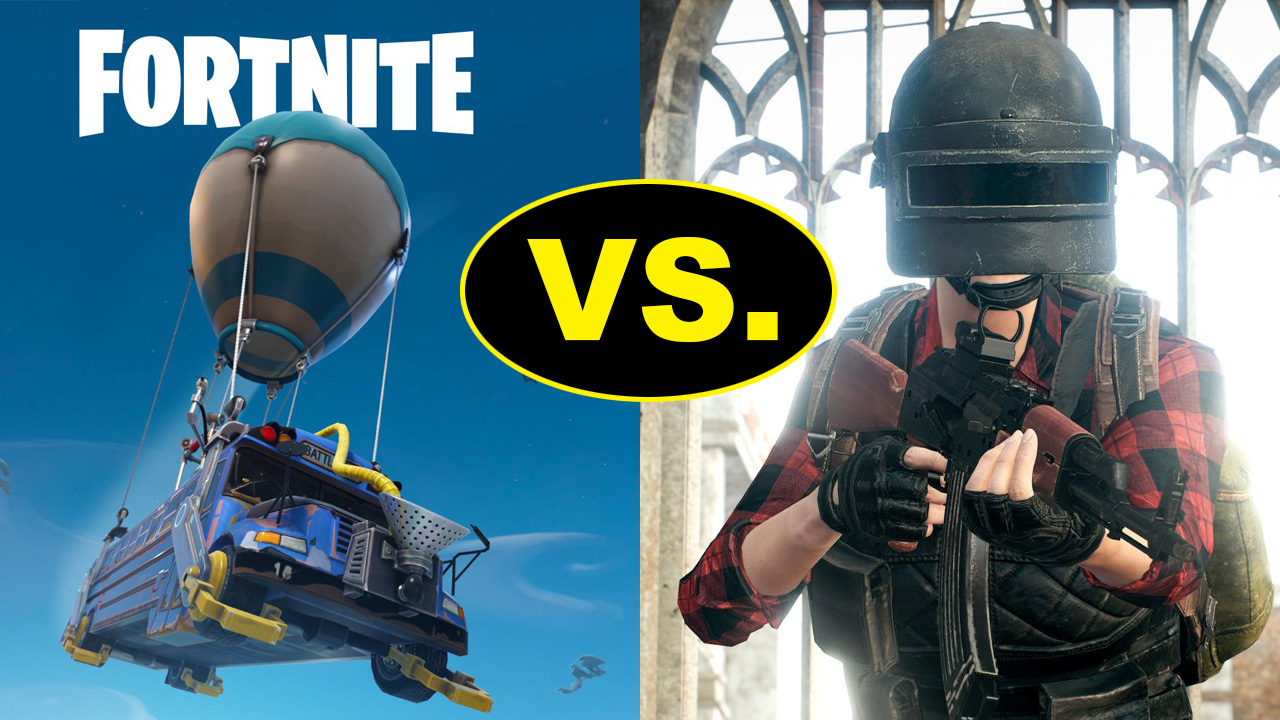
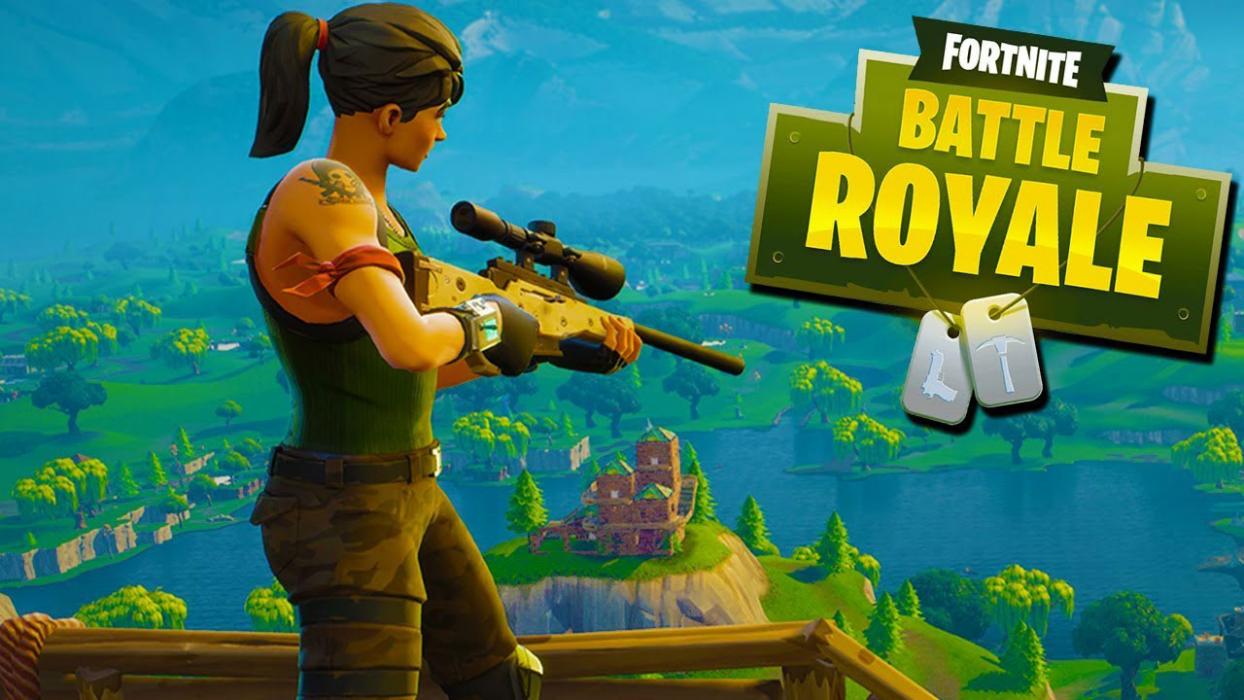
Last, but certainly not least, Fortnite. The cultural juggernaut that spawned dance crazes, televised news stories about video-game addiction, and propelled professional streamers to celebrity status. This is the game that all other BR games wish they could hold a candle to. With a massive following of near 3 million players each month, Fortnite is easily the King of Battle Royale. What separates Fortnite from its competitors is its art style key building gameplay mechanic. If you haven’t heard about Fortnite by now, jump in and play a few rounds. But, keep in mind, you might be behind the 8-ball a bit. What was supposed to be a fort building end-game and devolved into a spastic build-off to see who can construct the tallest tower. In more ways than one, it’s lonely at the top.

Fortnite: Battle Royale Download free
10


You’ll soon be able to play video games on Netflix

Do you ever wish you could play games on Netflix? Soon, you’ll be able to. This is not a drill. We repeat: Video games are coming to Netflix.

According to TechRadar, Netflix is partnering with Telltale Games to provide a streaming game experience. TechRadar reports that Minecraft: Story Mode will be a five-part episodic adventure and might be available to stream on Netflix later this year.

Don’t expect Xbox-level gameplay or anything. Telltale offers simple choose-your-own-adventure-style experiences. You’ll watch a video, then make a choice that plays the next video, and so on. TechRadar says the games will work as long as you have a controller with direction buttons.

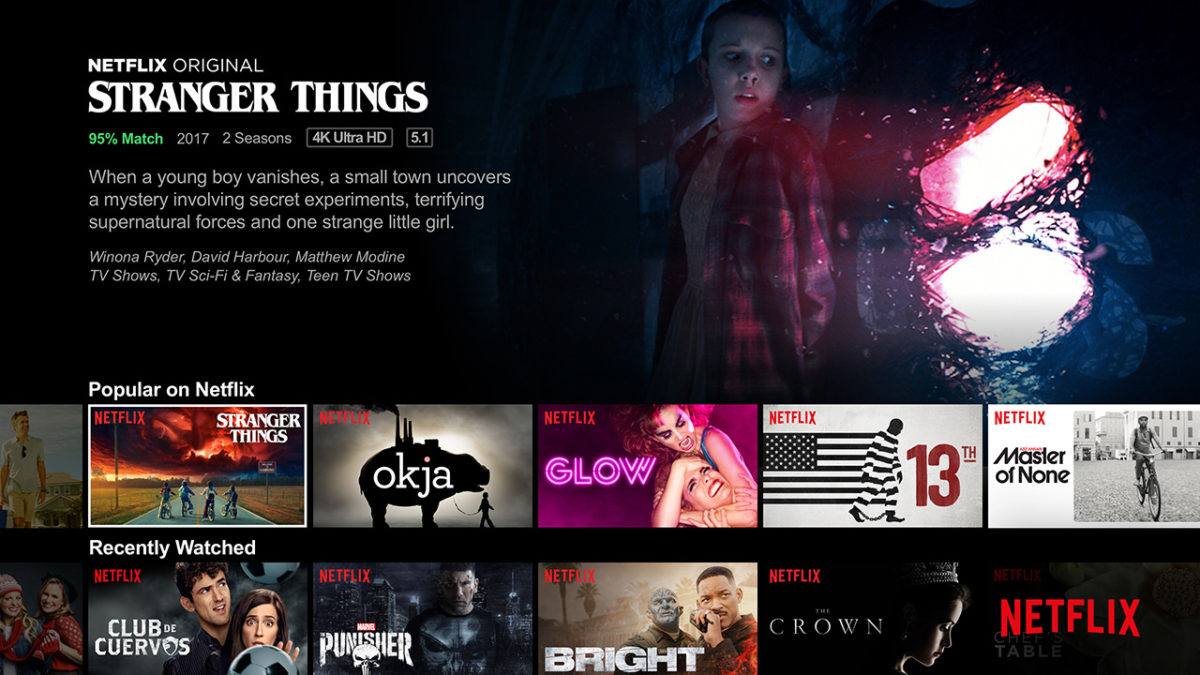
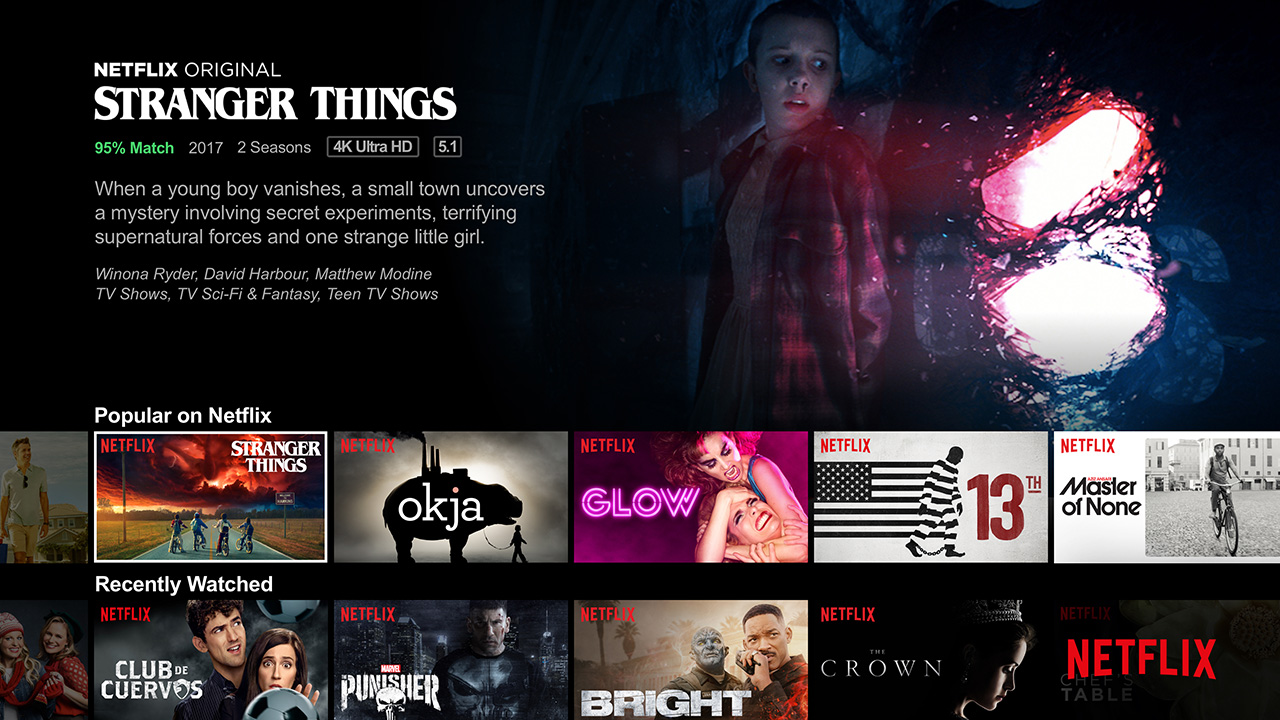
Telltale is also working on a “Stranger Things” game, which would be a perfect way to start the Netflix partnership. (Press “up” to make Eleven shred the skin of the Demogorgon, press “left” to rescue Barb from the Upside-Down?)

Will people actually play games on Netflix or will it just be a weird experiment? It’s anybody’s guess, but the possibilities are intriguing…


5 great kid-friendly Minecraft YouTube channels

If you have a child or young relative who is obsessed with Minecraft, they probably spend just as much time sitting in front of YouTube watching Minecraft videos as they do playing the game itself.

Minecraft-related YouTube channels pull in millions of views per day, and they are a huge part of YouTube’s video library; there are hundreds of Minecraft YouTube channels with millions of subscribers apiece. These videos have a very wide range – beginners’ guides, fictional scripted series, and music video parodies, to name a few.

Finding an appropriate Minecraft channel for your kids can be tedious. It takes time to sort through all the many different YouTube content creators and find the right ones. So we’ve done it for you!

5 great kid-friendly Minecraft YouTube channels

Mr. Stampy Cat (stampylonghead)

All of Stampy’s content is very elementary and clean; expletives are never used in his videos!


Operating under the guise of a British cartoon cat, Mr. Stampy Cat hosts many a lively video on his channel. Mr. Stampy Cat’s Minecraft videos are generally let’s plays and game tutorials, and he has plenty of videos covering other games, too. His How To Minecraft series is excellent for a younger audience who are new to the Minecraft world.

TheAtlanticCraft

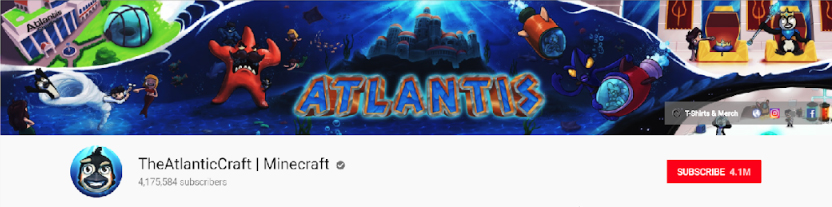
Cody and Joe of TheAtlanticCraft are unique in that not only are their videos kid-friendly, they are technically advanced and enable the younger audience to learn the more advanced aspects of the game. Cody and Joe work well together and have a great rapport, but it must be noted that the language on this channel can sometimes venture towards the PG-side. They also produce Minecraft-related music videos, such as Let It Glow; I am certain you do not need to be told what it is a parody of!

CaptainSparklez

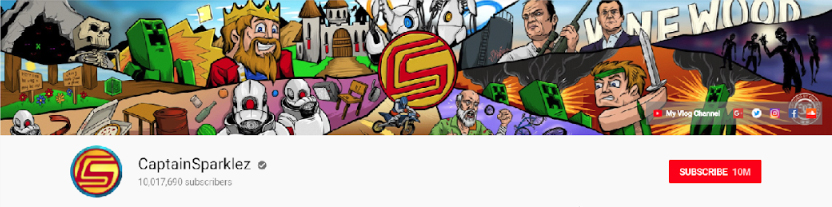
CaptainSparklez (Jordan Maron) has one of the largest followings on YouTube, with over 10 million subscribers and 3 billion views. Jordan captivates his audience with his entertaining comedy and warm personality, he is widely known for his Minecraft parody videos – of which he made some of the earliest ones – and his adventure series which takes Minecraft to another dimension, giving his audience something different from the typical Minecraft video series.

PopularMMOs

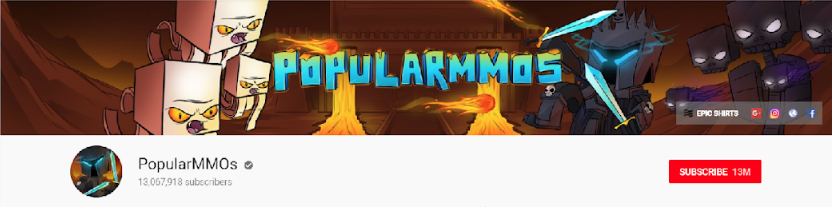
Pat – PopularMMOs – has one of the most popular Minecraft YouTube channels at present; with over 13 million subscribers he far outstrips monolithic channels such as CaptainSparklez or stampylonghead.

This channel has great variety and is just as known for its MMO-style battles as it is for its standard Minecraft videos. Pat plays regularly with his fiancée Jen, and together they draw in a huge audience. Make sure to check out the channel’s coverage of Minecraft game modifications, which draws in a large proportion of their viewers.

Be warned, however, that strong language is used on this channel.

DanTDM (TheDiamondMinecart)

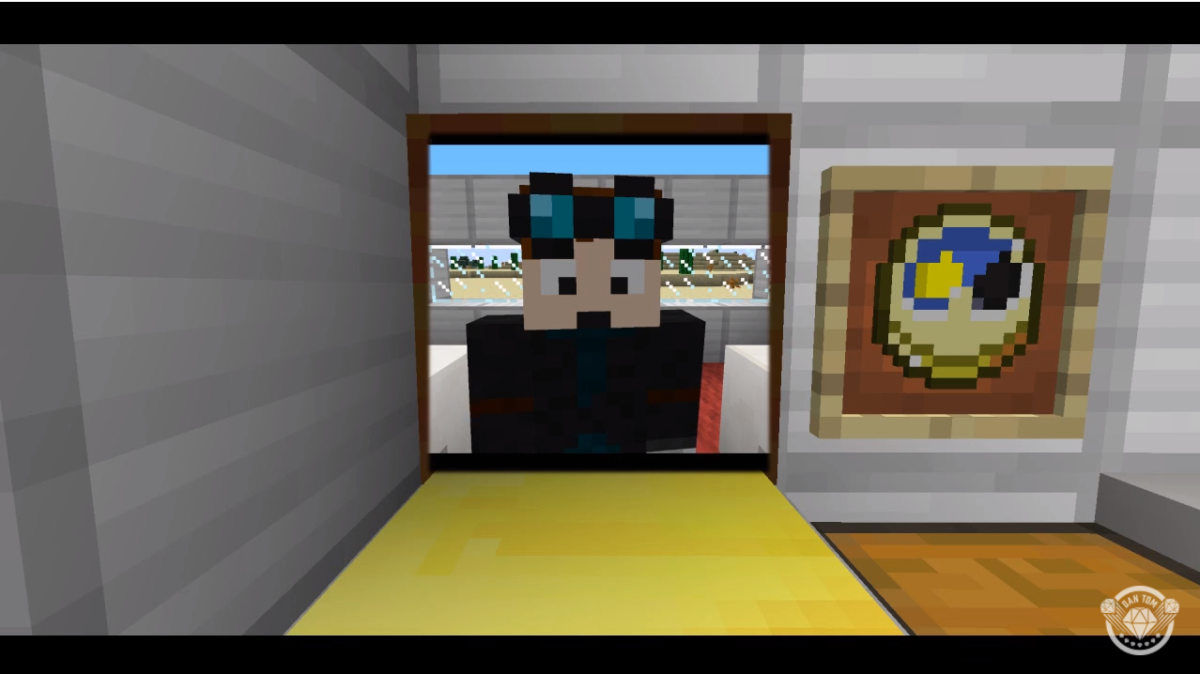
DanTDM is hosted by Dan Middleton from England, and has rapidly grown in popularity due to its creative videos. Dan’s high-quality videos cover all genres – let’s plays, game art, music videos and Minecraft mod reviews – which has made it one of the most highly subscribed channels on YouTube.

Dan’s videos are mostly clean, but his videos are aimed at more knowledgeable Minecraft players – not beginners – so it is perhaps not suited to children who are just starting out.

Related:

2018 beginner’s guide to Minecraft

8 cool things you didn’t know you could do on Minecraft

How to install Minecraft mods

8 amazing Minecraft creations that will blow your mind

Minecraft is a bastion of creative ingenuity. Its player demographic is huge – children, adults, students, architects – and there are people from all walks of life with varying levels of skill and creativity who play this game across a number of gaming platforms. Anything you can think of, you can create.

8 amazing Minecraft creations that will blow your mind

1. Minas Tirith

Six million blocks and 20 hours later, this re-creation of Minas Tirith from Lord of the Rings was born. This project is absolutely enormous, and we cannot help but be wowed by the enormous attention to detail the creator put into it, all on his own.

2. Planet Earth

Even our very own Earth exists in Minecraft, albeit at a 1:1,500 scale. Time, passion, a lot of love and fiddly corners were put into this project which, although not as detailed as Minas Tirith, is impressive in its own right… it’s  Earth, after all, and you can explore it in Minecraft!

3. King’s Landing

It was only a matter of time before Game of Thrones met Minecraft – one of the world’s most popular TV shows and one of the world’s most popular games were destined to cross paths at some point.

The project itself is astonishing, created over an eye-watering amount of hours by a team – yes, team – of builders who had to submit an application to join the project… it’s very serious stuff!

4. The Eiffel Tower

Although this design is more simplistic than some of the examples we have already seen, this is an example of the painstaking lengths some Minecraft architects go to, to create some of the world’s most iconic landmarks. It is no easy feat to create curved structures in Minecraft, and the fact that someone has gone ahead and built the Eiffel Tower – a windy, angular nightmare – is brilliant. This build even includes the real towers viewpoints and other intricate details… bonus points!

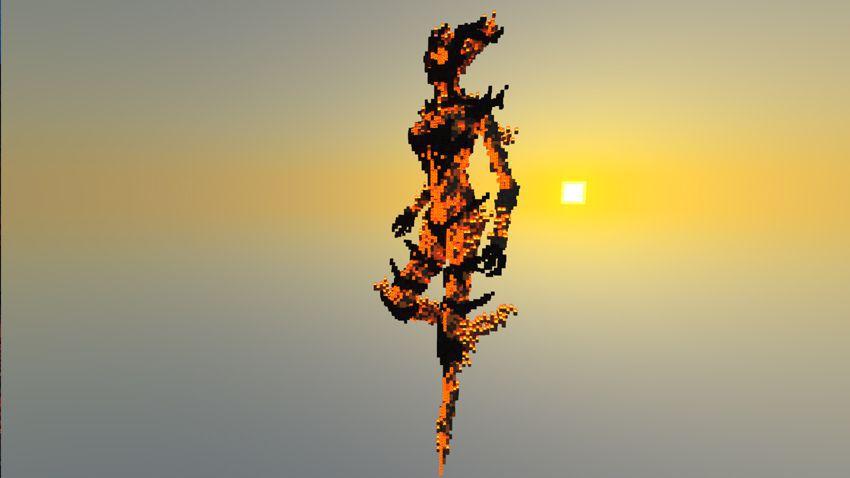
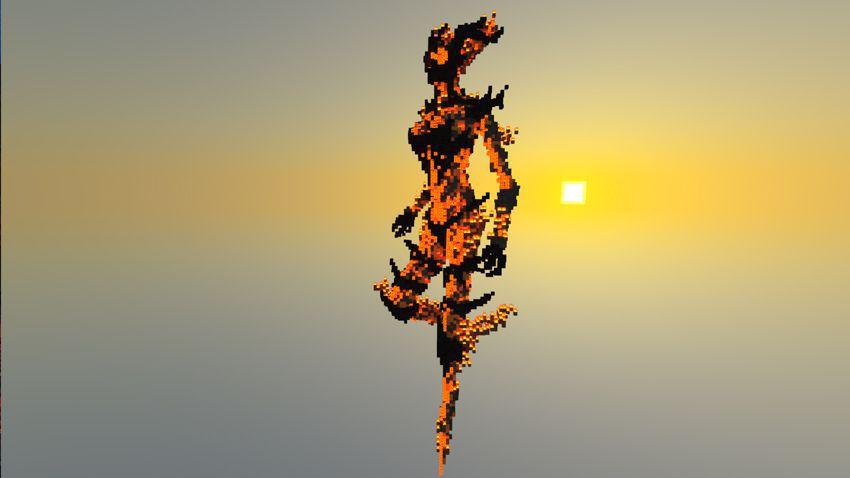
5. Flame Atronach

Image courtesy of Block_Fortress

Fans of Skyrim will instantly recognise this incredibly detailed re-creation of Flame Atronach. This is not just pixel art, this is a full 3D model of the fantasy character. We can only imagine just how long it took to place all those blocks to create such an amazing level of detail.

6. A 16-bit Computer

Using Minecraft’s answer to circuits, logic, and electricity – redstone – this player created an animated, sound-enhanced and color-coded fully functional 16-bit computer. The sounds, animation, and colors help you visualize the computer in action, and get an idea of just what is going on… sort of.

7. The Shire

This blocky re-creation of George R. R. Martin’s The Shire may not be technically correct (hobbits live in holes, not houses) but this creation is still a beautiful attempt at re-creating Bilbo and Frodo’s home. It is part of a wider ambition to re-create, you guessed it, Middle-Earth, and they seem to be doing rather well!

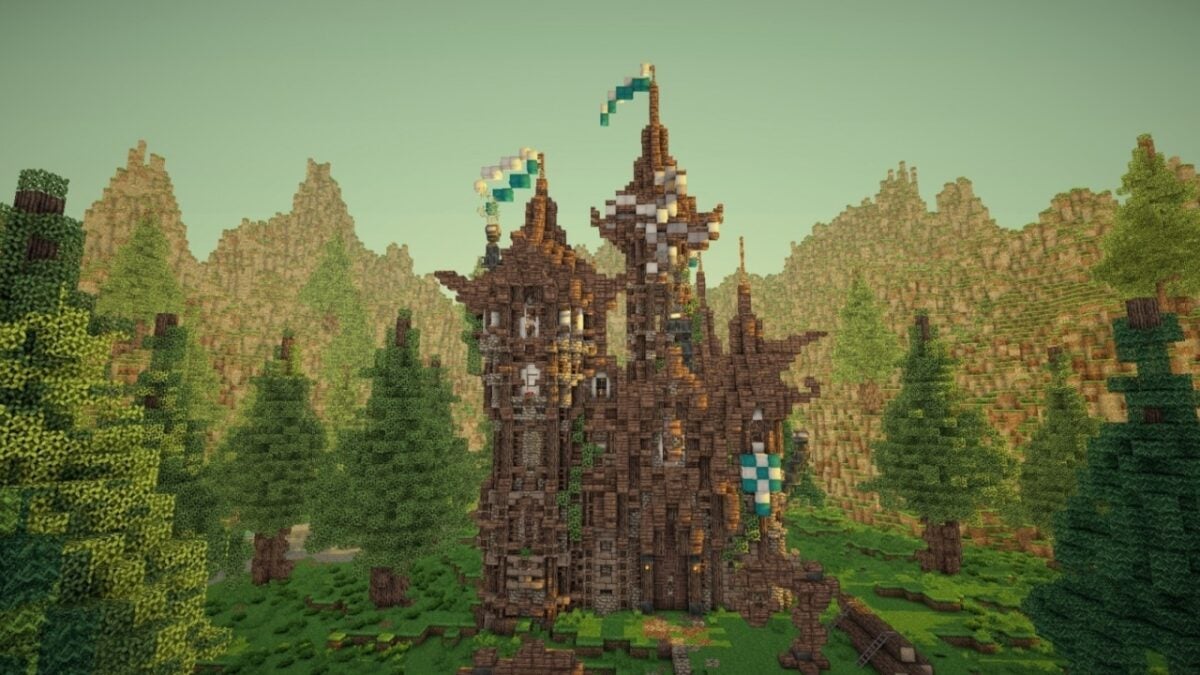
8. Razul

Razul is an adventure map inspired by Skyrim, and if you’re a huge fan of Bethesda’s monolithic game, you will absolutely be able to make the connection due to the Nordic architecture style and fantasy theme. Like many of the creations featured here, it was built single-handedly.


15 cool things you didn’t know you could do in Minecraft

Minecraft has been around for more than a decade now, and we’ve seen so many changes since then. The latest updates were Caves & Cliffs and The Wild, introducing massive dungeon and cave areas with plenty of new items and mobs. Mojang has ensured that we remain fixed to our screens with all the latest content.

Minecraft DOWNLOAD

No matter how long you’ve been playing, we’re sure there are many cool things you didn’t know you could do in Minecraft. Some of them are basic and make your virtual life easier, while others are more advanced. Let us know how many of these secrets you already knew about and how many were new to you.

Candles on crafting tables

I remember the first time I tried to place a candle on a crafting table in Minecraft and failed. The issue is that the place-object and open-object buttons are the same. So, when you try and put the candle down, the crafting table opens. Here’s a tip: crouch down and then place the candle. The game understands you’re trying to put the candle on the table.

If you’re new to making items, check out our guide to crafting in Minecraft.

How to craft in Minecraft READ MORE
15 cool things you can do in Minecraft  1

Various types of fuel in Minecraft

Coal is sometimes challenging to find when you need it the most. I usually head to the closest caves and chop until I find a cluster. However, you may be in a panic and need a fuel source quickly. The different types that work are sticks, tree logs, charcoal, and lava (from a bucket). Each type burns at a different speed, so you’ll need to use them for the right occasions.

Once you get the hang of using the smelter, here’s a guide for what you can do with copper in Minecraft.

What Can You Make with Copper in Minecraft? READ MORE
15 cool things you can do in Minecraft  1

The Mushroom Biome is a safe-zone

Tired of running from the mobs at night, but you still want them to appear so you can fight them one day? Instead of changing Survival Mode to peaceful, see if there’s a mushroom biome nearby. For some reason, the mobs don’t spawn during the night in this area, which means you can mine, farm, and build as you wish.

Now that you can explore in peace, you may want to see our Minecraft mining guide. 

Minecraft mining guide READ MORE
15 cool things you can do in Minecraft  1

Many ways to use water in Minecraft

Water, as in real life, is a valuable resource in the game. While you won’t be drinking it, you’ll certainly use it for farming in Minecraft so your crops can grow strong and healthy. You can also place a water block on the top of a cliff and use the resultant waterfall to drop down or climb up. For the more advanced player, water is essential when mixed with lava to make obsidian blocks. Also, don’t forget your potions!

Minecraft farming guide READ MORE
15 cool things you can do in Minecraft  1

Endless supply of water

Since you need water so much, it’s helpful to have an endless supply near you. All you need to do is dig a 2 x 2 hole that’s only 1 level deep and place two buckets of water diagonally from each other. They’ll fill the other two holes endlessly. When you take water into a bucket from one space, wait until it fills again before you take another one.

15 cool things you can do in Minecraft  1

Light up your home with chandeliers

Why settle for normal candles and lights when you can make a chandelier for your home? All it takes is configuring a chain or block from the roof, with an assortment of fences or glass panes constructed in a way that’s appealing to you. You can then use different light sources to light up your abode. The glass panes tend to reflect the light, making your chandelier deliver more light.

15 cool things you can do in Minecraft  1

Crafting Minecraft bodyguards

You don’t have to defend your homeland by yourself! There are two active mobs you can create that will walk around and battle any enemies they find. The first is an iron golem, made from four blocks of iron and a carved pumpkin as the head. You can also have a Frozen experience with a Snow Golem, stacking two blocks of snow with a pumpkin head.

15 cool things you can do in Minecraft  1

Keeping Creepers at a safe distance

If you’re new to Minecraft, Creepers are those green mobs with no arms that explode as soon as they are close enough to you. They can destroy entire homes and structures, leaving you in tears. Fortunately, Creepers hate cats. So, fill your home and farm with these adorable kitties, and you and your home will be safe.

Of course, you’ll need to learn how to tame a cat in Minecraft if you want to succeed at this goal.

How to Tame a Cat In Minecraft READ MORE
15 cool things you can do in Minecraft  1

Snowball a Blaze

When you defeat a Blaze in the Nether, they drop glowstone dust. This resource is handy for making glowstone blocks, which is another source of light. You can also make powerful potions. However, the Blaze can be challenging to defeat if you use standard weapons. We recommend making snowballs from the snow in the Overworld, as they’re weak against them.

I also recommend you learn how to make a shield in Minecraft to protect yourself from damage until you defeat the Blaze.

How to Make a Shield in Minecraft READ MORE
15 cool things you can do in Minecraft  1

Crouch and build

If you’re like me, you’ve tried to make tall castles and walkways in Minecraft. The problem most of the time is stepping too far off a block and tumbling to your death. Did you know that crouching can save you from this dilemma? If you crouch, you can move slightly off the block and attach other blocks without falling.

15 cool things you can do in Minecraft  1

Teleporting with a portal

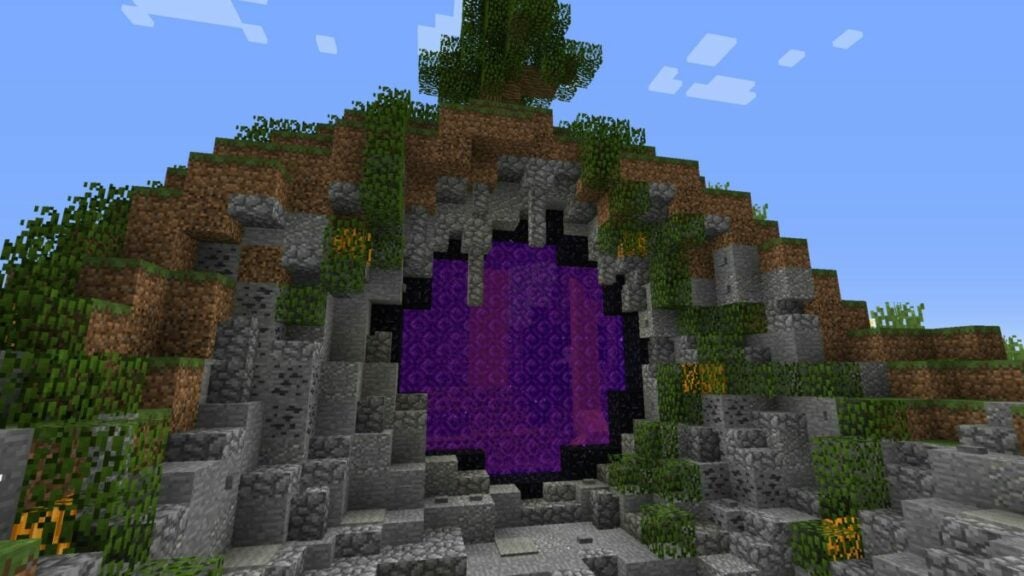
Here’s a trick I’ve used to quickly travel far distances in the Overworld. Distance isn’t the same in the Nether, which is where two Nether portals or more come in handy. If you place two close to each other in the dark underworld, you’ll reappear at a longer distance in the Overworld. It’s a fun trick to use when you’re traveling across several maps.

To create a Nether portal, you’ll need to chop obsidian blocks and arrange them in a specific way. So make sure you learn how to find diamonds in Minecraft, as you’ll need a diamond pickaxe for the task.

How to find diamond in Minecraft READ MORE
15 cool things you can do in Minecraft  1

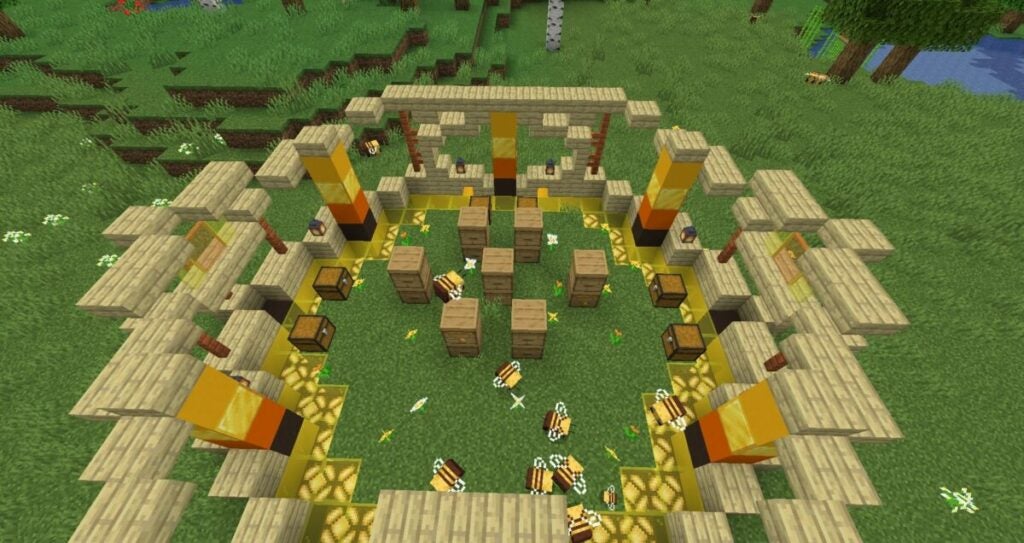
Making your own apiary

When the bee update appeared in Minecraft, players went mad taming and collecting them. Well, I did, anyway. The only issue is that they tend to fly away to the closest flowers to produce honey. If you want to keep them nearby, there’s a simple trick. 

Build glass walls up to about nine blocks. Make sure you have flowers on the grass within the perimeter, and there’s no harm in having a tree or two nearby.

The bees will try to head back to their hive when they’re done collecting. I recommend you make a hive box and place it on a tree or glass block. The bee will immediately move towards it, transforming it into a home. You’ll see honey dripping from it eventually.

15 cool things you can do in Minecraft  1

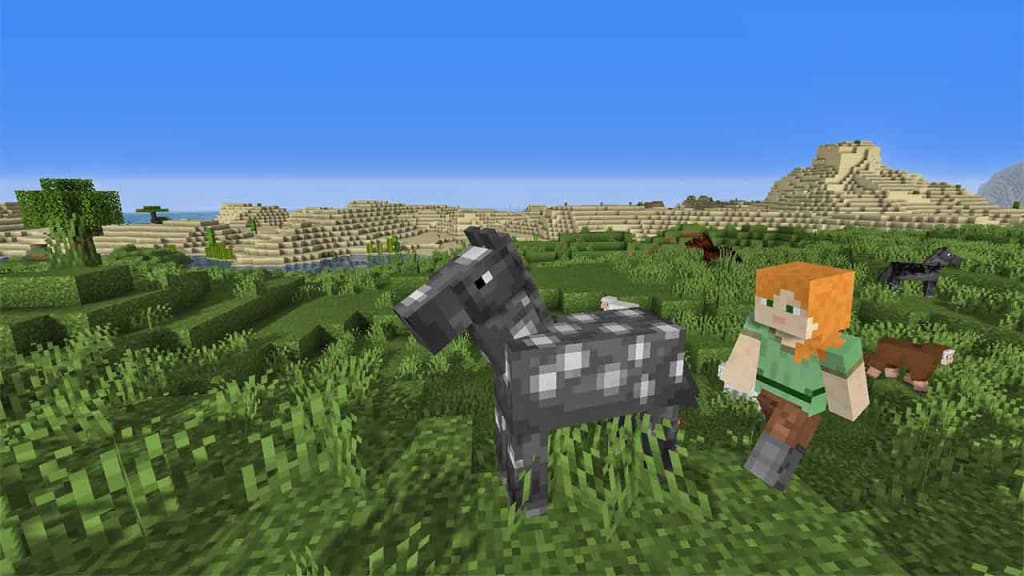
Horses have different speeds in Minecraft

I know what it’s like to become attached to the first horse you find. It’s a lovely feeling when you tame a horse in Minecraft, and you never want to let go. Did you know that different horses have different speeds and health? Try to tame as many as you can until you find the fastest one to cross the terrain quicker.

How to Tame a Horse in Minecraft READ MORE
15 cool things you can do in Minecraft  1

A functional portcullis

Let’s get back to me creating a castle. I spent days in Survivor Mode mining and making castle walls around the boundary of my land, making sure no one else could get in. Thanks to a Minecraft book I bought, I learned you can make a portcullis gate that actually works. How it works is there are sticky pistons at the bottom that lift and drop the gate, with loose gravel at the top. To make this work, you’ll need to study our Minecraft Redstone guide.

Minecraft Redstone guide READ MORE
15 cool things you can do in Minecraft  1

Visit the Minecraft Ancient City

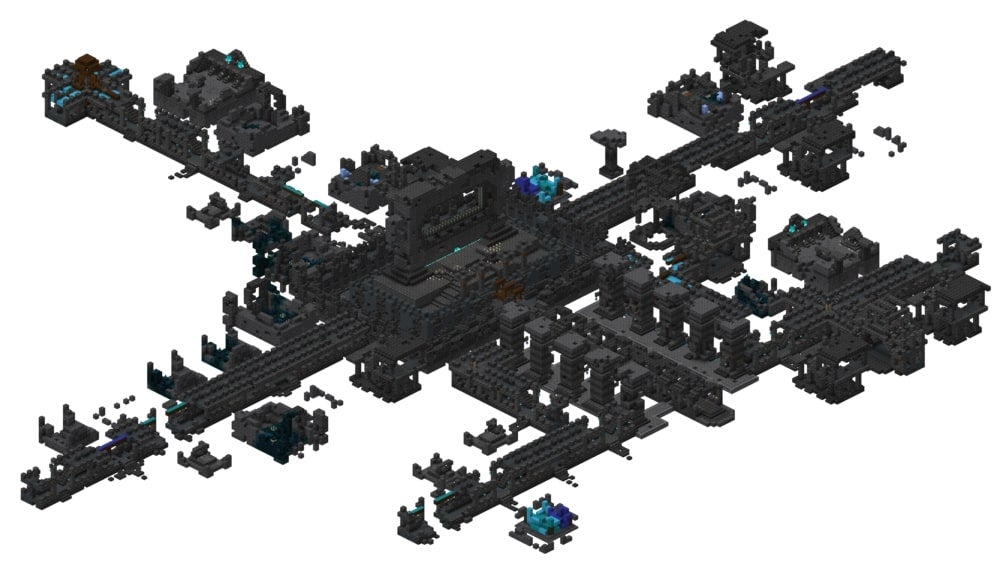
When The Wild update was released for Minecraft, we were all excited about the new mobs that appeared. One of the more obscure items you’ll have to hunt for is called Ancient City. It’s usually located at level -52, which means you’ll need to dig quite far down to find it. It has a vast layout and design, and you’ll spend hours investigating its halls and loot.

The first Minecraft ‘The Wild Update’ releases to Java Edition with snapshot 22w11a READ MORE
15 cool things you can do in Minecraft  1

Minecraft Pocket Edition: 9 basic tips for the Survival Mode

If you like the original Minecraft,  you’ll love Minecraft Pocket Edition (Android | iOS). That’s because this mobile version is a faithful reproduction of the sandbox builder.

Here are some tips to start your game and master Minecraft Pocket Edition. These tips focus on Survival mode, the challenging game mode that includes monsters, challenges, and limitations.

Collect basic supplies

The first thing to do when starting a Survival game is to gather all the supplies you can. Start by cutting down trees and gathering wood: the first material you can use to build tools.

Build your table and your basic tool kit

Build a crafting table with the wood you collected so you’ll be able to create more complex objects and collect other materials. For example, an ax will make it easier to collect stone, one of the most versatile elements in Minecraft.

Build more advanced elements with stone

Now that you have stronger materials, you can build other basic tools. My recommendation: start with an oven, an ax, a shovel, a pickaxe, and a sword.

Build a hiding place for your first nights

The days in Minecraft go by really quickly. On the first day, while you’re building your table and tools, you won’t have time to build a decent house to spend the night.

Don’t worry, because on the first day you can build a hiding place to escape the monsters, called creepers, that attack at night.

To create a hiding place, just dig a hole in the ground about 10 blocks down. Make it even more secure by surrounding it with torches. Out of sight of monsters and with torches, you’ll avoid unwanted visits and survive your first night.

Just make sure you build this hole so that it’s easy to escape. It would be very sad if you survive the monsters, but die because you trapped yourself.

Build the house of your dreams

Now that you’ve survived the first night, you have more time to build your home. Since the “cave method” can help you survive temporarily, don’t rush building a house Instead, wait to make it safe using a good design and quality building materials. Don’t build a simple log cabin, it will be better if you add other durable materials such as stone.

Look for more advanced resources

Once you’ve created a reasonably decent home, it’s time to seek other useful resources, such as metal or diamond.

Get to know all the monsters

The idea behind these tricks is to help you avoid all threats, but you might still come across some of them. These are the different types of monsters and the best way to protect yourself against them:

Skeletons: Skeletons have unlimited arrows and bows. To get rid of them, attack them with your sword.

Creepers: They explode when you are close to them, so try to stay away from Creepers. To kill them, use your bow and arrows.

Zombies: They are slow creatures that kill by hitting their victims. As with the skeletons, use your sword to get rid of them.

Spiders: Watch out as they hide between blocks to attack you by surprise. The good news is that they only attack at night. Take advantage of daylight to get rid of them.

Use Creative mode to practice

Minecraft Pocket Edition also has a Creative mode in addition to Survival mode. This is a free mode that lets you build at your leisure, without limited materials, and you won’t have to worry about being attacked by monsters.

If you are still a Minecraft newbie, you’ll find the Creative mode very useful to start testing all the possibilities that the game offers and practice the routines you’ll have to use on the Survival mode.

Use Seeds to increase the fun

Seeds are codes you can enter to generate different types of terrain. Test several codes to try different effects, such as a map that’s mostly water or snow or even a floating island.

The Seeds list is almost endless and is updated constantly, so I recommend you to visit pages specialized in them as often as you can. One of the best is the official Minecraft forum.

Play, experiment and have fun

Here are some basic tips to get you started in Minecraft Pocket Edition. But all the adventures and misadventures you’ll experience afterward are up to you: if anything defines Minecraft it’s how every game is different, and guides are really useless. So start playing and try all the available options; you’ll be surprised how many things you can create in the game.

Download Minecraft Pocket Edition: Android | iOS

Related articles

The easiest way to install Minecraft mods

Broadcast your Minecraft games live through Twitch.tv

Follow me on Twitter: @mariabaeta

How to setup a VPN for Minecraft with Hamachi

Playing Minecraft with friends is great, but playing with people you don’t know can ruin the fun. A solution is to create your own VPN server that only you and your friends can access. Theoretically, when creating a VPN network everyone will be able to play Minecraft in a server, hidden from the lurking eyes of other players.

The most common VPN software used is Hamachi. Hamachi is an easy to use VPN client that doesn’t require a lot of work to install and setup, but everyone who is planning on joining your secret match will have to install Hamachi. Just think of it as a rotating server between your friends.

Continue reading “How to setup a VPN for Minecraft with Hamachi”