Google starts its very own travel website

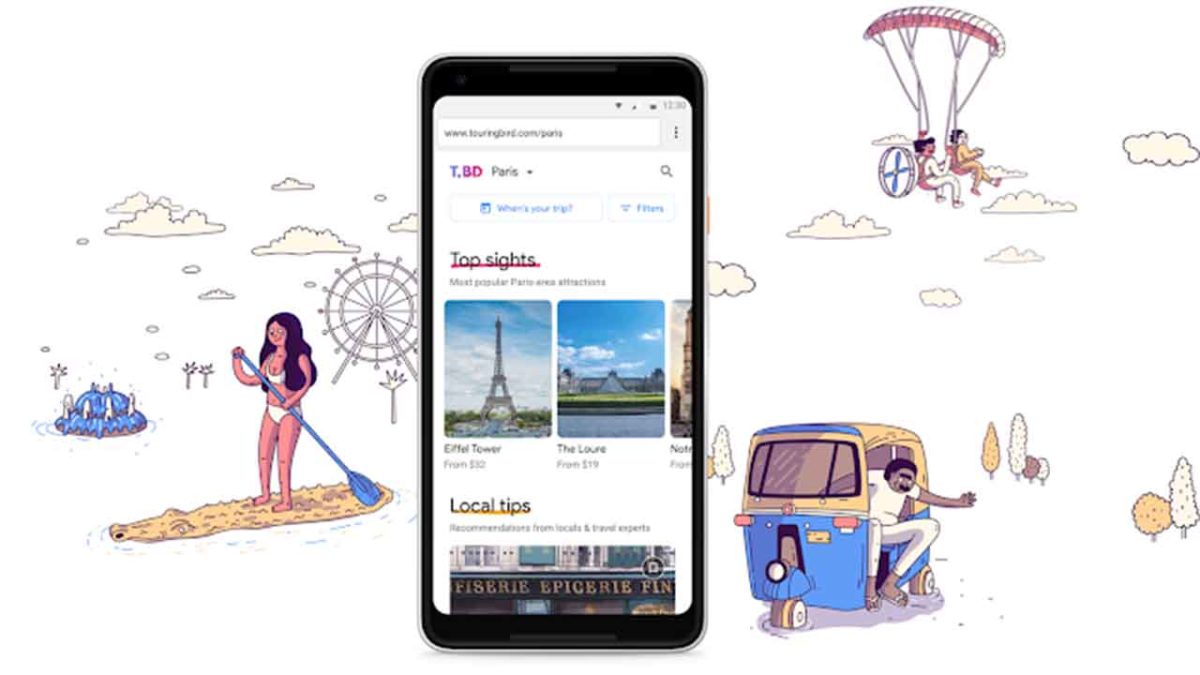
Touring Bird comes from Google’s start-up incubator and offers guides to some of the coolest cities in the world.

Touring Bird comes from Google’s start-up incubator and offers guides to some of the coolest cities in the world

Google is a big company, but in today’s world, “big” will never be big enough. Companies today have a duty to grow continuously and Google is no exception. There are many ways that Google pushes itself further and farther, but one of the web giant’s standout efforts is its official startup incubator, Area 120. As a workshop for all of Google’s most “out there” and experimental products, Area 120 is where you’ll find all of Google’s wackiest efforts. If you think you might be interested in what these are you can sign up for early access to whatever Area 120 is cooking up here.

One Area 120 breakout may seem surprising. Touring Bird is a new travel guide website to help travelers… “explore, compare, and book tours, tickets, and activities from multiple providers in top destinations around the world—all in a single place.”

The main idea behind the site is to put all sorts of different touring and activity options for some of the coolest cities around the world into one place, for both mobile and desktop users. Touring Bird aims to give users access to the best tours and activities in each of the cities it covers. Some are even free!

As of now, Touring Bird is live for 20 cities including Barcelona, Berlin, Amsterdam, London, Las Vegas, Chicago, LA, and New Delhi. The company plans to expand further in the coming months. The tool allows users to search for activities based on different classifications like interest, traveler type, and activity type. So, if you’re a family of four on vacation in Chicago and you’re looking for a left-field type of experience that is educational for the kids, Touring Bird could be the website you need to help you find what you’re looking for. (Although if it recommends The Weiner’s Circle, we advise against it.)

Traveling might not seem like a natural fit for a search giant, but Touring Bird does seem to be trying to link up web users with what they’re looking for, albeit across a niche category.
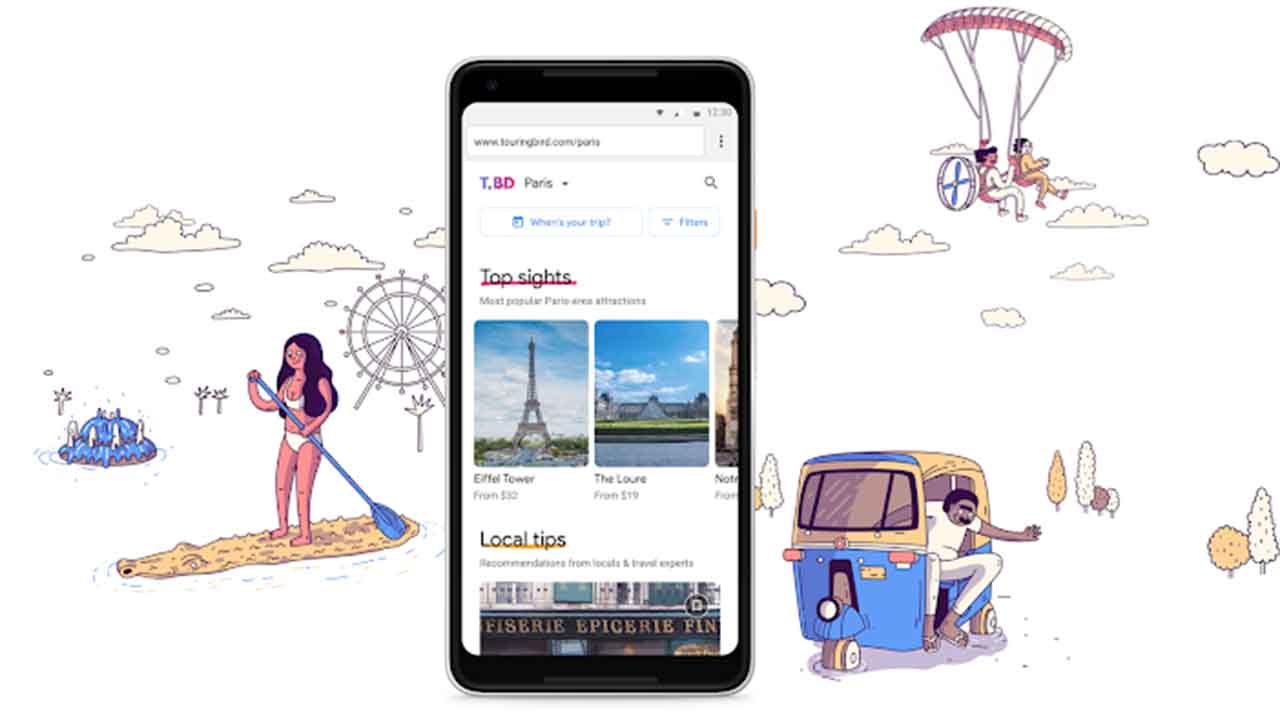
Touring Bird Google startup travel website
Touring Bird brings together all types of activities in 20 cool cities around the world

On the Touring Bird website, the small team behind Google’s latest project to go live had this to say:

“Traveling to new places is fun and exciting—but for a lot of people, planning what to do once you’re there is not. It often involves hours of research, reading dozens of travel guides and blogs across the web, sifting through reviews, compiling your own lists, comparing prices and offerings, and asking friends and family for recommendations. No one wants to waste precious vacation time on disappointing experiences or miss out on the best ones… So, in late 2017, a small team of us within Area 120 (Google’s internal incubator for experimental ideas) set out to build a new tool that addresses this need, helping people find the best tours and activities across multiple providers.”

There is no doubt that organizing successful trips to exotic locations comes with its fair amount of stress. Some people, however, see this part of the trip as an exciting experience in itself, and those people might see Touring Bird as just another attempt to sell affiliated tours to travel-weary tourists. To set itself apart Touring Bird is reaching out to travelers to contribute with their own experiences, offer local tips, and to become part of an active community of travelers that will breathe life into Touring Bird.

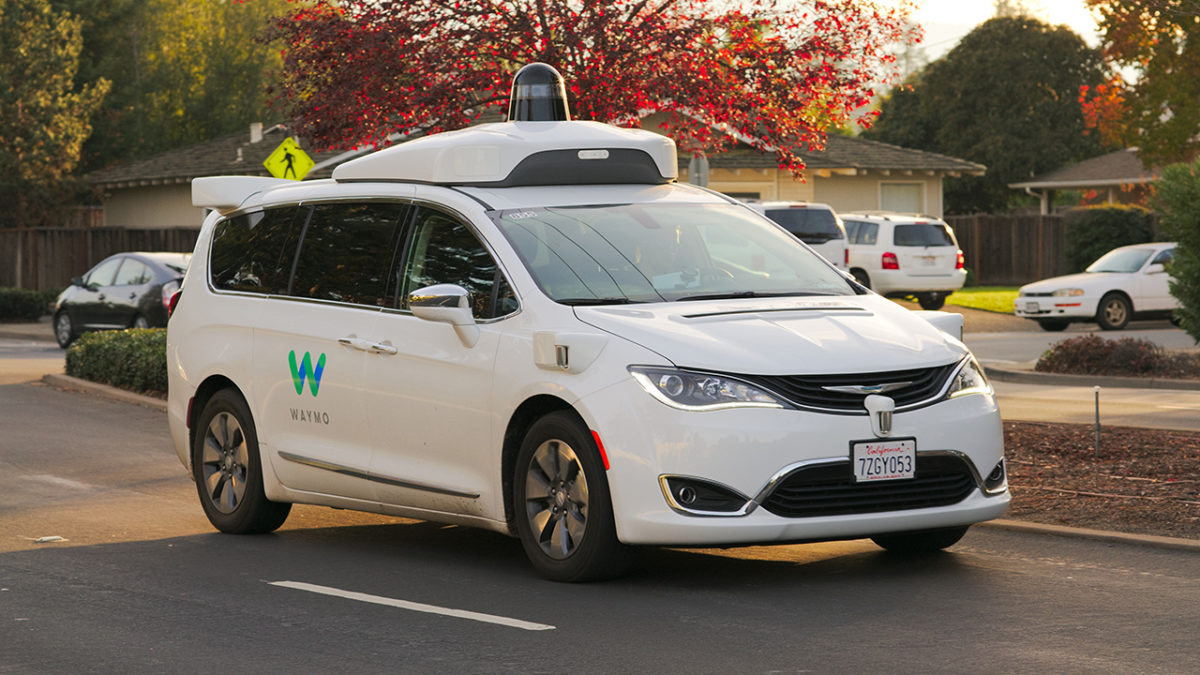
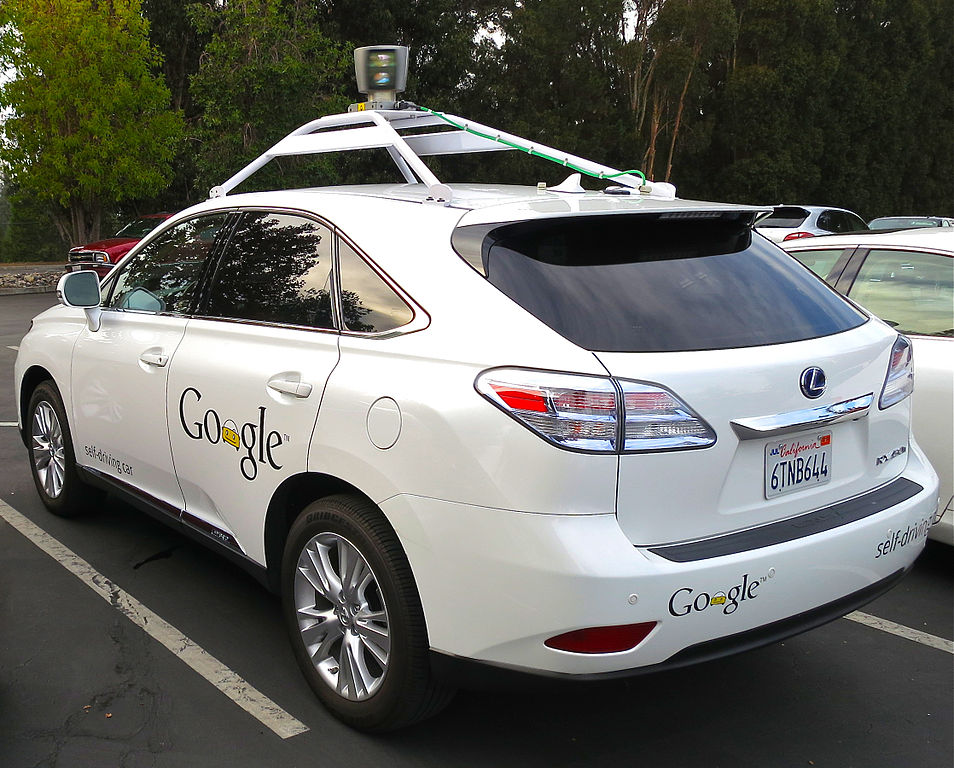
How do driverless cars work?

Imagine you’re a passenger in a driverless car. A group of children runs from between parked cars and into the road. The car has no time to brake.

What should it do?

  1. Brake anyway and hope the children aren’t hurt, or
  2. Swerve into the sidewalk, risking your life (or a pedestrian’s) in the process?

If you agree with utilitarianism, a philosophy founded by Jeremy Bentham, the moral answer is sacrificing one person to save the group. A cynic, on the other hand, might argue that the practical answer depends on who’s driving.

Driverless cars could make our roads safer than they are today. Computers don’t get drunk or use drugs. They don’t speed. They don’t get tired. They don’t joyride. But to avoid ethical dilemmas like the one above, they must be able to recognize and monitor their environment and respond quickly and accurately in emergency situations.

Driverless cars use a range of technology to safeguard themselves and others around them. First, they have cameras that help calculate distances and recognize objects such as other cars, people, and signs.

Since it would take forever to program a driverless car with every conceivable driving scenario, drive computers use deep neural networks to learn through practice. Using preloaded data on roads, vehicles, pedestrians, and so on, they learn to identify others in test and virtual drives.

The cars also use sensors to build a detailed, dynamic representation of their environment. Lidar, an array of lasers that continuously spin through 360 degrees, builds up a real-time image. Radar measures the distance and velocity of nearby objects. These sensors feed into the driving computer, and together with camera data, give the car a thorough understanding of what’s going on around it.

Environmental data doesn’t give its location, however. Upgrades to the Global Positioning System (GPS) will make geolocation accurate to around 30cm, which is better than one to two meters currently, but not sufficient for a car to drive safely on the road. Therefore, as well as GPS, a driverless car uses triangulation algorithms (using road signs, traffic lights, and other landmarks) and high-definition maps to accurately pinpoint its location to within a few centimeters.

Finally, when the drive computer knows where the car is and what’s around it, it can plan a route to the desired destination. When driving, the car responds to other objects, both moving and stationary, and modifies its behavior accordingly (such as slowing down at roundabouts, giving other vehicles way when obliged to, and so on).

Ideally, the car’s projected trajectory and its actual one should be identical, but as other objects can interfere, and precise maneuvering is difficult, they’re sometimes a bit different. In real life, this happens all the time with human drivers, but engineers are shrinking the gap all the time.

Driverless cars are the future. By replacing human drivers with sensors, data, and machine learning code, we remove human error (behind the wheel, at least). This might not resolve every ethical dilemma, but if every vehicle on the road is a driverless one, it should make our roads much safer for everyone. 


Asleep at the wheel

There have been a number of car accidents this year because people don’t seem to understand exactly what Tesla’a Autopilot system is. Autopilot is a semi-autonomous driving system designed to offer advanced cruise control and auto-steering, but it isn’t fully autonomous. The driver needs to be paying attention to the road with hands on the wheel. Seemingly, people letting their guard down when using Autopilot has led to accidents and even caused deaths. This is a problem for Tesla as these misunderstandings can whip up a lot of negative press for the car company.

A new video coming out of California then might make things worse. The video seems to show a Tesla employee napping, while Autopilot is engaged and will no doubt confuse the issue even further.
Tesla isn’t happy about the video, telling Mashable, “We take safety very seriously and are investigating this incident.”
A lot is said about how many lives can be saved once humans no longer drive cars. It is human error that accounts for most car accidents so if we can remove it from the equation we’ll also be able to remove the accidents. In the meantime, however, confusion over the capabilities of self-driving cars is causing fatal problems. This’ll likely end up leading to prohibition of human drivers in the future, but for now, those leading the charge towards a fully autonomous future need to take responsibility for properly educating those using their technology. You’ve dropped the ball here Tesla, and you need to sort it out before more people die.

Reach for the stars: NASA opens a new “Exoplanet Travel Bureau”

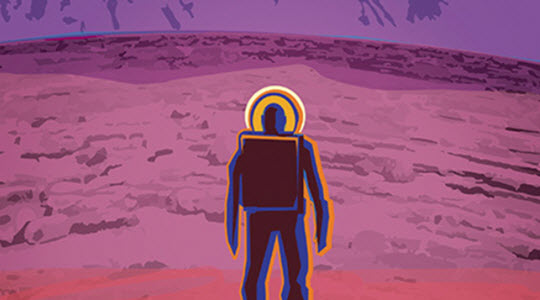
Have you ever wanted to visit another planet? Take a stroll on a world far from home, look up at a sky filled with moons, feel the heat of more than one sun, or relax on the shores of Extraterrestrial River as alien stars twinkle in the strange skies above? Well now you can, thanks to NASA’s brand new exoplanet travel bureau.

Source: NASA

If you’re a real fan of traveling the universe, you’ll no doubt be familiar with the retro travel posters NASA released a while ago. Achingly cool, the posters tell stories of far-away worlds offering exotic, never before seen wonders to intrepid explorers. Well now, NASA wants you to visit the likes of Kepler-186F, Kepler-16b, and Trappist-1e.

Obviously, and somewhat, unfortunately, these visits can only be virtual. NASA has created virtual landscapes for each planet, based on all of the data they’ve gathered so far. On some, they’ve even included an “Add Atmosphere” button to simulate what the planet could look like if it had an atmosphere. These places are so far away, NASA hasn’t been able to figure it out yet.

So if you want to see what it is like on the surface of other planets all you have to do is put on your mobile VR headset, or turn all the lights off and go take a look on your desktop. Definitely worth a trip.

Top 7 affordable accessories for your car

Now that summer is here, it’s time to jump in your car and get away. Small towns, mountains, cities, beaches… Anywhere is good for disconnecting from your daily routine. But it’s also true that you should be well prepared for the trip. That’s why, today at Softonic, we’re thinking of you: here are the top 7 affordable accessories for your car.

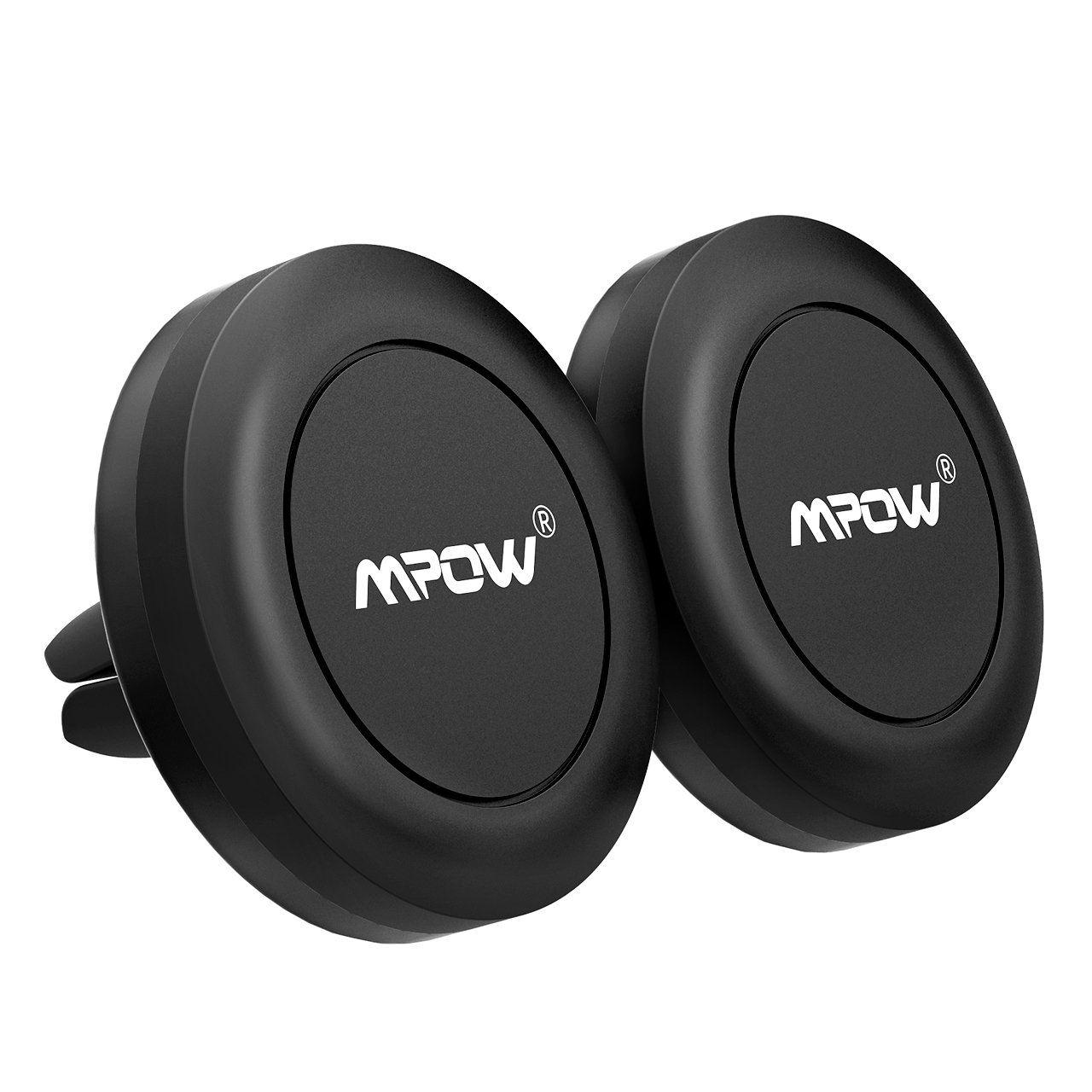
Magnetic car phone mount

Made of a large rubber base and a magnetic head, its function is simple: it lets you mount your cell phone to your air vent without side grips. It simply brings your device closer and “sticks” there. The magnetic mount is incredibly strong, which guarantees your smartphone won’t fall off when driving through a curve or pothole. Also, we should note that the magnets used in the mount don’t harm your cell phone, one of the main concerns of this kind of gadget. And for less than $8, it’s a steal.

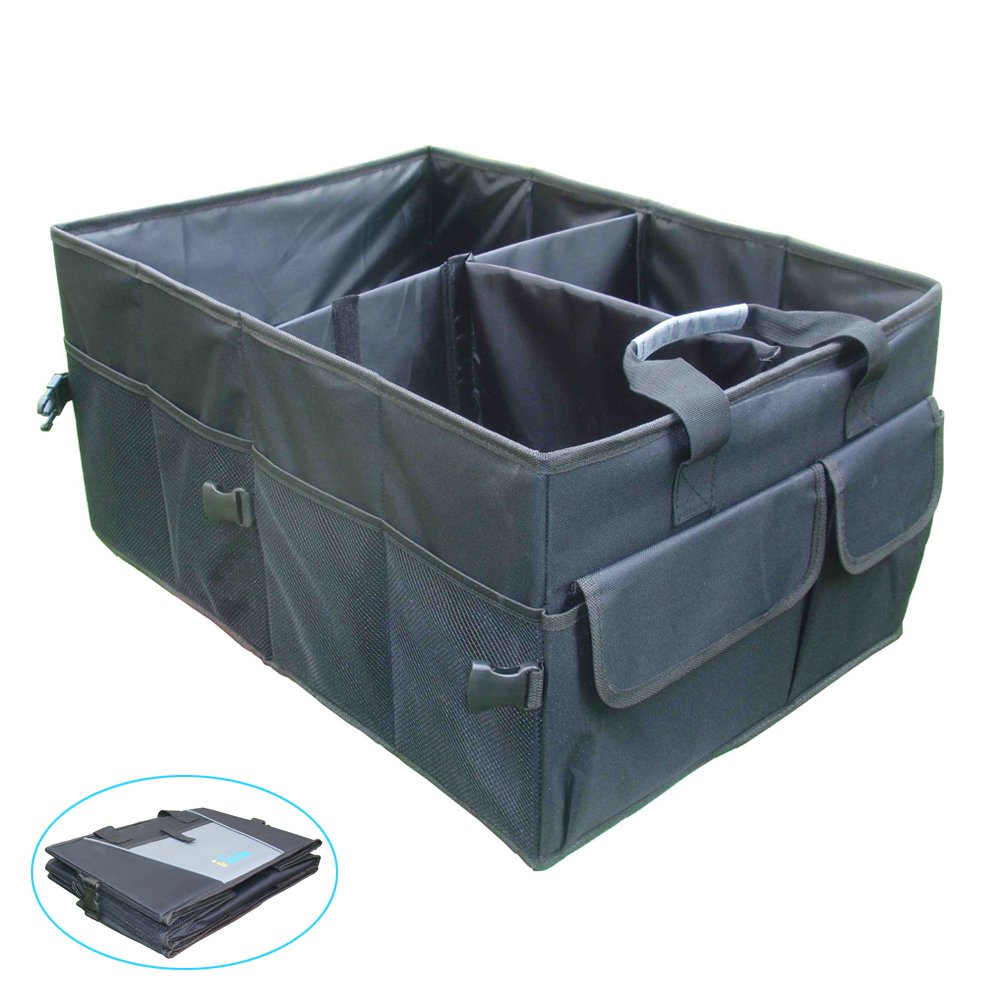
Trunk organizer

Don’t kid yourself: the trunk of your car is a disaster. It happens to everybody. On one side, you’ve got rags; on the other, tools, a car jack, reflective vests, some old oil change receipts, and a menu from a Chinese restaurant that closed in 2009. This situation is pretty common, so it’s ideal to use a car trunk organizer. Once your trunk is organized, it’ll be easier to keep track of the important stuff and it will be easier to remove if you need to haul something big.

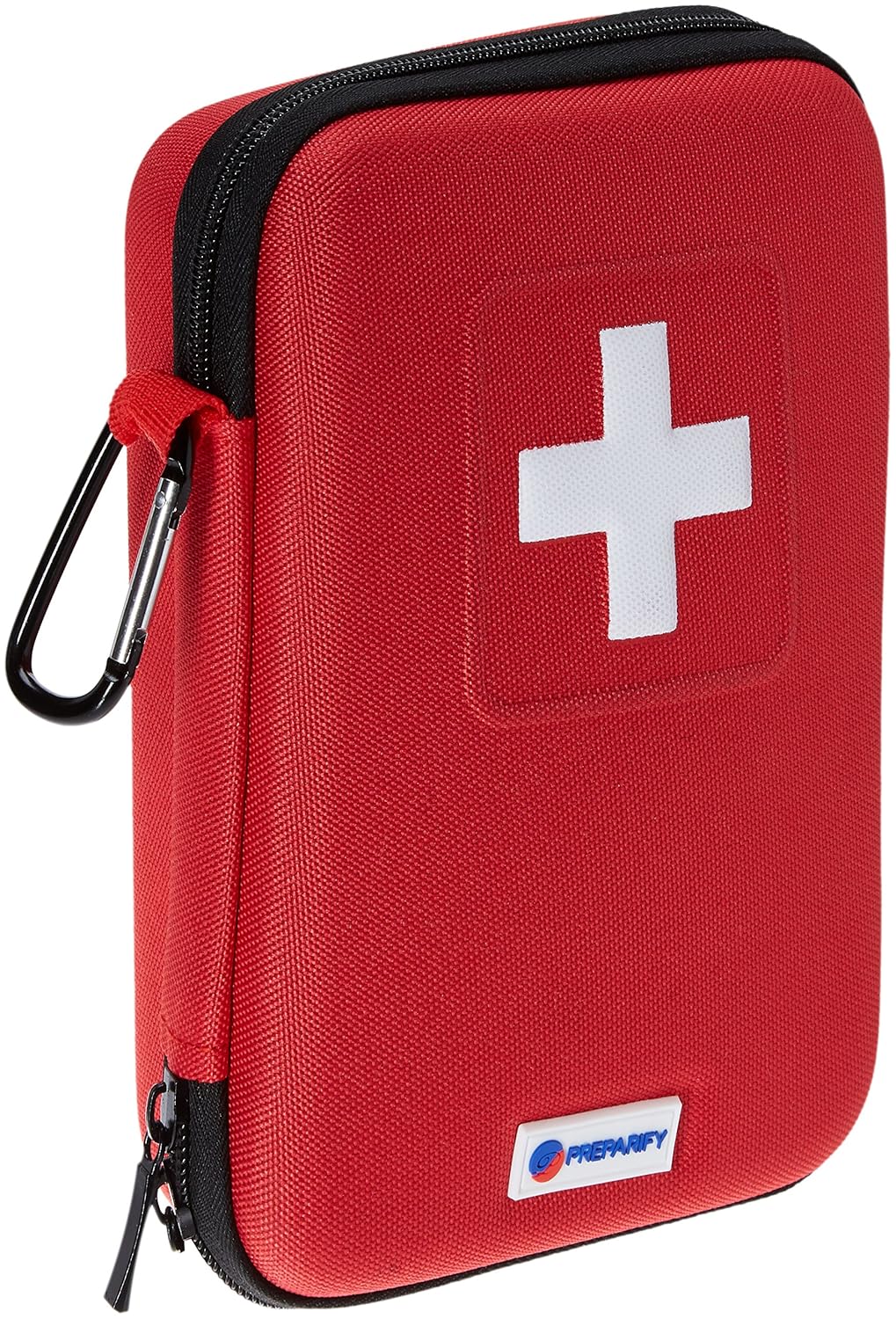
First aid kit

A must-have for any car: a first aid kit. It’s essential to have one in the backseat or in that trunk organizer you just bought. Specifically, this kit includes a total of 100 items, from scissors to metal tweezers, bandages, finger splints, pads, and adhesive tape. All the essentials to get you patched up until you can get some real medical help.

Seat cover for pets

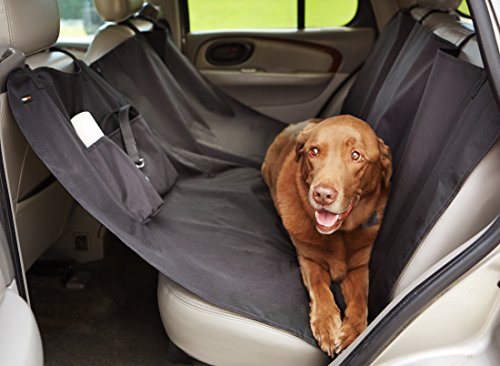
If you have a dog, you’re likely worried about his safety when you take him in the backseat of your car for a long trip. With this backseat cover, you’ll not only make sure it’s secure and comfortable, but you’ll also avoid hair and dirt from getting on your car. Oh, and it’s got a hammock style, so your pet will travel like a furry king.


Car neck pillow

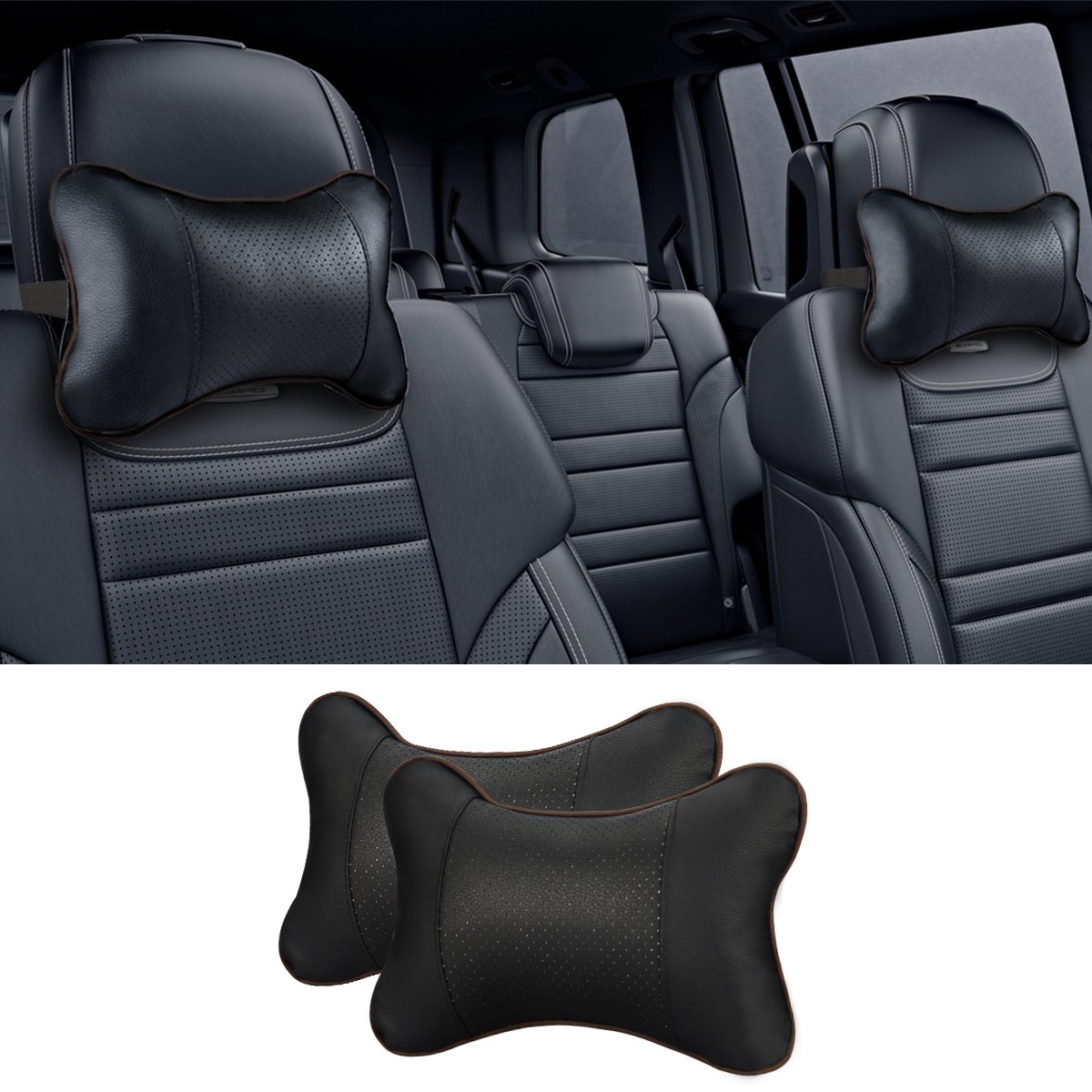
If you’ve got a long road trip ahead, why not ride in style? Add a car neck pillow and upgrade your basically useless headrest. Sturdy and with a quality design, they’re great for your car, but you can also use them when traveling on a plane or train, where the headrests are usually more stiff and less comfortable.

Parking sensor

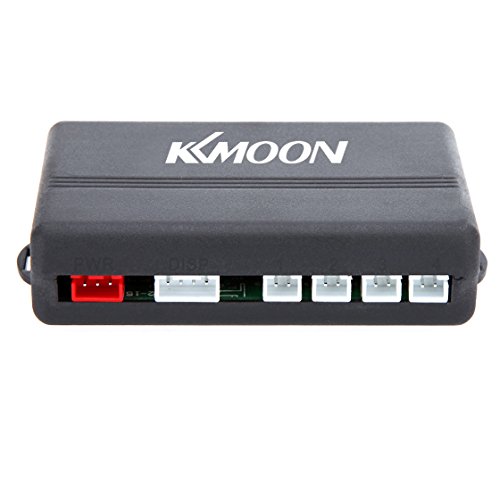
This is something that most new cars have and it’s totally awesome: a parking sensor. With a digital display, it has four types of sensors, a double CPU and an advanced chipset to improve detection. It has a detection range of up to 8 feet, more than enough distance so you don’t back into anything unaware. For $15, you can save yourself hundreds or thousands of dollars in repair fees.

Car air freshener

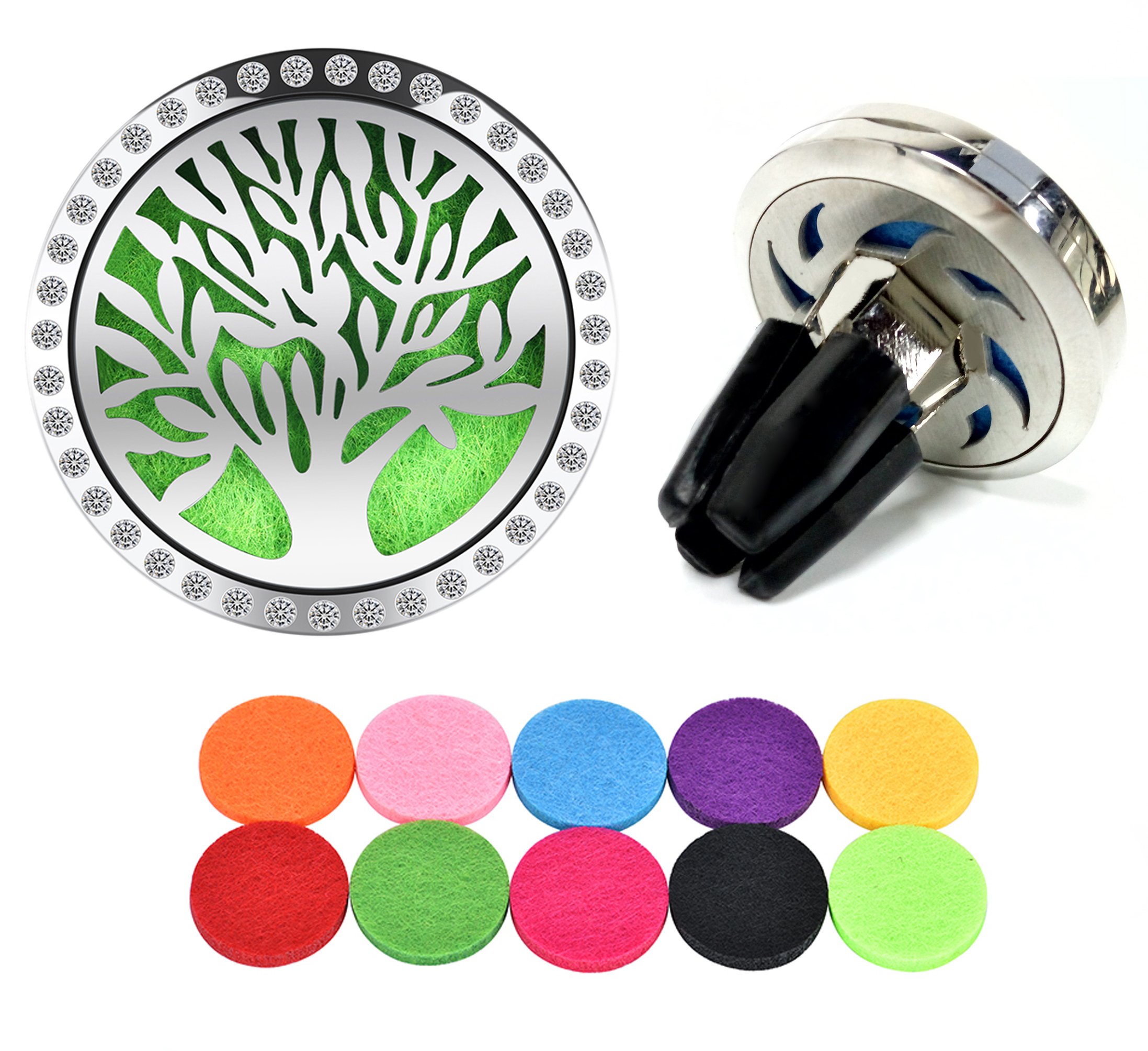
We’ll wrap up this list with a must-have for your car: a good air freshener. This one clips perfectly to any air vent, so you don’t need anything else. In addition, it has a refill kit, so you just have to open it and add a few drops of essential oil to a pad for it to continue working worry-free. Will you make your ride smell like lavender? Cinnamon? Piña colada? You have the power!

Google Maps on iOS now looks a little friendlier

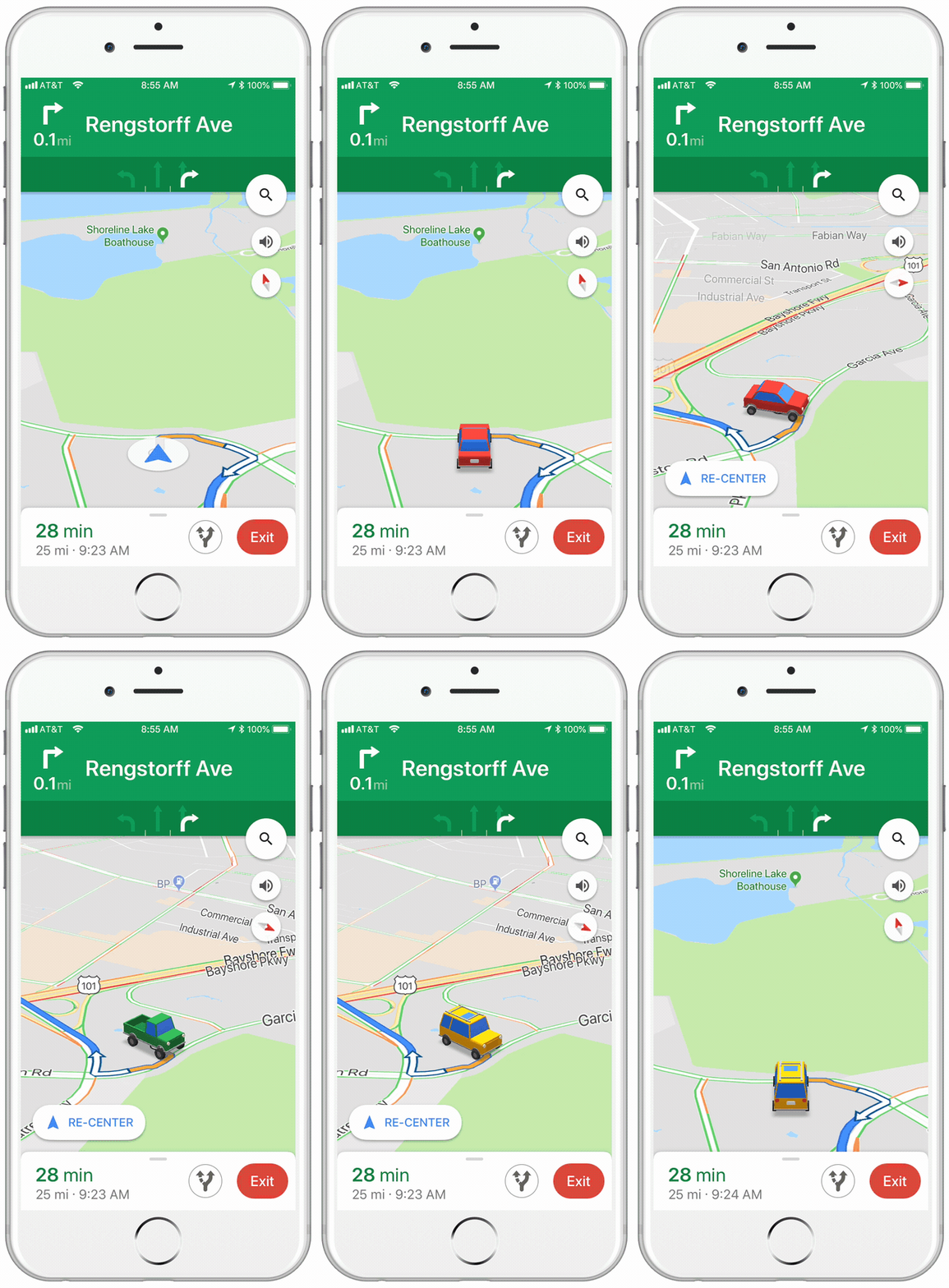
If you have an iPhone, this tiny little update to the iOS version of Google Maps, might just make your next car journey a little cheerier. Instead of the cold blue arrow that usually represents you on the map, when you’re receiving turn by turn directions, you can choose a car instead.

Image via: Google Keyword

The icons are a little cartoony, and there are only three options to choose from, but it makes a welcome change. You can choose from a sedan, a pickup truck, or an SUV.

All you have to do to select your vehicle is tap on the blue arrow, next time you’re in navigation mode.

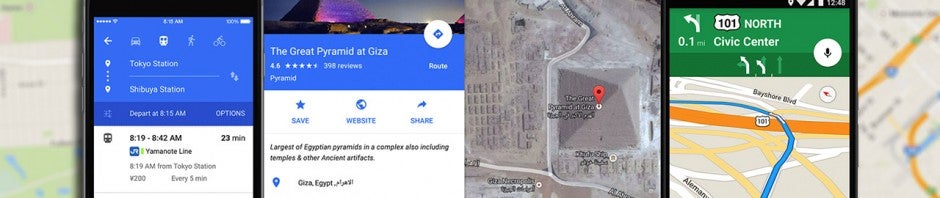
Google Maps Download Google Maps
7

It wasn’t too long ago that Google allowed to drive around Google Maps as Super Mario in his Go Kart. That change was temporary, however, whereas this new one seems to be a more permanent addition to Google Maps. There is no word from Google about whether this feature will come to the Android version of the app.

6 Things you didn’t know you could do on Google Maps

We use Google Maps all the time. Whether you’re driving in an unfamiliar area or just trying to find that restaurant that must be around here somewhere, it’s a miracle of modern technology. But Google Maps has lots of great features you may not even know about. It’s time to raise your Google game, friends. Read on and start exploring!

6 Things you didn’t know you could do on Google Maps

Download maps

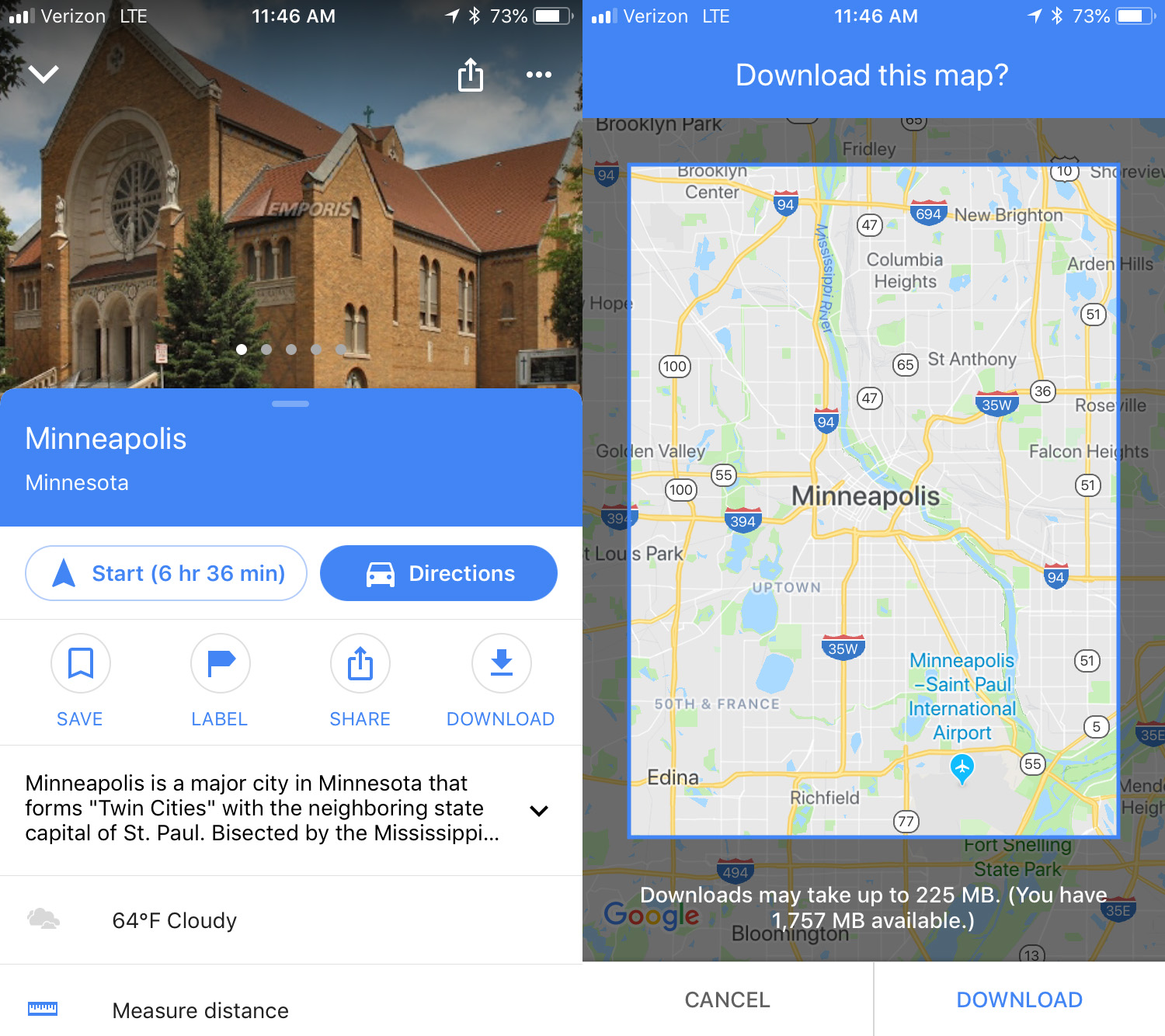
This is an awesome option for travelers: download maps to see them later offline. To do this, search for the location you want, then swipe up and you’ll see a download button. Click that and then you can refine the area you want to save. Click download again to save the map to your device. The larger the map, the more memory it will use. To access the maps offline, click the menu in the upper left corner and select Offline maps. No Wi-Fi? No problem.

Custom maps

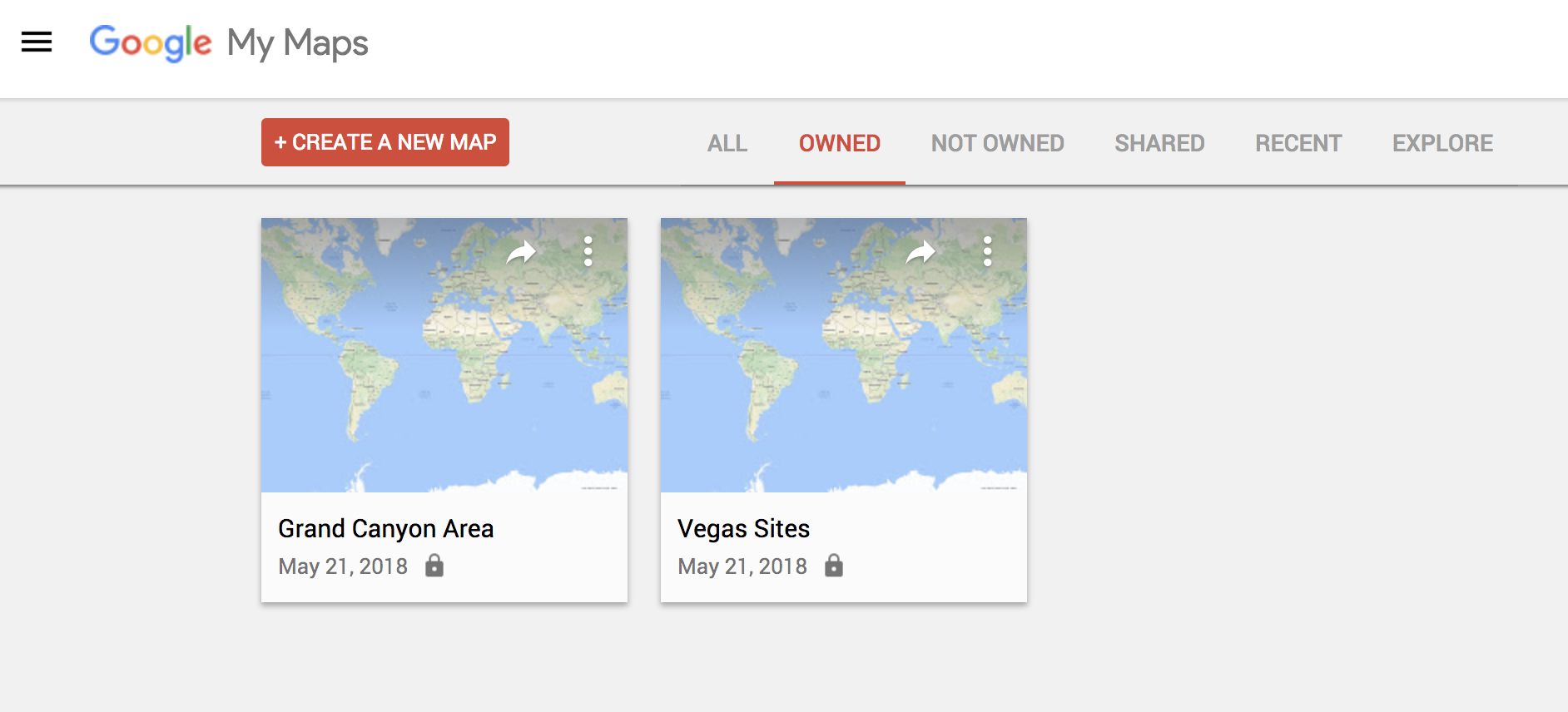
If you’re thinking of going on a trip somewhere and you would like to have a custom map that includes points of interest, Google Maps has a simple feature for this. To make one, you just have to go to this URL from your PC and click on the option that says “Create a new map.” From there, it’s up to you. Everything you save, you can see later from the mobile version by clicking on Your places.

Check traffic

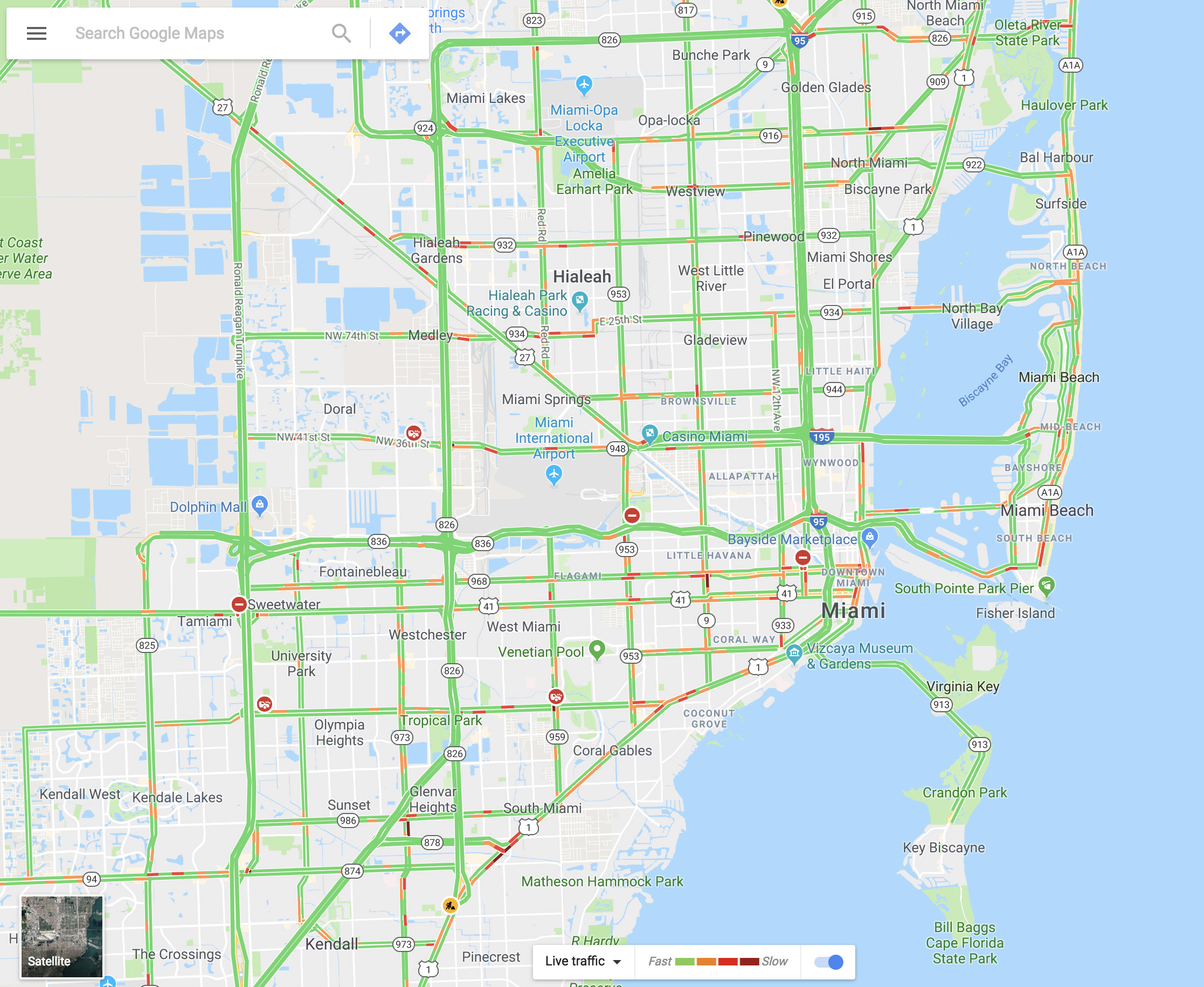
You can see the traffic in your city via Google Maps within seconds. It’s as easy as going to the menu and selecting “Traffic.” The green lines represent streets that have steadily flowing traffic, yellow signals some congestion, and red is gridlock.

Share your real-time location

Almost no one knows about this feature, but it’s really cool. Imagine that you’re meeting a friend at a concert, but you’re not there yet. Google Maps lets you share your location in real time with that person. You move, your friend watches. It’s that simple. Just go to the menu and click on “Location sharing.” Give access to everything it asks and add the amount of time you’ll be sharing your location. Choose a contact and that person can watch your every move.

Google Maps Download Google Maps
7

Avoid tolls

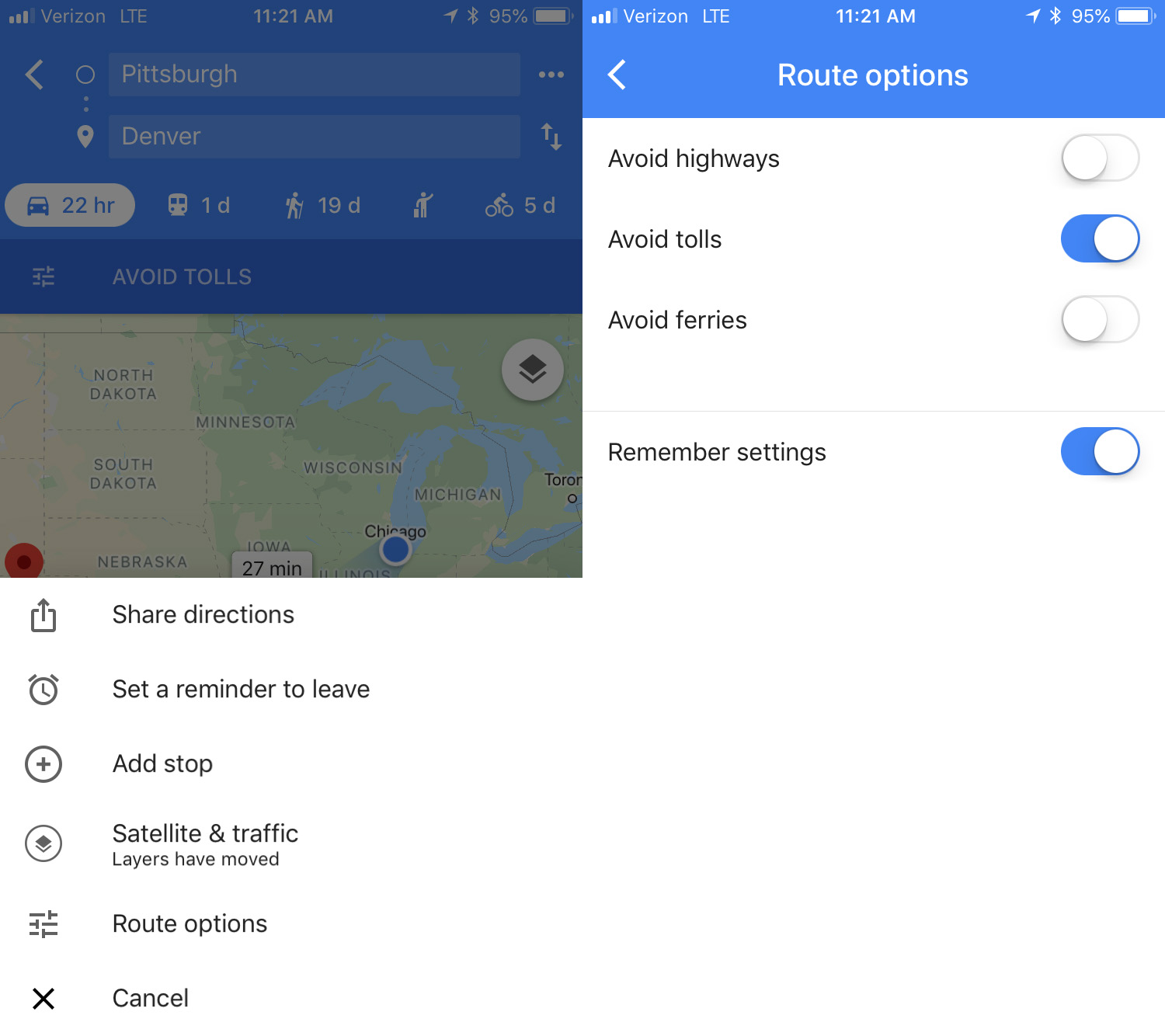
If you want to avoid all possible tolls, Google Maps can help! Just put in your destination and click on “Directions.” On the upper right, click on the three dots, then hit “Route options.” There you’ll see several fields, though the one we want is “Avoid tolls.” Check it and you’re good to go.

Calibrate your compass

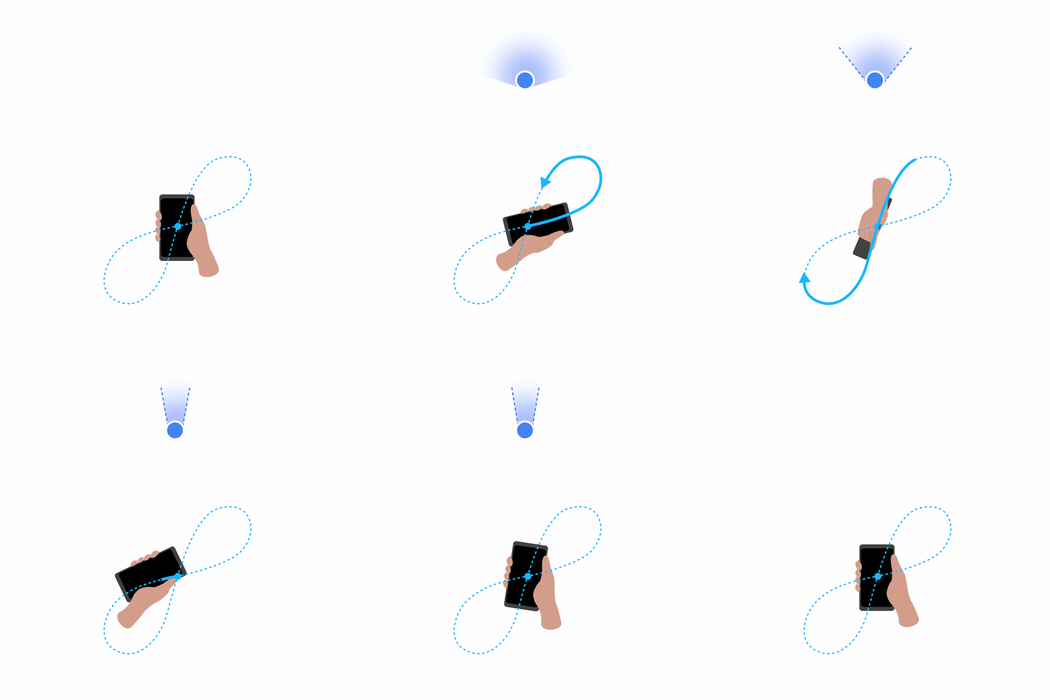
If you want your position to be more accurate you can calibrate your compass on Google Maps. To do this, click on the blue dot indicating your current position and look for the option that says “Calibrate compass.” Once you click there, you have to make a figure 8 (or loop) with your phone. Do it several times and keep checking the status of the calibration. If on screen it says “high” accuracy, you’re all set. (This isn’t an option on iOS – just open your Compass app to calibrate there.)


Google Maps to start using landmarks when it is giving you directions

It’s the little things that make the big differences. Think about much better breakfast is in bed rather than at the kitchen table, or the difference 5 minutes of sunshine can make to your day. Google understands this perfectly and has started testing a new feature for Google Maps that will make a big difference.

Google Maps Download Google Maps
7

Whenever your GPS is telling you where to go, you’ll normally hear instructions like, “In 500 feet, turn right,” or “Turn right onto … street.” Instructions like these are accurate, but they’re cold and they make it abundantly clear that it is a computer is talking to you. For Google Maps users, these unemotional prompts may soon become a thing of the past. According to some Twitter users, Google is testing out a new landmark-based direction feature.

Turn left after Burger King

Think about it. Whenever a person is giving you directions, they’ll normally mention a landmark that you’ll see and tell you to either turn before or after it. Google is testing out a way to incorporate this human behavior into Google Maps. Obviously, that’s a major challenge. If Maps is supposed to sound human, it’ll have to refer to the landmarks that matter to the driver and they could be different all over the world.

According to Google, landmark-based directions is just one of several ways the company is trying to improve Google Maps’ guidance systems. No word yet on when this update or the other features the search giant is currently testing will roll out to all app users.

Best 12 apps for traveling cheap

You booked your vacation, but between the flight, the hotel, and the rental car, you’re already staring down a monster hit to your bank account. Thankfully, app developers are catering more and more to people looking for money-saving options on the go. Check out our 12 recommendations so you can fit more fun in your budget!

Best 12 apps for traveling cheap

Getting there for less

No matter how you plan on traveling, we’ve got some apps to help you get there on the cheap.

GasBuddy

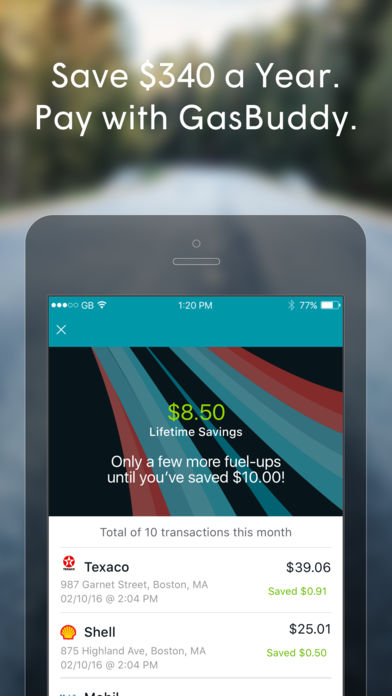
Ready to hit the road? Nothing is worse than filling up, only to see a cheaper option a few miles away. GasBuddy helps you find cheap gas in any area! GasBuddy even offers a Trip Cost Calculator tool – you can input your starting location, destination, make and model of your car, etc., and it’ll calculate the cost based on current gas prices.

Skyscanner

Need cheap airfare? Download the Skyscanner app! This award-winning travel app searches millions of flights from over 1,200 travel partners in seconds, giving you the best airfare on cheap flights to anywhere in the world. It’s no surprise that over 60 million travelers trust Skyscanner to catch their next money-saving flight deal. The app also offers insight for the cheapest days or months to fly, as well as helpful travel tips.

Hopper

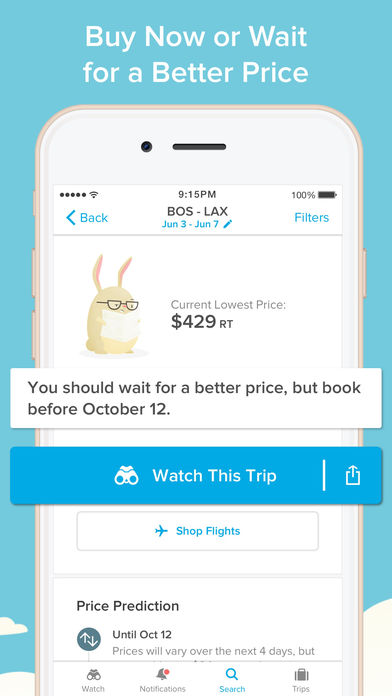
Here’s another great tool to help you find the best airfare based on when you plan to fly. Easily book flights on your phone and learn the best times to buy. Hopper analyzes tons of flights to help savvy travelers like you find the next best deal, so be sure to download this worthy app today!


Turo

Headed to a spot where you won’t be able to rely on public transit? Maybe you’re staying for an extended period of time and need to rent a car? Turo is an ingenious app for those looking to save money. The app allows private car owners to rent out their vehicles to travelers like you! Turo claims rentals through their site can cost 35 percent less than traditional agencies.

Get cozy comfort for less

Get that five-star feeling for a fraction of the price with these nifty accommodation apps!

Hotel Tonight

Available strictly on mobile devices, Hotel Tonight is a travel app that allows users to find discounted hotel accommodations up to seven days in advance throughout the Americas, Europe and Australia. It’s ideal for those looking to hop on a flight as soon as the mood strikes! With this app, it’s remarkably easy to book great hotels at amazing last-minute rates.

Airbnb

What began as a room-rental website in 2007 is now a multimillion dollar household name. Airbnb not only offers unique rentals, but affordable experiences and restaurant recommendations as well. With the Airbnb app, you can find entire apartments for less than $100 a night! Plus, you’ll connect with locals who can provide even more money-saving tips so you don’t have to spend like crazy to have a good time!

LoungeBuddy

Think you can’t afford to kill time in a cozy airport lounge on your shoestring travel budget? Think again! LoungeBuddy is your new best friend. Whether you have a long layover or just need to refresh after a red-eye, you can access the world’s swankiest airport lounges for as little as $25. Enjoy all-inclusive amenities rather than purchasing them individually for a higher cost in the terminal. Who said airports can’t be fun?

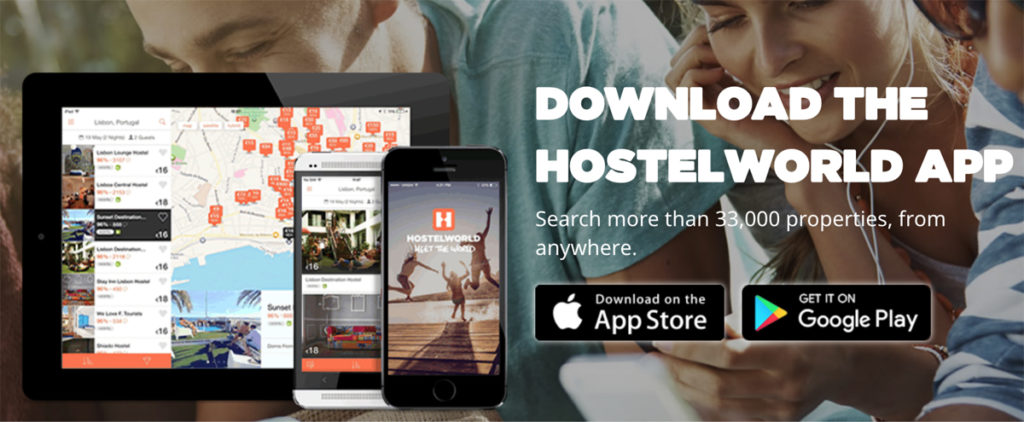
Hostelworld

You don’t have to compromise comfort and quality for price. Hostels have come a long way. Many are hip spots where you can meet fellow travelers over a free meal! Hostelworld is an app where you can find hostels all around the world – from Amsterdam to South Africa! Based on the photos and reviews and all the included amenities, you’ll be surprised how far your dollar can stretch with these options.

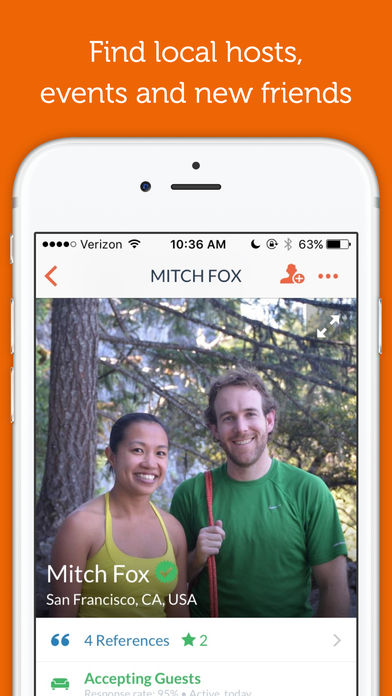
Couchsurfing

Not only is Couchsurfing an incredible app to use to find a place to stay, it’s a great app for making friends and meeting fellow travel companions! It’s no wonder 4 million folks use Couchsurfing today – after all, it is free! That’s right. Local hosts won’t charge you for crashing on their couch– however, it is nice to bring them a small gift as a thank you!

Spend less time spending, more time experiencing

Traveling doesn’t mean you have to spend your hard-earned money around the clock. Download these apps so you can spend more time enjoying your next adventure!

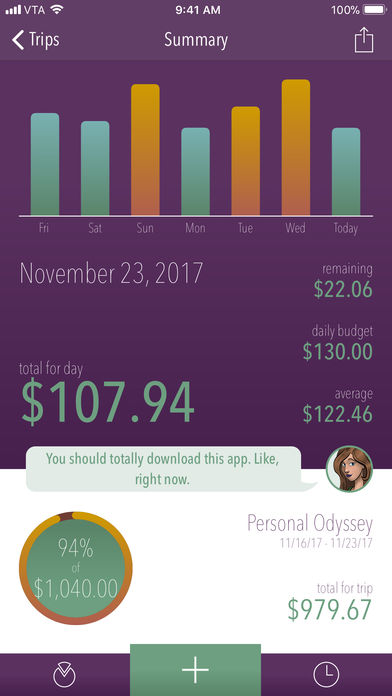
Trail Wallet

With this app, you can organize your expenses by trip or by month, set yourself a daily budget, then easily add expenses as you go. When you get a bill or receipt, add the amount using the Quick Add screen and you’re done! Another cool feature? You can add amounts in local currencies from 218 countries!

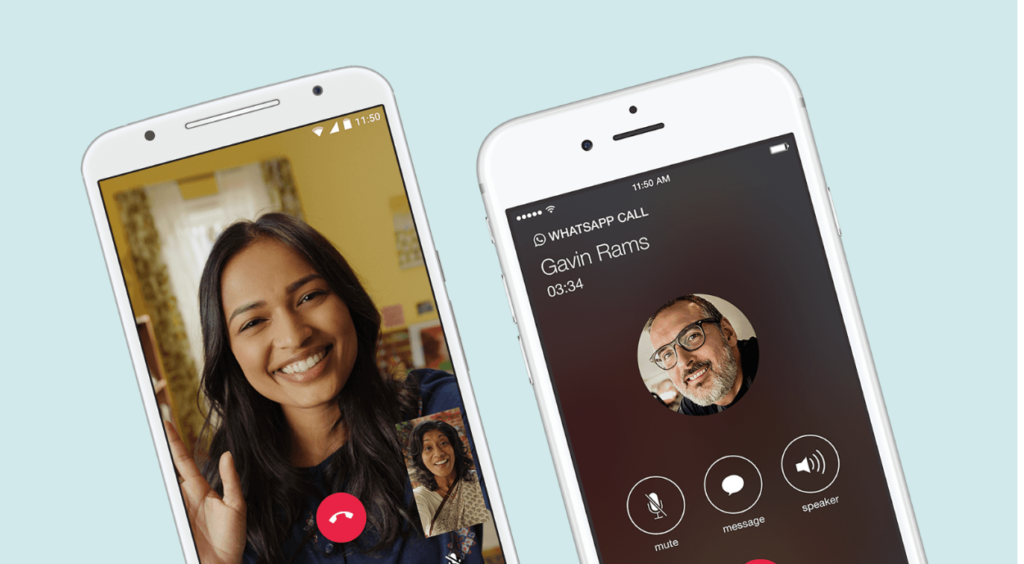
WhatsApp

Thank goodness for the advancement of technology and apps! Going abroad? Don’t worry about switching over your phone plan or anything complicated like that. Just download Whatsapp to keep in touch with friends and family at home via Wi-Fi. WhatsApp is a free instant messaging and voice platform that allows you to send texts, make phone (and video) calls, share images, and more!

Google Translate

If you’re going to a place where you’re unfamiliar with the local language, Google Translate is a must! Time is money and this app will save you tons of time when it comes to figuring out a foreign language. The best part? You don’t have to be connected to the internet to use it! The app translates 59 languages when you have no internet, and over 100 when you’re connected again. Not only will it translate any text you type in, you can even take photos of foreign text and Google will translate it for you in real time.

Have any other suggestions for your fellow travelers? Share them in the comments below!

Related articles: 

Live like a rock star with these 10 travel apps

5 apps that will make your Vacation 10X Better

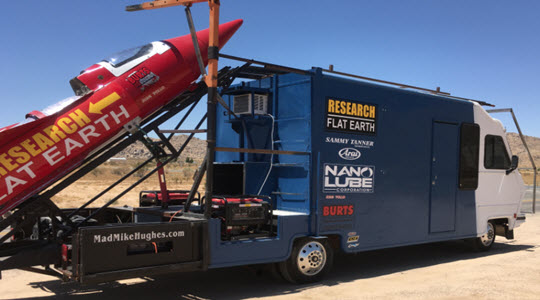
Flat-Earther “Mad” Mike survives homemade rocket launch!

Source: BGR

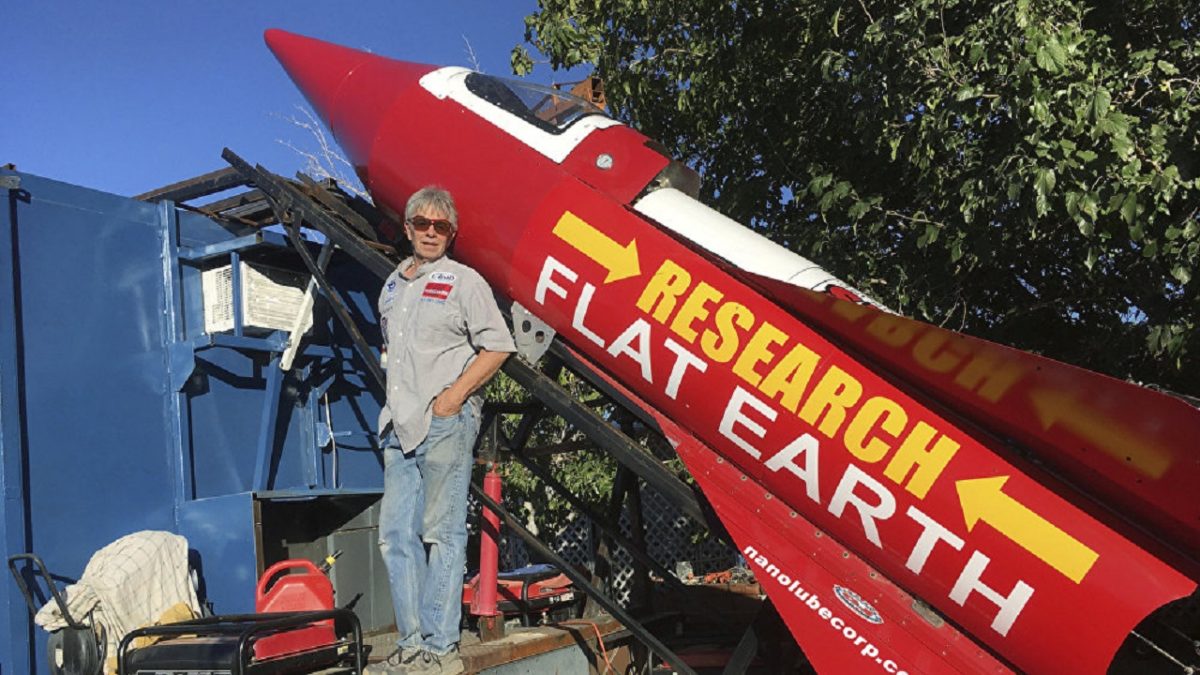
“Mad” Mike Hughes has been trying to launch his homemade, steam-powered rocket for a while now. A variety of circumstances have blocked his attempts to launch including the fact that he failed to submit the necessary paperwork required to launch a rocket from government property. Having finally crossed all the Ts, dotted all the Is, and found a suitable launch location “Mad” Mike was finally able to launch his “Research Flat Earth” rocket, within in it, on Saturday morning just outside of LA.

Ambitious crackpot self-taught engineer launches himself almost 2,000 feet into the air on a rocket he built himself almost sounds inspirational. The crazy part is the “Research Flat Earth” plastered on the side of his rocket. Hughes was sponsored by a Flat Earth research group, which is why he took the message with him on his date with destiny. Unfortunately, 1,800 feet isn’t high enough to be able to see the curvature of the earth so Hughes won’t be able to say definitively one way or another whether the earth is flat or round.

The question does remain, however, about why would a flat earth organization want to sponsor a project that could provide irrefutable evidence that the earth is round? We’d love to hear your thoughts on the matter in the comments below.