It used to be that if you wanted an office suite, you would buy Microsoft Office. Times have changed and now there are a ton of free office suites. Although your school or work is probably still using Microsoft Office, there are plenty of free apps that work just as well.
Microsoft Office is still great, but it comes at a cost. The software used to cost a flat rate but Microsoft has moved to a subscription based model. For $8 a month, you can get access to Microsoft Office 365 Home on up to 5 Mac and PCs. You also get 1TB of cloud storage via OneDrive.
Although this price isn’t bad, most users won’t be using all the features of Microsoft Office so using a free office suite makes more sense. Many free suites are cloud-based, meaning you can access your files on any computer. However, there are still excellent desktop apps that you can use on your computer without an internet connection.
Here are my picks of the best free online and offline office suites.
Online office suites
Google Docs
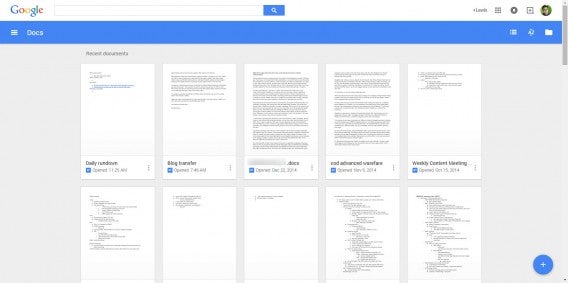
Microsoft is afraid of Google Docs and it should be. This excellent cloud-based office suite will be most popular with Gmail users as it integrates directly with Google’s other services.
Google Docs offers apps that can replace Word, PowerPoint, and Excel. You can store all of your documents in the cloud using Google Drive.
Google recently updated Google Docs with native support for Microsoft Office documents without needing to convert them first. This is a major feature that makes using Docs easier than ever.
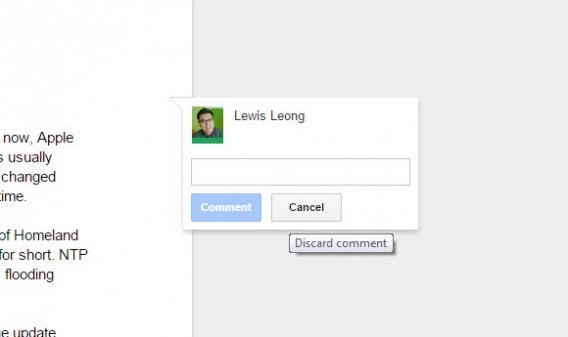
Docs is also excellent for sharing and collaborating on projects with your friends and colleagues. There’s live chat so you can discuss the project, commenting, and version history. There’s also collaborative editing so everyone can edit a project at the same time. Different users are represented by different colors and you can revert to a previous version of a document if there’s a change you don’t like.
Google Docs isn’t perfect though. It works best when connected to the internet but can be hit or miss offline. This won’t matter as much for students who have access to the on campus Wi-Fi all the time. Users who value stability and offline access will probably be better off using a desktop suite and a cloud syncing solution like Google Drive or Dropbox.
Google Docs is available in any web browser, but works best in Google Chrome. You can take your work on the go with Google Docs, Sheets and Slides for Android and iOS.
Office Online
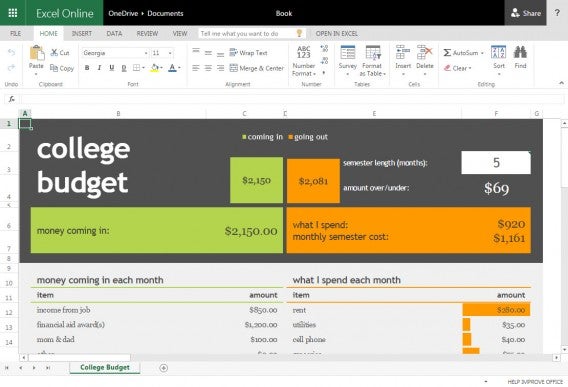
Microsoft realized that everyone isn’t going to take full advantage of the power of Microsoft Office. That’s why it decided to make a free version of Office and put it online. Office Online takes the best parts of Word, PowerPoint and Excel and puts them in an easy-to-use package. The features are basic but it’s enough for most people.
Office Online works just like Google Docs. Microsoft uses OneDrive and Office Online users get 15GB of free space. That’s going to be more than enough room for your documents unless you have a ton of media rich PowerPoint presentations.
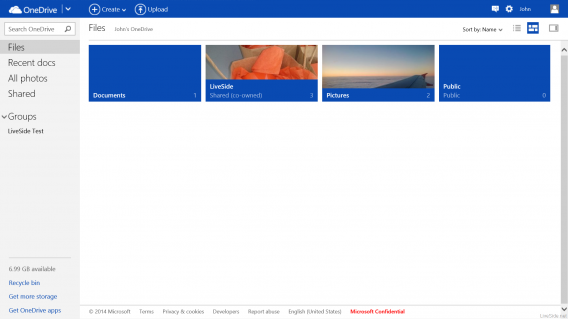
If you’ve used Office 2013 on a Windows computer, Office Online will work exactly the same. The interface is a one-to-one copy of the desktop application, and more advanced features are missing.
Between Google Docs and Office Online, I prefer Google’s suite for its speed and mobile apps. But Office Online is a close second with its excellent OneNote note-taking app and is the one you should use if you want a traditional Office experience.
Zoho Docs
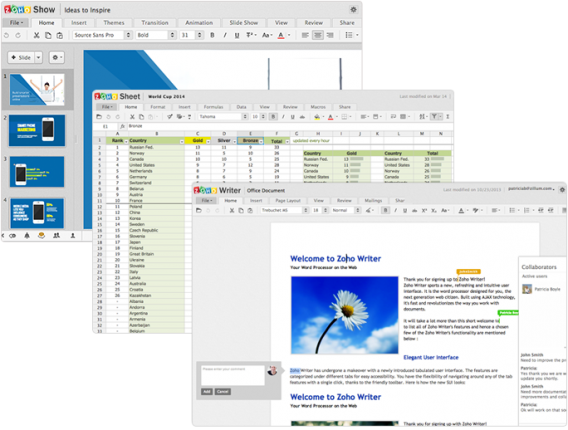
If you don’t want to pick between Google and Microsoft, Zoho Docs is another great alternative. Although you only get 5GB of free space, it s adequate for most people.
Like Docs and Office Online, Zoho Docs works on and offline. Your documents are synced across all your devices as soon as you get an internet connection. You can also set up selective sync so you only sync the folders you want.
Zoho Docs also features great collaboration tools with granular controls for access. You can share a document with a specific group of people or even publicly. You can even password protect your files from prying eyes.
Users looking to collaborate on projects will also love Zoho Docs. Changes are tracked in real time and everyone can see changes to the document. There’s also a commenting system like Google Doc’s in-app chat. For business users, you can create specific groups to manage your projects.
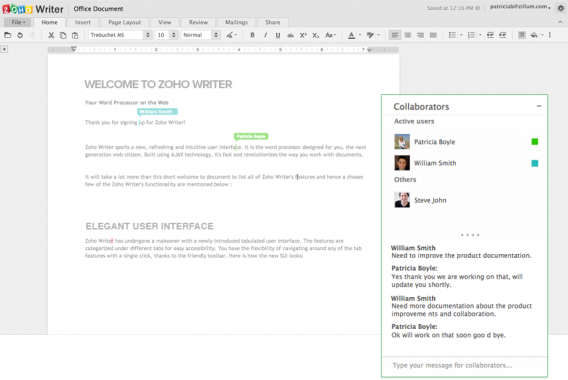
The best thing about Zoho Docs is it integrates with Google Drive (for Google Apps users) and Dropbox so you can use these services to access your files. You also won’t have to worry about file compatibility as Zoho Docs supports Microsoft Office formats.
Another feature that impressed me was Zoho Docs’ ability to embed images, videos, and Tweets into presentations. This is a thoroughly modern feature that I wish other office suites would adopt, although Google Docs does support YouTube embedding, of course.
If you need to take your work on the go, Zoho Docs offers apps for both Android and iOS.
Desktop suites
Apache OpenOffice
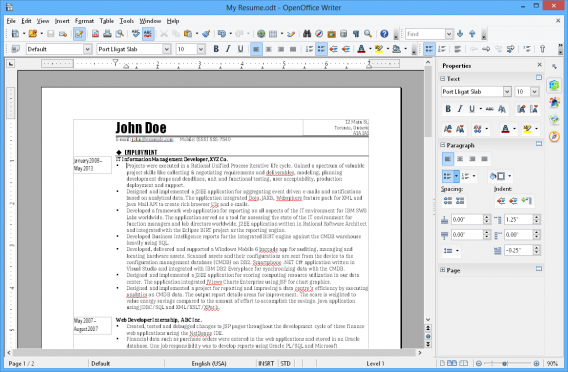
OpenOffice is one of the most popular free office suites and for good reason. It works with Office files and offers a familiar looking interface for those who’ve grown accustom to older versions of Microsoft Office. Users who’ve gotten use to the ribbon interface of recent versions of Microsoft Office may find Apache OpenOffice a bit dated. The features are still there, but a little less intuitive than the clearly marked buttons and sections in Office 2013. However, OpenOffice 4.0 does offer a new sidebar which offers contextual buttons and information depending on what you’re doing.
The great thing about OpenOffice is that it can be as simple or complex as you want. In additional to including a word processor, spreadsheet, and presentation software, OpenOffice also includes apps for drawing, creating databases, and mathematical equations for more users with more specific needs.
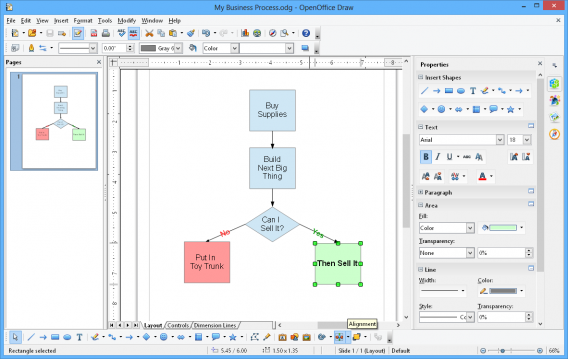
While Microsoft Office and the cloud-based suites covered above offer more internet-related features like internet picture look up and rich media embedding, OpenOffice doesn’t offer these features. It’s a bummer since these features can make creating a presentation faster and visually richer.
In terms of file compatibility, OpenOffice does work with Microsoft Office files but struggles to accurately display more complicated presentations and documents. You’ll likely notice small formatting issues when viewing Office documents, but it’s not a deal breaker. OpenOffice also supports Office documents secured by passwords, which is great for the workplace. While you can open the new DOCX, XLSX, and PPTX Office formats, you’ll have to save them in the older DOC, XLS, and PPT formats since OpenOffice doesn’t support the new XML formats. That’s a bummer, especially if your friends or coworkers are using the newer format, which have become standard now.
OpenOffice may not be the most intuitive office suite out there, it’s still a solid choice. OpenOffice is available for Linux, Mac and Windows.
LibreOffice
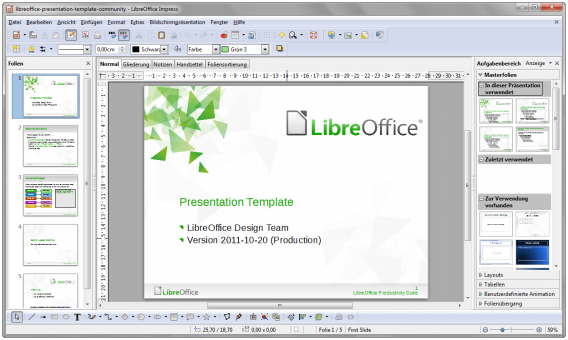
LibreOffice is an offshoot of OpenOffice, which means both suites share the same backbone. The difference is all in the details and features. Fans of OpenOffice may like LibreOffice even more for its more frequent updates and features.
LibreOffice includes the same suite of apps as OpenOffice and offers similar “retro” looking interface. There’s no Microsoft Office ribbon in this suite either, but the design feels more cohesive and modern than OpenOffice.
If you’re a writer, you’ll love LibreOffice’s compatibility with Microsoft Word’s files. LibreOffice’s word processor, called Writer, features a minimalistic interface so you can just concentrate on writing. If you collaborate with people on writing assignments, you’ll appreciate support for the “Track Changes” feature. This lets you track all the changes you’ve made to a document and lets others apply or reject the changes. Another killer feature of LibreOffice Writer is that it supports HTML so you can import your content to your website with ease.
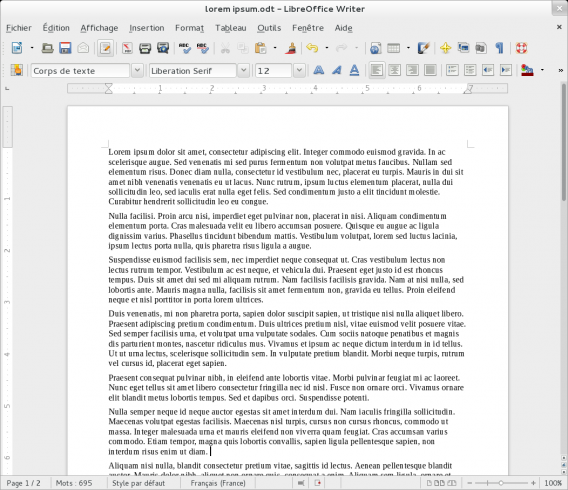
Not all is perfect with LibreOffice though. Like OpenOffice, LibreOffice suffers from some minor Office document incompatibility, especially with PowerPoint presentations. Media from PowerPoint files may not render correctly but LibreOffice should have no problems creating presentations. LibreOffice also makes it easy to share presentations by including an export to PDF option.
Overall, I prefer LibreOffice’s approach to the office suite over OpenOffice. They are similar but LibreOffice is more frequently updated with more features and fixes.
LibreOffice is available for Linux, Mac and Windows.
Kingsoft WPS Office
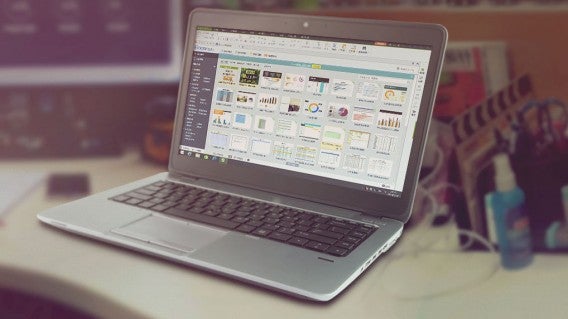
If you’re looking for a simple office suite that just includes the bare essentials, Kingsoft’s WPS Office is one of the best. It offers a much more modern interface than both OpenOffice and LibreOffice plus a ton of features in its free version.
I really like the interface of WPS Office. It looks like Microsoft’s ribbon interface but distills it down to its most important features, helping to find what you’re looking for without hunting. WPS Office also supports tabs so you can work in one window. The tabs allow you to have documents side by side to work between them. I wish Microsoft Office included this feature.
WPS Office also offers excellent support for Microsoft Office documents so you shouldn’t have any compatibility issues. You’ll find that WPS Office works better with Microsoft Office documents than both LibreOffice and OpenOffice. The only compatibility issue you’ll face with WPS Office is trying to open up open documents from LibreOffice and OpenOffice but that shouldn’t affect most users.
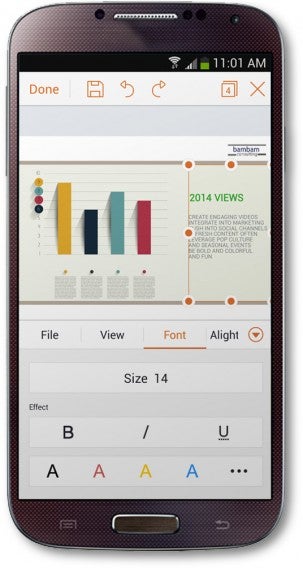
Like Microsoft Office, WPS Office can save your bacon with its auto-save feature but it’s a paid feature. You can set how often the app auto-saves your work. It may not be the instant saving that online office suites offer but it’s a good compromise. WPS Office also includes a backup manager that works as crash recovery protection. You can access this tool even when a crash hasn’t occurred.
WPS Office is also more modern than its open source competition in that it offers mobile apps (Android | iOS) to take your work on the go.
Kingsoft offers a paid version of WPS Office for a very reasonable $2.99 for home users. This gives you all the features like auto-saving, exporting to PDF, advanced formulas for spreadsheets and much more. It’s a steal compared to the $8 per month subscription for Microsoft Office 356 Home.
Still, the free version should work well enough for most users looking for a free office suite.
SoftMaker FreeOffice
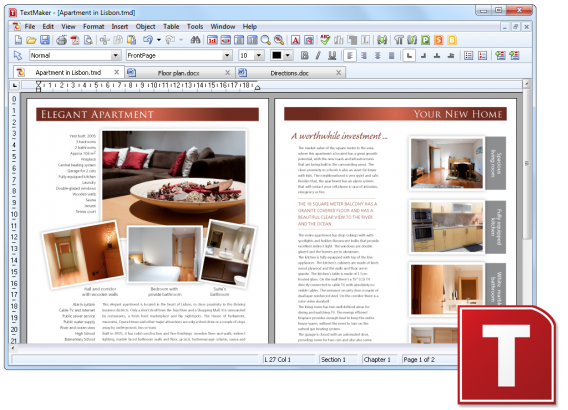
If you’re looking for a free, simple office suite and Kingsoft WPS Office doesn’t do it for you, check out Softmaker FreeOffice. Like WPS Office, it only includes apps for word processing, spreadsheets, and presentations.
FreeOffice’s interface is a bit dated but it works. There’s no ribbon interface like WPS Office or Office 2013, but some users may like that better. FreeOffice ticks all the most obvious boxes with Office file support and a mobile app suite. However, FreeOffice doesn’t support saving the newest Office document file types like DOCX, XLSX or PPTX. The app can open them but not save them in their native format, which is quite annoying.
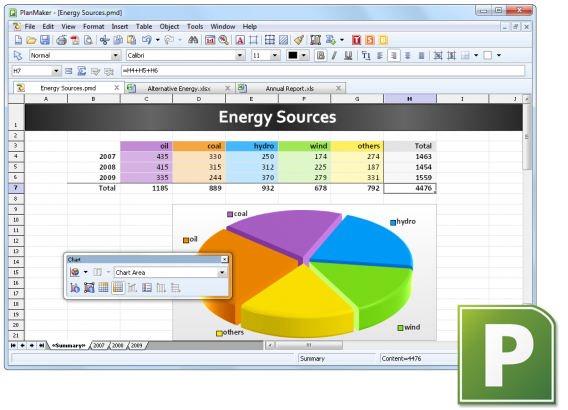
The suite’s word processor hits all the basics with spell checking, auto-hyphenation, and support for tracking changes. Its spreadsheet app includes over 330 functions and should be more than enough for most users. Its presentation app includes a handful of templates, transition animations, and support for multimedia files like movies and sound files.
Overall, I prefer Kingsoft WPS Office over SoftMaker FreeOffice for its interface and feature set in its free version. FreeOffice isn’t bad, but it just fails to stand out.
Wrap-up
As much as Microsoft would like you to think that you need Office, there are plenty of free alternatives out there. Most users will find the these free online and offline office suites enough but power users will want to pay for the premium versions. Microsoft Office still offers a great set of apps but a majority of users will never utilize its entire potential.
Did I leave out your favorite free office suite? Let me know in the comments below.
Note: This post was originally published on April 23, 2015.
Related Stories
Best Android Wear smartwatch apps
Best free iPad apps
Best free Android games
Best free iPhone games
Follow me on Twitter: @lewisleong