The incredible GameCube trick that has remained forgotten for two decades

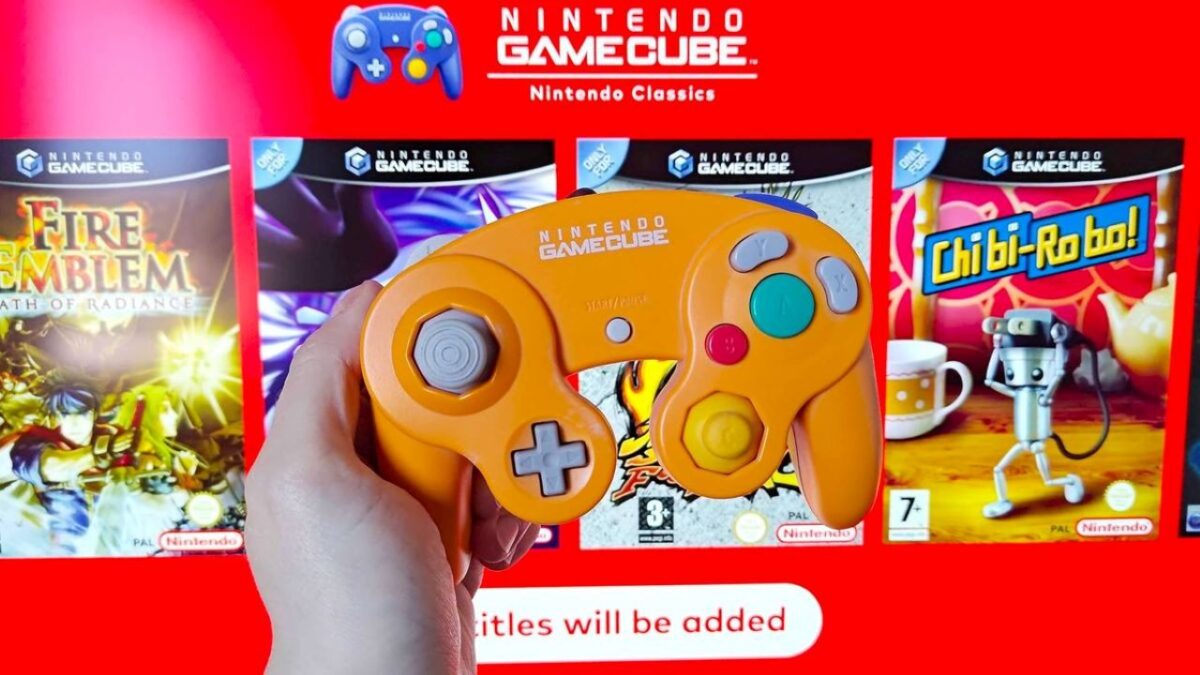
It’s something that dates back 23 years, since the launch of GameCube, with a couple of absolutely mind-blowing surprises that you probably didn’t know about and will make you dust off the console.

For some reason, Nintendo always hides a few easter eggs in the interface of their consoles. For example, on Switch, when you unlock it, depending on the button you press, it will sound in a different way… And, actually, this is something that dates back 23 years, since the release of GameCube, with a couple of absolutely amazing surprises that you probably didn’t know about and will make you dust off the console.

Nintendo Switch Online DOWNLOAD

The game cube

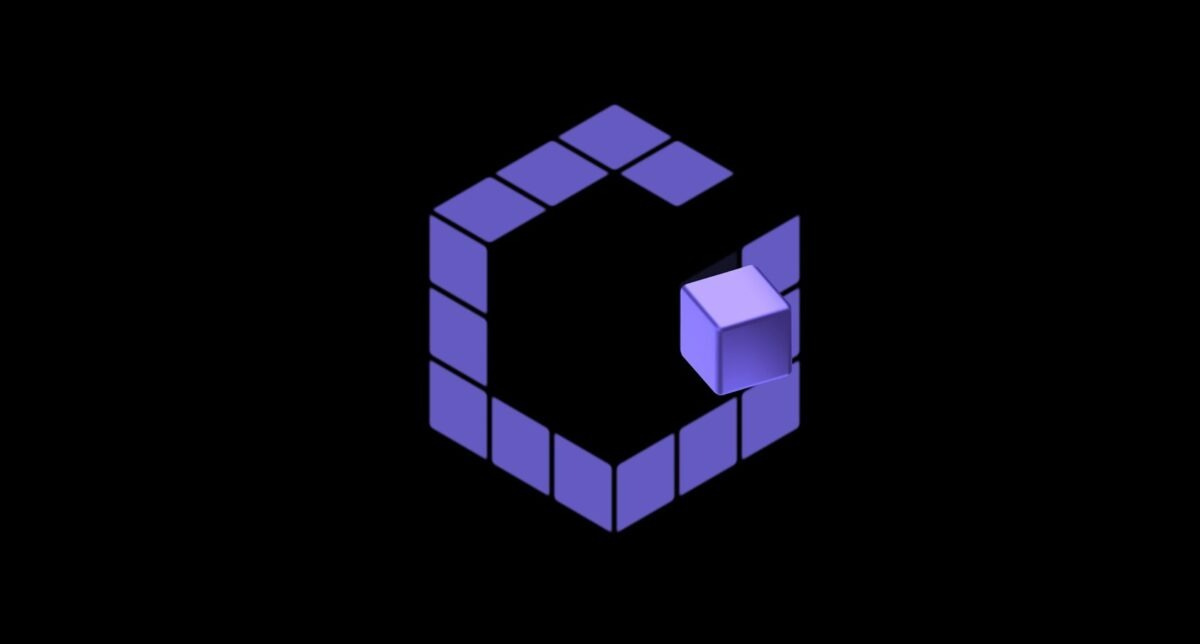
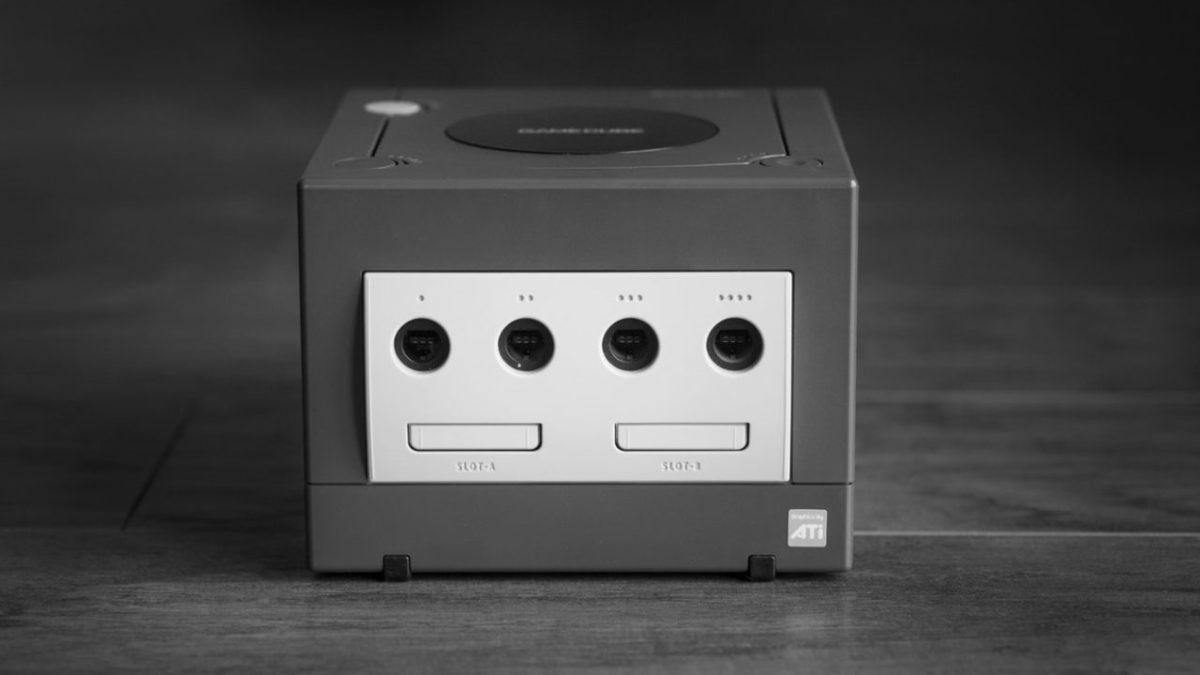
While all eyes may now be on Switch 2, it’s worth taking a look at the past: try turning on the console. If you press the Z button in the meantime, the famous G made up of cubes won’t have its usual xylophone-based tune: instead, it will sound like one of those squeaky children’s toys that make noise when you squeeze them and end with a childish laugh.

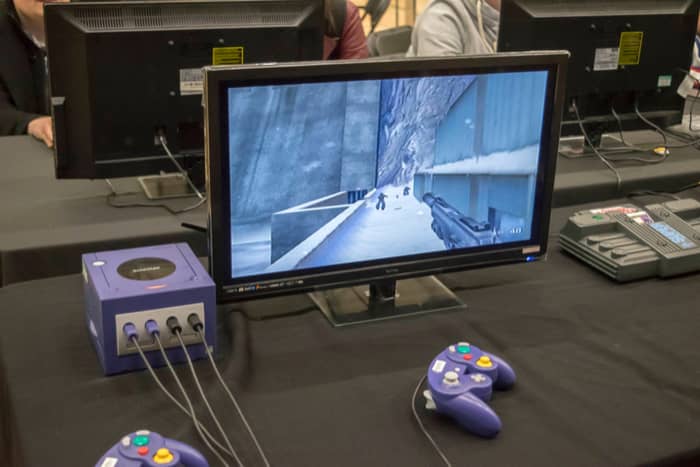
Nice, yes, but there’s more! If you connect four controllers and press the Z button on all of them at the same time, the startup screen will sound this time with a reminiscence of ‘Donkey Kong’, with jungle sounds that culminate in a desperate monkey scream. Why? What is the reason for Nintendo hiding this secret in broad daylight? Who knows. The truth is that a TikTok video from the Secret Castle Toys store has revealed it and now I can’t stop thinking about a weekend alone with the GameCube.

In Nintendo 3DS, blowing into the microphone made the logo on the screen start spinning at full speed, and in Nintendo DS, when the game ‘Mario & Yoshi’ was inserted, the console would shout “Yoshi!” when opened and the sound of the dinosaur swallowing when closed. When developers get playful, things like this happen: tricks that you only discover decades later. And, whether you like it or not, it’s really enjoyable.

Nintendo Switch Online DOWNLOAD

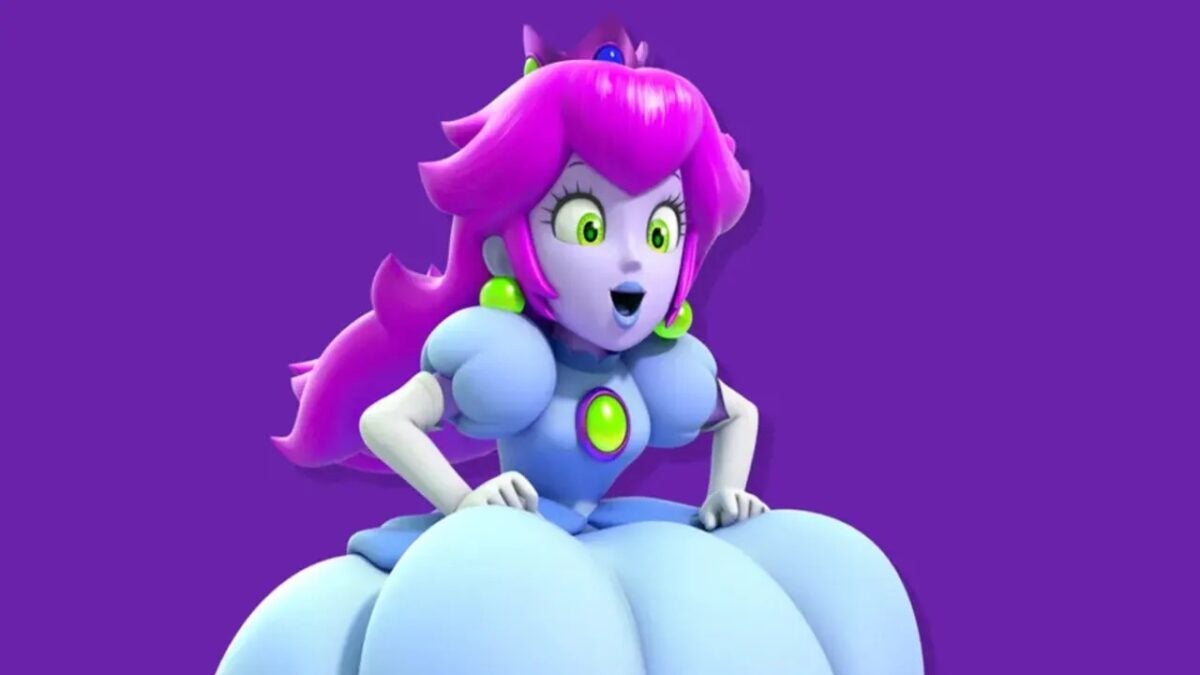
Wapeach is real: the dark side of the princess that Nintendo doesn’t want you to see

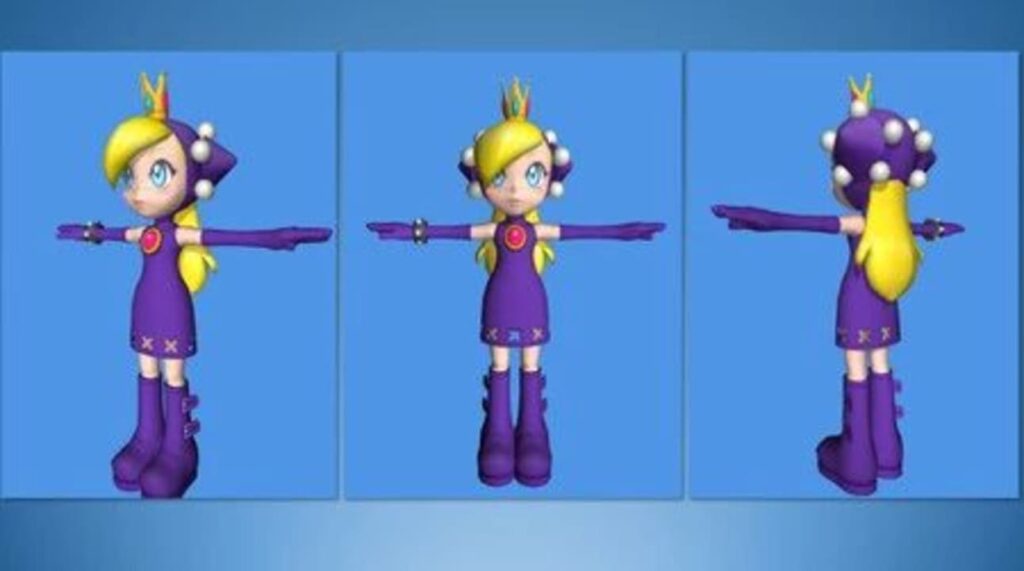
But what we have known so far is that Wapeach was almost a reality. In fact, Fumihide Aoki, a regular Nintendo designer, confessed this last Friday.

Waluigi is my favorite character in the entire Super Mario universe. And it’s for one simple reason: his existence is so absurd and unpredictable (if Mario has Wario, then Luigi has to have Waluigi) that it implies every protagonist should have their evil counterpart. However, until now, Nintendo has denied us that. But we know they lie when they say there have never been plans for an evil conspiracy in the Mushroom Kingdom.

Mario Tennis Aces DOWNLOAD

It’s a me, Wapeach!

Year 2004. ‘Mario Power Tennis’ is a game for GameCube in which players can hit the racket with Yoshi, Piranha Plant, Diddy Kong, and of course, Waluigi. But what we’ve known until now is that Wapeach was about to become a reality. In fact, Fumihide Aoki, a regular designer at Nintendo, confessed this last Friday.

In reality, what he posted on Instagram were very preliminary designs of the character, and since then, he has made his account private, presumably so the world cannot firsthand enjoy the potential of a Peach with malice and treachery. Or maybe because he’s seen Shigeru Miyamoto‘s sniper rifle aimed at him.

Originally, Wapeach (Warupeachi in Japanese) was planned for the Nintendo 64’s ‘Mario Tennis’, but ended up being designed for its GameCube version. Fans of this crazy concept have been left wanting, and it’s likely to remain that way forever. They’re not the only censored characters: at one point, the studio Camelot asked Nintendo for help in creating girlfriends for Wario and Luigi, and Miyamoto himself told them that no one would even want to see them. Speak for yourself, Shigeru.

Mario Tennis Aces DOWNLOAD

How to play GameCube on a modern TV

Got an old GameCube lying around? Here’s how to use it with your new TV.

GameCube

GameCubes are old. If you don’t remember exactly how old, try to imagine the fact that they came out in 2001, 18 years ago, 3 consoles ago! We’ve seen Nintendo pass on to the Wii, Wii U, and finally the Switch.

Despite all that, GameCubes still play some of the best games; Paper Mario: The Thousand-Year Door, Star Wars: Jedi Knight, Legend of Zelda: The Wind Waker, Super Smash Bros: Melee, and the one true Mario Kart game: Double Dash!

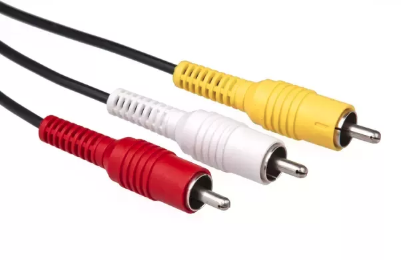
There are more reasons than we care to name to bring the GameCube out of the attic (aside from the fact that high temperatures in the attic may harm a gaming system, please take care of your nostalgia devices, everyone). Unfortunately, if you’re trying to connect with a new television, you may find yourself attempting to plug a bunch of RCA cables:

AV

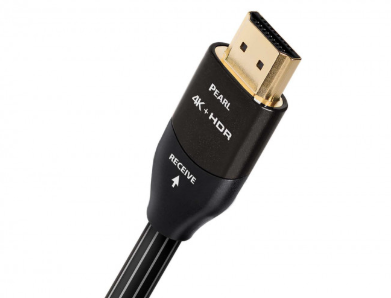
Into an HDMI (High Definition Multimedia Interface) outlet:

HDMI

And if that’s the case, here is our guide for…

How to play GameCube on a modern TV

First things first, make sure to look closely at your TV. You may be able to connect without realizing it.

Gamecube RCA chords use the common red, white, and yellow colors. A very simple guide goes like this: white and red carry audio, the yellow delivers video.

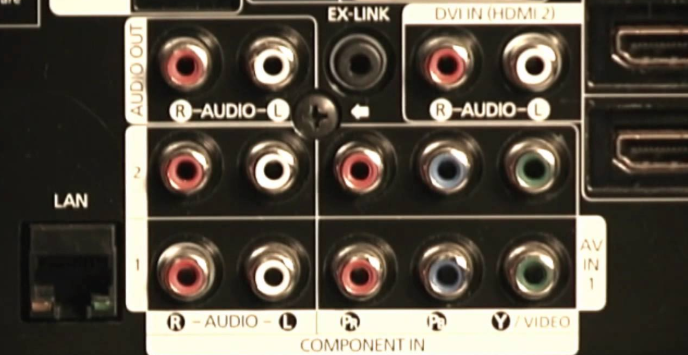
But, for TV, things can be different. Red and white ports still generally stand for audio, but other colors are used for video thanks to the introduction of High Definition RCA cables. For example, in the photo below, the green ports are labeled as video, and (in our experience) may still be able to receive a yellow video cable’s information:

Ports!

There’s no guarantee, yes. But make sure to try these options before buying anything! You may be pleasantly surprised.

If that doesn’t work…

Get a Converter!

For around $15, you can fix the problem with a device that fits into your pocket.

RCA cables go in one side, and HDMI comes out the other, no problem! However, there is a catch:

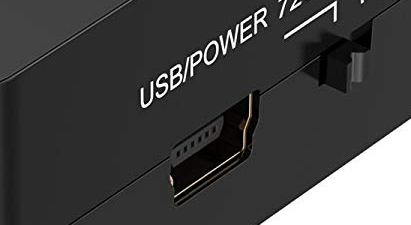
The box requires power.

It takes a little extra electricity to convert RCA to HDMI, so be prepared to plug a USB power cable elsewhere. A laptop can easily power the converter, but any USB wall adaptor can do the trick as long as you need.

Now, a quick note: after plugging in the device and getting it powered up, it may take a few moments before sending the audio and video to your TV. Don’t panic! Give it a few moments, and retry the connections if there’s an error.

In our experience, not only did the box begin working perfectly fine after a few tries, the controller lag was minimal! The best of all worlds.

Option B

If you want to play Gamecube on a modern TV and are in the process of buying a TV… just look for one with RCA connections (those yellow, red, and white connections)! Not all monitors are built equally, and some have a much wider range of available ports. Some higher-end TVs may be able to connect with your Gamecube.

Final Effort

On the other hand, if you want to cheat the premise of this article completely, just find an old, cheap, used TV set at a garage sale! You may pay 20 bucks. You may have to find space for a new electronic device. You may not have the best resolution. BUT, you may have the perfect device to bring about your ancient love for Pac Man: World 2.

Have fun, and enjoy the games!