A Picture is Worth a Thousand Taps: How to Snap Photos with Your Apple Watch and iPhone

Easy, efficient and something that makes a very substantial difference in some photos.
The integration between the Apple Watch and the iPhone allows us to go far beyond simply receiving notifications. One of the many uses we can give our watch in conjunction with our iPhone is to take pictures. We open the corresponding app and we can see the framing, adjust the exposure and focus, set timers, activate or deactivate the flash and, when the time is right, capture an image with a simple tap on our wrist. Let’s take a look at the options available to us and how to use them.

Continue reading “A Picture is Worth a Thousand Taps: How to Snap Photos with Your Apple Watch and iPhone”

The Hidden Gems of the iPhone Control Center: Uncovering Advanced Features for Enhanced Performance

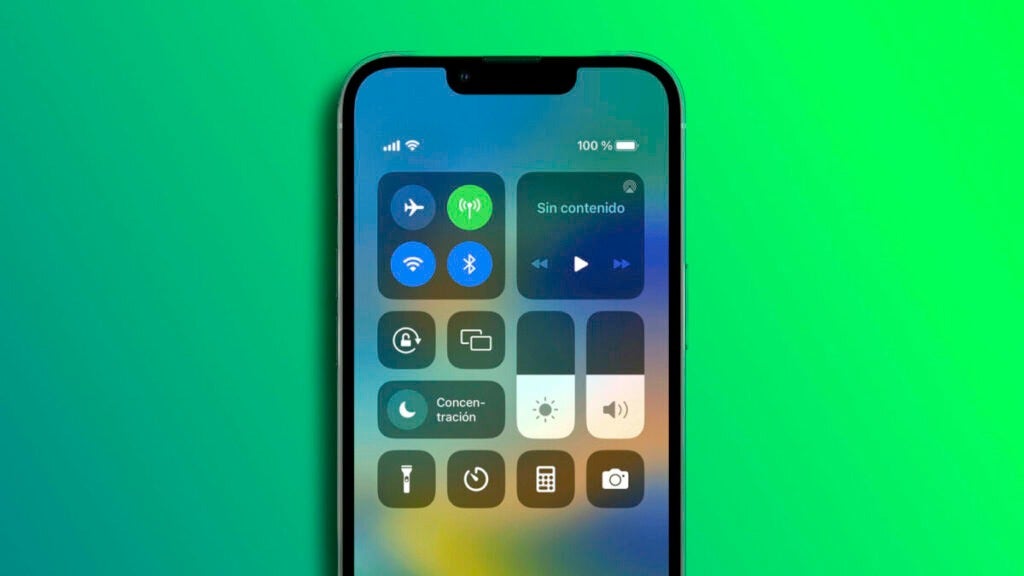
The Control Center is the nerve center of the quick settings of our iPhone or iPad. And it offers much more than meets the eye.

The Control Center is the nerve center of the quick settings of our iPhone or iPad. We can enable or disable Wi-Fi and Bluetooth, turn on the device’s flashlight, recognize songs and several other options that do not appear at first glance, but are at our disposal.

Continue reading “The Hidden Gems of the iPhone Control Center: Uncovering Advanced Features for Enhanced Performance”

iOS Hacks: Five Useful Features You Probably Don’t Know About and are Easy to Use

It is clear that iOS has much more than 5 small utilities, but among all of them, these are quite interesting.

Of all the functions offered by iOS, some are better known than others. And some are more useful than others. Of the lesser known ones we want to present a selection of the five most useful.

Continue reading “iOS Hacks: Five Useful Features You Probably Don’t Know About and are Easy to Use”

Say Goodbye to Face ID Problems: A Trick to Get Your iPhone to Recognize You at Night

Although Face ID is really accurate and makes it much easier for us to use our devices, there are very specific occasions when it can be less reliable, especially in the dark. It has an easy solution.

Face ID is one of the most useful and innovative features of modern iPhones. Thanks to this technology, there is no need to remember a password or enter a pattern to unlock our device. Instead, we simply look at the screen and Face ID recognizes us and allows us to access the phone or use Apple Pay.

Continue reading “Say Goodbye to Face ID Problems: A Trick to Get Your iPhone to Recognize You at Night”

Take a Closer Look at Your Notes: How to Use Gallery View on iPhone, iPad, and Mac

One of those many small details that Apple offers us in operating systems.

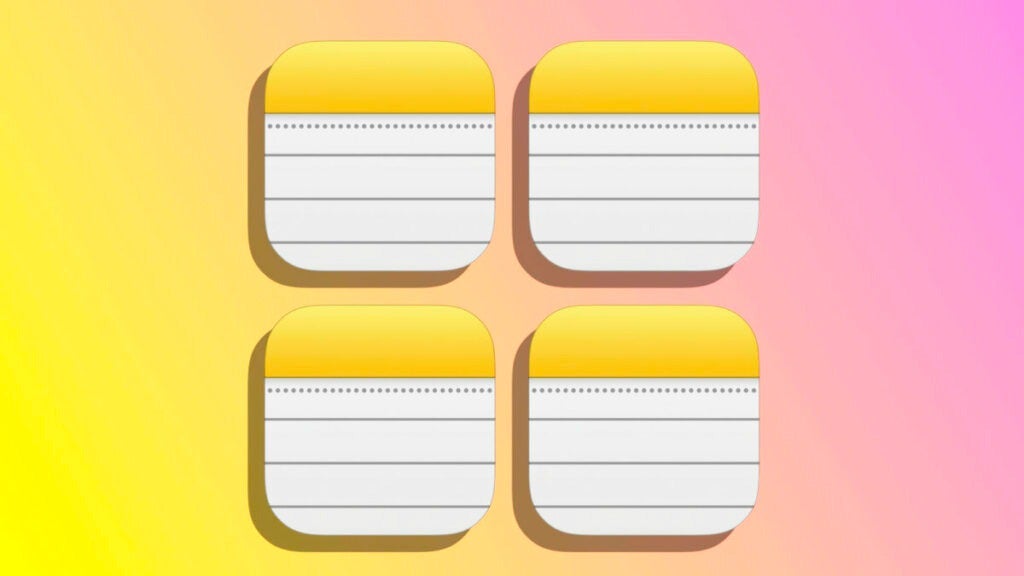
With time of use the Notes app ends up storing a lot of information and, when that happens, it can be somewhat complicated to find the particular note we are looking for. We can do some cleaning, of course, and help us with the search or Siri, but there will be situations in which, even so, we will have to visually review our collection of notes to find the one we are interested in. For these cases, the gallery view that the app offers us on our iPhone, iPad or Mac is especially useful.

Continue reading “Take a Closer Look at Your Notes: How to Use Gallery View on iPhone, iPad, and Mac”

Stuck on an App Update? Here’s What to Do on Your iPhone or iPad

A system that works very well and, however, sometimes I could give an error, this is what we can do if it happens to us.

How to update the apps on your iPhone or iPad? Easy, they update themselves. In general we do not have to do anything on our own, when the device has enough battery and network connection installs updates automatically. A system that works very well and, however, sometimes I could give some error, this is what we can do if it happens to us.

Continue reading “Stuck on an App Update? Here’s What to Do on Your iPhone or iPad”

Did you know that Google was playing with the iPhone in 2007?

The anticipation for this device was huge, and we all wanted one, so…

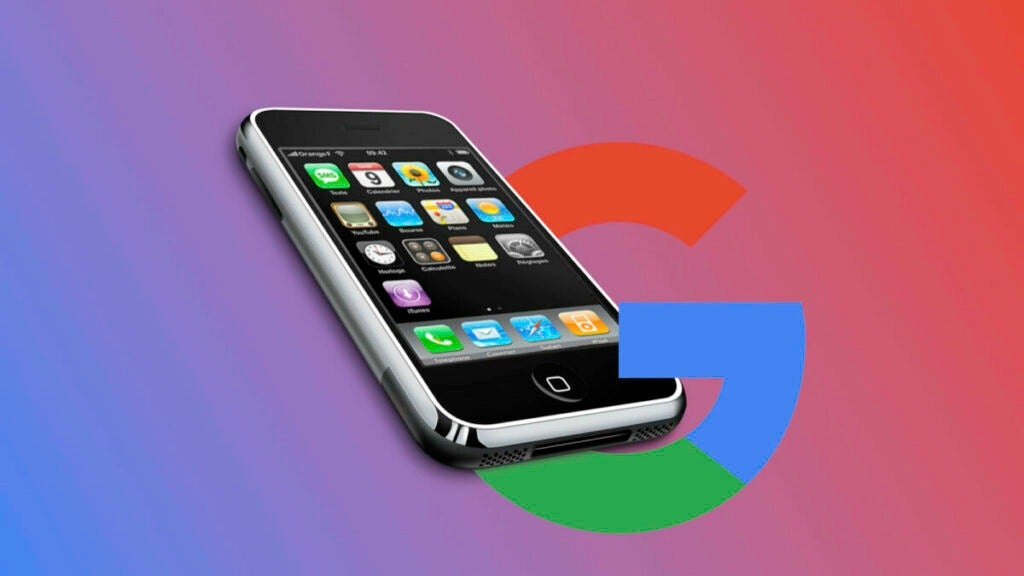
In 2007, the world of technology was about to undergo a radical change with the launch of the first iPhone. The anticipation for this device was enormous, and we all wanted one.

Continue reading “Did you know that Google was playing with the iPhone in 2007?”

Maximizing Your Messaging Experience: How to Search for Photos, Links, and Attachments in a Single Conversation on iPhone

The next time we want to locate a photo or a document in a conversation, we can do it easily and efficiently with these steps.

Search among the photos and attachments that we send through the Message app in a particular conversation is very simple. We can search each and every conversation and have all the photos, links and files properly classified and ready to view, save or forward them.

Continue reading “Maximizing Your Messaging Experience: How to Search for Photos, Links, and Attachments in a Single Conversation on iPhone”

Visualize Your Ideas: How to Insert and Manage Graphics in Pages Documents from Your iPad or iPhone

Even on our iPhone or iPad, it’s incredibly easy to add a chart to a Pages document. A very easy way to display information visually.

Many times in spreadsheets we insert graphs to represent the data in an easier to read way. A system that we can also use in Pages documents and that can help us a lot to facilitate the reading of information. Inserting and managing graphs in Pages is very simple, let’s see the most basic concepts.

Continue reading “Visualize Your Ideas: How to Insert and Manage Graphics in Pages Documents from Your iPad or iPhone”

Don’t Get Hacked: How to Find and Fix Weak Passwords in iCloud Keychain on Your iPhone or iPad

Let’s see how to review the security of all our passwords using simply our iPhone.

Starting with iOS 14 and iPadOS 14 the keychain of our iPhone or iPad, where we store the passwords, can warn us when some of them are not secure. The system is even able to check if the password has appeared in a leak and warn us about it. Let’s see how to review the security of our passwords simply using our iPhone.

Continue reading “Don’t Get Hacked: How to Find and Fix Weak Passwords in iCloud Keychain on Your iPhone or iPad”