Shift Up, the South Korean studio behind the successful game Stellar Blade, has announced that it will massively implement artificial intelligence (AI) tools in its development process. This decision responds to the need to compete with international giants, especially in a market increasingly dominated by Chinese companies. Hyung-tae Kim, CEO of the studio, emphasizes that the integration of AI will not only improve productivity but also allow a single employee to effectively manage the work that previously required 100 people. Stellar Slope The growing influence of titles like Black Myth: Wukong and Where Winds […]
The growing influence of titles like Black Myth: Wukong and Where Winds Meet has prompted South Korea to rethink its approach to video game development. Kim emphasizes that the adoption of AI is essential for Korean studios, such as Shift Up, to remain competitive against these industry giants. The studio’s strategy includes a shift in its development philosophy and work model, thus seeking to maximize productivity and adapt to market demands.
With the success of Stellar Blade at its launch for PS5 and the upcoming development of a sequel, Shift Up is strategically positioning itself in the international arena. However, before tackling a new triple-A game, the studio will release Project Spirits, a mobile project inherited from Goddess of Victory: Nikke. This move reflects a transition towards a more digital and agile approach in its production.
As the video game industry debates the impact of generative AI, the Shift Up initiative could represent a significant evolution in the way video games are created and developed in South Korea and beyond. However, it remains to be seen whether this transformation will yield the expected results and establish Shift Up in the competitive global landscape.
2023 is already coming to an end, and you may be thinking about your goals for 2024. One of them, quite common, is usually wanting to improve productivity and personal organization, which can often be more challenging than it seems. However, nowadays there are many ways to improve productivity with basic elements.
Generally, one of the aspects that most causes people to “lose focus” is the lack of focus on specific tasks and deadlines. That’s why setting schedules is often a very effective solution to quickly improve productivity during key hours. And, precisely, there are many methods that support this path, but, to simplify it, they can focus on two particularly useful elements that anyone can have: applications on the phone, or physical devices or objects.
How to better organize your day-to-day life
Applications. There are all kinds of applications to organize yourself, although sometimes it can be more effective to keep it simple: the Calendar app on your phone can be a perfect agenda for all kinds of events. Likewise, with a simple “notes” app for specific moments, you can keep any unexpected events under control without forgetting them easily.
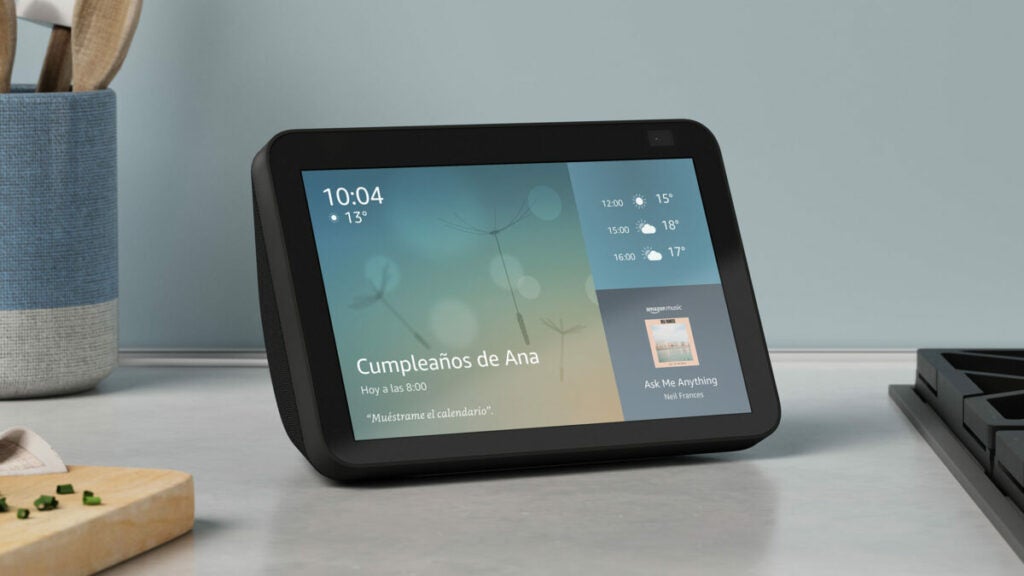
Devices or physical objects. First of all, it can be emphasized that it is not necessary to spend a lot of money on an electronic device, although it is also an option. To organize yourself properly, something as simple as creating an itinerary in a document, printing it, and keeping it always handy can be effective, as well as a whiteboard or a bulletin board. However, systems like Alexa, with devices like Echo, or alternatives from other brands like Google Nest, organizing through convenient voice commands can help improve your day-to-day life without suffering from forgetfulness.
The Amazon Echo Show allows you to organize your day-to-day life with great convenience
AI as a productivity improvement
Companies also strive for users to be able to increase their productive capabilities on a daily basis. That is why, in recent months, there have been numerous advancements in productivity services by major companies such as Microsoft or Google, which dominate a large percentage of digital workspaces worldwide.
For example, Google made an effort to develop Google Bard, an Artificial Intelligence designed to be integrated into its services: Gmail, Drive, Documents, and many others, where it offers useful support to the user in their performance. Microsoft, on the other hand, with Copilot as AI, is pivoting a large part of its workforce on this system, which is already integrated into Edge, Teams, and continues to gradually conquer more services.
Learn to make diagrams and concept maps quickly and easily thanks to our selection of free programs to make diagrams online.
Making outlines and concept maps are the best method to study and improve our mnemonic skills. Thanks to them we can summarize in a clear way that subject or class that we can’t remember and see how each of its topics interrelate with each other. It is not surprising that it is a key tool when reviewing and preparing for exams.
In a world as computerized as ours, it would be strange if there were no programs to make diagrams from our computer. Many of them can have a high price and not all of us can afford it. But… Did you know that there are also many tools to make diagrams online?
In today’s article we are going to offer you a selection of the best free web tools to make diagrams and diagrams online. From them you will be able to create a concept map quickly and easily and then download it to make it easier to study from it. Here we go!
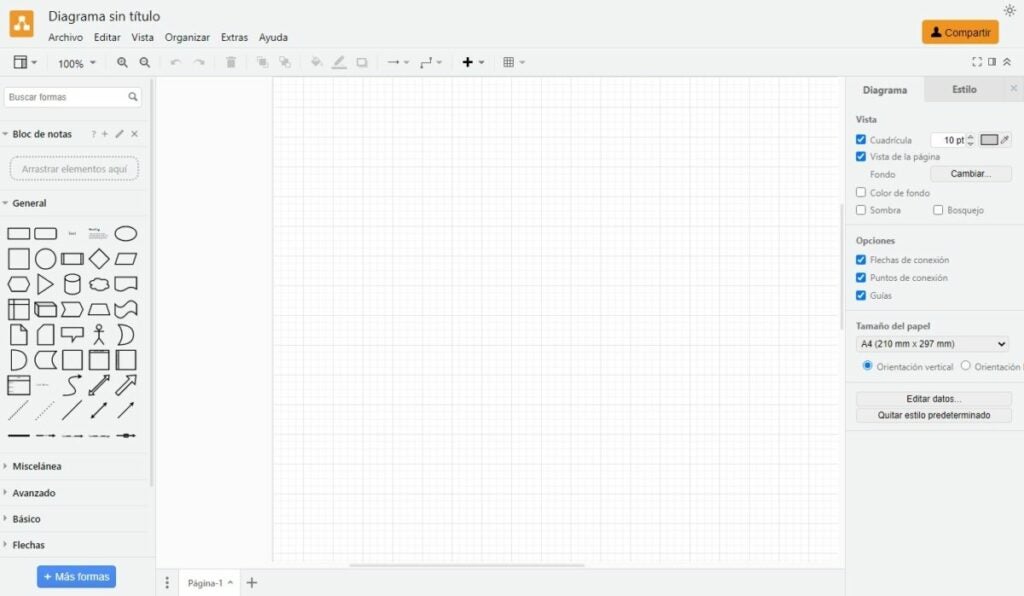
Draw.io is an interesting open source tool from which you can create diagrams, charts, tables and all kinds of concept maps designed for studying. To start using this online application you will not need any kind of previous registration. Just visit their website and start filling in a blank sheet of paper with your diagram. It’s that simple!
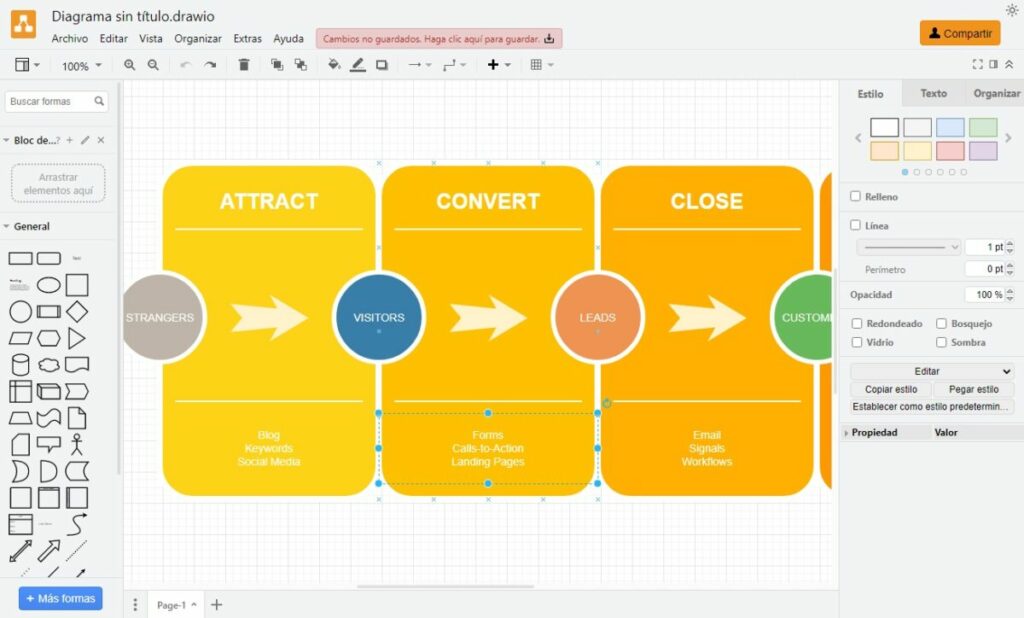
Creating an online concept map with Draw.io is very easy. Just choose the default elements and figures from the left side menu and drag them to the central part of the screen. Once there you can edit the text, add colors, change the size of the figures, etc. This way, in the blink of an eye you will have your diagram ready to export in PDF, PNG or JPG format.
Not used to making diagrams or just don’t want to waste time placing arrows and concepts? Don’t worry. Draw.io also includes a good selection of templates with which you will be able to shape them in no time. In addition, the tool includes the possibility of saving your diagrams online in the main cloud services, such as Google Drive, OneDrive or Dropbox.
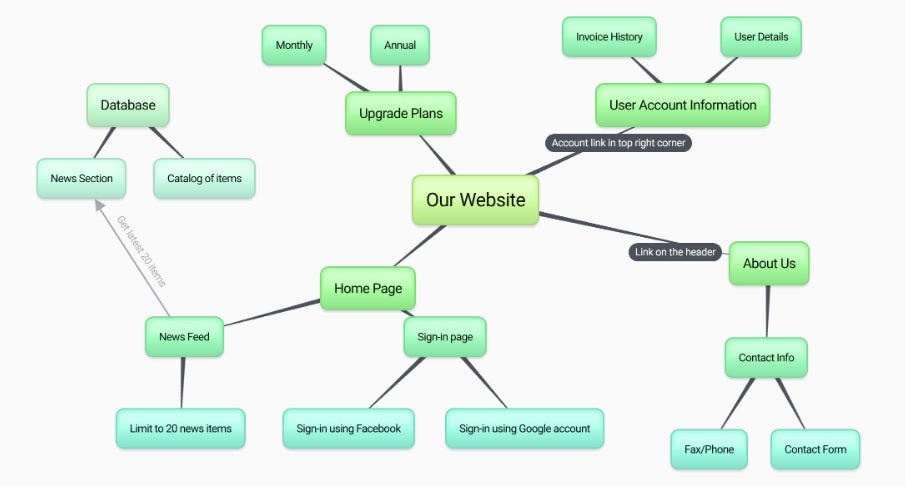
BUBBL.US is an online platform that allows you to quickly and intuitively create visual diagrams in just a few clicks. It is, therefore, a perfect free online tool to manage projects, visualize complex tasks, create concept maps for studying or brainstorming sessions with colleagues.
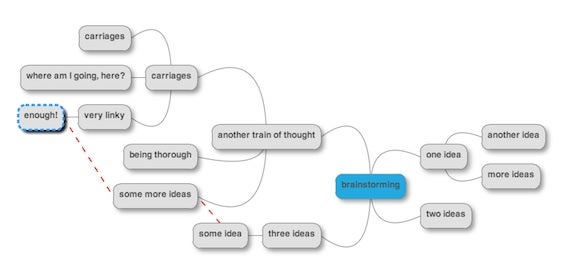
Using BUBBL.US is very simple, just visit their website, click on the screen to create a bubble, choose the color, write the necessary data in it and relate it to other ideas using arrows. It may not seem so simple at first glance, but thanks to its intuitive interface you will become the absolute king of diagrams in just a few seconds.
It is interesting to note that BUBBL.US is a free online platform that does not require prior registration to use. Simply click on the “Start Brainstorming” button and create as many schemes as you wish for free.
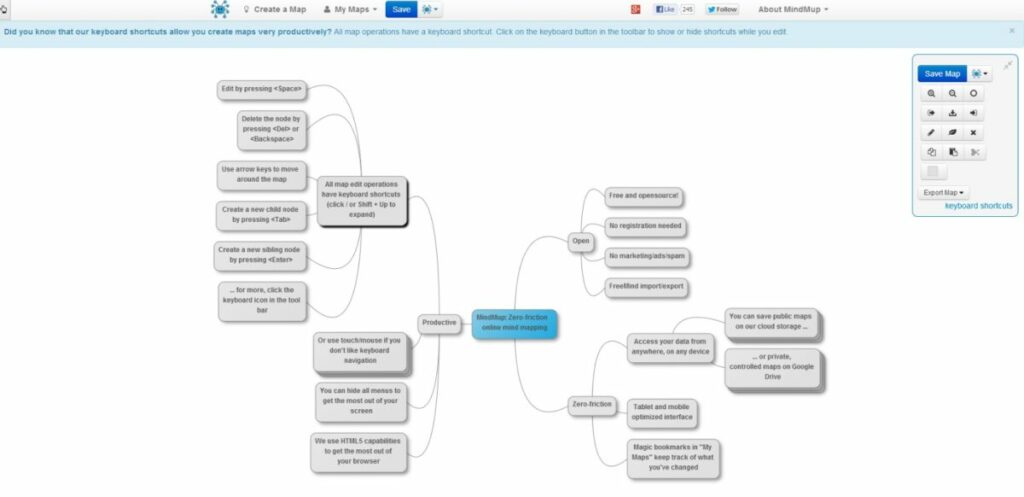
MindMup is a perfect alternative to BUBBL.US. In a very similar way to the previous tool, MindMup allows you to create outlines and concept maps from an online platform without the need for prior registration. It is therefore an excellent resource for anyone who needs to create a quick diagram without having to open an account.
MindMup offers a very intuitive interface, so it is very easy to make diagrams in just a few seconds. In addition, even if you do not register to the site, it will store your diagrams for six months, so you will never really need to open an account if you do not think it is convenient.
Finally, it is important to highlight that MindMup offers the possibility of exporting our schema in PDF format, something that BUBBL.US does not let you do. This is why it is a highly recommended option if this is your preferred format for archiving documents.
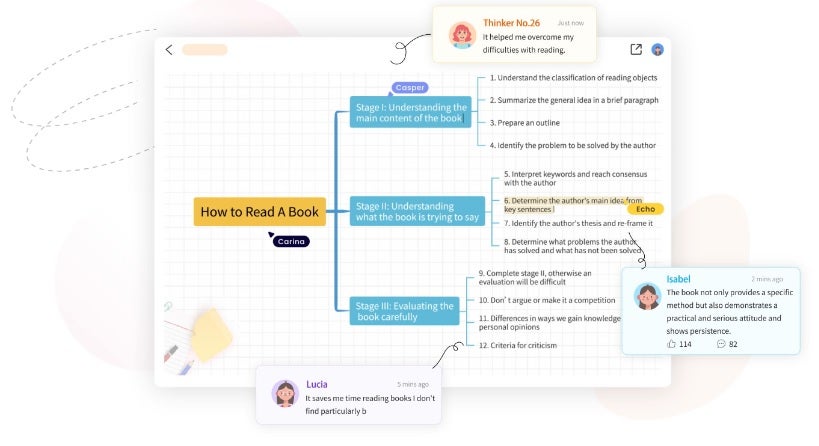
As its website says, GitMind is the online platform to make your ideas count. This free software for creating outlines and concept maps is an ideal method for summarizing notes, reports or brainstorming sessions.
In terms of operation, GitMind stands out for its simple interface. In addition to the classic tools for creating diagrams, the platform includes a good number of templates to make your life much easier. Do you like to create diagrams from scratch? No worries. Simply set up themes and their peripheral nodes to visually capture an idea.
As with the previous options, an interesting point of Gitmind is that you don’t need to register to start making your schemas. It is also remarkable how GitMind allows you to add priorities, comments and a progress meter to each of the parts of the schema, being perfect for group work. What are you waiting for to try it?
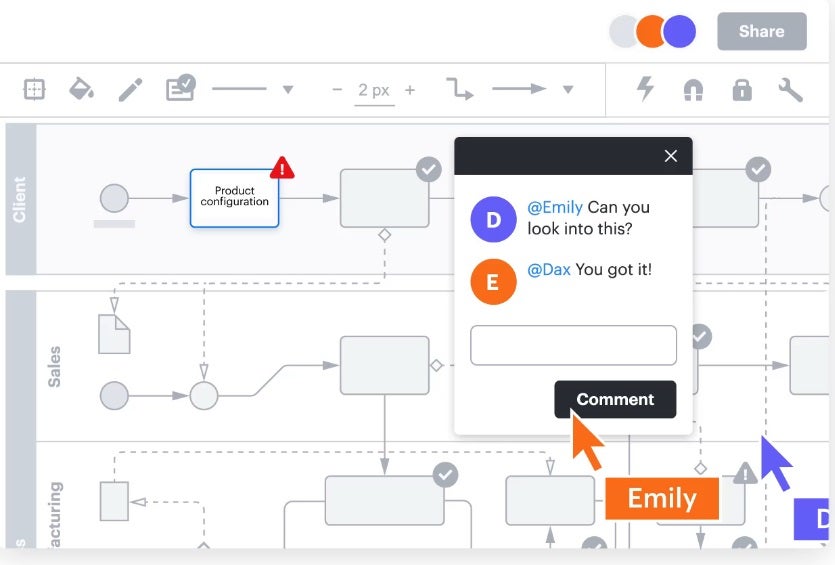
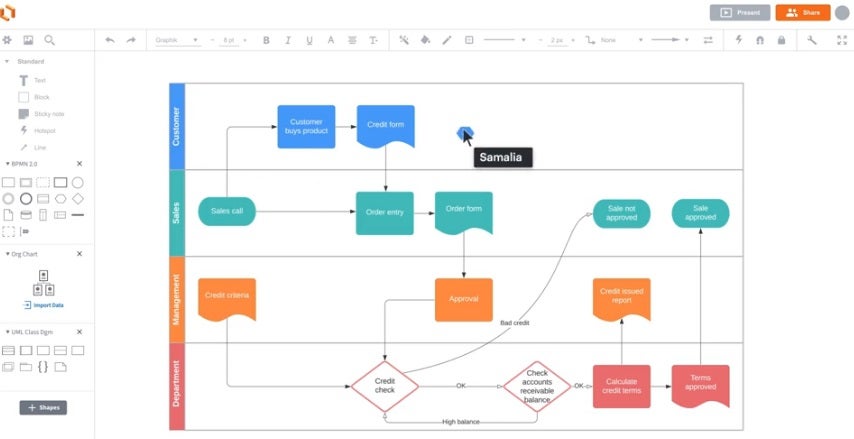
LucidChart is one of the most powerful tools for creating diagrams and schemes on the market. From it you will be able to make plans, concept maps and professional organization charts in a matter of seconds. Despite being a paid service, the platform offers a fully functional free version. It provides access to all its basic figures as well as 100 templates to shape your diagrams. Once the work is finished you can save it in JPG, SVG, PDF and PNG formats.
As we have already mentioned, LucidChart is one of the star platforms when it comes to making diagrams. In fact, companies of the caliber of Google, NBC, Amazon or even NASA use it in their work environment. In addition, its tools are integrated with a large number of cloud services such as Google Driveor Microsoft Teams.
Finally, LucidChart is a tool developed with teamwork in mind. It allows several people to have access to a diagram and interact with it, making it an excellent option for telematic brainstorming. This is why the service can be integrated into applications such as JIRA, Microsoft 365 orSlack.
We close our selection with Coggle, an intuitive online tool designed to make diagramming a real delight. Unlike some of the alternatives on the list, Coggle is not a platform designed to create complex concept maps. However, it is the most intuitive and fastest option for creating a simple diagram with a central theme and its corresponding constellation of entities.
Coggle has a free version as well as two paid options. From your free account you will be able to create a total of 3 private diagrams and an unlimited number of public diagrams. In addition, you will have at your disposal more than 1600 icons, you will be able to incorporate your own images as well as collaborate in real time with other users.
In short, Coggle is an excellent option if you are looking for a tool without many complications but full of possibilities to make your diagrams and schemes online.
We hope that our selection of free online diagramming platforms has helped you. As you can see, there are countless excellent services from which you can create your own concept maps without spending a fortune. Did you like what you have read? Don’t forget to share this article with your friends on social networks!
Create and edit professional documents in the blink of an eye thanks to our selection of the best free word processors of 2023.
Word processors are an indispensable tool on any PC. Every day we need to write all kinds of documents and reports, whether for our studies or in our working day. No wonder that one of the classic requirements when buying a new computer is that it comes with Office or Word installed, but… What happens if we can’t afford Microsoft’s office suite? Very simple: We will need to download a free word processor.
In today’s article we are going to offer you a selection of what we consider to be the best free word processors for 2023. All these alternatives to Word have been carefully chosen for their functions and tools as well as for their compatibility and ease of use. Are you ready to get to know them?
What should a good word processor have?
Choosing a good word processor is not easy. Searching the Internet, you will find an endless number of options, both free and paid, that promise to solve any problem when it comes to writing a document. However, not all word processors are the same and not all offer the same functions. What features should we take into account when choosing one?
First of all, we must take into account its file compatibility. Bear in mind that the most widely used word processor in the world is Microsoft Word, so it is essential to look for a program that is compatible with the DOCX format. This is the only way to ensure that we will be able to open documents saved in this format and at the same time be able to share our files so that others can open them without any problem.
Another important factor is that it does not slow down our computer. Many free word processors are not optimized and even though they are functional, they use too many computer resources. This translates into having to deal with a slow PC, decreasing our productivity and with the constant danger of the program not responding or losing the document.
It is also essential that the word processor is updated often. This will ensure that any errors or bugs in the program will be repaired by its developers, as well as protect us from possible security holes. In addition, a word processor that is updated often indicates a development team involved in the program, so it is more likely that we will see new features, tools and improvements added in a future update.
Finally, it is interesting if a word processor is cross-platform or includes cloud functionality. This way we will be able to work on the same document regardless of the computer or device we are using, as well as making it easier for other users to access the document.
1. WPS Office Free
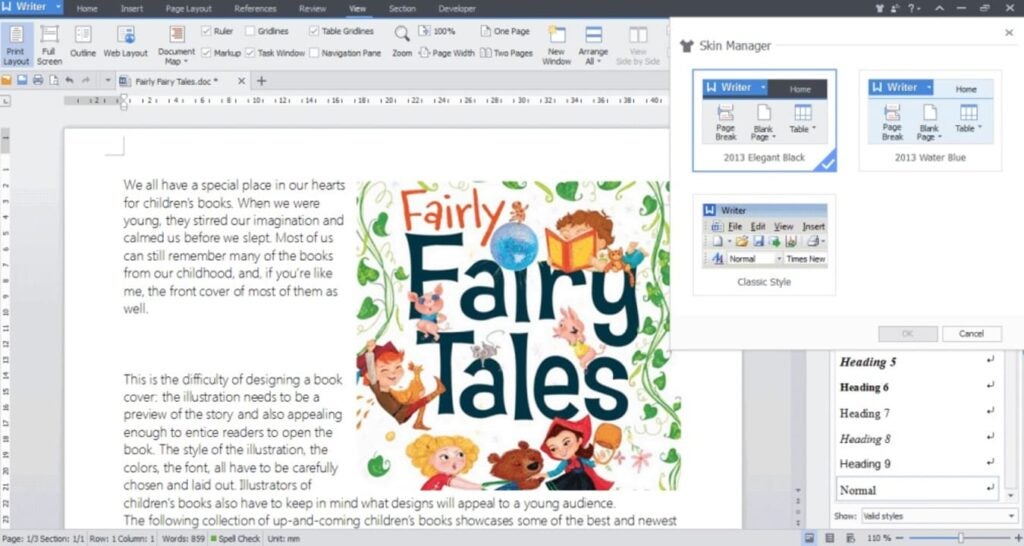
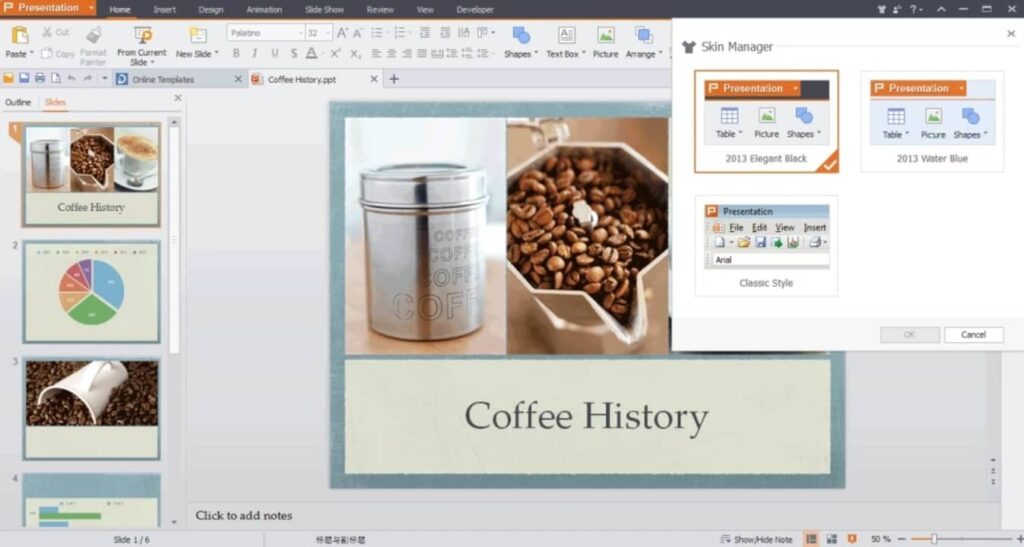
We start our selection with WPS Office Free, a totally free productivity suite that will surprise all former Word users. It offers a text editor almost identical to Microsoft’s word processor, making it ideal for not wasting time learning its functions. From its interface you can create all kinds of documents, either from scratch or using its wide selection of default templates.
WPS Office Free is compatible with the main text file formats on the market, including DOCX. Thus, it is a perfect option if you want to make sure you don’t have any problems when opening or sharing files. On top of that, it has an interesting cloud storage service very similar to OneDrive.
The only weak point of WPS Office Free is that, being a free tool, it has ads that appear on screen. Even so, these are really discreet and can hardly be seen. Overall it is the best free option to do without paid suites like Word.
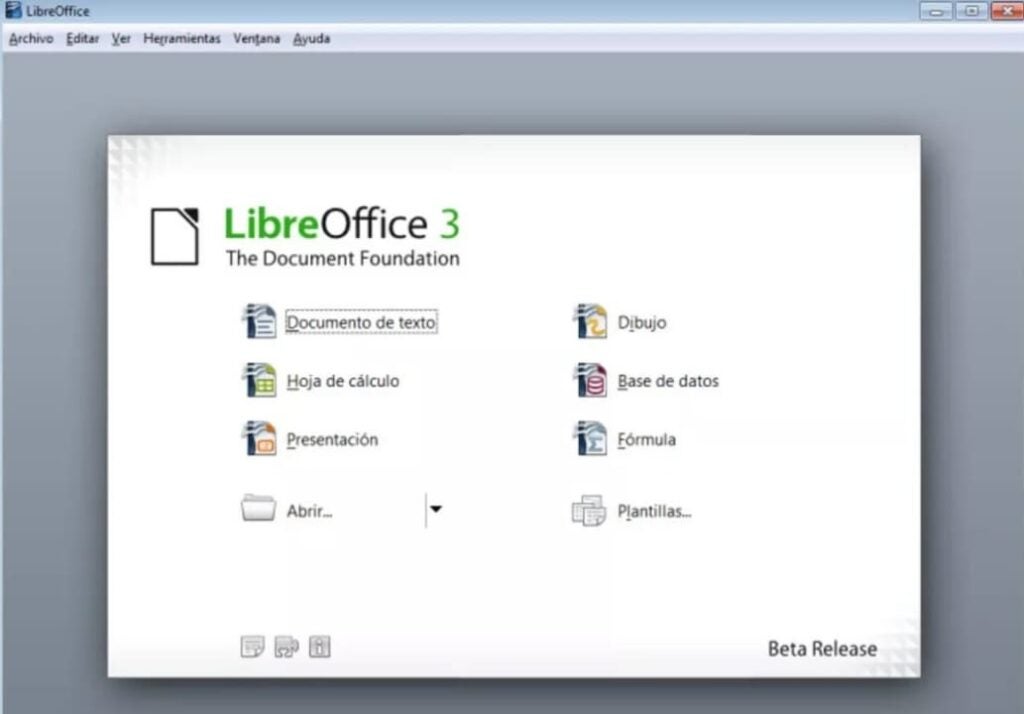
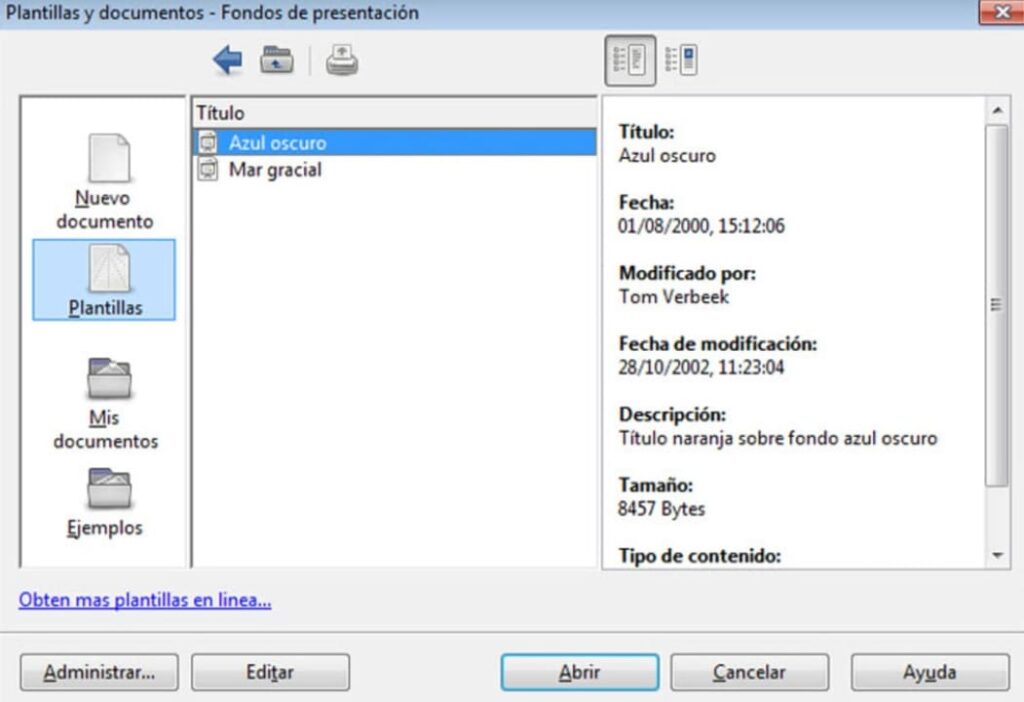
LibreOffice is a complete open source office suite that includes a powerful word processor, Writer. In a similar way to WPS Office, Word users will feel at home using Writer. This is a program for creating and editing documents that is very visual, simple and intuitive to use. And best of all, it is always being constantly updated.
Writer is a free word processor perfect for all those who are not used to using one or simply looking for a complete program with which to create any type of text. From LibreOffice you will be able to write any document easily thanks to its wide selection of templates and tools. Not sure how any of them work? Don’t worry. Thanks to its wizard you will easily learn the specific functions of the program.
A very interesting point of Writer is that, being included in LibreOffice, you will be able to interact with the other tools of the package and therefore, add spreadsheets or make bibliographies in the blink of an eye. being an excellent candidate for best free word processor on the market.
In terms of compatibility, Writer supports all types of text files, although sometimes it does not display some Ofice documents correctly. Still, it remains an excellent candidate for best free word processor on the market.
PROS:
Complete office suite
Compatible with most text formats
Almost non-existent learning curve
Multiplatform
CONS:
Occasionally some Office documents may have errors.
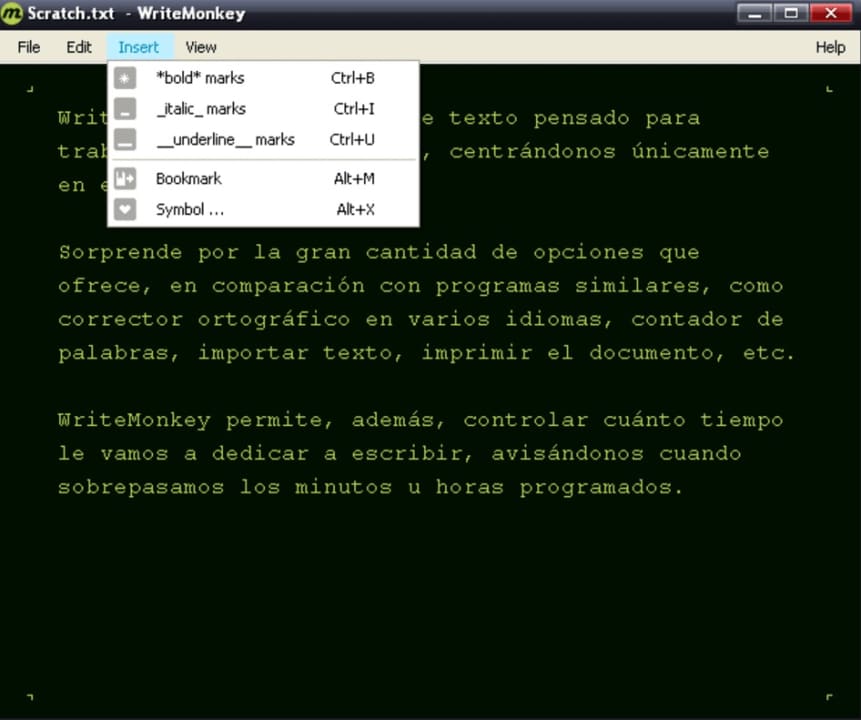
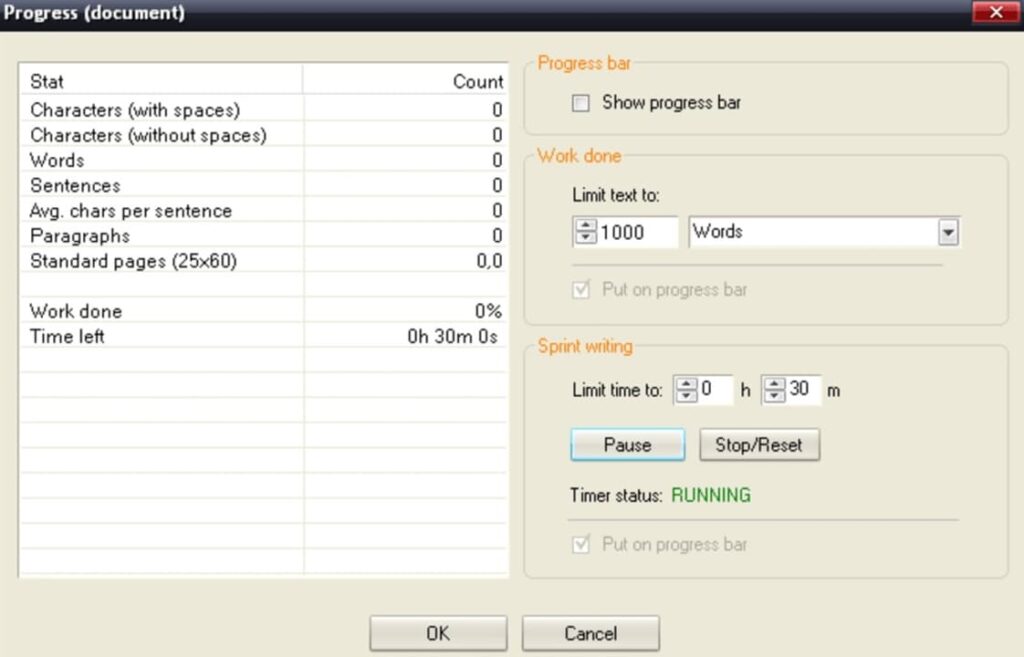
WriteMonkey is a free word processor designed especially for writing without spending a lot of time editing or formatting our document. It is therefore ideal if what we want is to make drafts, capture ideas or simply create a base document from which then shape a text.
An interesting point of WriteMonkey is that it has been designed so that you do not get distracted while you write your text. That’s why the word processor has a very simple interface and at the same time hides any kind of option that can detract your attention from the text you write. But don’t let its almost non-existent interface fool you. It is as powerful and useful a word processor as any of the ones mentioned in the list.
As a main attraction, WriteMonkey offers the possibility to search for words in Wikipedia automatically. The same happens with Google Images, so we will not need to use the browser and we will be able to concentrate completely on the text we are writing.
Finally, it is interesting to note that WriteMonkey is a portable app that does not require installation, so it is perfect for those who are not very fond of leaving programs installed on your computer. Mind you, it only supports TXT format, so it is only recommended for writing drafts and then editing them in another program.
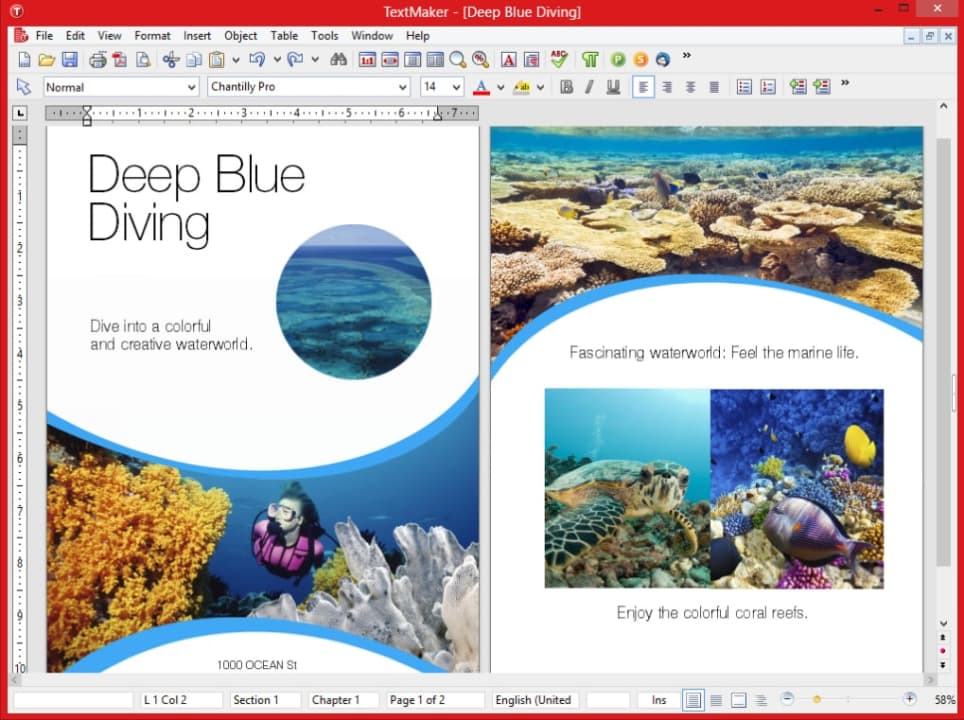
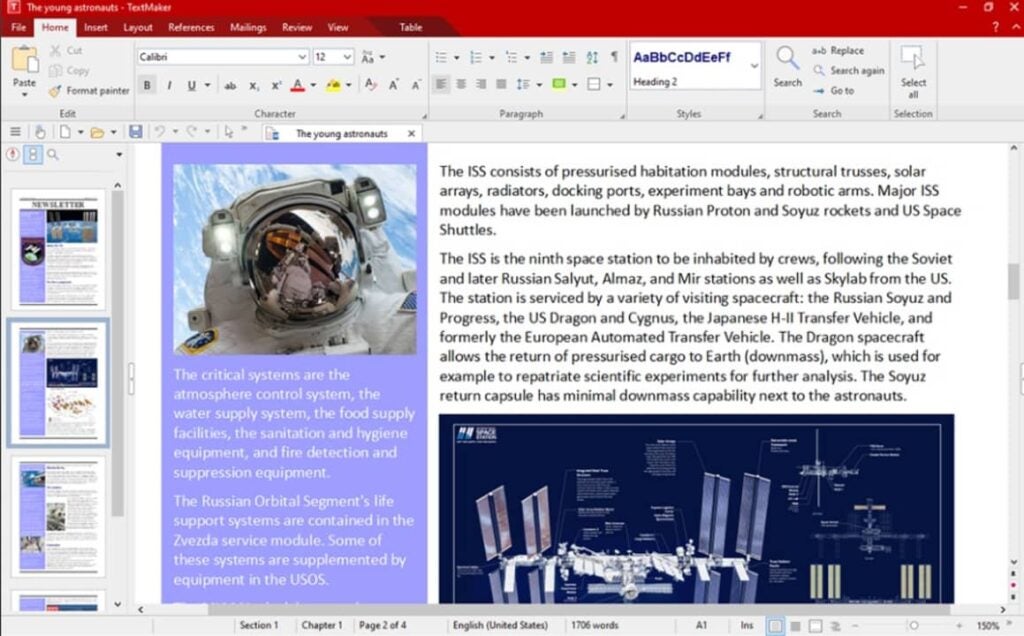
SoftMaker FreeOffice is a free productivity suite along the lines of LibreOffice and WPS Office. It is simple, easy to use and provides all the necessary templates and functionalities to create a good document in just a few clicks. Its word processor, TextMaker, is an excellent alternative to Word that, despite being somewhat simpler than the previous options, allows you to create and edit professional documents in a matter of seconds.
One of the great attractions of TextMaker is that it allows you to create databases and bibliographies quickly and easily. In addition to this, the program is able to manage and record any changes in a document, making it perfect for teamwork.
The only negative point is the fact that although this tool allows you to open a file in DOCX format, it does not let you save it as such. This is not because it is a bad editor, but because you have to pay for the premium version of the suite, so it is no longer free. Still, if DOCX is not your preferred format, it is an excellent free word processor.
PROS:
Complete office suite
Eye-catching and intuitive interface
Allows team work
Very complete text editor
CONS:
Does not allow saving in DOCX format in its free version.
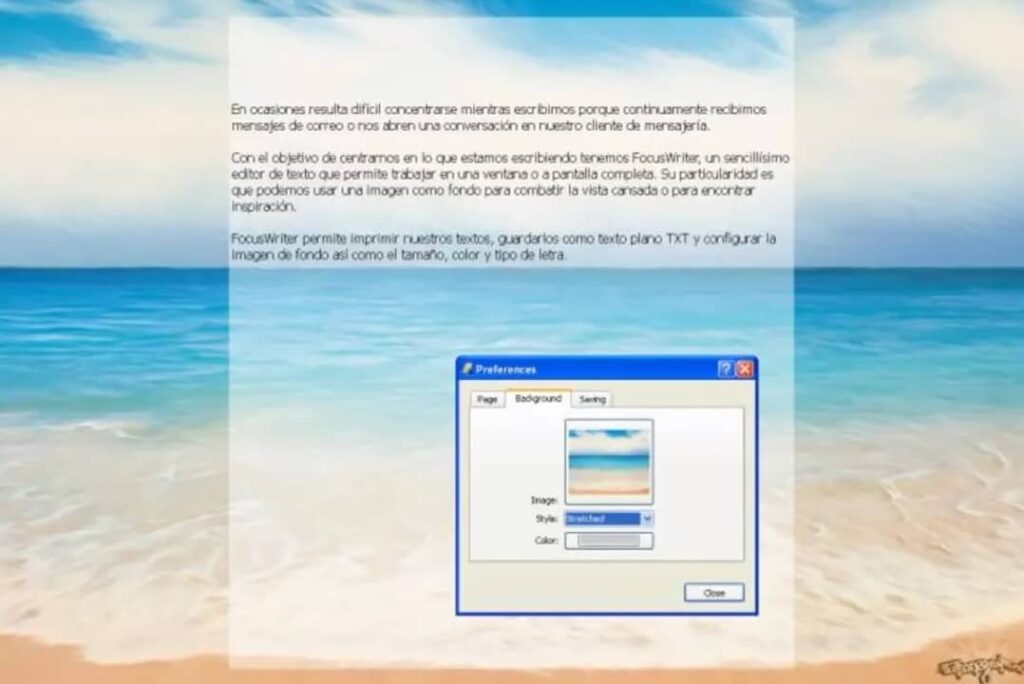
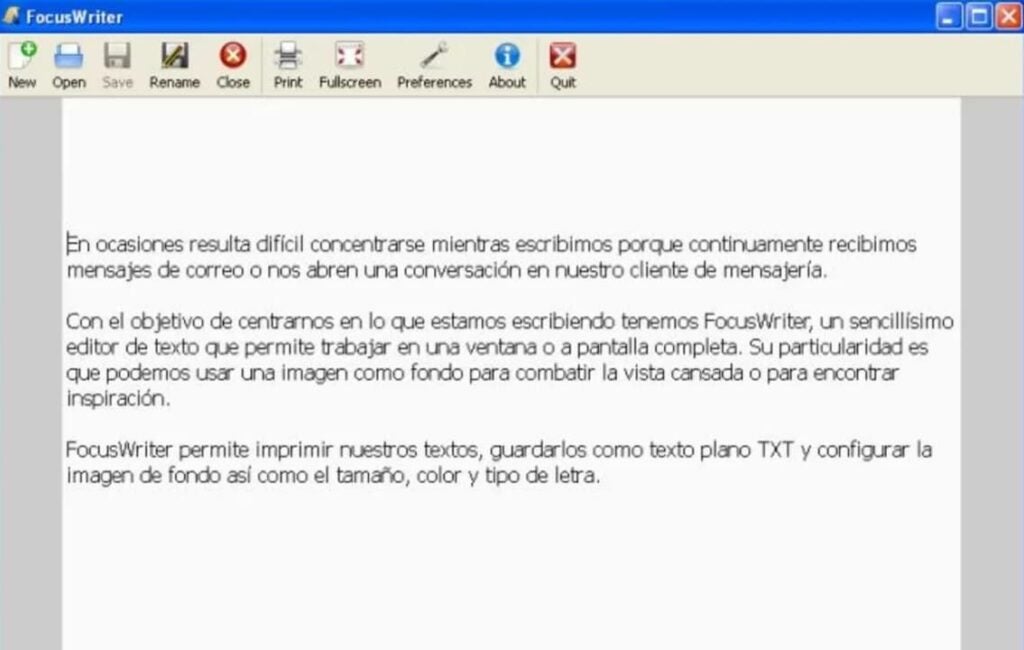
We close this list with FocusWriter, a free word processor different from everything you have seen so far. FocusWriter has not been developed to be used as an old-fashioned text editor, but as a notepad. Does this mean that it is no longer functional? Of course not!
Surely you will think that to write notes from your PC there is already the famous Windows Notepad or WordPad, but FocusWriter has been developed in such a way that it makes the Microsoft application obsolete. It has been created in such a way that it prevents you from getting distracted, forcing you to use your mental potential to write ideas or create a draft for a text.
FocusWriter has two writing modes, both designed to get the most out of our productivity:
The first one, the normal mode, turns our entire screen into a notepad, leaving only the Windows toolbar visible in case we need to open some other program.
The second one called “Focused Text” prevents us from seeing anything except the sentence or paragraph we are writing.
As a weak point, FocusWriter only allows saving files in TXT format, so an extra word processor is needed to format the document. Even so, this is an original, powerful and ideal tool to get the most out of our mind. Perfect for anyone who needs a word processor designed to promote their creative processes.
We hope that our selection of free word processors has helped you. As you have seen, it is not necessary to spend a lot of money for an Office or Word license to be able to create professional documents in a few seconds. Have you found what you have read helpful? Don’t forget to share it with your friends on social networks!
Having a good word processor at hand at all times is essential both in the workplace and in education. While Microsoft Word is the undisputed king of the industry, the high price of the Office or Microsoft 365 office suite makes many opt for an equally good and free option: Google Docs. Google Docs includes all the necessary tools so that you can create professional documents in just a few seconds without spending a penny.
In today’s article we are going to offer you a selection of the best free templates for Google Docs. To help you find them easily, we have divided them according to the type of document you are looking for. You will be able to download free templates for resumes, reports, invoices, quotes… In addition, we will also show you how to install the templates so that you can start using them in a few seconds. Here we go!
Accessing Google Docs is very simple. As we have already mentioned, Google’s word processor is completely free and to make use of this tool you only need to have a Gmail account. If you are already a Gmail user, you can start using Google Docs from Google Drive or directly from its website.
Don’t have a Gmail account yet? Don’t worry, creating one is totally free and very simple. All you have to do is access its official website and follow the steps that appear on the screen.
How to use the list templates
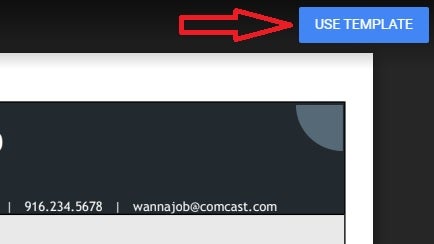
Using our collection of Google Docs templates is very simple. There are two types of template in our selection. The first one will show you the template in preview mode and, after clicking the blue “Use Template” button, a copy will be created in your Google documents.
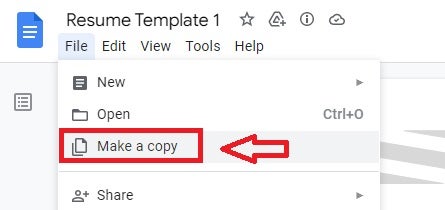
The second one will show the template in protected mode and in order to edit it we will need to copy it to our account. To do this click on “File” followed by “Make a copy”. After that a duplicate of the template will be generated in your Google account so you can edit it as you wish.
Free Resume (CV) Templates
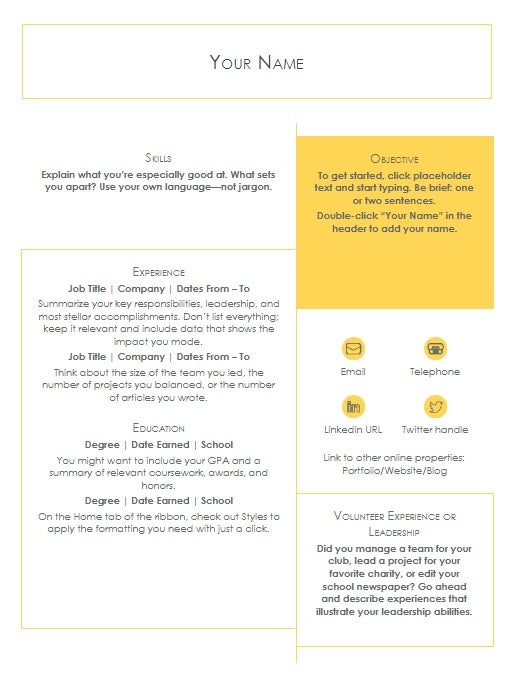
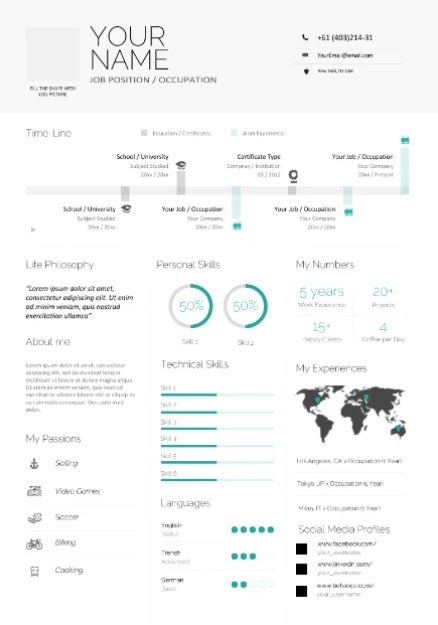
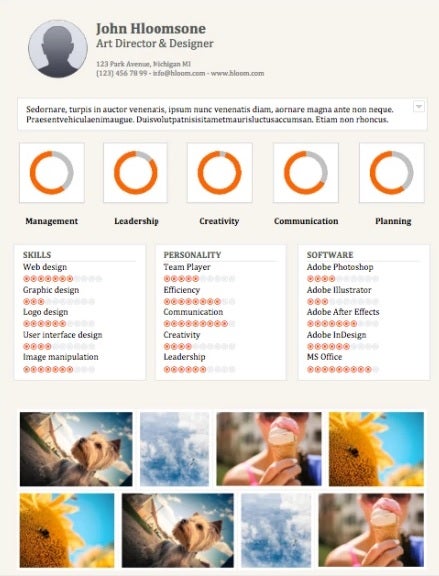
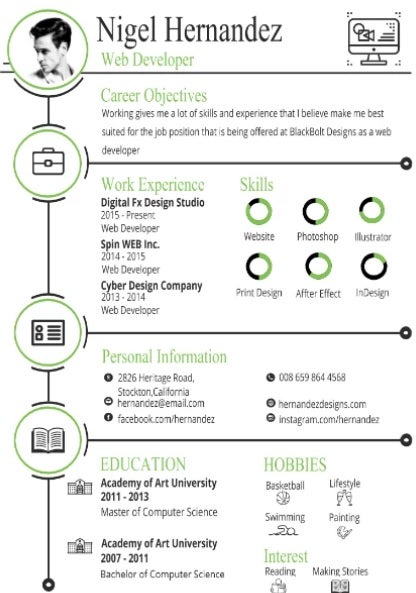
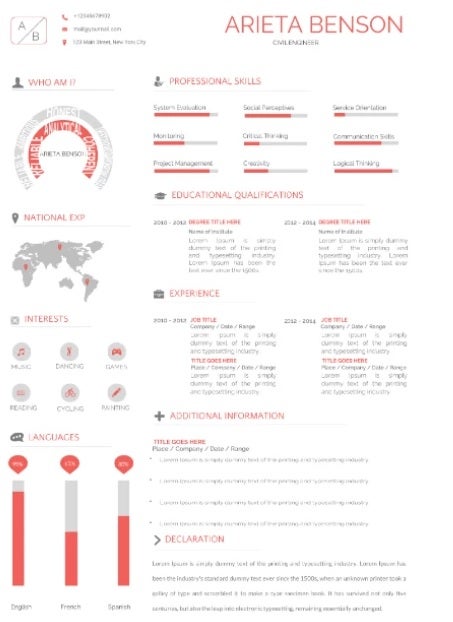
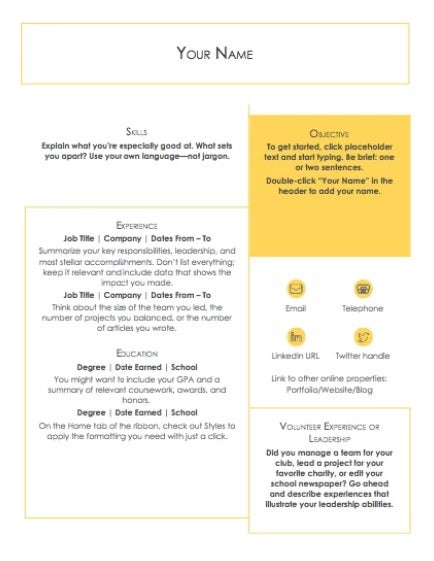
No matter how well prepared we are, getting a job is always a challenge. There are usually hundreds of applicants for the same position. Our best weapon? Undoubtedly a good CV. These are our letter of introduction when it comes to getting a job and an effective method to stand out from our competitors.
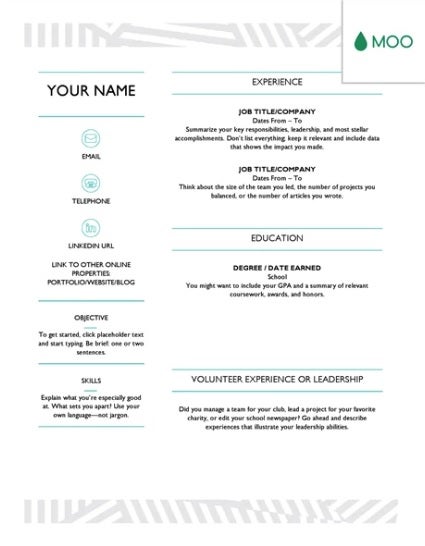
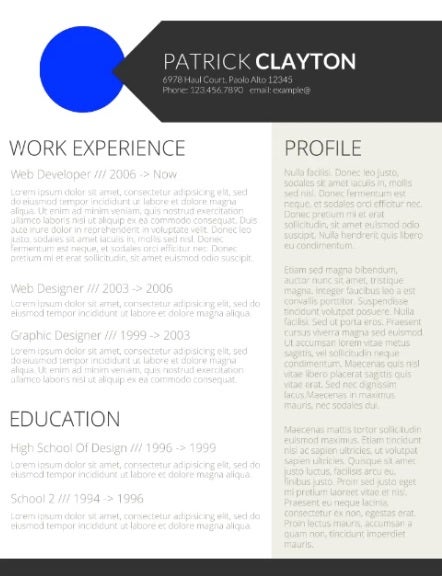
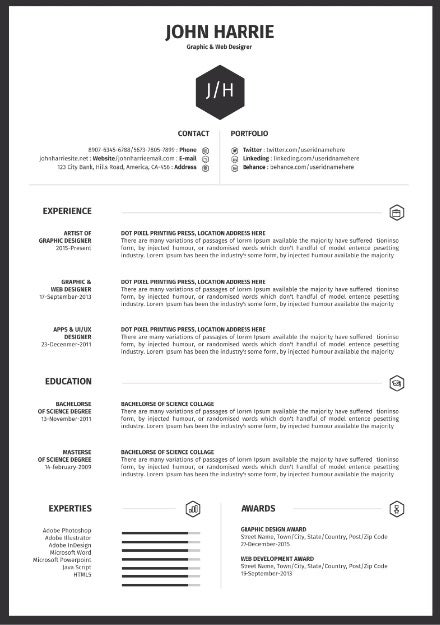
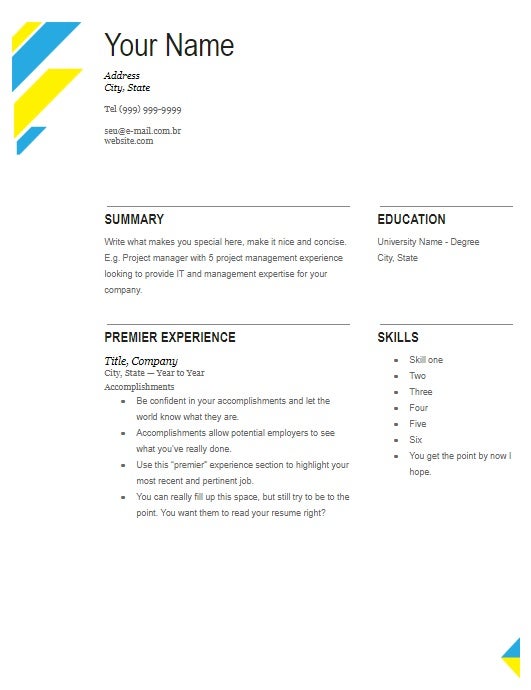
Below these lines you will find a great selection of free templates to make resumes.
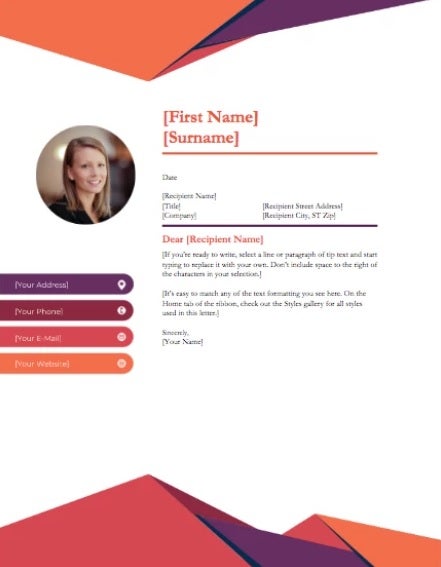
Another decisive factor when it comes to getting a job is to accompany your resume with a cover letter. It demonstrates not only interest in the job but also conveys professionalism. A good cover letter will undoubtedly attract the attention of the HR team and tip the balance in your favor.
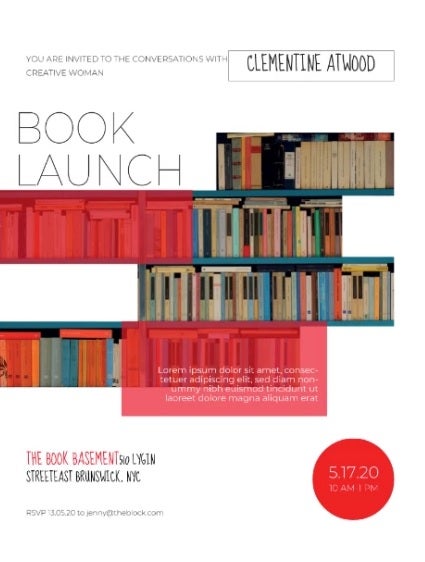
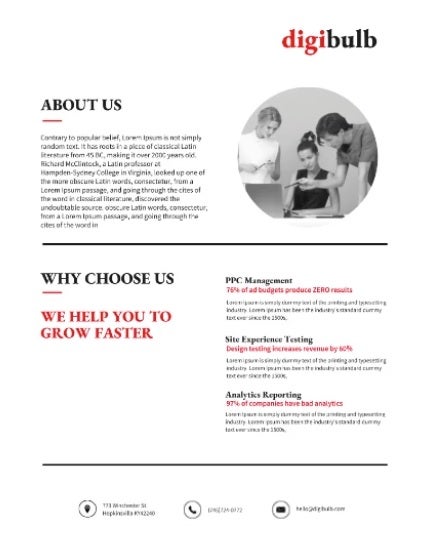
The best way to promote a product, idea or project is through brochures. Google Docs is a perfect tool to create all kinds of advertising in the blink of an eye. Don’t have the time or equipment to design your own brochure? Don’t worry, here are some free templates that will help you succeed.
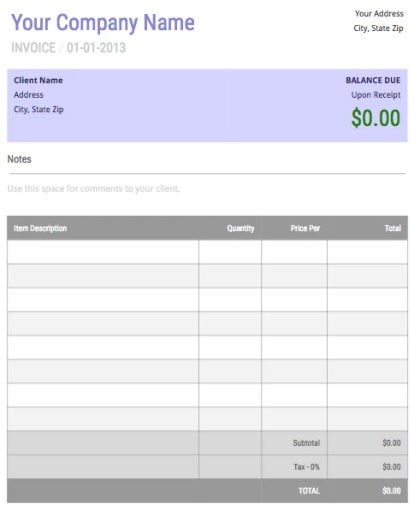
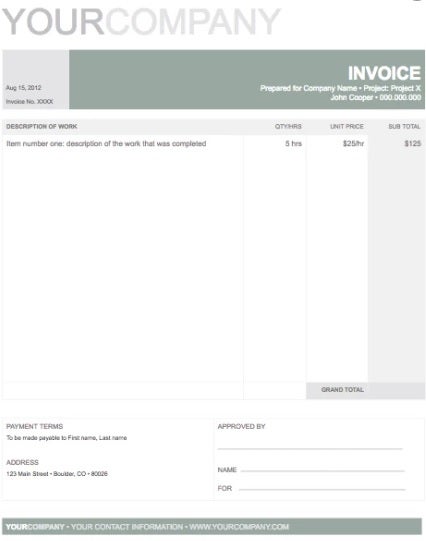
If you run a business or are self-employed, you will know the importance of generating invoices. Invoices need to be clear, minimalist and clearly show the customer both the price and the service provided. While at first glance this may seem like an easy task, it’s not. To make your life easier, here is a selection of invoice templates.
A business card is an essential tool to publicize your services and attract future clients. They must be eye-catching and clear, as well as elegant. Remember that a bad business card translates as a lost client, so it is not a factor that you should take lightly. If you want to make a good impression, don’t hesitate to use one of these templates.
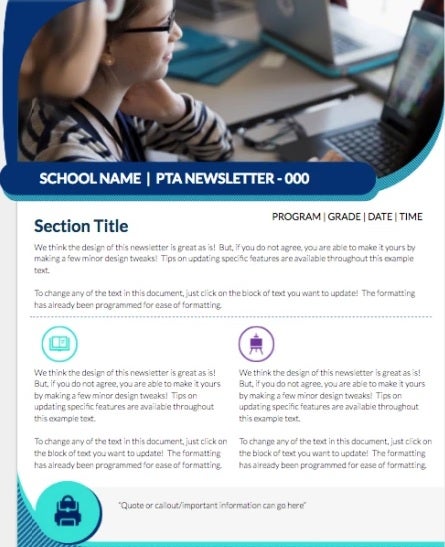
Newsletters and bulletins are a fun way to share information with your customers, employees, colleagues or members of the same group. A good newsletter is especially useful if you have an ever-changing business or work in publishing. This way you can easily share your latest products and publications with your users. If you don’t want to spend hours designing your own newsletter, we recommend downloading one of these free templates.
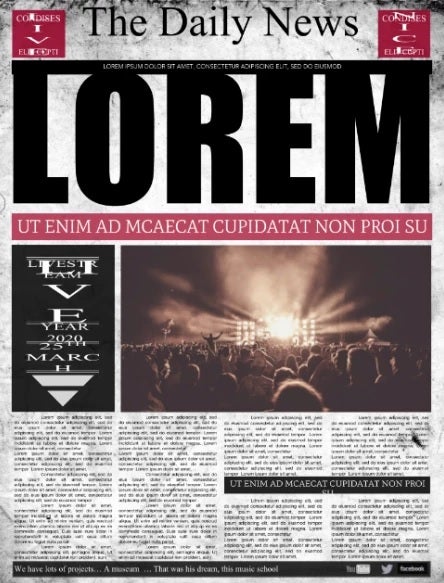
If you’re the editor of a local newspaper or magazine, you’ll need your publication to be attractive enough at first glance to attract new readers. Not sure where to start? Don’t worry, here are some useful templates.
Whether you are a student or a teacher, you will need all the help you can get to complete all your tasks. Since word processing is the bread and butter of the education sector, there are a number of templates specially designed to make your life much easier. Here is a selection of templates specially designed for students and teachers.
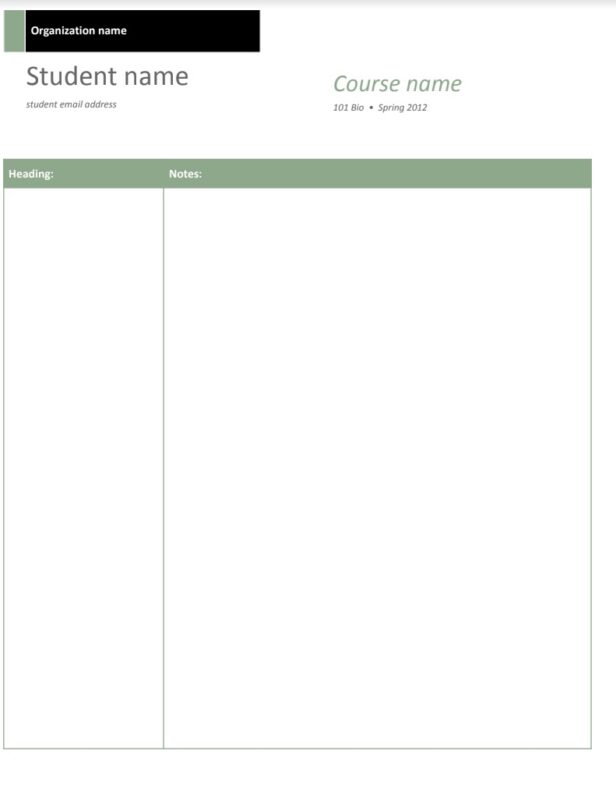
As the name suggests, to establish the grades of each student. Two columns appear to indicate the grade and a short text. In addition, the name and course can be placed at the top.
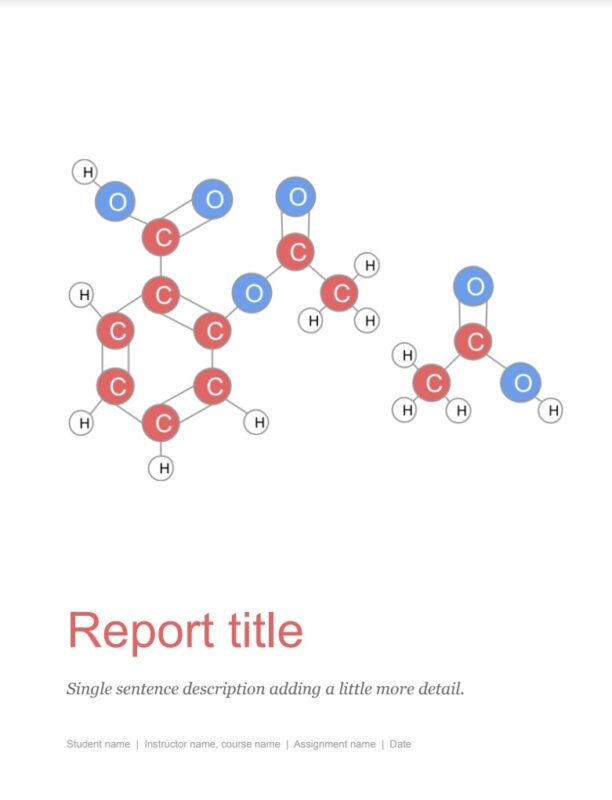
A perfect template for creating academic papers. Everything appears structured by chapters and even with the introduction of bibliography. Highly recommended.
Need more free templates?
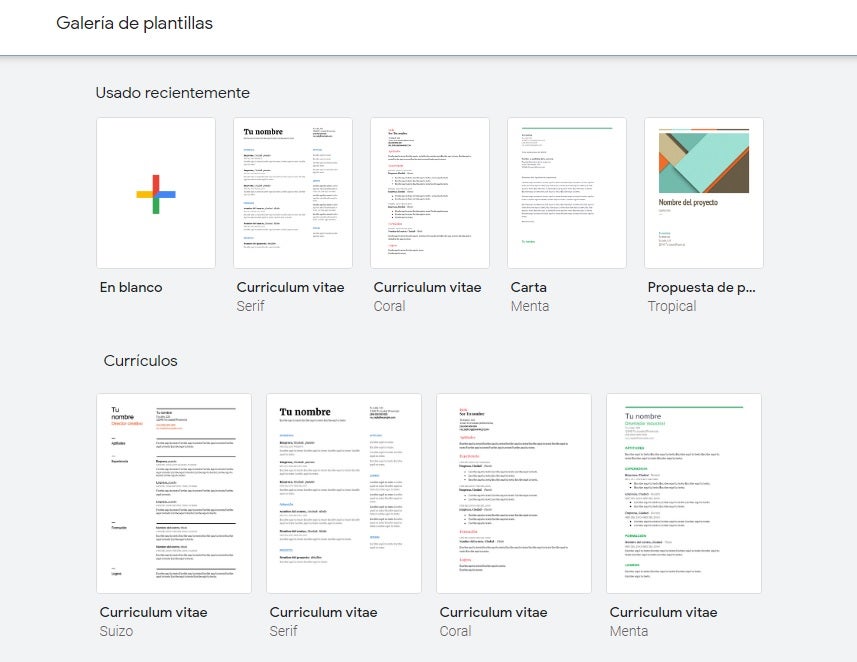
If you haven’t found the template you were looking for in our list, don’t worry. Google Docs has an enviable selection of free templates designed to make your life much easier. Don’t know how to find them? Just follow these steps:
Go to Google Documents
In the “Create a new document” section, select “Template Gallery”.
Once the drop-down menu opens, select the template you want to use.
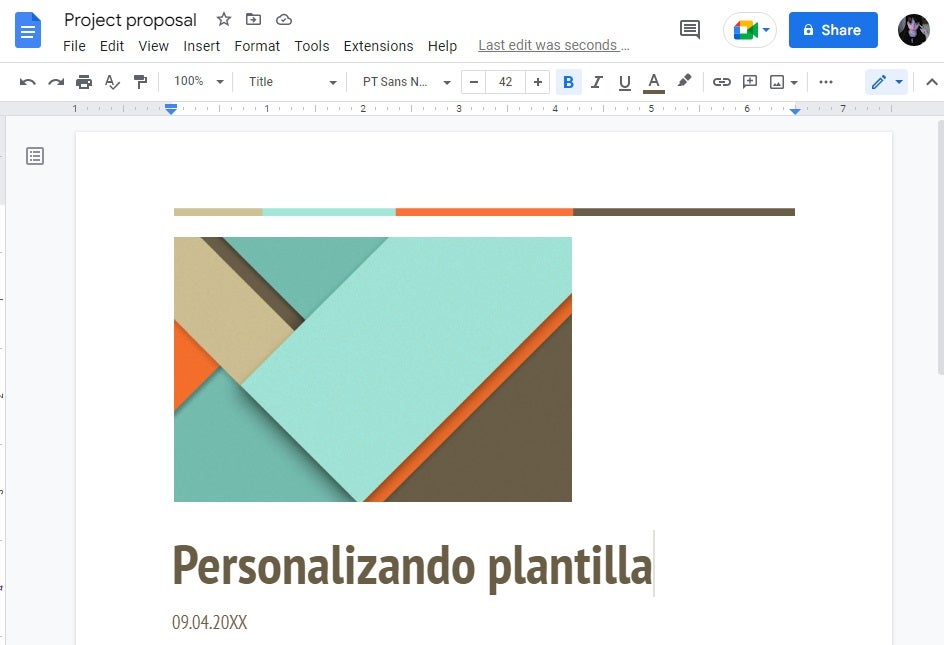
All the templates in the Google Docs gallery are fully customizable, making them perfect for creating any type of project. If you are not convinced you can also choose to visit sites like Template.net, where you will find a wide selection of free templates.
Can I create my own template from Google Docs?
Yes, the free version of Google Docs allows you to create your own custom templates. To do this you will need to open one of the already created templates from the Docs gallery (see the previous point) and then edit it to your liking. Once done, rename the template and save it as a new one. It’s as simple as that!
Get the most out of Docs with these templates
We hope our selection of free templates for Google Docs has helped you. Now you just have to try them all and see which one best suits your business or projects.