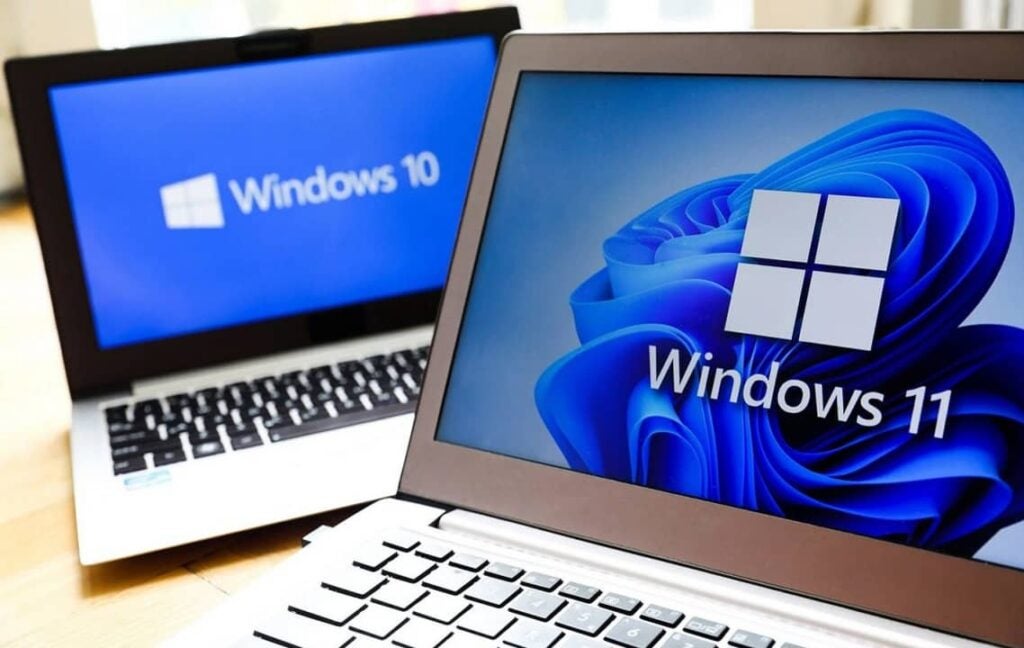
It has been known for some time now that the expiration date of Windows 10 is officially marked. There are still about two years left, as it will not occur until the increasingly closer month of October 2025, but, from that date, more than 240 million computers will be exposed to cyber attacks.
It is important to have security habits that cover the user’s back, when Windows 10 stops receiving support, any hacker could find security vulnerabilities that will no longer be fixed by the company for free. Therefore, in this situation that will begin in October 2025, five different scenarios open up, although some are more recommended than others.
1. Do not take any action. This is undoubtedly the option that will tempt many users the most, who will want to act as if nothing had happened and continue with their lives. However, it is by far the most dangerous option of all. At first, there may not be the same risk because it is “recently abandoned”, but as the weeks go by, this guarantee quickly dissolves and any vulnerability could be fatal, potentially resulting in the loss of personal or even banking data.
2. Switch to the paid plan. From October 2025 to October 2028, Windows 10 will continue to receive updates for a fee. The price and how this payment system will work is not yet known, but if money is not a problem for you and it is essential to stay with Windows 10, this is a useful option. Now, Microsoft licenses are not usually known for being cheap or affordable, so it’s best to have your checkbook ready.
Microsoft CoPilot is one of the standout features that will also be coming to Windows 10
3. Upgrade to Windows 11. This is another of the easiest options, although not everyone will be able to do it on their devices. In fact, one of the reasons for the low adoption of Windows 11 among the computer park is that it is a very demanding operating system in terms of hardware, compared to previous versions of Windows.
4. Upgrade specific hardware to switch to Windows 11. If you have a customized PC, by upgrading the relevant components you will be able to make the leap to Windows 11. If it involves completely changing your PC, it can also be an interesting option and it will imply a significant qualitative leap, although these options can be the most expensive.
5. Switch away from Windows. Open source software is another plausible option for those who prefer to switch to systems like Linux instead of “going along with” Microsoft. In fact, it doesn’t have to be a definitive departure, since many experts point out that Windows 12 could arrive in 2024, and if Microsoft listened to its users, they will have corrected the aspects that make so many users reluctant to make the leap to Windows 11.
A dangerous scenario is approaching for hundreds of millions of internet users. Windows 10 has an announced expiration date and, given this situation and the impossibility of upgrading to Windows 11, over 240 million computers will be left exposed to all kinds of dangers once Microsoft’s update policy completely ceases, a rather dangerous situation that will force the disposal of many properly functioning PCs.
There are also alternatives that involve abandoning Windows as an operating system, but that also leaves Microsoft in a bad position, where literally many users will be forced to use an unprotected system or switch to free software alternatives, such as Linux. There are many computers that cannot switch to Windows 11, and therefore they could be seriously exposed.
The free cessation of Windows 10 updates will occur in less than 2 years. Specifically, in October 2025, when Microsoft will stop offering free security updates. After this cessation, the company will offer updates with a payment barrier until October 2028, being the only viable alternative for those who want to stay on Windows without buying a new computer.
This is a rather negative fact, as putting security updates behind a paywall is a move that, if it becomes more common in the industry, would multiply inequality across the network. In fact, in this case, those who pay will be able to have secure browsing with Windows 10 from 2025 to 2028, while those who do not pay will face greater risks in their daily use of the PC.
Windows 10 will stop receiving free updates in autumn 2025
Microsoft’s stumbles with payments
In recent years, Microsoft has tried to show much more aggressive policies to benefit from its services, but the results have been far from what they expected. An example of this is Microsoft 365, the subscription that encompasses all its productivity services and that, under strict payment barriers, has allowed their competition to gain ground on them in recent years.
Microsoft, on the other hand, is trying to regain some of the lost ground by jumping into the world of generative AI and positioning Copilot as one of its major future projects. In reality, this AI has many synergies with Microsoft’s services, but it still has a lot of work ahead in terms of expected features and promised services.
These are what we consider to be the best mystery games for PC, mobile and consoles of 2023. Download one of them now and solve the crime!
Are you looking to download mystery games? You’ve come to the right place. “Whodunnit” games are one of the most celebrated and popular genres among gamers who prefer a good story, puzzles, and investigative scenes over shooters, beat ’em ups, or action games.
Whether you’re on PC, console, or mobile, there’s an endless array of mystery games at your fingertips that will test your mind, creativity, and powers of deduction. Are you ready to download some of them? Put on your Sherlock Holmes hat because here are the best mystery games of the moment. We hope you enjoy them!
1. The Phoenix Wright Saga
If you enjoy mystery games, you’ll love Phoenix Wright. Also known as Ace Attorney, it is one of the most well-known and celebrated investigative video game series on the market. Created by Shu Takumi, the Phoenix Wright games put us in the shoes of this spiky-haired lawyer and his successor, Apollo Justice, on a crusade to solve the most bizarre cases.
Packed with humor and unforgettable characters, the Phoenix Wright series stands out for its excellent gameplay. Each case features a superb investigation and interrogation system that culminates in a final act where we must combine everything we’ve learned to defend our client and accuse the true culprit in the courtroom.
Regardless of whether you’re on PC, console, or mobile, you have a wide range of Phoenix Wright games at your disposal. If you’re new to this series, we highly recommend downloading Ace Attorney Trilogy, where you can enjoy the first three cases of the saga. If you get tired of Phoenix, you can also try your luck with Apollo Justice, his young successor. Personally, I highly recommend The Great Ace Attorney Chronicles, a fantastic game where you take on the role of Naruhodo Ryunosuke, an ancestor of Wright who must unravel the most intricate mysteries in feudal Japan alongside Sherlock Holmes (or Herlock Sholmes).
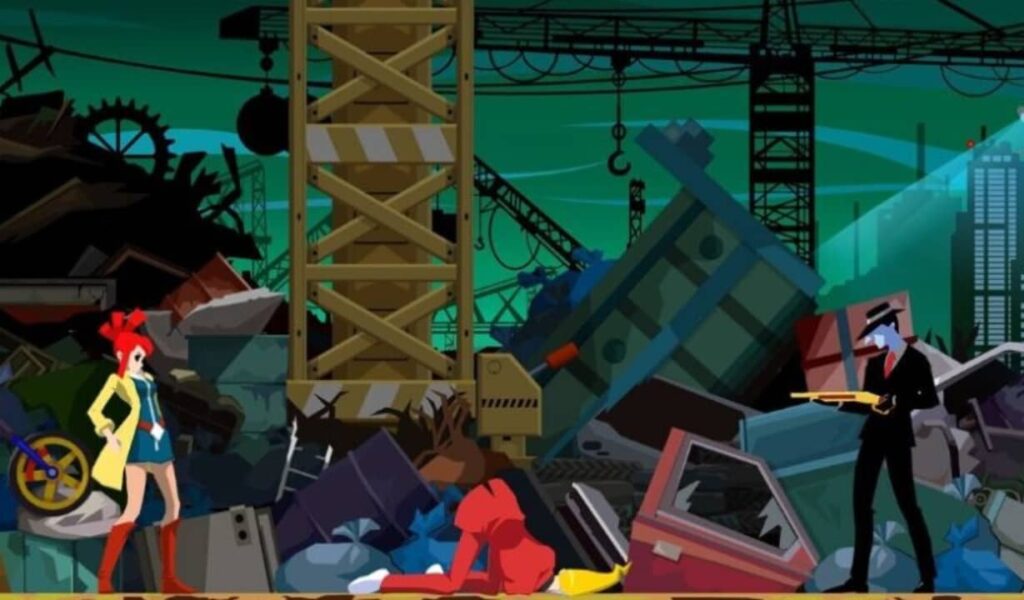
With its remaster just around the corner, Ghost Trick: Phantom Detective climbs to the second spot on our list. This brilliant mystery and investigation game from Capcom comes once again from the mind of Shu Takumi (Phoenix Wright). In this game, we’ll leave the courtroom behind to become an amnesiac ghost seeking answers about our own death. Sounds intriguing, right? Brace yourself, because twists and turns are coming!
Available for Android mobile devices and soon also for PS4, Xbox One, Nintendo Switch, and PC, Ghost Trick: Phantom Detective puts us in the shoes of a ghost detective right after his death. He has lost his memory, so he doesn’t remember who he is or what led to his untimely demise. That’s when our ghostly investigation begins, where we must solve puzzles and navigate through all sorts of ingenious situations by possessing objects. But that’s not all, you can also control time, rewinding and jumping back to the past whenever you want.
The main Danganronpa saga always follows a similar storyline. A group of elite students has been trapped against their will by Monokuma, a teddy bear with a sinister death game. To escape, one of them must murder a fellow student, and then a trial must be held to uncover the culprit.
If the killer is discovered, they will be subjected to a cruel and often gory execution. If, on the other hand, nobody finds out, the killer will escape while the rest of their classmates perish. While the first installment may be predictable and somewhat disappointing, the second and third entries are excellent.
For all Danganronpa fans, it’s worth noting that we will soon be able to enjoy Master Detective Archives: RAIN CODE. This new mystery and investigation game will feature the sinister and fantastic touch that characterizes the creators of this series.
You may not be familiar with the name Tex Murphy if you’re a novice gamer, but he was one of the most beloved detectives in PC games during the 90s. Mean Streets, Martian Memorandum, Under a Killing Moon, Overseer… there are plenty of Tex Murphy games to choose from. But why do I add them to this list? Thanks to a Kickstarter project, Tesla Effect arrived on our computers, a new title in the series that benefits from all the advantages of new technologies while retaining the charm of classic games.
In this game series, we step into the shoes of Tex Murphy, a detective in the year 2040 who, besides not being very good at his job, is obsessed with the golden age of private investigators like The Maltese Falcon.
What usually starts as a seemingly trivial case, like finding a lost cat, ends up turning into a scenario more akin to a James Bond saga. Only the sarcasm of the clumsy detective and, of course, your investigative skills will save the planet. Highly recommended for lovers of comedies and the film noir genre.
One cannot talk about mystery games without including a title featuring the most famous detective of Baker Street. From the hands of the Ukrainian developer Frogwares comes Sherlock Holmes: The Awakened, an excellentremake of the classic 2006 game. This project, born out of an exceptional Kickstarter campaign – in which I myself participated – brings back one of the most iconic titles in the Holmes game franchise. And this time, the detective isn’t facing a simple case, but the very myths of Cthulhu.
Set during the war against Russia, Sherlock Holmes: The Awakened is a faithful portrayal of the original game but with cutting-edge graphics, a new soundtrack, and new cases in the form of DLC. One of the most notable enhancements is the revival of the appearance, voice, and personality of Holmes that we saw in the superb Chapter One, paving the way for a possible resurrection of the detective’s remaining adventures. It’s a must-play for those seeking a great game, and especially for lovers of the stories by Sir Arthur Conan Doyle and H.P. Lovecraft.
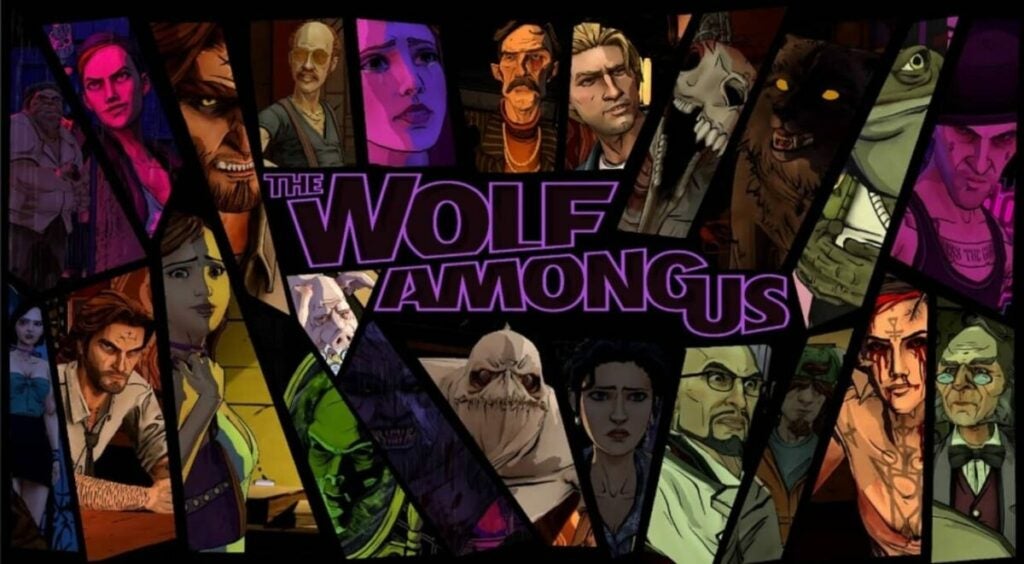
While we eagerly await news about The Wolf Among Us 2, its first installment is undoubtedly a game that deserves to be on the list of the best mystery games. It is based on the DC Comics series Fables and its charm lies precisely in the fact that well-known characters from fairy tales are living among humans incognito… but not quite as we remember them.
In The Wolf Among Us, we take on the role of Bigby Wolf (based obviously on the Big Bad Wolf) and find ourselves involved in a series of murders where the victims are all these characters from fables and children’s tales. The Wolf Among Us is a thrilling title that will keep you glued to your screen until you solve the mystery across its five episodes. However, be mindful of your decisions because, as is typical in TellTale Games’ titles, each choice and path you take will have repercussions on the story’s development.
Fans of visual novels have a must-play experience with PARANORMASIGHT: The Seven Mysteries of Honjo. This true gem developed by Square Enix immerses us in a story of mystery and terror set in late 20th century Japan. In this game, we take on the role of different characters involved in strange deaths where there is a common factor: deadly relics, vengeful spirits, and a mysterious resurrection ritual.
Although at its core it is a visual novel, PARANORMASIGHT is a game where we can interrogate, use objects, employ logic, investigate thanks to its brilliant 360-degree environments, and even curse and kill our enemies. However, where the game truly excels is in its story. It is intricately woven with so many twists that you won’t be able to stop playing until you unravel its mystery. In short, it’s an incredible game that no one should miss out on.
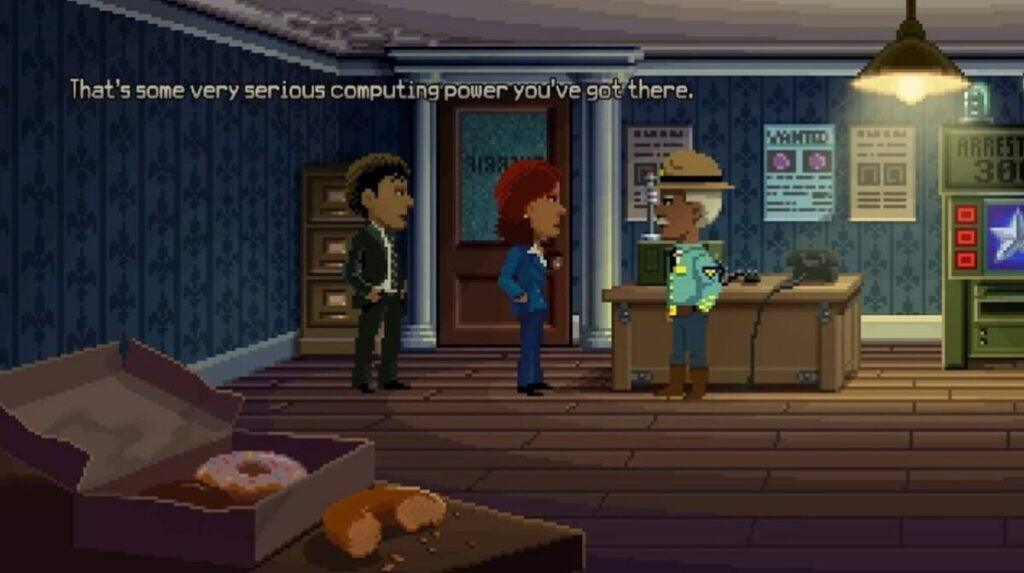
Created by Ron Gilbert, Thimbleweed Park is a love letter to the old point-and-click games of the era of Maniac Mansion, The Secret of Monkey Island, and Indiana Jones and the Last Crusade. In addition to being a true gift for nostalgic players, it is a truly entertaining mystery game where we must investigate a strange murder on the outskirts of the bizarre town of Thimbleweed Park.
Fun like few others and with humor that surpasses the absurd, Thimbleweed Park is a marvel. The game perfectly manages to make you laugh at all times while keeping you glued to your seat until you uncover the killer in the quirky town specialized in pillow sales. A special mention goes to its sheriff-a-reeno, a character that once you meet him, you will never forget him. It is a must-play for fans of graphic adventures and, unlike the controversial Return to Monkey Island, it provides a gratifying experience from beginning to end.
Gabriel Knight: Sins of the Fathers marked a before and after in Sierra Online’s graphic adventures. The fantasy stories of the King’s Quest series were left behind to immerse ourselves fully in a title not recommended for minors, conceived by thriller writer Jane Jensen. In this game, we travel to New Orleans, where we step into the shoes of an egocentric and opportunistic writer on his quest to solve a series of murders related to voodoo.
Gabriel Knight: Sins of the Fathers is a surprising, mature, and complex game with a storyline worthy of the best film. It’s not surprising that to this day it is considered one of the best graphic adventures for PC and mobile devices. The game even received a remake with updated HD graphics and 3D characters, further enhancing its appeal.
We conclude the list with AI: The Somnium Files, an excellent mystery game created by Kotaro Uchikoshi, the mind behind the superb Zero Escape series (if you haven’t played it yet, you’re missing out). In this game, we take on the role of detective Kaname Date, a special agent tasked with investigating the serial killings of the so-called Cyclops. The killer’s modus operandi is to disembowel their victims and steal one of their eyes. To aid us in our investigation, we have the assistance of Aiba, an artificial intelligence located in Date’s eye, and the ability to enter the dreams and memories of the characters.
As is customary in Uchikoshi’s games, The Somnium Files features a gripping story that combines moments of comedy with more serious and even gruesome ones. The end result is a surprising plot full of twists and an exceptional conclusion. If you enjoyed AI: The Somnium Files, don’t miss its sequel, AI: The Somnium File – NirvanA Initiative, which, while not quite reaching the same heights as the first installment, is still highly entertaining.
Is your PC running slow because your antivirus uses too much of your CPU resources? Download these antivirus and make your computer work like the first day.
Antivirus software has become an indispensable tool for surfing the Internet. They protect us from all kinds of online threats such as viruses, Trojans and malware ready to put our data at risk. However, most antivirus programs consume a lot of resources and can slow down our PC considerably. Does this mean that we should do without them? Of course not.
At Softonic we have analyzed one by one the most popular antivirus programs on the market to come up with a list of those that hardly use any CPU. Thanks to them, the speed and performance of your PC will not be affected while you protect your computer from all viruses and malware. Would you like to know them? These are the antivirus for low-resource computers that we like the most.
Kaspersky Free is the undisputed winner among the free antivirus programs with the lowest impact on your PC’s CPU. It offers protection on both desktops and Android devices against viruses, infected files as well as suspicious sites and apps. And best of all, your computer will hardly notice that you are using it.
Among the main features of Kaspersky Security Cloud Free is its powerful protection against viruses. But that’s not all; the program is capable of detecting malware, Trojans, ransomware and other threats that can put your data at risk. It also offers efficient protection against stalkerware, allowing you to detect apps and installed programs that spy and track your activity.
In terms of performance, Kaspersky has less impact on a PC than Windows Defender, so its installation can even speed up your computer… All this for free and with the peace of mind of betting on trusted antivirus such as Kaspersky.
ESET Antivirus may not be the best known option in the antivirus sector, but that does not make it any less efficient. This is an effective program, highly customizable and with a large number of options to ensure that our computer is always protected.
If ESET Antivirus stands out in something, it is precisely in its many options and modes for the analysis programs that we will perform on our computer. Although it is very complete, sometimes it can be somewhat complex for novice users who prefer few options and good results. However, it will delight users who prefer to have an antivirus literally made to measure.
In terms of resources, ESET Antivirus will hardly make use of your CPU, so you can have it on and be working or playing your favorite video game without noticing any slowdown in your computer. There are three versions of this same antivirus (ESET NOD32, ESET Internet Security and ESET Internet Security Premium), each of them differing only in some small extra. That is why in terms of quality-price, we recommend ESET NOD32.
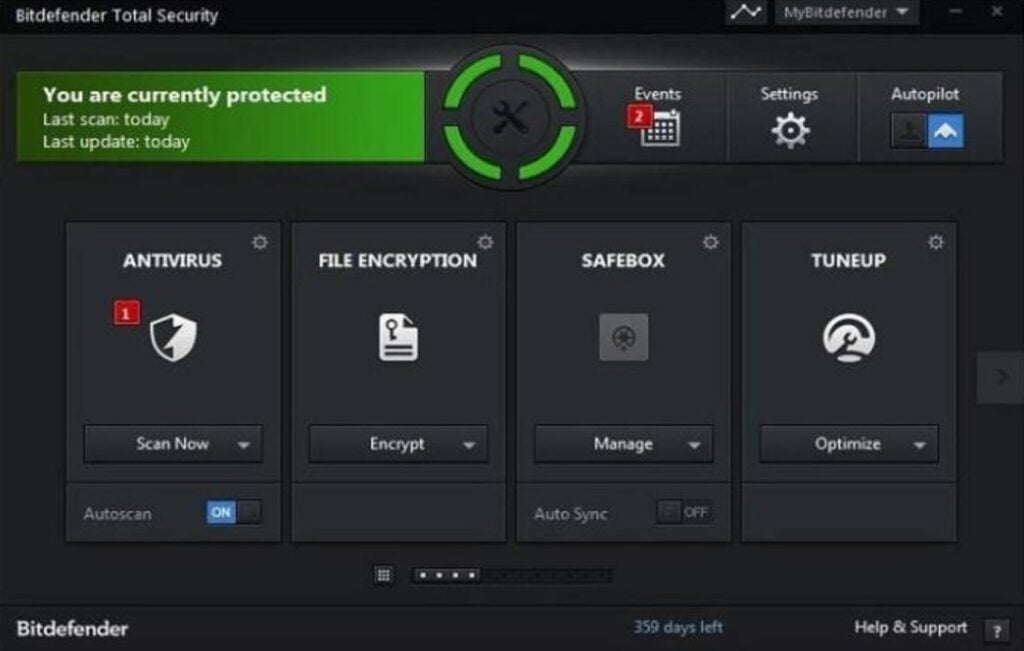
Bitdefender is another excellent option when it comes to protecting your computer without affecting its performance. It has a very complete virus database that is updated regularly and has also achieved excellent results in AV-TEST studies. But it doesn’t end there, Bitdefender also offers a good number of tools to improve your computer’s performance, making it one of the favorite antivirus around the world.
Depending on the features you want in your computer you can purchase two types of Bitdefender Antivirus: Bitdefender Internet Security or Bitdefender Total Security. Here are their main differences:
Bitdefender Internet Security is a lighter version of the antivirus in question and therefore with fewer options. In addition to offering you complete protection from viruses and malware, the antivirus also provides the Safepay secure payment system, a password manager and an interesting vulnerability scan on your computer.
Bitdefender Total Security is a more complete version of the antivirus, adding features such as an anti-spam filter, a powerful parental control system and an efficient firewall.
Regardless of the option you choose, Bitdefender Antivirus is perfect for protecting your computer against any possible attack over the Internet without compromising the speed of your operating system.
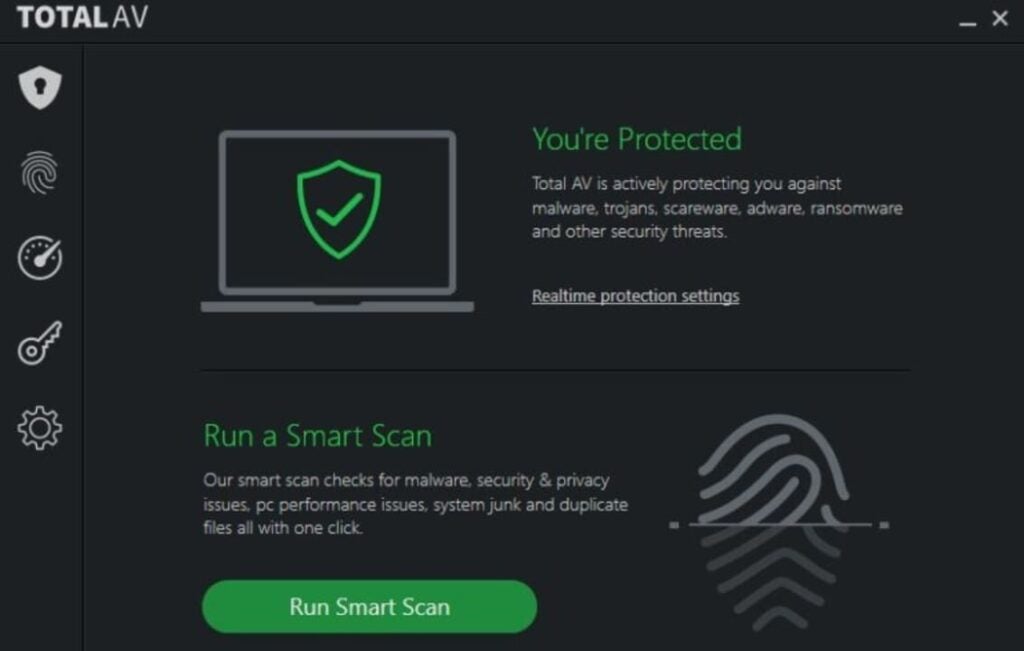
TotalAV is a powerful antivirus that while protecting you against all Internet threats, it won’t put a dent in your computer’s CPU. It will be running silently in the background at all times and will only scan your hard disk when strictly necessary.
Among the main features of TotalAV is a powerful real-time filter against viruses, ransomware, malware and malware as well as being able to block phishing attempts instantly. In addition, it also includes extra tools, such as a hard disk cleaner to improve your PC’s performance or a VPN to surf the Internet securely.
In short, TotalAV is the perfect choice for anyone looking for an antivirus that is not very intrusive but at the same time efficient enough to protect their PC.
Avast Free Antivirus is one of the best options whether you are a laptop user or if your PC is a few years old. Its more than 400 million users and its excellent results when it comes to detecting and eliminating viruses are just a few of the many attractions of this antivirus. Although this is a completely free program, it offers protection that is on a par with the best antivirus programs on the market.
The free version of Avast offers a wide range of options to have your computer always protected. We find the browser shields, real-time protection, custom scans and a great virus library always updated. In addition, Avast Free Antivirus offers extra options such as a game mode, a password manager or the ability to scan your computer for malware.
However, if we have included the free version of Avast in this list for any reason, it is because it hardly affects your computer’s performance. In fact, you will not notice much difference in the speed of your computer whether or not you have Avast installed. However, your computer will be completely protected from any hacker attack.
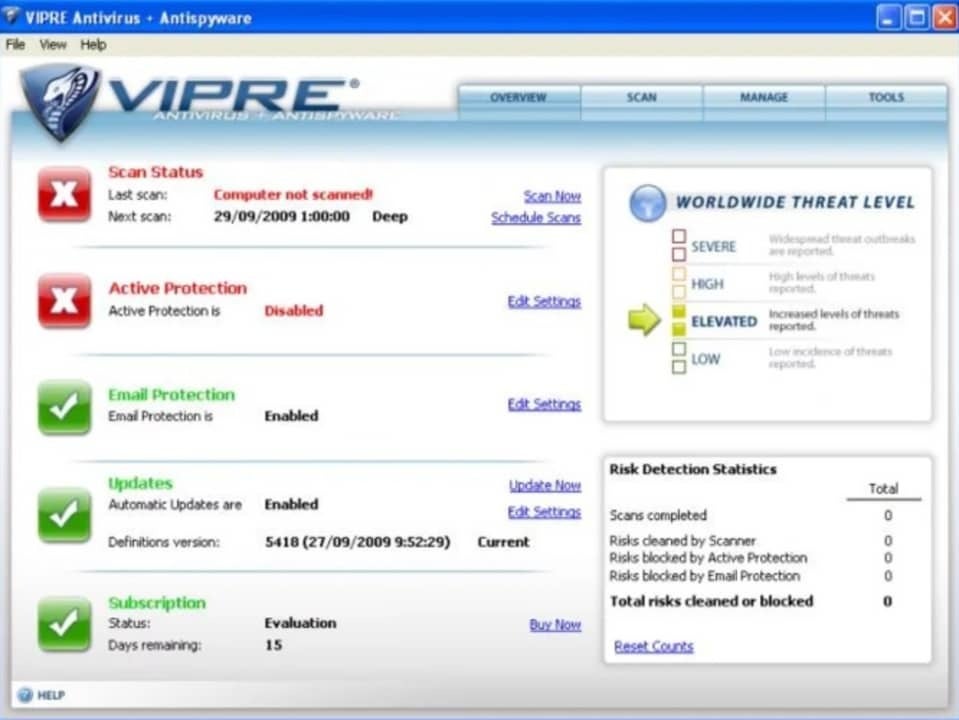
VIPRE is an antivirus designed to protect your PC from the latest threats circulating on the Internet. In fact, it is one of the best options on the market to protect your computer from the dangerous ransomware. However, the power of VIPRE does not come at odds with the use of your computer’s resources, preventing the entry of viruses but without affecting the speed of your PC.
As we have already mentioned, VIPRE stands out for its good results without impacting your computer’s resources. It is able to protect your computer from viruses, Trojans, rootkits, spyware, ransomware and much more. On top of that it is very easy to install and has a perfect user interface for any user who doesn’t want to drown in complicated configuration options. It is, therefore, a perfect choice for anyone looking for a good antivirus that is also very easy to use.
VIPRE is one of the best options on the market if you want to protect your PC from any malicious activity coming from the Internet. It will block any attempt to steal your data without affecting your PC’s performance. Highly recommended.
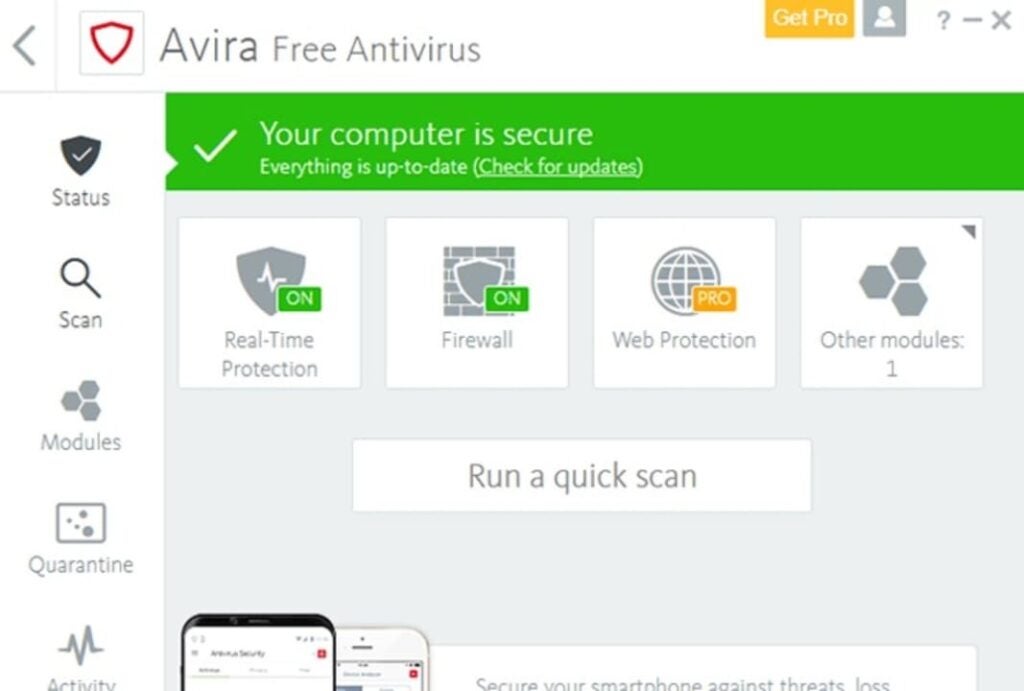
Avira Free Antivirus is a good option if you are looking for a good free antivirus with very good results and that also has a minimal impact on the performance of your PC. Avira is known around the world for its good results and it’s no wonder. It is capable of detecting 99.97% of the viruses and attacks that your computer may suffer, allowing you to always browse with total peace of mind.
If you are a novice user or simply do not like cryptic antivirus or with many options, you will love to know that Avira has a simple and easy to understand interface. From it you can scan your computer for viruses and optimize your computer’s performance, something really useful if it is not working as it should lately. To all this we must add a powerful protection against phishing and the possibility of browsing through its integrated VPN, and all this without slowing down your computer!
The only negative point of Avira is that, being a free antivirus, it has quite a few ads and pop ups that can be frustrating. In addition to all that, it is important that when you install the antivirus you are very careful about which options you choose, because it will try to install other Avira programs that surely do not interest you. Nevertheless, it is a really interesting option to take into account.
Your PC is slow even if you change your antivirus? Here is the solution.
If you have downloaded and installed any of the programs on this list but your computer is still running slow, it is likely that the problem lies elsewhere. There are many factors that directly affect the performance of our computer and they do not always have to do with the antivirus. The state of our hard disk, its fragmentation, a program that has been uninstalled incorrectly, having your operating system outdated or a malicious process that starts when you boot your computer could be the problem.
To find out for sure, we recommend that you first scan your computer for any viruses that may be affecting your computer. If your computer is clean, we then recommend that you use some software to speed up your operating system. These scan your computer for system errors and unnecessary processes that are slowing down your computer.
Download the best antivirus for your PC
As you can see, there are many antivirus programs with which you can keep your data safe without affecting the CPU of your PC. Did you like what you have read? Don’t forget to share it with your friends on social networks!
Get rid of outdated programs, bloatware and junk that affect the performance of your PC
Silverlight is an application development platform created by Microsoft. It emerged as an alternative to Flash and was once widely used by streaming content sites. However, with the passage of time and the arrival of HTML 5, Silverlight has passed away, being used by only 0.02% of web pages. Even so, this Microsoft application is still taking up space on most computers, so why not uninstall it?
Similar to Silverlight, many unnecessary programs have become zombies on every Windows 10 and 11 computer. These are basically divided into bloatware and outdated apps that are still installed by default on every PC. To help you free up space and protect your data, in today’s article we’re going to give you a selection of Windows apps that you should uninstall. We hope they help!
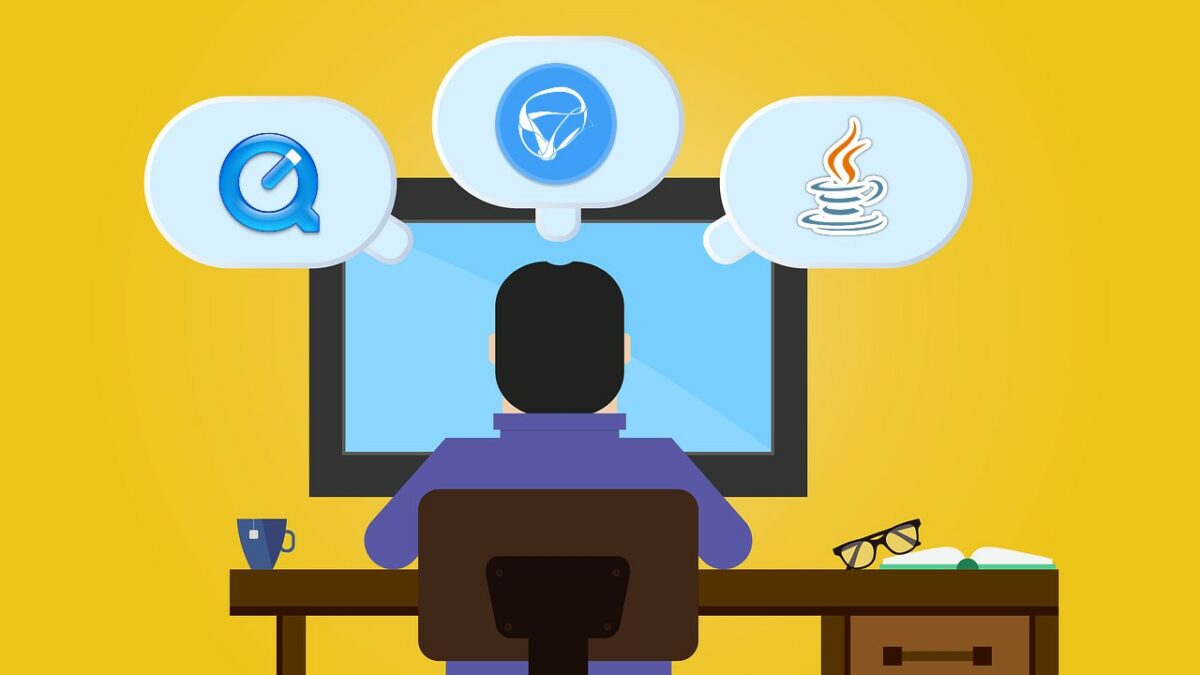
A few years ago, if you wanted to enjoy high quality videos, you had to turn to QuickTime. The MOV format coined by Apple offered not only high image quality, but also high sound quality. To open this type of file, it was advisable to use the QuickTime video player. However, in 2016 TrendMicro announced that the popular video player was full of vulnerabilities that could put users’ computers and data at risk.
Given Apple’s refusal to make any changes to the QuickTime player for Windows, it is advisable to uninstall this programme from any PC. Does that mean you have to give up the MOV format? Of course not! As an alternative, we recommend using VLC Media Player, an exceptional free media player that allows you to play this and any other format without any problems.
Adobe Flash was killed off in January 2021 when it was blocked by the majority of browsers on the market. Poor security, a long history of vulnerabilities, poor performance and high battery usage were just a few of the key factors in saying goodbye to the plug-in. If you still have it installed, we recommend that you remove it from your computer right now. Don’t know how? We explain it step-by-step in our guide to uninstalling Adobe Flash.
3. Adobe ShockWave
In a similar way to Flash, the ShockWave plugin is no longer supported by Adobe in 2019. It can no longer be downloaded from Adobe’s website and virtually no websites still use this service. We know that if you are nostalgic and love Flash games, it is hard to say goodbye to these classics. However, both Flash and ShockWave are useless nowadays, except for leaving an open door on your PC for possible malware.
4. Microsoft Silverlight
As we mentioned at the beginning of this article, Silverlight is a web application development platform designed to run rich Internet pages. As a product of Microsoft, it enjoyed strong popularity until the plugin was no longer needed with the arrival of HTML5. The main browsers on the market (Chrome, FireFox and Edge) are incompatible with Silverlight and you can only access it with the old Internet Explorer (which was abandoned by Microsoft this past 2022).
5. Java
Java is another classic, essential some years ago but that nowadays, it doesn’t make much sense to have installed. It is made up of two components: a desktop version and another as a plugin for your browser. Nowadays there are hardly any pages compatible with Java and browsers such as Chrome or Firefox do not accept this plugin. In the past, Java has been at the centre of some security scandals, so if you want to keep your data safe, you should consider uninstalling Java.
6. Programmes to improve the performance of your computer
If your computer is slow or not running as smoothly as before, you may have been tempted by cleaners or programmes to improve your PC’s performance. All of them are advertised as a panacea and claim that in just a few minutes, your computer will be back up and running as fast as it did on the first day. However, most of them fall into two main categories: those that are useless and those that can damage your computer even more. We recommend that you be wary of all programs capable of making changes to the Windows registry. Or better yet, remove them from your PC.
7. Bloatware from your PC or laptop manufacturers
When buying a computer, especially if it is a laptop, manufacturers tend to fill your new computer with all kinds of bloatware and unnecessary programs. Dell, HP, Lenovo, Toshiba… nobody is spared from this practice. These apps are usually clones of those that you already find in the Windows installation, such as programs for editing photos, games, etc. However, when deleting them, make sure you keep the ones that automatically update your PC’s drivers, plugins and BIOS.
8. Windows 10 and 11 bloatware
Believe it or not, Windows includes in its installation a good number of programs and applications that have little to do with the proper functioning of your PC. Most of these take the form of video games such as Candy Crush Saga or Solitaire & Casual Games or entertainment and information apps such as News, Money, Sports or Weather. If you’re not a console user, you won’t need the Xbox stick or its companion. It is therefore recommended that you take stock of these Microsoft apps and uninstall all those you don’t use.
9. Useless toolbars and extensions
We end our article by focusing on Internet browsers. They accumulate a lot of junk that affects the performance of our computer in the form of toolbars and extensions that are of no use whatsoever. Despite the fact that in recent years Chrome has removed a large number of malicious extensions from its Web Store that only consumed system resources, there is still a lot of work to do. Have you checked yours?
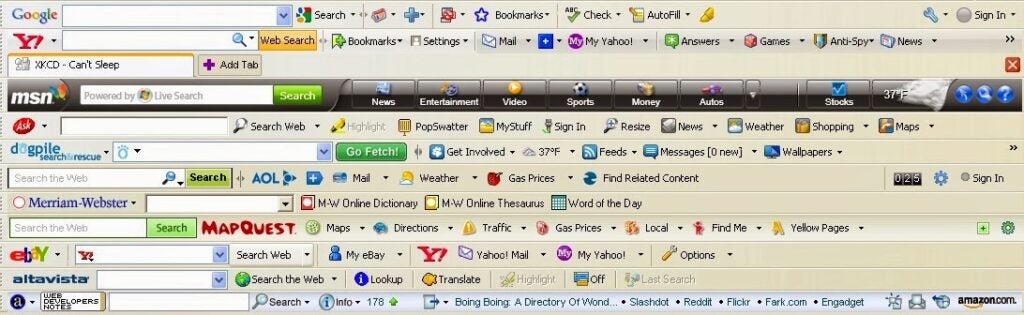
We recommend that you open the browser you use on a daily basis and check if there are any toolbars installed. To recognise them, simply look at the top of the browser and see if you have a small section with its own search box and the logo of Google (Google Toolbar), Bing (Bing Toolbar), Yahoo! (Yahoo Toolbar), etc. Also check your browser extensions and if in doubt, uninstall any that you don’t recognise or don’t use often.
Get rid of all these programmes now
We hope that this article will help you when it comes to uninstalling programs that do little for Windows, apart from taking up space on your hard drive and slowing down your operating system. Don’t be afraid to remove them, because if you regret it later, you can always reinstall them.
Still, we recommend that from time to time you take a look at your hard drive for any applications that have settled on your system and are not performing any function. Believe it or not, many of them can become a major security hole used by hackers.
If you liked what you read, don’t forget to share it with your friends on social media!
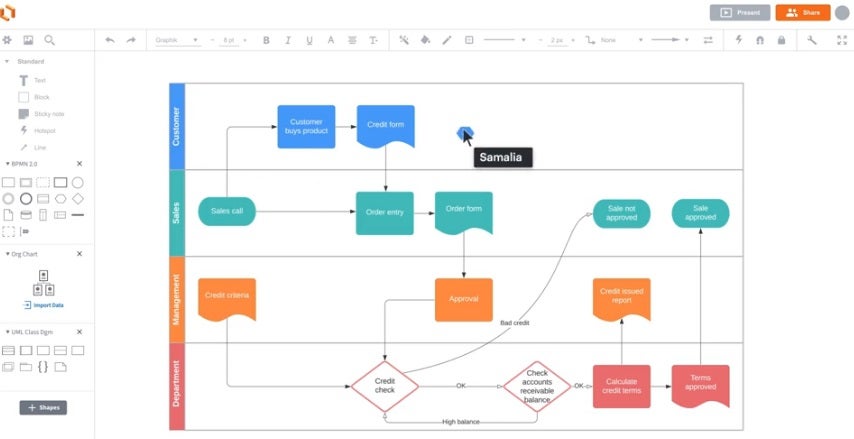
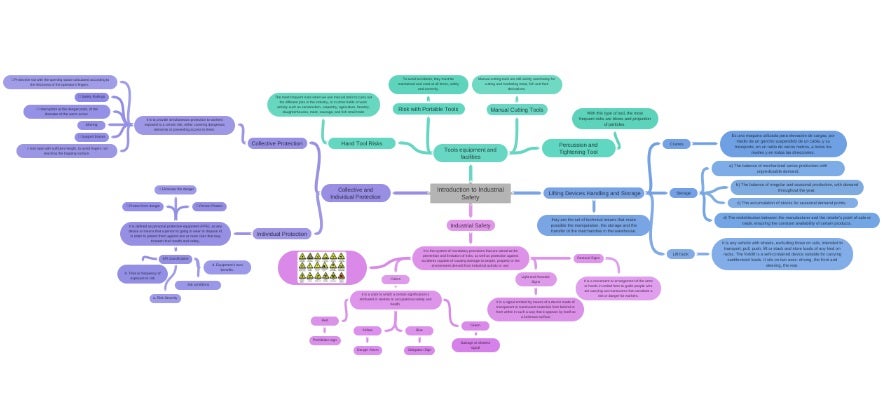
Learn to make diagrams and concept maps quickly and easily thanks to our selection of free programs to make diagrams online.
Making outlines and concept maps are the best method to study and improve our mnemonic skills. Thanks to them we can summarize in a clear way that subject or class that we can’t remember and see how each of its topics interrelate with each other. It is not surprising that it is a key tool when reviewing and preparing for exams.
In a world as computerized as ours, it would be strange if there were no programs to make diagrams from our computer. Many of them can have a high price and not all of us can afford it. But… Did you know that there are also many tools to make diagrams online?
In today’s article we are going to offer you a selection of the best free web tools to make diagrams and diagrams online. From them you will be able to create a concept map quickly and easily and then download it to make it easier to study from it. Here we go!
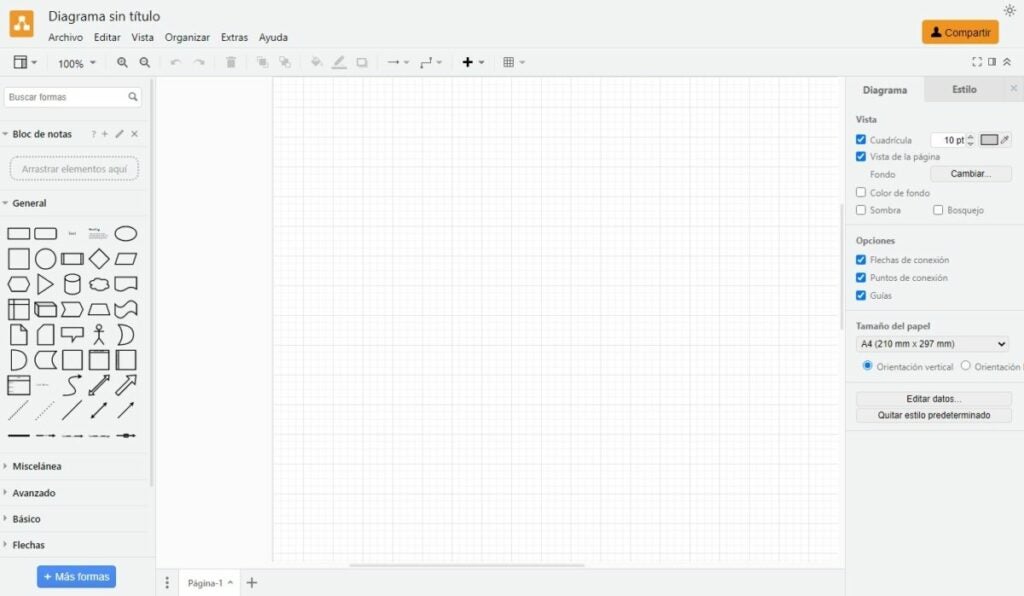
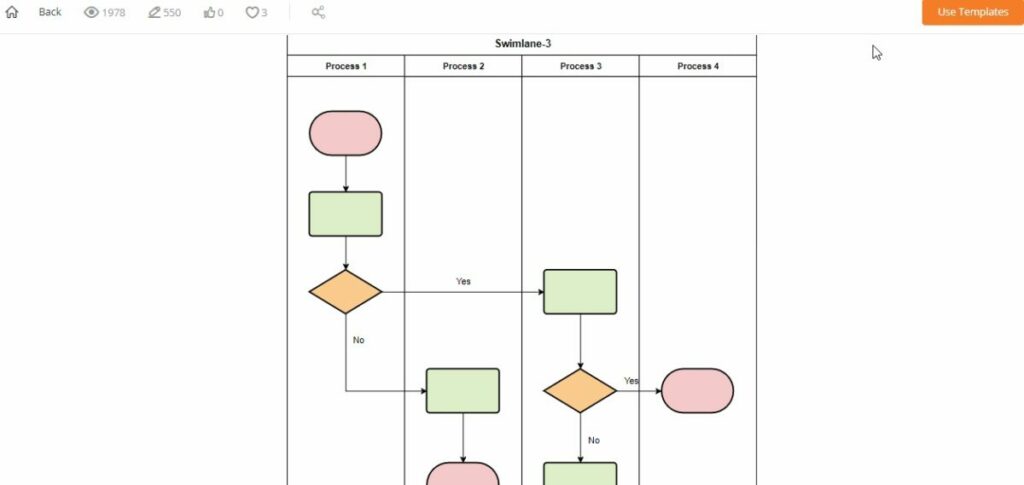
Draw.io is an interesting open source tool from which you can create diagrams, charts, tables and all kinds of concept maps designed for studying. To start using this online application you will not need any kind of previous registration. Just visit their website and start filling in a blank sheet of paper with your diagram. It’s that simple!
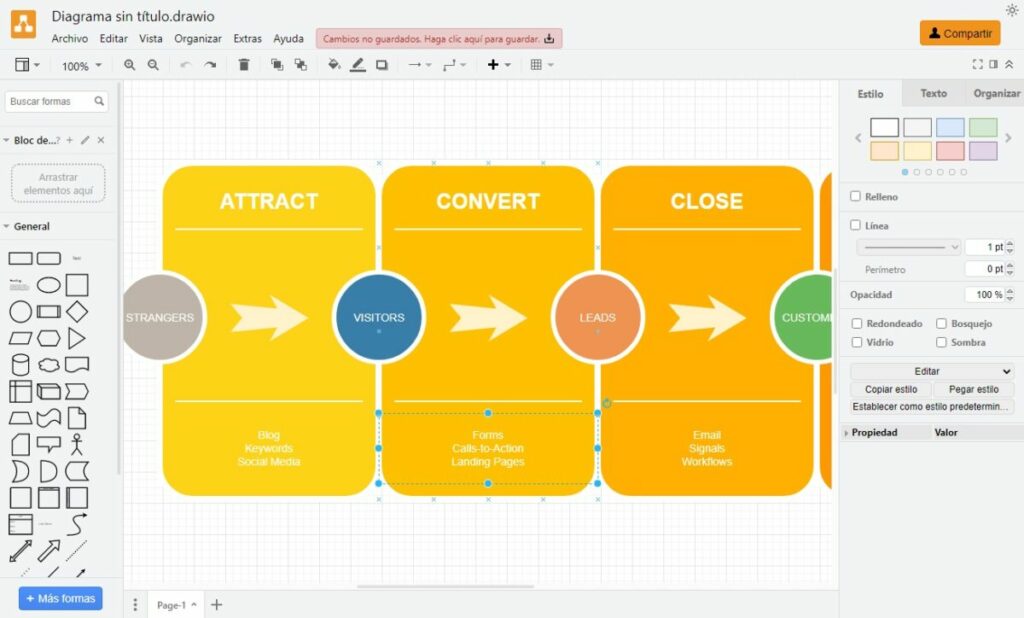
Creating an online concept map with Draw.io is very easy. Just choose the default elements and figures from the left side menu and drag them to the central part of the screen. Once there you can edit the text, add colors, change the size of the figures, etc. This way, in the blink of an eye you will have your diagram ready to export in PDF, PNG or JPG format.
Not used to making diagrams or just don’t want to waste time placing arrows and concepts? Don’t worry. Draw.io also includes a good selection of templates with which you will be able to shape them in no time. In addition, the tool includes the possibility of saving your diagrams online in the main cloud services, such as Google Drive, OneDrive or Dropbox.
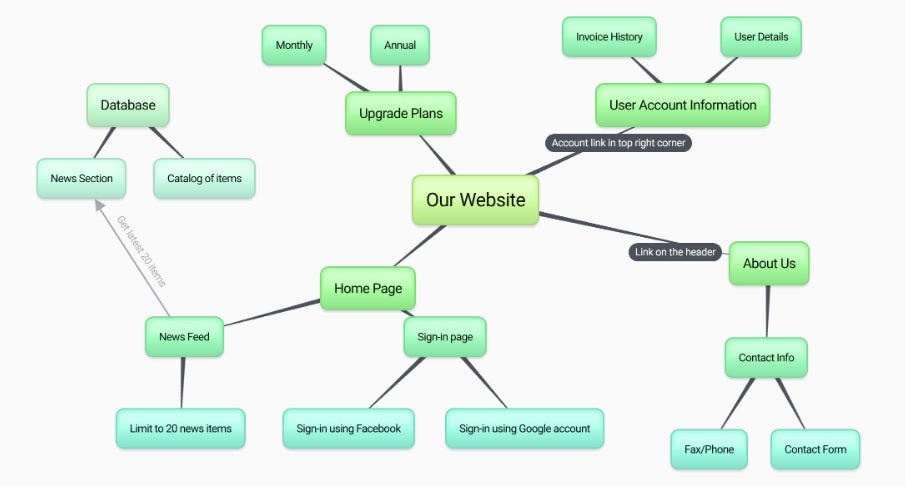
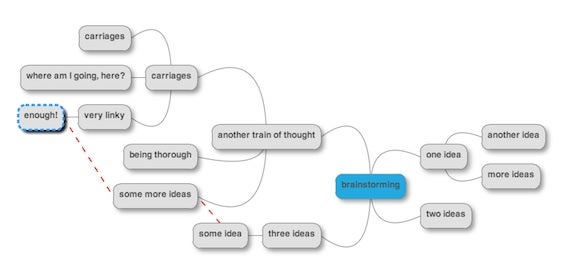
BUBBL.US is an online platform that allows you to quickly and intuitively create visual diagrams in just a few clicks. It is, therefore, a perfect free online tool to manage projects, visualize complex tasks, create concept maps for studying or brainstorming sessions with colleagues.
Using BUBBL.US is very simple, just visit their website, click on the screen to create a bubble, choose the color, write the necessary data in it and relate it to other ideas using arrows. It may not seem so simple at first glance, but thanks to its intuitive interface you will become the absolute king of diagrams in just a few seconds.
It is interesting to note that BUBBL.US is a free online platform that does not require prior registration to use. Simply click on the “Start Brainstorming” button and create as many schemes as you wish for free.
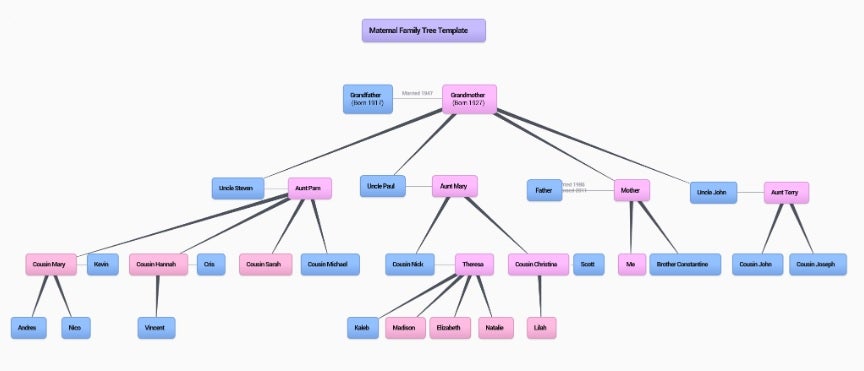
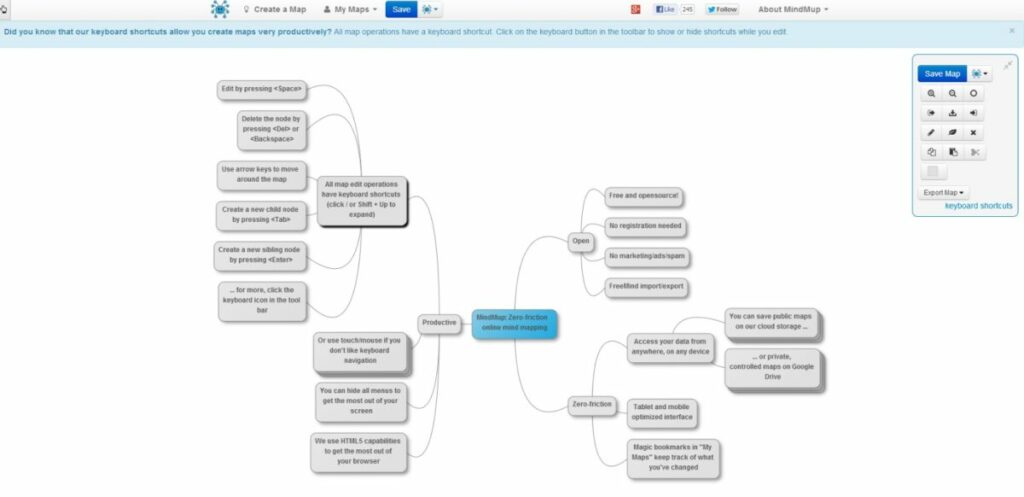
MindMup is a perfect alternative to BUBBL.US. In a very similar way to the previous tool, MindMup allows you to create outlines and concept maps from an online platform without the need for prior registration. It is therefore an excellent resource for anyone who needs to create a quick diagram without having to open an account.
MindMup offers a very intuitive interface, so it is very easy to make diagrams in just a few seconds. In addition, even if you do not register to the site, it will store your diagrams for six months, so you will never really need to open an account if you do not think it is convenient.
Finally, it is important to highlight that MindMup offers the possibility of exporting our schema in PDF format, something that BUBBL.US does not let you do. This is why it is a highly recommended option if this is your preferred format for archiving documents.
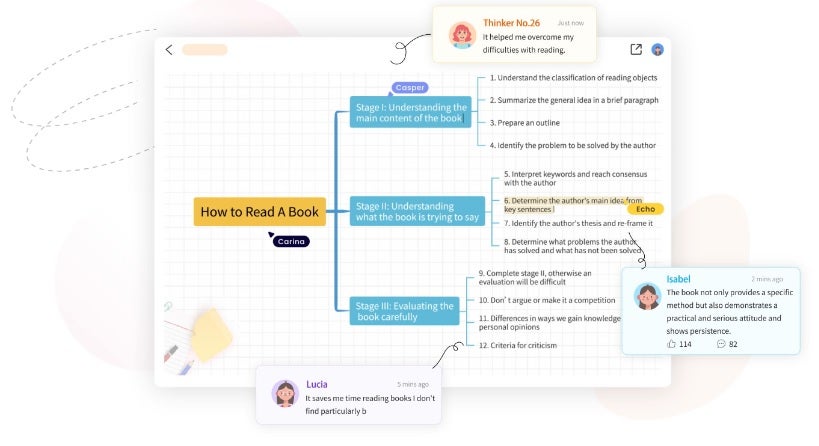
As its website says, GitMind is the online platform to make your ideas count. This free software for creating outlines and concept maps is an ideal method for summarizing notes, reports or brainstorming sessions.
In terms of operation, GitMind stands out for its simple interface. In addition to the classic tools for creating diagrams, the platform includes a good number of templates to make your life much easier. Do you like to create diagrams from scratch? No worries. Simply set up themes and their peripheral nodes to visually capture an idea.
As with the previous options, an interesting point of Gitmind is that you don’t need to register to start making your schemas. It is also remarkable how GitMind allows you to add priorities, comments and a progress meter to each of the parts of the schema, being perfect for group work. What are you waiting for to try it?
LucidChart is one of the most powerful tools for creating diagrams and schemes on the market. From it you will be able to make plans, concept maps and professional organization charts in a matter of seconds. Despite being a paid service, the platform offers a fully functional free version. It provides access to all its basic figures as well as 100 templates to shape your diagrams. Once the work is finished you can save it in JPG, SVG, PDF and PNG formats.
As we have already mentioned, LucidChart is one of the star platforms when it comes to making diagrams. In fact, companies of the caliber of Google, NBC, Amazon or even NASA use it in their work environment. In addition, its tools are integrated with a large number of cloud services such as Google Driveor Microsoft Teams.
Finally, LucidChart is a tool developed with teamwork in mind. It allows several people to have access to a diagram and interact with it, making it an excellent option for telematic brainstorming. This is why the service can be integrated into applications such as JIRA, Microsoft 365 orSlack.
We close our selection with Coggle, an intuitive online tool designed to make diagramming a real delight. Unlike some of the alternatives on the list, Coggle is not a platform designed to create complex concept maps. However, it is the most intuitive and fastest option for creating a simple diagram with a central theme and its corresponding constellation of entities.
Coggle has a free version as well as two paid options. From your free account you will be able to create a total of 3 private diagrams and an unlimited number of public diagrams. In addition, you will have at your disposal more than 1600 icons, you will be able to incorporate your own images as well as collaborate in real time with other users.
In short, Coggle is an excellent option if you are looking for a tool without many complications but full of possibilities to make your diagrams and schemes online.
We hope that our selection of free online diagramming platforms has helped you. As you can see, there are countless excellent services from which you can create your own concept maps without spending a fortune. Did you like what you have read? Don’t forget to share this article with your friends on social networks!
Personalize your PC desktop with the best geek and geek themed wallpapers. Series, Animation, Star Wars, Marvel, Videogames and many more!
Wallpapers are an excellent resource to turn an ordinary PC into a brand new computer created in our image and likeness. They reflect our personality, tastes, hobbies and, of course, our geek side. And we have to accept it, even if we are serious and hard for life, inside us there is a geek who enjoys like a little kid watching series, movies, reading comics and of course playing video games.
Whether you follow a 100% geek lifestyle or you prefer to dedicate yourself to the geek world in the shadows, the idea of having a wallpaper of your most beloved hobbies will surely appeal to you. Funny images about programming, Joel and Ellie escaping the apocalypse, Mando and Grogu running through the galaxy or the epic battle against Thanos are just some of the examples that could be right now adorning the screen of your computer…. but do you know where to find them?
In today’s article we are going to offer you a complete selection of wallpaper ideas for you to decorate your computer with the most geeky images of the moment. TV series, comic backgrounds, superheroes, anime, video games… whatever you like, you’ll find it. We hope you like them!
How to customize your PC screen
Before we start with our selection of wallpapers, let’s make a mandatory review of how you can customize the screen of your computer with the image you like the most. Don’t worry, it’s very simple and won’t take you more than a few minutes.
Step 1: Know your screen resolution
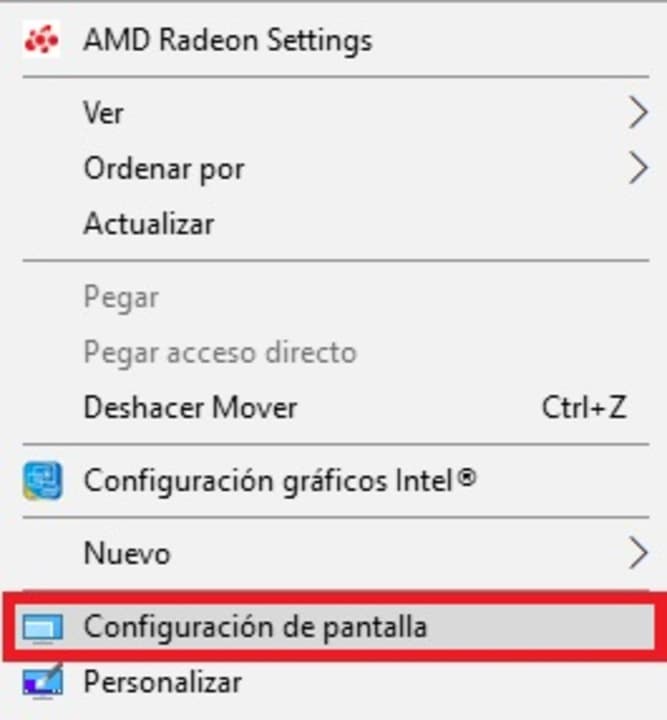
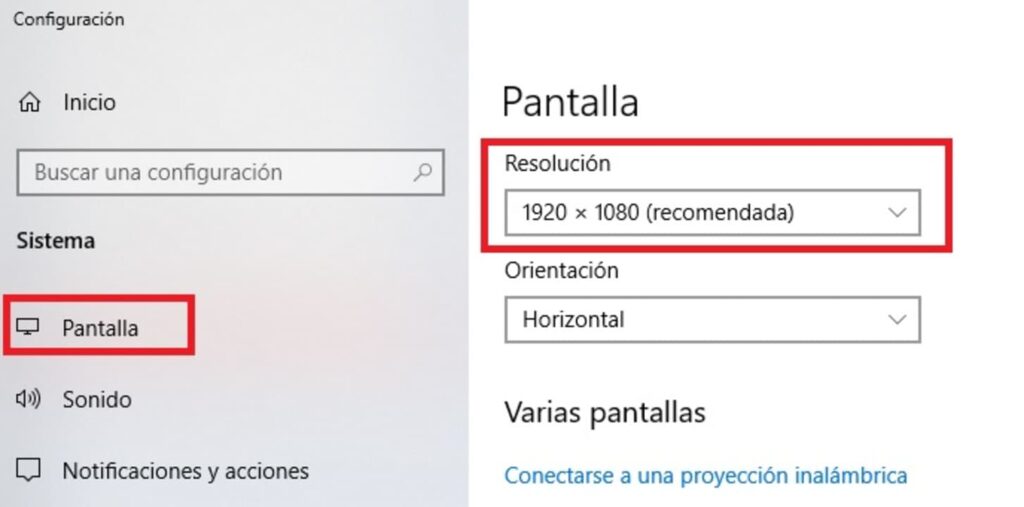
The first step to follow to download and correctly use a wallpaper on your computer is to know the resolution of your screen. To do this, right-click on the desktop and once the drop-down menu appears, click on the “Display Settings” option. If you wish, you can also get here by accessing your computer’s Settings window (Windows Key + I) and clicking on the “System” option followed by “Display”.
If you have followed this step to the letter you will get to a new window where you can see all the information about the screen of your computer. Look for the point called “Resolution” and write down the number that appears. If you want your wallpaper to display correctly, make sure it has this same resolution or a multiple of it.
Step 2: Get a desktop wallpaper with the correct resolution
Now that you know the resolution of your computer, simply download a wallpaper that fits this size. We recommend that you save them in the Windows gallery so that you don’t have problems locating them later. If you only find wallpapers of different sizes, don’t worry, Windows offers the option to adapt the background to your screen resolution. We will talk about it in step 3.
Step 3: Set the wallpaper you want
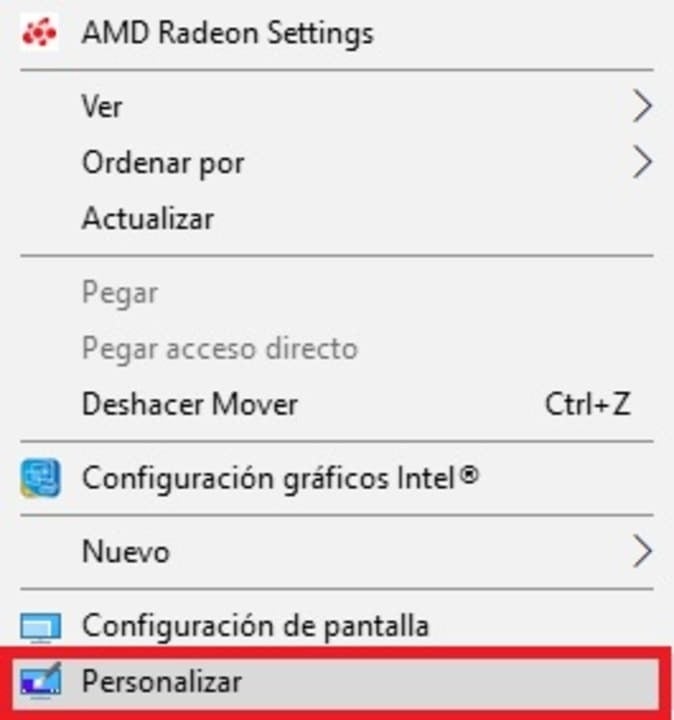
Now that you have your files on your computer, it’s time to change your wallpaper. To do this, right-click on your desktop and click on the “Personalize” option. Alternatively you can also get to this menu through your computer’s settings (Windows Key + I) and then click on “Personalization”.
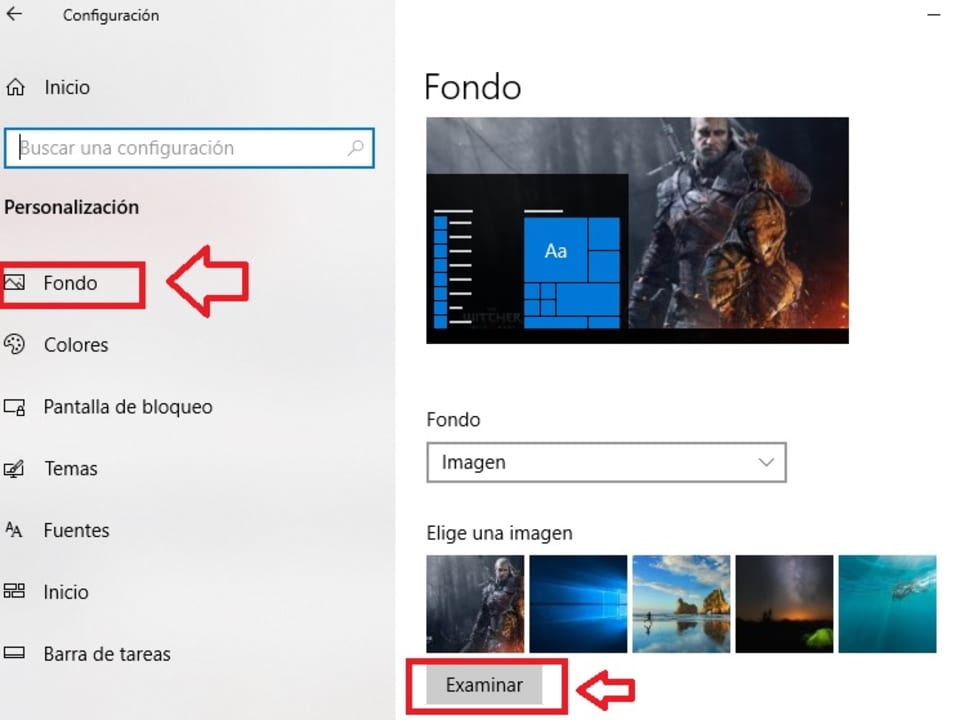
Once you get to this new window, look for the “Choose an image” option and click on the “Browse” button. Select the image you downloaded and want to use as your wallpaper. If this image doesn’t quite fit your desktop, select “Fill” from the drop-down menu to let Windows adjust it to your resolution. You now have your custom geek wallpaper!
How to customize the screen of your mobile
If you want to change the wallpaper of your smartphone, the process is just as easy and simple. To do this you simply need to download the image you want to use as wallpaper for your phone and save it in your gallery. Remember that the dimensions of a mobile wallpaper are not the same as those of a smartphone.
Once you have done this, access your phone’s settings and click on the “Display” option followed by “Wallpaper”. If you are using a Samsung smartphone you will simply need to click on “Wallpaper & Themes”.
After that, select the “Photos” option and choose the picture of your choice from your phone’s gallery. If you are using a Samsung mobile simply click on Gallery from the Samsung Themes window. Once you have selected the image, it will appear on the home screen or lock screen (or both) of your mobile.
If you are more of an iPhone or iPad user, the procedure is just as simple. In “Settings” tap on “Wallpaper”. Already in the new window, click on “Add new wallpaper” and then select the image you want to adorn your iOS device.
Creative and geeky wallpapers with illustrations
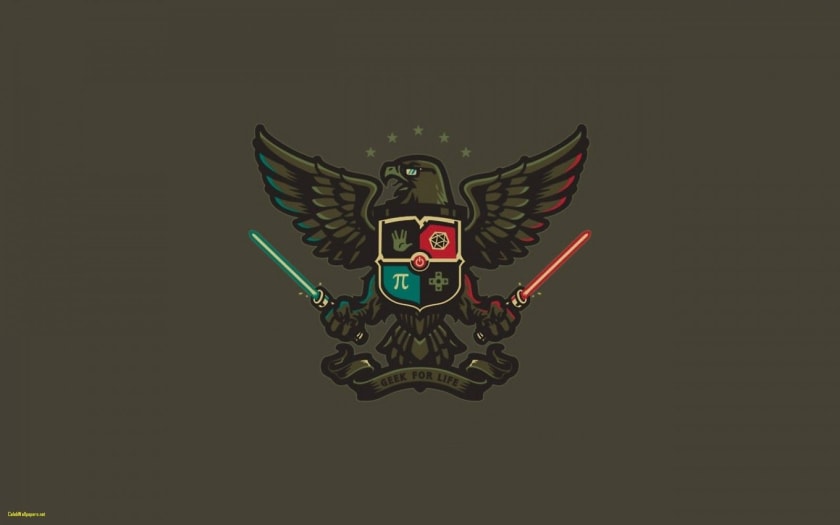
The geek universe has inspired millions of digital art creators to give life to funny illustrations that will make us smile just by looking at them. Most of them have a secret message, reference or joke that only the geekiest will understand. So you know, if someone in the office laughs when they see your wallpaper, they are one of your own.
One of the main activities of any self-respecting geek is to spend hours and hours watching TV series. Over the last few years and thanks to platforms like Netflix or HBO Max, watching TV series has become a real pleasure. Do you like to spend your weekends with a blanket, a sofa and a good TV series? Then you’ll love these wallpapers.
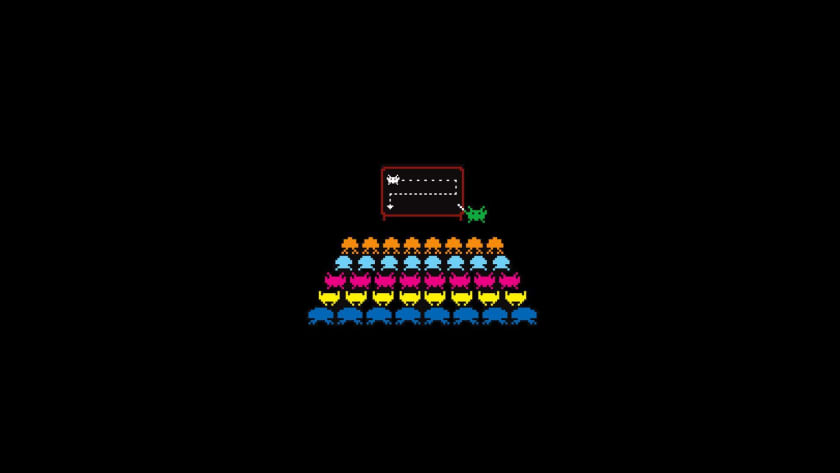
Video games never go out of fashion and regardless of whether you are a PC or console gamer, you always want to spend hours and hours enjoying all kinds of challenging adventures. Why not decorate your computer with some wallpaper from your favorite franchise?
No selection of geek wallpapers can be considered as such without its own section of Star Wars images. George Lucas’ timeless saga will always be closely linked to the geek world. May the force be with you.
In a similar way to Star Wars, Game of Thrones was a revolution in television series, especially among fantasy lovers. Throughout its 8 seasons we have lived all kinds of betrayals, political tribulations, deceptions and epic battles throughout Westeros. It is only natural that after so long following Daenerys or Jon Snow we want to immortalize them on our computer screen.
Although we have already included a section of Star Wars wallpapers, we could not resist creating our own section for The Mandalorian. And the fact is that the Disney Plus exclusive series starring Pedro Pascal has made everyone fall in love with it throughout its (so far) 3 seasons. Besides… Who could resist having the charming Grogu as a desktop background?
Marvel and DC superheroes (and supervillains) wallpapers
Whether you are a Marvel or DC fan, it is undeniable that thanks to the movies and especially to The Avengers film saga, superheroes are having their best moment. Celebrate with them their well-deserved popularity thanks to a colorful wallpaper full of super-charm.
Both comics and Japanese cartoons are still one of the favorite entertainment for anyone who considers himself a geek. And in them you can find everything from tender stories of love and friendship to the craziest adventures you can imagine. Do you dare to turn them into your desktop backgrounds?
Not all animated series are Japanese and many of them are considered cult within the geek world. Who has not spent hours and hours laughing with the adventures of the Simpson family, accompanying Fry in all his deliveries of the Galaxy Express or getting carried away by the follies of Rick and Morty? Here are a few wallpapers so that you can continue to enjoy them all from the screens of your computer.
The geek world is as wide as the human mind, so it is very likely that even if you have looked and looked through our selection, you will not be able to find the wallpaper you were looking for. However, that does not mean you should throw in the towel, there are hundreds of websites where you can find that image for your desktop or the perfect wallpaper for your cell phone. These are the ones we like the most:
We hope that our selection of geek wallpapers has helped you find beautiful wallpapers to enjoy your geeky hobbies to the fullest. Did you like what you read? Don’t forget to share this article with your friends on social networks!
Step-by-step tutorial to solve the error code “ssl_error_rx_record_too_long” in Mozilla Firefox and thus be able to navigate normally again.
The error code “ssl_error_rx_record_too_long” is very common among browsers, especially Mozilla Firefox. It is accompanied by the message “Secure Connection Failed” and responds to a discrepancy between the security of the data sent by a web server and the data expected by the browser. The result prevents the normal display of the web page, which is very annoying if, for example, we need to use the Internet constantly for work.
What causes the error code “SSL_ERROR_RX_RECORD_TOO_LONG”?
As we have already told you, the main cause of the ssl_error_rx_record_too_long error in Firefox is due to the inability to verify the data received. This can be due to a number of factors, including a misconfigured SSL certificate or some other type of security flaw on the part of the website. As a result, Firefox is unable to complete the connection to the server port, blocking access to the website.
Solution 1: Access the URL with the HTTP protocol
This is perhaps the easiest way to resolve this error. As we have already told you, the error “ssl_error_rx_record_too_long” is due to the fact that Firefox is unable to verify the secure data (SSL) of a page and therefore blocks it. One way around this is to access that same URL by replacing “https://” with “http://”. To do this simply open a new tab in the browser, copy and paste the address and change the beginning of the address to “http://”. If this does not work, try one of the other methods we offer.
Solution 2: Use a connection without Proxy
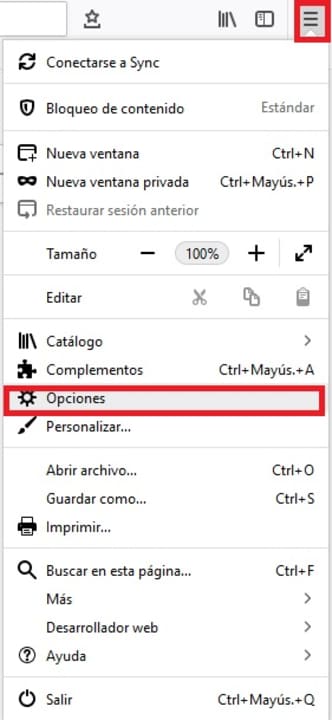
Another simple and usually effective way to solve this annoying error message is to change the settings with which Firefox connects to the Internet. To do this first of all click on “Open menu” (it is the icon of the three horizontal lines in the upper right corner of the screen) and then click on “Options”.
Once in the Firefox options, scroll down to the “Network Settings” section (it is the last one in the list) and then click on “Settings”. Within this menu check the “No Proxy” option under “Configure proxy access to the Internet” and click OK. Restart the browser and try to access the page that gave you the error. If the problem persists try one of the other methods mentioned above.
Solution 3: Use Firefox in Safe Mode
Although many users do not know it, Firefox has a Safe Mode that is able to solve most of the errors that the browser suffers from. This will deactivate all the extensions that you have installed and also all the hardware acceleration options that you have active. In this way, the browser will work only with its minimum options, being able to easily detect what generates the error “ssl_error_rx_record_too_long error”.
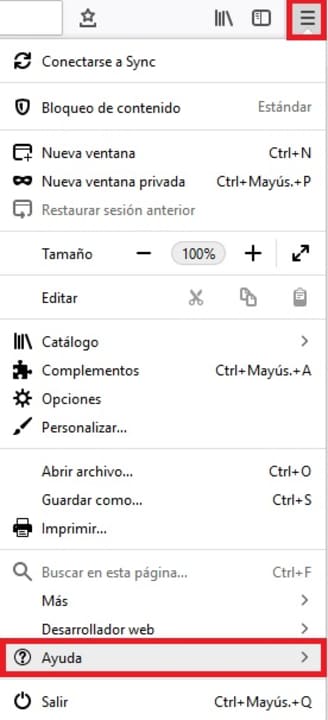
To activate Safe Mode simply click on “Open menu” (it is the icon with the three horizontal lines in the upper right corner of the screen) followed by the “Help” option. You will see this will open a new drop-down menu.
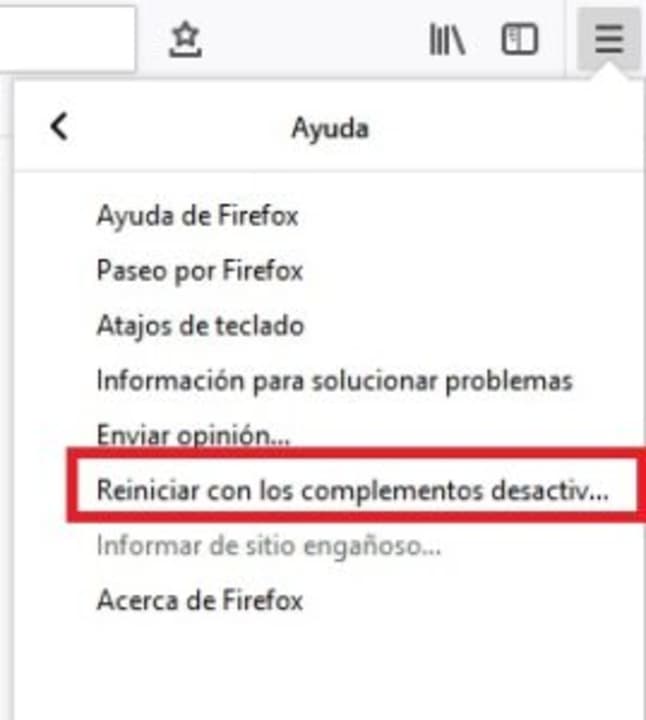
To continue with the process, click on the “Restart with add-ons disabled” option. This will open a new window in which Firefox will ask you to confirm that you want to restart the browser. Click on the “Restart” button.
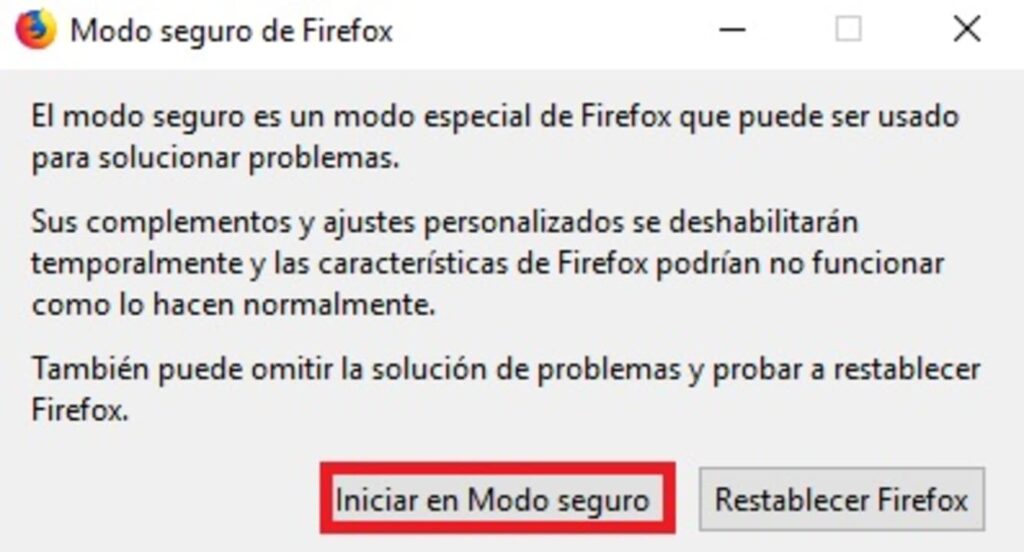
Finally Firefox will ask if you want to access the browser in Safe Mode. Click the option to restart the tool in safe mode and try to access the page that gave you the error. If it persists try one of the other methods.
Solution 4: Disable Firefox Extensions
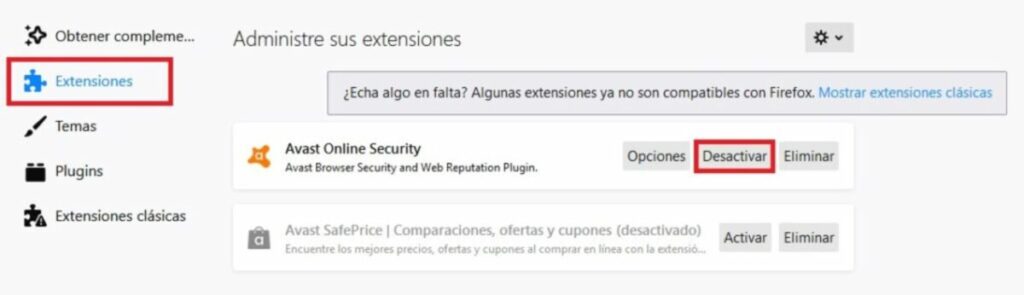
If you prefer to disable extensions directly without reverting your browser to Safe Mode, you can also do so. To do this just click on “Open menu” (it is the icon with the three horizontal lines) and then click on “Add-ons”.
Click on “Extensions” in the left side menu of the screen and deactivate all the extensions that you see fit in the right side menu. Once you have done this, restart your browser and try to access the page that gave you errors. If it persists, try one of the other methods.
Solution 5: Reset Firefox to its original settings
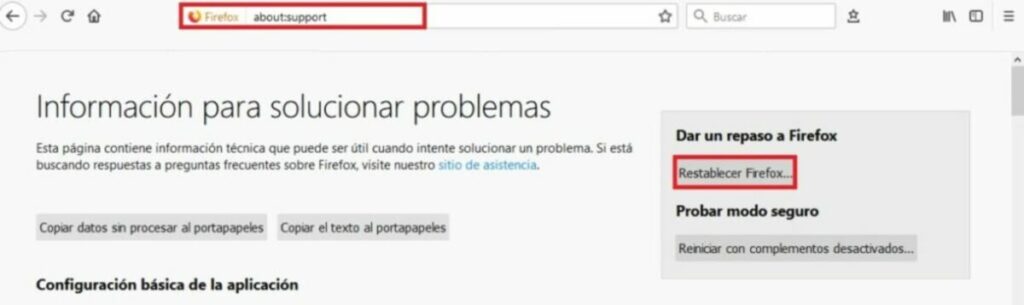
It may be a change you have made to your browser that is causing it to not work as it should. To return Firefox to factory default simply type “about:support” in the navigation bar and press Enter.
In the new window you will see all the technical information about your browser. Click on the “Reset Firefox” option on the right side menu of the screen. After that try again to access the website that gave you errors and if the problem persists, try another of the methods we offer.
Solution 6: Change your TLS preferences
The error code “ssl_error_rx_record_too_long” may appear as a result of a transport layer security (TLS) misconfiguration. This type of encryption, very similar to SSL, protects the transparency of data and information over the Internet. That is why altering your preferences can solve this annoying problem.
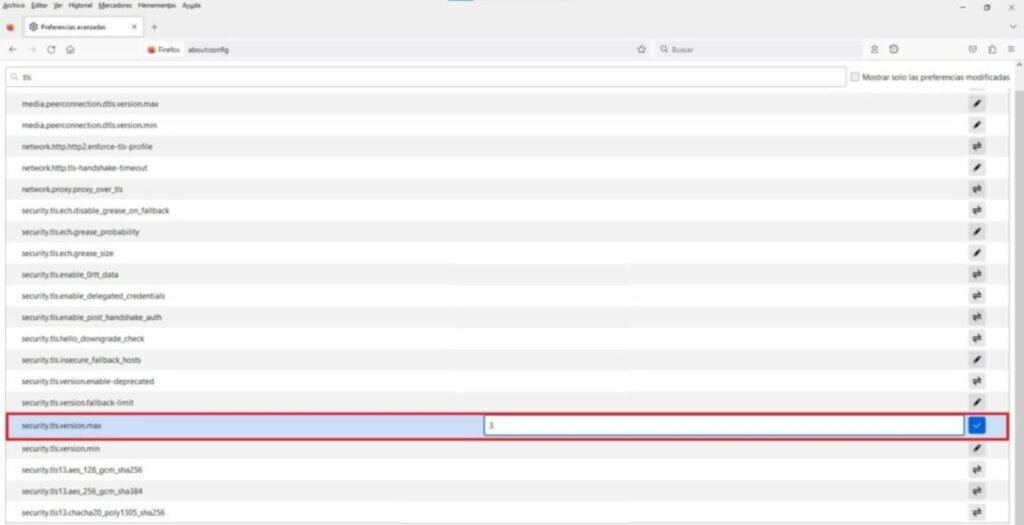
To do so, open Firefox, type “about:config” in the navigation bar and click on the blue “Accept risk and continue” button.
Once this is done, type “TLS” in the search bar and press Enter. Now with the list of addresses displayed, search for “security.tls.version.max”. Double-click on it and change the value from 4 to 3. Now simply restart the browser and try to visit the web page. If it does not work, it is recommended that you leave the TLS value as it was before.
Solution 7. Add the URL to your trusted pages
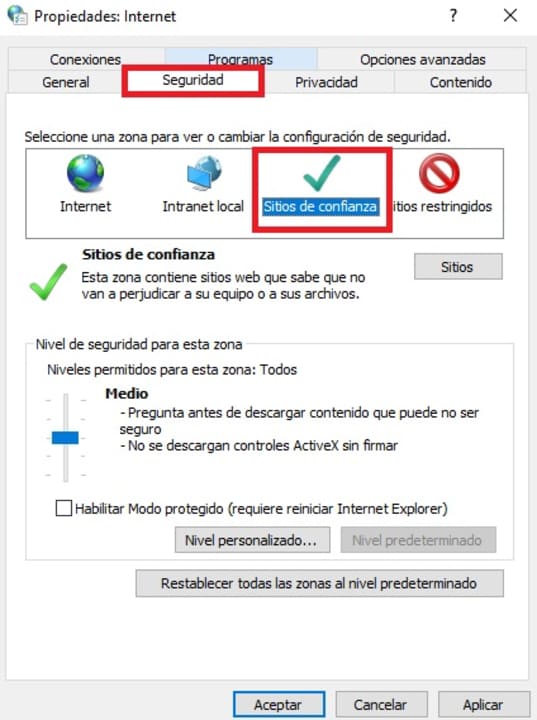
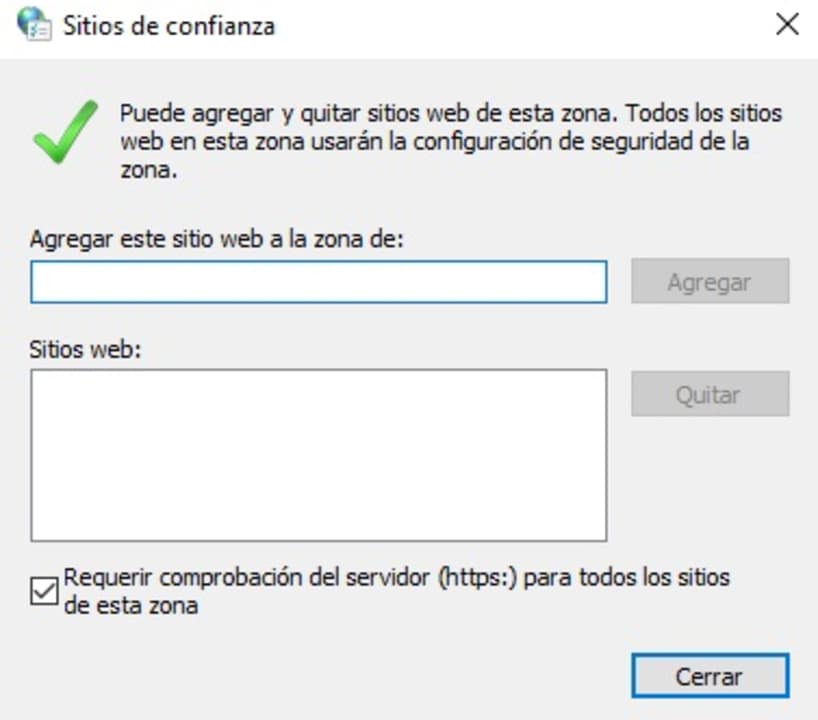
Another effective solution to resolve the “ssl_error_rx_record_too_long” error message is to add the URL that is giving you problems to the Windows trusted pages. For it you will have to accede to the Internet Options inside the Control Panel of your operating system. Once there, click on the “Security” tab and select the “Trusted Sites” option.
Now simply click on the “Sites” button and, in the new window, type the name of the URL that is giving you problems and select “Add”. Once done, apply the changes and open Firefox to see if it works.
Solution 8: Disable your antivirus
Sometimes this error is due to the fact that our antivirus is blocking secure pages by mistake. One way to detect if this is the case is to deactivate our antivirus software for a few seconds and try to access the web during that period of time. If this works, the problem lies in your antivirus and not your browser, so you may want to consider changing it.
It is very important to emphasize that this step is only recommended if you know that the website you want to access and appears blocked is trustworthy. Otherwise, never disable your antivirus software.
Solution 9: Update Firefox
An outdated version of your browser may be the culprit for not being able to access certain web pages. Updating Firefox is very simple, just click on “Open menu”, “Help” and finally “About Firefox”. A new window will open informing you if you have the latest version of the browser or if you need to update it.
Solution 10: Reinstall Firefox
If the problems persist after trying all the above methods, you may want to reinstall your browser. To do this, first of all uninstall Firefox from your computer and then download the latest version below.
Double-click on the installer and follow the on-screen instructions. After finishing the process, try again to access the pages that gave you an error.
Solution 11: Change your browser
If after performing all the methods we have suggested you are still unable to access most of the web pages, try installing another browser. There are some really good alternatives that will make you not miss Mozilla’s browser at all. These are the ones we like the most:
After installing your new browser, try to access the pages that were giving you errors.
Get rid of the annoying message “SSL_ERROR_RX_RECORD_TOO_LONG”
We hope that our selection of tricks has helped you to solve the code “ssl_error_rx_record_too_long” in Firefox. As you have seen, despite being a rather annoying error, it is easy to solve once you know the steps to follow. Did you like what you have read? We encourage you to share this article with your friends through social networks.
Create and edit professional documents in the blink of an eye thanks to our selection of the best free word processors of 2023.
Word processors are an indispensable tool on any PC. Every day we need to write all kinds of documents and reports, whether for our studies or in our working day. No wonder that one of the classic requirements when buying a new computer is that it comes with Office or Word installed, but… What happens if we can’t afford Microsoft’s office suite? Very simple: We will need to download a free word processor.
In today’s article we are going to offer you a selection of what we consider to be the best free word processors for 2023. All these alternatives to Word have been carefully chosen for their functions and tools as well as for their compatibility and ease of use. Are you ready to get to know them?
What should a good word processor have?
Choosing a good word processor is not easy. Searching the Internet, you will find an endless number of options, both free and paid, that promise to solve any problem when it comes to writing a document. However, not all word processors are the same and not all offer the same functions. What features should we take into account when choosing one?
First of all, we must take into account its file compatibility. Bear in mind that the most widely used word processor in the world is Microsoft Word, so it is essential to look for a program that is compatible with the DOCX format. This is the only way to ensure that we will be able to open documents saved in this format and at the same time be able to share our files so that others can open them without any problem.
Another important factor is that it does not slow down our computer. Many free word processors are not optimized and even though they are functional, they use too many computer resources. This translates into having to deal with a slow PC, decreasing our productivity and with the constant danger of the program not responding or losing the document.
It is also essential that the word processor is updated often. This will ensure that any errors or bugs in the program will be repaired by its developers, as well as protect us from possible security holes. In addition, a word processor that is updated often indicates a development team involved in the program, so it is more likely that we will see new features, tools and improvements added in a future update.
Finally, it is interesting if a word processor is cross-platform or includes cloud functionality. This way we will be able to work on the same document regardless of the computer or device we are using, as well as making it easier for other users to access the document.
1. WPS Office Free
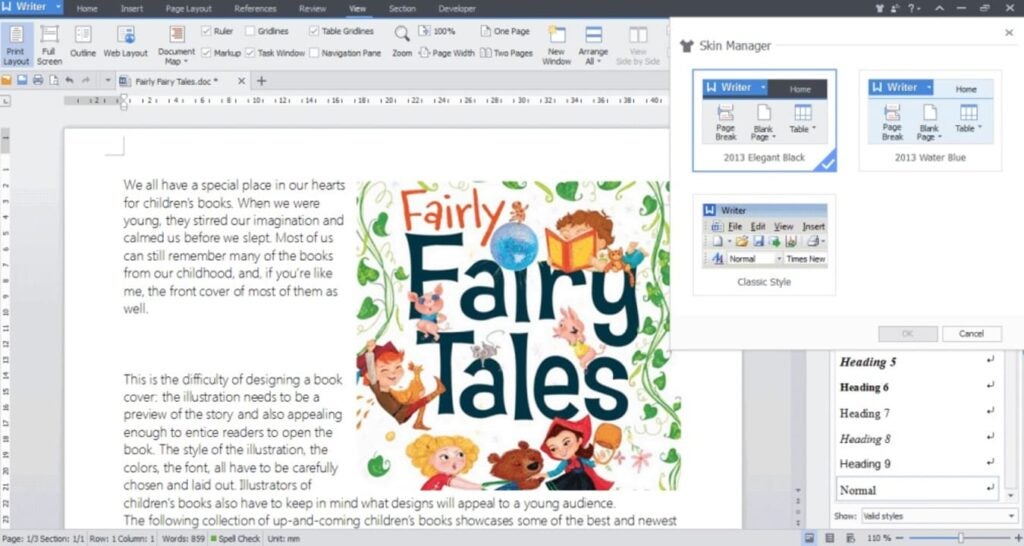
We start our selection with WPS Office Free, a totally free productivity suite that will surprise all former Word users. It offers a text editor almost identical to Microsoft’s word processor, making it ideal for not wasting time learning its functions. From its interface you can create all kinds of documents, either from scratch or using its wide selection of default templates.
WPS Office Free is compatible with the main text file formats on the market, including DOCX. Thus, it is a perfect option if you want to make sure you don’t have any problems when opening or sharing files. On top of that, it has an interesting cloud storage service very similar to OneDrive.
The only weak point of WPS Office Free is that, being a free tool, it has ads that appear on screen. Even so, these are really discreet and can hardly be seen. Overall it is the best free option to do without paid suites like Word.
LibreOffice is a complete open source office suite that includes a powerful word processor, Writer. In a similar way to WPS Office, Word users will feel at home using Writer. This is a program for creating and editing documents that is very visual, simple and intuitive to use. And best of all, it is always being constantly updated.
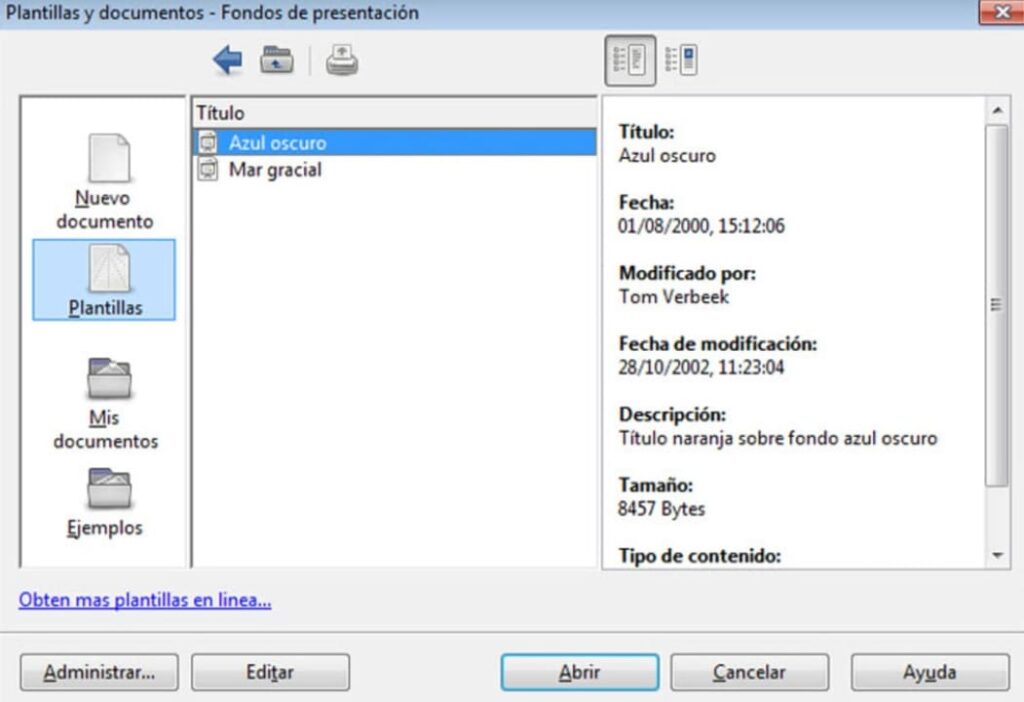
Writer is a free word processor perfect for all those who are not used to using one or simply looking for a complete program with which to create any type of text. From LibreOffice you will be able to write any document easily thanks to its wide selection of templates and tools. Not sure how any of them work? Don’t worry. Thanks to its wizard you will easily learn the specific functions of the program.
A very interesting point of Writer is that, being included in LibreOffice, you will be able to interact with the other tools of the package and therefore, add spreadsheets or make bibliographies in the blink of an eye. being an excellent candidate for best free word processor on the market.
In terms of compatibility, Writer supports all types of text files, although sometimes it does not display some Ofice documents correctly. Still, it remains an excellent candidate for best free word processor on the market.
PROS:
Complete office suite
Compatible with most text formats
Almost non-existent learning curve
Multiplatform
CONS:
Occasionally some Office documents may have errors.
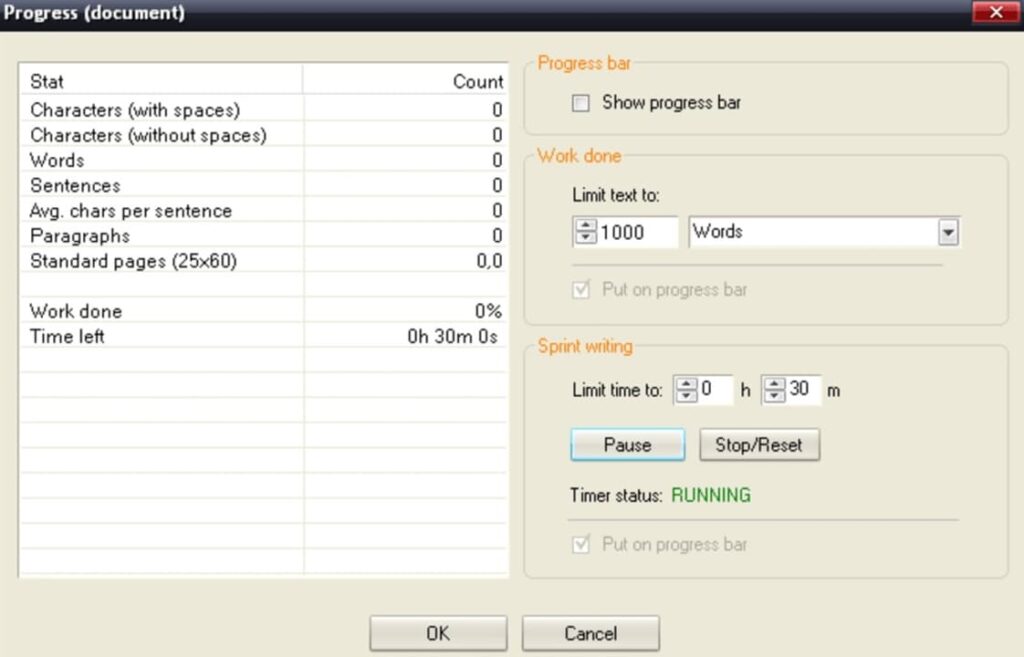
WriteMonkey is a free word processor designed especially for writing without spending a lot of time editing or formatting our document. It is therefore ideal if what we want is to make drafts, capture ideas or simply create a base document from which then shape a text.
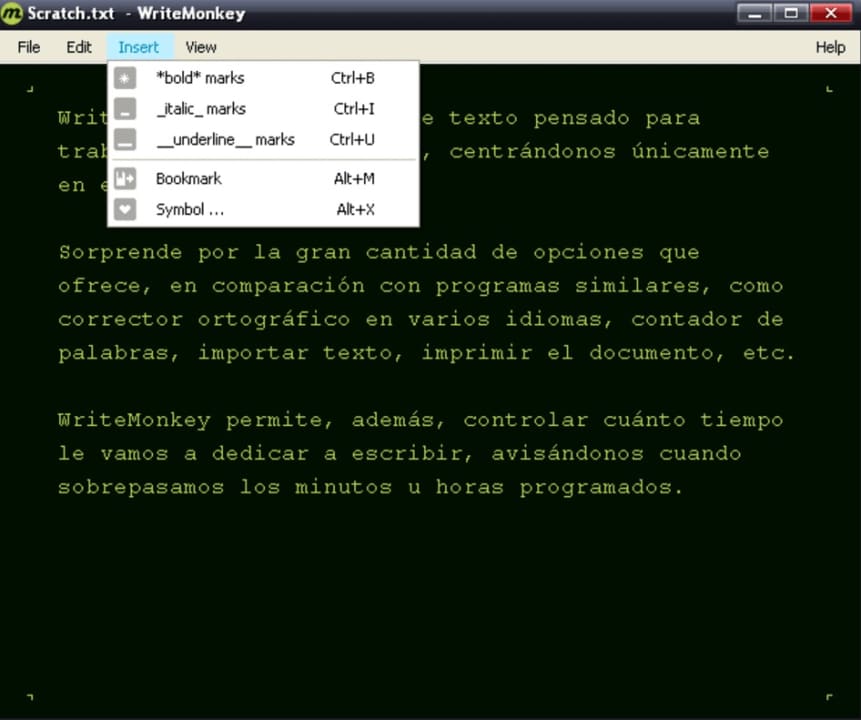
An interesting point of WriteMonkey is that it has been designed so that you do not get distracted while you write your text. That’s why the word processor has a very simple interface and at the same time hides any kind of option that can detract your attention from the text you write. But don’t let its almost non-existent interface fool you. It is as powerful and useful a word processor as any of the ones mentioned in the list.
As a main attraction, WriteMonkey offers the possibility to search for words in Wikipedia automatically. The same happens with Google Images, so we will not need to use the browser and we will be able to concentrate completely on the text we are writing.
Finally, it is interesting to note that WriteMonkey is a portable app that does not require installation, so it is perfect for those who are not very fond of leaving programs installed on your computer. Mind you, it only supports TXT format, so it is only recommended for writing drafts and then editing them in another program.
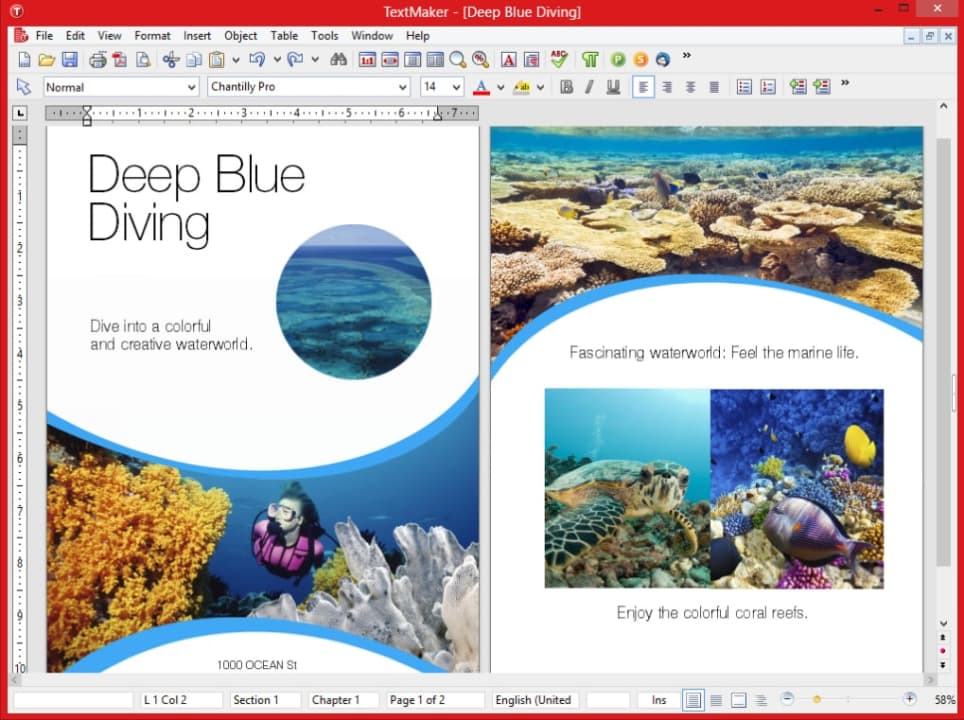
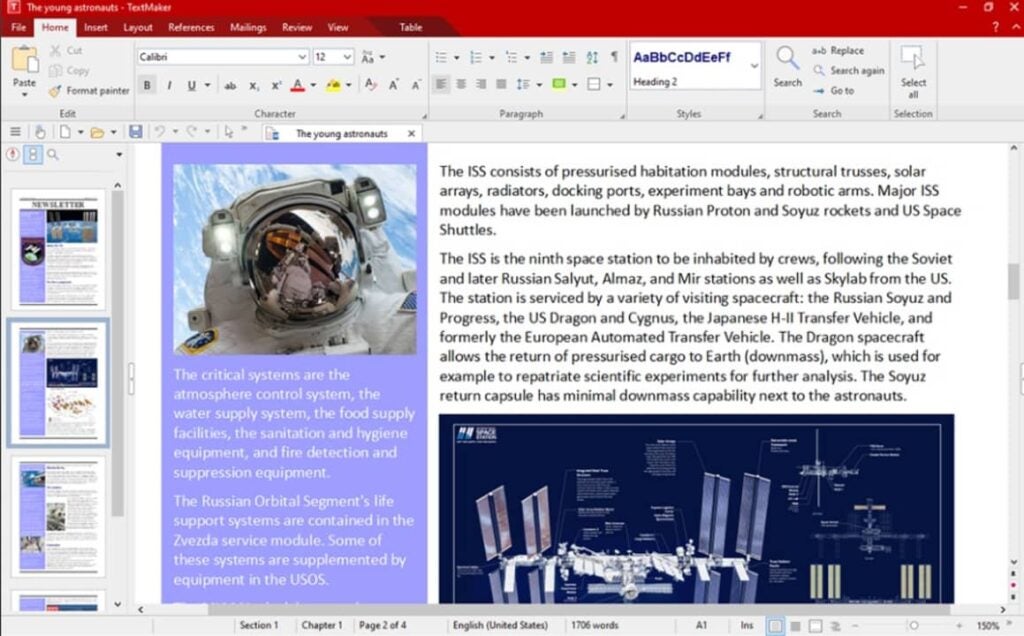
SoftMaker FreeOffice is a free productivity suite along the lines of LibreOffice and WPS Office. It is simple, easy to use and provides all the necessary templates and functionalities to create a good document in just a few clicks. Its word processor, TextMaker, is an excellent alternative to Word that, despite being somewhat simpler than the previous options, allows you to create and edit professional documents in a matter of seconds.
One of the great attractions of TextMaker is that it allows you to create databases and bibliographies quickly and easily. In addition to this, the program is able to manage and record any changes in a document, making it perfect for teamwork.
The only negative point is the fact that although this tool allows you to open a file in DOCX format, it does not let you save it as such. This is not because it is a bad editor, but because you have to pay for the premium version of the suite, so it is no longer free. Still, if DOCX is not your preferred format, it is an excellent free word processor.
PROS:
Complete office suite
Eye-catching and intuitive interface
Allows team work
Very complete text editor
CONS:
Does not allow saving in DOCX format in its free version.
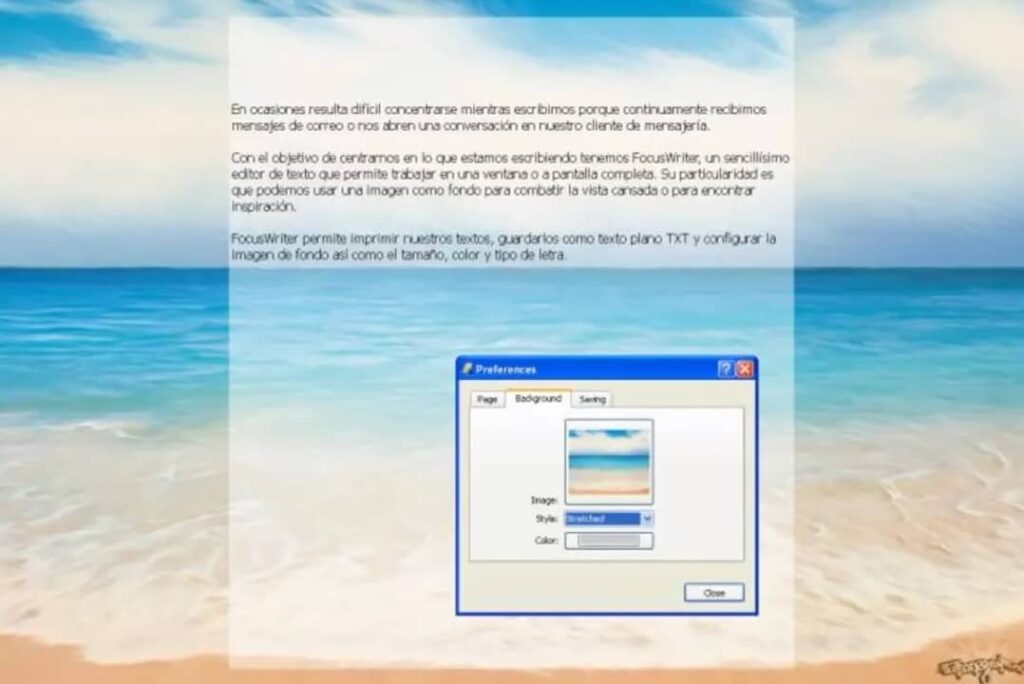
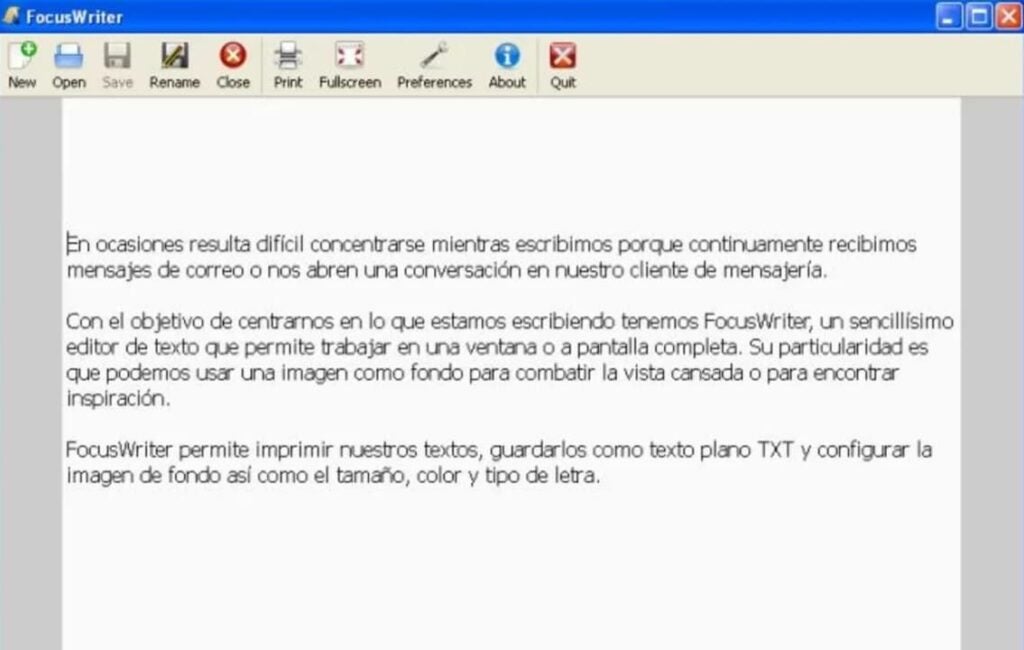
We close this list with FocusWriter, a free word processor different from everything you have seen so far. FocusWriter has not been developed to be used as an old-fashioned text editor, but as a notepad. Does this mean that it is no longer functional? Of course not!
Surely you will think that to write notes from your PC there is already the famous Windows Notepad or WordPad, but FocusWriter has been developed in such a way that it makes the Microsoft application obsolete. It has been created in such a way that it prevents you from getting distracted, forcing you to use your mental potential to write ideas or create a draft for a text.
FocusWriter has two writing modes, both designed to get the most out of our productivity:
The first one, the normal mode, turns our entire screen into a notepad, leaving only the Windows toolbar visible in case we need to open some other program.
The second one called “Focused Text” prevents us from seeing anything except the sentence or paragraph we are writing.
As a weak point, FocusWriter only allows saving files in TXT format, so an extra word processor is needed to format the document. Even so, this is an original, powerful and ideal tool to get the most out of our mind. Perfect for anyone who needs a word processor designed to promote their creative processes.
We hope that our selection of free word processors has helped you. As you have seen, it is not necessary to spend a lot of money for an Office or Word license to be able to create professional documents in a few seconds. Have you found what you have read helpful? Don’t forget to share it with your friends on social networks!
Discover and safely download the best completely free strategy games for both PC and mobile phones with the Android operating system.
Strategy games never go out of fashion. This exciting genre puts our tactical skills in check by offering an irresistible balance between action and adventure, showing the most Machiavellian part of our intellect. And it doesn’t matter if we play in multiplayer mode or against an AI. There is an indescribable satisfaction when we load a video game of city and civilization building, real-time assaults on enemy fortresses, MOBAs or card games… We are leaders and strategists of our own adventure!
We have already talked about the paid strategy games that we like the most but… Is it necessary to pay to enjoy this genre? Of course not! And there is an endless number of excellent bets without having to spend a lot of money. These are the best strategy games for PC and Android of this 2023. We hope you like them!
Free strategy games for PC
When you think of strategy games, a PC title immediately comes to mind. In large part this is because this genre always requires the precision of a mouse, accurate turn calculations by the computer and, of course, a quiet environment to spend hours and hours plotting the game.
Since there are hundreds of free strategy games for PC, we have made a varied list so that regardless of your preferences, you will find one that you like.
0 A.D
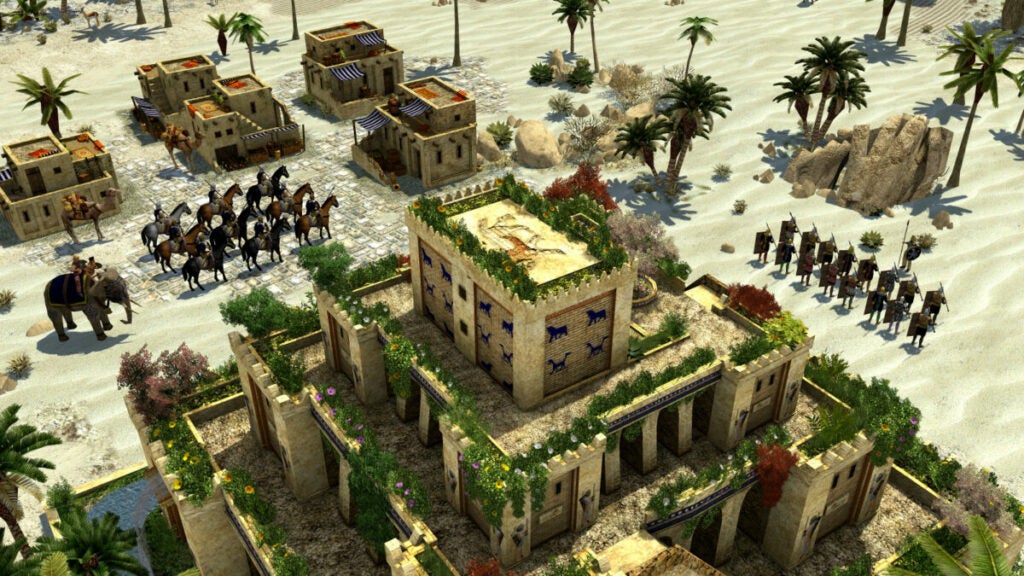
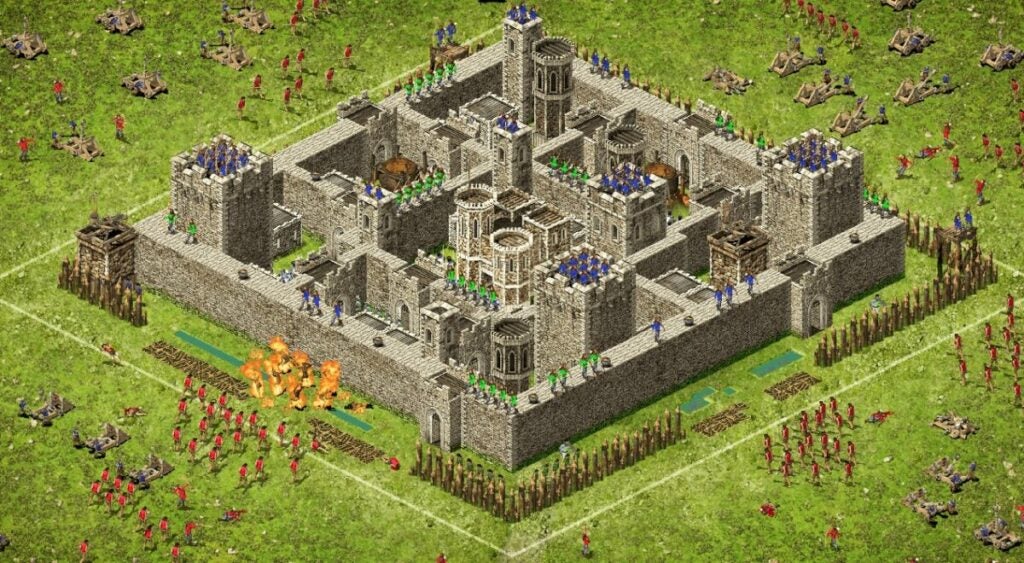
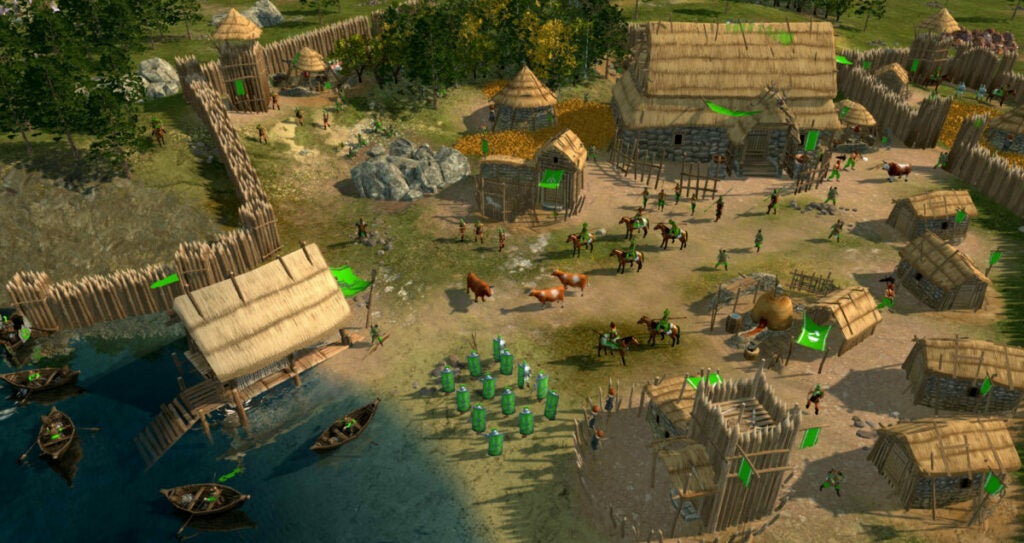
0A.D could be considered as the free version of the Microsoft Age of Empires saga. In this one we will take the role of the leader of the civilization we want and we will have to take it to the glory by means of the noble art of war.
0 A.D is a real time strategy game where we will have to explore, build and carefully plan the attacks we make on the enemy side. Besides being a really fun game, 0 A.D has really attractive graphics even though it is a free game.
If you like RTS games like Age of Empires or the classic Warcraft, we recommend that you take a look at this game. You will be surprised.
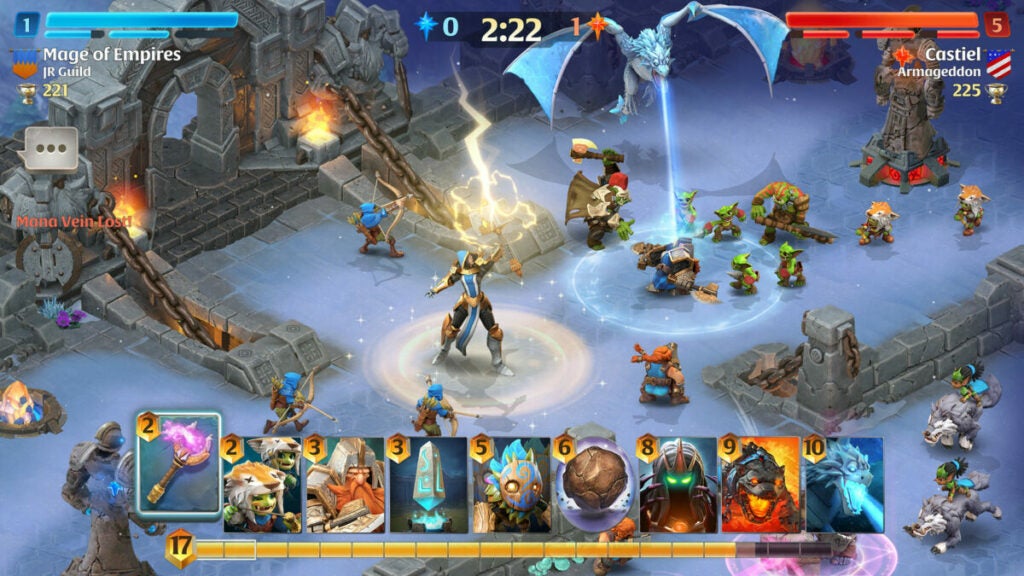
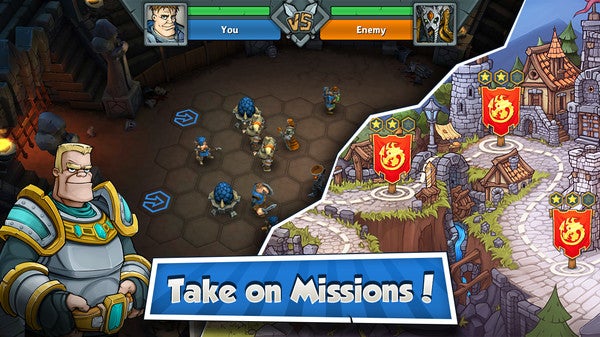
Taking the wake of games like Clash Royale or Clash of Clans comes this Arcade Showdown. We do not refer to the game system as such that is displayed on the screen, but to the use of cards with time periods to perform attacks, defenses or strategies that we are going to play.
Arcane Showdown starts from the same basic concept as all of its competitors, that is, defeating the enemy’s base to win the game. This is done through different profiles, see monsters, statues, fantastic creatures, wizards and many spells on screen. Of course, the player gains experience with each game he plays (win or lose) and can use it to level up the cards he has in his deck (and which are the ones he deploys later in the game).
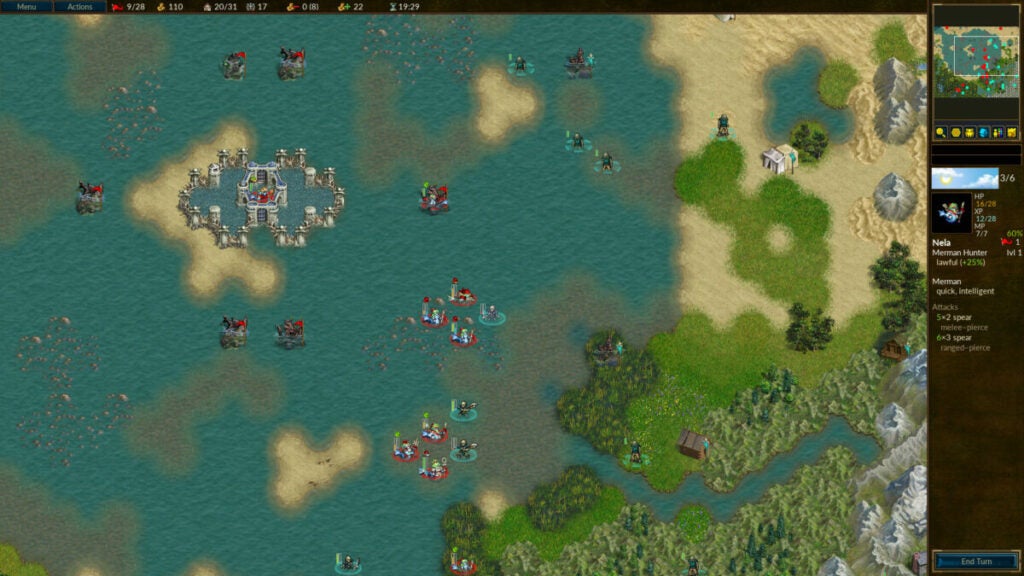
Battle for Wesnoth is a classic among lovers of open source strategy games. This completely free game takes us to a fantasy world where we will have to fight the most exciting turn-based battles you can imagine.
Battle for Wesnoth has a gameplay very similar to titles such as the Fire Emblem saga for consoles. Although its graphics are not very flashy, the title is really fun and allows us to play either alone or against a friend in multiplayer mode.
If you like turn-based strategy and are a fan of fantasy, you can’t miss one of the best free games on this list. You can download Battle for Wesnoth from its official page or, if you wish, by clicking below these lines.
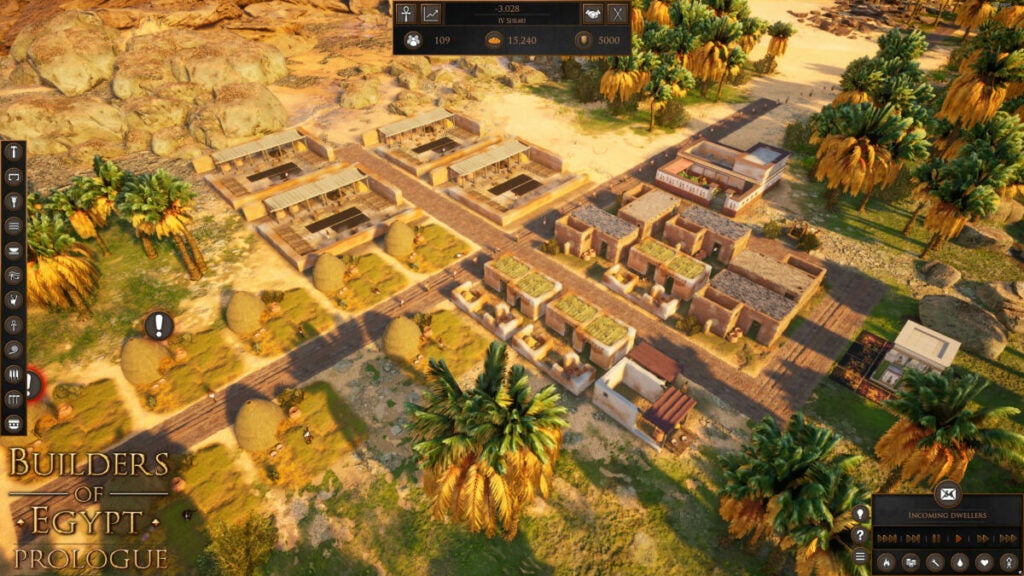
Are you passionate about Ancient Egypt? This historical era has more and more followers every day thanks to the professionals who dedicate themselves to its research. Although it has always aroused interest, we are living a golden age as far as video games based on this period are concerned, and the case of Builders of Egypt: Prologue is a good example.
This strategy game is based on the premise of taking the economy of an Egyptian town to its maximum splendor. This means, therefore, to take into consideration the bureaucracy of the city, as well as the construction of the buildings we want, to profess correctly the religion in which we believe and to establish good commercial contracts with neighboring regions so that everything goes well.
The story of Builders of Egypt: Prologue begins in the Protodynastic period and concludes with the death of Cleopatra VII. Hundreds of years in between to give free rein to our creativity, all in one of the most fun strategy and simulation games that the free to play catalog has right now.
The operation of Epic Arena is simple to understand but really difficult to master. In it we will have to fight battles on a 3D board where we will have to defeat the enemy. To do this we will have to select one of the 3 teams (Legion of Chaos, Brotherhood of the Order or Pirates of Tortuga) and unleash our neuronal power to overcome the challenge.
Epic Arena offers in each combat a different objective and troops to defeat. With each successful combat you will win cards and with them, advantages against the enemy. The game has both a single-player mode and the possibility of challenging a partner in multiplayer. You can download the title completely free of charge below these lines.
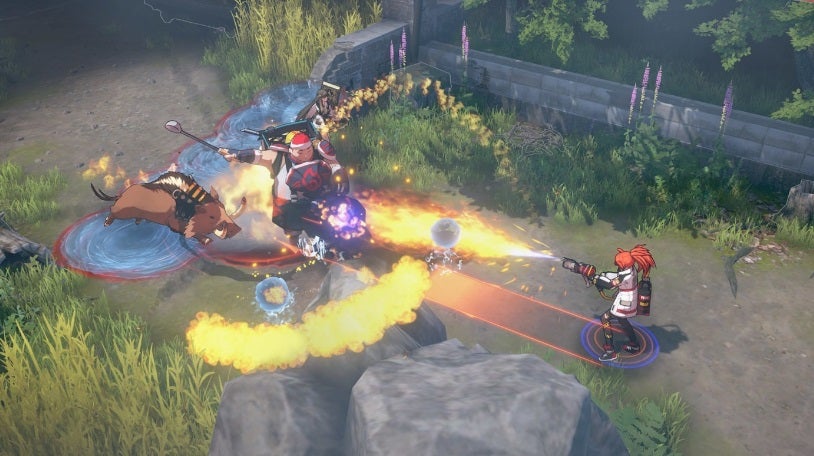
Eternal Return is a free strategy game unlike anything you have seen so far. It combines the MOBA and Battle Royale genre with a strong dose of survival. In it we’ll travel to the island of Lumia, a dark place where they experiment with human beings in search of creating a superior and improved race. Does the approach sound familiar? No wonder, because this is a spiritual successor to the acclaimed Immortal Soul: Black Survival.
Throughout our adventures in Lumia we will have to face other players using a challenging RTS combat as well as search for resources and craft all kinds of tools and weapons to survive. If you are looking for a strategy game unlike anything you have played to date, do not hesitate to give it a try.
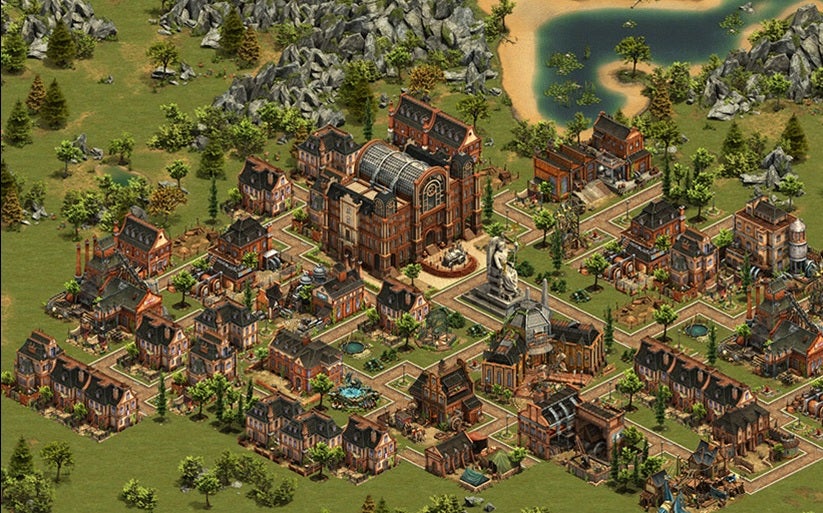
Are you hungry for Age of Empires? If the question is yes, surely you know that Microsoft’s title is paid, that is to say, you have no choice but to put up with it and pay for it if you want to get it. What alternative do we have on PC, but it is totally free? Well, the best one, perhaps, is Forge of Empires.
The approach of this video game is based on the same premise as the classic strategy game: we control the chief of a tribe 5000 years before Christ. From here, our decisions will trigger a better or worse future. The more resources and measures, the greater the evolution in time. The idea is, of course, that our capital will make historical leaps until we reach the moment in which we find ourselves. Of course, during this journey we will encounter pandemics, evils, meteorological phenomena of all kinds, invasions by enemy countries and much more. And yes, these battles against other rivals will also have their part of the game.
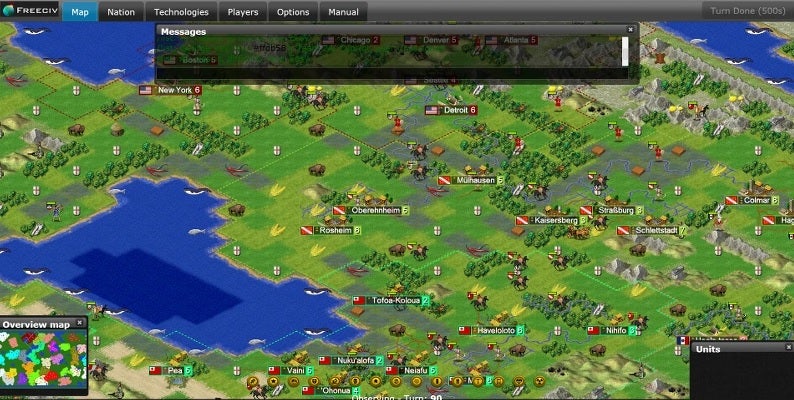
Sid Meier’s Civilization is undoubtedly one of the great classics within strategy games for the PC. Freeciv is an open source title inspired by Sid Meier’s saga that will provide the best of the Firaxis title without the need to spend a penny.
Freeciv will make you the leader of the civilization of your choice. Once in command you will be able to build cities, infrastructures, make discoveries and, of course, conquer new territories.
Although Freeciv is a visually quite old-fashioned game, it is really fun and especially recommended for all turn-based strategy lovers. You can download the game free of charge below.
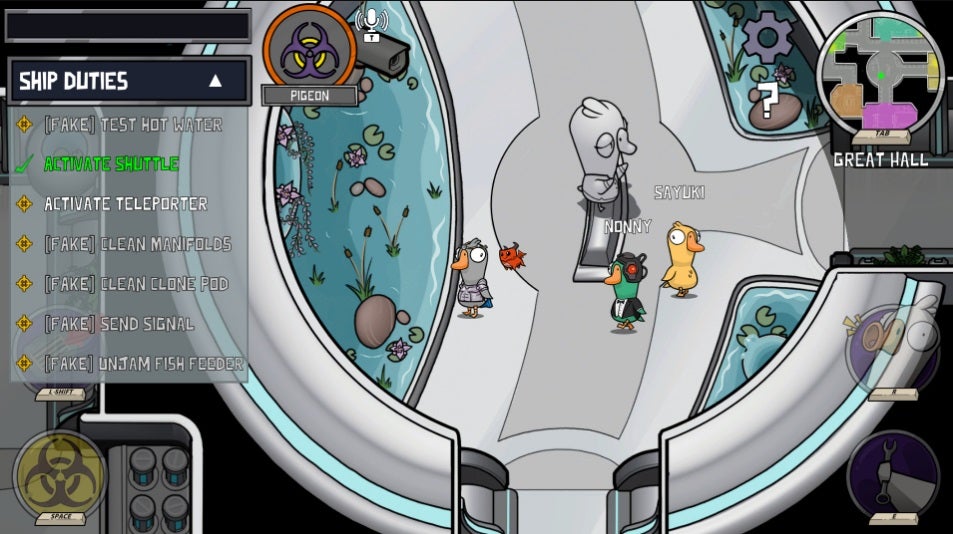
Goose Goose Duck is a fun strategy and deduction game, perfect for Among Us lovers. In it you’ll play the role of a member of a brave group of geese in charge of carrying out the most varied and challenging missions. However, while you plot the next move to triumph in the perfect coup, you must keep a close eye on your teammates. And it is that some perfidious duck may have infiltrated the mission to lead it to ruin.
As you can see, Goose Goose Duck’s proposal is simple but highly entertaining. You will have to think like a real strategist as well as analyze your teammates in the purest Sherlock Holmes style. The game can be played either in open or closed multiplayer and only with your friends.
One of the strong points of Goose Goose Duck is that, despite being a free strategy game, it includes an excellent voice chat service. If we add to this a thousand and one options to customize your mallard, fun is guaranteed.
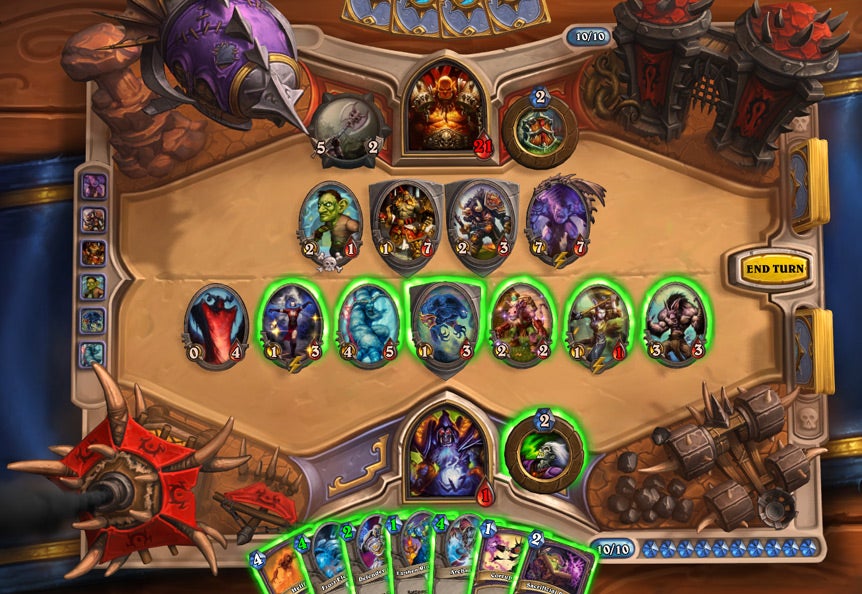
Hearthstone is the card strategy game created by Blizzard, the developer of titles such as World of Warcraft, Overwatch or Diablo. This one is perfect for all Magic: The Gathering lovers looking for a similar experience without the need to make your wallet cry.
Hearthstone stands out for being a challenging card game but at the same time very easy to understand. Say goodbye to thousands of rules and start playing like a pro from minute one. In it we will have to create a deck of 30 cards and defeat our opponent. Does it seem simple? Nothing further from the truth!
Like any good card game, Hearthstone confronts your abilities as a strategist with the luck factor. And with its millions of cards, it is very common for your opponent to surprise you with some orc hidden up his sleeve. Highly recommended.
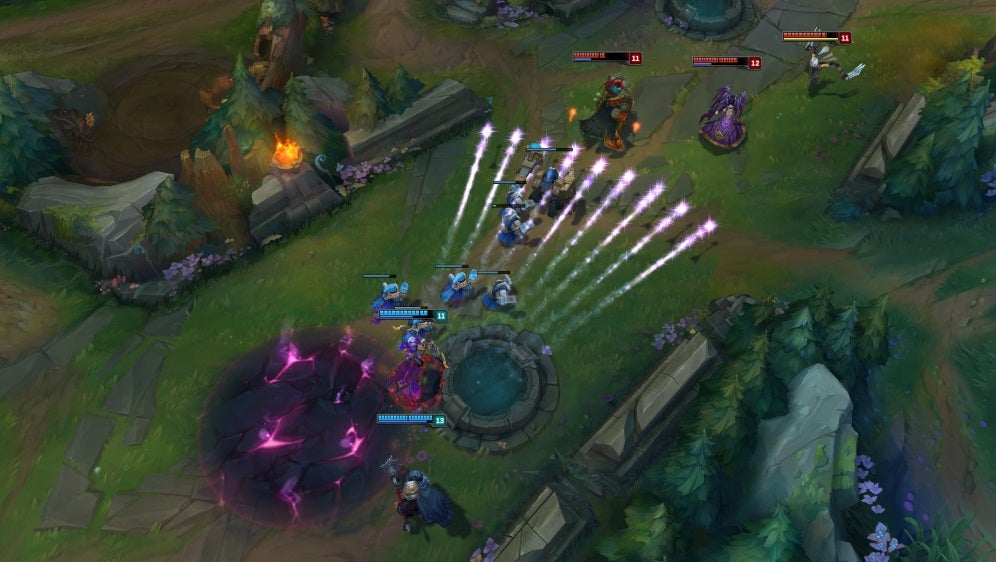
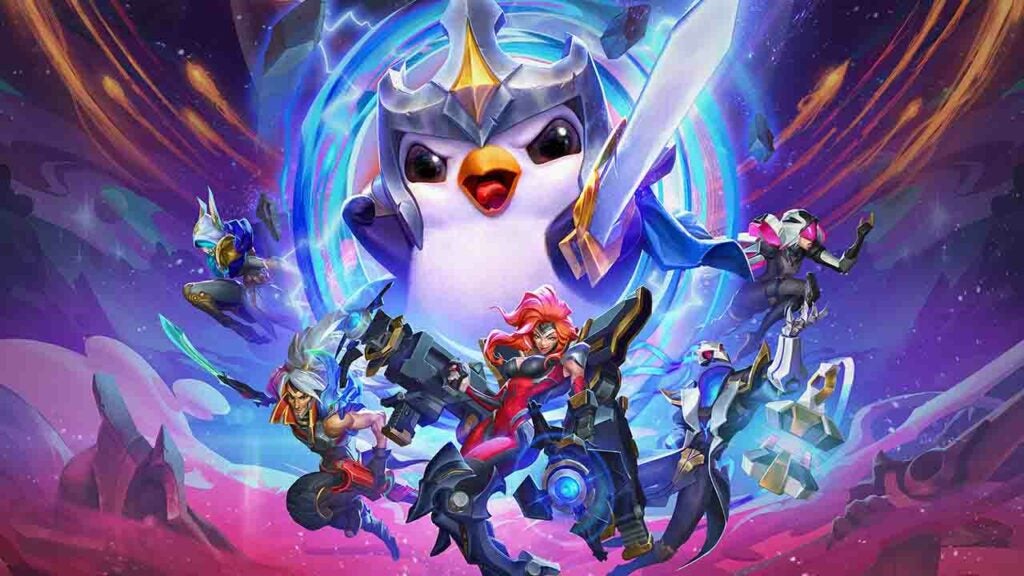
League of Legends is the MOBA (Multiplayer Online Battle Arena) of the moment. Created by Riot Games, this hilarious real-time strategy game pits two teams of five players against each other, with only one player left standing.
Set in a beautiful fantasy world, LoL will put our team in check at all times. And it is not surprising that we are facing one of the most popular action games among eSports. League of Legends is based on communication between teams, previous strategy and, of course, having a lot of skill and nerves of steel.
In terms of gameplay, LoL is a game as simple as it is complex. In it, we will have to defeat a variety of enemies to improve our characters and thus have an advantage when it comes to defeating the rival team. Each of the characters in the game has its own personal story, powers and peculiarities, so it is essential that each member of the team knows exactly how to use it. Perfect for all multiplayer game lovers.
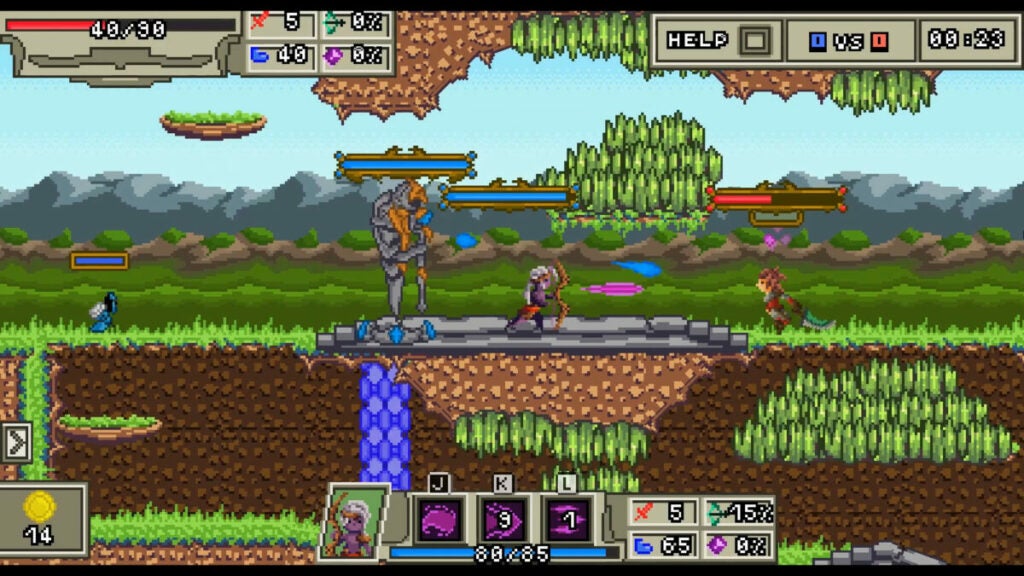
No one can deny that the name is not already giving a clue, right? Behind League of Pixels is the same format as seen in League of Legends, but in a two-dimensional perspective and with the pixel art aesthetic that is so popular nowadays.
Once again, the MOBA genre is the predominant one in this title, which is based on Riot Games’ product, that is to say, games of 30 minutes maximum where two players must defend their base and destroy the opponent’s. To do so, each player will choose his champion, who will have different abilities (all of them stipulated in keyboard letters) and who can level up during the game. To do this, each player will choose his champion, who will have different abilities (all stipulated in keyboard letters) and who can level up during the game.
Of course, during the game there are also minions, those little soldiers that are launched automatically and that go in the direction of the base. In addition, we also have the upper and lower lanes, in the purest League of Legends style. They don’t say it’s based on it, but it wouldn’t hurt to confirm it, given what we’ve seen.
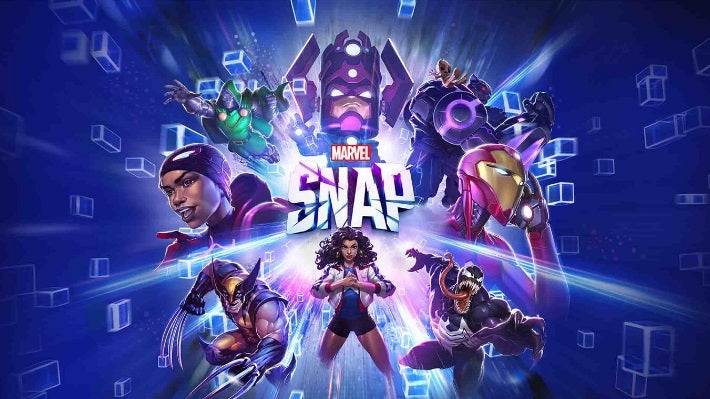
Do you like Gwent, do you enjoy the Marvel universe like crazy? You’ll love Marvel Snap! This challenging card game brings back the most emblematic superheroes and supervillains of the franchise to bring you one of the best card games of 2023.
Taking clear influences from the veteran Hearthstone or Magic, Marvel Snap renews the genre of collectible card games with novel ideas and providing it with strong doses of strategy and emotion. Its games, like Thanos Snap, are fast, fast-paced and devastating. On top of that and unlike many other F2P games, Marvel Snap never crosses the pay-to-win threshold. In fact, Marvel Snap offers new cards and rewards on a daily basis so you won’t be tempted to spend a bundle.
Marvel Snap is a clear example of how a good game should be made with such a popular license as this well-known superhero franchise. Whether you are a lover of card games, strategy or simply passionate about the Marvel Universe, you will love it.
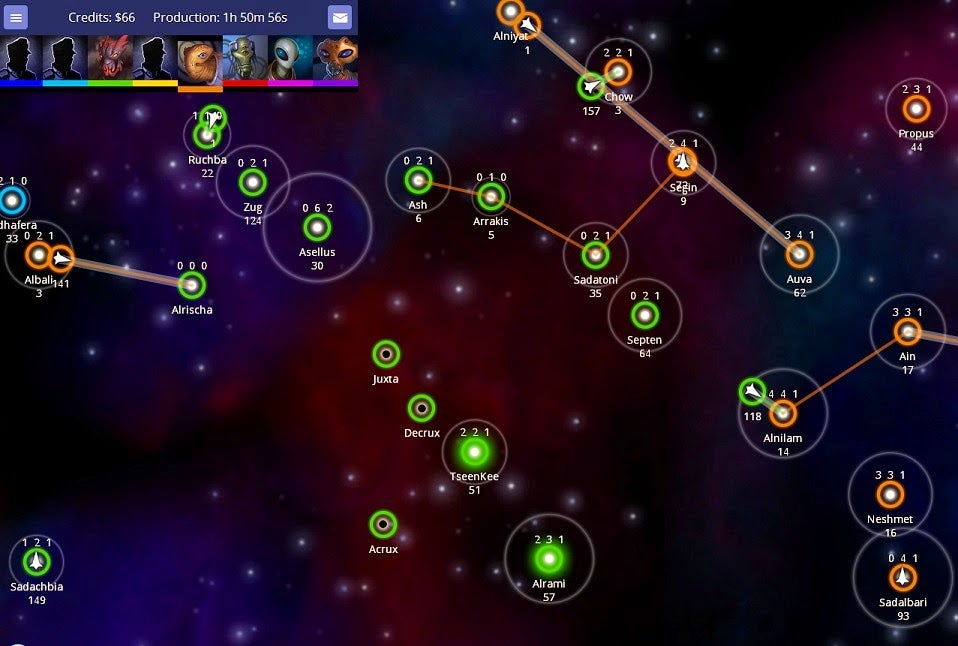
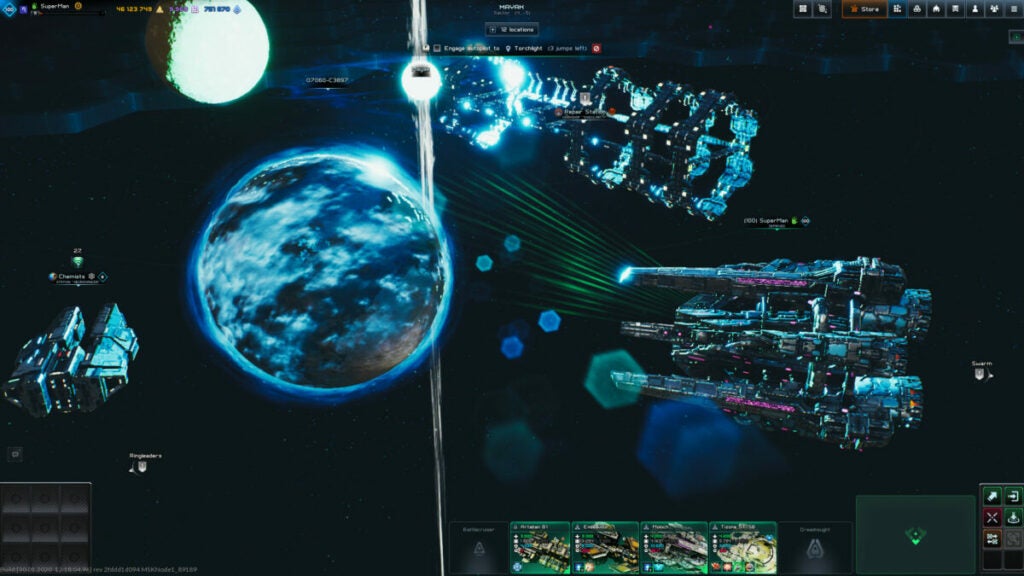
Neptune’s Pride 2 is an excellent option if you are looking for a good real-time multiplayer game. This one will make you the captain of your own space fleet and your objective will be to explore and of course conquer the entire galaxy.
If we talk about its gameplay, Neptune’s Pride 2 stands out for being a game with a very low learning curve. This means that you don’t have to spend hours studying complex game systems just to enjoy a few minutes. In it we can explore, research technologies, build ships, create trade routes and, of course, subdue our rivals.
Being an online multiplayer game, Neptune’s Pride 2 is an excellent option to play with friends from around the world. You can play Neptune’s Pride 2 without downloading anything by clicking here.
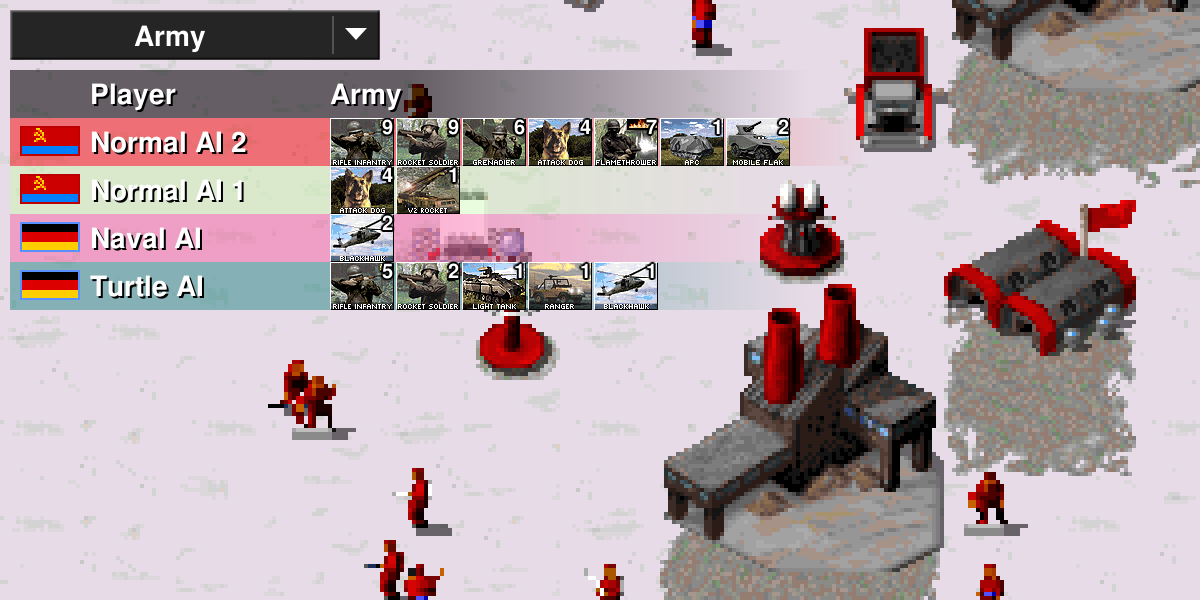
Open RA
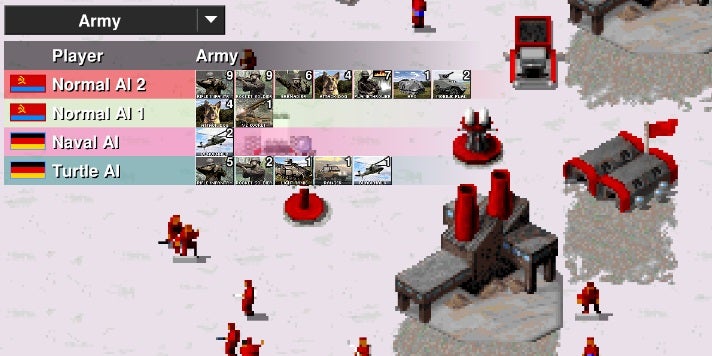
When you get older and older, you run the risk that many cultural products that you enjoyed as a child are ostracized. They are those sagas that worked in their time and now no longer do, either because their time has passed or because they do not know how to adapt to these times. In this last block we have, for example, Command & Conquer.
Created by Westwood Studios and currently owned by Electronic Arts, the franchise passed to a better life at the end of 2013, with a timid approach in 2018 for cell phones and an expected remastering for this 2020. However, and as you can see, this is far from the potential that the brand can give. And that’s where Open RA comes in.
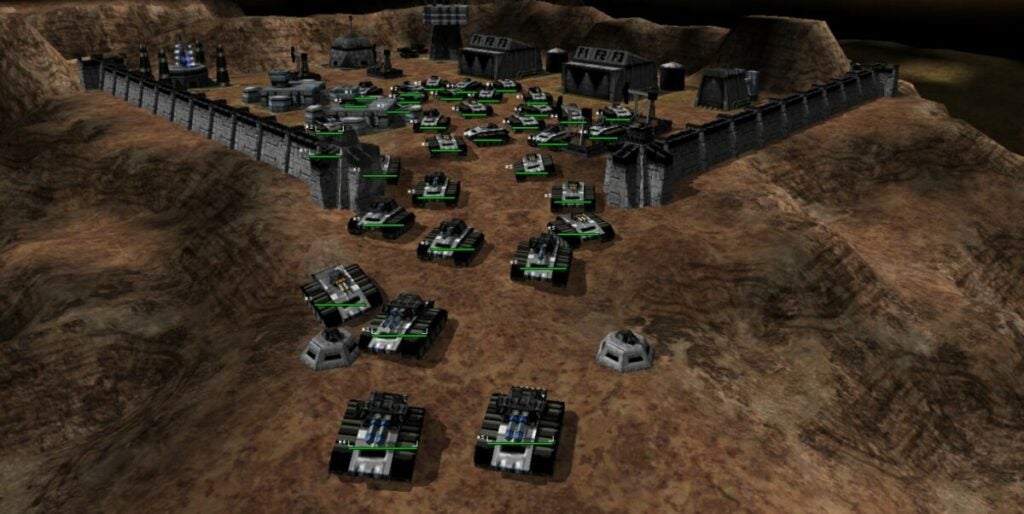
Behind this name hides an open source game that is identical to the original Command & Conquer, that is, the one from the early years. The best thing is not only that it takes its programming lines and makes them available to everyone, but also that it is constantly updated by the official team. A real luxury to go almost three decades back in time.
Open Transport Tycoon, or better known as OpenTTD, is an open source videogame that takes as a reference Transport Tycoon Deluxe, a 1995 title. Simulation and strategy are the predominant features in this videogame where we have to control the transport routes of cities and towns so that they don’t go to hell.
It should be noted that Open Transport Tycoon is based on the premise of creating a city from scratch and giving it shape. However, the core, that is to say, the strong point, is managing the city’s communication routes, from the train stations and their convoys to the highways, maritime transport or even airports. A fantastic city manager where strategy does everything.
If you have been playing strategy games for years, you surely know the StarCraft saga by heart. This one offers challenging intergalactic battles as an RTS (Real Time Strategy) in the purest Command and Conquer style.
Choose between the Terran, Zerg or Protross team and enjoy one of the best competitive multiplayer games of the moment. Although StarCraft II is a paid game, its arcade version is completely free. It offers some of the missions of its campaign mode as well as all the multiplayer maps created by users. Among them you will find gameplay of all kinds, from the classic battle to defeat the opponent to a fun tower defense game.
The free version of StarCraft II is an essential download for all lovers of science fiction and, especially, of real-time strategy. There is no better way to experience this genre than with one of the games that made it fashionable. In order to play StarCraft II you will need a Battle.net account (don’t worry, it’s free and you can get yours by clicking here) and of course, download the game client below.
If there is something that characterizes strategy and simulation in videogames, it is because it either takes you to an ancient period or puts you in a fantasy world. Why not use space as a backdrop? That was the question that was asked, almost certainly, in Starfall Online, a game that invites us to build our space fleet and join an incredible battle in outer space.
The game mechanics of this title is again the usual strategy, but in another contextual section. We have to build a space fleet, so we need to improve our technology, strengthen the construction of the ships and manage the resources we have well. From here, enters the military point, that where we must deploy the fleet well to defeat the enemy through guerrilla tactics or other more elaborate (as in any self-respecting RTS). By the way, a curiosity: the game incorporates some physical concepts at the level of ballistics applied to space. It makes a curious hodgepodge, but we think it fits if you suspend disbelief.
Stronghold Kingdoms is a perfect free option for those who love the creation of cities and empires. In it we will start in a region with a few workers at our command and our goal will be to conquer the entire map.
Stronghold Kingdoms has a gameplay reminiscent of a mix between Sid Meier’s Civilization and Clash of Clans. In each game we will have to explore, loot villages, create cities and of course, eliminate all enemies found on the map.
As with any good strategy game, the magic of Stronghold Kingdoms lies in knowing how to manage your time and deciding the best moment to send your troops to explore or eliminate enemies, keeping in mind that your cities will be defenseless in your absence!
Riot Games is a giant. When it created League of Legends more than a decade ago, few thought that this would be the basis for an entire video game ecosystem that is becoming increasingly important. And this is where Teamfight Tactics comes in.
In this video game, which is available both for PC and now for cell phones, players choose a wide variety of champions from the League of Legends itself. Once the selection is made, the rest is nothing more than deploying them correctly on a map and moving them as if they were chess pieces (in fact, the genre is called auto chess). Each one has its skills, its moves and its characteristics. A different concept of strategy, but it is present.
Obviously, if you have played League of Legends you will know a lot about this game. However, you can always learn a little more about the game’s universe if you’ve never played the game before.
It is one of the most famous franchises in the strategy world… and it also has a free to play version! Total War is famous among fans of the RTS genre. Generally, its videogames are always paid and composed of several expansions, but the saga has also made its incursions into the free-to-play field. It happened with Total War Arena, an installment that ended up closing its servers at the beginning of 2019, and also with Total War Battles Kingdom, the title we are going to talk about now.
Released in 2016, this installment is characterized by the low requirements it asks for the PC, that is, even the oldest computers will be able to run it without any problem. From here, the rest is something we have already seen before in Total War video games: build our empire through farms, quarries, blacksmiths and all the classic buildings. That done, it’s time to make decisions, both political and military.
On the first point we will be judged as good bureaucrats, but the management of the first point will later influence the battlefield. There is no point in being a good military strategist if in the first section we are a disaster. Both go hand in hand and in this Total War is reflected again. And one last thing! The title is not only available for PC, but also for Android and iOS (and you can play wherever you want, as all platforms are interconnected). No one is left without Total War.
Warzone 2100 is a futuristic strategy game in which we will have to rebuild a world completely destroyed by a nuclear war. It is likely that its name is familiar to you, since this title appeared in 1999 for both Windows and PlayStation and was recently released in open source.
Warzone 2100 is a good title if you like futuristic RTS with military strategy elements. It offers two challenging game modes, one in solitaire where we’ll confront an AI and another multiplayer where we’ll be able to compete with our friends. Of course, it is not a simple game and you will have to spend a lot of time to explore its more than 400 technologies and its city design system.
If you want to take a look at Warzone 2100, don’t think twice and download it right now below these lines.
Pure and hard strategy. That is what War Selection offers us, a videogame set in a pseudo-historical period in which we must build a base, obtain material resources to build troops and buildings and participate in military battles and fights of various kinds (each one weirder than the last).
In total, the game allows up to 62 players simultaneously, a feat that speaks well of the ambition of this project. In addition, it does so on a completely randomized map so that no one has an advantage. Of course, each user will be able to choose the culture that interests him, always starting from the Stone Age of the same (very similar to the concept of Civilization or Age of Empires, without going any further).
War Selection has more than 100 constructions and more than 200 types of units (including naval and infantry modes). In addition, it has up to five different game modes, so that it doesn’t become tiresome: survival, all against all, team game, armageddon and team armageddon. As a good strategy game, the rest is up to you.
With the rise of cell phones, hundreds of new games appear daily on the Google Play Store. If you are looking for a good free strategy game… why not try one of our recommendations?
Clash of Clans
Clash of Clans is undoubtedly one of the most popular and downloaded free strategy games for Android. It offers a fun mix of city building and epic battles to destroy rival clans.
Clash of Clans works in a simple but challenging way. In it we will take the role of the leader of a clan and little by little we will have to build our settlement. We will be able to get improvements as time goes by and also by fulfilling challenges or being victorious in the so-called Clan Games.
In addition to being able to build our own city, Clash of Clans also allows us to engage in battles and duels against rival clans. This will level up our troops and gradually make us more powerful. Would you like to try it?
Forge of Empires is a fun and complex strategy game for Android that lets you lead an empire from the Stone Age to the present day.
In a similar way to Sid Meier’s Civilization, in Forge of Empires we will be able to build a city from its foundations, explore its environment and develop new technologies. As we advance in the game we will be able to trade with other civilizations, take control of provinces and of course, face our rivals in the battlefields.
Forge of Empires is a really complete game with attractive graphics, highly recommended for lovers of history and classic strategy. You can download the game completely free of charge below these lines.
Plants vs Zombies is a fun strategy game for Android where you must protect your garden from a group of hungry zombies.
If you are looking for a casual strategy game to pass the time during your commute to work, look no further because Plants vs Zombies is perfect for you. Its operation is as simple as selecting the right type of plant with which we can stop the hordes of zombies that come to invade our house.
Like any good casual game, the charm of Plants vs Zombies lies in the speed of its games. In them we will have to carefully select the plants that can stop the advance of the zombies to our home. Ideal for killing time.
A good pirate and buccaneer game could not be missing in any list of strategy games. Ships of Battle: Age of Pirates is an excellent free game in which you take on the role of a former member of Blackbeard’s fleet and set sail in search of treasures all over the Caribbean.
In Ships of Battles you can create your own pirate empire, destroy all kinds of trade routes and even take part in the most bloody naval battles. To do this we will have a combat system very similar to Sid Meier’s Pirates, where we will have to move our ship as well as shoot our cannons.
Ships of Battle: Age of Pirates is a fun and refreshing game, perfect for fans of pirate stories and hidden treasures, and it’s free! It’s not too late to download it.
The Battle of Polytopia is a fun real-time strategy game in which we will have to choose our own tribe and take it to the top by annihilating neighboring civilizations.
With grid graphics reminiscent of Minecraft, The Battle of Polytopia offers the best of RTS games at your fingertips. In it we have to start a civilization from scratch, get resources, build cities and with them, an army to protect it. As you level up your city you will be able to research new technologies to travel the high seas or build all kinds of weapons to defeat your rival.
The Battle of Polytopia is a game in appearance simple but really complex and with many possibilities. If you are a lover of the Age of Empires or Civilization saga, we highly recommend it.
The Walking Dead: No Man’s Land is an adventure and strategy game based on the popular AMC television series. This free title mixes elements of both RPG and strategy where we will have to get resources, protect and improve our characters and, of course, survive.
The Walking Dead: No Man’s Land is really simple to play. During our games we will have to explore different places in search of resources, survivors and heroes for our team. The game incorporates missions, challenges and a story element to keep the player always hooked. As for the combats, these are carried out through a challenging turn-based system with which we will have to think very well to survive each of the maps.
Whether you like strategy games or you are a TWD fan, this is a very good free game.
As you can see, playing a good strategy video game is not incompatible with its price. We hope you liked our selection of free games for both PC and Android. And remember, if you found this article useful, don’t forget to share it with your friends on social networks.