From time-to-time, it is normal to encounter some errors on our devices. Most of the time, they are more annoying than anything else. On other occasions, they can cause a device to completely freeze.

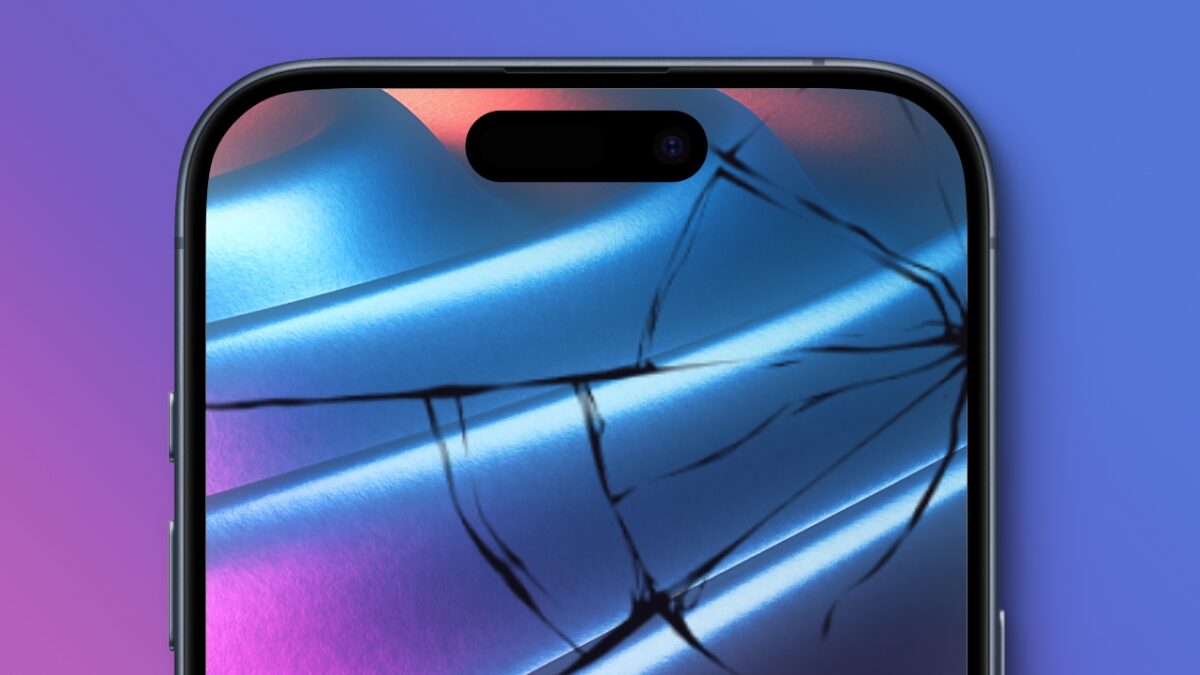
This week, a researcher has discovered a bug that iPhone users should avoid at all costs. Specifically, we are referring to these characters: “«”::“. If you enter them from the Spotlight search or the app library, your iPhone will completely lock up.
In fact, it’s even simpler. You just have to type «»: followed by any character to temporarily turn your iPhone into a brick. Experts in the field reported to TechCrunch that it was not a security issue. In this case, it is only a very annoying problem for iPhone users.
Apple has not said anything about the issue, so we also don’t know if it will have a solution or when. For now, we recommend that you stay away from those characters, unless you want to experience having a very expensive paperweight.

Throughout its history, iOS has not escaped several serious errors. One of the most recent could send your iPhone into a loop of restarts. A vulnerability found in Bluetooth allowed pop-up windows to be opened on the iPhone until it was completely blocked. Small devices like the Flipper Zero and its software, BLE Span, took advantage of this to render any iPhone useless within a 10-meter radius. On this occasion, Apple was able to resolve this error in a subsequent update, iOS 17.2.
As always, the best thing in these cases is to keep your device always up to date. This way, you will save yourself many problems in the future.