Affordable accessories for photography enthusiasts

Photography lovers, are you ready to take the next step? If you love going out with your camera and taking pictures, we’ve got four great accessories to make your photos turn out better. This gear is only as good as your ability to use it, but with a little practice, you can dramatically improve the quality of your images!

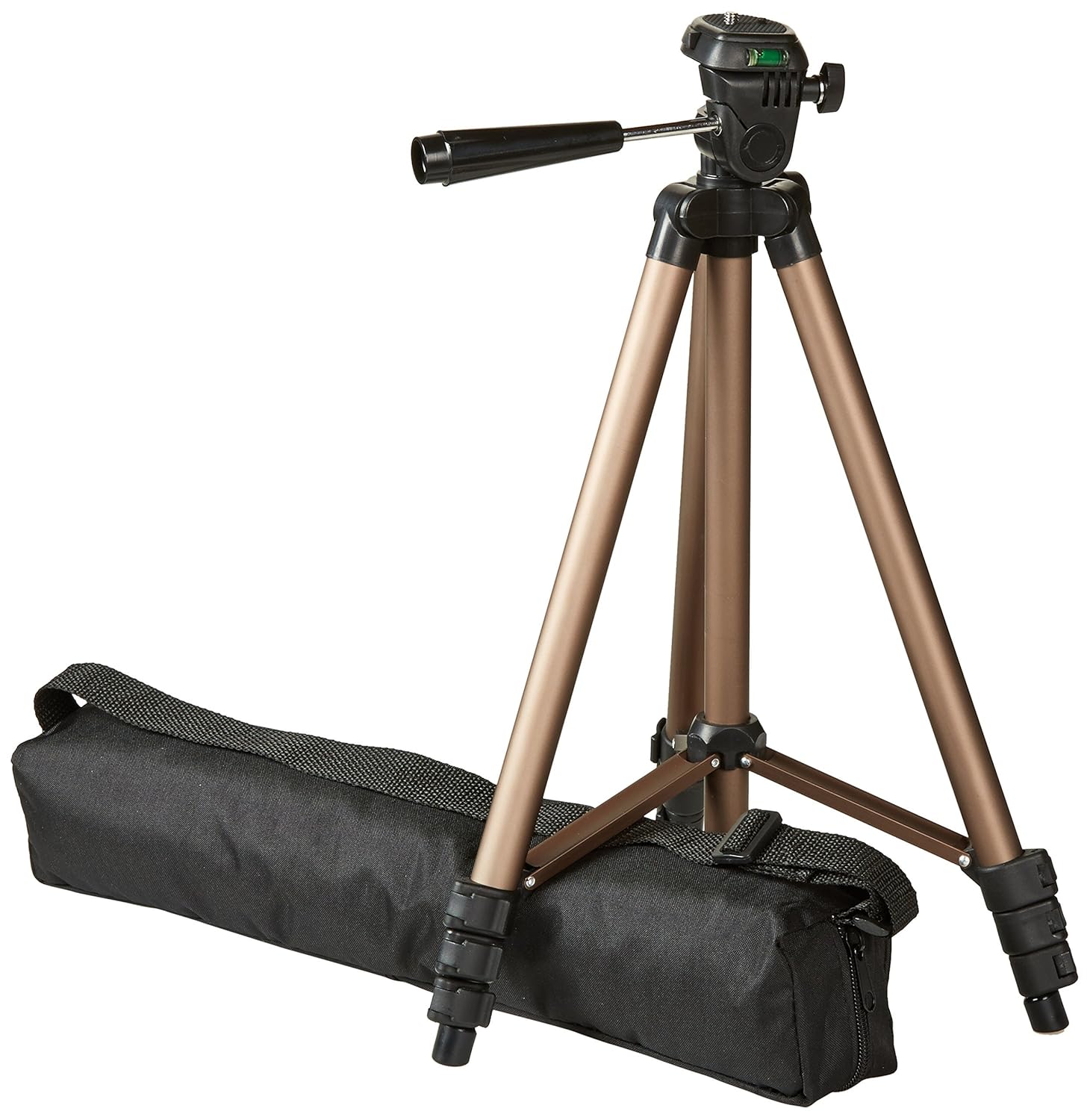
A tripod

If you’ve been taking photos for a while and still don’t have a tripod, it’s time to get one. Maybe for “normal” photos, it doesn’t make sense, but if you need to mess with shutter speed, a tripod becomes your best friend. The one we’ve included here is less than $17. It’s just 16.5 inches when collapsed, but extends to 50 inches at full height. It only weighs 1.25 pounds, so you’ll barely feel it. This thing also has a quick-release plate, so if you need to grab your camera in a hurry, you won’t have to sit there and unscrew it. As a bonus, this tripod is made of aluminum and not plastic.
Camera bag

Once you have a real camera and not just your phone, you’ll have a lot more accessories to carry. Lenses, batteries, filters, the list goes on. Don’t just ram it all in a duffel bag. Get yourself a legit bag with specific pockets and storage areas for memory cards and lenses and the camera body. It protects your gear and makes it way easier to transport.

Hand grip

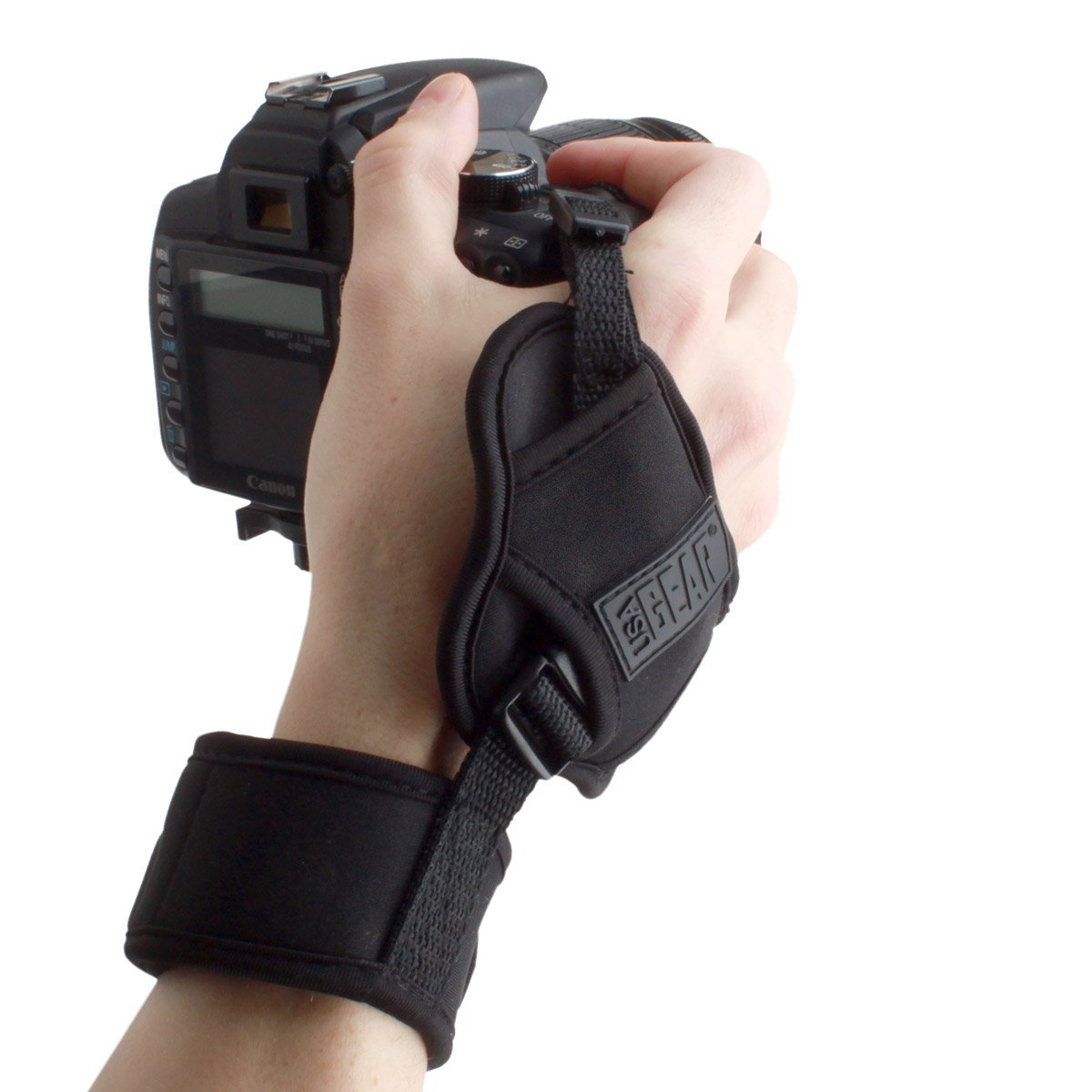
As important as a tripod is, a solid hand grip can be even more important for photographers on the go. It attaches between your wrist and the camera and with a fixed system almost identical to a tripod, it keeps the camera body stable. It’s almost magic. Unlike the conventional tripod, a hand grip offers greater freedom of movement. And if black isn’t your thing, you can get one in camouflage or a floral pattern.
Reflector pack

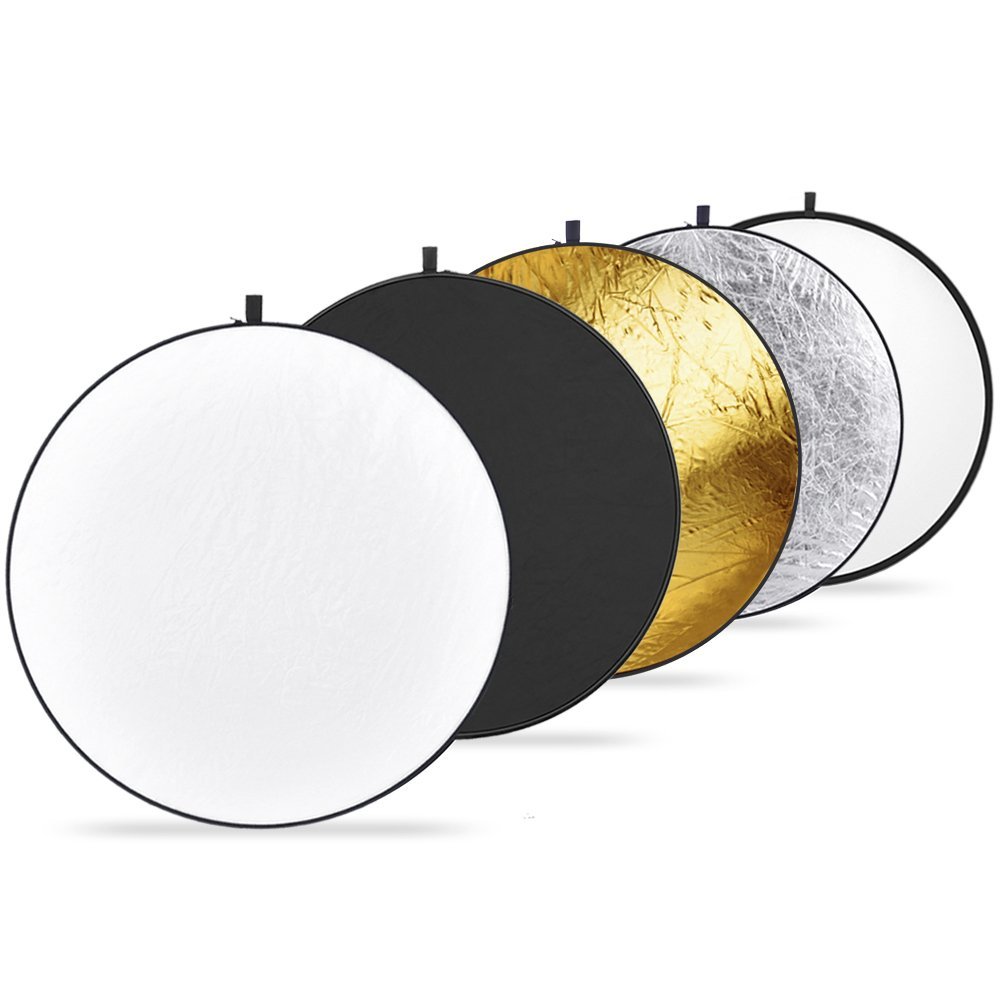
Now we’ve reached the professional level: reflector packs. Photographers who rely on these reflector discs really know their craft. You can’t just fling them anywhere. You have to know how to play with light and shadow.

Every reflector has a color: silver, gold, black, white, and translucent. It’s important to know how each one works, since each produces a different effect. If you’re willing to experiment, these reflectors are light, easy to carry and are 43 inches wide.

6 Things you didn’t know you could do on Google Maps

We use Google Maps all the time. Whether you’re driving in an unfamiliar area or just trying to find that restaurant that must be around here somewhere, it’s a miracle of modern technology. But Google Maps has lots of great features you may not even know about. It’s time to raise your Google game, friends. Read on and start exploring!

6 Things you didn’t know you could do on Google Maps

Download maps

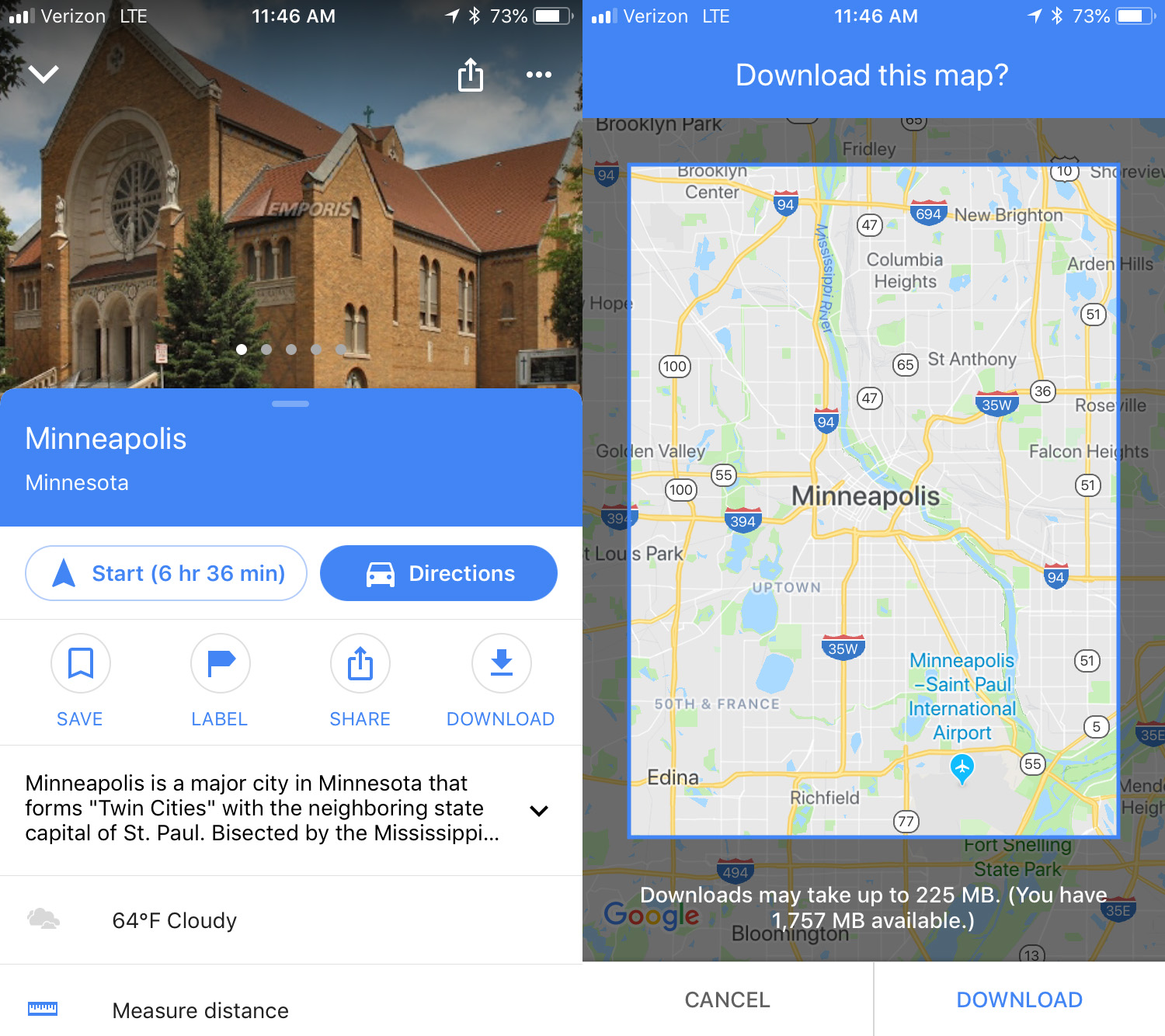
This is an awesome option for travelers: download maps to see them later offline. To do this, search for the location you want, then swipe up and you’ll see a download button. Click that and then you can refine the area you want to save. Click download again to save the map to your device. The larger the map, the more memory it will use. To access the maps offline, click the menu in the upper left corner and select Offline maps. No Wi-Fi? No problem.

Custom maps

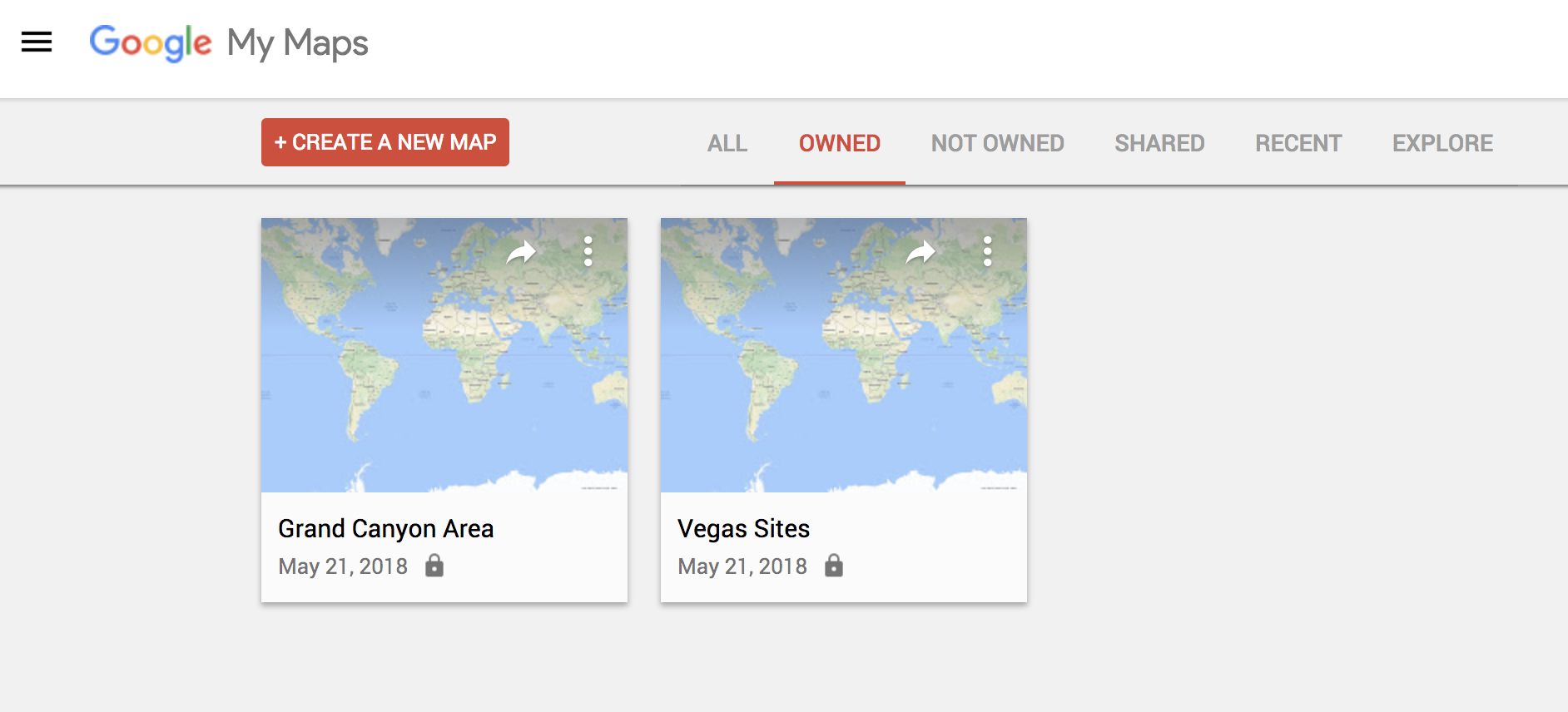
If you’re thinking of going on a trip somewhere and you would like to have a custom map that includes points of interest, Google Maps has a simple feature for this. To make one, you just have to go to this URL from your PC and click on the option that says “Create a new map.” From there, it’s up to you. Everything you save, you can see later from the mobile version by clicking on Your places.

Check traffic

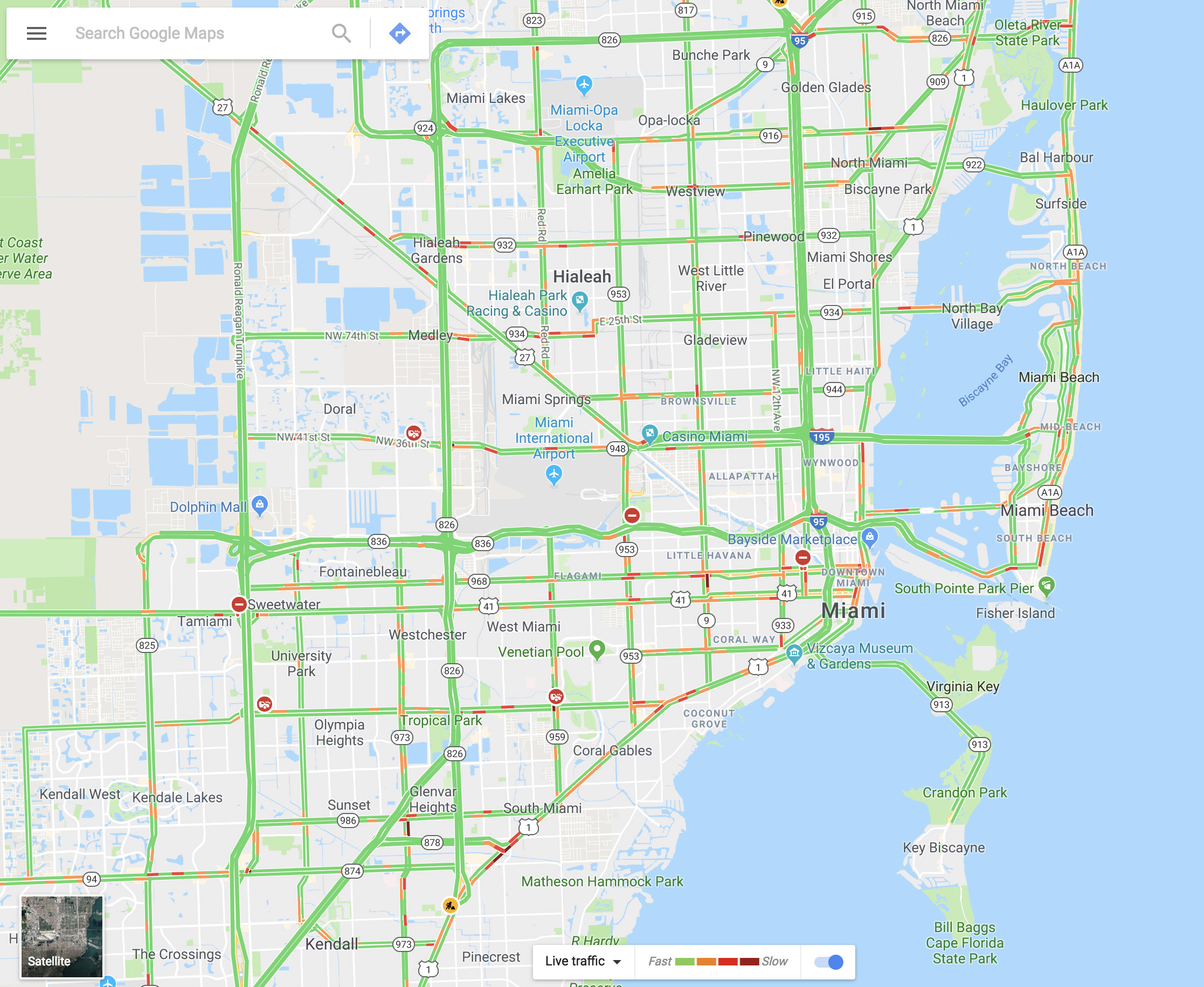
You can see the traffic in your city via Google Maps within seconds. It’s as easy as going to the menu and selecting “Traffic.” The green lines represent streets that have steadily flowing traffic, yellow signals some congestion, and red is gridlock.

Share your real-time location

Almost no one knows about this feature, but it’s really cool. Imagine that you’re meeting a friend at a concert, but you’re not there yet. Google Maps lets you share your location in real time with that person. You move, your friend watches. It’s that simple. Just go to the menu and click on “Location sharing.” Give access to everything it asks and add the amount of time you’ll be sharing your location. Choose a contact and that person can watch your every move.

Google Maps Download Google Maps
7

Avoid tolls

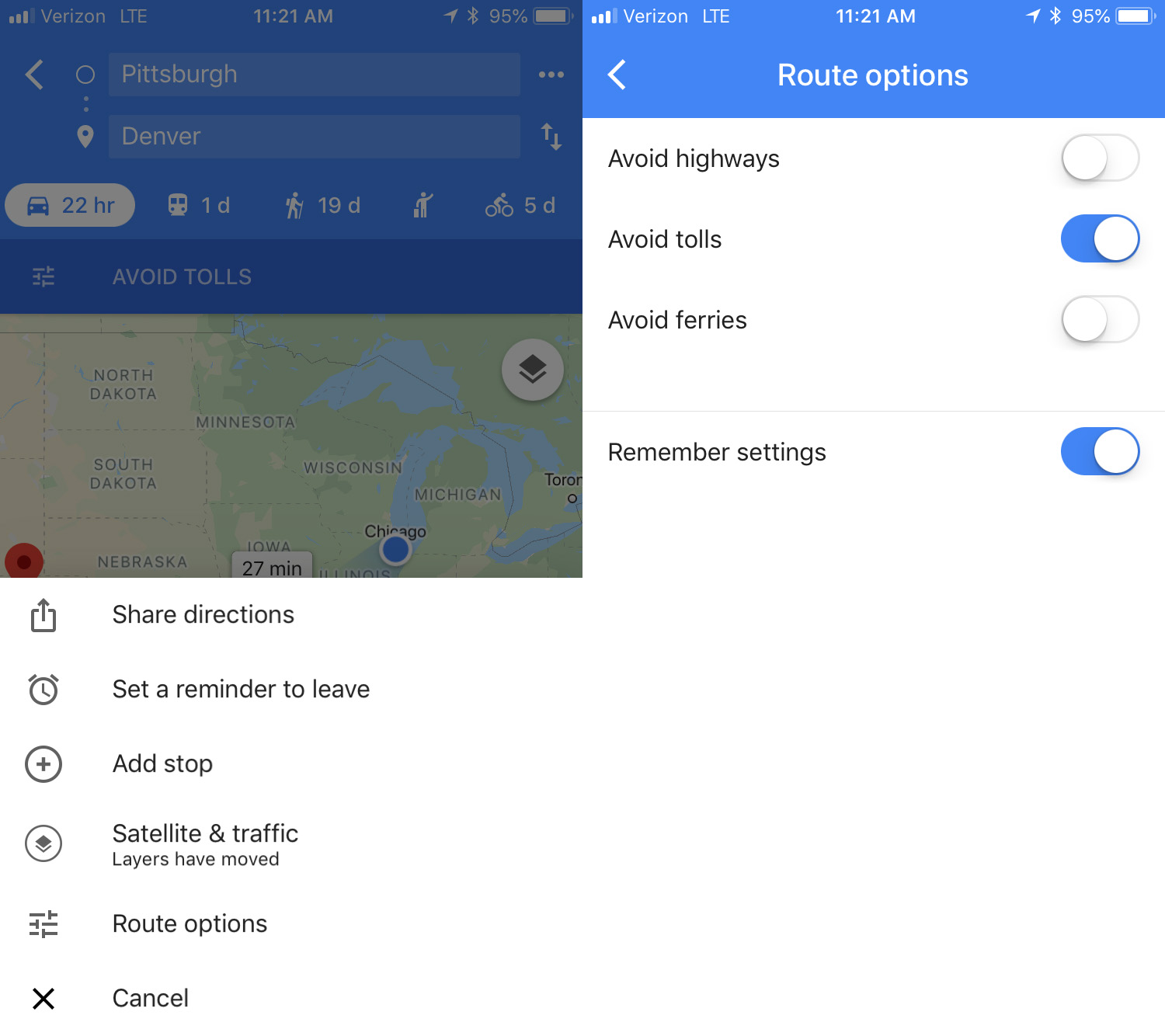
If you want to avoid all possible tolls, Google Maps can help! Just put in your destination and click on “Directions.” On the upper right, click on the three dots, then hit “Route options.” There you’ll see several fields, though the one we want is “Avoid tolls.” Check it and you’re good to go.

Calibrate your compass

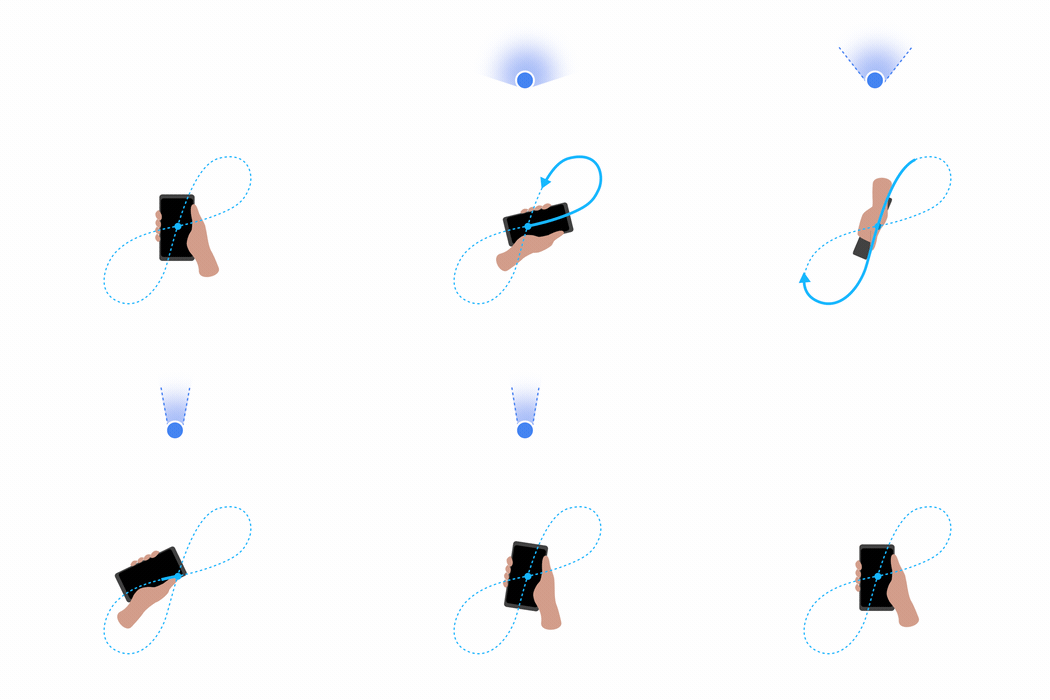
If you want your position to be more accurate you can calibrate your compass on Google Maps. To do this, click on the blue dot indicating your current position and look for the option that says “Calibrate compass.” Once you click there, you have to make a figure 8 (or loop) with your phone. Do it several times and keep checking the status of the calibration. If on screen it says “high” accuracy, you’re all set. (This isn’t an option on iOS – just open your Compass app to calibrate there.)


This is how to make money using Google Rewards

Want to make money with Google quickly and easily? This may seem like a scam, but it’s possible. Google gives you the chance to make money through its Rewards program. If you want to know a little more about this, we’ll explain how you can make money using Google Rewards, the Android app.

Google Opinion Rewards Download Now
7

Google Rewards is an app that you can download for free. Once you’ve downloaded it, open it up. The first screen is self-explanatory: Google requests info about you. They’re basic questions that are easy to answer. The idea is for the search engine to get more info about you, the user.

Once you answer these questions, the app will open and you can start using it. How do you make money? By responding to surveys that Google sends you periodically. In general, you’ll get one survey per week, though the frequency can sometimes be higher (or lower). The price of each survey depends on the importance Google assigns it, though the most you can get is $1 in Google Play credits. That’s right. A whole dollar.

These surveys look to get feedback on general Google issues. For example: which logo you like better; if this ad looks interesting; where you want to travel; if you use Google products regularly; etc.

It’s an easy way to get a few bucks that you can then redeem for some apps. Also, the surveys can be answered in one or two minutes, so it’s worth trying out!


Top 5 Marvel superhero games

Avengers: Infinity War has us shook. That ending, right? What’s going to happen next? To try to distract us until the sequel, we need to revisit our favorite Marvel characters in video games. To mark the most important film in the history of Marvel, here’s a ranking of the top five Marvel superhero games from recent years.

Marvel vs Capcom: Infinite

It’s not exclusive to Marvel, as it also includes characters from the Japanese company Capcom. But it’s a great addition to this list because it features so many fighters from the Marvel universe.

With Marvel vs Capcom: Infinite, you get a classic fighting game where two rivals beat the hell out of each other until a health bar hits empty. The difference is that each team has three fighters so you can use anyone when fighting. Whoever eliminates all three wins.

Marvel vs. Capcom: Infinite Download Now
9

LEGO Marvel

You can’t miss this title: LEGO Marvel. It’s one of the most fun and original games you’ll ever play, especially because it features Marvel icons and explores the LEGO world (and everything in it).

This saga has three releases on the market, so if you’ve finished the first, you can always try the second and then the third. You won’t be disappointed!

Lego Marvel Super Heroes Download Now
8

Marvel Contest of Champions

Like Marvel vs Capcom, in Marvel Contest of Champions we have a one-on-one fighting game. However, it’s not for desktops, laptops or PCs: it’s for your cell phone.

Available for free, it’s the best way to keep the world’s greatest heroes in your pocket.

Marvel Contest of Champions Download Free
9

Deadpool

It faced criticism when it came out in 2013 for PlayStation 3 and Xbox 360, but with its 2015 release for PlayStation 4, Xbox One and PC, the mistakes were erased. The Deadpool video game developed by High Moon Studios reflects the essence of one of the most insane Marvel characters, both in the script and in the game.

Deadpool carries his two guns, as well as his katana. But during the adventure, you can get all kinds of weapons, which makes it easier to eliminate all the enemies. If you like this character, we recommend this game.

Marvel’s Spider-Man

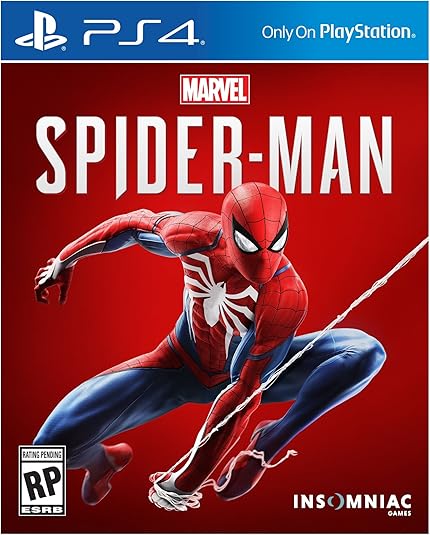
We’ll wrap up this list with a video game that hasn’t come out yet, but it has amazing buzz: Marvel’s Spider-Man. The wall-climber returns to consoles with an open-world adventure where the city is your playground.

Developed by Insomniac Games, its launch is set for September of this year and all the demos look spectacular. We can’t wait to try it!

Facebook vs Facebook Lite: What are the differences between the apps?

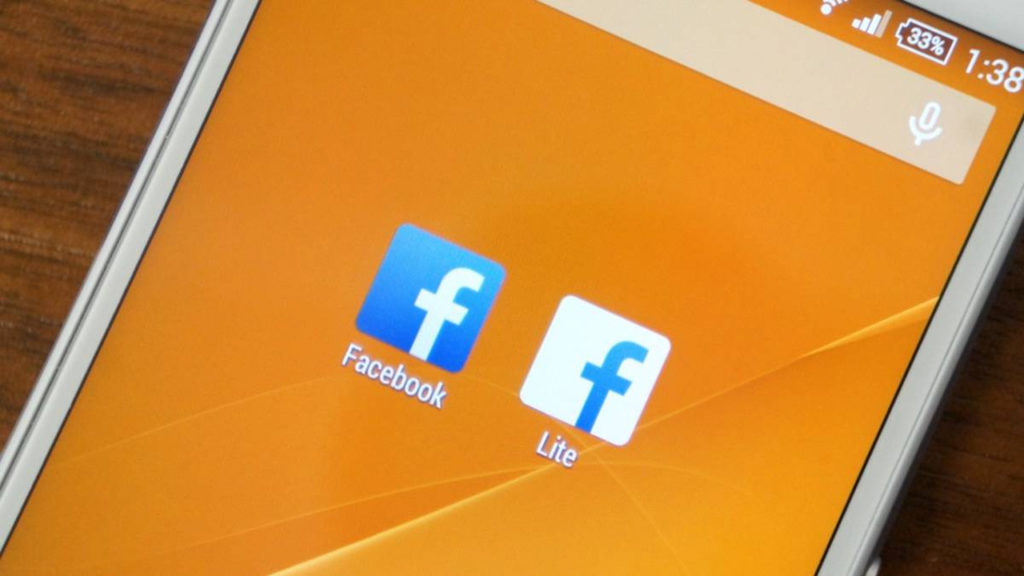
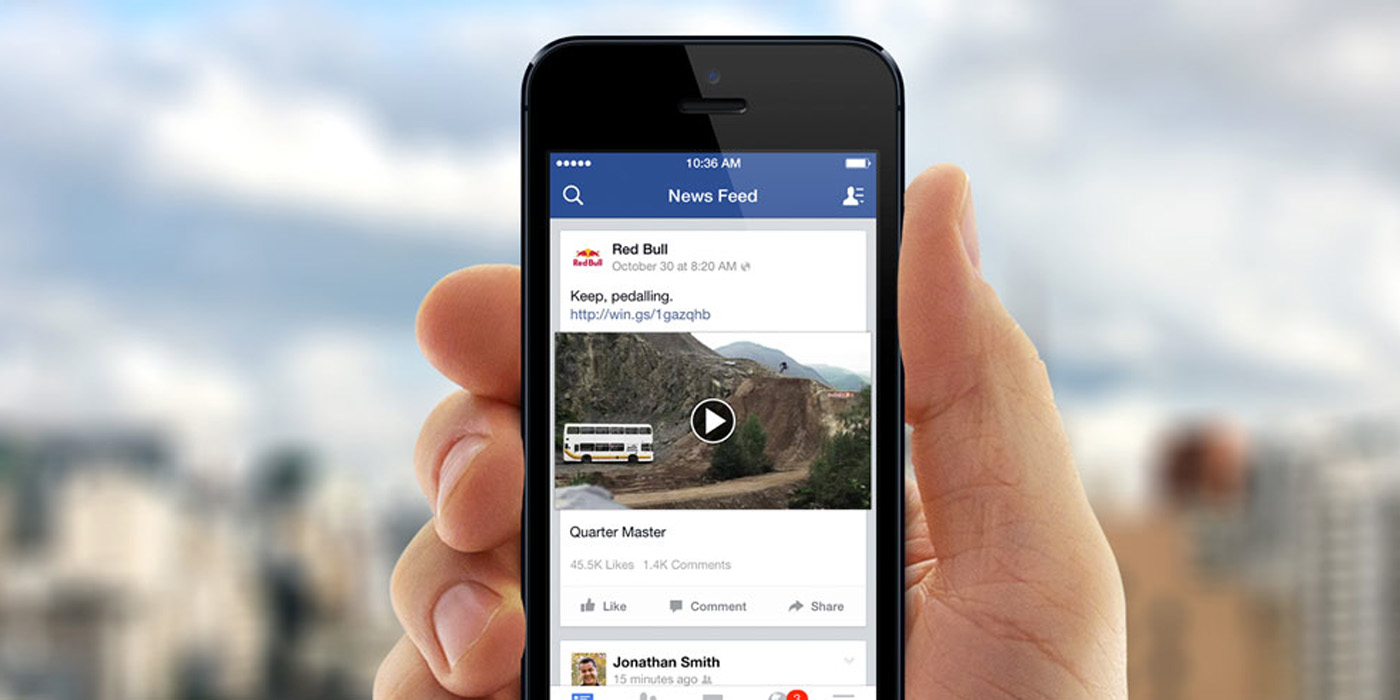
Did you know that Facebook has two different cell phone apps? While most of us use the “normal” Facebook, it has a stripped-down twin called Facebook Lite. What are the differences? Are they noticeable? Why is it called Lite? We’ll answer all these questions below in our comparative guide.

7
Facebook Lite Download Facebook Lite
7

Designed for the less fortunate

Not everybody is lucky enough to have the latest cell phone. Some of us have a dinosaur that’s old or slow or cheap. That’s where Facebook Lite comes into play. The app is specially designed for devices that are outdated or don’t have sufficient technology. 

Size and battery

The first big difference has to do with the size of the app. While Facebook takes up about 60 MB, the Lite version only is 2 MB. That’s a significant difference in space if you don’t have much storage capacity. Incredible, right?

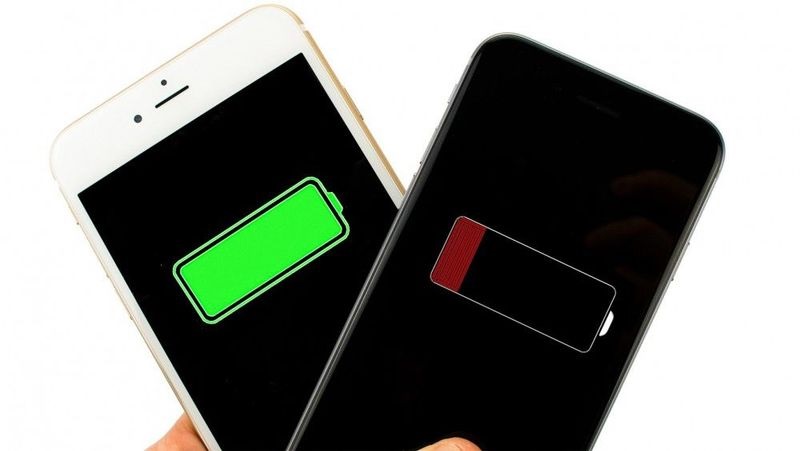
Something similar happens with the battery, though on a smaller scale: while the normal Facebook app can be a battery hog, the lite version requires two-thirds less power. It’s a small difference, but can be significant in the long run.

Simplified design

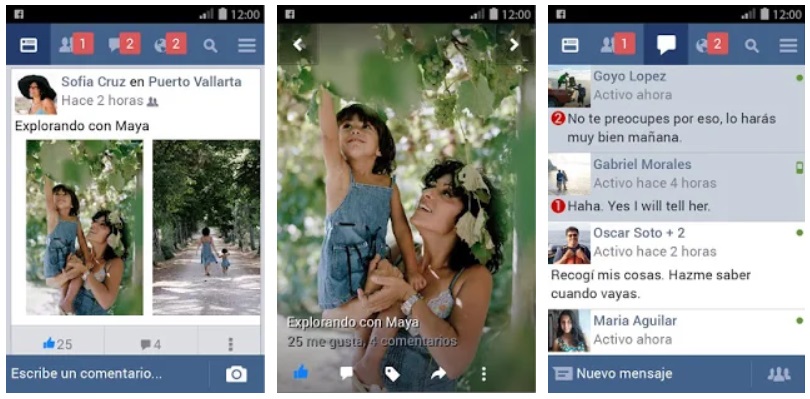
Another big difference between Facebook and Facebook Lite has to do with the design. It’s almost identical to the normal app. Almost. A closer look reveals small differences: the text and icons are smaller, the animations are less smooth, the graphics are simpler and the general presentation is less impressive.

Lite removes all the app’s excess details. It’s like a video game that goes from high resolution to low resolution.

Less data consumption

Facebook Lite was created to help parts of the world with less advanced technology. Basically, this has to do with internet connection. Data is barely consumed with Facebook Lite, since programmers had to consider that this app would be used in areas with 2G connections. That’s nothing.

Facebook Messenger included

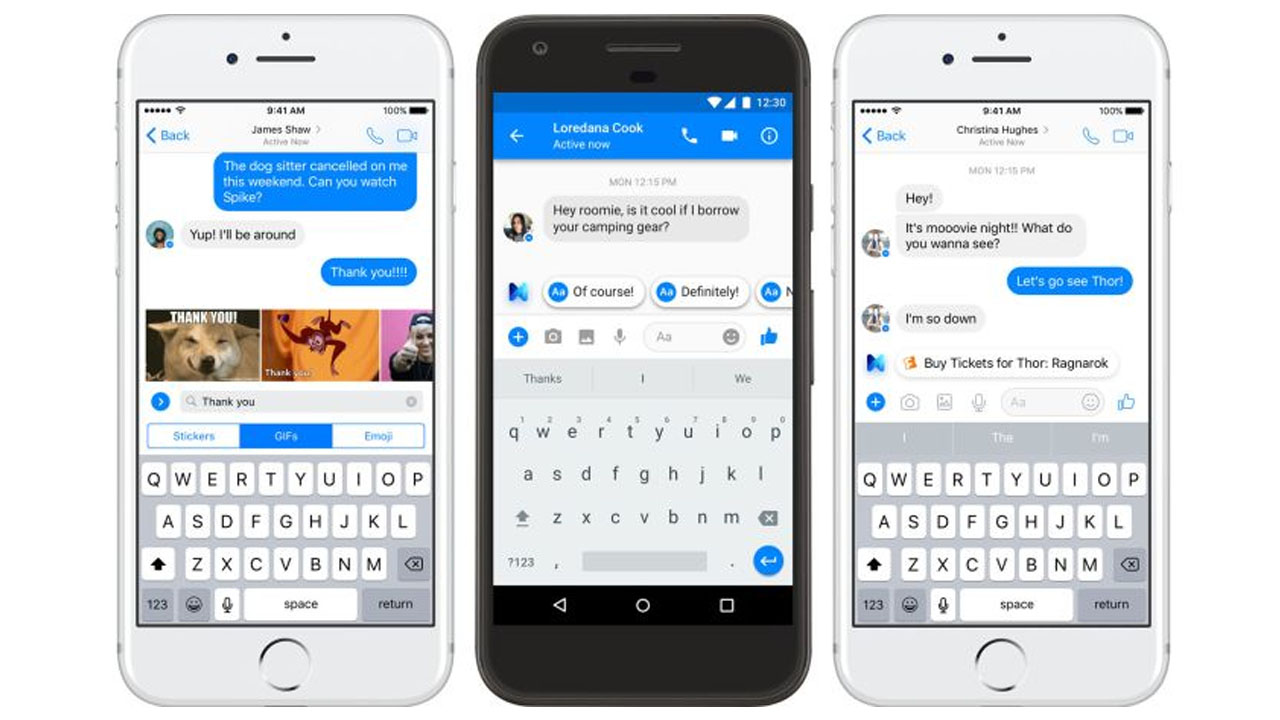
Facebook pulled out all the stops to get people to download Messenger. Despite this massive effort, Facebook Lite doesn’t require Messenger to be installed separately. That means you can use it from the Lite app. Also, you can’t use current emojis, but you can always create the retro version with punctuation marks and letters.

The best apps for selfie addicts

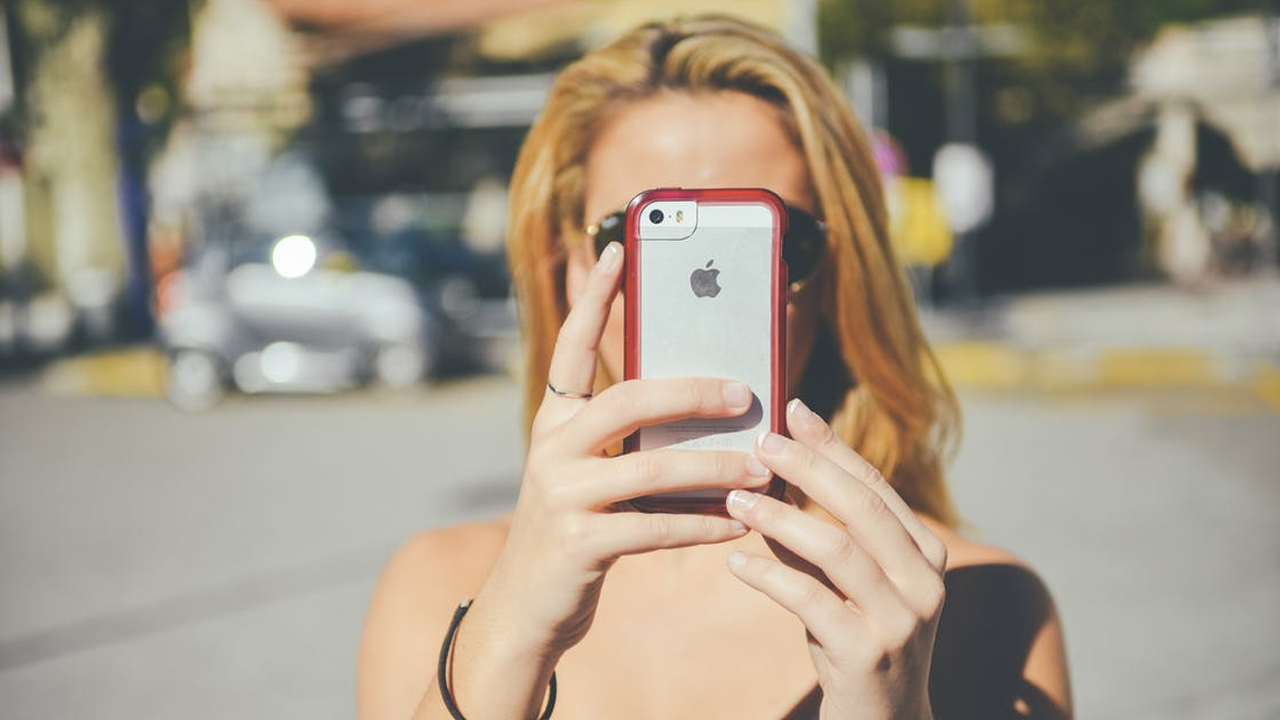
Taking a selfie is an art. Well, “art” is exaggerating a bit, but knowing a few photography tricks will help your selfies shine. Today at Softonic, we’ll give you a hand with the best apps for selfie addicts. We’re not just talking about taking the snapshot, but also touching it up. 

Facetune

The first app on the list is Facetune. Available only as a paid service ($3.99), it’s a very powerful tool for taking, editing and retouching selfies. But is it worth paying for? If you like selfies and you take photos all day long, the answer is yes.

With Facetune, you’ll get snapshots with a more artistic flair, far from the conventional quick-use filters of these type of apps. The program has a large number of options so you’re sure to find something just for you.
Facetune Download Now
7

Snapseed

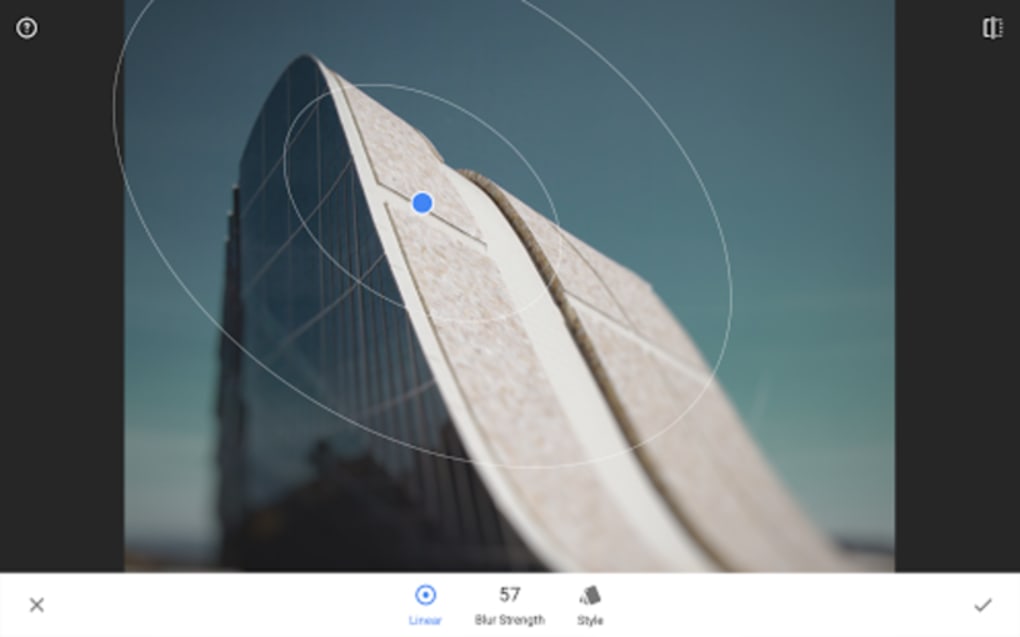
Possibly one of the most famous photo editing tools in the world: Snapseed. It has up to 29 tools and exclusive filters for your snapshots, from the classic paintbrush to a clone stamp. Also, it lets you put images in HDR, something that is helpful when you’re looking for the best possible quality.

For the specific case of selfies, Snapseed introduced an exclusive option for retouching portraits and selfies in 2017, either manually or through default settings.

Snapseed Download Free
9

B612

B612 Selfiegenic Camera. Yup, the name is much less commercial and easy to remember. B612 is a free app that recreates effects and filters in real time. With more than 1,500 different stickers, this tool also lets you draw shapes and even has an algorithm that selects which touch-up is best for you.

B612 has more than 100 million downloads and a very good rating from users. It not only lets you edit photos but also short videos, so you can add the effects already mentioned to videos or songs downloaded on your cell phone.

7

YouCam Perfect

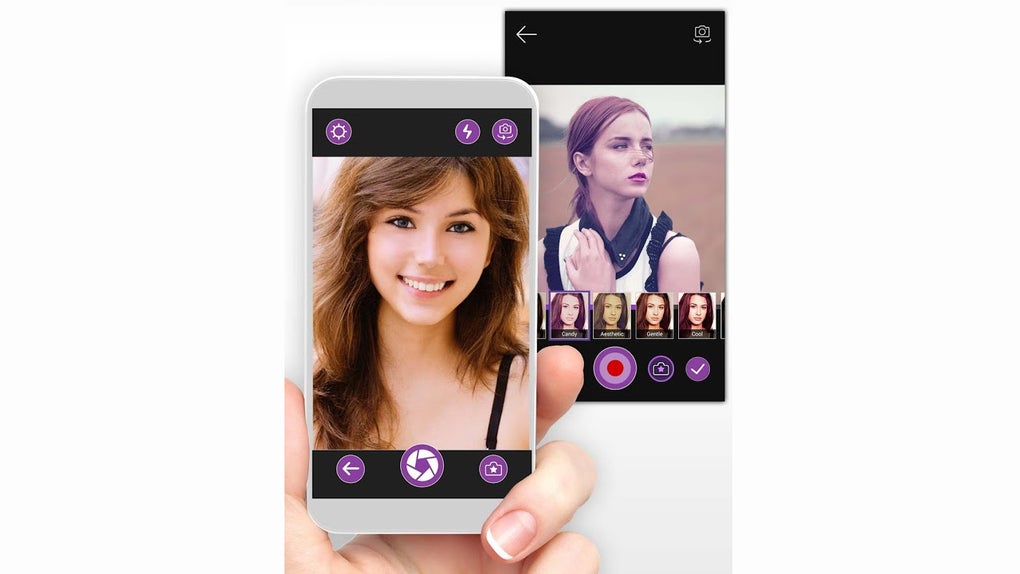
We’ll wrap up this list with YouCam Perfect, a photo editing app focused on selfies. This tool lets you do touch-ups automatically or manually.

Since it’s focused specifically on portraits, you can beautify your skin with exclusive filters, add frames, and make collages with your photos. Give it a try!

YouCam Perfect - Selfie Cam Download Free
8

Deleted Facebook? Say hello to these little-known social networks

In the wake of Facebook’s privacy scandal have you deleted the social network? Nearly one in 10 Americans hit the eject button on Mark Zuckerberg’s baby. That’s understandable. Nobody likes their information ending up with weird, shady companies or Russian troll farms. But there are alternatives, some of which have been available for years. If you’re fed up with Facebook, Softonic is bringing you three little-known social networks to check out.

Vero

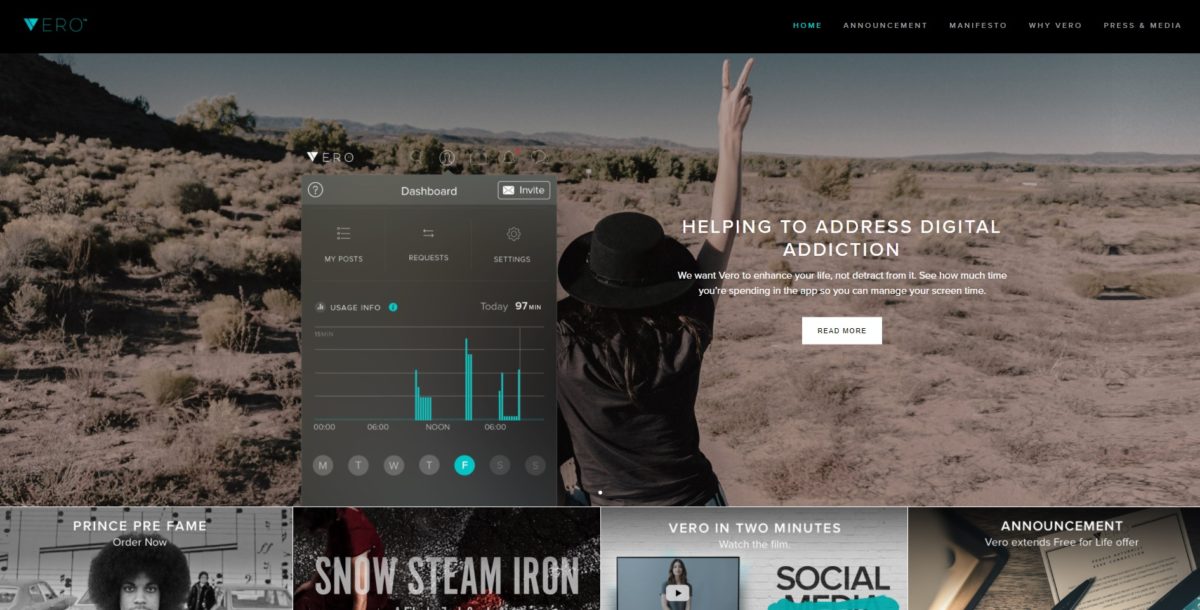
It launched back in mid-2015, but it wasn’t until 2018 that Vero truly emerged. After the controversy surrounding Facebook, Vero directors launched a marketing campaign using influencers to promote the social network. And it worked. Now the platform is better known than ever, and it’s possible that some of your contacts have already told you about it.

How is it different from the rest? Vero also lets you add profiles, check statuses, look at photos, etc. If you had to compare it to something regarding user contact, the best model would be Instagram. Of course, the app design leaves much to be desired, with dark colors and elements that don’t fit into the whole.

7

Ryze

Generally speaking, they say that social networks are very superficial and lack important content, but that all changes with Ryze. This social network, which already has over one million members, is designed specifically for business profiles or those interested in getting economic info.

The key to this platform is having elite followers: those who are good for making quality contacts later. Ultimately, everybody added has a high value in business circles, so take care of your personal profile, keep it clean and well-crafted.

GoodReads

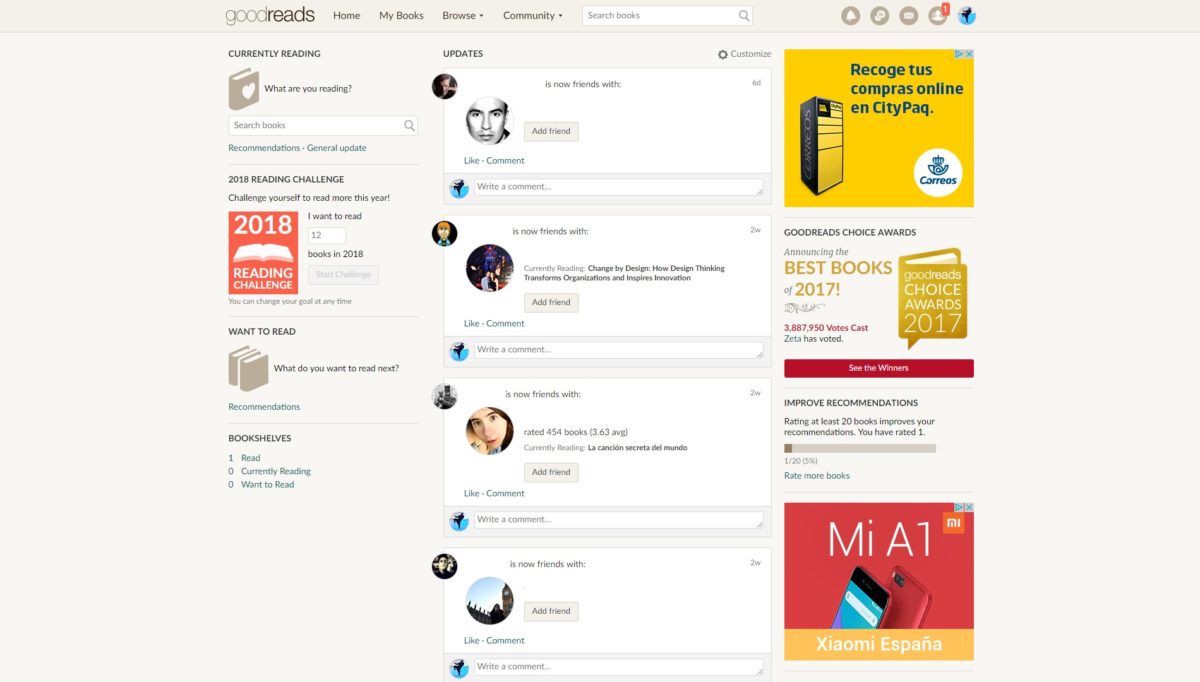
We’ll wrap up with a platform that isn’t used much as a social network, but was actually created as one: GoodReads. Instead of sharing photos of your latest party or trip, you share what book you just finished reading. That’s GoodReads, a social network where readers connect and talk about their literary interests. Bravo.

Although the platform has become more of a conventional web page, in the background, it’s a space to talk about books, magazines, comics and any medium that encourages reading. On the platform, any user can add content, so if you just finished reading a fanzine and want to catalog it in case another user is looking for it, you can do it!

We strongly recommend you take a look at GoodReads. We think it’s one of the best social networks out there today, especially for such a nice, useful purpose: to promote books and support them with other people. It’s a knowledge hotspot.

Goodreads Download Free
8

5 tips for taking the best selfies

How did we live before selfies? Sure, we could ask strangers to use our old digital cameras, carefully walking them through a tutorial on how to operate all the controls, then returning to our photo spot and hoping the strangers would deliver. But today, using our own arm (or the less-cool-but-more-effective selfie stick) allows us to get that same photo without the awkward social interaction. Ready to raise your selfie game to a whole new level? Here are five tips for taking great selfies.

1. Front light

Although backward-facing cameras are increasingly good, they’re still worse than the lenses facing forward, not to mention light-years away from DSLR cameras. This means that when it comes to selfies, light matters. If you’re outdoors, make sure the sun hits your face, and you’re not getting a shadow from your camera. If you’re indoors, try moving around the room to see which angle illuminates you best. Make sure you don’t have windows or light bulbs behind you in the shot. Your face should always receive the most light.

2. High-angle is better than low-angle

A high-angle shot is always better than a low-angle shot when taking selfies. High-angle is when the camera is placed over the user’s head without being completely on top (that would be a bird’s eye shot), while a low-angle shot is when the lens is below eye level without being all the way below (that would be a worm’s eye shot). In high-angle shots, more prominent features seem smaller, so “imperfections” are minimized. Also, we also have to note that if we lift our heads, more light comes in. The camera should be slightly above your head.

3. Hold your breath

This is a basic photography tip: when taking a photo, hold your breath and keep a steady hand. In the case of selfies, this is even more important, since most cameras on cell phones still don’t have good stabilizers, so the more still your arm is, the better the photo will turn out.

4. Find your good side

Everybody has one side that’s more photogenic than the other. Unless you’re a teenager, don’t mess around with pouts, smirks, or funny faces. Just identify the side of your face that is more photogenic. You’re not perfectly symmetrical, so there’s a fair chance one side looks a little better than the other. So here’s your homework: take a bunch of selfies and discover your good side. From then on, you’ll know how to angle your face in that split second when you get a celebrity to agree to pose with you.

5. Filters

We’ll wrap up this list with filters. Classic, right? This is the ultimate trick when you’re trying to salvage a less-than-flattering shot. Although you will be honor-bound not to post your selfie with #NoFilter, sometimes you need #AFilter to make it look #LessBad and there’s #NoShame in that. 

Looking for more tips on taking great selfies? Here’s what our Solutions community recommends as the best resources for taking a good selfie. And if you’re looking for the best apps to make your selfies shine, check out these great recommendations!

How to make custom frames for your Facebook profile picture

Ever wonder how people get those temporary frames on their Facebook profile pictures? Generally speaking, those frames come from the company itself, which makes an exclusive tool available for people to decorate their photo for whatever reason. It may be for a holiday, in solidarity of a catastrophe, a sports event, etc. The possibilities are endless. Today, we’ll show you how to make custom frames for your Facebook profile picture.

Facebook Access Facebook
7
Facebook Lite Download Facebook Lite
7

How to make custom frames for your Facebook profile picture

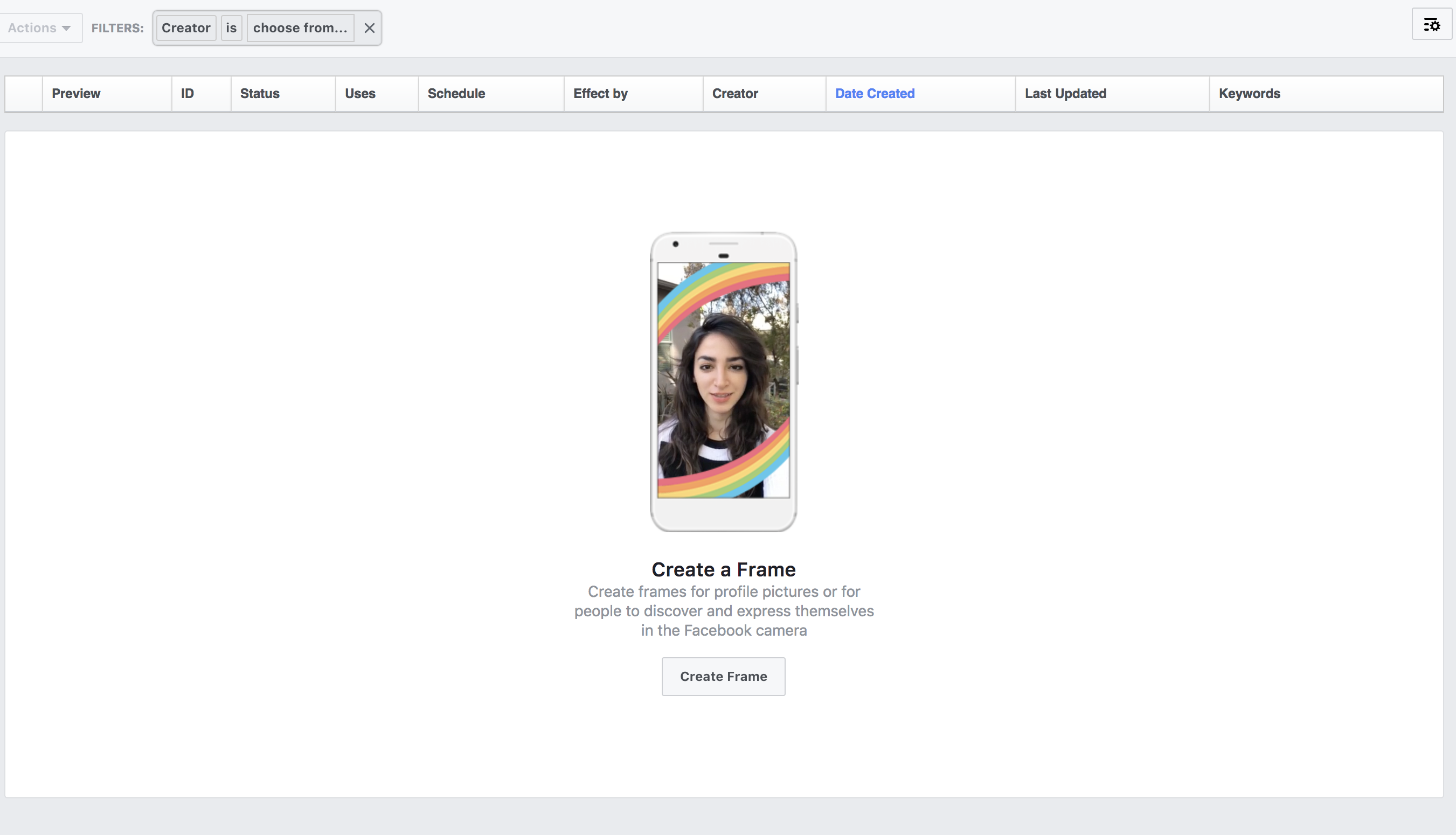
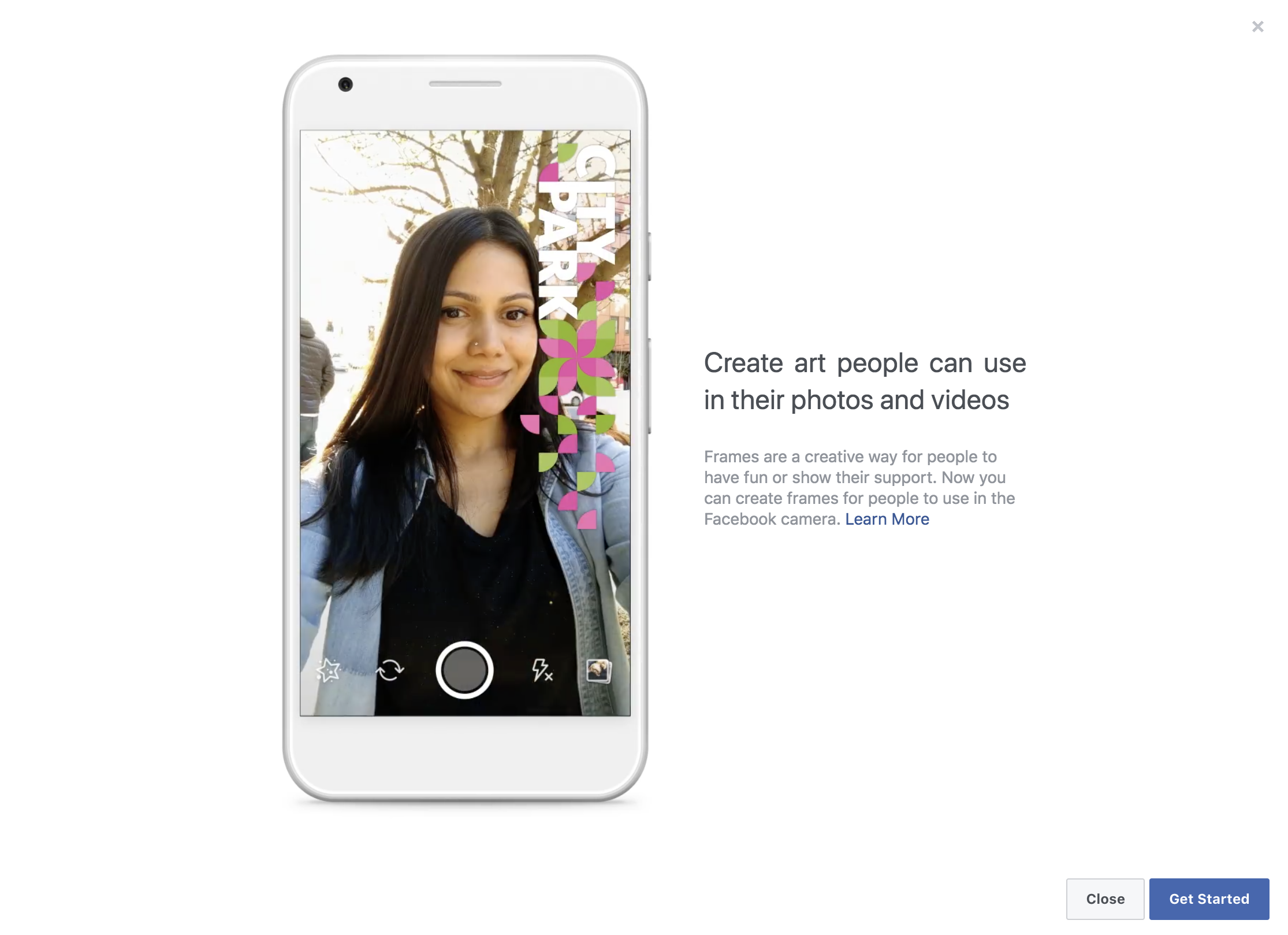
Relatively recently, Facebook began allowing users to design their own frames. To do this, go to this URL and click on “Create frame.” Go for it! We’ll wait.

On the next screen, it’s just an explanation of what you’re doing, so click on “Get started.


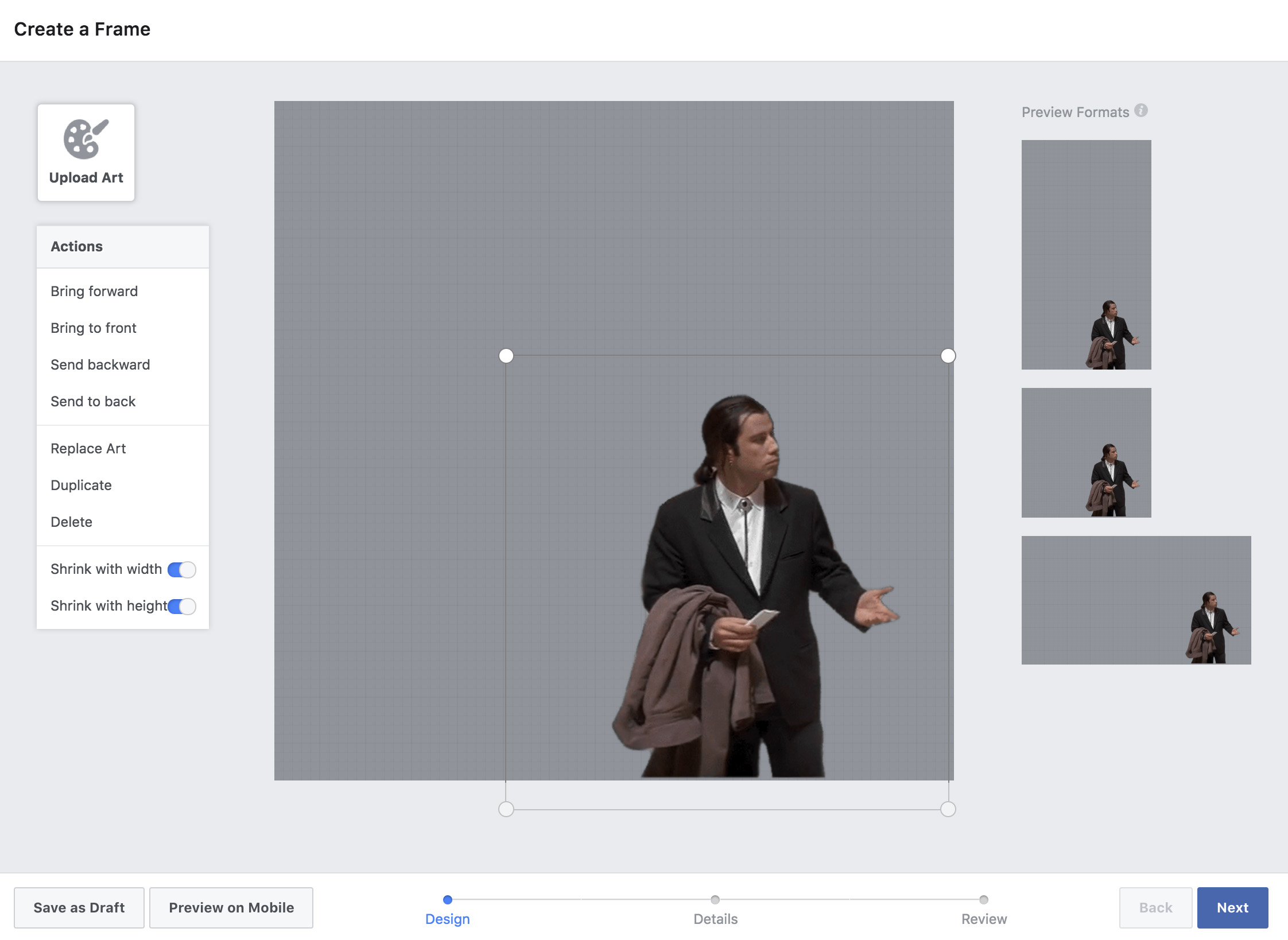
Okay, now you’re ready to create your frame. First, you must “Upload a design” in PNG format. PNGs have transparent backgrounds, so they’ll appear to hover above your standard profile picture. You can find PNGs with a quick Google search or whip them up in Photoshop. Once you have your masterpiece, upload it by dragging and dropping or using the “Upload Art” button in the upper left corner.

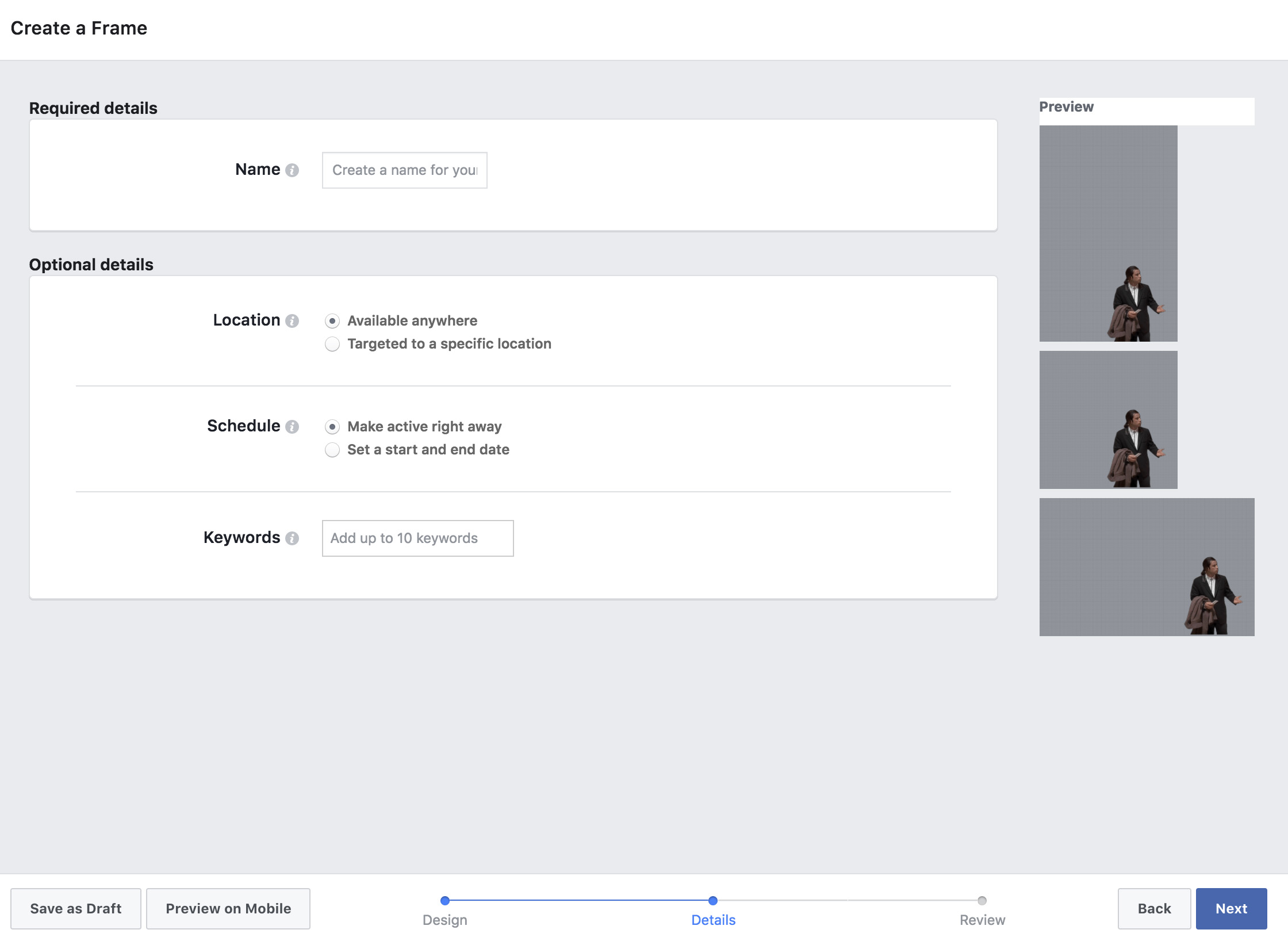
Once you’ve done that, you can resize it and place it wherever you like. On the top right, you’ll see different formats available, so you can also think about the device it will be displayed on. When everything’s ready, click on “Next” and add a “Name,” as well as set the “Location,” “Calendar” and “Keywords.” Click “Next” when you’re good to go.

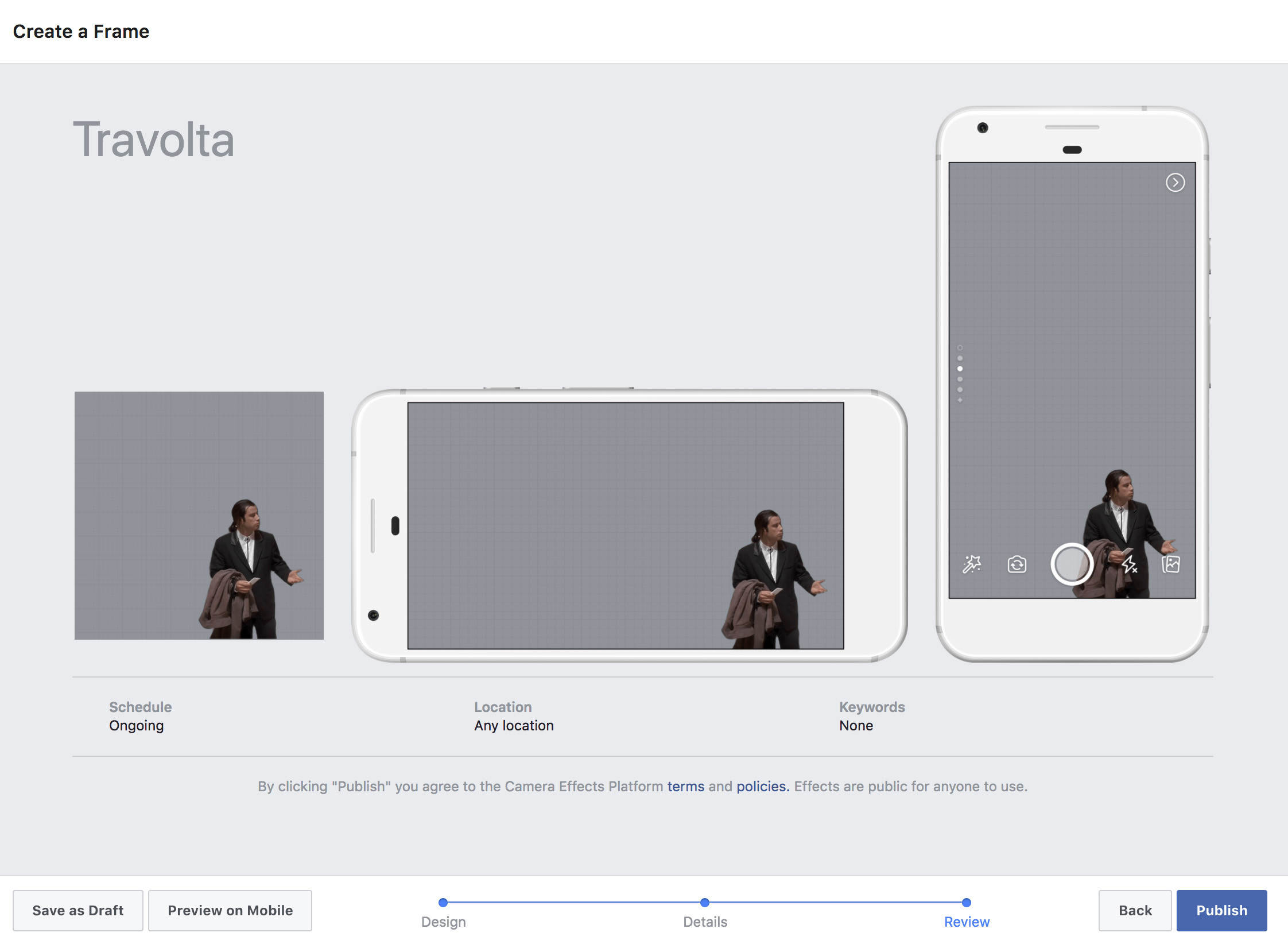
Here’s the final step. Check carefully how your design looks with your profile photo. Facebook will create a simulation with a cell phone display, so you can see how the photo will look to other users. As soon as you click “Publish,” you’ll have created your custom frame, which is ready to be used both by other users and you, of course. That’s it! You’re done!

4 Best low-cost drones

Drones have become such a popular part of our everyday lives that even some driving schools now teach courses for piloting these small aircraft. A few years ago, they were a luxury item. But now, they’re practically everywhere. If you’re thinking about buying one and taking your first spins through the sky, here are some great places to start.

4 Best low-cost drones

Syma X5C

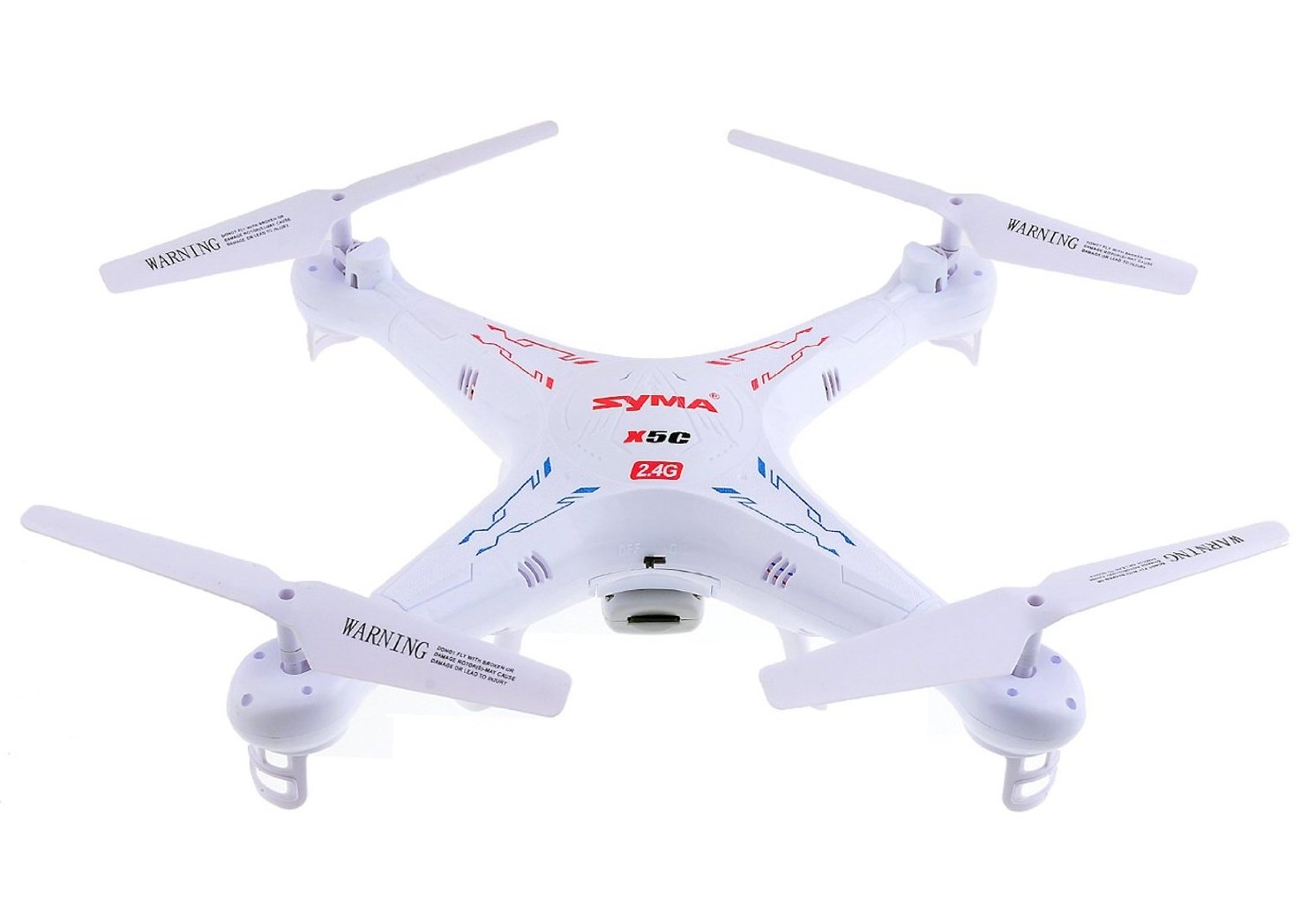
The Syma X5C is one of the best-selling models on Amazon and has the best reputation on the website. With dimensions of 31 x 31 x 8 cm, its strength lies in its versatility, since it lets you control it up to a distance of about 300 feet.

The frequency channel is 2.4G, which helps avoid interference with other aircraft. Also, it includes a 1280 x 720 HD camera and a 2GB Micro SD memory card.

Parrot PF723300

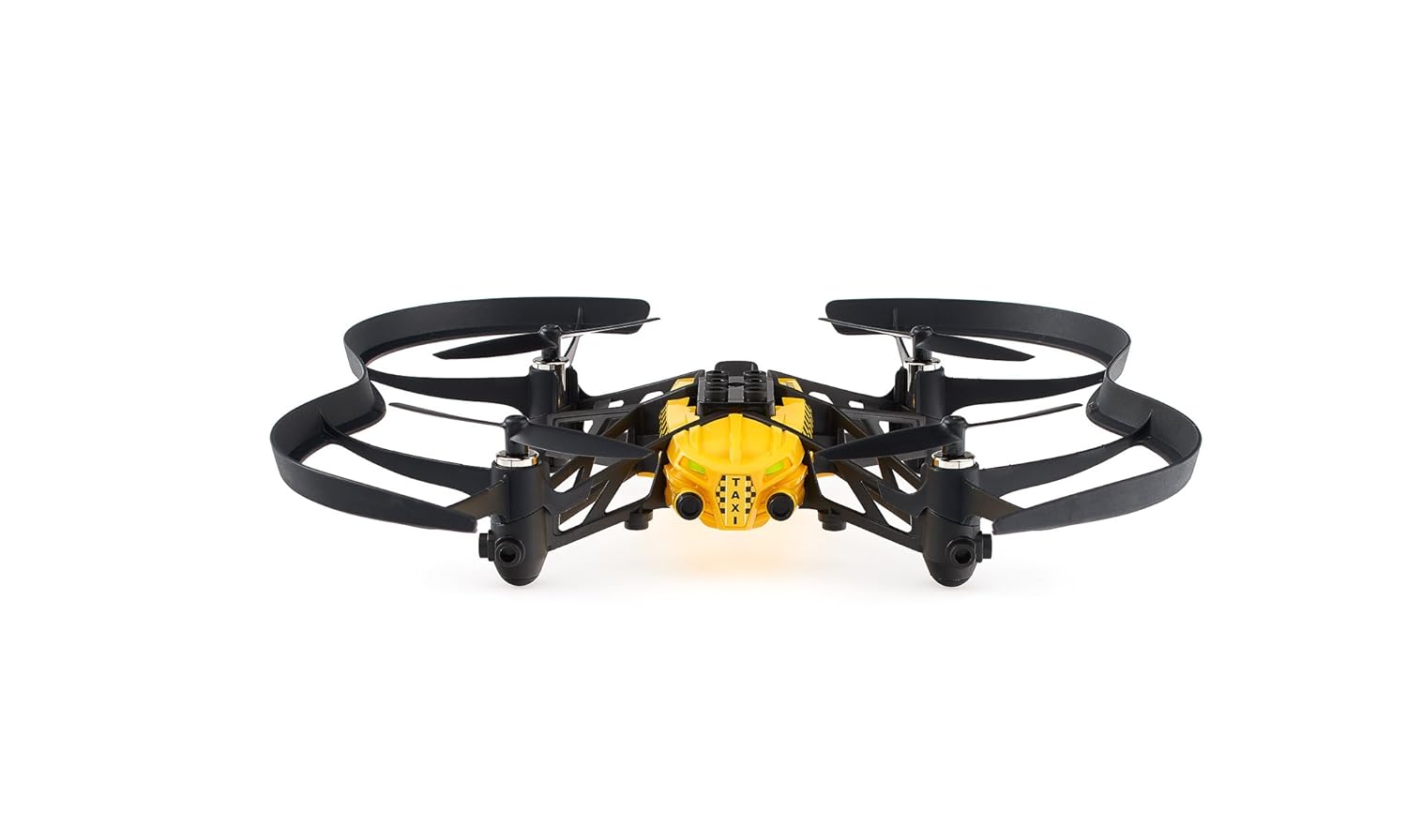
Parrot is a quality label when it comes to drones, and this PF723300 model, better known as the Airborne Cargo, has all the customization you want as its hallmark feature.

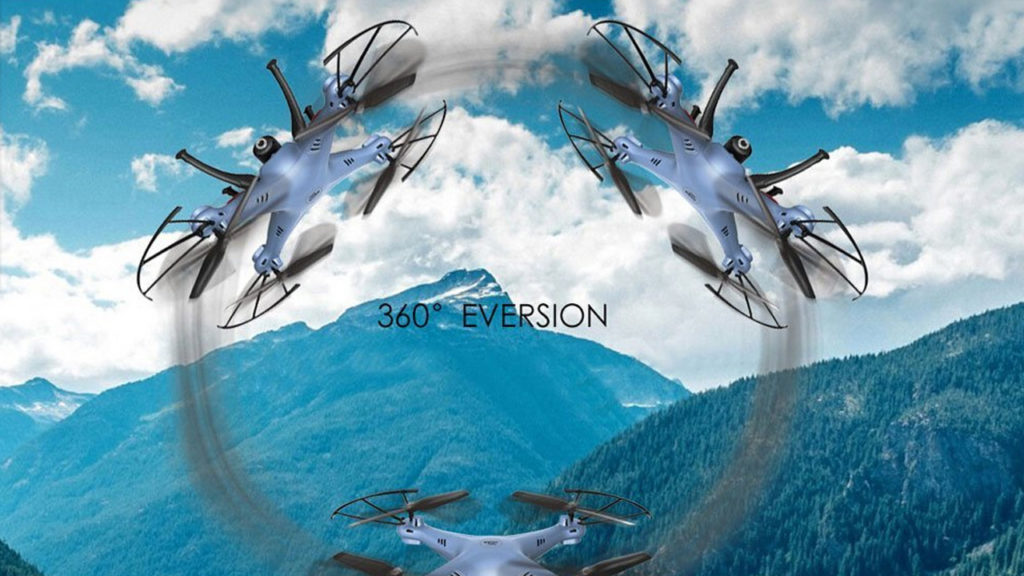
Like other aircraft, it lets you do all the stunts, spins or flips you can think of, since its steering axis is made for this. Another bonus is its “FreeFall Takeoff” feature, which means the motors start up automatically when the drone detects it’s in the air.

Of course, it has an integrated mini-camera that can be easily accessed from the FreeFlight 3 app (available on both iOS and Android). It’s the most expensive on our list, but you’ll love the added bells and whistles.

GoolRC X5HC

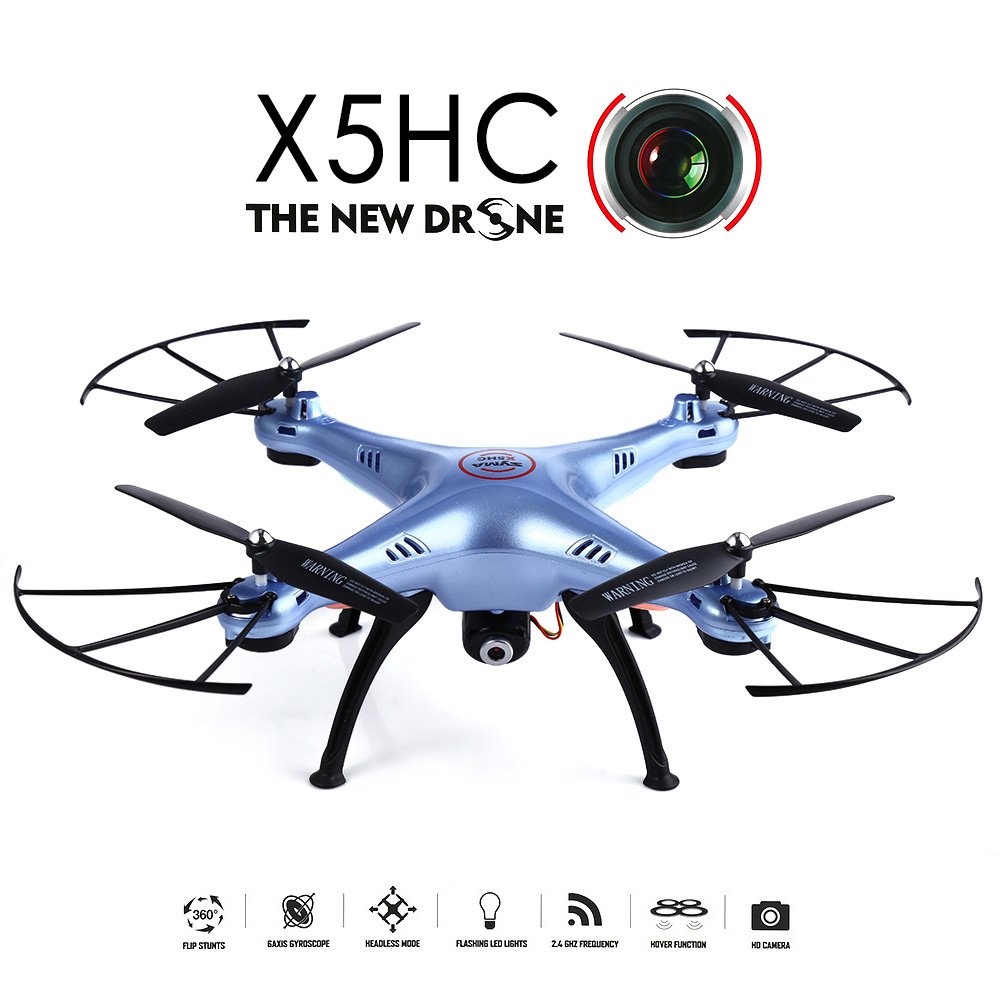
The GoolRC X5HC is a lightweight, elegant, compact drone. With an LED light to make night flight possible, it has a small 0.3-megapixel HD camera, which is more than sufficient for taking photos or videos.

It has a six-axis gyro, which makes it very stable with easy handling for those learning to pilot a device like this.

H815 RC

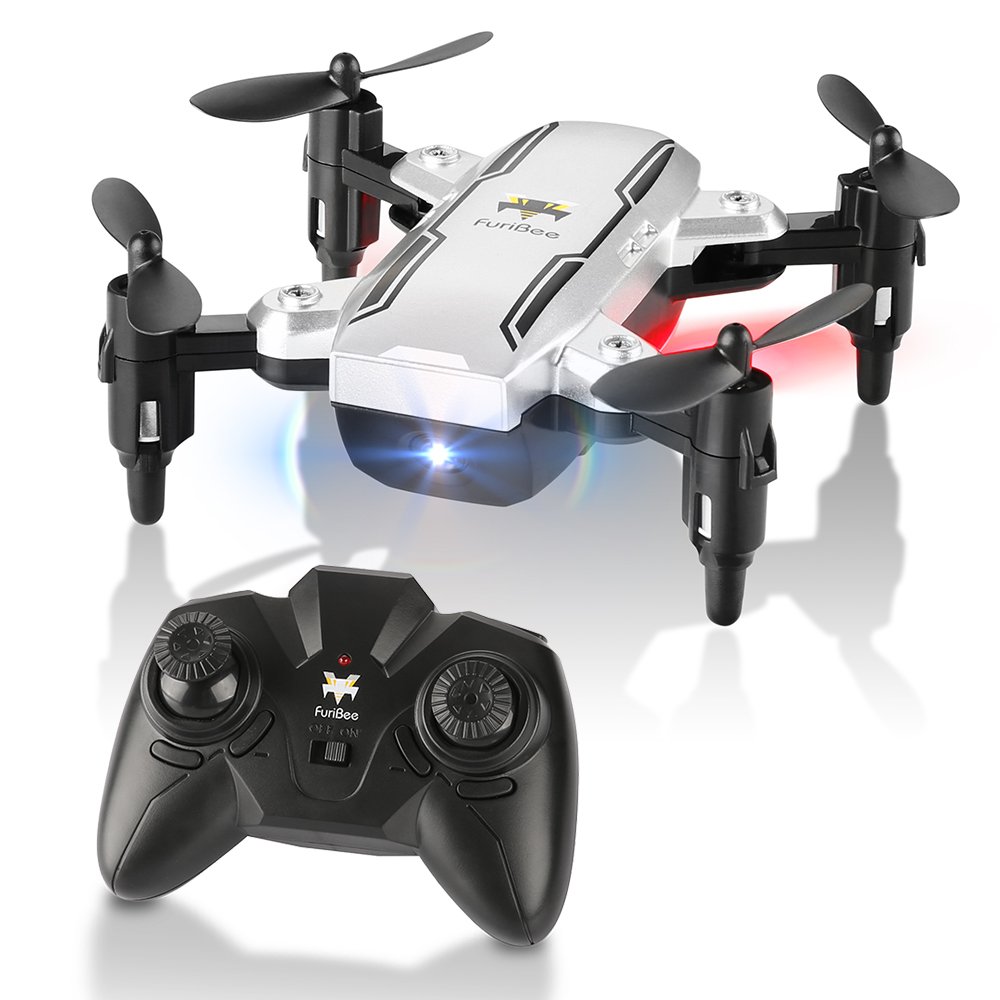
The cheapest, smallest, and most affordable option. This H815RC drone is foldable and portable. It can fit in the palm of your hand. In other words, this model is ideal for taking anywhere.

The frequency channel is 2.4 GHz, which gives it a good signal without fear of interference. And because it’s so small, its handling is very simple.

This model is designed for those who want to learn a little more about the drone world. In case it breaks or gets clawed to death by a hawk, it’s not the same as losing a high-end drone.