In a landscape where dominant streaming seems to relegate physical formats to oblivion, the startup Video StoreAge has proposed an innovative alternative for independent film lovers: the use of flash drives instead of DVDs or Blu-rays for movie distribution. Founded by Ash Cook, a former programmer for the Sundance Film Festival, the initiative aims to restore a sense of ownership over content in a context where temporary licenses and changing catalogs are the norm. DVDs, but not The proposal from Video StoreAge is supported by the growing nostalgia of film enthusiasts […]
In a landscape where dominant streaming seems to relegate physical formats to oblivion, the startup Video StoreAge has proposed an innovative alternative for independent film lovers: the use of flash drives instead of DVDs or Blu-rays for movie distribution. Founded by Ash Cook, a former programmer for the Sundance Film Festival, the initiative aims to restore a sense of ownership over content in a context where temporary licenses and changing catalogs are the norm.
DVDs, but no
The Video StoreAge proposal is based on the growing nostalgia of movie fans who long to own physical copies of their favorite productions. Unlike digital editions that can disappear from platforms without warning, as was the case with the Star Trek saga on Netflix, USB drives allow for storing and accessing content without the dependency on the Internet. This method offers a more stable experience, eliminating the connection issues that affect streaming.
Additionally, flash drives have the capacity to store more information than traditional optical discs, which not only facilitates viewing footage in high definition but also provides the possibility of including extra material. Cook describes these devices as the DVDs of the Modern Era, suggesting a return to more carefully curated film releases with their own identity.
However, despite the advantages, the approach faces significant challenges. The production of pendrives is more expensive than the mass production of DVDs or Blu-rays, and the convenience of streaming remains a determining factor for consumers. Although film enthusiasts value owning a physical copy, the visual appeal of a pendrive on a shelf does not compare to the charm of a traditional disc.
For the moment, this initiative focuses on independent cinema, aligning with Cook’s previous experience at Sundance, and represents a step towards the evolution of how we consume and appreciate cinema today.
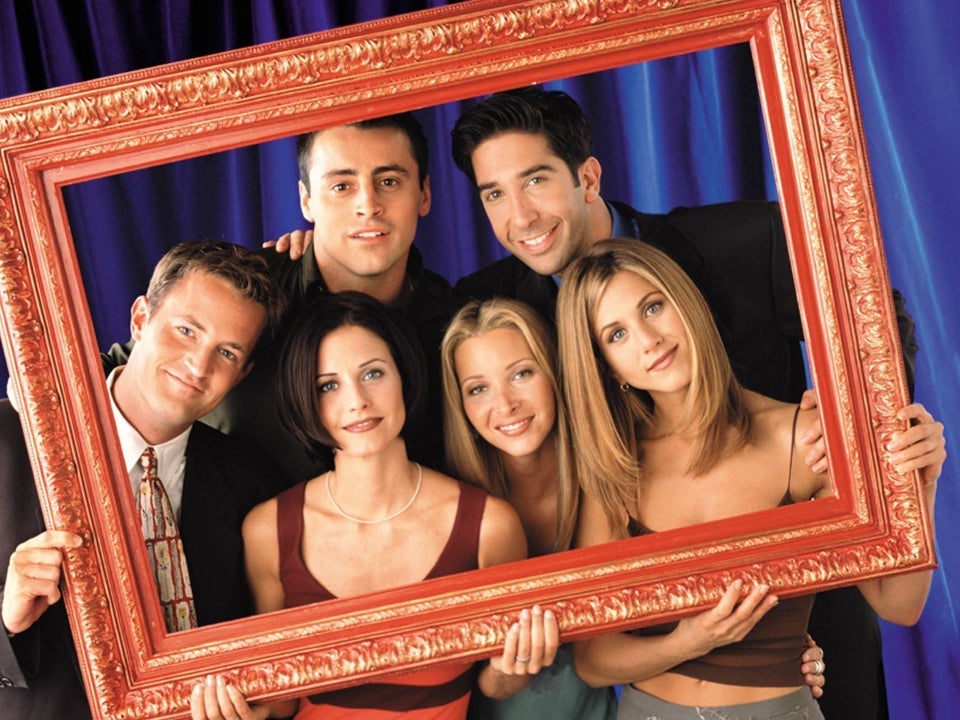
The world of television has made an unexpected comeback, as the eight unreleased episodes of Joey, the spin-off of the iconic series Friends, are finally available to the public. Originally, Joey debuted on NBC on September 9, 2004, capturing the attention of 18.5 million viewers who were eager to follow the adventures of the charismatic character played by Matt LeBlanc. However, the enthusiasm quickly faded; within a year, the series lost 11 million viewers and was canceled, leaving eight episodes in limbo that would remain hidden for almost two decades. A series with […]
The world of television has made an unexpected comeback, as the eight unreleased episodes of Joey, the spin-off of the iconic series Friends, are finally available to the public. Originally, Joey debuted on NBC on September 9, 2004, capturing the attention of 18.5 million viewers who were eager to follow the adventures of the charismatic character played by Matt LeBlanc. However, the enthusiasm quickly faded; within a year, the series lost 11 million viewers and was canceled, leaving eight episodes in limbo that would remain hidden for almost two decades.
A series with a grim fate
These episodes, which were never aired on streaming, DVD, or at another time in the U.S., have found their way back thanks to the official Friends channel on YouTube, which started uploading them recently. Although the episodes have only reached about 100,000 views, suggesting modest interest, their availability represents an opportunity for fans to close a chapter that had been left open since 2006.
In Spain, the episodes were broadcast on channels like Cuatro and Neox, but their treatment has been uneven compared to the parent series. Currently, the only accessible ones are those available on YouTube. Although some believe that these episodes are not so bad and provide a happy ending for the characters, they are not intended as a definitive closure for the series.
Although Joey did not revolutionize the television landscape and its status has been the subject of criticism over the years, the arrival of these unreleased episodes adds an interesting nuance to the Friends phenomenon and its subsequent decline. As some critics pointed out, the spin-off was “doomed from the start,” and its reintroduction to the public could be both a curiosity and a reflection on what the original series meant to generations of viewers.
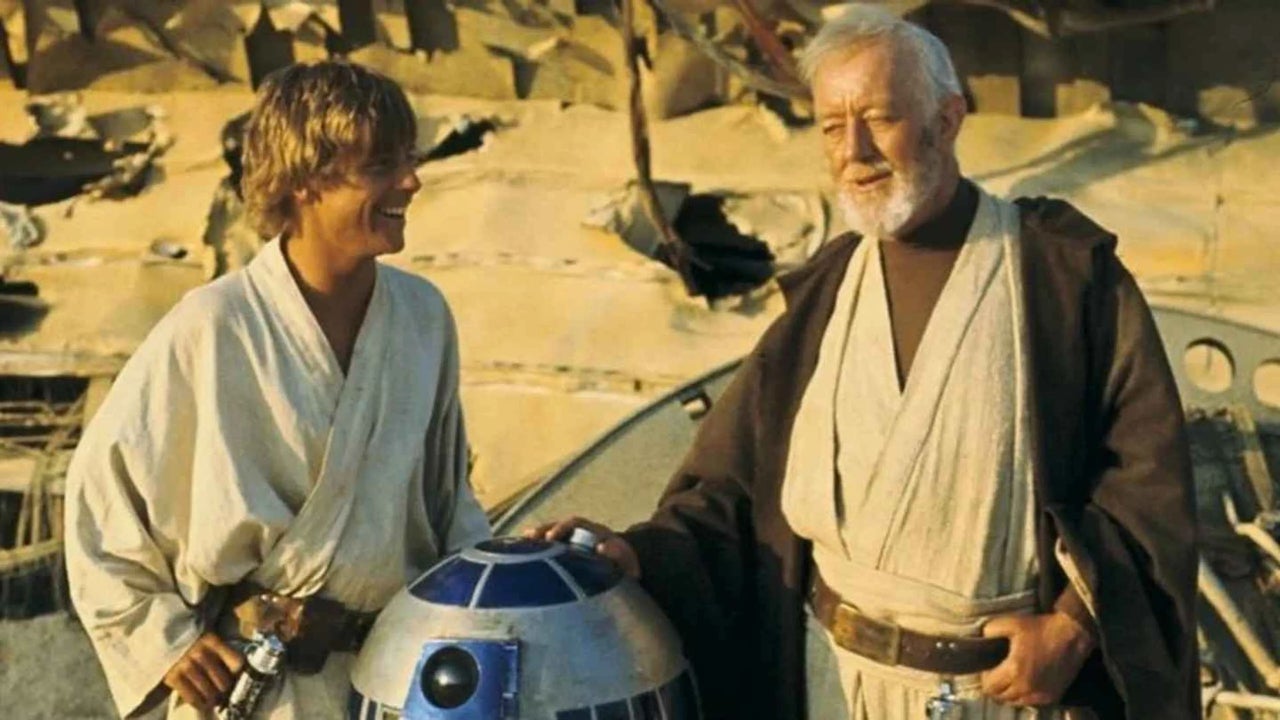
The Star Wars franchise is preparing for a monumental event in 2027, when the 50th anniversary of the premiere of Star Wars will be celebrated, known at its original release simply as Star Wars, without the subtitle A New Hope. This anniversary brings the news that 4K restored versions of the original trilogy are being made, which are expected to hit theaters in IMAX format. The restored versions of the original films in 4K finally According to previously announced information on StarWars.com and rumors that have circulated, these restored versions seem to include the […]
The Star Wars franchise is preparing for a monumental event in 2027, when the 50th anniversary of the release of Star Wars will be celebrated, known at its original launch simply as Star Wars, without the subtitle A New Hope. This anniversary brings the news that 4K restored versions of the original trilogy are being made, which are expected to hit theaters in IMAX format.
The restored versions of the original movies in 4K finally
According to information previously announced on StarWars.com and rumors that have circulated, these restored versions seem to include the original screenings of the films released in 1977. This is a point of great interest for many fans, as they have expressed their desire to see the trilogy in the way it was originally conceived, unlike the well-known special editions that were released in 1997 and 2004, which included notable alterations and updated effects.
The special editions of Star Wars have been a subject of controversy, particularly the one from 1997, which introduced significant changes, such as the famous scene where Han Solo encounters Jabba the Hutt, altered with the rudimentary CGI effects of the time. This, along with the modification of scenes and the debate over who shot first in the iconic confrontation with Greedo, has left many fans asking for a version that is truer to the original cinema experience.
Currently, fans who wish to relive the classic in its authentic format find the 2004 DVD edition versions available on Disney+. However, rumors about a restoration true to the original experience suggest that the future could offer a new perspective on the saga that has endured for five decades, allowing new generations and old fans to reconnect with the magic of Star Wars as it was first seen on the big screen.
Steven Seagal returns to the big screen with Order of the Dragon, his first film in six years, scheduled to be released in 2026. The film will be directed by Vjekoslav Katusin, known for his recent work on Wrongful Death 2: Bloodlines, who promises that the movie will have a significant impact on the film industry. Katusin aims to revive the characteristic action style of the 80s and 90s, a golden era when Seagal was one of the most prominent stars of action cinema, although he never managed to rival names like Arnold Schwarzenegger or Sylvester Stallone. A return […]
Steven Seagal returns to the big screen with Order of the Dragon, his first film in six years, scheduled to be released in 2026. The film will be directed by Vjekoslav Katusin, known for his recent work on Wrongful Death 2: Bloodlines, who promises that the movie will have a significant impact on the film industry. Katusin aims to revive the characteristic action style of the 80s and 90s, a golden era when Seagal was one of the most prominent stars of action cinema, although he never managed to rival names like Arnold Schwarzenegger or Sylvester Stallone.
A return to the spirit of the video store
The last two decades of Seagal’s career have been marked by unmemorable works that have solidified his nickname as the King of the Video Store. The criticism has been harsh, as many of his direct-to-DVD releases have been considered low quality. His latest film, Beyond the Law (2019), a thriller that failed to resonate in his filmography, is an example of this decline.
The cast of Order of the Dragon includes prominent actors in the martial arts genre, such as Michel Qissi, known for his role as Tong Po in Kickboxer, and Ron Smoorenburg. Although details about the plot are still scarce, the film is expected to feature intense action sequences, with a script designed to highlight these scenes.
Despite Seagal’s recent trajectory, the nostalgia for his action style and the director’s commitment to recapturing the essence of his best years have generated expectations among the actor’s followers. With Order of the Dragon, many hope that Seagal can reconnect with his legacy and revive his career in the action film industry.
If trilogies are so famous, it is because of The Lord of the Rings. No trilogy has had such an impact and has shaped a genre so radically. Thinking of fantasy without thinking of Tolkien’s work in general, and The Lord of the Rings in particular, is impossible. Without The Lord of the Rings, we wouldn’t have Dungeons & Dragons, nor 99% of contemporary fantasy stories. This demonstrates the power of its legacy: it created, by itself, what the genre is today. That makes […]
If trilogies are so famous, it’s because of The Lord of the Rings. No trilogy has had such an impact and has shaped a genre so radically. Thinking of fantasy without thinking of Tolkien’s work in general, and The Lord of the Rings in particular, is impossible. Without The Lord of the Rings, we wouldn’t have Dungeons & Dragons, nor 99% of contemporary fantasy stories. This demonstrates the power of its legacy: it created, by itself, what the genre is today.
This makes its importance crucial. And there are always people willing to bring back the trilogy in one way or another. Something that happened with particularly resounding success at the turn of the century when New Line Cinema decided to make the most epic and beloved trilogy of films in the history of cinema.
The film trilogy of The Lord of the Rings by Peter Jackson does not have the cultural impact that the novels had, because that is impossible, but they were a mass phenomenon. Everyone went to the cinema to see them, and it was a financial, critical, and awards success without absolutely any precedent. Something that made the absolute failure of its subsequent continuations even more surprising, something we are going to review today. Because we know you are eager to have an excuse to watch the movies again.
The Lord of the Rings trilogy premiered in 2001. Filmed simultaneously between October 11, 1999, and December 22, 2000, in New Zealand, it had a then-disproportionate budget of 281 million dollars, equivalent to about 530 million dollars when considering inflation. The three films were released in quick succession: The Fellowship of the Ring would premiere in 2001, The Two Towers in 2002, and The Return of the King in 2003. An exceptional fact, given that films are usually not shot simultaneously. But in this case, it helped to cement their success.
Upon their release with little waiting time, the films managed to capture the audience’s attention and the enthusiasm did not wane. Maintaining the interest of critics, the public, and the academy throughout the entire trilogy. Something that became evident through the numbers.
The Fellowship of the Ring grossed $887.8 million, The Two Towers reached $938.5 million, and The Return of the King made it to $1.1 billion. An exceptional fact, as it is normal for movie series to tend to earn less money with each new installment. But the rapid release of new installments, along with their quality, attracted more people to each new premiere, resulting in increased revenues.
What were the reasons for its success? Generally, it has been considered that fidelity to the novels, the strength of its direction, its enormous production values, and the quality of its performances are the main factors that captivated the general public. Although the fidelity to the novels was questioned at the beginning for not adapting certain parts of The Fellowship of the Ring, leaving out characters like Tom Bombadil, which later versions of the film showed were better off that way.
It swept even more in the houses
In fact, the movie was an even greater success in home formats. With numerous editions on DVD and Blu-ray, the three movies would have extended versions that would first be released in home format, but later would also be shown in theaters. This would extend the total runtime of the trilogy from 558 minutes to 683.
There are conflicting opinions about which of the two versions is better. According to some, the purest way to watch the movies is the extended versions, because they leave nothing out. According to others, the original versions are better because everything that was originally cut was for a reason, and it is noticeable in the excessively slow pace of the extended versions. A debate that still continues today among fans of the movie trilogy.
There was no doubt that they were masterpieces. Both critics and the academy agreed. With an average of over 90% on Rotten Tomatoes and a 9 on Metacritic, it is a tremendously respected trilogy. But nominated for 30 Academy Awards, with The Return of the King being the big winner, taking home 11 of them, including Best Director, Best Picture, and Best Adapted Screenplay, it demonstrates why they were an absolute cultural milestone. One that we have not experienced again and that, probably, we will never experience again: there was an absolute consensus on the quality of these films, and no one would have dared to question it.
A hobbit who couldn’t
That’s why everyone was eagerly awaiting the next from Peter Jackson and what would come from the Tolkien universe. Which was disappointing. Making several films in between, he released the Hobbit film trilogy between 2012 and 2014, resulting in a notable box office success, but a tremendous critical and awards fiasco. With the audience turning their backs shortly after.
What happened? To begin with, The Hobbit is a tale, not a trilogy of novels. The treatment as a trilogy of films made no sense. Furthermore, the excessive use of CGI, questionable direction, and performances that left much to be desired made it everything that the Lord of the Rings trilogy was not. It felt cheap, shabby, and not epic. Like one of those low-budget fantasy films where, instead of with enthusiasm, they try to disguise all the things where they lack imagination or money with second-rate effects.
After this, The Lord of the Rings spent several years dozing. It has had its ups and downs, with various series and movies, but nothing has achieved the success and significance of the original trilogy of The Lord of the Rings films. They are now returning to HBO Max so you can watch them in the comfort of your home, remembering something important: we are living through a historic event for culture, and we knew it. Because it was impossible not to know, when we were going to watch the trilogy of The Lord of the Rings films, that this was our Star Wars. And that only happens once per generation. If it happens at all.
Here’s what you need to know about digitizing your movie collection.
Ripping DVDs to your computer or an external hard drive comes with a clear set of benefits.
You’ll have a backup in case the physical discs become scratched, easy, centralized access to your favorite flicks, the list goes on.
Plus, dealing with discs these days is a pain. They take up space, they skip, and we’ll go out on a limb here — they’re not exactly a beautiful object that adds value in the way that records or hard copies of books do.
But, the legalities of digitizing your collection can be a bit murky. Try googling the title of this article, and you’ll see exactly what we mean.
While you’re most likely going to be fine ripping DVDs here and there, there are some key things you should know about the law.
Ripping copy-protected DVDs is illegal… technically
Laws are kind of all over the place when it comes to ripping DVDs for personal use. See, it’s perfectly legal to rip DVDs that are not copies of copyrighted work. Butchances are, most of the movies you’re planning on digitizing have several layers of copyright protections.
In the U.S., it is still illegal to rip DVDs of copyrighted work for personal use, though there are several groups working to change this law.
Title 17 of the U.S. State Code explicitly states that it is illegal to reproduce a copyrighted work. So, just about anything that comes with a label indicating copyright, which includes basically any movie you can think of.
Most DVDs and Blu-Rays come with encryption attached and breaking that encryption is illegal. If you happen to come across an unencrypted DVD, ripping it for personal use is A-OK.
Where it gets confusing is, CDs have laxer rules regarding ripping for personal use. You can, for example, easily upload your old discs to iTunes and digitize your library with minimal effort — and zero legal repercussions.
Title 17 states that making a copy of an original work without the creator’s consent, is considered copyright infringement. The law doesn’t make any exceptions for personal use — or creating digital backups.
But, it also doesn’t say that you can’t copy the content on your own devices. Confusing, right?
The bottom line here is, you’re likely not going to be fined or jailed for ripping your DVDs for personal use.
The thing about ripping DVDs is, you’re probably not going to get caught.
Government agencies have too much on their plate to care that you’ve digitized your director’s cut “Lord of the Rings” DVDs.
The issue really comes into play if you start redistributing content. So long as your goal isn’t setting up a bootleg DVD stand outside or adding your full movie library to a download site like BitTorrent, you should be in the clear.
Ripping DVDs to an Apple device presents a problem. In the case of Apple, which is a U.S. company, they need to maintain relationships with movie studios. Unfortunately, that means you can’t copy DVDs to your iTunes account like you can with your CDs.
Again, while it’s technically illegal to rip DVDs for personal use, people rarely face consequences. We want to remind you to stay on the right side of the law. Watch this radical PSA for a refresher:
To rip DVDs for your personal use, you’ll want to make sure you use a reputable third-party software. You’ll need an intermediary program to successfully digitize your DVDs. There are several DVD ripping programs out there, but many of them come equipped with spyware and tracking that can put you and your devices at risk.
Free software is often unregulated, though there are some decent options available, usually in the form of a free version of a paid software.