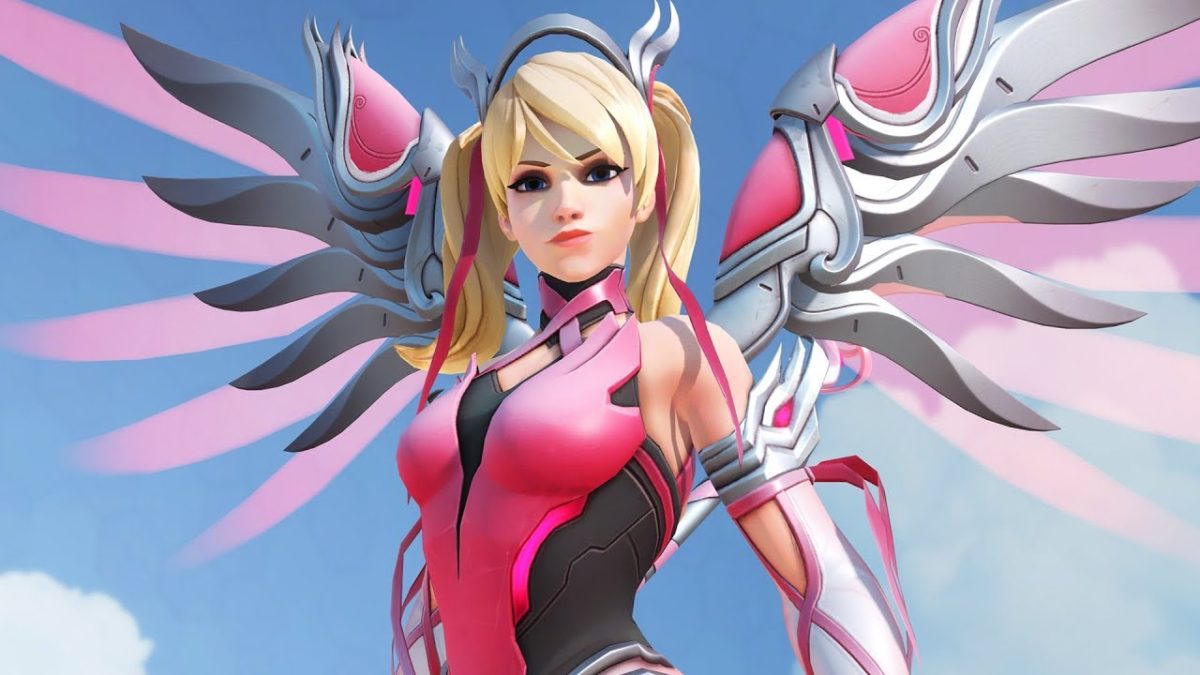
Over the past couple of weeks, Blizzard’s Pink Mercy campaign has raised over $12.7 million for breast cancer research. Donations were sent to the Breast Cancer Research Foundation in what was the largest corporate donation in the BCRF’s 25-year history. These millions will fund the BCRF’s research into treatment, prevention methods, and the search for a cure for breast cancer.
Blizzard ran the campaign through its hit class shooter Overwatch. For $15, players could purchase an exclusive new pink skin for the hero Mercy, the sales of which went directly to the BRCF. In Overwatch, Mercy is far and away most popular healer in the game, making her thematically fitting for a breast cancer awareness skin.
The runaway success of this campaign is a testament to the generosity of the Overwatch fanbase. For more information on the Breast Cancer Research Foundation, you can check out their website here.
If you’re hankering to sate your hunger for Elder Scrolls 6, here are 15 free mods that transform this game’s graphics, gameplay, and content into what we affectionately call ‘Elder Scrolls 5.5.’
At this year’s E3, Bethesda finally announced the production of the title Elder Scrolls fans have been waiting for since their first starry-eyed playthrough of Skyrim. Since the still-untitled Elder Scrolls 6 is likely years away from our anxious hands, it looks like fans of the series will still be spending a lot of time questing through the previous titles in the franchise. If you don’t already own Skyrim: Special Edition, you can grab it here:
In the meantime, we’ve looked through the bustling community of fans, reviewers, and modders who are still playing Elder Scrolls V: Skyrim today. We were pleasantly surprised to see that by adding these totally free mods the game can actually look pretty close to something you’d see on the market today.
So if you’re hankering to sate your hunger for Elder Scrolls 6, here are 15 free mods that transform this game’s graphics, gameplay, and content into what we affectionately call ‘Elder Scrolls 5.5.’
For the sake of the remaster’s improved visuals and gameplay tweaks, all of the following mods will be for Skyrim: Special Edition, released just this past year by Bethesda Softworks.
How to create and add your own unique follower to Skyrim
These mods were made by the community and the fans. For simplicity’s sake, can all be found for free on nexusmods.com. We also recommend Nexus Mod Manager since it’s both the easiest tool with which to download mods, and also the most user-friendly for uninstalling or editing, both of which can be done at the player’s discretion.
If you are unfamiliar with how to download mods for Skyrim, you can check out our guide here.
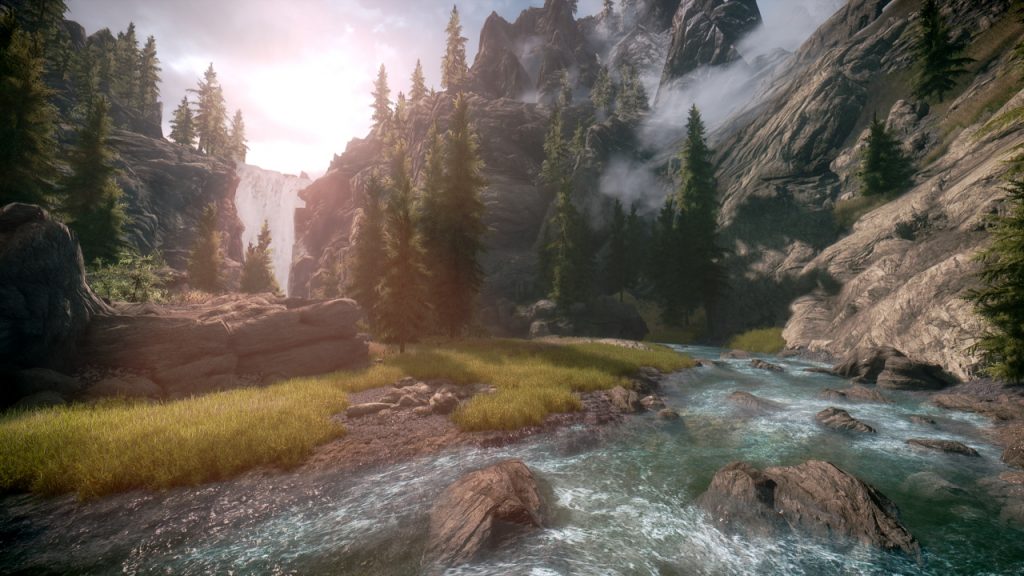
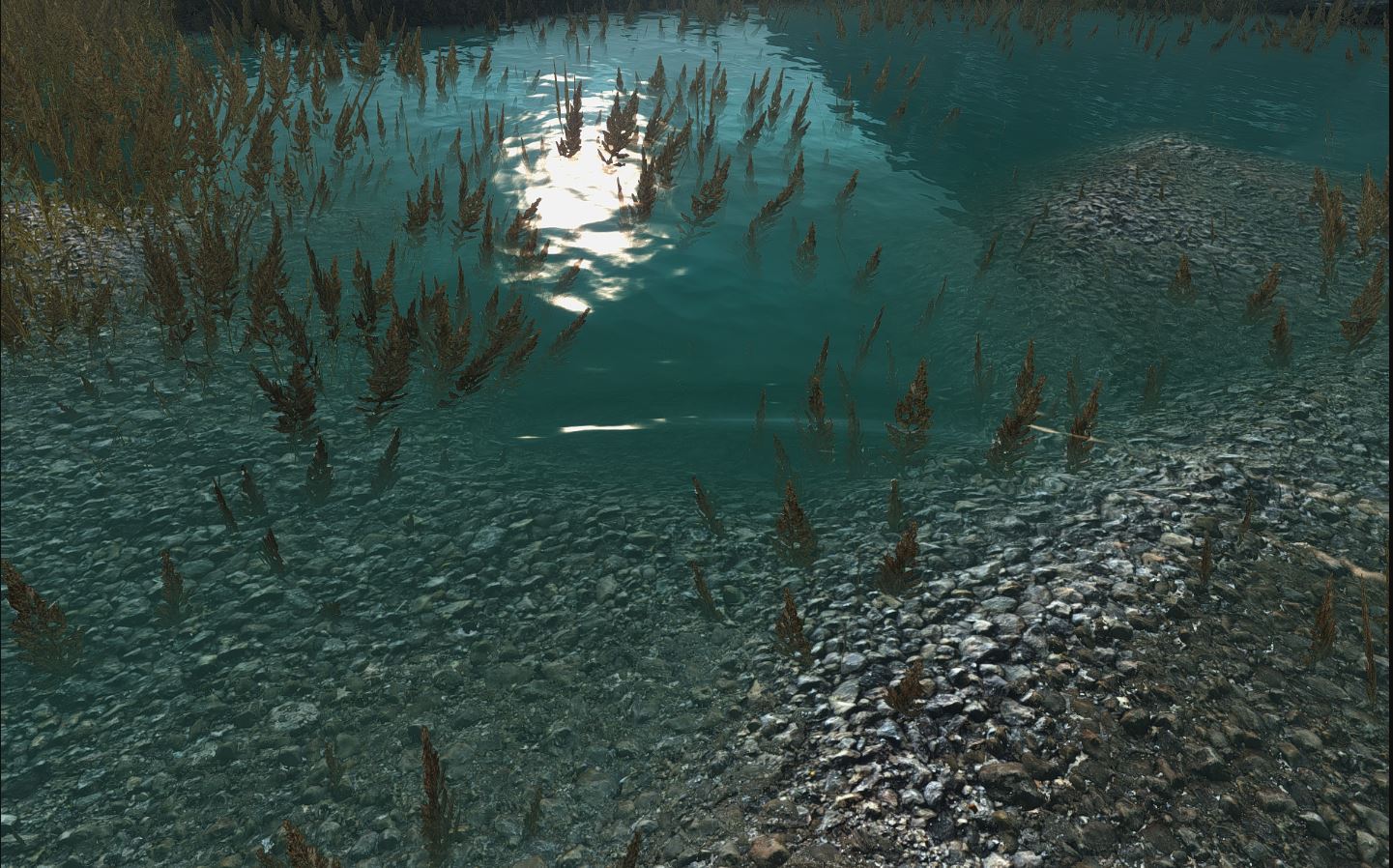
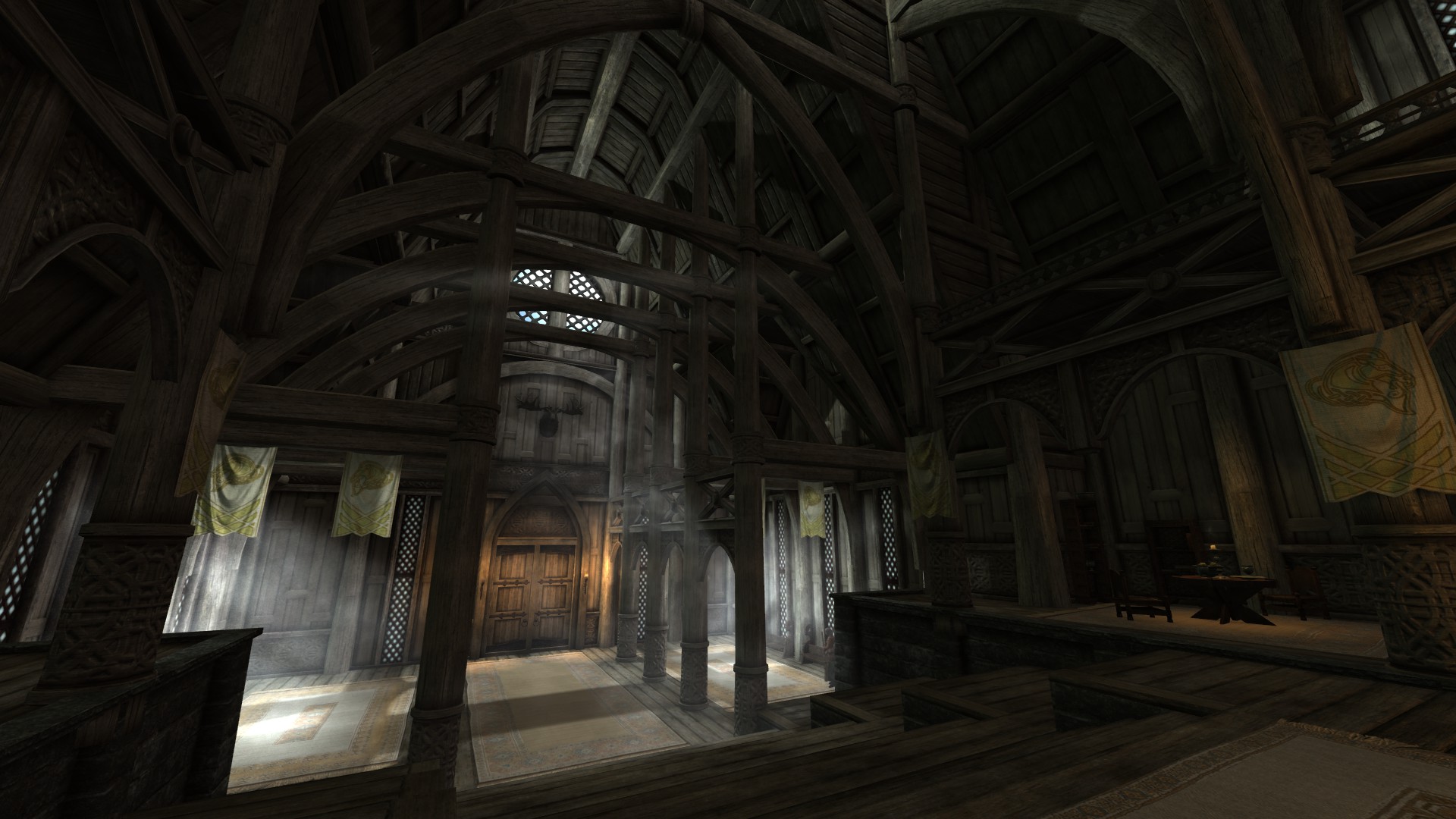
Skyrim: Special Edition made some huge improvements to the 2011 game’s visuals, particularly when it came to trees, lighting, water, and weapon meshes. This mod takes the ball and runs with it, bumping the game up to an optional 4k. Obviously, this will only be in your load order if you’ve got a rig that can handle it (and if you find that you don’t, this mod lowers to 2k, 1k, or 512) without big FPS drops or lag.
We think this mod does a terrific job of helping to immerse the player into Bethesda’s gorgeous world, and additionally brings out lots of little features that add up to making the whole experience all the richer.
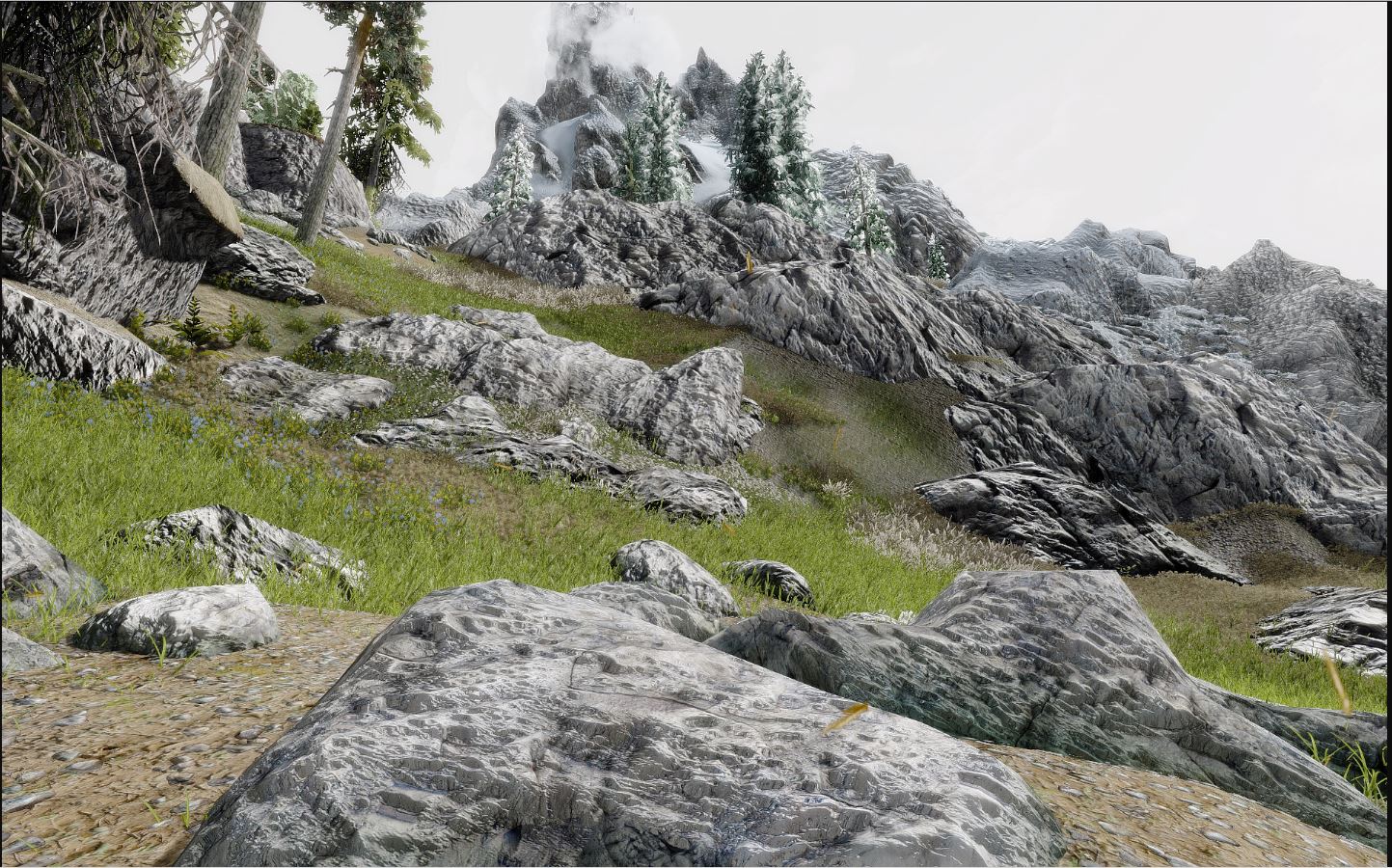
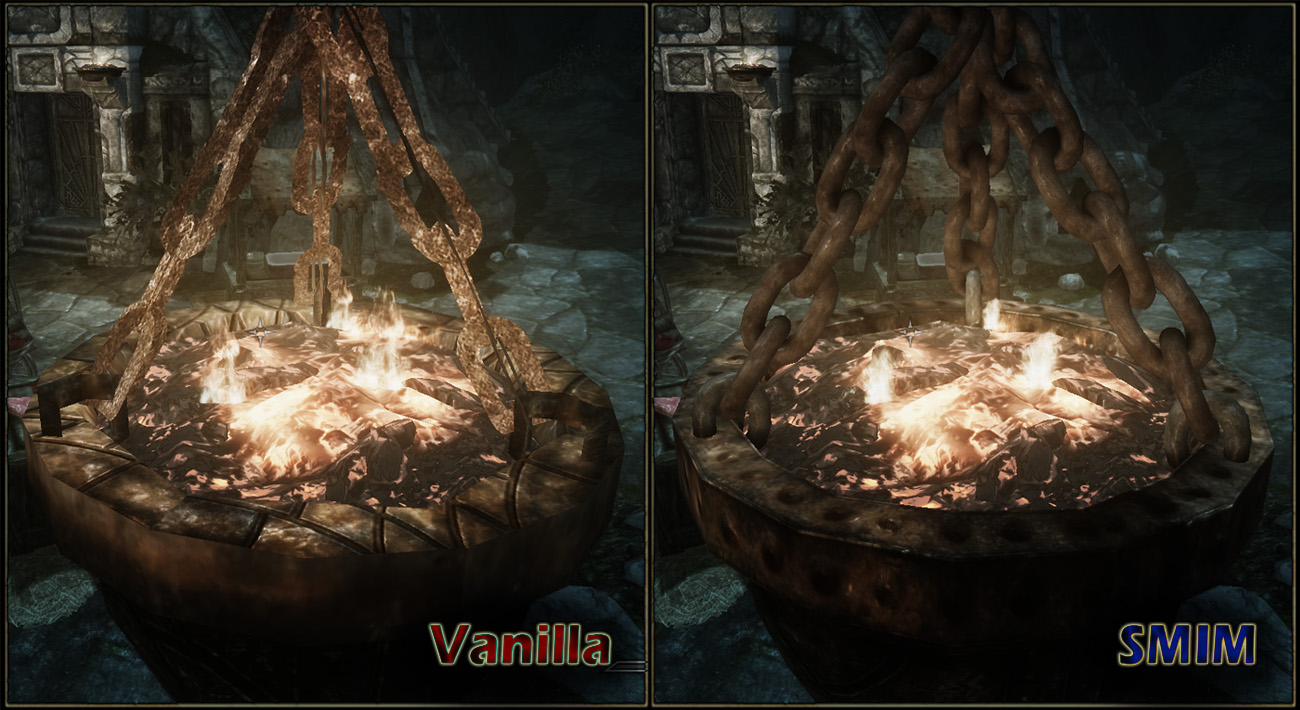
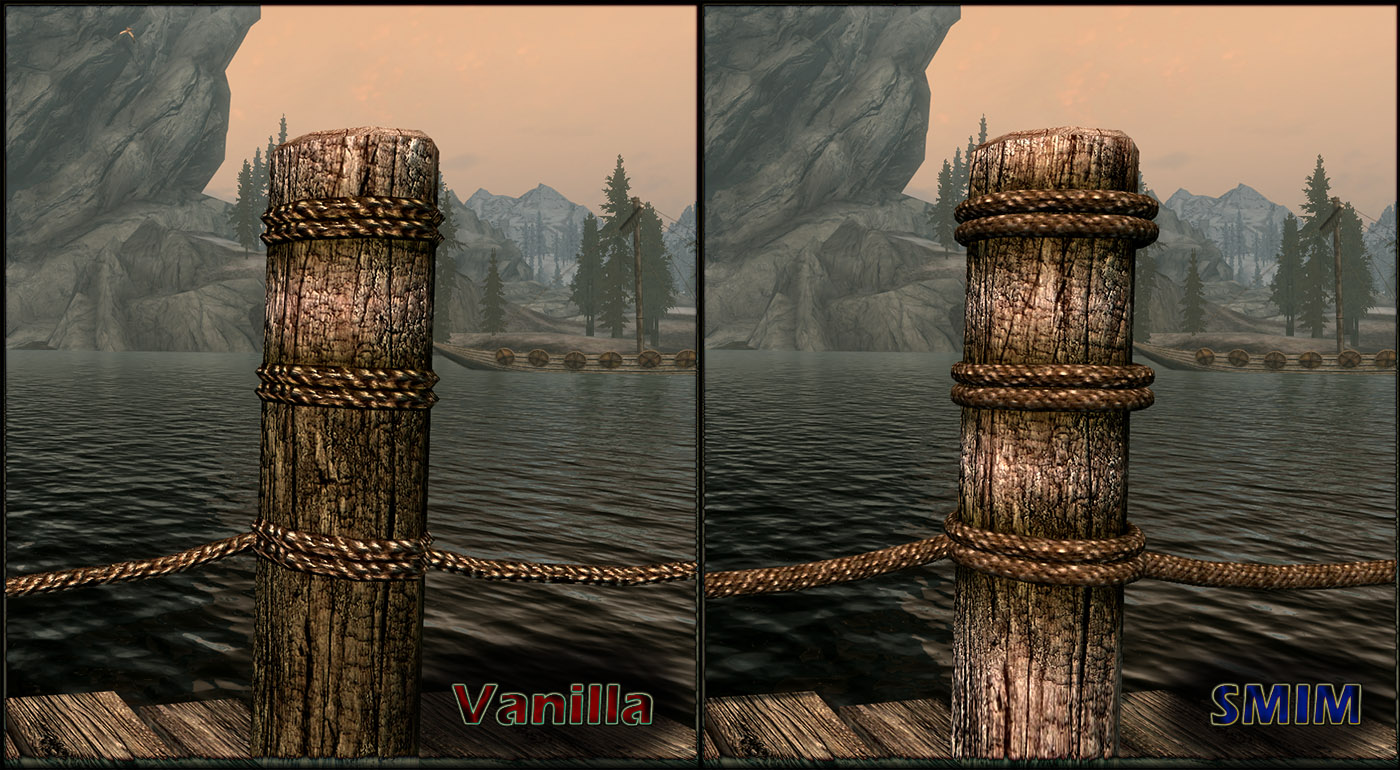
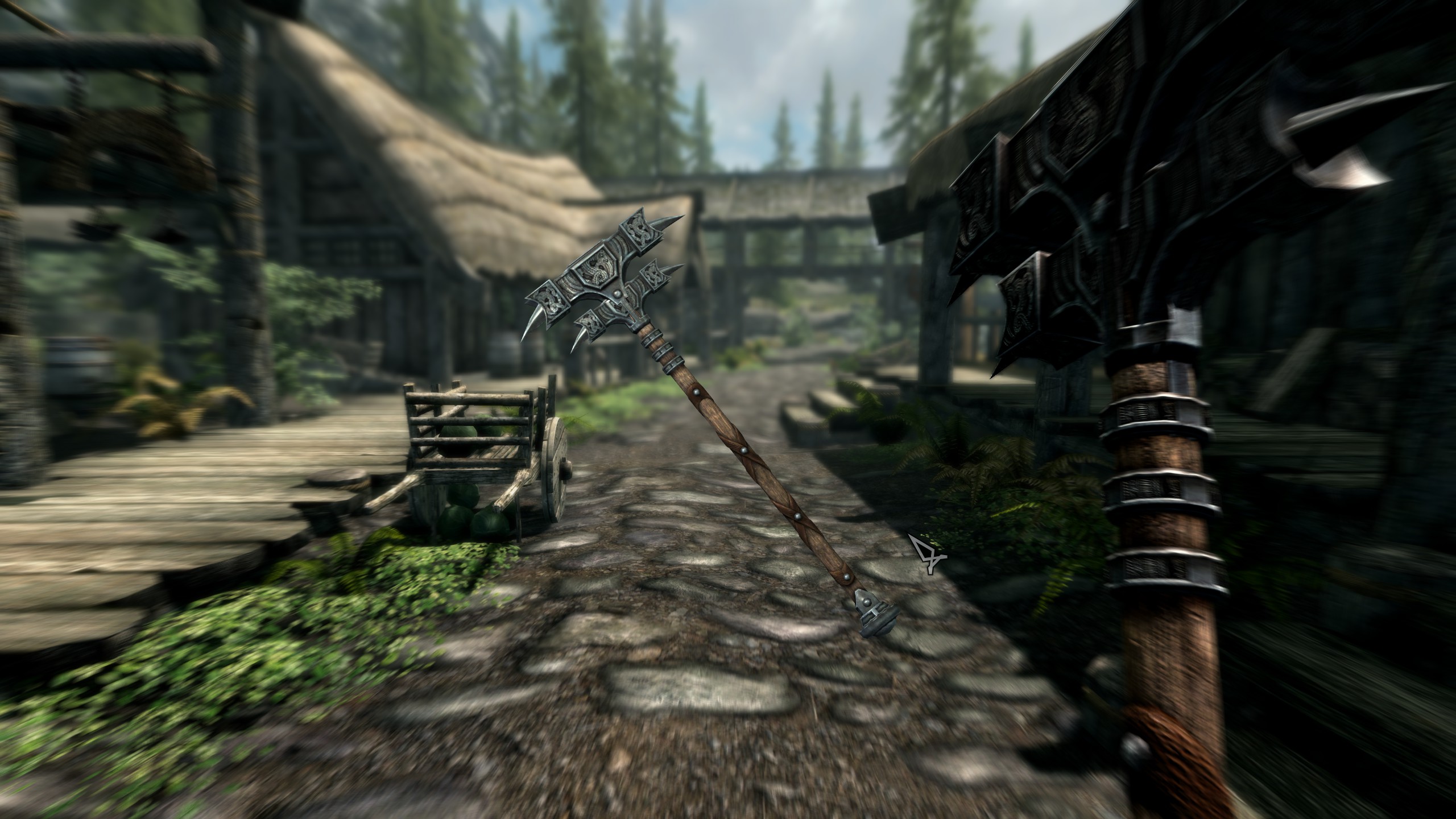
In the same vein as the above mod by Pfusher, Static Mesh Improvement does a lot of work to make Skyrim look more convincing. A lot of the touches come out in models that were changed to 3-D, textures that have exceptional detail even when viewed extremely close up, and rounding out some of the more jagged edges to objects like ore and other miscellaneous items.
Combine this mod with the 2017 texture overhaul and even the most unobservant of players will be geeking out at how fresh the game’s visuals just became.
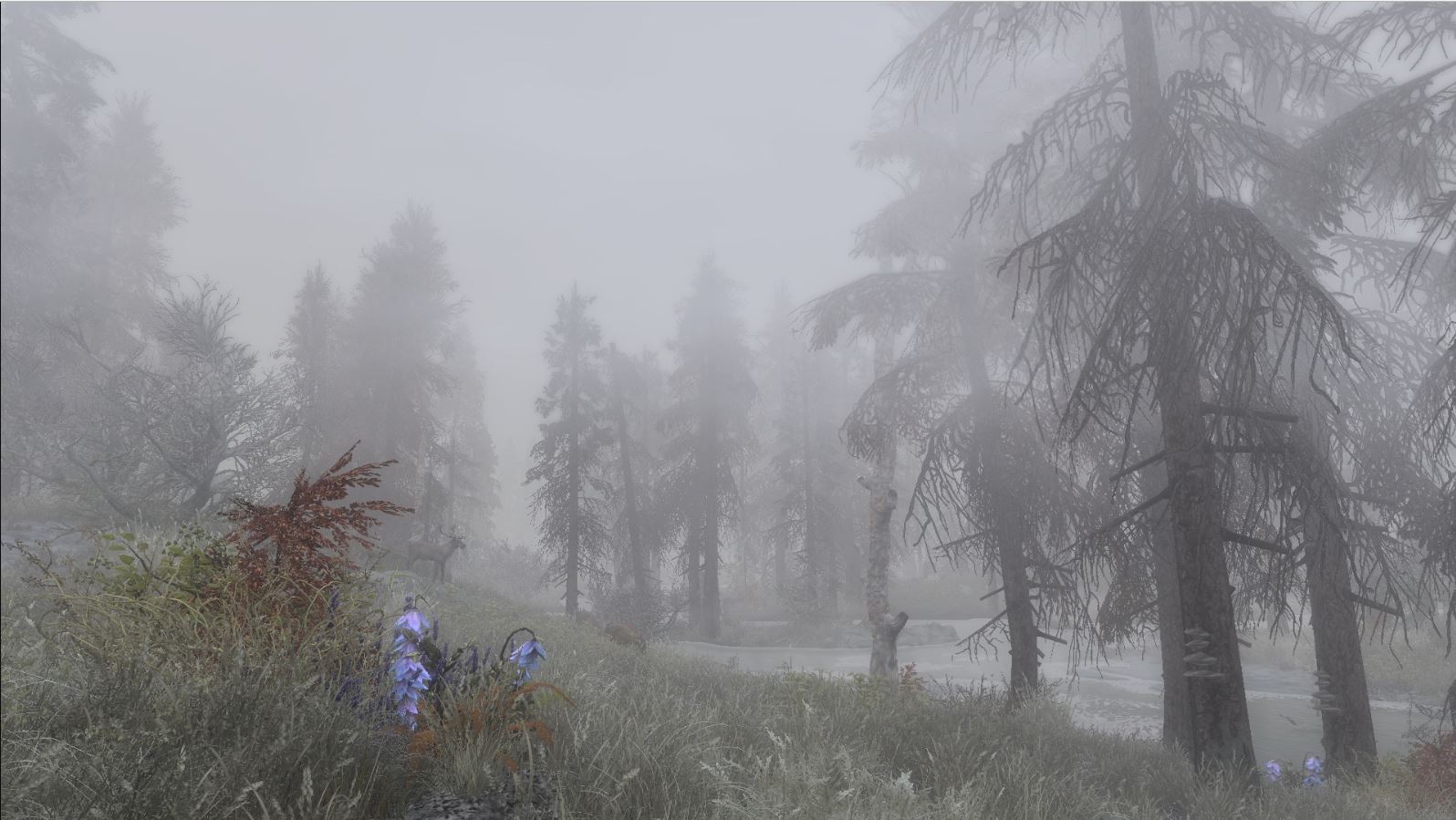
The last mod on our list that’s strictly visual might be our favorite. The snow, clouds, and fog are raised to eleven with this gorgeous mod that focuses on adding just that extra punch to Skyrim’s environment. In a game that so encourages wanderlust and exploration, Vivid Weathers breathes life into the land of Skyrim itself, making adventuring much more dynamic and exciting.
Colors and environment effects will have much more ‘pop’ with this mod installed, and honestly, it becomes a real treat for the eyes just going into first-person mode and looking everywhere you can.
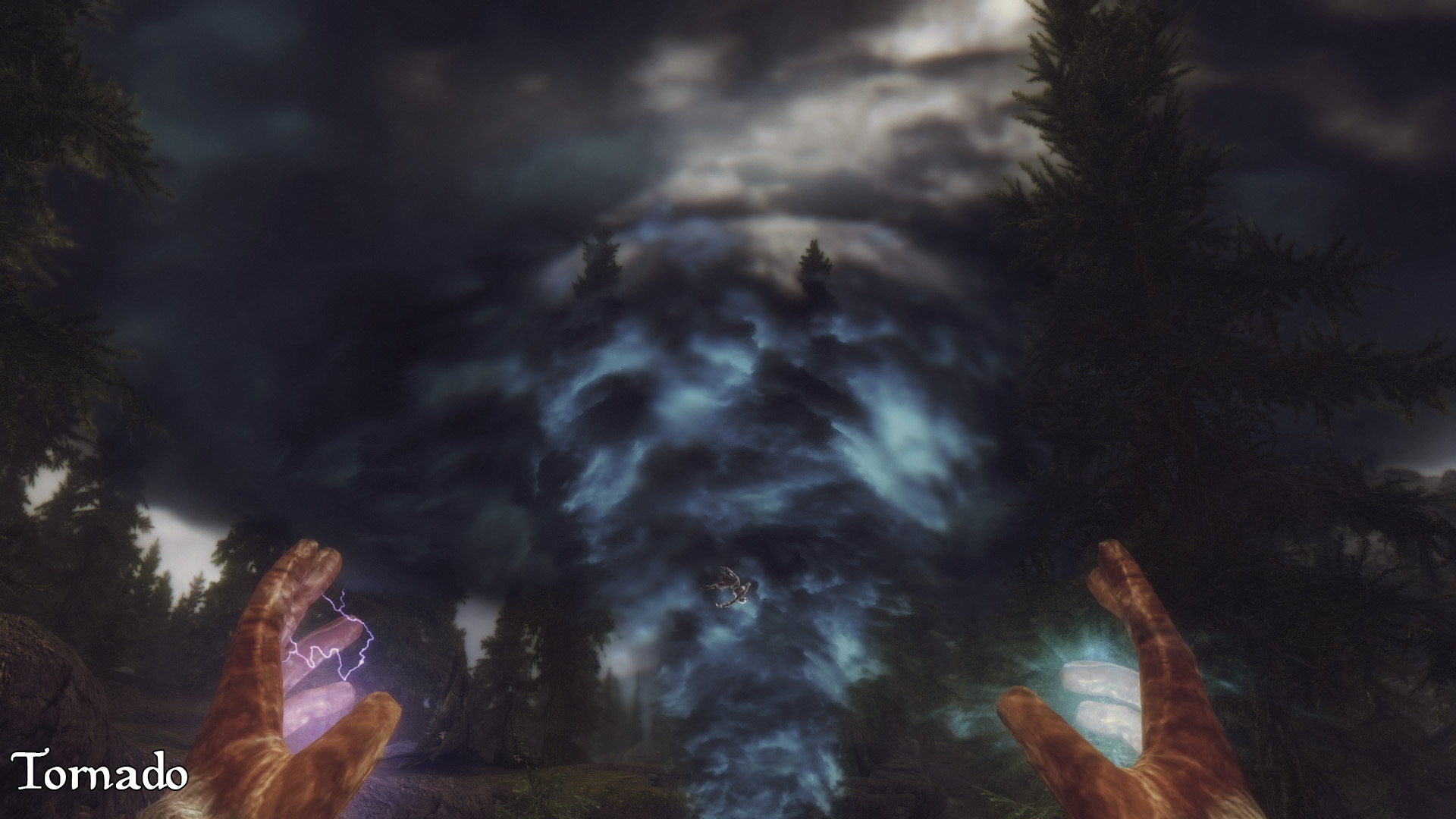
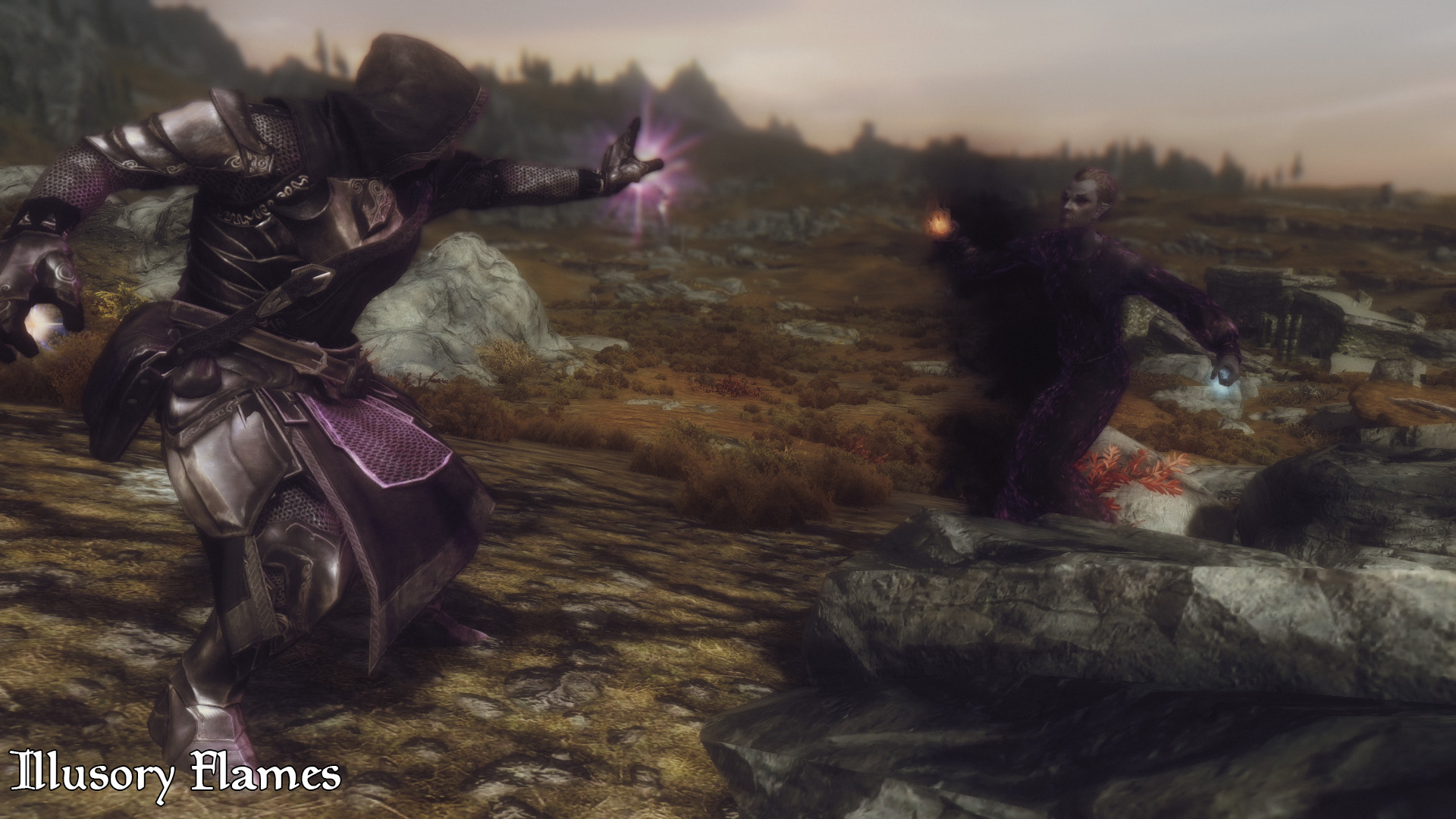
Compared to earlier games in the Elder Scrolls series, Skyrim’s magic system was much more streamlined with a higher focus on combat utility. The result was a system that was effective but left much to be desired for players who wanted more variety of spells. Apocalypse magic adds 155 new spells to the game, all of which can be found in loot drops and vendors throughout Tamriel.
The spells here range from volcanoes to mind control, teleportation to extra inventory space, and even a spell that conjures a pot where you can cook your salmon steak. There’s something for everyone and it all scales so elegantly that we often forgot we were even using a modded spell.
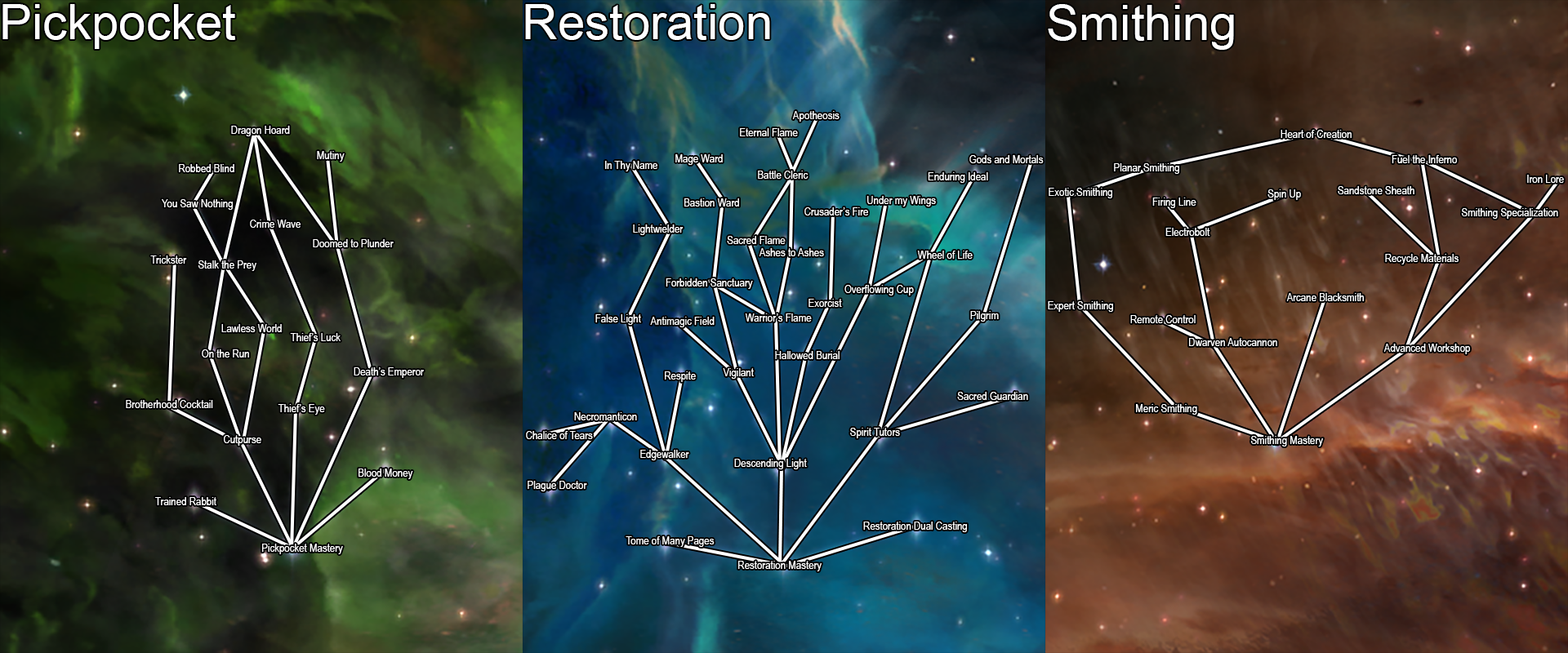
Another hugely expansive mod spearheaded by the talented Enaisiaion, Ordinator is a complete overhaul of Skyrim’s perks. Not only does this mean more branching options for each skill tree, but also opens dozens – maybe hundreds – of new detailed ways to build a new character.
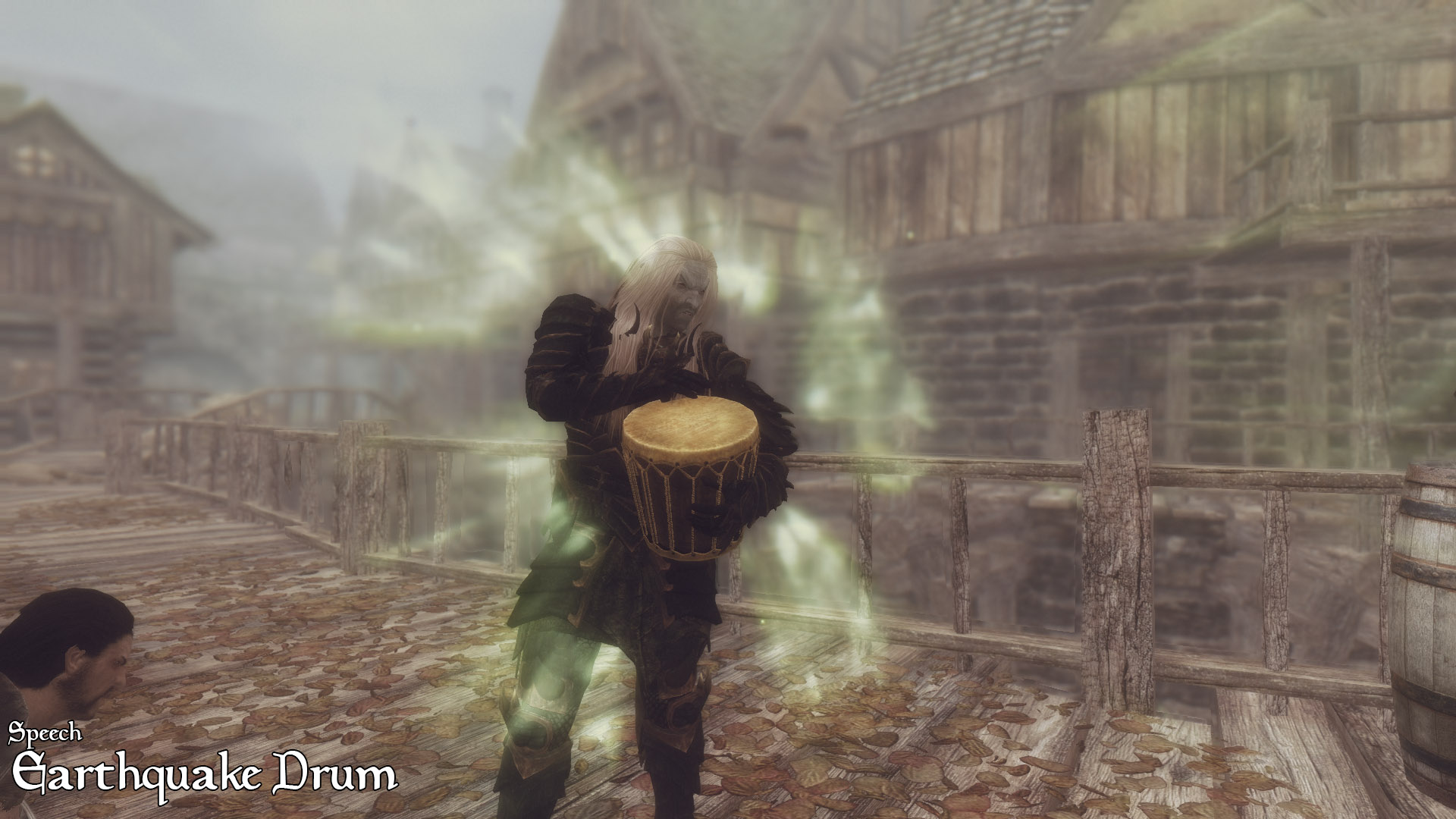
This allows for some huge changes to some of the typically less useful skill trees: Smithing allows for the creation of Dwemer automatons; Speechcraft now seamlessly integrates and upgrades the player’s shouts, and even allows for the player to roleplay as a bard! We found ourselves anxiously trying to level up our skills in every which way, with every tree more enticing than the last. A must-have for anyone looking to completely change the way they approach the game’s RPG element. To see just how many changes have been made, check out this in-depth walkthrough:
Our last mod to overhaul Skyrim’s gameplay is another perk mod, this one focusing especially on the mage. Path of Sorcery adds still more perk changes to the mix, as well as a complete restructure of the mage perk trees as a whole. Highly creative and respectfully subtle, these changes do not add any overpowered spells or damage enhancers, but instead focus on rounding out the implications of particular trees, as well as adding logical branches to them.
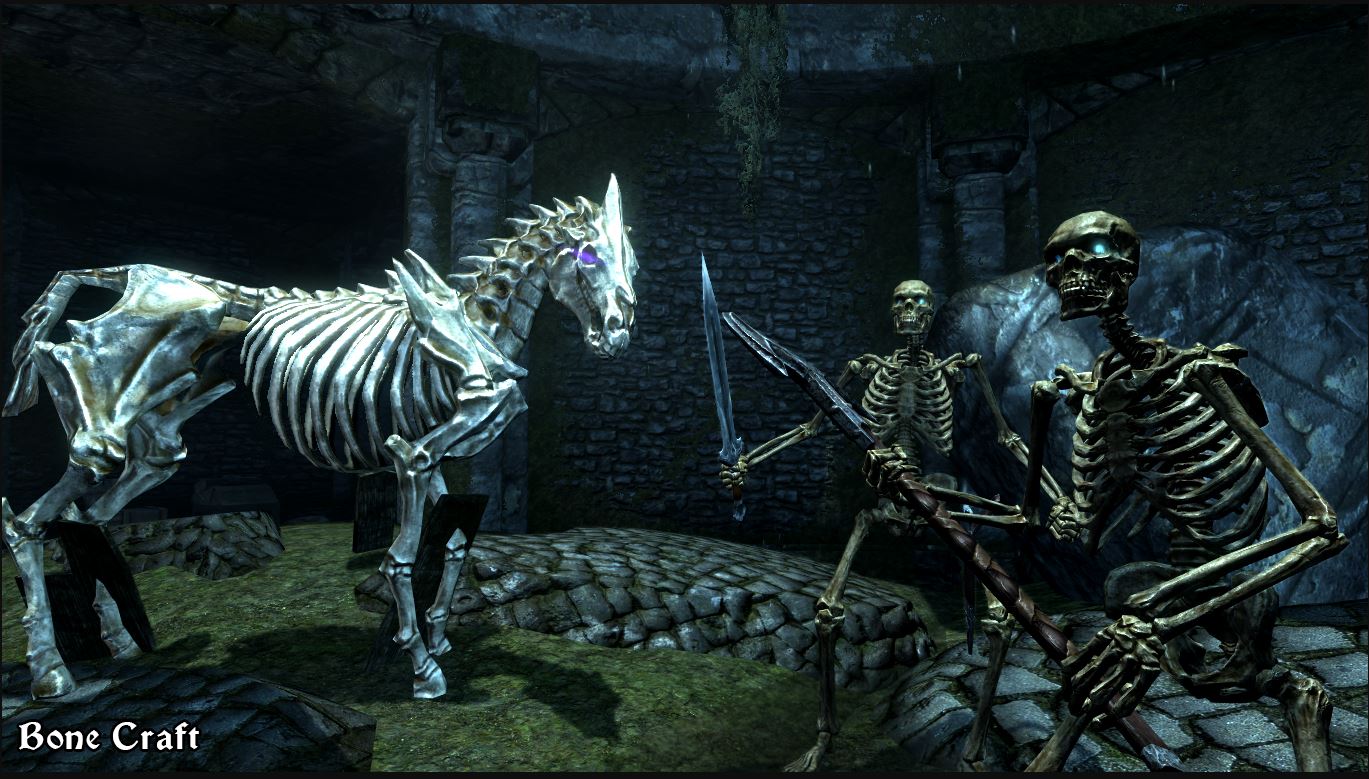
Conjuration lets players assemble collected bones to make a skeleton army, Restoration lets you choose a divine or Daedric patron. Enchanting lets you to pour a dragon soul into your weapons or armor for added power and abilities. There are some truly dazzling builds you can make with this.
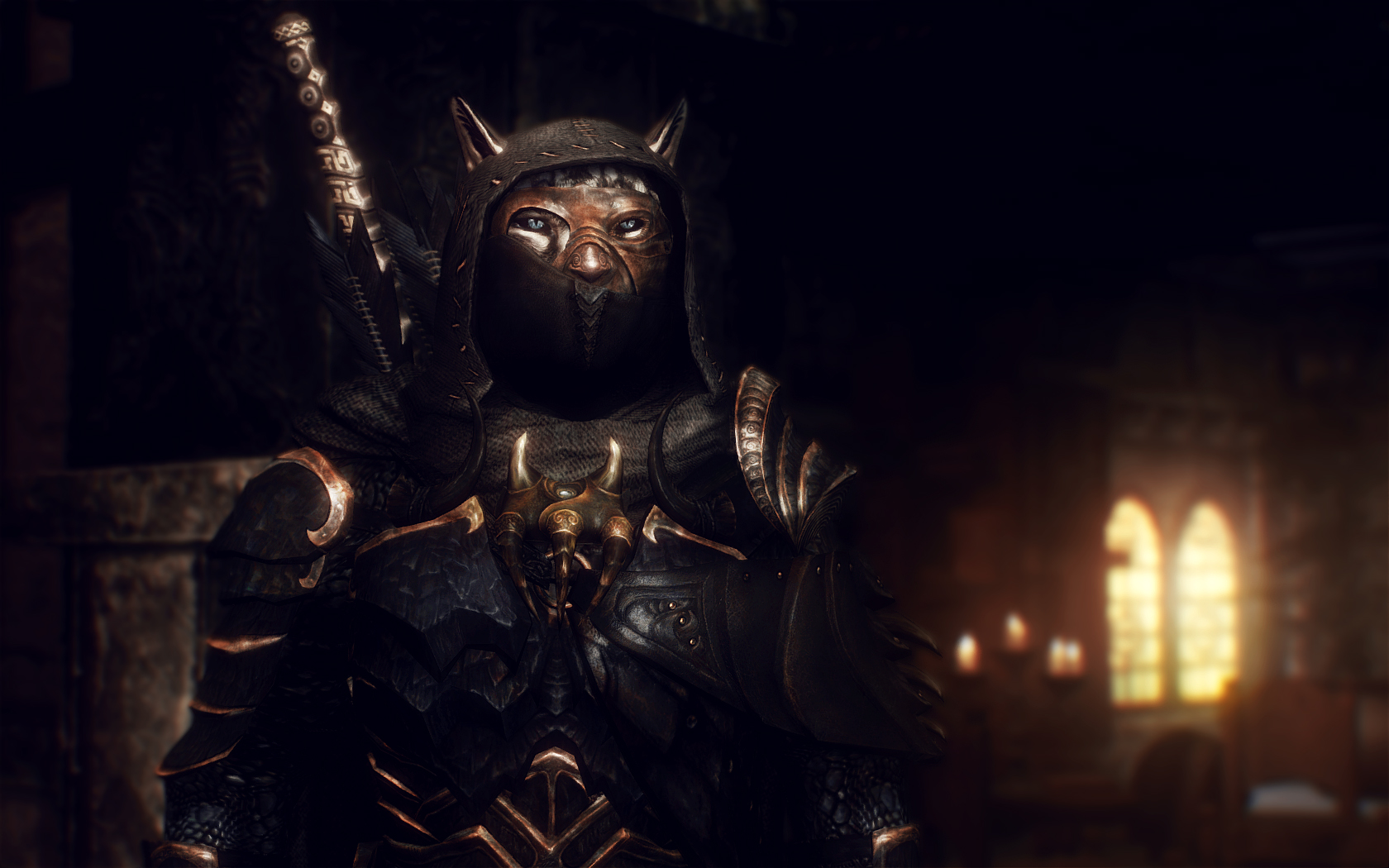
This award-winning mod adds around 60 new sets of armor to Skyrim and hundreds of new equippable items. These items are wearable both by the player and by random enemies throughout the world. None of these are overpowered, and line up alongside the varying durability of other crafting materials in the original game.
All the items from this mod that you find can also be crafted, provided you have the perks and components to do so, and will level up your smithing skill accordingly. This mod also extends to items like earrings, scarves, eye patches, and more, so if there’s an aesthetic you’re going for with your character odds are you can achieve it here. Besides, this stuff looks awesome and breaks up the monotony of fighting a camp of bandits, all of whom are wearing the same gear as the guys from the previous camp.
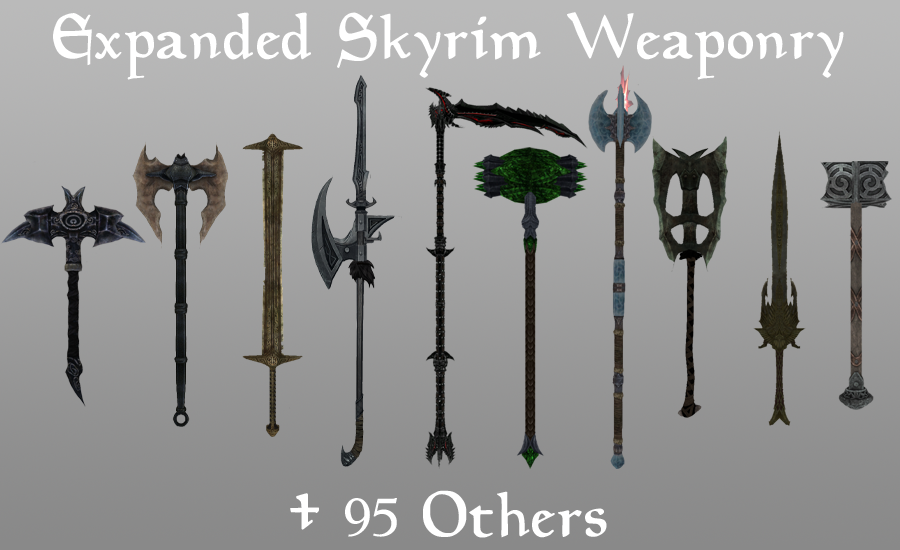
Much like the above mod, this expansion adds over one hundred new standalone weapons and staves. Like Immersive Armors, Expanded Weaponry makes any of these items craftable at a forge or staff enchanter, and can also be found wielded by enemies or carried in a vendor’s inventory. The weapons are also balanced to match those found in the original Skyrim, which means nothing here is going to be game-breaking.
If you’re looking to revamp your character’s aesthetic, and want a larger element of randomness both from the chests you open and from the enemies you fight, this is the mod for you.
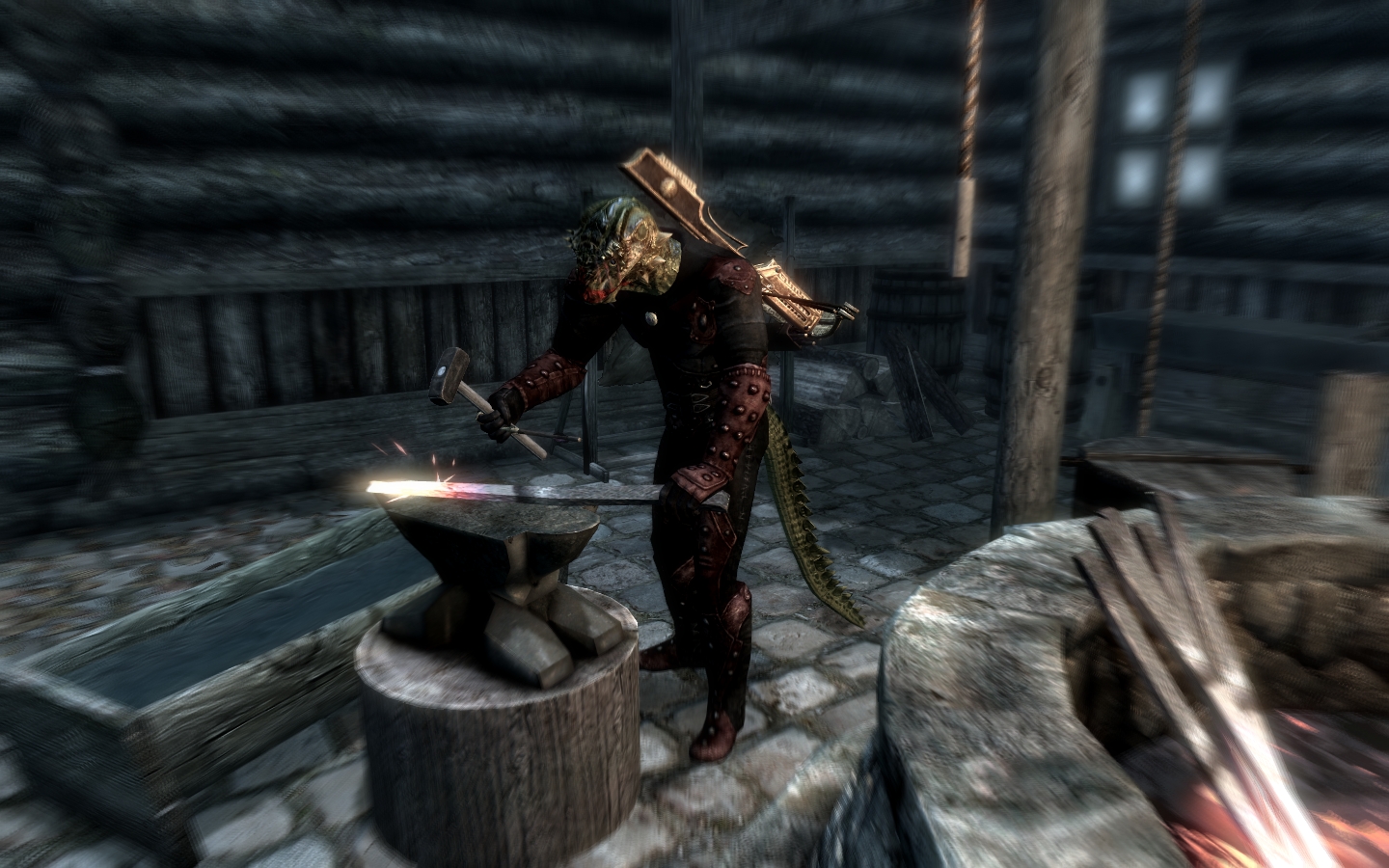
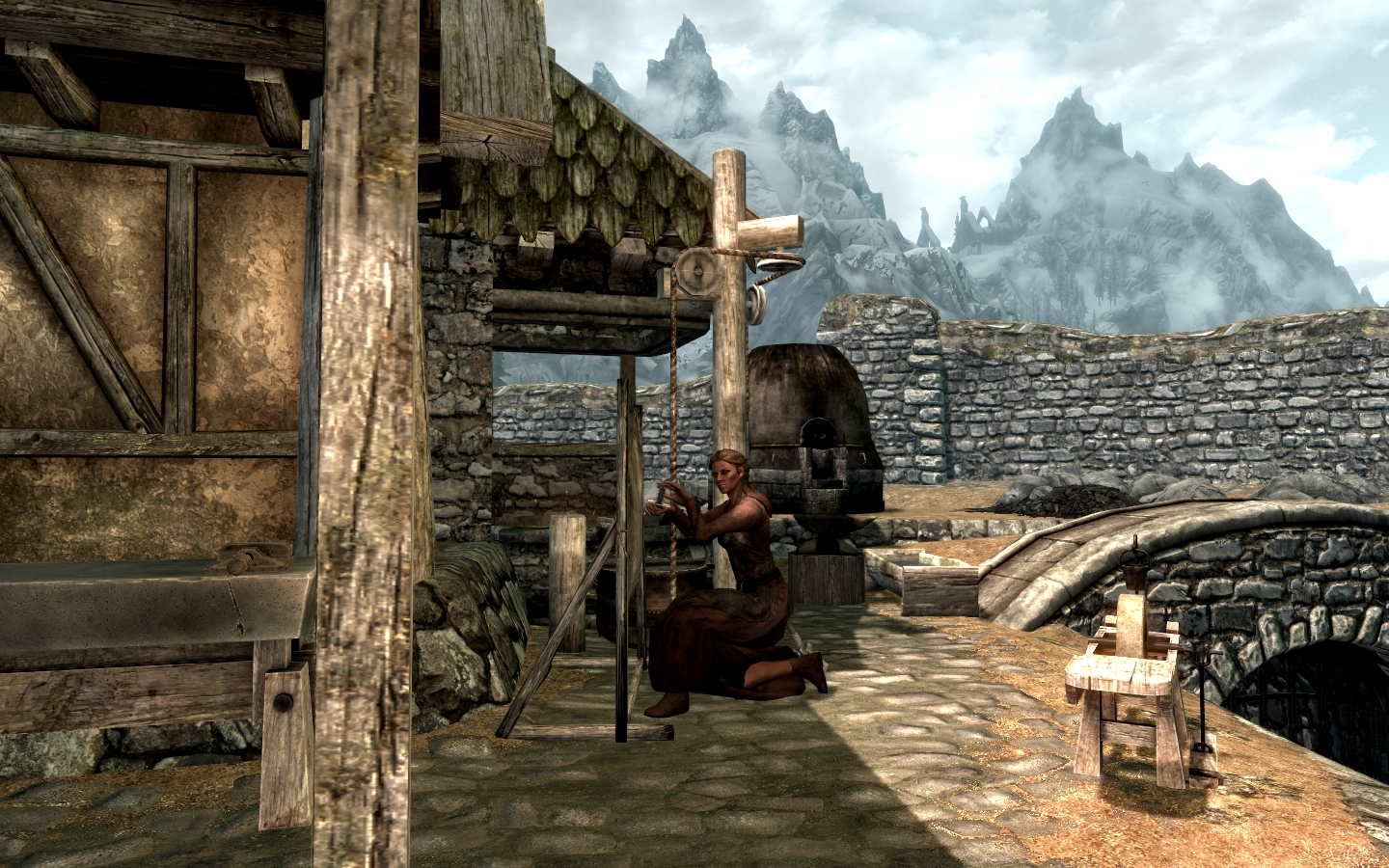
Ars Metallica aims to improve the smithing in Skyrim, and does so by adding several logical features. An incredibly lightweight mod (46 KB) for what it does, Arthmoor has added the ability to forge arrows and the player can now gain skill for both smelting and mining. Armor and weapons can also be melted down at a smelter, now, which means that ore can be re-purposed when your character is ready to upgrade.
We especially like this mod for being highly lore-friendly, and frankly can’t imagine playing Skyrim now without having this intuitive system implemented.
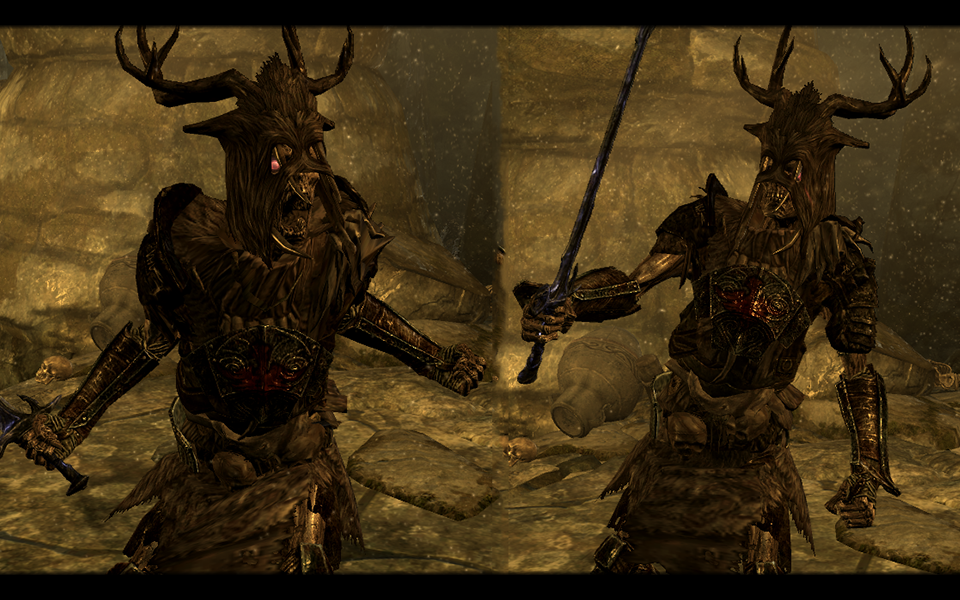
Immersive creatures adds dozens of new monsters roaming around Skyrim’s dungeons and landscape. By your second, third, or twenty-seventh playthrough of Skyrim, you’ve probably memorized not only all of Skyrim’s creatures and enemies, but their spawn locations too. This mod changes all of that.
Lifestorock’s monsters renew the lost feelings of fear and excitement that made our first run of this game so captivating. The creatures level up along with the player as well, meaning that you won’t wind up getting repeatedly defeated by some frustratingly over-powered enemy.
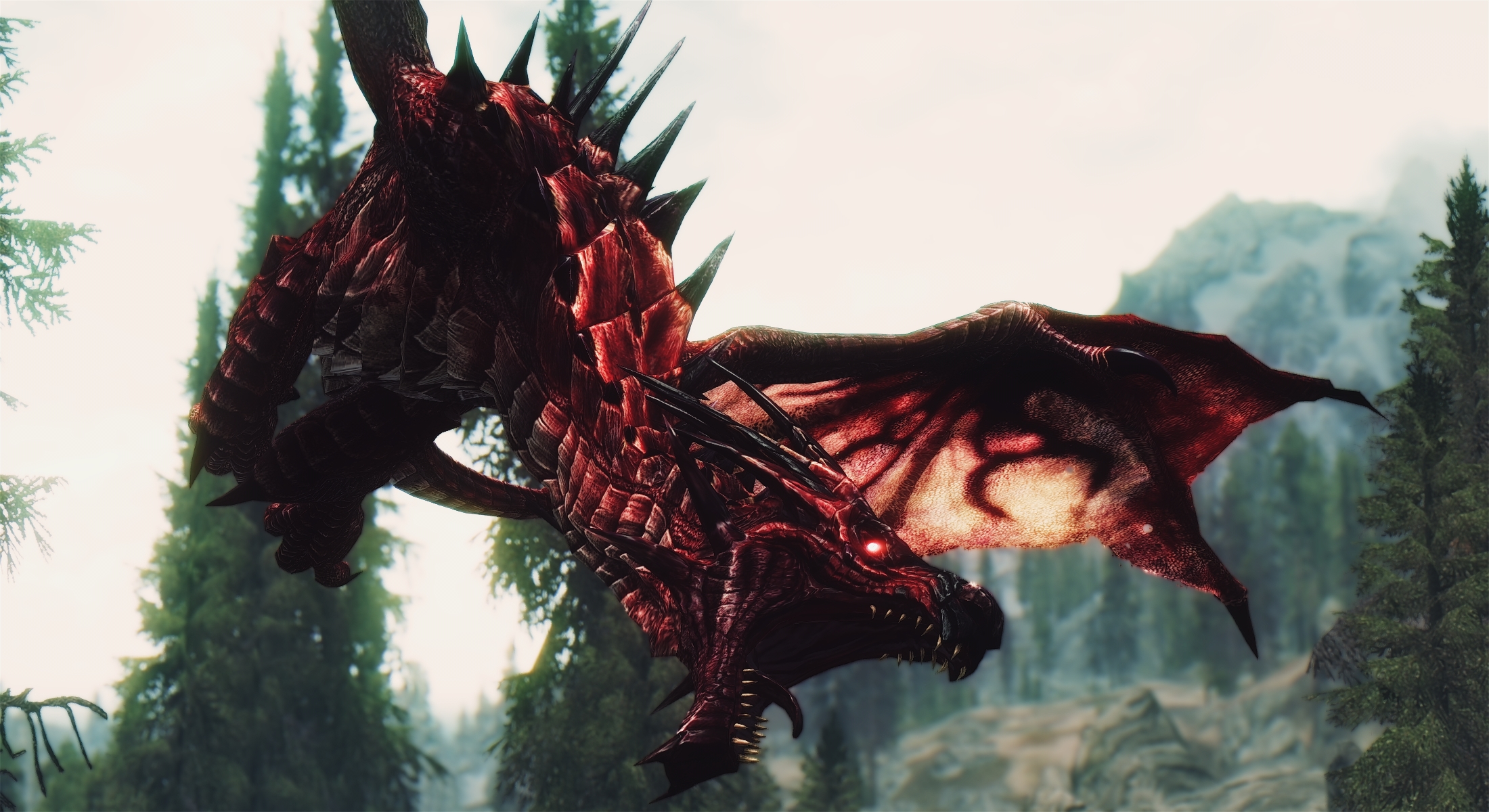
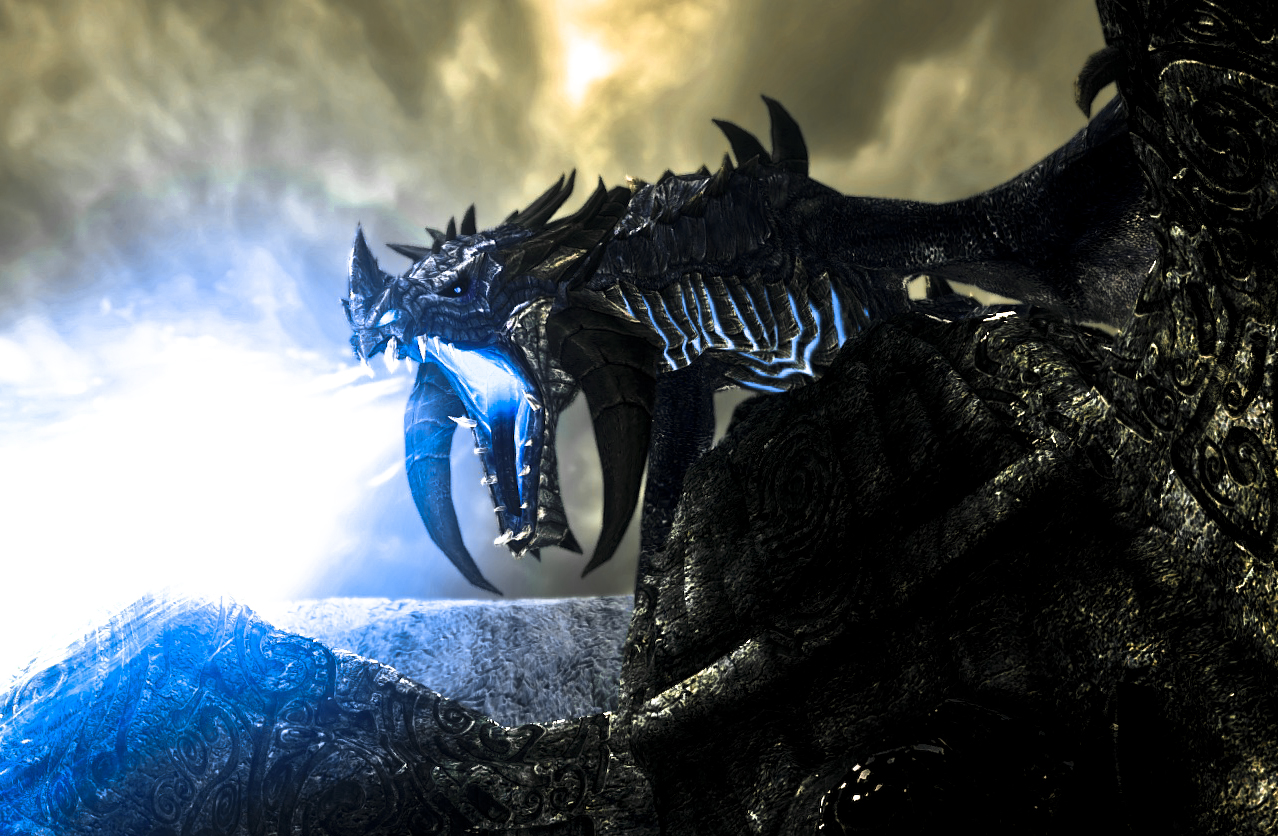
Diverse Dragons adds 28 leveled dragons to Skyrim, putting them in the rotation with the randomly generated dragons on top of mountains or roaming the skies.
Dragons may breathe shadow magic, lightning, energy beams, or even whirlwinds that can knock you off your feet. These do not replace or overshadow the dragons already the game, and named dragons unique to the game will remain that way. Anything that adds some color and strategy to Skyrim at this point is much appreciated, particularly when it’s done so artistically.
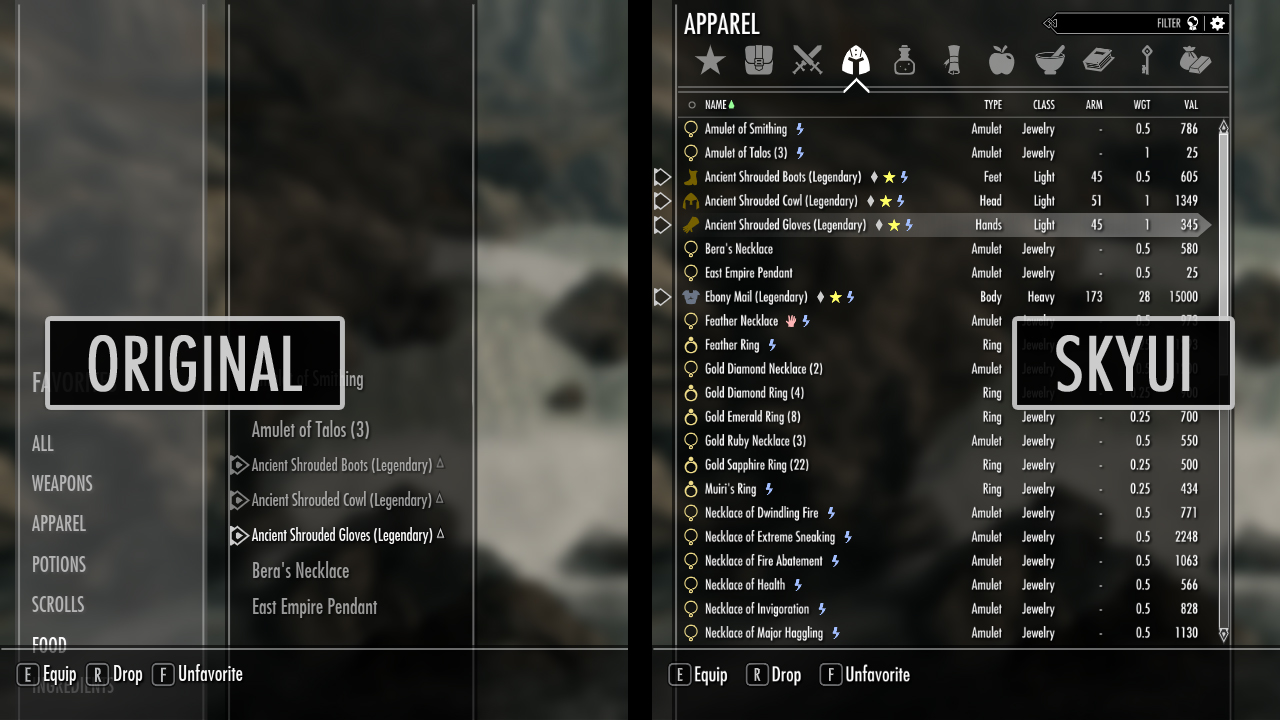
Downloaded over a million times and the recipient of over 25,000 endorsements, SkyUI is the elegant menu replacement you didn’t know you needed. This mod cleans streamlines and organizes pretty much every in-game menu allowing for faster access to your numerous abilities and items.
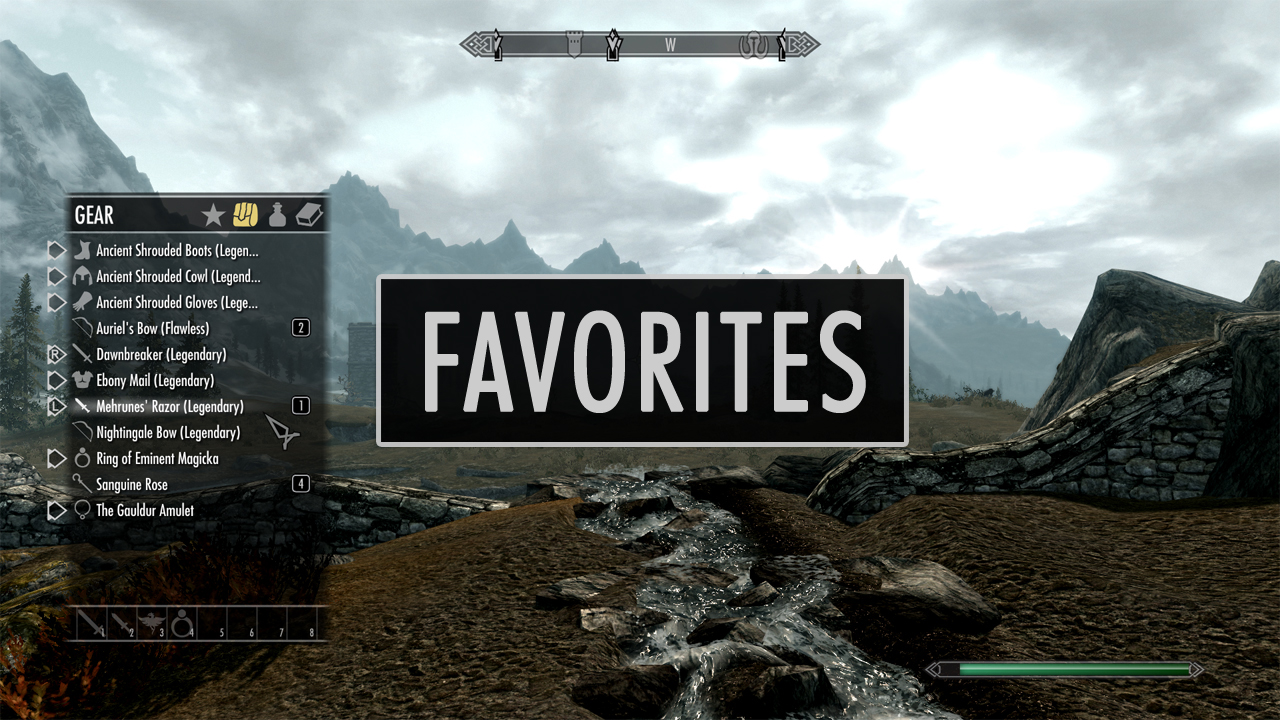
The most appreciated change in our opinion is the new favorites menu, which allows for compartmentalizing and filtering at the player’s own discretion. This is particularly helpful when you’re playing as a mage and want quick access to a wide variety of spells. It also eliminates a lot of the time otherwise spent navigating menus to switch armor, weapons, or shouts. Try it once. You won’t go back.
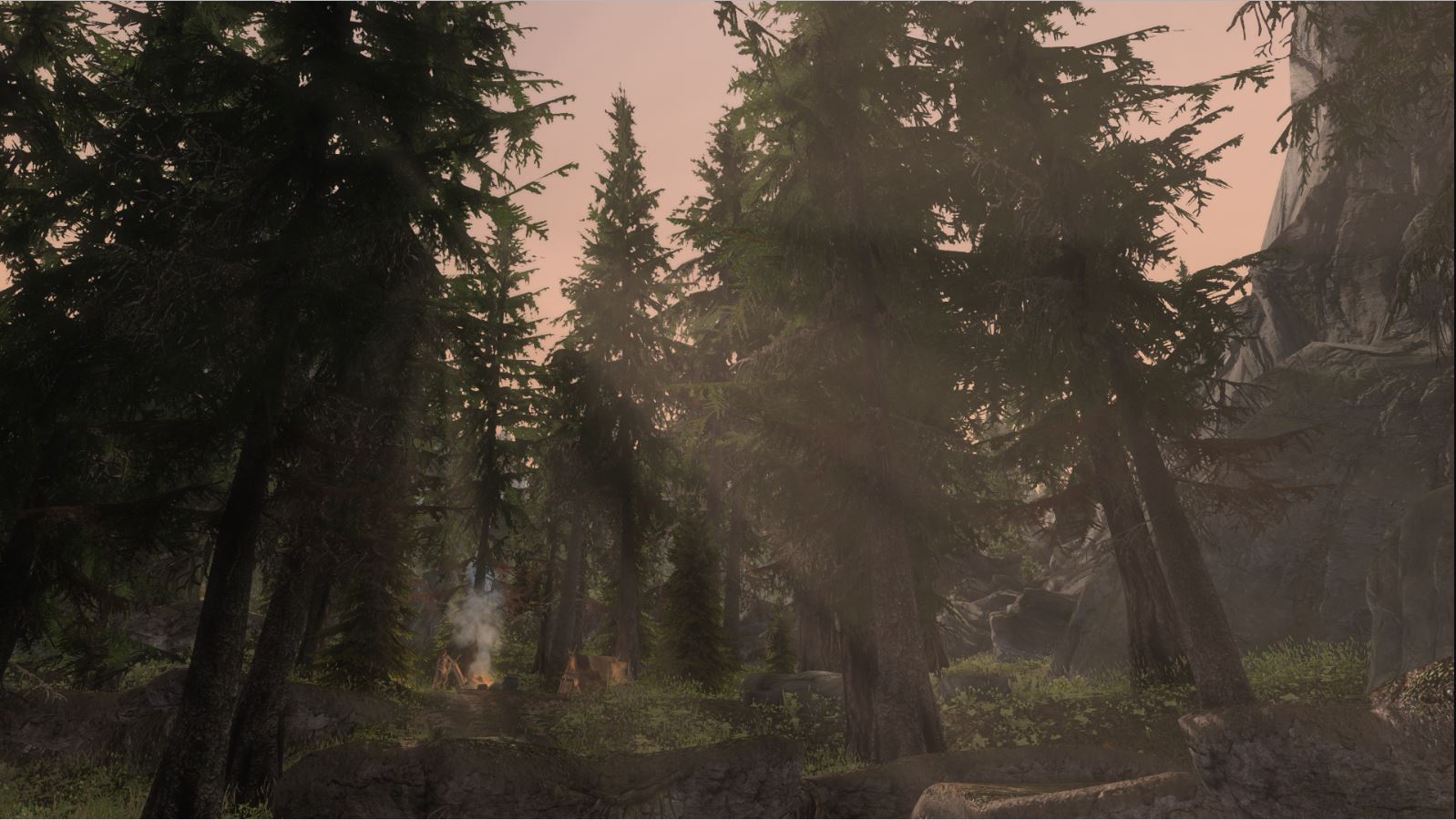
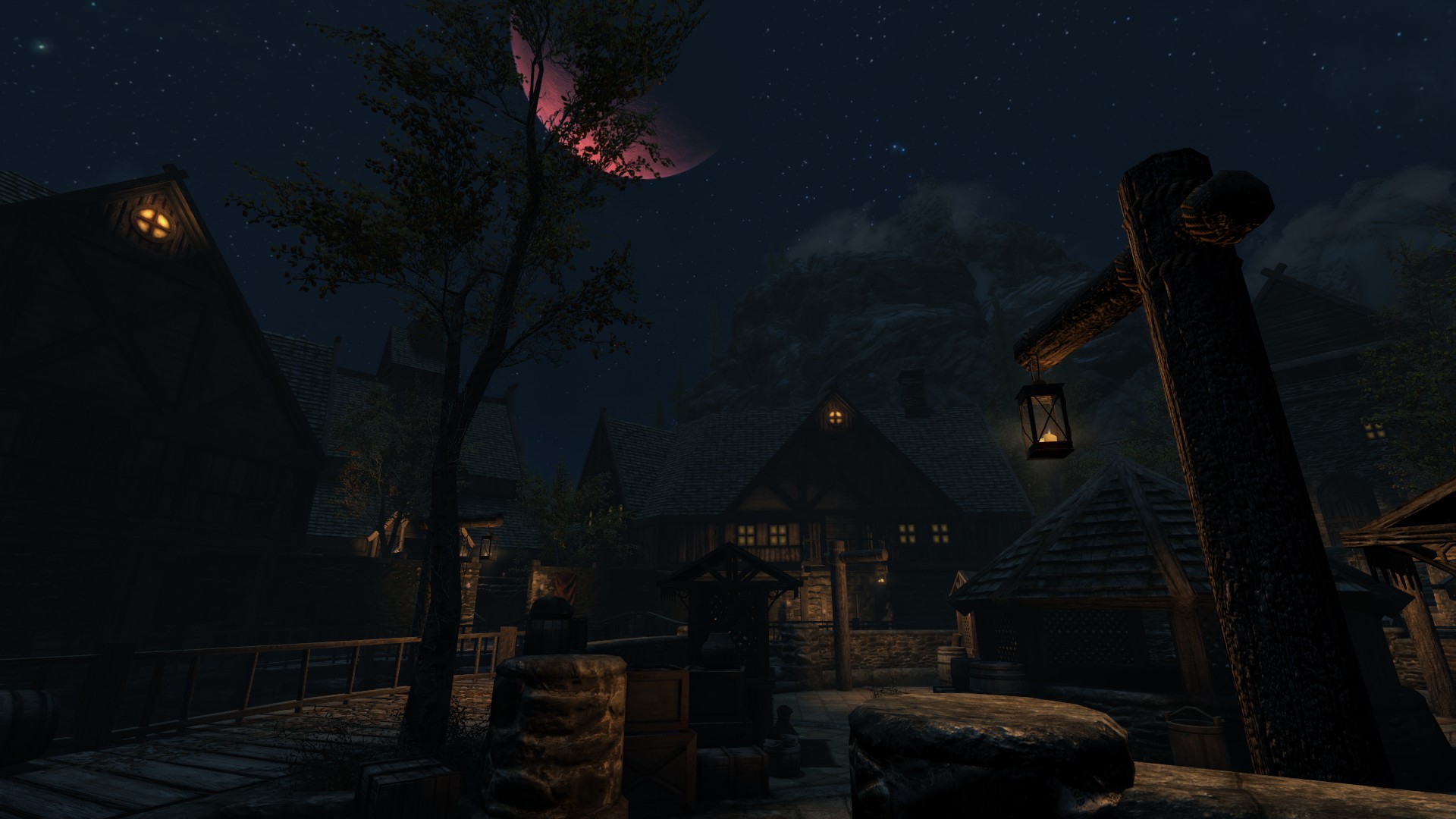
Skyrim: Special Edition made some masterful changes and enhancements to the original game’s lighting, adding god rays, depth of field, and a variety of new snow shaders. RLO continues in the same direction, highlighting new dynamic light and shadow that makes the game look much more dramatic.
This is especially noticeable in various interiors or at nighttime, and we think it really completes the gritty vibe of the harsh winter in Tamriel’s northernmost peninsula.
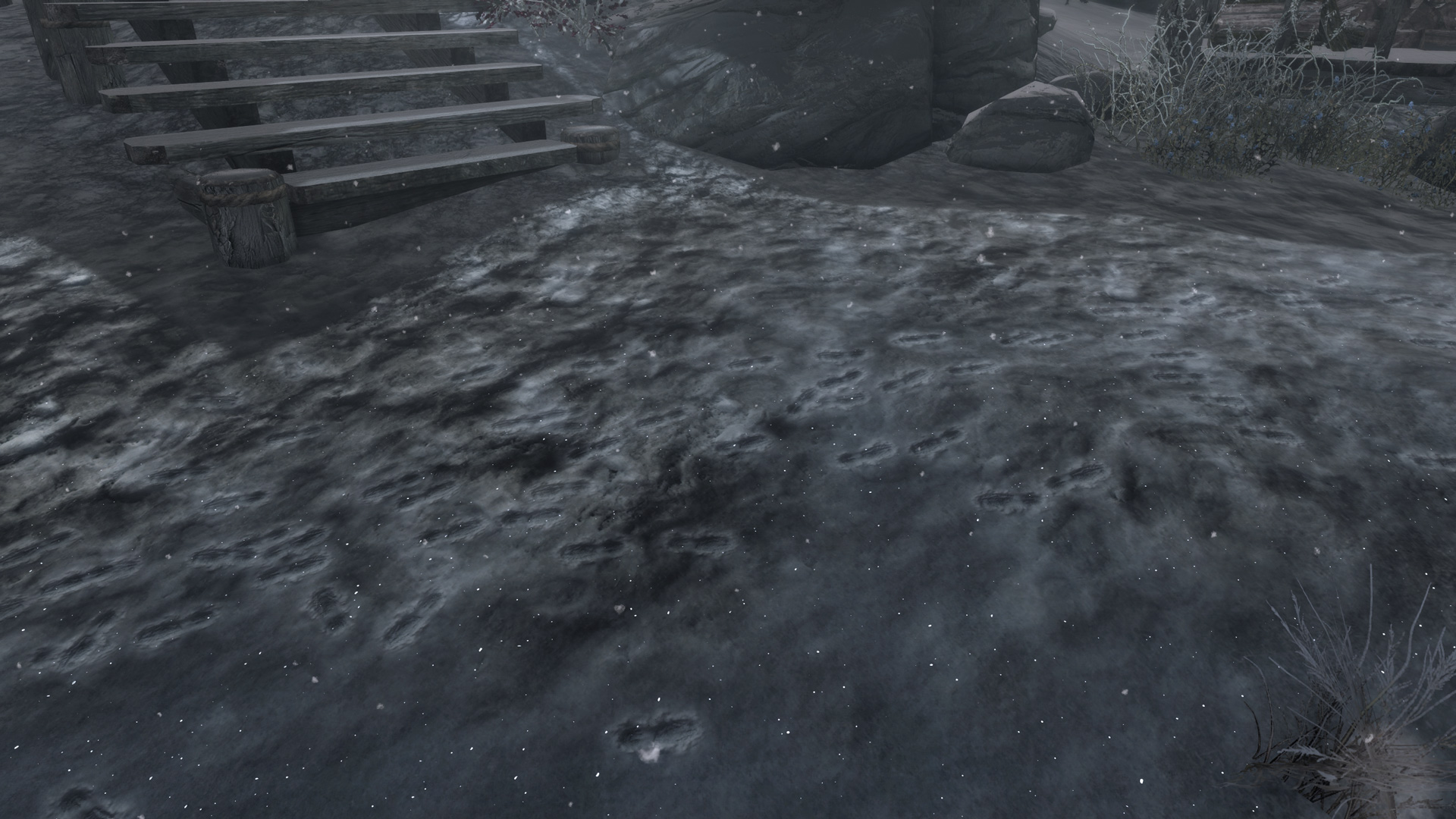
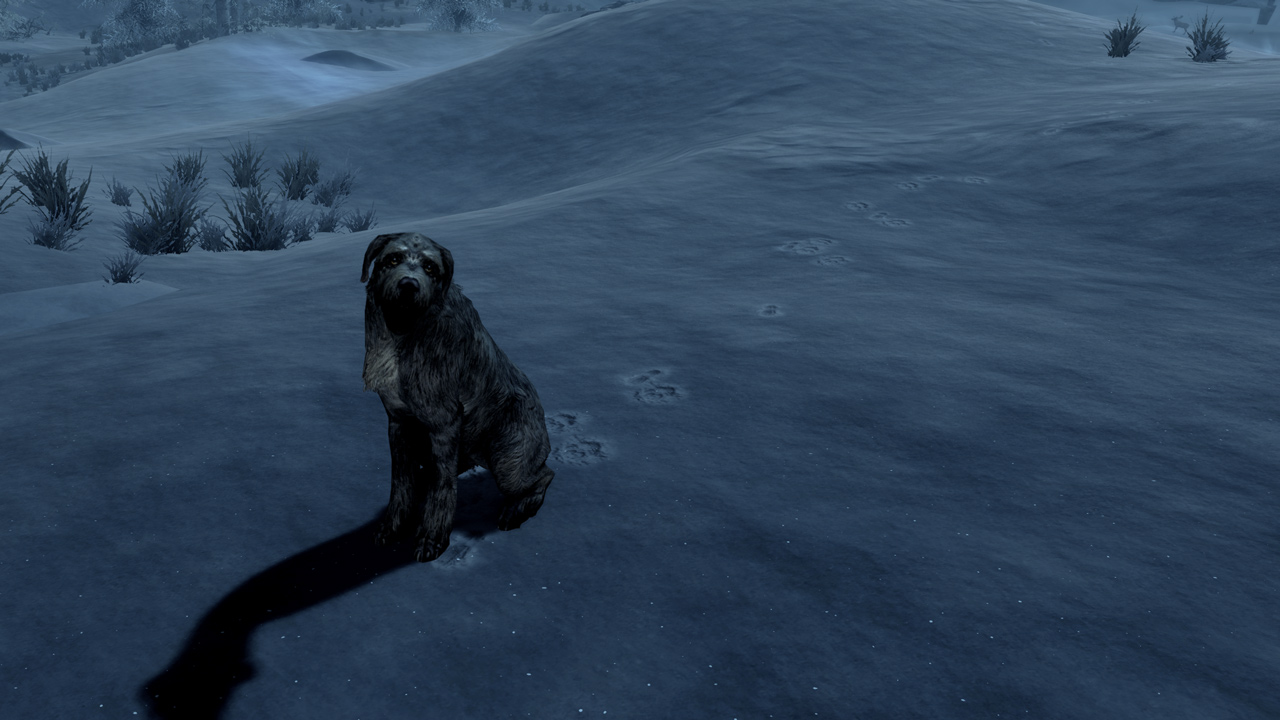
In a land predominately covered in tundras and drifts, it seems an oversight not to allow for footprints to come out in the snow. Jonwd7 fixes this oddity by adding footprints that appear whenever the player (or patrols or wildlife) steps in the snow.
Probably the smallest change on this list, we were surprised by how much it bothered us to play the game without this installed. Making the game feel fresh is actually a lot more a culmination of small mods than any one big one, and Footprints is the perfect example.
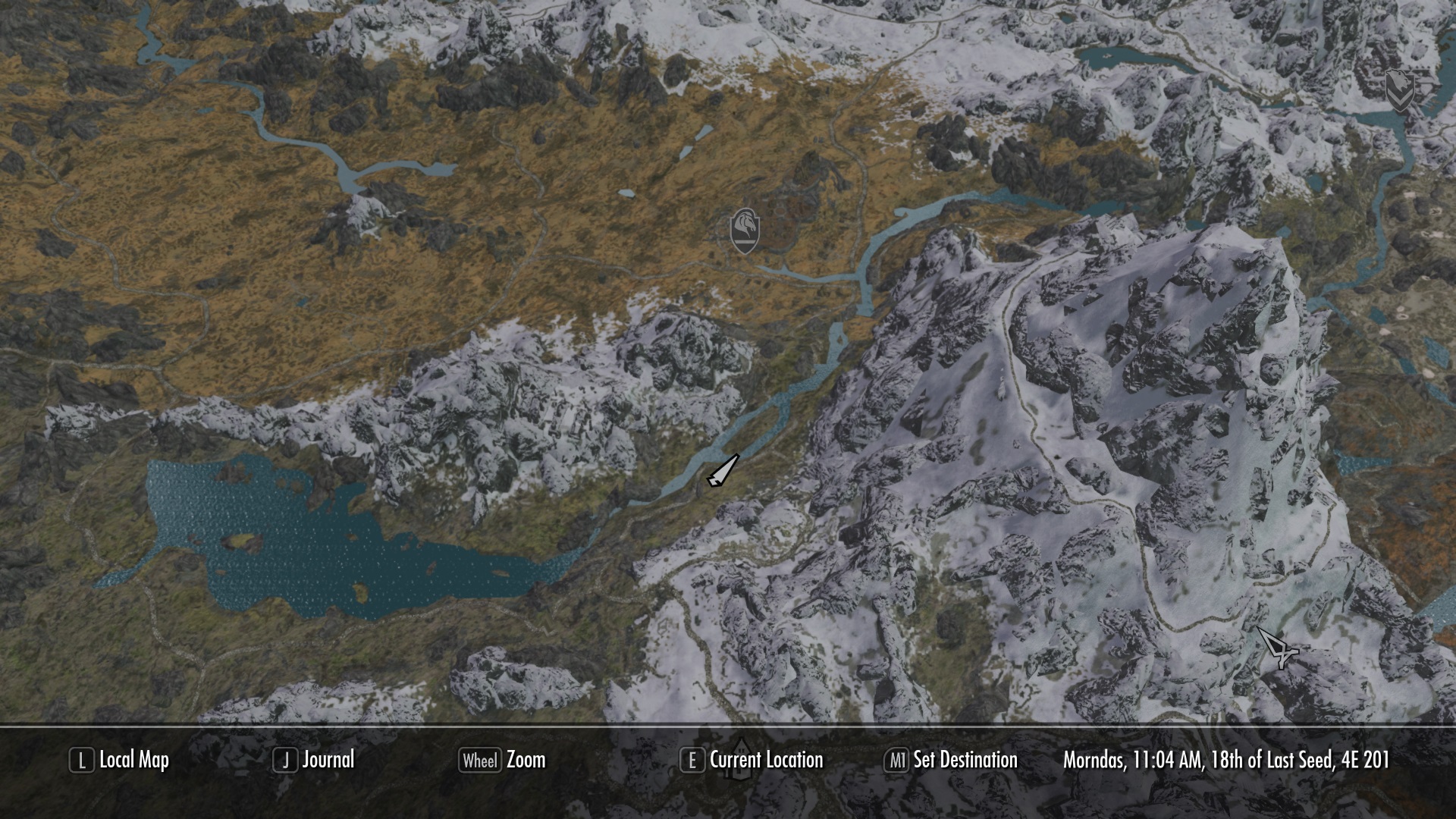
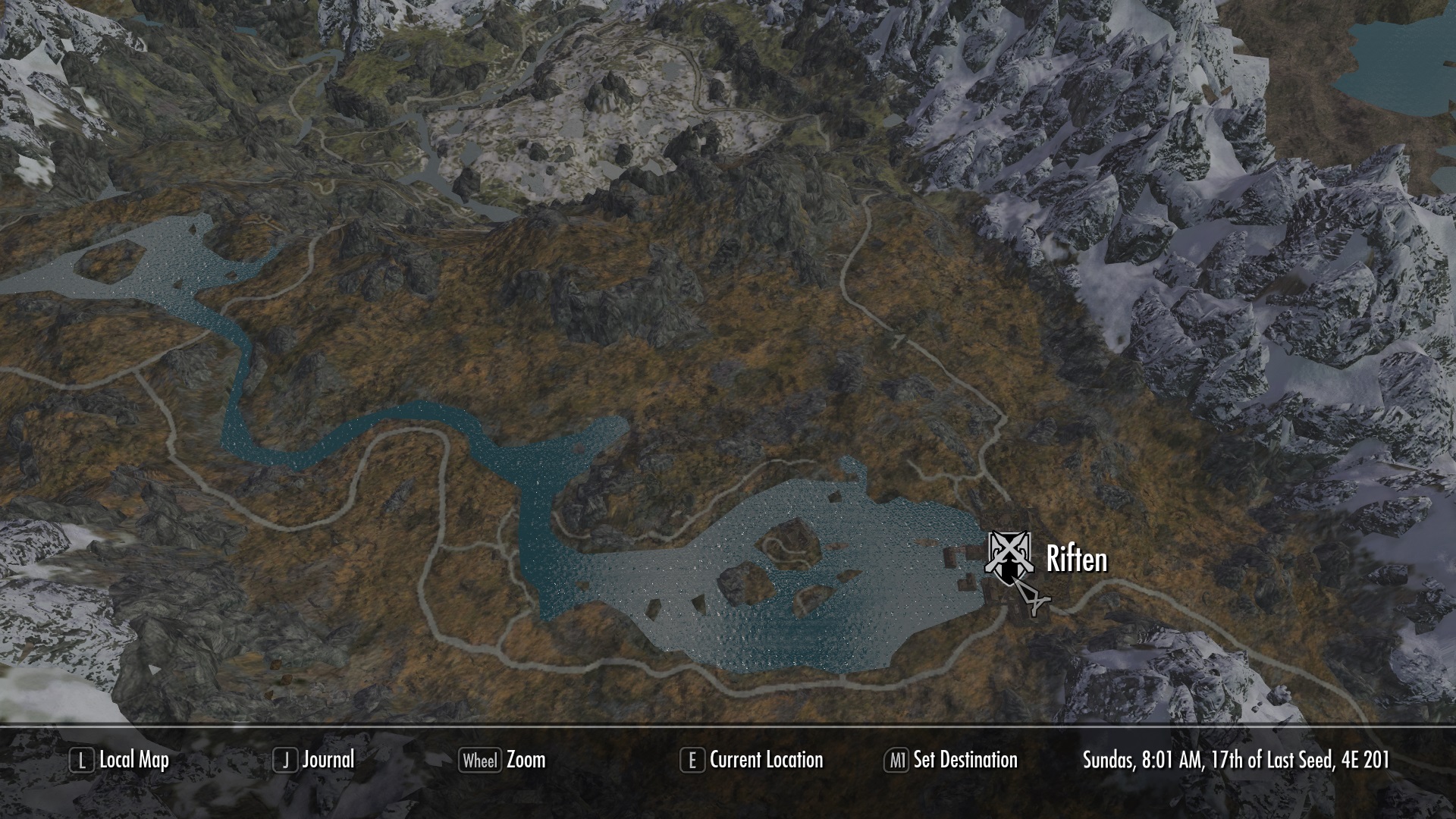
Again, it’s the small things. Play Skyrim and you’ll probably be using the map. A lot. For a screen the player sees so often, having it re-textured and highly detailed is quite refreshing. Not to mention, you’ll find your way around easier.
So there you have it! From small content additions to massive re-imaginings of the game’s core systems, hopefully this list will breathe some life back into Skyrim for a few more playthroughs. At least until Elder Scrolls 6 comes out!
Struggling to unlock your favorite heroes in Star Wars: Battlefront II? Follow these steps to get there faster!
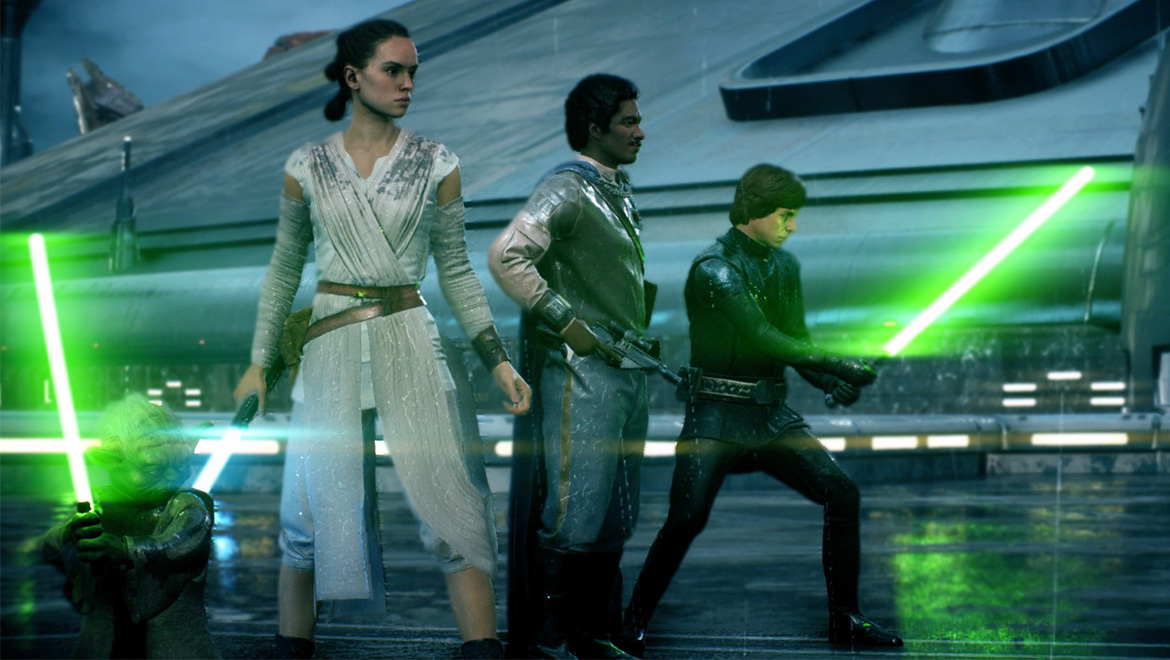
One of the best things about Star Wars is the beloved roster of characters. Watching Luke Skywalker swing across the Death Star chasm or seeing Han Solo fry poor Greedo in the Mos Eisley cantina can make any fan giddy to step into the boots of their favorite heroes. It was an aspect of EA: Star Wars Battlefront II that we were especially excited to experience.
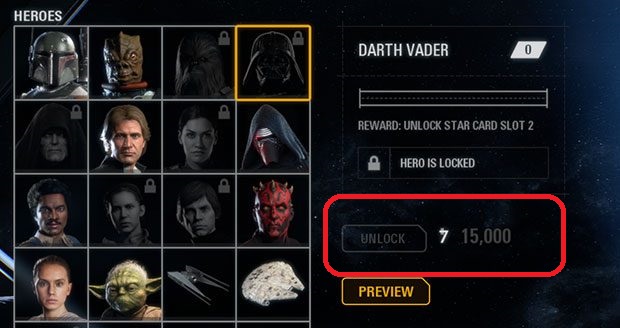
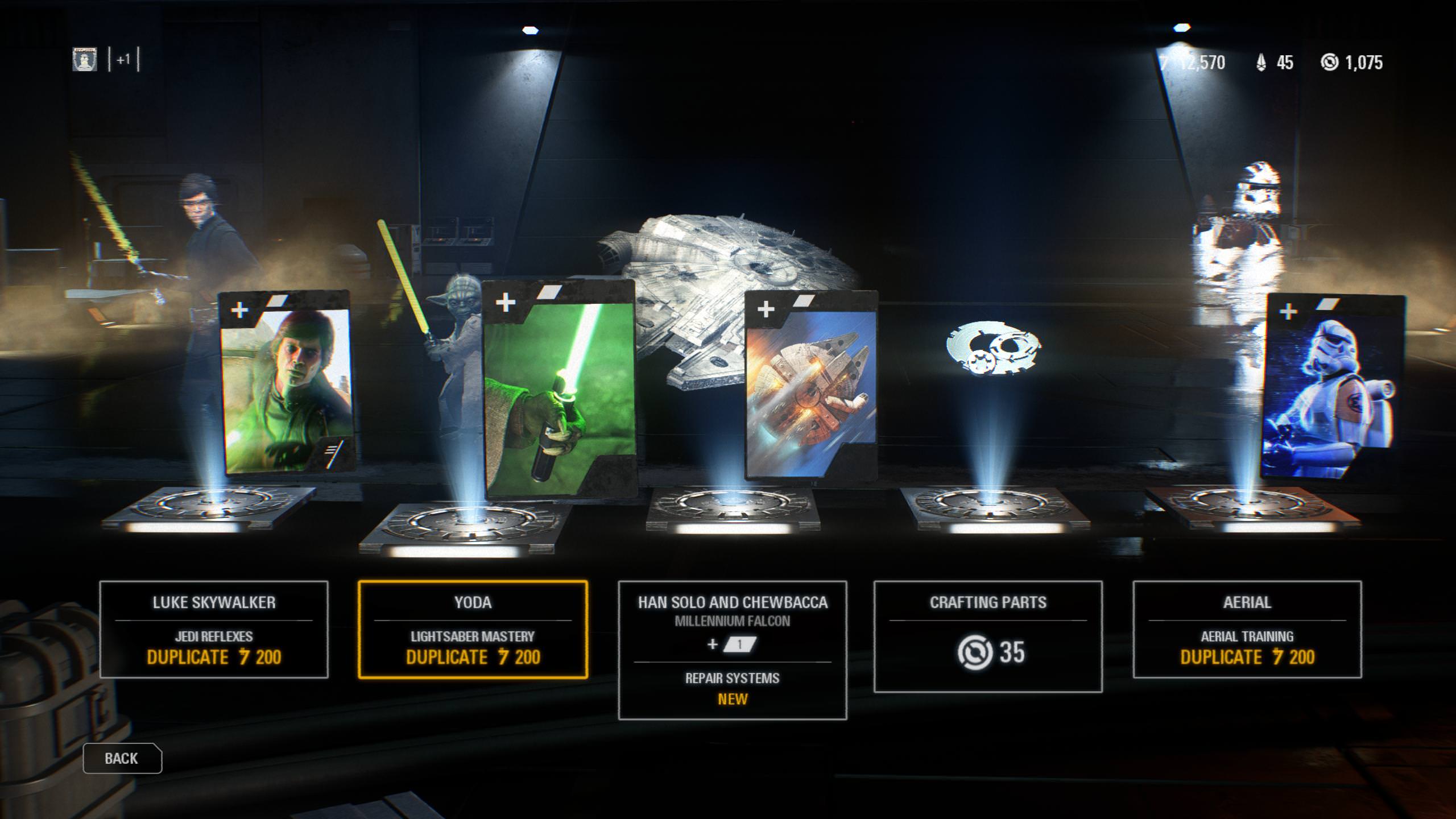
For being such an integral part of every fan’s love for the franchise, it was very frustrating to see just how difficult it was to unlock and play as a hero in this game. That difficulty was one of the biggest gripes that fans had with the whole loot crate fiasco that heralded the game’s release. Heroes are unlocked via in-game currency, which is accumulated by playing matches online. And some of them (namely Luke Skywalker and Darth Vader) are quite expensive.
We’ve found a way to help you purchase your favorite heroes as quickly as possible, and more importantly introduce you to battle strategies that you can employ in a match to maximize your chances of getting to play as one.
This review does a good job of driving home our next tip, but beware that he is ever angry (NSFW for language, guys):
Unlocking your hero
As this angry YouTuber pointed out at, the amount of credits you receive per match has little to nothing to do with how well you play. The players at the top of the game are hardly getting more points than you, maybe no more at all. Instead, here are the factors that will matter more:
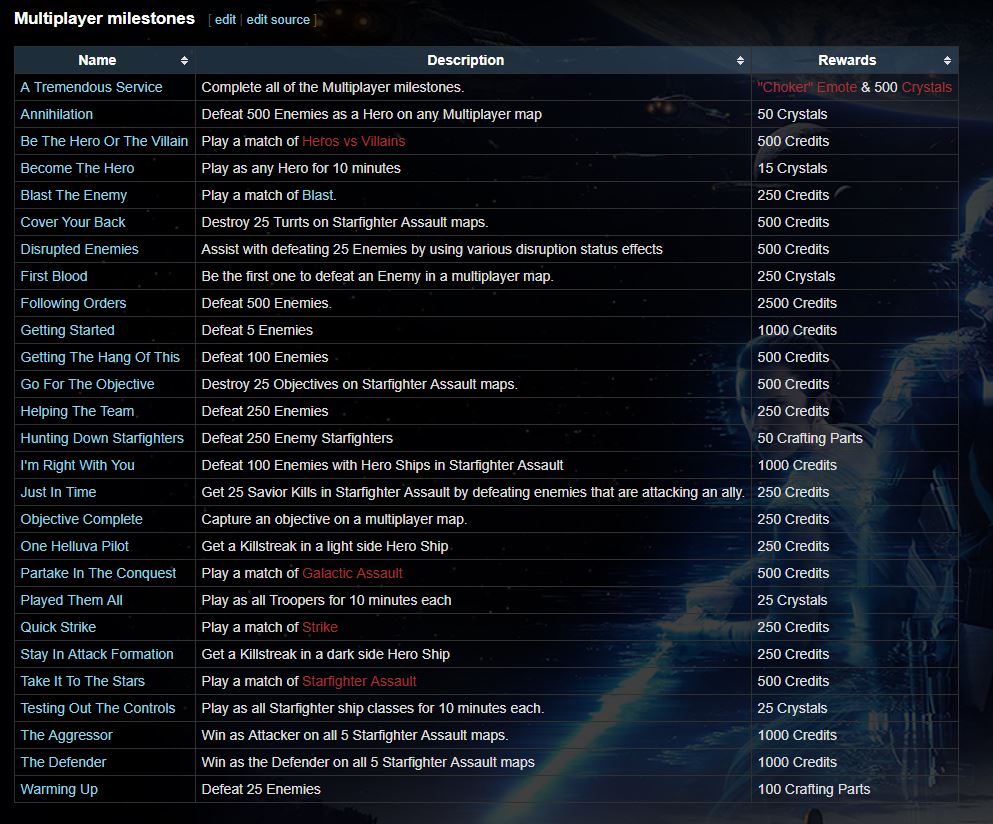
If you’re looking to accumulate those credits, definitely know that the game rewards you with them for reaching certain milestones. Examples are things like “winning as the defender in Starfighter Assualt mode,” or “getting 25 disruption assists.” Note that the latter is only even possible if you purchase and effectively use the Officer’s Disruption star card, which means (duh) you’ll have to actually but it. This brings us to an important question: “Where should I spend my in-game money?”
https://battlefront.gamepedia.com/Milestones
Given the choice, we say go ahead and get that Disruption card. The more of these milestones you start to accrue, the thicker your in-game wallet’s going to get. An easy place to start snagging them is in the game’s often overlooked Arcade Mode, so if you haven’t checked that out, be sure to give it a look. You can earn 500 credits per match, and since many of these missions are under a strict timer, you’ll likely be earning credits here faster than you would in, say, a long Galactic Assault match.
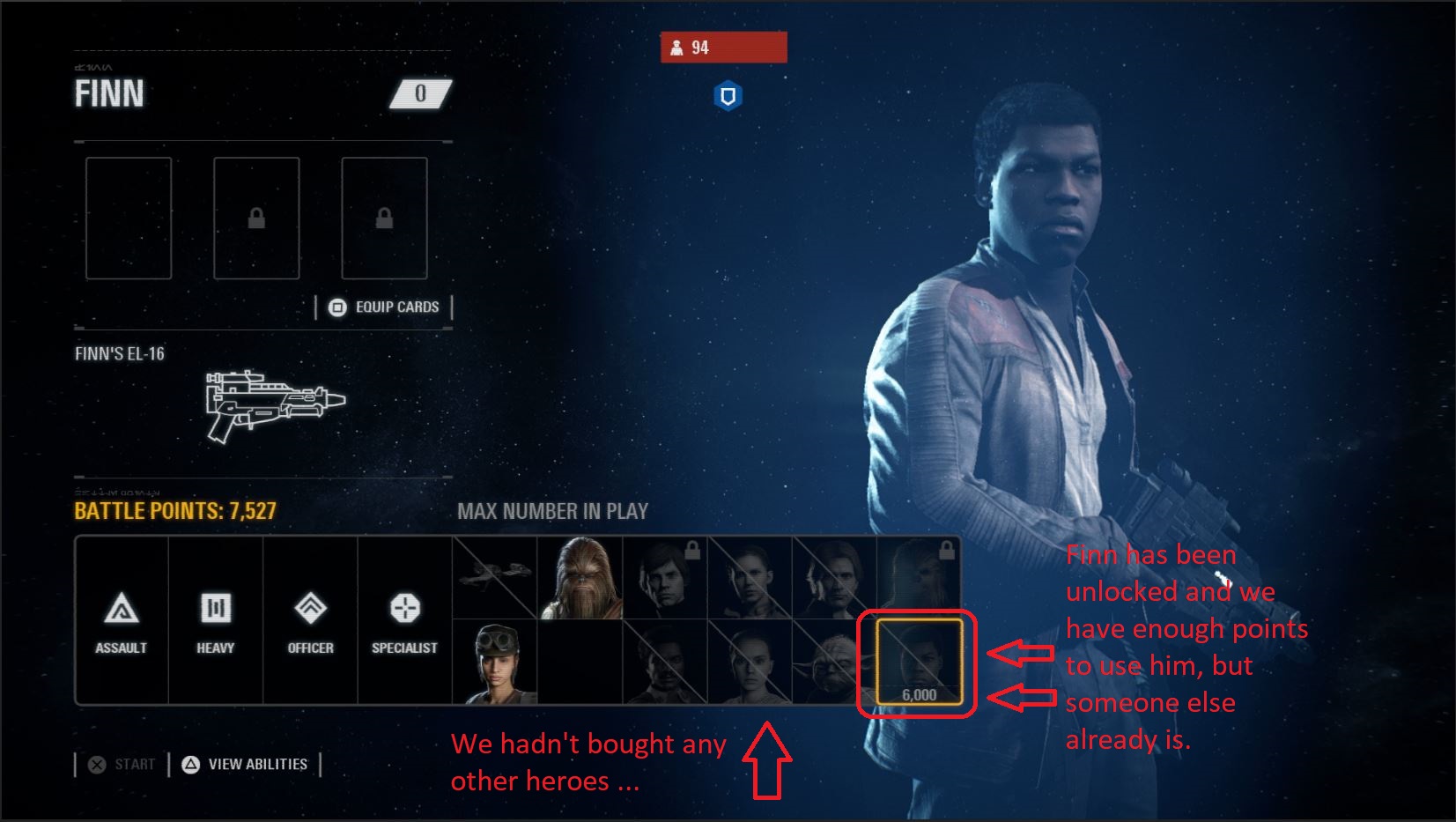
Be sure to spend your credits equally on both your favorite heroes and your favorite villains. You can’t predict which faction you’ll be assigned to at the start of a match, so try and spread the wealth 50-50. Otherwise, you might finally have enough battle points to play as a hero, but find that unfortunately someone’s already using the only one you’ve unlocked.
It also practically goes without saying that you should be opening your daily crate every day once you boot up the game. It’s only 75 credits, sure, but we swear, every little bit helps. They’ll start to add up if you open it every day.
How to earn battle points to play as a hero once you’re in a match
And now for the part you’ve been waiting for – you’ve bought your hero, now how do you unlock him in a match as quickly as possible?
These eight tricks should generally increase your chances:
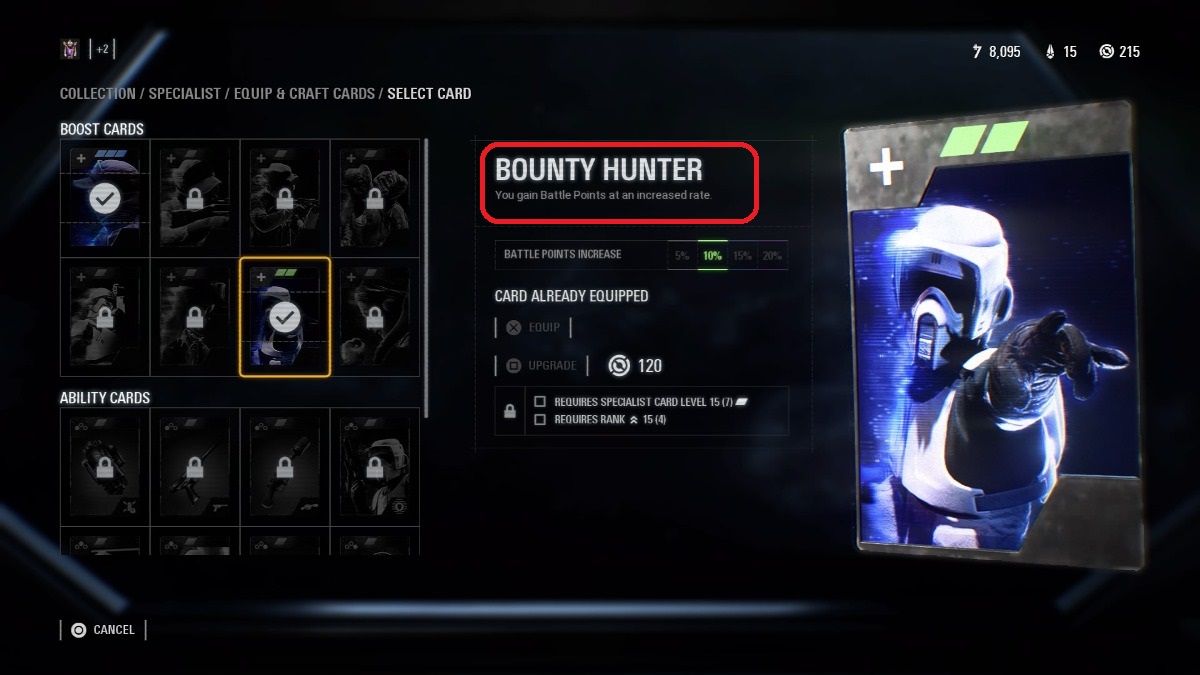
1. Rank up your Bounty Hunter boost card and always have it equipped
Every class can equip the Bounty Hunter boost card, and every class should. This will guarantee that any time you’re earning battle points to unlock a hero, you’re getting more bang for your buck.
Definitely prioritize ranking this up for the class(es) you tend to favor, too. We’d also recommend splurging your crafting parts on leveling these boost cards up as soon as you can, just to give you that extra edge.
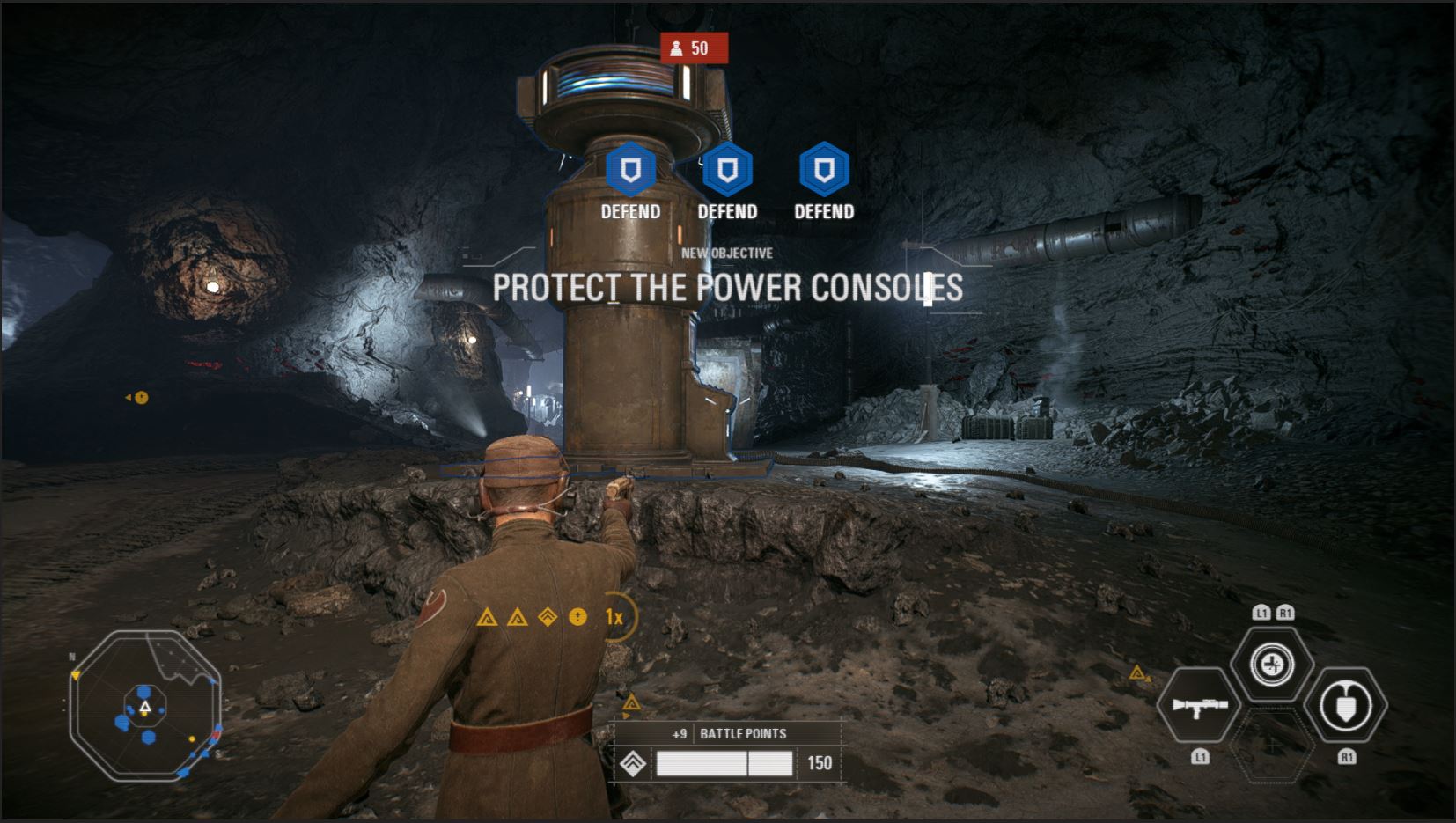
Remember, DICE gave us an objective-based shooter with Battlefront II. To reward you for actually doing what you’re supposed to be doing, they made completing match objectives the most lucrative way to earn battle points.
It might seem counter-intuitive or like you’re putting yourself right in the enemy team’s crosshairs, but some player has to be the guy to hack that computer or capture that territory and you can bet they’ll be richly rewarded for doing it. It might as well be you, right?
3. Stay alive
https://www.youtube.com/watch?v=5rAy860WbJE
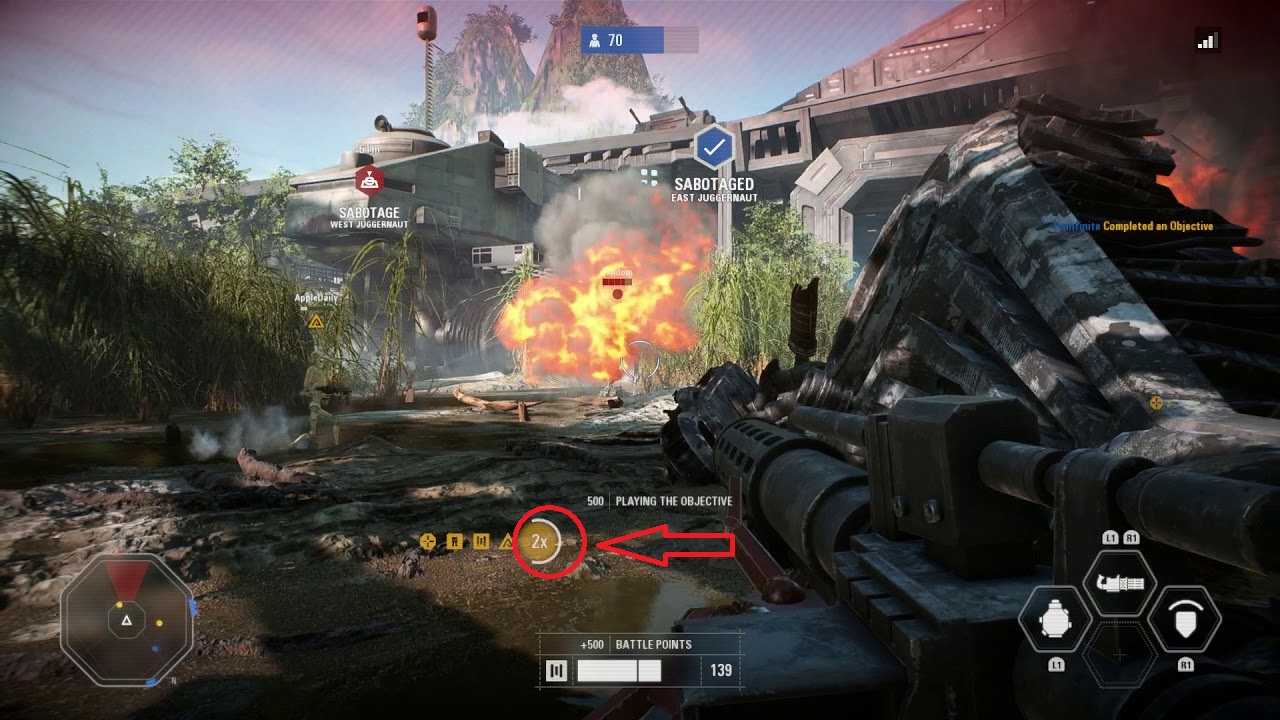
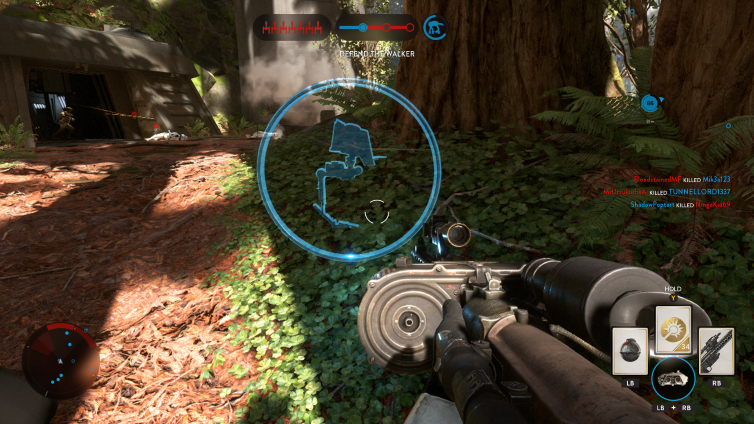
See that gold ‘2x’ on the HUD? That used to say ‘1x.’ Survive long enough while doing objectives and it becomes ‘2x.’ Once it does, it means you’re earning double the battle points for everything you do! This resets if you die, so play a little more defensively if you want to keep this buff as long as possible.
4. Stick with the squad you spawn with
Like the load screen says, you’ll earn battle points faster if you stick near your teammates. More specifically, that ‘1x’ we just talked about will gain momentum faster if you’re working with your assigned squad. Ah, it all makes sense now, right? That’s why it’s good to play support classes and use team buffs.
We see you, DICE, we see you.
5. Play as the cheaper power-up units as you can
https://www.youtube.com/watch?v=C6wiGD5V4y8
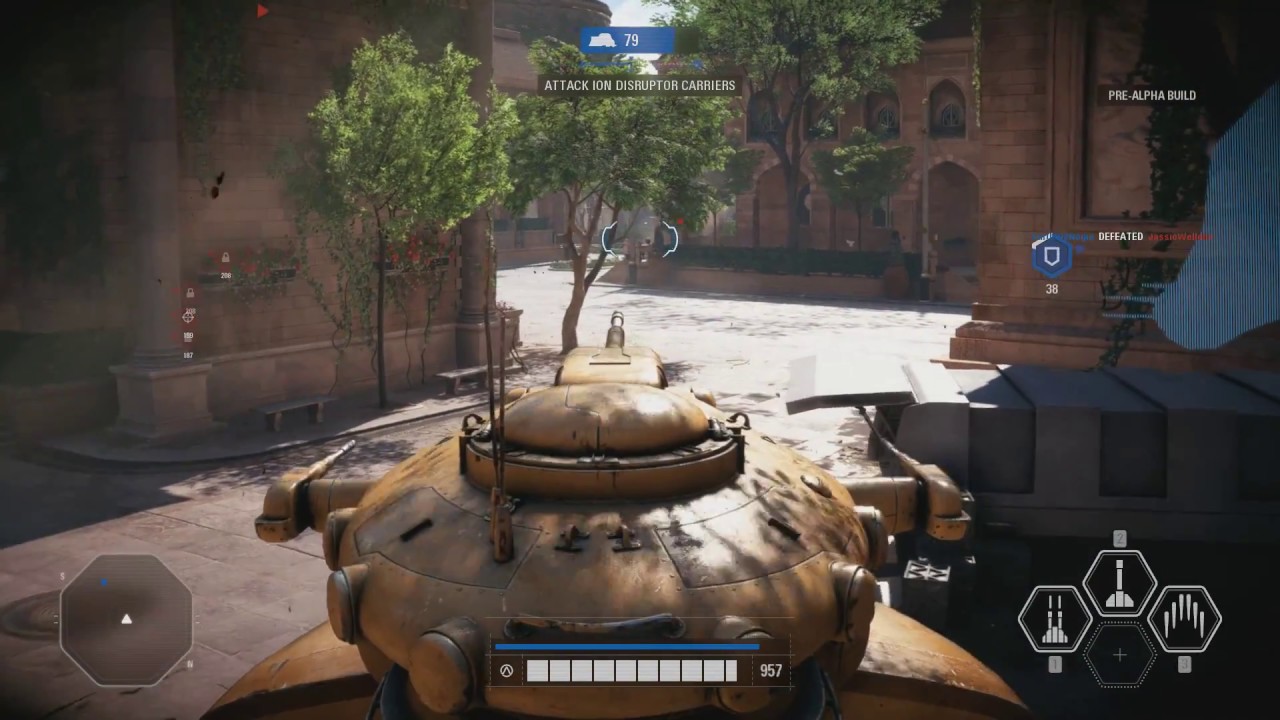
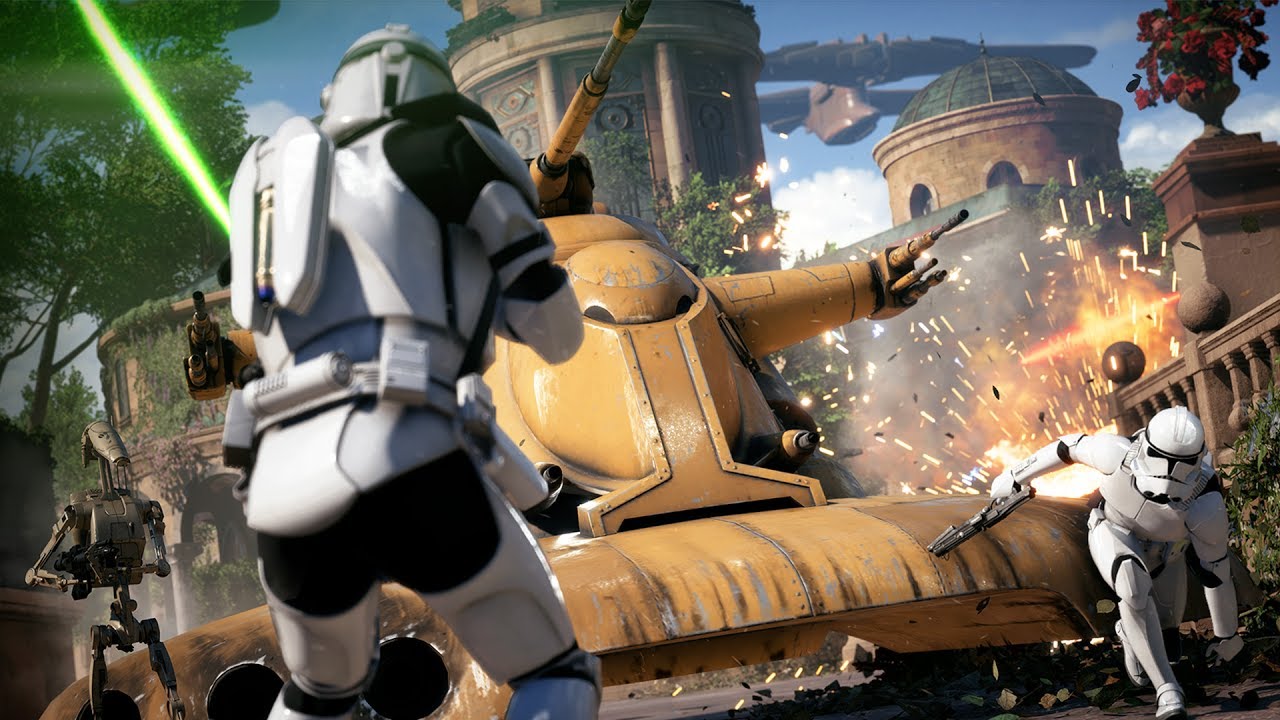
The MTT, AAT, AT-AT, clone gunship, and the vulture droid are all very low-cost upgrades available on certain maps. Using these correctly can actually help you rack up points very quickly, particularly the AAT (pictured above) and vulture droid.
It may again seem counter-intuitive to be spending those same battle points that you need to use to play as the heroes, but compare the amount of points you’re getting to what you’d be earning on foot. We found more often than not that it was well worth the 400 or 600 points needed to play as them.
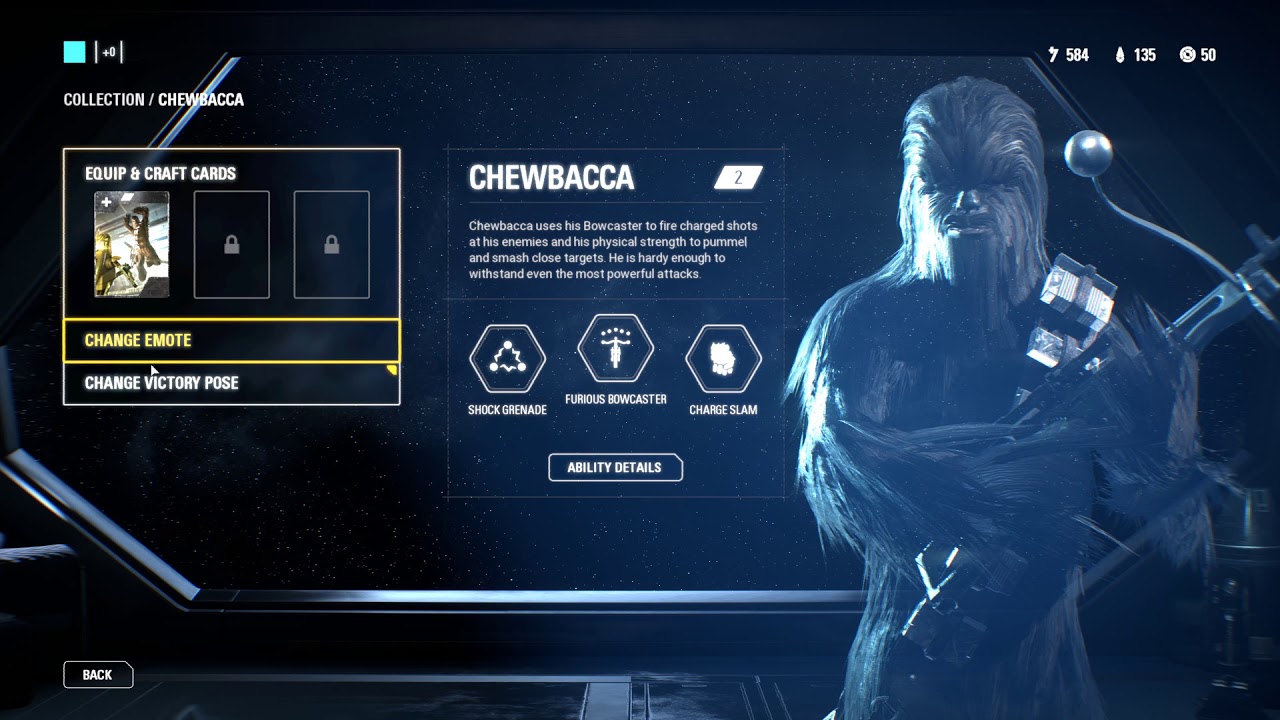
6. Buy Chewbacca first
https://www.youtube.com/watch?v=3RZlxfGLIAo
Regardless of whether he’s your favorite hero, we’d recommend getting Chewie first. Hear us out:
In-era heroes in this game cost 6,000 battle points to unlock. Out-of-era heroes are instead 8,000. Since Chewbacca is alive in all three eras (prequel, original, and sequel) he is always counted as ‘in-era,’ and therefore always costs the fewest battle points.
7. Start the match as the officer
Many matches begin with a mass charge forward from your entire side. Kashyyyk, Kamino, and Mos Eisley are good examples. Starting as an officer means you can buff upwards of 15 or 20 players at once. While that buff likely won’t actually help them, it should give you a healthy jump start in battle points right from the start.
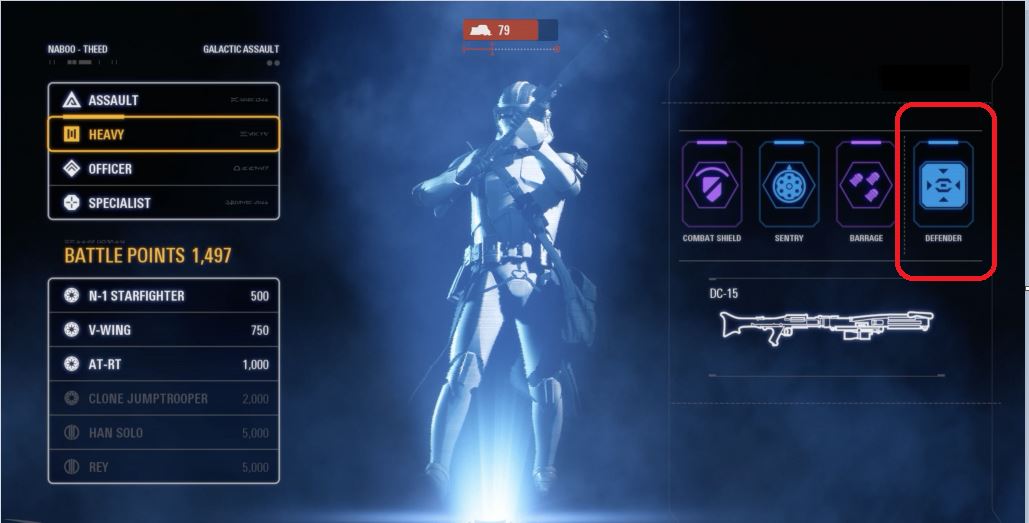
If you favor the Heavy class, be sure to equip and invest crafting parts to improve the ‘Defender’ boost card. This means that you’ll be earning battle points every time you’re hit, which (if you’re playing your role correctly) should be pretty frequently. The amount of points you get from this is minimal, sure, but everything adds up. That goes double if you reach the ‘2x’ for battle points you’re earning.
Does this mean you’re going to unlock Boba Fett and place with him every match? Maybe not. But follow these eight tips and you should at least have an edge and a battle strategy.
Best of luck out there, and may the Force be with you!
We added 60+ hours of replayability to Star Wars: Jedi Academy (with these five cheats and one free mod)
In case you missed it, at E3 EA revealed the title of their upcoming Star Wars game as “Star Wars Jedi: Fallen Order.” The game is being developed by Respawn Entertainment, a team made of up of former Infinity Ward developers who worked on the “Call of Duty: Modern Warfare” and “Titanfall” series. Details on the game are scarce; there are no trailers or screenshots to be seen and the platforms the game will be playable on have not been announced. Just about the only thing we do know is that the game will be a large-scale single-player adventure where the player controls a rogue Jedi Padawan in hiding after the events of “Revenge of the Sith.”
Since 2013, Disney signed a deal with EA that would grant the publisher the exclusive right to develop and publish Star Wars games. The results of this deal have been shoddy for fans so far, with “Star Wars Battlefront” and the infamously microtransaction-ridden “Star Wars Battlefront 2” receiving middling reviews. Rebellions are built on hope, however, and many fans have placed their hopes in Respawn’s upcoming Star Wars single player epic. Here are a few ways it can give fans the single player adventure they’ve been craving for years:
Show unexplored corners of the galaxy
The Star Wars franchise has shown us countless alien worlds with their own distinct landscapes, creatures, and cultures. From the sandy bazaars of Tatooine to the hellish fires of Mustafar, we’ve seen countless unique planets and alien societies. Instead of returning players to Hoth for the countless time, the game should feature all-new locations to explore. The expanded universe comic books and novels alone feature plenty of locations ripe for the big screen, and Respawn should be unafraid to tread new ground.
Have an in-depth lightsaber combat system
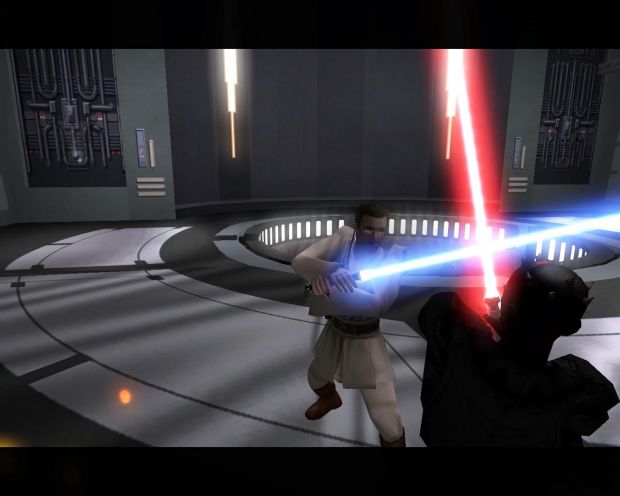
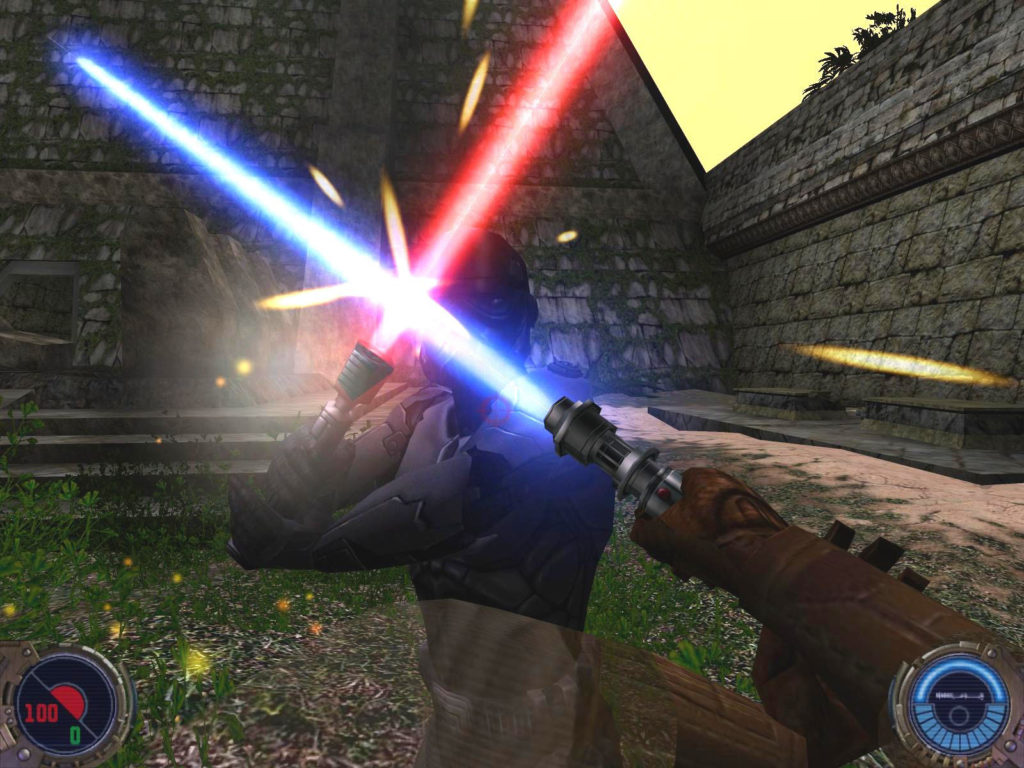
“Star Wars Jedi Academy II: Jedi Outcast” is considered one of the best Star Wars games ever made for its lightsaber combat. The game features many lightsaber styles and techniques, and these different techniques can be combined into combos. These techniques, combined with an assortment of light and dark Force powers, turn each lightsaber duel into a flashy but nuanced fight. Similar to a fighting game, players must anticipate and react to their opponents quickly, as one missed strike could spell death. The fast-paced combat is a near 1:1 match with the choreographed duels seen in the prequel trilogy. “Jedi Outcast” came out 16 years ago, and Star Wars fans are long overdue for another in-depth dueling system. Footage of Jedi Outcast lightsaber duels in action can be viewed here:
Focus on new characters and stories
Despite taking place in a galaxy with limitless possibilities, Star Wars famously recycles themes and character arcs to tie major stories together. Speaking on this method of storytelling, George Lucas has said,
“It’s like poetry. It rhymes. Every stanza rhymes with the last one.”
While the franchise has been home to many iconic and memorable stories, its time for the storytelling to break away from the rhymes and get more experimental. Whether you love it or hate it, last year’s “Star Wars Episode VIII: The Last Jedi” told a story that deconstructed all of the storytelling “poetry” told by the original and prequel trilogies. “Fallen Order” should continue this trend by telling its own unique story, free from the rhyme schemes of the rest of the franchise. Additionally, the Star Wars universe allows for an infinite number of character possibilities, so Respawn should focus on creating new characters rather than falling back on old favorites to drive the story. Fan-favorite characters should make brief appearances or cameos only, giving the narrative freedom from establish continuity and allowing Respawn untapped access to the rich Star Wars universe. May the Force be with them.
We added 60+ hours of replayability to Star Wars: Jedi Academy (with these five cheats and one free mod)
If you’re anything like us, you spent countless hours of your childhood on your Game Boy Advance, straining your eyes and spraining your thumbs in search of the next secret level. With emulation, revisiting those classic games on your iPhone is now easier than ever. (Curious how to play retro games on your iOS device? Here’s how.)
The following list will highlight some GBA games that deserve your attention, whether it be for a nostalgic throwback or a fresh new experience. We made this list following two simple rules. First, no Pokémon games are included, because they are too obvious, and we wanted to delve deeper into the GBA library. Second, the games featured do not generally rely on fast button presses or quick reflexes. This is because the touchscreen controls of the iPhone can make action games difficult, hence slower paced games are much easier to play. Without further ado, here are 5 GBA games you should download for your iPhone:
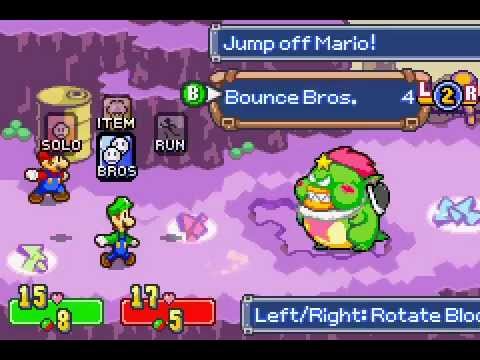
1. Mario & Luigi: Superstar Saga
This quirky RPG stands out from its contemporaries through its unique gameplay and ridiculous story. Building off the foundation laid out by Super Mario RPG and Paper Mario, the game puts a fresh twist on the RPG formula. Players can use carefully timed button presses to both add extra oomph to Mario and Luigi’s attacks and protect them against their enemies. Speaking of enemies, the game features a lot more than just Goombas and Koopas. The game pushes the craziness of Mario’s world to its limit, most notably with bosses like Fawful, a neurotic, Engrish-spouting bean whose villainous monologues include such gems as “I HAVE FURY!” and “And this battle shall be the delicious mustard on that bread! The mustard of your doom!” This is a must play for fans of Mario or offbeat RPGs.
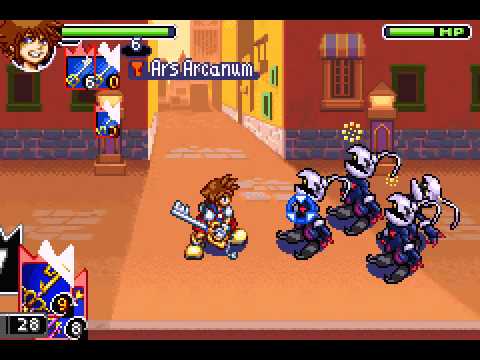
2. Kingdom Hearts: Chain of Memories
The first of many portable entries into the megapopular Kingdom Hearts series, Kingdom Hearts: Chain of Memories is a must play. The game combines card collecting with action and RPG elements to create a wholly new experience for the franchise. Players control Sora, who fights enemies in real time using a deck of cards that controls his actions. Decks are composed of Keyblade attacks, spells, and summons, which call upon famous Disney and Final Fantasy characters to aid in battle. Players travel between iconic Disney worlds, such as Neverland, the Hundred Acre Wood, and Agrabah. Taking place between Kingdom Hearts and Kingdom Hearts II, the game features the series’ trademark nonsensical and over-the-top storytelling. If you’re as massively hyped for Kingdom Hearts III as the rest of the world, don’t skip over this game.
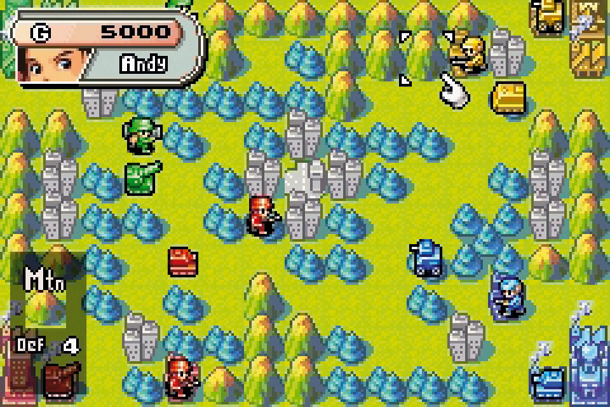
3. Advance Wars
This criminally overlooked gem is one of the finest games to grace the Game Boy Advance. Players take control of various CO’s (commanding officers) and lead their armies to victory in this turn-based tactics game. Featuring a cartoonish story that is lighthearted without being corny, the game combines charm and accessibility with depth and replayability. A hallmark in strategy game design, the game is very easy to pick up but difficult to master. The game can be enjoyed in short bursts or extended sessions, making it a perfect fit for your iPhone.
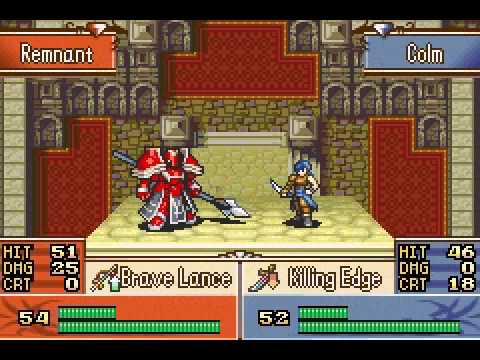
4. Fire Emblem
This beloved strategy series was first released in America on the Game Boy Advance, and has since become one of Nintendo’s most popular franchises. Similar to Advance Wars, Fire Emblem features strategic, grid-based gameplay. However, Fire Emblem distinguishes itself with its greater emphasis on story. The stories featured are grand in scope, with fully realized characters and plots. Through the course of your adventure, you’ll probably become attached to the likable and varied cast of characters. Make sure you keep them safe in battle, however, as Fire Emblem features permanent character death. If a character falls in battle, they will actually permanently die, affecting the rest of the story and preventing them from being used in future missions. This unique, heartbreaking feature adds an element of urgency to an already stellar strategy game.
5. WarioWare Inc: Mega Microgame$
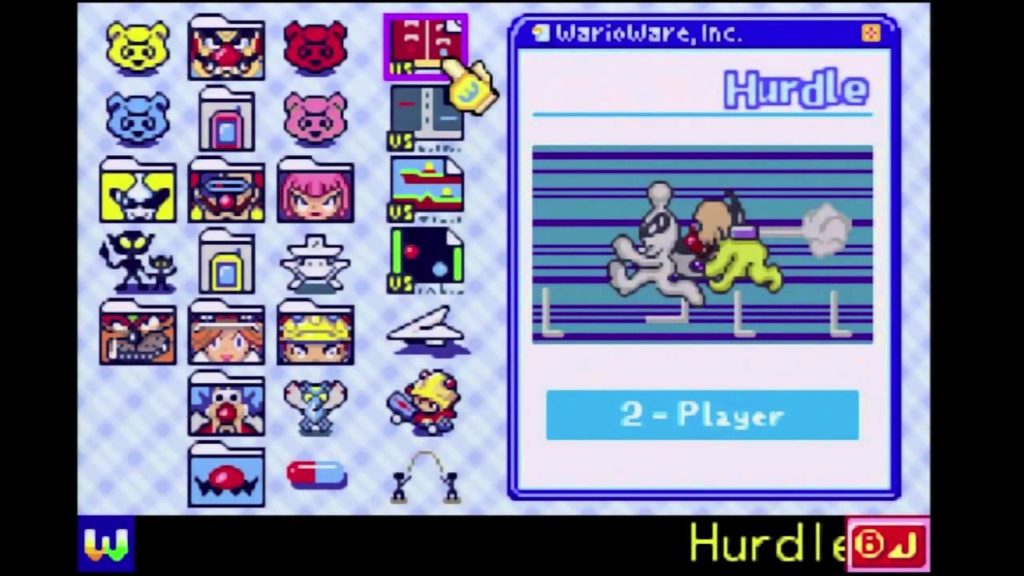
WarioWare is probably the most bizarre series we have ever played. The game features hundreds of “microgames”, minigames with simple objectives like “Dodge!” or “Jump!” that only last a few seconds. While we mentioned earlier that action games are not typically suited for the iPhone’s touchscreen controls, the simple and quick nature of the microgames work well with the touchscreen. The microgames range from straightforward to hilariously bizarre, giving you little time to process the lunacy before being thrust into the next game. Combine this endless variety with an insanely colorful and memorable cast of characters, and you get one of the GBA’s most unique and entertaining games.
Any classics you think we missed? Leave a comment below!
The relese of EA’s Star Wars: Battlefront II received about as much flack as Jar Jar Binks. Reviewers pulled no punches in speaking out against the overly corporate taste it left in their mouths. The game got so much bad press that Oskar Gabrielson, the General Manager at DICE, tweeted a formal apology about its design revolving so much around in-game purchases.
The result was a surprisingly immediate removal of all micro-transactions, followed by a re-balancing overhaul shortly after. Fortnite, for the scant few that have not heard of the title, dropped on July 25, 2017 – less than four months before Battlefront II’s November release. Critically acclaimed and still boasting a lobby of an estimated 125million people, Fortnite is the clear victor between the two. But what was it that made such a glaring difference between the two games? Where did Battlefront II go wrong?
Both are shooters, both have extensive focus on multiplayer, both are professionally polished in their own way. On paper, Battlefront’s addition of a single player campaign should have made it a shoe-in. Plus the (officially canon) campaign set in the beloved Star Wars universe should have had fans falling in love with from the first few minutes in.
Not as much as EA and DICE had hoped.
There’s obviously any number of huge differences between these two titles, but we’ve singled out five crucial choices that led to Fortnite’s resounding success compared to their competition of EA’s Battlefront II.
1. Fortnite: Battle Royale is 100% free
Getting the big one out of the way first, the major gripe the gaming community had with EA’s Battlefront II was the prevalent and glaringly tacky focus on micro-transactions. The outcry was so loud that ‘loot boxes,’ an integral part of Battlefront II’s reward and level-up system, were being compared to gambling. Yep. U.S. Senator Maggie Hassan went so far as to say such methods were especially dangerous for kids, stating that “in many cases, these are being marketed to and used by children, who are obviously particularly susceptible to being addicted to them.”
It does seem like an ill-disguised slot machine. Hassan might have a point. So is Fortnite exempt from this egregious offense?
Well … Yes and no.
While Battlefront II sold for a minimum of $60 on release, Fortnite was and still remains completely free to download. The game doesn’t have any ads either, so how exactly does it make money? Without going off on too much of a tangent, the simple answer is micro-transactions. That’s right, the same flaw everyone was up in arms about with Battlefront II. It’s present here in Fortnite as well. There’s more information on how this process generates income here.
So what hypocrisy is it that we’re okay with this transpiring in one game, yet furious about it with the other?
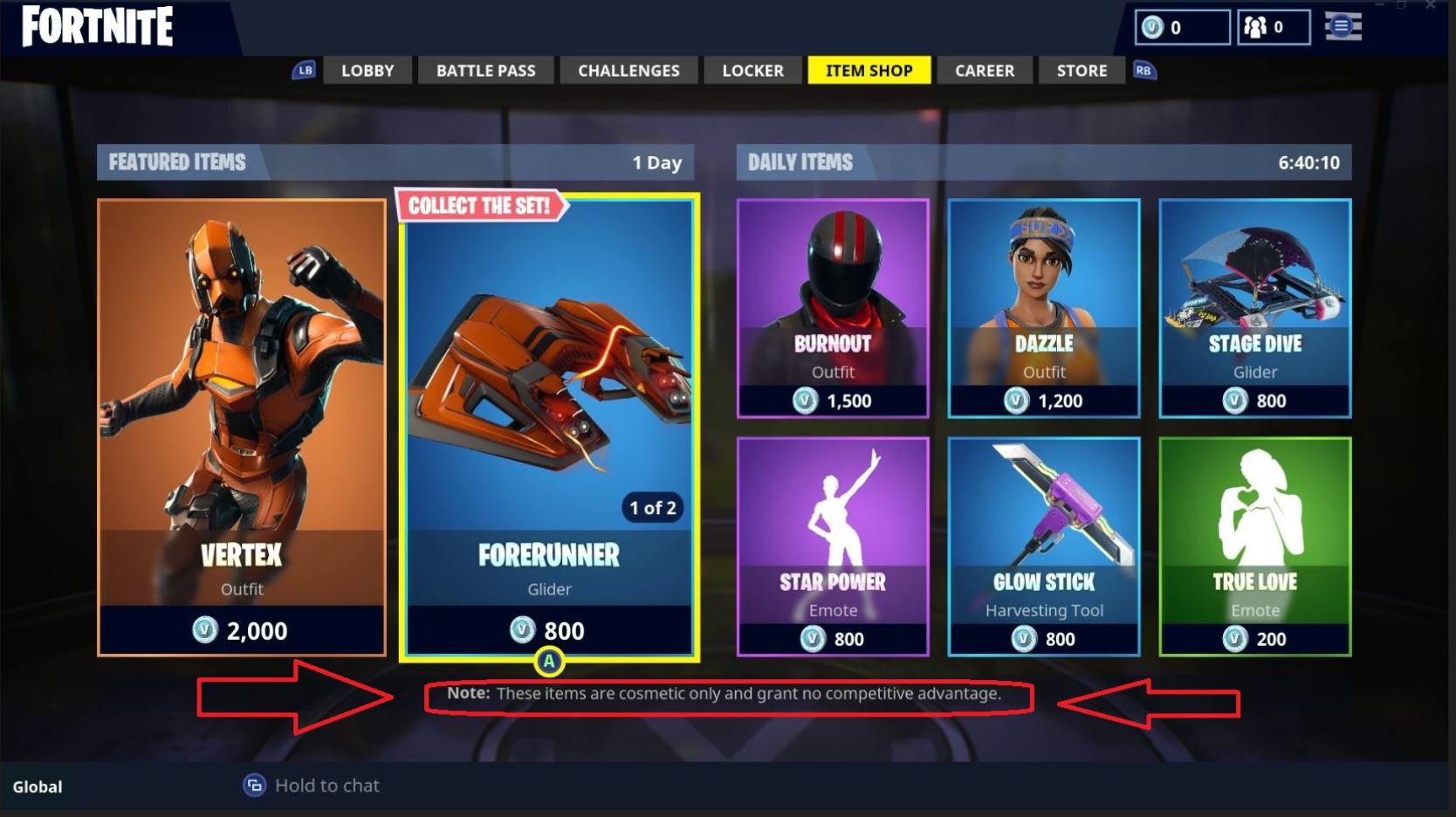
The reason is actually quite simple. In Fortnite there are really only two things that’ll cost you money: Buying cosmetic items and the Battle Pass. Neither of these have any impact on your gameplay, and are just there for aesthetic or to freshen up various aspects of your game.
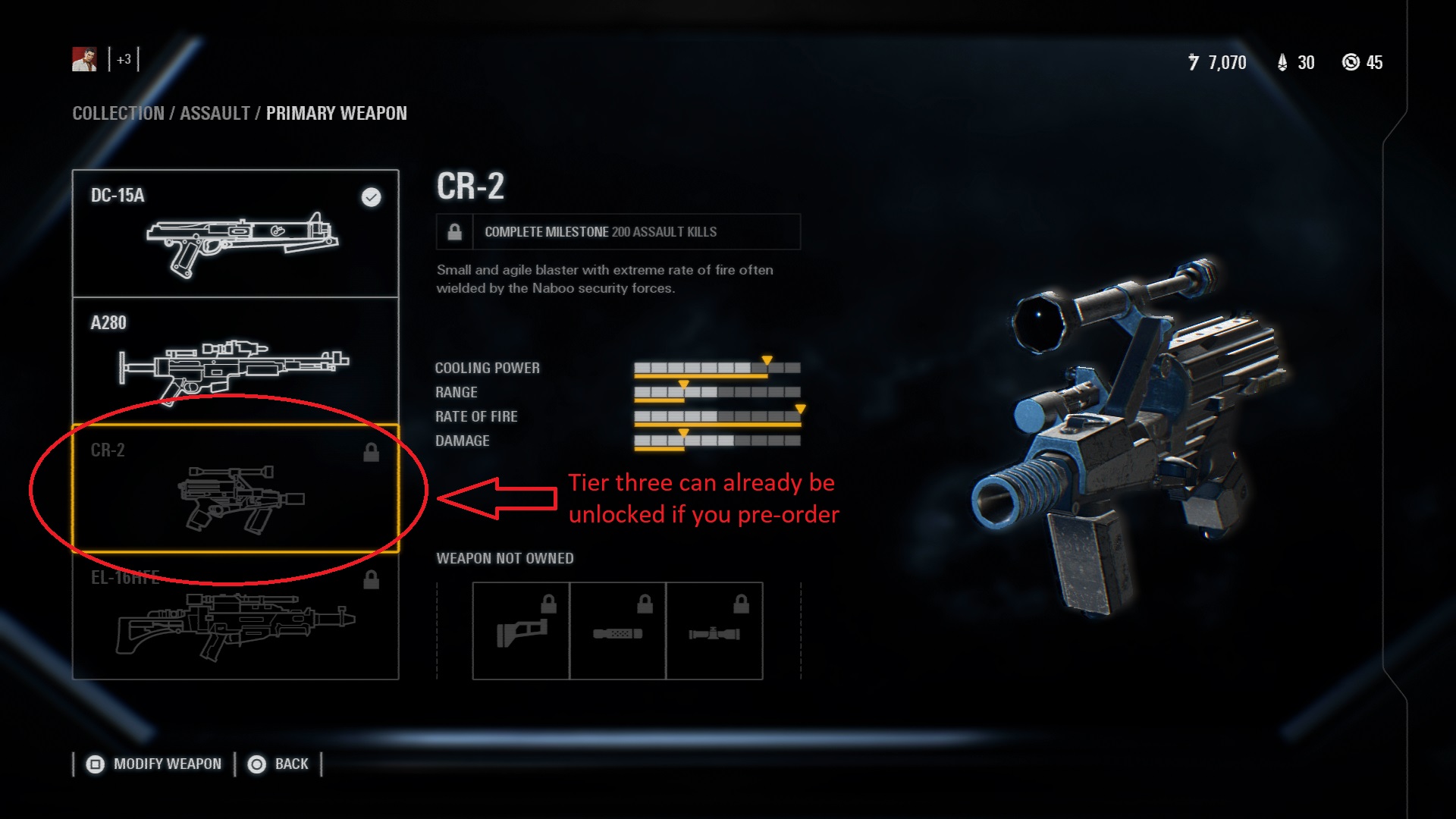
Meanwhile, we put 65 hours into Battlefront II’s multiplayer, and this was after the removal of any in-game micro-purchases. However, players who pre-ordered the game still had a huge leg up over the competition, with higher-tier weapons and epic level star cards. We shudder to think what things were like before the update, and just how much content was originally supposed to be available to players willing to cough up the extra money.
While Fortnite is not the first game to reach this monumental landmark (that title goes to Sony and Square Enix’s Final Fantasy XI), this is a genre that sorely needs this element. With 100 players per match, having access to players from Xbox, PlayStation 4, Windows, Mac, Nintendo Switch, and even mobile devices widens the net so much that the longest waiting time we had before a match was about 30 seconds. Battlefront II, confined to one platform per lobby, took longer – upwards of a couple minutes loading a match.
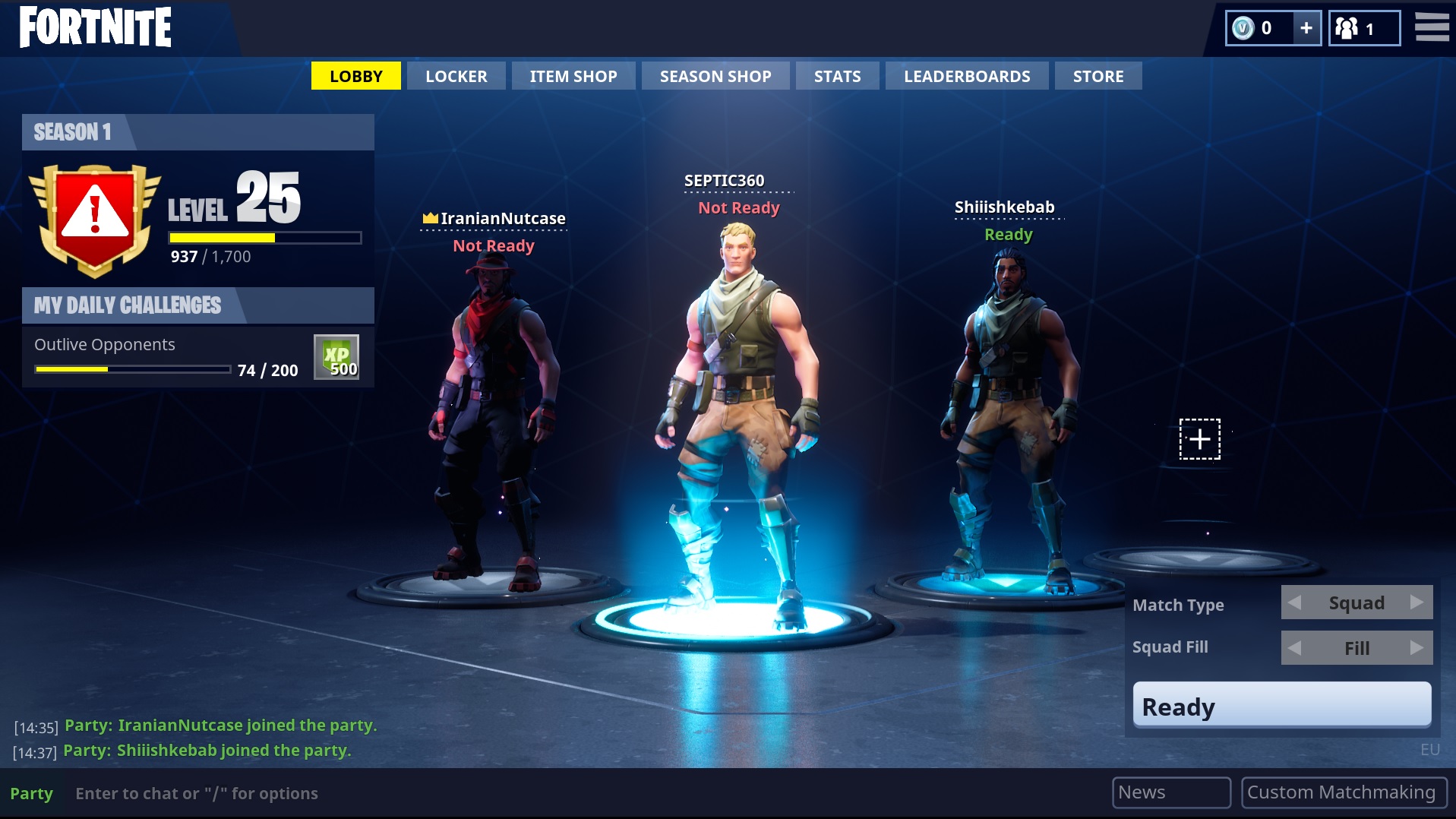
Besides enjoying faster load times, Fortnite, like any game, is made better simply by virtue of playing with friends. Having a team helps your survivability (and your sanity), and we were excited for this first opportunity to play a game like this with our mobile gaming friends. With such a focus on multiplayer, Fortnite’s inclusion of cross-platform gameplay is a huge sigh of relief.
3. Aesthetic
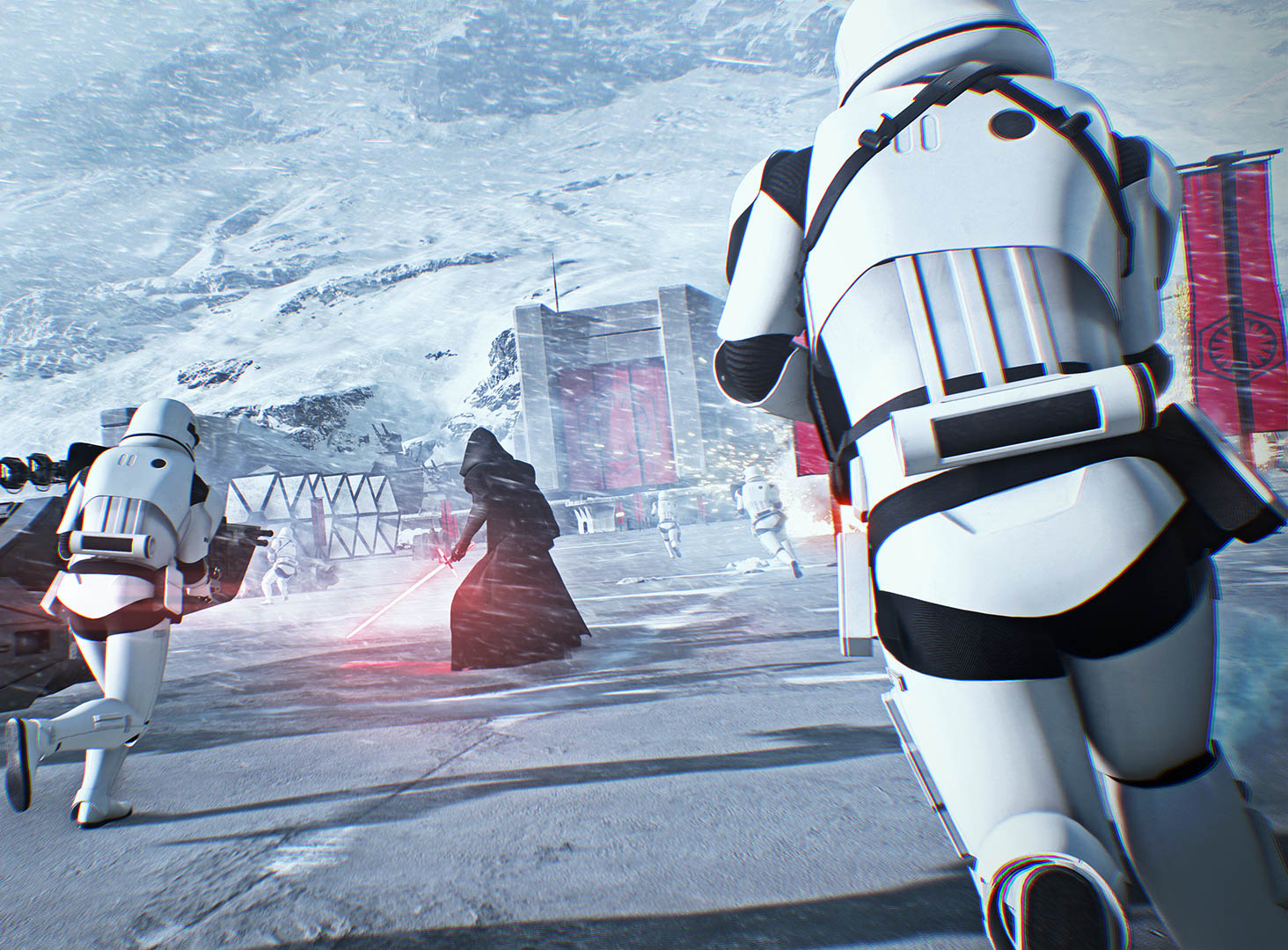
Going up against the iconic lore and look of Star Wars, we couldn’t believe that Fortnite’s presentation left a better impression. We’re not talking strictly about visuals here. If we were, Battlefront II has it in spades, being one of the prettiest games we’ve ever seen.
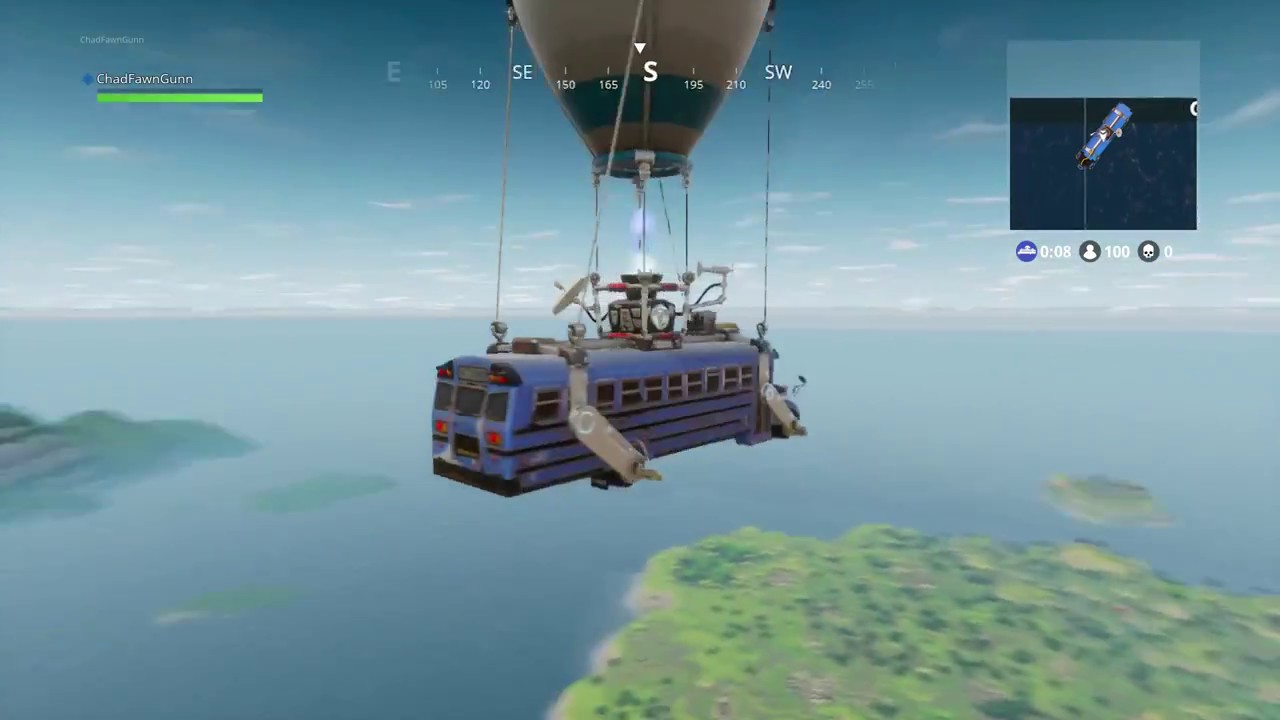
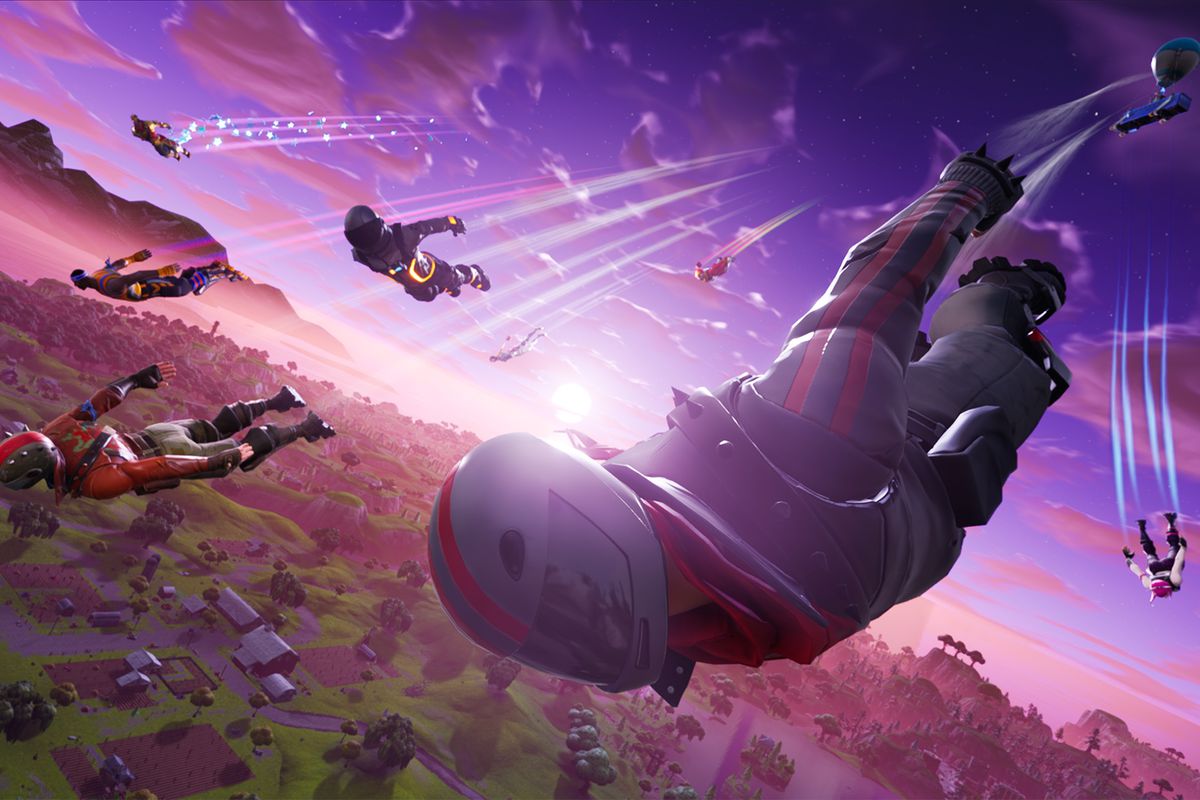
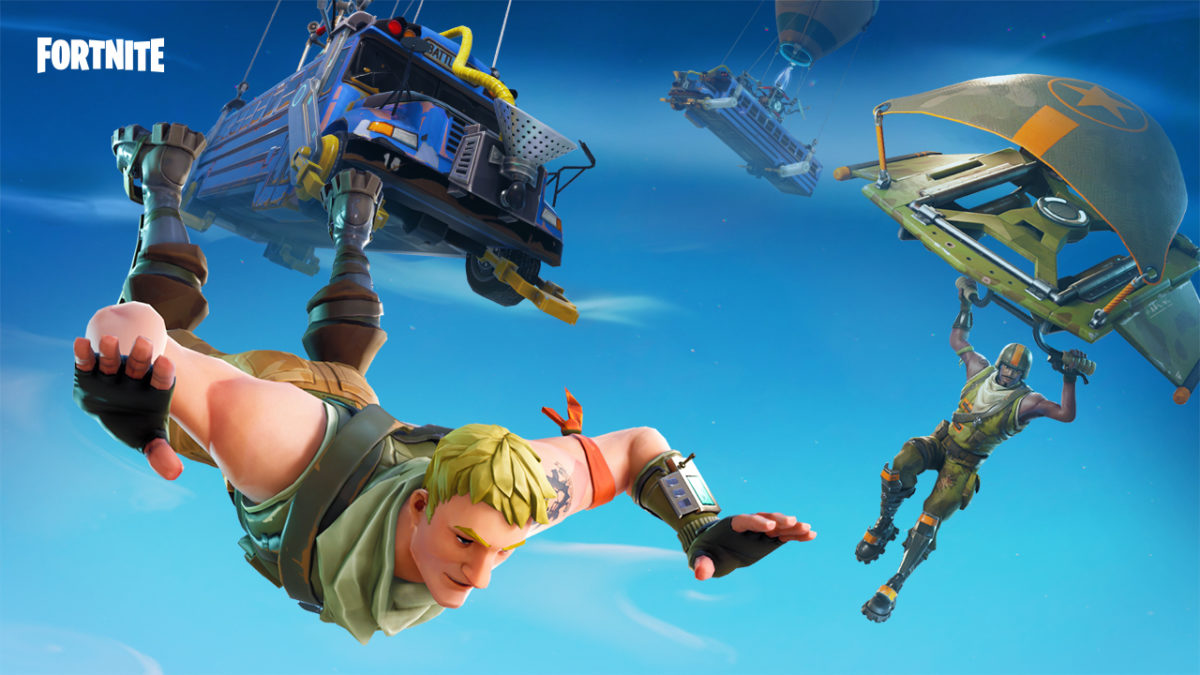
What we’re trying to highlight here is more that Fortnite’s vibe is consistent. With zany character and weapon models, dancing players, an intro cutscene that made us chuckle, and even just the general feel of the map, we never questioned starting each match skydiving off a party bus.
https://www.youtube.com/watch?v=ONN7pk9oY9E
Did Battlefront II fail at its aesthetic?
No. But there were some odd inconsistencies. The silly animations and dances of Fortnite’s emotes were just one more element that added to the game’s playful personality. From the get-go players get a taste of what they’re getting into. Battlefront II had <emotes> as well, and they just feel … dumb.
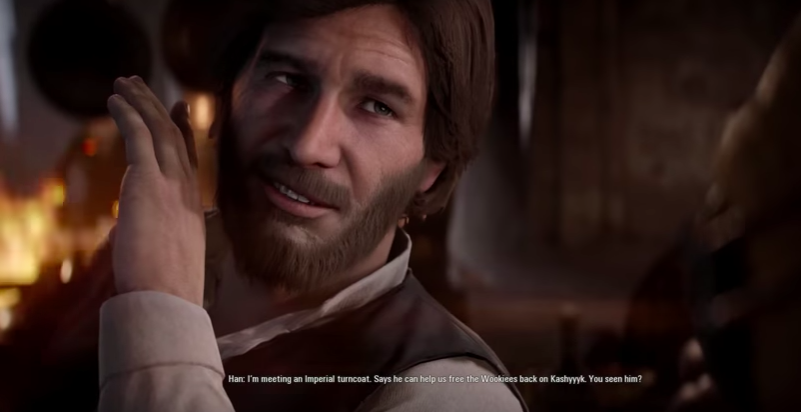
It’s out of place. And so is the bearded Han Solo, and the utterly bizarre choice to feature Bossk so heavily before ever introducing fan favorites like General Grievous, Count Dooku, or Jango Fett.
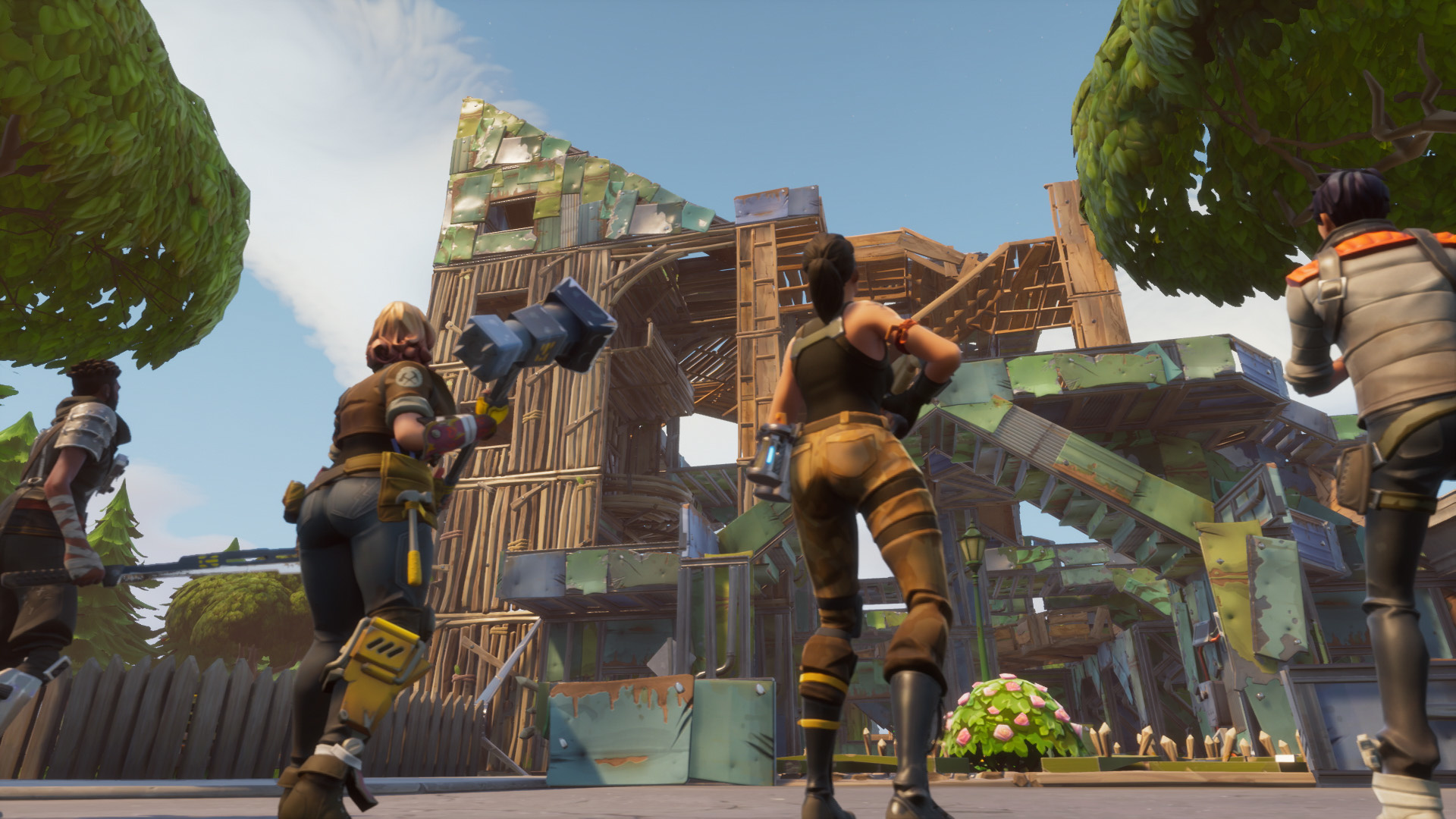
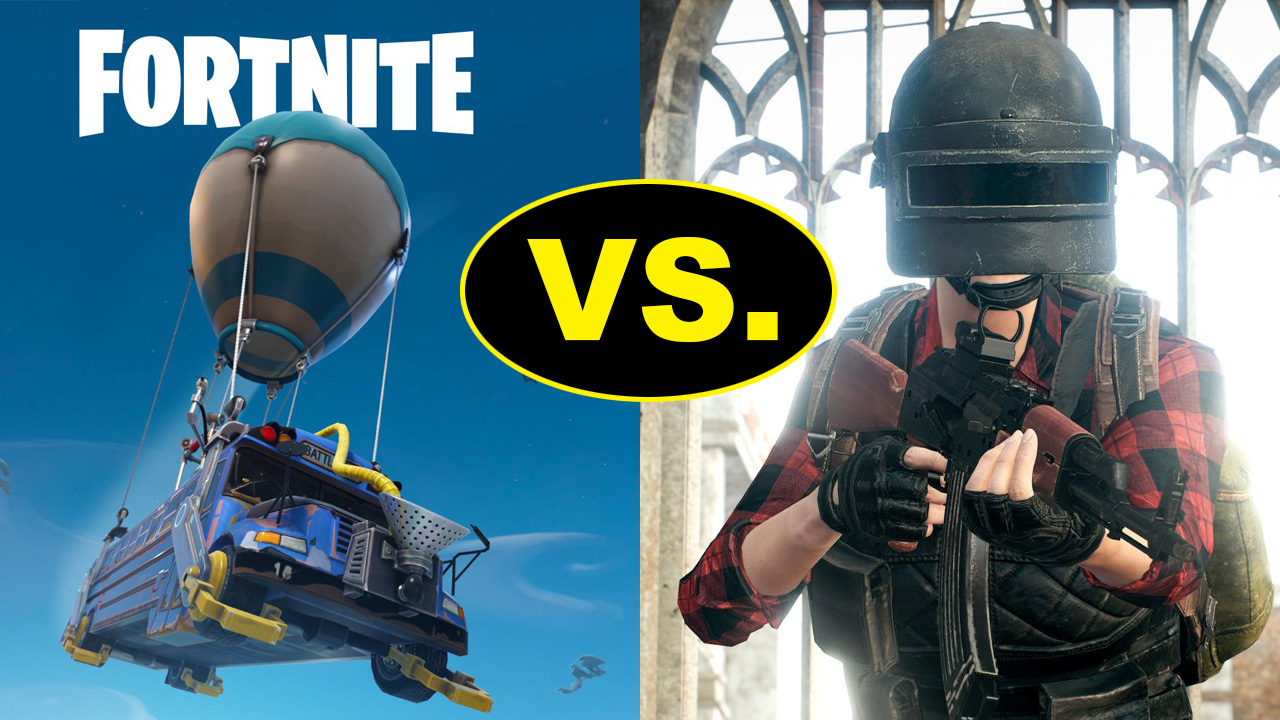
What set Fortnite apart from other massive online shooter games like PUBG or H1Z1 was the clever implementation of a build system. Players can build forts using varying degrees of build materials that are harvested around the map. Comparing a mechanic like this to Star Wars seems like apples and oranges, but hear us out.
Building in Fortnite can be much more than a game mechanic. It’s a personality, maybe even an art form. For such a simple idea, a player’s expression can really come through in a visually striking way, which promotes some sorely-needed sense of individuality in a map you’re sharing with 99 other players. Skilled players can find clever ways to out-build and outmaneuver their opponents, and 1v1 scenarios quickly become a contest of not only a player’s aim, but of their ingenuity and foresight.
Battlefront II features a maximum of four playable classes at the start of each Galactic Assault match, each class having their strengths and weaknesses. For further depth, each class can be outfitted with different star cards and weapons so they can better specialize at their chosen niche. While this is a generally good start, it’s crazy to think that the build system adds so much unique choice to a game with one hundred players, all of whom are starting the match on equal footing without a class.
We’re not saying we want a build system in Battlefront II. Far from it. But we are missing the greater sense of player freedom and creativity that really shone in Fortnite. If Battlefront II gives players a paint-by-number book, Fortnite hands them a blank easel, a handful of colors, and says “go crazy.”
5. Elements of randomness
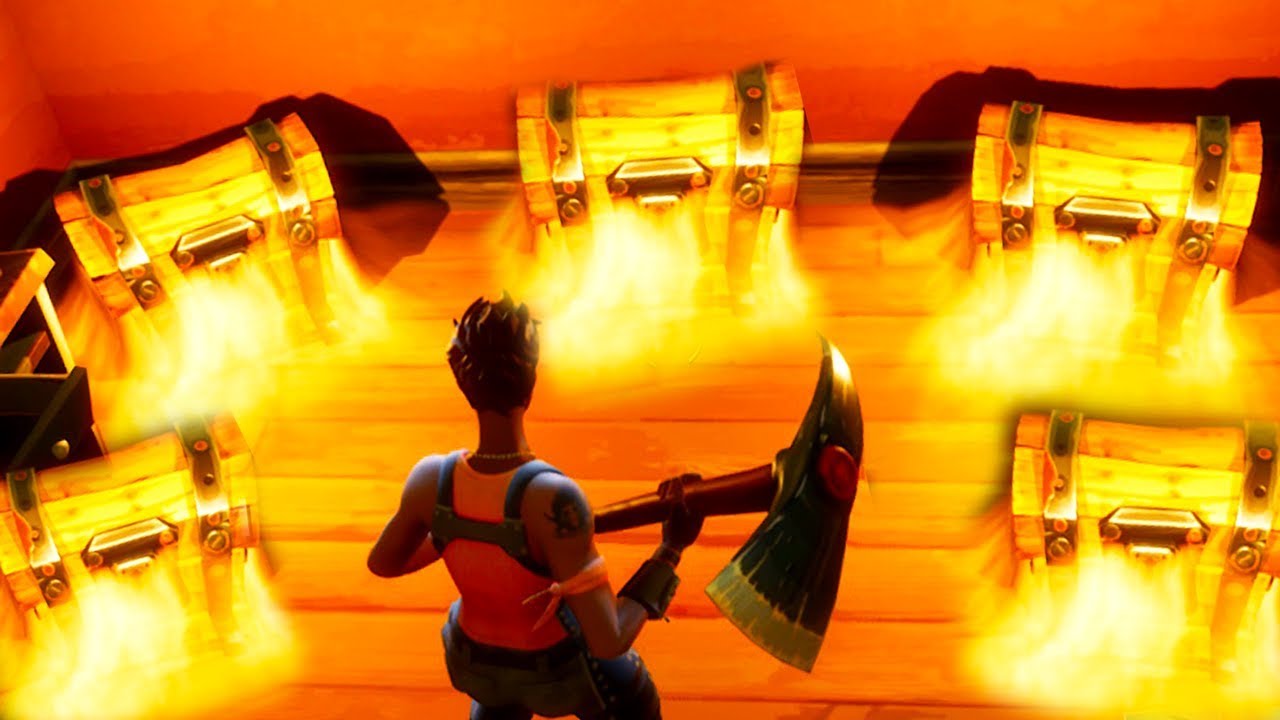
From the first seconds of a Fortnite match, the player begins by skydiving in with access to virtually any corner of the giant map. Immediately upon landing, they’re either engaging in a firefight or furiously scavening for resources and weapons. What makes the mad dash exciting match after match is the element of randomness that comes with opening a chest, predicting the ever-growing storm, or looting the body of another player. The items found in the chests sprinkled throughout the map are randomized, meaning that even if you choose to land in Junk Junction every time, you’re not guaranteed the same outcome.
https://www.youtube.com/watch?v=z0E8vsttaqw
The implication of a die roll keeps Fortnite fresh and adds a subtle underlying excitement – a ‘what if’ scenario that plays in the head, speculating what could have been had the loot been different. What you chance upon can radically affect your game, with good equipment sometimes carrying you all the way to the white-knuckle endgame.
The only random elements Battlefront II features are the map chosen and the skill and choices of other players, but that’s really a given with a multiplayer game. Matches in Battlefront II progess through stages. Naboo is a ground assault in the city of Theed, then a push inside the palace, culminating in a King of the Hill for the throne room. We landed on this planet numerous times and the only instance where this was not the formula was if the Separatist faction gets skunked before the next stage can occur.
https://www.youtube.com/watch?v=QdrDvUc8Sls
A decision from EA’s first Battlefront title that got a mixed response was the spinning blue tokens hovering on the map. Picking these up granted a one-shot item, vehicle, or hero that the player could use. While maybe not the best way to implement such core features in a Star Wars game, there was at least a feeling of anticipation every time you picked up one of these tokens.
While we think removing these was a step in the right direction, we do love the feeling Fortnite gives us every time a chest spews out a handful of randomly-generated loot. It’s this idea that you could at any time bump into a game-changer that can instill hope in a less skilled player, and it’s the same idea that encourages caution in players resting on their laurels. You can’t sit pretty in Fortnite until you’re the last player standing; there’s always someone who could stumble on a sniper rifle or a shield in a chest that might knock you off your mighty tower.
Despite its flaws, we still enjoyed a lot of things that EA Star Wars: Battlefront II offered, and this is not meant to be a scathing condemnation. Rather, like the Dalai Lama teaches, “When you talk, you are only repeating what you already know. But if you listen, you may learn something new.” We think that EA has to keep aware of design decisions other games are doing that ARE widely successful. There’s a lot to be gained from seeing what fans like, from Fortnite and even from Pandemic’s original 2005 Battlefront II. We’re hopeful that they might!
By 2018, we totally expected we’d have flying cars. We don’t. But what we do have are some of the most exciting video games ever created. Here is our list of our favorite new entries for 2018 so far…
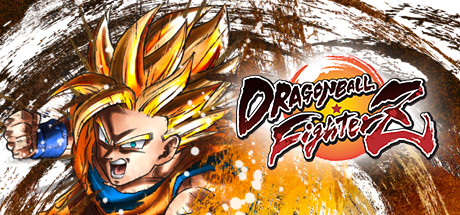
DragonBall FighterZ (January 26) (PS4, Xbox One, PC)
The ultimate Dragonball Z experience. Period. The previous releases in the Dragonball series have been plagued by junky controls and an overly cell-shaded aesthetic, but Dragonball FighterZ is the game fans will want to get their hands on. With an engaging storyline, smooth transitional gameplay, and a fantastic art style, this has been a certified hit. Though the multiplayer is lacking a bit with its matchmaking algorithm, there’s enough content packed into Dragonball FighterZ to keep you occupied for a lengthy amount of time.
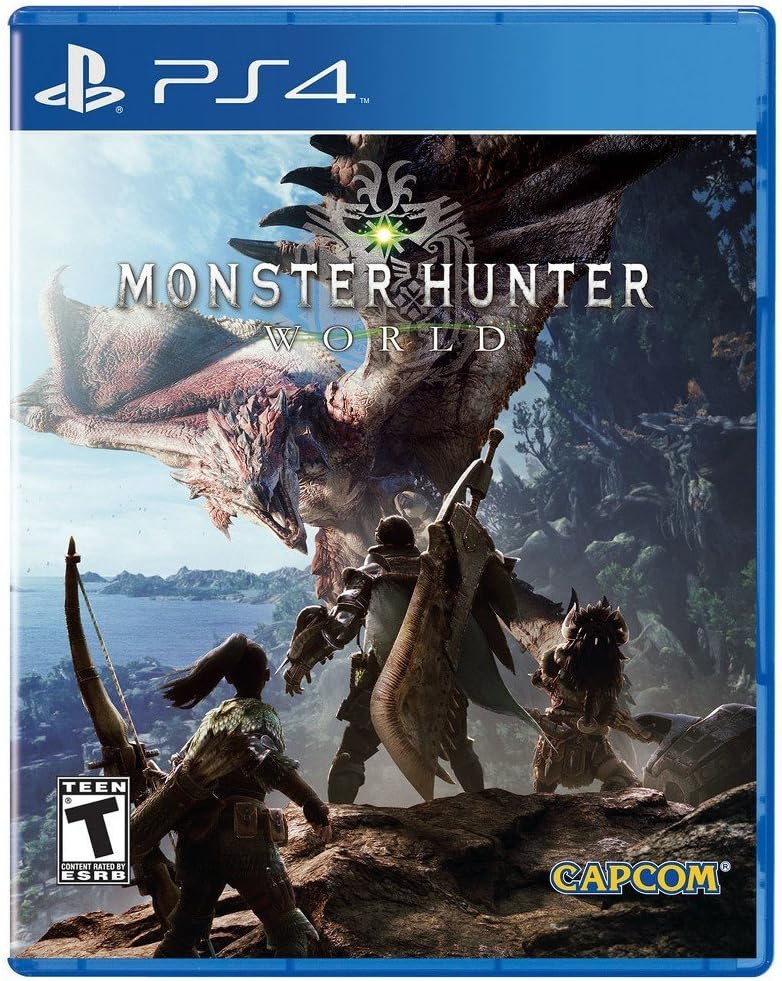
Kicking the year off, Monster Hunter World made its way to North America where it saw rave reviews. Its tactical, almost Souls-style gameplay makes every move crucial to survival. The Capcom product runs well on the PS4 with beautiful graphics and the occasional framerate drop, but with over 100+ hours of gameplay, if you’re not still playing it, it’s never too late to join the community.
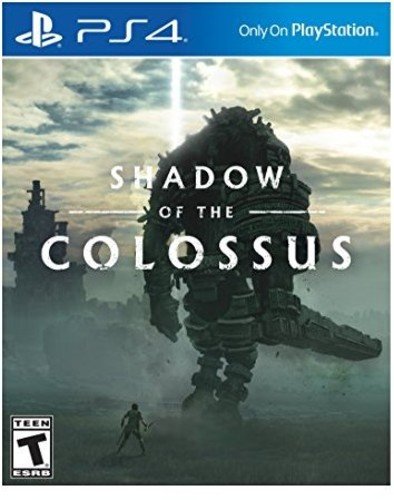
Shadow of the Colossus was a quiet beast for a decade and a half. You take control of Wander and ride across a forgotten expanse to defeat Colossi. Its initial release in 2005 saw near-perfect reviews and it’s a blessing to have this title come to current gen consoles. For its release, the gameplay of pitting David vs. Goliath was unexplored. However, Team Ico absolutely nailed the experience and cemented their product in the history books. Do yourself a favor and enjoy this game.
Kingdom Come: Deliverance (February 13) (PS4, Xbox One, PC)
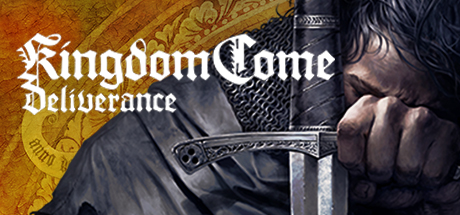
Much unlike The Witcher and Skyrim, Kingdom Come: Deliverance is a medieval simulation. With weighty combat and defensive moves, Kingdom Come strives to bring the most realistic medieval experience to video game fans all over the world. It’s a step in a risky direction, but if you love engaging RPGs, be sure to give this game a try.
Age of Empires: Definitive Edition (February 20) (PC)
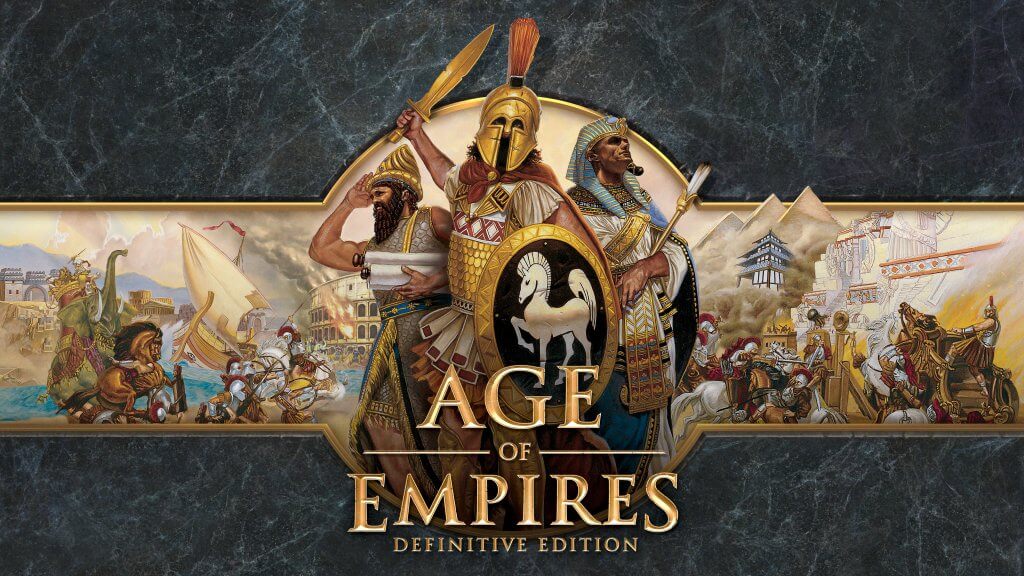
The Real-Time Strategy titan returns to PC with upgraded graphics and a heavy dose of nostalgia. Most everything in AoE: Definitive Edition is the same as its older generations. You’re still building a civilization to conquer a procedurally generated landscape via force and diplomacy. If you’re a fan of AoE, you know what you’re paying for. If you’re new, this is the best place to start. An old legend polished and re-released for a new generation.
An ambitious title from relatively new developers, Hazelight, A Way Out puts the player into a split-screen, dialogue-driven story of prison life, escape and survival. The story is told strictly through a split-screen experience. It’s an ingenious creative device that ropes the player in immediately and never lets its foot off the gas.
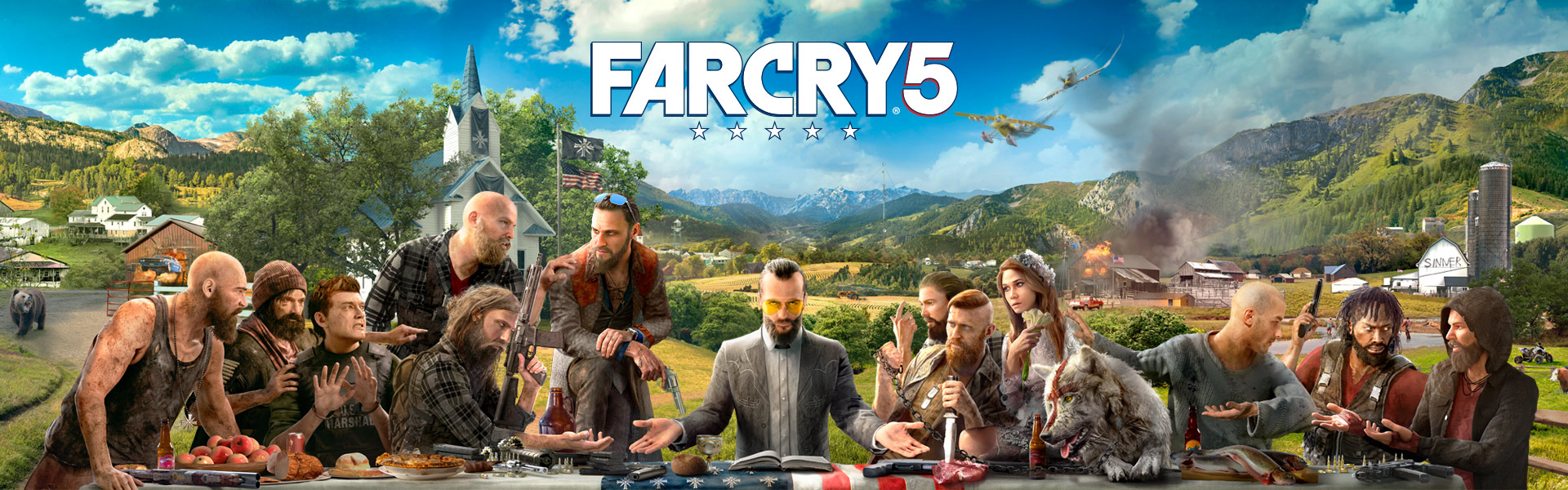
The Far Cry series has seen its ups and downs (Far Cry 4 and Far Cry Primal). Ubisoft has turned a new corner recently, putting more emphasis on the actual content of their games, rather than milking a map structure and bland quest objectives. As with most Far Cry games, you know what you’re in for. But with a setting rife with murderous evangelicals in the United States, this is a Far Cry game that we haven’t quite experienced yet.
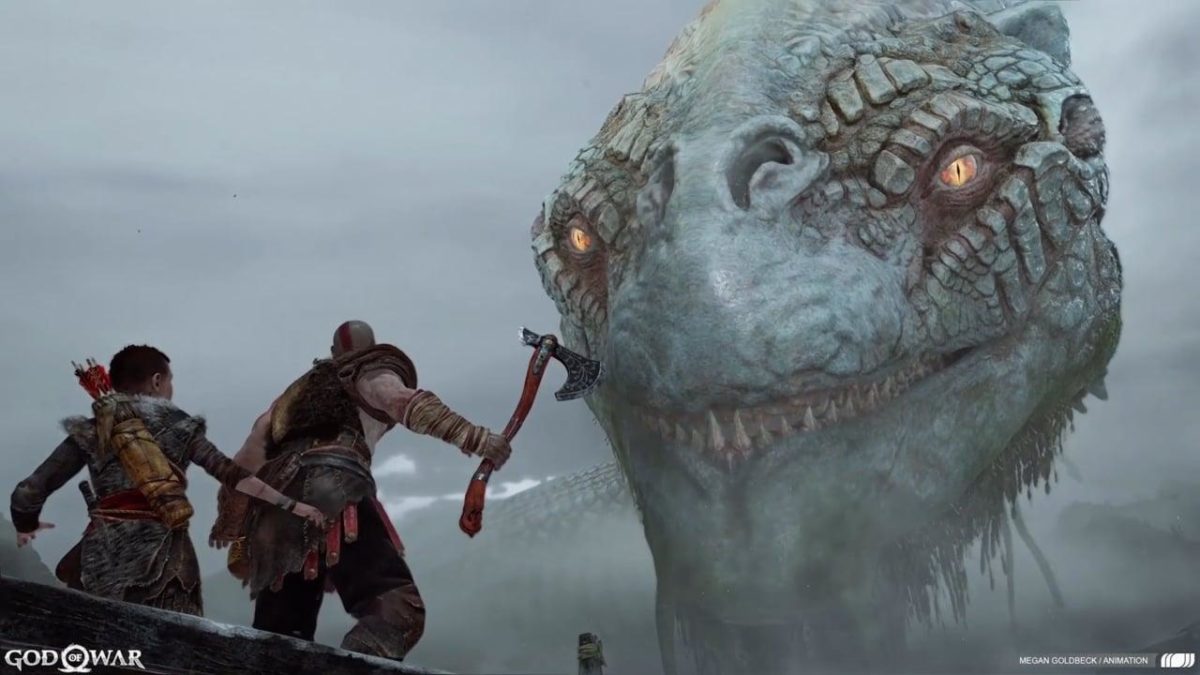
The juggernaut of 2018, to say the least. At its E3 reveal in 2016, the gaming world went bonkers. A new God of War game is enough to make any PlayStation owner salivate, but the newest installment brought a two-year hype-fest. Gone are the Twin Blades, but here to stay is a tremendous axe and an ever-present, but never-in-the-way companion. This time around, God of War is a story-based experience at its core and the IP has never been better.
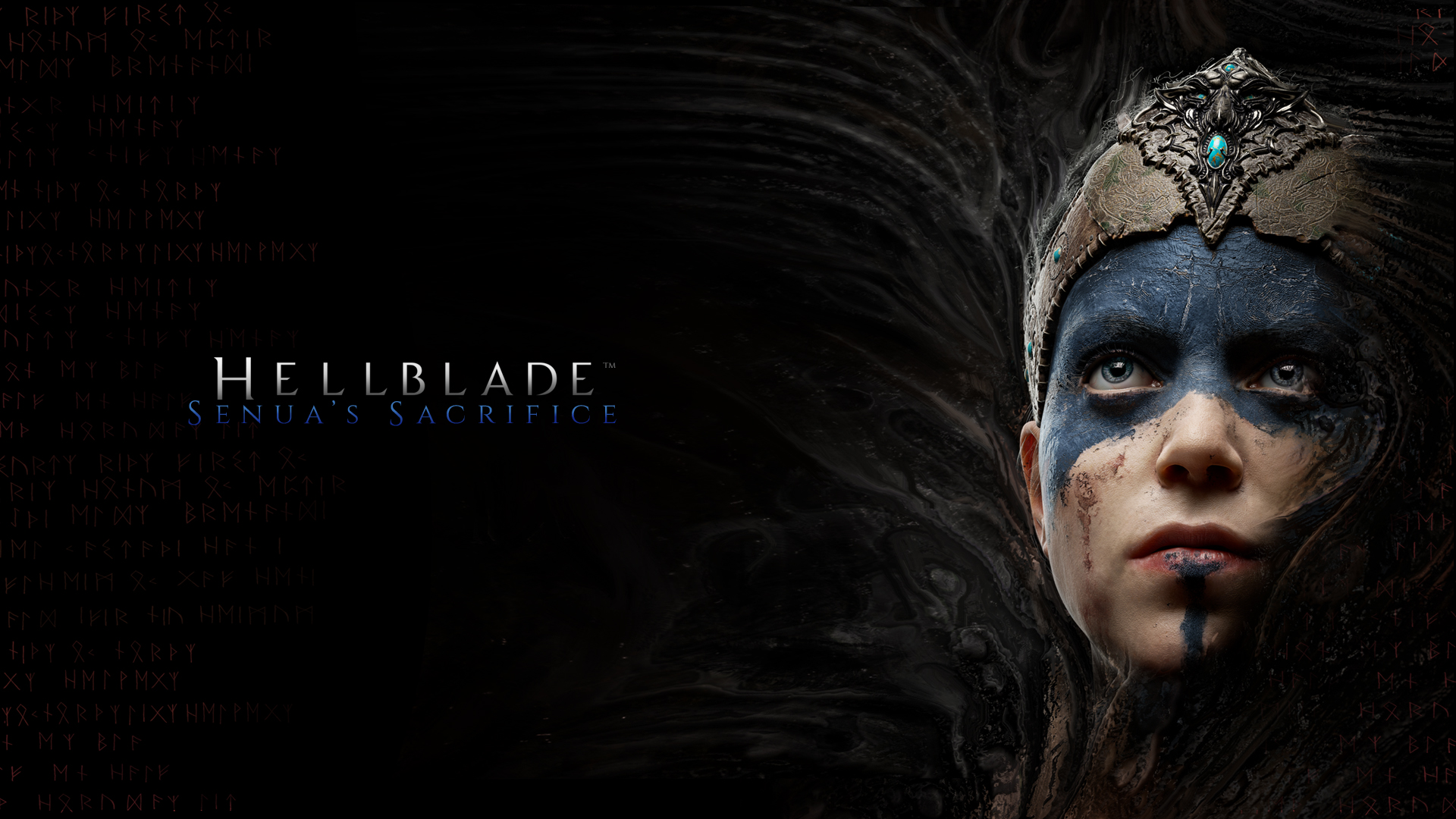
A sleeper hit of 2018, Ninja Theory’s Hellblade: Senua’s Sacrifice brings real-world issues into a virtual world. The main character is plagued with mental issues, most prominently Schizophrenia, and the story unfolds as you battle your inner demons and put past trauma to rest in a landscape of nightmares. While this title was available for Windows and PS4 last year, it’s a welcome addition to the Xbox library in 2018.
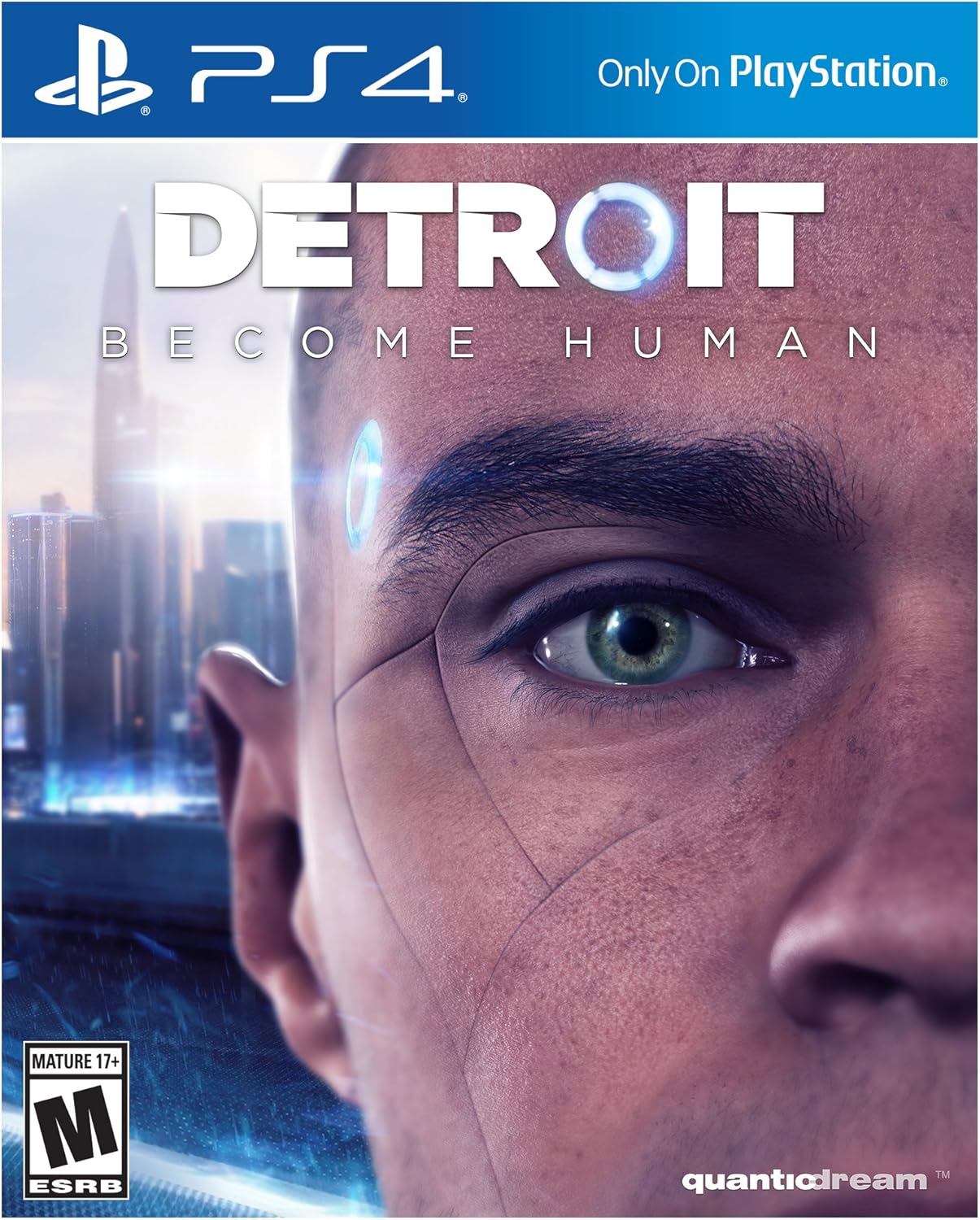
Quantic Dream has done it again. They have created an original story with top-tier graphics and gameplay mechanics. Focusing around three main androids in a future Detroit, the player battles with complex decisions and an expansive decision tree that warrants multiple playthroughs. If you liked Heavy Rain and Beyond Two Souls, you’re going to fall head over heels for this title.
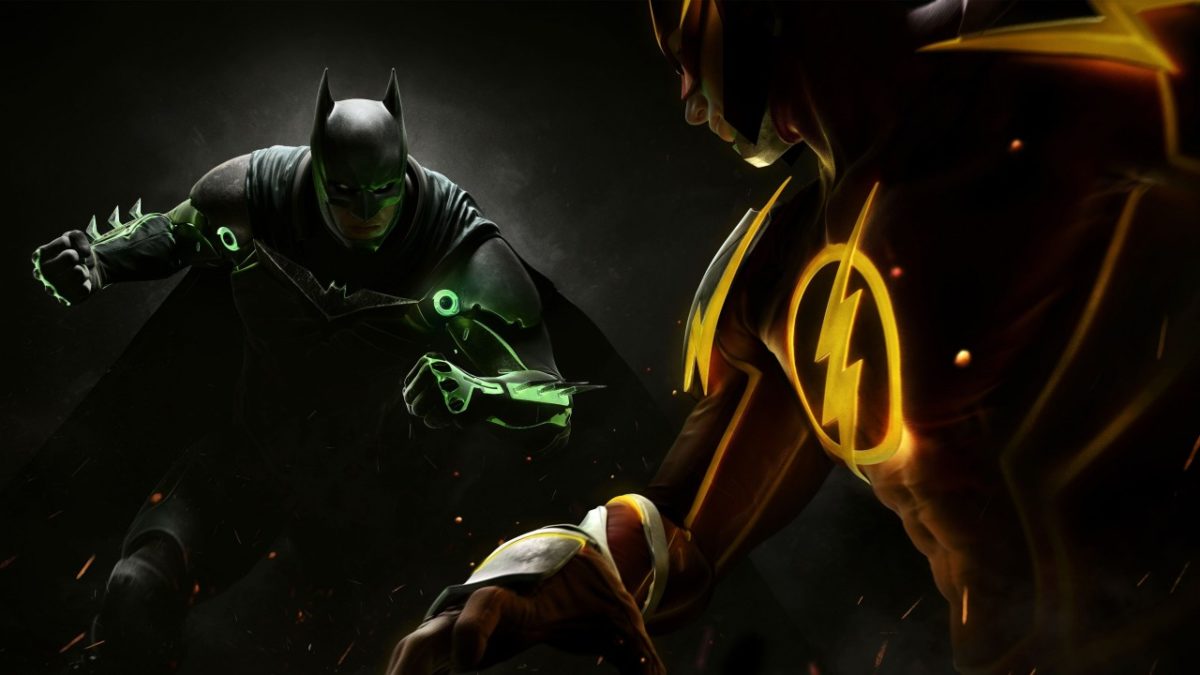
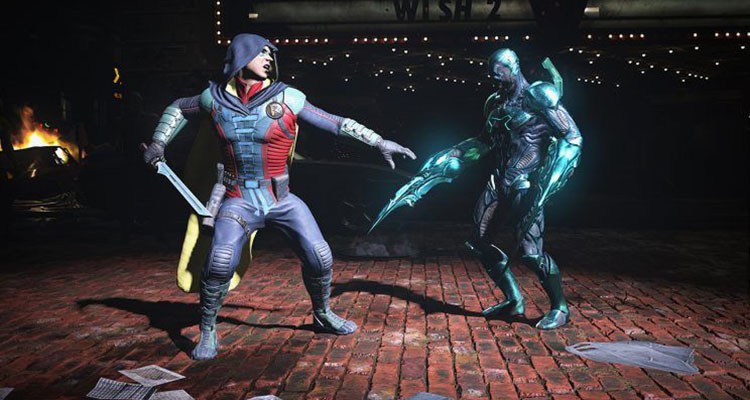
Looking to cruise through the Injustice 2 story campaign and then head online to crush the competition? In the famous words of Ra’s al Ghul, “if you devote yourself to an ideal, and if they can’t stop you, then you become something else entirely.” Let’s hope that “something else” is the top of the leaderboards, right?
While there are no quick and dirty techniques that can substitute for solid practice, these are some general tips and tactics to make sure you don’t end up like poor Shazam near the end of the first Injustice. (Spoiler alert: It didn’t end well.)
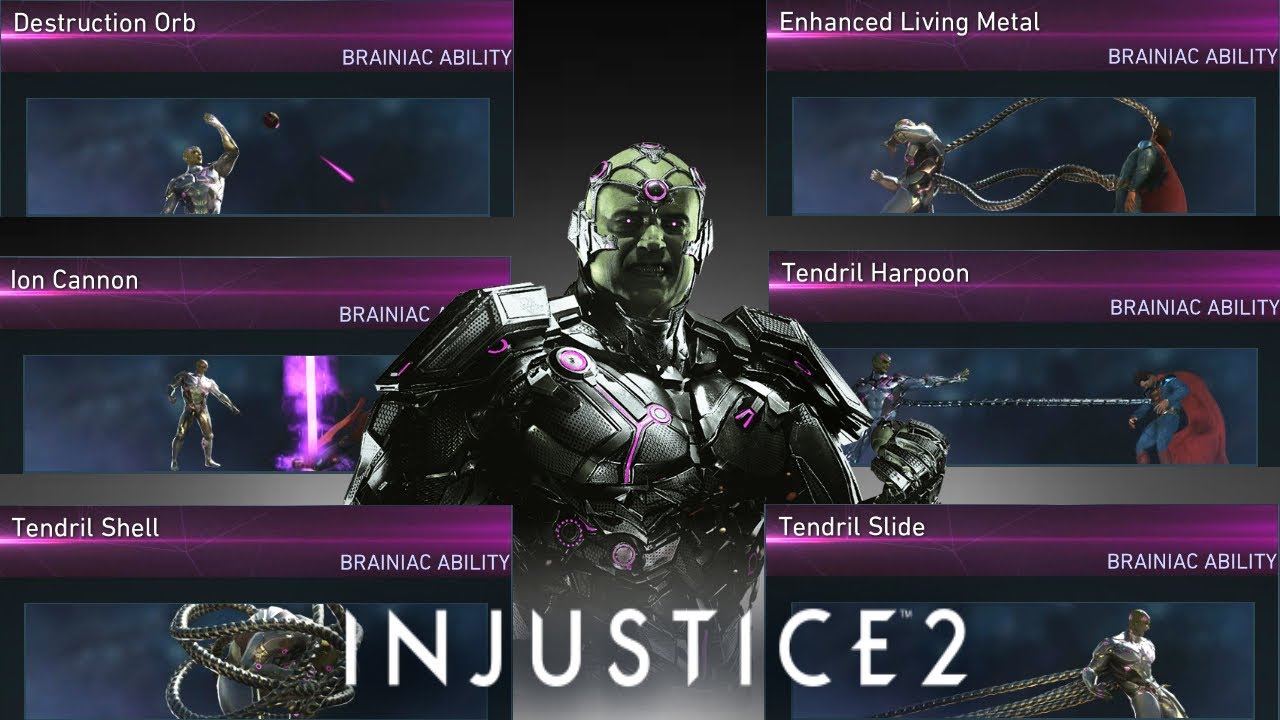
While there’s no ‘one size fits all’ with Injustice 2, there are a handful of attacks that every character has. With a roster of around 30 characters, it can be extremely daunting trying to learn how to play as each one of them.
Lucky for us, there are some moves that are shared by everyone:
Block:
While this game has no true universal block button, moving backward allows your character to block attacks. This doesn’t make you immune to everything, though; your feet are still exposed, and opponents may try to hit you from above, so know when to block and when to go on the offensive. You can also block an enemy’s super move, so when you see the quick cutaway of them preparing to execute it, start blocking immediately!
Don’t underestimate the value of dashing, either to escape an enemy’s impending hit or (more likely) to close the distance between the two of you so you can wail on ’em. Try following up a dash with a jump and you’ll see how many different angles you can create where an opponent may not expect your next attack to come from.
Bounce Cancel:
Dashing at certain points during a combo can throw in a bounce cancel at the cost of two bars of meter. This can lead to some very long and extremely damaging juggle combos or transitions. Again, every character can do this, which means learning how to do it should take priority over combos or special moves specific to any one character.
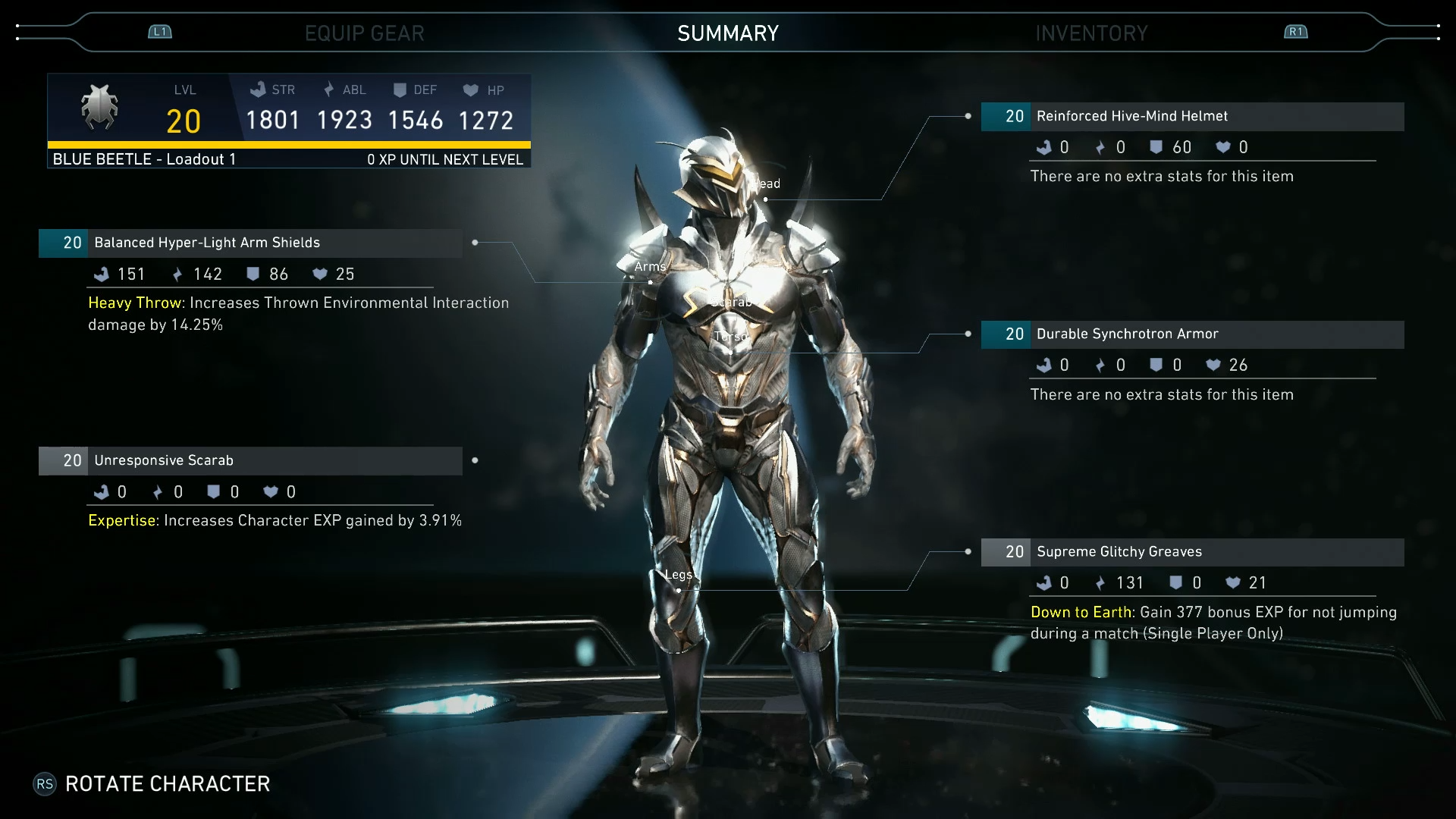
Unlike its prequel, Injustice 2 has a full-on upgrading system that allows for your characters to unlock and equip new gear and substitute in powerful alternate abilities.
https://www.youtube.com/watch?v=Ek83HFwjefw
Don’t be discouraged if you get beaten again and again by those ‘level 20 recommended’ missions in Multiverse. If you’re tackling them with a level eight character, the odds are not in your favor. Try and play through some of the easier missions, preferably ones that give you epic gear, or gold or platinum crates. The more of these you unlock and slap on, the closer you’ll get to that tough enemy’s stats. Then it’s just a matter of winning the match now that you’re on a level playing field.
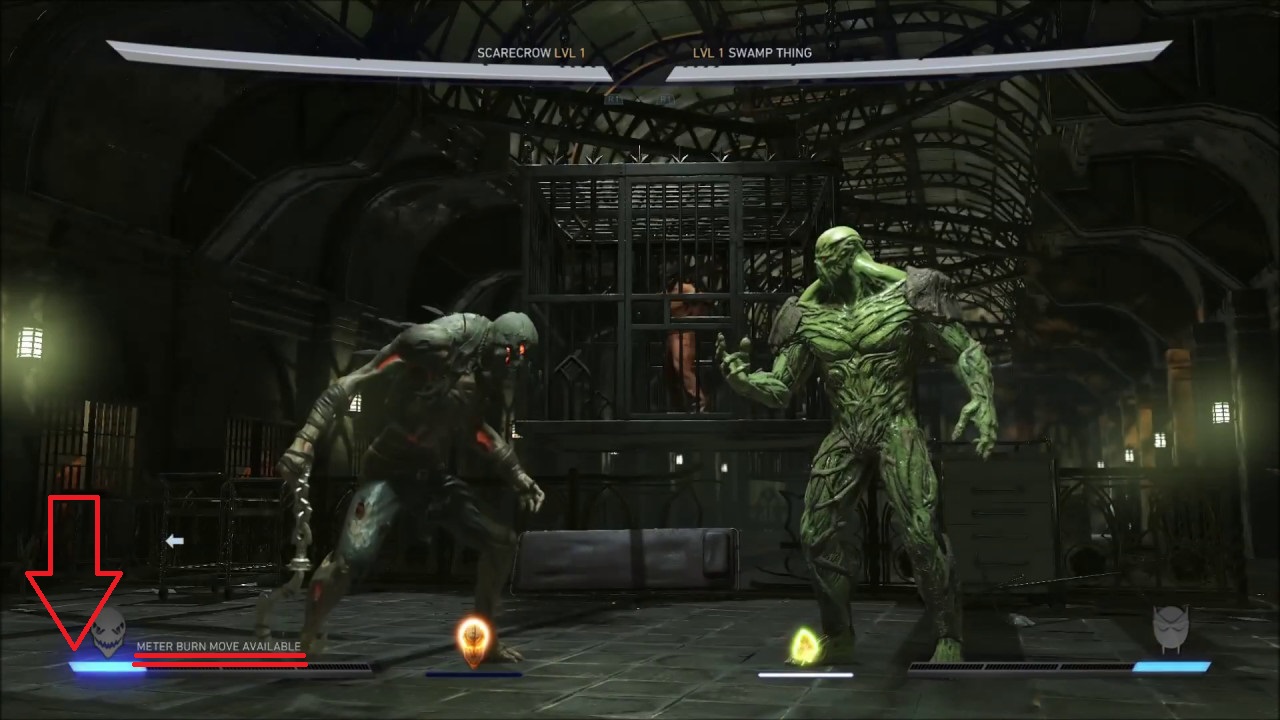
3. Don’t be afraid to burn meter
Your meter on the lower left of the screen can be spent in a number of different ways. While your go-to may be to save it all up for a wager or a super move, don’t underestimate what a well-placed block escape or roll escape can do.
Most useful of all might be meter-burning special moves, which can totally change where the opponent lands after, or how much damage or what effect it has on them. Starfire’s ‘burning desire’ can be meter burned to knock opponents down, while The Atom’s beakers meter burn for a huge variety of possible combinations.
Don’t shortchange yourself of what’s in a character’s arsenal just because you want to save up for a wager or end with a flashy super move. Once you know a character well, you’ll quickly discover that you can do far more damage with a long combo that includes meter burn attacks and transitions than you could with a single super move:
4. Know who you’re fighting
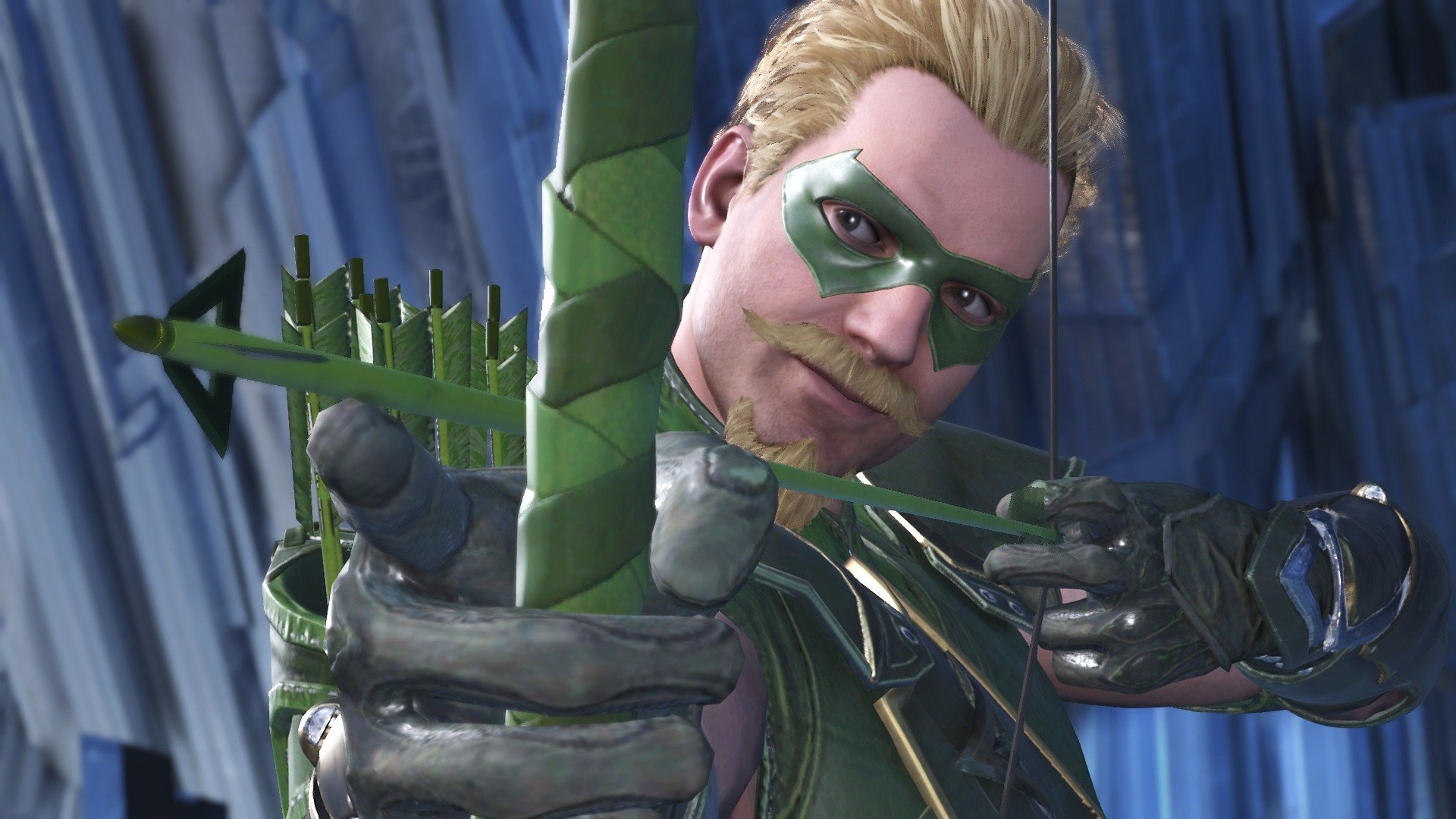
It’s important to know what makes your character tick, but it’s equally important to know who you’re up against. Say you’re playing as Supergirl. She has a variety of ranged attacks, teleport hits, stuns, and dash attacks. Put her against a ranged powerhouse like Dr. Fate or Green Arrow and her best bet is to close the distance with her teleports and dash attacks. Stay too far away and you may be quickly overwhelmed by their powerful reach and zoning. Pit Supergirl against a close quarters brawler, like Bane or Gorilla Grodd, and you’ve got a very different scenario.
Always try to angle a fight so you prioritize your character’s advantage against the opponent you’re fighting, be it range, zoning, long combo chains, strength, or speed. Likewise, try to avoid putting yourself in a situation that favors your opponent’s wheelhouse.
5. Keep them in the corner
One consistent rule of thumb for any fighting game is to try and keep the enemy cornered. Injustice 2 features heavy use of juggle combos, and these become 10 times easier if the only direction the victim can go is up, not backward. This works both ways, so don’t linger with your back to the wall unless you’re trying to goad them.
https://www.youtube.com/watch?v=OFKU–DUJu0
You may be tempted to try and force a transition on your opponent, and this can be wise. But weigh your options carefully – could you do perhaps more damage while you’ve got the enemy cornered here? If the answer is yes, instead add your transition as a tag-on to your combo by squeezing in a bounce cancel instead of just going for the usual heavy attack to initiate one.
Additionally, all characters can grab the enemy. If you aren’t moving forward while doing so, that grab attack will end with you throwing the character behind you. This is a great way to turn the tables on an enemy that has you cornered, and opens you up to dish out your own juggle combos and transitions. The same strategy applies to characters who can teleport behind enemies.
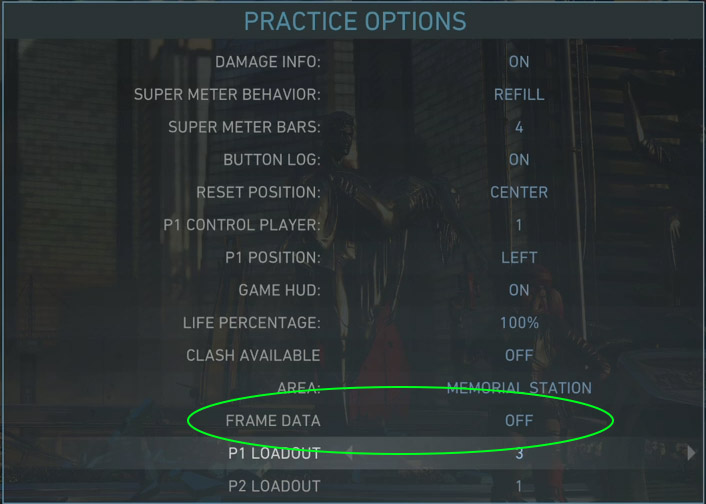
Taking a character into practice mode (accessed via the single player menu) is the safest way to explore their unique move set, combos, and special abilities. Many of the combos in this game require a specific rhythm and timing to execute correctly in addition to just pushing the buttons in order. For example, Bane’s combos ‘raw deal’ and ‘hard time’ might take some repetition on your end before you can perform them consistently.
In addition to giving the player unlimited time to get the feel for a character’s move set, playing in Practice also allows you to customize how the AI acts and reacts within this mode. Some moves only work against opponents in the air. Go ahead and set the AI to jump repeatedly. Or some attacks like Batman’s ‘cape parry’ or Joker’s ‘joybuzzer’ only work as a counterattack. Set the AI to attack you so you can try them out properly.
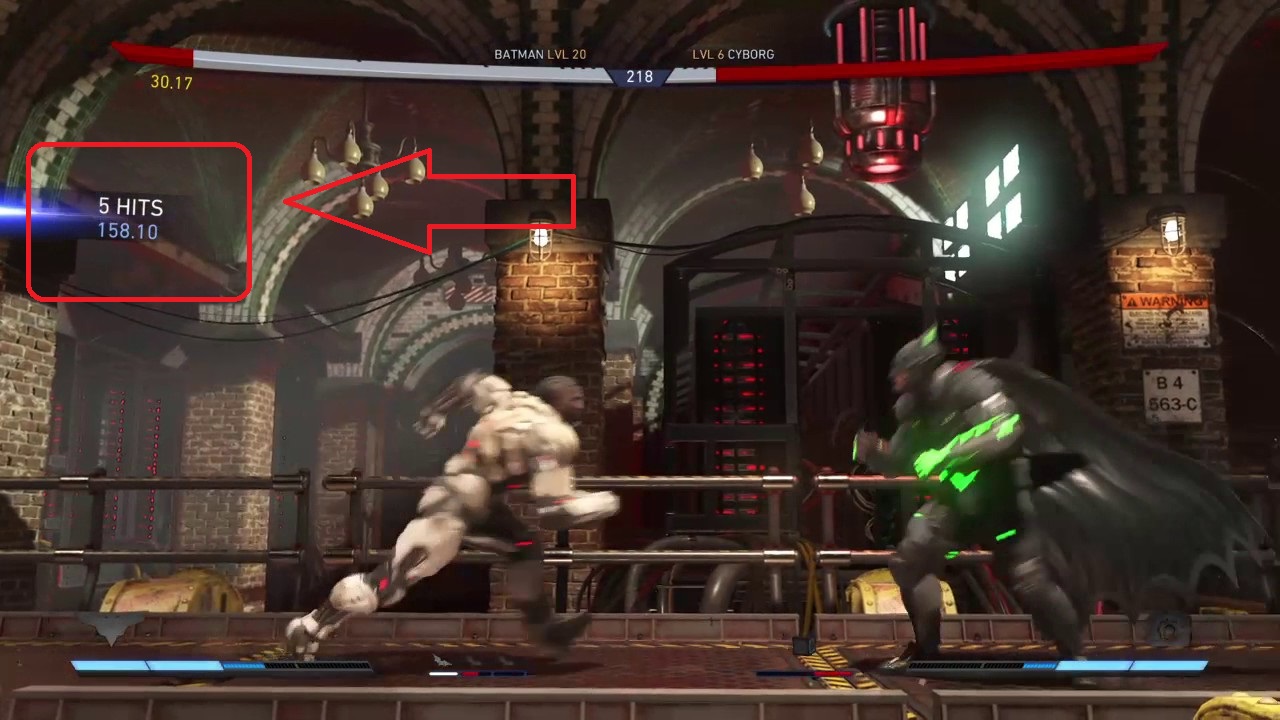
Finally, you can always see how much damage you are doing per hit. When you’re practicing or reviewing a fight through theater mode, keep an eye on this as you string combos together. The higher the number, the more damage you are doing. For starters, try and learn at least two different combos per character that land in the 300-400 range. Get comfortable slipping these into your routine while peppering the enemy with your special attacks and you’ll quickly grow accustomed to seeing openings where you can hit them with your best stuff.
In the past year or so, Battle Royale games have dominated the gaming industry. Fortnite has become a cultural phenomenon and AAA developers are taking note. Both EA and Activision are incorporating Battle Royale modes in the newest Battlefield and Call of Duty titles.
With Battle Royale, every match is different. Even if you are repeating similar steps when entering into mid-game and end-game. It’s a rinse and repeat process, with tactics being refined during and after every match. There’s nothing more exhilarating than being caught in a firefight and shouting at or with your friends.
All of the games on this list have the same core gameplay mechanics. You spawn at a random point on the map, plummet to the ground to scrounge for supplies, and survive 99 other people trying to kill you as a deadly circle shrinks your map. It’s this new frantic and time-sensitive gameplay that propelled Battle Royale into the public spotlight. Let’s get down to business and talk about the Top Five Battle Royale games available right now.
H1Z1
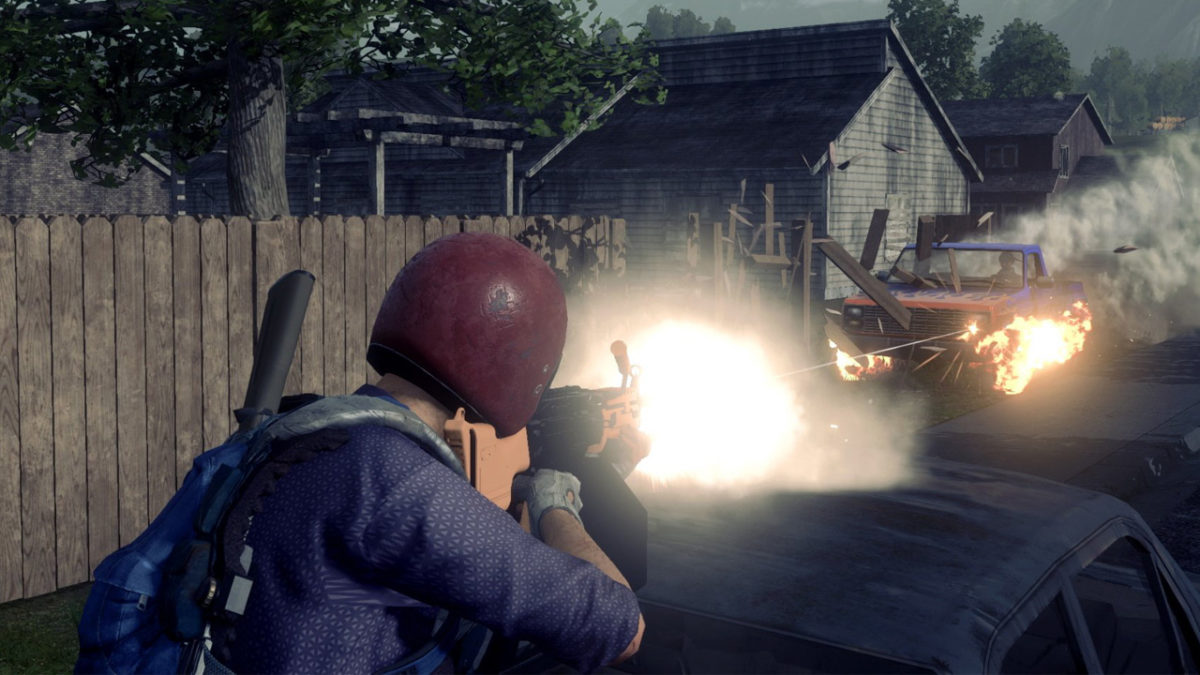
Riding the wave of Battle Royale modes, H1Z1 has taken the PlayStation 4 by storm. Created by PlayerUnknown and Sony Online Entertainment, H1Z1 was originally released before the massively successful PUBG (PlayerUnknown’s Battlegrounds). It hid in the shadows of Steam catalogs as an early access title. H1Z1 is much different than the current flurry of Battle Royale games. While most developers tend to use their art style as a gimmick, H1Z1 graphics are slightly above run-of-the-mill. The lighting can be great at points and the atmospheric effects, such as fog, make for very interesting and heart-racing endgame. But, you’re not coming to H1Z1 for the graphics. You’re joining the community and staying for a long time because of the streamlined gameplay mechanics.
The one that started it all. Well, technically Arma kicked off the Battle Royale movement, but PUBG brought it to fame. Launching early 2017, PUBG has reigned supreme over free-to-play titles on Steam, and most recently, mobile phones. In the hierarchy of realistic gameplay, PUBG sits near the top of the pyramid. There are no frills to this game. It plays much like H1Z1, but without the weapon upgrades, poisonous gas, and massive vehicle mayhem during end-game. If you’re looking for a bare-bones Battle Royale, look no further, PUBG delivers in all facets.
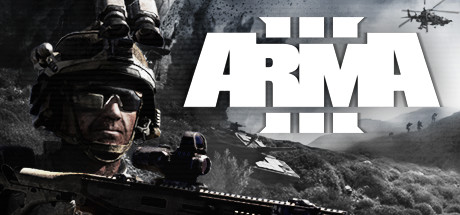
ARMA 3 is the grandfather of all Battle Royale games. The first iteration developed by PlayerUnknown in 2013, Arma 3 is a realistic military simulation set in a fictional warzone where players vie for territorial dominance. Its claim to fame came from community mods and an open-code platform, where players had free reign to alter gameplay as they saw fit. What came from the incessant modding is a game that, on the surface, looks like a standard military simulator. However, take a look under the hood and it is deeply complex, with a different control scheme for all types of vehicles and an adaptive, intelligent player-base. There is a steep learning curve to ARMA, but the reward is countless hours of fresh gameplay.
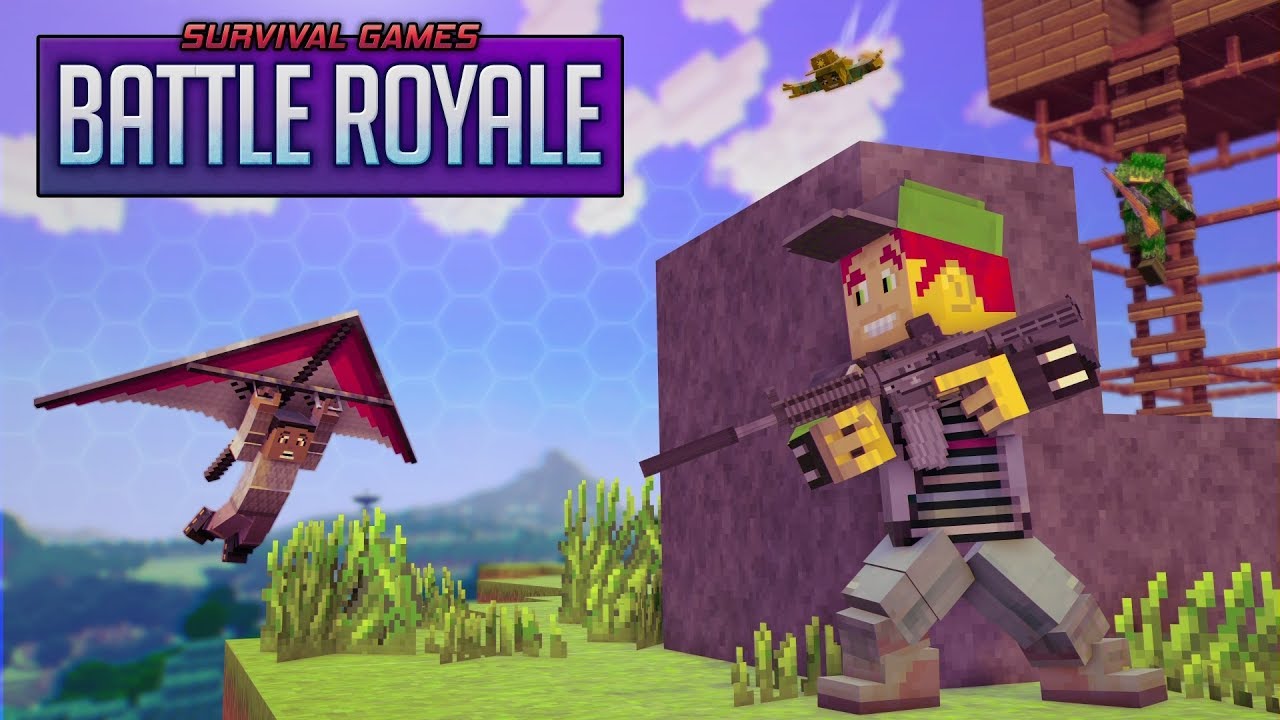
First things first; this is not Minecraft, as the graphic would have you believe. Survival Games takes a different approach to Battle Royale, which is refreshing, to say the least. Its standout feature is the procedurally generated map. Meaning, at the start of each match, the arena will be generated randomly, having few, if any, similarities. If you’re a fan of Minecraft and BR modes, do yourself a favor, and give this game a go. You might be surprised.
Fortnite
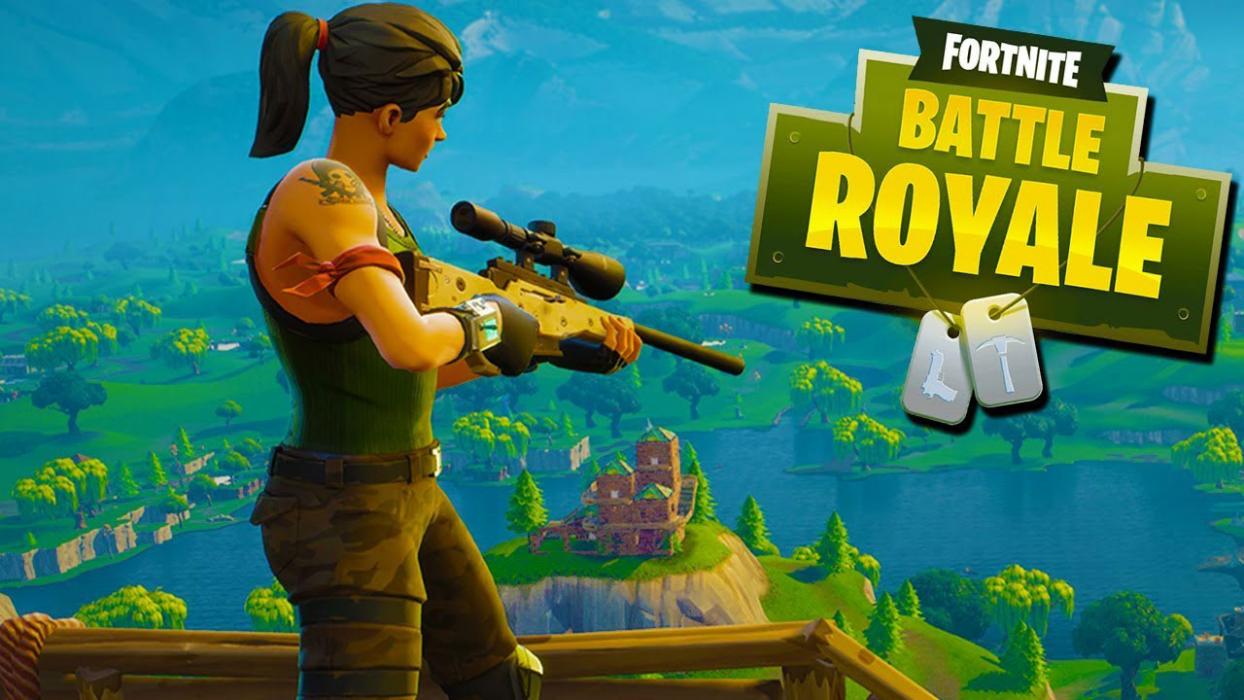
Last, but certainly not least, Fortnite. The cultural juggernaut that spawned dance crazes, televised news stories about video-game addiction, and propelled professional streamers to celebrity status. This is the game that all other BR games wish they could hold a candle to. With a massive following of near 3 million players each month, Fortnite is easily the King of Battle Royale. What separates Fortnite from its competitors is its art style key building gameplay mechanic. If you haven’t heard about Fortnite by now, jump in and play a few rounds. But, keep in mind, you might be behind the 8-ball a bit. What was supposed to be a fort building end-game and devolved into a spastic build-off to see who can construct the tallest tower. In more ways than one, it’s lonely at the top.
Playing Fortnite with friends takes the experience from great to fantastic. There’s something special about finding, communicating, and connecting with old friends in a challenging and fun environment, or discovering new allies on Fortnite’s ever-changing battlefield.
Still, with Epic games’s cross-platform play, figuring out how to connect with other people can become difficult. Especially if you’re new to the system.
We have a few suggestions on how to connect with teammates and work through bugs, to make your experience as smooth as possible.
Connecting with Friends
Although consoles like the Xbox One allow players to meet friends through their own system, the best way to find other Fortnite enthusiasts comes from Epic Games itself.
Open Fortnite on your device (if you’ve just begun playing, you’ll need to create an Epic games account to log in). At the top right of the screen, there should be a small “person” icon:
(The number indicates how many friends are online. In this case, one.)
Click on the icon, which will open a new panel with three sections:
(The “world” on the left indicates you are online, and shows which friends are as well. The “settings” tab on the right allows you to change attributes specifically focused on co-op play. We’ll reference settings again in the troubleshooting section.)
Click the middle “Add Friends” icon. The following screen will appear:
Here, you can connect to other Epic Games accounts in four different ways:
A username search. Know your friend’s username? Enter it in this bar, search, and you’ll be able to send them a request in no time.
Account connections. Are your friends on Facebook or Steam? This option allows you to log in and connect through those sites.
Recent players. Find those you’ve already fought alongside and invite them to be your friend. This becomes especially helpful after playing a squad match with folks you’d like to meet again.
Requests received. When others send you a request, it’ll end up here if you miss the initial notification.
Once your Epic accounts are linked, bringing everyone together becomes as simple as selecting their username in the friends list and clicking either “invite to party” or “join party”.
Keep in mind, you may do this from ANY DEVICE, with one notable exception: PS4 players cannot join up with any other console. Will PC and Mobile work with PS4? Yes. Will Xbox or Nintendo Switch’s connect? No. Your friends may appear online, but joining their party will not work.
None of your friends play Fortnite? Looking to meet interesting people? There’s a secret: the best way to meet new players is by playing!
Join any game that’s no Solos: Duos, Squads, 50v50, whatever. The game will ask you to choose “Fill” or “No Fill”. Choose “Fill”: this populates your team with three random players.
Once you’re in the game, you can decide whether or not to play with those teammates again. What you want in a teammate is up to you, but consider asking these questions: do they land with the team? Do they share loot, heals, and building material? Did Han Solo shoot first? Do they have a headset? Are they fun to talk to? Finally, most important of all, do they dance?
If you decide to play with any members of your team again, go back to the “Add Friend” tab, and select “Recent Players”. If you ever want to remove a friend, it’s as easy as selecting their profile and clicking “Remove Friend”.
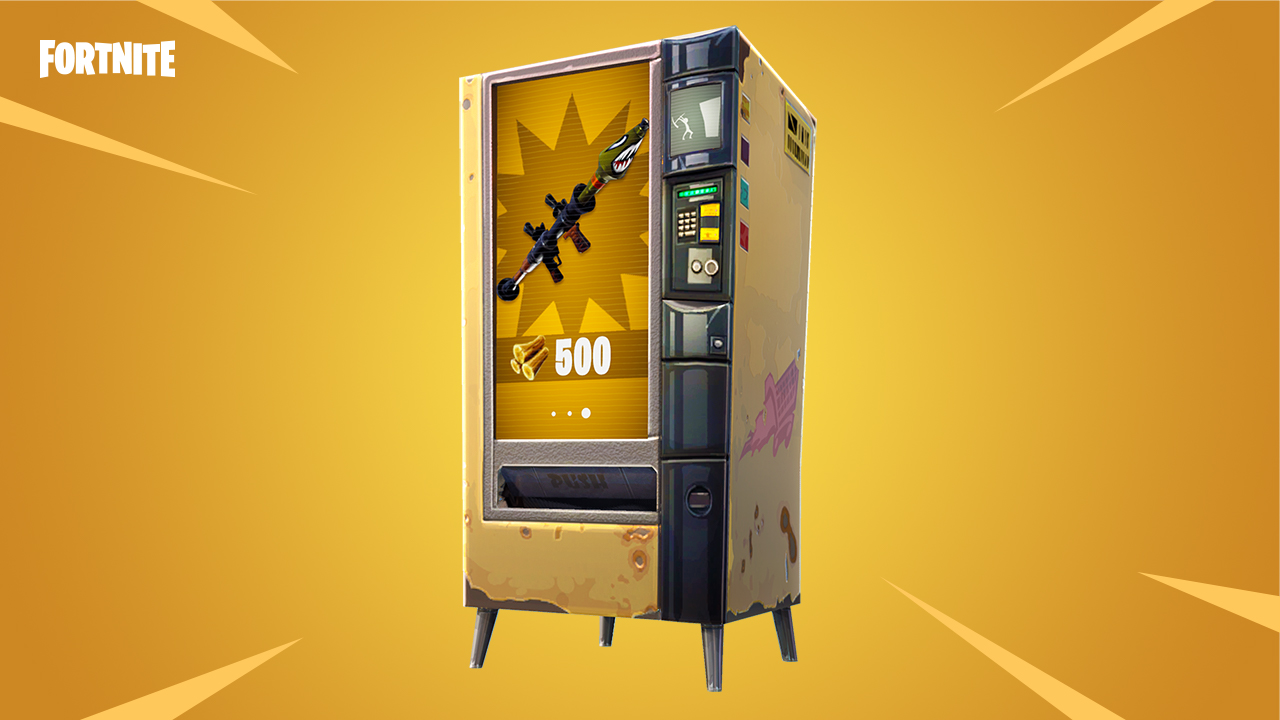
Where to find all the vending machines in Fortnite
Connection issues can happen for a number of reasons. We’ll discuss two broad areas: joining other players in a party and engaging in voice chat.
If you or someone else is having trouble joining the party:
What devices are in use? Remember, PS4 players are not allowed to join squads with other consoles and vice versa.
Is cross-device play allowed? Go into your “settings” tab and check that this is allowed on both devices.
Are they actually online? If not, no worries, it’s an easy mistake to make.
If someone is having problems joining the voice chat:
Are they already talking to someone else? Xbox and other consoles have party systems in place for users of the same type of device. Being connected in this fashion could be blocking the Epic Games chat.
What chat settings are in effect? Go to the party settings and the audio settings to make sure everything is in order.
Are other people muted? Muting in Fortnite can easily happen by accident: hitting the menu button and selecting a player’s banner will mute them. Select their banner once more to unmute.
Have fun joining the community, we hope these suggestions improve your experience!