They have just found new cheat codes in the PSP 'Gran Turismo'… 14 years later

This is the case of PSP’s ‘Gran Turismo’, which 14 years after being released on the market has had a couple of cheat codes found that until today remained completely in the dark.

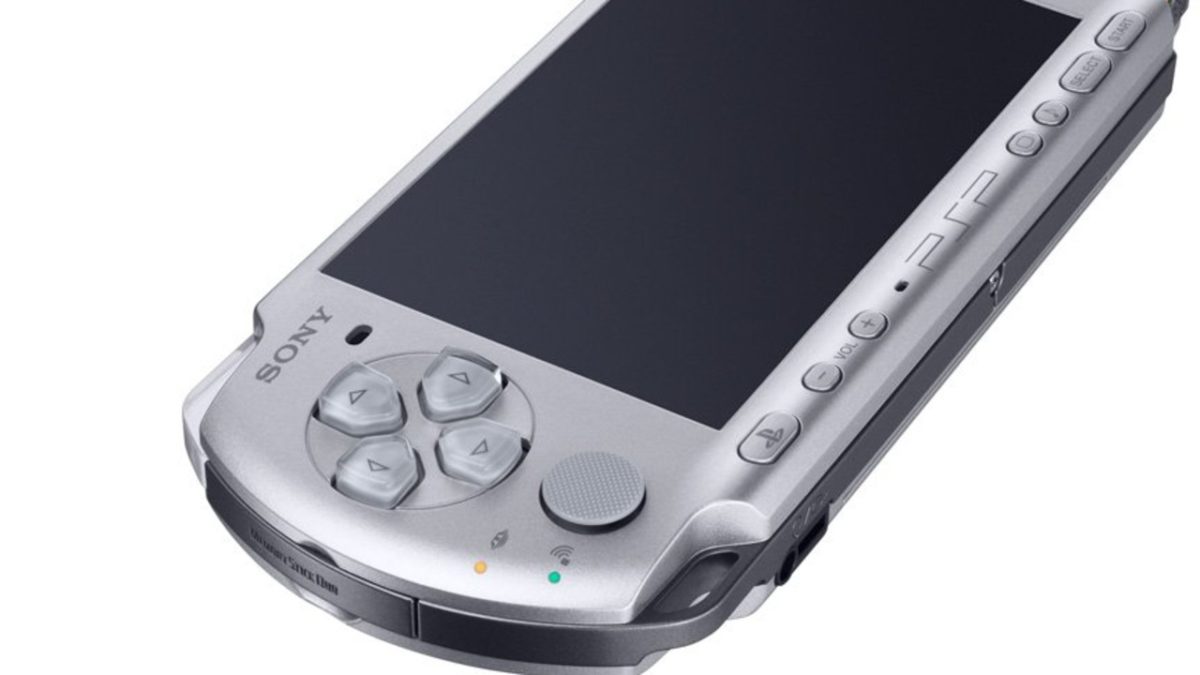
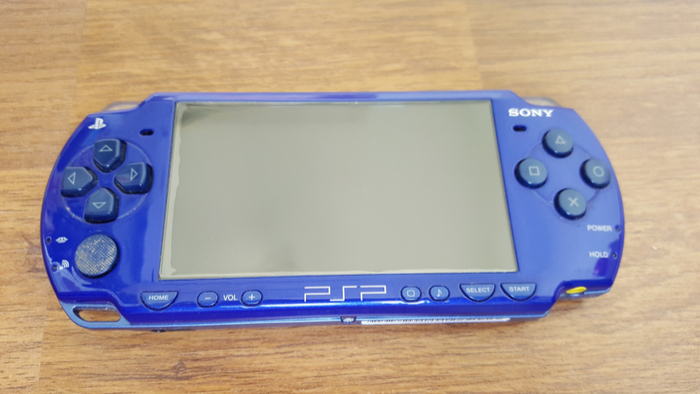
Do you remember the PSP? It’s been ten years since it’s been with us, replaced by the PS Vita and later, by nothing, but it still has fans of games that have since been remastered like ‘God of War: Ghost of Sparta,’ ‘Monster Hunter Portable 3rd,’ ‘Daxter,’ or ‘Gran Turismo.’ This particular title sold nearly five million copies worldwide, became a technical showcase compared to the Nintendo DS back then, and captivated fans of the series. Or rather, it continues to captivate them even today.

Gran Turismo 7 DOWNLOAD

Gran cheaturism

Some video games hold secrets that may never be revealed in our lifetime, like the box under the Eiffel Tower in ‘Trials Evolution.’ Its contents might only be known, perhaps, in 2113, but most secrets eventually come to light, sooner or later. Such is the case with ‘Gran Turismo’ for PSP, where 14 years after its release, a couple of cheat codes were discovered that had remained completely in the dark until today.

User pez2k revealed on Reddit that they were inspecting the game’s scripts using a tool developed by another ‘Gran Turismo’ fan out of sheer curiosity. They came across two lists of buttons in one of the main scripts and decided to input them on the main screen to see what would happen: one unlocked and added all cars to your collection, while the other granted 99 million in credits. Not too shabby.

If you have the game handy and want to try, be careful, because it’s not that easy: to unlock the entire game, first, you have to hold Start, Select, and R simultaneously. Then input Up, Right, Left, Left, Square, Up, Right, Right, Up, Triangle, Right, and Up. For the credits, after holding Start, Select, and L, press Down, Square, Down, Left, Right, Triangle, Right, Square, Up, Down, Up, and Down.

I bet the game creators are now saying, “Oh, we forgot to delete those.” Quite a wonder, no doubt. What’s next?

Gran Turismo 7 DOWNLOAD

Introducing PlayStation Portal: Project Q Gets a Name and a Price

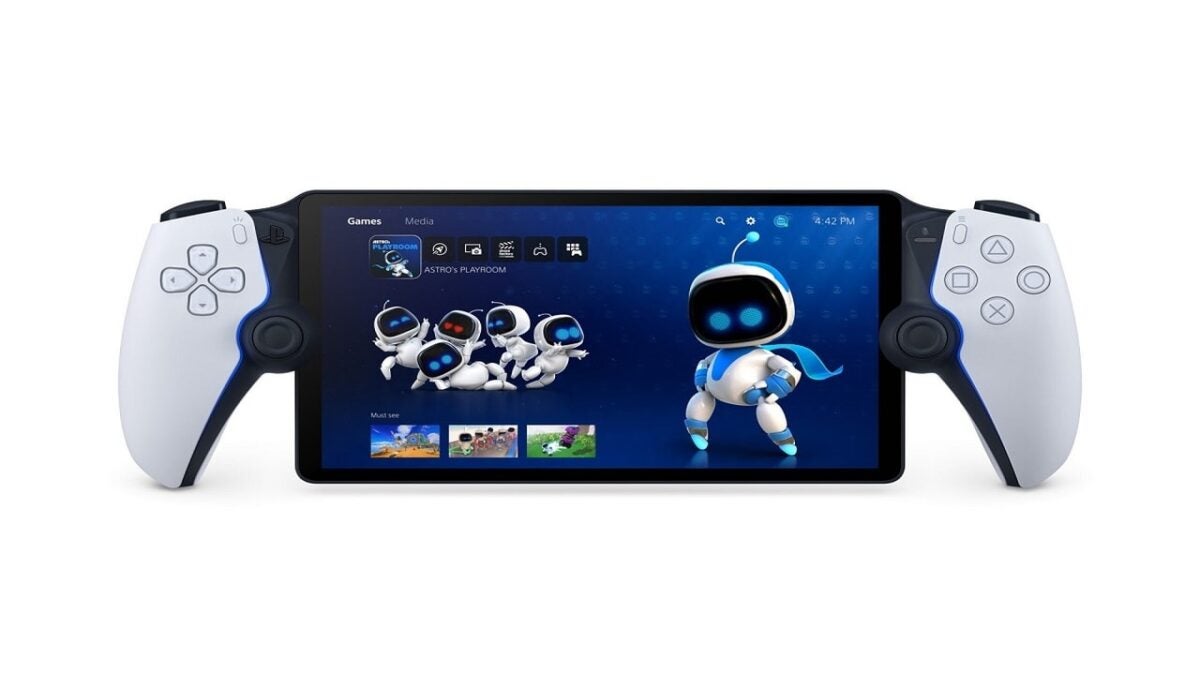
PlayStation Portal, the Sony device we knew as Project Q, has been officially confirmed with price and features.

Although PSP and PS Vita were considered failures by Sony’s standards, they were both resounding successes for the gaming community in terms of what portable consoles should be. These two devices, now considered cult classics, garnered the favor of an audience that, while they didn’t manage to penetrate the mainstream in the same way Nintendo’s consoles did, set a precedent for understanding portable gaming that paved the way for other devices, such as the Steam Deck.

Now, in an official post on the PlayStation blog, Sony has unveiled the details of its streaming console that, until now, we only knew as Project Q. Officially named PlayStation Portal, it will cost €219.99 and will be released at the end of the year. However, there is still no official release date or information on when pre-orders for the device will open.

Playstation App DOWNLOAD

For those who are not familiar, PlayStation Portal is a device designed for playing PlayStation 5 games that we own through streaming in a portable manner. These games will not function independently, so we will need both a PlayStation 5 and an internet connection to play them. Sony has referred to it as a “remote gaming device,” which is exactly what the PSP and PS Vita application was called that allowed us to play PS3 and PS4 games via streaming on portable consoles. This underscores the connection between both concepts.

In any case, its similarities are closer to the DualSense than to Sony’s much-missed portable consoles. With an 8-inch LCD screen, haptic feedback, and the same functionalities as the DualSense controller, it will run games at 1080p and 60 frames per second, as long as the game allows for it.

In addition, PlayStation Portal will come with two peripherals. On one hand, the Pulse Elite is a new version of the PlayStation 5 headset, now offering lossless audio and an integrated noise-reducing microphone. On the other hand, the Pulse Explore are in-ear headphones that will also feature microphones and noise cancellation, aiming to provide a premium experience on a portable system. Both peripherals will cost 149.99 and 219.99respectively. And, similar to the case of the PlayStation Portal, we still don’t have a release date for them.

Some of the links added in the article are part of affiliate campaigns and may represent benefits for Softonic.

Unstoppable Momentum: Game Kickstarter Funded in Just 60 Minutes, Surprises Backers

We’ve already seen many success stories on Kickstarter, but this spiritual successor to Patapon, the mythical PSP game, takes the cake and by far.

Sony has two of the greatest handheld consoles in history in its repertoire. PSP and PS Vita are true engineering masterpieces that, if they ended up failing, it was neither due to a lack of great games nor because the consoles were anything less than extraordinary in every way. The lack of support from the Japanese company had much more to do with it, something that becomes increasingly evident as we see how they are trying to (badly) resurrect that idea even today. It is not surprising, then, that games that lived and died on those platforms now return, embraced by the love of a passionate community.

Steam DOWNLOAD

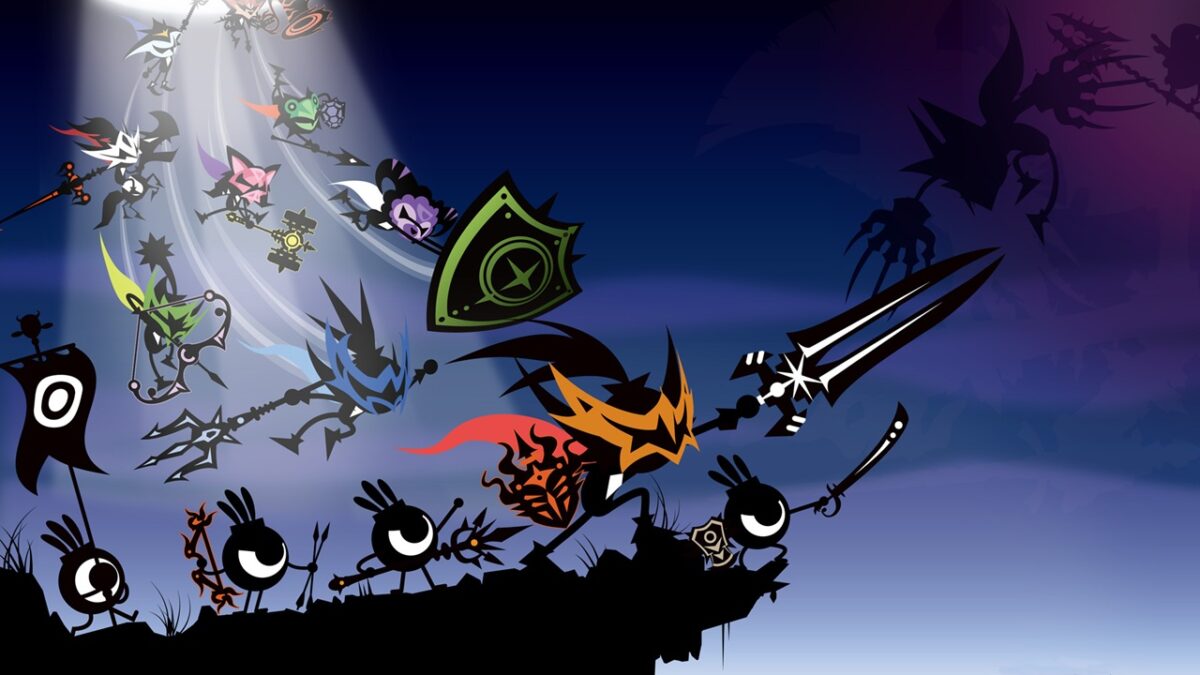
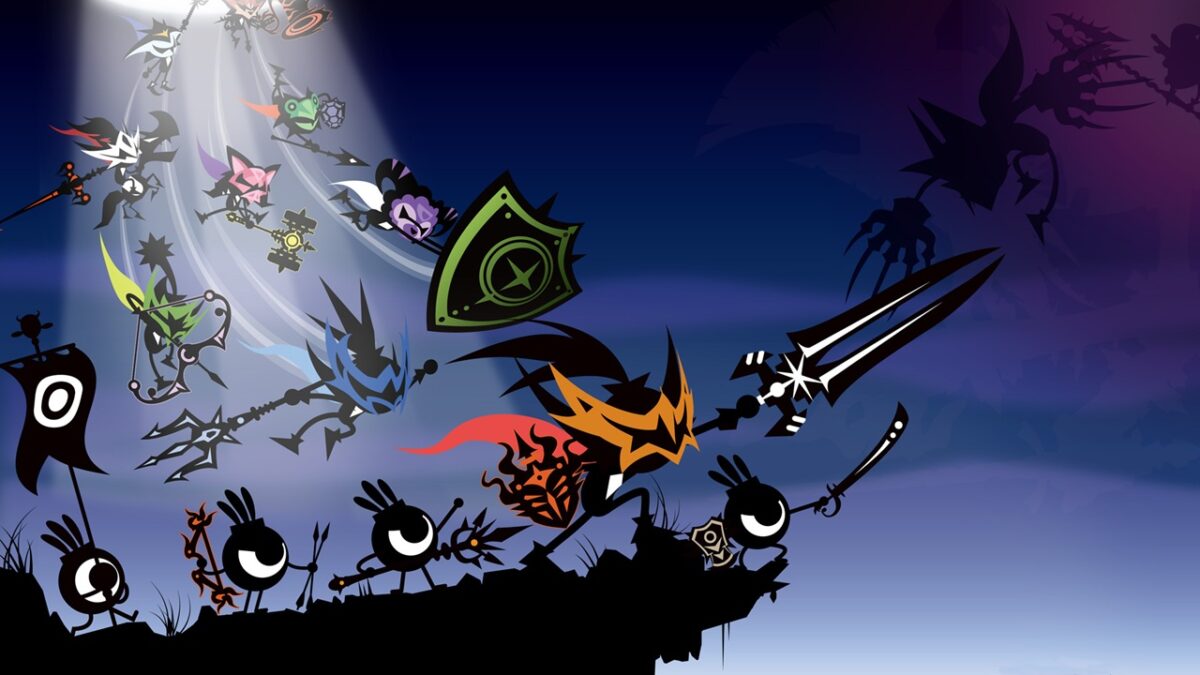
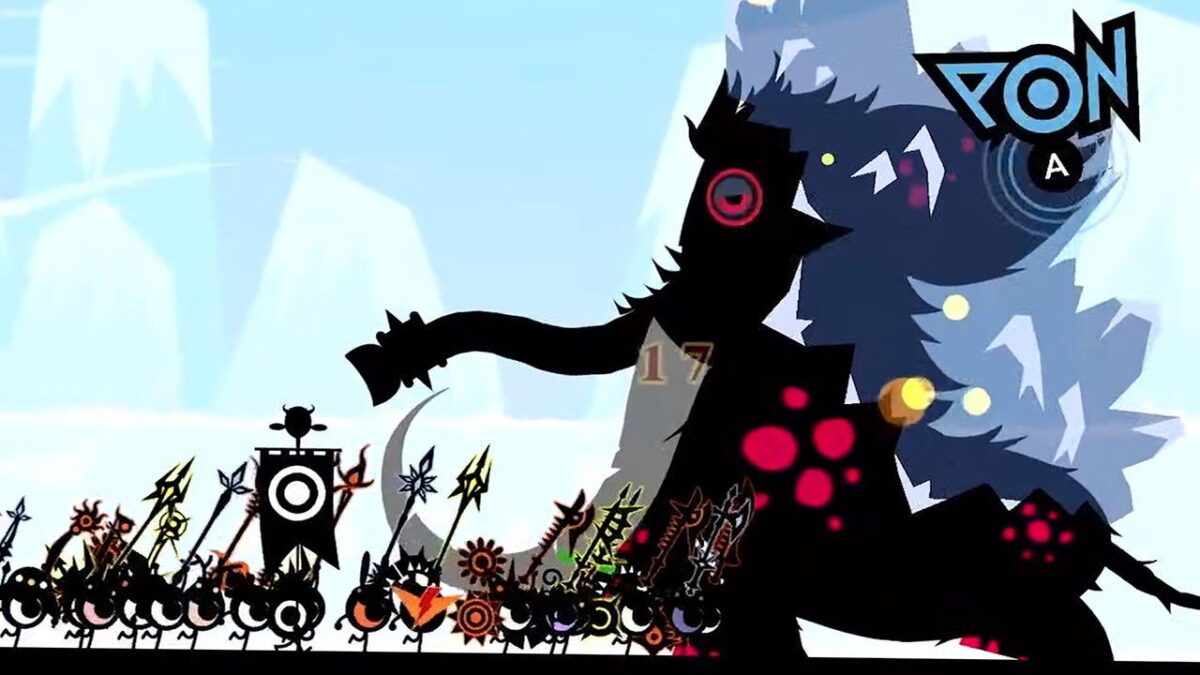
That’s the case with Ratatan, a game created by Hiroyuki Kotani, the mastermind behind the cult PSP game called Patapon. In Patapon, players controlled a group of creatures through button presses that, when timed correctly, gave them different commands. To advance, attack, defend, or execute any tactical move, players had to follow a rhythmic composition using buttons and associated syllables, creating a unique and charming gameplay style.

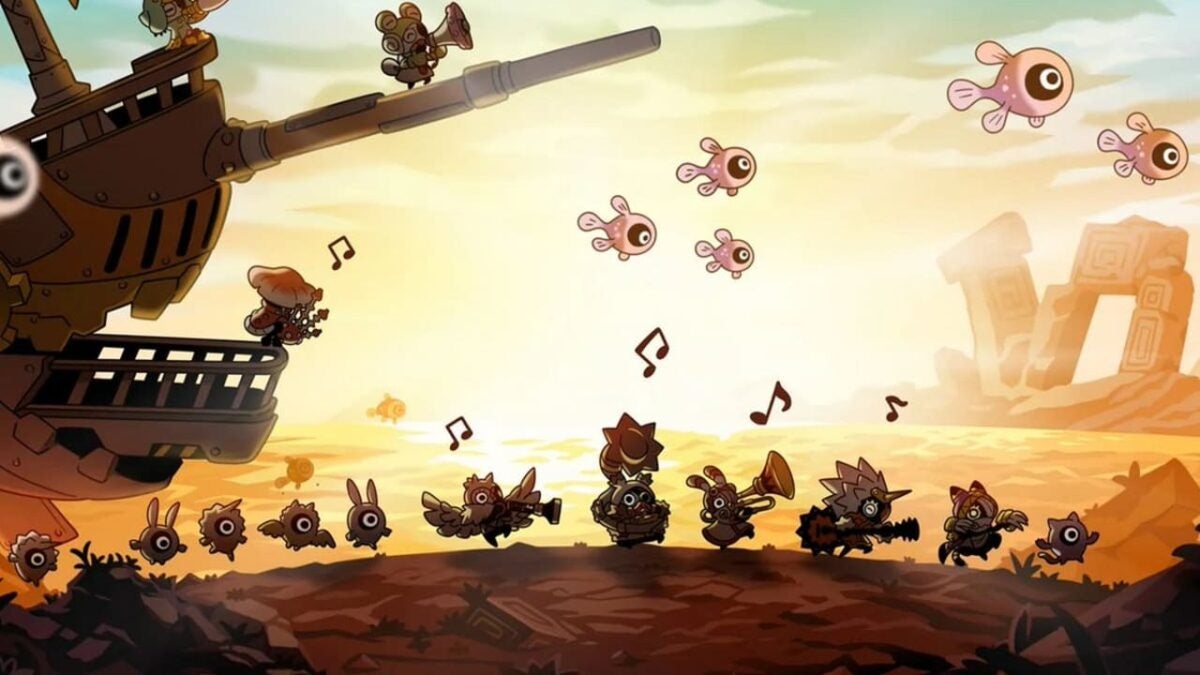
Ratatan is the spiritual successor to Patapon, with a markedly more pop, animated, and beautiful art style. Recently announced, its Kickstarter campaign was launched on August 1st. As expected, the funding has been an absolute success.

Seeking 127,164 euros to fund their project, they achieved that amount within just 45 minutes of its launch. At the time of publishing this note, they have already reached 544,921 euros with still 30 more days in the campaign, ending on September 1st. A remarkable achievement!

For those curious, the rewards for backing the Ratatan Kickstarter campaign start at 44 euros, which grants access to the beta, the game’s Discord community, and a digital copy of Ratatan. For just nine euros more, at 53 euros, backers can get the physical edition as well. The highest reward tier allows backers to become an NPC in the game and costs approximately 4,133 euros. However, it seems that if you were considering this tier, you might be out of luck, as there were only two available, and they are already sold out.

With an estimated release date set for April 2025, there is still some time before we can play Ratatan. Nevertheless, its funding is already secured, and this spiritual successor to Patapon, one of the best PSP games and one of the most original games of its generation, will undoubtedly find its way to our PCs and consoles in the future.

Some of the links added in the article are part of affiliate campaigns and may represent benefits for Softonic.

How to download digital games on your PSP in 2019

Got a PSP that’s collecting dust? Add some new games with our guide.

The PSP is one of the few gaming consoles with internet capabilities that is outdated and been replaced by a more modern console. That said, the PSP also holds many exclusive games. These games can be incredibly expensive to buy hard copies of, due to the age of the PSP, so the best way to get them is to buy a digital download from a retailer like GameStop. However, if you have a modern internet router, you’ll soon discover that the PSP lacks internet connectivity with most routers these days (at least in their default settings). So how can you download a game without an internet connection?

How to download digital games to your PSP

sony psp

If you have a PS3

The easiest way to download PSP games is if you have a PS3. PSP games don’t usually take up much space, so even if you don’t have a lot of room on your PS3, you will still probably be able to download the game.

First, you’ll need to make sure the game is on your Sony PlayStation Store account. If you purchased the game from another online retailer, like GameStop, then you will have to enter a “redeem” code on your PlayStation Store account. Afterward, on your PS3 there should be a section for purchased games if you go into the PlayStation Store. Under this section, download the game you want.

Then connect your PSP to the PS3. You can do this with a standard USB cable. You may even use the USB cables that charge PS3 controllers. Afterward, under “games” there should be a section labeled PSP. Here, it will give you the option to copy games onto your PSP if you’ve gone to the “USB connection” section of your PSP (all the way to the left of the main menu). Then just sit back and wait as your PSP receives the game.

If you don’t have a PS3

If you have Sony MediaGo from before MediaGo was discontinued, then not having a PS3 won’t pose much of a challenge. The steps are essentially the same as downloading the game with a PS3.

First, you’ll need to connect a standard USB cable from your PC into your PSP. Then you’ll need to download the game file from your Sony MediaGo library onto your computer. From there you can find the file in your downloads folder and simply move it into a GAME folder on your PSP. You’ll still have to follow the above instructions to update your PSP if you haven’t.

If you don’t have a PS3 or Sony MediaGo, things start to get more difficult. The only other way to download games onto your PSP is to connect it to your Wi-Fi. As we said earlier, if you have a newer router, then your PSP will likely be unable to recognize the Wi-Fi connection.

There is a way around this, as you can change your Wi-Fi settings so that older devices can read it. You’ll have to log into your router by typing your IP address into the search bar and change the settings to WPA encryption. You’ll also have to make sure your connection is set to channel 11. By changing the encryption type from WPA2 (the default version for most new routers) to WPA, you should be able to see the connection on your device.

You will want to change this back once you’re done, however, since it can mess with your Wi-Fi connectivity on other devices. WPA is also less secure than WPA2, so you don’t want to leave it on this encryption type for long.

An alternative to these options is to purchase a PS Vita. While a PS Vita can’t play cartridge PSP games, it can download and play pretty much any digital PSP title. Since the PS Vita is a system that is still updated regularly, you won’t have to worry about missing out on any older games due to Wi-Fi connectivity. You’ll also be able to keep seeing new games released for the device.