Complete Sea of Thieves weapons guide

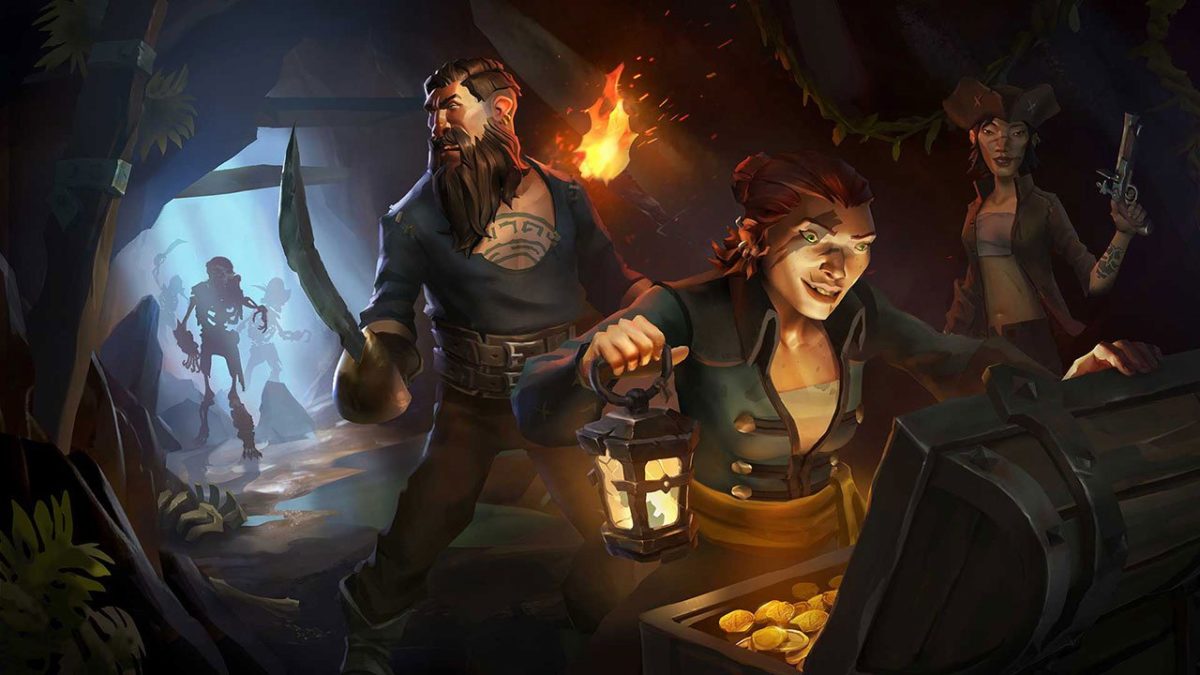
A wise pirate knows the devil’s dance of combat: The swerve and the thrust, the swipe and the parry. An even wiser pirate knows that “he who fights and runs away lives to fight another day.” The wisest pirate of all knows that combat is a job best suited to your lackeys. Your time, meanwhile, is better spent sweeping in with a blunderbuss to pick up the pieces once the dust settles, and hoisting sail to the nearest vendor. There you can sell the remains of your dear departed colleagues and use it for grog money.

Don’t give us that look. This is a game about pirates!!
Sea of Thieves Download
8

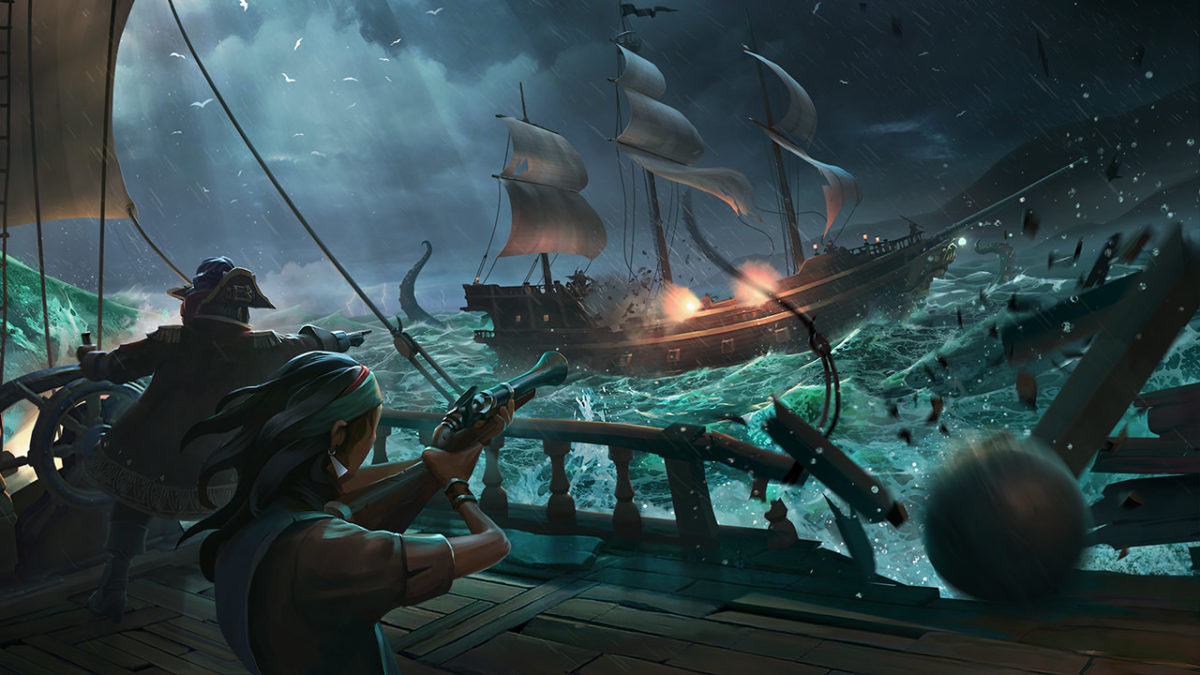
Truthfully though, combat is an unavoidable pillar of Sea of Thieves’ gameplay, and knowing the ins and outs of a fight is the difference between a plunder and a blunder (guess which one ends with you walking away with the loot). Every player can carry two weapons, so choose wisely. What you bring into the battle is going to play a huge difference in your role. To help you decide, we’ve put together a guide that will hopefully make that choice a little easier.

Pistol

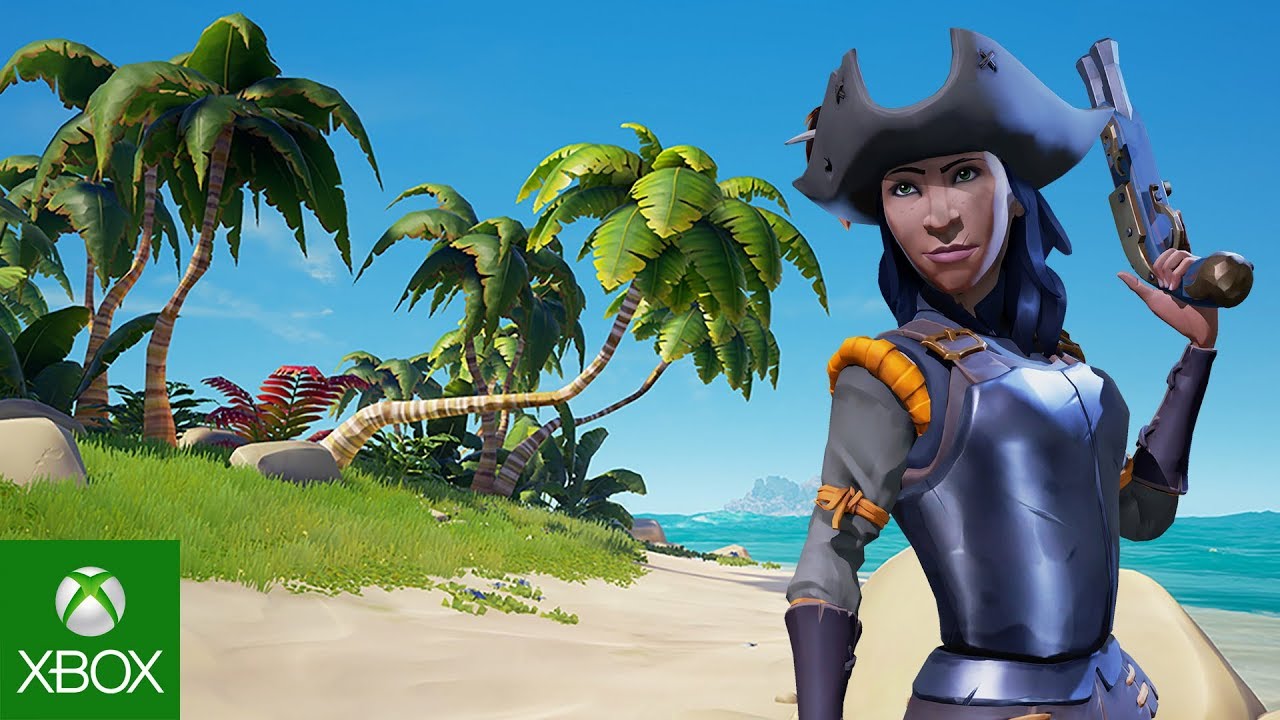
Powerful and versatile, each player begins a match with a pistol and cutlass by default. You’d think that any starting weapons are sub-par when compared to ones you’d pick up later, but in the case of Sea of Thieves, you’d be wrong. The weapons here are a balancing act in this title, and the deciding factor of any PvP is rarely the weapon a player is using, but the angle from which he is attacking. Every weapon has its place, and the pistol is no exception.

** Any upgrades or purchases you make at a vendor are aesthetic only and will not have any effect on a weapon’s damage or utility. You’ll just look cooler.
https://www.xbox.com/en-US/games/sea-of-thieves

The pistol outmatches the blunderbuss in terms of accuracy (as you might expect) and it also has a faster reload speed, meaning that you can fire off a second shot before the other guy does. This is important for one big reason:

A single shot from the pistol will deal 53% damage to a human target. That means if you can land two shots, they’re down. See where we’re going with this? You dominate mid-range combat with the pistol. It may not feel like it fires all that quickly, but the fact of the matter is that it’s still firing faster than the other two firearms. Combine that with the two-shot kill and you have a very powerful weapon indeed.

Cutlass

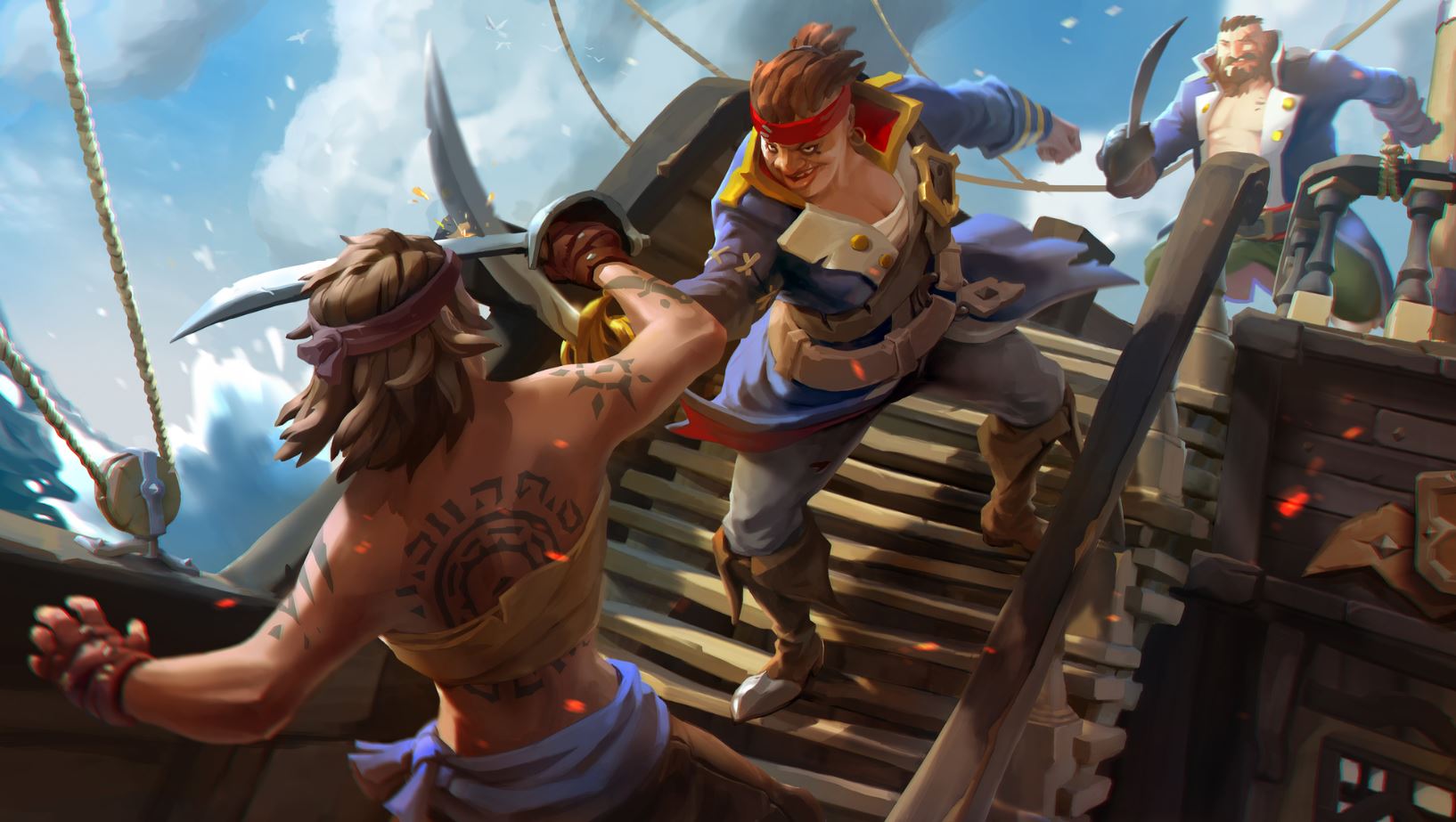
Your other default weapon, the cutlass is the mark of the true buccaneer. Yes, it has less range than any other weapon. Yes, it does the least damage. Yes, it takes three hits to kill even a basic skeleton. We still think it’s the best weapon you can get your hands on in this game.

Hear us out.

At the end of the day, the sword is only as good as the swordsman. Mastering the cutlass will take time, practice, and patience (at least two traits that pirates do not have in abundance). The primary attack is a sword slash that deals a small 20% damage. Logically, landing the three-hit combo will do 60% damage. Now we’re getting somewhere. In addition, hitting another player can slow them, hindering their ability to turn. Unable to adjust their view angle, you should be able to dispatch them far more easily.
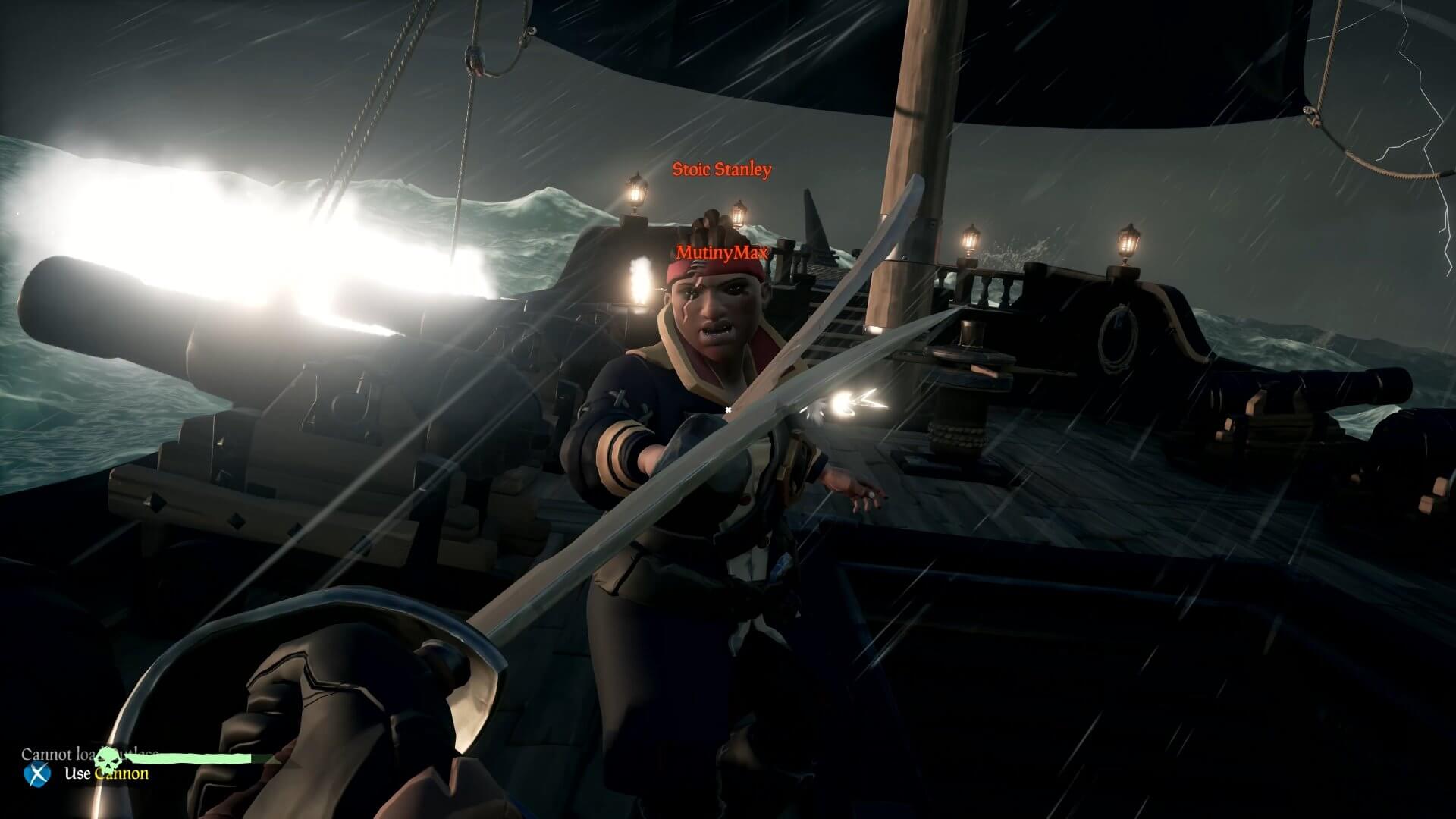
http://crewofthieves.com/the-pirates-guide-to-personal-combat-in-sea-of-thieves/

The sword’s lunge ability does a mighty 49% damage, and is one of its defining features in Sea of Thieves. The lunge lends a unique balance to the rock-paper-scissors combat for this game. Charging the lunge (primary attack button) will slow your walk speed, BUT if you block you will negate the movement penalty. Jump at the start of your lunge and you can cover still more distance, closing the gap between you and the guy with the pistol or Eye of Reach.

The cutlass is also the only weapon in the game that can block, making it your best defensive option. On top of all that, and this is a no-brainer, the cutlass does not use ammo! We recommend having a cutlass as a backup weapon on most of your adventures. Its defense, mobility, infinite usage, and general classiness make it our top choice.

For more advice on the best ways to use a cutlass, definitely give this video a thorough look:

Eye of Reach

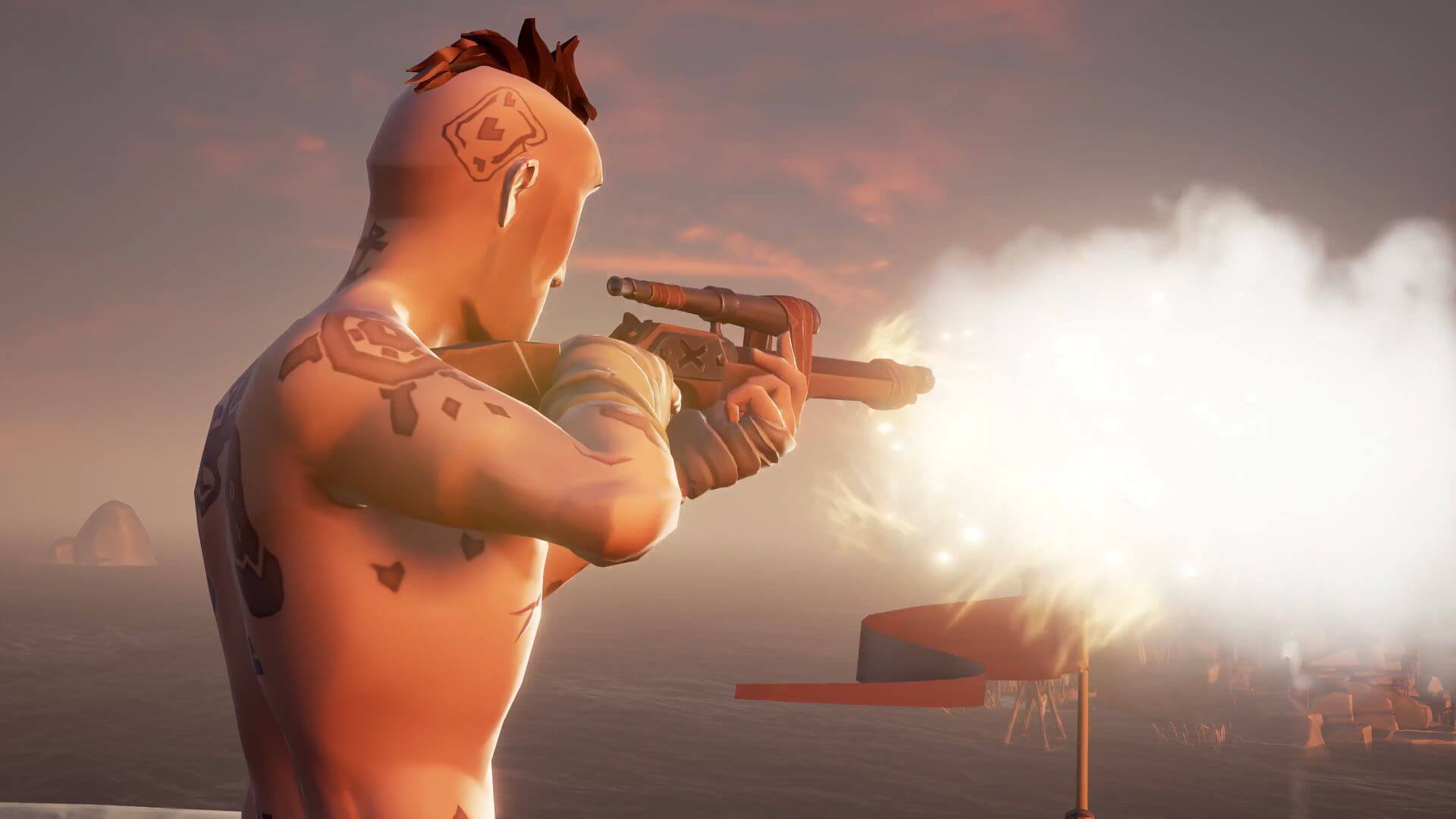
Found in an armory (scattered around the game world), the Eye of Reach is the game’s sniper rifle. With a slow rate of fire and reload time, this weapon favors a high risk/high reward style of gameplay, much like the blunderbuss.

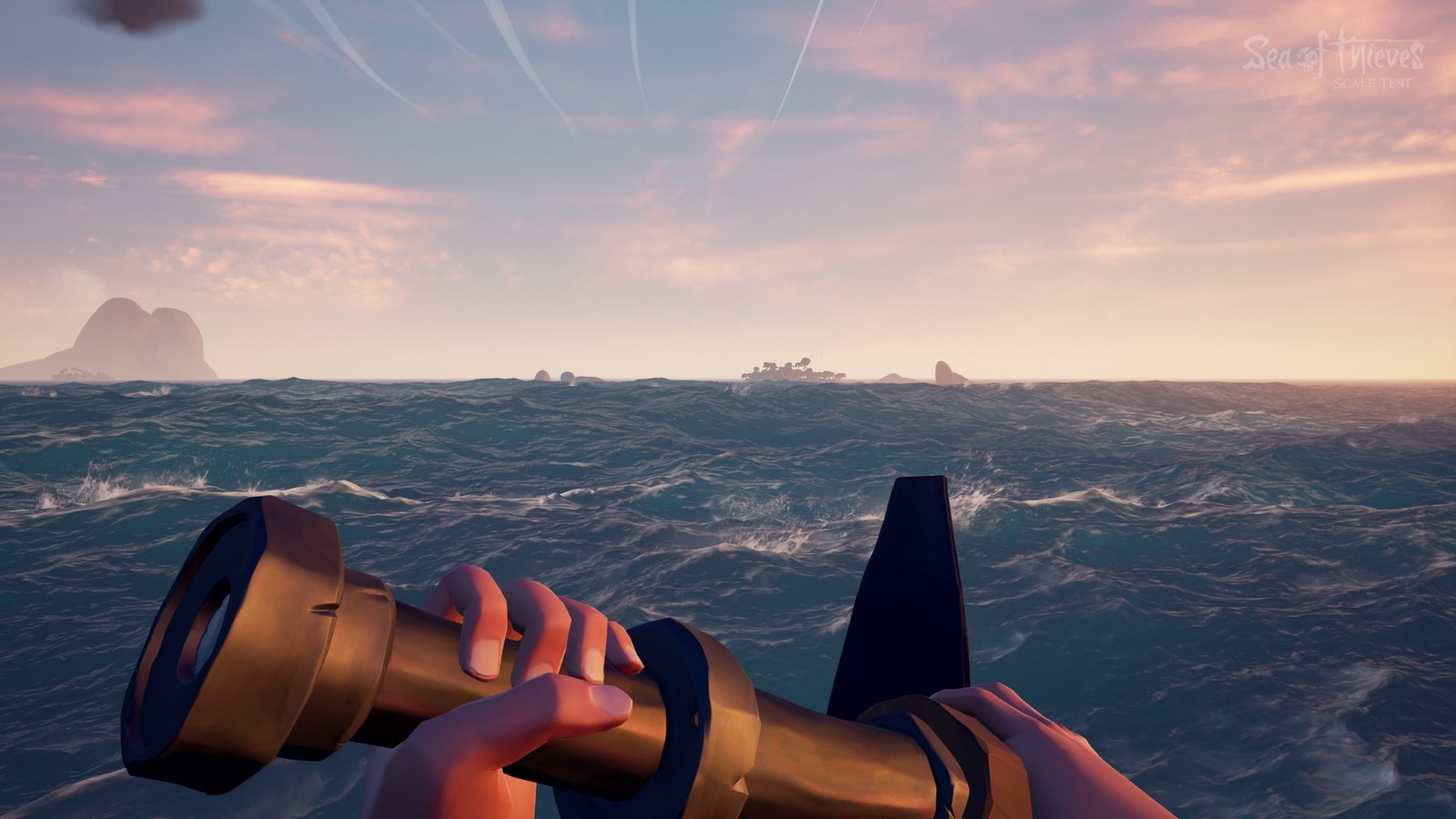
Accurate from extremely far, the Eye of Reach also doubles as a spyglass. We found it unexpectedly useful when scouting new areas or when doing recon on skeleton forts. It is generally advisable to have at least one of your crew hit the seas with this in his hands. It’s invaluable for scouting, backing up the players leading the charge, and for picking off enemies before your ship even reaches the island.
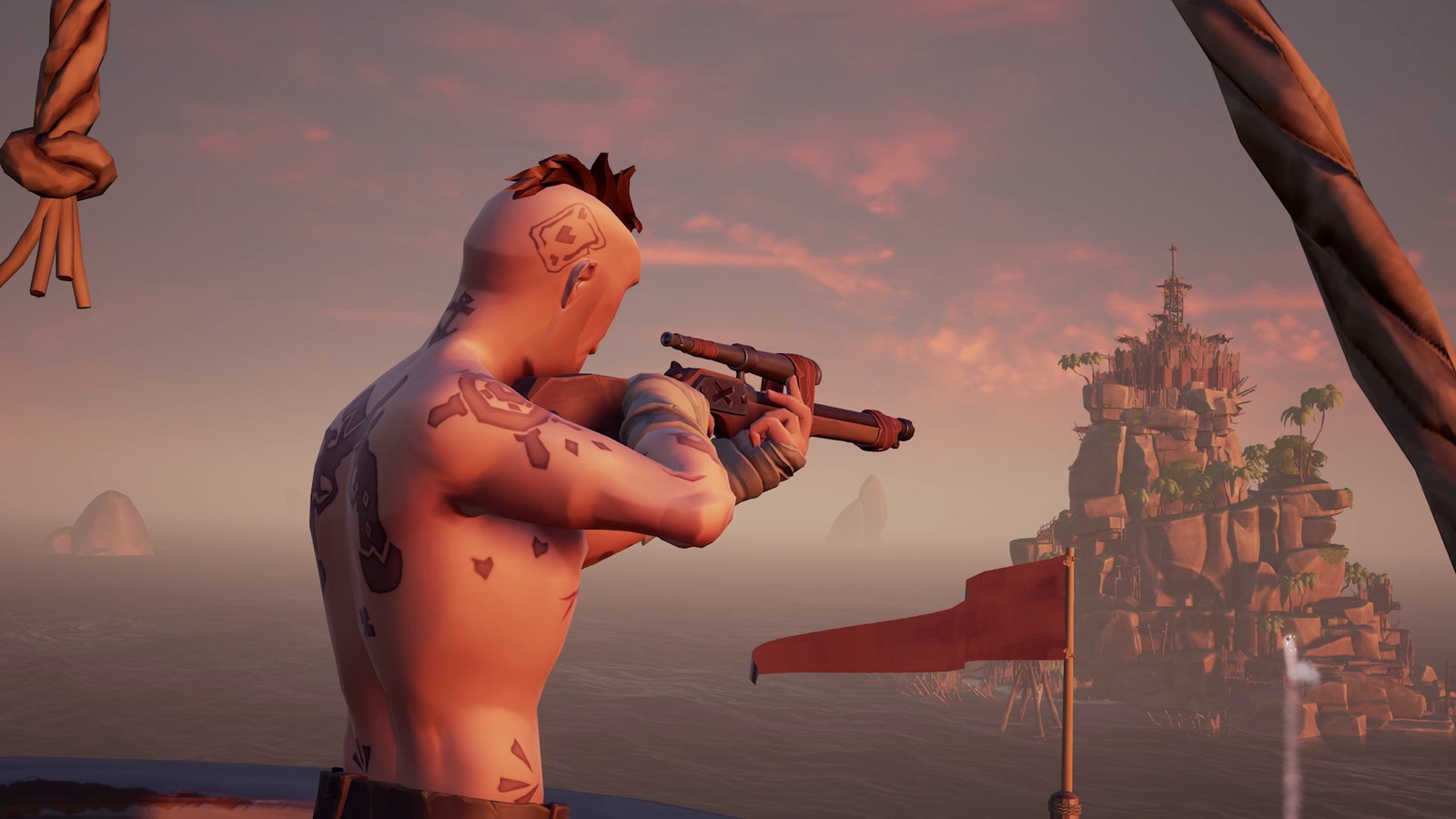
https://www.windowscentral.com/how-get-new-weapons-sea-thieves

With the Eye of Reach, it’s important to keep several universal factors of Sea of Thieves’ combat in mind:

  1. There is no friendly fire in Sea of Thieves. At least not directly. If you’re the team marksman and you’re watching your teammate’s back, don’t hesitate to pull the trigger, even if you’re you have the shot; you can’t hurt him.
  2. Headshots will not do extra damage. Again don’t hesitate to shoot. If you’re not firing from far away, we advise quickscoping over long careful aiming.
  3. Lastly, damage in or out of water is the same in Sea of Thieves. If the fight lands you in the water (which it often does), remember that that has no bearing on the damage of your gun. Considering the Eye of Reach does a whopping 79% damage in a single shot, you’re nearly unmatched in terms of raw damage, on land or underwater.
Blunderbuss

The blunderbuss is the go-to weapon for any pirate who’s had enough monkeying around. And no, that’s not a Monkey Island reference. This is a shotgun, tried and true, and should only be used at close quarters. The blunderbuss fires ten shots at once in an unpredictable formation. Each of those shots deals around 15% damage. The more shots that land, the more total damage you’ll do.

Pretty basic, right?
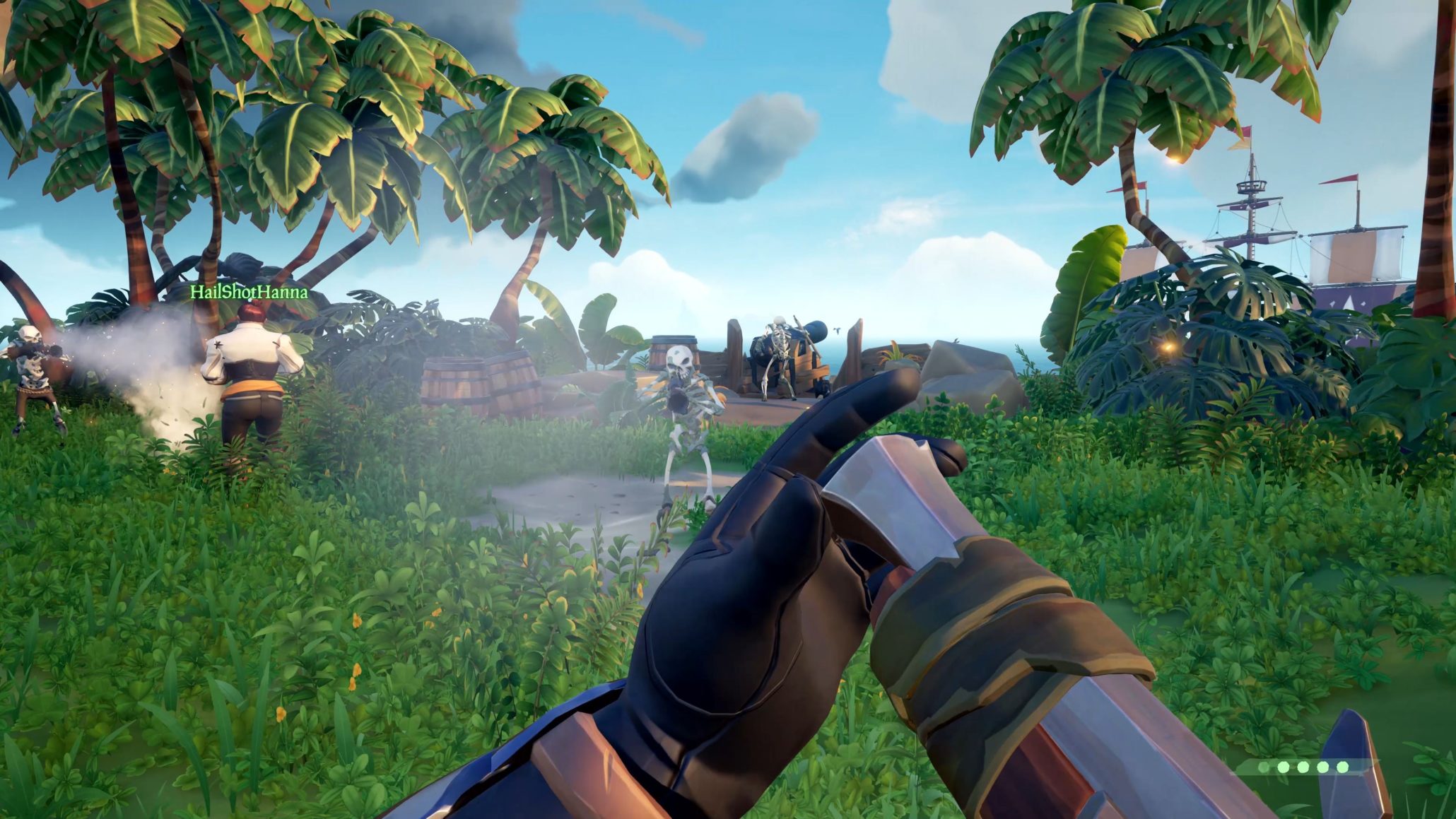
https://wccftech.com/sea-of-thieves-datamining-open-beta/

It takes a minimum of seven shots to instantly down an enemy, which means that the only chance you have to score that sweet one-hit KO is to fire as close to point-blank range as you can afford to get. Careful when you take your shot; the rate of fire is slow, and you’ll probably be in the thick of the fight if you’re using the blunderbuss like you’re supposed to.

Much like the Eye of Reach, however, we think it’s a good idea for at least one teammate to be using a blunderbuss at all times. It comes in extremely handy when ambushed by a horde of skeletons or when going toe to toe with a ship full of enemy players.

For a side by side comparison of weapon damages in Sea of Thieves, along with more awesome combat strategies, check out the video below.

Step carefully and we’ll see you on the high seas!
 

Top 5 Virtual Reality games

Virtual Reality games have been coming out slowly over the last few years, as we perfect VR as a gaming platform. Despite their slow development, we already have some amazing games for this platform that everyone should be trying out. Here are our top 5 VR games out so far:

1. Job Simulator

This game is funny and adorable, and sure to give you a few laughs. Based in a future where robots have made desk work obsolete, you get to try out being an office worker in the present day. If you’ve ever worked in an office, you’ll enjoy the tongue-in-cheek quips this game has to share.

Job Simulator Download
9

2. The Elder Scrolls V: Skyrim VR

Even if you’ve played Skyrim 100 times (and let’s face it, you probably have), Skyrim in VR is a whole new experience. The best thing about Skyrim is being able to create your own mythical adventure. VR enhances this experience in ways you would never expect. The VR version of Skyrim is definitely worth playing for fans old and new.

The Elder Scrolls V: Skyrim VR Download
8

3. Sprint Vector

This game is the most physically challenging VR game out there. Sprint Vector gives you various challenges, mostly races, in which you compete to the best of your physical ability. While you would expect this to take a strain on your lower body, your hands and arms play the biggest part in how fast you go. It’s definitely a unique experience.

Sprint Vector Free Download
8

4. Superhot

If there is a game that rivals Sprint Vector in how immersive the VR experience is, then it’s Superhot. You’ve probably seen screenshots from this game, or maybe even gotten to test it out at a few VR testing sites. Not only is the gameplay incredible, and fluid, but the story is fantastic. Definitely worth checking out if you’re interested in VR

SUPERHOT Download
7

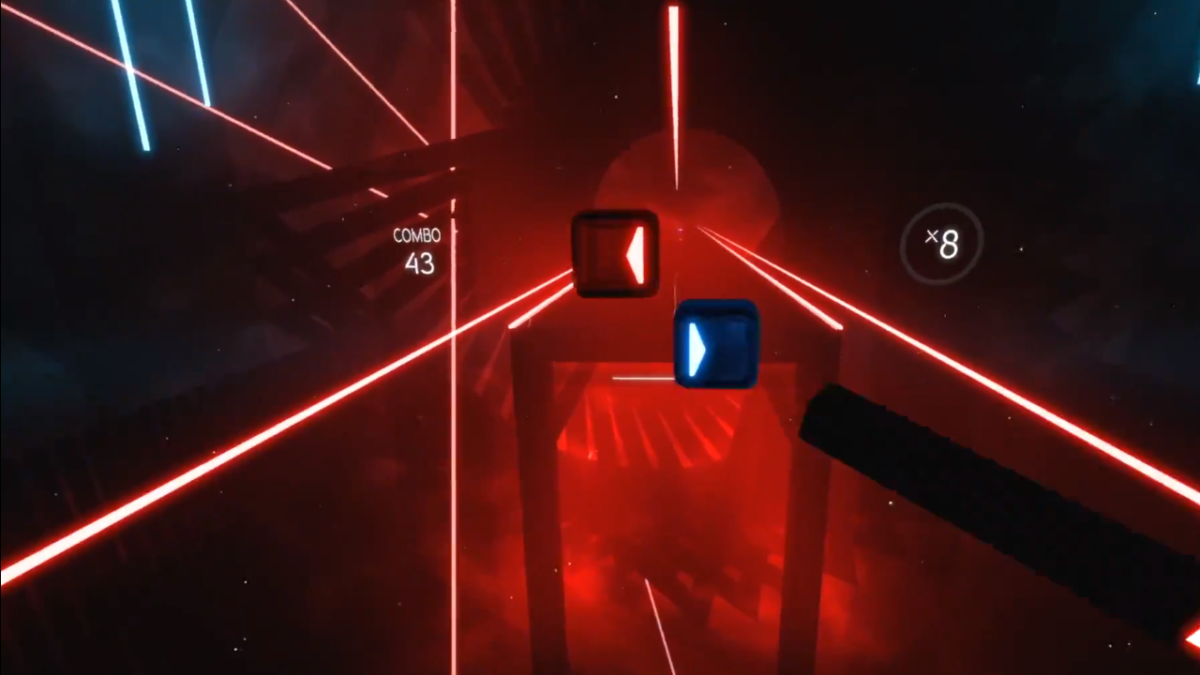
5. Beat Saber

Have you ever wanted to be a Jedi? Well you finally can with Beat Saber. This game is the perfect mixture of Dance Dance Revolution and virtual reality. You truly feel like you are slicing through cubes as they come at you in rhythm with the music. It’s incredibly immersive and one of the best VR games out there, by far.

Beat Saber Download
8


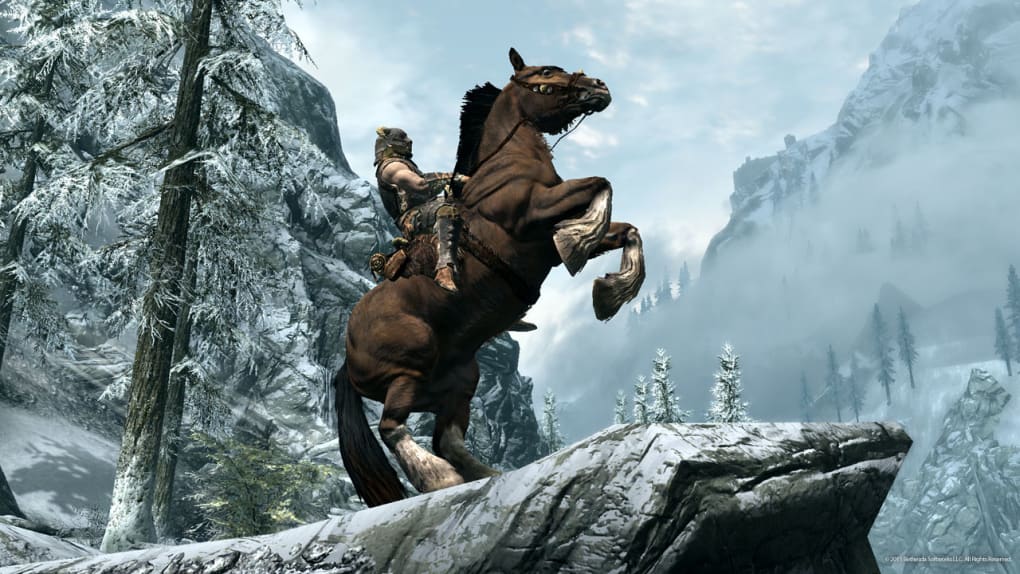
How to create and add your own unique follower to Skyrim

It’s been eight years since Elder Scrolls V: Skyrim. We completely understand if by now you’re getting a bit tired of Lydia as a follower. While there are a ton of follower mods out there, sometimes if you want something done right it’s best to just do it yourself. So exactly how hard is it to make your own follower in Skyrim? We’ll show you in these 15 steps.

It goes without saying that you’ll need a copy of Skyrim to test this properly, so if you don’t own the game, here it is:

The Elder Scrolls V: Skyrim Download
8

We’ll be using Skyrim’s Creation Kit to make a follower. You can download that here:

Skyrim Creation Kit Download Free
7

Alternatively, if you own Skyrim or Skyrim: Special Edition Steam, you actually already own the Creation Kit. On Steam you can find it in your Tools tab under ‘Library.’ Just scroll down and double-click to install.

Once you have the Creation Kit installed, we’re ready to begin. Please do not forget to save your progress often and be patient when working with this software. There are thousands of assets at work here, so it’s very touchy and crashes quite often.

http://elderscrolls.wikia.com/wiki/Creation_Kit

1. Getting started

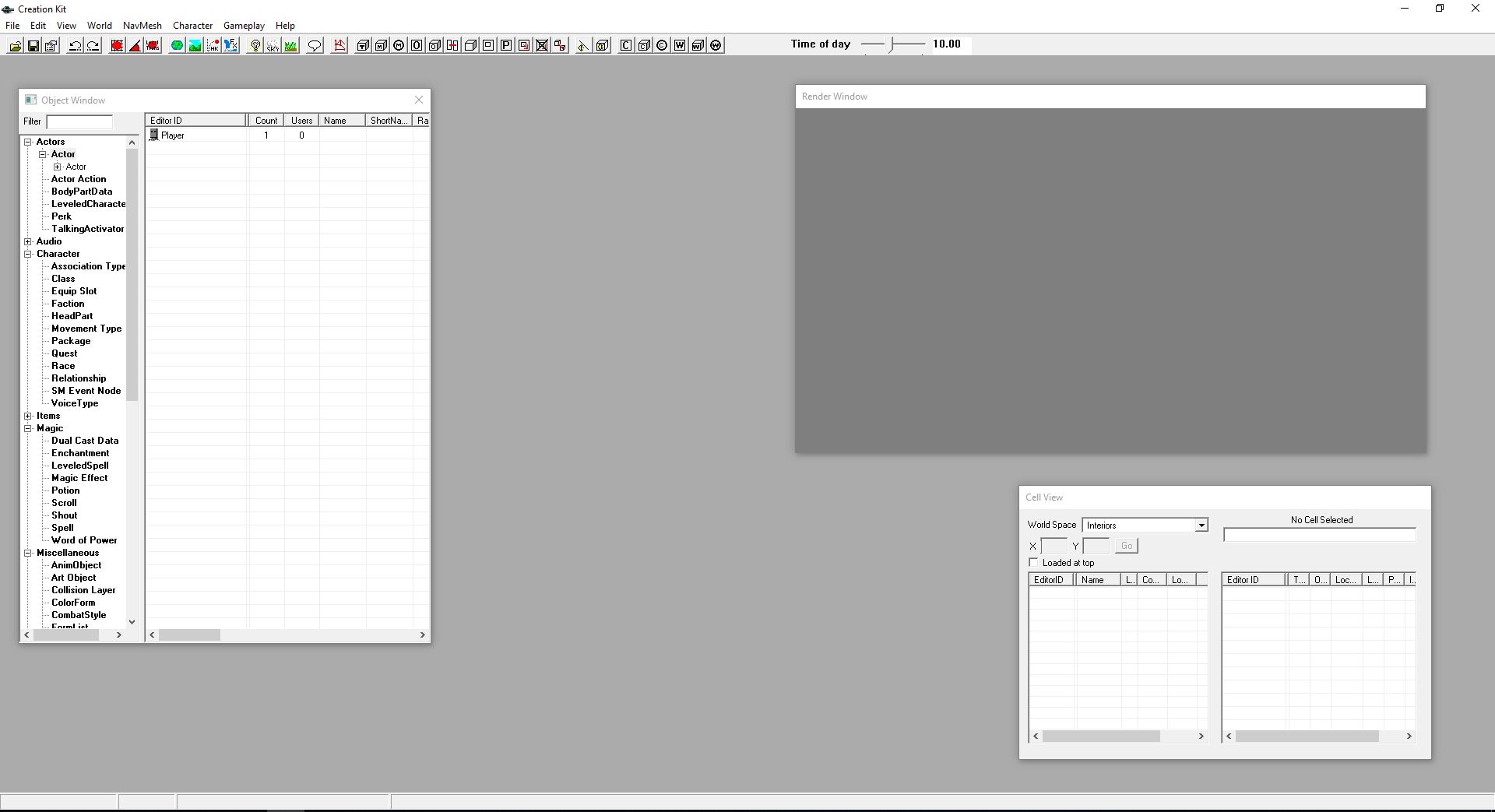
Once you’ve opened Creation Kit, you’ll be faced with this screen:

Click File > Open, then double-click ‘Skyrim.esm.’ Open it up. If a prompt comes up saying you haven’t selected an active file, ignore it. Similarly, if you get a message about missing plug-ins, just say ‘yes to all.’

Right-click on the massive list of actor names that appears on the left and say “new.” This will open up the character creation window. Now we’re ready to get working.

2. Name your follower

At the top left of the window that just opened, you’ll be putting in a ref ID. This is the unique tag that the game will identify your new character as. This will not be the character’s visible name! As such try and balance your Ref ID to be both unique and easy to remember, something like “JohnDoe101ActorFollower.”

After, type in your follower’s name. The “short name” afterward is optional. The name will be your character’s label in-game, while the short name is shorthand for quests. For example, “Jane Doe” might be referred to as “Jane” in your quest log.

Don’t touch any of the options below, like Invulnerable or Protected. We’ll do that later.

3. Assign Basic Traits

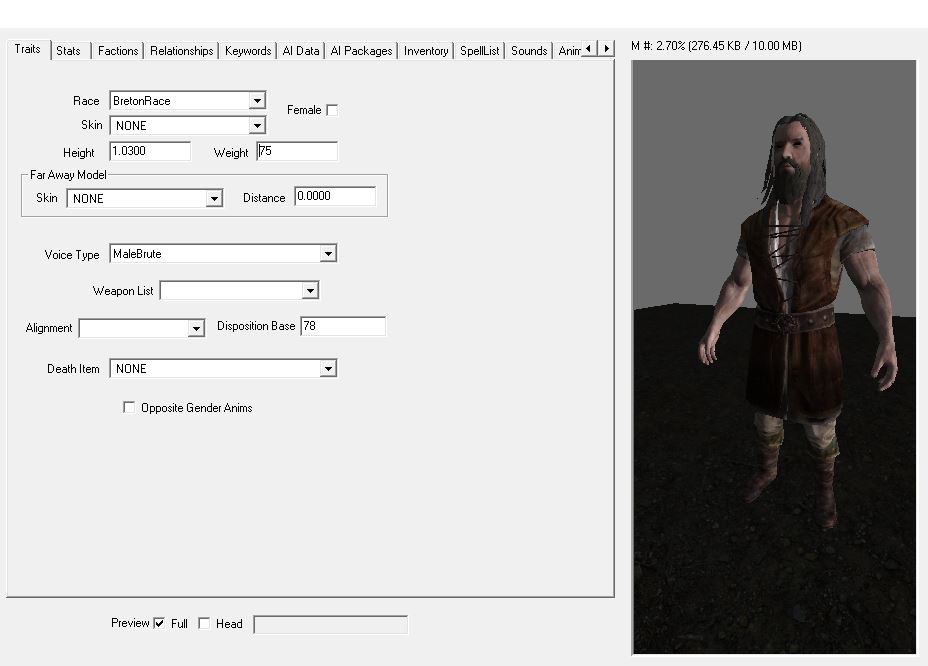
On the right, you’ll be presented with a handful of checkboxes for your character’s traits. Up top, pick your character’s race and sex. For the sake of this tutorial, we’ll be covering how to make a human follower, not an animal.

Next, you should tick the “preview” checkbox at the bottom of the window to see the character’s full body. This will help with the adjustments we’re about to make.

A character’s height and weight are very touchy, so if you make adjustments to their default they should be very minimal or they’ll look odd in-game. For reference, check the preview on your right as you go along.

4. Give your follower a voice

This next part is important. Still on the Traits tab, if you go down the Voice Type dropdown it will at first seem like you have a ton of options. This is sadly misleading. Most of these voices will unfortunately not work with follower characters. In order to find the ones that do, you’ll have to dig a bit:

https://www.youtube.com/watch?v=tLgSYzOaTnA

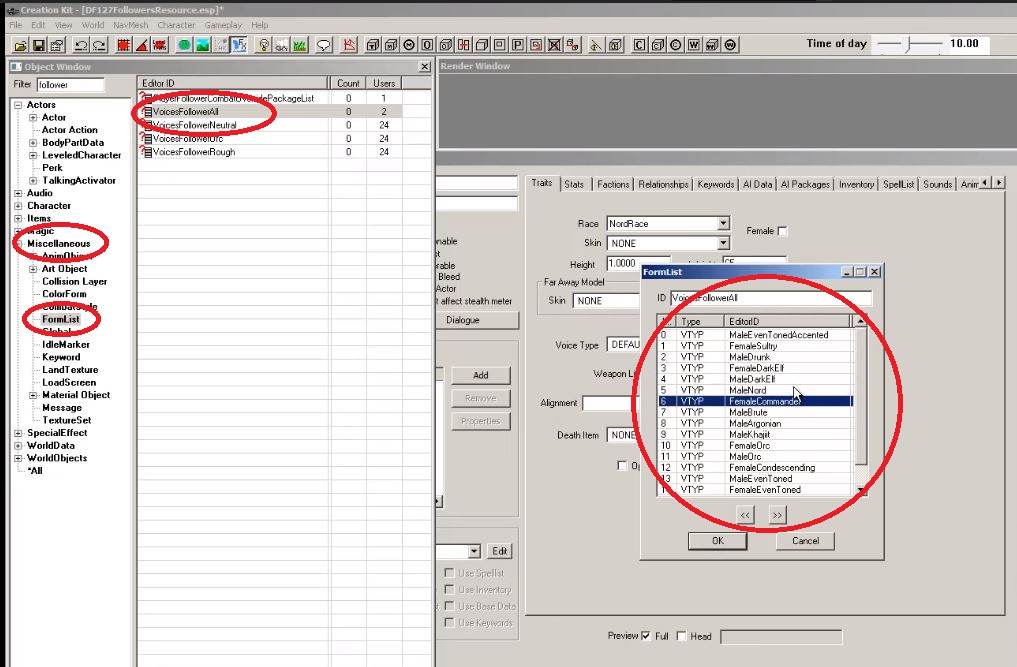
In your object window on the left, expand the Miscellaneous options and click on FormList. In the filter up top, type “follower.” Now double-click the “VoicesFollowerAll” option and scroll through to pick the one you want for your follower. If you don’t know what these voice types sound like, check out this video for samples:

5. Set your follower’s stats

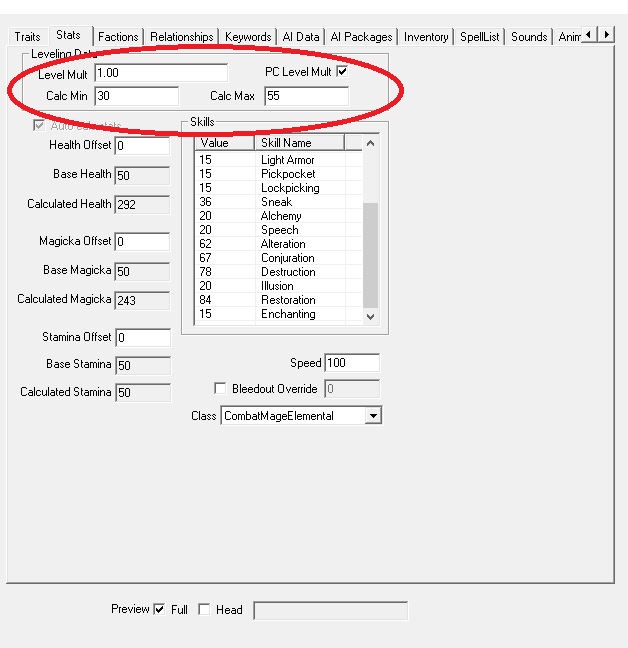
The stats tab is where you pick your follower’s level and how good he/she is with the various skills in-game. You can start by setting a follower’s level by simply typing it in the “Level Mult” portal, but we recommend a different approach:

Tick the checkbox that says “PC Level Mult” and it will unlock the two portals below that say “Calc Min” and “Calc Max.” From here you can put in the follower’s min and max level, so that they will better scale with the player character and the enemies you encounter. For example, our character starts at level 30 lowest, but caps at 55:


The bottom window has a variety of build options like Blade, Beggar, CombatScout, etc. Clicking through them will change which skills get priority for your follower. How good a follower is at any particular skill is a combination of both their “class” and their level window. Two CombatMonk class characters may have differing levels of Sneak depending on what level they are.

6. Set your faction

This tab and the next don’t have much wiggle room and aren’t as subjective as the past couple, so you’ll need to do the next steps exactly as written. Luckily they’re pretty simple:

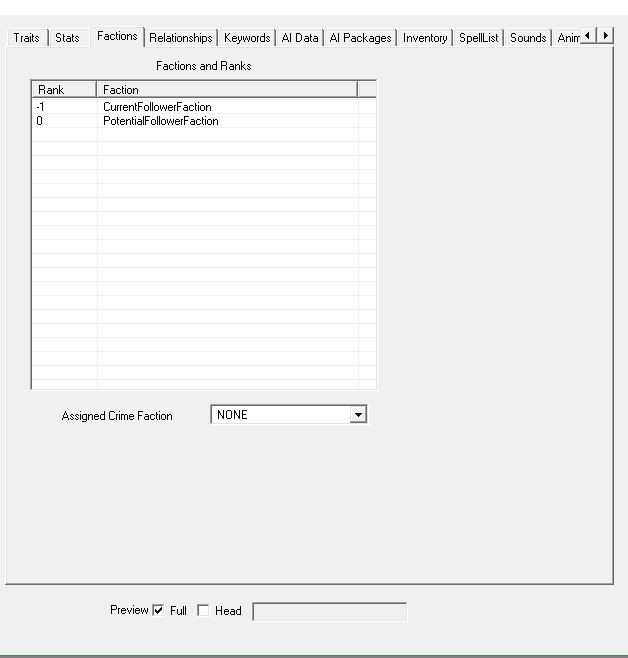
Go to the Faction tab. Now right-click in the empty lined box and say “new.” Then type follower in the filter. Choose “CurrentFollowerFaction” and “PotentialFollowerFaction” options. They should both appear in the window.

Now select the “CurrentFollowerFaction” and press F2. Then type in “-1.” This basically sets your character as unassigned to you from the start, which means they will only join you after you speak with them, as is the default in this game.

Frankly, if you set this value as anything other than -1 it’s unlikely that your follower will work at all. Do it right and your factions screen should end up looking like this:

Before we move any further, NOW is the time to check the boxes under your character’s ref ID and name. A quick runthrough of what these mean:

7. Can your follower be killed?

CharGen Face: Your follower’s face will be in the preset faces at the start of game.
Essential: Your follower cannot die.
Protected: You cannot kill this follower, but enemies and falls can.
Respawn: After this follower dies, it will come back.
Unique: This is only one follower, and there are no duplicates of this character running around the game world.
Summonable: This character can be summoned via conjuration.
Ghost: Weapons and spells will go through this follower.
Invulnerable: Weapons and spells will impact this character, but they will be unaffected.
Doesn’t Bleed: No blood animation when this follower is struck.
Simple Actor: Disables several of the facial animations on this follower.
Doesn’t Affect Stealth Meter: If this follower spots you while you’re crouching, it will not affect your sneak meter.

Pick whatever combination of these you like, but you’ll at least need to check the “Unique” box.

8. What is your follower’s relationship with you?

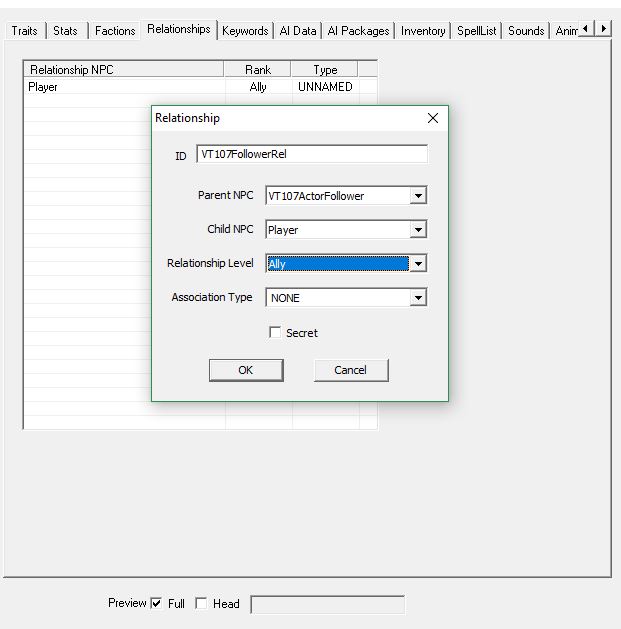
In the Relationship tab right-click in the window and click ‘new.’ Again make your ID straightforward and official – something like “JohnDoe101FollowerRel.” Your Parent NPC portal should be auto-filled to match your follower’s ID. Keep it that way.

Then simply make the Child NPC “Player” and the relationship level “Ally.” It should similar to this when you’re done:

Skip the Keywords tab and click the one that says “AI Data.”

9. Set your AI Data

This section is a little more up to your discretion. The AI attributes here affect your follower’s expressions and behavior. We do recommend, however, that you at least set the Aggression to “Unagressive” and your Confidence to “Average” just so your follower doesn’t go berserk and start attacking you should you accidentally hit him. The Mood portal determines your follower’s facial expressions, so set that with whatever you think best suits your dude.

Setting the Assistance and Morality will affect whether your follower will perform unsavory actions like attacking or stealing if commanded. Finally, the combat style should more or less mirror the class you picked out back on the Stats page. Again this might take some trial and error to pick out the one best suited for your follower.

Skip the AI Packages tab for now. We’ll come back to it soon.

10. Set your follower’s outfit and inventory

In the Inventory tab you get to pick out your follower’s clothes. Click the dropdown under “Default Outfit” and pick the one you like. What you’re really setting here is what your follower will wear when they’re not in your service. That means when they’re wandering around their starting location and such. Any armor is best given to them by you, in-game.

11. Set up your follower’s perks and spells

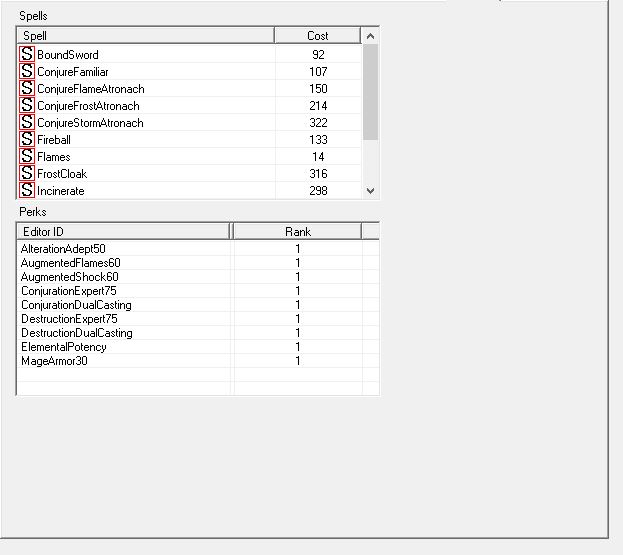
Here’s where you pick your follower’s perks and, if they use magic, their spells. We made our example follower a mage just so you can see what it will look like. If you use magic, right-click in the “Spells” window and pick out any spells you want this follower to use.

Note: Your follower will always use the strongest spells available, and that means he’ll default to using high-cost magic if they have access to something like Incinerate, Icy Spear, or Thunderbolt. If you don’t want him to run out of magicka too fast, don’t give him these spells! You can see how much mana your follower has back on their Stats page.
Next, pick your perks. It might take some guesswork to determine which perk is which, but you can always come back to adjust later. We made our character (above) a destruction conjurer with some points in alteration if you’d like to compare:

If you choose a more warrior build, the page might look something like this:

Now tab over a few to get to the Character Gen Parts

12. Make a face

Now you finally get to the fun stuff – pick what your follower’s face looks like! We recommend you start by clicking the “head” checkbox at the bottom of the window for a zoom-in view to get the best possible accuracy.

Start off with cycling through the presets, then get more in-depth with the options in the Base Head Parts box. If you want to go really crazy click the next tab over, Character Gen Morphs, to fine tune your aesthetic.

13. Where does your follower live?

If you haven’t been saving your progress lately, DO SO NOW. This next part is notoriously finicky, and the kit will often crash here.

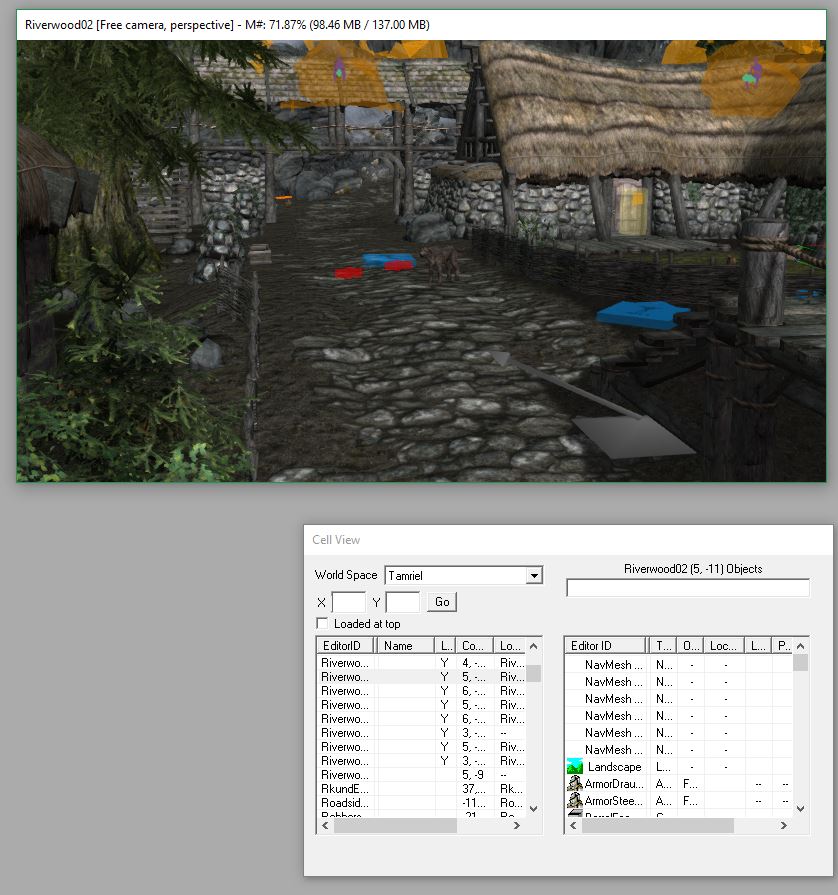
Notice the “Cell View” window towards the bottom right of Creation Kit. This is where any and all locations in the game are listed. Click where you want your follower to spawn. (We like Riverwood since it’s easily reached from the start.) If you get any error messages upon loading up your location, again just hit “yes to all.”

Navigating inside the Creation Kit takes some practice, but at it’s most basic, Shift controls the vertical angle while the mouse wheel zooms in and out. Be sure to take into account where everything in the game world was at the start, so you don’t accidentally save with a rooftop missing or something. If you do accidentally delete something, your best bet is probably just to close out and open the kit back up again.

Once you’ve found where you want to place your follower, all you have to do is drag it from the Object Window right into the map. Press ‘F‘ to make sure your follower lands on the floor correctly and doesn’t wind up embedded in the dirt or any similar embarrassment.

14. Nobody just stands still

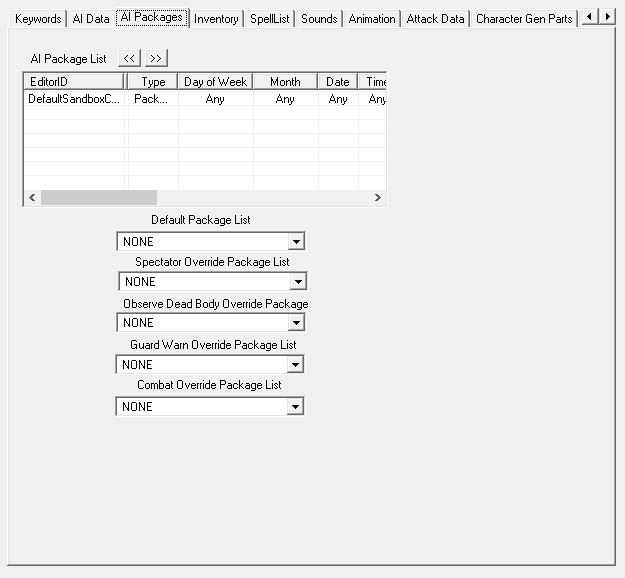
The icing on the cake is to add an AI package. Tab over to it and right-click in the window. Hit “add” this time, not “new.” “New” is if you want to make a completely new AI package, and we suggest just using one of the defaults, especially if this is your first time making a follower.

In the filter that comes up, type “defaultsandbox” and pick one of the four options that start with “DefaultSandbox.” The number after just refers to the radius in which your follower will wander from where you placed him, so probably the bigger the better.

Save your progress once you’ve set this!
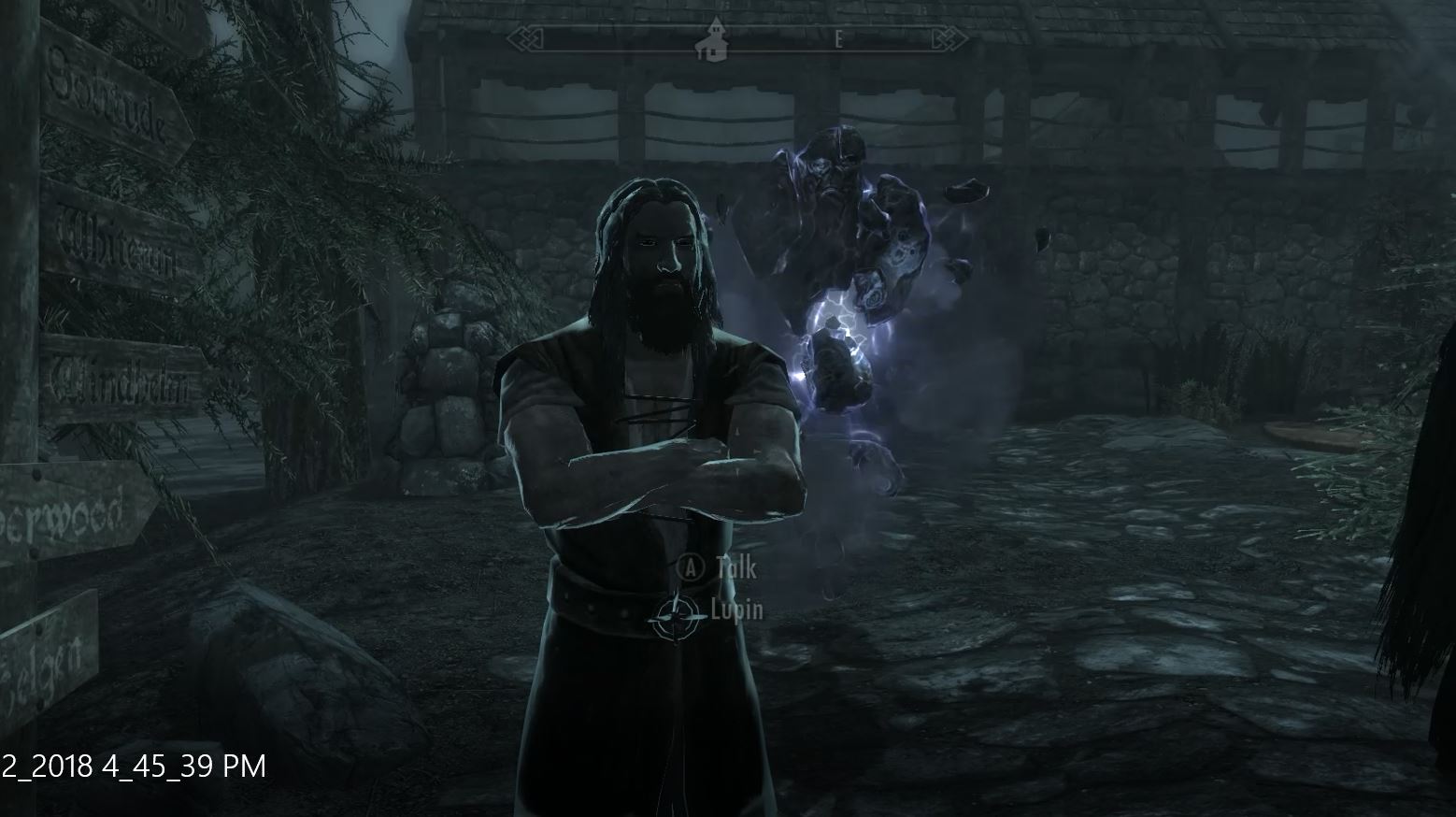
15. Meet your masterpiece

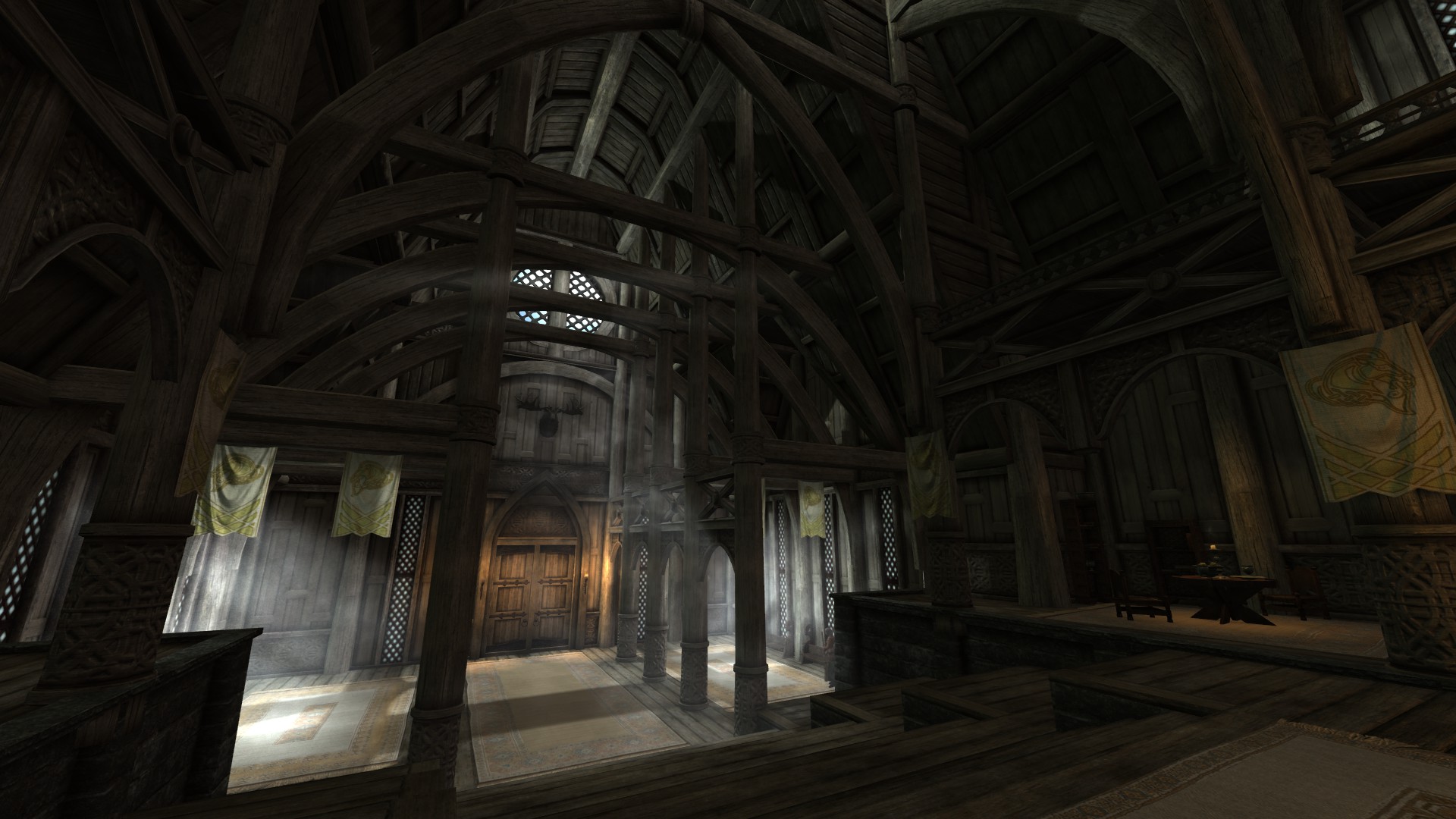
From here all you need to do is boot up Skyrim and go to the location where you placed your follower! Once you meet your creation if anything isn’t working correctly, do not fear; it happens to the best of us. Just back out and re-open the Creation Kit and try and troubleshoot.
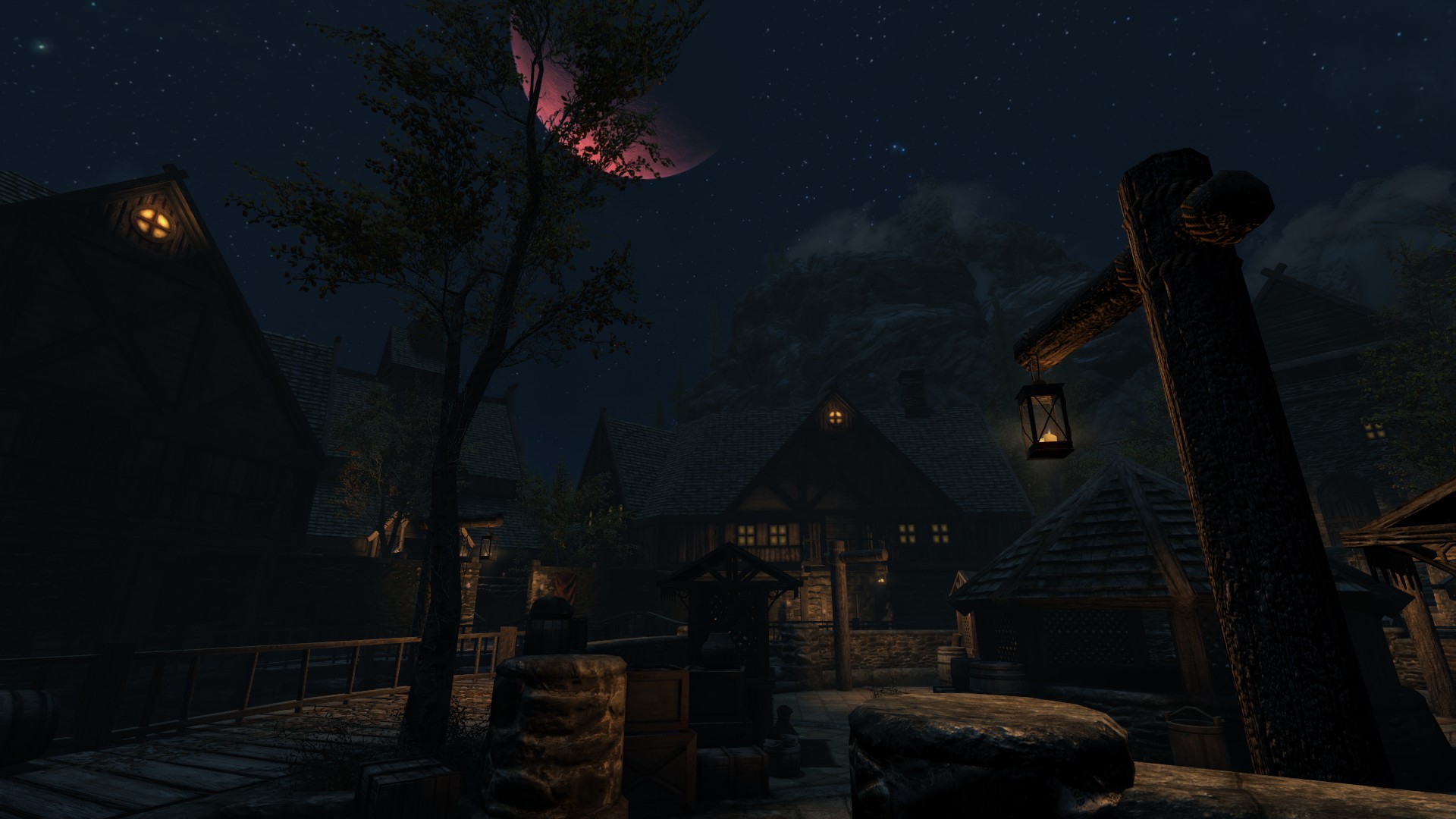
It might also help to check out some of Bethesda’s default characters in the Creation Kit to get a better feel for how you might want to base yours. For mages, we recommend checking out Tolfdir or Nirya. Brynwolf or Karliah for thieves, Faendal or Aela for archers, and Lydia or Farkas for warriors.

Don’t beat yourself up if you’re still having trouble with this. The first follower you make is always the hardest one. Follow our guide here as best you can, but you may still find your character isn’t one hundred percent what you want. Trial and error are your best teachers, and all the characters you make afterward can be modeled off your first as a blueprint, saving you a lot of work.


A beginner’s guide to Sea of Thieves

Sea of Thieves is a game about plundering the high seas in search of grog and booty. You’ll be commandeering the seas on your Sloop or Galleon, dodging all manner of angry skeletons, ferocious sharks, perilous rocky coves, the legendary Kraken, and – most terrifying of all – the other players in your match who might be just rowdy enough to try and cast you down to Davy Jones’ locker. Sound fun? Grab it here:

Sea of Thieves Download
8

Jumping into a living, breathing world like Rare created with this title can be unnerving, especially with the game’s lack of tutorial. We’re sharing five tips that will play the part of the parrot on your shoulder, giving you advice and encouraging you to let your conscience be your guide.

Maybe we’re mixing metaphors. Let’s get started.

1. Don’t go it alone

https://www.pedestrian.tv/gaming/you-can-play-sea-of-thieves-with-a-pirate-band-who-will-sing-you-a-shanty/

Kind of a given, but if you can play this game with friends, do so. Trust us, it’s the way the game is meant to be played. Besides just raising the camaraderie up to 11, pretty much all the game’s mechanics assume you’re with a hearty crew.

The element where this especially comes to mind is navigation. Sailing a ship is NOT like driving a car, and having another pair of eyes can be the difference between a shiny new galleon and a waterlogged shipwreck.

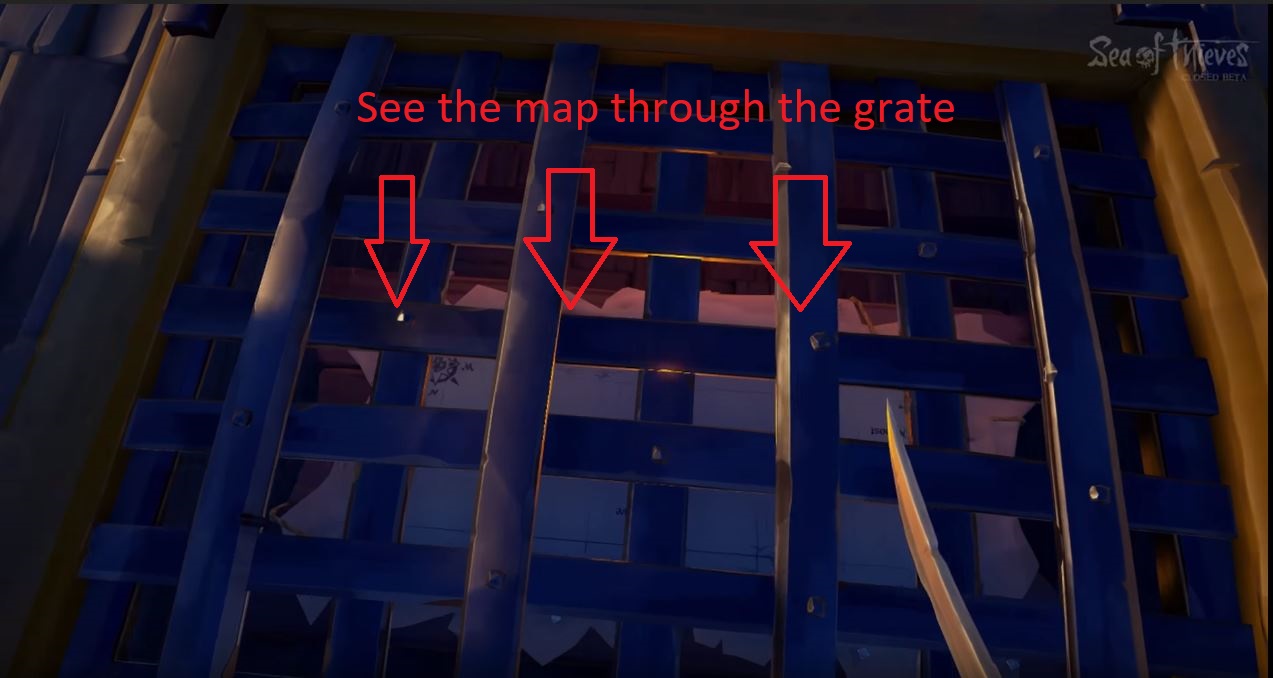
As if to reinforce this point, the map on the Galleon is in the hold, below the deck. The wheel for steering is two floors above that. The game doesn’t want you to do both. The most efficient way to plot your course is to have one player down below deck yelling directions to whoever is steering.

Trying to check the map and steer is deliberately clunky and inconvenient. Additionally, having another pair of eyes can be incredibly helpful when you’re scouting for clues during one of the game’s many treasure hunts.

2. Familiarize yourself with your vessel

Navigating and sailing in Sea of Thieves is a huge portion of the game. The more practice you get on the high seas, the more adept a sailor you become. The more adept a sailor, the better your survivability in ship-to-ship combat. Not to mention you’ll be able to pull some crazy maneuvers in and out of battle. There are two ships in Sea of Thieves: The Sloop and the Galleon.

https://holdtoreset.com/sea-of-thieves-review-a-week-and-a-half-on-the-high-seas/

The Sloop is faster and smaller, but isn’t decked out for a fight like its big brother. They are easier to repair, however, and their size makes them immune to Kraken attacks. We’d recommend starting off with a Sloop in Sea of Thieves, and upgrading to a Galleon when you get the hang of the game’s steering mechanics.

http://seaofthieves.wikia.com/wiki/File:Sovereign_Sails_on_Galleon.png

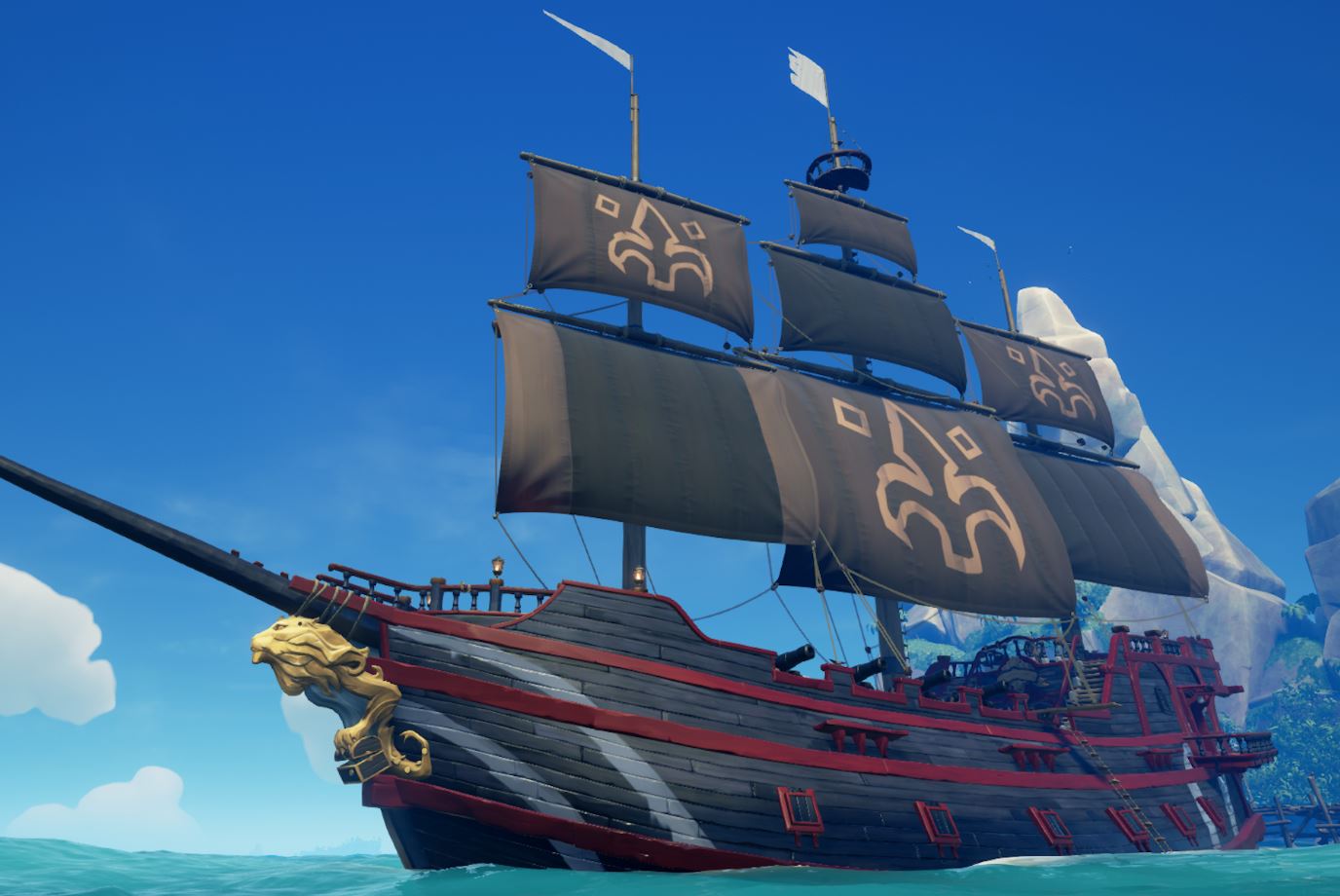
The Galleon is the king of the seas, boasting twice the firepower and durability of the Sloop. Since it lacks the Sloop’s maneuverability, we’d recommend around four players work together to make for the most efficient navigating. Of course, a ship is only as good as its crew, so be sure that your teammates know their roles before the lot of you go head to head with other players.

For both ships, don’t forget to use your sails properly! Look up and try to gauge the direction of the wind. If you angle your sails to catch the wind just right, you’ll see them puff out. That means you’ll be moving as fast as possible.

3. Learn your tools

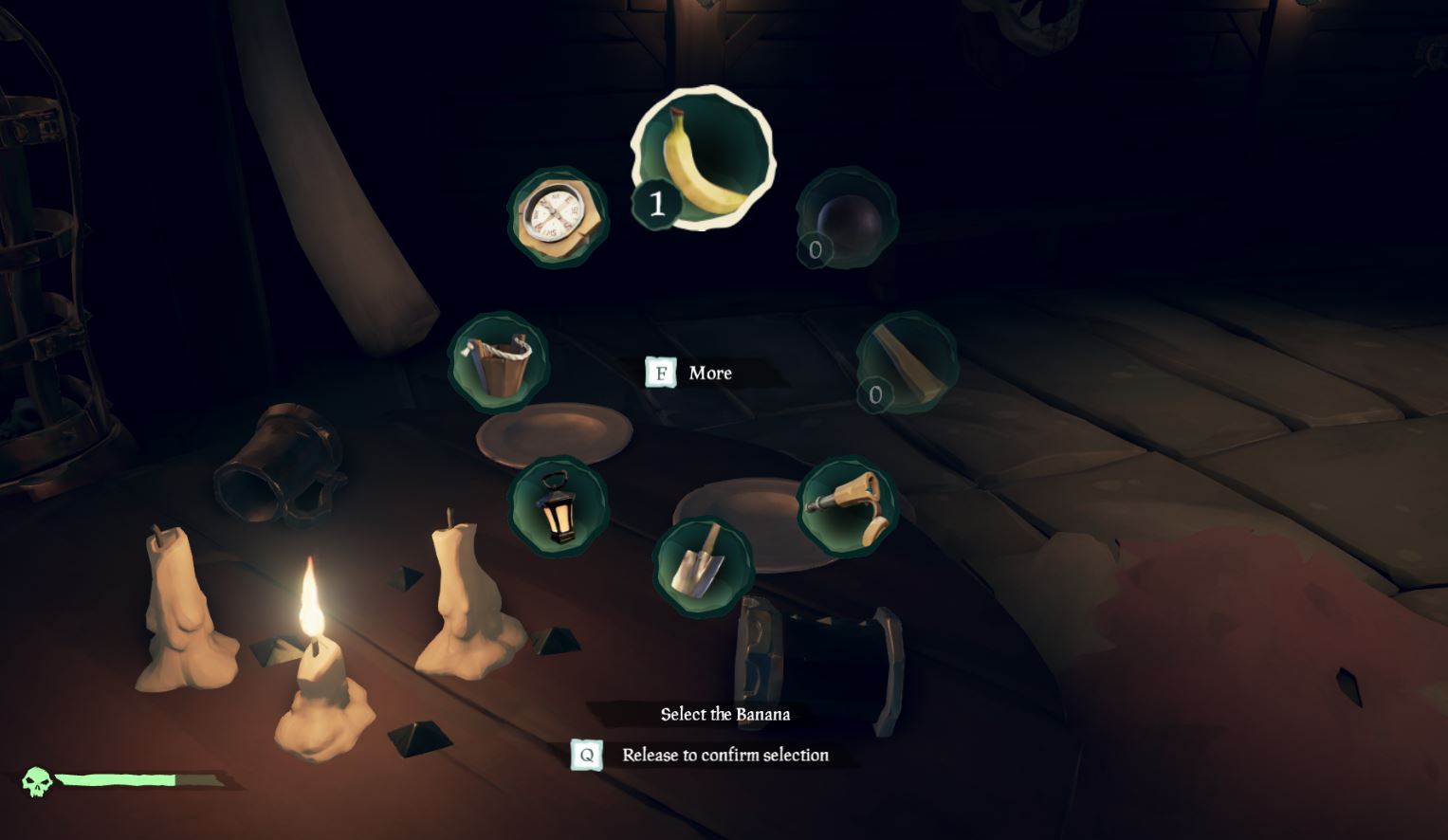
There are eight different tools in your inventory radial. You should become familiar with their purpose so you always have the right one for the right job:

https://www.eurogamer.net/articles/2018-04-03-sea-of-thieves-controls-xbox-pc-gamepad-keyboard-mouse-5001

Compass: The most important tool at your disposal, the compass is how you discern the right direction when away from your ship. Keep track of where you go after you drop anchor and go on land; your compass will help you get back.

The compass is also hugely valuable when you’re on land trying to hunt for treasure. Keep it handy. You can also look to the North Star if you’re wandering around at night.

Lantern: Handy when spelunking, the lantern is your default item for brightening caves or dark islands when exploring at nighttime. You can also right-click (left trigger on XB1) to lift the lantern higher, lighting up those dark corners.

Pocket Watch: Not terribly useful outside of Merchant Alliance voyages, this tool tells you the time and date. It can also help with determining how long you have before dark, but you’re a pirate – just look up at the sky!

https://www.windowscentral.com/sea-thieves-items

Spyglass: An unexpectedly valuable piece of equipment, this can help you spot islands, enemies, and passing ships. Passing ships should definitely be taken into account and shared with your crew. Know when to fight and when to flee, especially during timed quests or when low on supplies. Another tip is to put out your ship’s lanterns at night; other players will have a harder time spotting you in the dark if you’re not lit up like a Christmas tree.

Shovel: This digs up treasure. Listen for the clank sound; that means you’ve hit the chest.

Bucket: All players begin with the bucket, and all unfortunate players will likely end up using it. A lot. The bucket is for when your ship is taking on water and threatens to sink. Use the bucket to pour out the water, ideally when another player is patching up the hole.

https://gameidealist.com/news/crude-humor-use-alcohol-violence-detailed-sea-thieves/

Tankard: Not useful unless you want to roleplay. The tankard will hold grog for player consumption; you can find one in your equipment chest. Fun if you want to pretend you’re Captain Jack Sparrow.

4. Choose your weapons wisely

You can only carry two weapons on your person in Sea of Thieves, but can choose from four: The cutlass; blunderbuss; pistol, and Eye of Reach. When you’re picking your weapons, be mindful of two factors: What your other teammates are carrying; and whether you’re well-rounded if any of you wind up alone.

http://shop.seaofthieves.com/proddetail.php?prod=MS_SeaT_1007

The cutlass requires the most finesse and practice. Able to swipe, parry, and lunge, it’s your most versatile (and classy) choice. The cutlass can also block, making it a viable defensive option, and is the only weapon in the game that does not require ammunition. We think it’s the best backup weapon you can pick.

The flintlock pistol is a good close-mid range gun, and accurate players will find it’s a good counter against careless sword wielders who can’t reliably close the distance. It also fires faster than the blunderbuss or Eye of Reach, so you’ve got more margin for error.

The Eye of Reach is Sea of Thieves’ sniper rifle, using a fixed scope to engage enemies from great distances while maintaining higher accuracy. It can be incredibly useful from a hilltop or the crow’s nest of a Galleon, but don’t get caught using it alone against a pack of skeletons.

http://crewofthieves.com/the-pirates-guide-to-personal-combat-in-sea-of-thieves/

The blunderbuss is the champion of close quarters fighting, and we recommend beginner players rely heavily on this. Our blatant tip is to “practice with the sword, but proceed with the shotgun.” It’s also the only weapon capable of dispatching multiple assailants at once, making it your best choice against the game’s many skeletons hordes.

5. Keep well stocked

https://www.youtube.com/watch?v=Hy9gaDgUjGE

Our last tip for beginner players is to loot, loot, loot. This goes for completing quests and pillaging enemy vessels, but also extends to exploring small islands for wood, chests, or life-giving bananas. All supplies you find that belongs on your ship should be put there quickly, as you’ll never know when an enemy ship might decide to challenge you.

As for the bananas, we recommend you keep as many on your person as you can. Each will restore 25% of your health, and can be consumed one at a time to give you a fighting chance should you get ambushed.

Sea of Thieves is a ruthless, cutthroat world, but if you keep these five tips in mind and stick close to your friends you might just stay alive long enough to face down that Kraken. Or to launch yourself from a cannon only to plummet down to your death, questioning your life decisions all the way.


10 best upcoming games in 2018

The second half of 2018 is gearing up to be a powerhouse. We’ve got AAA releases coming left and right, so let’s not miss a beat and get right into the 10 best games coming in the second half of 2018.

Spyro Reignited Trilogy (September 21) (PS4, Xbox One)

The Insomniac Games creation is emerging after a long hiatus. The Developers at Toys for Bob have worked from the ground-up to bring Spyro in all its HD glory to the current generation of consoles. If you’re a fan of the original or nostalgia or both, look out for this game this fall.

Spyro Reignited Trilogy PRE-ORDER NOW

Warhammer 40k: Inquisitor-Martyr (July 5) (PS4, Xbox One)

Even though we are a few days past its release, Warhammer games are always a treat. Inquisitor-Martyr places you into the role of a Space Marine aboard the Martyr, a massive ship floating in space. With near top-down gameplay, it is very reminiscent of Diablo and early Warcraft titles.

Warhammer 40k: Inquisitor-Martyr BUY NOW
8

We Happy Few (August 10) (PS4, Xbox One, PC)

We Happy Few is a very intriguing concept for a year dominated by Battle Royale. It’s a single-player survival experience set in a dystopian town where the populous is sedated by the upper-class. Flying under the radar as an early-access game on Steam, We Happy Few will be released in less than a month, so make sure to pre-order your copy.

We Happy Few PRE-ORDER NOW

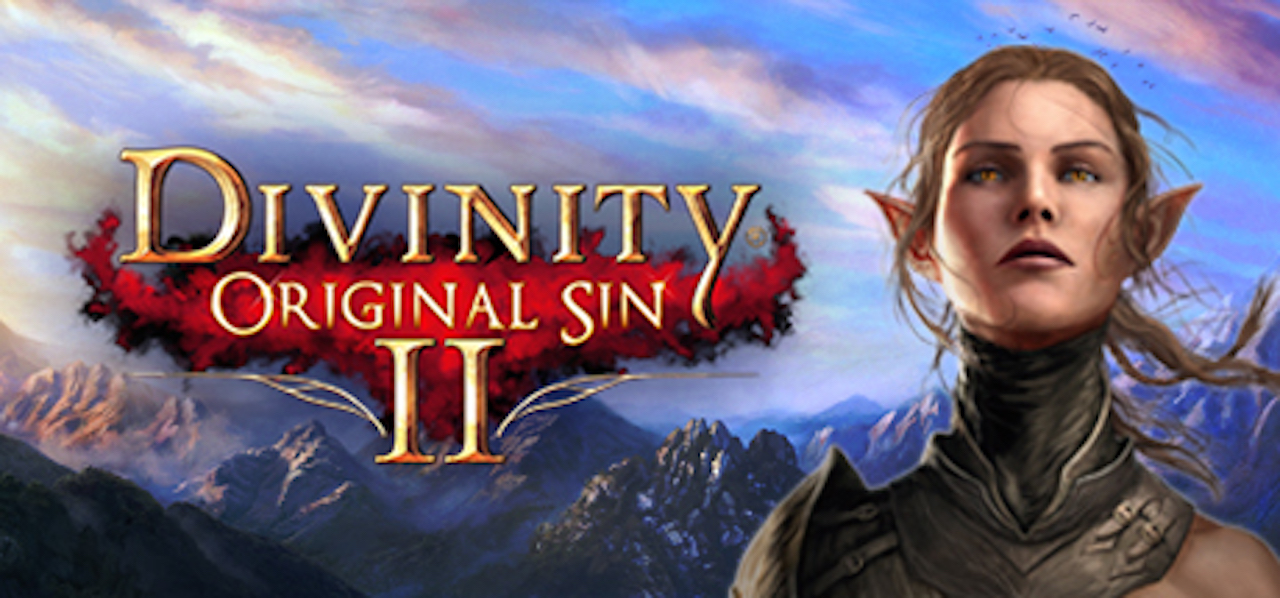
Divinity: Original Sin 2 (August 31) (PS4, Xbox One)

Divinity: Original Sin II is not your typical action-adventure game. The concept errs towards high fantasy and plays much similar to Inquisitor-Martyr and Diablo. The graphics are stellar and, even though the learning curve can be steep, it’s worth giving this sleeper a chance.

Divinity: Original Sin II PRE-ORDER NOW

Spider-Man (September 7) (PS4)

A lot of hype has been surrounding Insomniac Games’ Spider-Man reboot. Most recently, a gameplay trailer was released which revealed the villains set to challenge Spider-Man at every corner. Spider-Man will boast a slew of new abilities and be able to interact with his environment in surprisingly unique ways. This is definitely a game to purchase if you’re a fan of the MCU.

Spider-Man get alerts

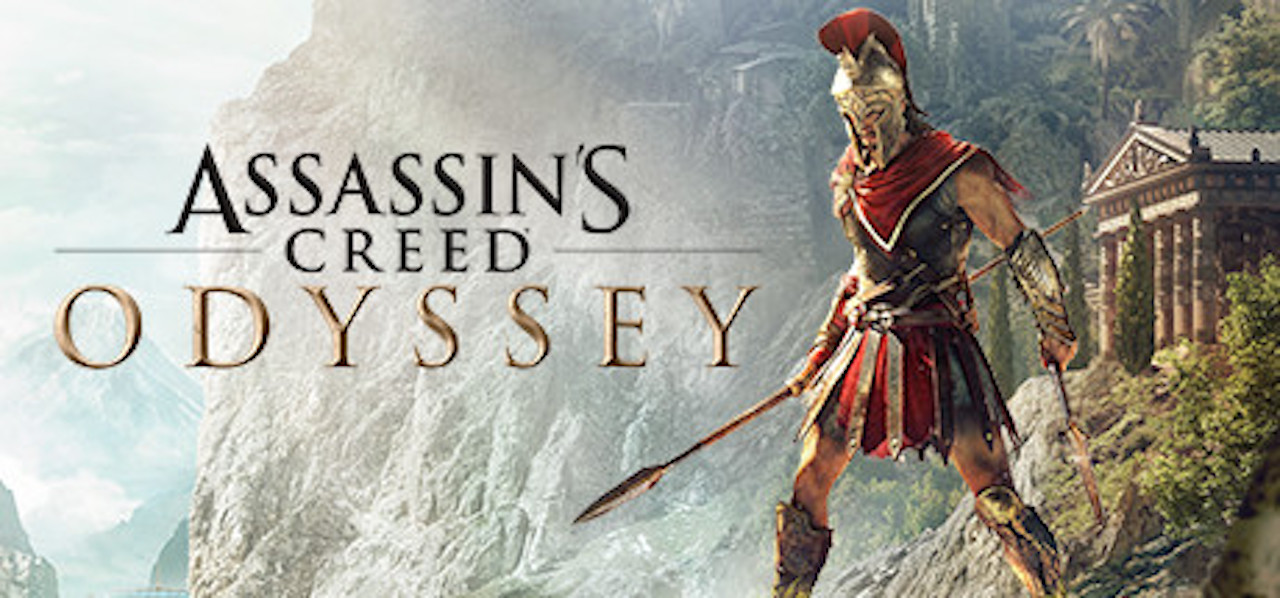
Assassins Creed: Odyssey (October 5) (PS4, Xbox One, PC)

Riding the success of Assassins Creed: Origins, Ubisoft Quebec has been hard at work on yet another chapter in the series, this time taking their stories to the land of Ancient Greece. In Sparta, you have the option to take control of either a Male or Female character during the Peloponnesian war and fight to become the most notorious mercenary in all of Greece.

Assassin's Creed Odyssey PRE-ORDER NOW

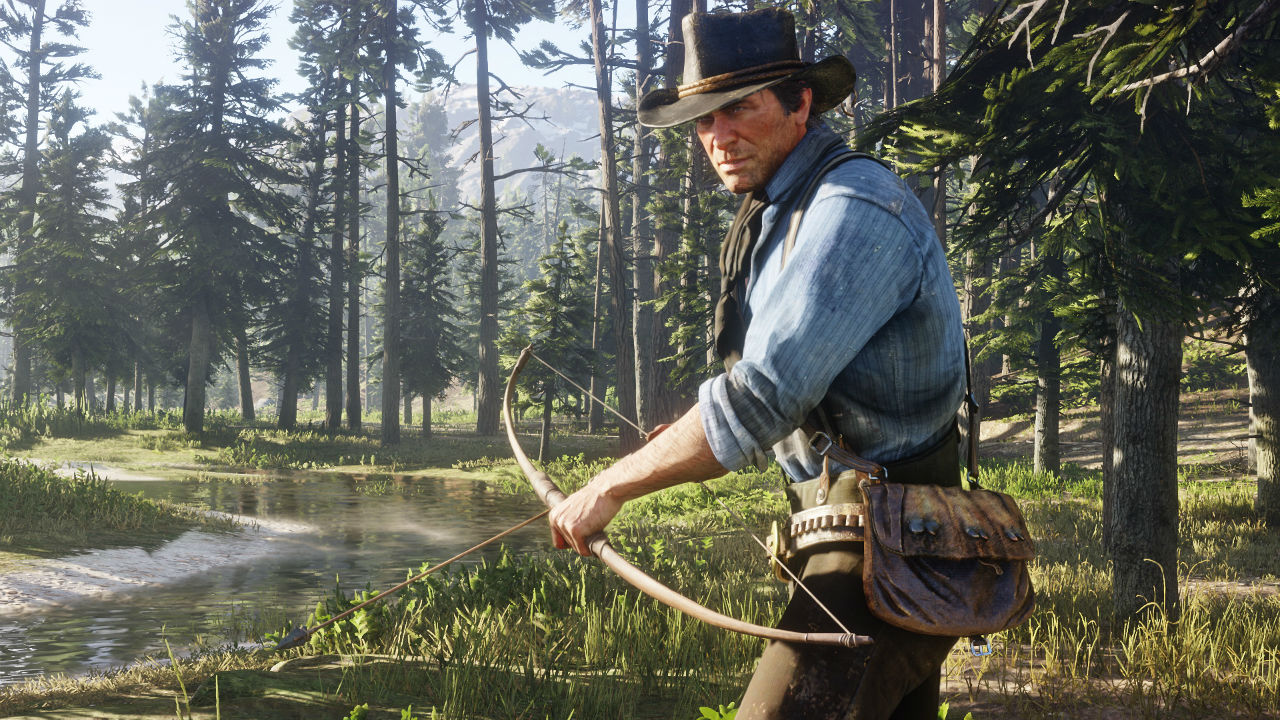
Red Dead Redemption 2 (October 26) (PS4, Xbox One)

One of, if not, the most anticipated game of the year. Rockstar consistently releases quality titles and Red Dead Redemption is no exception. Set as a prequel to the first game, you take control of Arthur Morgan, an outlaw involved with the Van der Linde gang, and fight for survival against whatever the Wild West throws at you.

Red Dead Redemption 2 get alerts

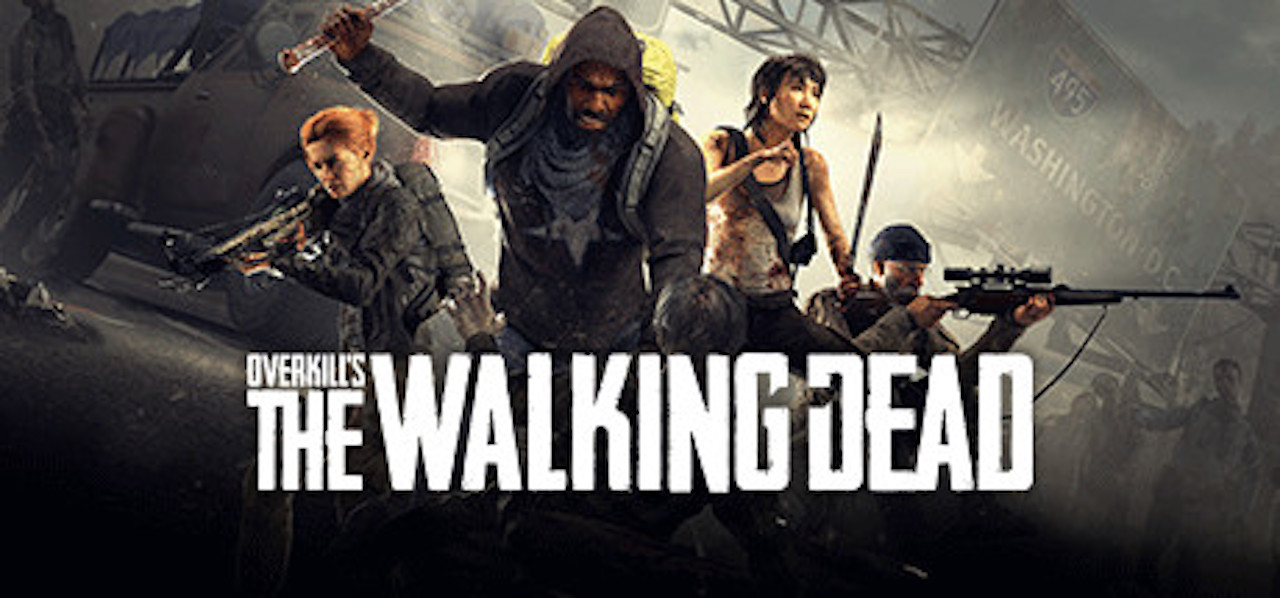
Overkill’s The Walking Dead (November 6) (PS4, Xbox One, PC)

Overkill’s new product is a Left for Dead-style game set in the comic book universe created Robert Kirman. The most recent title about the Comic was created by Telltale Games, so Overkill has some large shoes to fill. The game itself looks to be more survival oriented than run and gun, so be on the lookout for heart-racing gameplay and terrific graphics.

Overkill's The Walking Dead PRE-ORDER NOW

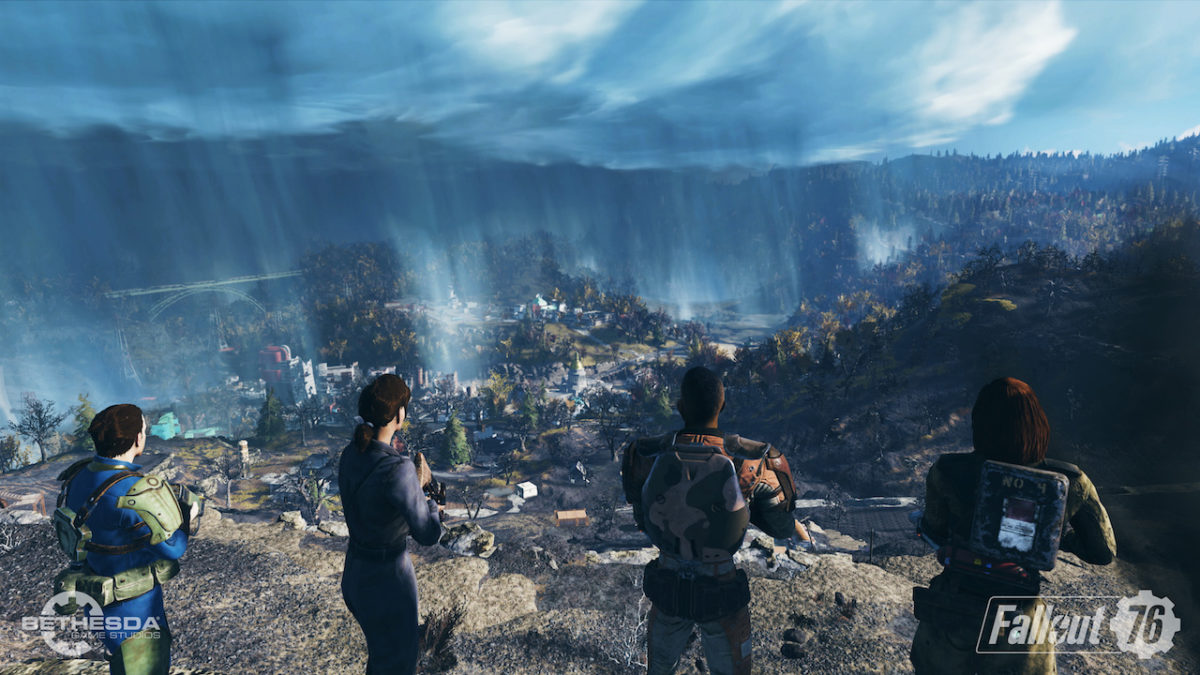
Fallout 76 (November 16) (PS4, Xbox One, PC)

As we approach the end of the year, Bethesda is blessing the gaming community with another addition to the Fallout series. Fallout 4 was a triumph in more ways than one, but it also lacked in a few departments, mainly quest diversity. Fallout 76 looks to fix those issues and bring the community closer together by creating servers for players to enter with up to 24 to 32 other players. Bethesda claims the map is four times the size of Fallout 4, so you might be hard-pressed to find another player.

Fallout 76 PRE-ORDER NOW

Just Cause 4 (December 4) (PS4, Xbox One, PC)

More destruction. Better physics. Extreme weather conditions. A release date near Christmas. What more can you ask for from a Just Cause entry? Avalanche and Square Enix are in South American once again, following Rico Rodriquez on his quest to rid the world of oppressive regimes. The physics engine has been taken to the limit with tornados uprooting bridges and sandstorms pushing helicopters off the tarmac. Just Cause games are designed to be adrenaline-filled fun and a new entry into the series is very welcome.

Just Cause 4 PRE-ORDER NOW


Here’s everything we know about The Last of Us 2

Details are slowly trickling in about the follow-up to Naughty Dog’s post-apocalyptic survival masterpiece, including an incredible new trailer showcased at E3. Here’s what we know so far about The Last of Us 2’s story, gameplay, and other rumors. If you still haven’t played the first game, be warned: spoilers are incoming.

The Last of Us 2 is set five years after the somewhat ambiguous ending of the first game. After finally reaching a research facility run by the Fireflies in Utah, Ellie was quickly whisked away. Marlene, the leader of the Fireflies, informed Joel that in order to find a cure for the infection, they would have to operate on Ellie’s brain, killing her in the process. Forced to choose between saving Ellie and curing the infection, Joel chose Ellie. He massacred his way through the Fireflies facility before finally reaching Ellie just as she was about to undergo the operation that would kill her. When Ellie finally wakes up from her drug-induced coma, Joel lies about what happened, telling her that the Fireflies had found other test subjects besides her and that they were still unable to find a cure. 

The game ends with Joel and Ellie returning to the settlement run by Joel’s brother, Tommy. When Ellie once again asks Joel if what he told her is the truth, he doubles down on his lie, and the credits roll.

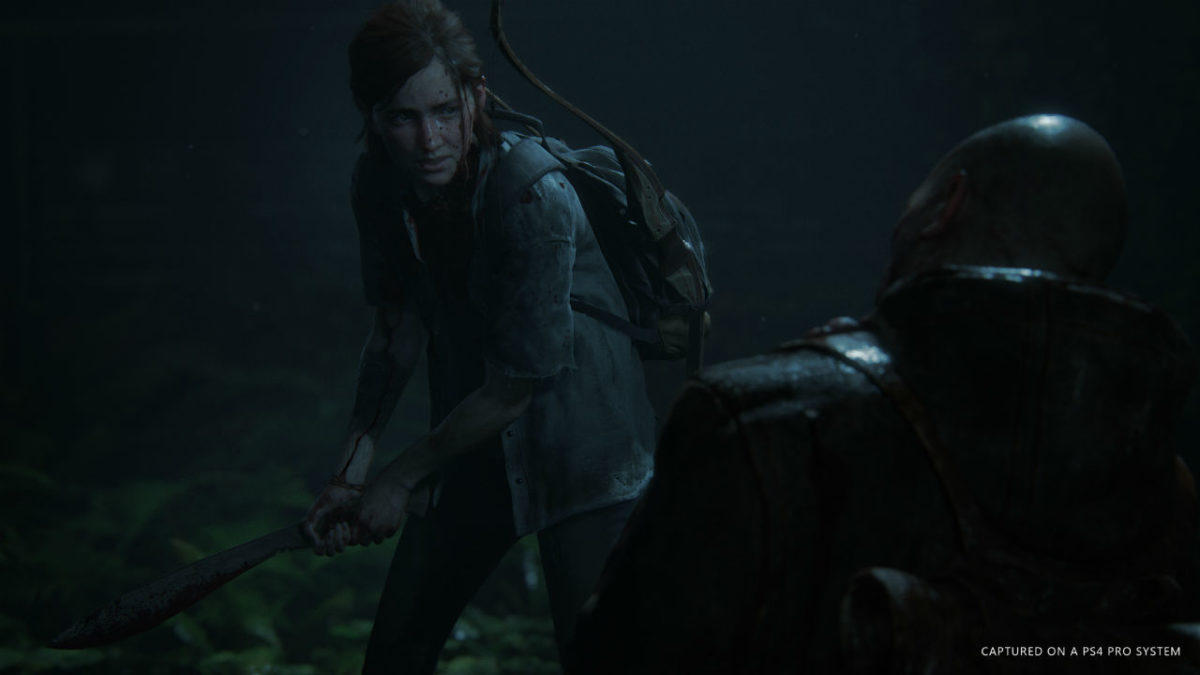
Several years later, Ellie is now a teenager. Joel will be taking a backseat this time around; Naughty Dog has confirmed that players will be taking control of Ellie in this installment. Joel will still have a large presence in this game, but what exactly that presence will be remains a mystery. In the game’s first trailer, we only see his silhouette, which led some to speculate that Joel is dead, and only remains as a figment of Ellie’s imagination. Though Joel certainly isn’t getting any younger, the latest E3 trailer seems to refute this. New character Jesse approaches Ellie at a party at Tommy’s settlement, remarking that her “old man,” presumably Joel, called him out for slacking while making his rounds. He also mentions that Joel always seems to take a greater interest when Ellie is on patrol with them.

This certainly sounds like the Joel we know and love, but also of note is the way Ellie reacts to this remark. She definitely doesn’t seem happy that Joel is butting in, which could mean several things. Though Ellie and Joel grew closer over the events of the first game, it ended with them somewhat at odds with each other. Just based on the way Ellie seems to resent Joel’s overprotectiveness, it doesn’t seem like that’s changed much in the five years between the two games. However, is this just Ellie going through a rebellious teenager phase, or did she find out at some point that Joel lied to her?

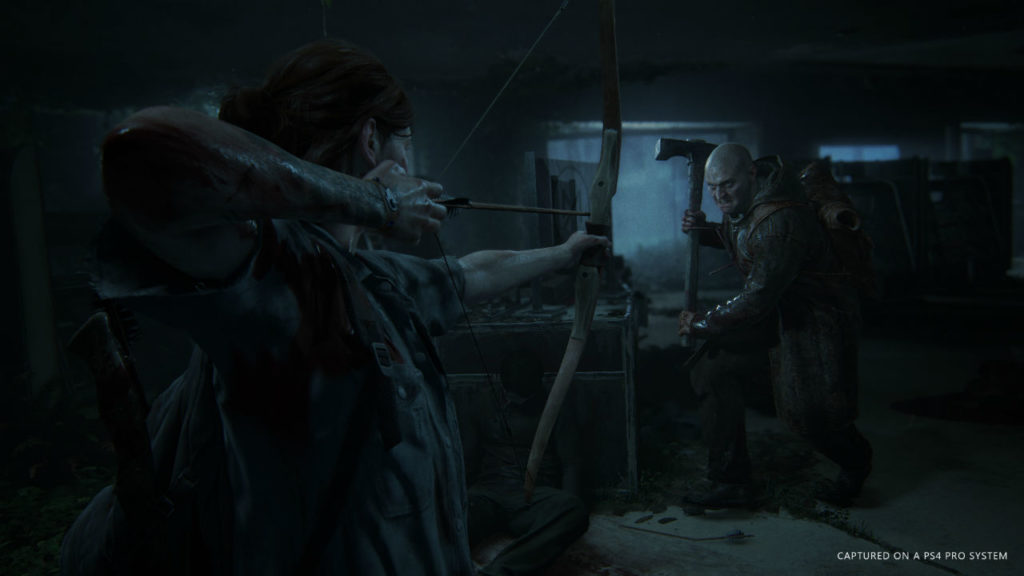
Whatever the reason, Ellie has grown up quite a bit since the last time we saw her. The new gameplay trailer shows her fighting off enemies with the same brutal combat style introduced in the first game. Melee combat, improvised weapons, and stealth are all returning in a big way in this new game, and combat overall seems much more fluid than in the first entry. Ellie transitions seamlessly between running, hiding, and fighting, and at one point we see her quickly crafting an explosive arrow mid-fight to get the upper hand on her opponents.

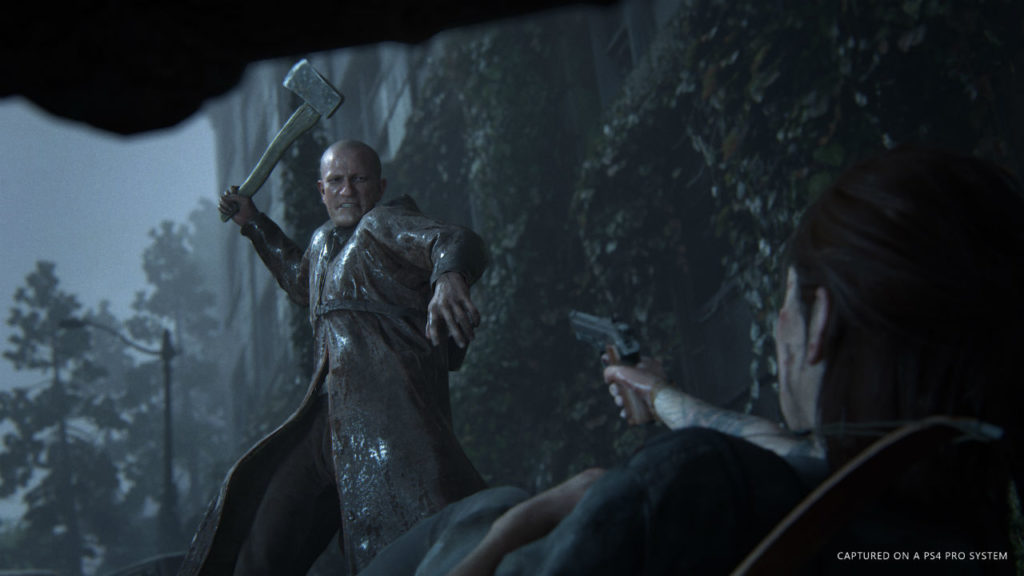
So, who exactly are these opponents? Details have been sparse on them so far, but Naughty Dog has revealed that they are a pseudo-religious cult known as the Seraphites. Their goal is to wipe out sin as they see it, though what “sin” they’re attempting to wipe out remains unclear. The cult members all seem to share a similar appearance. Male members of the cult shave their heads, while women have the same braided hairstyle. Looking closely will also reveal that the cultists all have Glasgow Smiles, the same kind of scars that gave The Joker his distinctive grin in “The Dark Knight.” In addition, all members also seem to wear similar long, brown duster coats.

Aside from what they look like, we know that the Seraphites aren’t very nice people. They seem to kill in a particular ritualistic style that involves hanging and disemboweling their enemies, and will “clip the wings” of their targets by brutally breaking their limbs with a hammer. New characters Yara and Lev are a brother and sister duo who were formerly members of the Seraphites. Though it’s still unclear how their story intersects with that of Joel and Ellie, it seems likely that we’ll learn more about this vicious cult through them.

Aside from the Seraphites, we can also see graffiti of the Fireflies logo on a signpost in the game’s first trailer. This is the only hint we’ve seen that they might be returning in the second game. Joel’s rampage at the end of the first game left the group without any clear leadership, so it seems likely that if they do reappear, they’ll be out for revenge. If this is the case, between the Fireflies and the Seraphites, Joel and Ellie will certainly have their hands full.

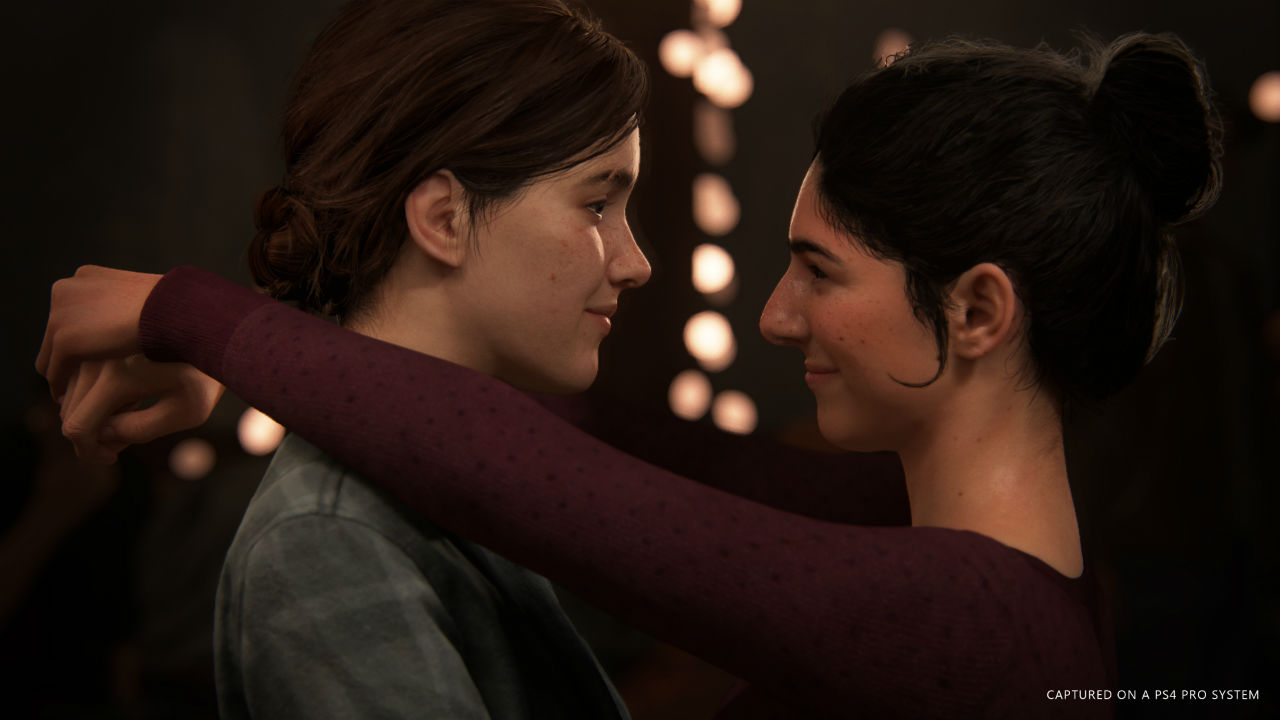
Several new characters are also being introduced this time around. In addition to Yara and Lev, we’ve also met an unnamed woman voiced by Naughty Dog veteran Laura Bailey. Naughty Dog loyalists will recognize her from her role as mercenary Nadine Ross in Uncharted 4, and it seems like she’s bringing the same intensity to this mysterious new character. We’re also going to meet a few new residents of Tommy’s settlement. Shannon Woodward, who fans of HBO’s “Westworld” will know as park technician Elsie Hughes, plays Jesse’s ex-girlfriend Dina. She takes a starring role in the latest trailer, sharing a kiss with Ellie during a dance at the party. It’s unclear whether their relationship will develop into something more serious than a somewhat tipsy kiss.

One final important detail that Naughty Dog has revealed: whereas the first game was about love, this game is going to be about hate. From what we’ve seen so far, this game is going to have a much, much darker tone than the original. Between Ellie’s colder and more ruthless outlook and the brutal executions perpetrated by both her and the Seraphites, this game promises to be an extremely intense ride, and it seems like Naughty Dog won’t be pulling any punches this time around. Though no official release date has been revealed yet, Naughty Dog has been revealing a steady stream of new content since announcing the game, and we’re excited to see what else lies in store for Joel and Ellie.

How Super Smash Bros. Ultimate can repair Nintendo’s rocky history with eSports

After revealing the massively anticipated trailer for Super Smash Bros. Ultimate at E3, Nintendo streamed an invitational tournament featuring the new game. For the event, Nintendo invited some of the world’s most popular and successful professional Smash players, including C9 Mang0, TSM Zero, and UGS Armada. The event can be watched in its entirety below:

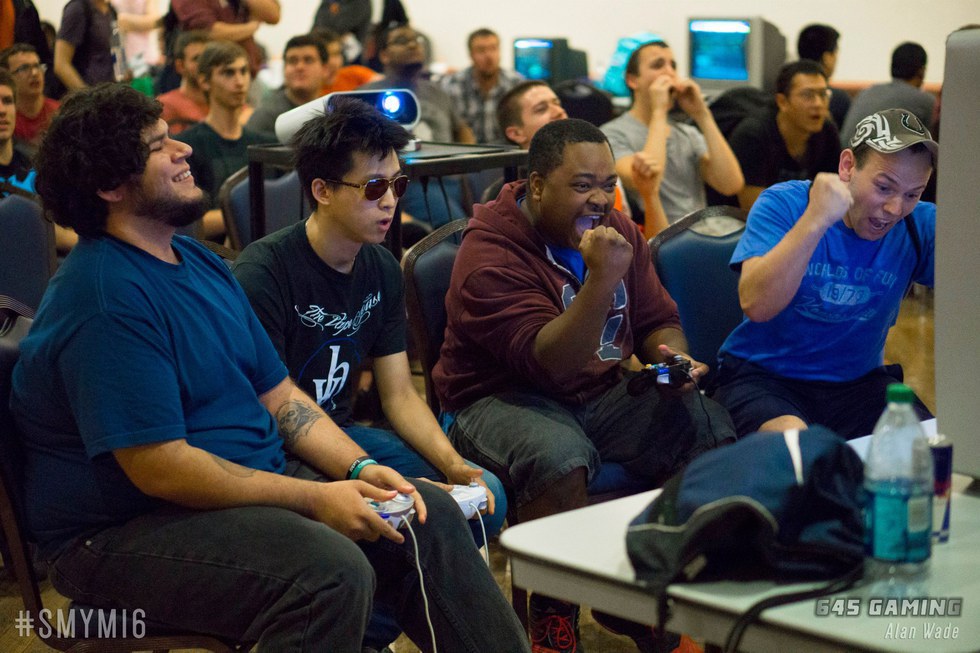
The tournament showcased many of Smash Ultimate’s new characters, mechanics, and stages. Competitors also had the unique opportunity to meet with Smash series creator Masahiro Sakurai to give him their thoughts on the game. Back in 2014, Nintendo put on a similar event before the release of Super Smash Bros. for Wii U/3DS. Both of these events can be seen as attempts by Nintendo to grow a closer relationship to the eSports scene, which they had previously ignored. Newer games that have been released by Nintendo, including Splatoon 2 and ARMS, have been deliberately and earnestly pushed as eSports-worthy titles to varying results.

Nintendo’s fanbase created their own eSports scene

While competitive events surrounding Nintendo’s games have always existed, they really came into their own after the release of Super Smash Bros. Melee in 2001. While the game was easy to learn, dedicated players soon discovered many advanced techniques and playstyles that greatly increased the speed and depth of the game. For years, community organizers hosted bigger and better tournaments, complete with streams, casters, and prize pools. Whereas most competitive games have direct support from their developers, such as Capcom hosting Street Fighter tournaments, for whatever reason Nintendo did not acknowledge this bustling and popular community. In 2013, Smash fans even secured a spot for Melee at EVO, the world’s most popular fighting game tournament, by raising over $94,000 for breast cancer research (EVO’s last spot that year was reserved for the game that received the most charitable donations). However, despite their efforts, Nintendo attempted to shut the Smash portion of the event down. Facing massive fan backlash, especially in light of the charitable donations, Nintendo relented and allowed the event to proceed and be streamed online. Why Nintendo had been so adverse to eSports has never been completely clear, but Masahiro Sakurai has spoken on the matter:

“The philosophy behind them doesn’t go in line with Nintendo’s philosophy in that some of these players are playing for the prize money…it comes to a point where they’re playing the game for the money, and I feel that kind of direction doesn’t coincide with Nintendo’s view of what games should be.”

While this stance seems to be part of Nintendo’s core philosophy and will likely never change, they have certainly warmed up to eSports in recent years. Since the 2013 EVO blunder, they’ve sponsored tournaments for Melee, Smash 4, Splatoon, and more. Their involvement is still minimal compared to most developers, but it’s getting there. Hopefully, with the release of Smash Ultimate, Nintendo can find a balance between embracing the competitive scene without alienating casual players.


These 4 hilarious Pokémon Go ripoffs will make you cringe

During the summer of 2016, it was impossible to escape Pokémon Go. Everywhere you went, people were either playing the game or talking about it. Both presidential candidates even gave it a shoutout. With over 800 million downloads, Pokémon Go was a huge success for Nintendo and developer Niantic. However, it would be naive to assume that something that popular could exist without being ripped off. Developers quickly cranked out half-baked apps that desperately tried to capitalize off of the Pokémania. The results range from okay-at-best to shameful to downright bizarre. Here are a few of our favorites:

1. Pixelmon Go

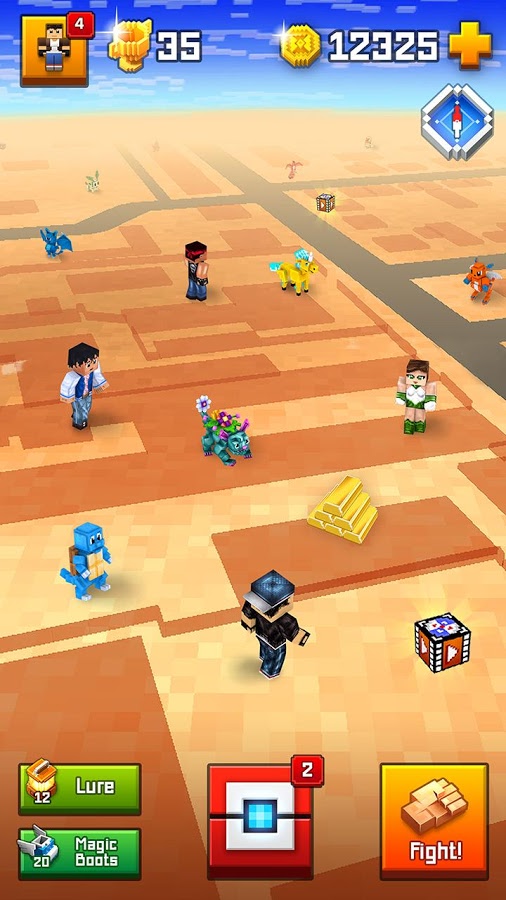
This shameless ripoff seems like it was spat out in 10 minutes by a room of old corporate dudes. “Kids like Minecraft? Kids like Pokémon? What’re you waiting for? Get it out!”

Despite its title, this app has no relation to the popular Minecraft mod Pixelmon. Instead, it features gameplay that can generously be described as a gutted version of Pokémon Go. There are no gyms to battle, plus, you don’t even need to walk around to find Pixelmon, you just tap the screen to make your character walk around. That’s right, they took the core gameplay innovation of Pokémon Go (as in, actually going outside and exploring) and stripped it away.

Pokémon GO Download Free
7

2. Garfield Go

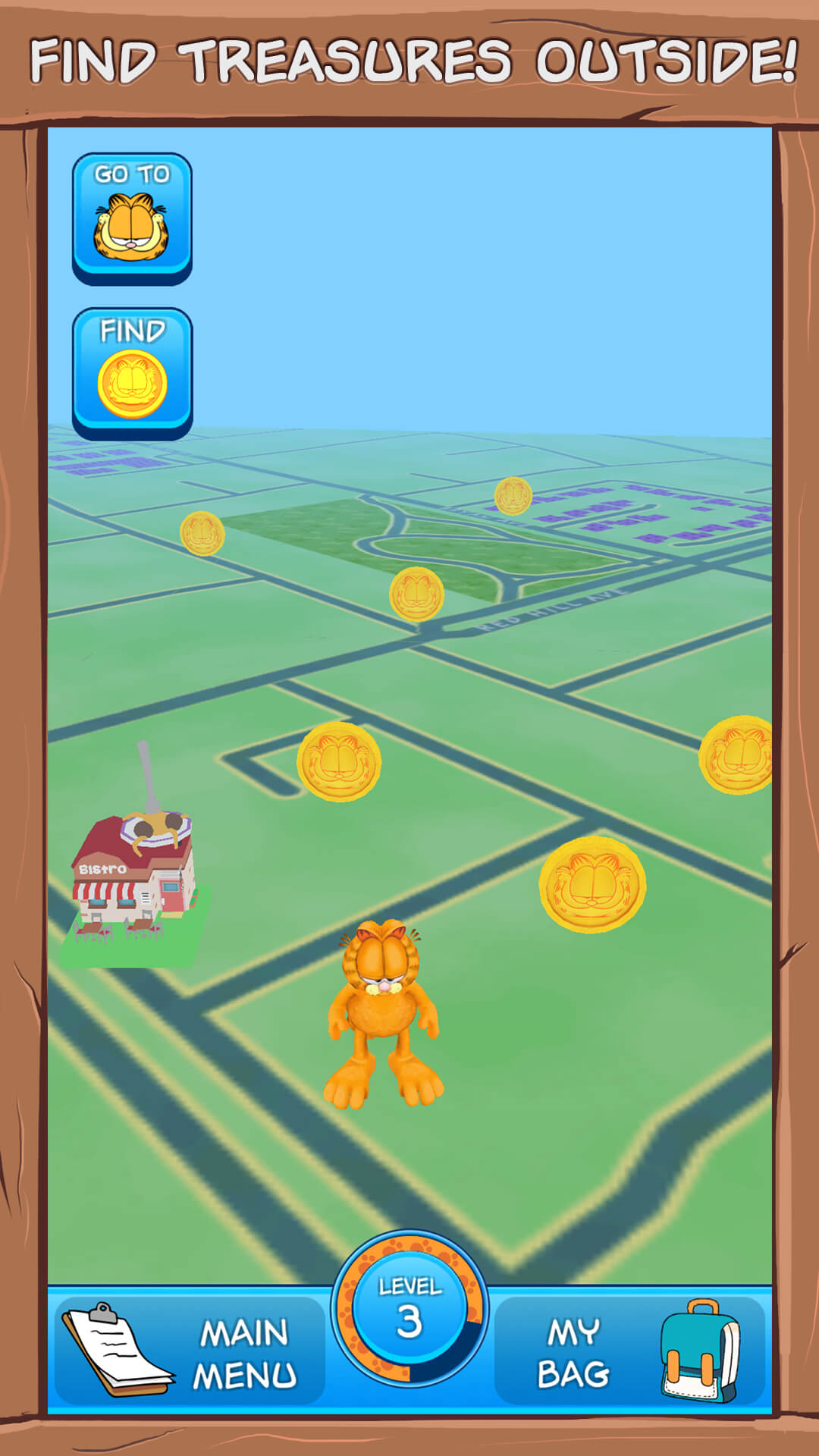
We’ll give the other ripoffs credit, they realized that part of the appeal of Pokémon Go is the assortment of colorful creatures you collect. Whoever is responsible for Garfield Go clearly did not understand this. Instead, you run around outside looking for treasure. While in Pokémon Go, you use your phone camera to throw Pokéballs at monsters, in Garfield Go, you throw lasagna at the lethargic cartoon cat. You need to actually point your camera around until you find Garfield, and until you do, he endlessly repeats “MEOW MEOW MEOW MEOW.” Garfield Go doesn’t even make sense as a concept. I am under 50 so I’m no Garfield expert, but isn’t the whole point of the comic strip that he’s a lazy cat that lounges around the house all day? Why would he be running around outside looking for treasure? I may be thinking too hard about this but I’m at least thinking harder than the people who created this game.

Garfield GO DOWNLOAD FREE
6

3. Draconius Go

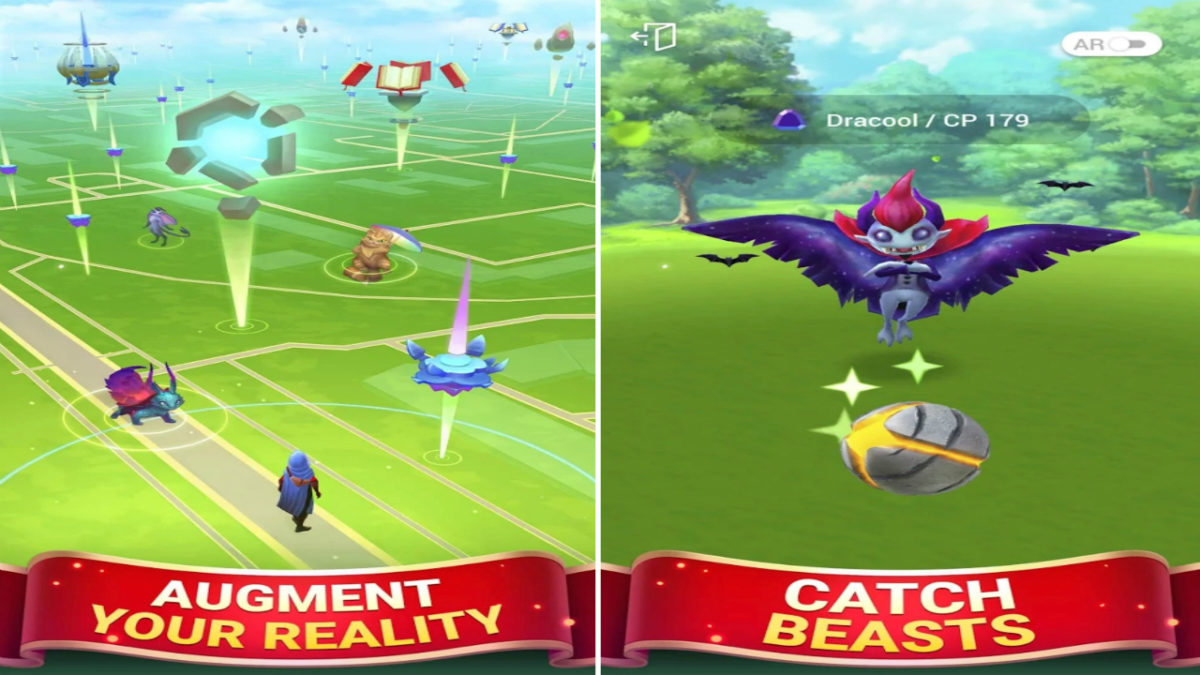
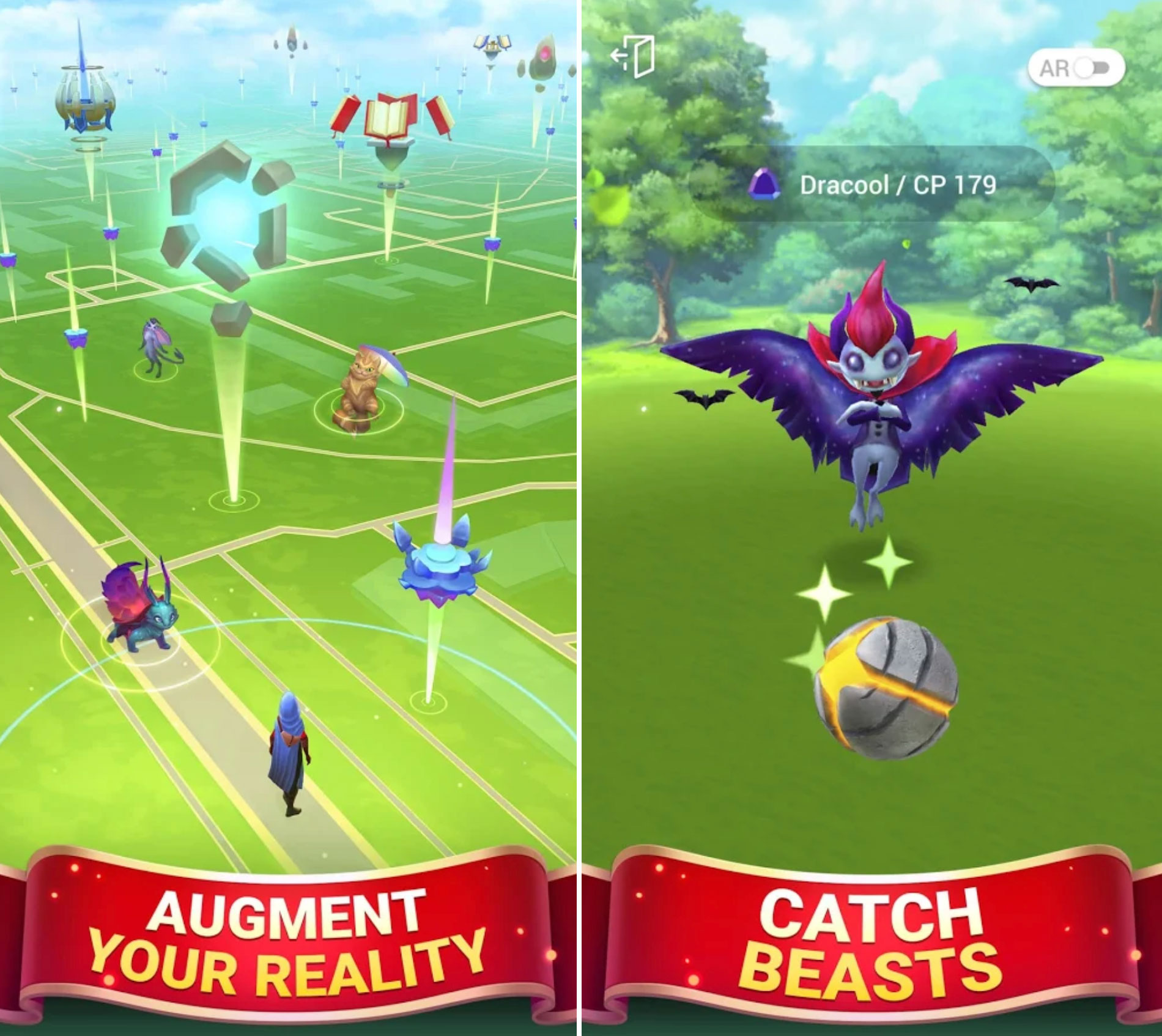
This particular ripoff has the dubious honor of being accused of plagiarism by Niantic itself. The game shamelessly copies concepts like Pokéstops, gyms, Pokéballs, and catching. The monsters featured in-game even use CP points to represent their power, just like Pokémon Go. Niantic was not having it. Draconius Go developer Elyland defended themselves against the clearly baseless accusations by saying, among other ramblings, this:

“When we developed this game, we consulted leading world-class lawyers, and we are 100% certain that Niantic’s claim is unjustified. Niantic’s reaction shows that they consider us as a serious rival. By doing so, they actually prove that our product is better.”

We’re sure Niantic is shaking in their boots, cowering in fear as Draconius Go inevitably becomes the most downloaded app in existence, leaving Pokémon Go as nothing but a faint memory.

Draconius GO DOWNLOAD FREE
7

4. Go Catch Em All! – Hungry Monster.IO World Chasing Color Dots

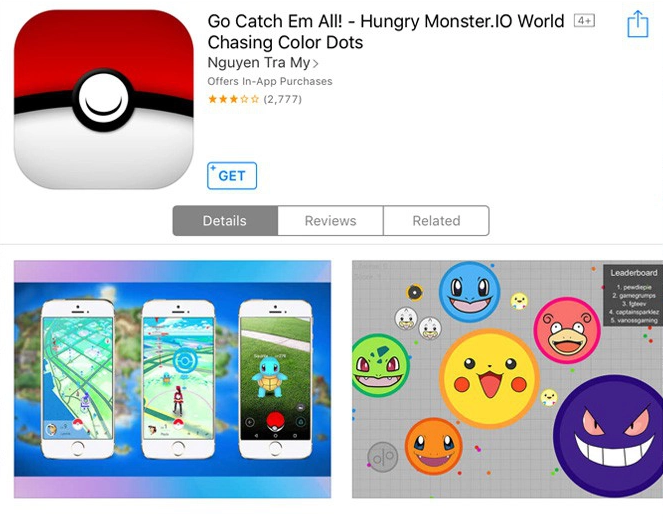
Yes, that word-vomit is the actual title of the game. This particular ripoff became infamous after releasing in countries that Pokémon Go hadn’t yet. So many people were fooled into downloading this that it shot up to the top of the App Store charts in countries like Canada and Norway. We don’t necessarily blame people for being fooled either, as the App Store page features screenshots literally taken directly from Pokémon Go. As for the game itself, it’s just Agar.io with Pokémon faces, which again, is copyrighted content.


15 free Skyrim mods to satisfy fans until Elder Scrolls 6

If you’re hankering to sate your hunger for Elder Scrolls 6, here are 15 free mods that transform this game’s graphics, gameplay, and content into what we affectionately call ‘Elder Scrolls 5.5.’

At this year’s E3, Bethesda finally announced the production of the title Elder Scrolls fans have been waiting for since their first starry-eyed playthrough of Skyrim. Since the still-untitled Elder Scrolls 6 is likely years away from our anxious hands, it looks like fans of the series will still be spending a lot of time questing through the previous titles in the franchise. If you don’t already own Skyrim: Special Edition, you can grab it here:

Elder Scrolls V: Skyrim Special Edition download
9

In the meantime, we’ve looked through the bustling community of fans, reviewers, and modders who are still playing Elder Scrolls V: Skyrim today. We were pleasantly surprised to see that by adding these totally free mods the game can actually look pretty close to something you’d see on the market today.

https://uploadvr.com/must-skyrim-vr-pc-mods-make-tamriel-even-better/

So if you’re hankering to sate your hunger for Elder Scrolls 6, here are 15 free mods that transform this game’s graphics, gameplay, and content into what we affectionately call ‘Elder Scrolls 5.5.’

For the sake of the remaster’s improved visuals and gameplay tweaks, all of the following mods will be for Skyrim: Special Edition, released just this past year by Bethesda Softworks.

These mods were made by the community and the fans. For simplicity’s sake, can all be found for free on nexusmods.com. We also recommend Nexus Mod Manager since it’s both the easiest tool with which to download mods, and also the most user-friendly for uninstalling or editing, both of which can be done at the player’s discretion.

If you are unfamiliar with how to download mods for Skyrim, you can check out our guide here.

Graphic Enhancers

1. Skyrim 2017 textures Author: Pfuscher

https://www.nexusmods.com/skyrimspecialedition/mods/2347

Skyrim: Special Edition made some huge improvements to the 2011 game’s visuals, particularly when it came to trees, lighting, water, and weapon meshes. This mod takes the ball and runs with it, bumping the game up to an optional 4k. Obviously, this will only be in your load order if you’ve got a rig that can handle it (and if you find that you don’t, this mod lowers to 2k, 1k, or 512) without big FPS drops or lag.

https://www.nexusmods.com/skyrimspecialedition/mods/2347

We think this mod does a terrific job of helping to immerse the player into Bethesda’s gorgeous world, and additionally brings out lots of little features that add up to making the whole experience all the richer.

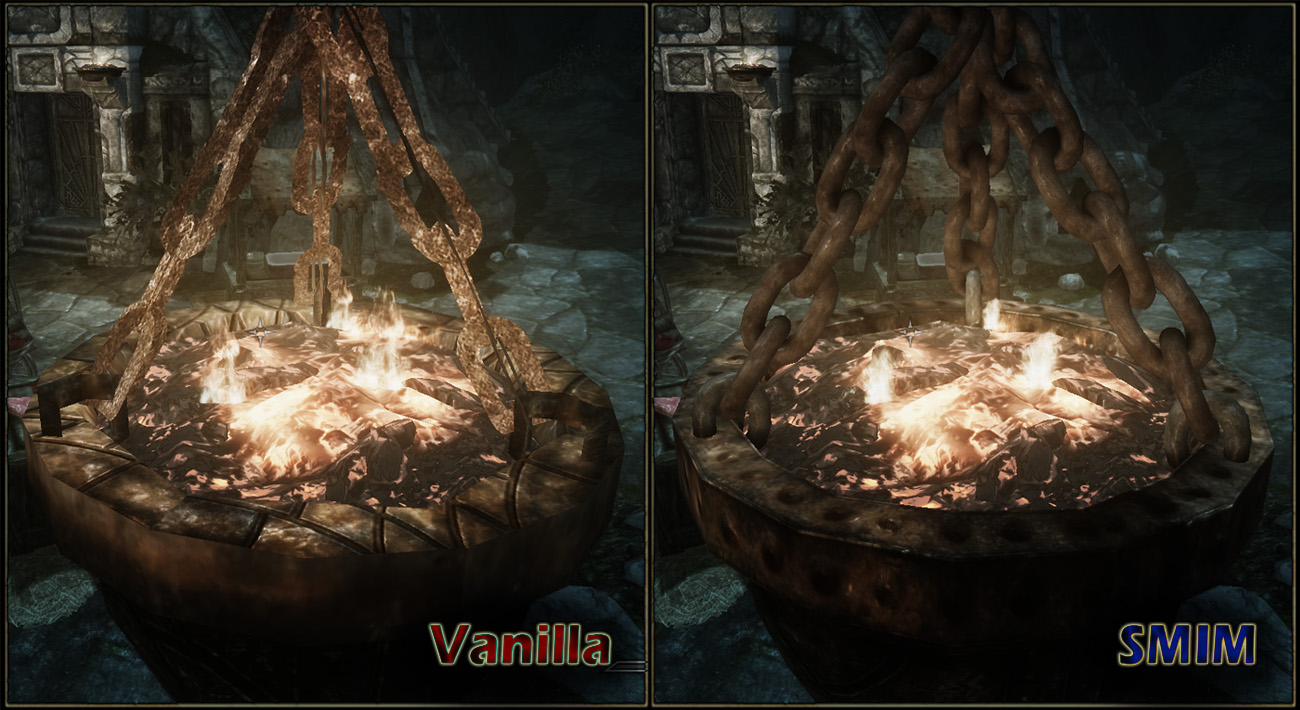
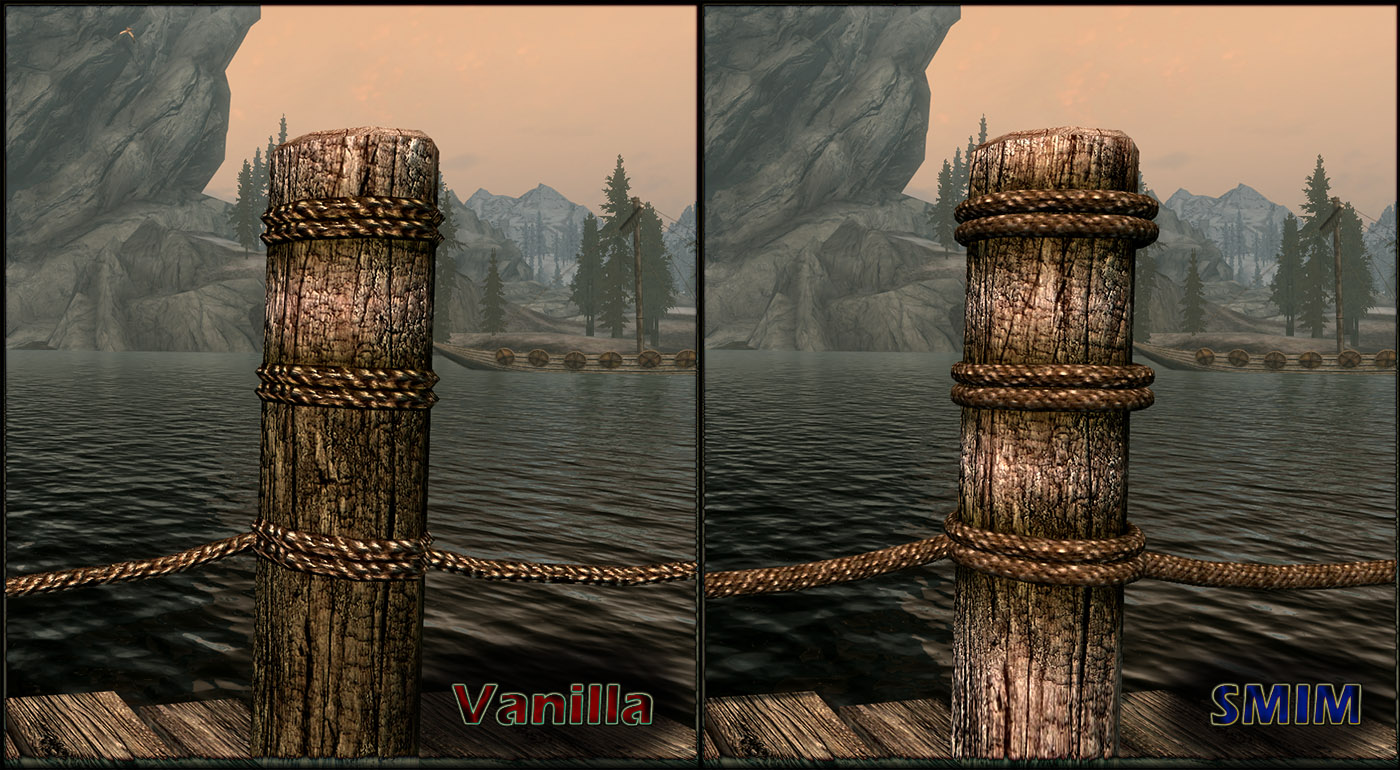
2. Static Mesh Improvement Author: Brumbek

https://staticdelivery.nexusmods.com/mods/1704/images/8655-1-1361594603.jpg

In the same vein as the above mod by Pfusher, Static Mesh Improvement does a lot of work to make Skyrim look more convincing. A lot of the touches come out in models that were changed to 3-D, textures that have exceptional detail even when viewed extremely close up, and rounding out some of the more jagged edges to objects like ore and other miscellaneous items.

https://staticdelivery.nexusmods.com/mods/1704/images/8655-0-1470715022.jpg

Combine this mod with the 2017 texture overhaul and even the most unobservant of players will be geeking out at how fresh the game’s visuals just became.

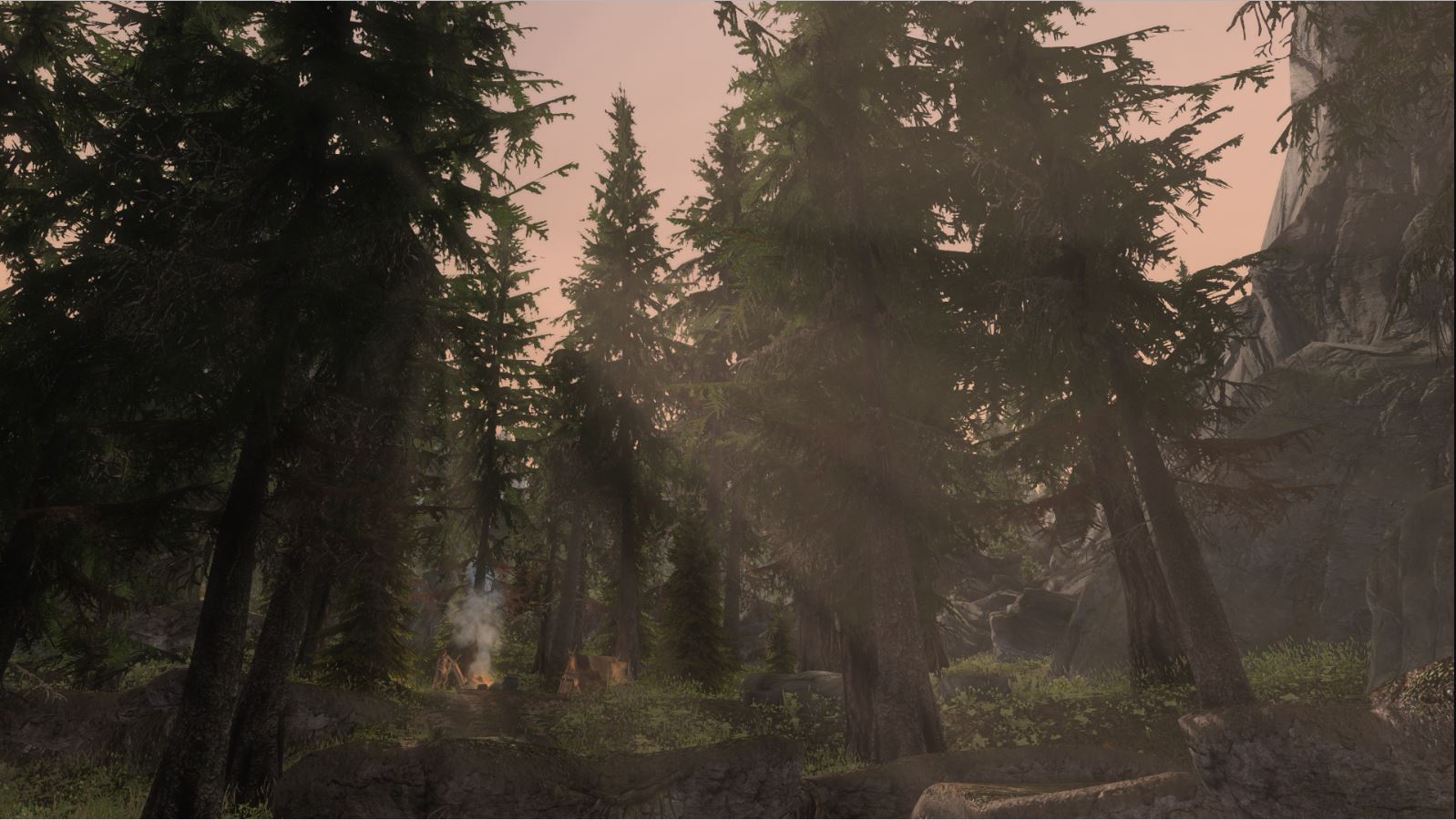
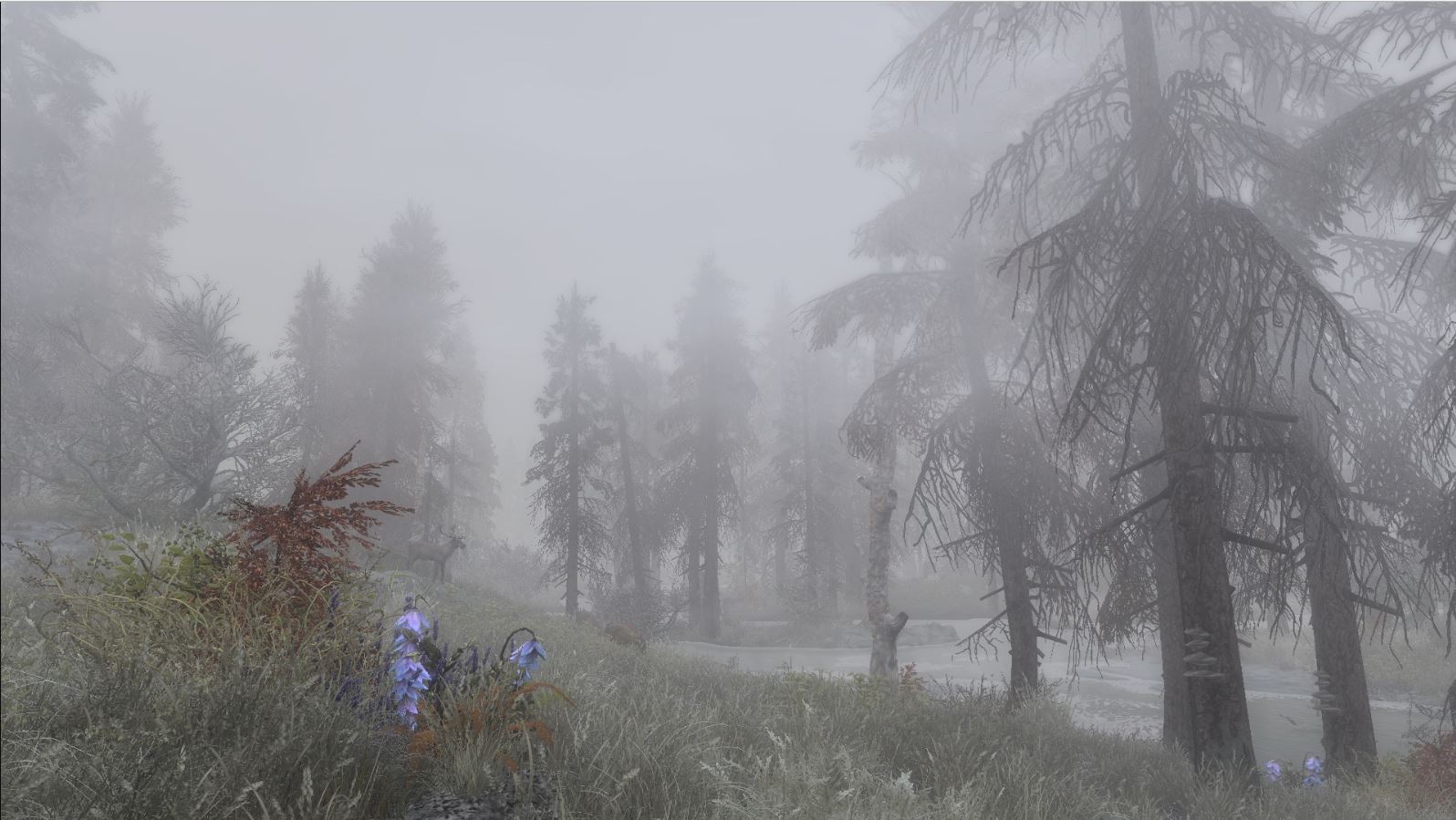
3. Vivid Weathers Definitive Edition Author: Mangaclub

https://staticdelivery.nexusmods.com/mods/1704/images/2187/2187-1514823585-677034402.png

The last mod on our list that’s strictly visual might be our favorite. The snow, clouds, and fog are raised to eleven with this gorgeous mod that focuses on adding just that extra punch to Skyrim’s environment. In a game that so encourages wanderlust and exploration, Vivid Weathers breathes life into the land of Skyrim itself, making adventuring much more dynamic and exciting.

https://staticdelivery.nexusmods.com/mods/1704/images/2187-2-1478023357.jpg

Colors and environment effects will have much more ‘pop’ with this mod installed, and honestly, it becomes a real treat for the eyes just going into first-person mode and looking everywhere you can.

Gameplay enhancers

4. Apocalypse – Magic of Skyrim Author: EnaiSiaion

https://staticdelivery.nexusmods.com/mods/1704/images/16225-5-1426616083.jpg

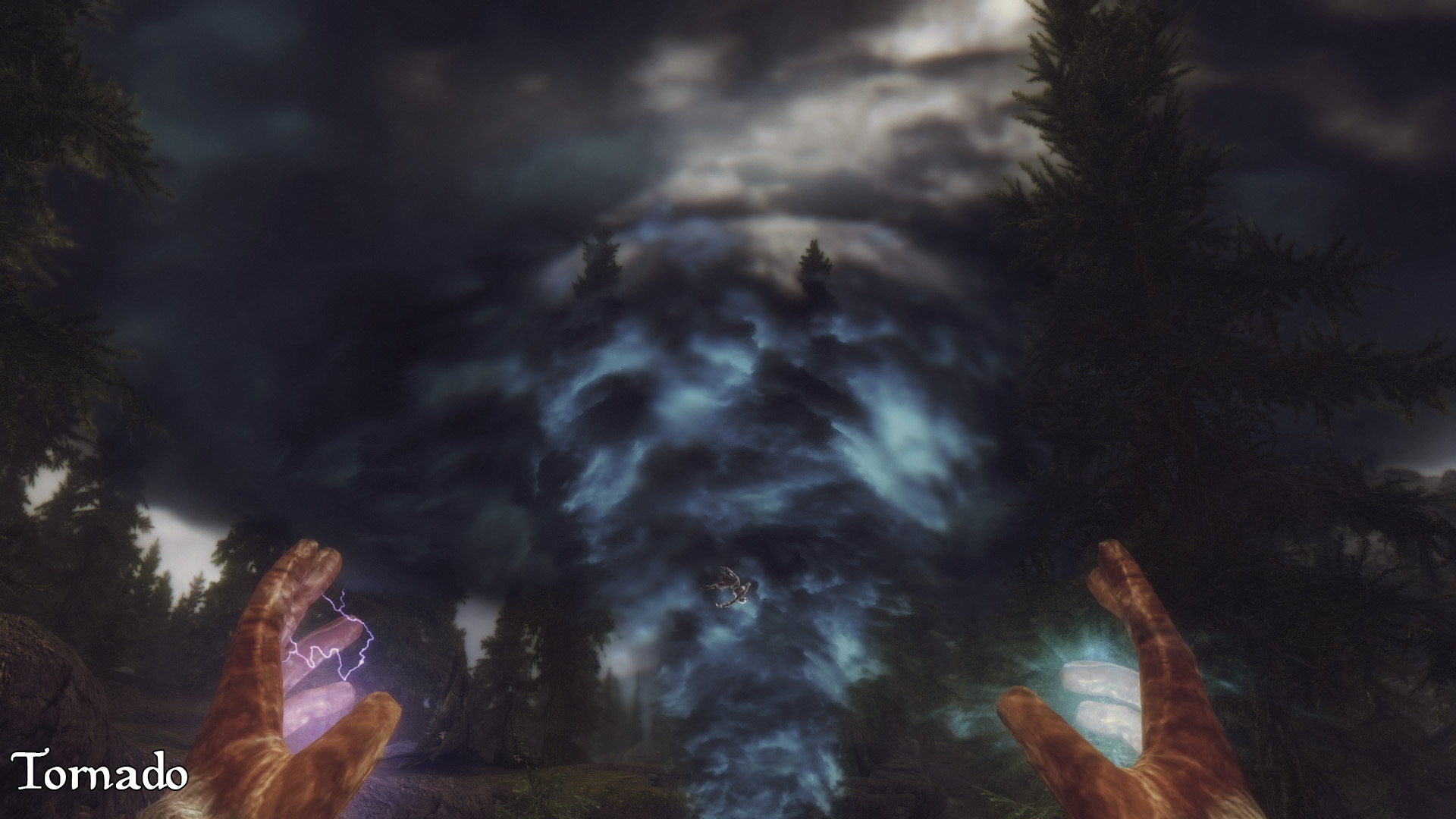
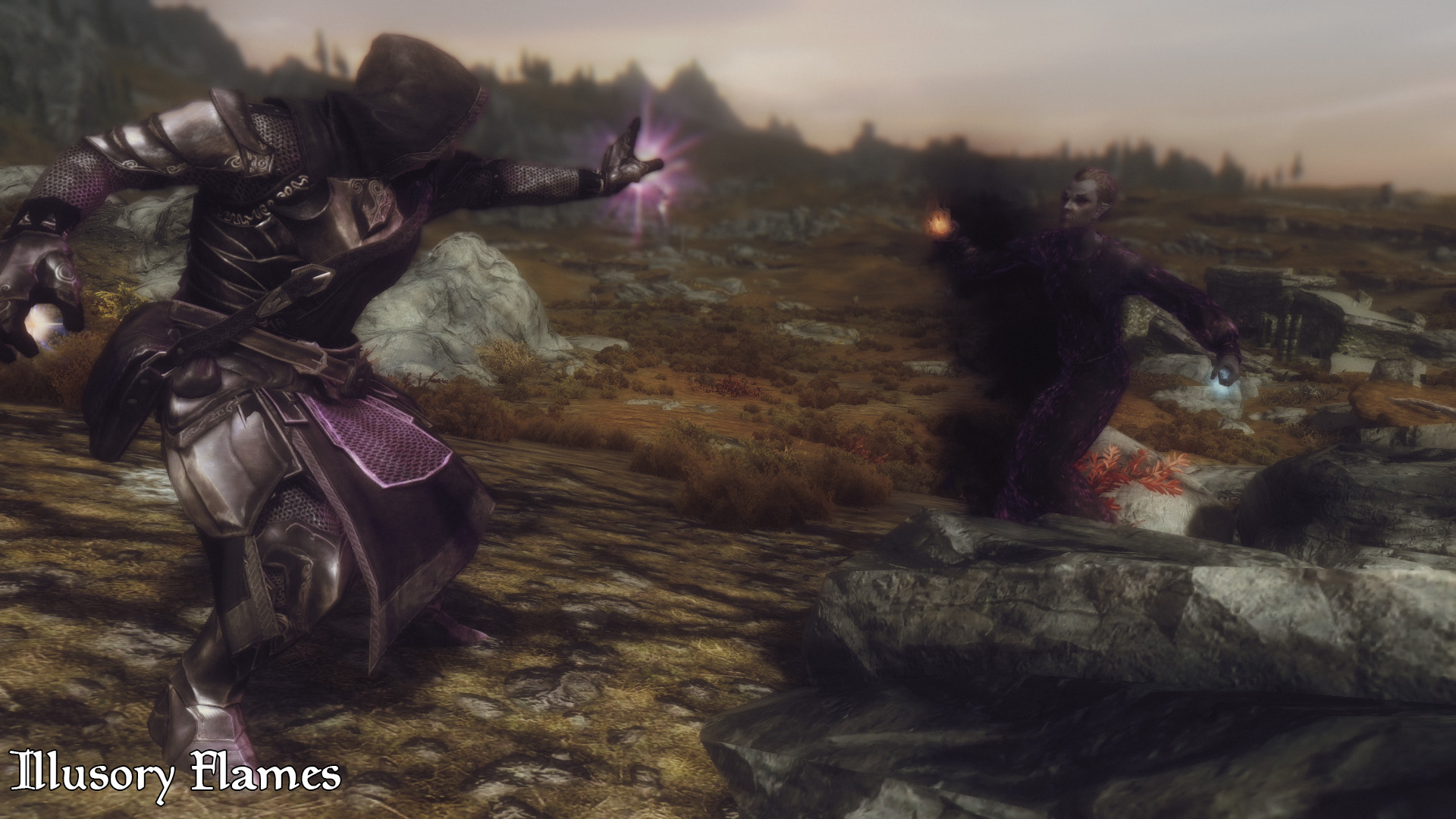
Compared to earlier games in the Elder Scrolls series, Skyrim’s magic system was much more streamlined with a higher focus on combat utility. The result was a system that was effective but left much to be desired for players who wanted more variety of spells. Apocalypse magic adds 155 new spells to the game, all of which can be found in loot drops and vendors throughout Tamriel.

https://staticdelivery.nexusmods.com/mods/1704/images/16225-4-1426616002.jpg

The spells here range from volcanoes to mind control, teleportation to extra inventory space, and even a spell that conjures a pot where you can cook your salmon steak. There’s something for everyone and it all scales so elegantly that we often forgot we were even using a modded spell.

5. Ordinator Perks Of Skyrim Author: EnaiSiaion

https://staticdelivery.nexusmods.com/mods/1704/images/1137-0-1491180230.png

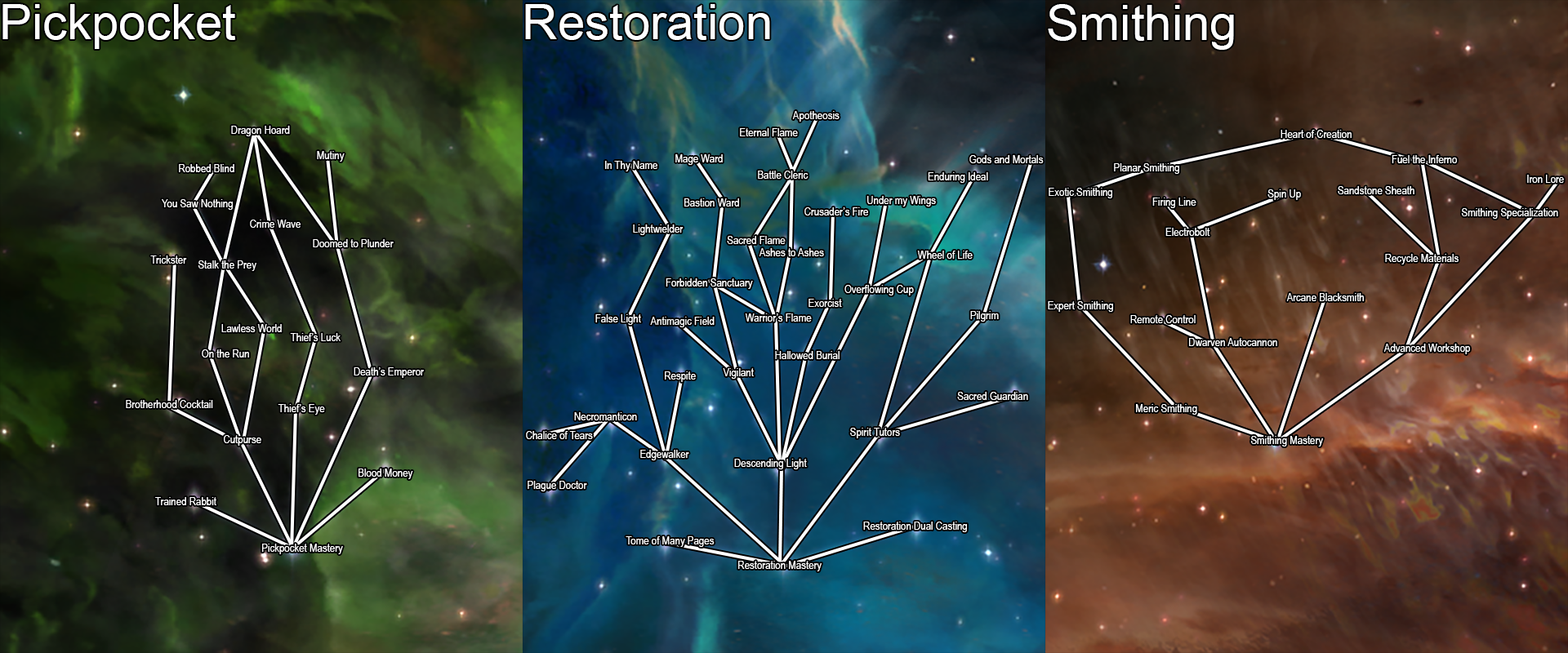
Another hugely expansive mod spearheaded by the talented Enaisiaion, Ordinator is a complete overhaul of Skyrim’s perks. Not only does this mean more branching options for each skill tree, but also opens dozens – maybe hundreds – of new detailed ways to build a new character.

https://staticdelivery.nexusmods.com/mods/1704/images/68425-11-1438521708.jpg

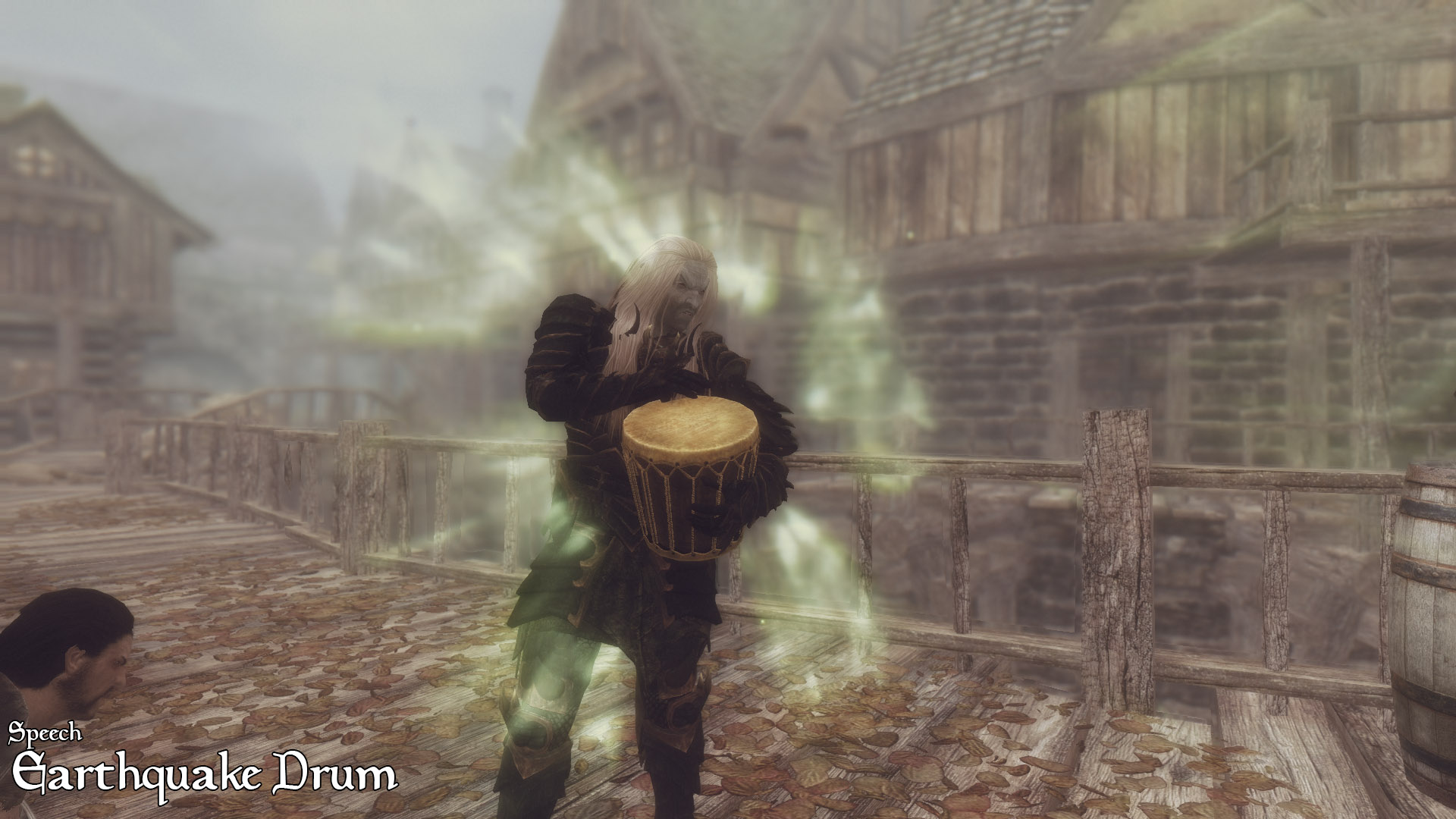
This allows for some huge changes to some of the typically less useful skill trees: Smithing allows for the creation of Dwemer automatons; Speechcraft now seamlessly integrates and upgrades the player’s shouts, and even allows for the player to roleplay as a bard! We found ourselves anxiously trying to level up our skills in every which way, with every tree more enticing than the last. A must-have for anyone looking to completely change the way they approach the game’s RPG element. To see just how many changes have been made, check out this in-depth walkthrough:

6. Path of Sorcery Author: steelfeathers

https://staticdelivery.nexusmods.com/mods/1704/images/6660-1-1482790996.png

Our last mod to overhaul Skyrim’s gameplay is another perk mod, this one focusing especially on the mage. Path of Sorcery adds still more perk changes to the mix, as well as a complete restructure of the mage perk trees as a whole. Highly creative and respectfully subtle, these changes do not add any overpowered spells or damage enhancers, but instead focus on rounding out the implications of particular trees, as well as adding logical branches to them.

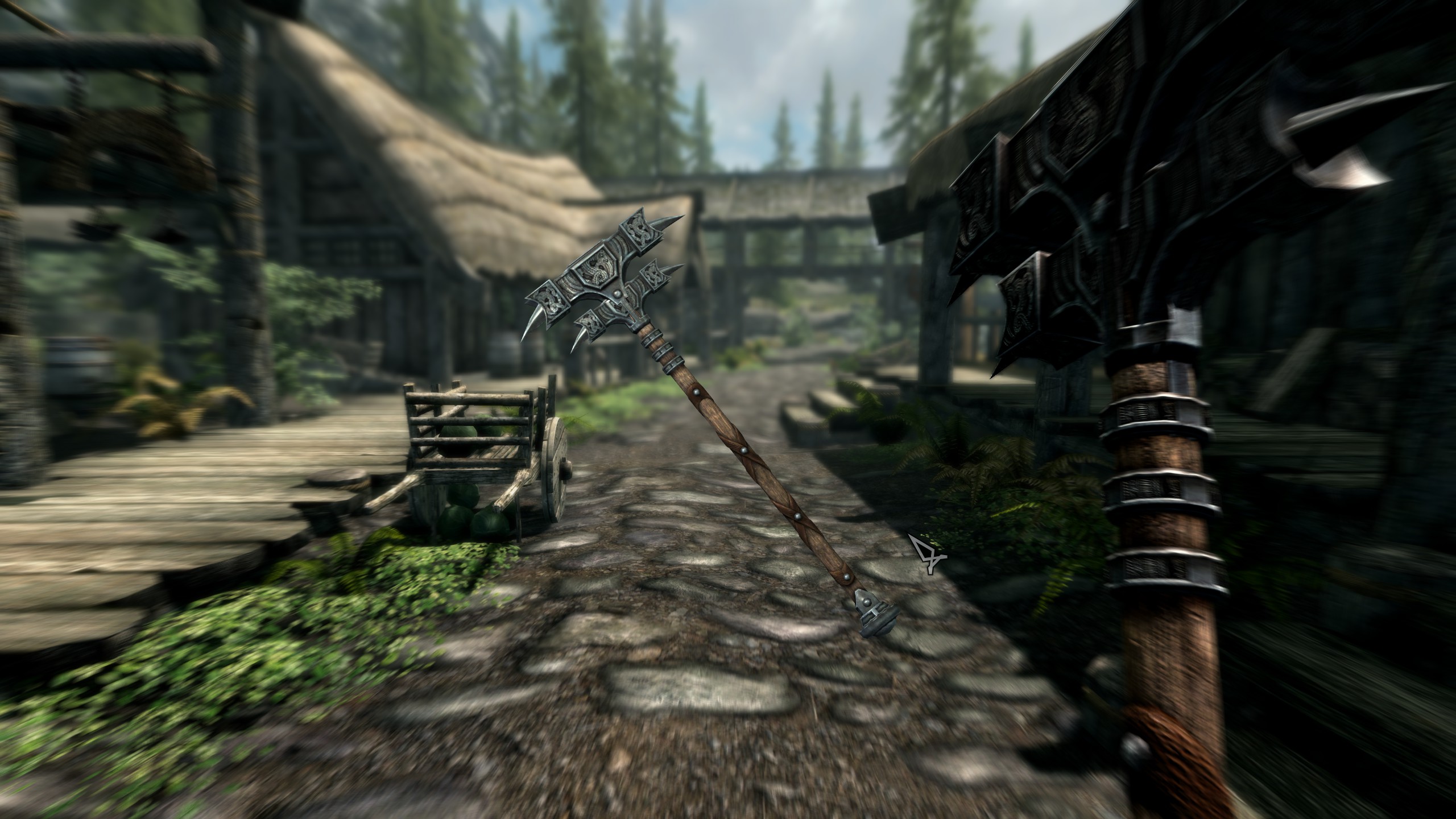
https://staticdelivery.nexusmods.com/mods/1704/images/6660-4-1482791075.png

Conjuration lets players assemble collected bones to make a skeleton army, Restoration lets you choose a divine or Daedric patron. Enchanting lets you to pour a dragon soul into your weapons or armor for added power and abilities. There are some truly dazzling builds you can make with this.

Content

7. Immersive Armors Author: hothtrooper44

https://staticdelivery.nexusmods.com/mods/1704/images/19733-1-1341168132.jpg

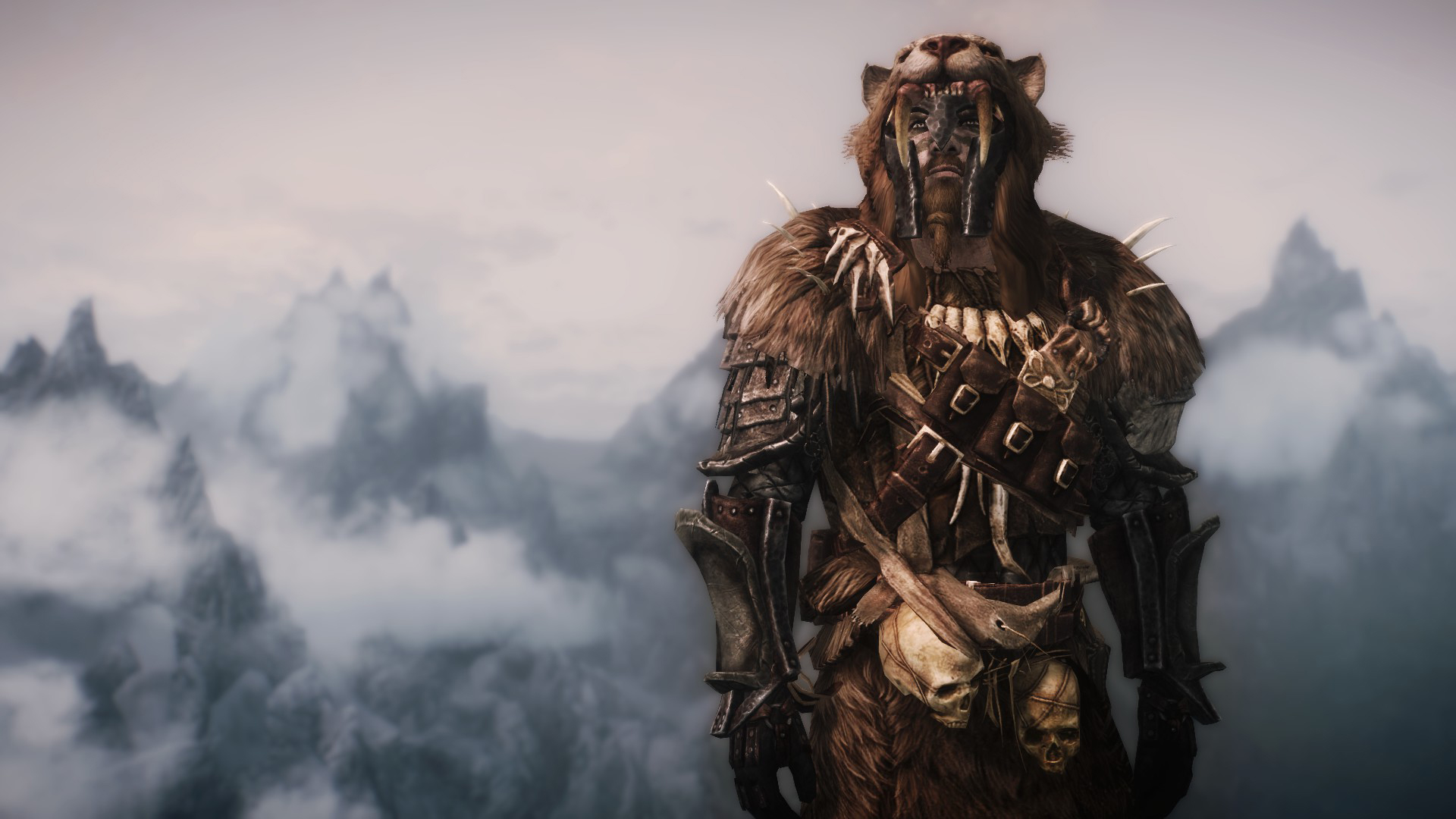
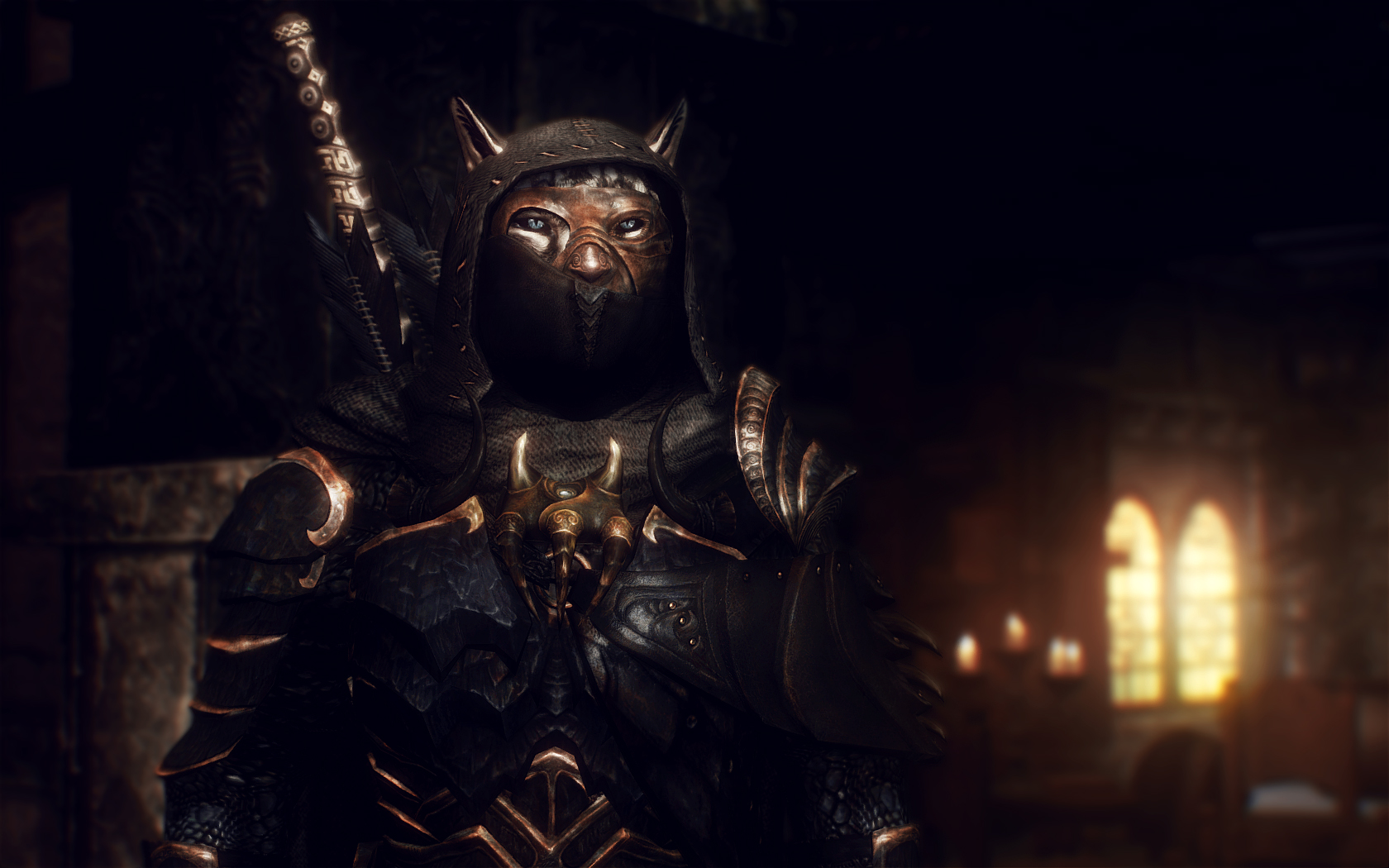
This award-winning mod adds around 60 new sets of armor to Skyrim and hundreds of new equippable items. These items are wearable both by the player and by random enemies throughout the world. None of these are overpowered, and line up alongside the varying durability of other crafting materials in the original game.

https://staticdelivery.nexusmods.com/mods/1704/images/19733-3-1390589522.jpg

All the items from this mod that you find can also be crafted, provided you have the perks and components to do so, and will level up your smithing skill accordingly. This mod also extends to items like earrings, scarves, eye patches, and more, so if there’s an aesthetic you’re going for with your character odds are you can achieve it here. Besides, this stuff looks awesome and breaks up the monotony of fighting a camp of bandits, all of whom are wearing the same gear as the guys from the previous camp.

8. Skyrim SE Expanded Weaponry Author: Lursamways

https://www.nexusmods.com/skyrimspecialedition/mods/2300

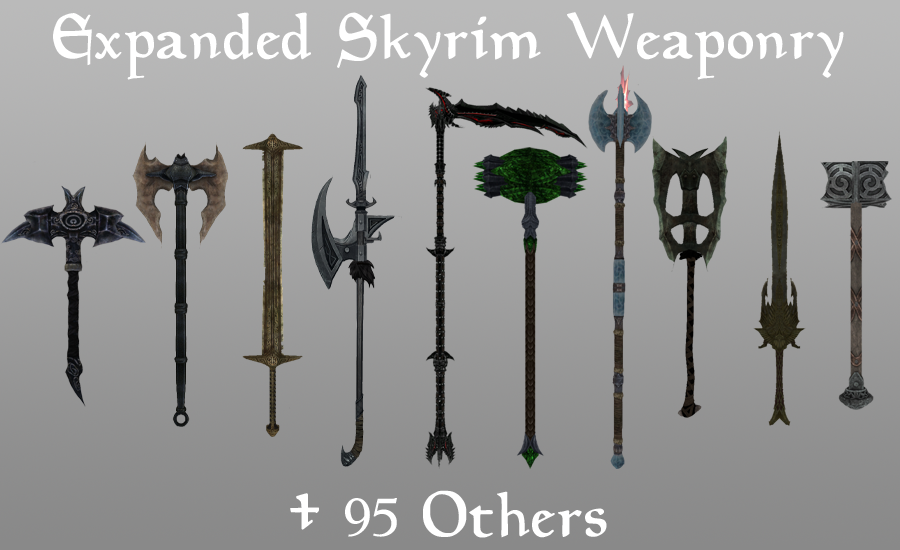
Much like the above mod, this expansion adds over one hundred new standalone weapons and staves. Like Immersive Armors, Expanded Weaponry makes any of these items craftable at a forge or staff enchanter, and can also be found wielded by enemies or carried in a vendor’s inventory. The weapons are also balanced to match those found in the original Skyrim, which means nothing here is going to be game-breaking.

https://www.nexusmods.com/skyrimspecialedition/mods/2300

If you’re looking to revamp your character’s aesthetic, and want a larger element of randomness both from the chests you open and from the enemies you fight, this is the mod for you.

9. Ars Metallica Author: Arthmoor

https://www.nexusmods.com/skyrimspecialedition/mods/321

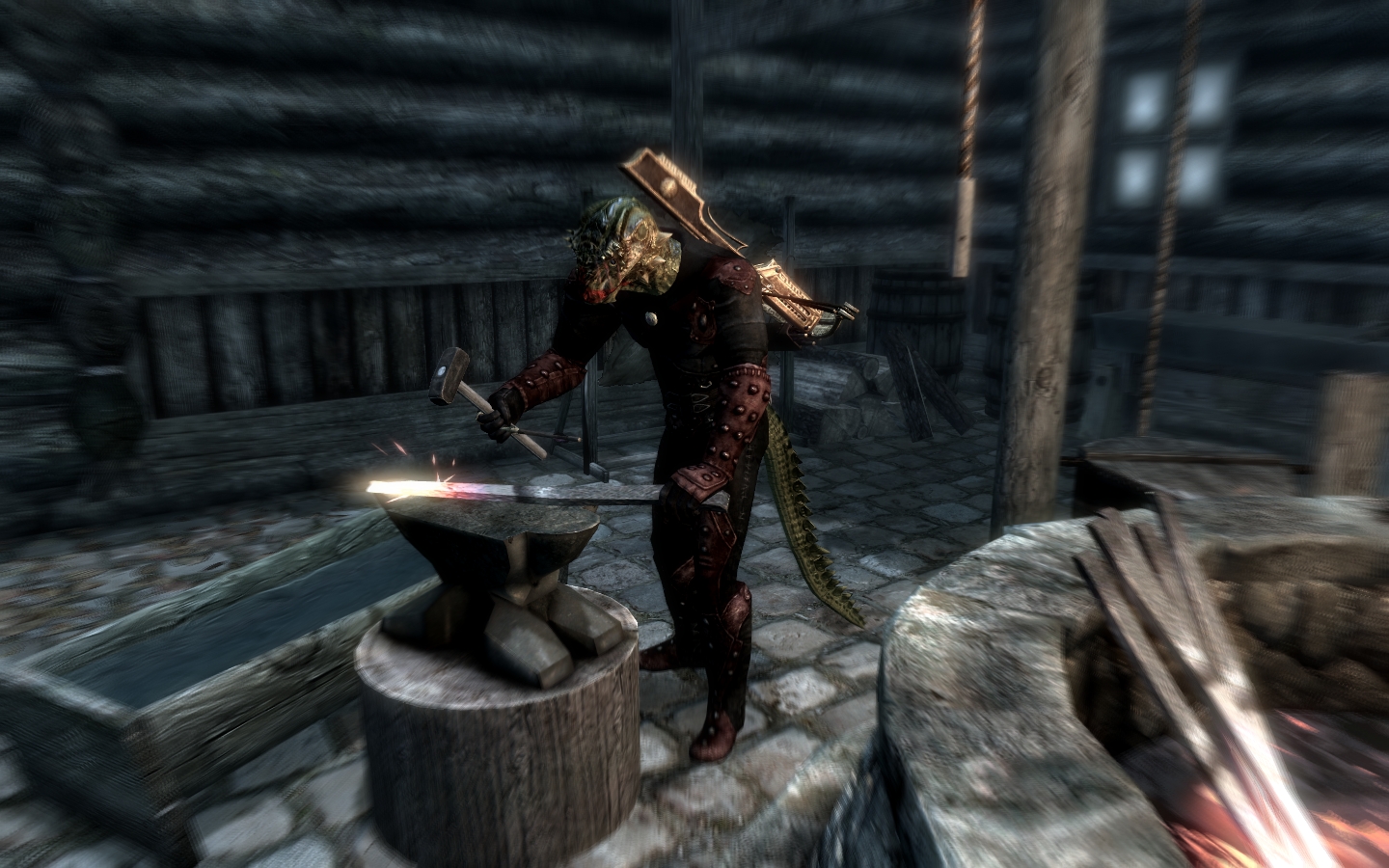
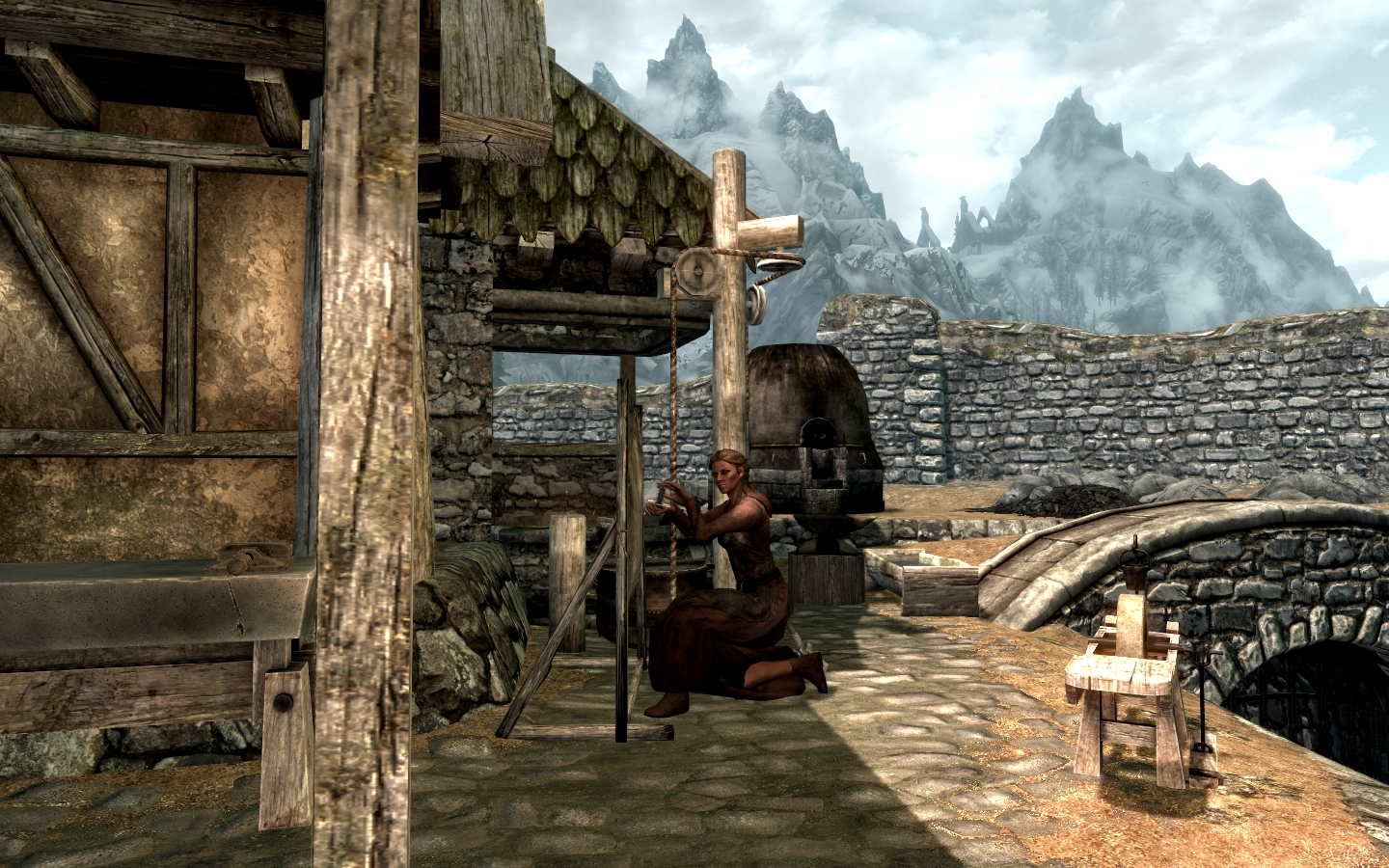
Ars Metallica aims to improve the smithing in Skyrim, and does so by adding several logical features. An incredibly lightweight mod (46 KB) for what it does, Arthmoor has added the ability to forge arrows and the player can now gain skill for both smelting and mining. Armor and weapons can also be melted down at a smelter, now, which means that ore can be re-purposed when your character is ready to upgrade.

https://www.nexusmods.com/skyrimspecialedition/mods/321

We especially like this mod for being highly lore-friendly, and frankly can’t imagine playing Skyrim now without having this intuitive system implemented.

10. Skyrim Immersive Creatures SE Author: lifestorock

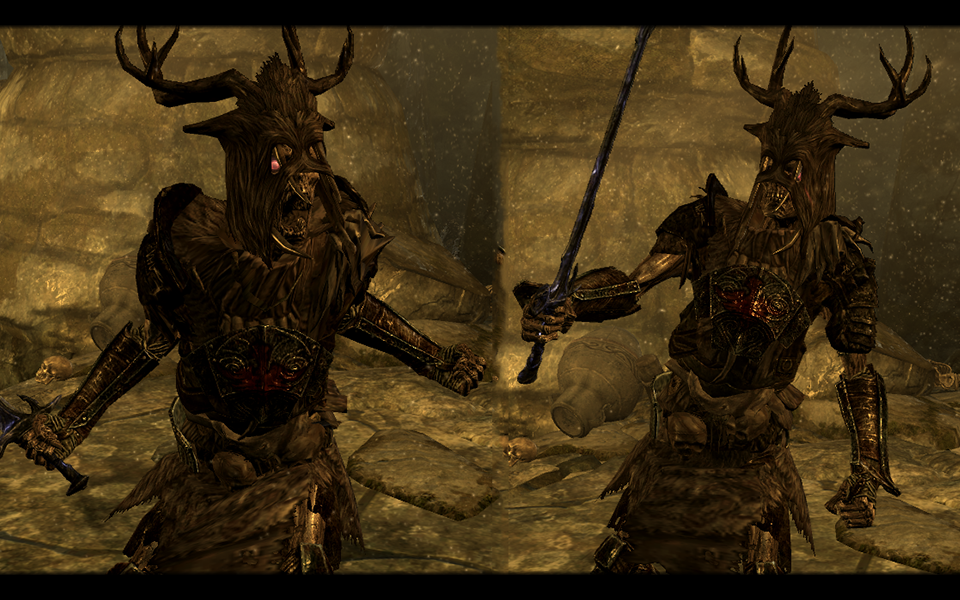
Immersive creatures adds dozens of new monsters roaming around Skyrim’s dungeons and landscape. By your second, third, or twenty-seventh playthrough of Skyrim, you’ve probably memorized not only all of Skyrim’s creatures and enemies, but their spawn locations too. This mod changes all of that.

https://www.nexusmods.com/skyrimspecialedition/mods/12680?tab=description

Lifestorock’s monsters renew the lost feelings of fear and excitement that made our first run of this game so captivating. The creatures level up along with the player as well, meaning that you won’t wind up getting repeatedly defeated by some frustratingly over-powered enemy.

11. Diverse Dragons Collection SE Author: opusGlass

https://www.nexusmods.com/skyrimspecialedition/mods/695

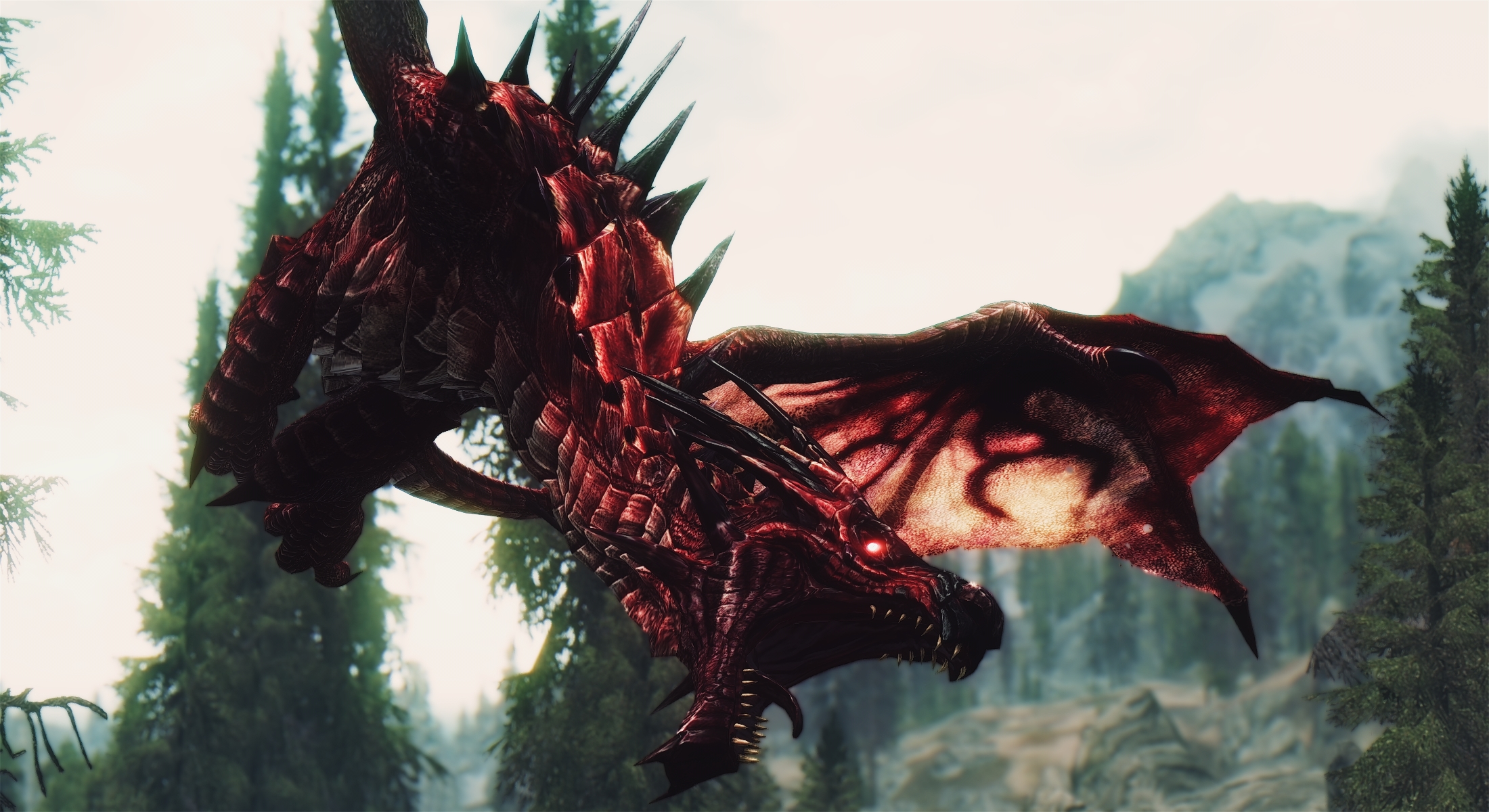
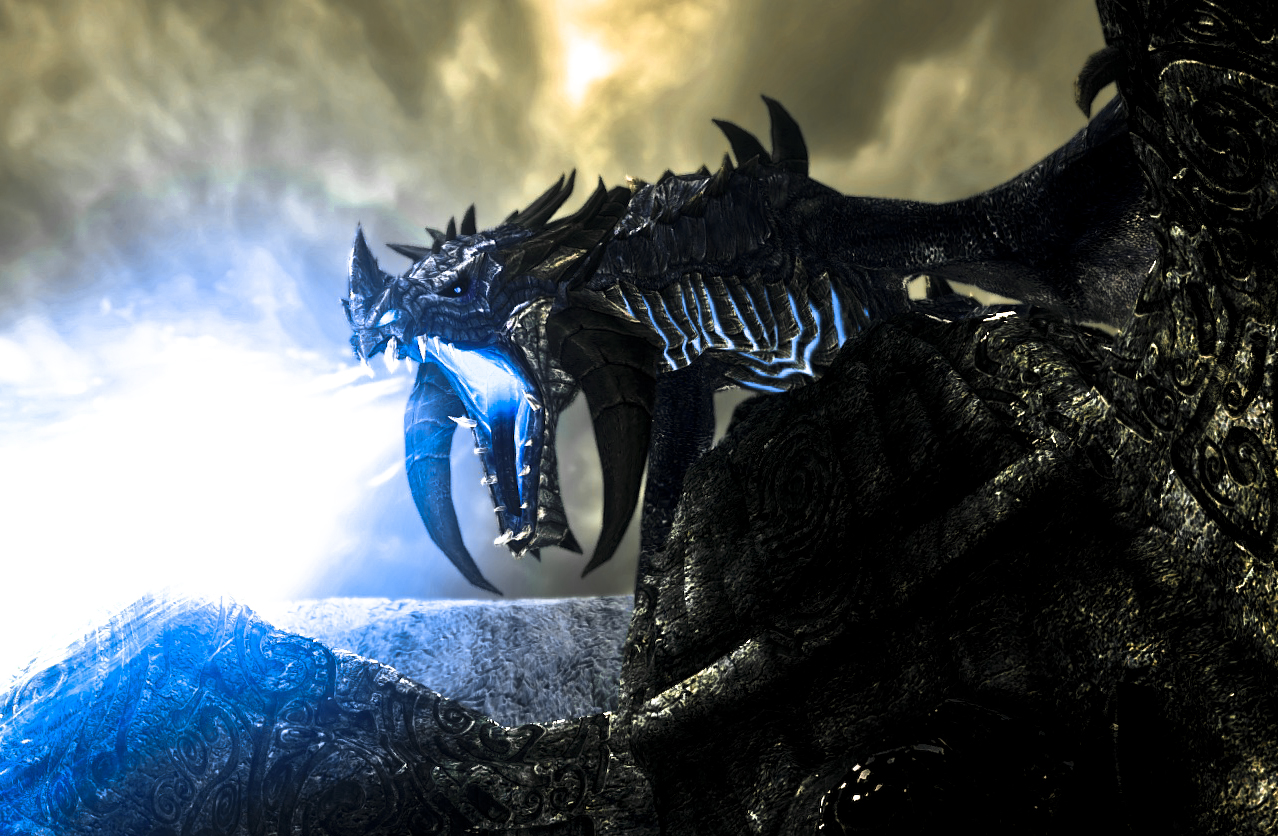
Diverse Dragons adds 28 leveled dragons to Skyrim, putting them in the rotation with the randomly generated dragons on top of mountains or roaming the skies.

https://www.nexusmods.com/skyrimspecialedition/mods/695

Dragons may breathe shadow magic, lightning, energy beams, or even whirlwinds that can knock you off your feet. These do not replace or overshadow the dragons already the game, and named dragons unique to the game will remain that way. Anything that adds some color and strategy to Skyrim at this point is much appreciated, particularly when it’s done so artistically.

UI and more subtle changes

12. SkyUI Author: schlangster

https://www.nexusmods.com/skyrimspecialedition/mods/12604?tab=posts

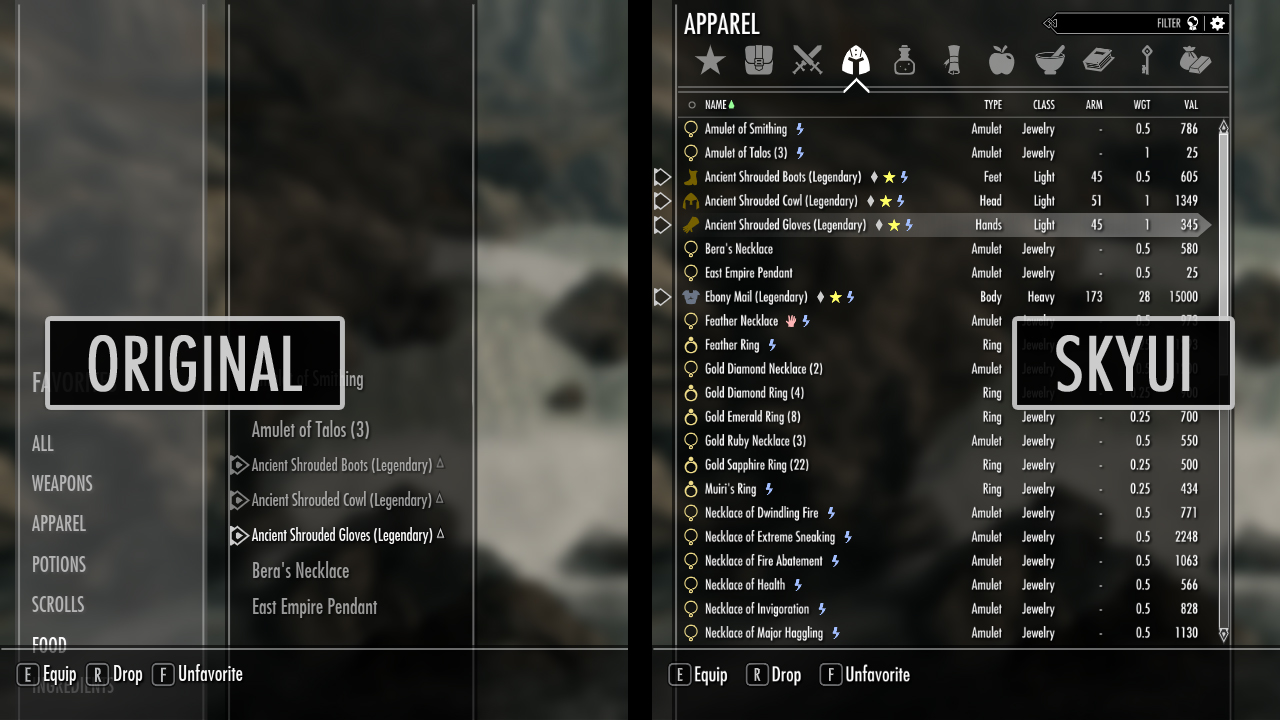
Downloaded over a million times and the recipient of over 25,000 endorsements, SkyUI is the elegant menu replacement you didn’t know you needed. This mod cleans streamlines and organizes pretty much every in-game menu allowing for faster access to your numerous abilities and items.

https://www.nexusmods.com/skyrimspecialedition/mods/12604?tab=posts

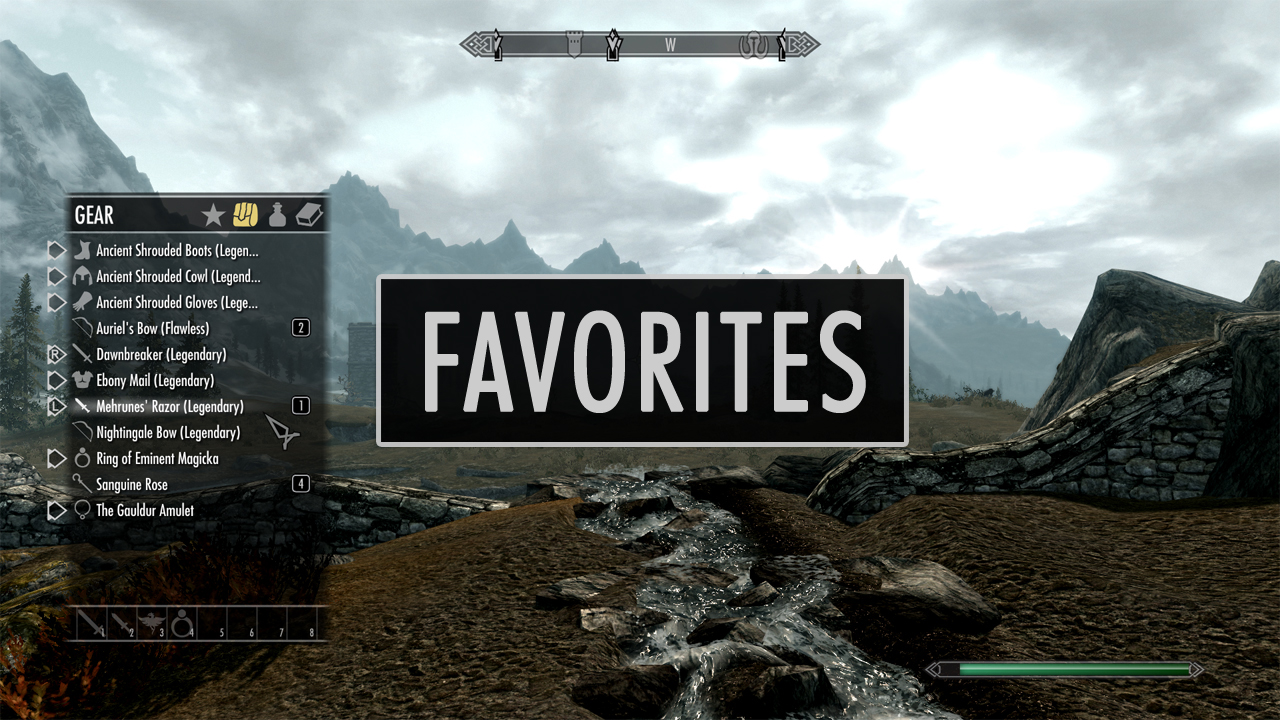
The most appreciated change in our opinion is the new favorites menu, which allows for compartmentalizing and filtering at the player’s own discretion. This is particularly helpful when you’re playing as a mage and want quick access to a wide variety of spells. It also eliminates a lot of the time otherwise spent navigating menus to switch armor, weapons, or shouts. Try it once. You won’t go back.

13. Realistic Lighting Overhaul Author: sydney666

https://www.nexusmods.com/skyrimspecialedition/mods/844

Skyrim: Special Edition made some masterful changes and enhancements to the original game’s lighting, adding god rays, depth of field, and a variety of new snow shaders. RLO continues in the same direction, highlighting new dynamic light and shadow that makes the game look much more dramatic.

https://www.nexusmods.com/skyrimspecialedition/mods/844

This is especially noticeable in various interiors or at nighttime, and we think it really completes the gritty vibe of the harsh winter in Tamriel’s northernmost peninsula.

14. Footprints Author: jonwd7

https://www.nexusmods.com/skyrimspecialedition/mods/3808

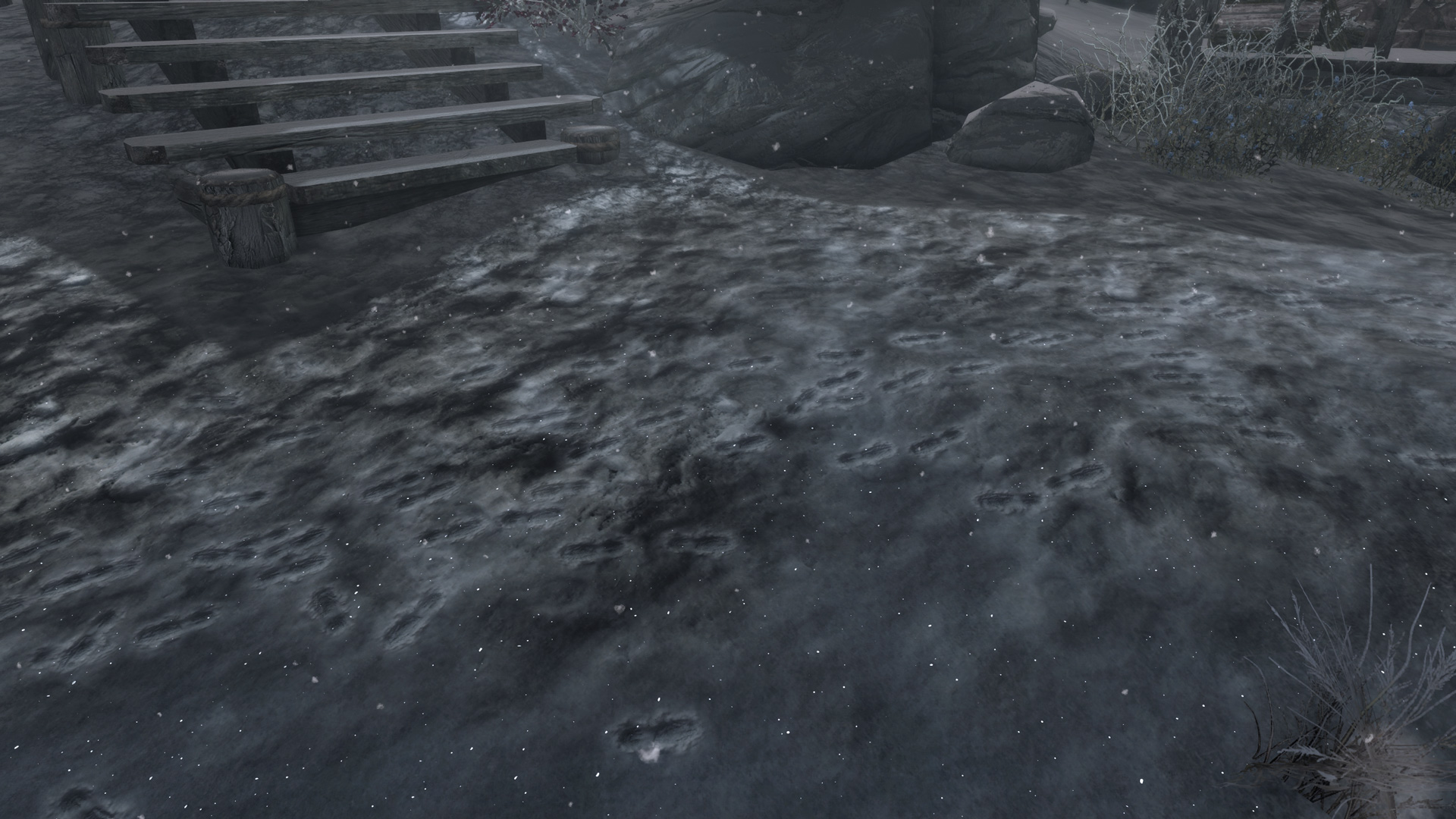
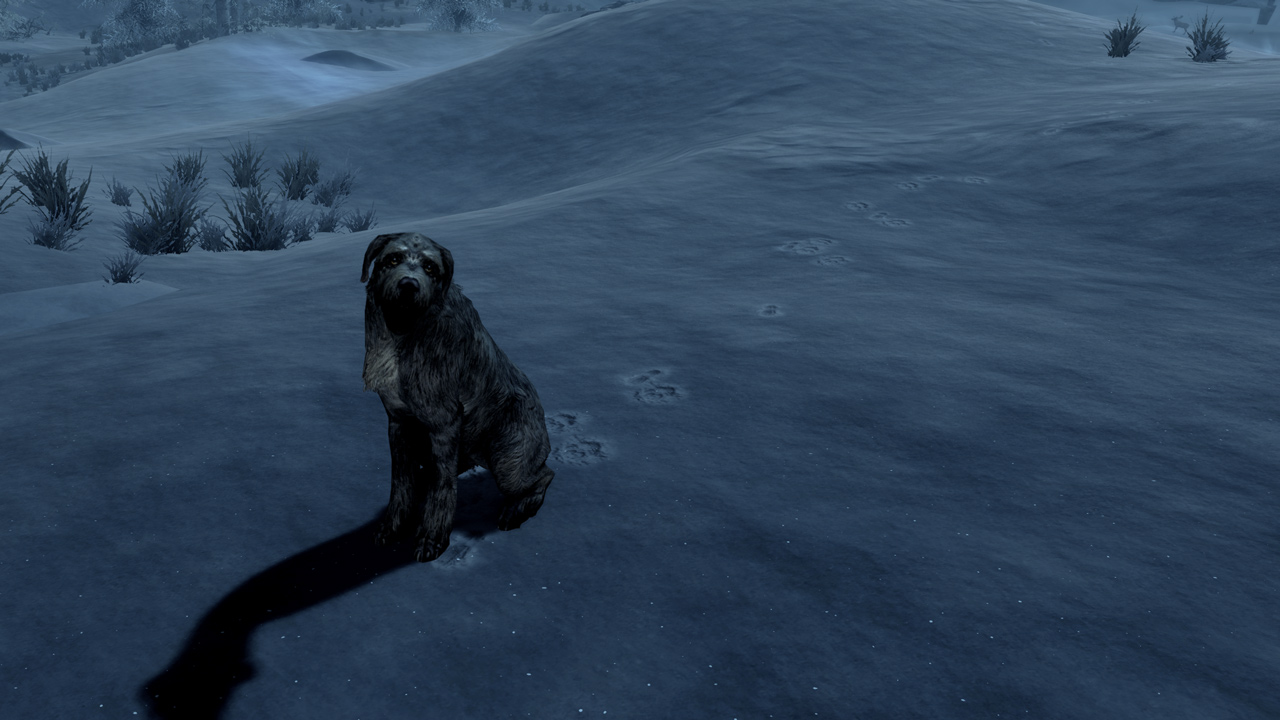
In a land predominately covered in tundras and drifts, it seems an oversight not to allow for footprints to come out in the snow. Jonwd7 fixes this oddity by adding footprints that appear whenever the player (or patrols or wildlife) steps in the snow.

https://www.nexusmods.com/skyrimspecialedition/mods/3808

Probably the smallest change on this list, we were surprised by how much it bothered us to play the game without this installed. Making the game feel fresh is actually a lot more a culmination of small mods than any one big one, and Footprints is the perfect example.

15. A Quality World Map Author: Chesko

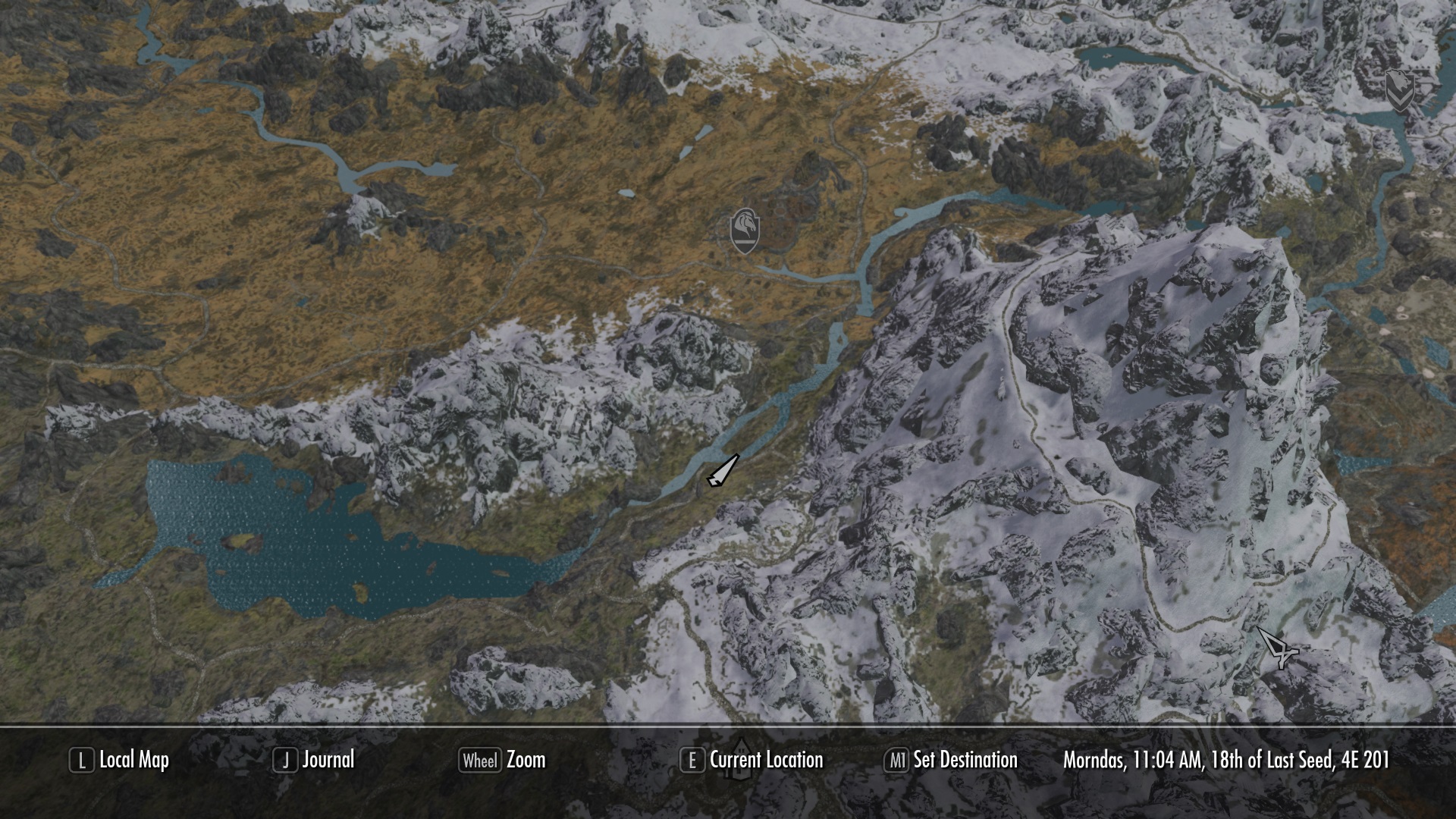
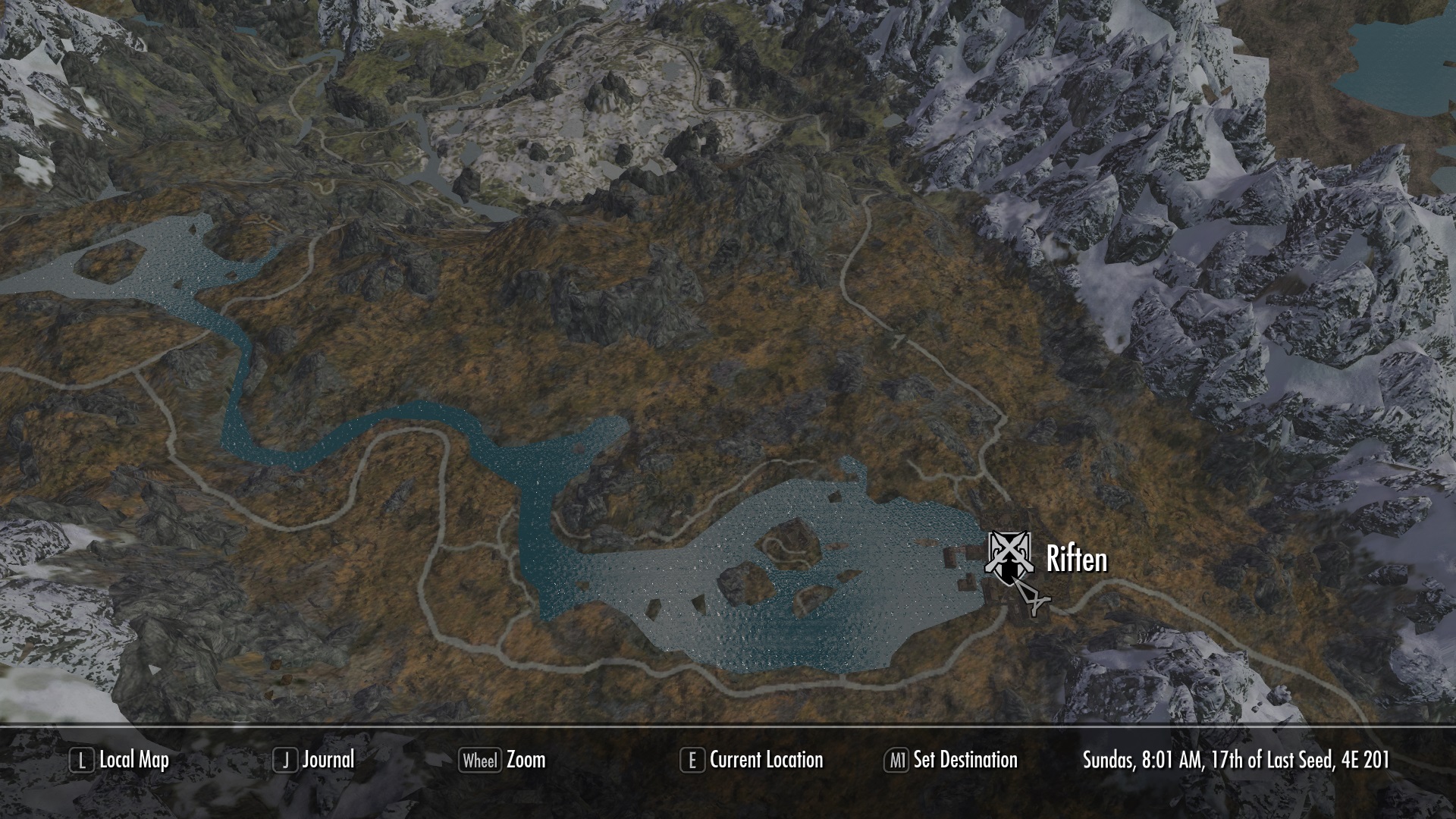
Again, it’s the small things. Play Skyrim and you’ll probably be using the map. A lot. For a screen the player sees so often, having it re-textured and highly detailed is quite refreshing. Not to mention, you’ll find your way around easier.

https://www.nexusmods.com/skyrimspecialedition/mods/5804/

So there you have it! From small content additions to massive re-imaginings of the game’s core systems, hopefully this list will breathe some life back into Skyrim for a few more playthroughs. At least until Elder Scrolls 6 comes out!


Which villain team from the Pokémon games was the best?

We all love battling the villain teams from Pokémon (generally). We all feel a sense of something being at stake, be it your own Pokémon or the entire region. Which team is the best?

We all love battling the villain teams from Pokémon (generally). We all feel a sense of something being at stake, be it your own Pokémon or the entire region. Please note that only the main series Pokémon game villains will be posted here, if your favorite villain team is from a spin-off, leave it in the comments so we can see!

Warning: There is an extreme Pokémon Sun/Moon spoiler and Ultra Sun/Ultra Moon spoiler, so go check out those games BEFORE voting if you want the storyline to be a mystery.

Pokémon GO Download Free
7

Time to vote

(function(d,s,id){var js,fjs=d.getElementsByTagName(s)[0];if(d.getElementById(id))return;js=d.createElement(s);js.id=id;js.src=’https://embed.playbuzz.com/sdk.js’;fjs.parentNode.insertBefore(js,fjs);}(document,’script’,’playbuzz-sdk’));