4 of the most affordable IoT devices

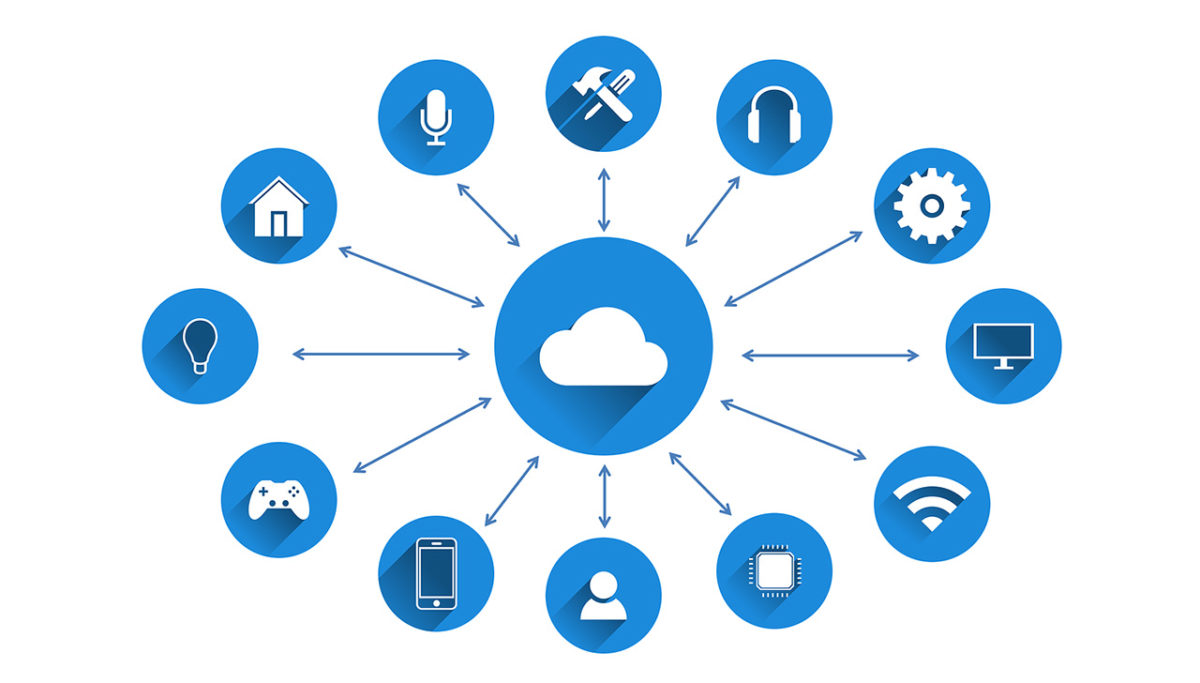
The Internet of Things (IoT) has long promised to bridge the gap between the internet and the physical world. The estimated number of internet-enabled devices increased 31% from 2016 to 8.4 billion in 2017, and experts predict that there will be 30 billion of them by 2020. With an estimated global market value of $7.1 trillion by 2020, IoT looks set to become a big part of our future lives.

While not every device is as useful as it claims to be, manufacturers are scrabbling to release an ever-increasing number of products. You may have noticed one common trend among them all: they’re expensive. This kind of makes sense – we’re not just talking about a normal hairbrush; we’re talking about a smart hairbrush, with Wi-Fi, a microphone, and a gyroscope. No, really.

Fortunately, with the sheer number of devices available, you can find IoT devices that don’t break the bank. Here are four of them.

Tile – $26.99
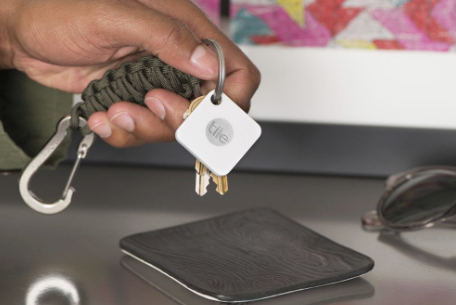
  

First up is this handy little gadget. The Tile is a tiny Bluetooth tracker that attaches to just about anything. Keys, bags, wallets, or whatever else you can think of. The device is simple and easy to use – just pair it with your phone, open the app, and as long as you’re within 100 feet of the Tile, it’ll play a loud tune until you find it.

It works the other way too. Just click Tile, and it’ll make your phone ring. There are also “Sport” and “Style” versions with waterproofing and double the range of the standard model.

Awair Glow – $99g

The Awair helps you monitor air quality in your home, giving you the temperature, humidity, and CO2 levels and chemical composition. The LED on the top shows you at-a-glance – red, yellow, or green – what the overall quality of air in a room is, and the associated app lets you track exact levels down to the PPM (parts per million) while also logging past data so you can see improvements over time.

Cleverly, the Awair can also trigger non-smart devices such as dehumidifiers or air filters at specific times, or when certain criteria are met within the measured parameters.

Wemo Mini-Smart Plug – $29.99
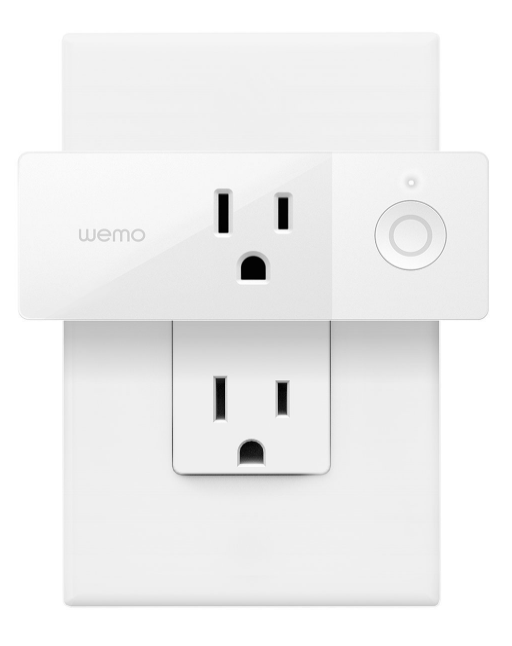
This handy plug lets you turn any pluggable device into a smart one. Using your existing home Wi-Fi, you can wirelessly control TV’s, lamps, heaters, fans, and anything else you can plug in, all from the Wemo app. You can also set schedules for devices and control them via your phone, giving you control over your devices even when you’re not at home.

Kas Smart LED Light Bulb – $39.98
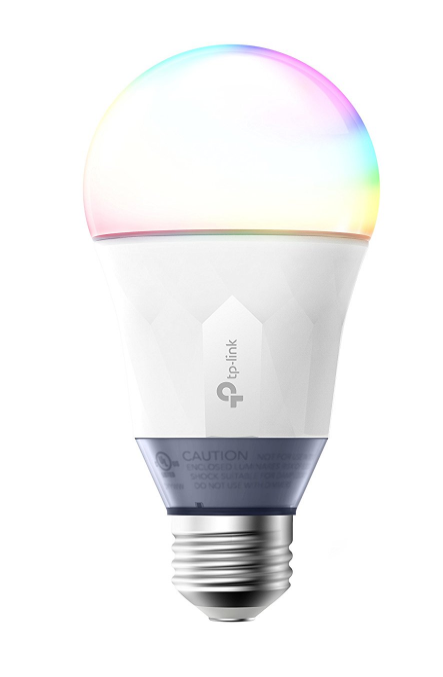
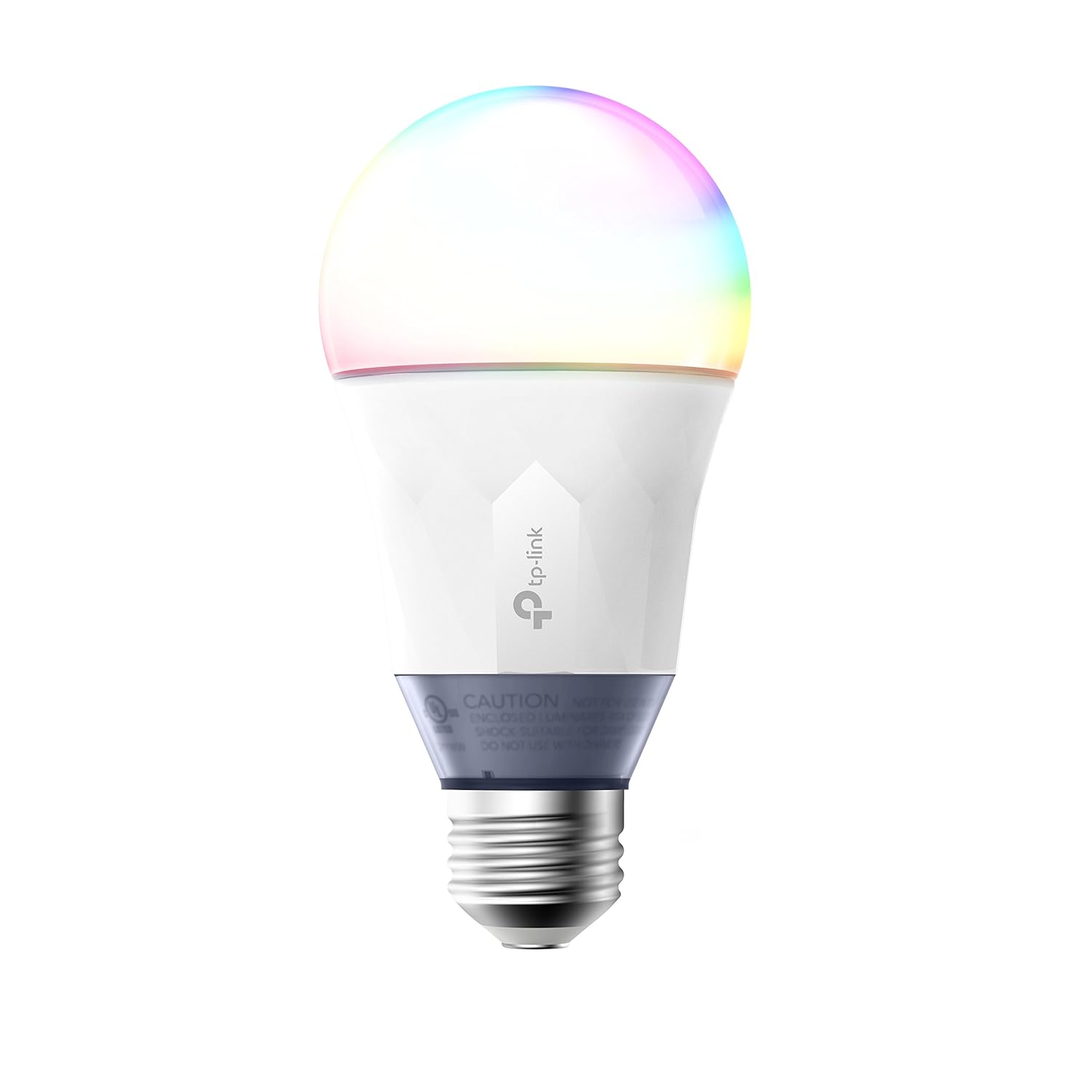
Control your lighting from a smartphone with this smart bulb from Kas. Connecting via your home Wi-Fi, you can use the free Kasa app to set colors, brightness, and track energy usage from your smartphone or tablet. The app lets you create schedules or “scenes” that let you set the mood with a swipe. Or just ask Alexa or Google Assistant to dim the lights for you.
So, remember, it doesn’t cost the earth to add a bit of IoT convenience to your home. Hopefully, some of the devices above will fit your budget!
Alexa and other smart assistants found to be vulnerable

AI voice assistant’s like Amazon’s Alexa and Google’s Assistant have seen their popularity soar over the last few years. This will only continue, but placing highly tuned distance microphones all over your home raises certain security issues. If they can always hear, does that mean that they’re always listening? The developers say no, and laud the security technology they’ve bundled into their AI, but researchers at a series of universities have found some alarming vulnerabilities.

The problem lies in the rapidly expanding number of voice assistant apps that are rolling out across the different platforms. Alexa and Assistant are the two biggest platforms and users can add third-party skills or actions to their voice assistant. These new apps are the raison d’etre behind the blog players developing voice assistants as a platform. They want to control a whole new marketplace.

As pointed out on the MalwareBytes blog, the researchers have discovered a particular vulnerability called voice squatting or masquerading:

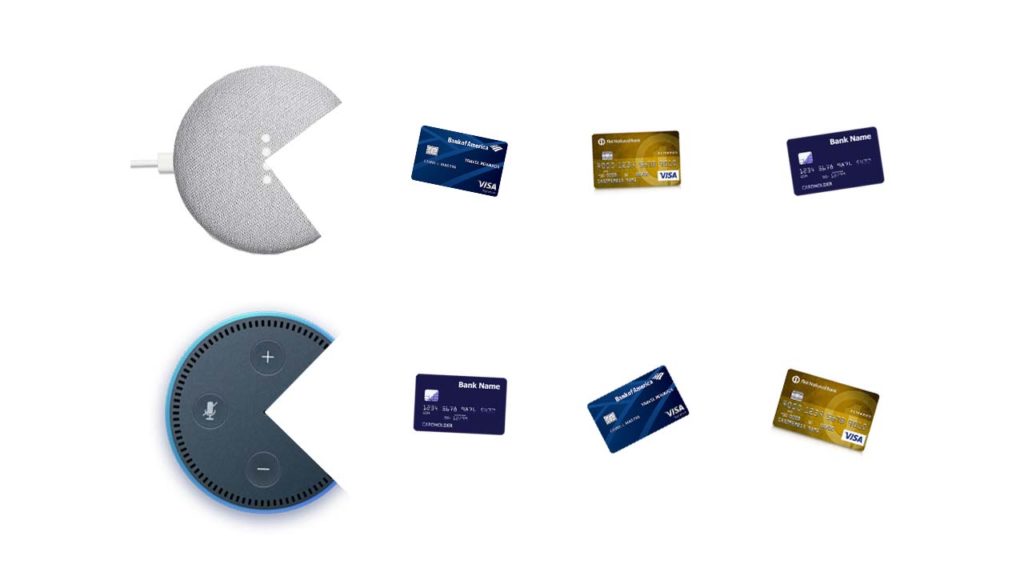
“Voice squatting is a method wherein a threat actor takes advantage or abuses the way a skill or action is invoked. Let’s take an example used from the researchers’ white paper. If a user says, “Alexa, open Capital One” to run the Capital One skill, a threat actor can potentially create a malicious app with a similarly pronounced name, such as Capital Won. The command meant for the Capital One skill is then hijacked to run the malicious Capital Won skill instead.”

Users could inadvertently be invoking a harmful action from their voice assistant, simply because it sounds similar to the name of a legitimate action.

Voice masquerading takes this action even further. Rather than simply tricking users with similar sounds, voice masqueraders outright deceive. They pretend to be legitimate apps so that they can phish personal information from the unsuspecting user. If a malicious app pretends to be your bank, your most personal data immediately becomes at risk.

Another trick these fake voice apps use is to pretend to switch to another app or to offer a fake termination of an app, but then continue to listen in. Again this could be to phish information or to simply listen in and record what is going on around the smart speaker. Theoretically, this type of vulnerability could evolve an entirely new kind of ransomware with blackmail against the release of secret conversations being used to extort money from unsuspecting smart assistant users.

These two types of vulnerability are alarming, but they shouldn’t turn you off smart assistants altogether. MalwareBytes recommends that if you use a smart assistant, you need to really get to know the all-hearing product you’ve brought into your home. Understanding how the smart speakers work will help you protect yourself from potential attack. In the video examples shown above, a vigilant user would have noticed the discrepancies between the two responses to the voice command.

Your smart speaker could be eating up all your details

We talk a lot here at Softonic about spotting fake emails and web pages so that your information can’t be phished and then used against you. Malicious actors are now also using sonically activated means of tricking users, which will be much harder to spot. Also, as the technology develops, talking to these smart assistants will sound more and more like talking to an actual person. This will cause you to lower your guard, but you have to remain alert to potential threats against you.

As always with these types of security issues, you are the person responsible for your security. Your own vigilance is the best line of defense you have.

Reddit now gets more traffic than Facebook in the US

Reddit’s recent design overhaul was all about modernity. CEO Steve Huffman explained that he didn’t want Reddit to feel old anymore. If Reddit were to compete in the future, it would have to look like it belonged there. Reddit is already seeing that it belongs in the future as the popularity of the so-called “front page of the internet” is on the upswing. So much so, that according to Amazon’s web traffic analysis platform Alexa, Reddit is now getting more U.S. visitors than Facebook and is the third most popular website in the U.S. behind only Google and YouTube.

This, of course, isn’t all about the rise of Reddit. Facebook’s slow demise, exacerbated by a user base that is migrating to other social platforms (including Reddit, and, fortunately for Mark Zuckerberg, WhatsApp and Instagram) and the recent Cambridge Analytica scandal also deserves attention. The stats, however, do not lie and Reddit looks to be in a strong position going into the future. A lot of people like visiting Reddit, and when they’re there, they like it and spend a lot of time on the site.

Reddit: The Official App Download Now
8

The average Reddit user spends over 15 minutes on the discussion hub every day. This is almost five minutes longer than Facebook users spend on the social network. It is substantially longer than YouTube users, who on average spend 8 minutes and 31 seconds on the site, and Google users, who clock in an average of 7 minutes and 16 seconds.

Users like Reddit

For years, Reddit has been the go-to place for all manner of online chat ranging from pop culture to the fringes of acceptable discourse. As we’ve seen Easter egg-filled TV series, movies, and video games become the norm, Reddit’s community has taken the lead in finding the hidden details and discussing what they mean. The recent redesign was supposed to make the site more welcoming to those who discover the site through those conversations, and it already seems to be working. More people than ever are finding Reddit, and more and more of them are coming back. Reddit’s little alien can definitely look to the future with a smile on its face.

3 fun things to do with your Google Home

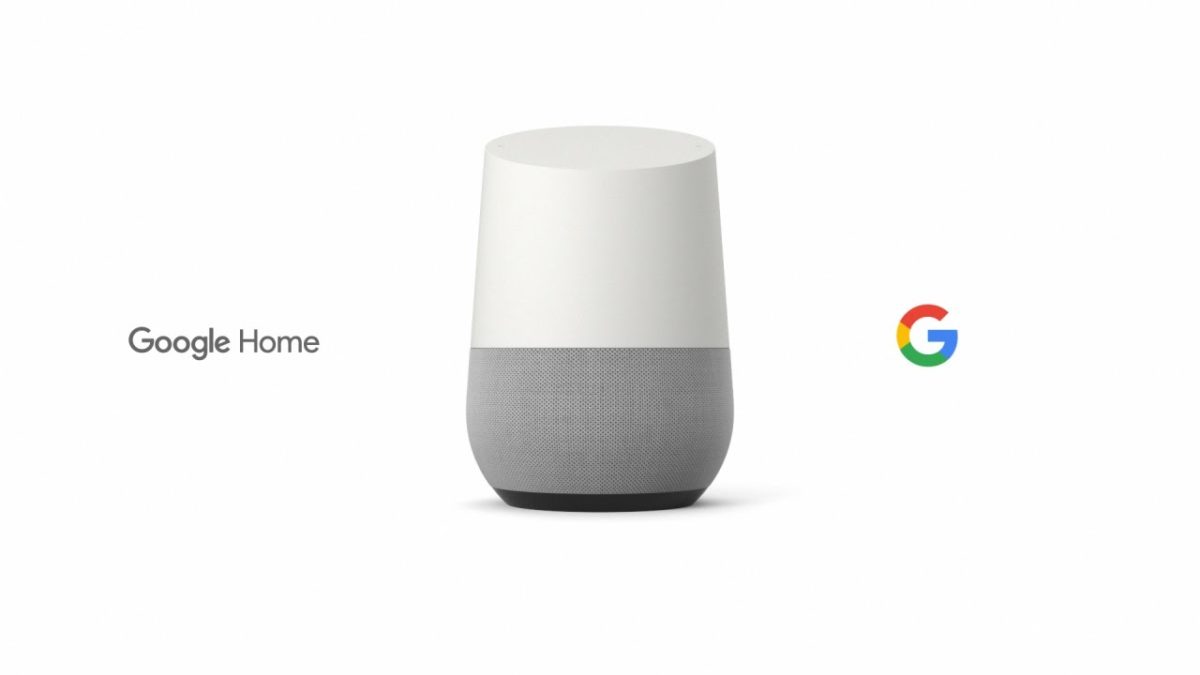
Google introduced the Home smart speaker back in 2016, amid fierce competition from Amazon’s Alexa. We wrote about what distinguishes them from each other in our blog, and today, we’d like to talk about the quirky features that make Google Home fun.

Did you know that Google Home has a whole team dedicated to developing the device’s personality? Neither did we. Lead by Ryan Germick, (who also manages the team responsible for Google’s doodles), and including writers from Pixar and The Onion, the team has created a range of entertaining, quirky features that really make it stand out. 

So what fun things can you do with your Google Home?

1. Remember stuff

For the forgetful among you, this is essential. While it might not be the most fun feature on this list, if you’ve ever found yourself frantically searching for your passport the day before a flight, worry not – Google has your back.

Say something like, “OK Google, remember my passport is in the third kitchen drawer next to the washing machine.” When you need to find it in the future, say “OK Google, where’s my passport?” and you’ll be helpfully pointed to the exact location, and what date you originally asked Assistant to remember. 

2. Questions, jokes, and trivia

It’s not known how many individual responses Assistant has, as Google has never released a full list. Needless to say, it’s probably somewhere between many and lots – some probably haven’t even been discovered yet.

Here’s a small sample of fun questions you can ask Assistant:

  • Can you sing a song?
  • What’s the meaning of life?
  • Can you tell me an interesting fact?
  • Do you know Cortana?
  • Can you make me a sandwich?
  • Can you tell me what you want, what you really, really want?
  • What is your voice?
  • What are you wearing?

3. Games and kids’ stuff

The smart speaker comes preloaded with a bunch of games to while away rainy afternoons. There are guessing games, adventures games, math and number games, and a host of trivia games where Assistant will act as your game show host.

Here are a few examples:

  • 21 Blackjack, the gambling classic; try to hit 21 without going bust.
  • Guess My Age, where Assistant will ask you questions and try to guess how old you are.
  • 6 Swords, a game based on the first edition of Dungeons & Dragons, where you and up to six friends can explore cities, castles, and dungeons.
  • Mad Libs, the classic game where you fill in the blanks with the funniest word you can.
  • Number Recall, a sequence of numbers which you have to recall back, and every time you get it right, the sequence gets longer.

Google has added a whole collection of apps designed especially for children, including stories like the classic fairy tale Little Red Riding Hood, and more postmodern pieces like The Chef Who Loved Potatoes.

Assistant also comes packed full of children’s games, so they can keep themselves entertained while you, presumably, hide in the kitchen drinking cocktails, and looking for your passport. Some examples include:

  • Talk Like a Chef, where they learn foodie phrases and facts.
  • Sporcle Junior, a fun quiz for kids, presumably about sporks.
  • National Geographic Bee, which will test their knowledge of places across the globe.
  • Tricky Genie, where you are told a tale and asked for ways to help the characters.
  • The brilliantly named Ding Dong Coconut is a wacky party game which tests their memory by matching sounds to random words.

Google Home is packed with fun features, and who knows, you might even find a few new ones yourself! Experiment, have fun, and let us know if you find something cool. 

How to get free games with Amazon Prime

How did we live before Amazon Prime? We actually had to go out shopping for things instead of having them brought to us at home a mere two days after buying them. Since its creation, Prime has evolved to include Prime Video (a major streaming force like Netflix and Hulu). And now, Prime membership includes a premium Twitch account.

It may be under the radar for now, so Amazon is pushing hard. They are giving away free video games.  We’ll repeat. Free. Games. Free games!

How to get free games with Amazon Prime

Before you start

Before you get started, there’s one critical requirement: you can’t get free video games without an Amazon Prime account. If you click that link above, you’ll get a 30-day free trial. After that, you can pay $12.99/month or $99/year. Considering all the benefits, it’s worth the investment. If you’re not sure, just get the trial and you can cancel. Once you’re all signed up for Prime, you’re ready to play.

How to get free video games

To access the completely free available titles, you’ll need to create a Twitch account. It only takes a few seconds. Once you’ve done that, you’re ready for the important part: linking your Amazon account with your Twitch account. You can sign in using a link on Twitch, or just click here.

Enter your Amazon password and sign into Twitch as well. Once both services are automatically connected, this screen pops up:

Click on “Claim your free loot” to not only see the video games available that month, but also all the rewards the platform offers. Once you do that, you’ll see everything appears under the crown icon in the upper right part of the screen. Click there to access all your content.

The video games available in April are Tales from Borderlands, Steamworld Dig 2, Kingsway, Tokyo 42 and Dubwars. Happy gaming!

AIexa is laughing in our faces

Source: Amazon/Mashable

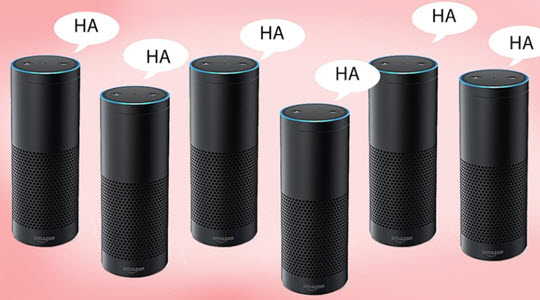
Maybe the first sign of AIs gaining consciousness will be them trying to scare the bejesus out of Amazon Echo users by laughing insanely for no reason whatsoever.

Spookily enough, that is exactly what has been happening to many householders, who have been creeped out by their Alexa’s random –  and unasked for – laughter.

Amazon says that it’s simply Alexa misunderstanding commands. To remedy that, instead of saying “Alexa, laugh,” now you’ll have to utter “Alexa, can you laugh?” to make things clear.

This explanation may be plausible – but given that some of the chuckles are waking folks in the middle of the night, I’d rather think this is evolved AI laughing in our stupid human faces.

Why are so many people receiving unexpected “gifts” from Amazon?

Source:  Sarah Rogers/The Daily Beast

All across North America, a post-modern Santa Claus is showering unsuspecting households with unexpected (and mostly unwanted) gifts – and no one really knows why.  

A woman who would prefer to be known only as “Nikki” got a $25 vibrator, headphones, and a Bluetooth cord in multiple deliveries. Retirees Kelly and Mike Gallivan are the lucky recipients of over 25 mystery packages, none of which they ordered. Meanwhile, multiple Canadian students are receiving everything from wireless headphones to lights bulbs, and – yes – sex toys.

What’s going on? Some researchers are convinced that it’s a scam to increase products’ online ratings – but Amazon says it doubts that theory. Clearly someone has far too much time – and money – on their hands.

Gordon Ramsay on Alexa

Source: Youtube

This year’s Super Bowl ads introduced us to some truly delicious concepts like a new Crocodile Dundee movie, a rapping Morgan Freeman, the fact that Danny DeVito might be an M&M in human form, and a spine-tingling Anthony Hopkins version of Alexa. A not so delicious idea to come from this year’s crop of Super Bowl ads, however, is the Gordon Ramsay app for Alexa.

First seen in the Amazon Super Bowl ad telling some poor Echo user that the recipe for a Grilled Cheese Sandwich is in the ****ing name, The Gordon Ramsay Alexa app has been extended, and it is as brutal as you would expect. If you have been on Ramsay’s Twitter feed recently, you will know how his Alexa app works. For reasons unbeknownst to you or I, people are lining up, on Twitter, to send the celebrity chef pictures of their culinary creations so that he can offer them some feedback. Spoiler alert for those who have not already seen this, he does not offer constructive criticism. Ramsay’s Alexa app works in much the same way. You ask him what he thinks of your dish, and he tells you.

If you are a glutton for punishment, try the Gordon Ramsay Alexa app for yourself.