If you’re reading this article on a browser that isn’t Brave, we’ll tell you right now – Brave probably would have loaded this page faster. Don’t take our word for it. Try it for free:

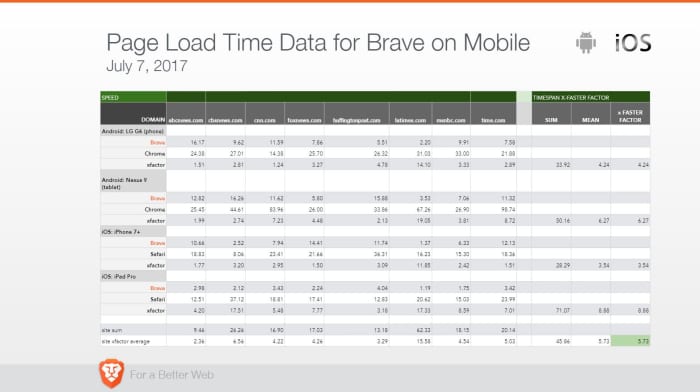
How fast is fast? On a laptop or desktop you’ll see load times anywhere from 50% to 100% faster. It’s even more noticeable on mobile devices, and you could be seeing pages load up to eight times faster than on your smartphone’s default browser (like Safari or Chrome). Check the stats yourself:
Speed is about more than page load times
Brave loads pages faster than other browsers, but that’s not all that matters. Browsing eats up time in other, subtler ways: Pop-ups, advertisement videos, banners you have to scroll past – it all bogs down your experience. Brave’s default setting is to shield you from all manner of ads, trackers, banners, cookies, and pop-ups. That means all it has to load is the actual web content, not ads. It doesn’t require you to add additional plug-ins either, so the experience doesn’t get bloated. See it in action:
No bloatware and slimmer pages also means your device’s battery life will last longer than if you used Chrome on mobile. More battery life means fewer trips to recharge you phone, so you’ll be saving time on that front too.
Save time, save money
We probably don’t even need to mention it, but time is money. Since you’re paying for bandwidth you’re also paying for all the ads and slow page load times. When your browser isn’t eating up your bandwidth just to load obtrusive ads, you’re saving money as well.
Try Brave today
When you open a browser you’ve got a goal in mind. Everything that gets in the way of you and the content you’re seeking is unnecessary traffic. Download Brave and you’ll immediately understand why it’s gotten over 28 million downloads on Android alone. Download it here 100% free, and see what the hype is about.
Softonic is proud to partner with Brave. When you download from us, we may earn a commission.

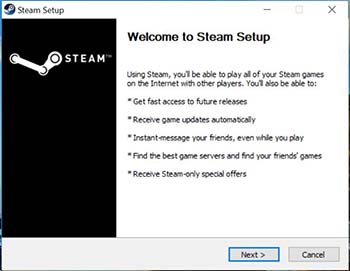
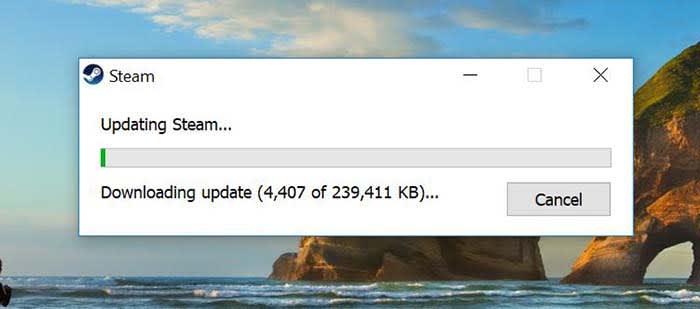
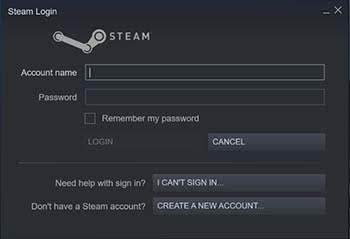 If you have Steam already installed on another device, you can sign into your account on this one after downloading. You can also create a new account through a quick and easy process. All you need in order to create an account is your email address. Also, you can choose when Steam sends you emails. You probably don’t need to hear about EVERY Steam sale, but you do need to know about password info and privacy matters.