Steam summer sale 2018: Our top 10 picks for under $10

The Steam Summer Sale is here! These are our picks for the best 10 games under $10.

Looking to try some new games without spending a fortune? Here are our picks for the best 10 games under $10 in the Steam Summer Sale!

1. Magicka: $2.49

Youtube

If you’re looking for a fun, comedic multiplayer experience with a huge amount of gameplay variation and creative spell combinations, this is the game for you. Less than three dollars, now is a great time to give this game a chance. Since it was released back in 2011, there’s a ton of content and reviews readily available online if you want to check it out beforehand.

2. Rocket League: $9.99

Rocket League Official Site

Immensely popular and extremely addicting, see what the hype is all about! Easy to pick up yet difficult to master, join up with a group of friends either online or via splitscreen and try your hand at this fast and furious propane-fueled take on soccer.

3. Assassin’s Creed: Titles range from $5.99 to $10.19

Ubisoft Official Site

Practically every title in this franchise is on sale right now for under ten dollars. For veterans, this is a great time to snag any titles in this series that you haven’t gotten the chance to experience yet. For novices, there’s no time like the present to grab one or two of these games to see if it’s your cup of tea.

4. Tomb Raider: $2.99

Square Enix Official Site

If you’re a fan of the Tomb Raider license (or even if you’re not), for under three dollars, this is an unforgettable experience. Play as Lara Croft as she goes on her first adventure to a mysterious island rife with danger and intrigue. Released in 2013, this game holds up surprisingly well in the gameplay and graphics departments, and features a great mix of combat, exploration, and puzzle-solving.

5. Star Wars Battlefront 2 (2005): $3.99

EGM Now

While EA’s Battlefront 2 had an infamously mixed response, the original Battlefront 2 from 2005 remains a gem of a shooter game. We should know. We’ve sunk well over 300 hours into this game. With its online capability recently restored, highly intuitive gameplay, multiple game modes, and full campaign, it’s a fantastic $4 investment. Did we mention it has mod support too?

6. Shadow of Mordor: $9.99

Instant Gaming

With last year’s release of Shadow of War, anybody looking to get their feet wet before grabbing the game might consider buying Shadow of Mordor first. Though Shadow of War boasts many notable improvements to the formula, Shadow of Mordor introduces the nemesis system and open world gameplay that its sequel improves upon. For the price, this sale is a very economical way to test the waters of this popular series.

7. Injustice: $4.99

Amazon

With Netherrealm and WB Games releasing their most recent additions to its Injustice 2 roster a few months back, players who are unfamiliar with the series might consider grabbing the prequel while it’s on sale. For less than the cost of lunch at McDonald’s, the Ultimate Edition of Injustice is a highly replayable game featuring a solid story, a large number of playable characters, and all the DLC costumes and characters. A must-have for any fan of Mortal Kombat and/or the DC universe.

8. Sid Meier’s Civilization V: $7.49

Grog Heads

Sid Meier’s Civ series is known for two things: addicting “one more turn” gameplay, and long matches. Those two elements combine to make Civ 5 one of the most engaging and in-depth real-time strategy games on the market, and it’s a title we keep coming back to when we want to really sink our teeth into a game. While the most recent Civ 6 is not priced quite so low yet, for under $8, Civ 5 should sate you and then some if you’re on a budget.

9. Metal Gear Solid V: $9.99

YouTube

If you’re looking for hours of an excellent narrative story, solid stealth gameplay, tactical espionage, and player freedom that’s through the roof, it’s all here for less than ten dollars. Even if you are unfamiliar with the Metal Gear license, Hideo Kojima’s farewell to the franchise features some of his best work to date. Grab it now while it’s on sale!

10. The Orange Box: $1.99

WCCF Tech

It’s summer of 2018 and none of these games are fresh out of the oven by this point. But we can’t overstate the replayability or the charm of ANY title in this bundle. Featuring some of Valve’s best work, grabbing this while it’s a mere $2 is a STEAL, particularly if you haven’t experienced Portal’s excellent puzzles or Half-life’s superb level design and story-telling. Even if you have played them before, the Team Fortress 2 community is still going quite strong, and we guarantee hours of highly entertaining online competitive play. Just boot it up. We promise you’ll have fun.

 

The 5 best gadgets for the bedroom

Ahhh, the bedroom. As the place where we rest after a hard day’s work, the bedroom should be a shrine to serenity. A room where everything plays a part in your pre-sleep routine, and prepares you for morning and a long day ahead.

We’ve picked our favorite bedroom gadgets that do all of the above and more. Check them out and see if you agree with our selection.

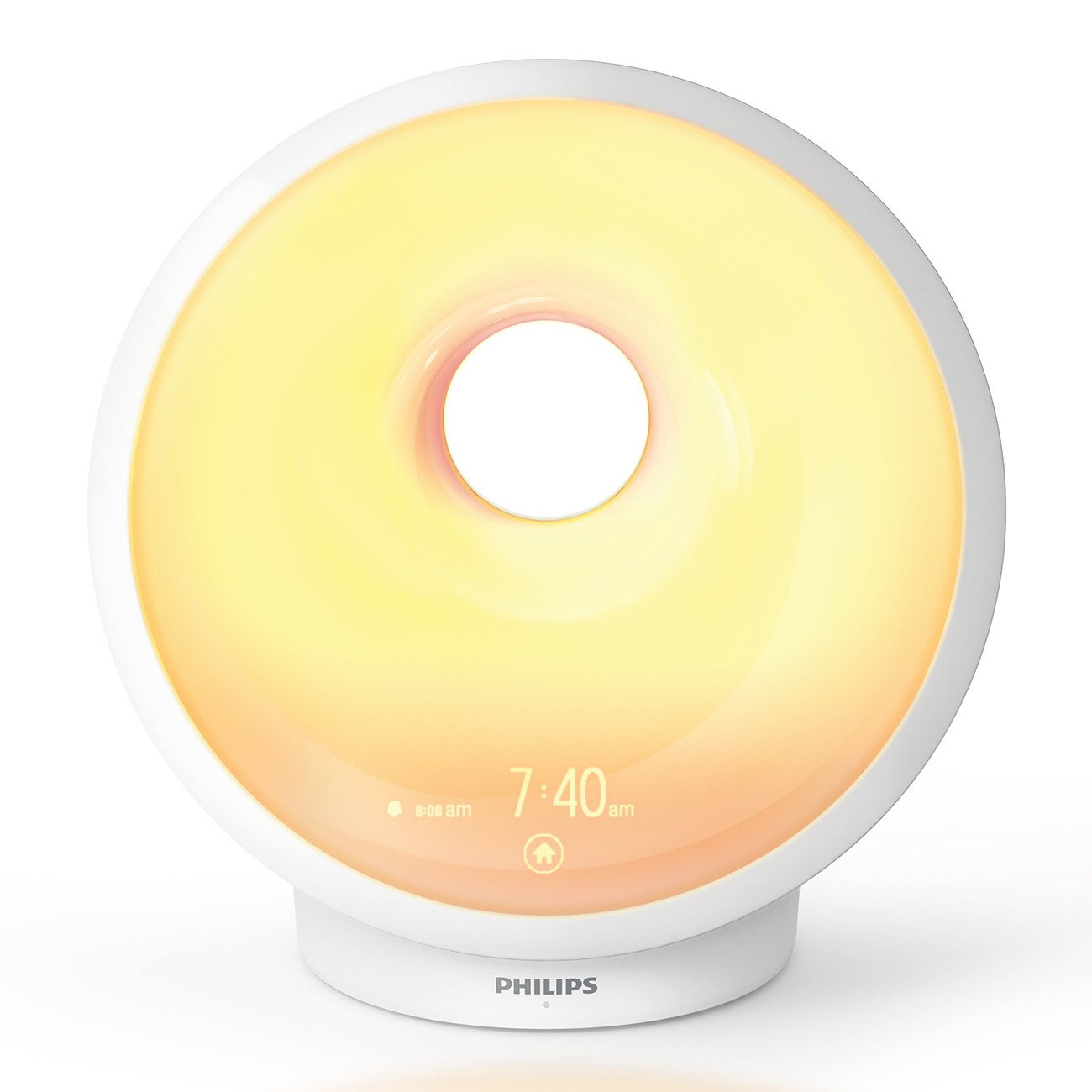
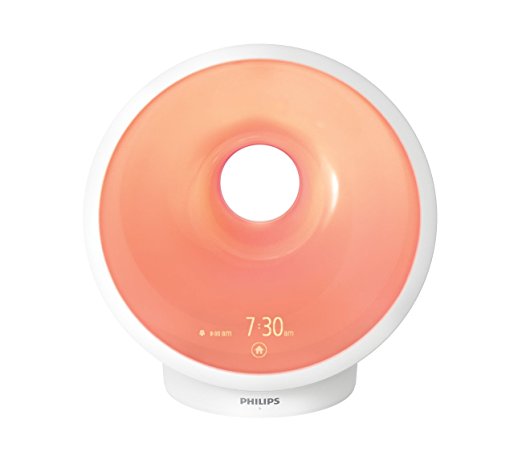
1. Philips Sunrise Wake Up and Sleep Therapy Alarm Clock

Daylight controls our body clock, and therefore, how easy it is to fall asleep or wake up. But unless you live near the equator, chances are you suffer with shorter days in winter, making you feel more like a sun-starved mole than a human being. Worse, you wake up in the dark, feeling groggy and unrested.

Super-charge your snooze with this sleep therapy alarm clock from Philips. Using specific, customizable lighting that mimics both sunrise and sunset, you can wake feeling rested every morning, no matter where you are or what the time of year.

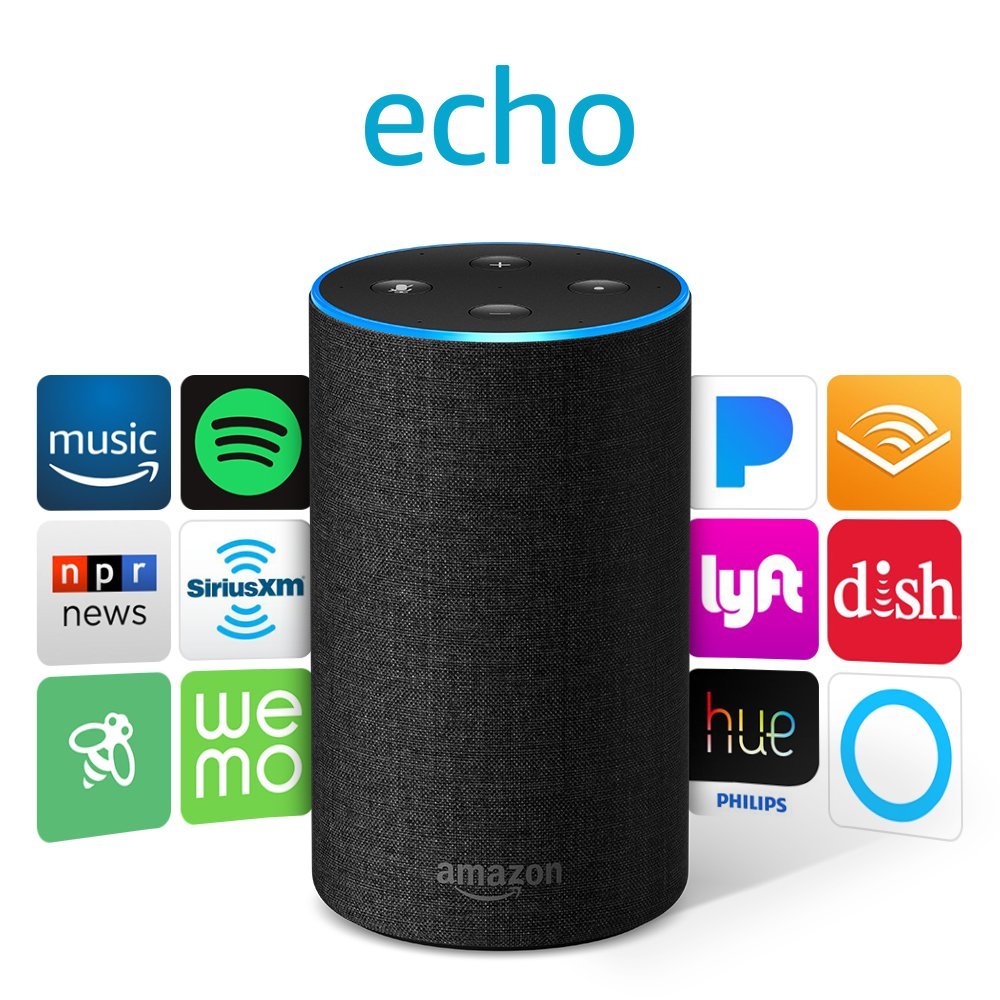
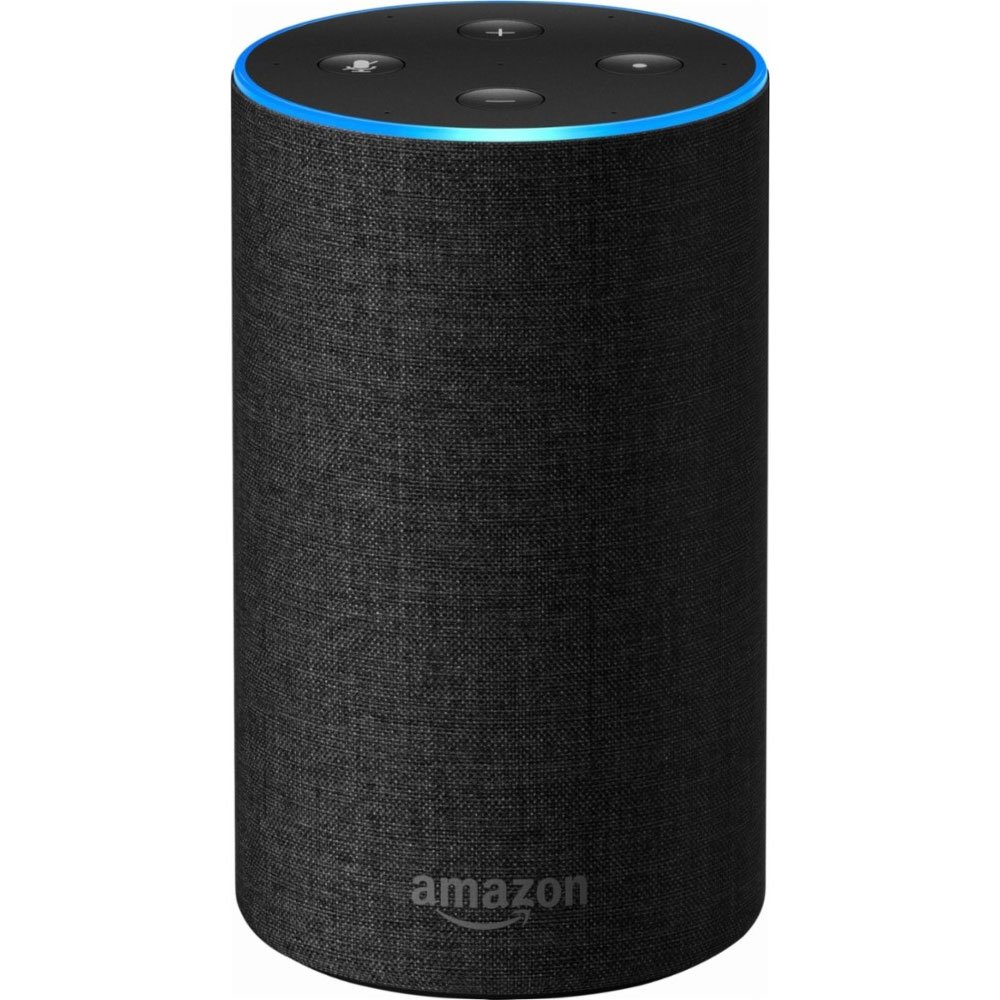
2. Amazon Echo

The Amazon Echo smart speaker does wonders for the bedroom. Listen to gentle music as you fall asleep – or even white noise, if that’s your bag. Get the morning’s news and weather as you wake, before your first sip of coffee, and whether you’ll need an umbrella that day. Even control your lights, heating, and other smart home appliances with just a few commands – not bad considering you can do it all without leaving the bed.

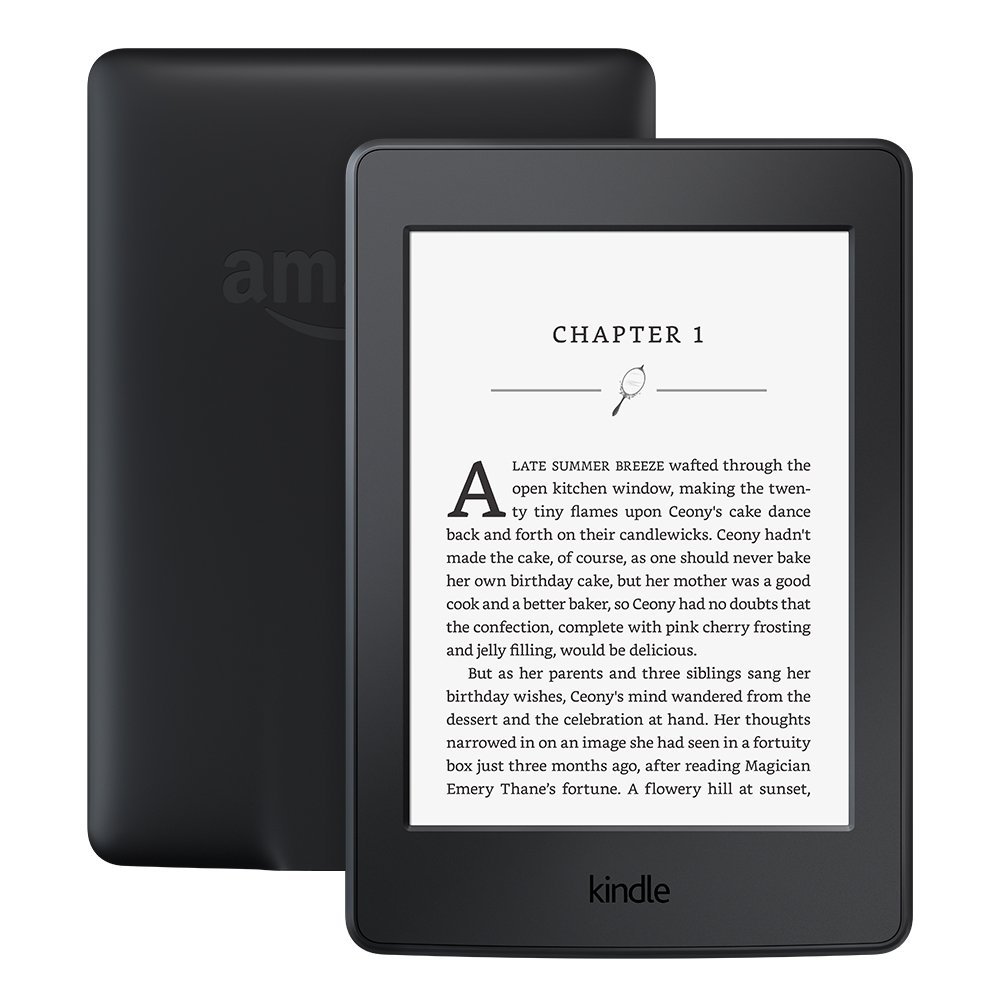
3. Kindle Paperwhite

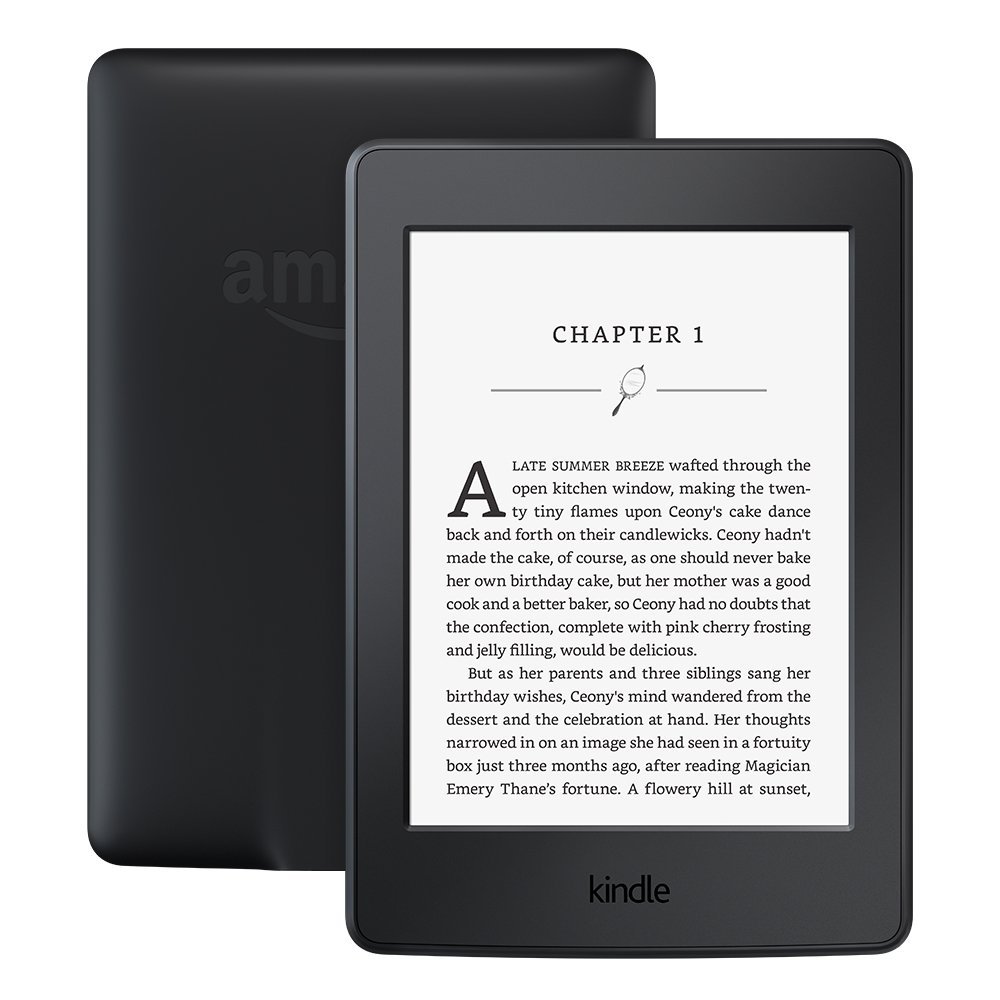
The Kindle Paperwhite is essential for regular readers. If, like me, you spend the last hour in bed squinting at a paperback in poor lighting, you need this e-reader. The LED downlighting makes reading easier in low light, and means you won’t disturb your partner’s slumber. You can change text size to suit your eyesight, and the 300 dpi resolution is super crisp. Turning pages is as easy as a thumb tap – perfect for one-handed, side-lying reading in bed.

4. Smart mattress

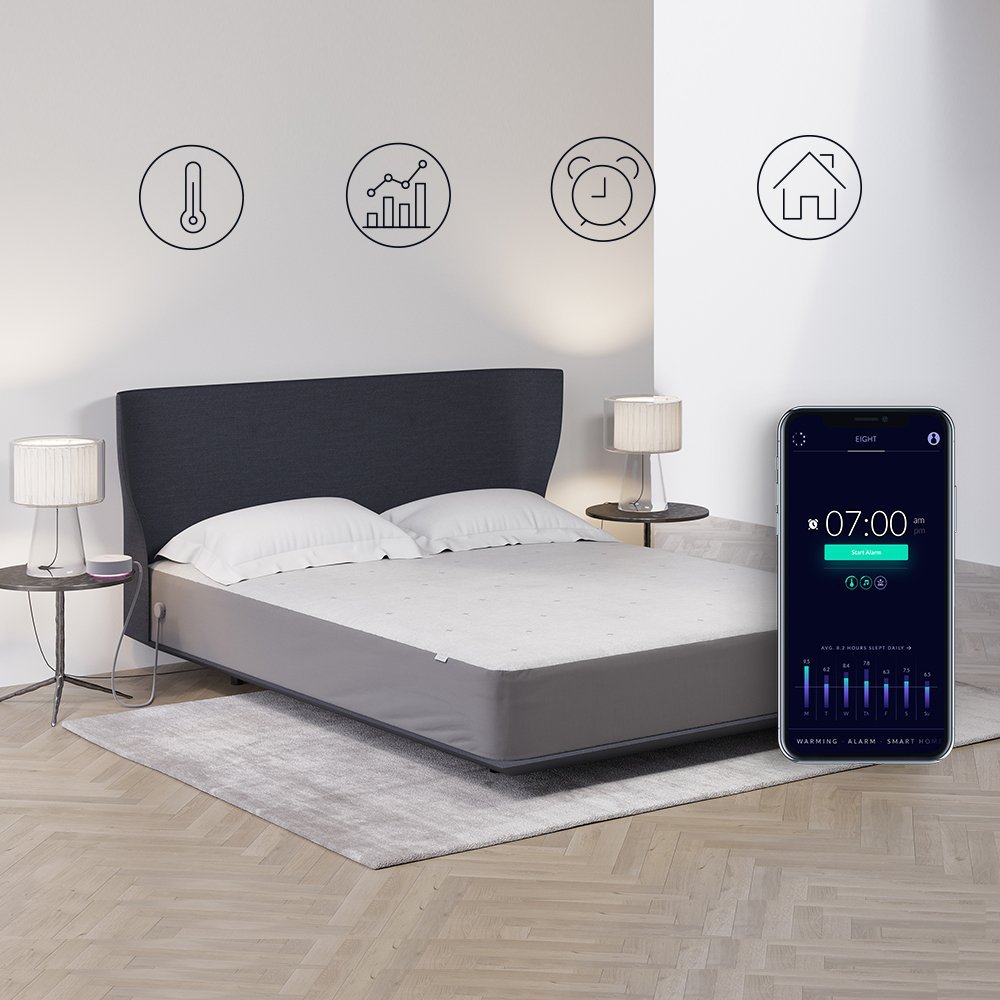
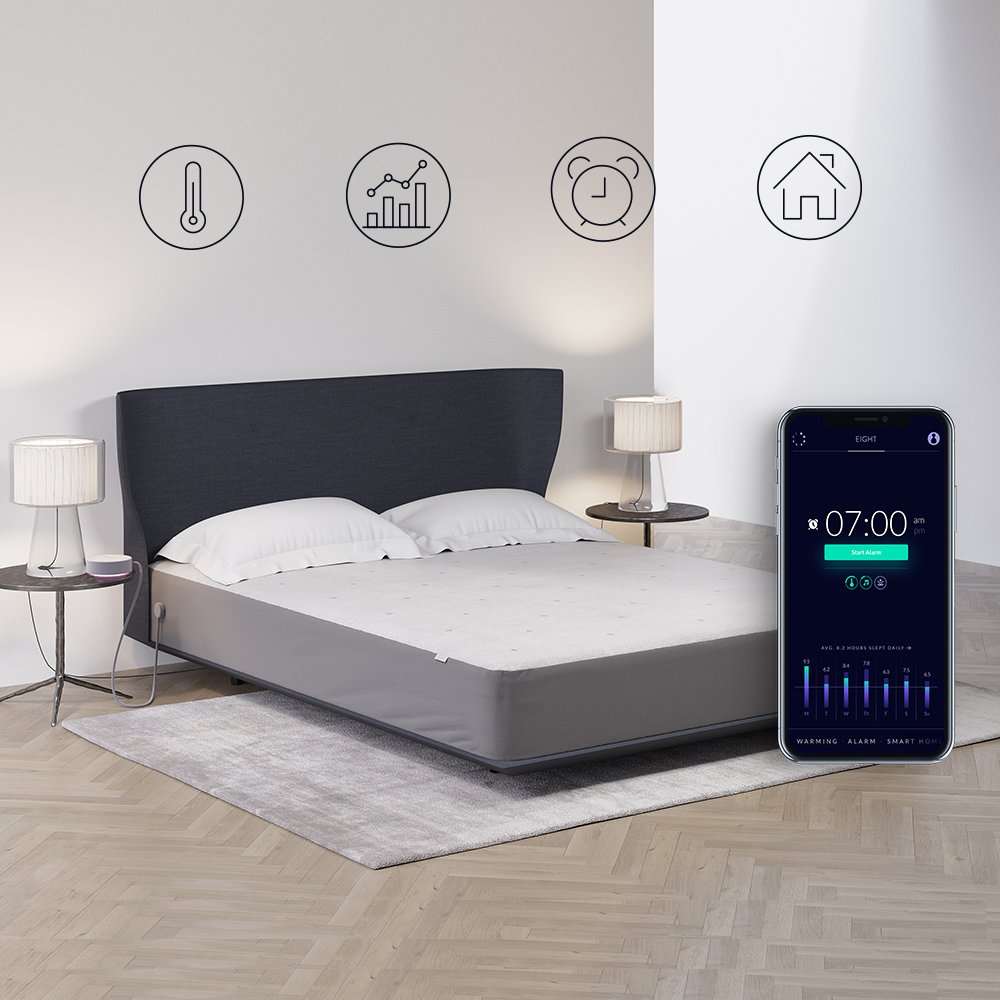
This is an expensive gadget, but a darn useful one if you have trouble sleeping. Aside from the king size memory foam mattress, it’s packed with intelligent sensors to analyze and monitor your sleep patterns. It even comes equipped with a warming layer so those winter nights are a tad more comfortable, and an alarm that wakes you up during your lightest sleep phase so you wake refreshed. Sync it with your Amazon Echo and get all your sleep data without ever touching the smartphone app.  

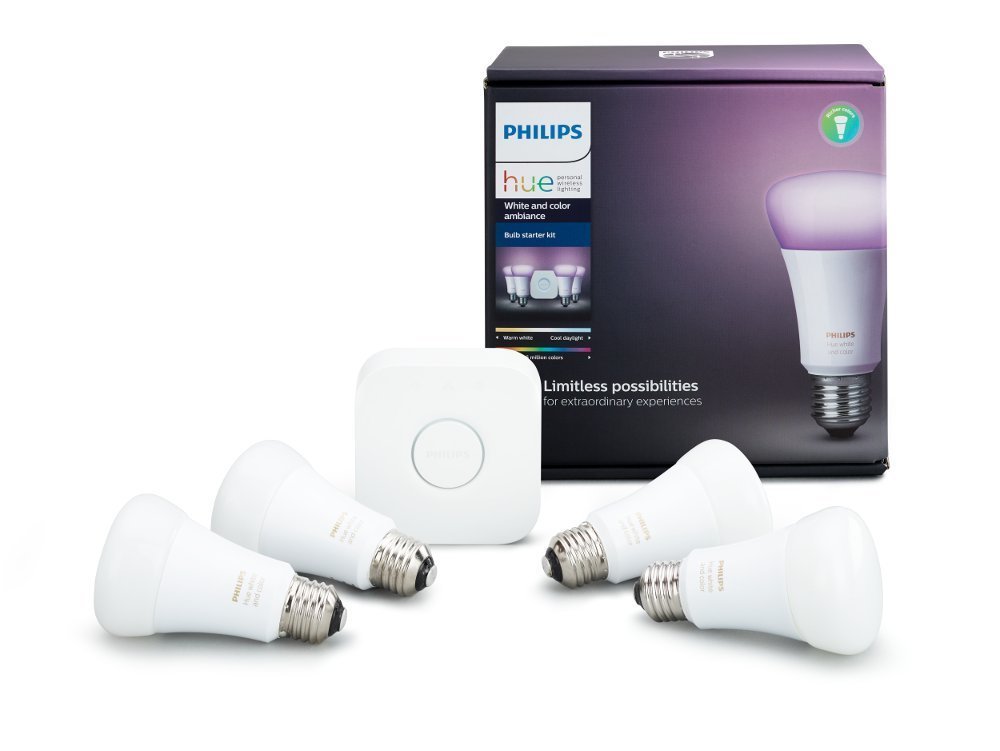
5. Philips Hue Starter Kit

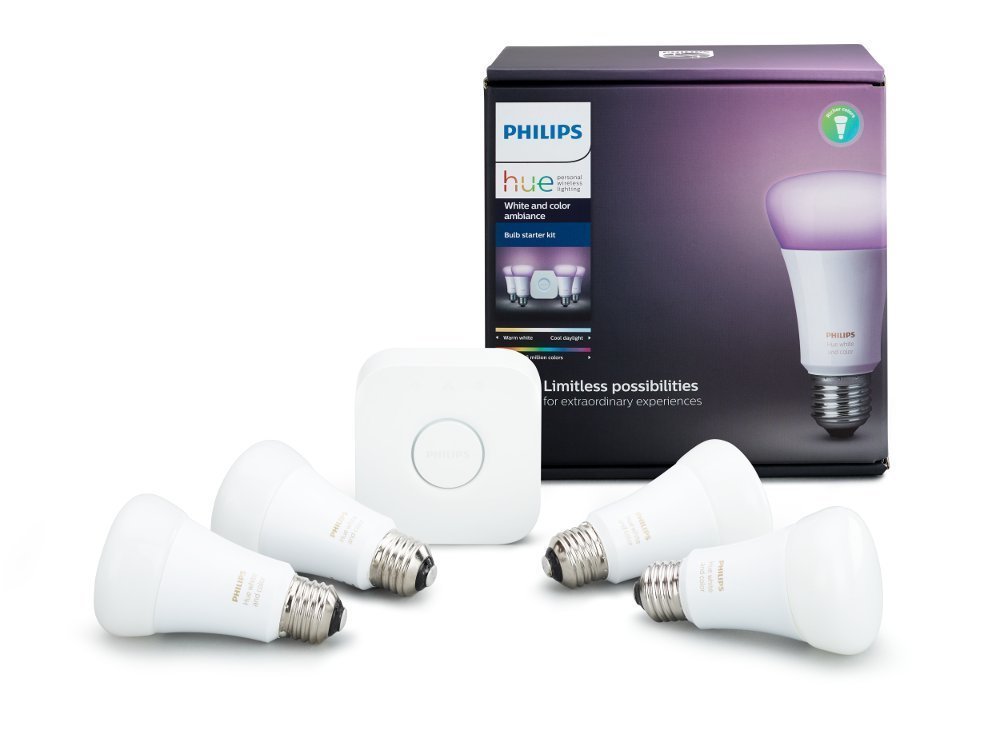
Light your bedroom in all the colors of the rainbow with the Philips Hue Starter Kit. Each of the four included lightbulbs is capable of displaying over 16 million colors, so you’re guaranteed to get into that nocturnal mood. The smart hub lets you control the lights using a smartphone or tablet, and if you hook it up with your Echo or Google Home, you can just tell your lights what to do, and hey presto, they’ll do it.

Well, those are our favorite gadgets for the bedroom – what are yours? Let us know in the comments below (and keep it clean, people!).


Do you need a flagship smartphone?

Smartphone envy. It’s a real bummer. Is it your fault? No. The tech giants pumping out new models every year spend millions of dollars convincing you you need one. Their so-called “flagships” are meant to be the best of the best – peerless, perfect, and luxurious – and with a price to match.

But if we disregard the frills, bells, and whistles – animated emojis, for example – just how important is face-tracking? How necessary is a fingerprint reader? How much screen space do you really need? How important are aesthetics for something that spends most of its time hidden in the palm of your hand?

As the race towards bezel-less screens, thin-as-paper bodies, and novel but (mostly) pointless features continues, I can’t help feeling we’re being sold a lie. Let’s face it: technology is cheap. You can buy a smartphone for under $200 that does most of what a $1000 flagship can do, so why waste the extra cash? Wouldn’t you rather take the cheaper phone and go on vacation instead?

Certain things are important, however. A good camera, fast operation, and pretty screen are usually what sets good phones apart from bad ones. So, let’s take a look at these features, and then you can decide if you need to bleed your bank account dry or can simply buy a cheaper brand and pocket the extra cash.

Camera

Where do you view your photos? Online? On your phone? Unless you’re blowing up photos to hang on the wall, the number of megapixels isn’t important. The sub-$200 Honor 7X has 16MP, which is more than enough for printing (and more than iPhone X’s 12MP).

When and where do you take photos? If during the day, or with flash, your camera’s aperture needs to be around f2.2, like in most sub-$200 phones. But for low light shots you need a “brighter” aperture of around f1.8 to avoid “noise” – a kind of grainy effect caused when the sensor’s sensitivity increases to capture more light. The flagships win for low-light photography, but you need to do a lot of it to make the extra spend worthwhile. Or just reduce noise using image processing software.

One other aspect where flagships shine is in Optical Image Stabilisation (OIS). This helps to counter unwanted camera shake that can cause blurry photos (when holding it in your hand, for example). Not all cheaper models have this, but unless you’re shooting in low light or have particularly shaky hands, you’ll still get great photos.

Screen

High Definition screens are the norm nowadays, and the Honor 7X even has an 18:9 edge-to-edge display despite its sub-$200 price. Nevertheless, the brightness, colors, and viewing angles will vary depending on the screen technology, with OLED being the choice of flagships, and LCD being the choice of cheaper phones.

So is OLED better than LCD? Not always. While colors and blacks might be punchier, OLED uses more power than LCD, meaning batteries might not last as long. And as Google quickly discovered with their flagship (the Google Pixel 2), “burn-in” can be a problem.

And as for screen size, you can get any size you want for under $200. Most phones tend towards bigger screens nowadays, and you definitely DON’T need a flagship phone for a five- or six-inch screen.

Most of us are happy to have LCD TV screens at home that are much bigger than our smartphones, so is it worth spending more for OLED? Probably not.

Speed

The speed of your smartphone is determined by three things: processor, RAM, and Operating System (OS). Processors and RAM are cheap as chips nowadays, so you’ll find fast octa-core processors and 2GB+ RAM in most sub-$200 smartphones.

Operating Systems are a bit different. iOS on iPhone and Android on Google work so well because the hardware and software are designed by the same people. There’s no such thing as a sub-$200 iPhone, and outside of Google’s own hardware, Android’s stability varies – probably because other manufacturers like to tinker with it.

But as Android is always improving with each release, performance issues are less common. And it’s not worth spending hundreds more when flagships themselves can suffer performance issues – some of which are intentional (I’m looking at you, Apple).

It’s easy to buy into premium branding and forget that your smartphone is just cheap components assembled into something useful. For some people, that’s okay. There’s nothing wrong with liking nice things, whether that’s the satisfaction of owning a flagship phone, or the extra novelty that makes it more fun. But for everyone else, there’s plenty of choice at a fraction of the cost.
4 of the most affordable IoT devices

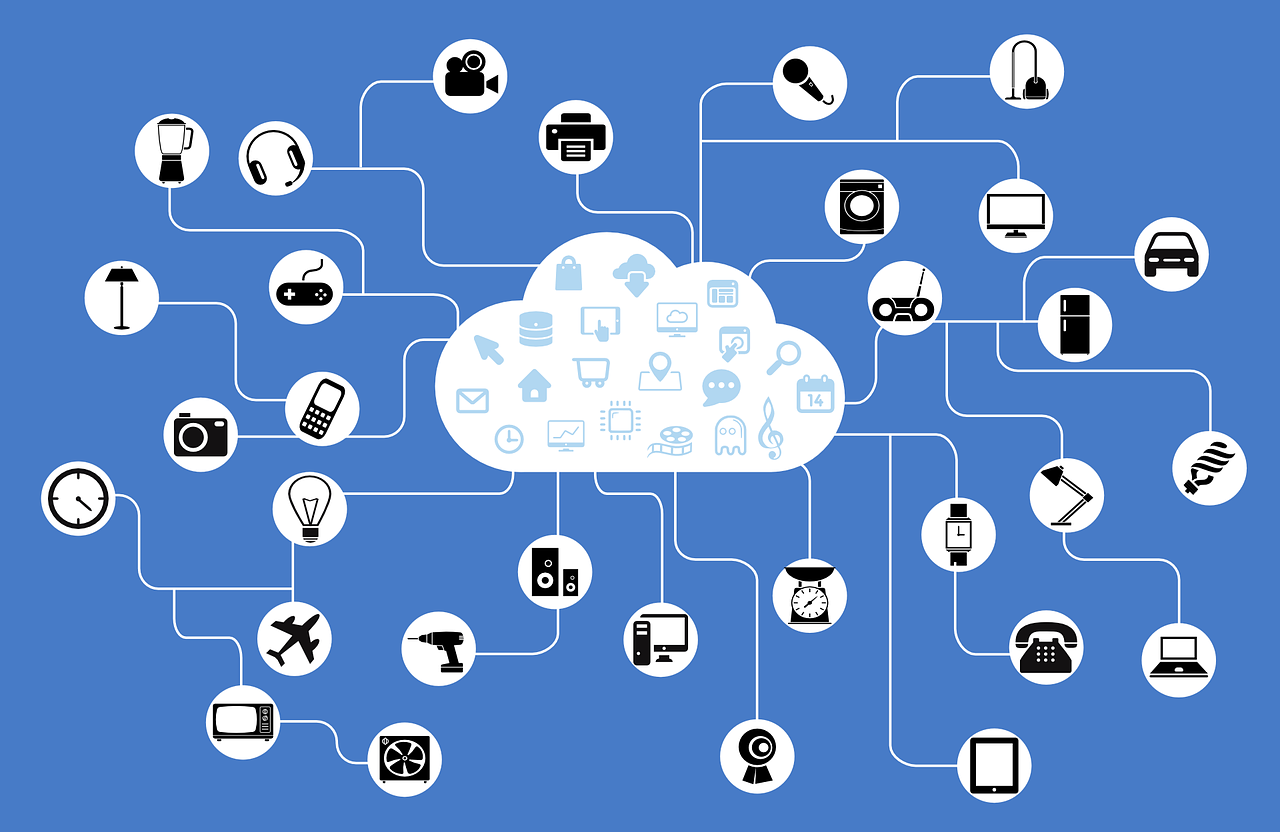
The Internet of Things (IoT) has long promised to bridge the gap between the internet and the physical world. The estimated number of internet-enabled devices increased 31% from 2016 to 8.4 billion in 2017, and experts predict that there will be 30 billion of them by 2020. With an estimated global market value of $7.1 trillion by 2020, IoT looks set to become a big part of our future lives.

While not every device is as useful as it claims to be, manufacturers are scrabbling to release an ever-increasing number of products. You may have noticed one common trend among them all: they’re expensive. This kind of makes sense – we’re not just talking about a normal hairbrush; we’re talking about a smart hairbrush, with Wi-Fi, a microphone, and a gyroscope. No, really.

Fortunately, with the sheer number of devices available, you can find IoT devices that don’t break the bank. Here are four of them.

Tile – $26.99


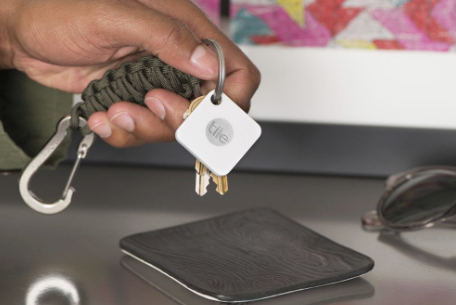
First up is this handy little gadget. The Tile is a tiny Bluetooth tracker that attaches to just about anything. Keys, bags, wallets, or whatever else you can think of. The device is simple and easy to use – just pair it with your phone, open the app, and as long as you’re within 100 feet of the Tile, it’ll play a loud tune until you find it.

It works the other way too. Just click Tile, and it’ll make your phone ring. There are also “Sport” and “Style” versions with waterproofing and double the range of the standard model.

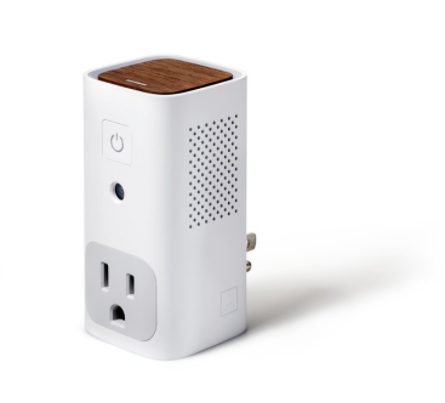
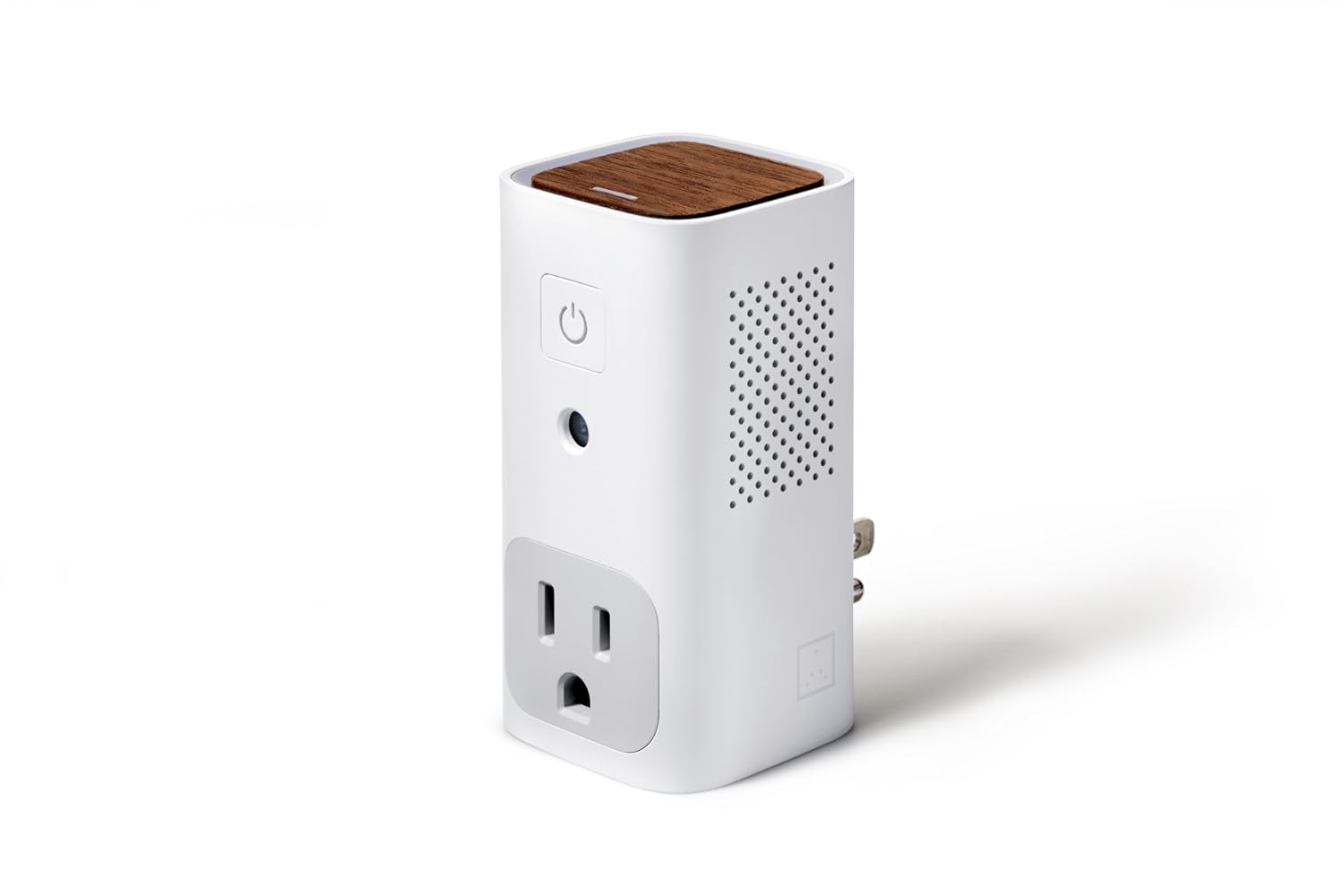
Awair Glow – $99g

The Awair helps you monitor air quality in your home, giving you the temperature, humidity, and CO2 levels and chemical composition. The LED on the top shows you at-a-glance – red, yellow, or green – what the overall quality of air in a room is, and the associated app lets you track exact levels down to the PPM (parts per million) while also logging past data so you can see improvements over time.


Cleverly, the Awair can also trigger non-smart devices such as dehumidifiers or air filters at specific times, or when certain criteria are met within the measured parameters.

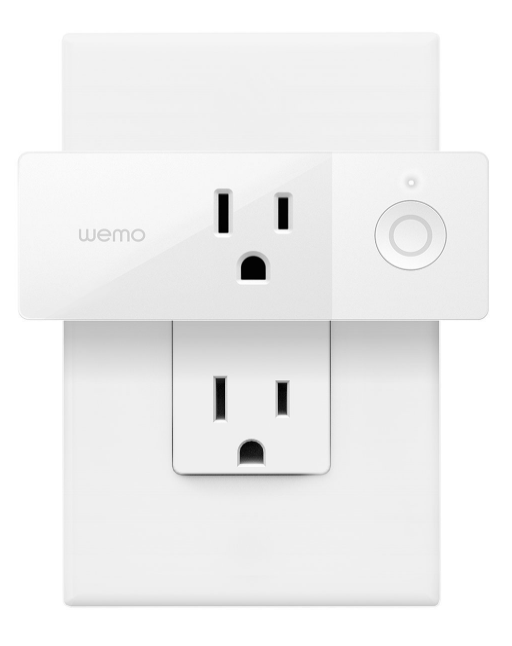
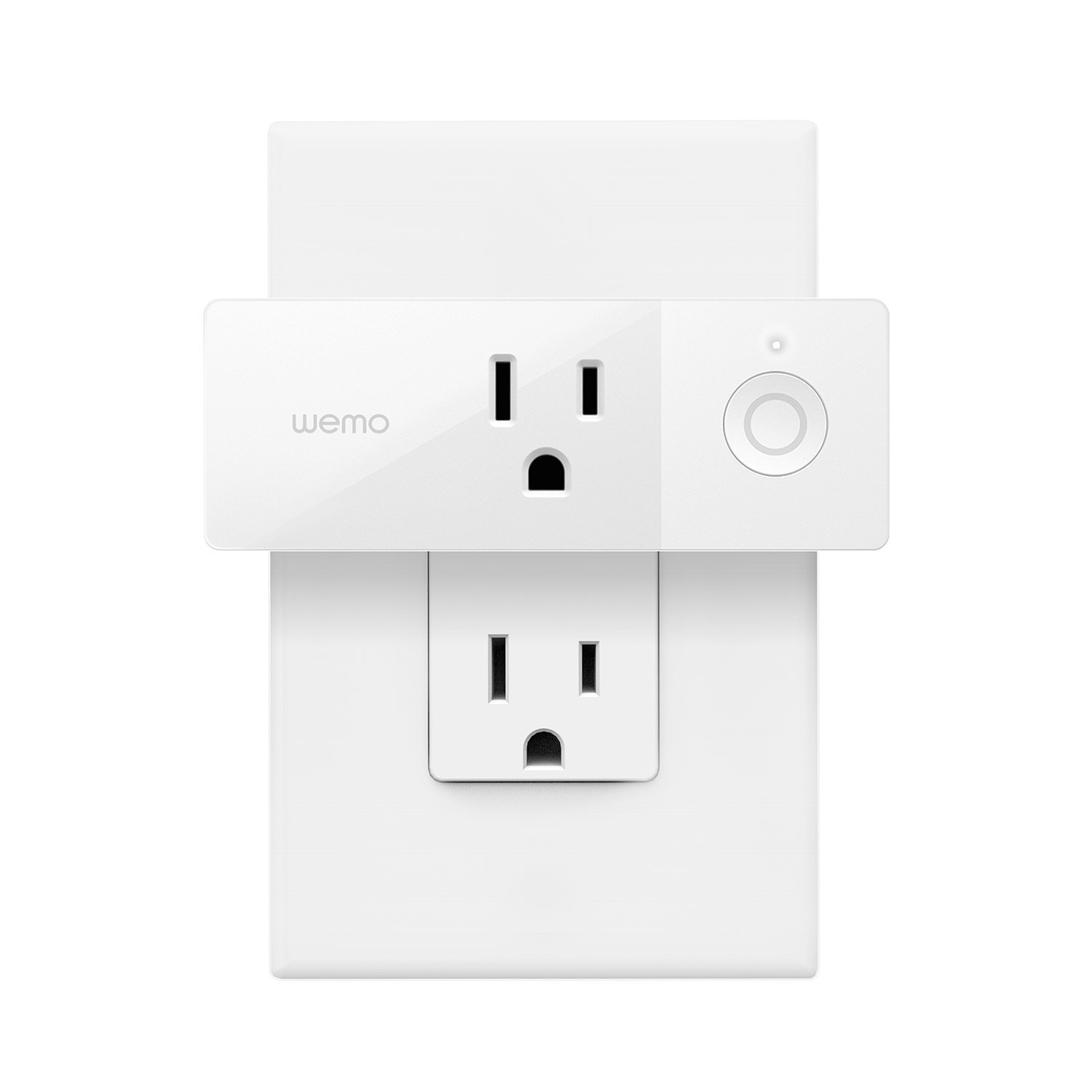
Wemo Mini-Smart Plug – $29.99

This handy plug lets you turn any pluggable device into a smart one. Using your existing home Wi-Fi, you can wirelessly control TV’s, lamps, heaters, fans, and anything else you can plug in, all from the Wemo app. You can also set schedules for devices and control them via your phone, giving you control over your devices even when you’re not at home.

Kas Smart LED Light Bulb – $39.98

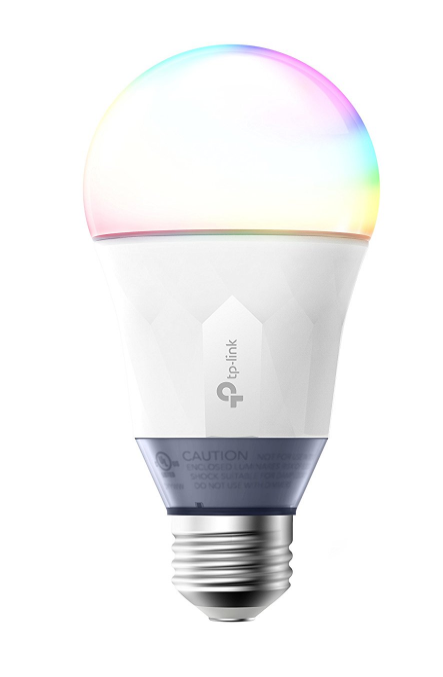
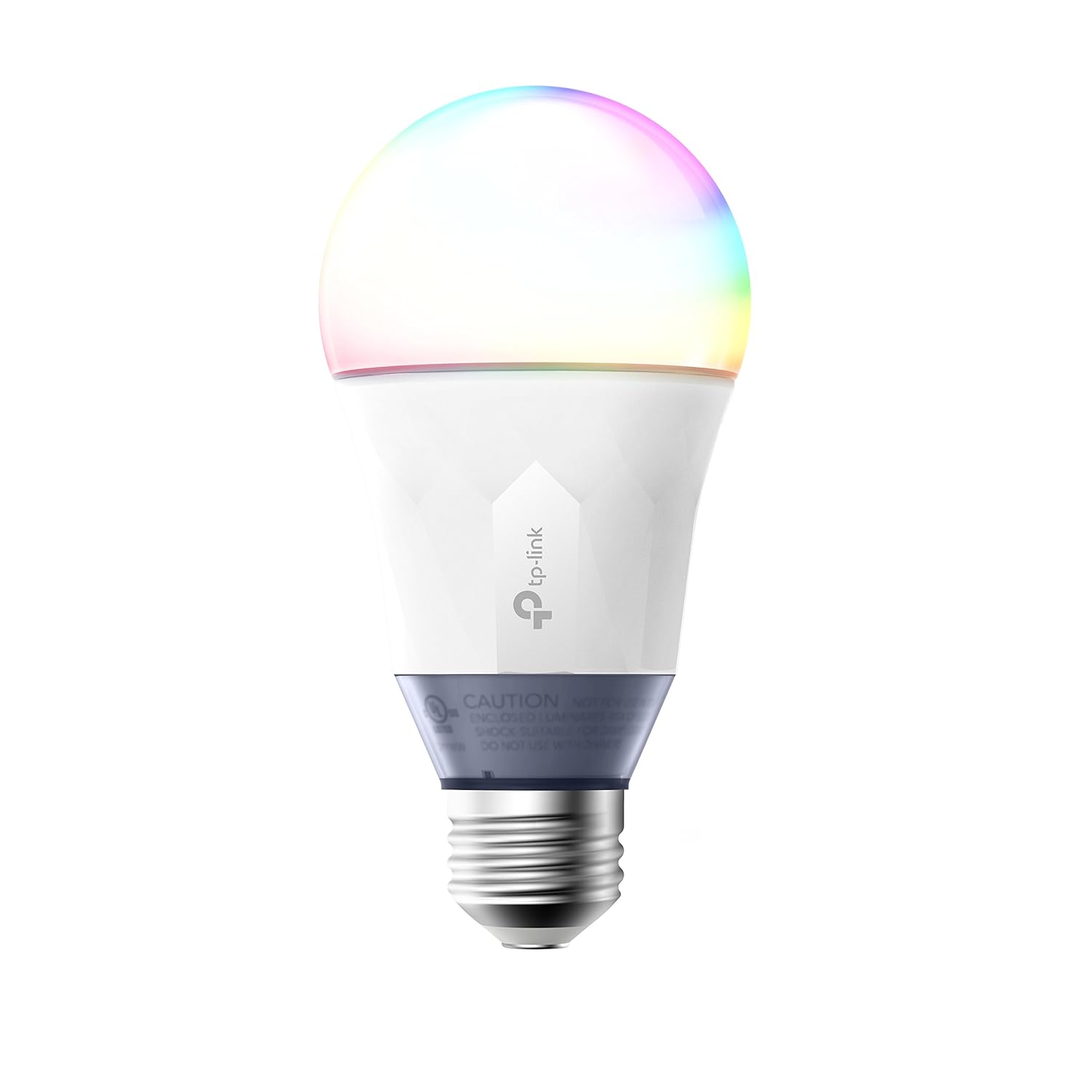
Control your lighting from a smartphone with this smart bulb from Kas. Connecting via your home Wi-Fi, you can use the free Kasa app to set colors, brightness, and track energy usage from your smartphone or tablet. The app lets you create schedules or “scenes” that let you set the mood with a swipe. Or just ask Alexa or Google Assistant to dim the lights for you.

So, remember, it doesn’t cost the earth to add a bit of IoT convenience to your home. Hopefully, some of the devices above will fit your budget!

How to use Facebook Marketplace to sell what you no longer use

When Facebook implemented its own system for buying and selling, many wondered if it would actually be successful. And although it has a long way to go before overthrowing Craigslist, Facebook Marketplace is making a dent. At Softonic, we want to tell you about this option, so we’ll show you how to use Facebook Marketplace to sell what you no longer use.

How to access it

The first thing you should know is that Facebook Marketplace isn’t an extra app or hidden site. This buying and selling hub is available from the main Facebook app or browser. You can access the marketplace from PCs or smartphones, and the only requirement is to have a Facebook account.

In the case of PC, the option appears on the left, fourth from the top. As for Android or iOS devices, the Marketplace can be found in the drop-down menu that appears next to “Notifications.”

How to use it

The first thing to clarify is that the Marketplace isn’t a place where you can make financial transactions like Ebay or Paypal, for example. On Facebook Marketplace, you can put a product for sale, but the money needs to be sent with another method, whether that’s Venmo or Zelle or whatever.

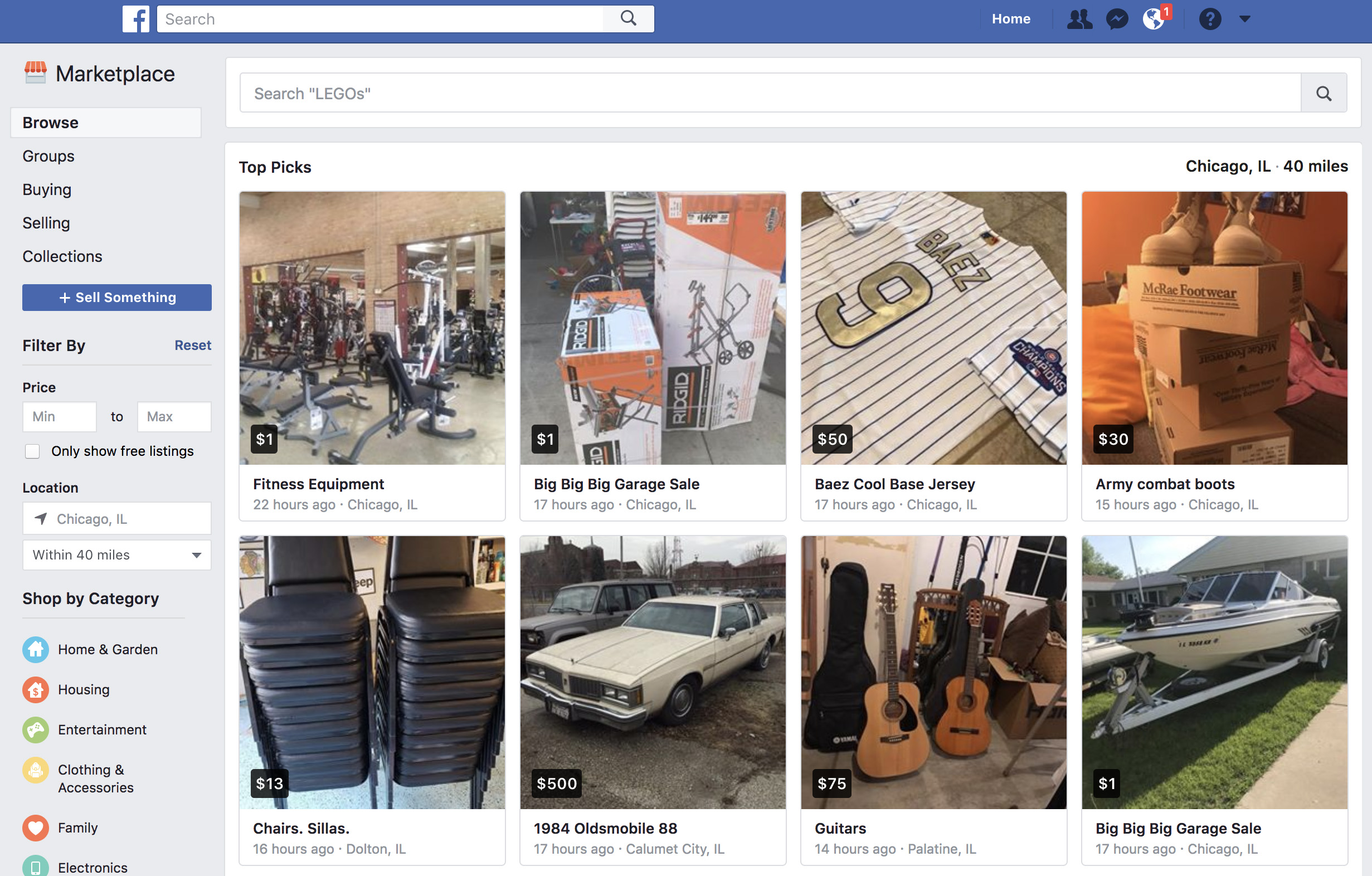
Once you enter Facebook Marketplace, you should check out the categories that appear on the top left: “Browse,” “Buying,” and “Selling.” “Browse” is self-explanatory: it’s where you can search for products. Enter the name of the item you’re searching for and look carefully at the settings that appear on the left, where you can narrow the price and the location. Once you’re interested in the product, click on it and get in touch with the seller. 

As for the other option (“Selling”), this is for everything you want to get rid of, once somebody has contacted you. However, you just have to click on “Sell something” to create a corresponding ad. Just fill in the “What are you selling?” field, add a price, a location, select a category and upload the photos that best highlight the item. Once you’ve got everything, click on “Publish” so it appears on the Marketplace. Then sit back and let the money roll in!

Affordable accessories for photography enthusiasts

Photography lovers, are you ready to take the next step? If you love going out with your camera and taking pictures, we’ve got four great accessories to make your photos turn out better. This gear is only as good as your ability to use it, but with a little practice, you can dramatically improve the quality of your images!

A tripod

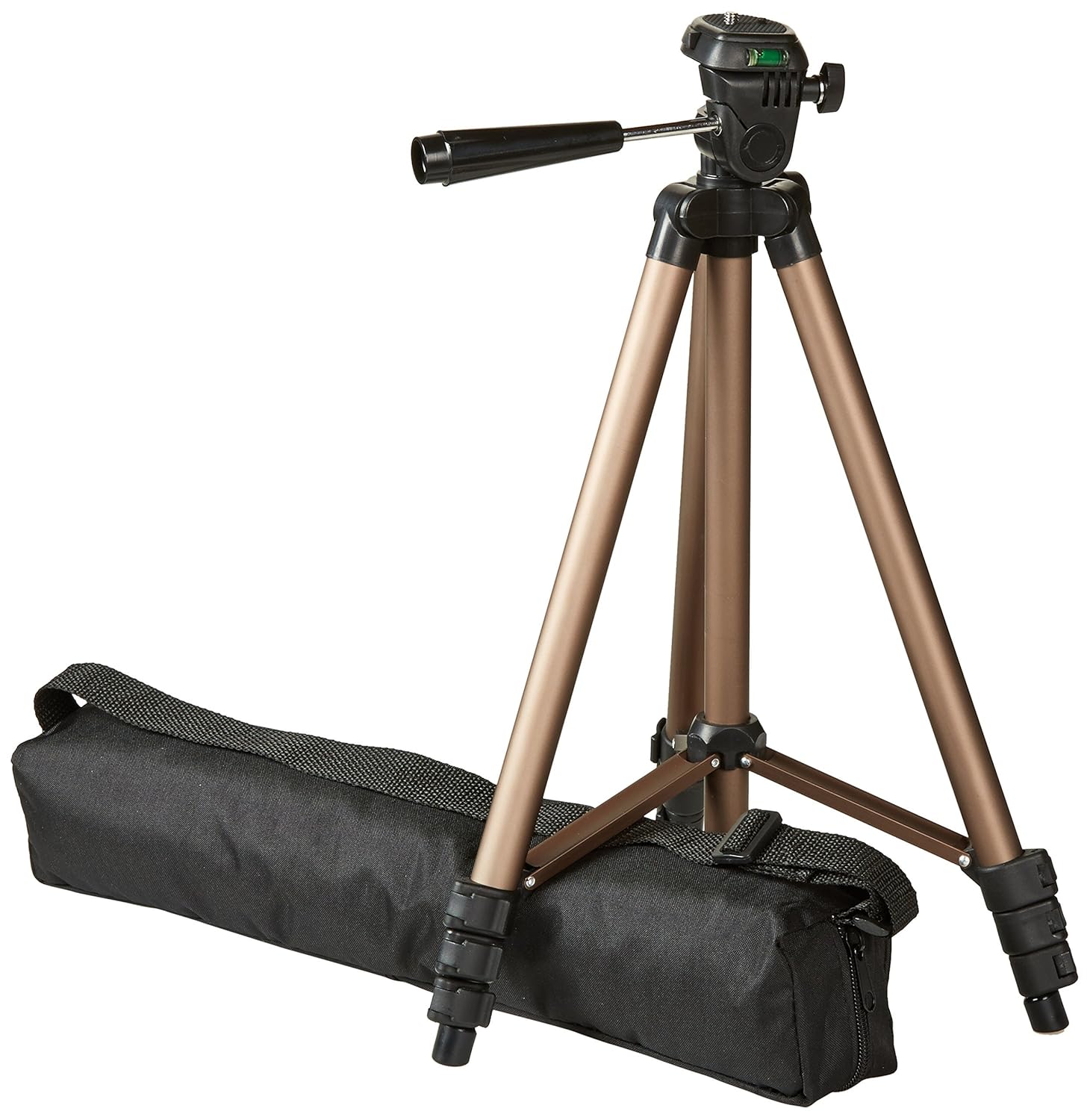
If you’ve been taking photos for a while and still don’t have a tripod, it’s time to get one. Maybe for “normal” photos, it doesn’t make sense, but if you need to mess with shutter speed, a tripod becomes your best friend. The one we’ve included here is less than $17. It’s just 16.5 inches when collapsed, but extends to 50 inches at full height. It only weighs 1.25 pounds, so you’ll barely feel it. This thing also has a quick-release plate, so if you need to grab your camera in a hurry, you won’t have to sit there and unscrew it. As a bonus, this tripod is made of aluminum and not plastic.

Camera bag

Once you have a real camera and not just your phone, you’ll have a lot more accessories to carry. Lenses, batteries, filters, the list goes on. Don’t just ram it all in a duffel bag. Get yourself a legit bag with specific pockets and storage areas for memory cards and lenses and the camera body. It protects your gear and makes it way easier to transport.

Hand grip

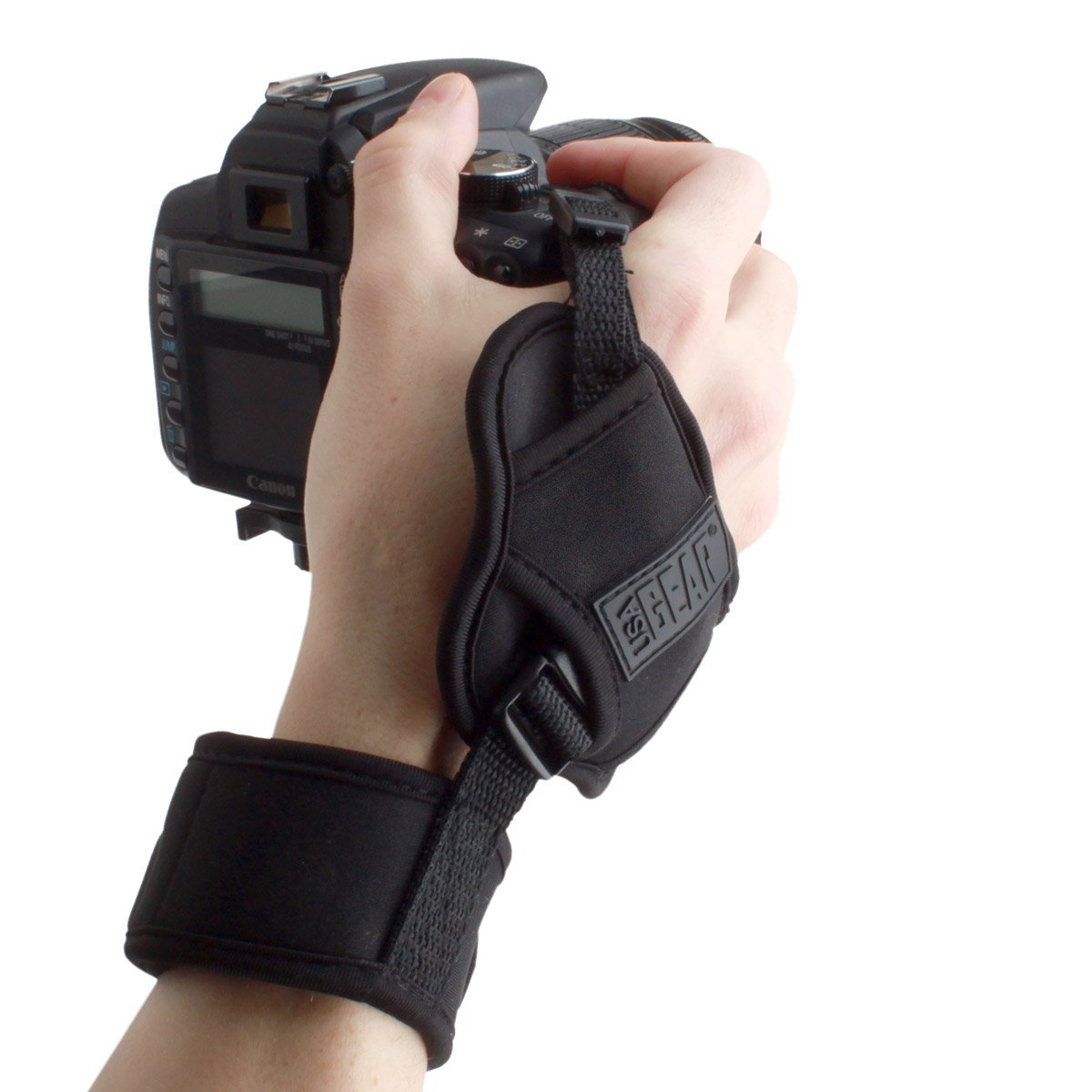
As important as a tripod is, a solid hand grip can be even more important for photographers on the go. It attaches between your wrist and the camera and with a fixed system almost identical to a tripod, it keeps the camera body stable. It’s almost magic. Unlike the conventional tripod, a hand grip offers greater freedom of movement. And if black isn’t your thing, you can get one in camouflage or a floral pattern.

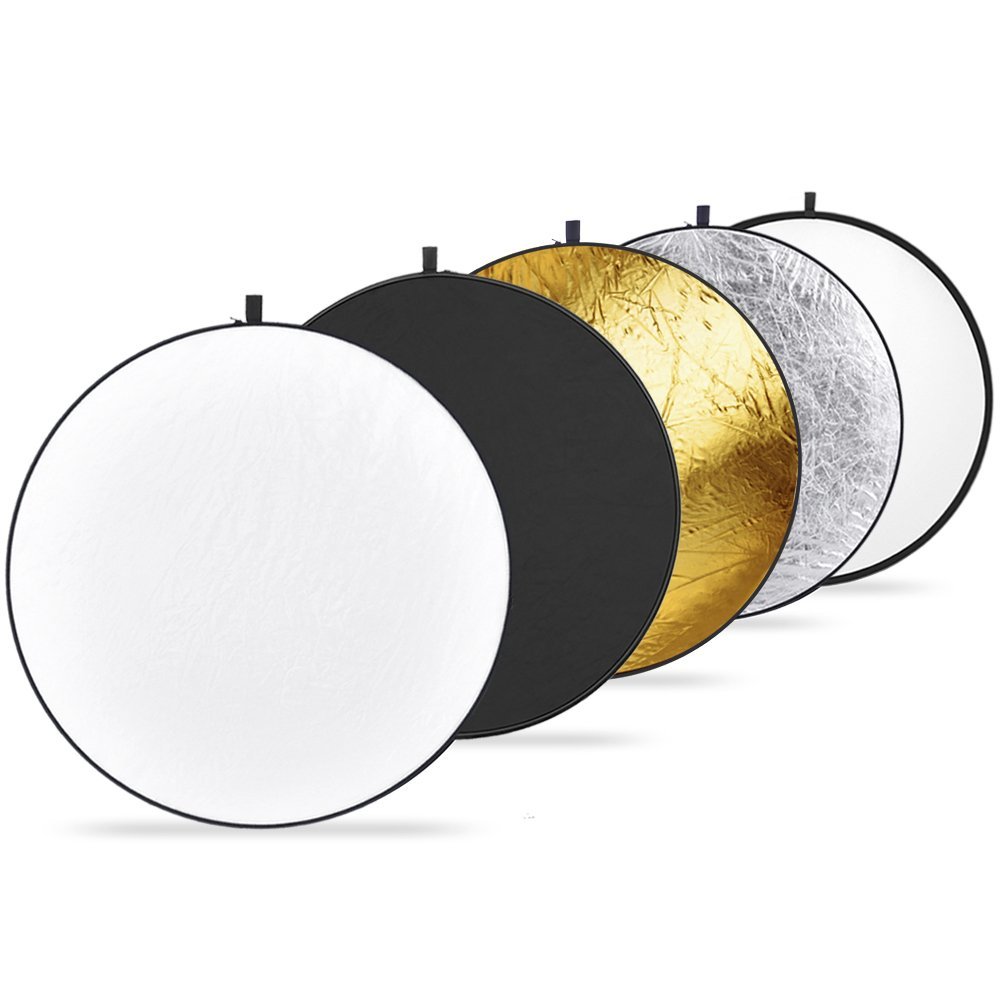
Reflector pack

Now we’ve reached the professional level: reflector packs. Photographers who rely on these reflector discs really know their craft. You can’t just fling them anywhere. You have to know how to play with light and shadow.

Every reflector has a color: silver, gold, black, white, and translucent. It’s important to know how each one works, since each produces a different effect. If you’re willing to experiment, these reflectors are light, easy to carry and are 43 inches wide.

How to get free games with Amazon Prime

How did we live before Amazon Prime? We actually had to go out shopping for things instead of having them brought to us at home a mere two days after buying them. Since its creation, Prime has evolved to include Prime Video (a major streaming force like Netflix and Hulu). And now, Prime membership includes a premium Twitch account.

It may be under the radar for now, so Amazon is pushing hard. They are giving away free video games.  We’ll repeat. Free. Games. Free games!

How to get free games with Amazon Prime

Before you start

Before you get started, there’s one critical requirement: you can’t get free video games without an Amazon Prime account. If you click that link above, you’ll get a 30-day free trial. After that, you can pay $12.99/month or $99/year. Considering all the benefits, it’s worth the investment. If you’re not sure, just get the trial and you can cancel. Once you’re all signed up for Prime, you’re ready to play.

How to get free video games

To access the completely free available titles, you’ll need to create a Twitch account. It only takes a few seconds. Once you’ve done that, you’re ready for the important part: linking your Amazon account with your Twitch account. You can sign in using a link on Twitch, or just click here.

Enter your Amazon password and sign into Twitch as well. Once both services are automatically connected, this screen pops up:

Click on “Claim your free loot” to not only see the video games available that month, but also all the rewards the platform offers. Once you do that, you’ll see everything appears under the crown icon in the upper right part of the screen. Click there to access all your content.

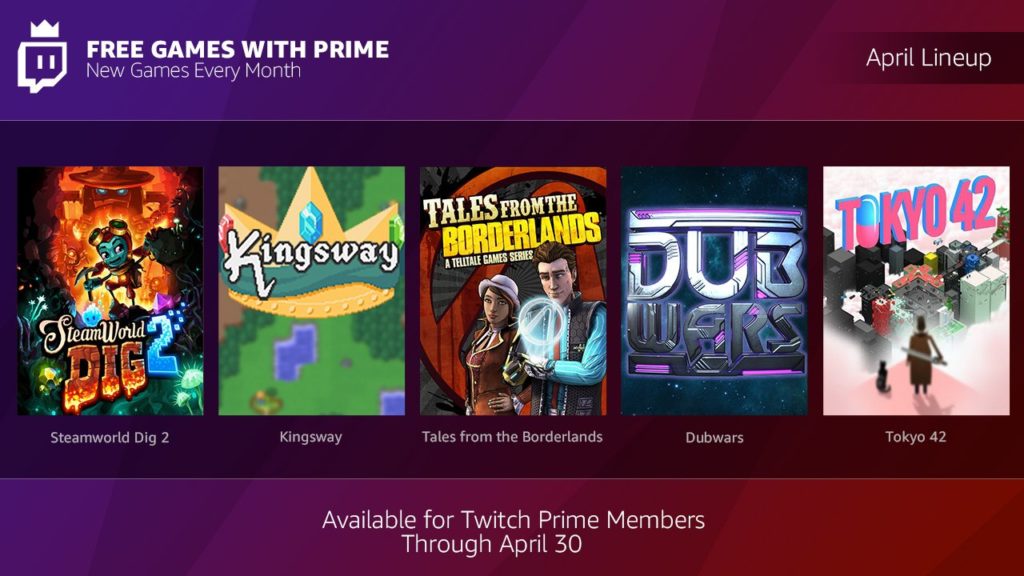
The video games available in April are Tales from Borderlands, Steamworld Dig 2, Kingsway, Tokyo 42 and Dubwars. Happy gaming!

No needle, no problem

Source: The Verge

Lead: You’ll soon be able to scratch that DJing itch without an expensive or temperamental needle.

DJing was once derided by fans who couldn’t see the attraction in people playing other people’s music. But since the dawn of disco and through the ascendancy of Hip-Hop, House, Techno, and whatever the latest and greatest forward thinking minimal music genre will be, DJs have become the kings and queens of the party. Everybody wants to be a DJ.

Being a DJ used to mean carting round boxes of records with you everywhere. Then things went digital, which meant a USB pen and a pair of headphones was enough unless you wanted to scratch that is, which requires the record player needle to feel the musical grooves of the record and be dragged back and forth across them. There was a technical solution for that, however, with timecode vinyl allowing the needles to pick up how long a record had been playing and then transmit the data to a laptop that would blast out the music at the corresponding moment.

Needles can be expensive and temperamental, raising problems for DJs. Problems that a brand new device aims to solve. The Phase, which will cost around $300, is a pair of sensors that are placed on the turntables. The sensors send information about their movements to a receiver that then works similarly to the software playing timecode vinyl. With early demos showing no lag and impressive responses, even to complicated movements, The Phase could be about to make scratch DJing cheaper, and easier while also addressing some key industry issues for pro DJs.